Free Screenplay Format Templates (Word, PDF)
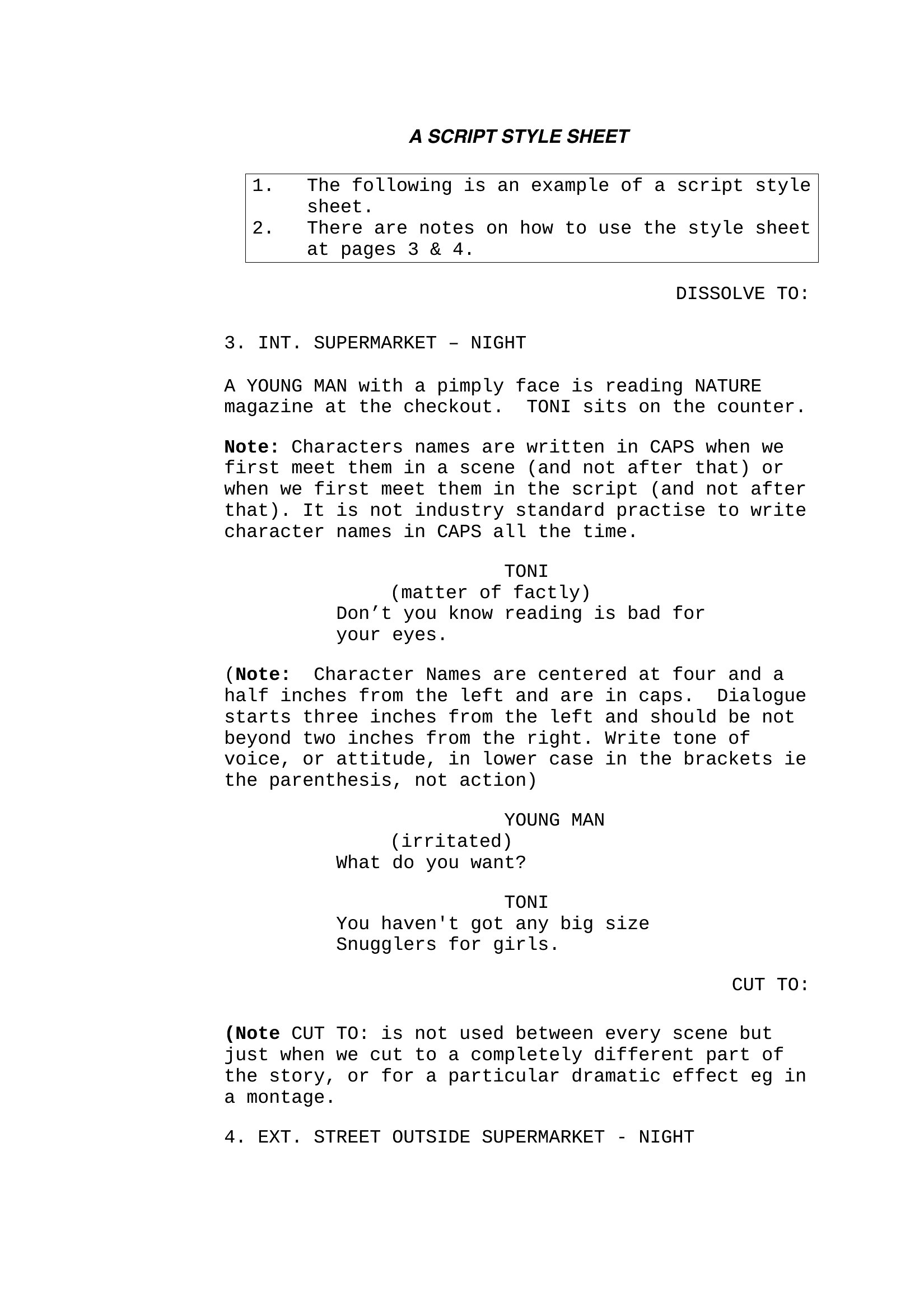
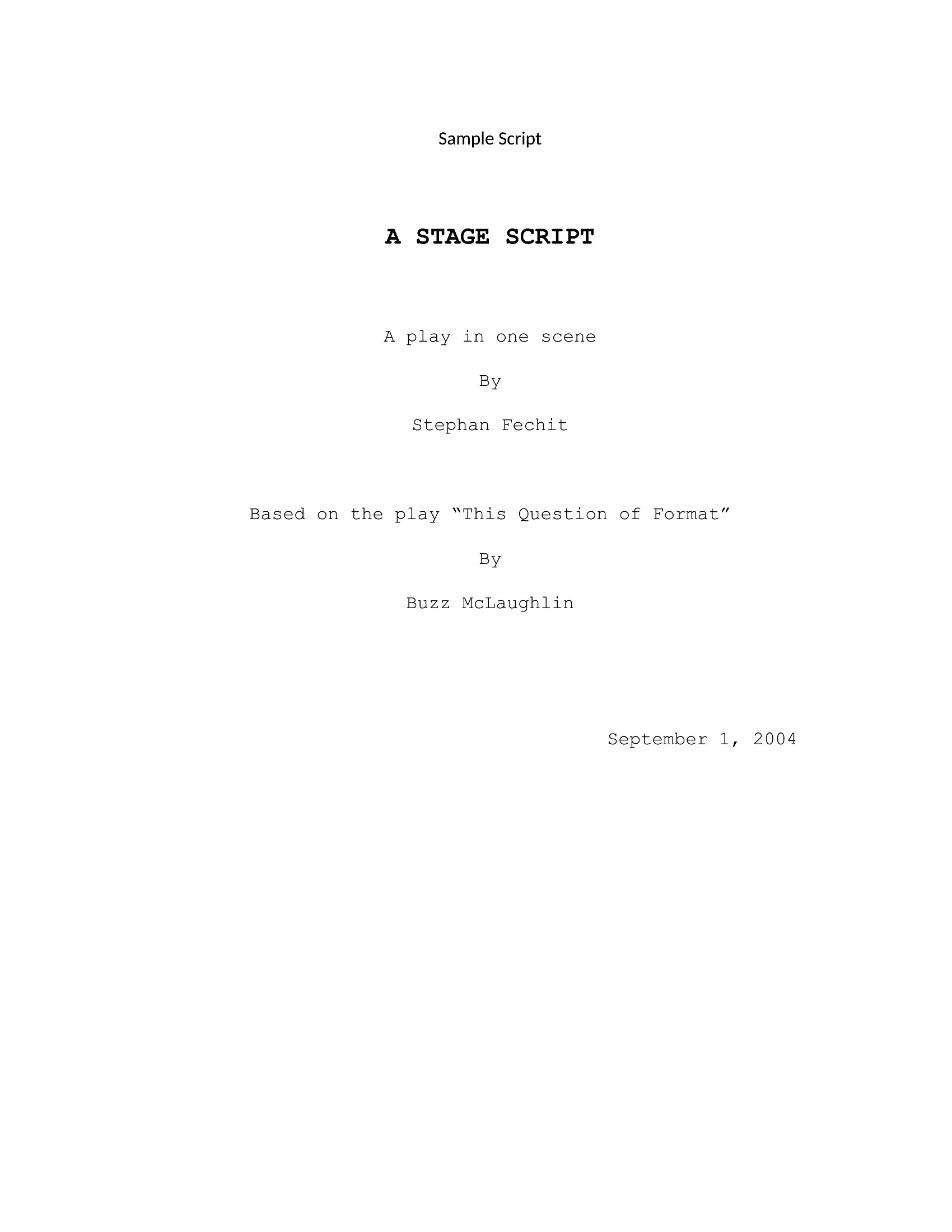
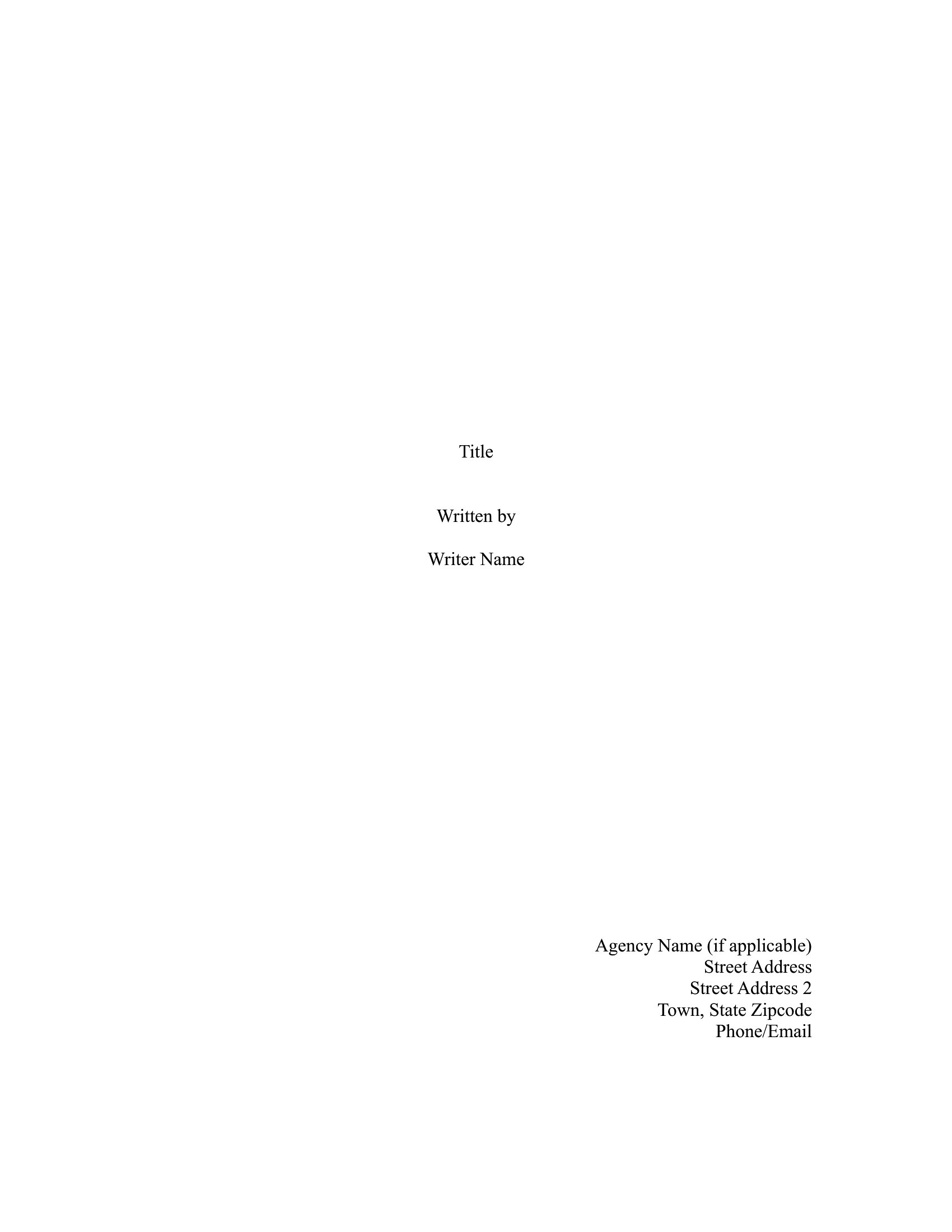
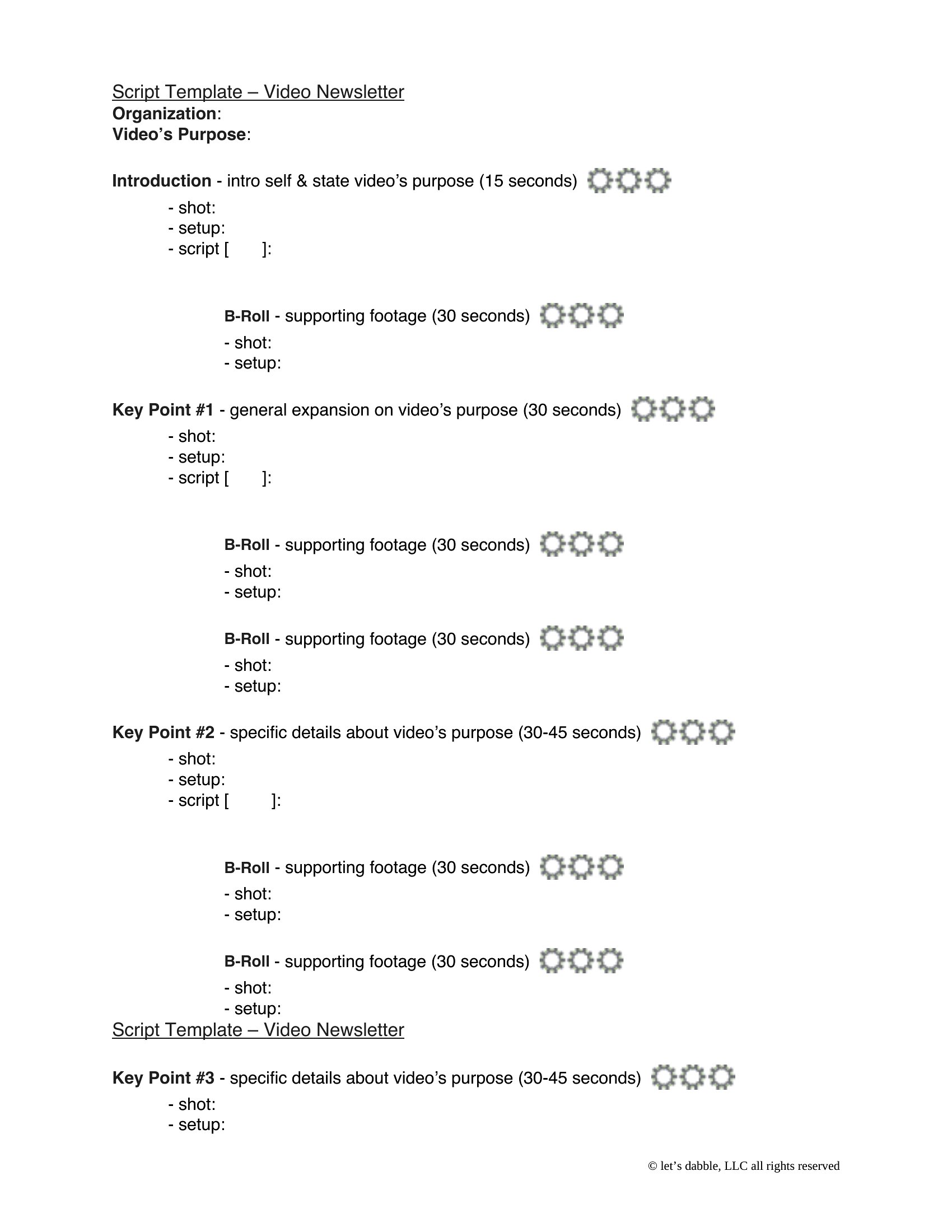
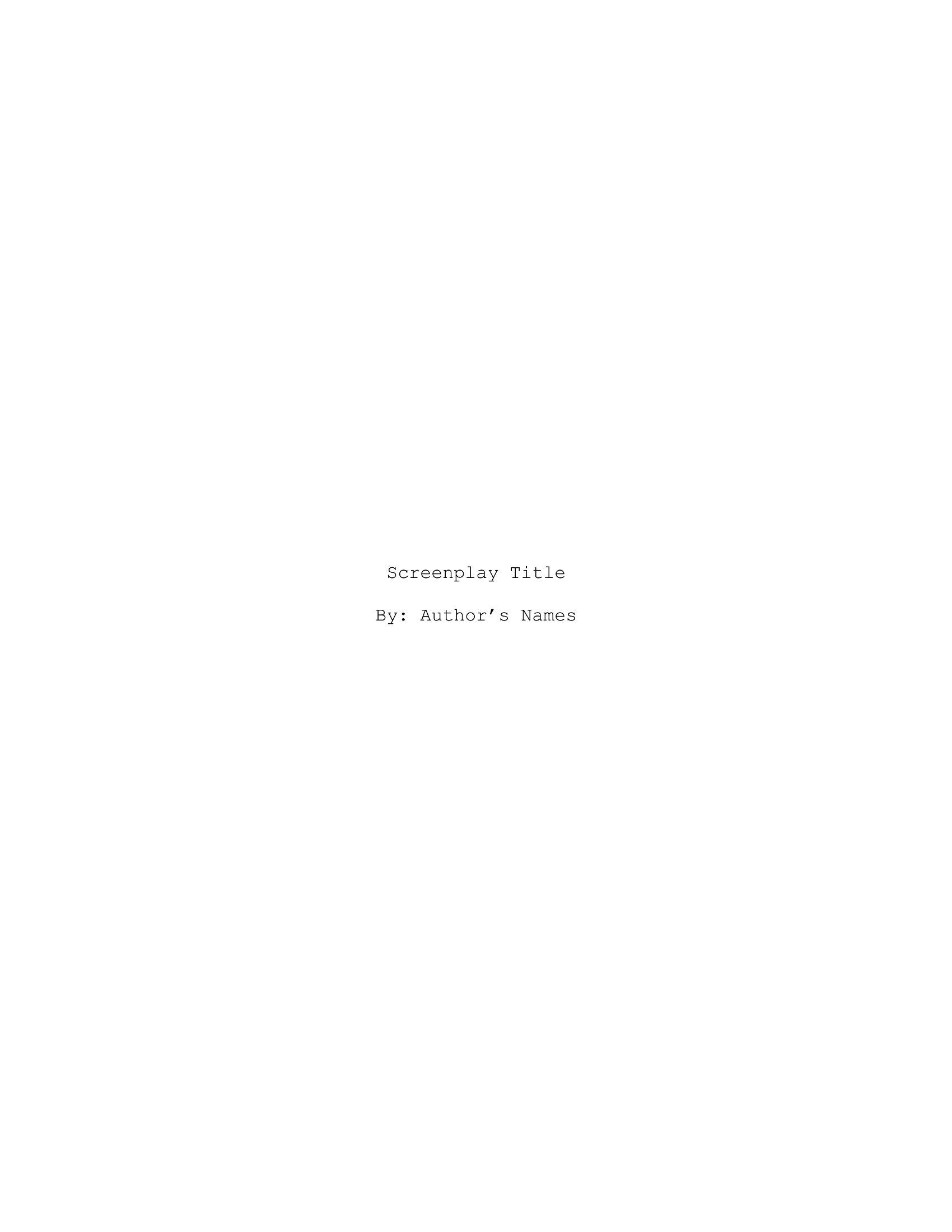
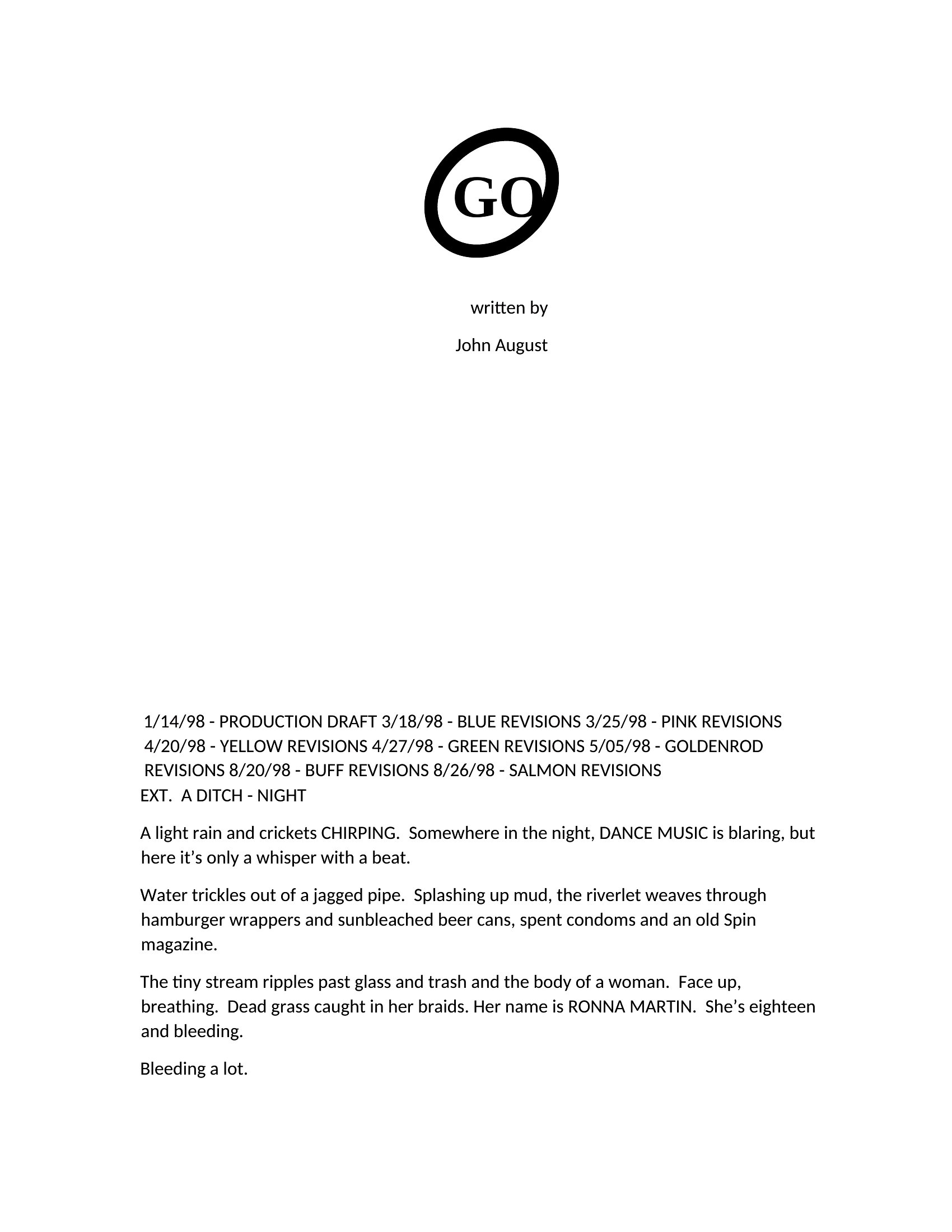
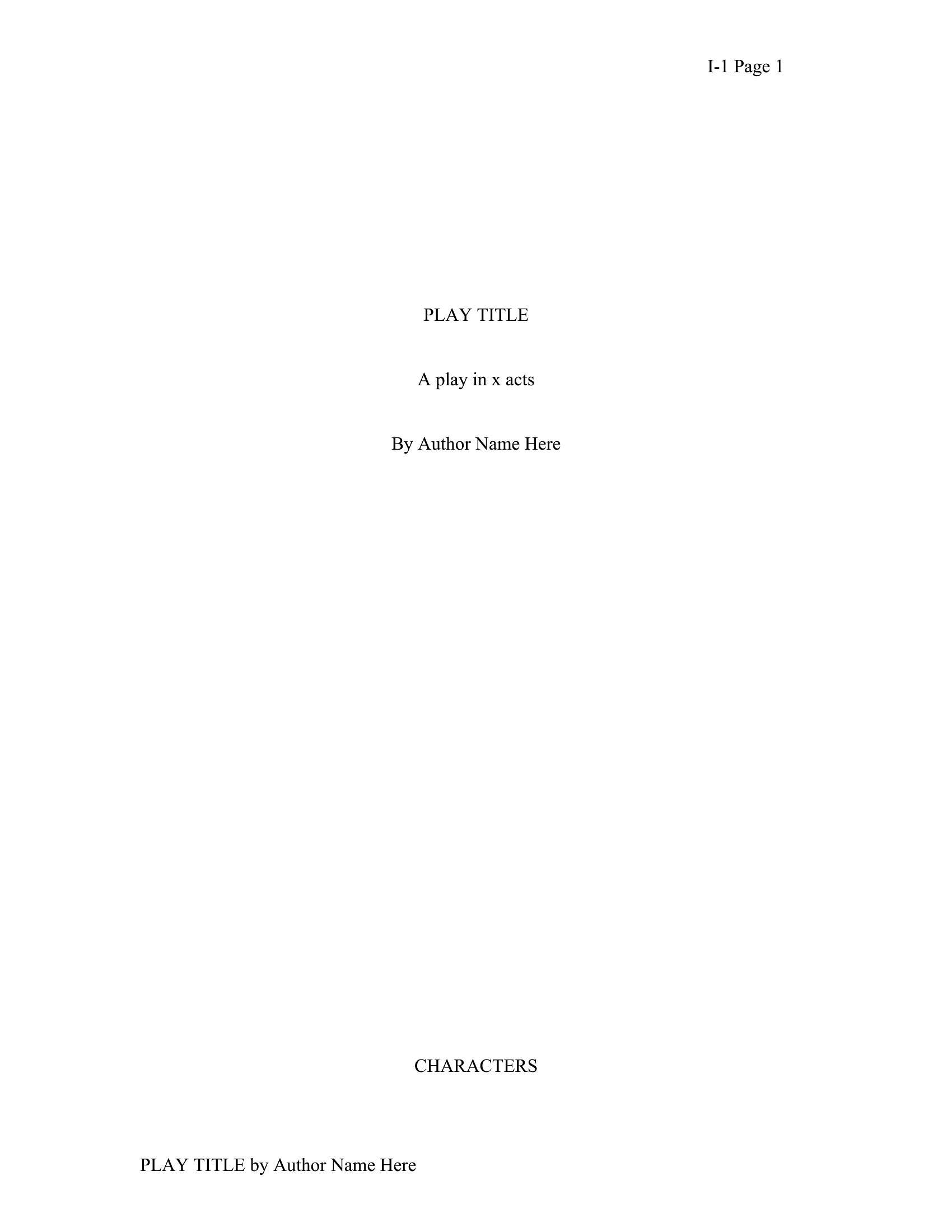
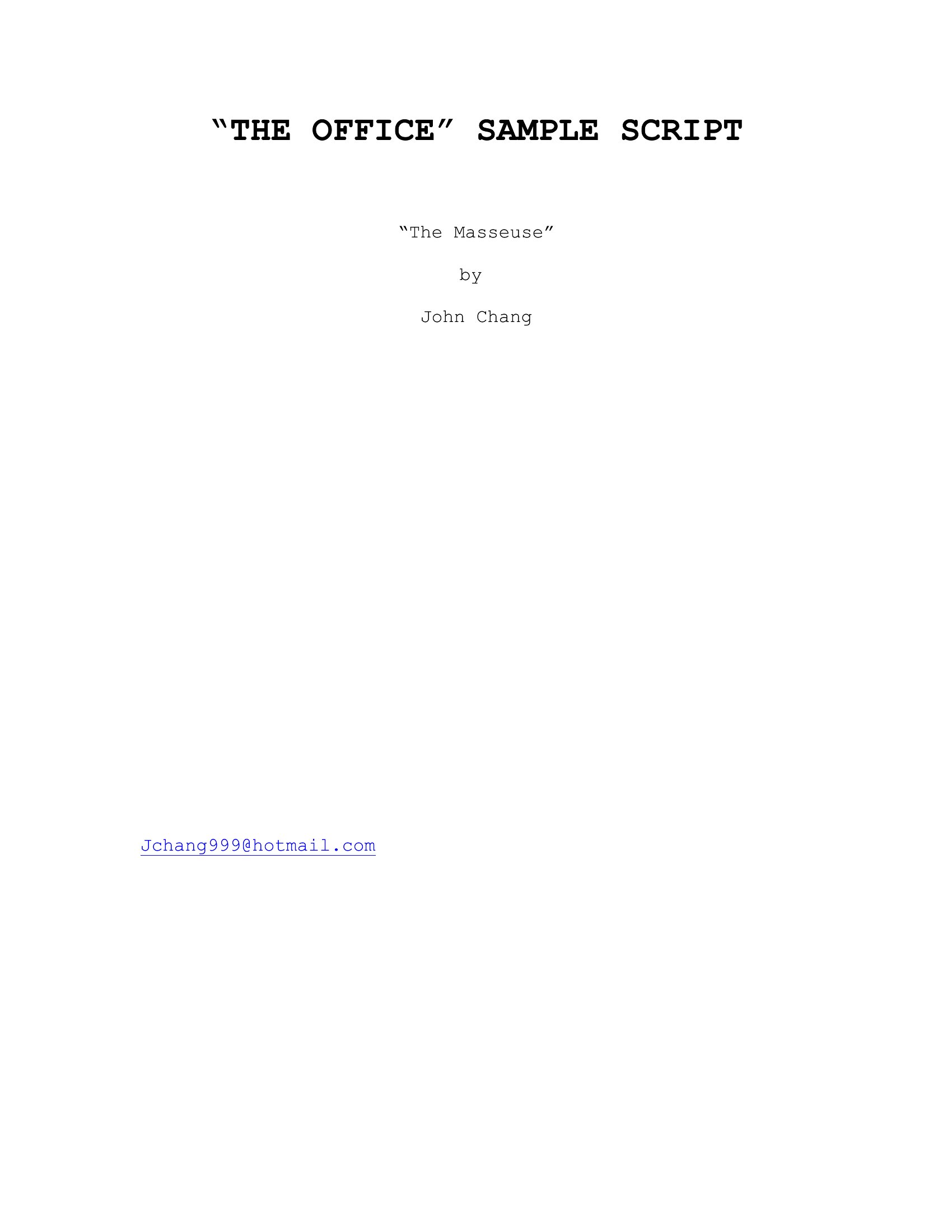
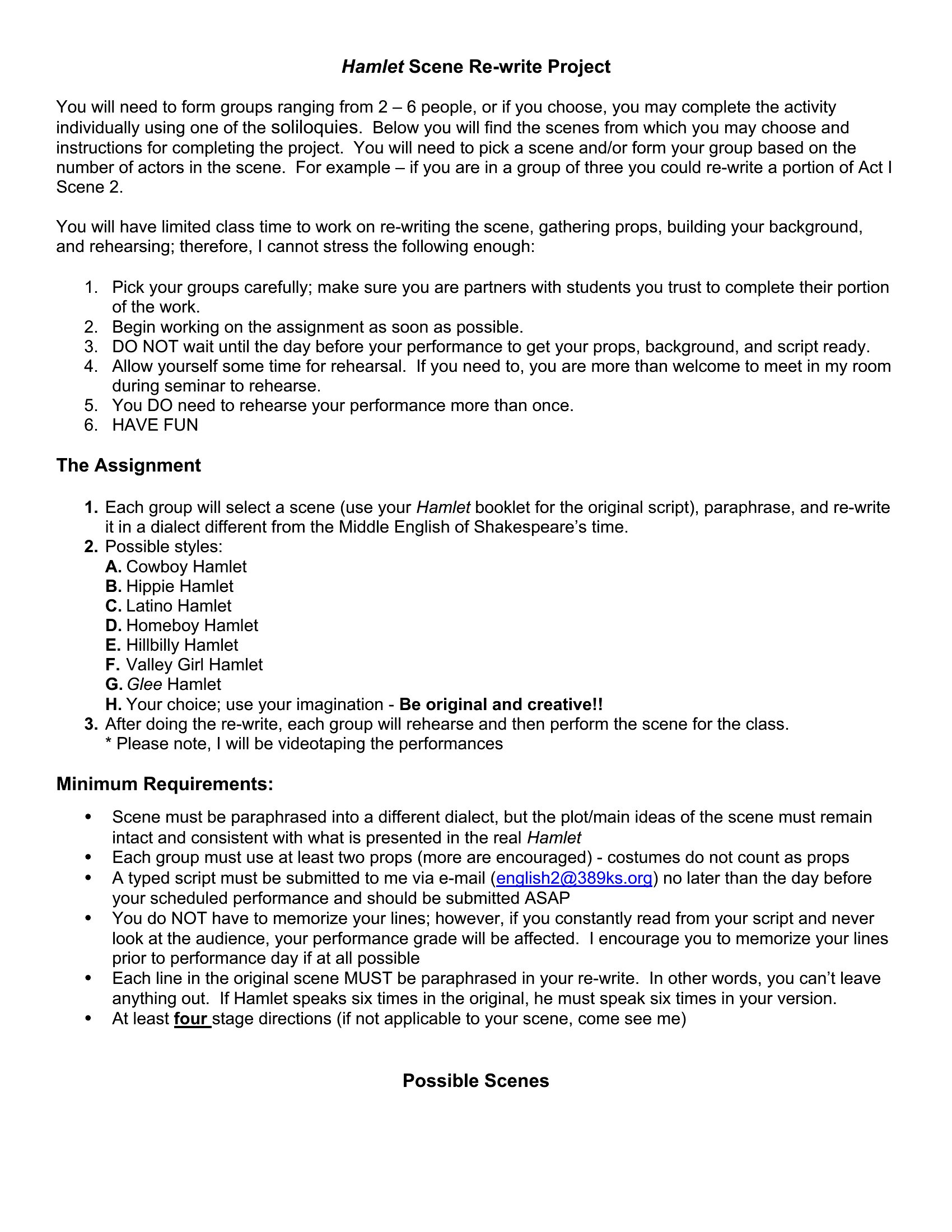
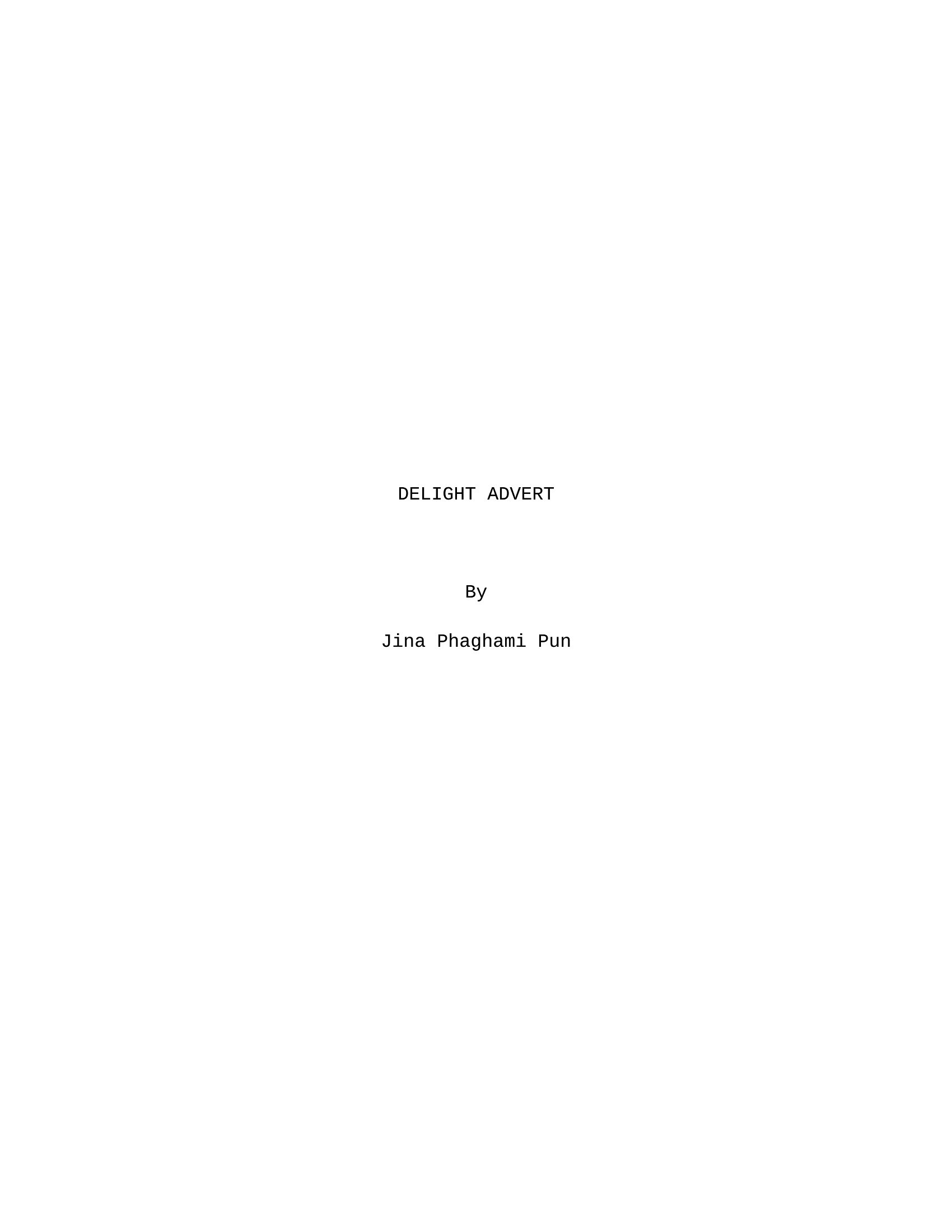
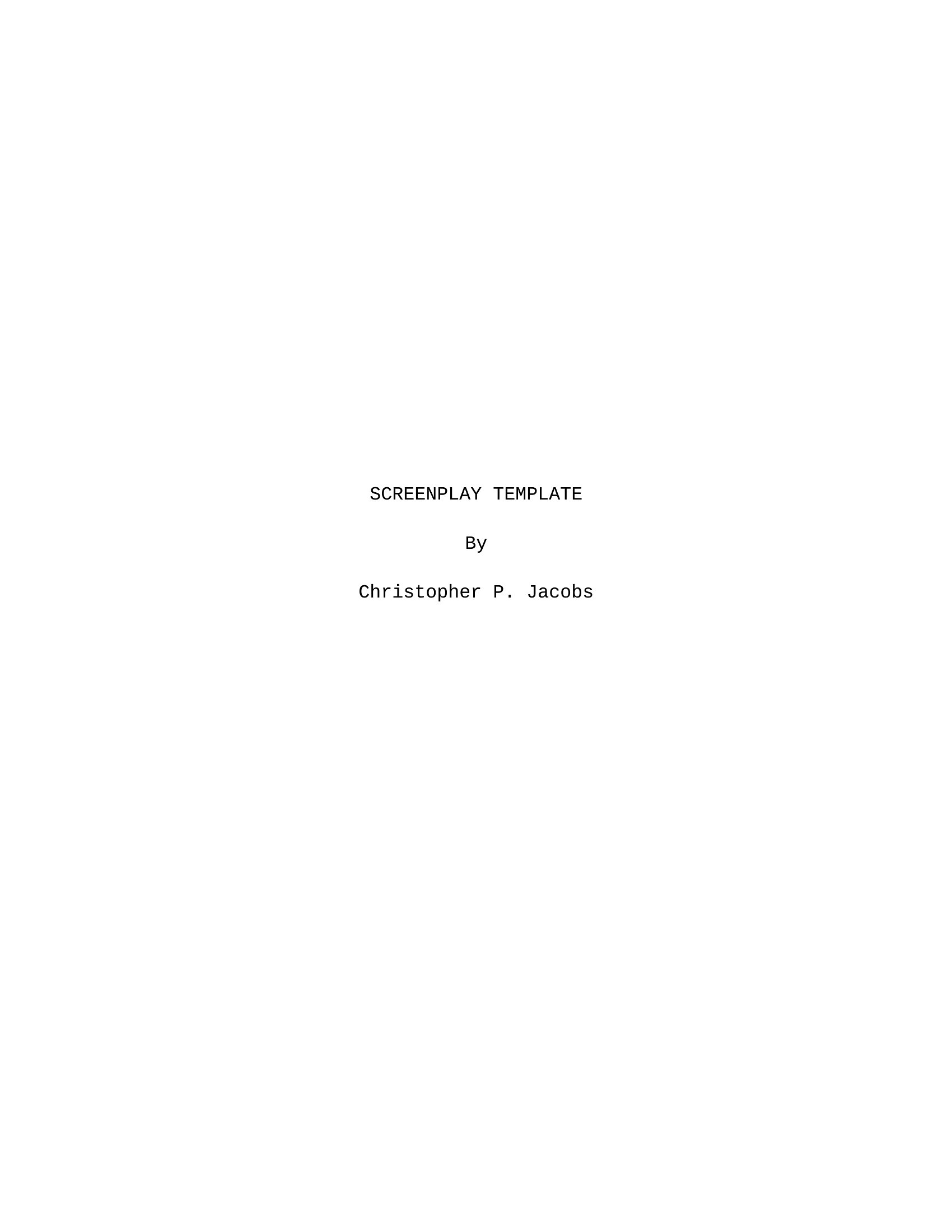
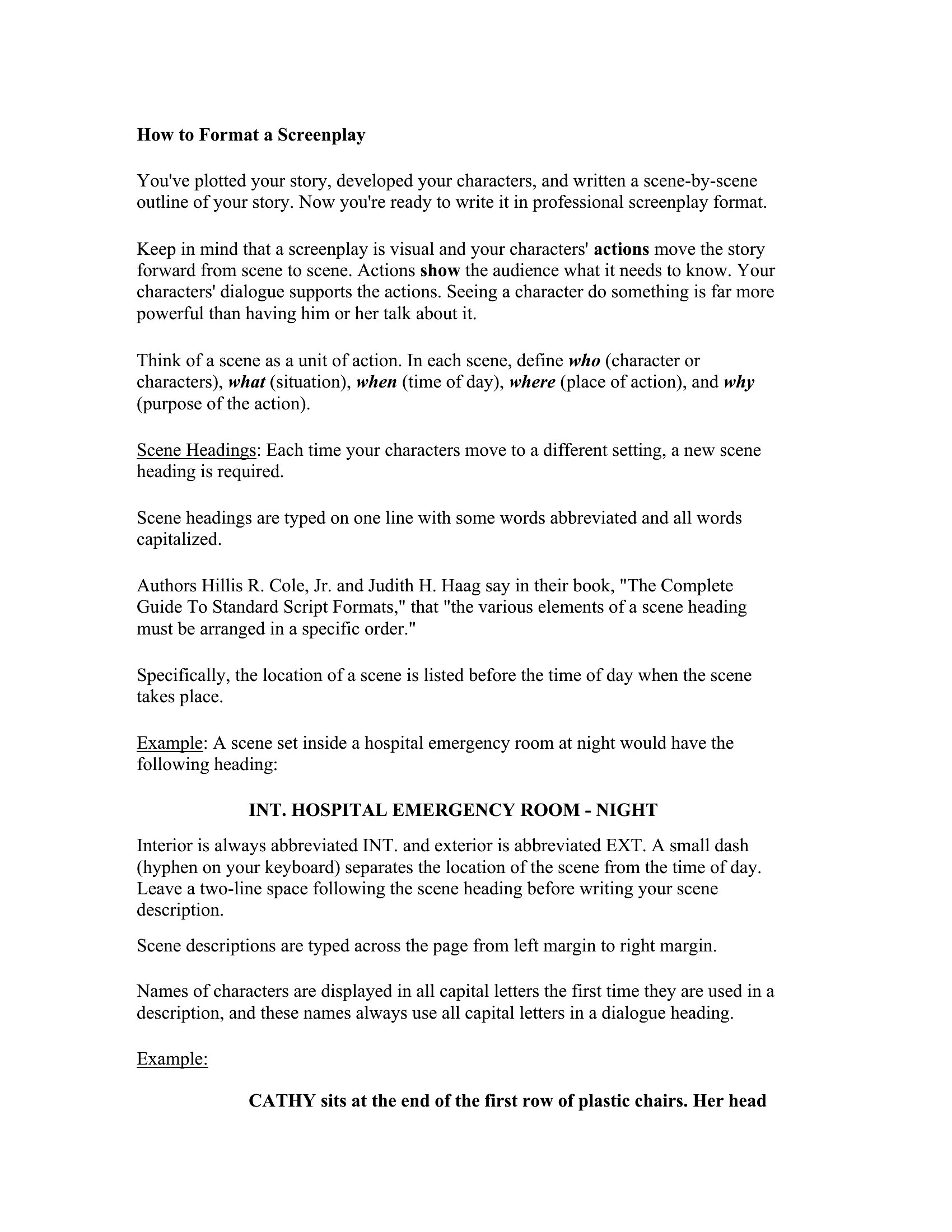
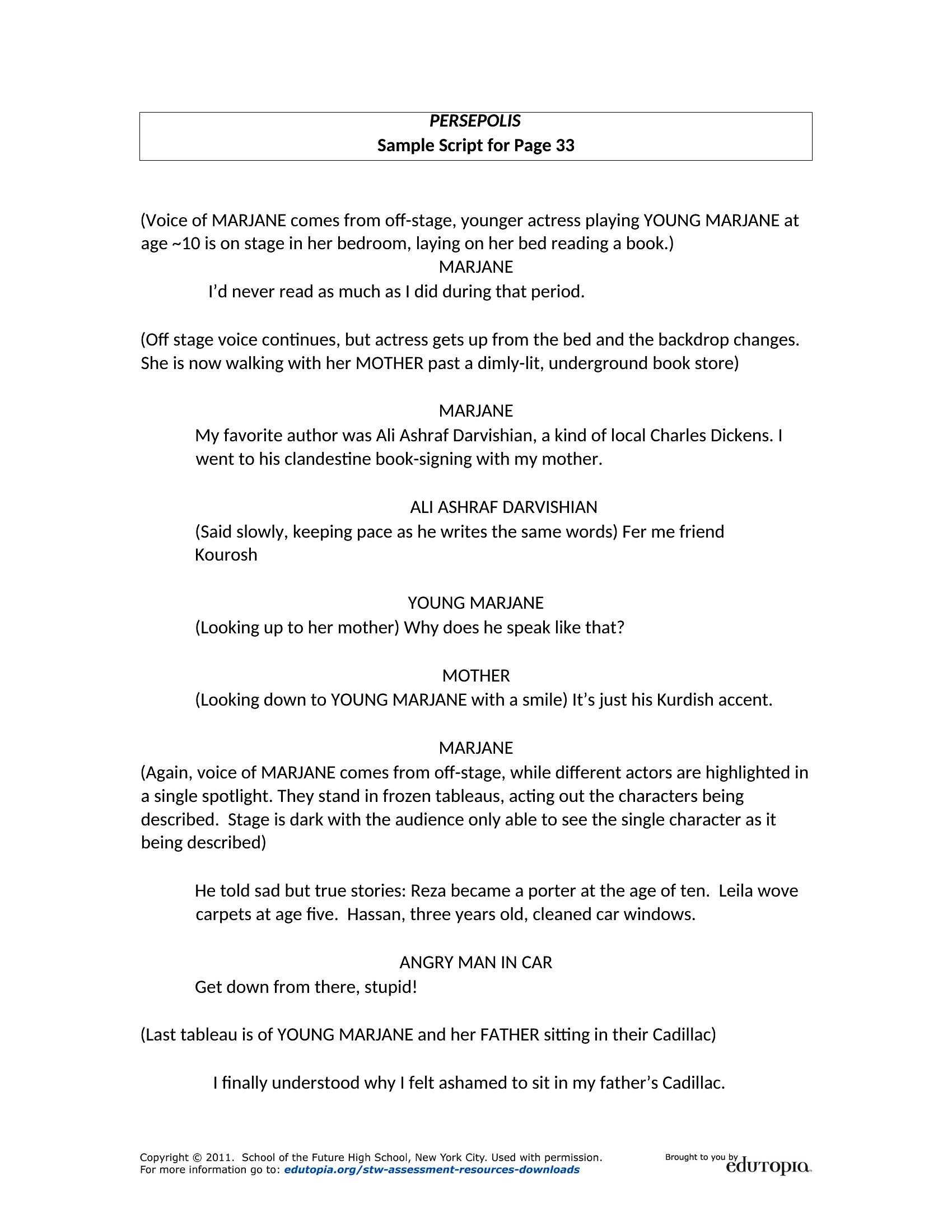
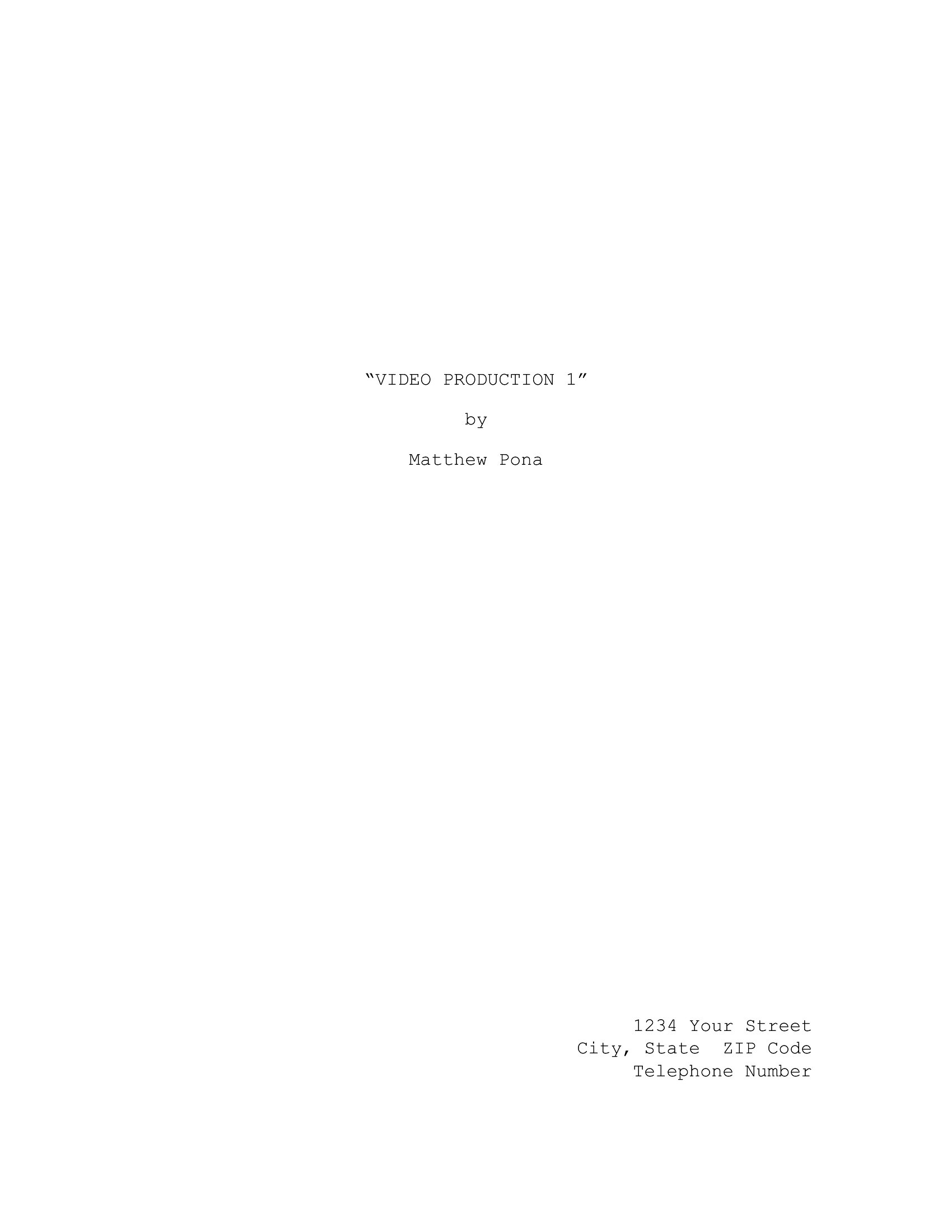
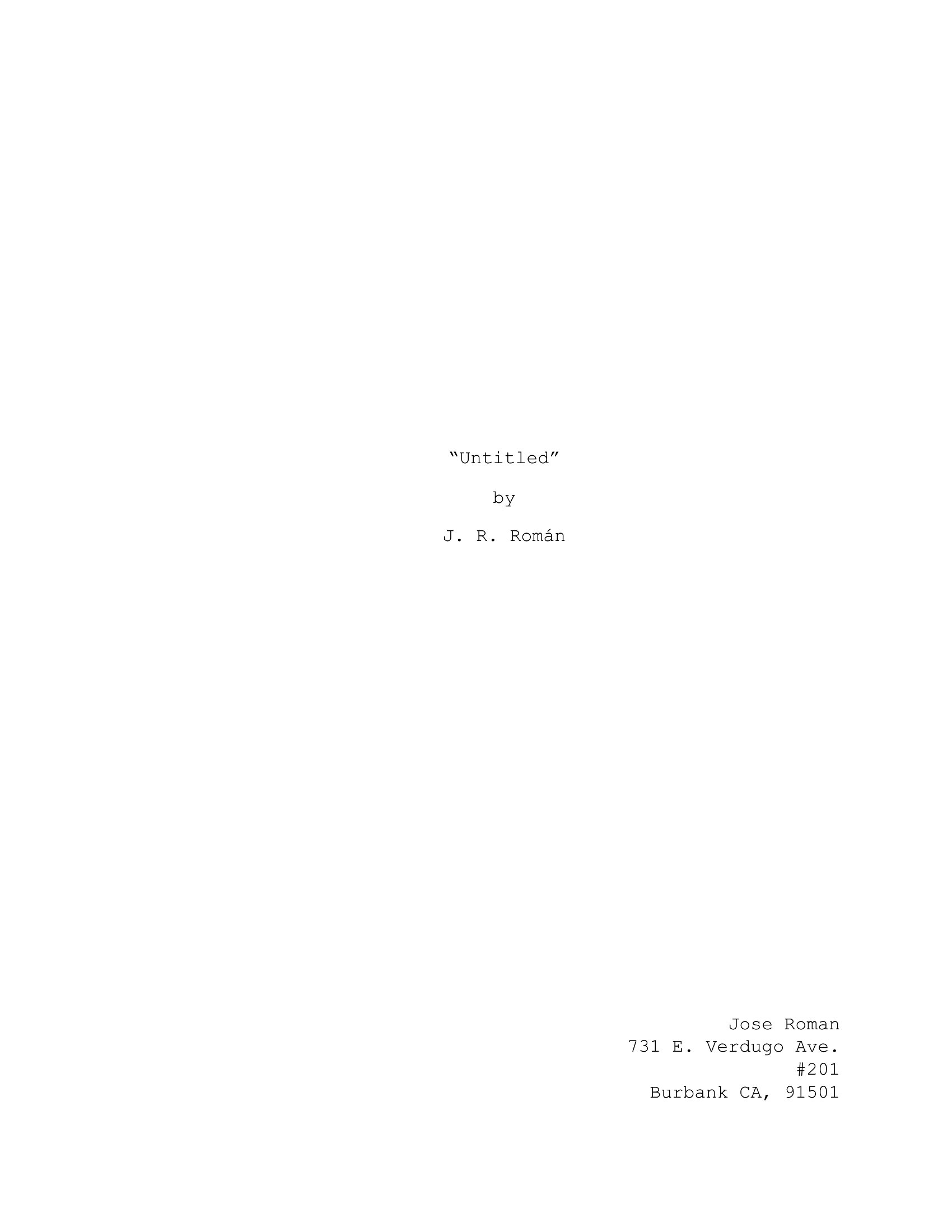
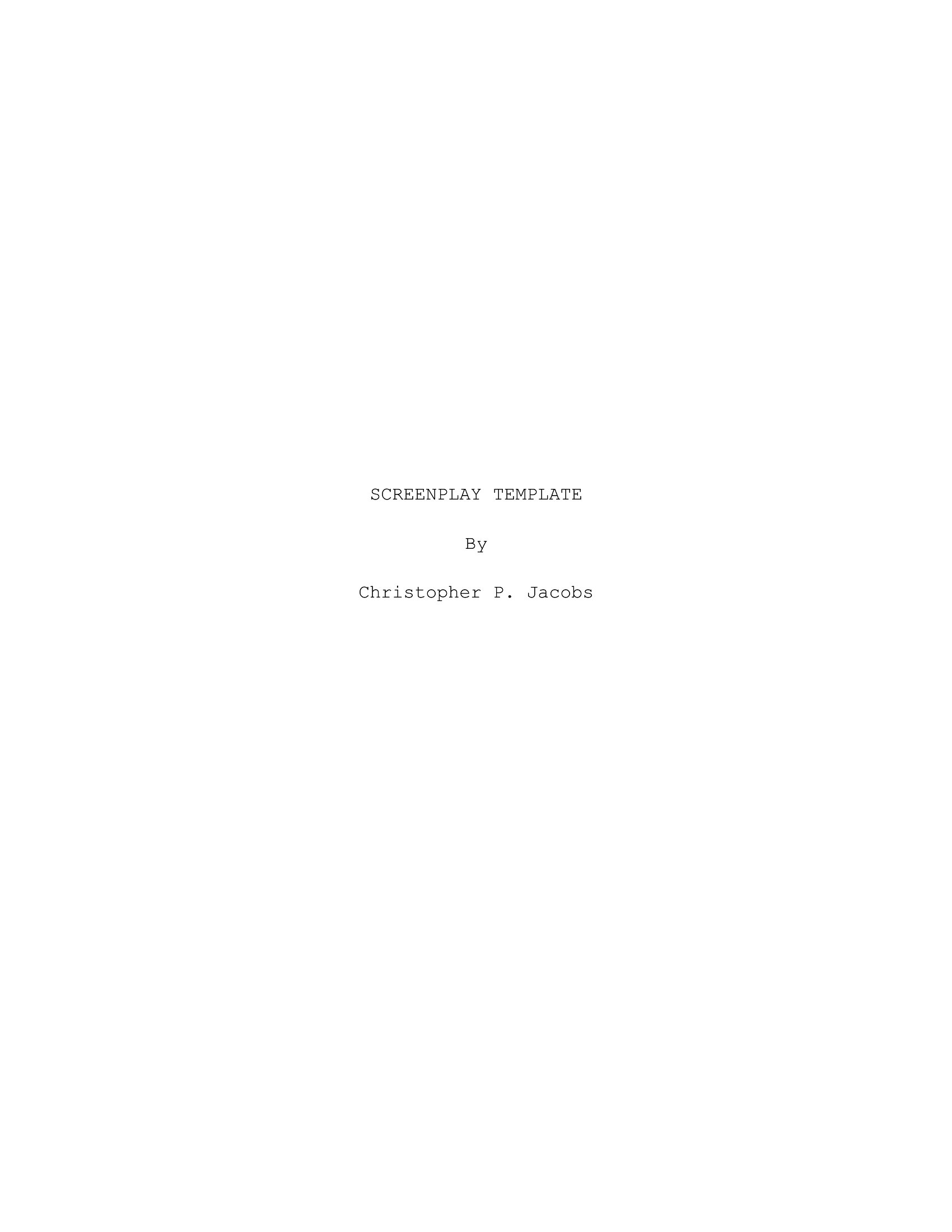
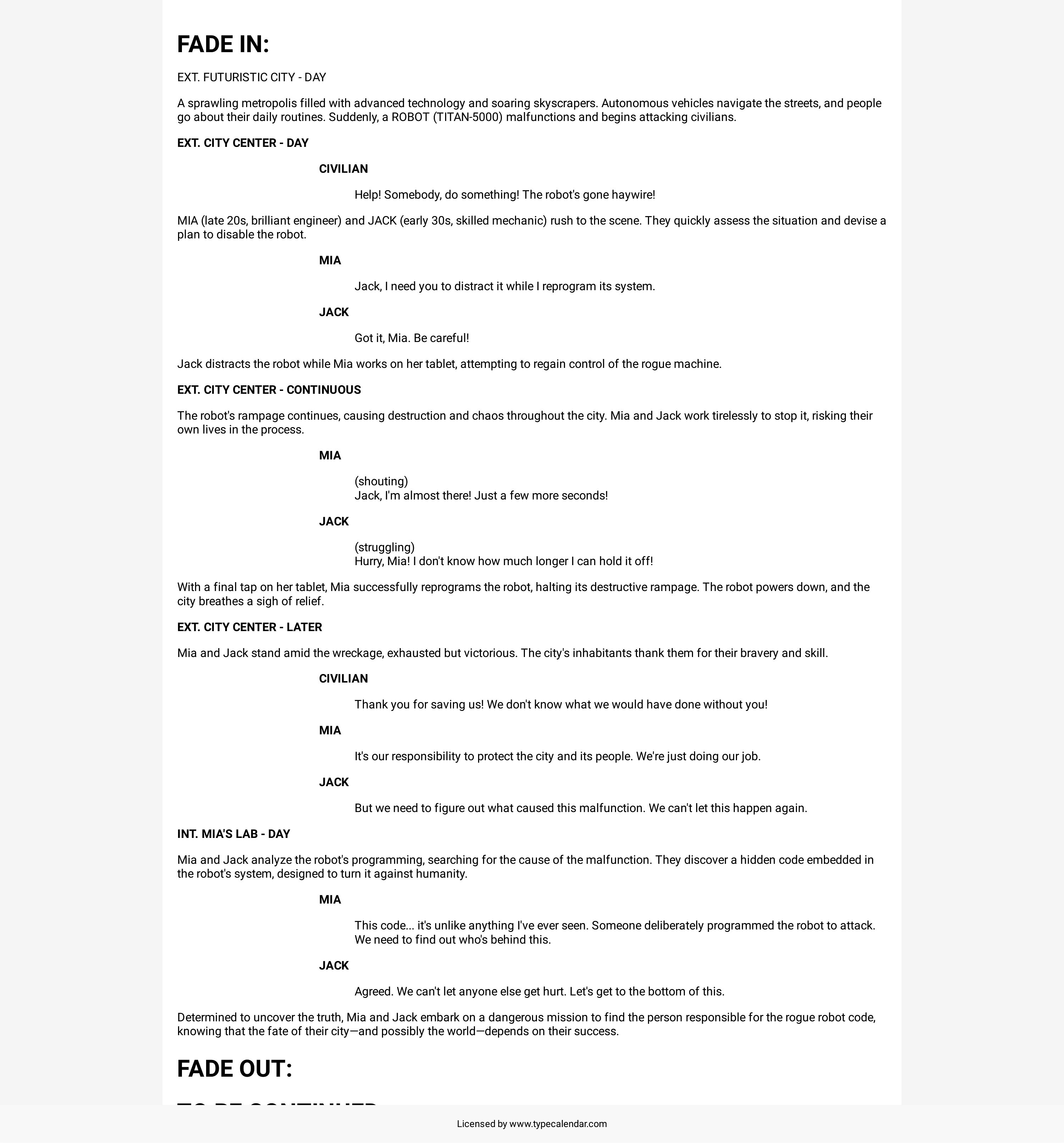
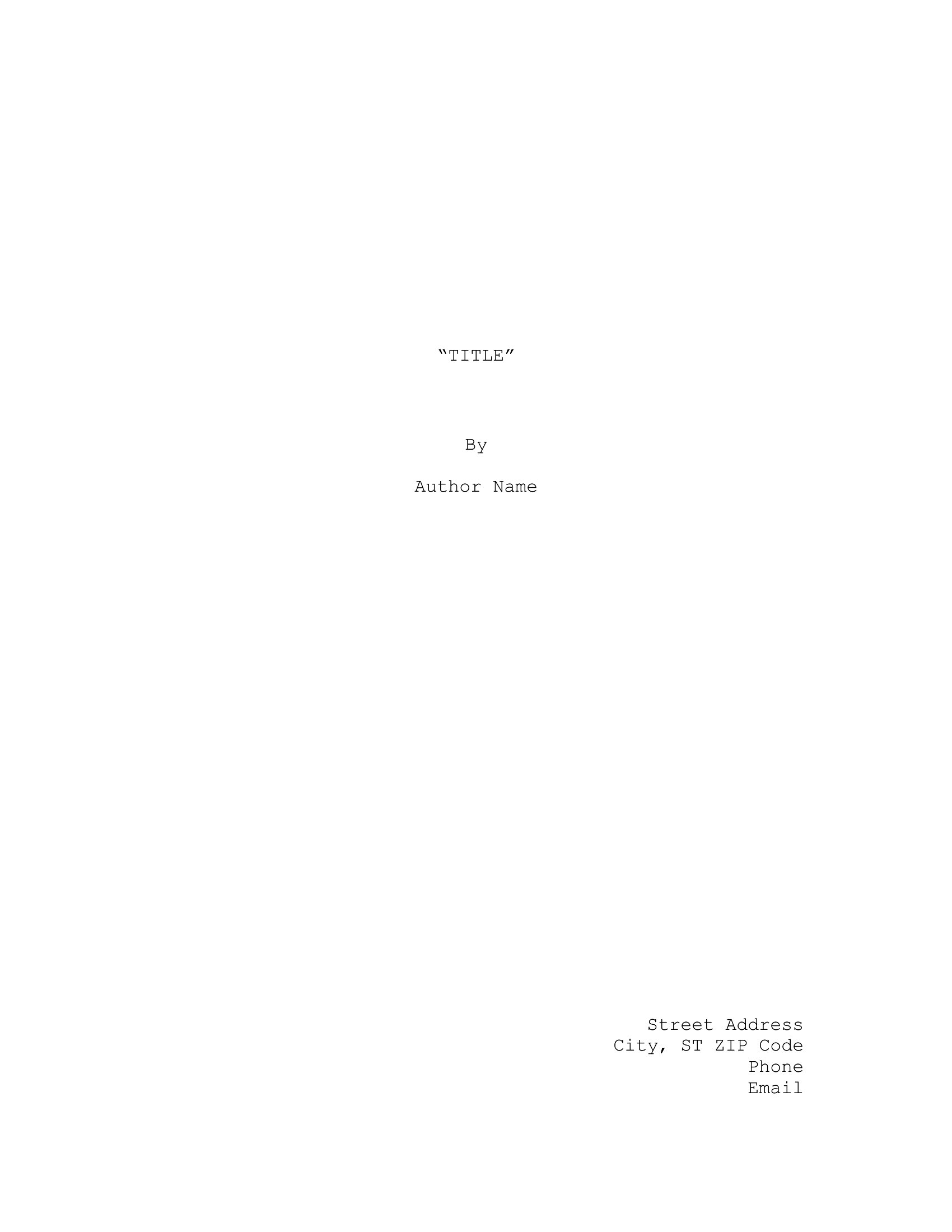
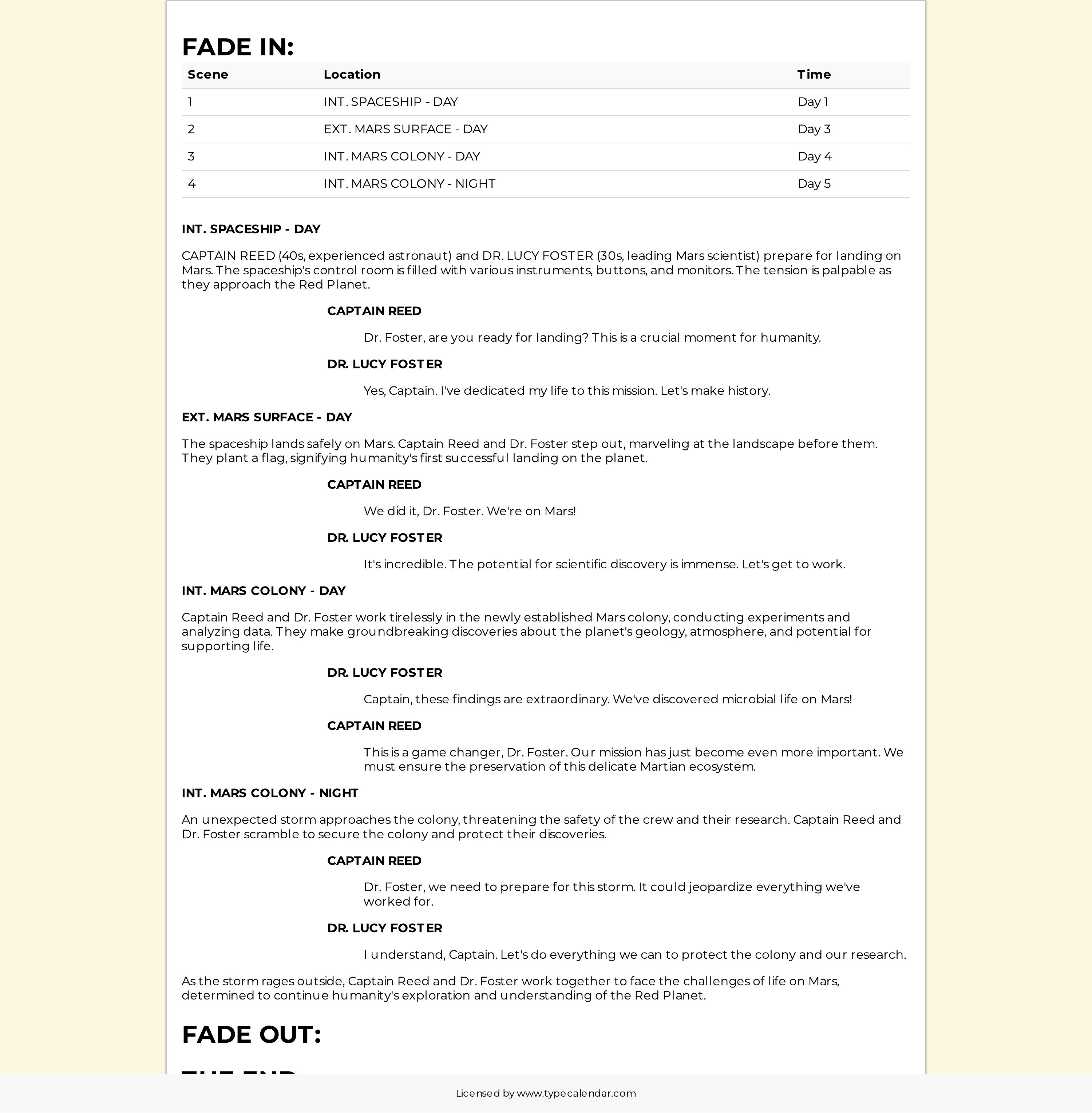
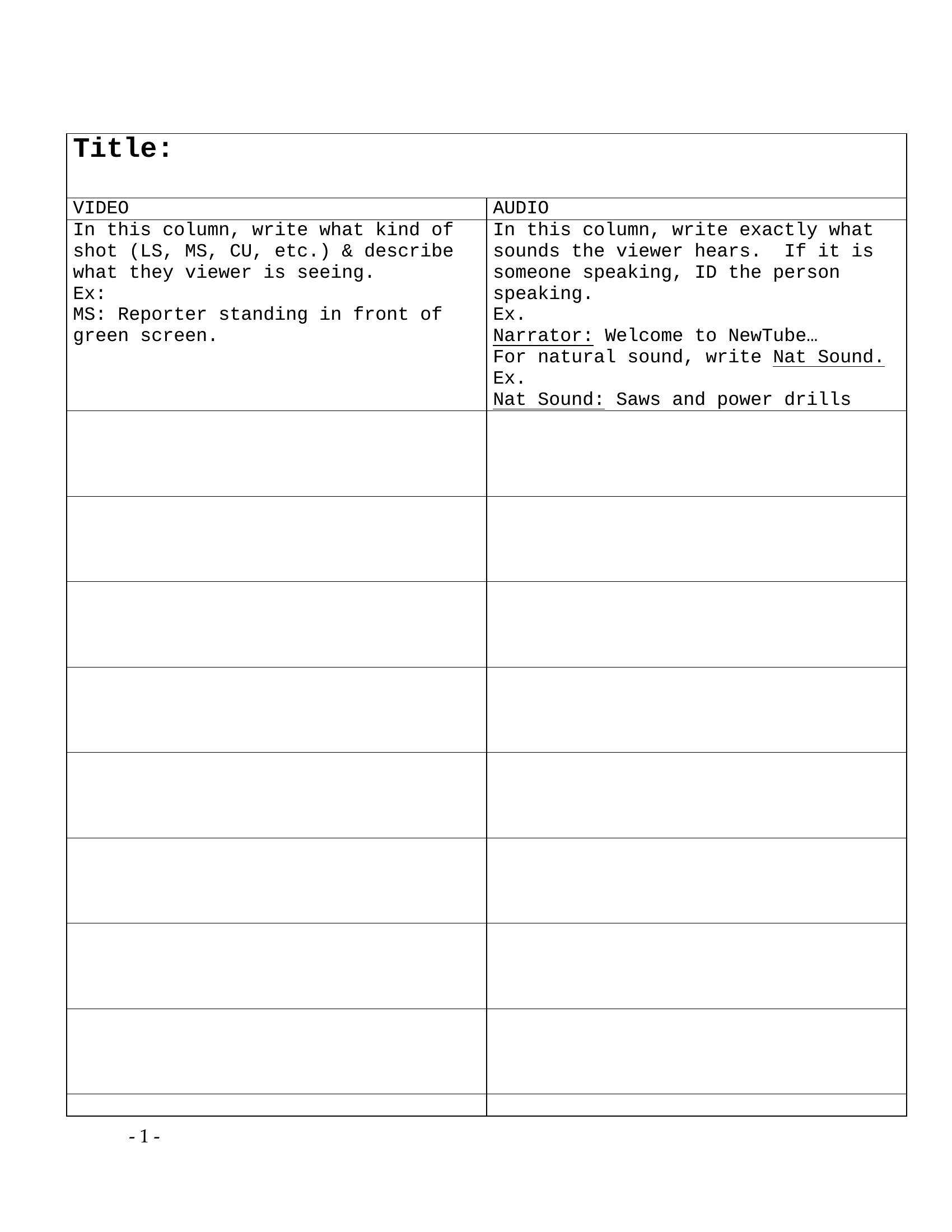
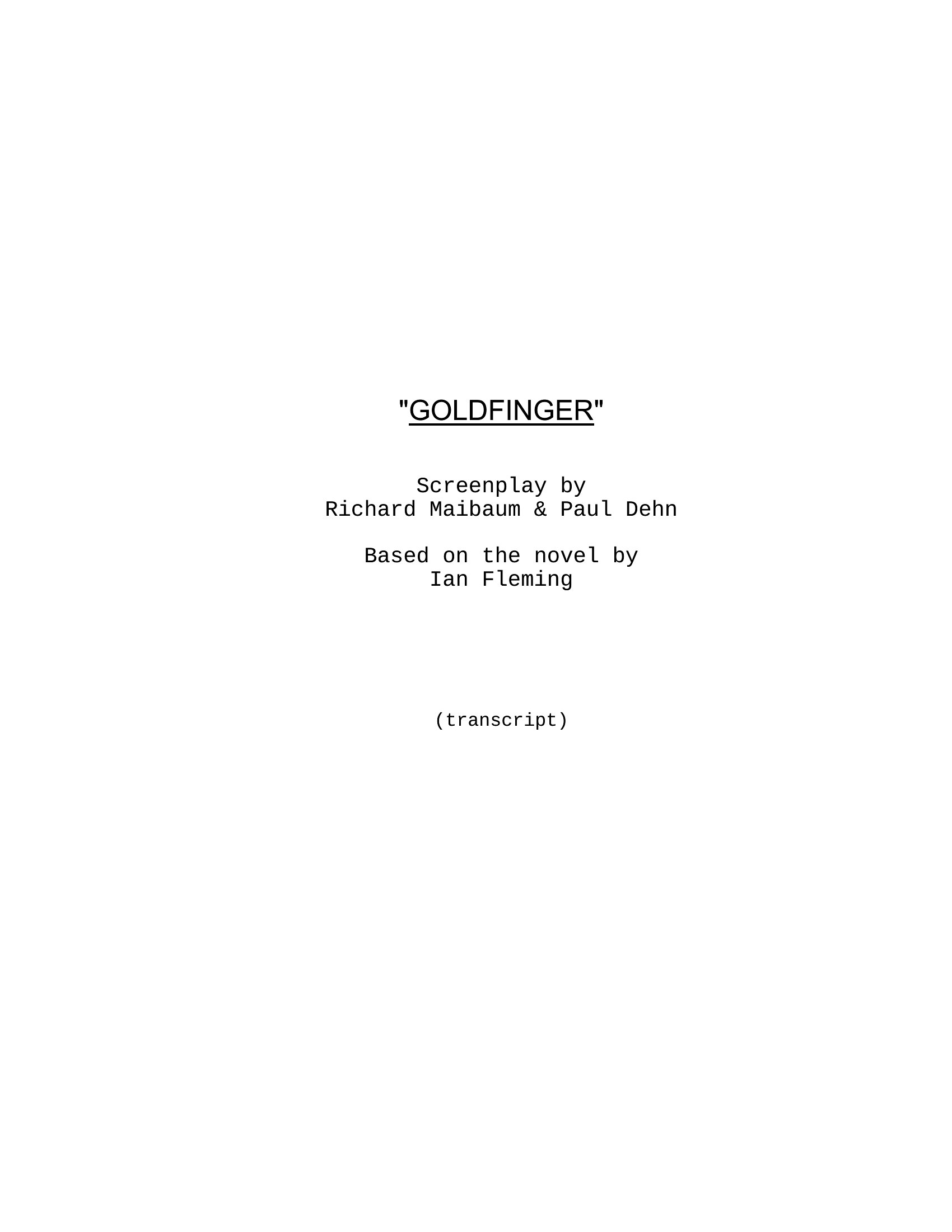
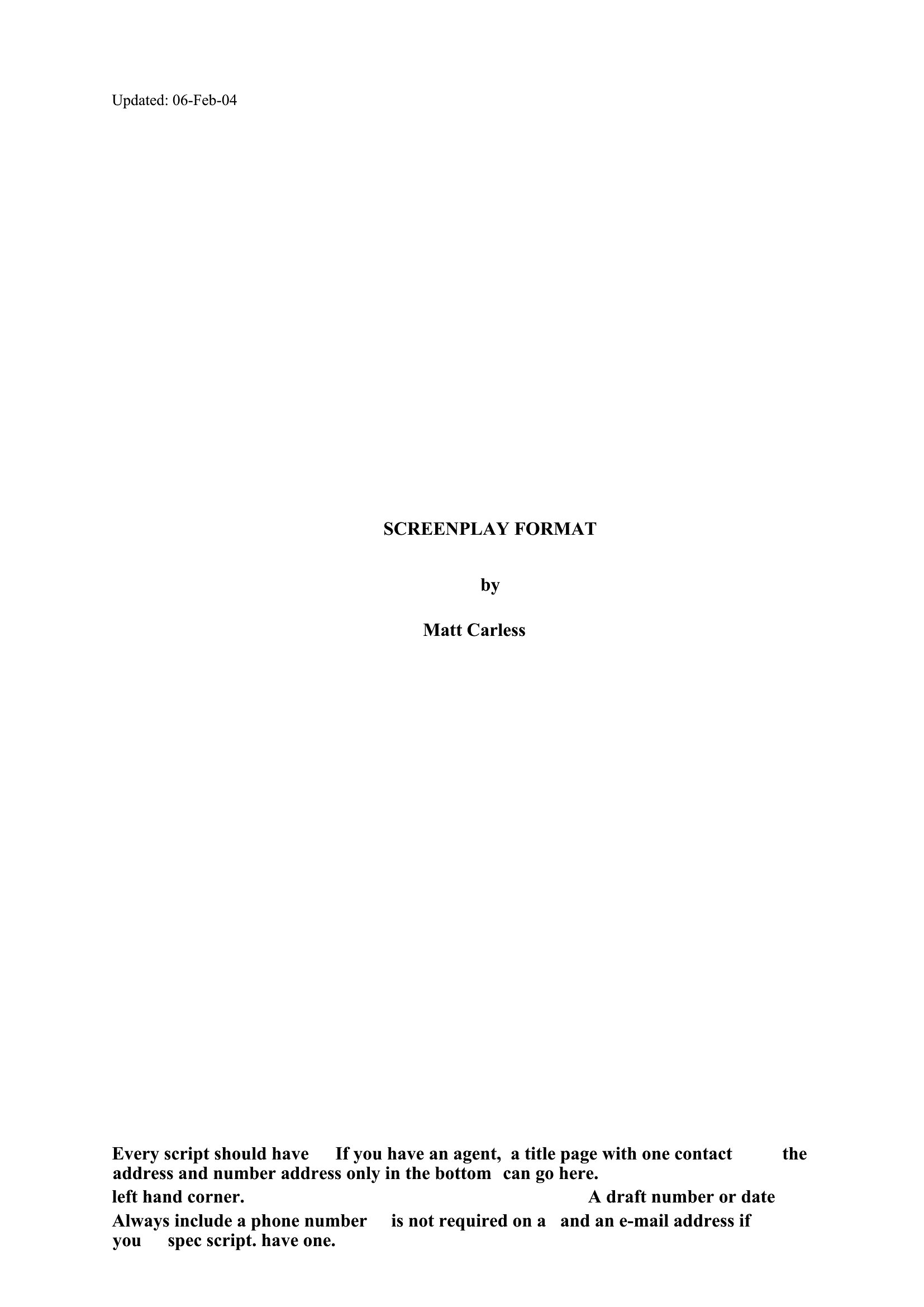
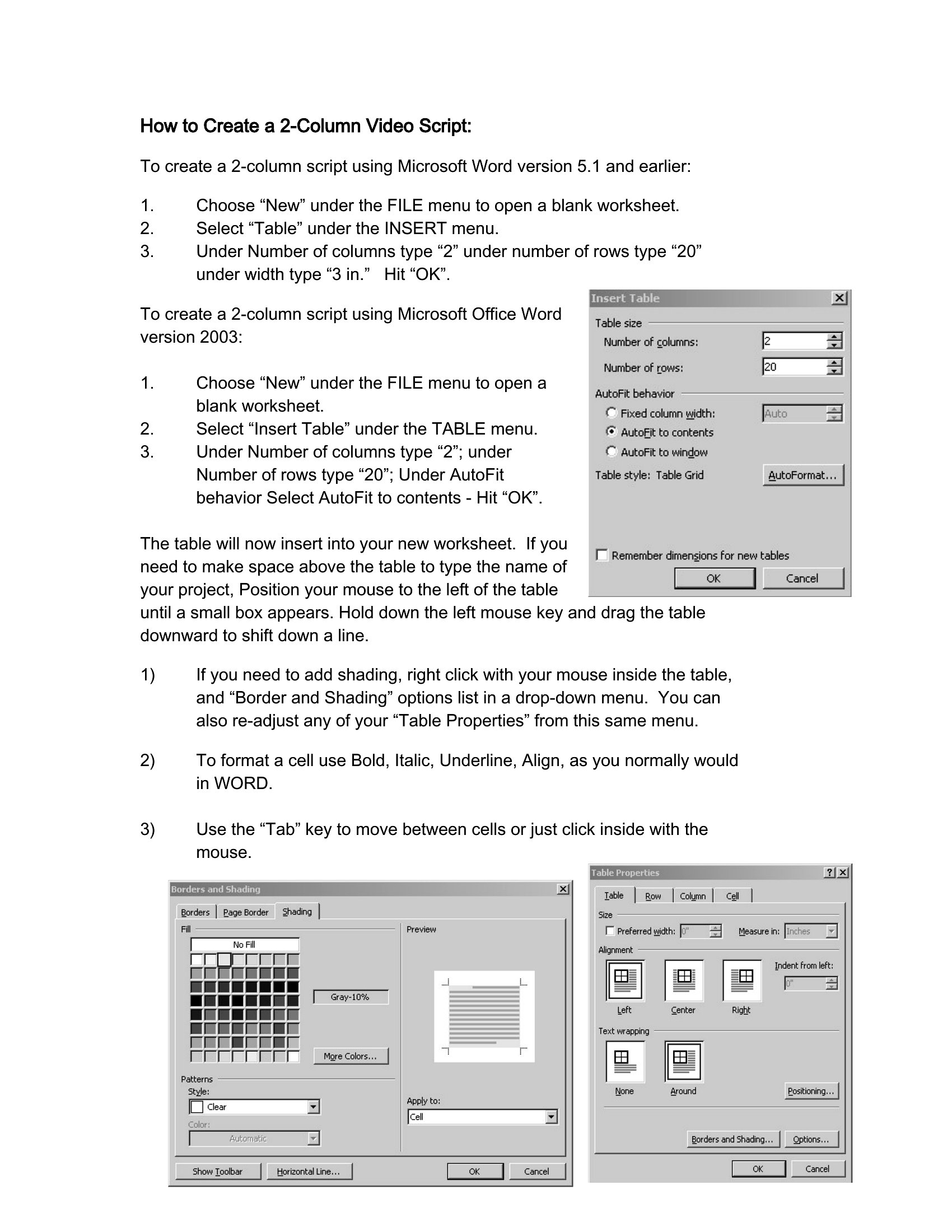
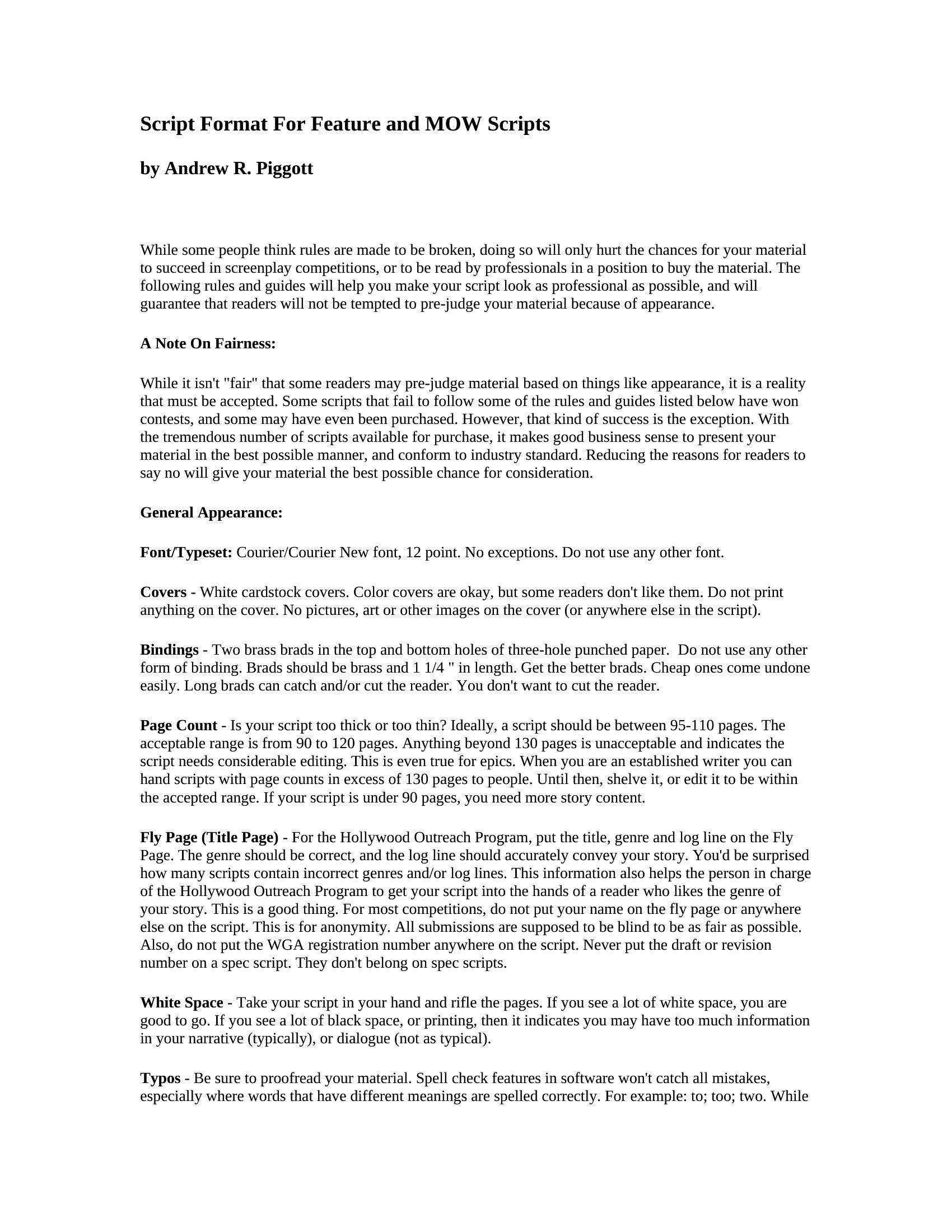
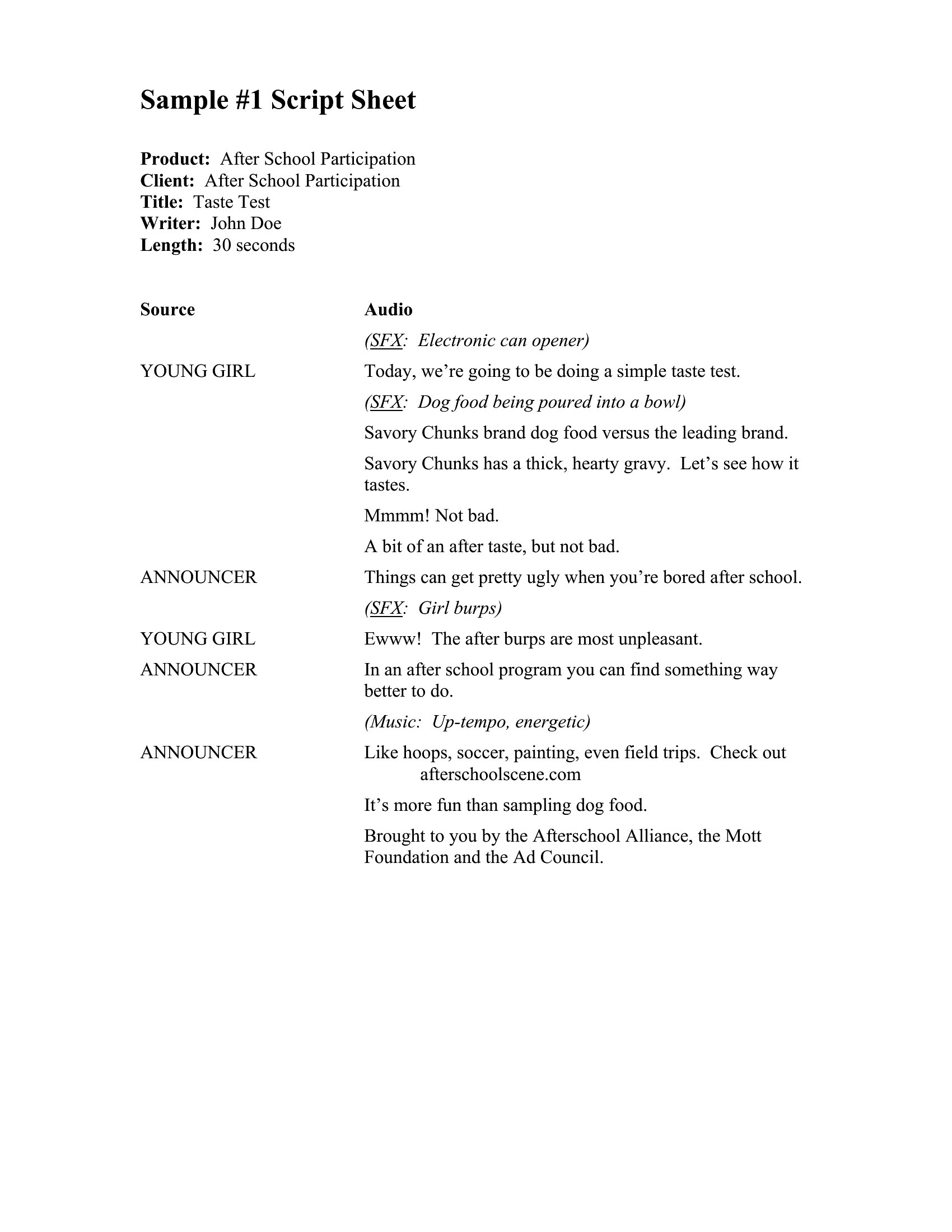
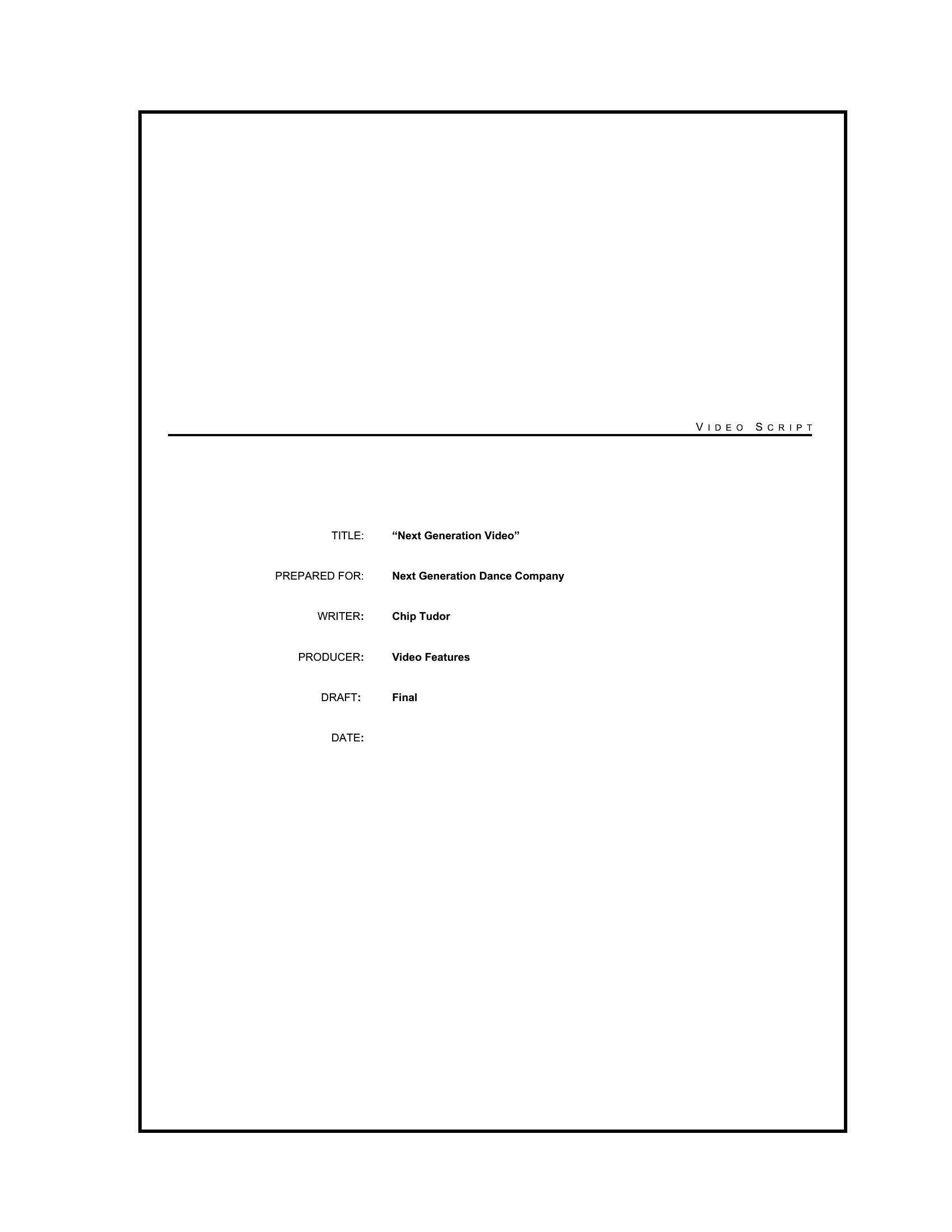
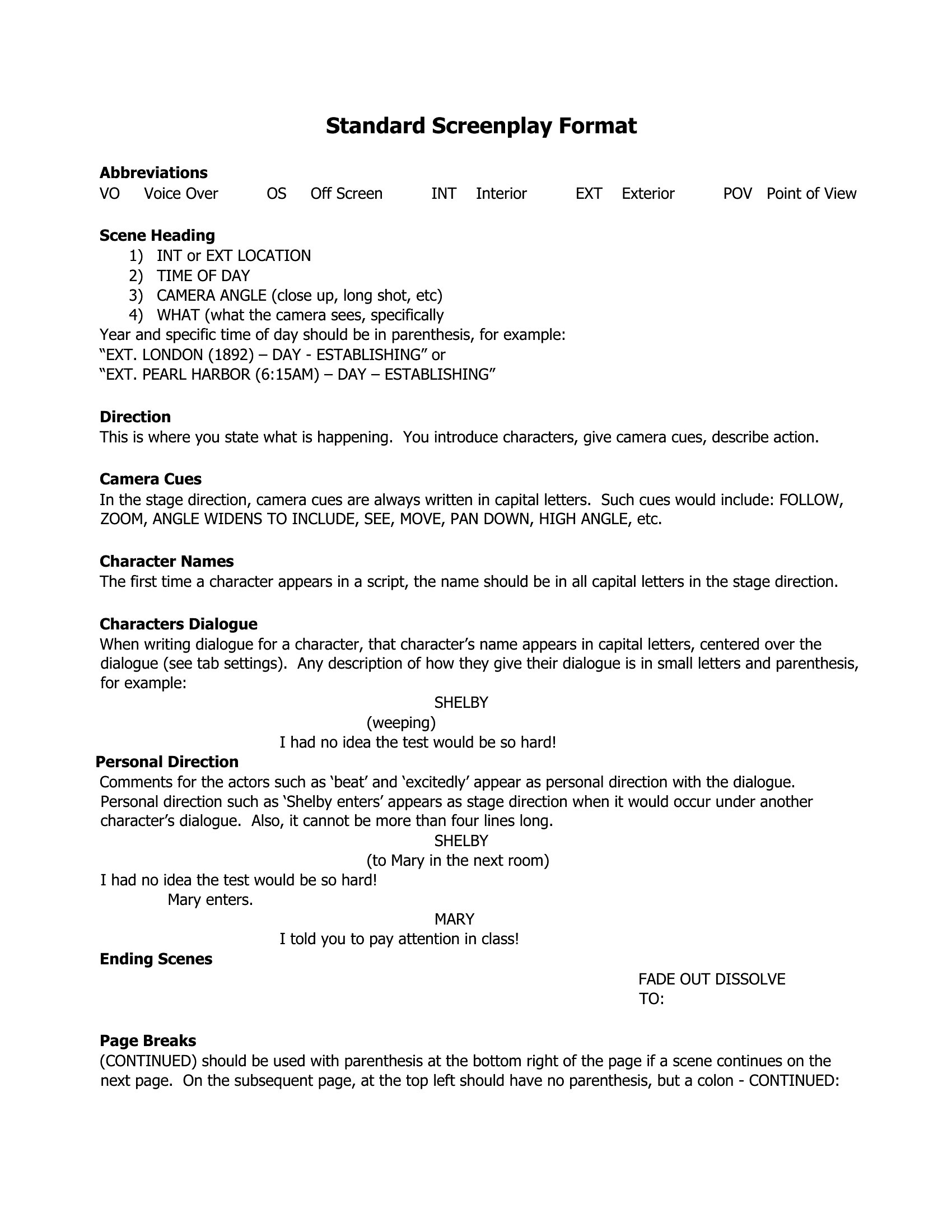
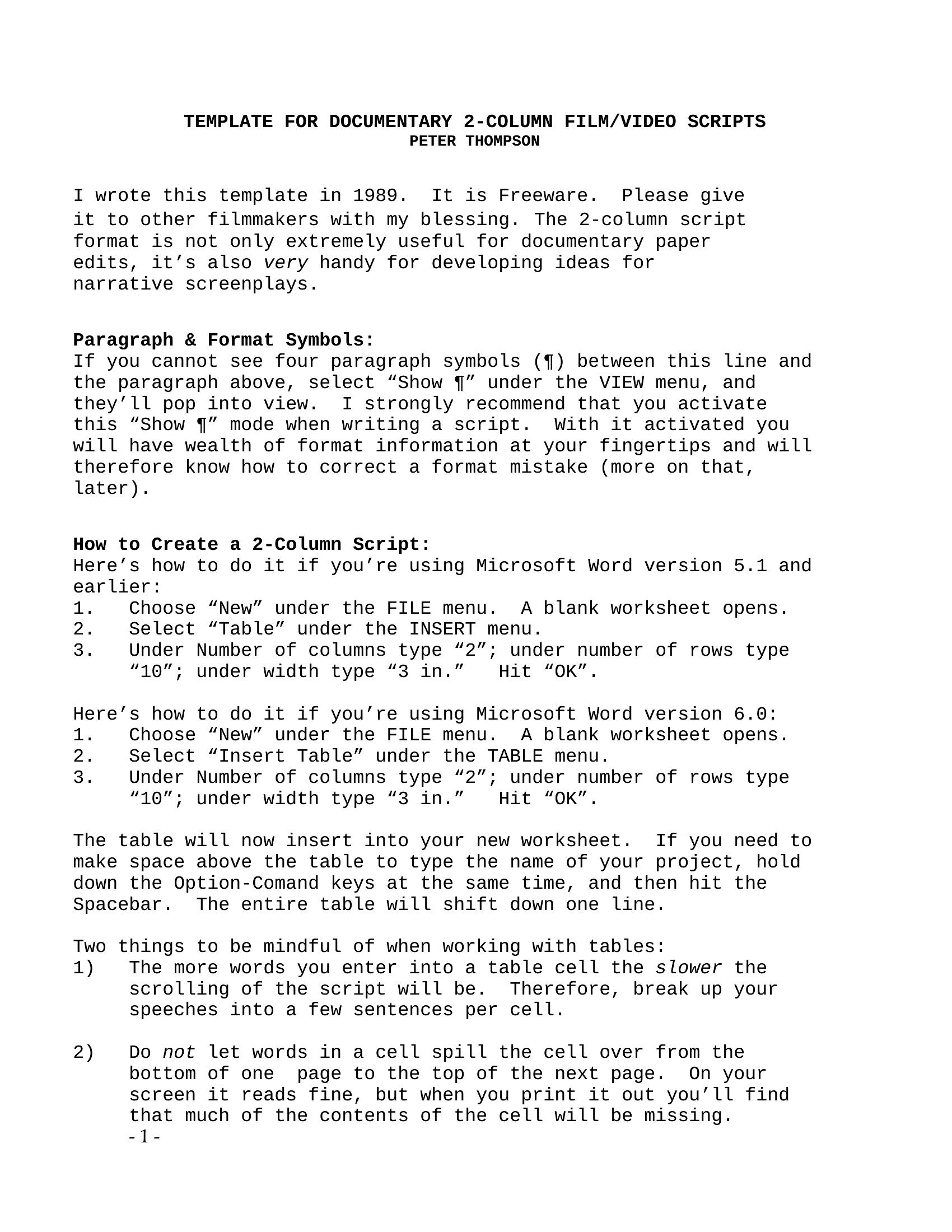
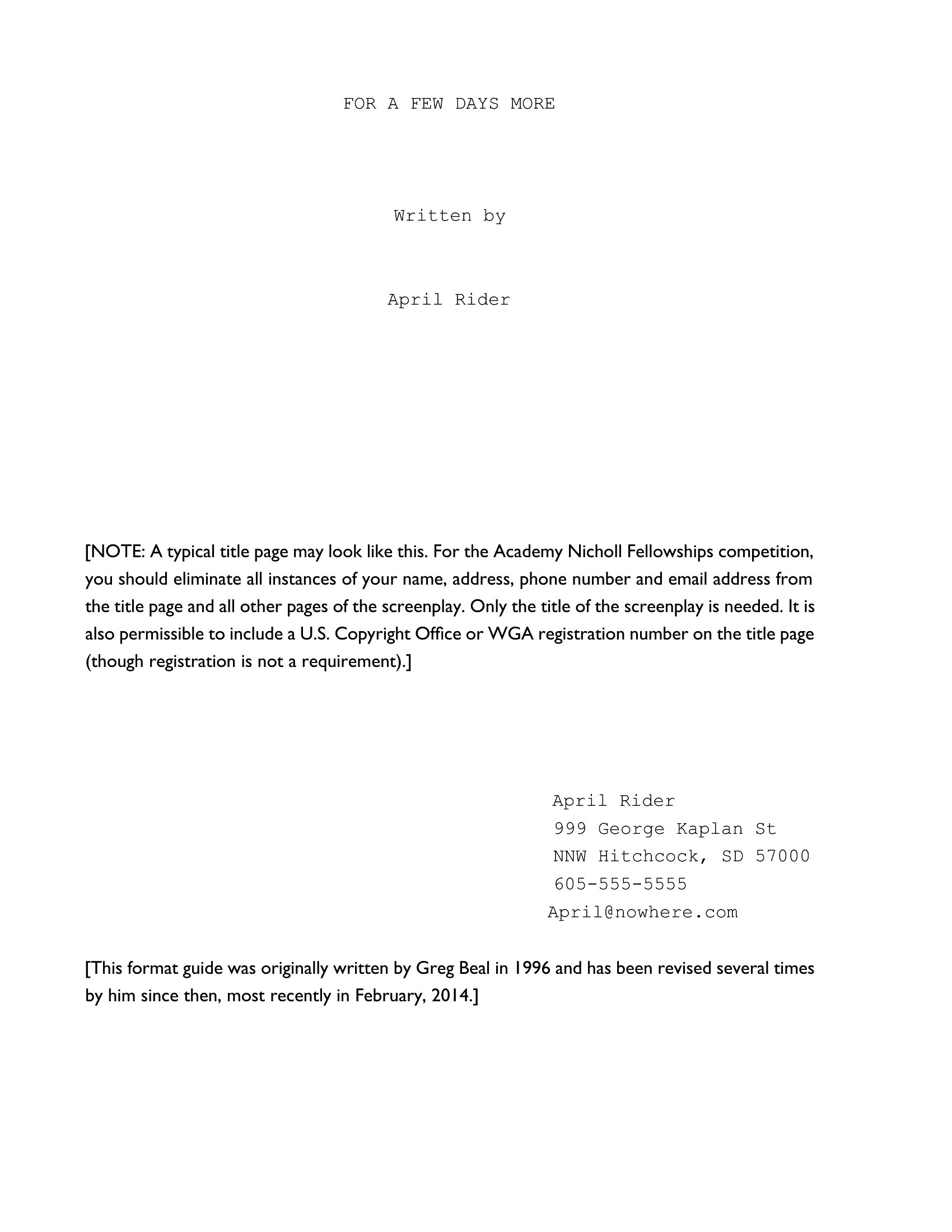
LifeProper screenplay formatting signals to readers and producers that a writer knows the craft, and a template handles the rules so the story stays front and center. This set of 41 screenplay templates sets up correct margins, scene headings, action lines, and dialogue blocks. Aspiring writers, students, and indie filmmakers can focus on the script instead of fiddling with spacing.
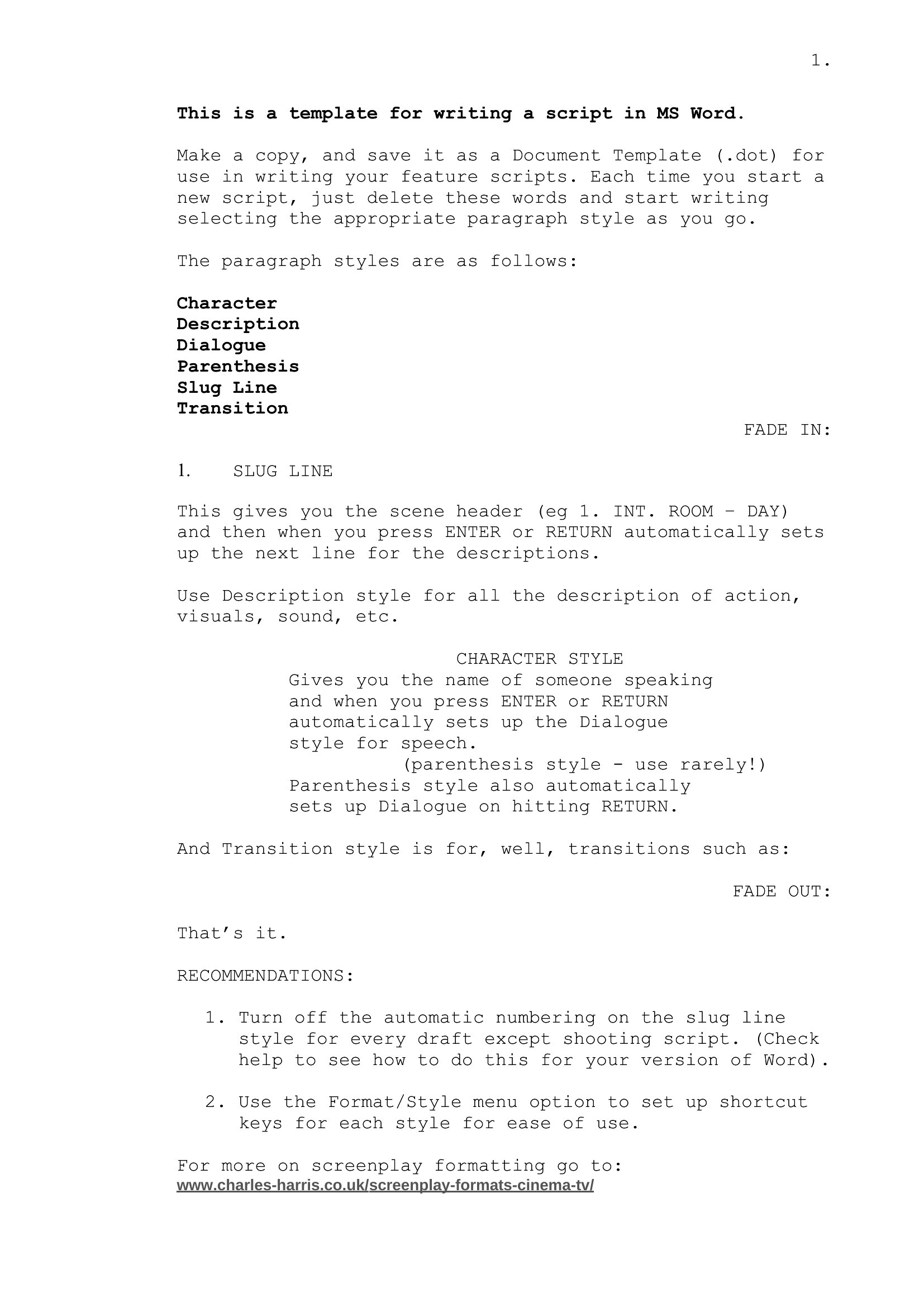
The templates come in Word for writing and editing, plus PDF for a clean copy to share or submit. Open one, start typing your scenes, and the industry-standard layout is already in place. Pick the format that fits your project and get your screenplay on the page.
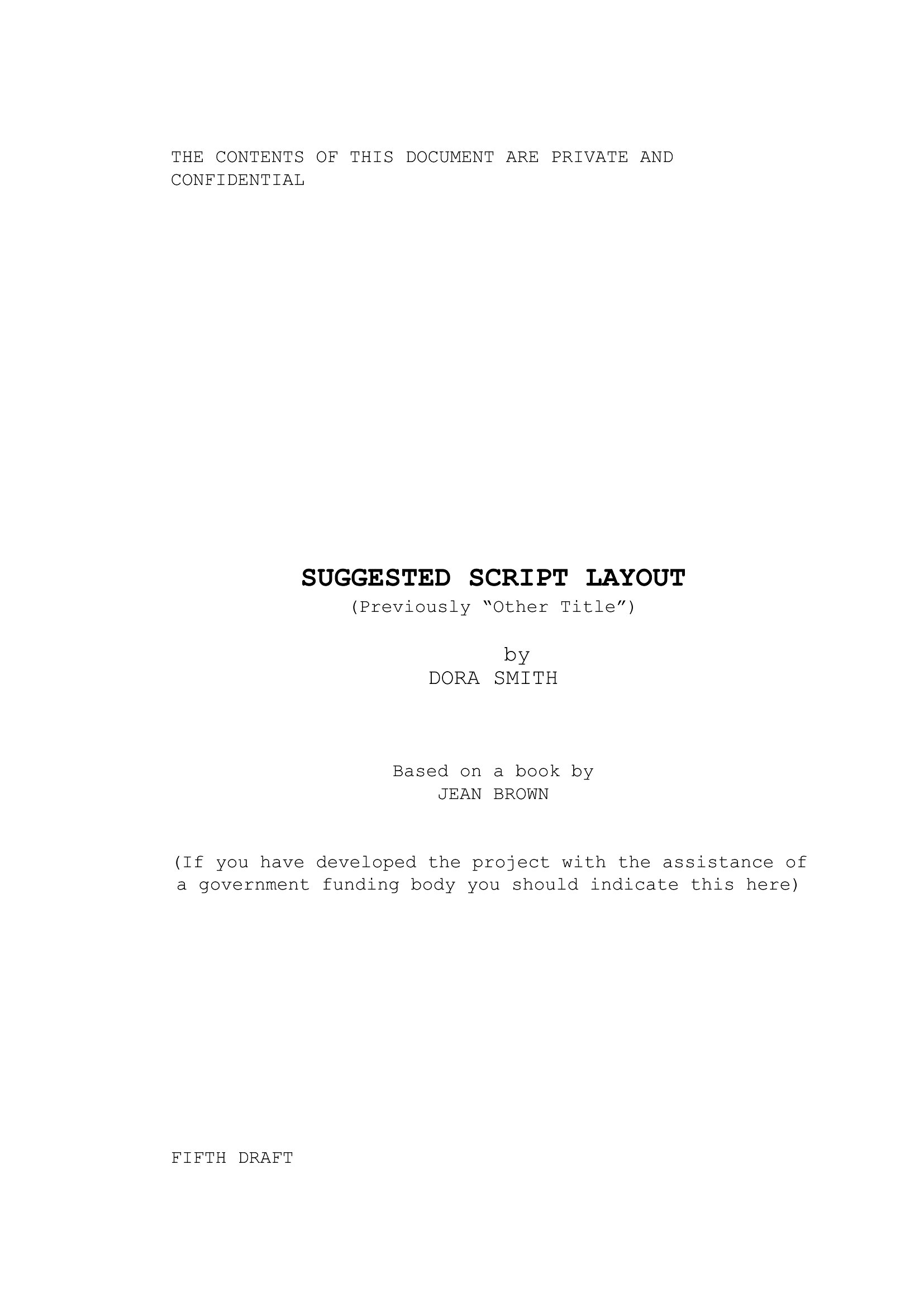
When to use this Screenplay template
- Aspiring screenwriters in film schools crafting their first drafts to meet industry formatting standards before submitting to professors or competitions.
- Indie filmmakers pitching to investors or crowdfunding platforms who need a polished, professional script to present alongside visual treatments.
- Scriptwriters adapting novels or stageplays into visual formats, ensuring dialogue and scene transitions align with cinematic pacing and readability.
- Students in creative writing programs analyzing screenplay structure by filling out templates to practice proper scene transitions and character arcs.
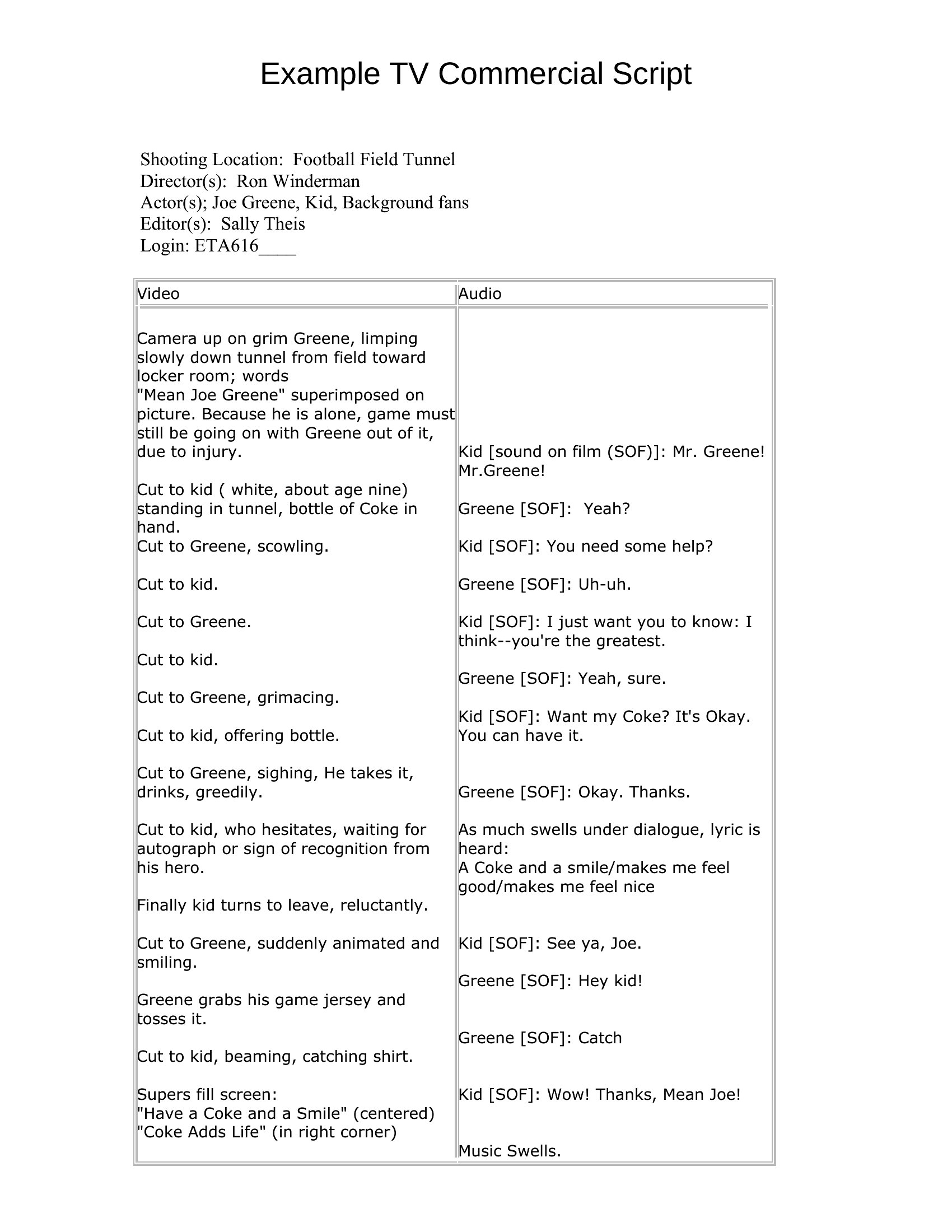
Which format should I download?
Use the Word format for scripts requiring frequent revisions or collaboration, as it allows easy editing, track changes, and comments. Choose the PDF format when finalizing a script to share with producers or actors, ensuring the formatting remains intact and professional across devices. Both formats enforce standard screenplay margins, fonts, and spacing, but Word offers flexibility for development while PDF locks in the final presentation.
Choose from 41 Screenplay Templates
How to use this Screenplay template
Do these templates include industry-standard scene headings like SLUGLINE or ACTION lines?
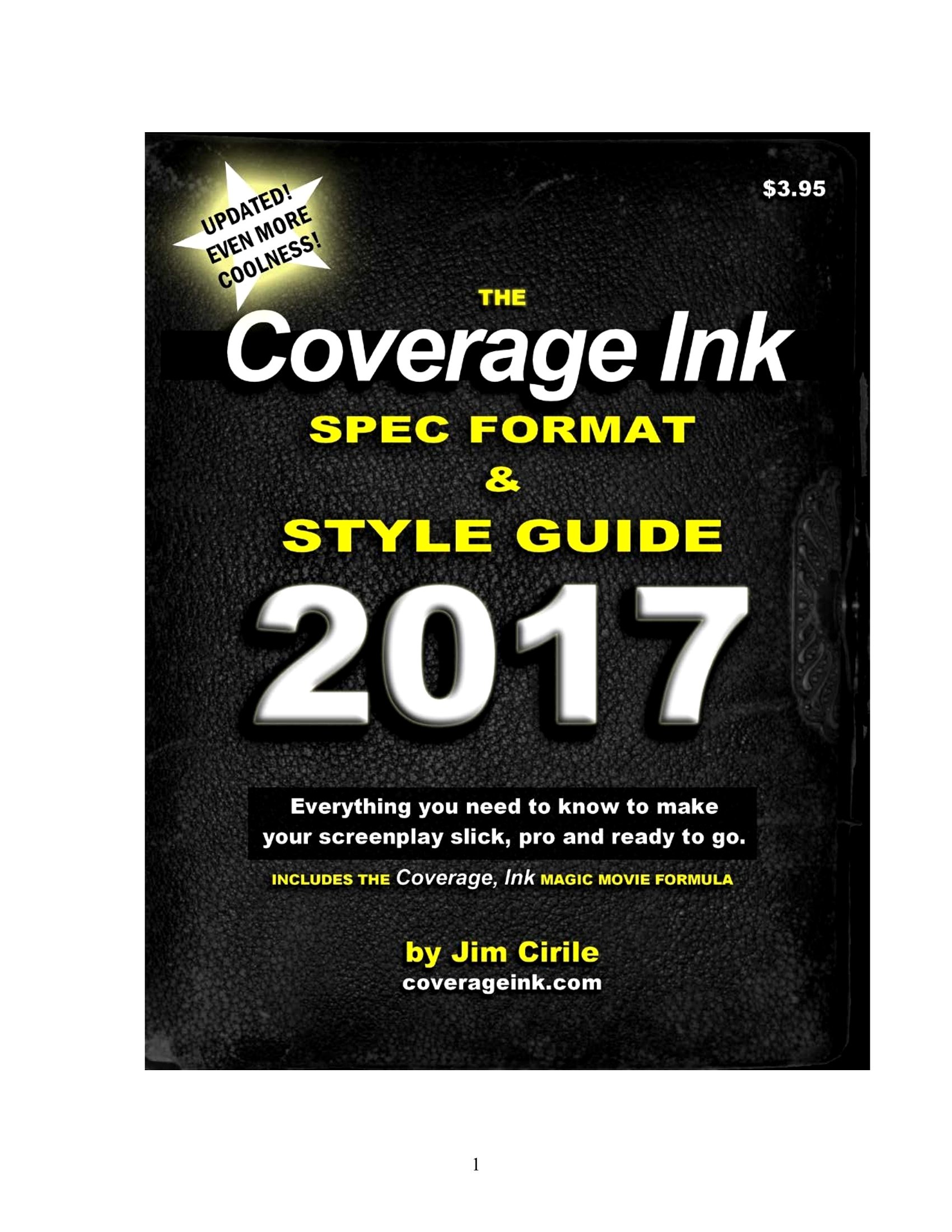
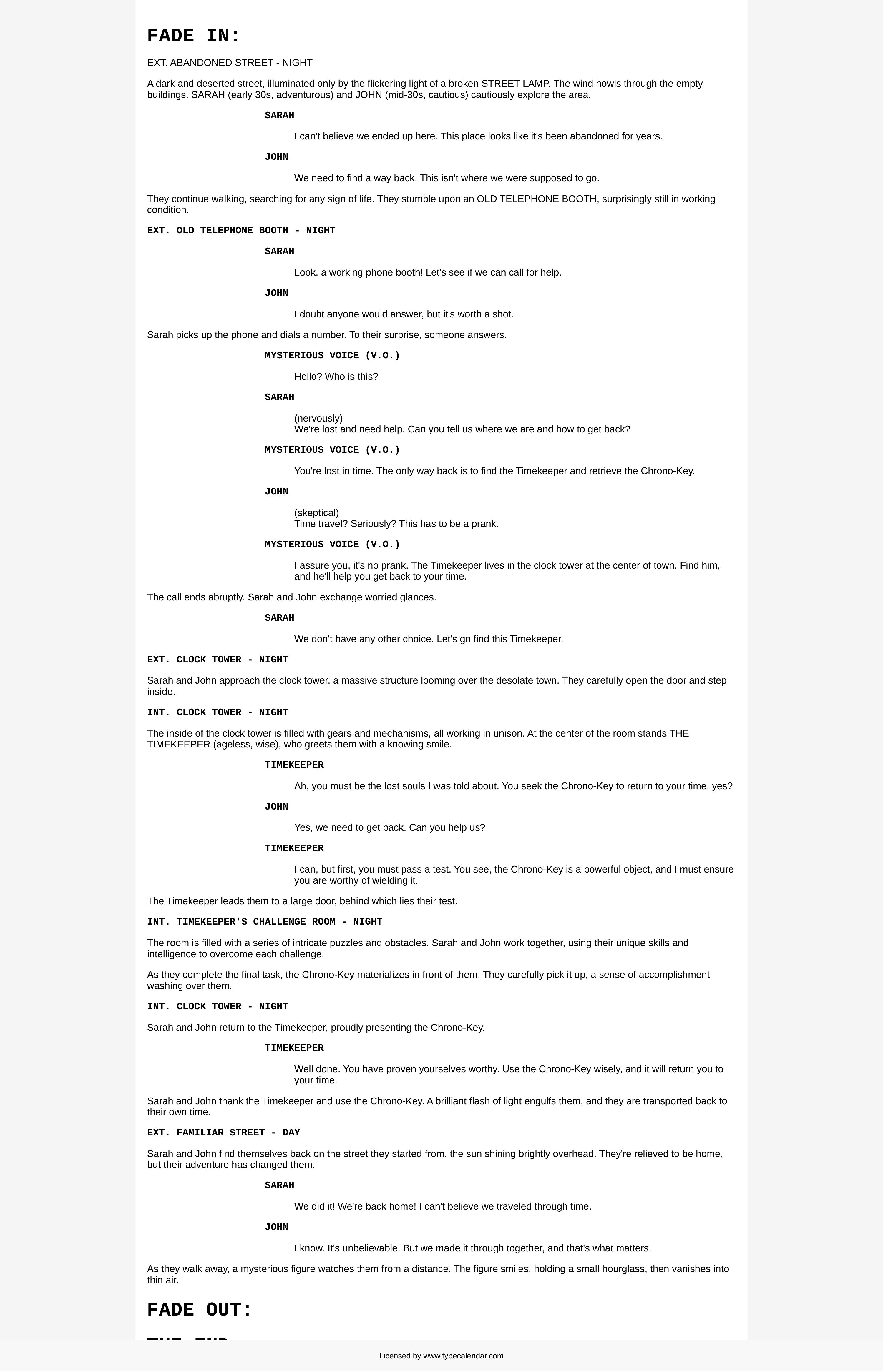
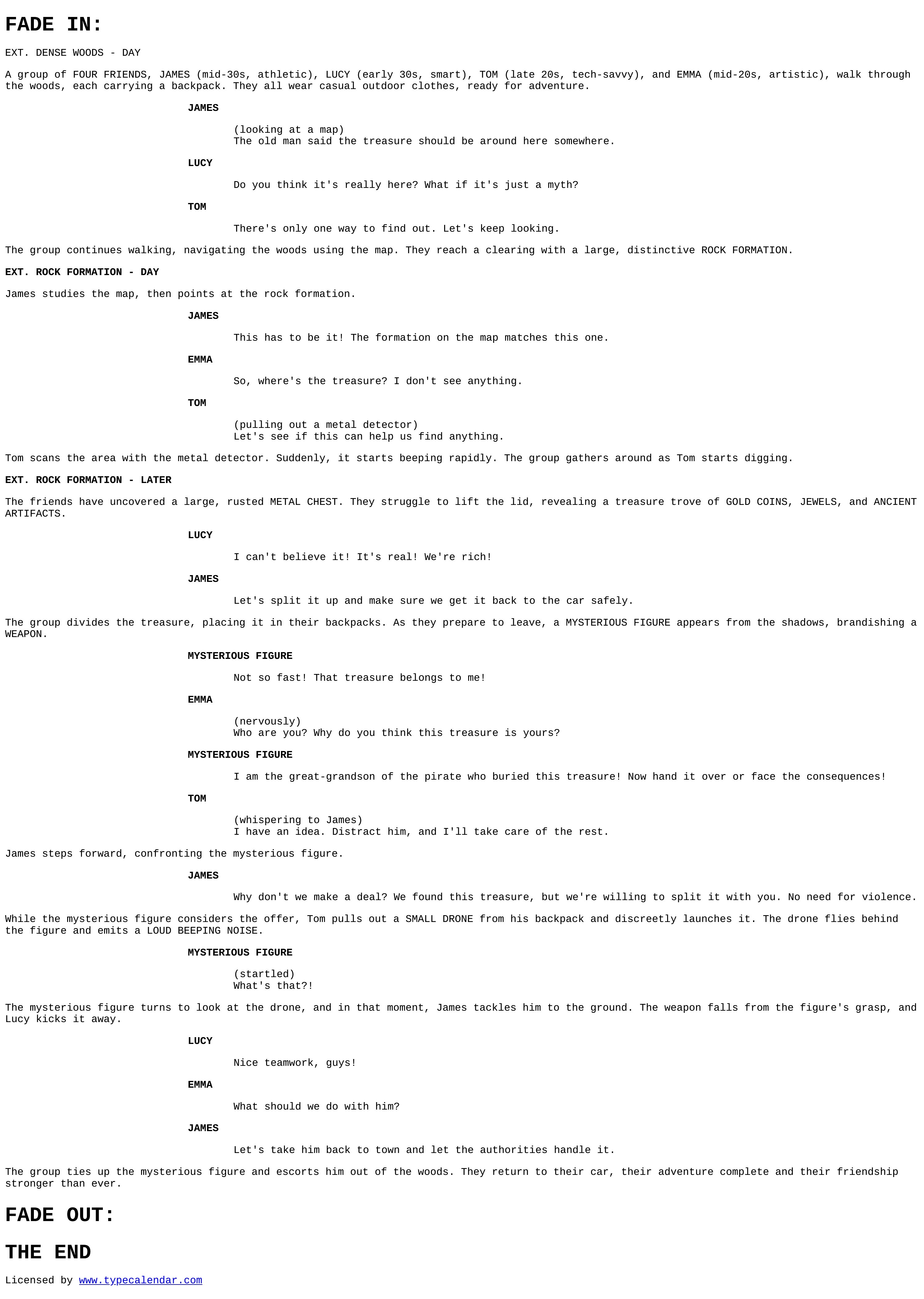
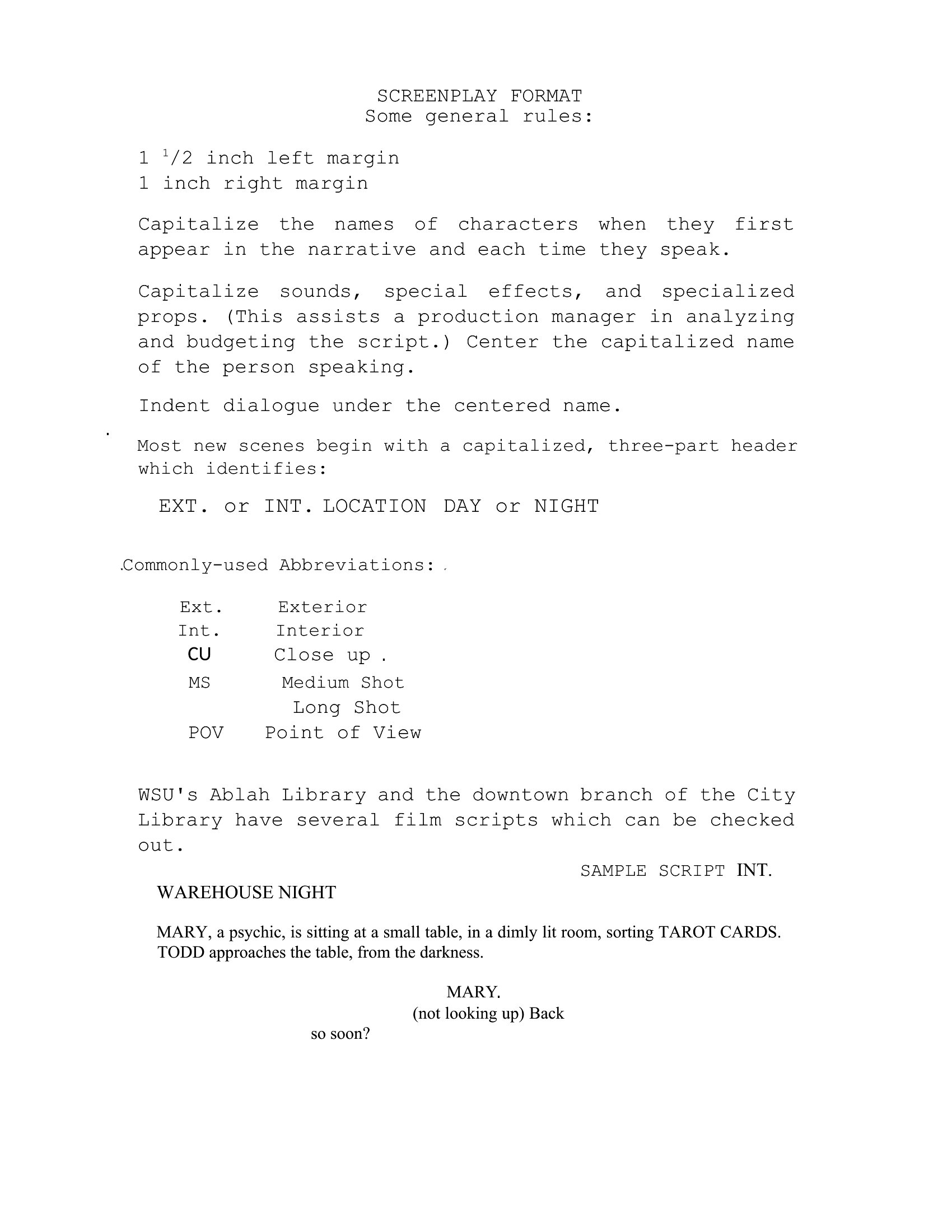
Yes, all templates follow professional screenplay formats with pre-set sluglines (e.g., INT. COFFEE SHOP – DAY) and action line blocks. Dialogue boxes and character centers are also properly aligned to avoid manual formatting errors. These templates save time by adhering to industry guidelines from sources like the *Writer’s Digest Screenwriting Handbook*.
Can I use these templates for a script with non-standard scenes, like dream sequences or flashbacks?
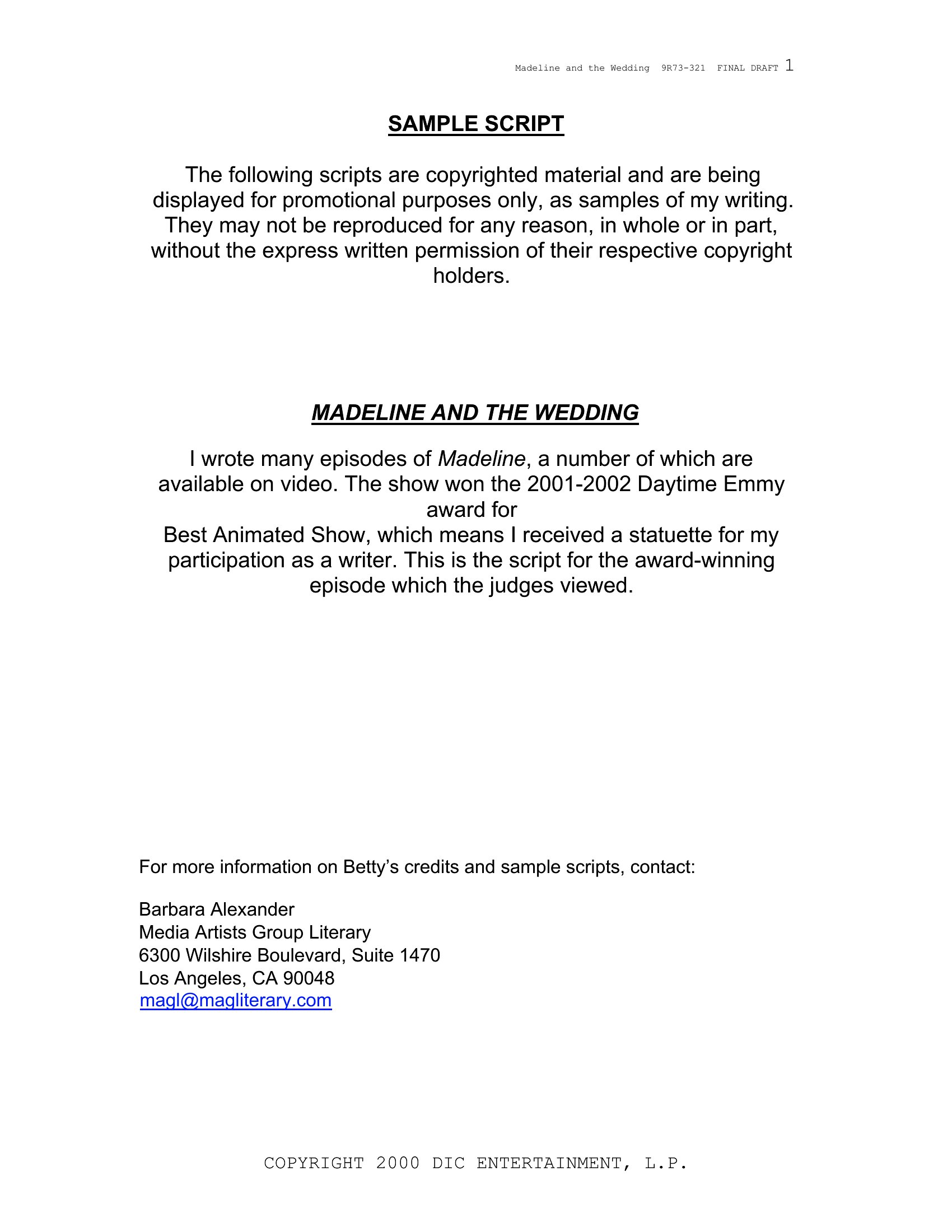
Absolutely. The templates support creative scene structures by providing consistent margins and spacing for any scene type. You can add notes or annotations in the margins for visual cues (e.g., DREAM SEQUENCE in caps) or use the action lines to describe shifts in time or perspective. The focus is on keeping your story clear, regardless of narrative style.
How do these templates handle page counts for different script lengths, like a 10-page short film vs. a 120-page feature?
Each template automatically adjusts to your content, maintaining standard 1.5-inch margins and 12pt Courier New font for proper page counts. A 10-page short film or 120-page feature will render correctly without manual resizing. The templates ensure your script meets industry expectations for pacing, with each page roughly equating to one minute of screen time in a feature.
Comments
Join the conversation
Sign in to share your thoughts and leave a comment on this resource.