Skip to content
50% off this one-time $1.99 pack with HALFOFF — or unlimited with Pro.HALFOFF
Premium

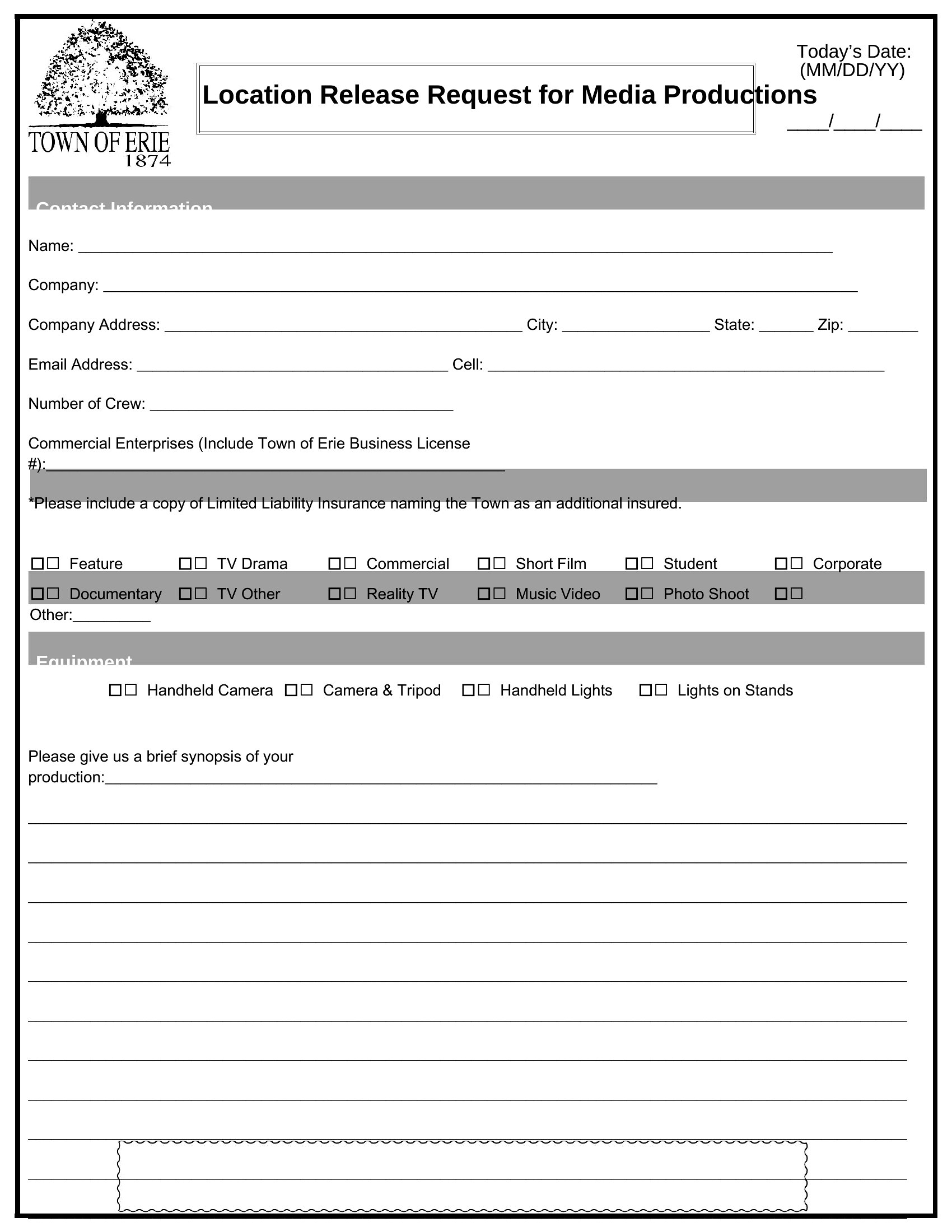
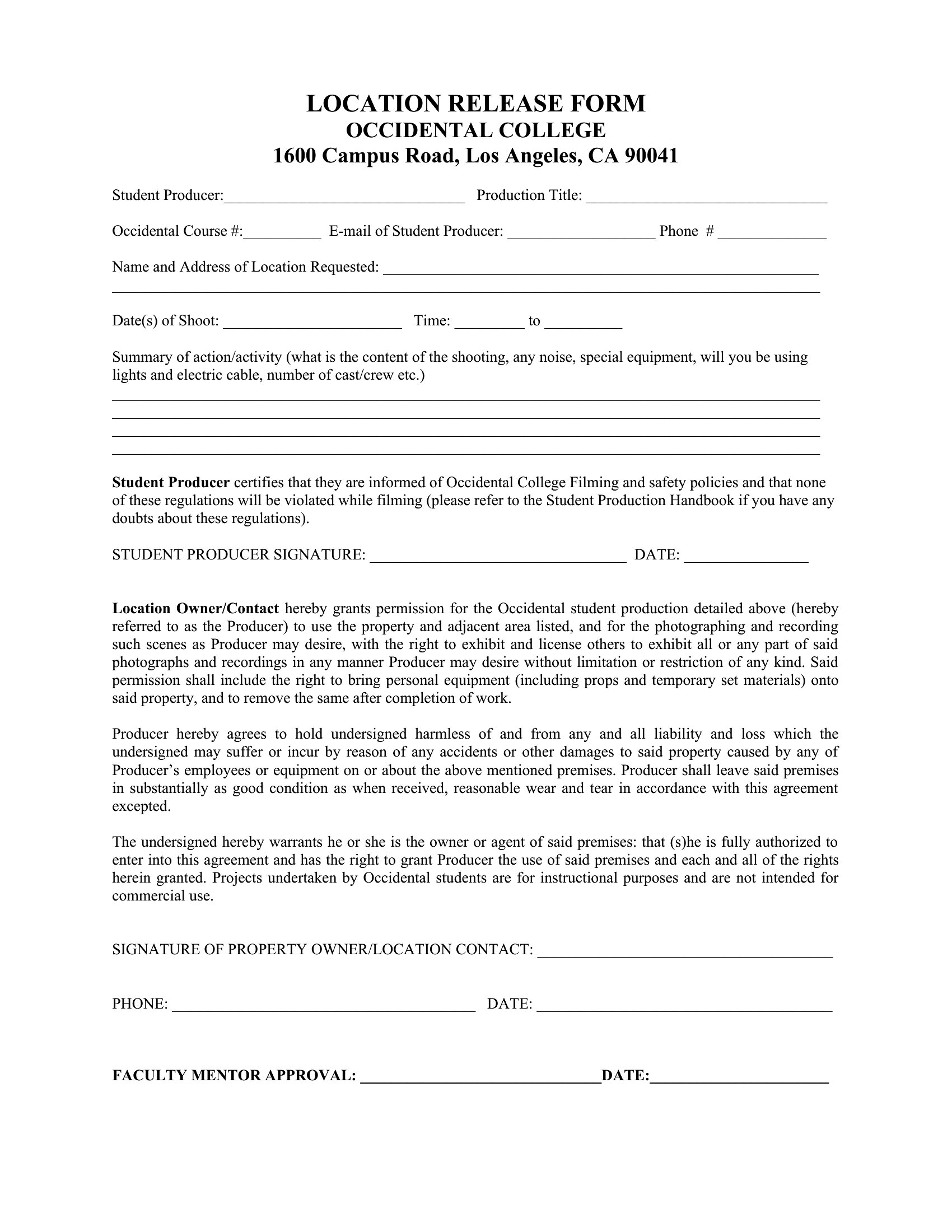
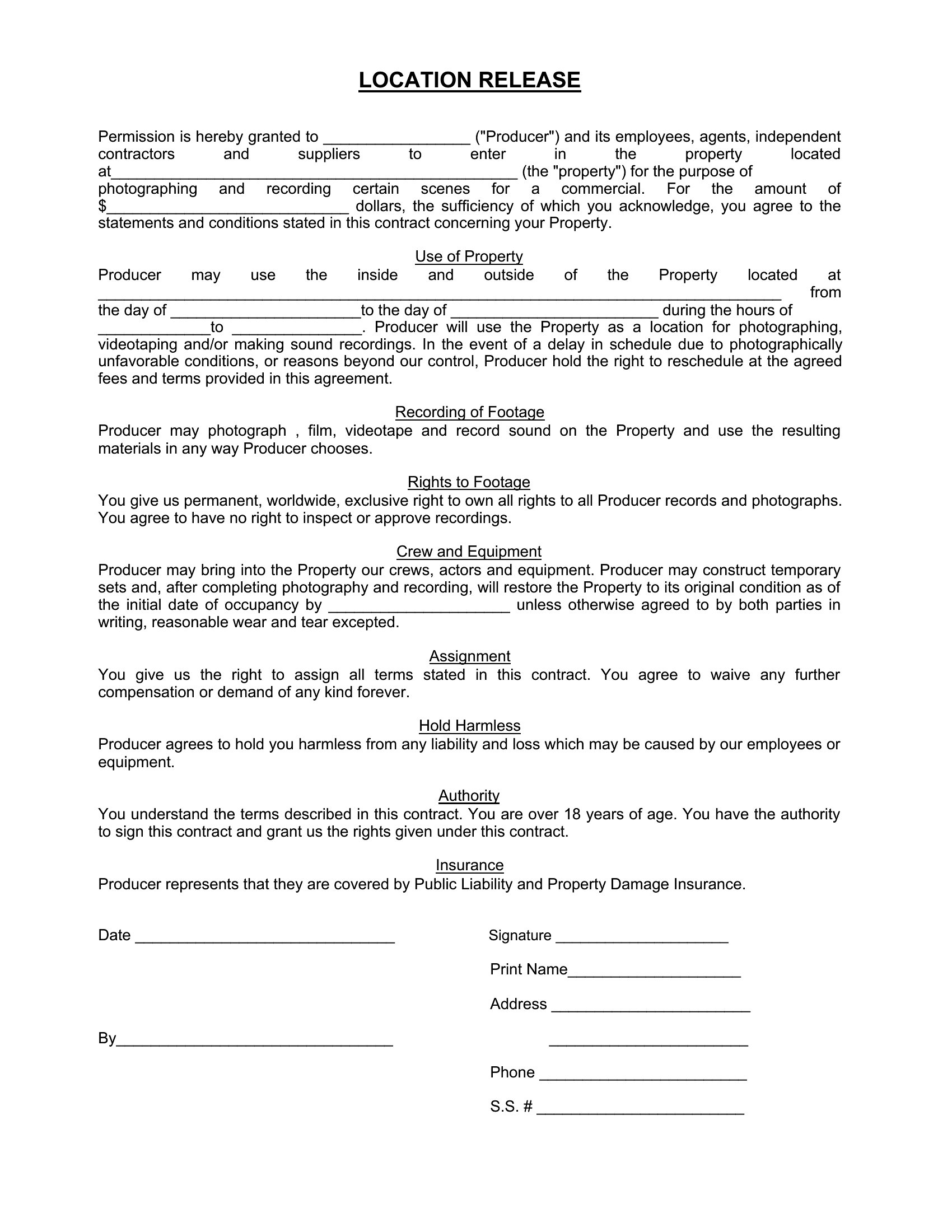
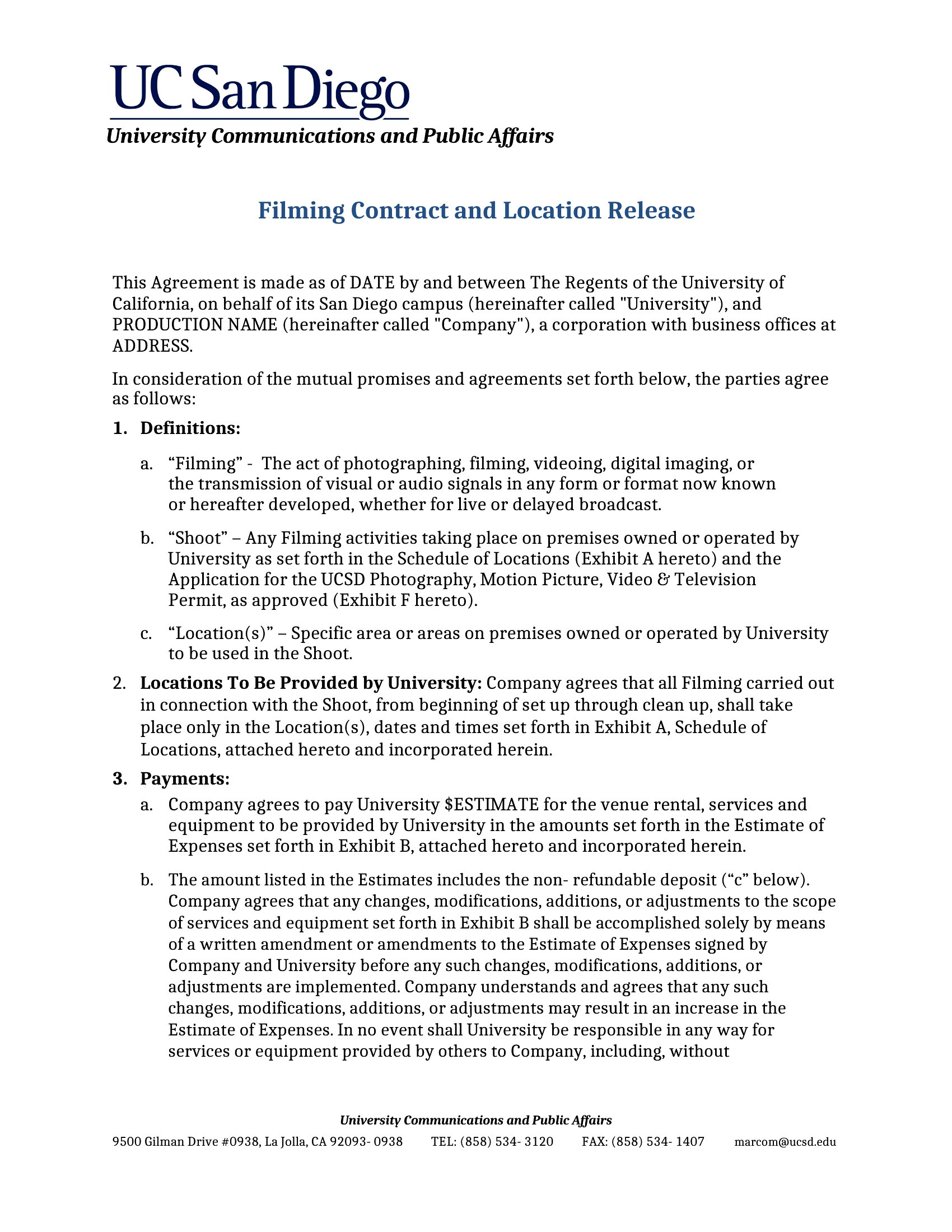
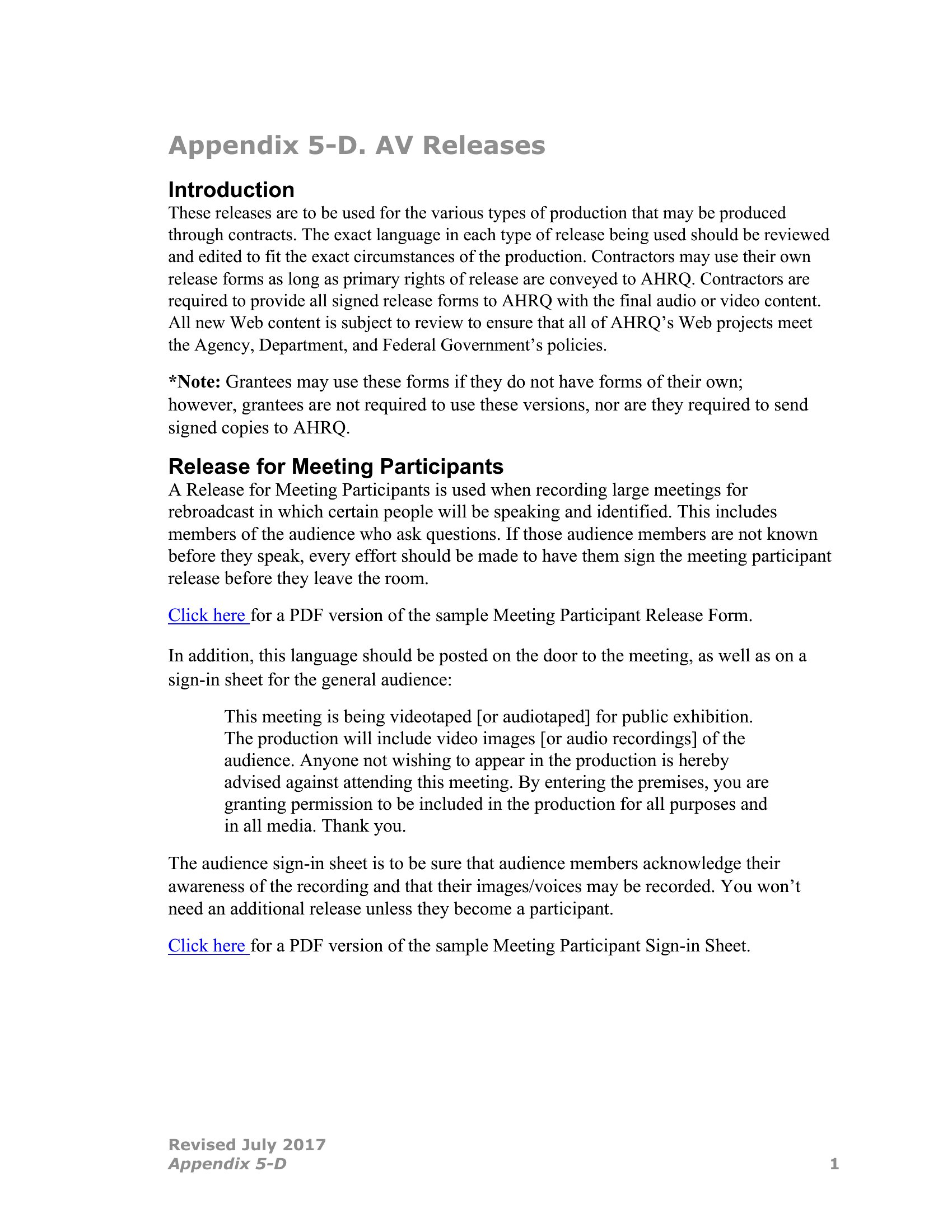
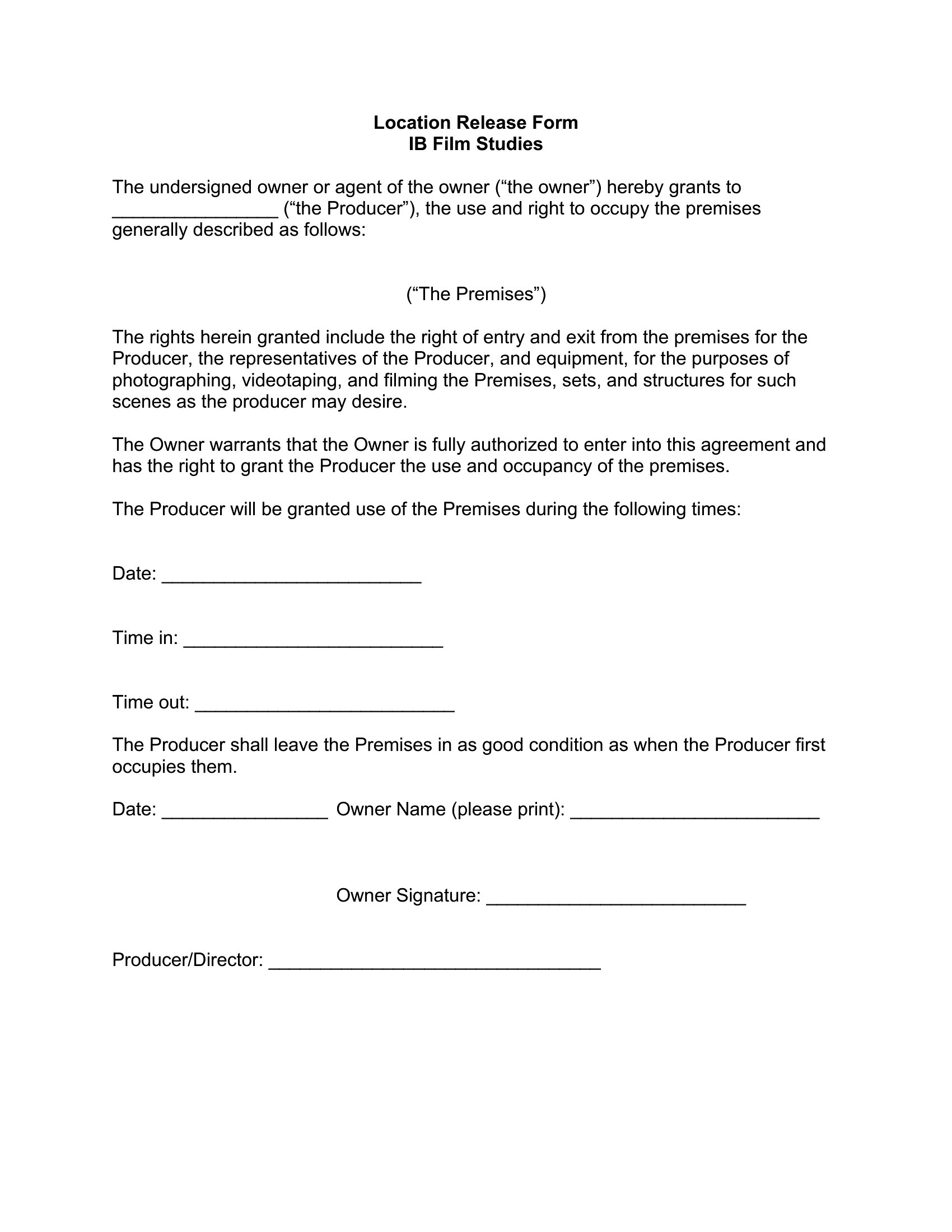
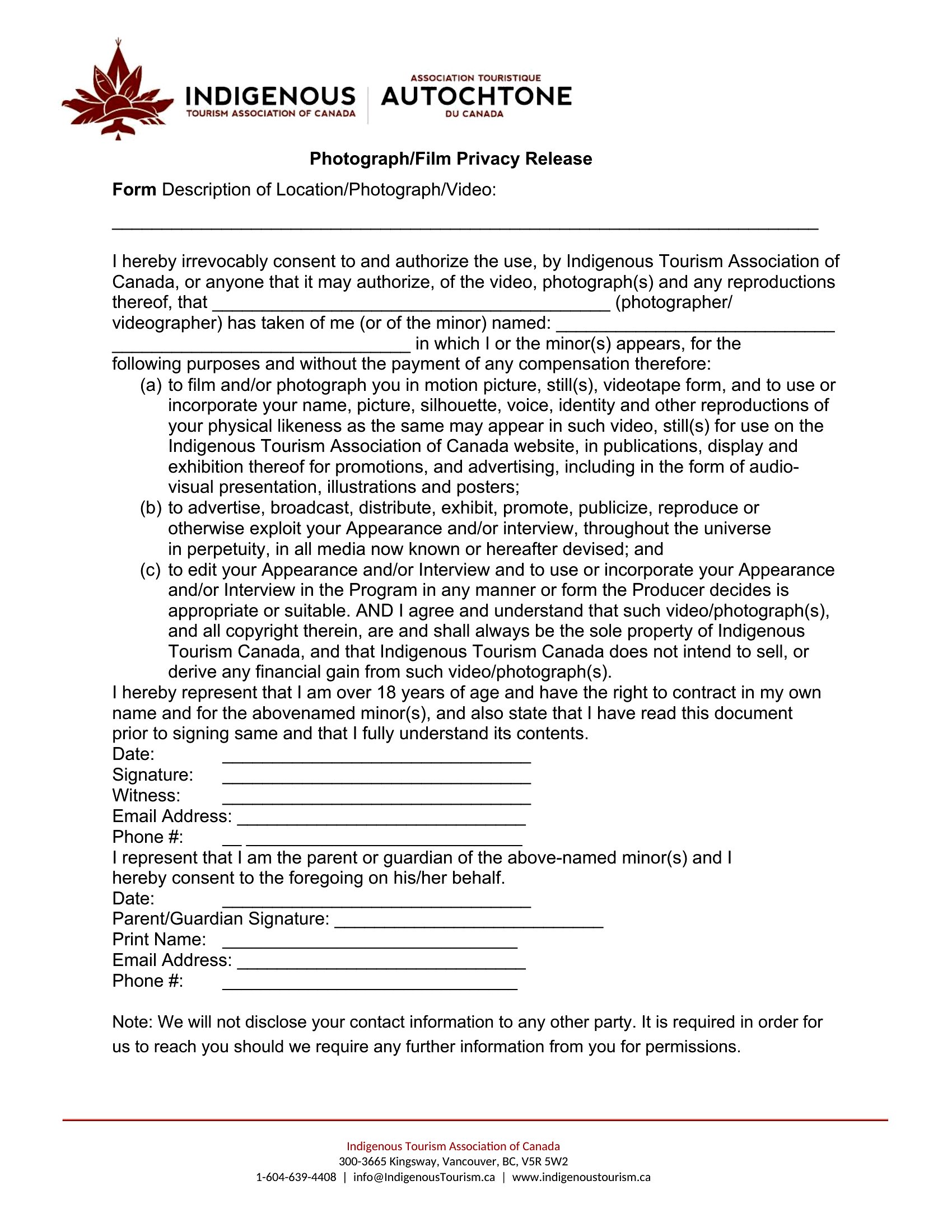
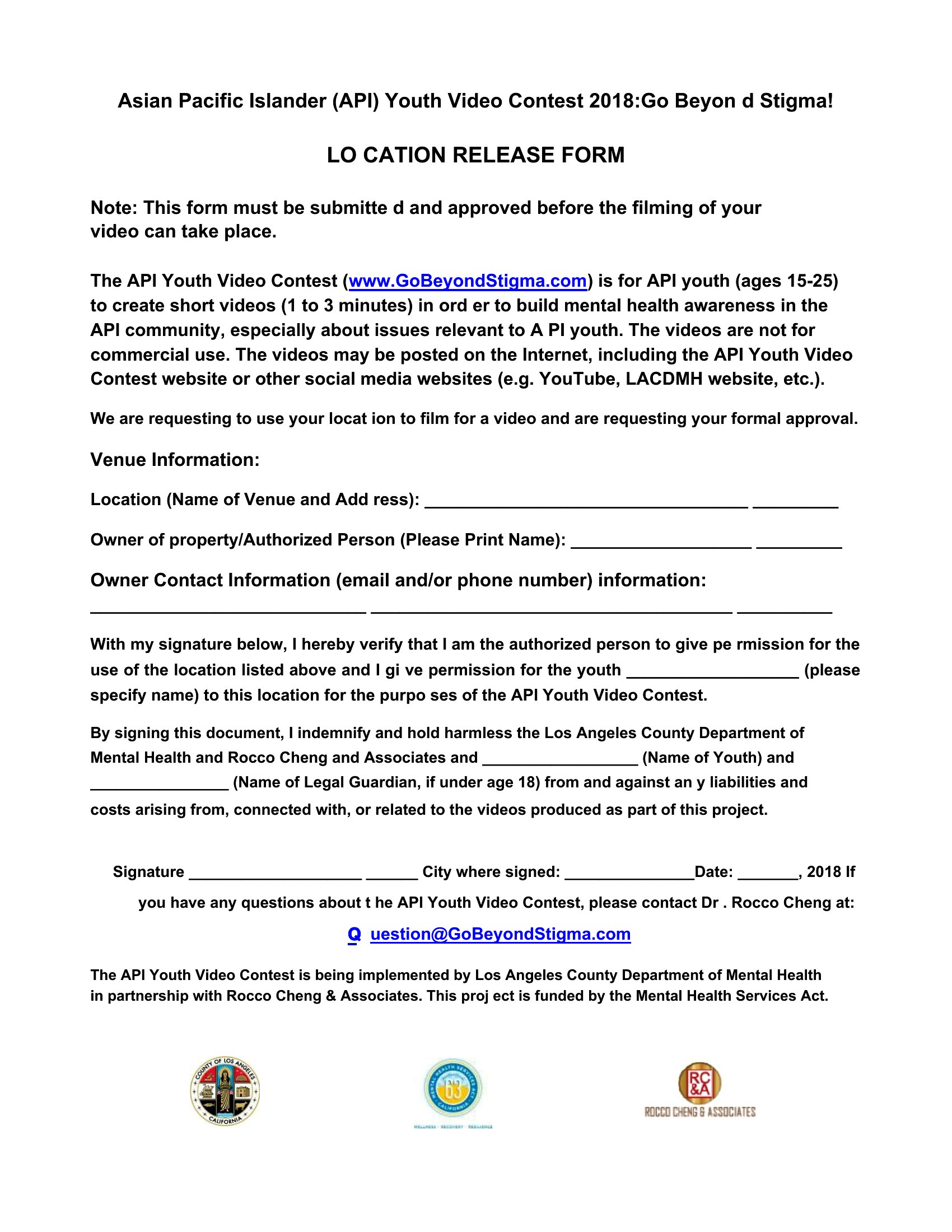
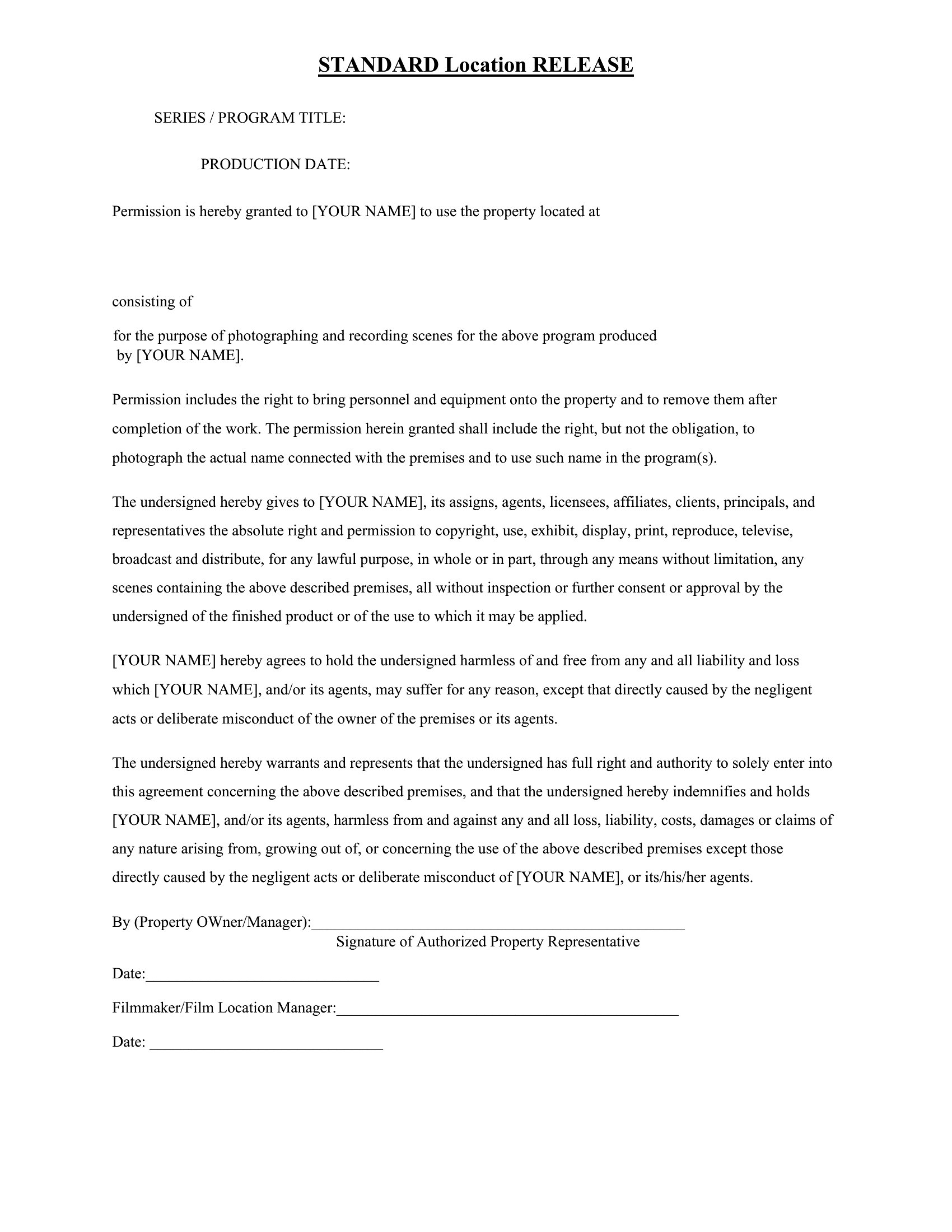
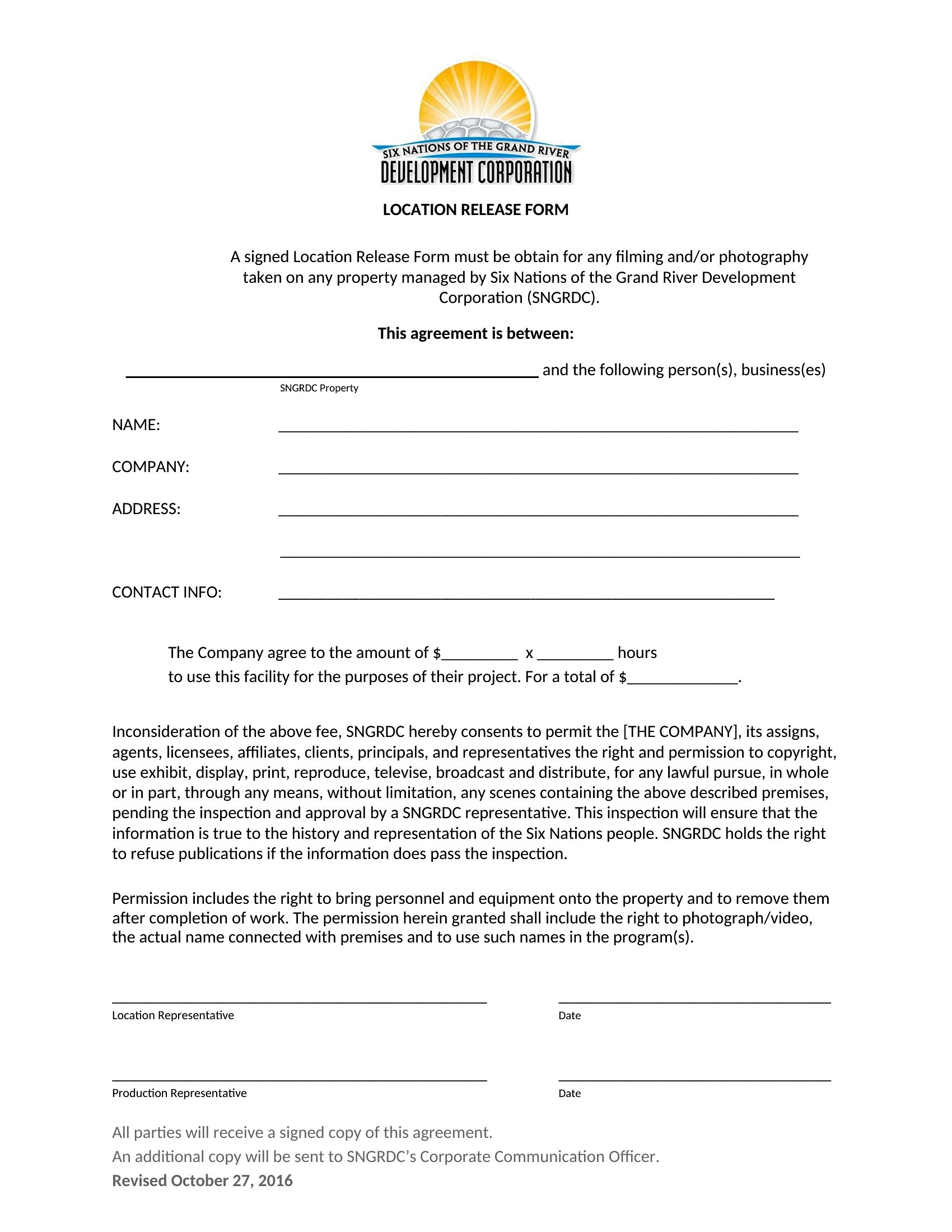
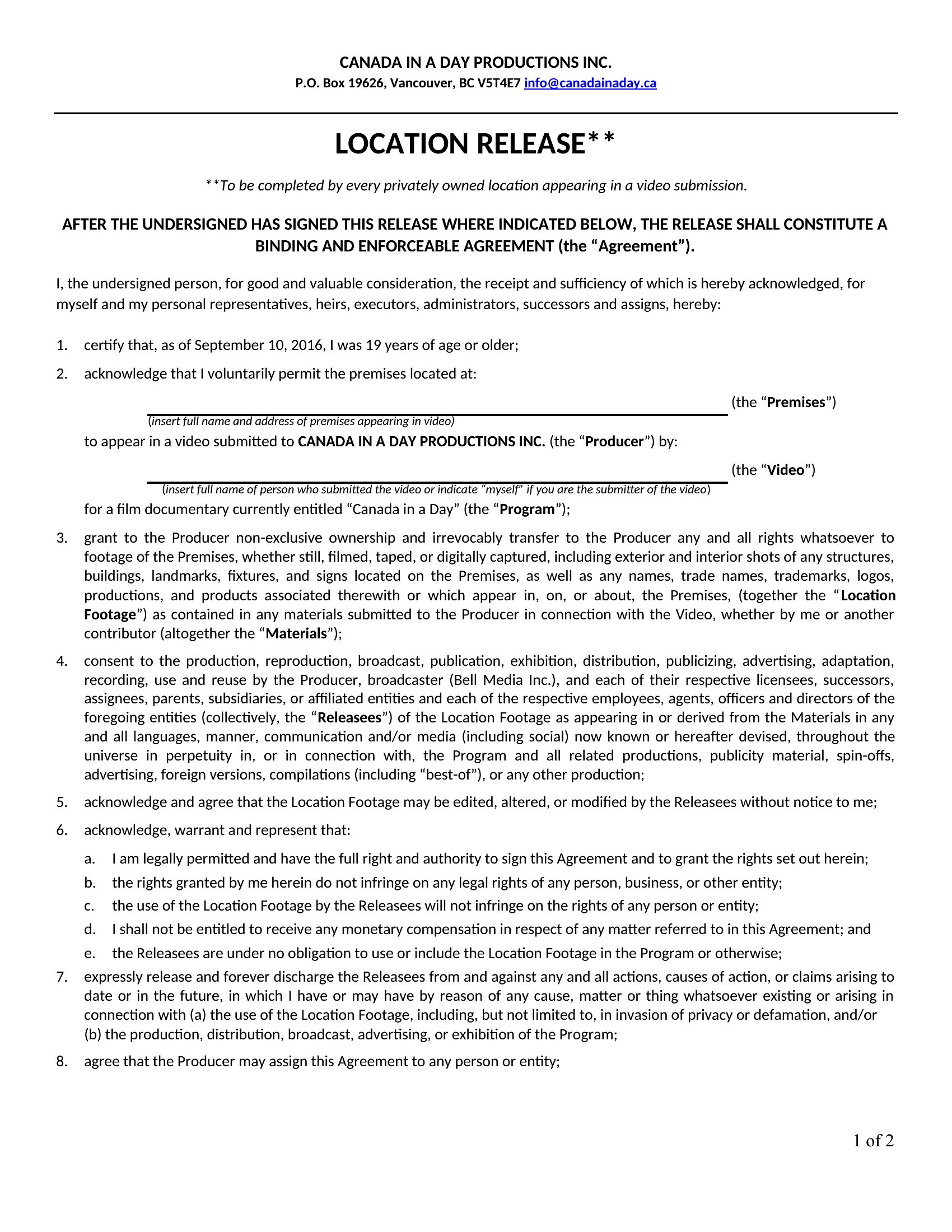
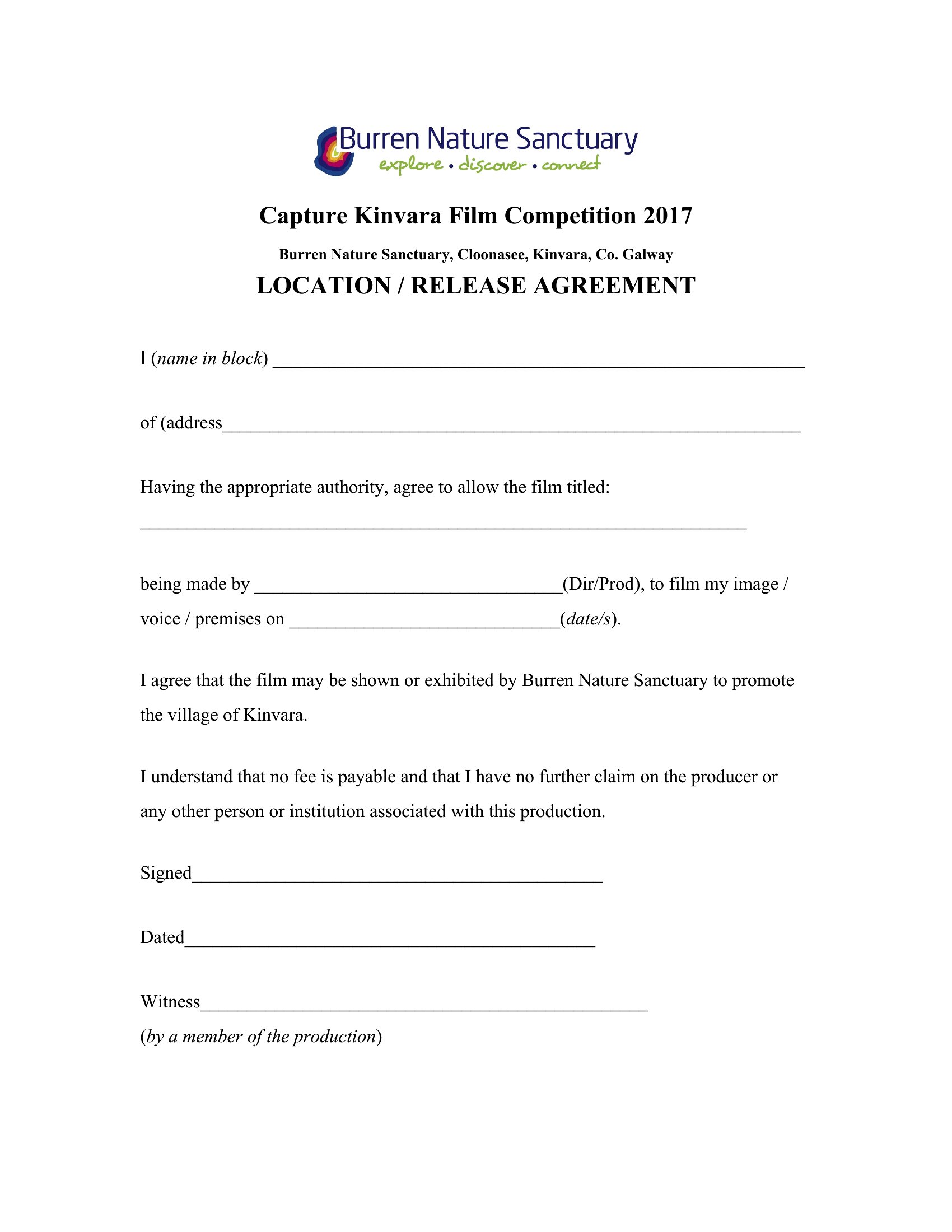
Free Location Release Forms (Word)

ID/Consent
randydavis by randydavis
Updated 0 downloads Quality-checked template

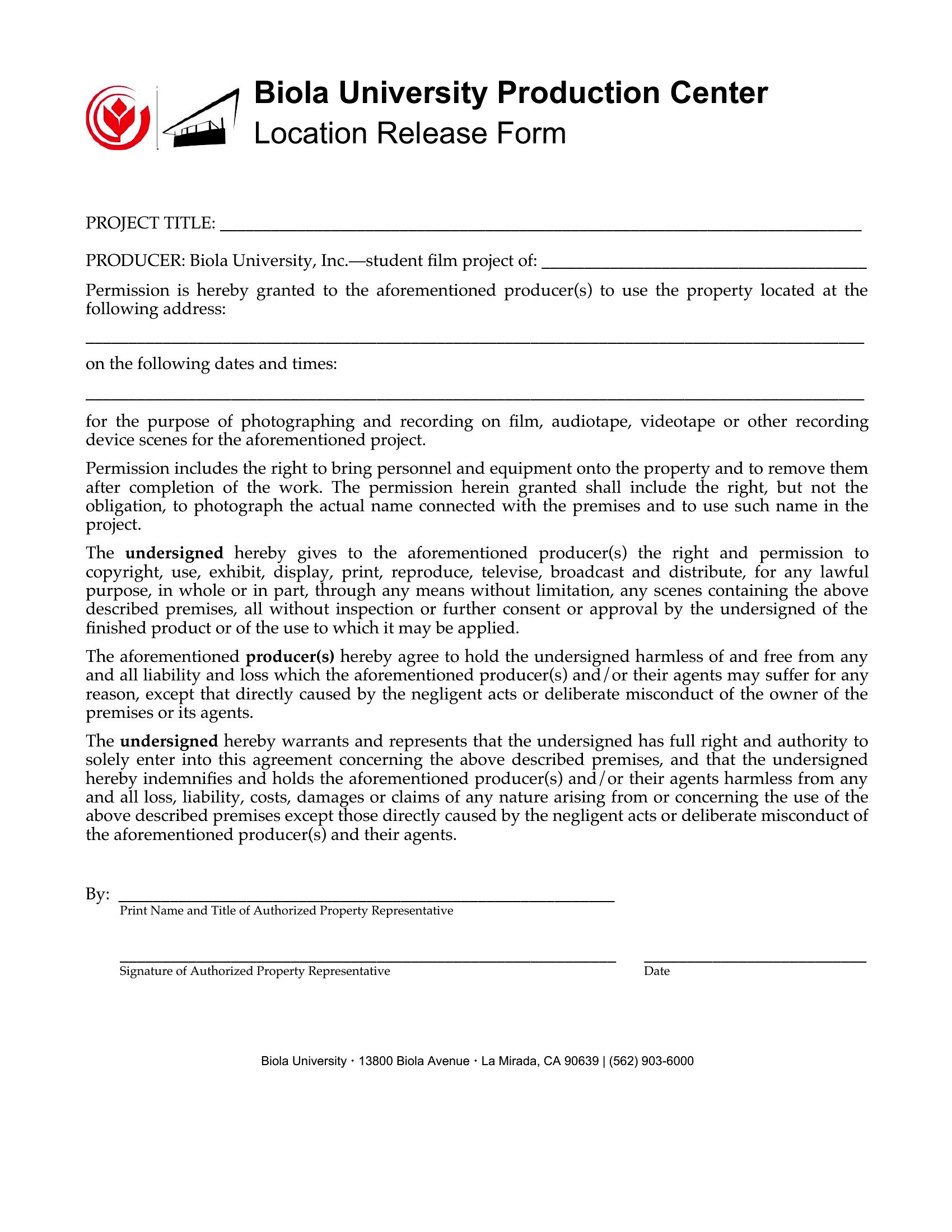
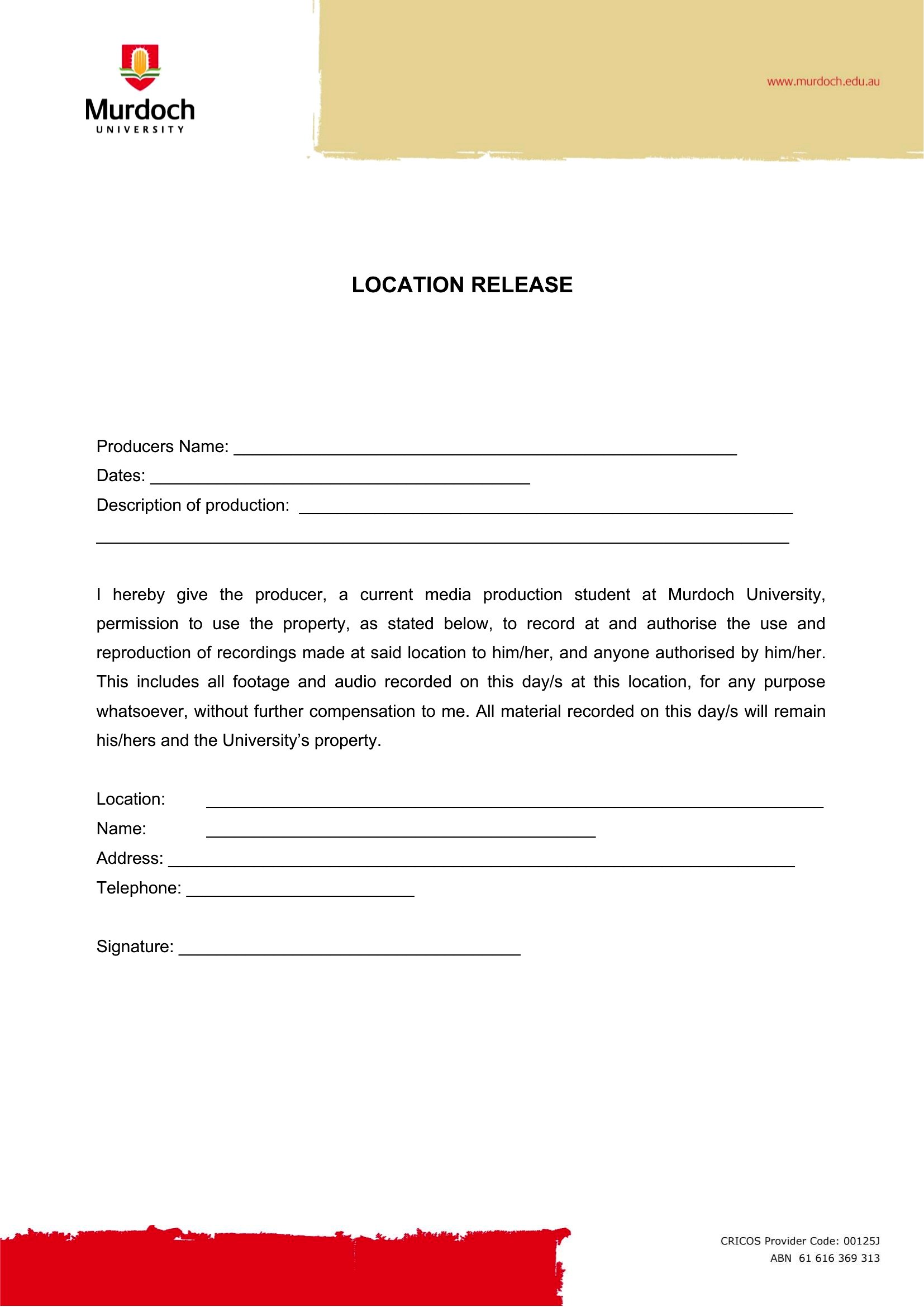
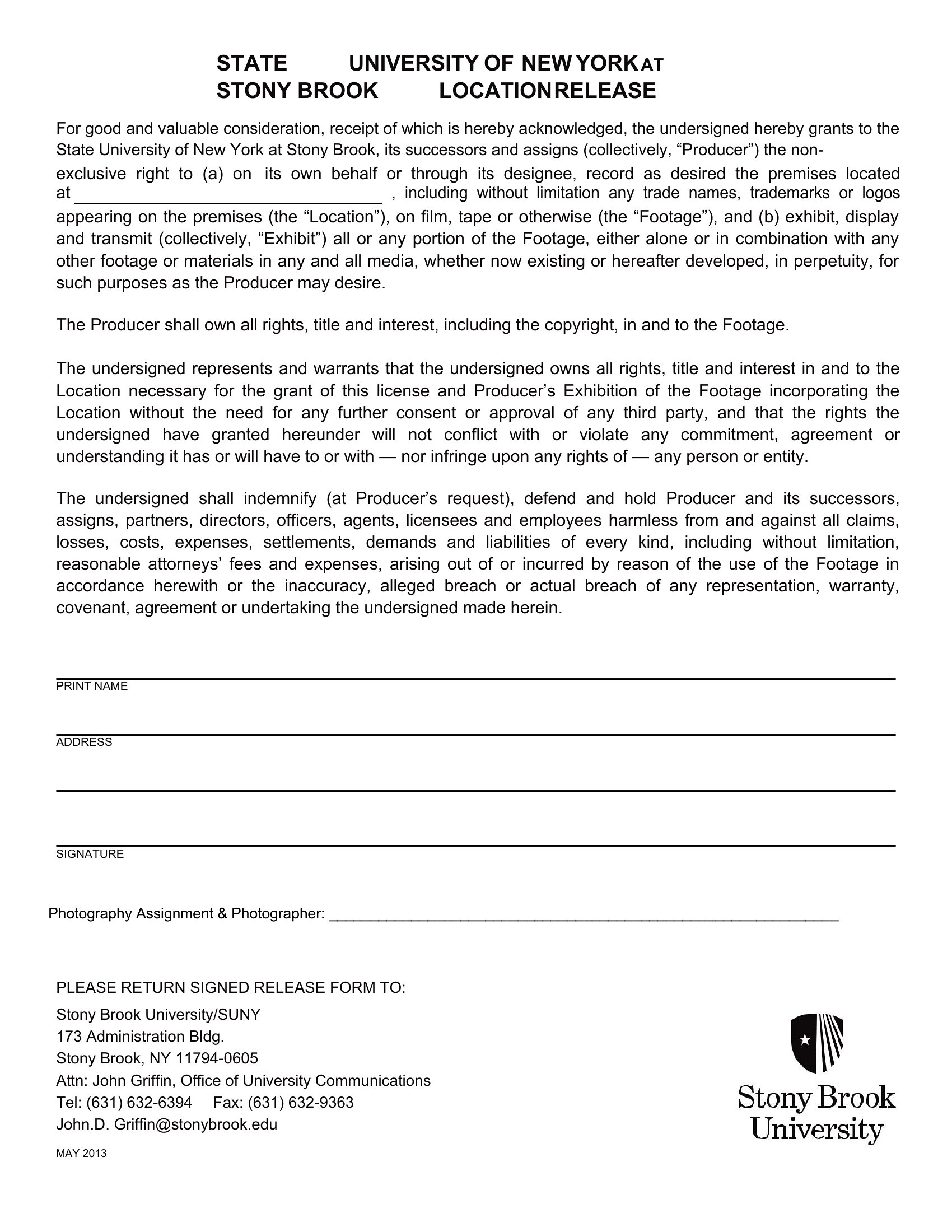
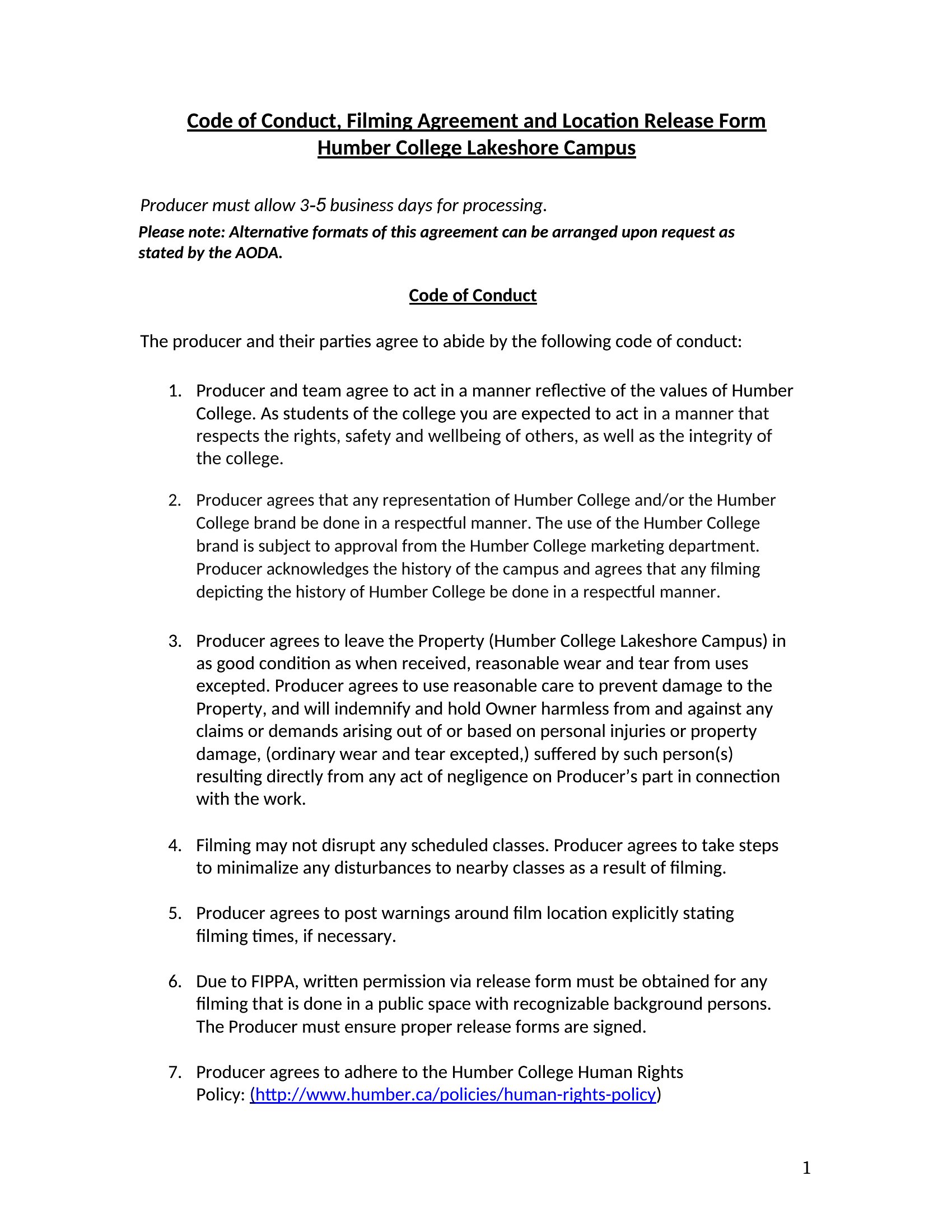
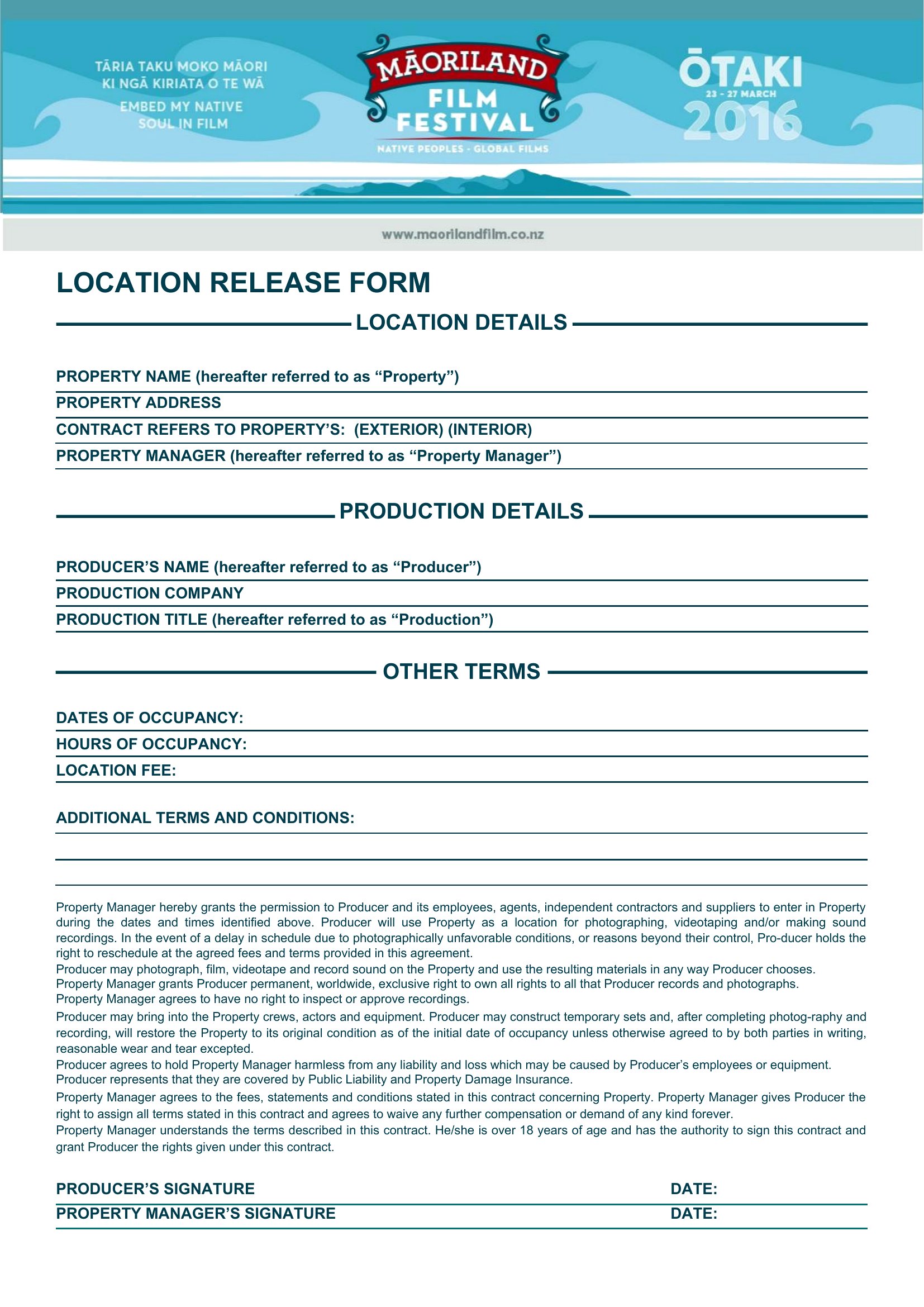
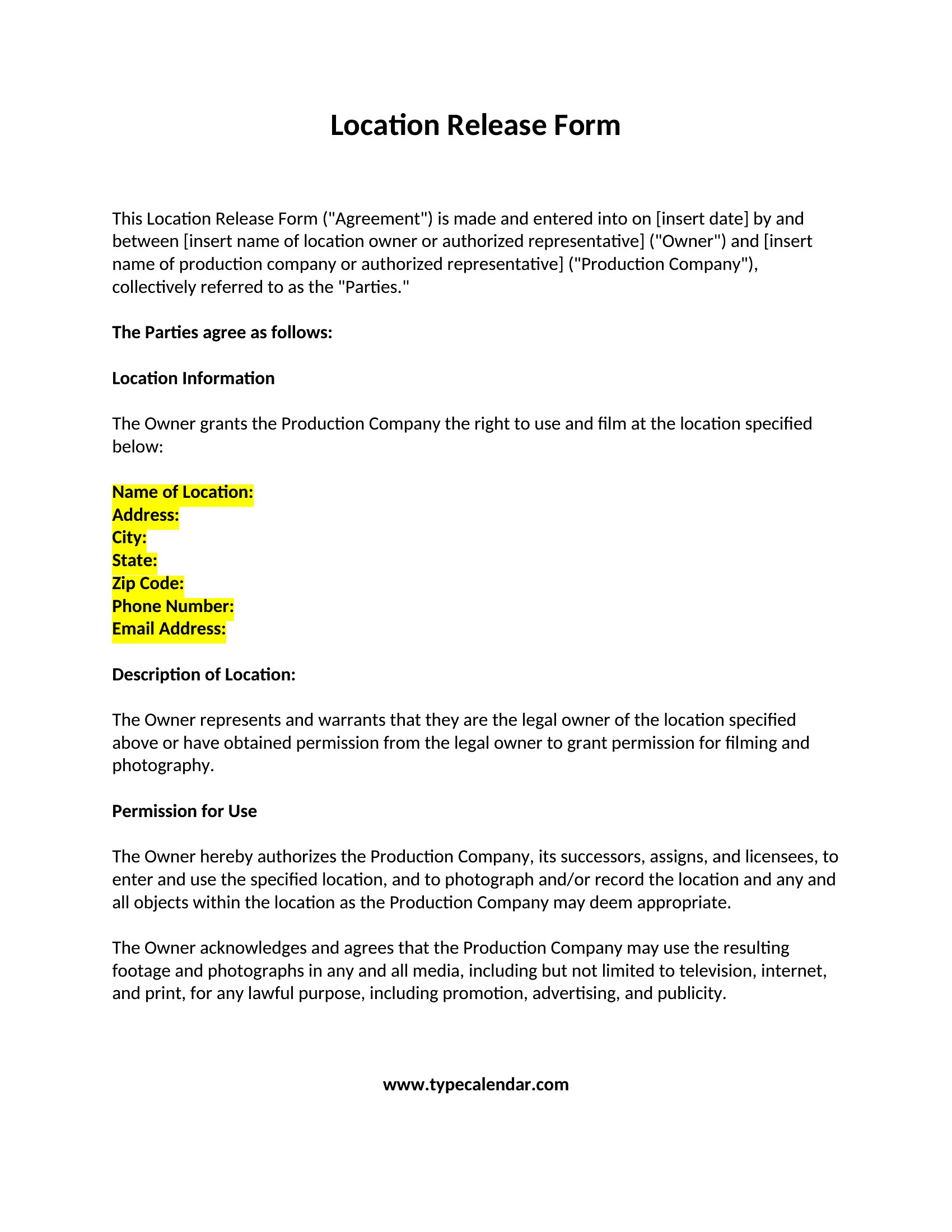
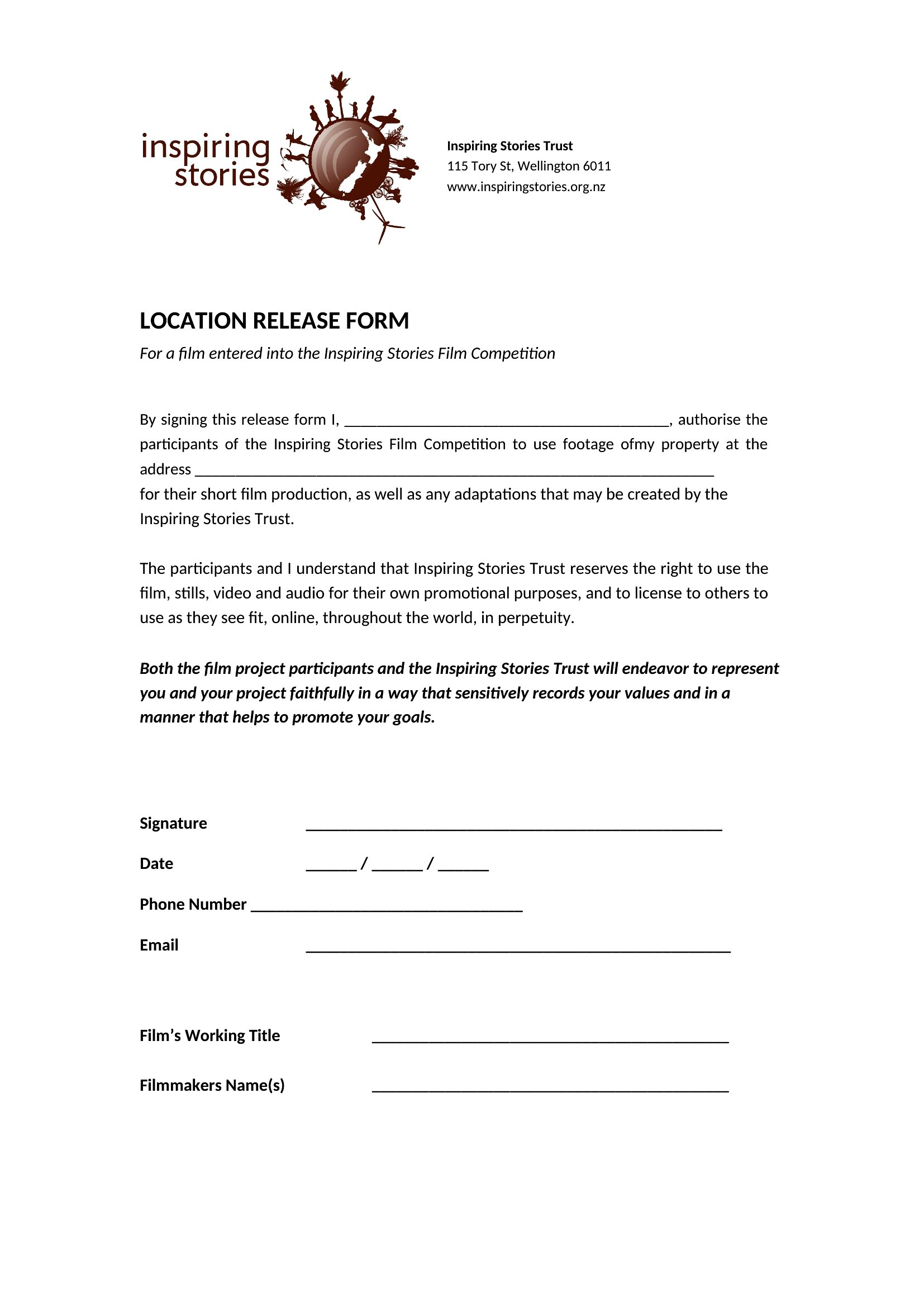
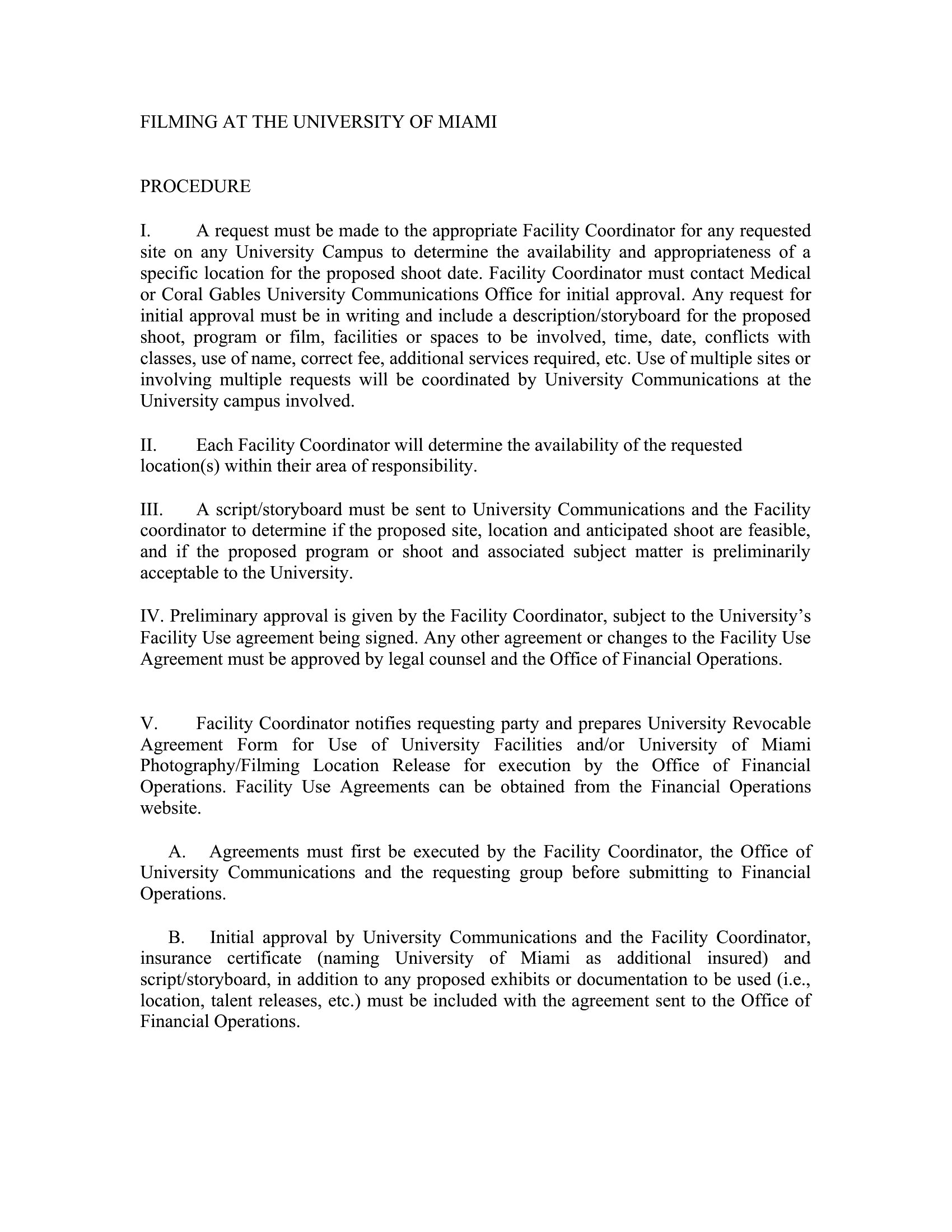
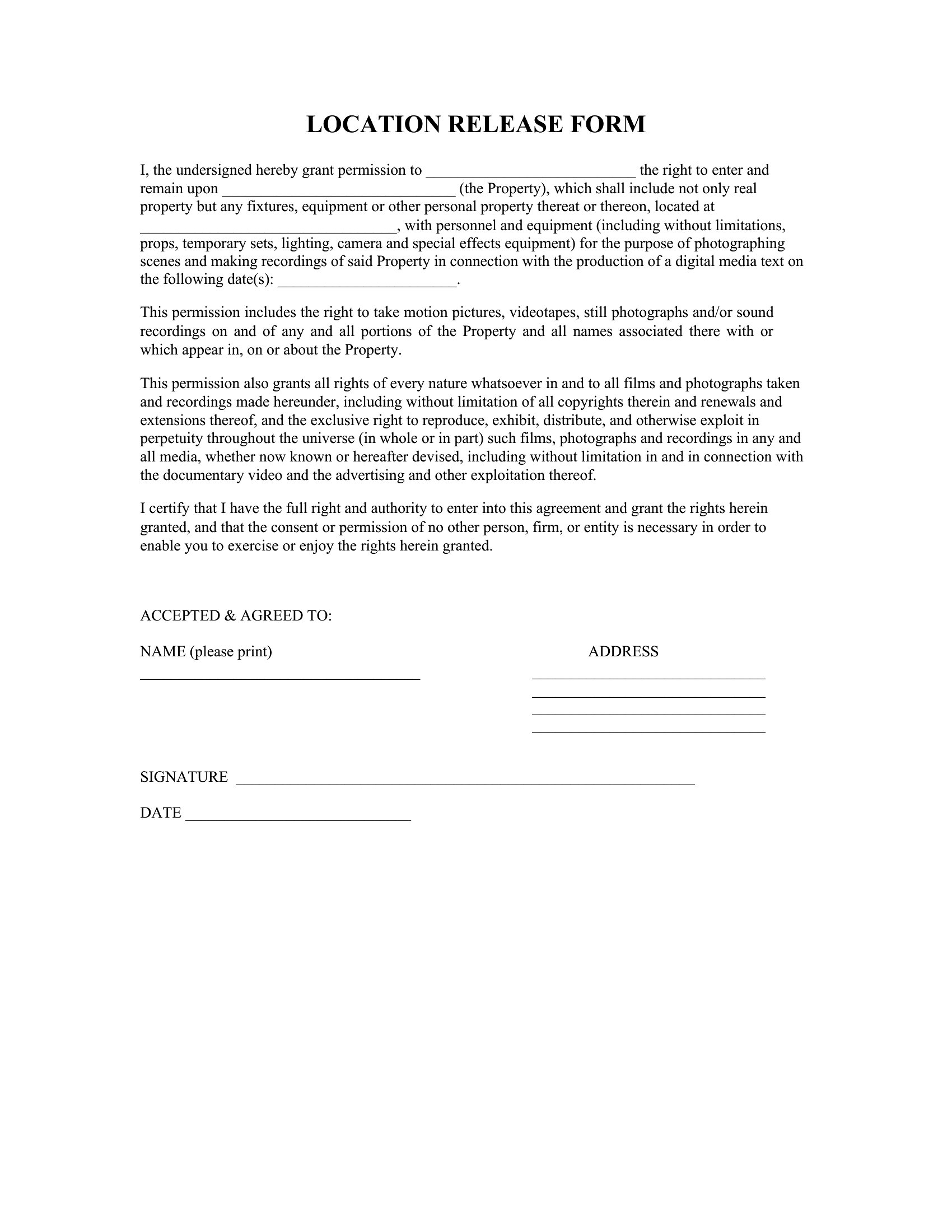
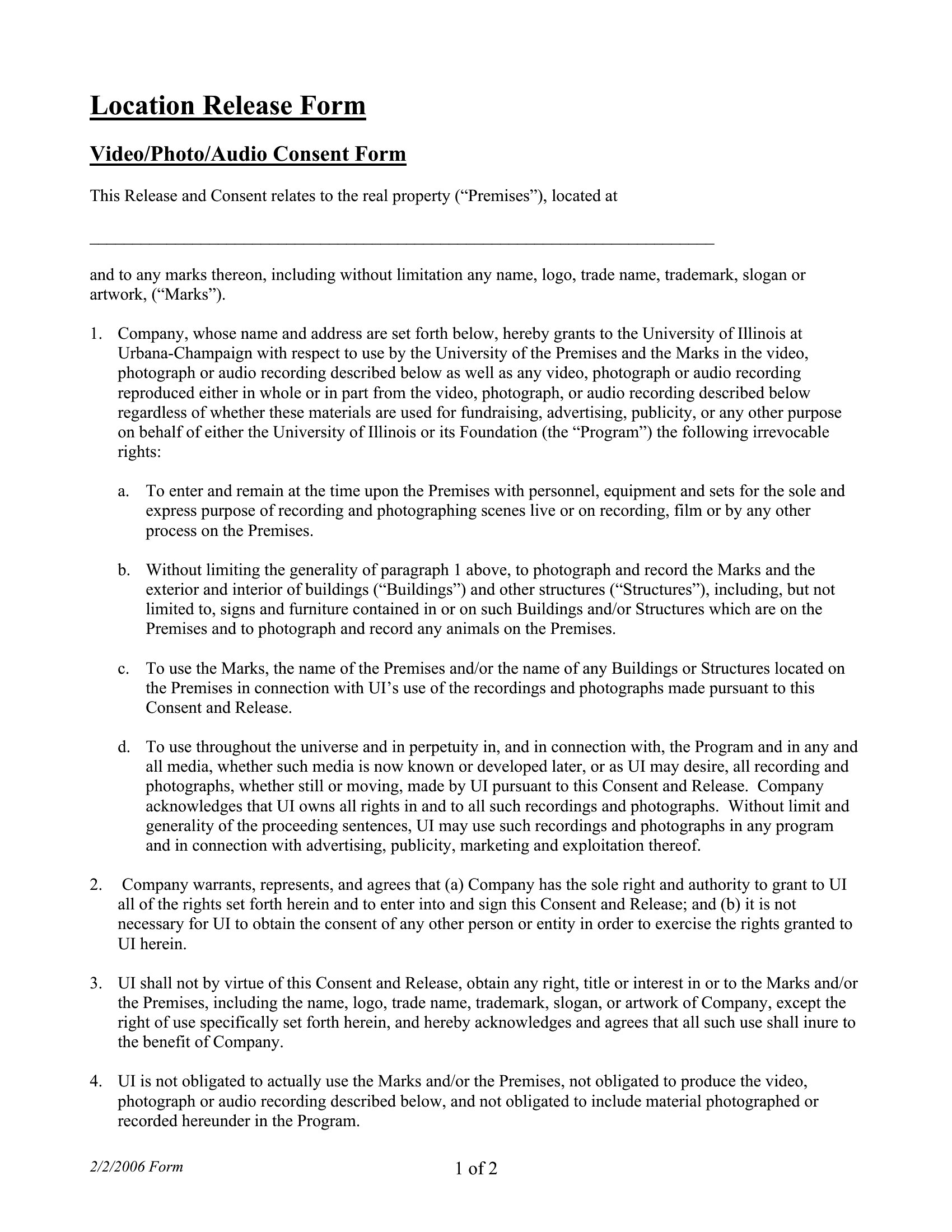
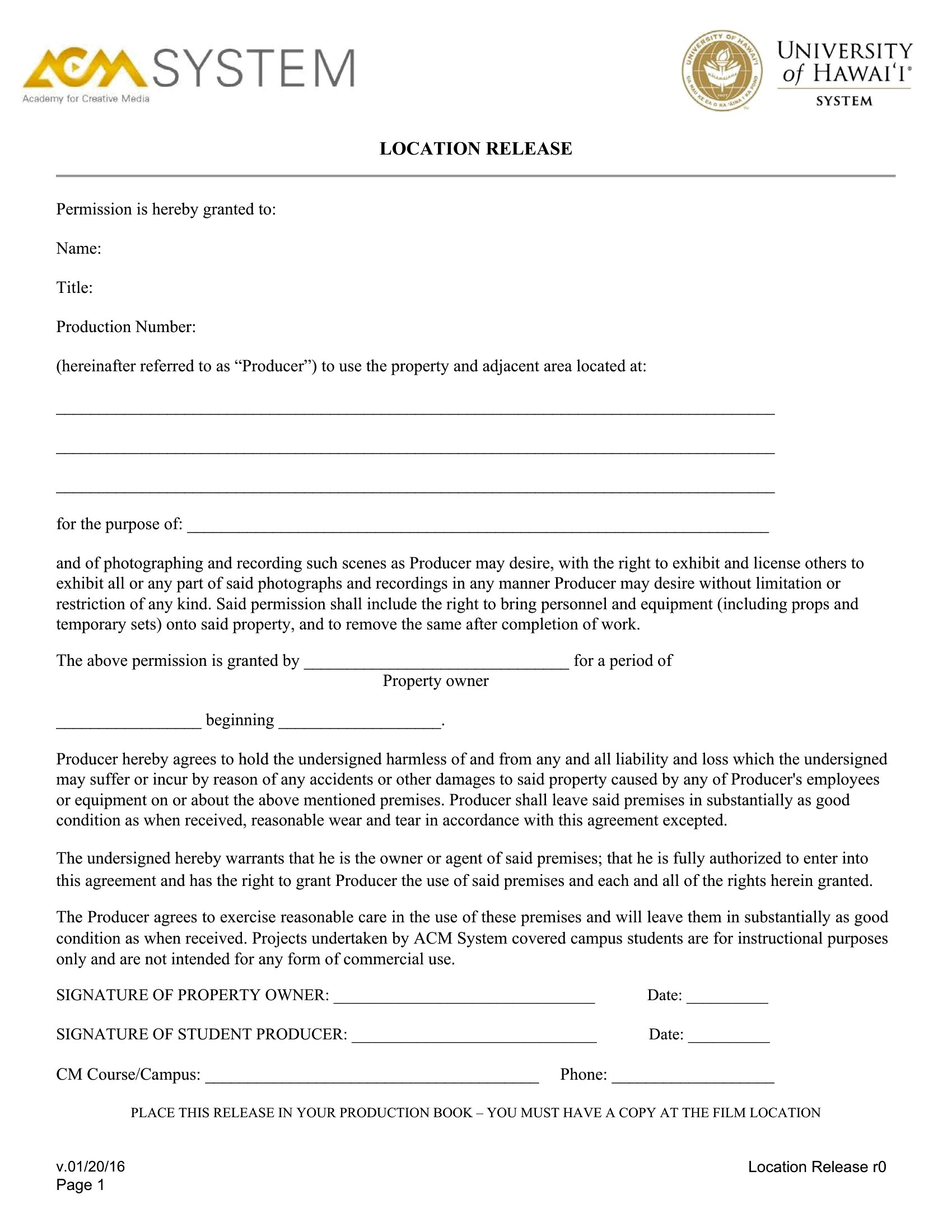
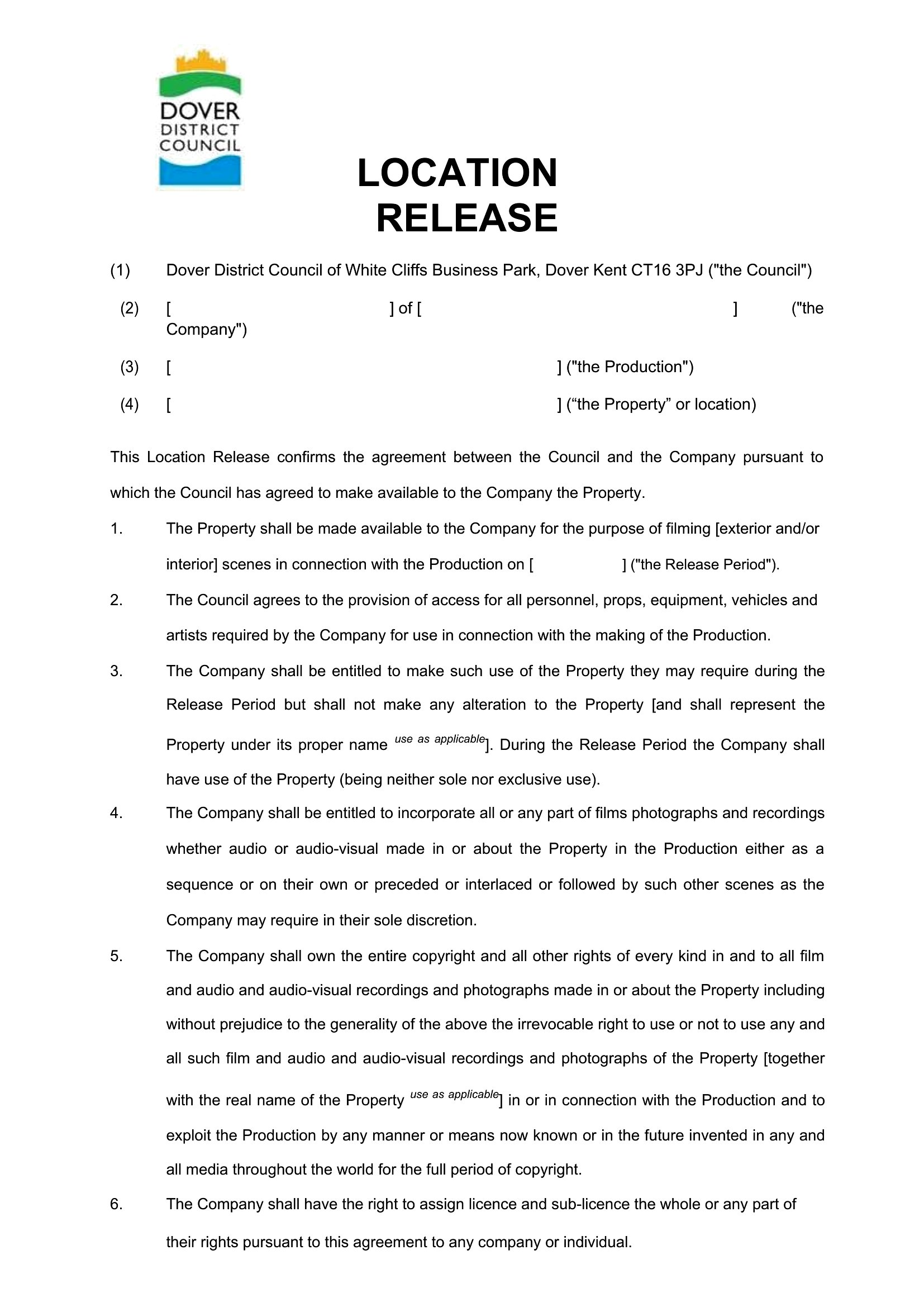
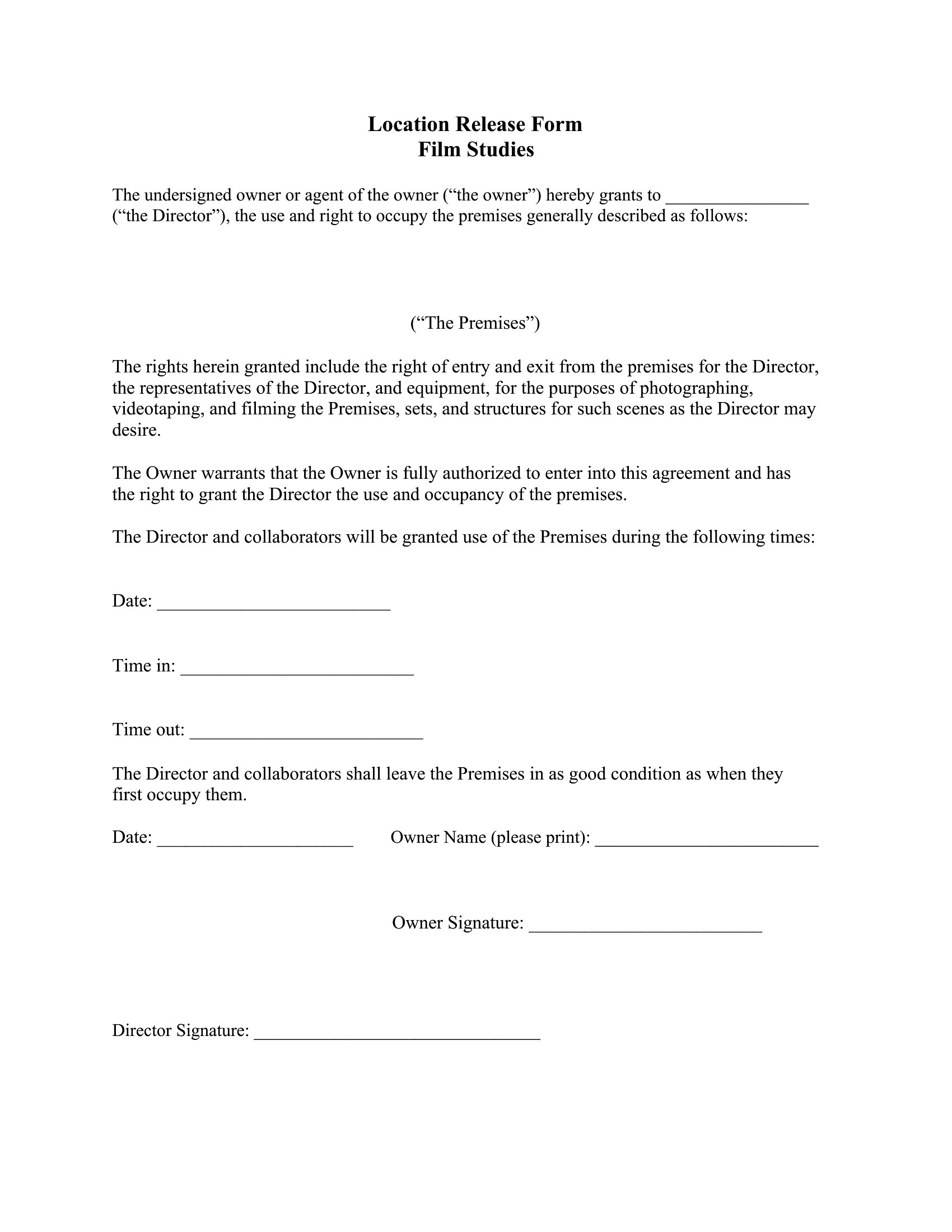
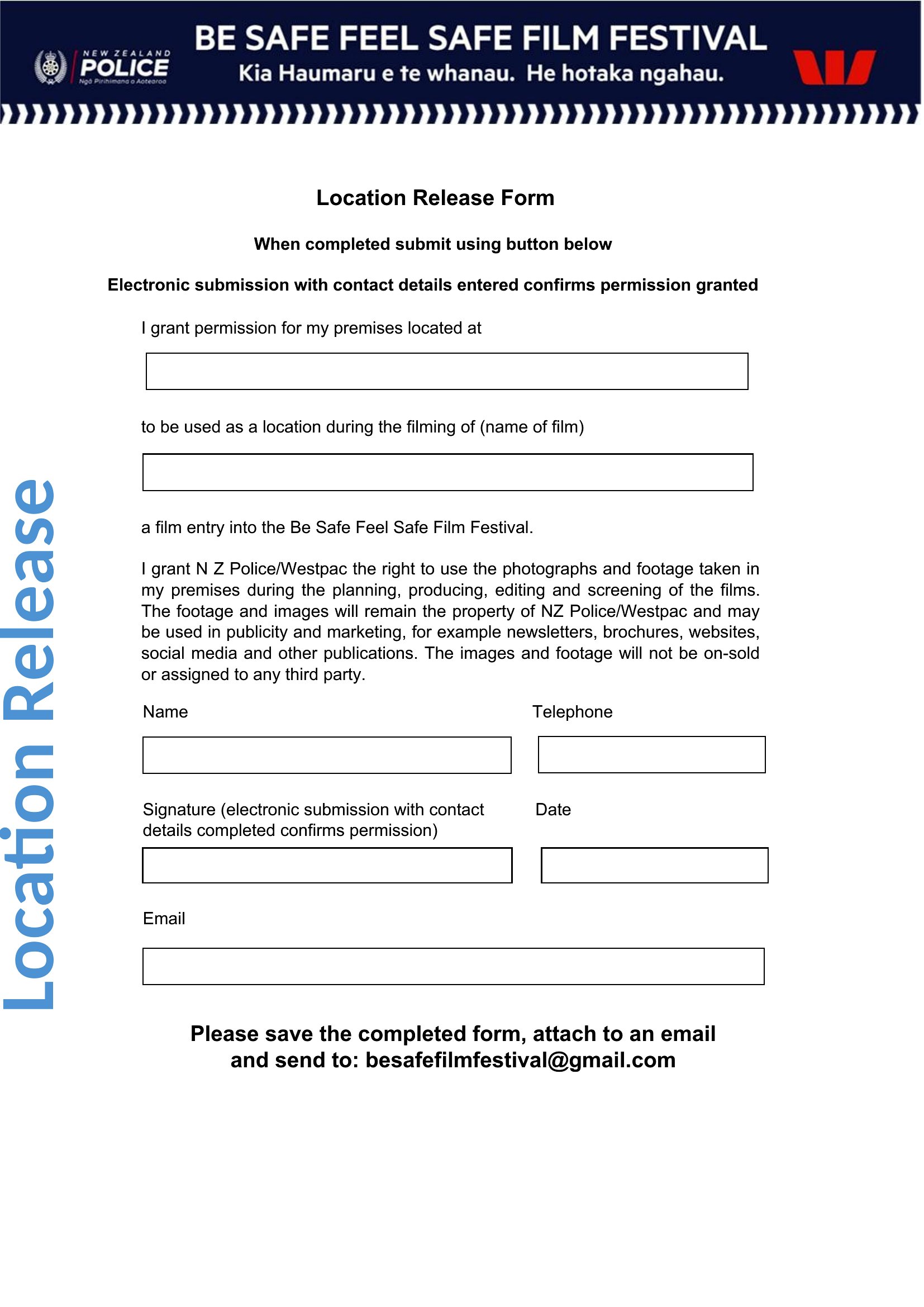
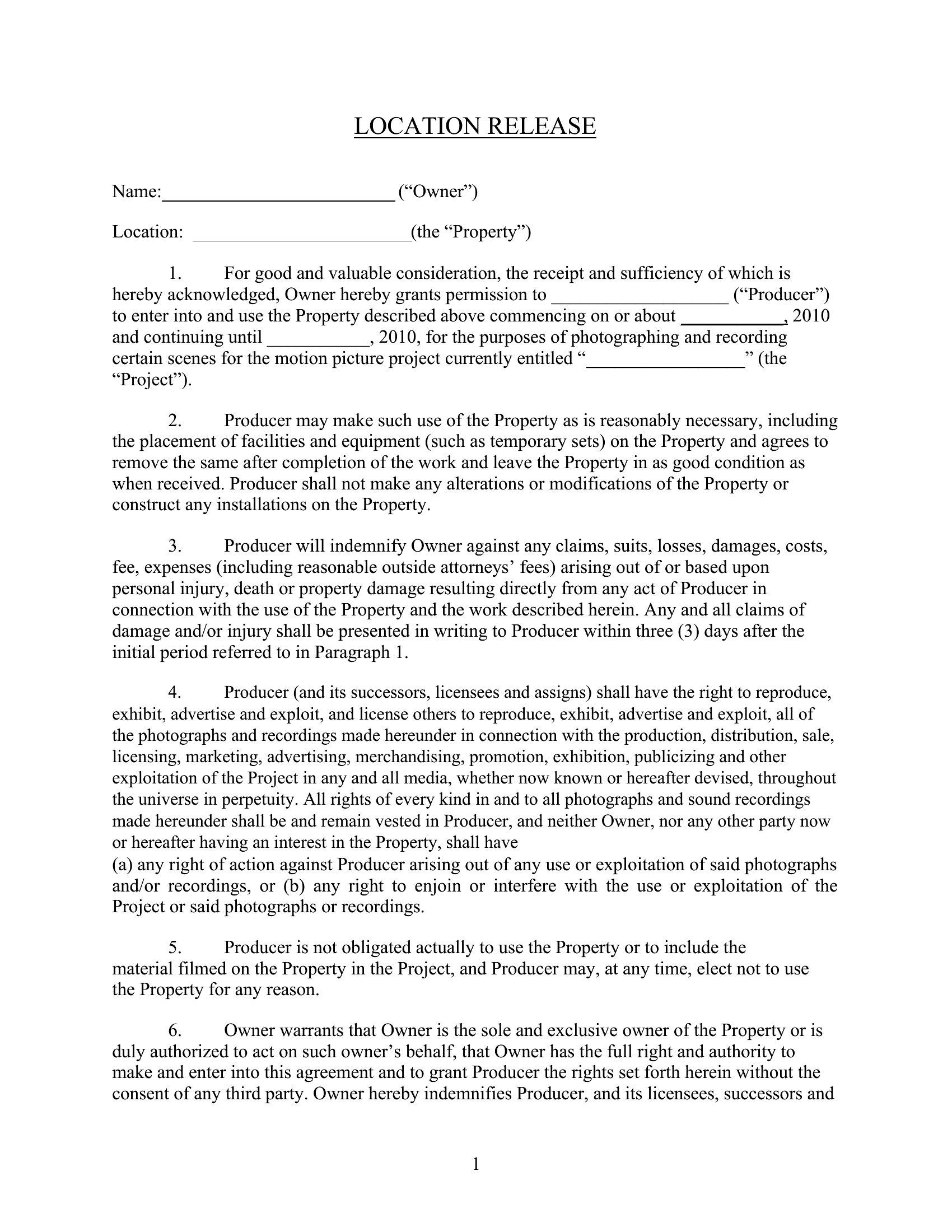
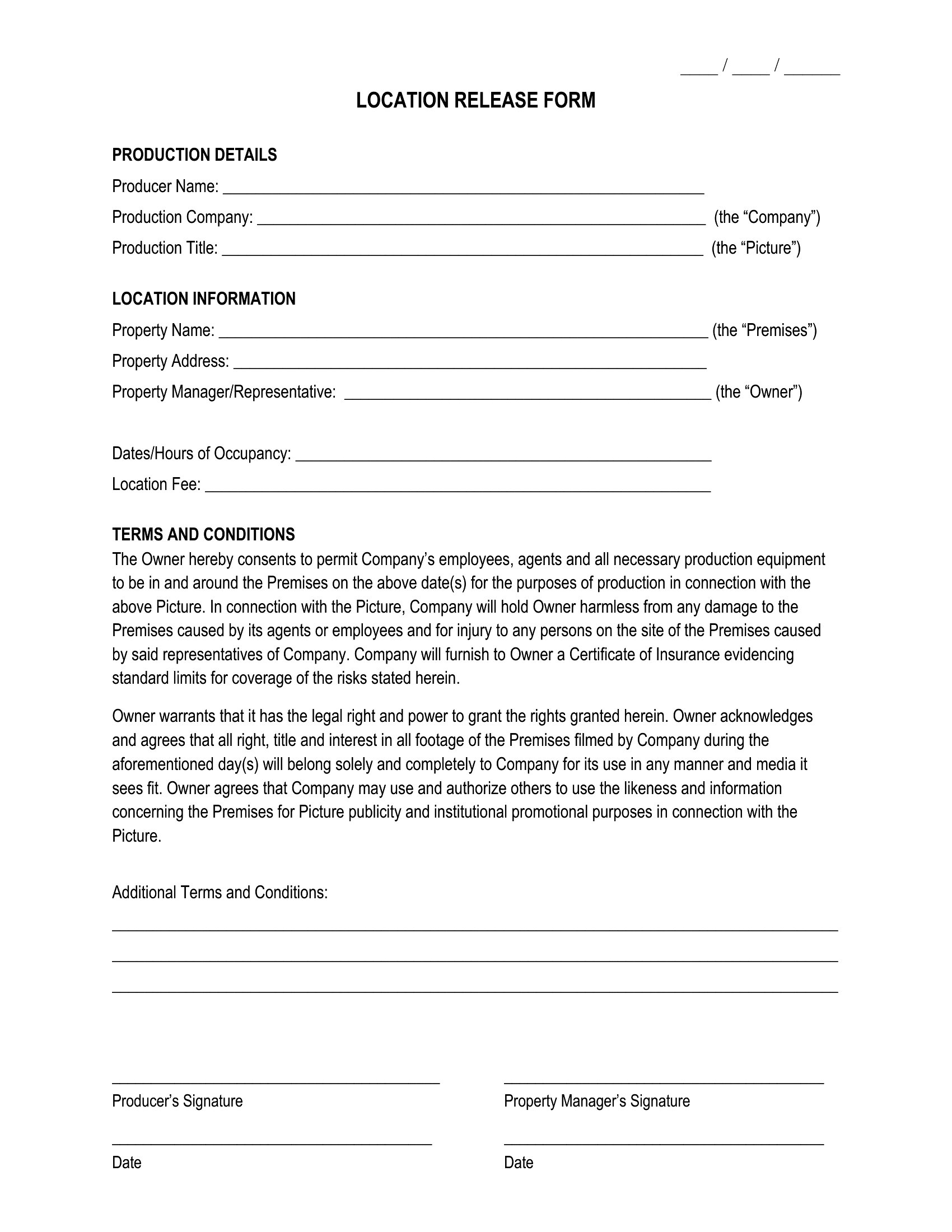
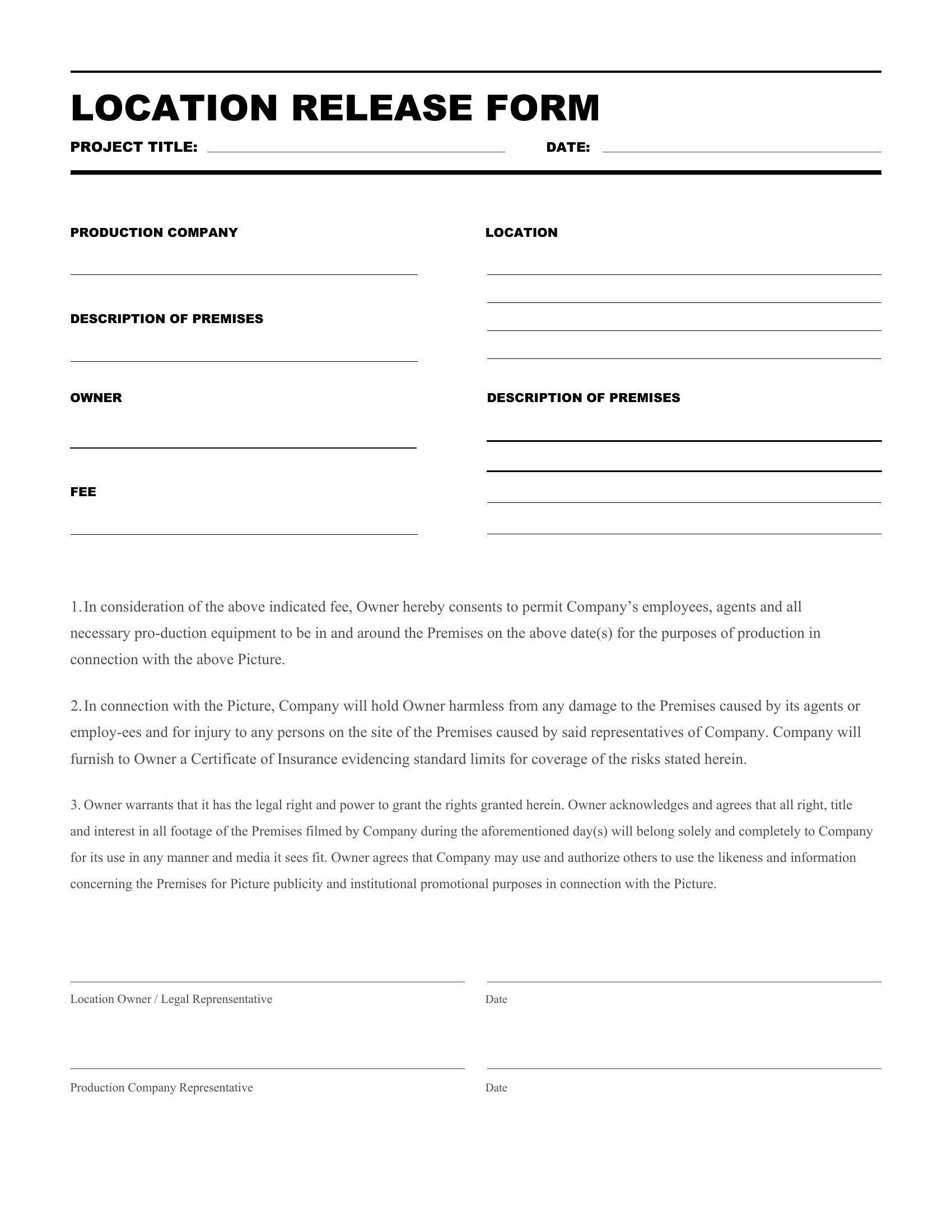
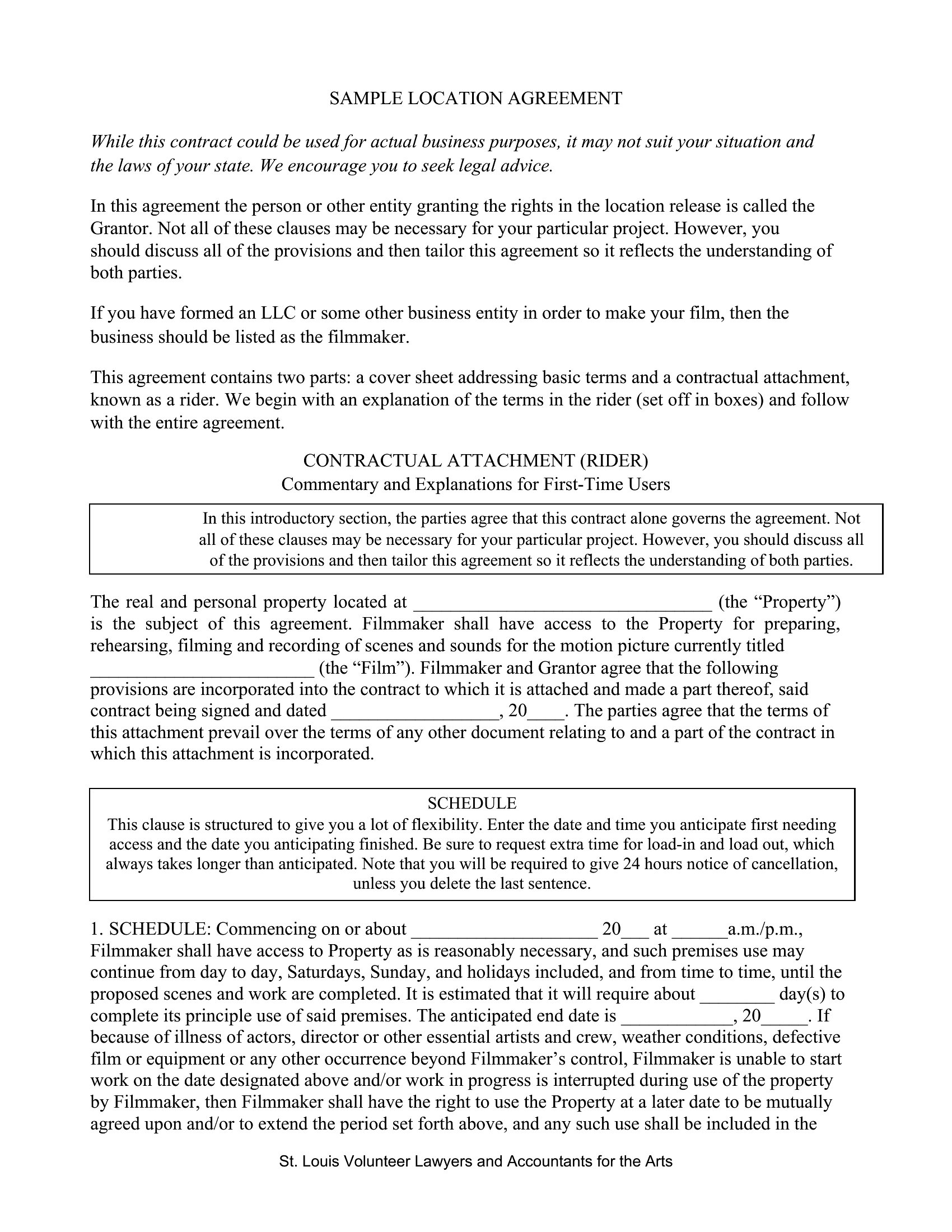
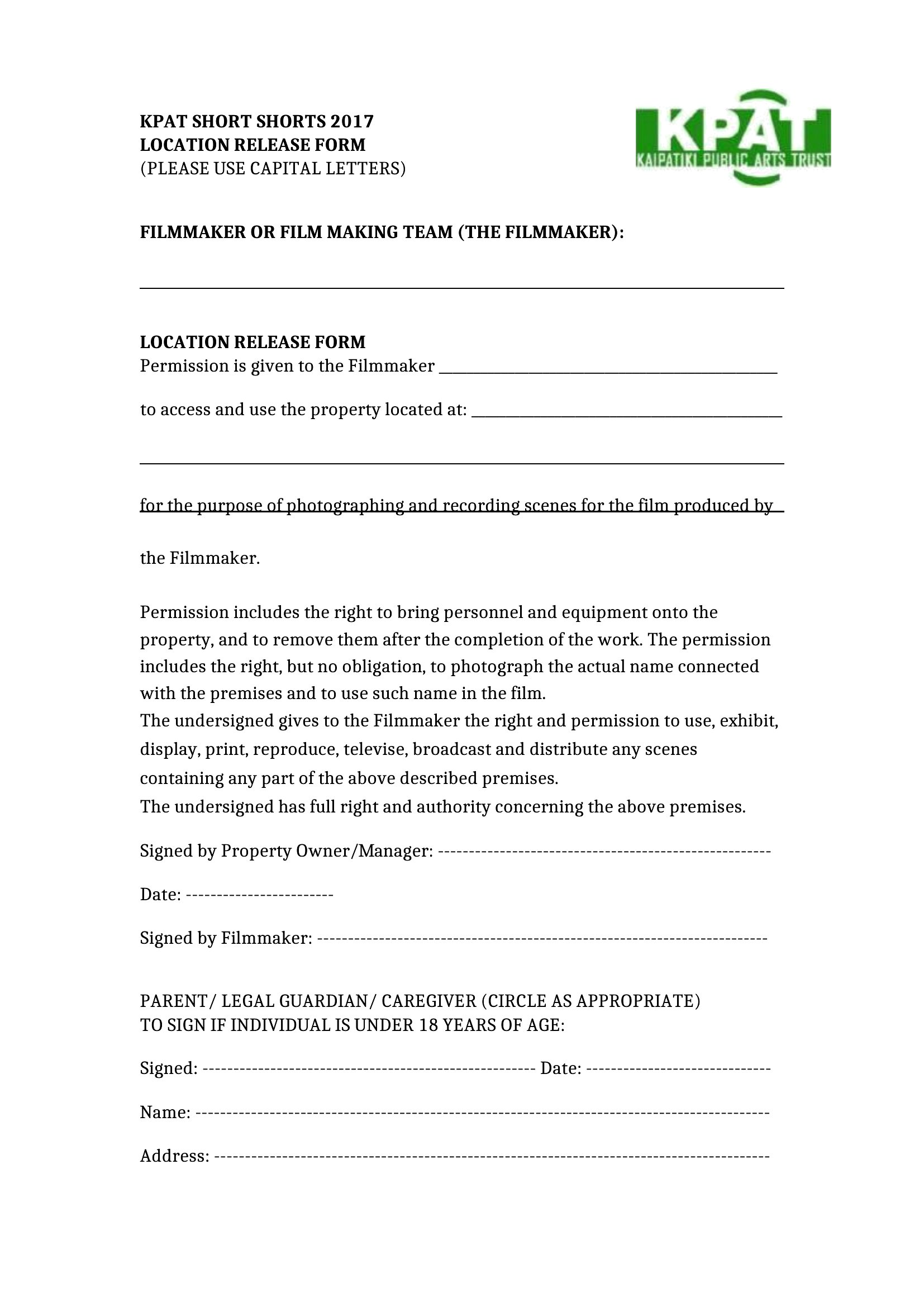
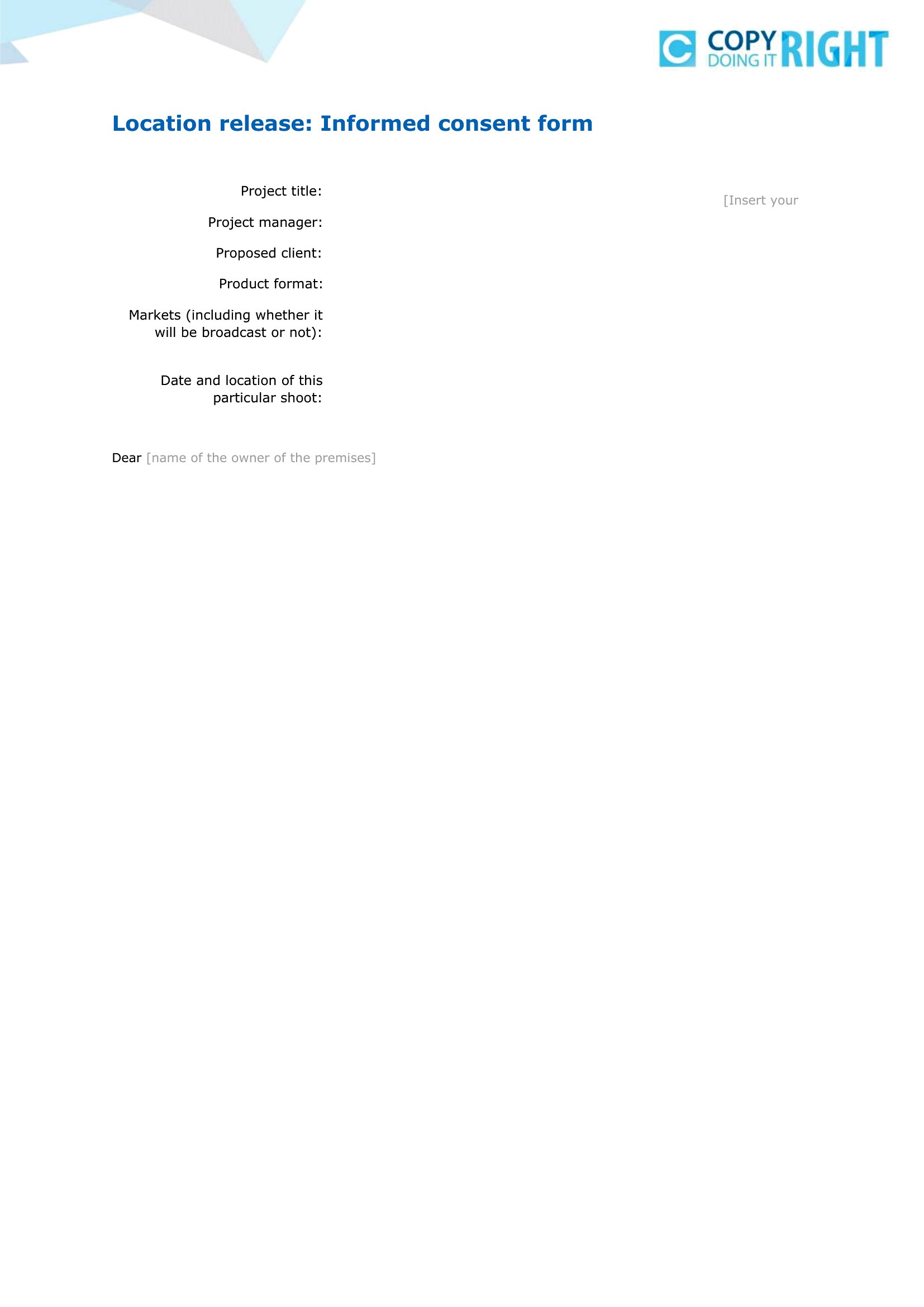
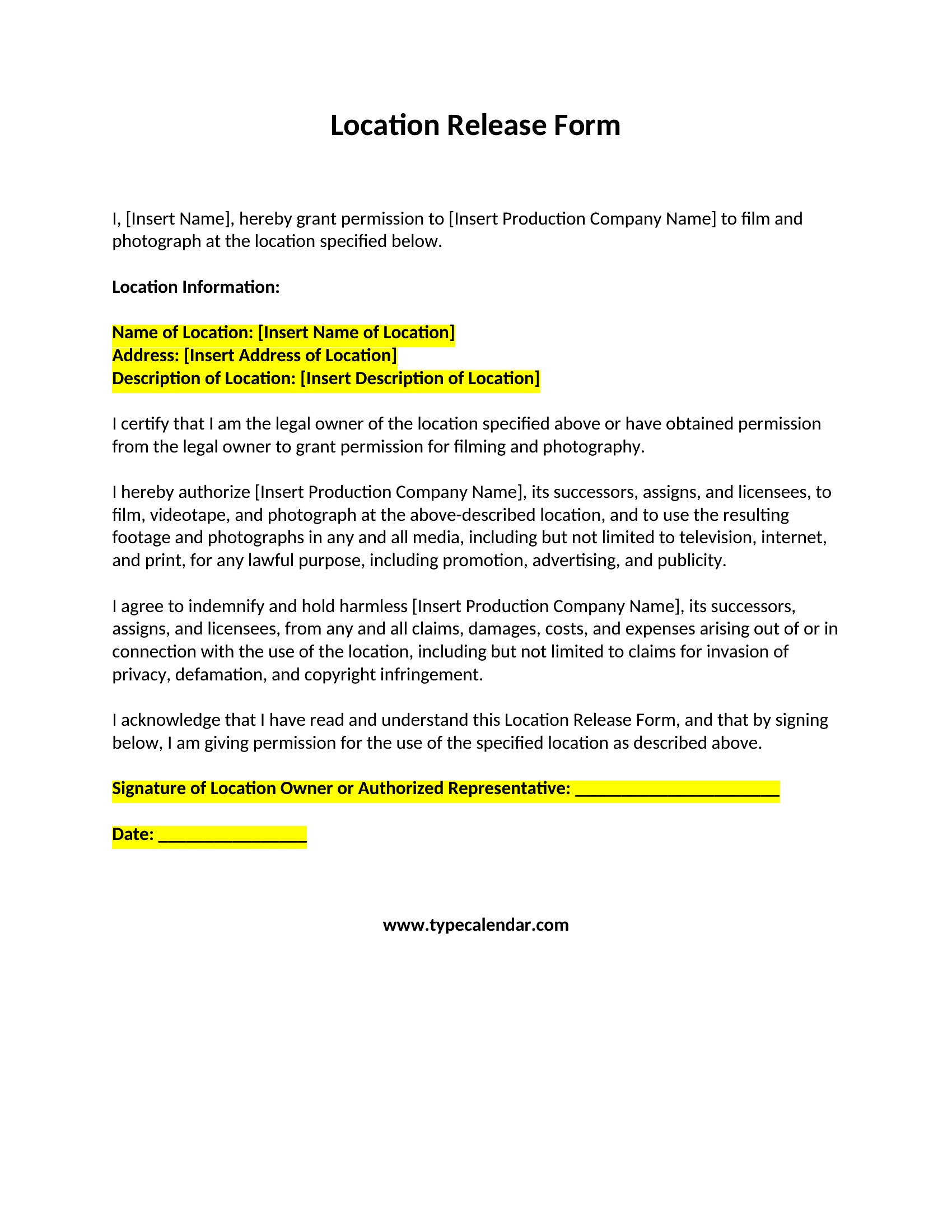
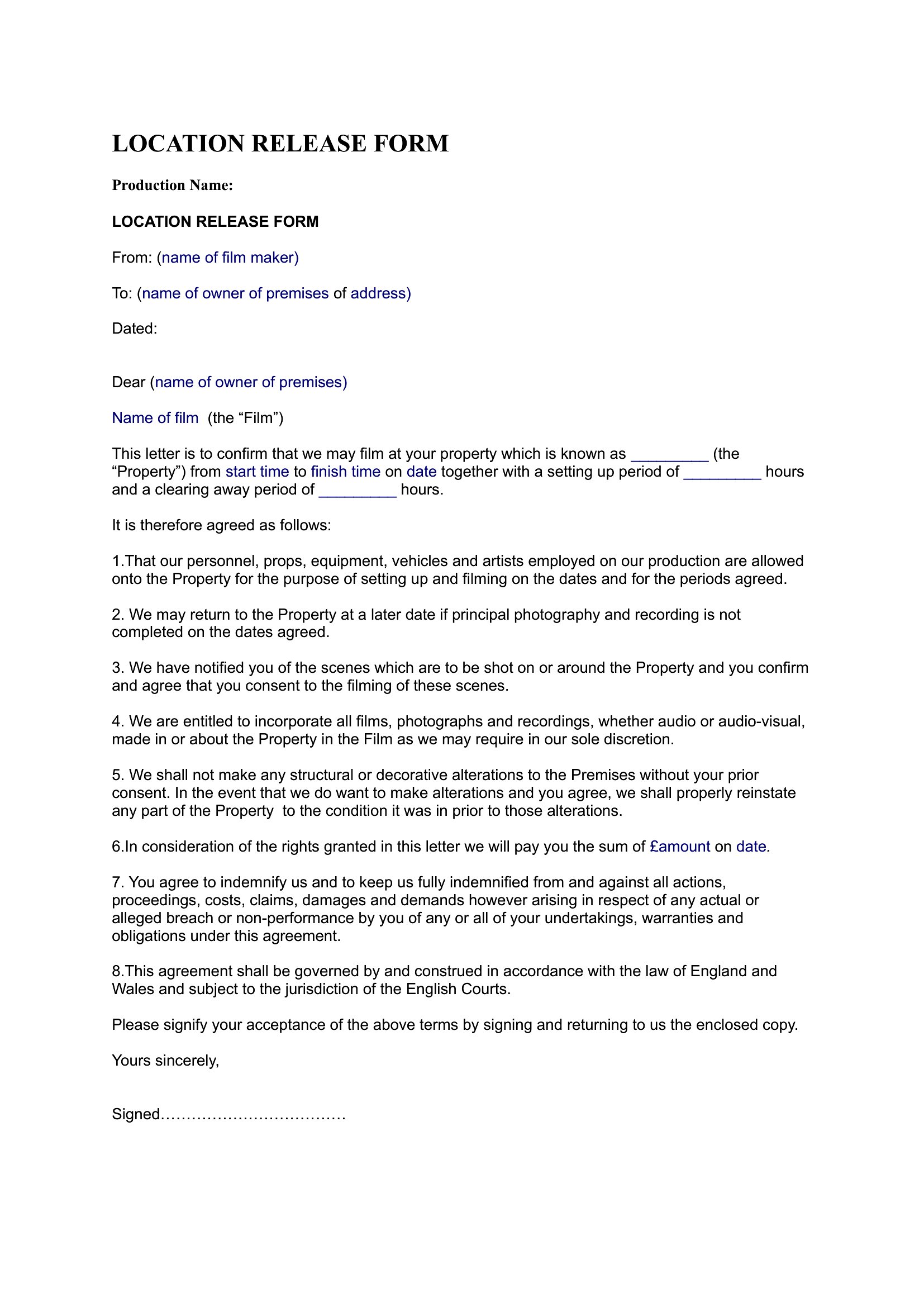
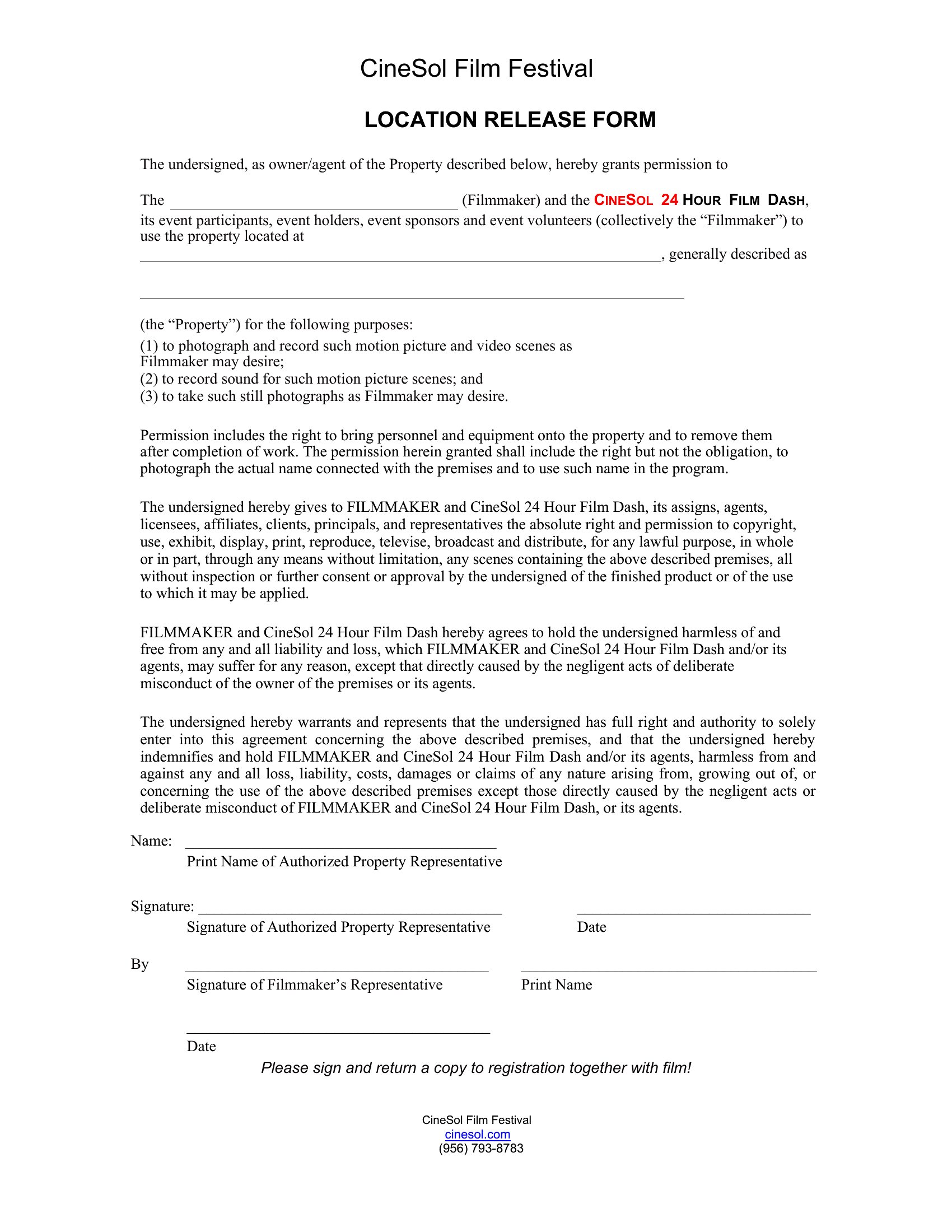
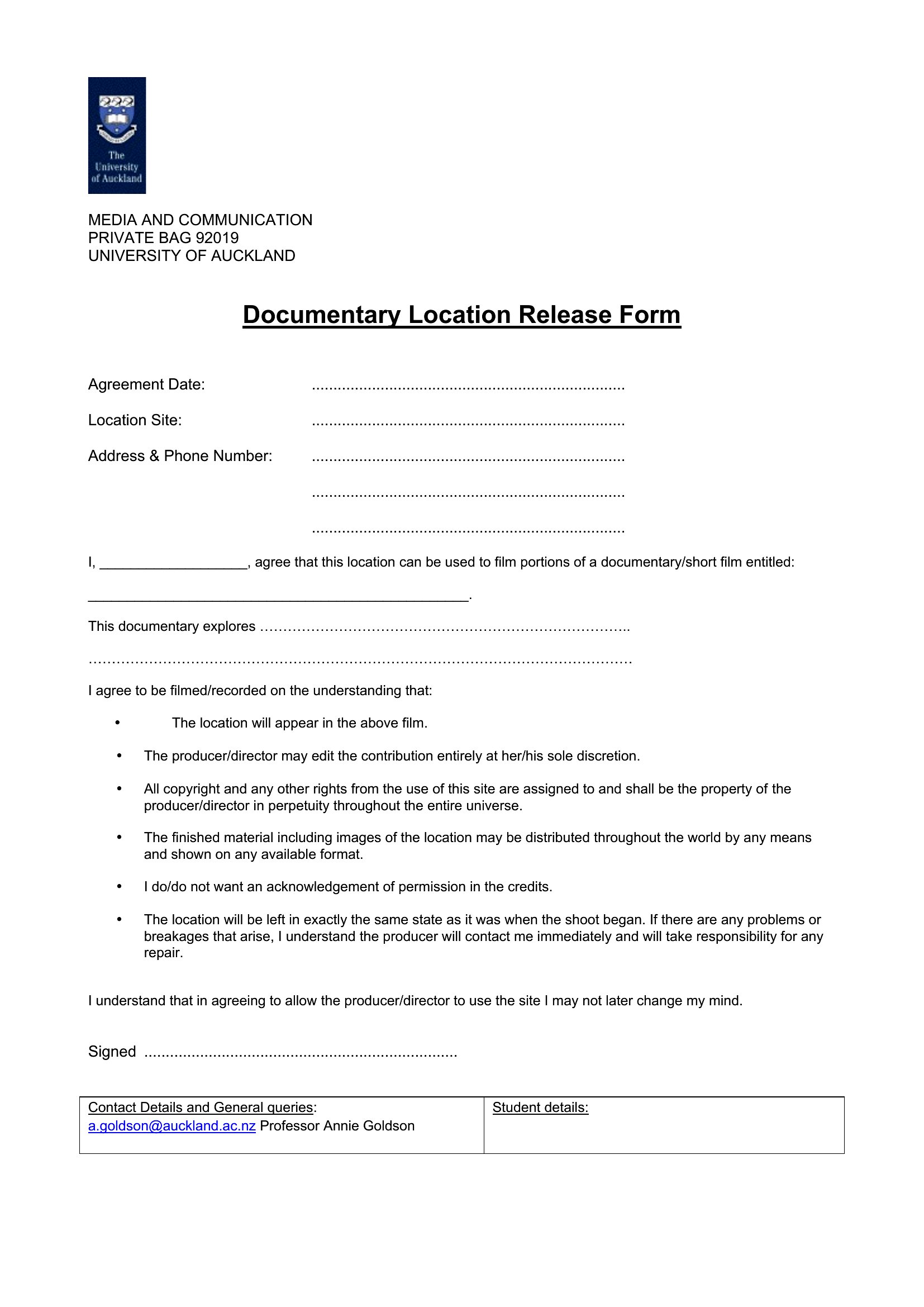
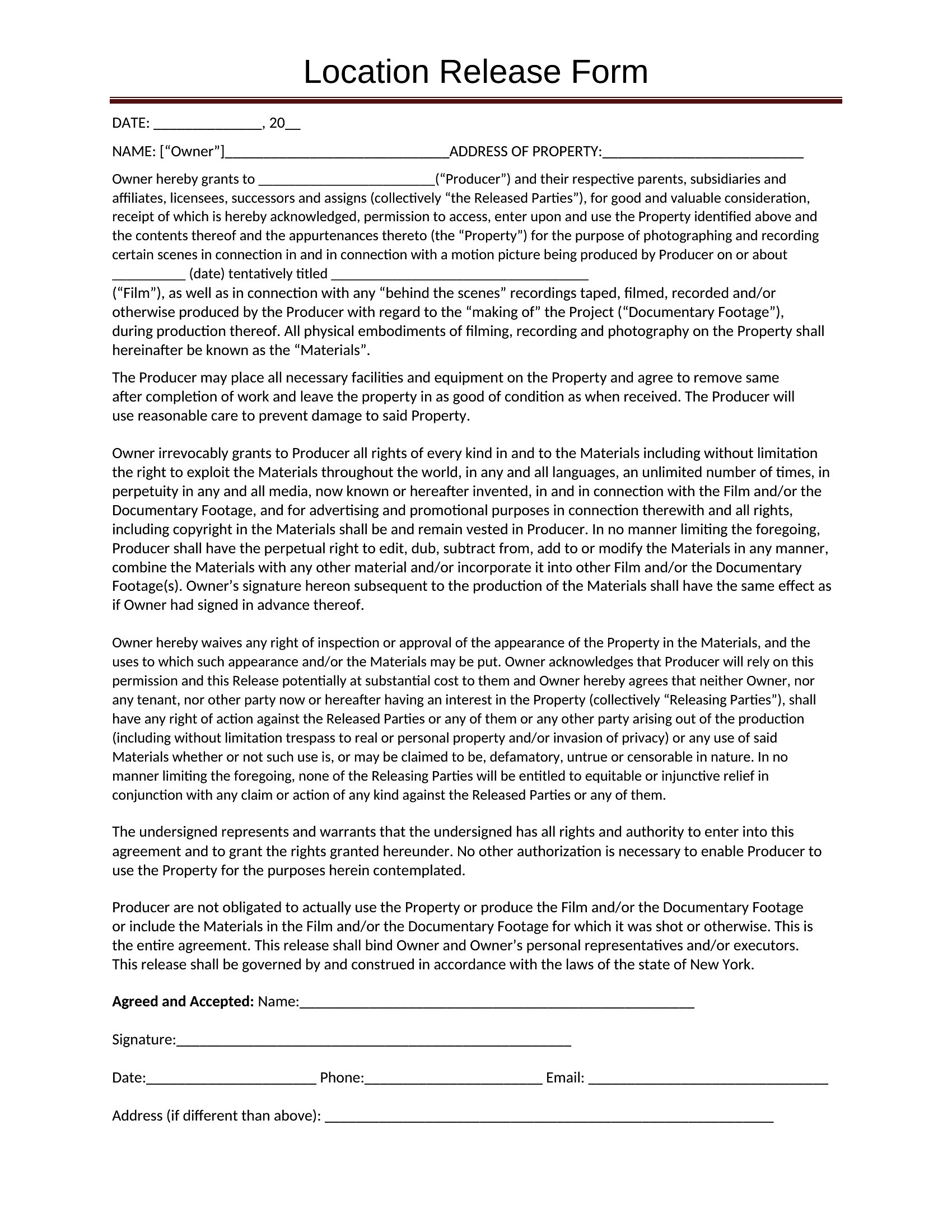
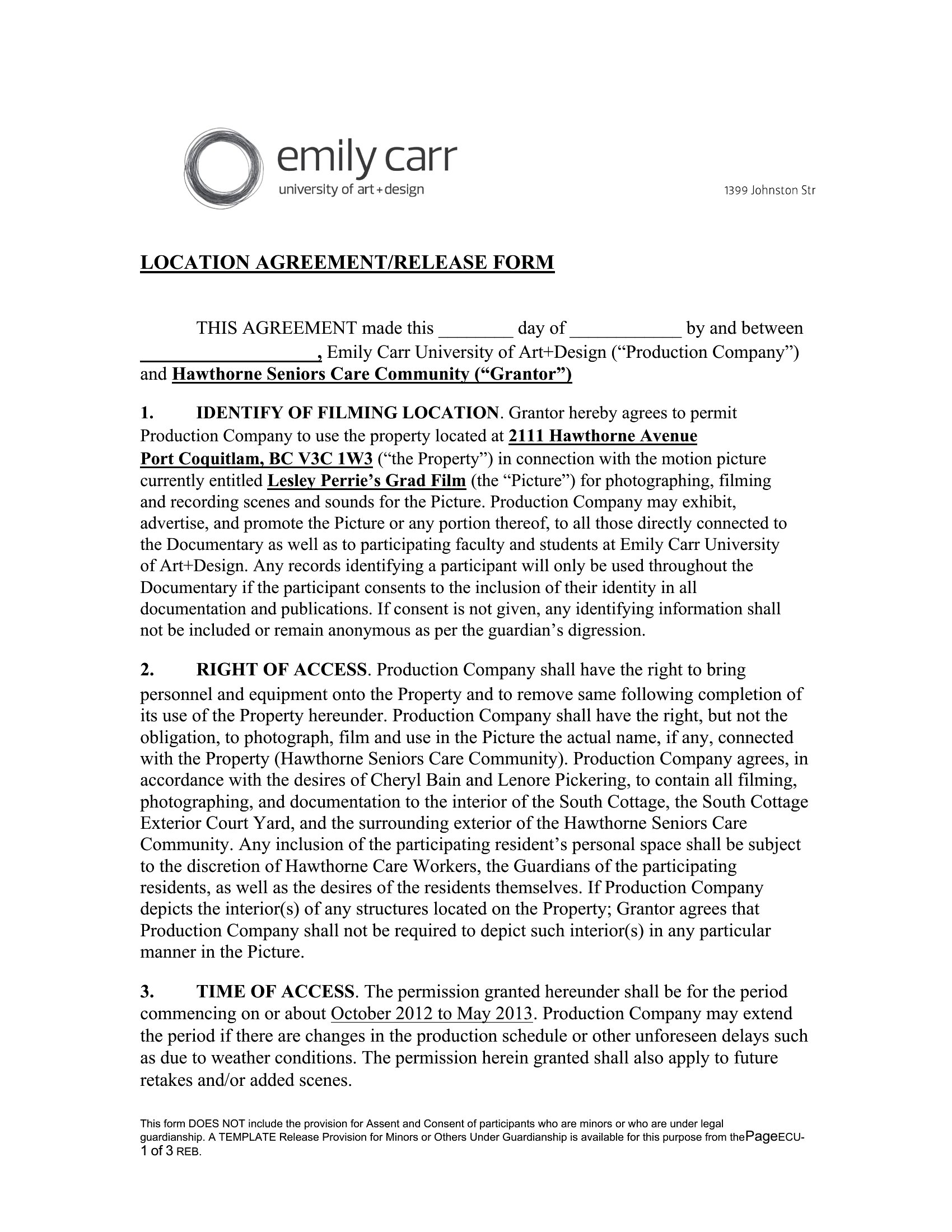
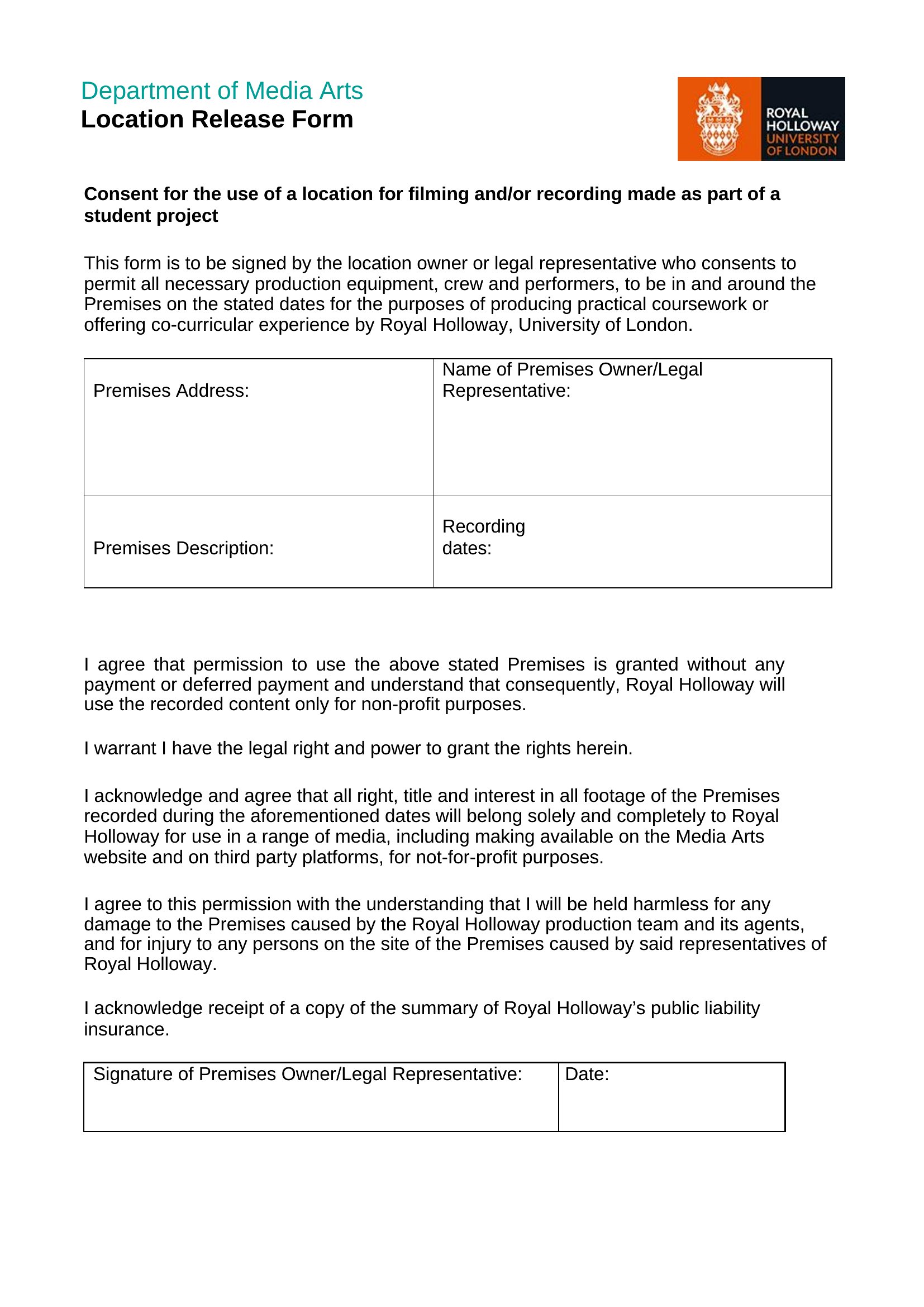
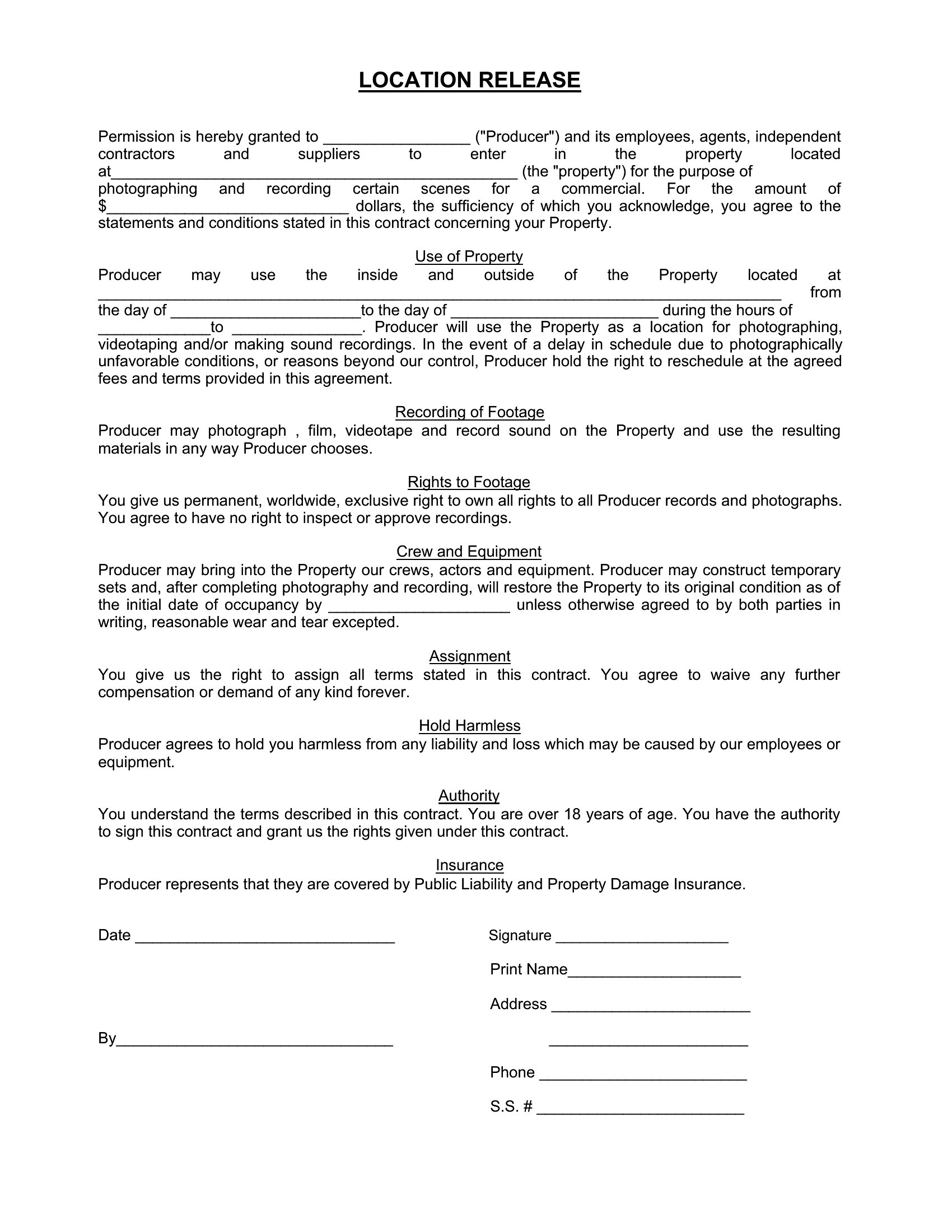
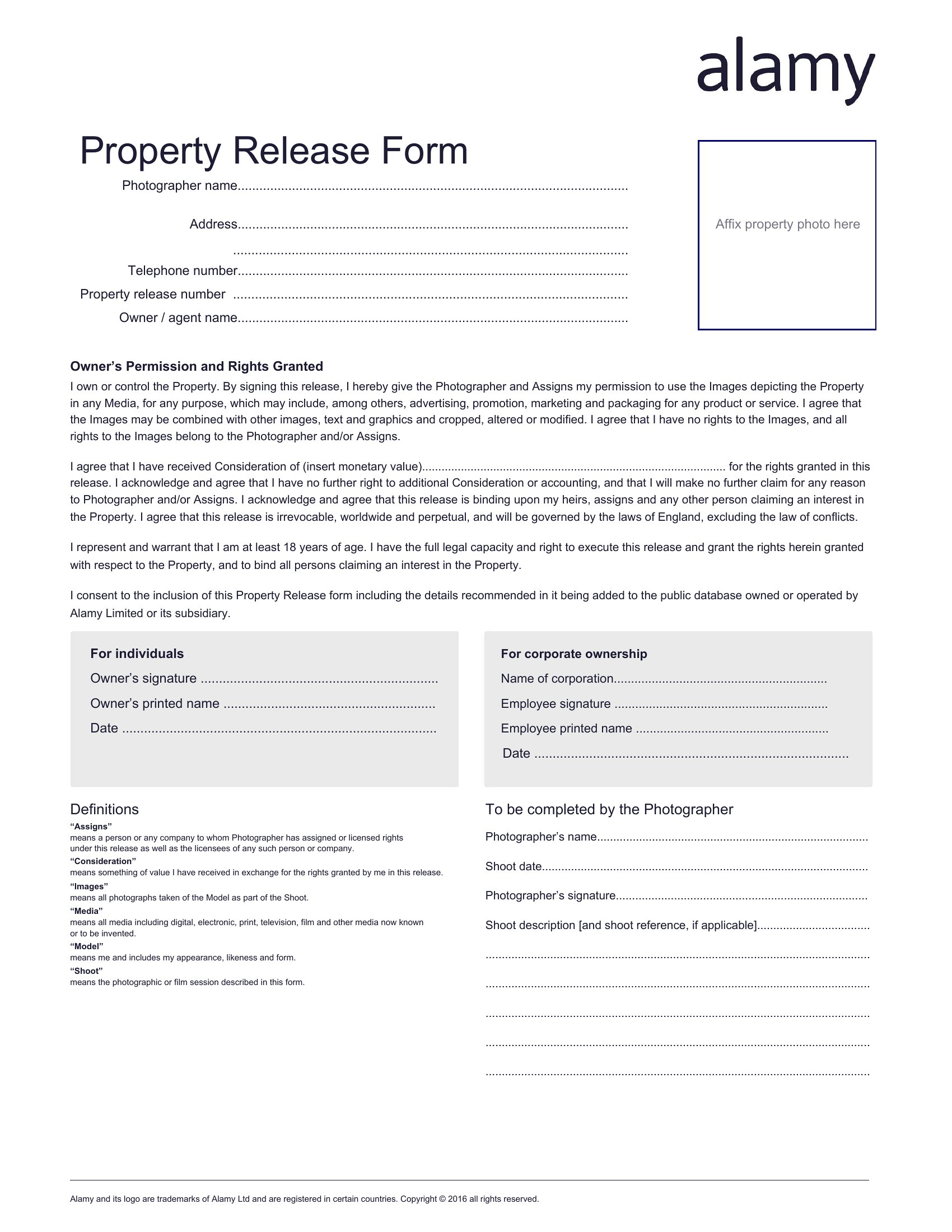
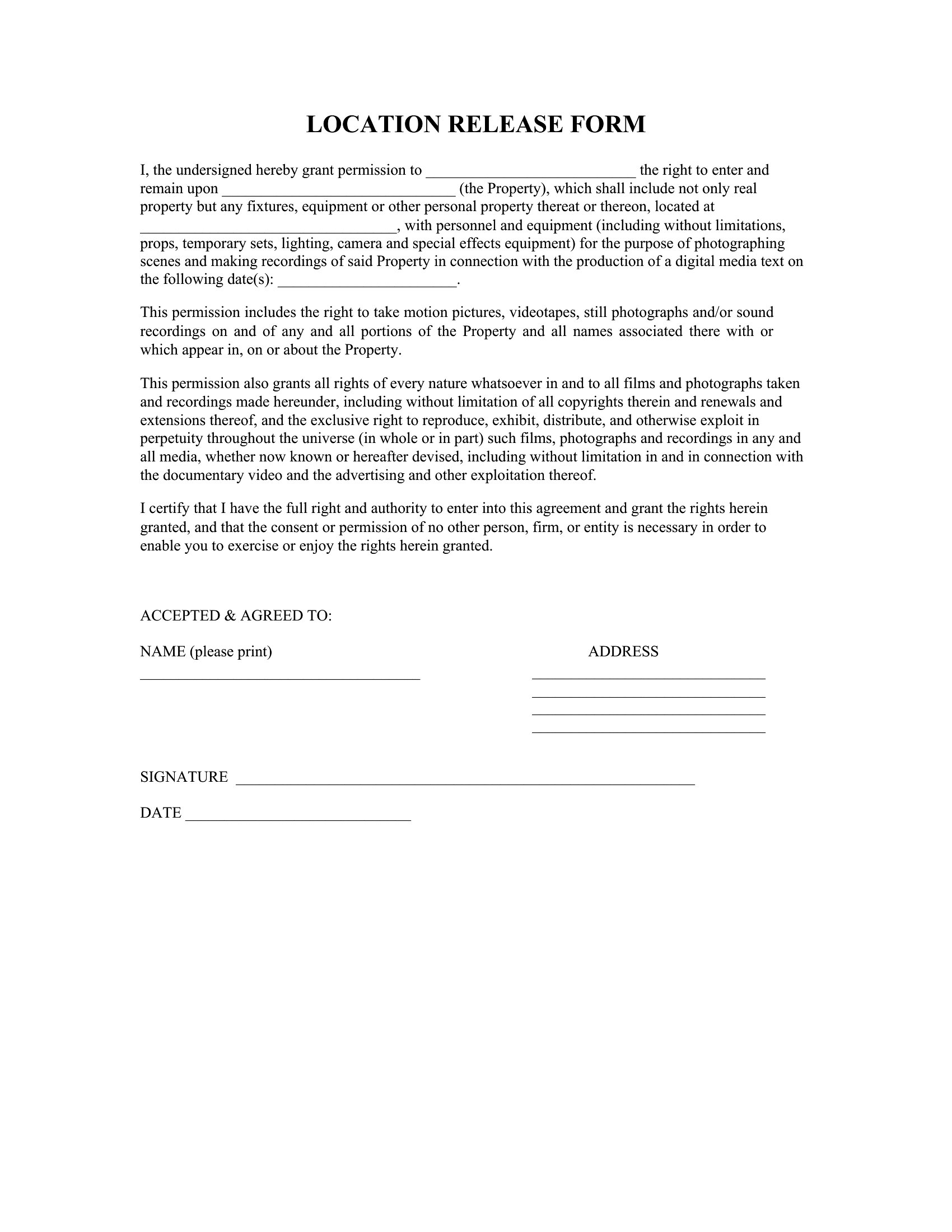
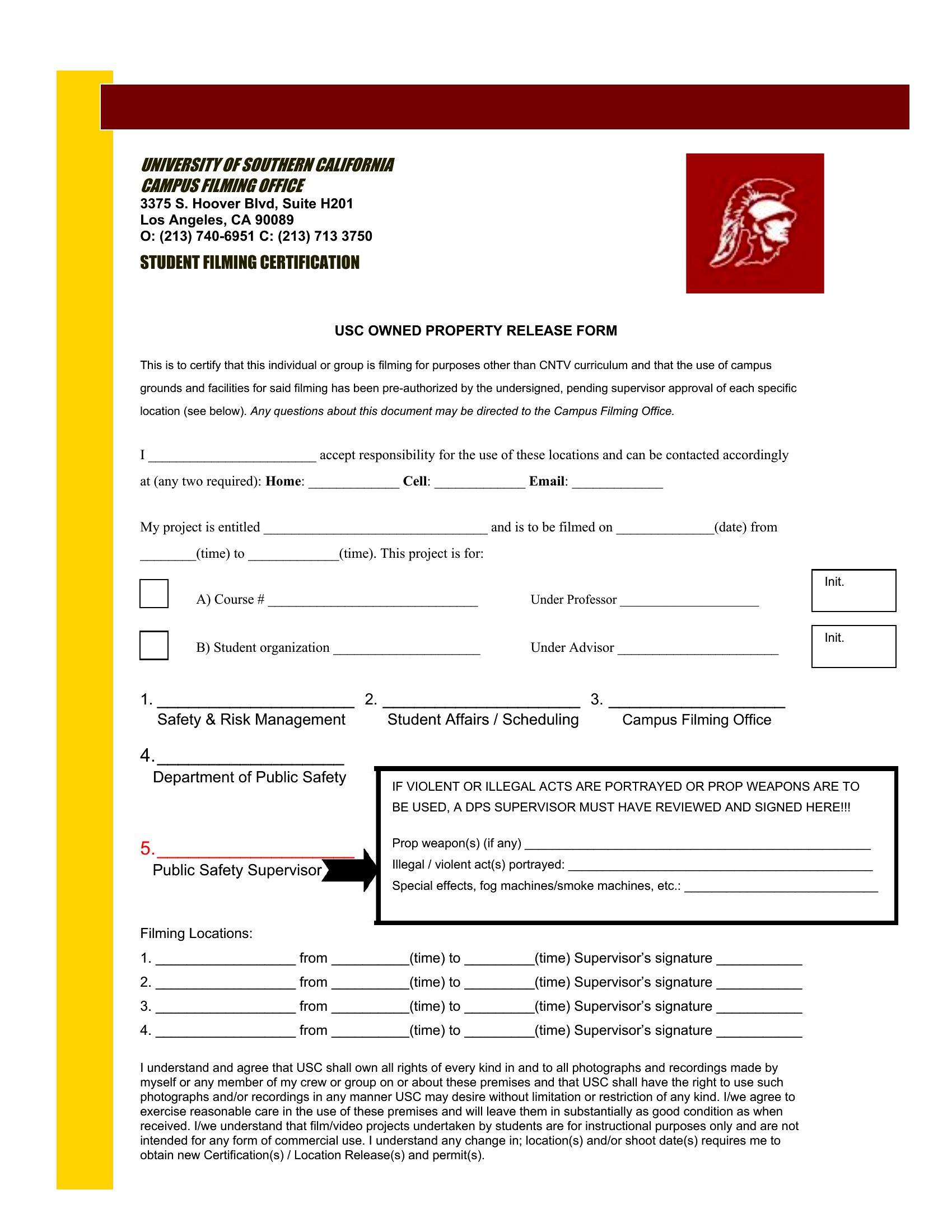
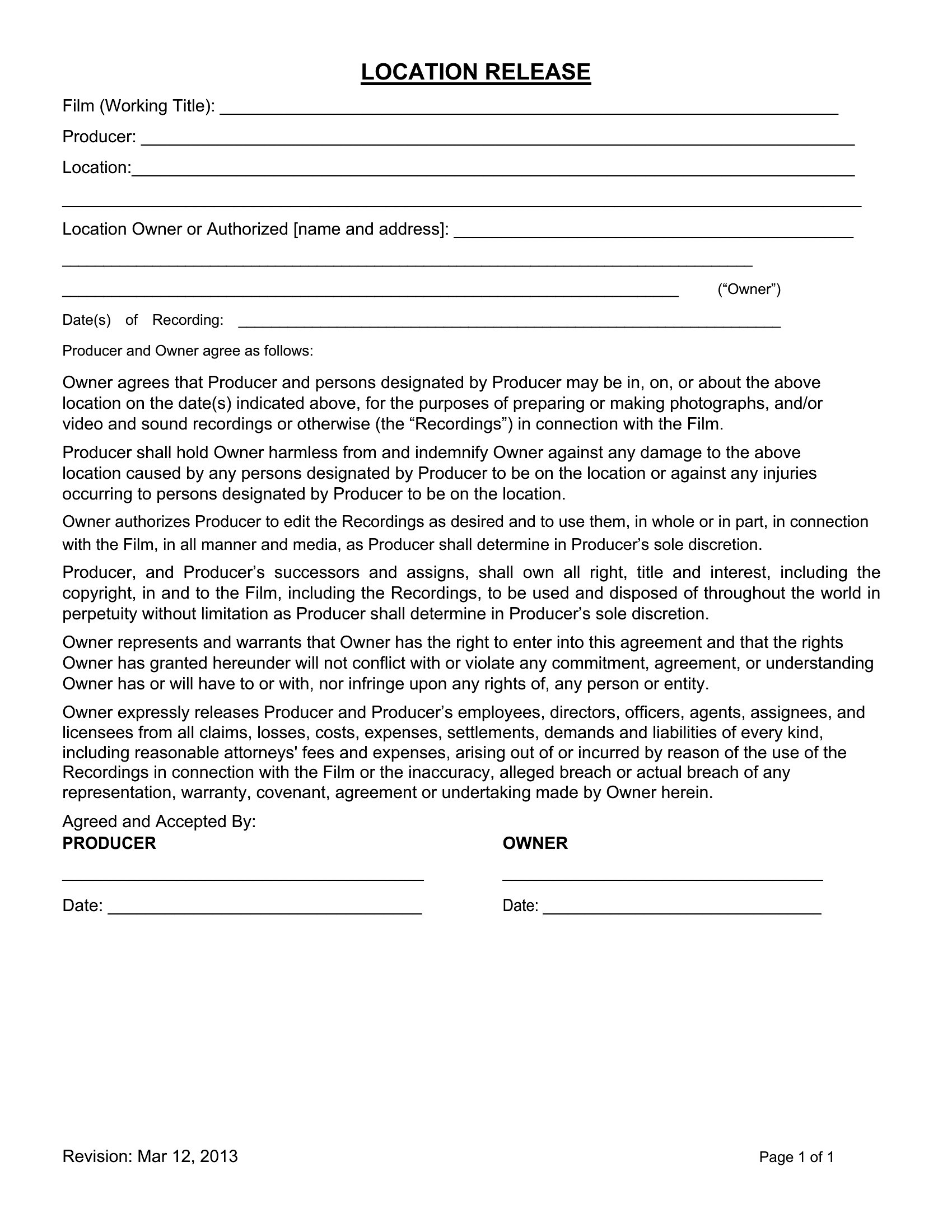
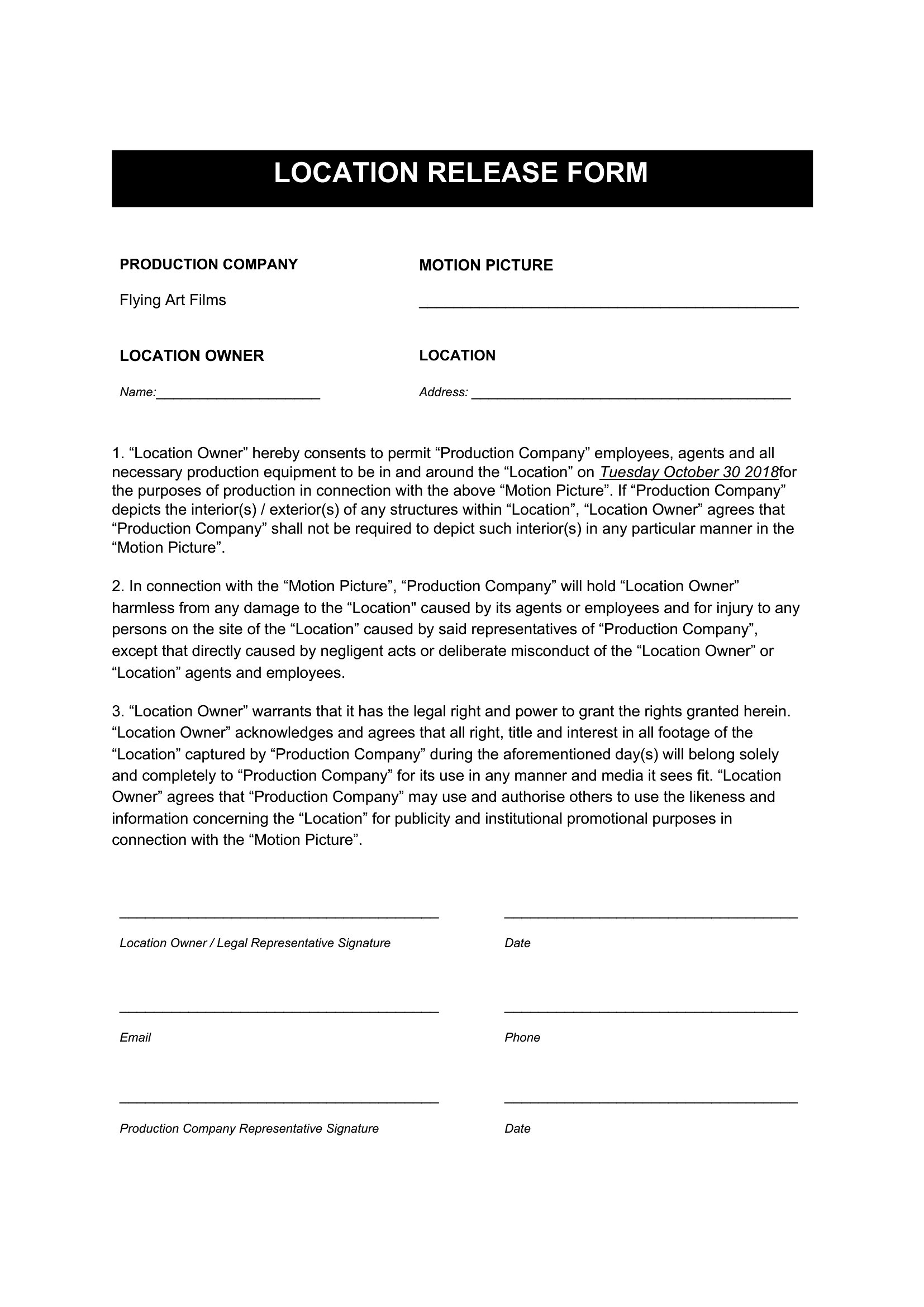
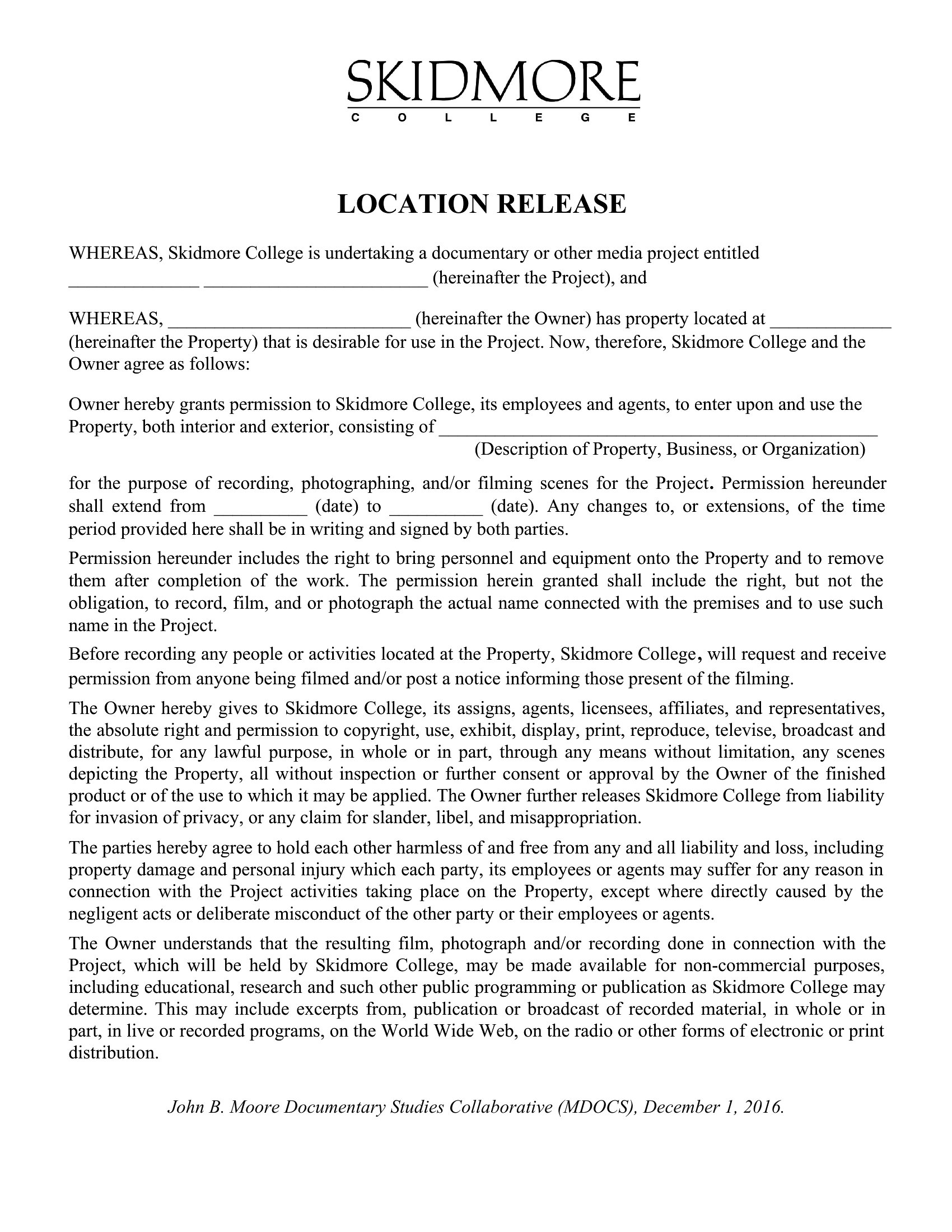
Filming on someone's property goes smoothly when permission is in writing, and a location release form grants a production the right to shoot and use the footage. These 52 templates help filmmakers, photographers, and video producers document access, dates, and usage terms before the cameras roll.

Each template is editable in Microsoft Word, so you can add the property details, shoot dates, and any restrictions, then print it for signatures. Keep the language clear so both sides know what's allowed. There's no cost and no legal jargon to decode. Pick the release that fits your shoot, customize it, and lock down your location ahead of time.

When to use this Location Release Form template

  • Independent filmmakers shooting on private land or historic sites need a Location Release Form to avoid legal disputes over footage usage.
  • Wedding photographers who plan outdoor shoots on family-owned properties should secure a signed release to legally use images in portfolios or ads.
  • YouTube creators filming in public spaces like parks or cafes should clarify property rules and media permissions in advance with this form.
  • TV production assistants scouting rural locations must document verbal agreements in writing to protect the project from ownership claims later.

Which format should I download?

Word

All 52 templates are available exclusively in Microsoft Word format, which is ideal for this use case because it allows easy customization of property details, shoot dates, and specific usage permissions. Word’s fillable fields and editing tools make it simple to tailor the legal language to match the exact property owner’s consent. This format also ensures compatibility with existing production workflows where contracts are often drafted and shared digitally before being printed or signed.

Choose from 52 Location Release Form Templates

How to use this Location Release Form template

What details should we include beyond the basic permission to film?

Always specify the exact dates of filming, the purpose of the footage (e.g., commercial, editorial), and whether the property owner retains any rights. Clarify if the release covers still images or video, and include a description of the location to avoid ambiguity. This helps prevent disputes about unauthorized use later.

Do we need a separate release if filming in a public space like a park?

Public spaces often have different rules, but if you’re filming on private property within a park (e.g., a historic home or gated area), you’ll still need a release from the property owner. For open public spaces, check local laws—some cities require permits, while others allow filming without permission unless signs prohibit it.

What happens if the property owner only gives verbal permission?

Verbal permission isn’t legally binding, so always get a signed written release. If the owner is uncomfortable signing, ask for written confirmation (e.g., an email or text) stating their permission. Keep this documentation with your footage to protect your project from legal challenges over ownership or trespassing claims.

Comments

Join the conversation

Sign in to share your thoughts and leave a comment on this resource.

Newsletter

Get Weekly Design Updates

Join our community to receive curated resources and inspiration.

Weekly Tips Resources Early Access

We respect your privacy. Confirmation email required. Privacy Policy