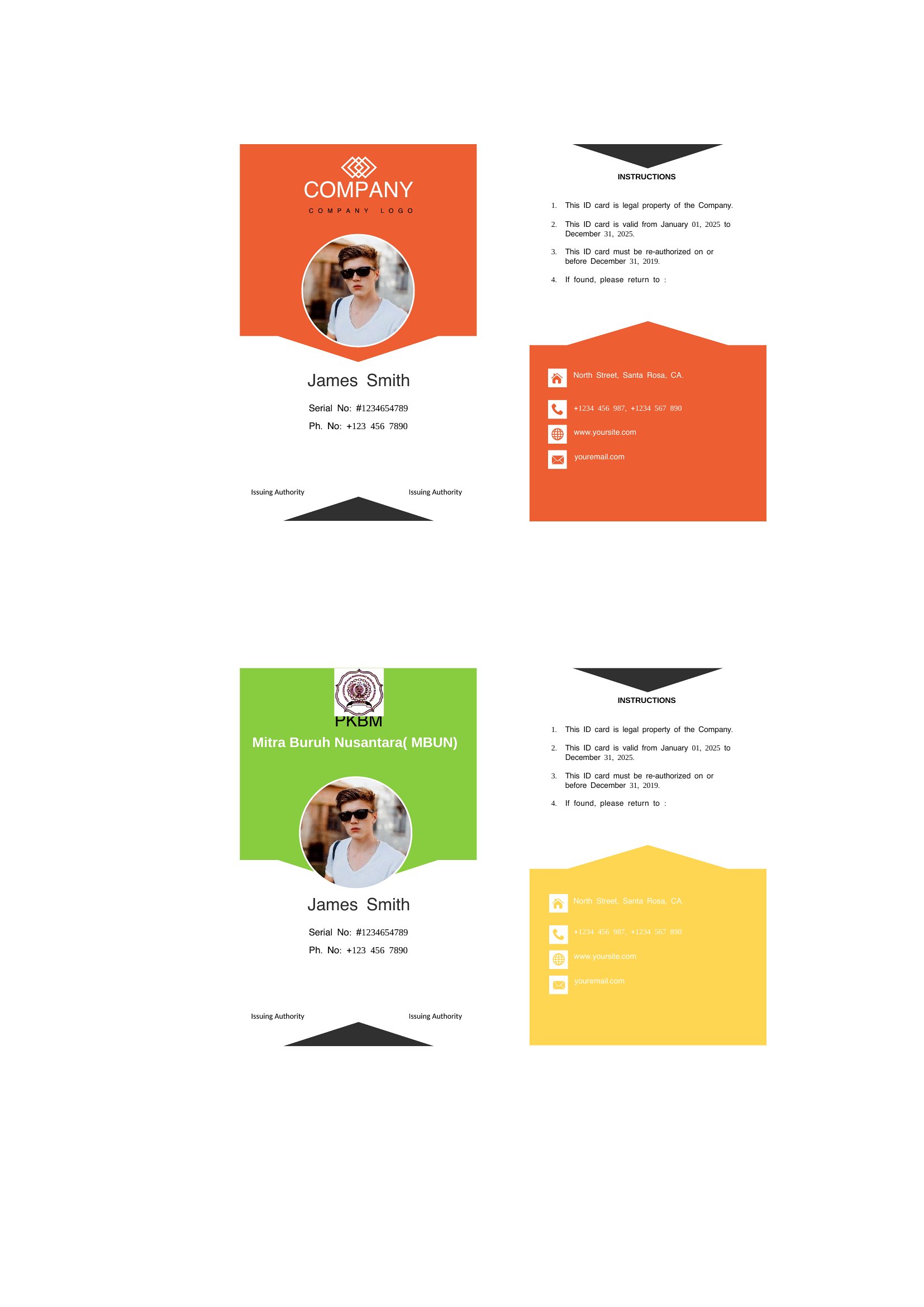
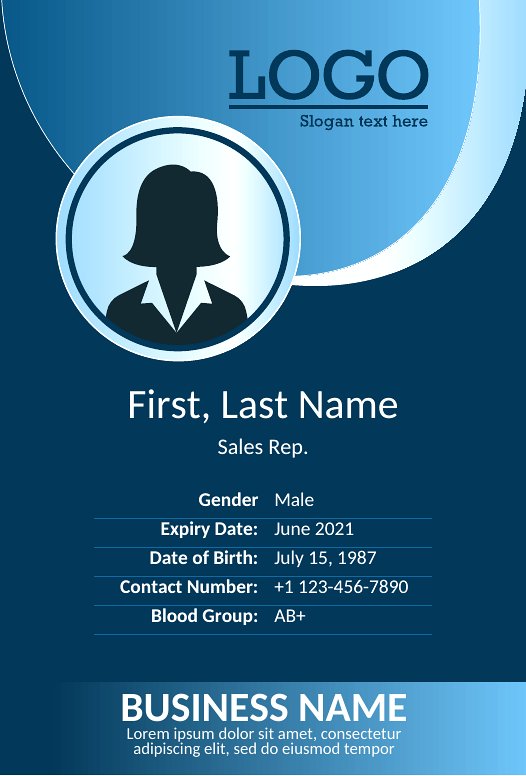
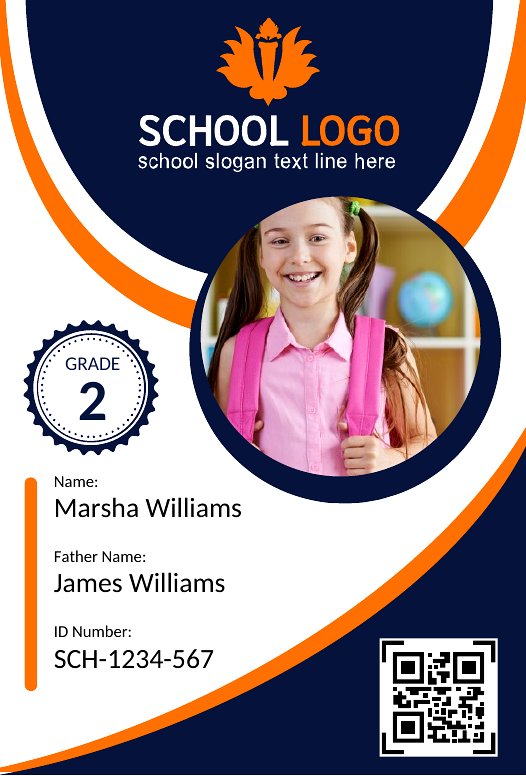
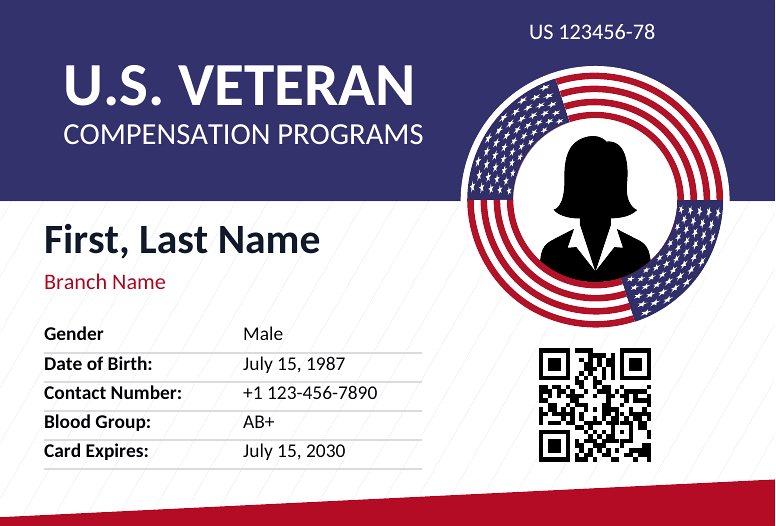


Free Printable ID Card Templates (Word, PDF)
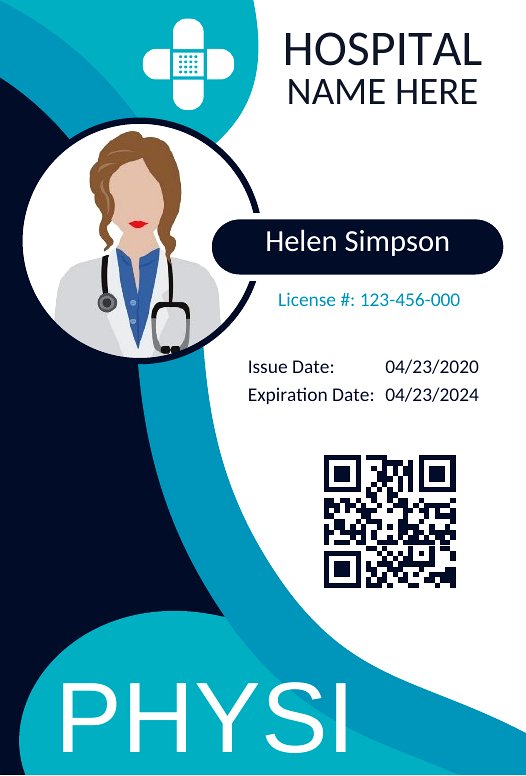
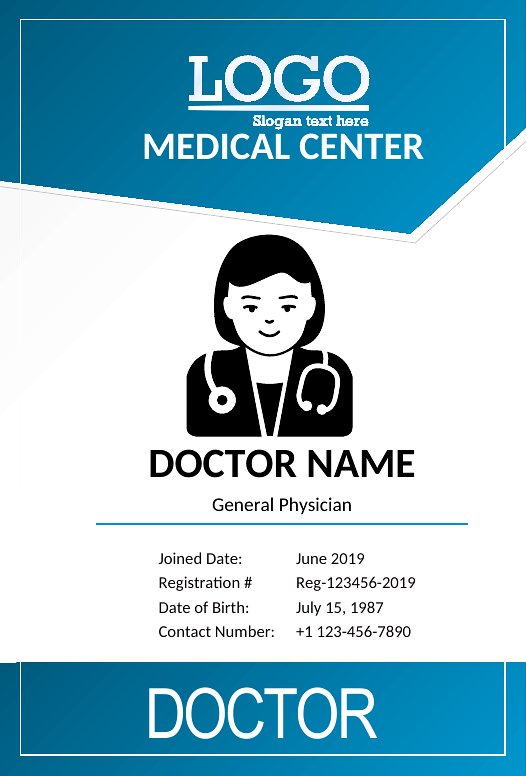
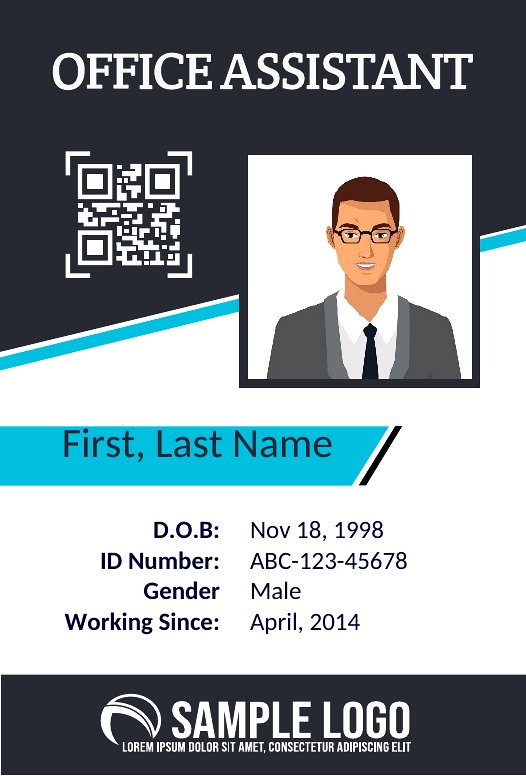
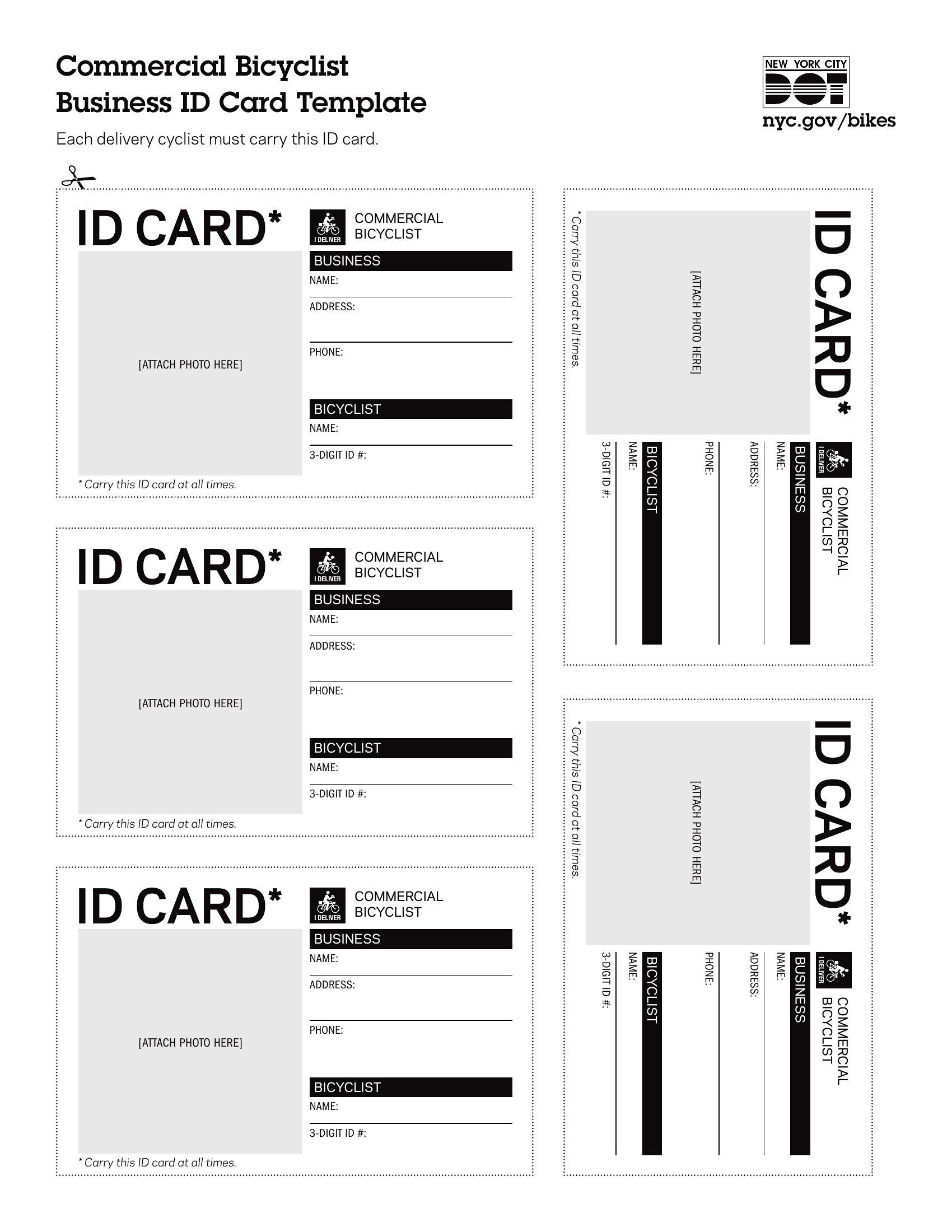
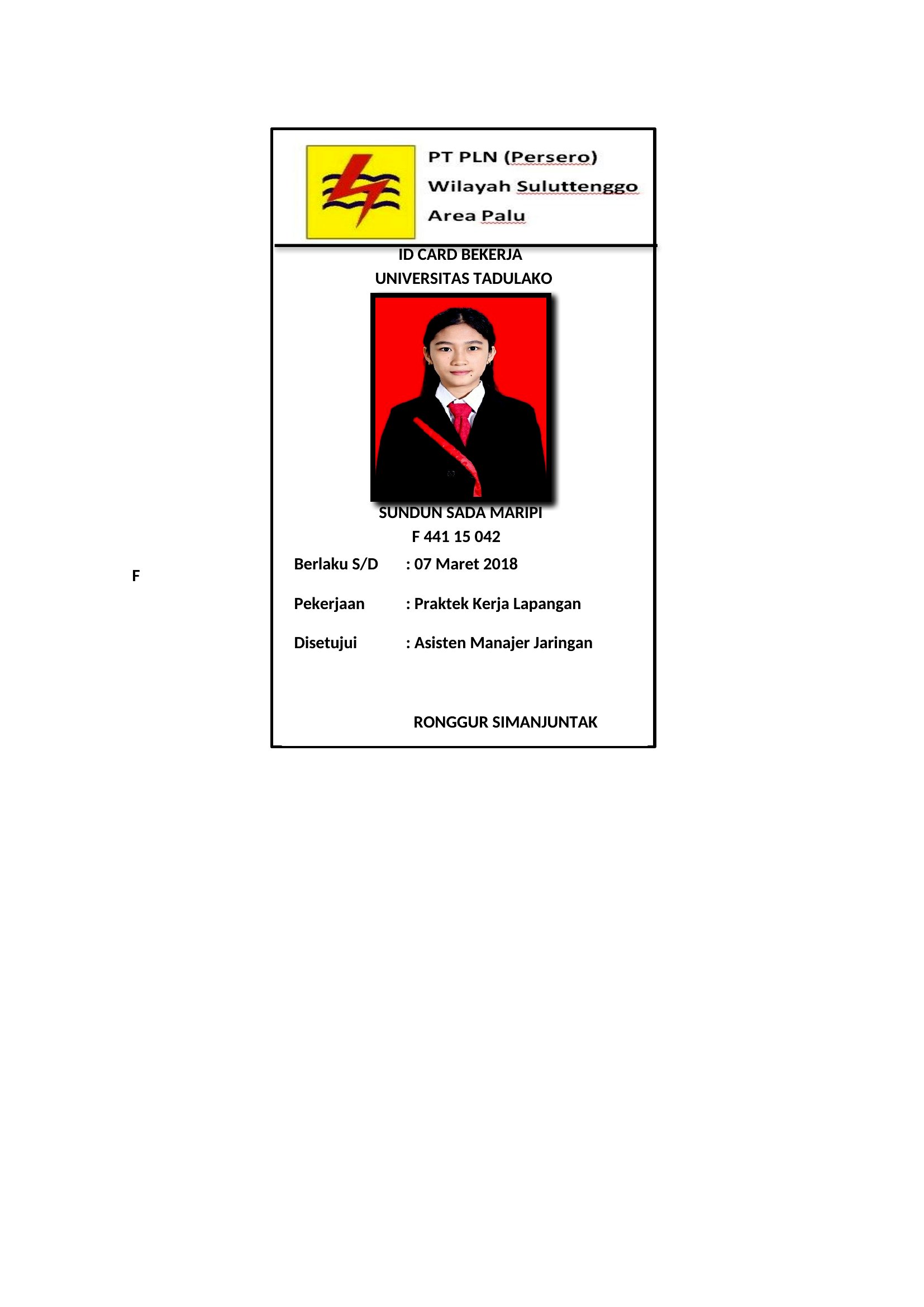
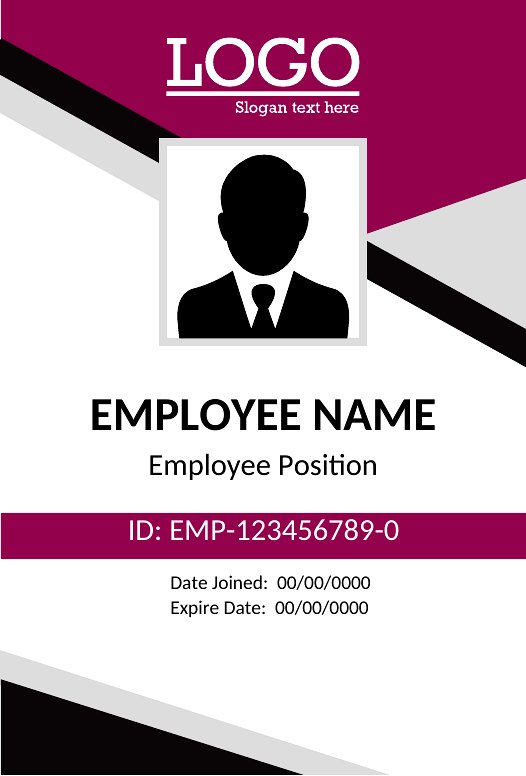
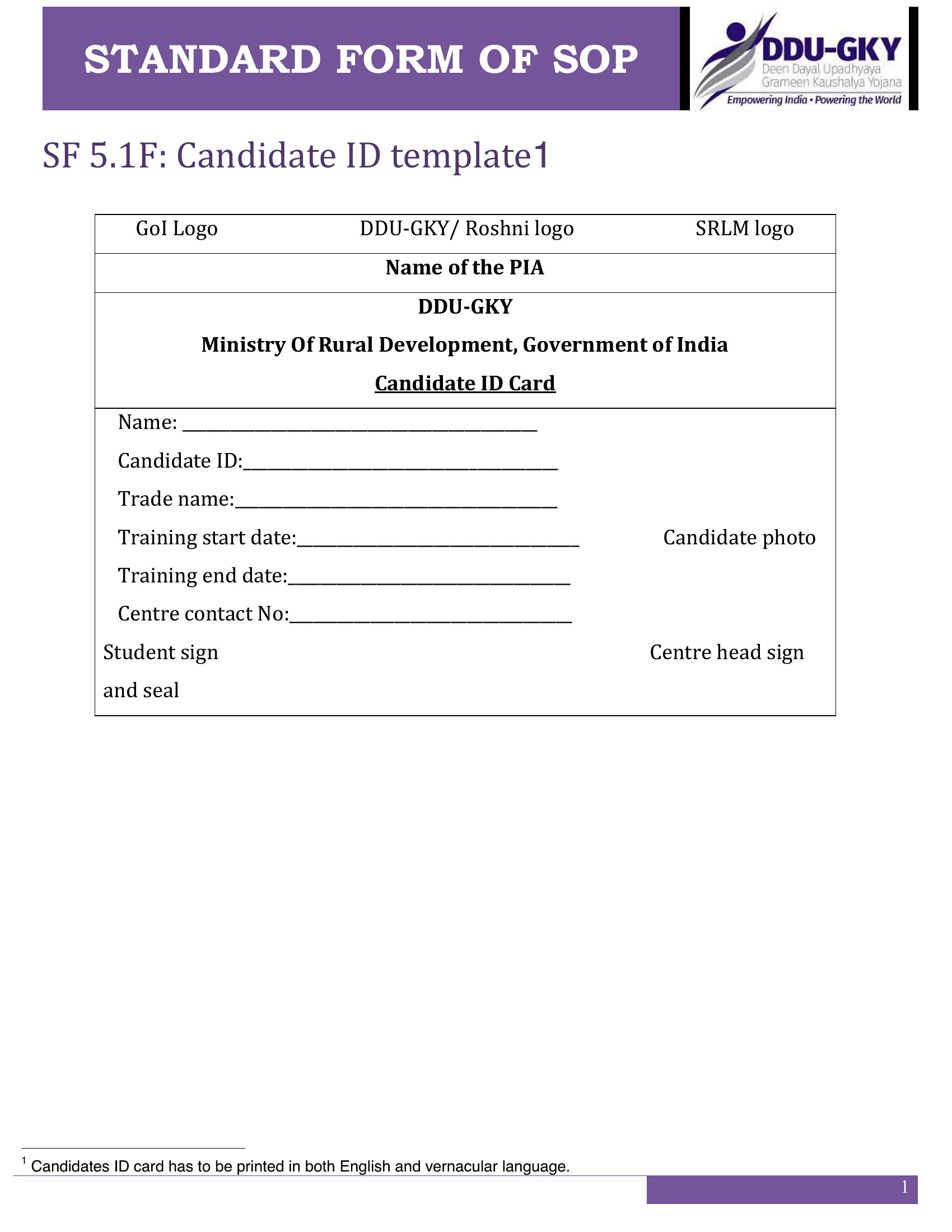
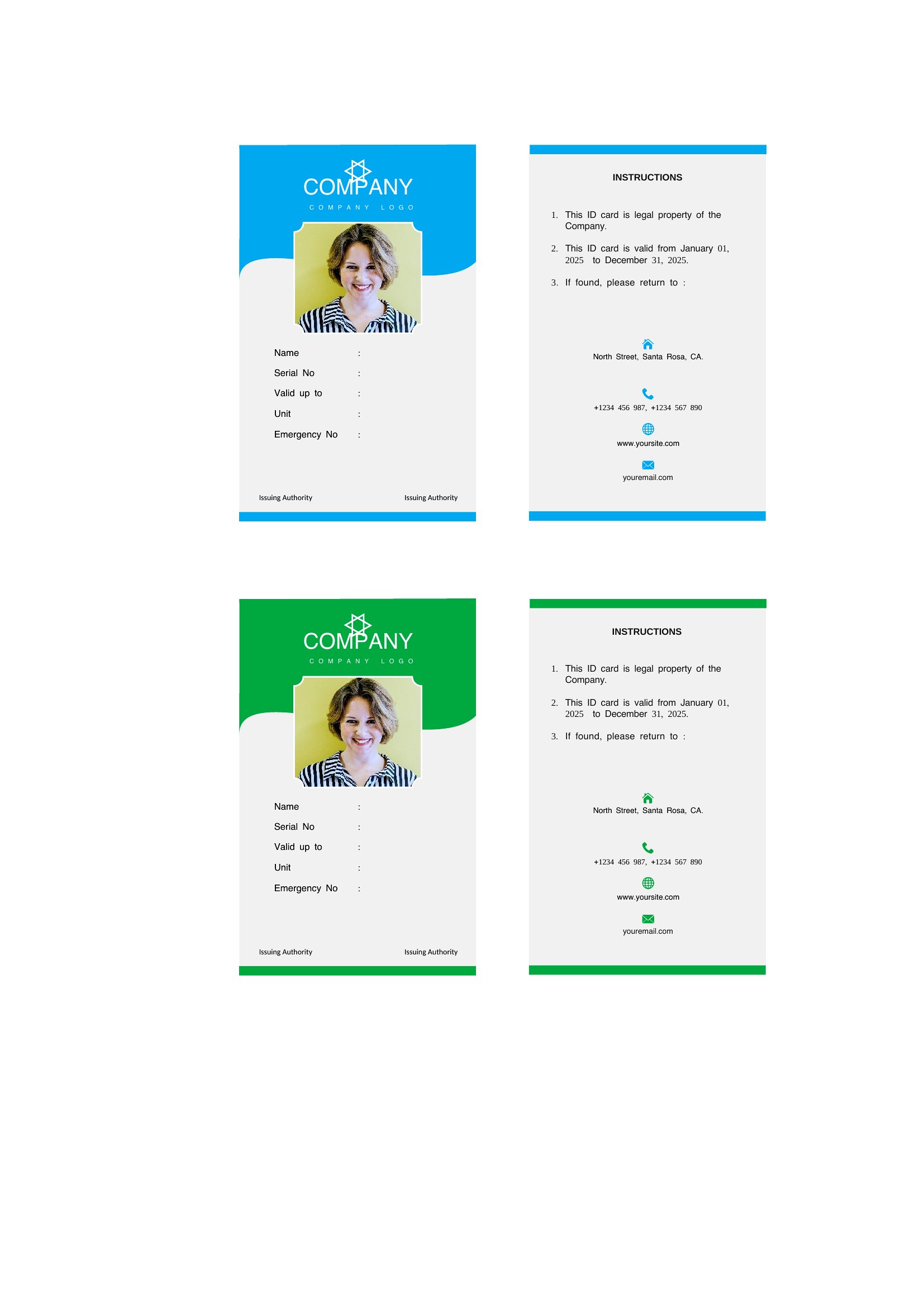
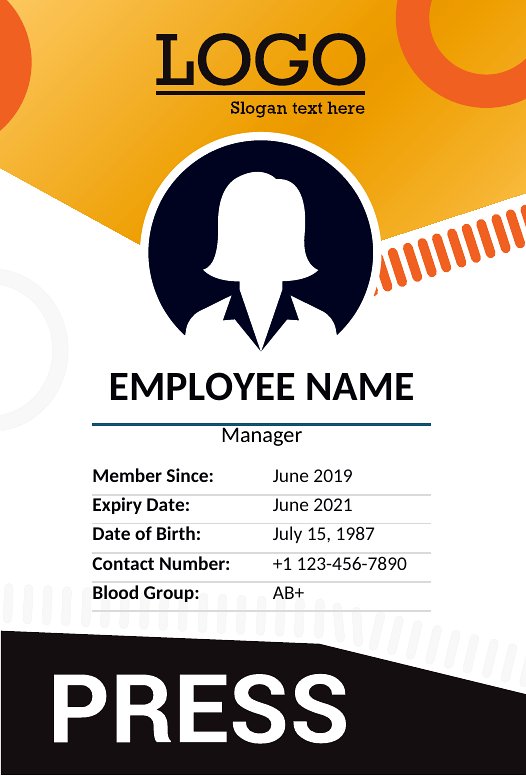
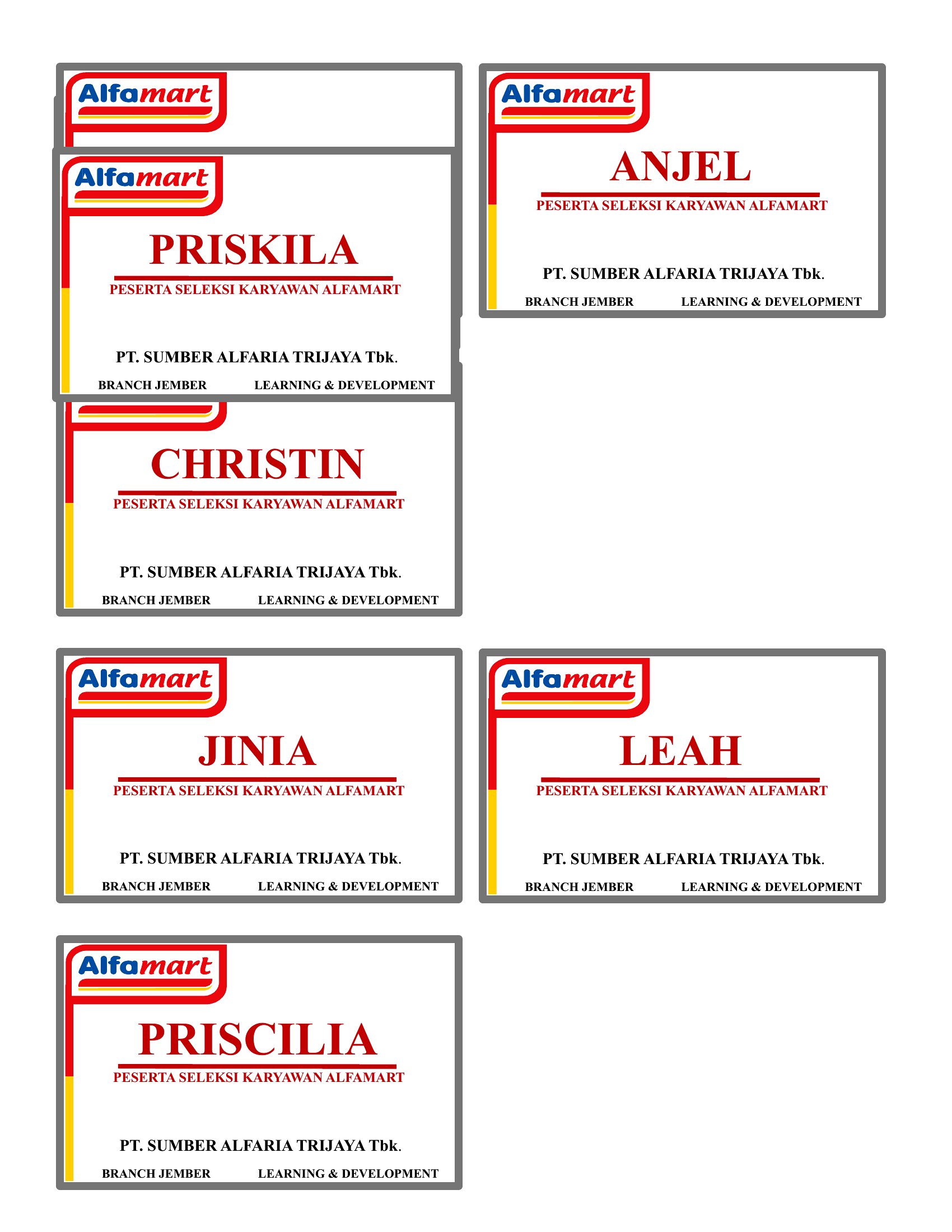
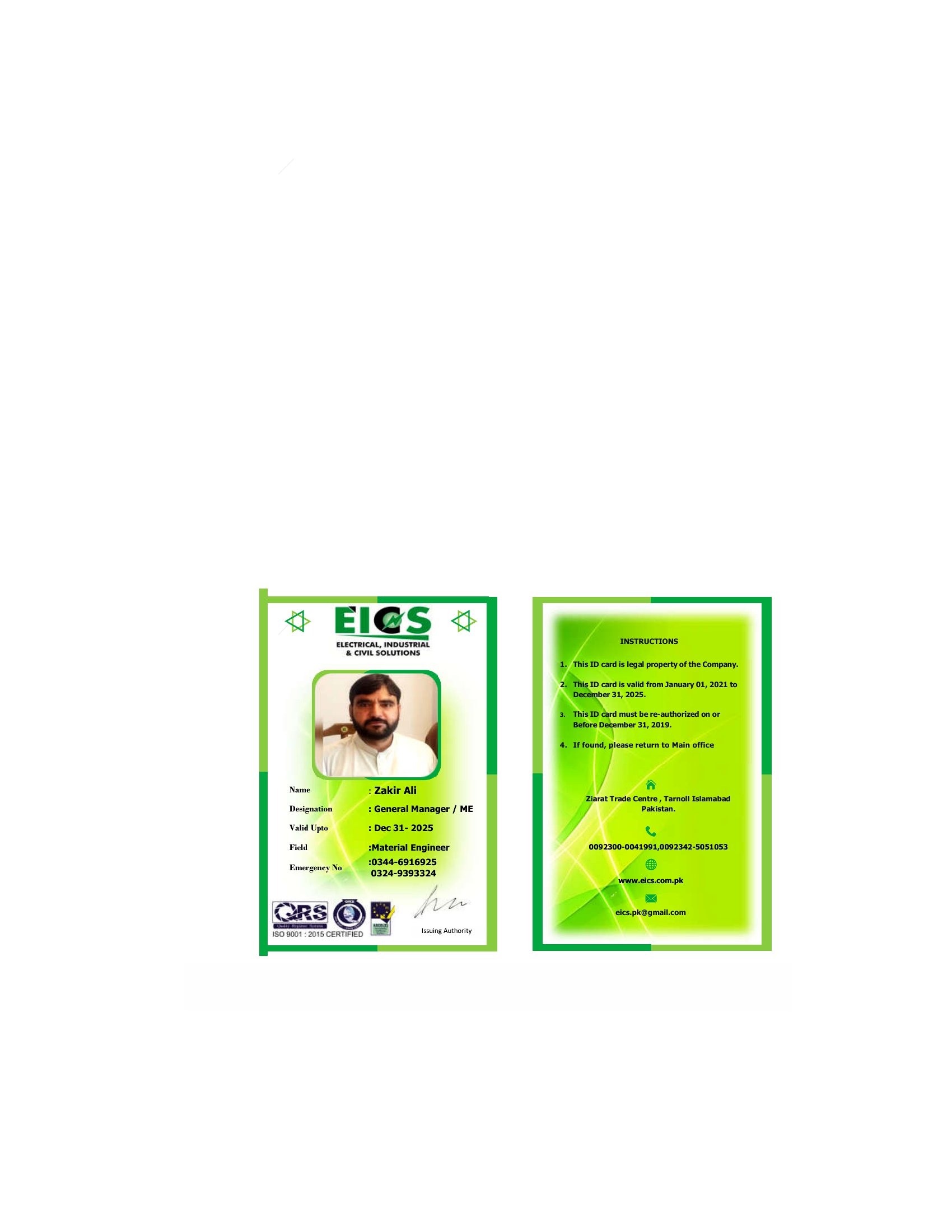
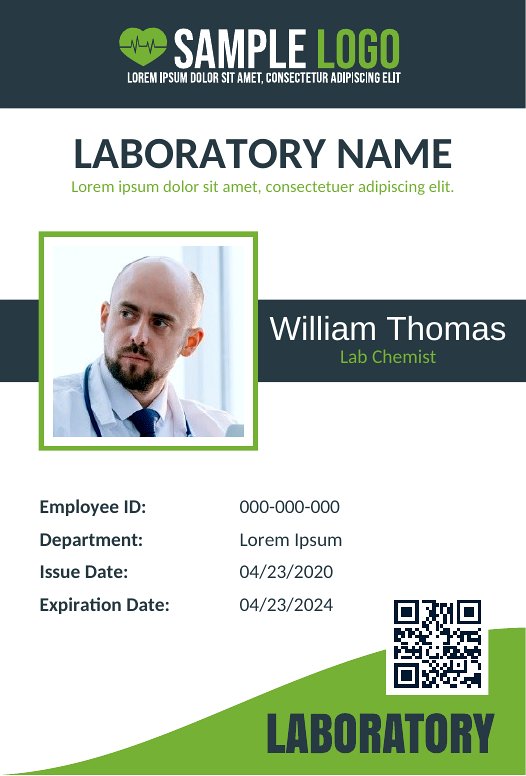
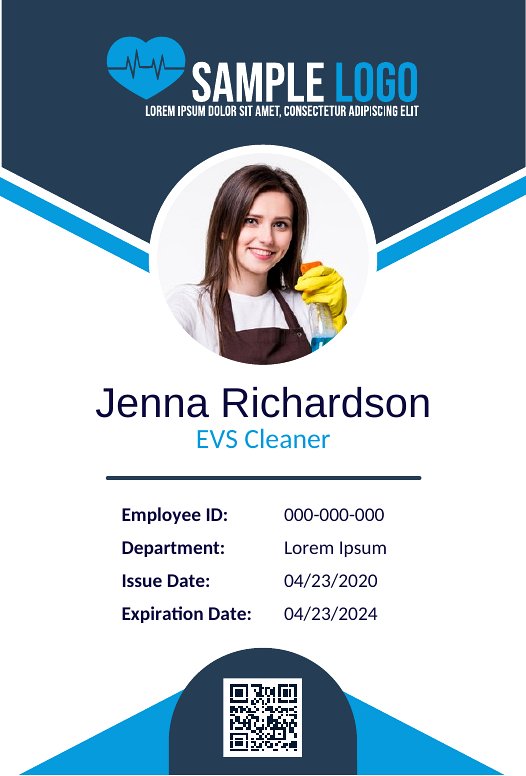
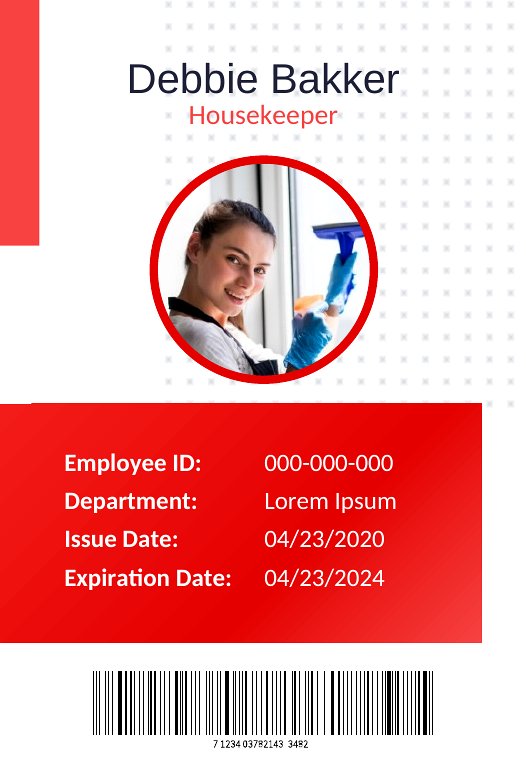
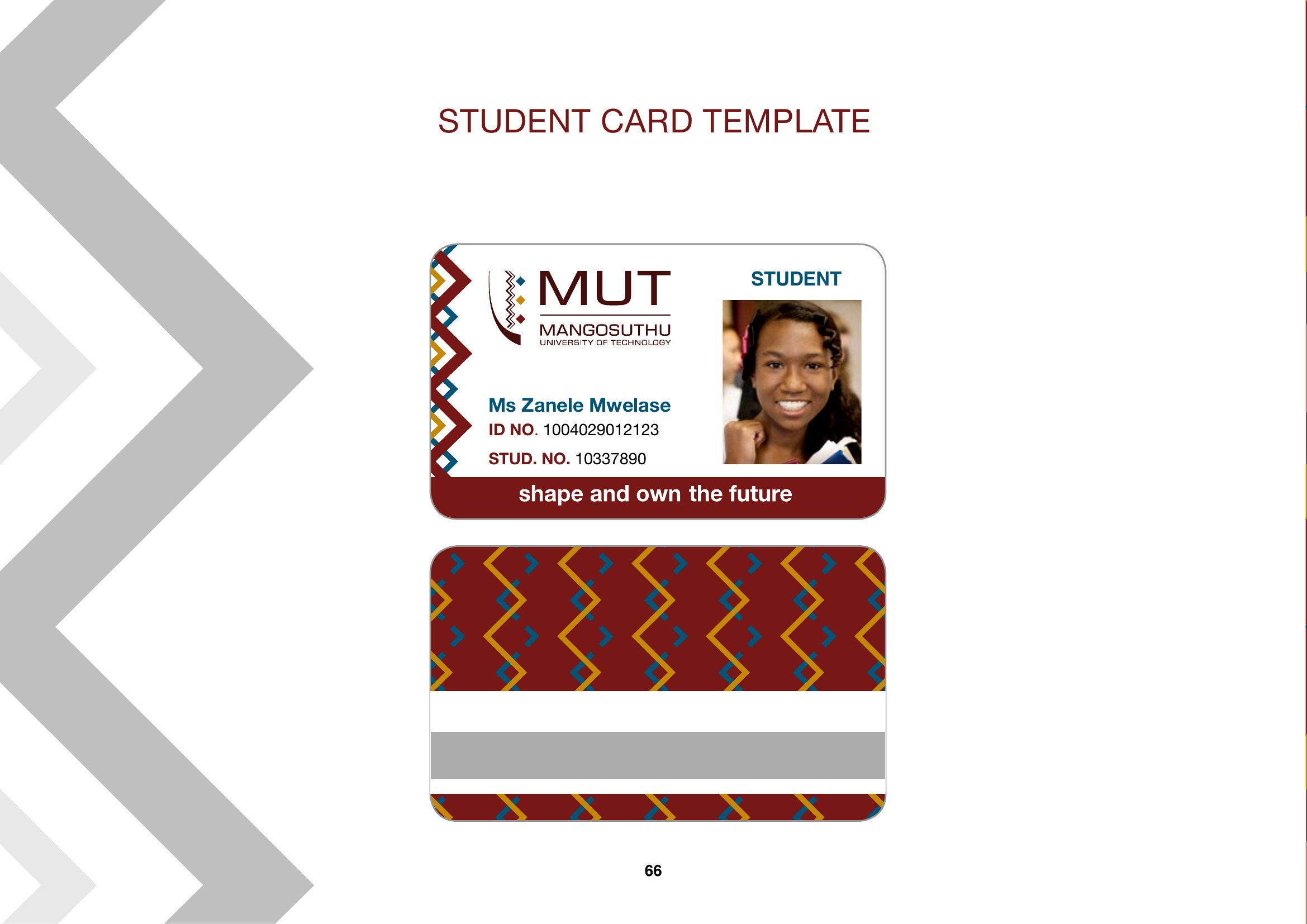
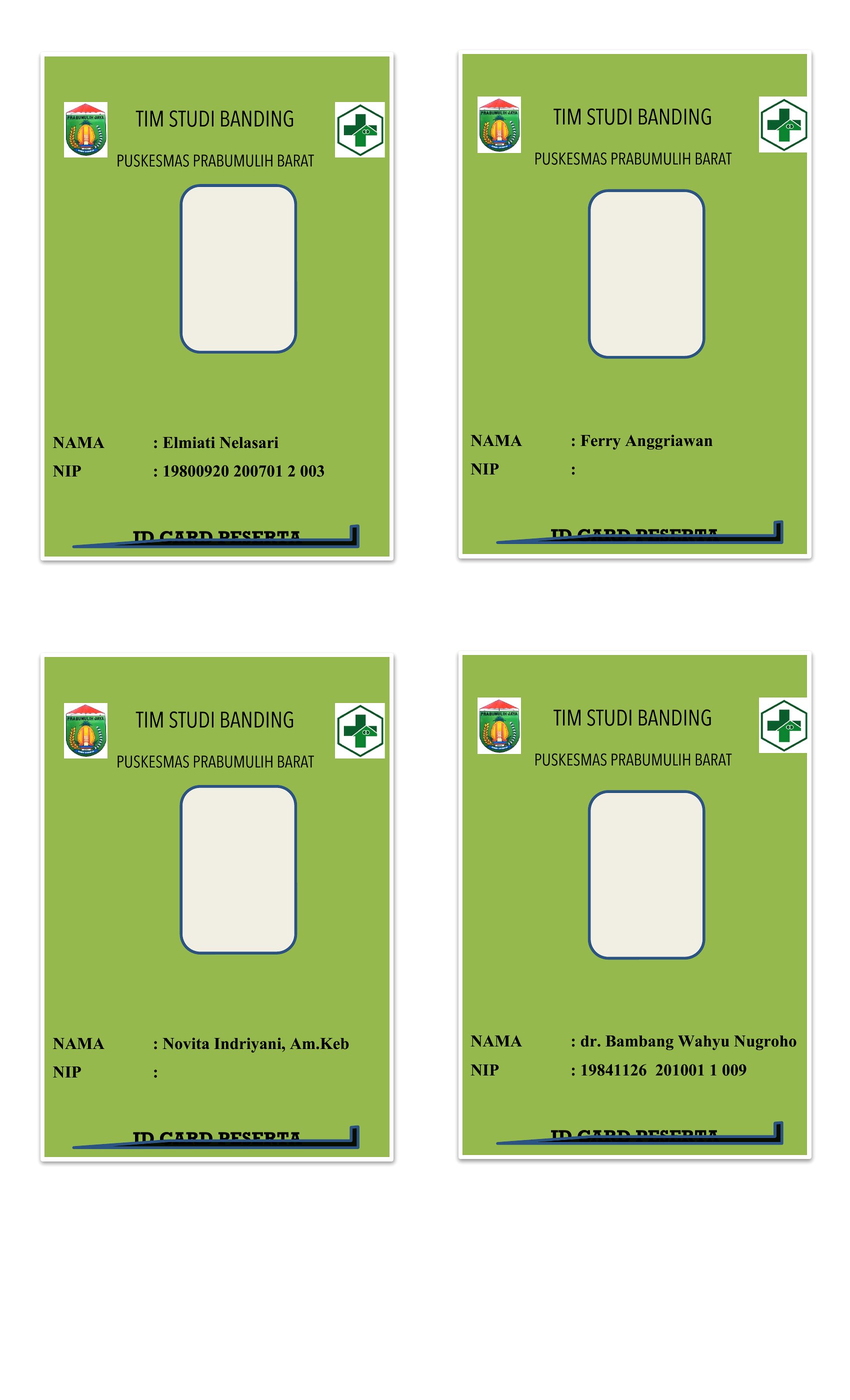
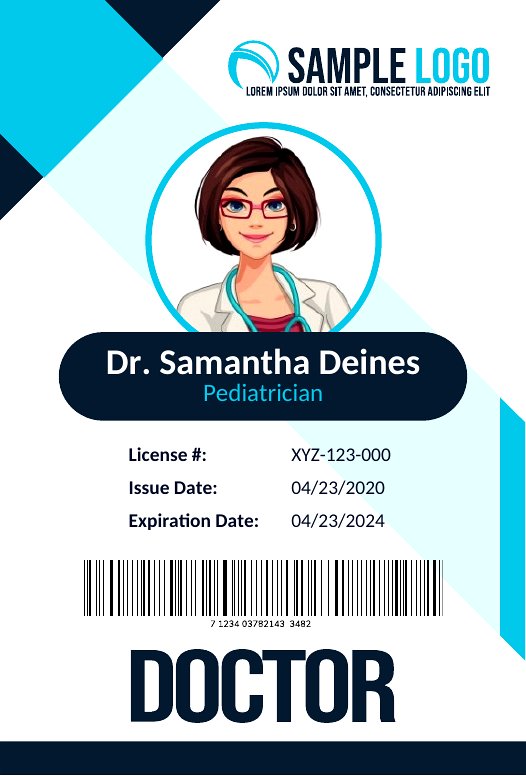
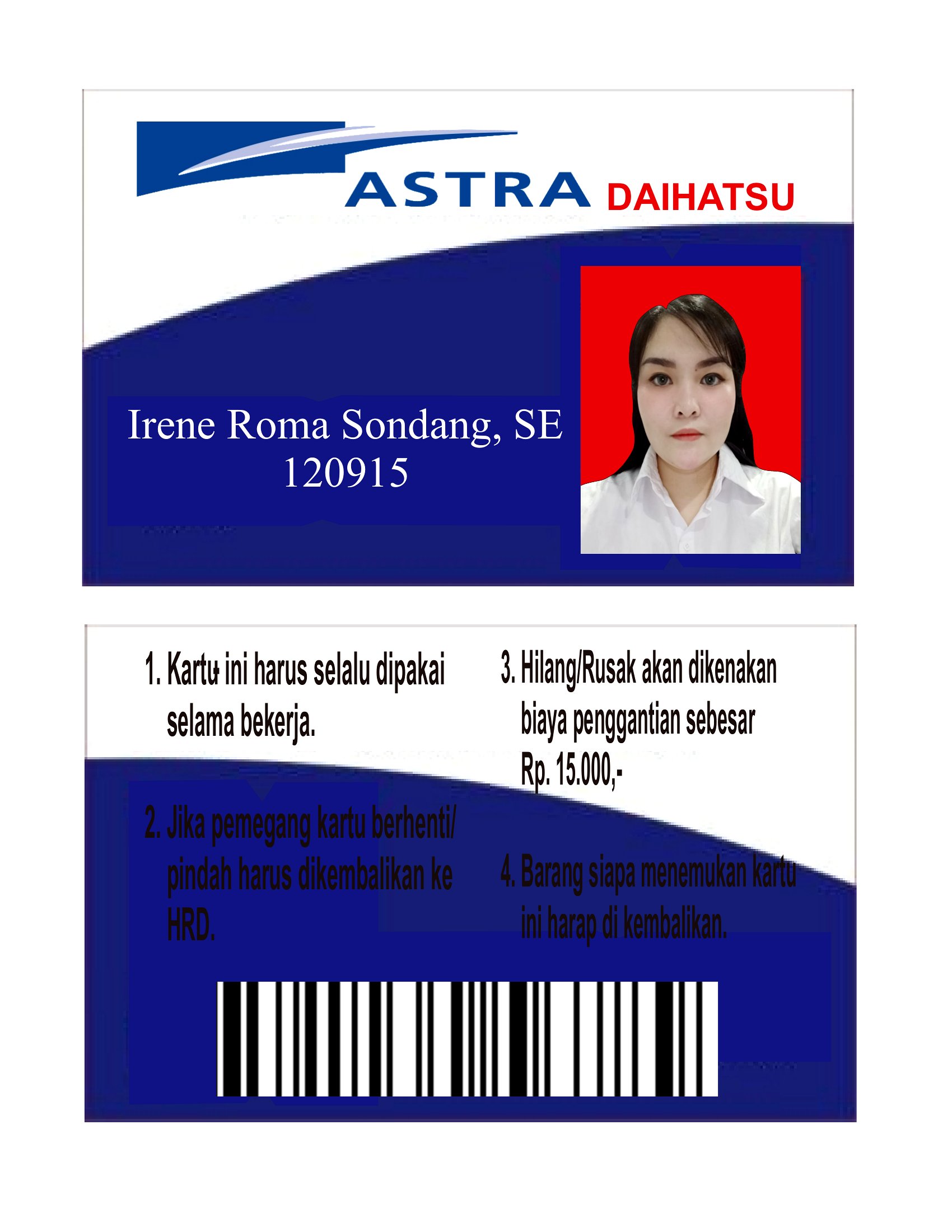
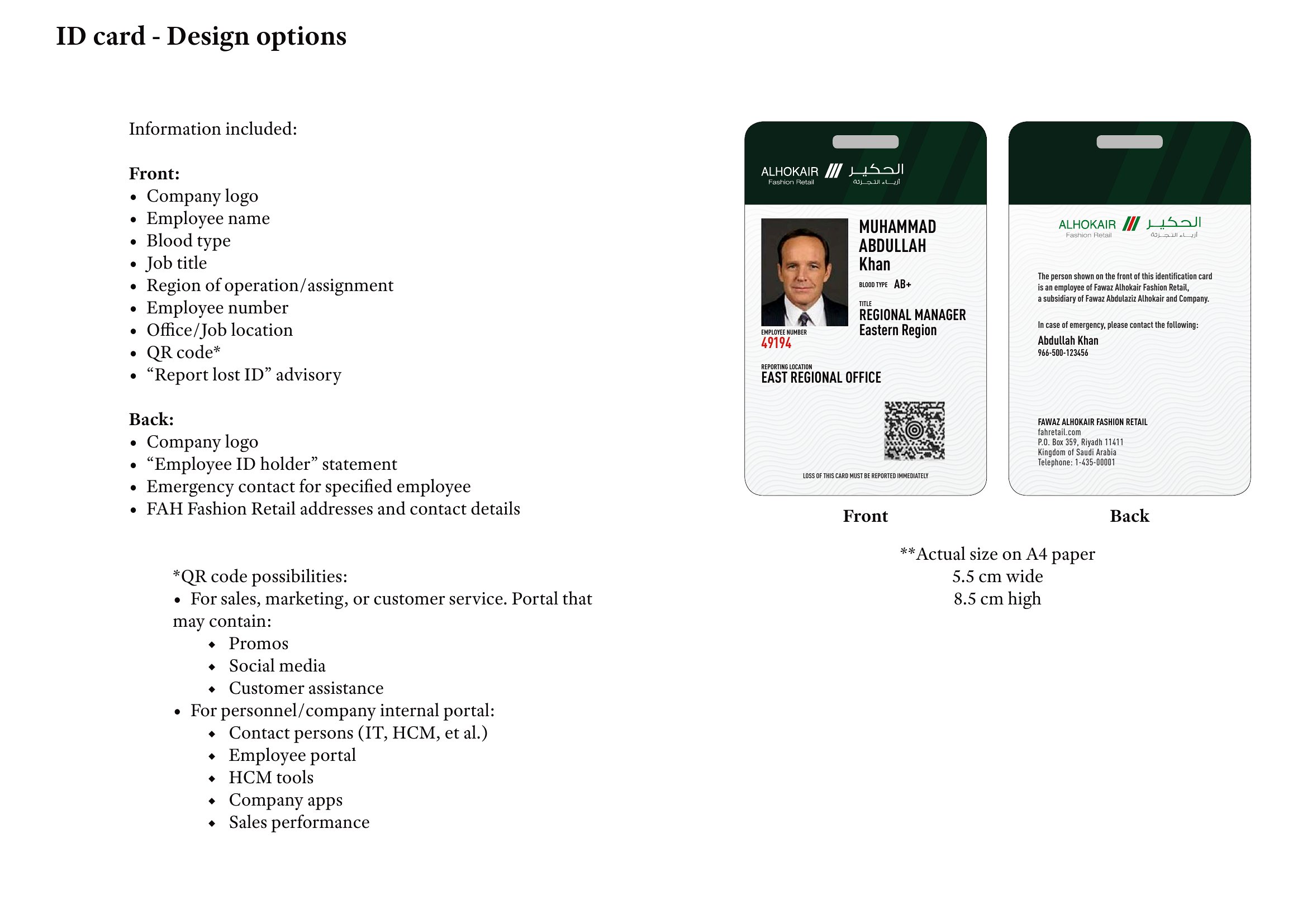
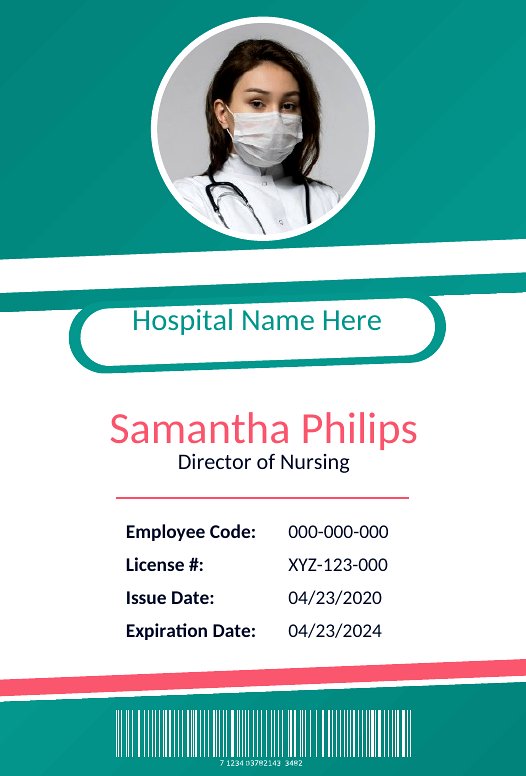
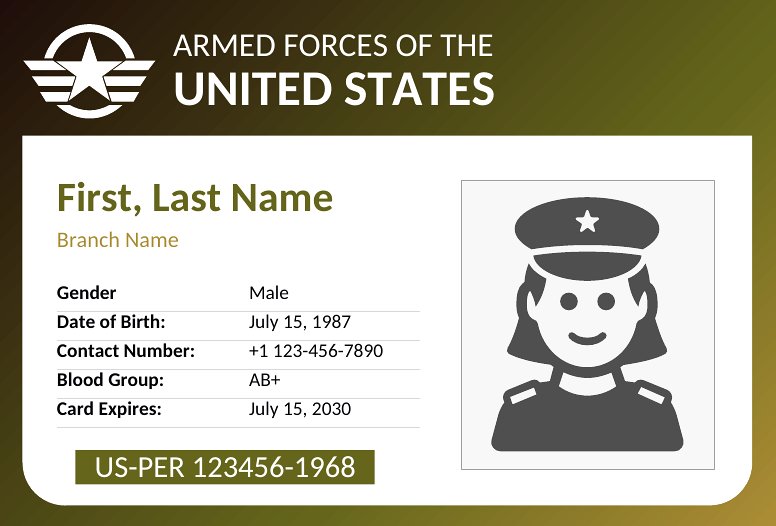
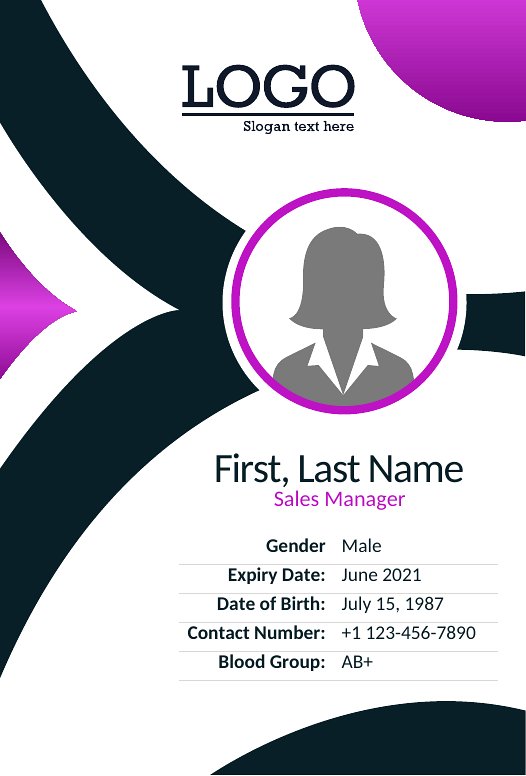
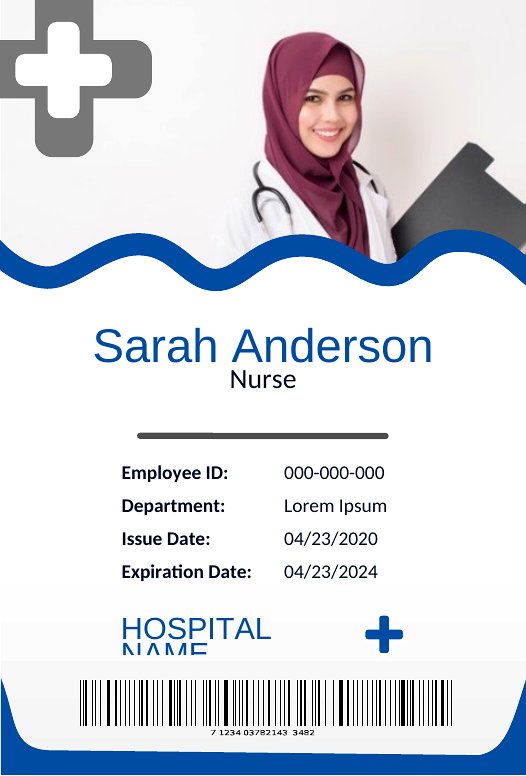
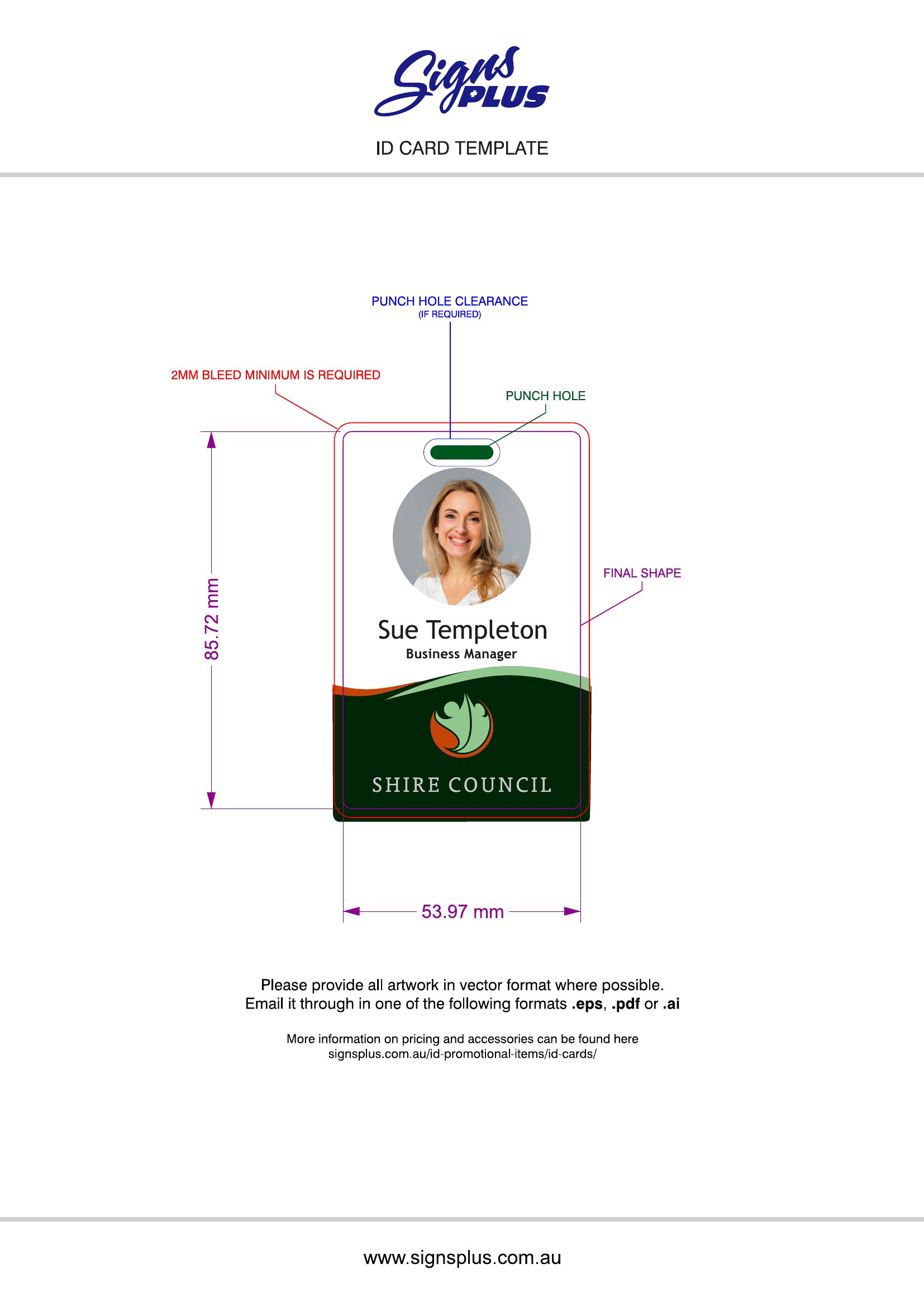
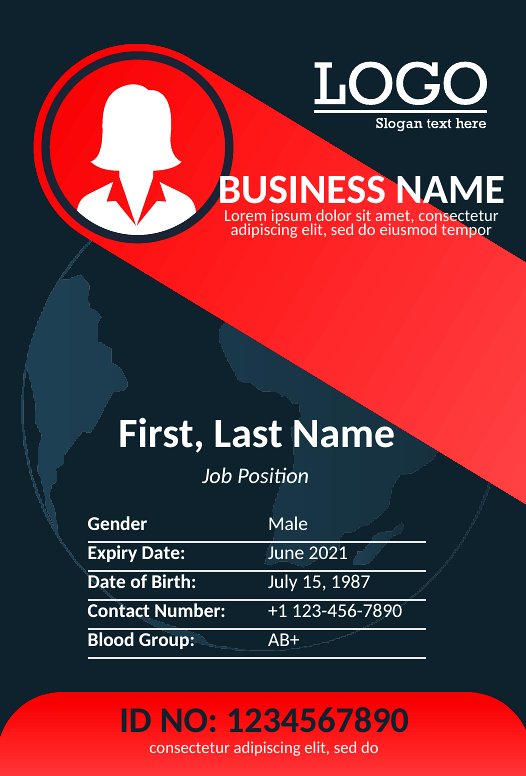
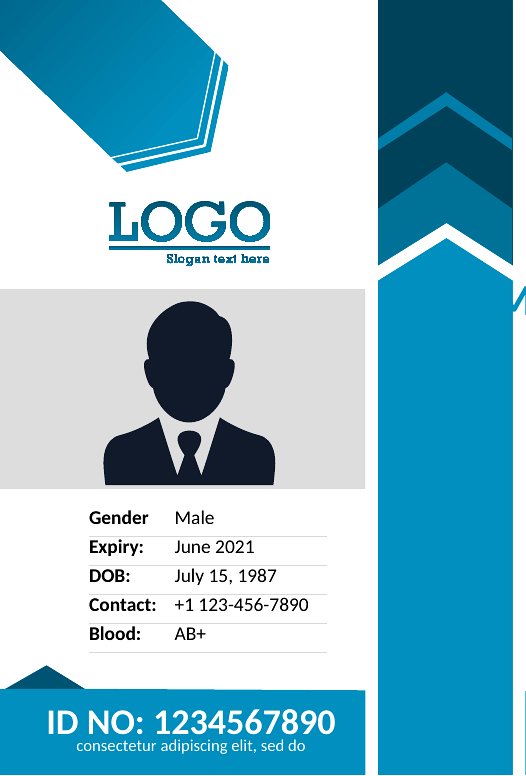
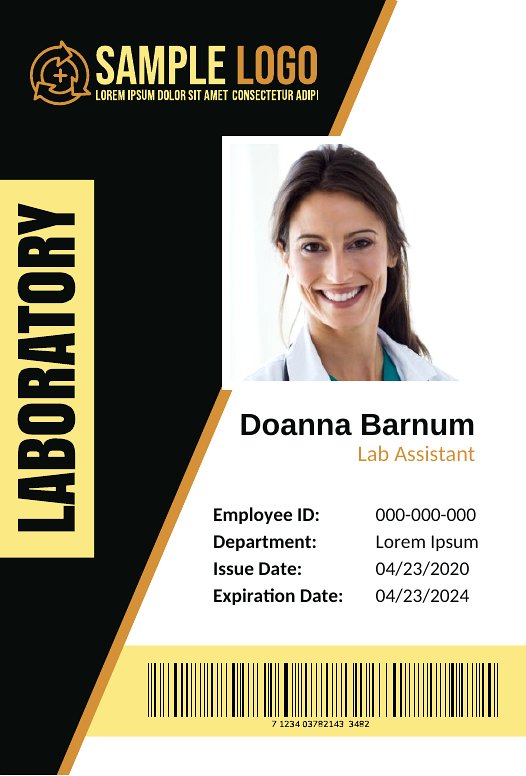
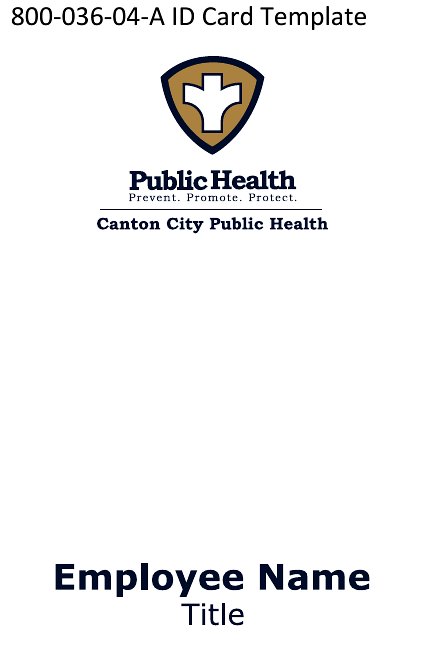
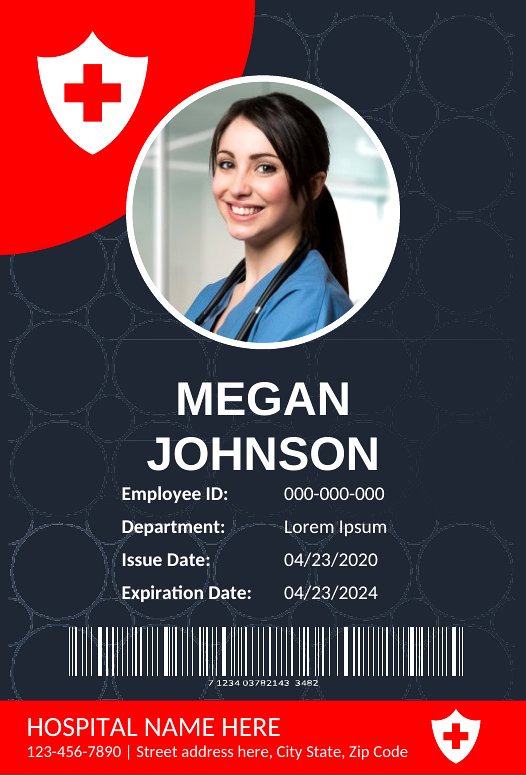
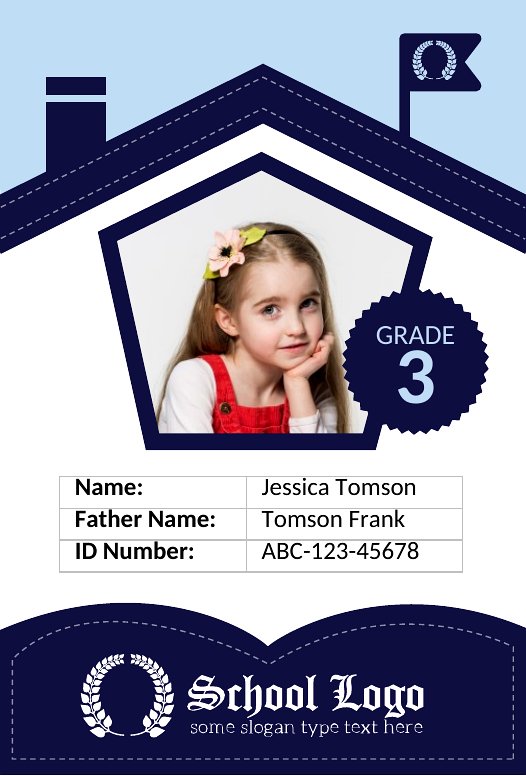
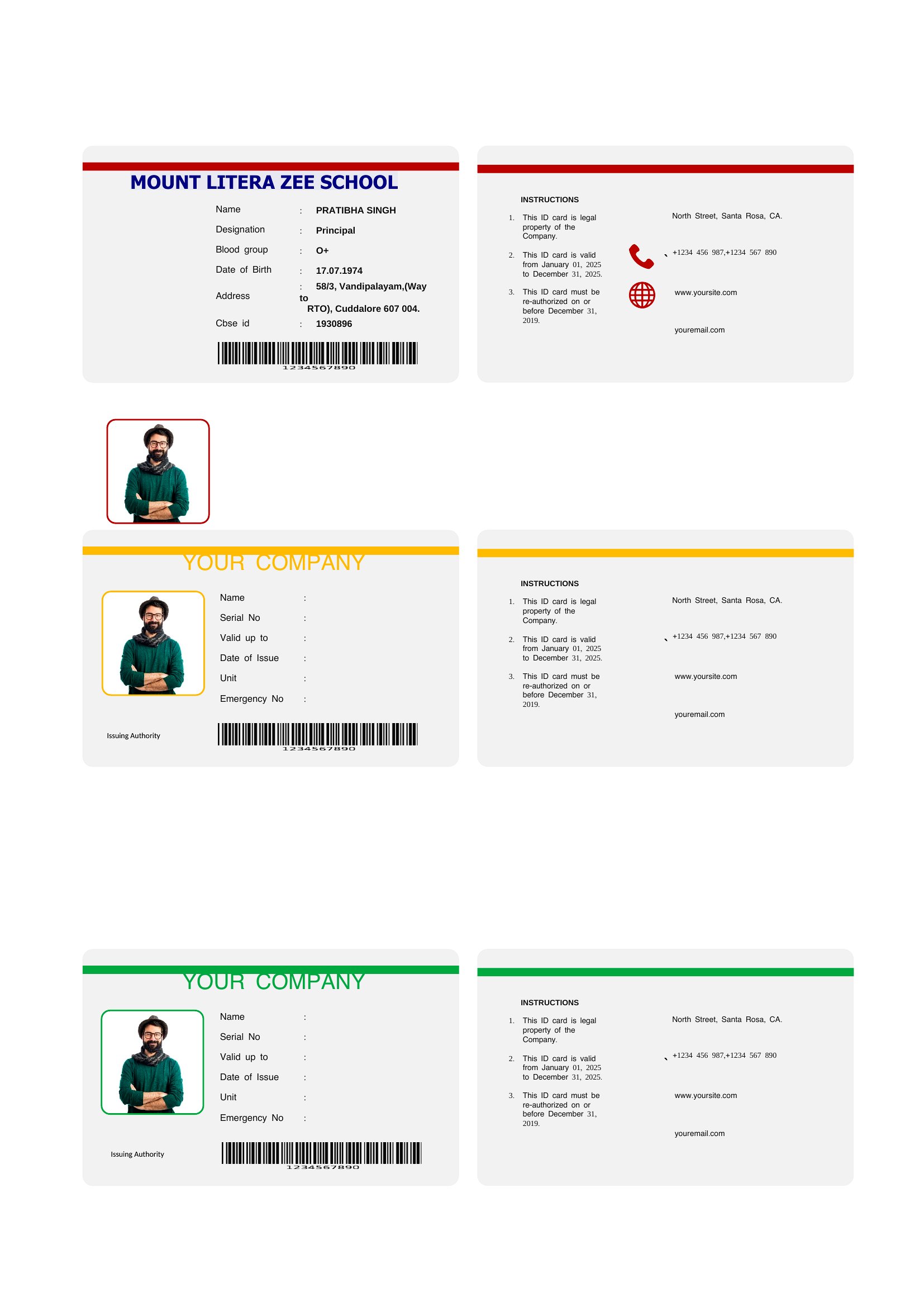
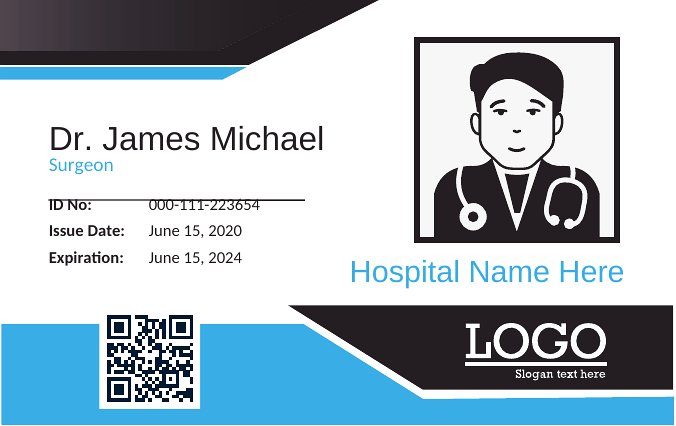
ID/ConsentNeed a quick way to make identification badges for staff, students, or event volunteers? This set of 43 ID card templates covers the common layouts, from employee badges to school and visitor passes, with slots for a photo, name, title, and a barcode or signature line.
Each design comes as an editable Word file you can customize with your logo and details, plus a print-ready PDF for fast, no-fuss printing. Drop in the information, run them through a standard printer, and cut to size. Choose the style that suits your office or classroom and have a batch of cards ready in an afternoon.
When to use this ID Card template
- Small business owners creating employee badges for a new office location need a professional layout that includes a photo slot, job title, and expiration date—so they can print and distribute them before their first team meeting.
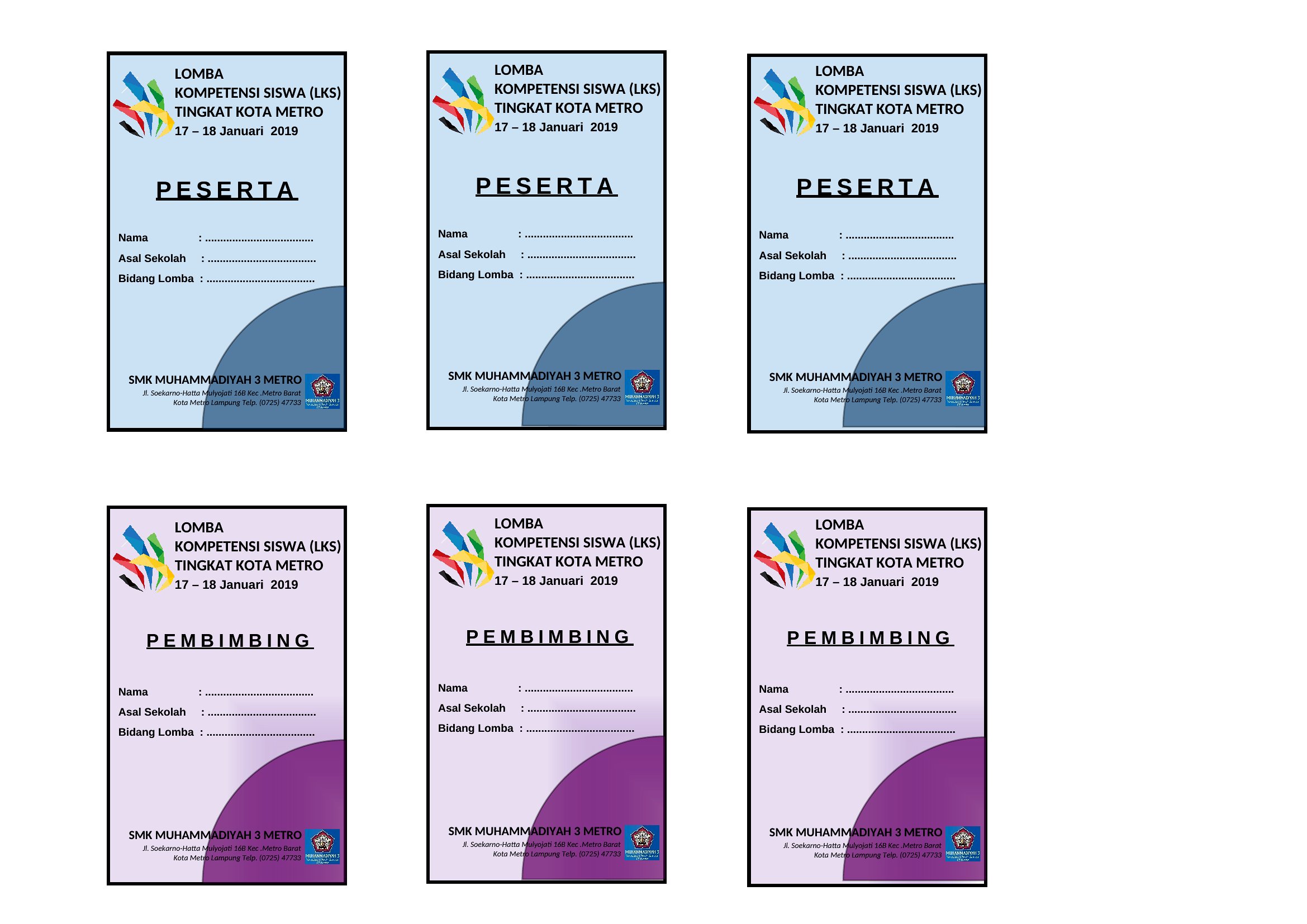
- School administrators organizing a parent-teacher conference require temporary visitor badges with name, school logo, and conference date fields, so parents can quickly identify staff while maintaining a consistent, official appearance.
- Event coordinators planning a conference or trade show need lanyard ID cards with a barcode for check-in, attendee name, company, and session badges—so they can streamline registration and track participation without manual sign-in sheets.
- Nonprofit staff managing volunteers at a food bank or community event need simple, durable ID cards with a photo, role (e.g., ‘Volunteer Coordinator’), and contact info—so they can verify roles and provide clear direction during busy shifts.
Which format should I download?
Choose Word for ID cards that require last-minute edits, like adjusting text fields or adding a logo after finalizing designs. The editable format lets you tweak fonts, colors, or fields (e.g., swapping a barcode for a signature line) without redesigning. Opt for PDF when you need a finalized, print-ready file that preserves formatting—ideal for bulk printing or distributing to staff who shouldn’t edit the template further. PDFs also work better for secure or official-looking IDs where consistency matters most.
Choose from 43 ID Card Templates
How to use this ID Card template
Can I add a barcode or QR code to these ID cards for check-in systems?
Yes, many of these templates include placeholder fields for barcodes or QR codes. Use a free online generator to create the code, then insert it into the designated area. For Word templates, resize the field to fit; PDFs require pre-generated barcodes for accurate printing. Test the code with your check-in software before bulk printing to ensure compatibility.
How do I ensure the photo slot matches the size of my printed ID?
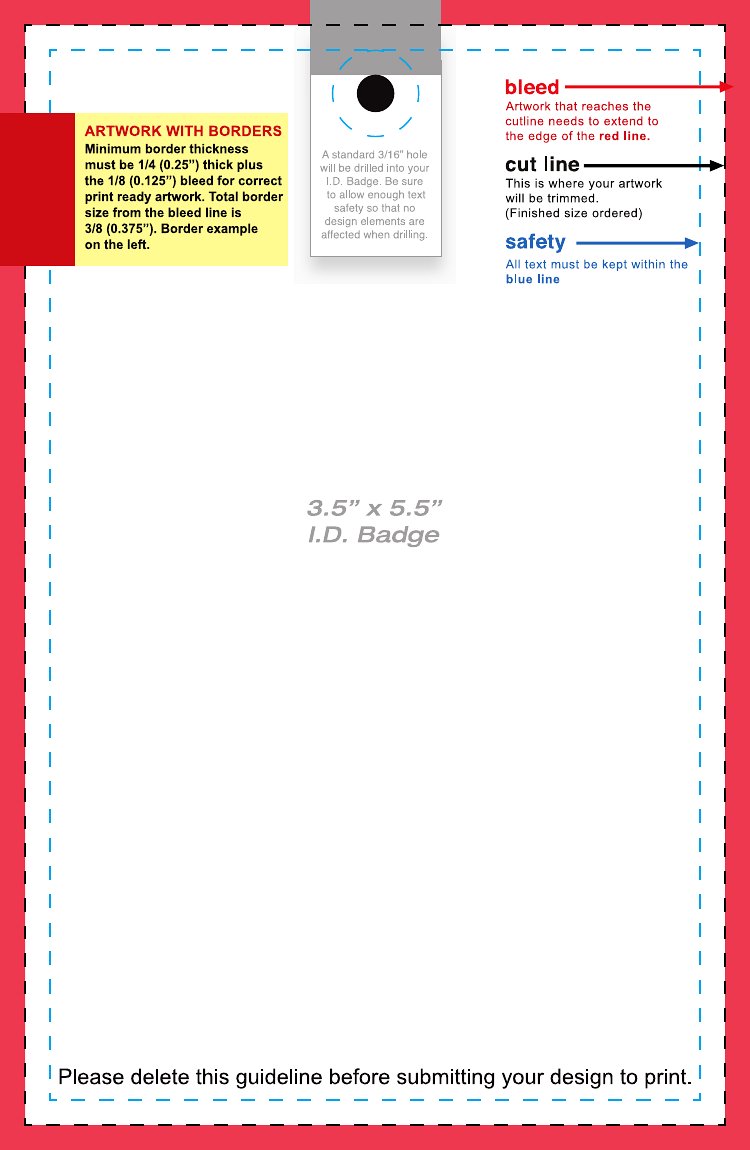
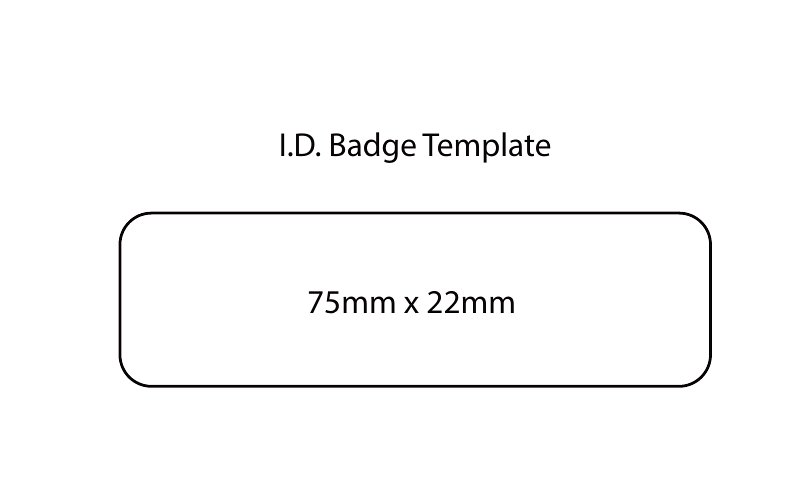
Most templates include guided photo slots with dimensions (e.g., 2x2 inches or passport-sized). Before printing, use the template’s measurements to crop your photos to these specs. For Word files, preview the document in ‘Print Layout’ mode to adjust margins or photo position. For PDFs, print a test copy on standard paper first to verify sizing before committing to card stock.
Are these templates suitable for access-controlled areas like labs or secure offices?
While these templates provide a professional layout for secure IDs, they’re not a substitute for legal or security protocols. Add fields for employee ID numbers, department codes, or access levels as needed, and pair them with your facility’s official security measures. For highly regulated environments, consult your IT or security team to ensure compliance with your organization’s specific requirements.
Comments
Join the conversation
Sign in to share your thoughts and leave a comment on this resource.