Skip to content
50% off this one-time $1.99 pack with HALFOFF — or unlimited with Pro.HALFOFF
Premium

Free Credit Card Authorization Forms (Word, PDF)

ID/Consent
noahmorin by noahmorin
Updated 0 downloads Quality-checked template

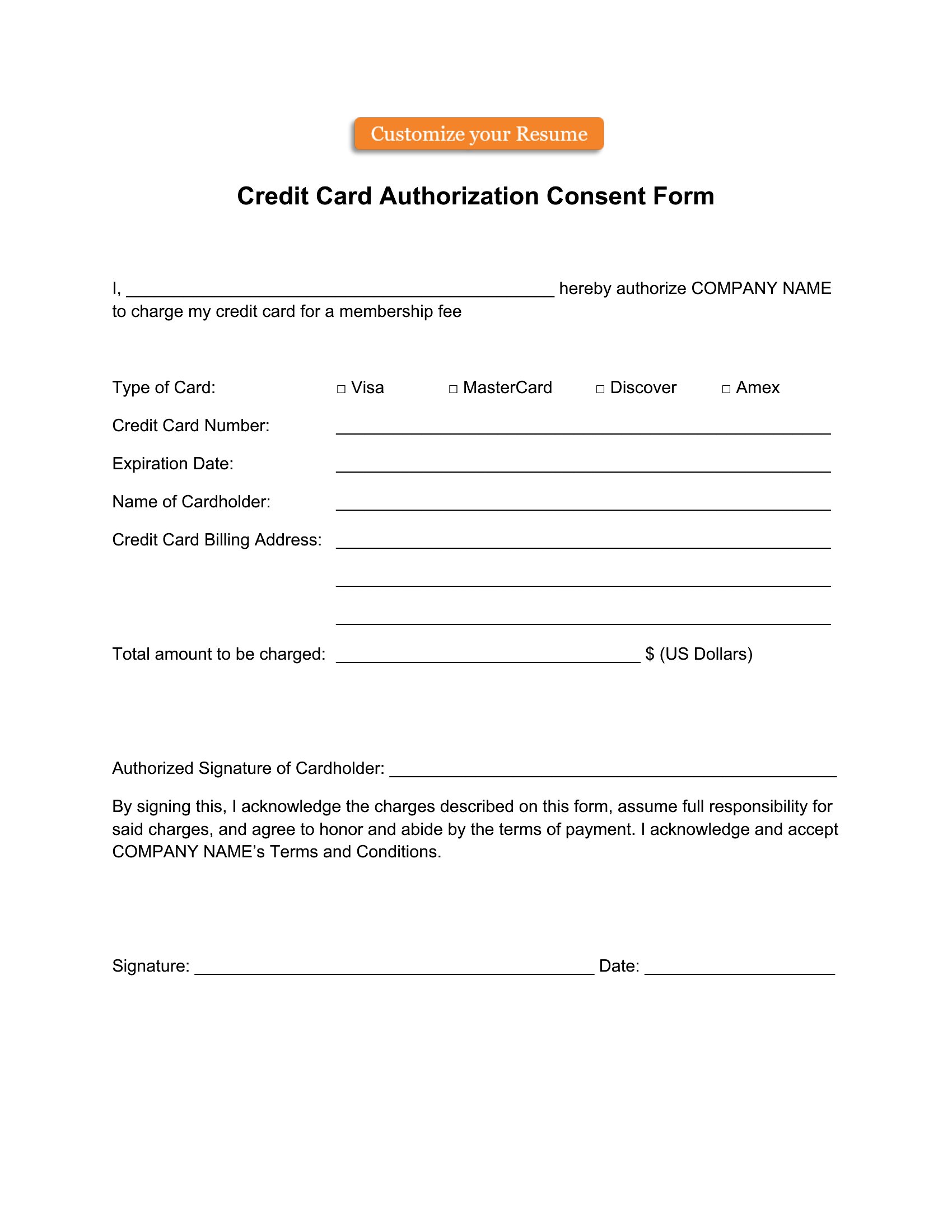
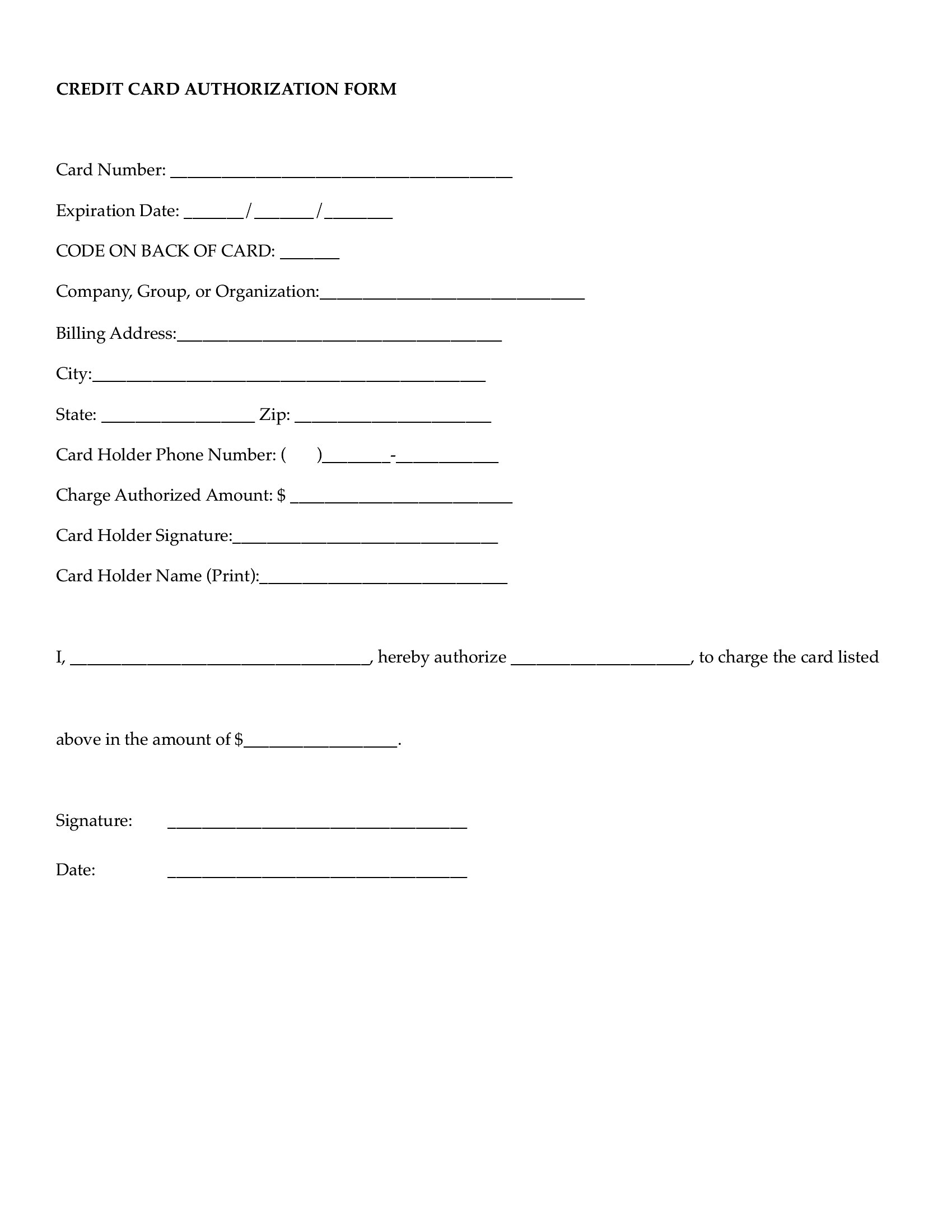
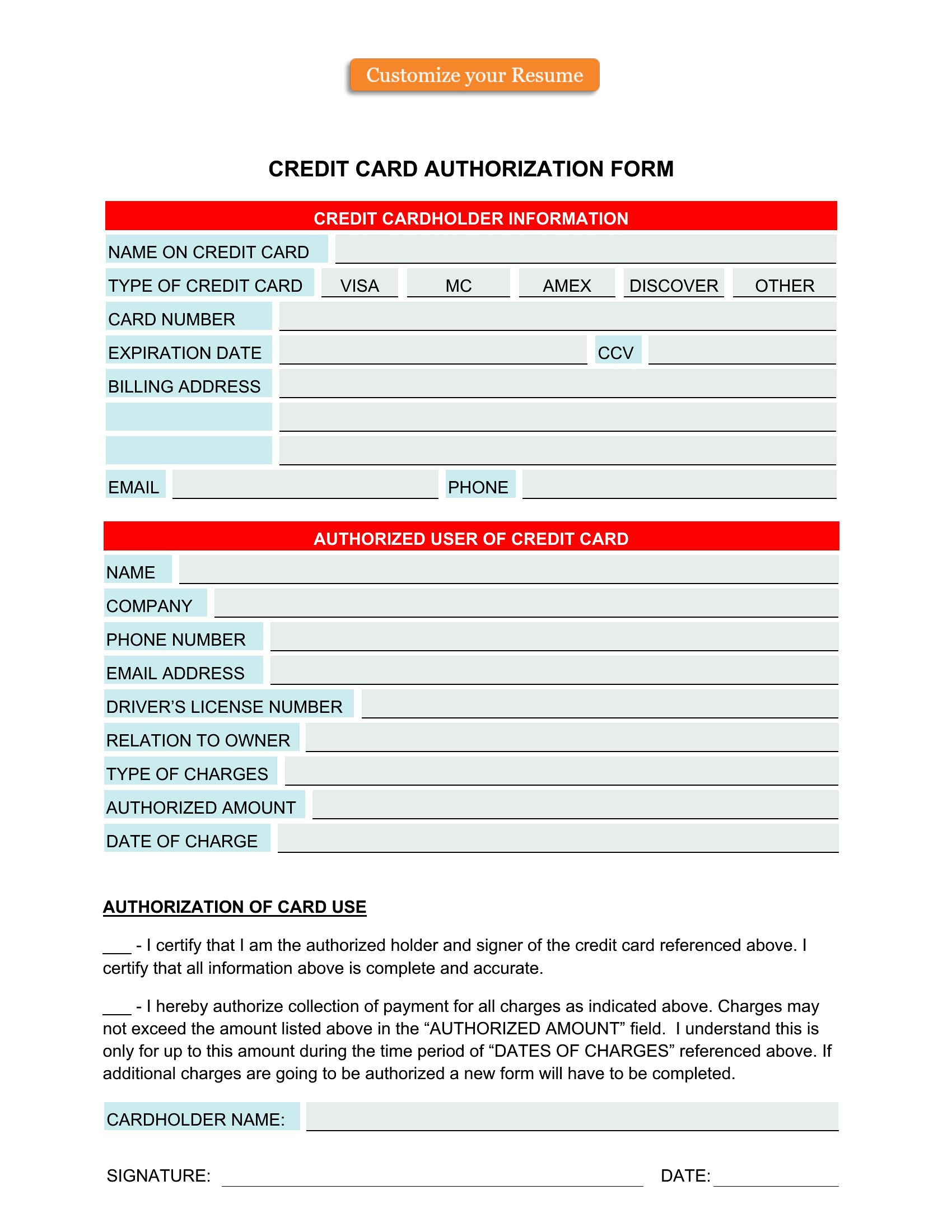
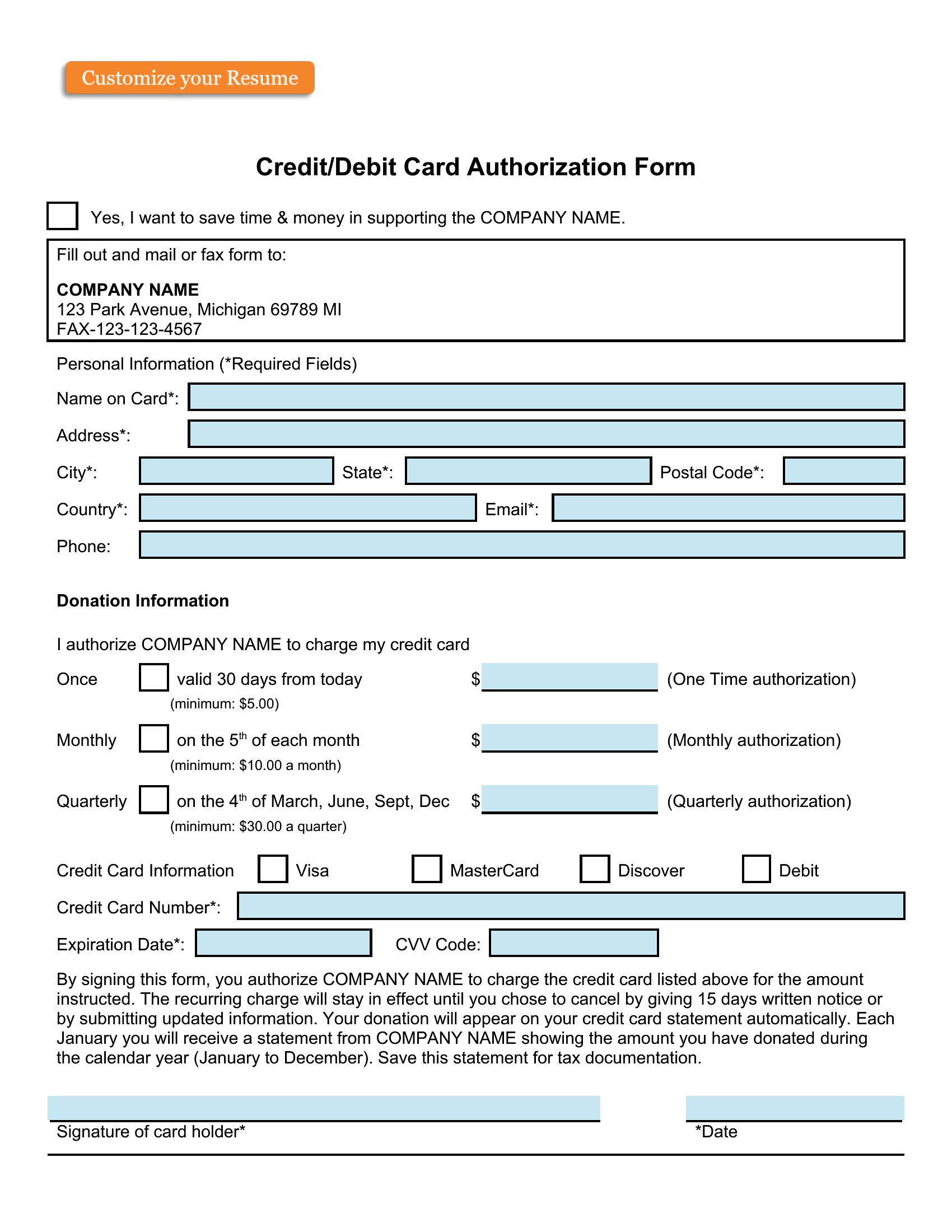
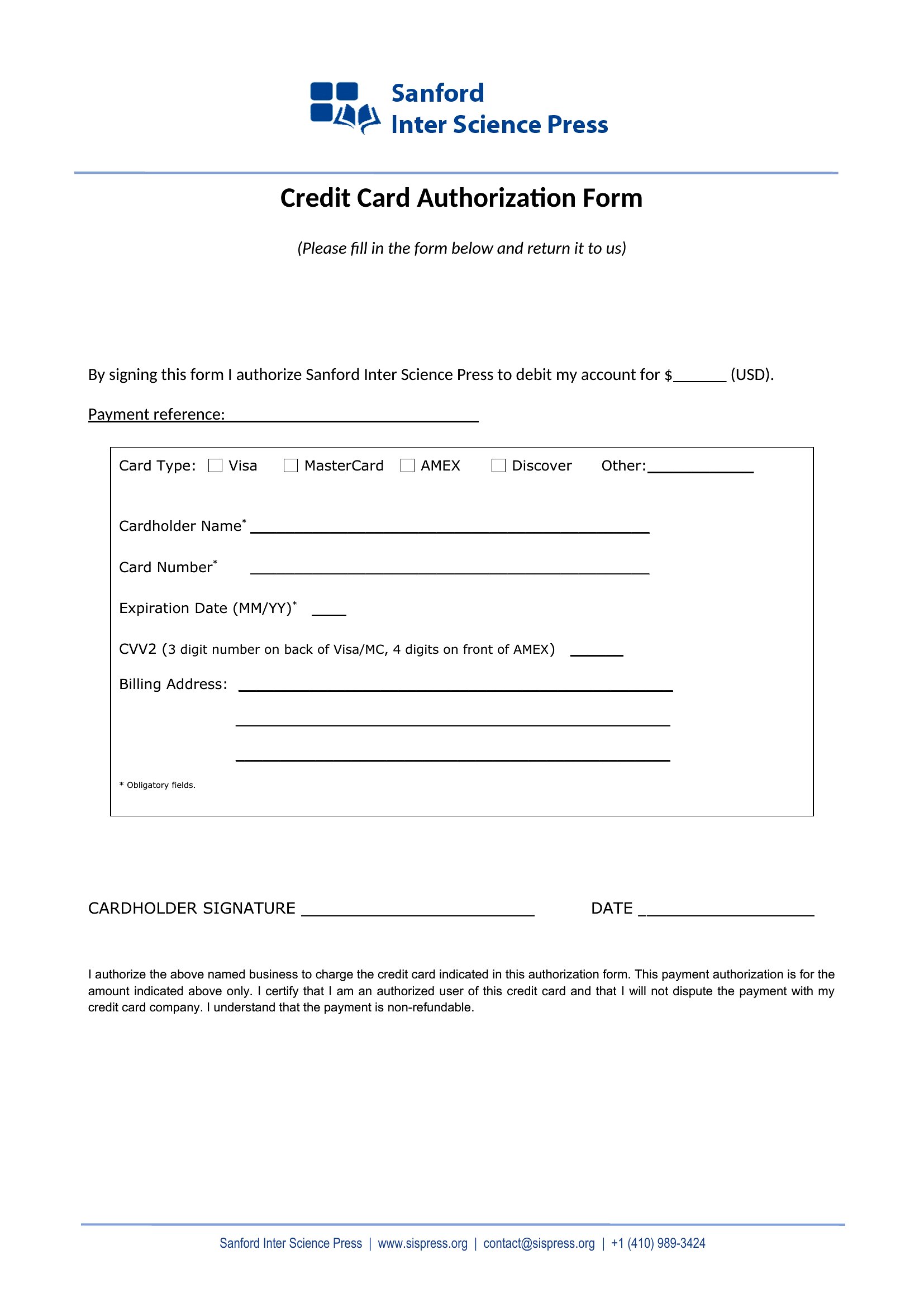
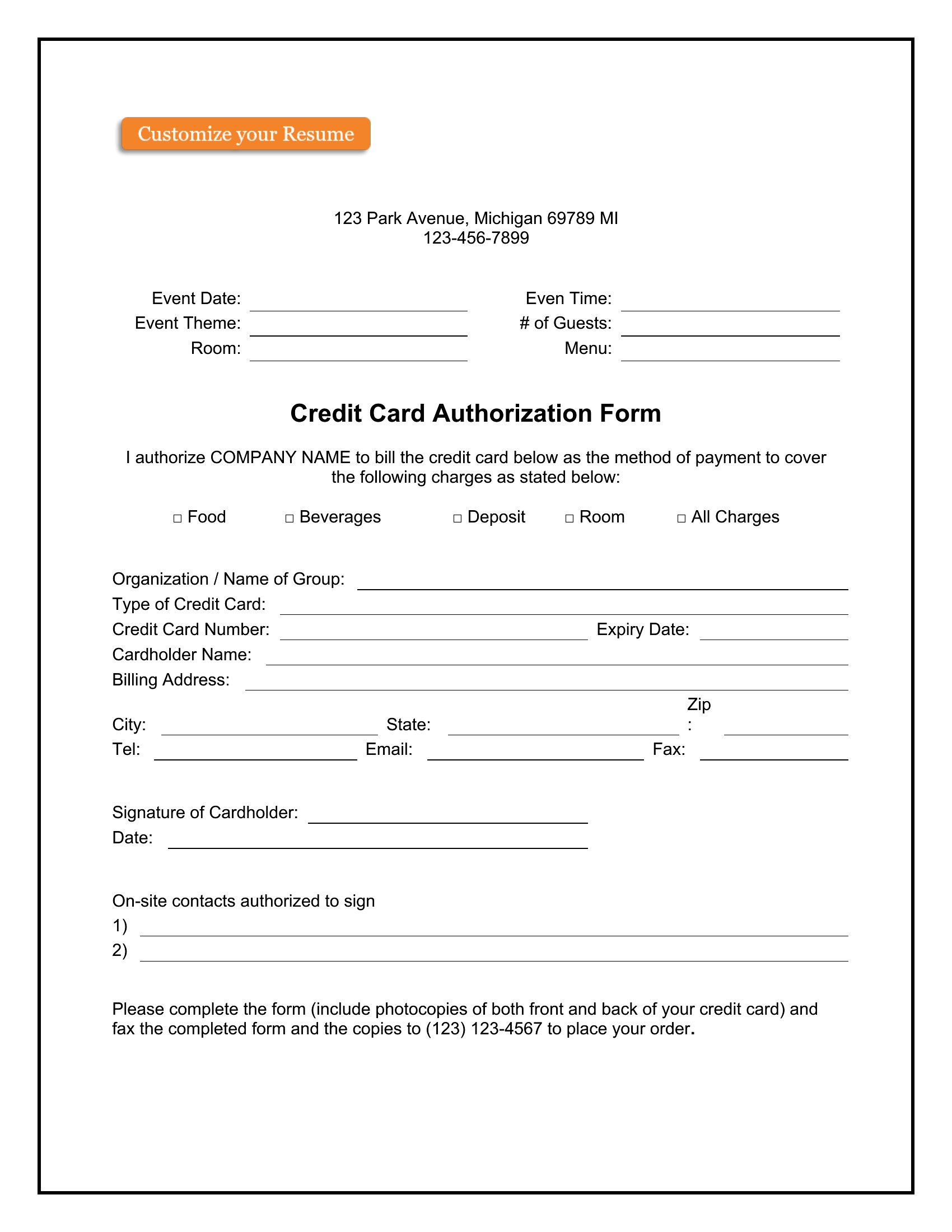
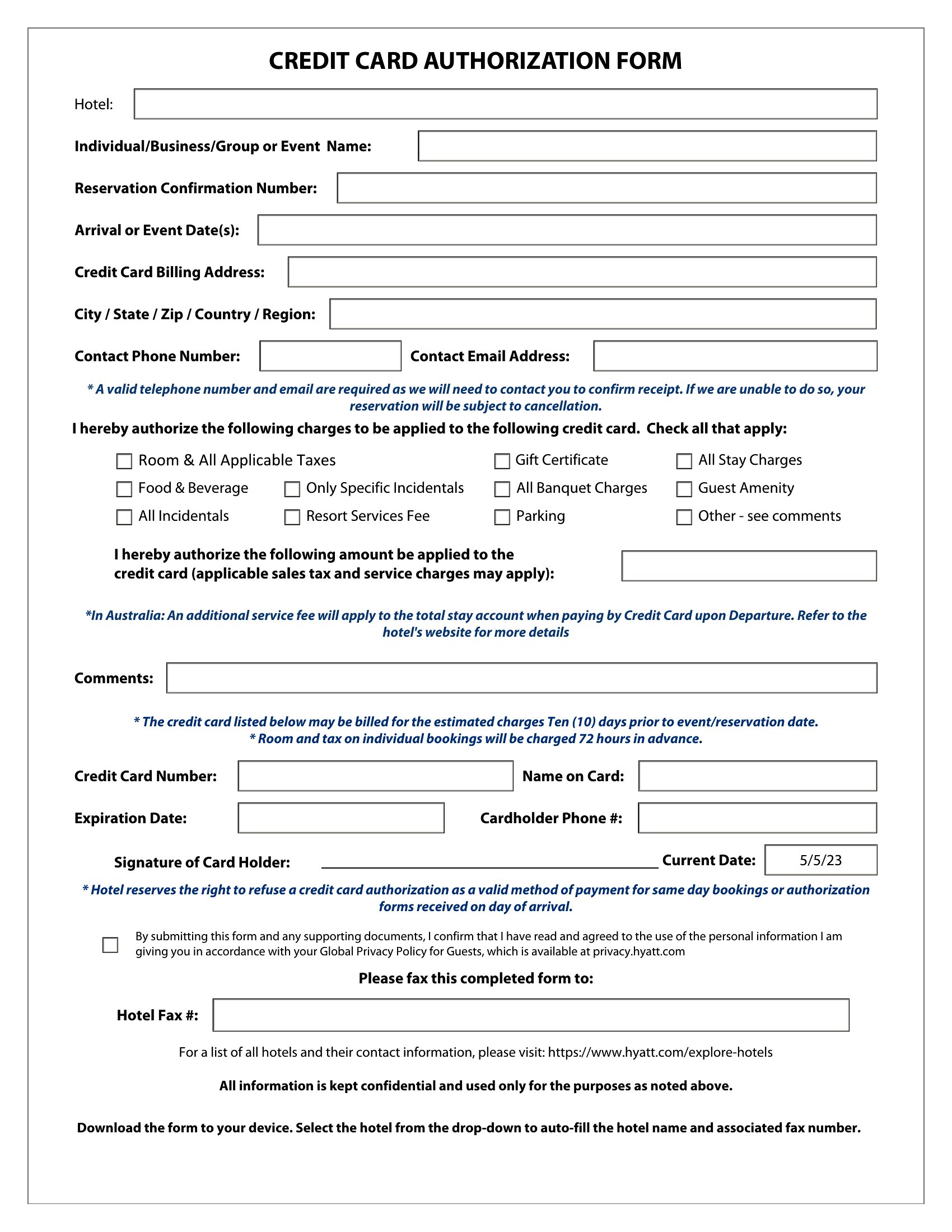
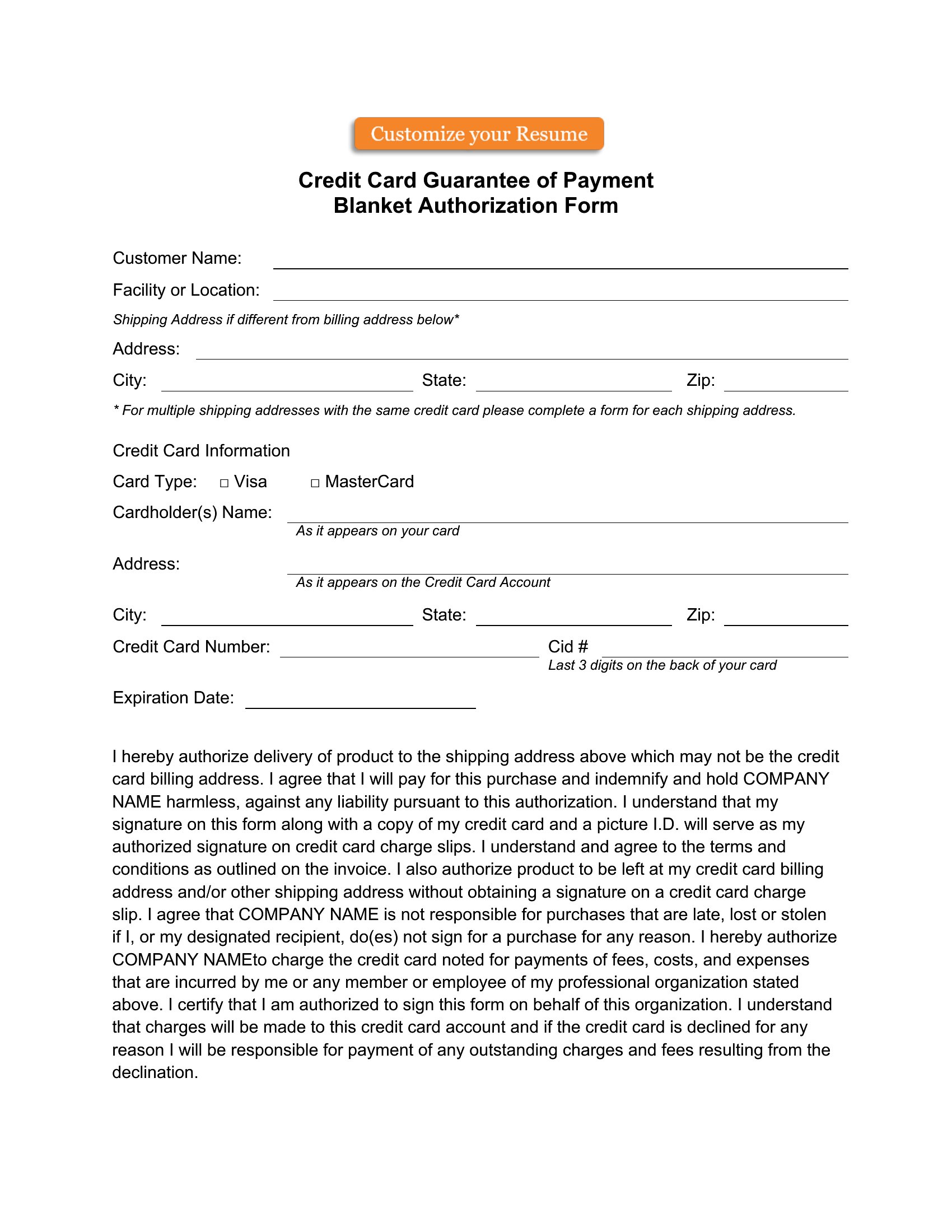
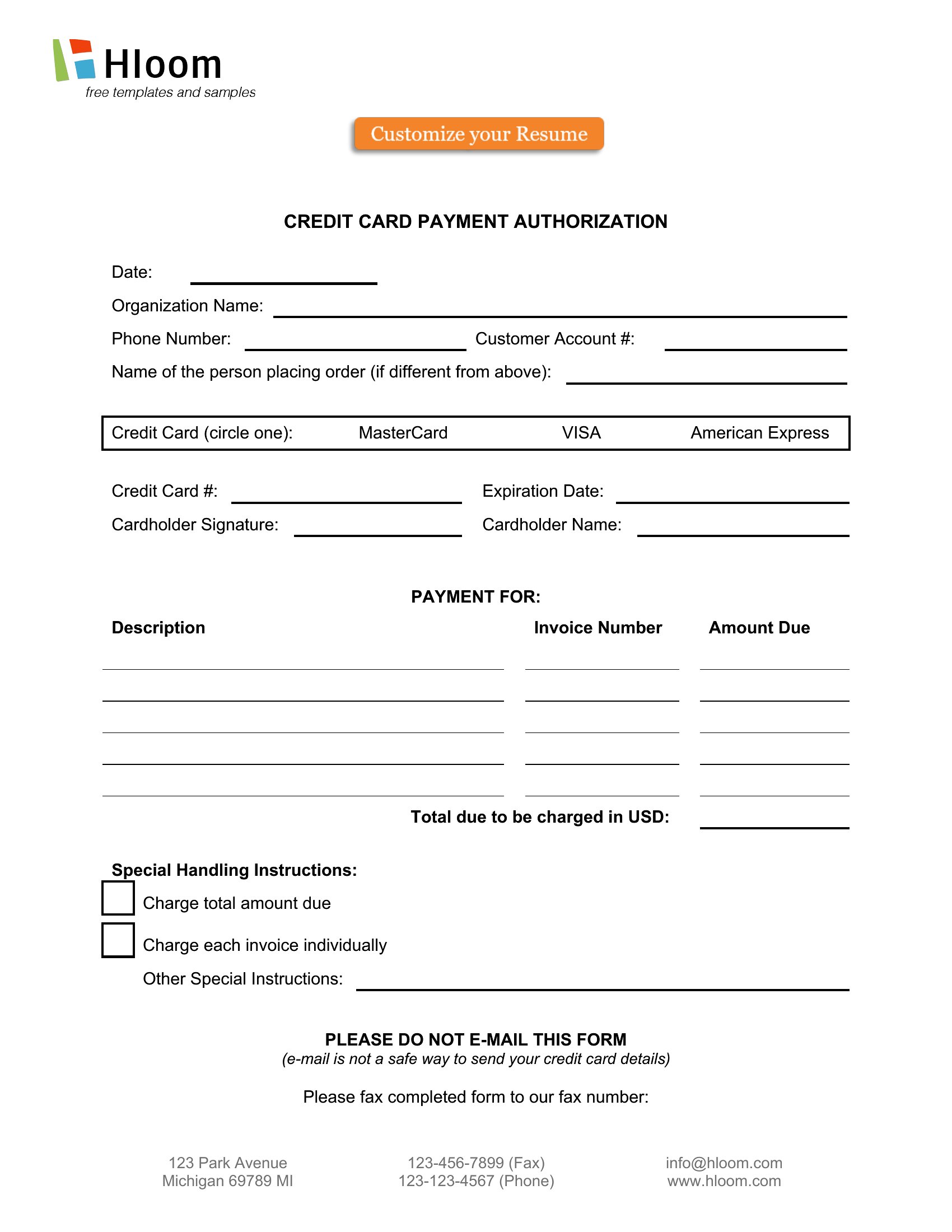
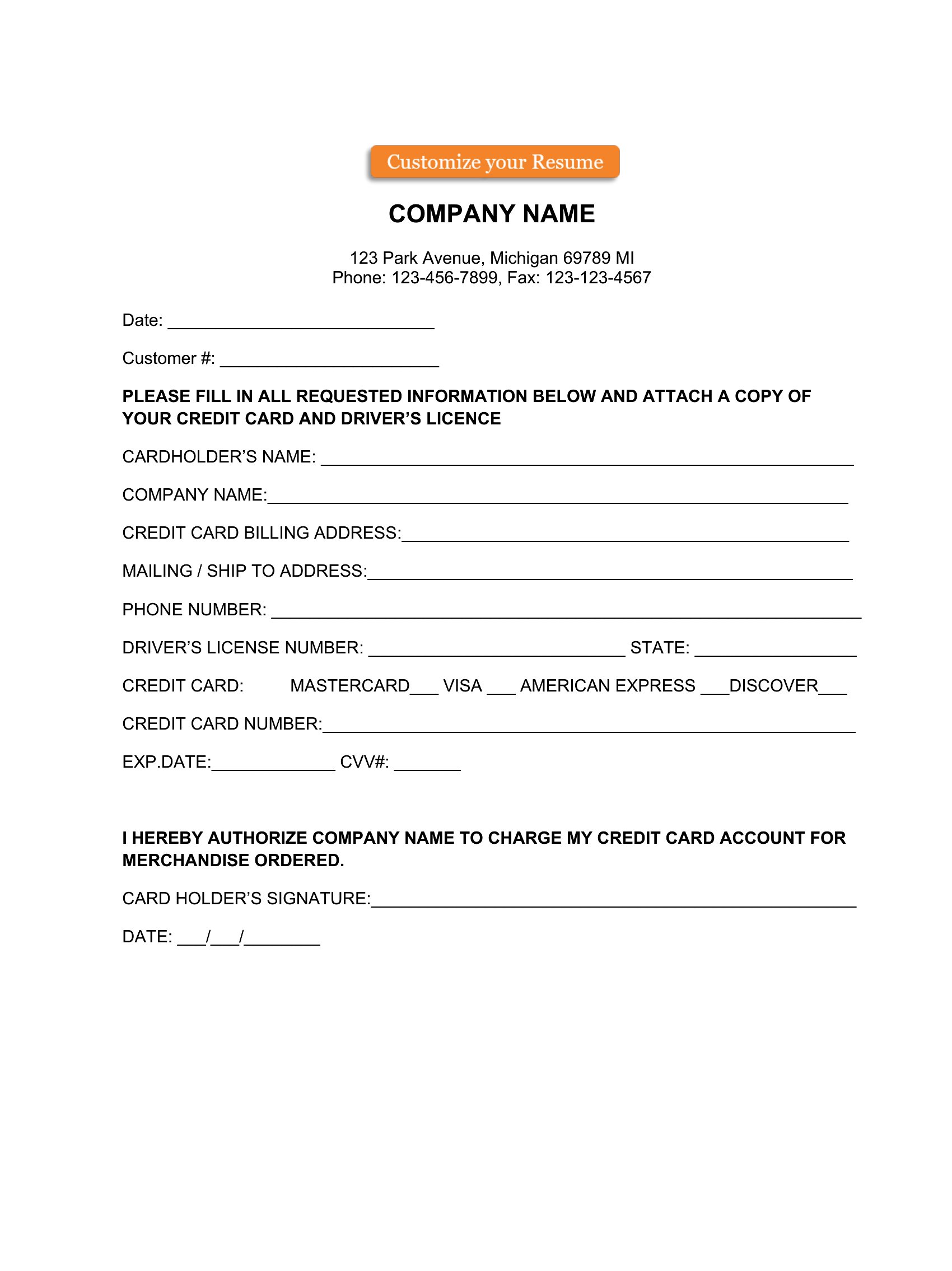
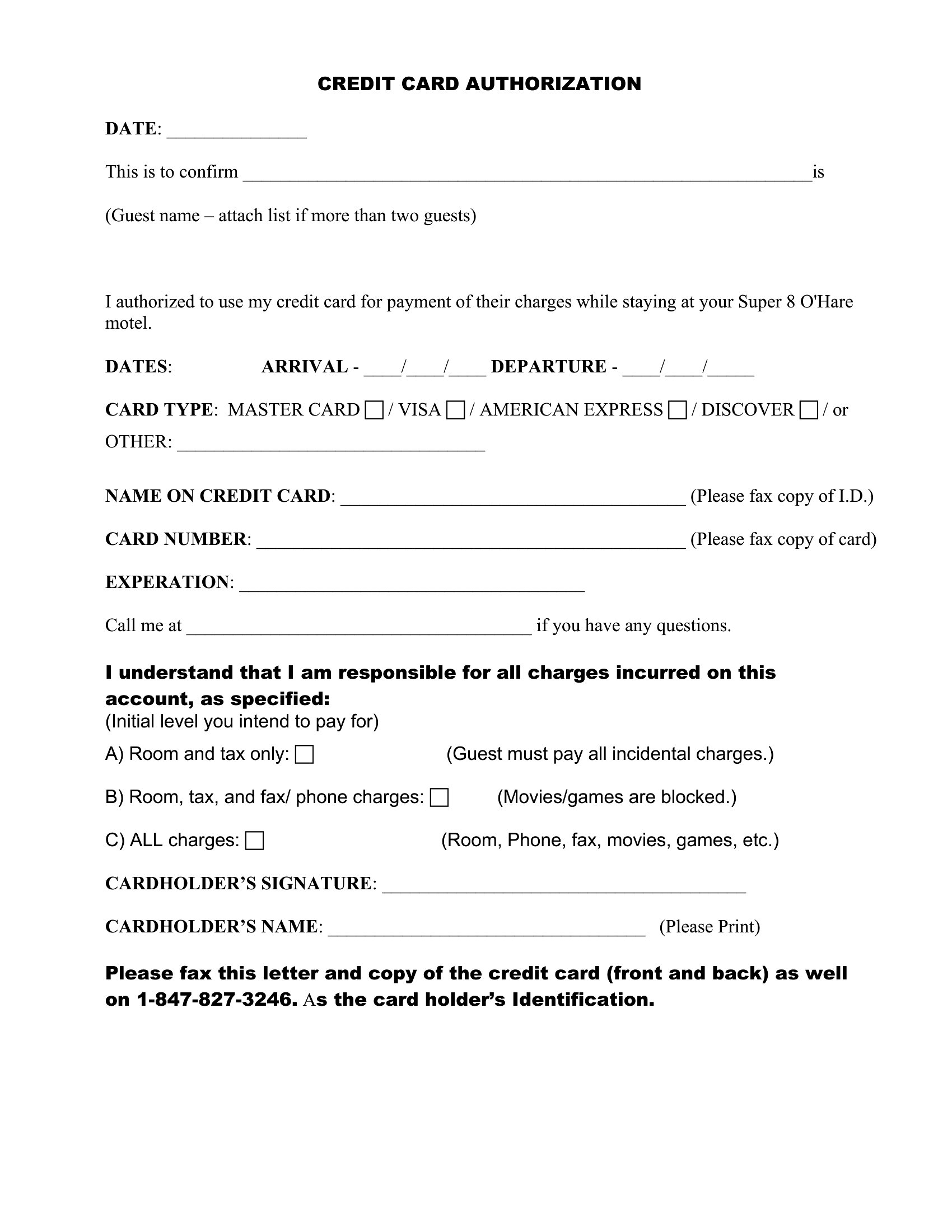
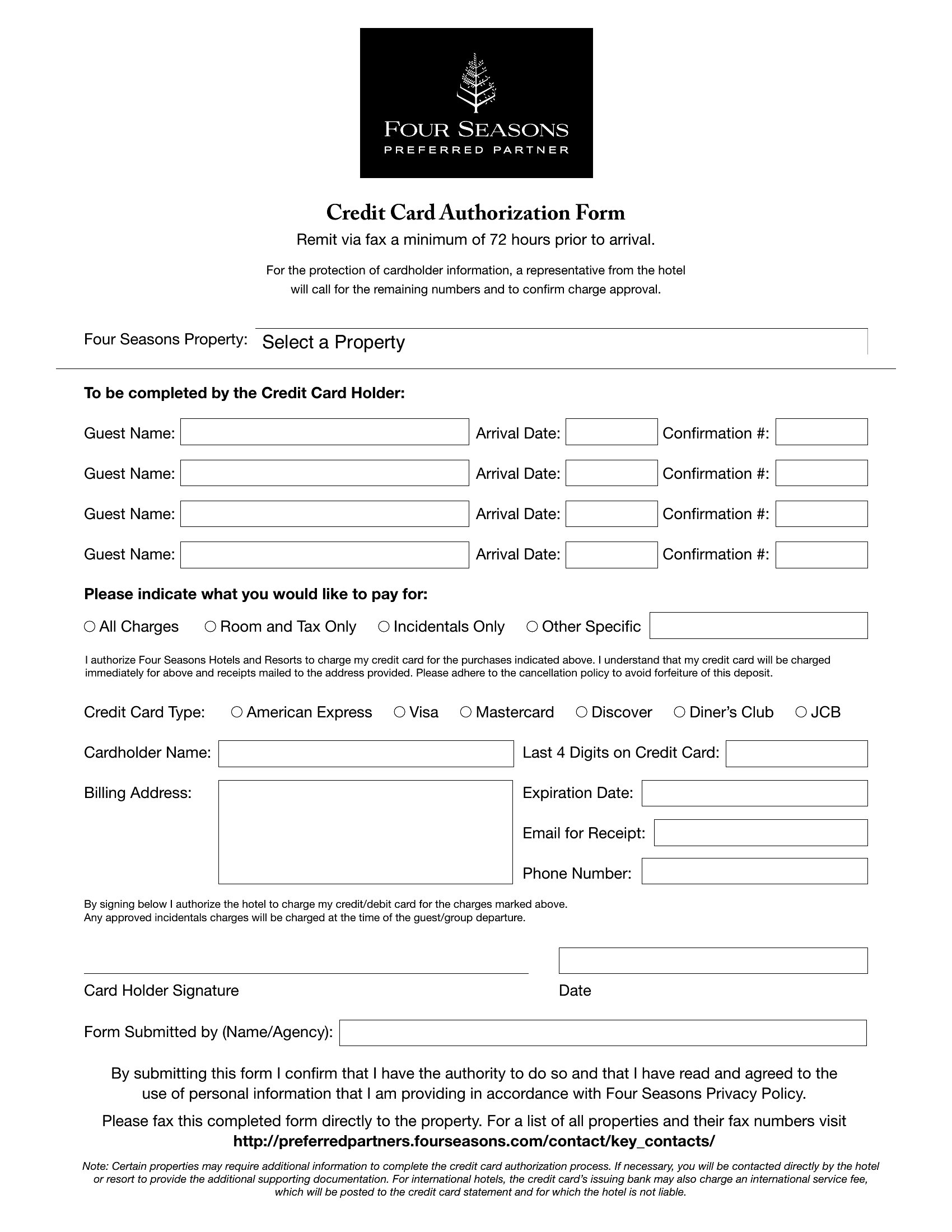
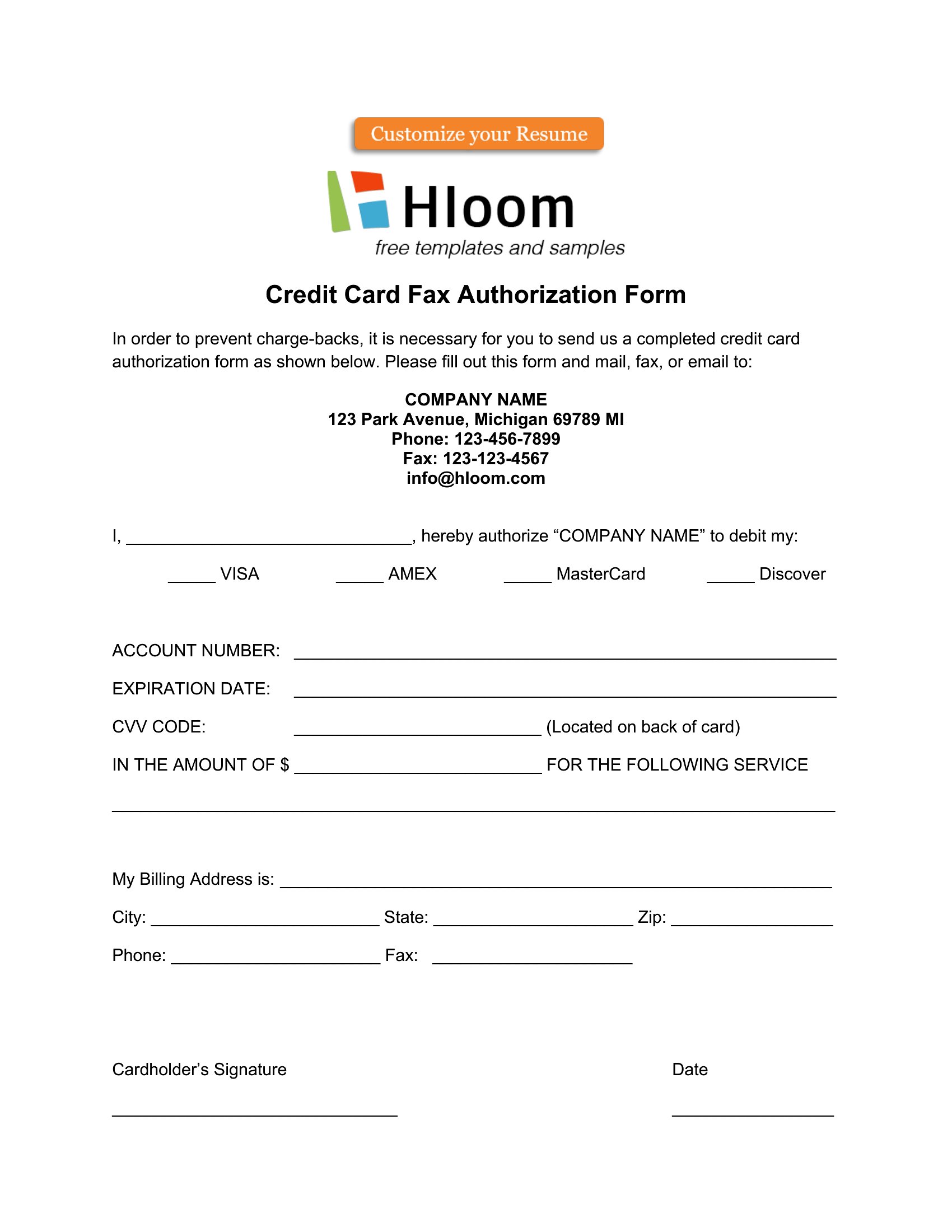
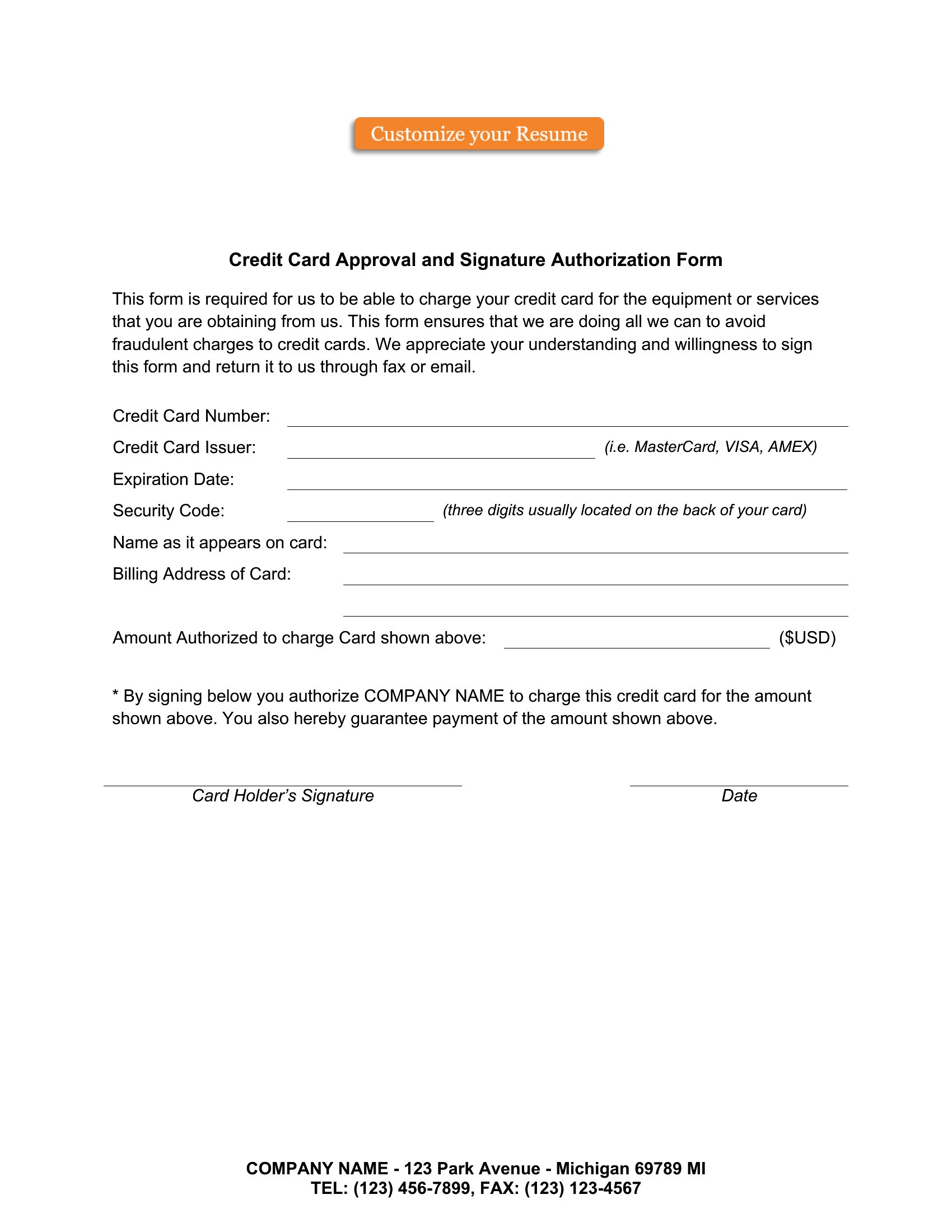
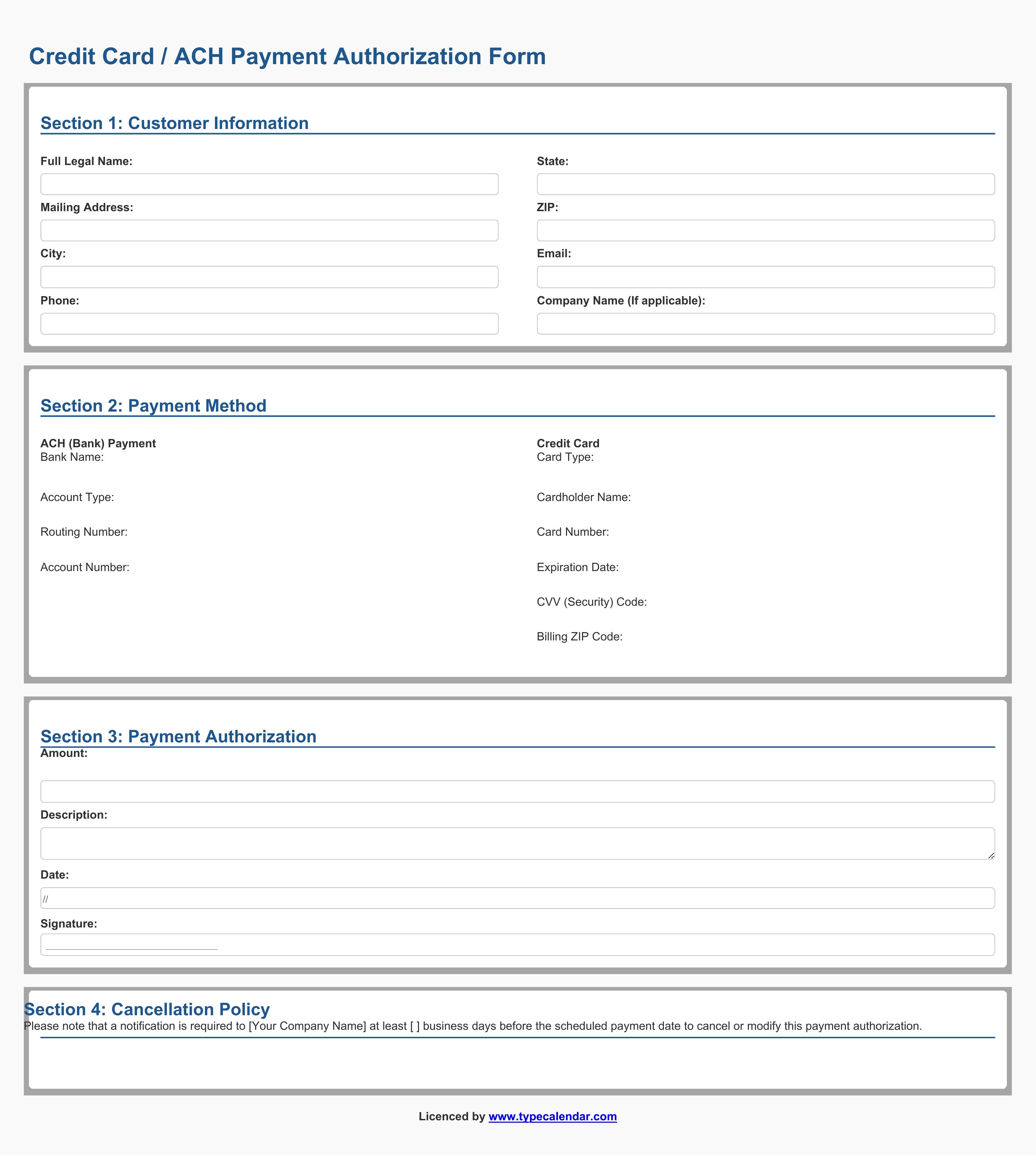
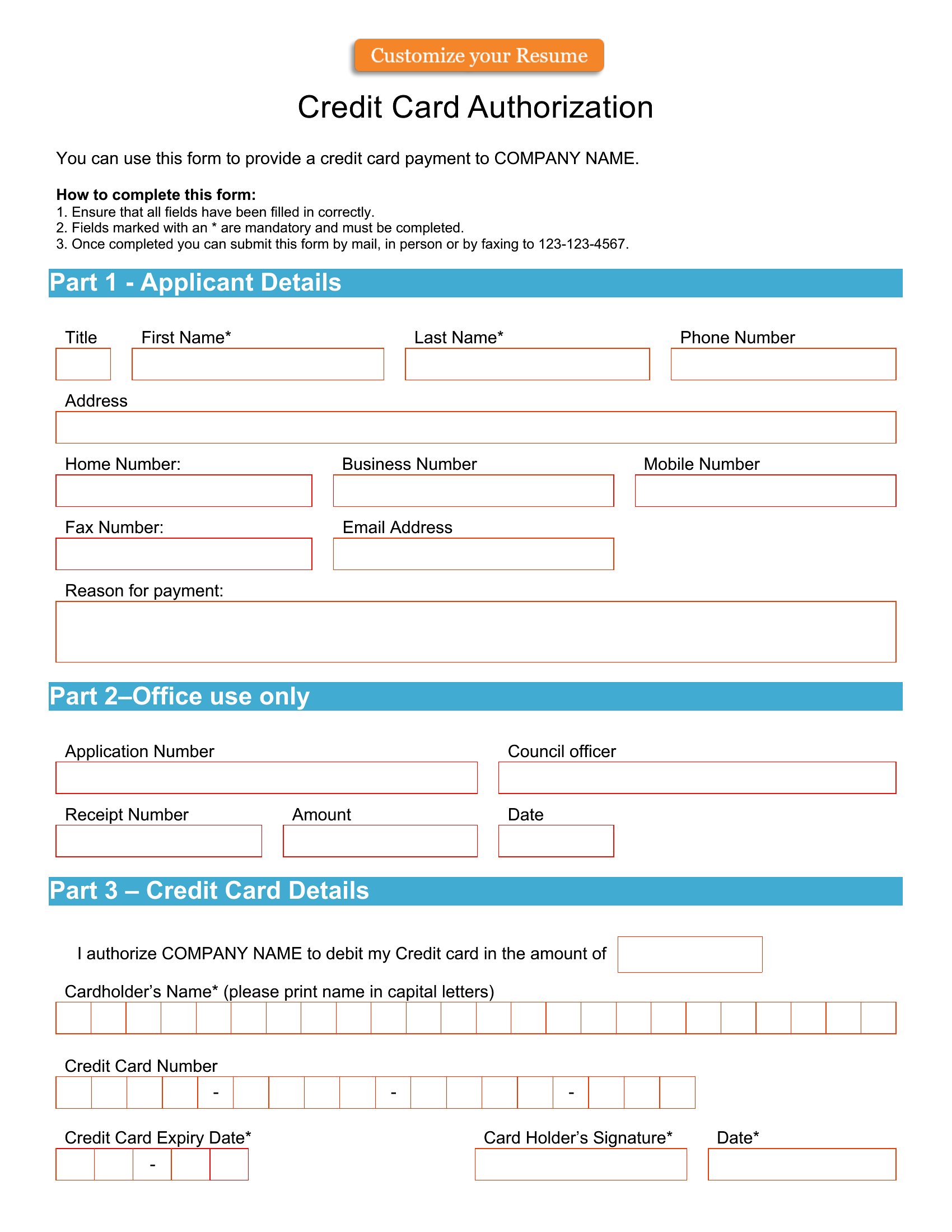
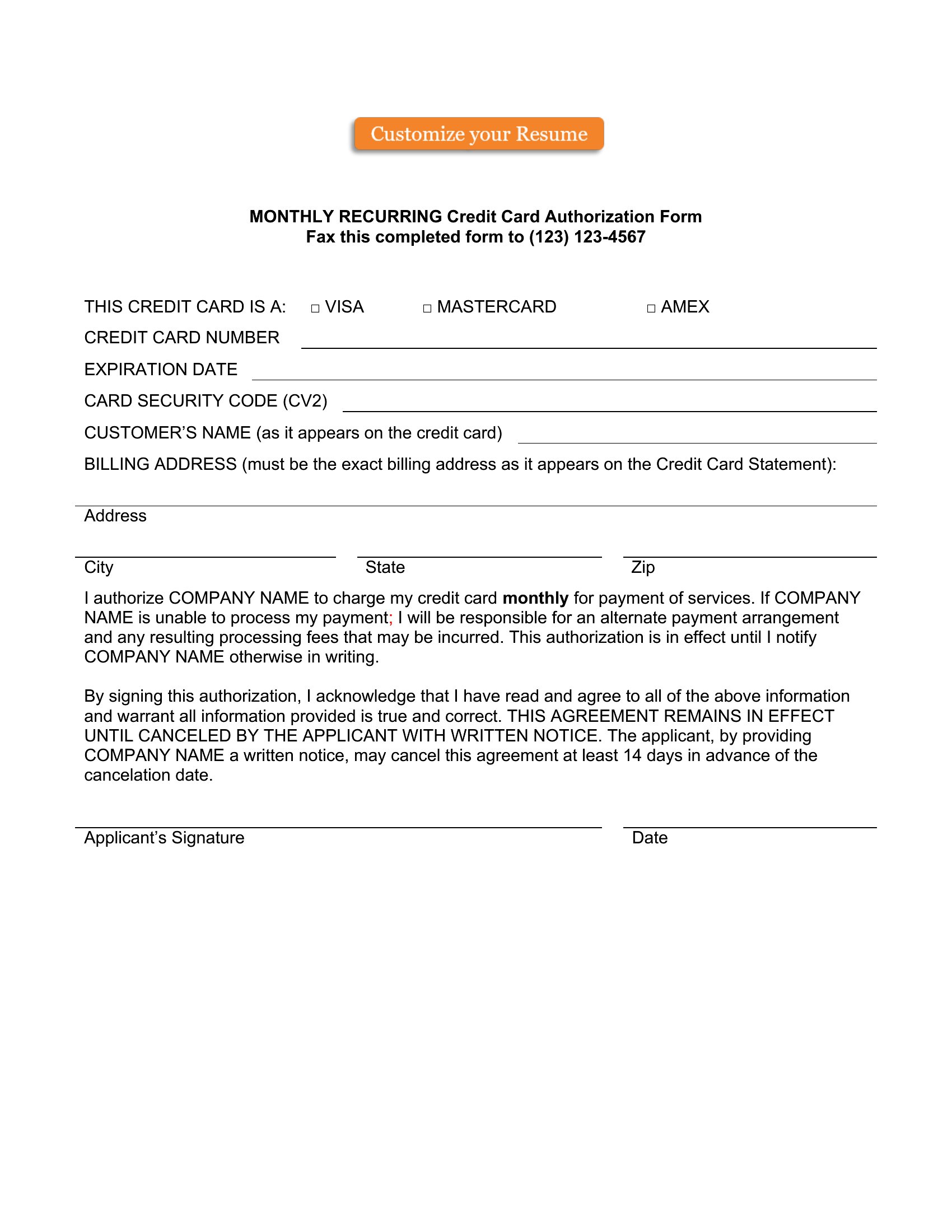
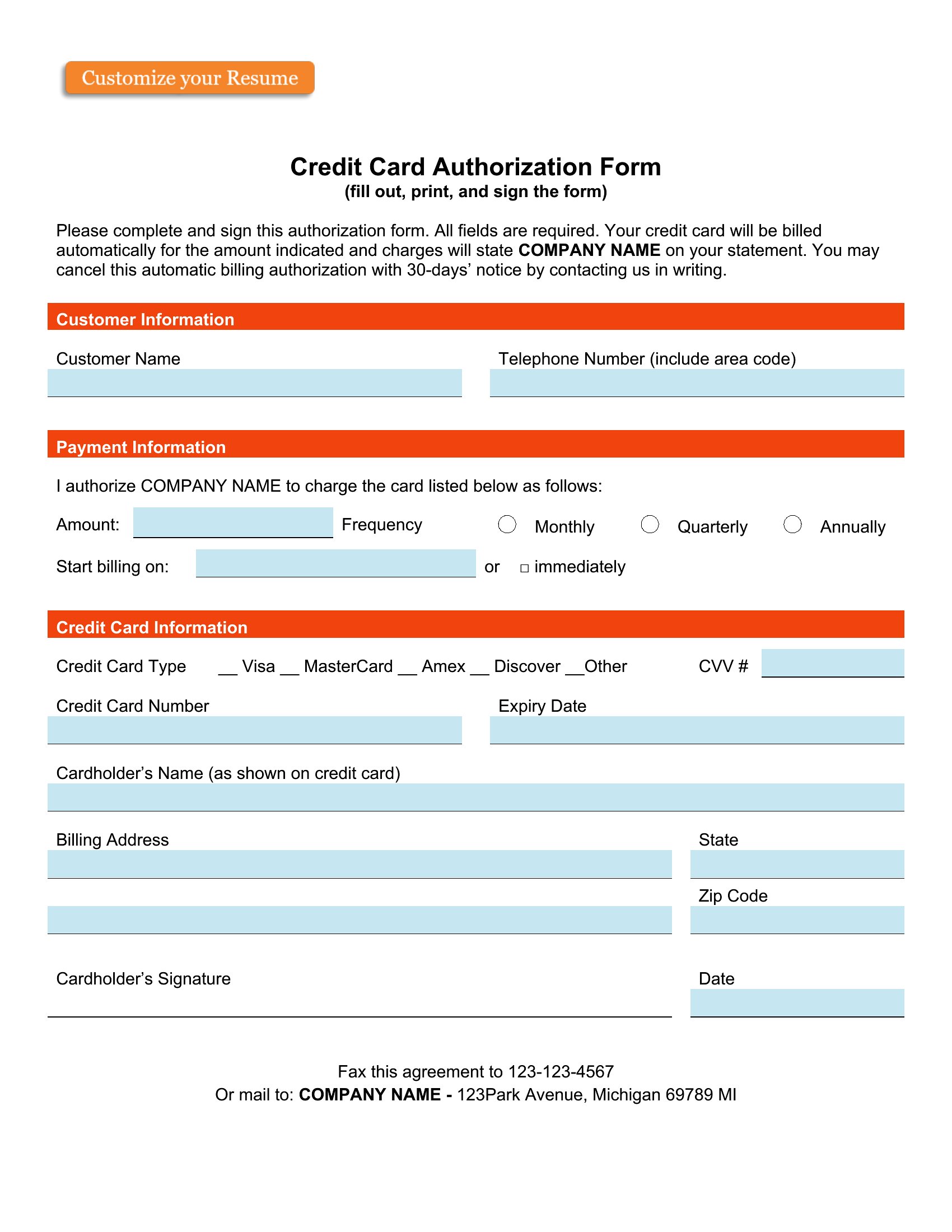
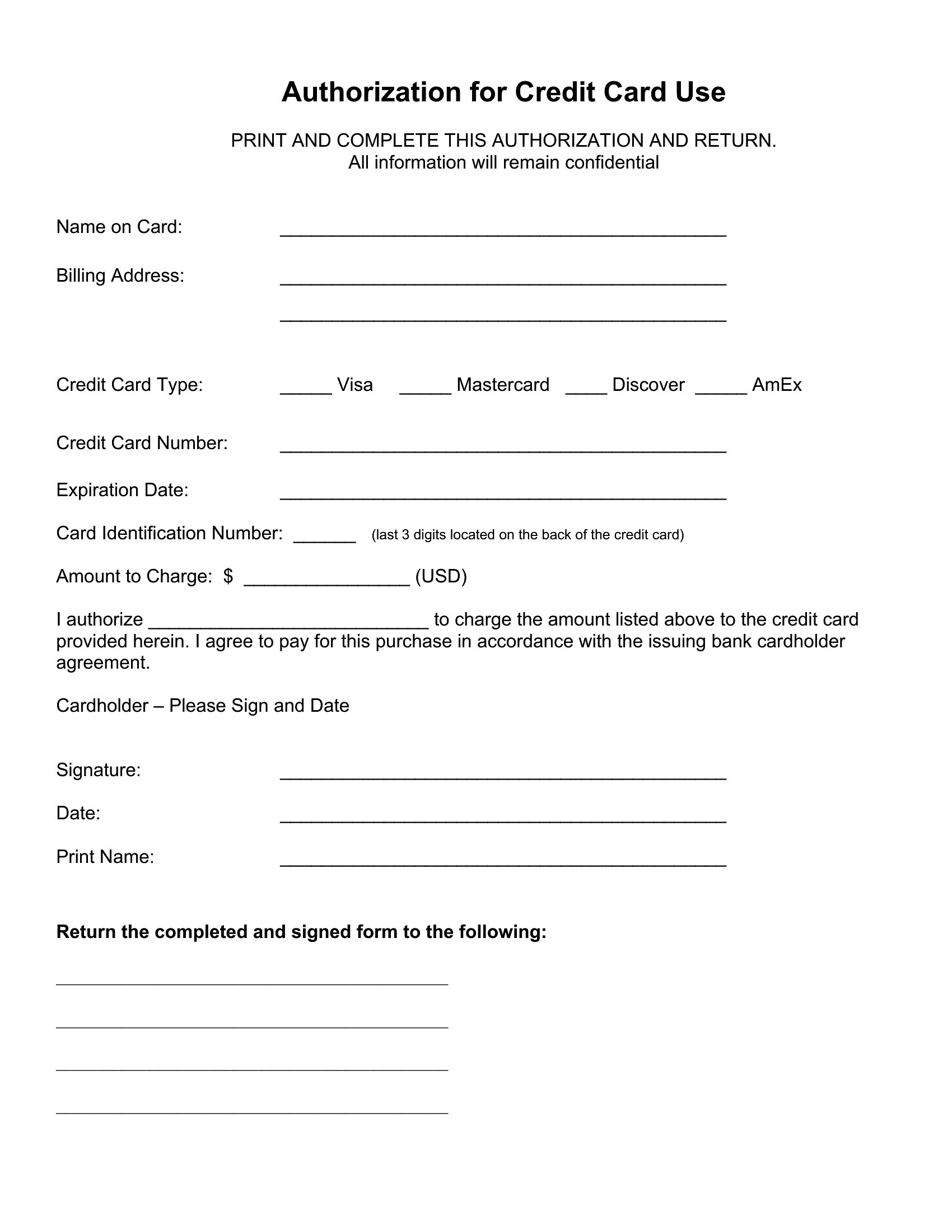
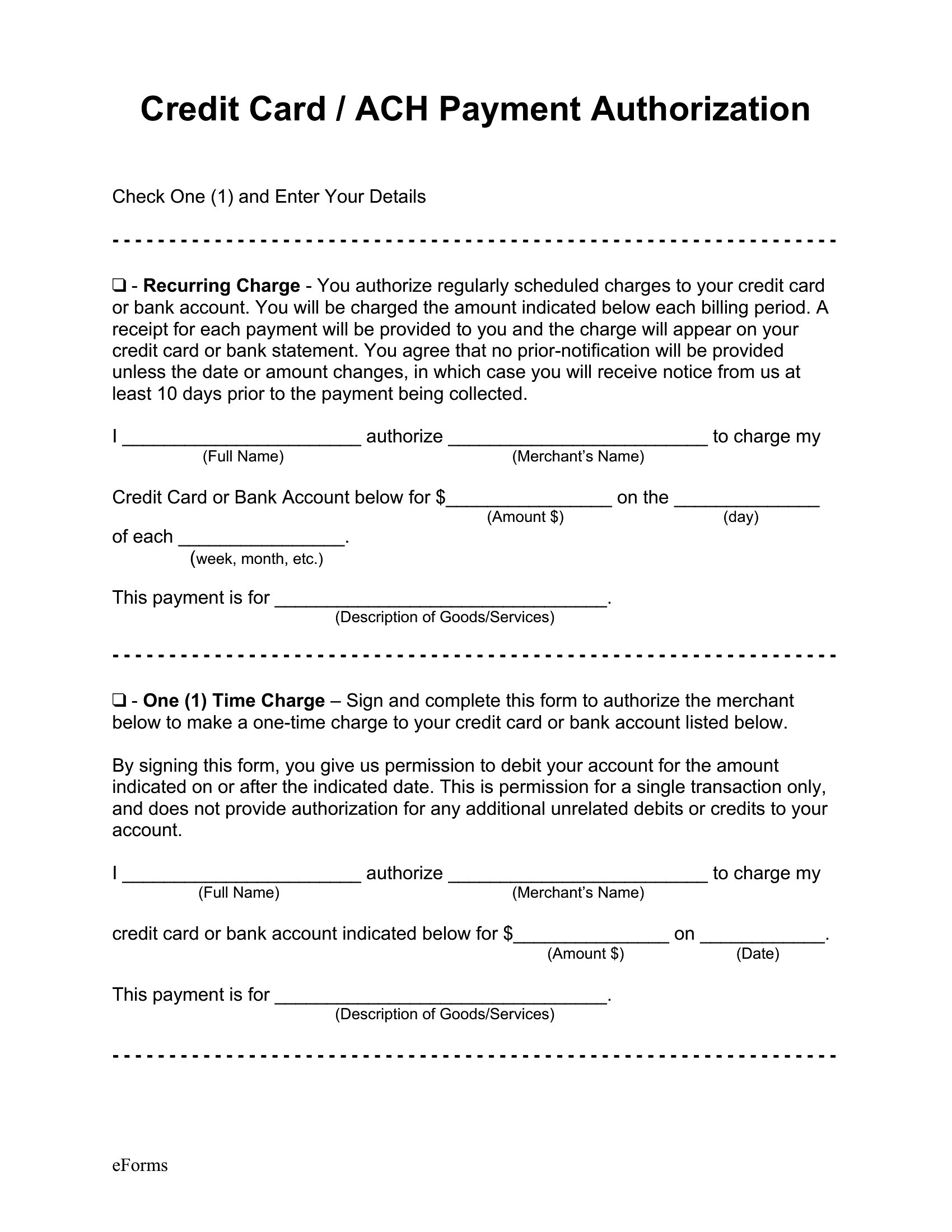
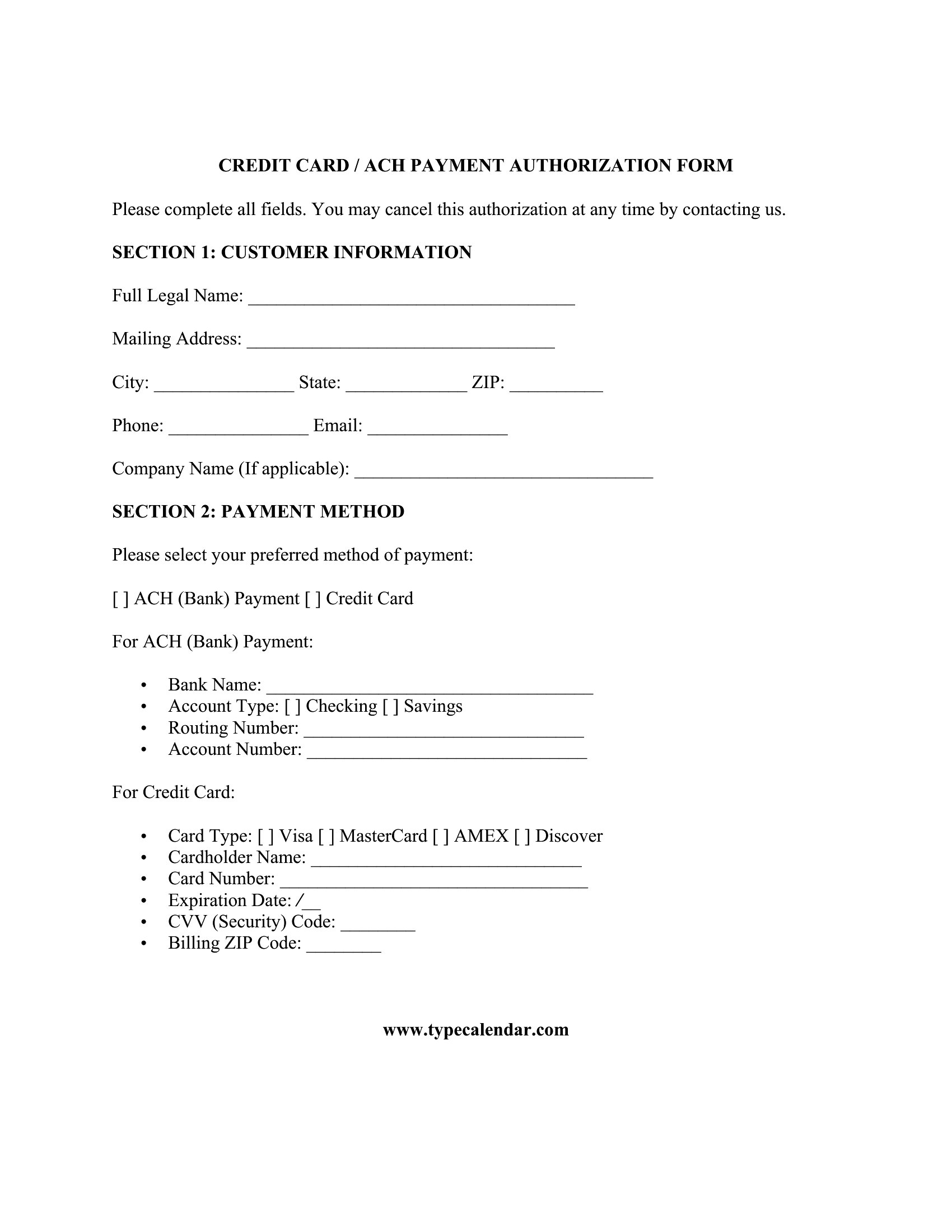
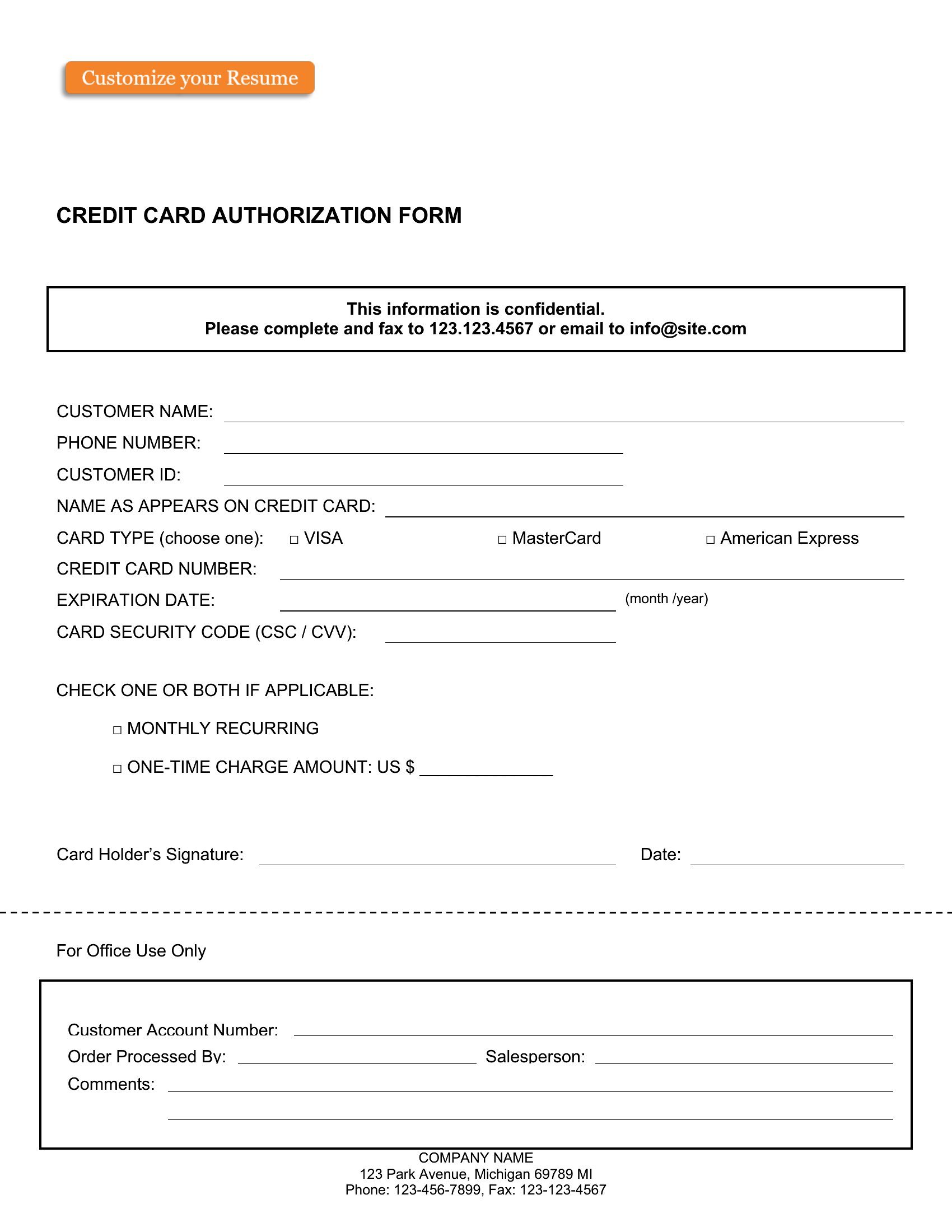
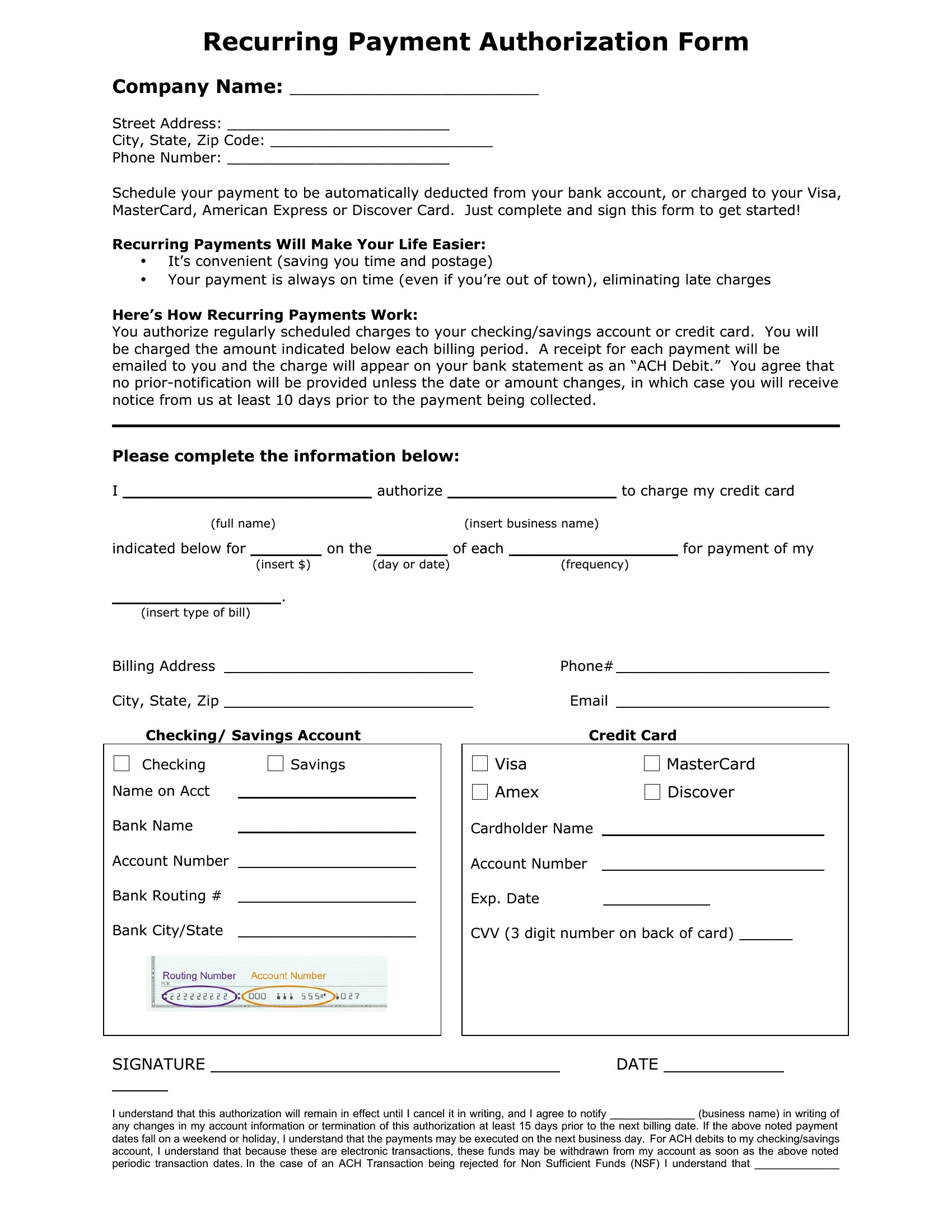
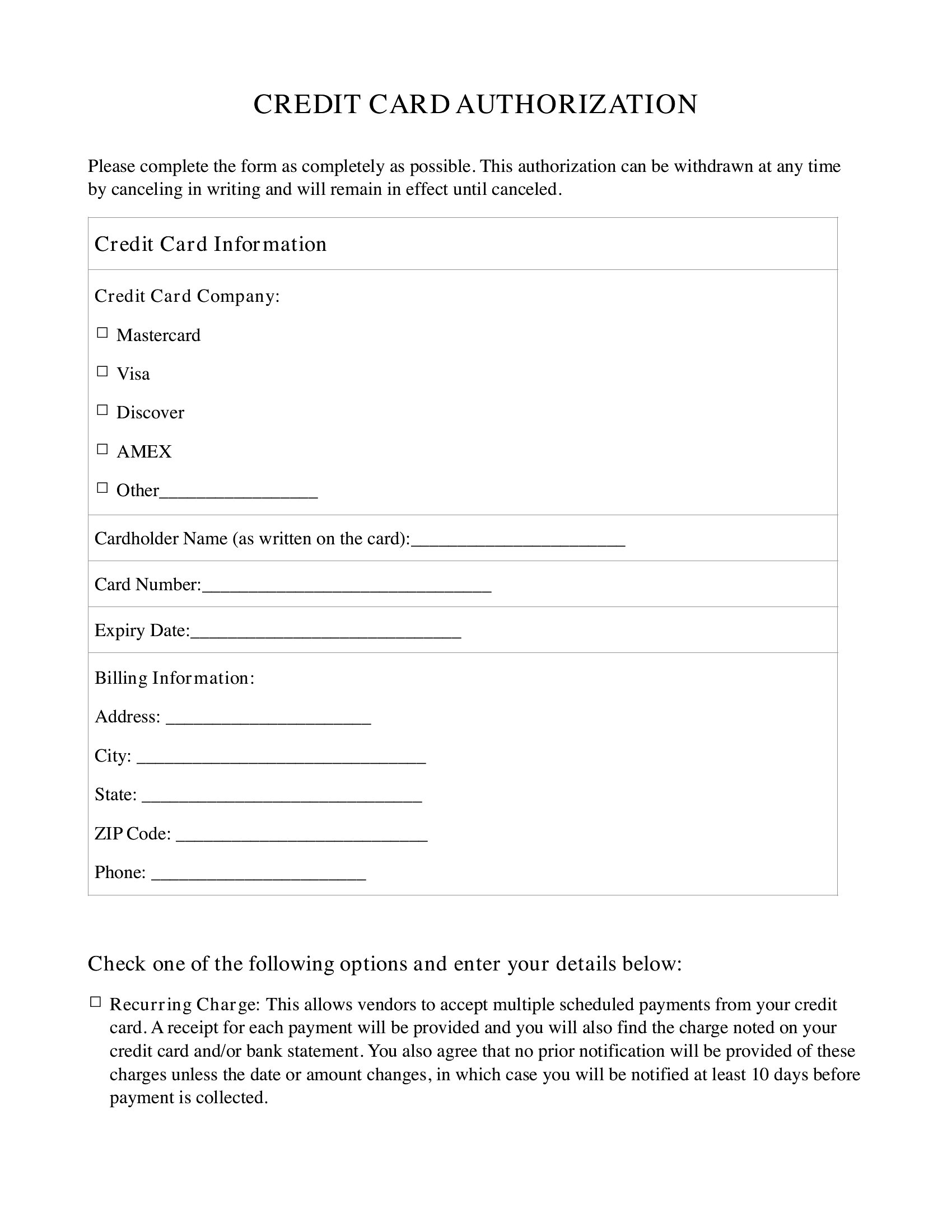
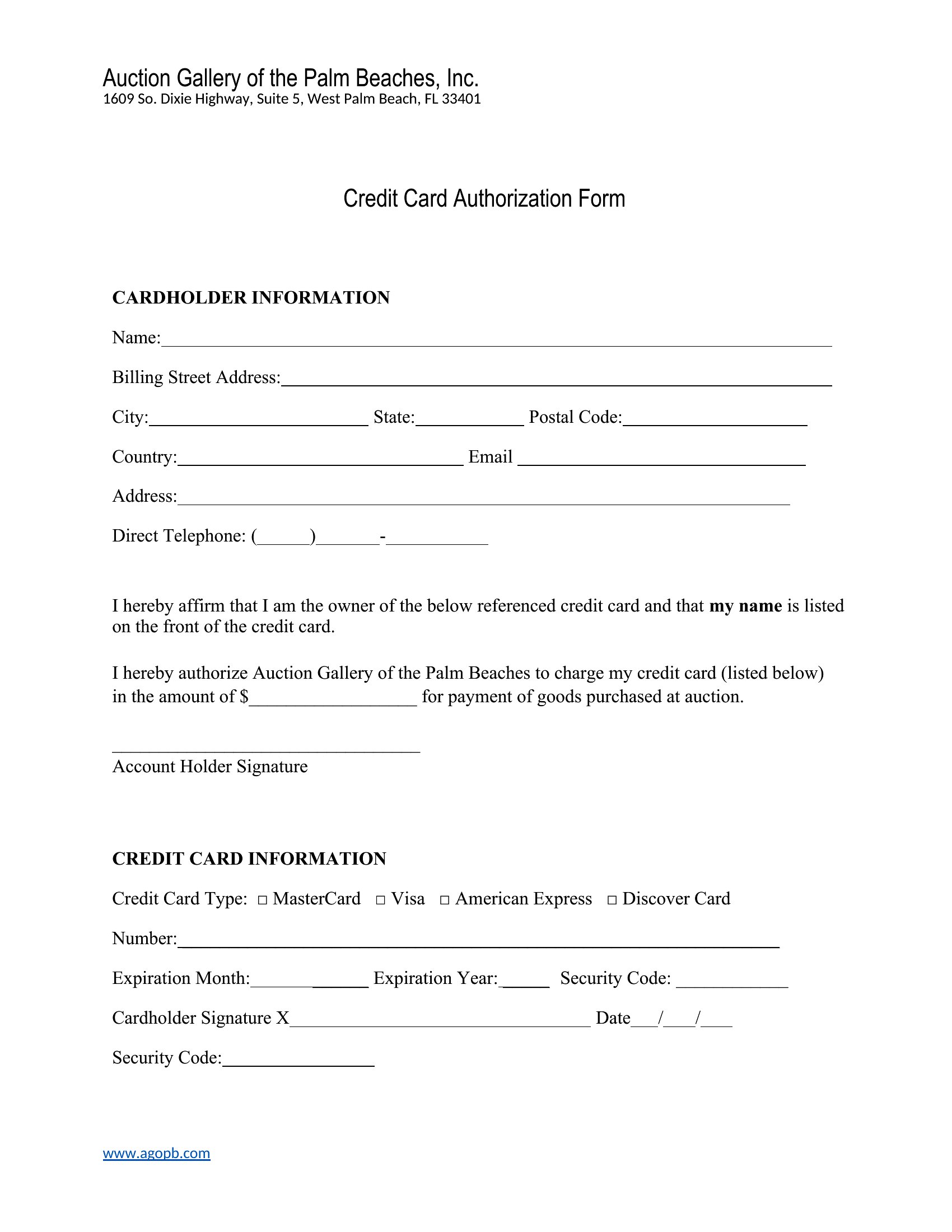
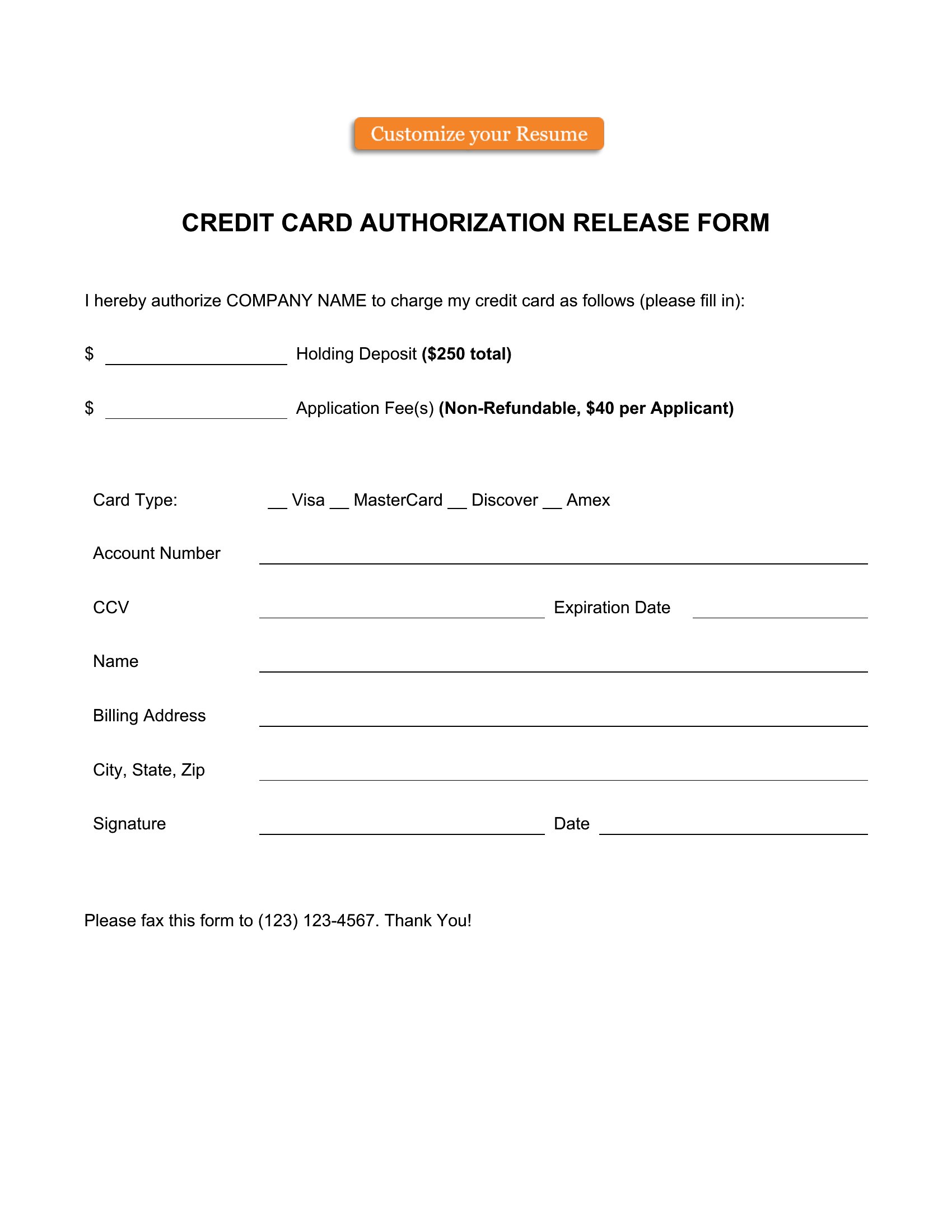
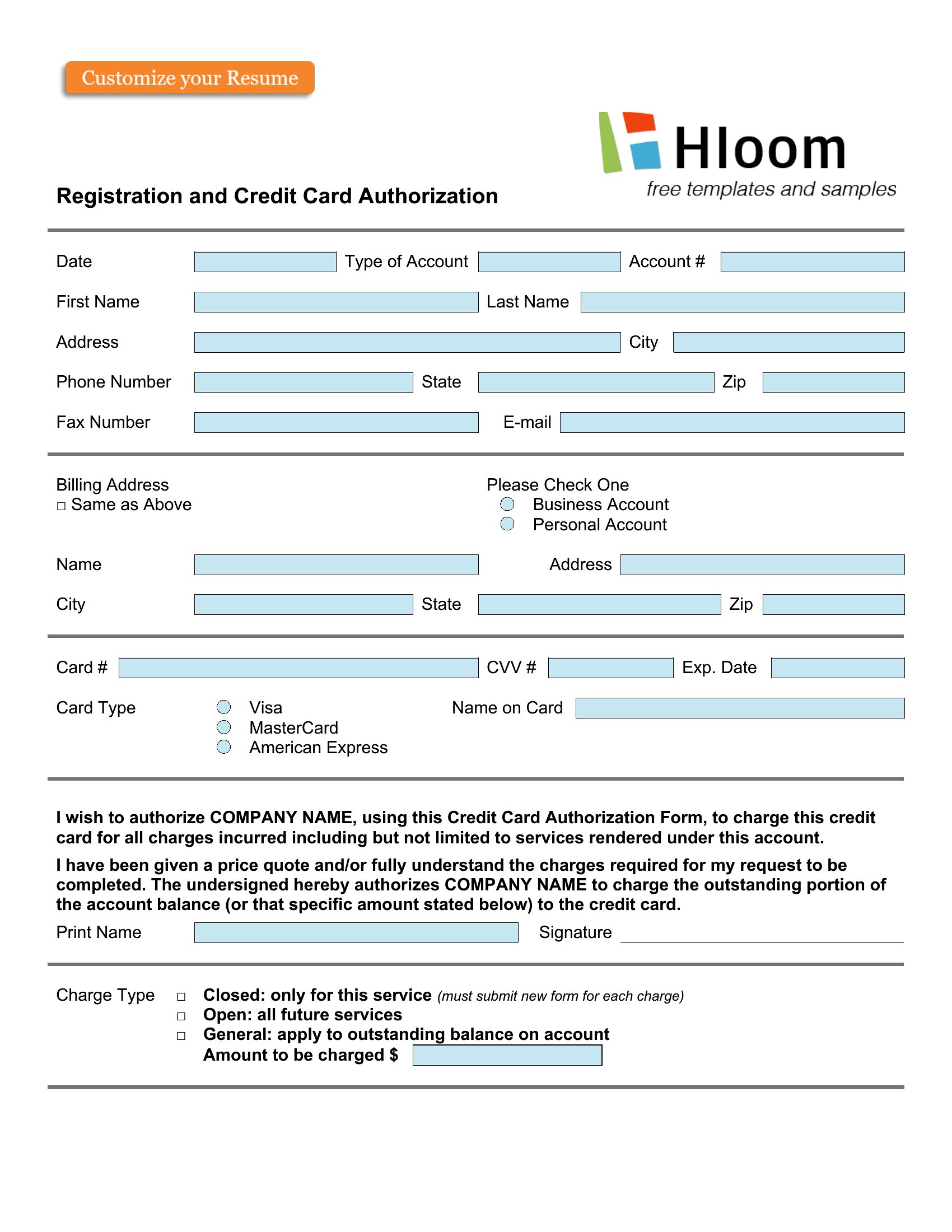
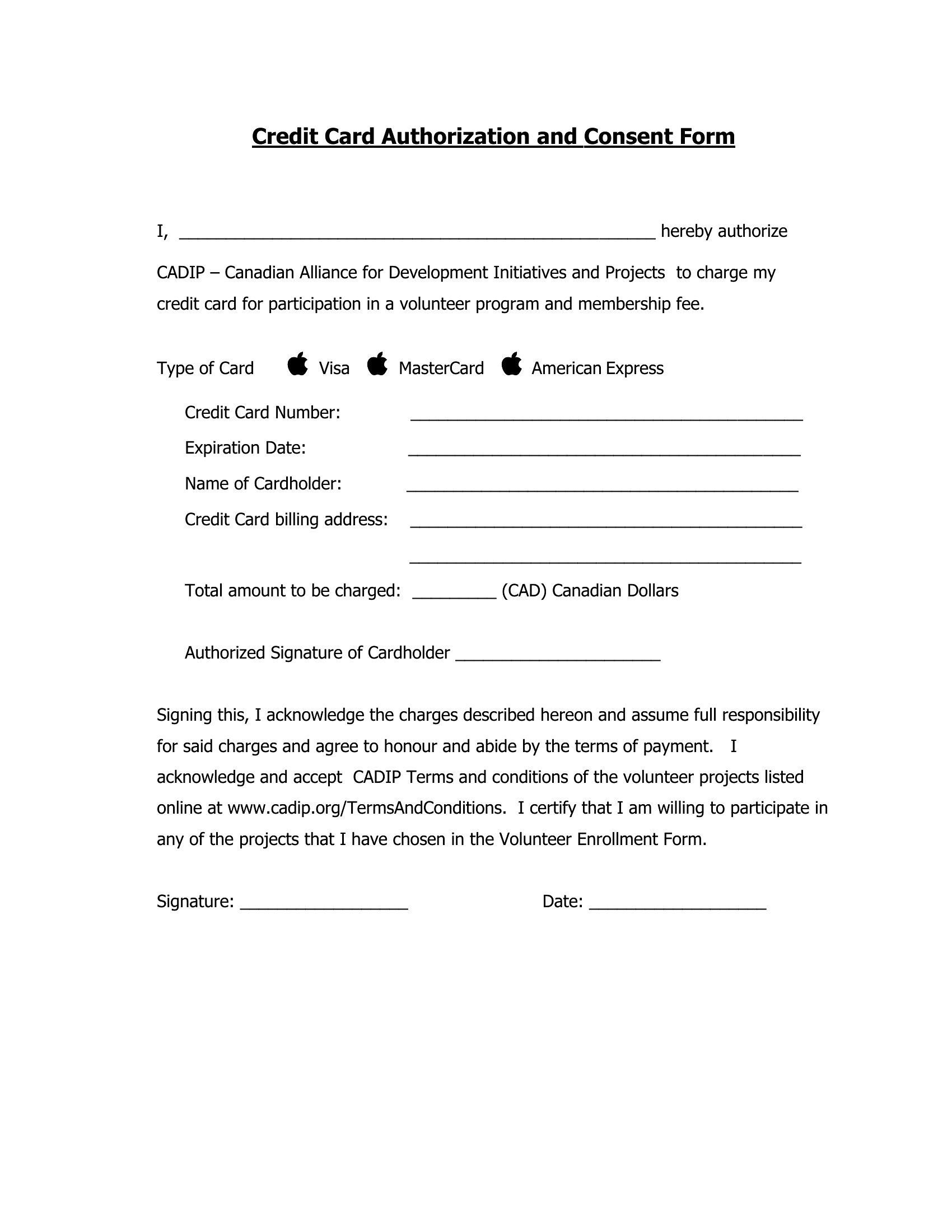
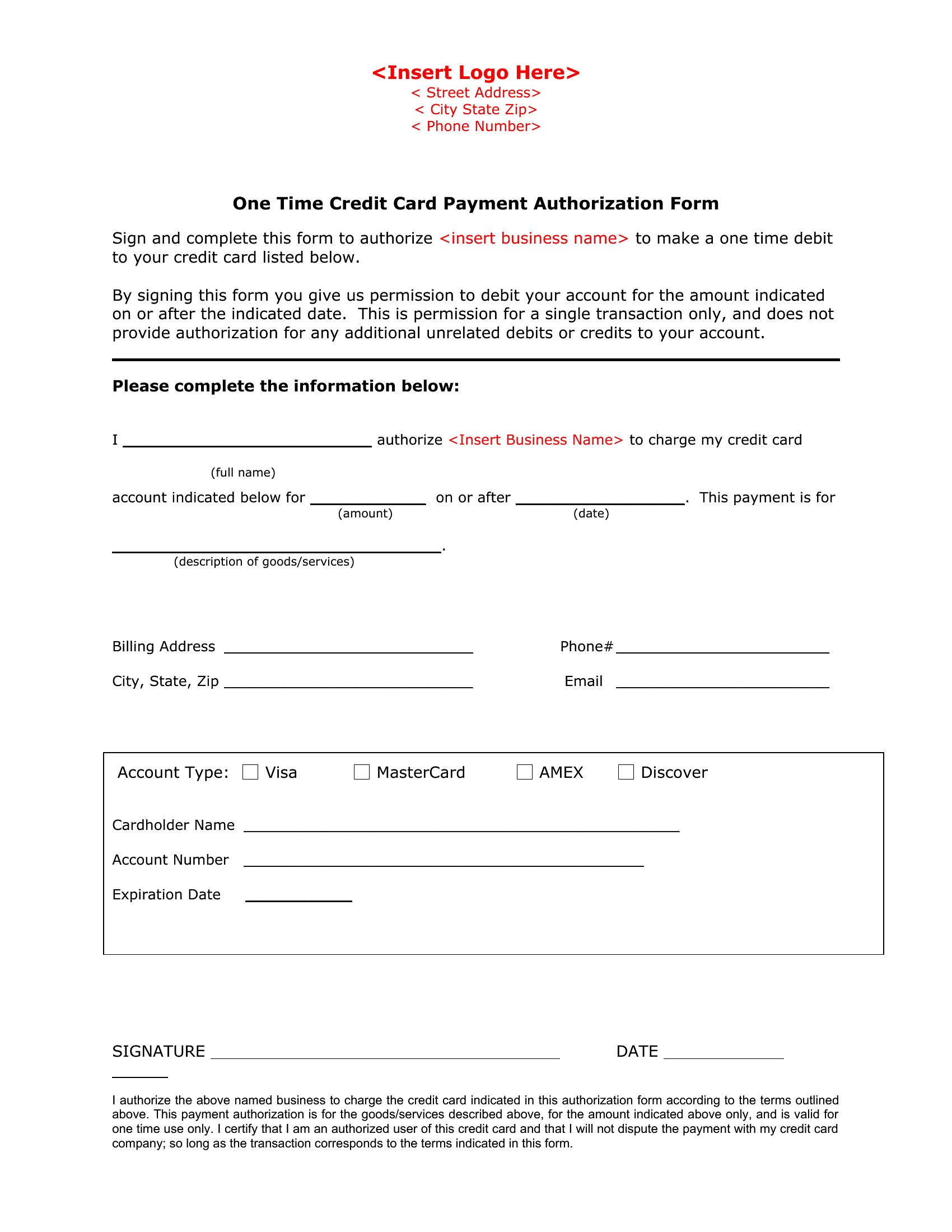
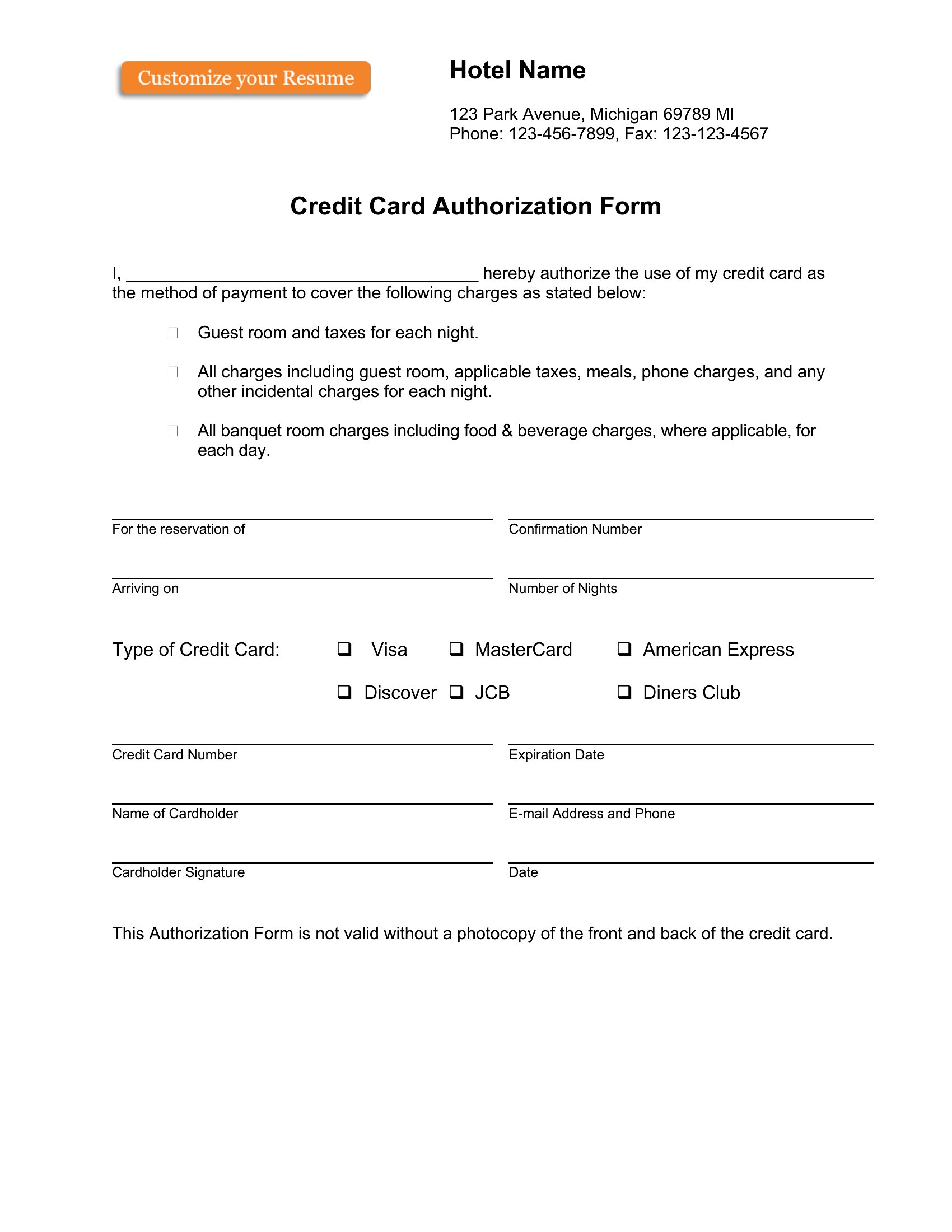
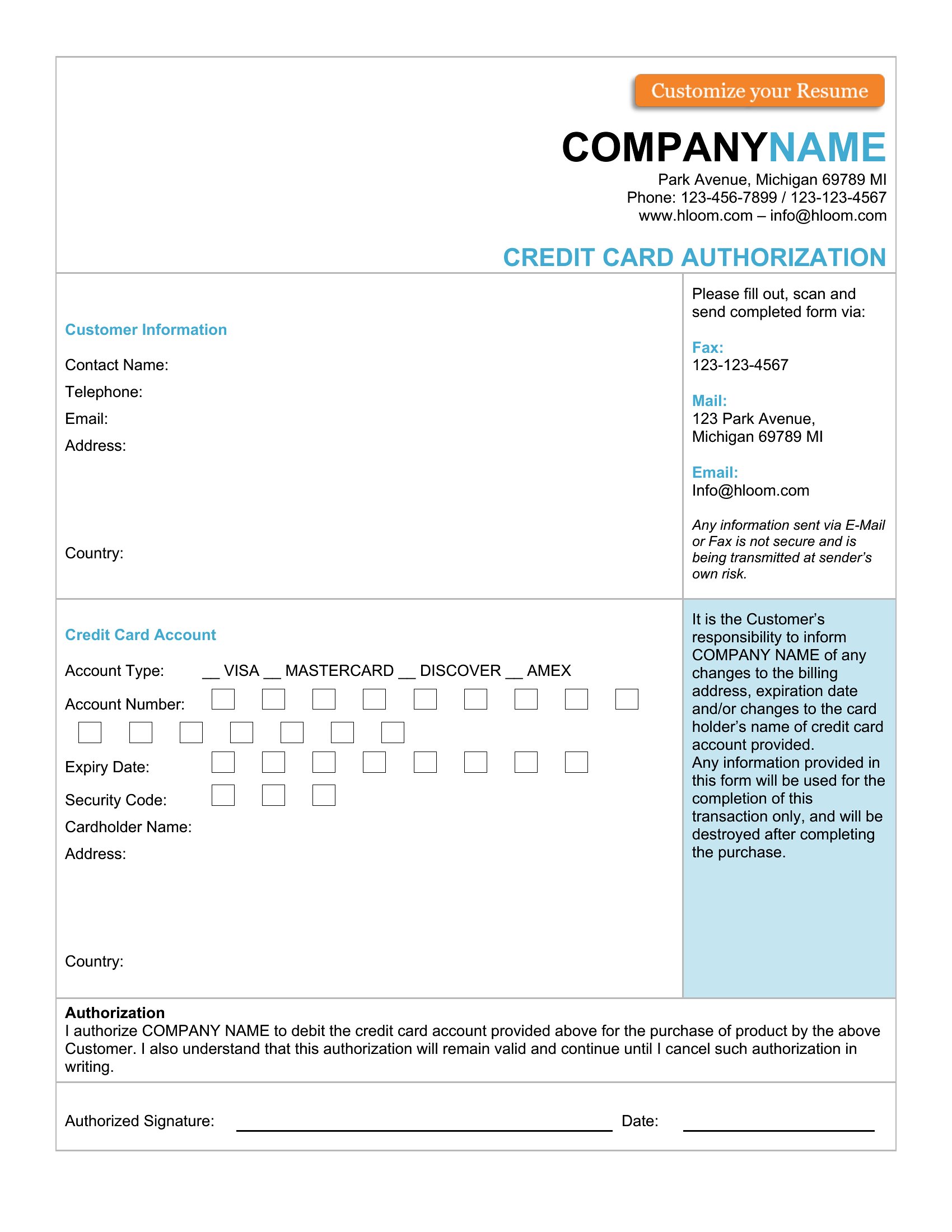
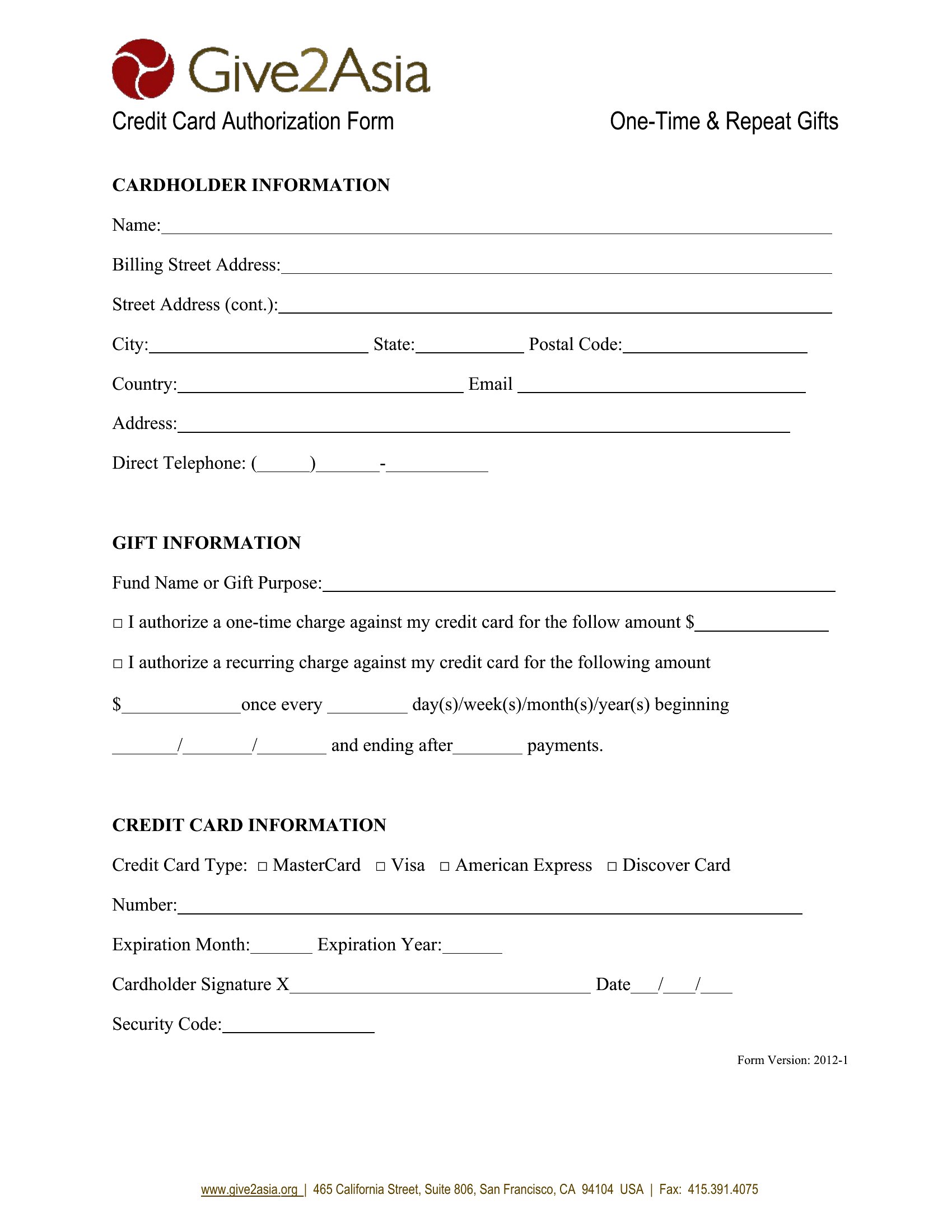
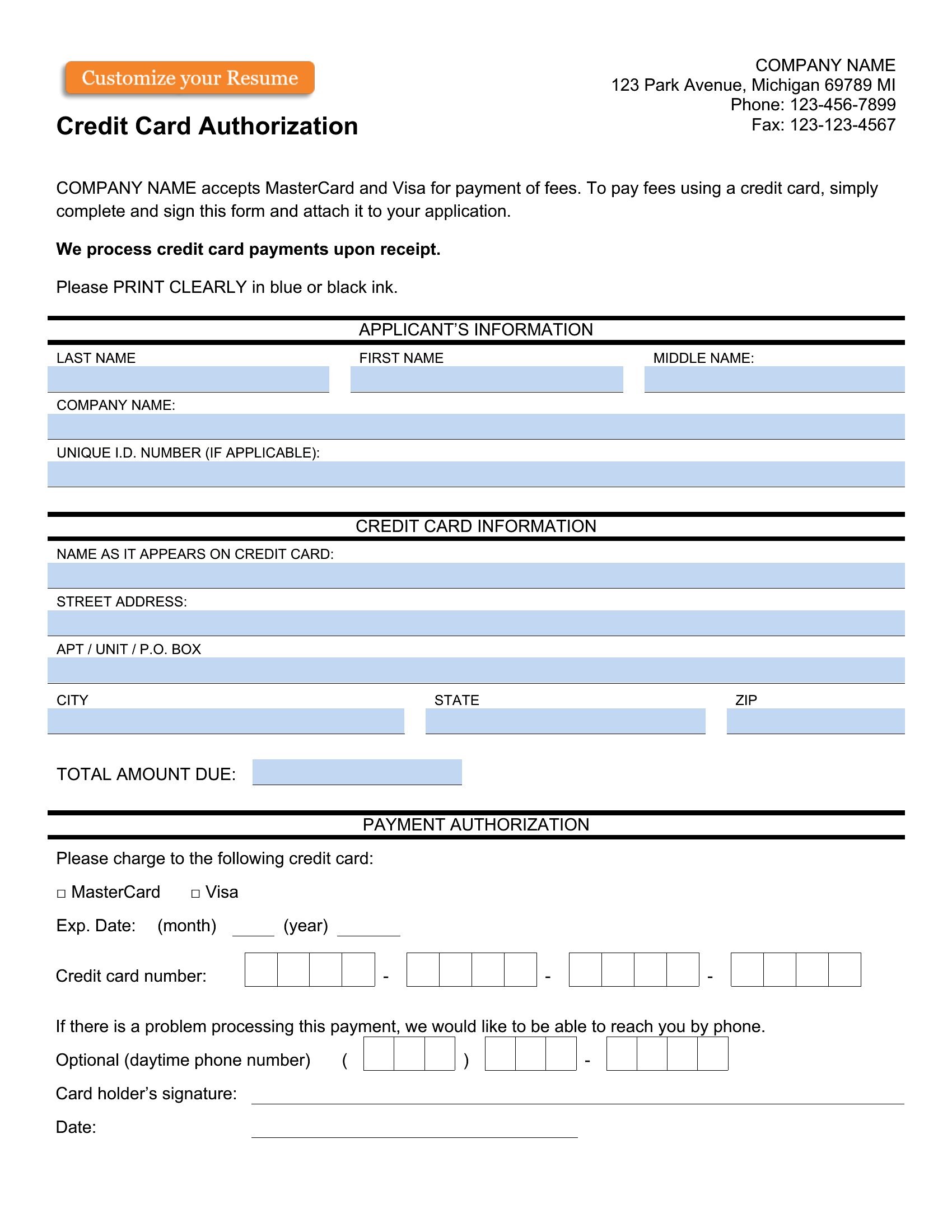
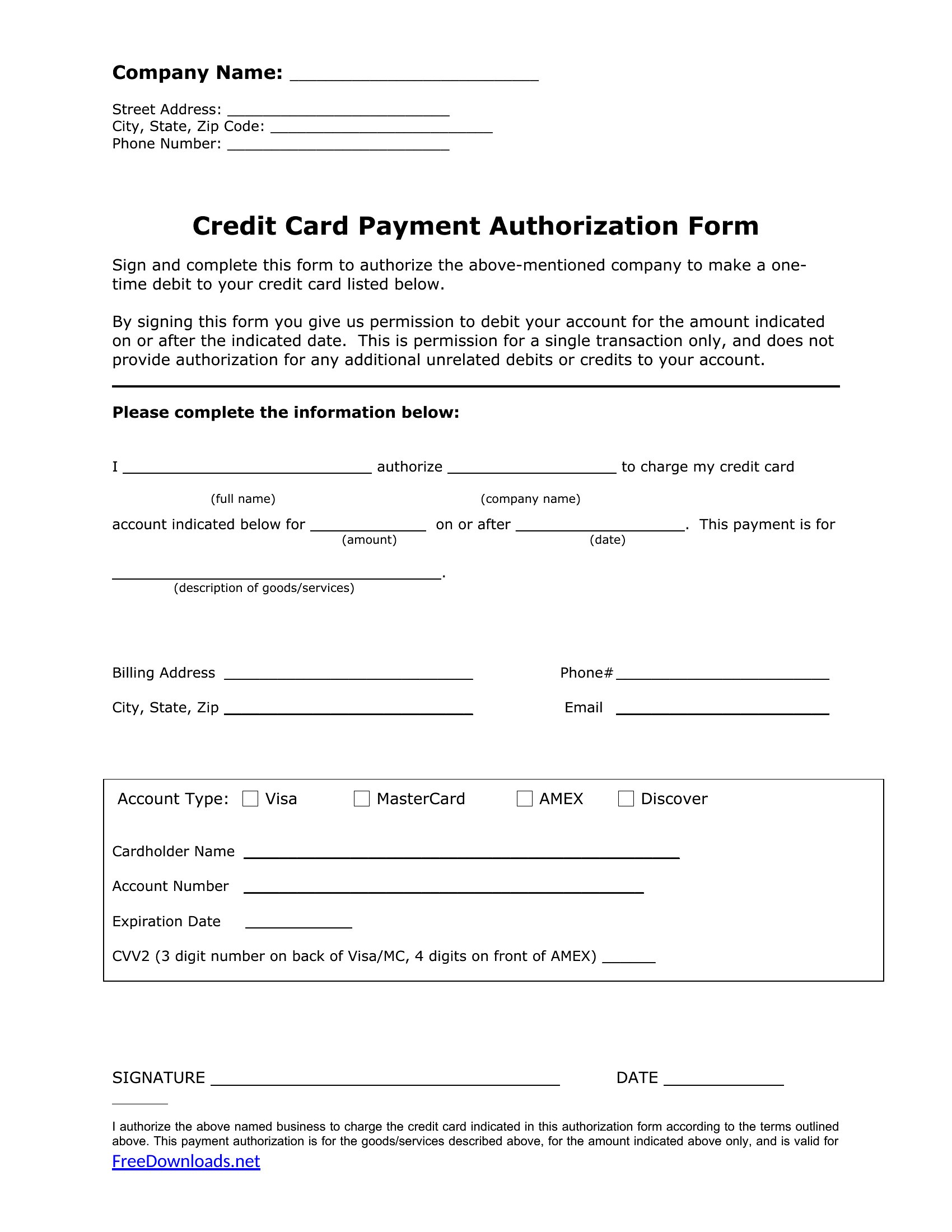
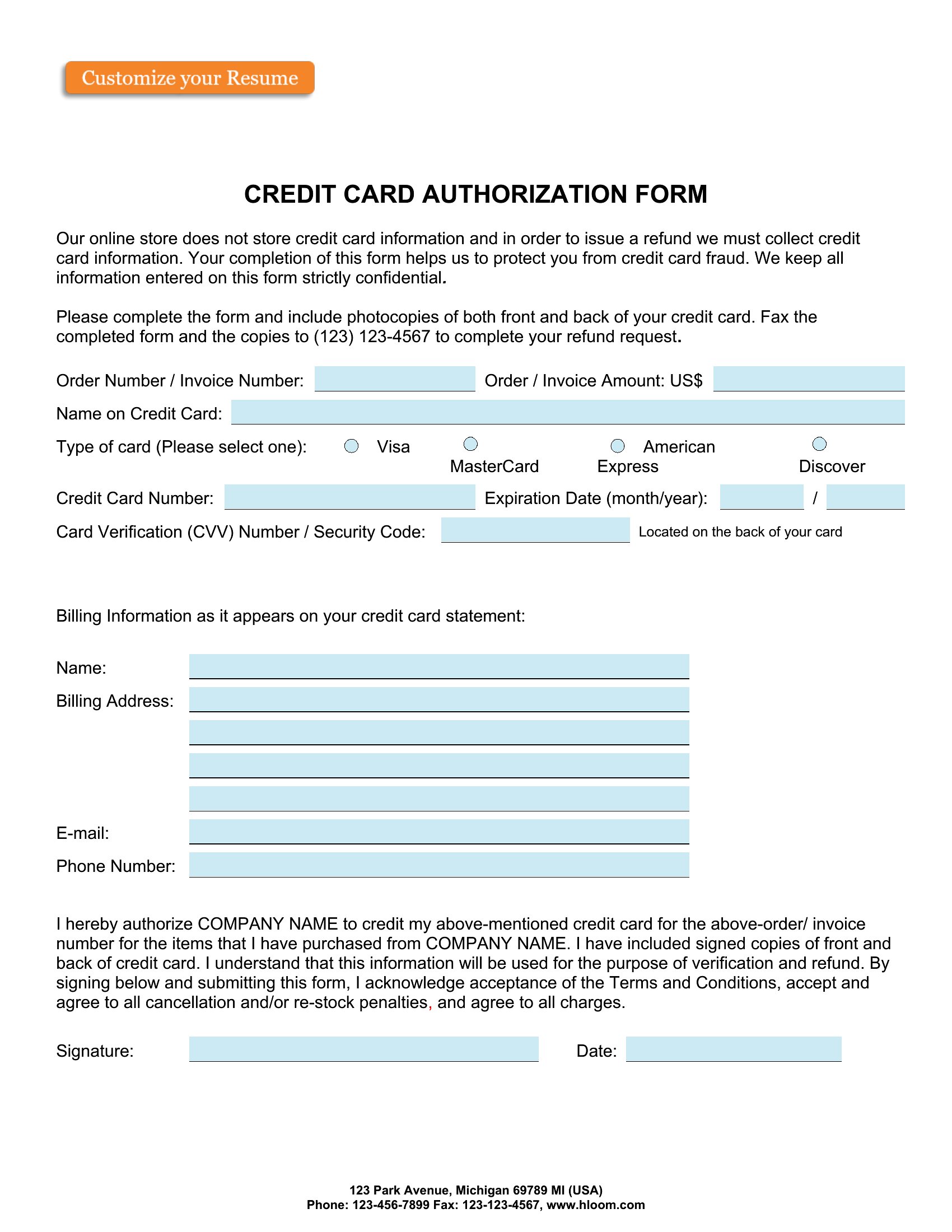
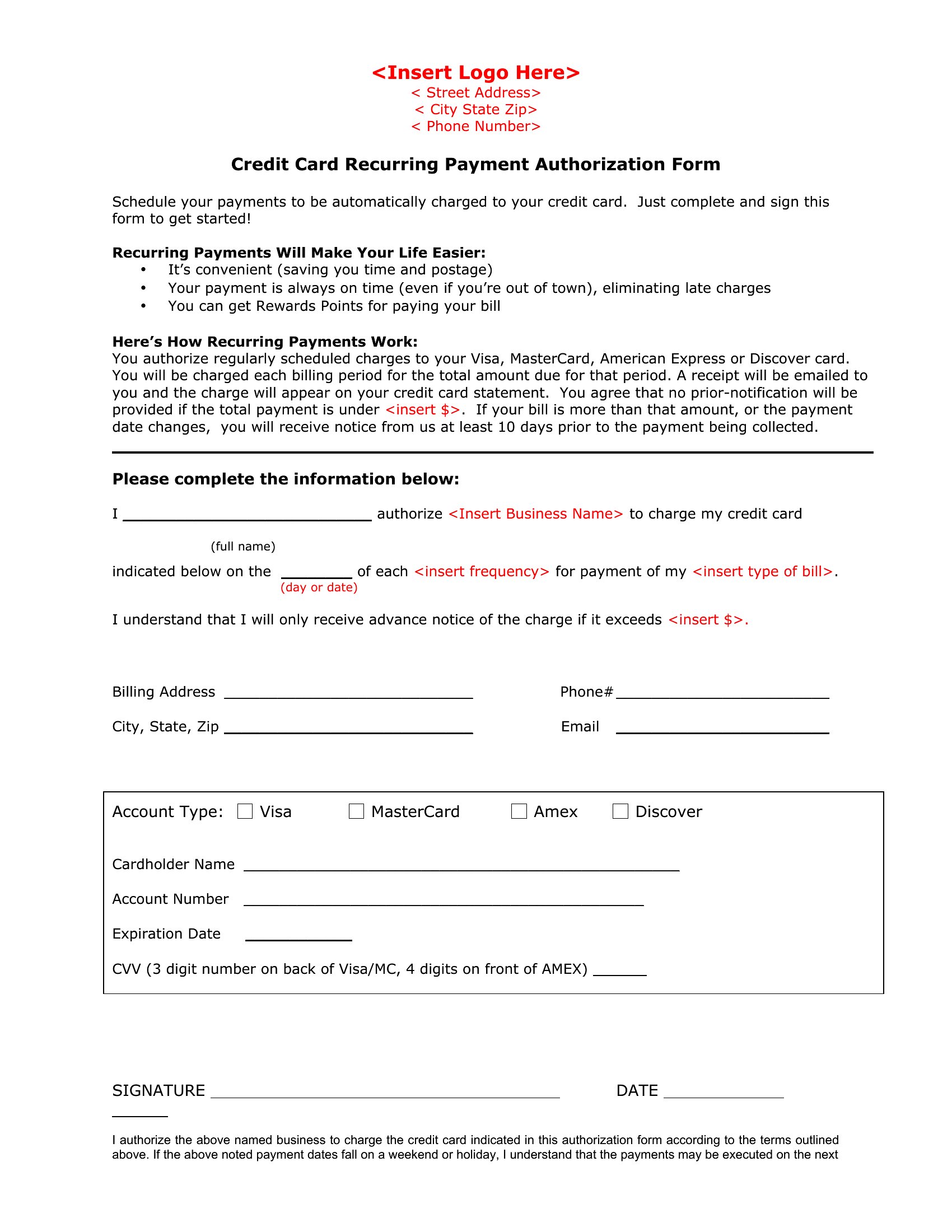
A credit card authorization form lets a business charge a customer's card for agreed payments without asking for the details every time, which keeps recurring billing and phone orders running smoothly. This set of 44 templates covers one-time charges, ongoing subscriptions, and hotel or rental holds, so shop owners, freelancers, and office managers can pick the layout that matches how they take payment.

You'll find editable Word versions for quick branding and clean PDF copies ready to sign and store. Fill in the cardholder name, billing address, and amount, then keep a signed copy on file for your records. Because card data is sensitive, store completed forms securely and only collect what you actually need. Download the version that fits your workflow and start collecting payments with less back-and-forth.

When to use this Credit Card Authorization Form template

  • Small e-commerce store owners need a Word-based credit card authorization form to streamline checkout for one-time purchases, replacing manual card entry with a pre-filled, signed authorization.
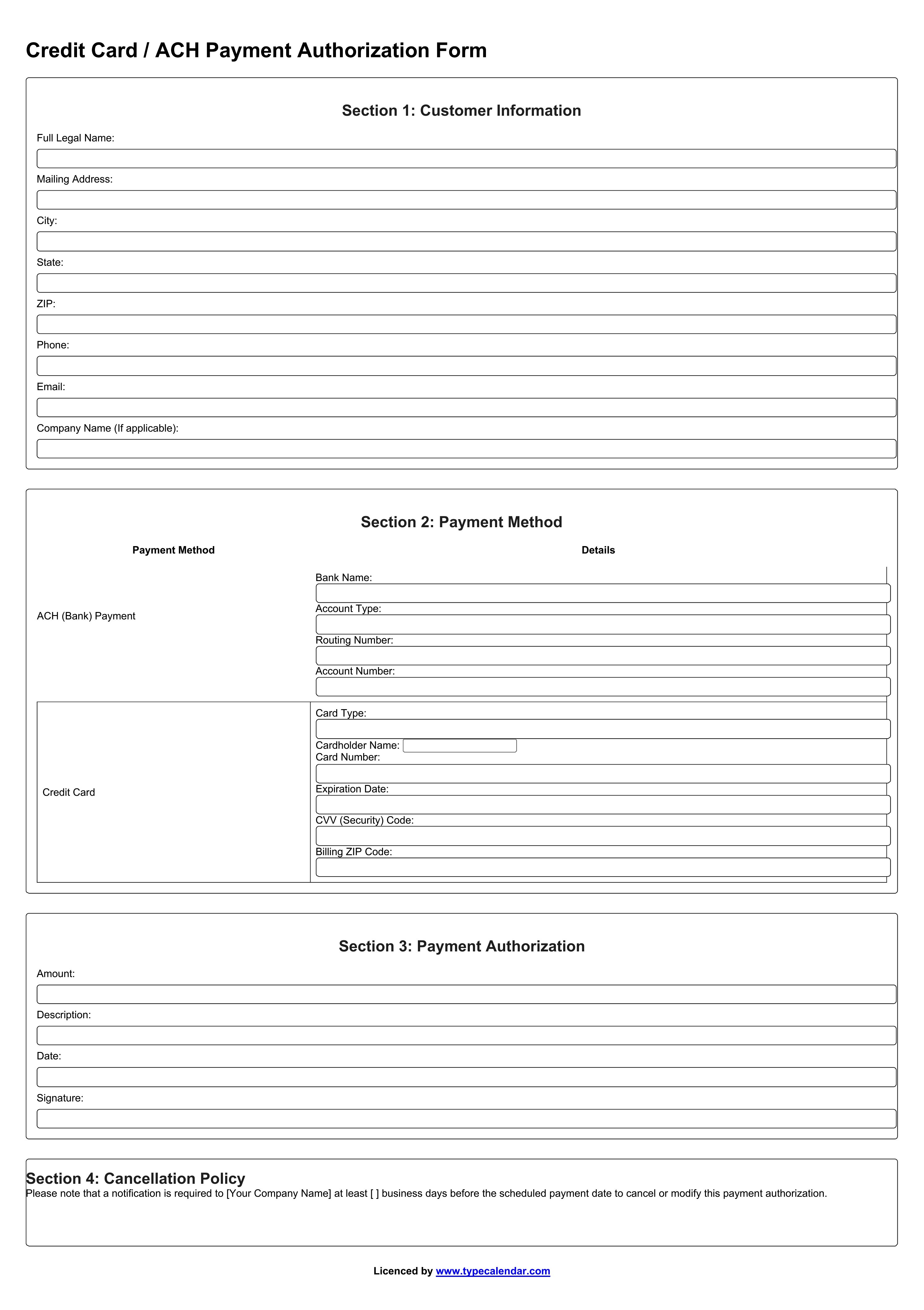
  • Subscription-based service providers (like gyms or SaaS) rely on PDF fillable forms to securely collect card details once during onboarding, ensuring recurring payments stay compliant with industry standards.
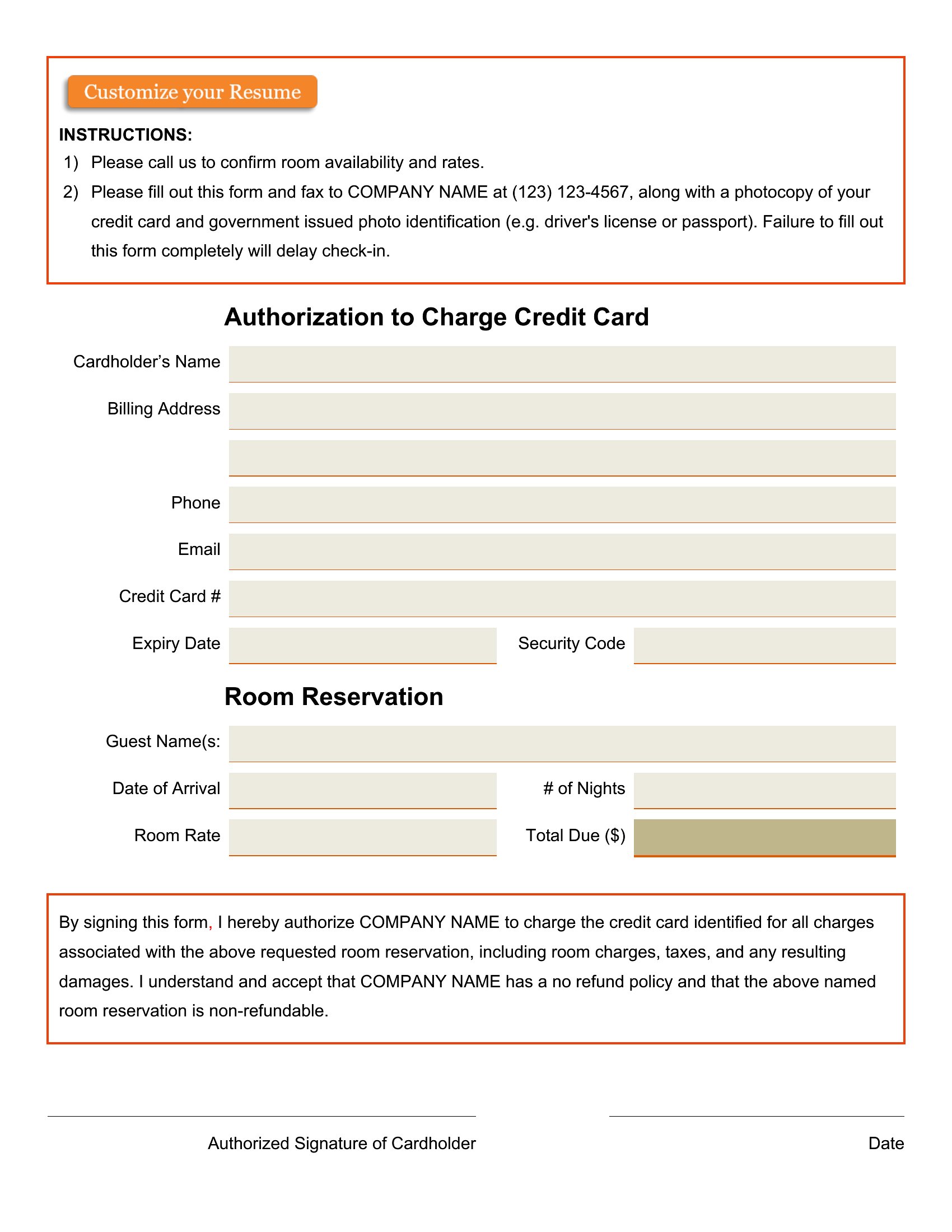
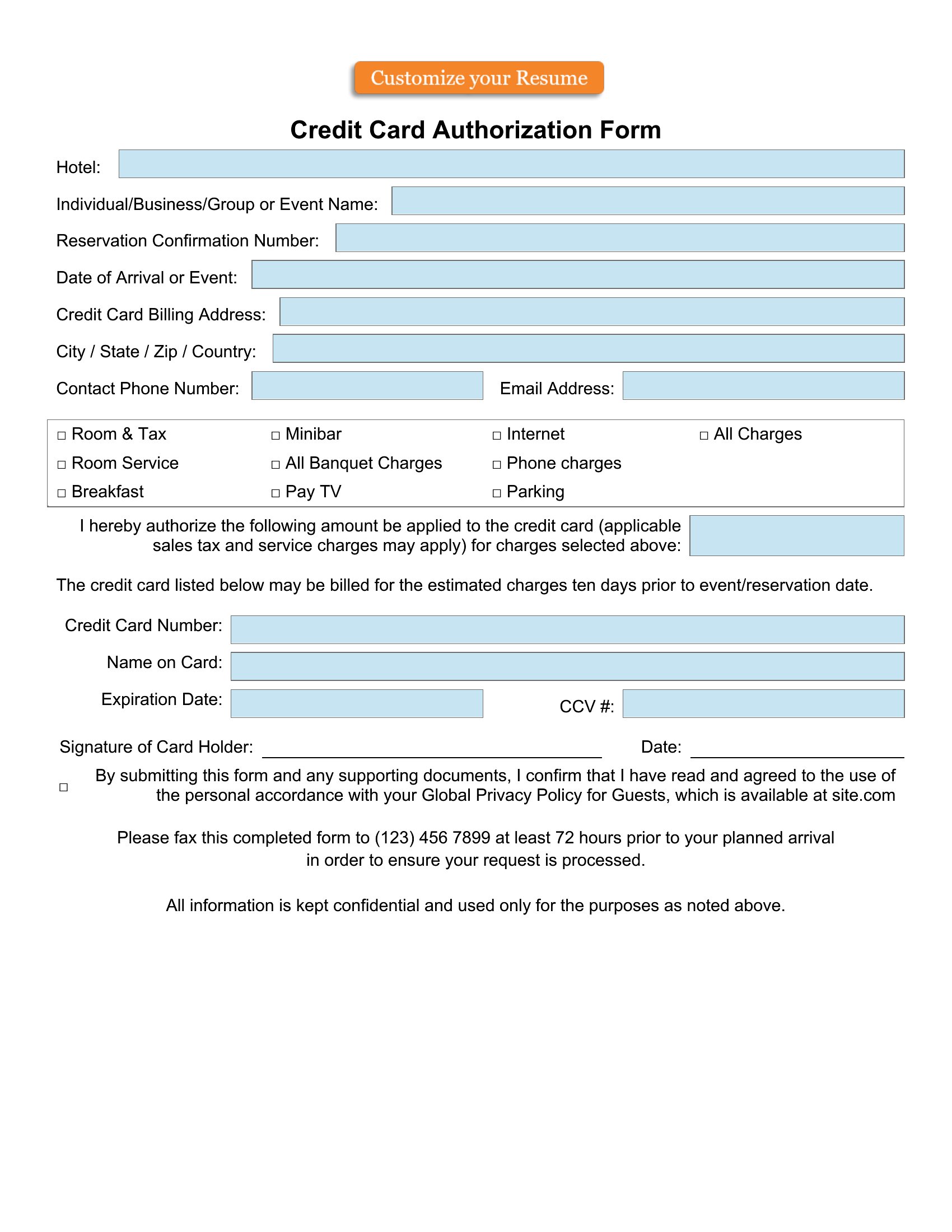
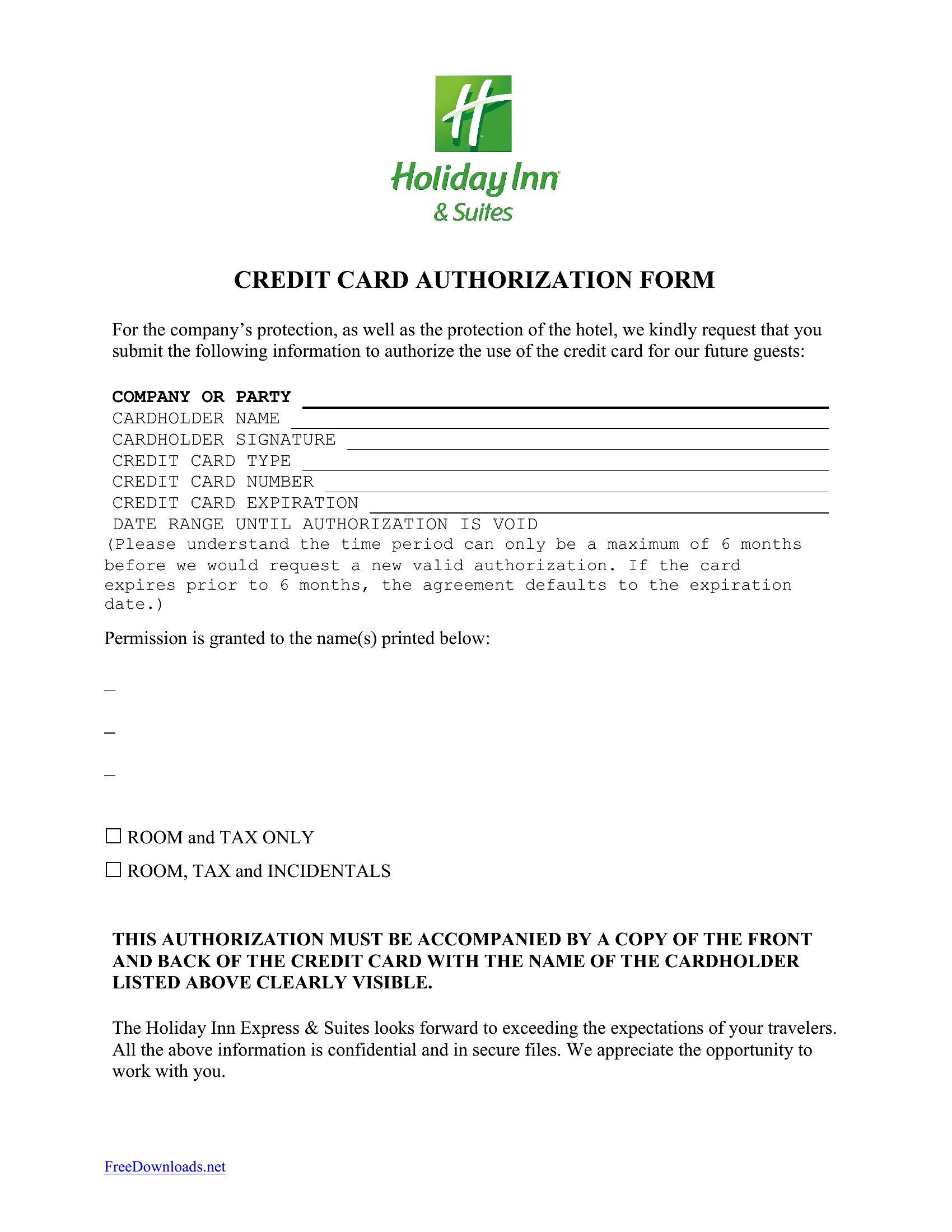
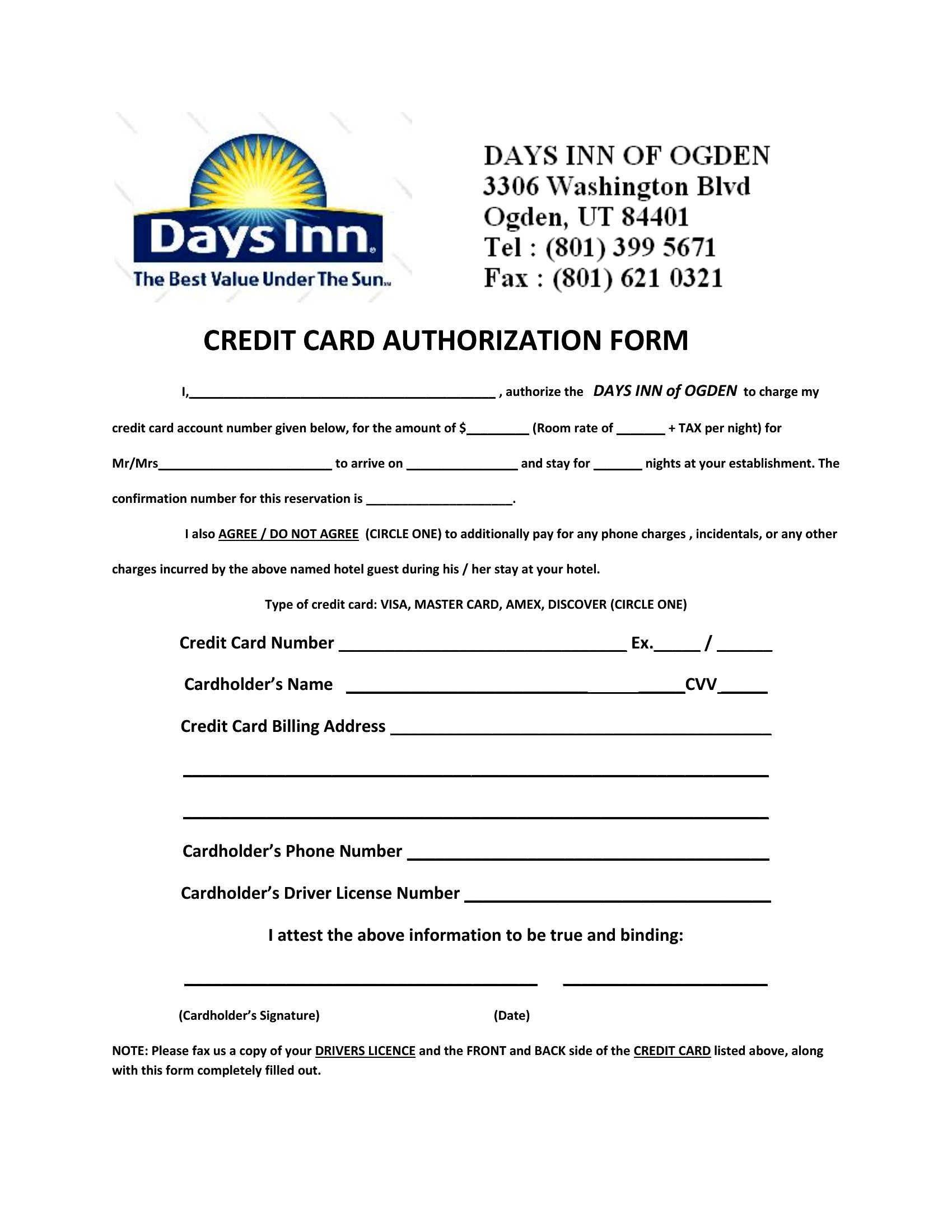
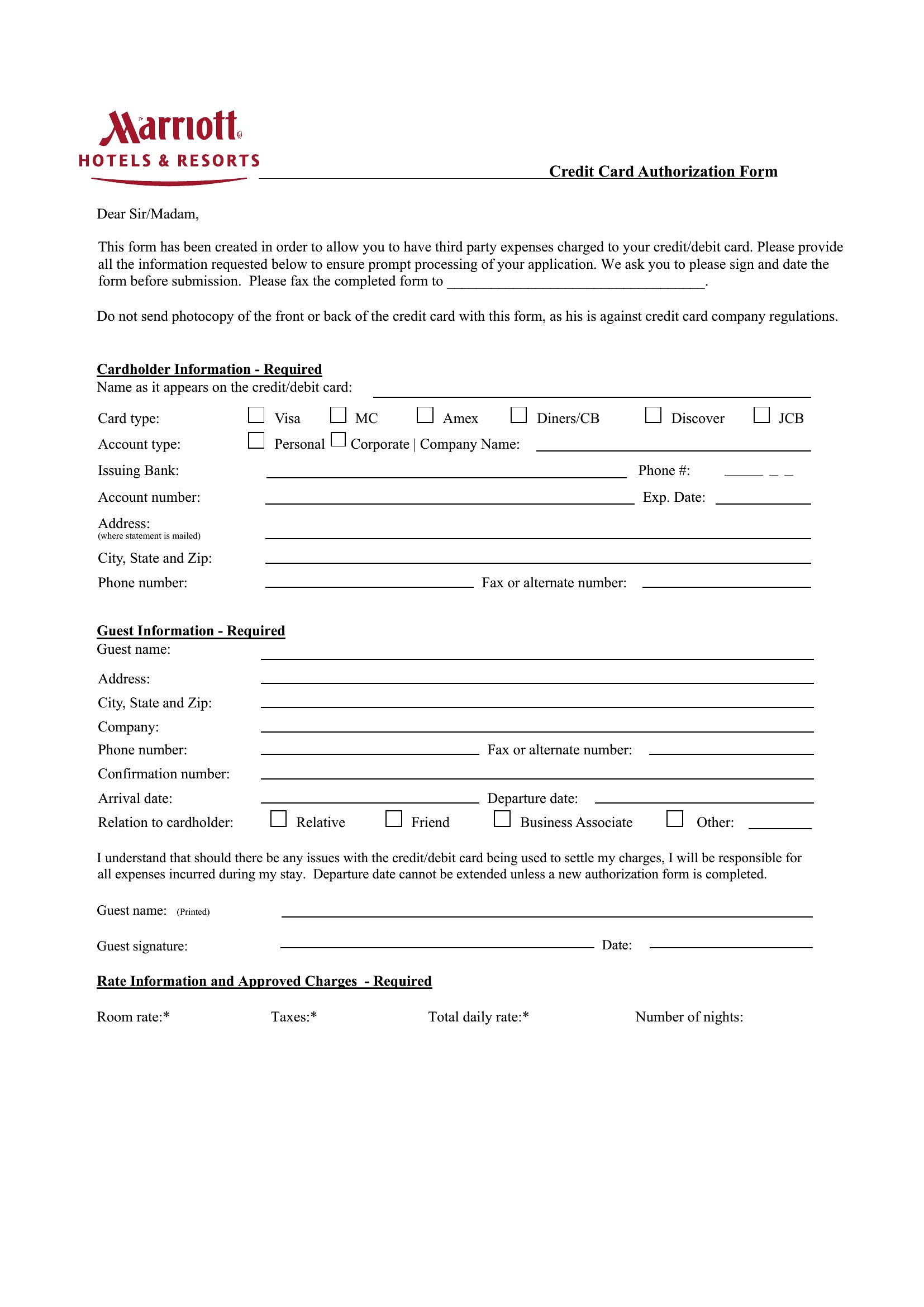
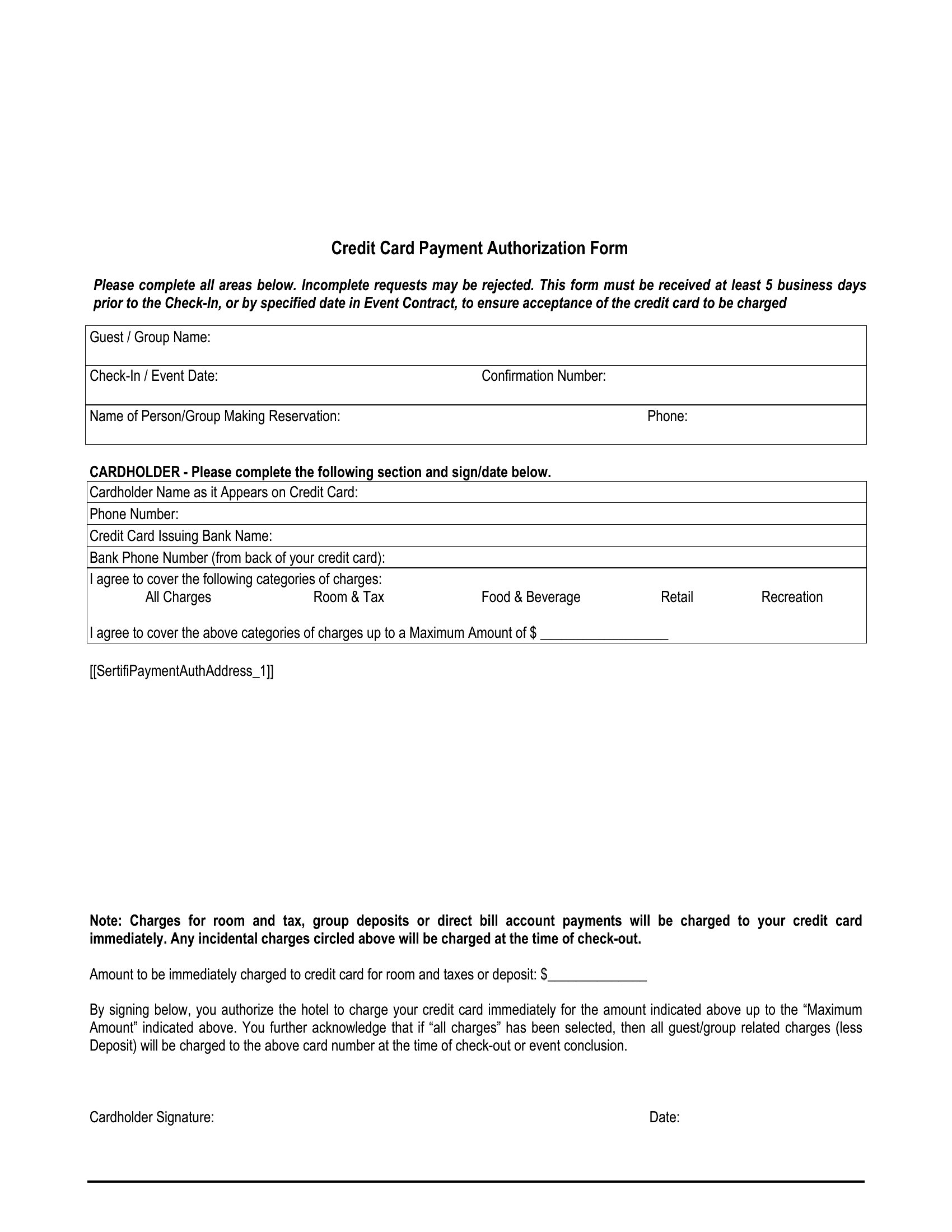
  • Hotel front desks use a PDF template for credit card holds—guests complete and sign it upon check-in, allowing the hotel to authorize a hold without processing the card every time.
  • Freelancers handling client deposits for services use an editable Word form to collect card details upfront, reducing payment disputes while keeping records for tax and billing purposes.

Which format should I download?

WordPDF

Choose Word for editable templates where you need to customize fields, add branding, or update authorization language—ideal for internal use or recurring adjustments. Opt for PDF when you require fillable, non-editable forms to securely collect and store card details for compliance, especially in customer-facing scenarios like check-ins or online orders.

How to use this Credit Card Authorization Form template

Do these templates include legally required disclaimers for credit card authorizations?

These templates provide a framework with standard authorization fields and disclaimers tailored to common transactions. However, they are not legally binding documents. Always consult a legal professional to ensure compliance with local laws, such as the Fair Credit Billing Act or state-specific regulations, before use.

Can I use a fillable PDF form to process payments securely?

Yes, fillable PDFs can securely collect card details for authorization purposes, but they should never transmit payment data directly. Always redirect customers to a secure payment processor (like PayPal or Stripe) for actual transactions, using the form only to document the authorization.

How do I ensure the authorization form matches my business’s recurring billing structure?

Select a template that aligns with your billing cycle—like one-time charges, subscriptions, or holds. Customize the Word version to include specific terms (e.g., cancellation policies) or adjust the PDF’s fillable fields to match your payment schedule. Always clarify these terms with the customer before processing.

Comments

Join the conversation

Sign in to share your thoughts and leave a comment on this resource.

Newsletter

Get Weekly Design Updates

Join our community to receive curated resources and inspiration.

Weekly Tips Resources Early Access

We respect your privacy. Confirmation email required. Privacy Policy