
FAQ
Can I include dietary restrictions or allergies in these templates?
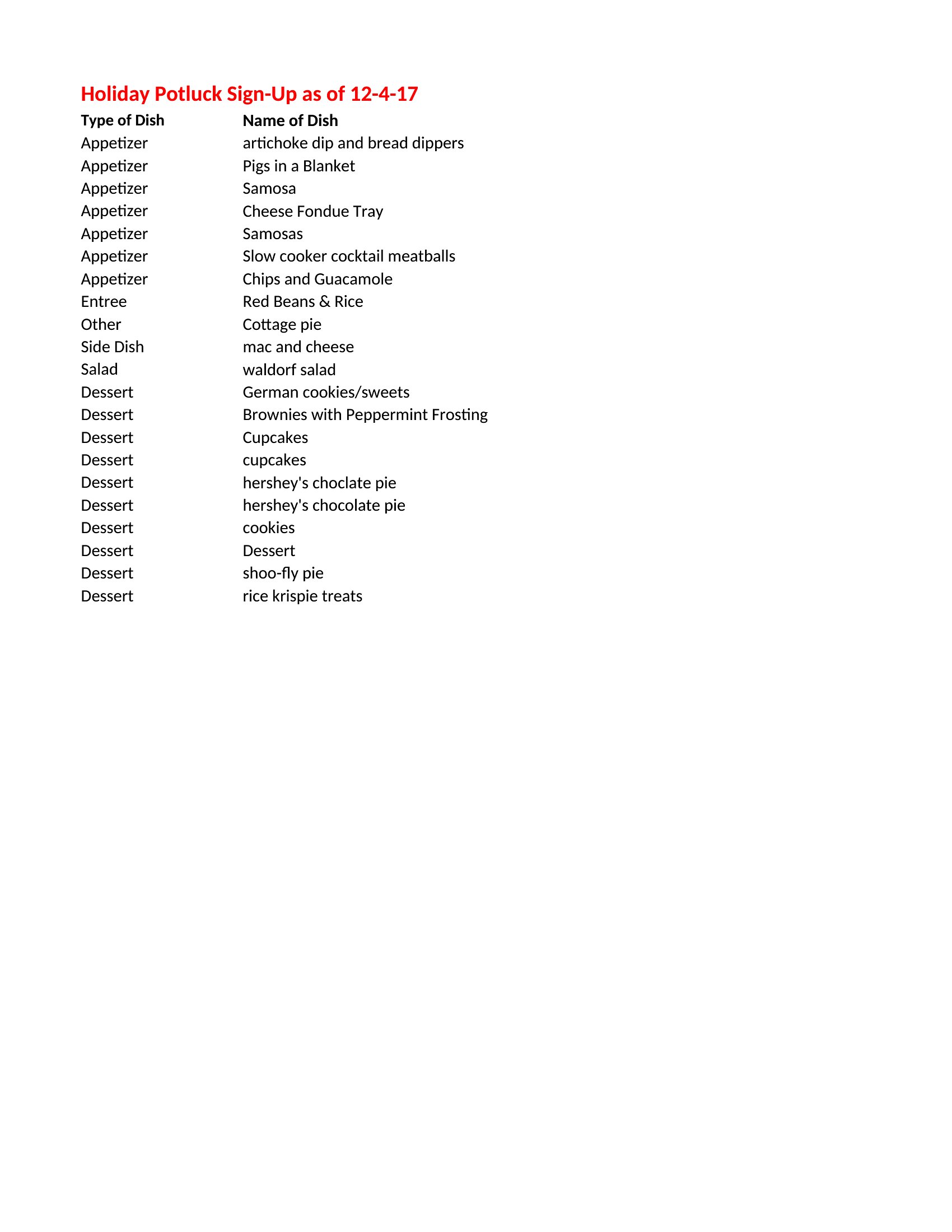
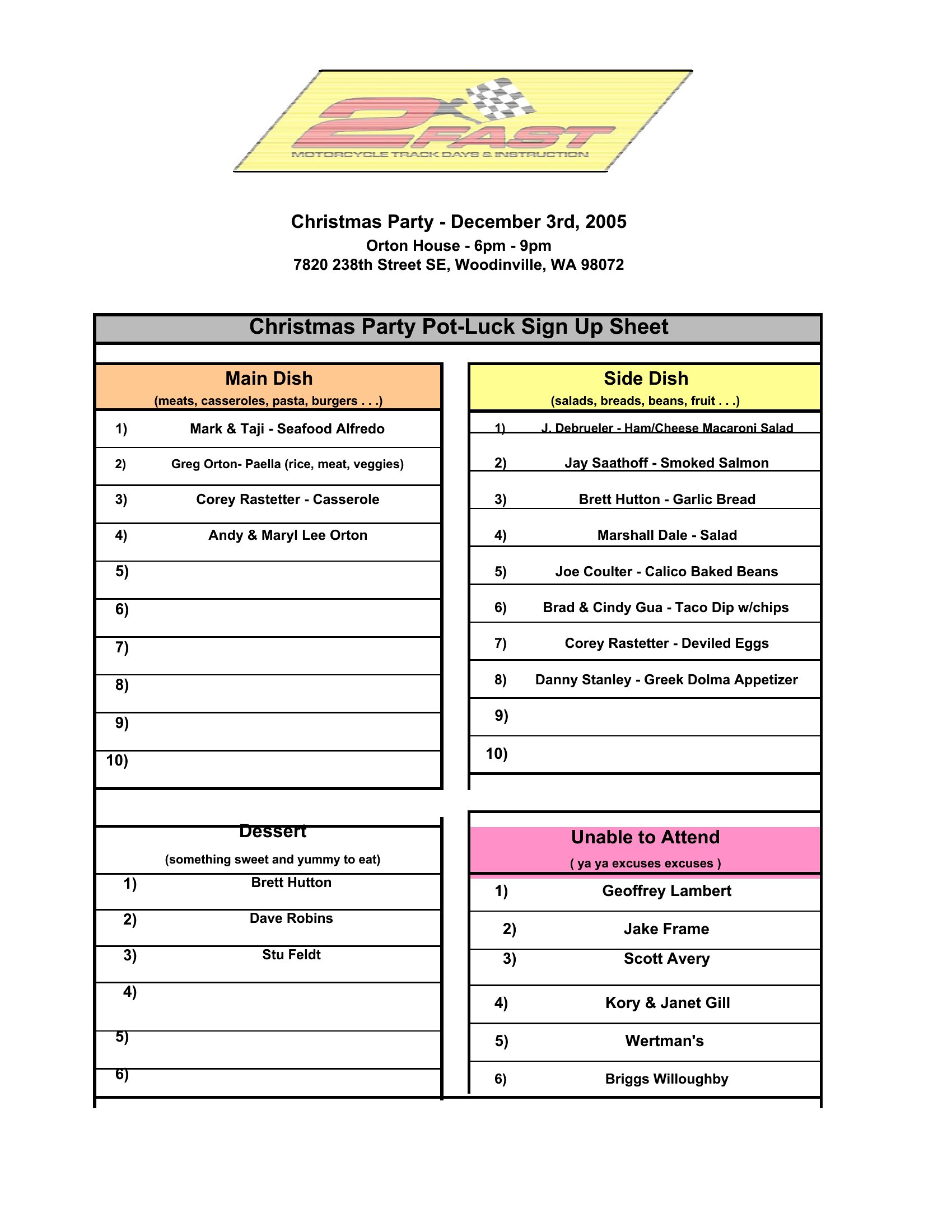
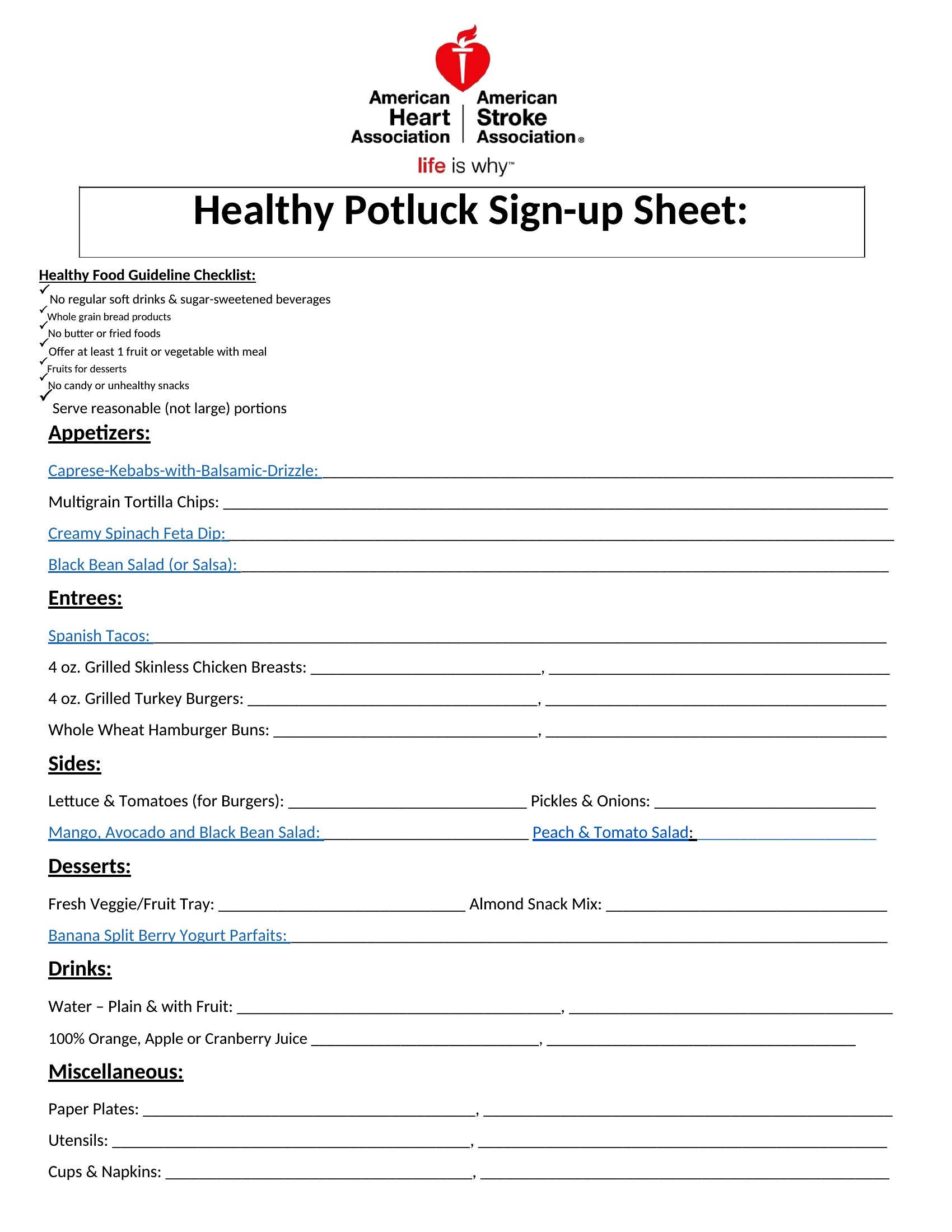
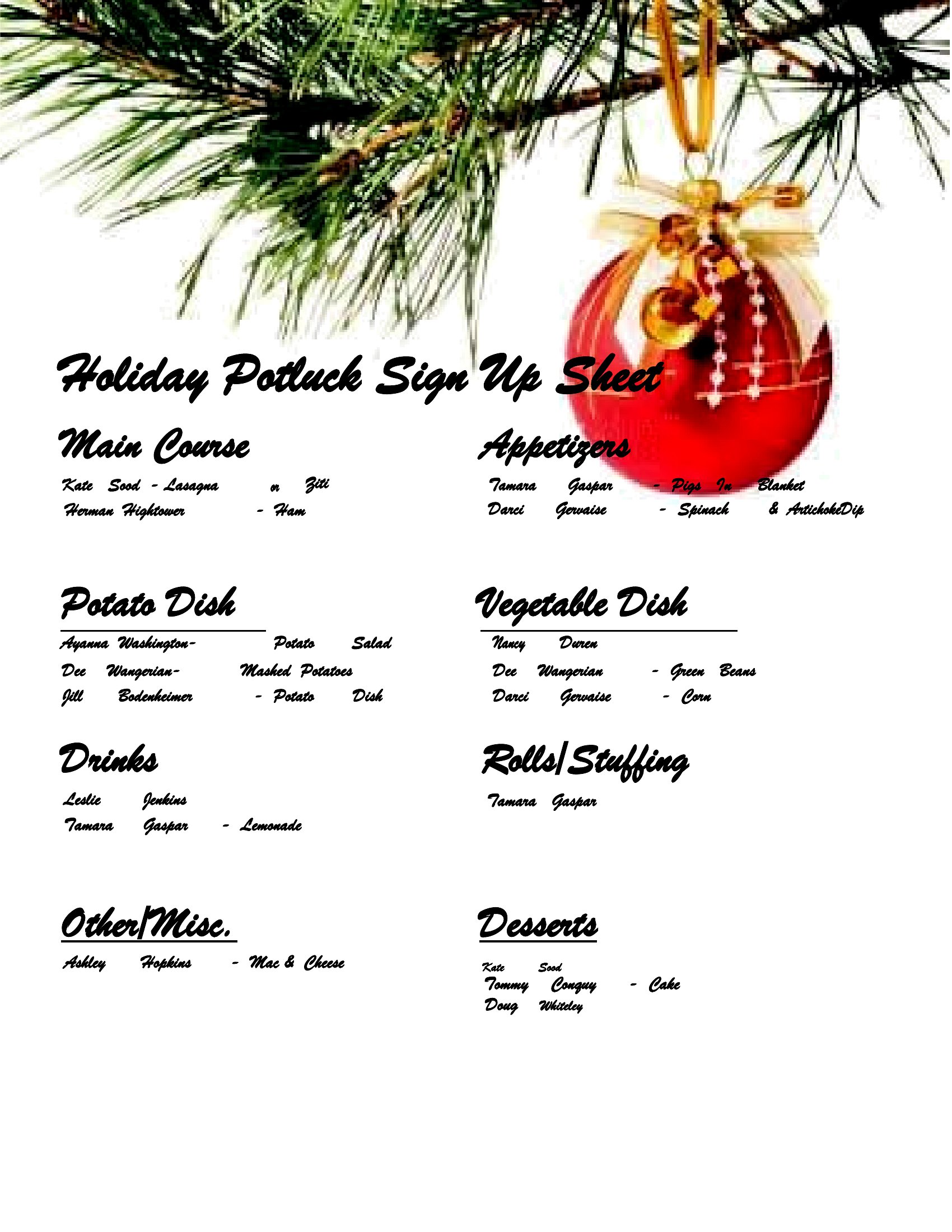
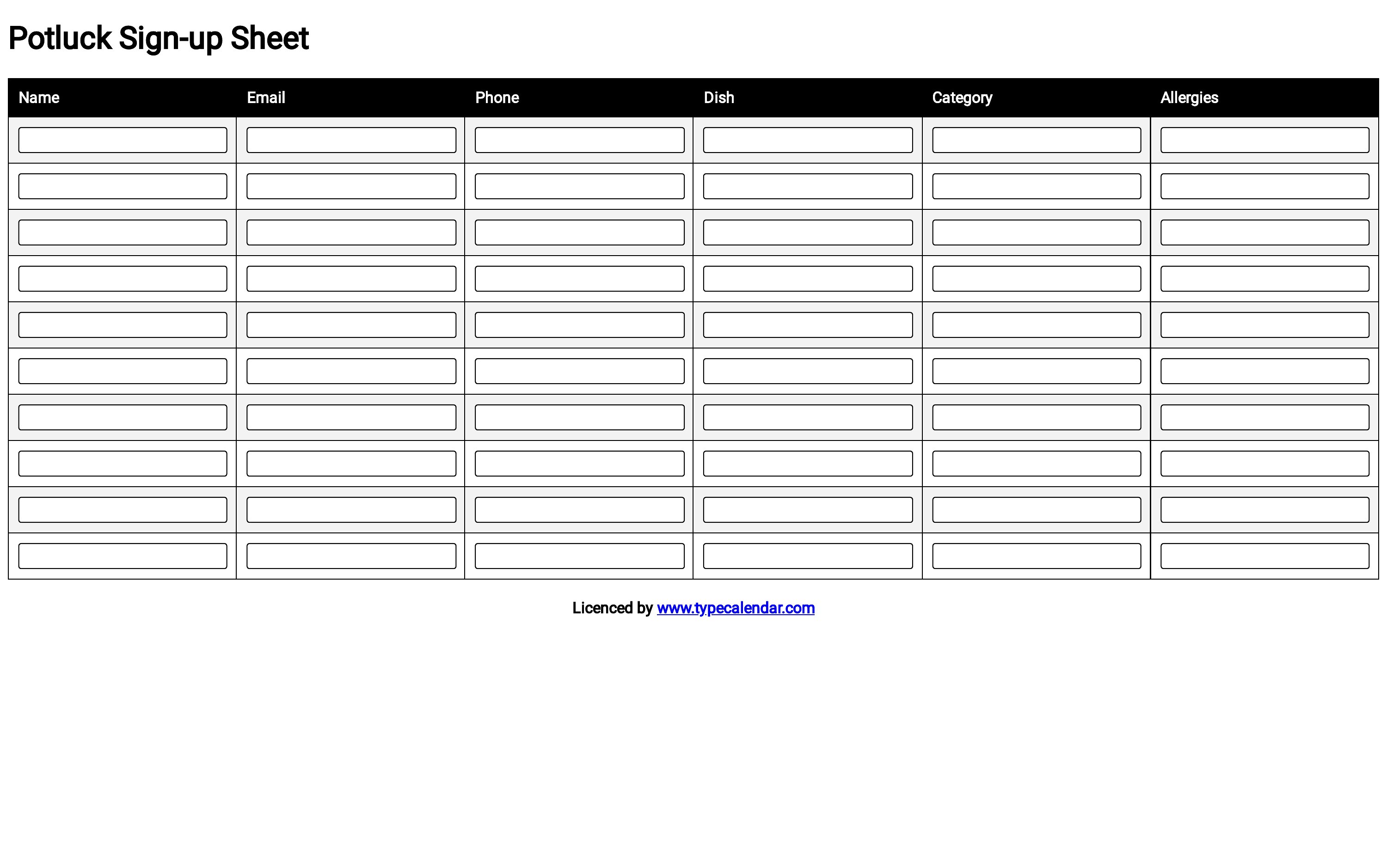
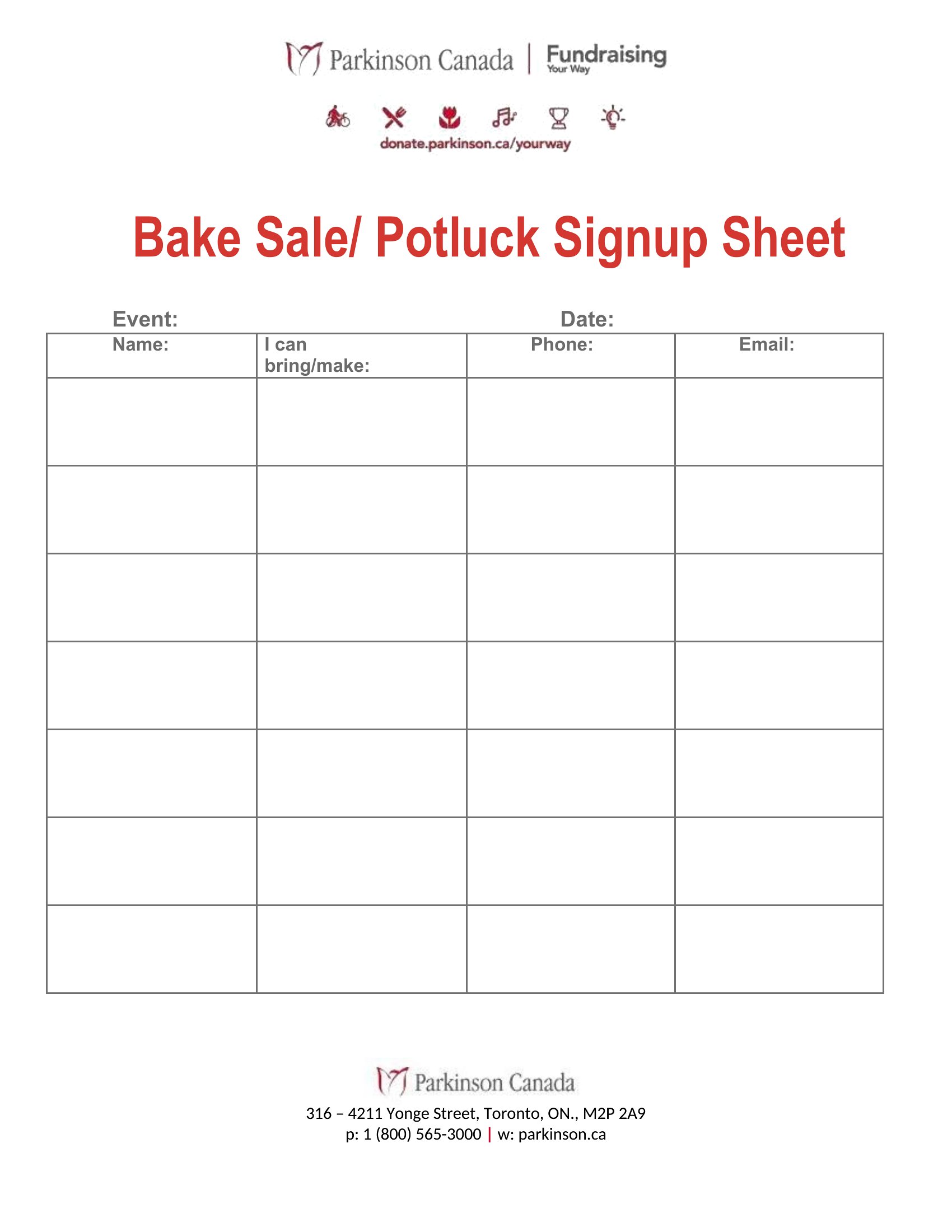
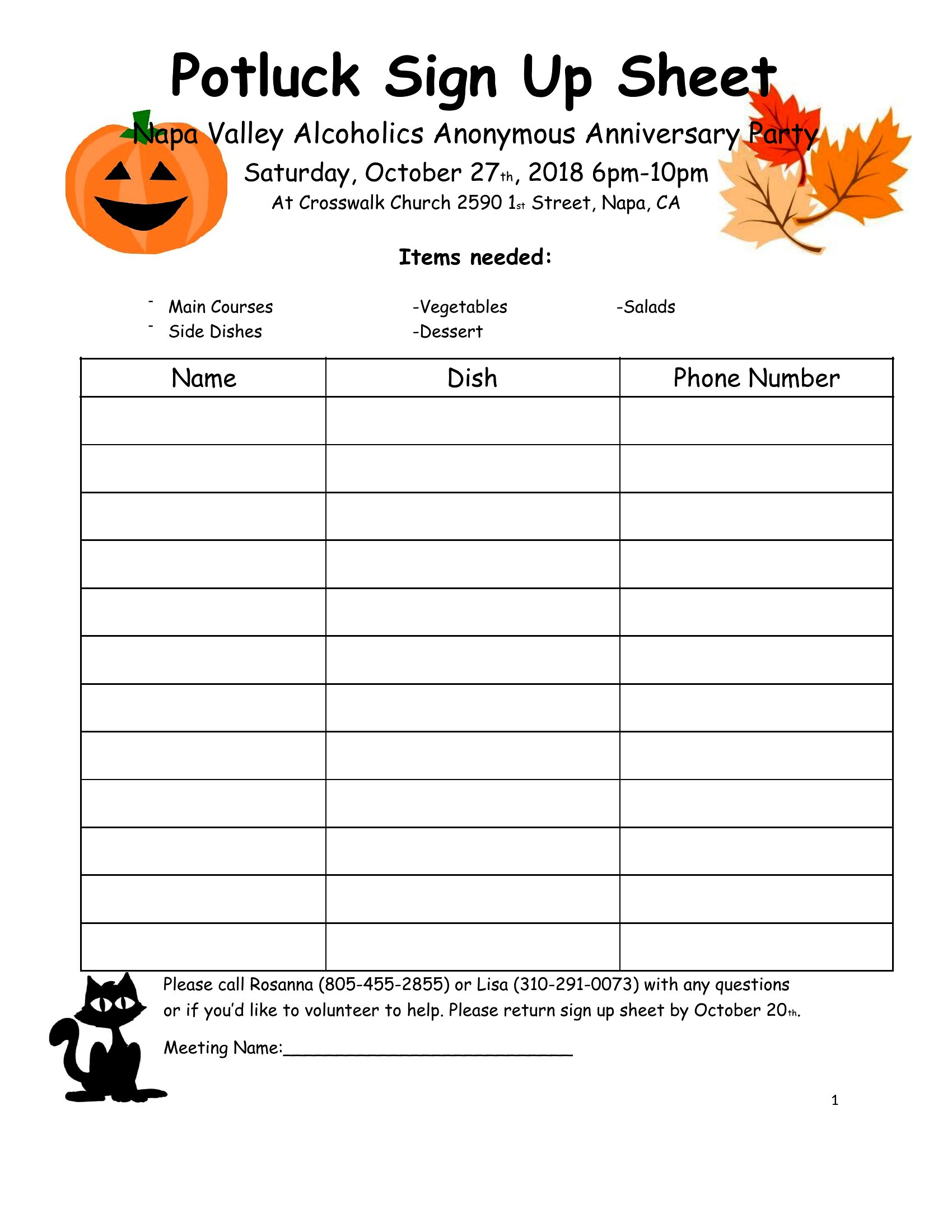
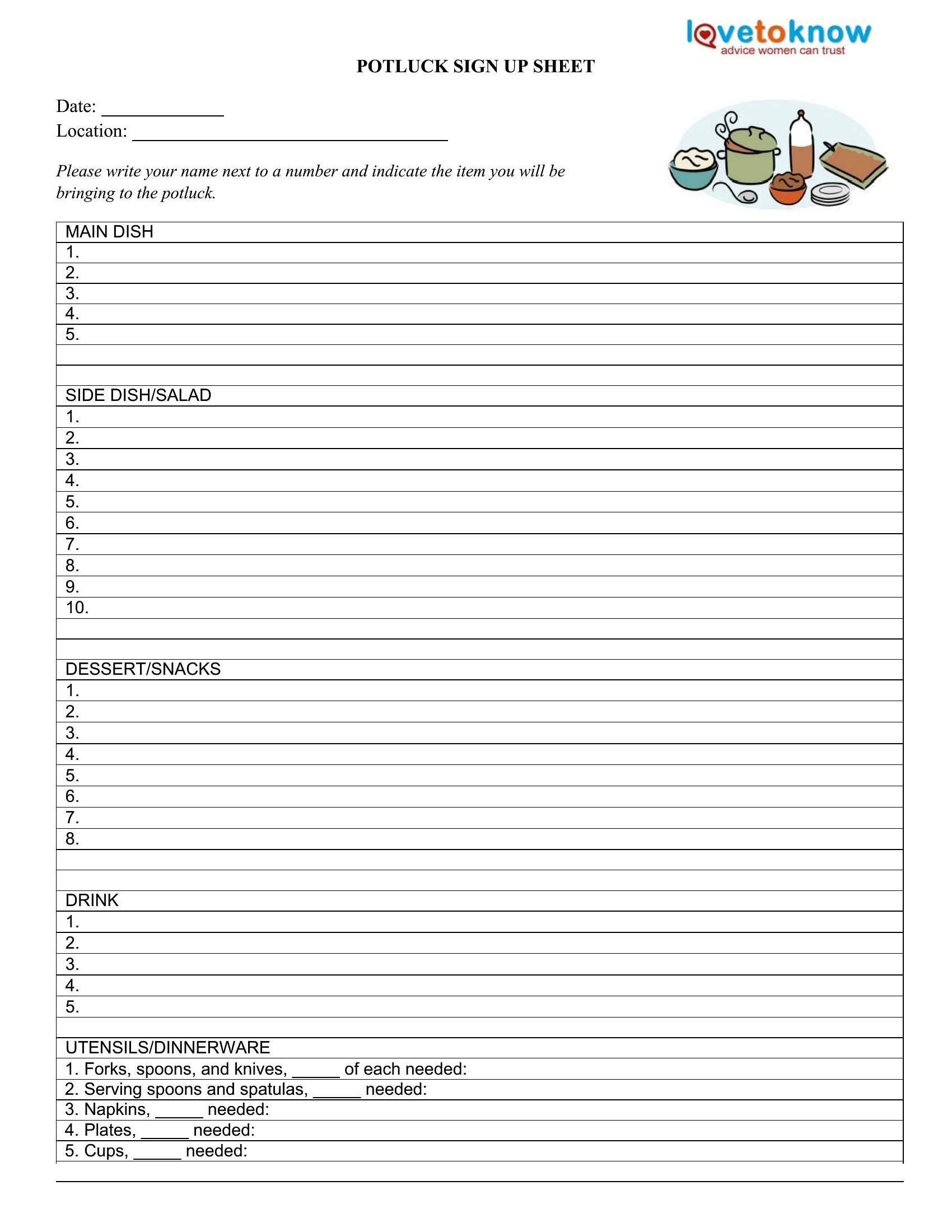
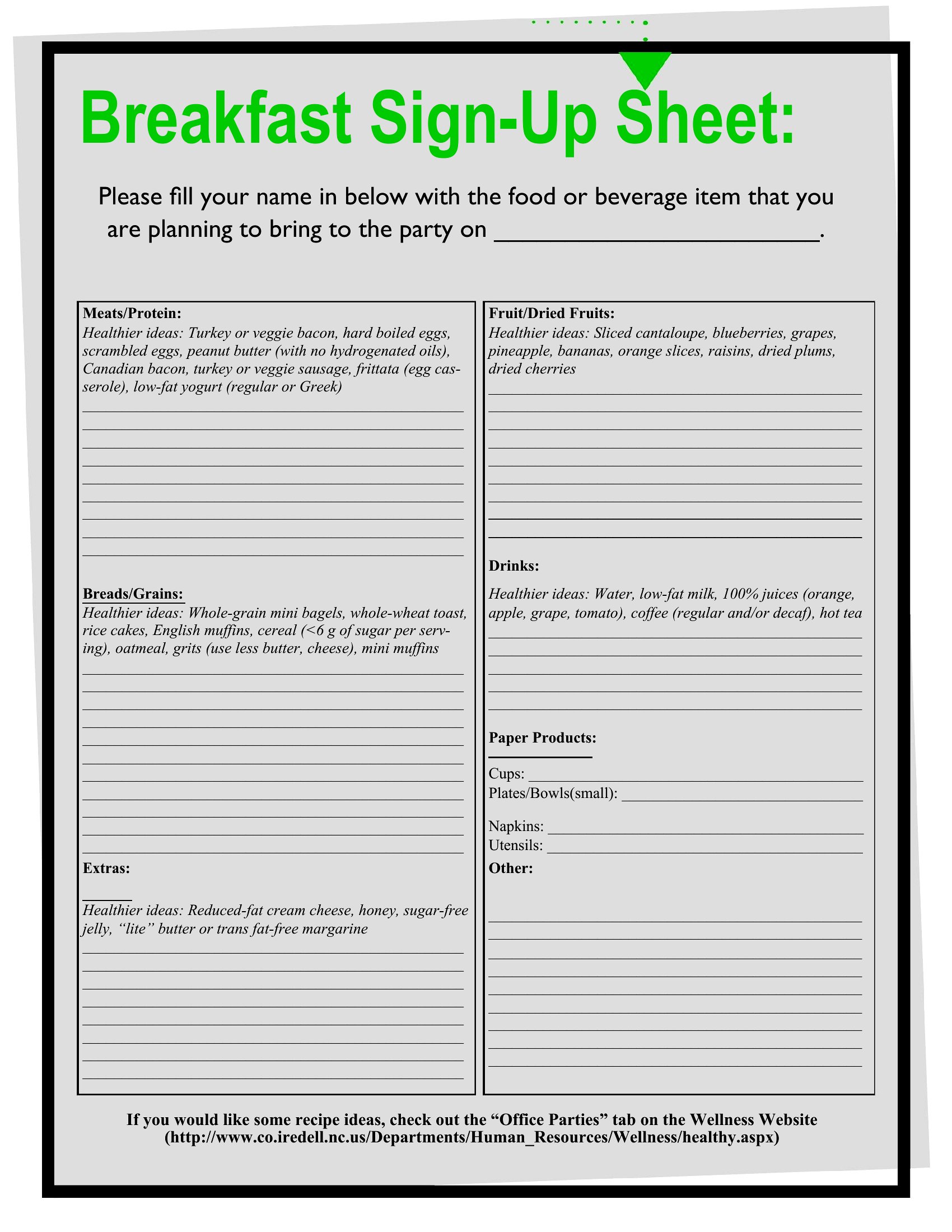
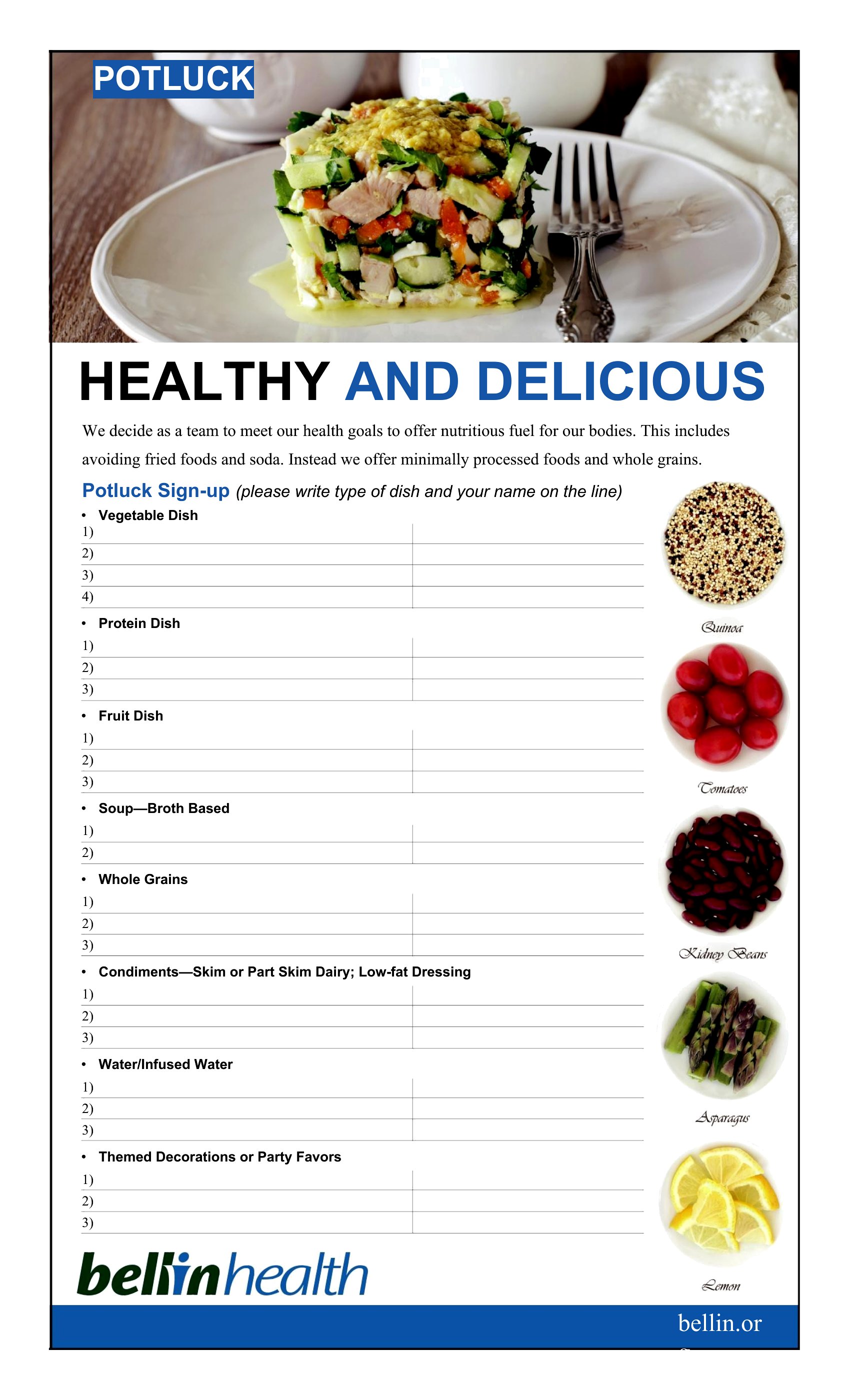
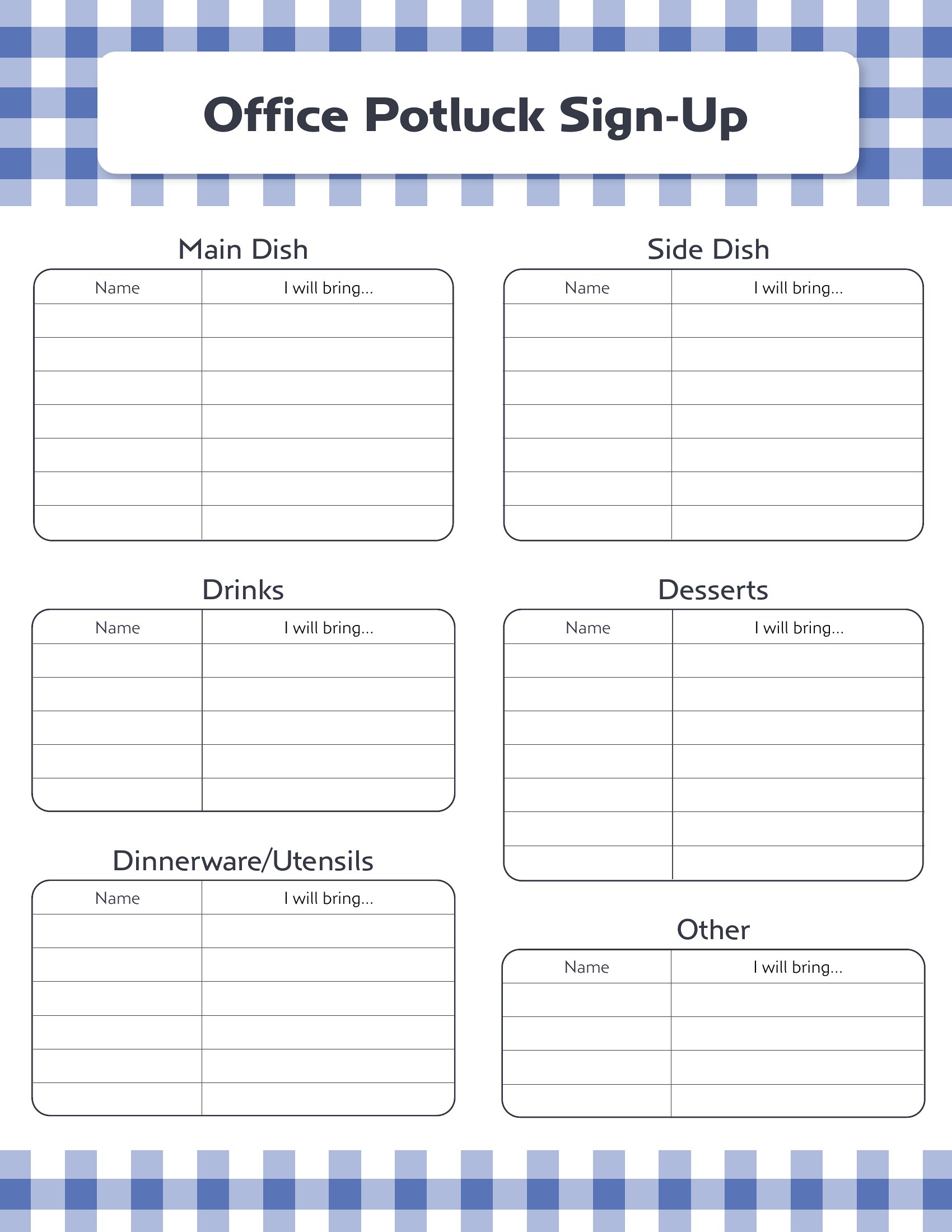
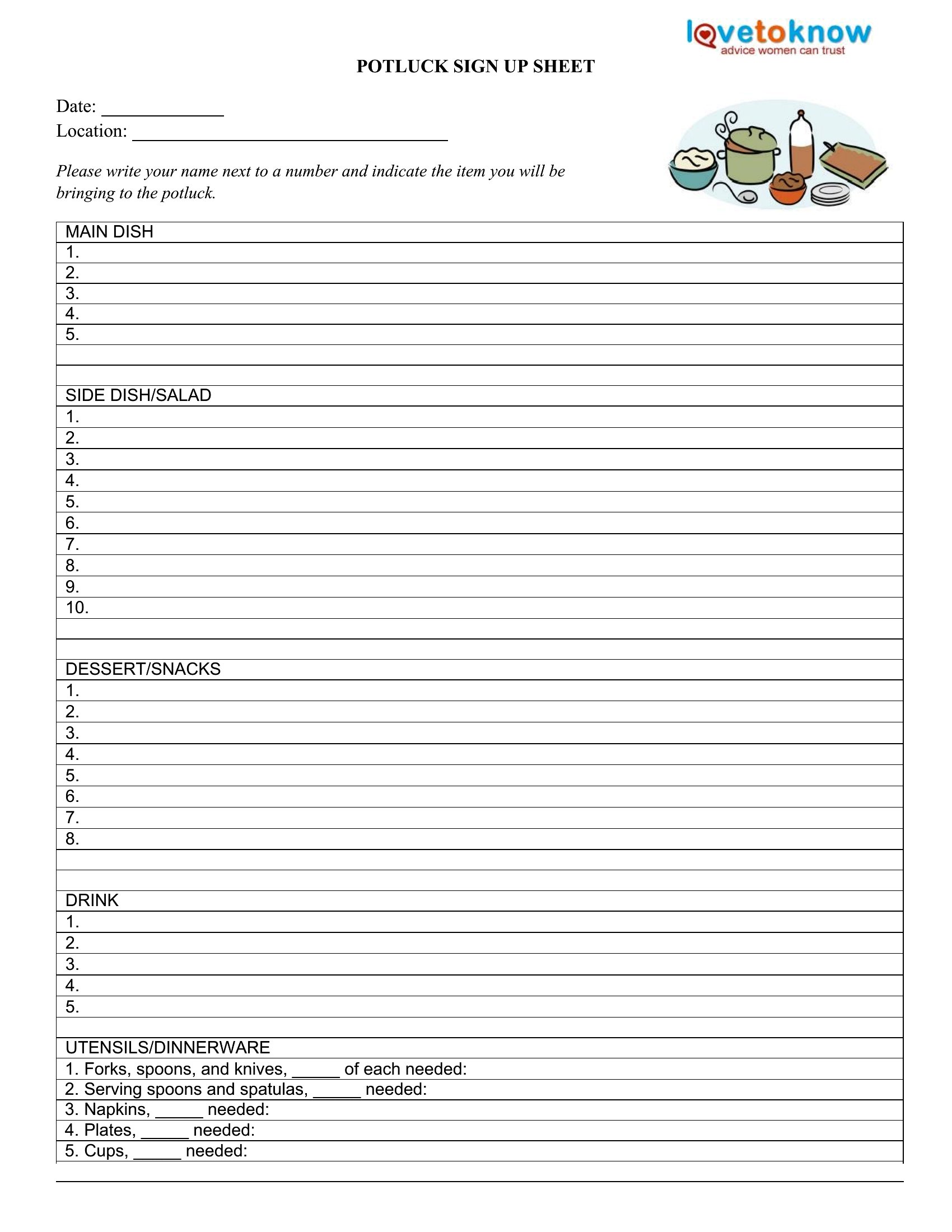
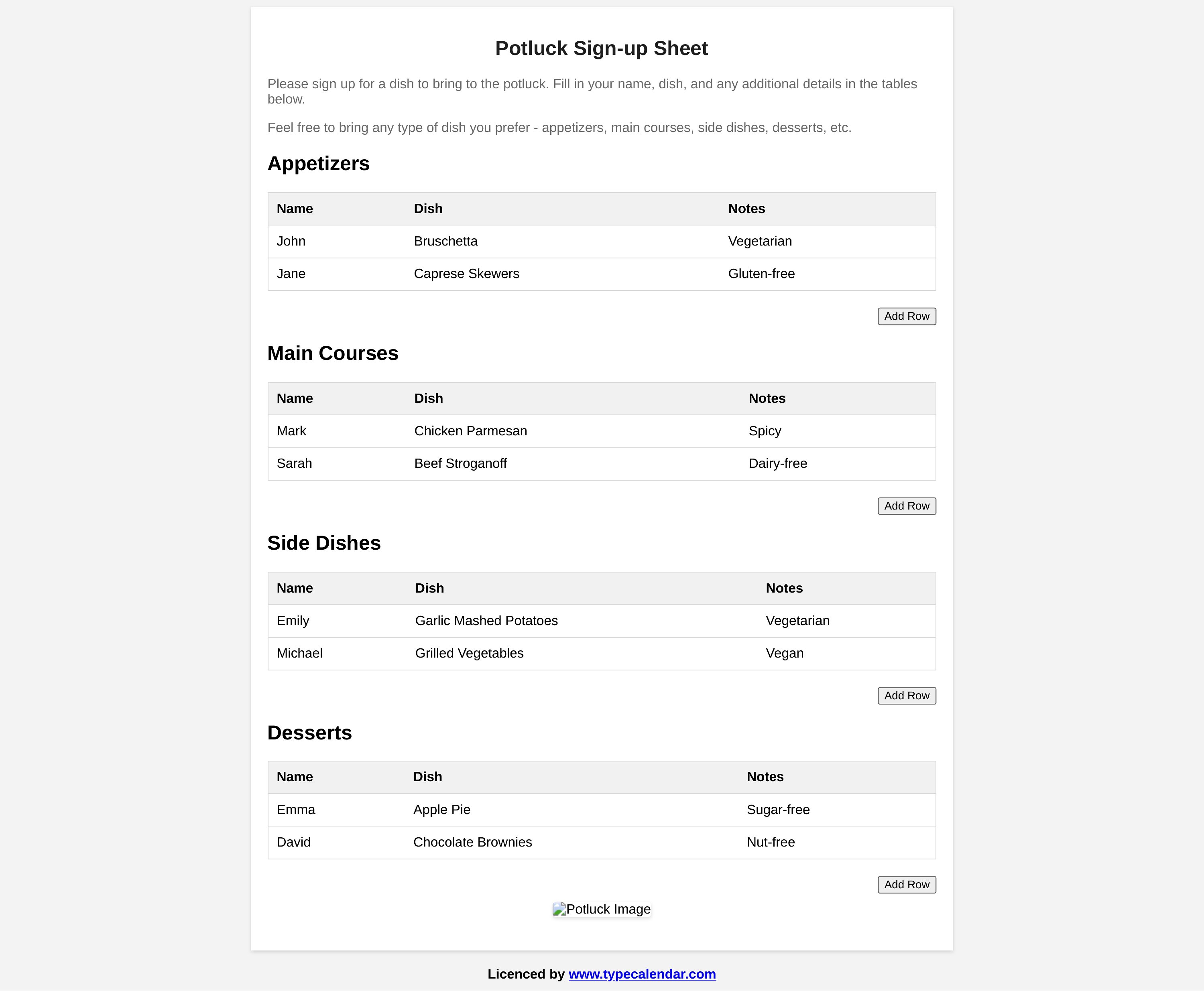
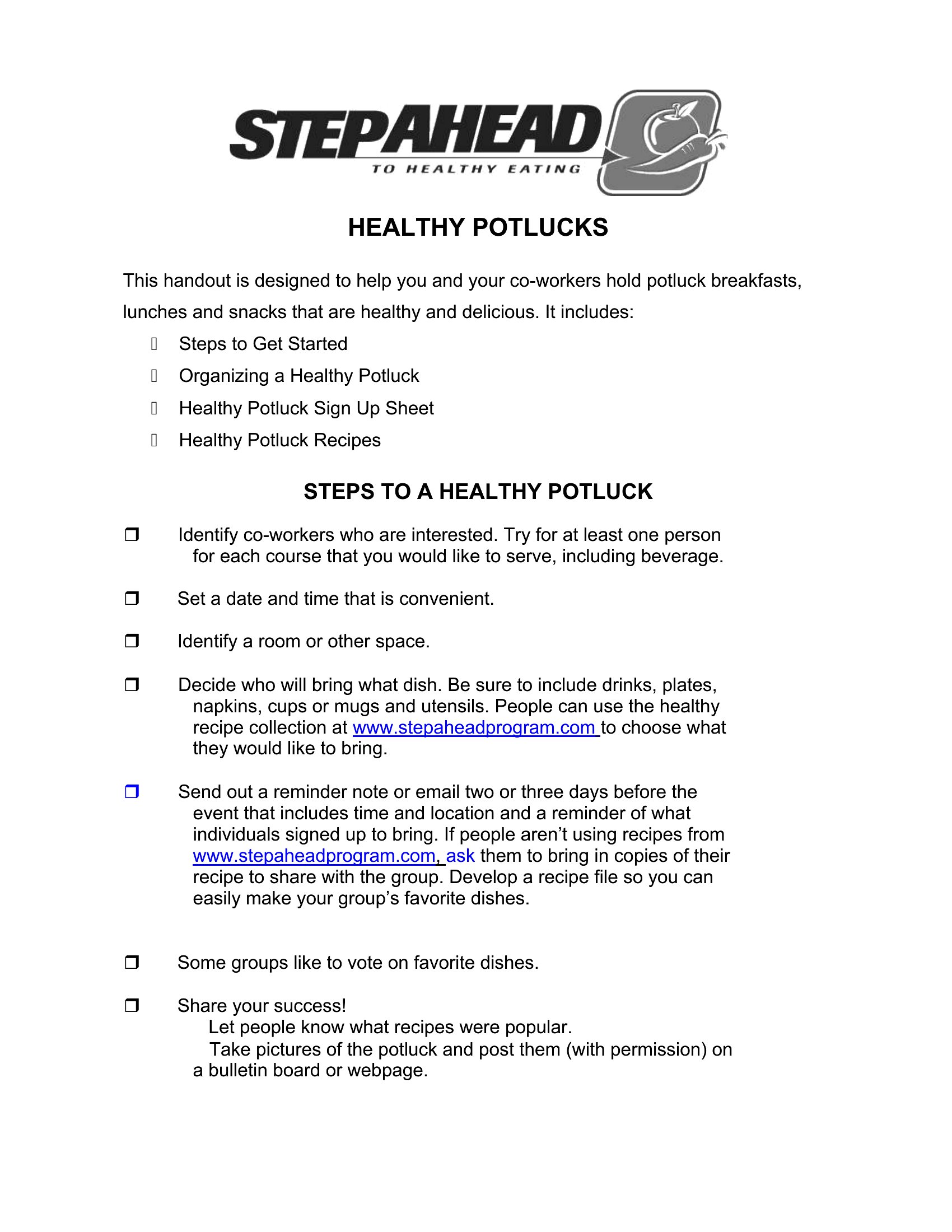
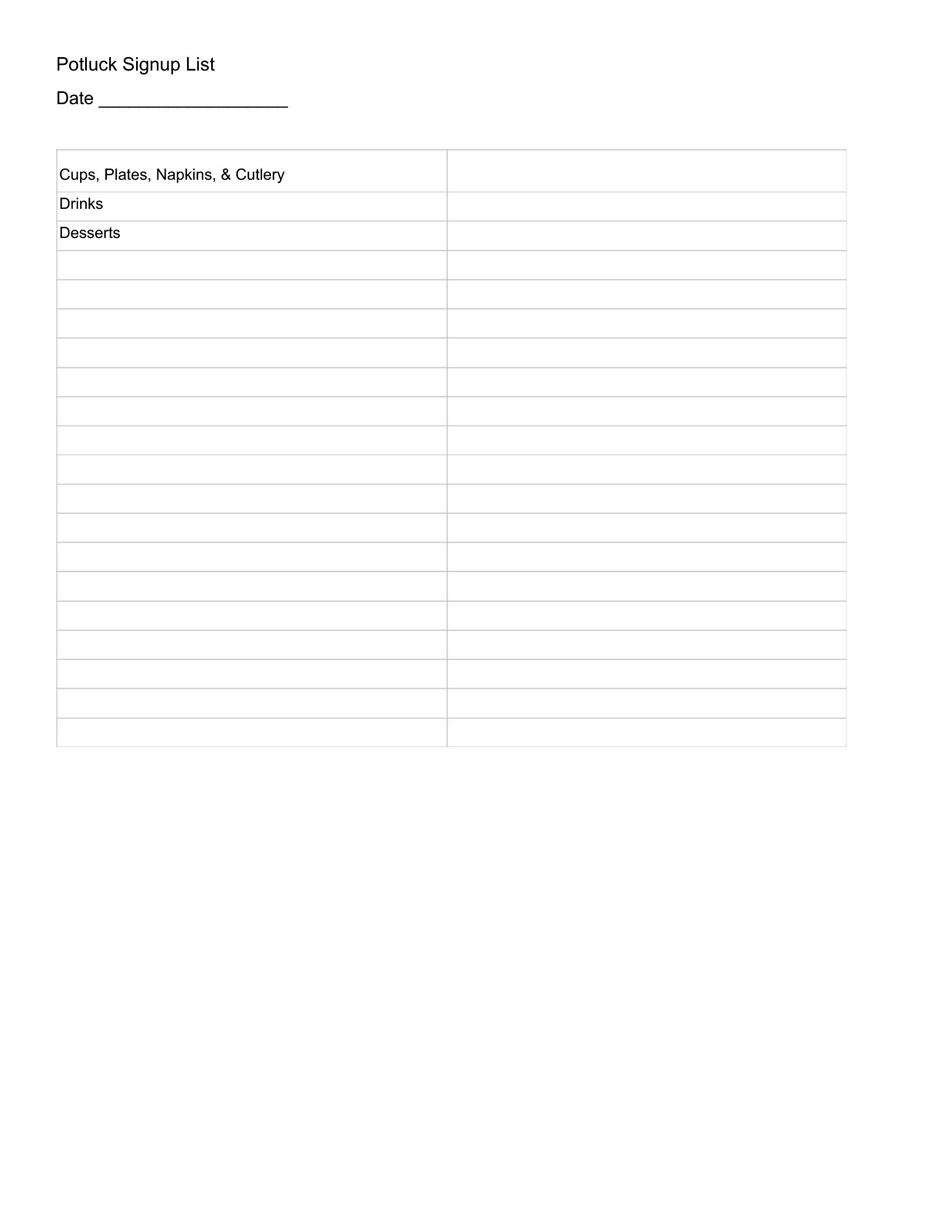
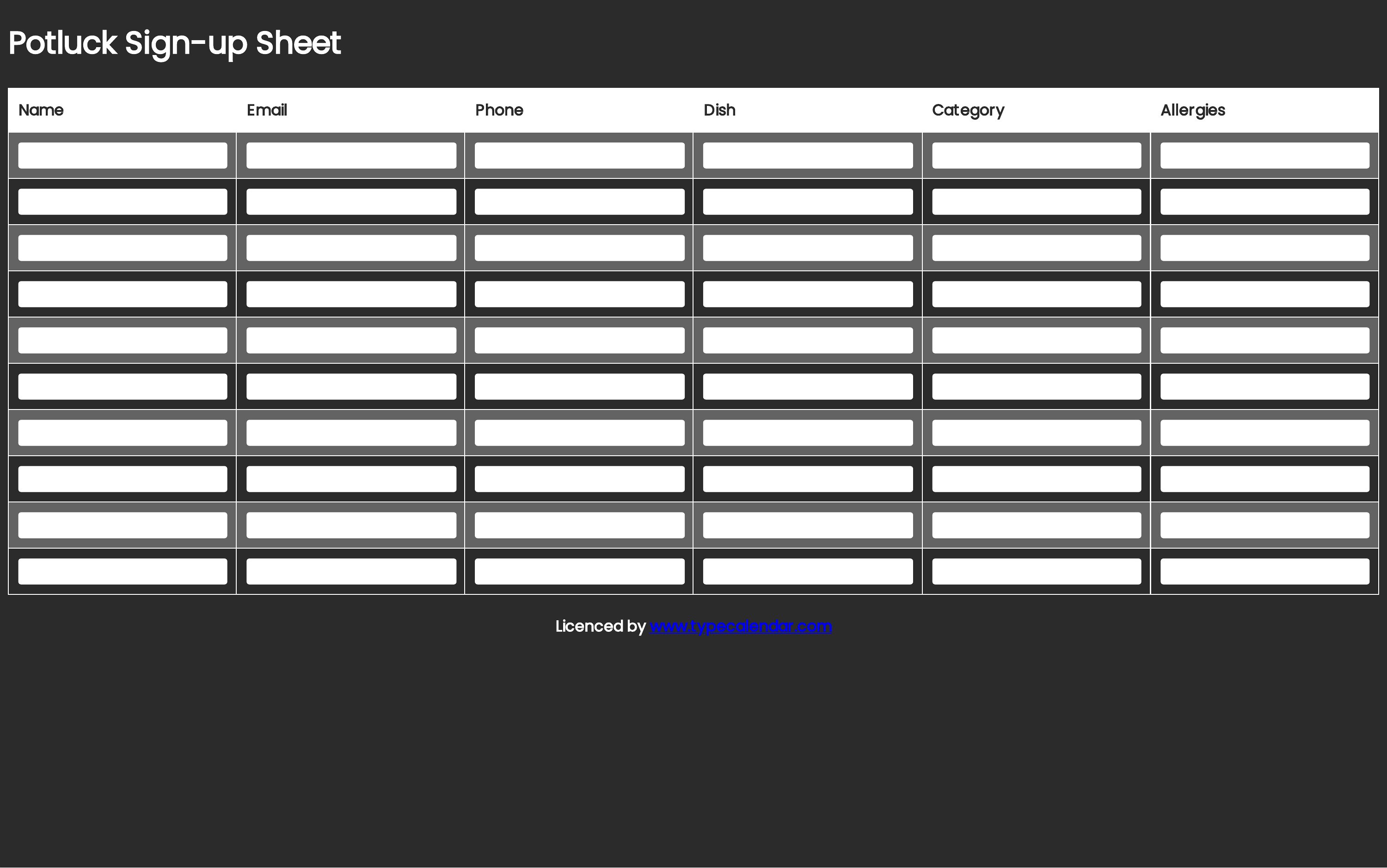
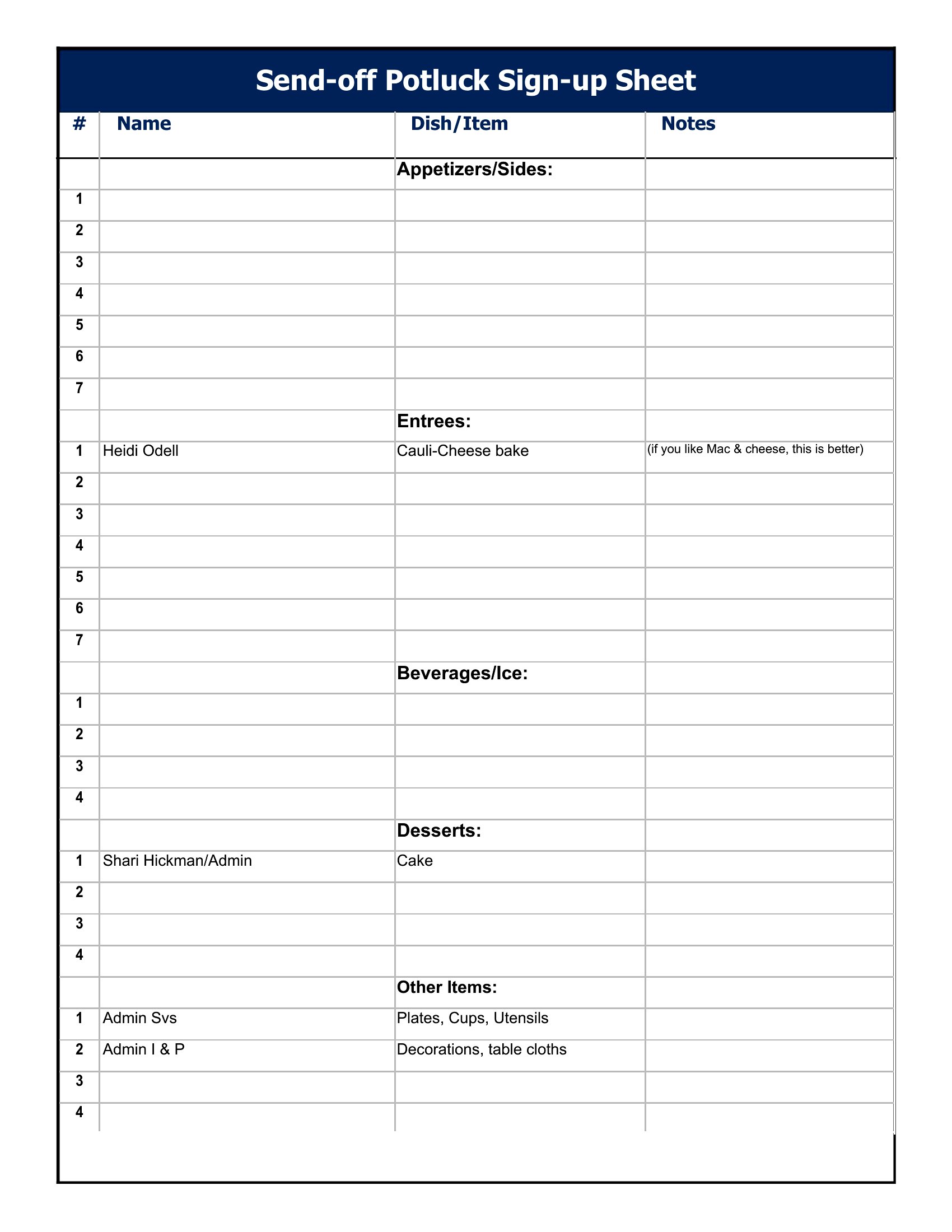
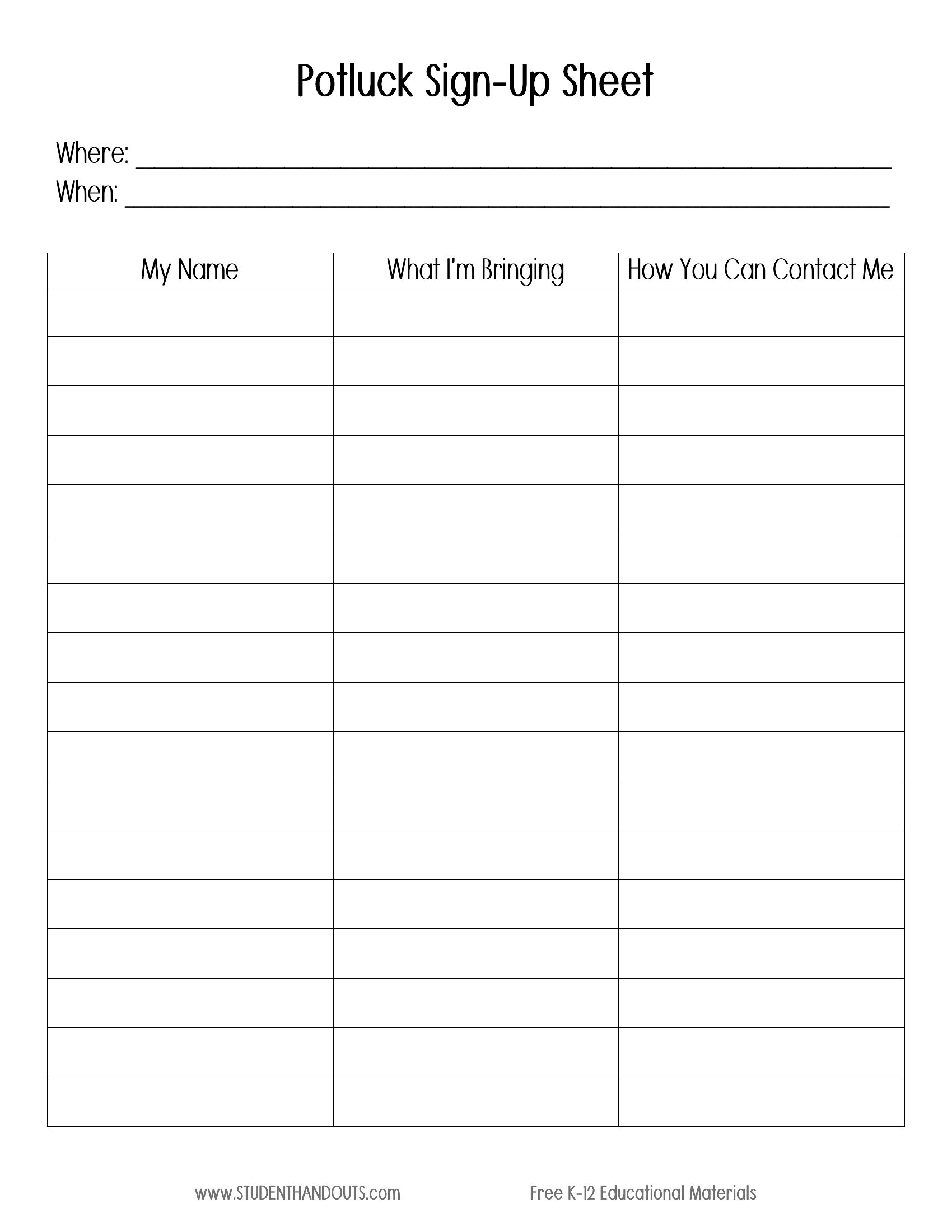
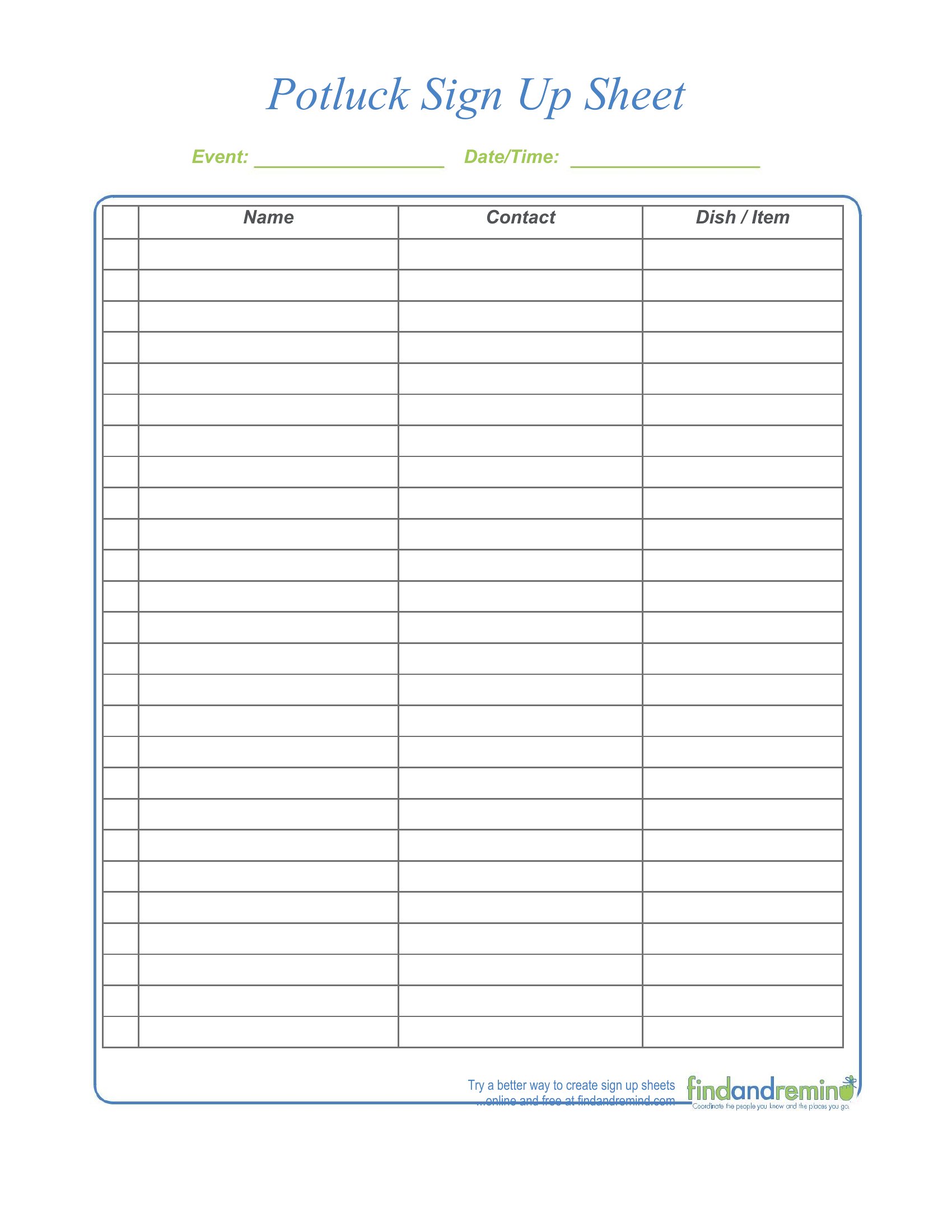
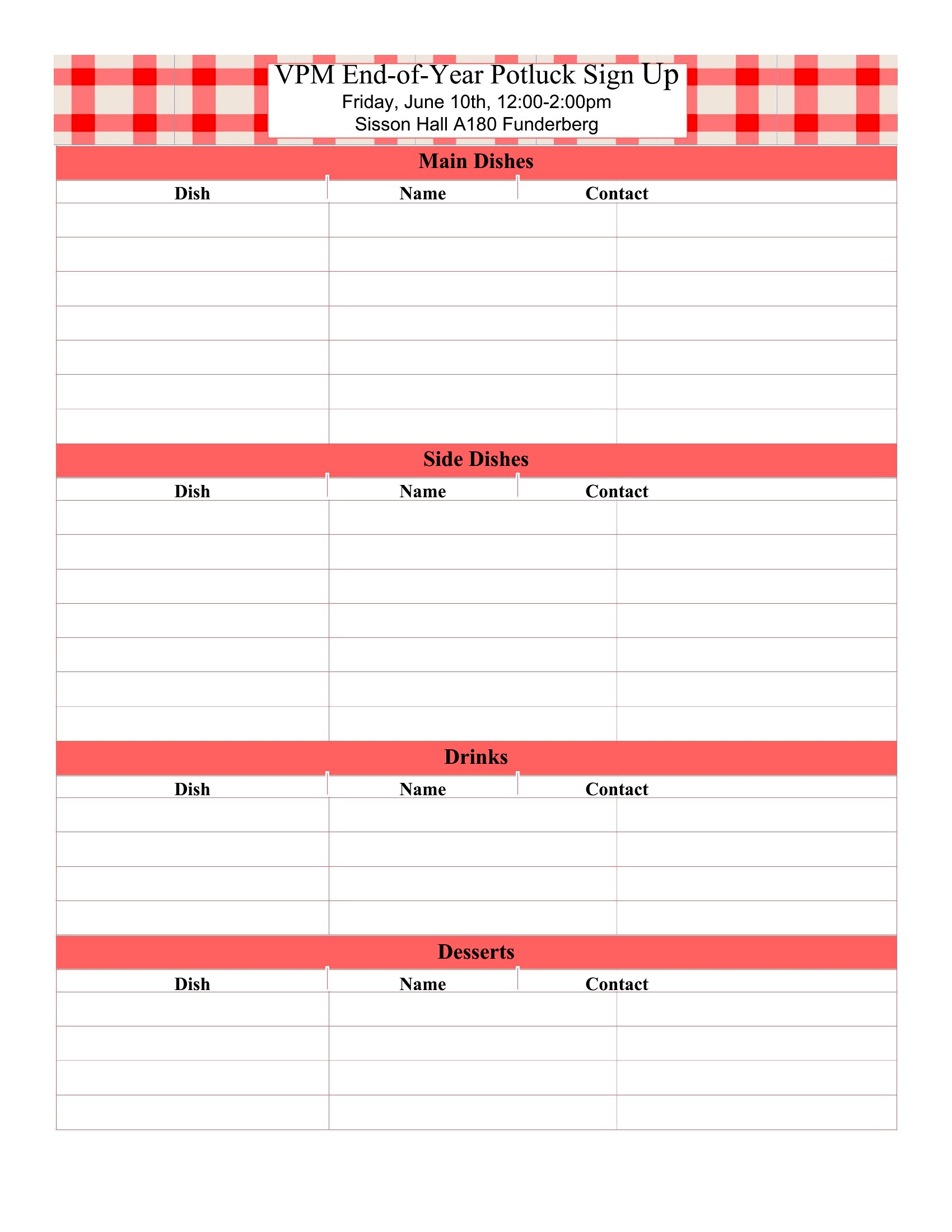
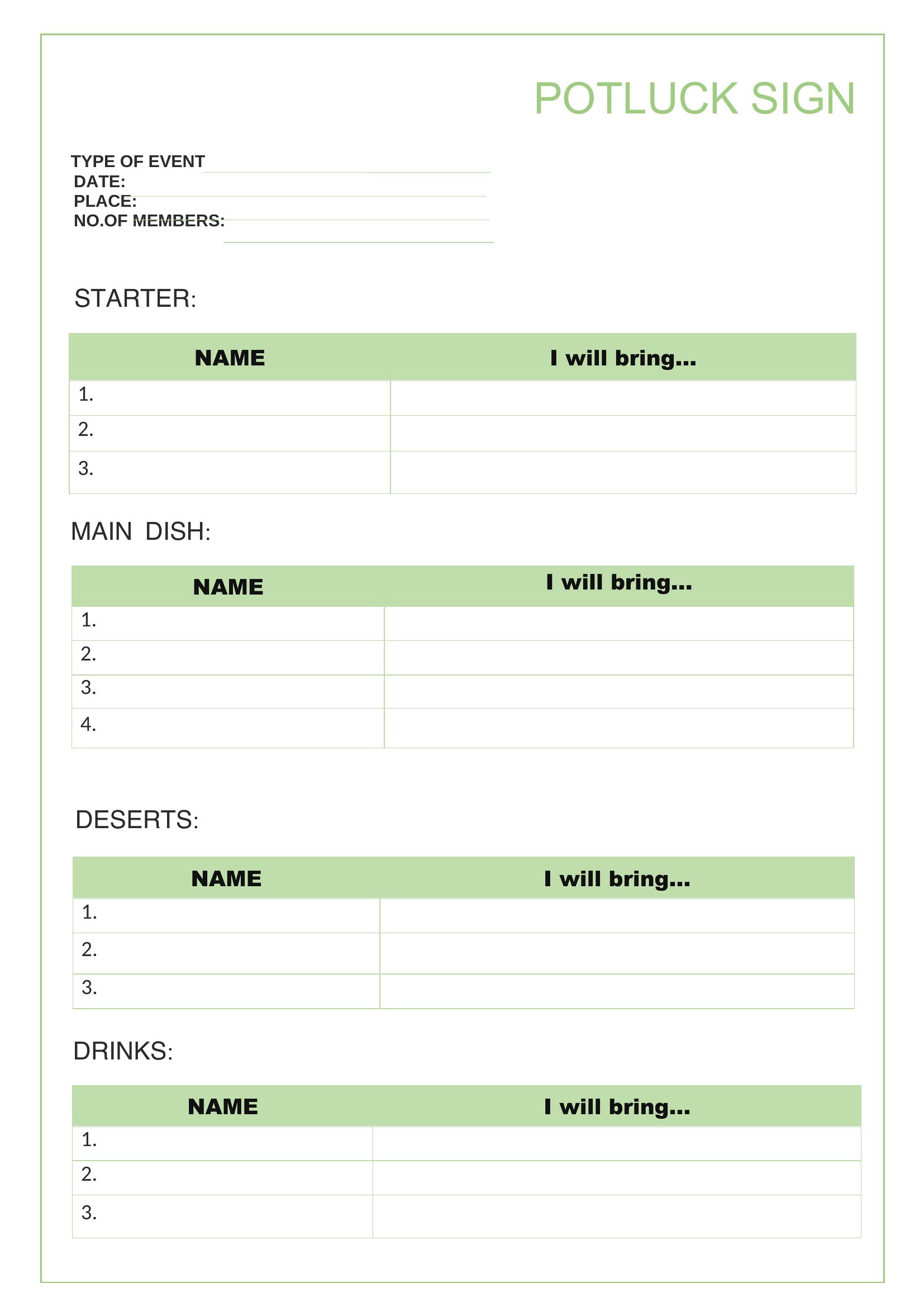
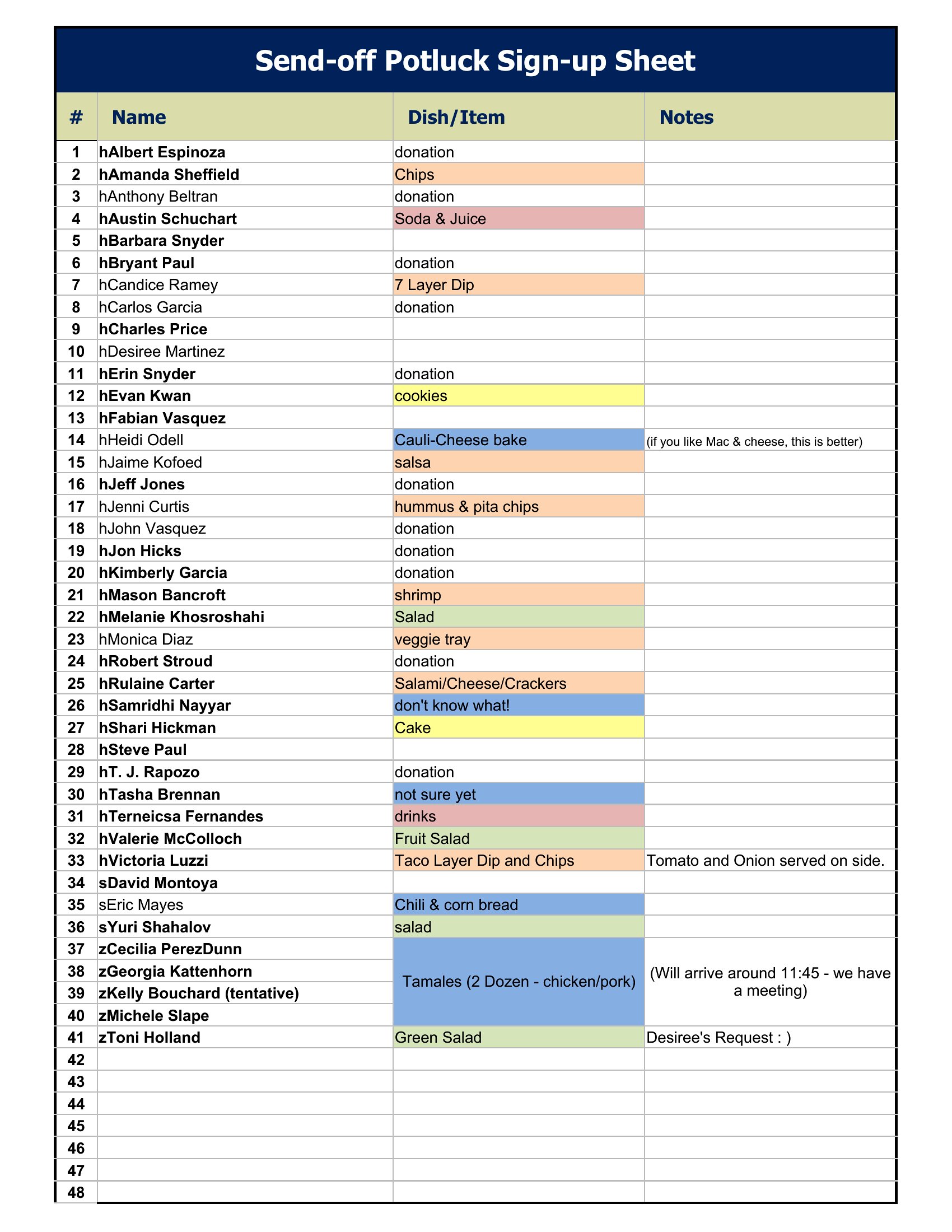
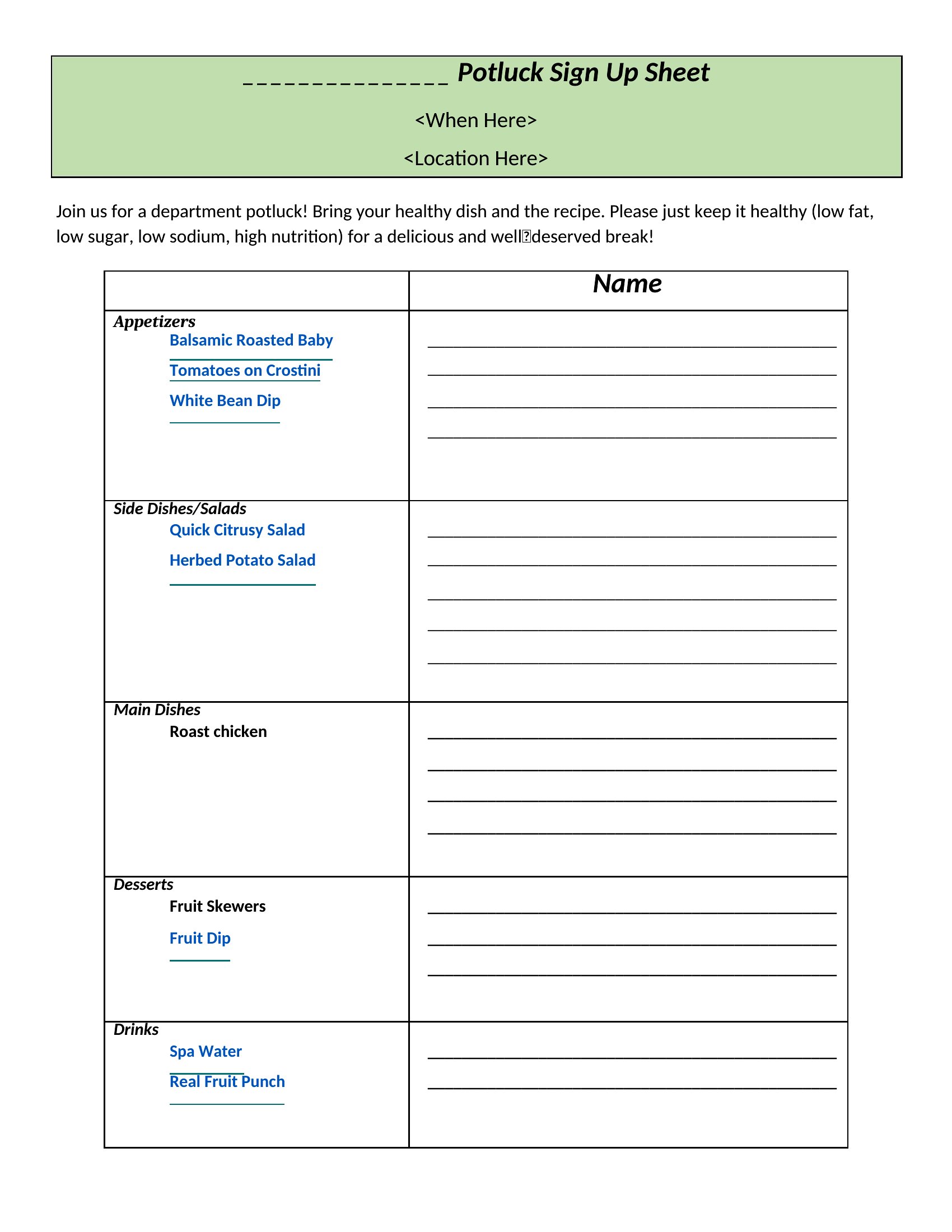
Yes, all 36 templates feature dedicated columns for dietary notes, allergens, or special requests. The Excel and Word versions let you add custom fields, while PDFs typically include a small section at the bottom for handwritten details. Double-check the layout to ensure the space matches your group’s needs—some templates even include icons for vegan, gluten-free, or nut-free labels.
What’s the best way to prevent double bookings when multiple people might sign up at once?
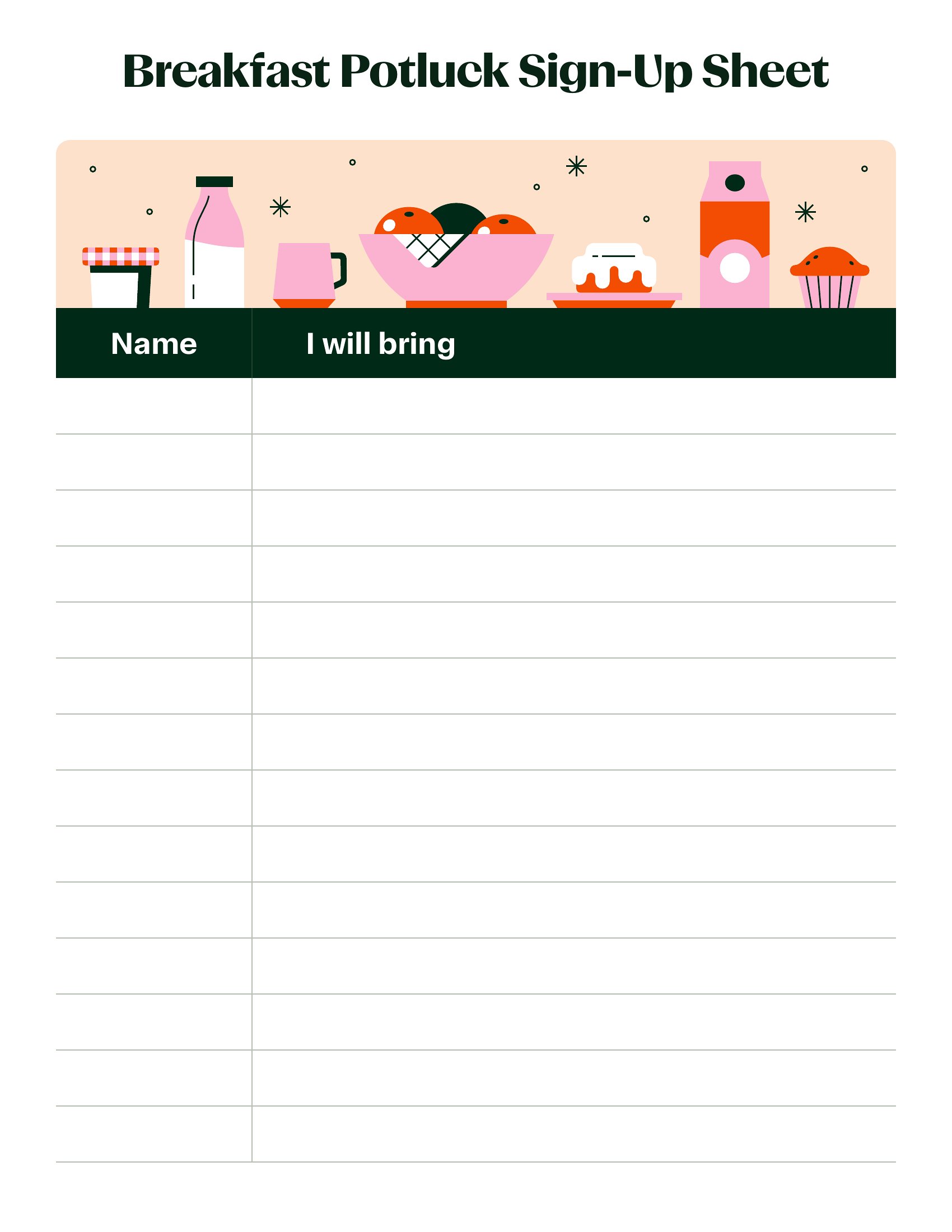
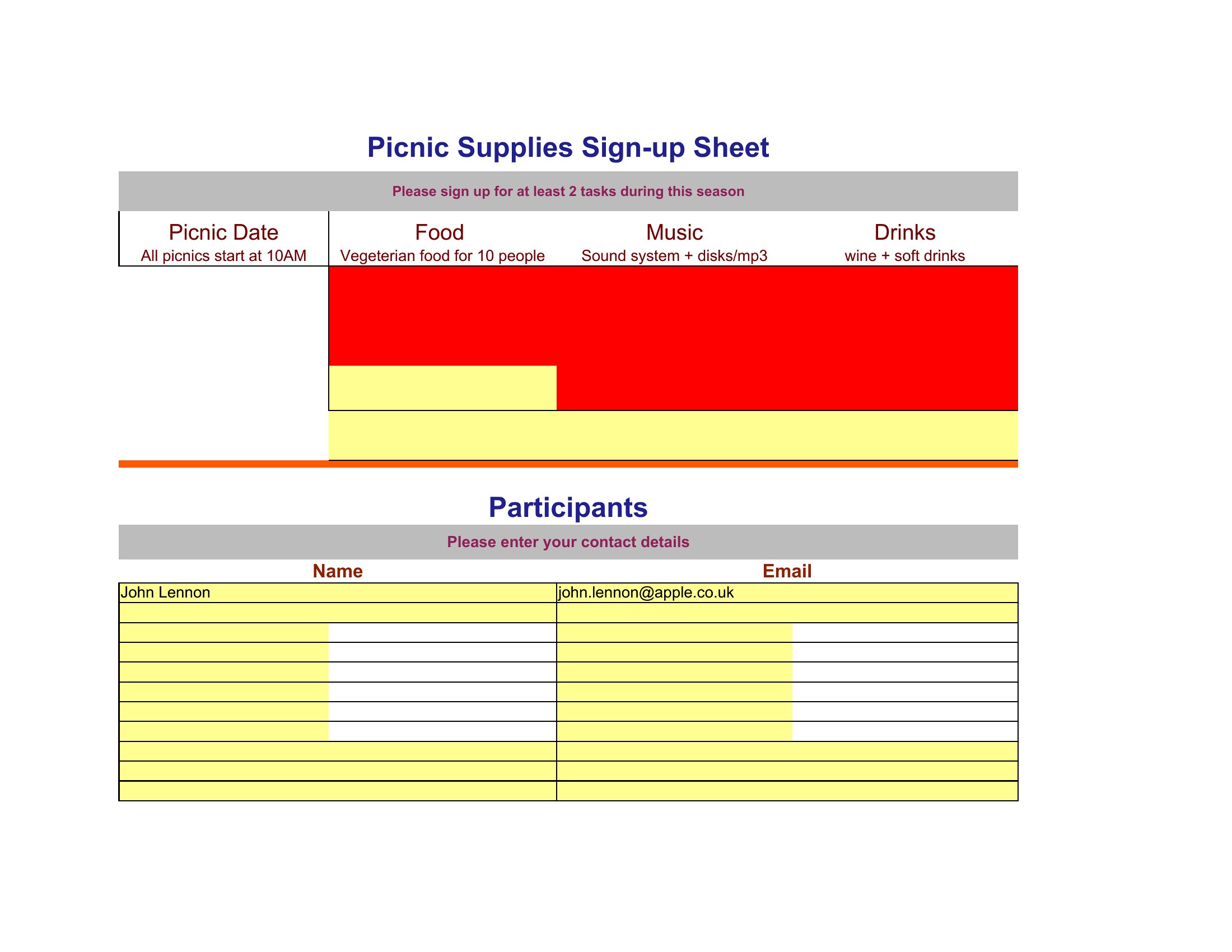
For digital coordination, use the Excel or Word templates and share them via Google Sheets or a shared cloud drive, where only one person can edit at a time. If printing, include a “signed by” section or assign sign-up slots by last name (e.g., A–L, M–Z) to streamline the process. Some templates also offer a checkbox system to mark spots as taken in real time.
How do I handle last-minute changes or cancellations without scrambling to update everyone?
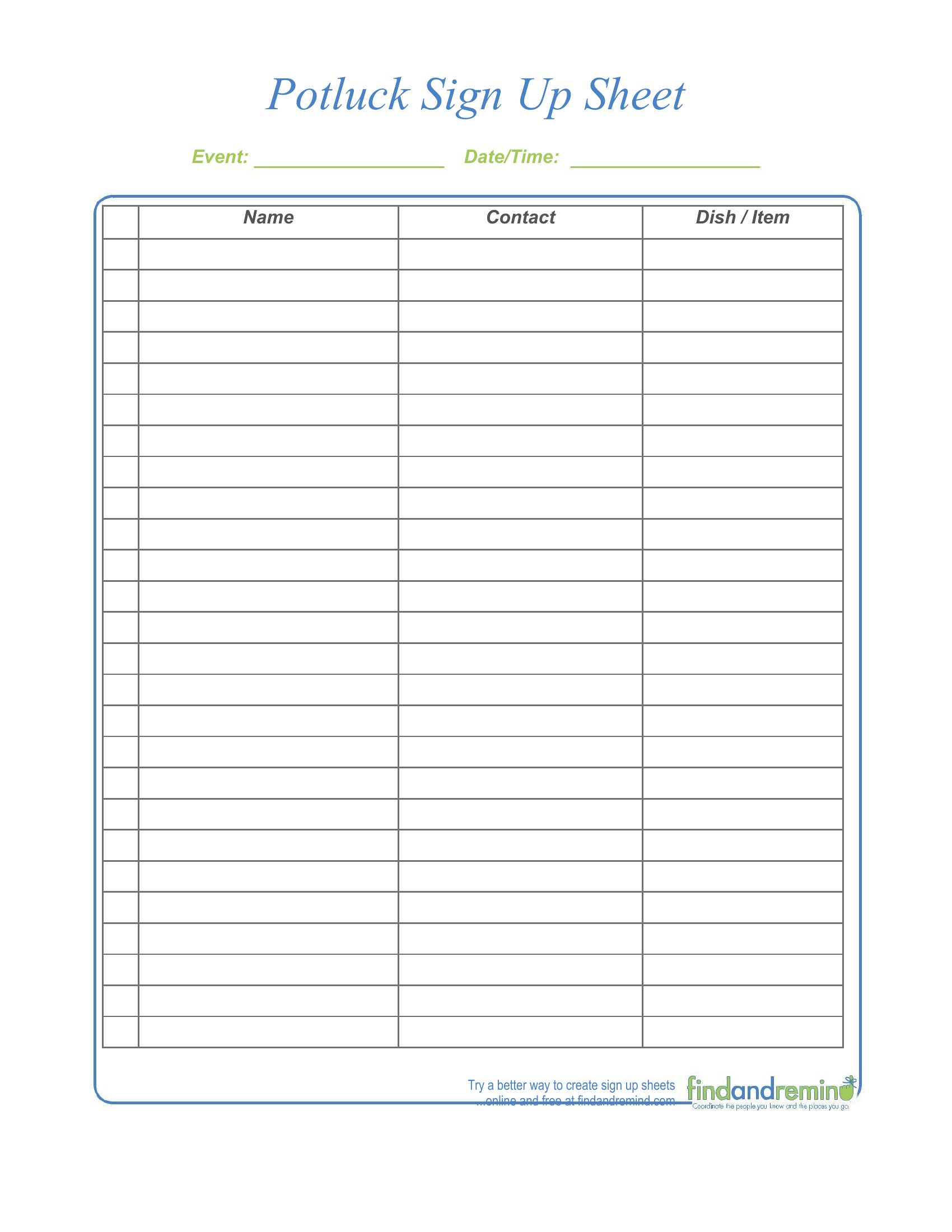
The digital templates (Excel/Word) allow you to highlight or bold updates, while PDFs can include a “changes” section at the top for handwritten notes. For larger groups, pair the sign-up sheet with a group chat or email reminder thread where you can announce adjustments. Templates like the ‘Online Potluck Sign Up Sheet’ even include a notes column for real-time updates, so participants see changes instantly.
Comments
Join the conversation
Sign in to share your thoughts and leave a comment on this resource.