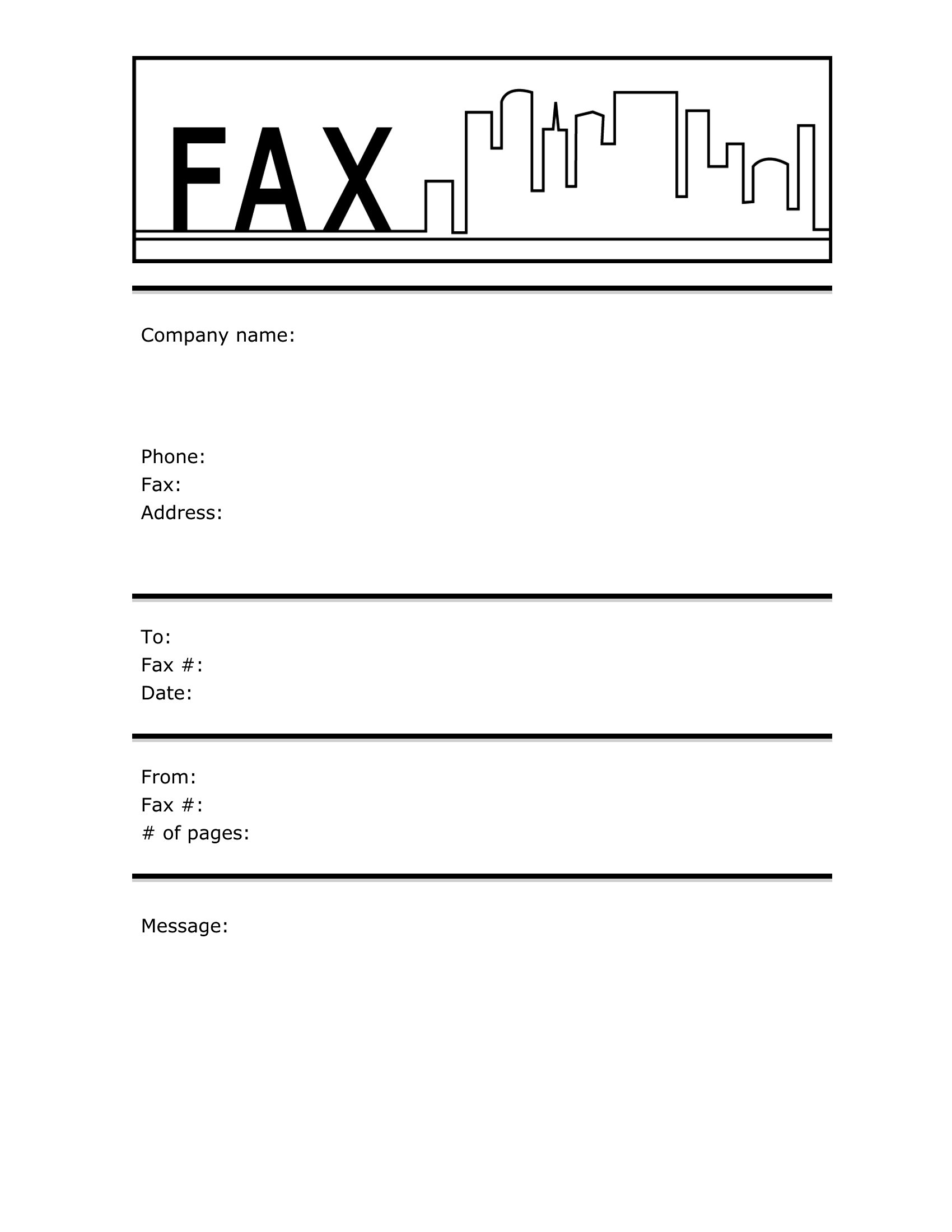
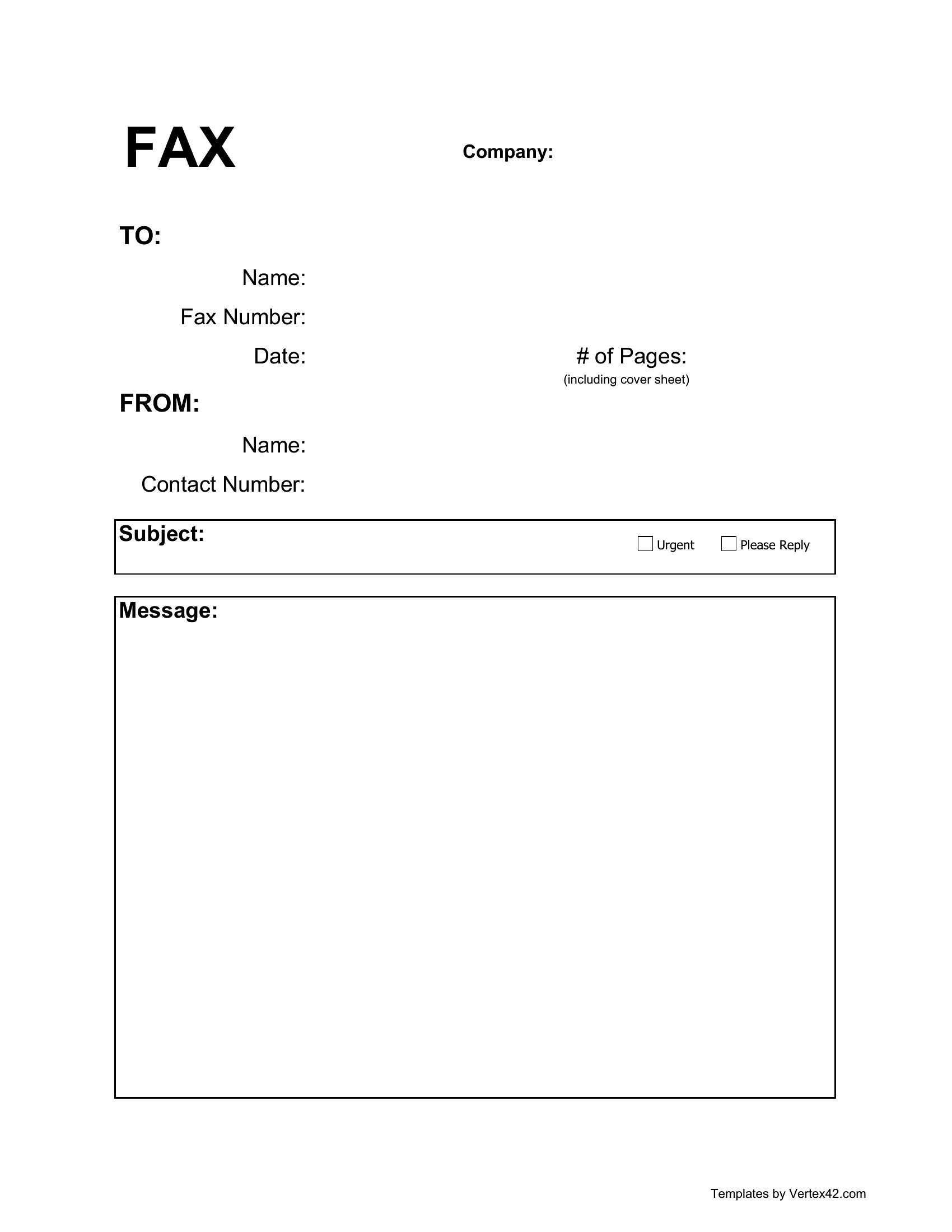
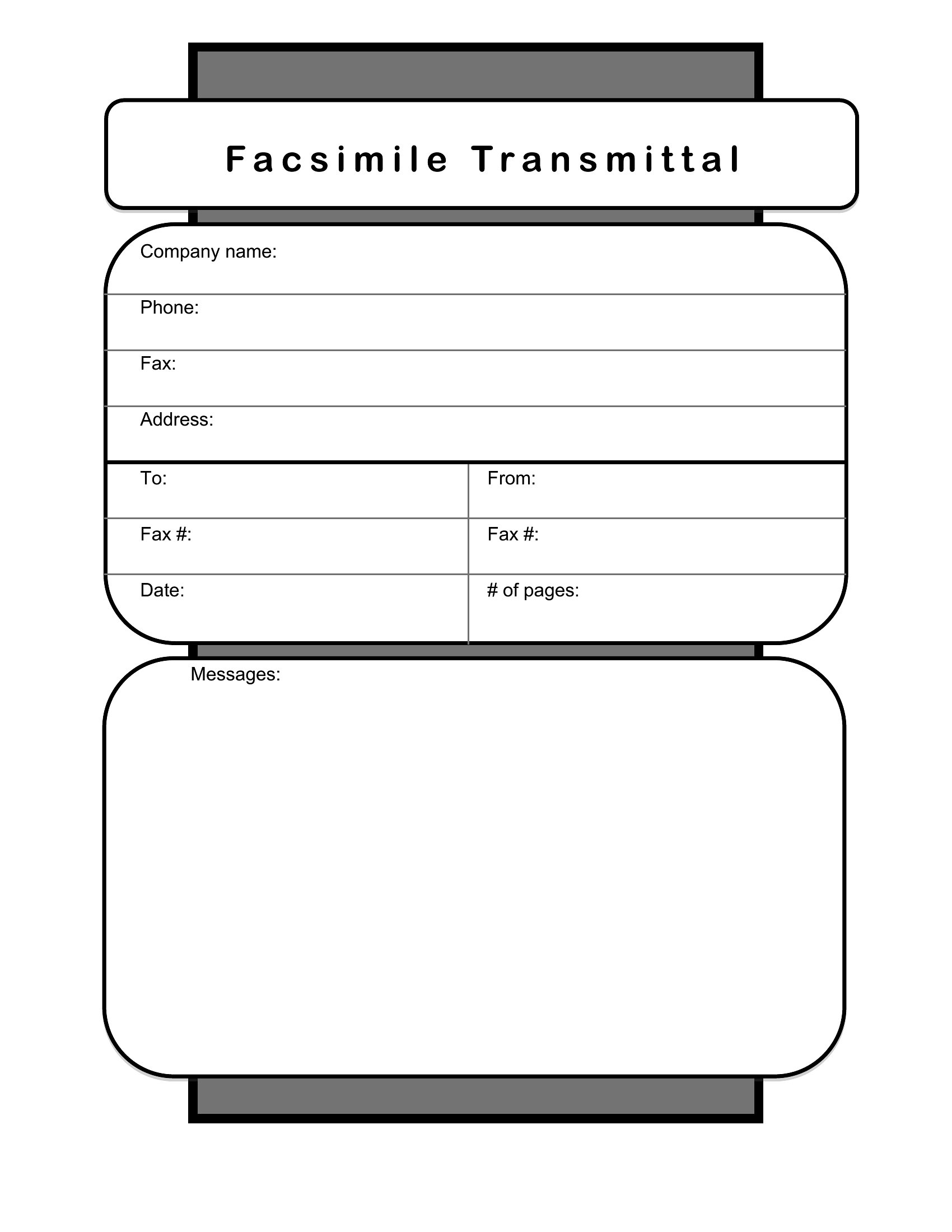
Printable Fax Cover Sheets (Word, PDF)
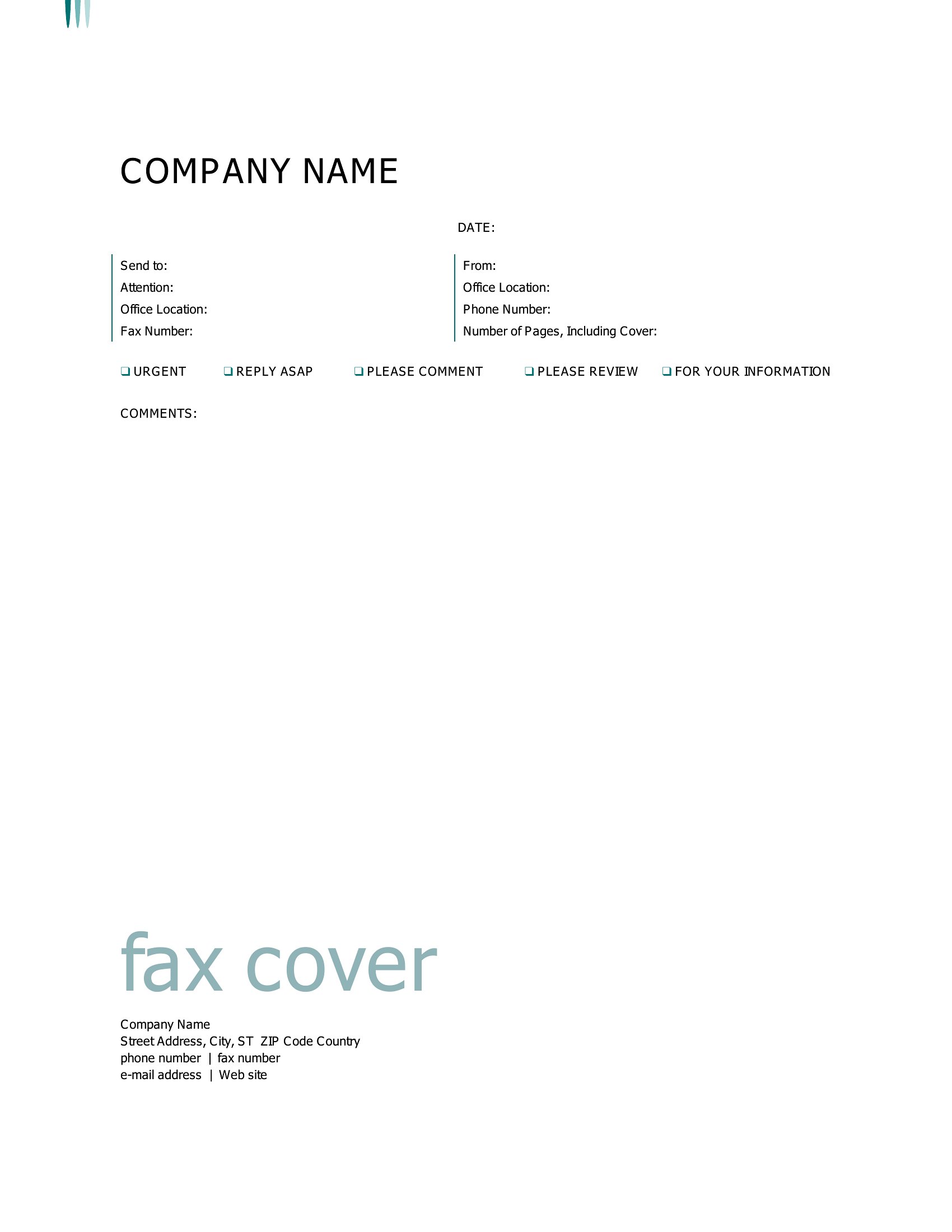
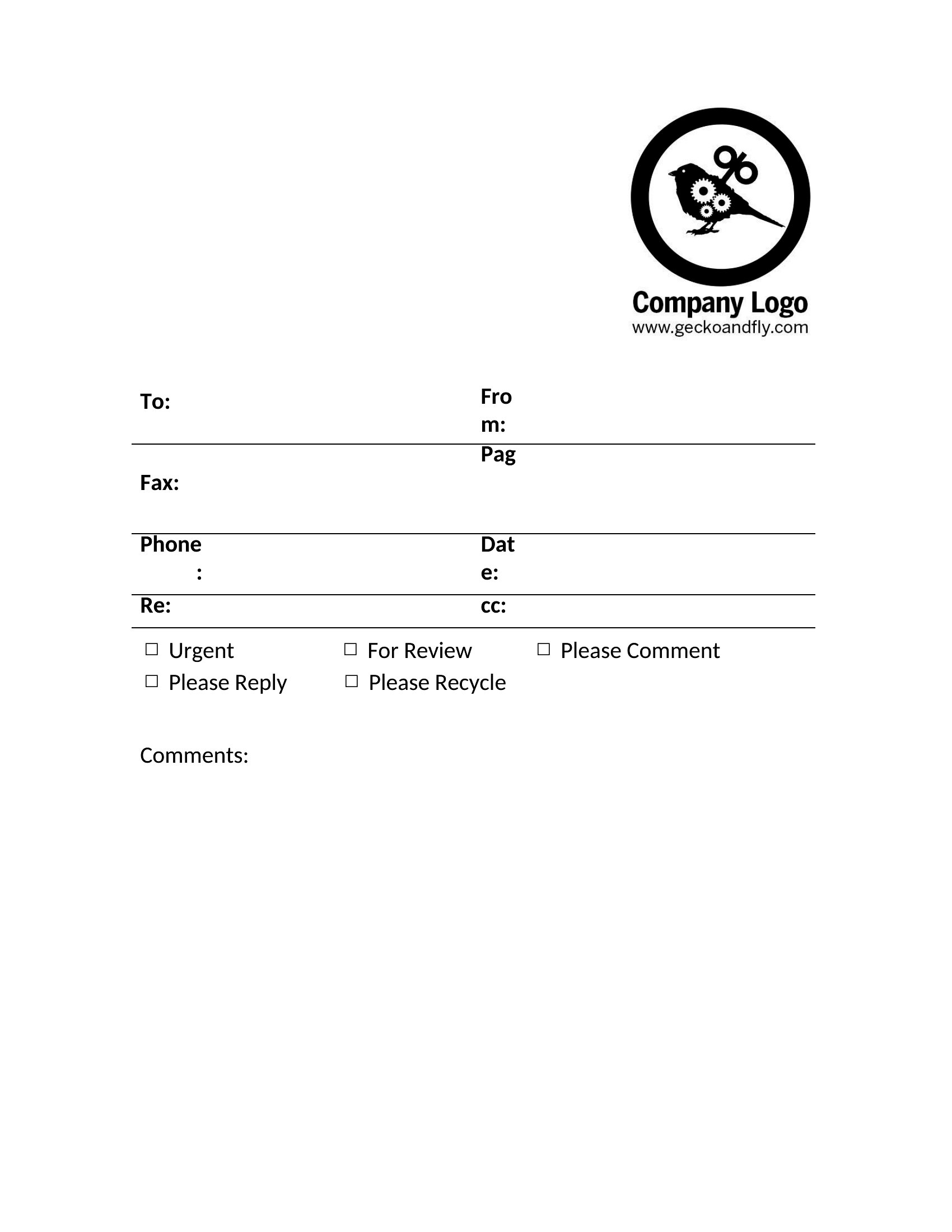
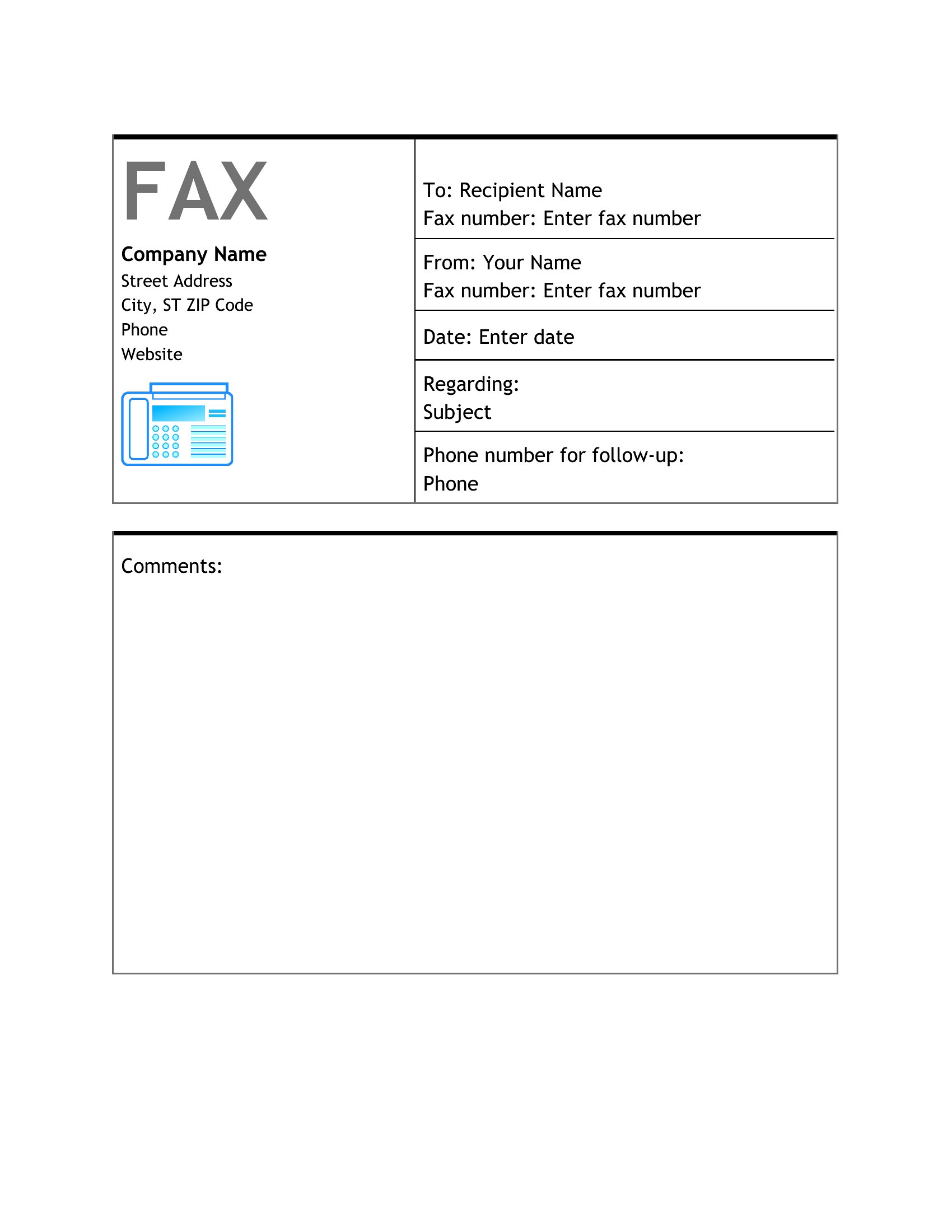
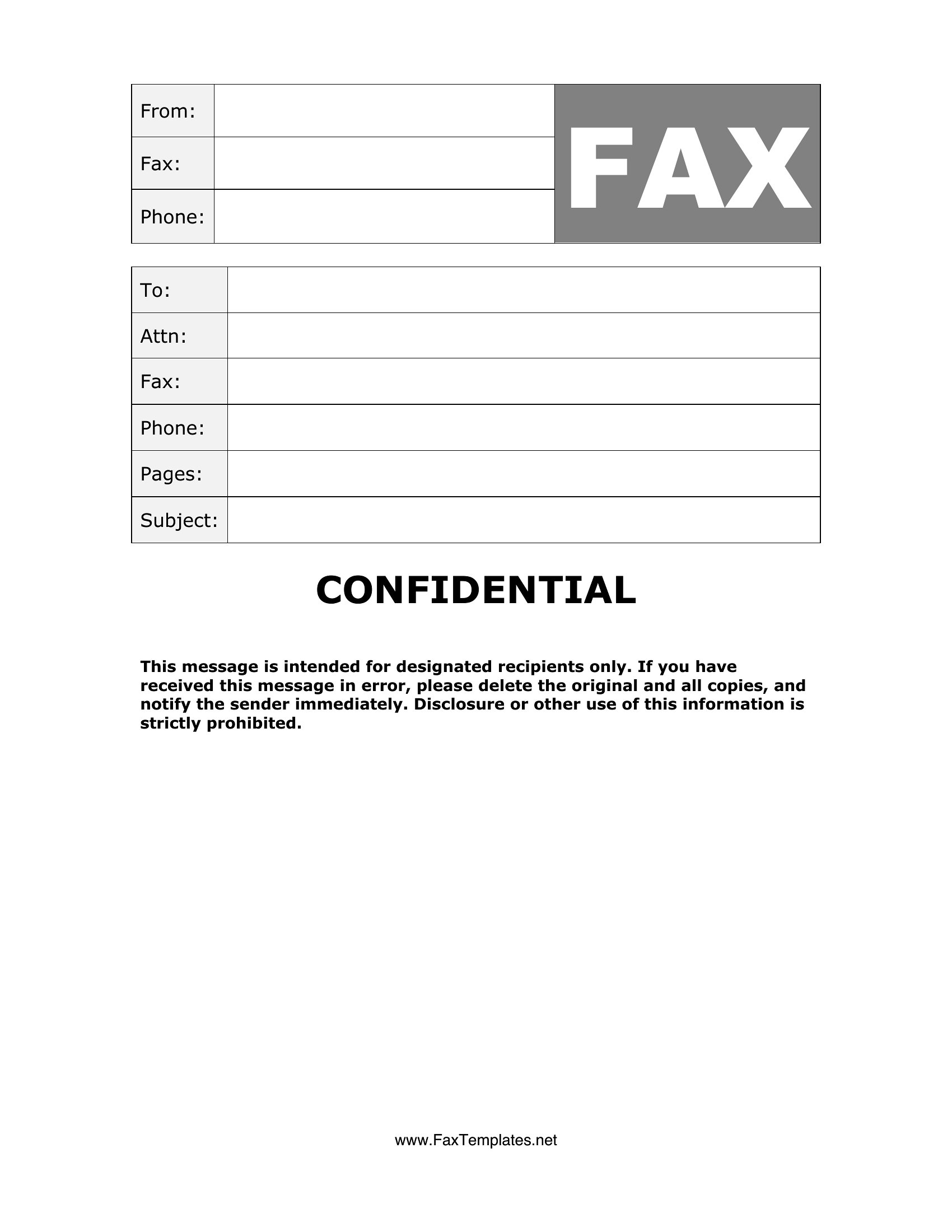
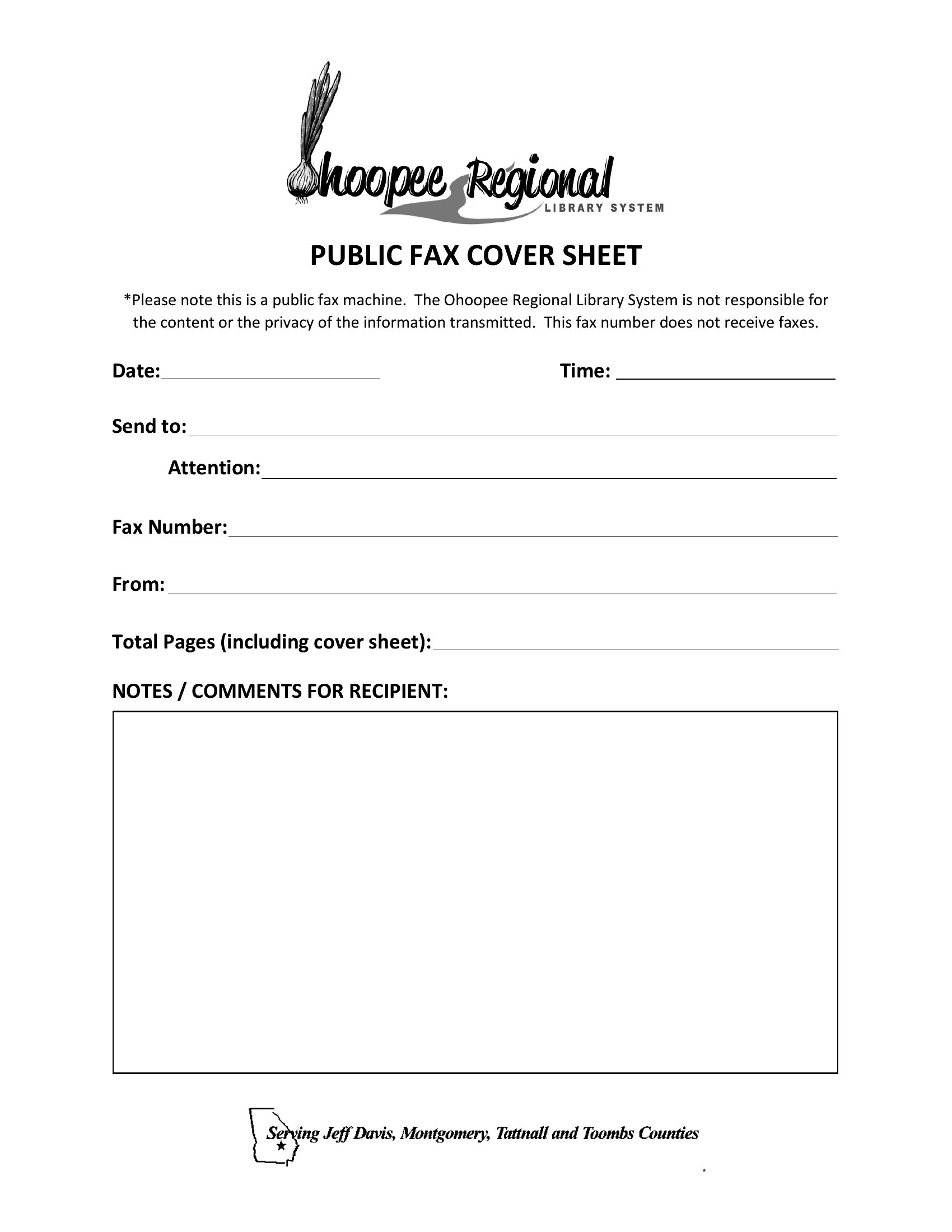
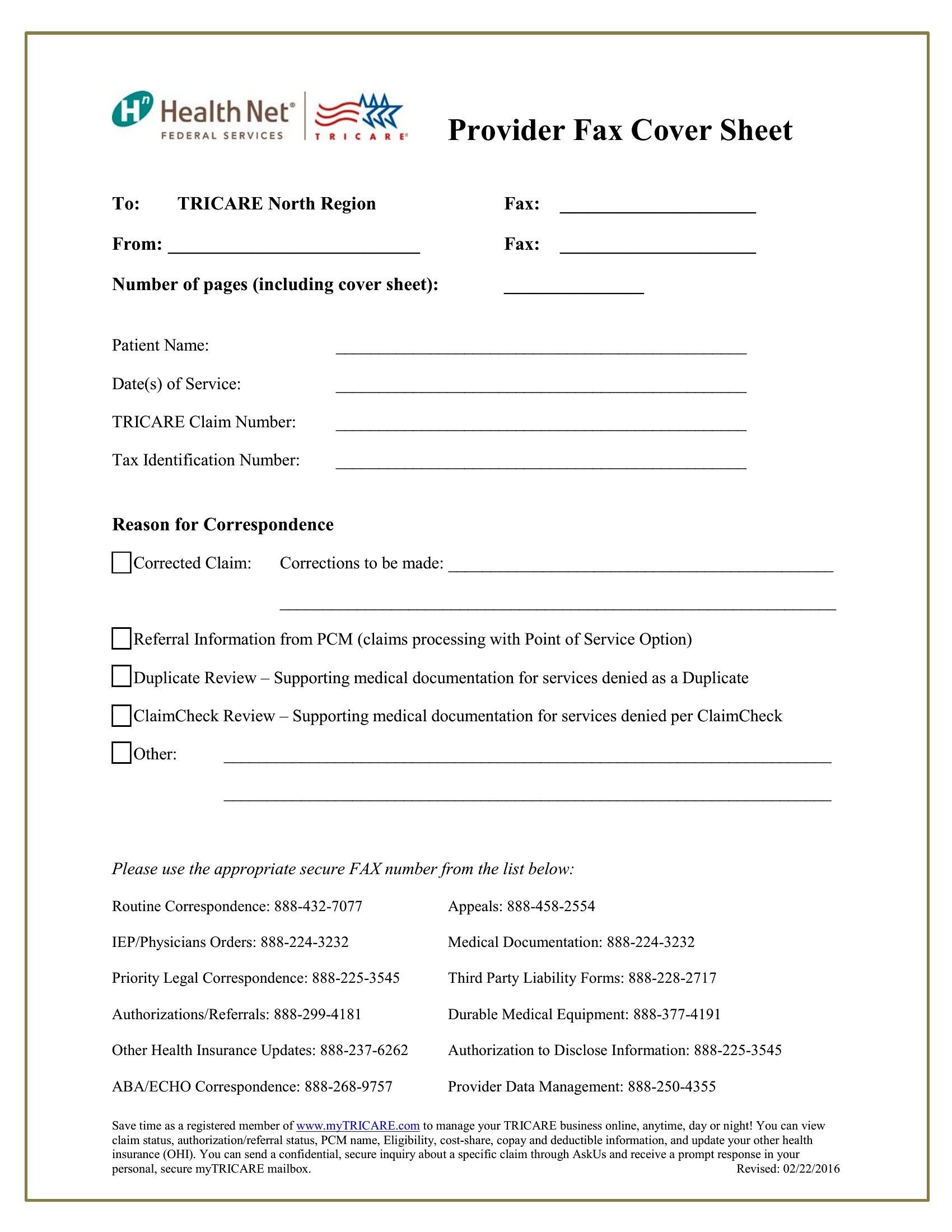
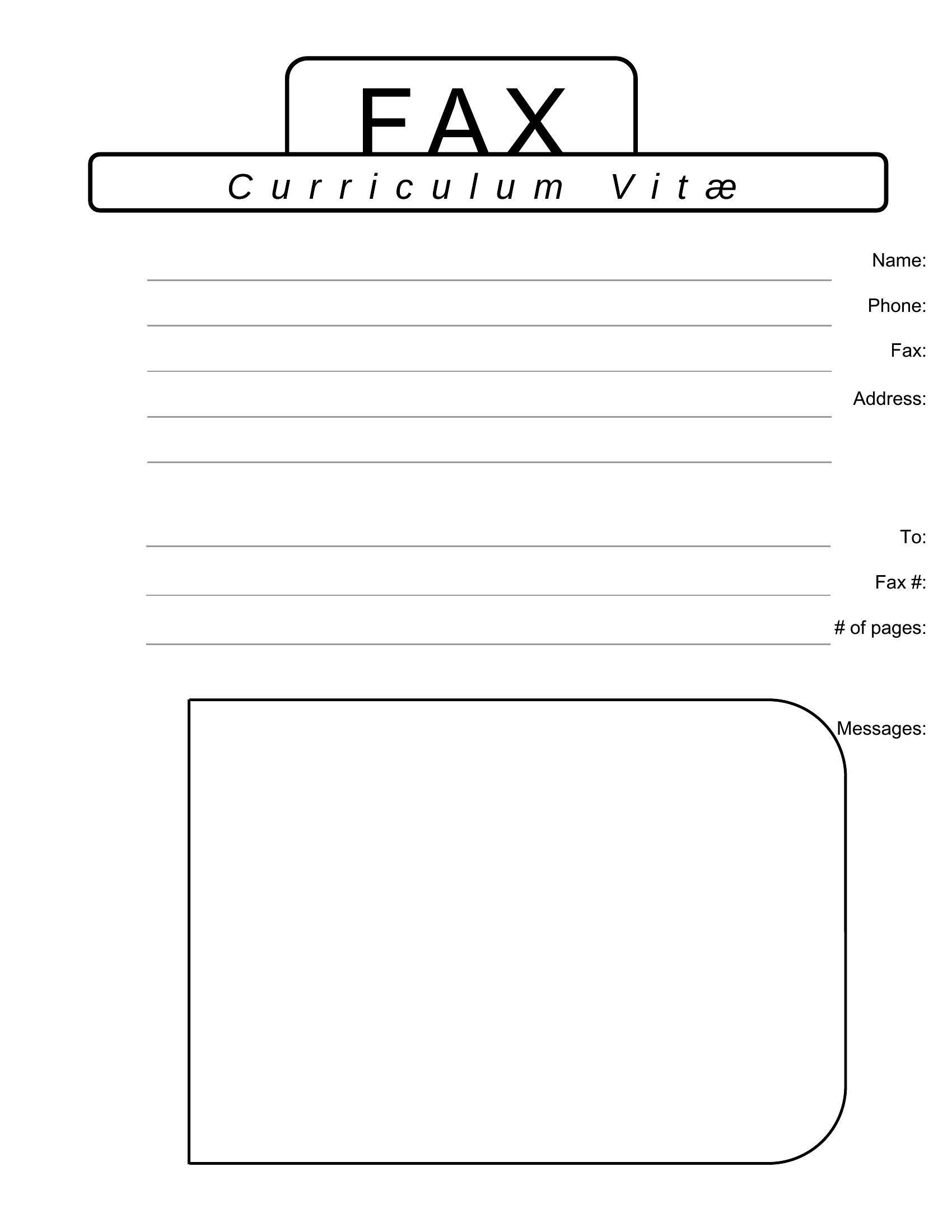
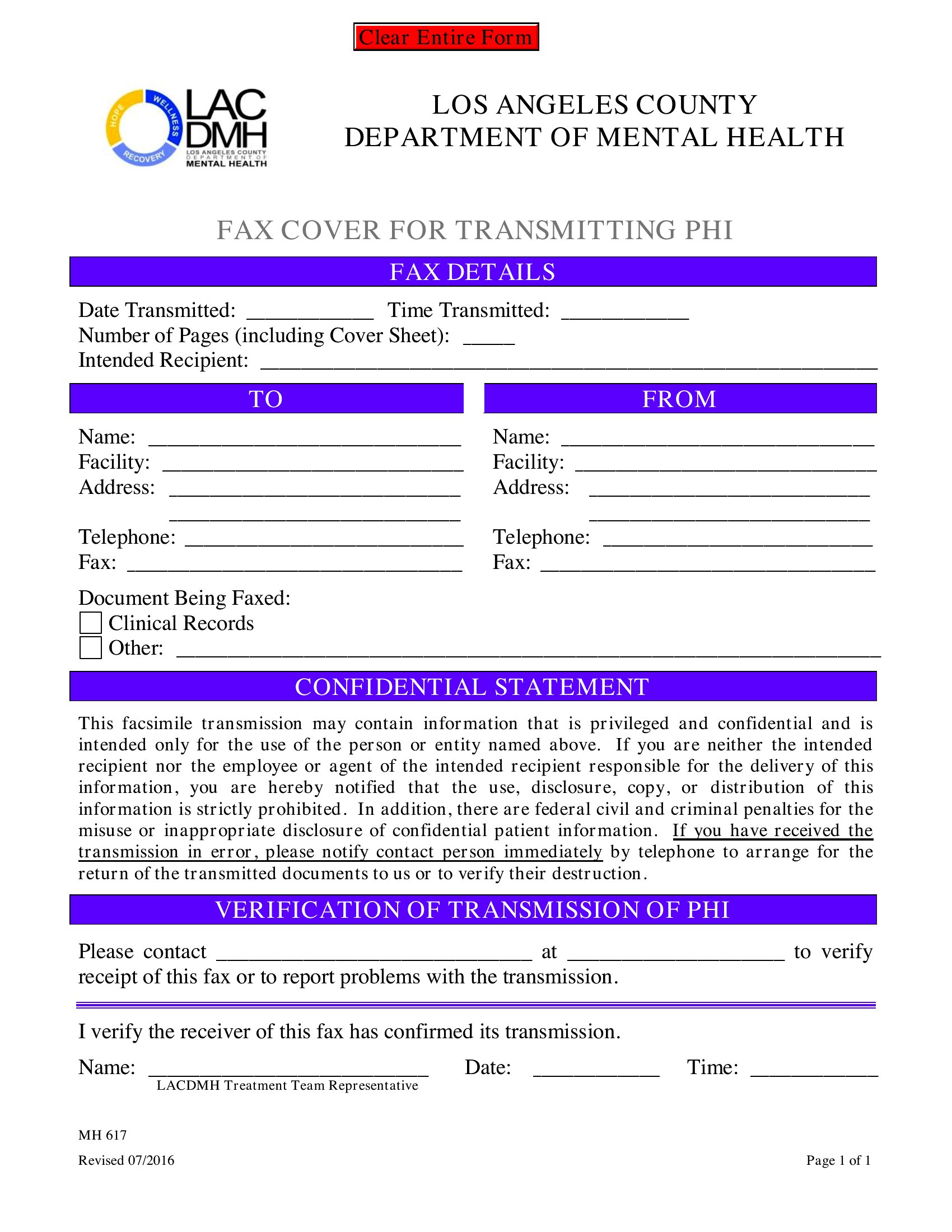
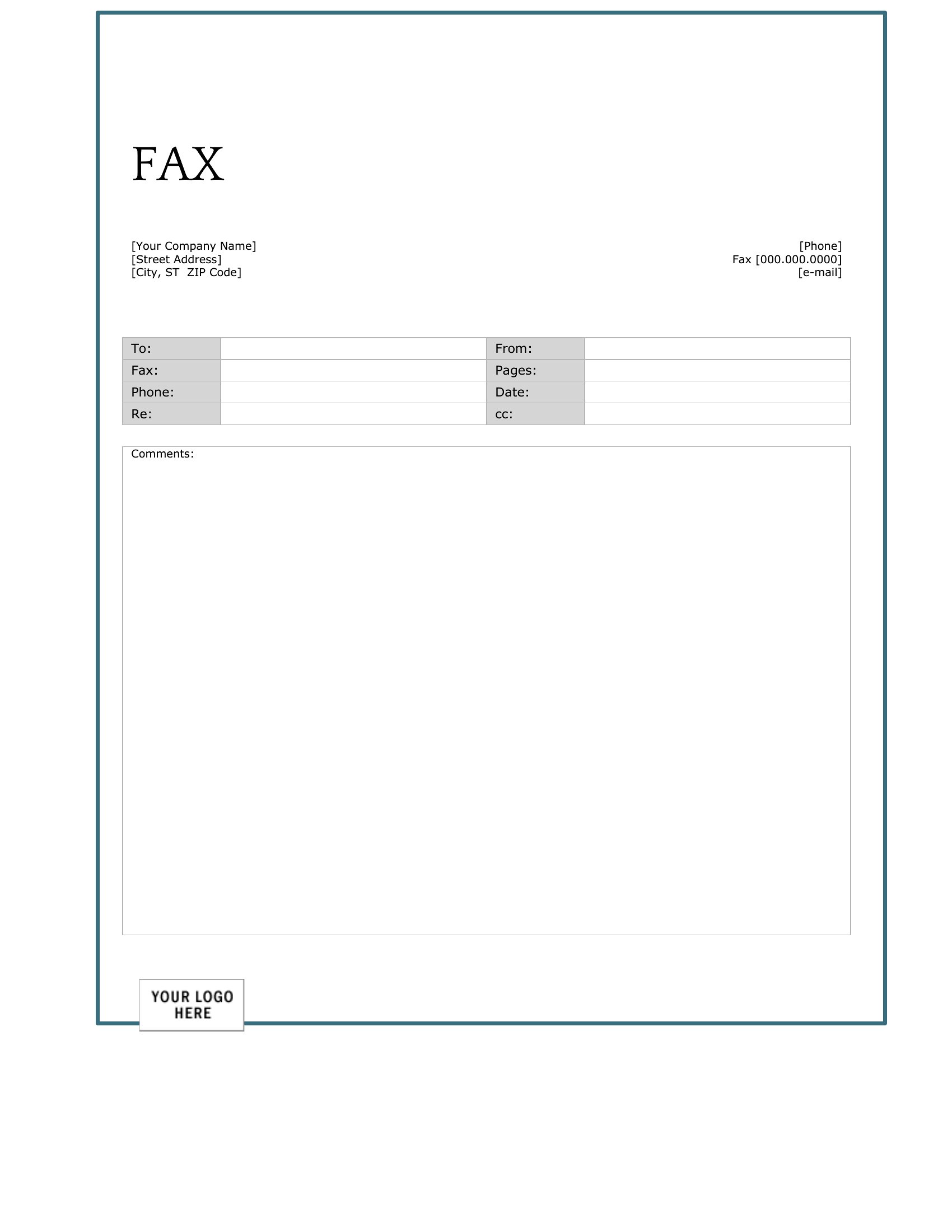
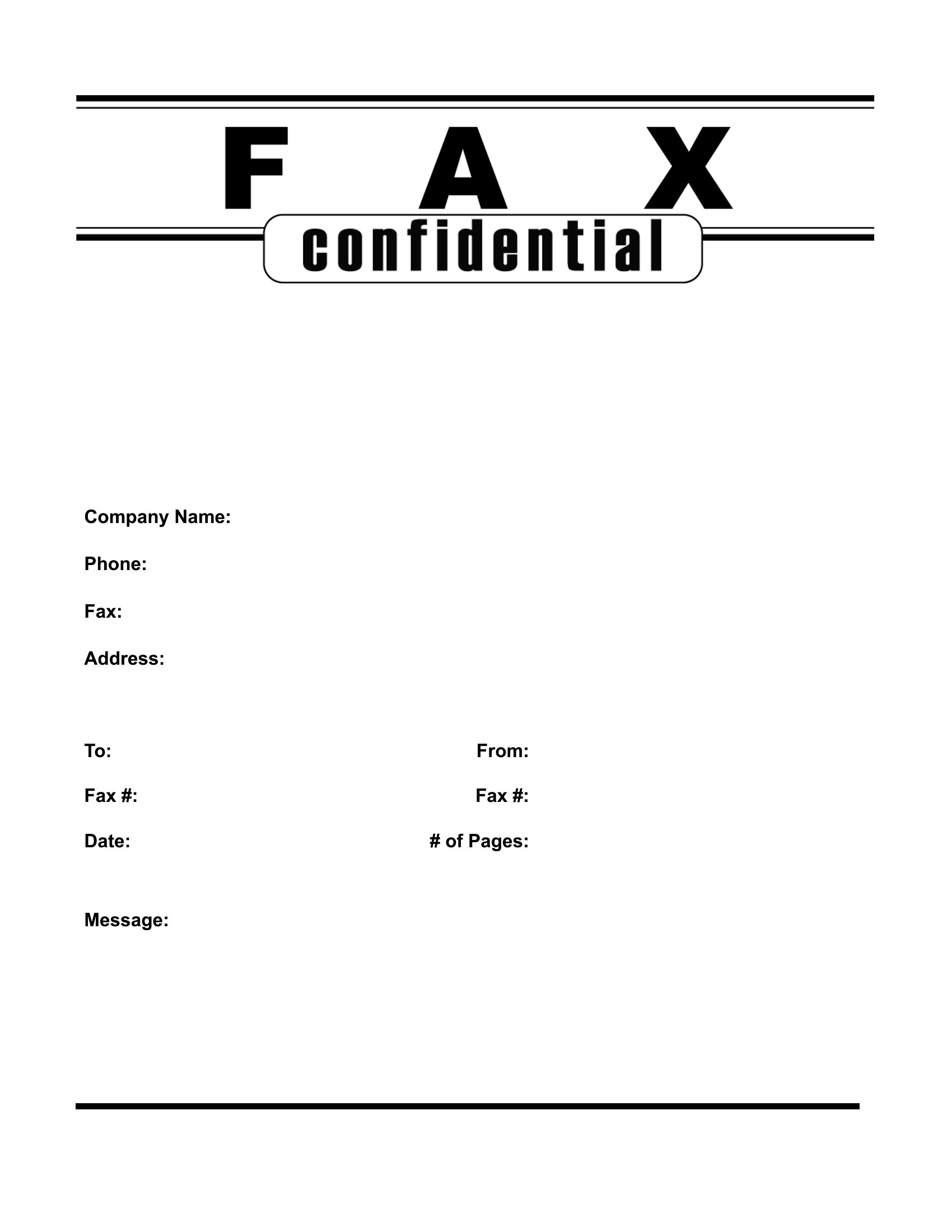
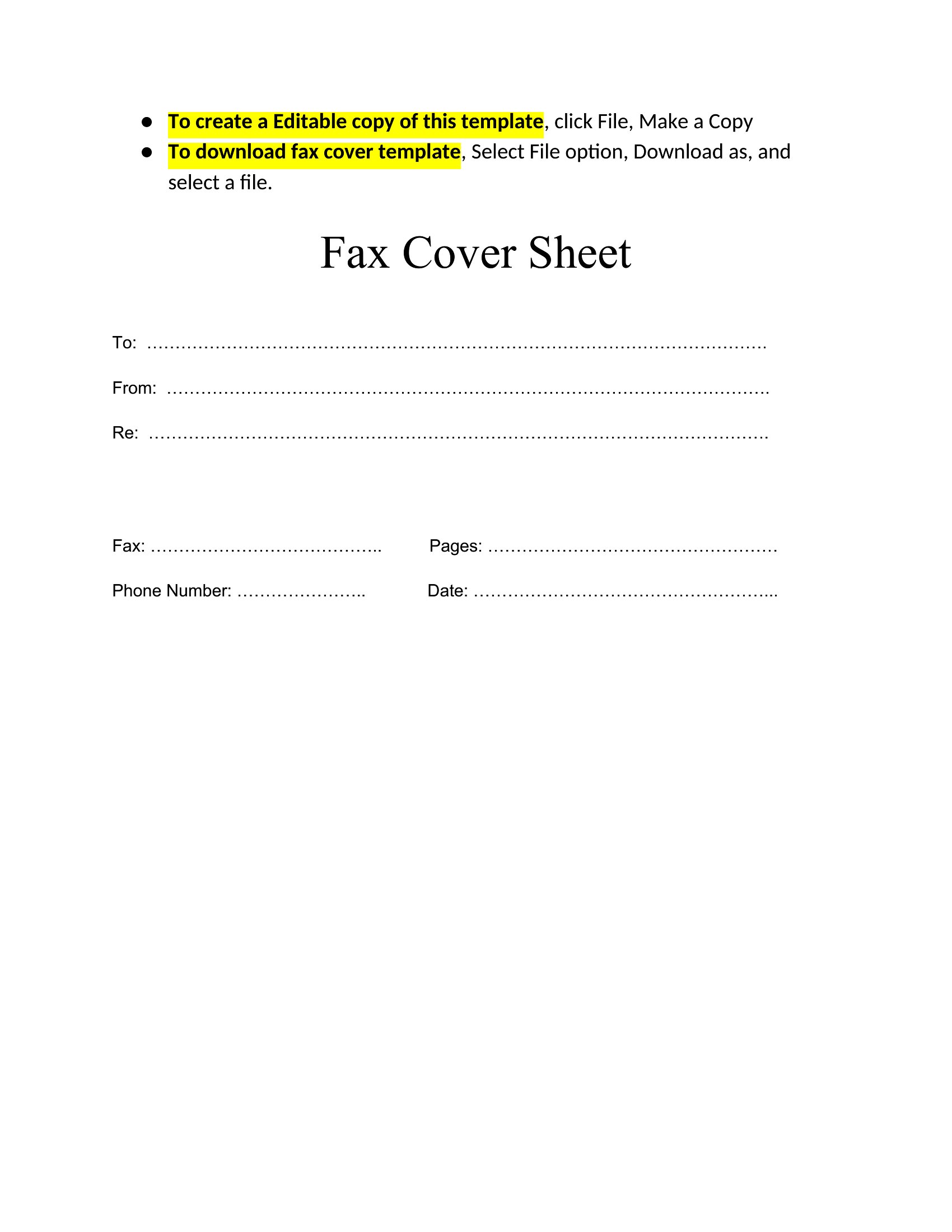
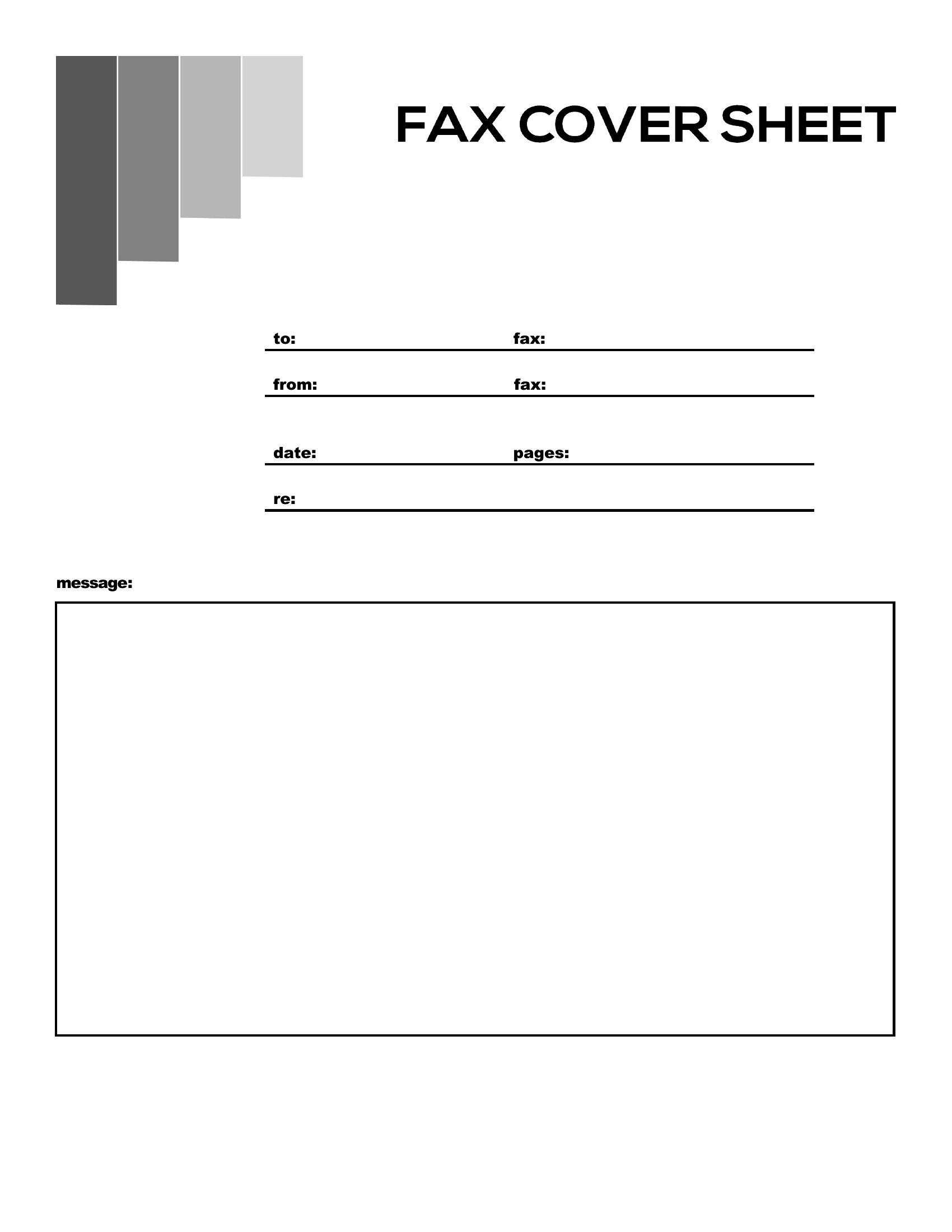
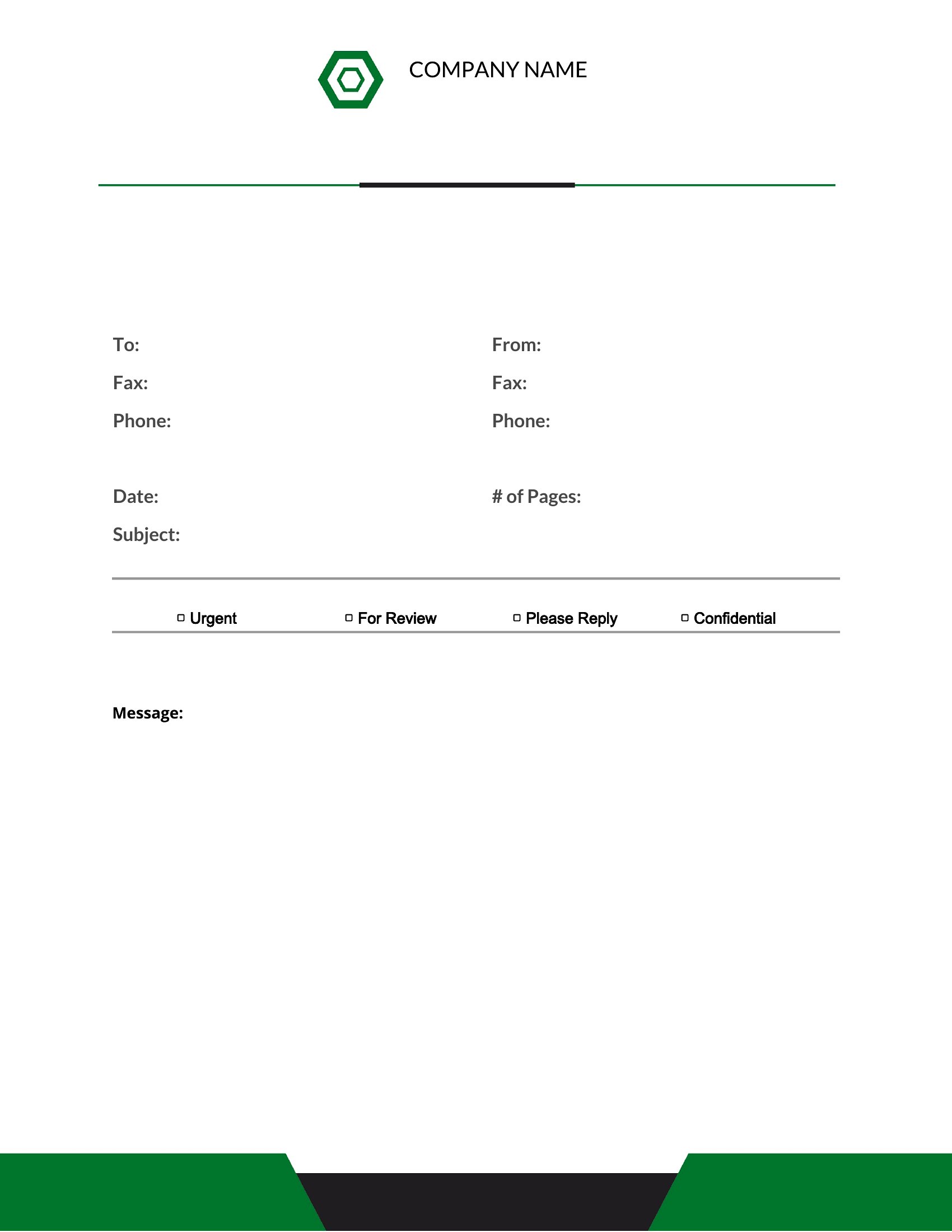
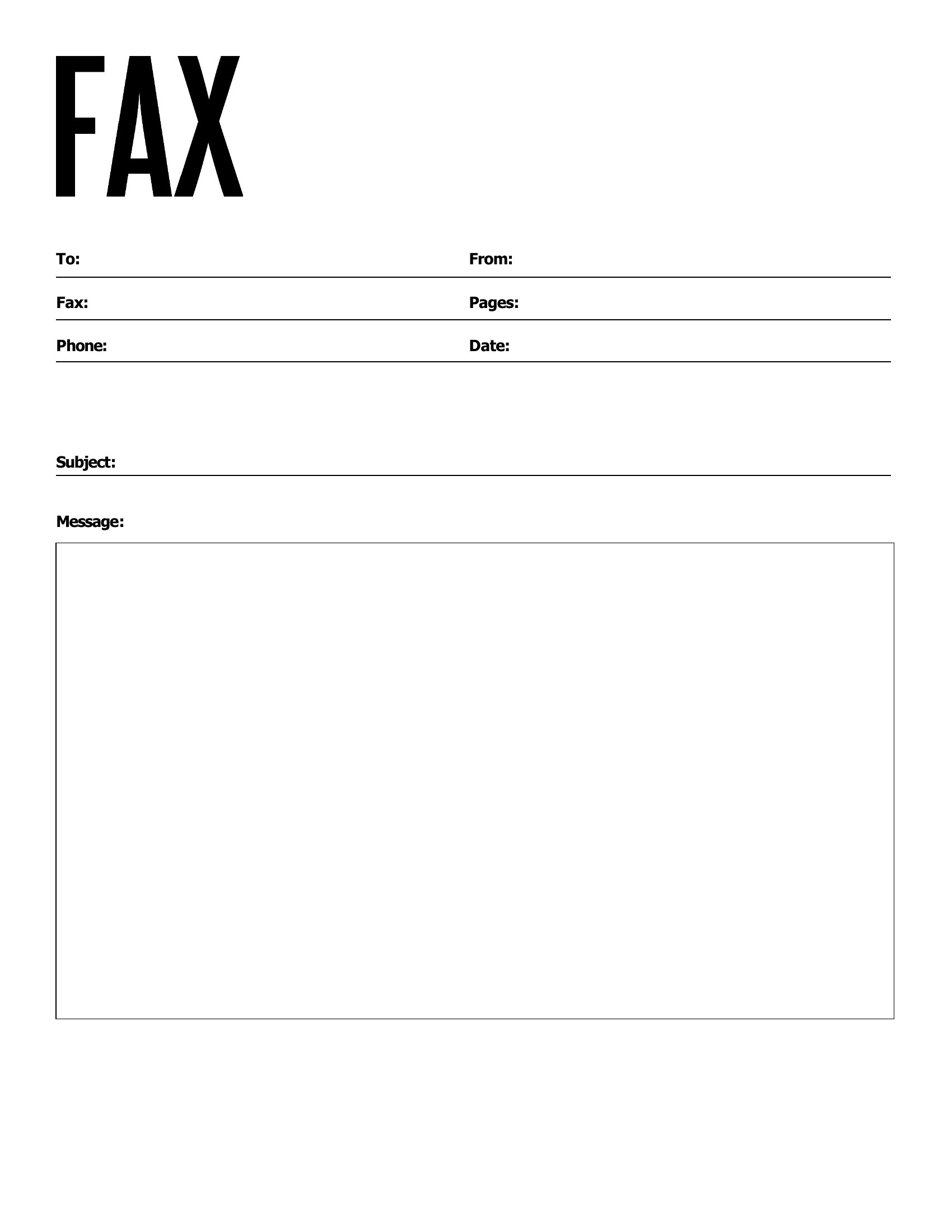
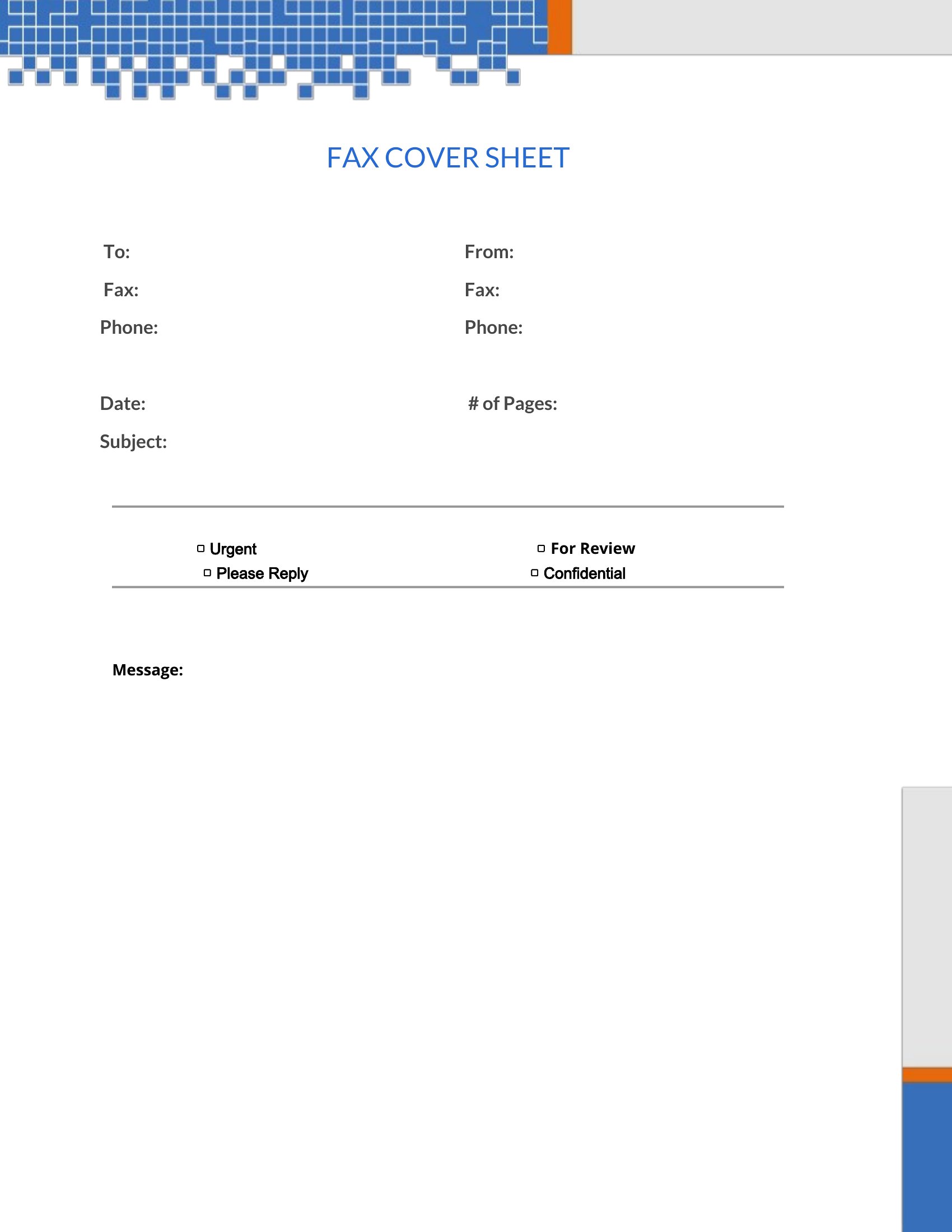
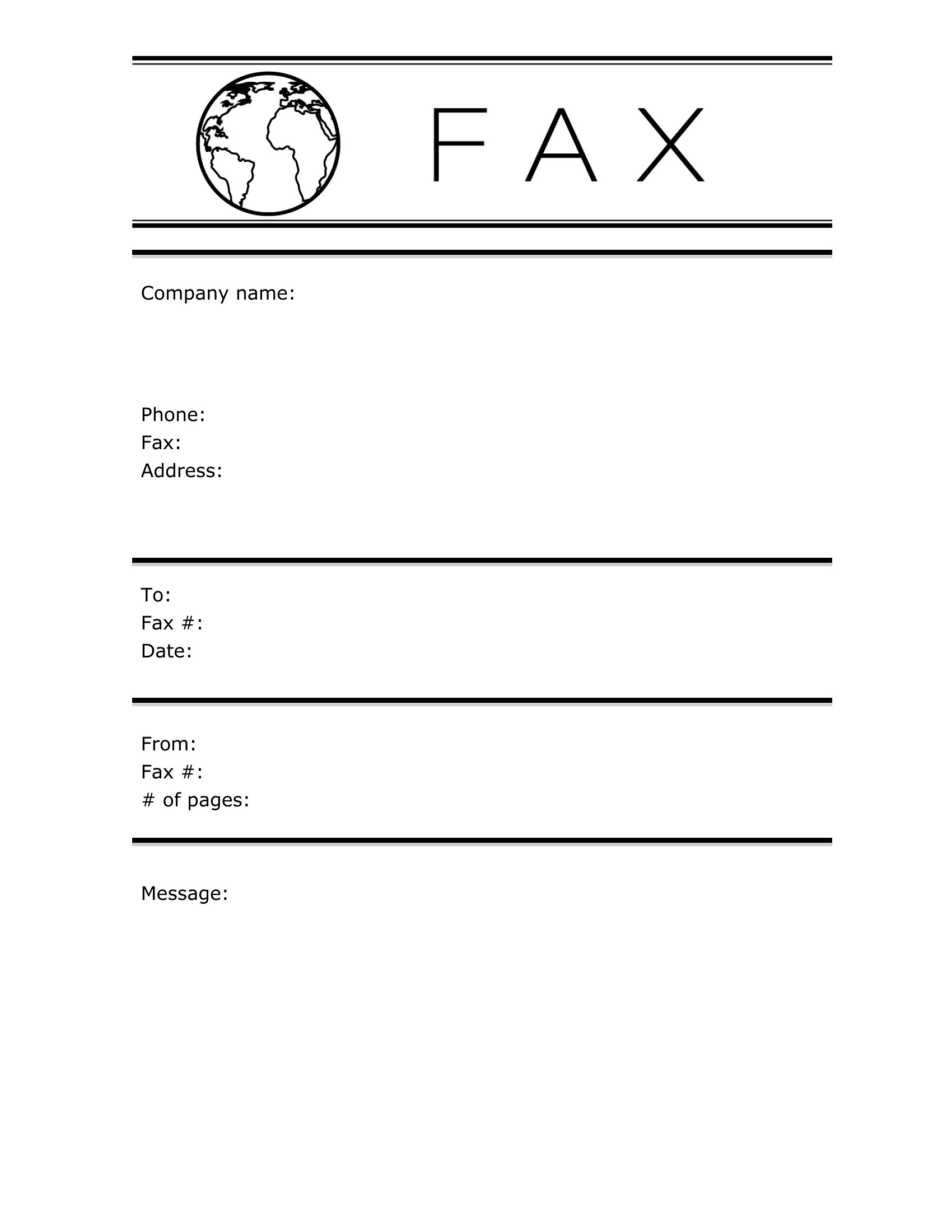
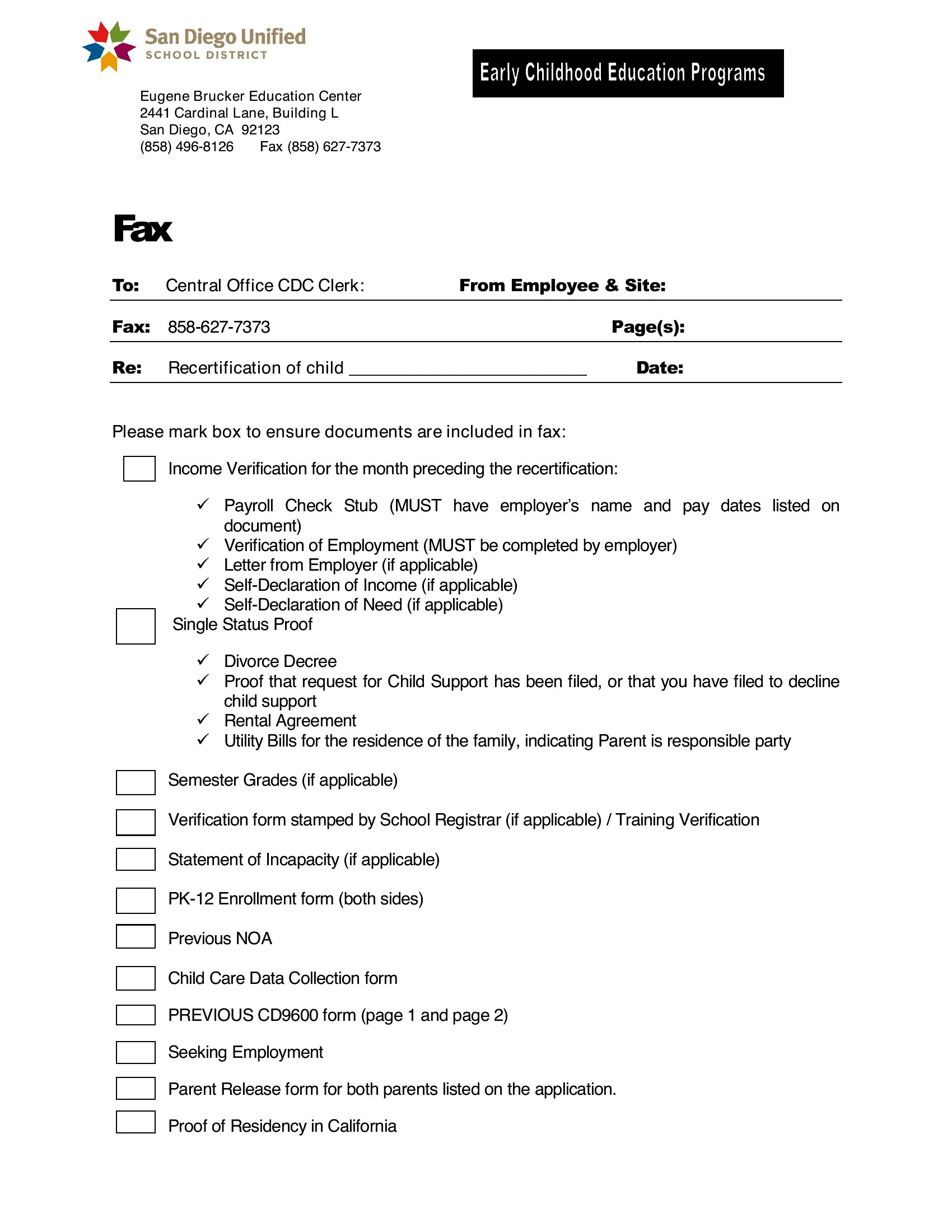
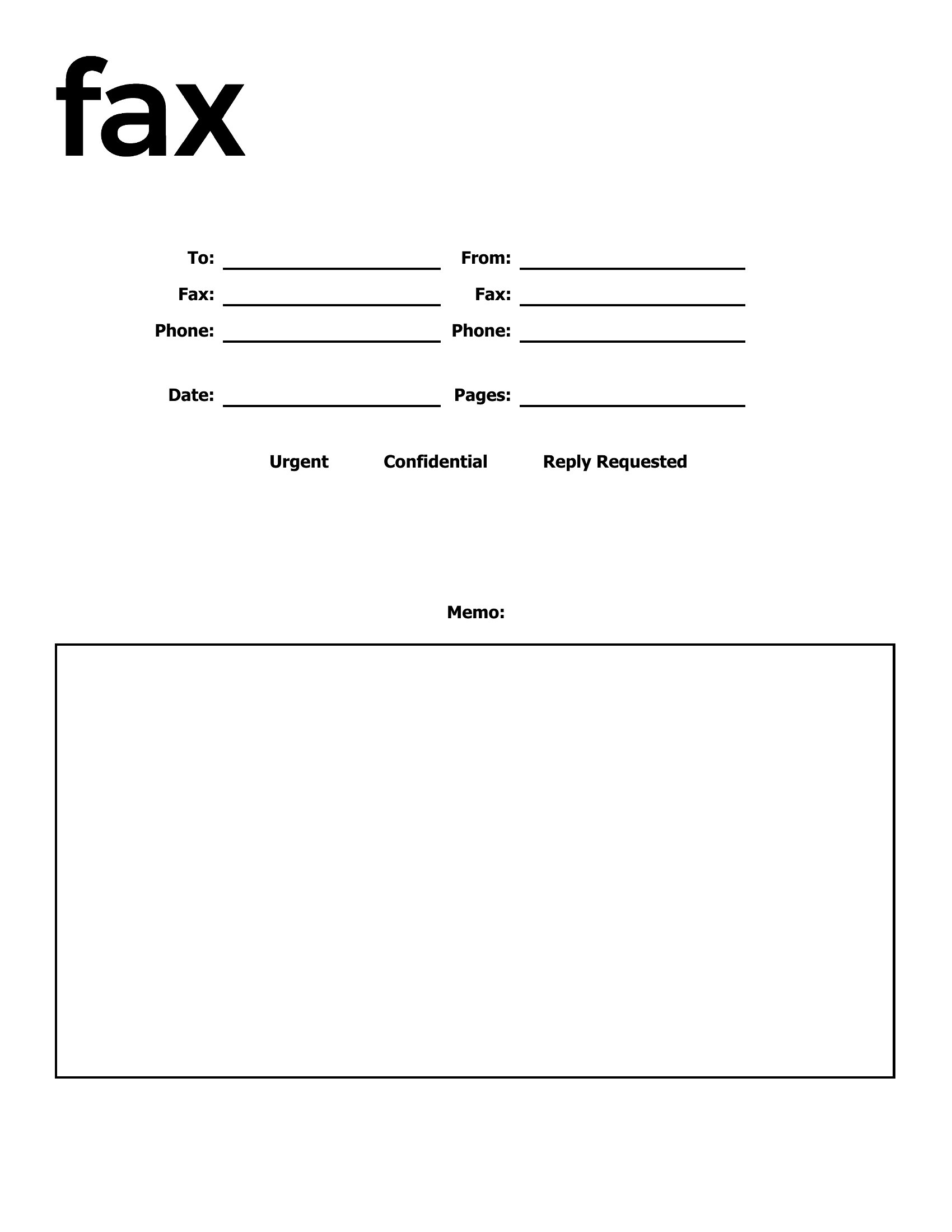
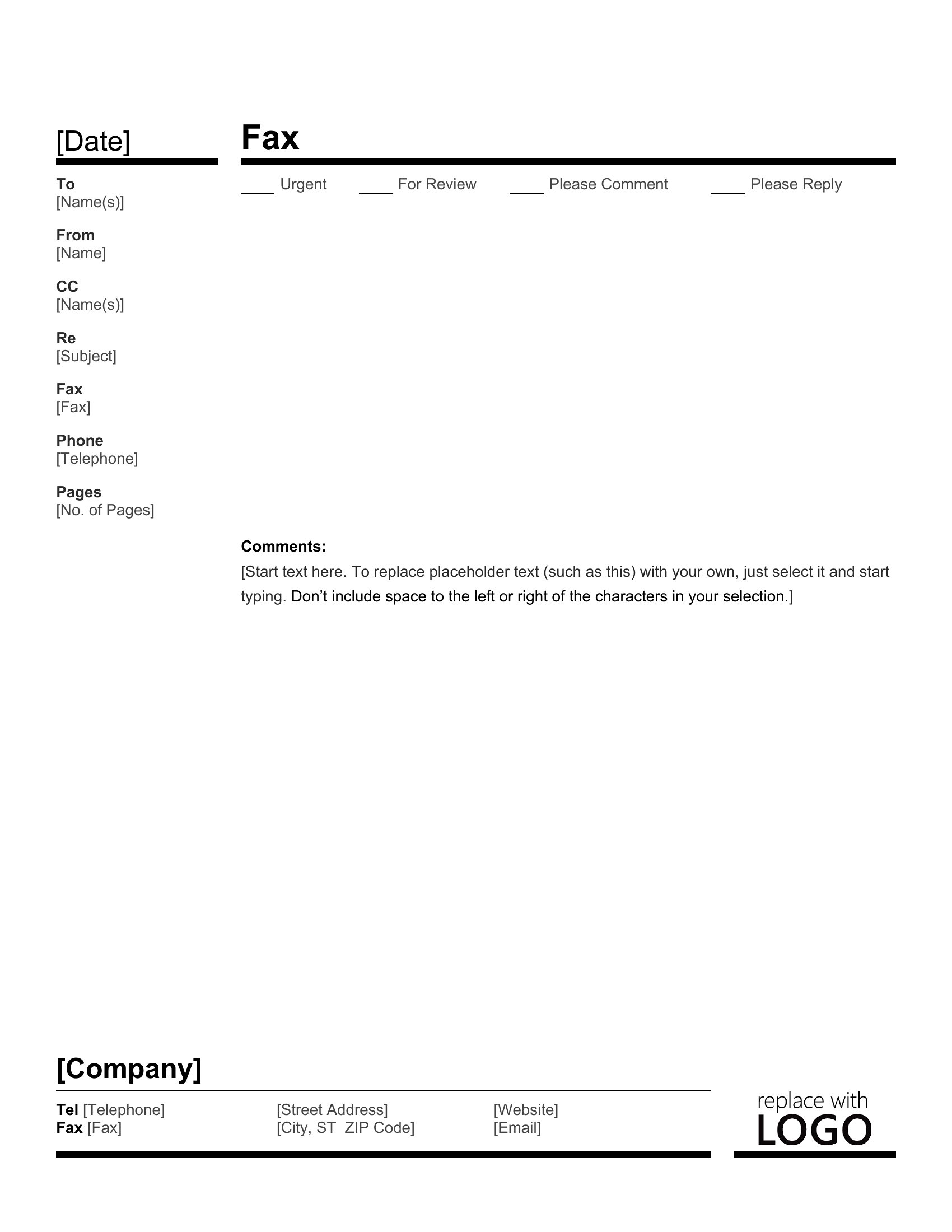
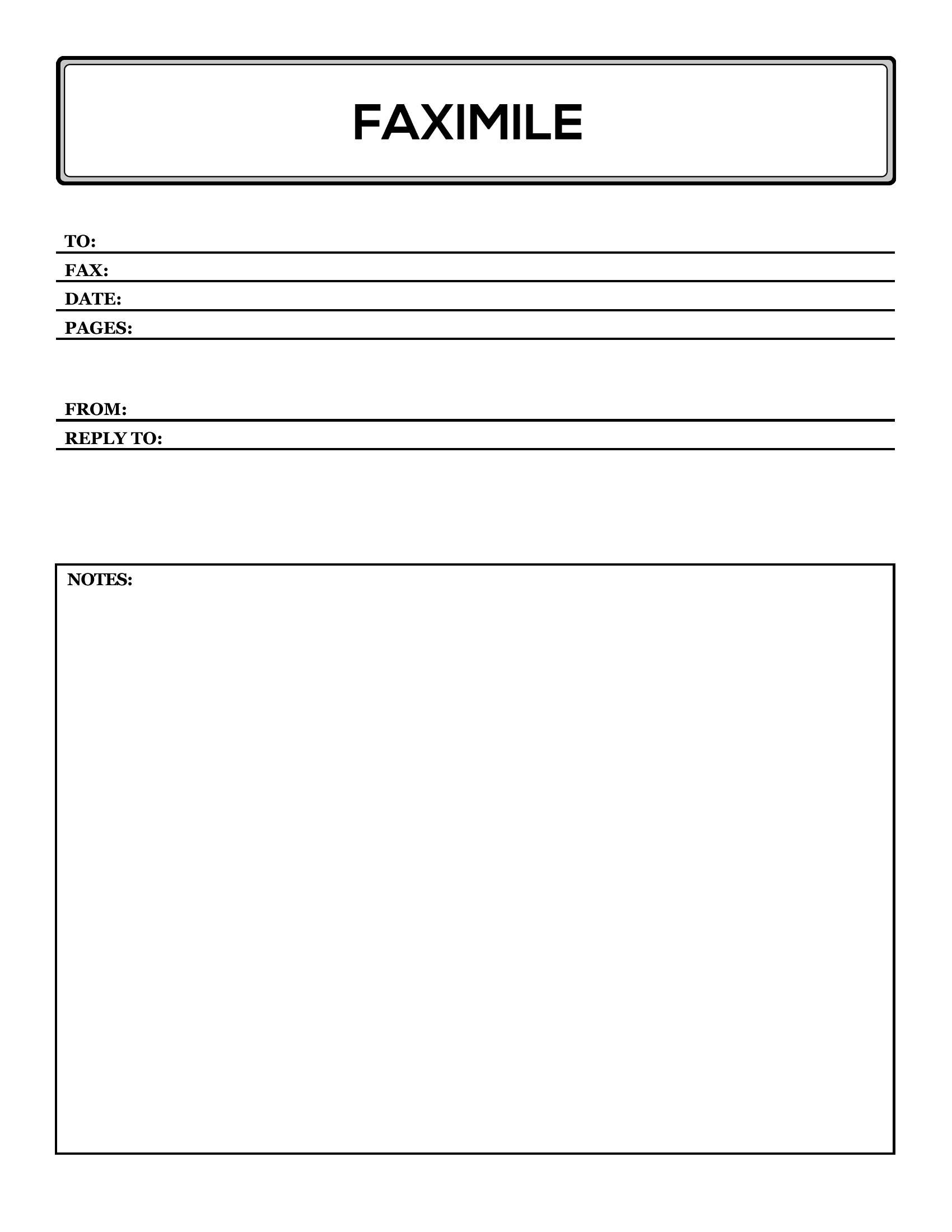
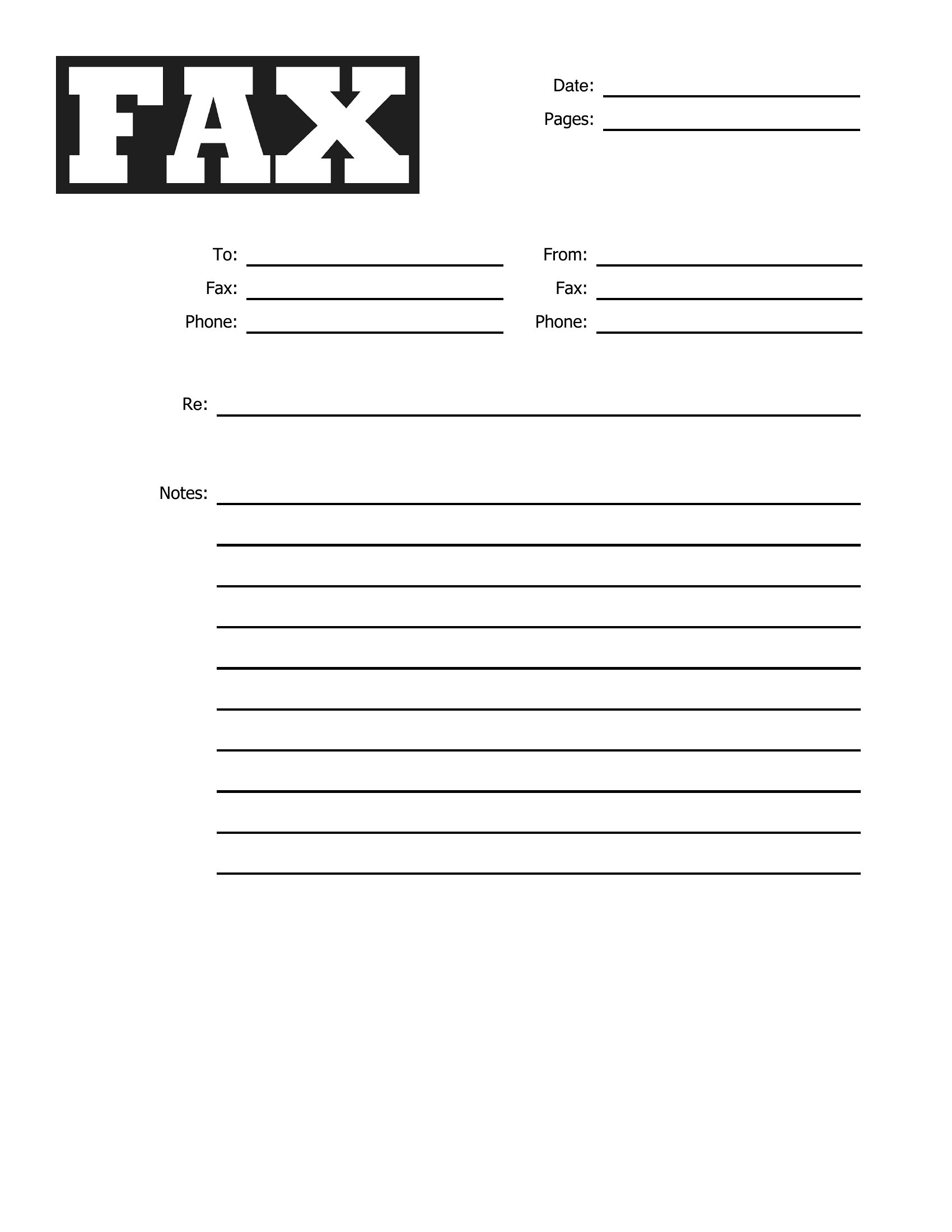
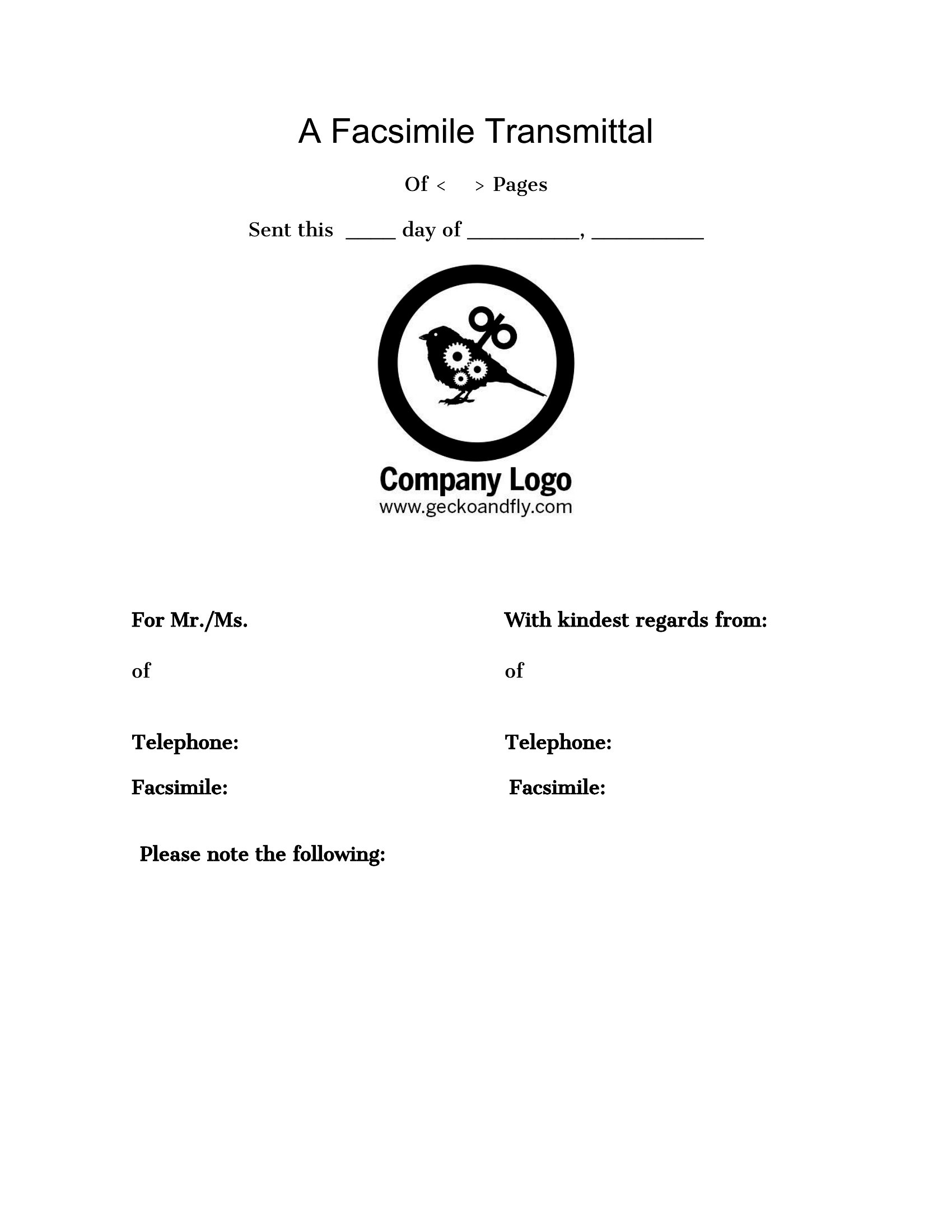
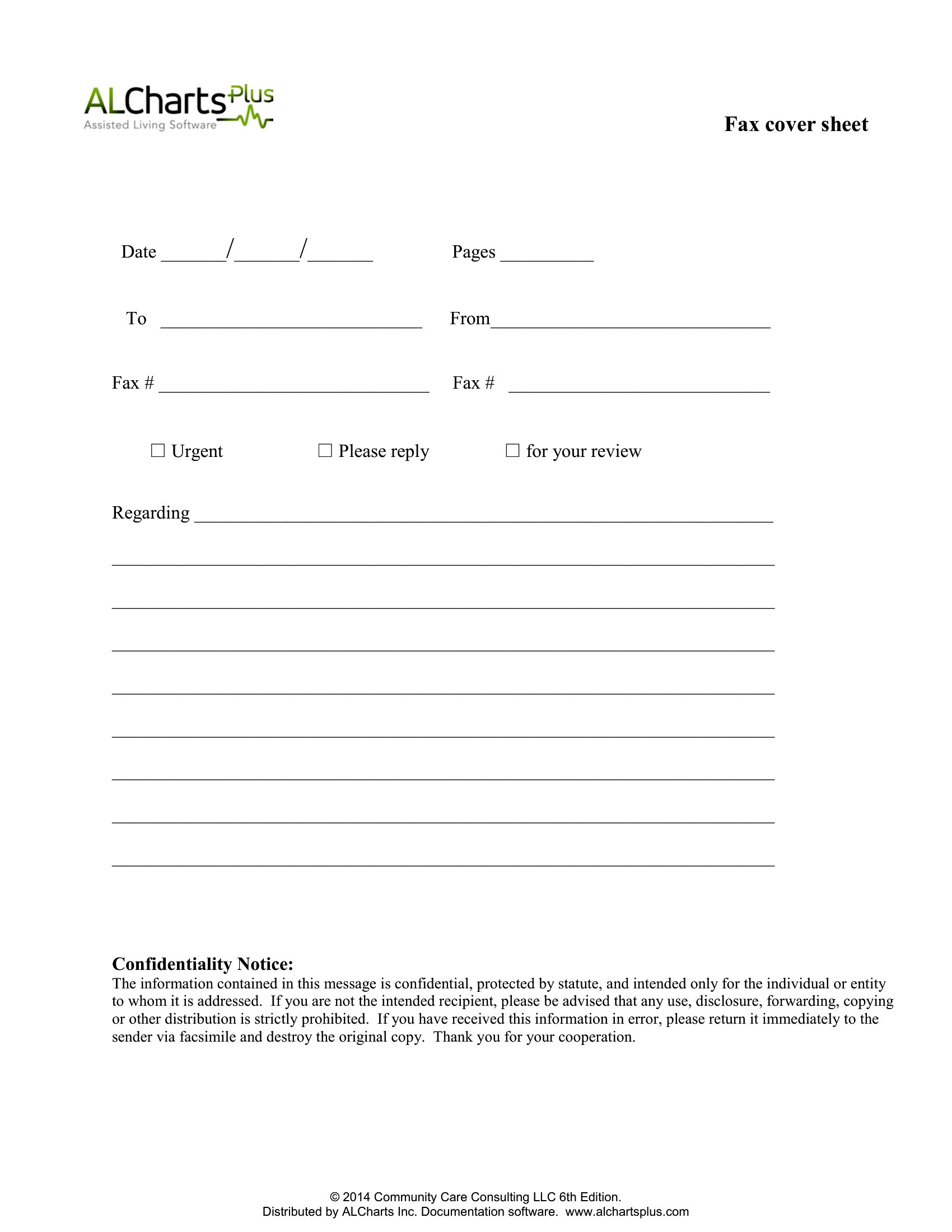
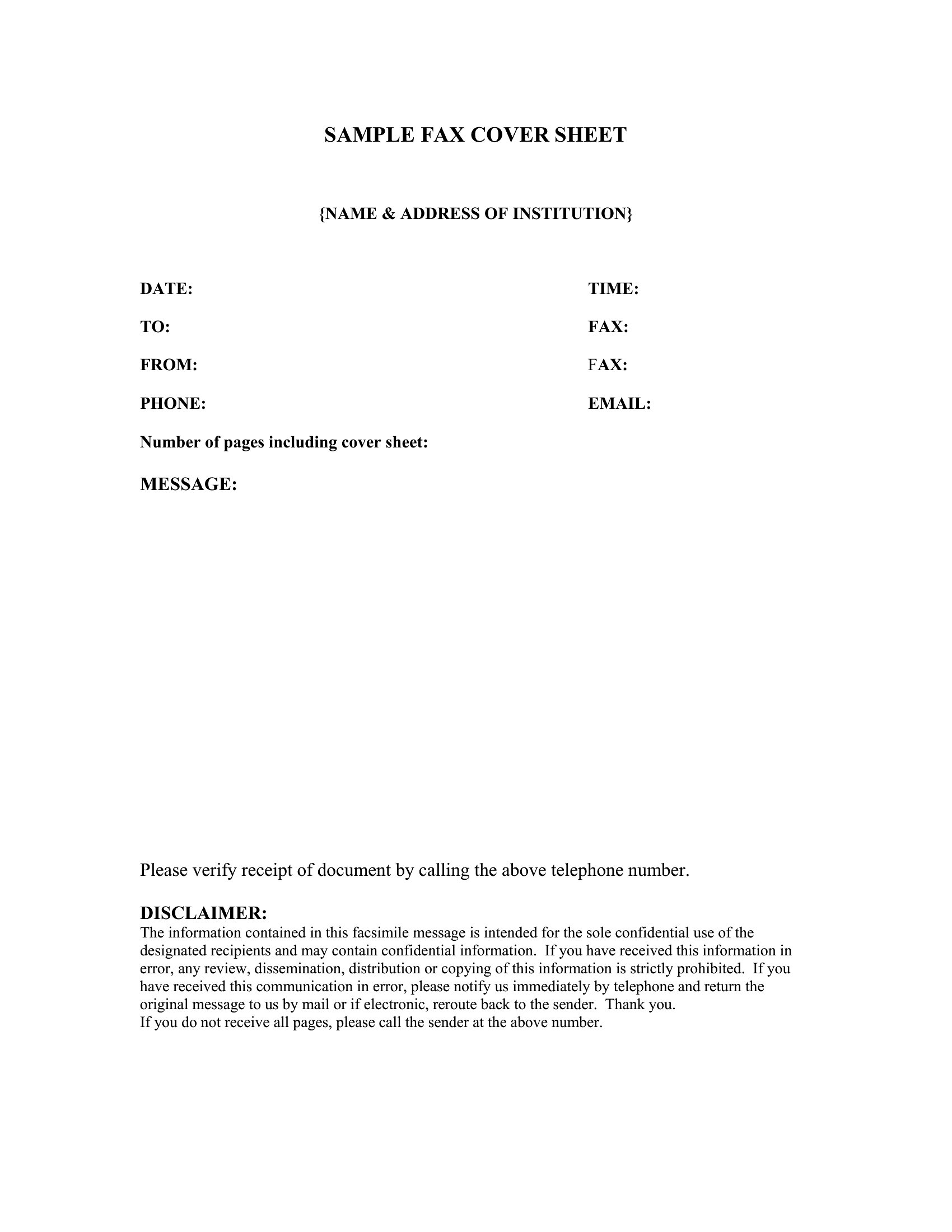
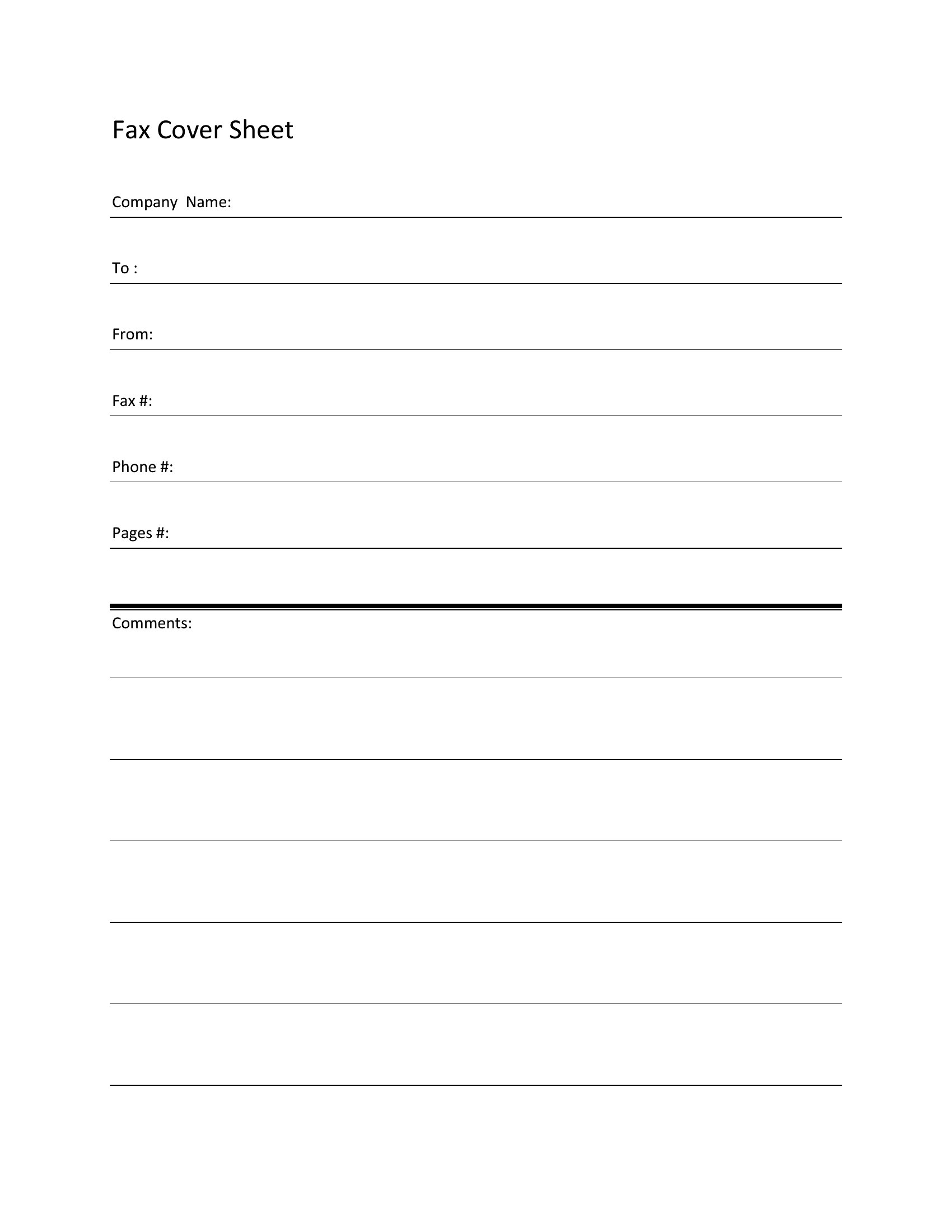
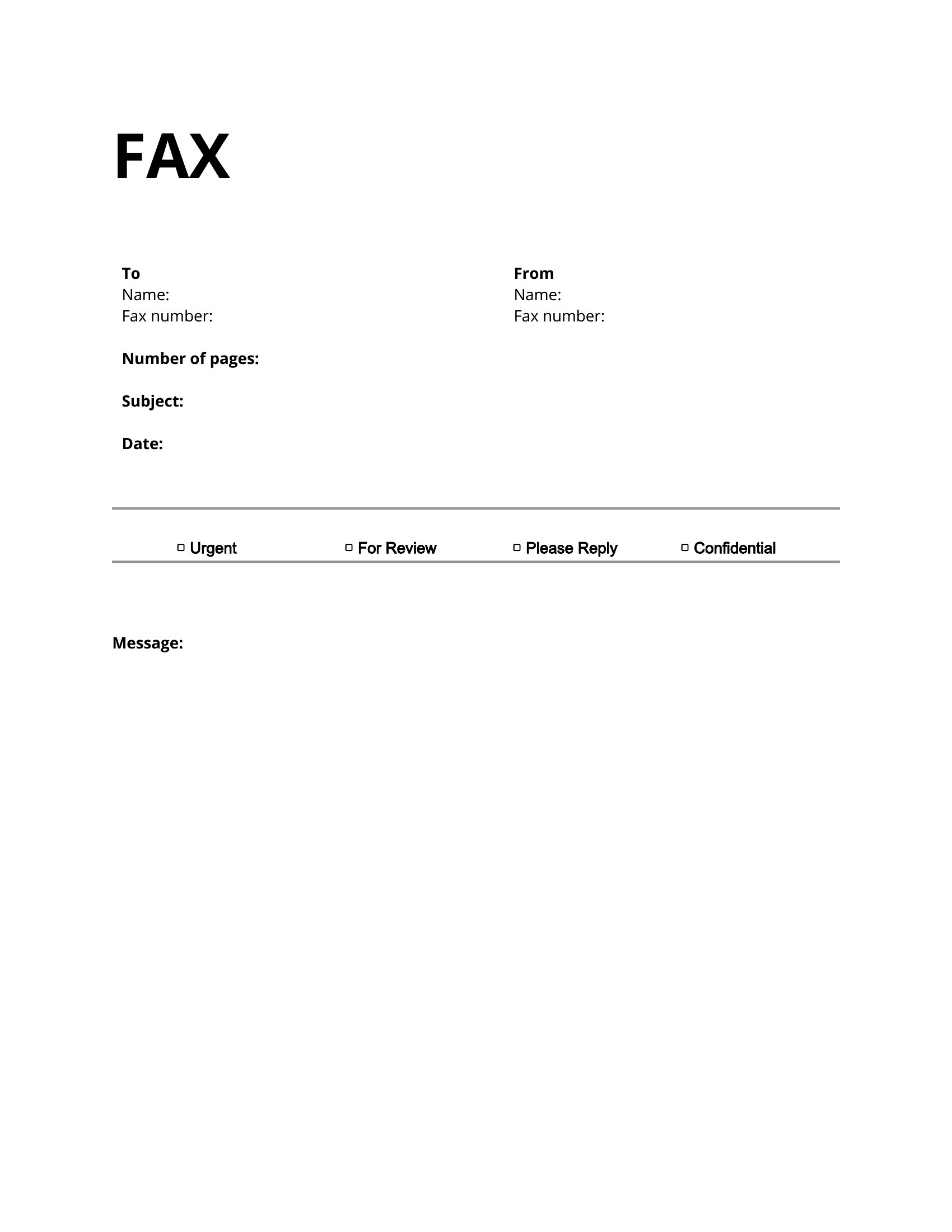
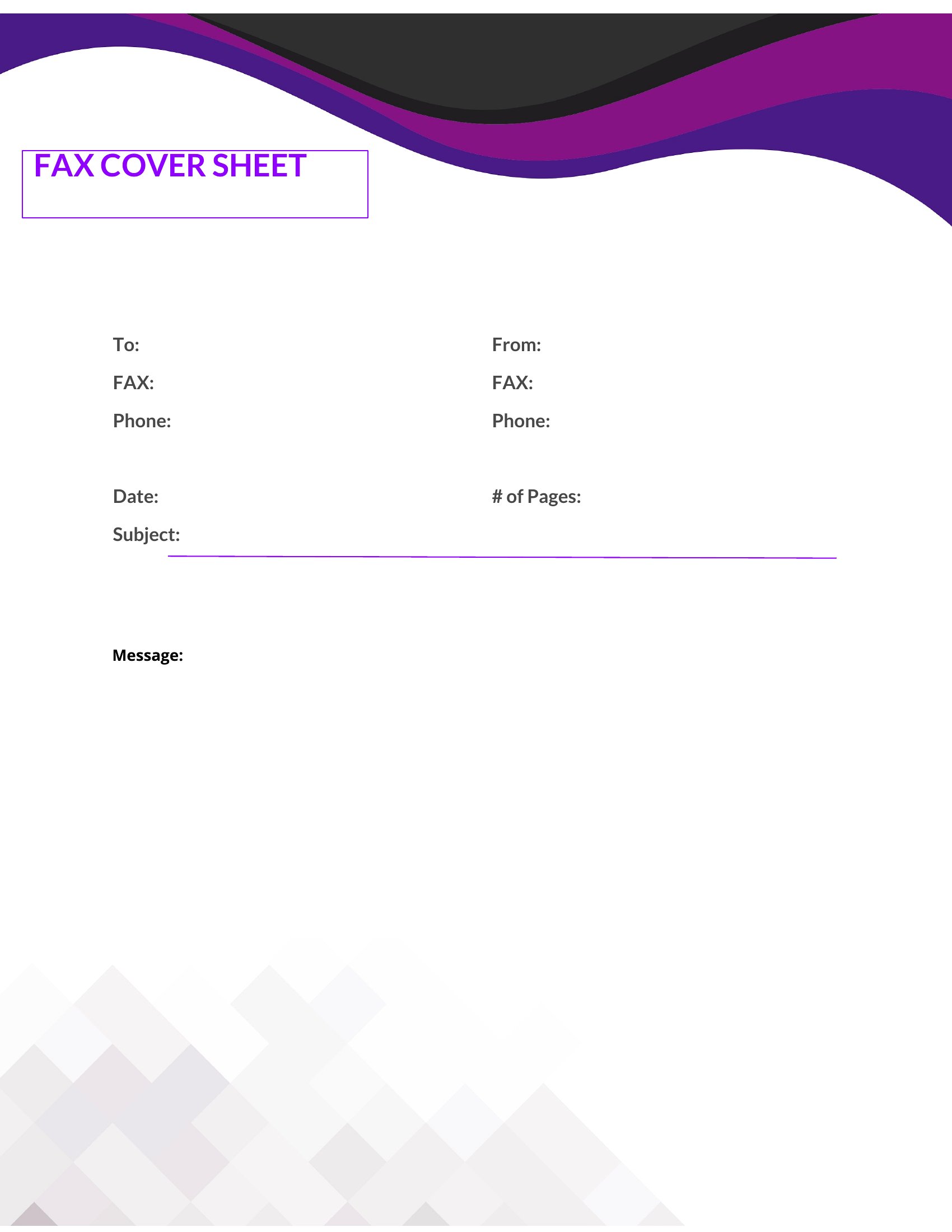
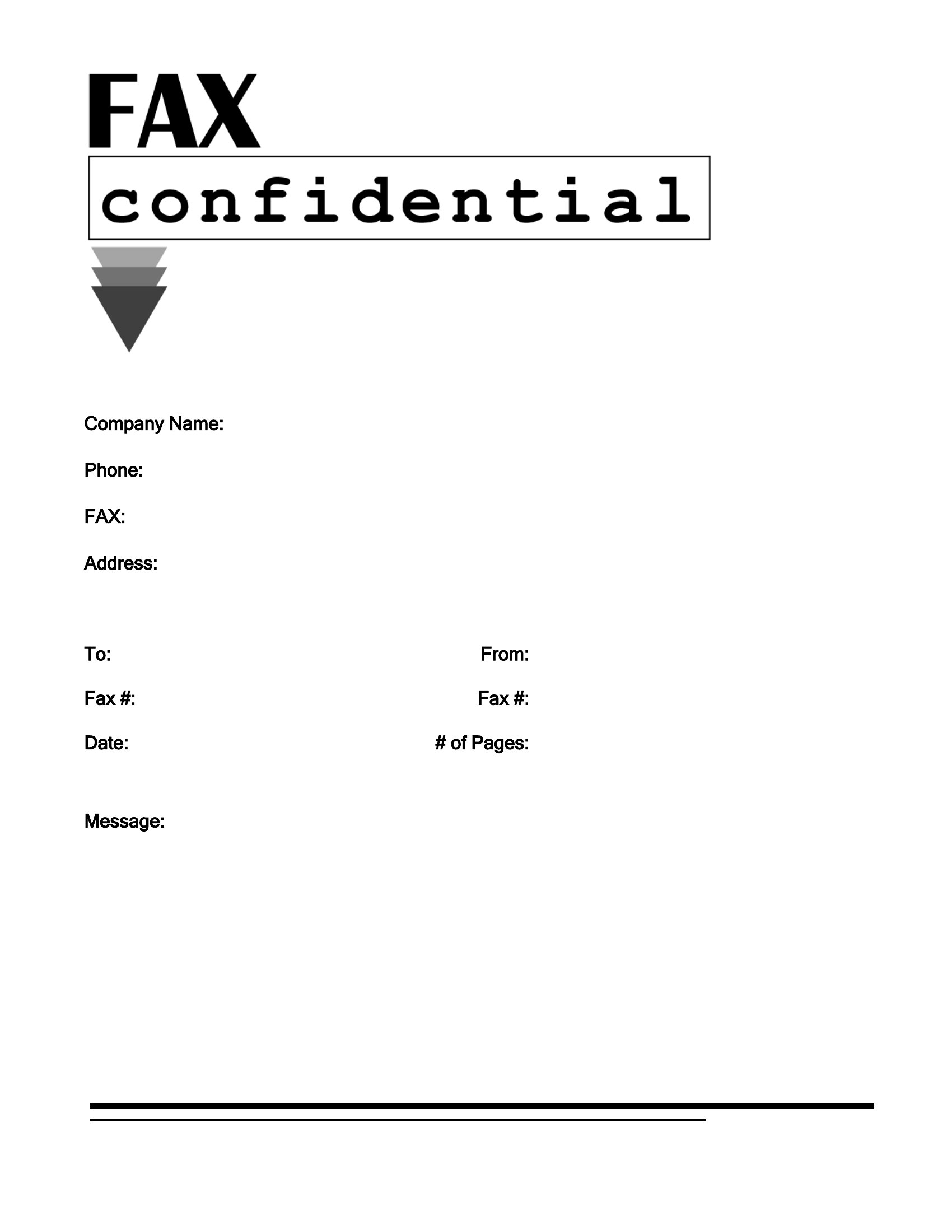
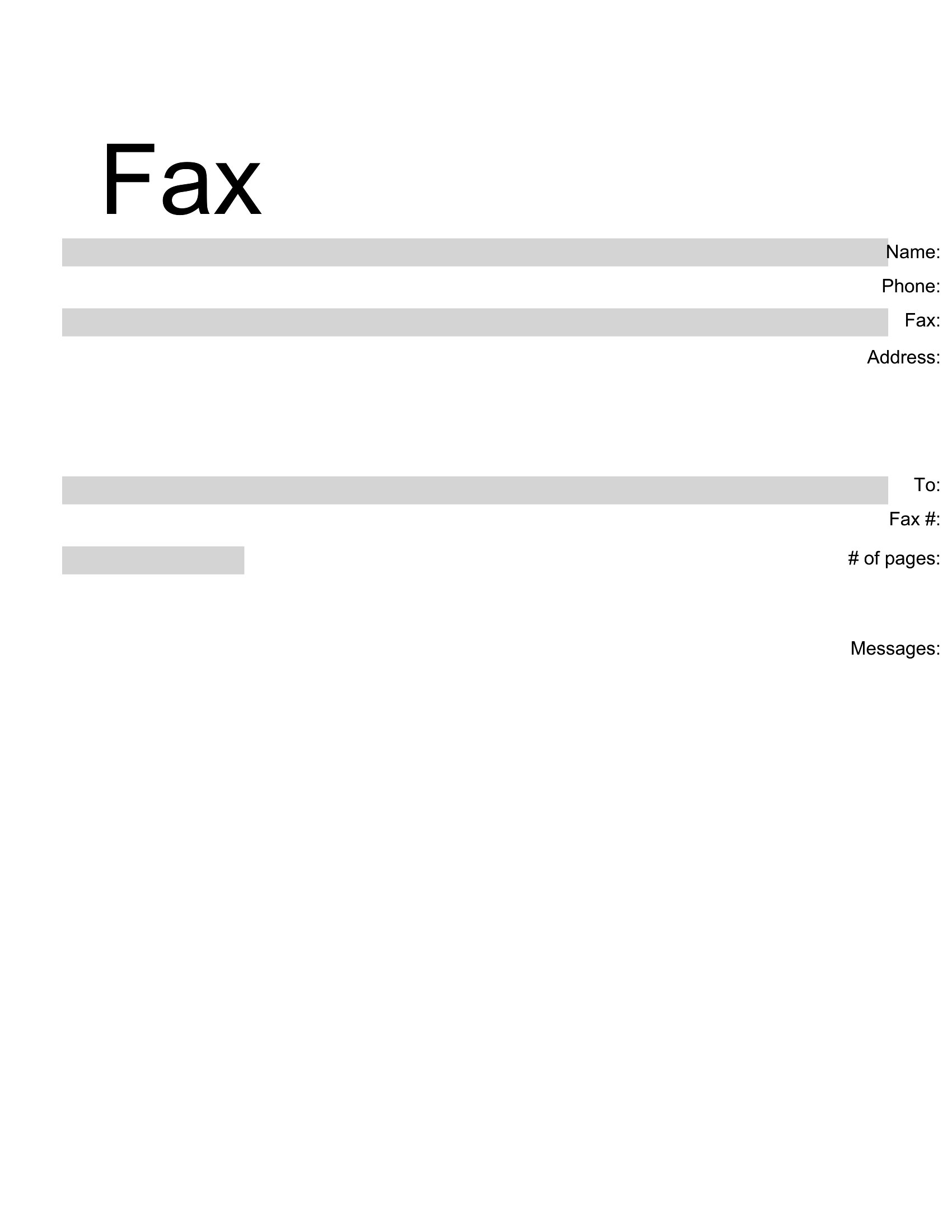
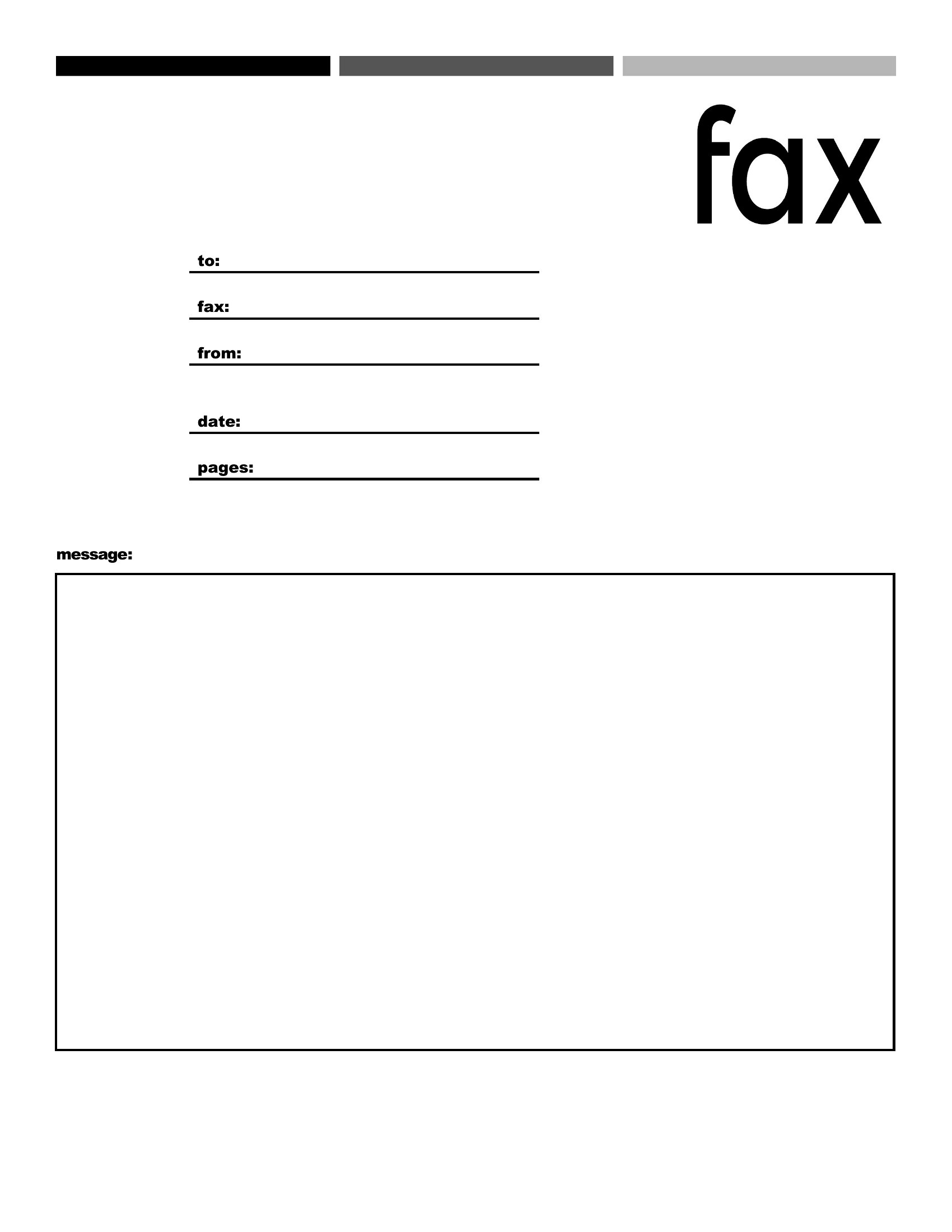
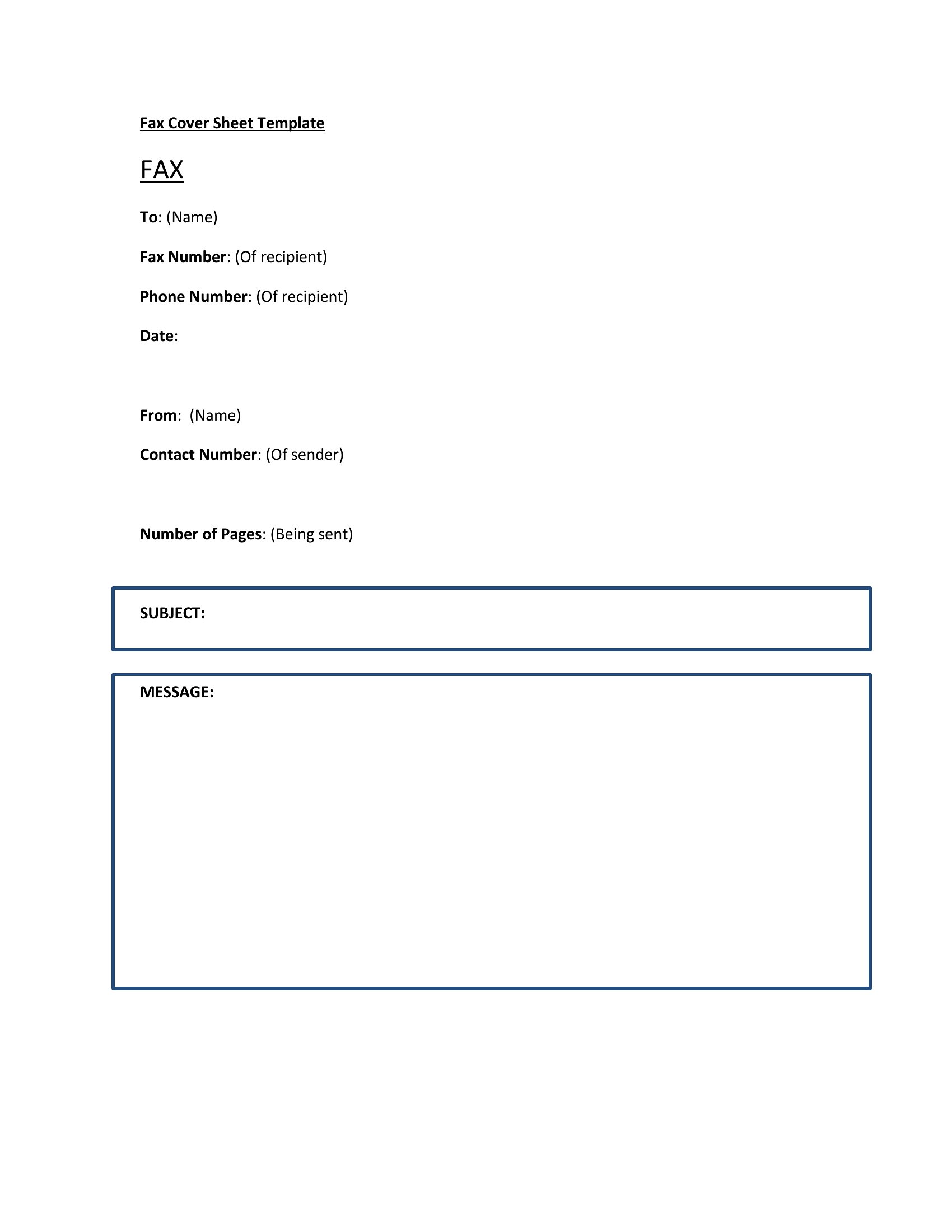
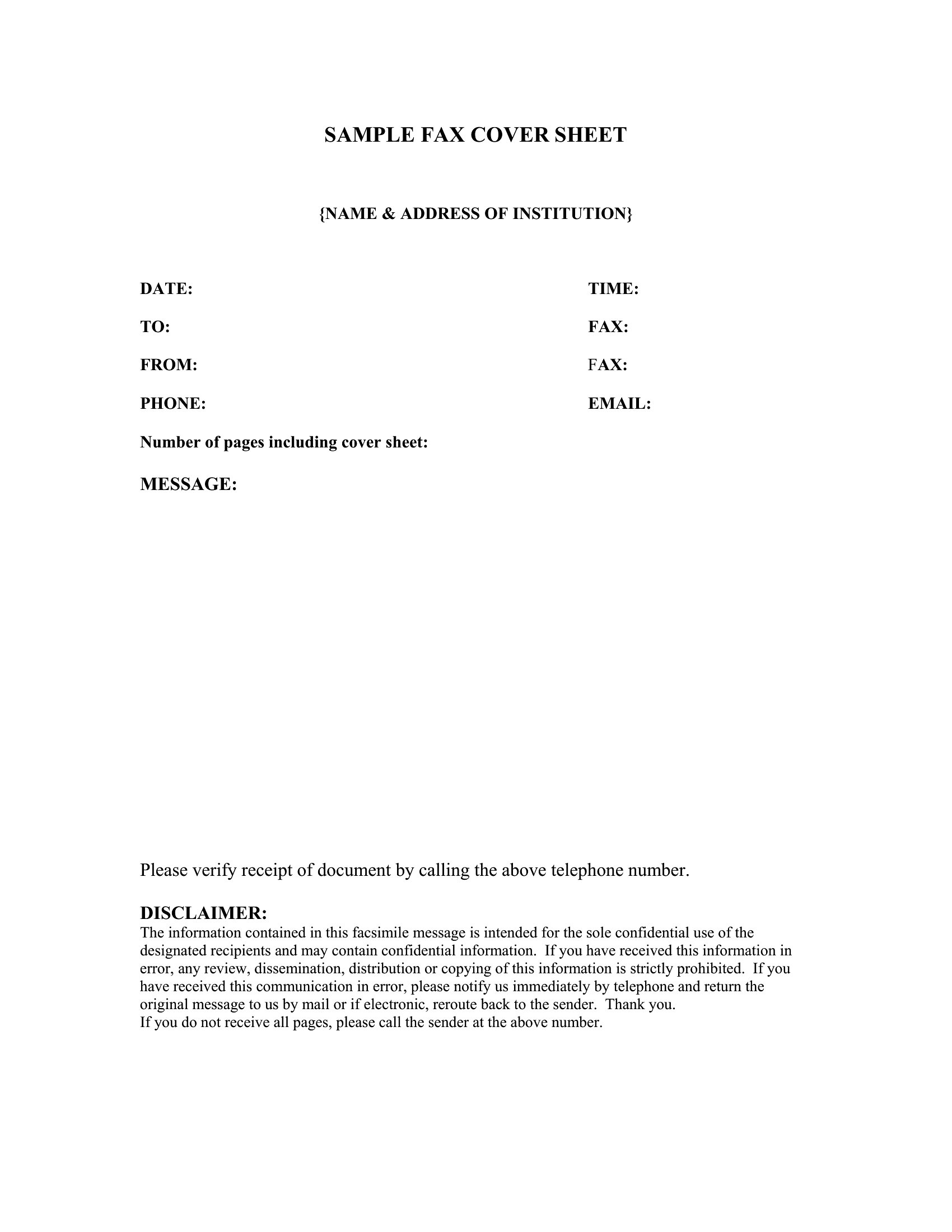
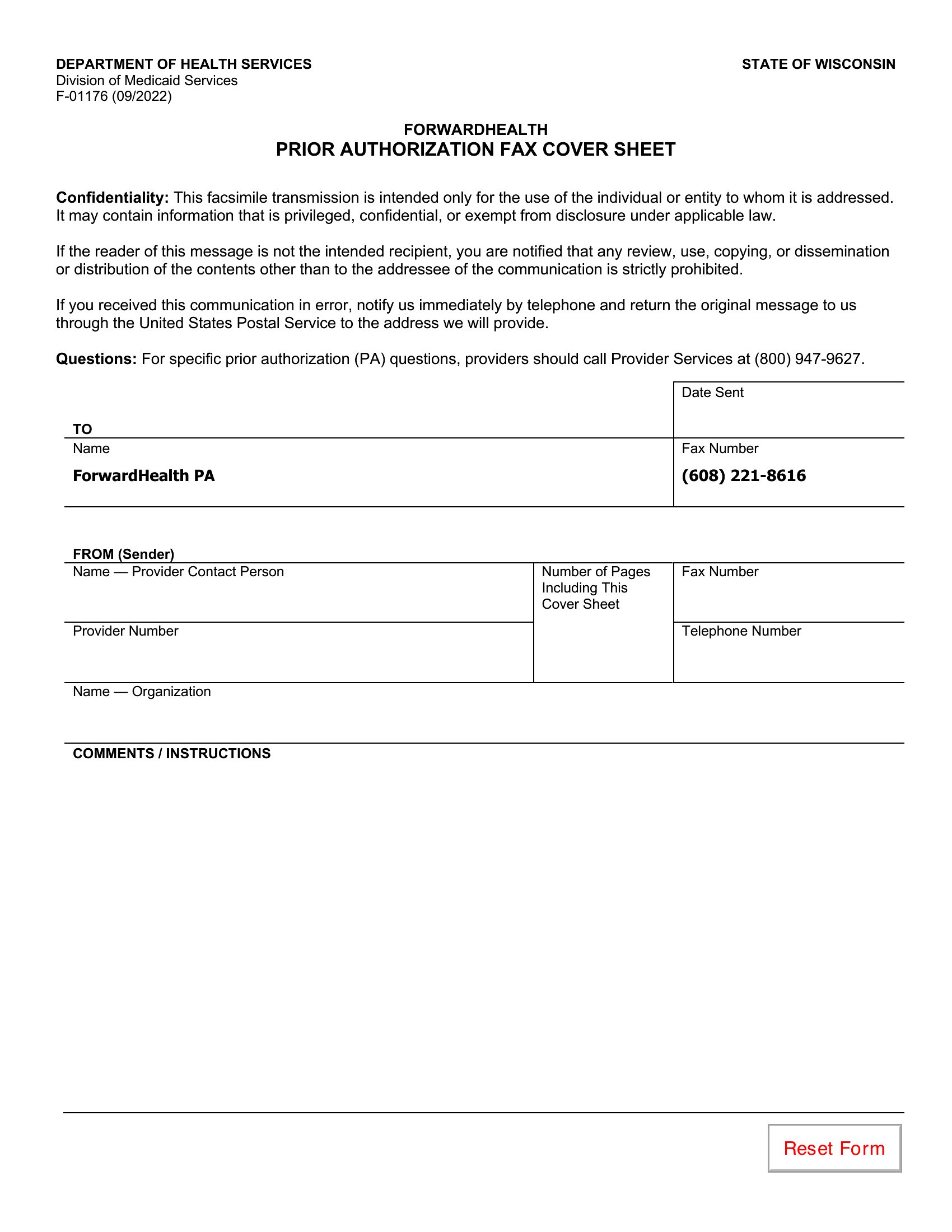
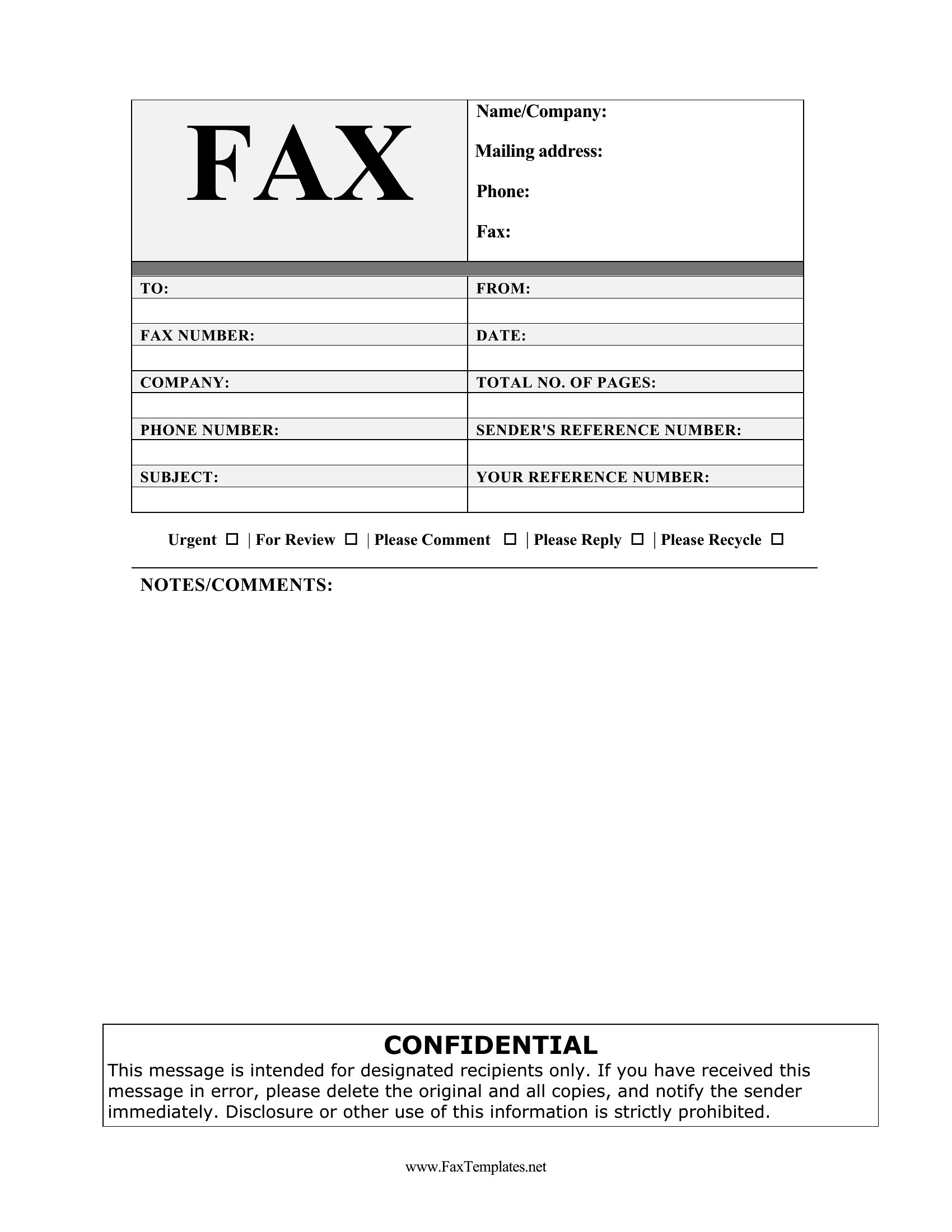
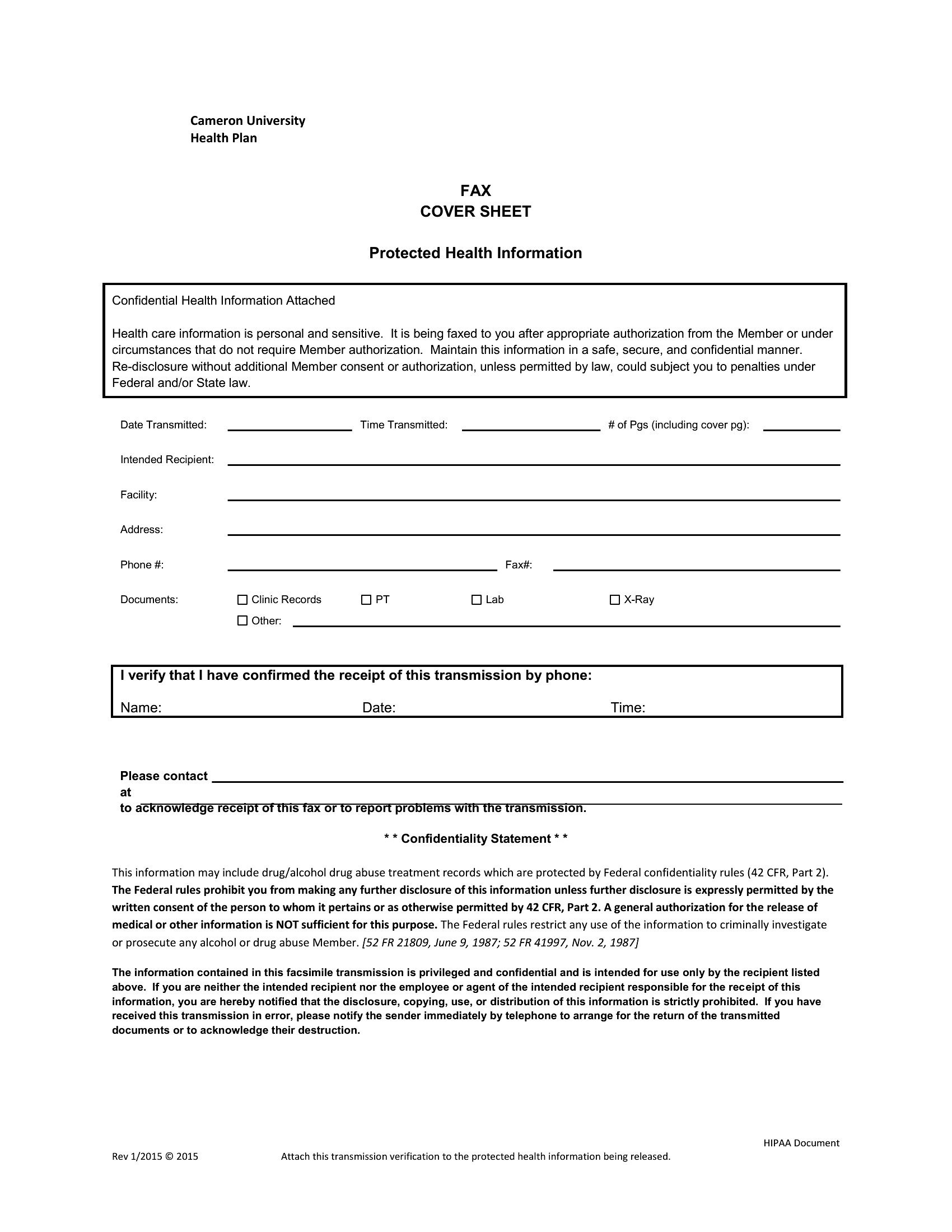
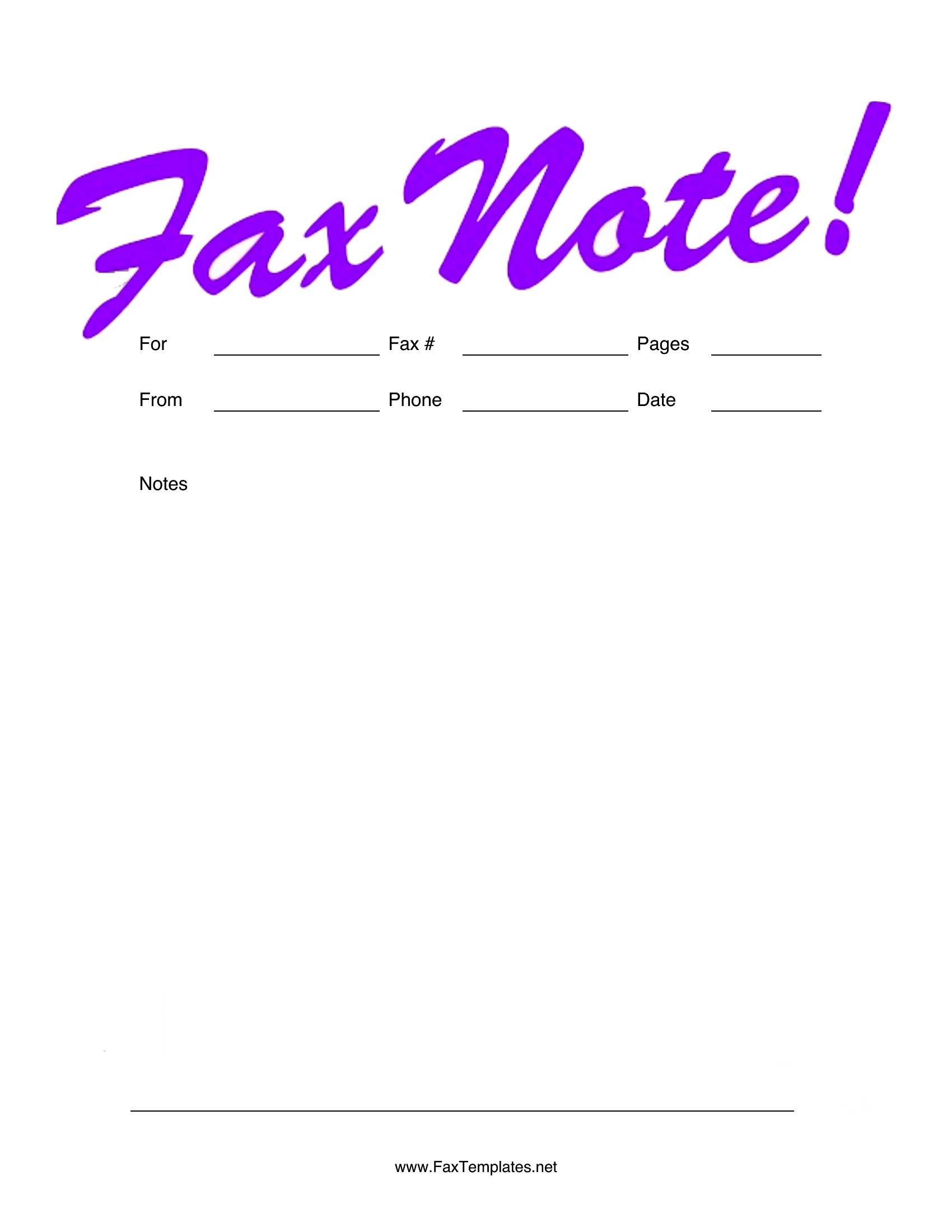
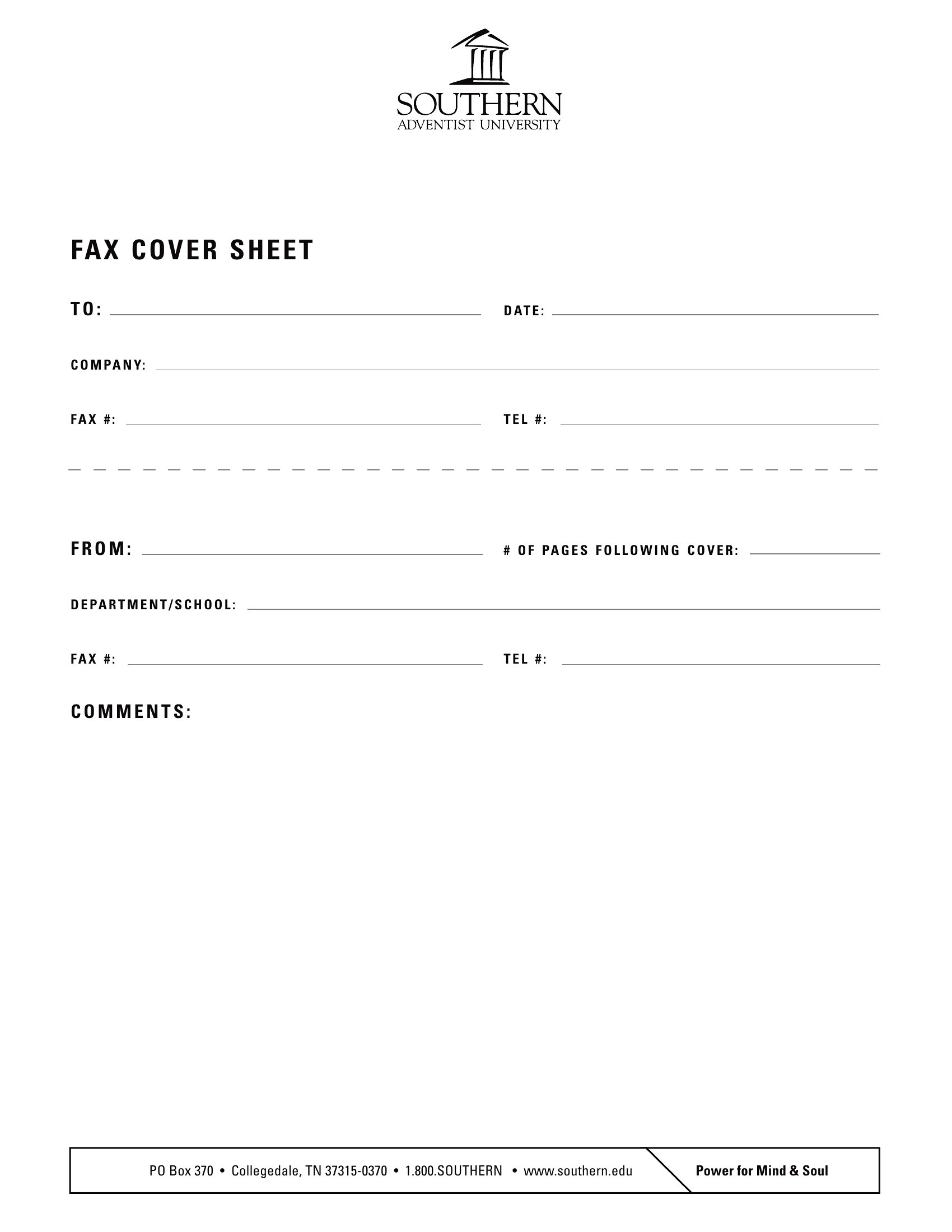
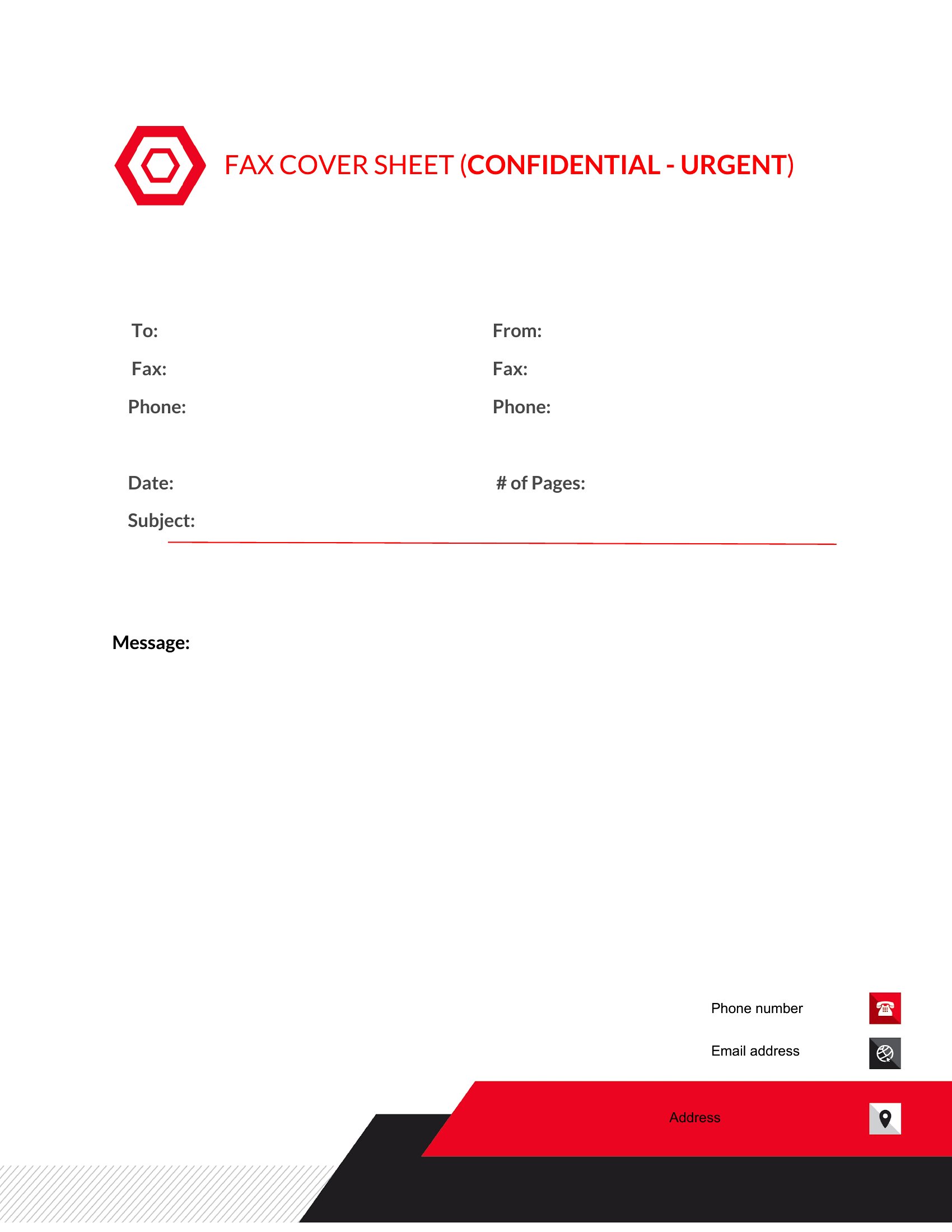
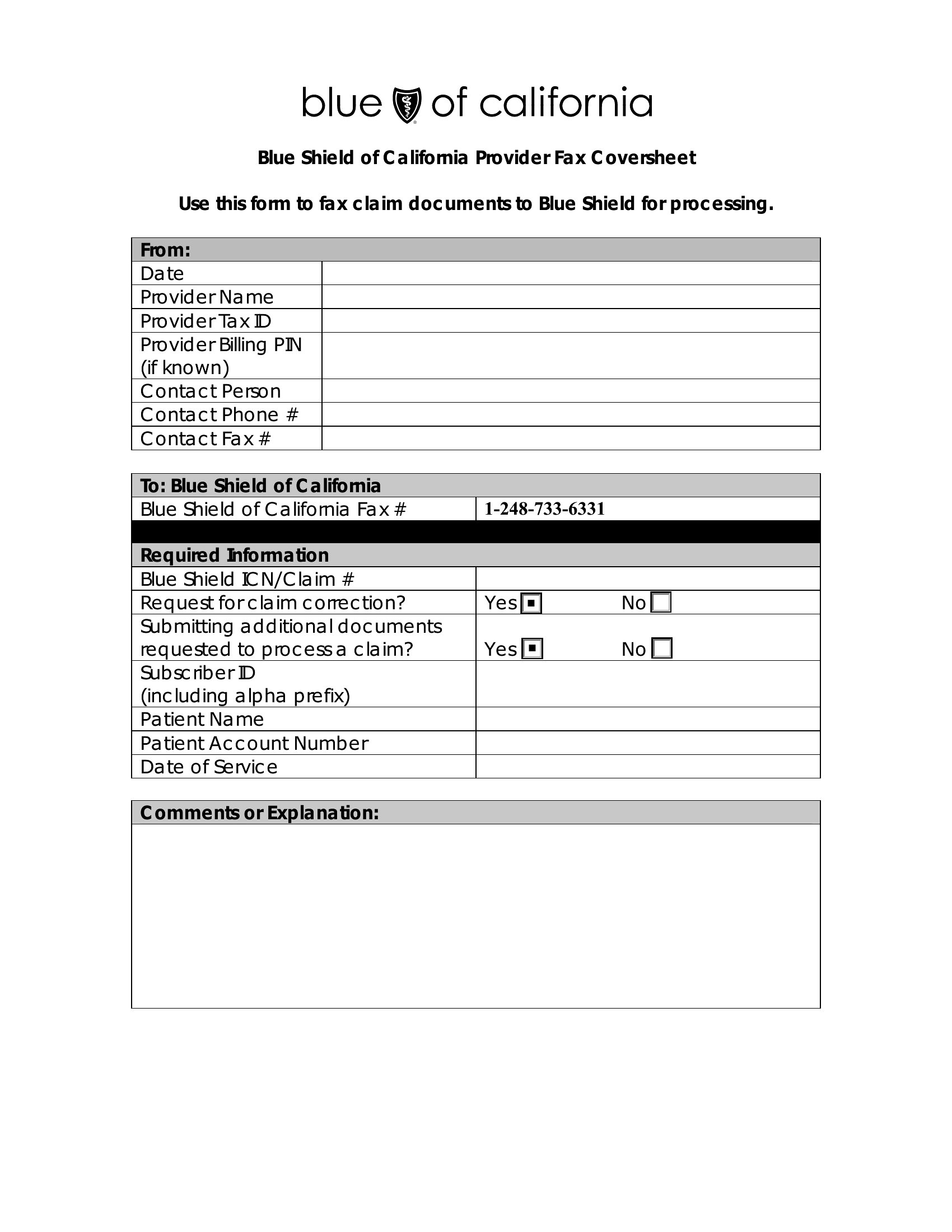
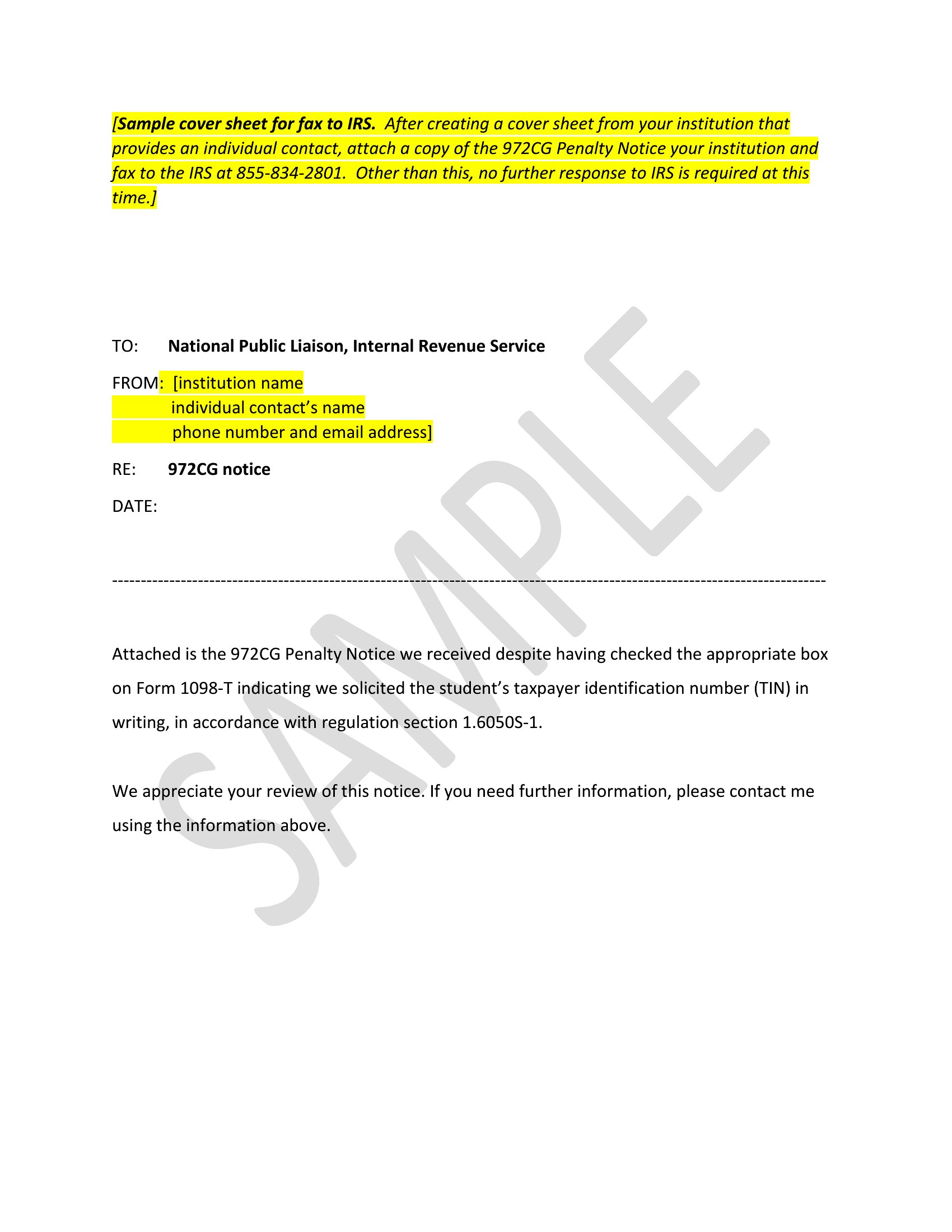
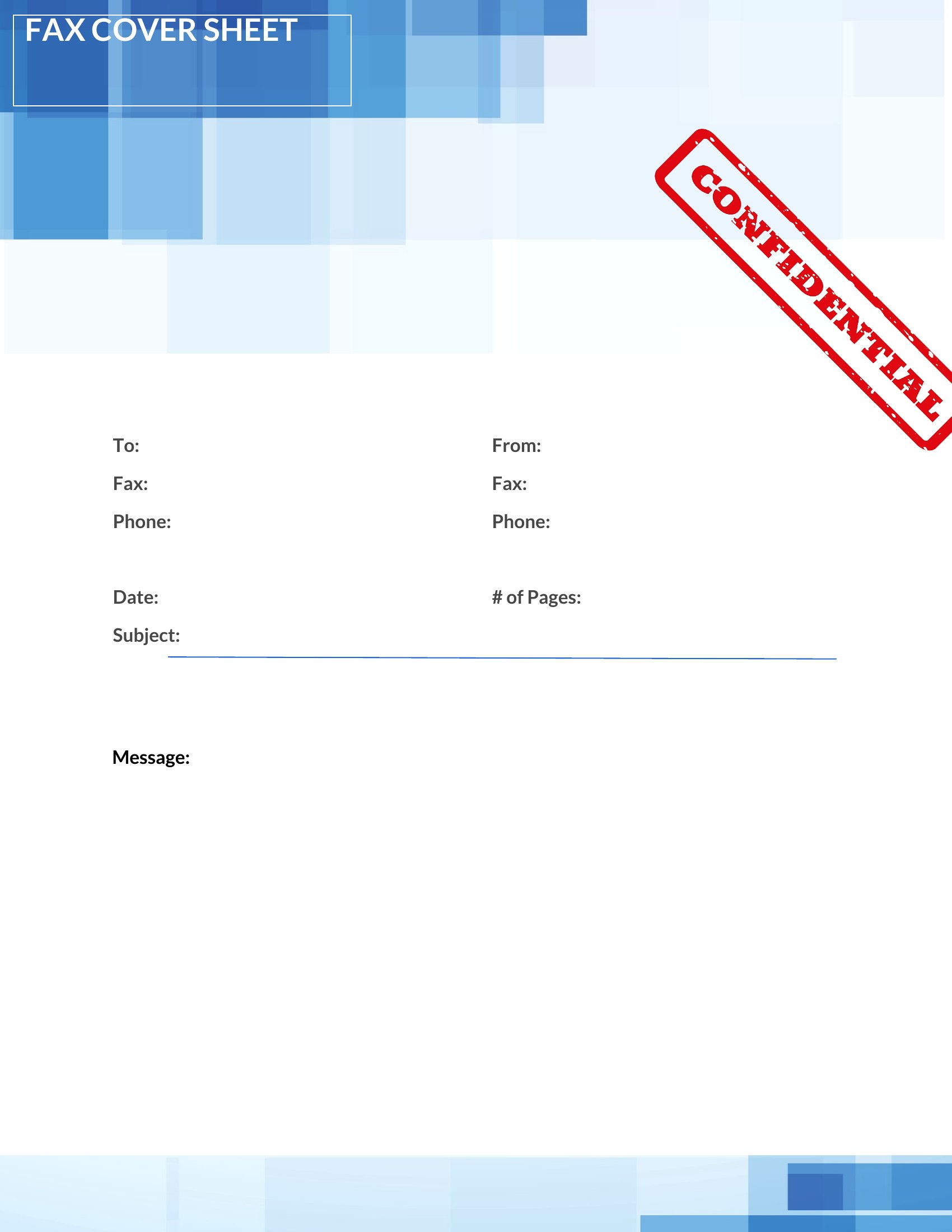
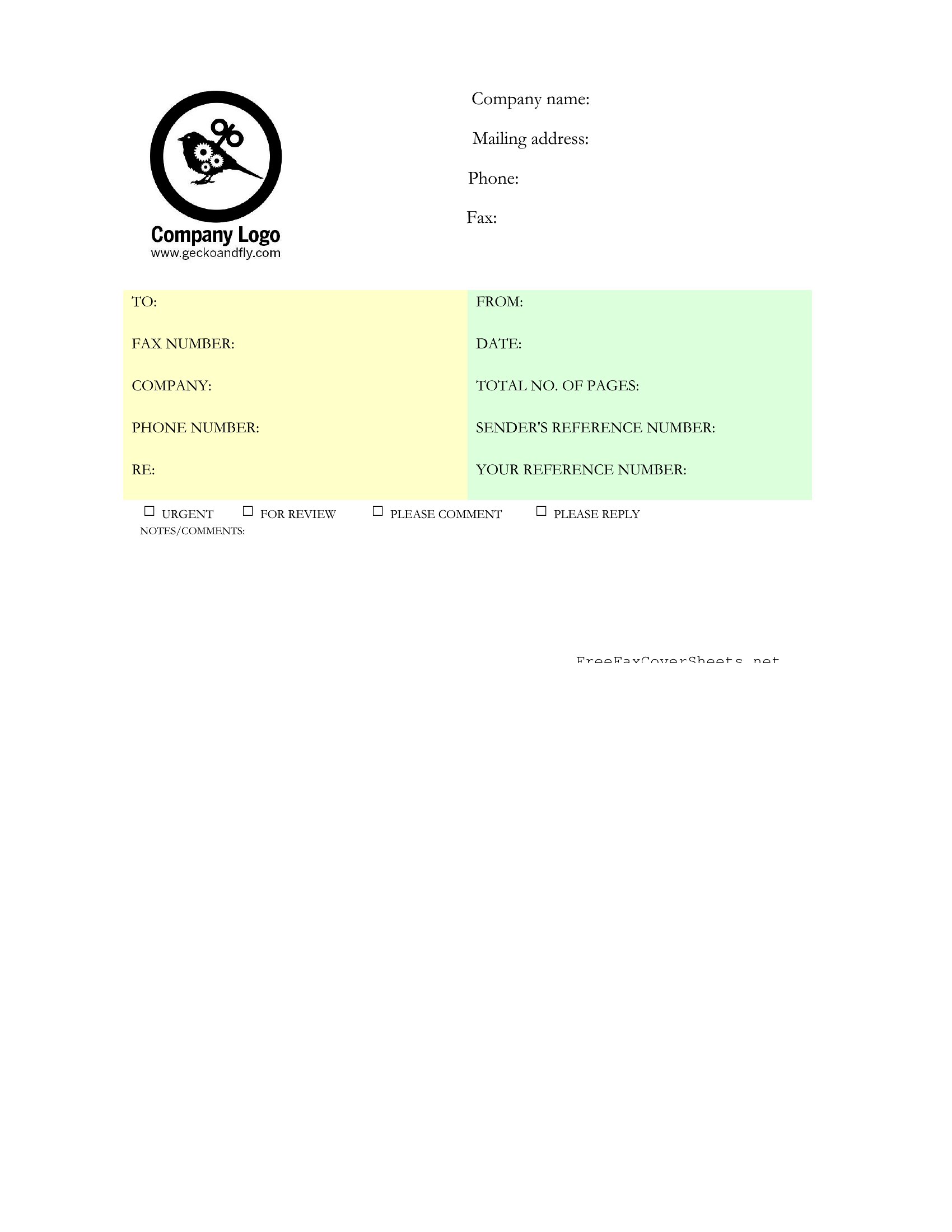
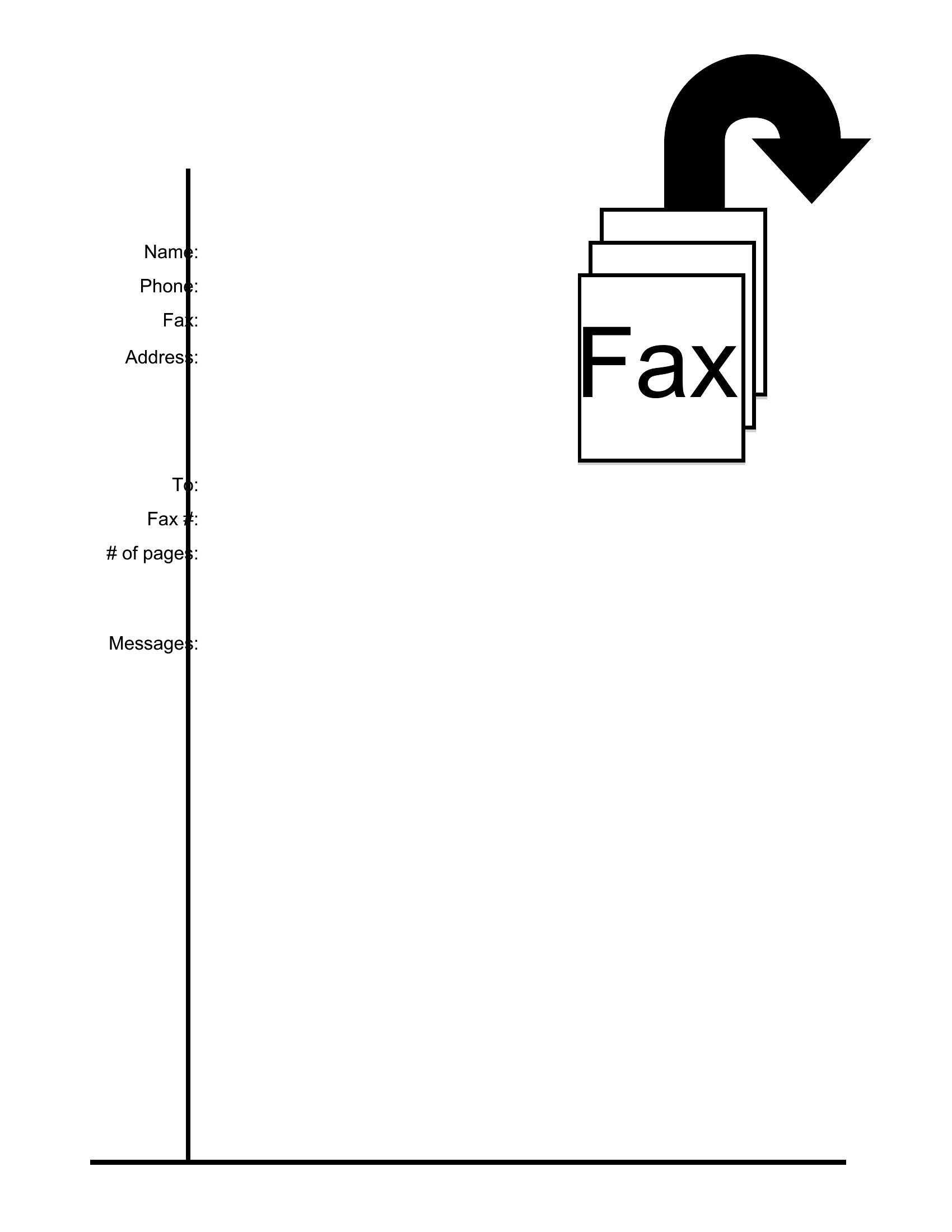
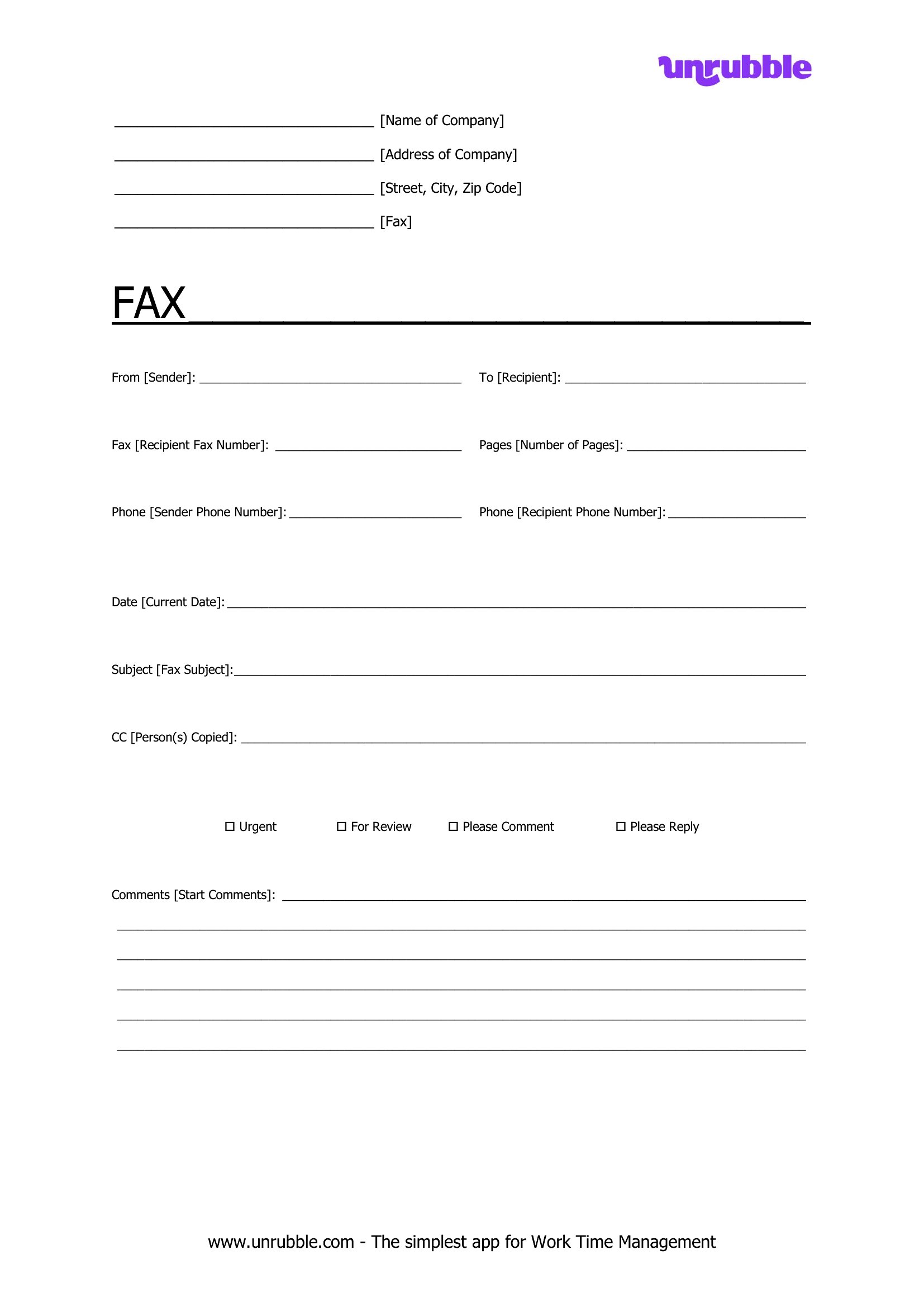
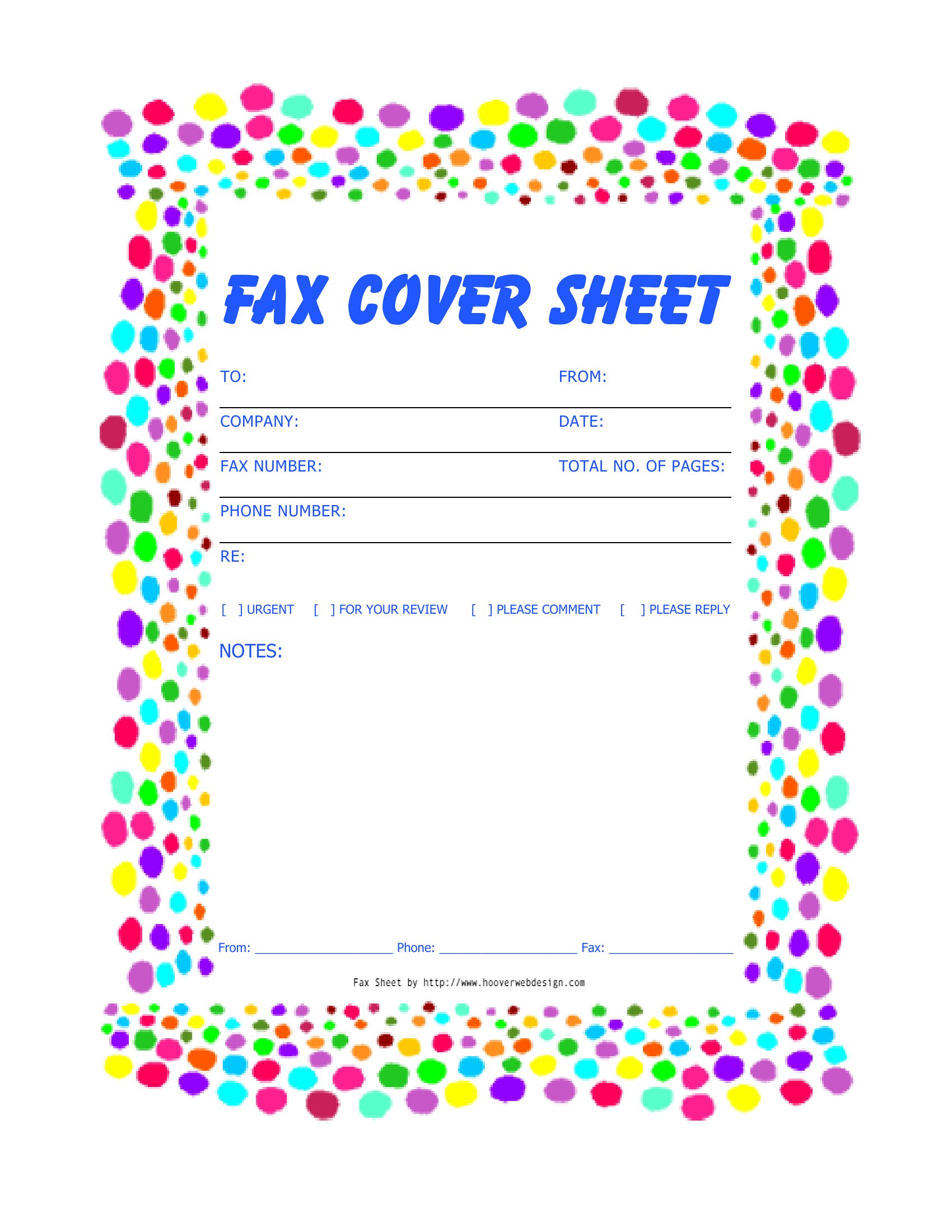
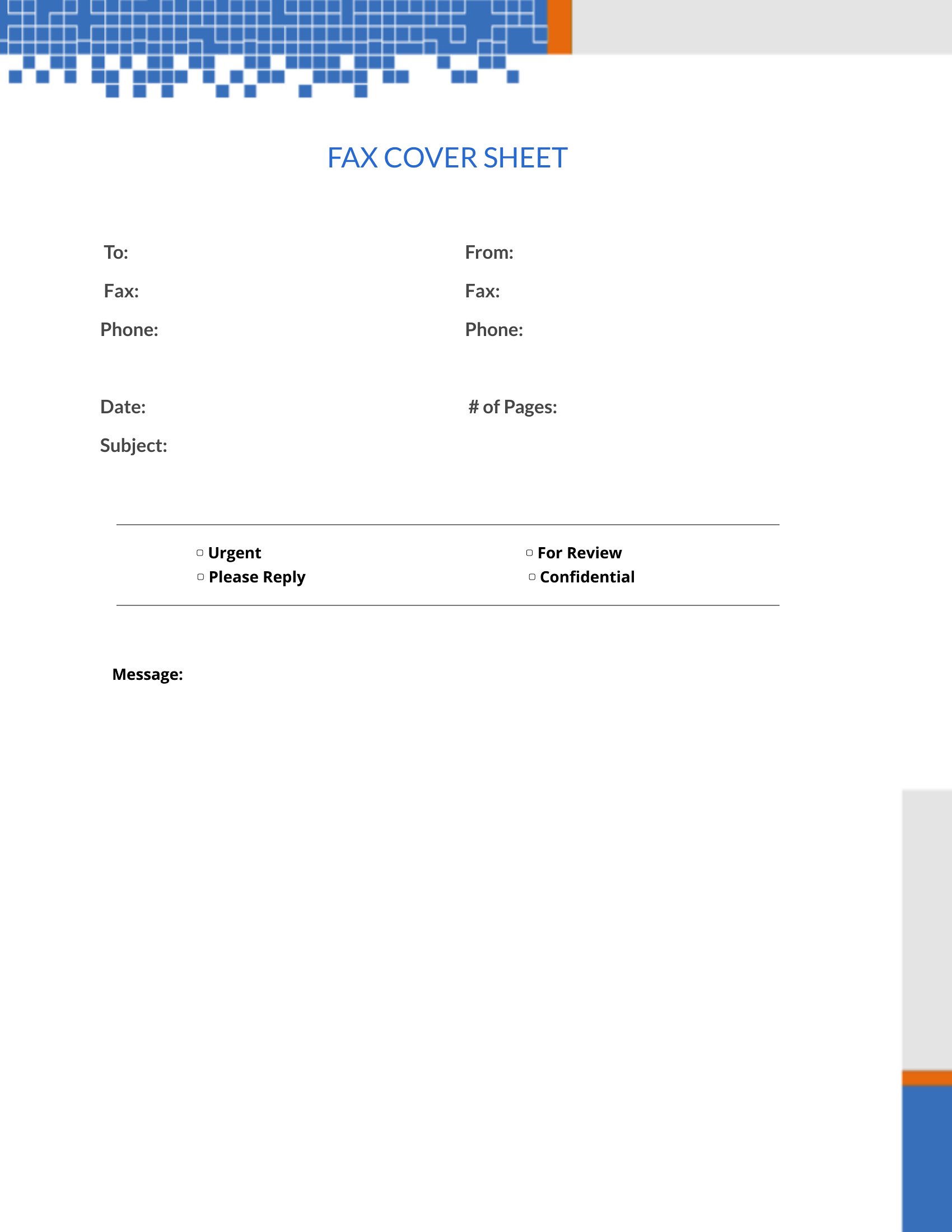
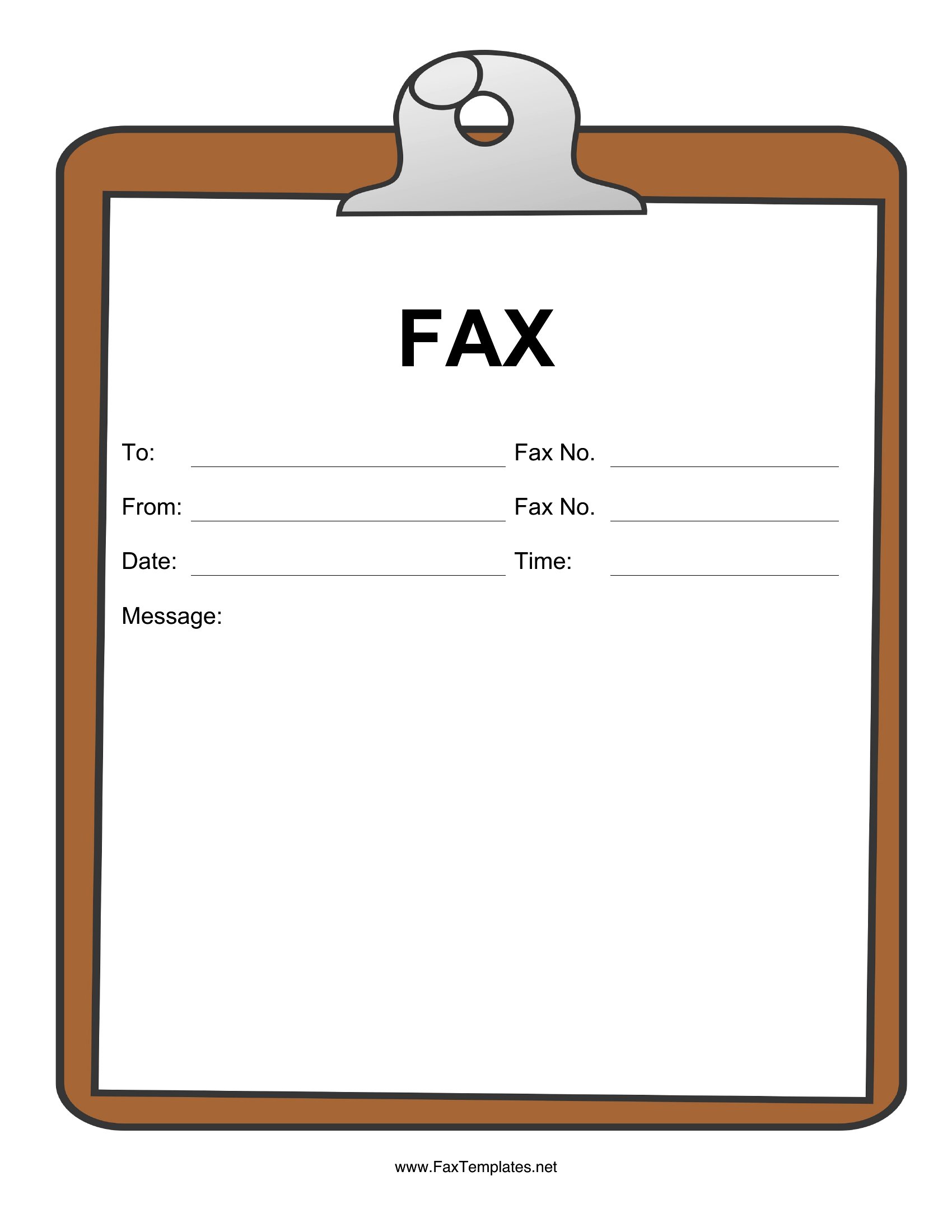
ApplicationsFaxing is still routine in healthcare, law, and finance, and a cover sheet keeps the pages organized and private. This collection of 56 fax cover sheet templates includes standard, professional, and confidential styles with fields for sender, recipient, page count, and a short message.
Print the PDF versions to fill in by hand at the machine, or edit the Word files to add your logo and reuse them. Each one has space for a confidentiality notice when you're sending sensitive documents. Drop in the details, place it on top of your pages, and send. Choose the style that fits your office and fax with a polished first page.
When to use this Fax Cover Sheet template
- A law firm’s paralegal sends daily case updates to out-of-state counsel and needs a cover sheet that includes a confidentiality notice and page count for secure fax transmission.
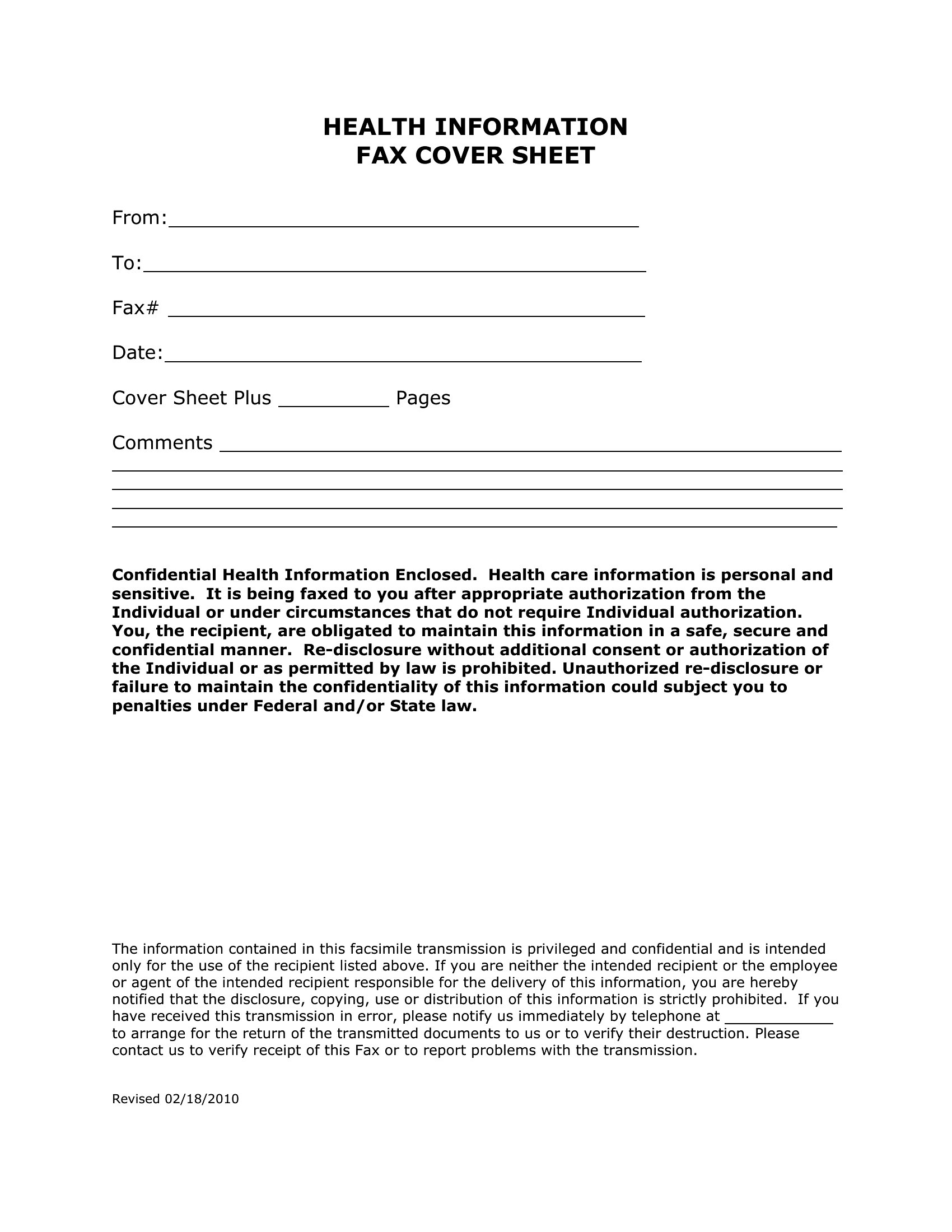
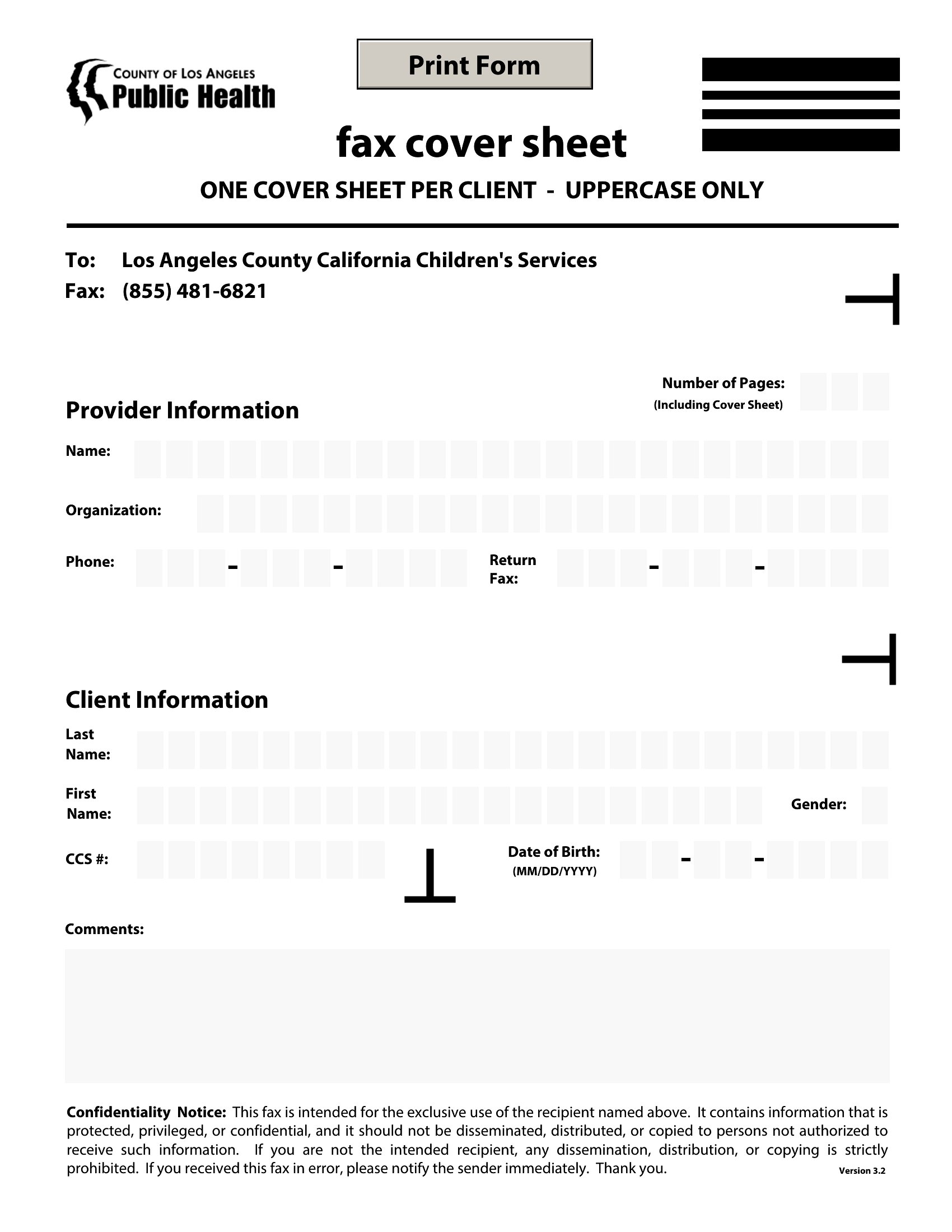
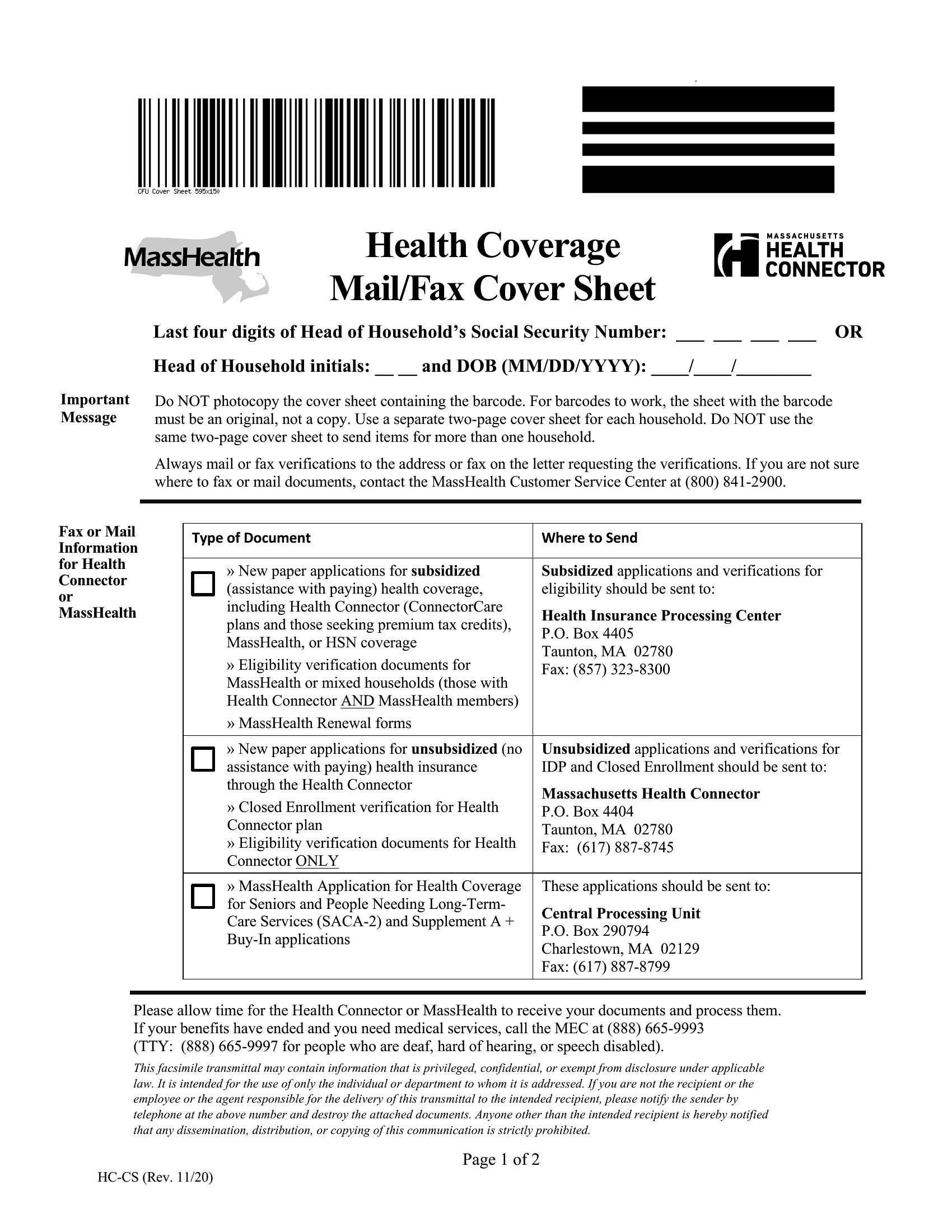
- A hospital’s medical records department uses faxed referrals from specialists; their cover sheets must include patient names, doctor names, and a standardized disclaimer for HIPAA compliance.
- A small accounting practice sends monthly financial summaries to clients via fax, requiring a clean, branded cover sheet with space for a quick note and a client reference number.
- A government contractor’s administrative assistant needs to fax large procurement bids to agencies, using a cover sheet that specifies a project code and the number of pages for tracking.
Which format should I download?
Choose PDF formats if you need to print and fill out fax cover sheets by hand at the fax machine, such as in offices where digital editing isn’t always possible. Opt for Word formats if you’ll customize the template regularly—adding your logo, adjusting fields, or reusing it across multiple documents. The fillable Word options are best for offices that want to save time by pre-populating sender, recipient, or page count information before printing.
Choose from 56 Fax Cover Sheet Templates
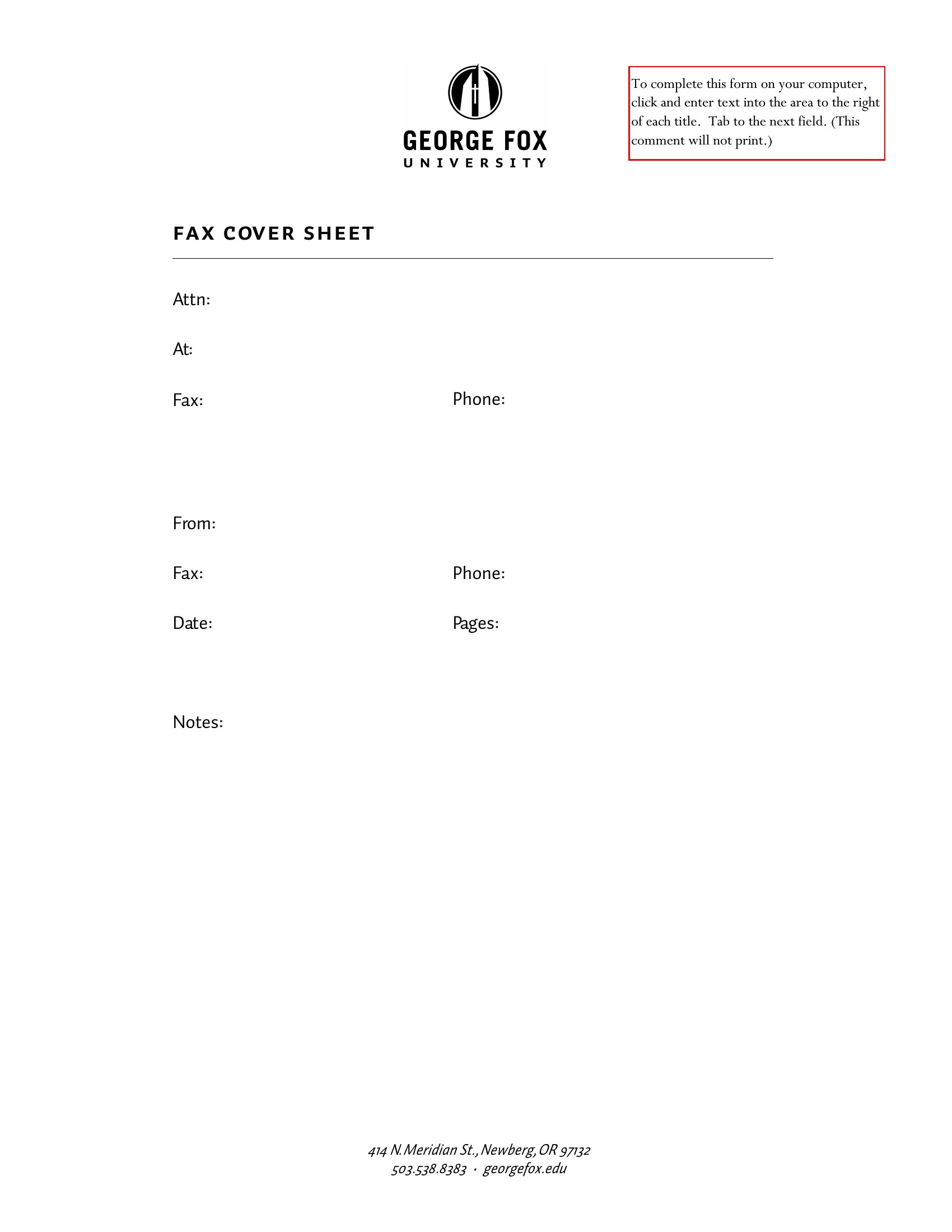
How to use this Fax Cover Sheet template
Can these fax cover sheets be used to comply with privacy laws like HIPAA or GDPR?
These templates provide a starting point for including privacy notices, disclaimers, or confidentiality messages, but they are not a substitute for legal or compliance advice. Always consult with a legal professional to ensure your fax cover sheets meet all relevant regulations for your industry and jurisdiction. Fields like sender contact info or patient references can be included but should align with your organization’s data security policies.
What’s the best way to include a company logo or branding on a fax cover sheet?
Use the Word formats to easily insert your logo, adjust colors, or add your company name. For PDFs, print the template, manually add the logo with a stamp or label, or use a PDF editor to overlay branding if digital editing is available. Ensure the logo doesn’t obscure critical fields like the recipient’s name or page count. Test the layout by faxing a trial sheet first to confirm clarity.
How should I handle fax cover sheets for multi-page documents with sensitive information?
Always include the total page count on the cover sheet to ensure no pages are lost during transmission. For highly sensitive documents, use templates with a confidentiality notice or “attorney-client privileged” wording. Consider numbering pages or using a table of contents on the cover sheet if the document refers to specific sections. Never rely solely on the cover sheet for security—secure the original documents and use encrypted fax services if possible.
Comments
Join the conversation
Sign in to share your thoughts and leave a comment on this resource.