Printable Fax Cover Sheets (Word, PDF)
ApplicationsTemplates
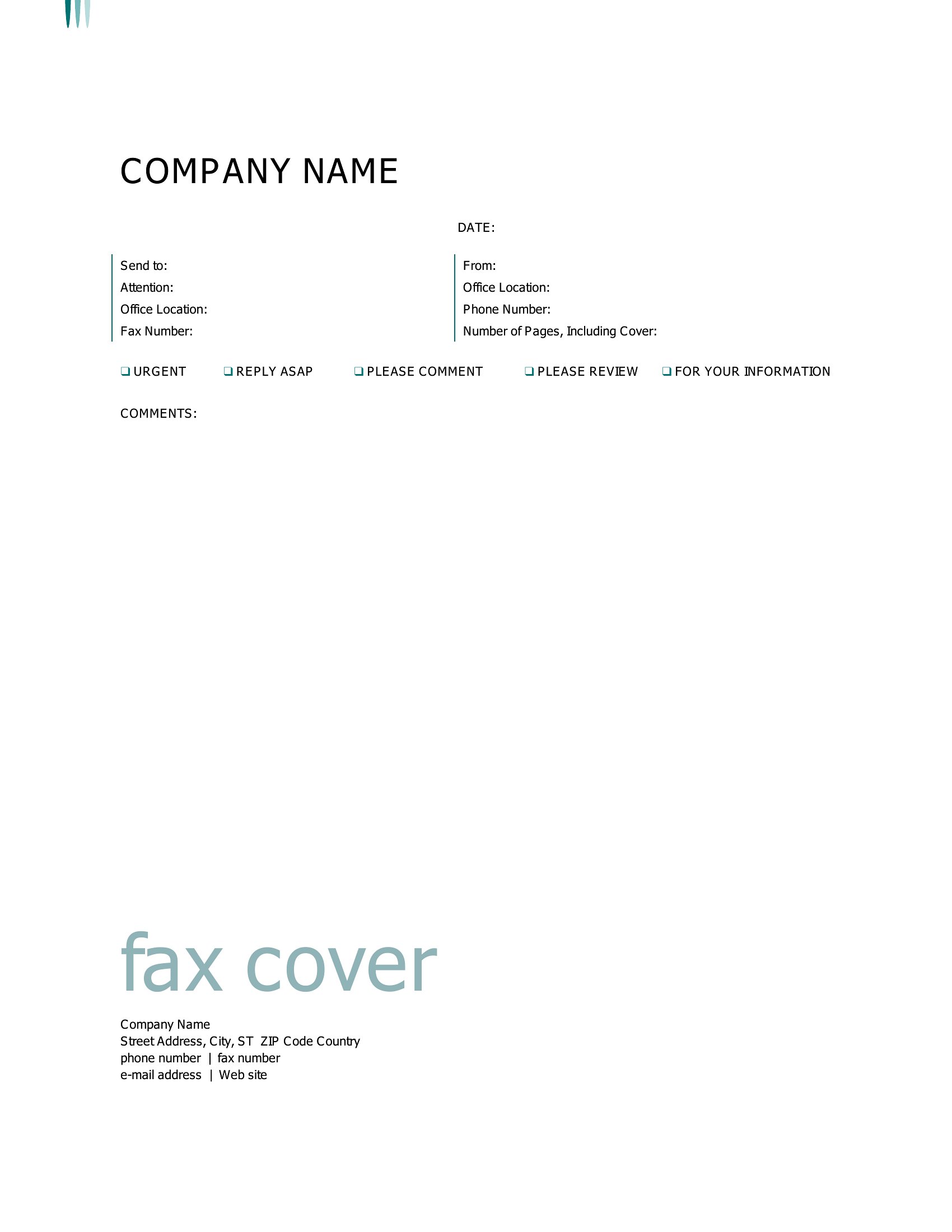
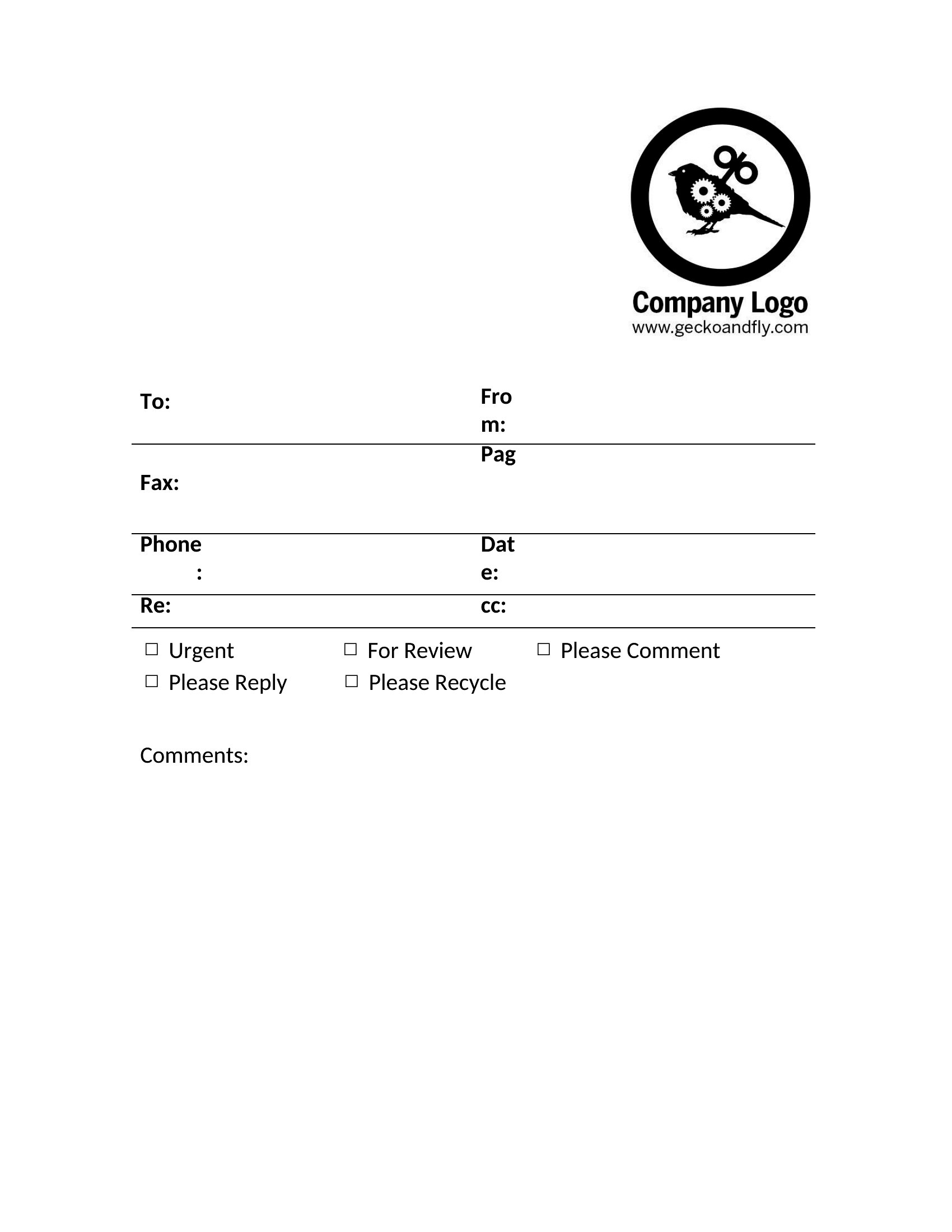
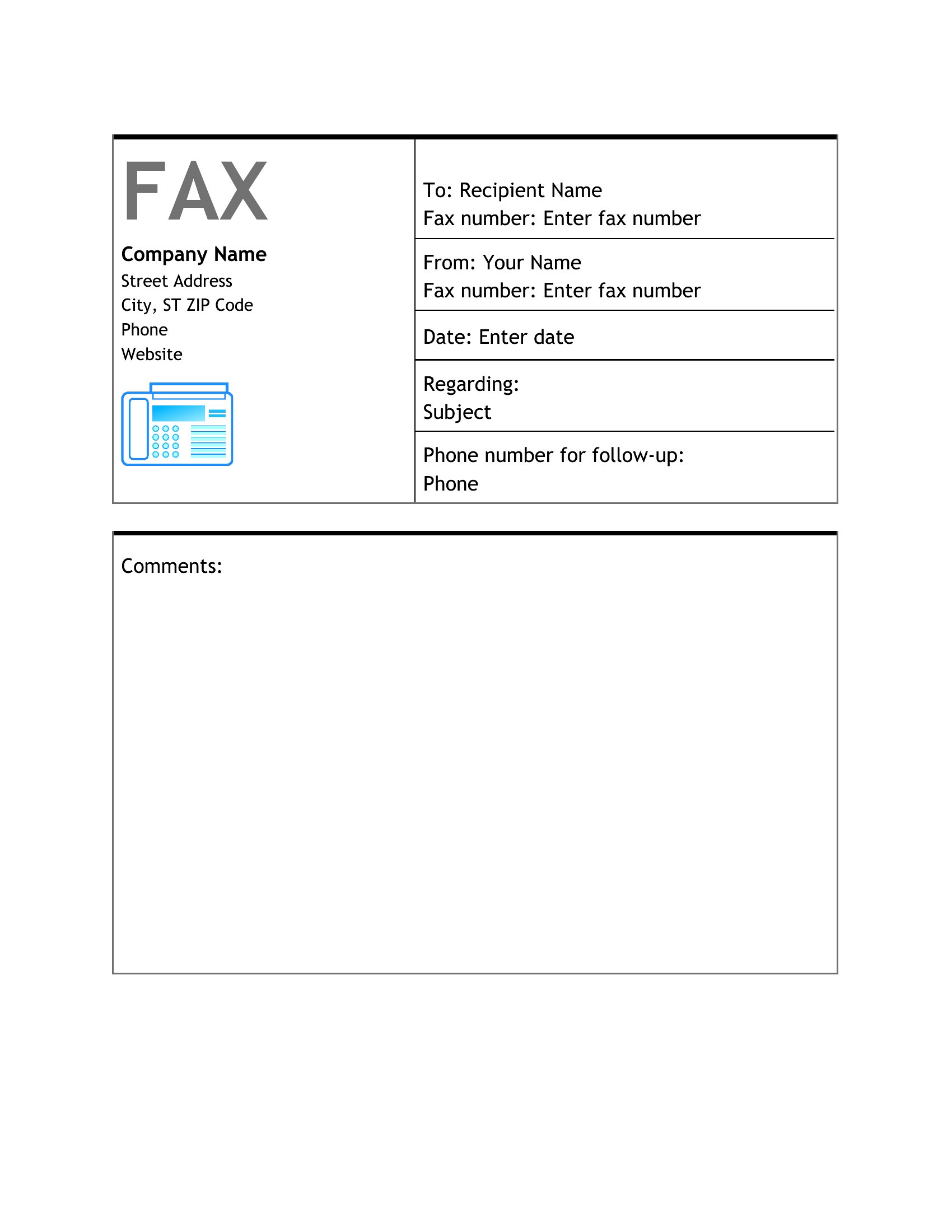
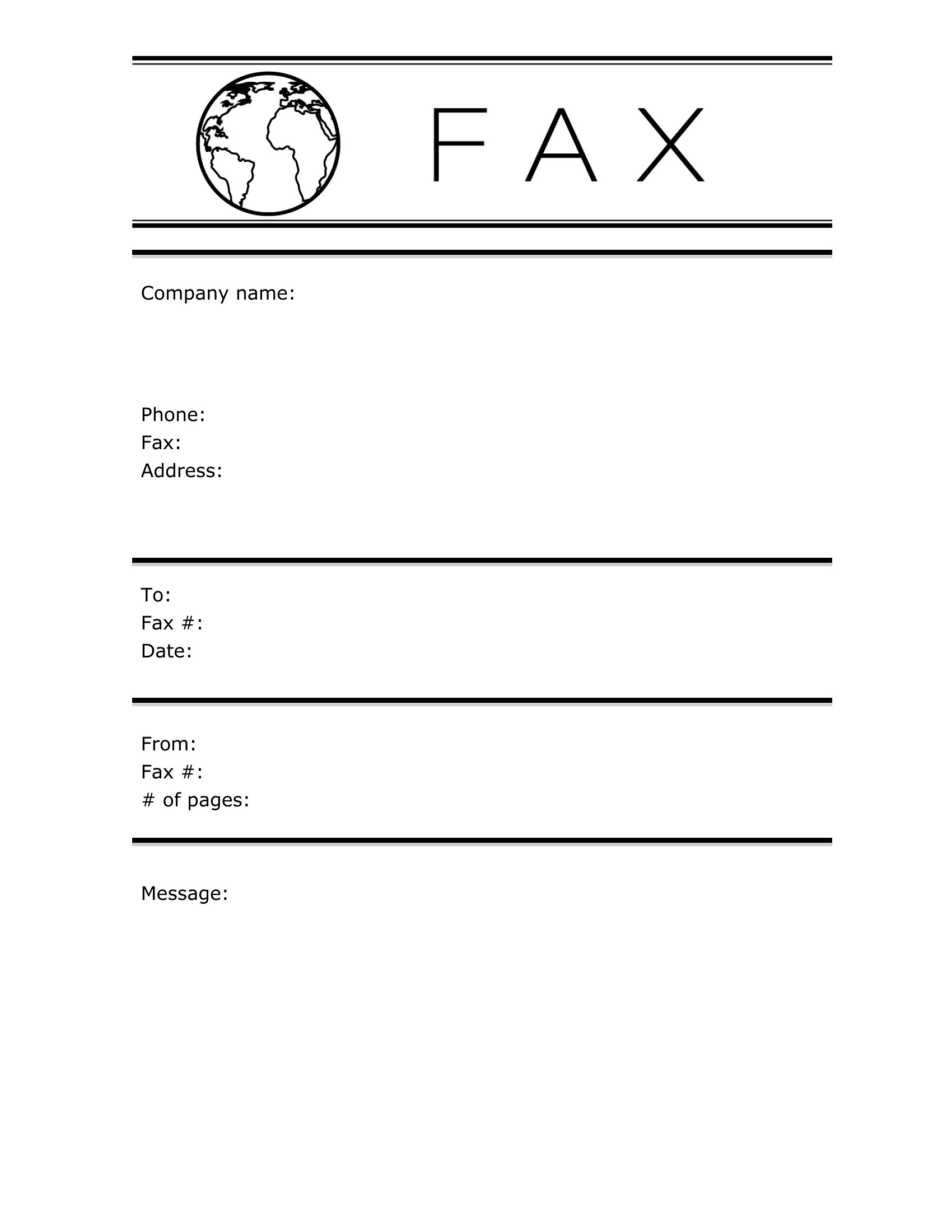
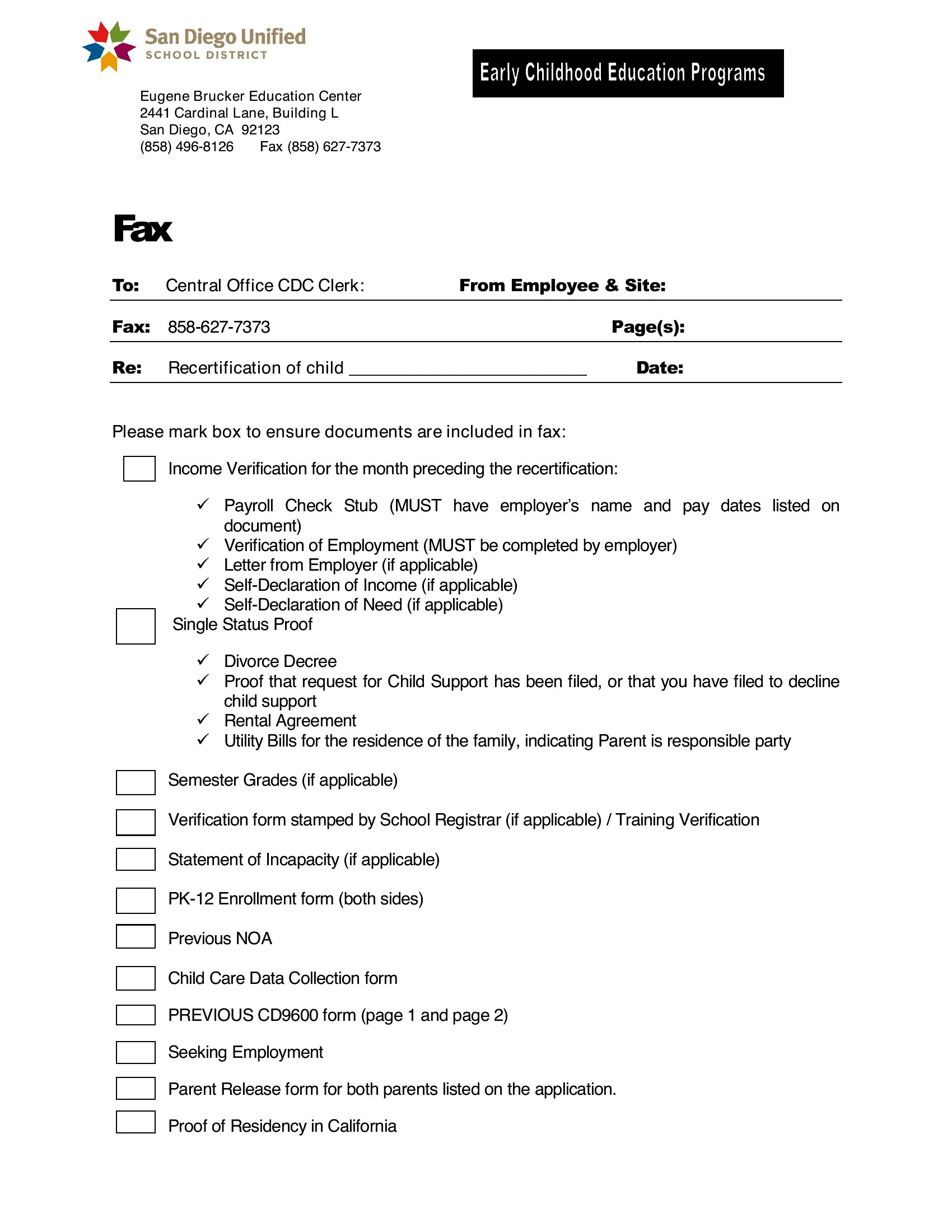
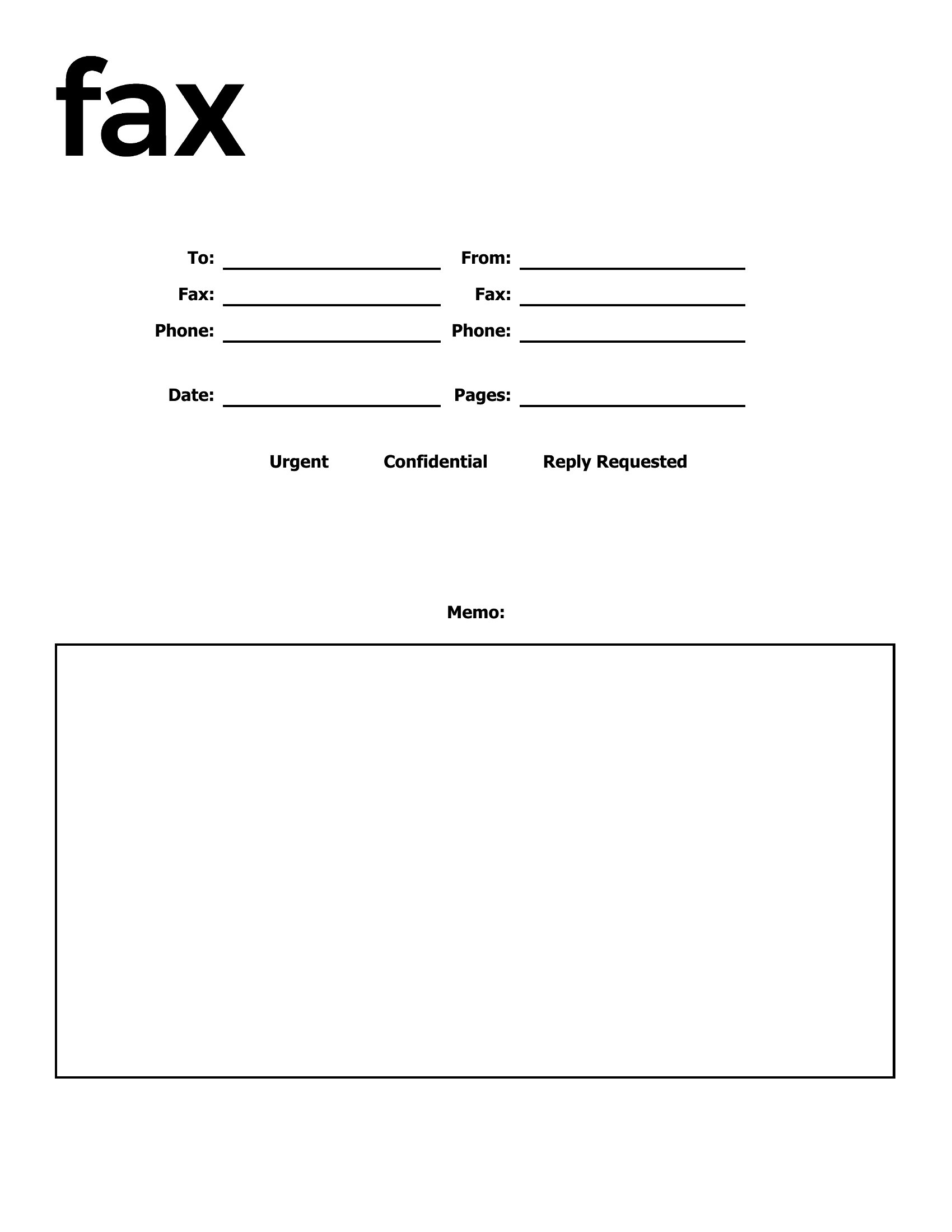
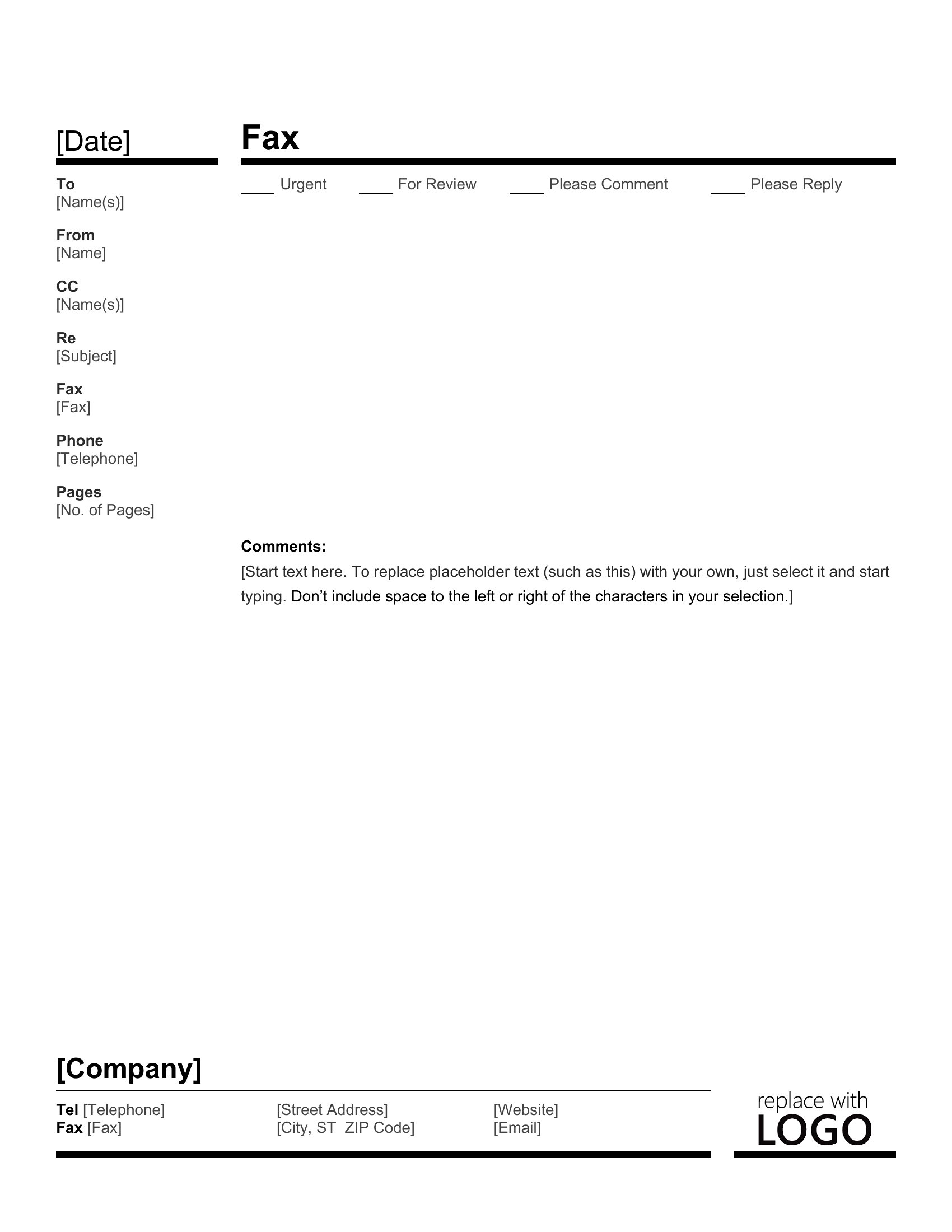
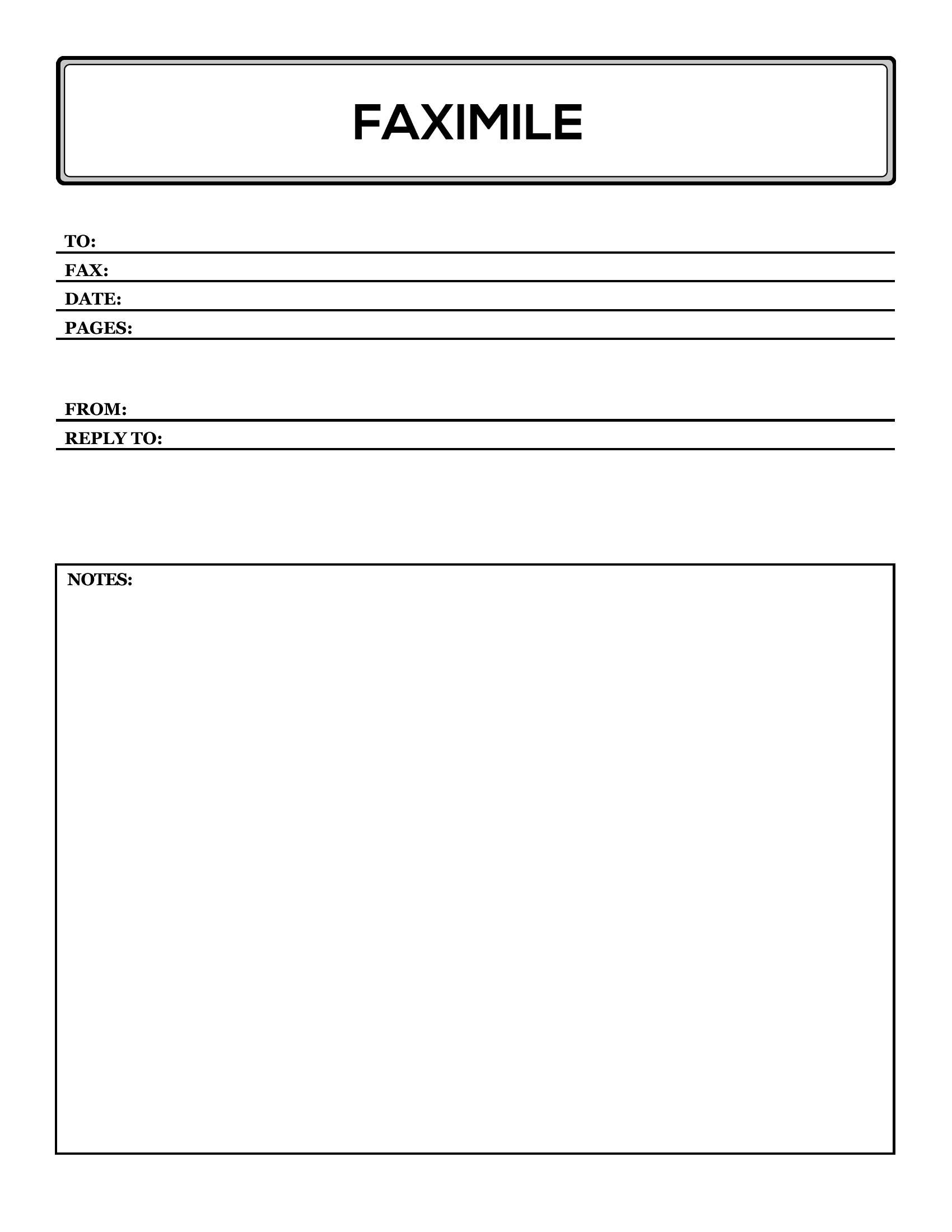
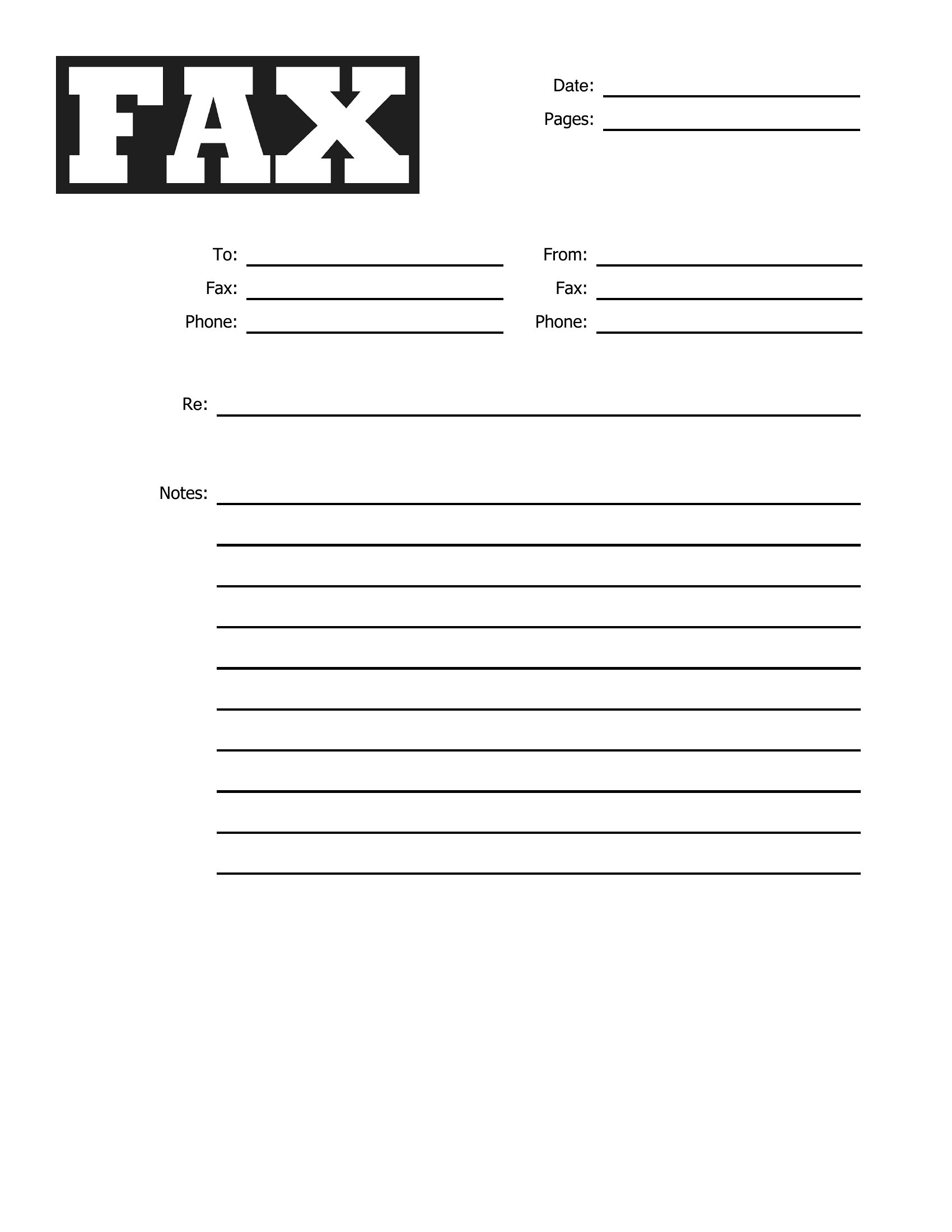
FAQ
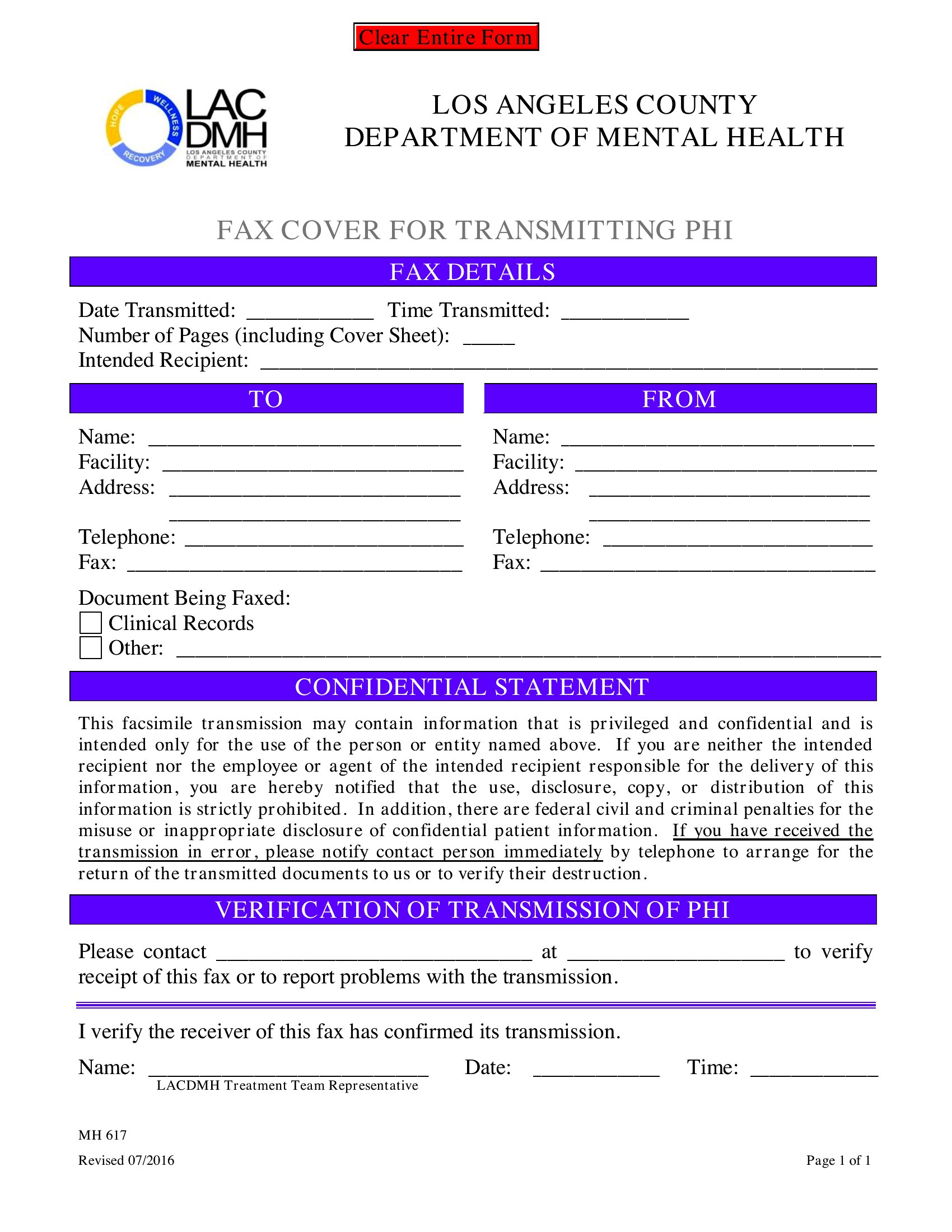
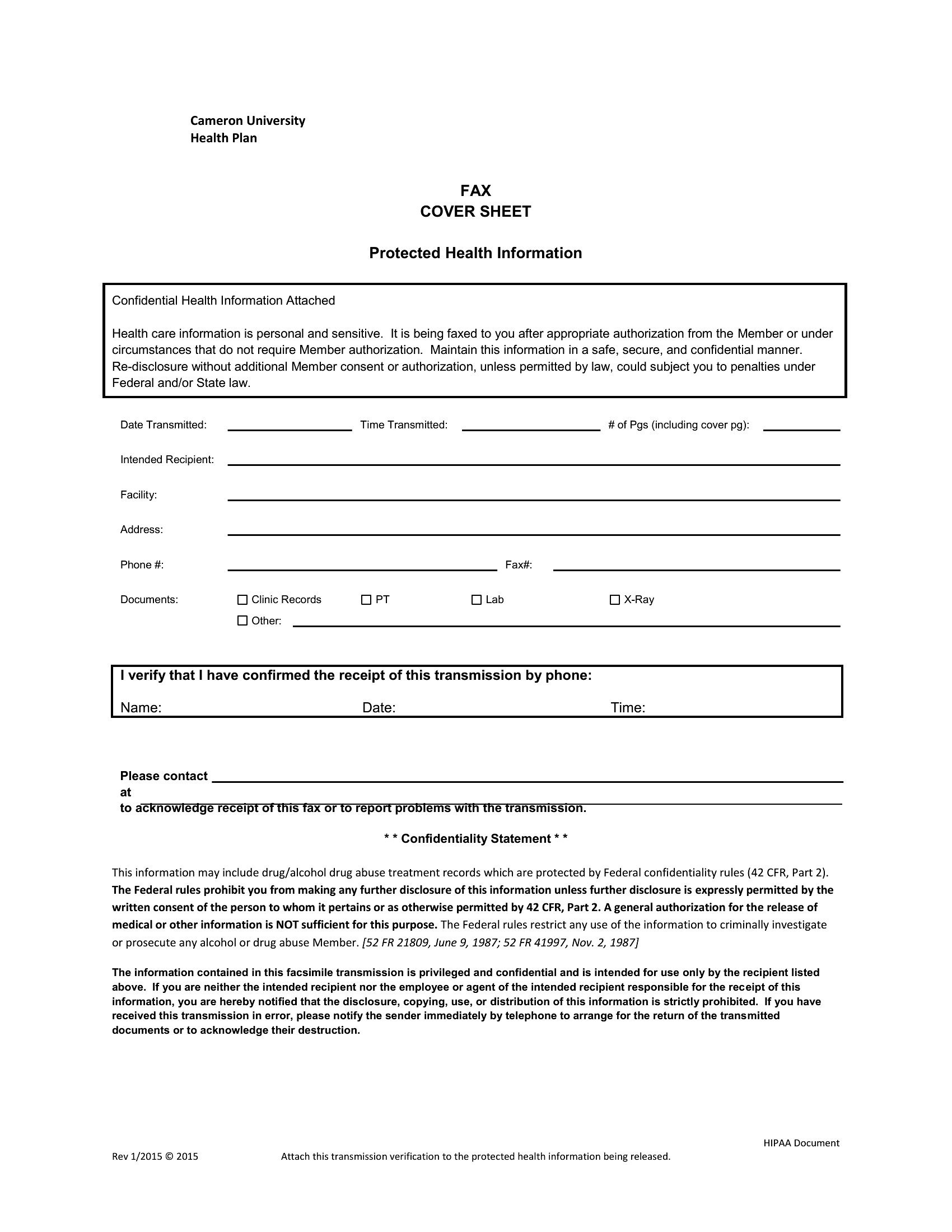
Can these fax cover sheets be used to comply with privacy laws like HIPAA or GDPR?
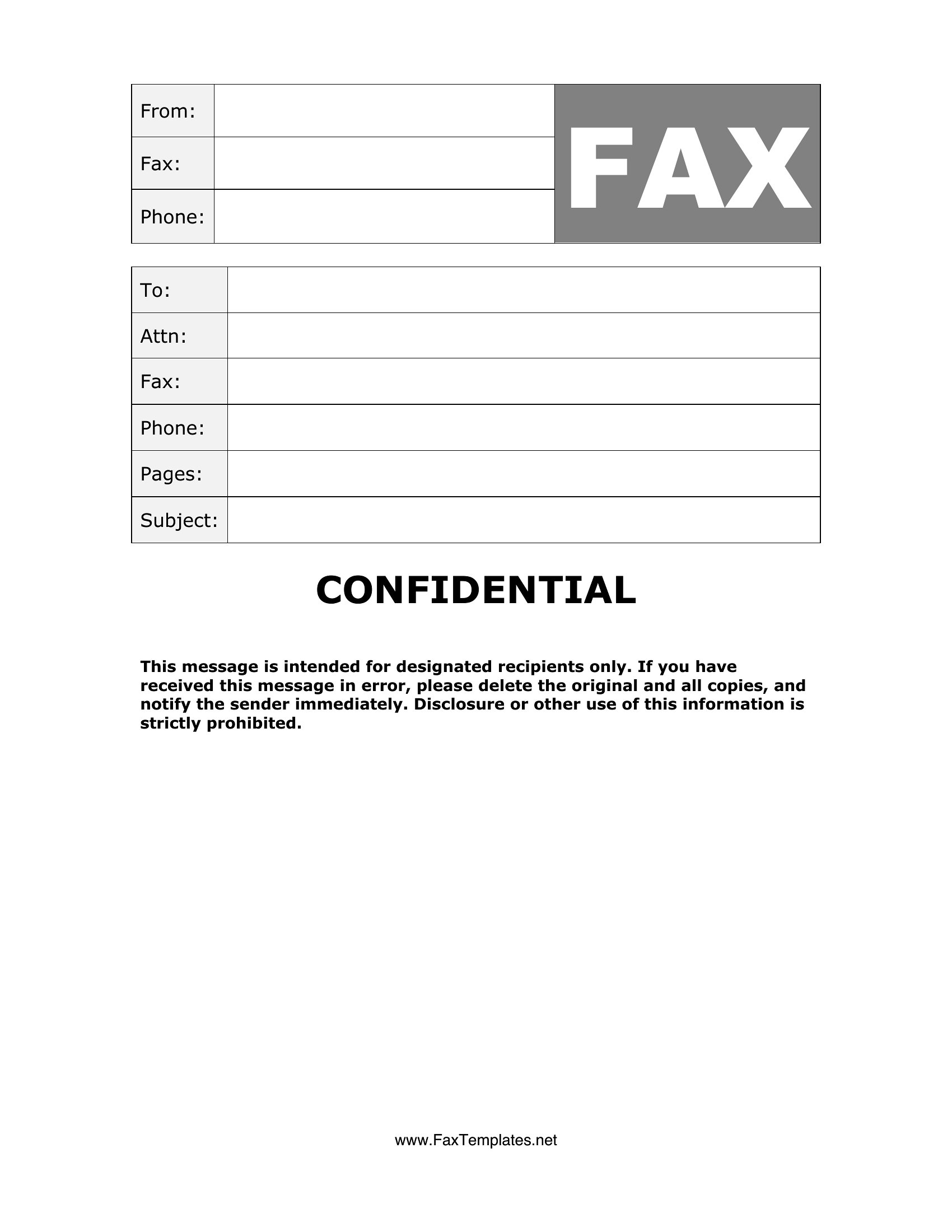
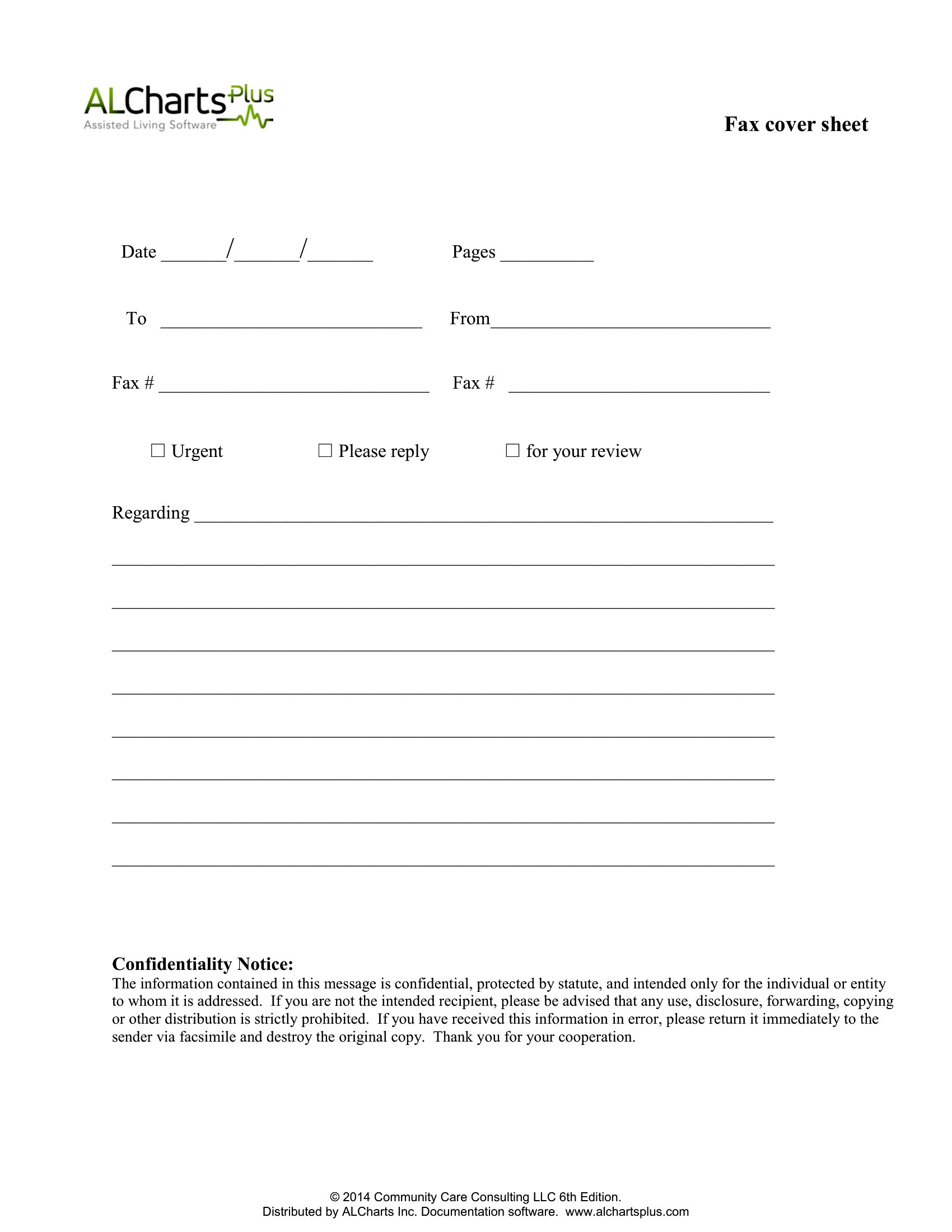
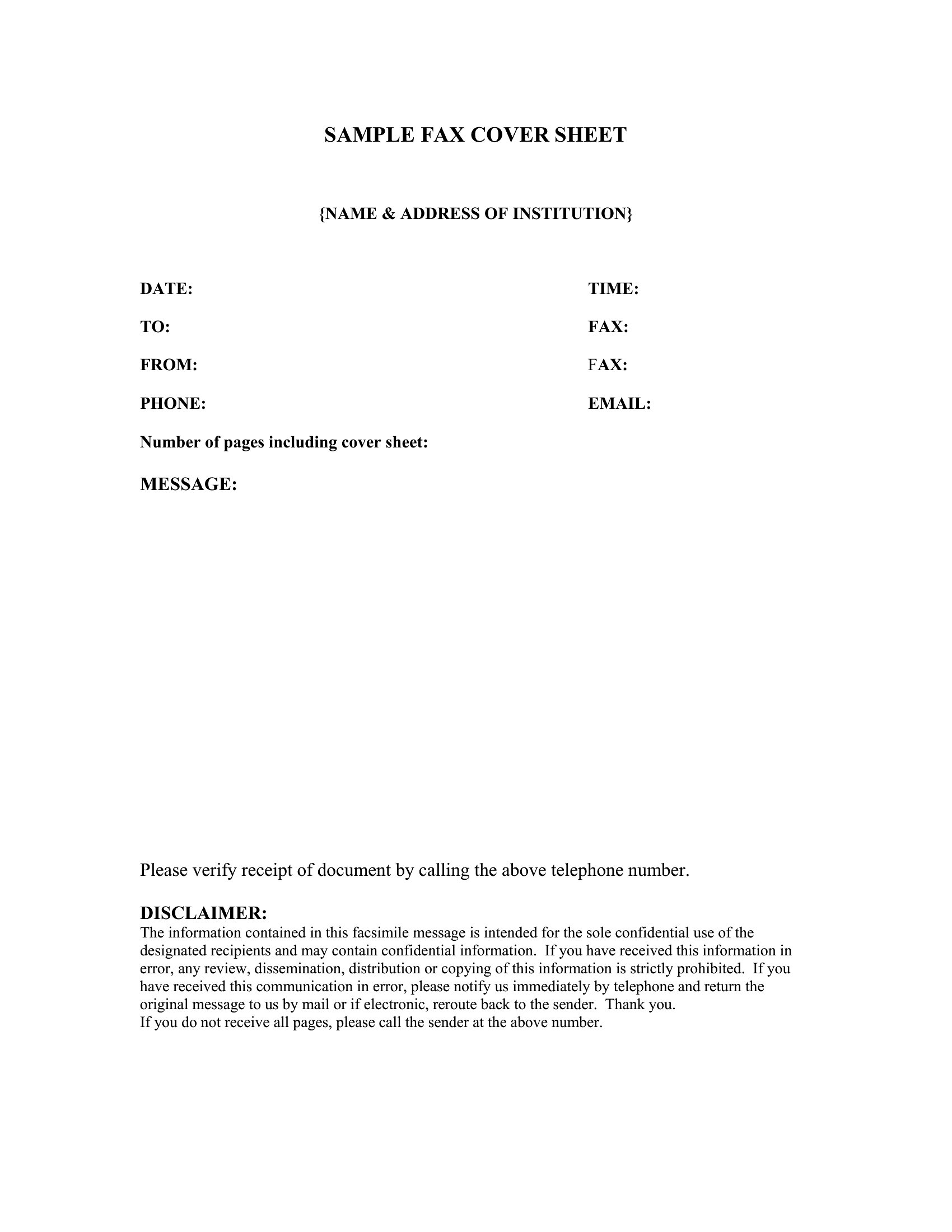
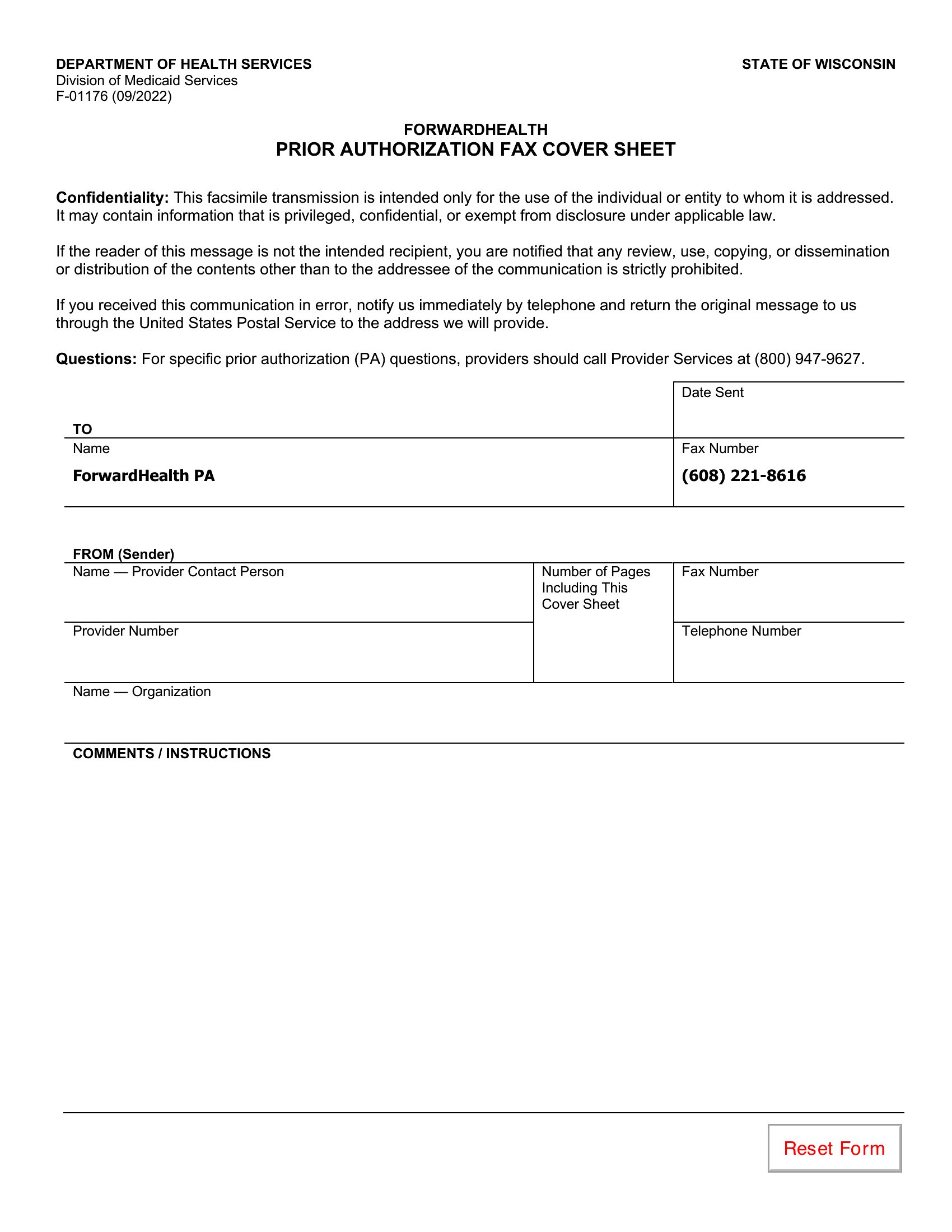
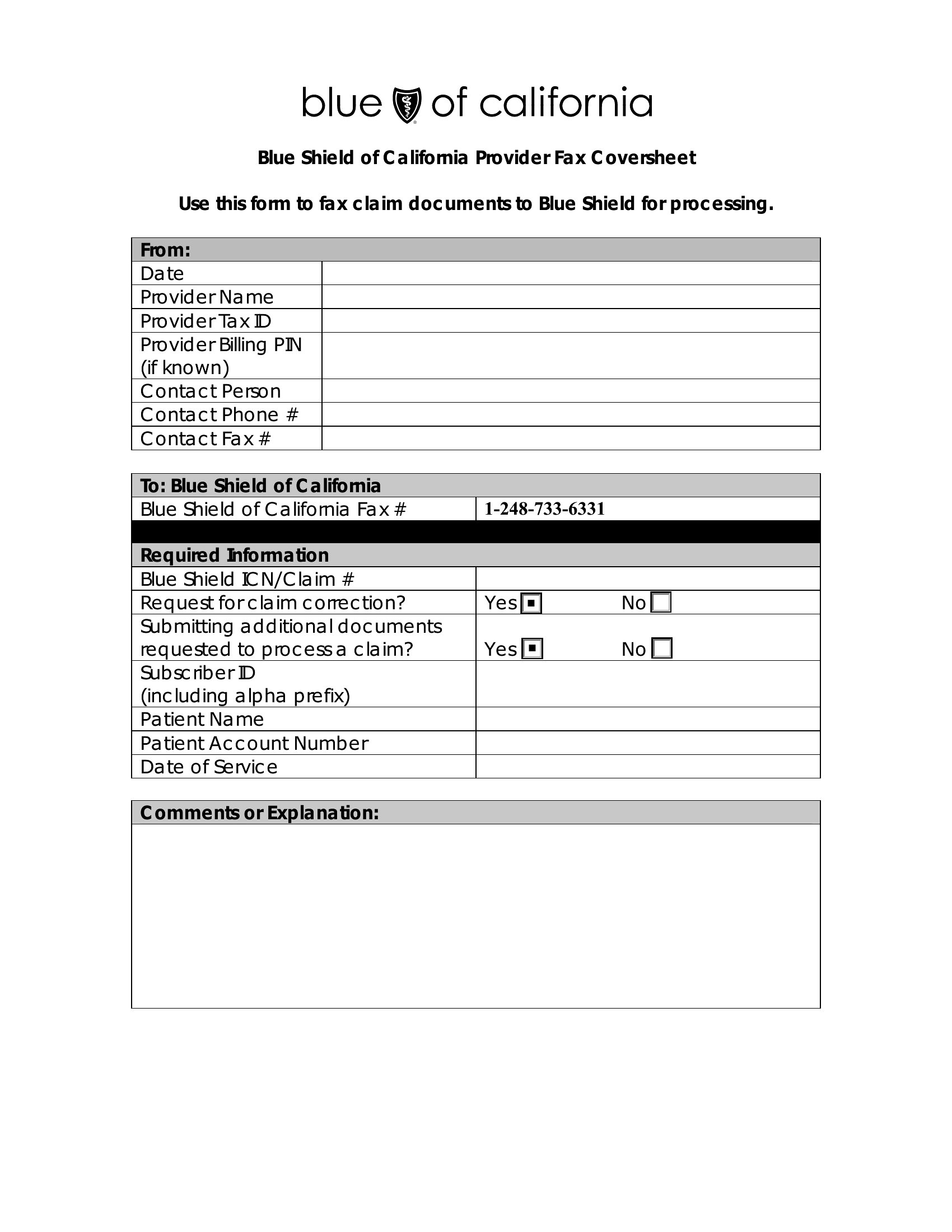
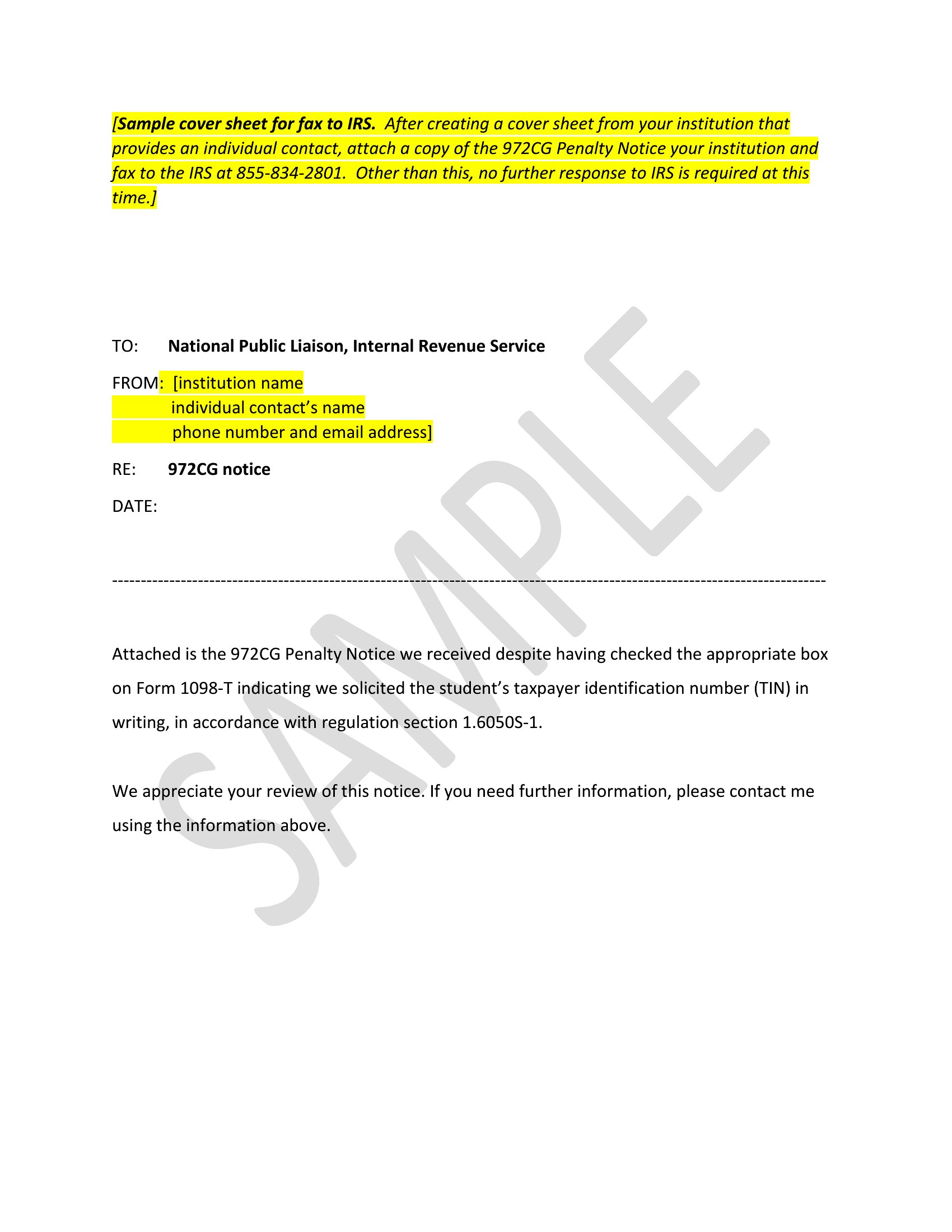
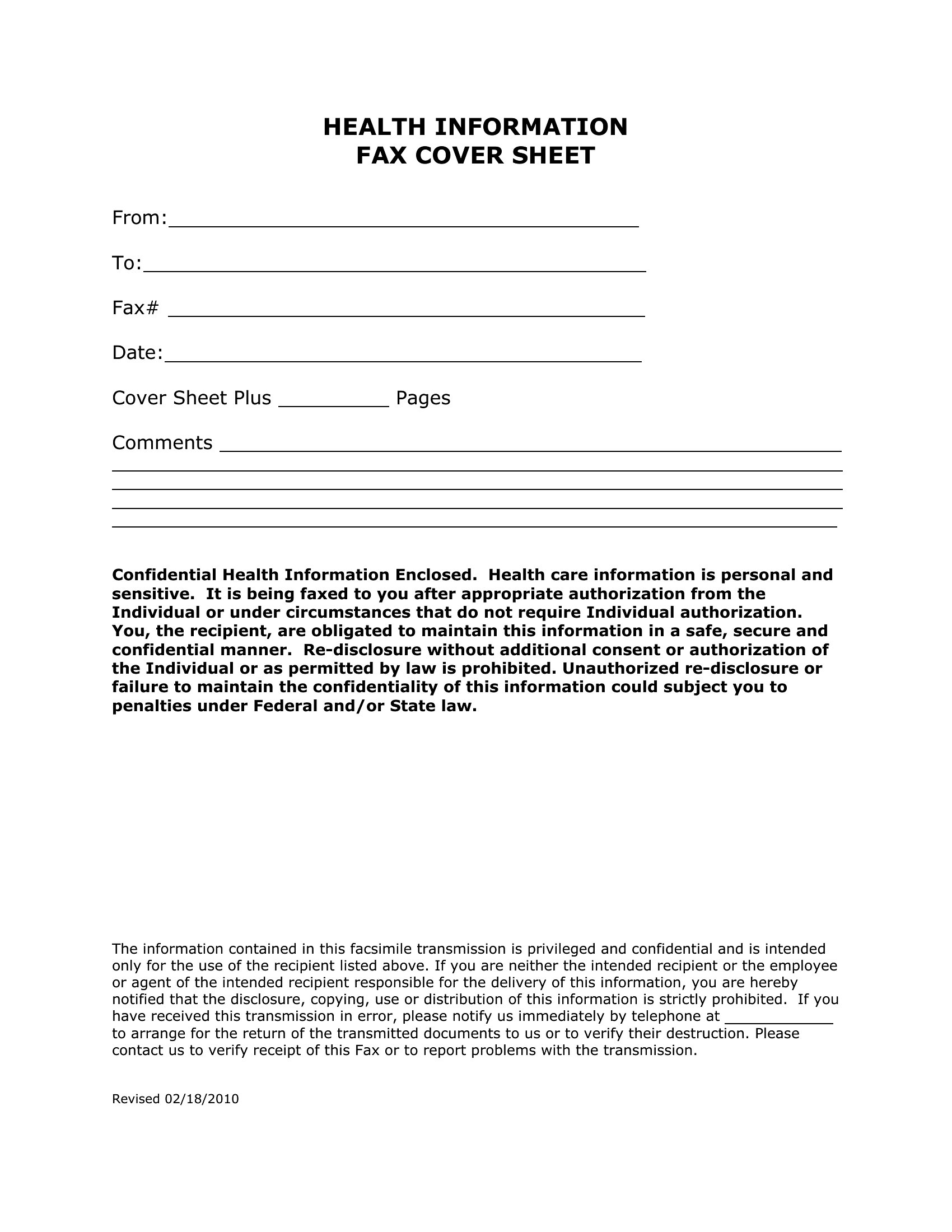
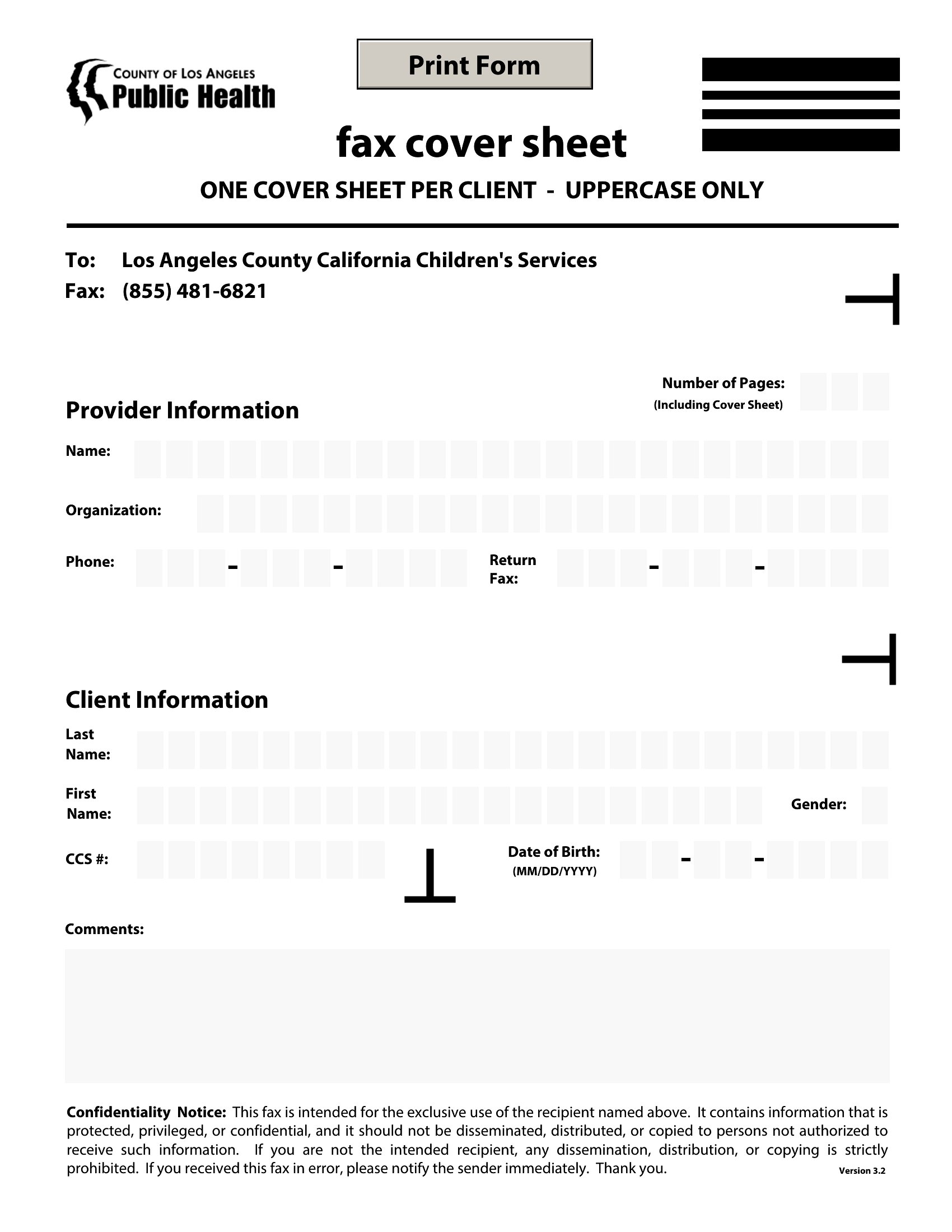
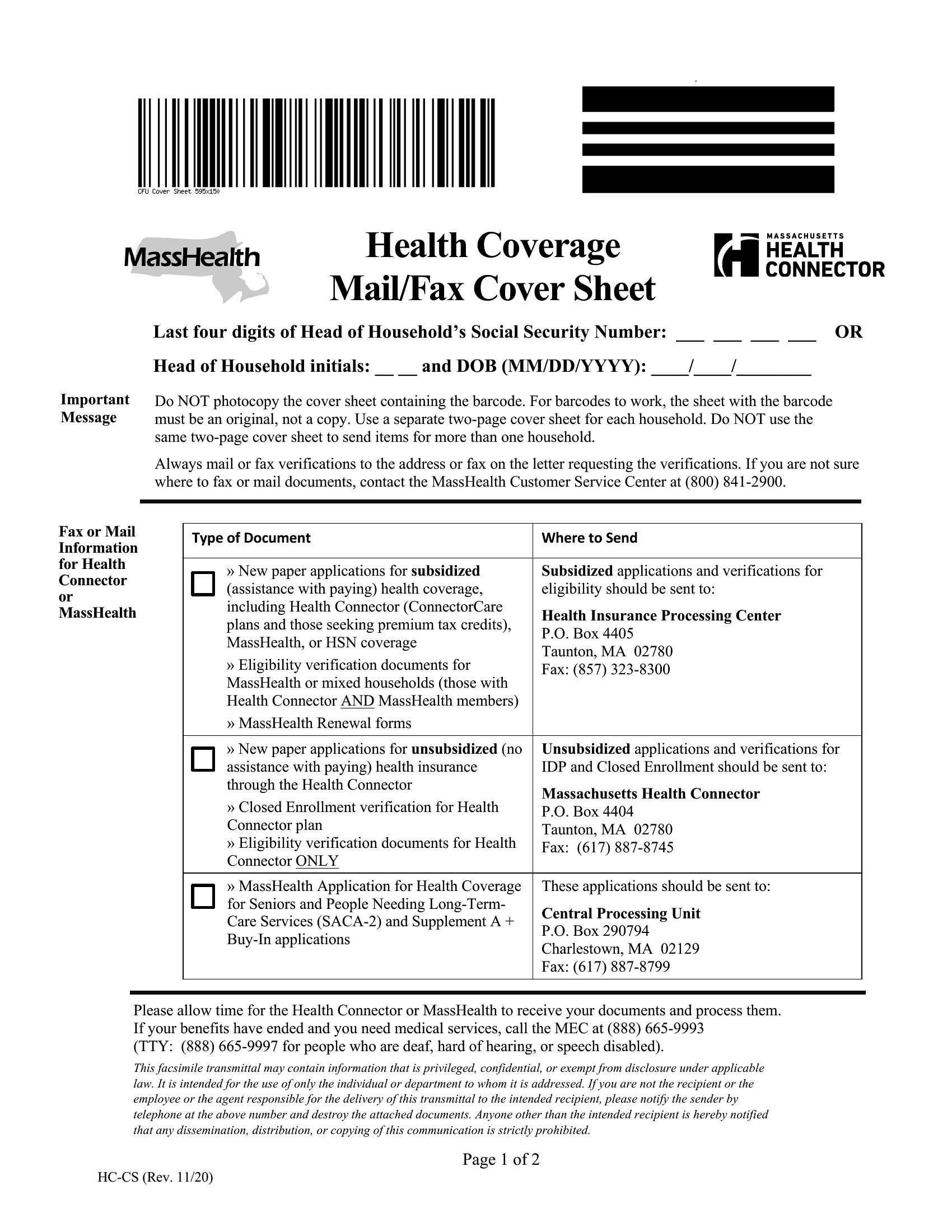
These templates provide a starting point for including privacy notices, disclaimers, or confidentiality messages, but they are not a substitute for legal or compliance advice. Always consult with a legal professional to ensure your fax cover sheets meet all relevant regulations for your industry and jurisdiction. Fields like sender contact info or patient references can be included but should align with your organization’s data security policies.
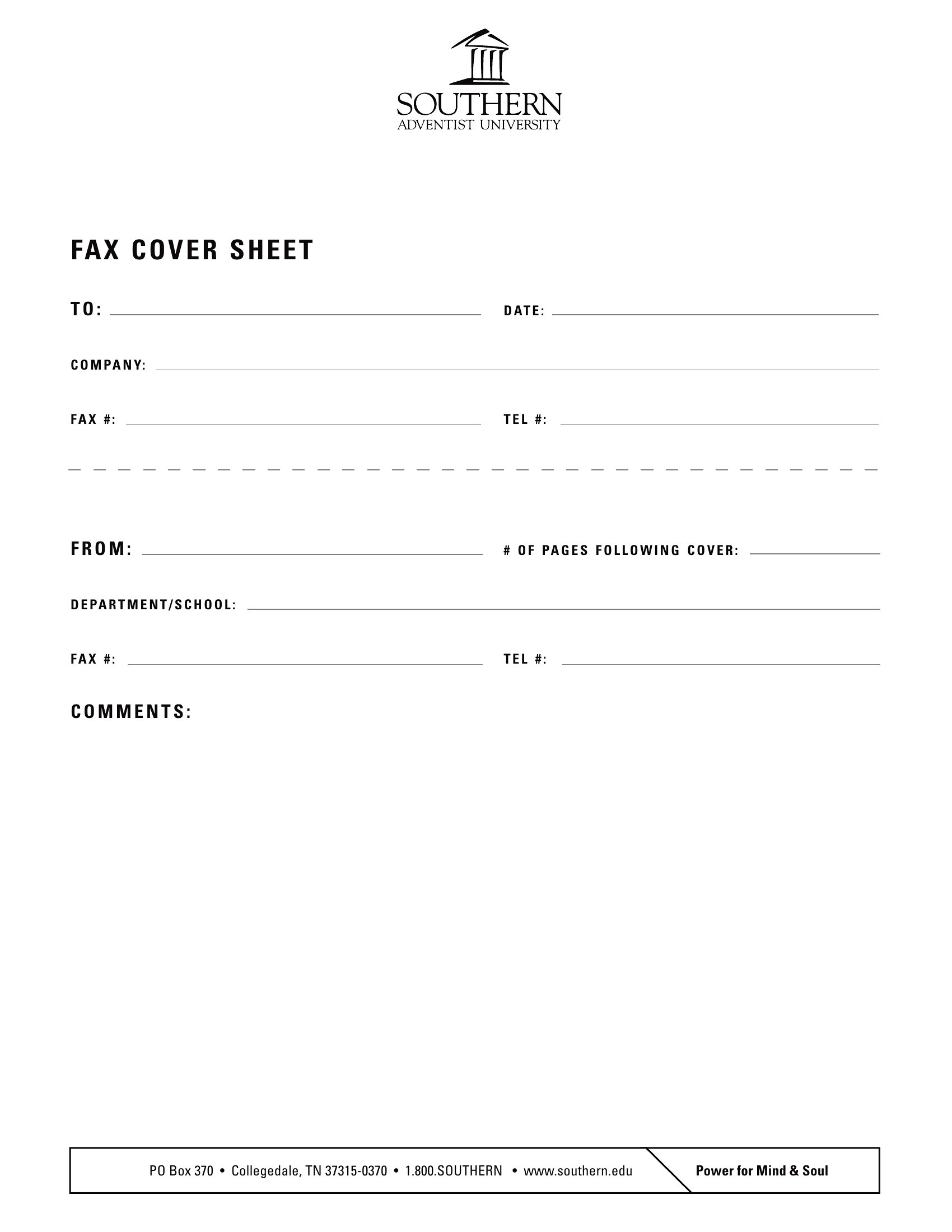
What’s the best way to include a company logo or branding on a fax cover sheet?
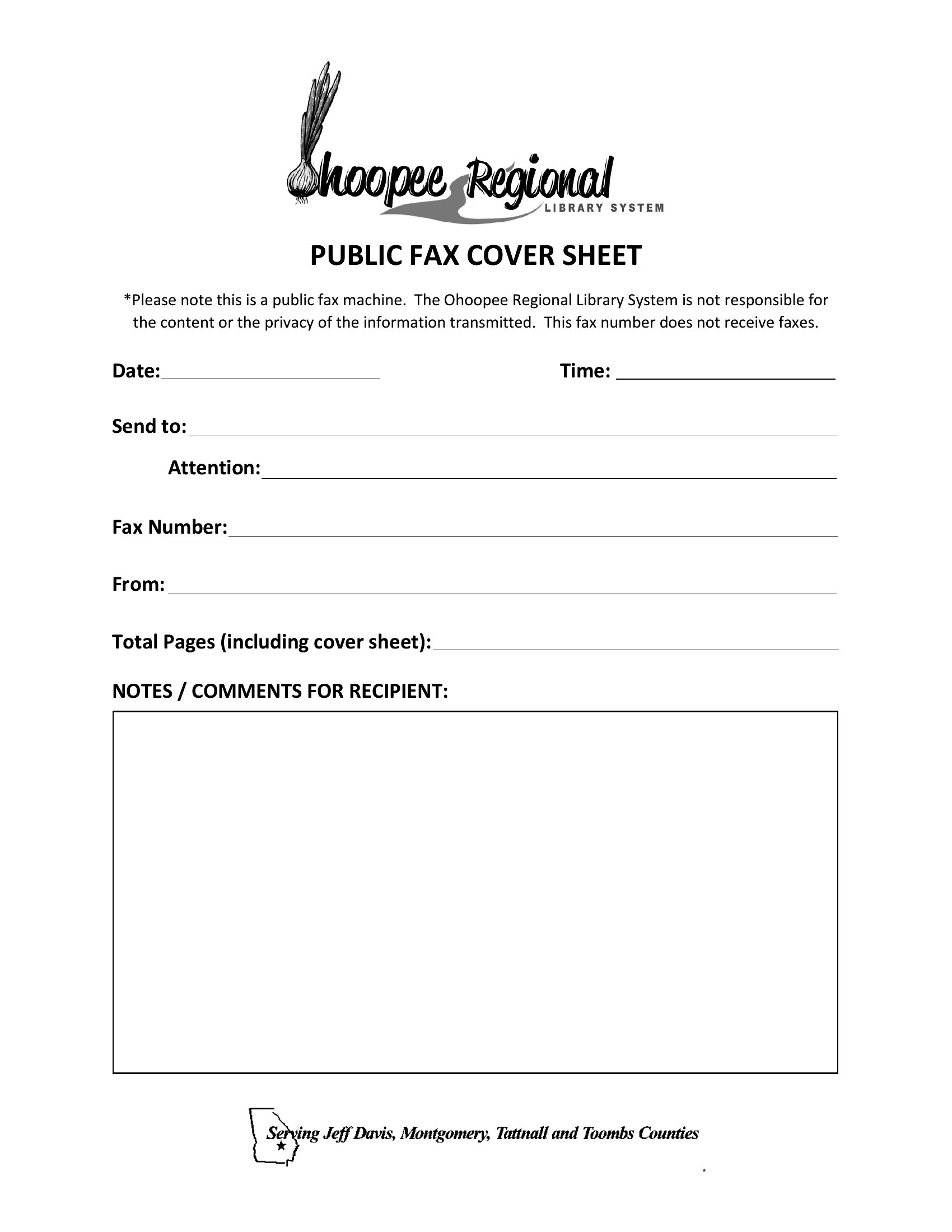
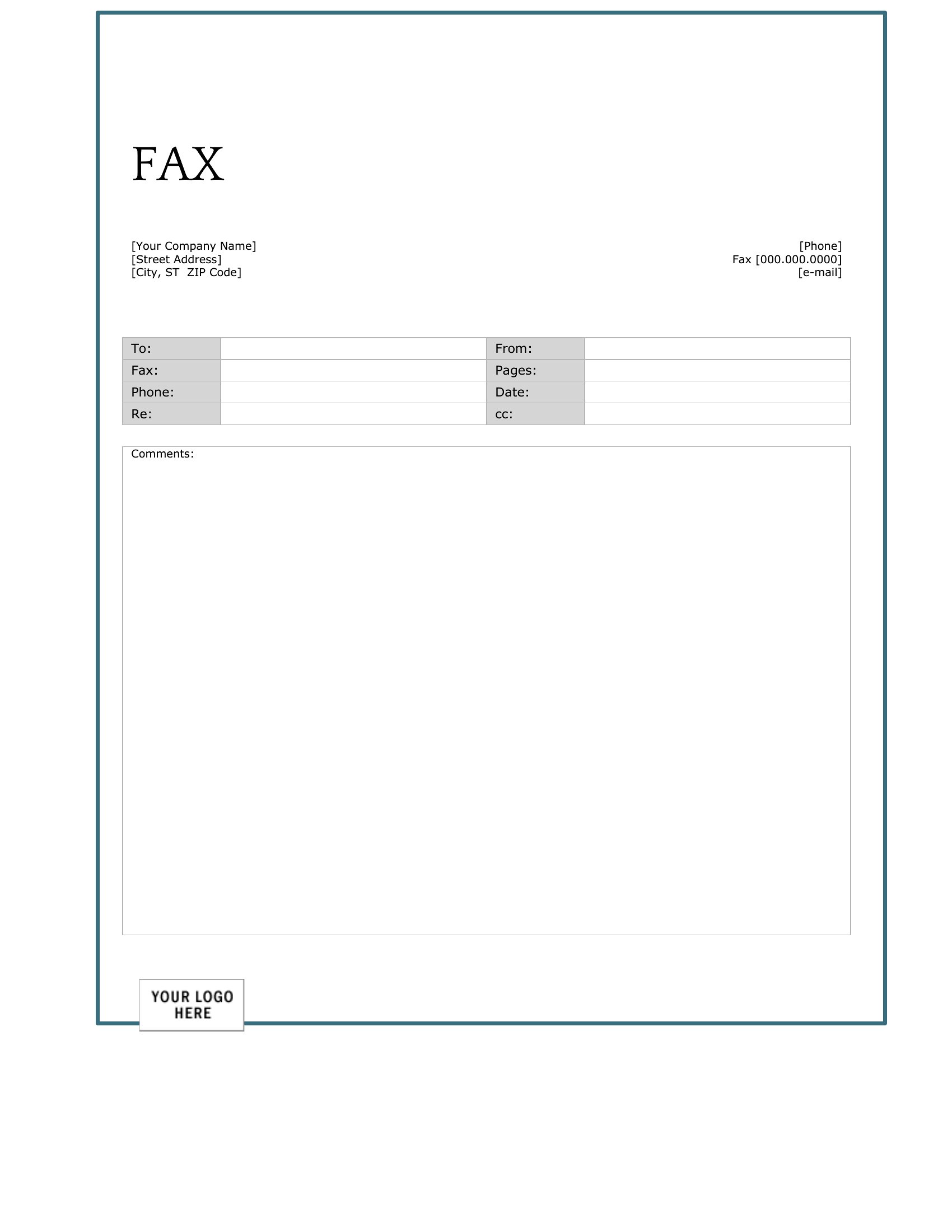
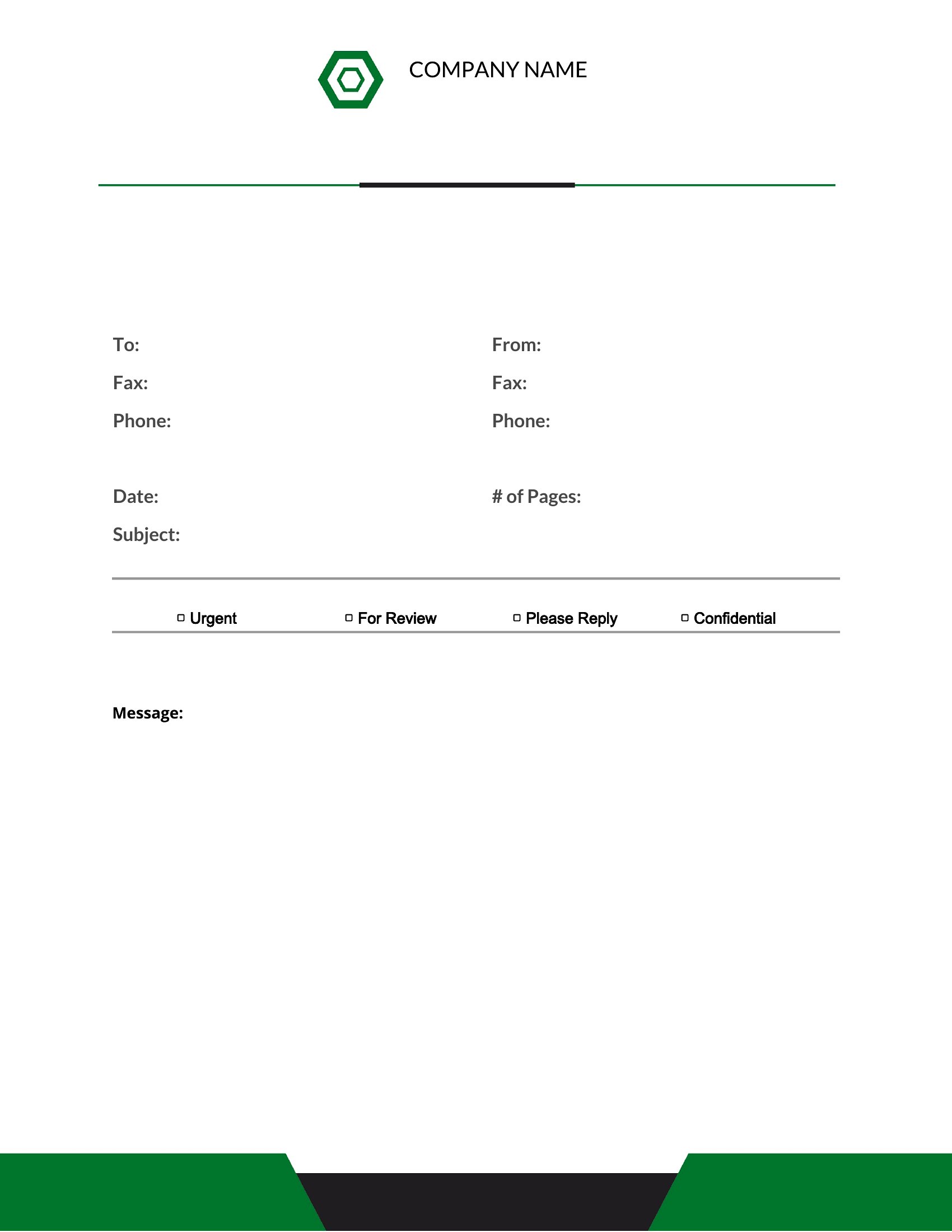
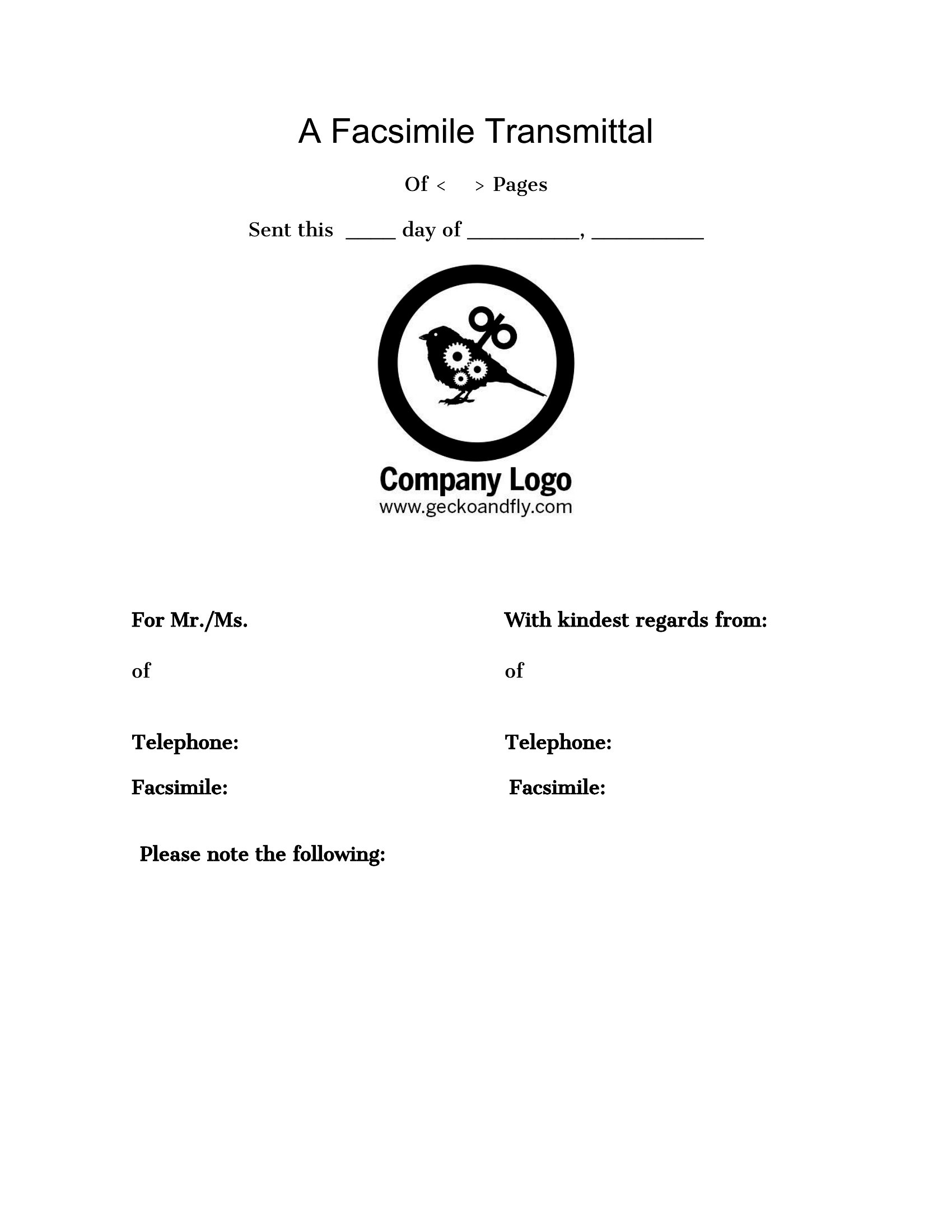
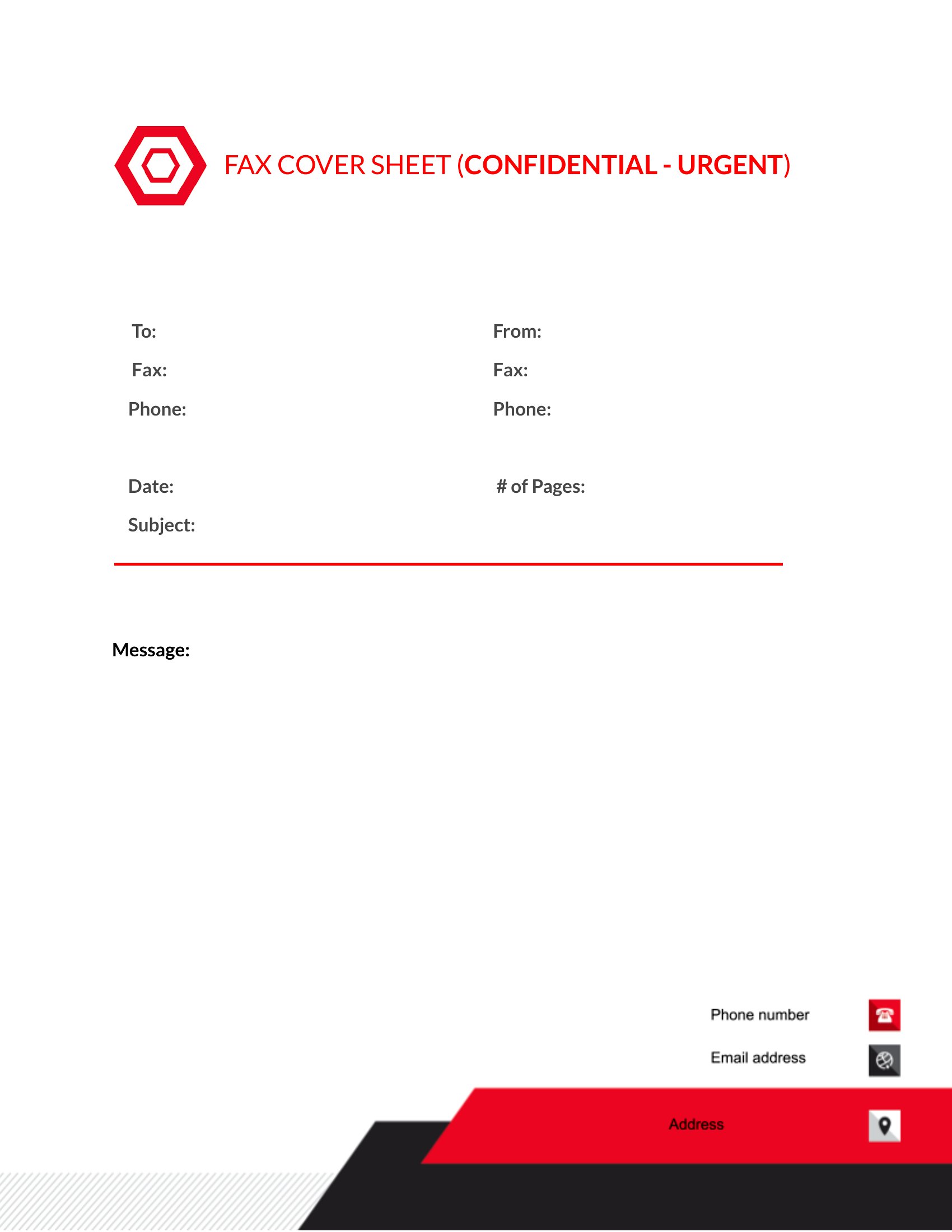
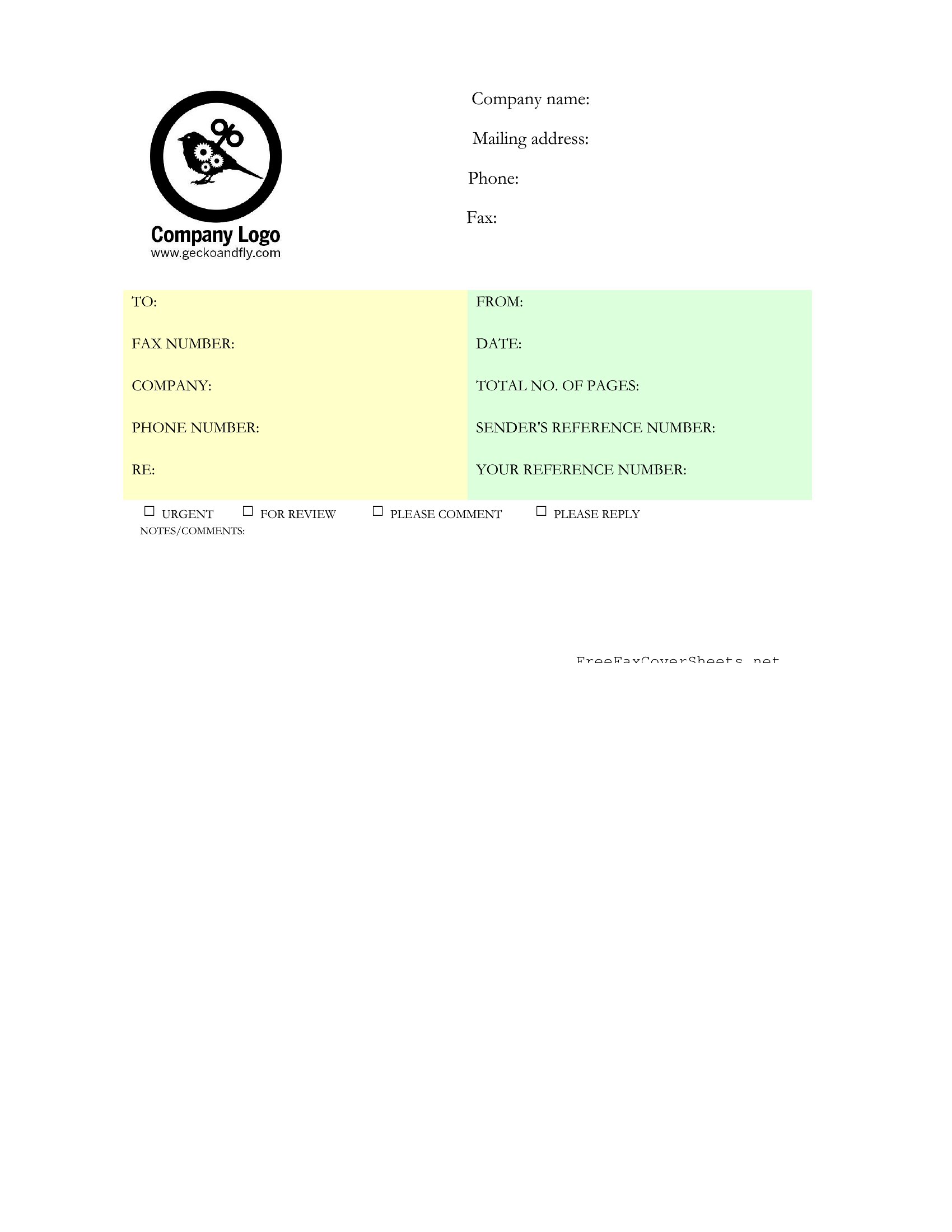
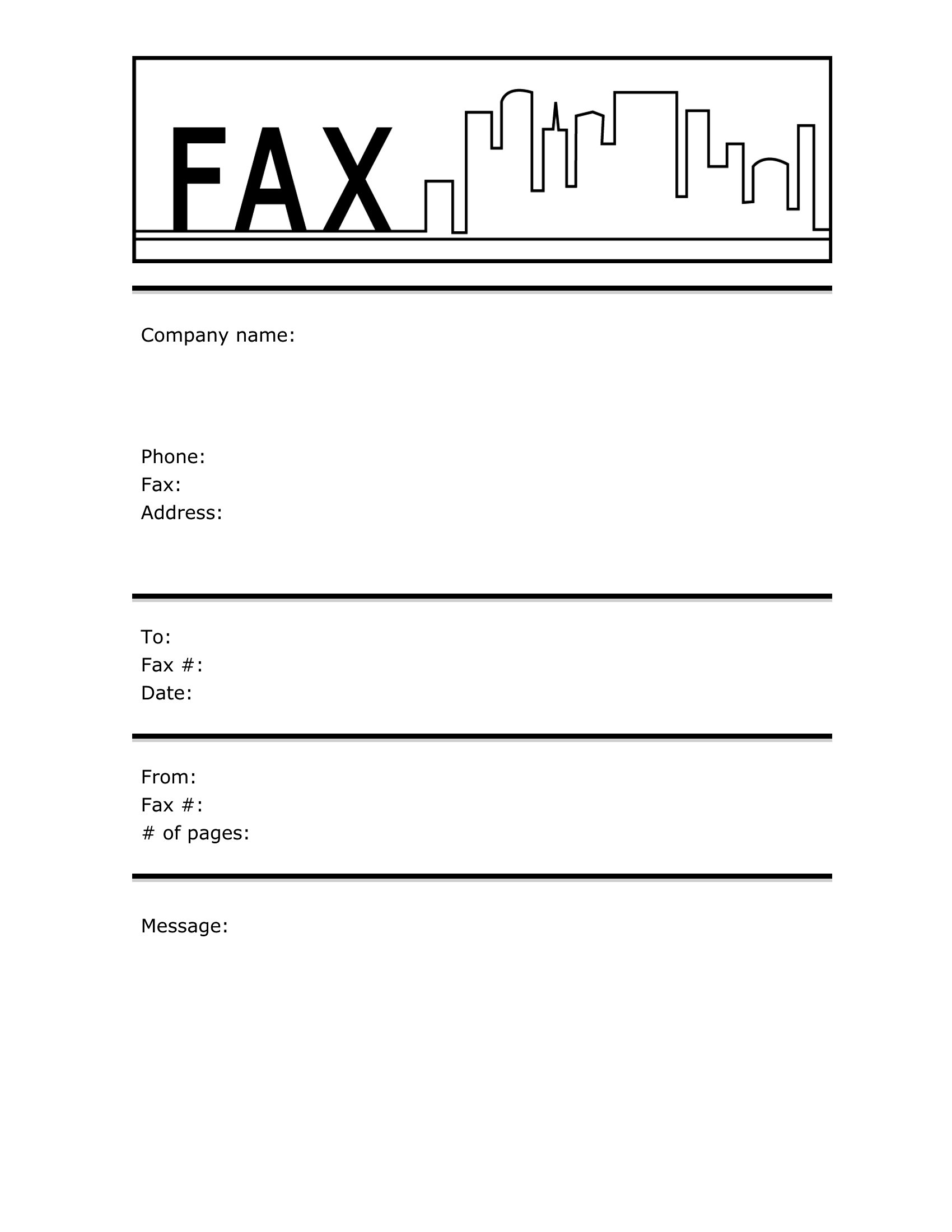
Use the Word formats to easily insert your logo, adjust colors, or add your company name. For PDFs, print the template, manually add the logo with a stamp or label, or use a PDF editor to overlay branding if digital editing is available. Ensure the logo doesn’t obscure critical fields like the recipient’s name or page count. Test the layout by faxing a trial sheet first to confirm clarity.
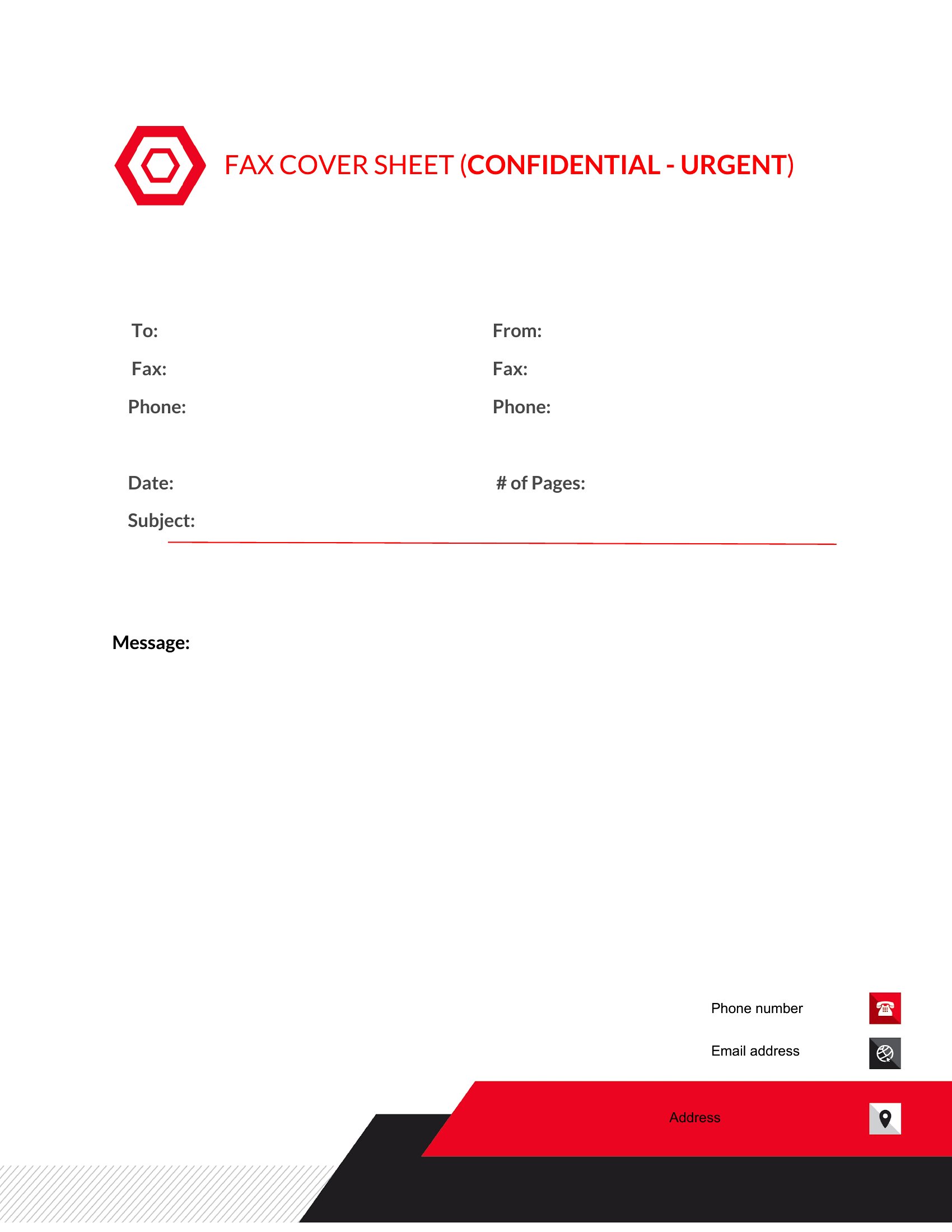
How should I handle fax cover sheets for multi-page documents with sensitive information?
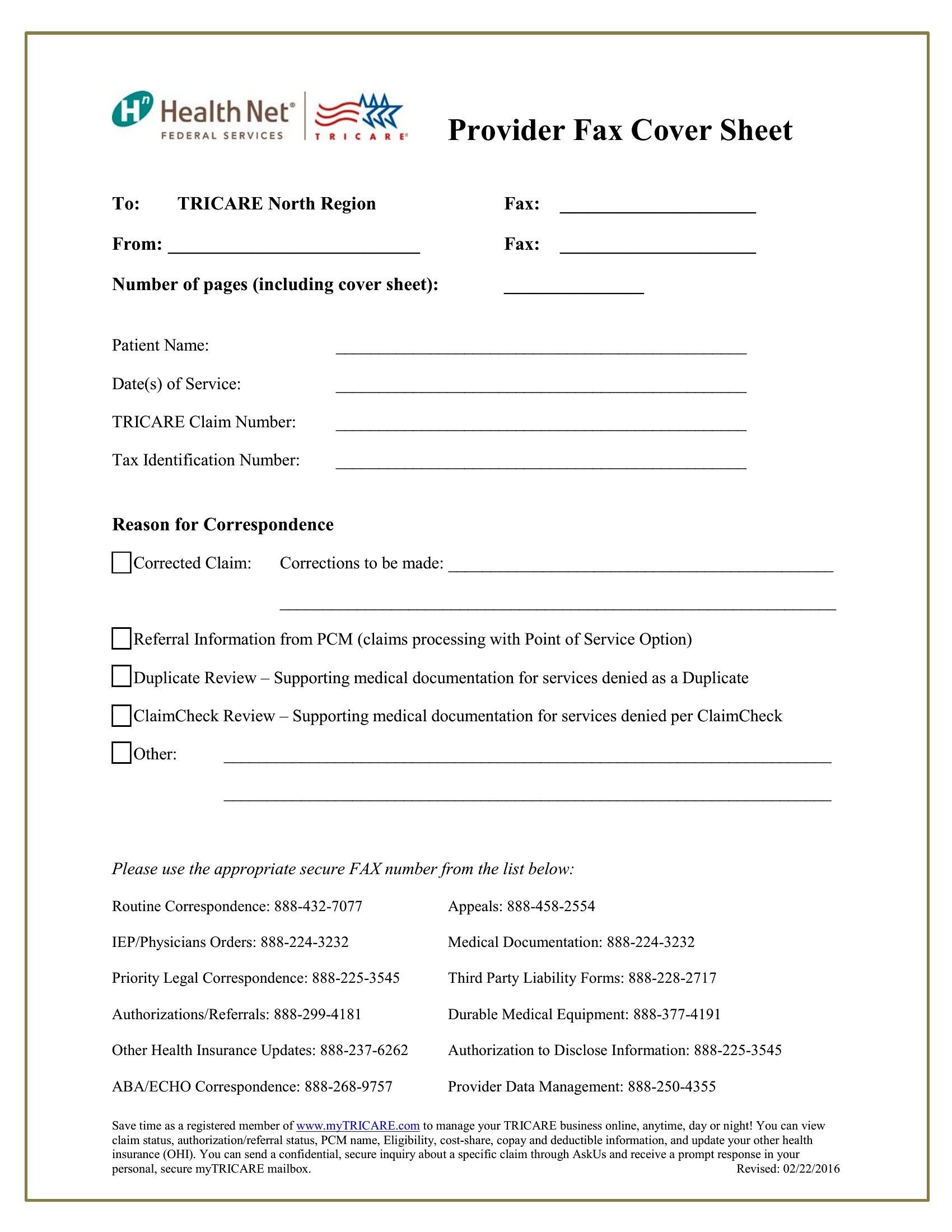
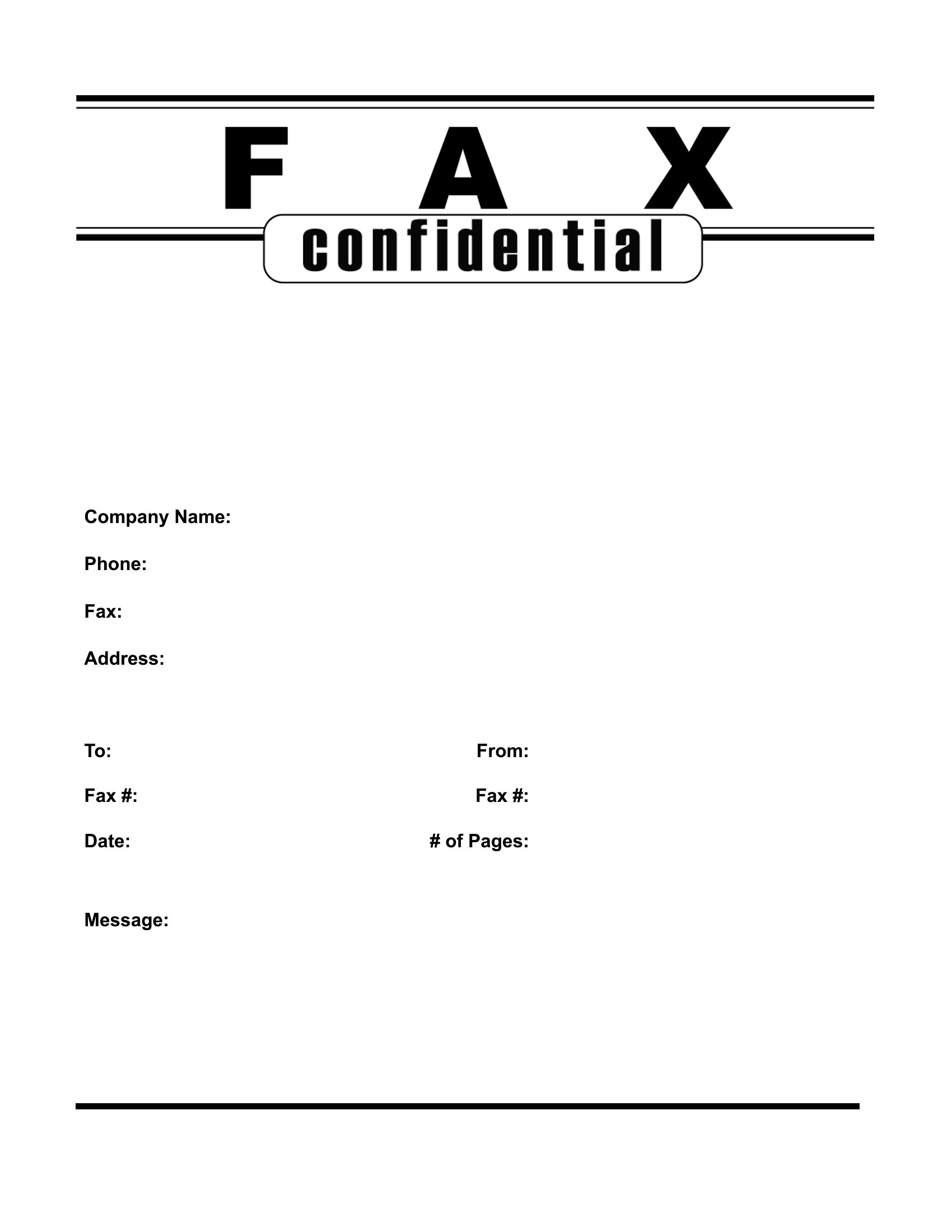
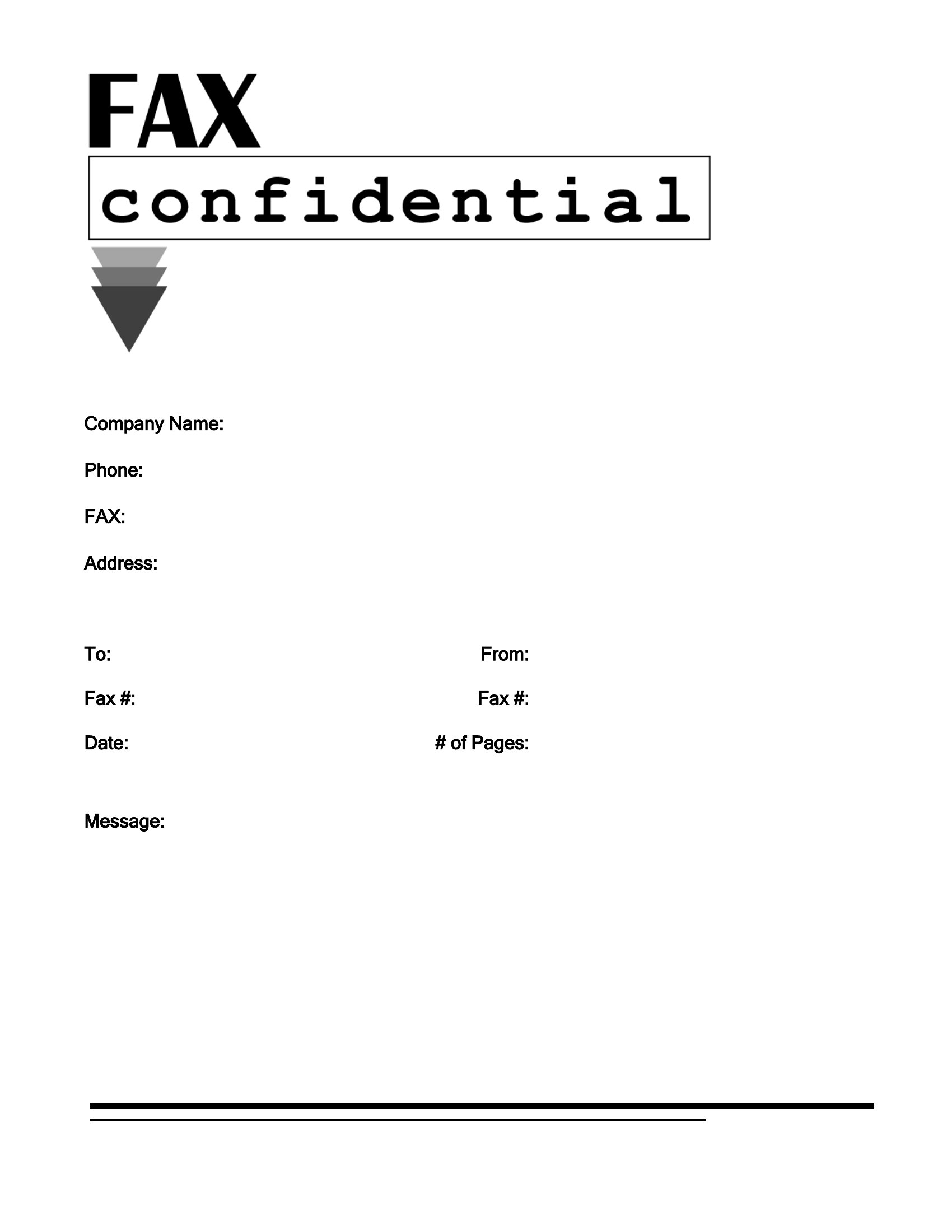
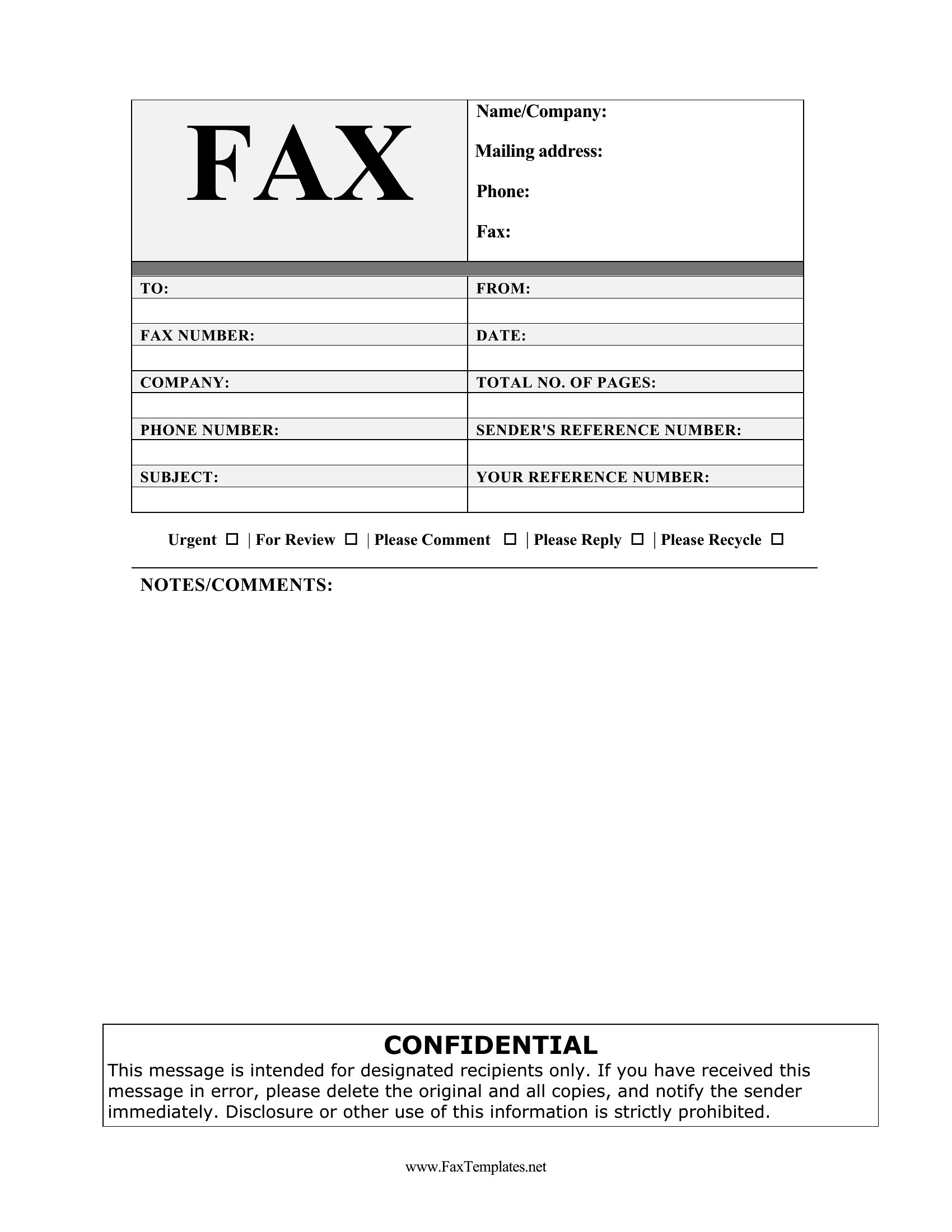
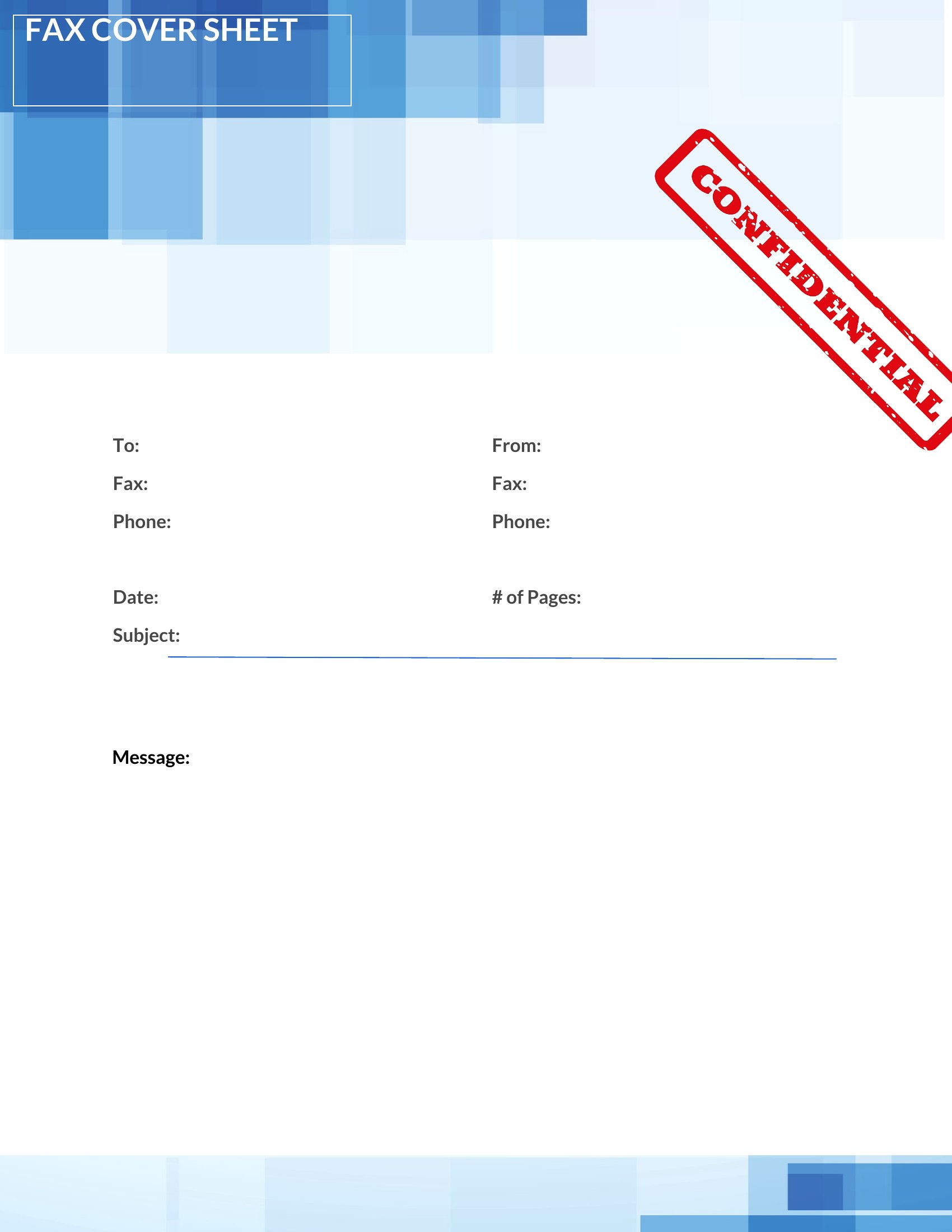
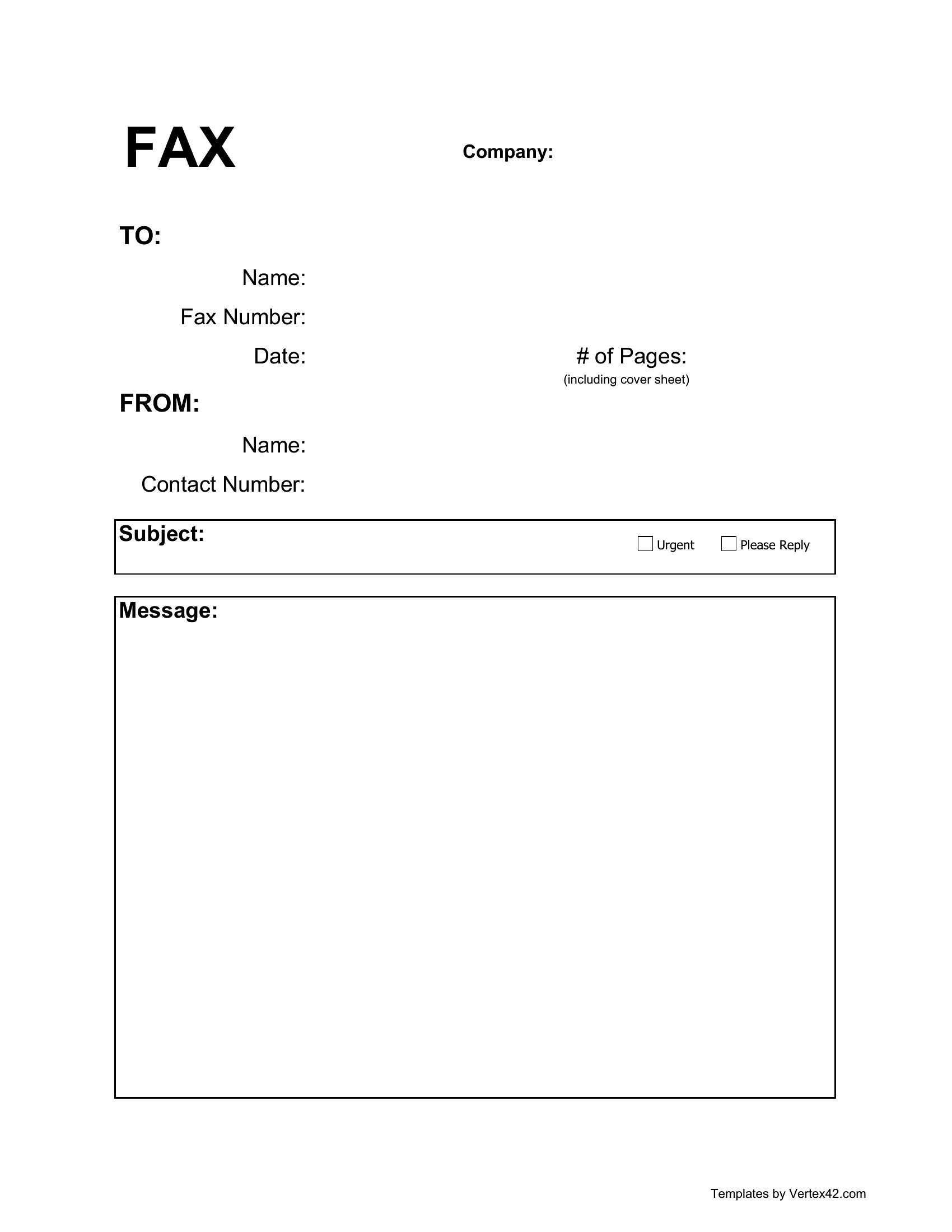
Always include the total page count on the cover sheet to ensure no pages are lost during transmission. For highly sensitive documents, use templates with a confidentiality notice or “attorney-client privileged” wording. Consider numbering pages or using a table of contents on the cover sheet if the document refers to specific sections. Never rely solely on the cover sheet for security—secure the original documents and use encrypted fax services if possible.
Comments
Join the conversation
Sign in to share your thoughts and leave a comment on this resource.