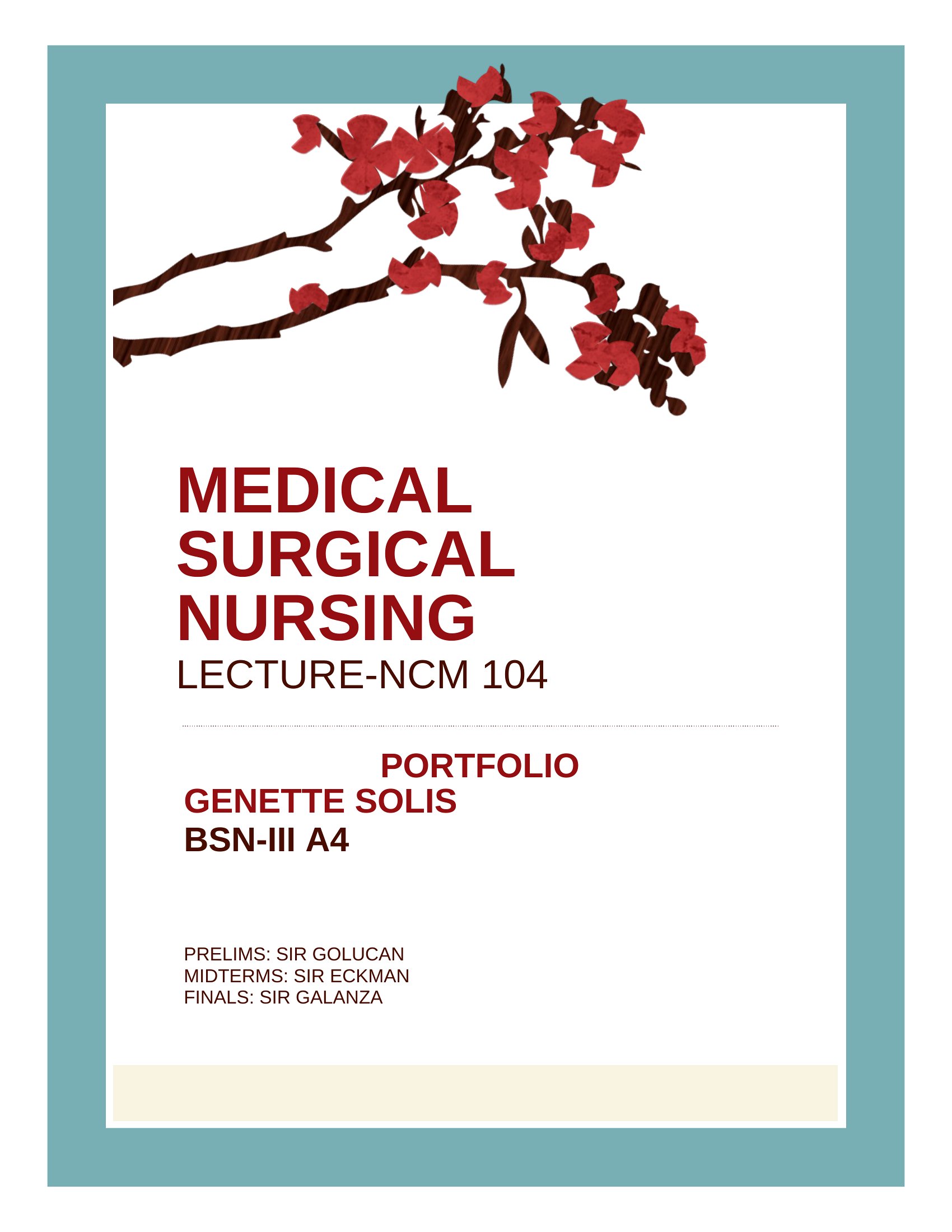
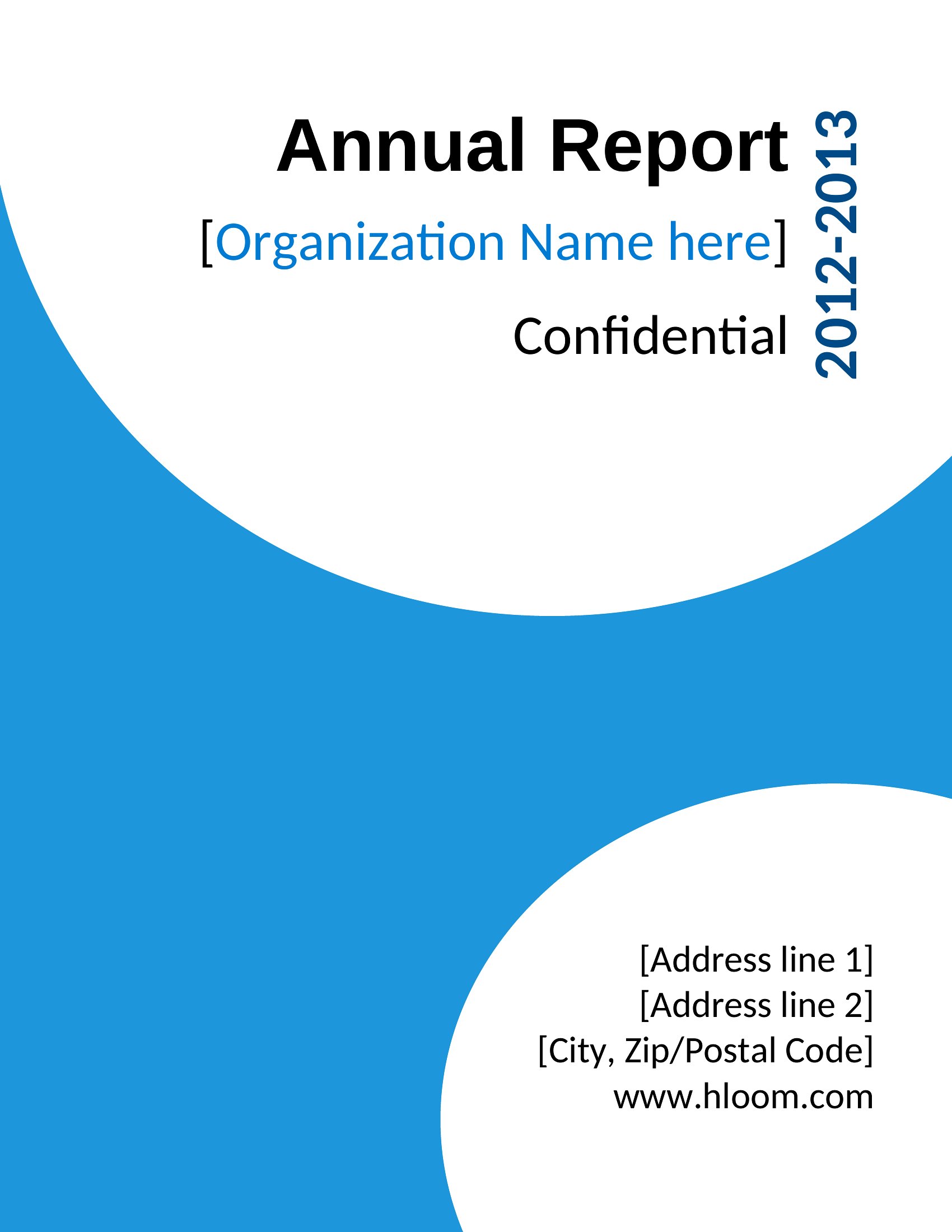
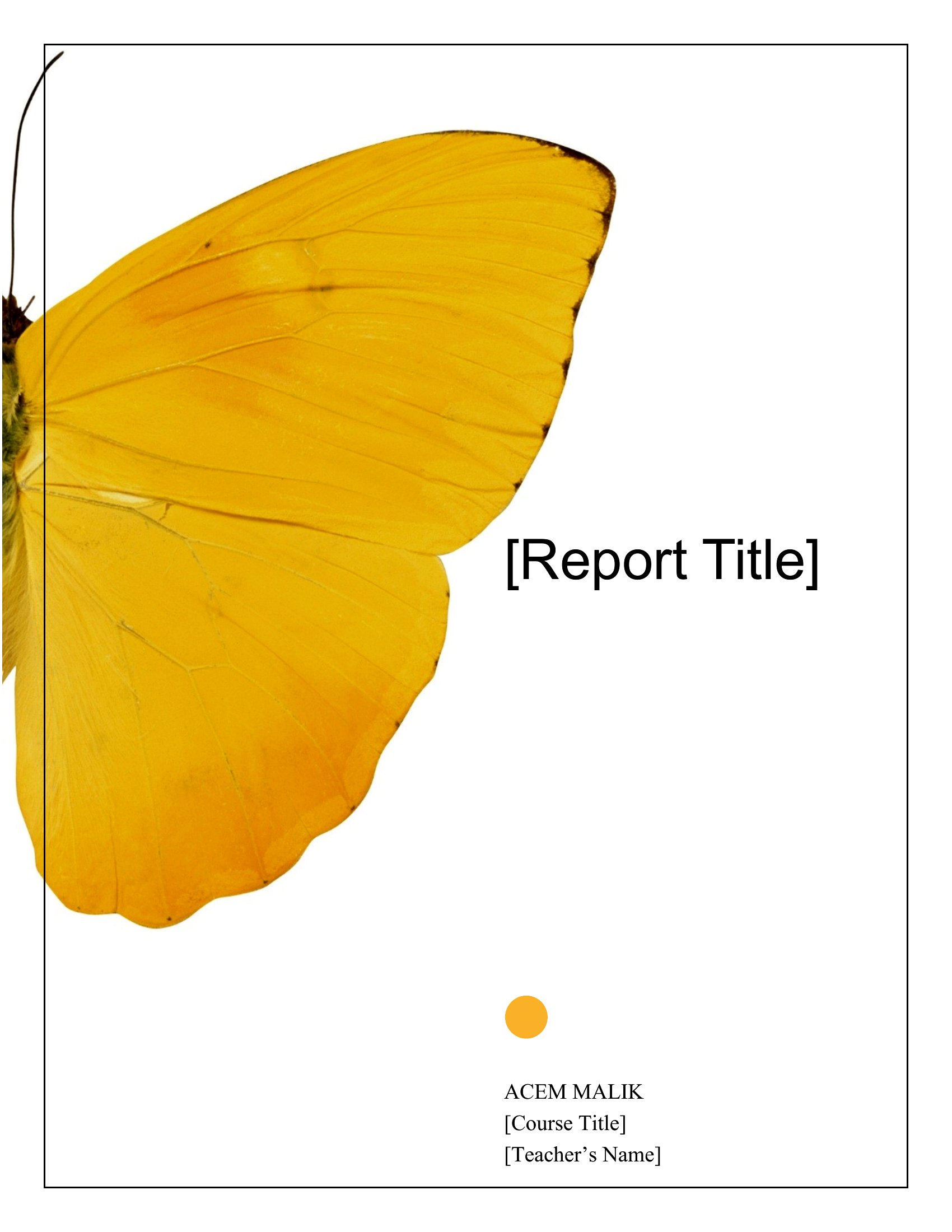
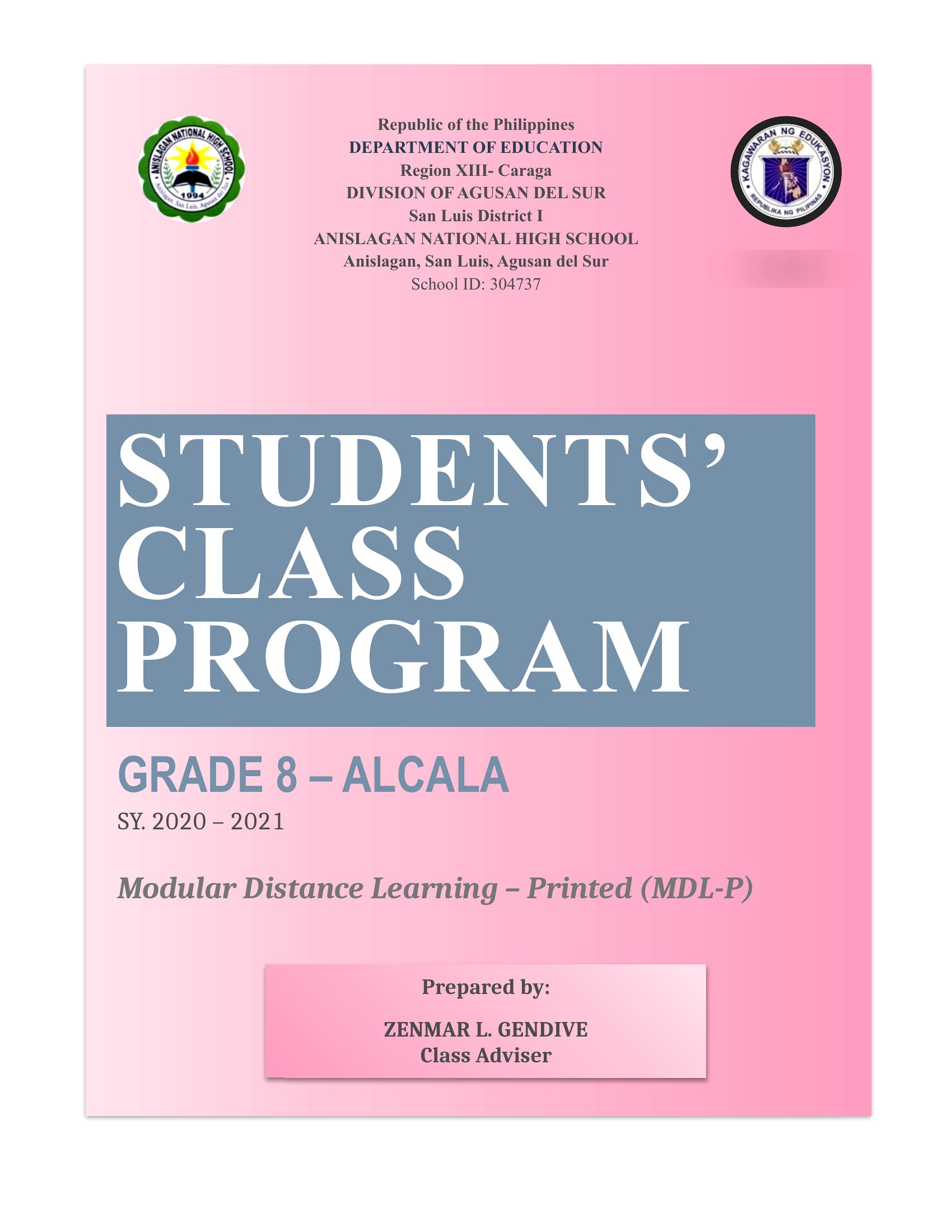
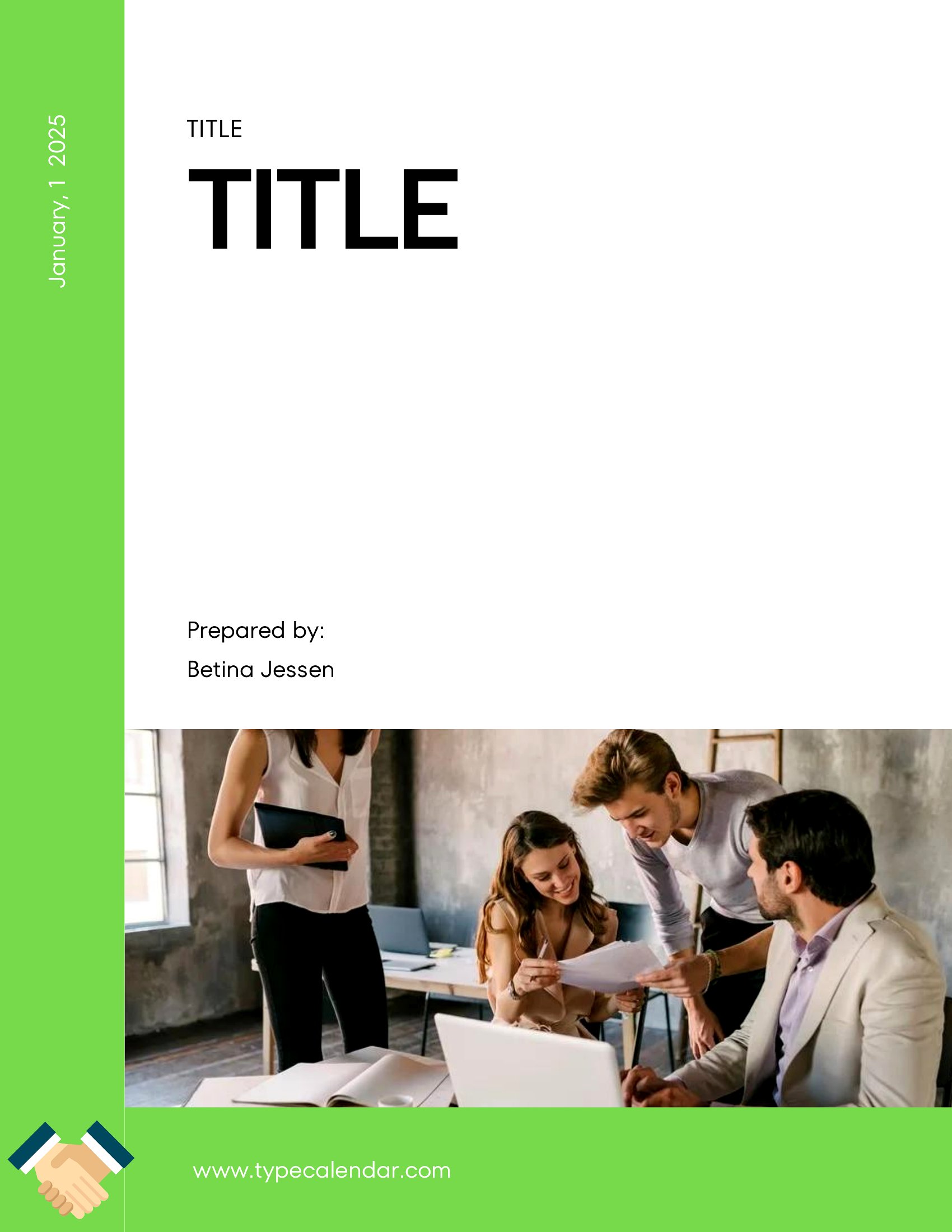
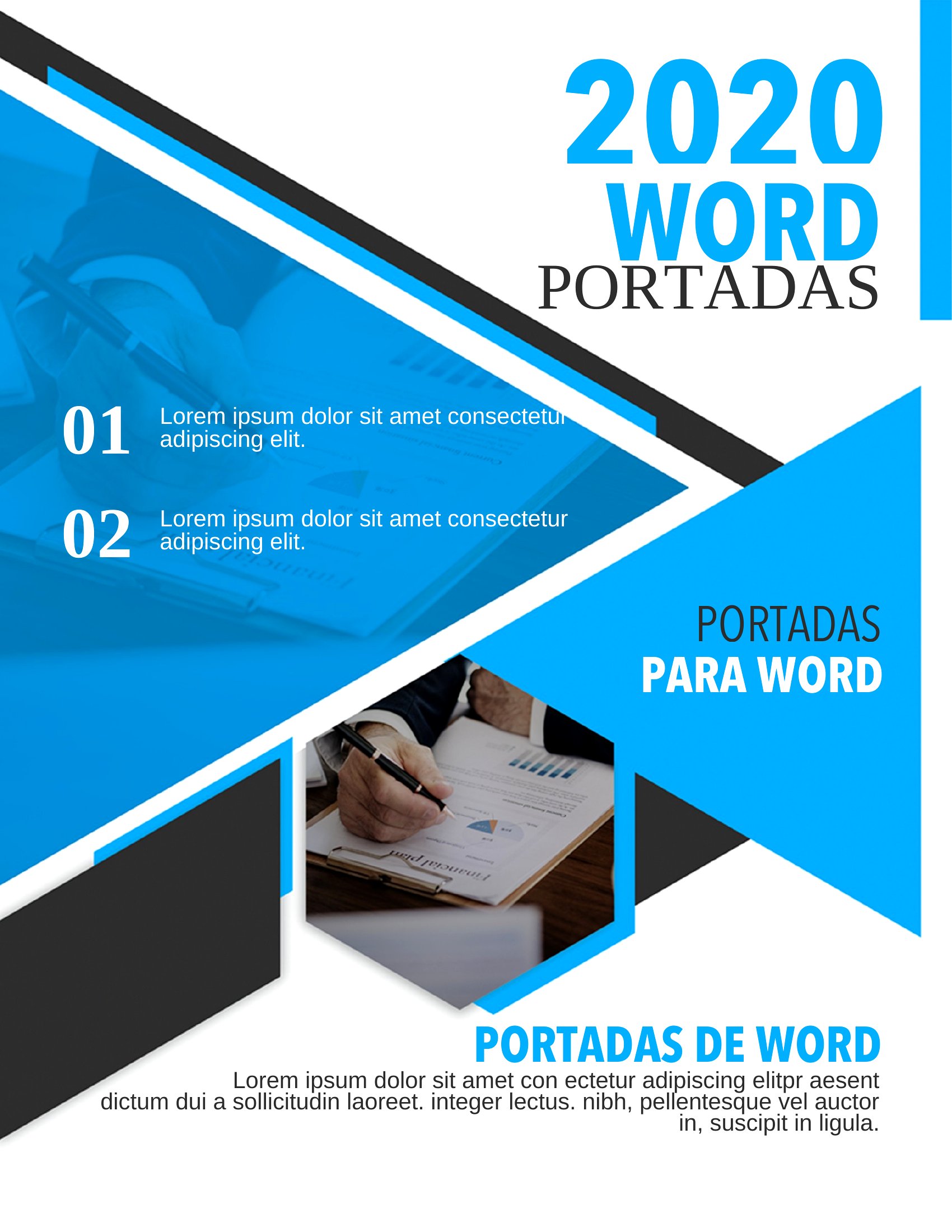
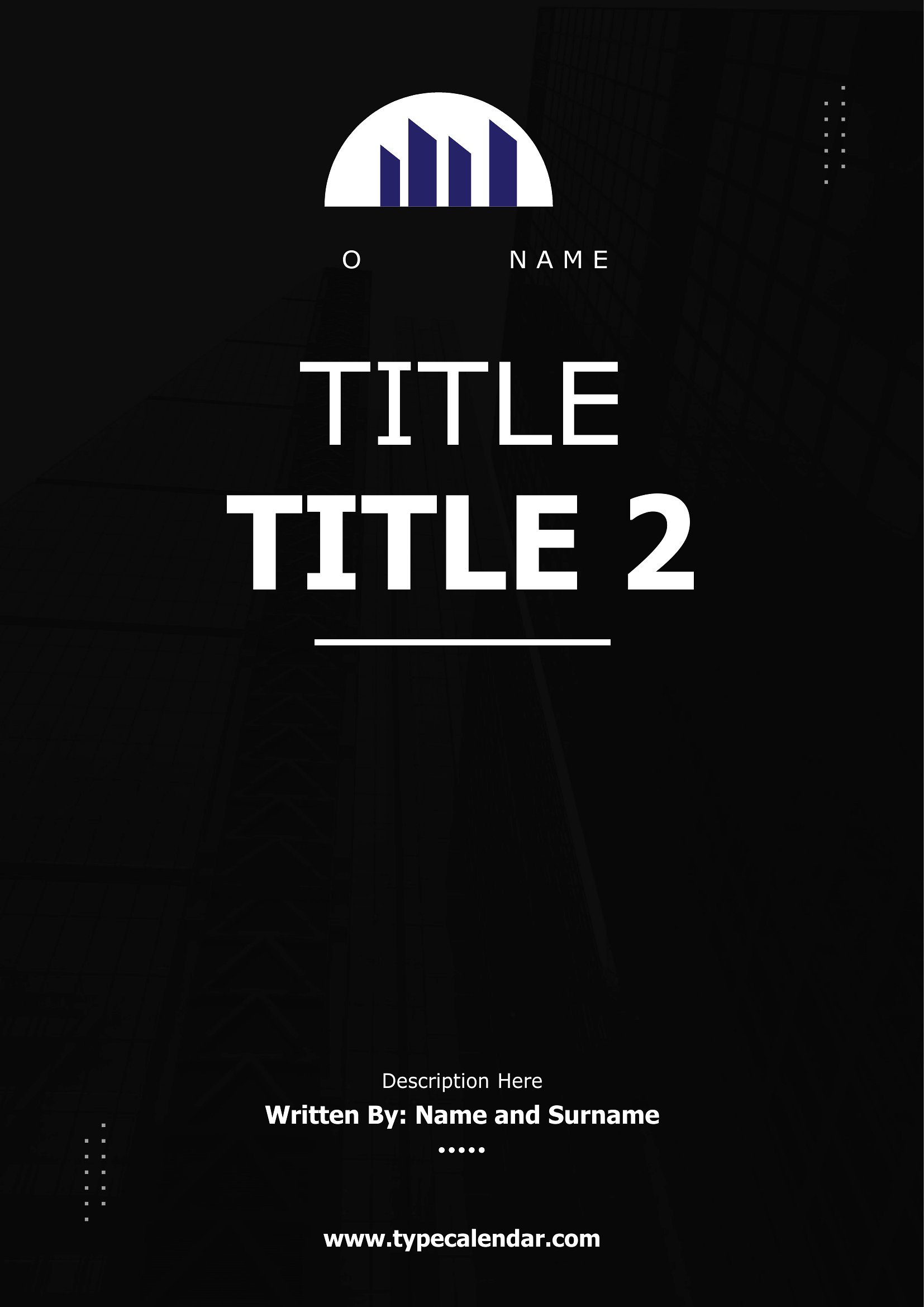
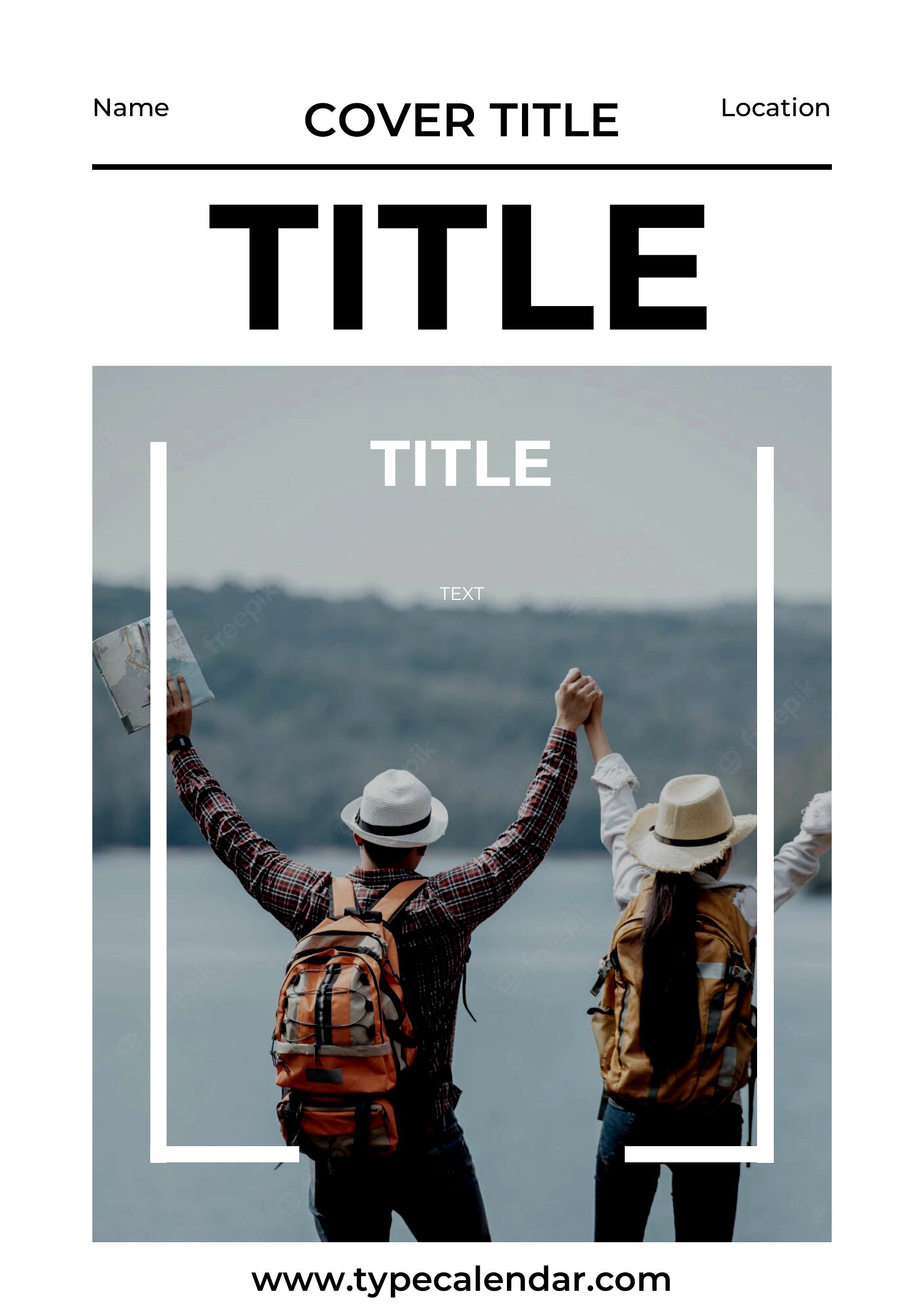
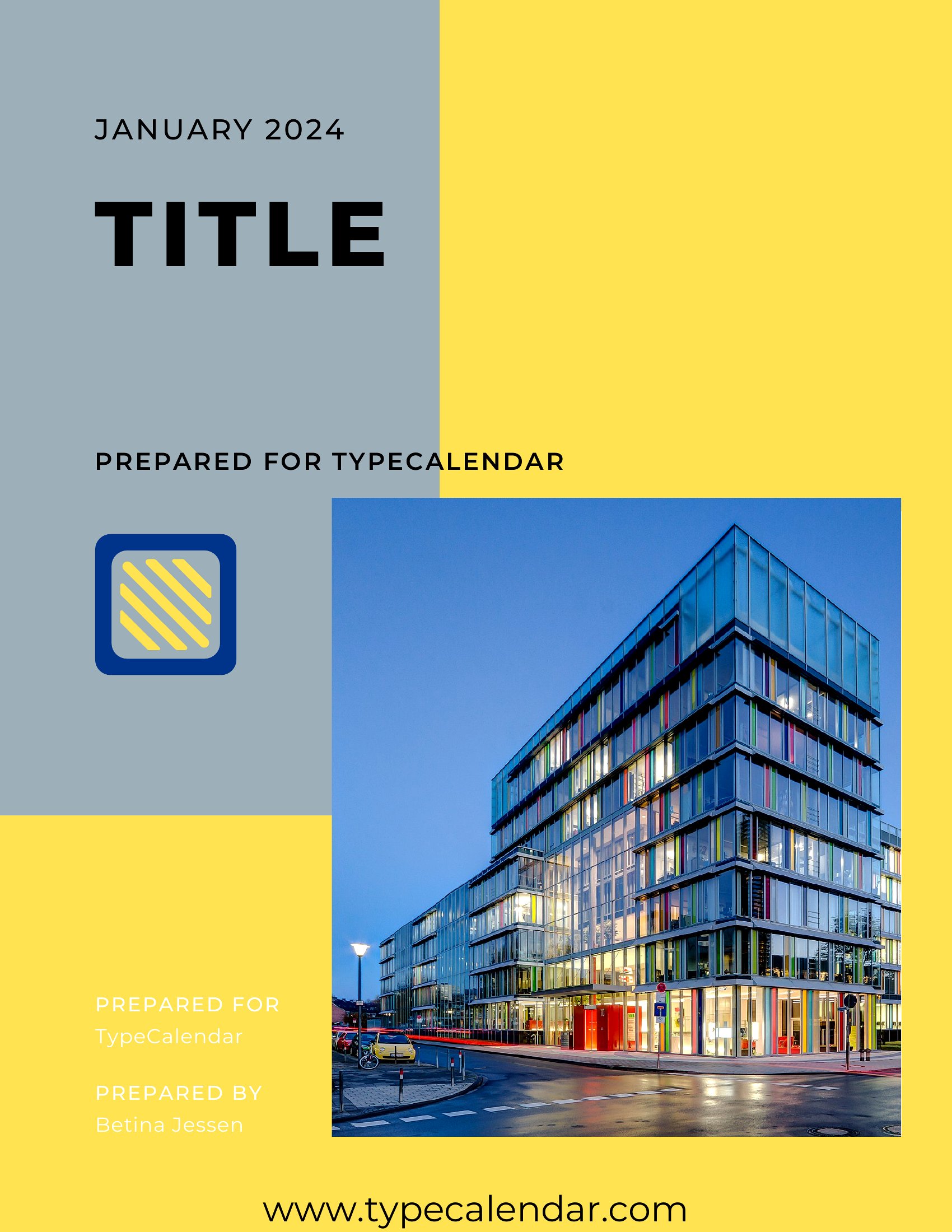
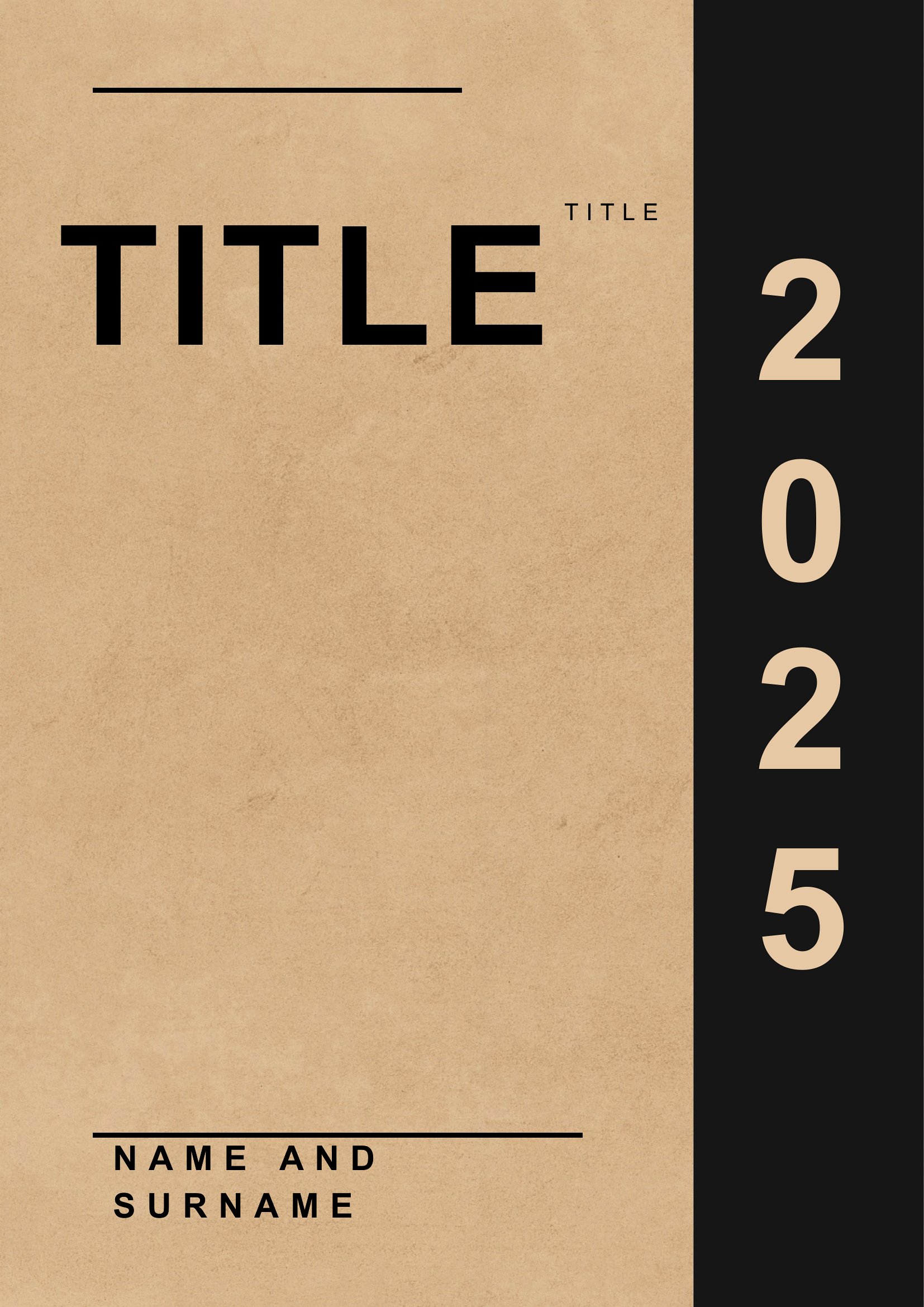
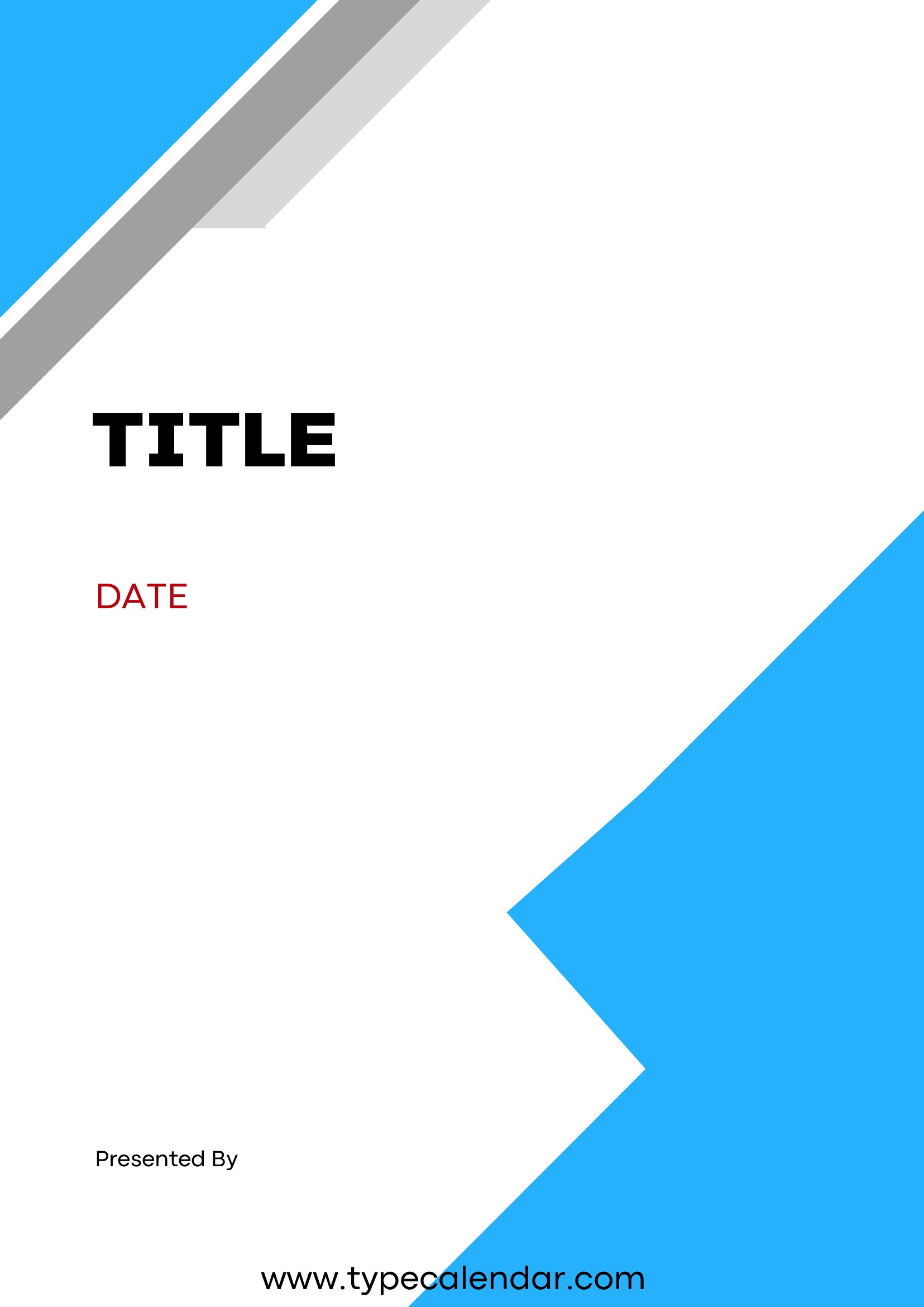
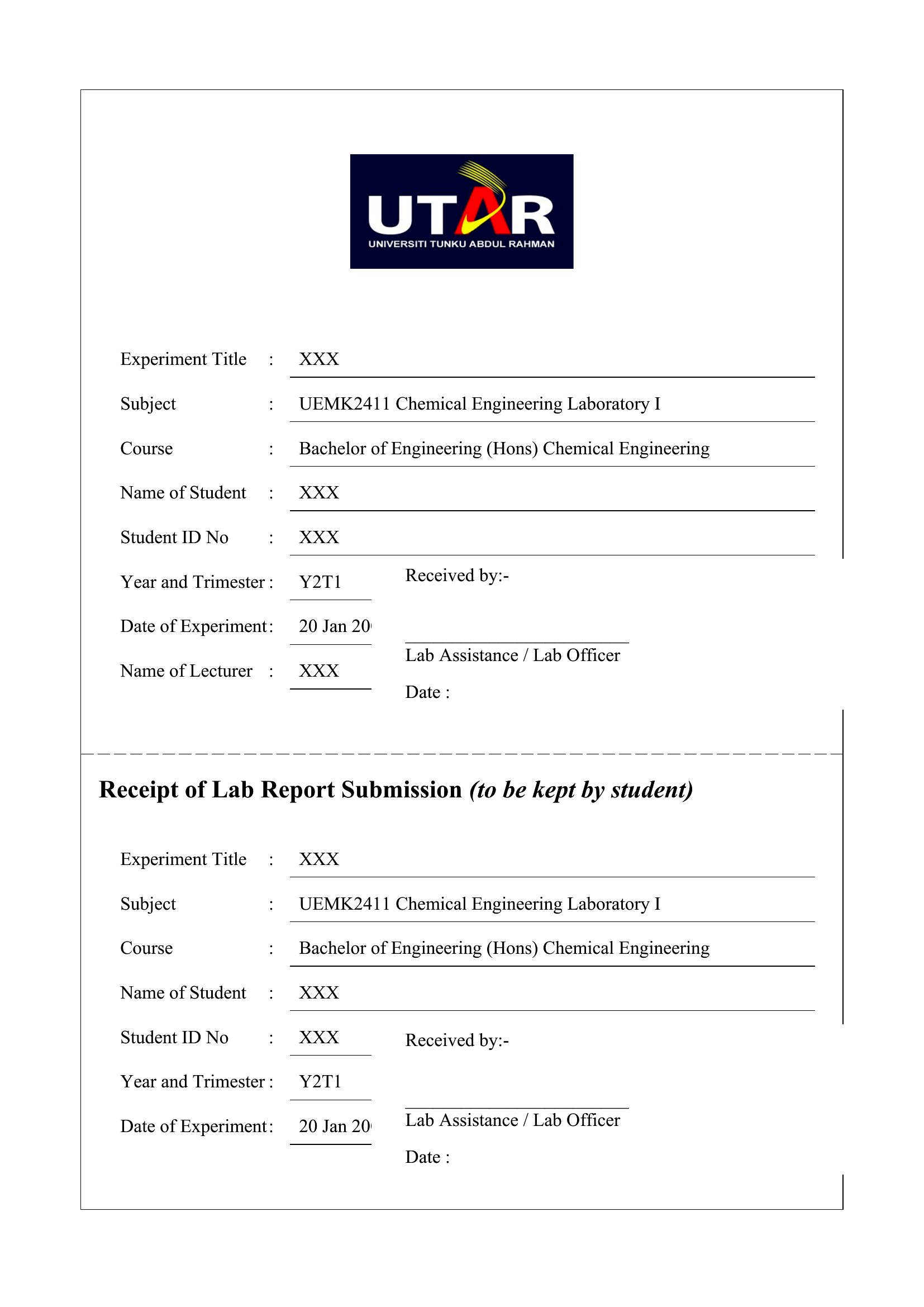
Free Cover Page Templates (Word, PDF)
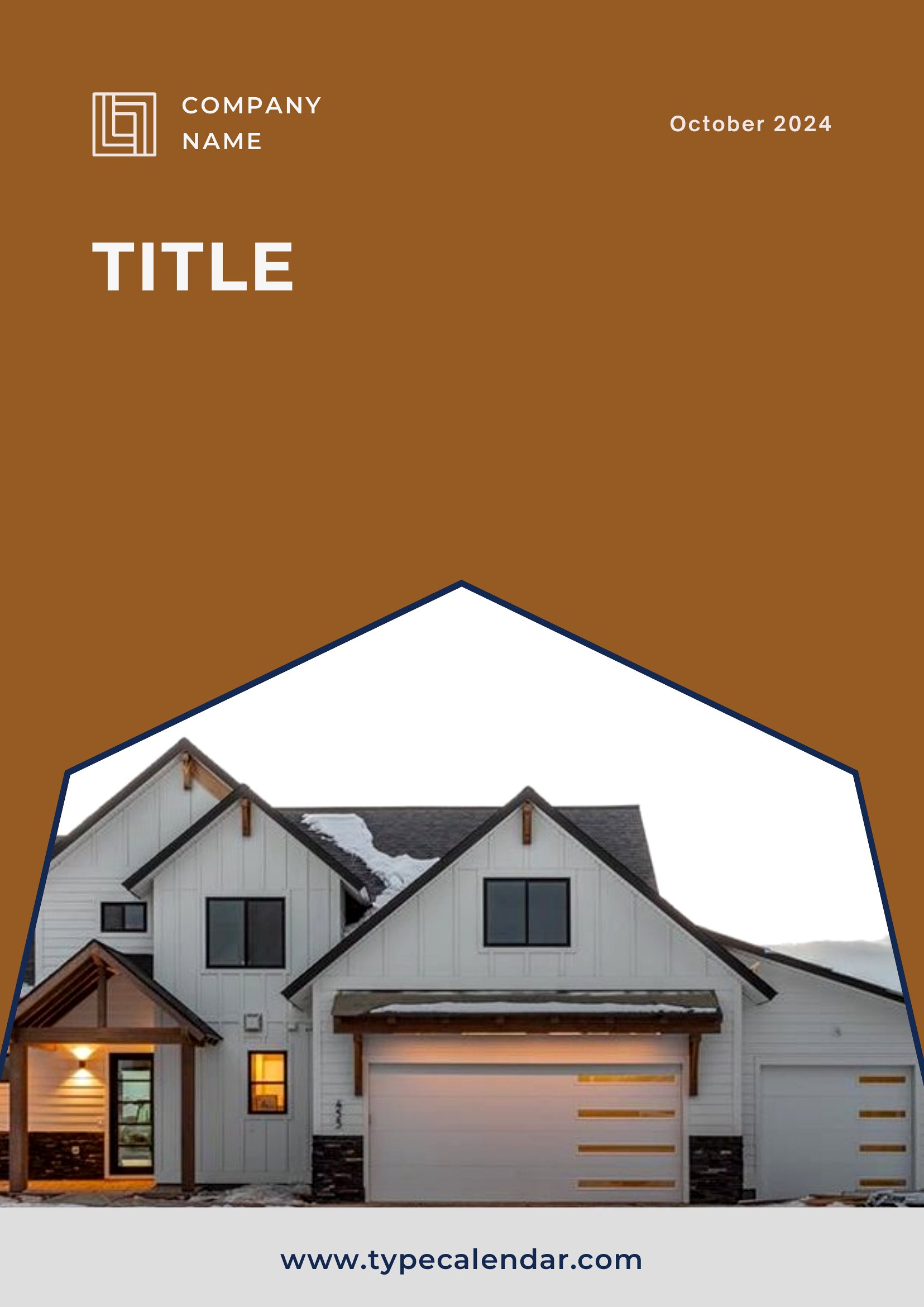
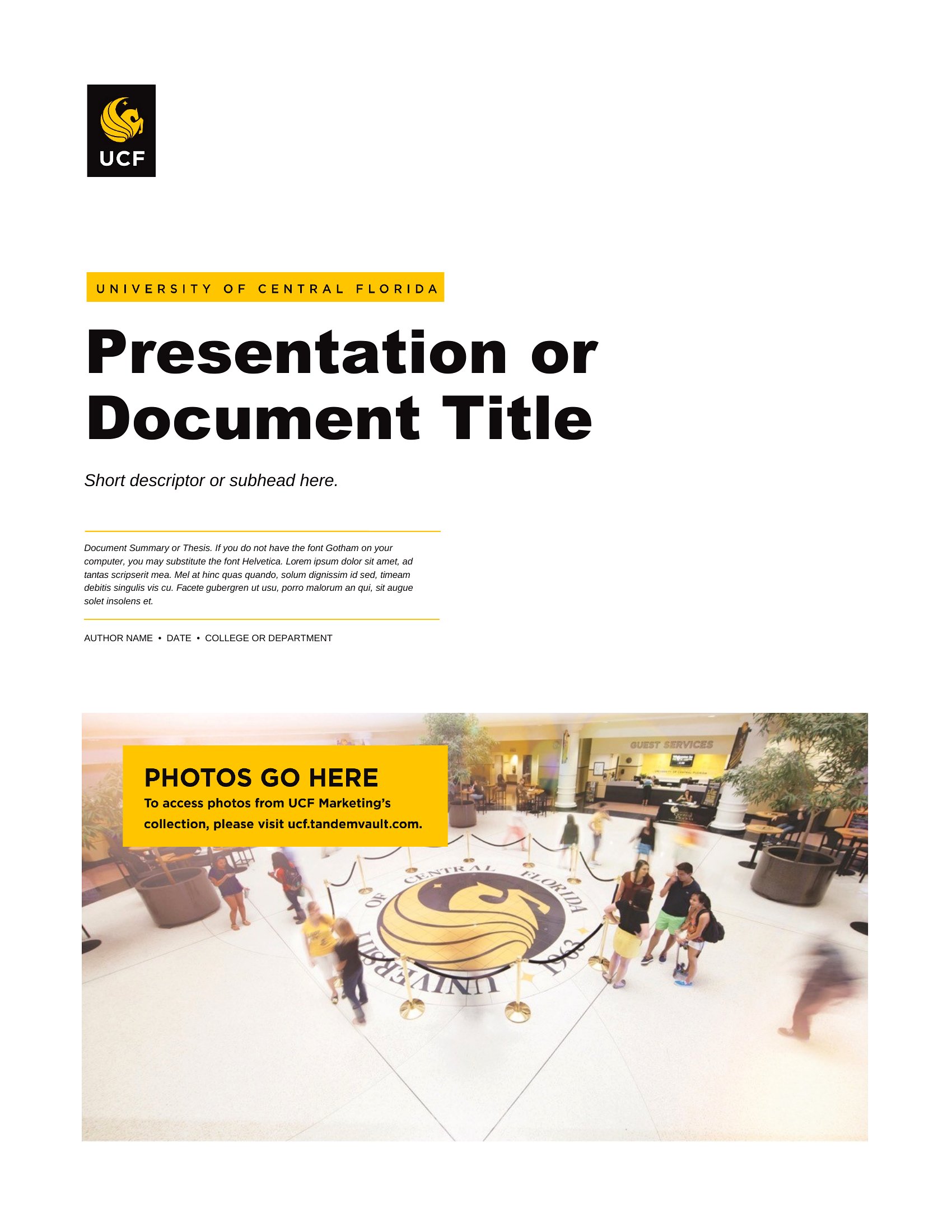
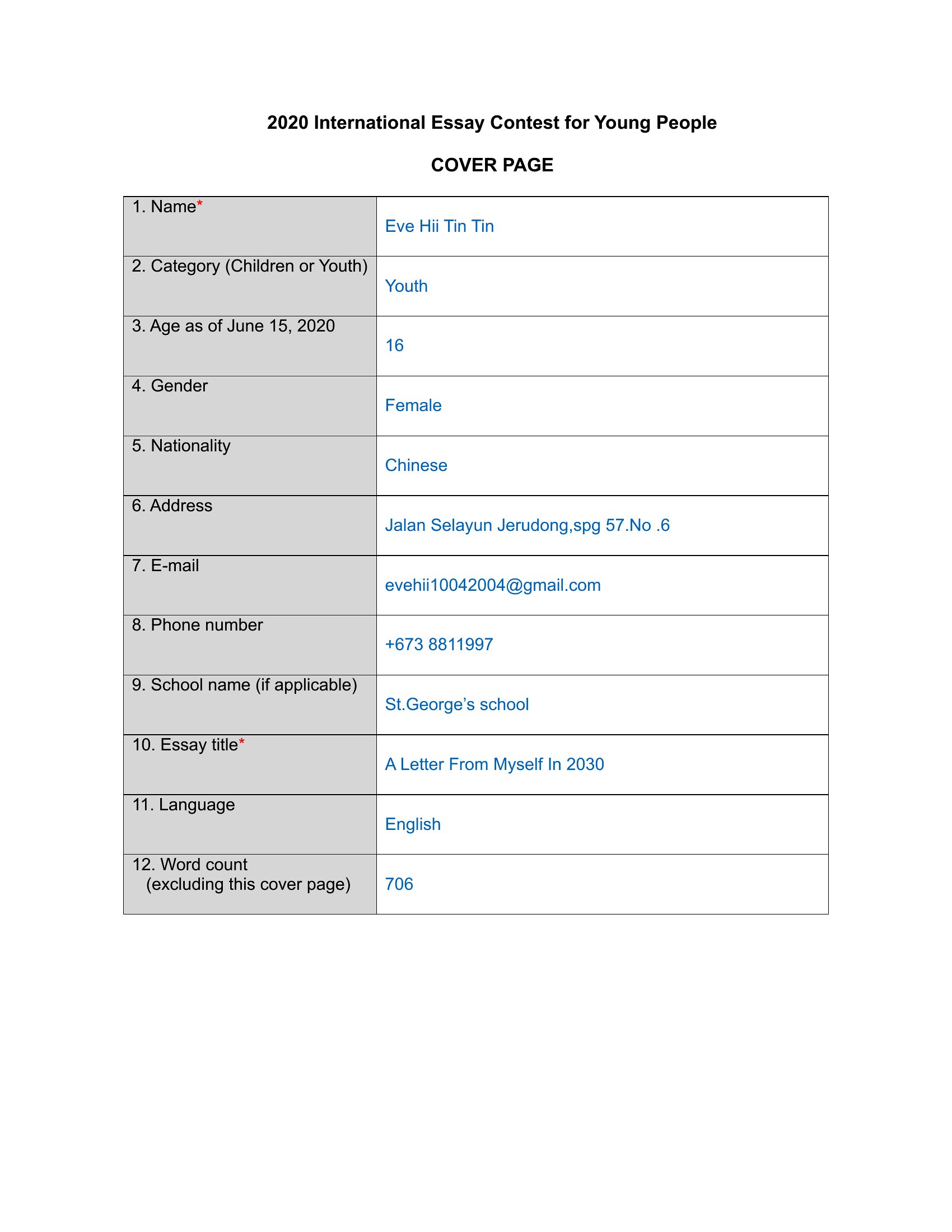
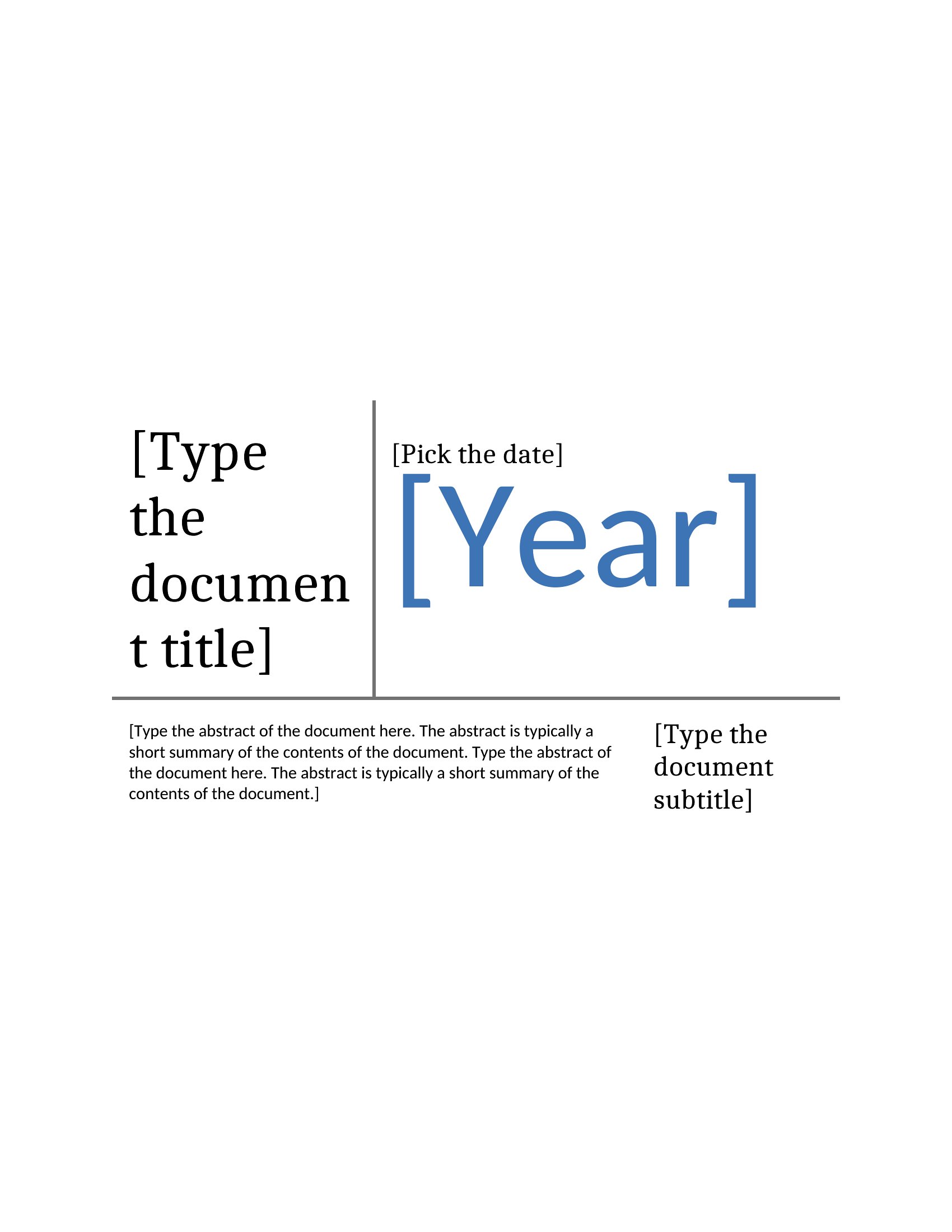
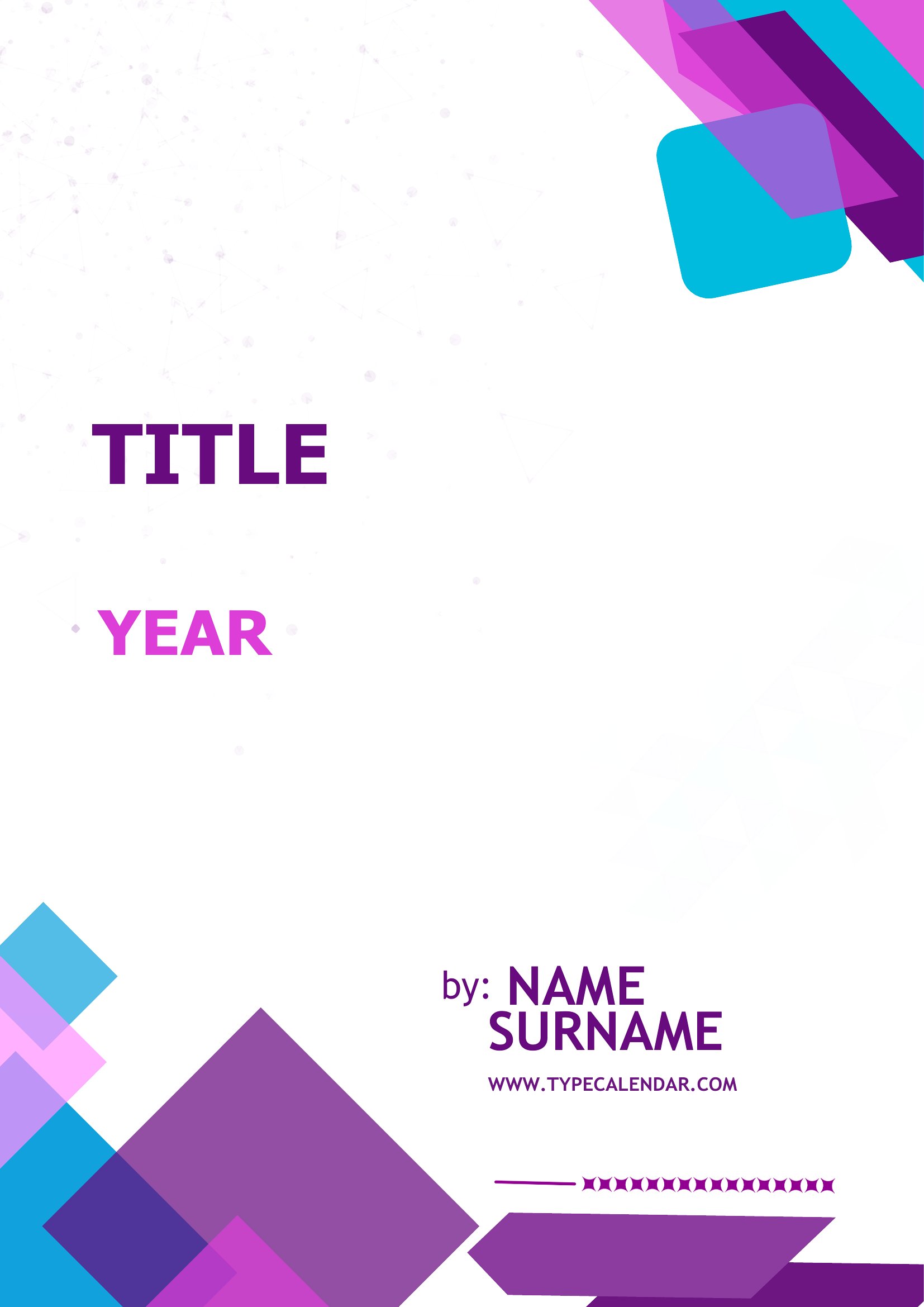
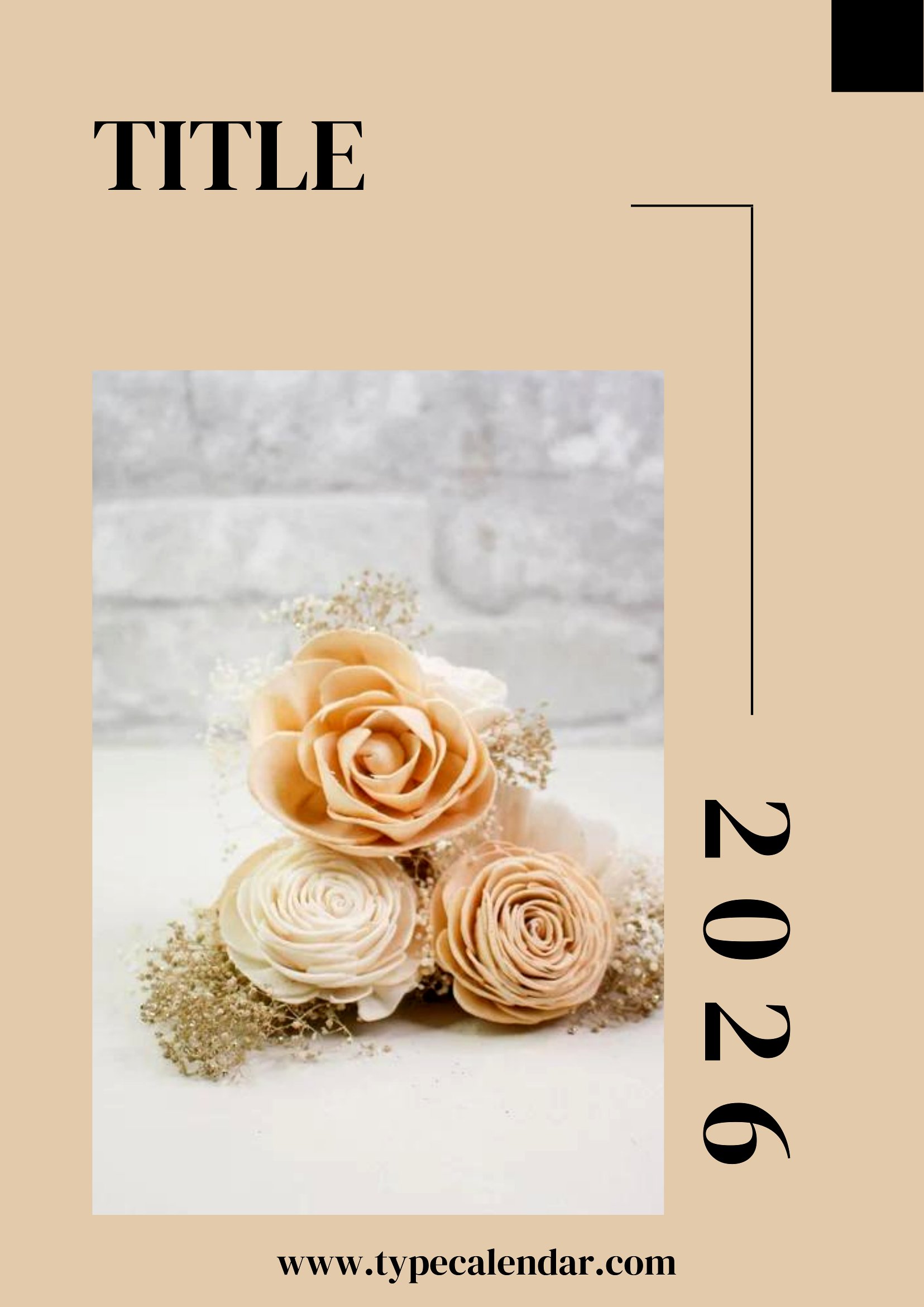
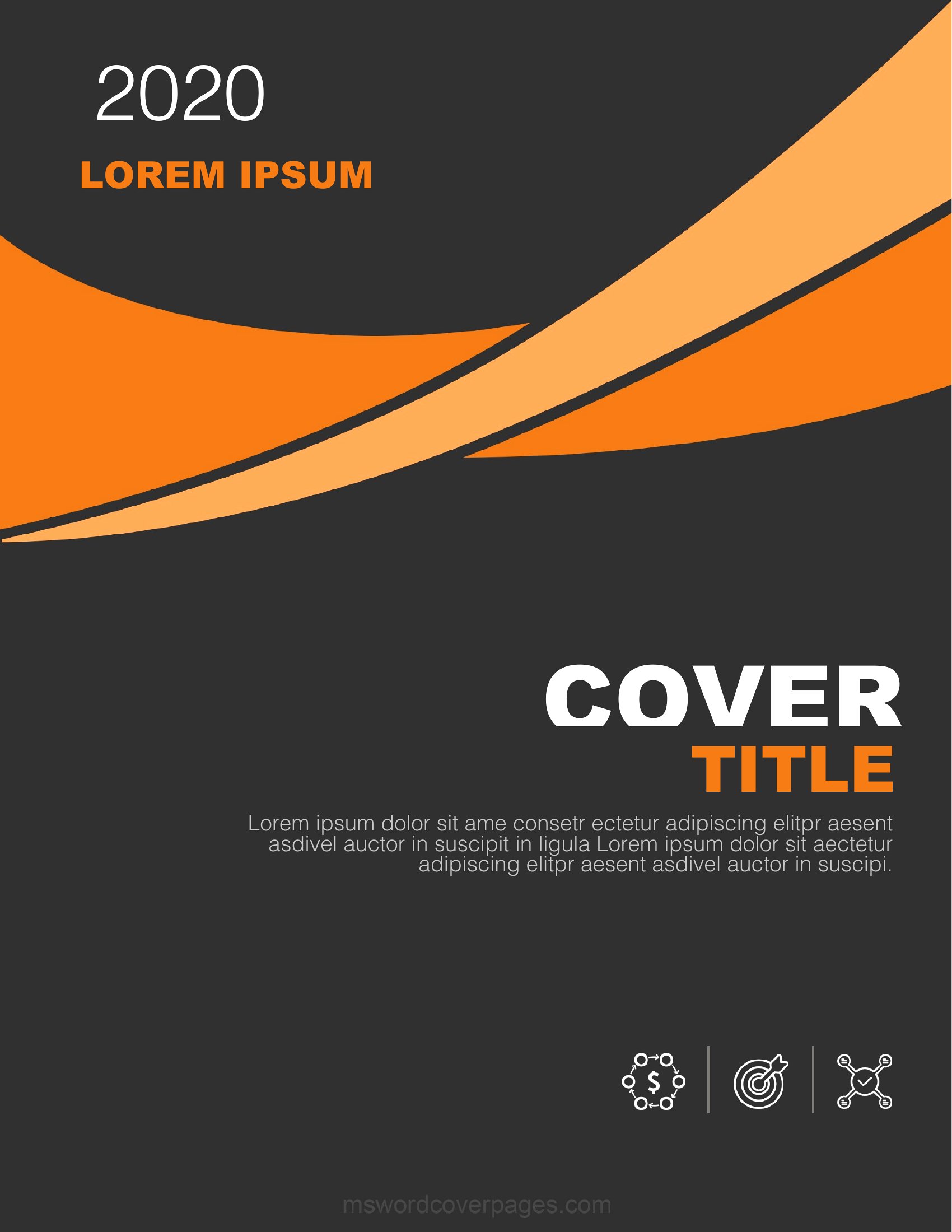
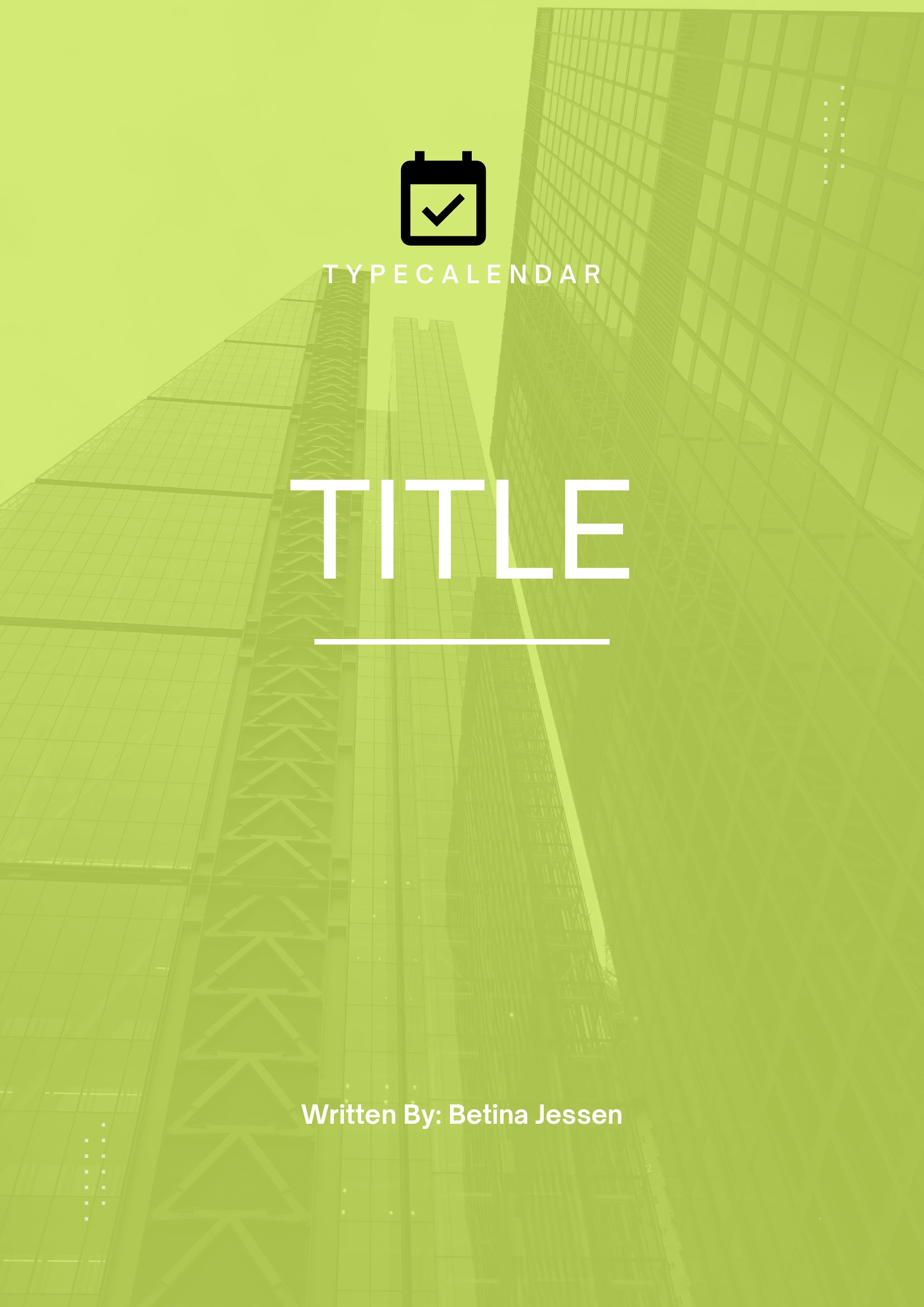
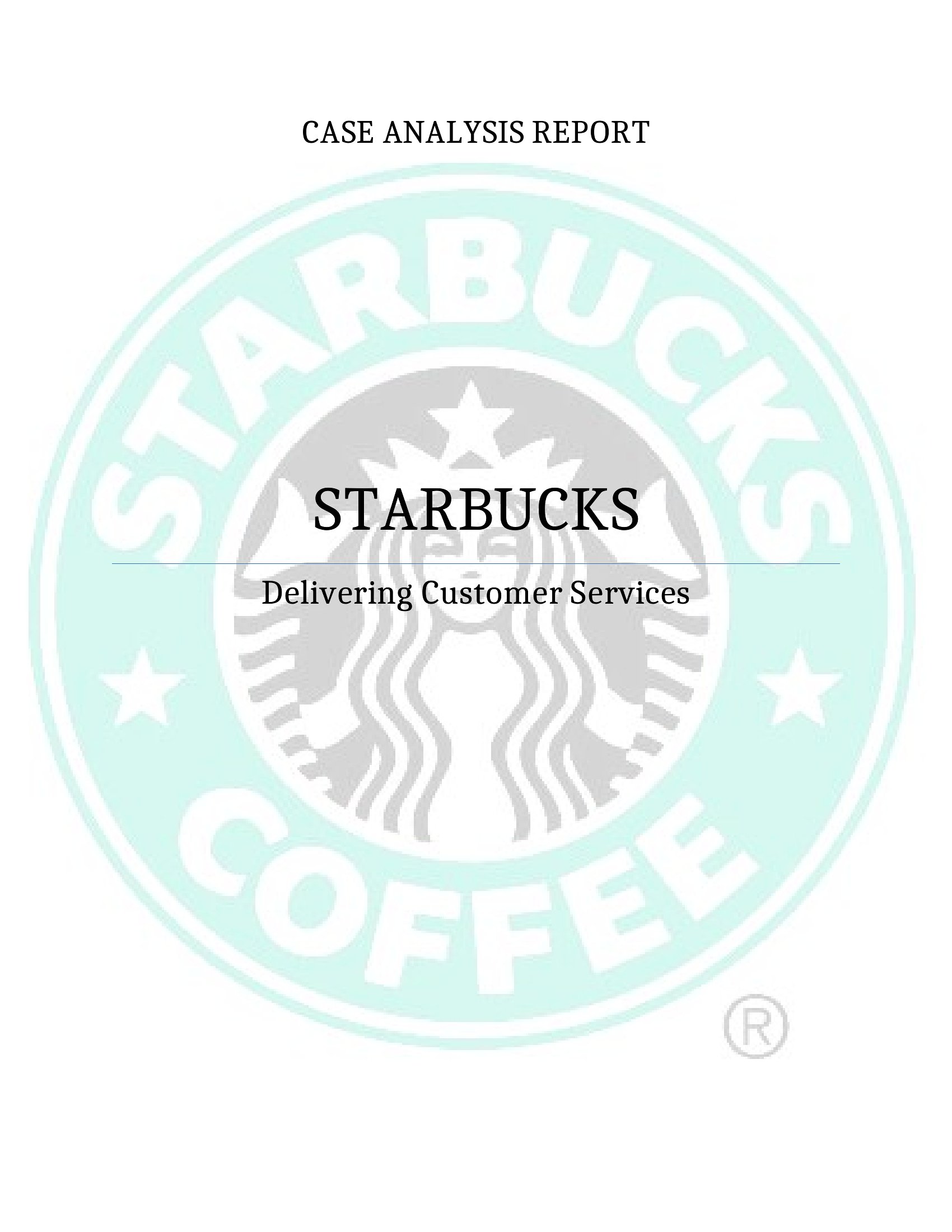
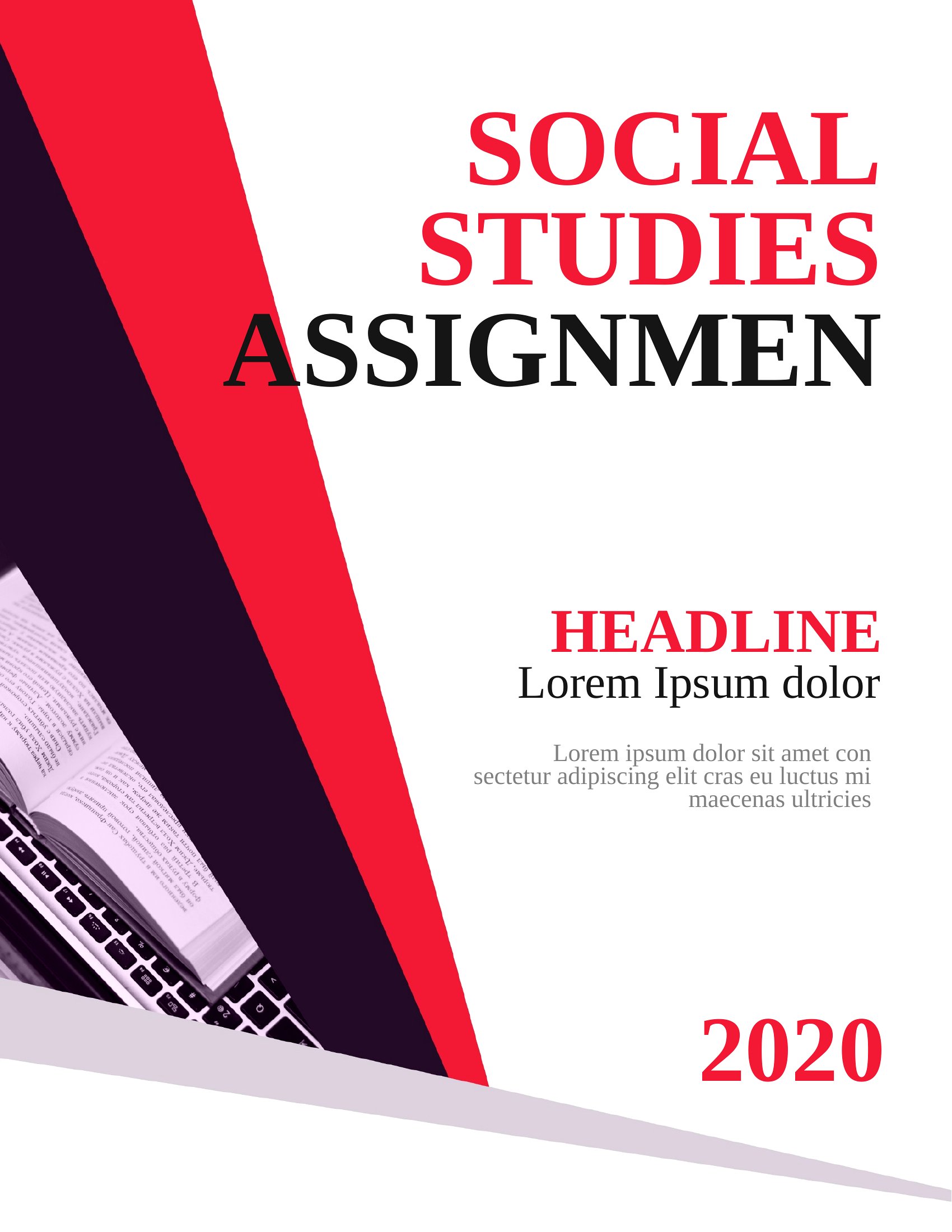
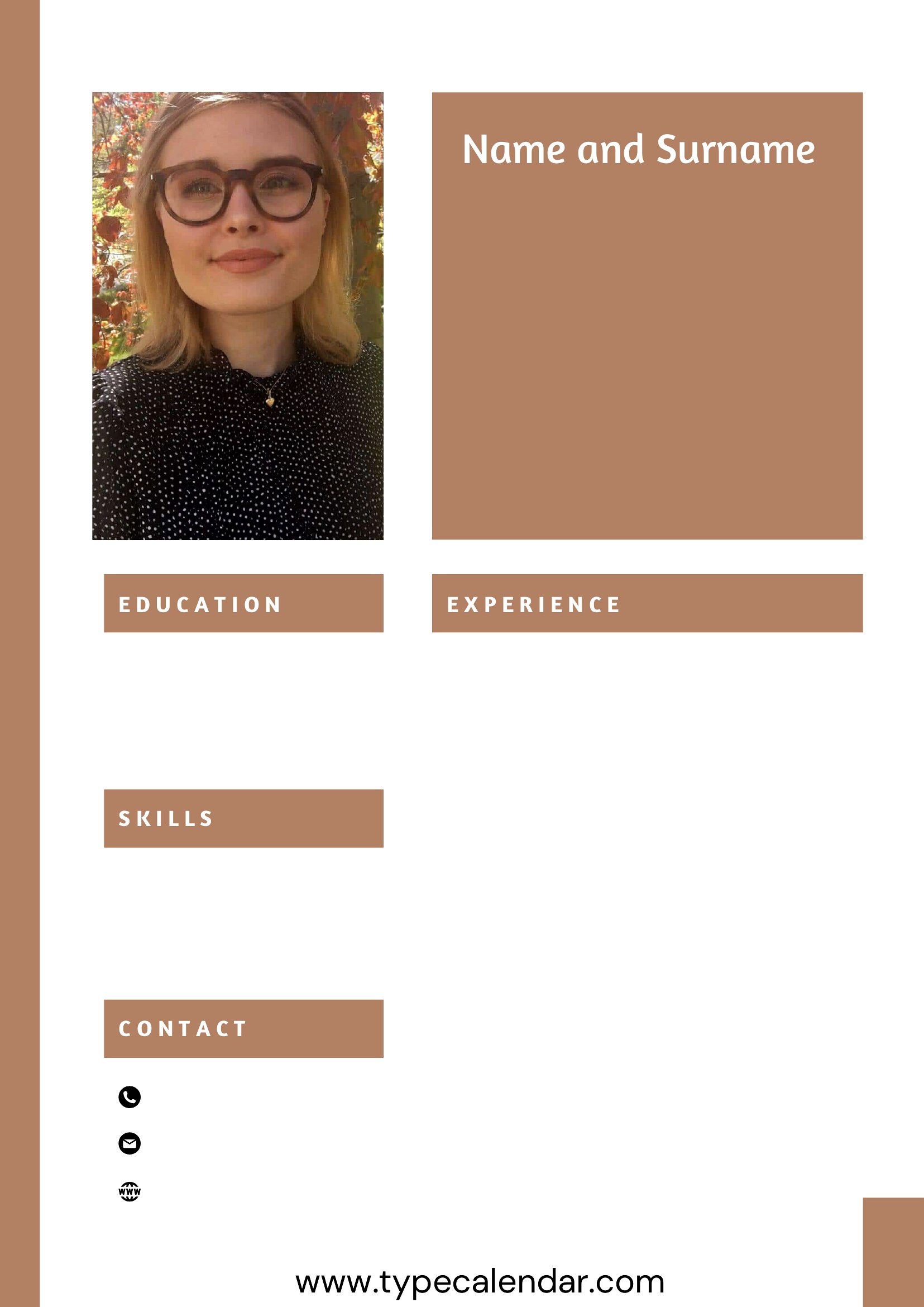
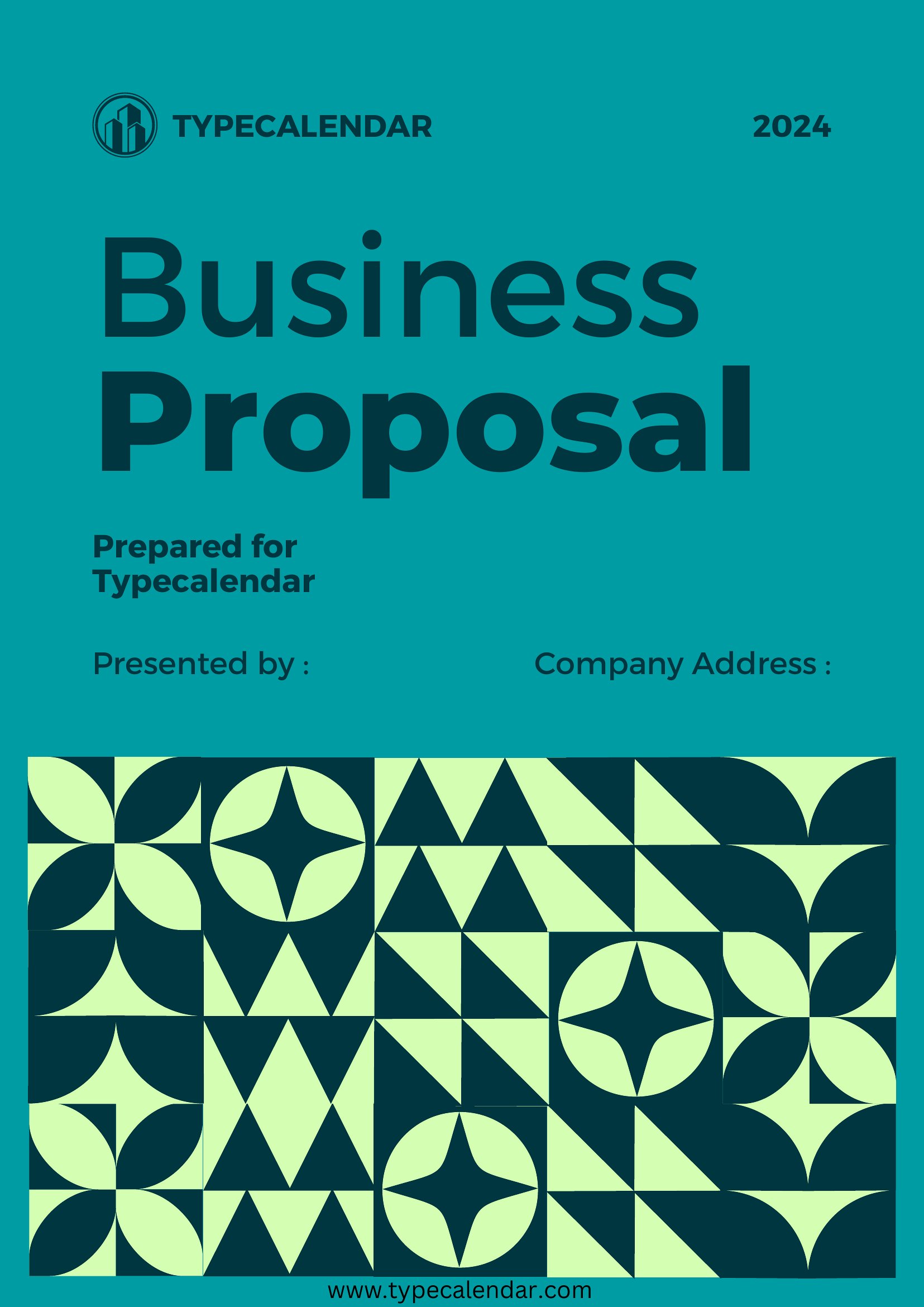
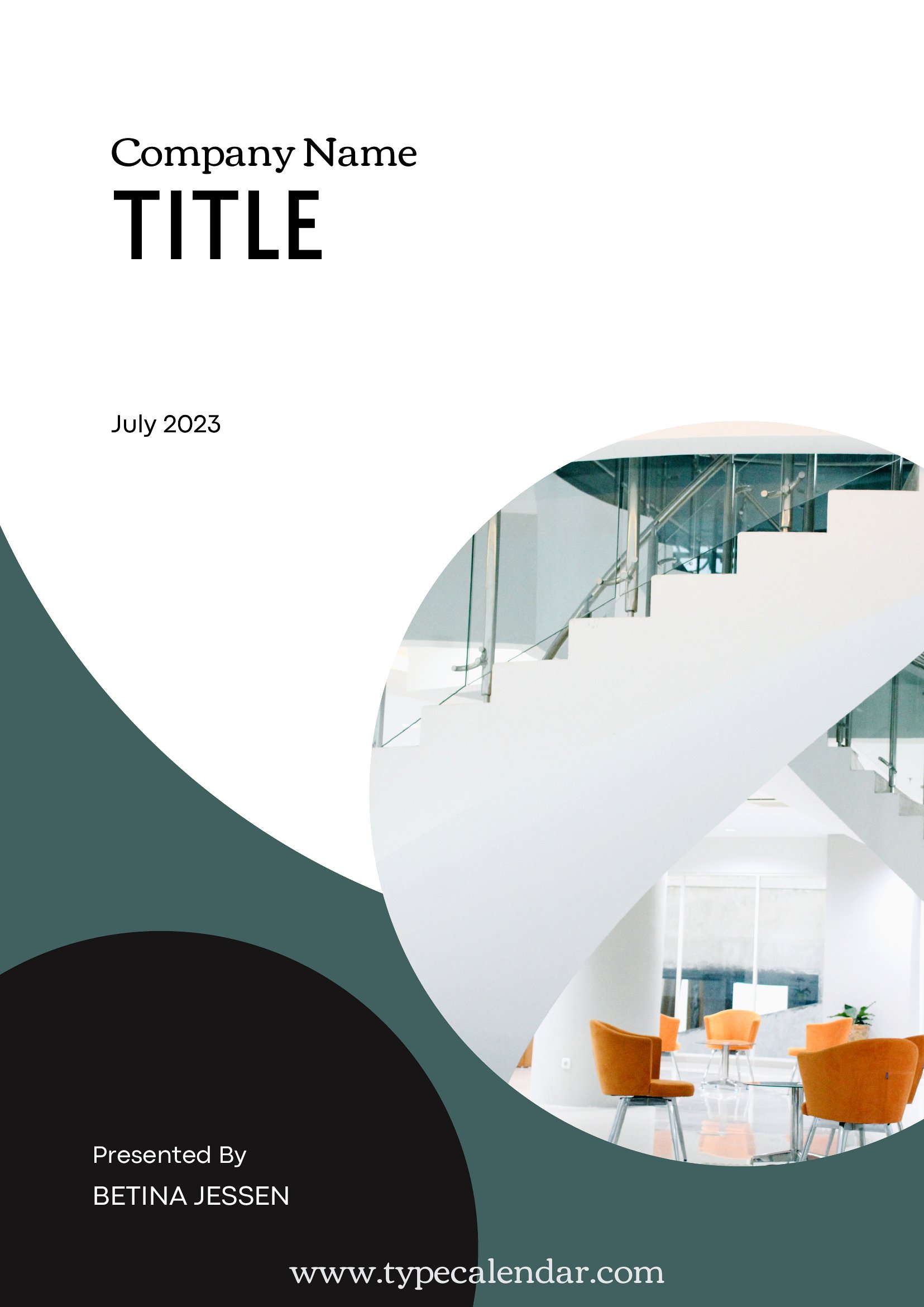
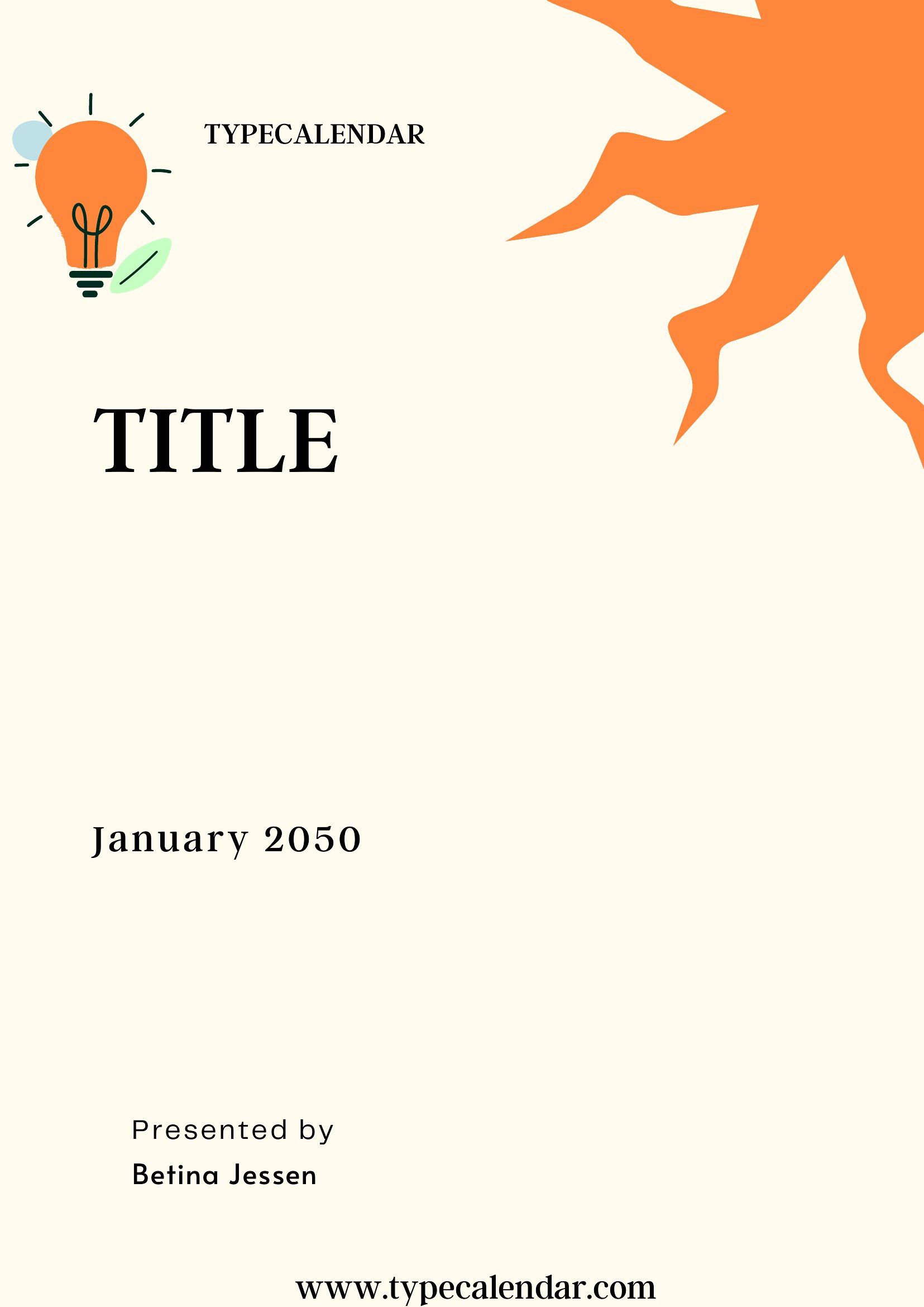
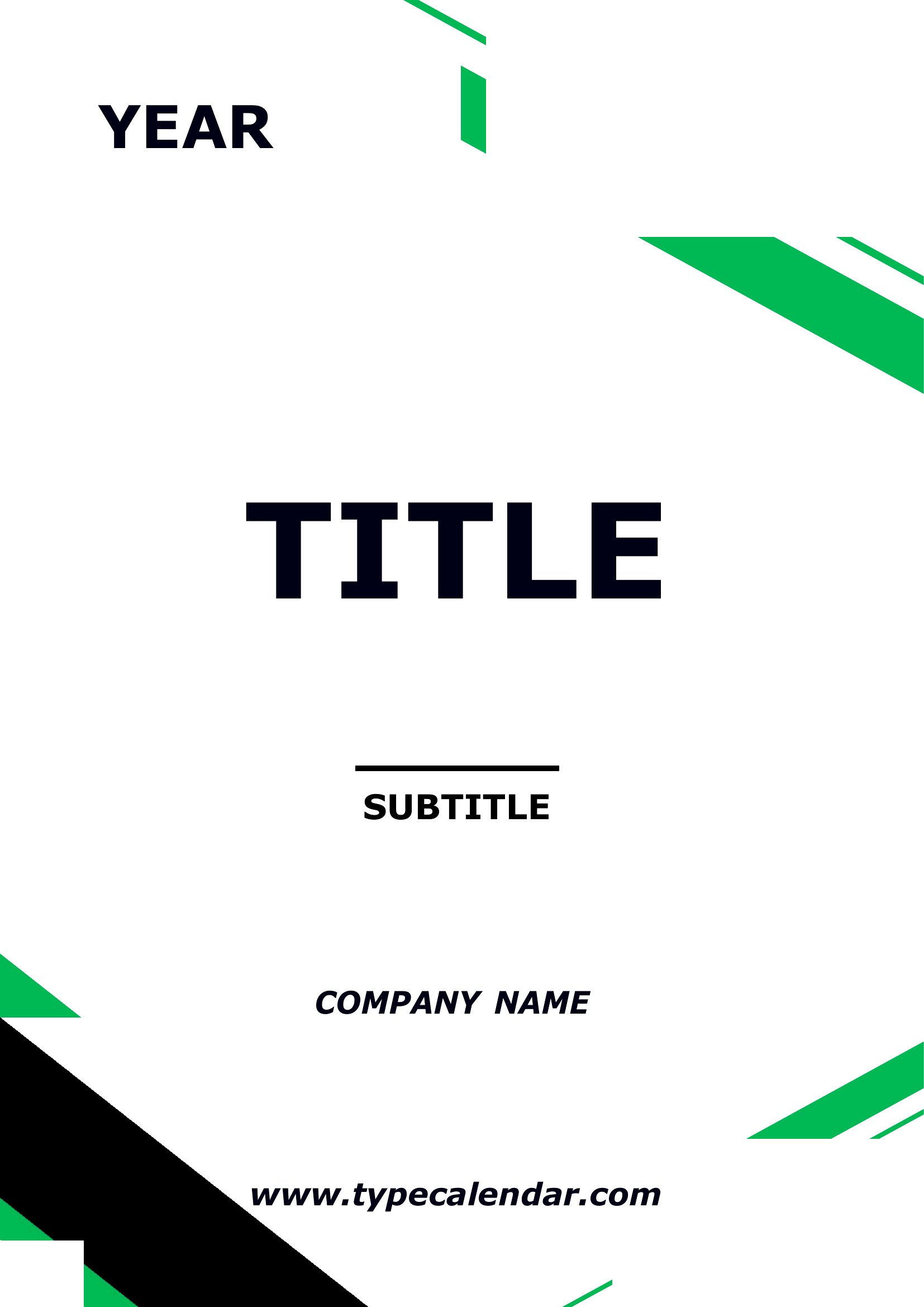
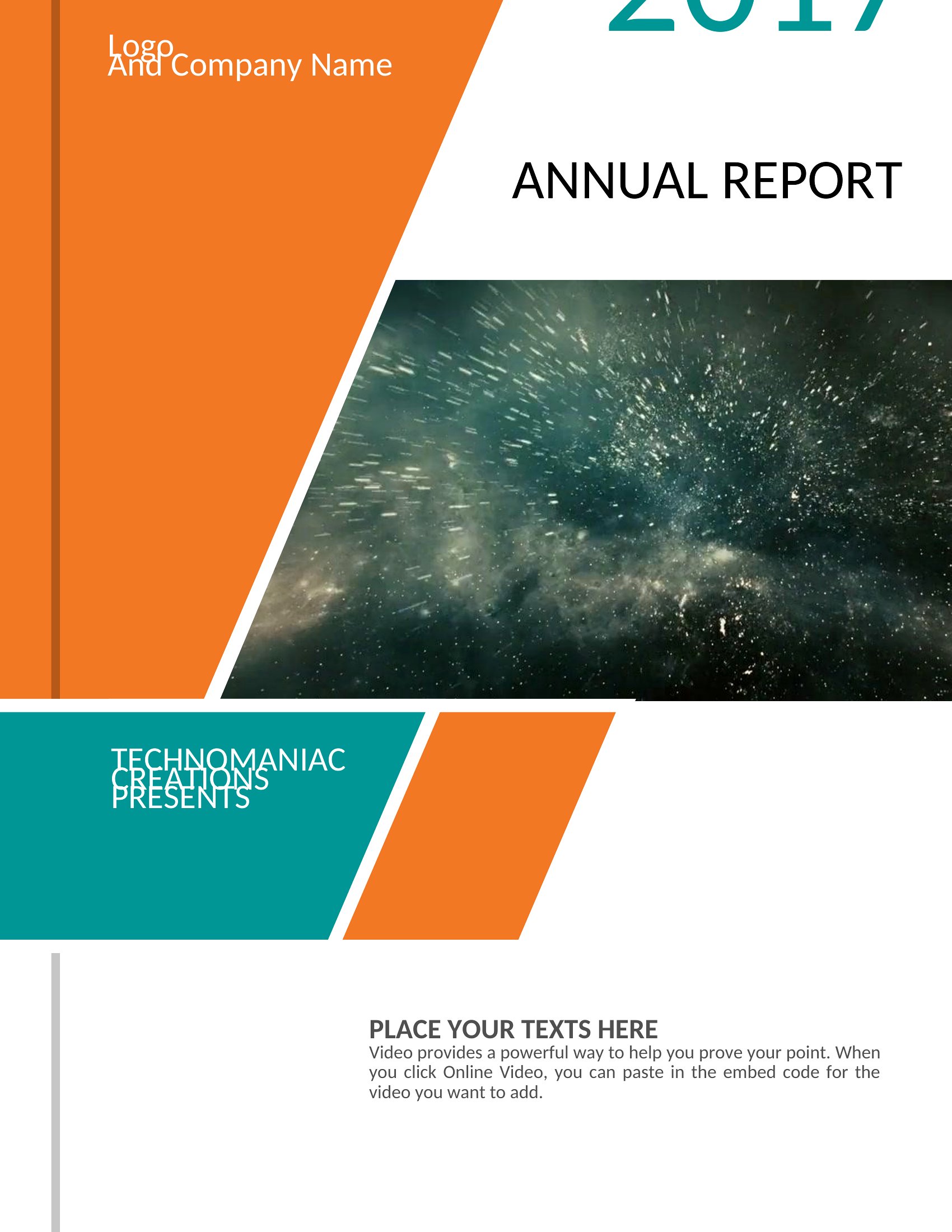
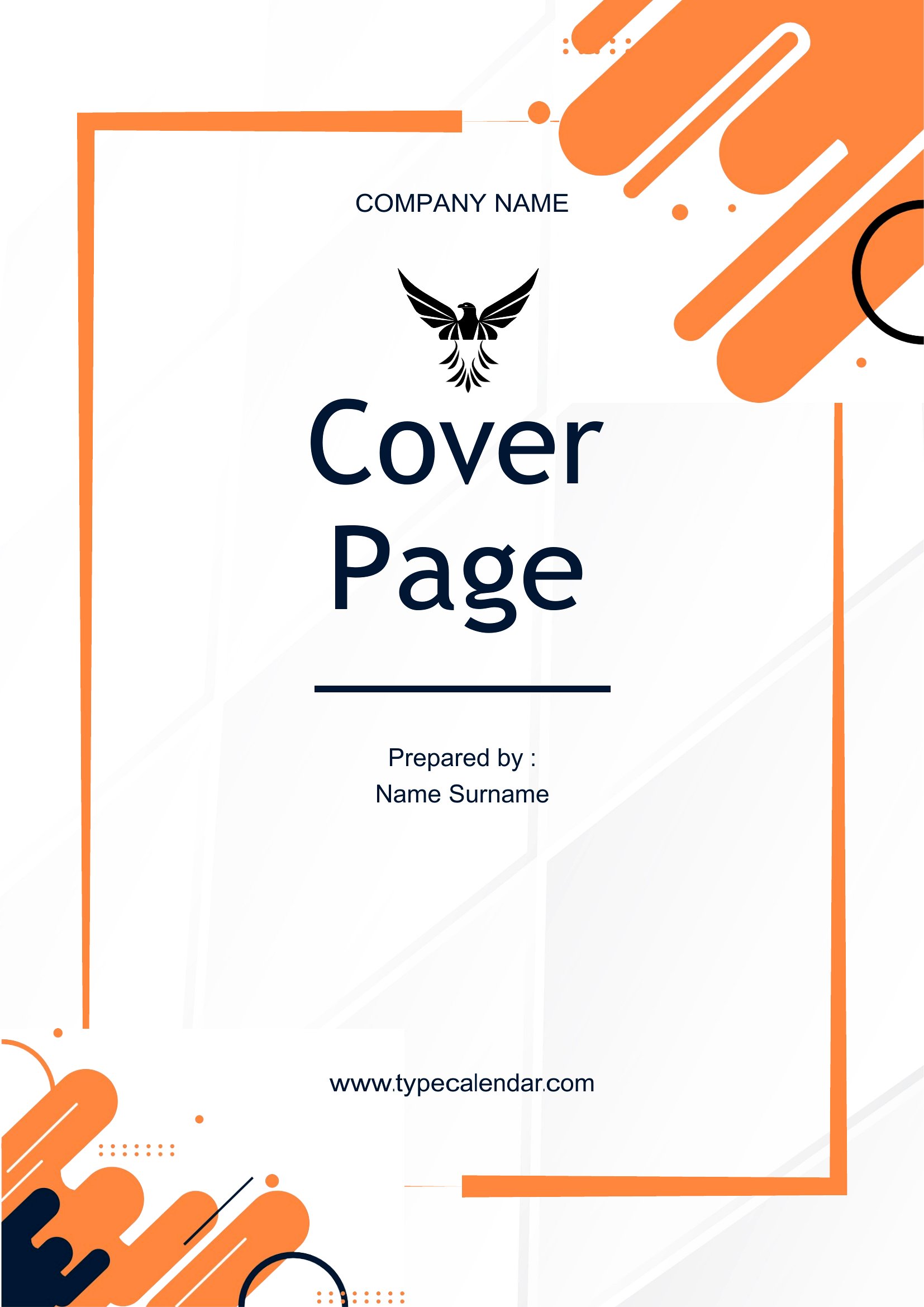
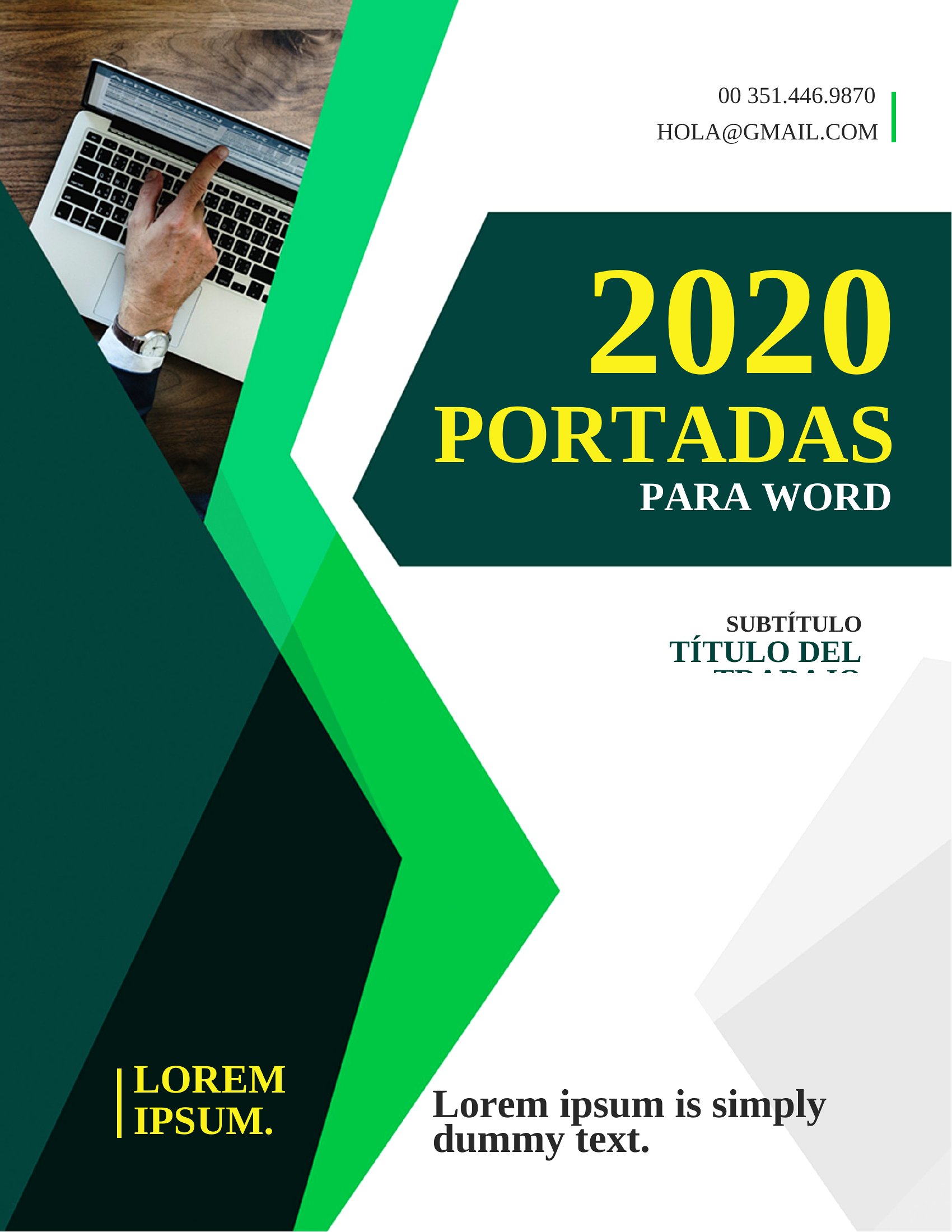
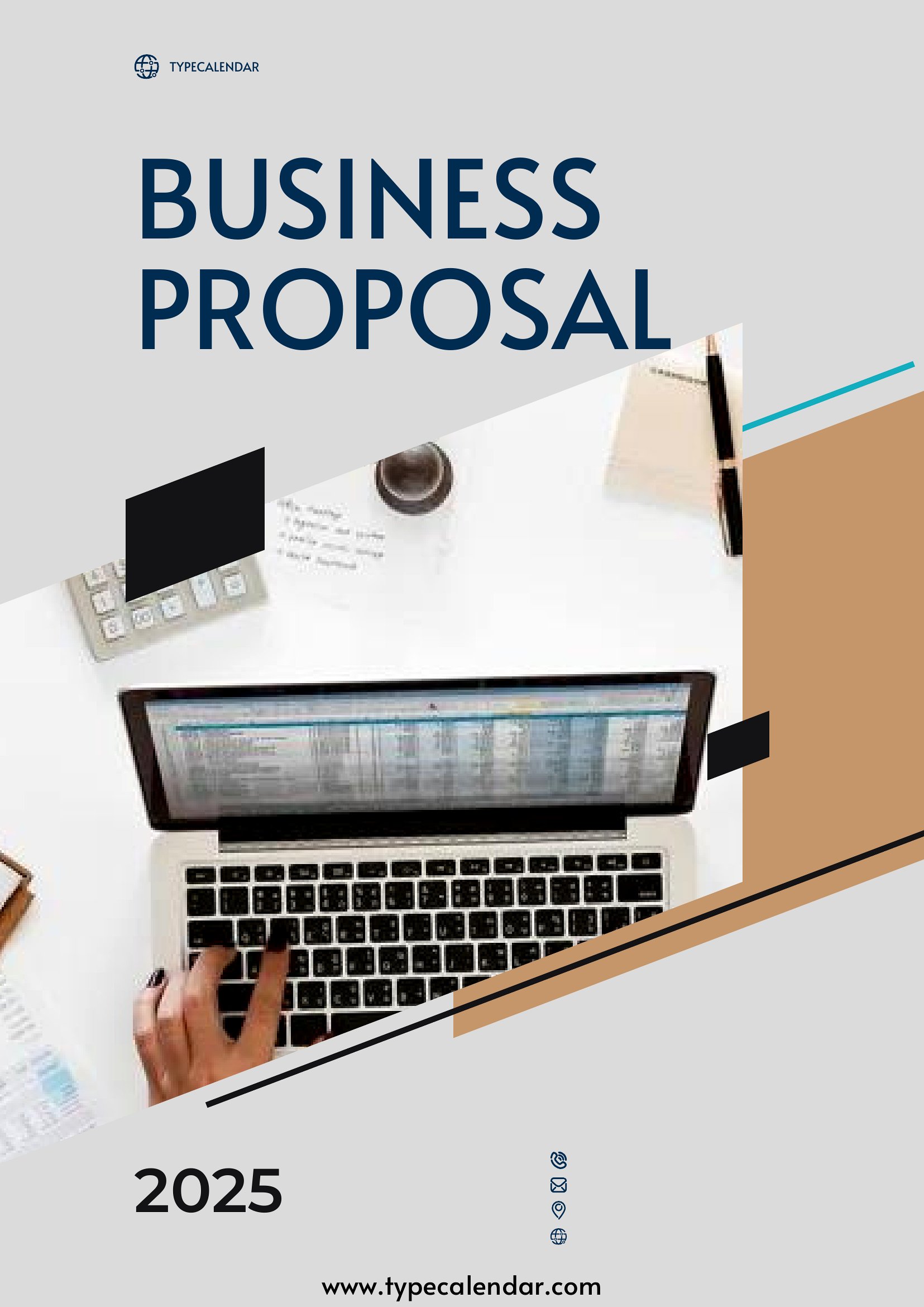
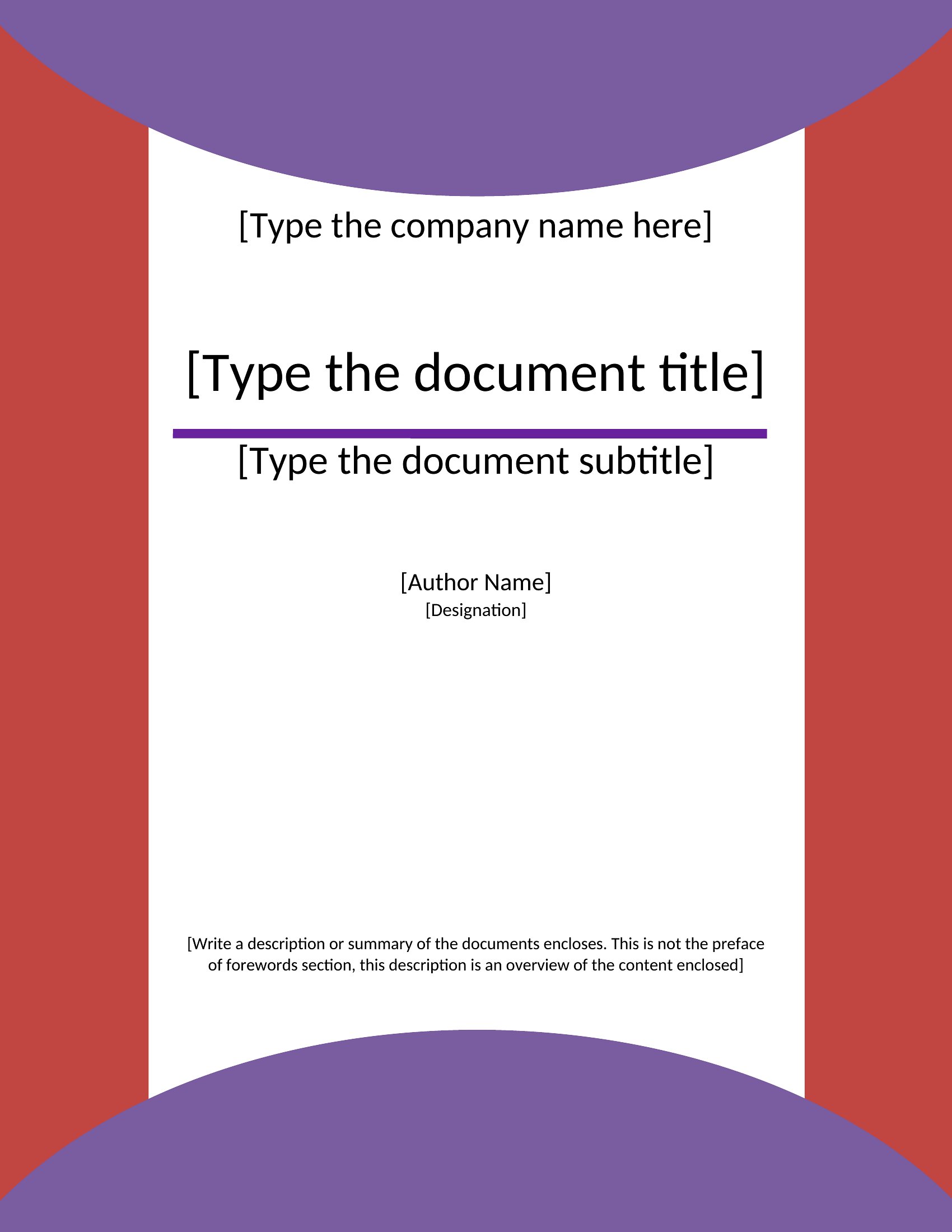
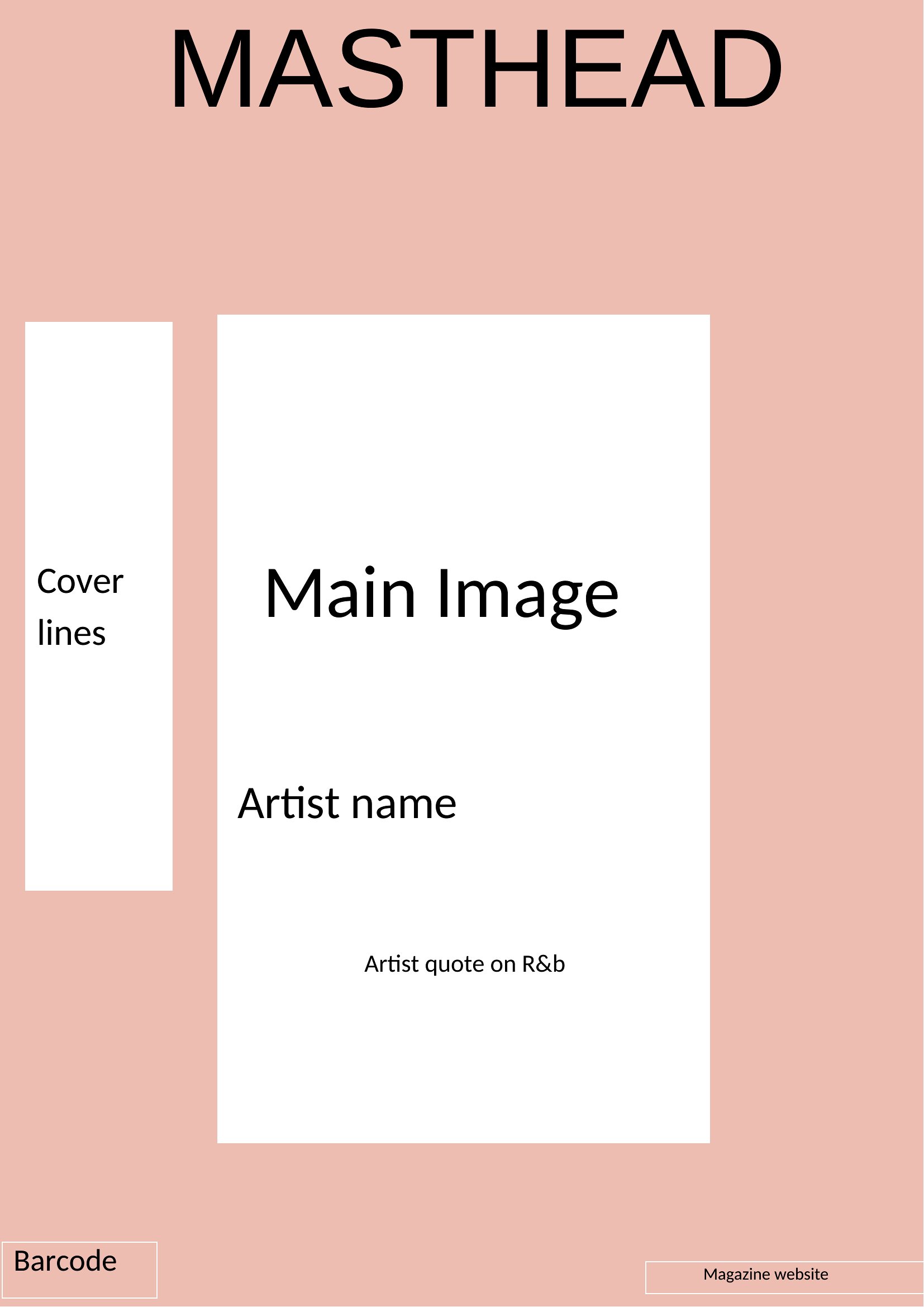
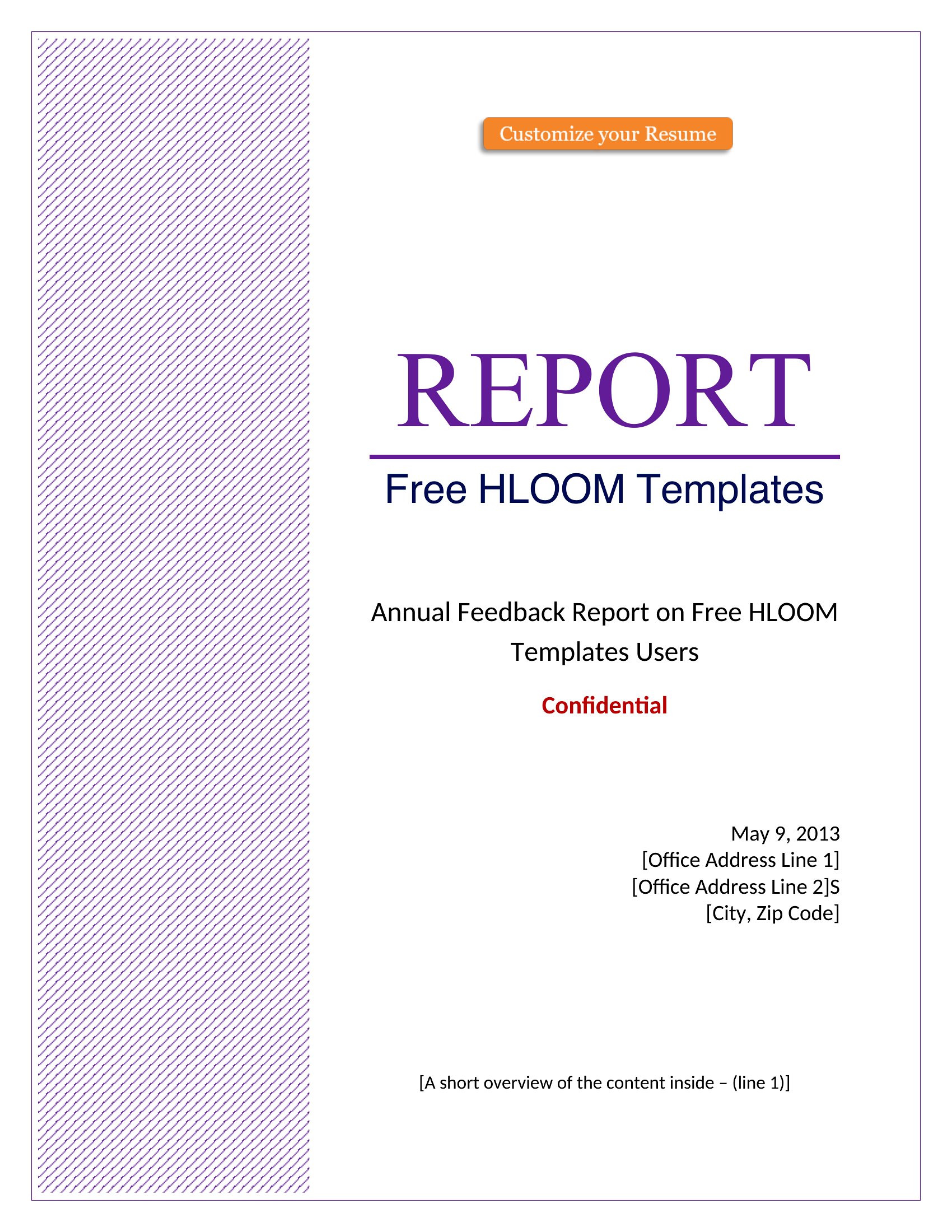
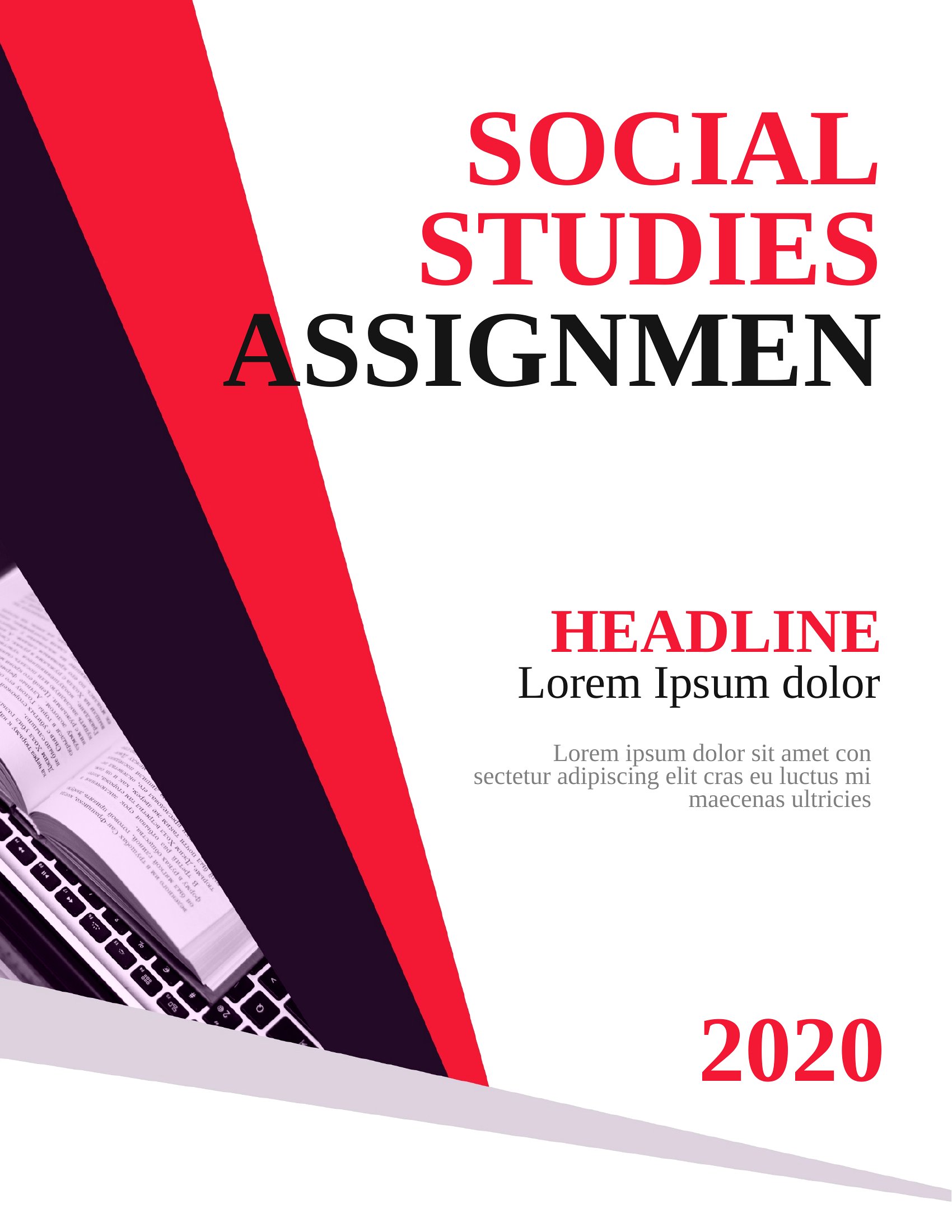
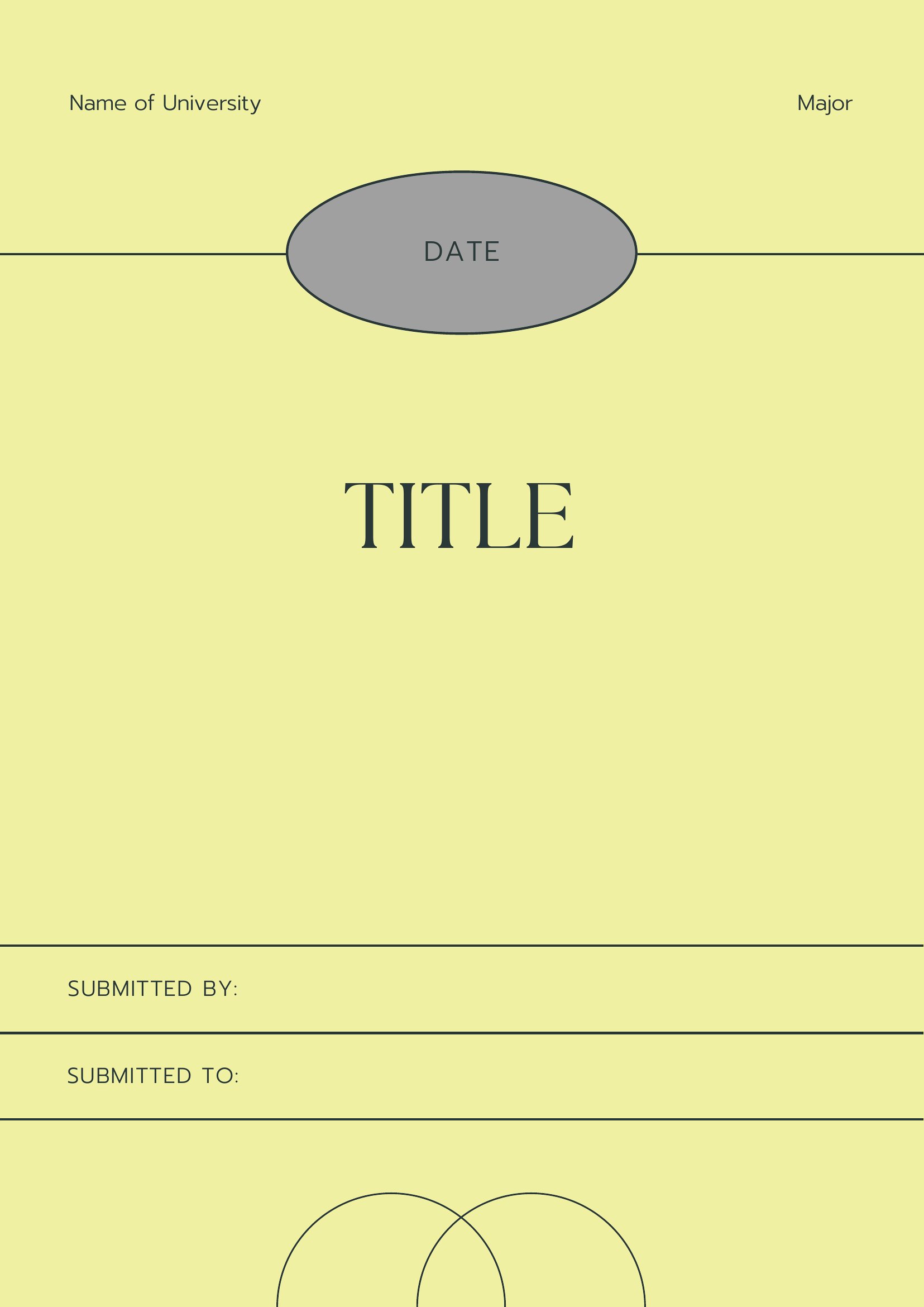
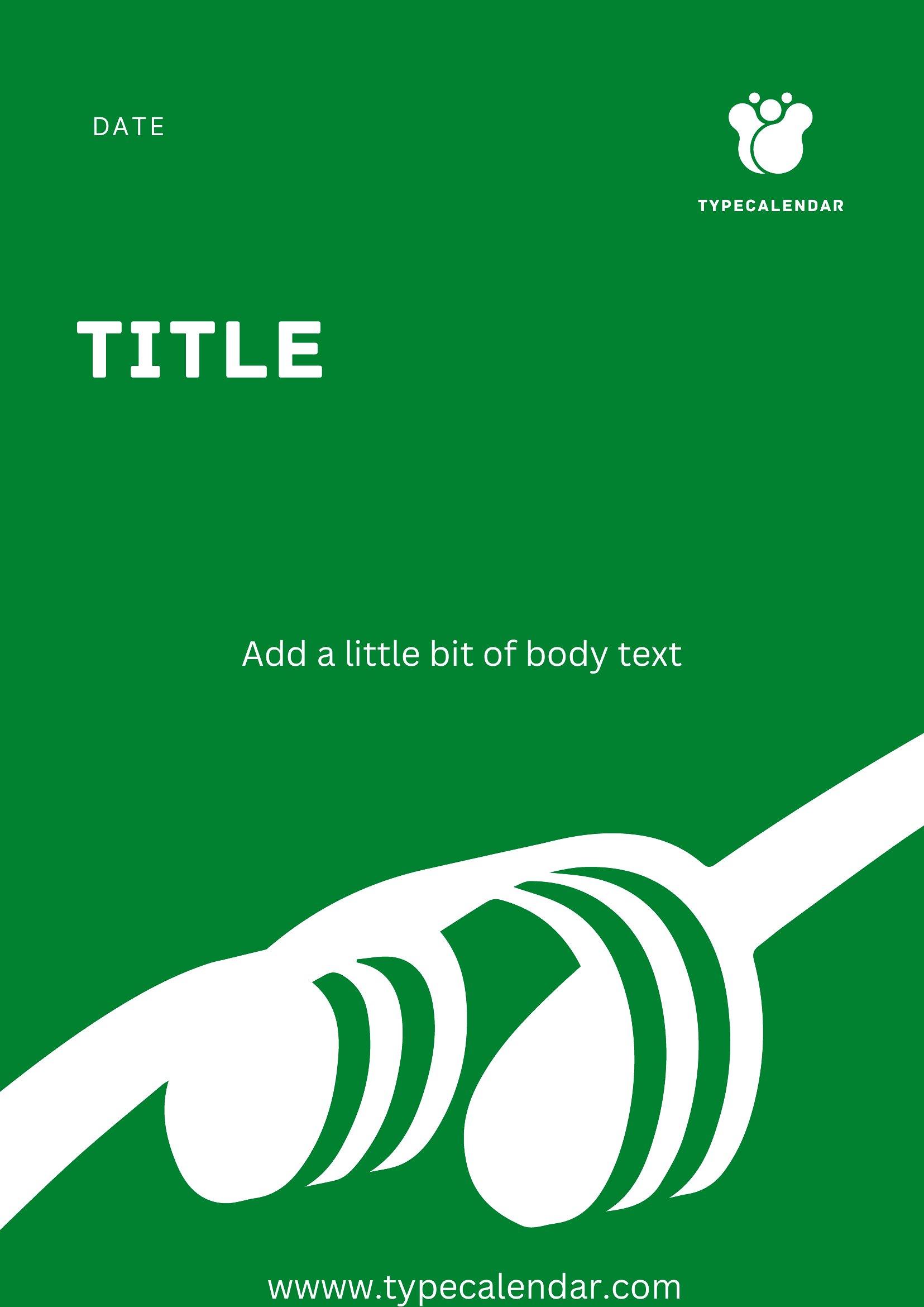
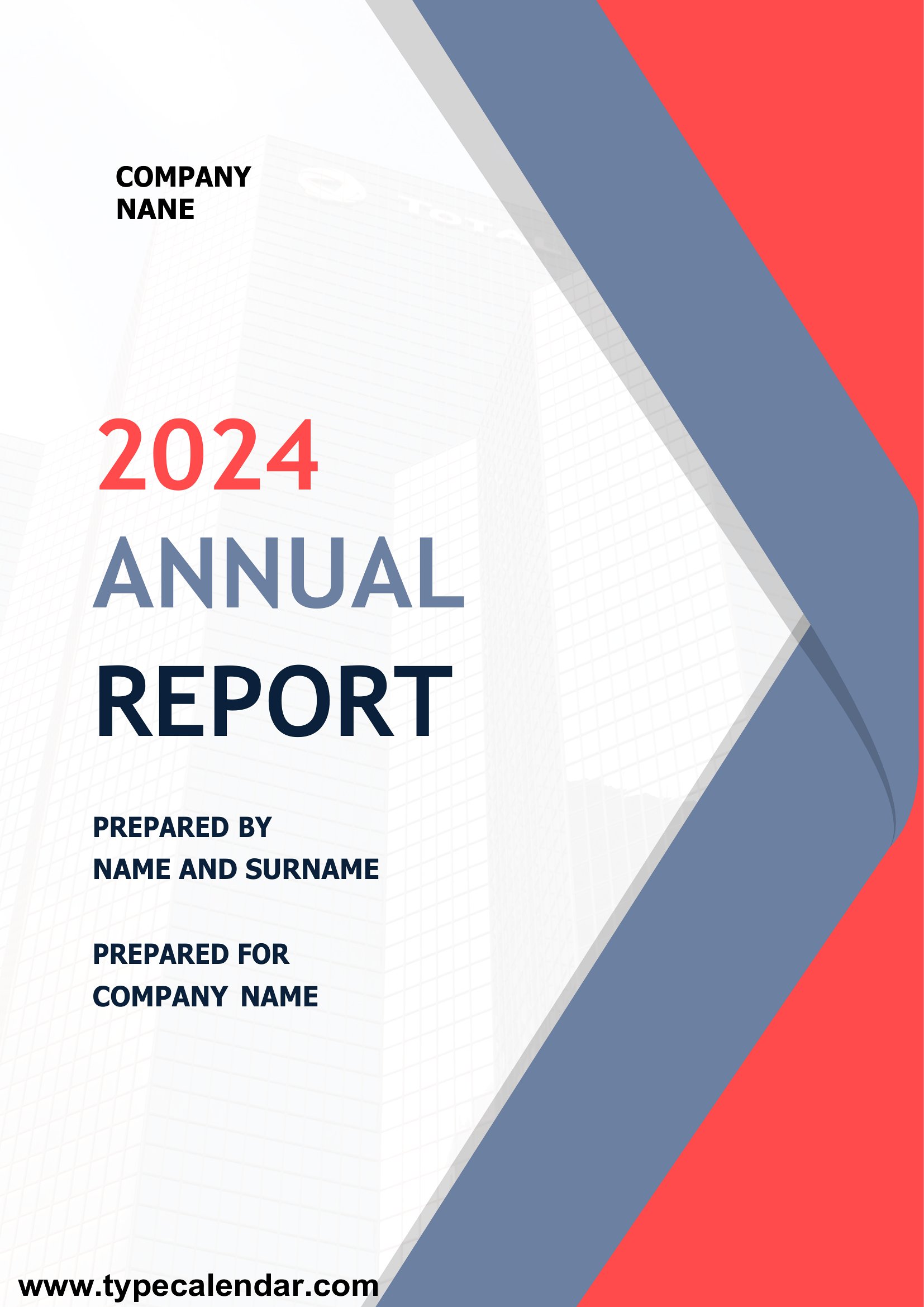
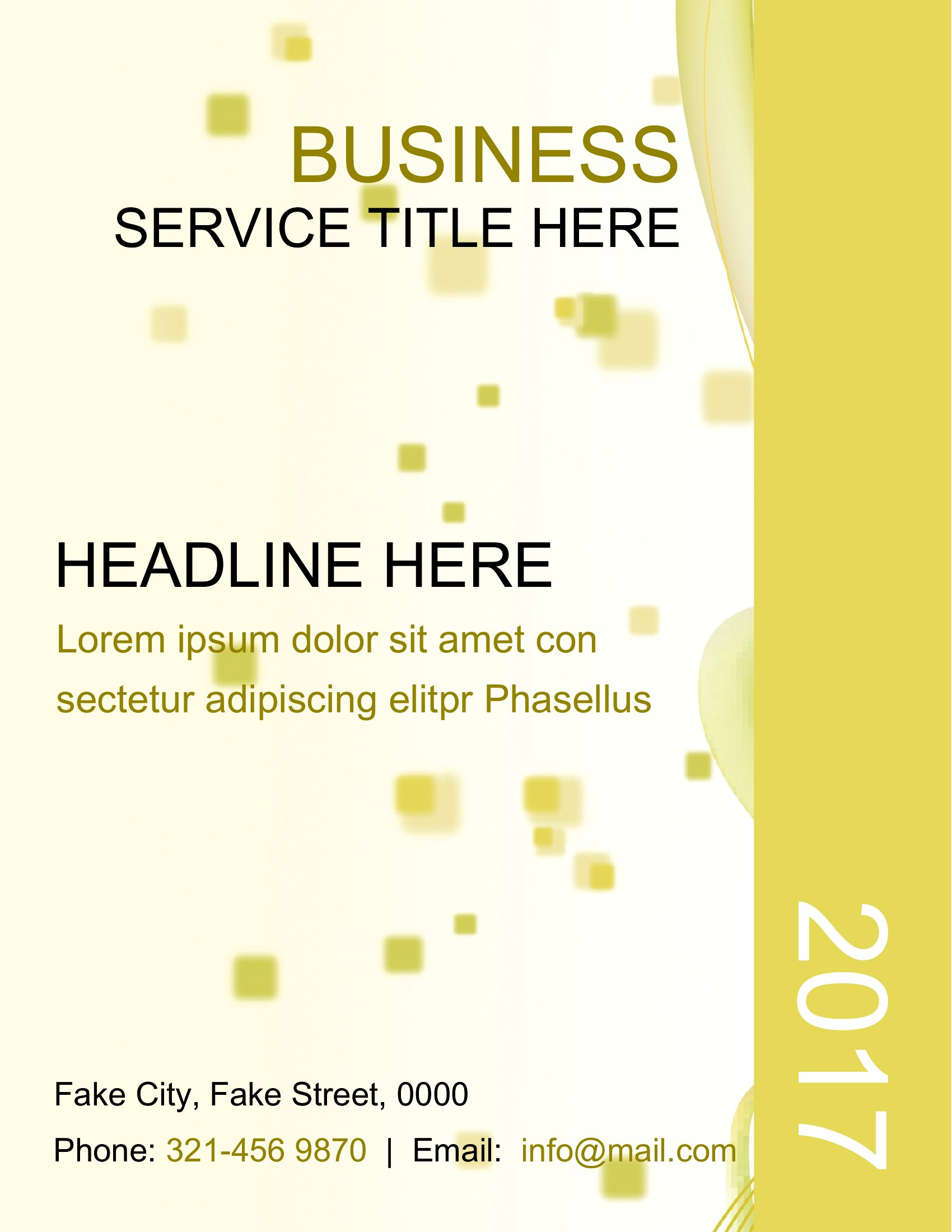
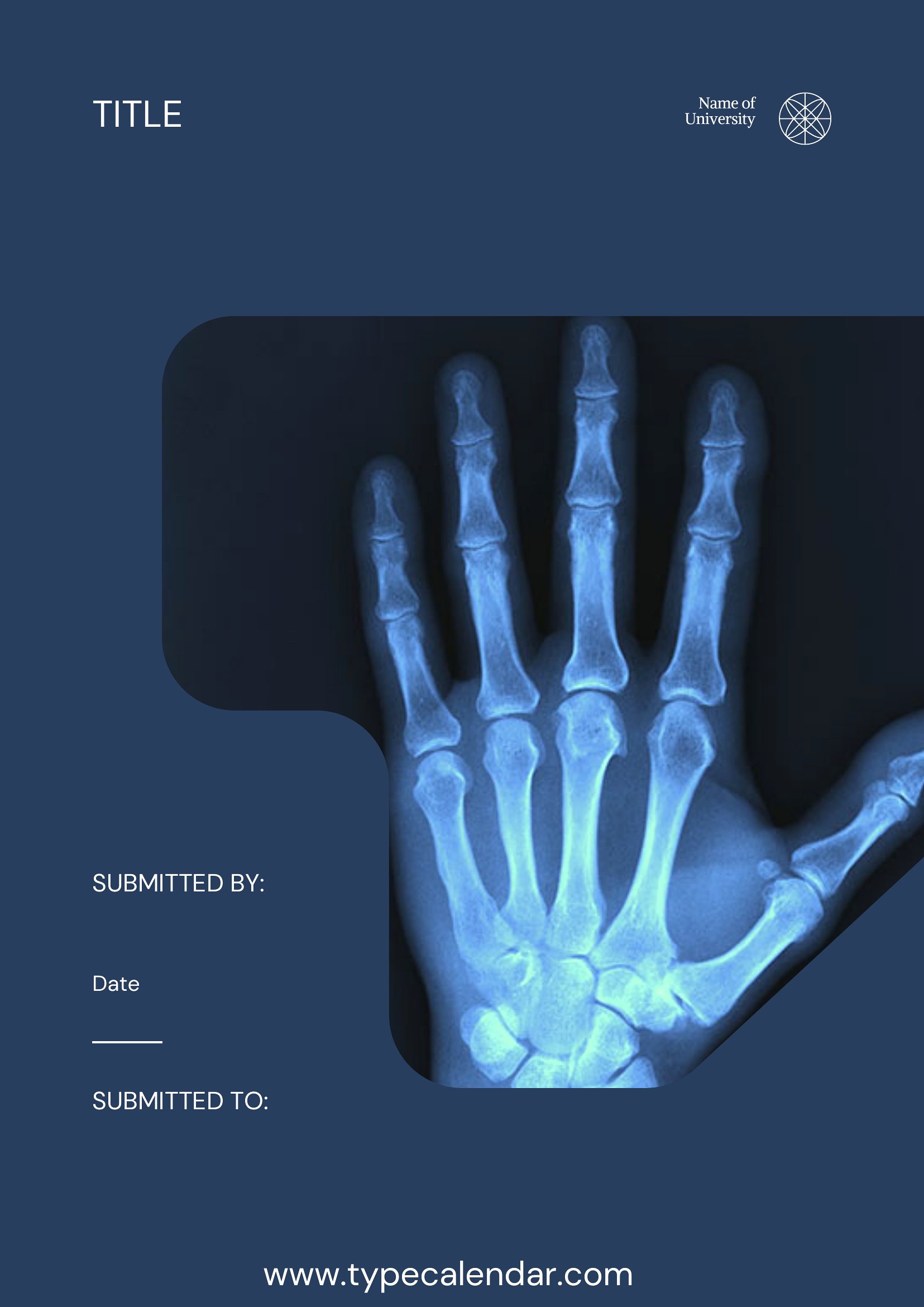
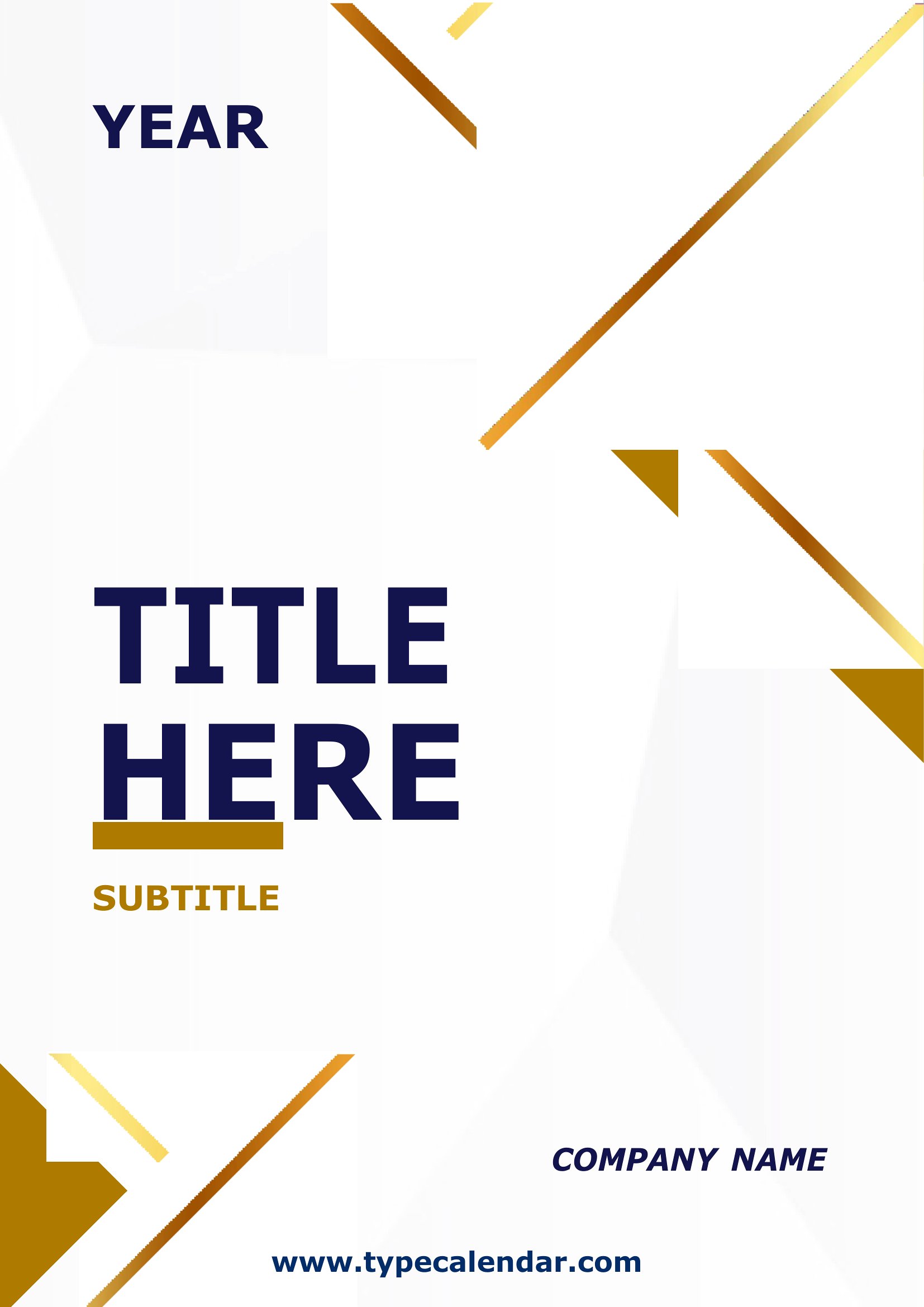
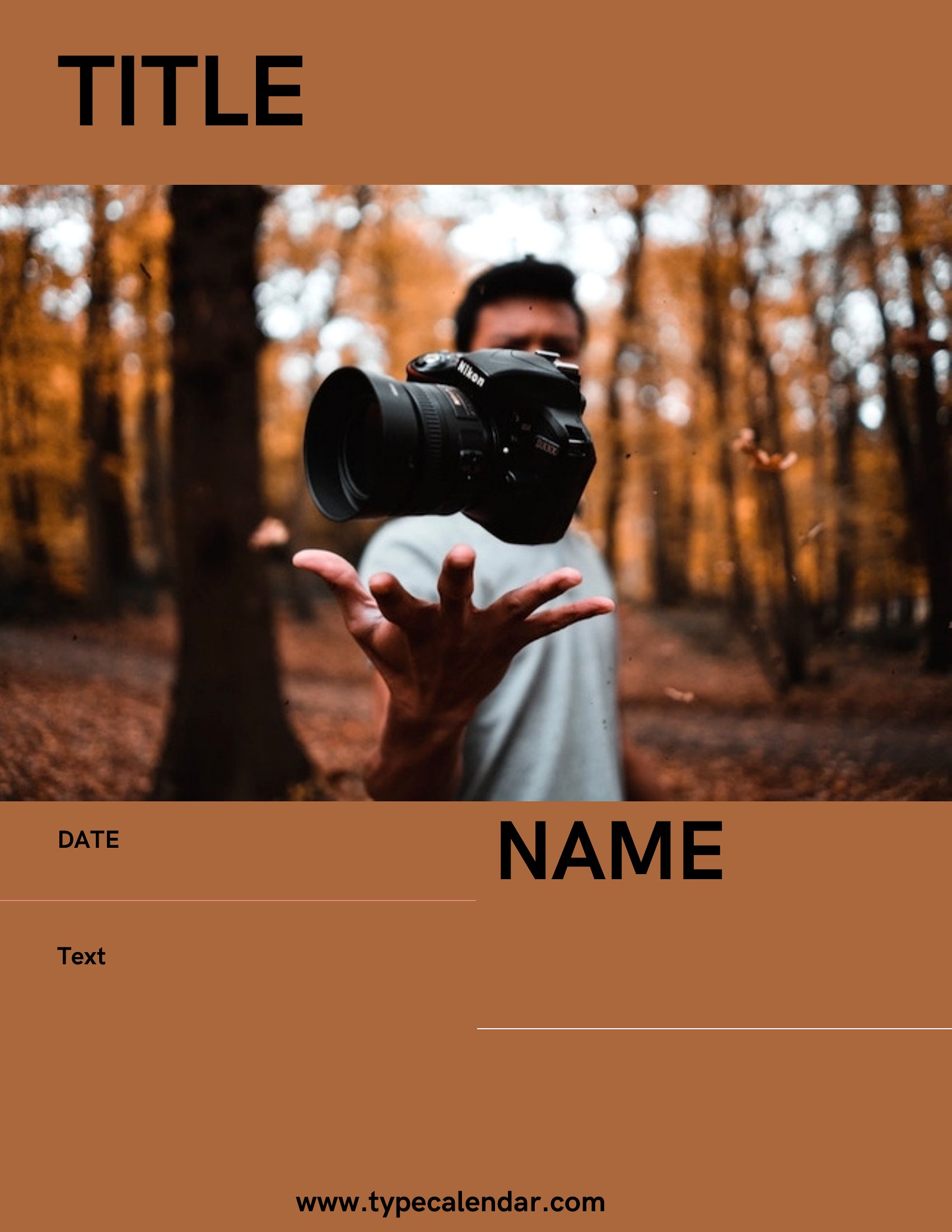
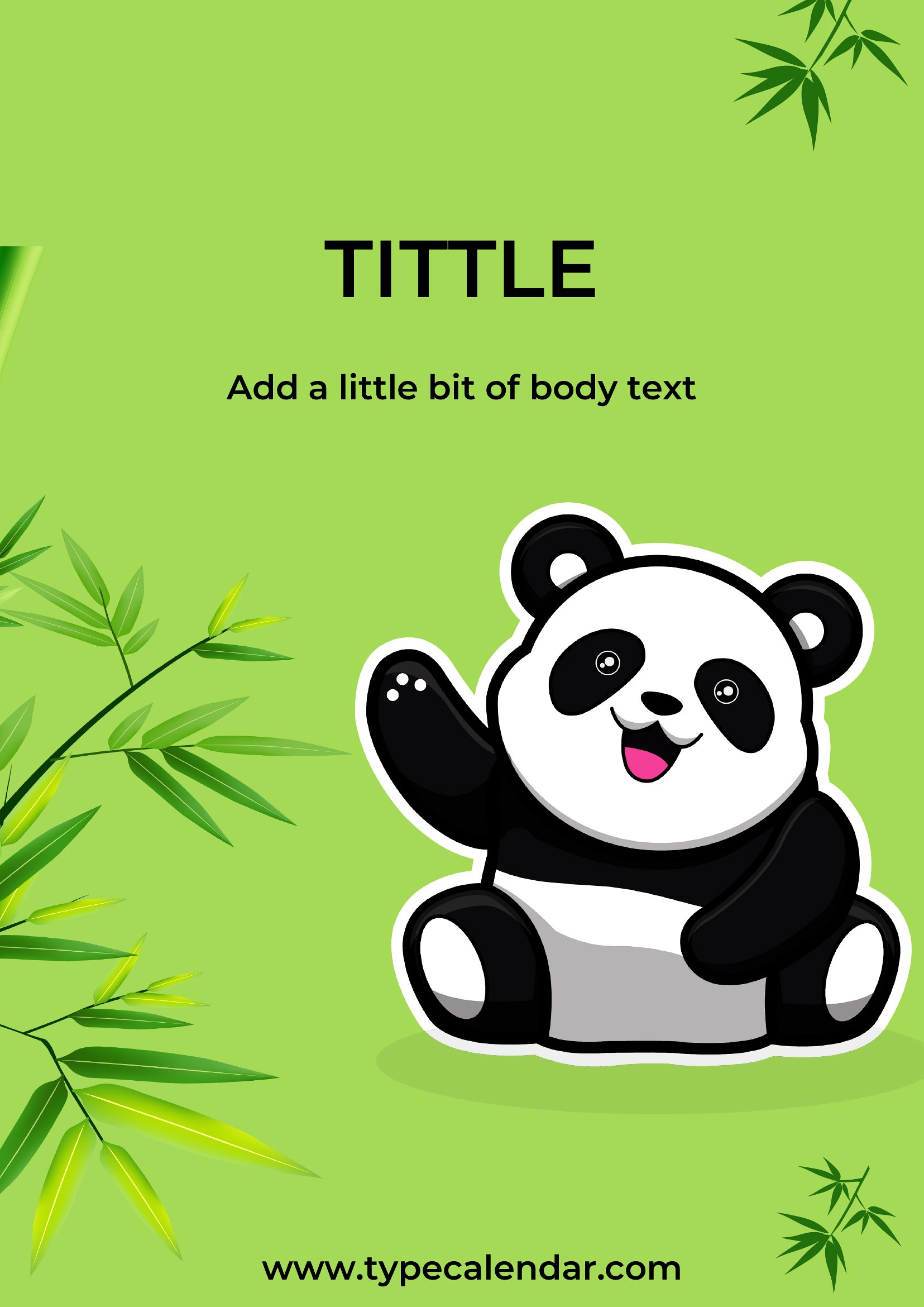
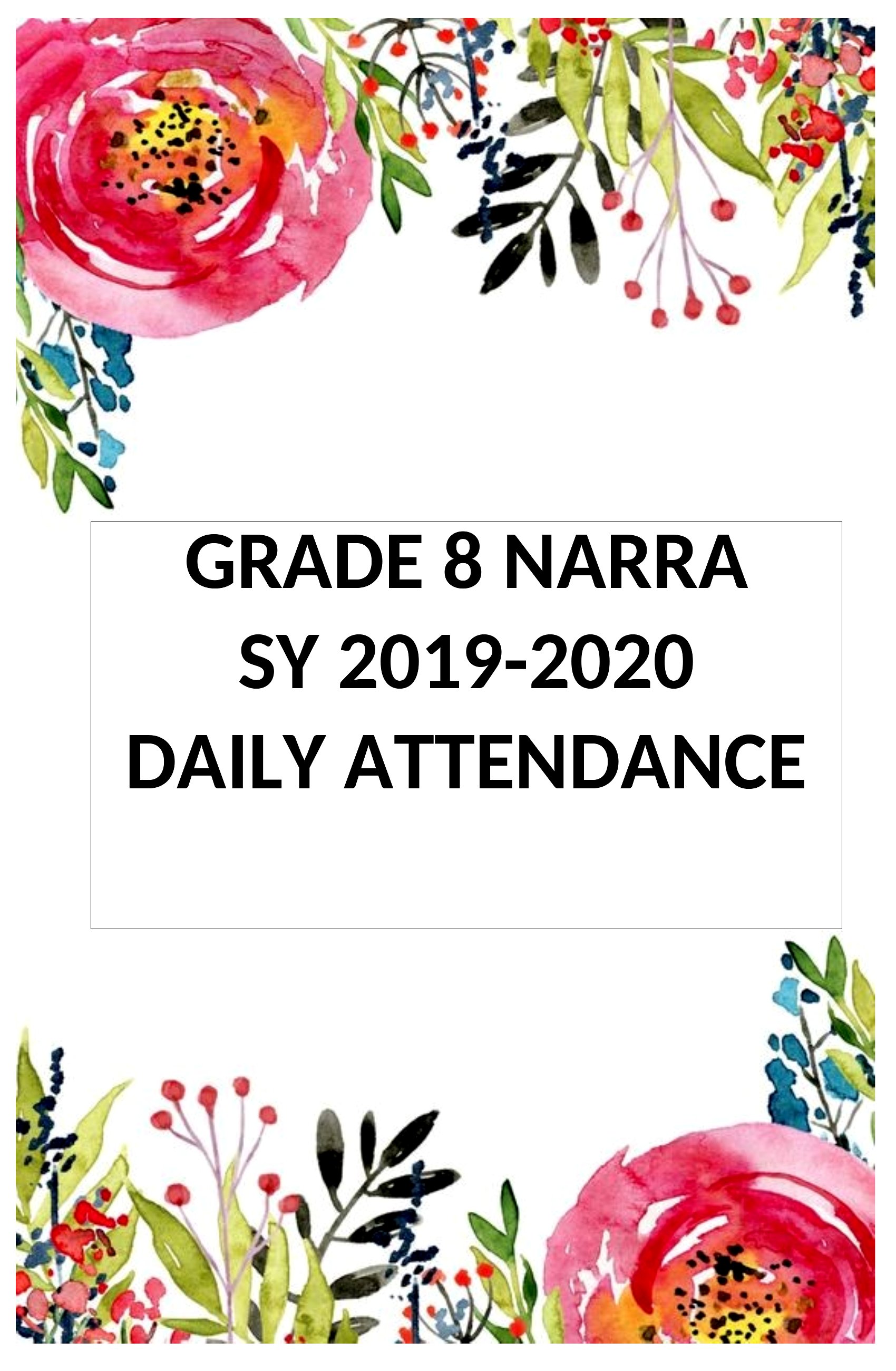
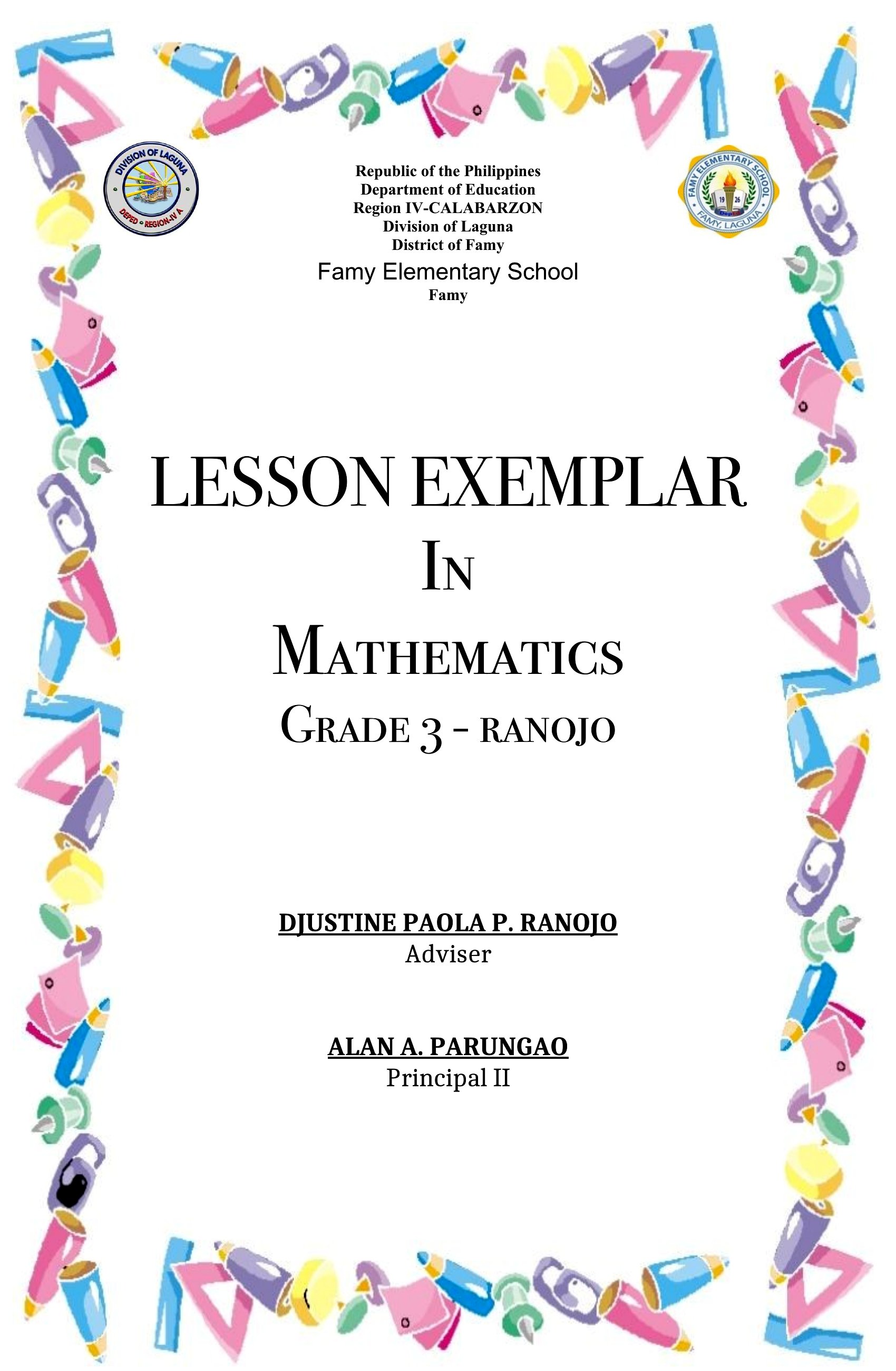
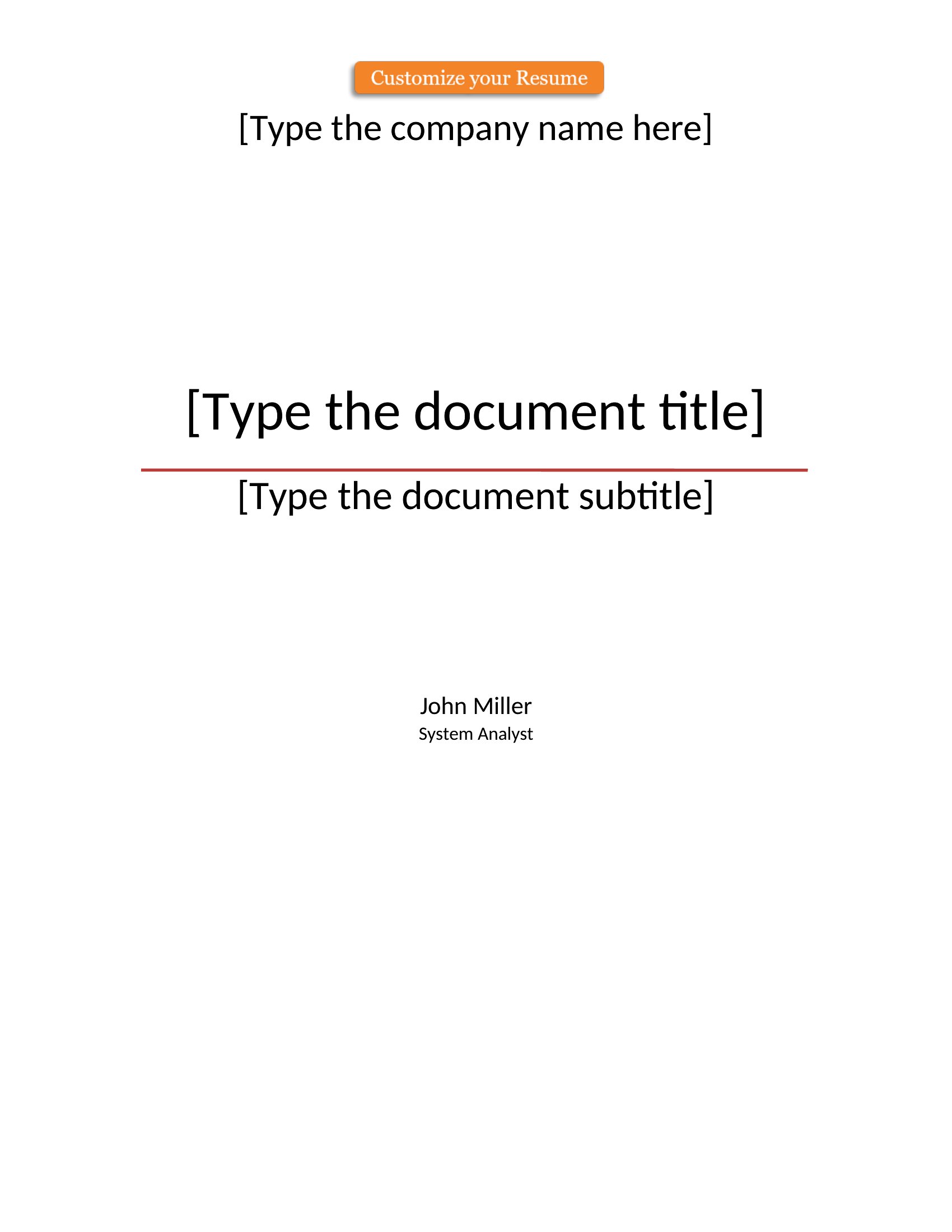
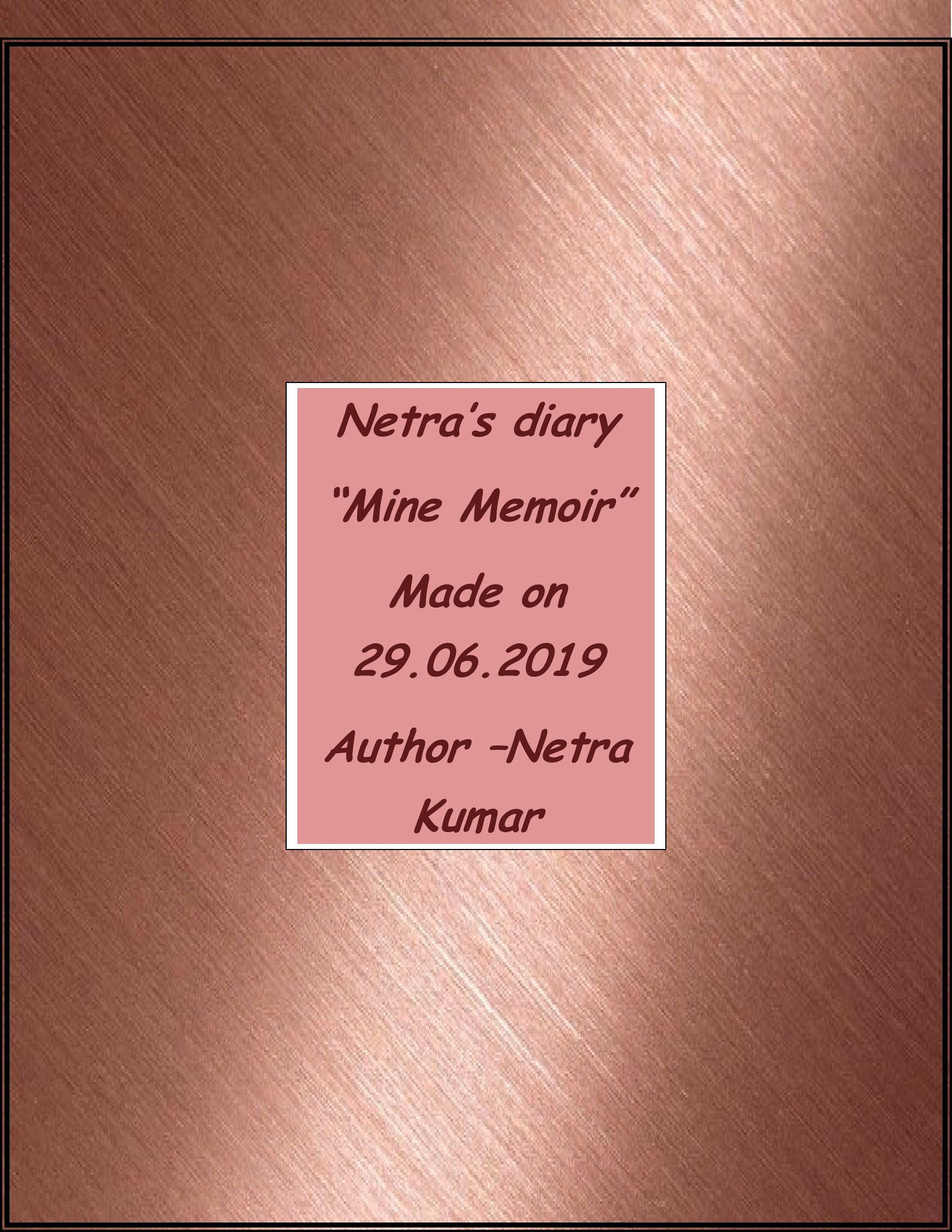
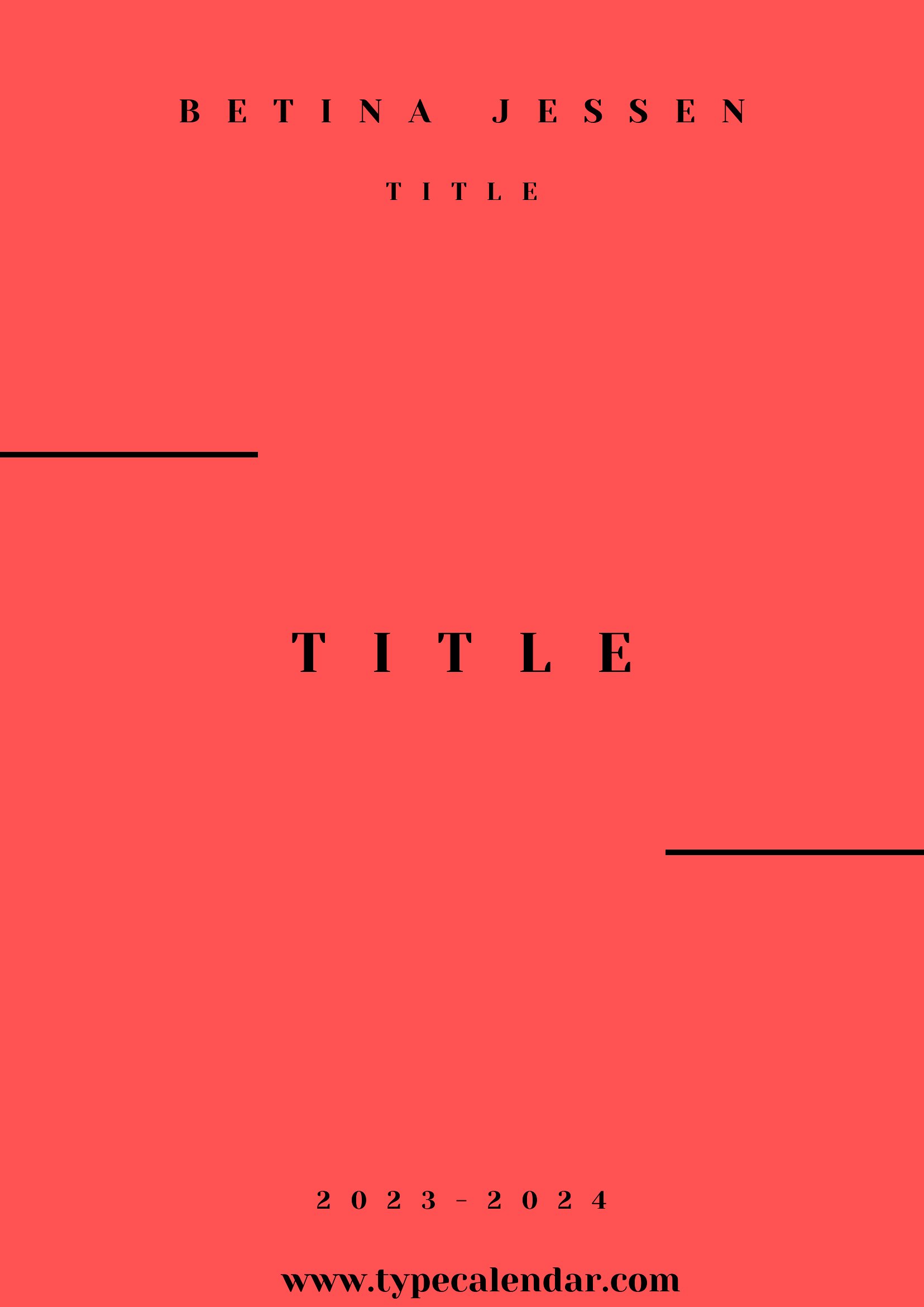
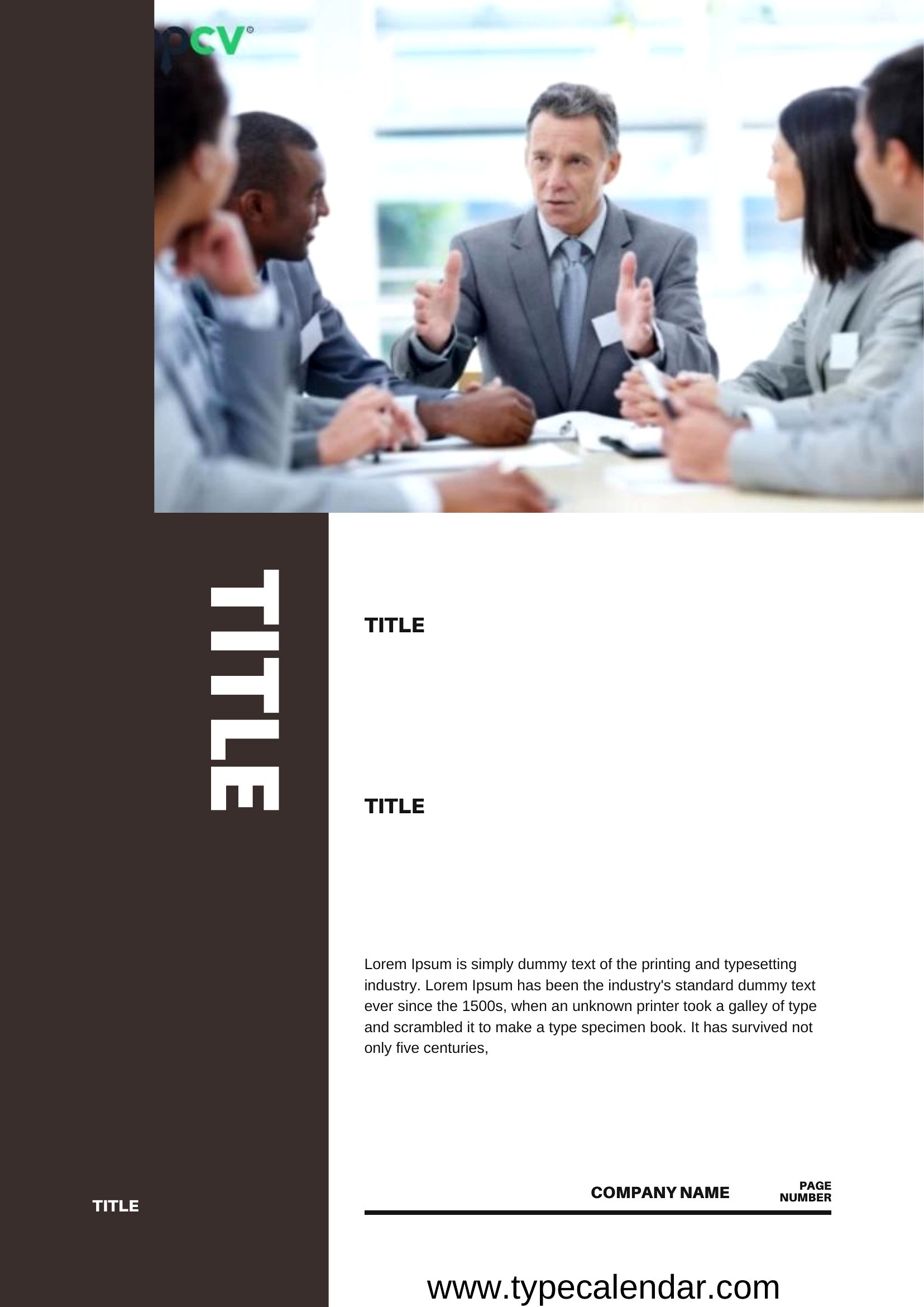
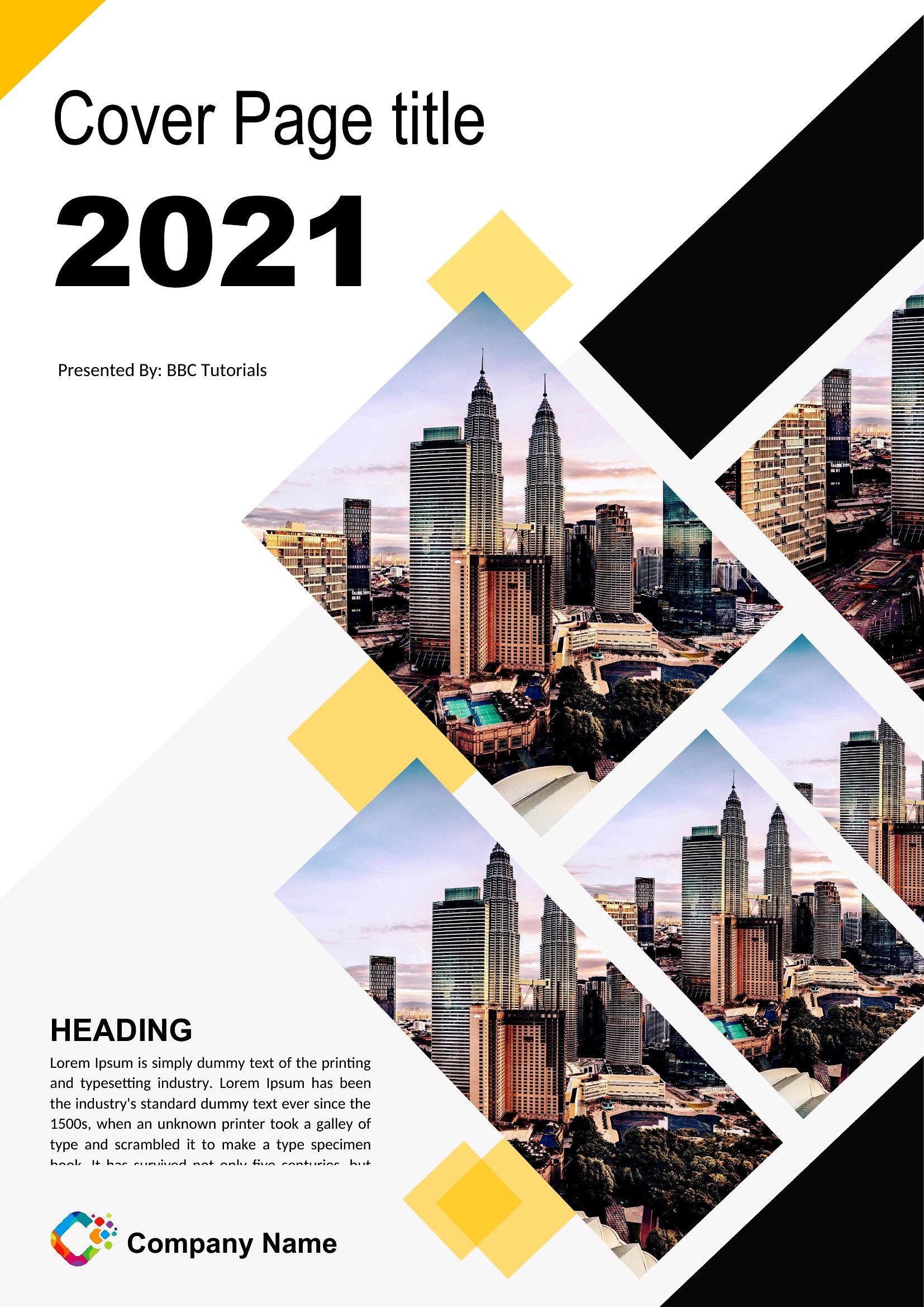
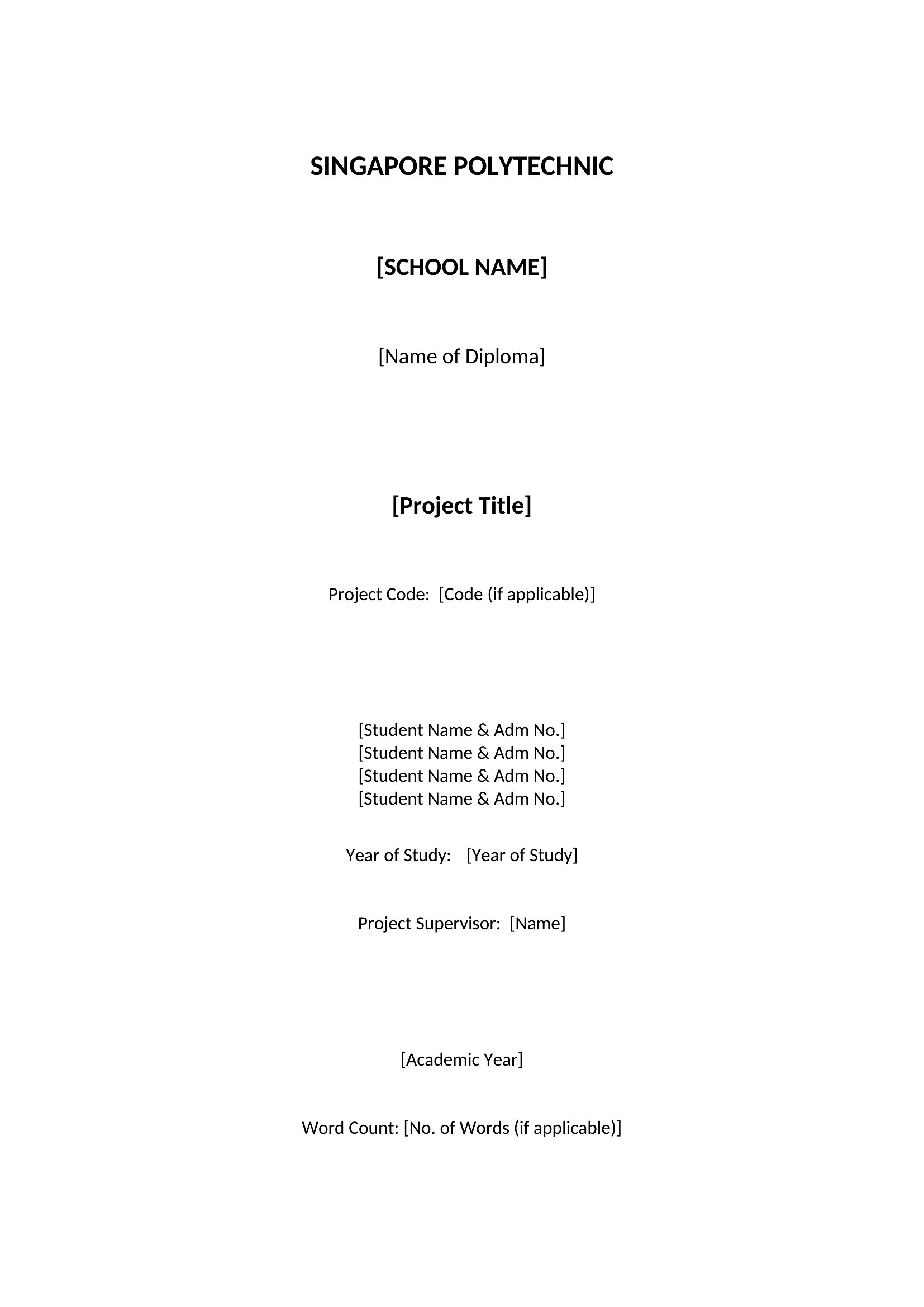
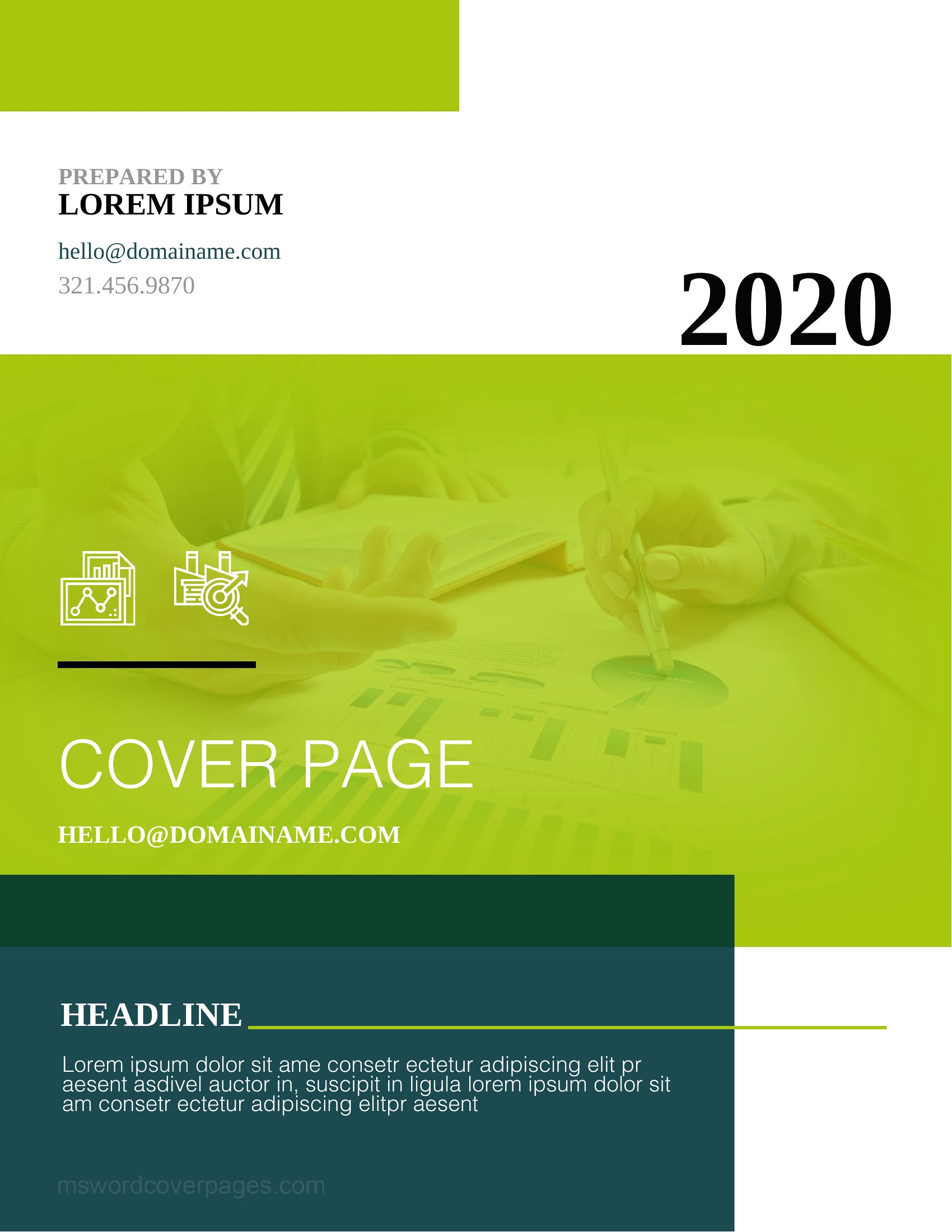
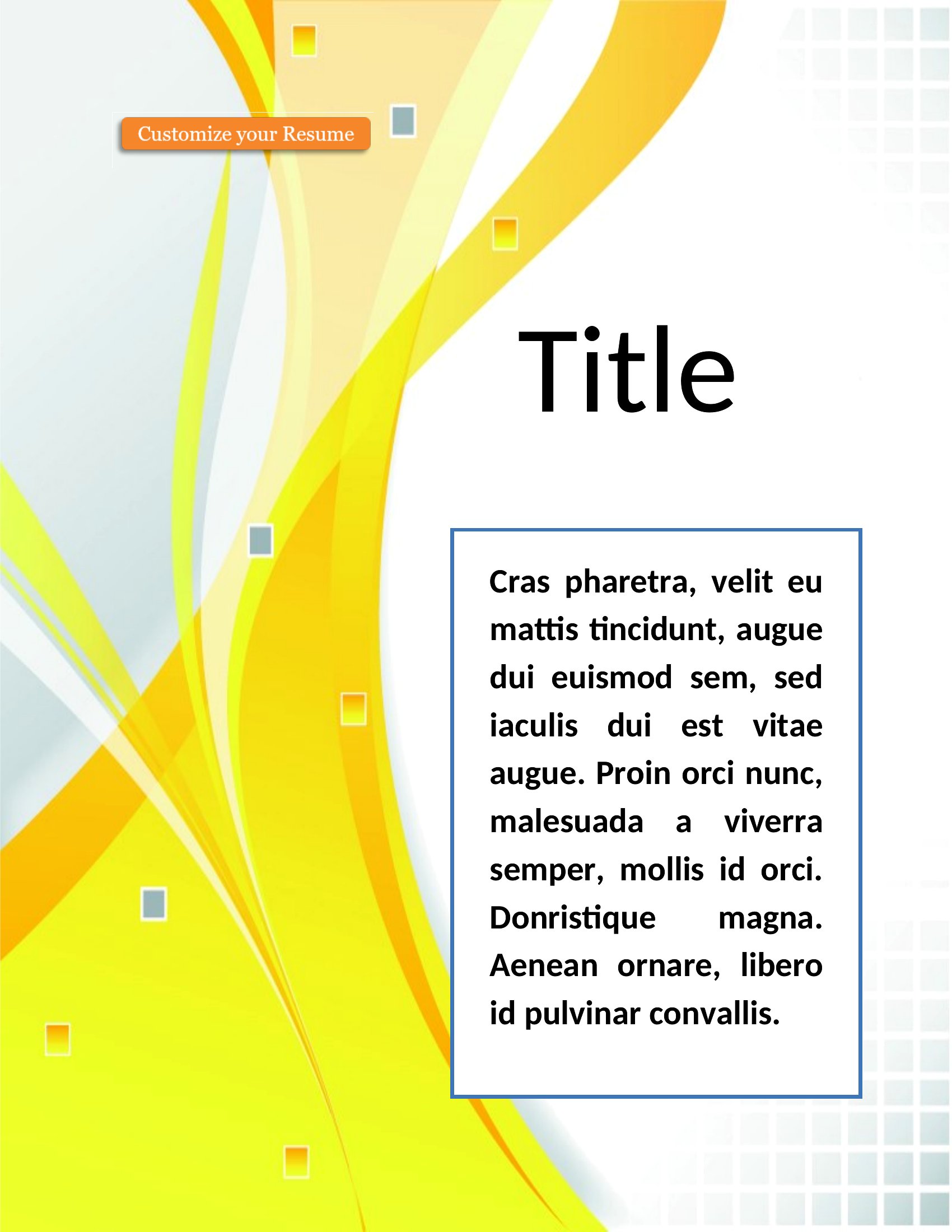
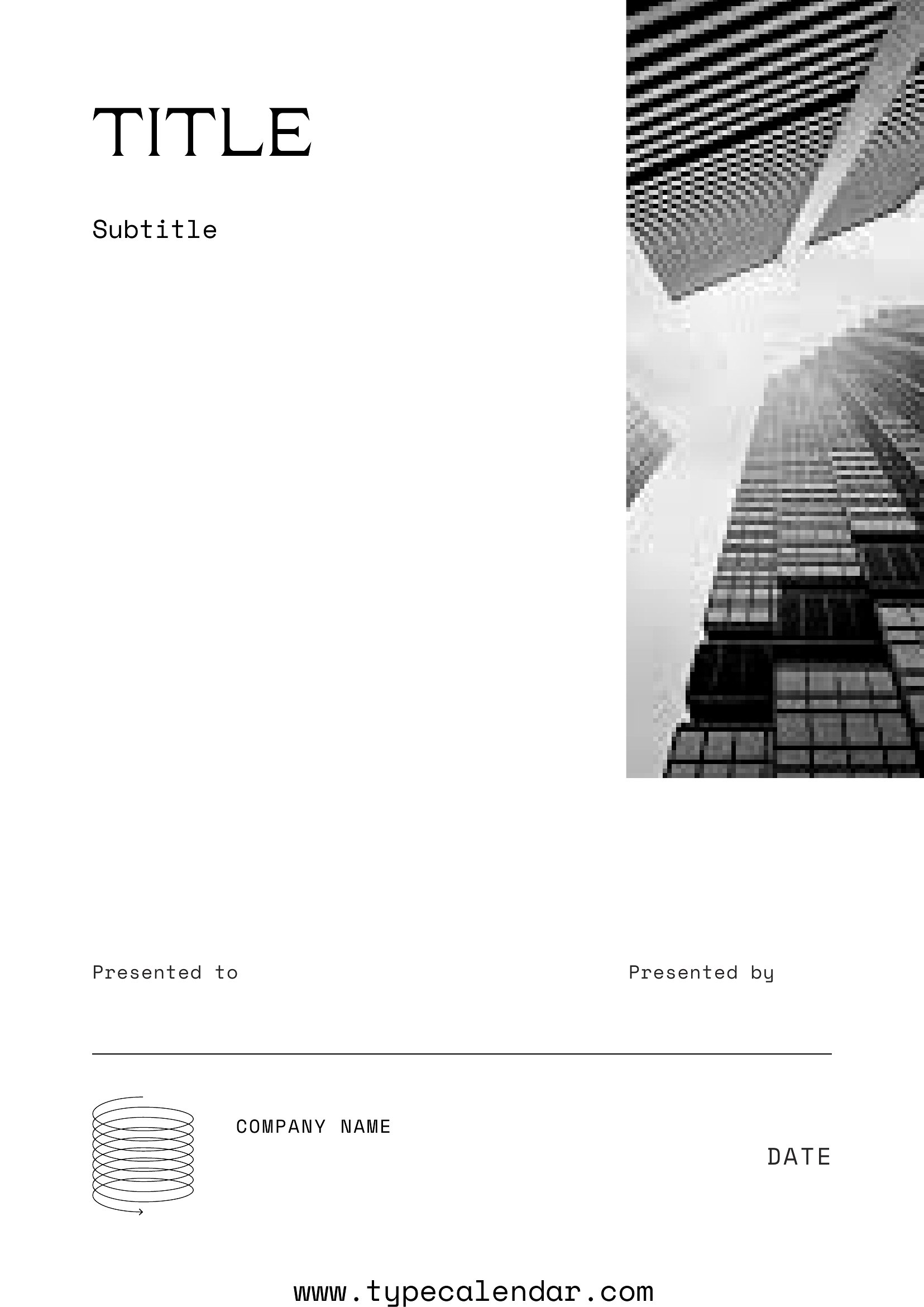
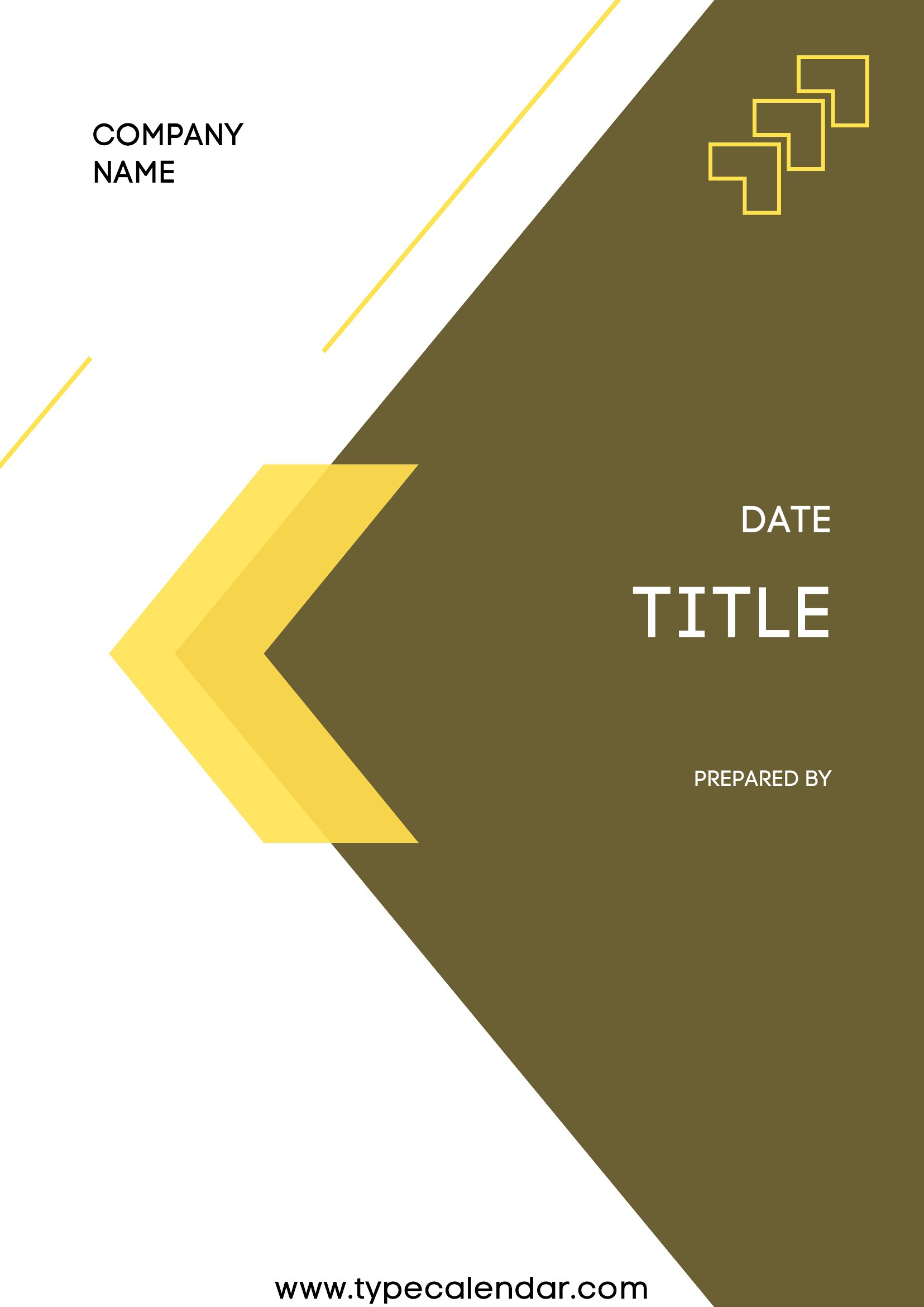
ApplicationsA clean cover page sets the tone before anyone reads a word, whether it's a school report, a business proposal, or a bound project. This generous set of 78 cover page templates gives students, professionals, and writers a wide mix of styles, from formal academic title pages to bold, modern designs for presentations. Having options means you can match the look to the assignment or the client instead of settling for a plain header.
The designs open in Word so you can type your title, author, and date, and many come as PDFs for a fixed, polished look. Swap in your details, adjust the fonts or colors if you want, and print or attach the finished page. With this many layouts to choose from, you'll find one that fits. Download your favorite and give your document a strong first impression.
When to use this Cover Page template
- A high school student needs to format an MLA-style essay cover page before its due date, but they’re unsure how to align margins or font sizes correctly. These templates provide pre-configured layouts with all the required spacing and citations in one place, saving hours of trial and error.
- A freelance graphic designer is pitching a visual portfolio to a potential client and needs a sleek, professional cover page that reflects their brand. Bold modern designs with customizable text fields let them quickly create a polished first impression without starting from scratch.
- A university researcher preparing a thesis submission must include a title page with precise formatting per their department’s guidelines. Academic templates like APA or Chicago styles ensure compliance with citation rules and page layouts, reducing the risk of rejection for technical errors.
- A marketing team leader is compiling a client proposal and wants to unify the document’s appearance with a custom header. This collection offers minimalist yet professional options that can be edited to match the brand’s color scheme, making the proposal look cohesive and intentional.
Which format should I download?
Word is the best choice for cover pages that need further editing after selection. Since these templates are fully customizable in Word, users can adjust fonts, margins, and text fields to meet specific requirements—like adding a logo or tweaking alignment—before finalizing. For a static, print-ready version, choose PDF. The fixed layouts here are ideal when you’re submitting a document to an institution or client who requires an unalterable format, such as standardized academic submissions. Avoid PDF if you plan to make last-minute changes.
Choose from 78 Cover Page Templates
Pdf Cover Page
How to use this Cover Page template
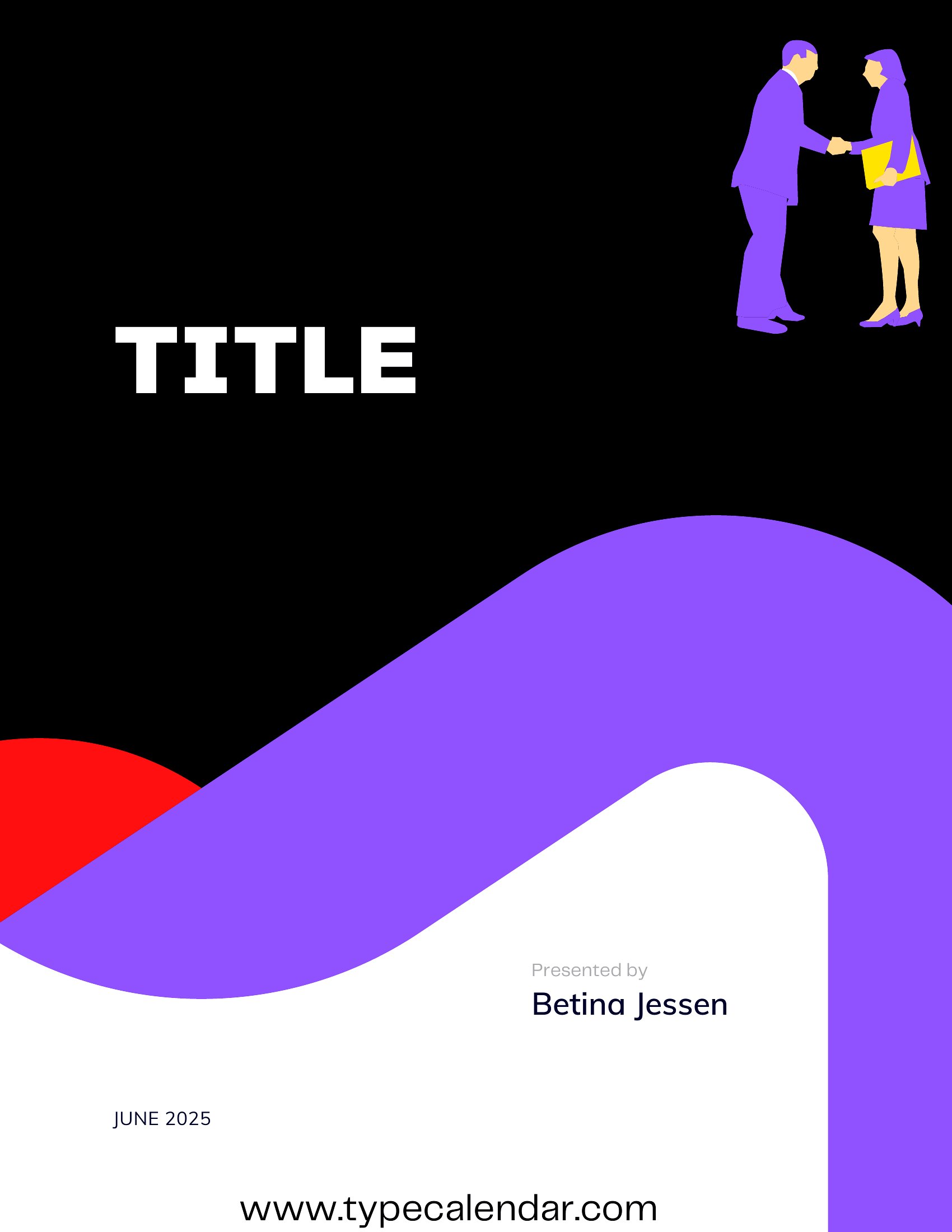
Can I use these cover page templates for non-academic documents like business reports or creative projects?
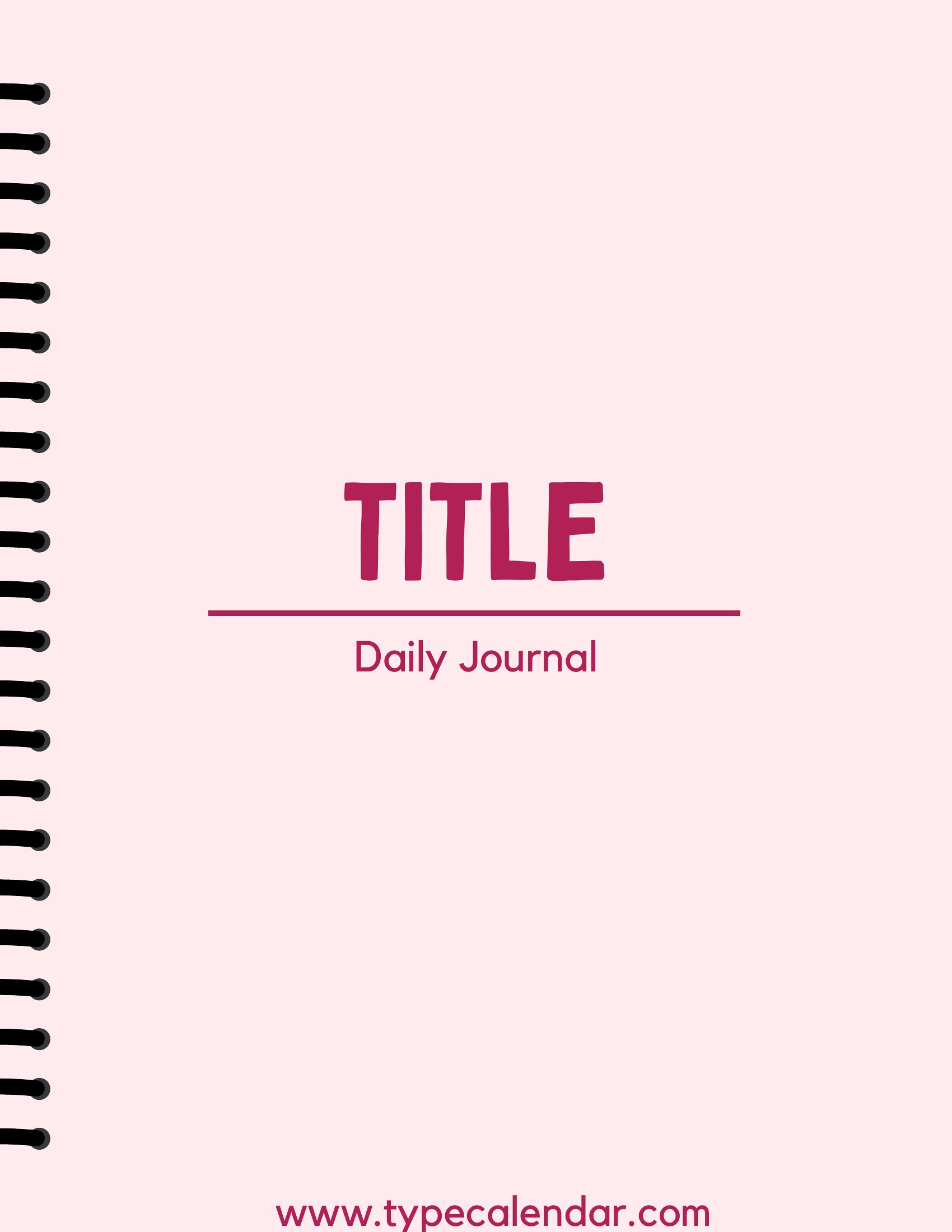
Yes, these templates are designed to be versatile. While many include academic styles (like APA or MLA), you’ll also find clean, modern designs suitable for business proposals, portfolios, or creative projects. Simply pick a layout that matches the tone—formal for reports, bold for presentations—and customize the text to fit your needs.
What if my assignment requires a specific font or size that isn’t included in the template?
All Word templates in this collection allow you to easily replace fonts, adjust sizes, or modify spacing after downloading. For PDFs, you may need to recreate the text layer in a program like Word first, then export it back to PDF. Always check the guidelines to ensure compliance, as some academic programs have strict font requirements (e.g., Times New Roman 12pt).
Are these templates compatible with Google Docs or other word processors?
The Word templates can typically be opened and edited in Google Docs, though some advanced formatting (like specific tab stops or headers) may shift slightly. For best results, download the Word version first, make your edits, then convert to Google Docs. PDF templates are less flexible in other programs unless you’re only filling in pre-set text fields without altering the layout.
Comments
Join the conversation
Sign in to share your thoughts and leave a comment on this resource.