Free Cover Page Templates (Word, PDF)
ApplicationsTemplates

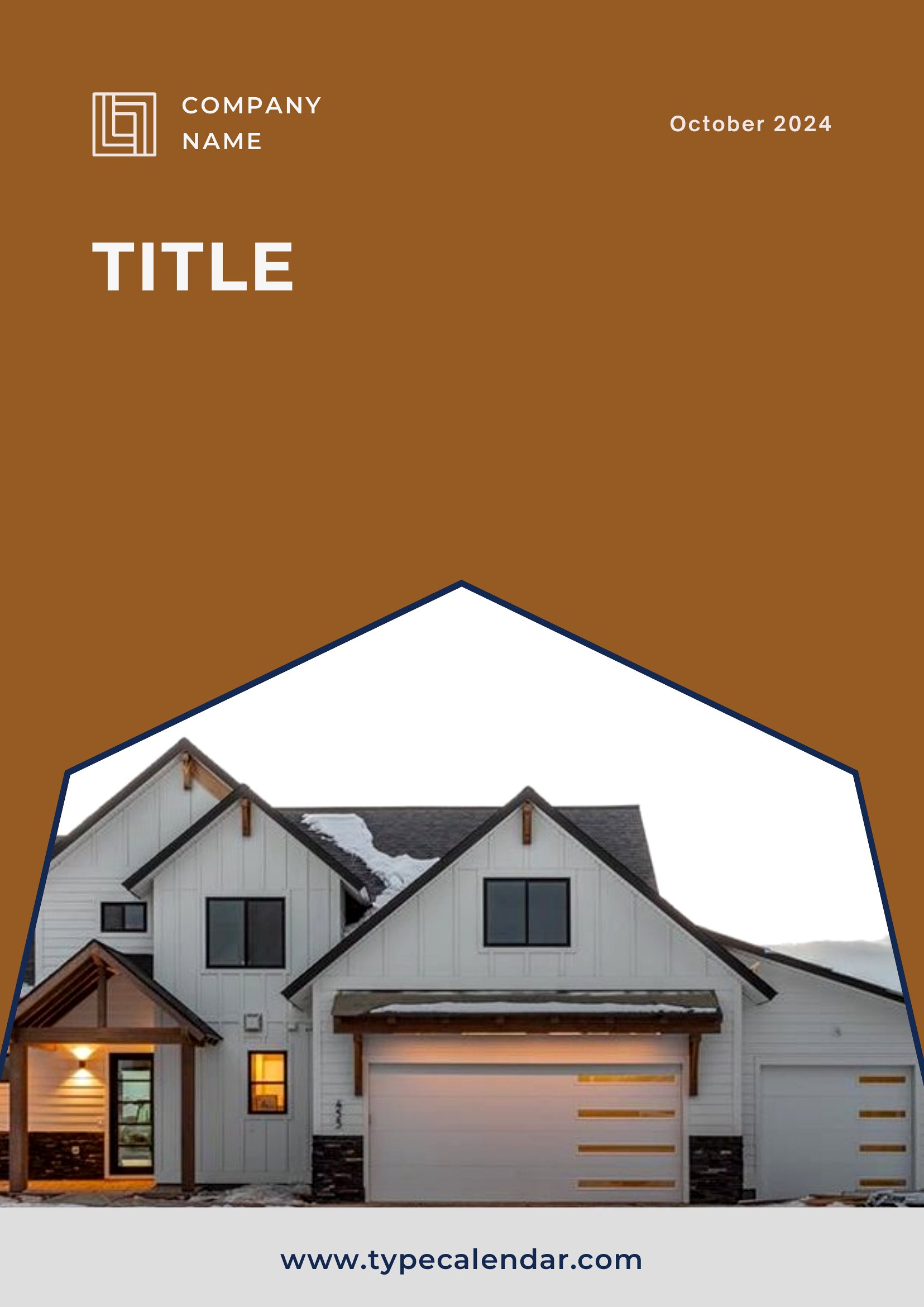

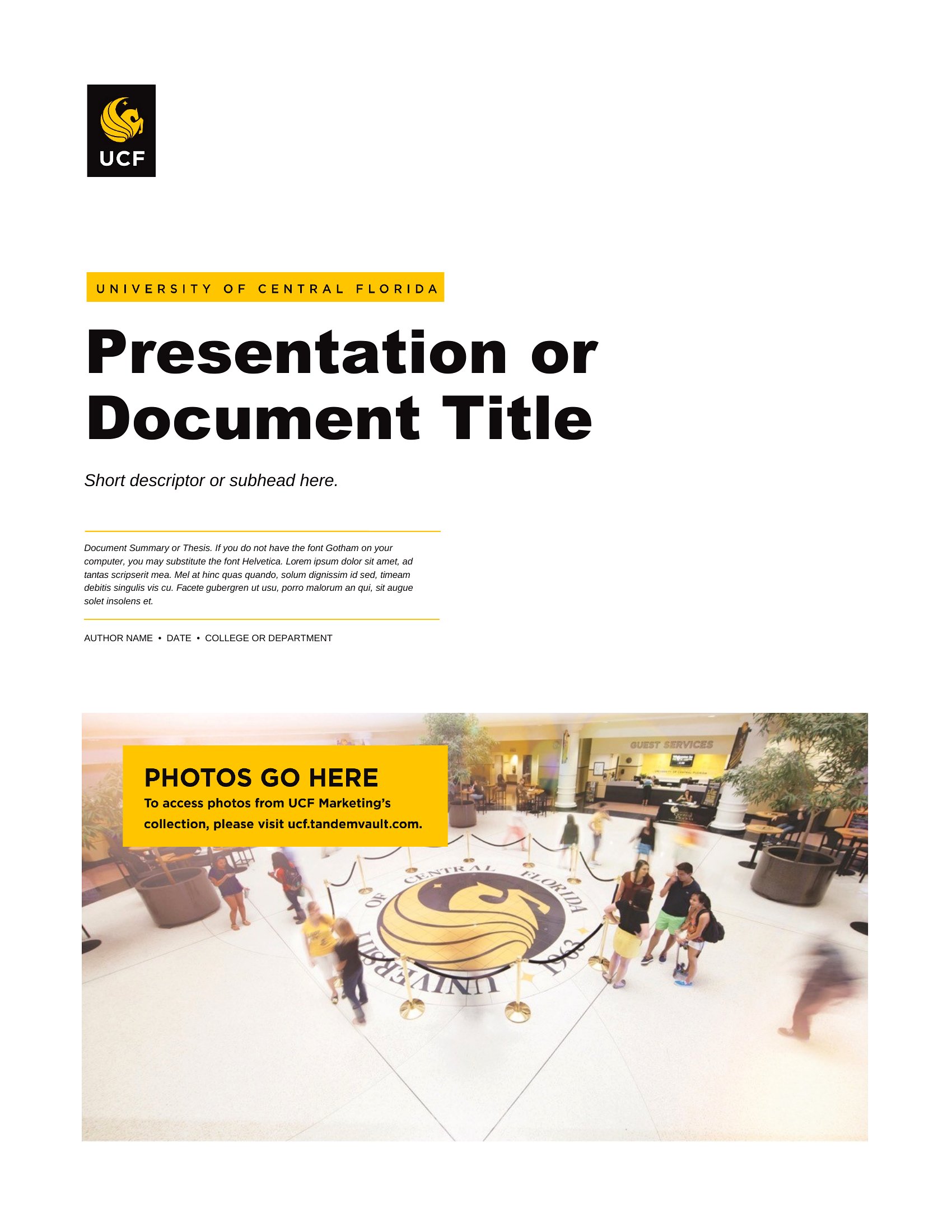
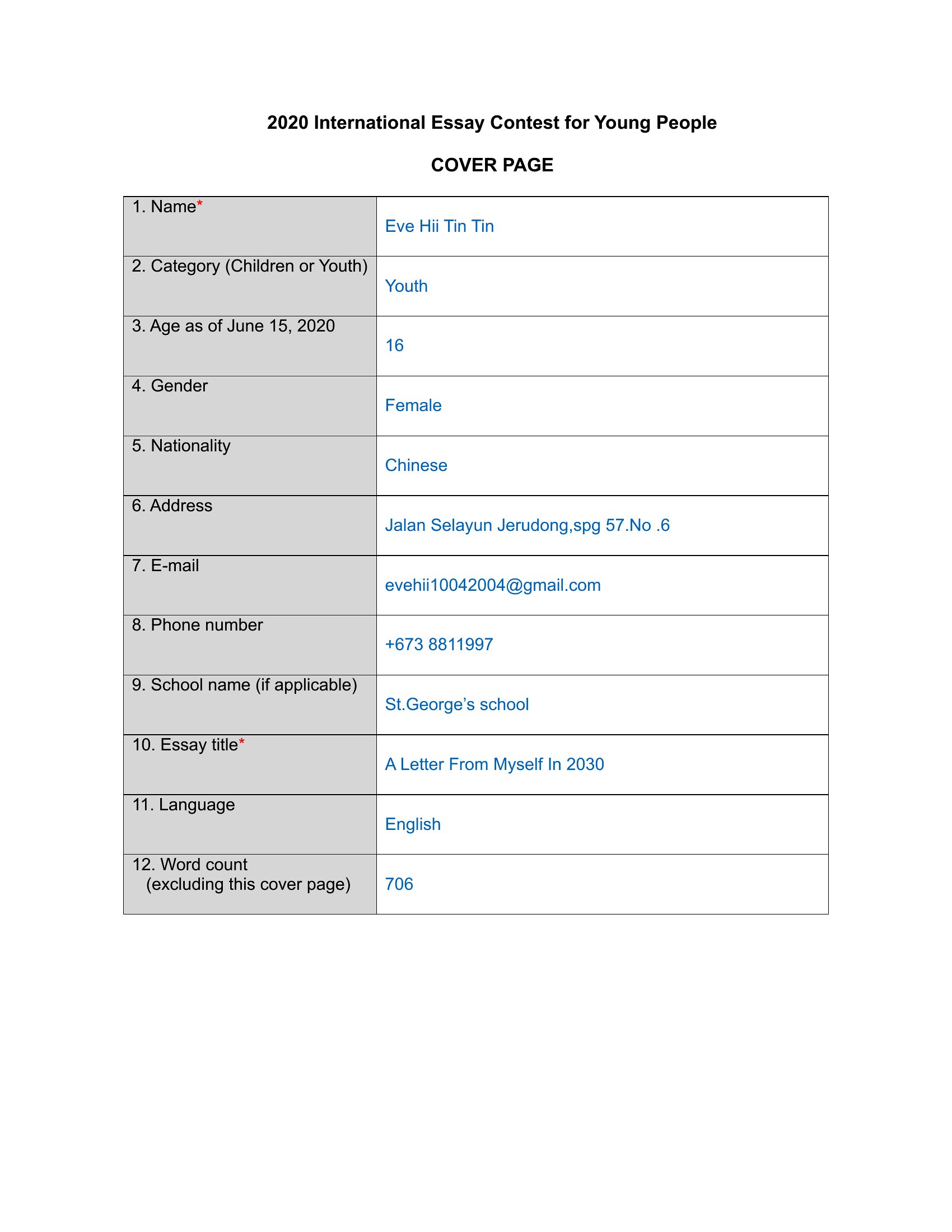

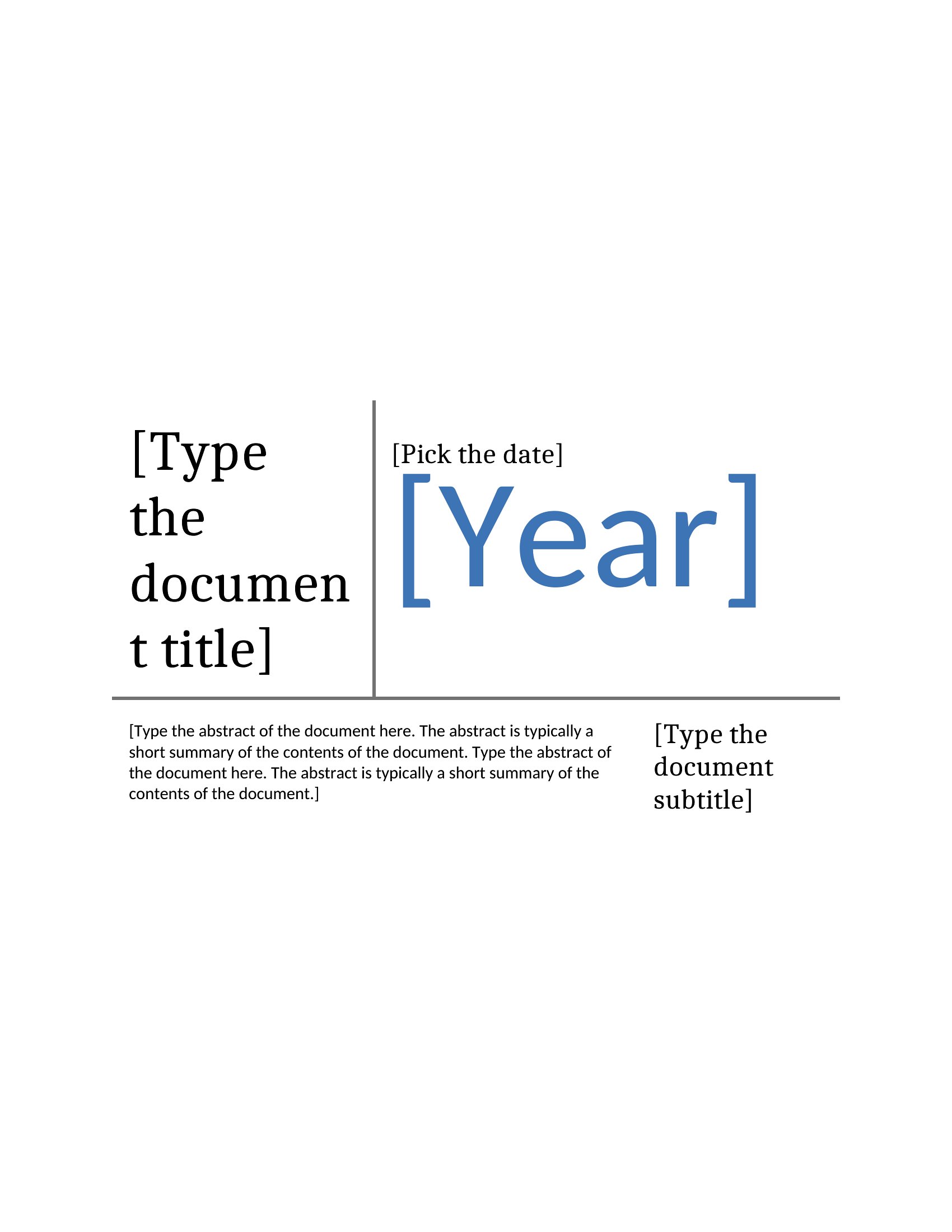

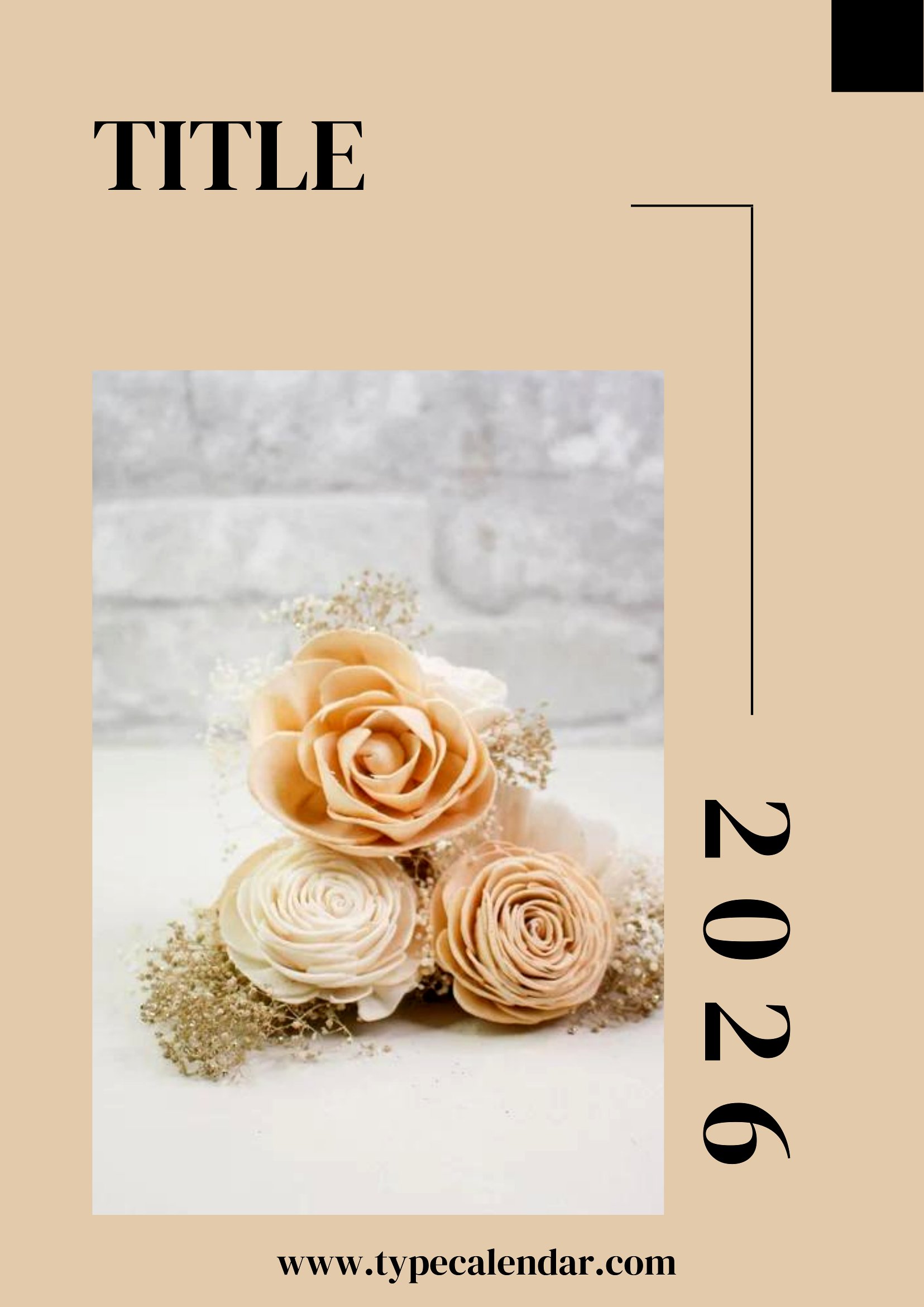
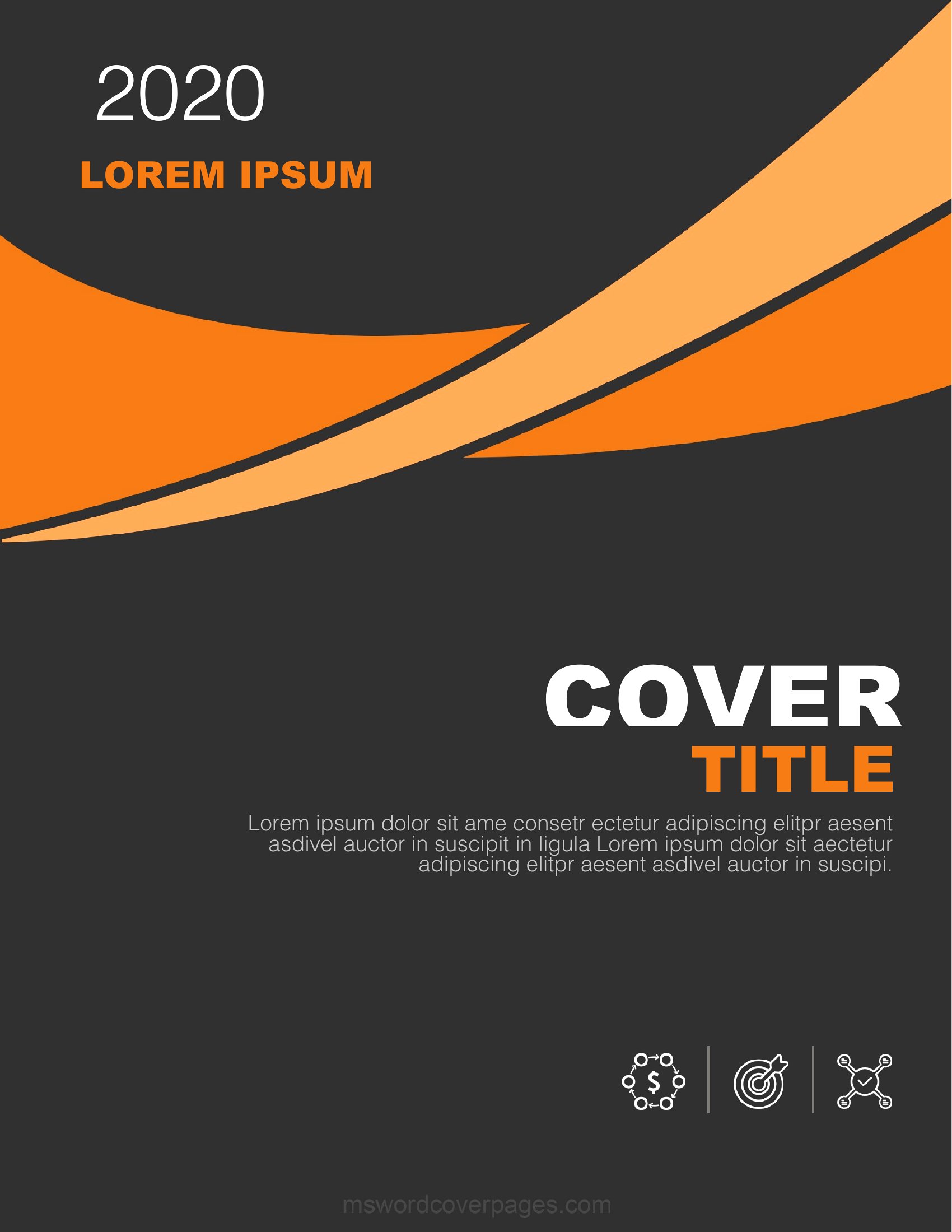
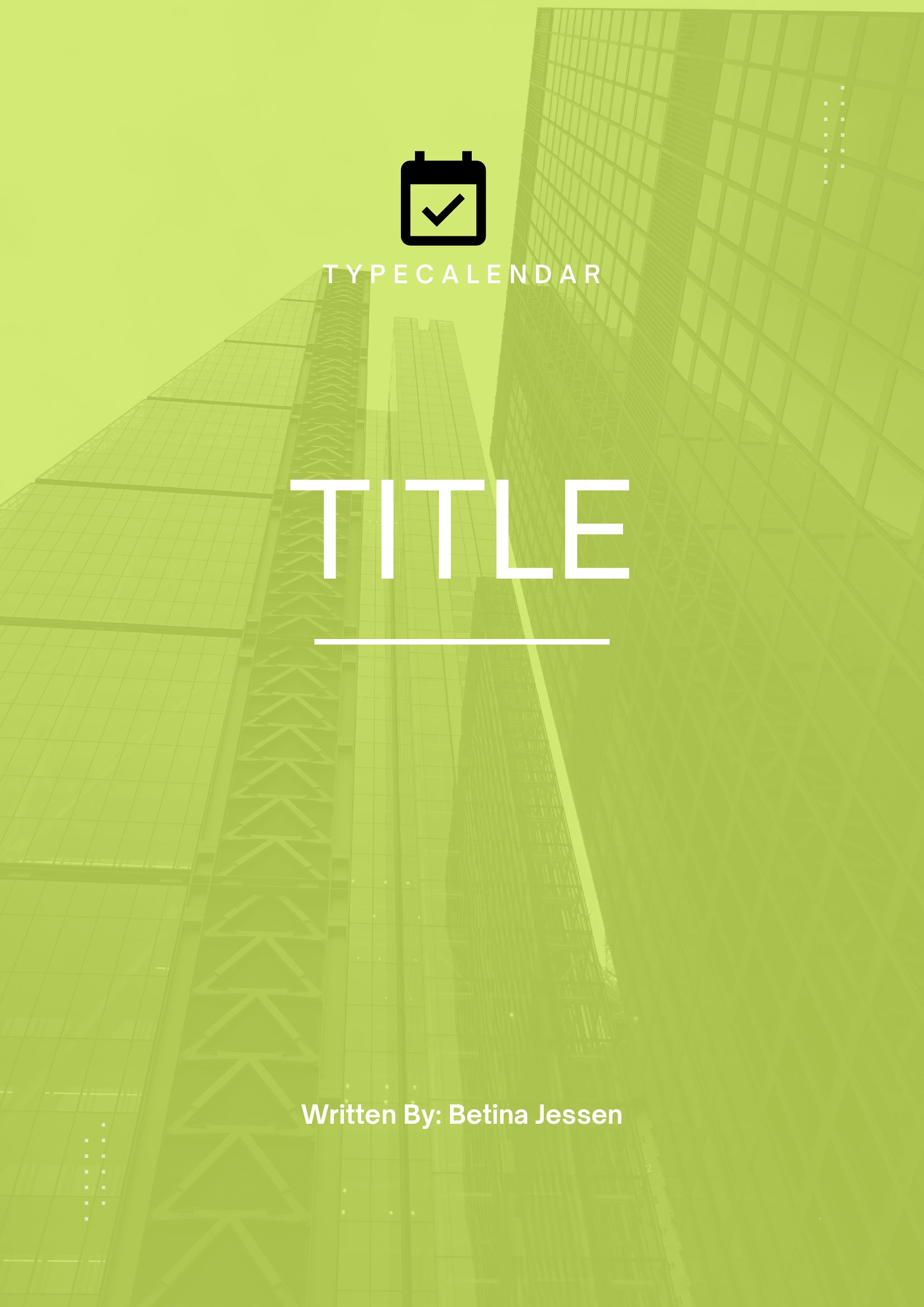

Pdf Cover Page
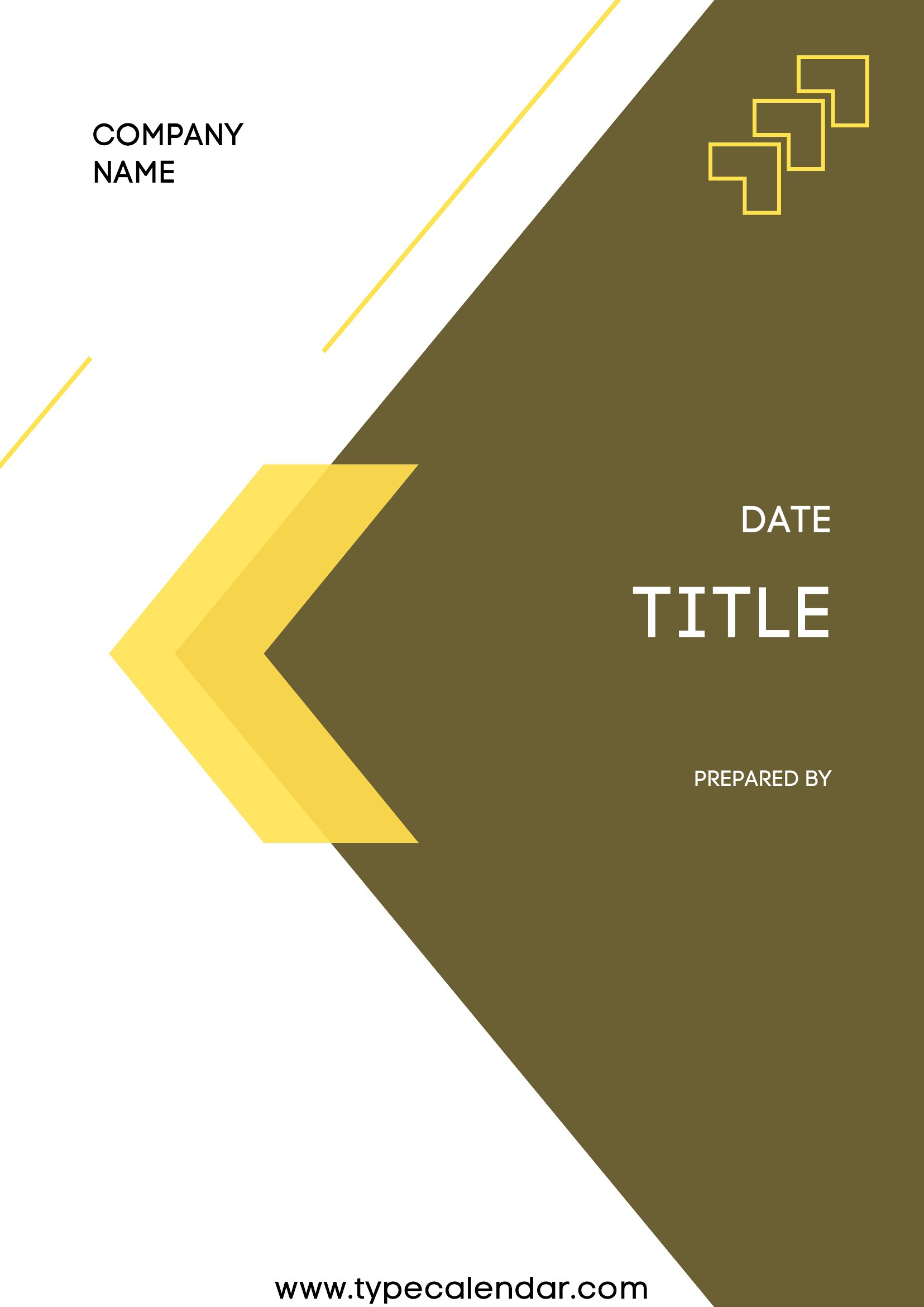
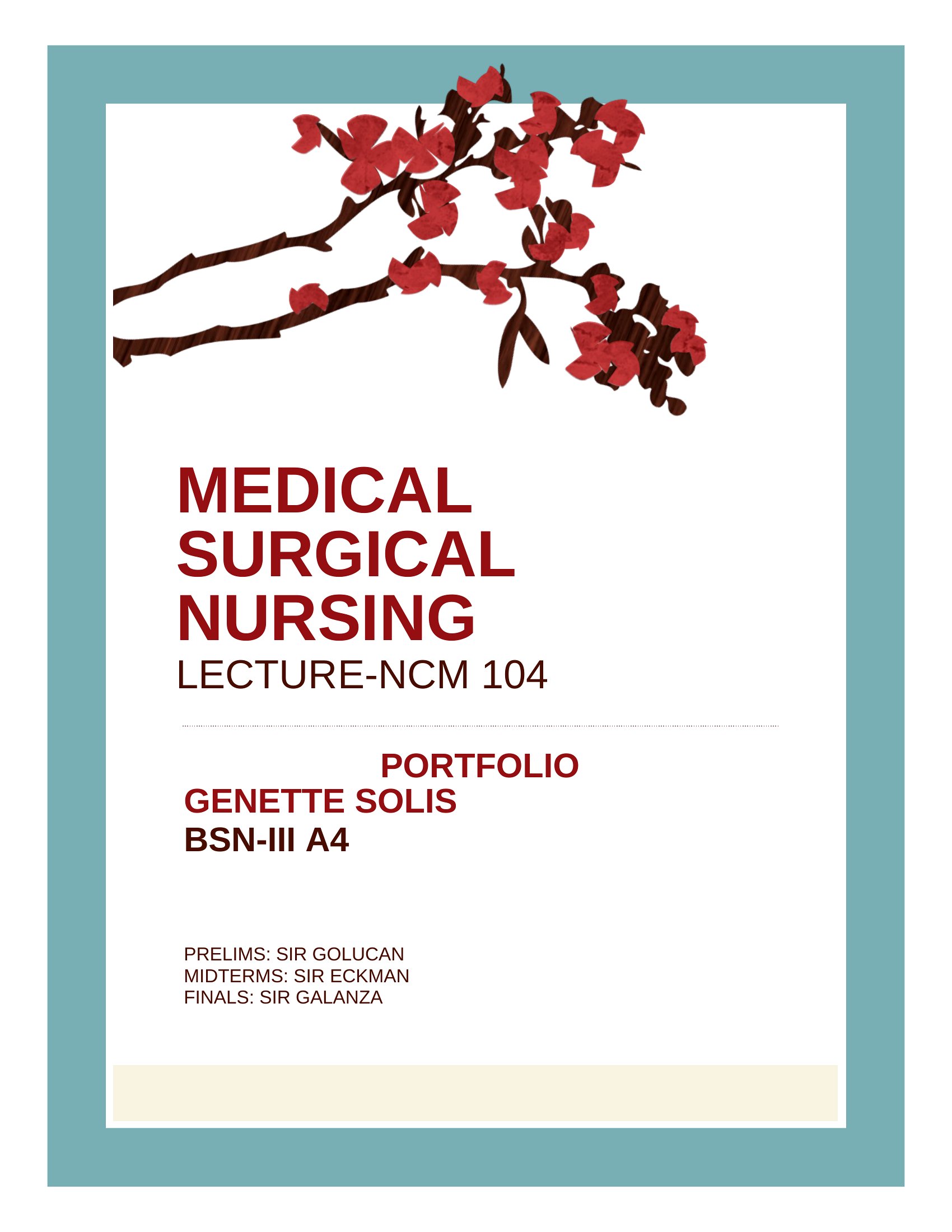
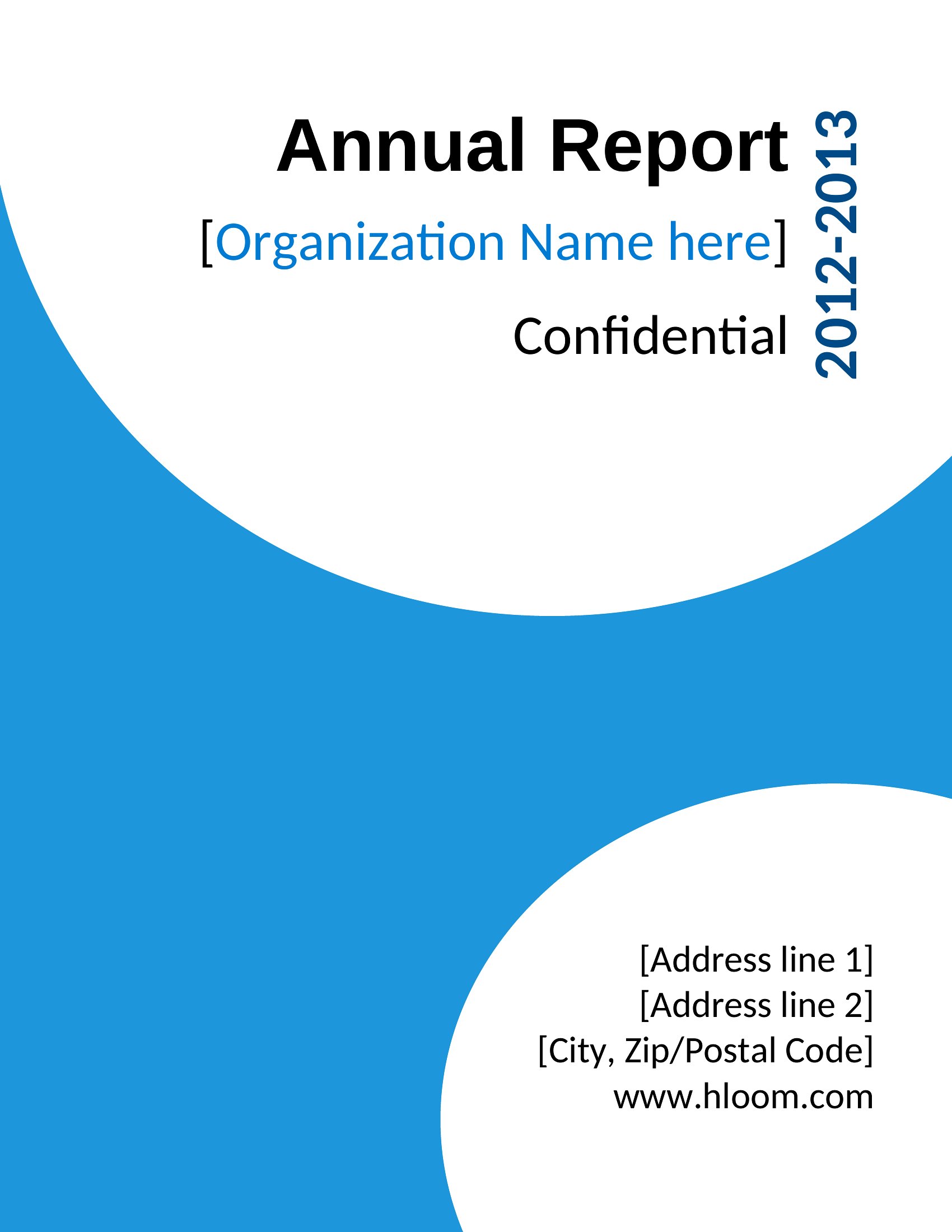
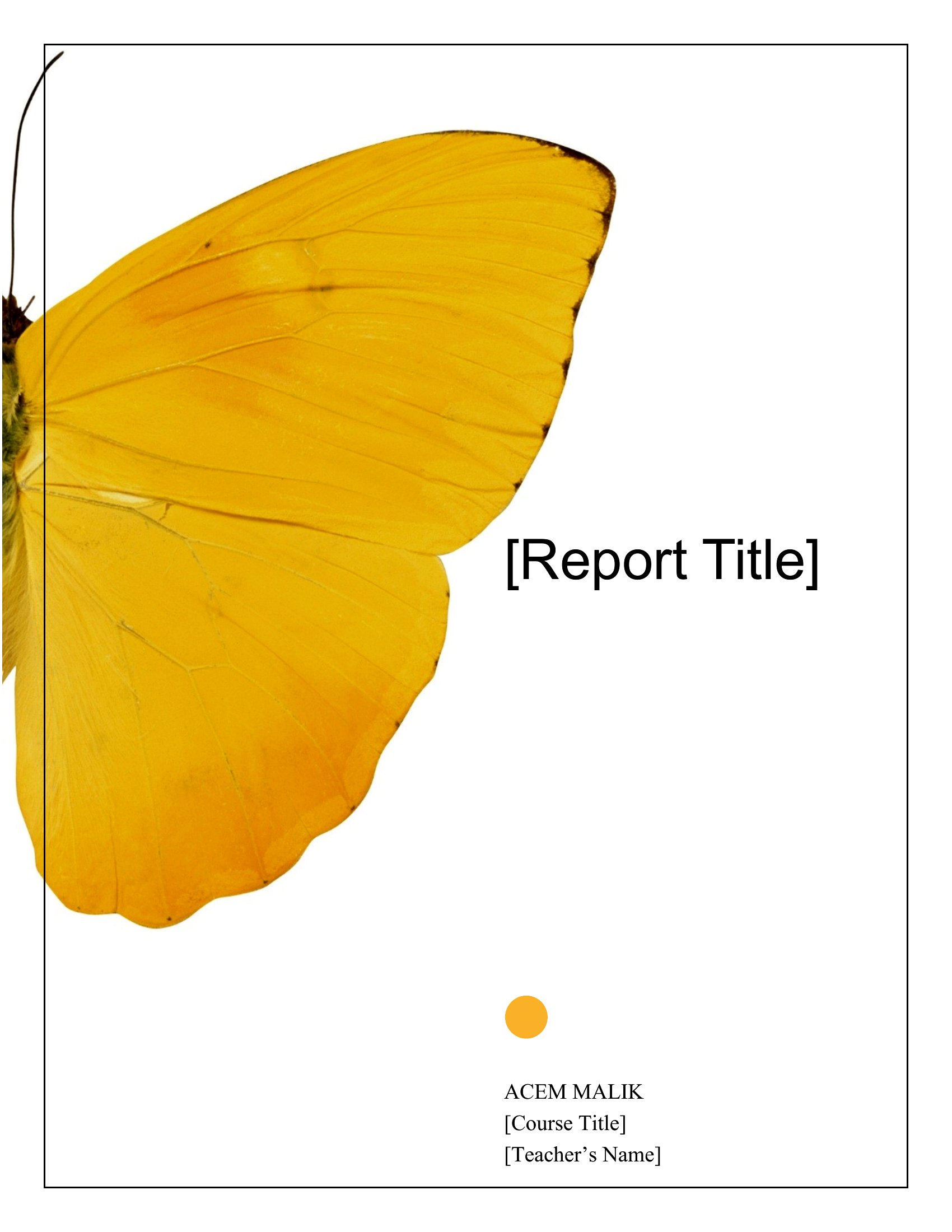
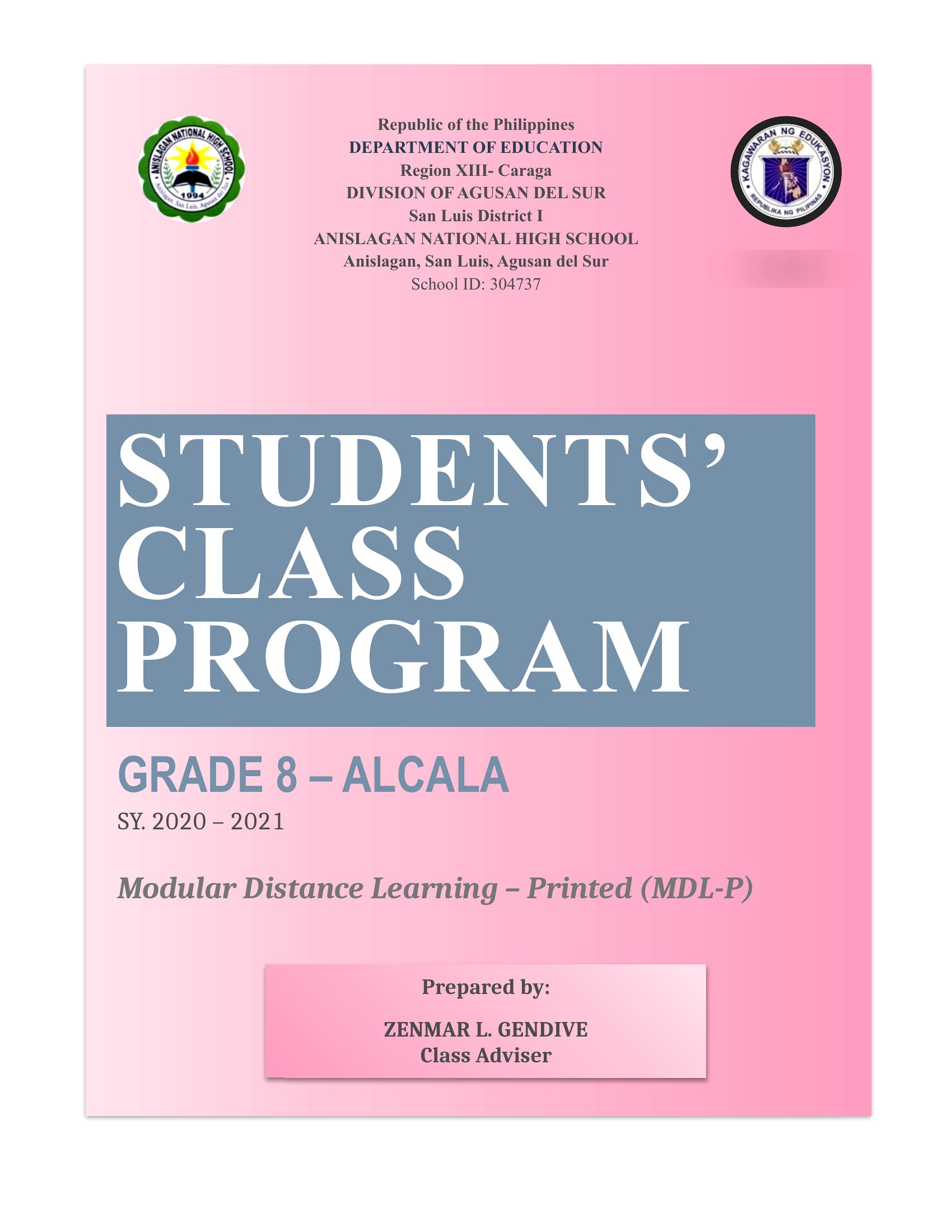

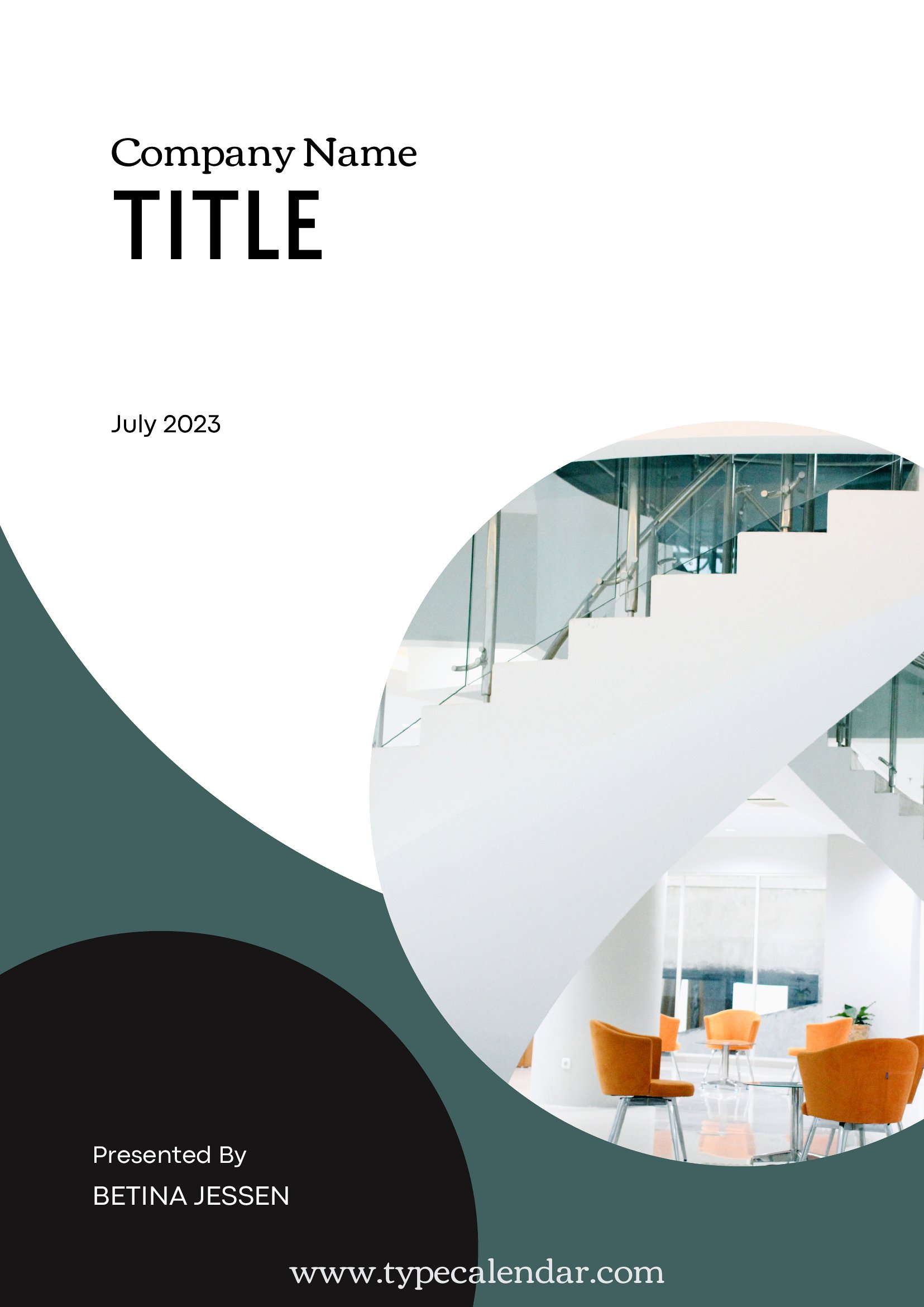
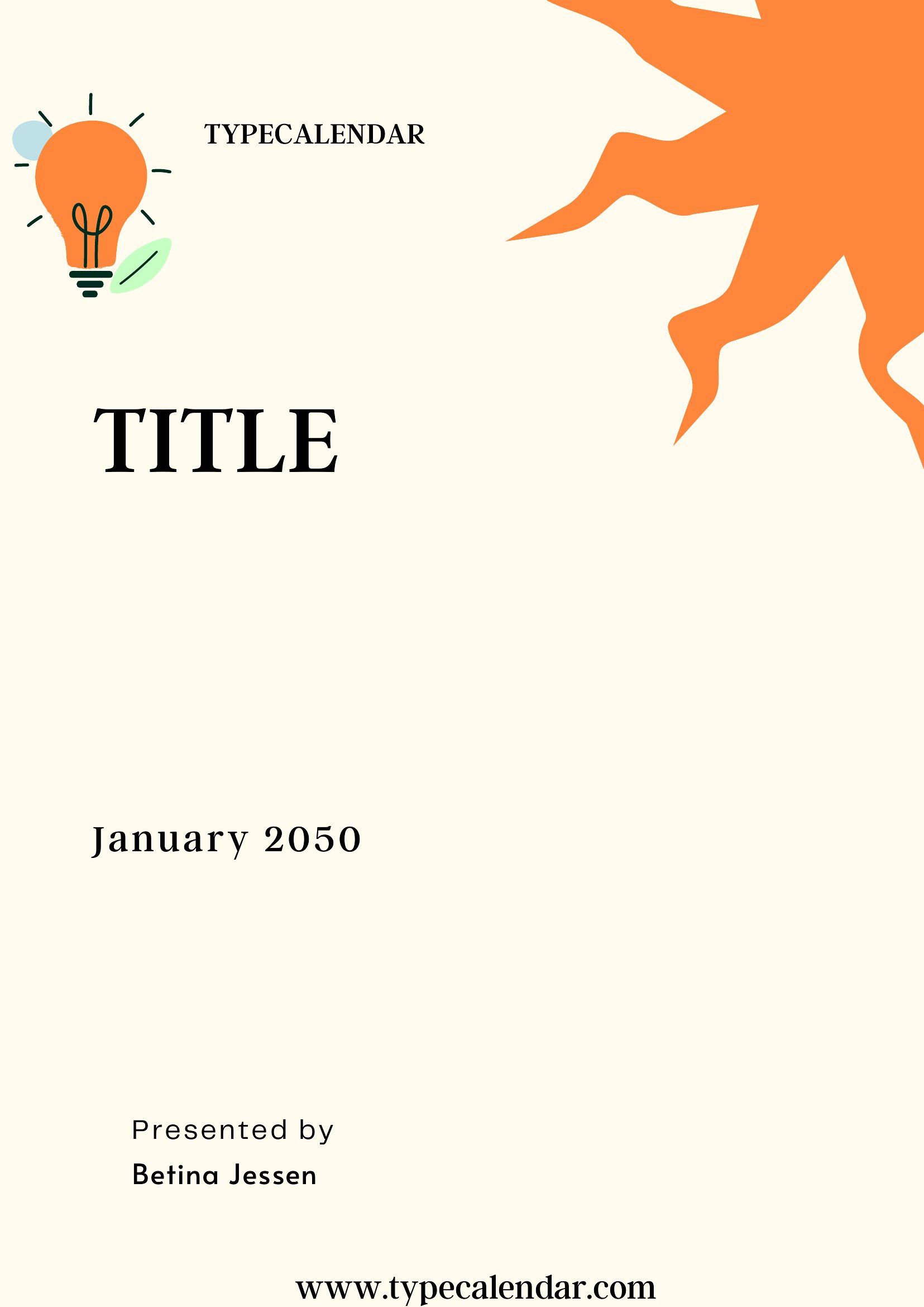
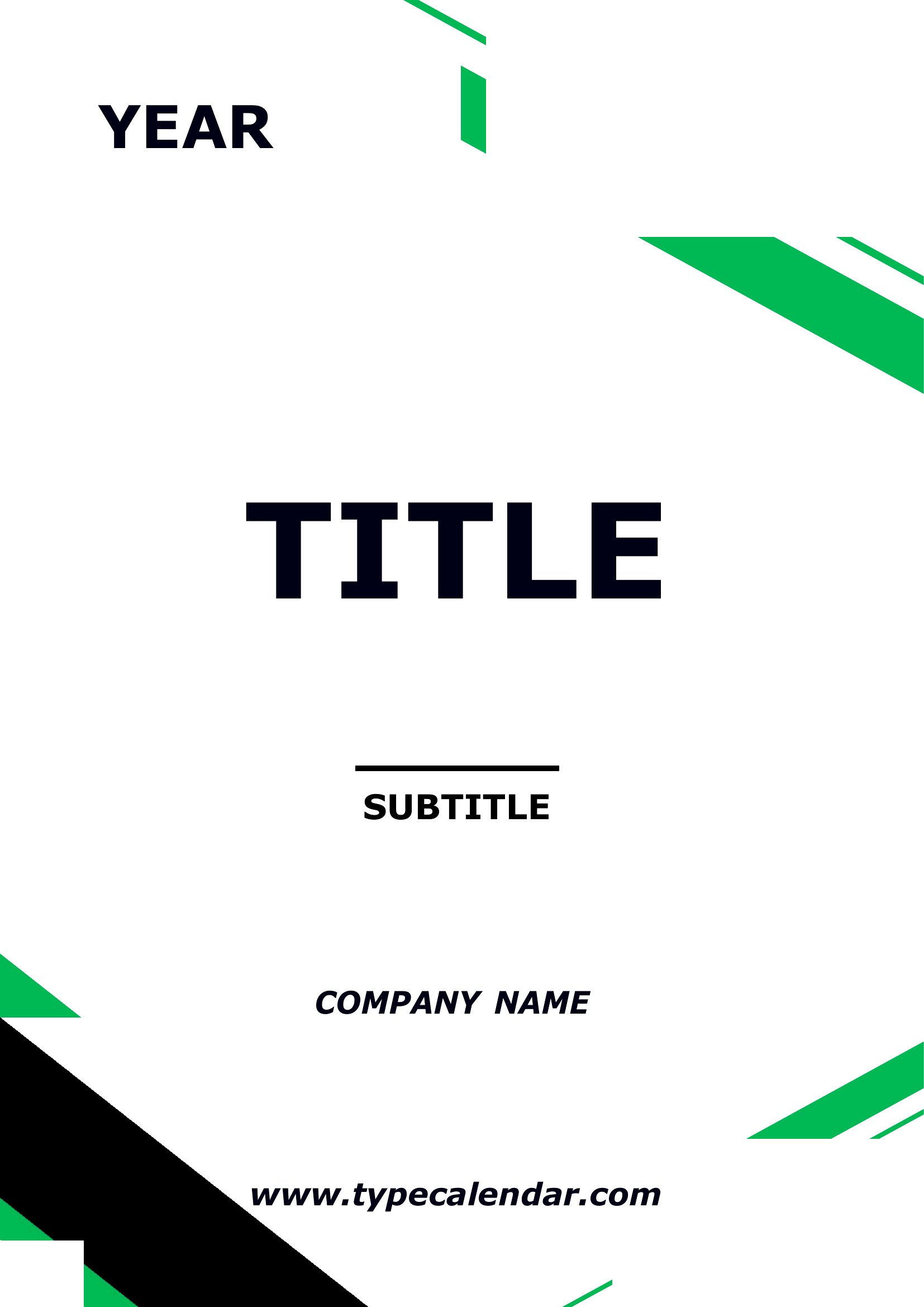
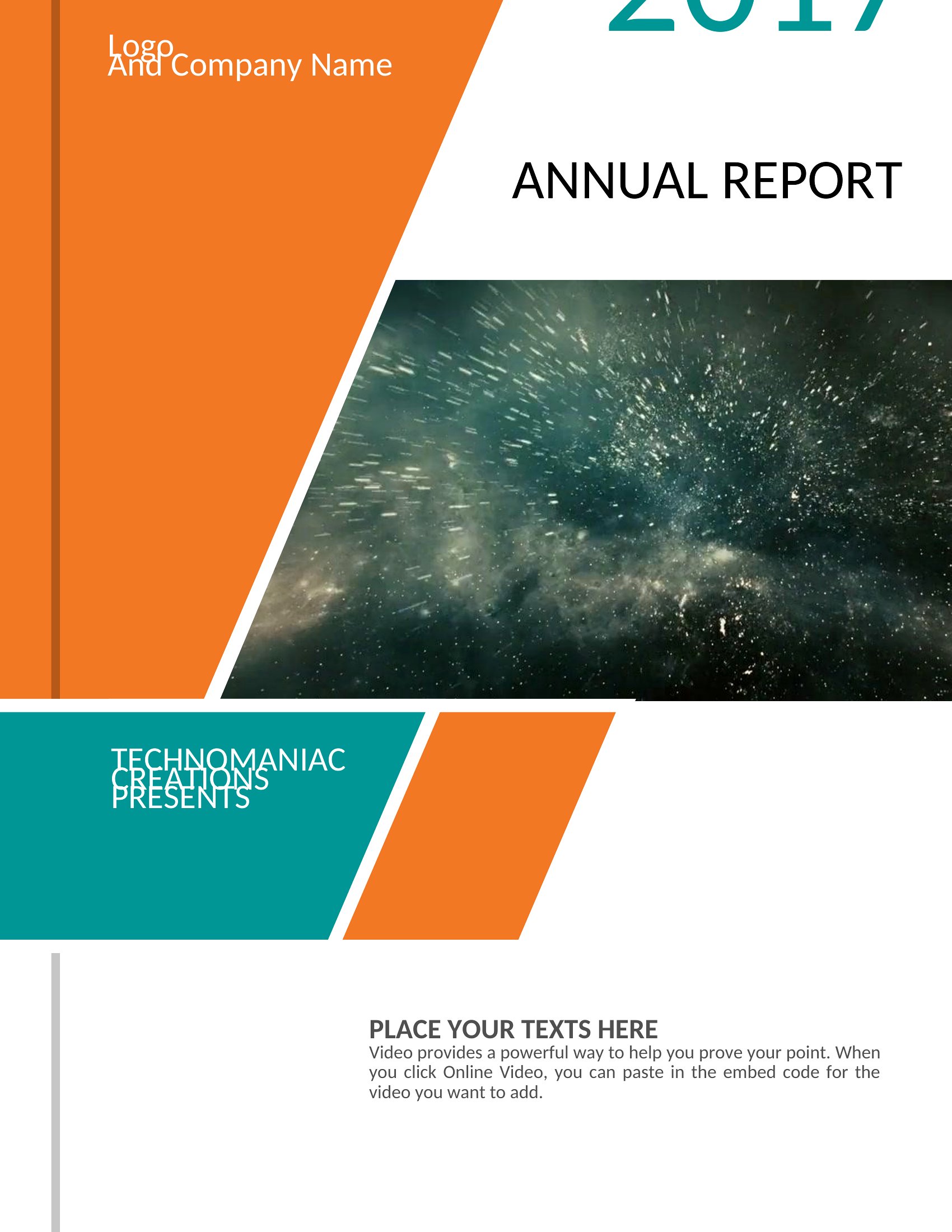
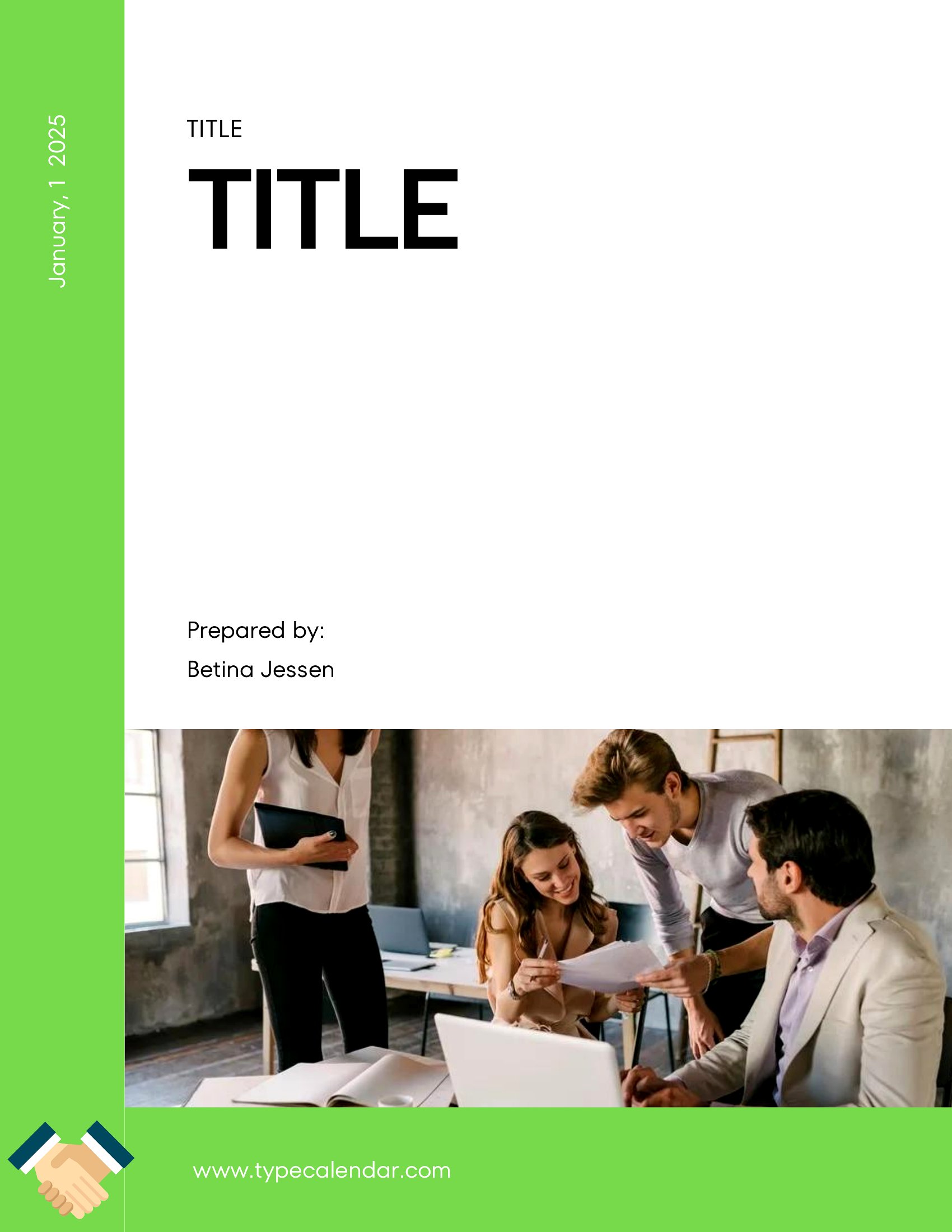
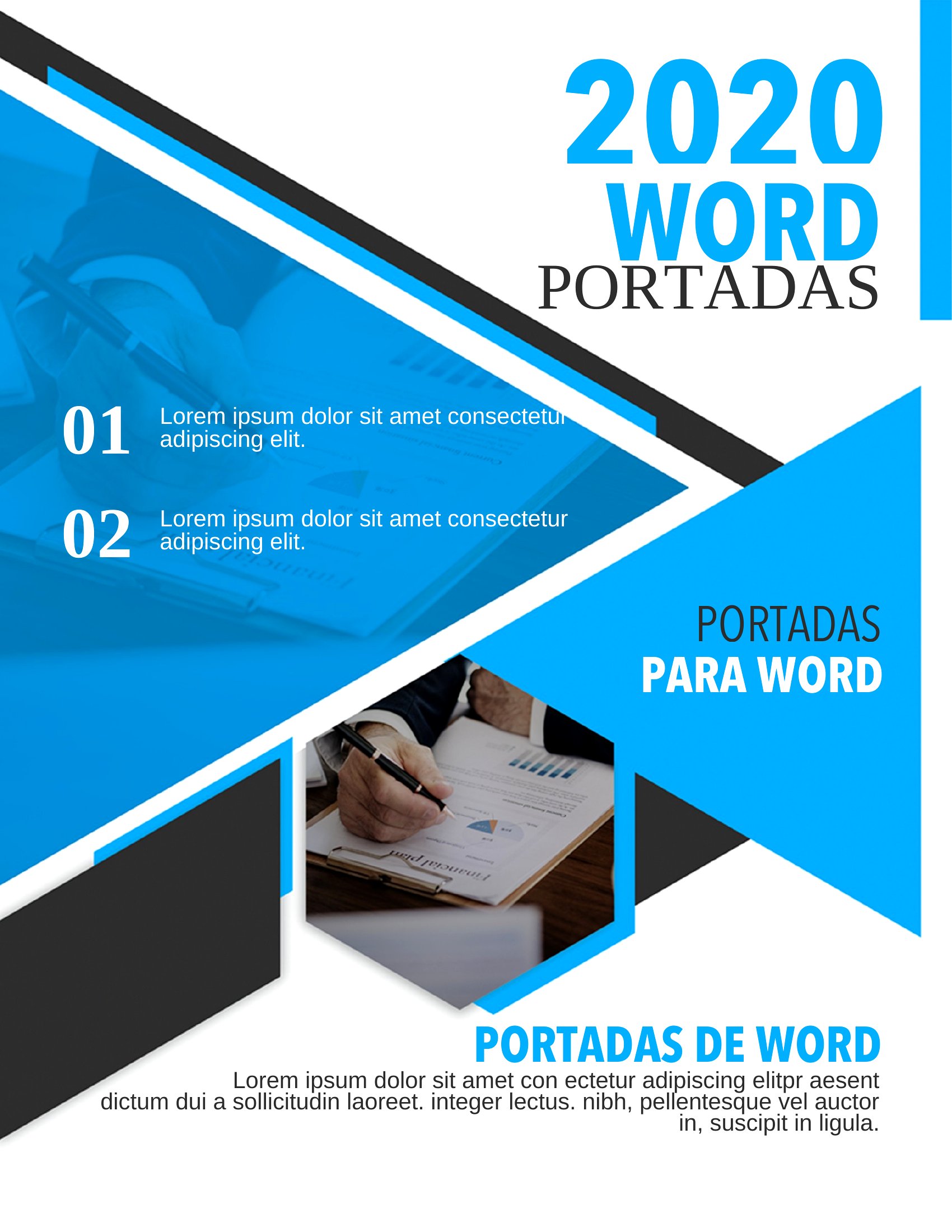
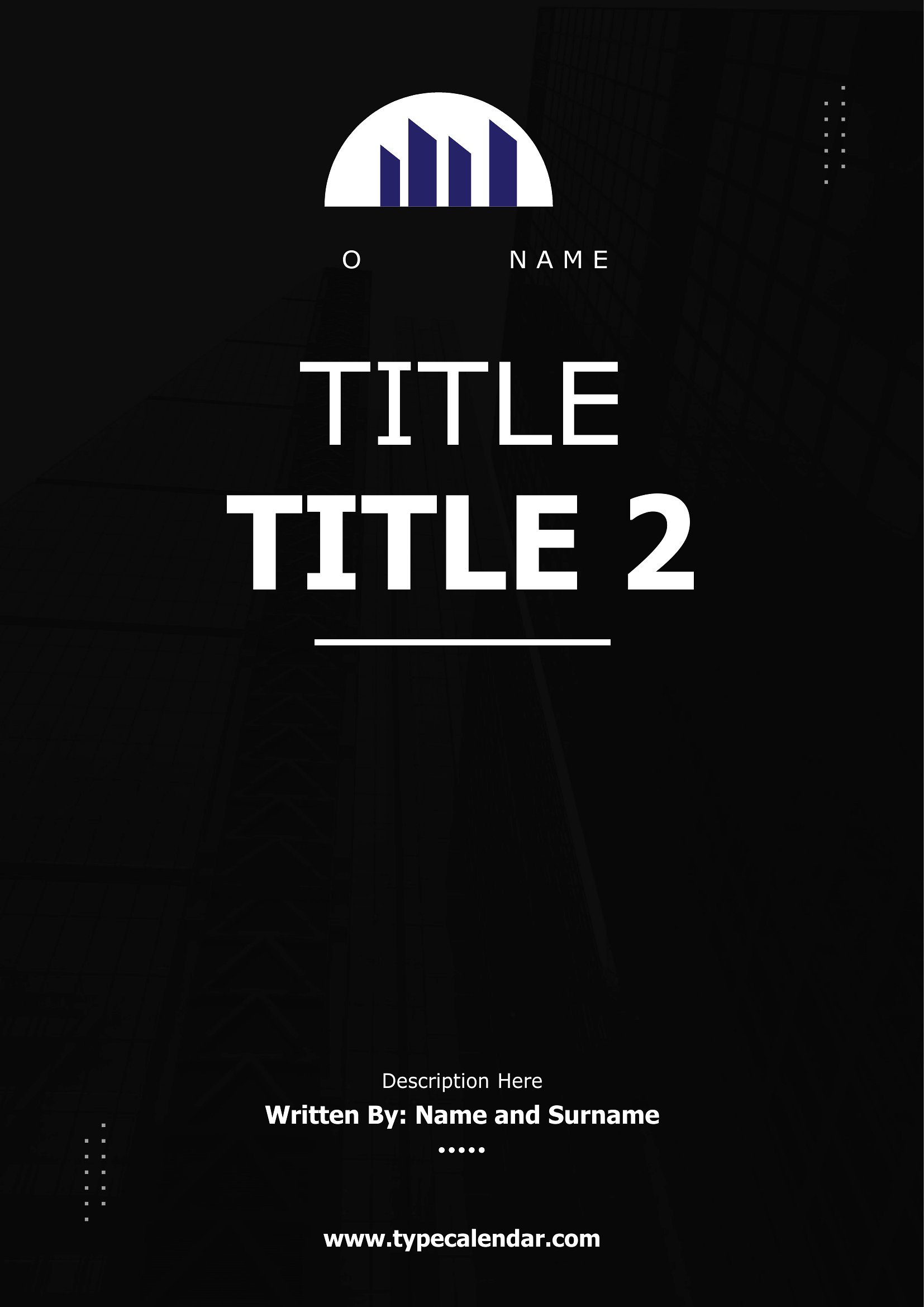

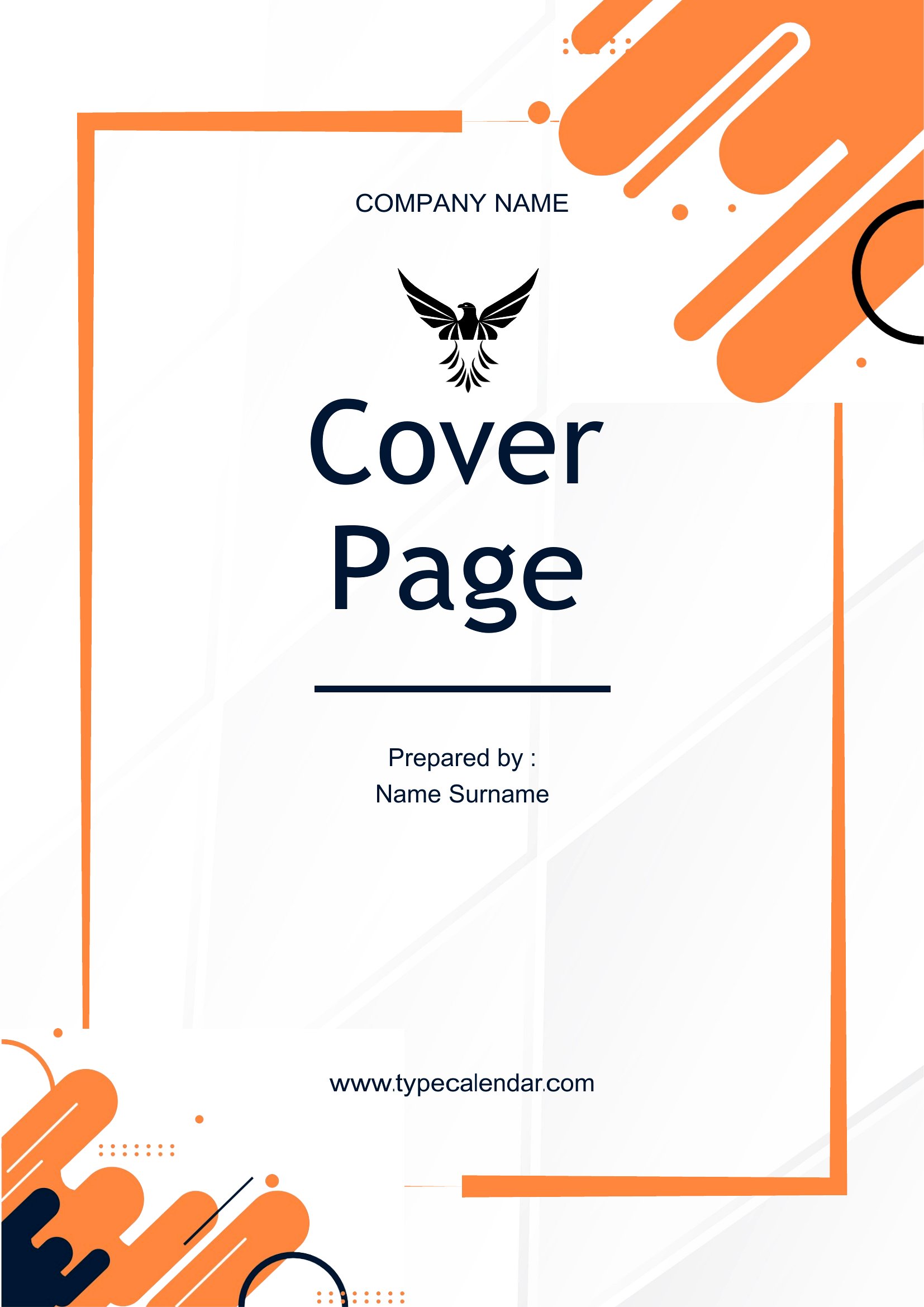

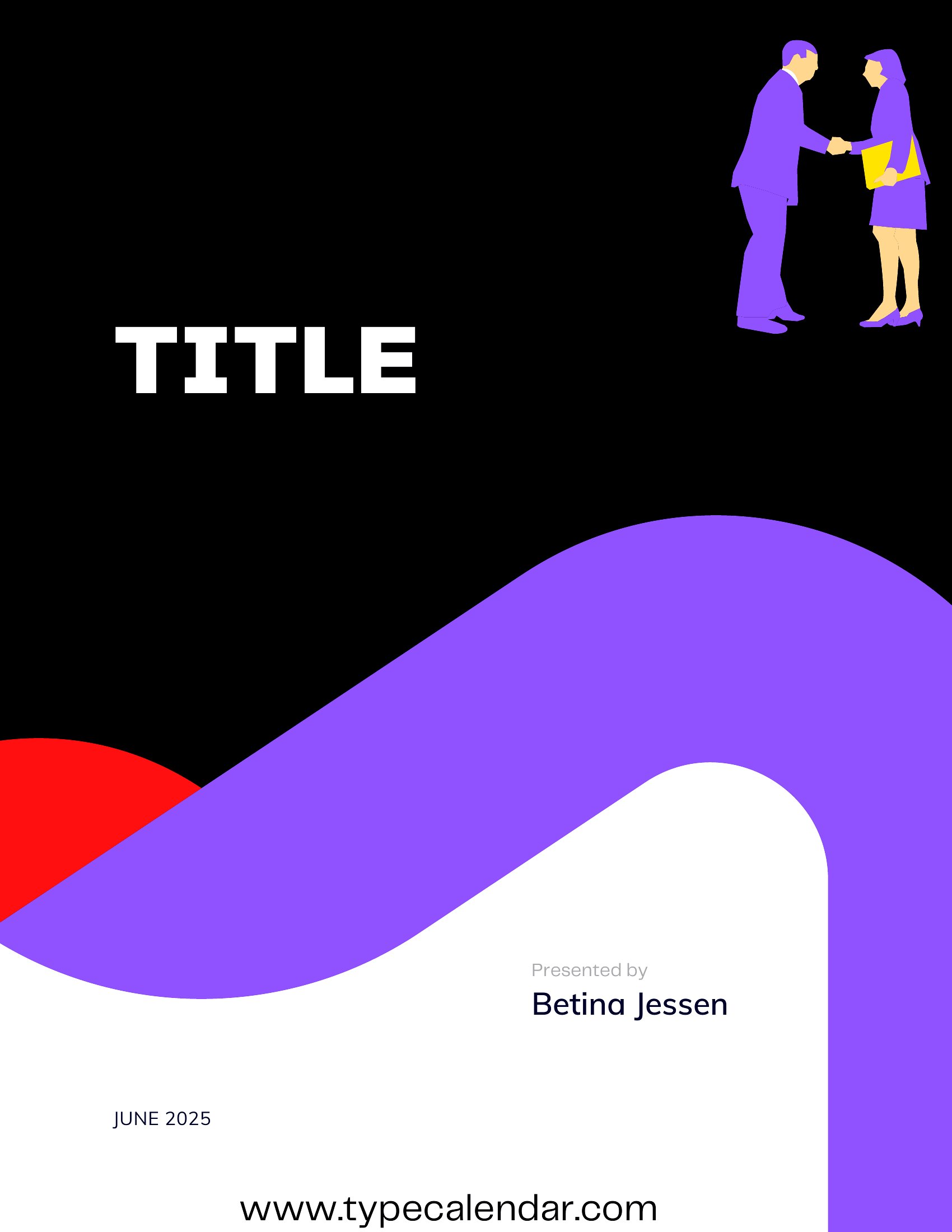
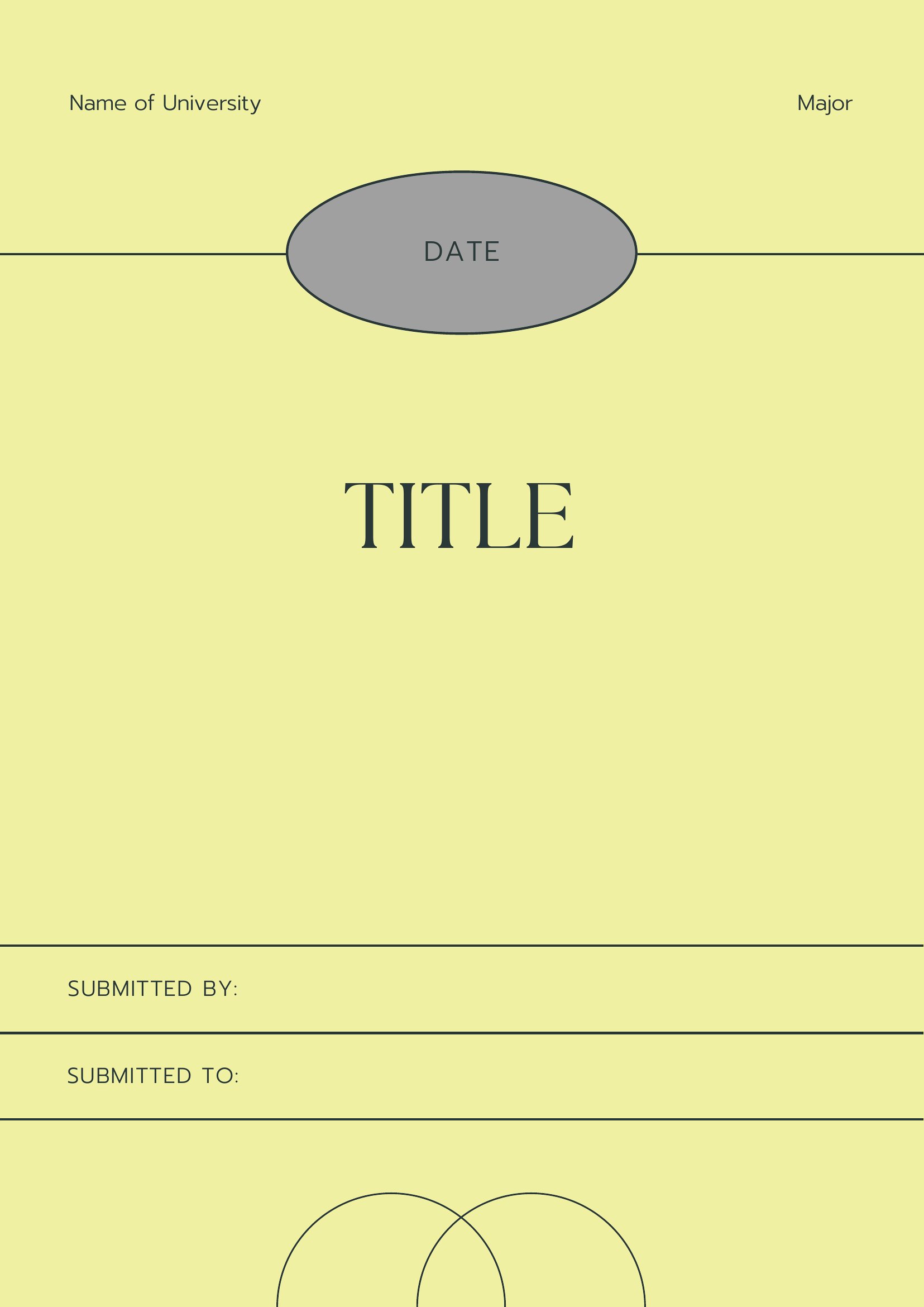
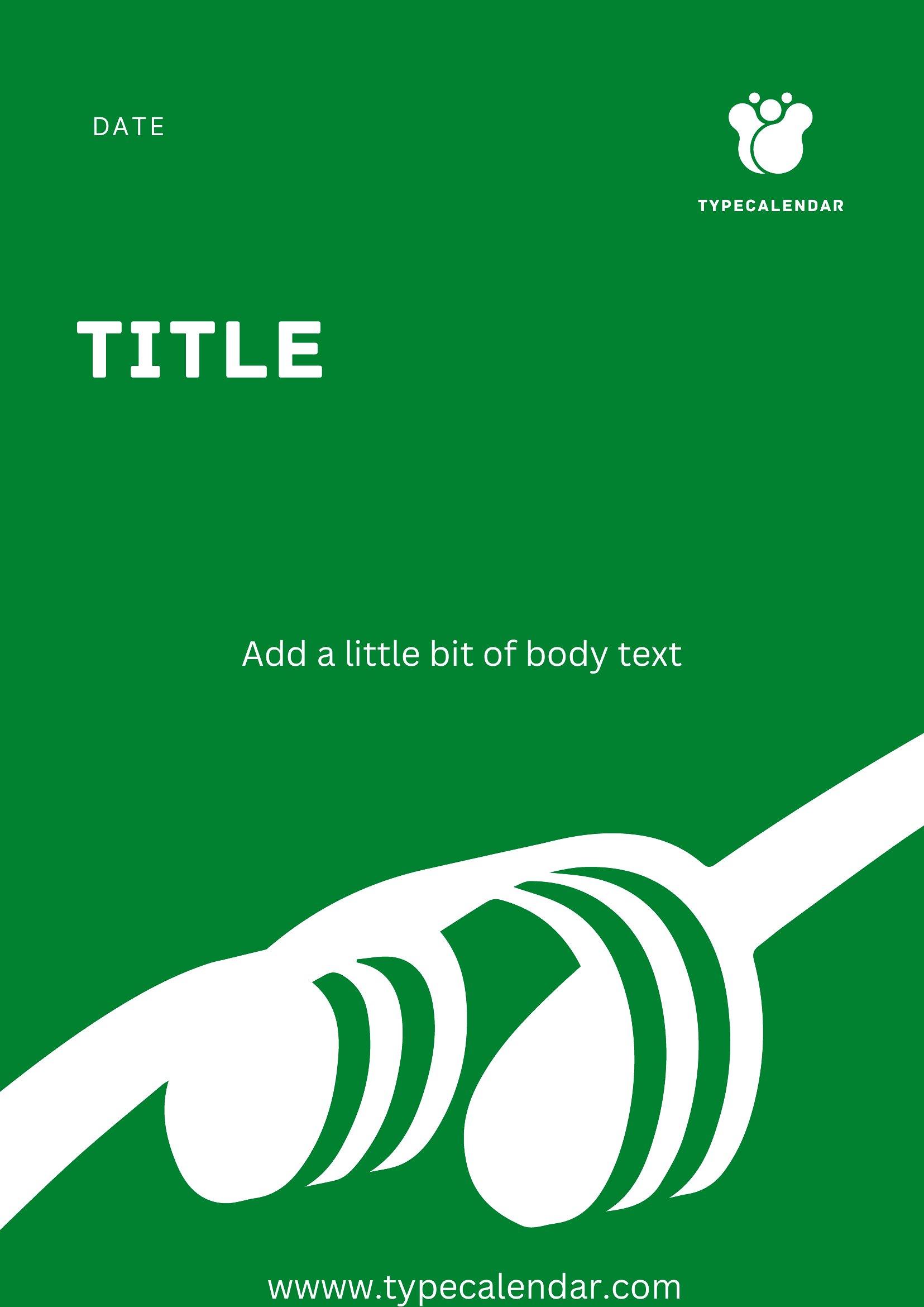


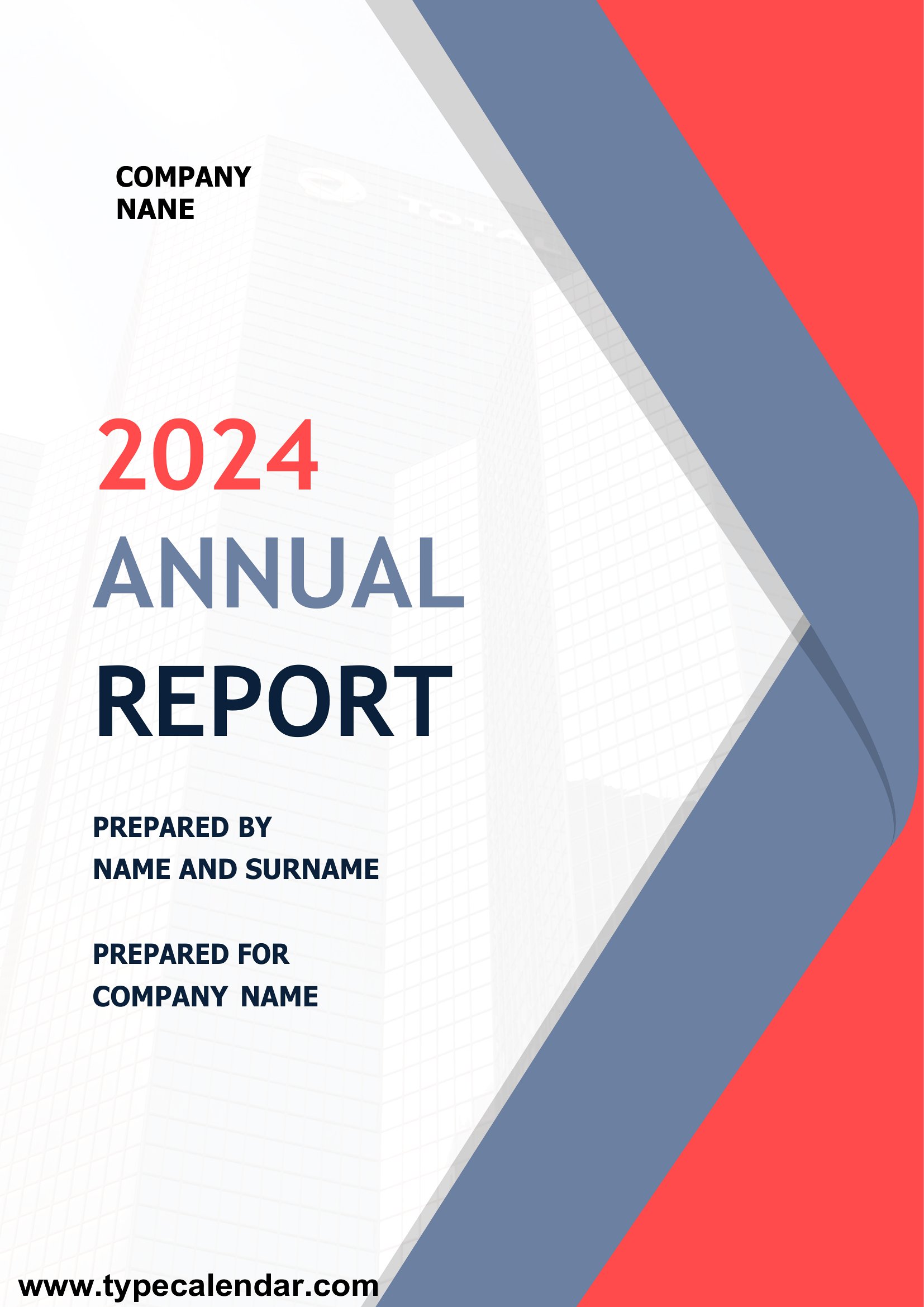
Cover Page




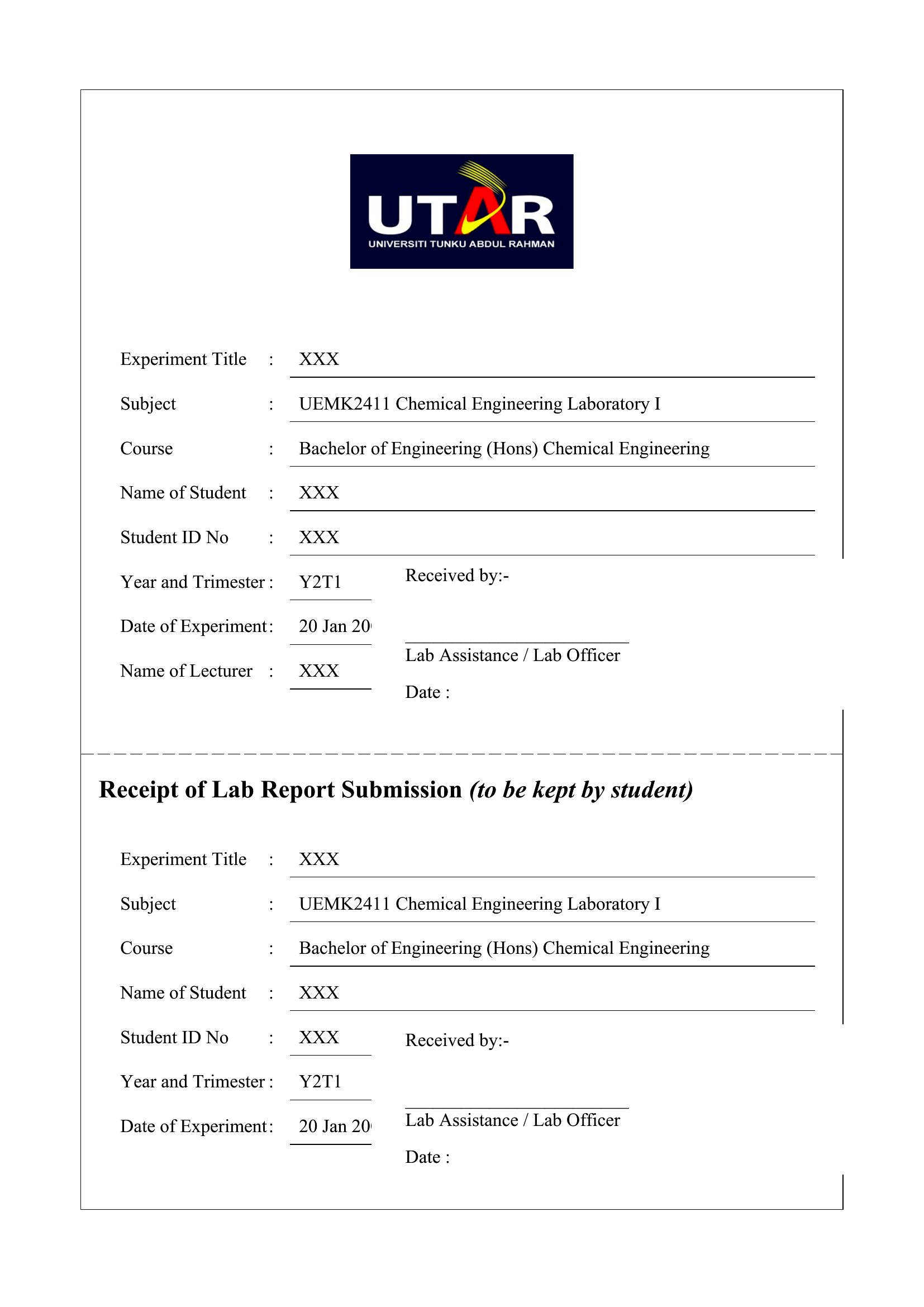
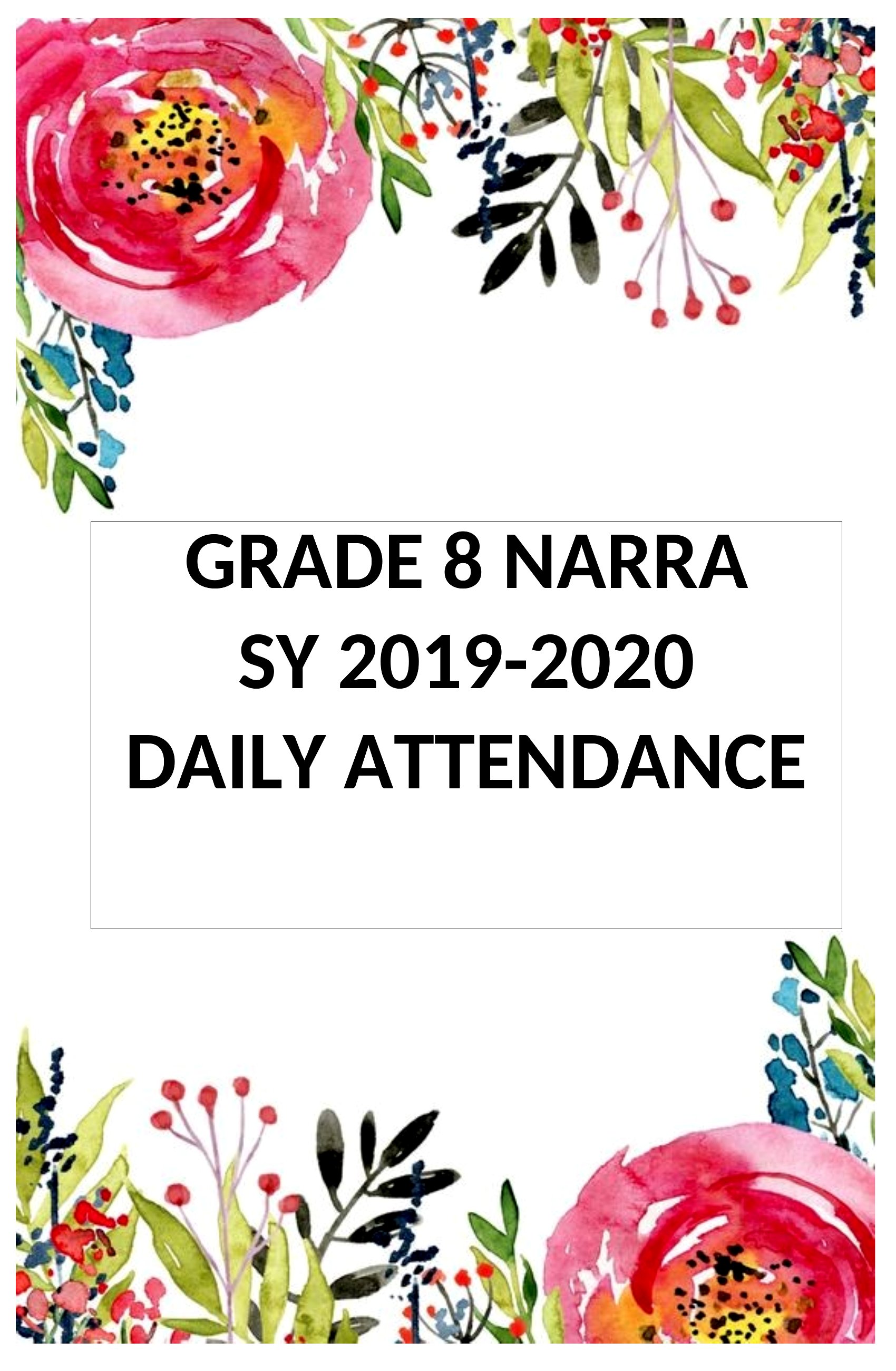
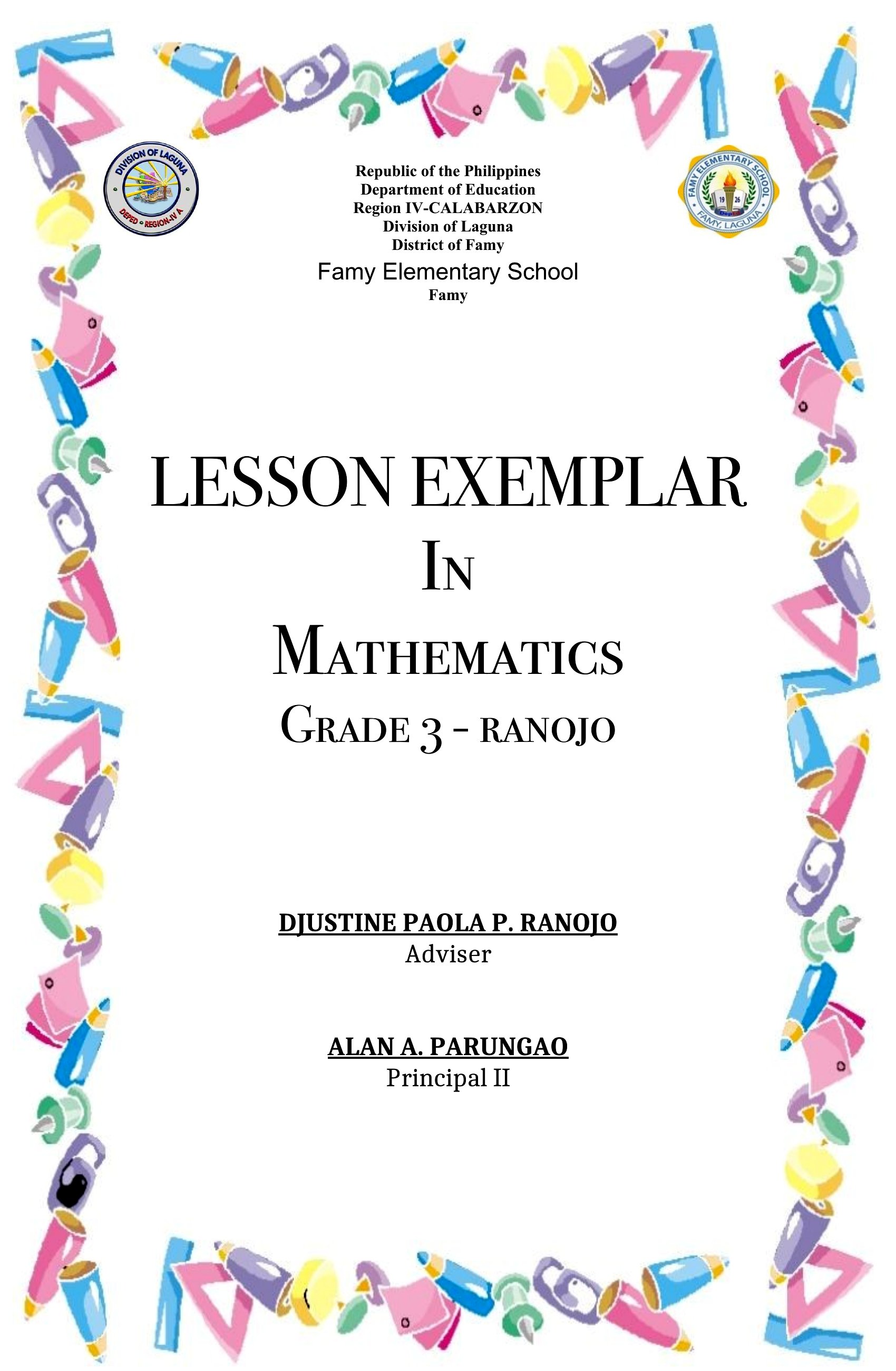
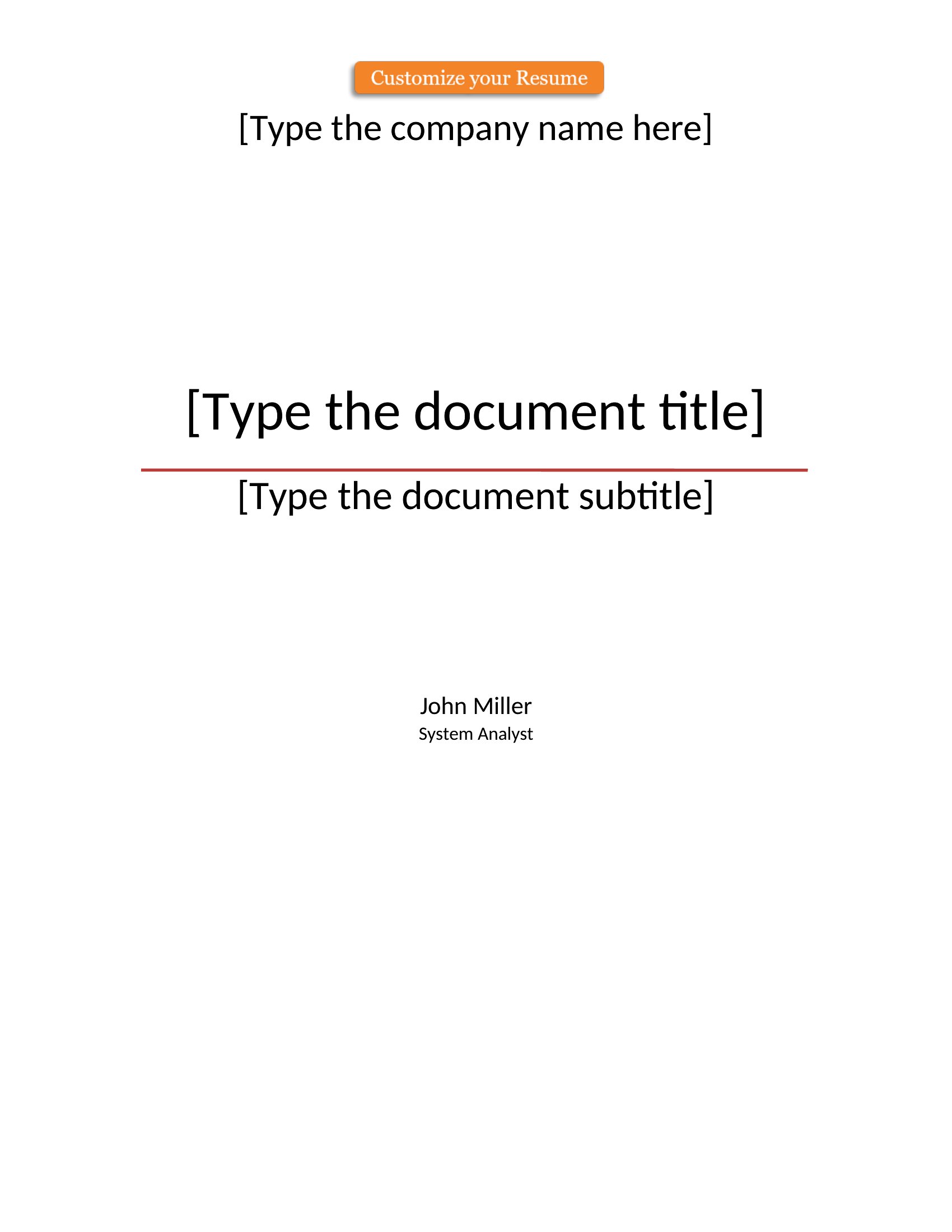


Word Cover Page



FAQ
Can I use these cover page templates for non-academic documents like business reports or creative projects?
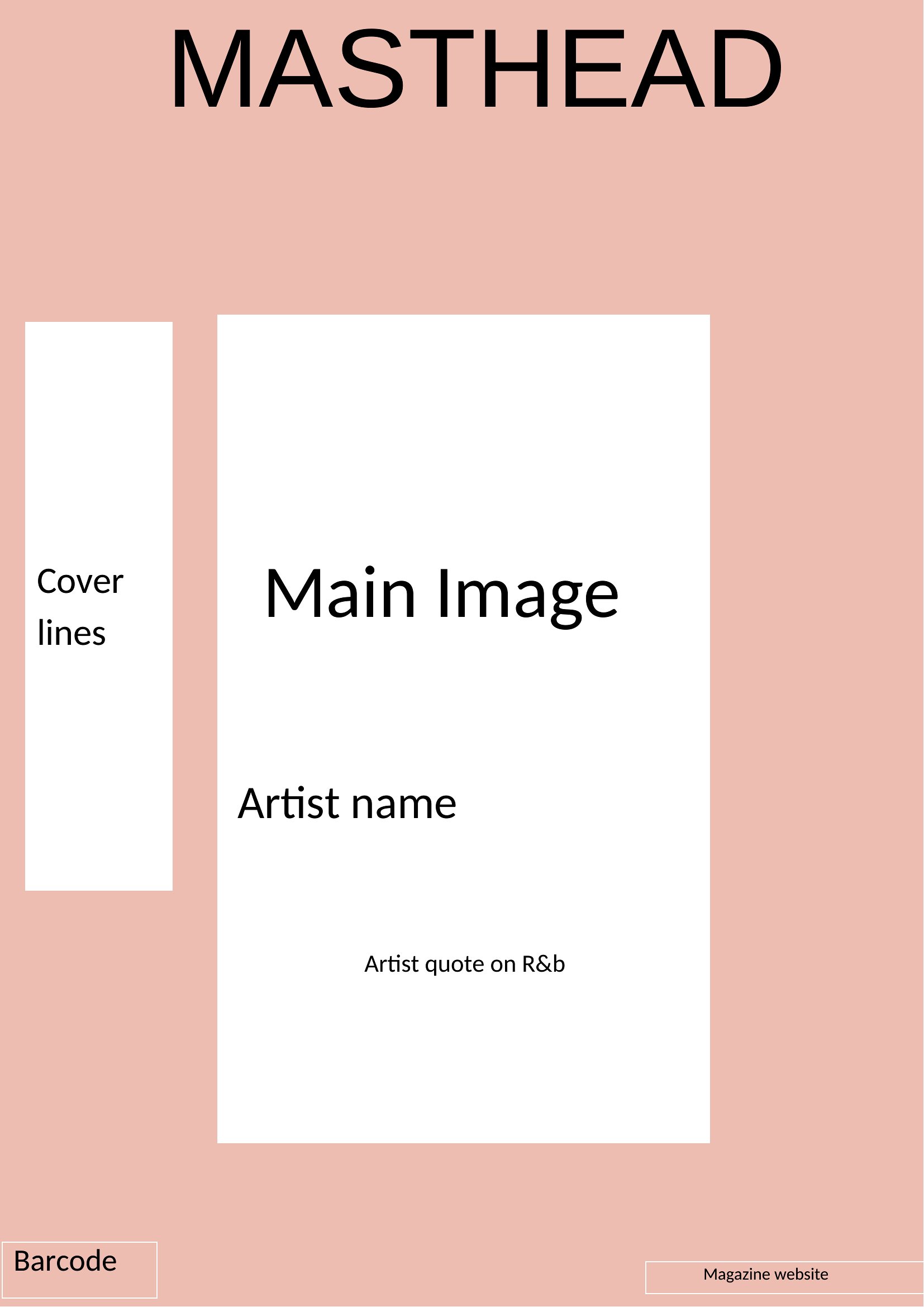
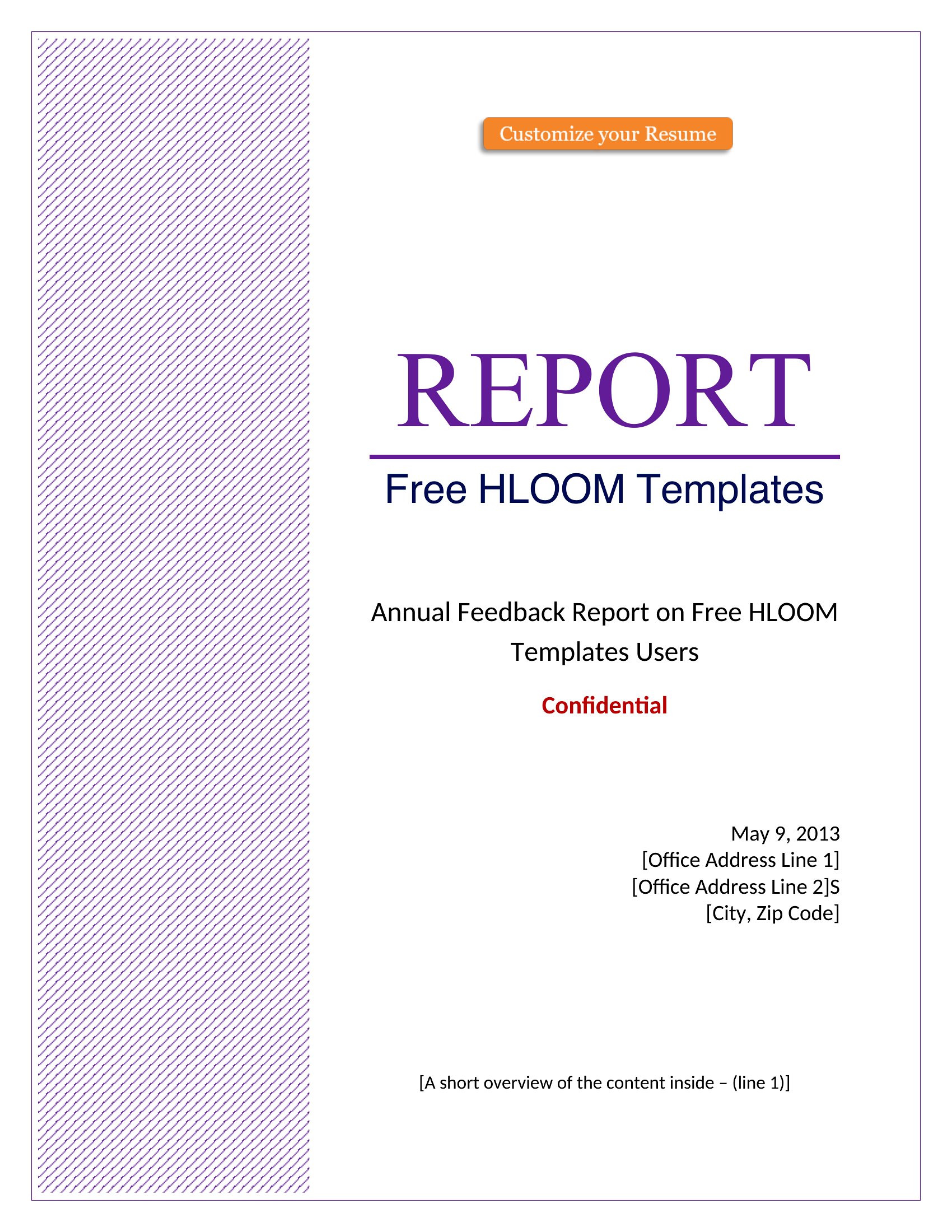
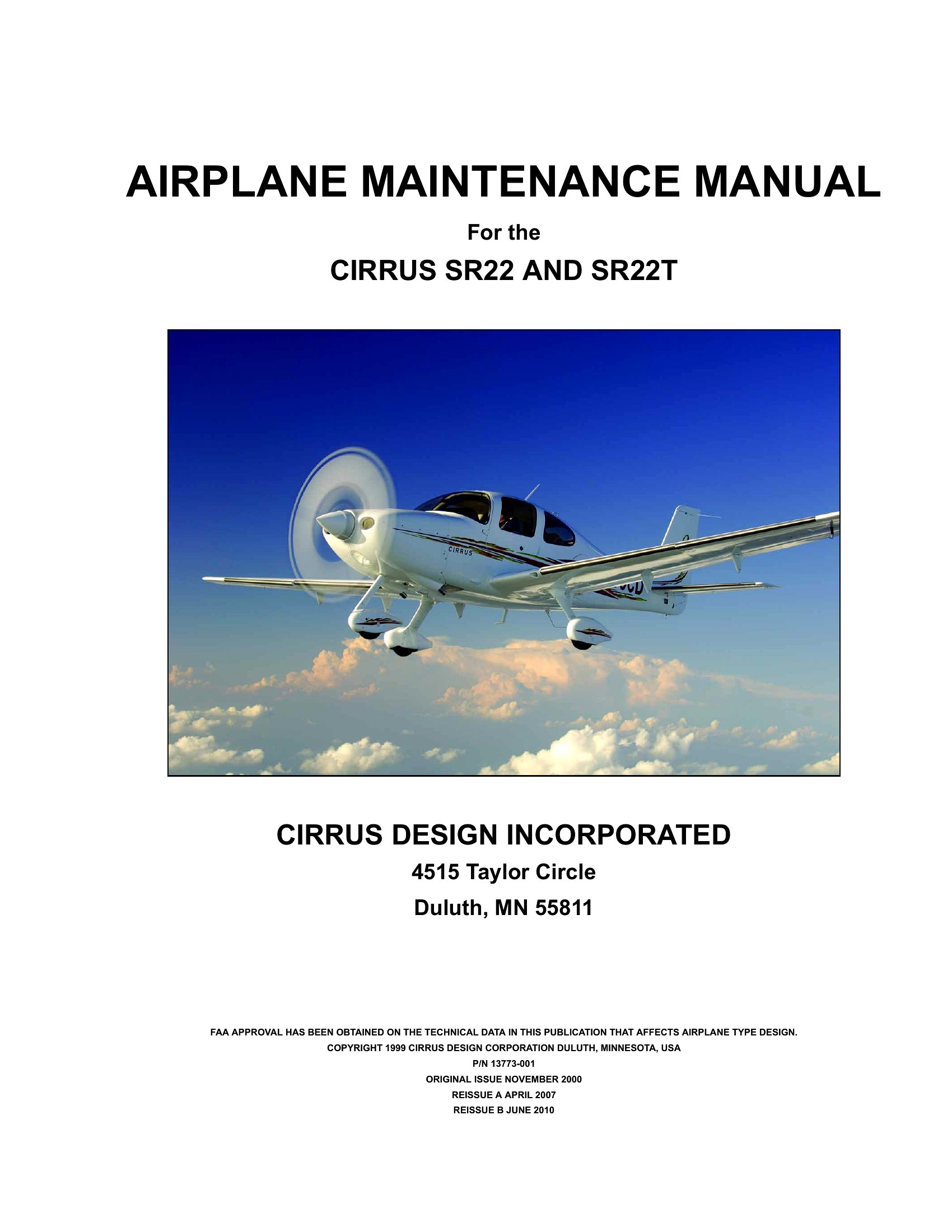
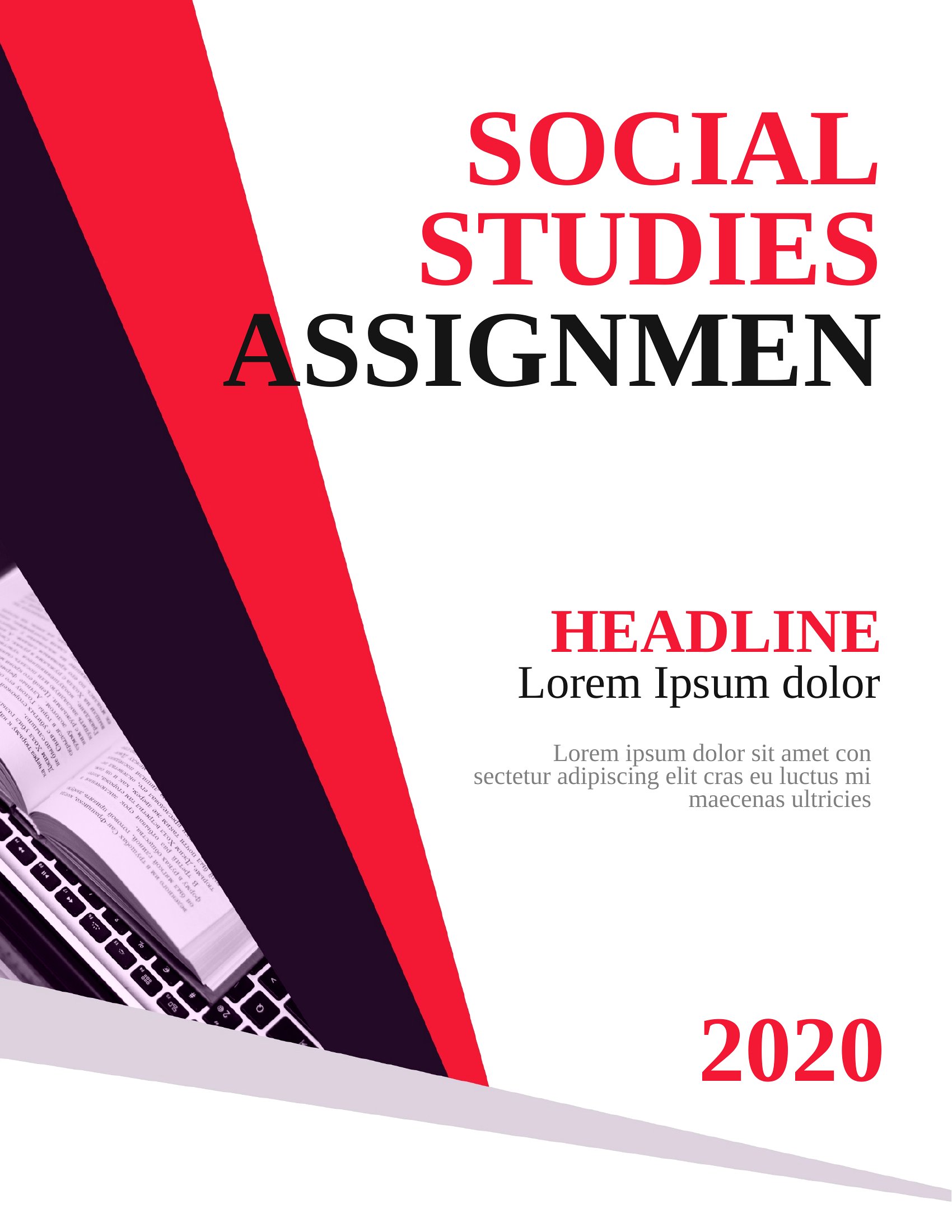
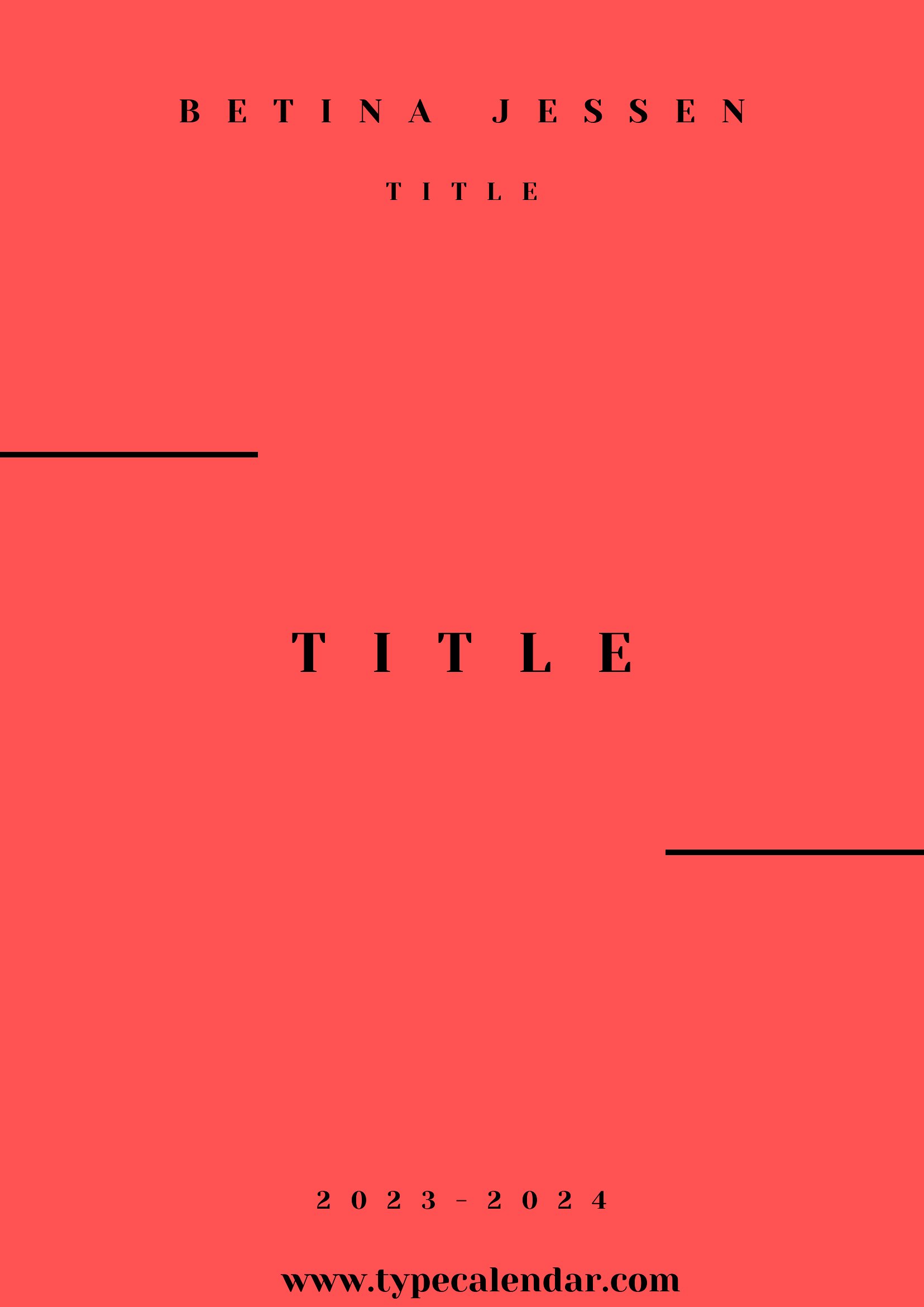
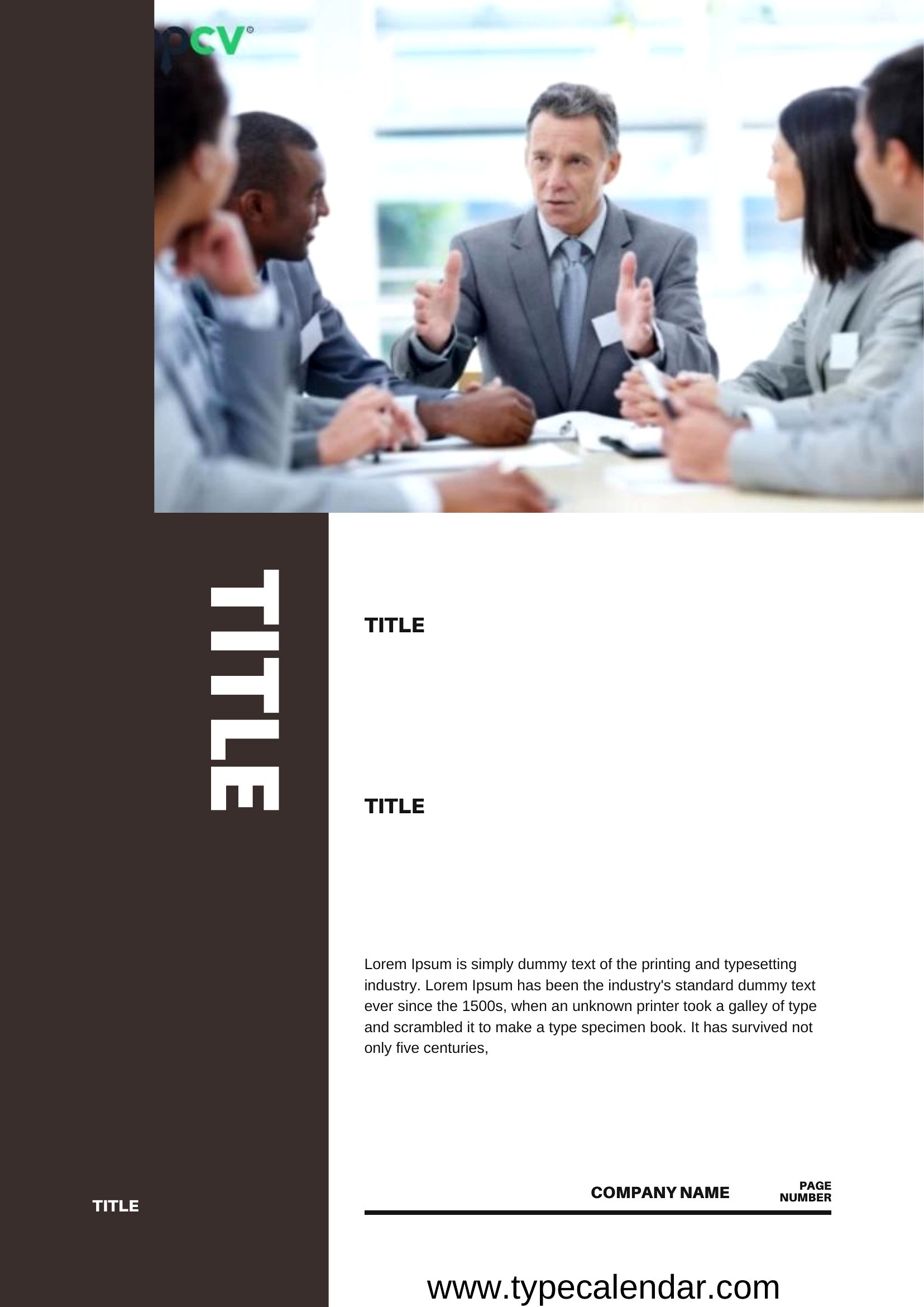
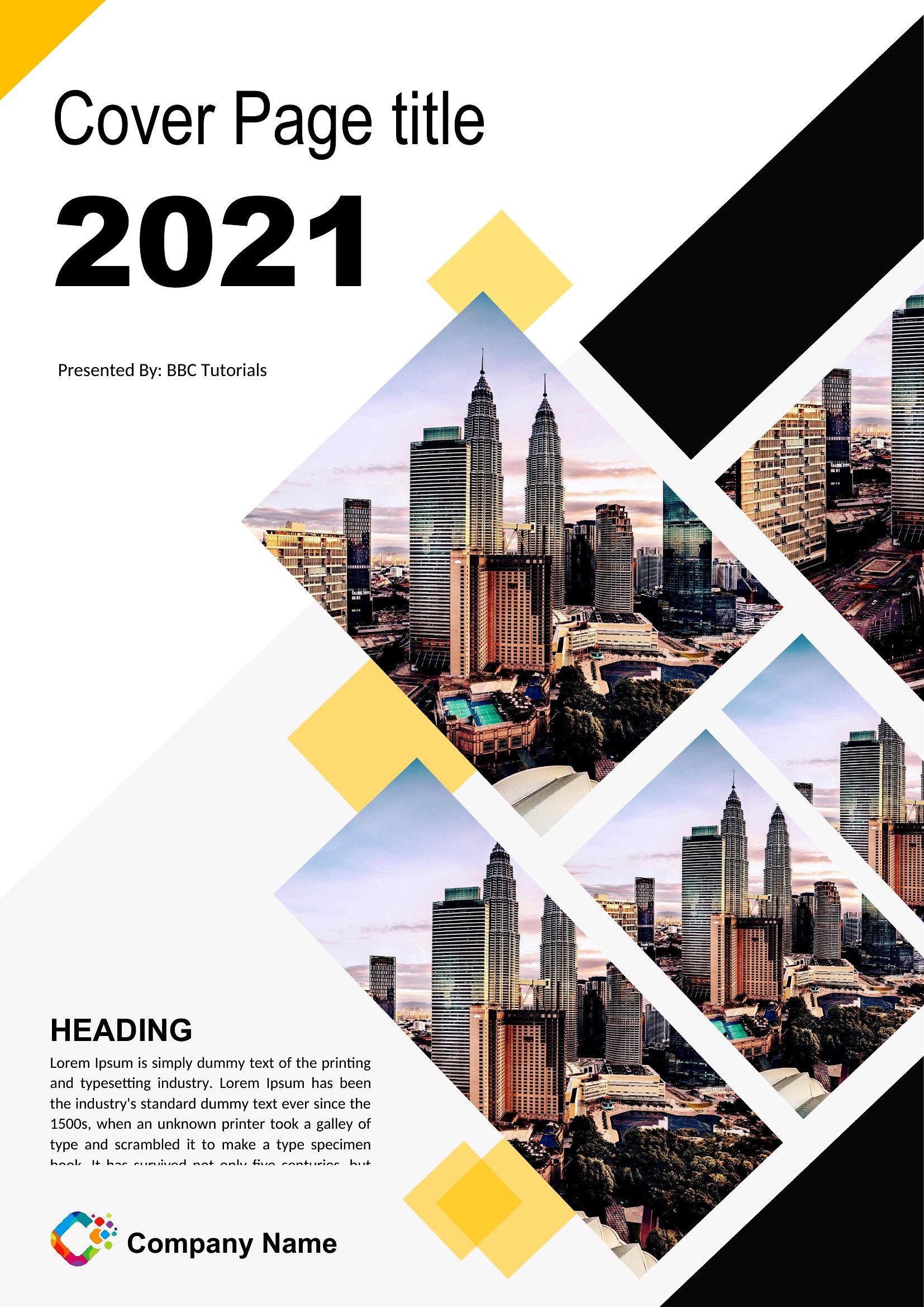
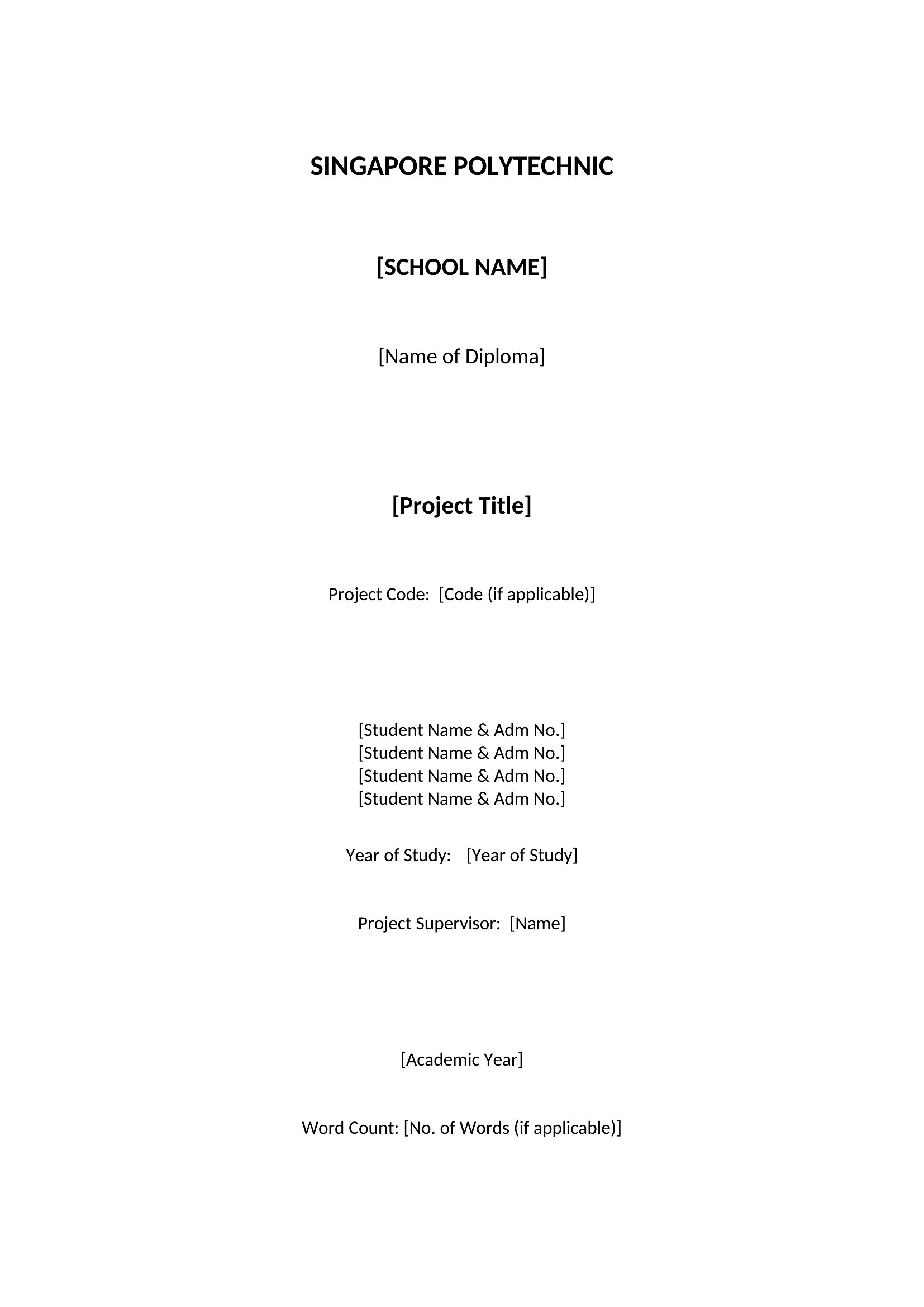
Yes, these templates are designed to be versatile. While many include academic styles (like APA or MLA), you’ll also find clean, modern designs suitable for business proposals, portfolios, or creative projects. Simply pick a layout that matches the tone—formal for reports, bold for presentations—and customize the text to fit your needs.
What if my assignment requires a specific font or size that isn’t included in the template?
All Word templates in this collection allow you to easily replace fonts, adjust sizes, or modify spacing after downloading. For PDFs, you may need to recreate the text layer in a program like Word first, then export it back to PDF. Always check the guidelines to ensure compliance, as some academic programs have strict font requirements (e.g., Times New Roman 12pt).
Are these templates compatible with Google Docs or other word processors?
The Word templates can typically be opened and edited in Google Docs, though some advanced formatting (like specific tab stops or headers) may shift slightly. For best results, download the Word version first, make your edits, then convert to Google Docs. PDF templates are less flexible in other programs unless you’re only filling in pre-set text fields without altering the layout.
Comments
Join the conversation
Sign in to share your thoughts and leave a comment on this resource.