Free HVAC Invoice Templates (Word, Excel, PDF)
InvoicesTemplates
FAQ
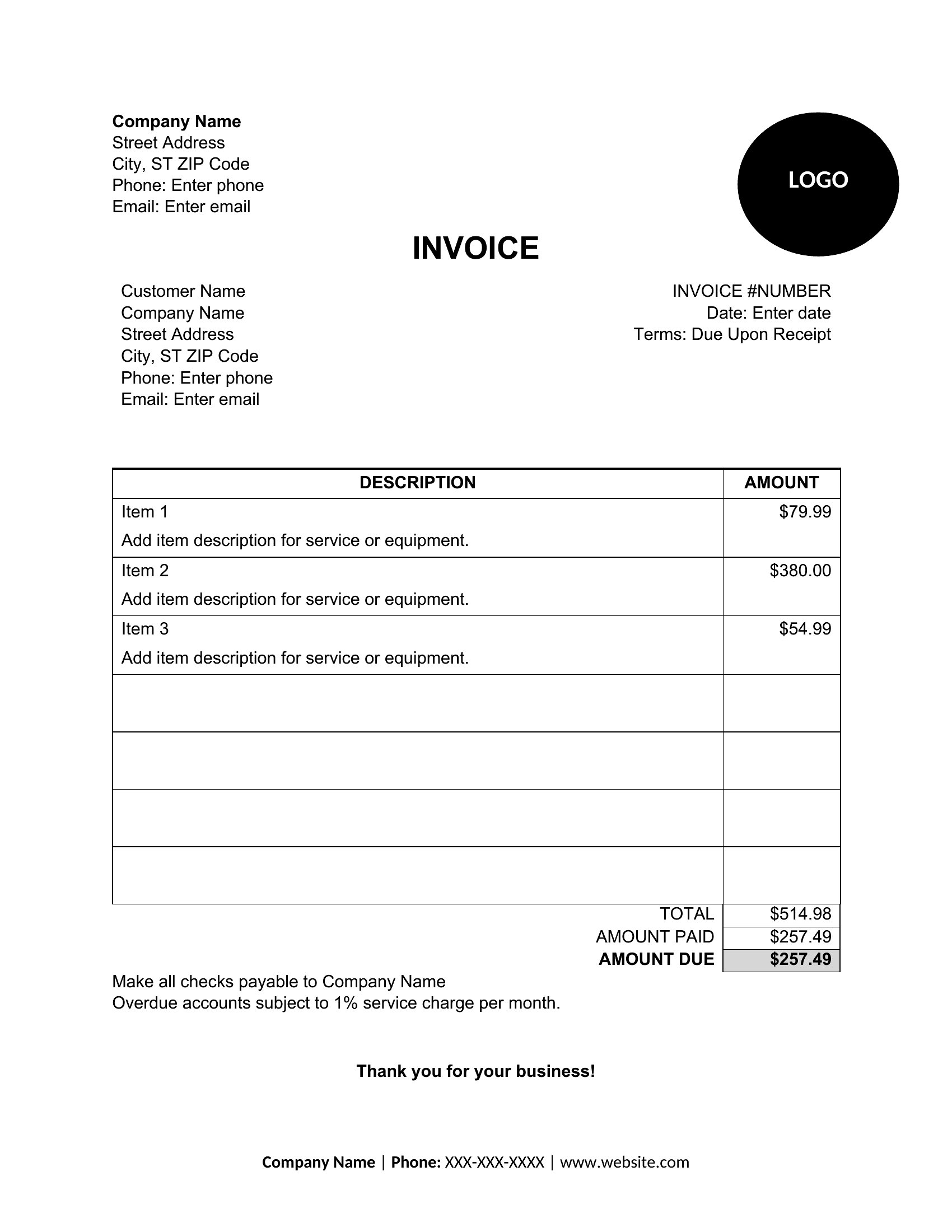
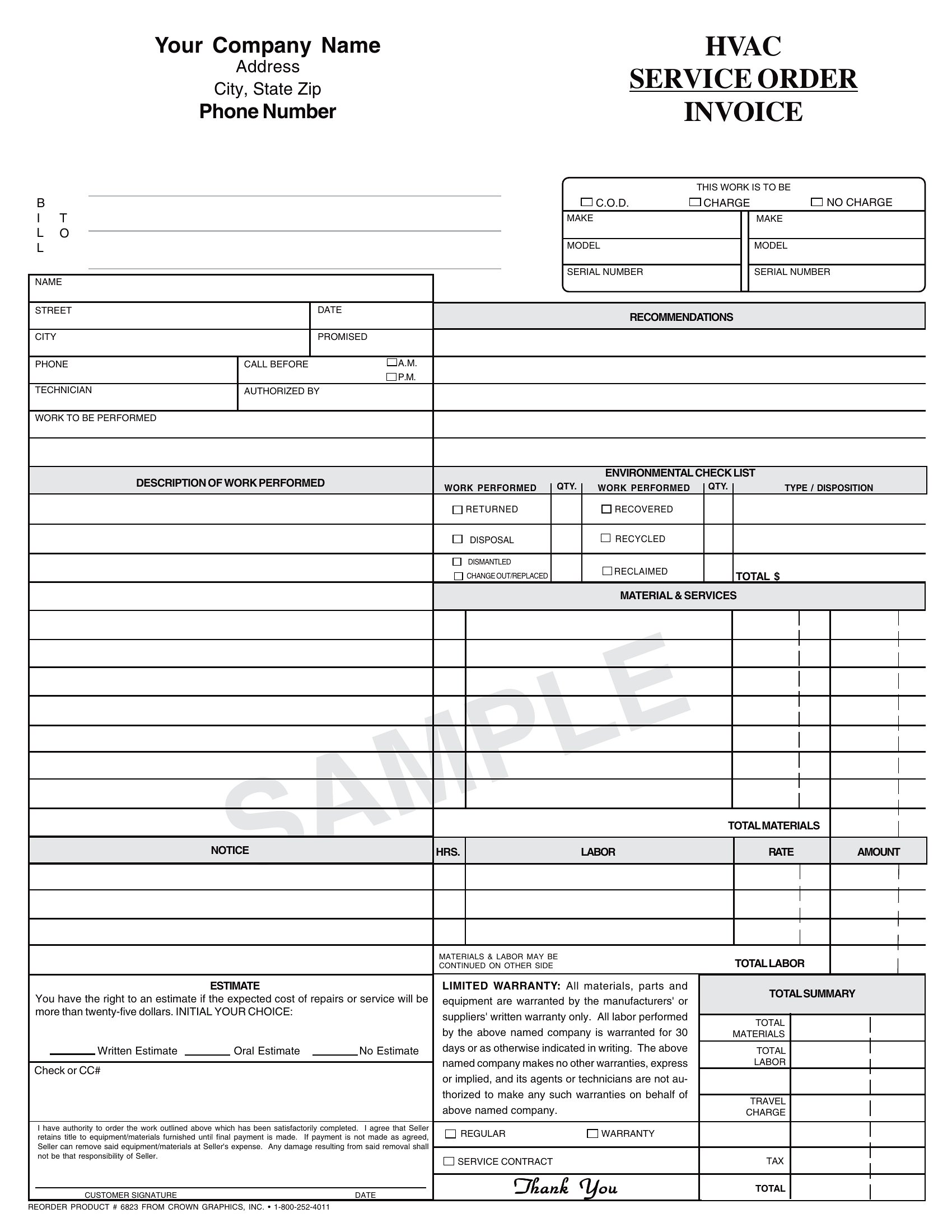
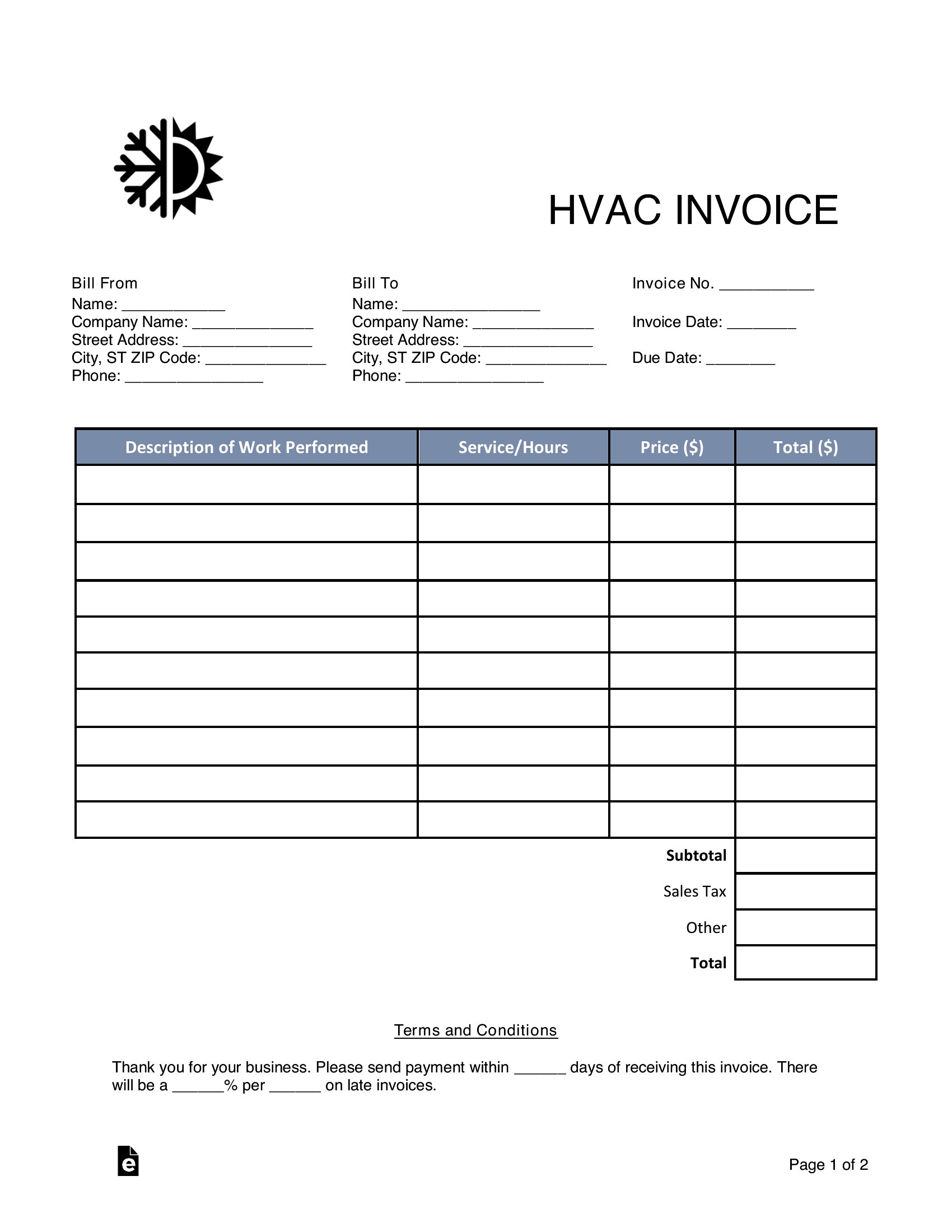
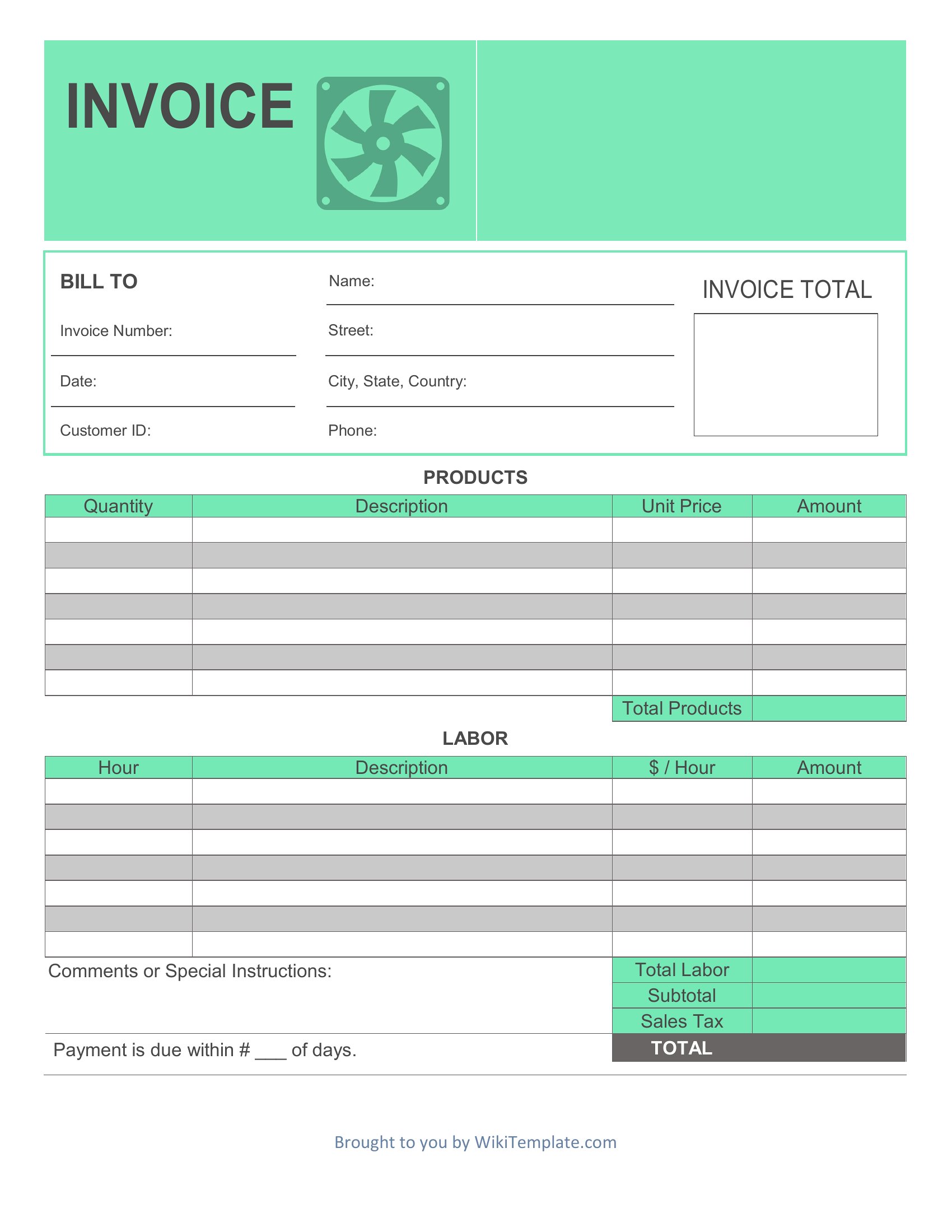
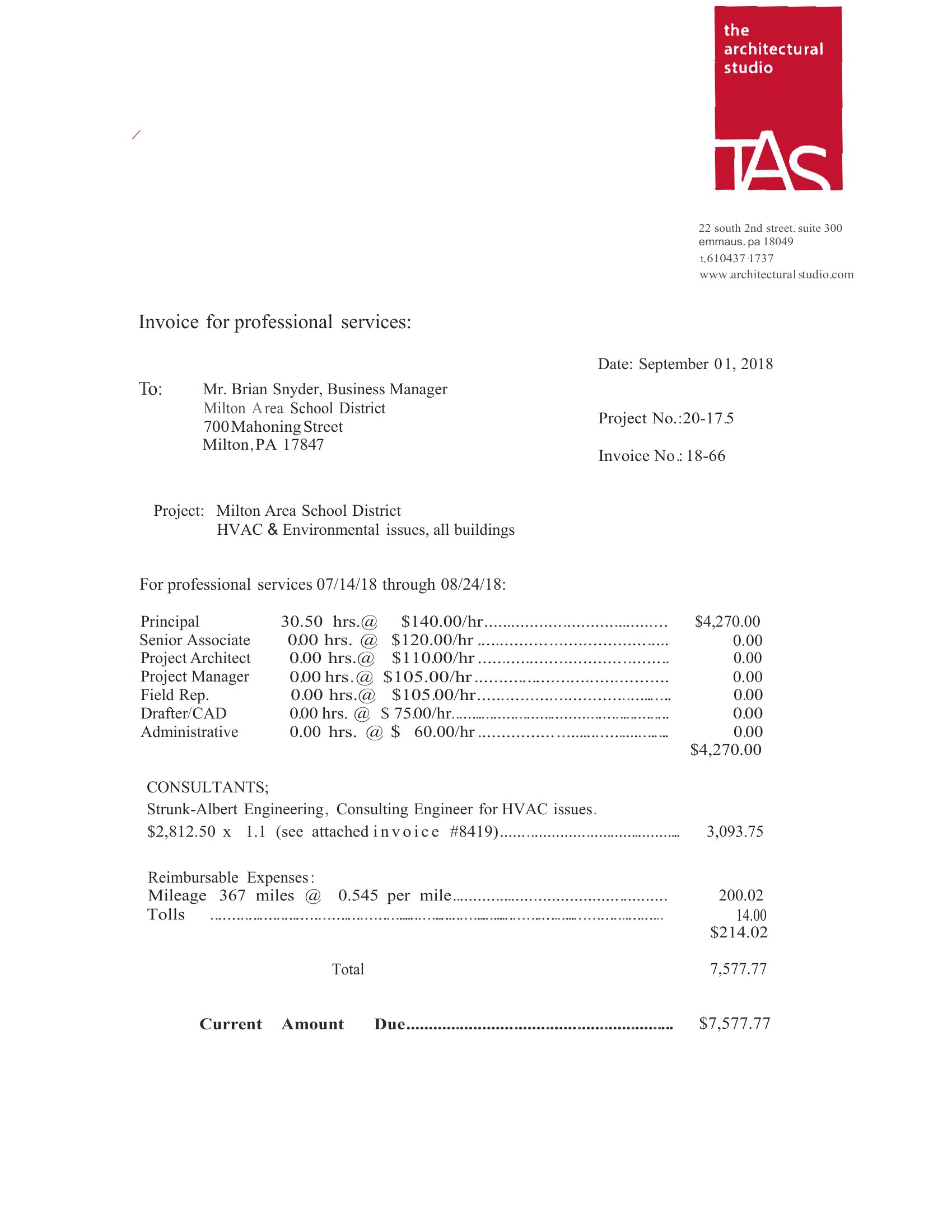
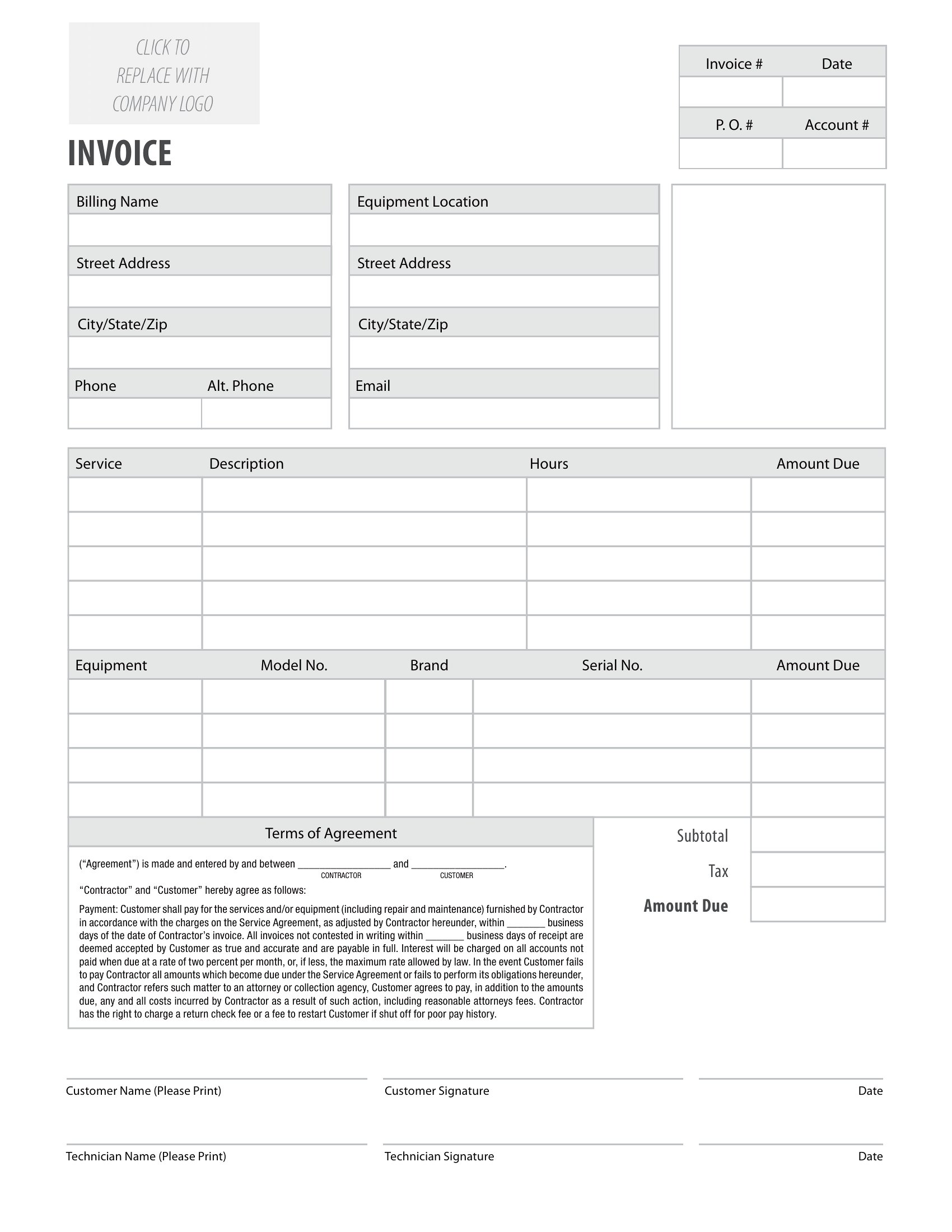
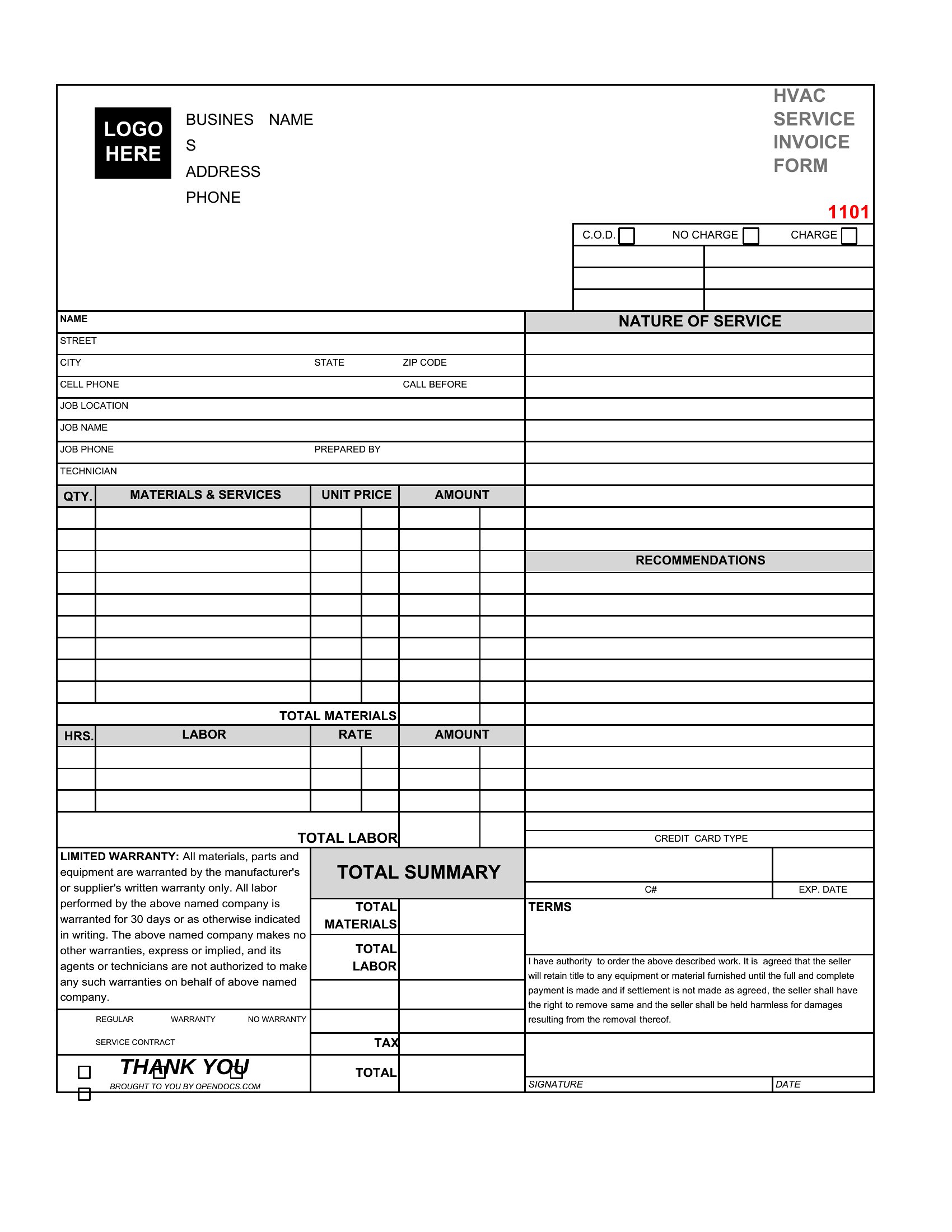
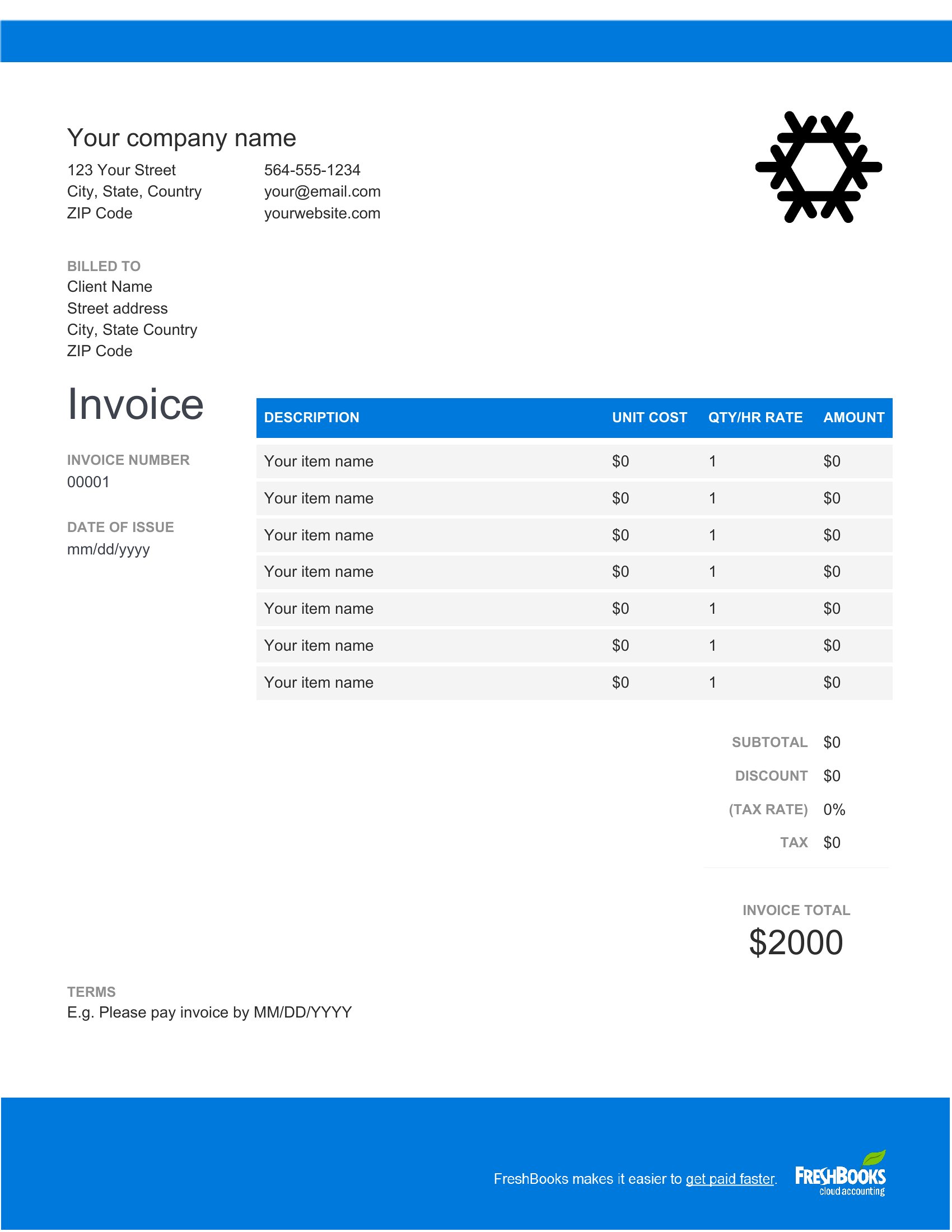
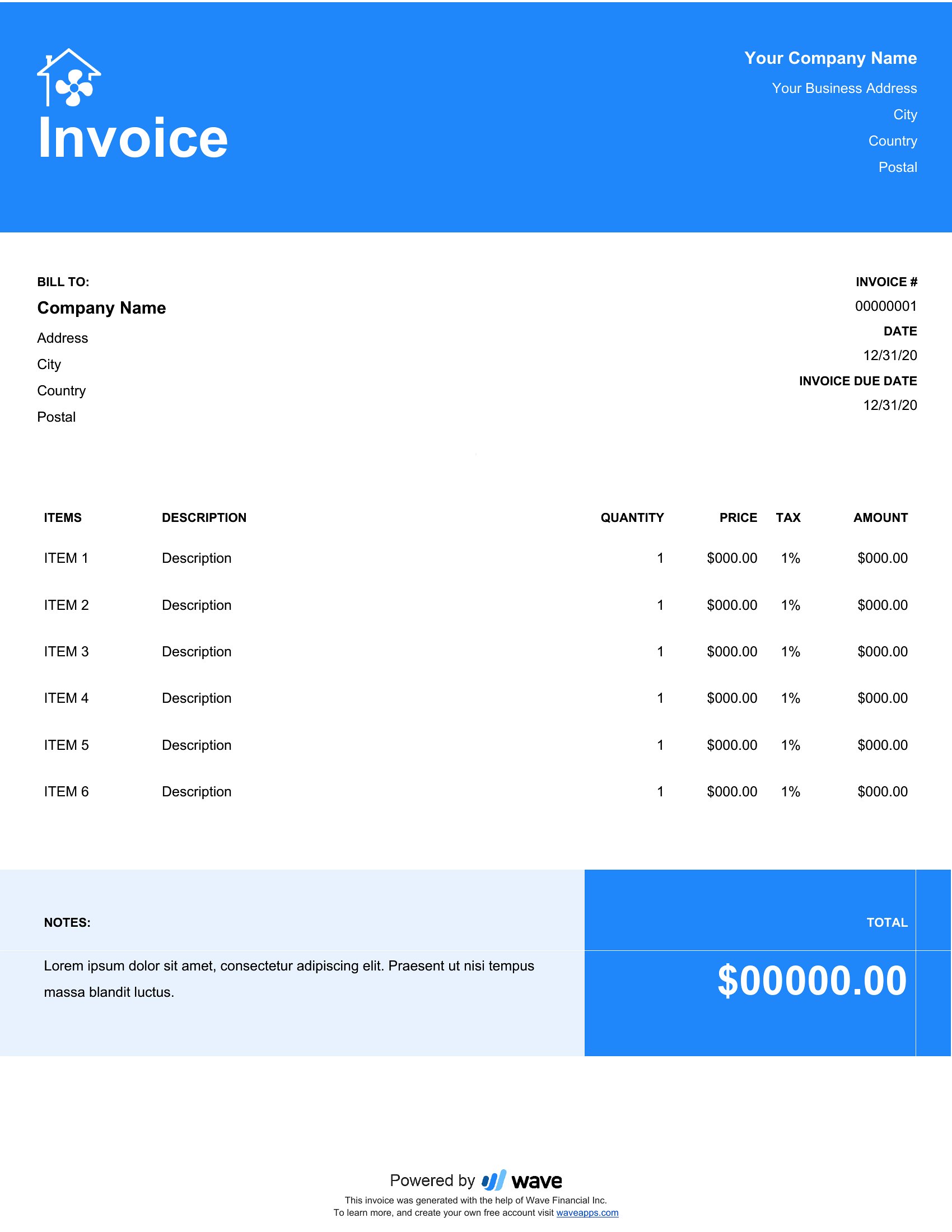
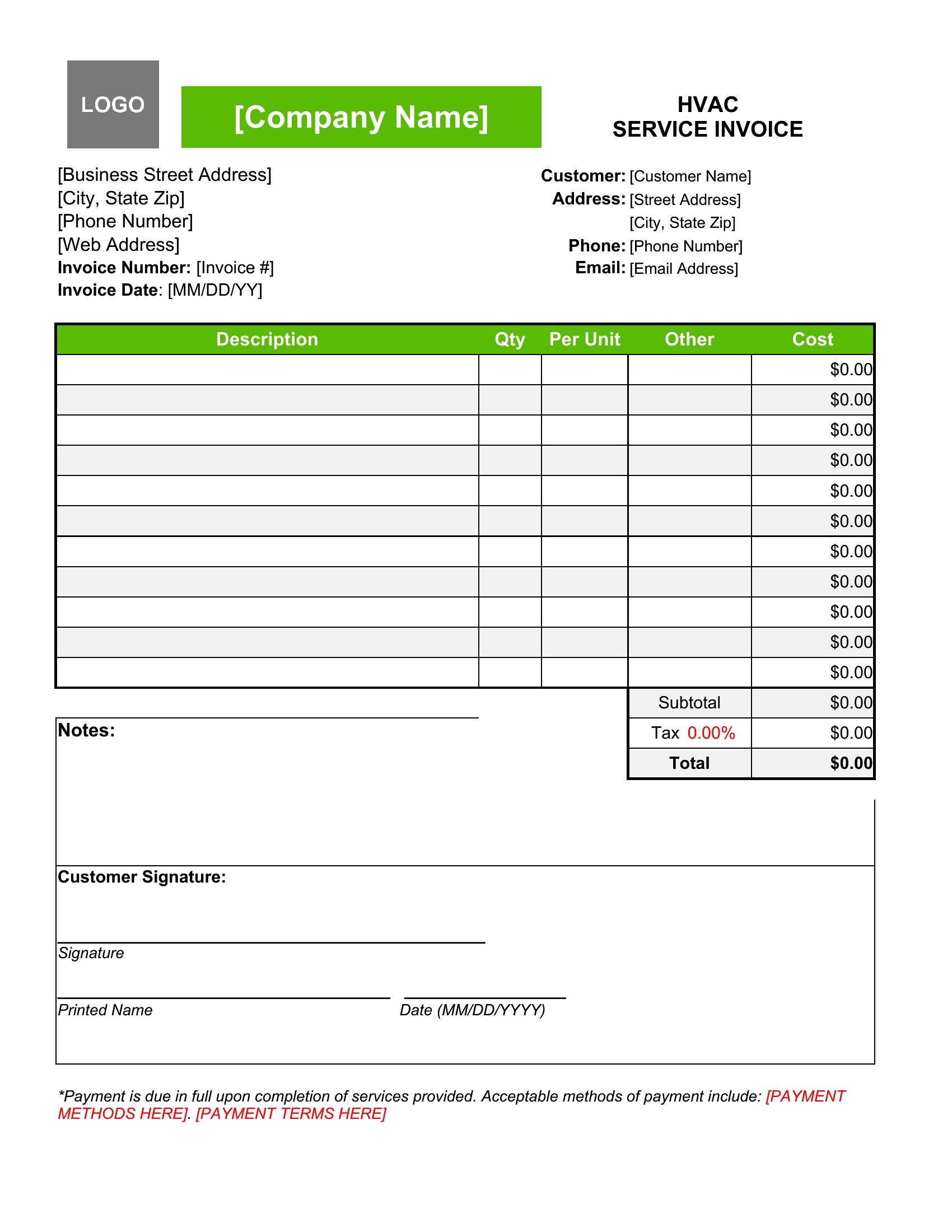
Can I use one of these templates to break down labor costs by technician for a team of HVAC installers?
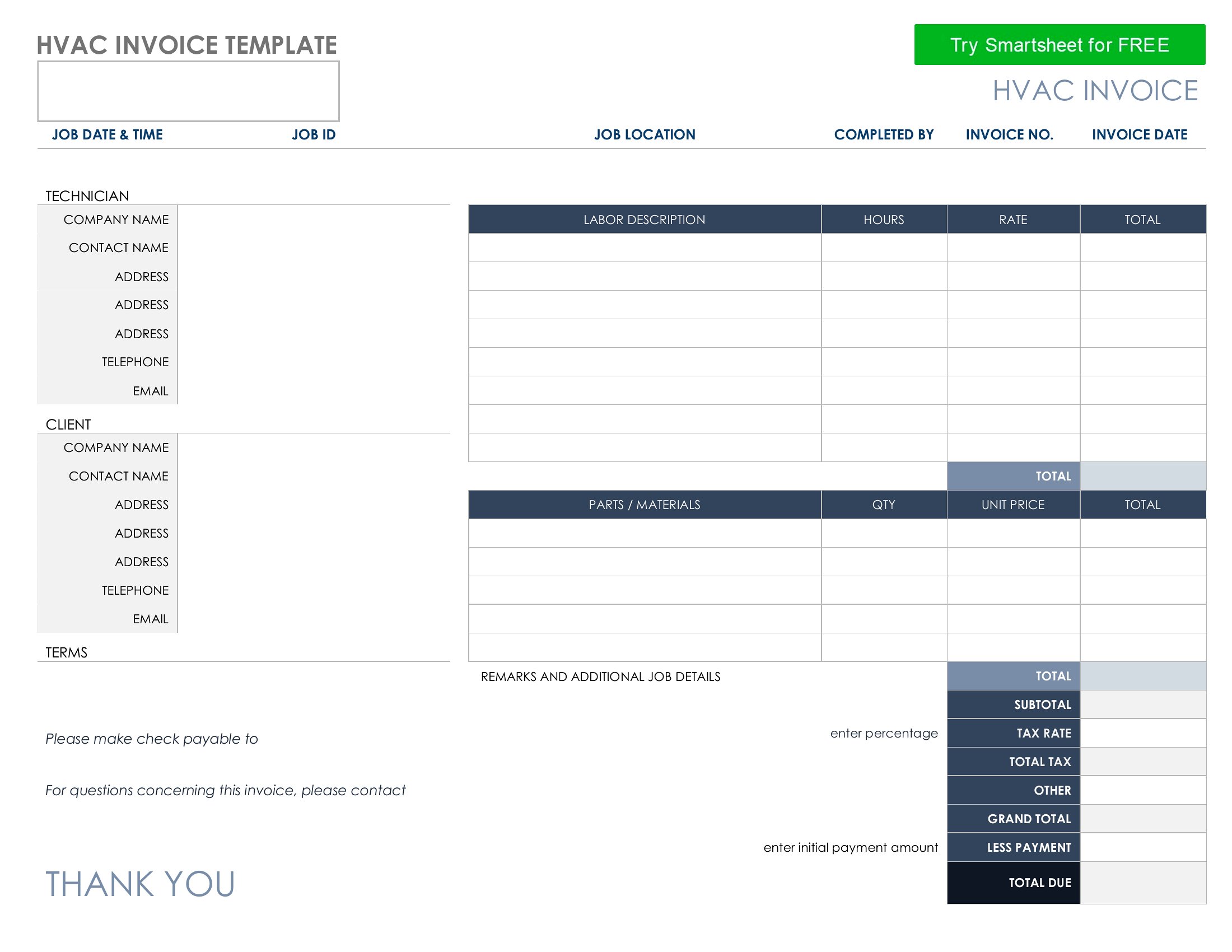
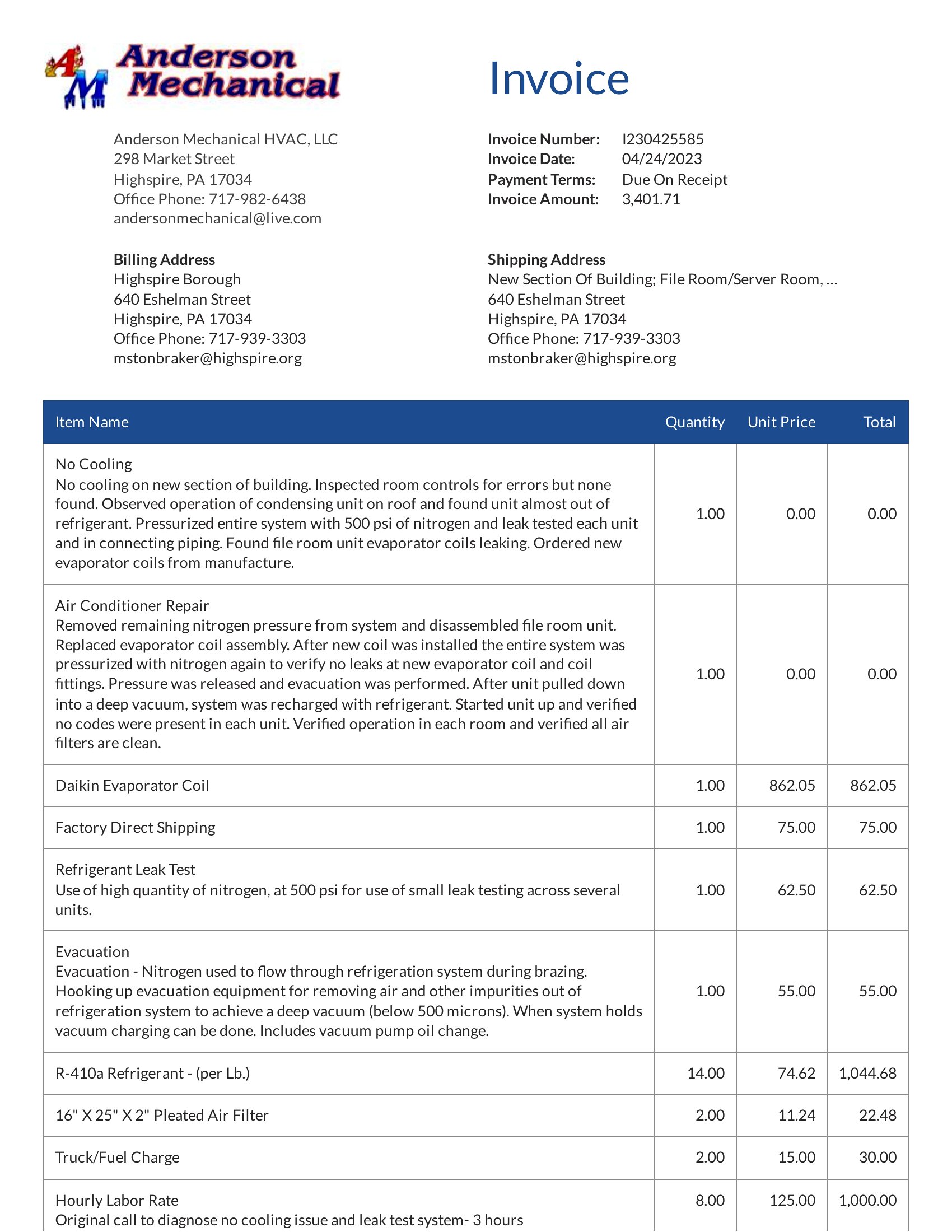
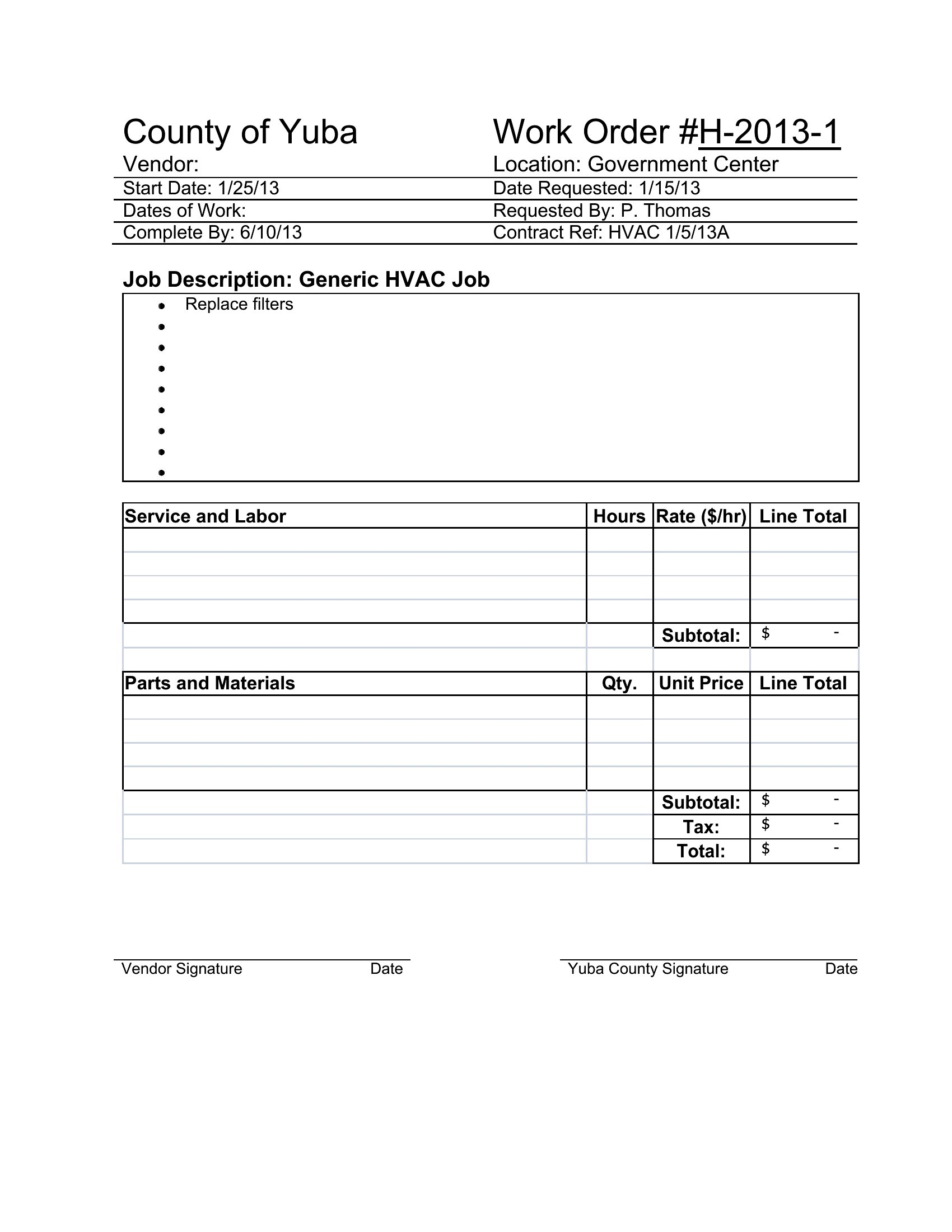
Yes, several templates in this collection include columns for tracking individual technician names, hours worked, and hourly rates. The Excel formats let you use formulas to auto-sum labor costs per job, while Word and PDF templates provide dedicated sections for manual entry. For teams, the Word documents are especially flexible, as you can duplicate rows or add a separate sheet for timecards.
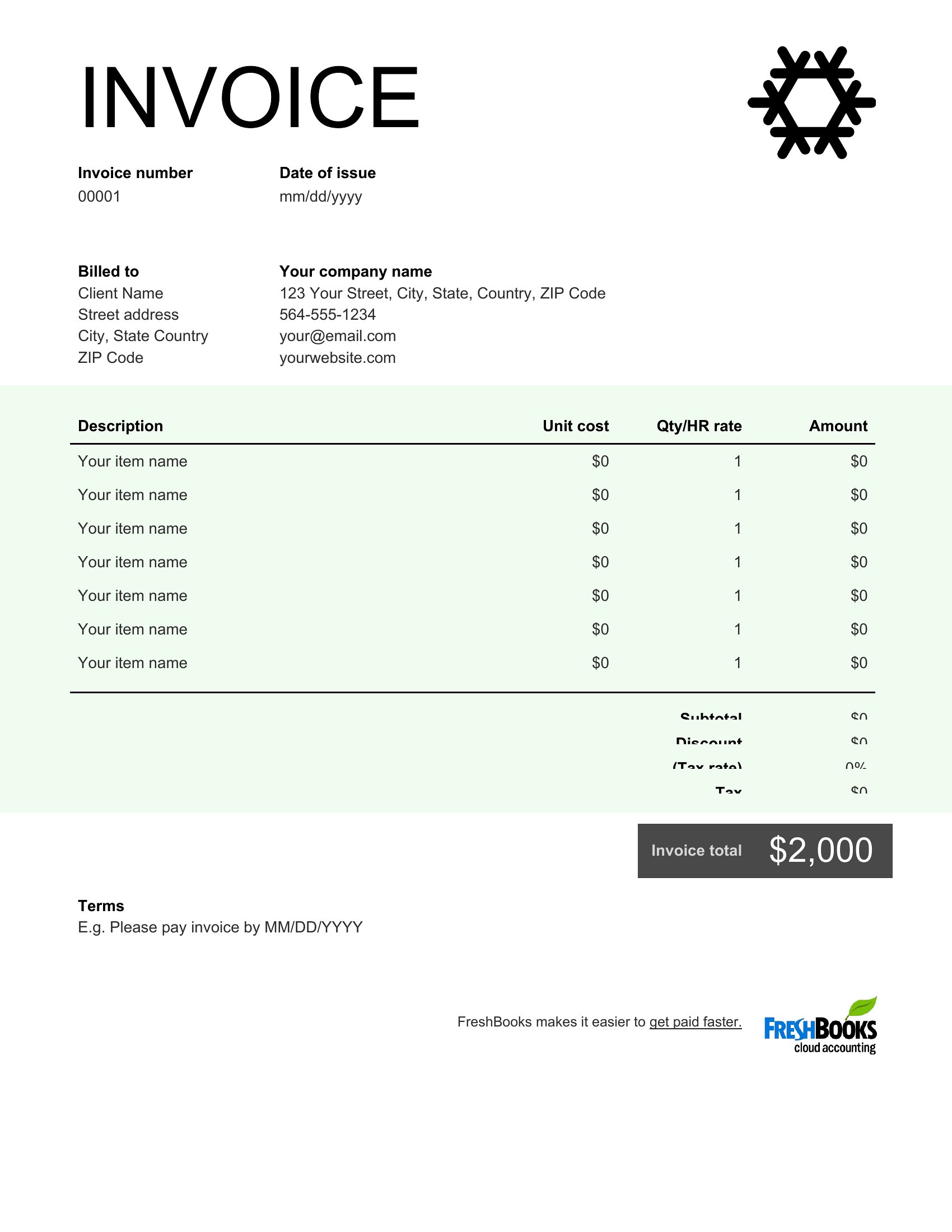
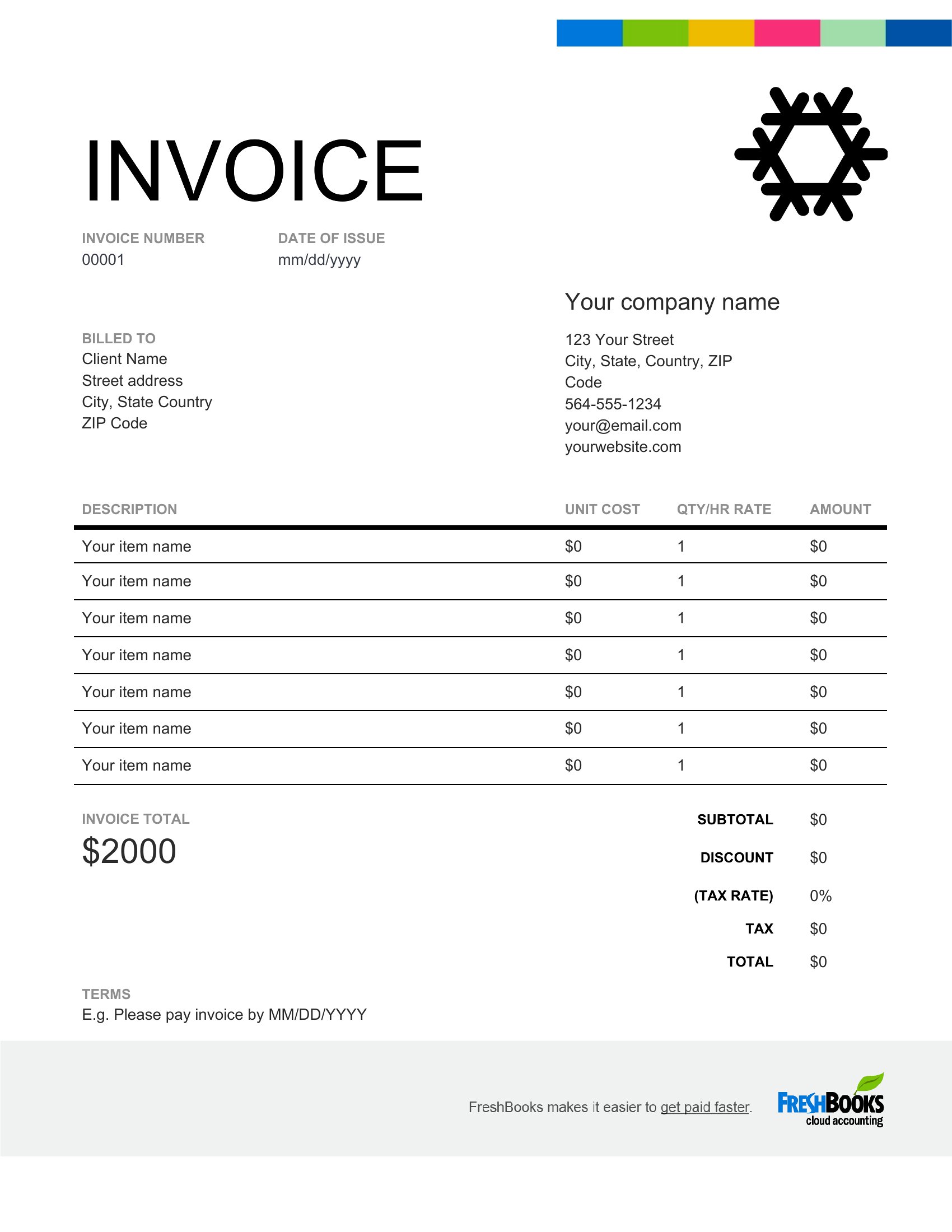
How do I handle variable tax rates if I service clients in different counties or states?
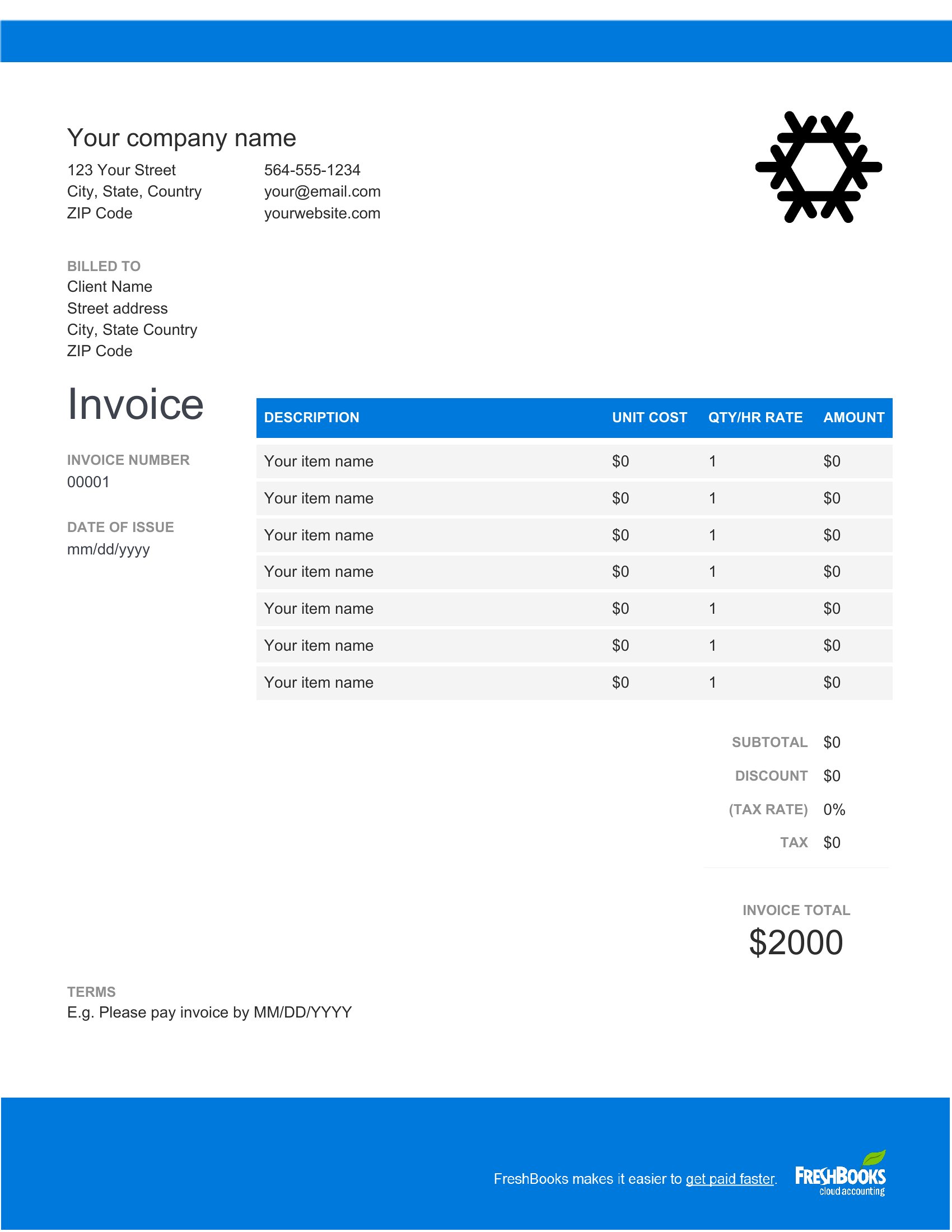
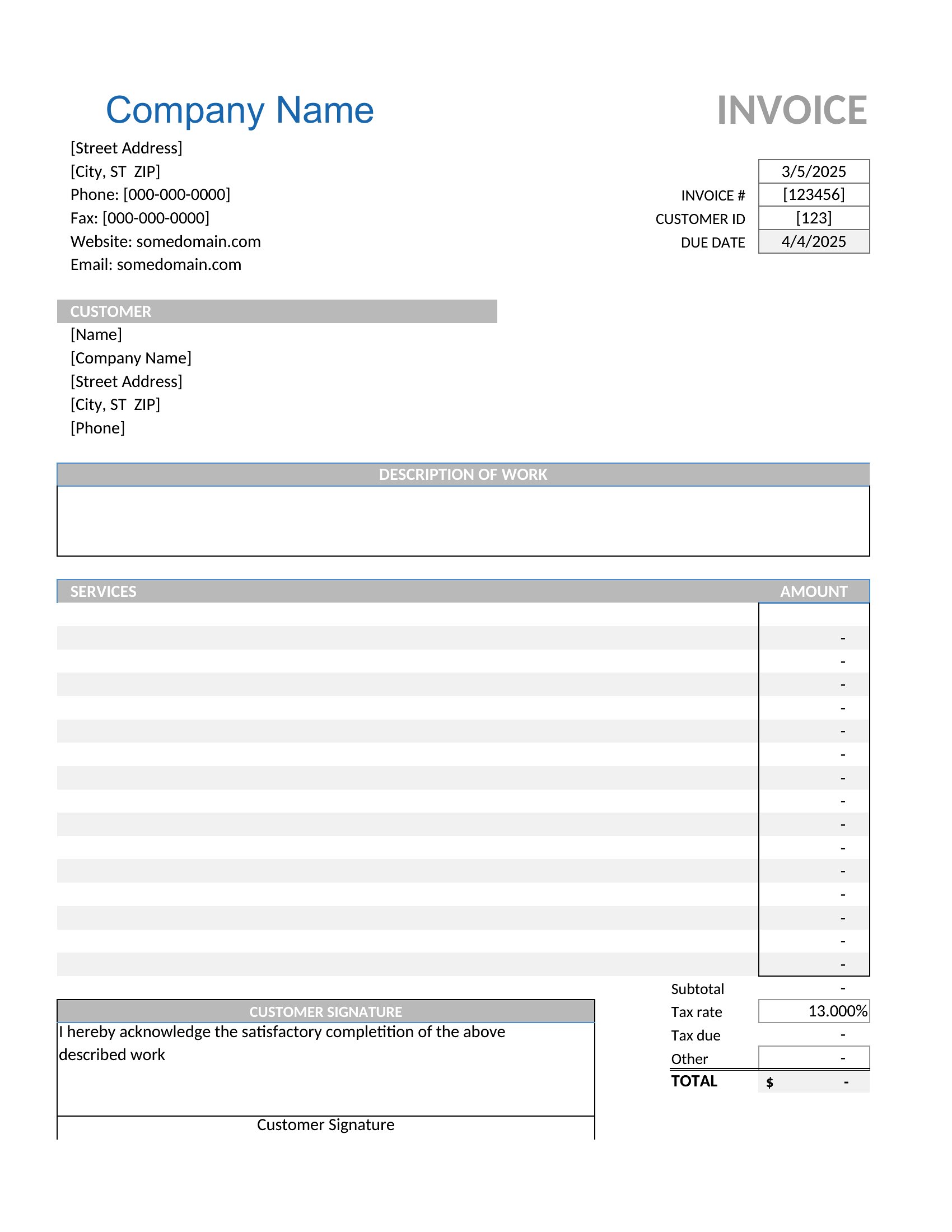
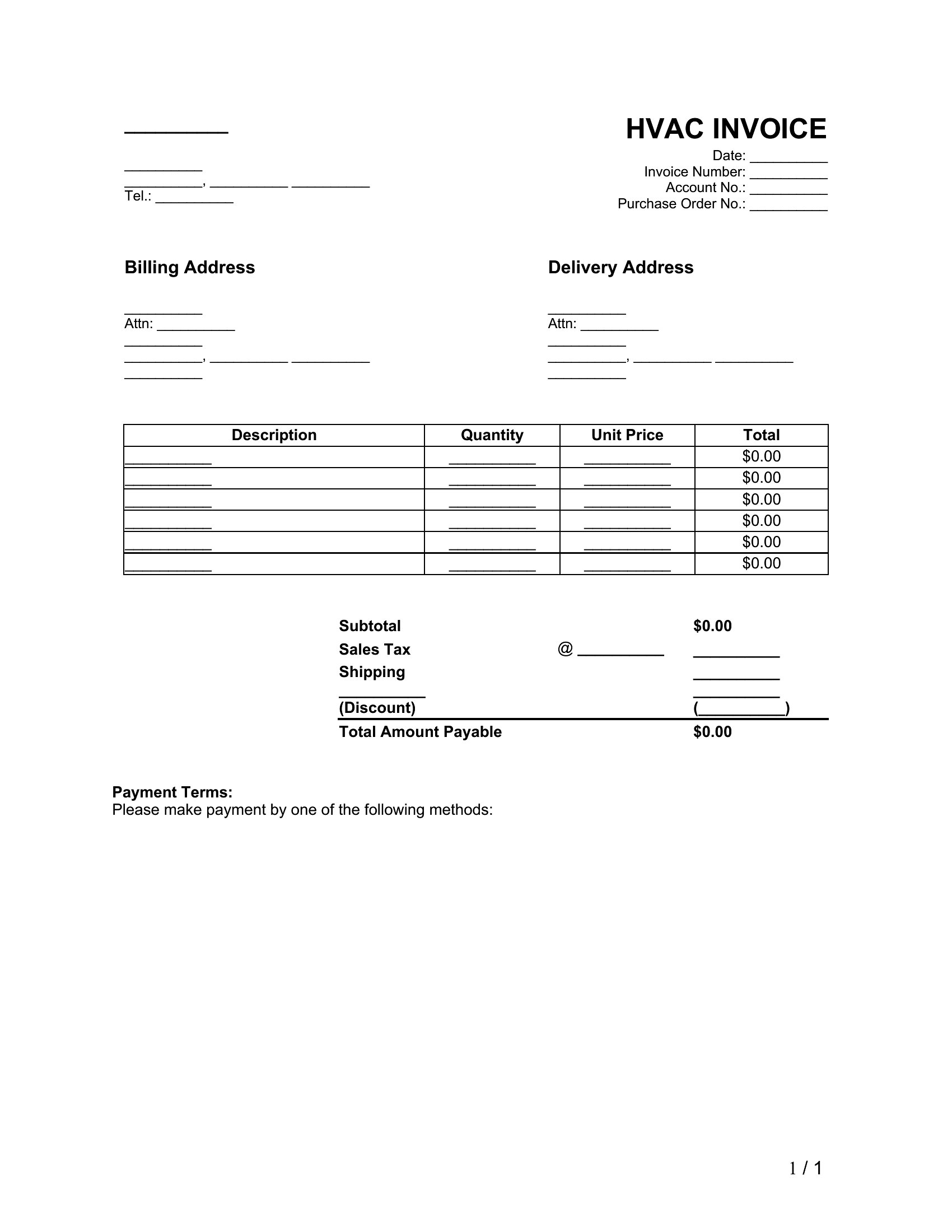
Most templates here include a separate line or highlighted section for tax details, allowing you to manually input the correct rate per job. The Excel files are the most adaptable—you can create a dropdown menu with common tax percentages or link to a cell referencing a lookup table. For PDFs, pre-populate the tax rate field before printing or use Word to adjust the rate before converting to PDF.
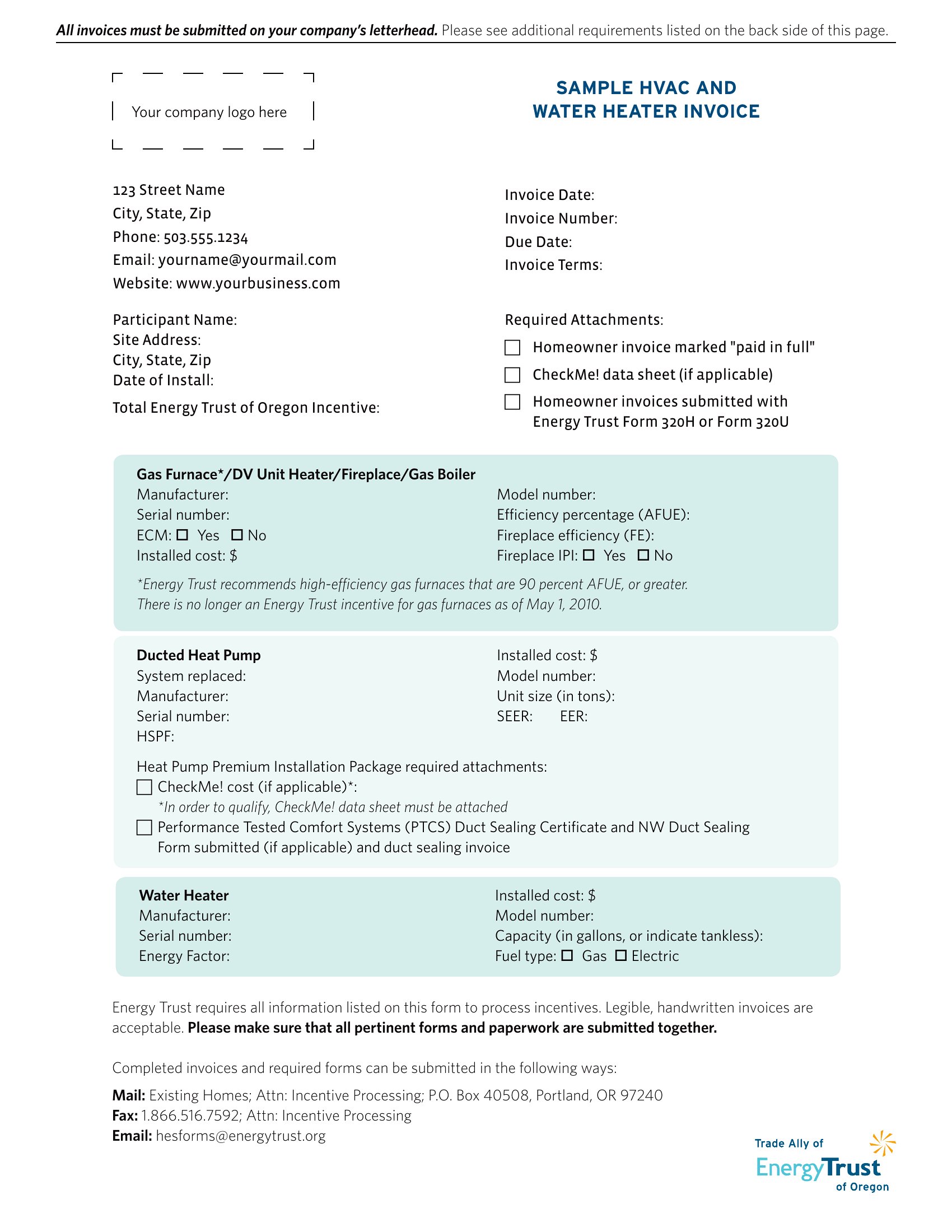
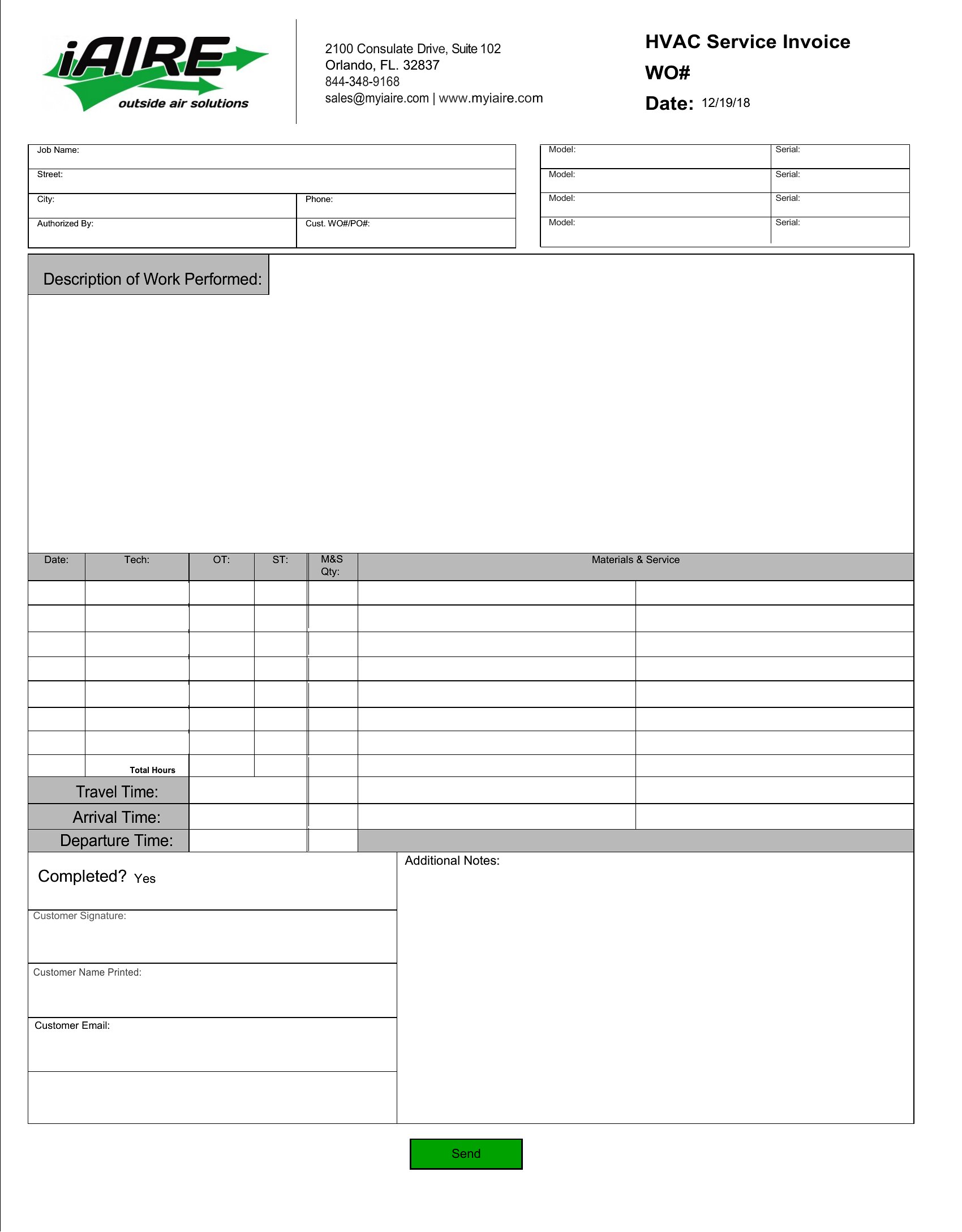
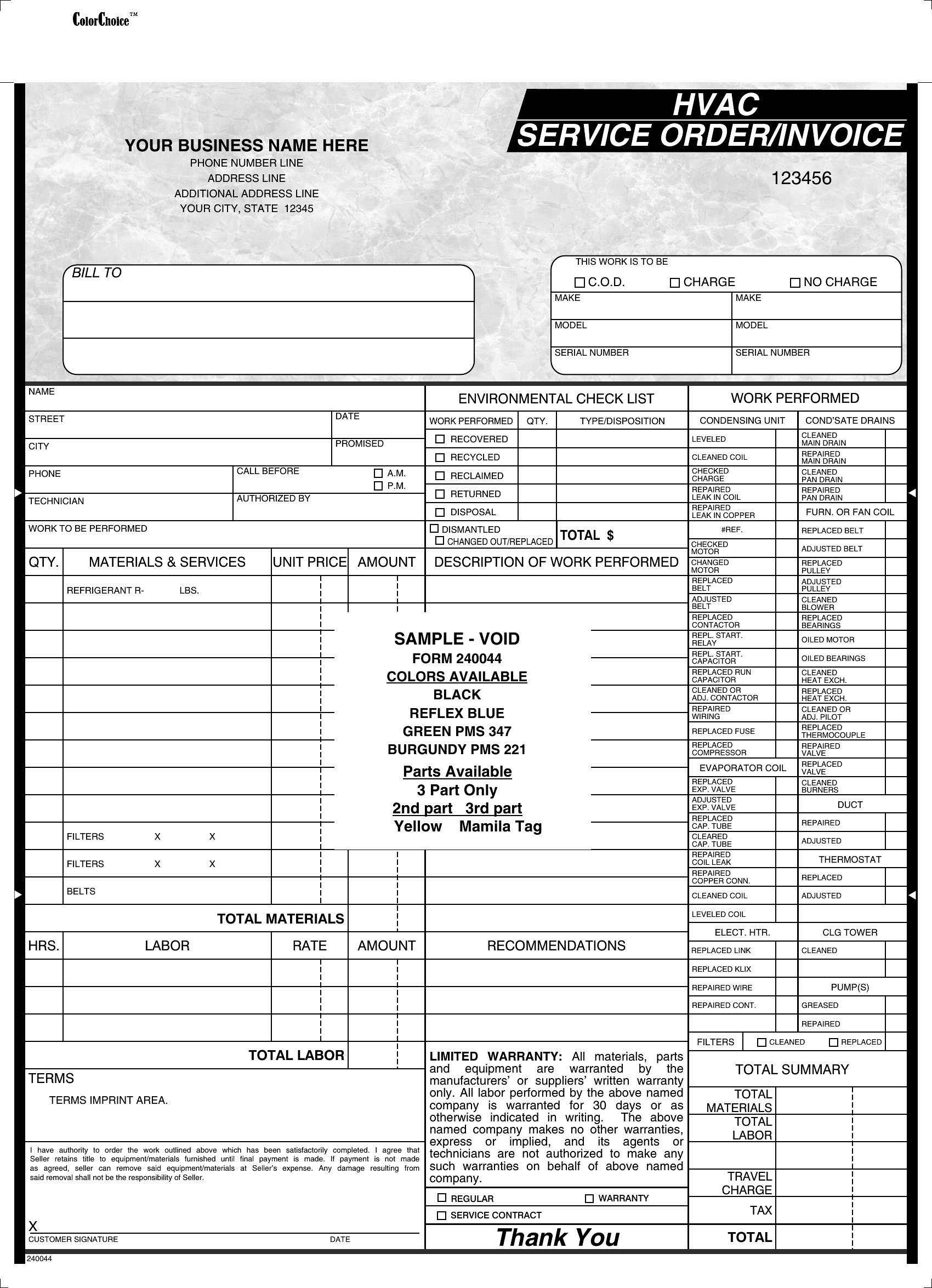
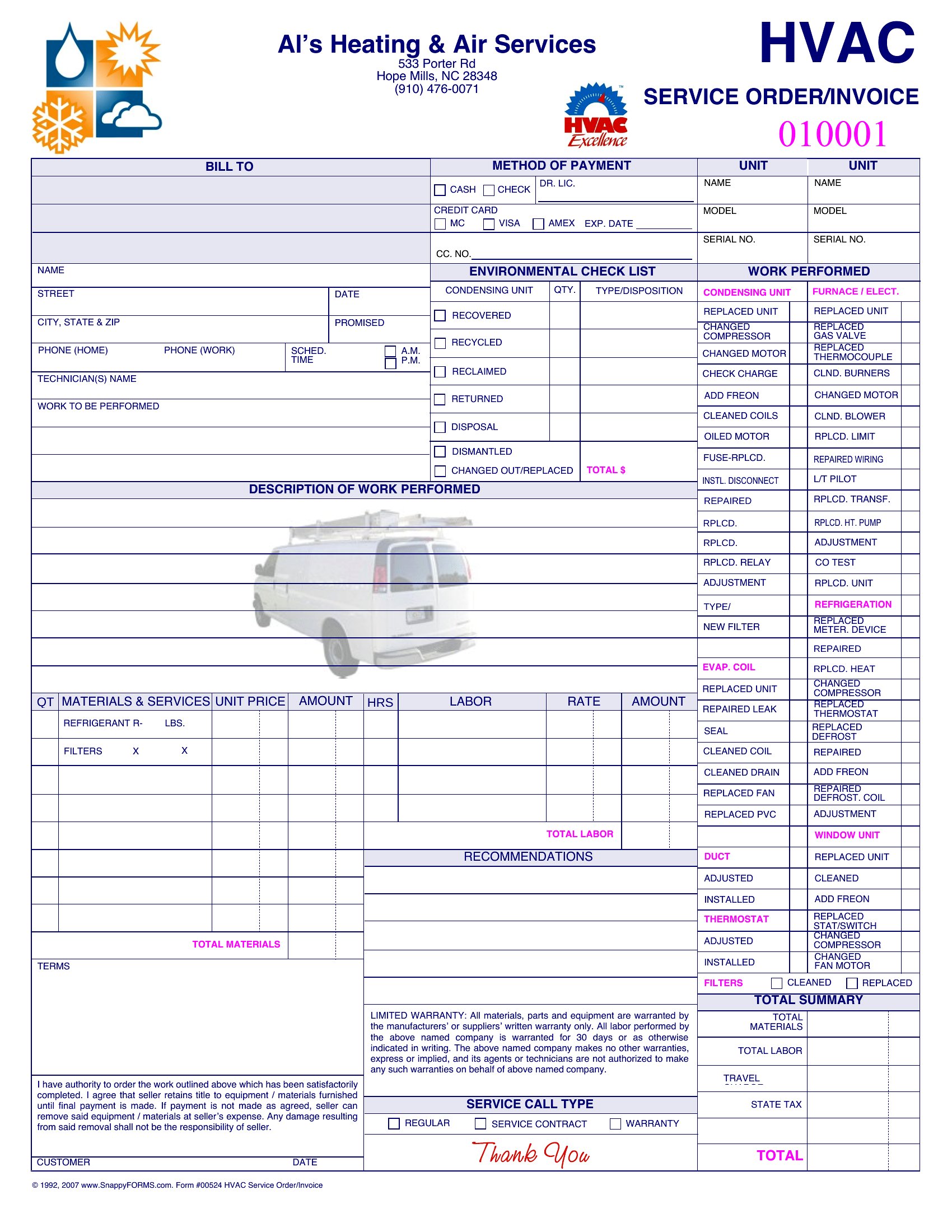
Are there templates that include space for warranties or manufacturer details for HVAC equipment?
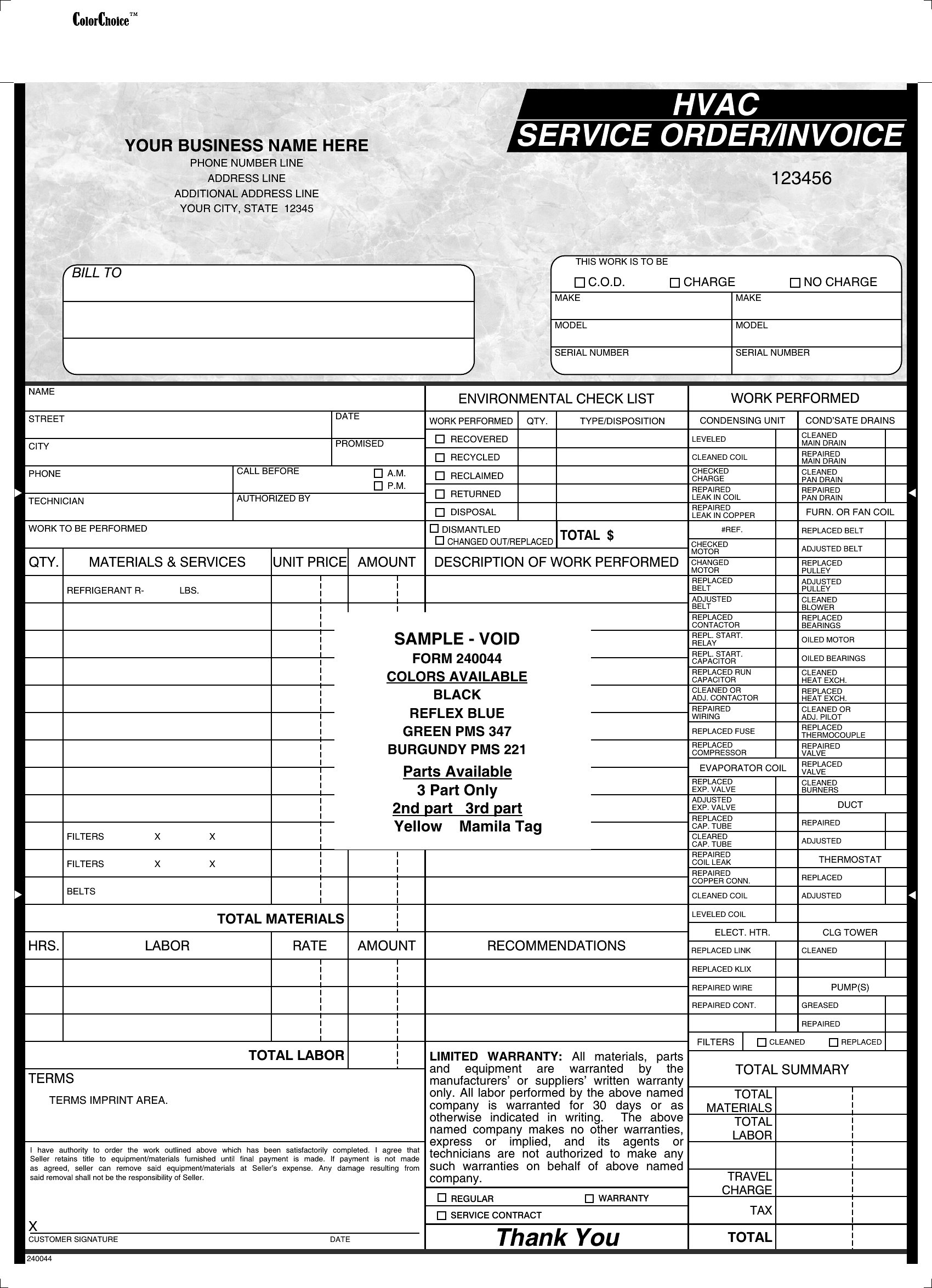
Yes, several templates feature a “Warranty Information” or “Equipment Specifications” section where you can list the unit’s model number, brand, warranty terms, and coverage start date. The Word and PDF formats are best for adding this detail, as they allow you to include disclaimers or scan and attach warranty documents directly to the invoice. Excel versions may require a separate tab for this data if your workflow links to inventory systems.
Comments
Join the conversation
Sign in to share your thoughts and leave a comment on this resource.