Free HVAC Invoice Templates (Word, Excel, PDF)
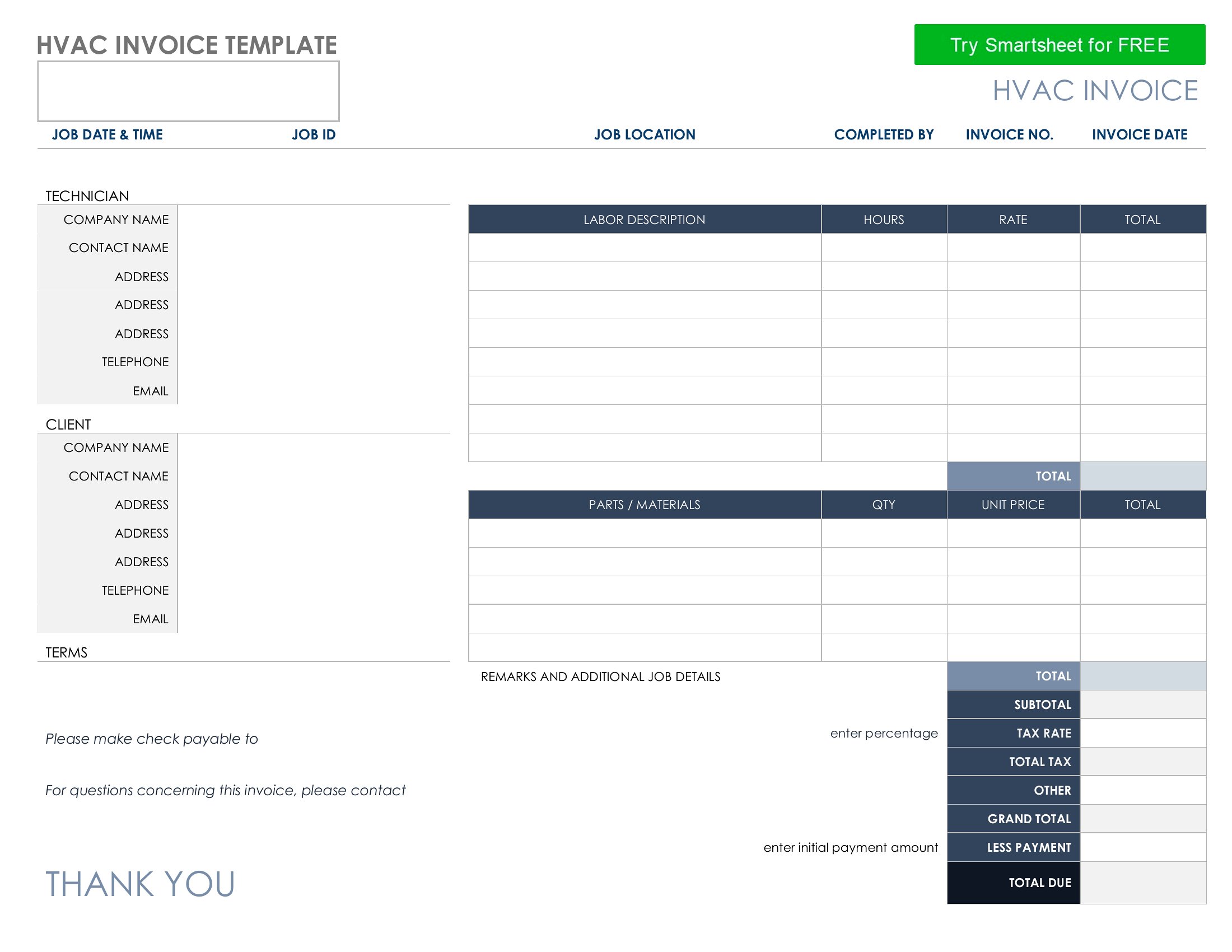
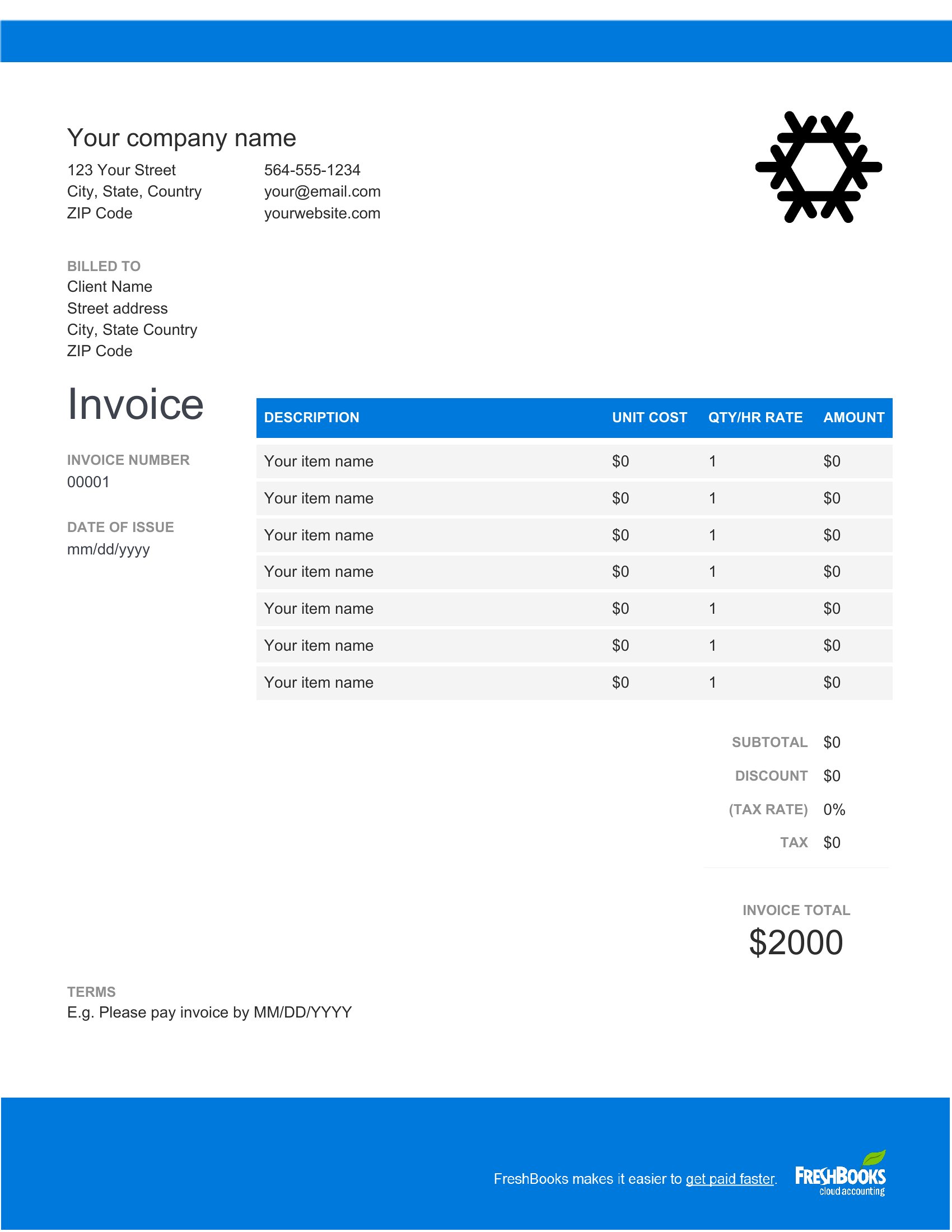
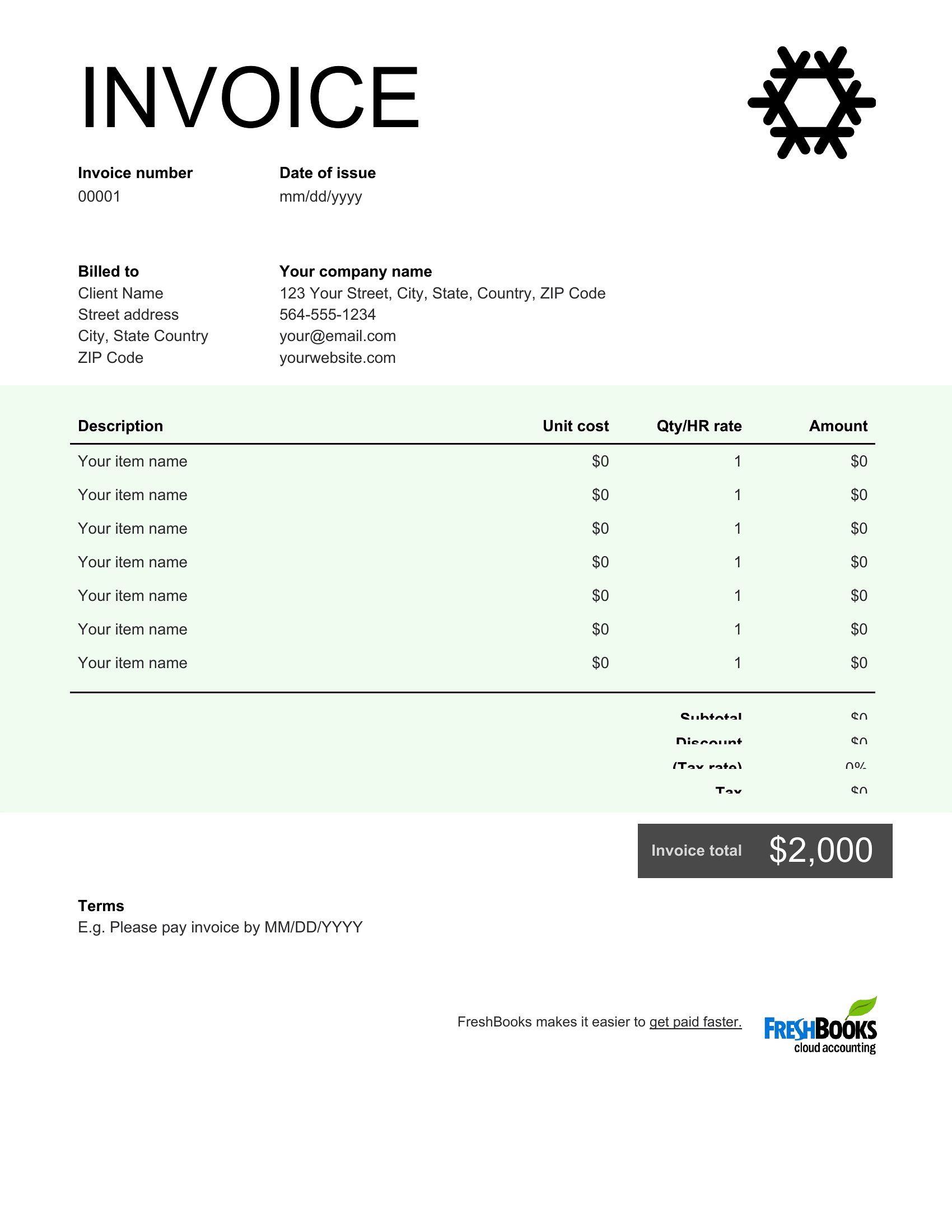
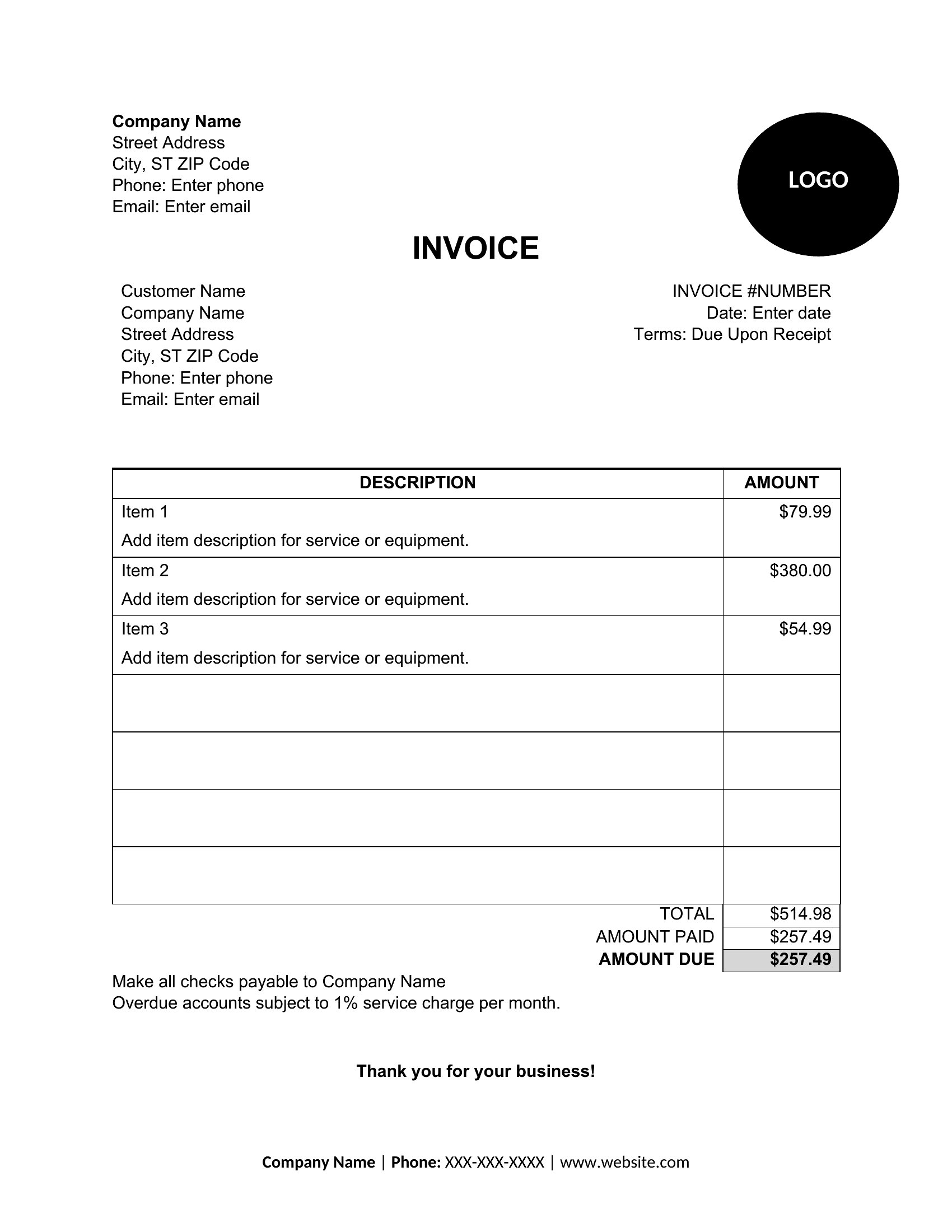
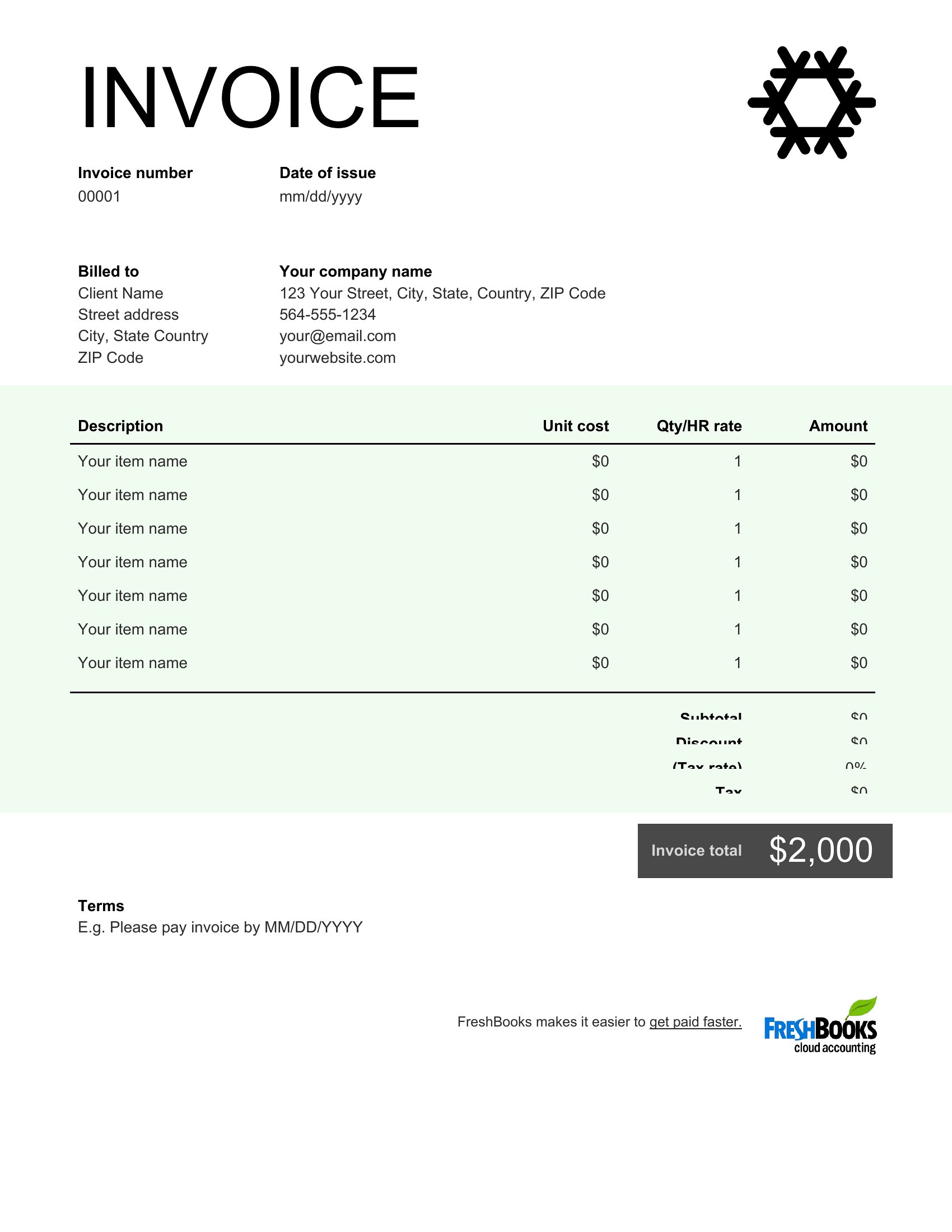
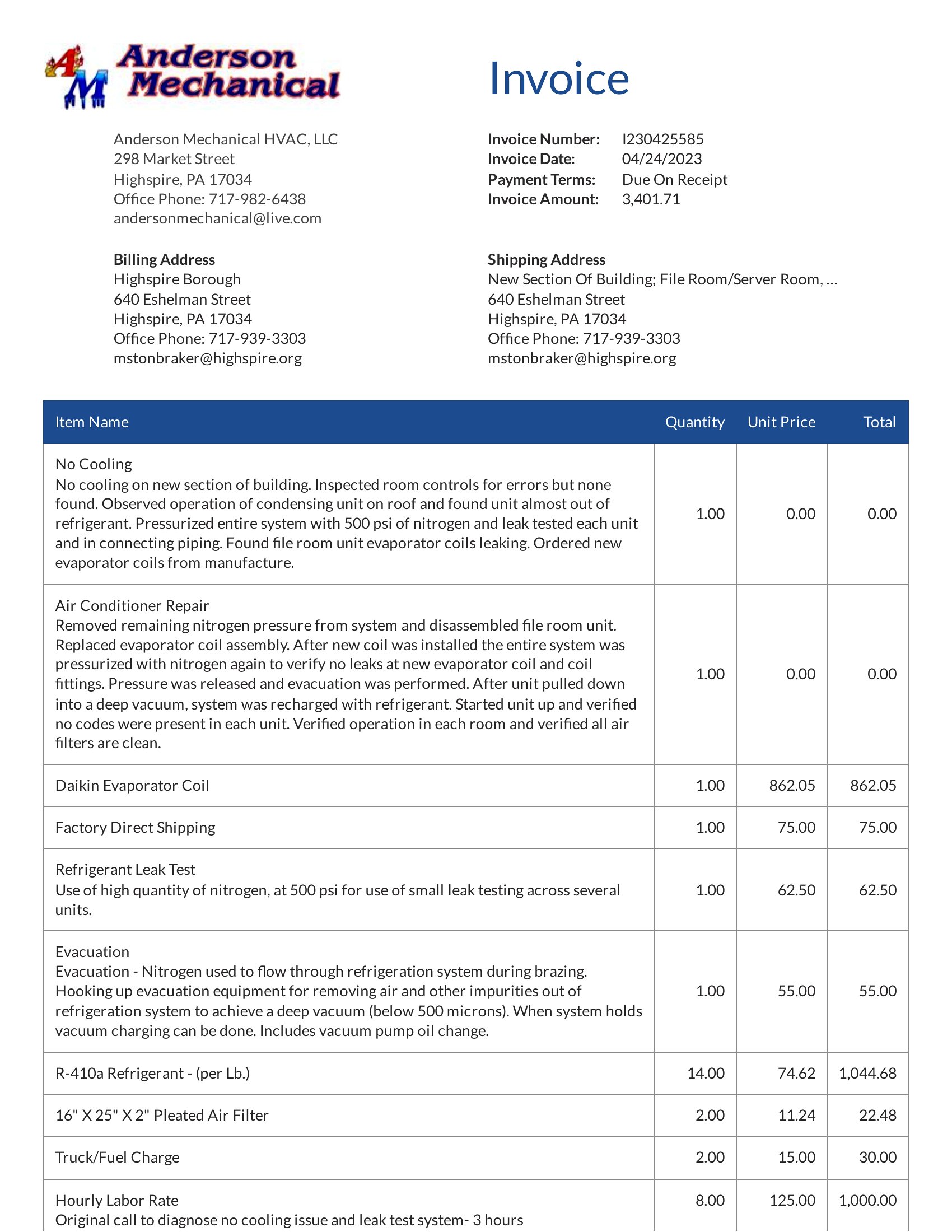
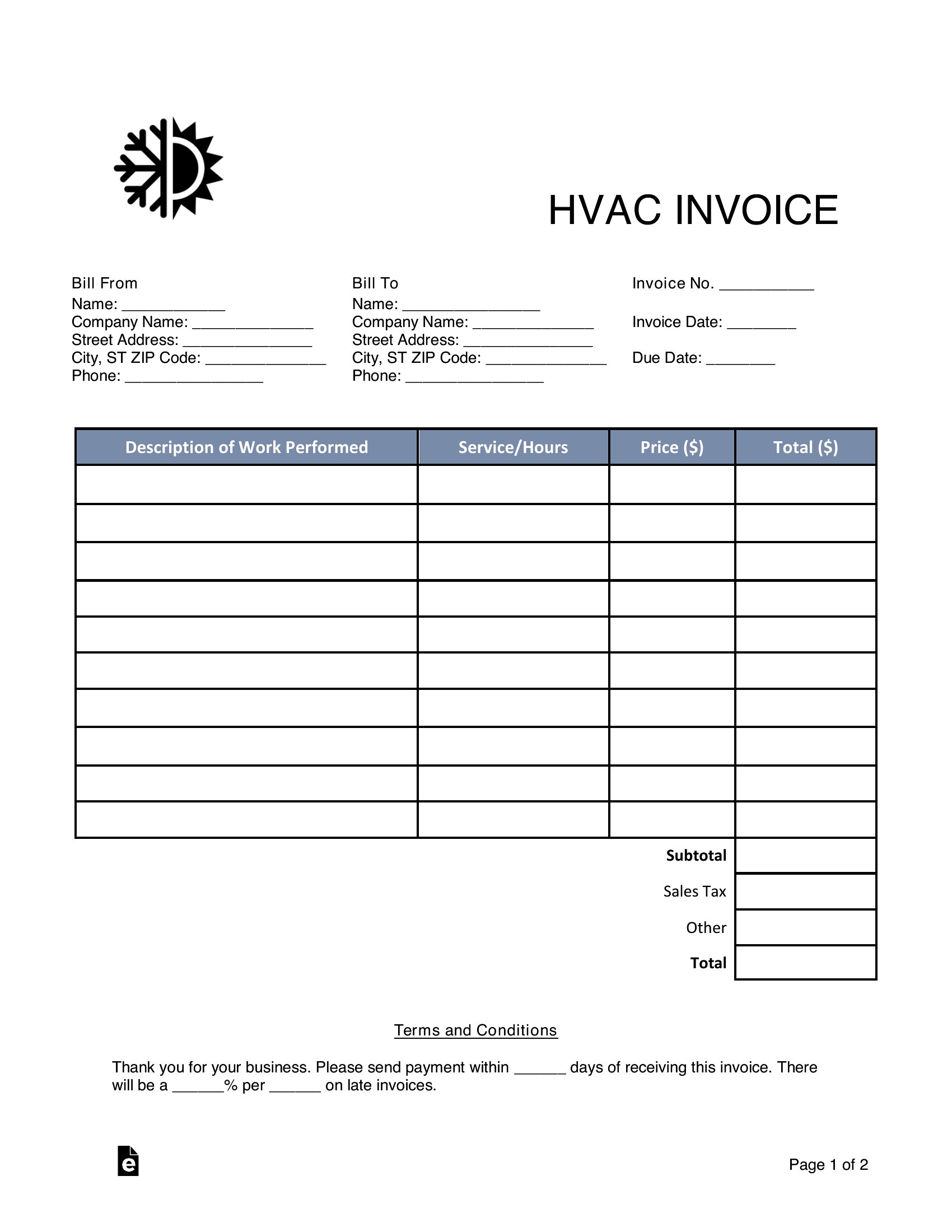
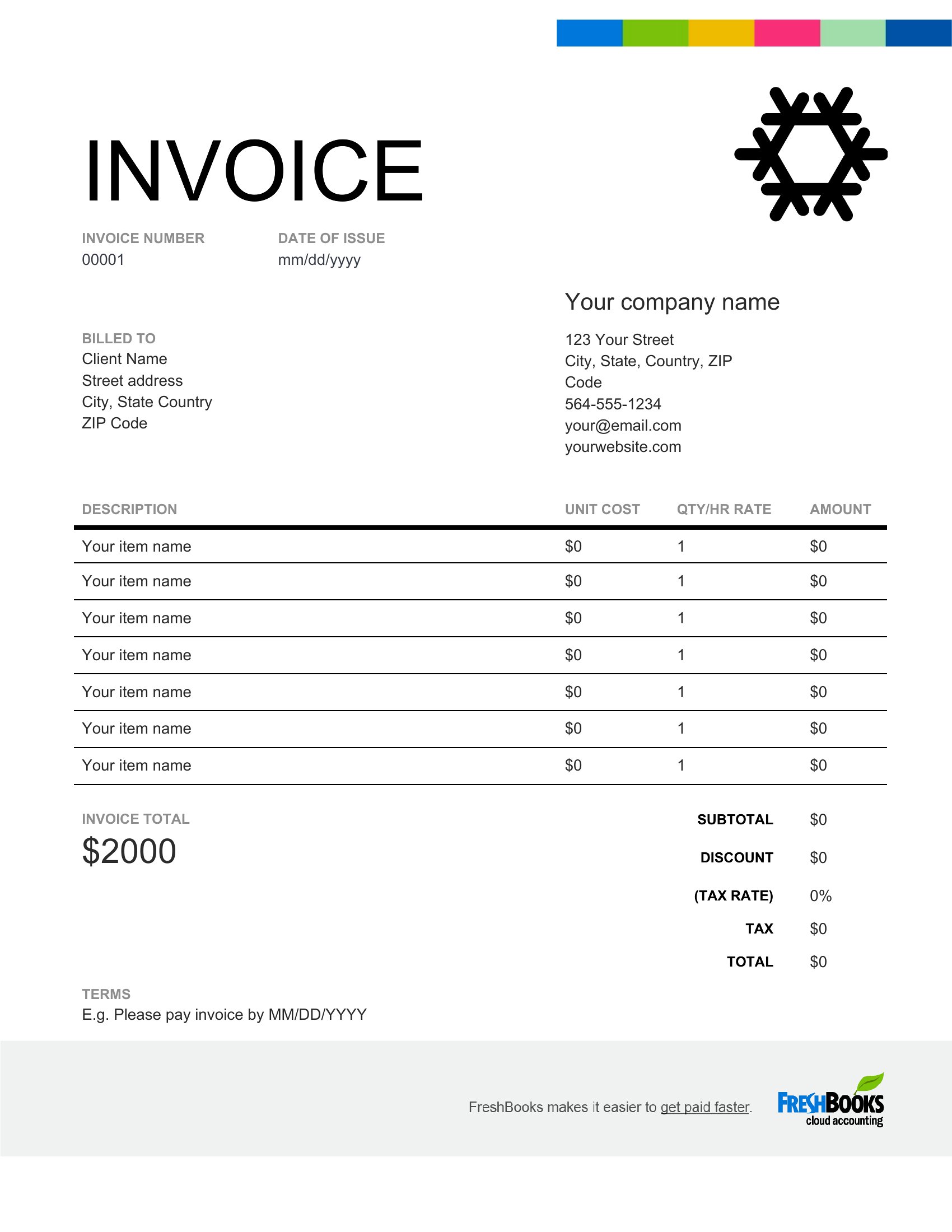
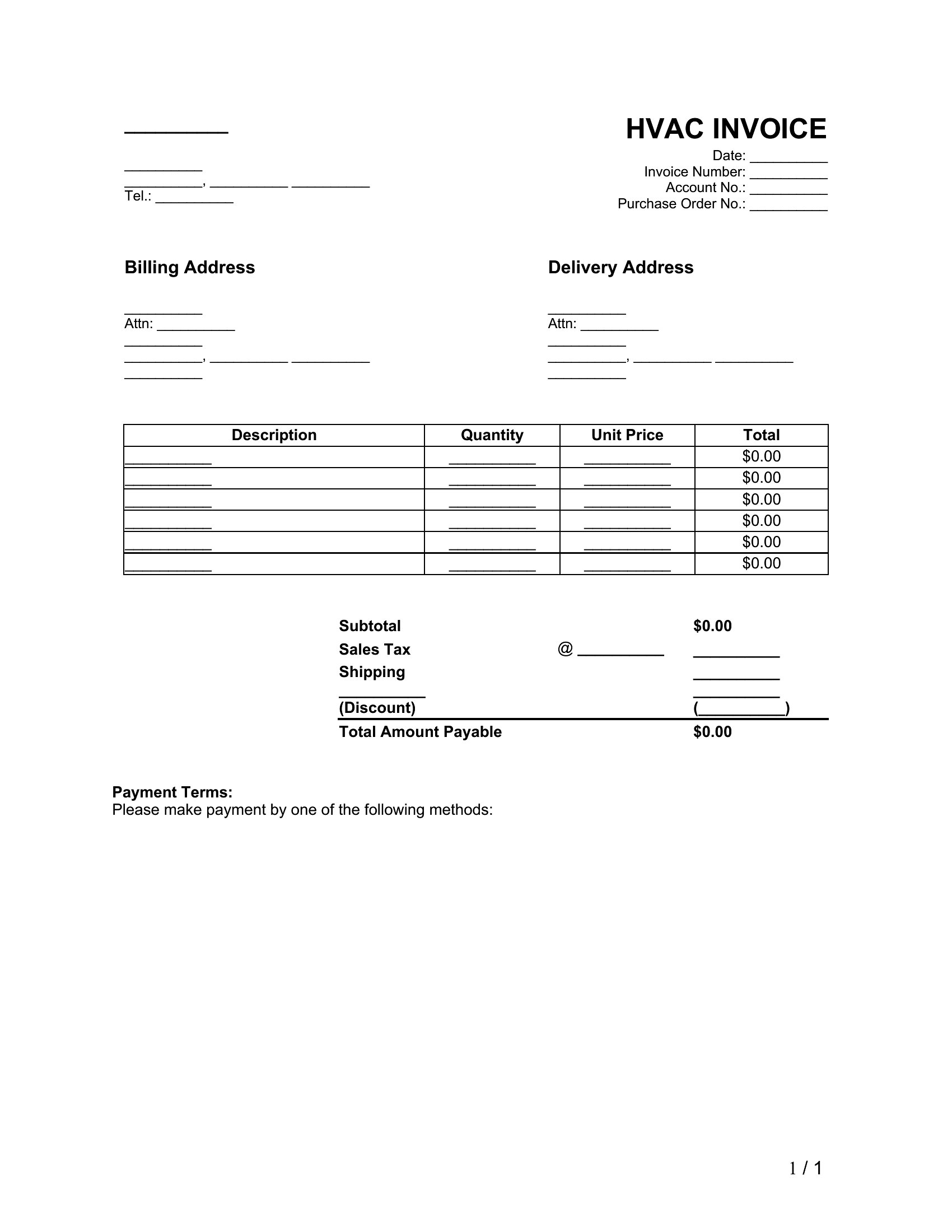
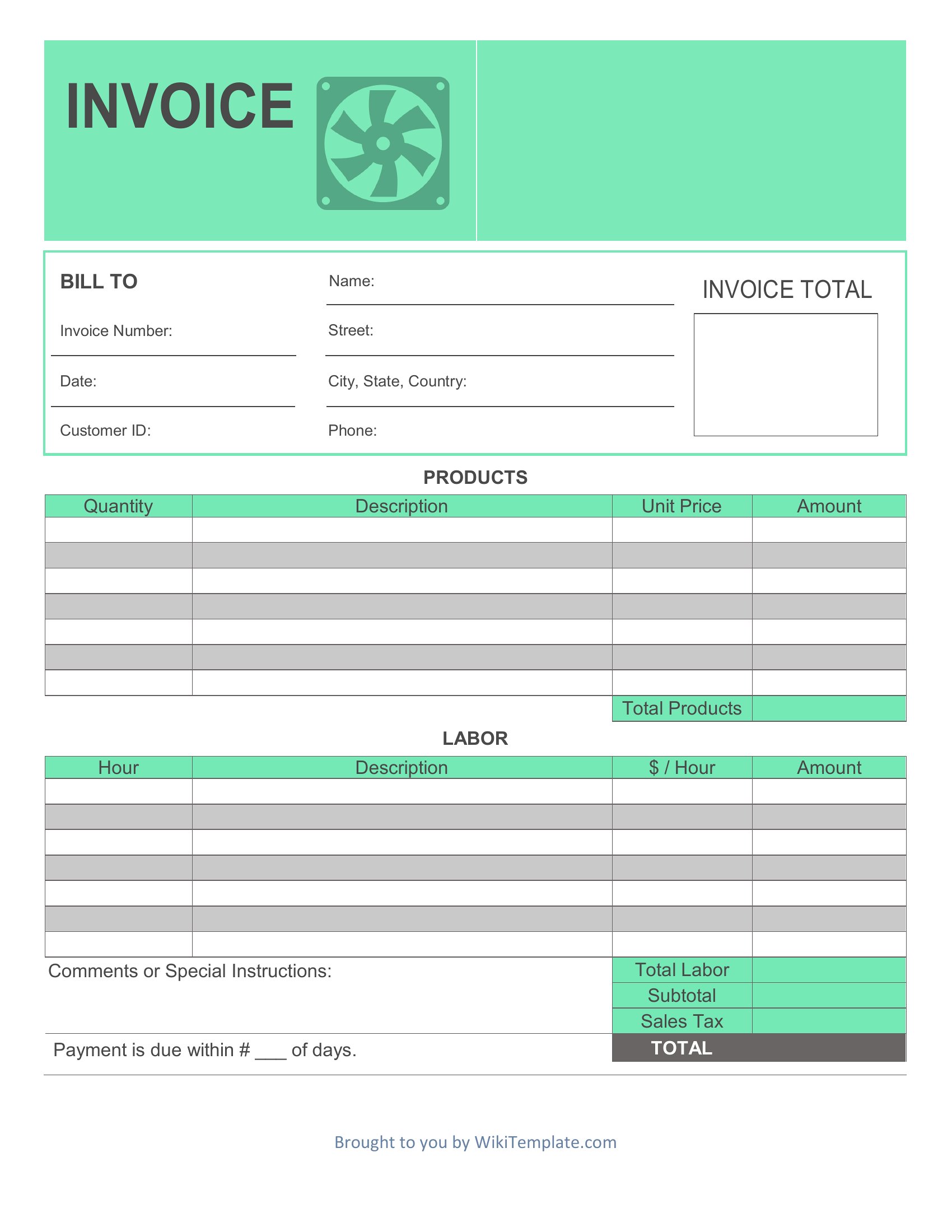
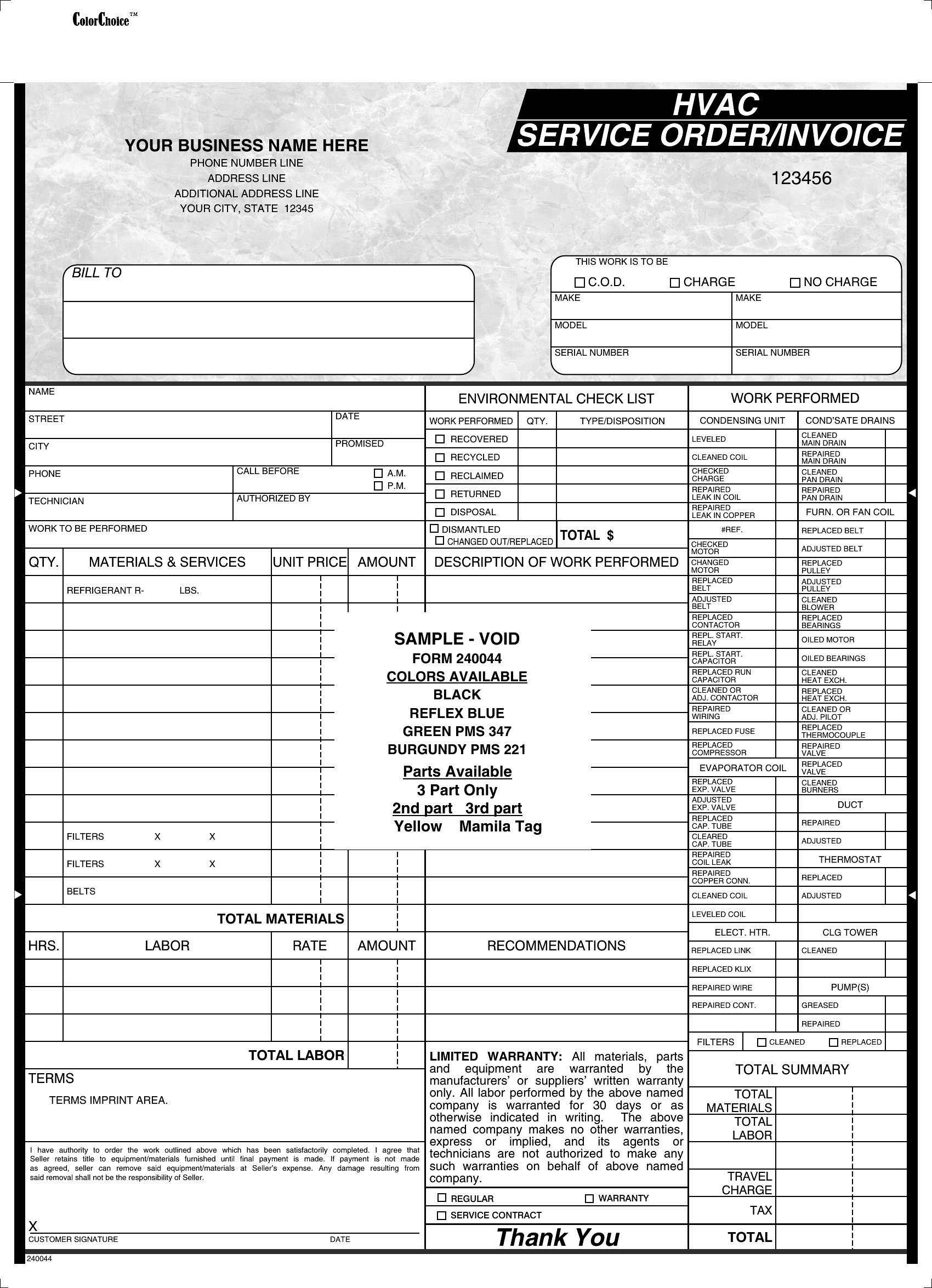
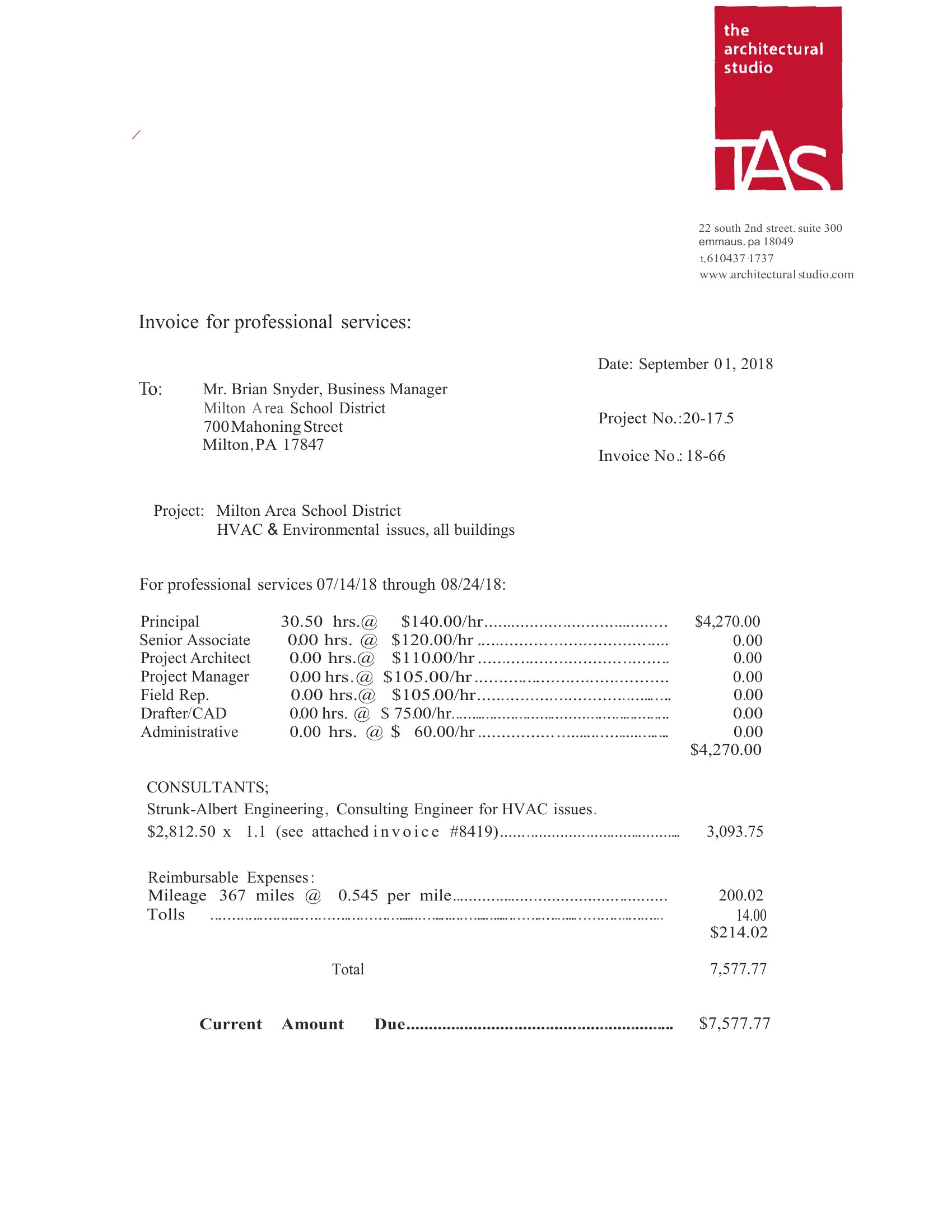
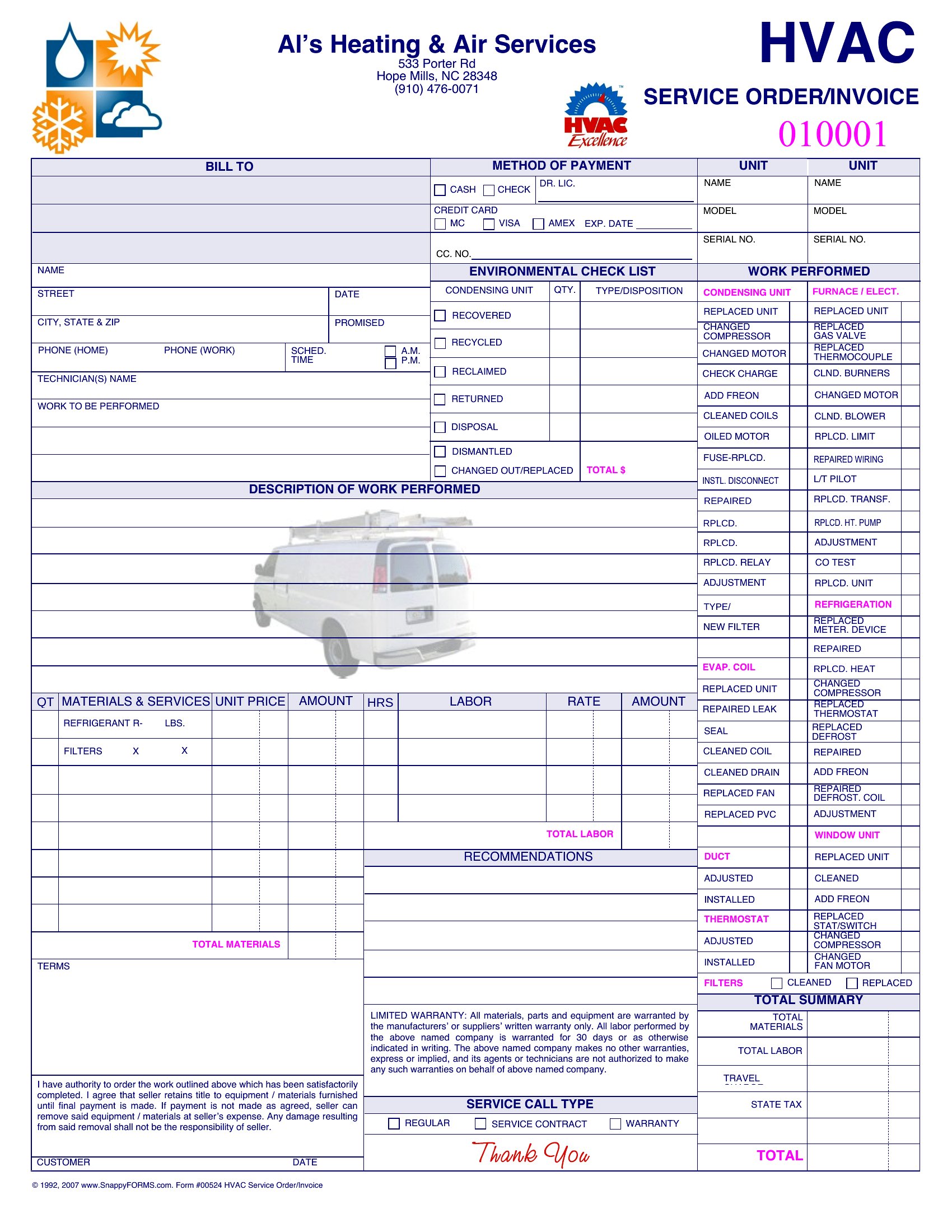
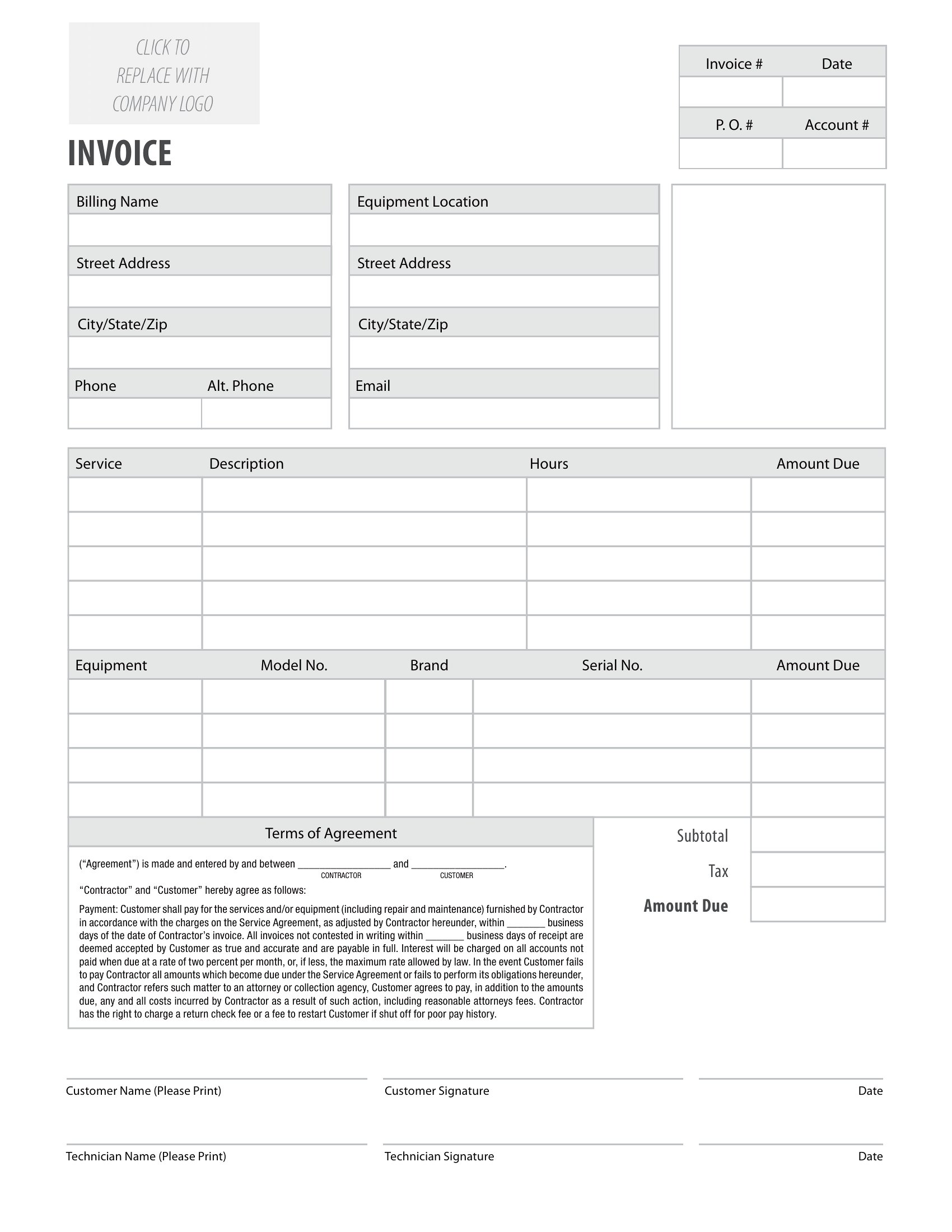
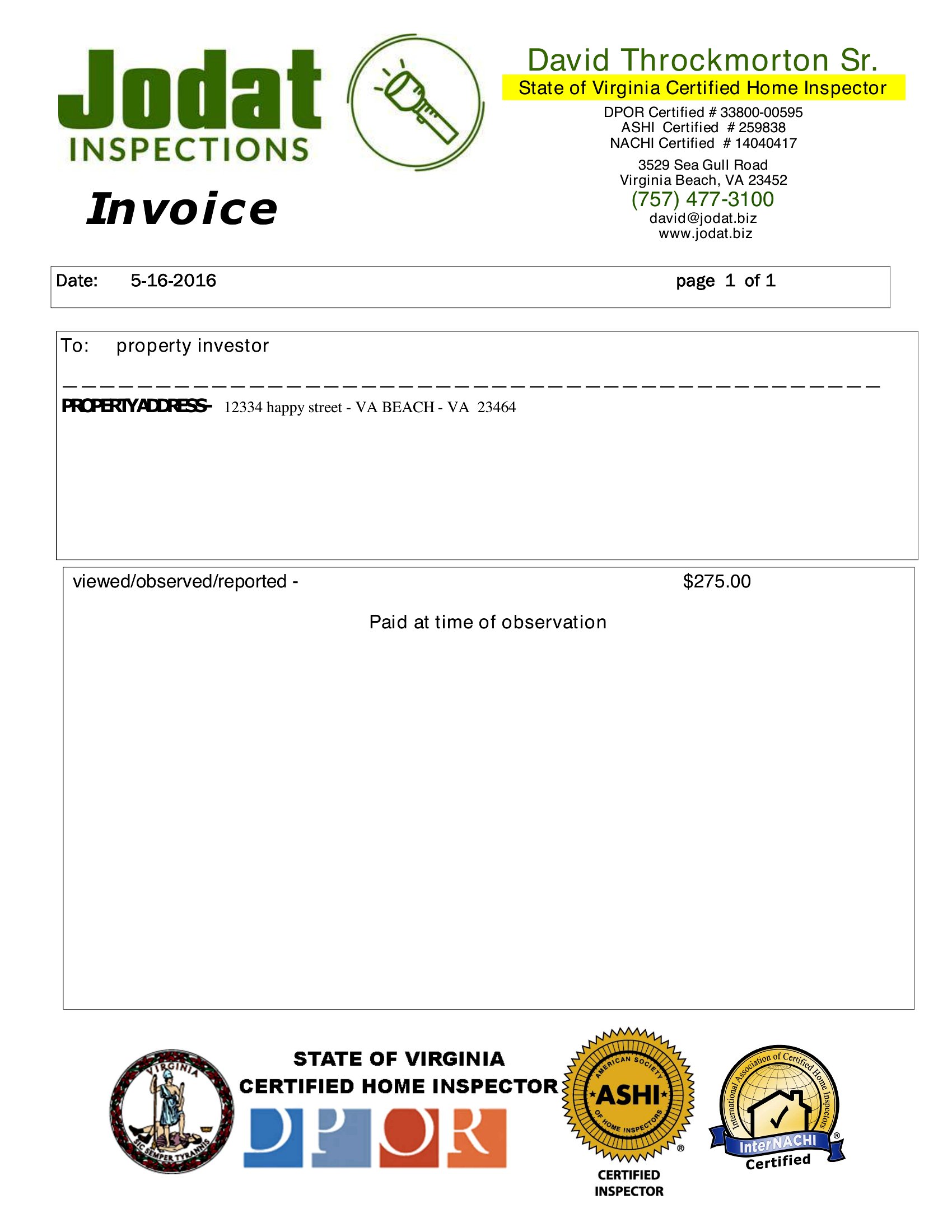
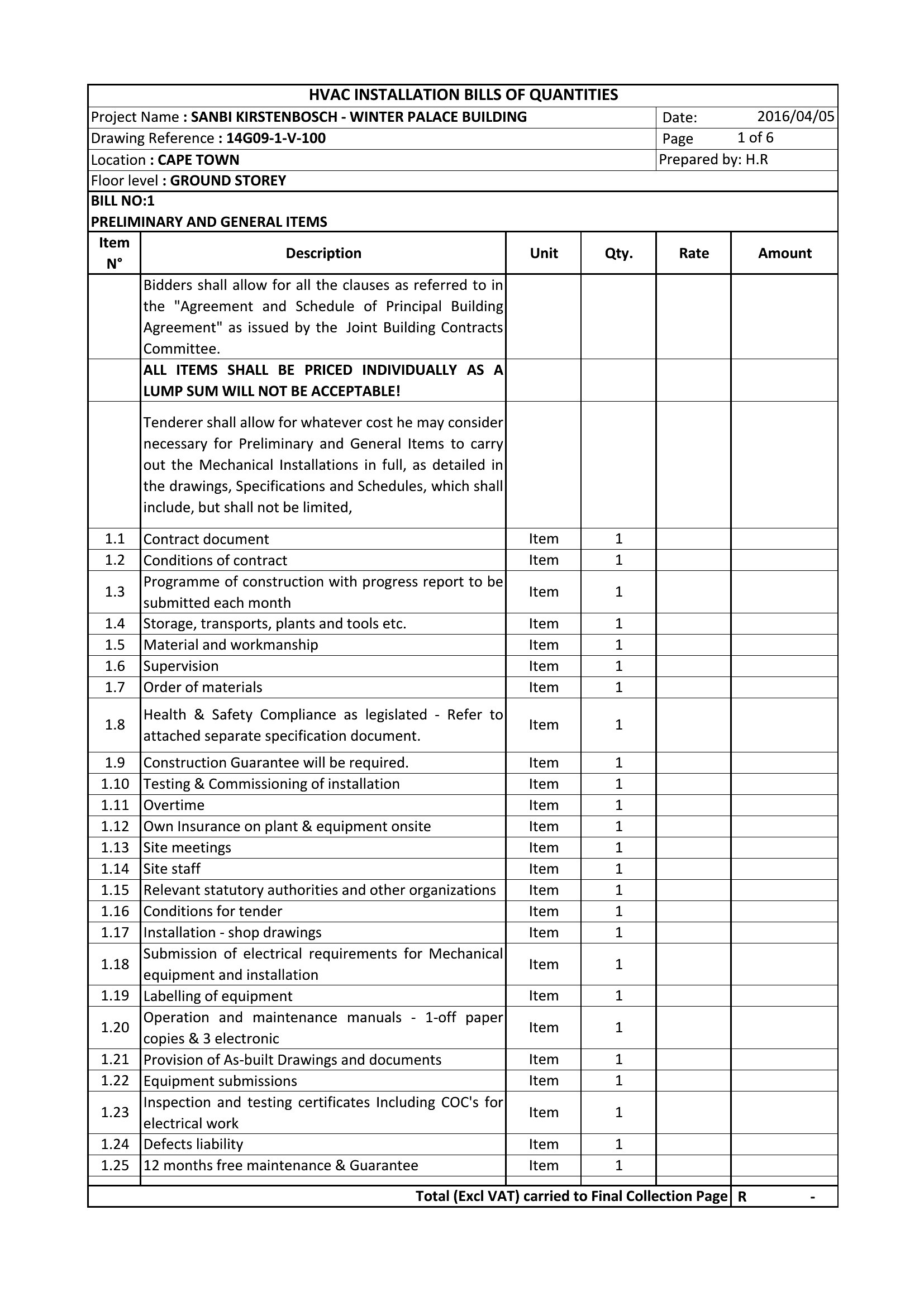
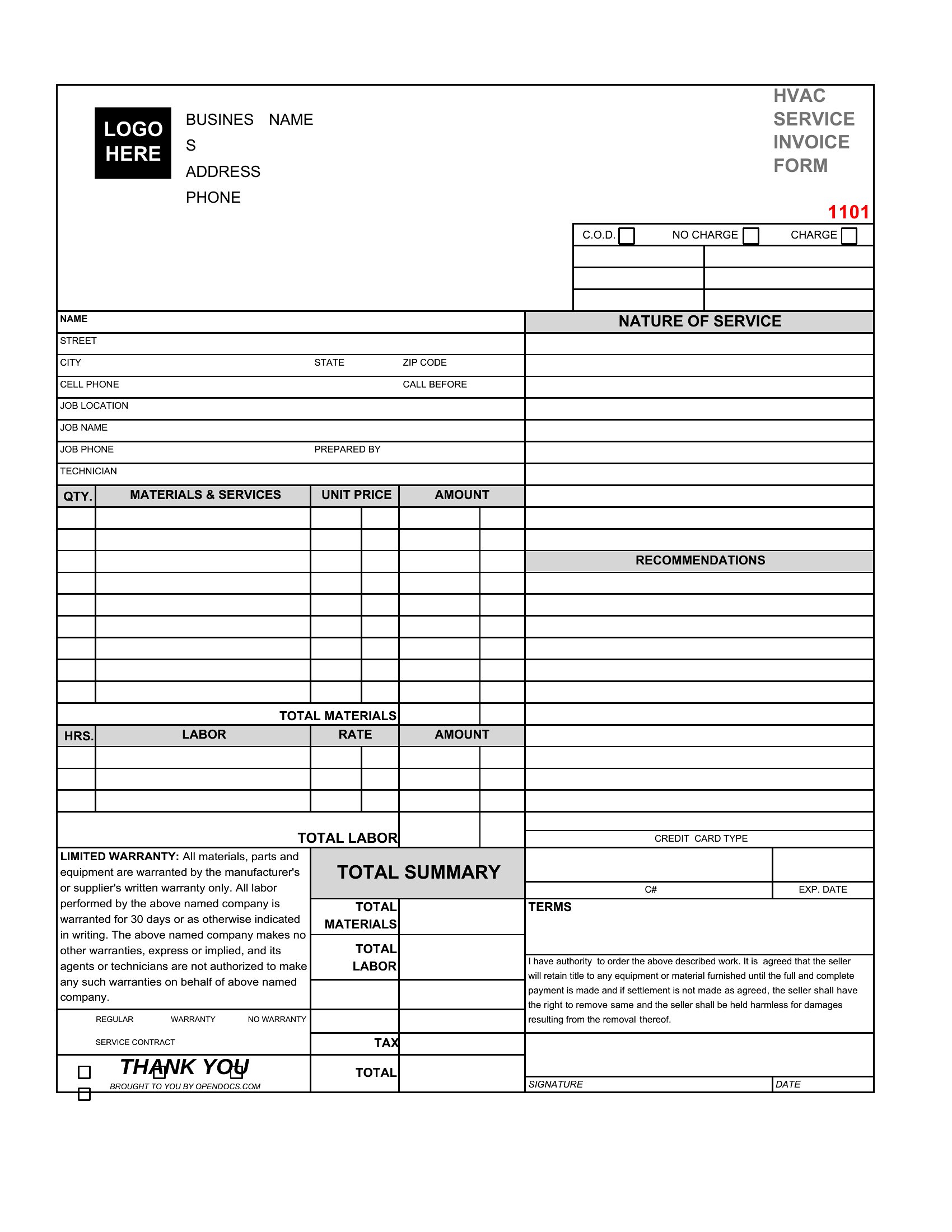
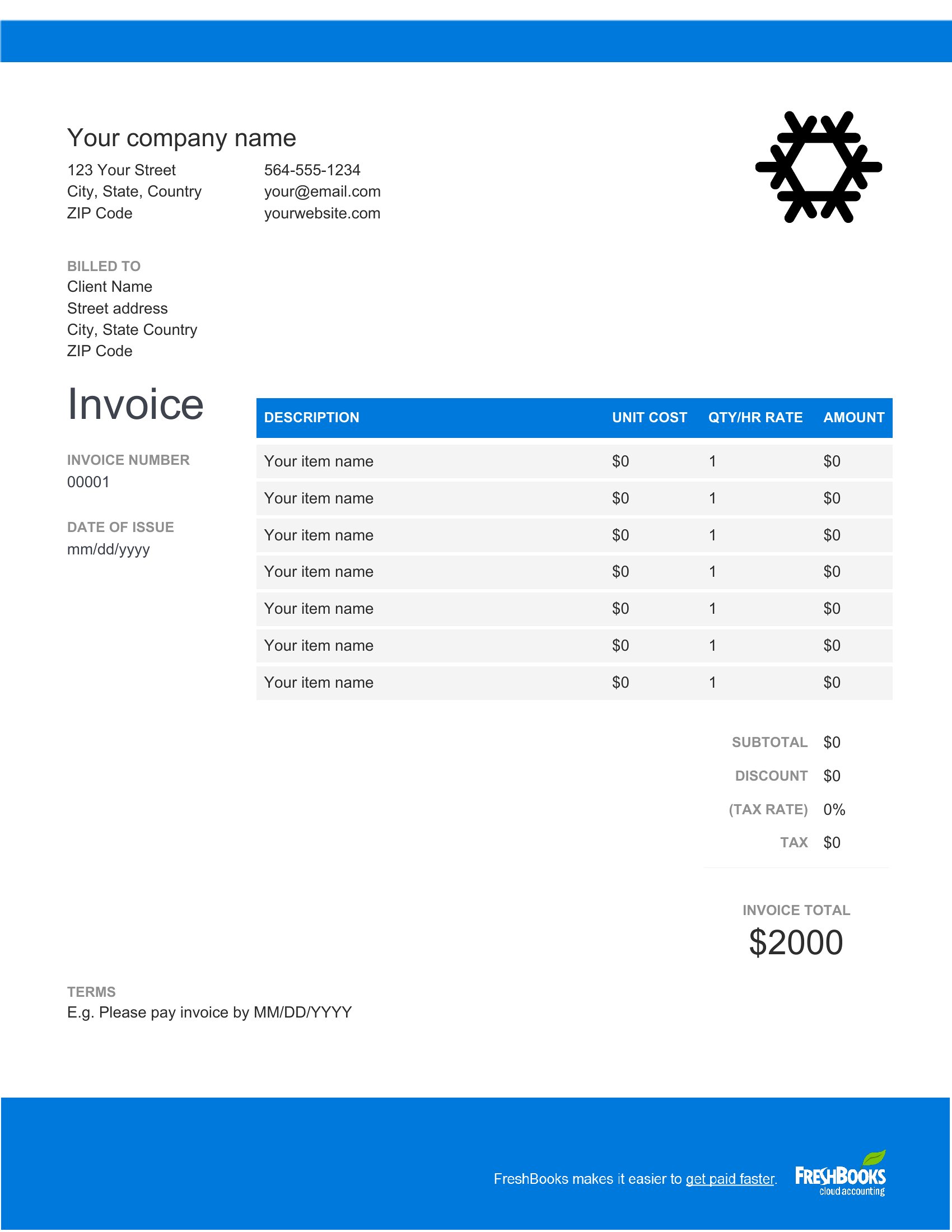
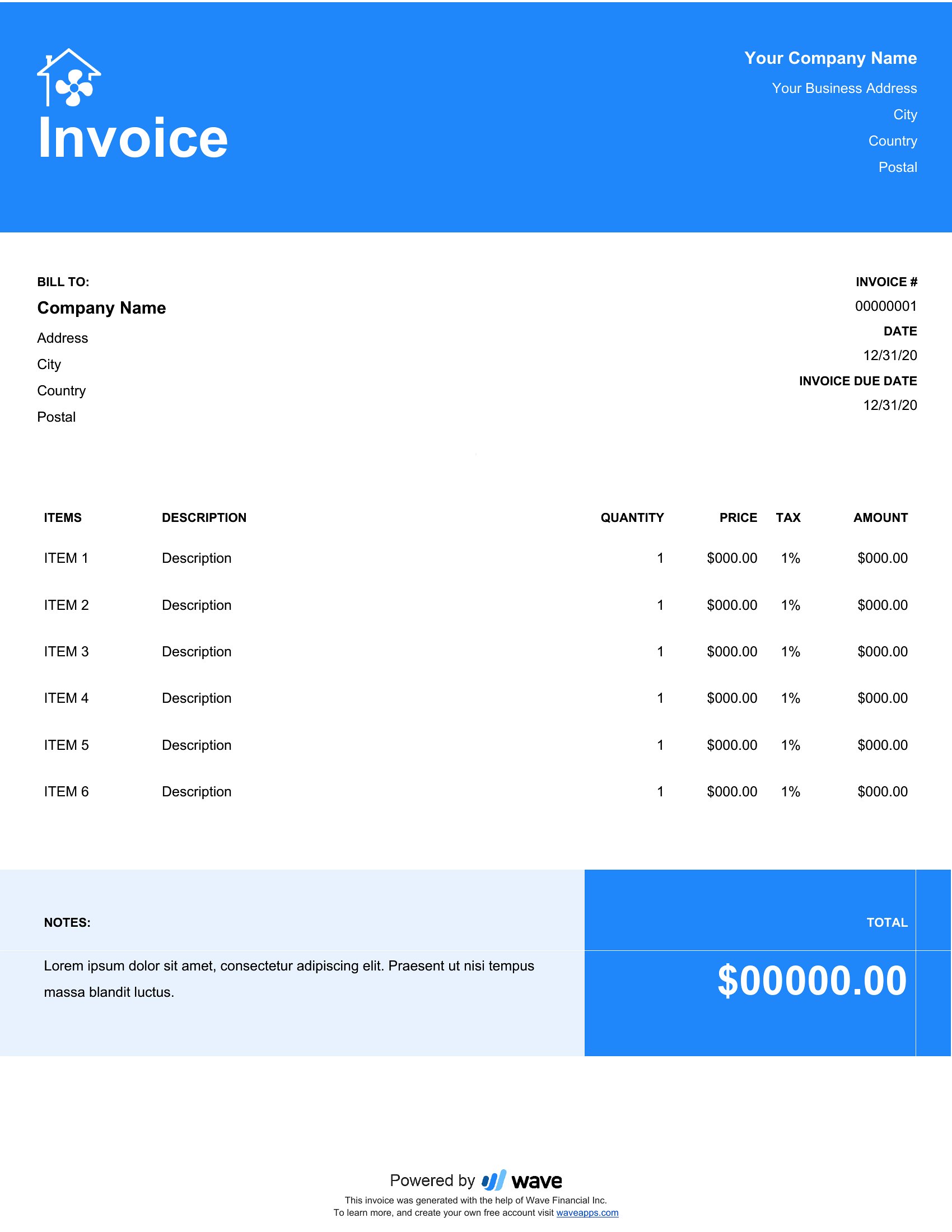
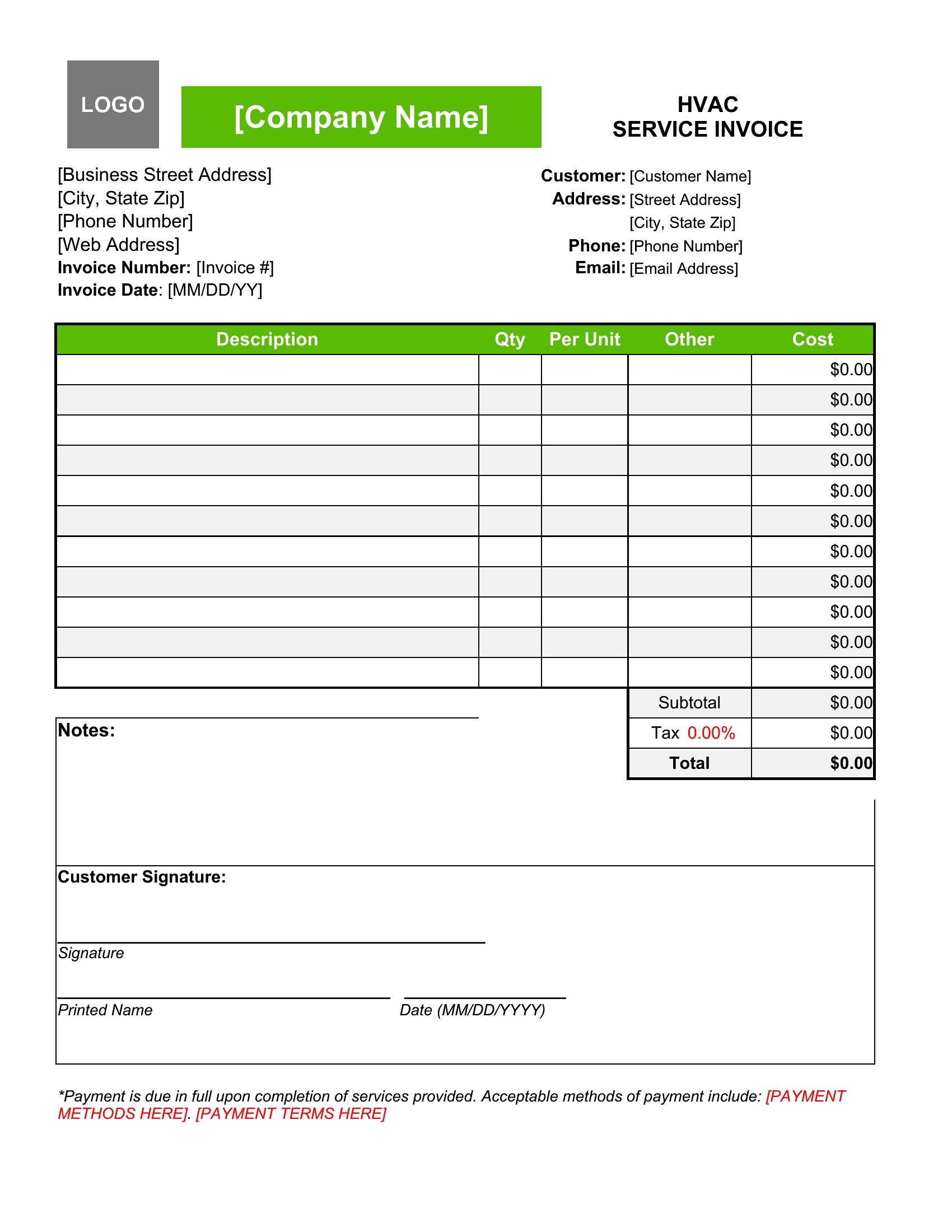
InvoicesHeating and cooling work involves parts, labor, and the occasional emergency call, and an HVAC invoice keeps all of it itemized. This set of 27 templates gives technicians and shops space for equipment, refrigerant, service hours, and tax, so the final bill is easy to read and quick to total.
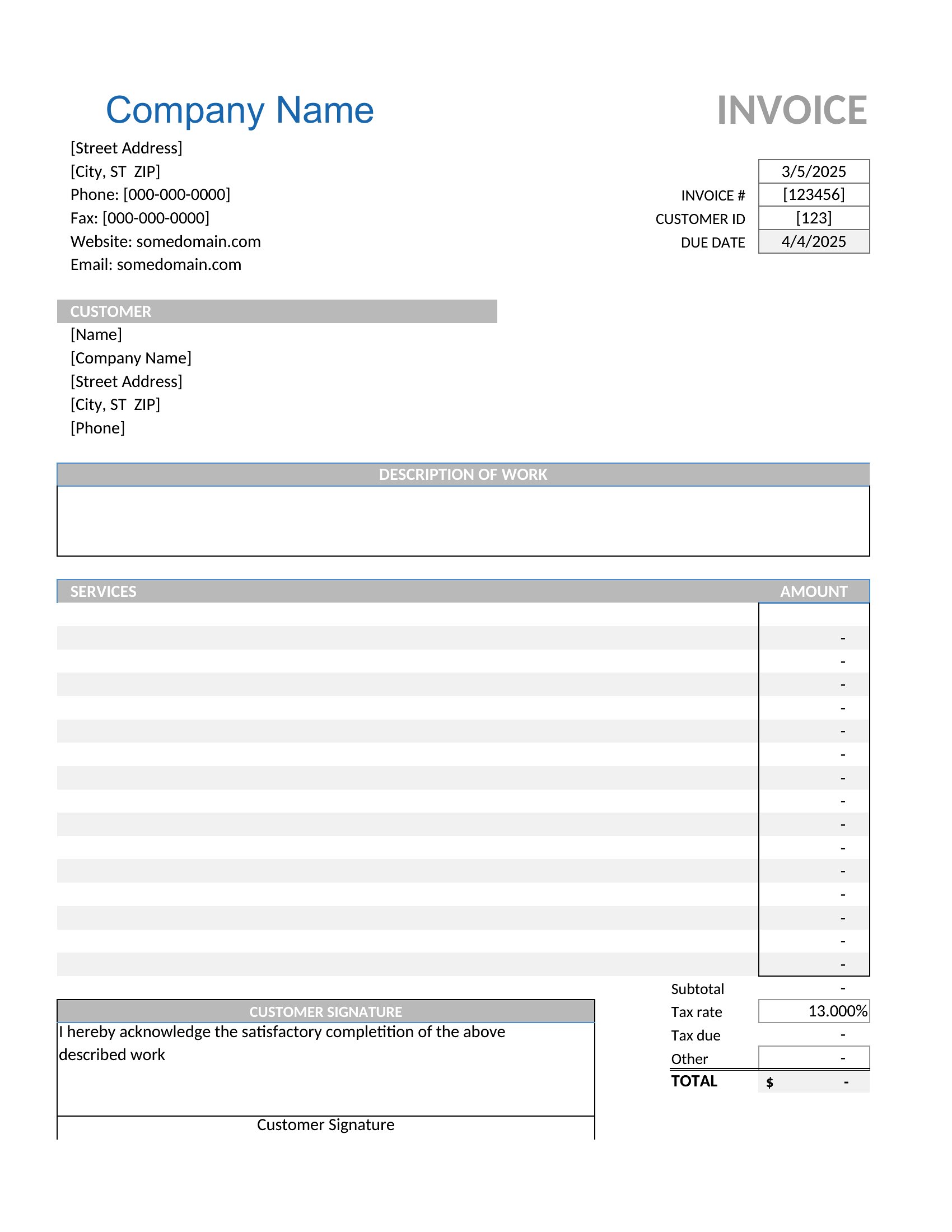
Choose editable Word files, Excel sheets that calculate totals as you go, or polished PDFs for printing and email. Fill in the customer's details, list the work, and send a clean invoice before you leave the driveway. Download the format that fits your business and collect on the next service call.
When to use this HVAC Invoice template
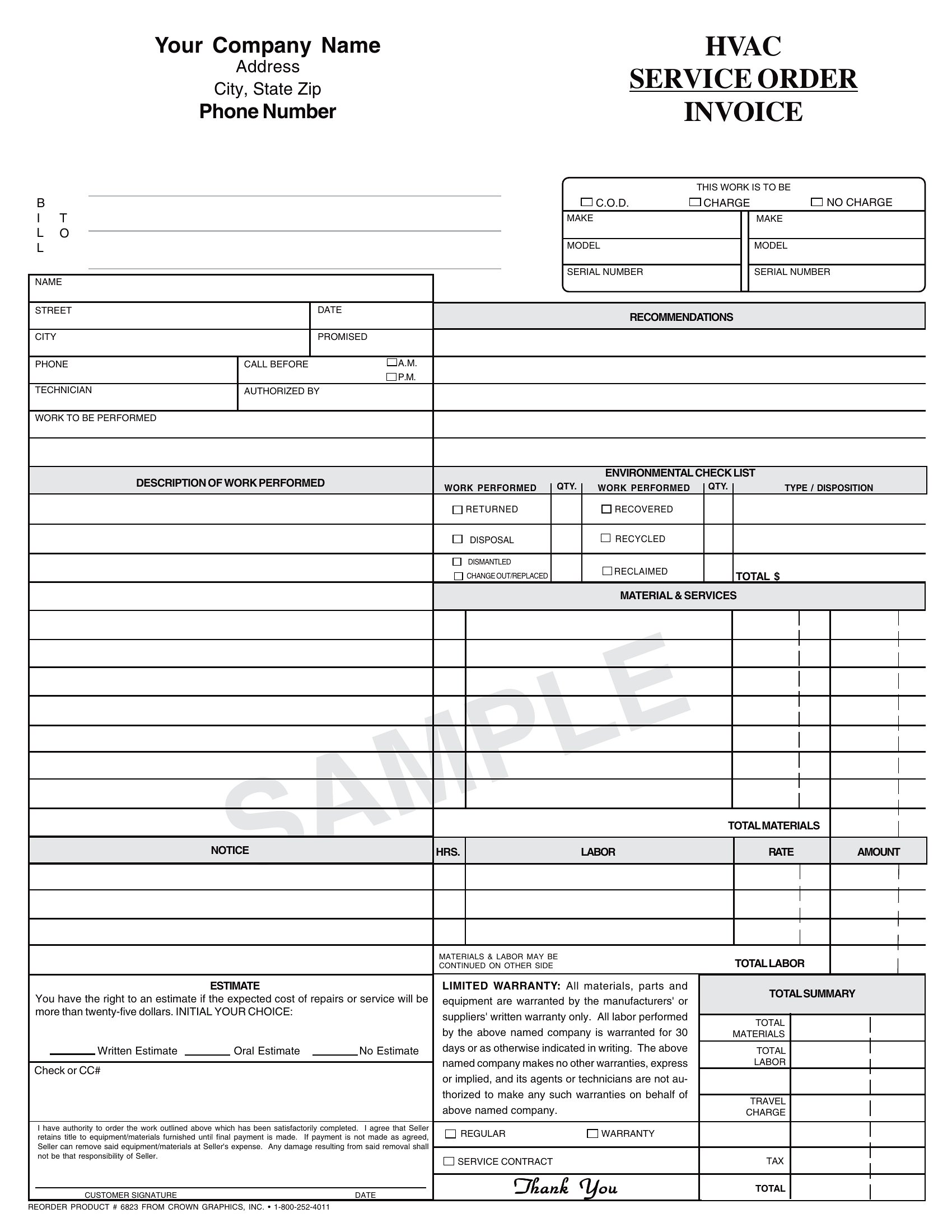
- A mid-sized HVAC repair shop needs to bill residential customers for overnight emergency calls, including parts like a faulty compressor and 3 hours of labor, while ensuring the invoice clearly separates charges for diagnostics and repairs.
- An independent HVAC technician servicing commercial buildings wants a template that automatically calculates tax based on local rates and includes space for detailing refrigerant recovery fees for environmentally regulated systems.
- A homeowner hiring a contractor for a new furnace installation needs a transparent invoice template to review before signing, with line items for equipment, permits, disposal fees, and any upsold maintenance agreements.
- A franchise owner managing multiple HVAC locations requires a standardized invoice format that tracks labor hours by technician, flags add-on services like duct cleaning, and integrates with accounting software for seamless record-keeping.
Which format should I download?
Choose Word if you need a fully customizable invoice that technicians can adapt on-site for unique repair scenarios, such as adding handwritten notes or photos of damaged units. Excel works best for shops that need real-time calculations—like applying discounts or tracking recurring service charges—while also storing invoices in a spreadsheet for inventory or payroll integration. PDF is ideal for final, polished invoices that you’ll email to clients or print for signatures, ensuring all details remain locked in and professional. Skip PDF if you’ll need to edit the invoice later.
Choose from 27 HVAC Invoice Templates
How to use this HVAC Invoice template
Can I use one of these templates to break down labor costs by technician for a team of HVAC installers?
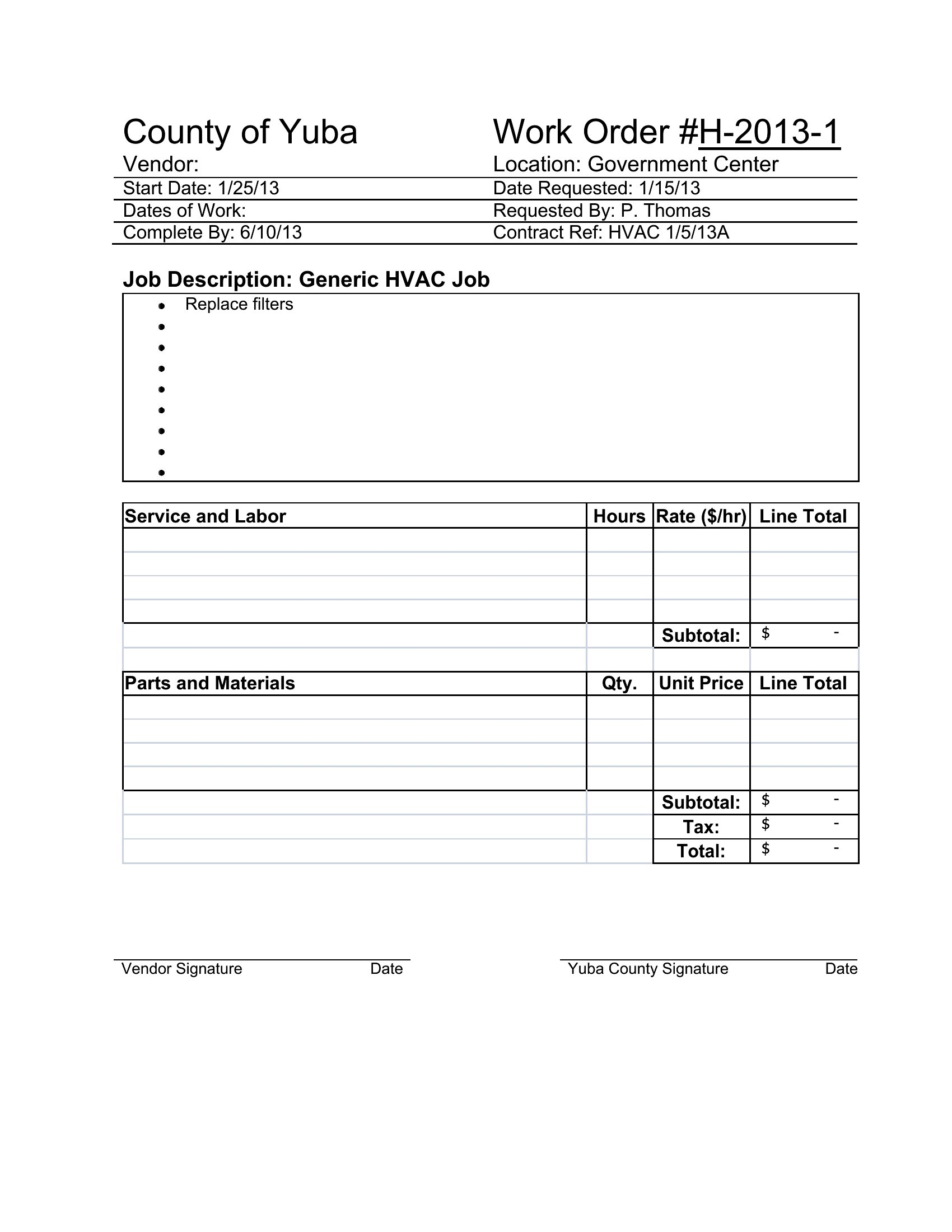
Yes, several templates in this collection include columns for tracking individual technician names, hours worked, and hourly rates. The Excel formats let you use formulas to auto-sum labor costs per job, while Word and PDF templates provide dedicated sections for manual entry. For teams, the Word documents are especially flexible, as you can duplicate rows or add a separate sheet for timecards.
How do I handle variable tax rates if I service clients in different counties or states?
Most templates here include a separate line or highlighted section for tax details, allowing you to manually input the correct rate per job. The Excel files are the most adaptable—you can create a dropdown menu with common tax percentages or link to a cell referencing a lookup table. For PDFs, pre-populate the tax rate field before printing or use Word to adjust the rate before converting to PDF.
Are there templates that include space for warranties or manufacturer details for HVAC equipment?
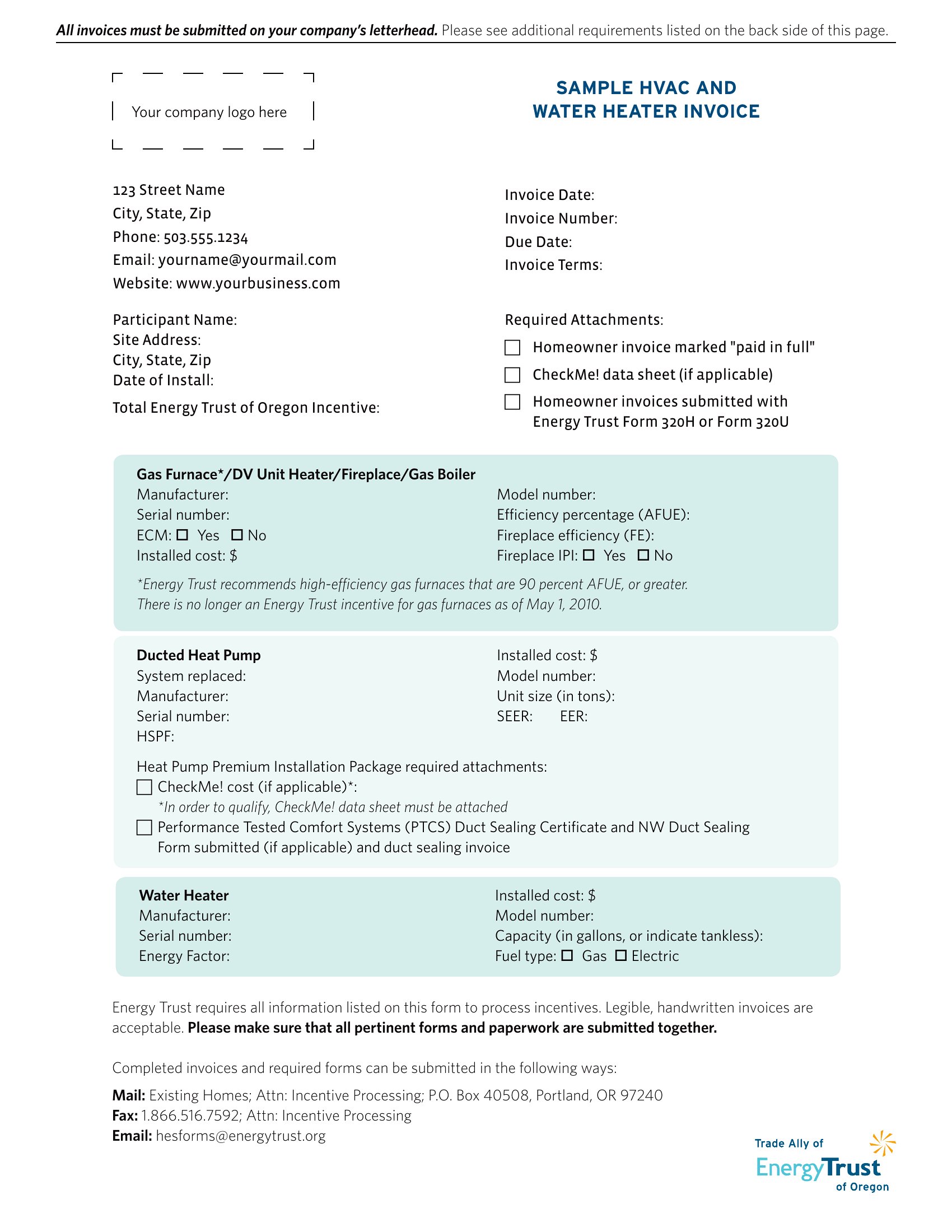
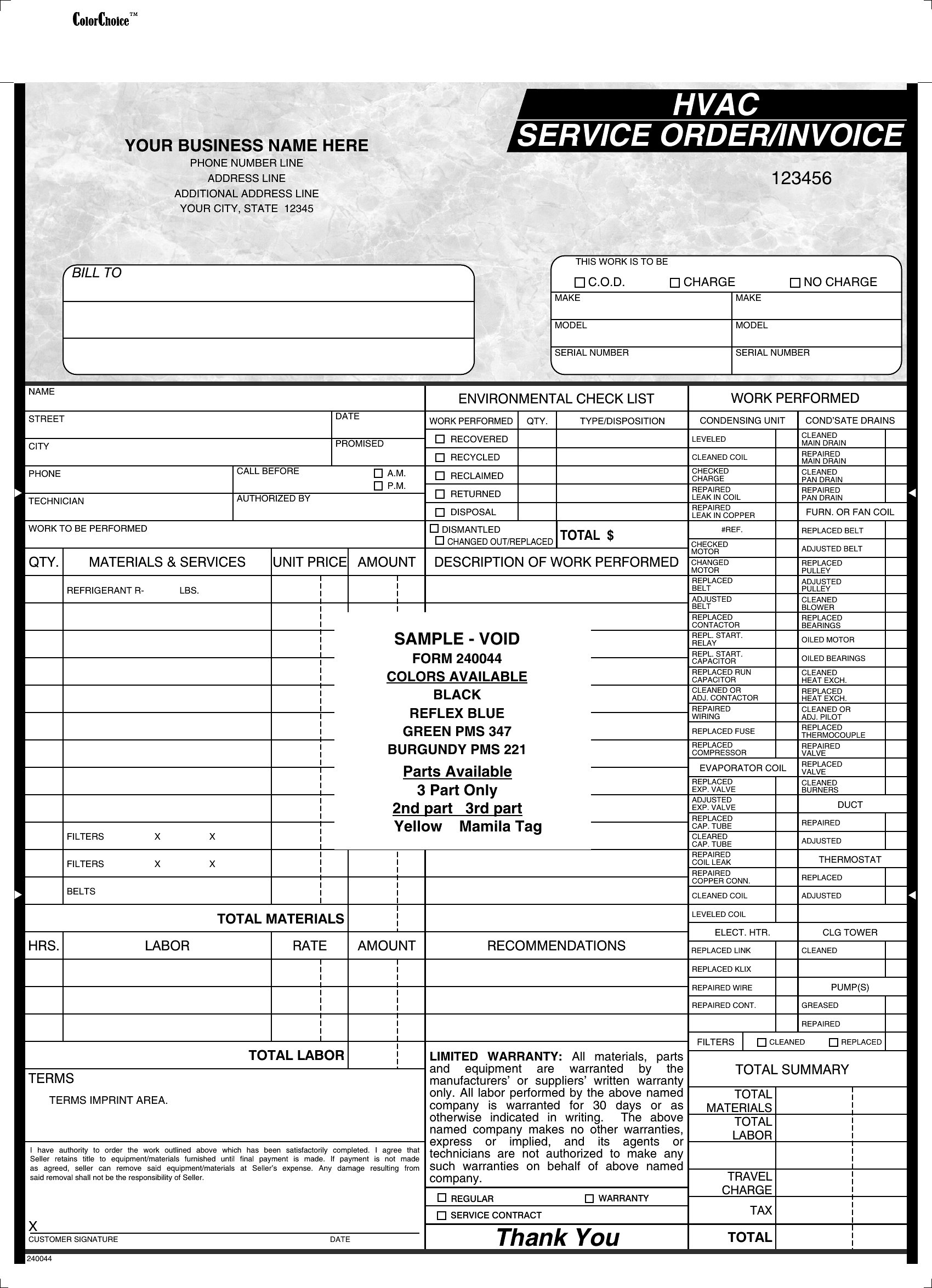
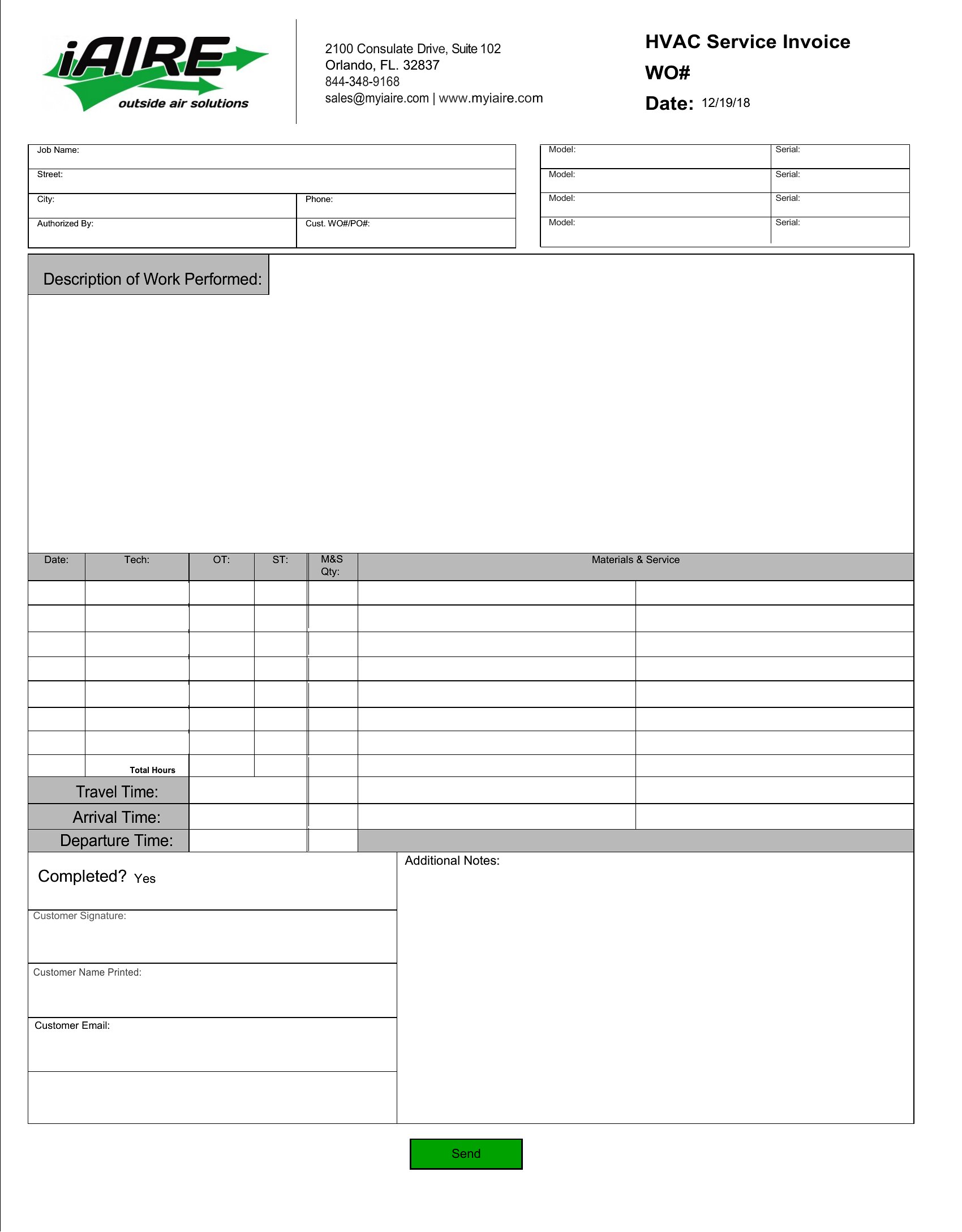
Yes, several templates feature a “Warranty Information” or “Equipment Specifications” section where you can list the unit’s model number, brand, warranty terms, and coverage start date. The Word and PDF formats are best for adding this detail, as they allow you to include disclaimers or scan and attach warranty documents directly to the invoice. Excel versions may require a separate tab for this data if your workflow links to inventory systems.
Comments
Join the conversation
Sign in to share your thoughts and leave a comment on this resource.