Free Seating Chart Templates (Word, PDF)
DiagramsTemplates
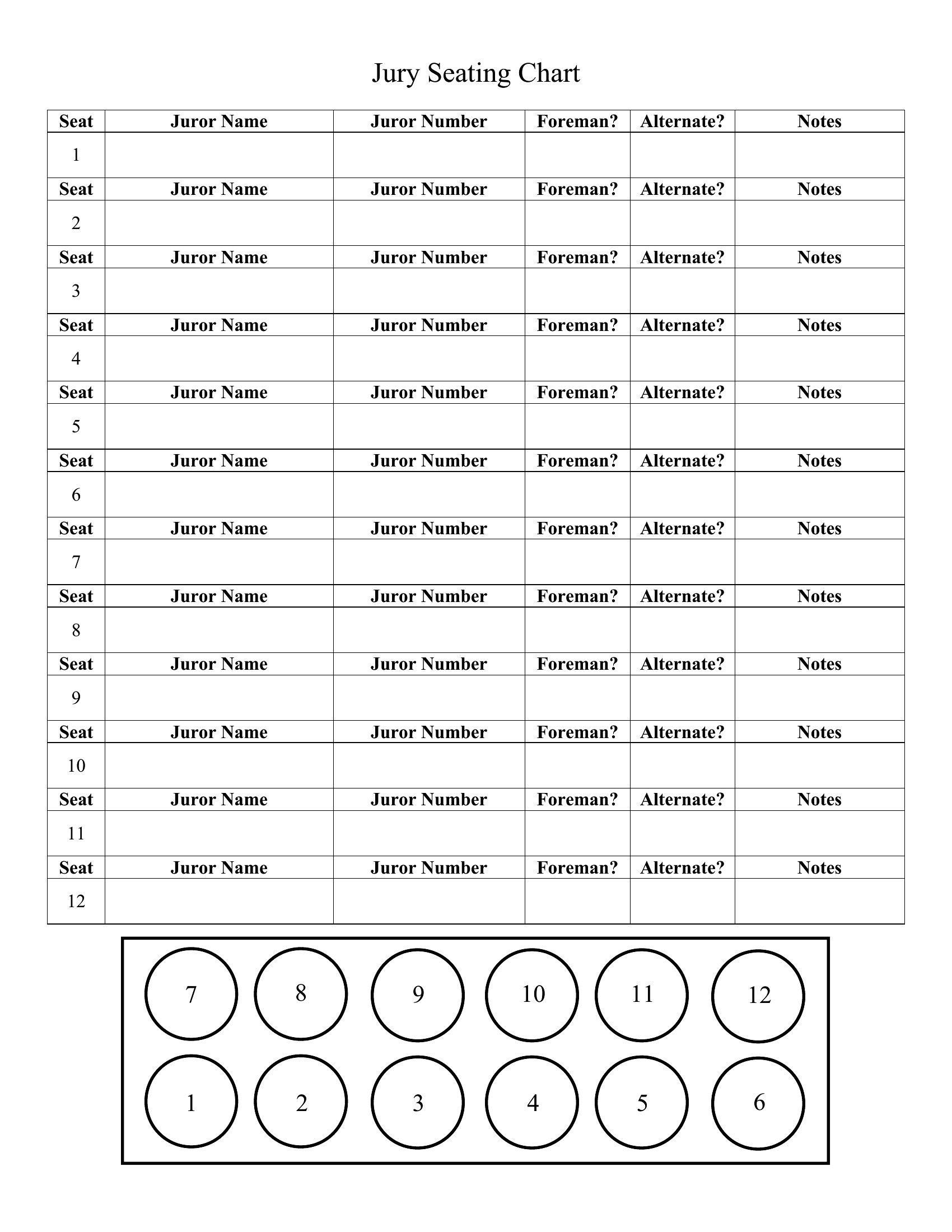
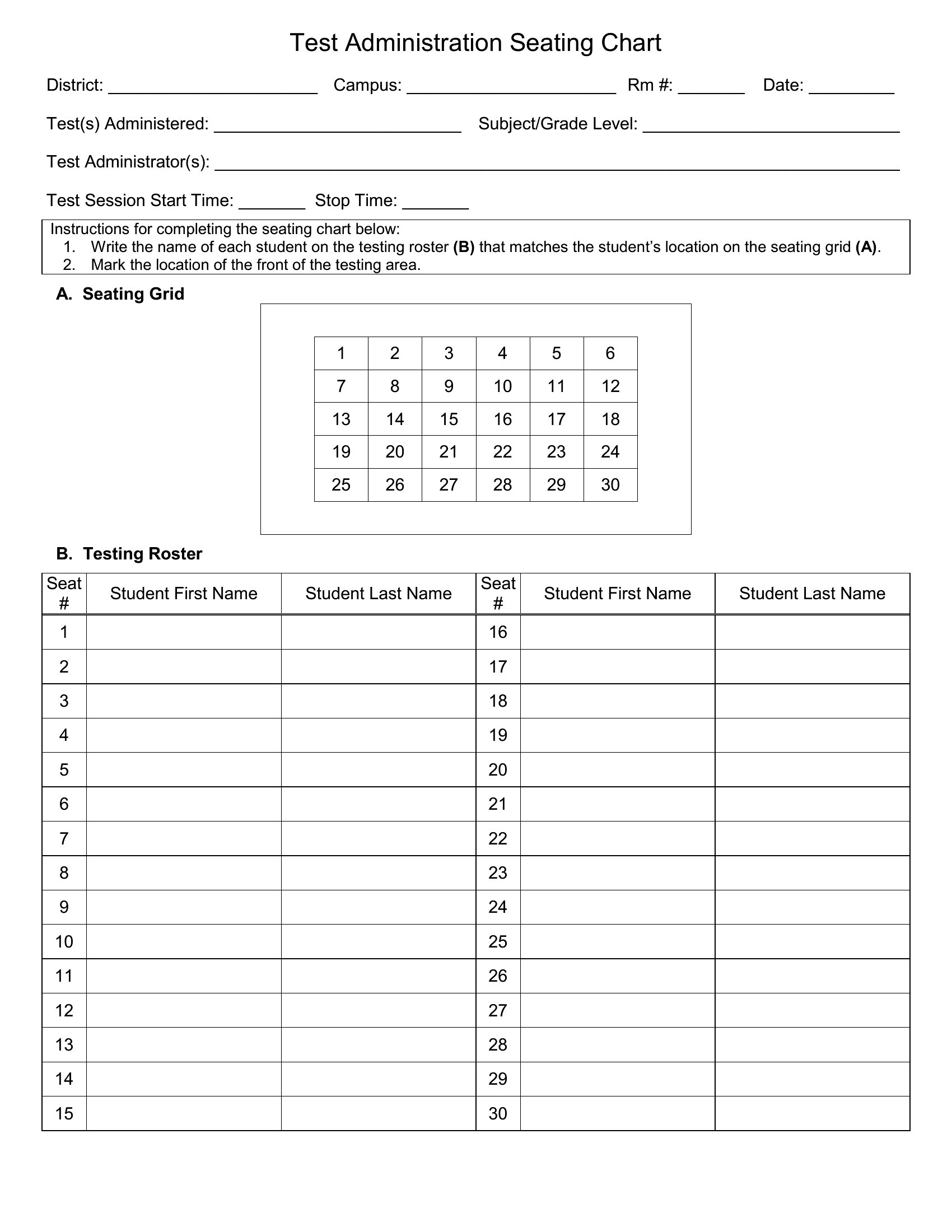
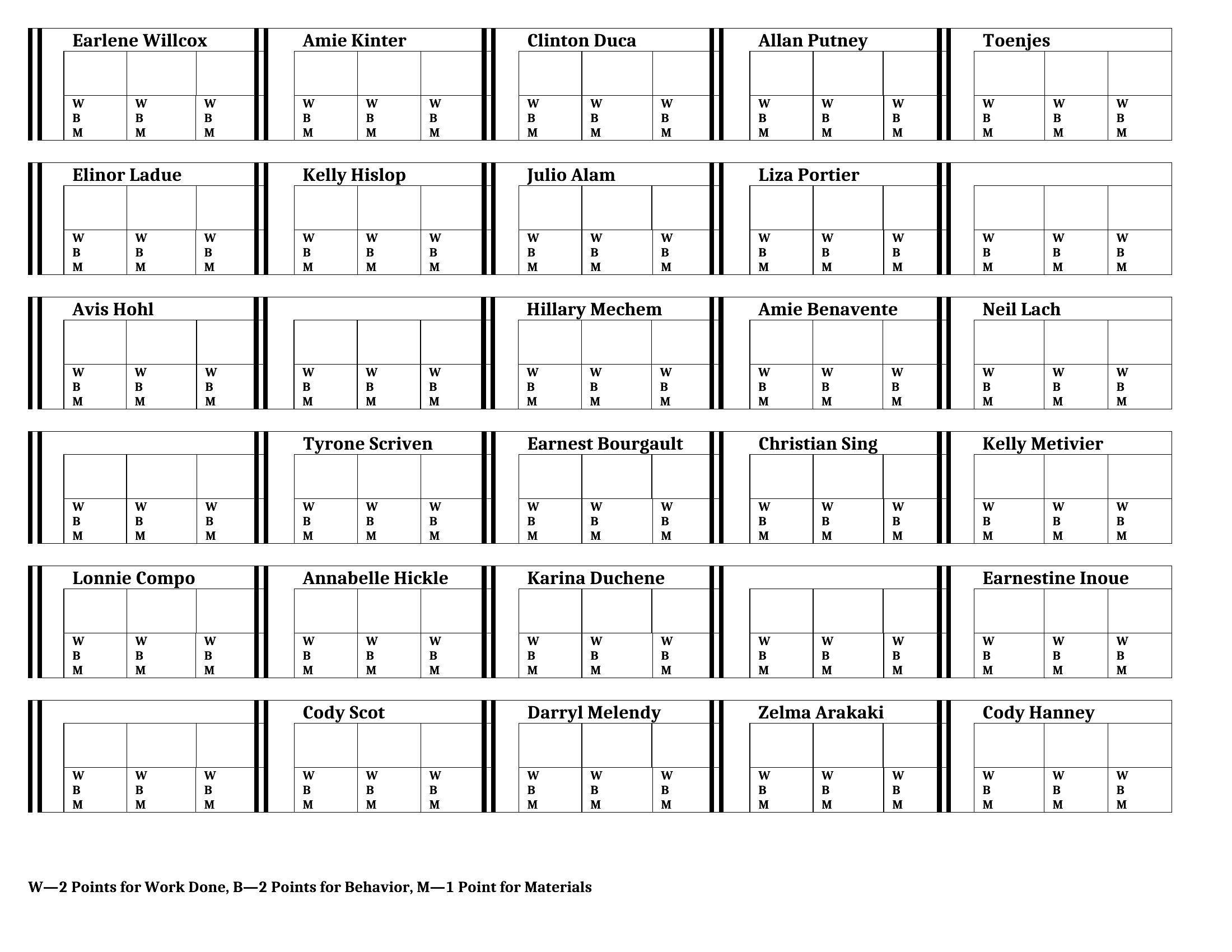
FAQ
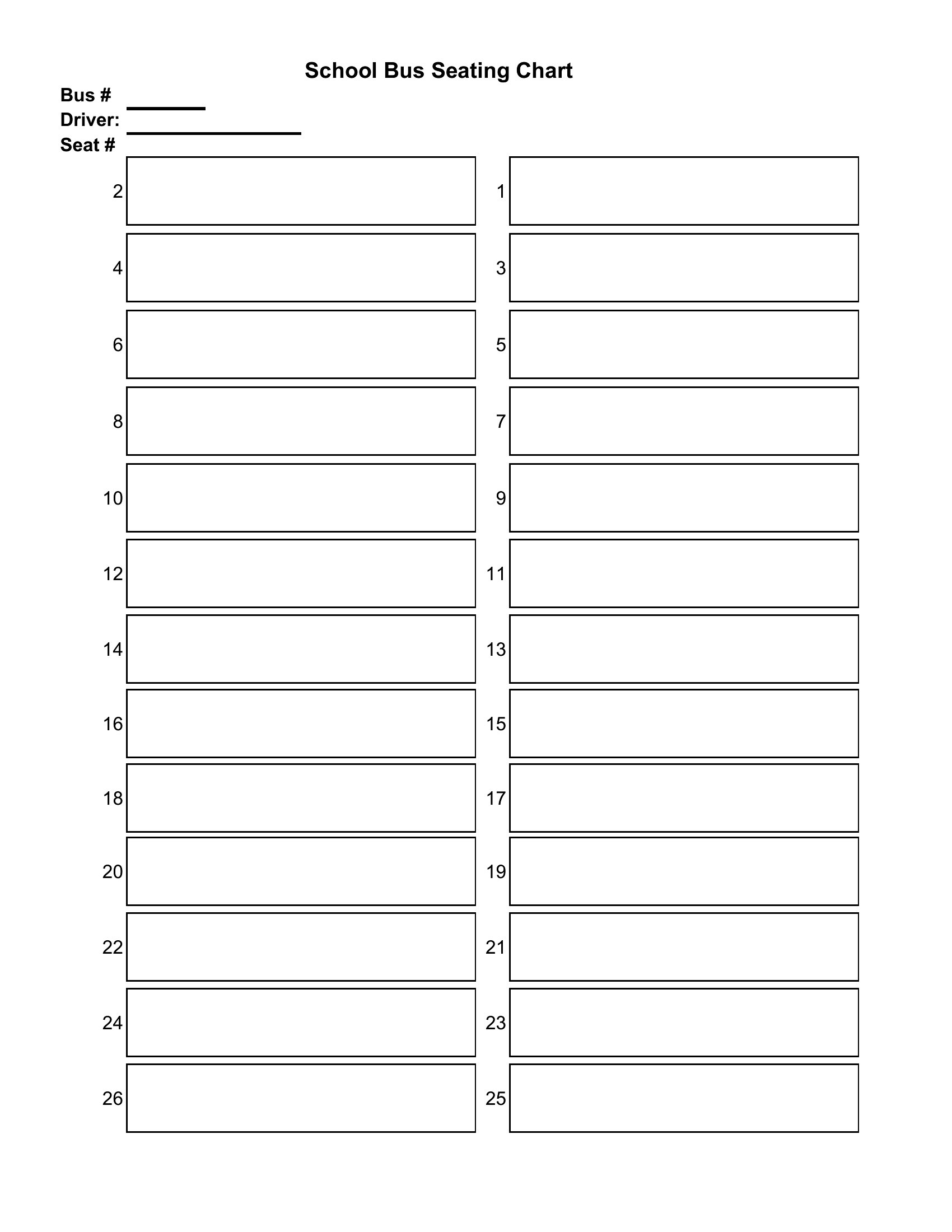
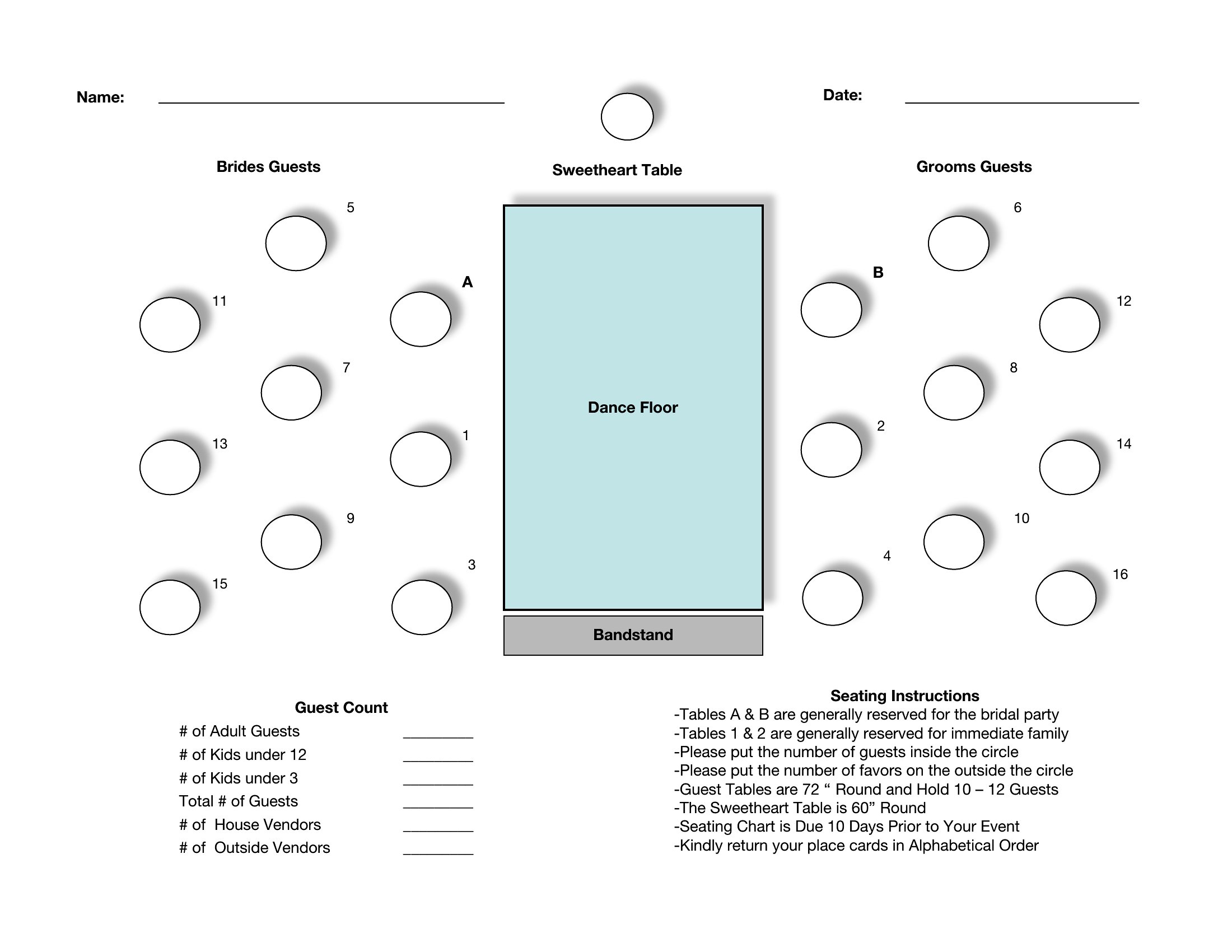
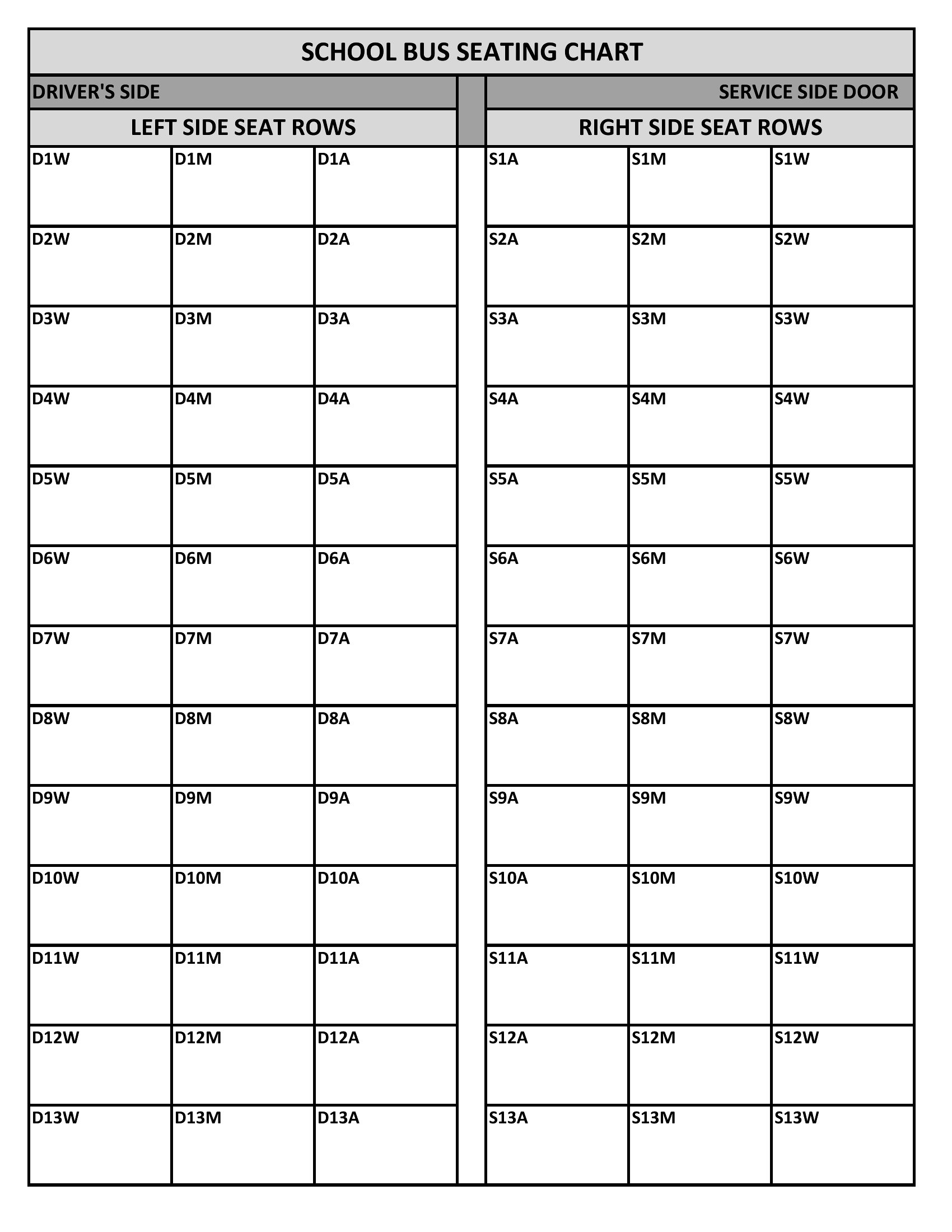
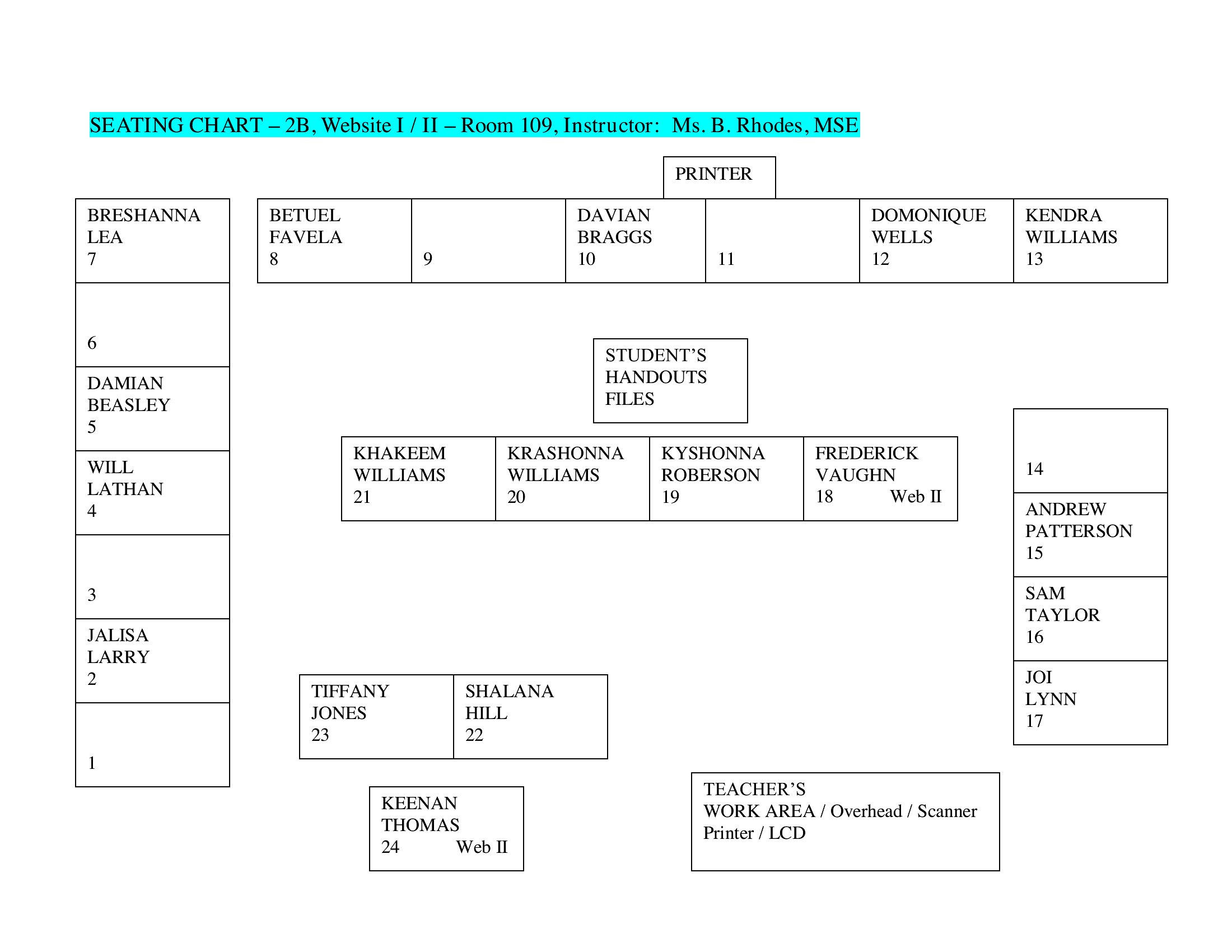
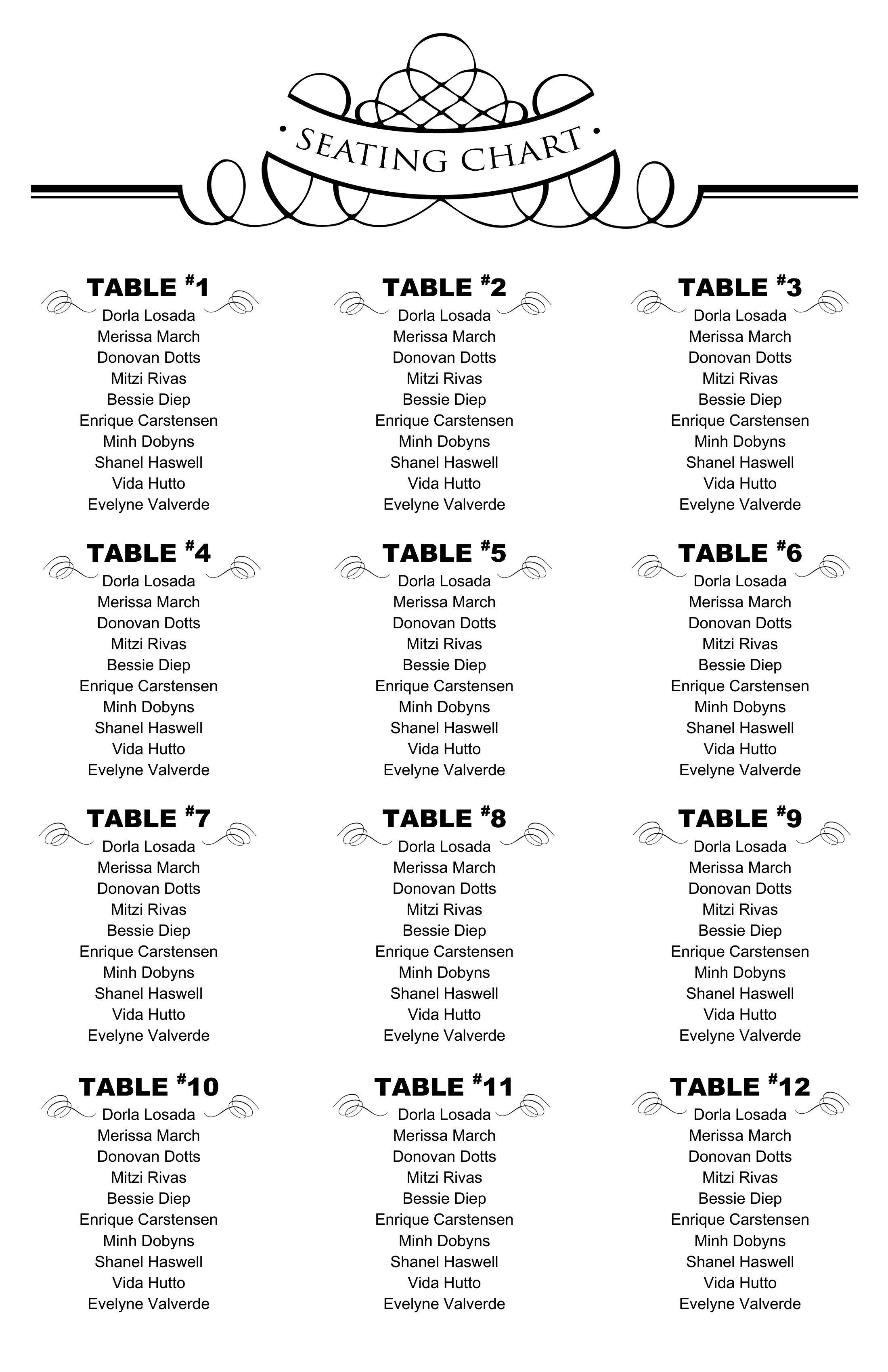
Can these templates include labels for dietary restrictions or special seating requests?
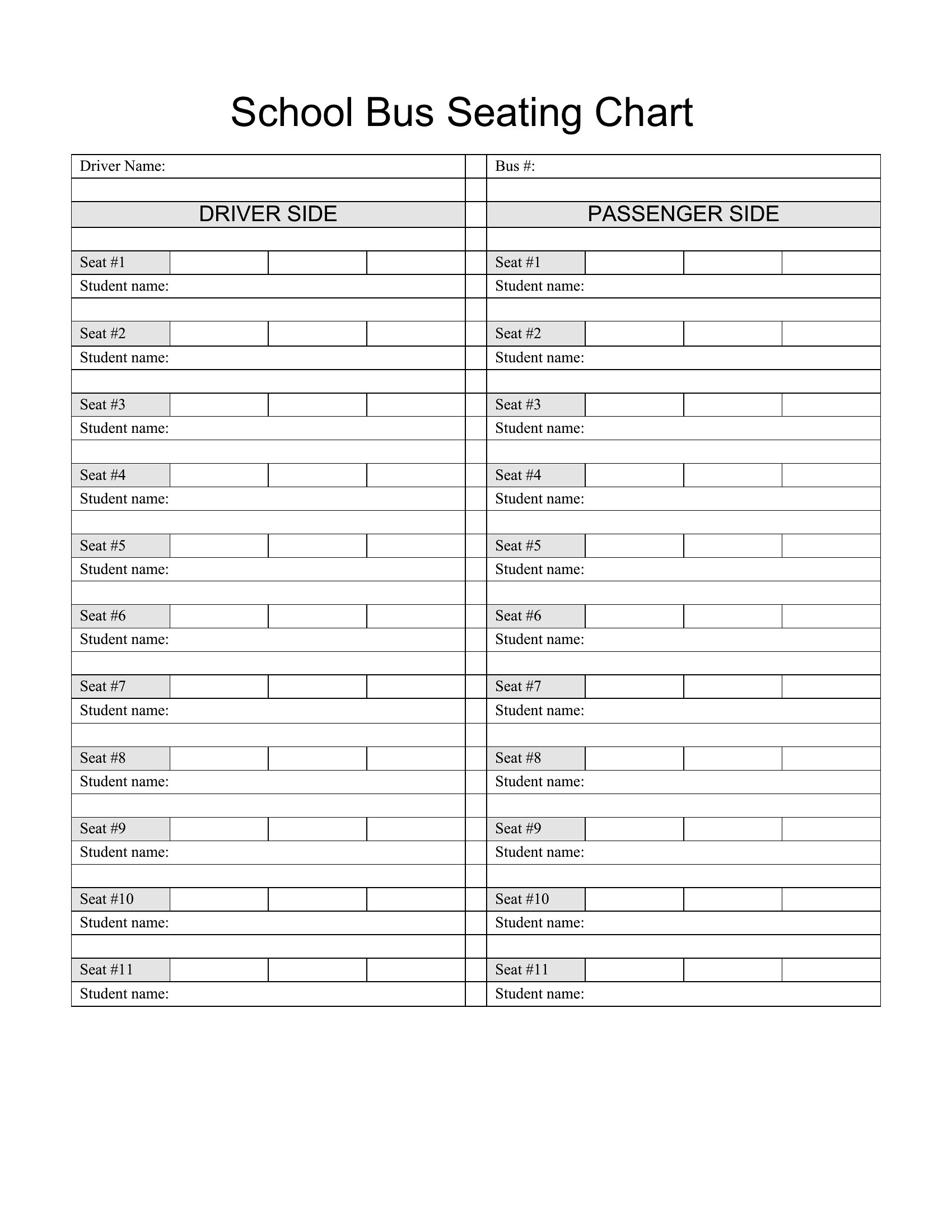
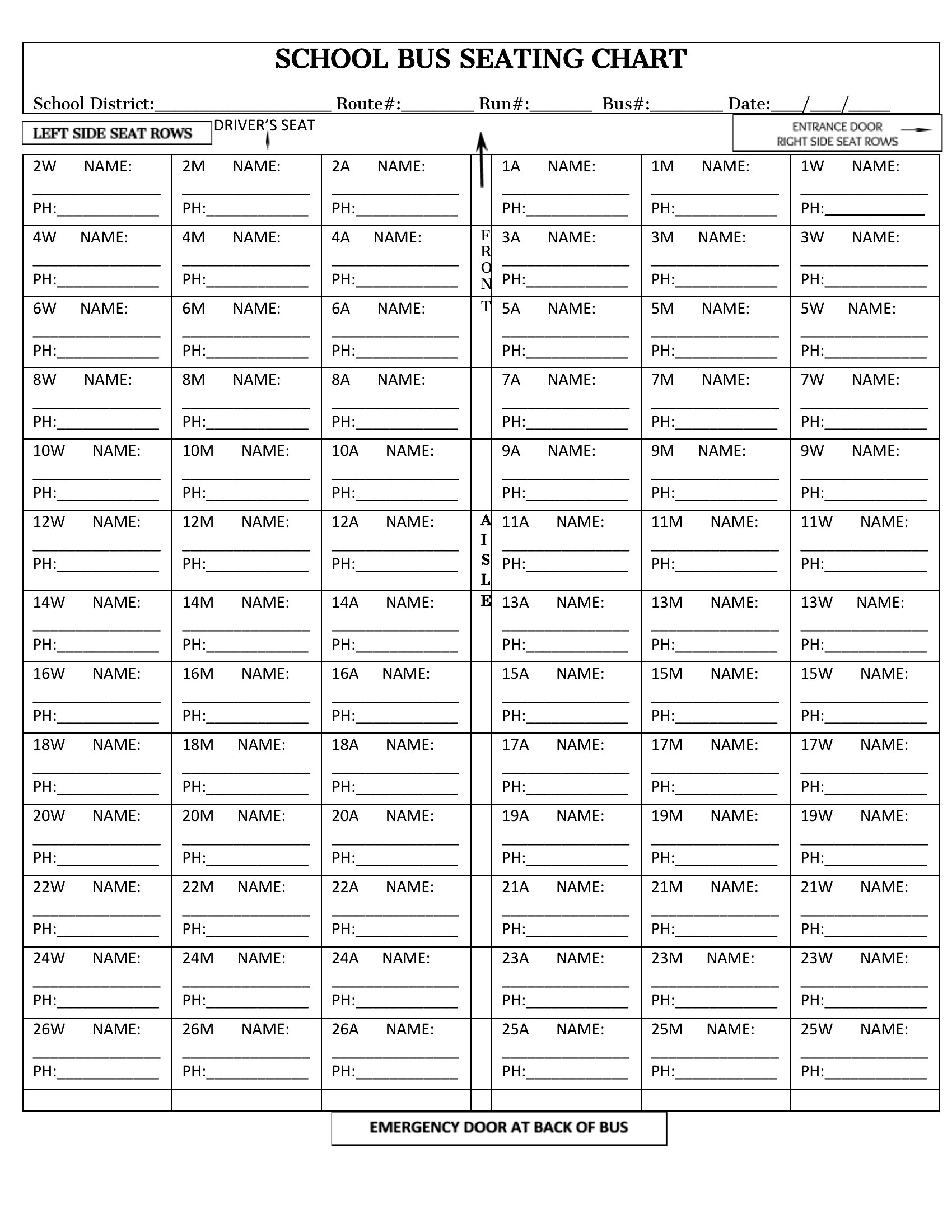
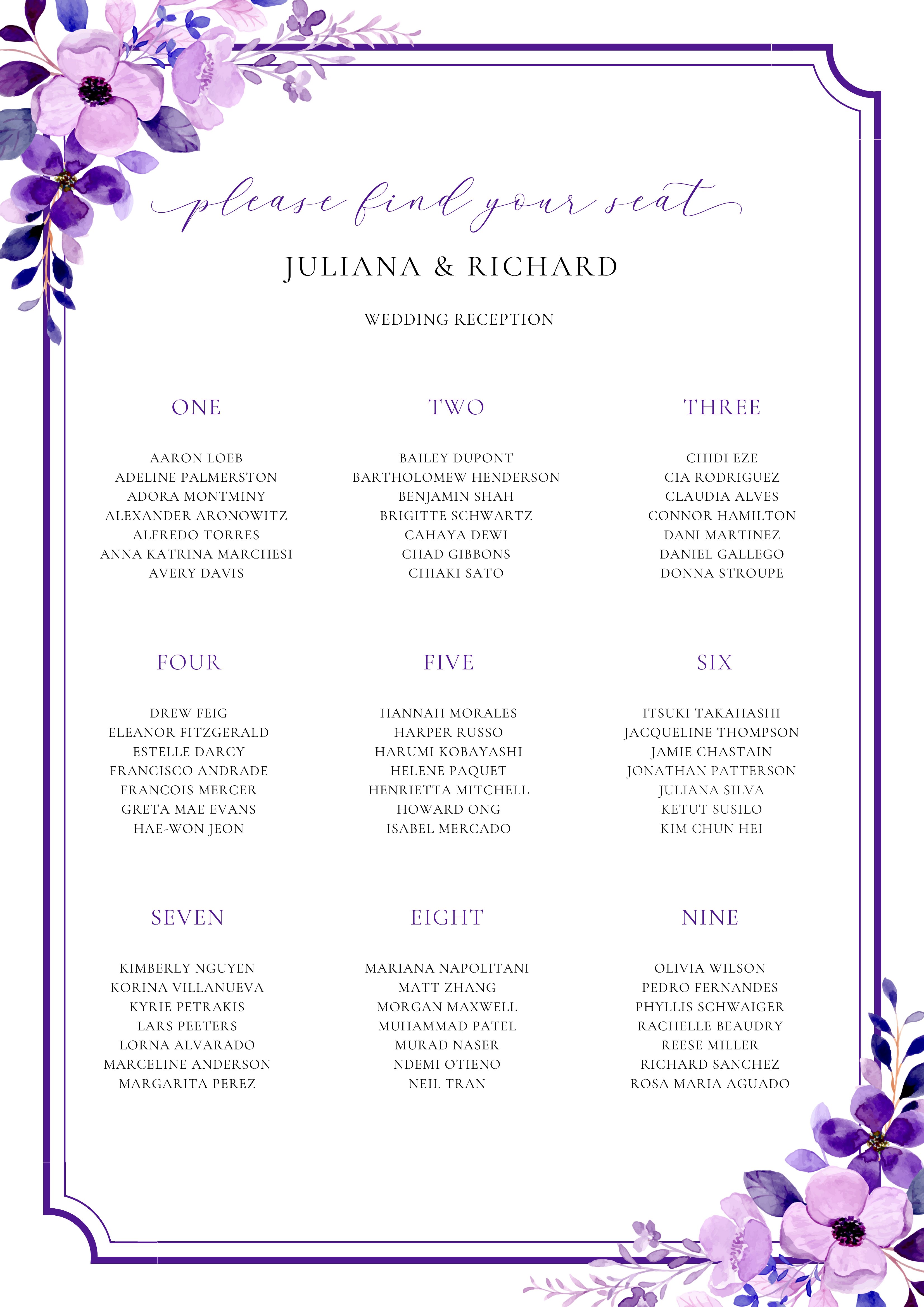
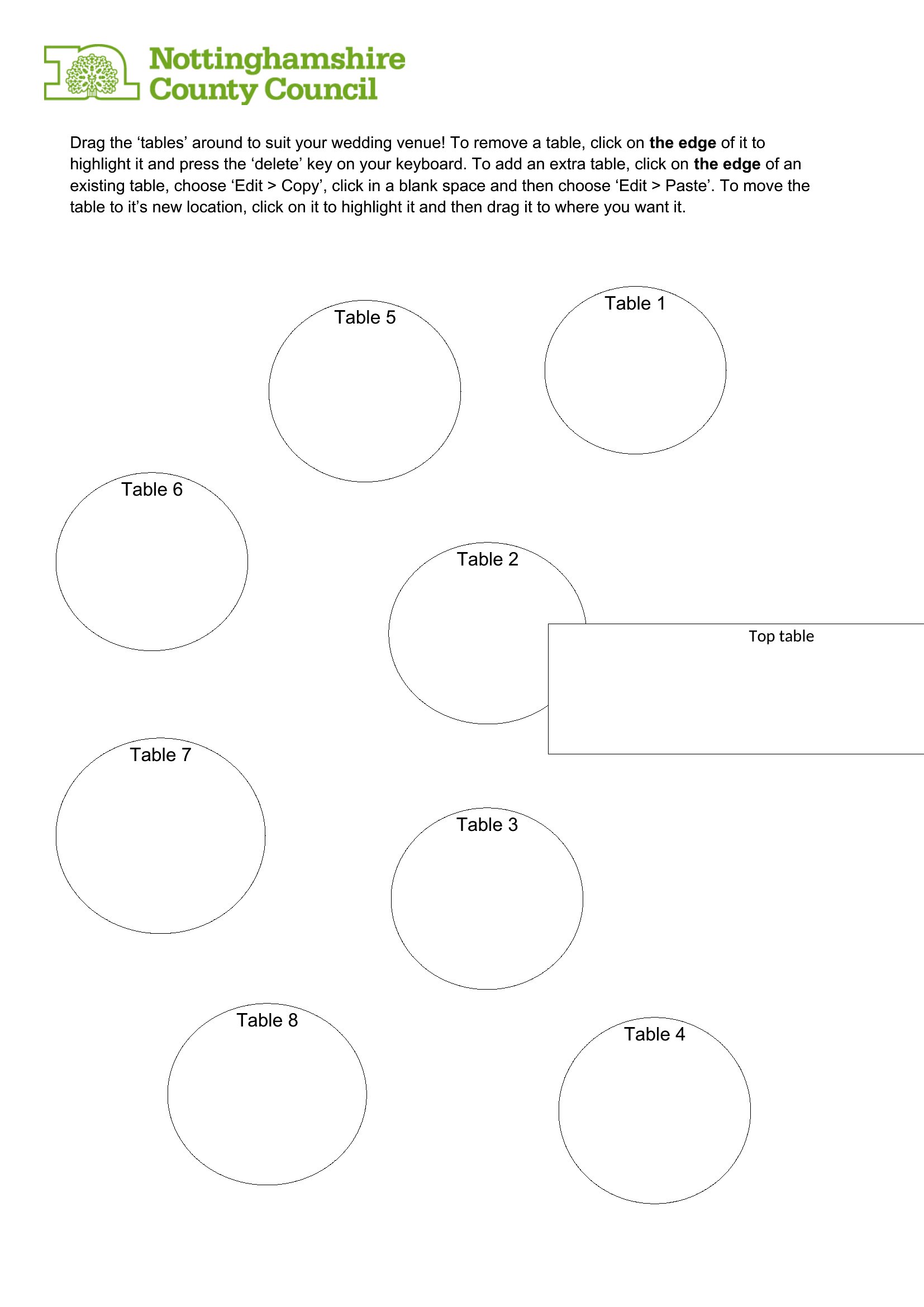
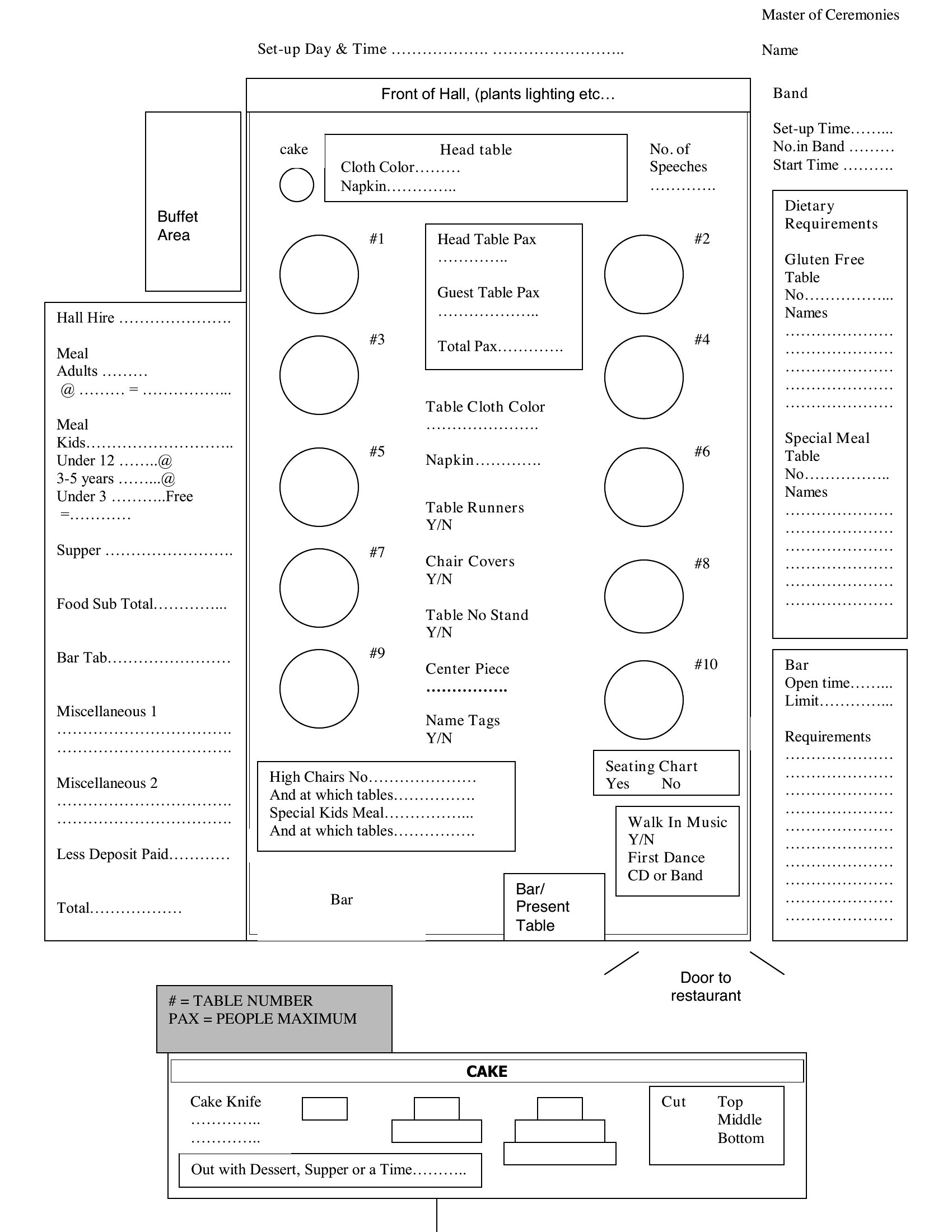
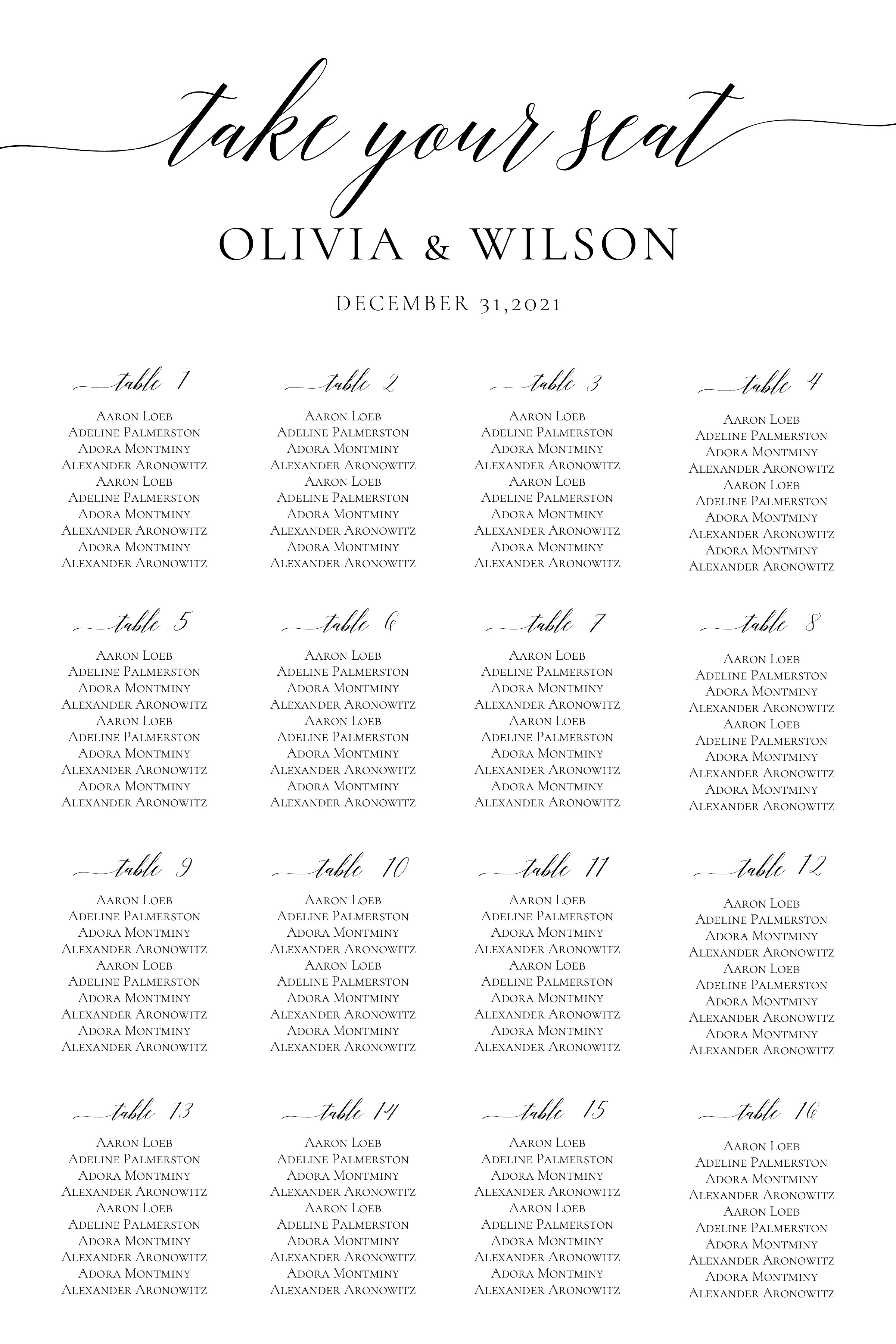
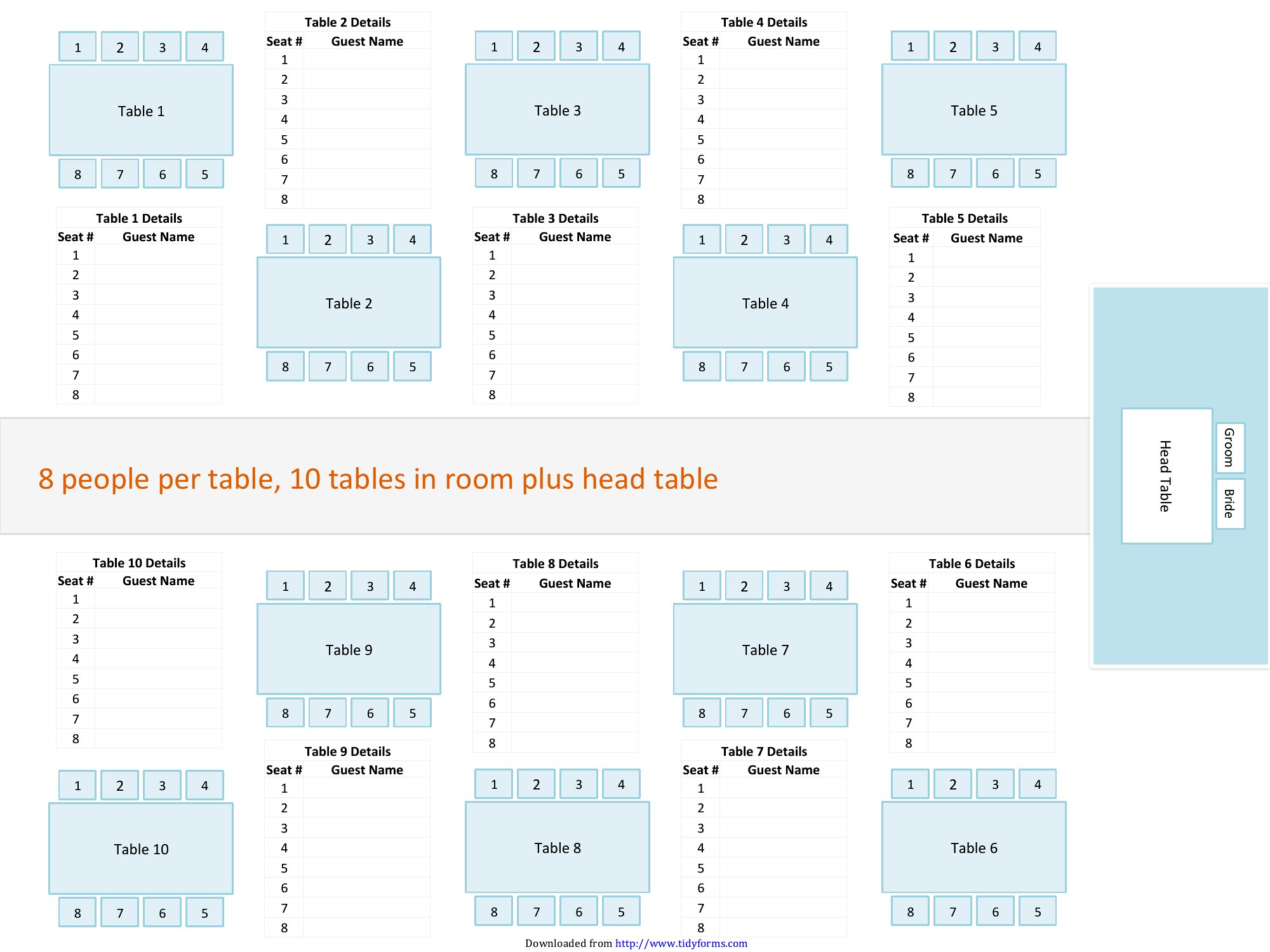
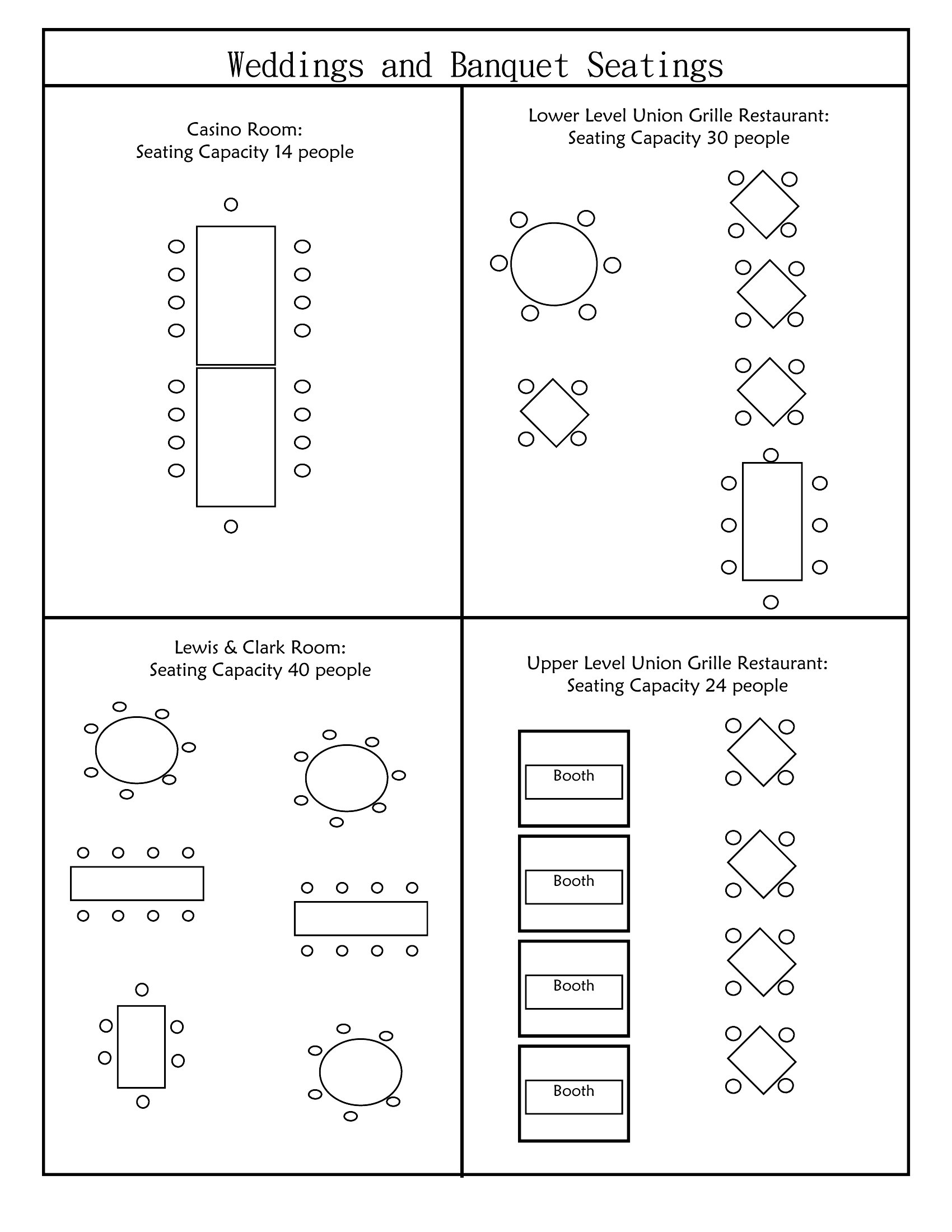
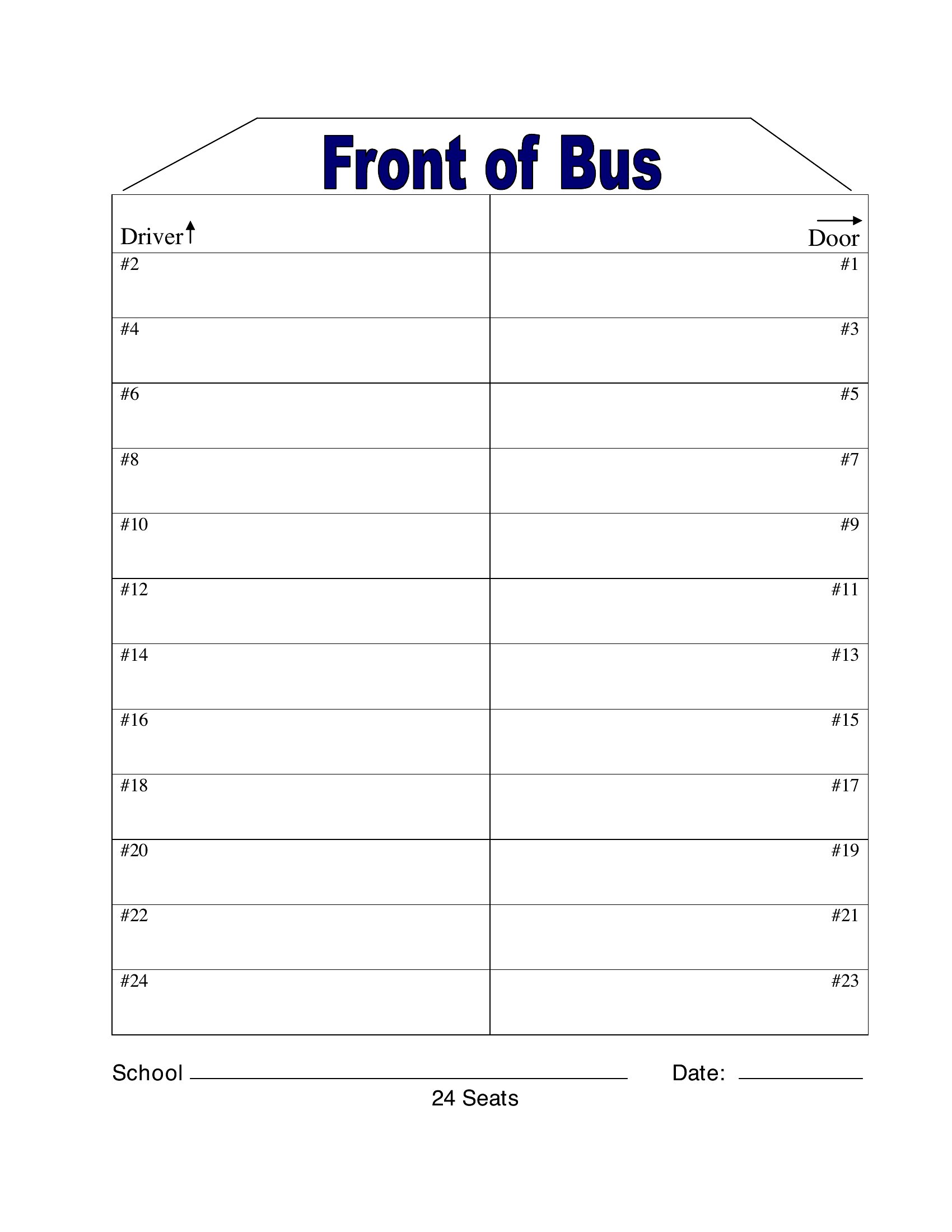
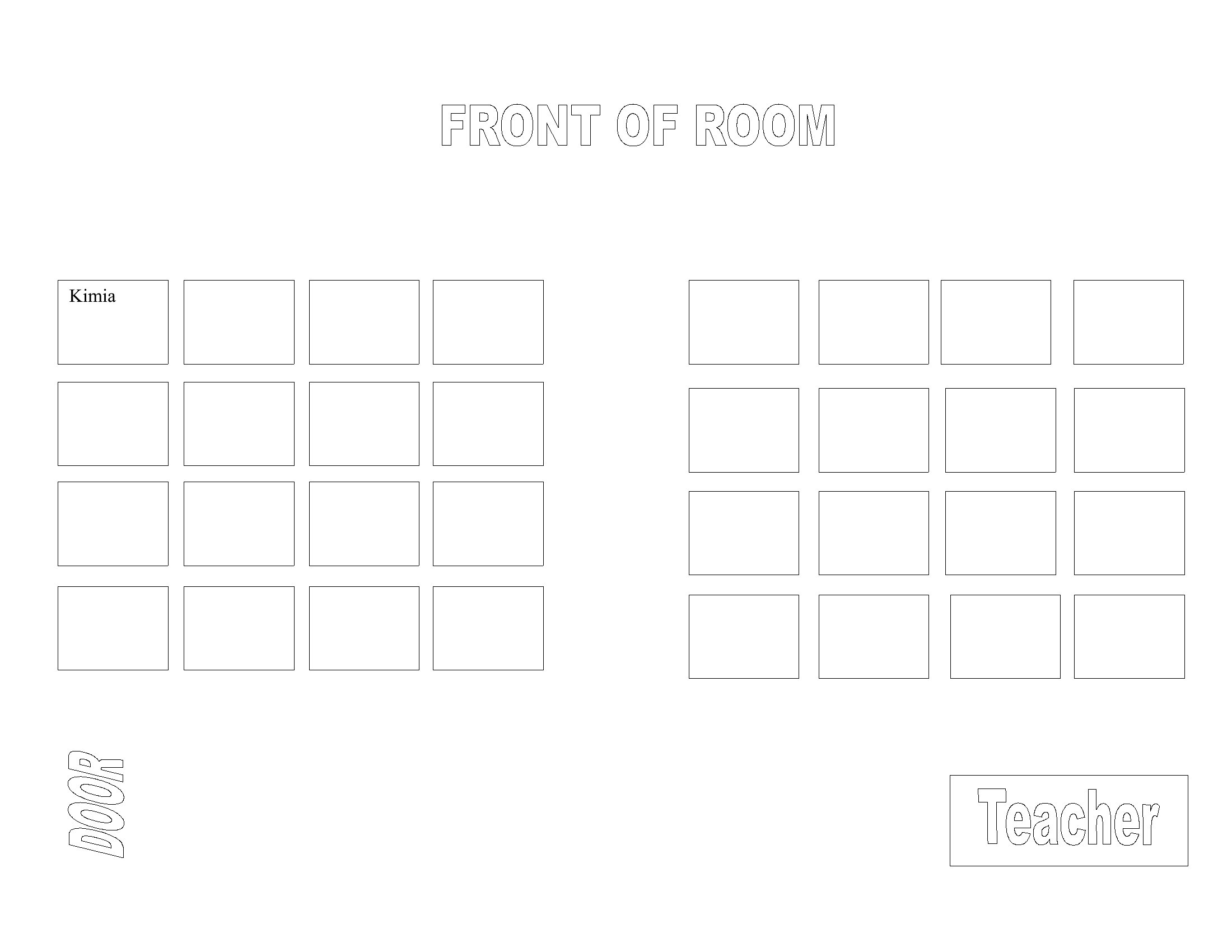
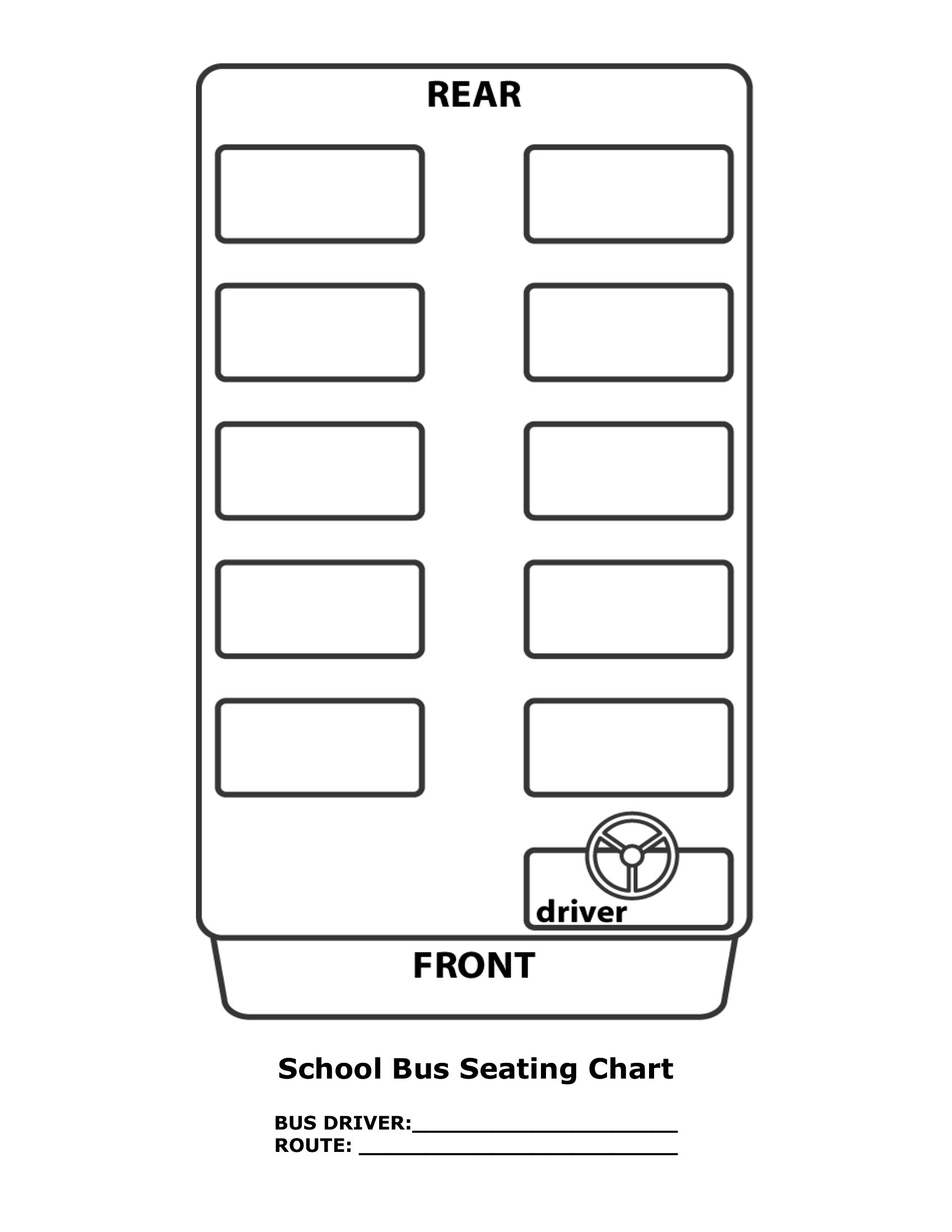
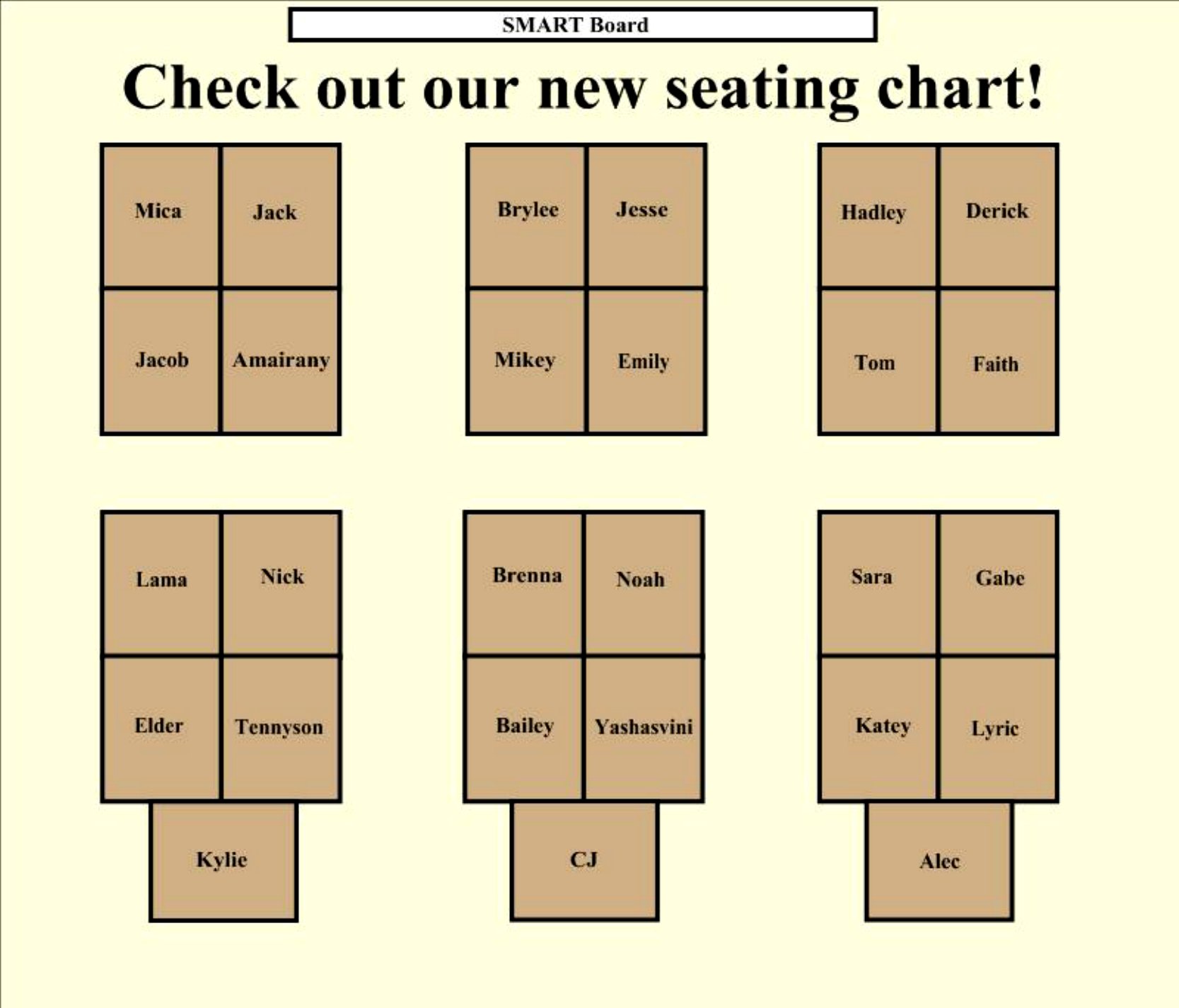
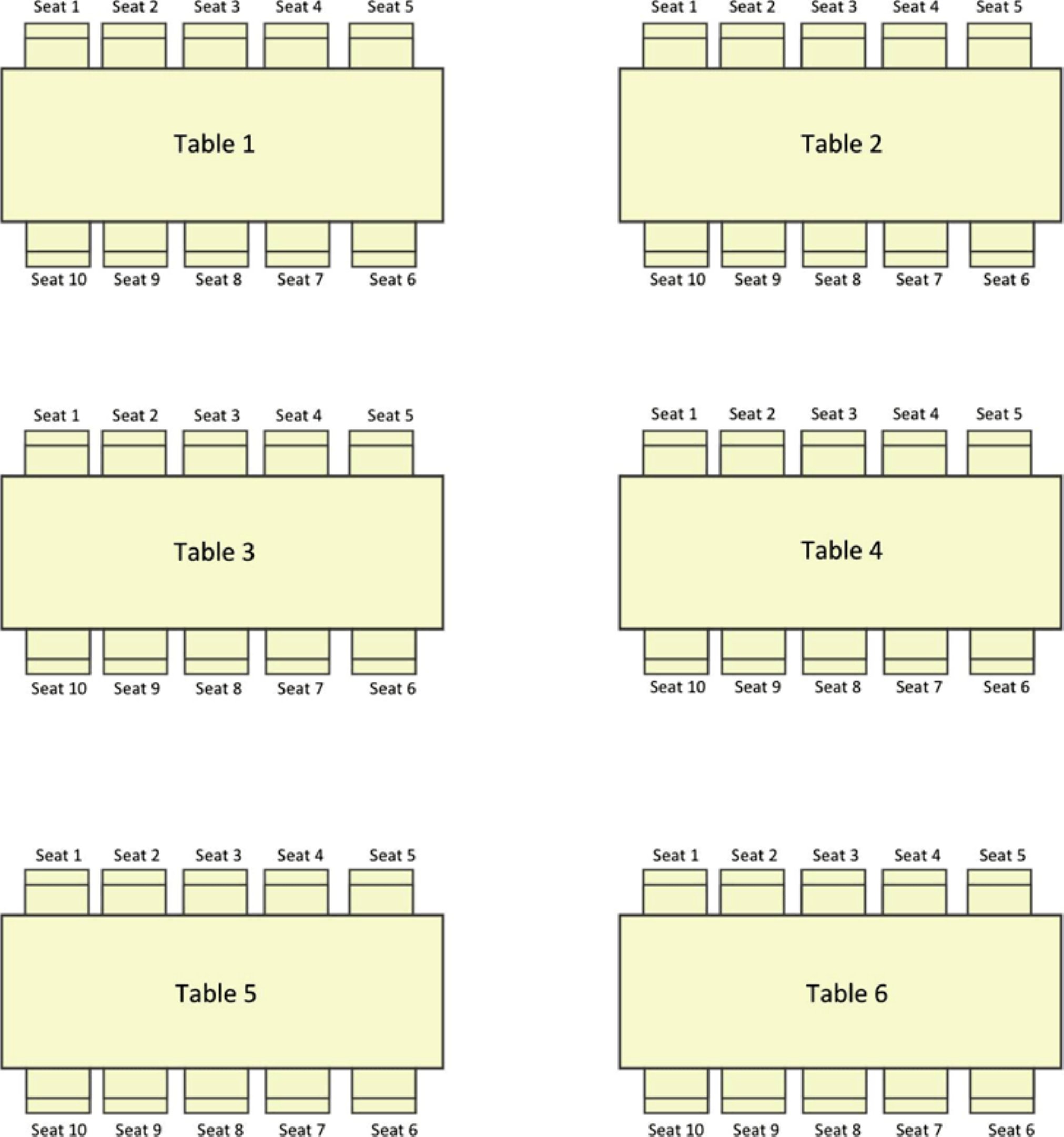
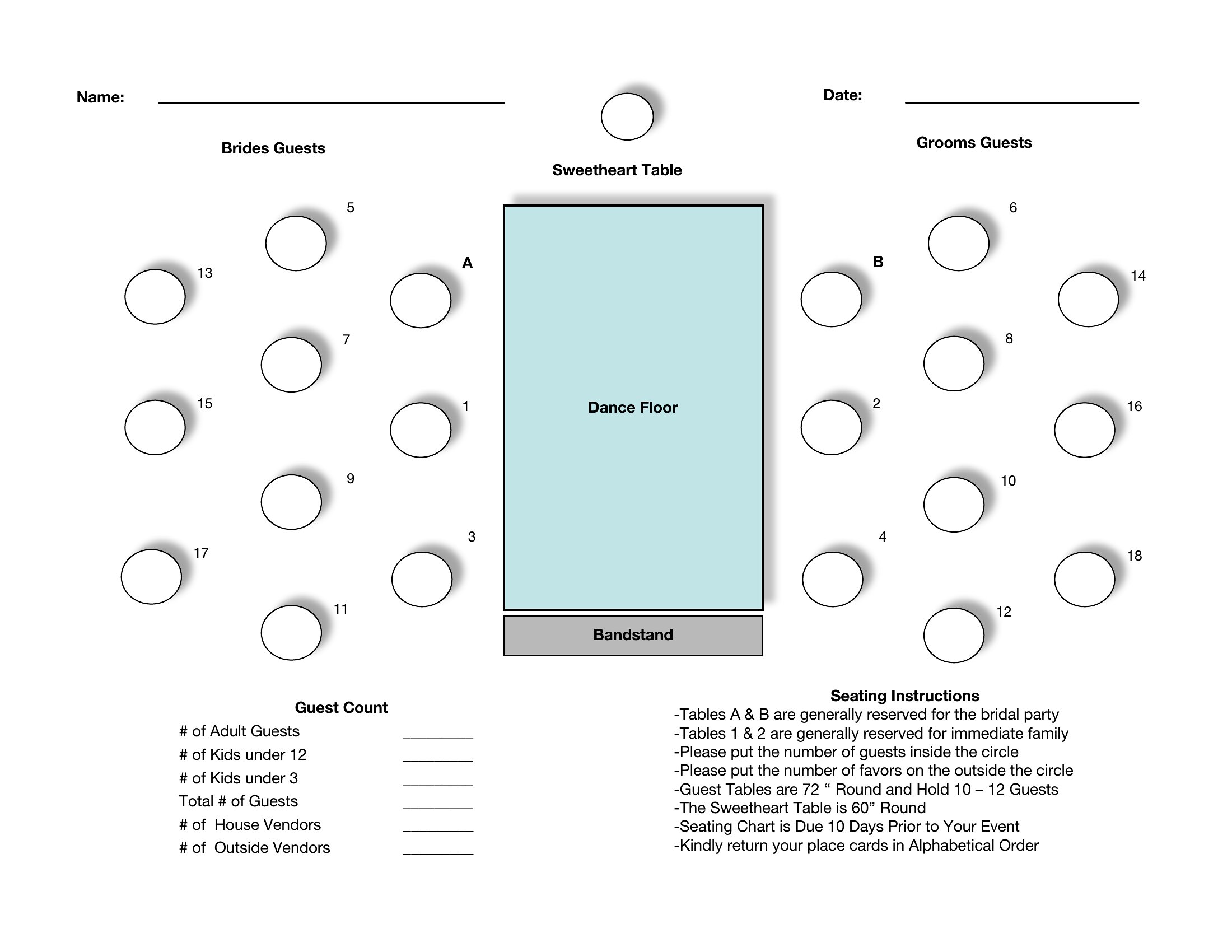
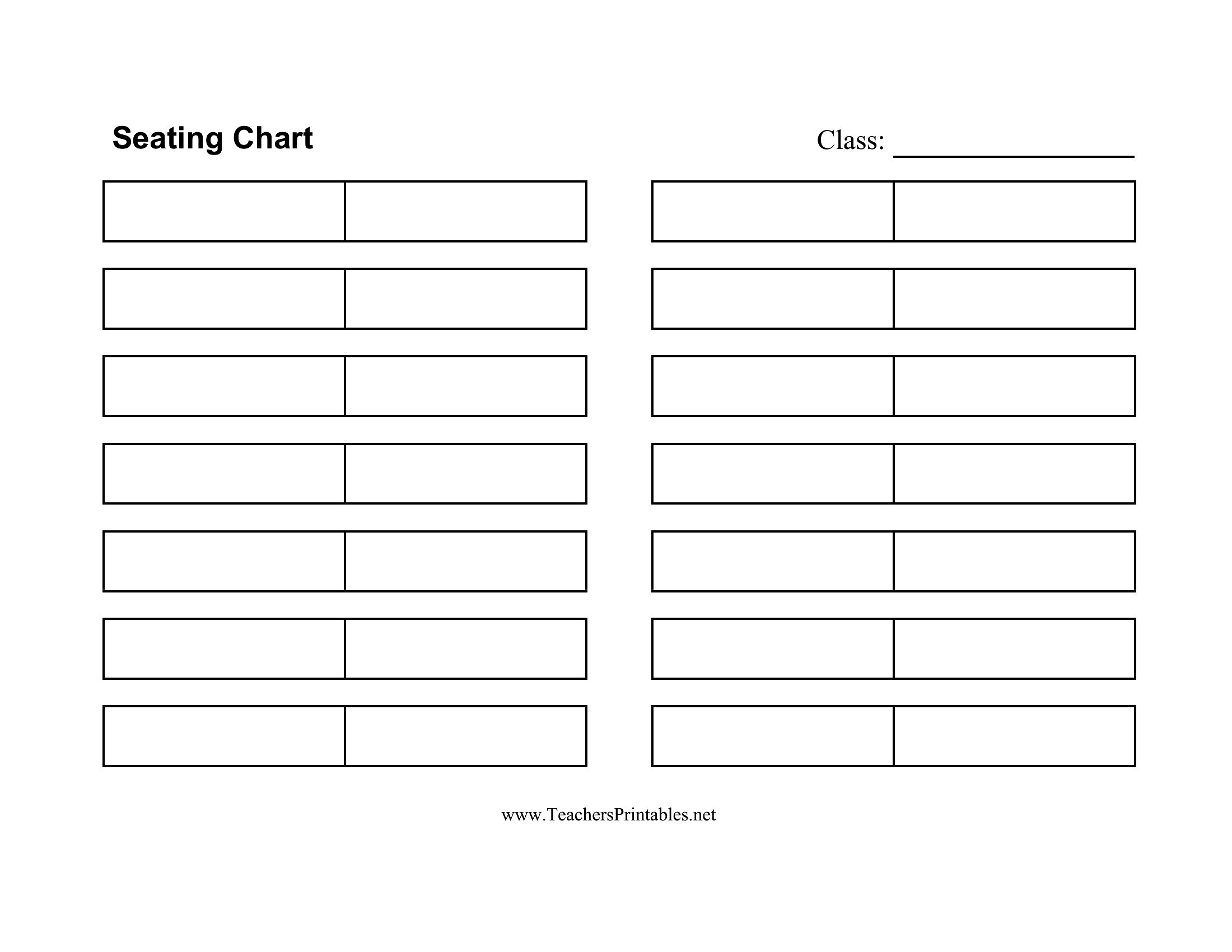
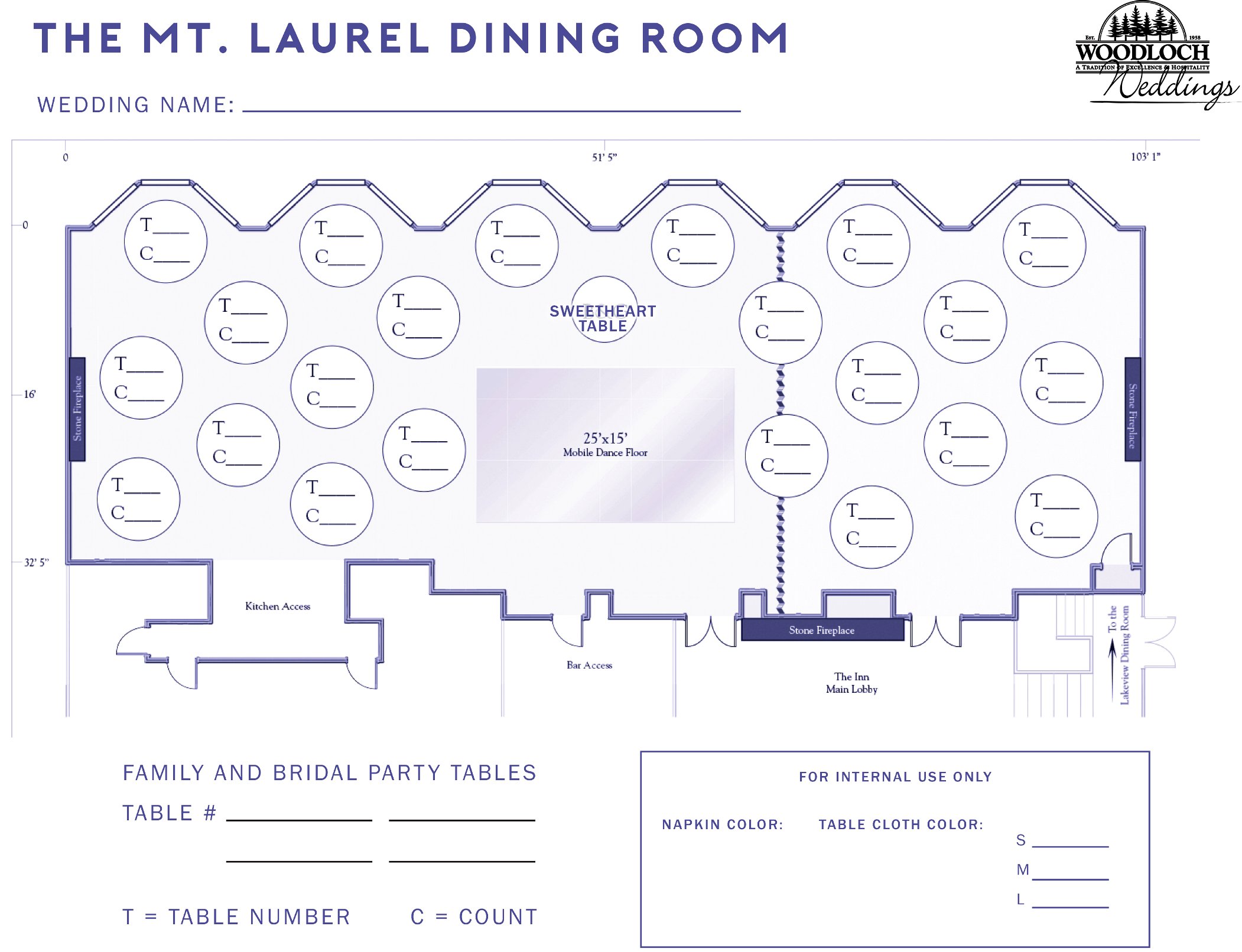
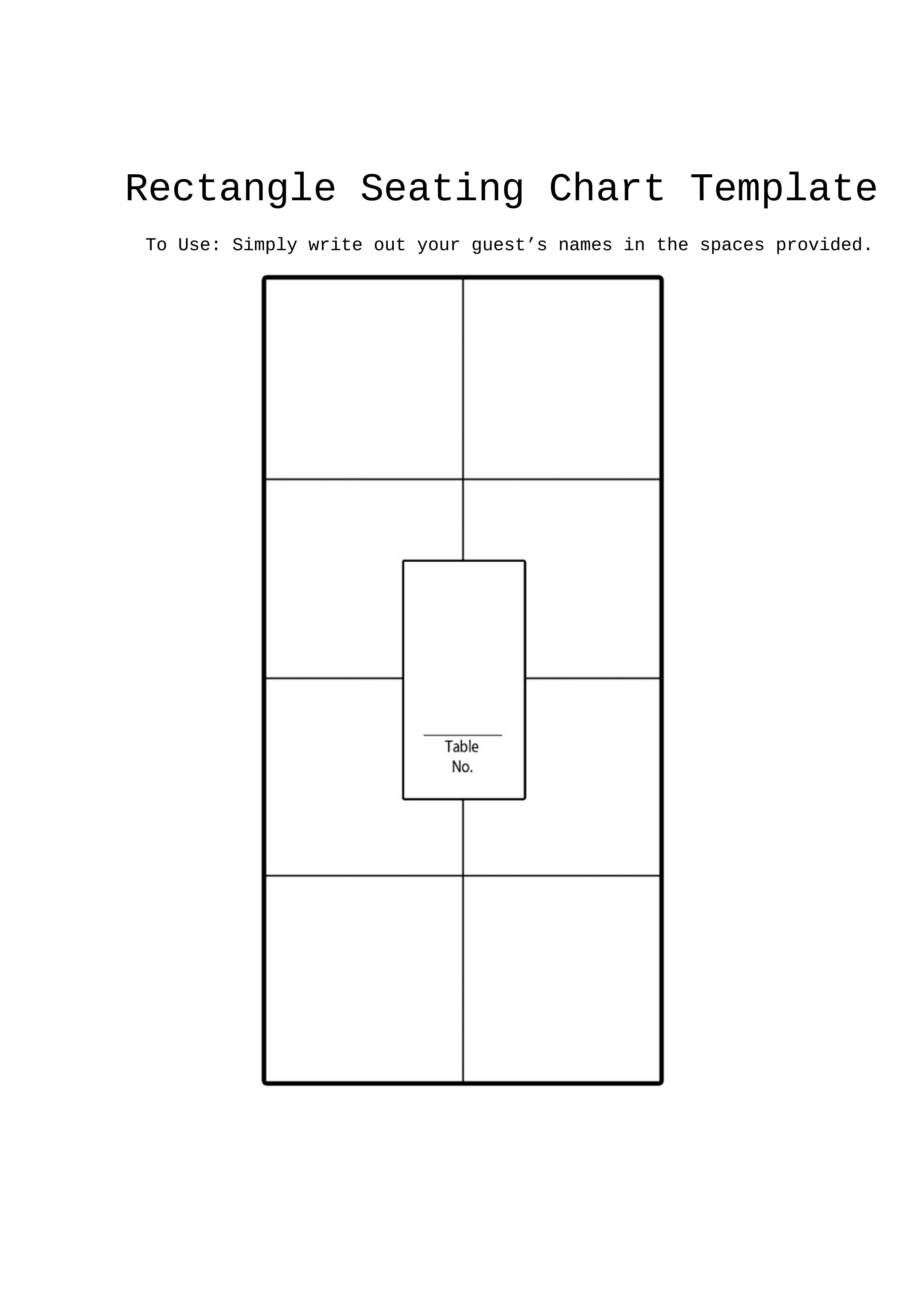
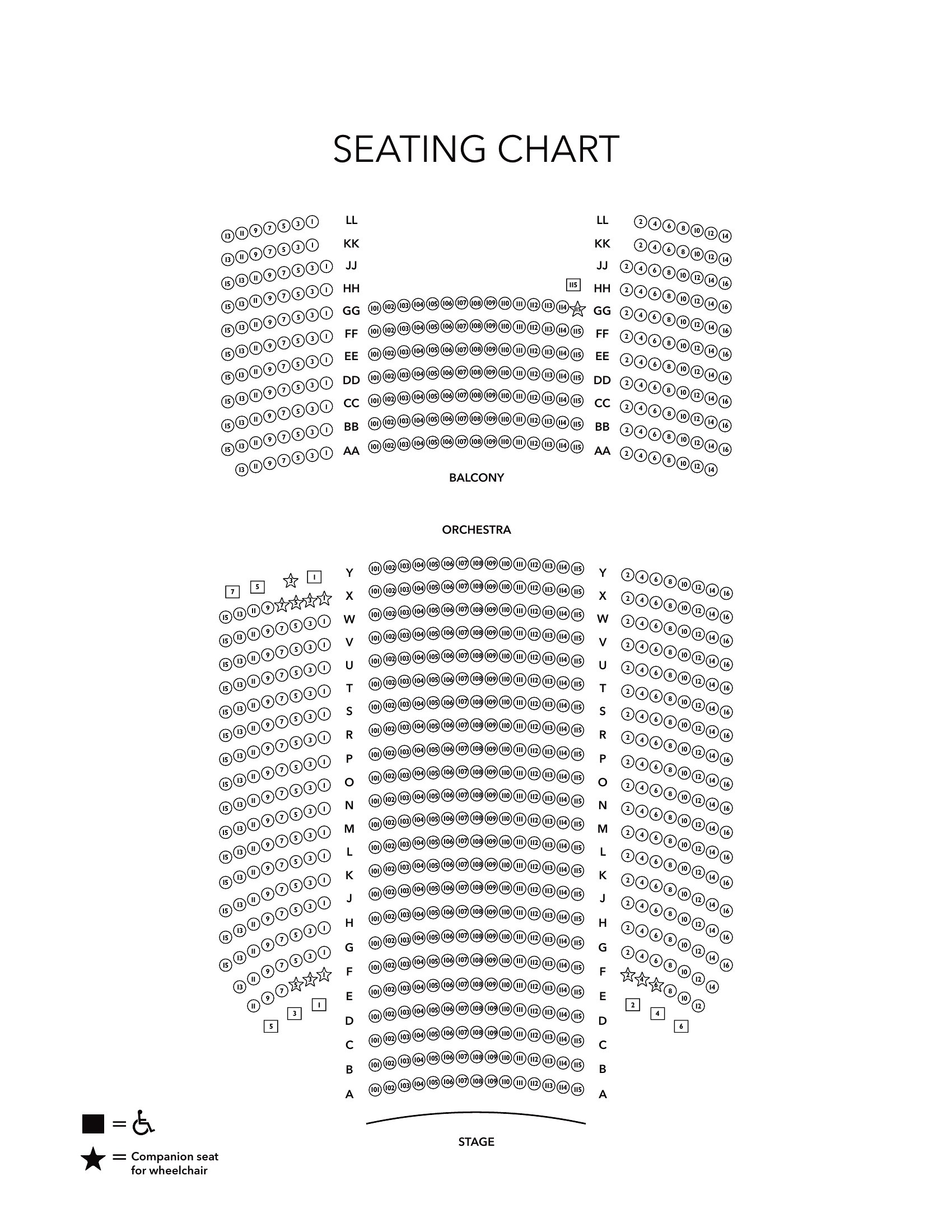
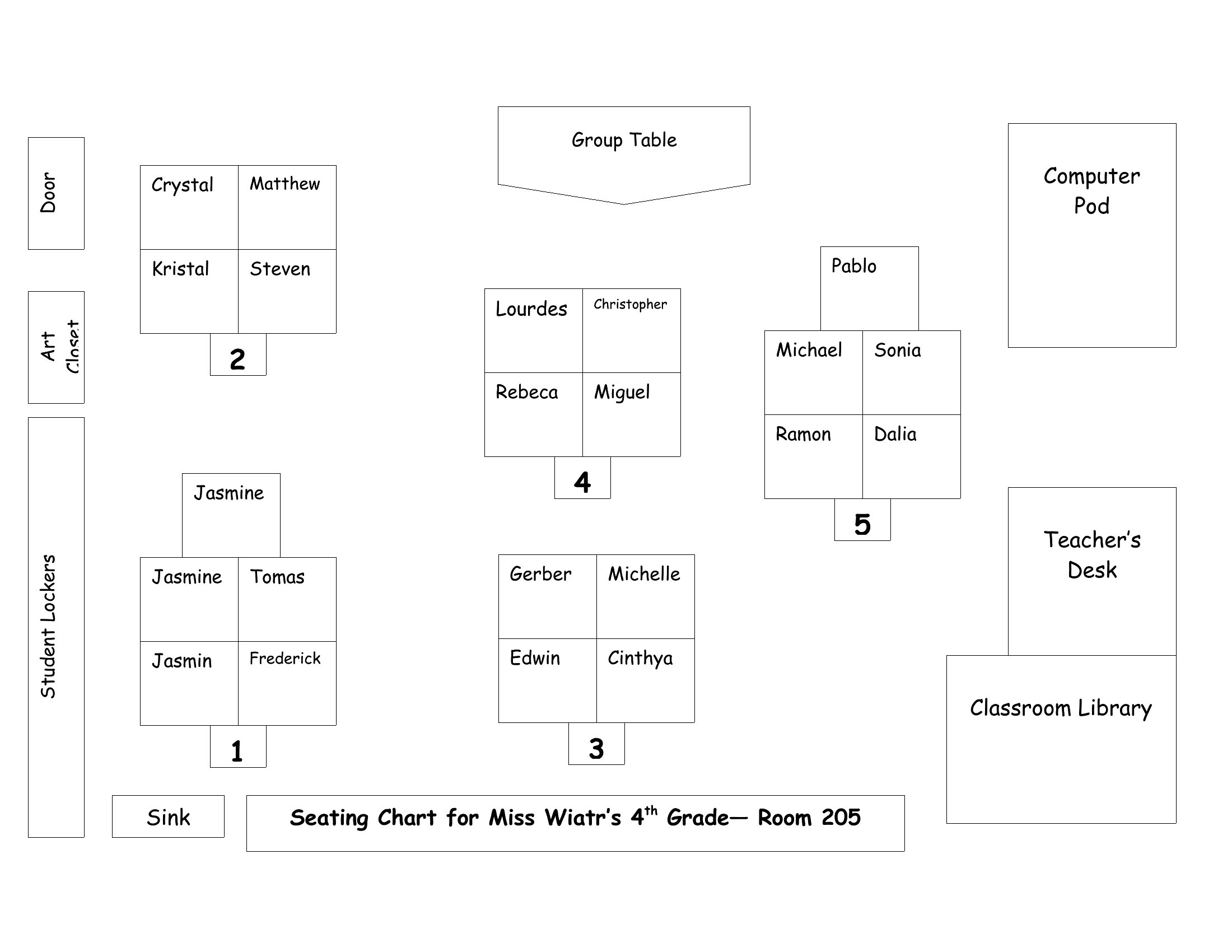
Yes, most templates in this collection have customizable text fields where you can add notes like ‘vegetarian,’ ‘wheelchair accessible,’ or ‘prefers aisle seat.’ For weddings or events, use the fillable PDFs to embed these labels directly on the printed chart. Teachers can label classroom sections as ‘quiet work zone’ or ‘group discussion area’ in Word before printing.
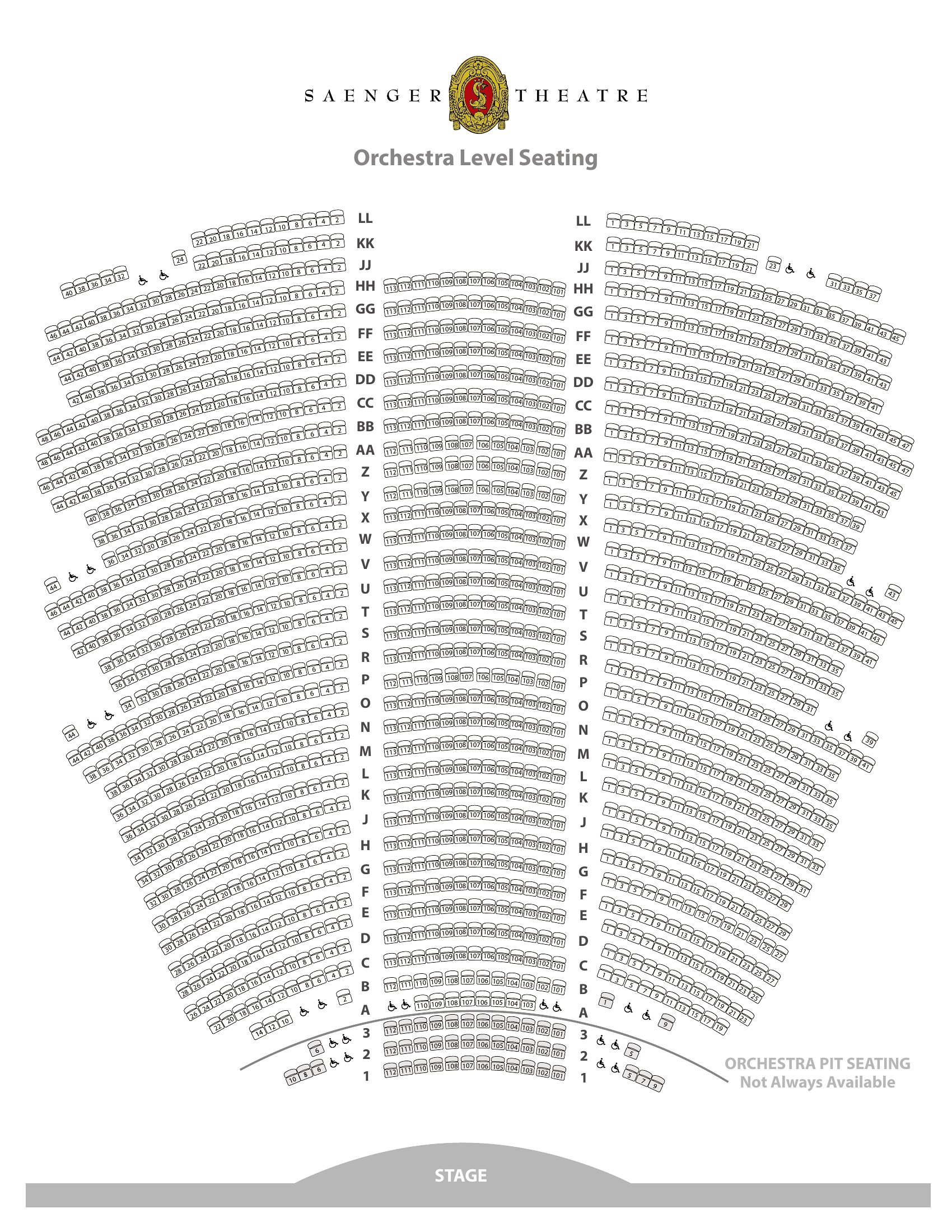
How do I adjust the seating chart if the event space has irregular shapes, like a U-shaped theater or a horseshoe bar?
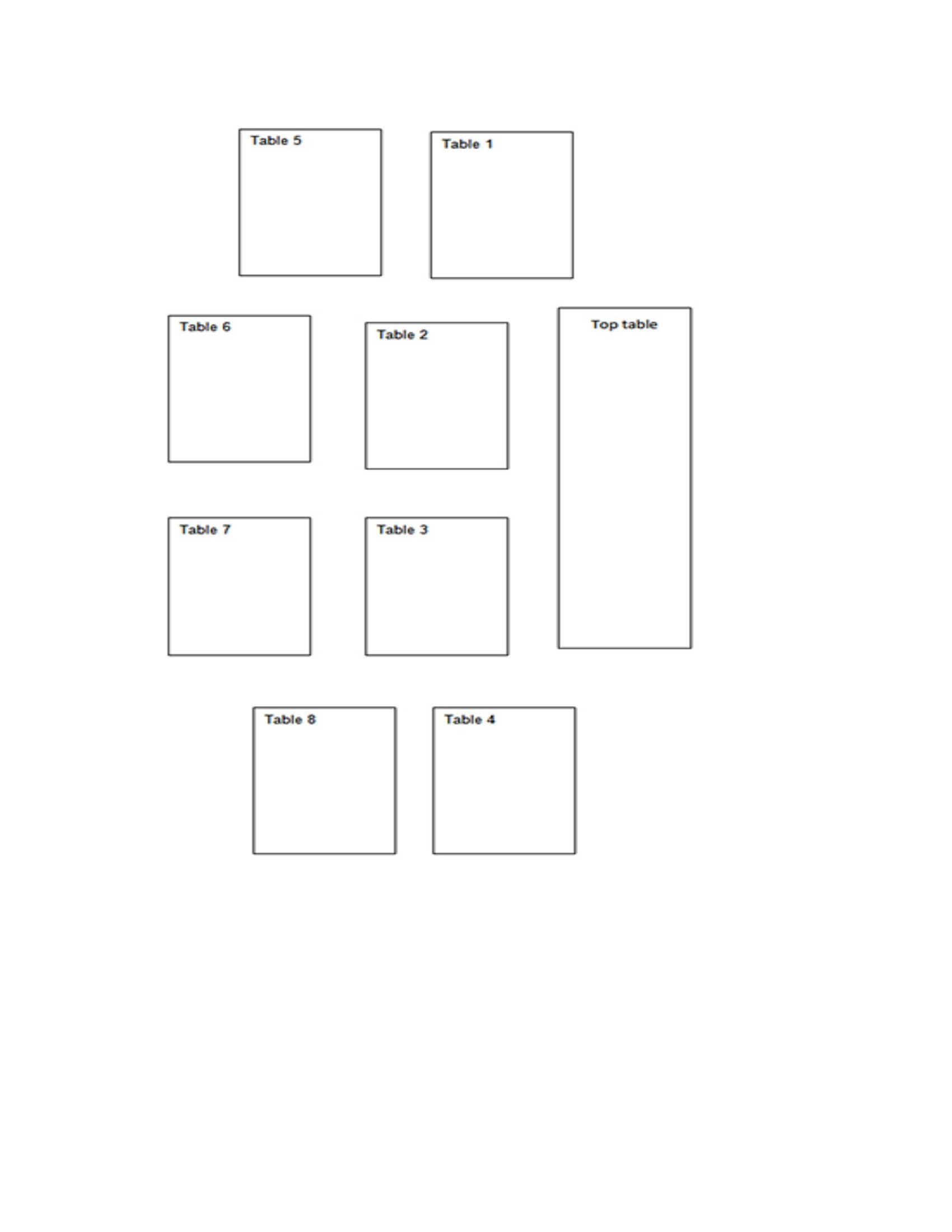
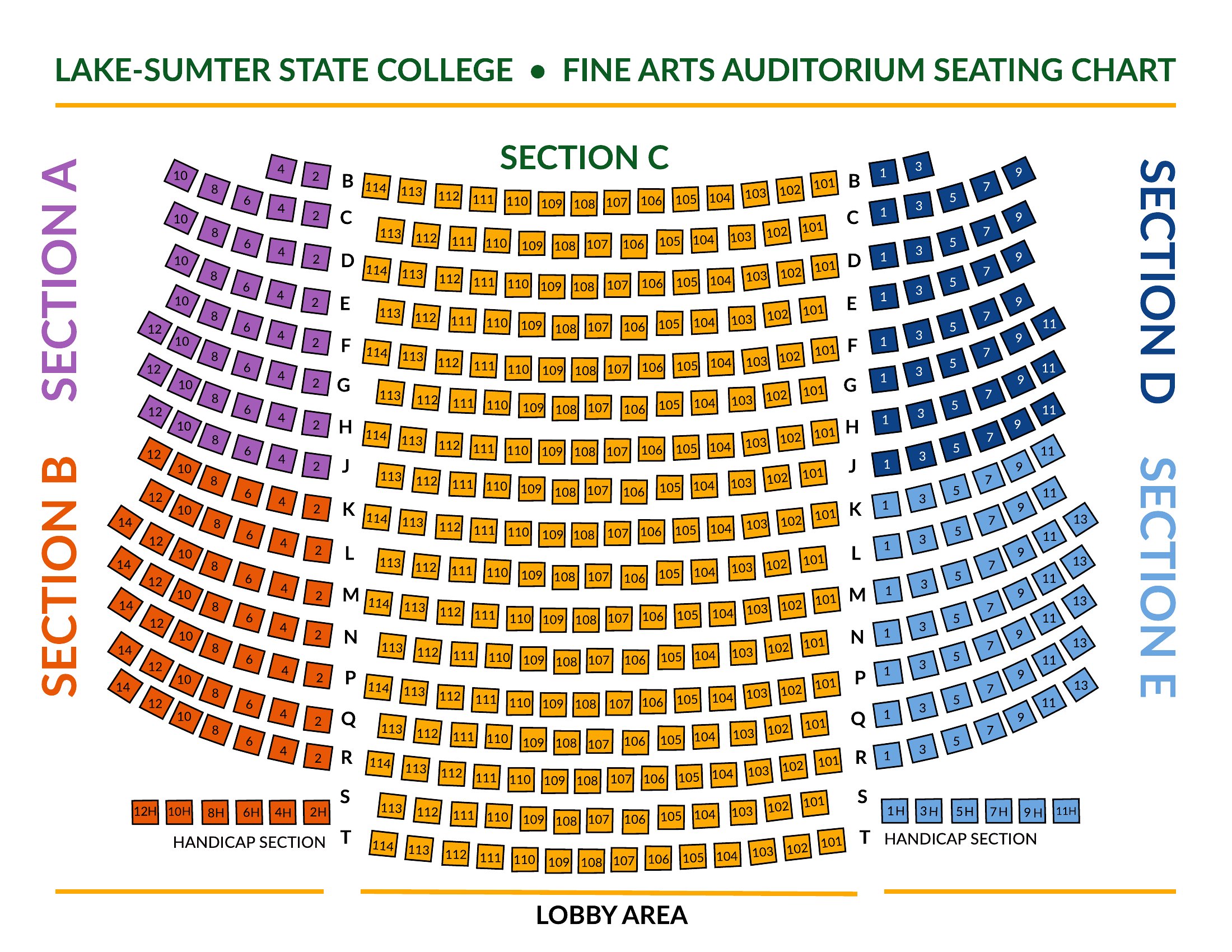
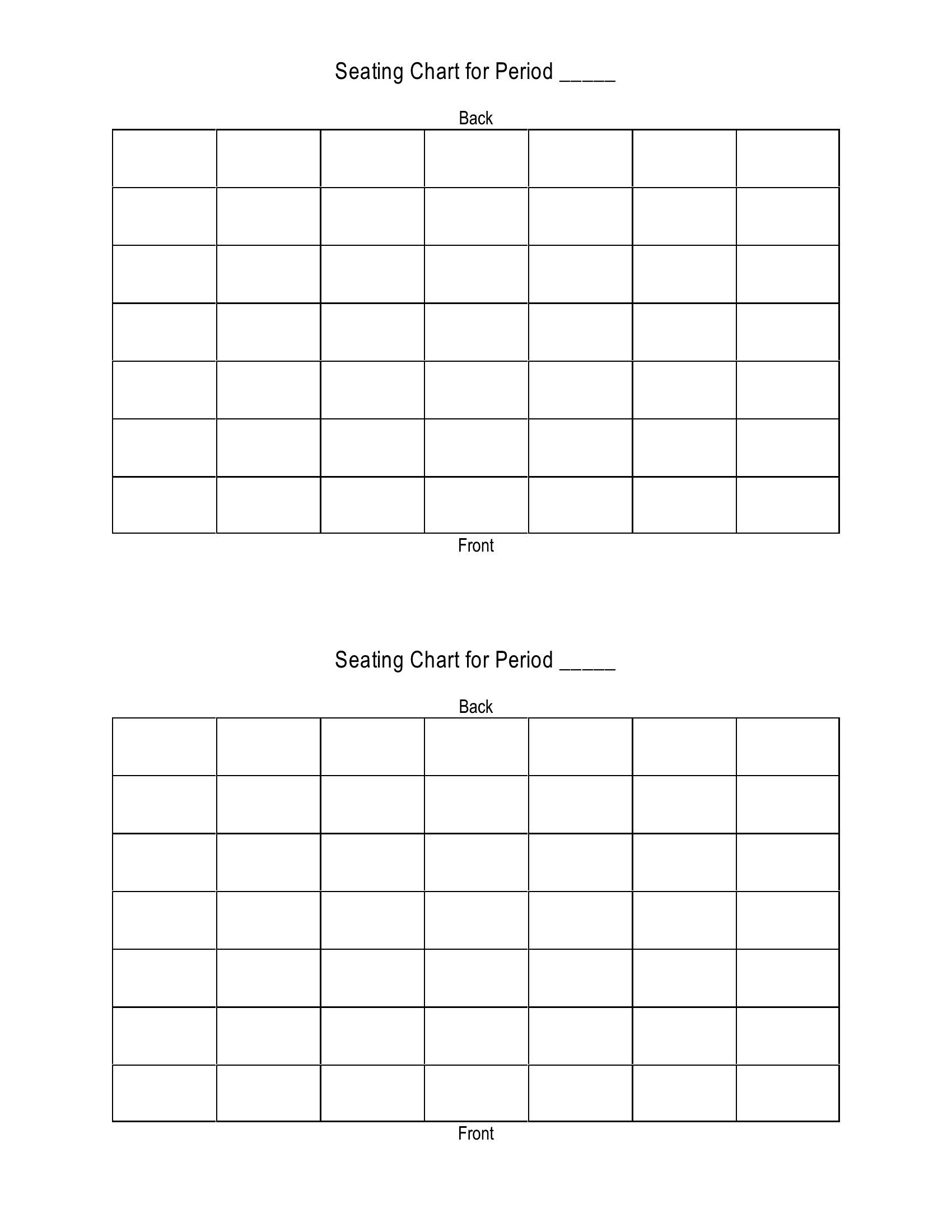
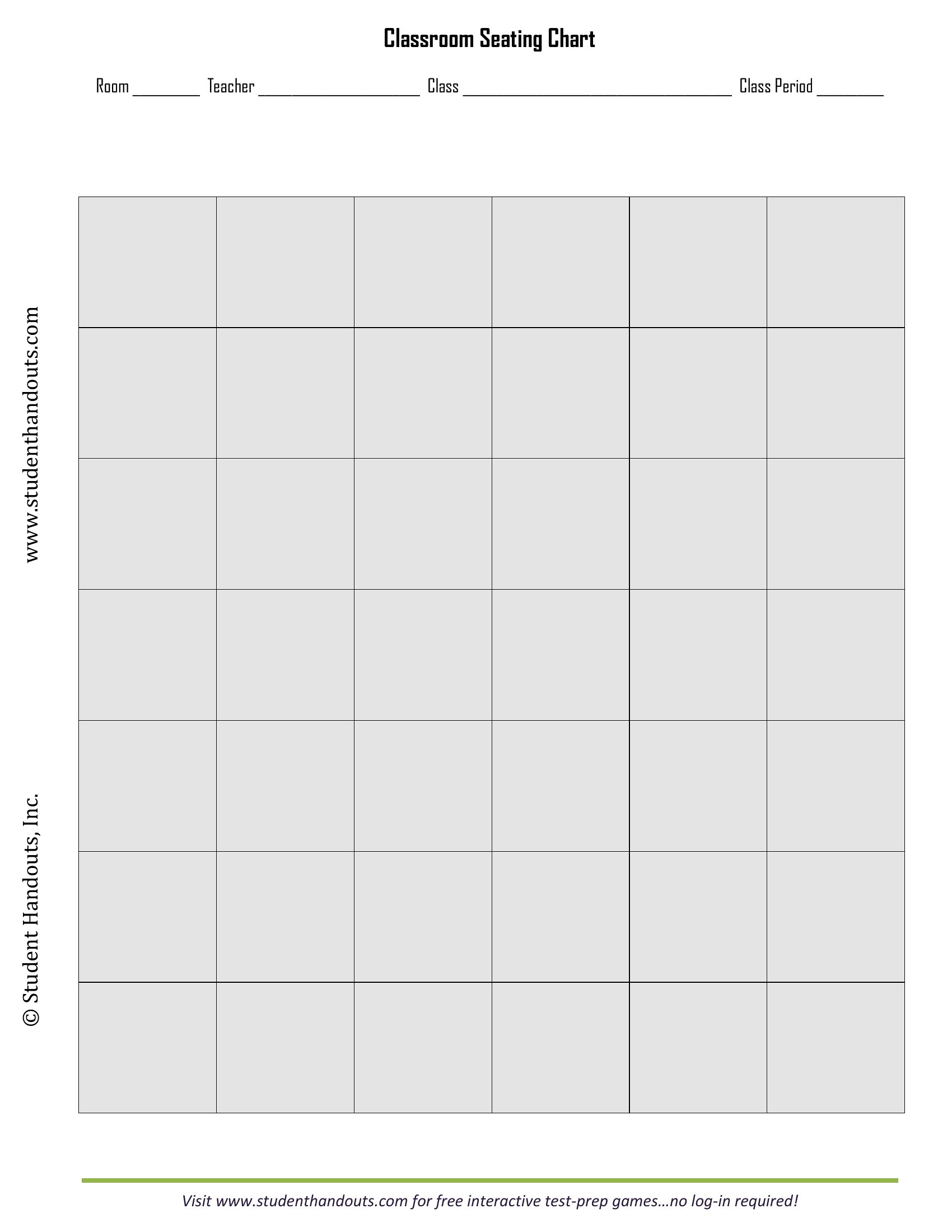
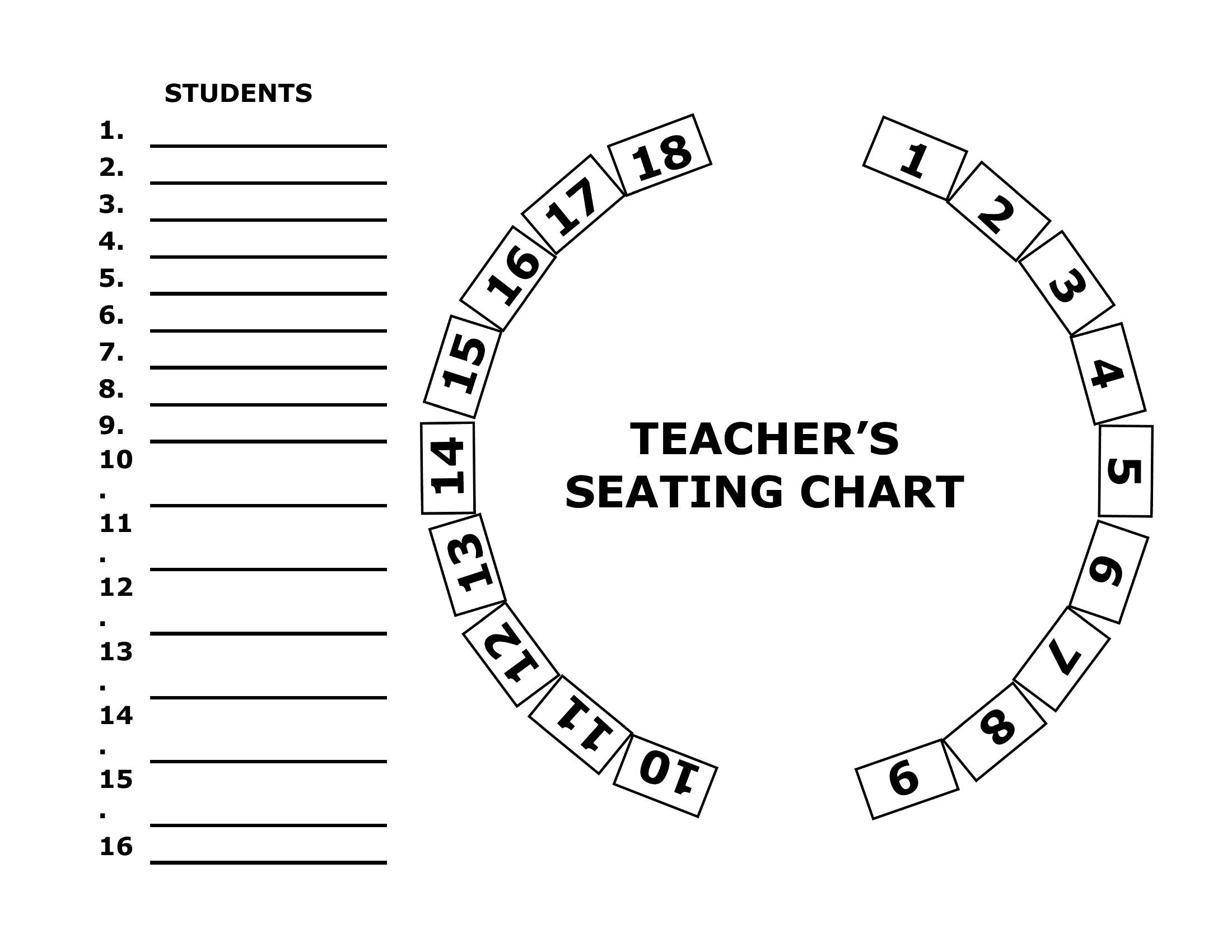
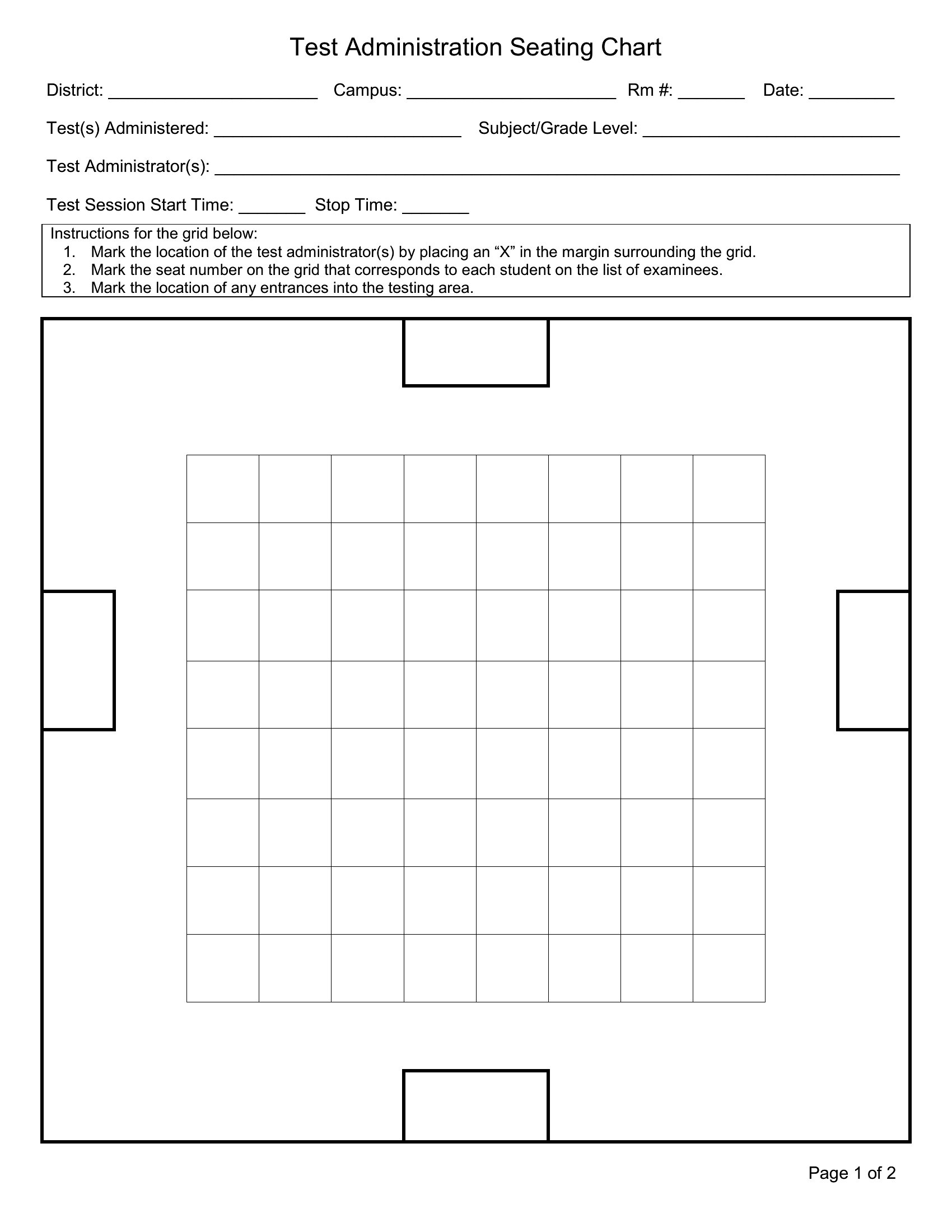
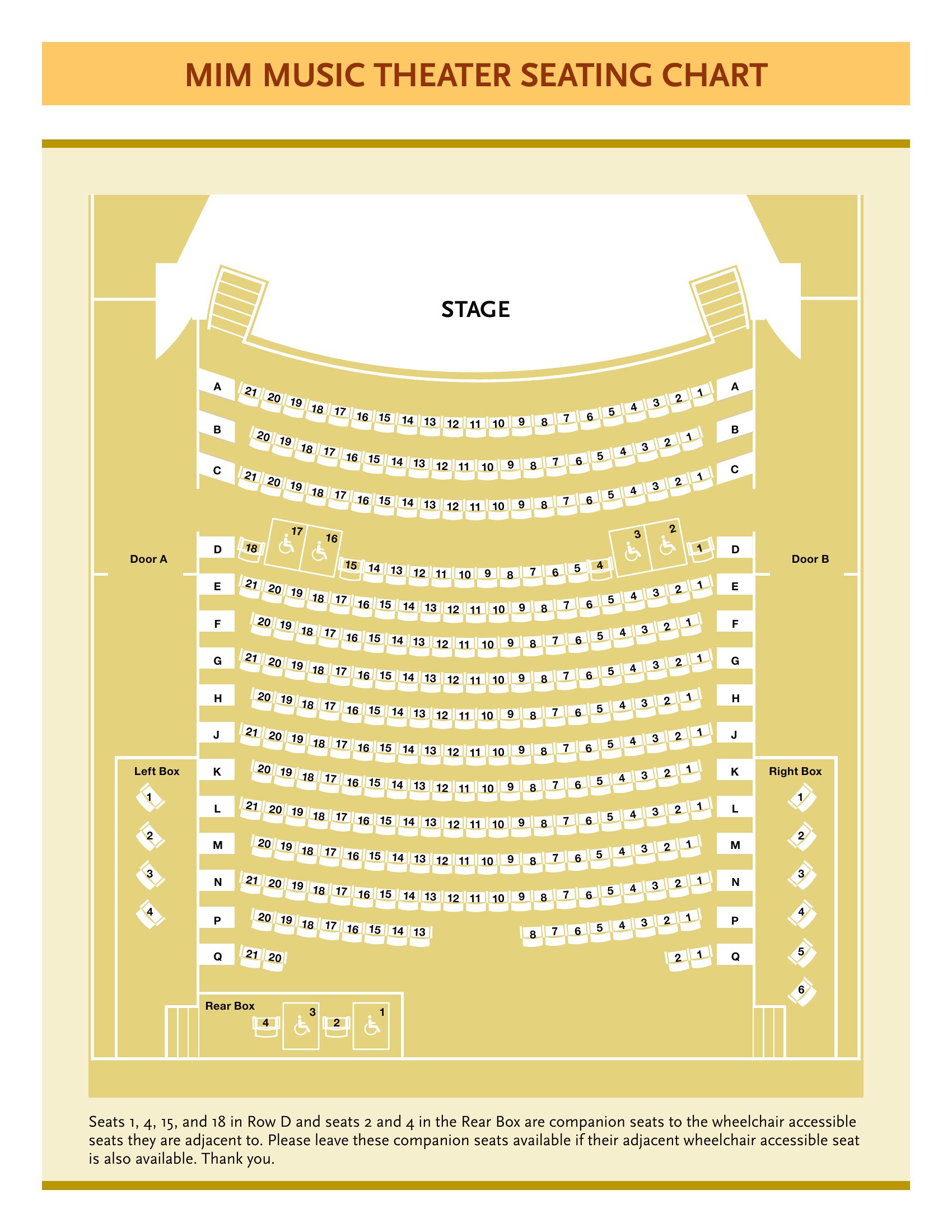
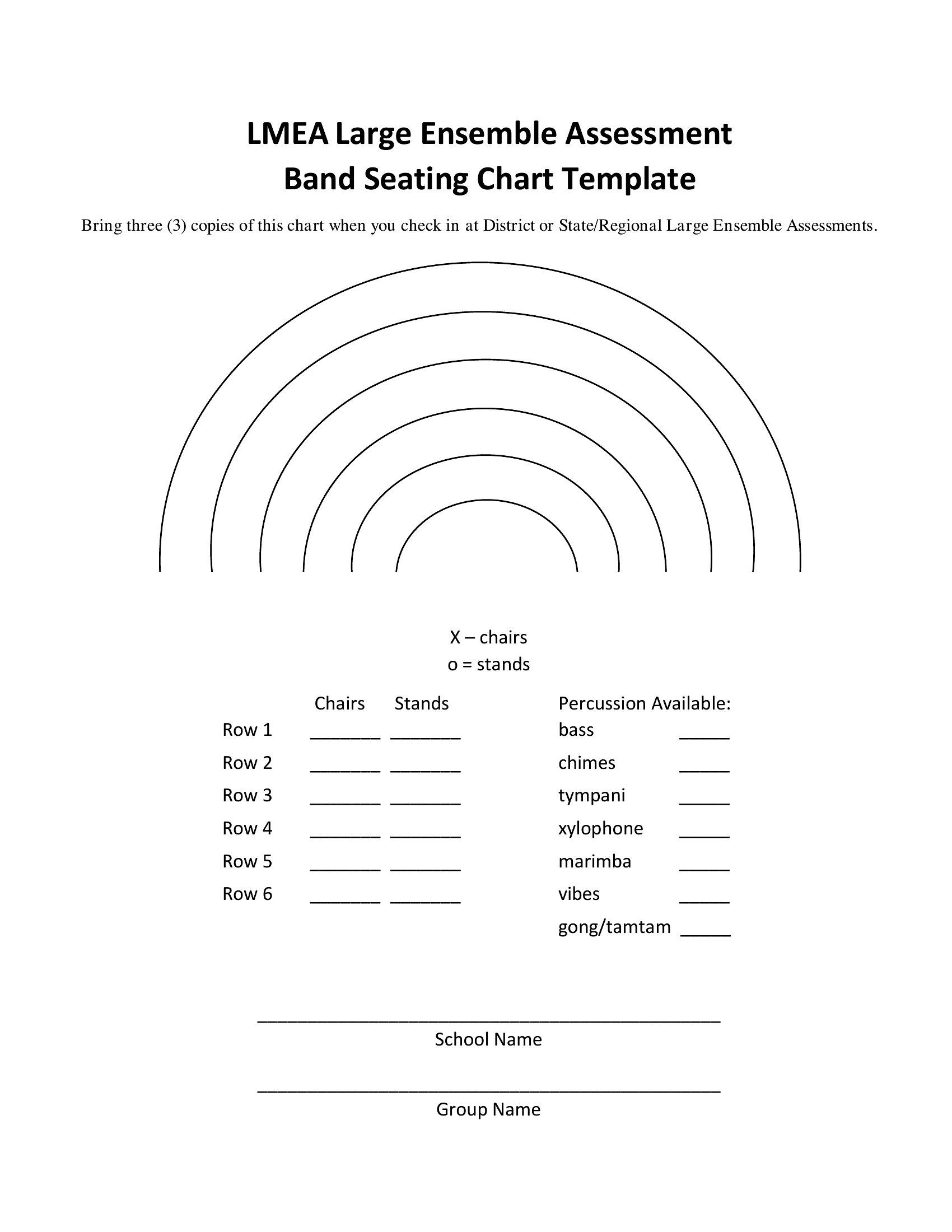
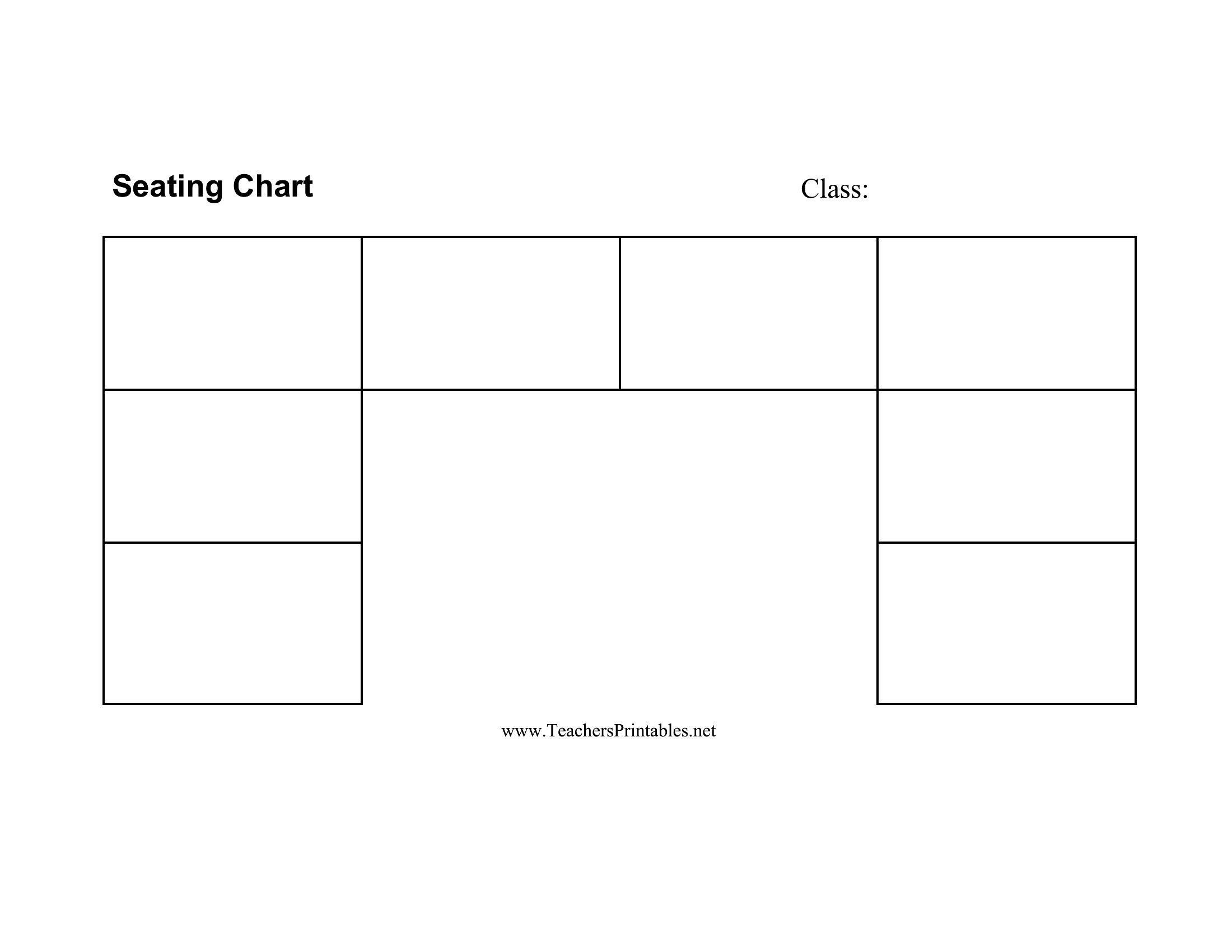
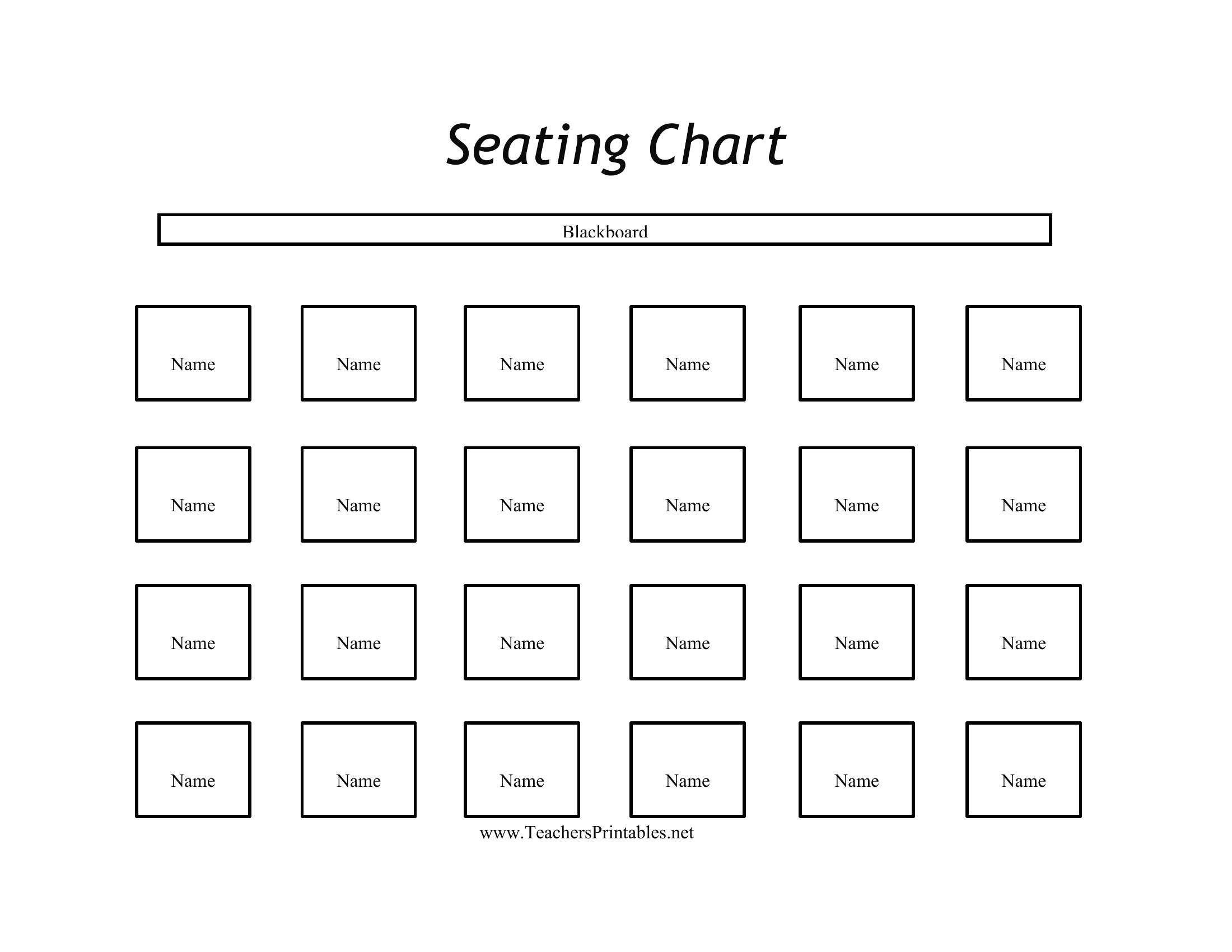
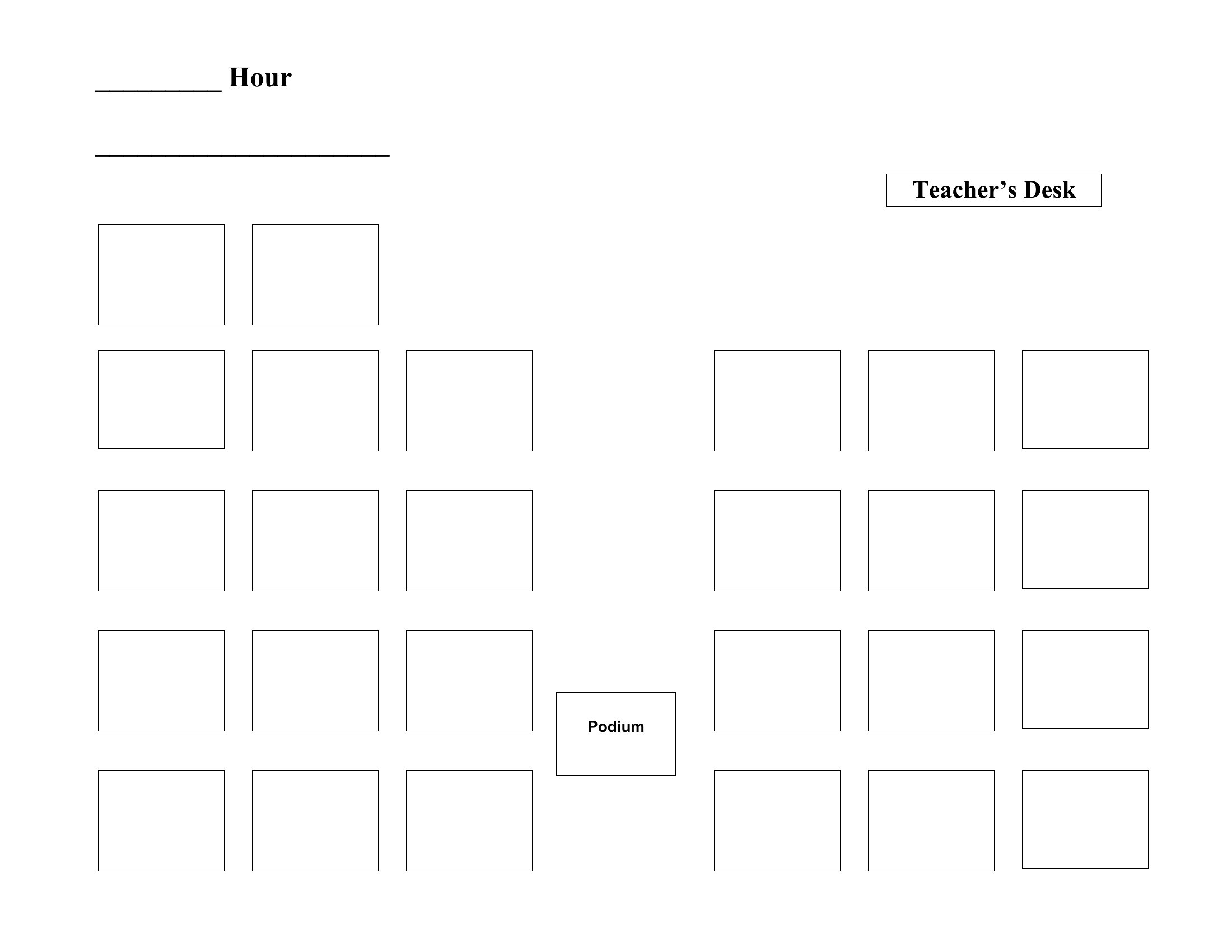
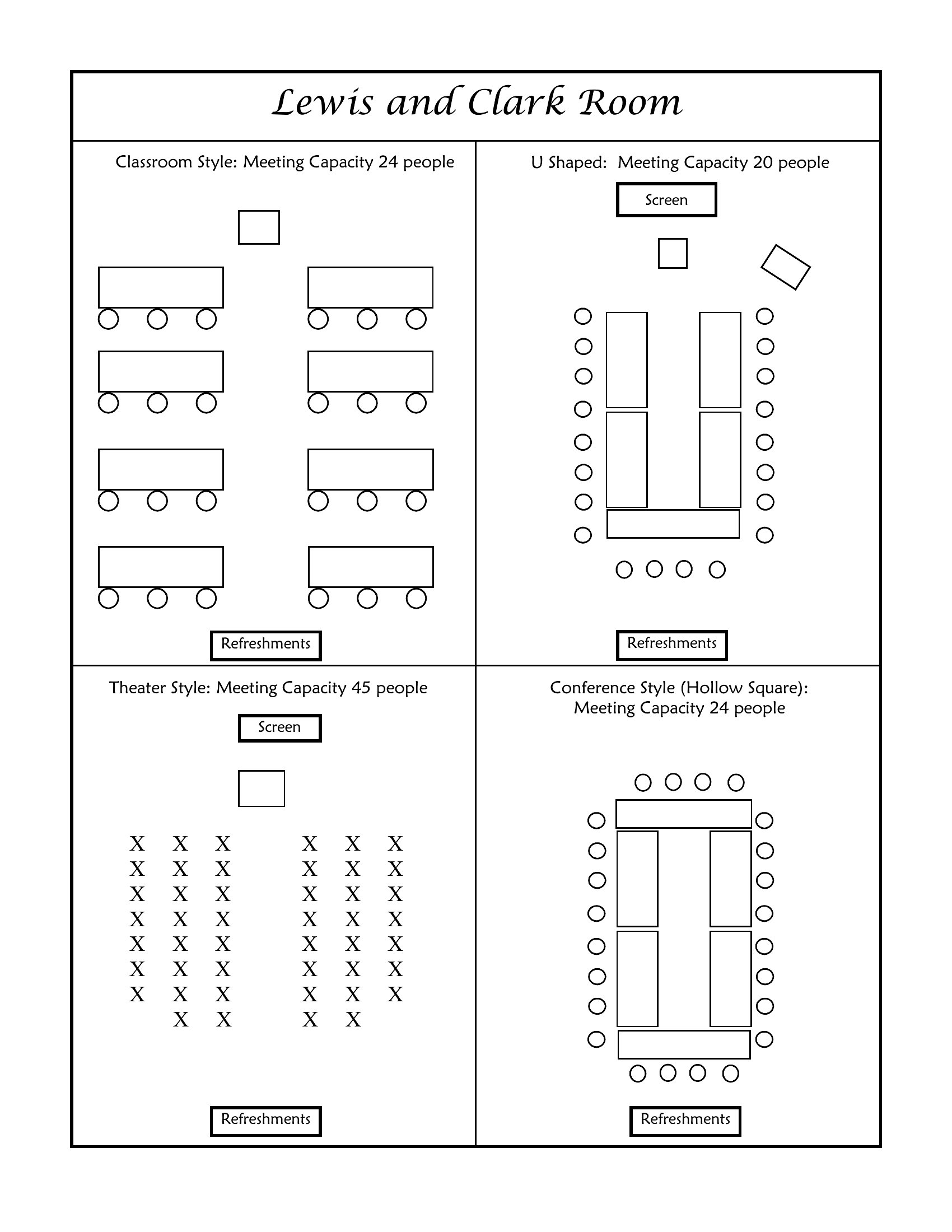
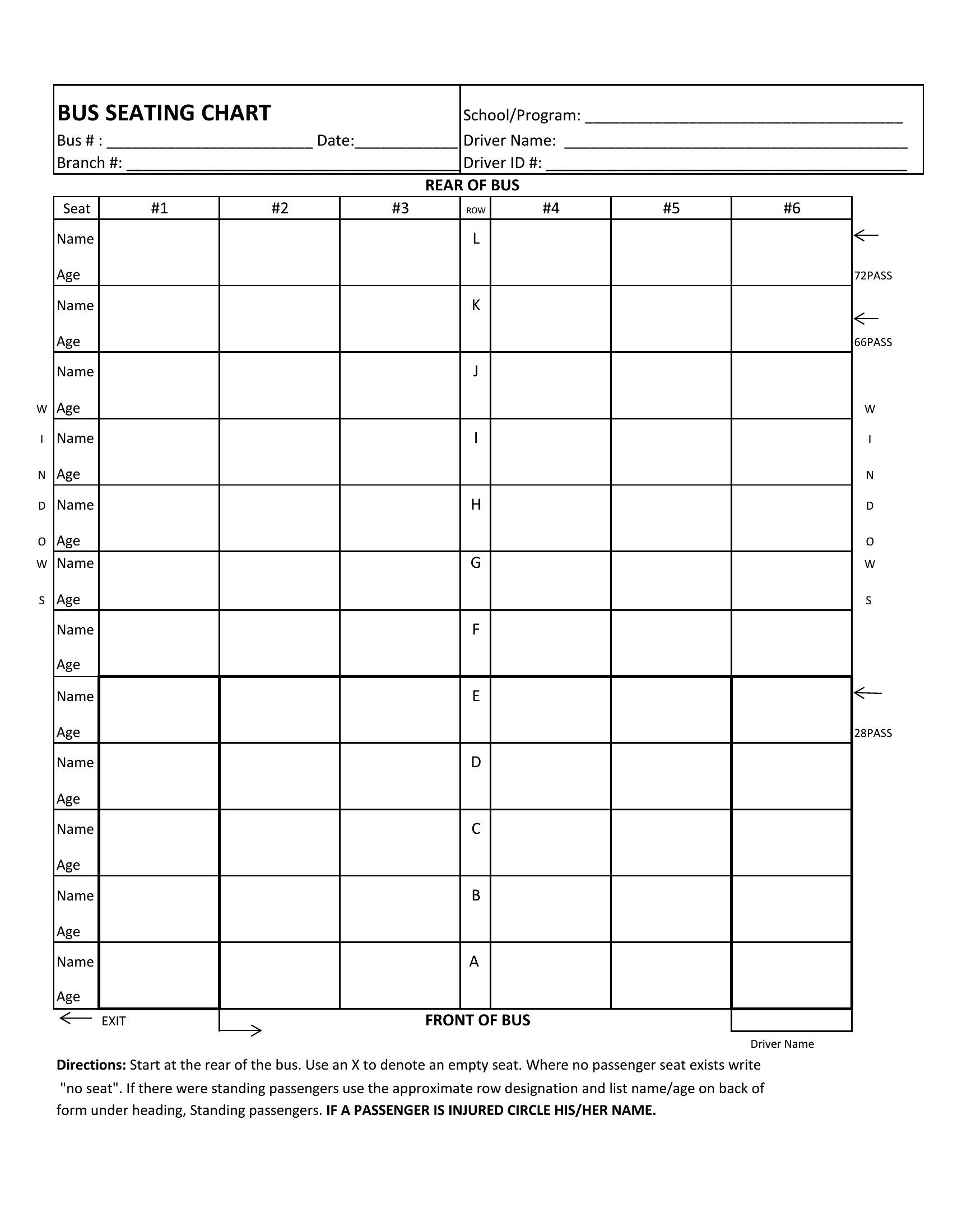
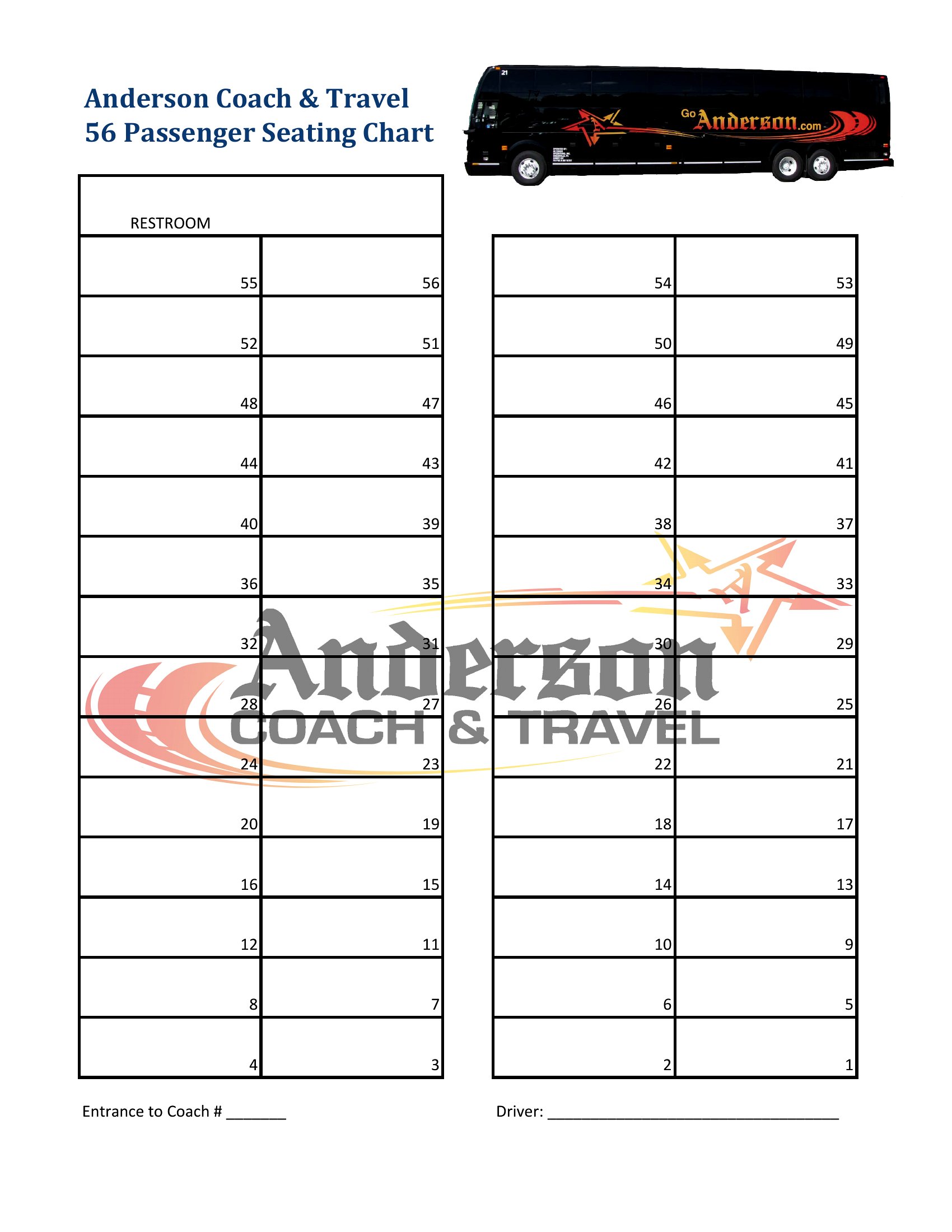
Start with a blank seating chart template in Word—these let you draw freehand or use the table tools to resize and merge cells to fit odd layouts. For example, stretch rows to create a U-shape or split tables diagonally in Word. If you’re working with PDFs, save the Word version first, modify it, and then re-export as PDF to preserve your changes.
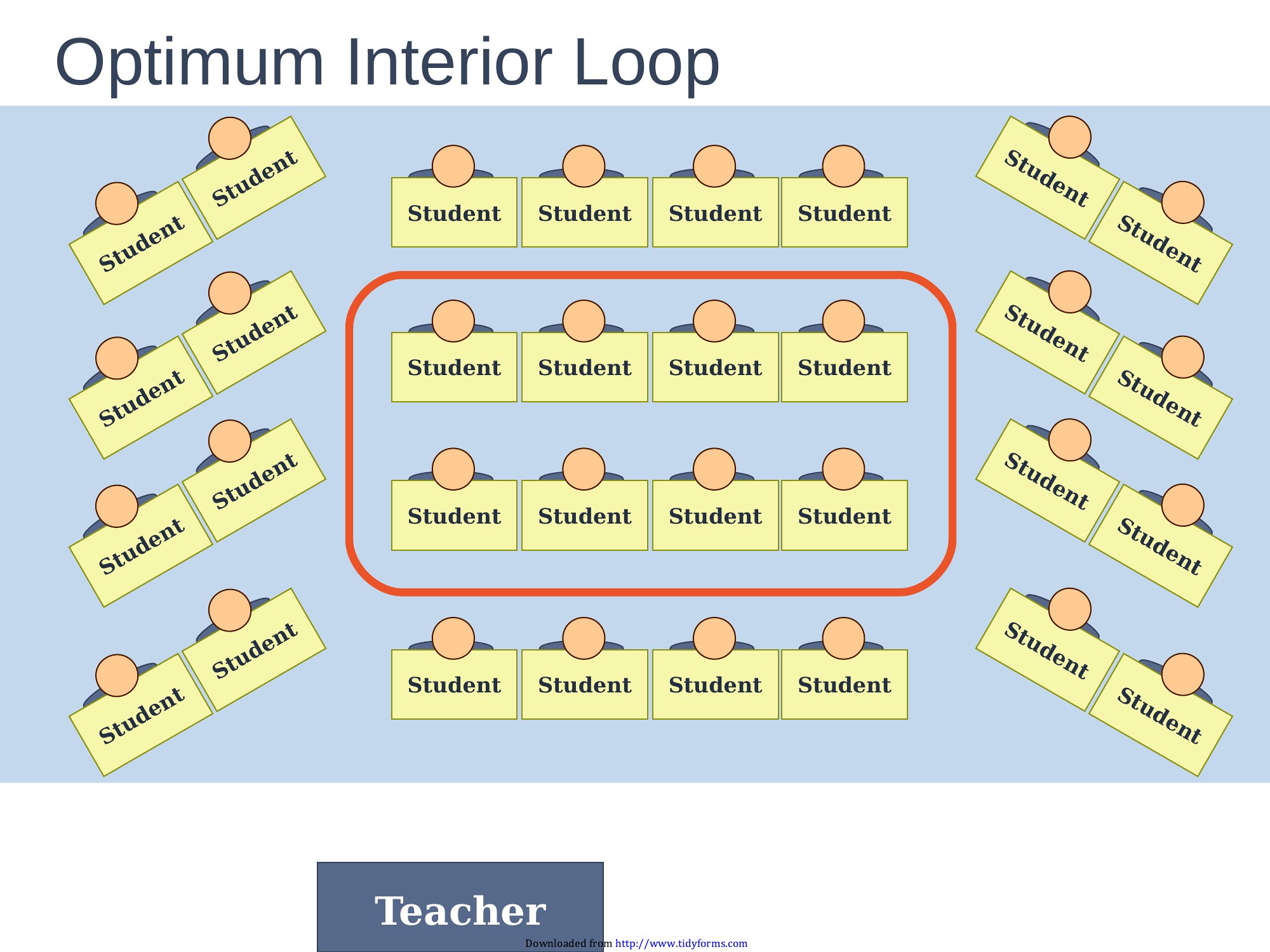
Are there templates that help assign seating based on conversation needs, like pairing introverts with small groups?
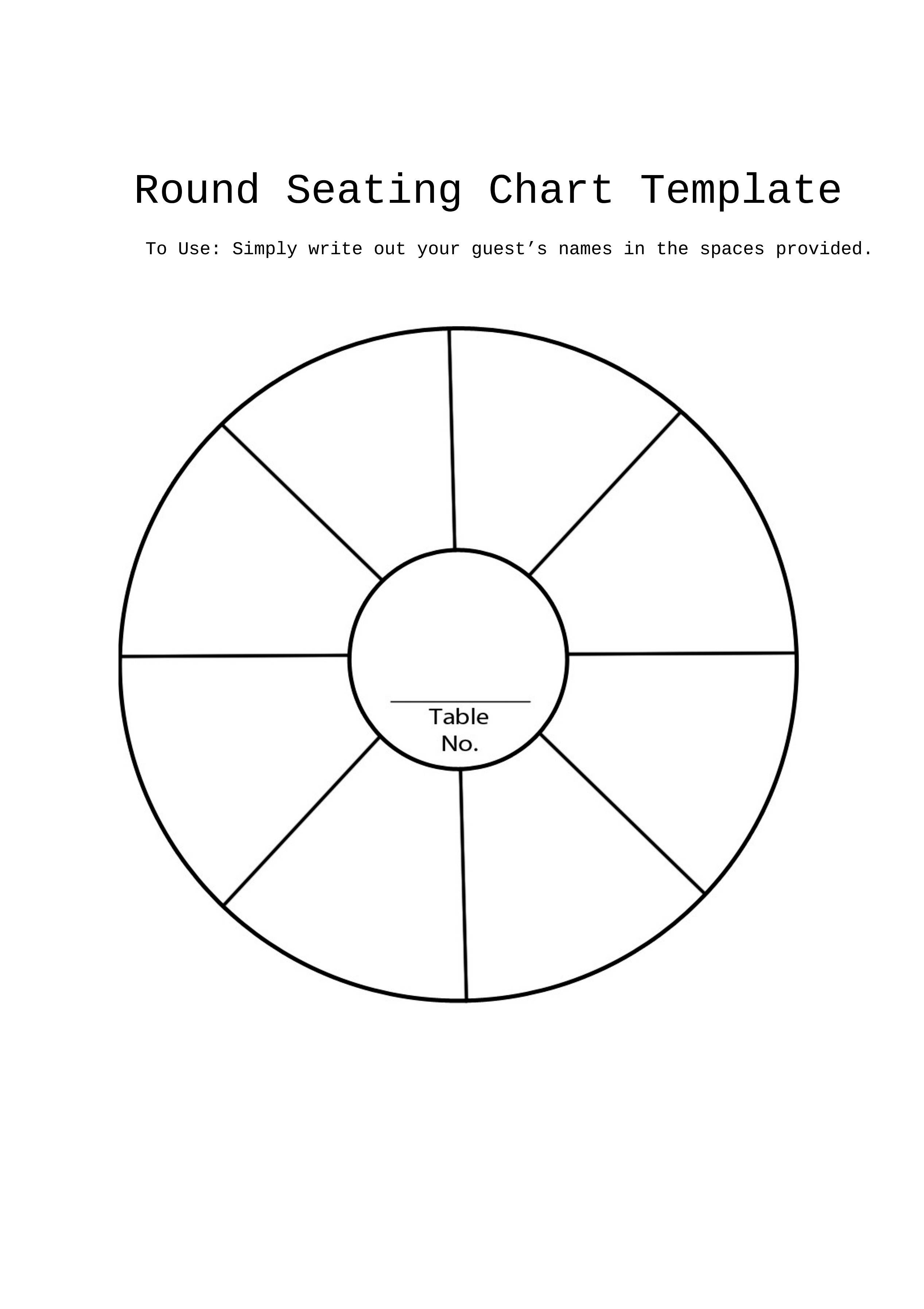
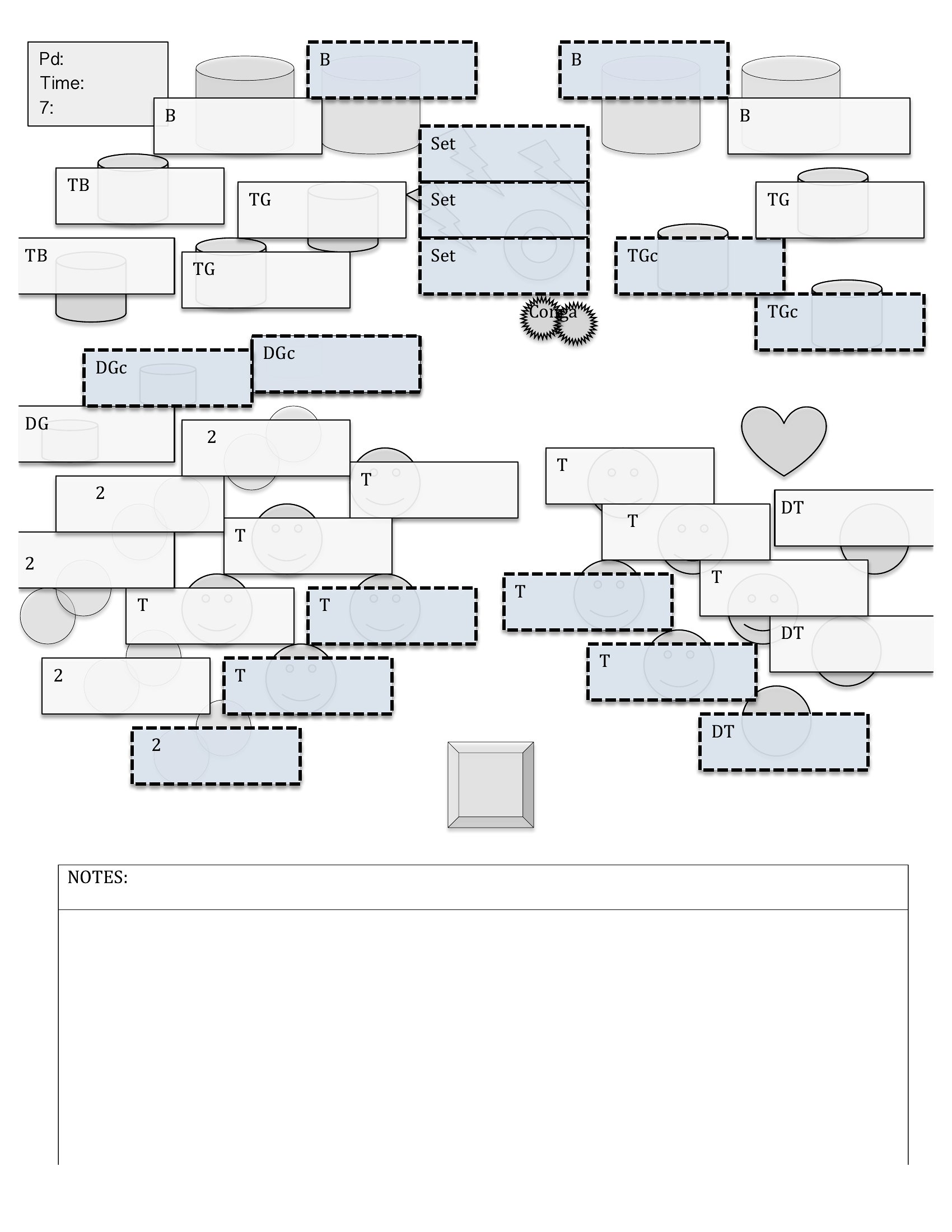
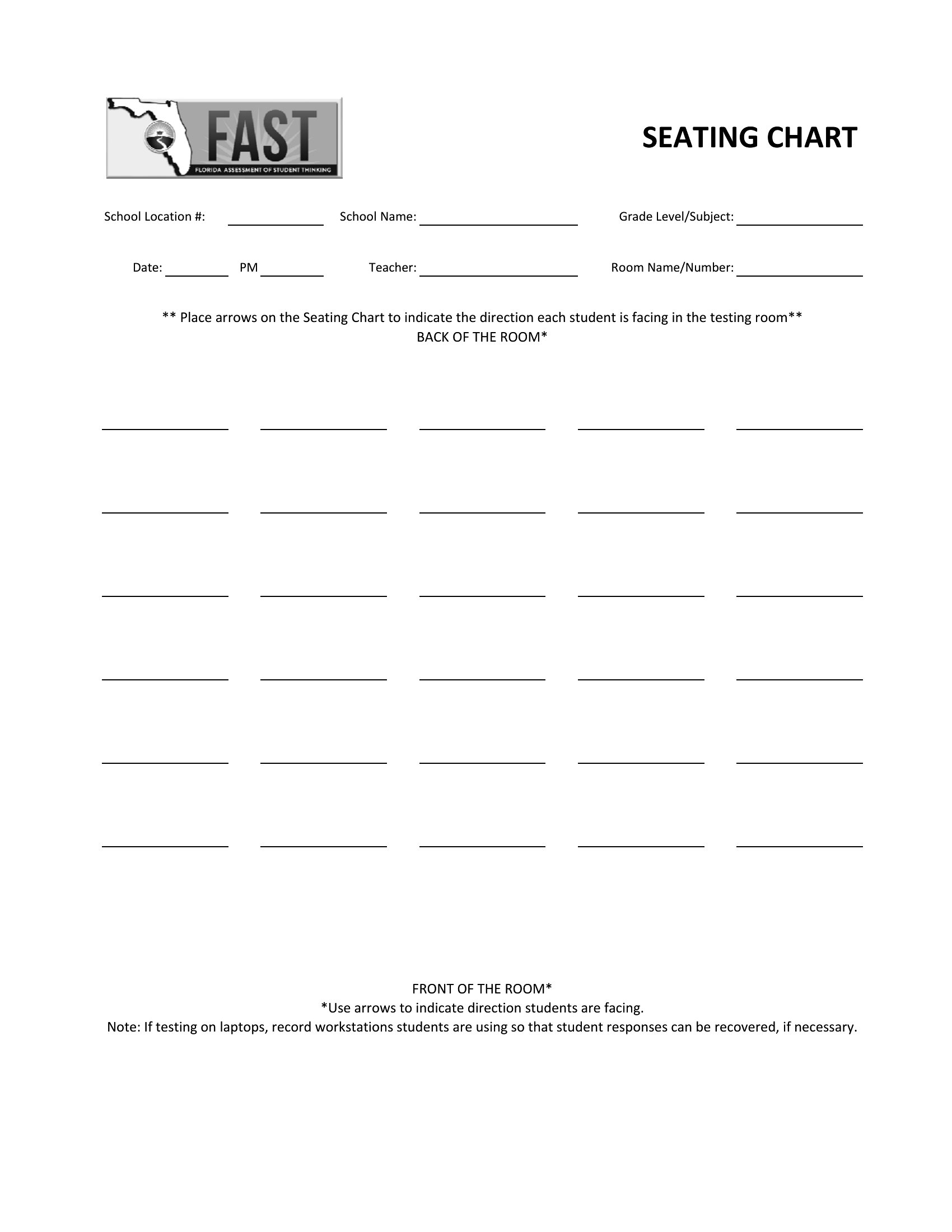
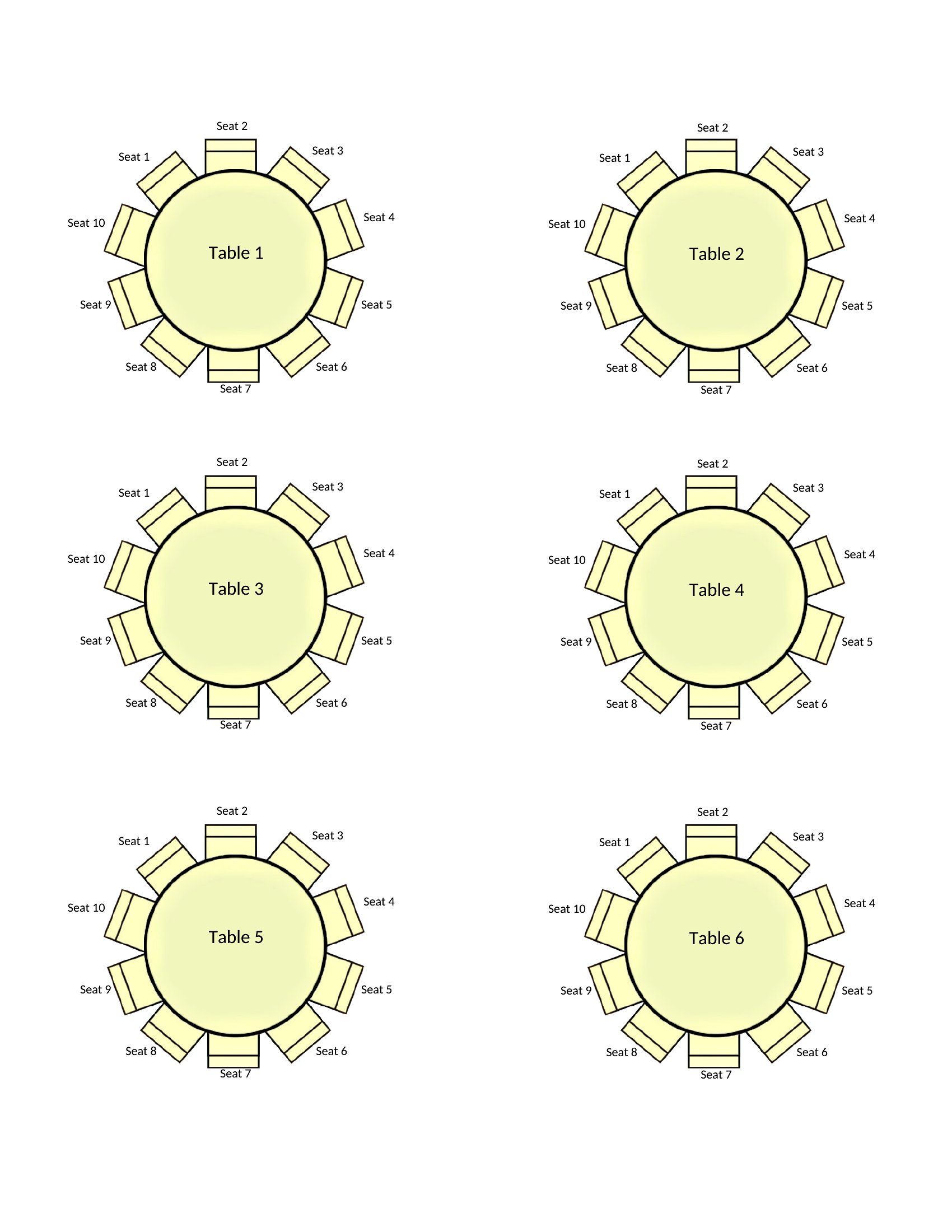
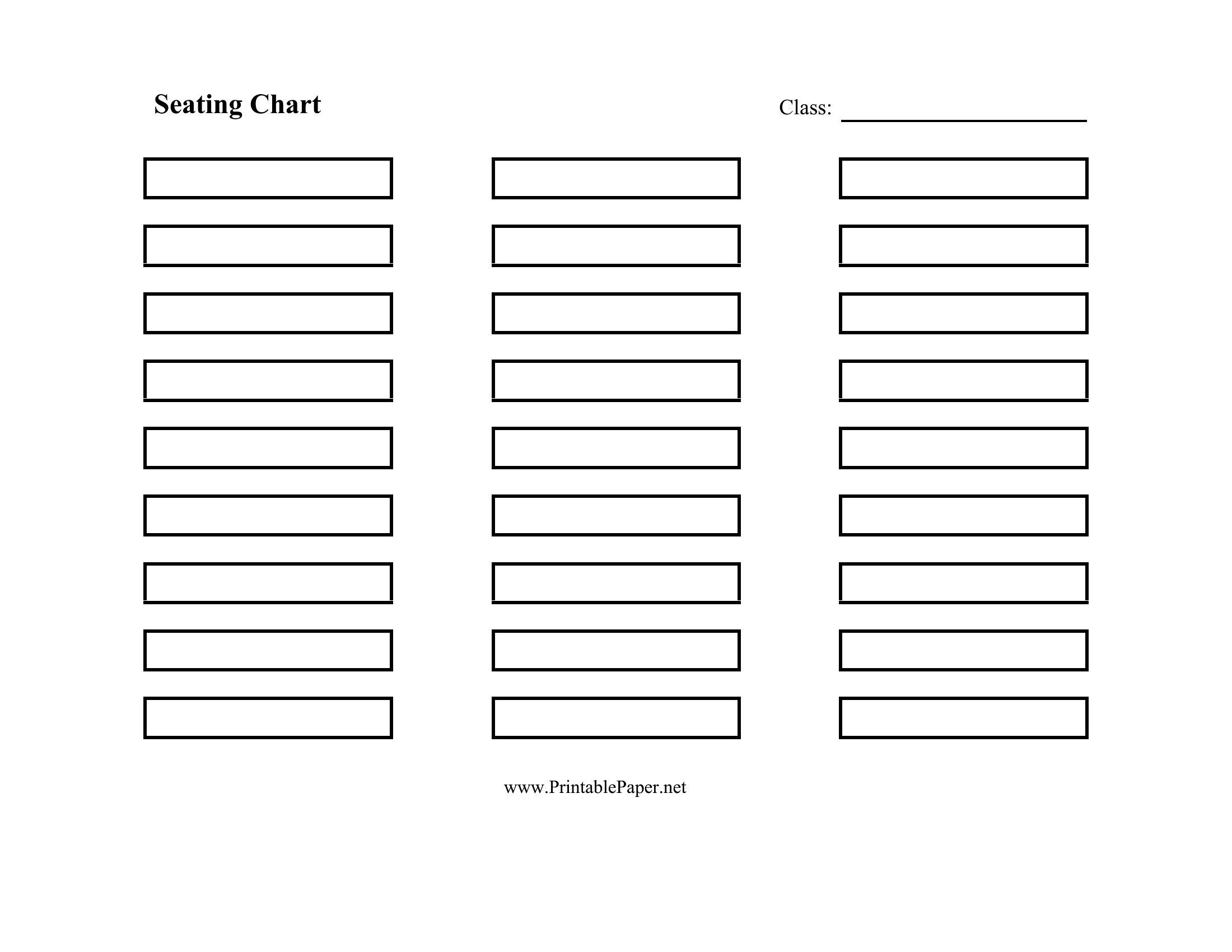
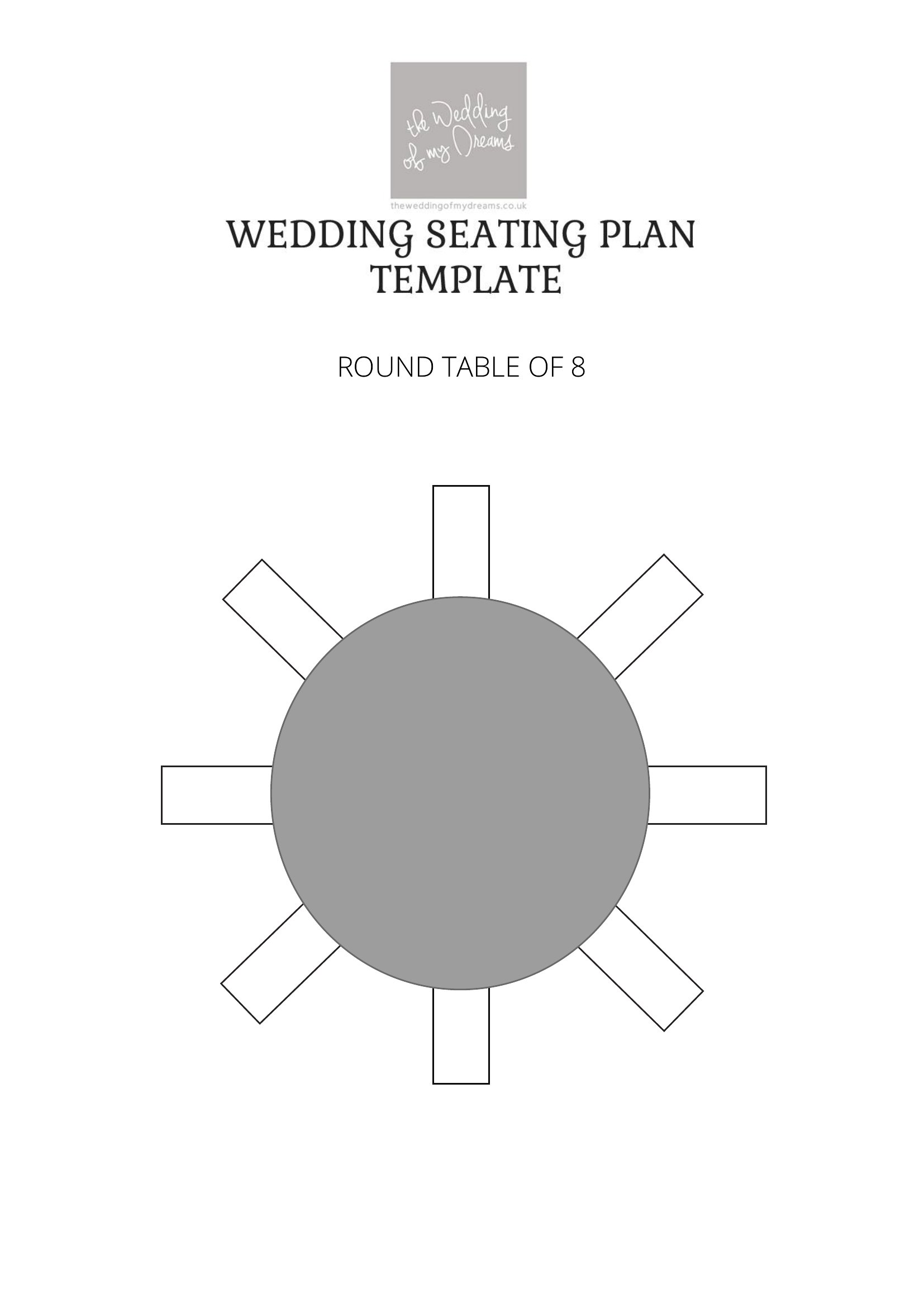
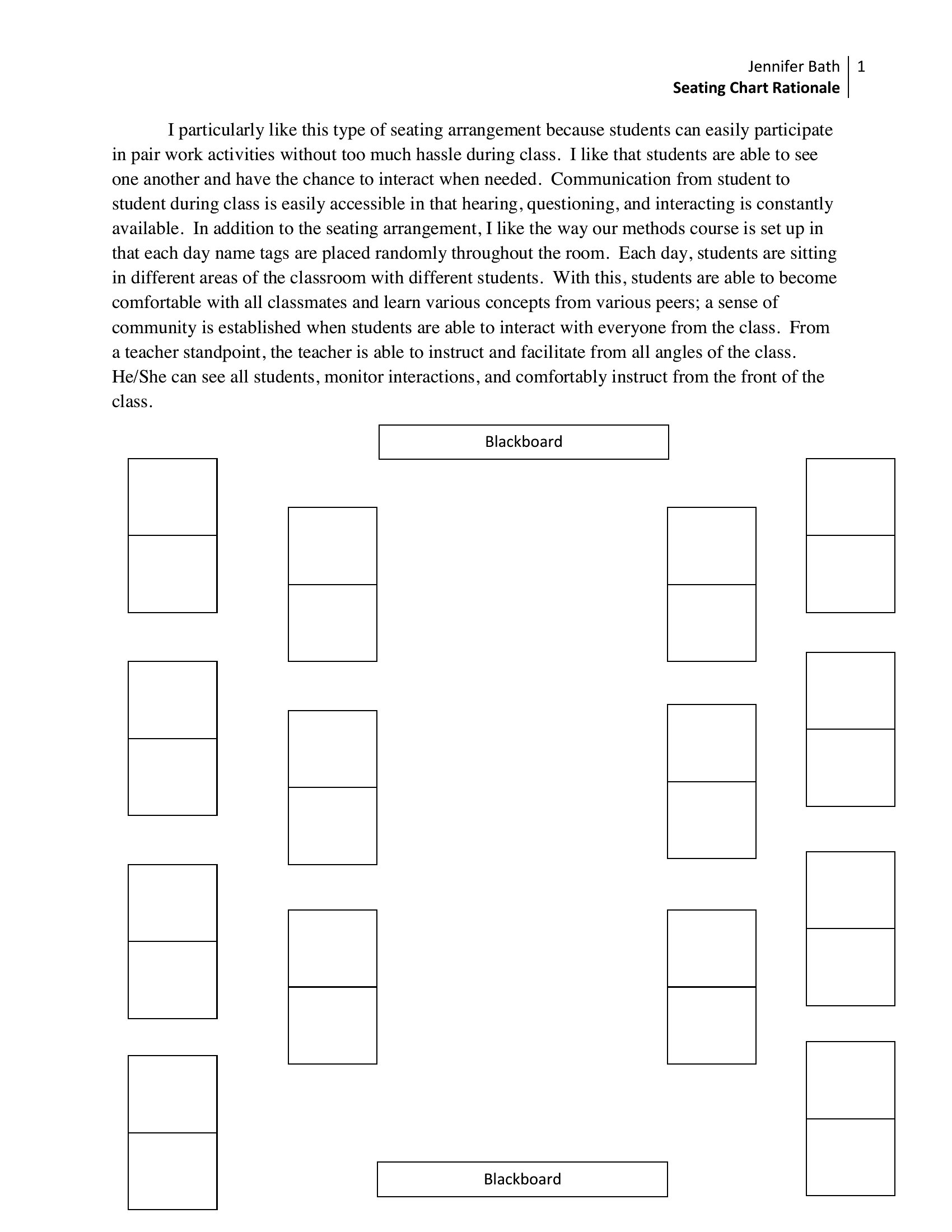
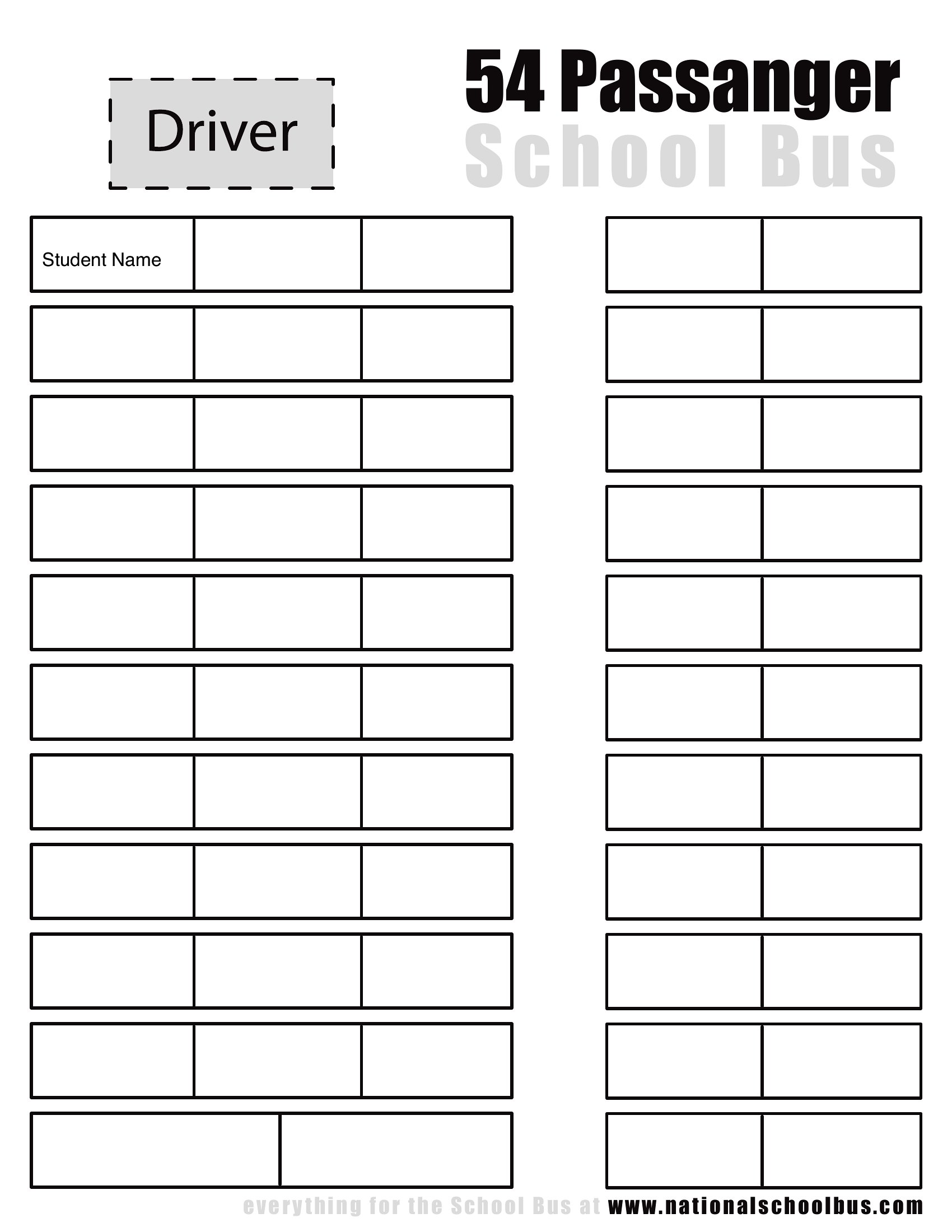
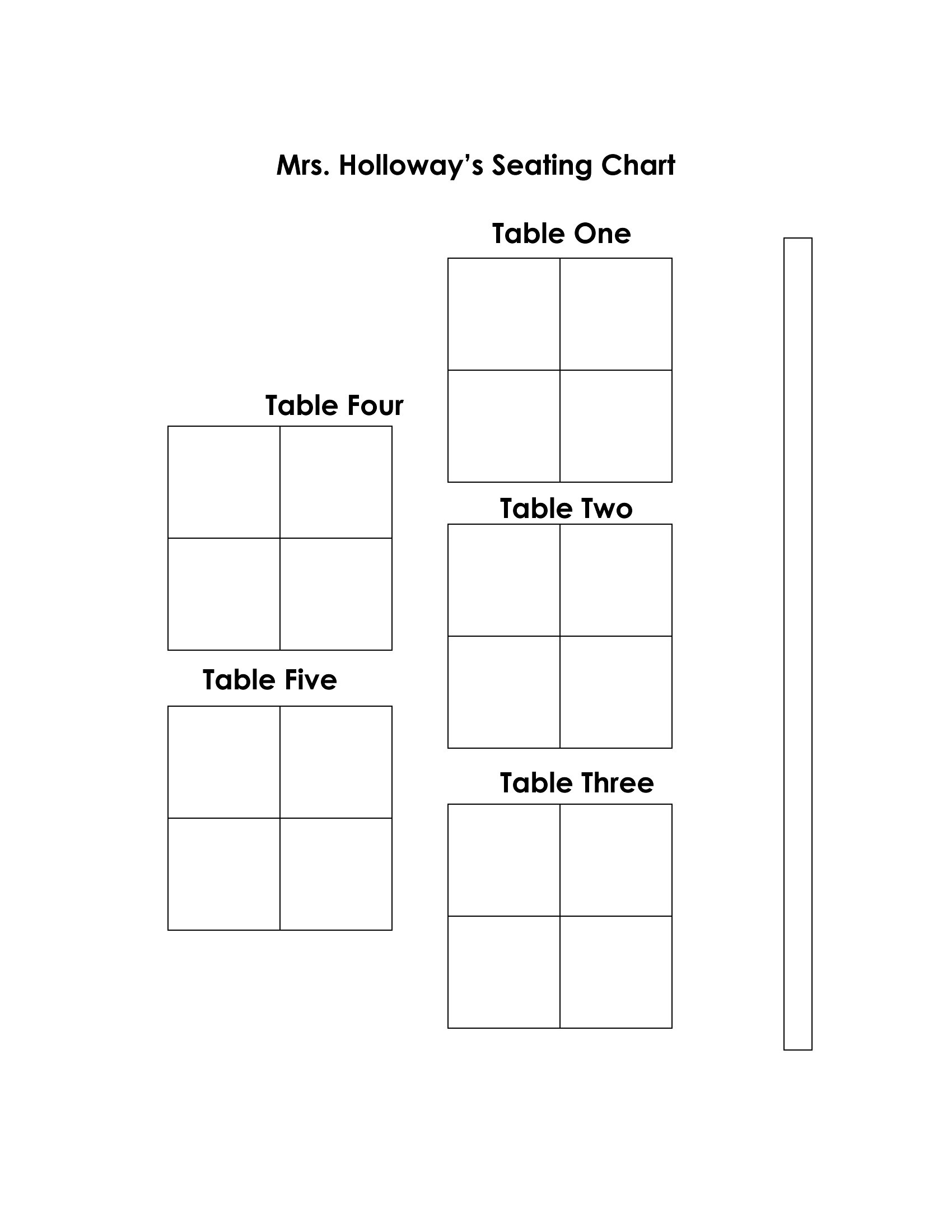
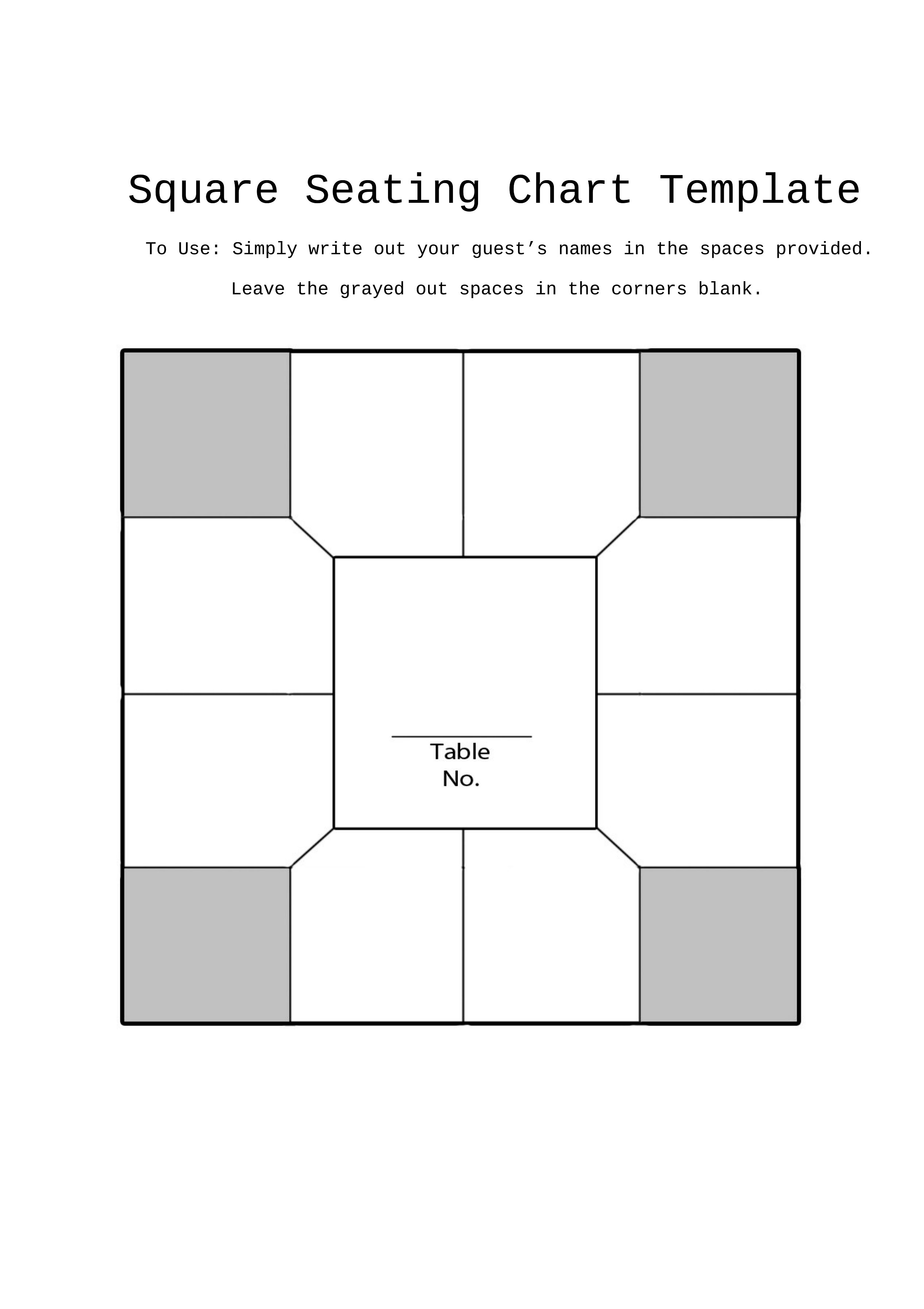
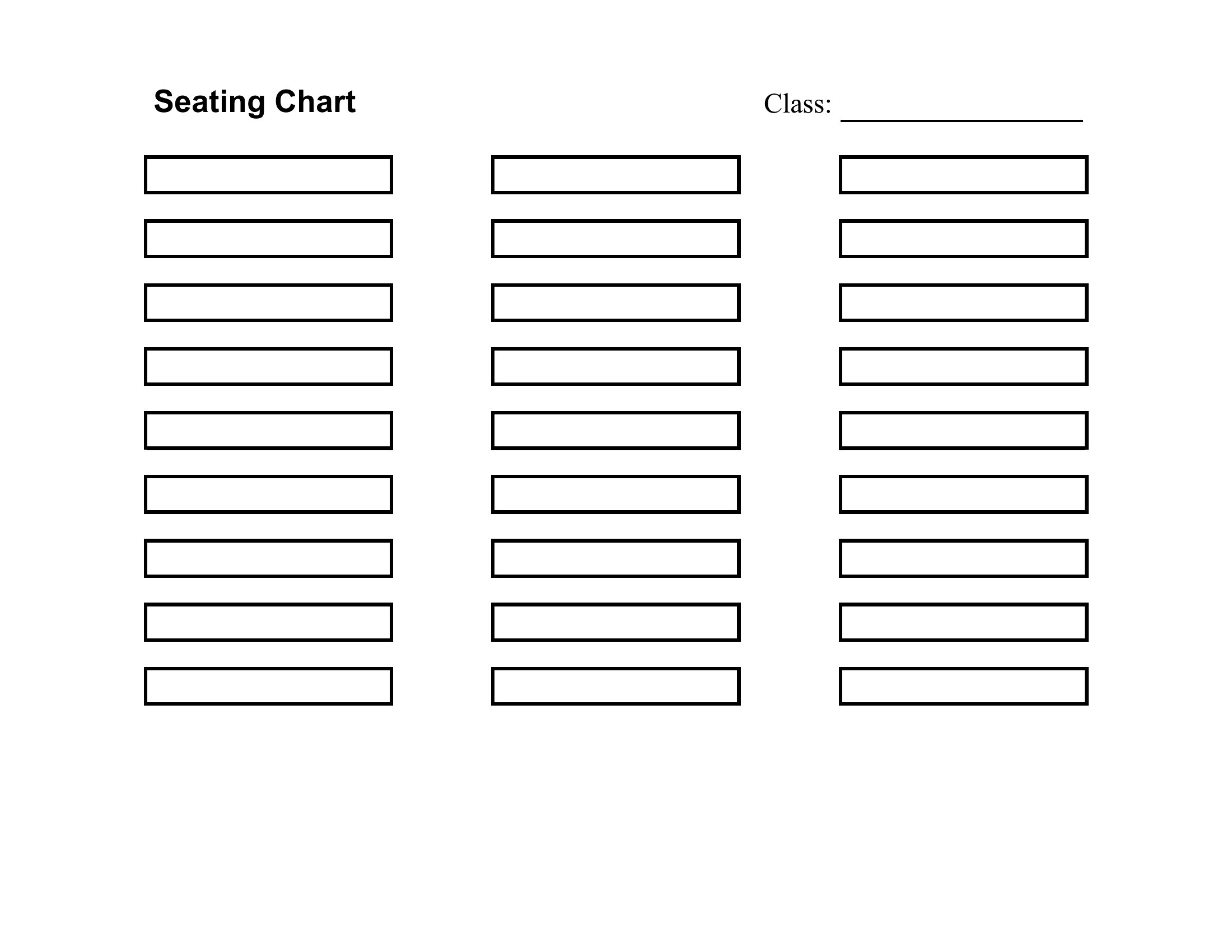
While no template automates personality-based seating, the classroom and round-table layouts in this collection include grid options to manually cluster seats by affinity groups. Wedding planners can use the fillable PDFs to manually note ‘prefers quiet conversations’ next to names, then rearrange tables in Word to balance those needs. For events, add a ‘conversation buddy’ column in Word to pair attendees intentionally before printing.
Comments
Join the conversation
Sign in to share your thoughts and leave a comment on this resource.