Skip to content
50% off this one-time $1.99 pack with HALFOFF — or unlimited with Pro.HALFOFF
Premium

Free Children's Book Templates (Word, PDF)

Life
shrutinagane by shrutinagane
Updated 0 downloads 2 community comments

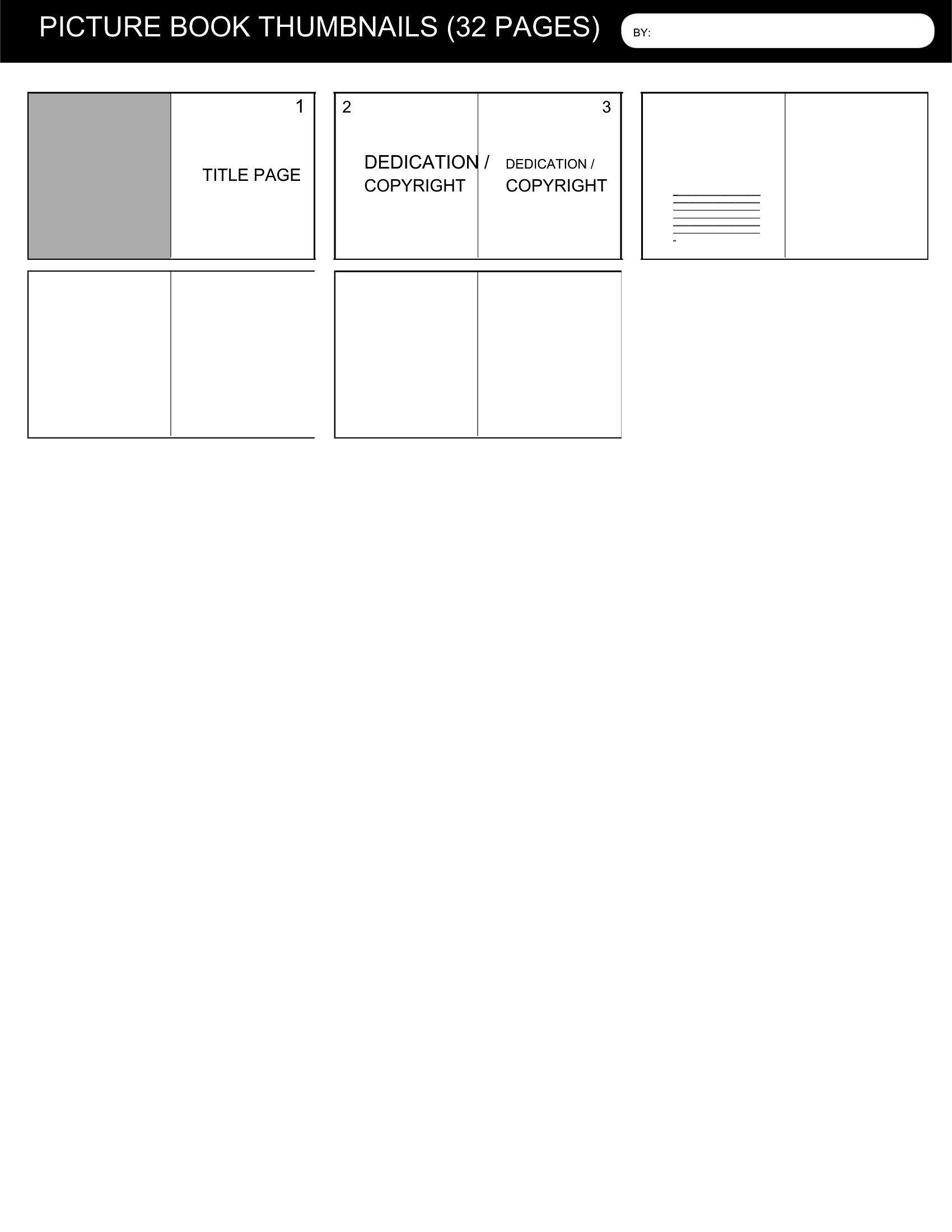
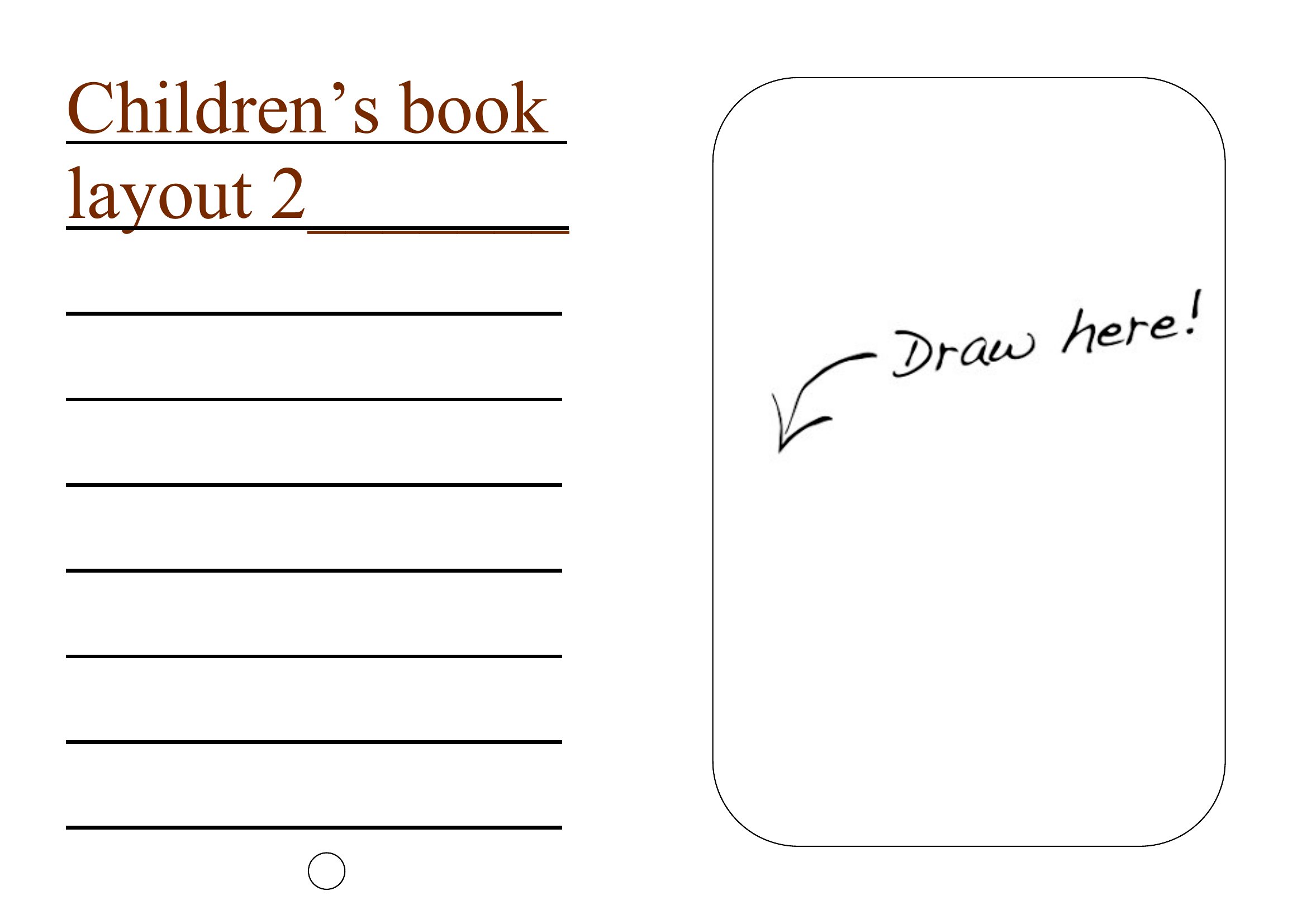
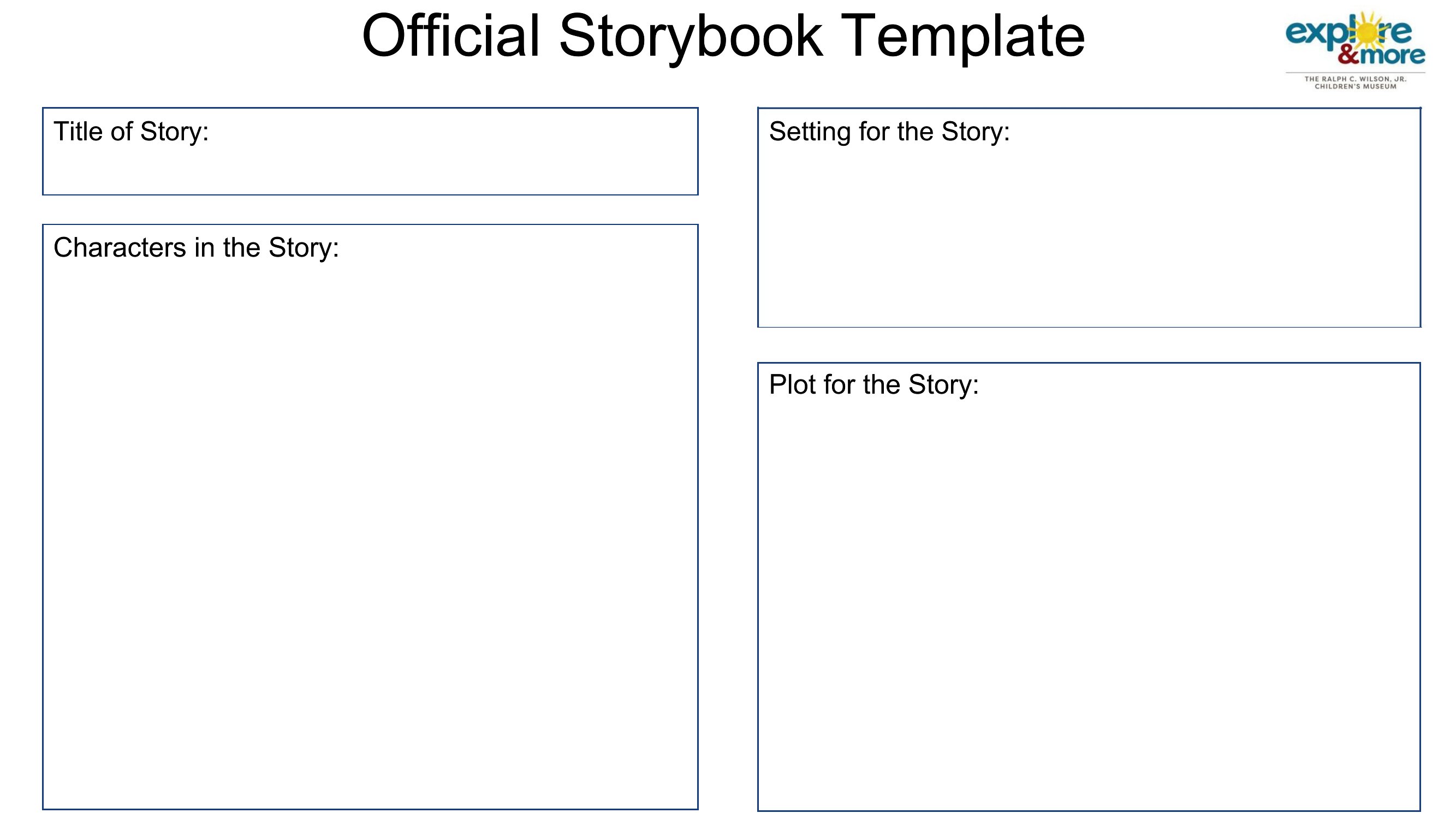
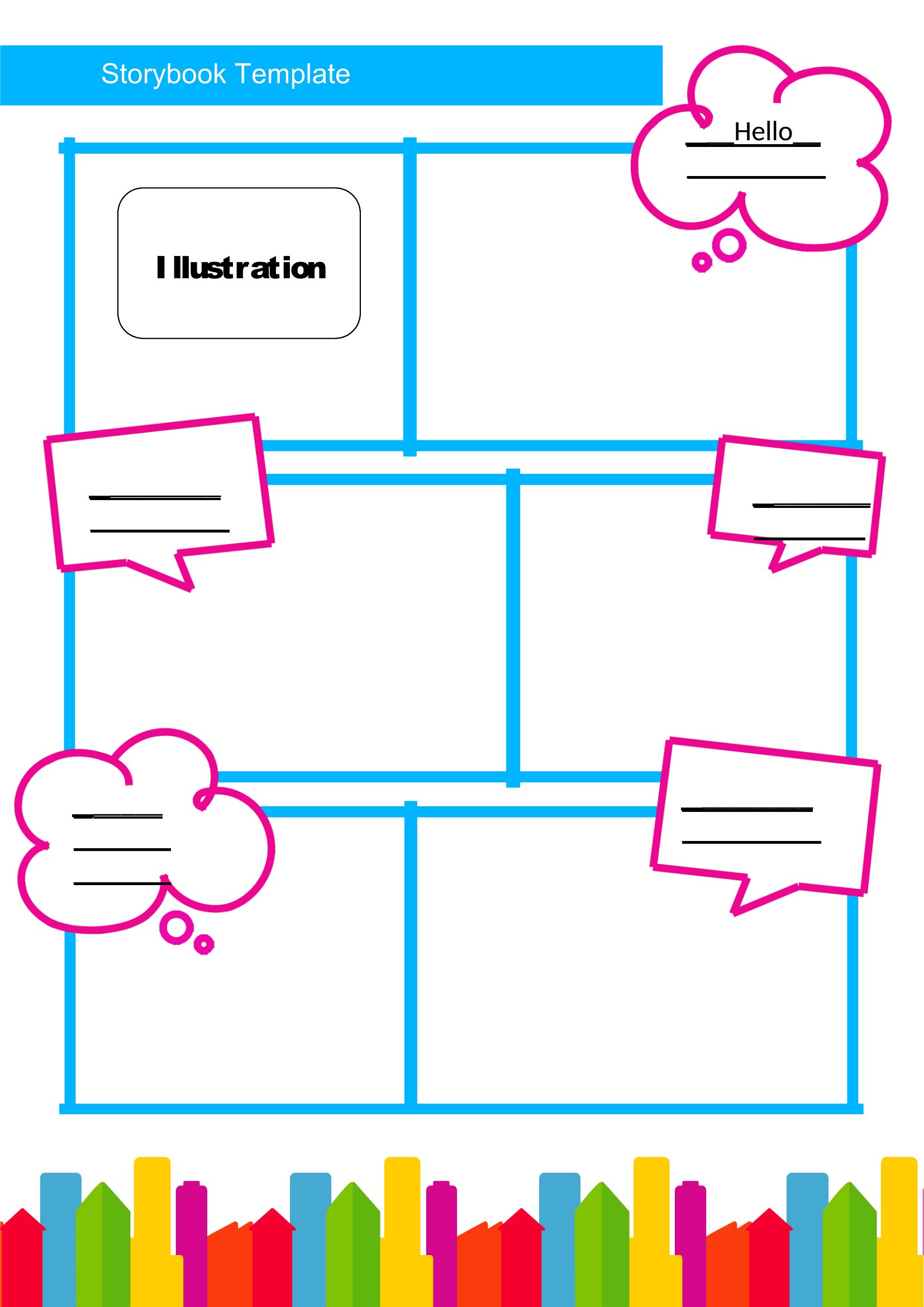
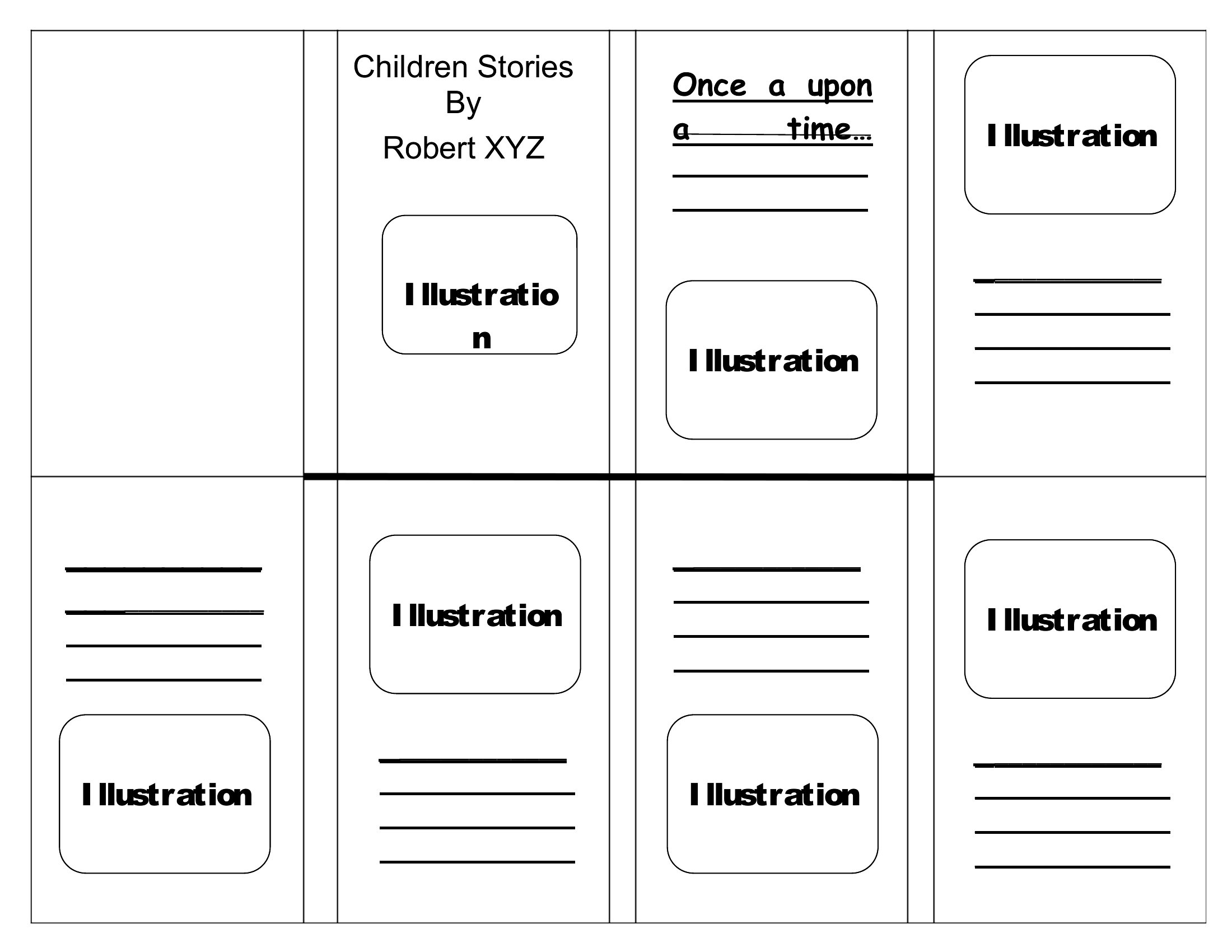
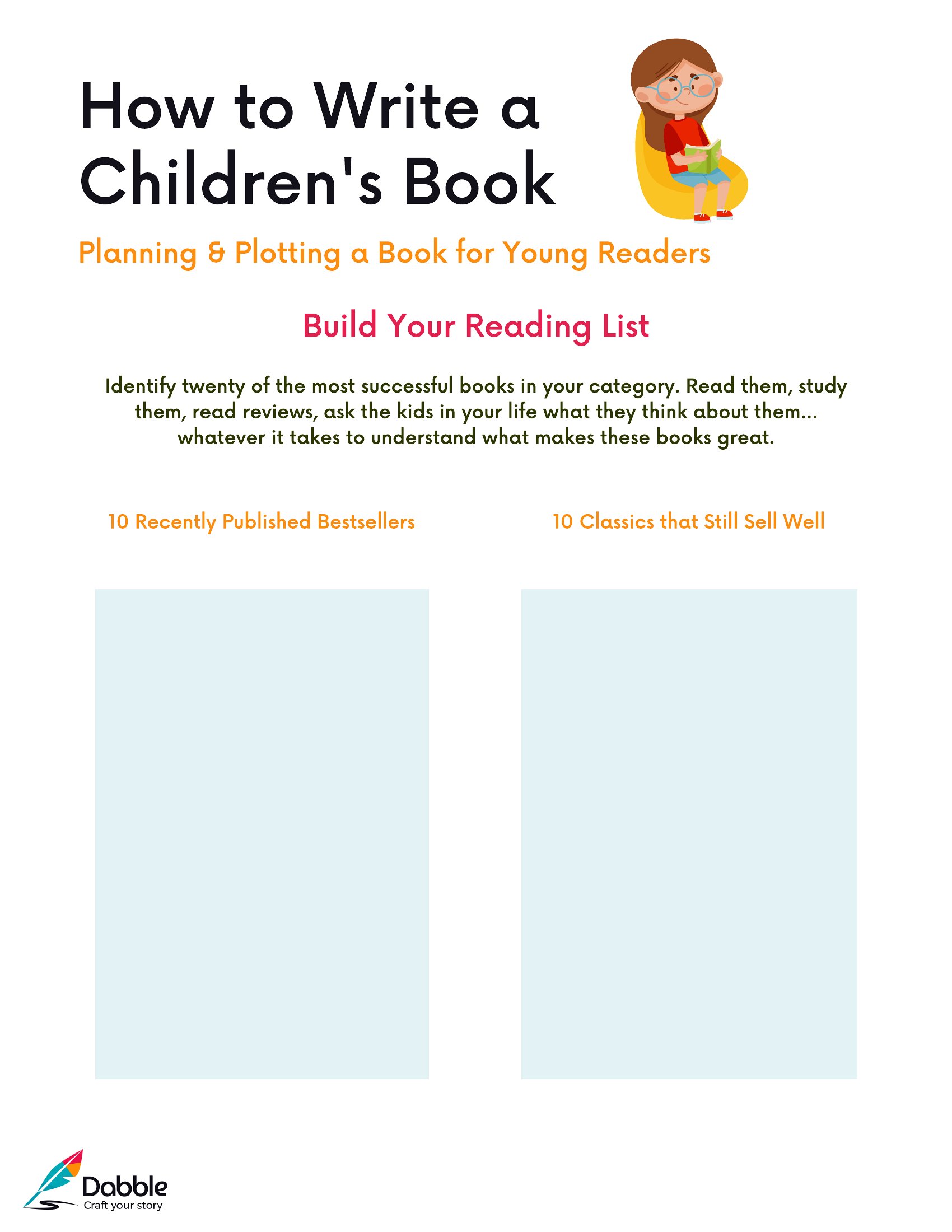
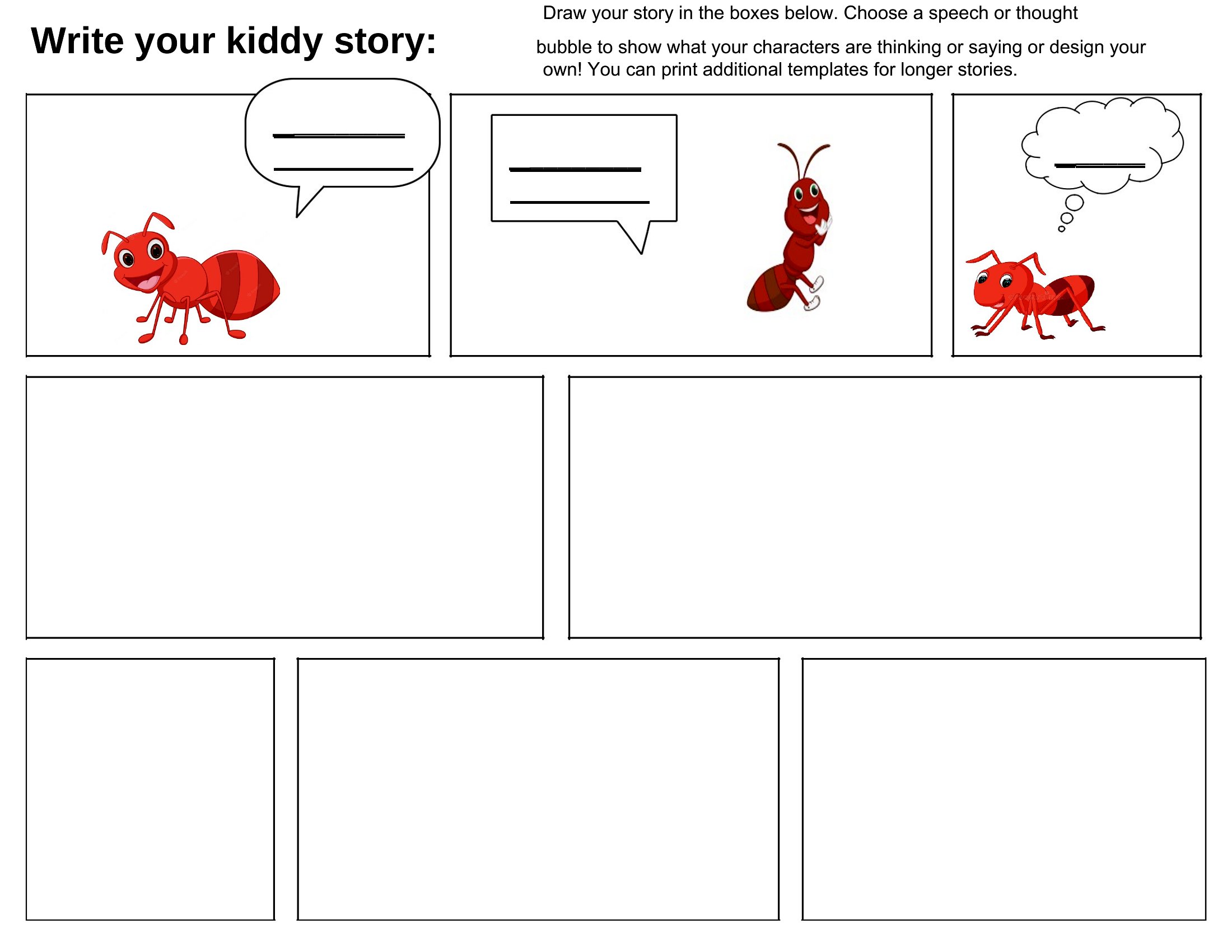
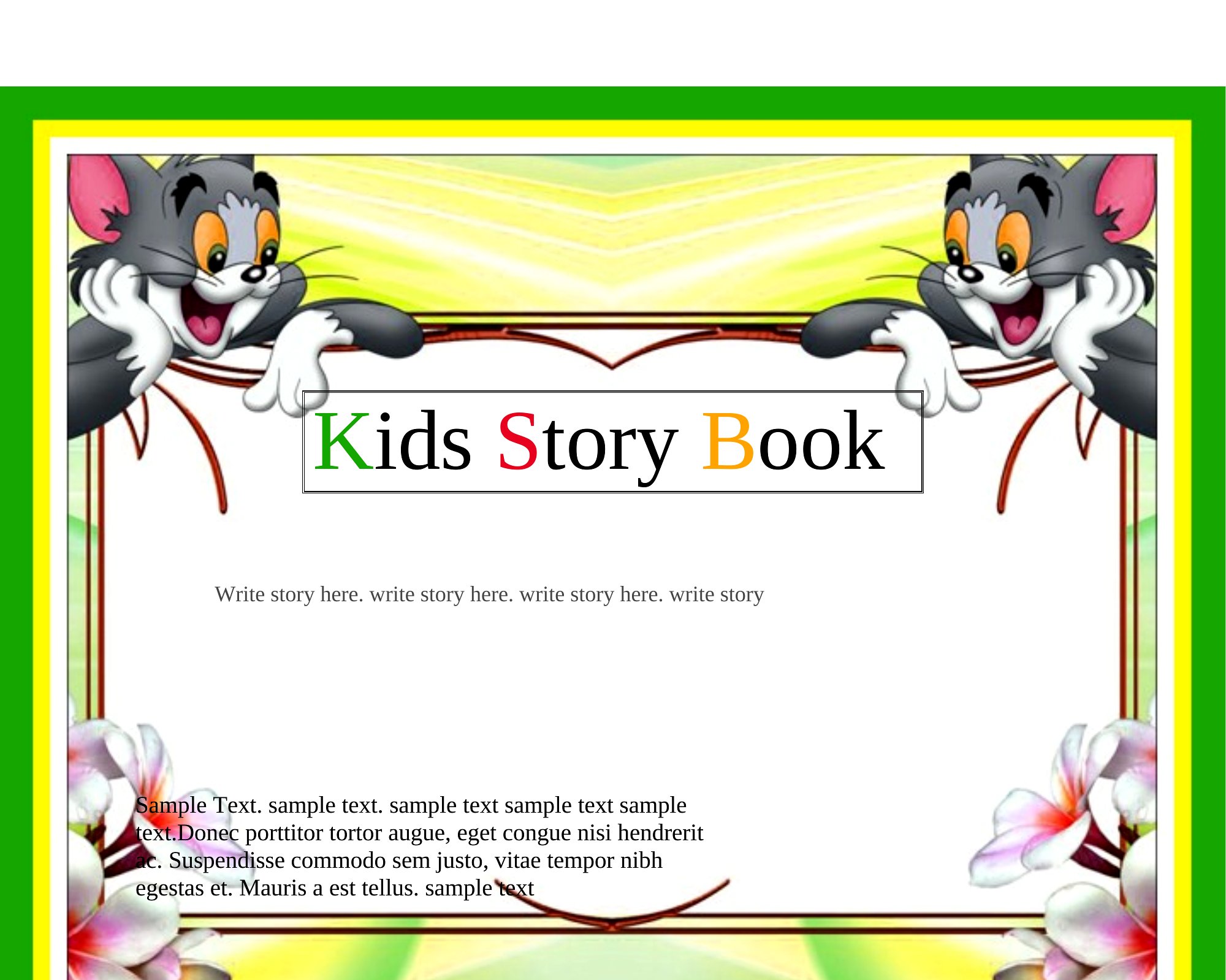
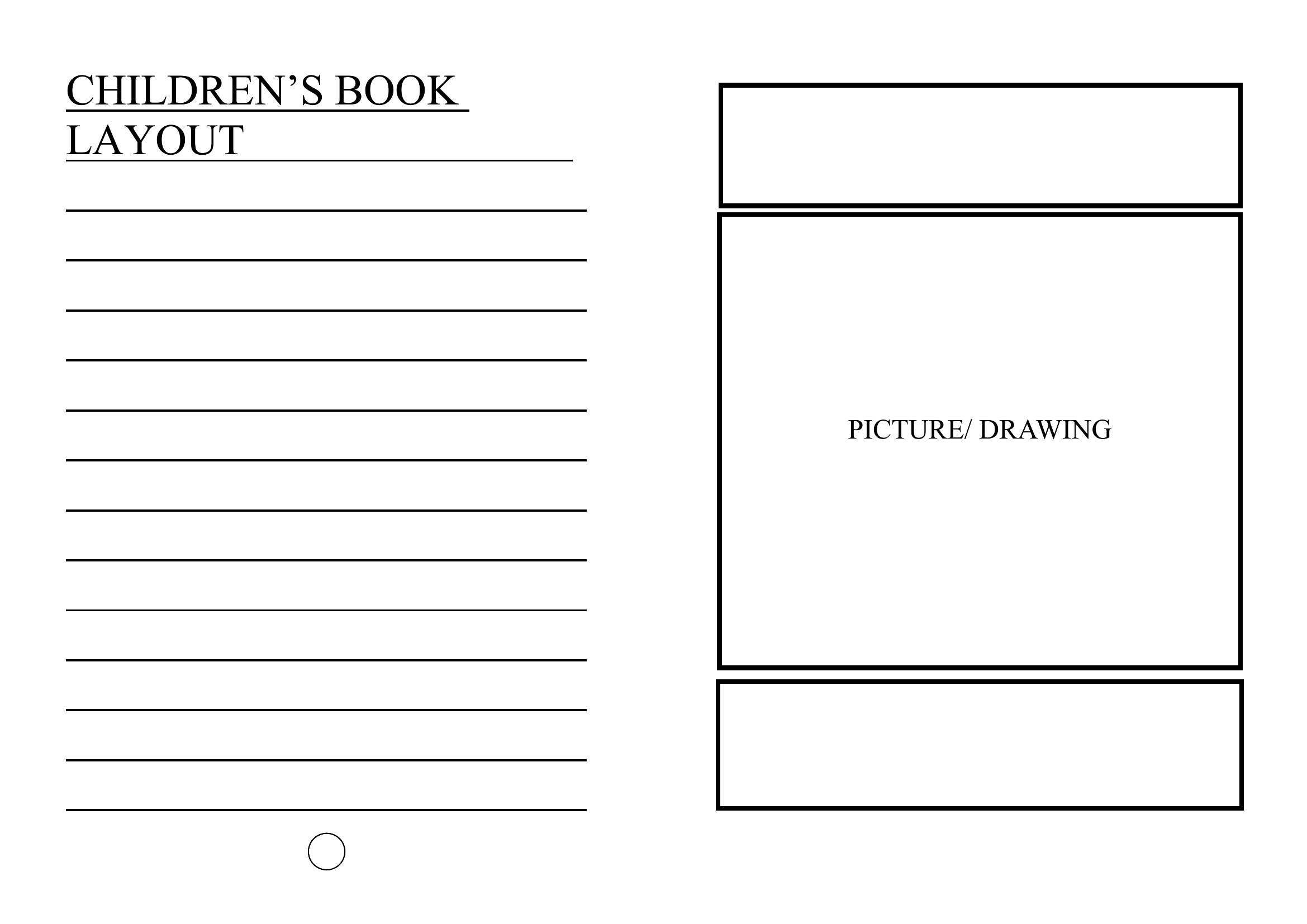
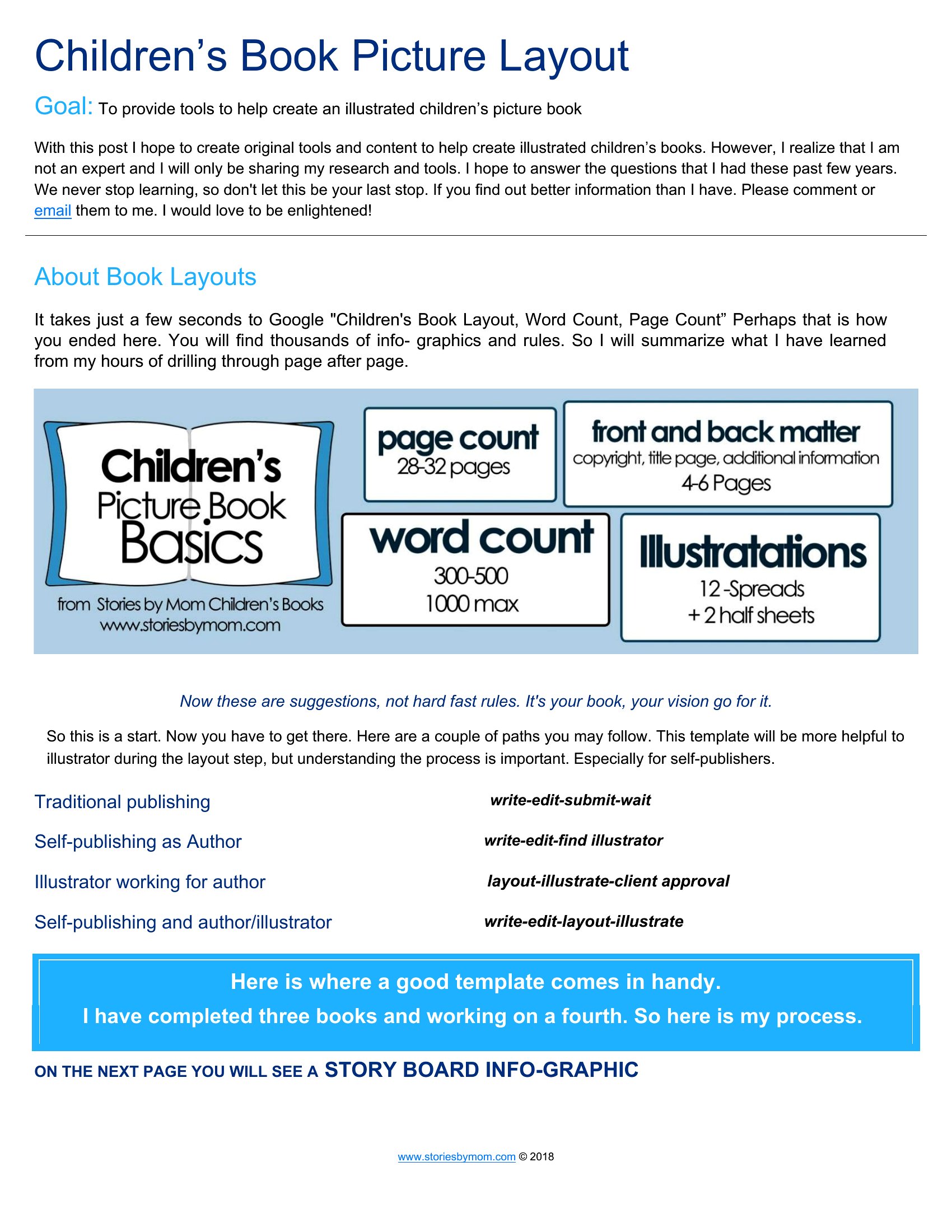
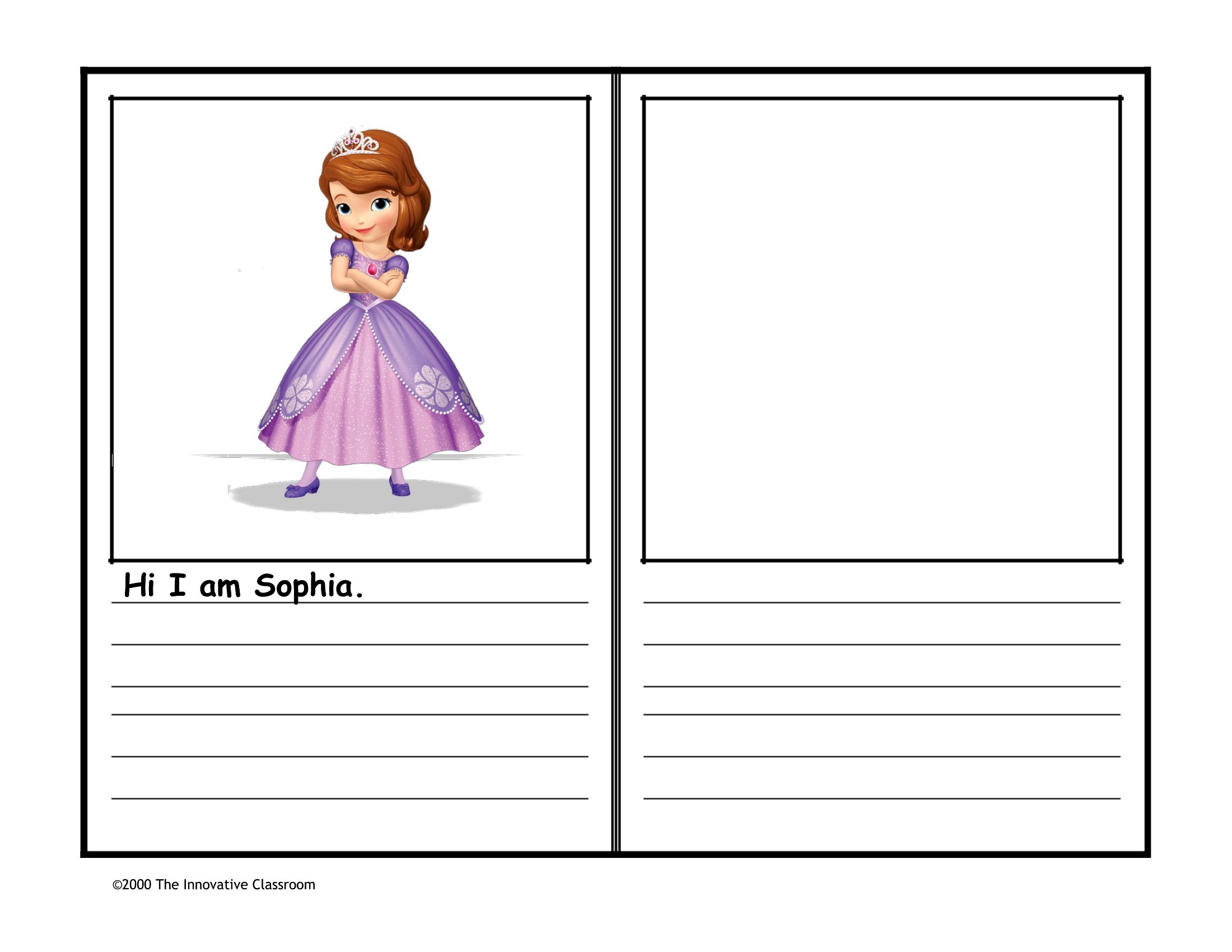
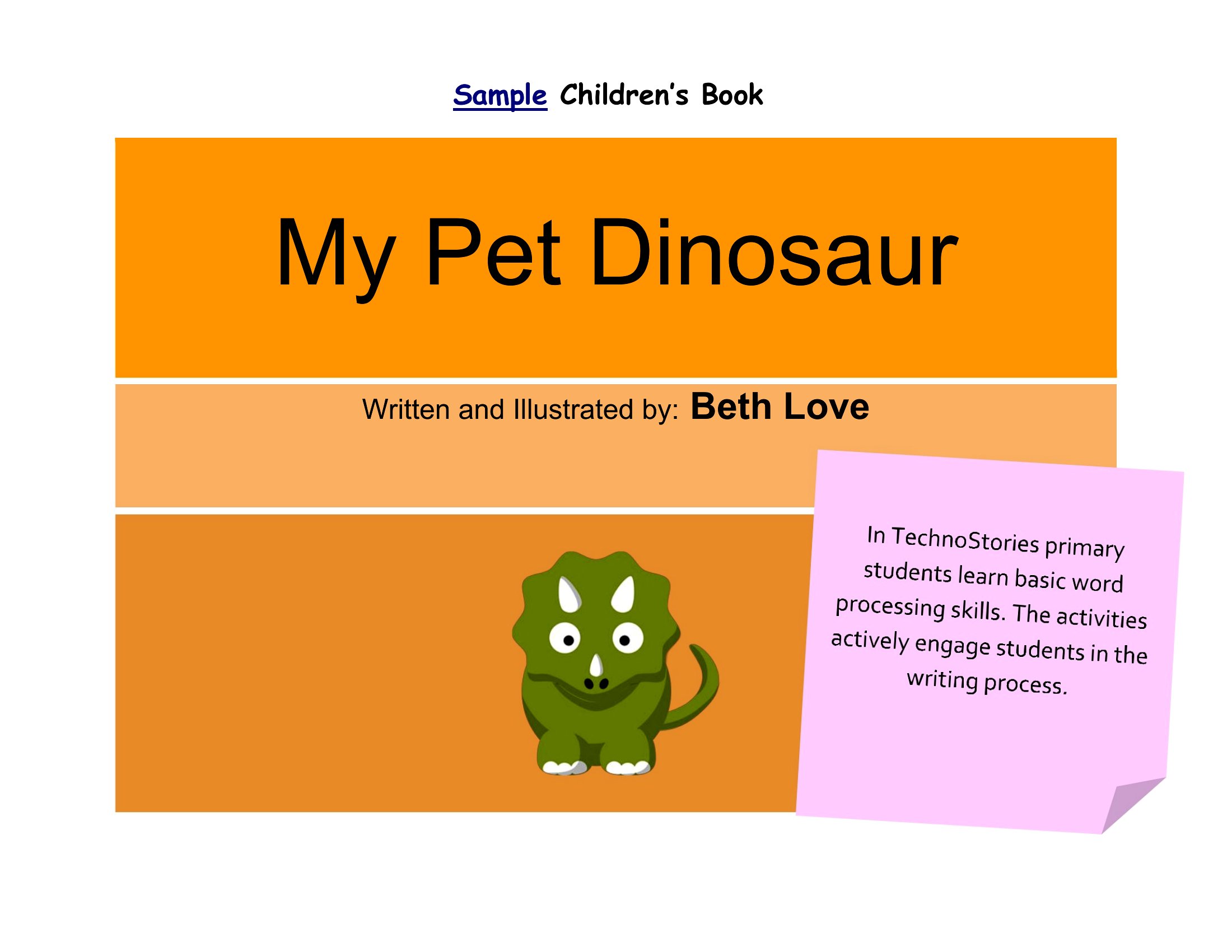
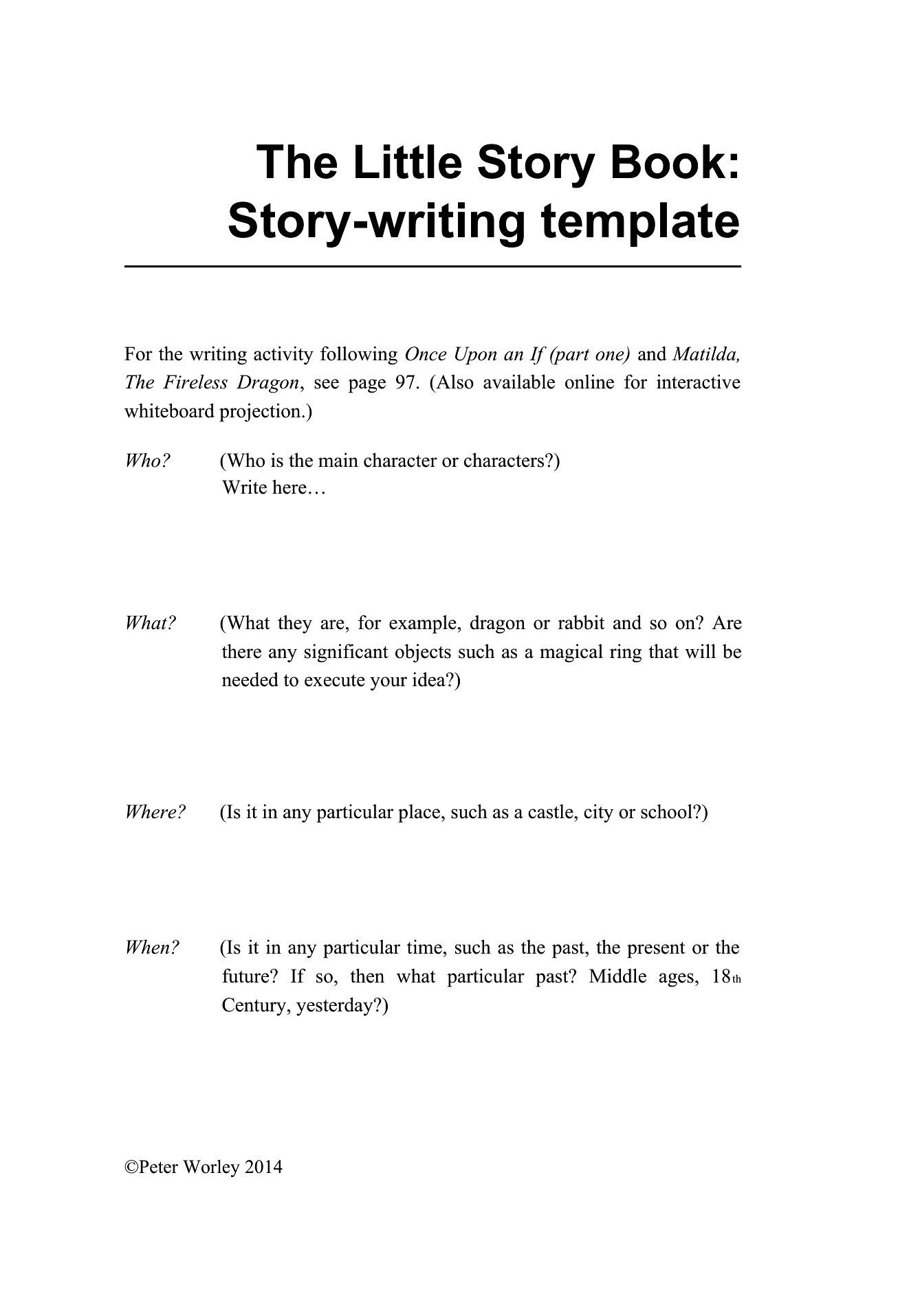
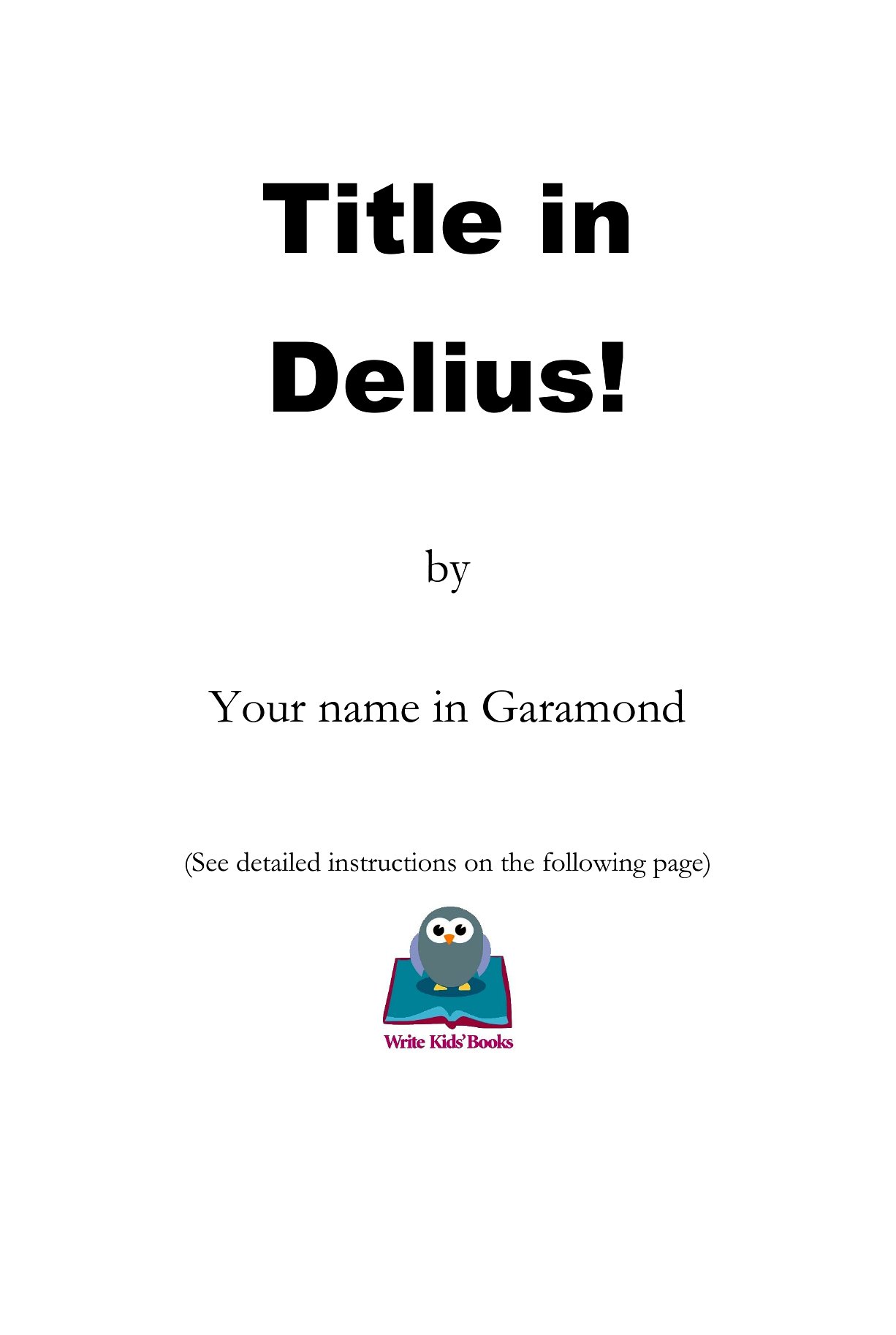
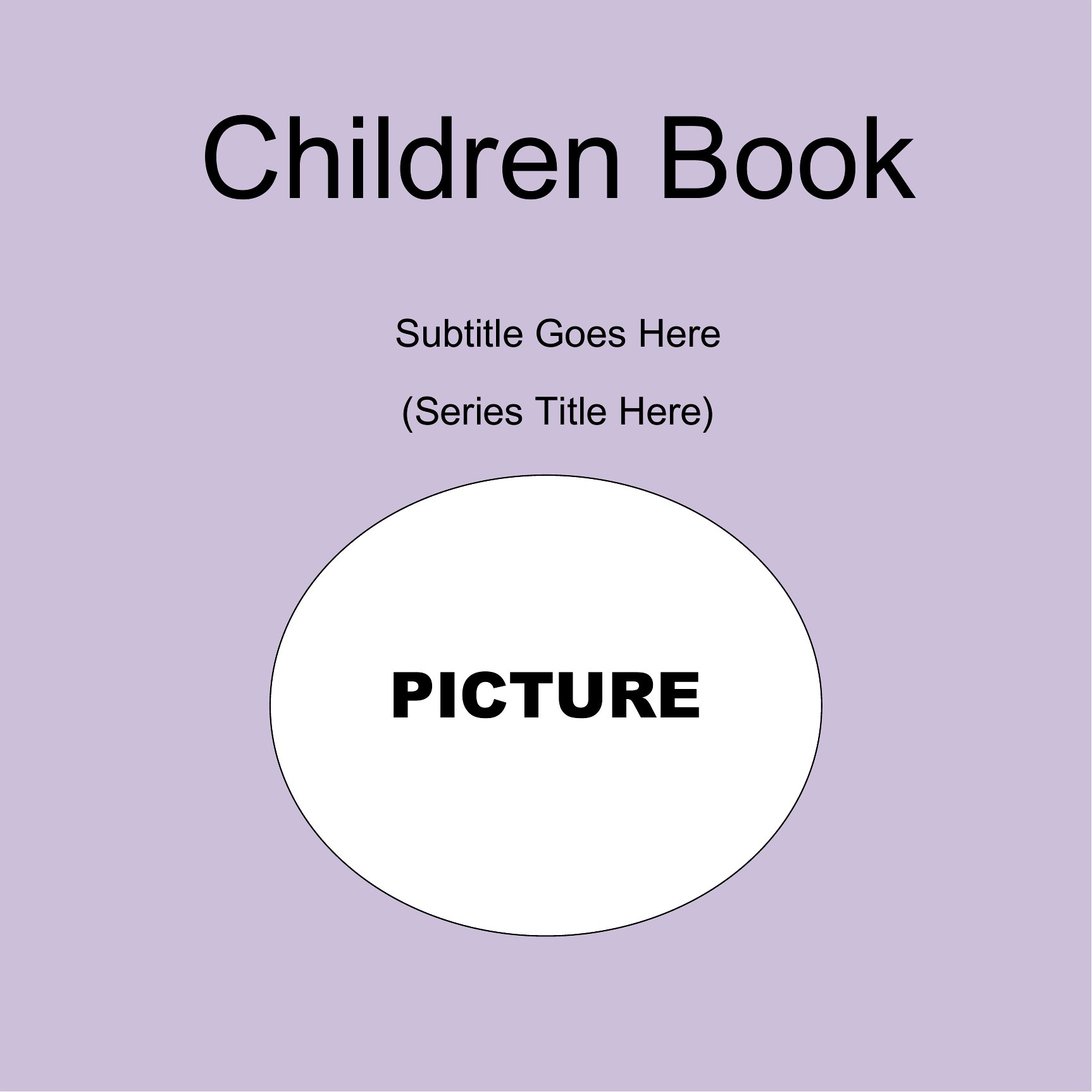
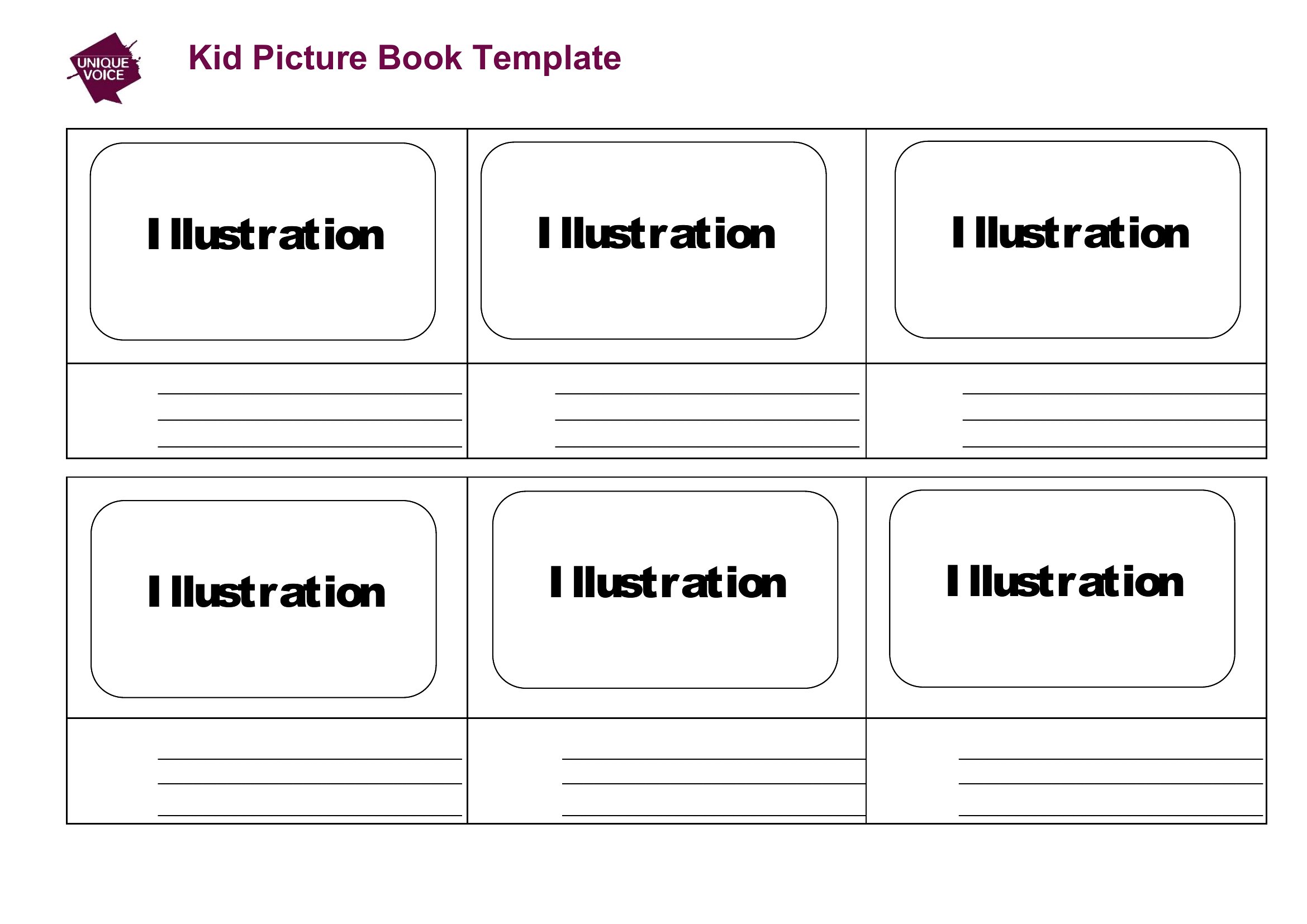
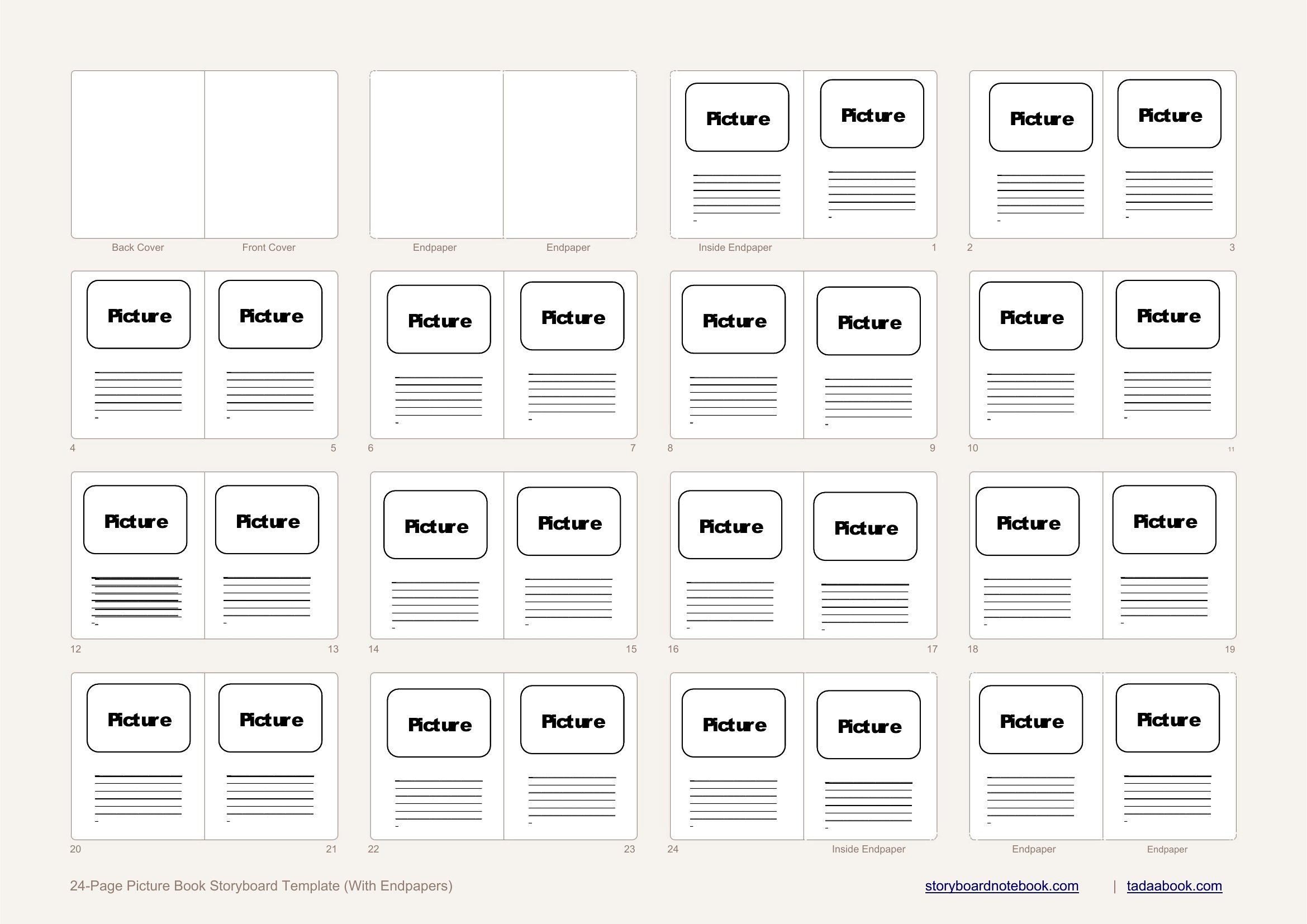
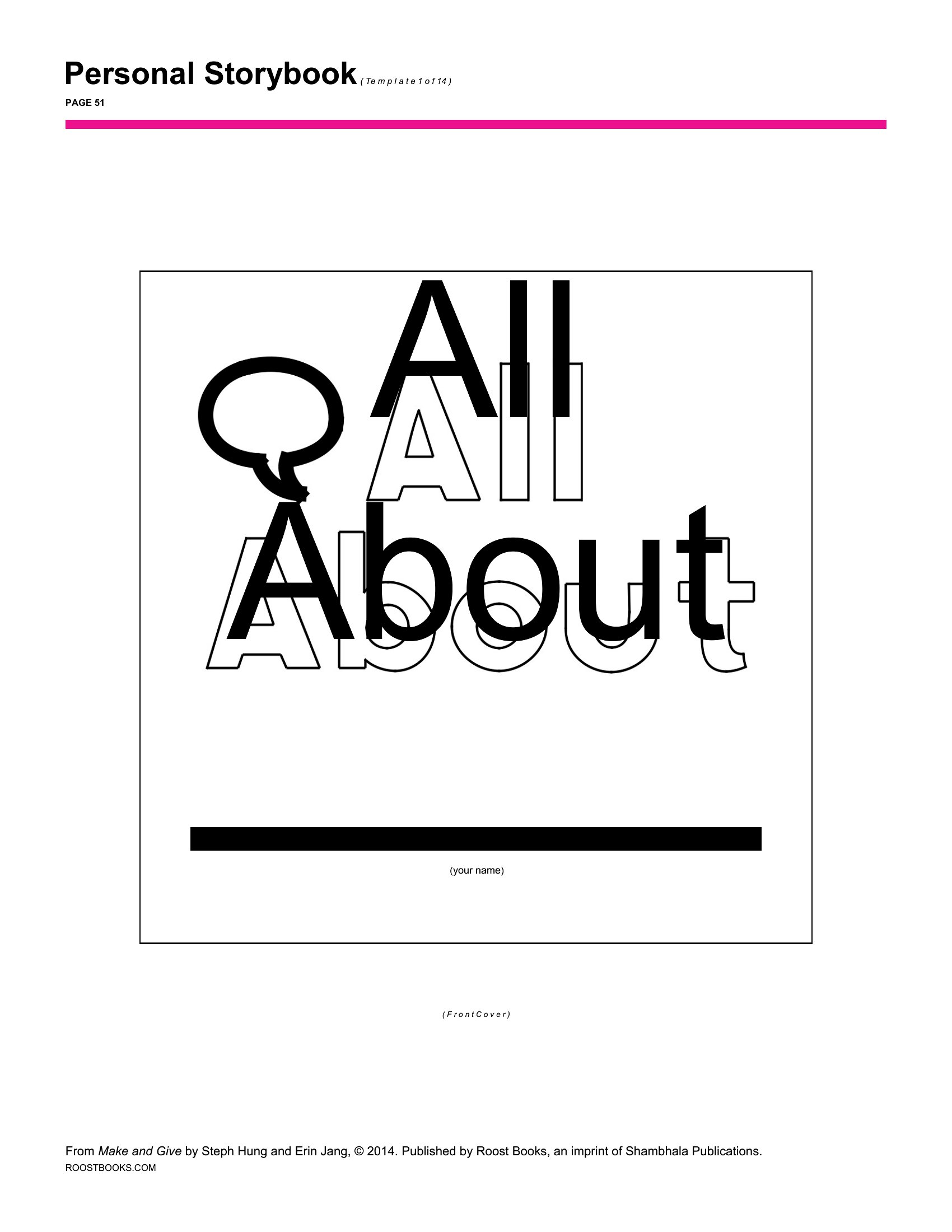
Got a story for kids in your head but no idea how to lay it out? A template gives that idea a shape on the page. These 26 children's book templates help aspiring authors, teachers, and parents structure a picture book with space for text and illustrations across each spread. The layouts cover manuscript drafts, storyboards, and print-ready page designs.

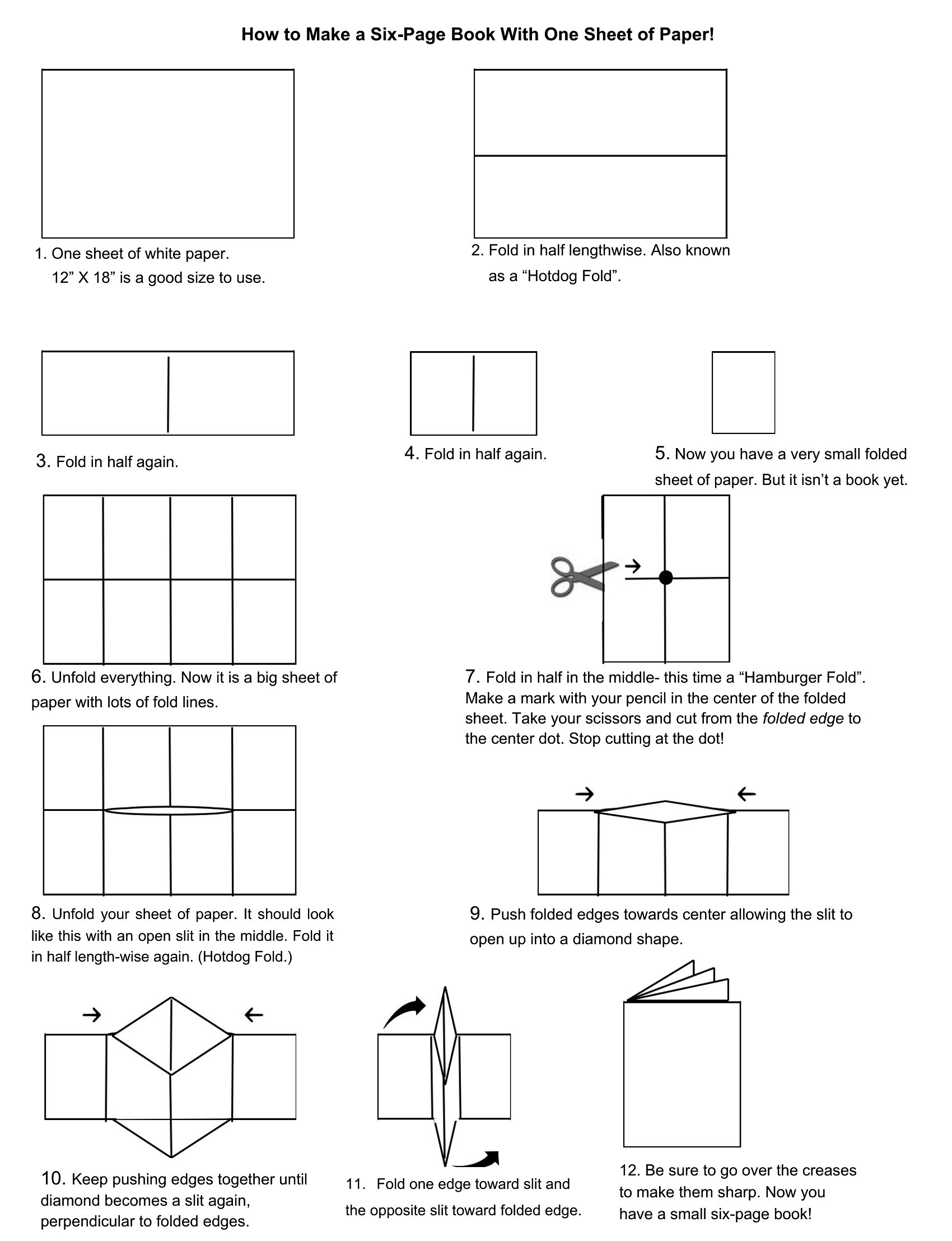
The Word versions let you write and rearrange the story, while the PDFs print as blank pages ready for drawing and binding. Block out your scenes, drop in the words, and you've got a draft to refine or hand to a young illustrator. Download the layout that fits your project and start telling your story.

When to use this Children’s Book template

  • A parent writing their first bedtime story needs a simple, structured layout to keep text and illustration notes organized for a 12-page picture book.
  • An elementary teacher helping students draft a class storybook should use a pre-formatted template with clear margins and space for collaborative illustrations.
  • A homeschooling family planning a seasonal storybook project benefits from a storyboard-style template with spread-by-spread guidelines to maintain visual flow.
  • A children’s author revising their manuscript prefers an editable Word layout to test different text placements before committing to a final PDF for the illustrator.

Which format should I download?

WordPDF

Choose Word if you’re still drafting or refining the story—it’s fully editable, lets you rearrange text and placeholder images, and makes it easy to iterate before finalizing. Opt for PDF when you’re ready to share a polished, print-ready version with illustrators or publishers, as it preserves formatting without requiring Word. Avoid PDFs if you need to tweak text placement or adjust layout details later.

How to use this Children’s Book template

How do these templates balance text space with illustration guidelines?

Each template includes marked spread layouts with text blocks sized for typical children’s book pacing (e.g., 25–50 words per page). Illustration guidelines use dashed lines or shaded areas to suggest where visuals might appear, helping writers visualize the final product without dictating artistic choices.

Can I use these templates for books longer than 32 pages?

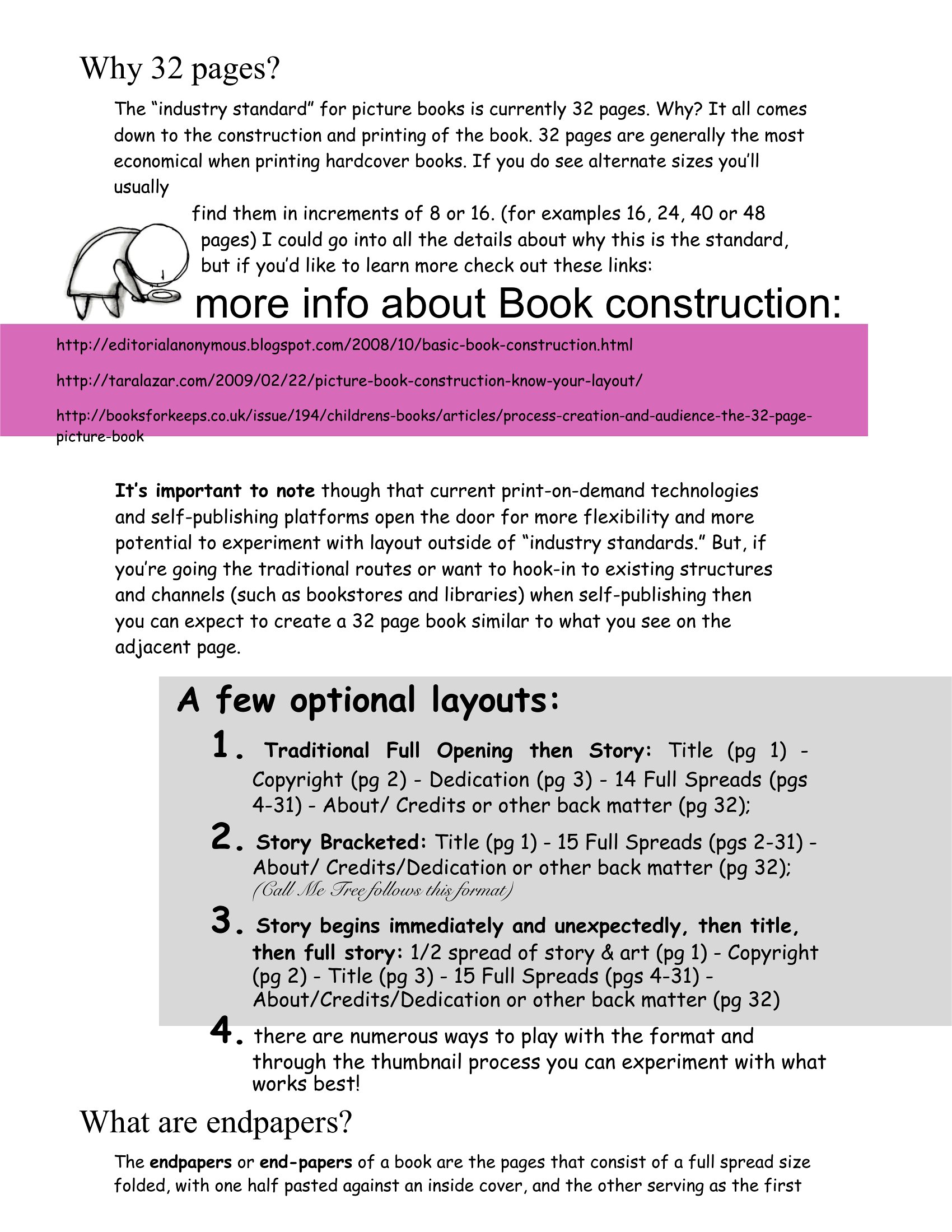
Yes, but you’ll need to adjust or combine templates manually since these focus on standard picture book spreads (16–32 pages). For longer books, use the Word versions to duplicate and modify layouts while keeping consistent margins and text flow. PDFs are less flexible for this purpose.

Do these templates include advice for age-appropriate storytelling structures?

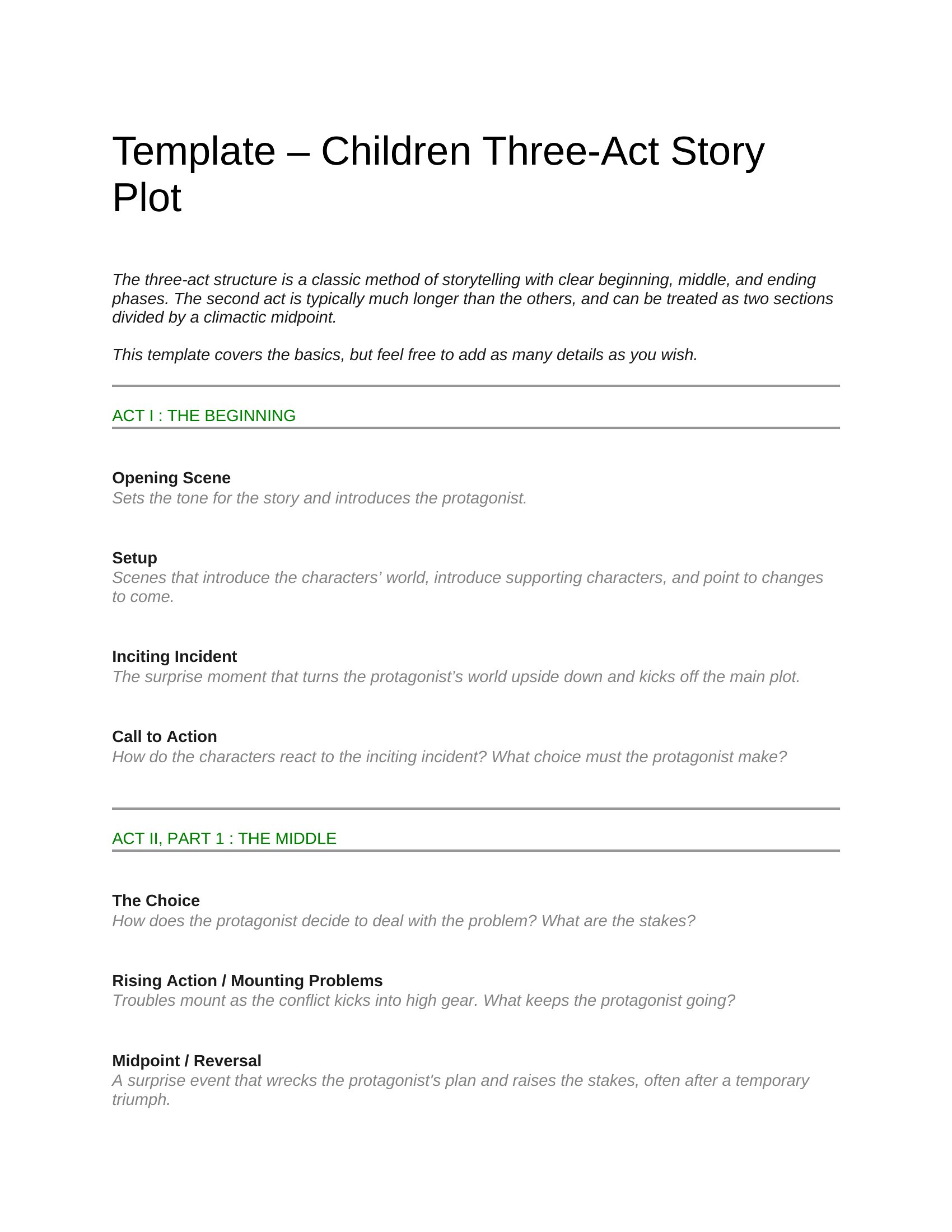
Some templates, like the ‘For Beginners’ and ‘With Guidelines’ options, include basic prompts for story arcs (e.g., beginning-middle-end) and suggest pacing tips for different age groups. However, they’re not a substitute for writing guides—think of them as structural scaffolds, not creative or developmental editing tools.

Comments

Join the conversation

Sign in to share your thoughts and leave a comment on this resource.

Newsletter

Get Weekly Design Updates

Join our community to receive curated resources and inspiration.

Weekly Tips Resources Early Access

We respect your privacy. Confirmation email required. Privacy Policy