Free FMEA Templates (Excel)
AnalysisTemplates
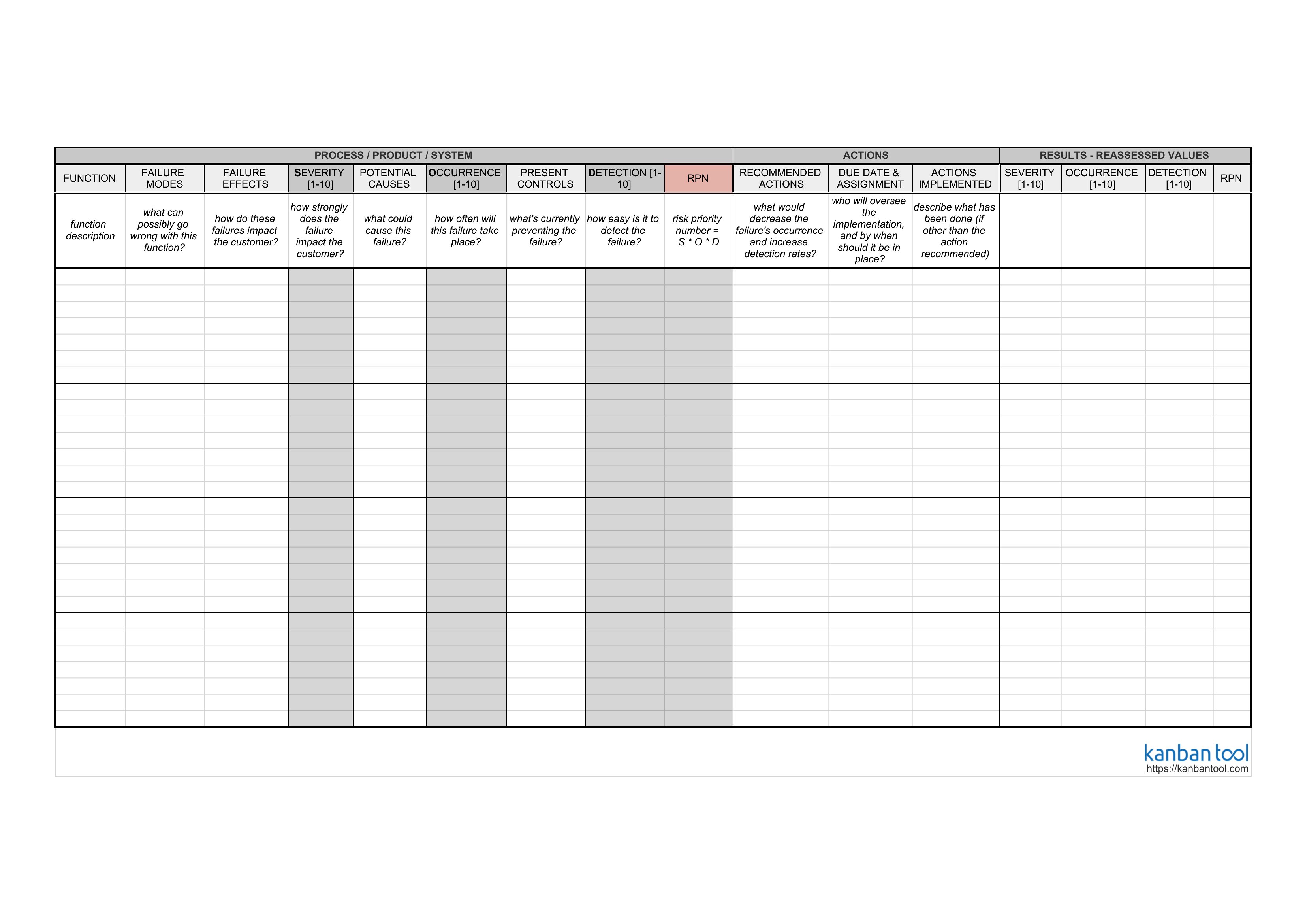
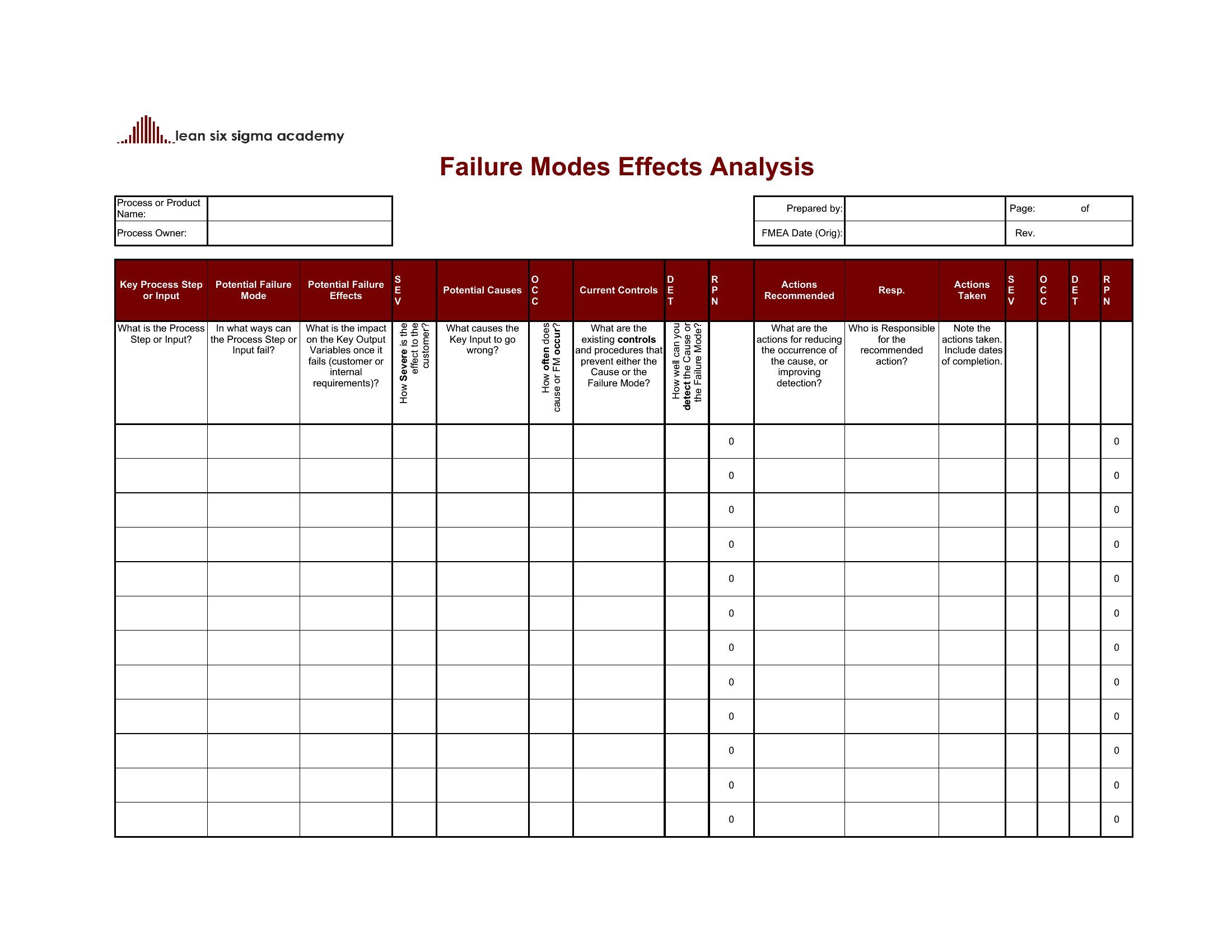
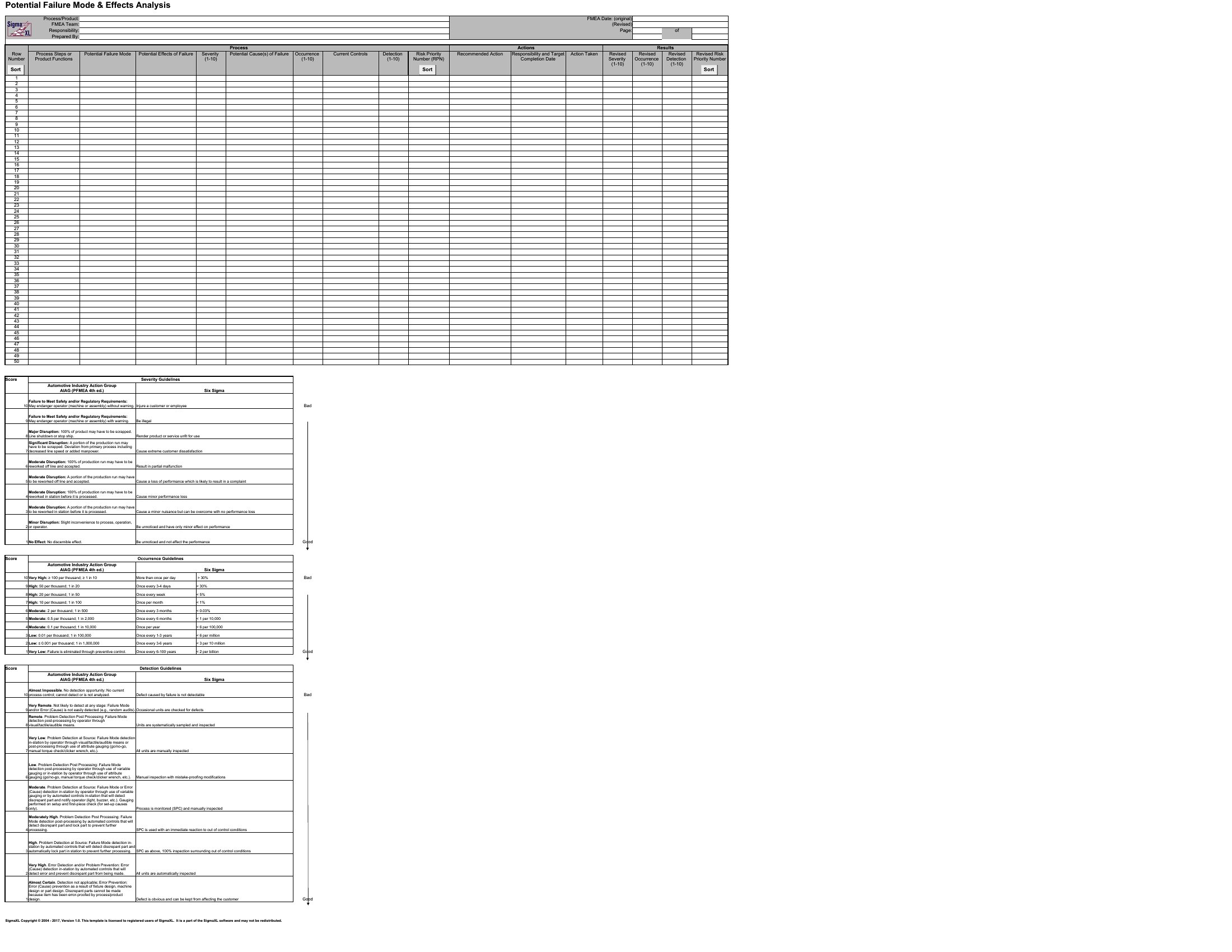
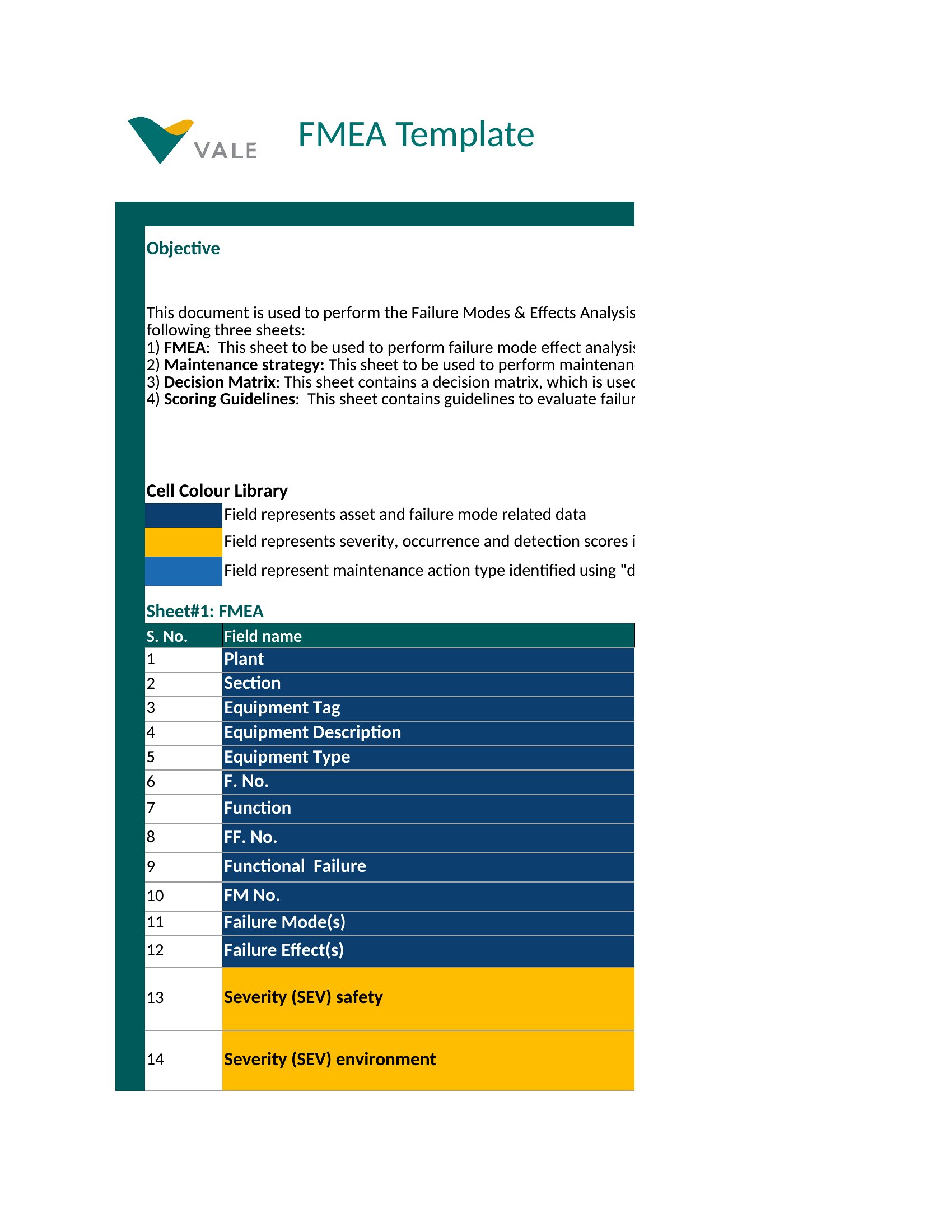


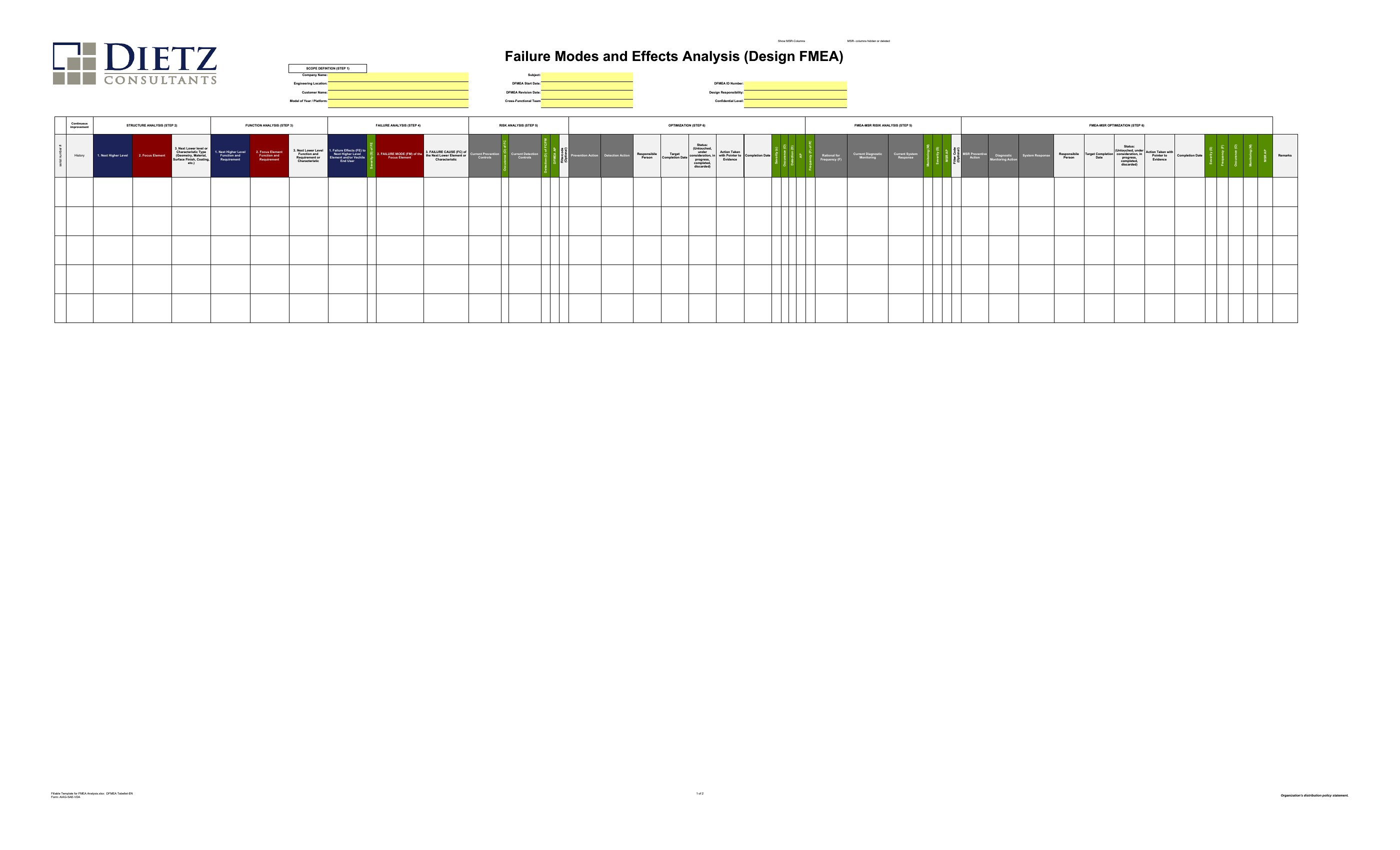
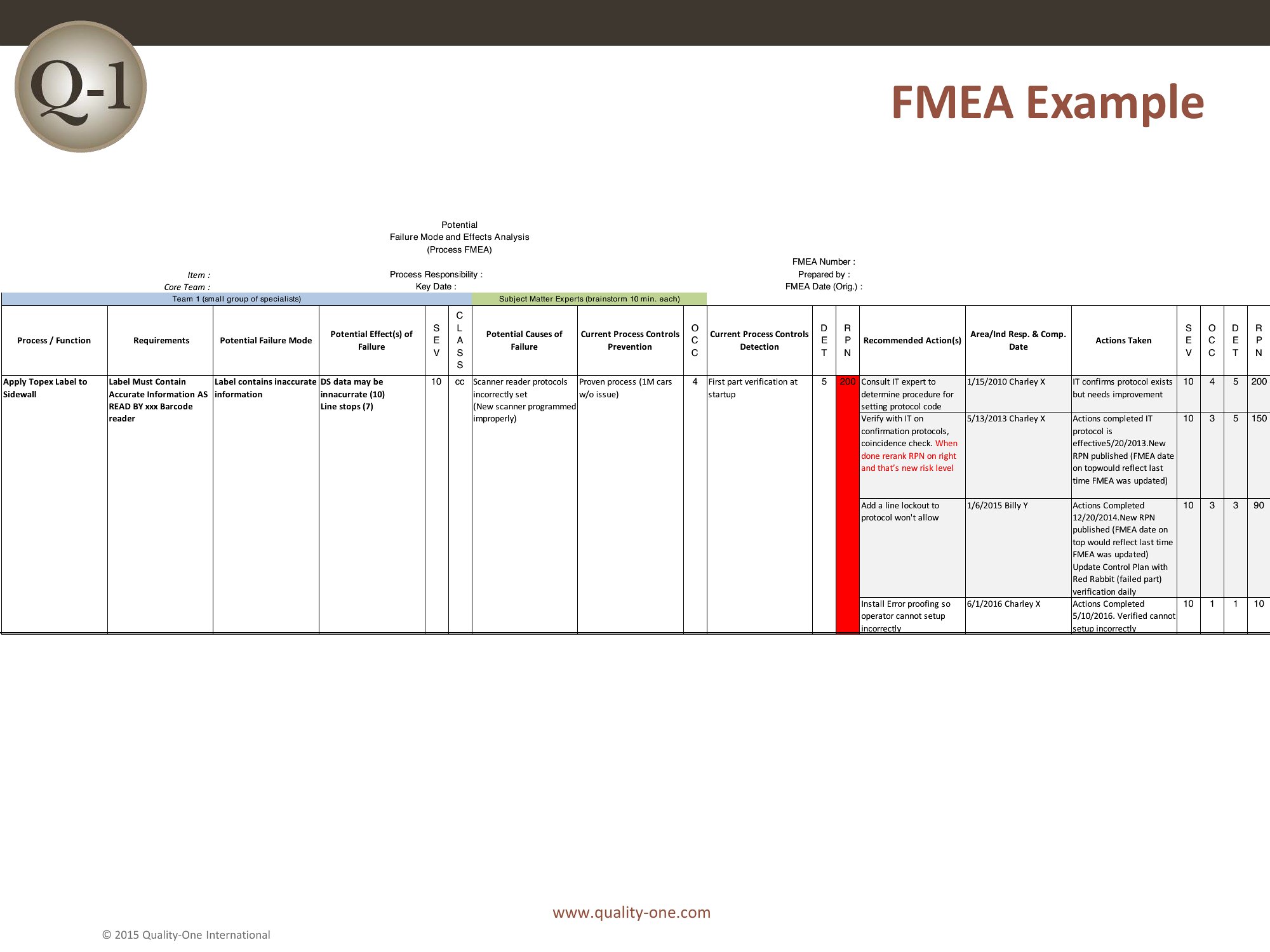

FAQ
How do I decide which severity, occurrence, and detection ratings to assign in a medical device FMEA?
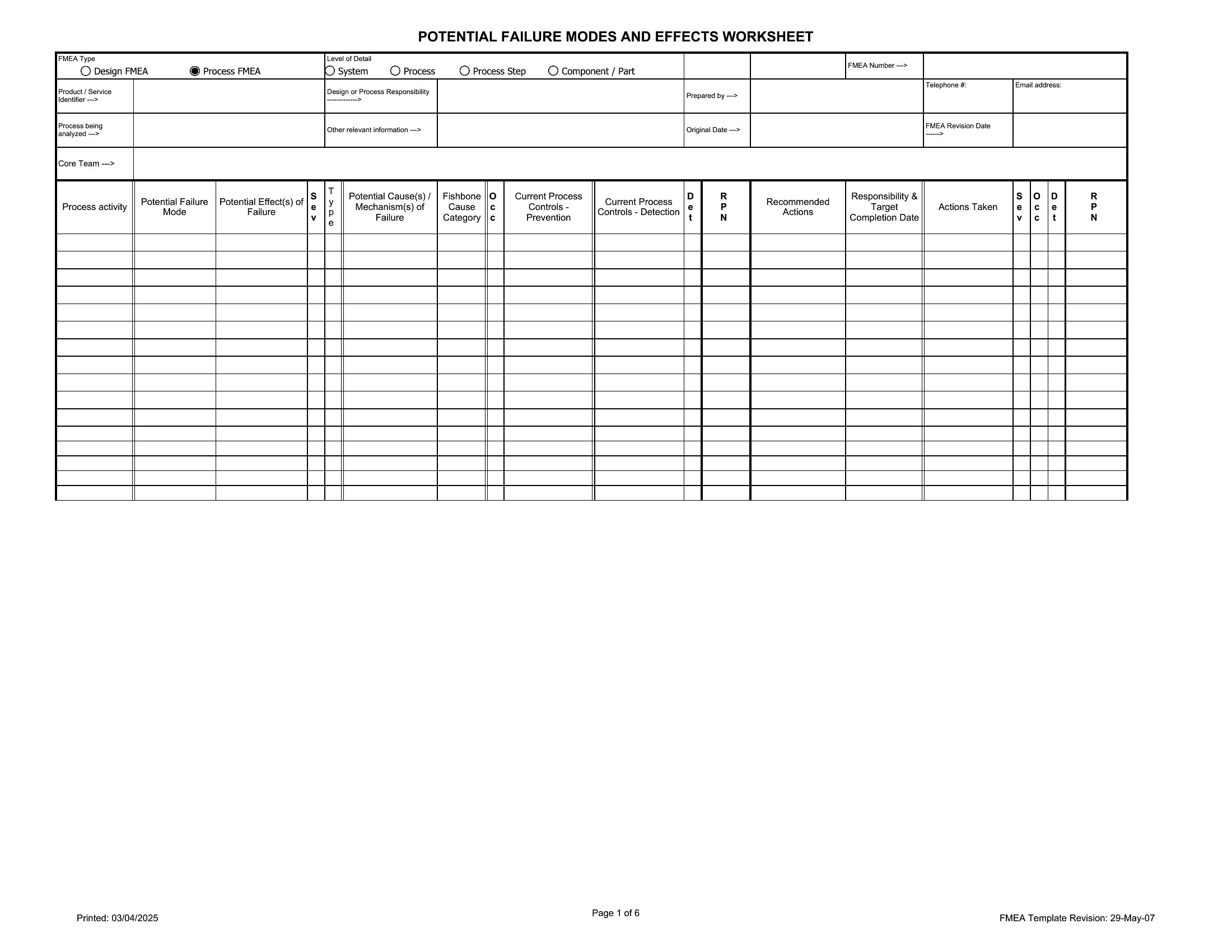
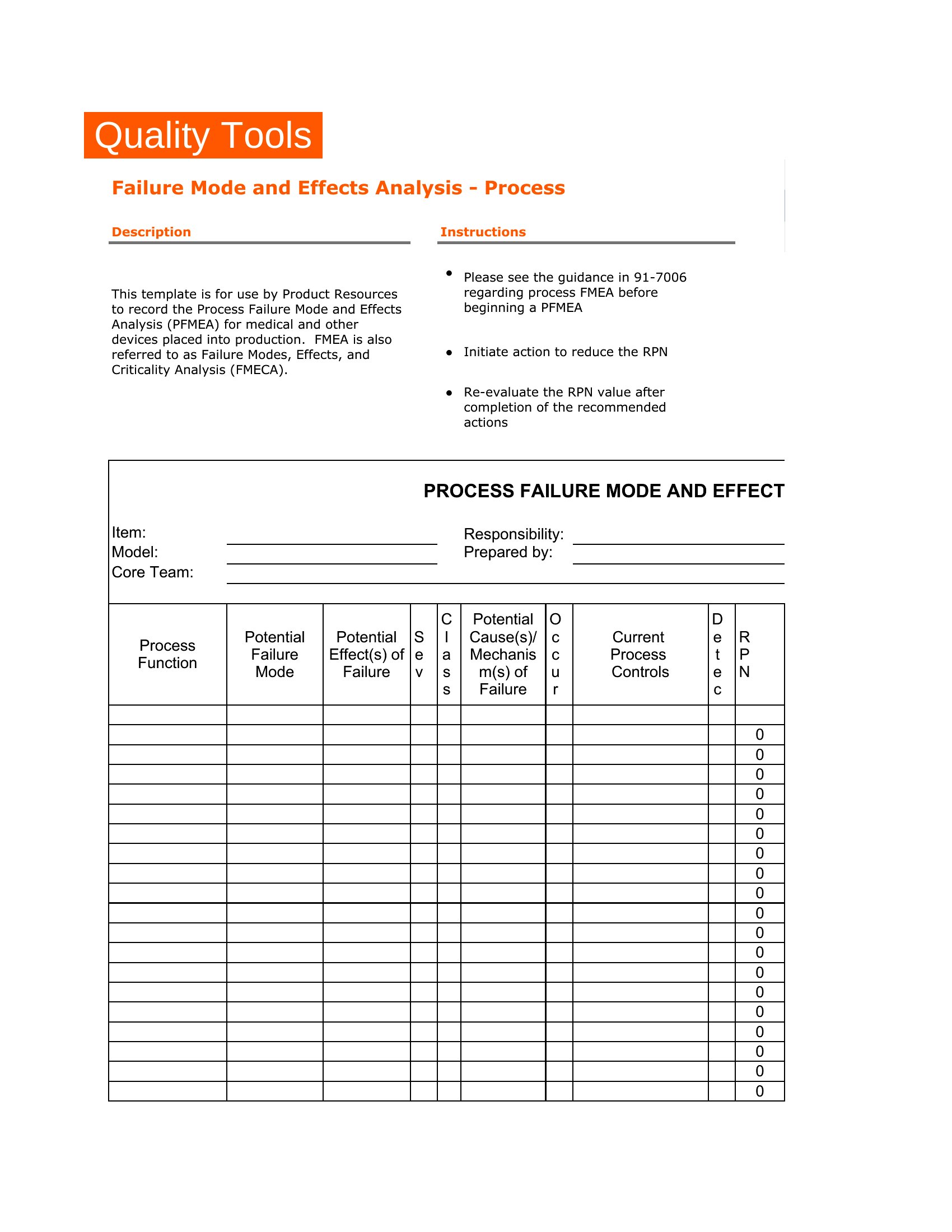
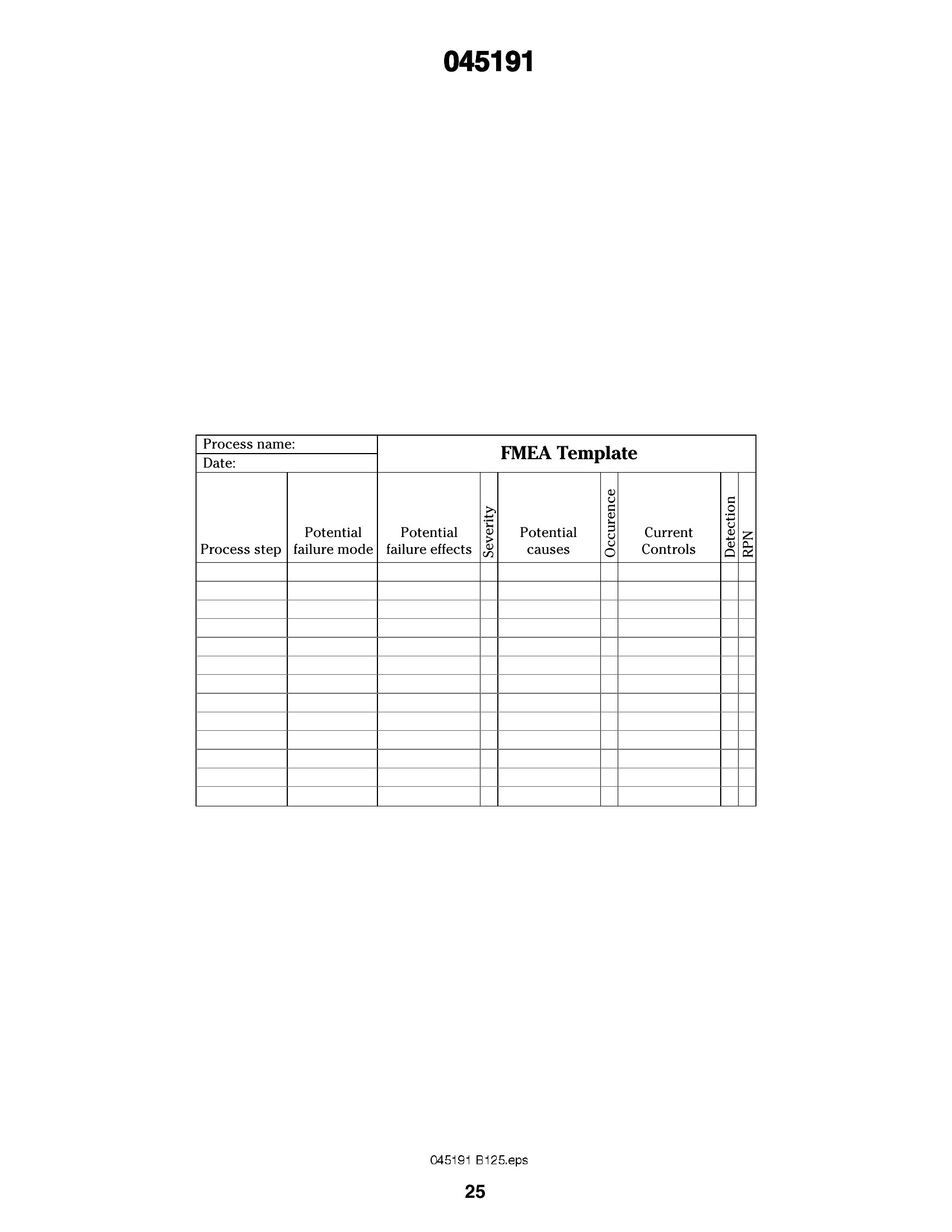
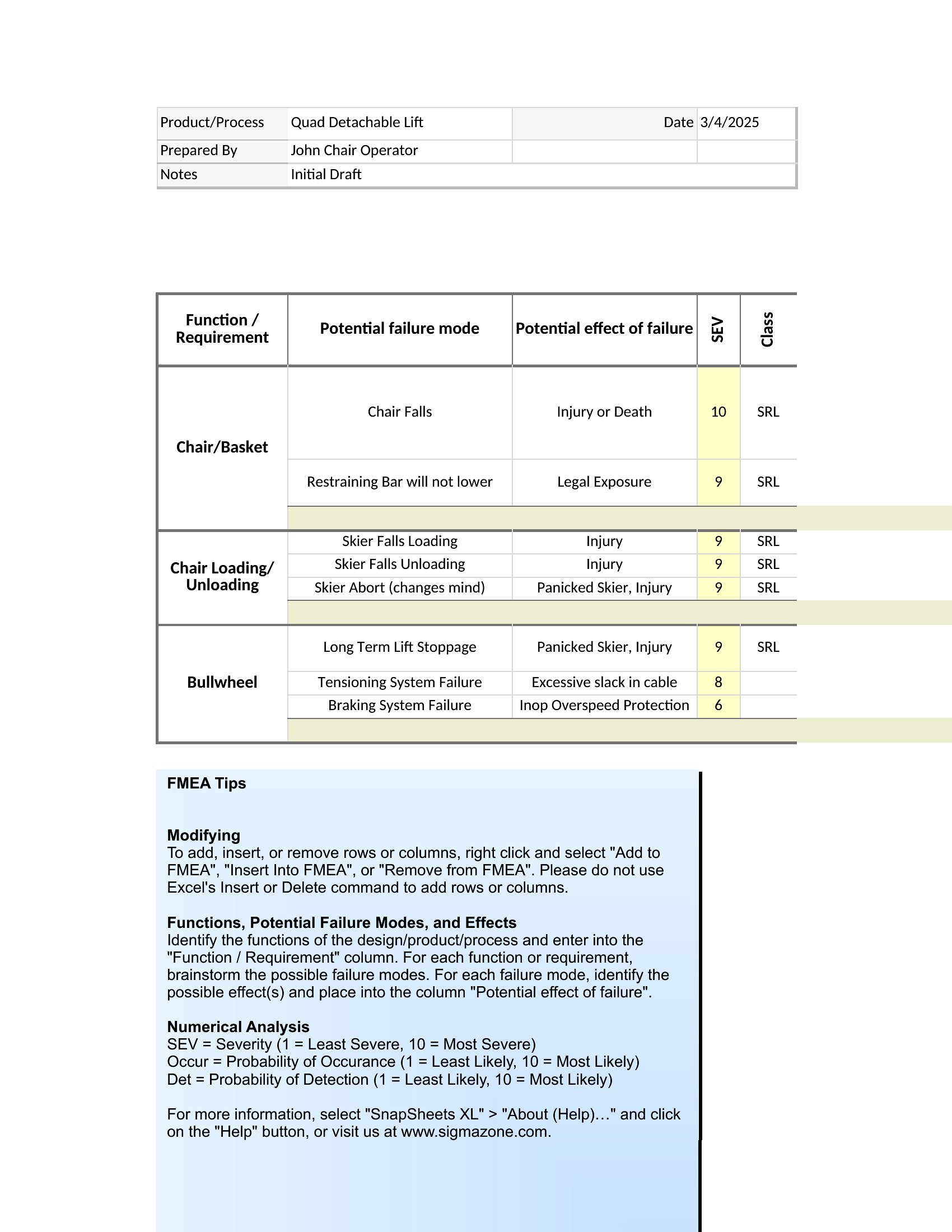
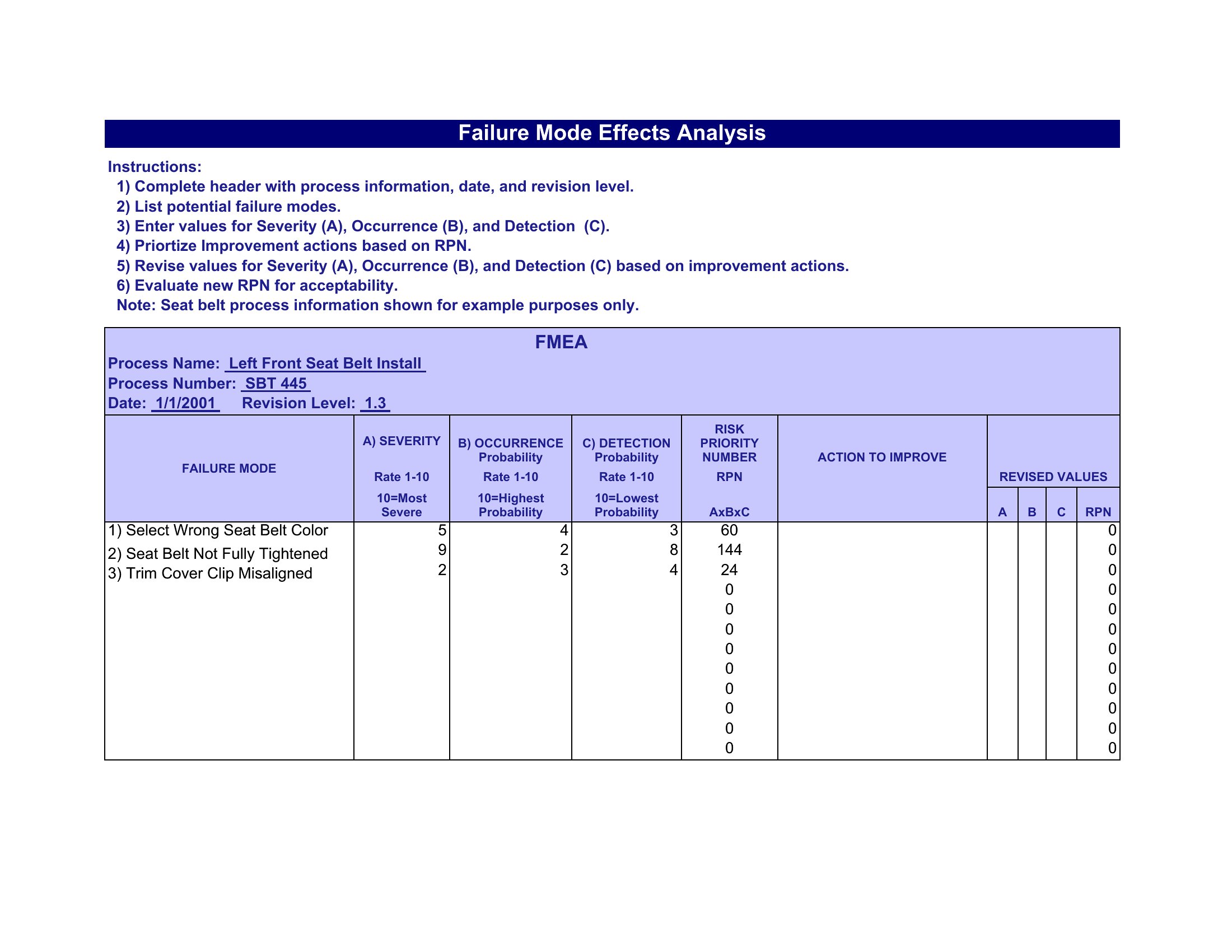
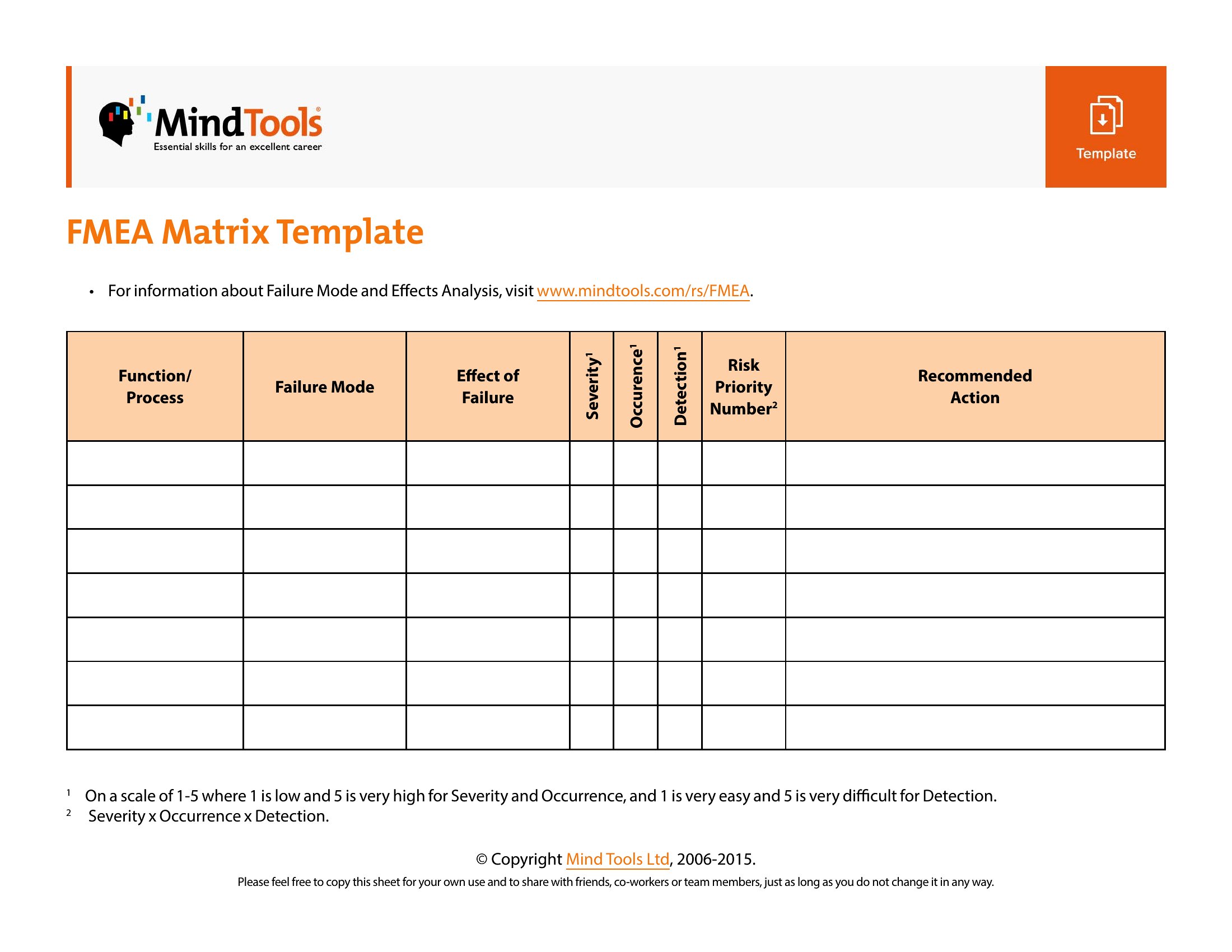
Refer to ISO 14971 standards or the manufacturer’s risk management file for guidance. Severity is tied to patient harm (e.g., non-critical = 2, life-threatening = 10). Occurrence reflects historical failure rates, and detection uses test or monitoring effectiveness (e.g., undetectable = 10). Always validate scales with your risk management team.
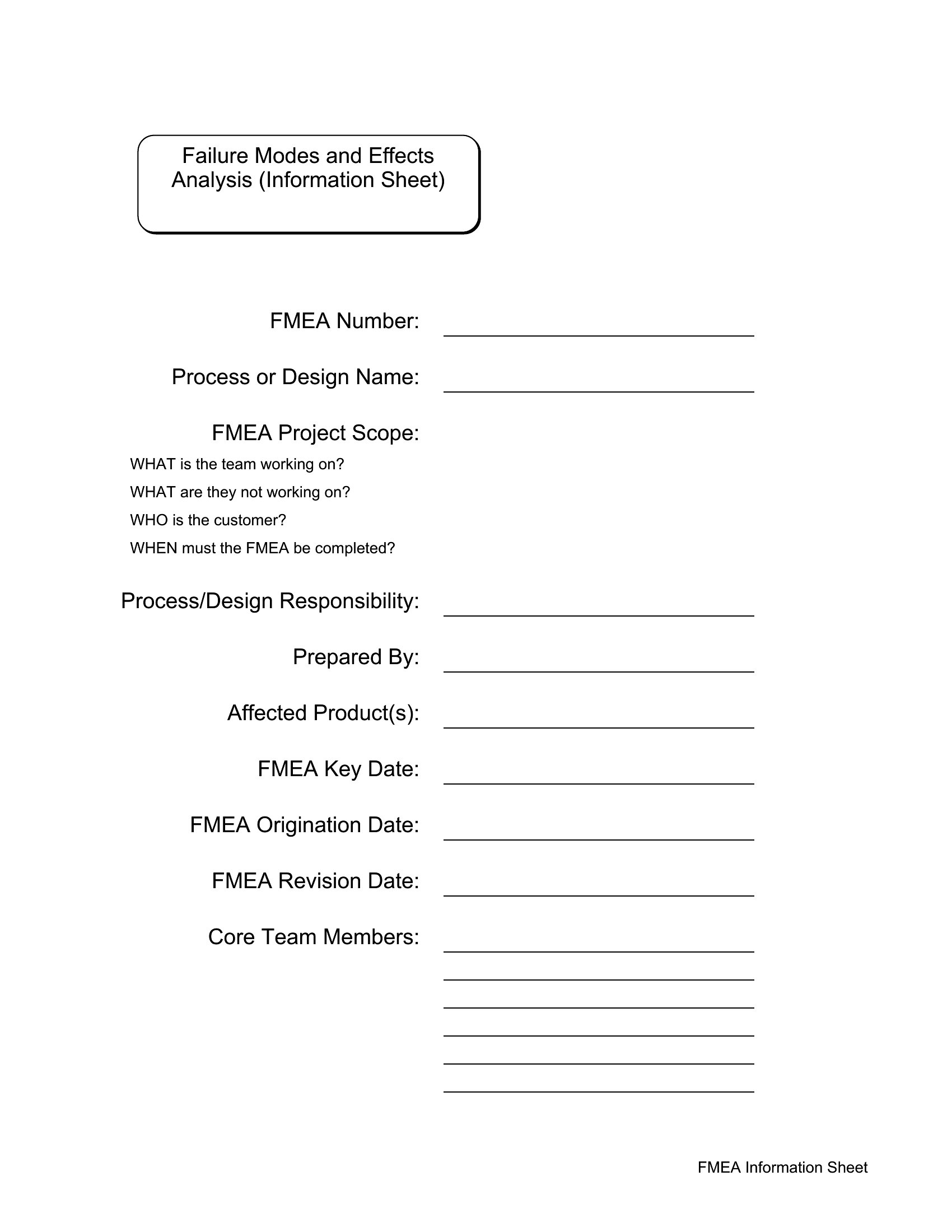
Can I use these templates to combine FMEA with a failure mode effects diagram (FMEA-FMECA)?
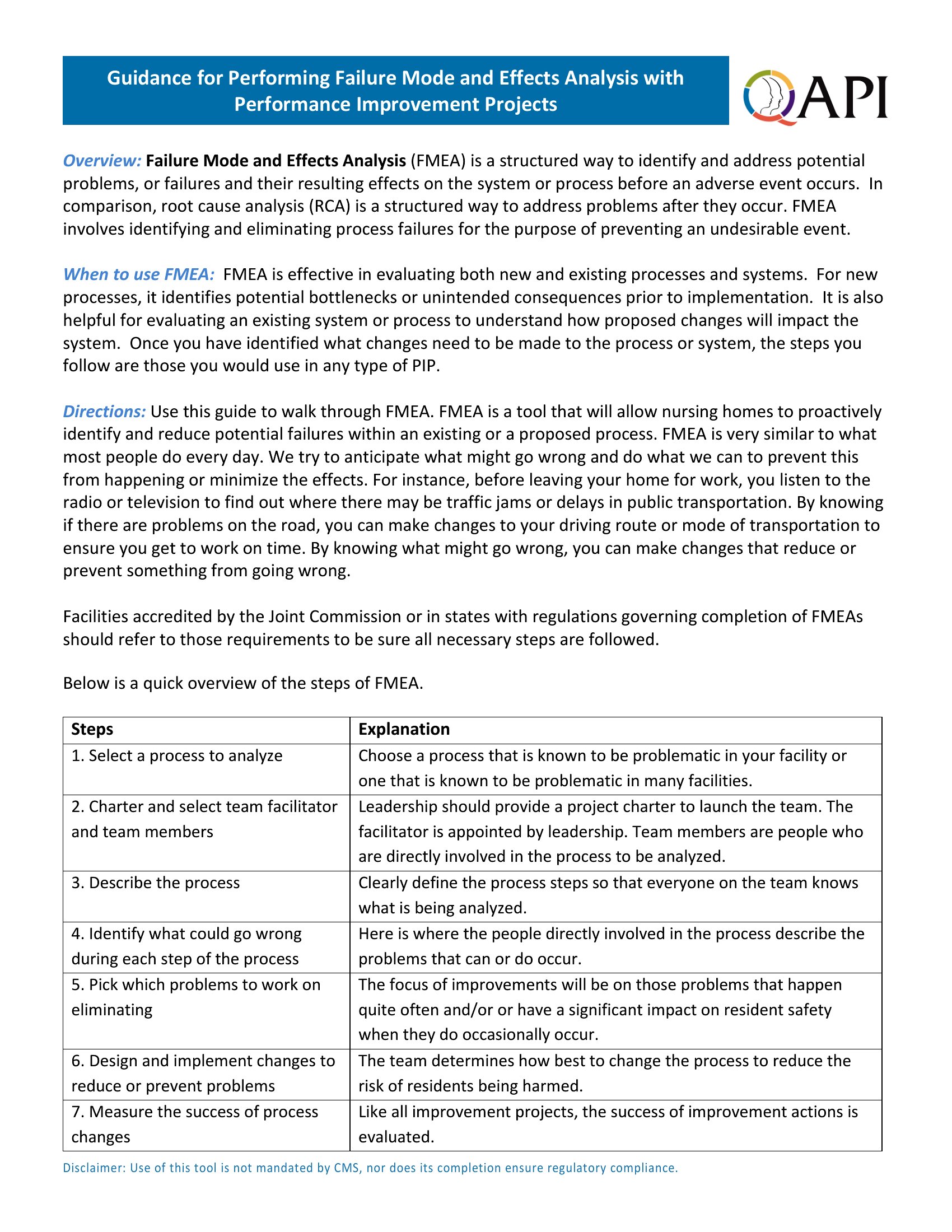
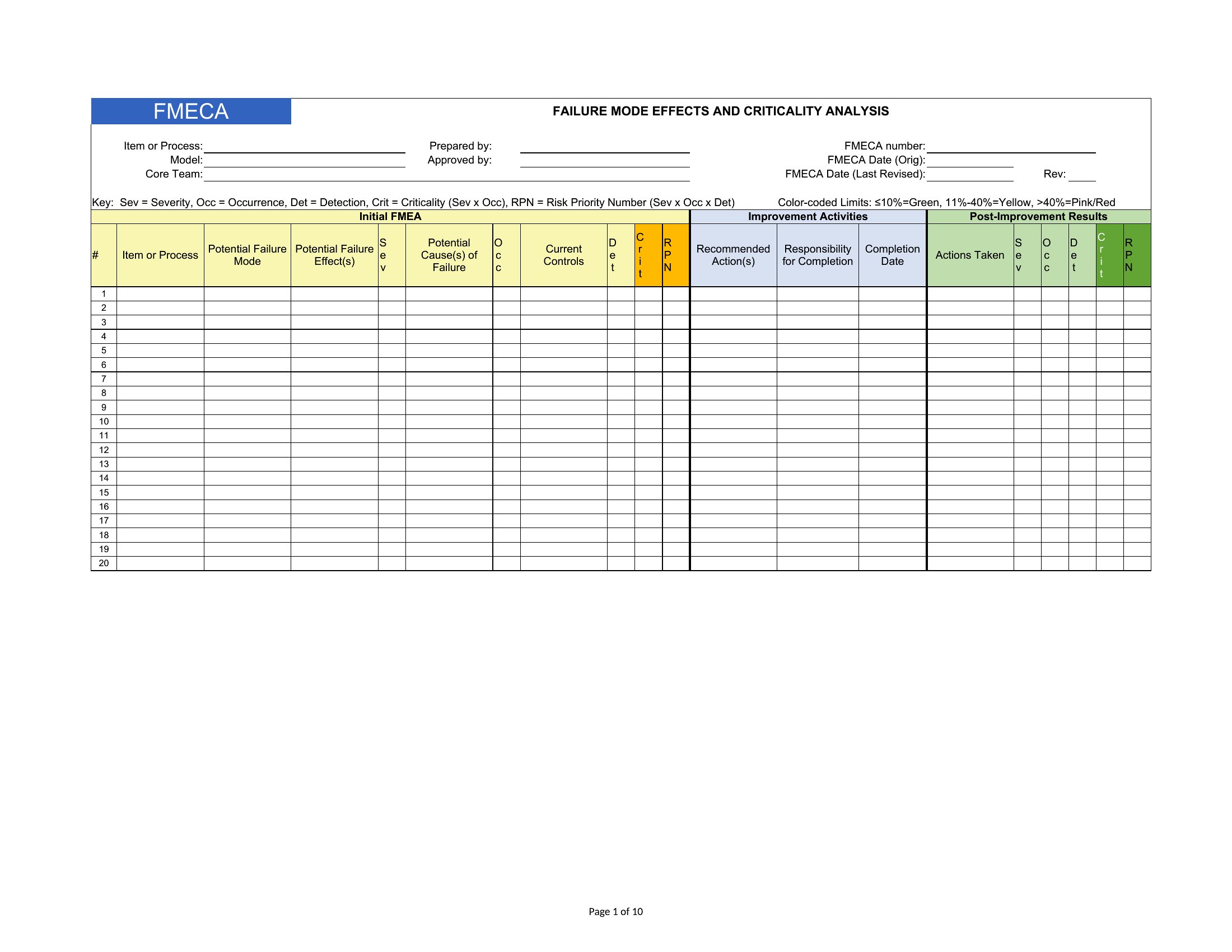
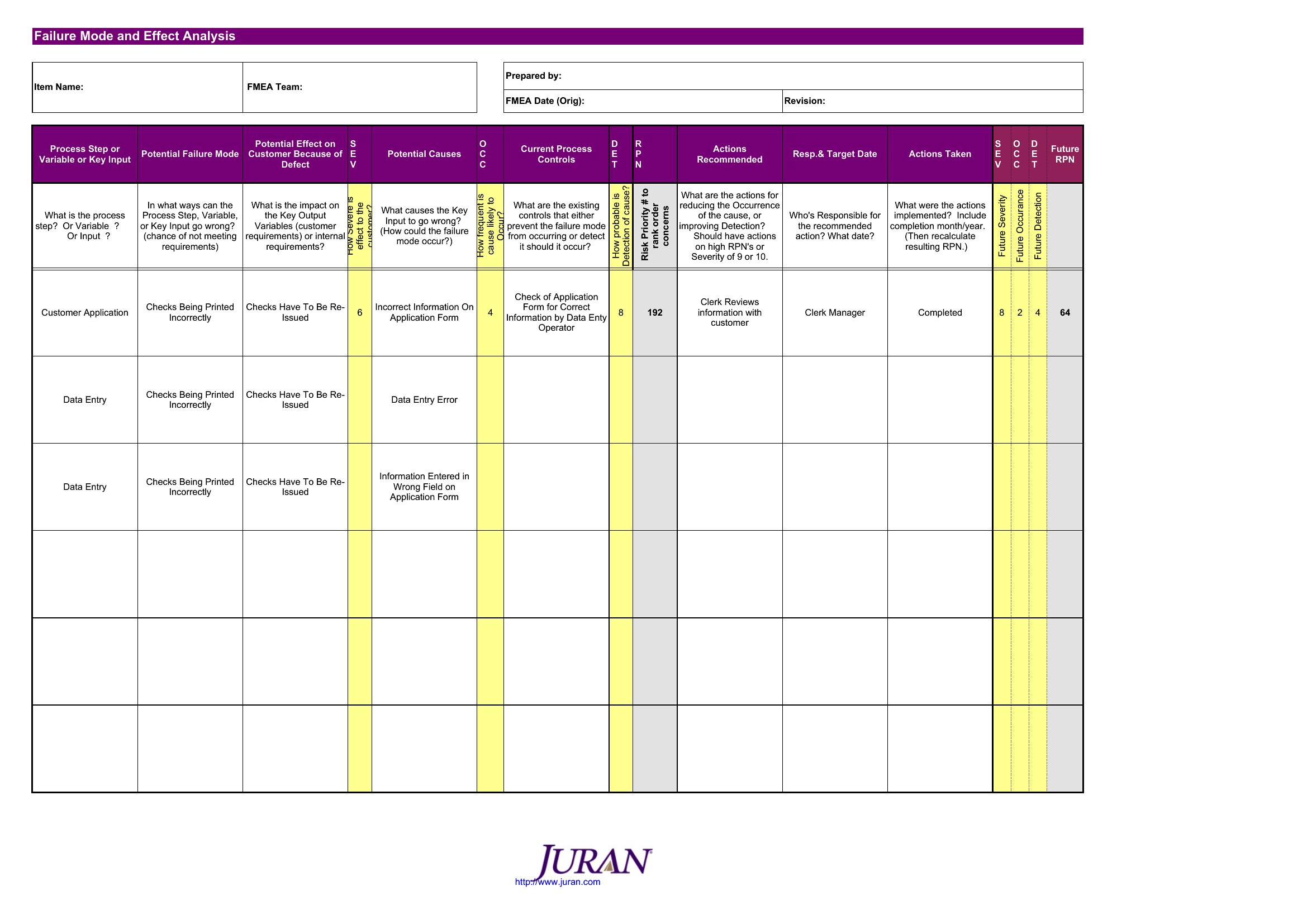
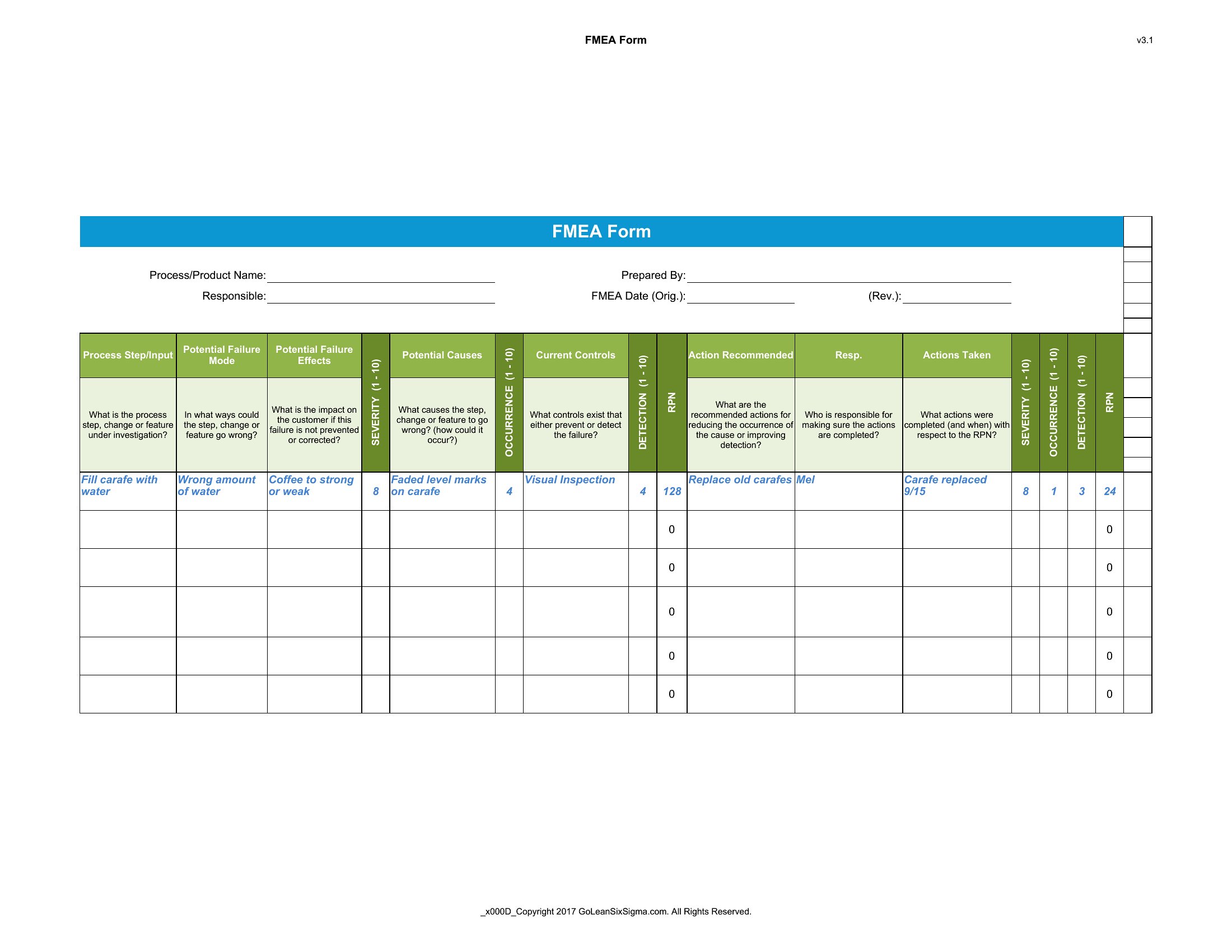
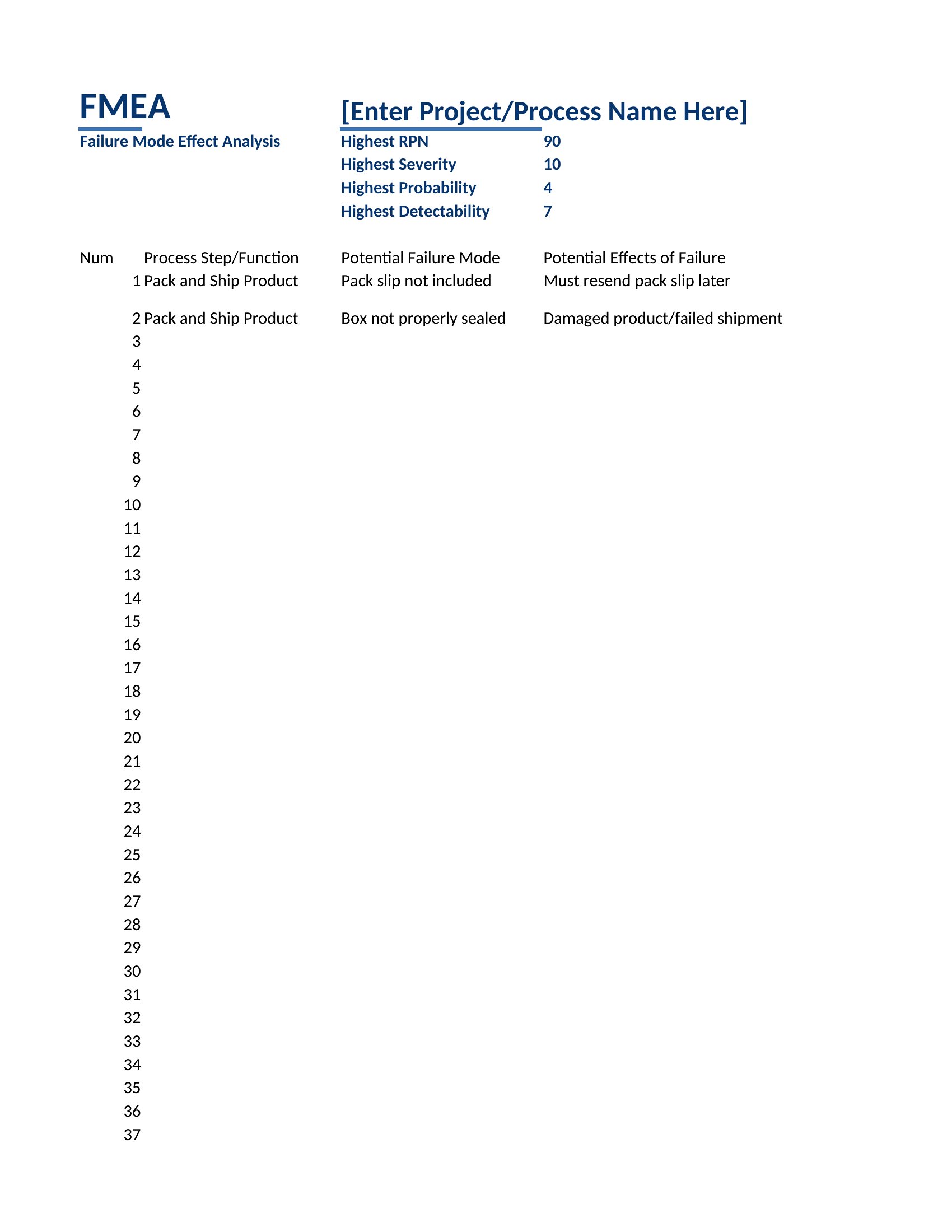
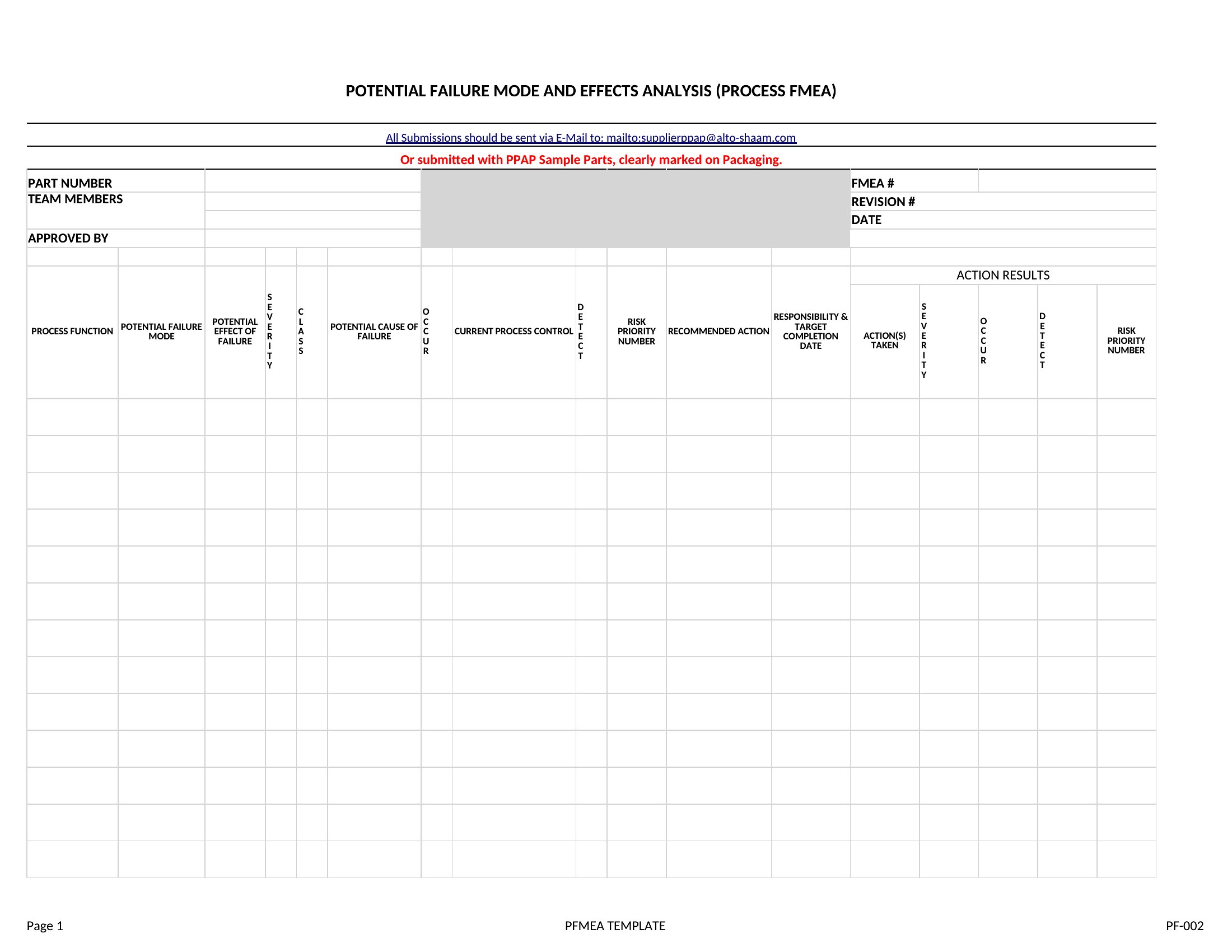
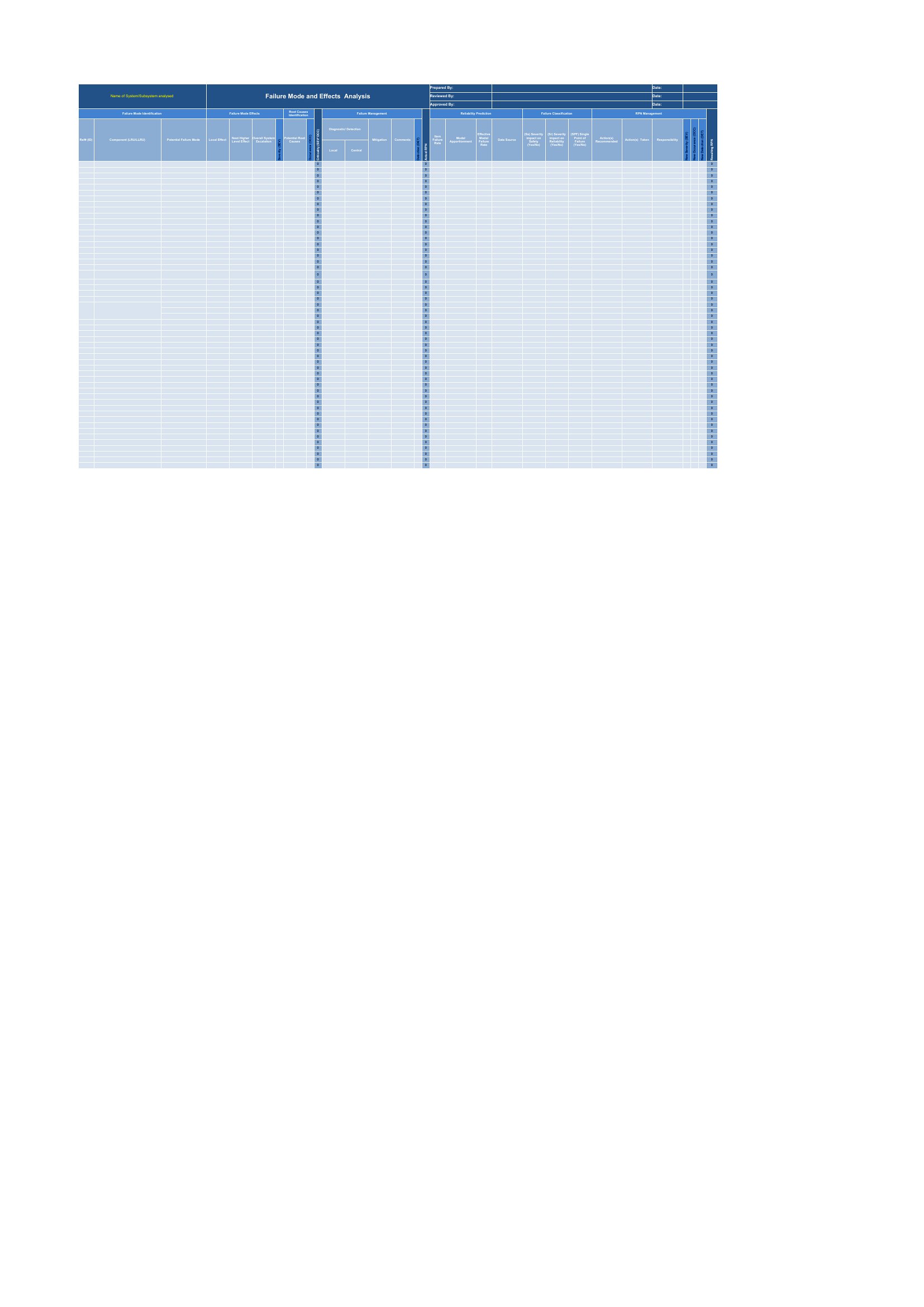
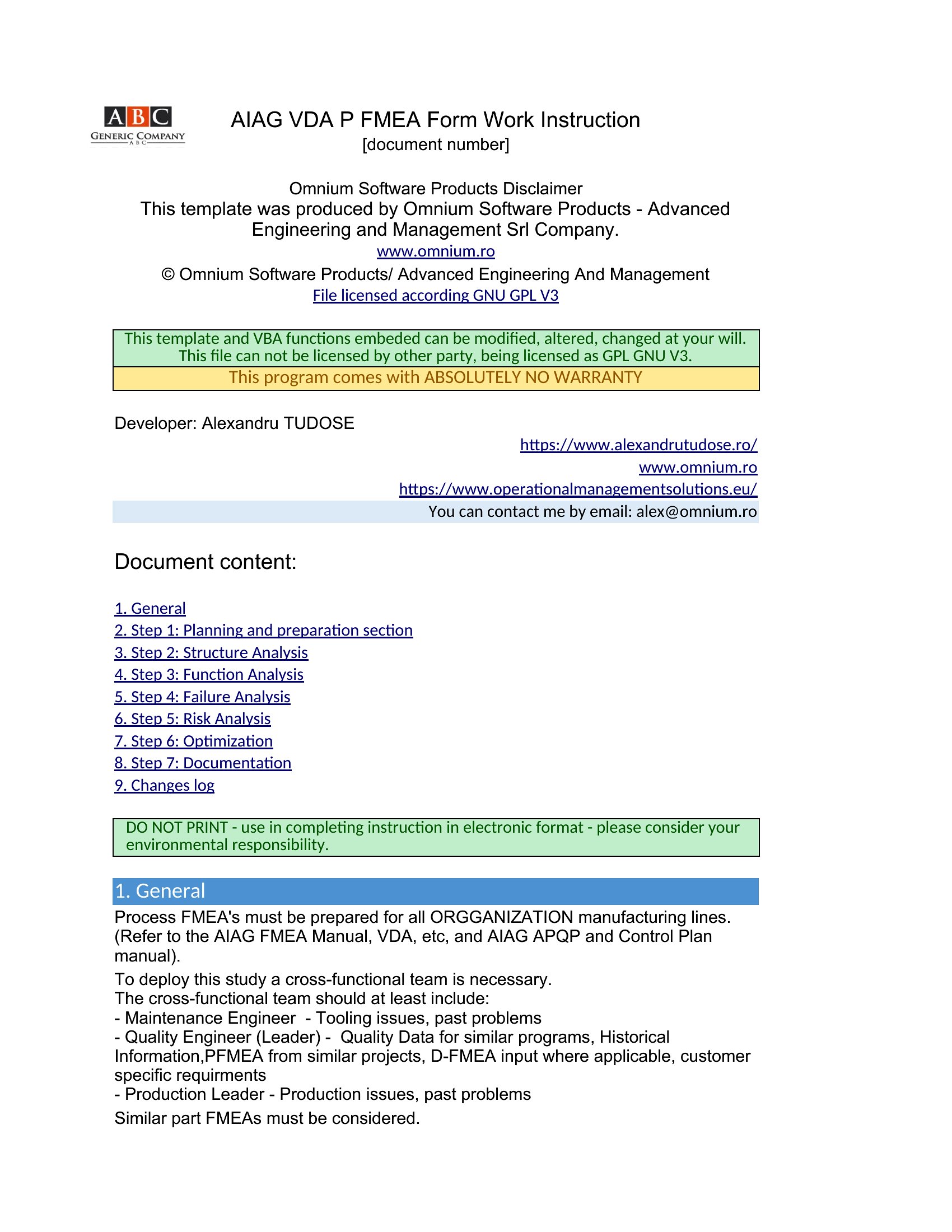
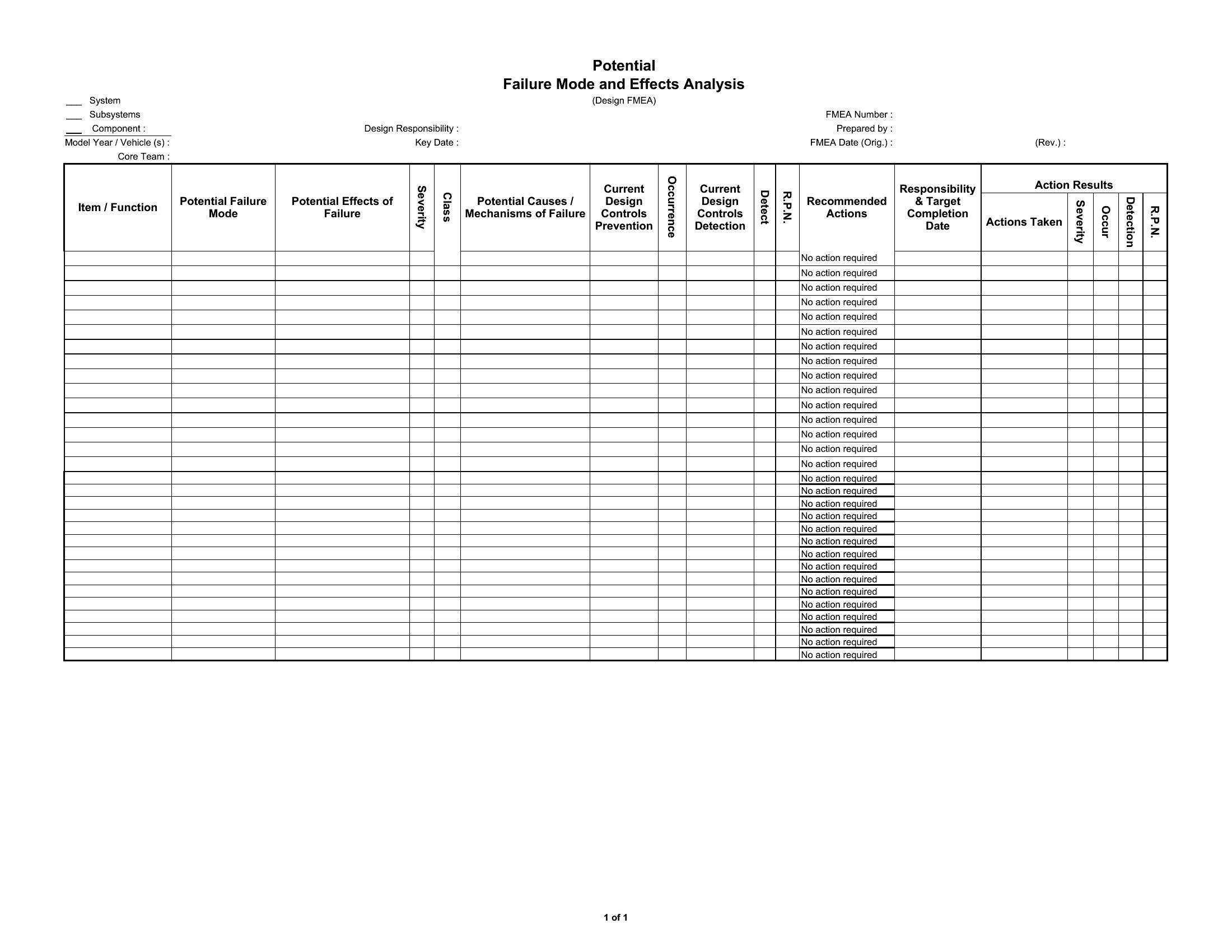
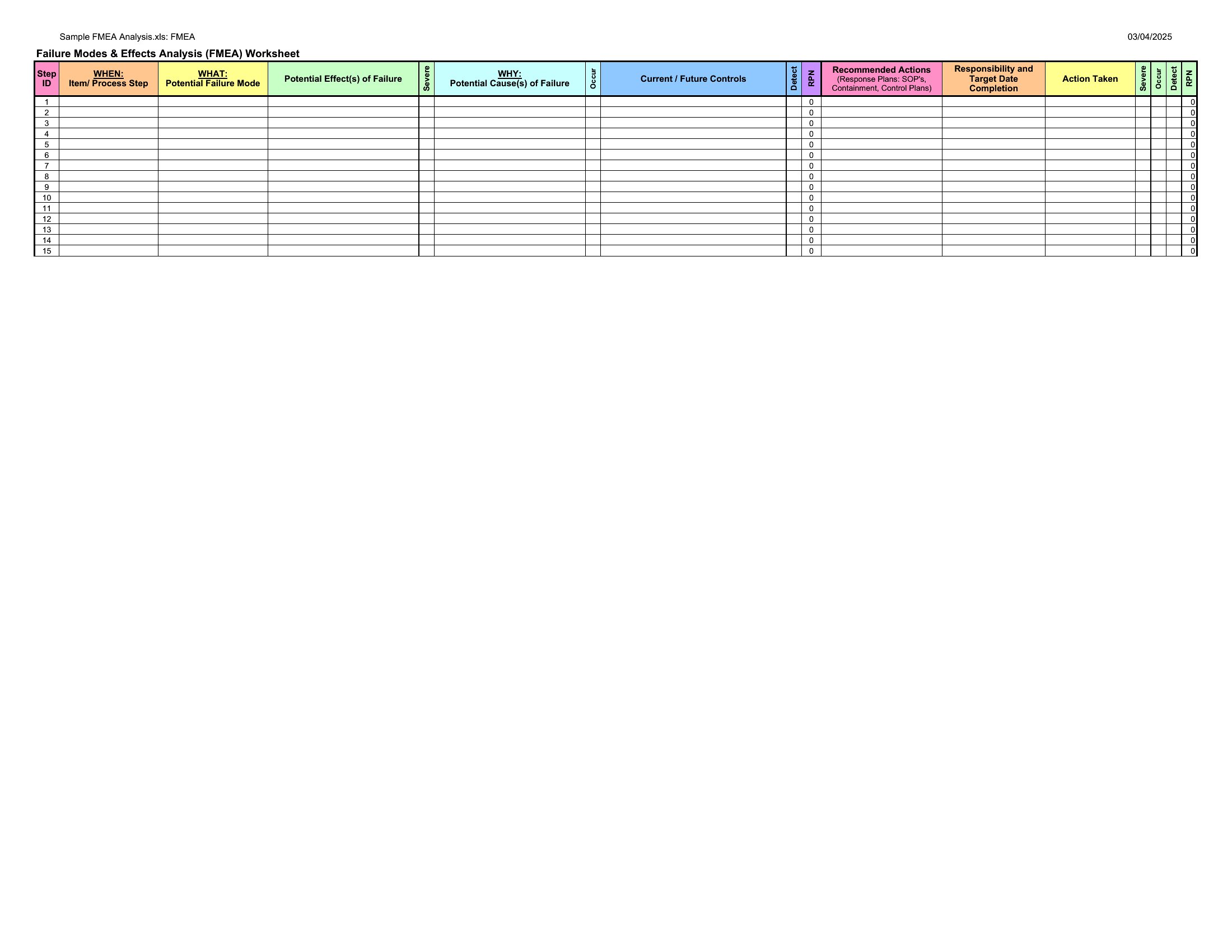
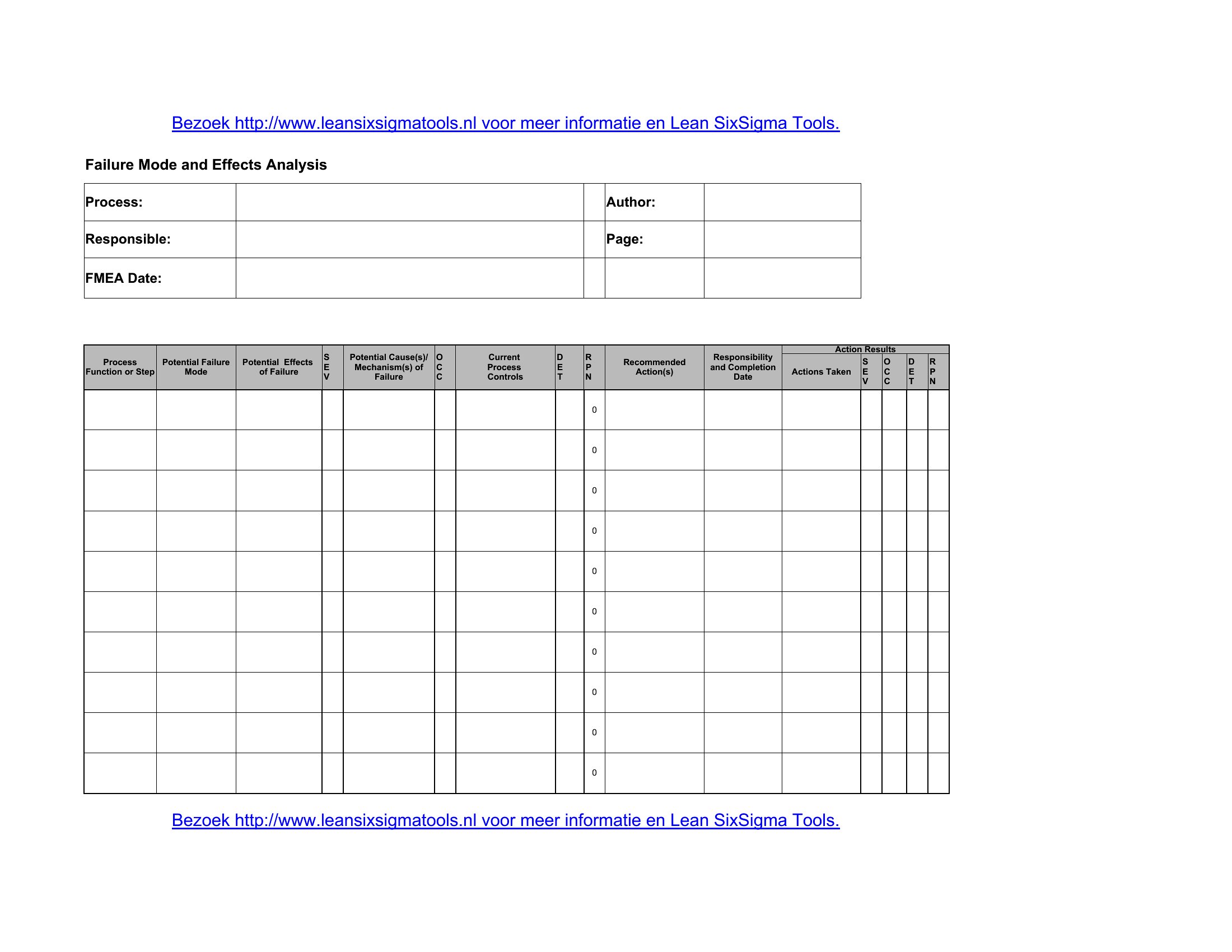
Yes, but start with a basic FMEA template to score risks. Add a separate column for effects analysis (e.g., listing secondary failures) and include a diagram section in the PDF layout or a new worksheet in Excel. Some templates here include blank diagrams—check the system-level designs for that structure.
What’s the best way to integrate FMEA findings into a corrective action plan?
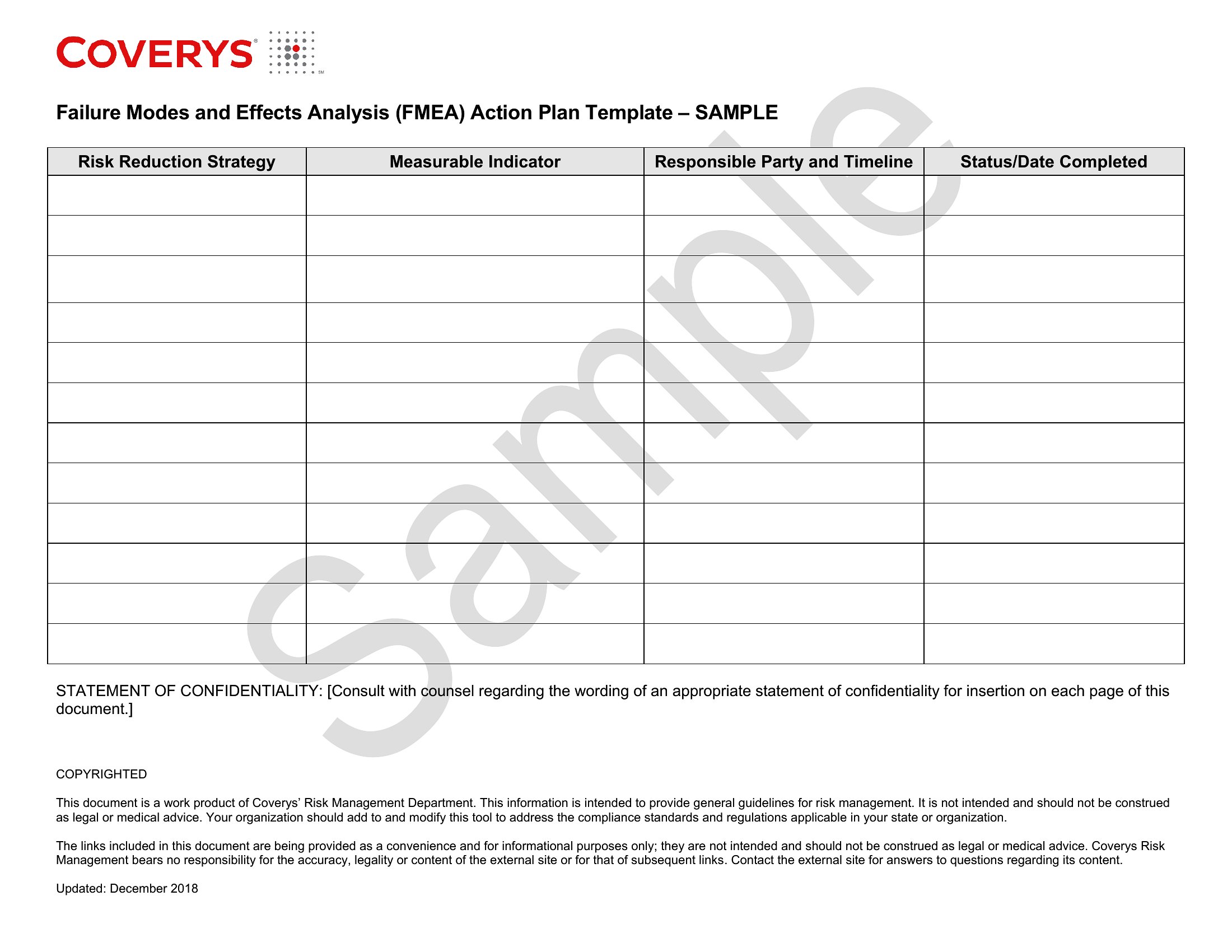
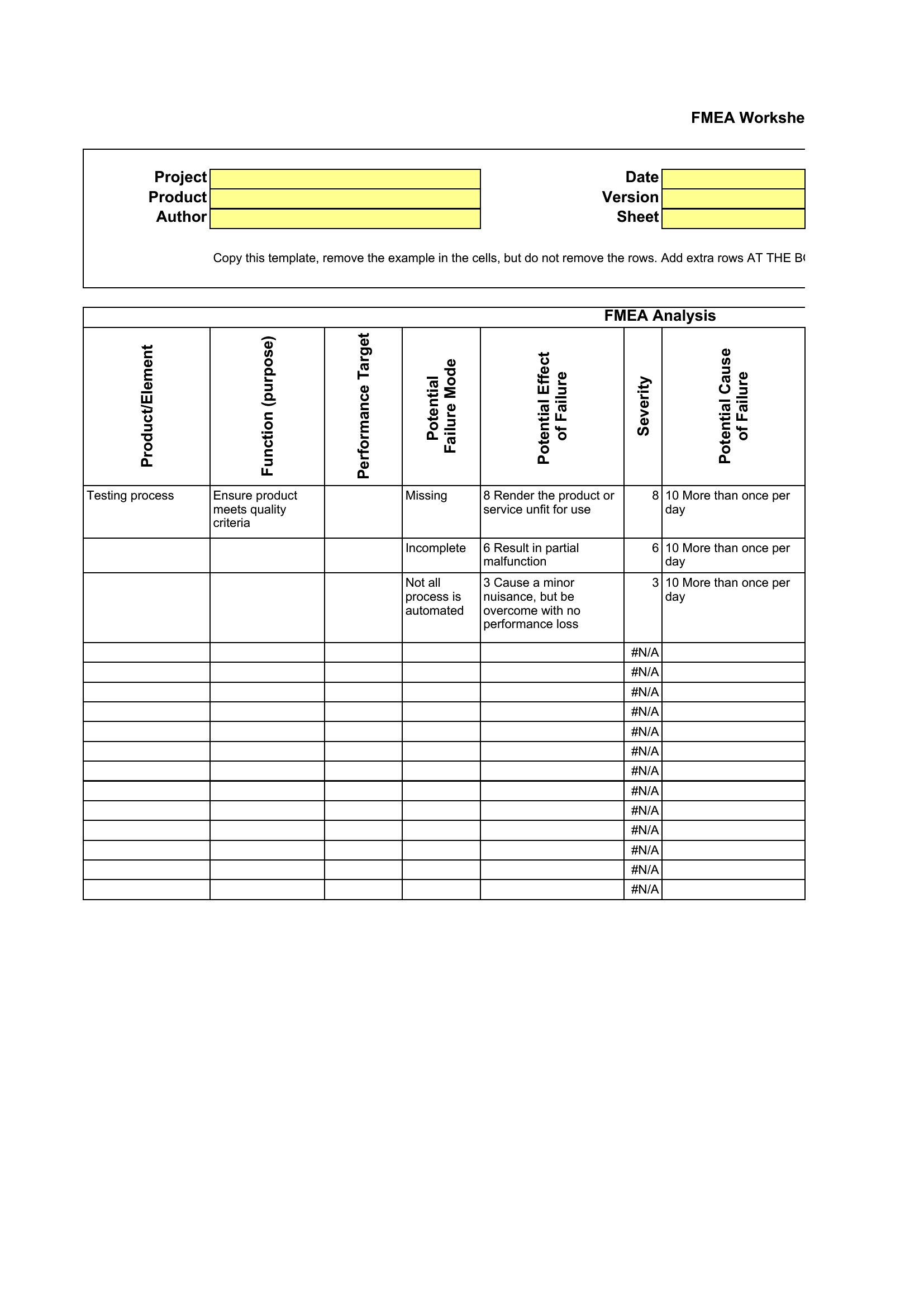
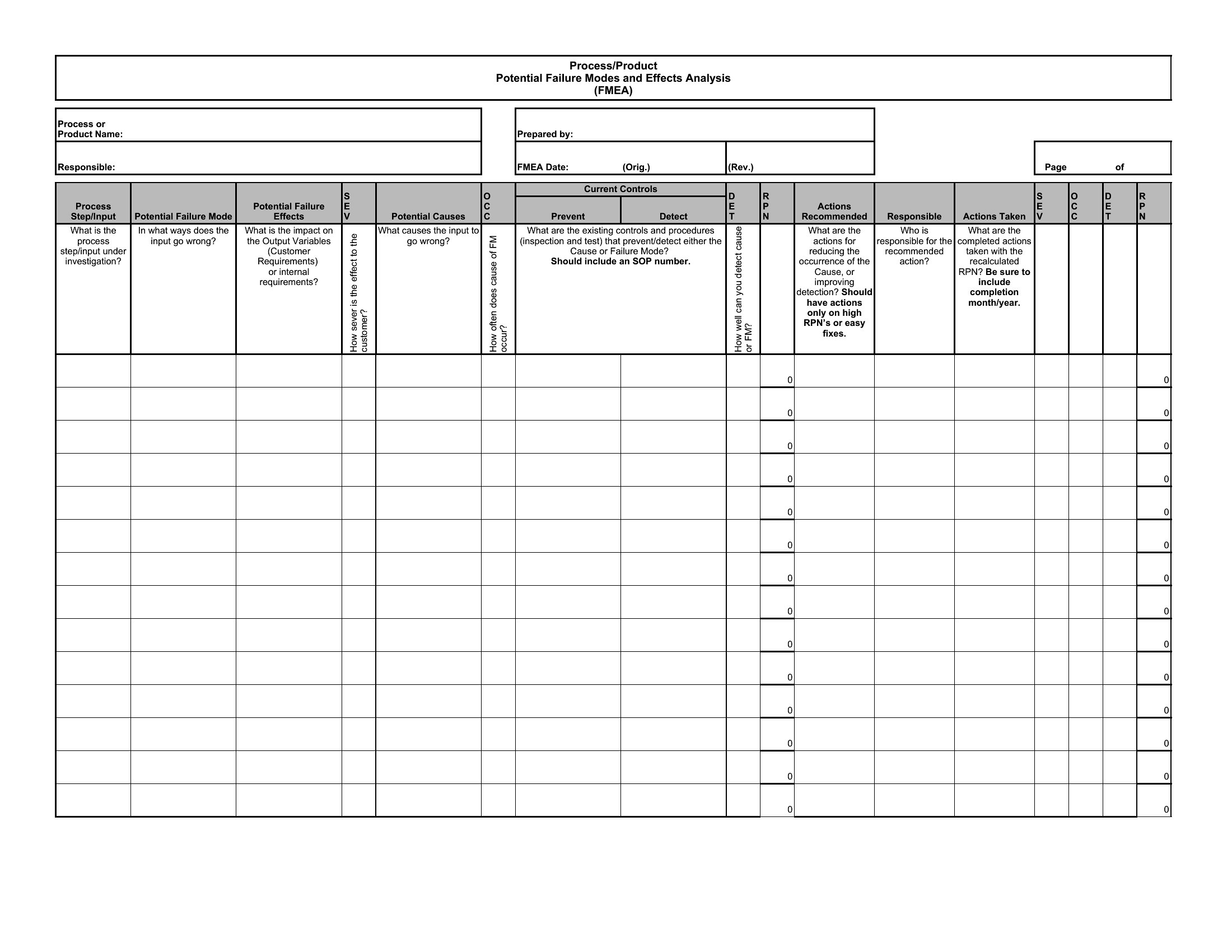
Use the Excel templates to add a “Recommended Actions” column next to high-priority risks, then export the filtered data into a project management tool like a Gantt chart. For PDFs, include a summary table of top 5 risks and assign owners to each action during a follow-up meeting.
Comments
Join the conversation
Sign in to share your thoughts and leave a comment on this resource.