





Free Competitor Analysis Templates (Word, Excel, PDF)
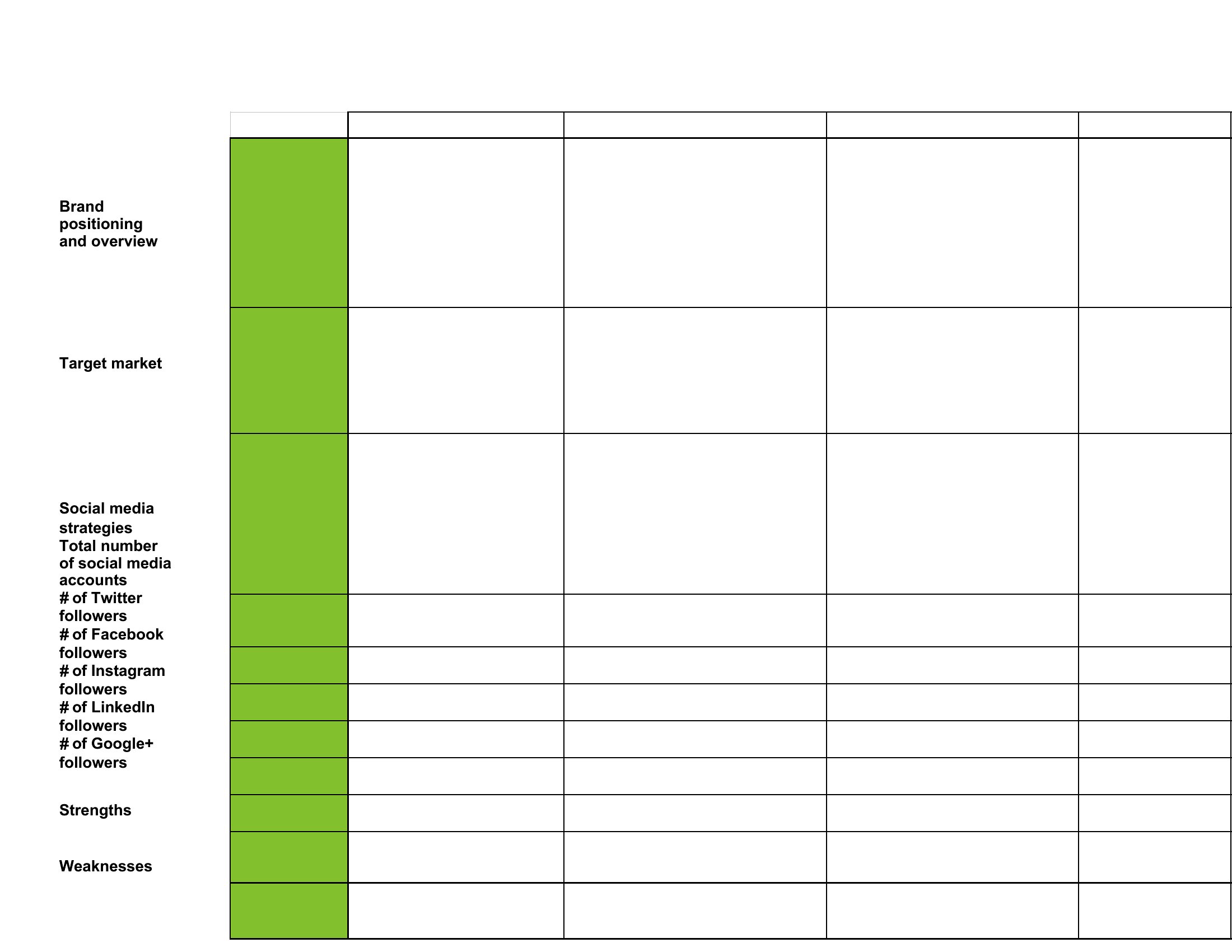
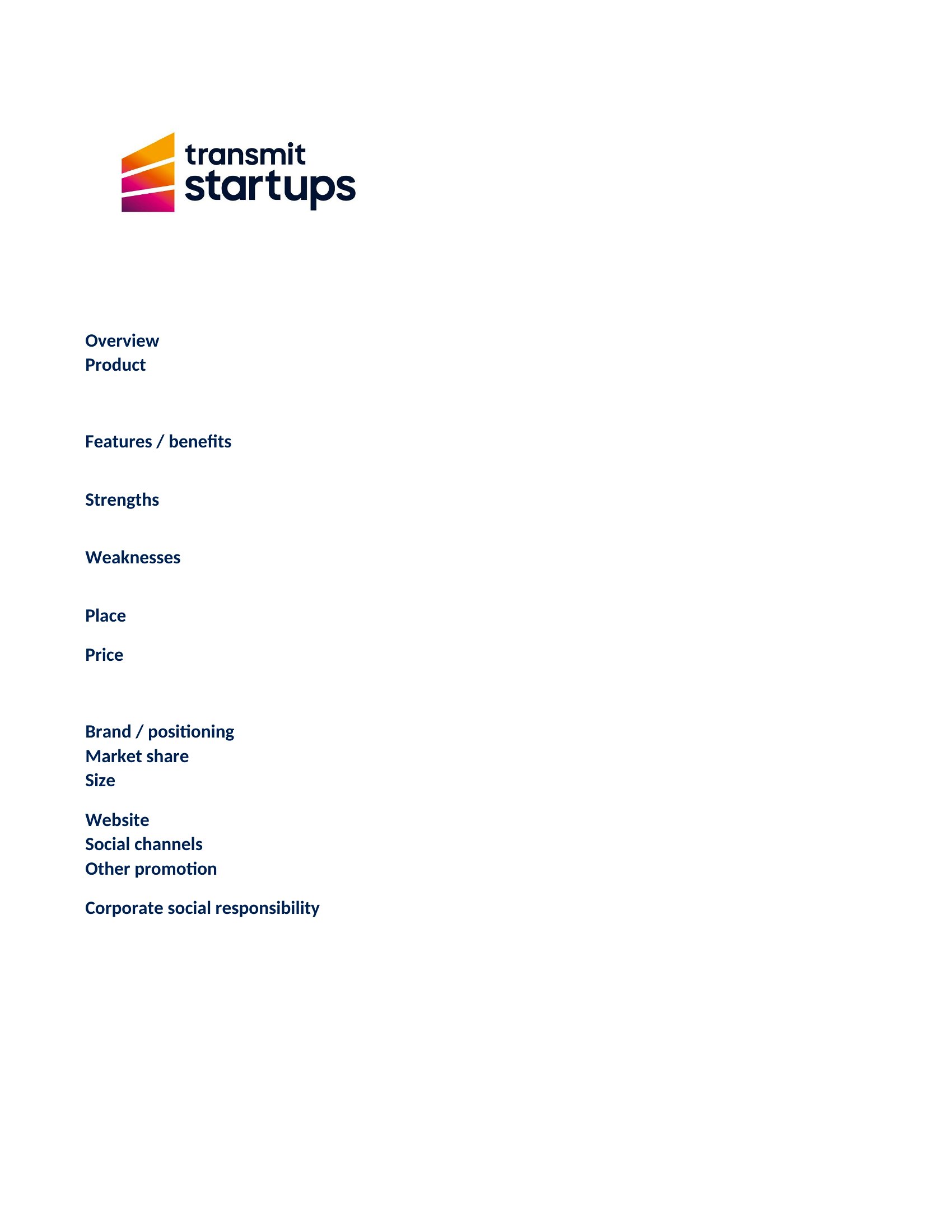
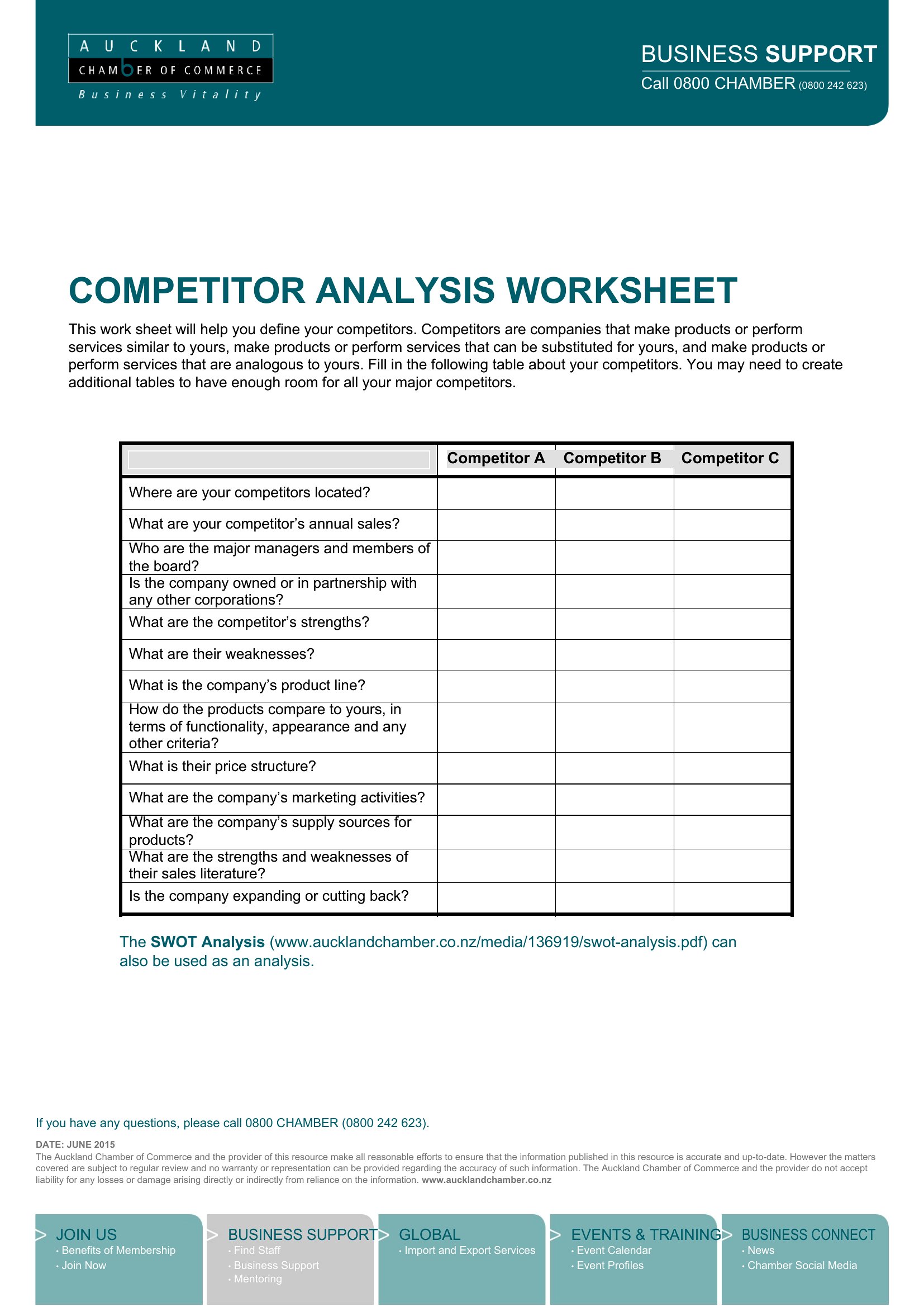
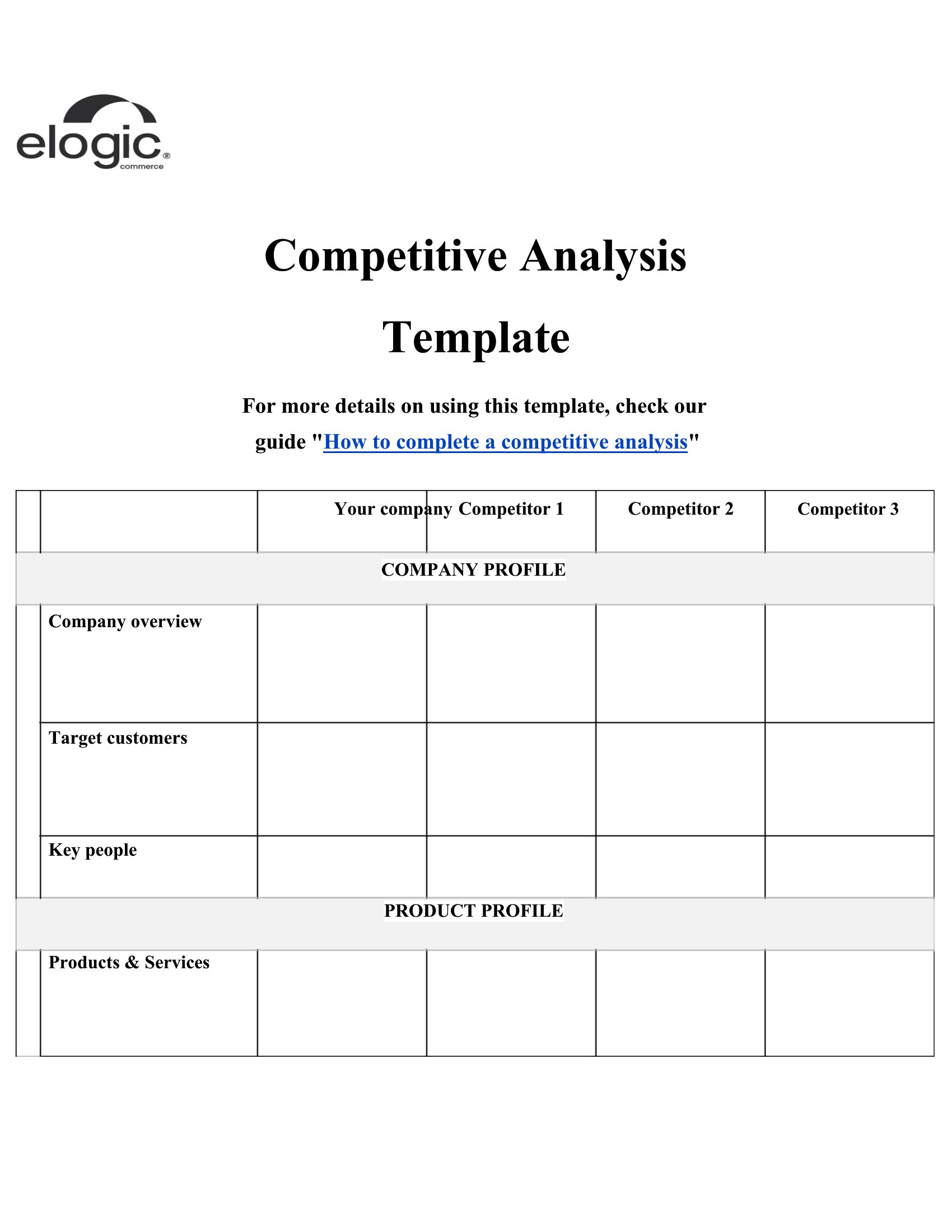
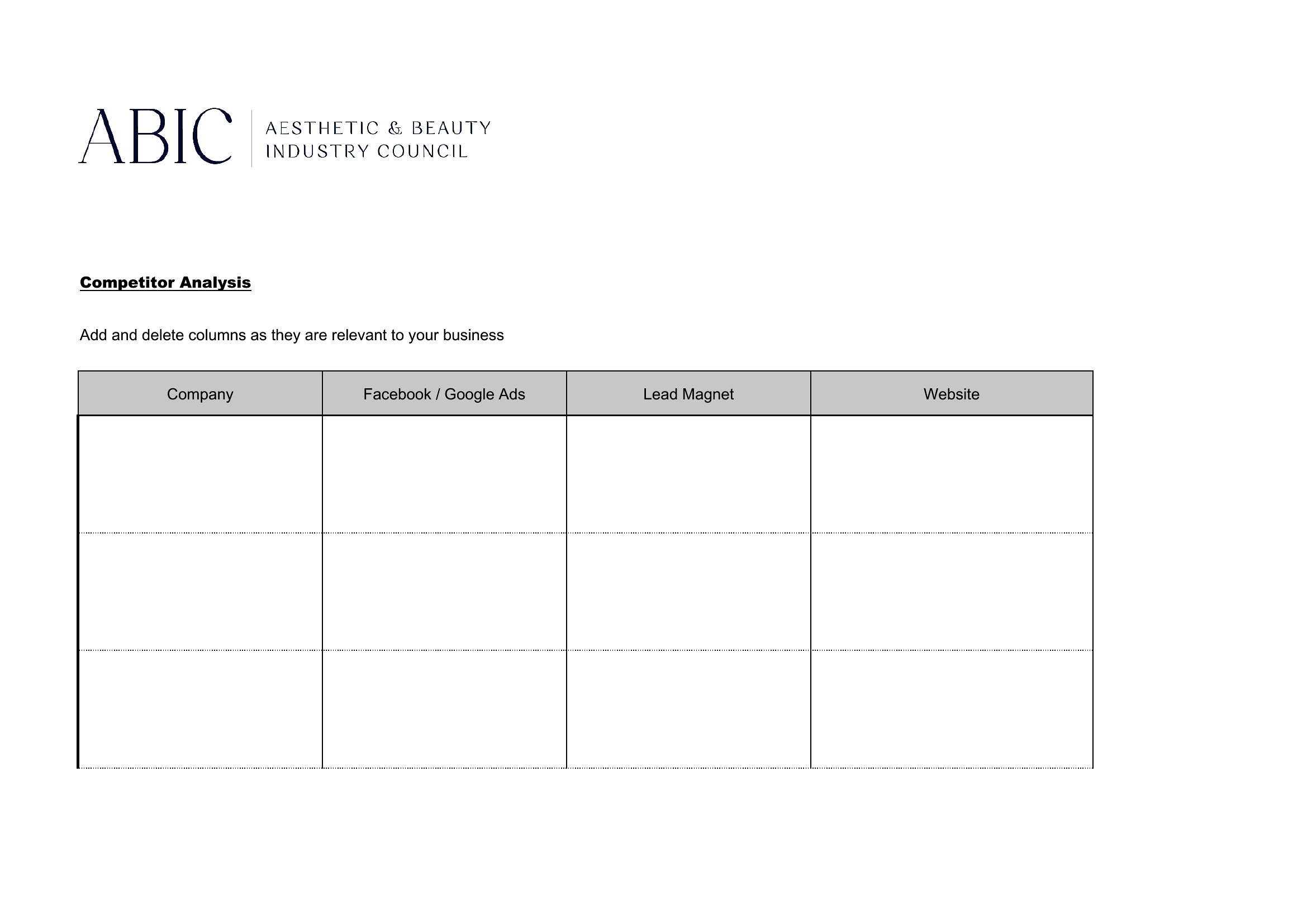
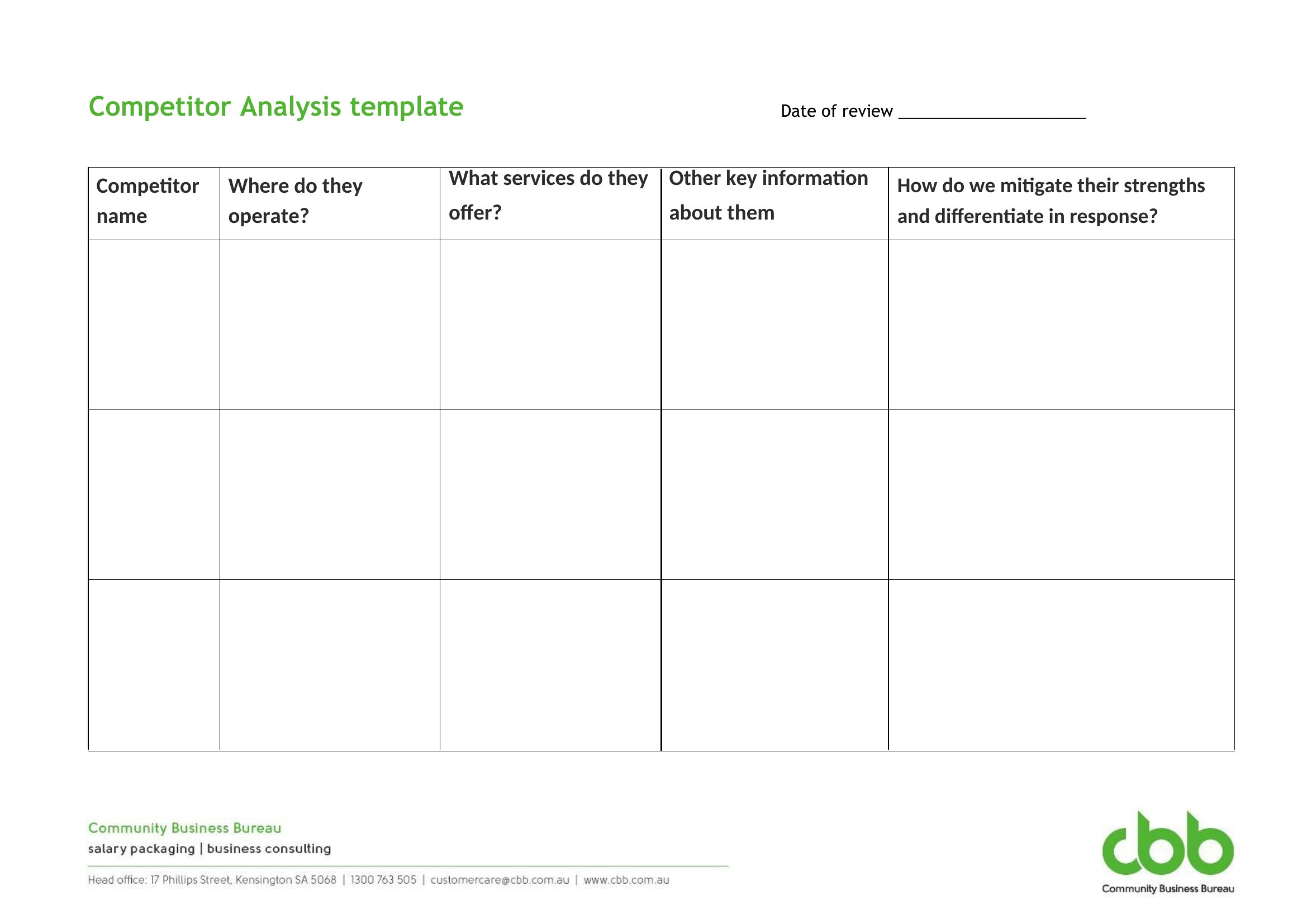
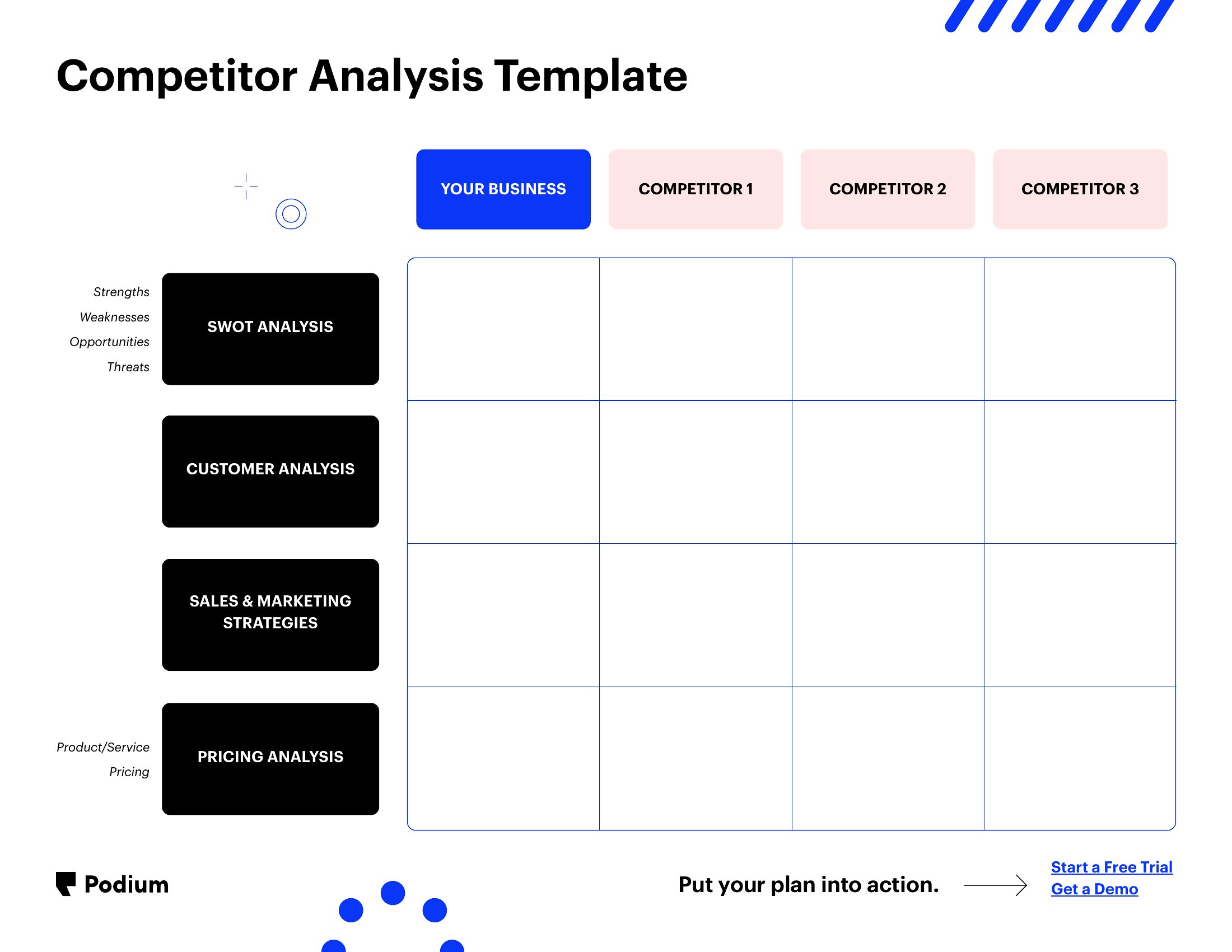
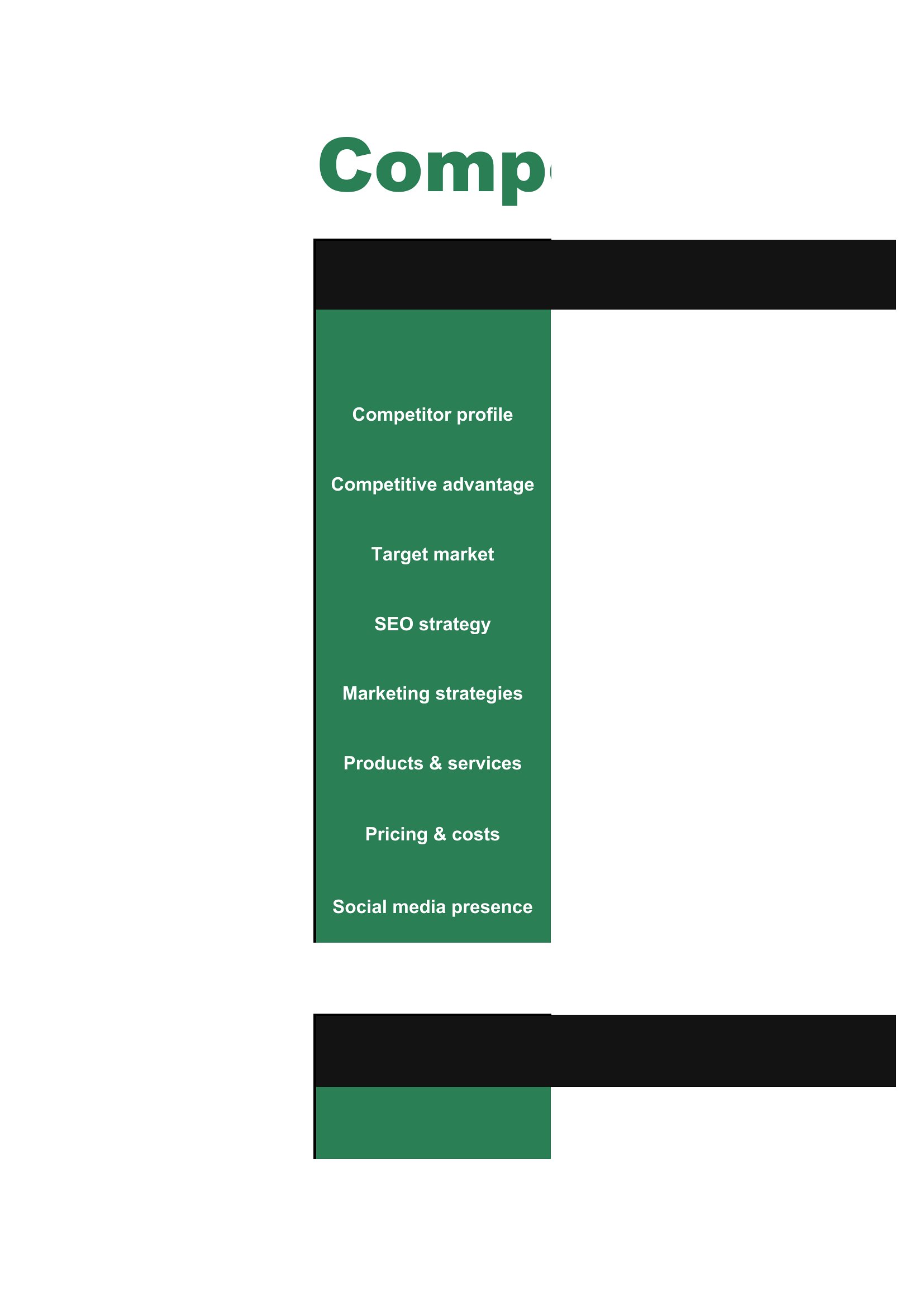
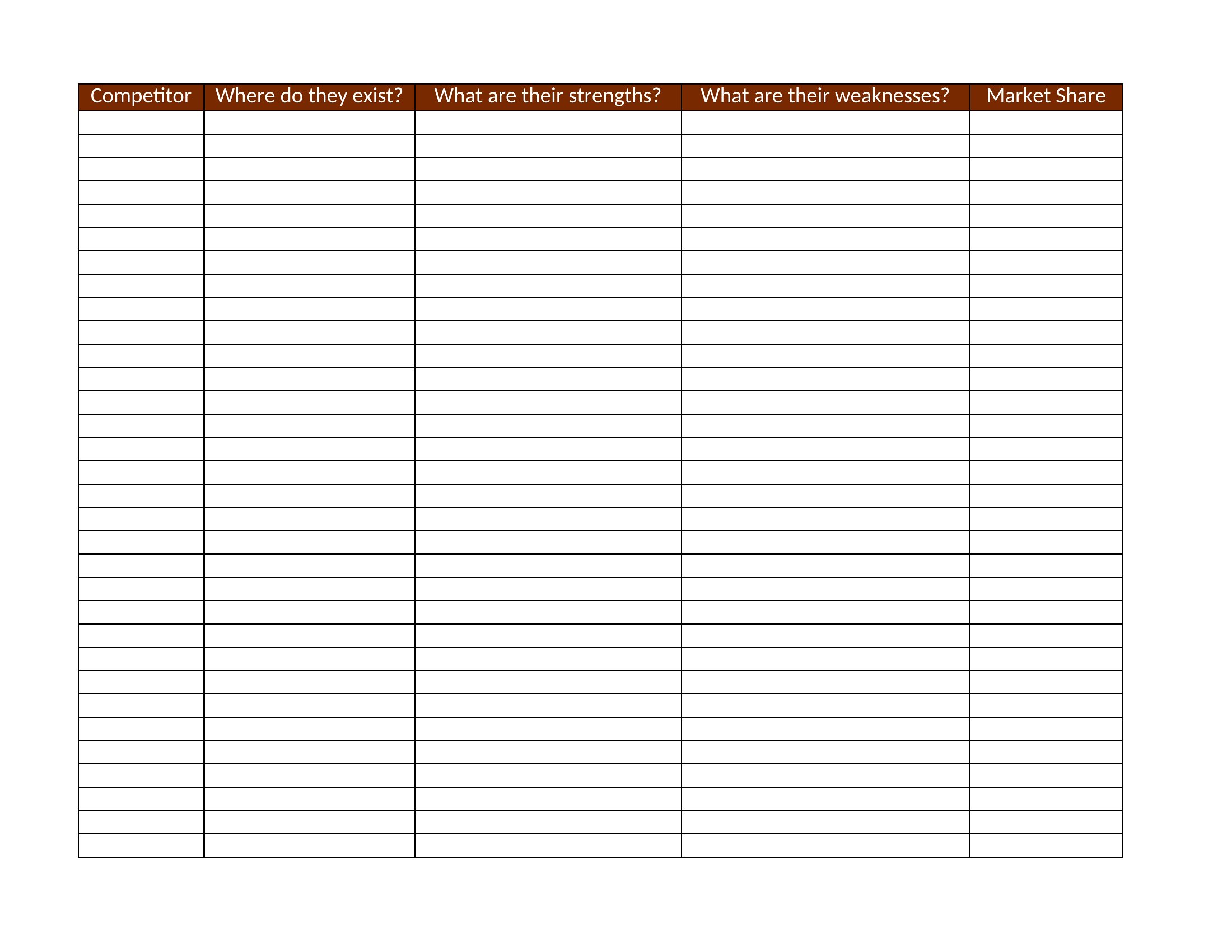
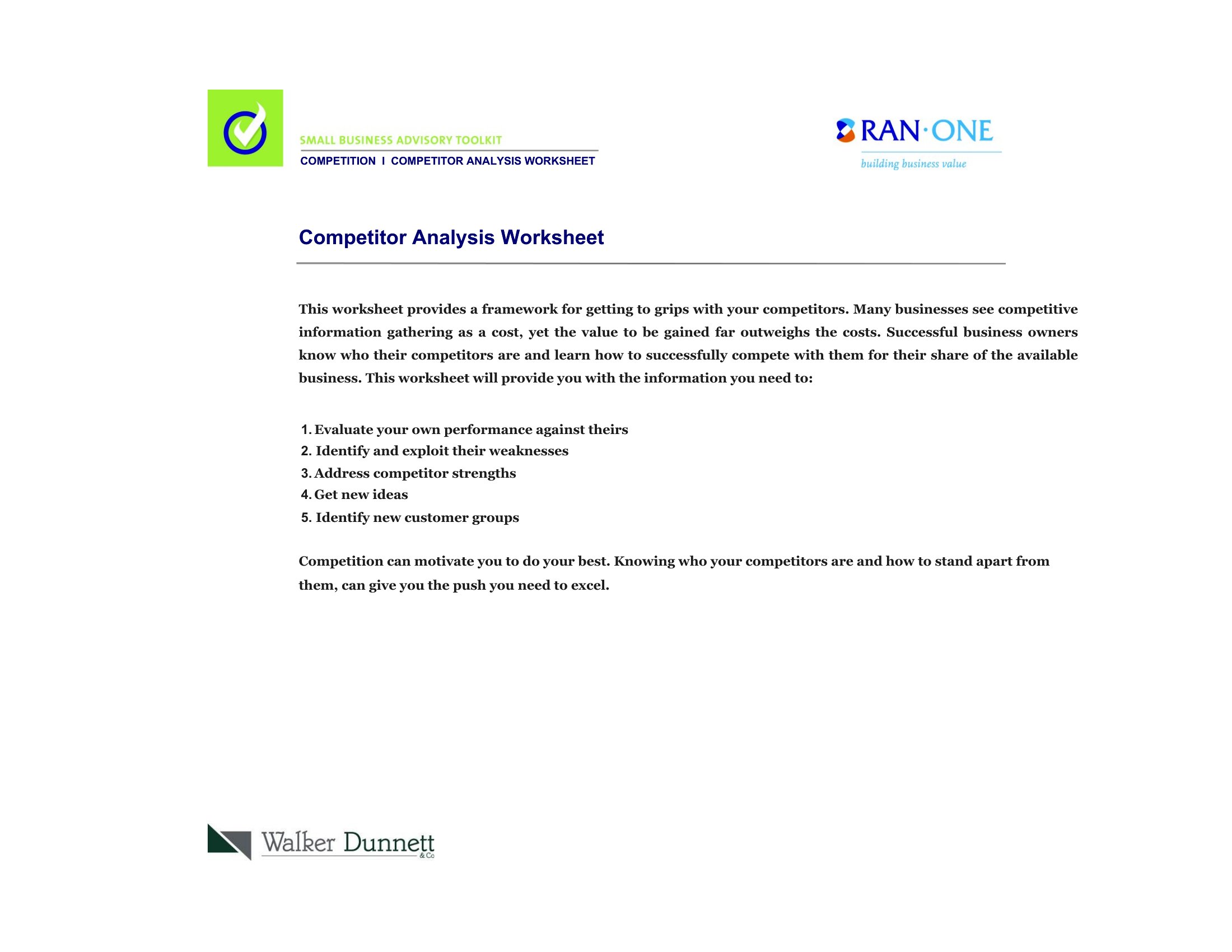
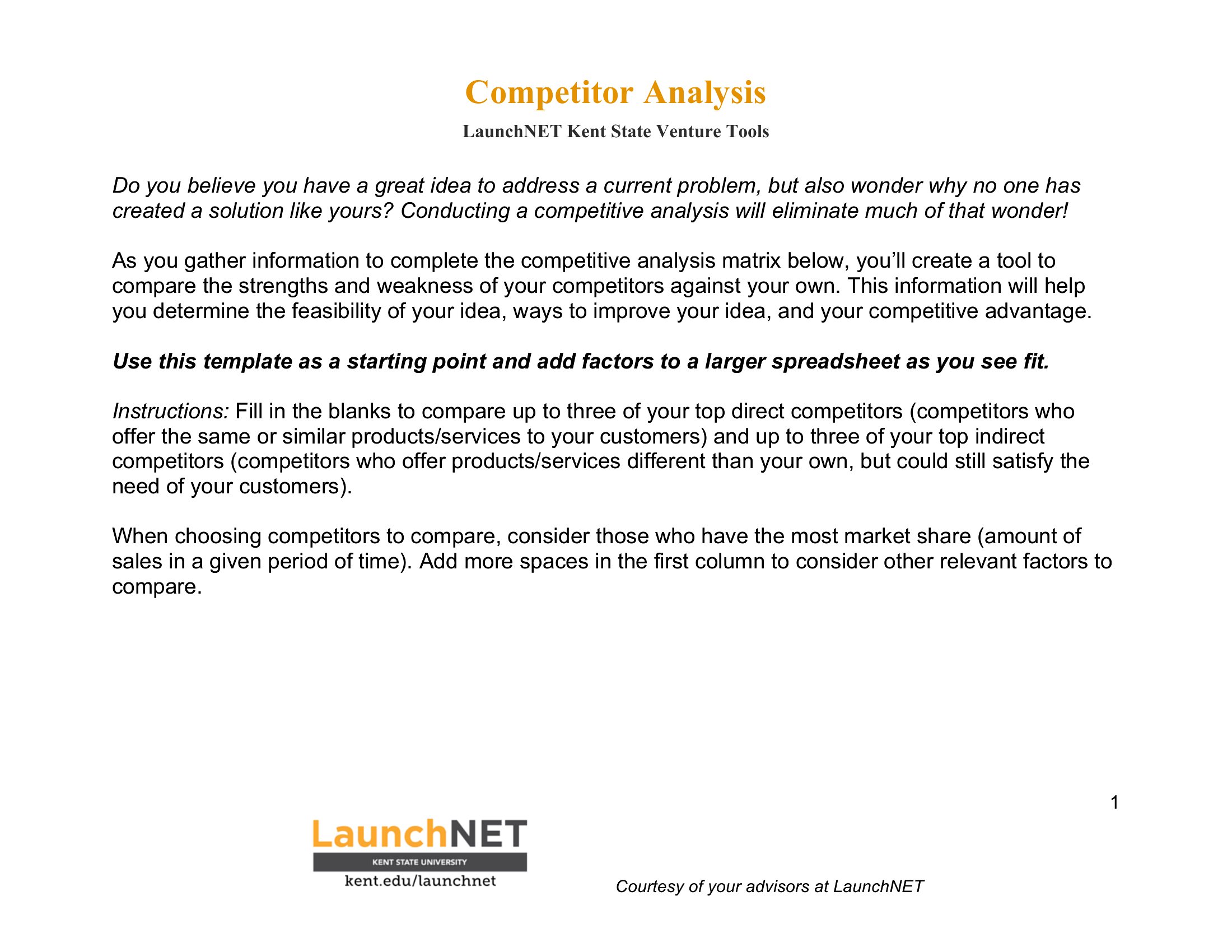
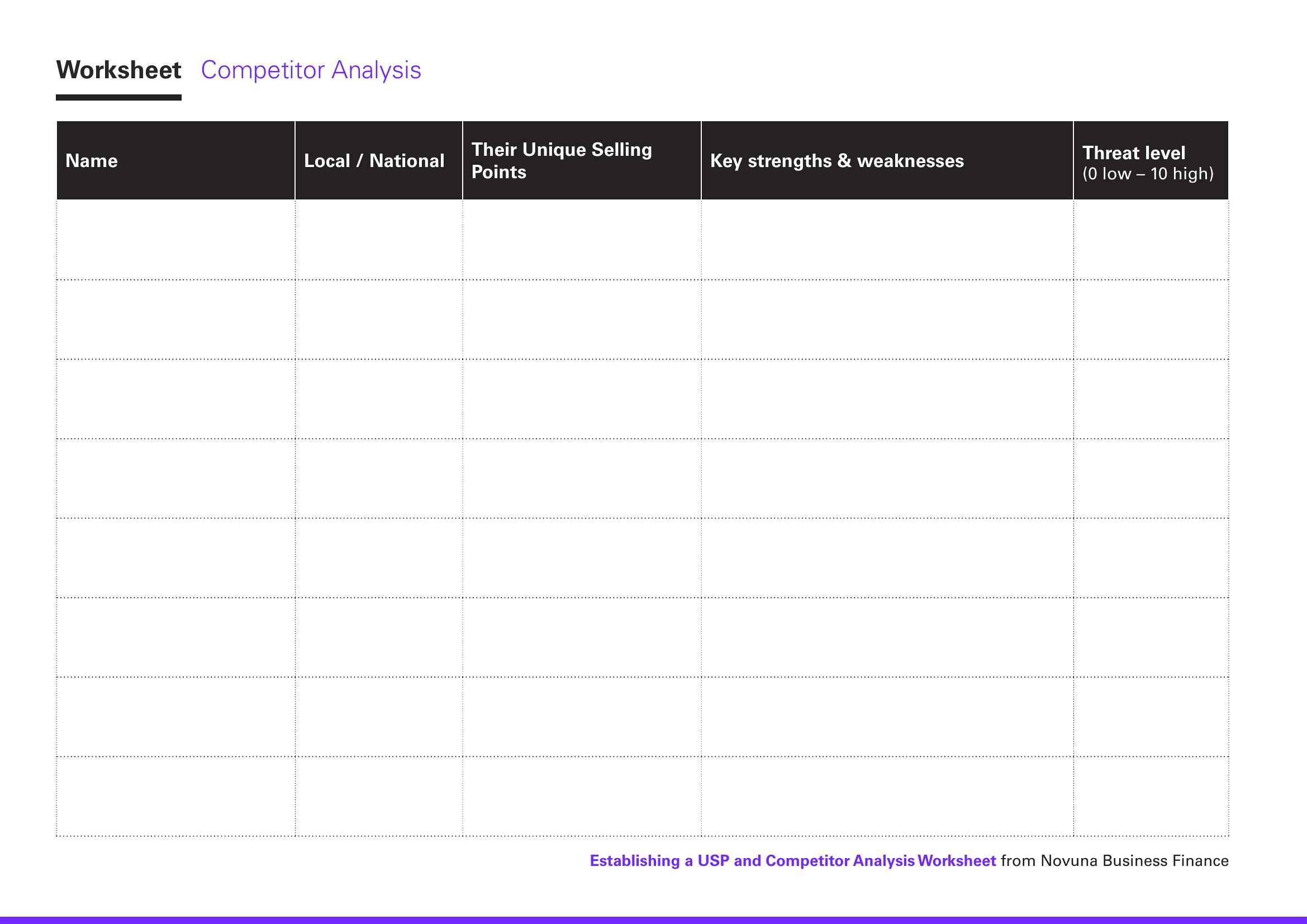
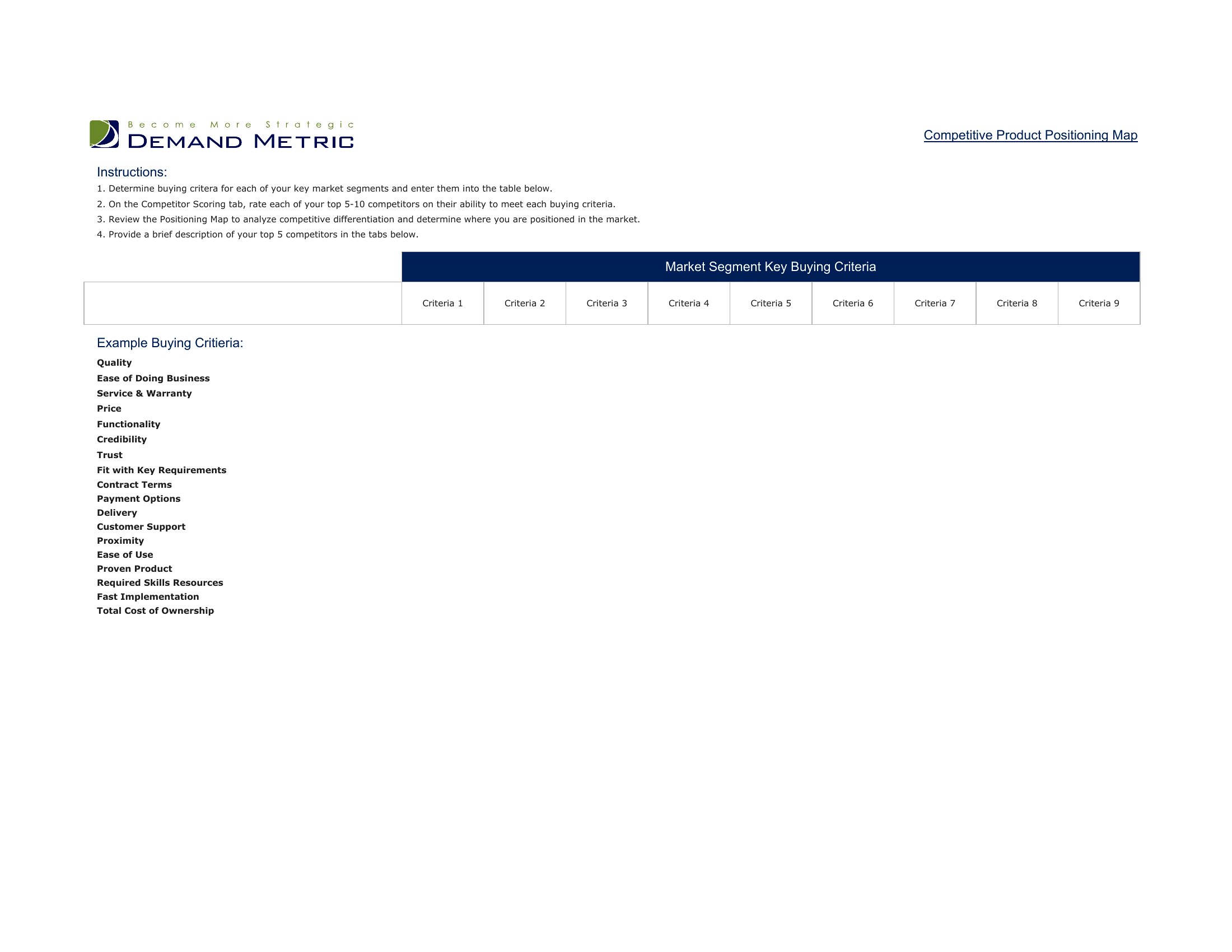
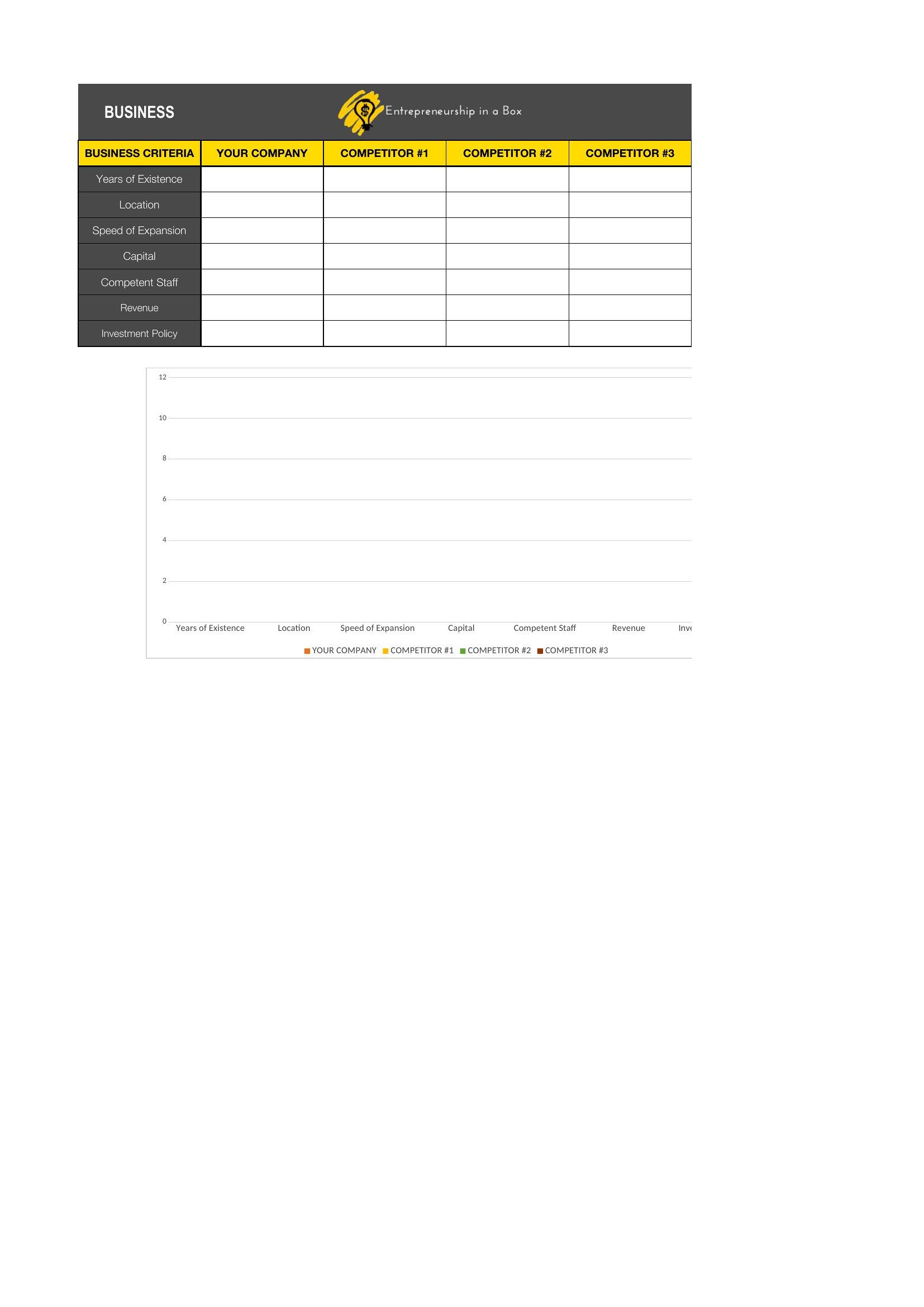
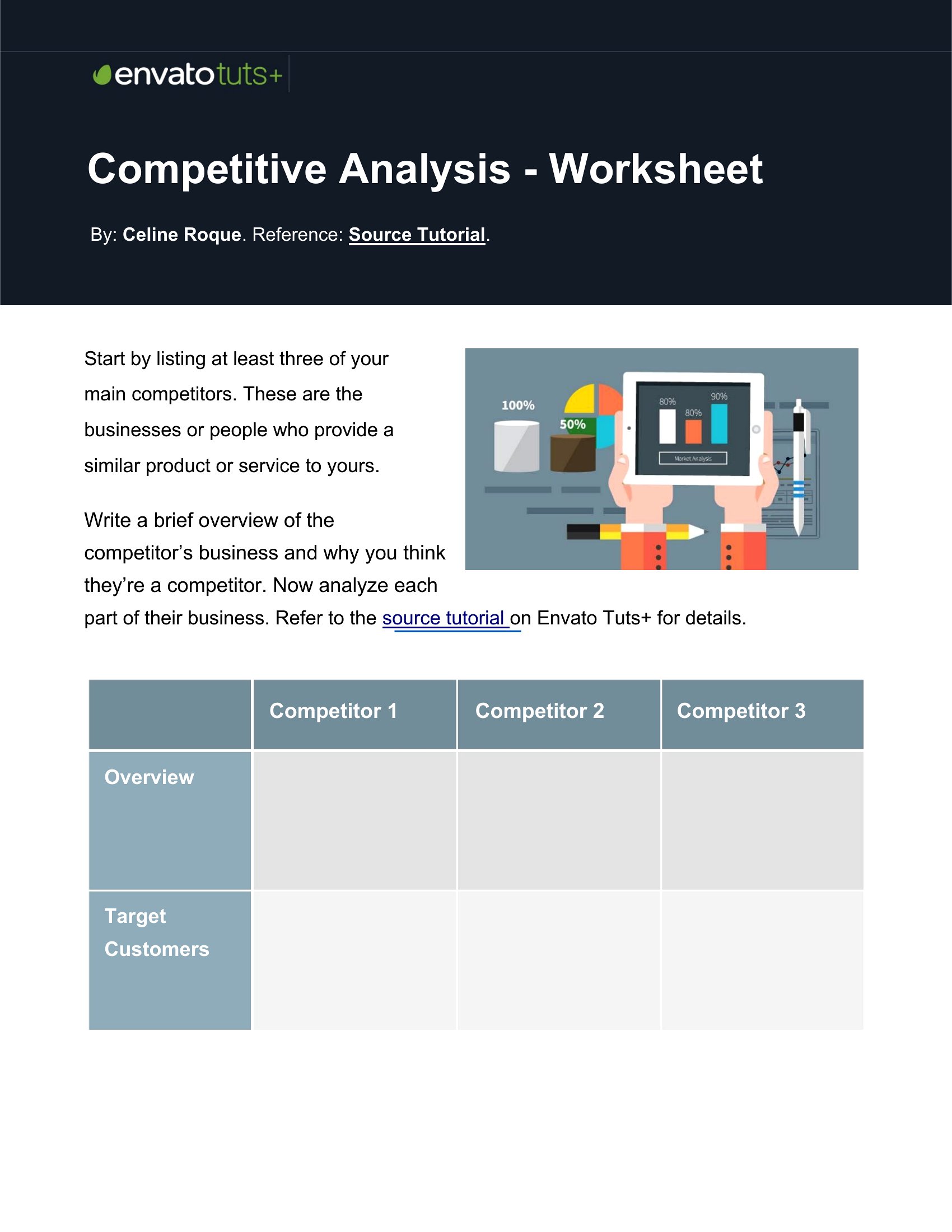
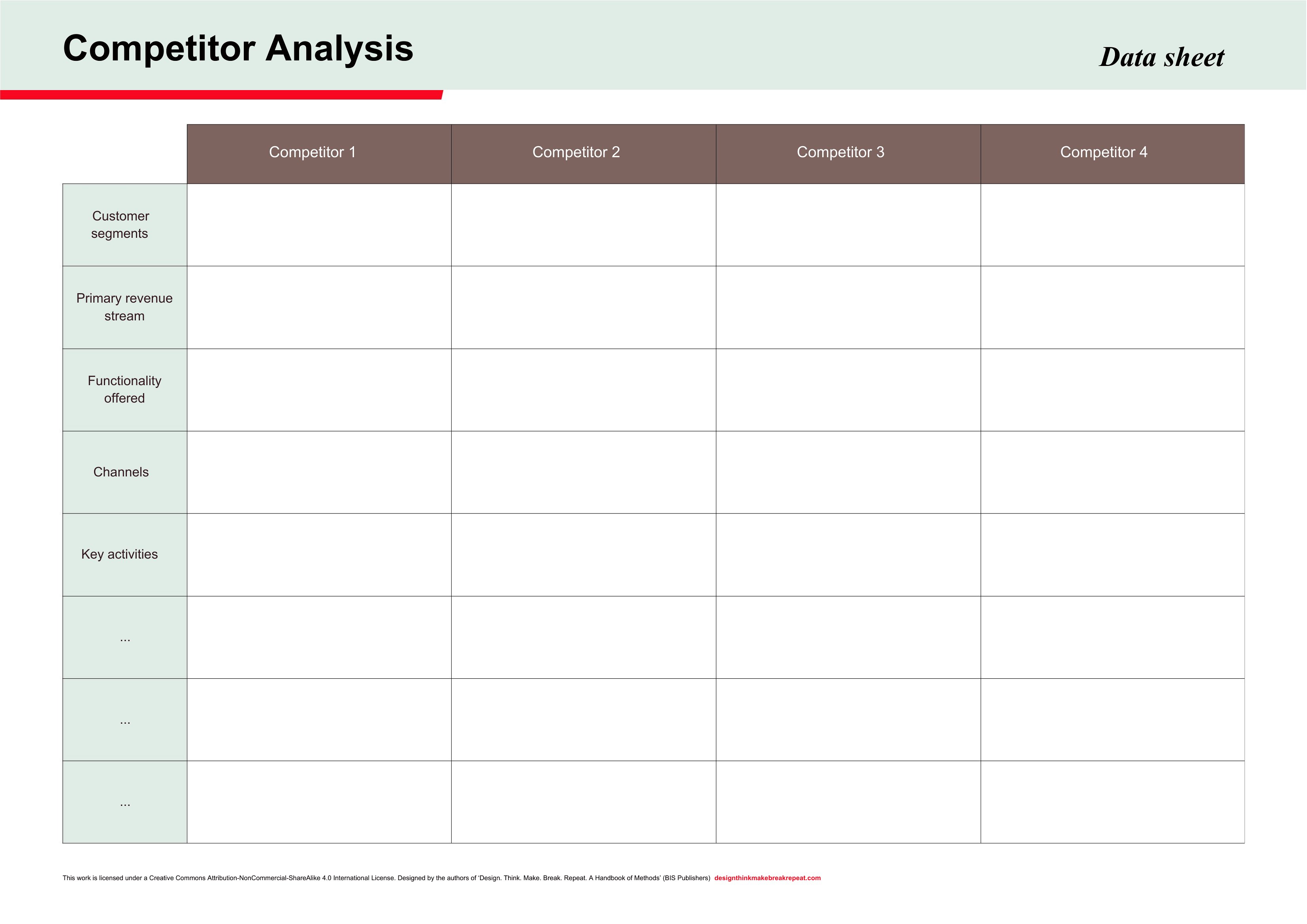
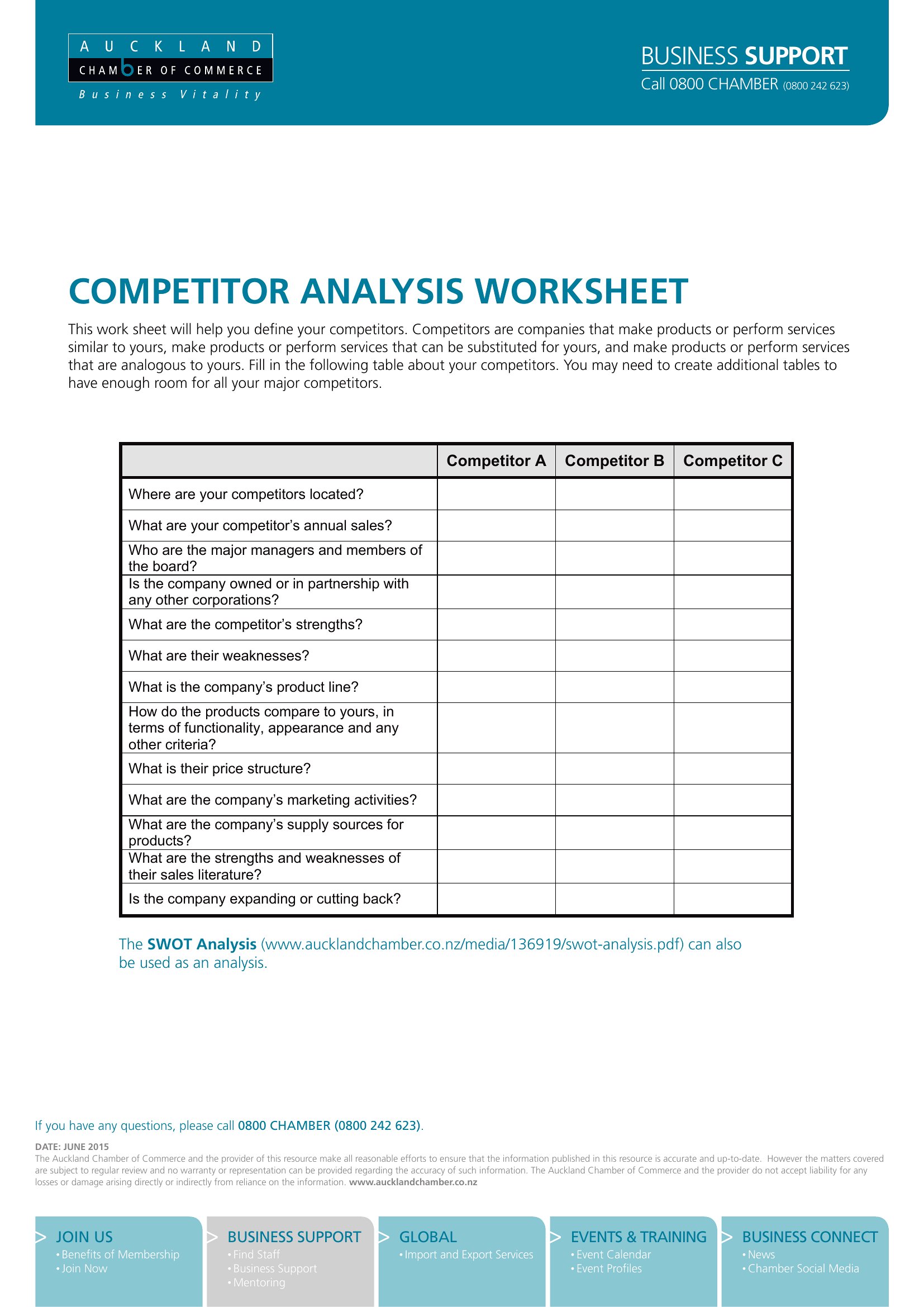
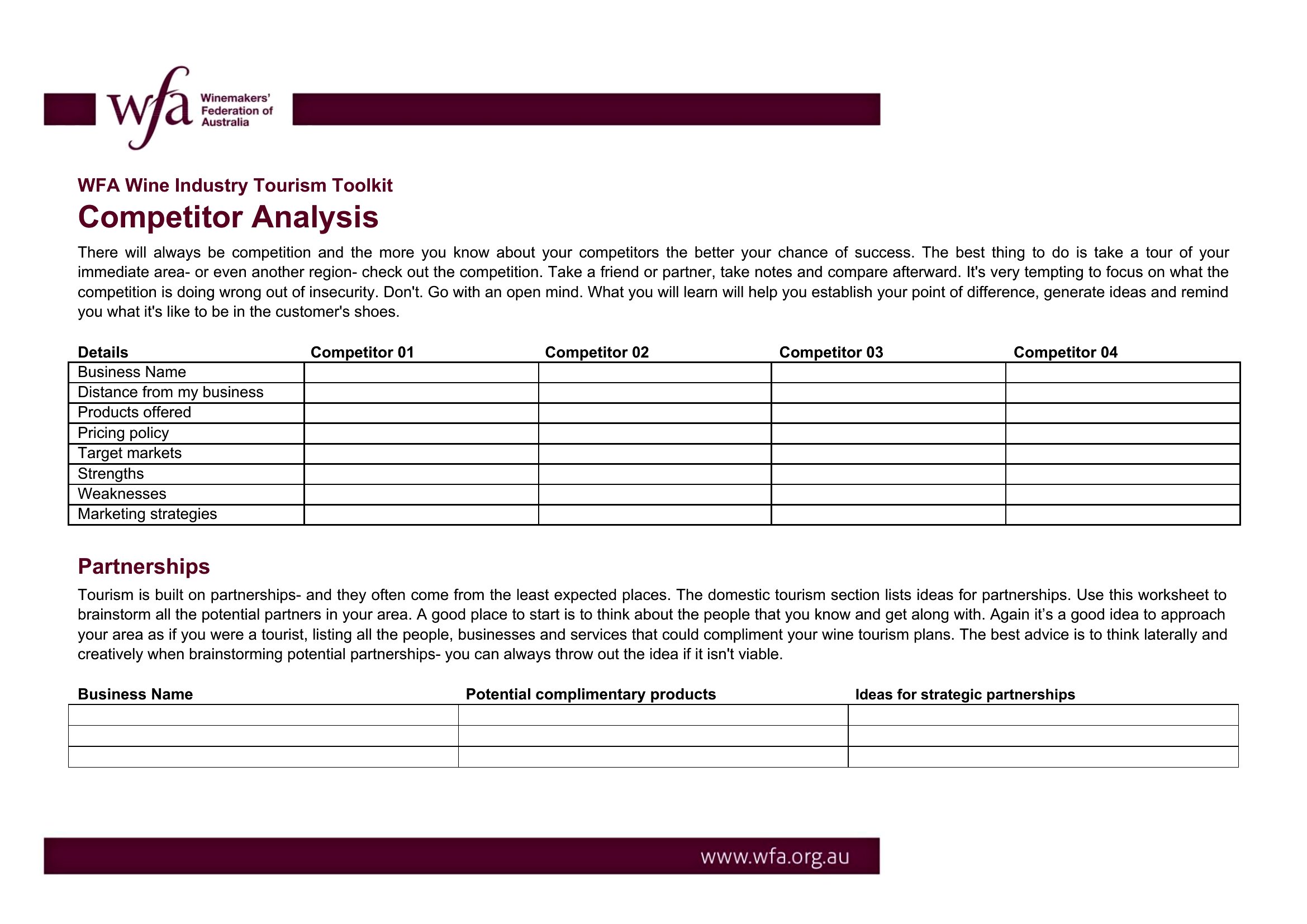
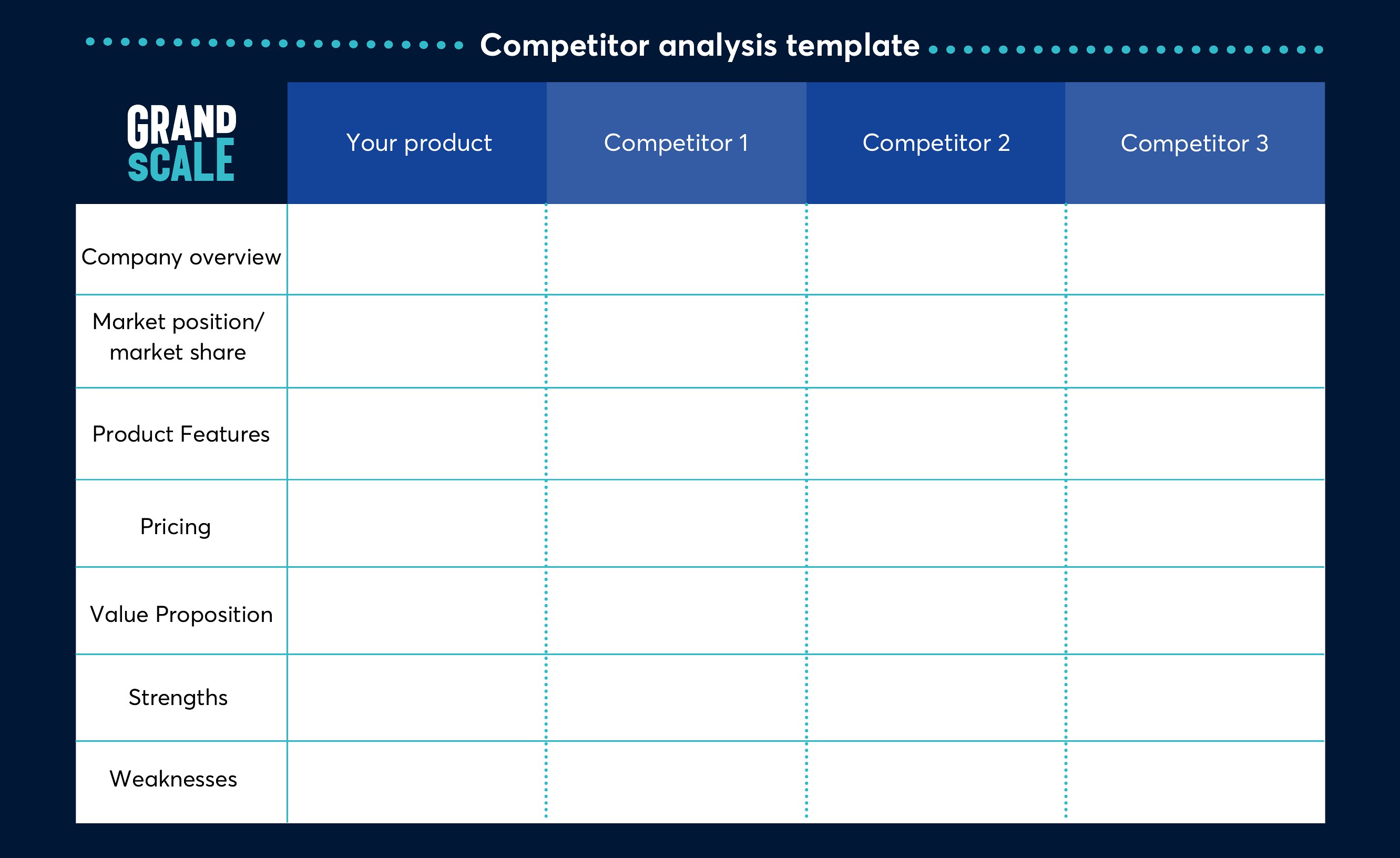
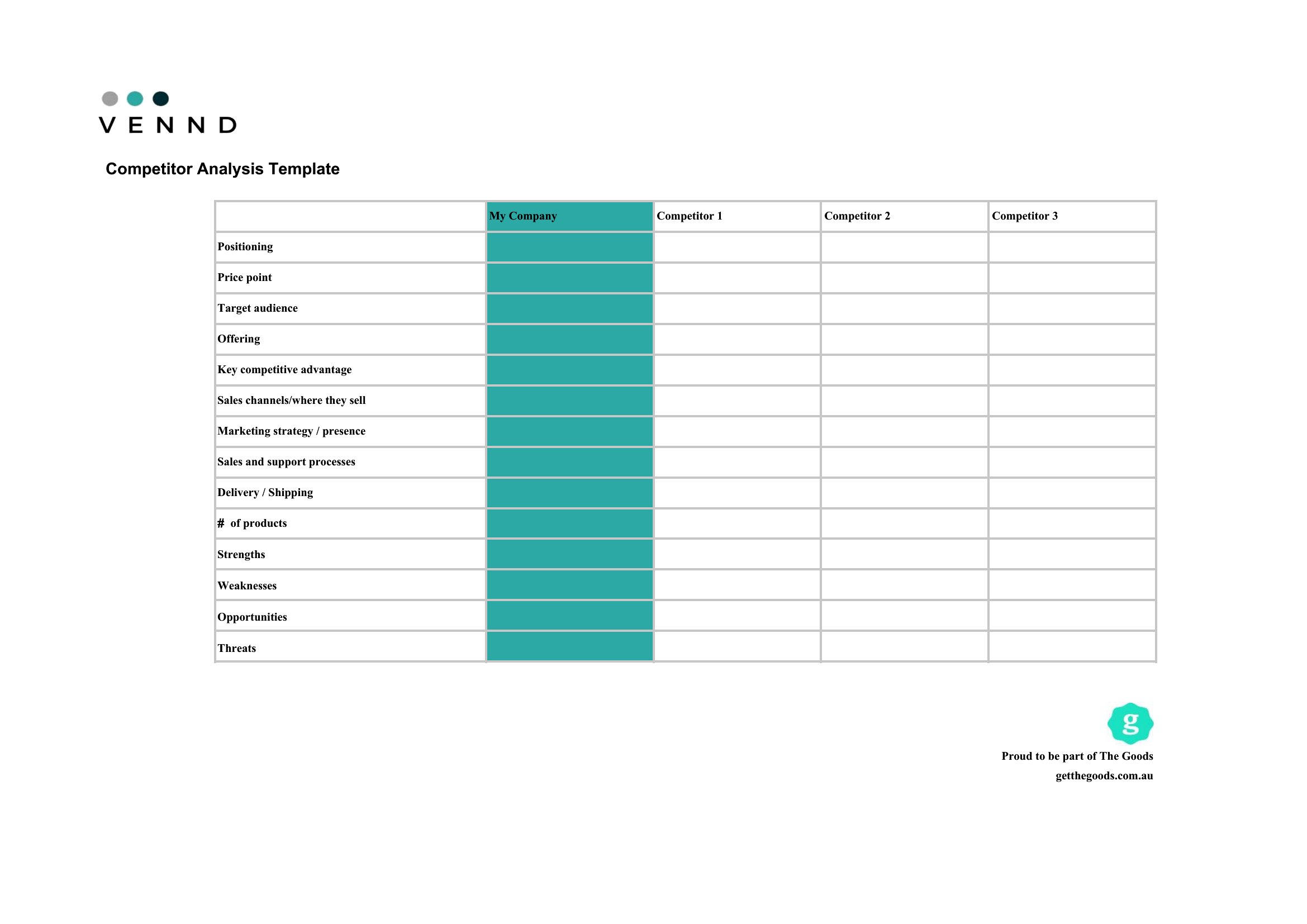
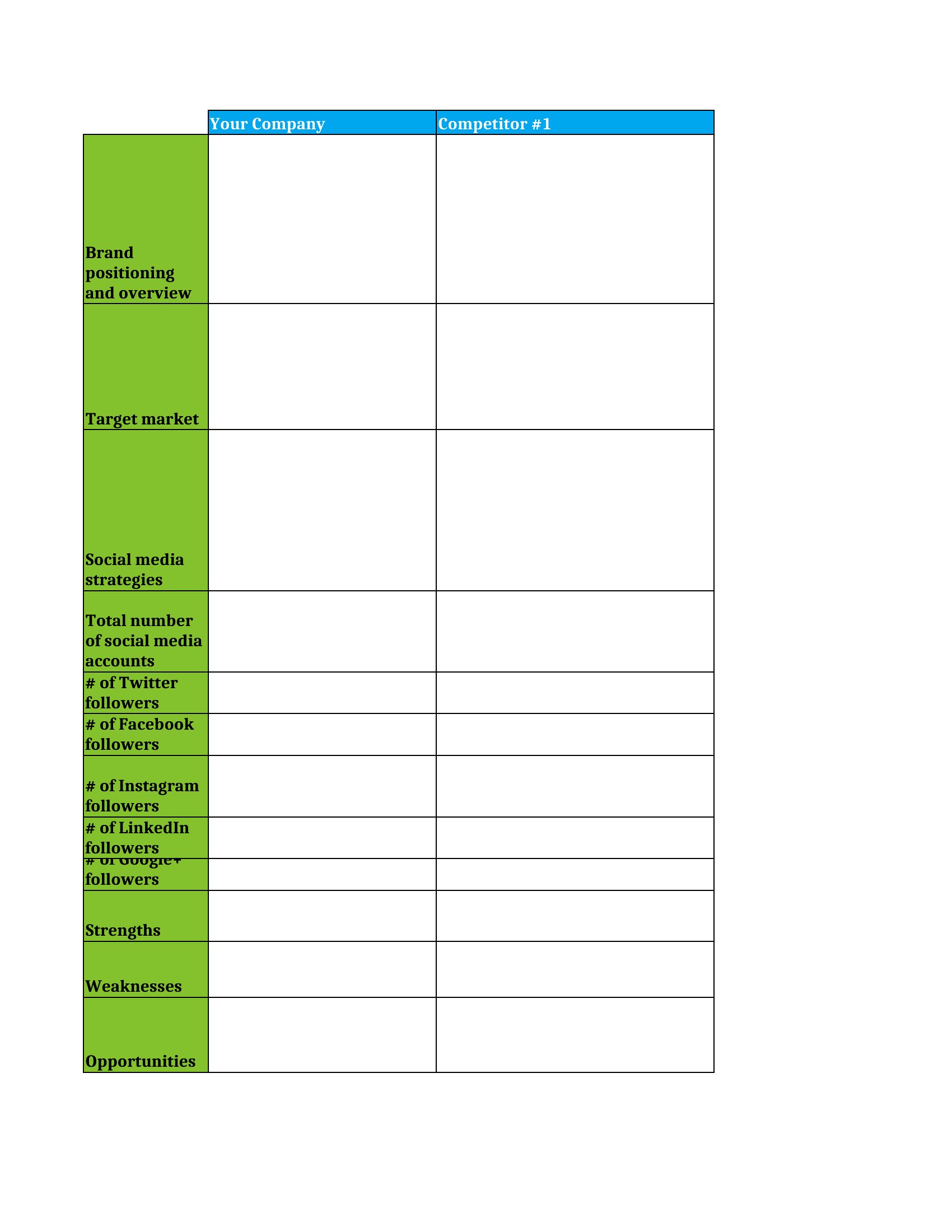
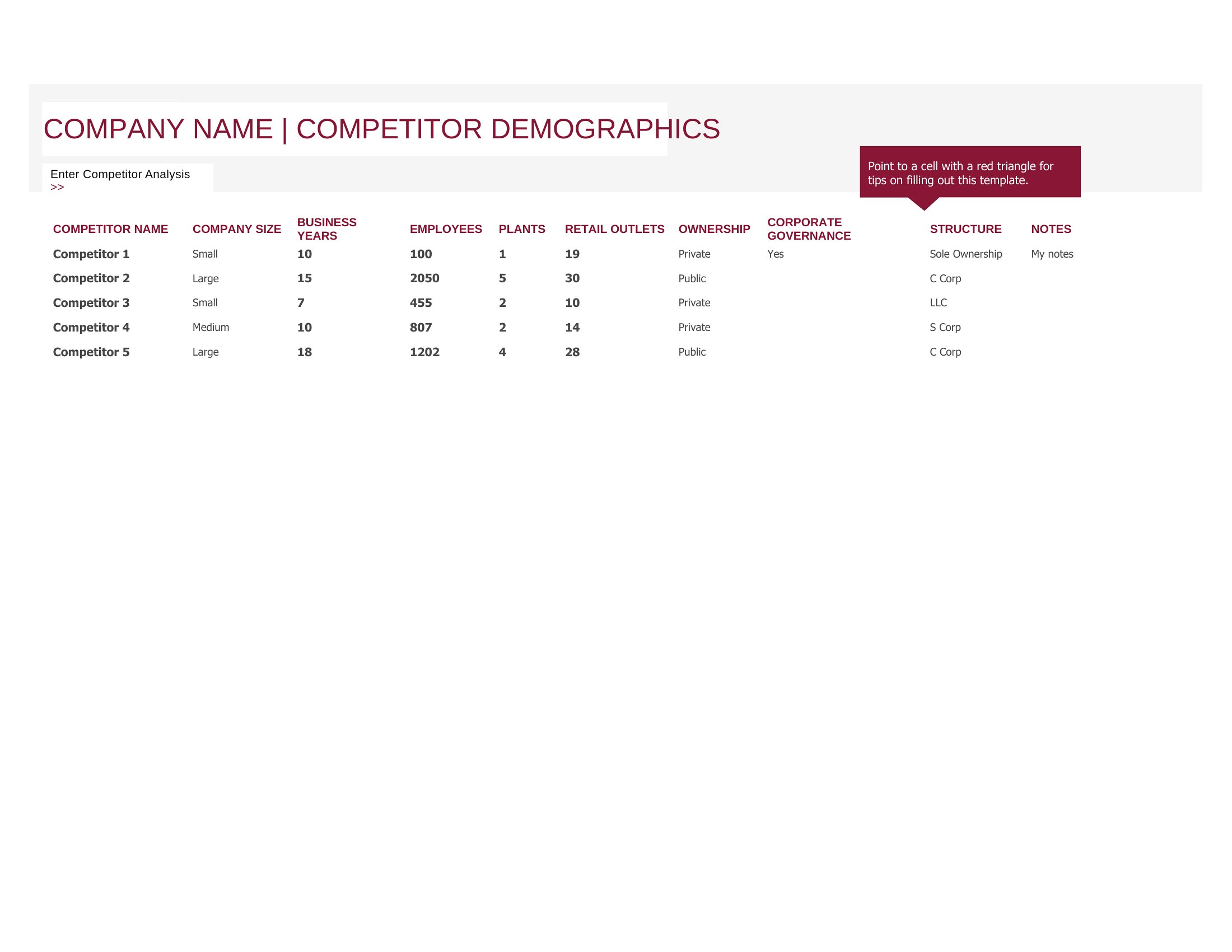
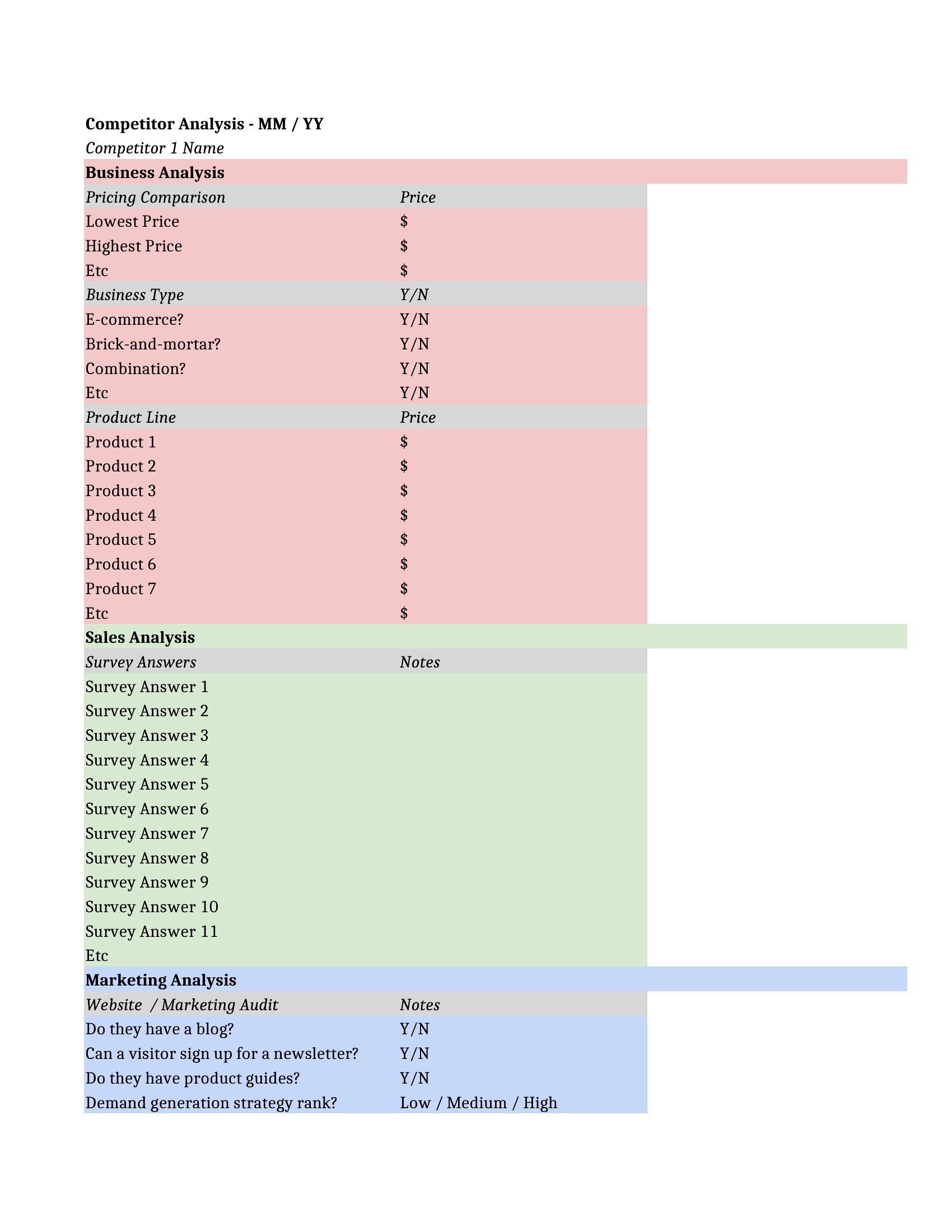
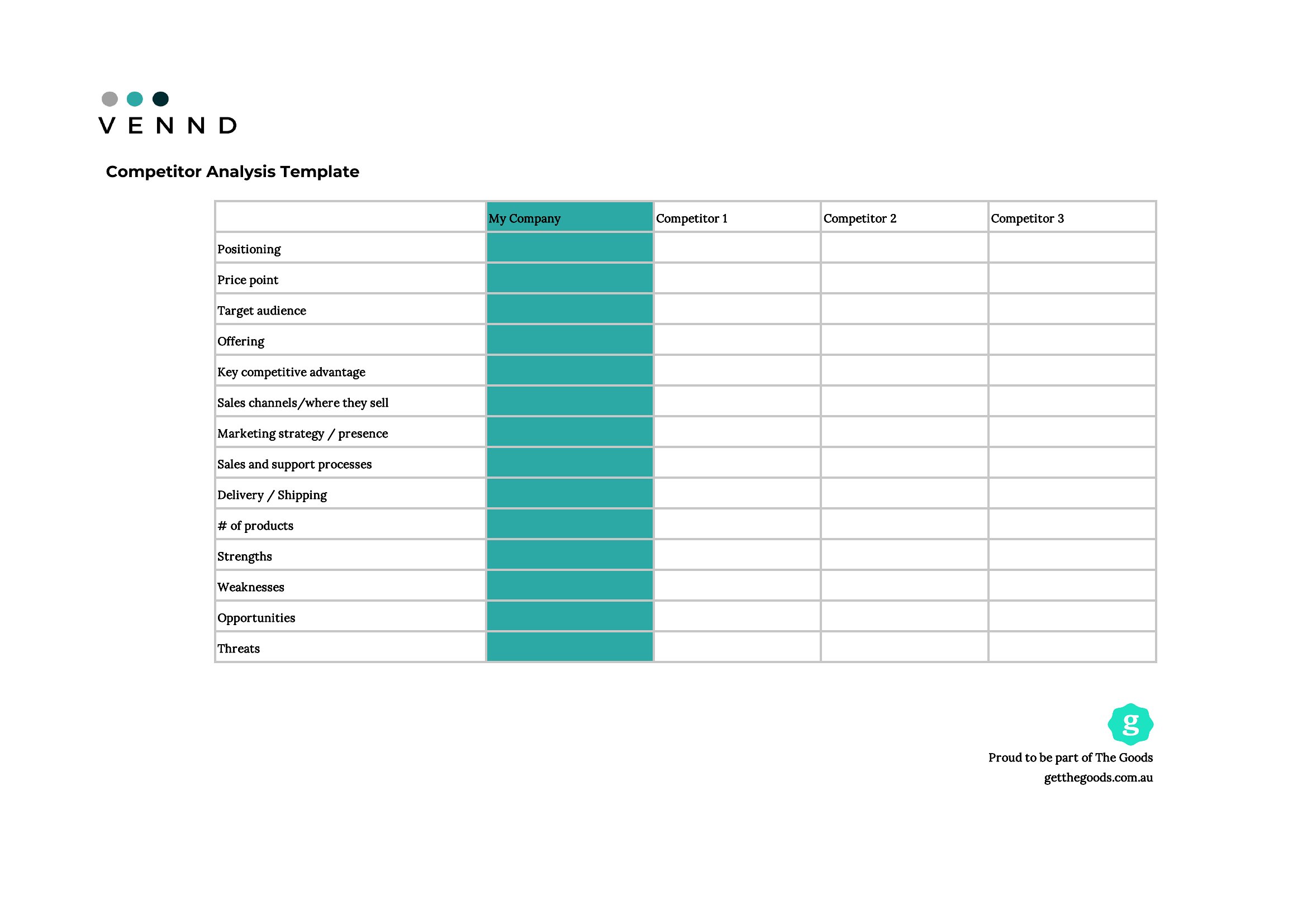
AnalysisKnowing how you stack up against rivals starts with putting the comparison on paper. This set of 46 competitor analysis templates helps marketers, founders, and strategists size up competitors' pricing, strengths, weaknesses, and market position in a structured way.
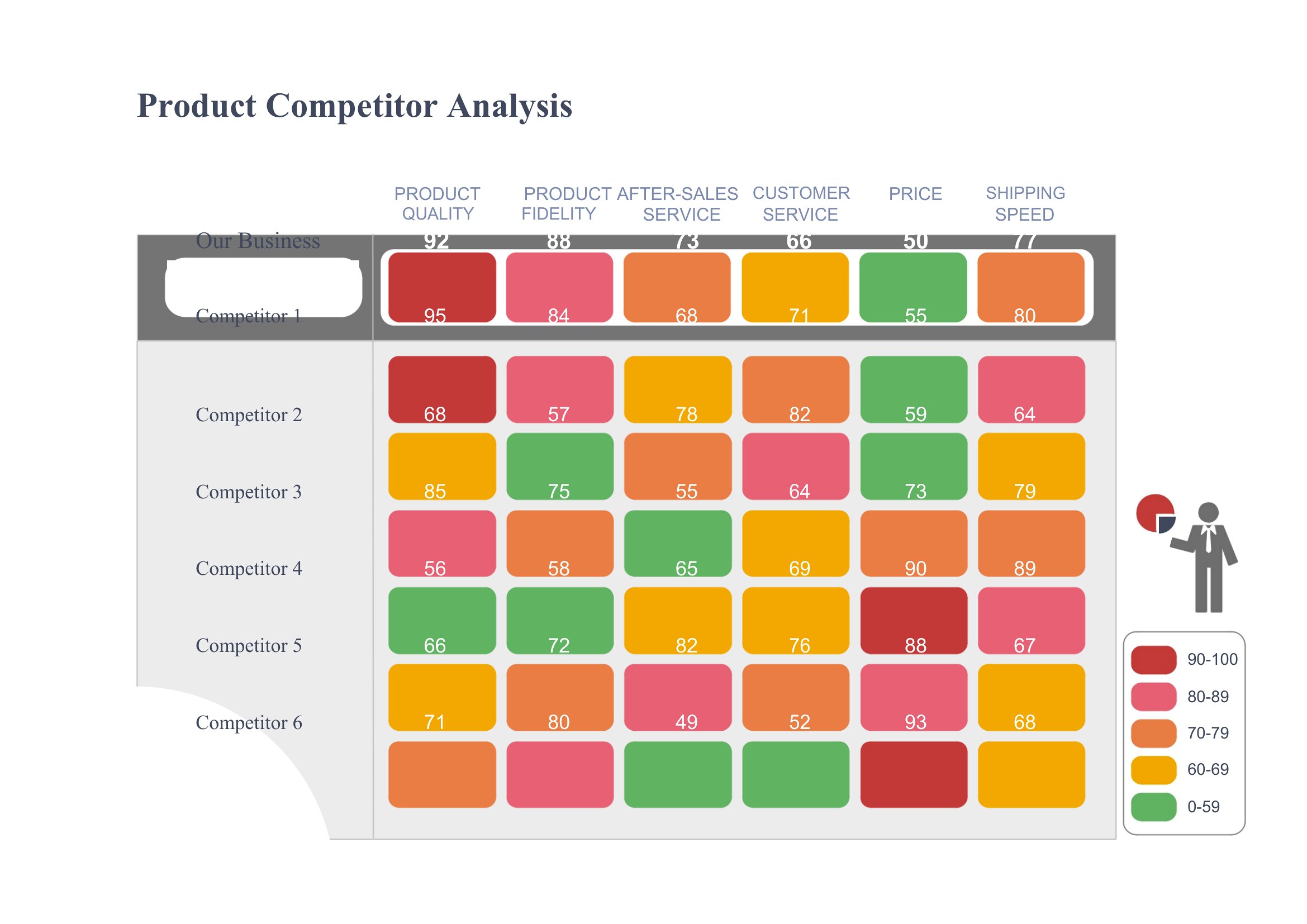
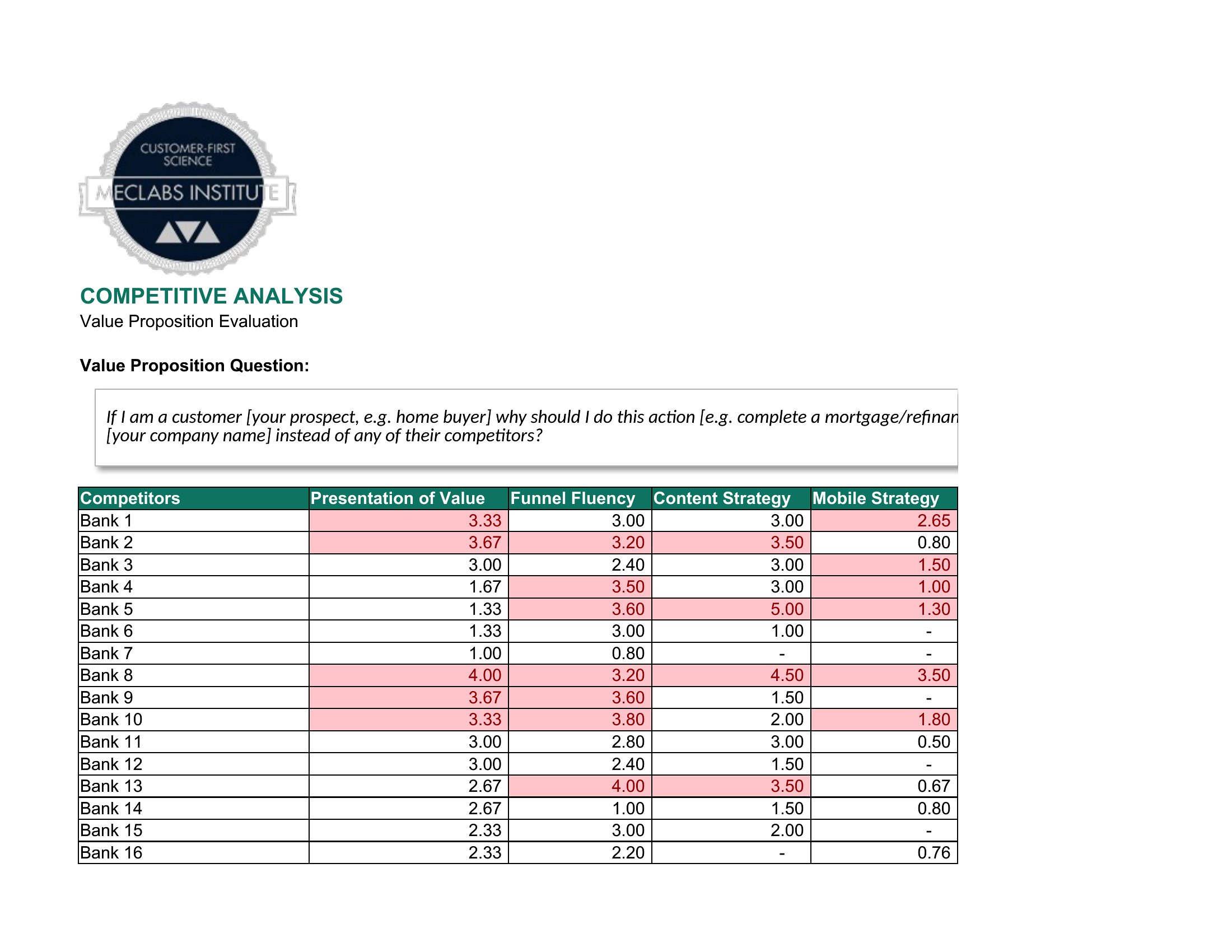
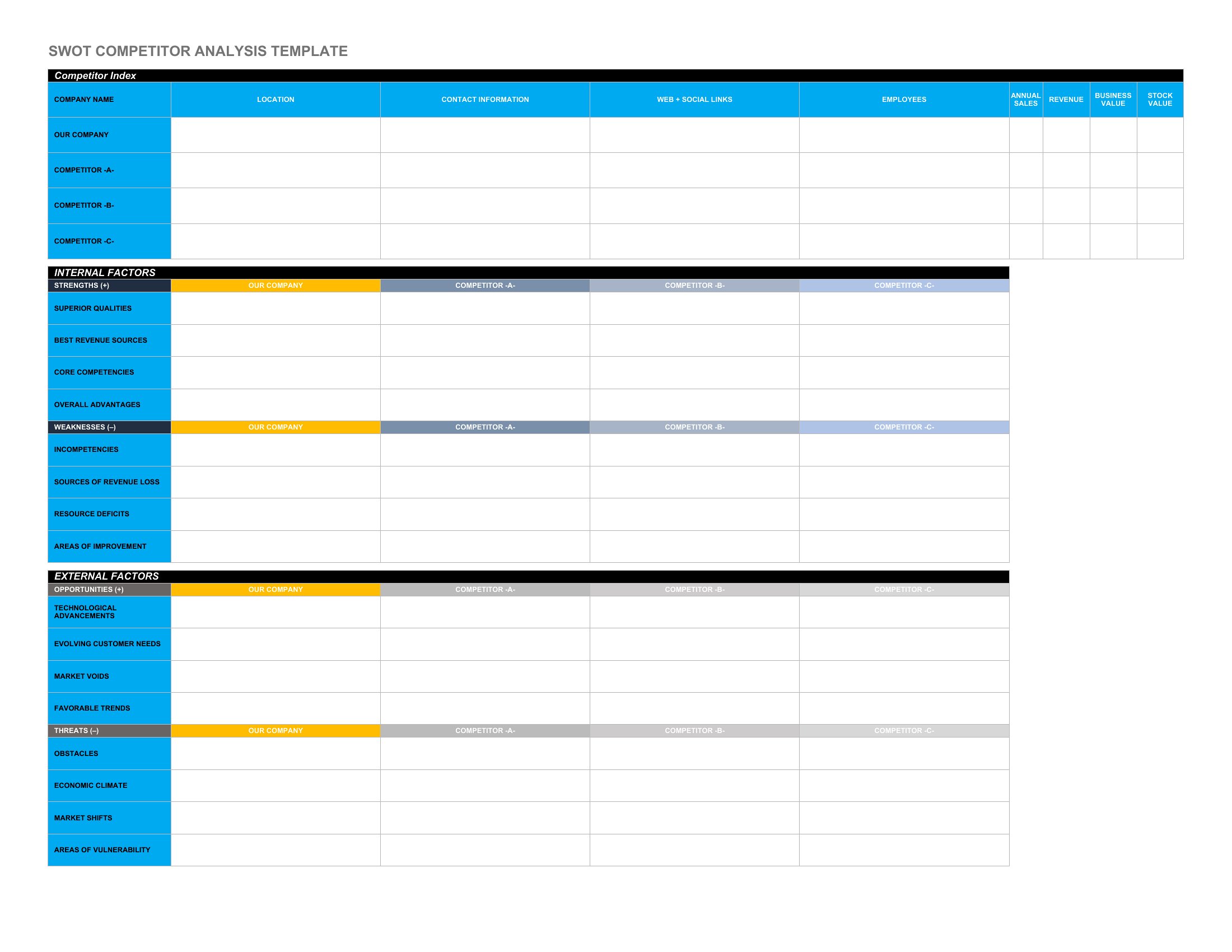
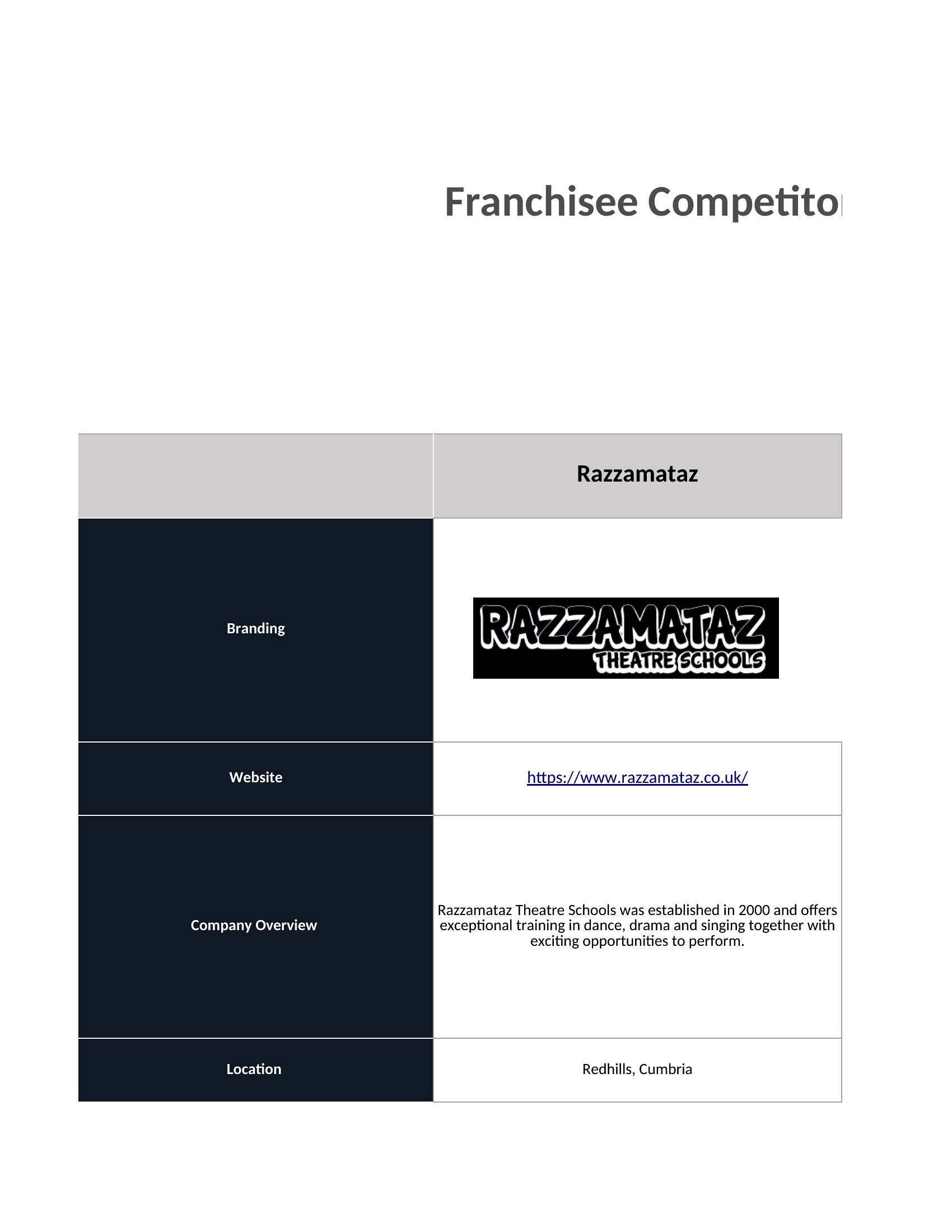
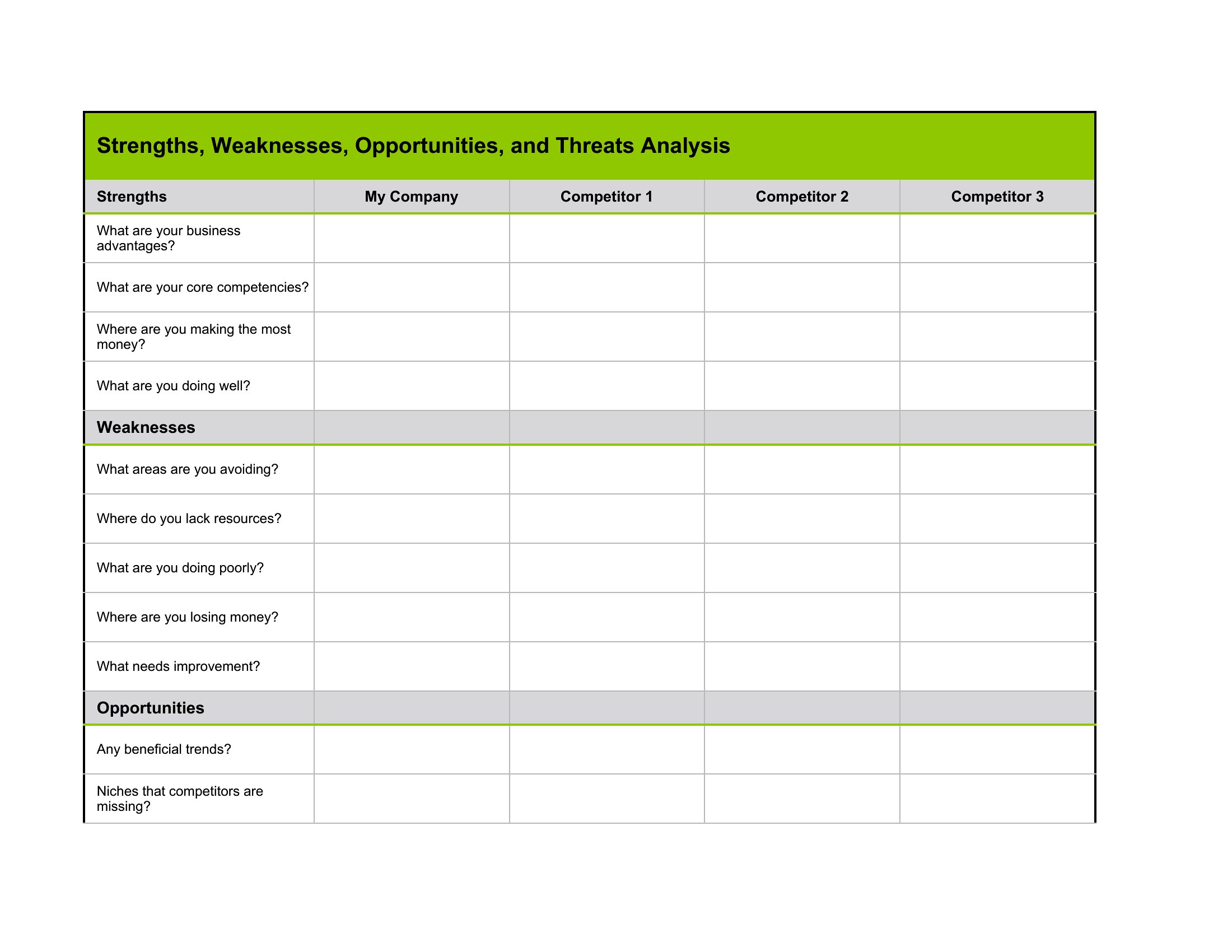
Use the Word documents for written breakdowns, the Excel sheets for side-by-side scoring and SWOT grids, or the PDFs for sharing with the team. Fill in what you know about each rival, spot the gaps, and shape your next move. Pick the format that fits your research and turn scattered observations into a plan you can act on.
When to use this Competitor Analysis template
- Startups launching a new product can use these templates to map three direct competitors’ pricing tiers, customer reviews, and unique selling propositions before finalizing their own positioning.
- Marketing teams preparing quarterly reports need a structured way to compare competitors’ advertising spend, social media engagement, and content strategies across Word or Excel for leadership presentations.
- Small business owners expanding into a new region should analyze local competitors’ store locations, promotions, and supply chain efficiency using PDF templates to share insights with investors.
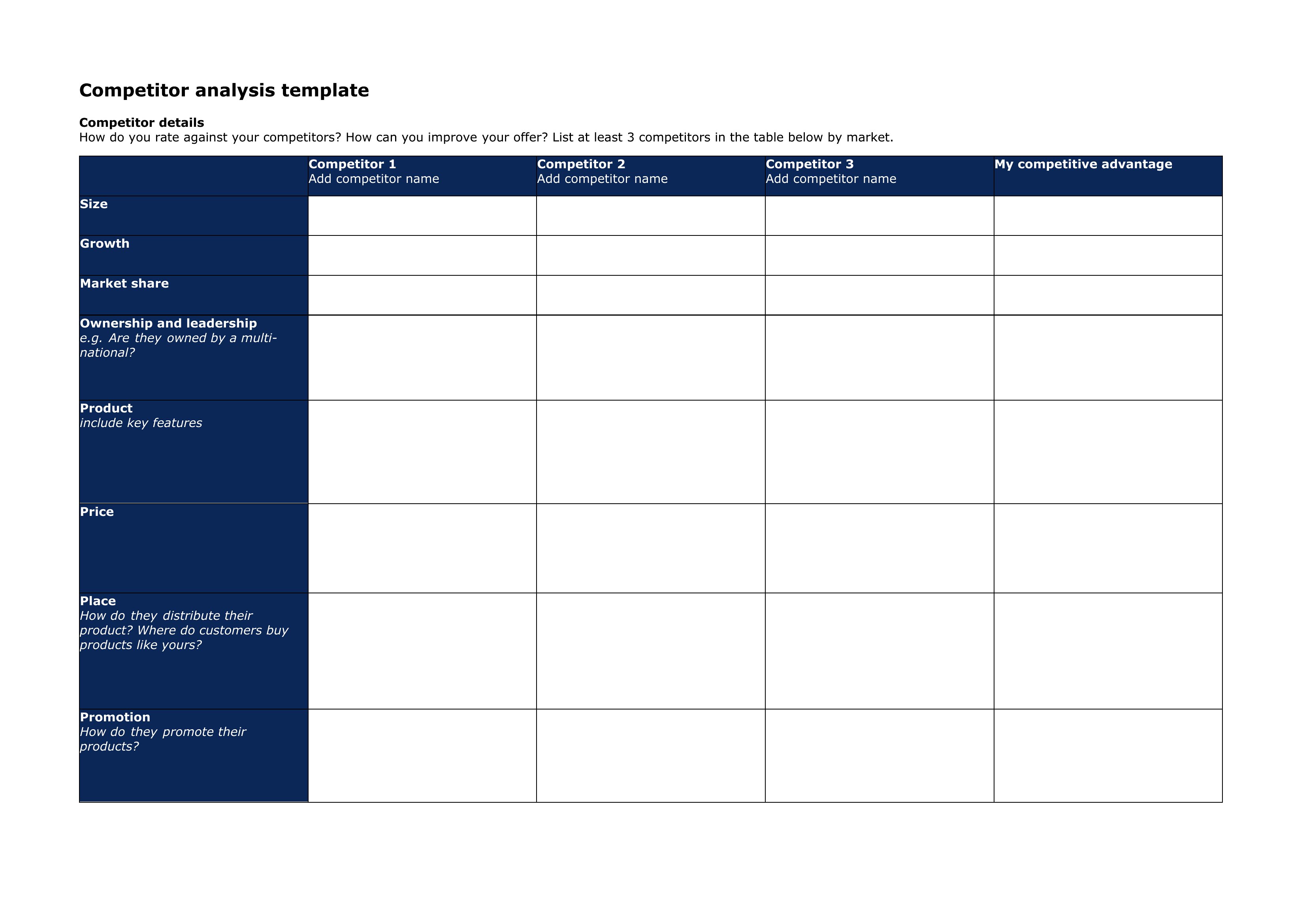
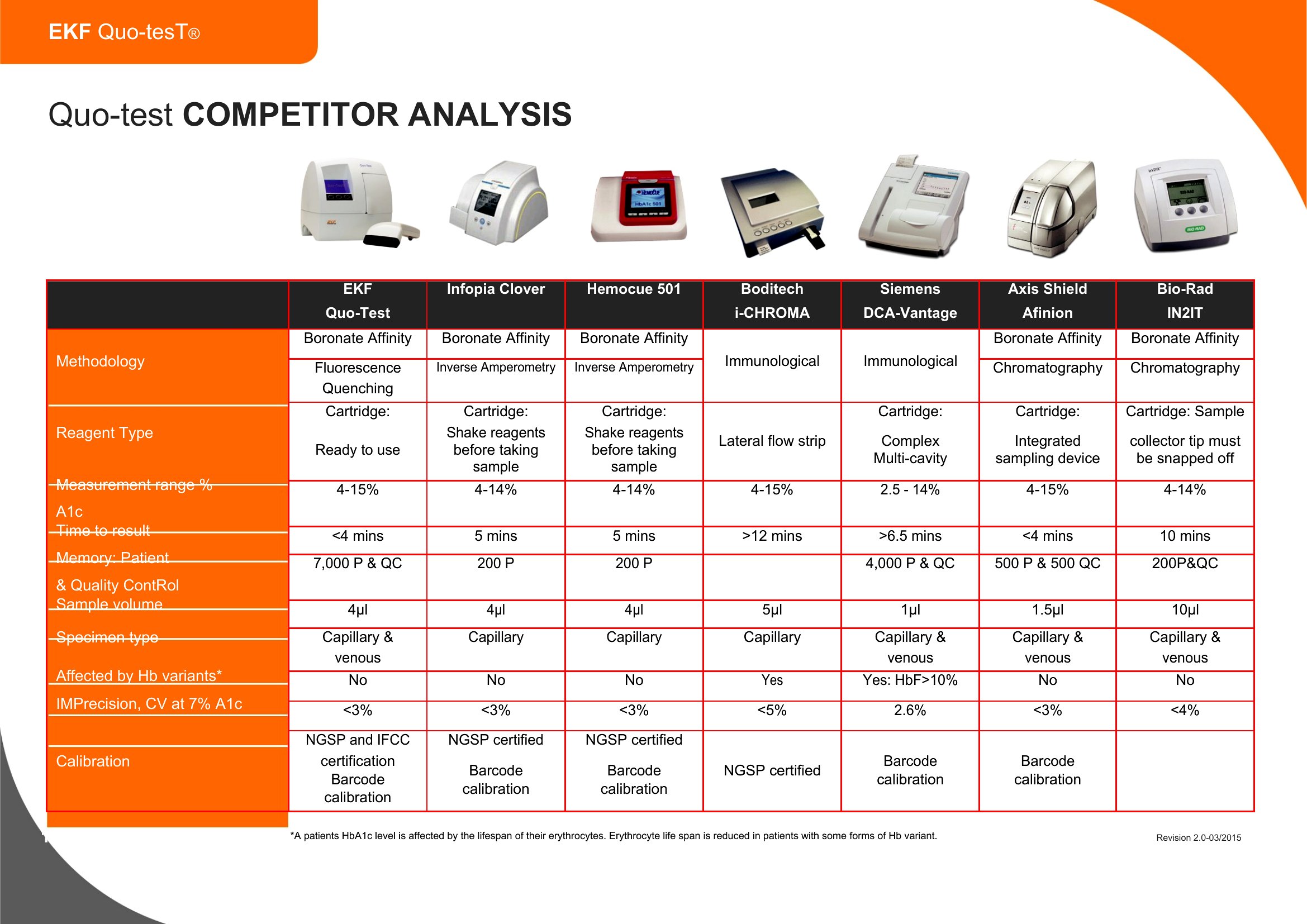
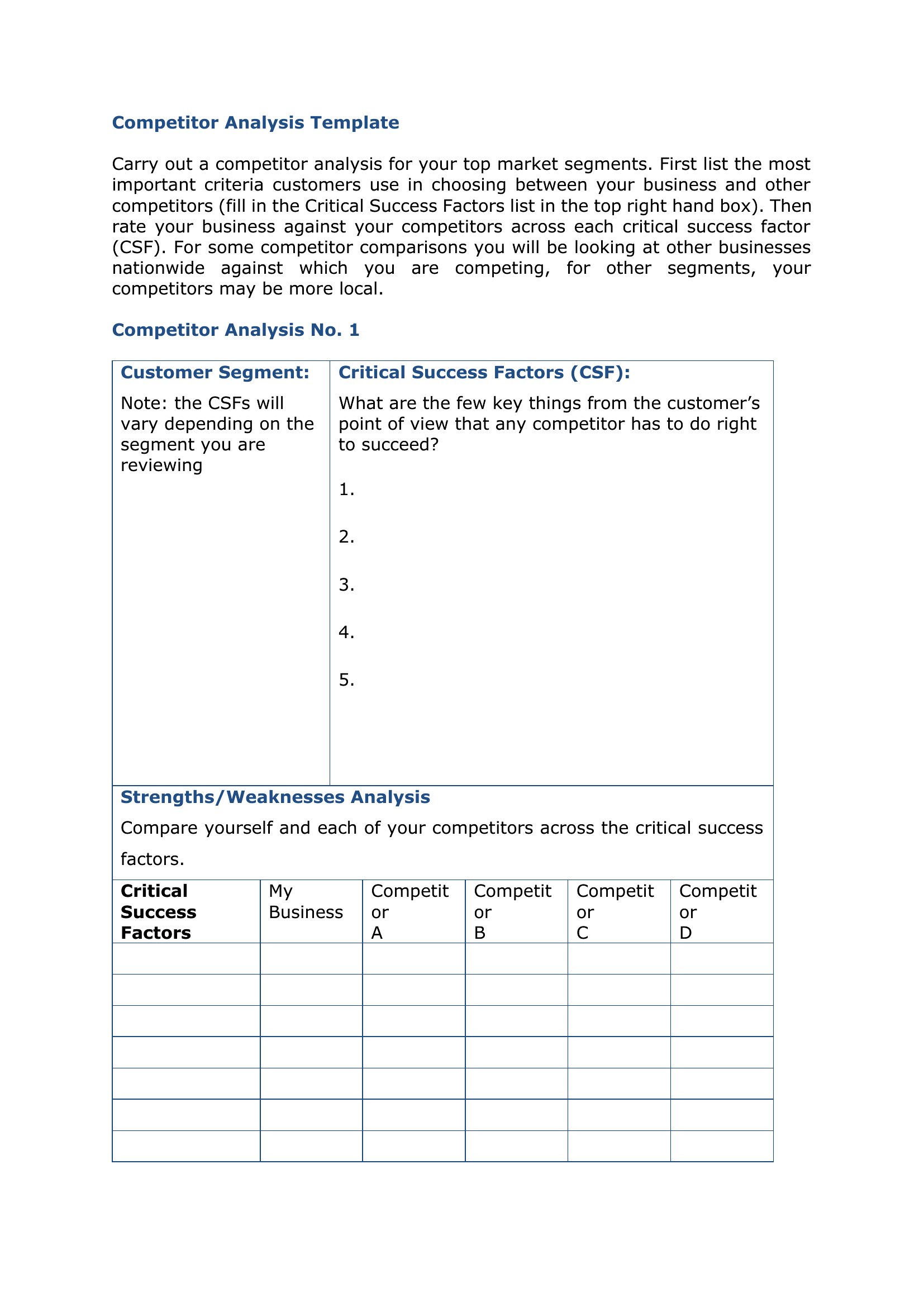
- Product managers at SaaS companies can assess competitor features side-by-side in Excel grids, highlighting gaps for their own roadmap while documenting evidence for stakeholder meetings.
Which format should I download?
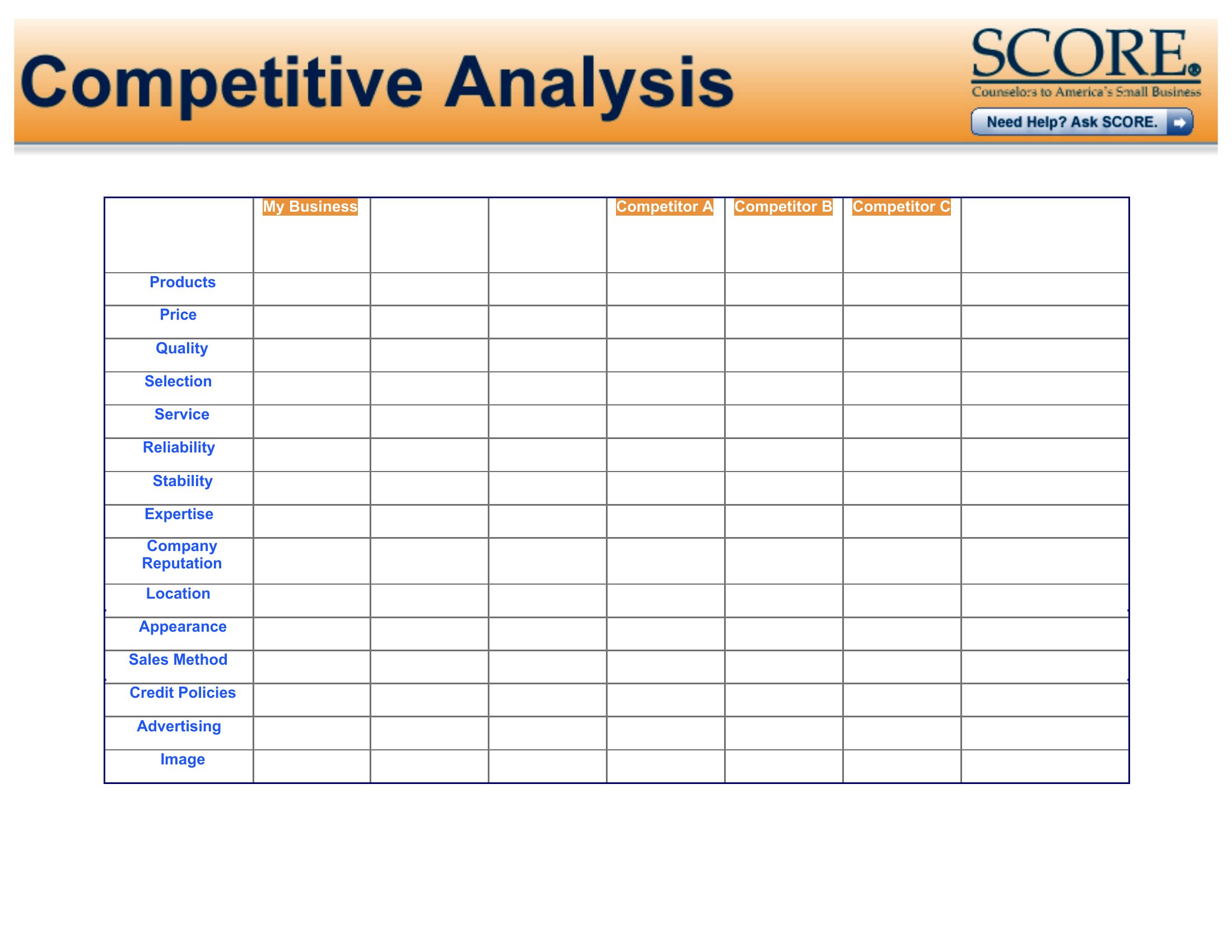
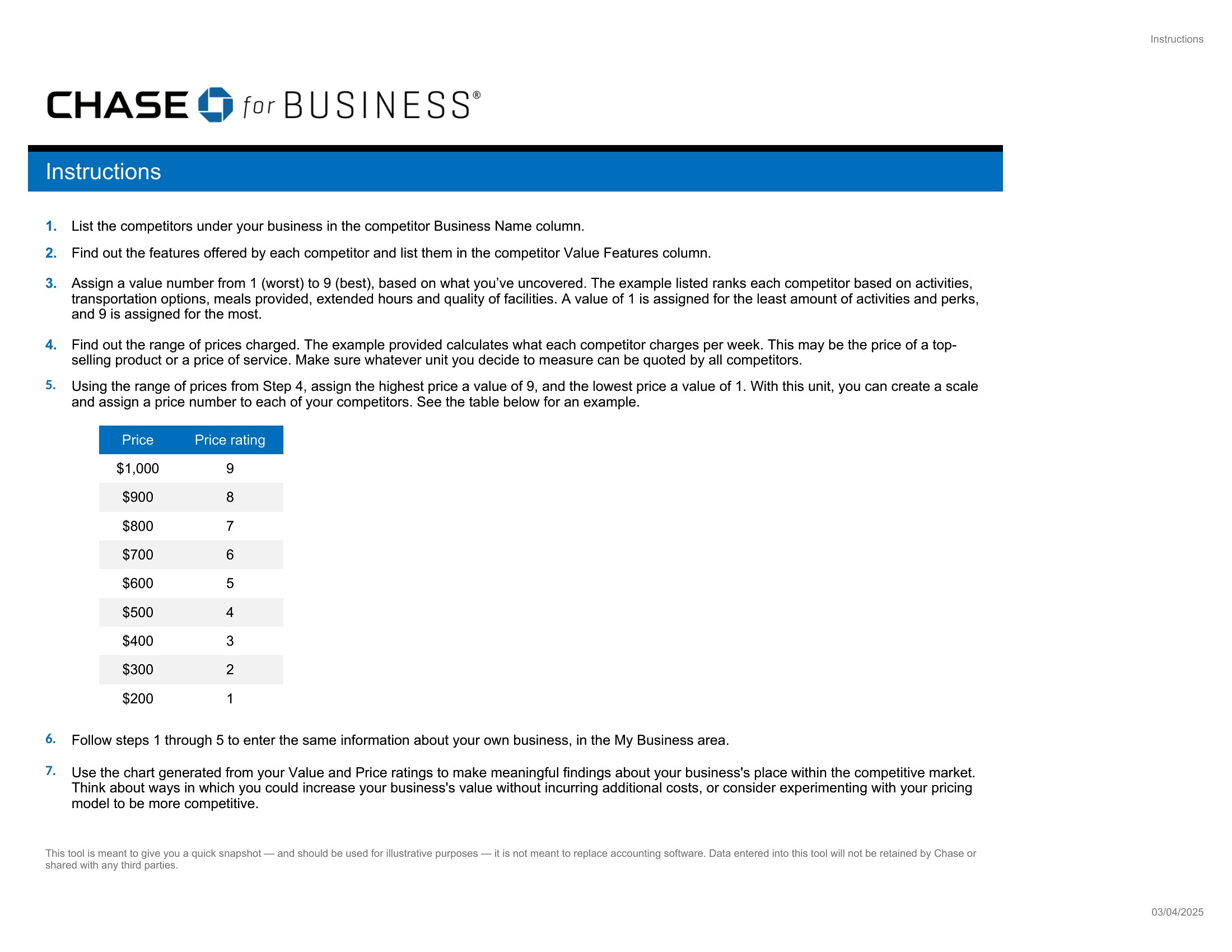
Choose Word when you need to write detailed, narrative competitor analyses with embedded tables or citations—ideal for reports that require explanations alongside comparisons. Excel is best for data-driven teams scoring competitors on metrics like pricing, customer satisfaction, or feature sets, with formulas for quick recalculations. Use PDFs when sharing a finalized, branded analysis with clients, partners, or investors who don’t need to edit the content. All three formats are included, but Excel stands out for its flexibility in modeling hypothetical scenarios.
How to use this Competitor Analysis template
How do these templates help identify competitors I might be overlooking?
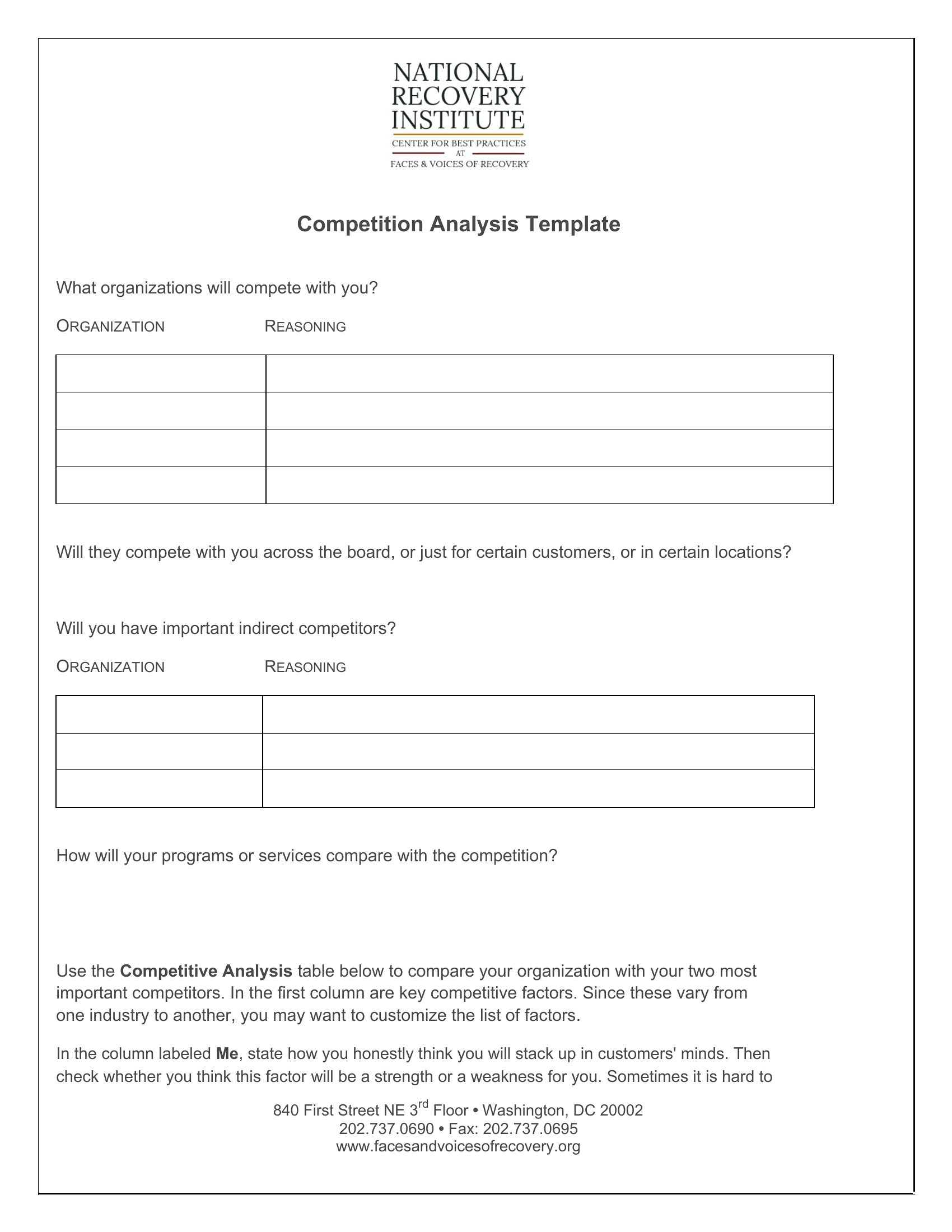
Many templates include sections for mapping indirect competitors (e.g., substitutes or adjacent services) alongside direct rivals. For example, an Excel template might ask you to list companies targeting the same customer pain point, even if they’re not in your same industry. Word documents often prompt you to brainstorm niche players or international brands serving similar segments.
Can I use these to track competitors’ SEO performance alongside their product features?
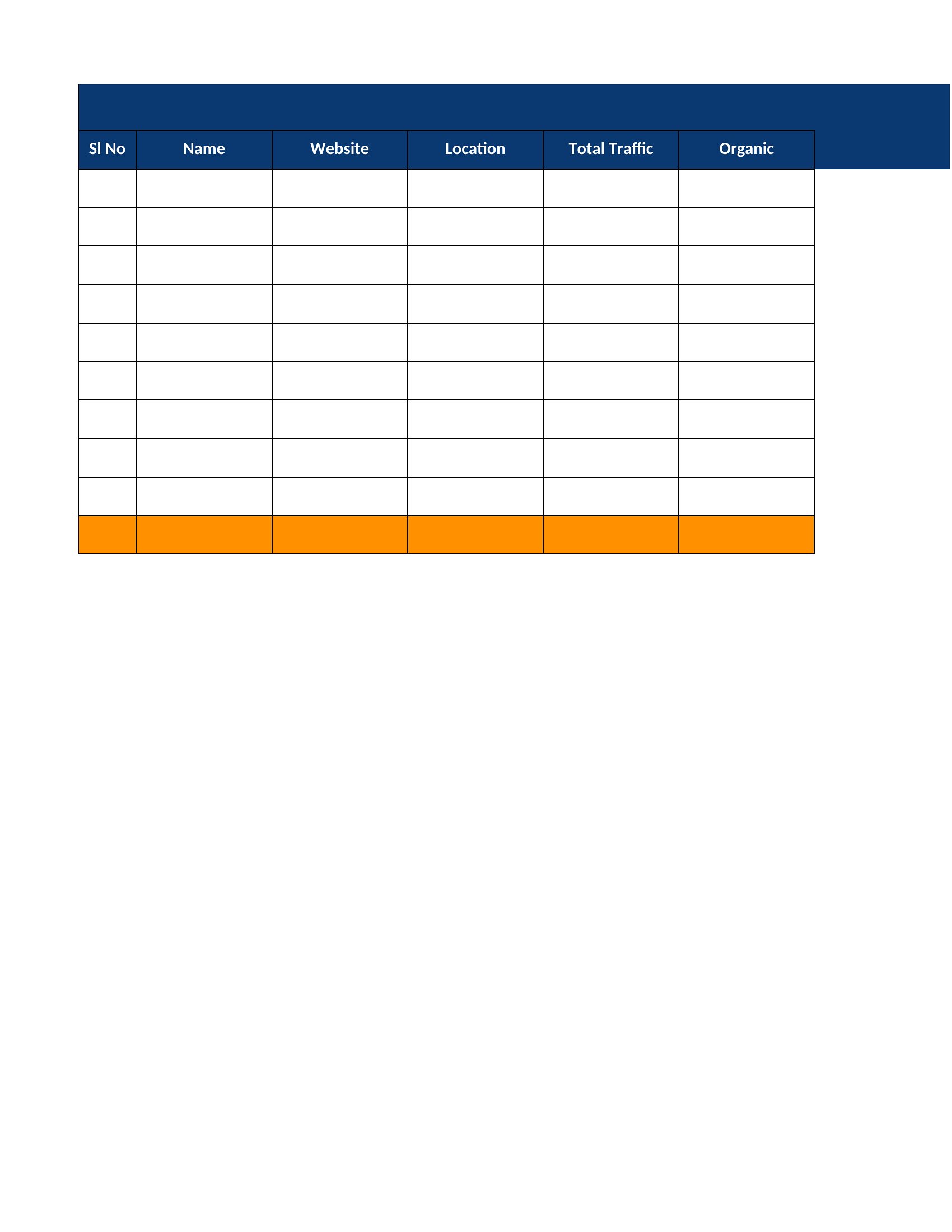
Yes. Several Excel templates allocate columns specifically for SEO metrics like keyword rankings, backlink profiles, or content gaps. Word versions may include prompts to note competitors’ blog topics or their use of long-tail keywords. For a full SEO audit, pair these with tools like Ahrefs or SEMrush to fill in the data, then organize it into the provided tables.
What’s the best way to organize competitor analysis if I’m comparing more than five brands?
For five or more competitors, use the Excel templates with tabbed worksheets—each sheet can focus on one brand’s strengths, weaknesses, pricing, or customer feedback. Alternatively, the Word documents allow you to create a master table of contents linking to separate analyses for each competitor. PDFs can be merged into a single file with bookmarks for easy navigation if sharing externally.
Comments
Join the conversation
Sign in to share your thoughts and leave a comment on this resource.