





FAQ
How do these templates help identify competitors I might be overlooking?
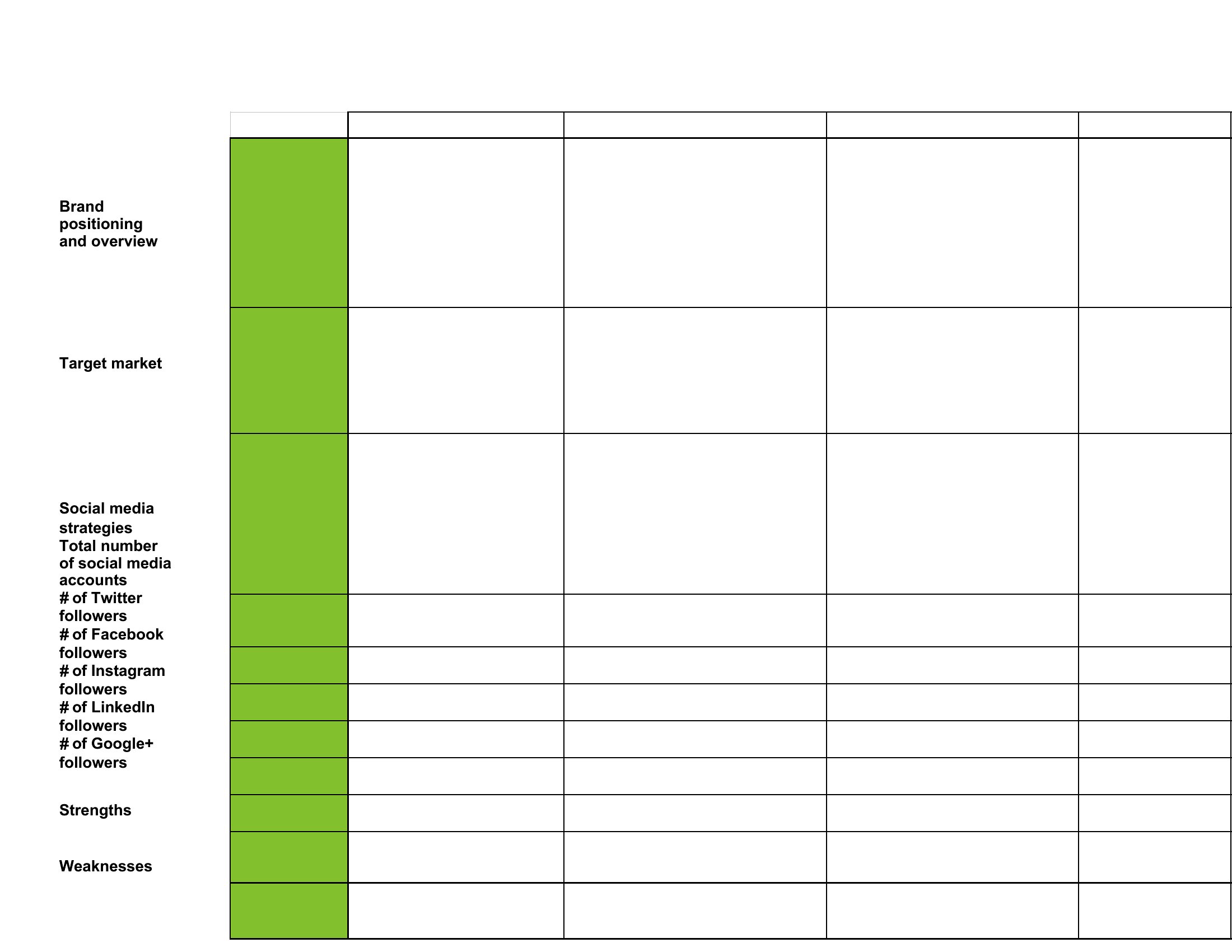
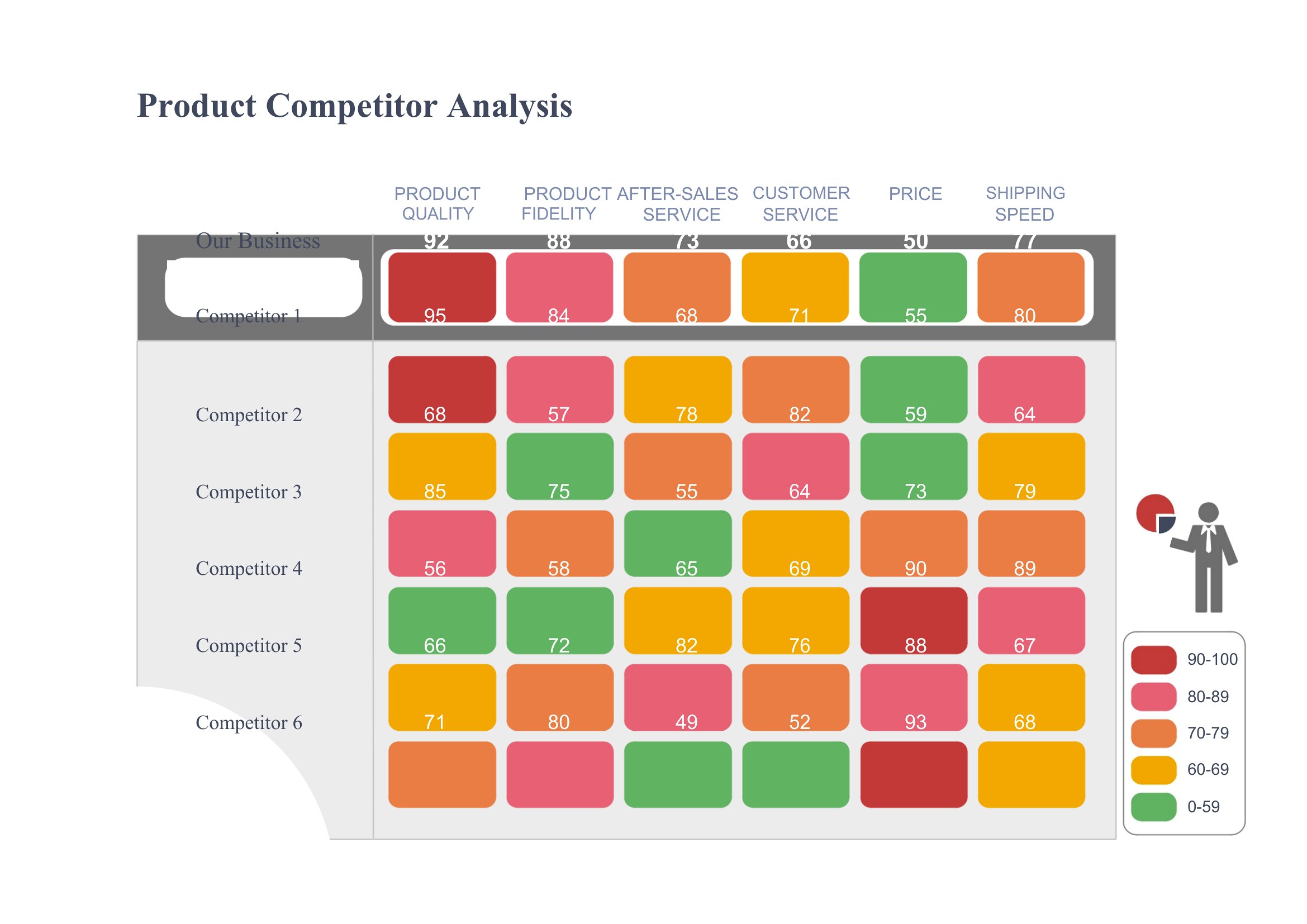
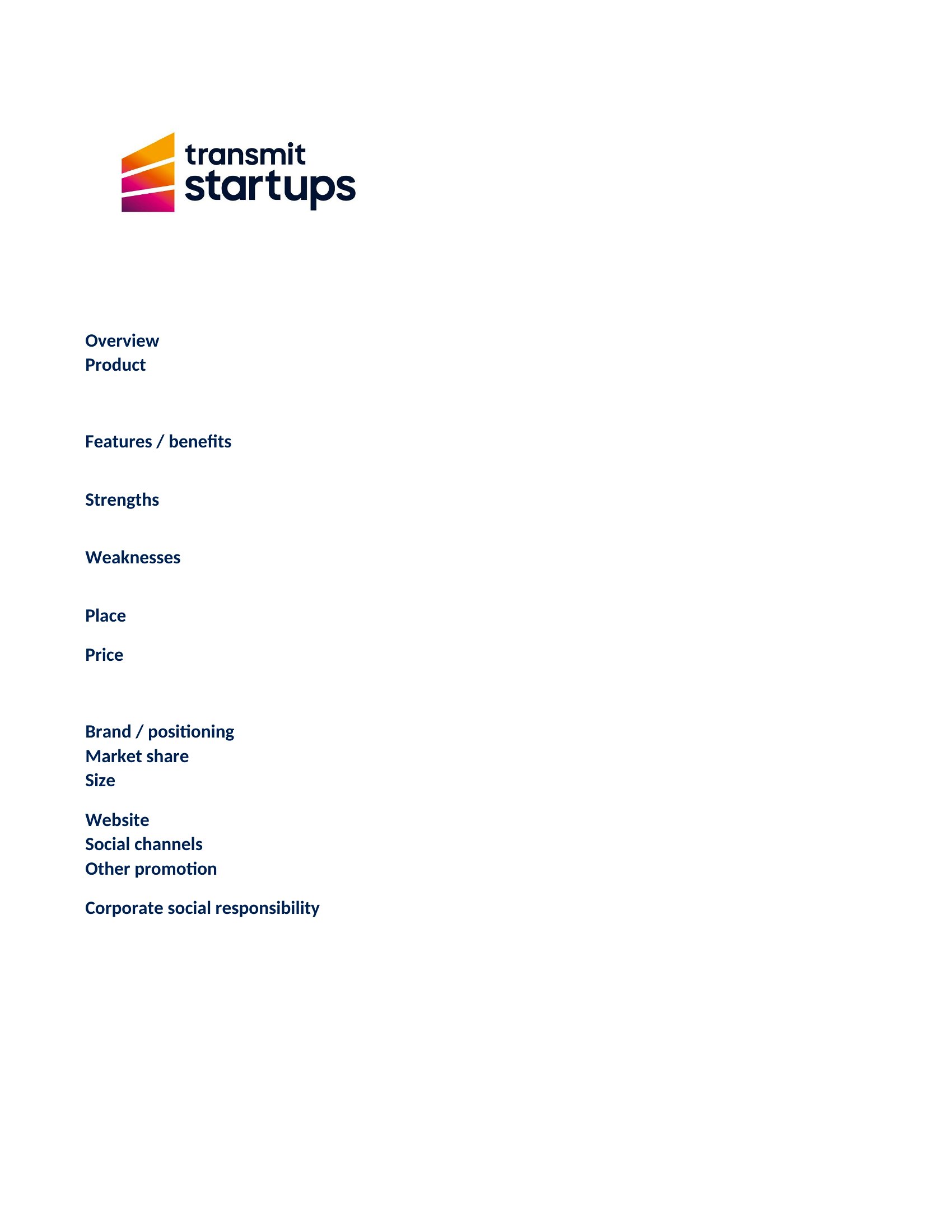
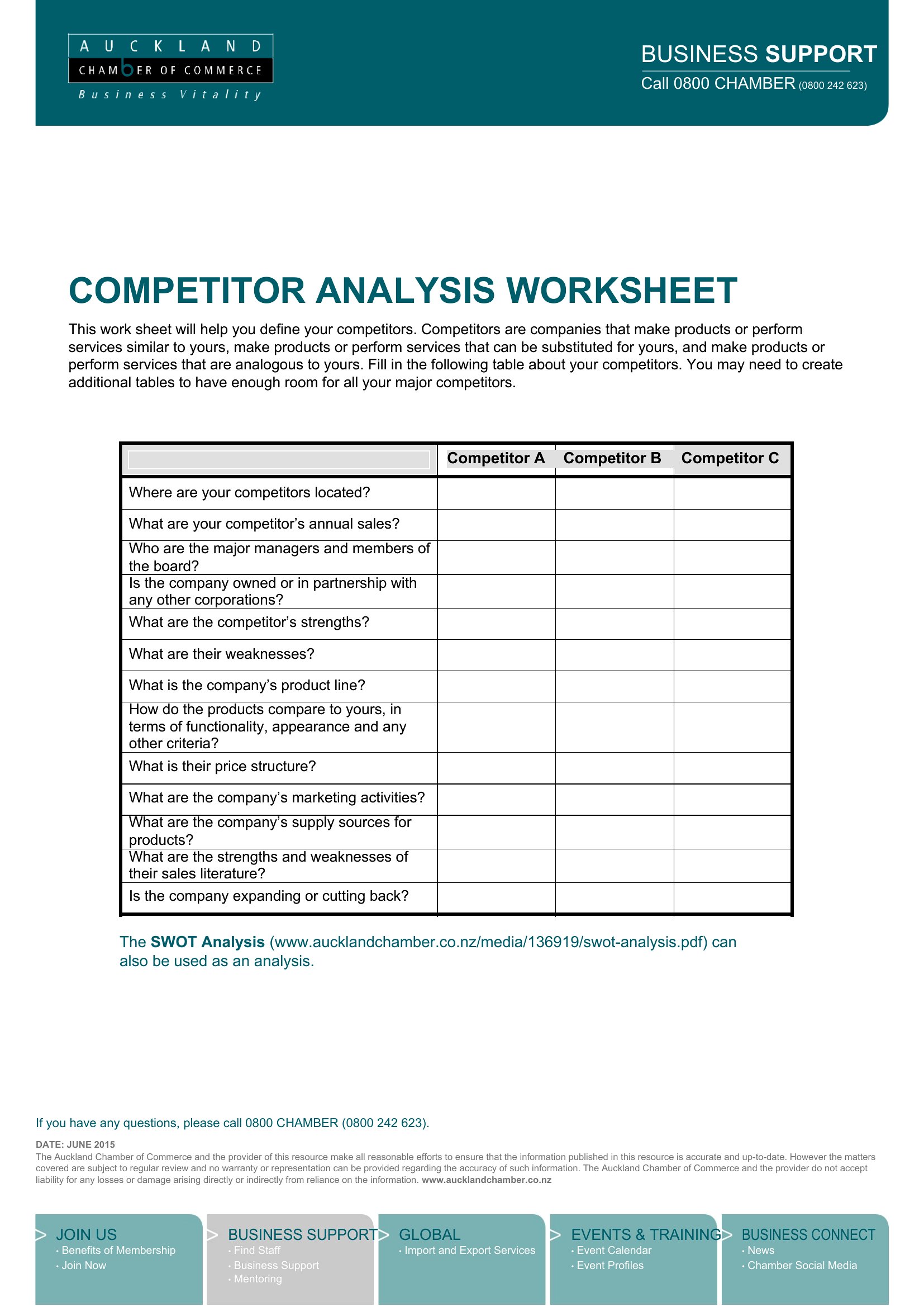
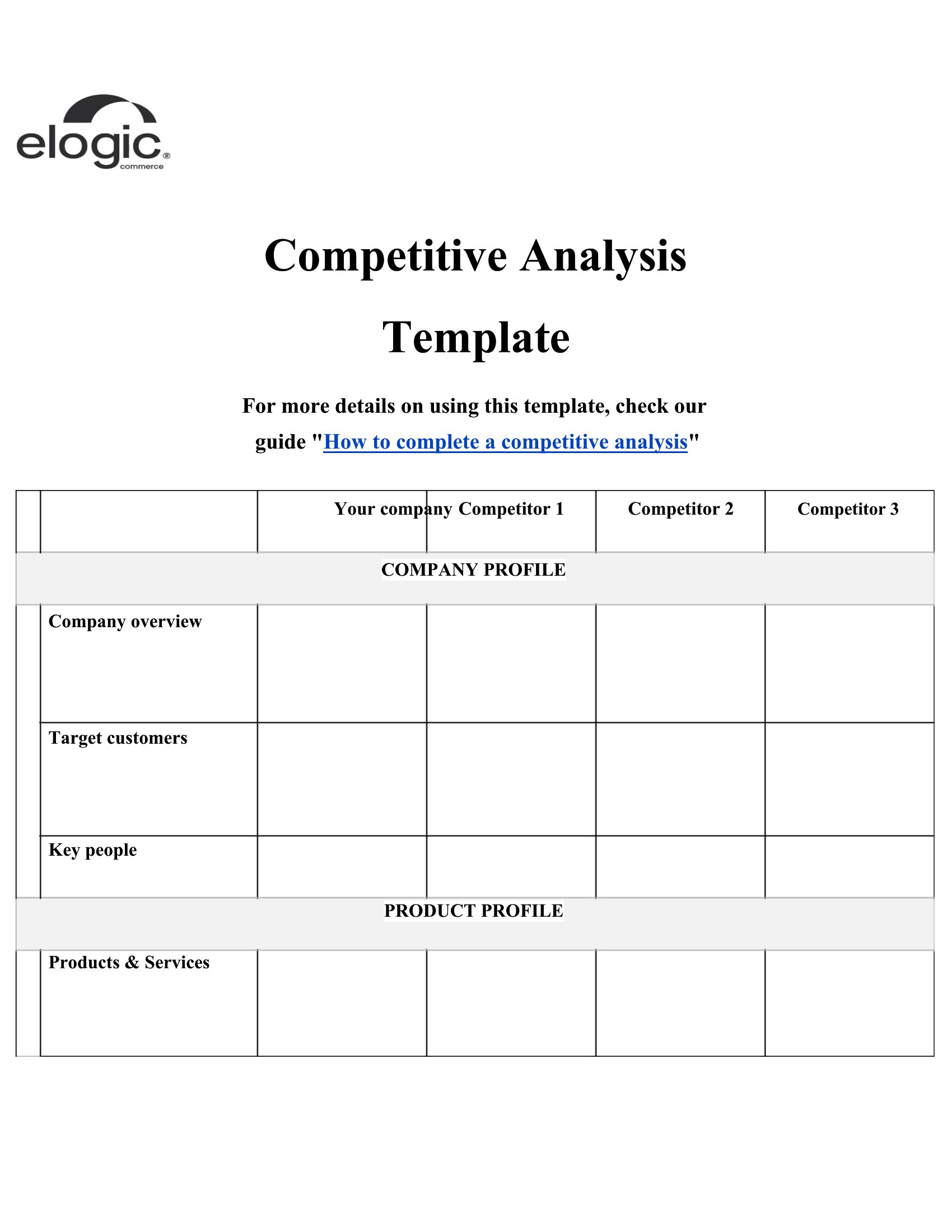
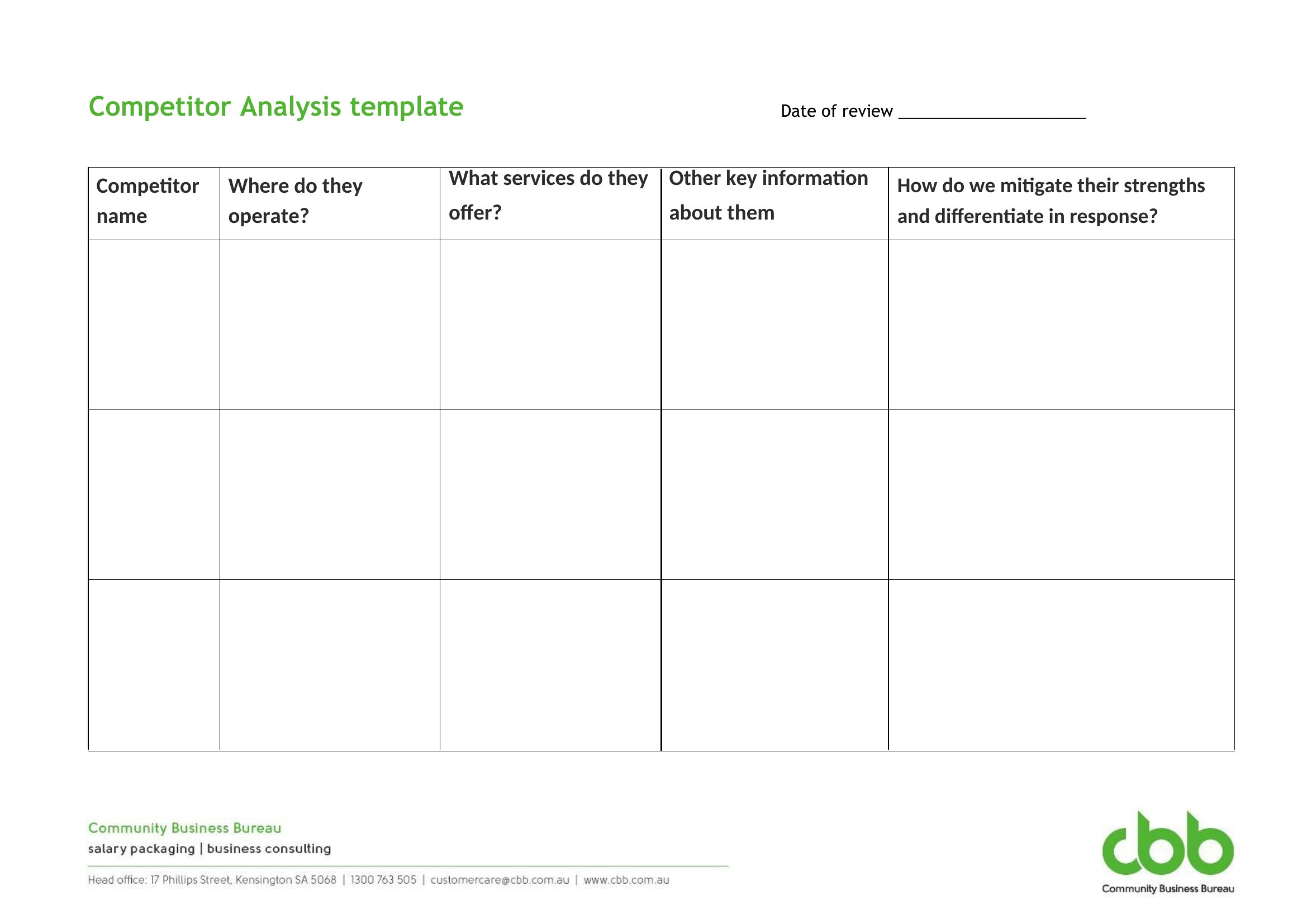
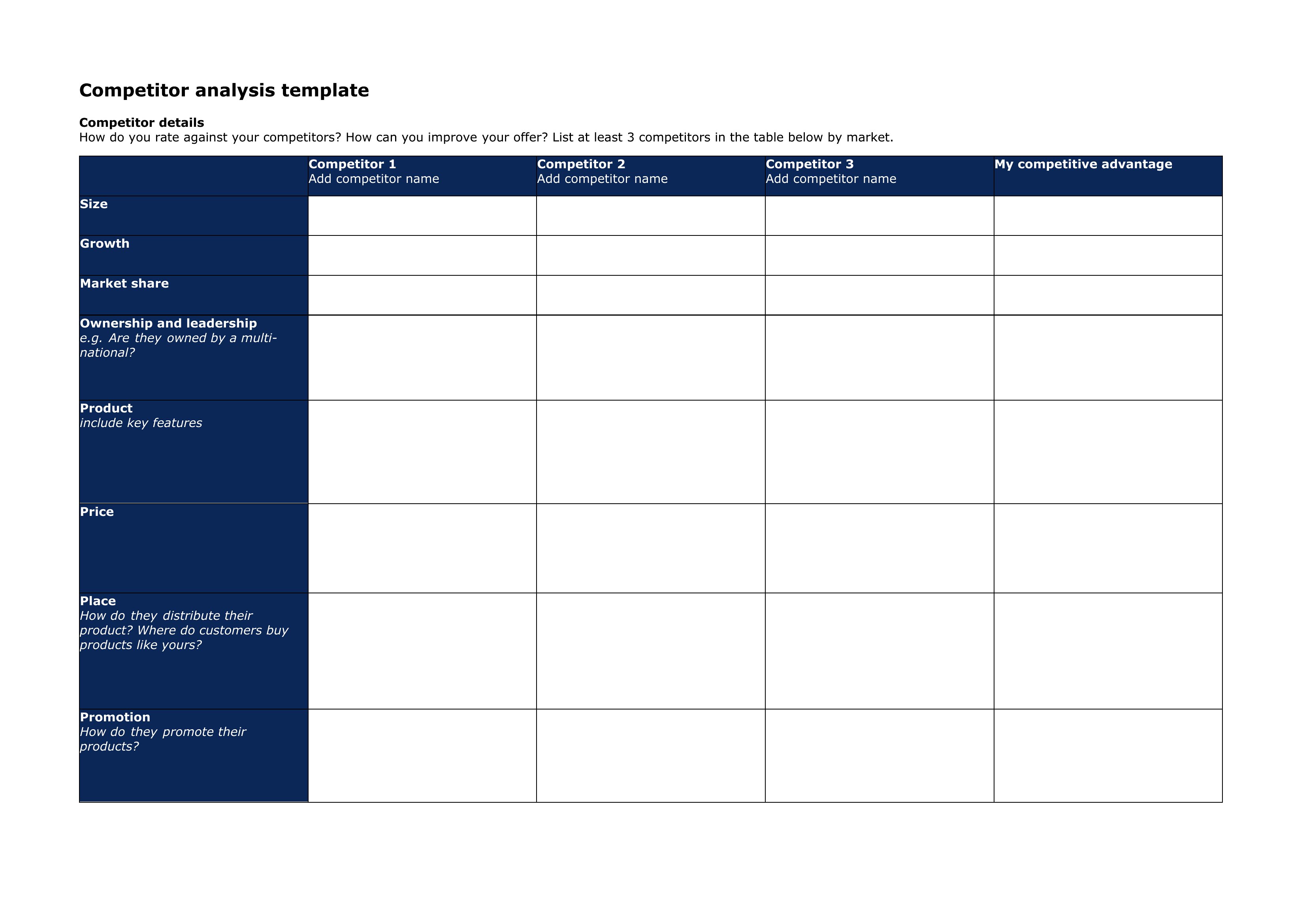
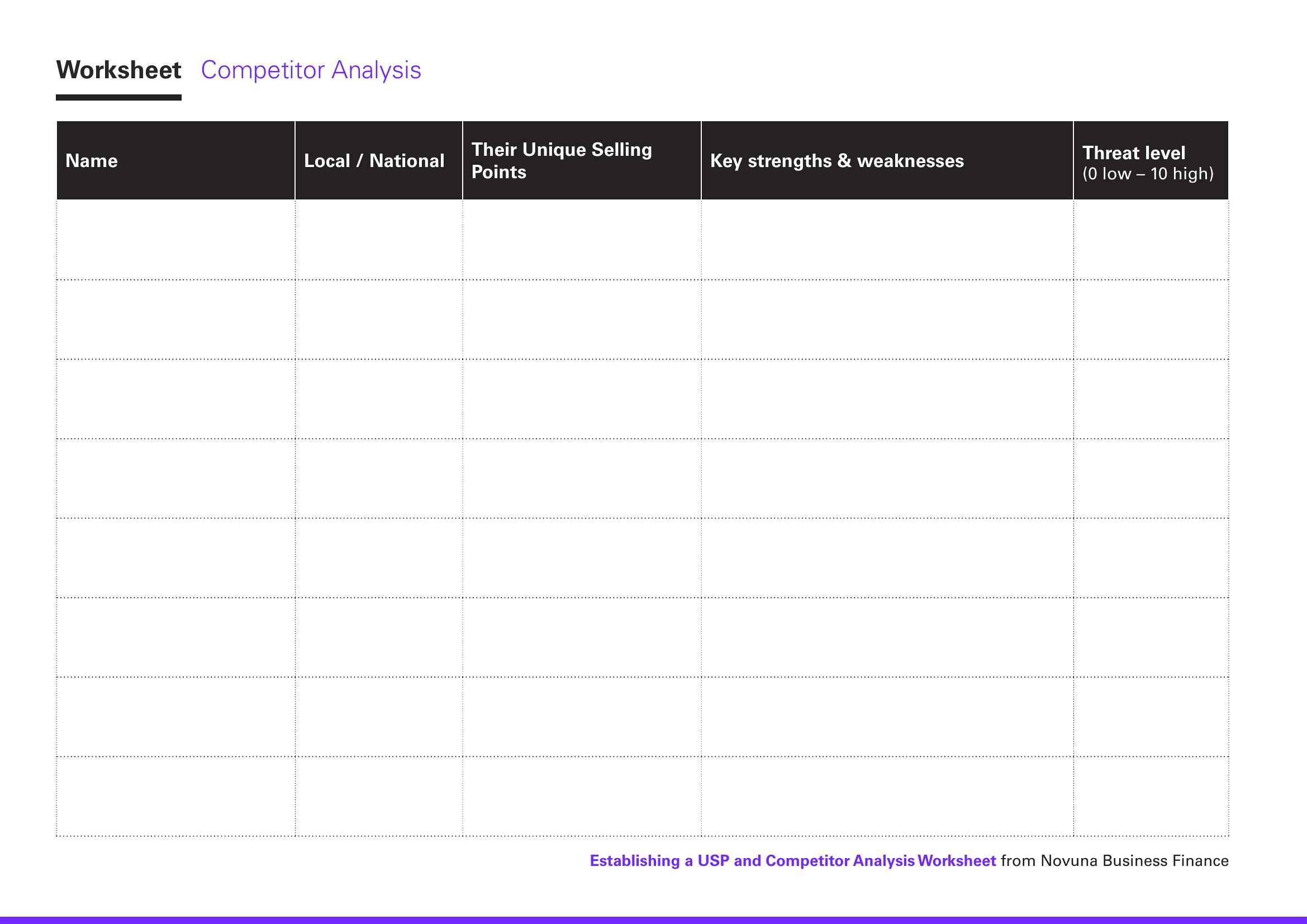
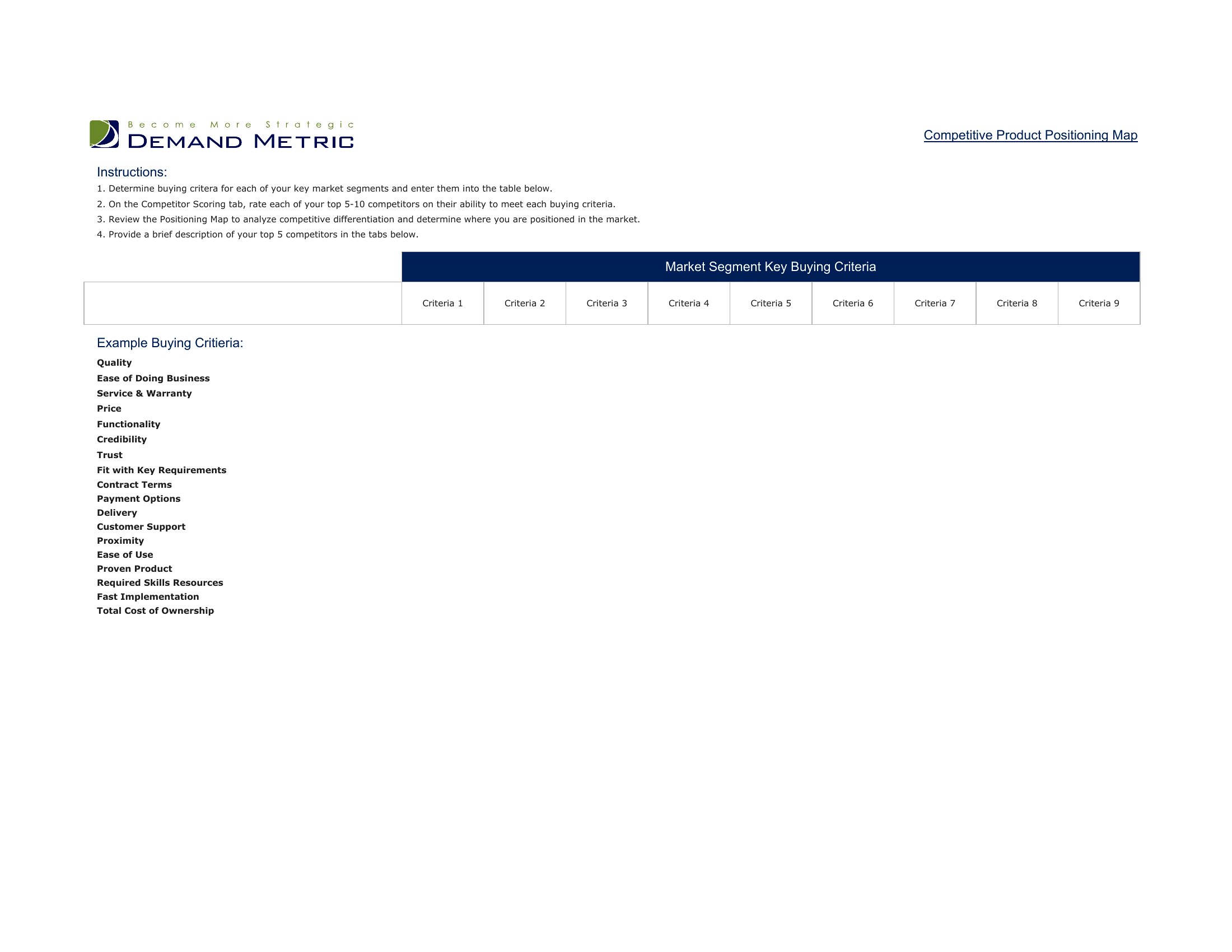
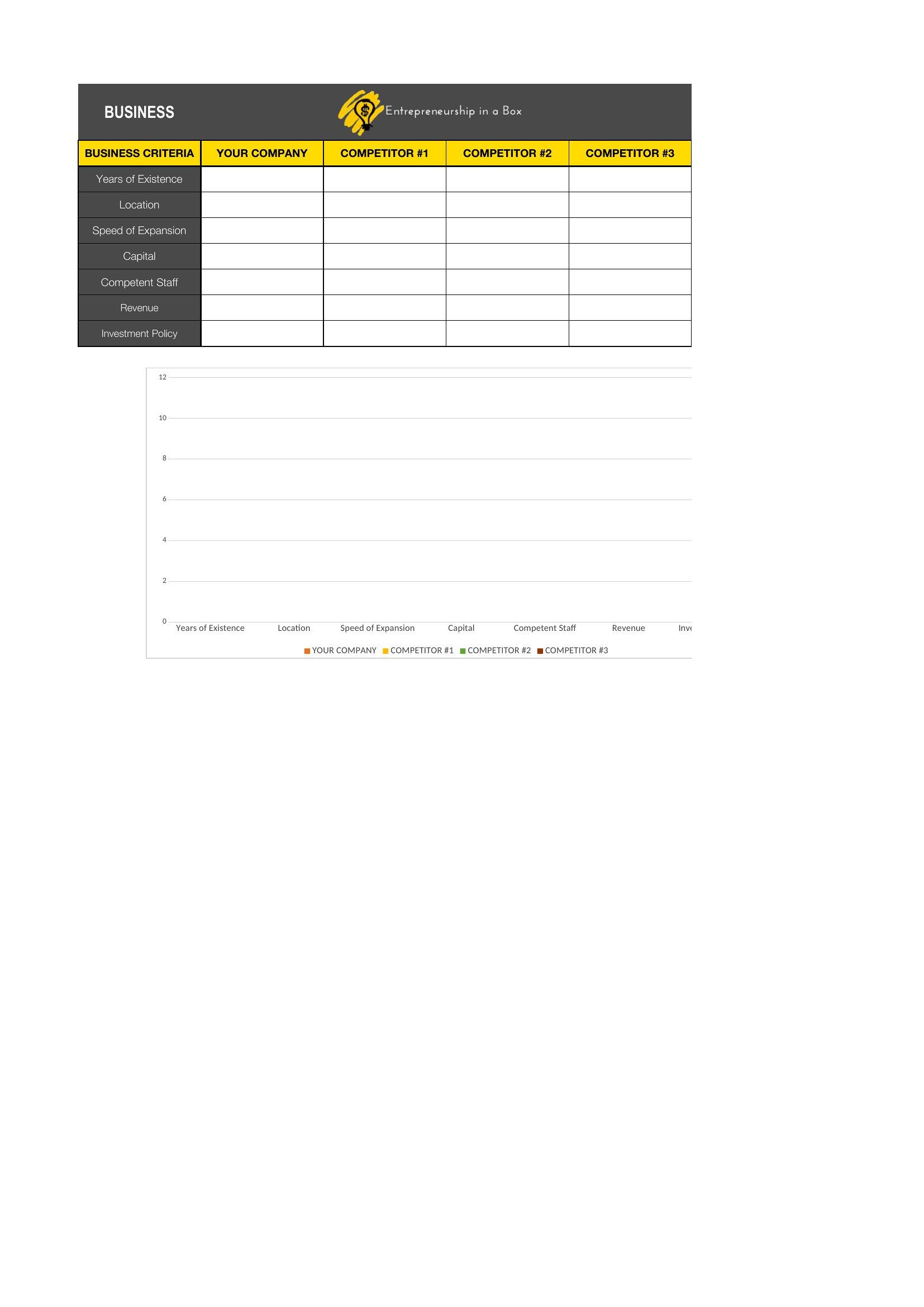
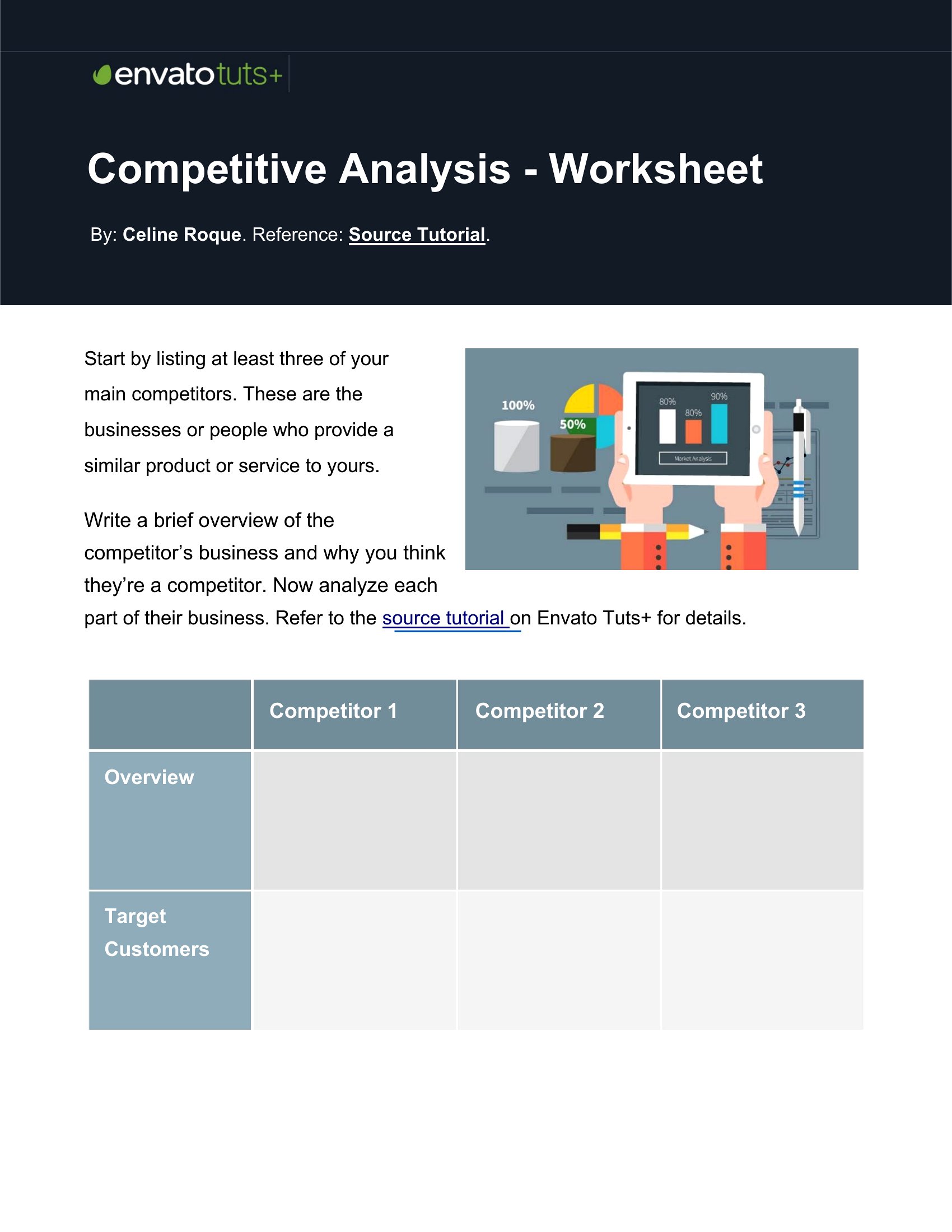
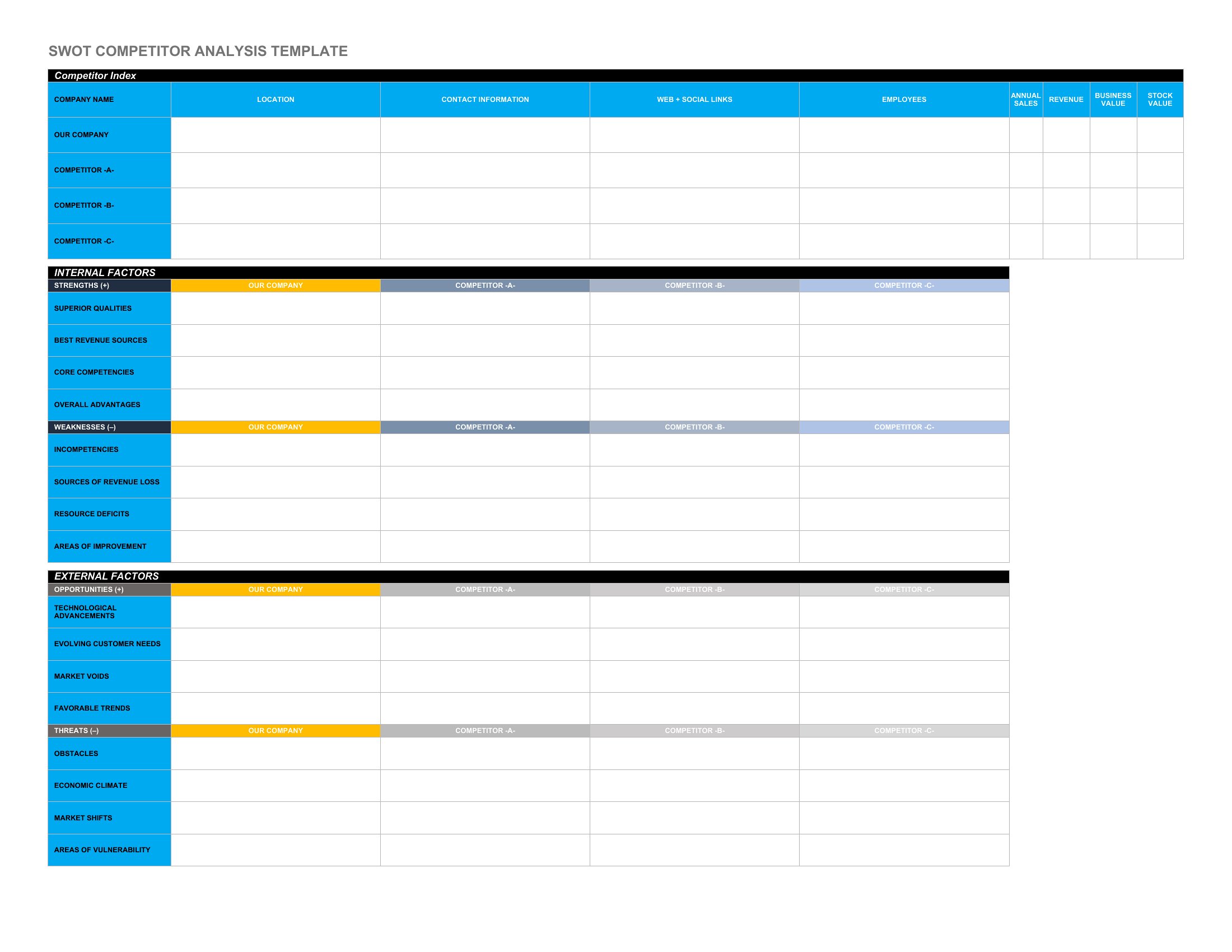
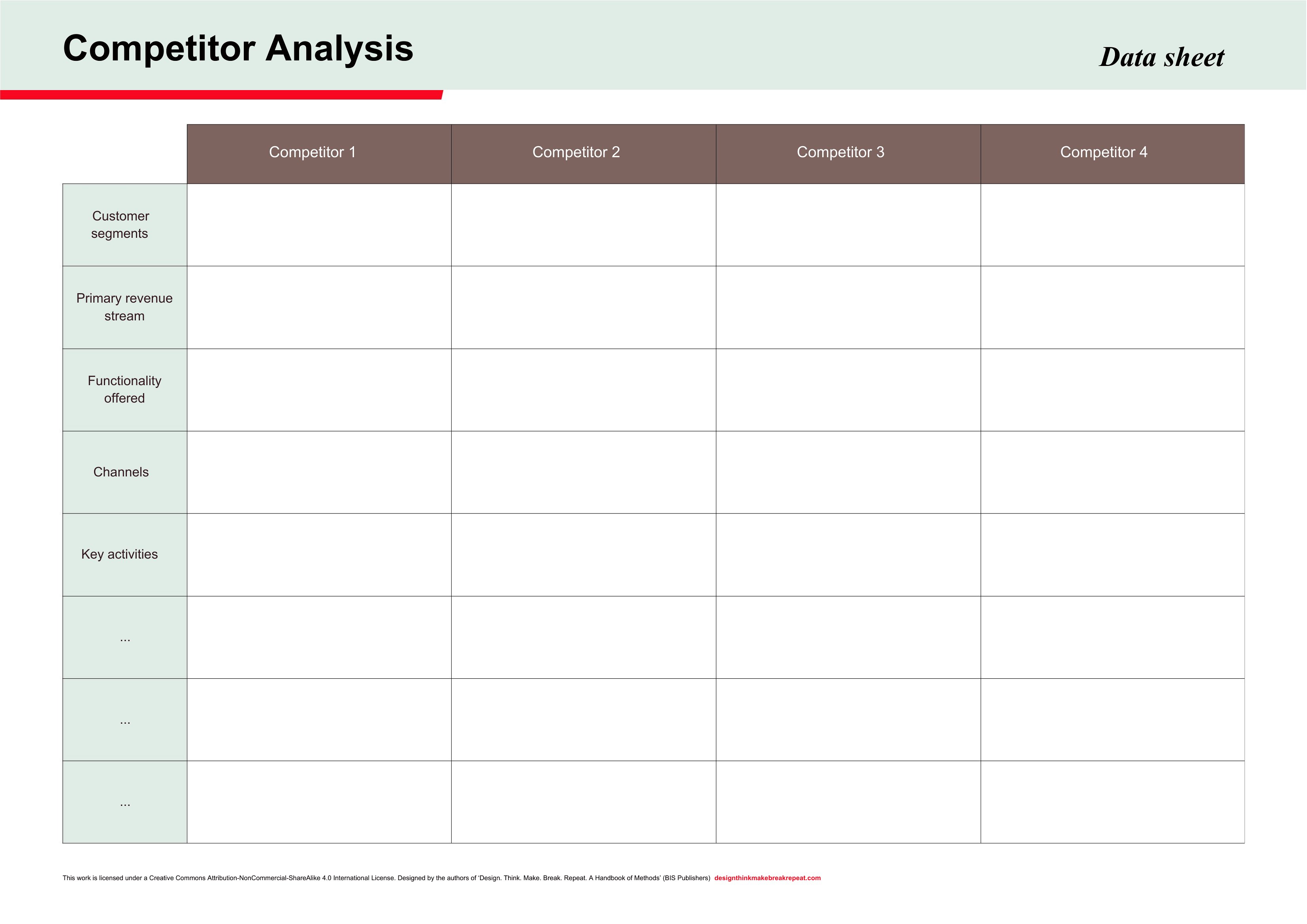
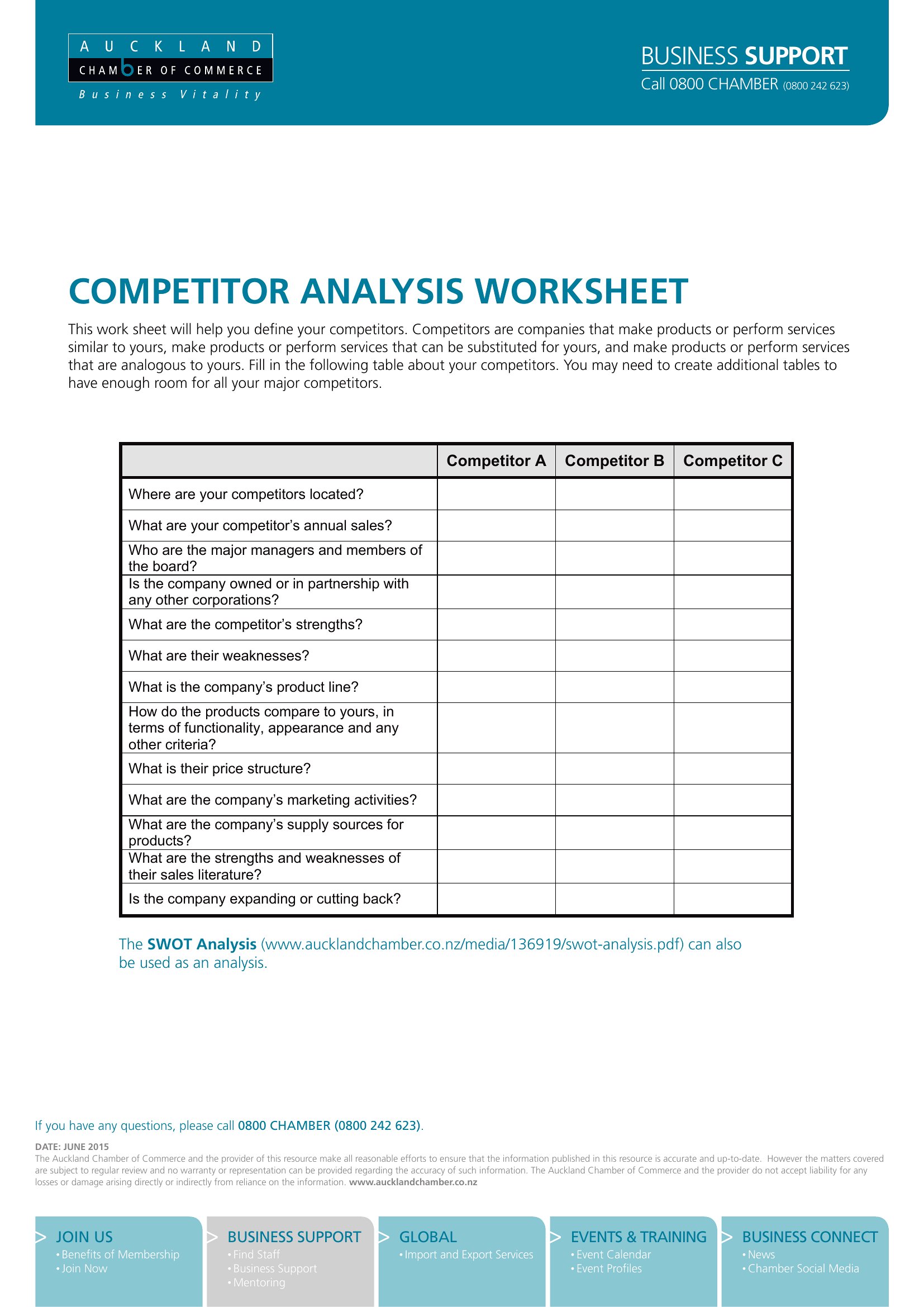
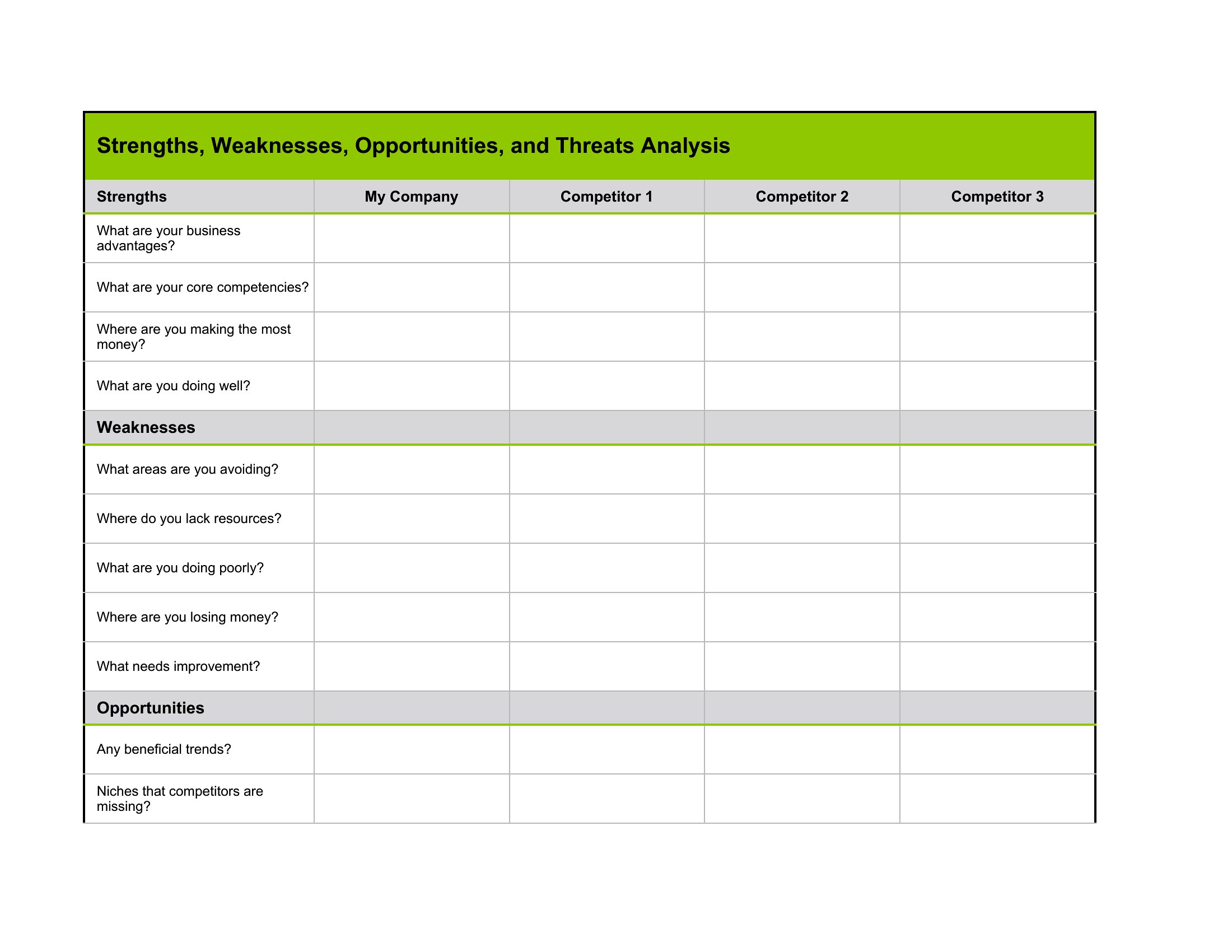
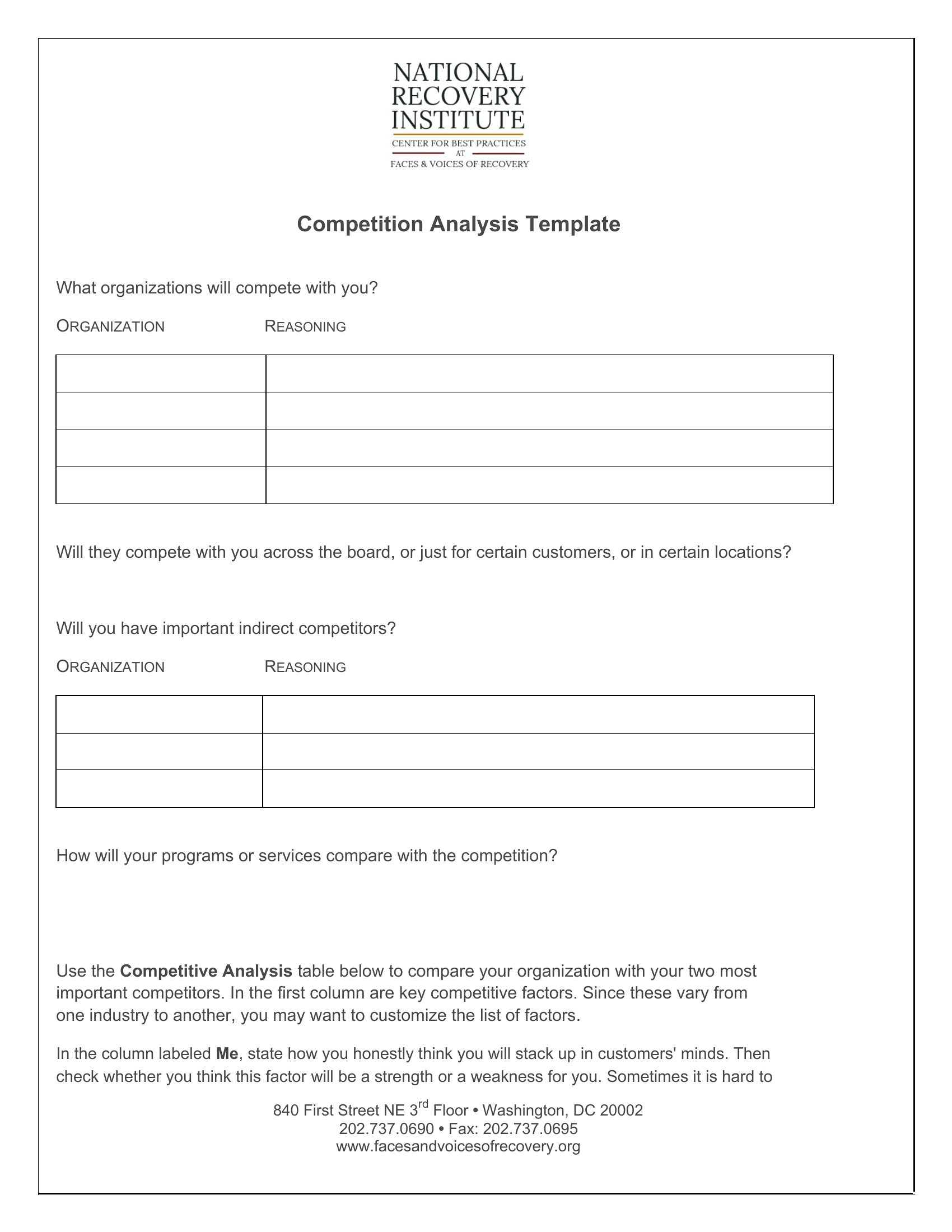
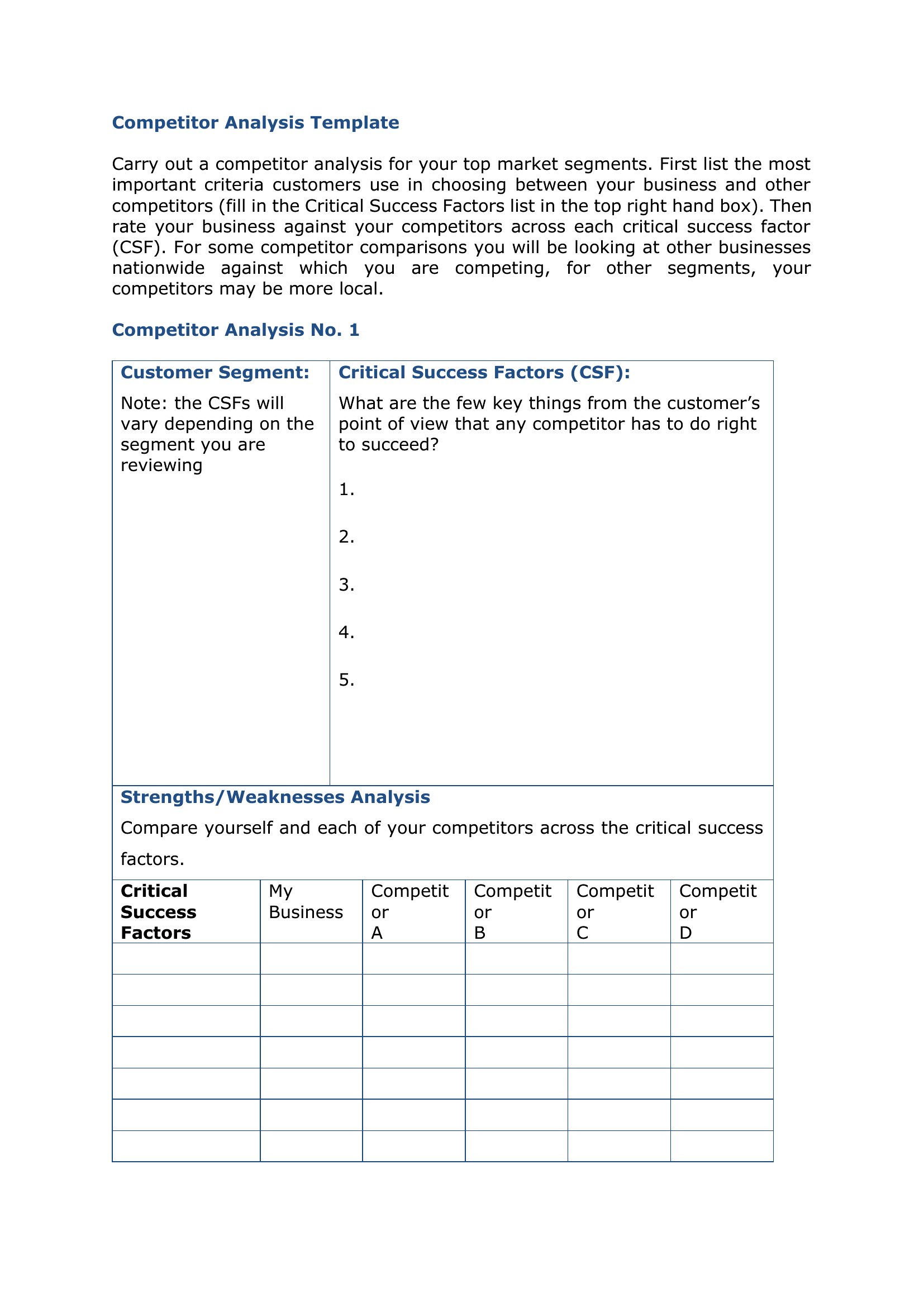
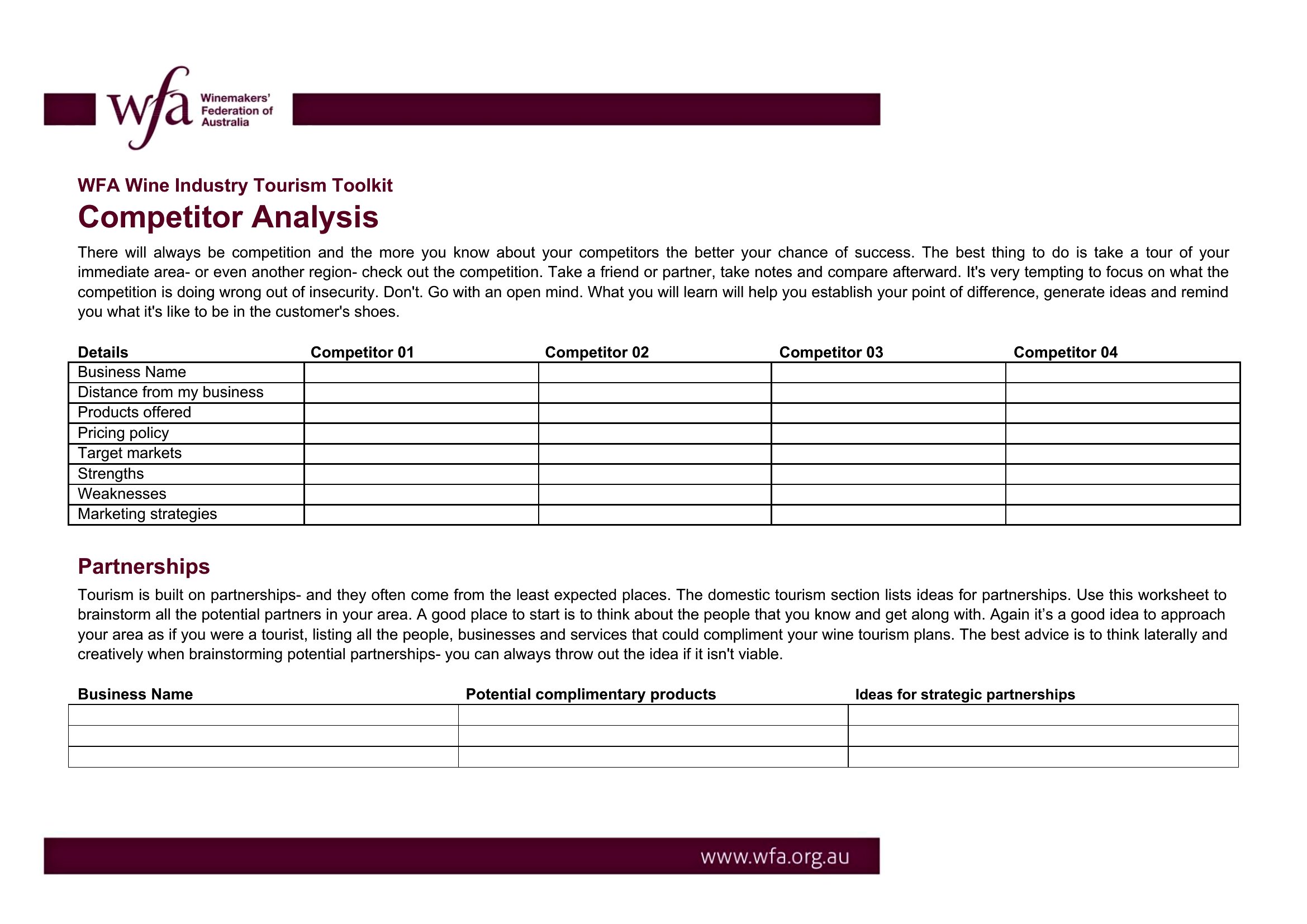
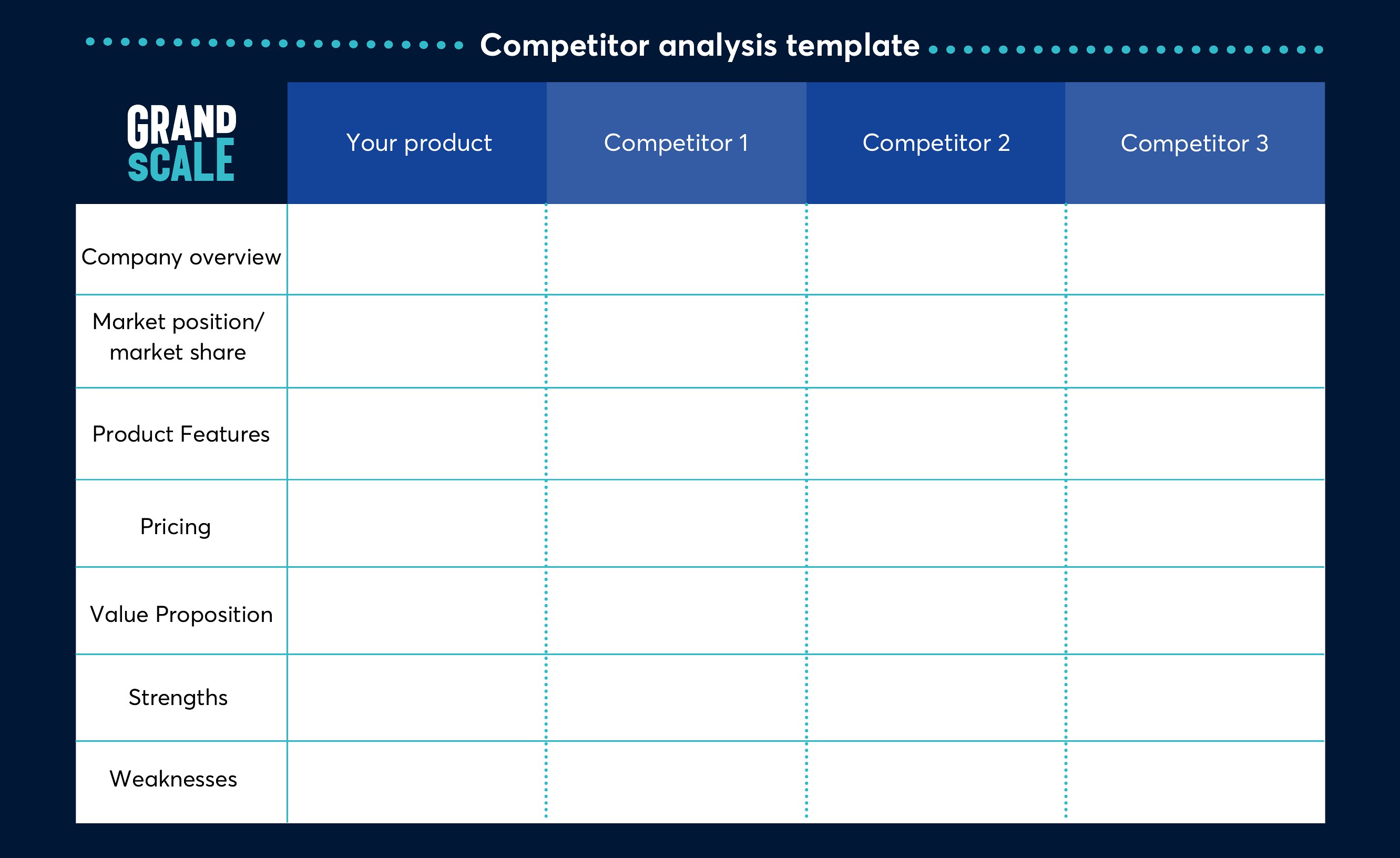
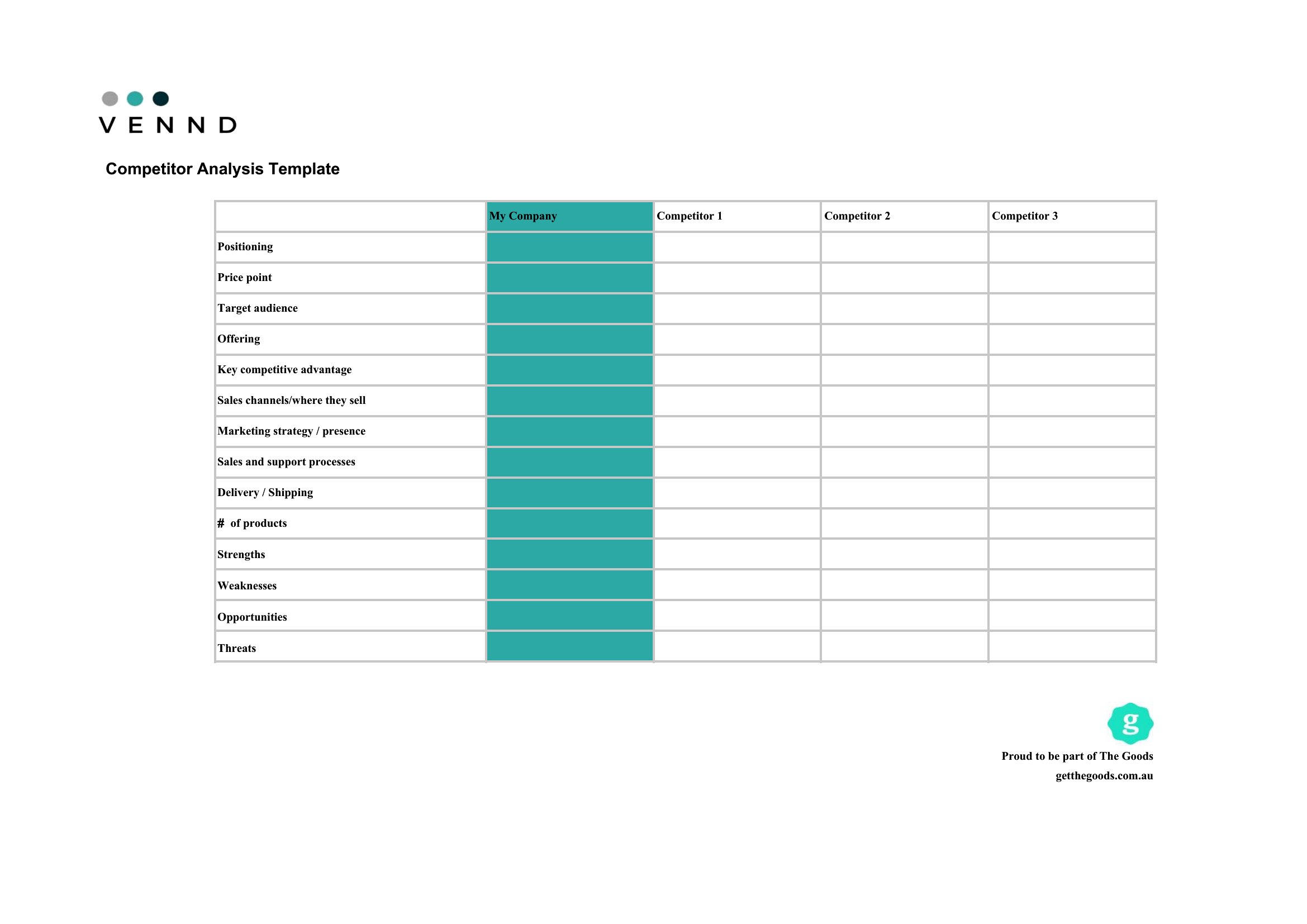
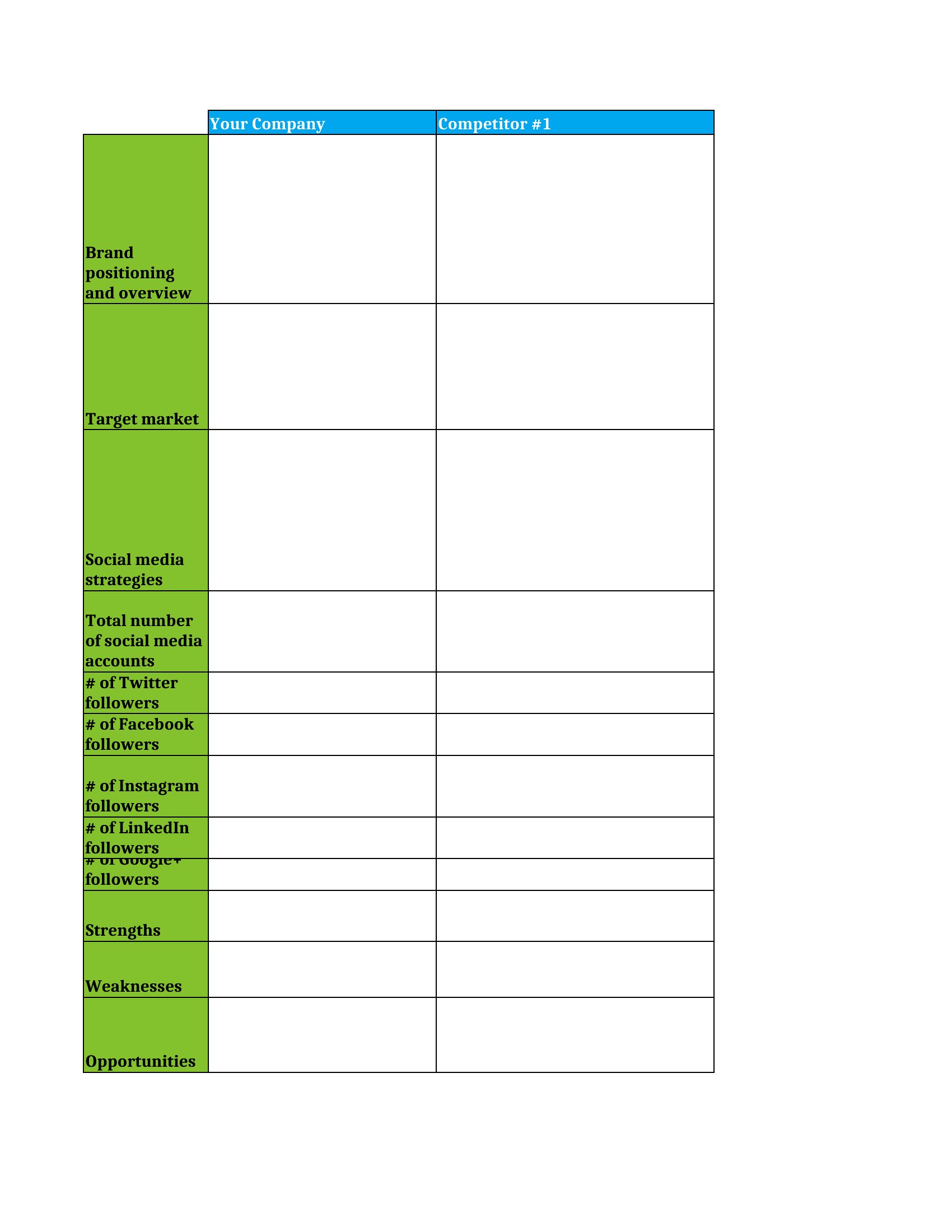
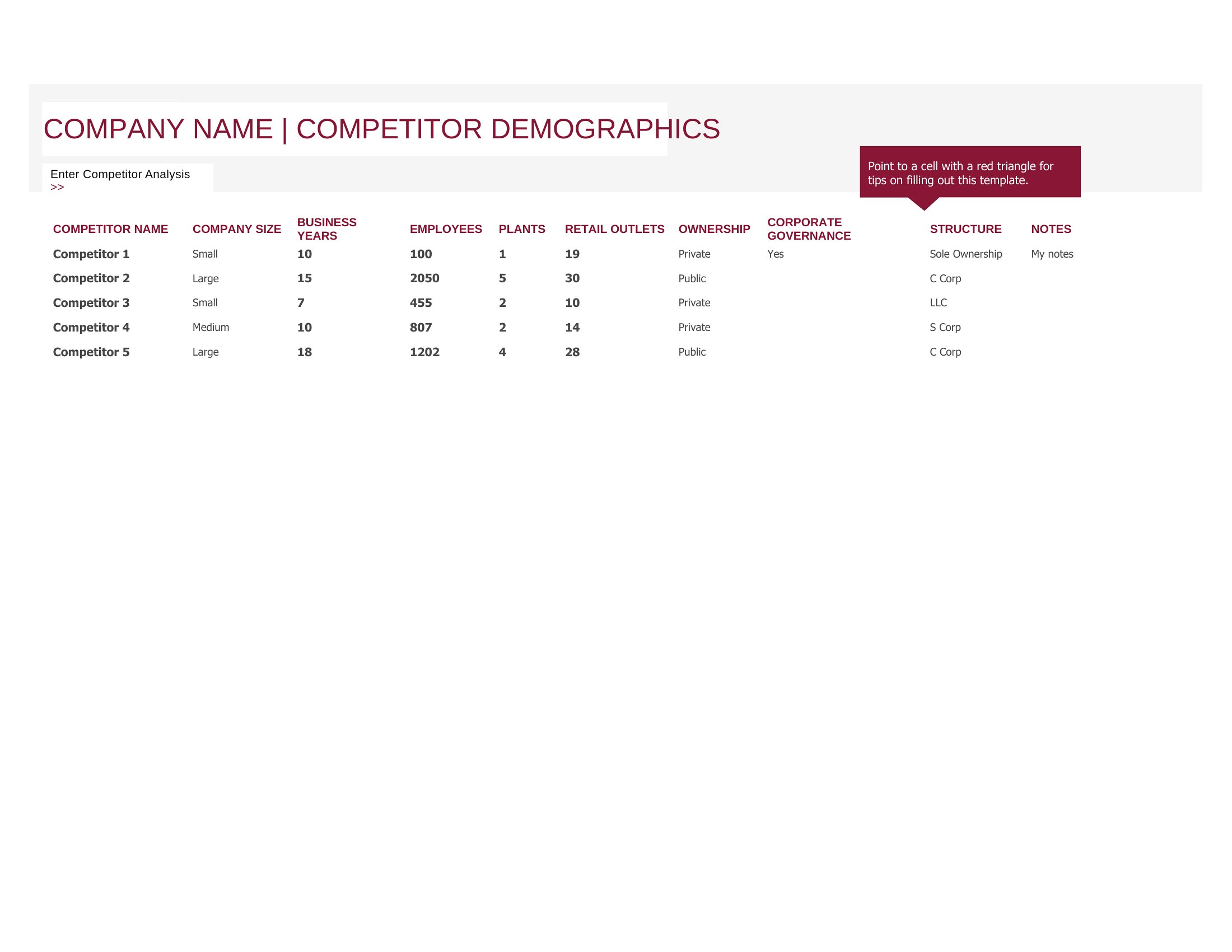
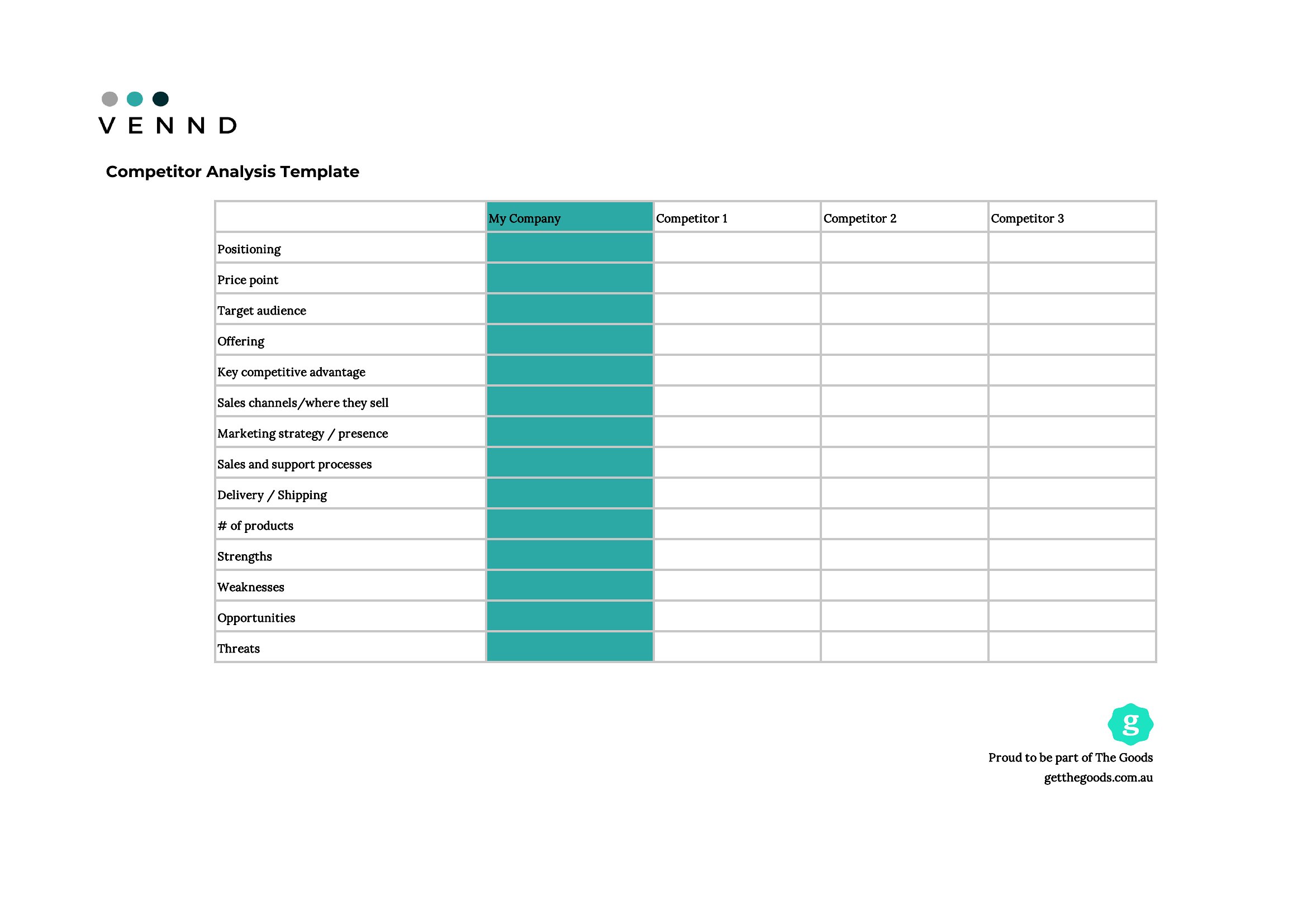
Many templates include sections for mapping indirect competitors (e.g., substitutes or adjacent services) alongside direct rivals. For example, an Excel template might ask you to list companies targeting the same customer pain point, even if they’re not in your same industry. Word documents often prompt you to brainstorm niche players or international brands serving similar segments.
Can I use these to track competitors’ SEO performance alongside their product features?
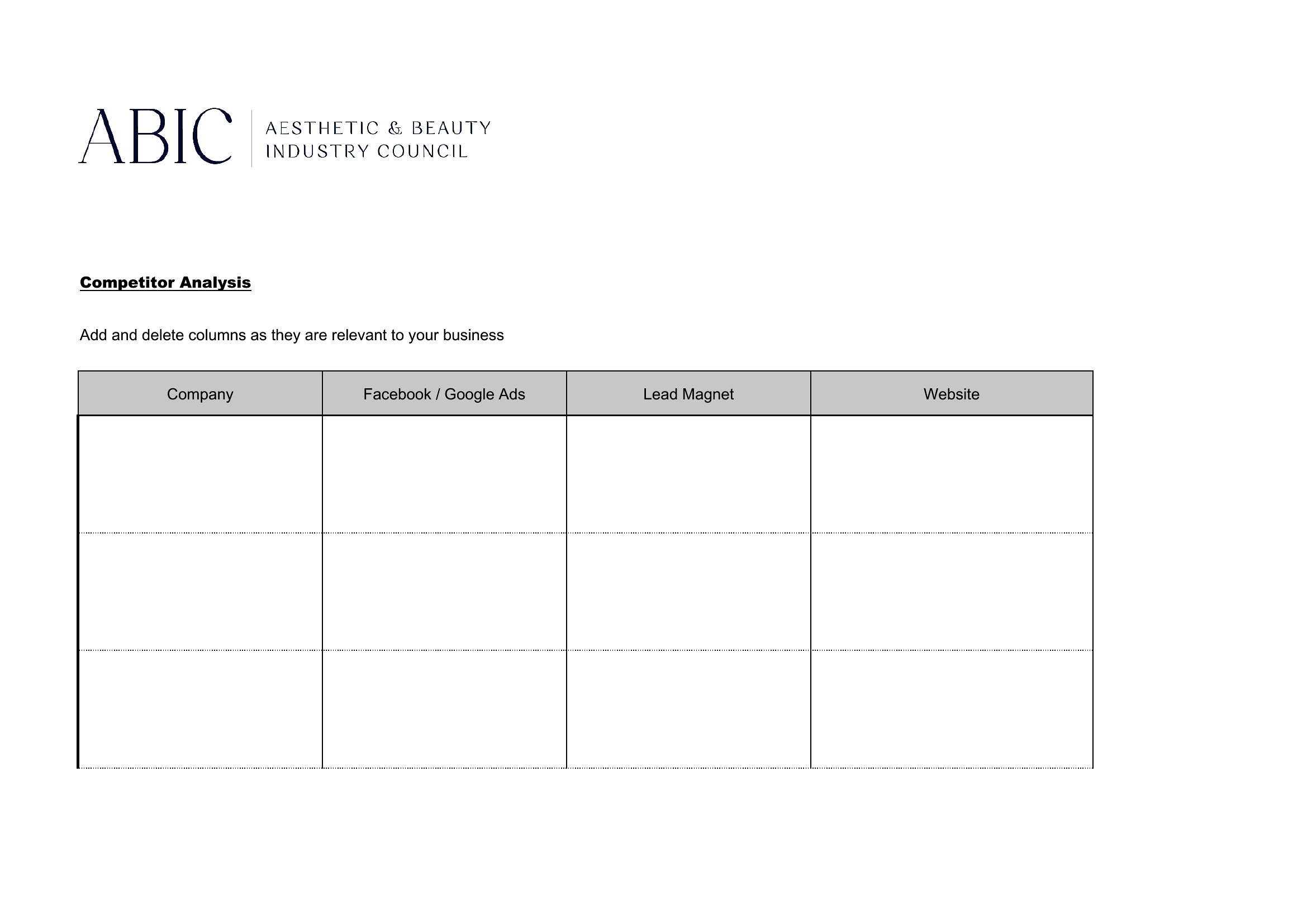
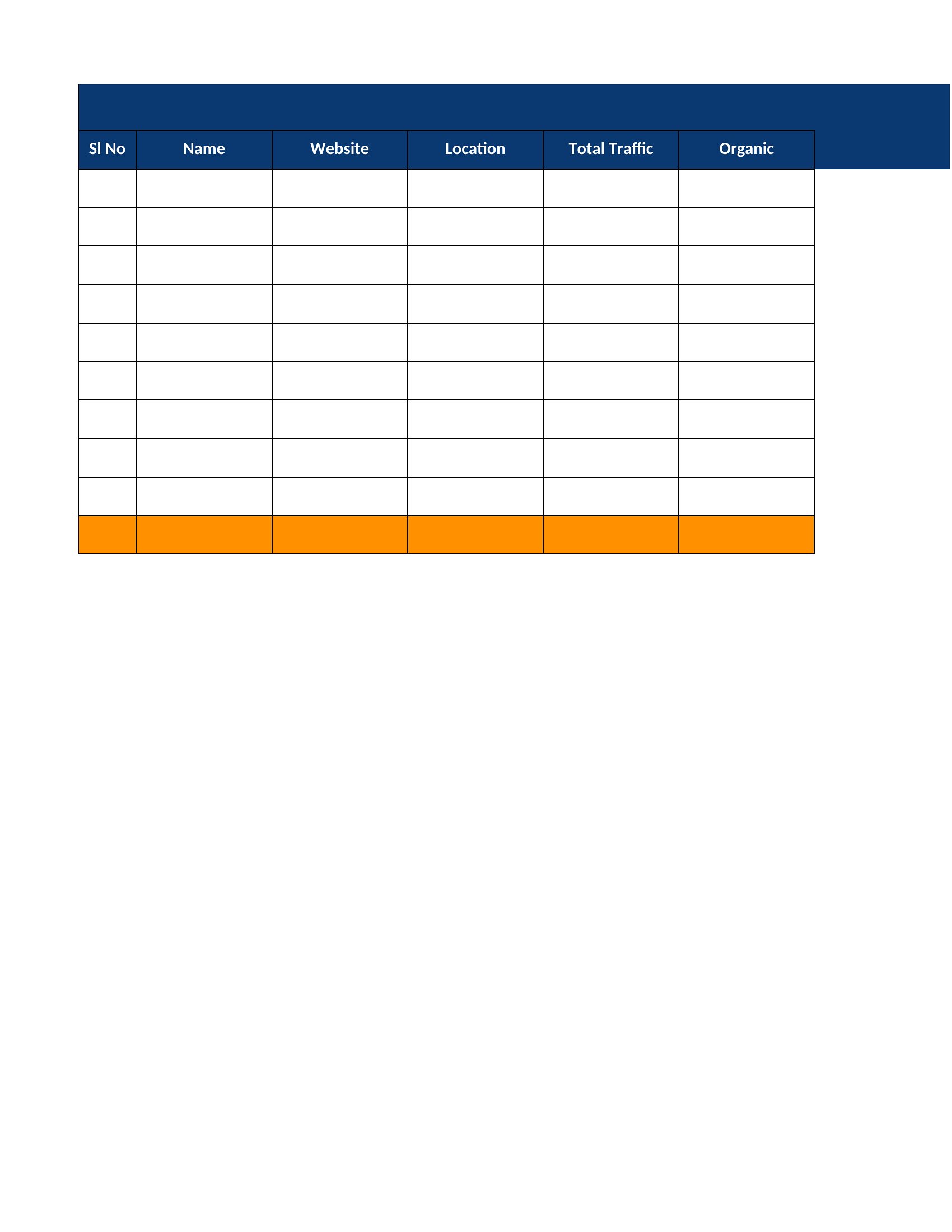
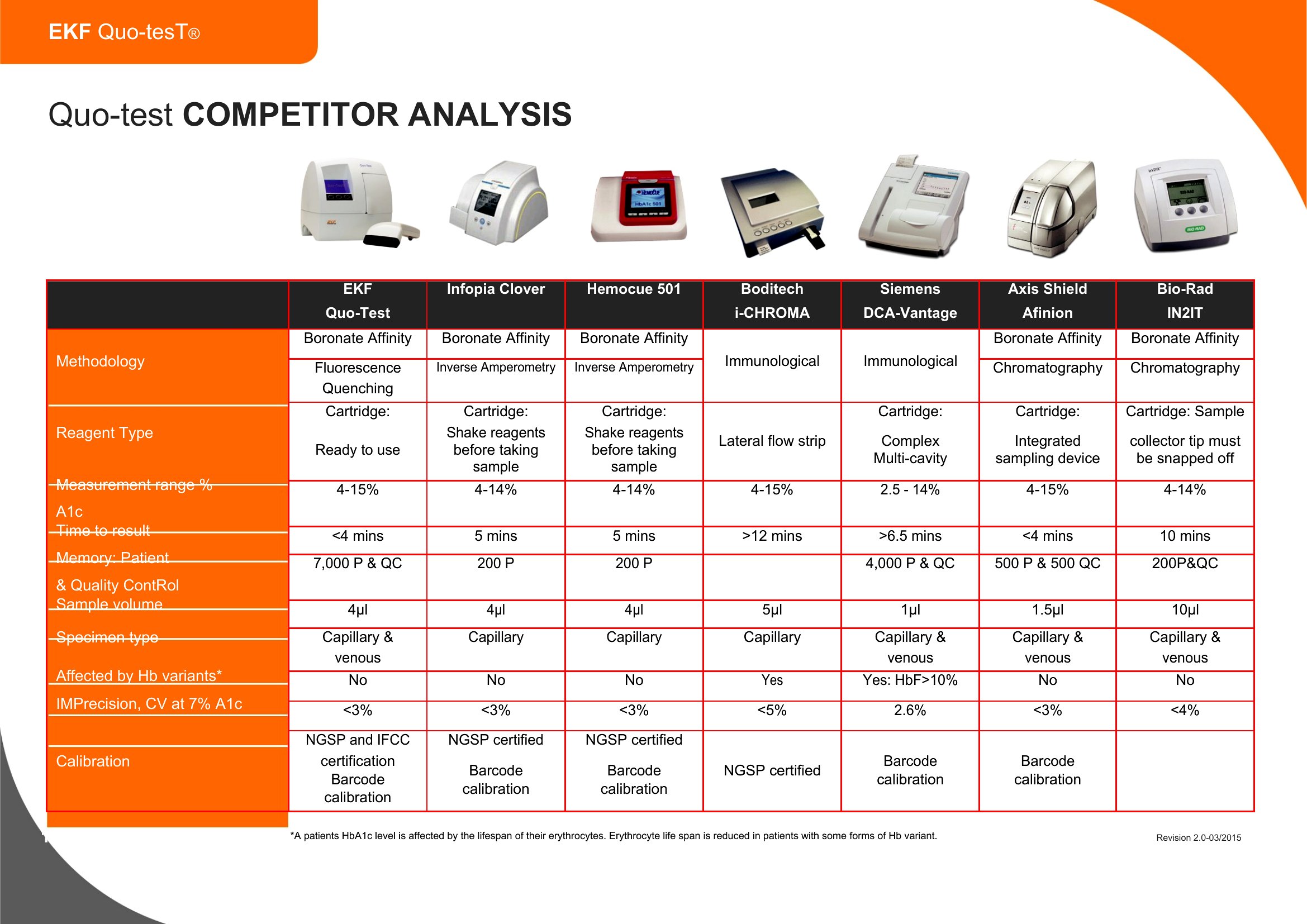
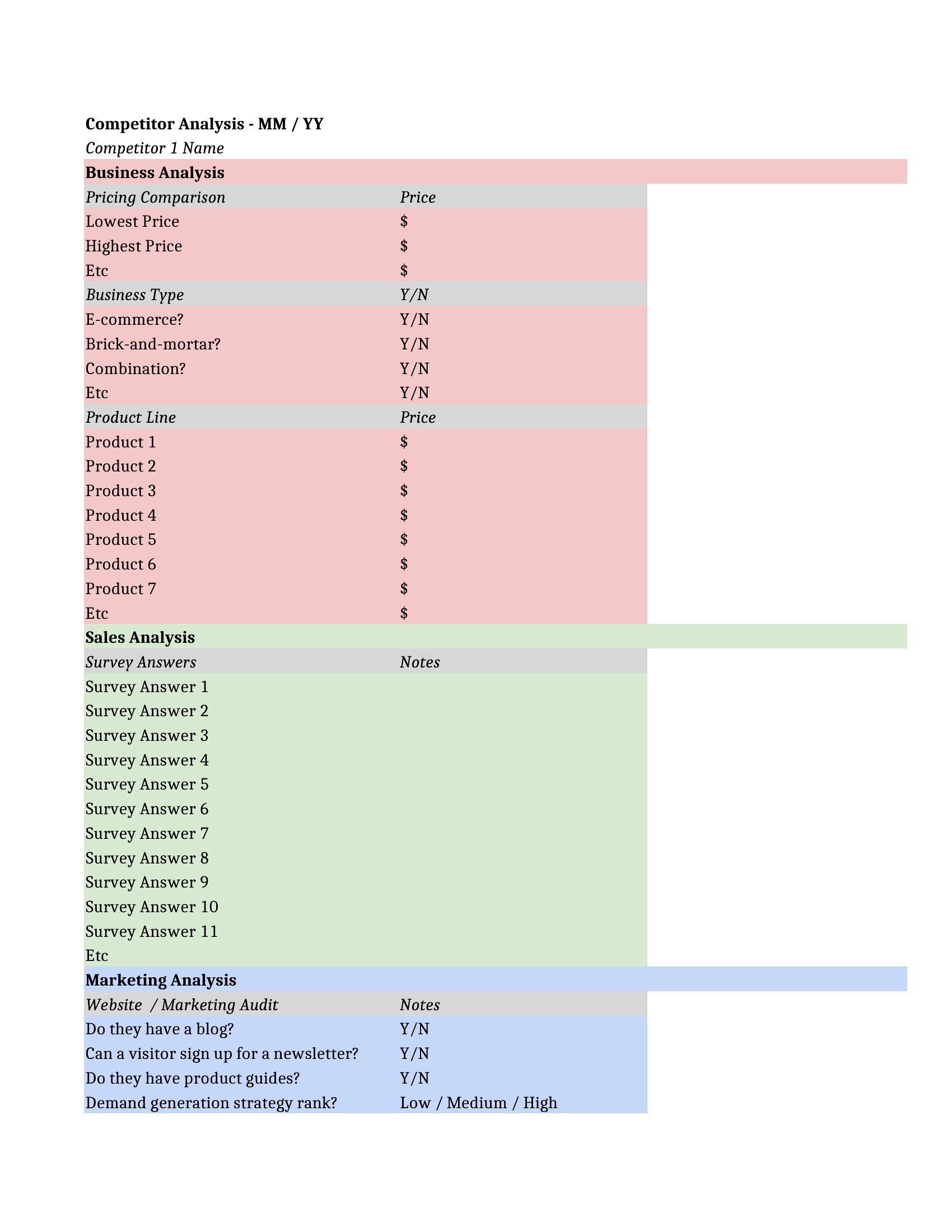
Yes. Several Excel templates allocate columns specifically for SEO metrics like keyword rankings, backlink profiles, or content gaps. Word versions may include prompts to note competitors’ blog topics or their use of long-tail keywords. For a full SEO audit, pair these with tools like Ahrefs or SEMrush to fill in the data, then organize it into the provided tables.
What’s the best way to organize competitor analysis if I’m comparing more than five brands?
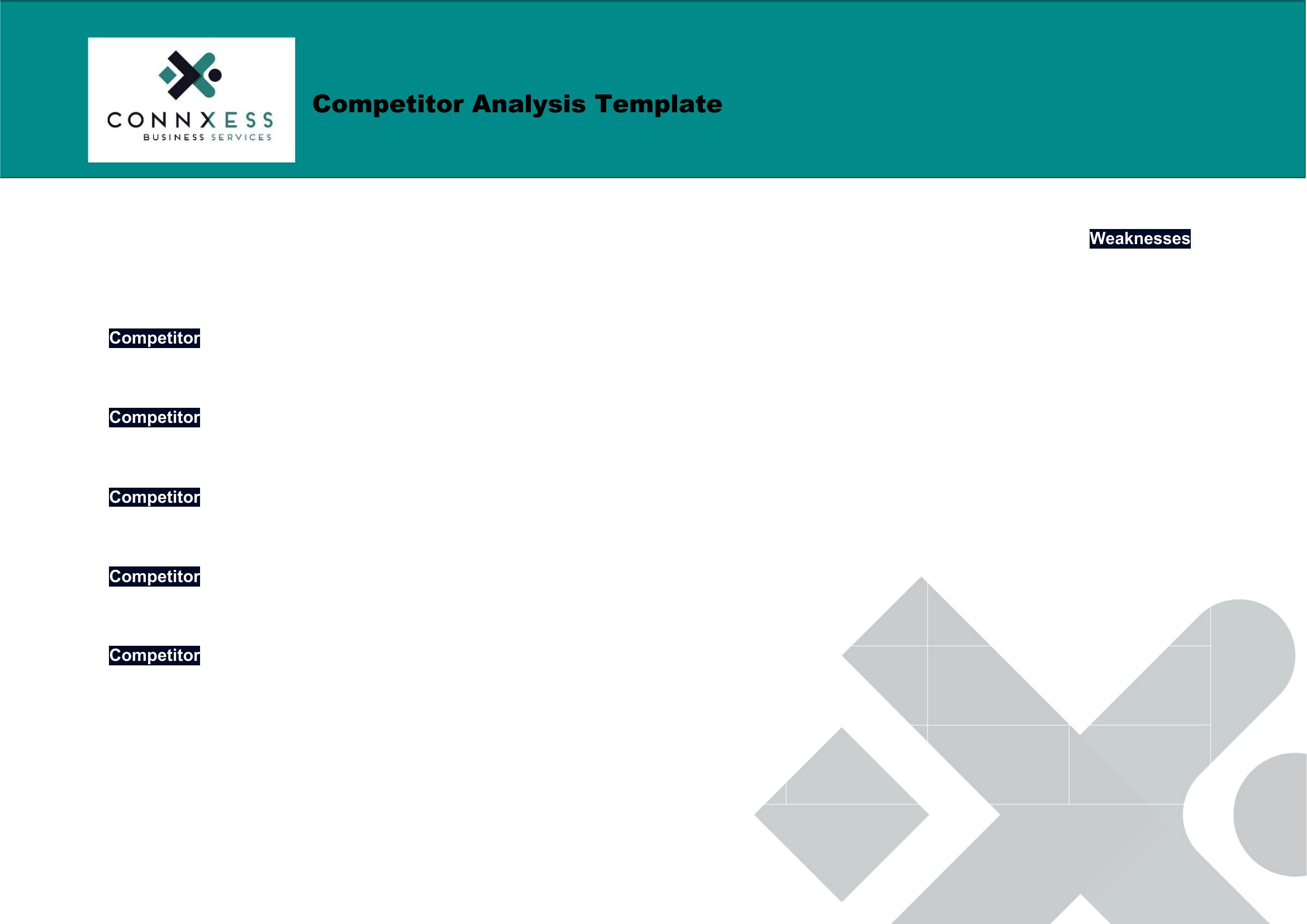
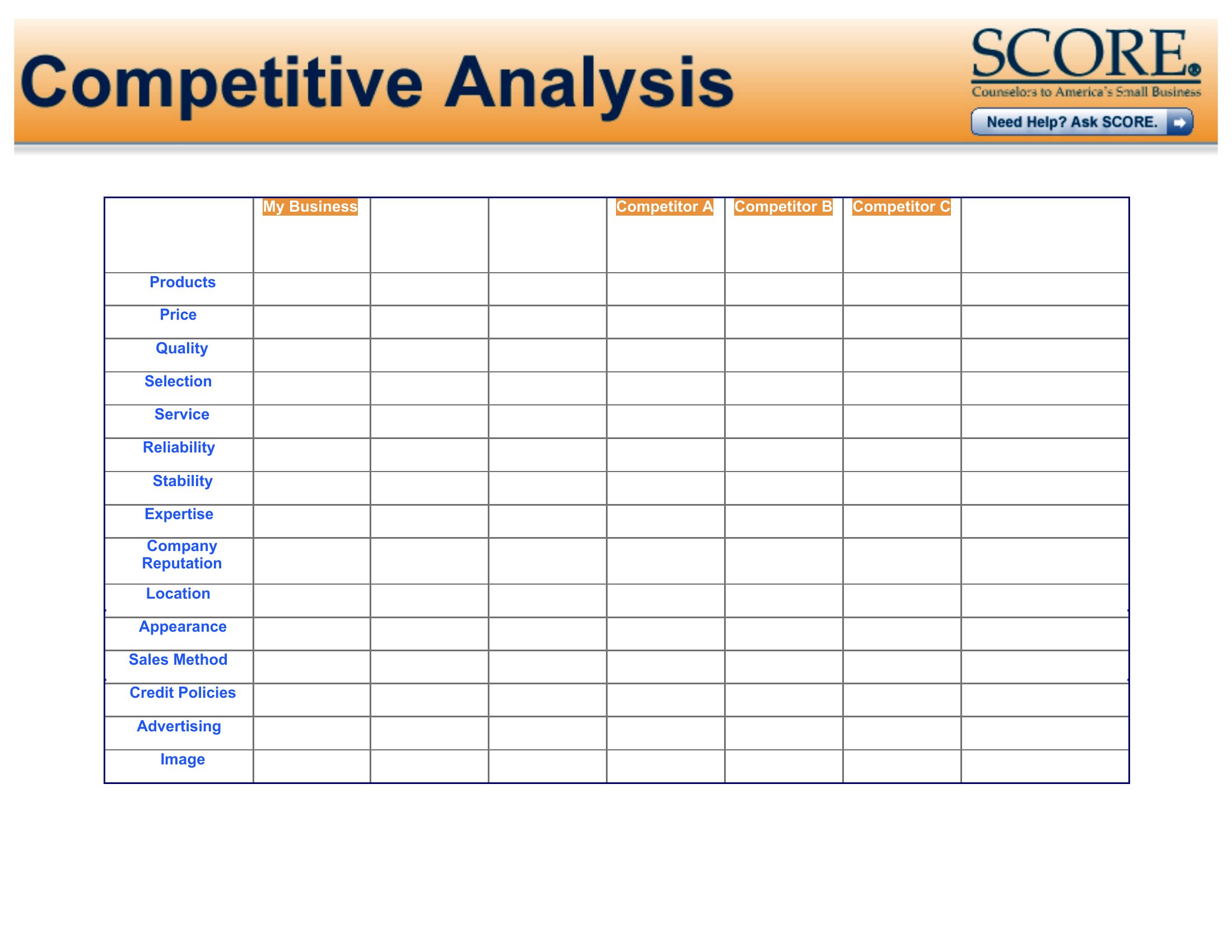
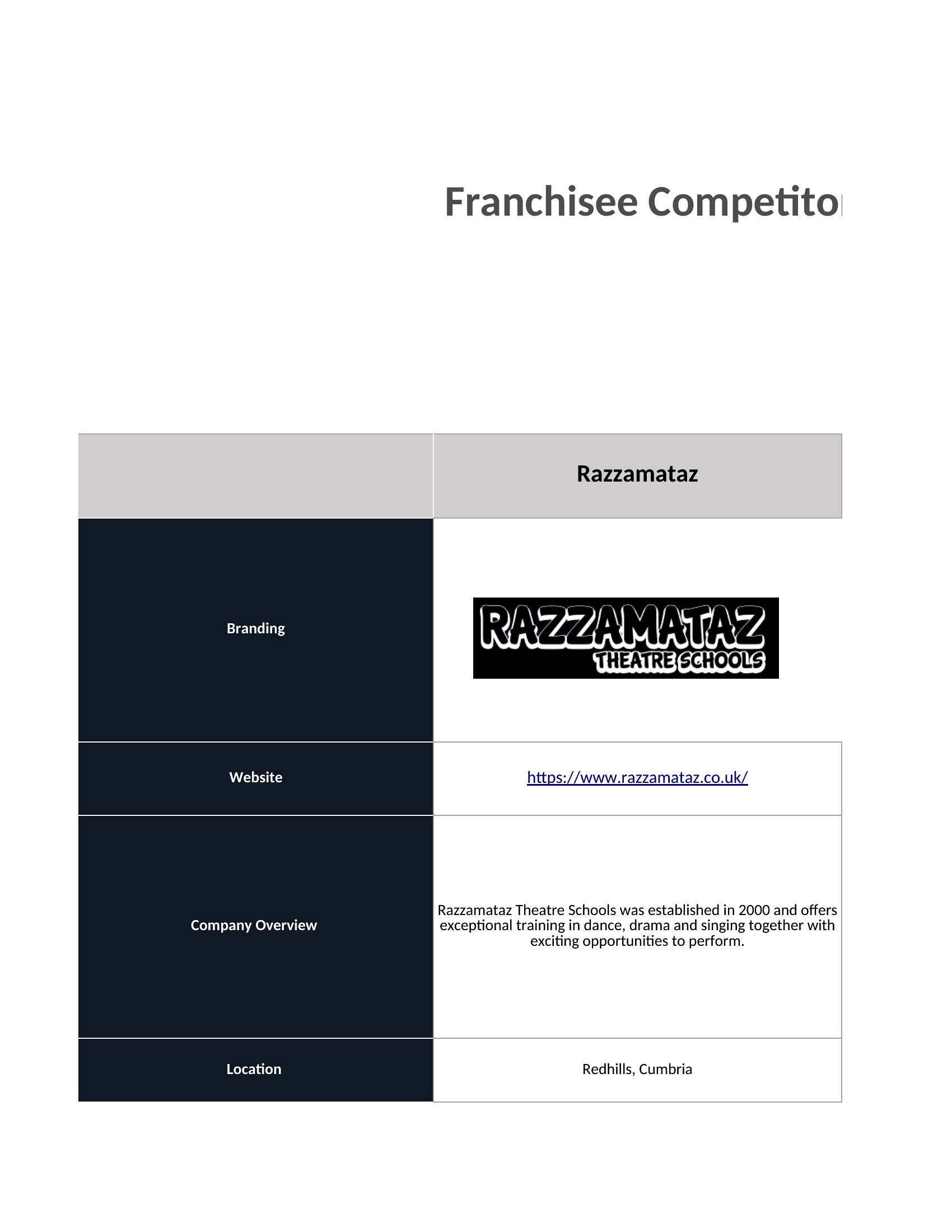
For five or more competitors, use the Excel templates with tabbed worksheets—each sheet can focus on one brand’s strengths, weaknesses, pricing, or customer feedback. Alternatively, the Word documents allow you to create a master table of contents linking to separate analyses for each competitor. PDFs can be merged into a single file with bookmarks for easy navigation if sharing externally.
Comments
Join the conversation
Sign in to share your thoughts and leave a comment on this resource.