Free Cost-Benefit Analysis Templates (Word, Excel, PDF)
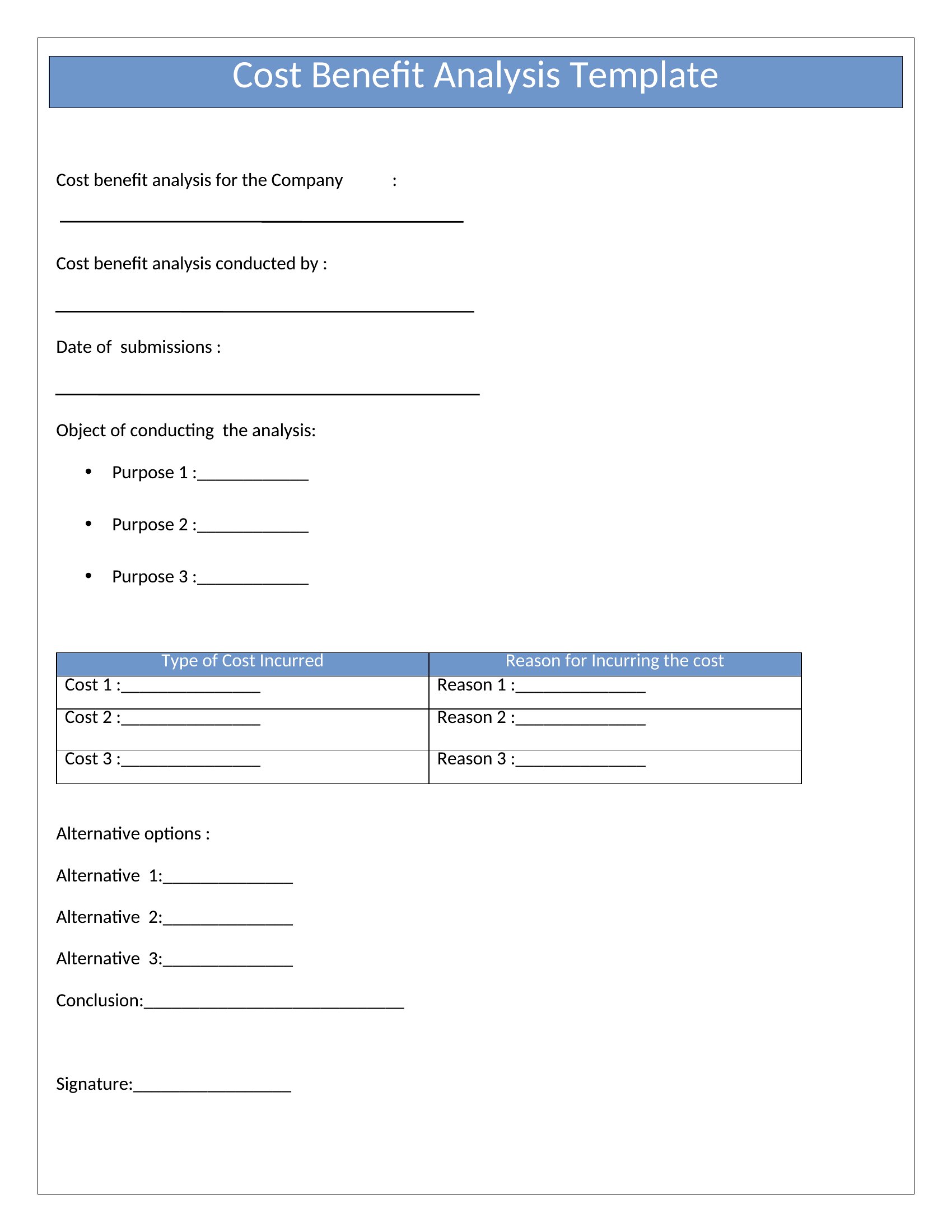
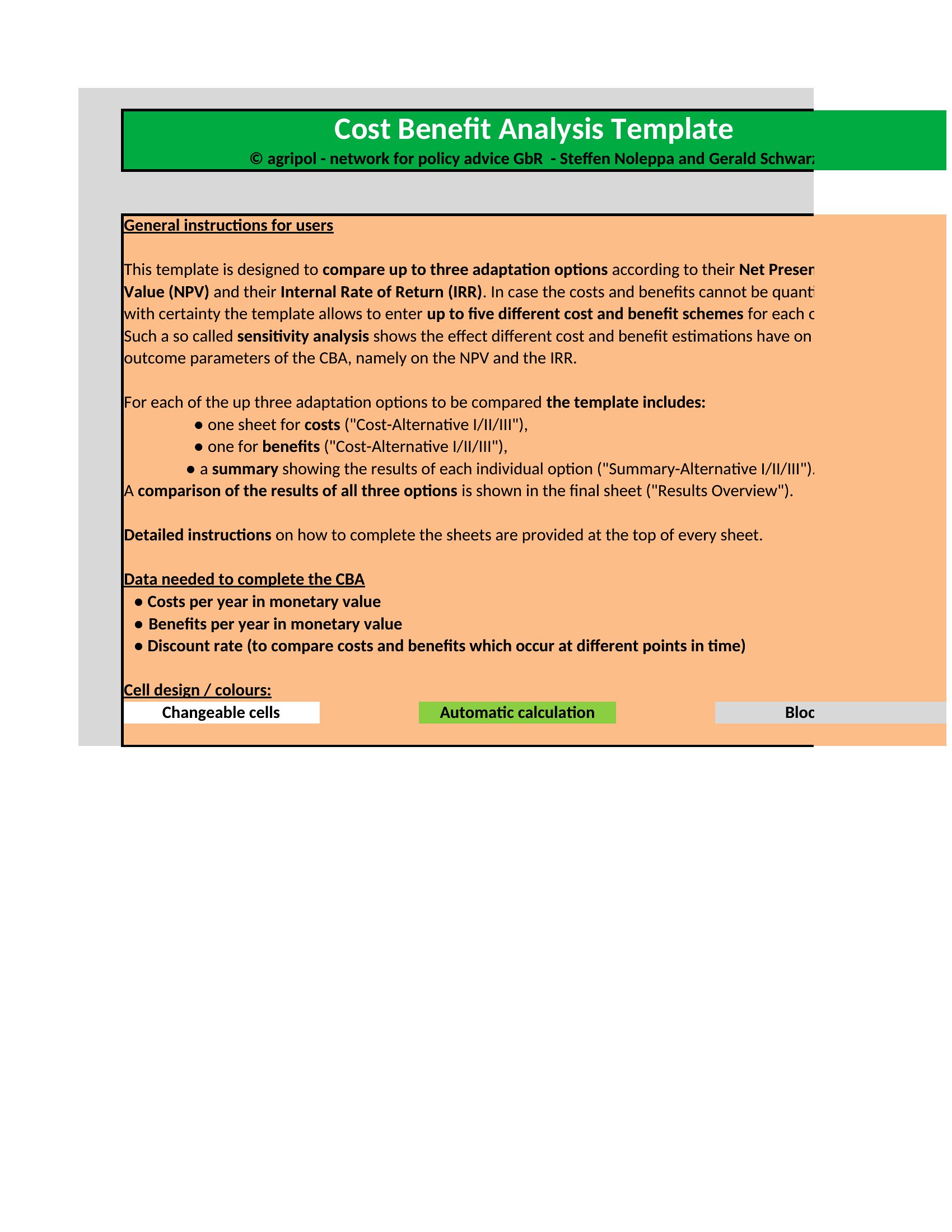
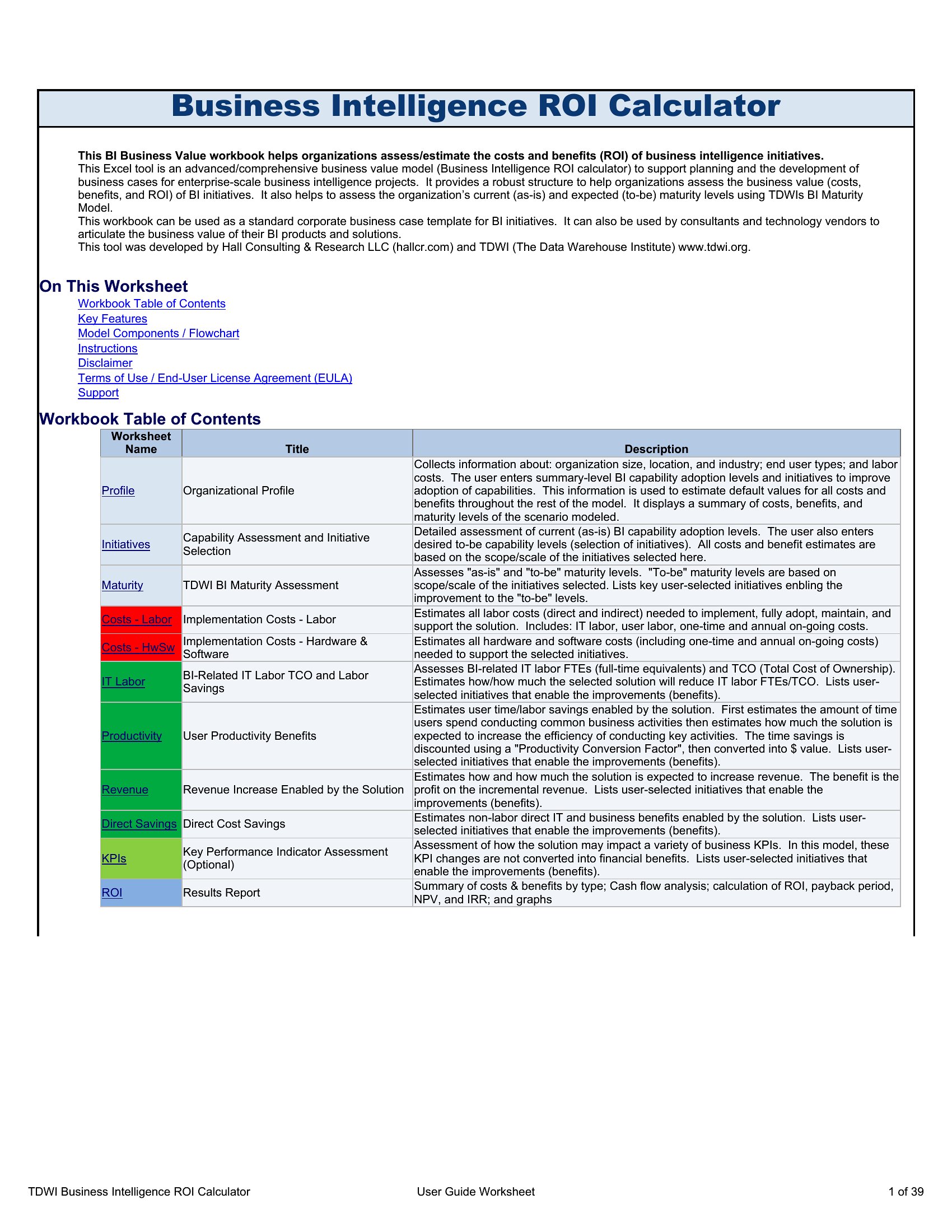
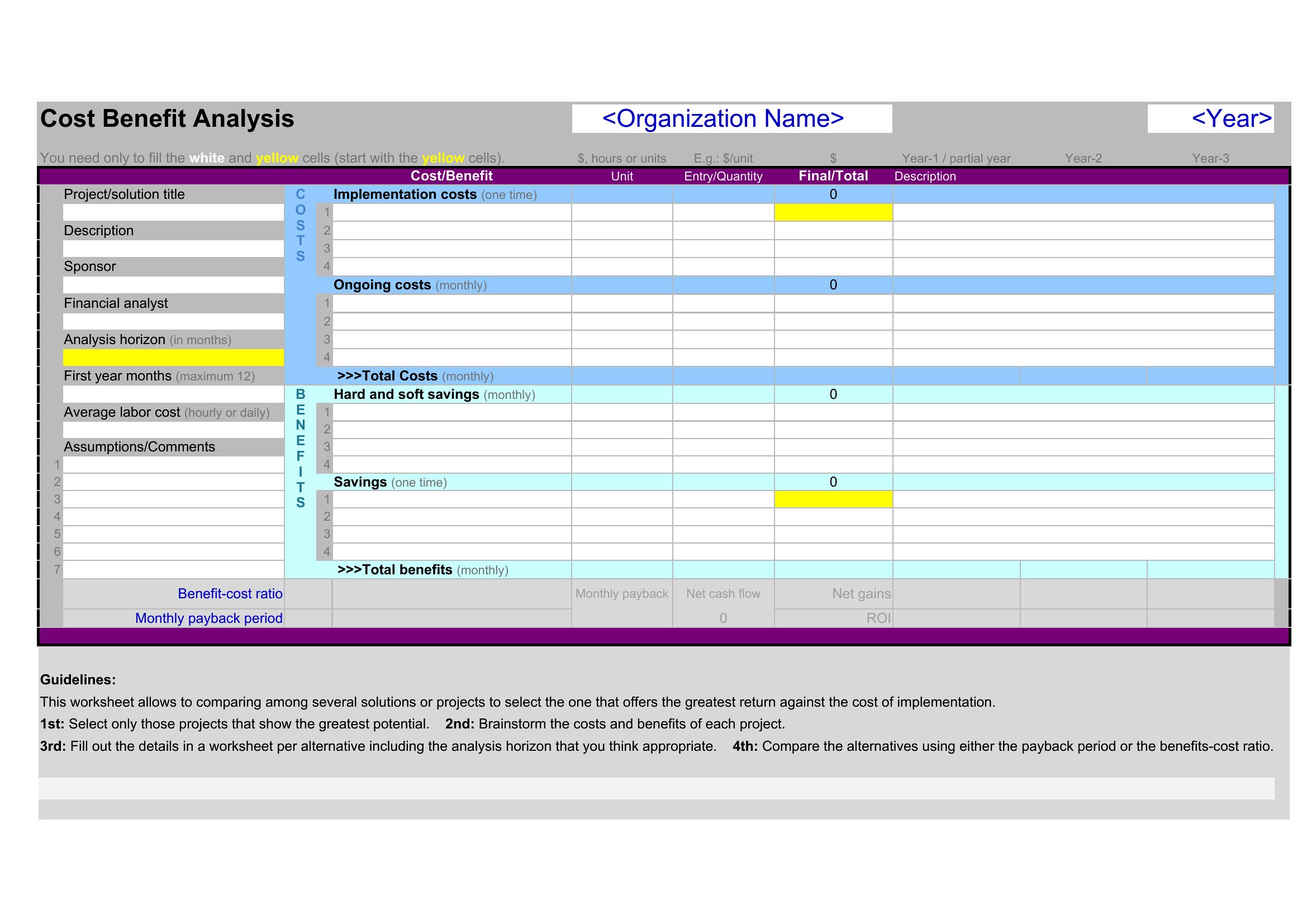
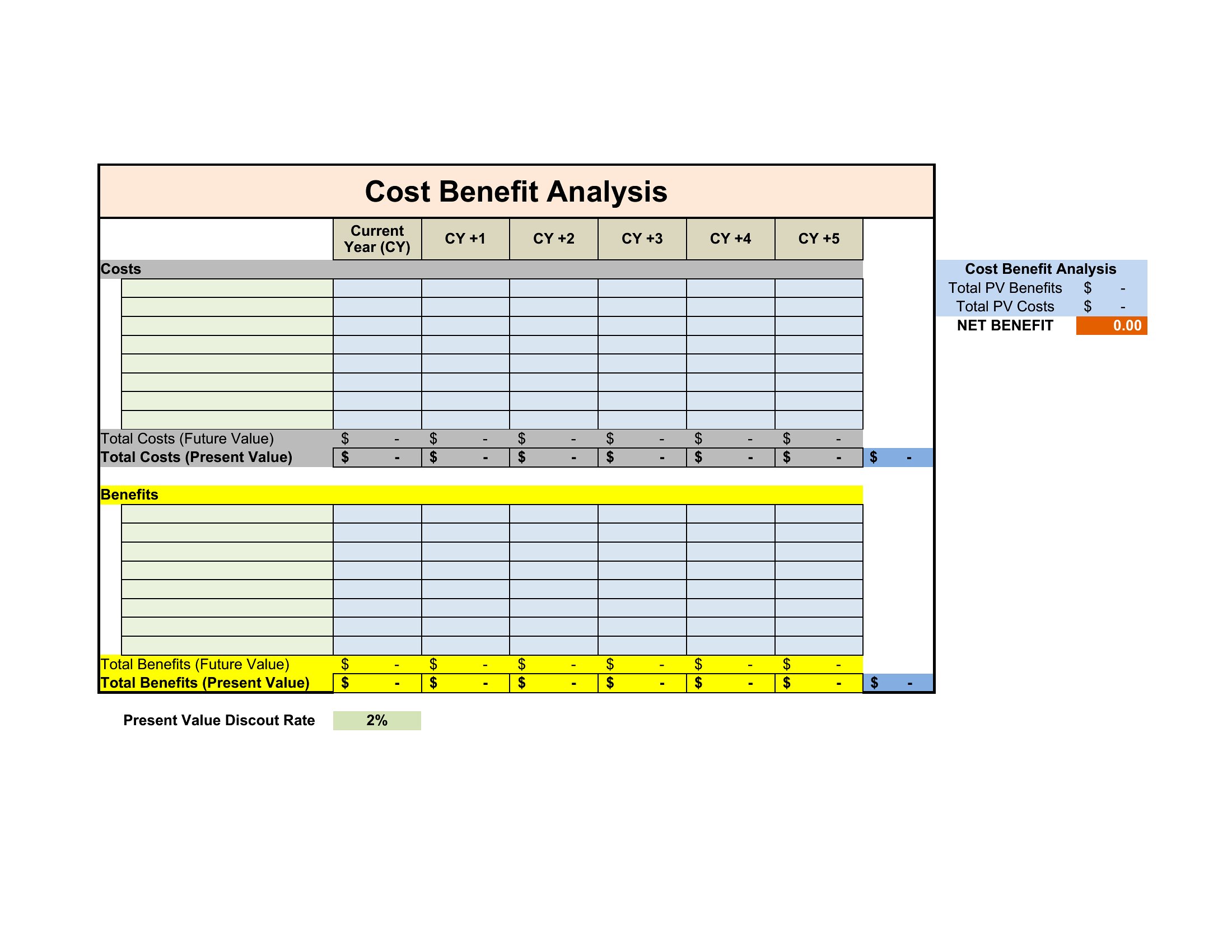
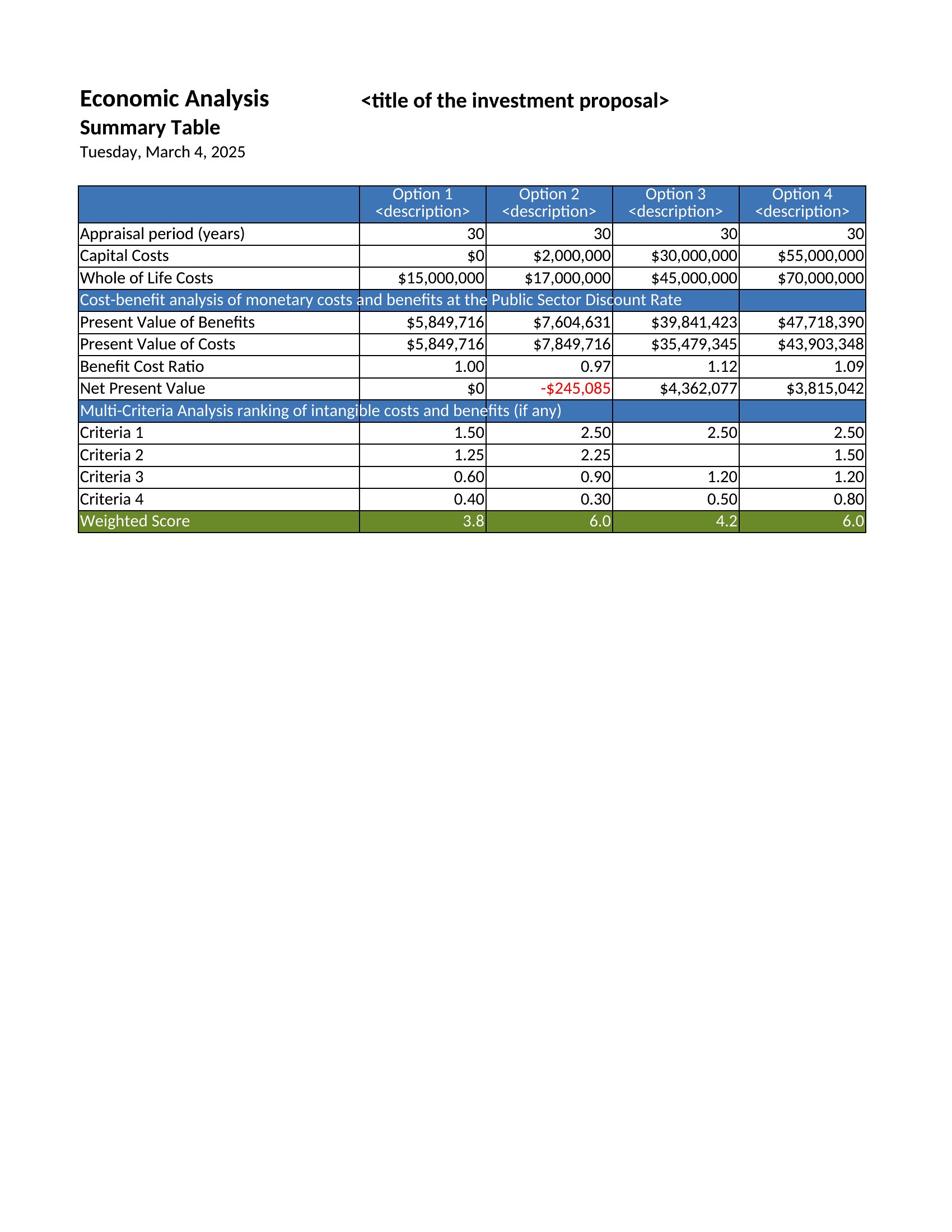
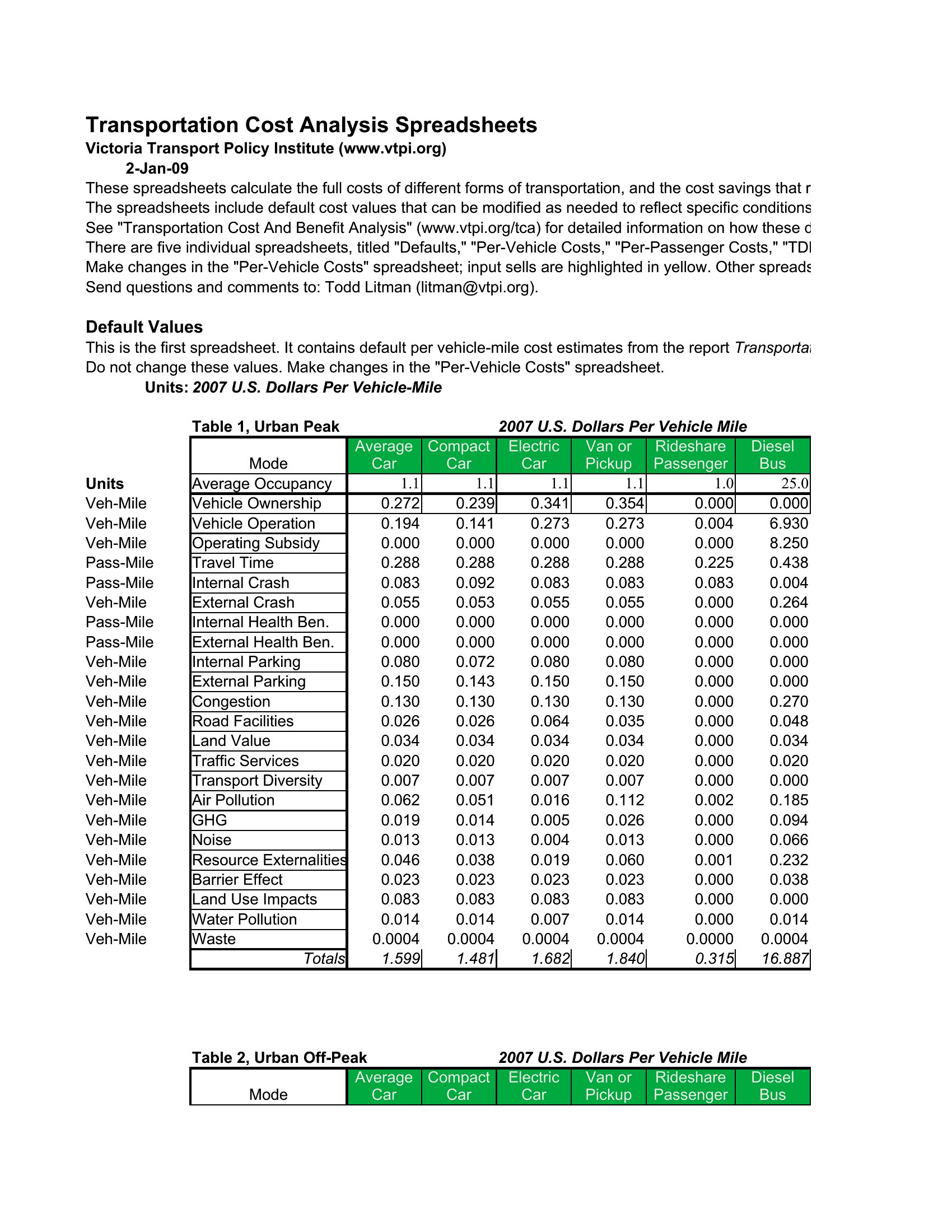
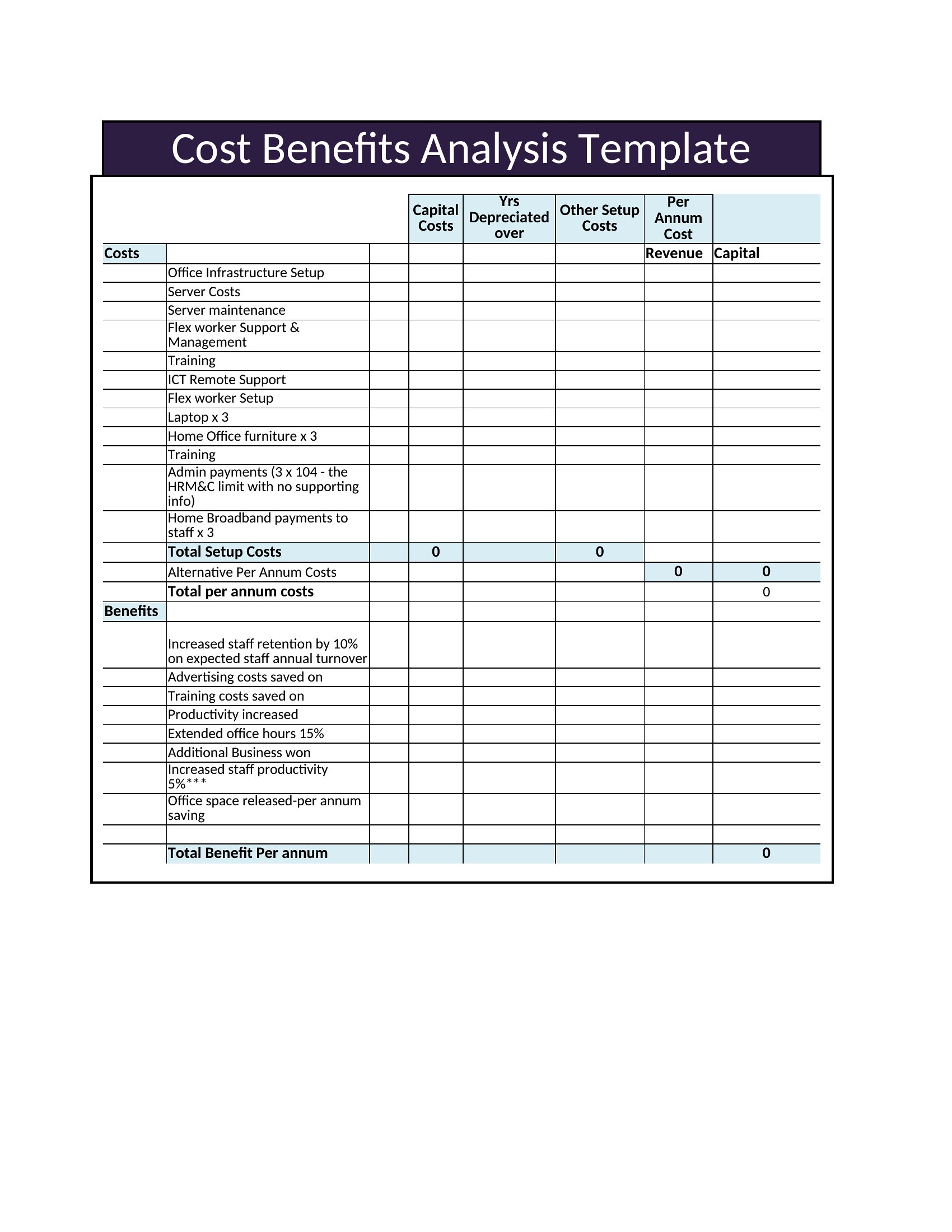
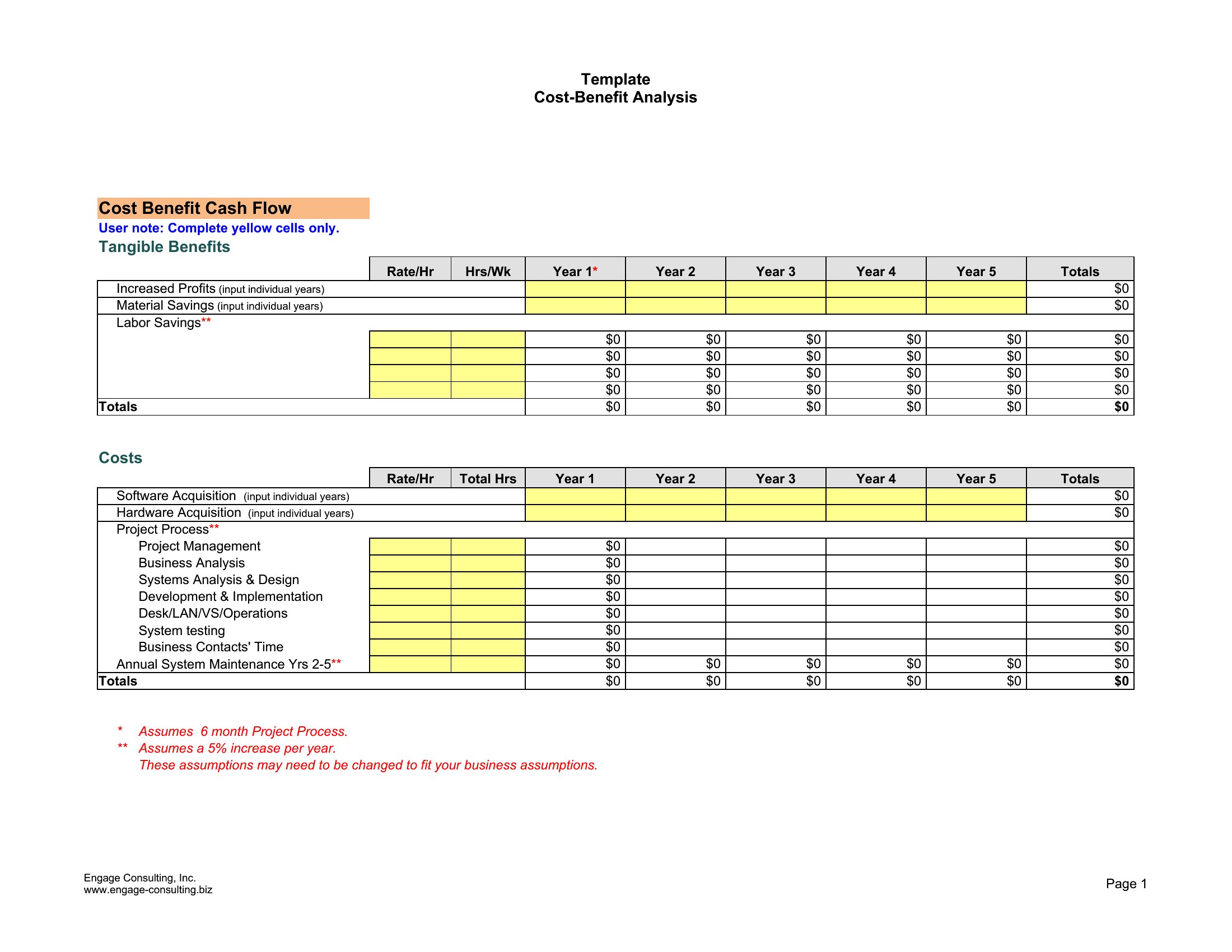
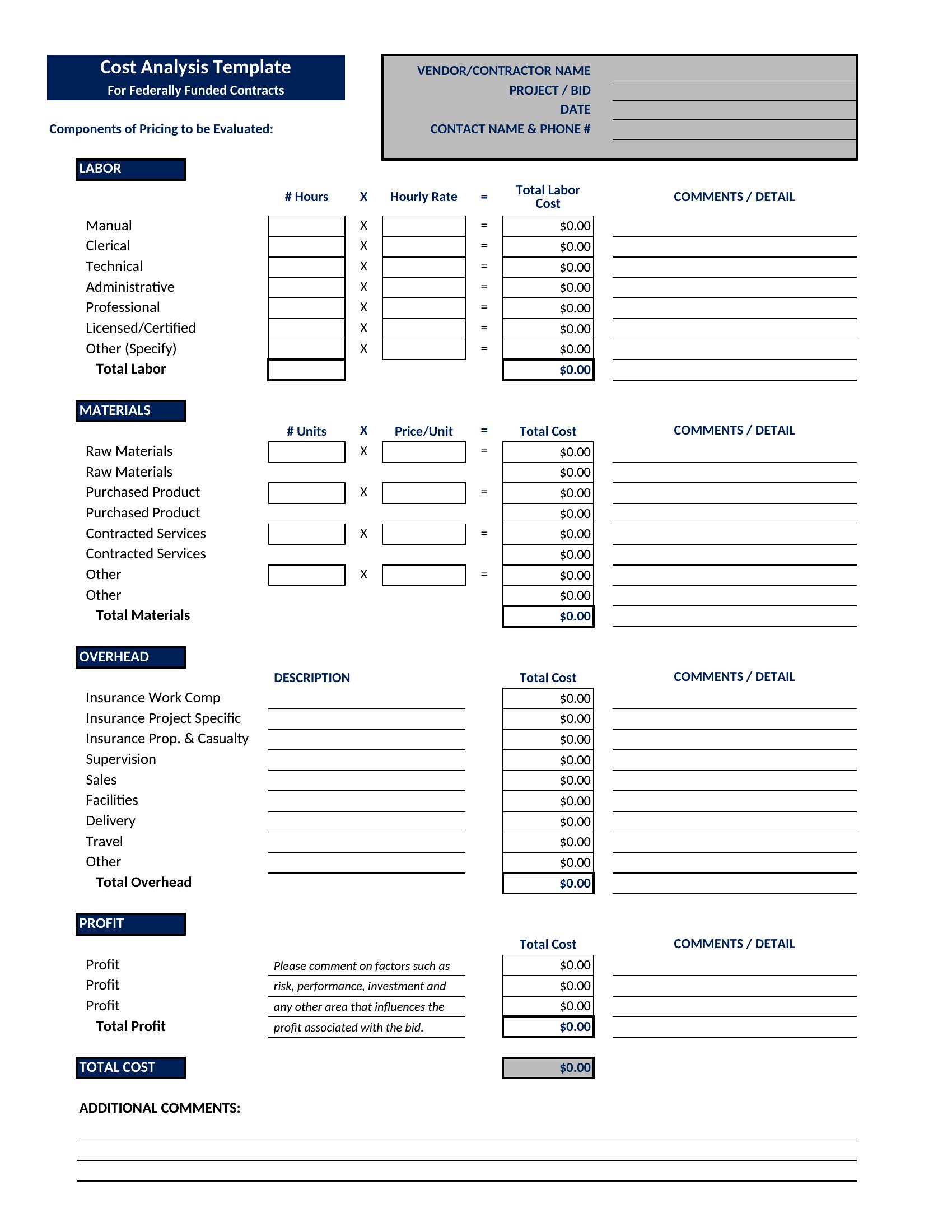
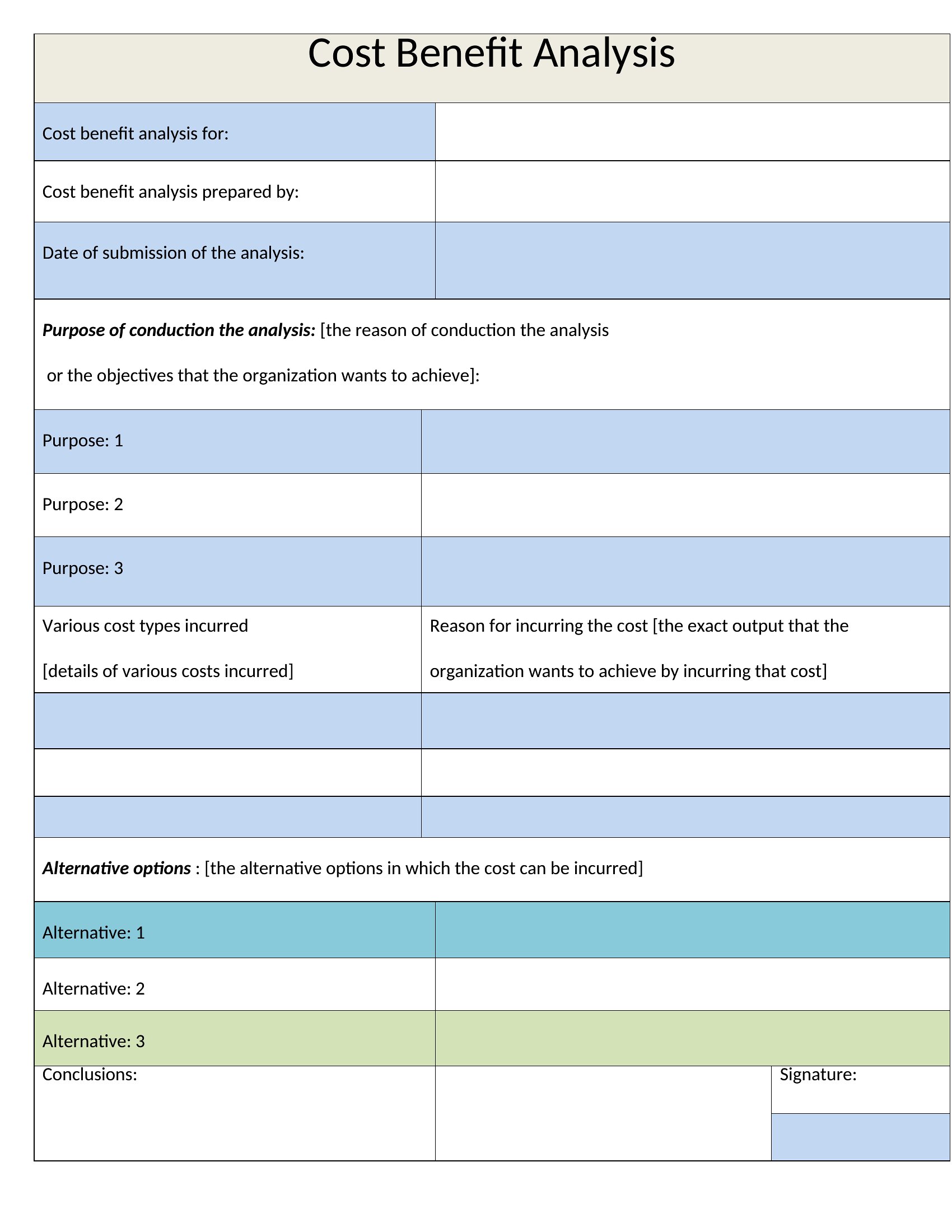
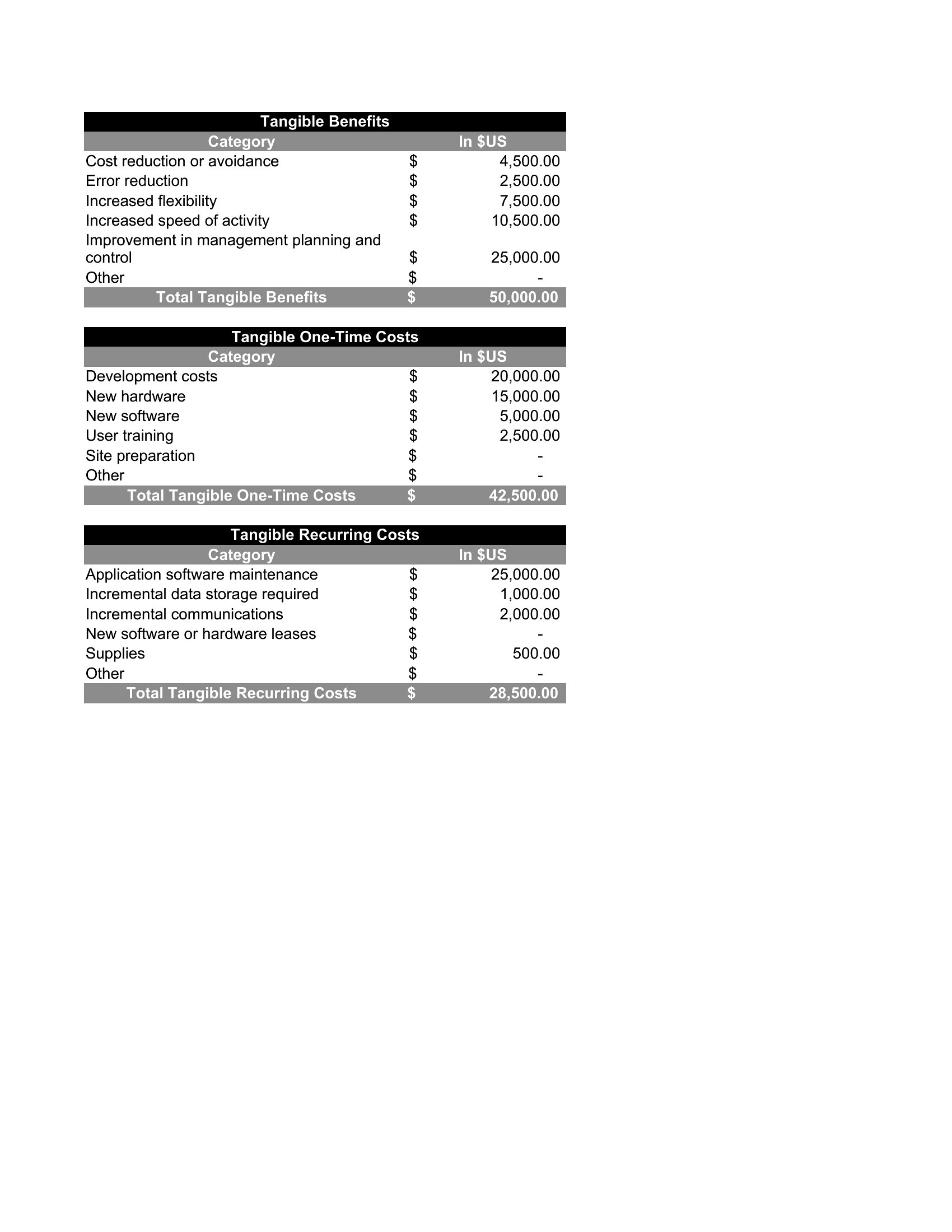
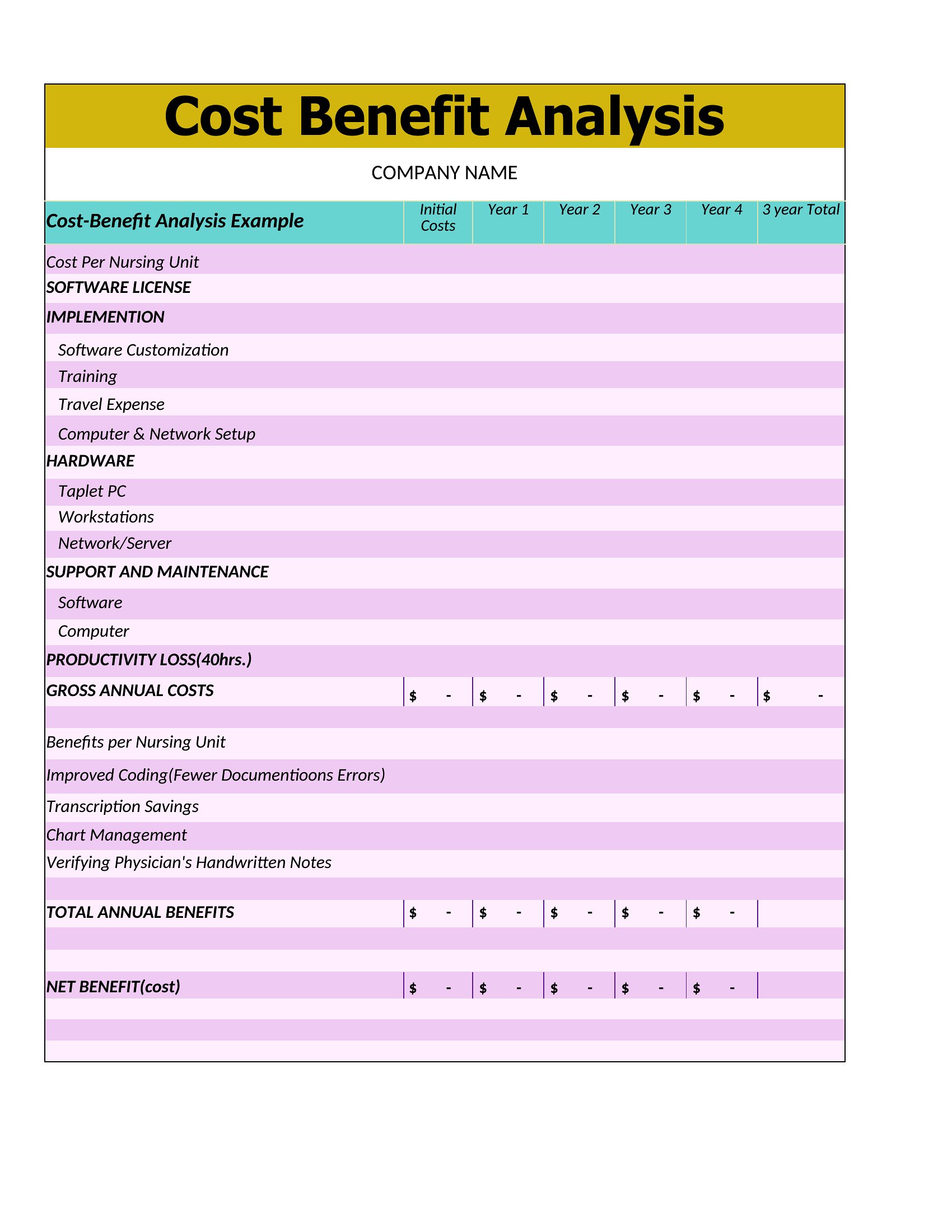
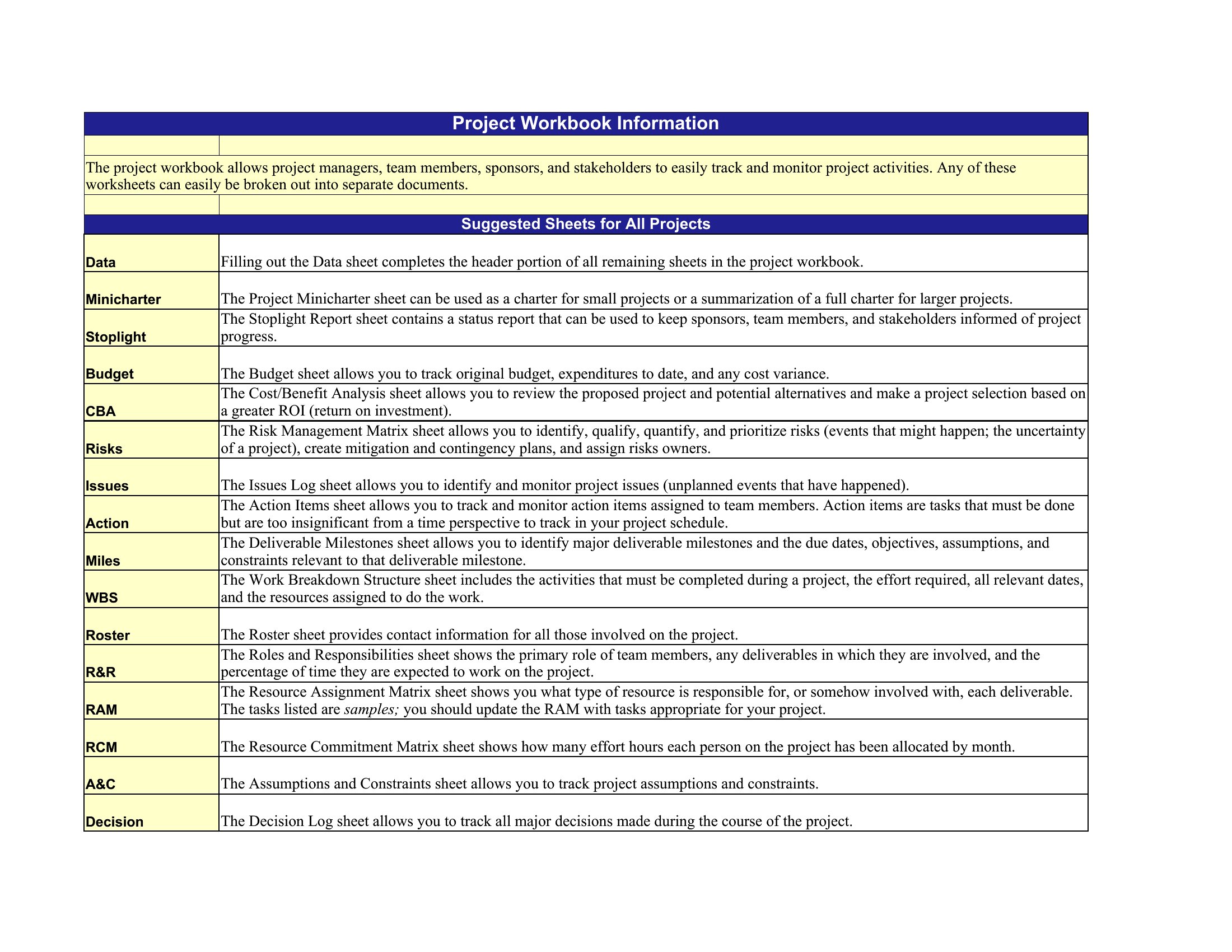
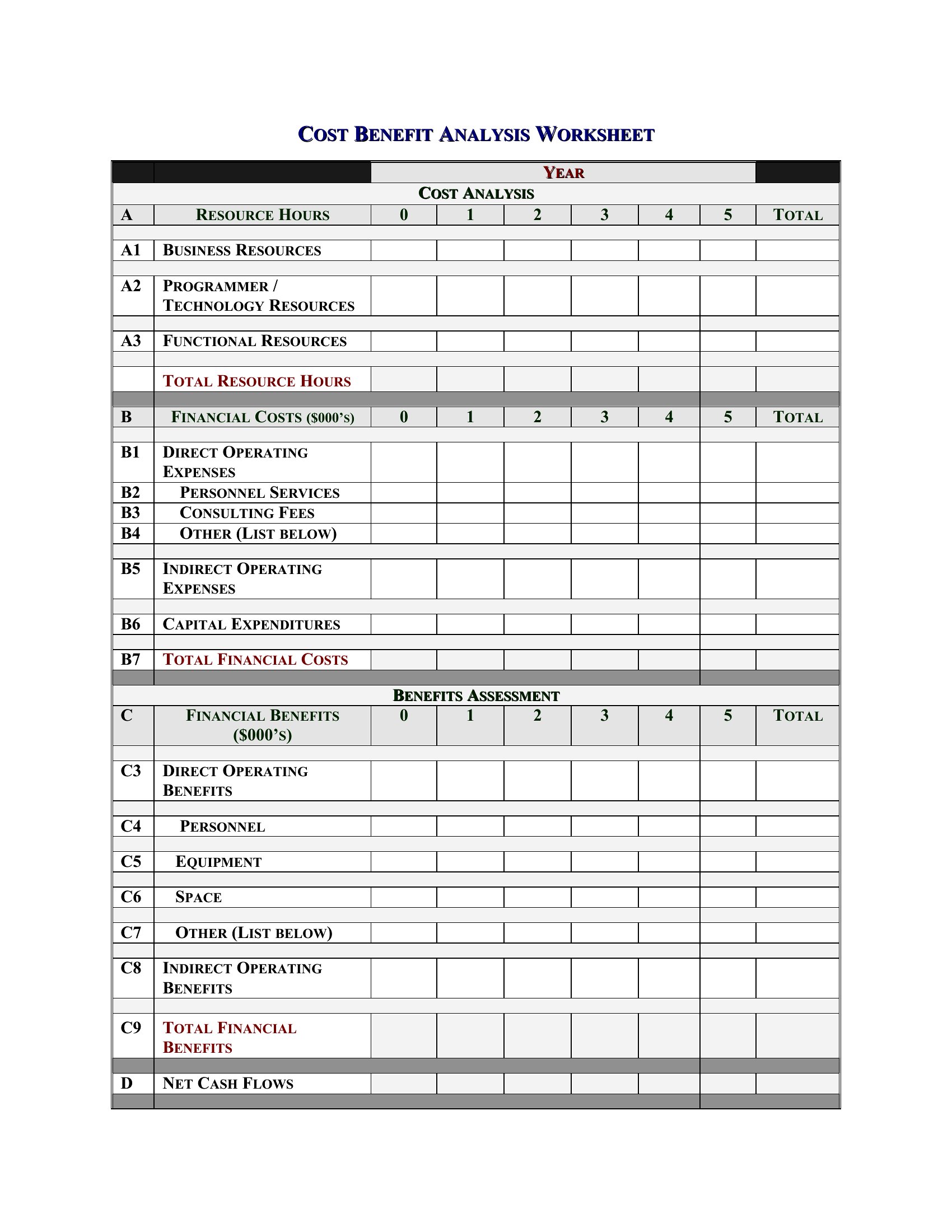
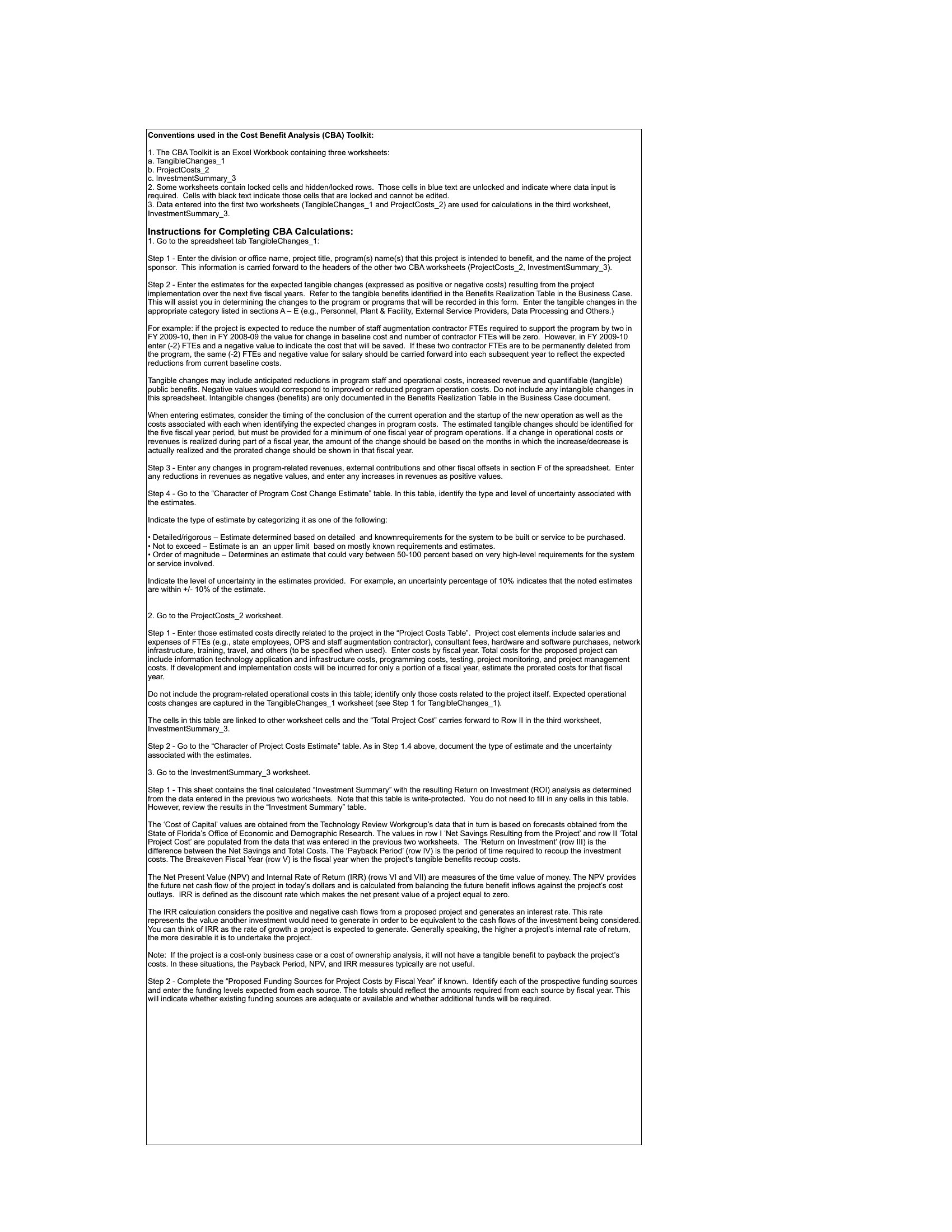
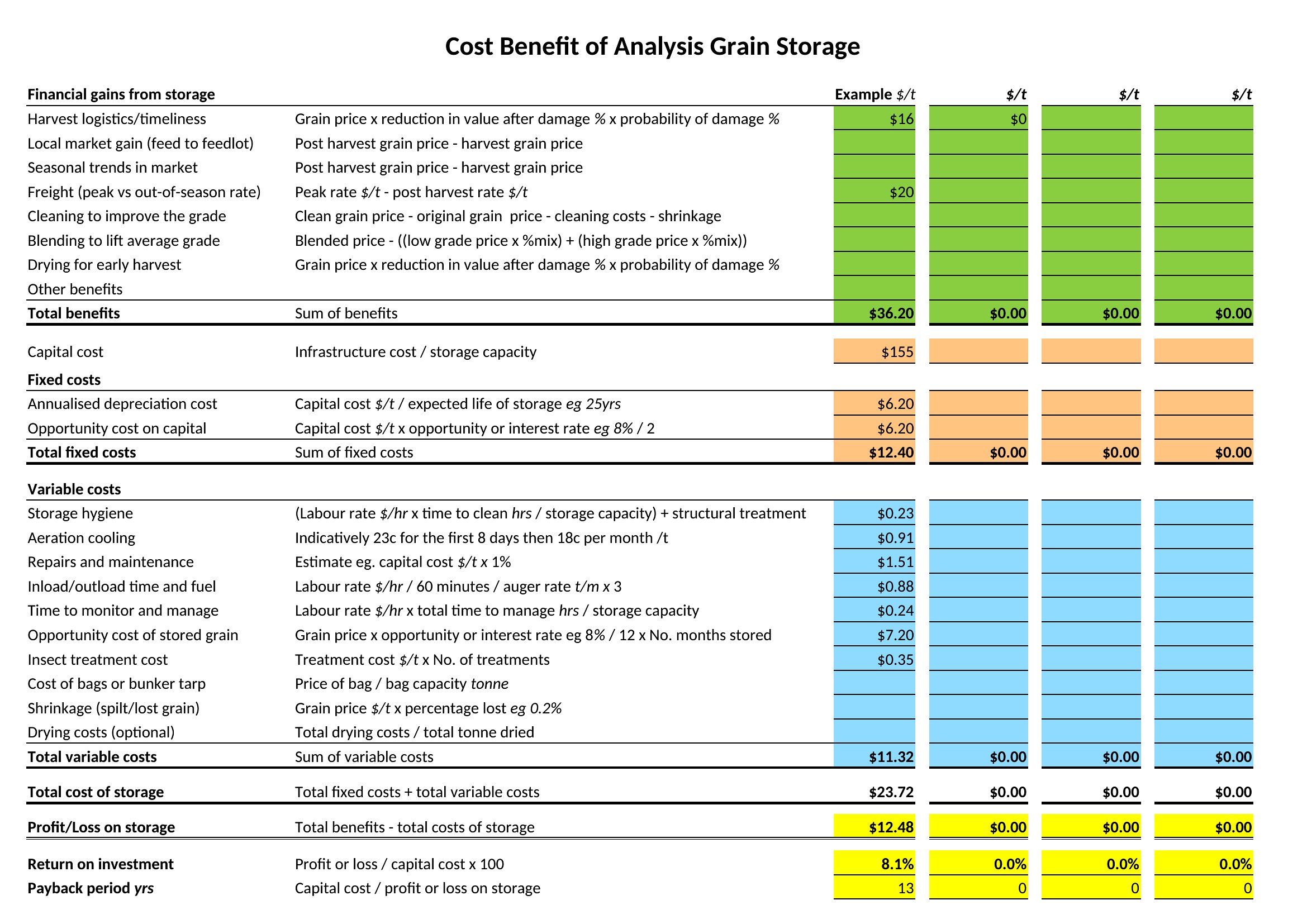
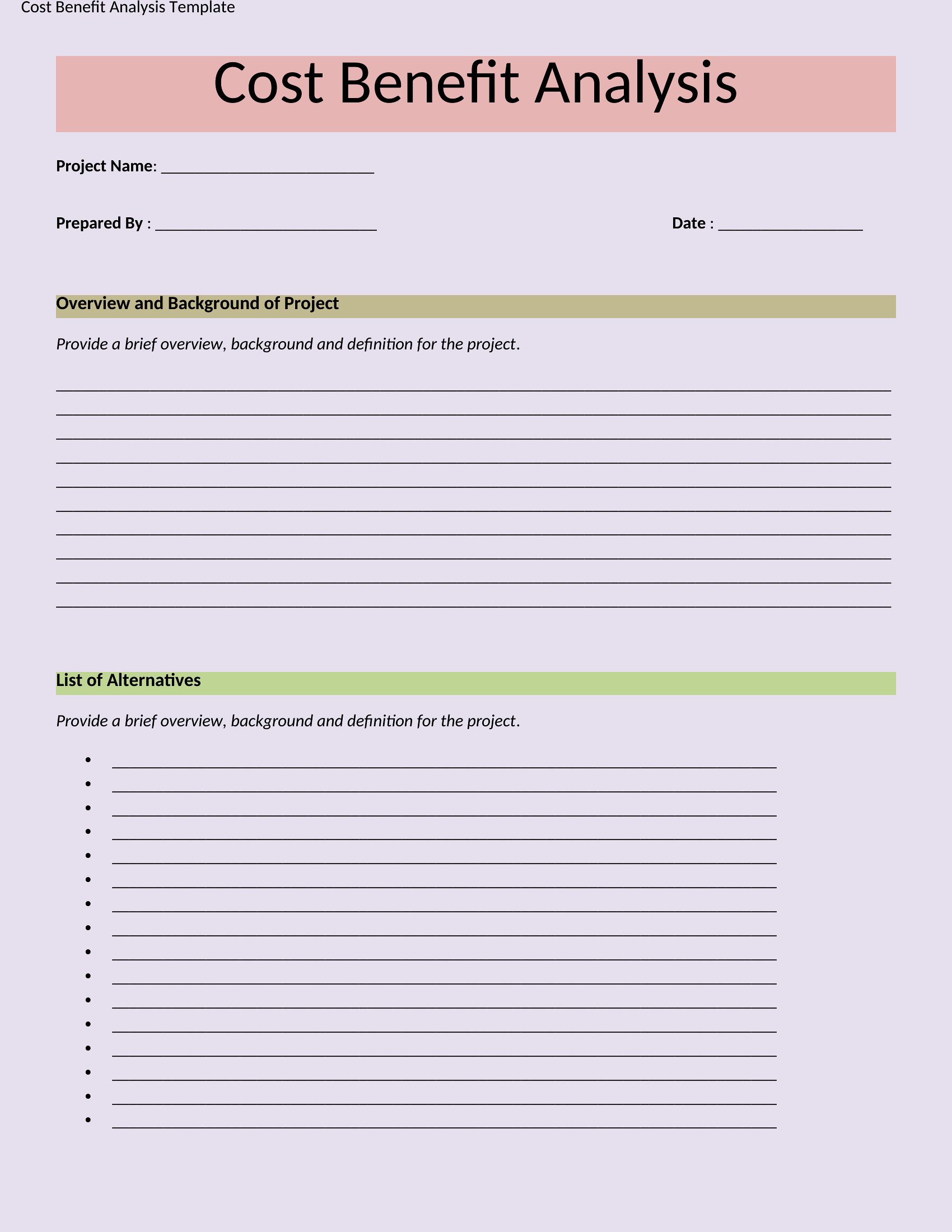
AnalysisBig decisions get easier when you can see the costs and the payoffs side by side. This set of 44 cost-benefit analysis templates helps managers, students, and project leads weigh options clearly, with structures for listing expenses, benefits, and the bottom-line comparison. Whether it's a purchase, a project, or a policy, you can lay out the numbers in one place.
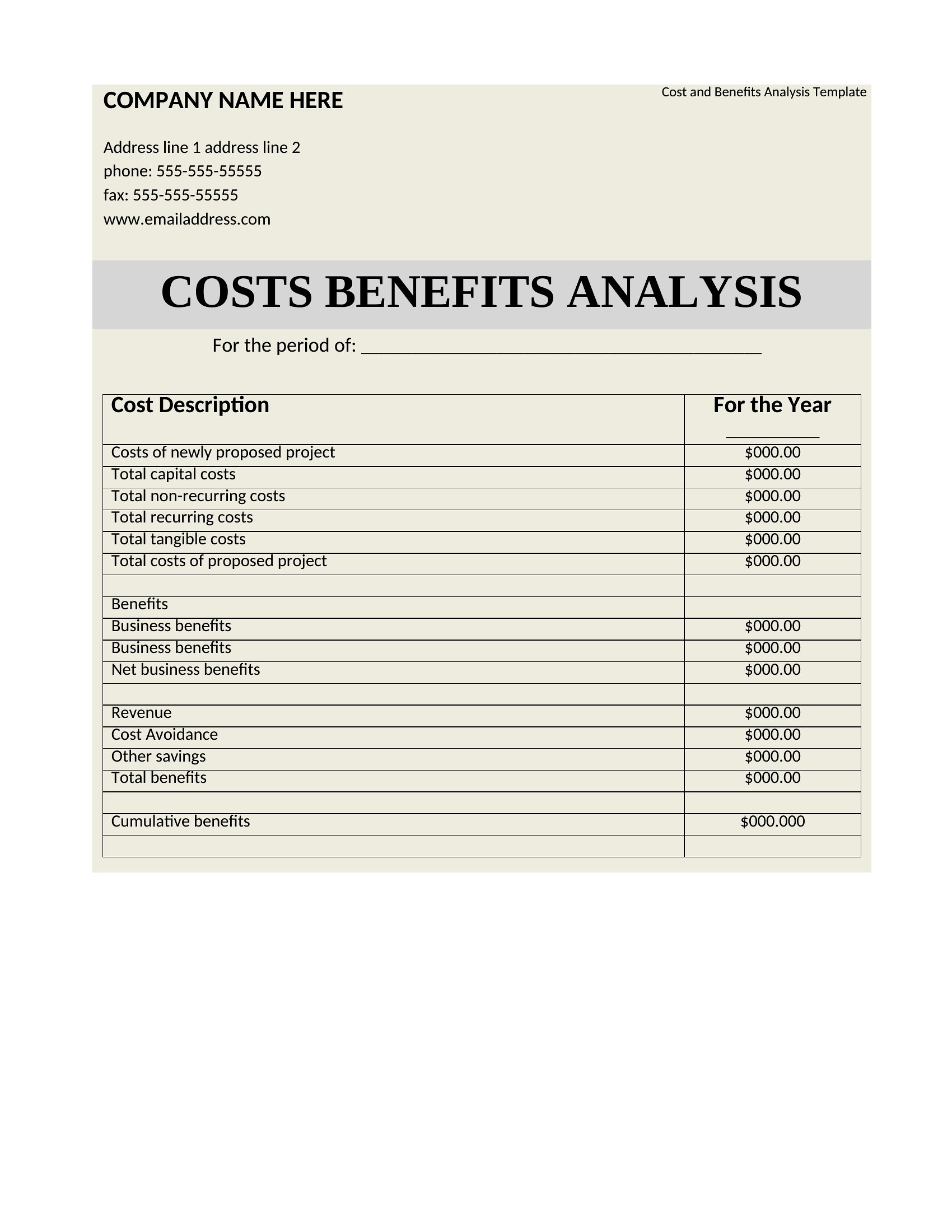
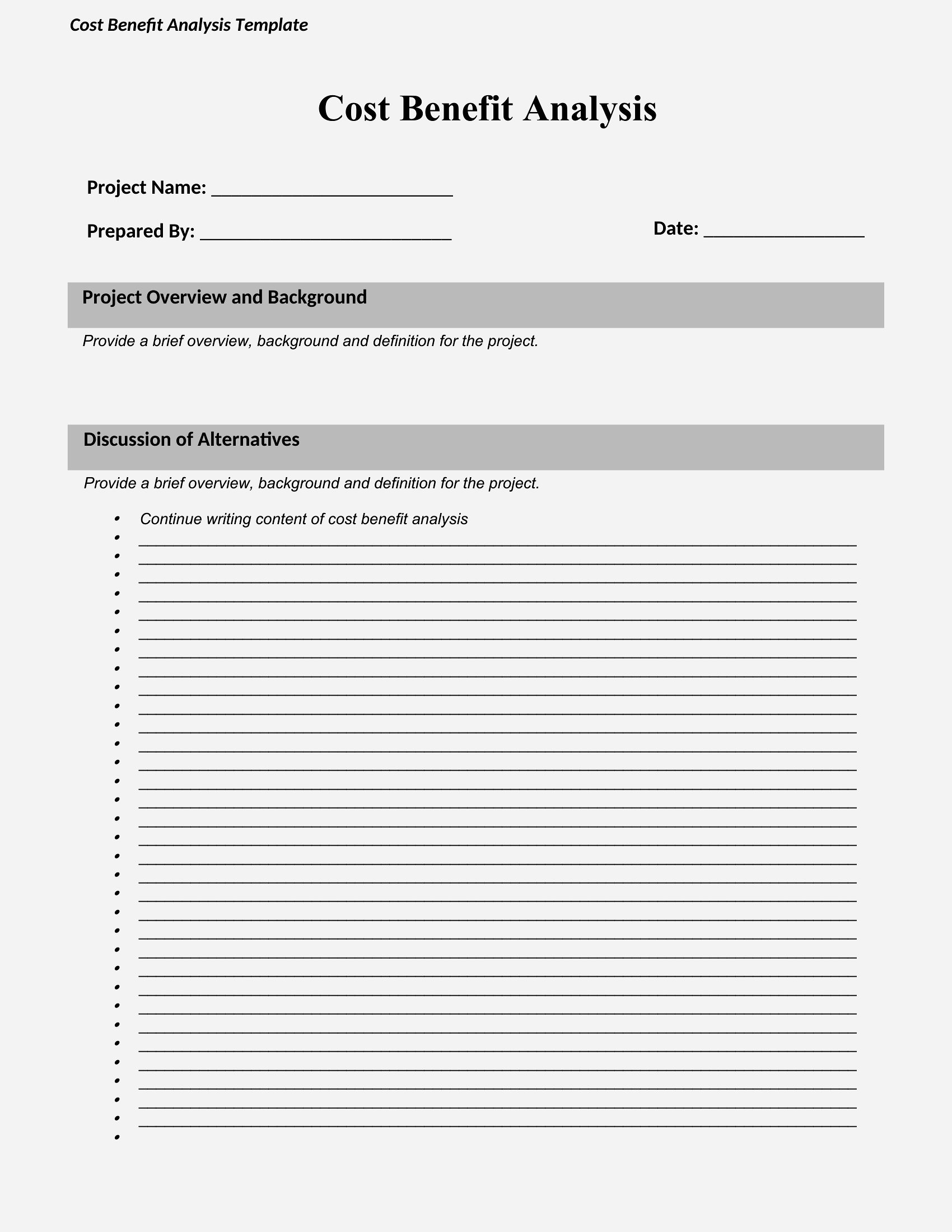
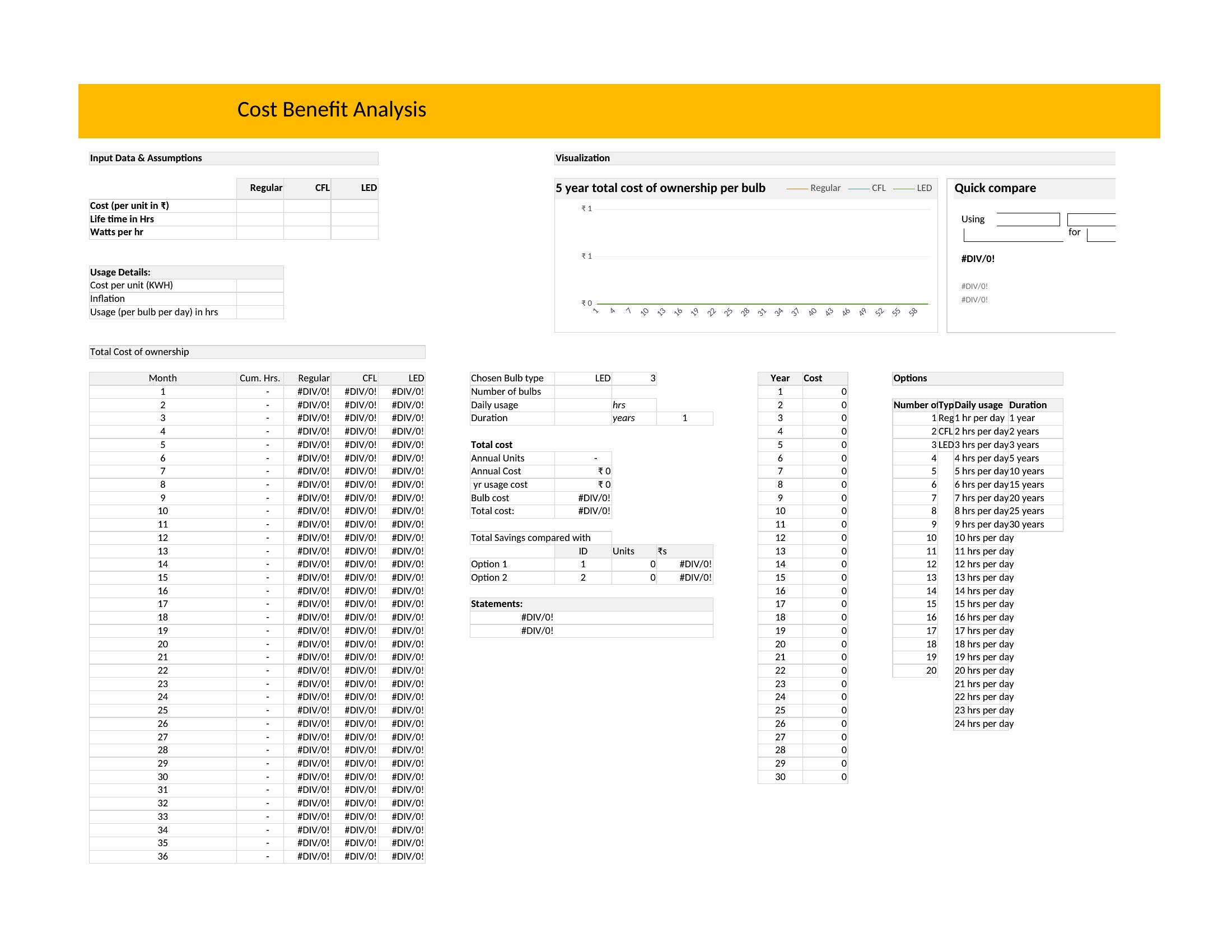
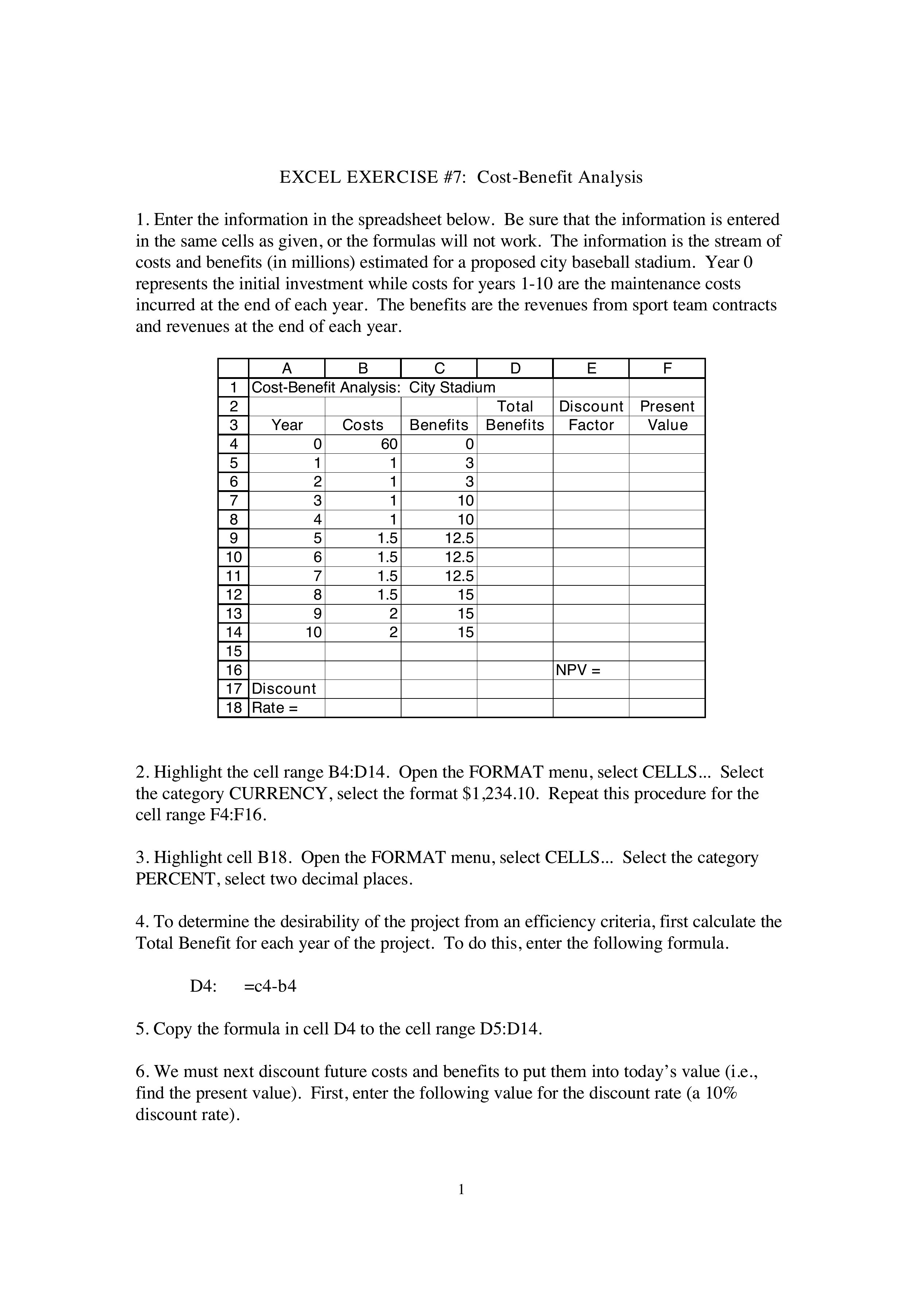
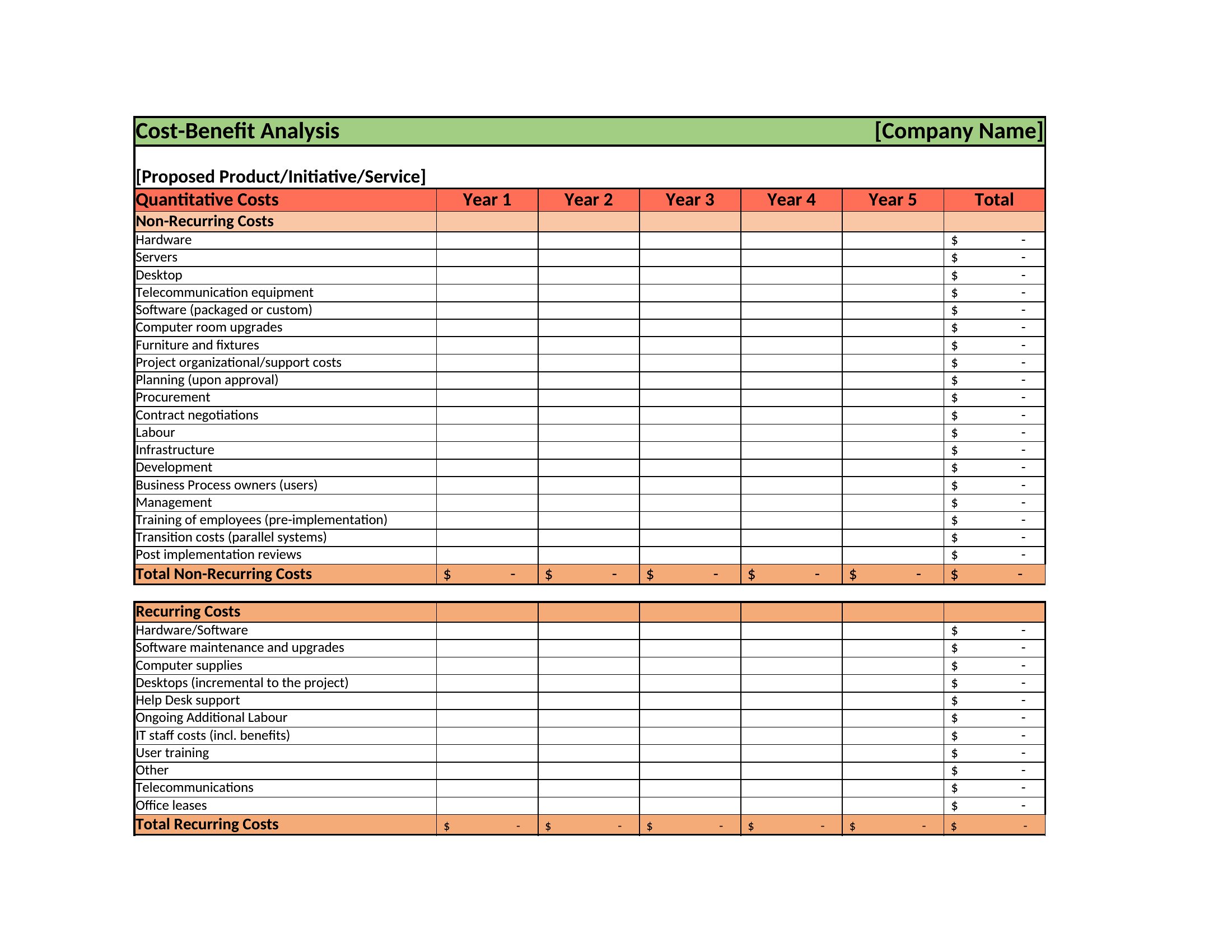
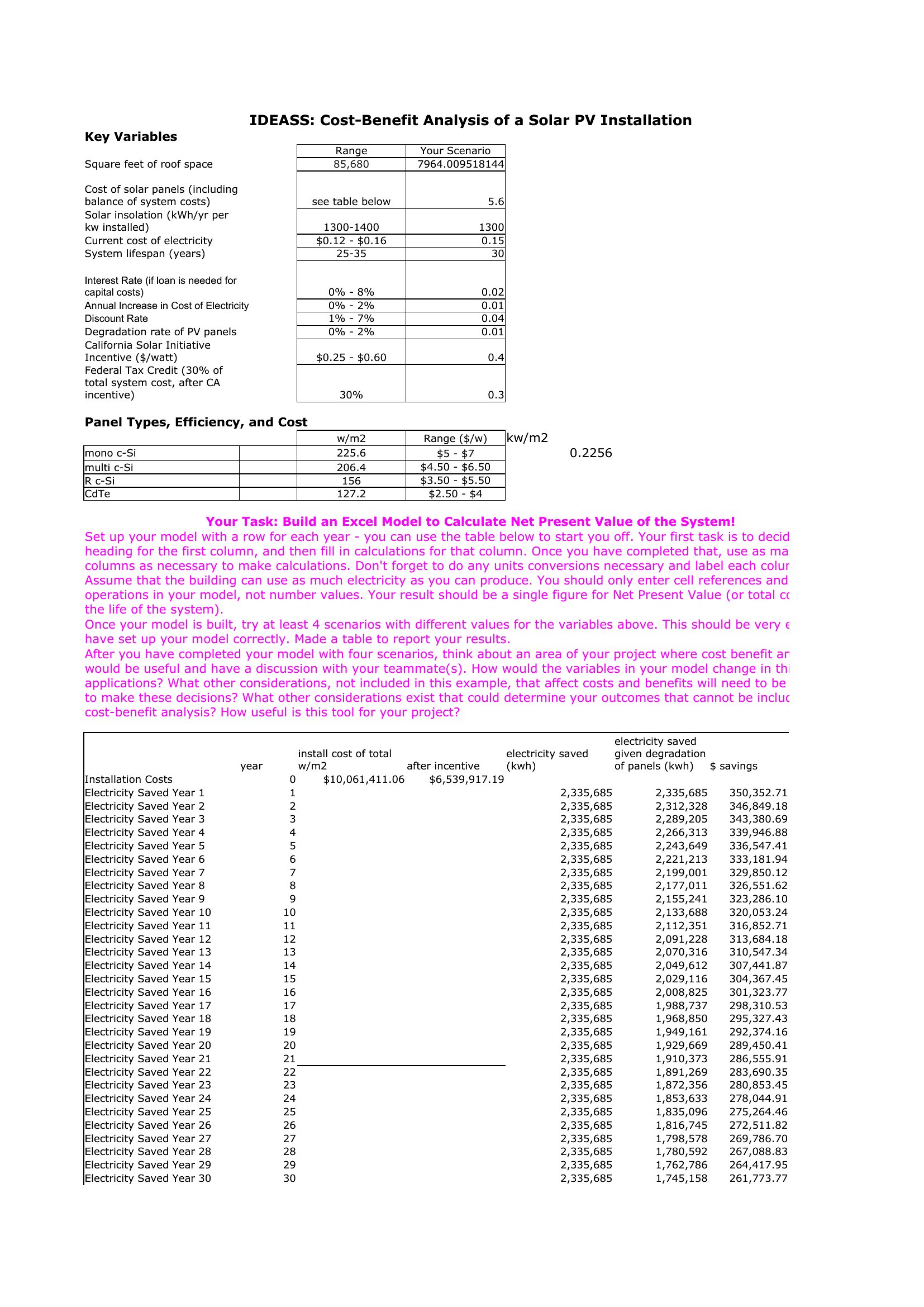
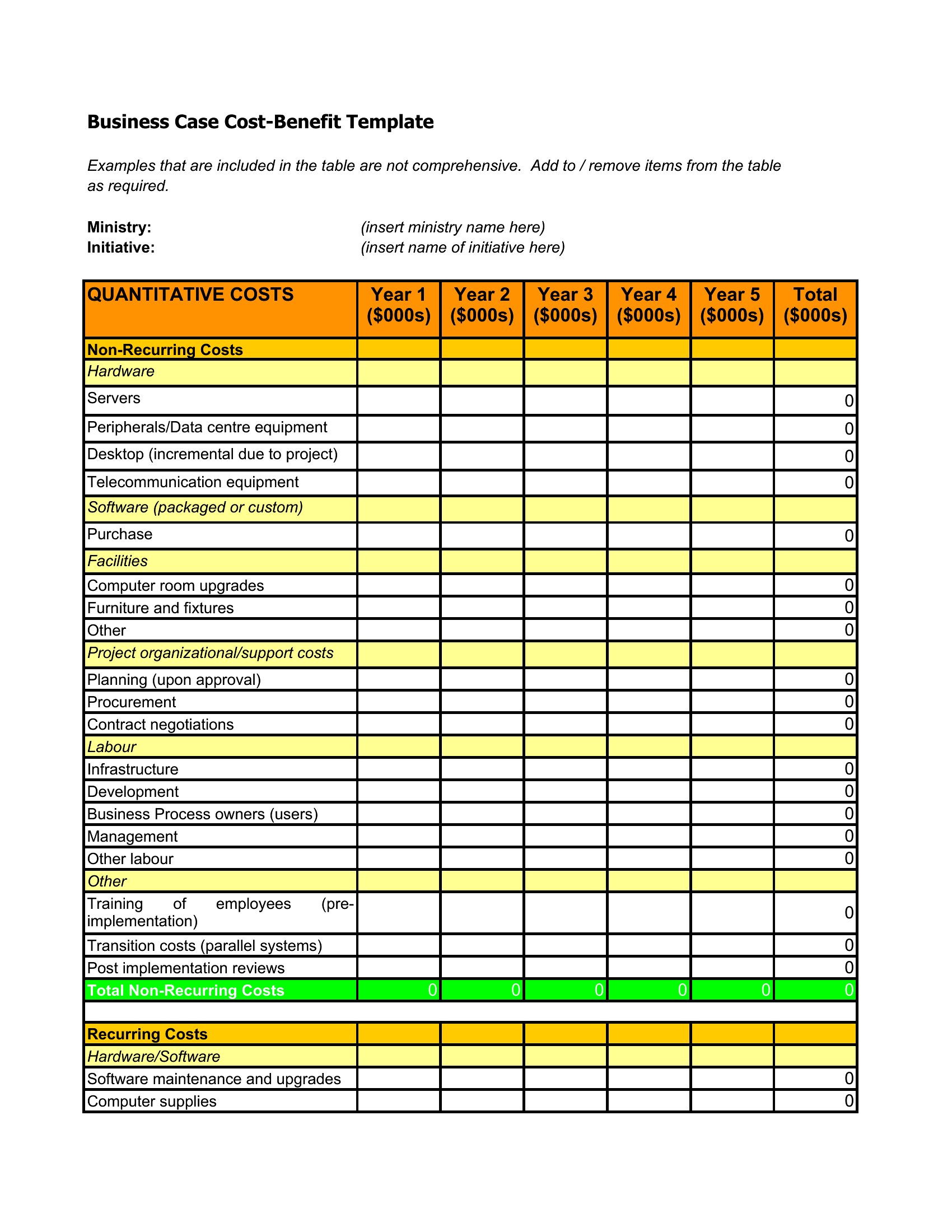
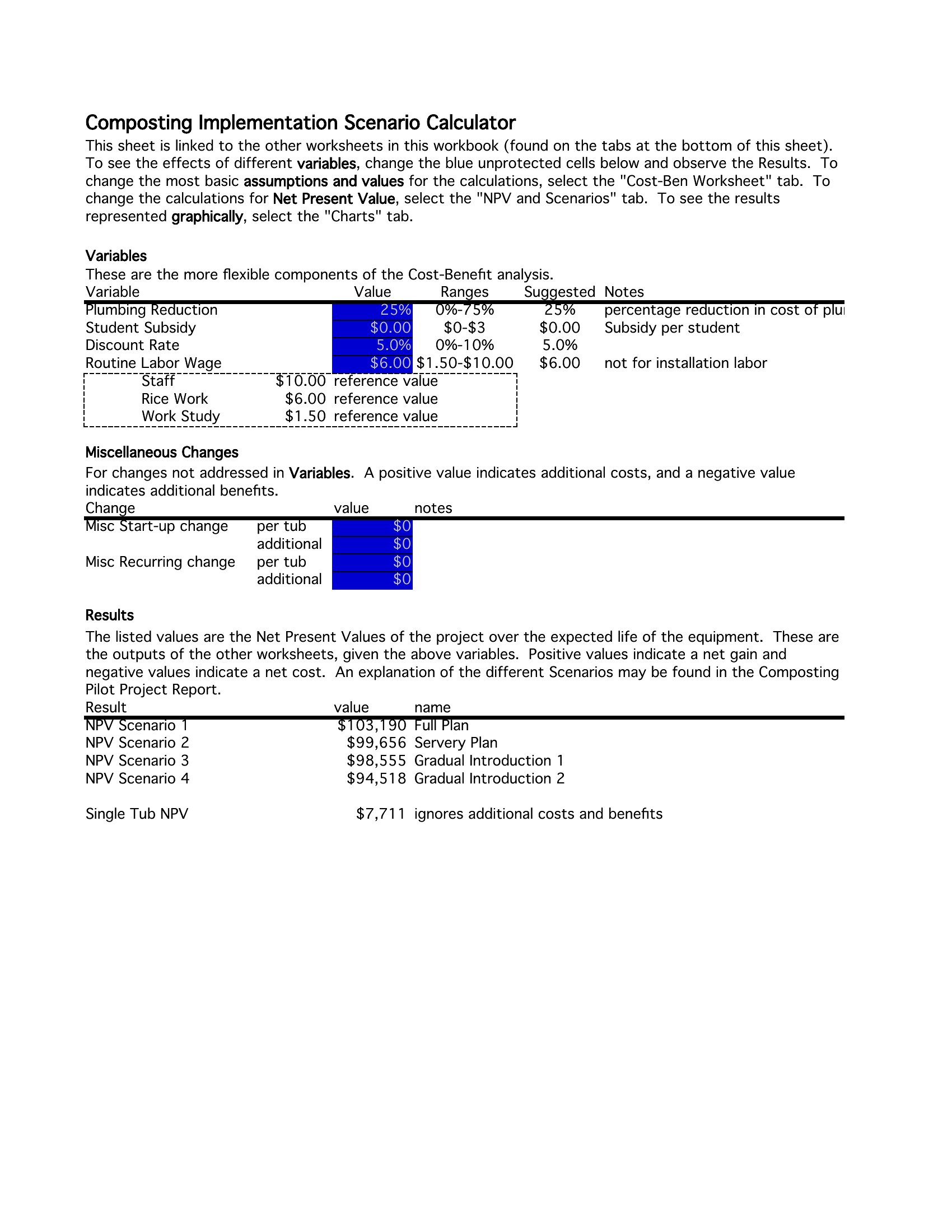
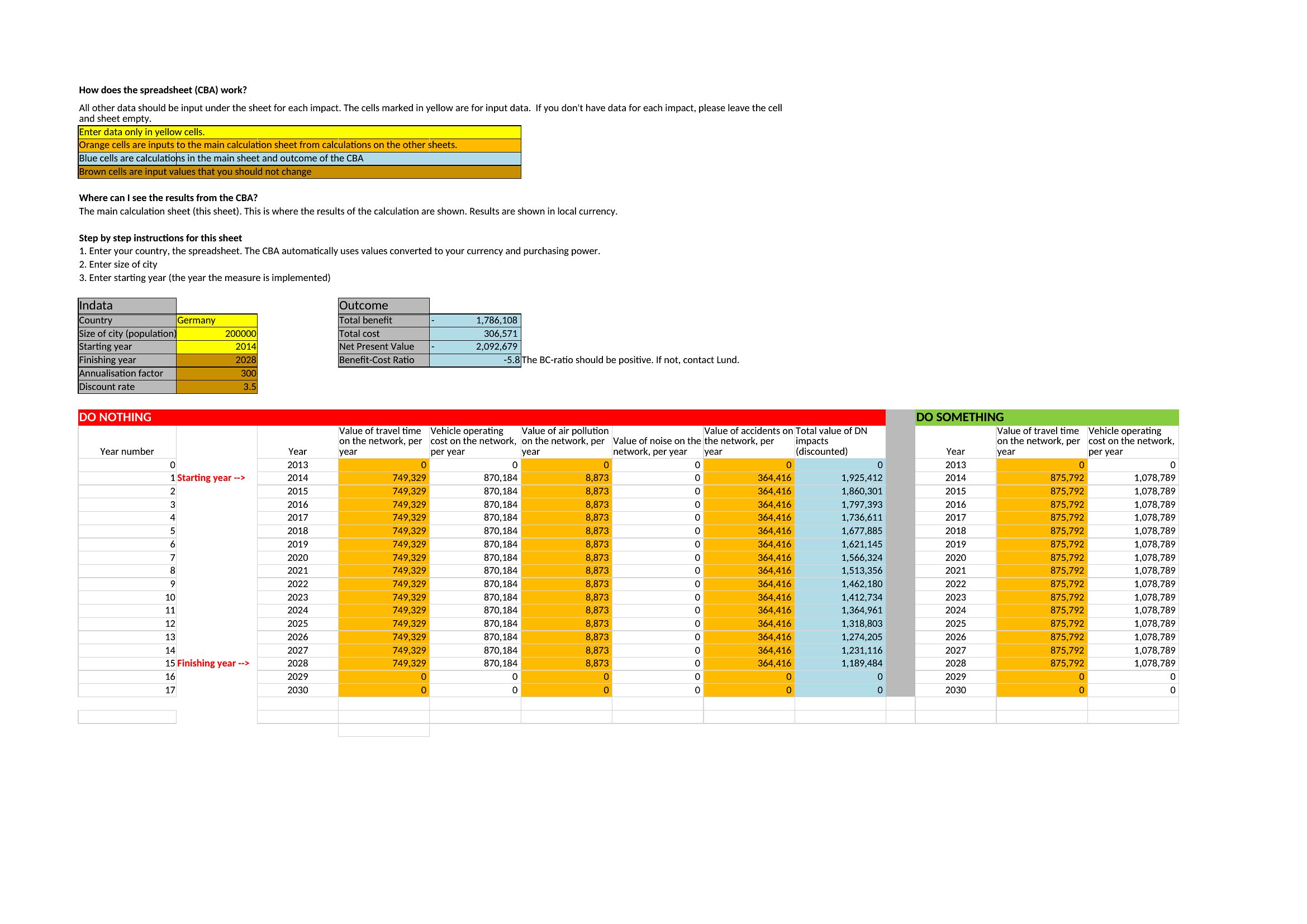
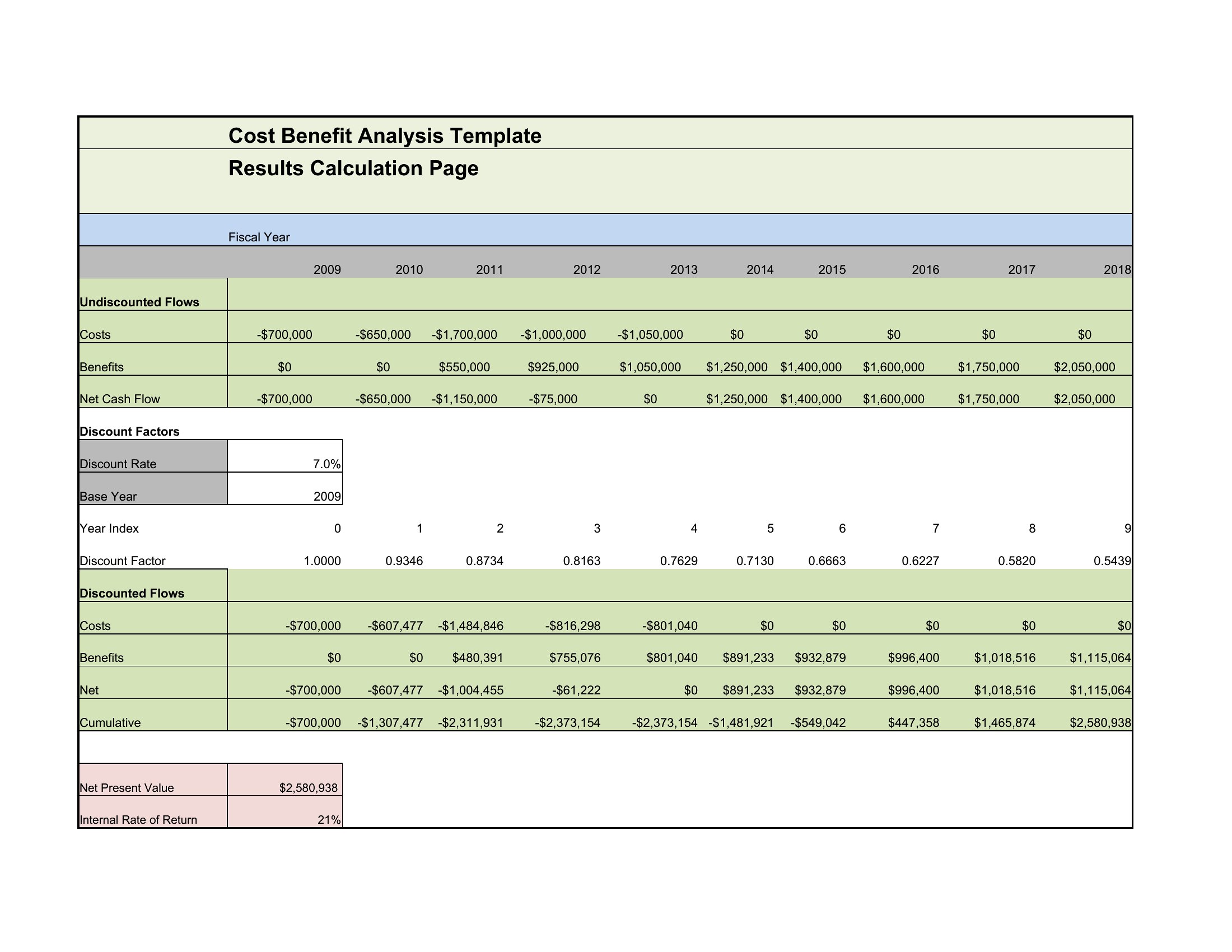
You'll find layouts in Word and PDF for written analyses, plus Excel sheets that total and compare figures automatically as you type. Plug in your own data, adjust the categories, and the result makes the trade-offs obvious. Download the format that fits your decision and let the numbers do the arguing.
When to use this Cost-Benefit Analysis template
- A hospital administrator evaluating whether to upgrade outdated medical imaging equipment should use these templates to compare upfront costs against long-term patient care improvements and efficiency gains. The side-by-side format makes it easier to justify budget requests to stakeholders.
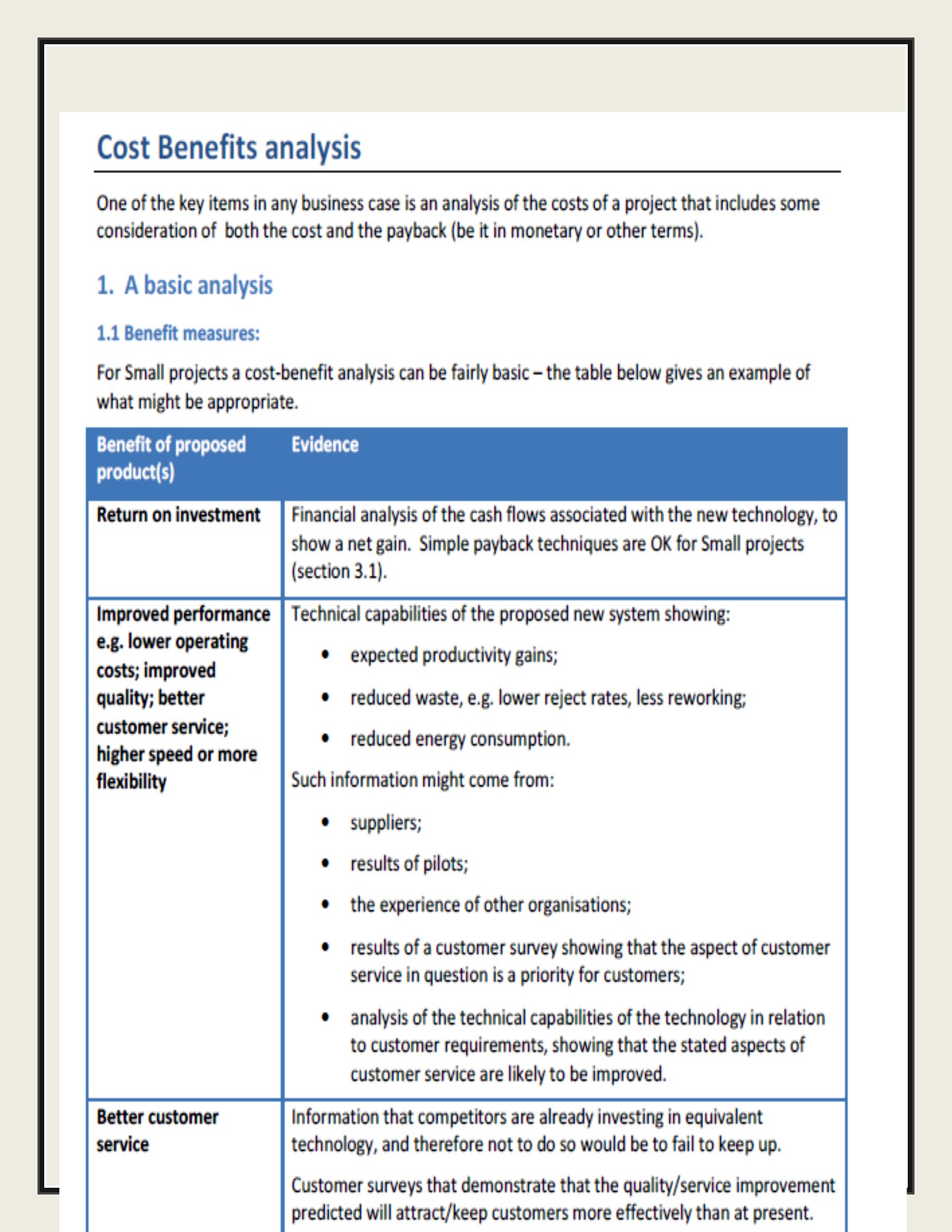
- A small business owner deciding between leasing or purchasing new machinery can organize repair costs, operational savings, and financing options in one place, helping them determine the most financially sustainable choice over three years.
- Project managers reviewing whether to outsource a software development phase can input the tangible costs of contractors against the intangible benefits of faster delivery or specialized expertise, ensuring they align with team bandwidth and deadlines.
- A city council member assessing the viability of a new public transit route can structure the analysis to weigh construction expenses against projected ridership, reduced traffic congestion, and potential economic development impacts for residents and local businesses.
Which format should I download?
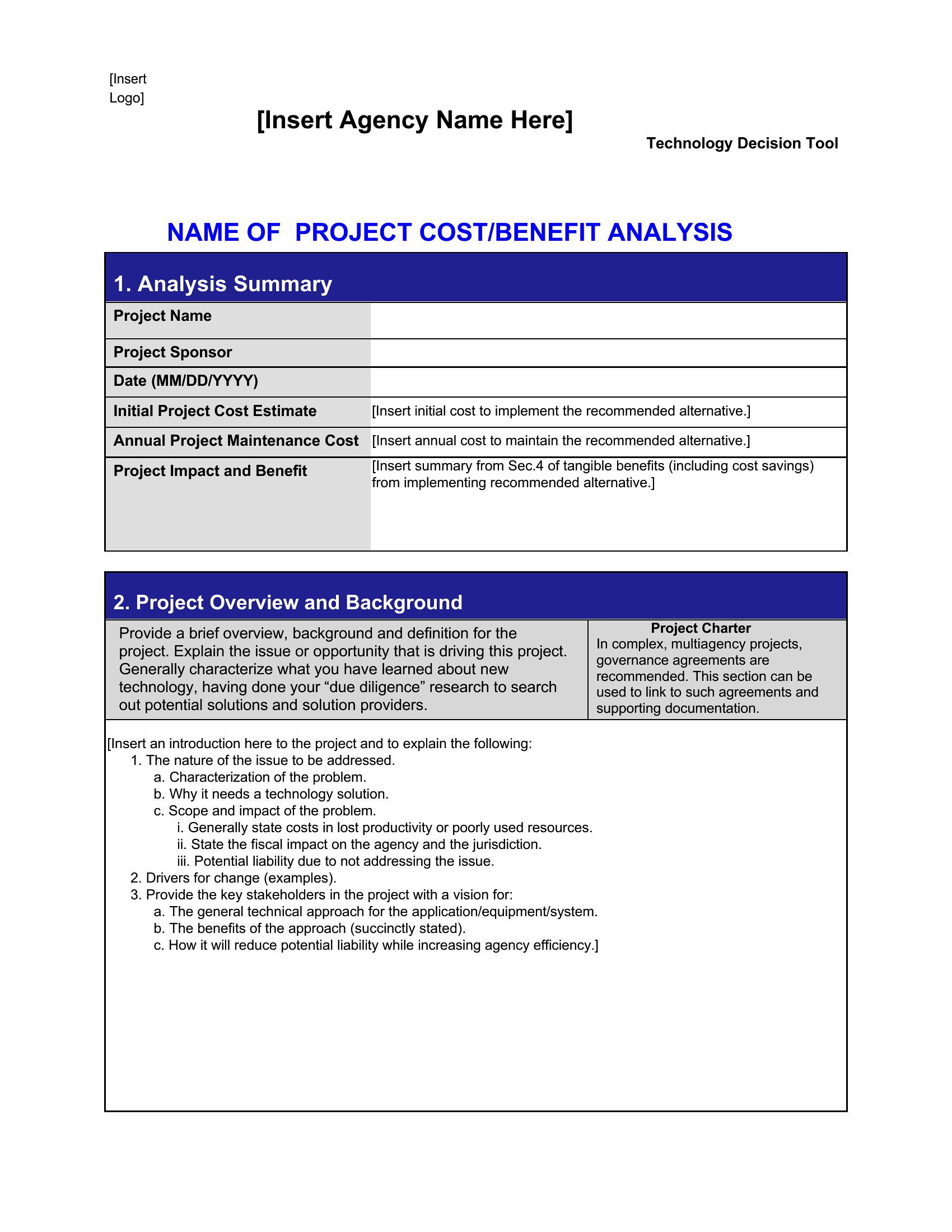
The Word format is ideal when you need to collaborate with colleagues who prefer editable text or require a polished, branded document for presentations or reports. Choose Excel if your analysis involves complex calculations, multiple scenarios, or large datasets that require sorting and filtering. The PDF format is best for finalized summaries or sharing read-only results with stakeholders who don’t need to modify the data. Avoid PDF if you anticipate revisions, as it lacks editing capabilities.
Choose from 44 Cost-Benefit Analysis Templates
How to use this Cost-Benefit Analysis template
How can I make my cost-benefit analysis more persuasive for decision-makers who aren’t familiar with financial data?
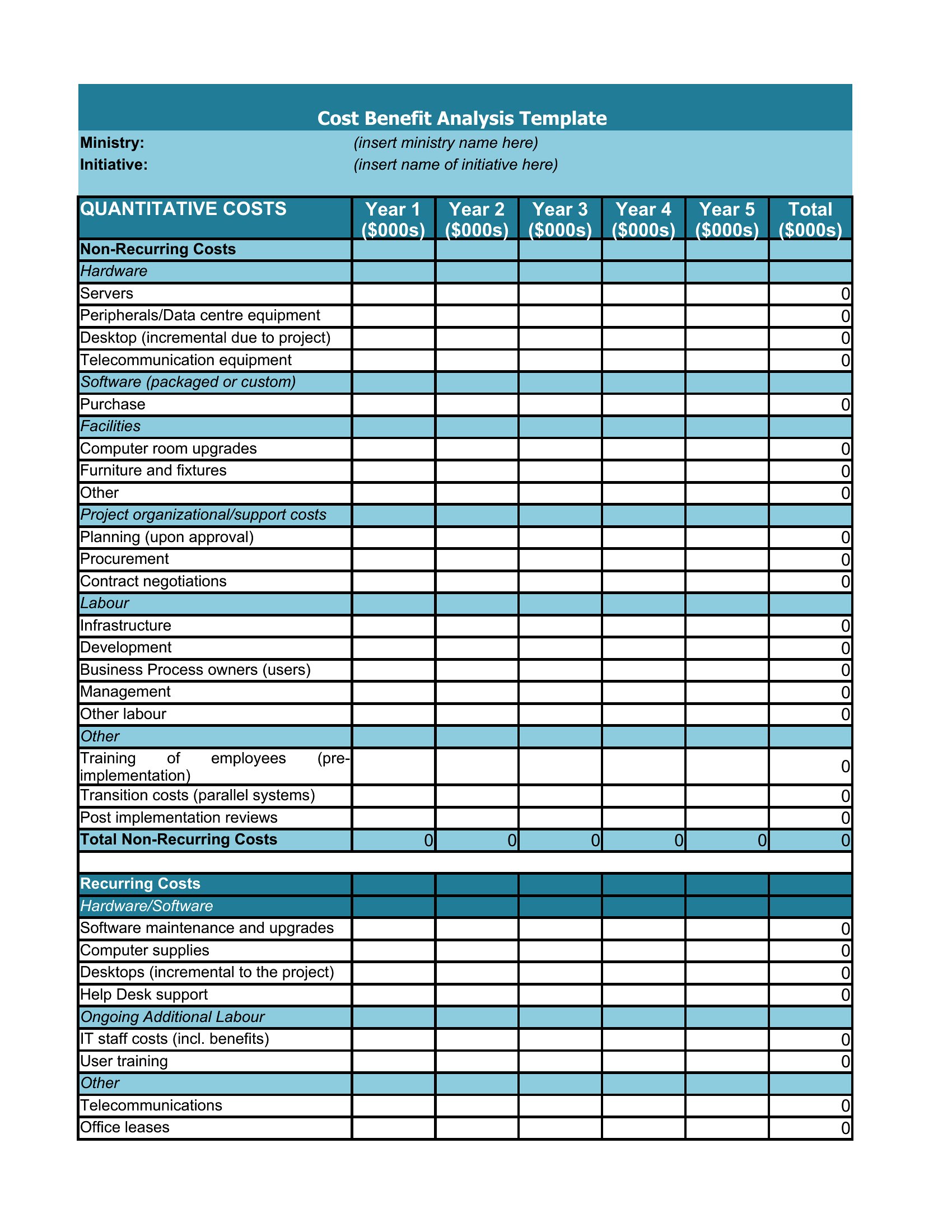
Start by focusing on qualitative benefits—like improved safety, employee morale, or community satisfaction—that align with the stakeholders’ priorities. Use visual aids in Word or Excel to highlight key ratios (e.g., cost per unit of benefit) and include a brief executive summary with plain-language takeaways. Many templates in this collection include sections for intangible factors, so emphasize those where the data is less clear-cut.
What’s the best way to handle uncertain or estimated costs in my analysis?
Clearly label estimated figures as projections and include a sensitivity analysis in Excel if possible, showing how changes in assumptions (e.g., a 10% increase in material costs) would affect the bottom line. In Word or PDF, use footnotes to explain the reasoning behind your estimates. This transparency builds credibility, especially when presenting to skeptical audiences. Many templates provide space for risk assessment alongside cost and benefit columns.
Should I include indirect costs like lost productivity or opportunity costs in my analysis, even if they’re hard to quantify?
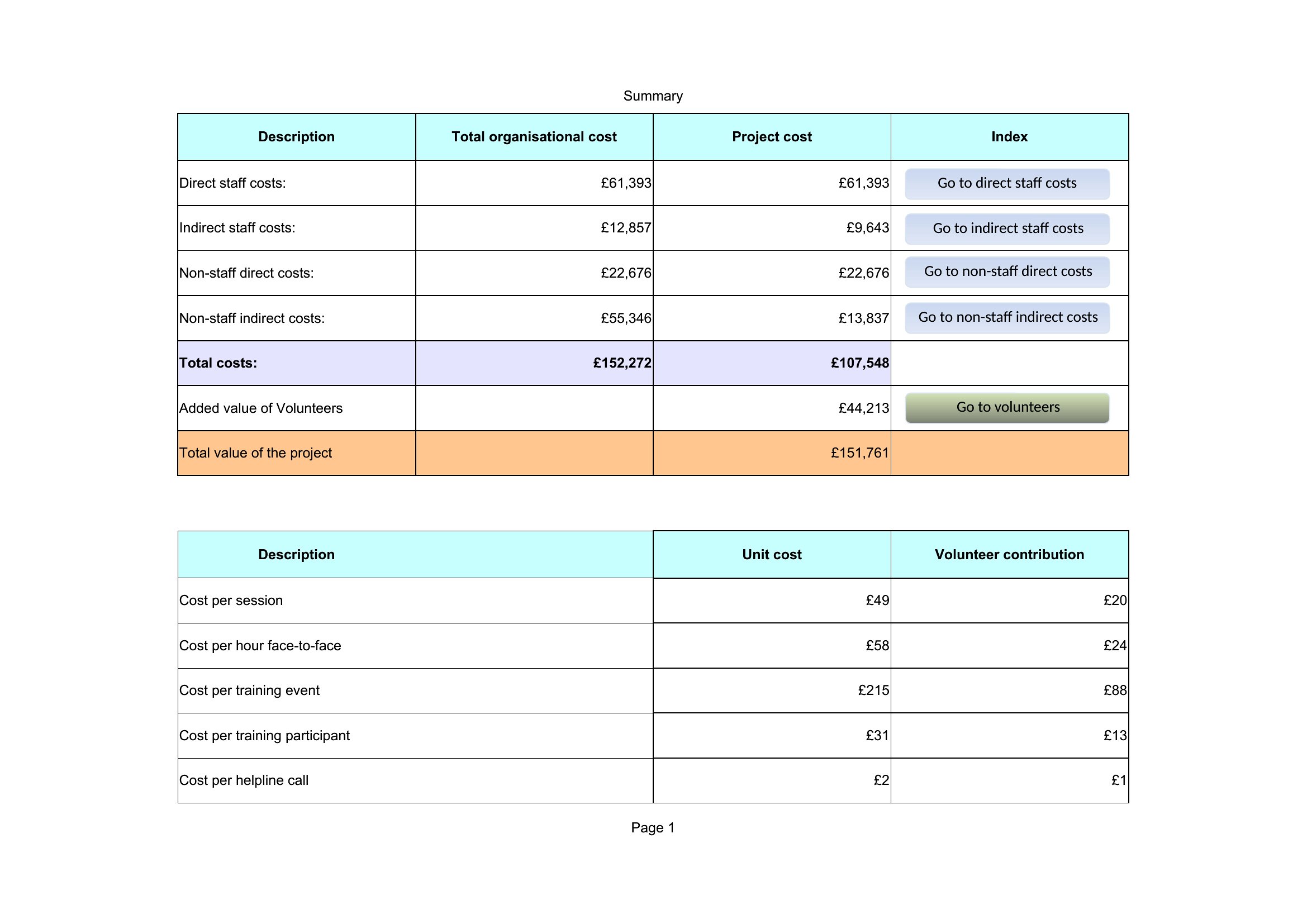
Yes, but assign a conservative estimate or note them as qualitative factors. For example, if a project delays a revenue-generating initiative, estimate the lost income range based on historical data. In Word or PDF, describe these indirectly in a separate section labeled ‘Additional Considerations’ to avoid skewing the numerical comparison. Excel allows you to create a ‘Best-Case/Worst-Case’ scenario tab for these variables, which adds rigor.
Comments
Join the conversation
Sign in to share your thoughts and leave a comment on this resource.