Free Contact Sheet Templates (Word, Excel)
DataTemplates
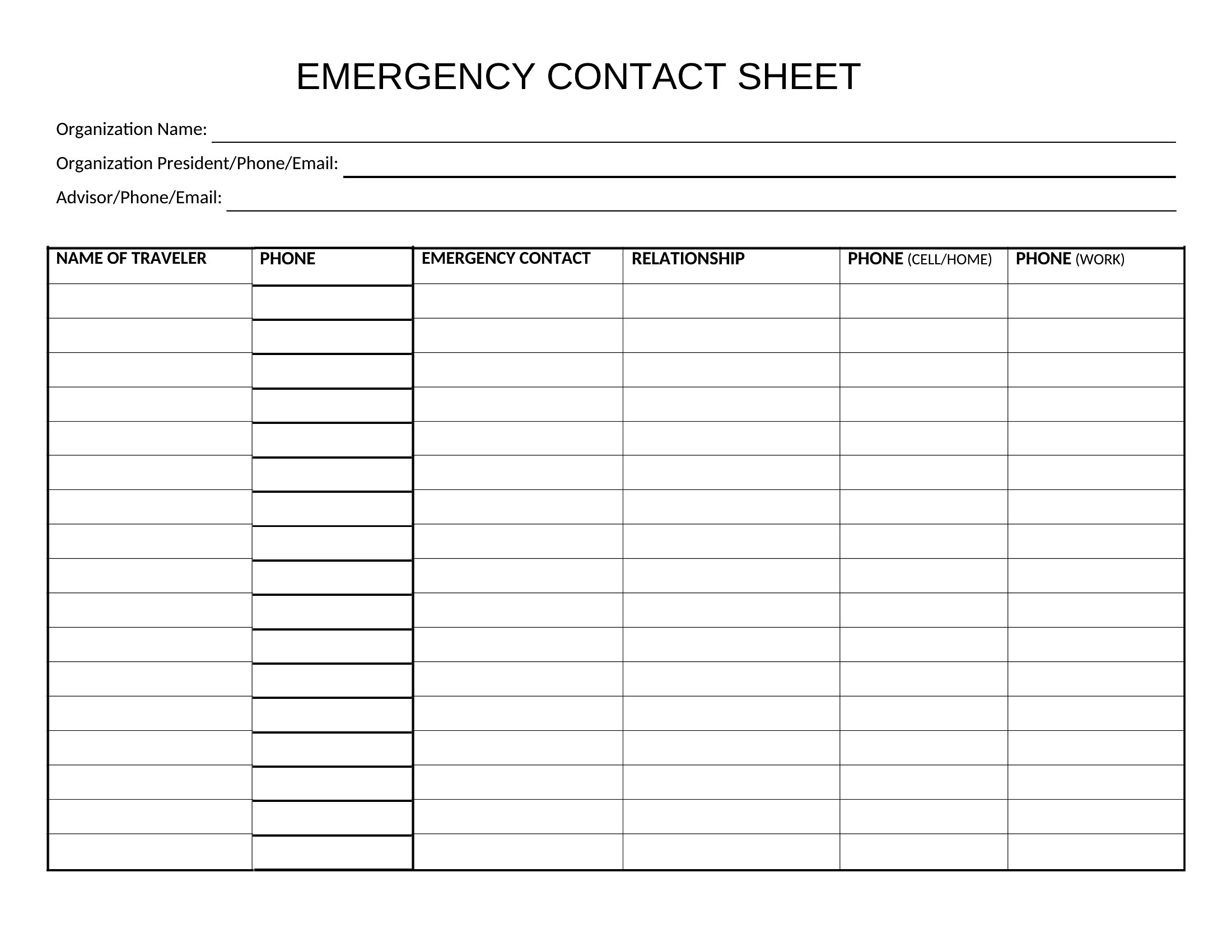
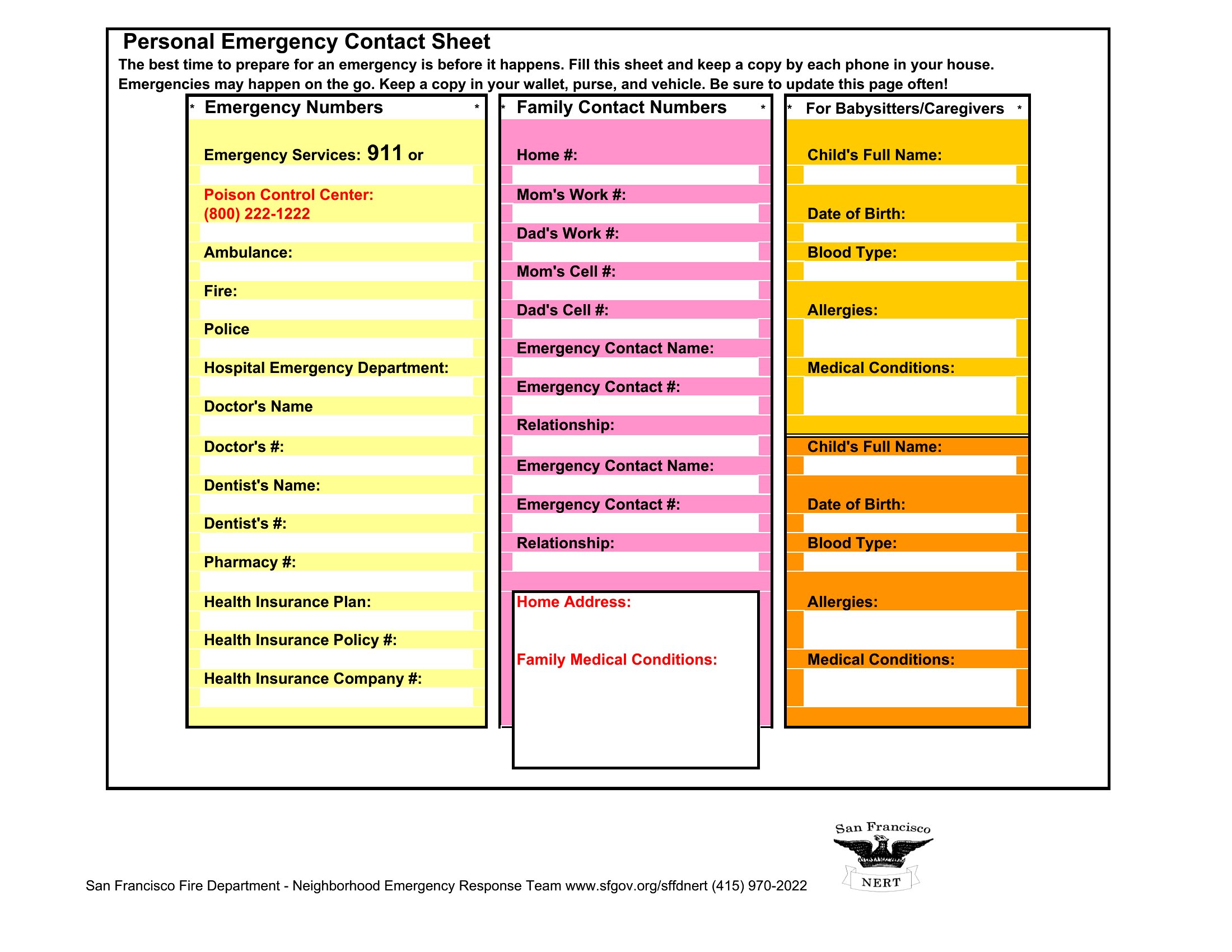
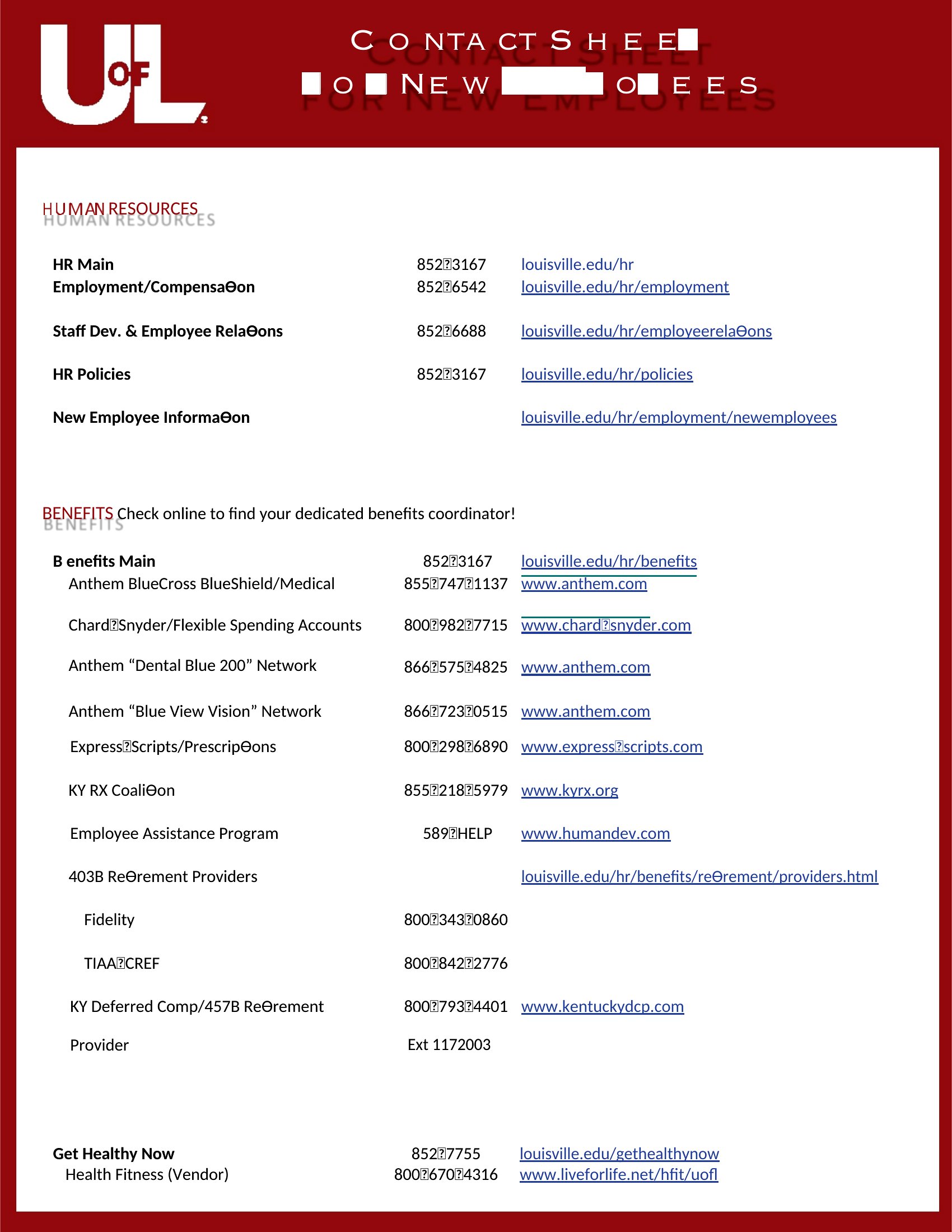
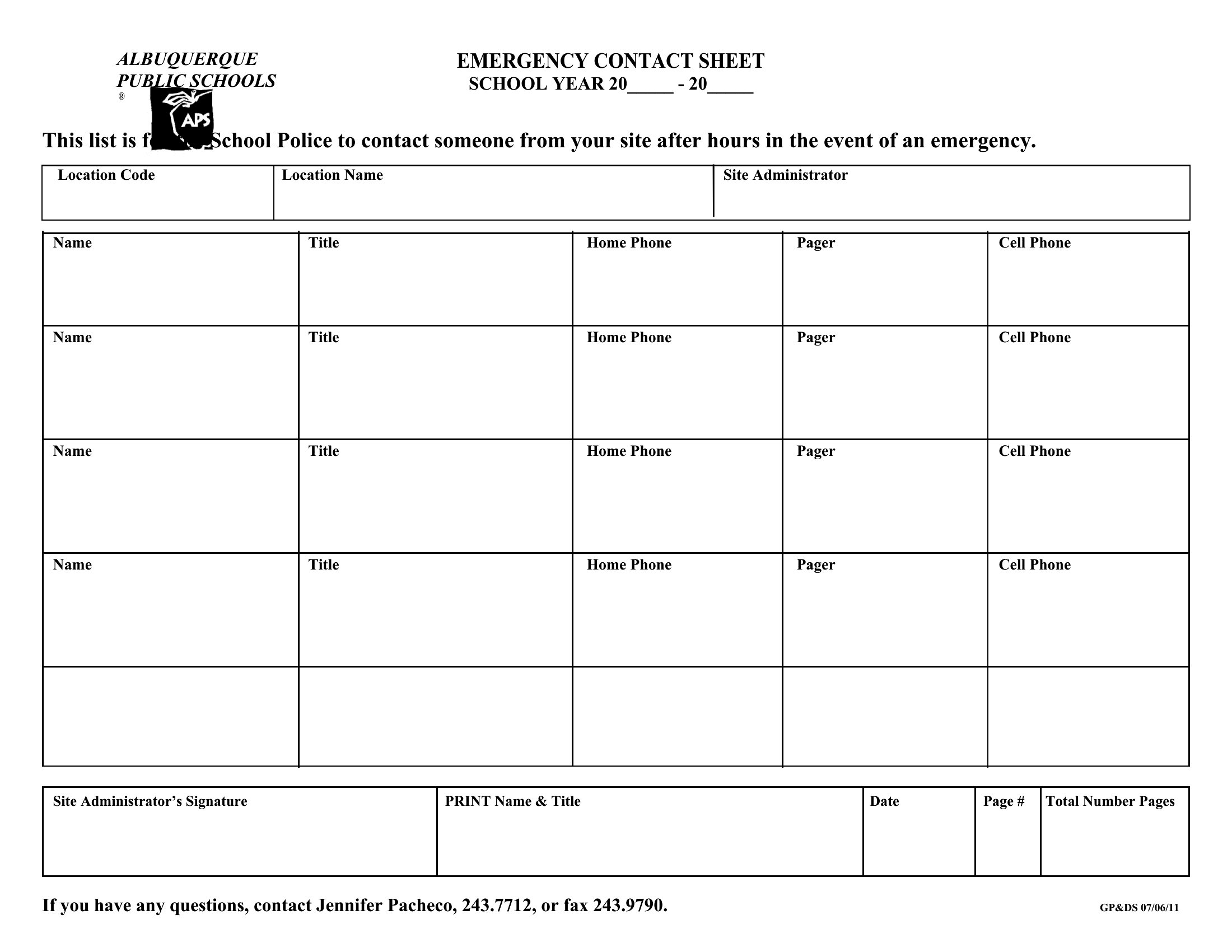
FAQ
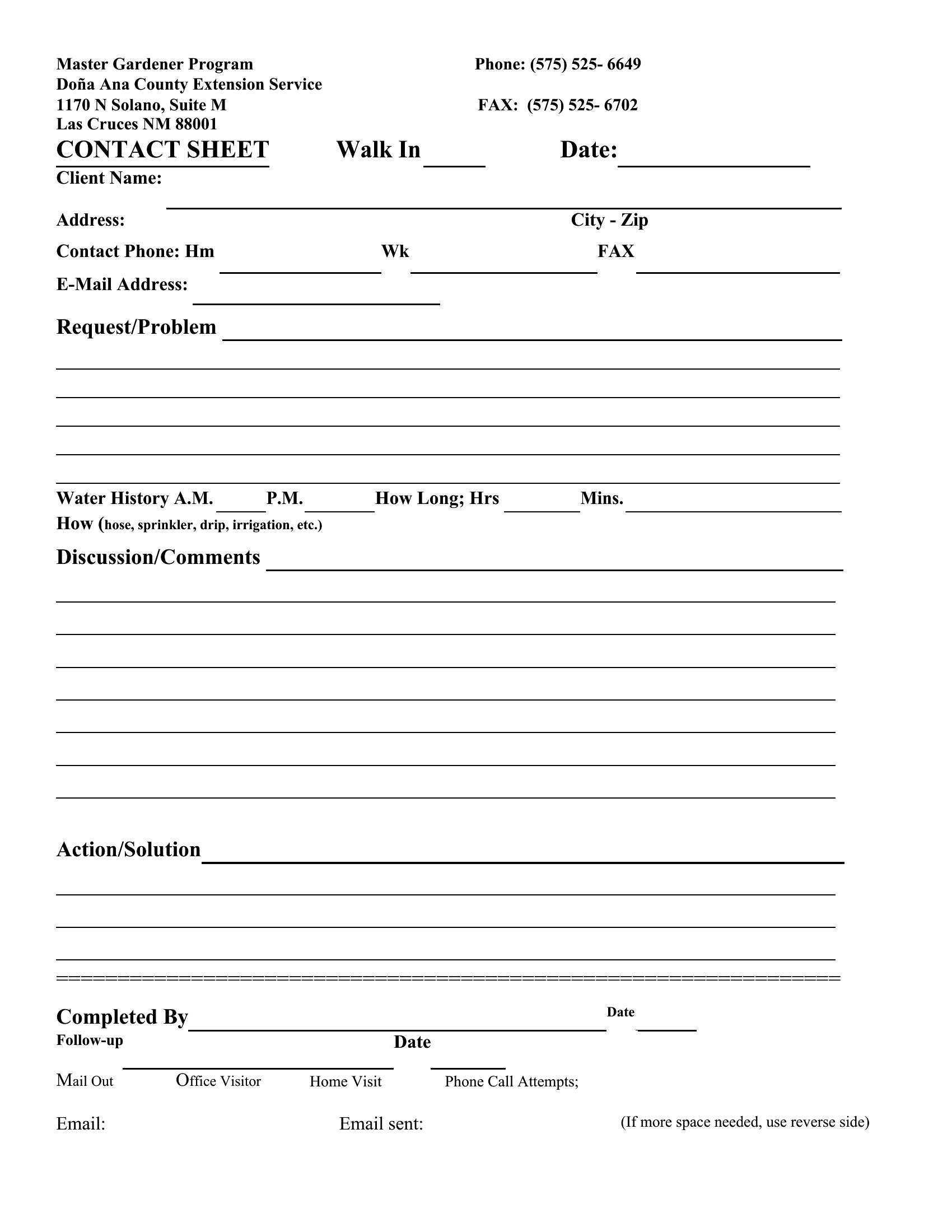
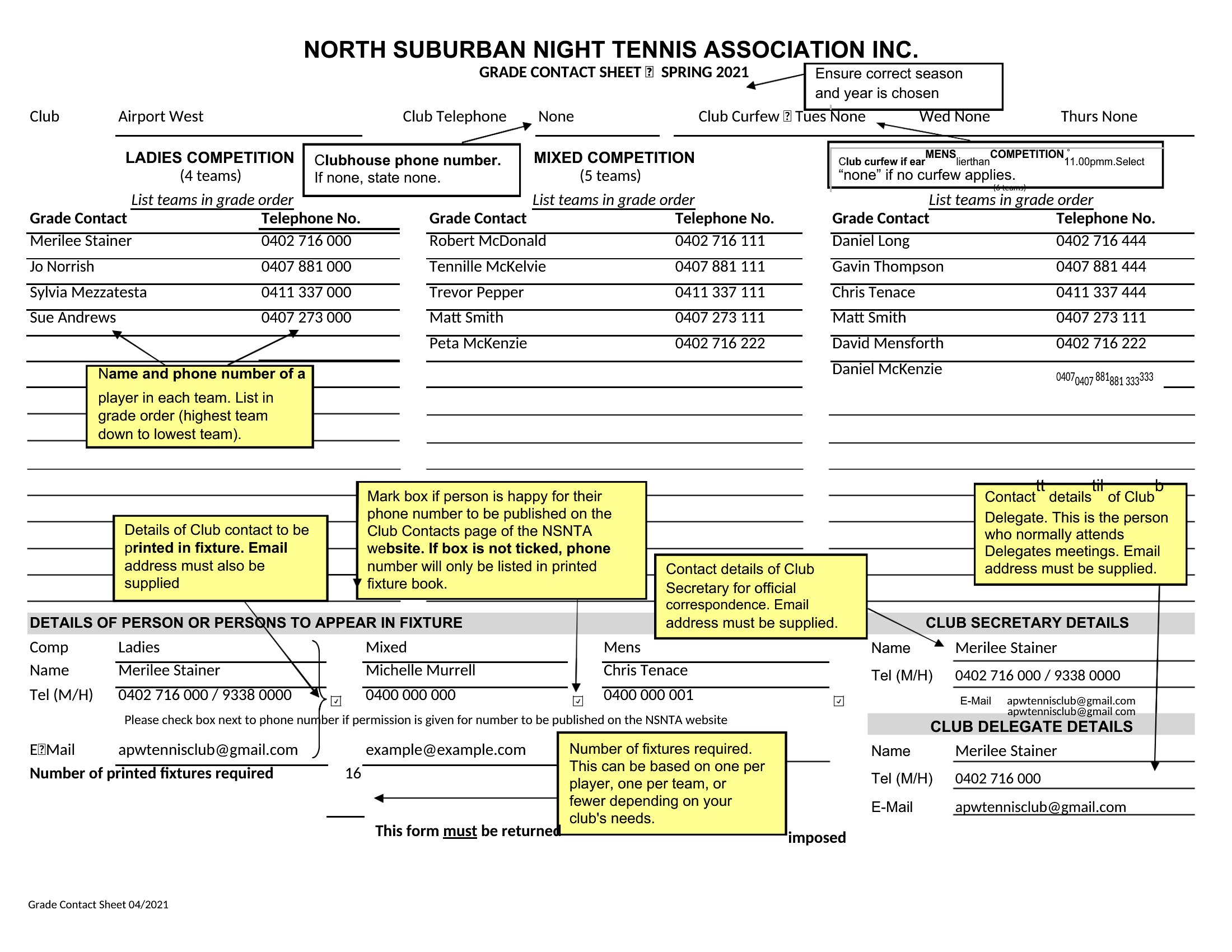
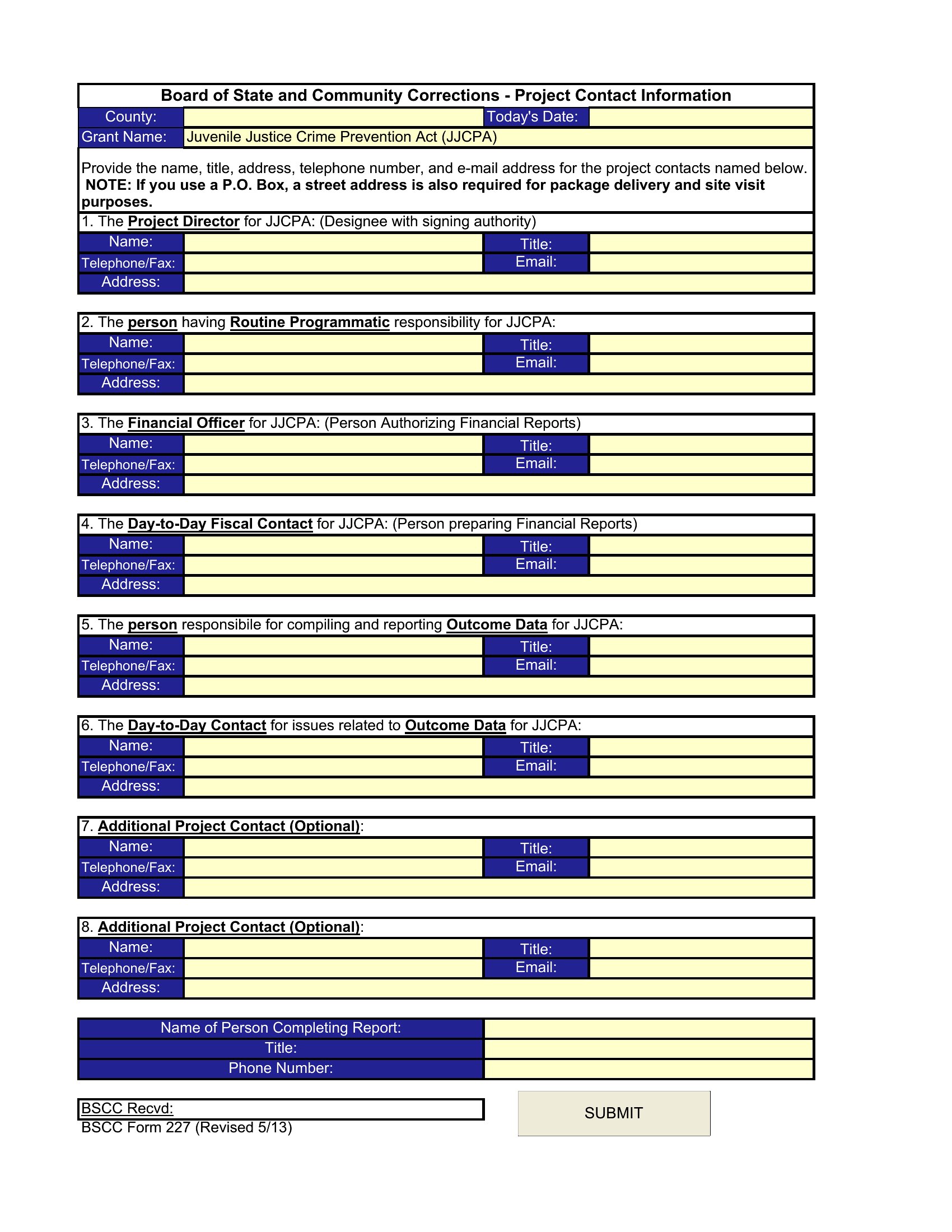
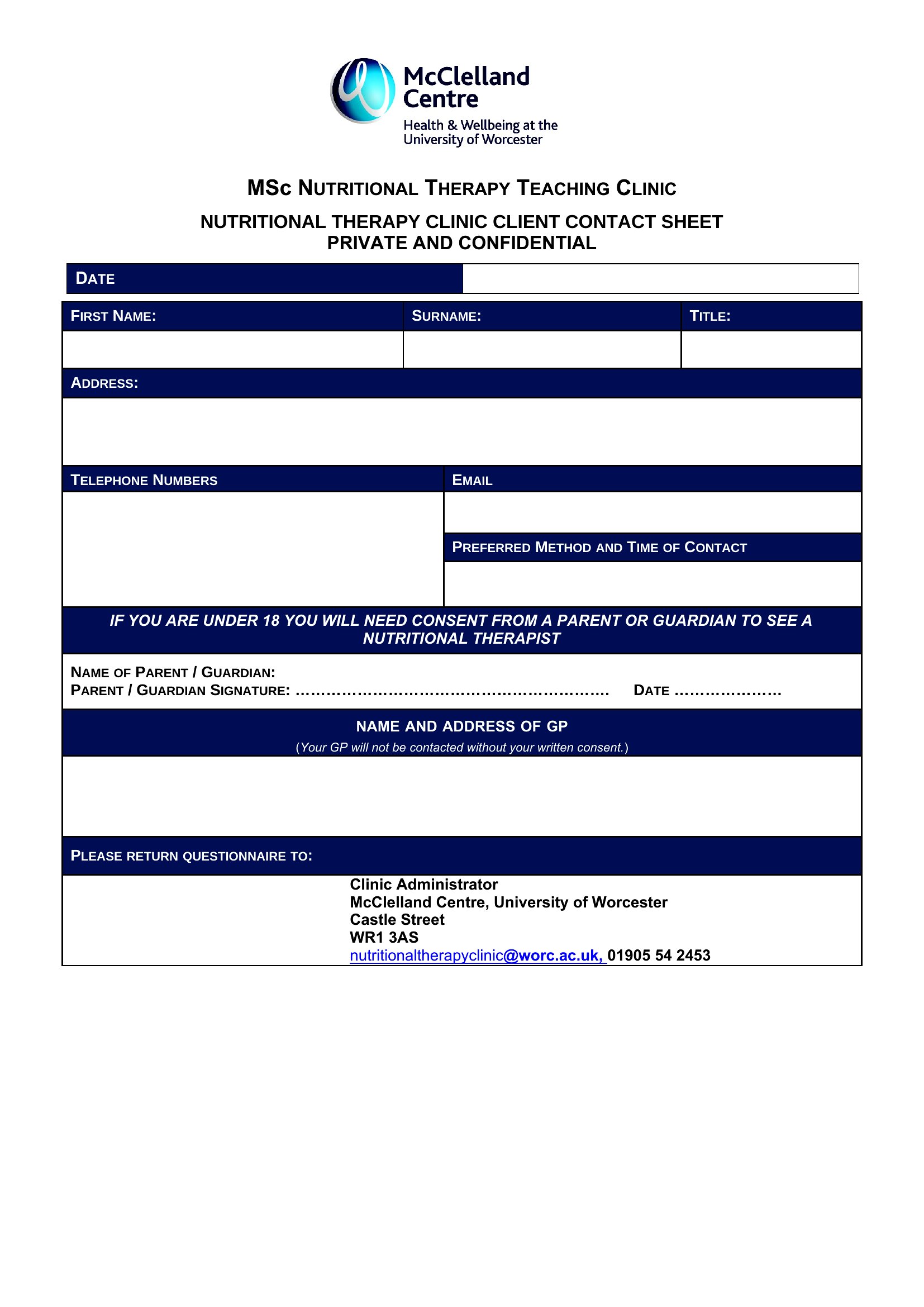
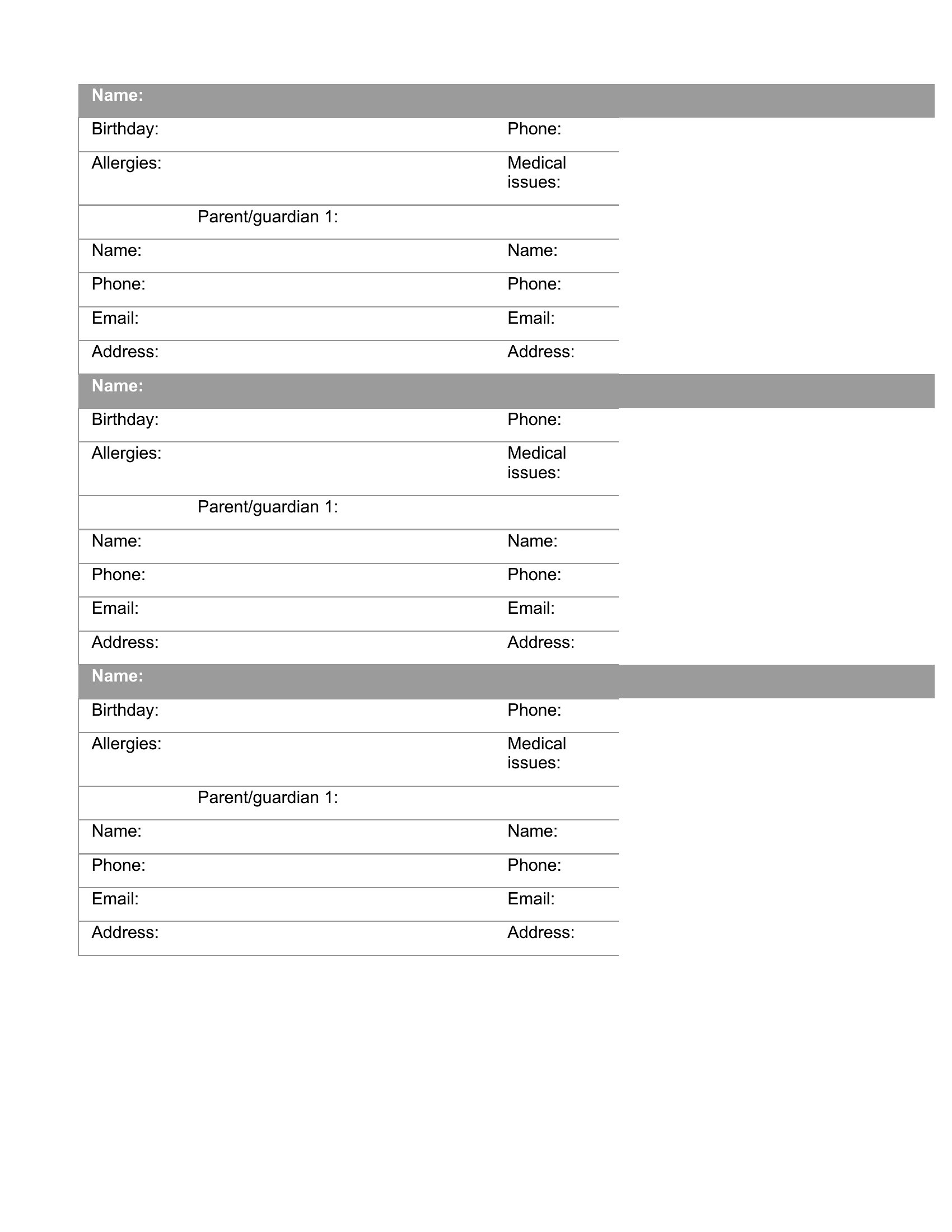
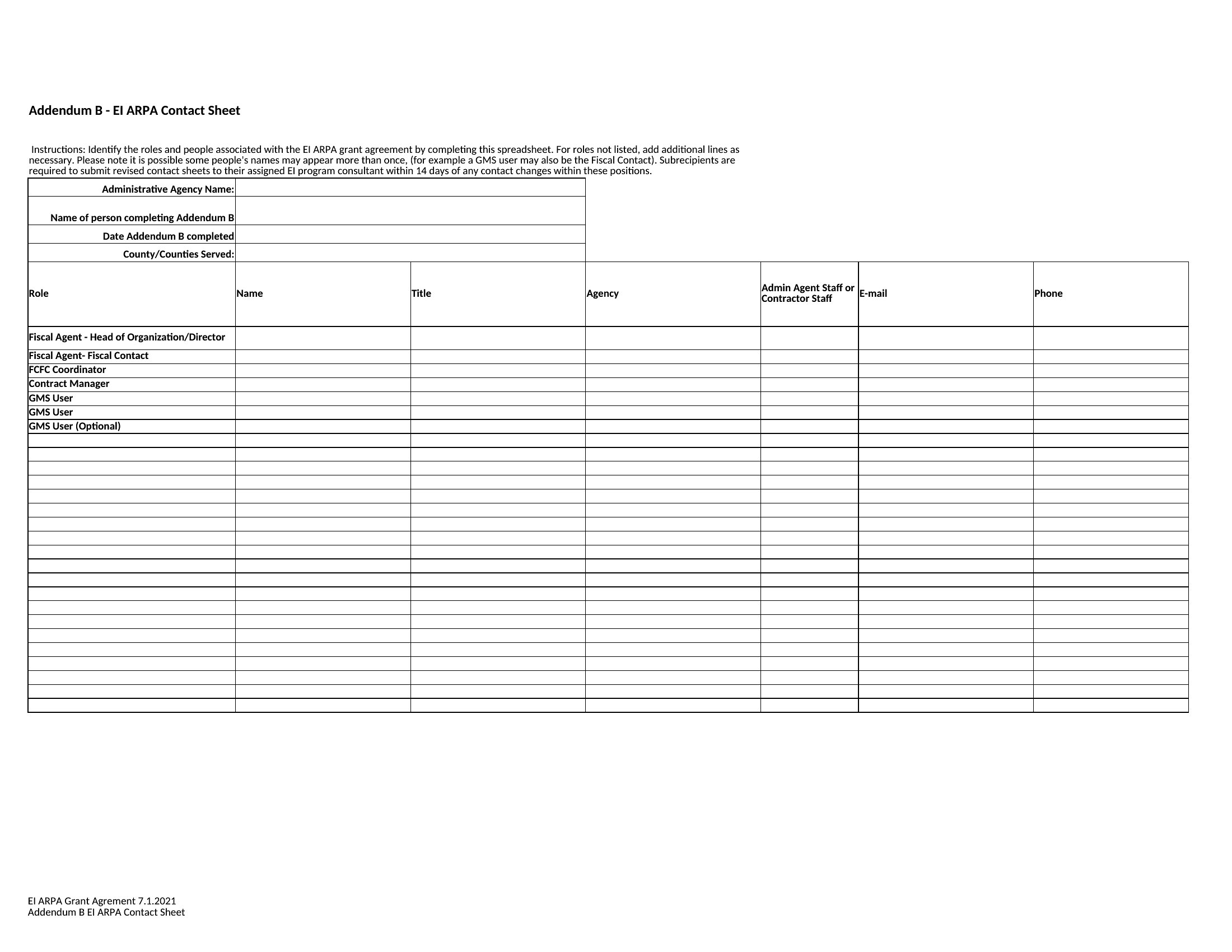
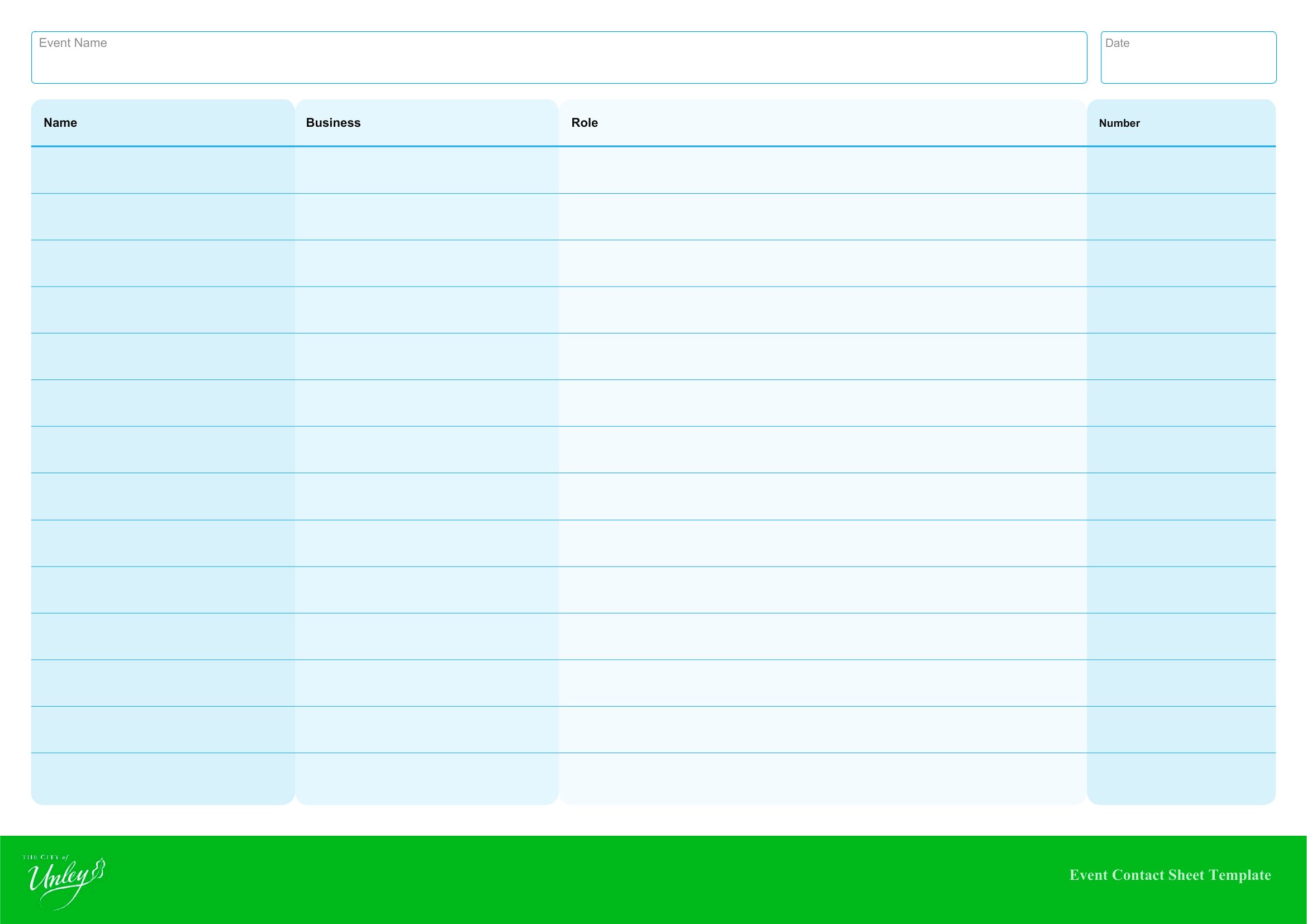
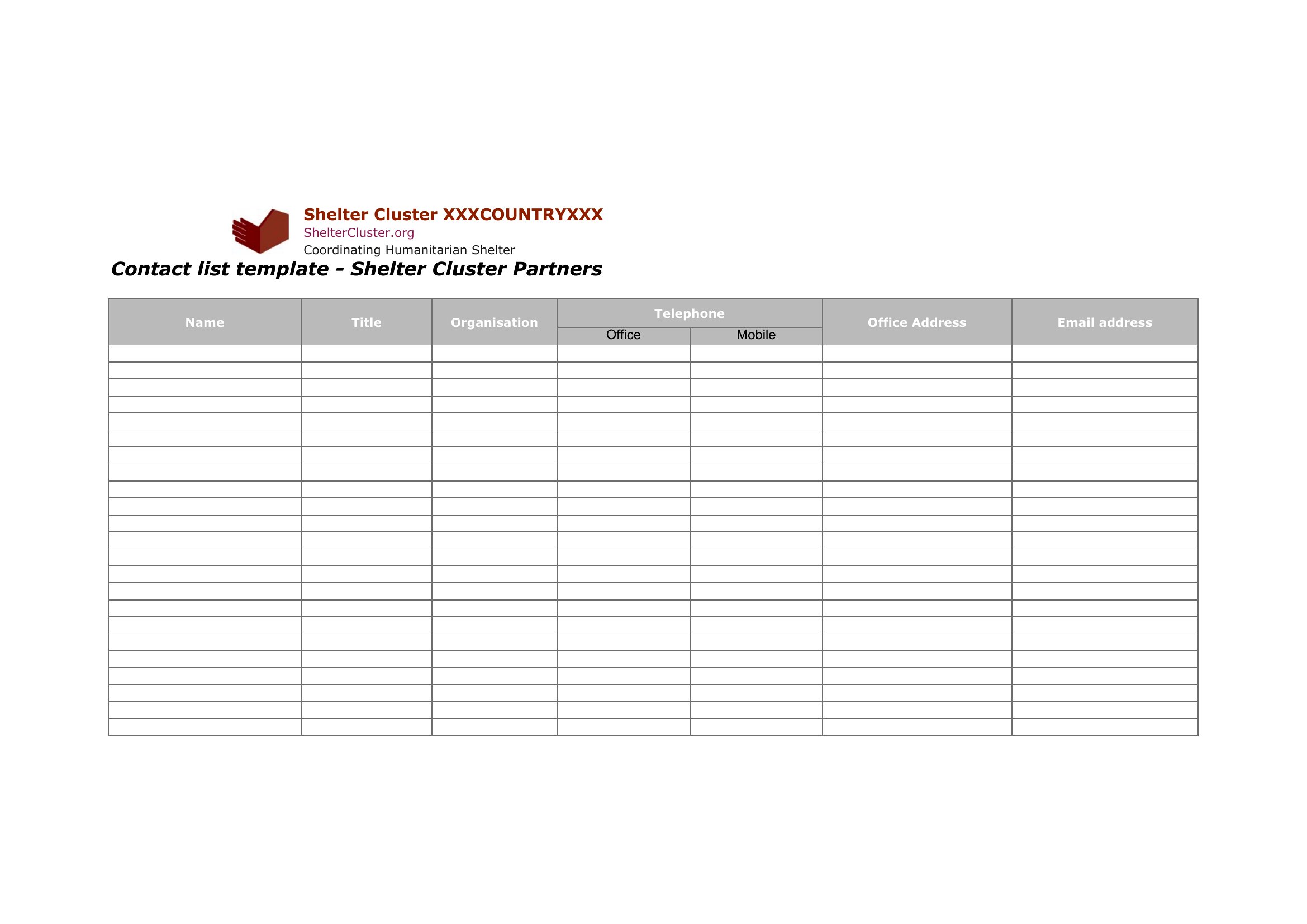
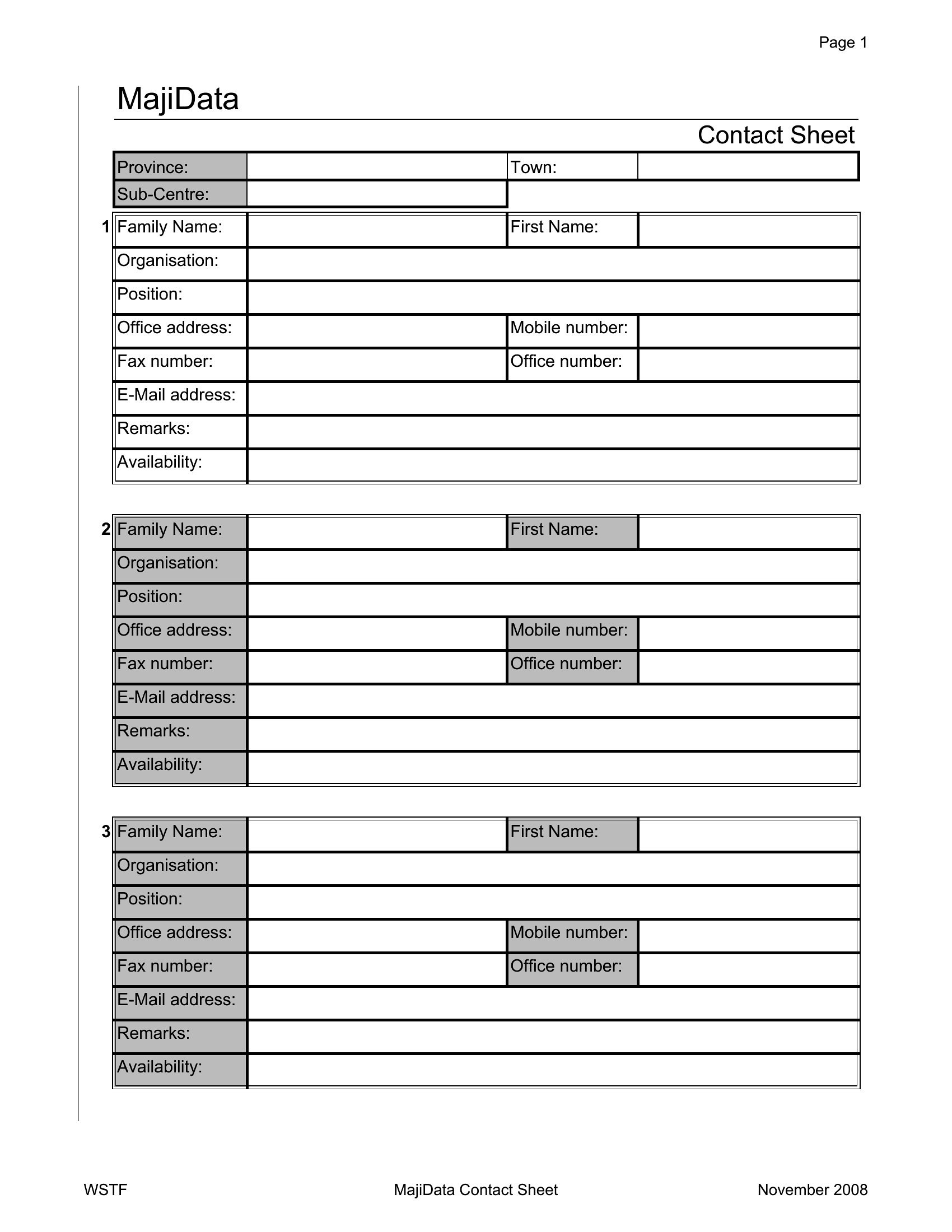
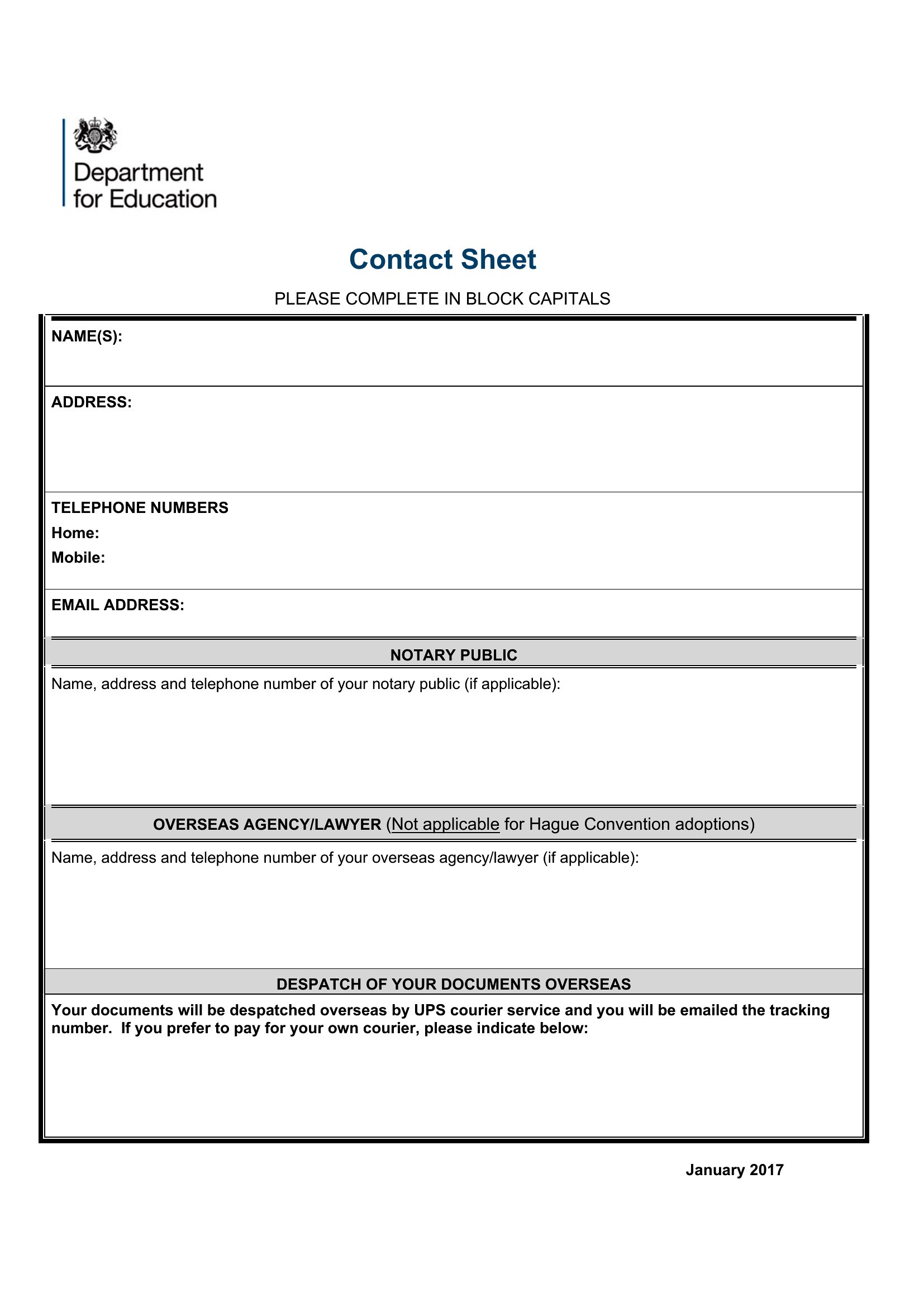
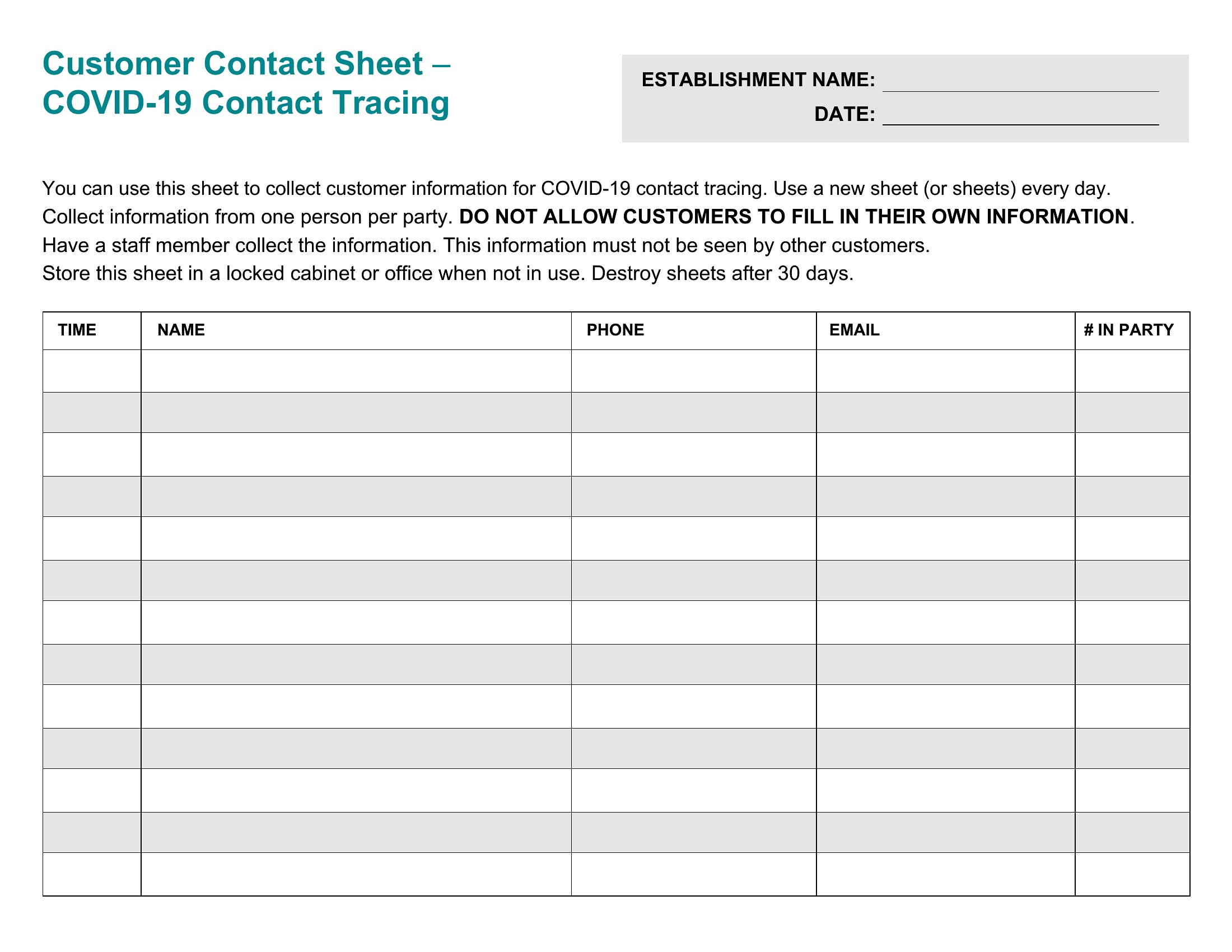
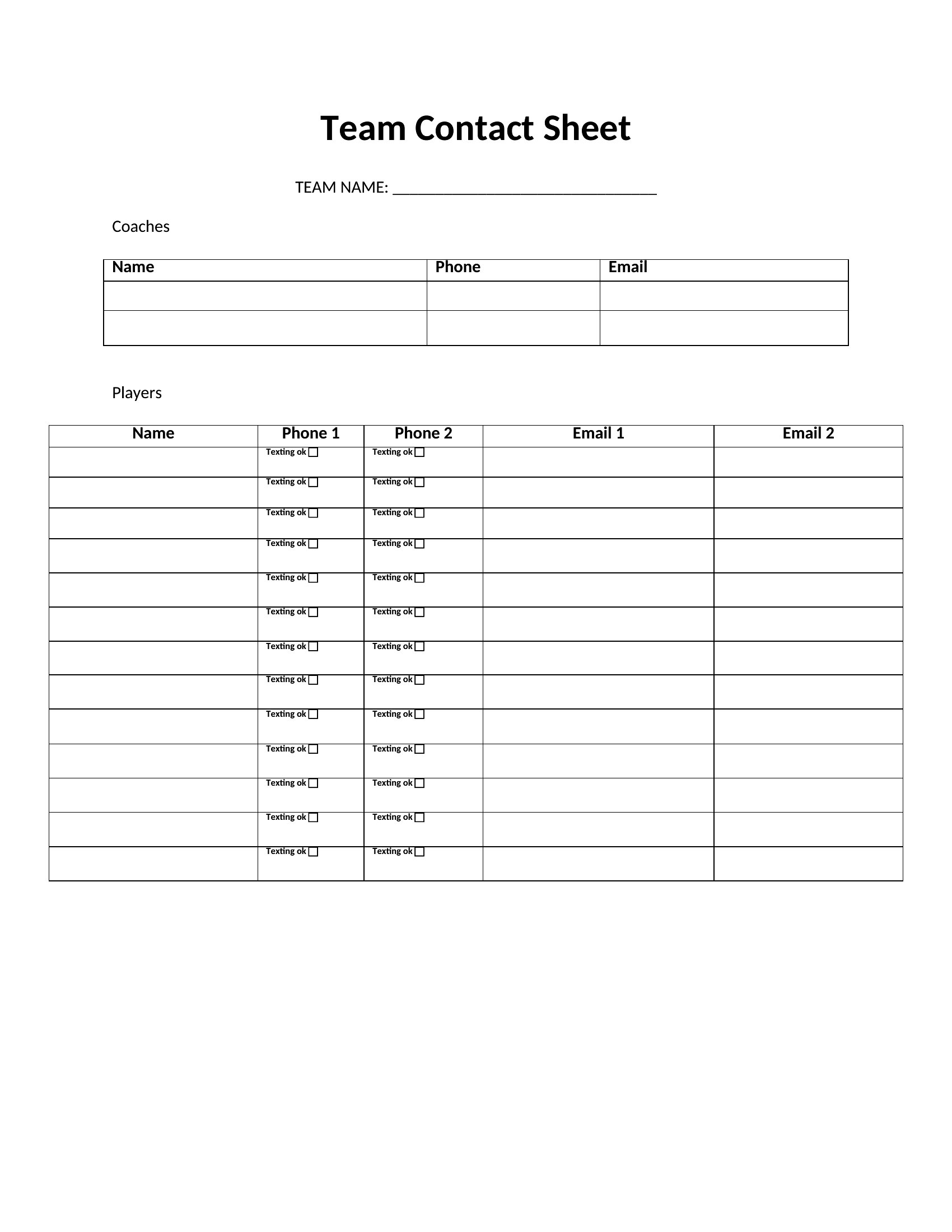
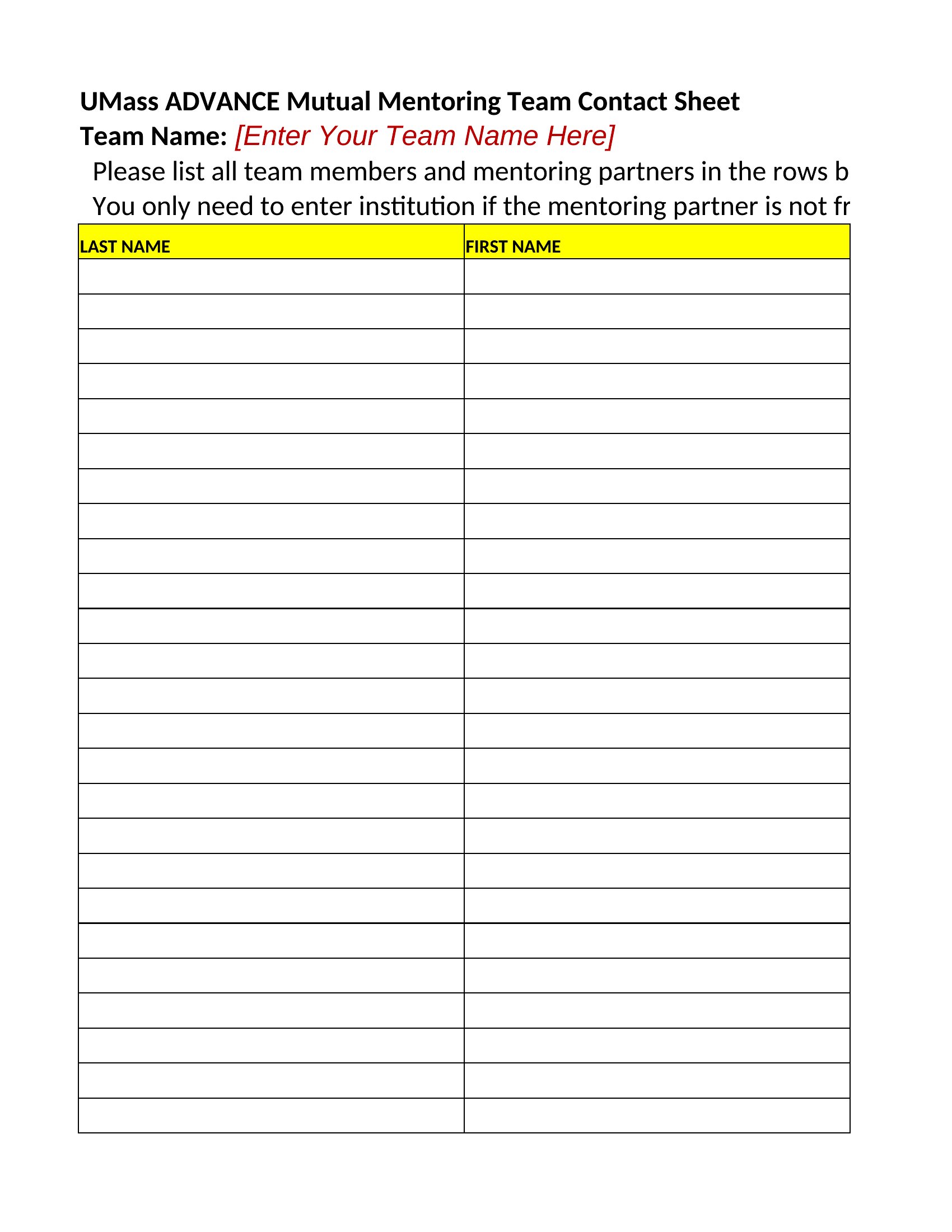
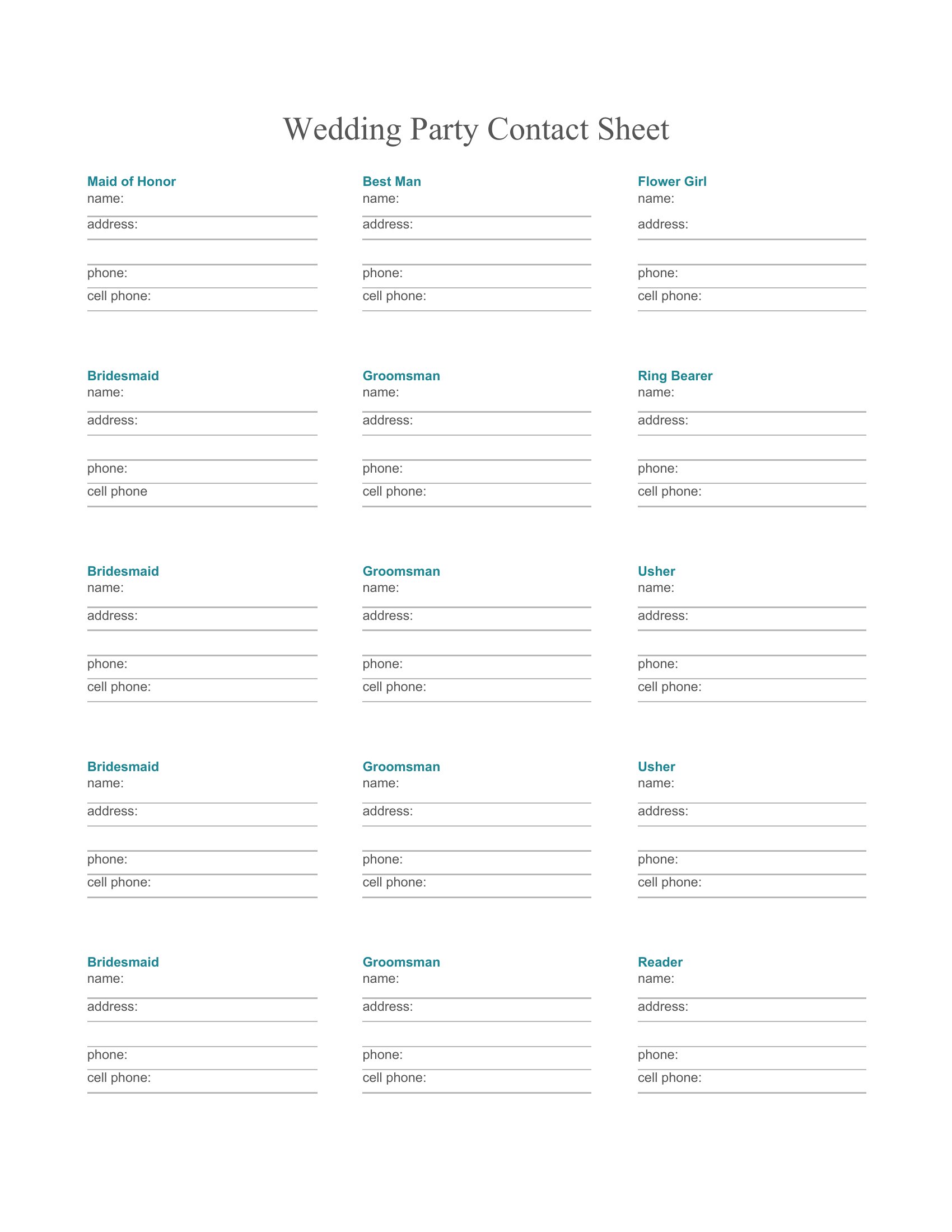
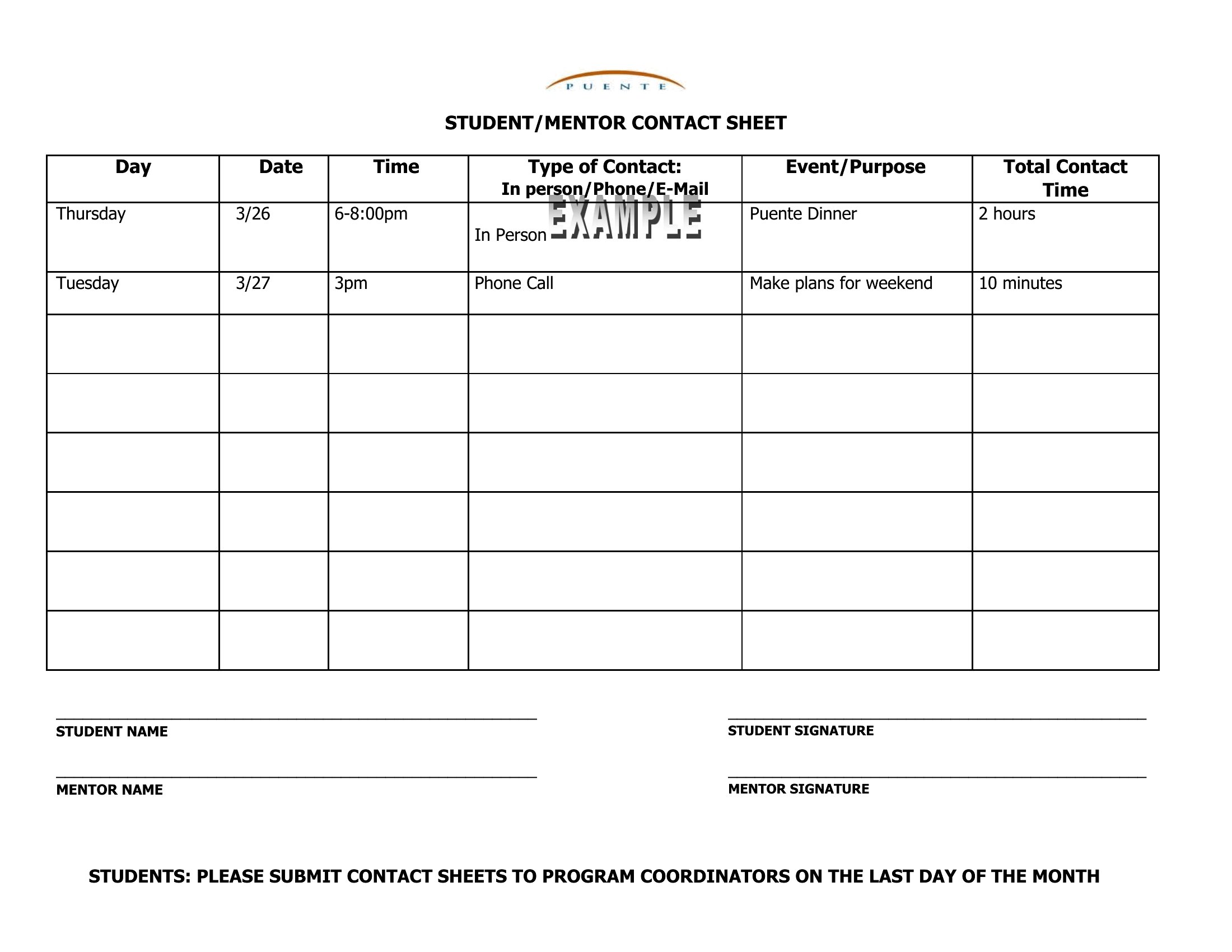
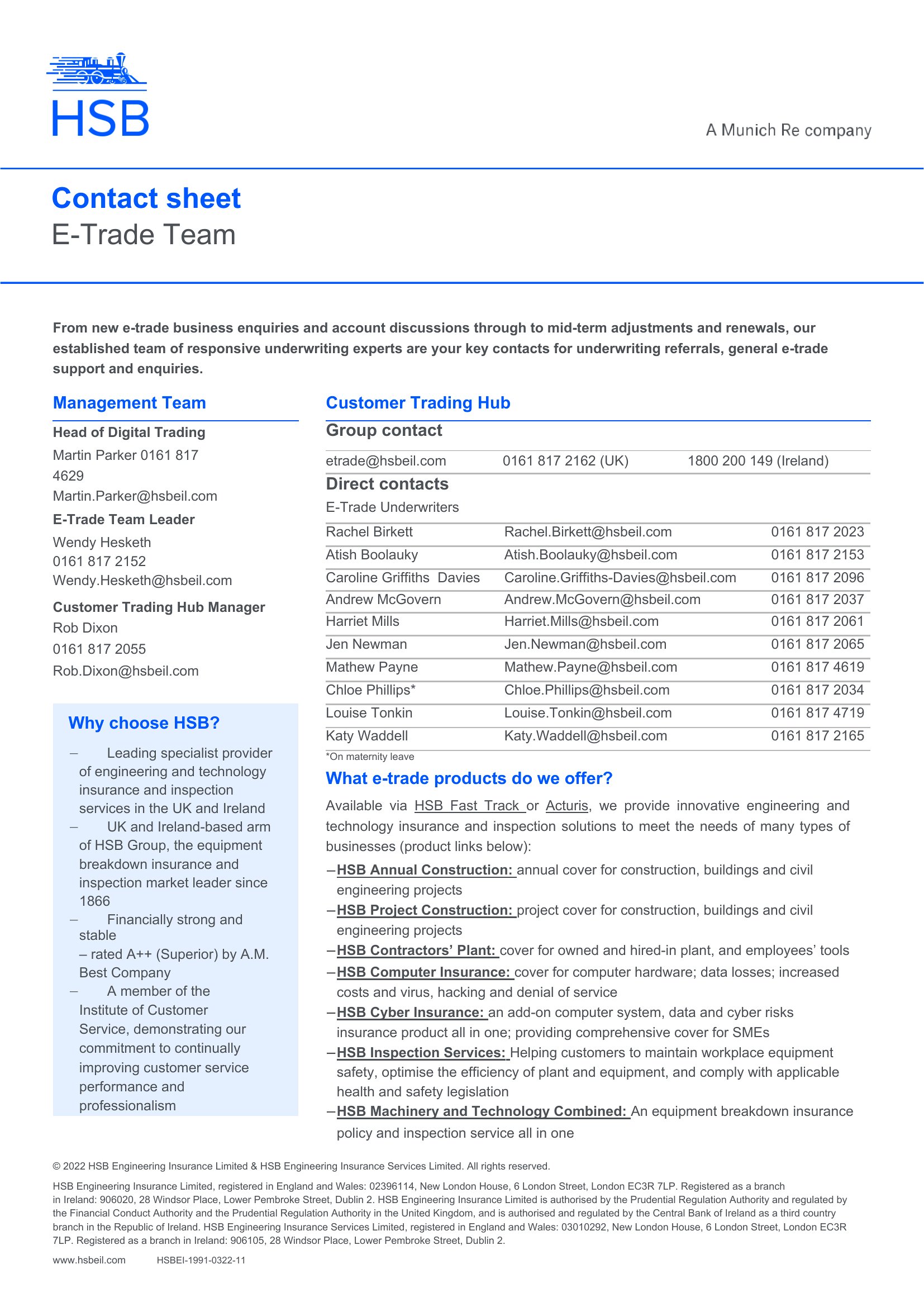
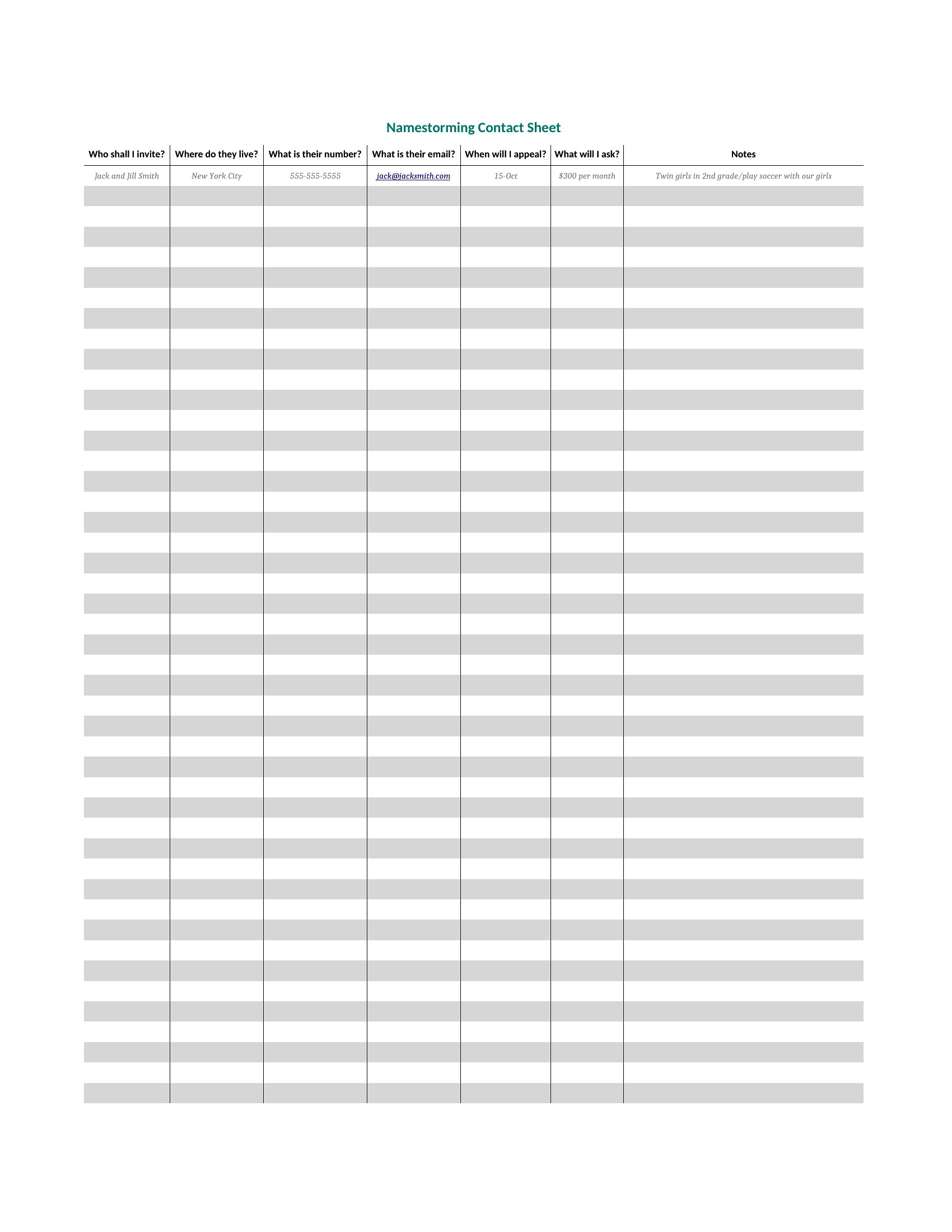
Can I add extra columns like social media handles or preferred contact methods?
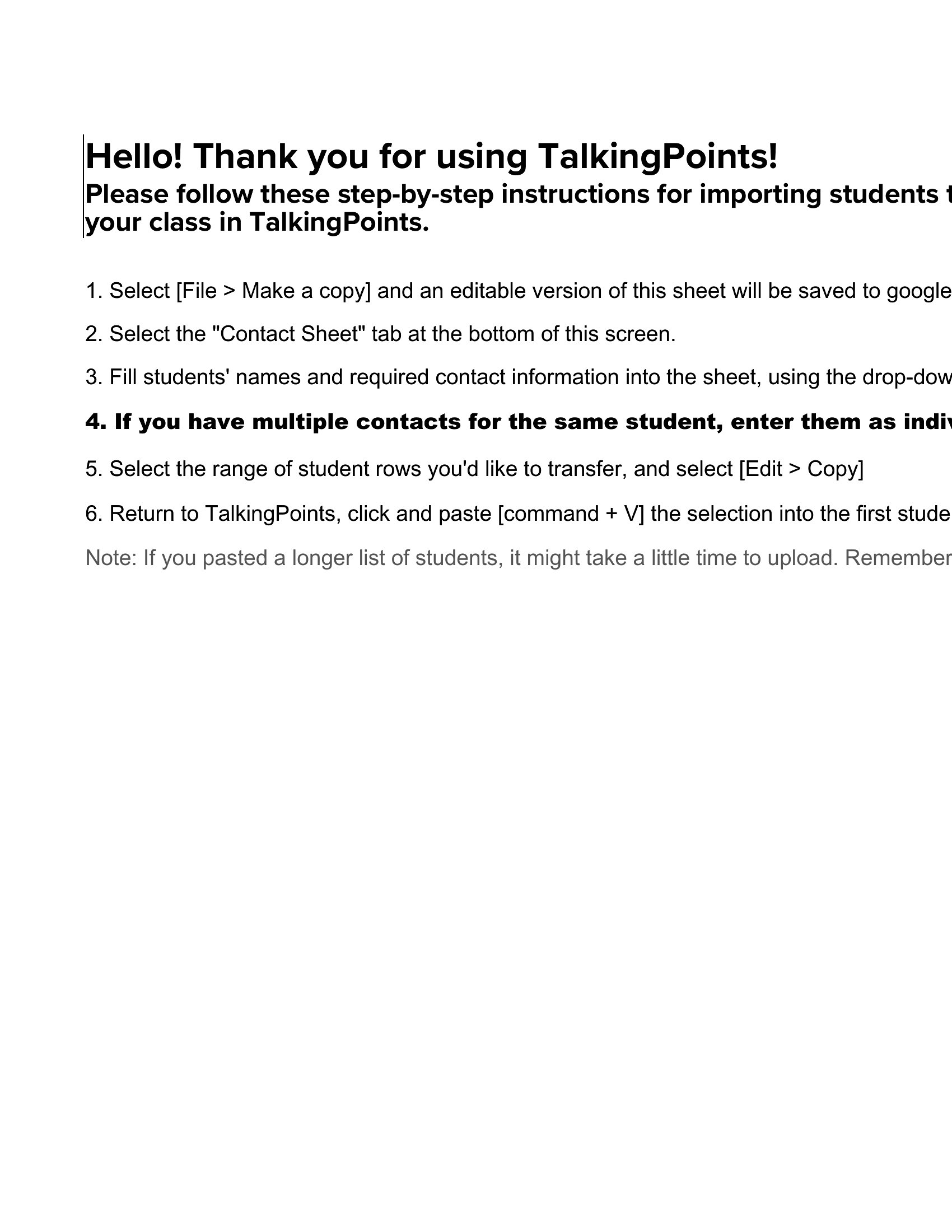
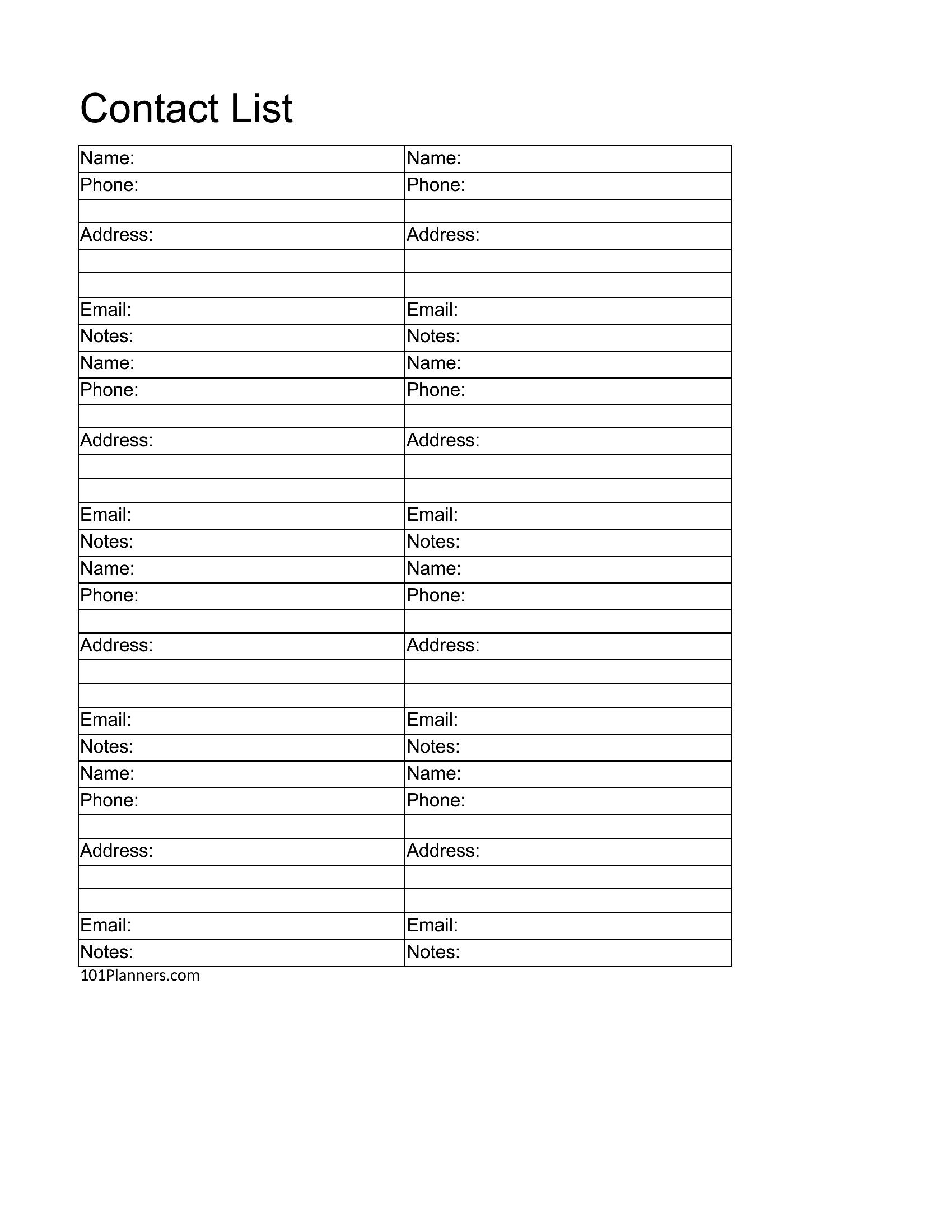
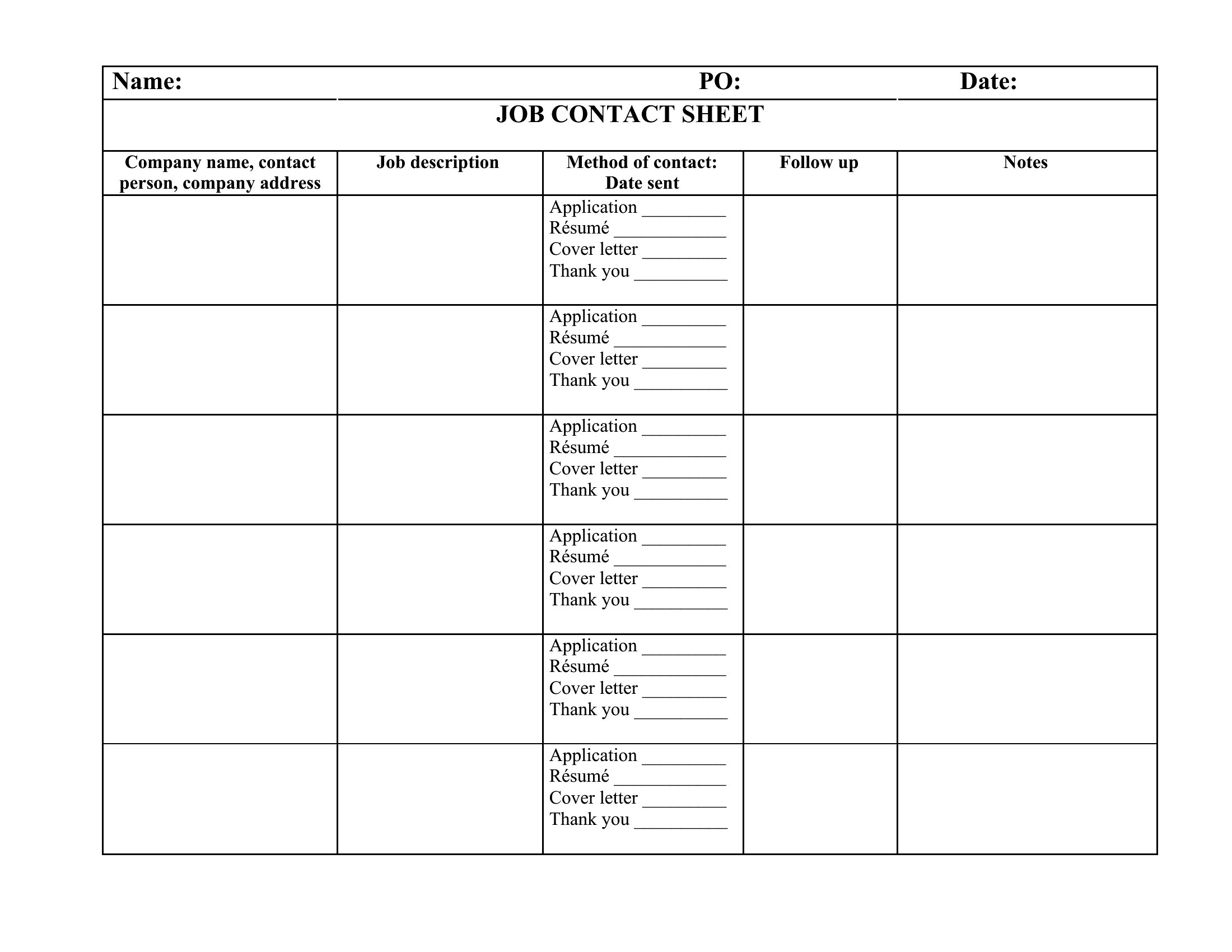
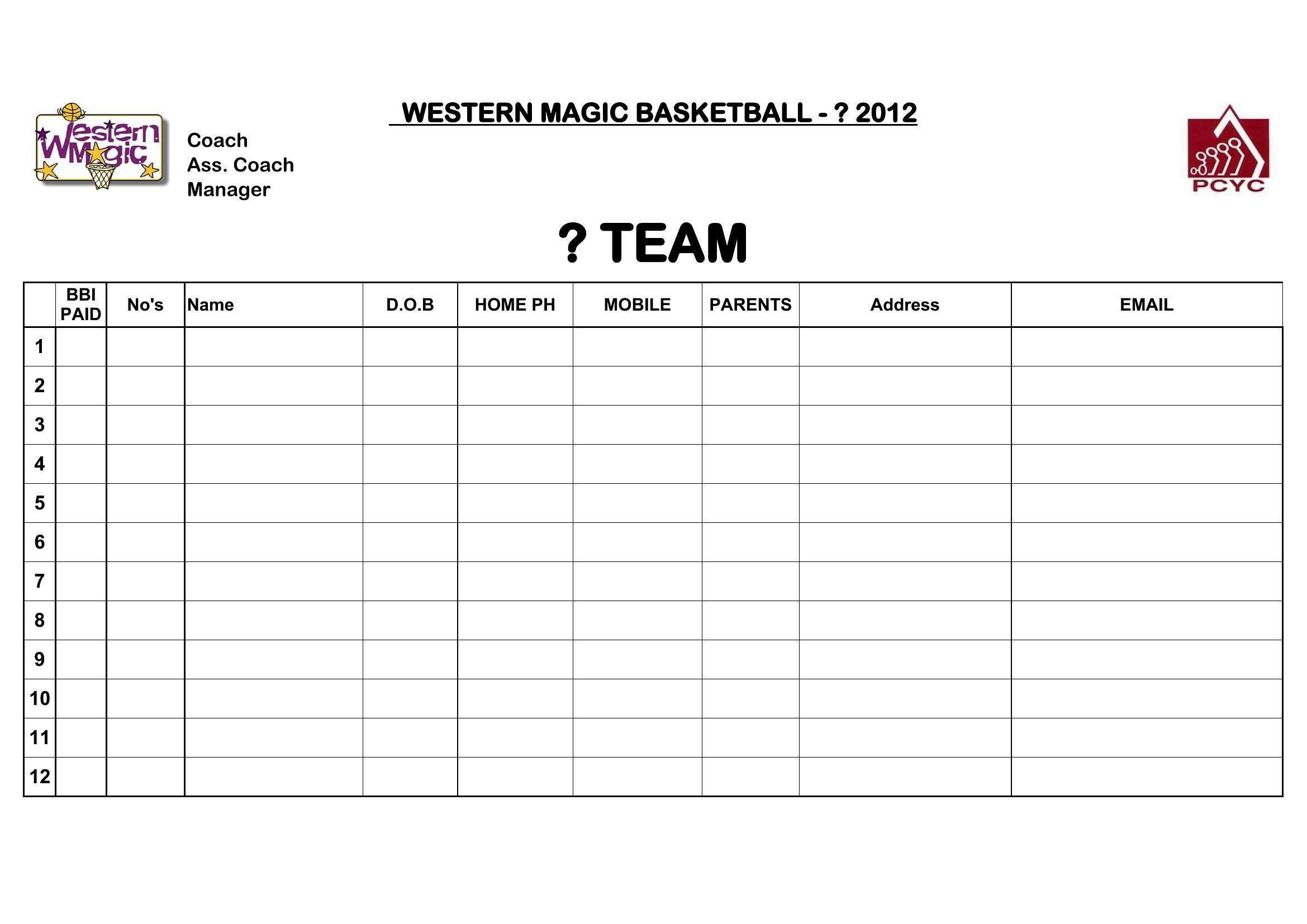
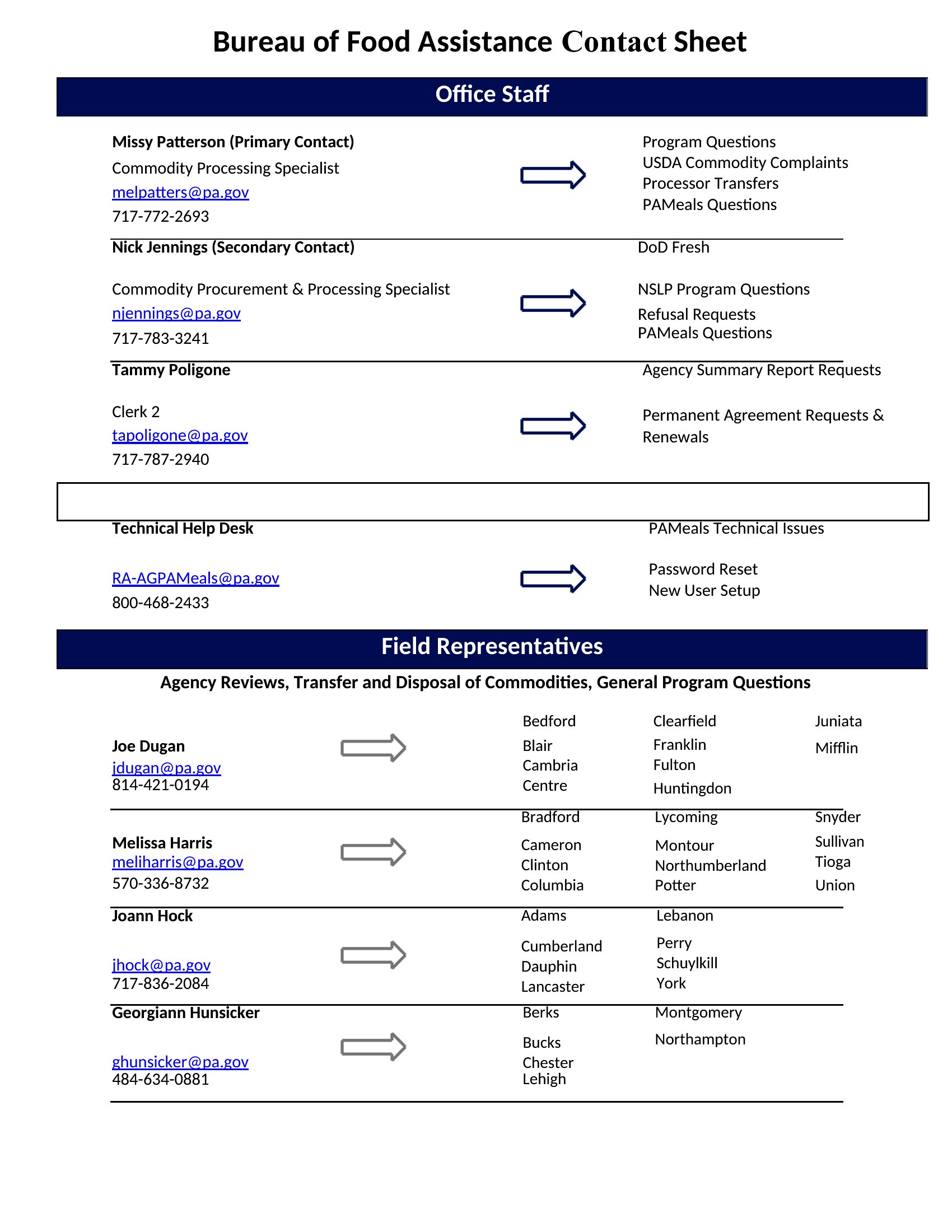
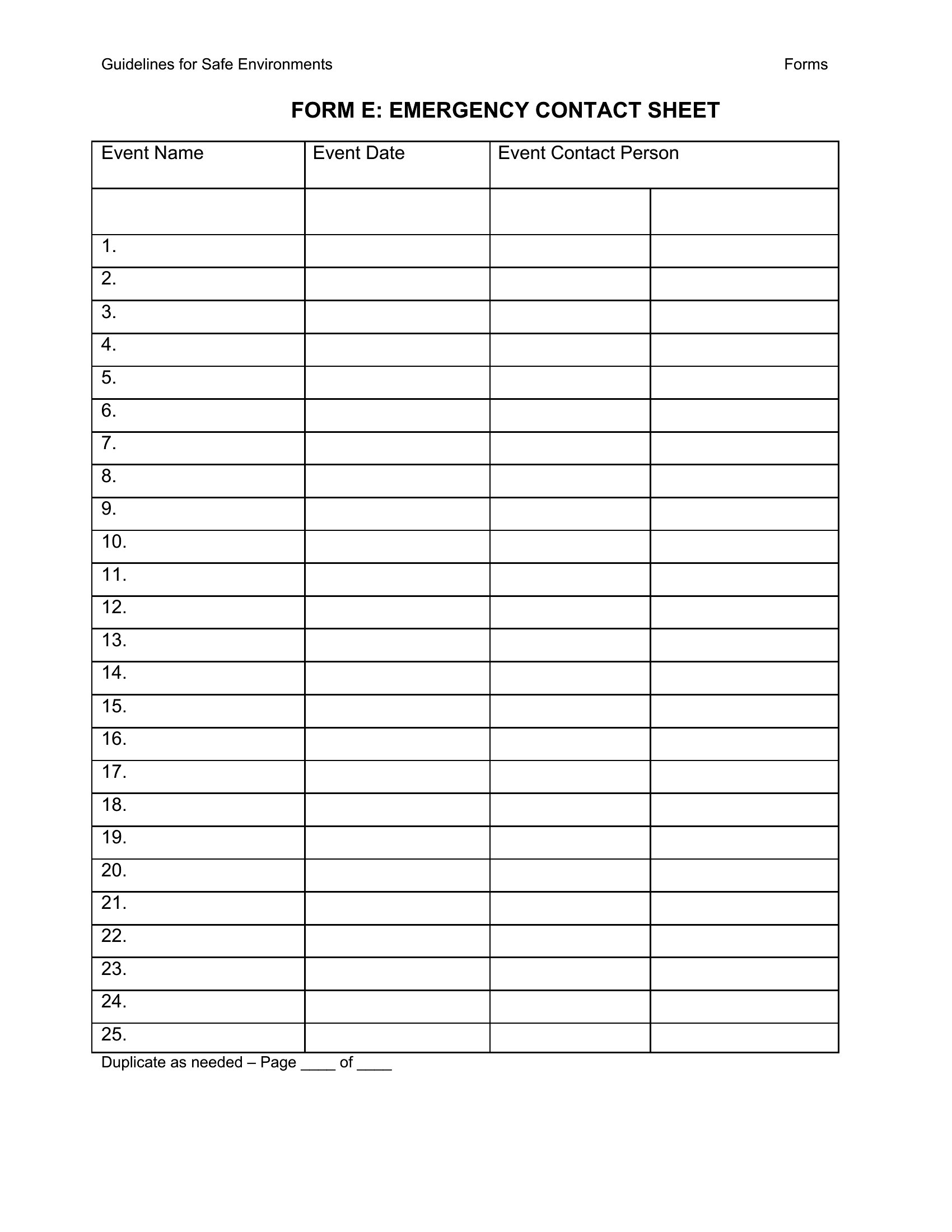
Yes, all templates are fully editable. Start with the pre-built layout, then add columns as needed. For Excel, insert new columns between existing ones to keep data aligned. In Word, use the table tools to adjust spacing and merge cells for wider entries. Save a copy first to avoid overwriting the original.
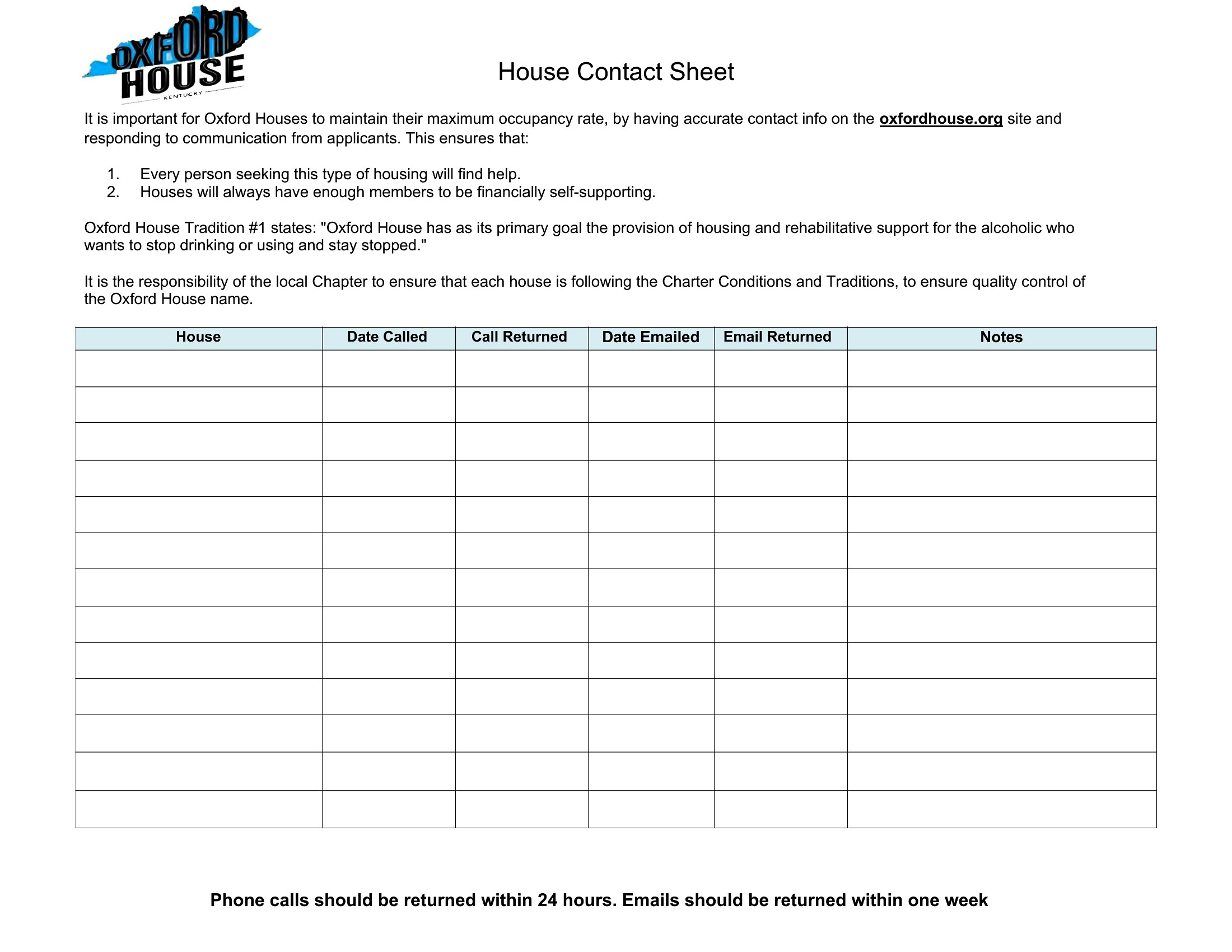
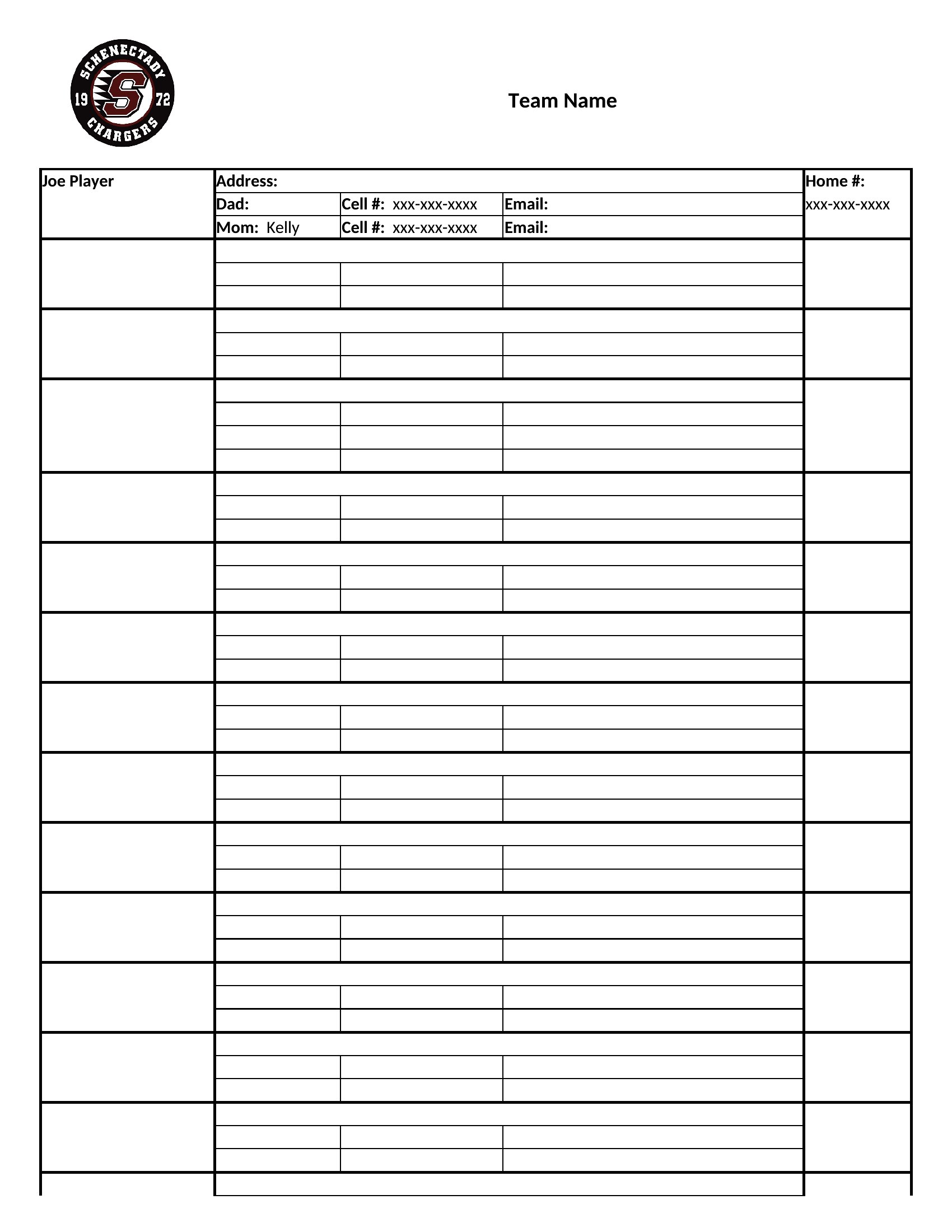
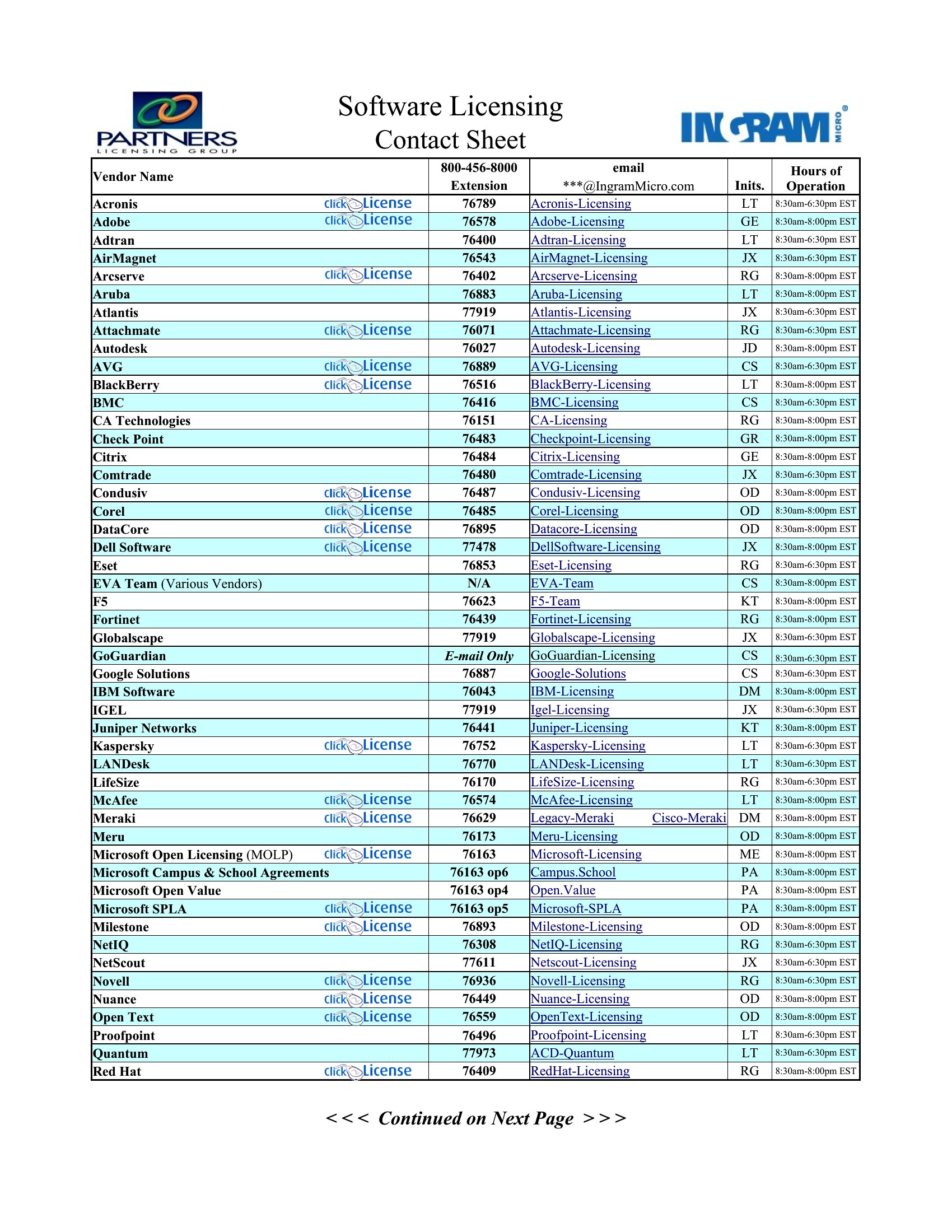
How do I keep the contact sheet organized if the list grows beyond one page?
In Word, use the built-in pagination features to split long lists across pages while keeping headers visible. For Excel, freeze the header row and use column filters to navigate large datasets. Some templates include section breaks or tabs for grouping contacts by department, team, or role, which helps when printing or sharing.
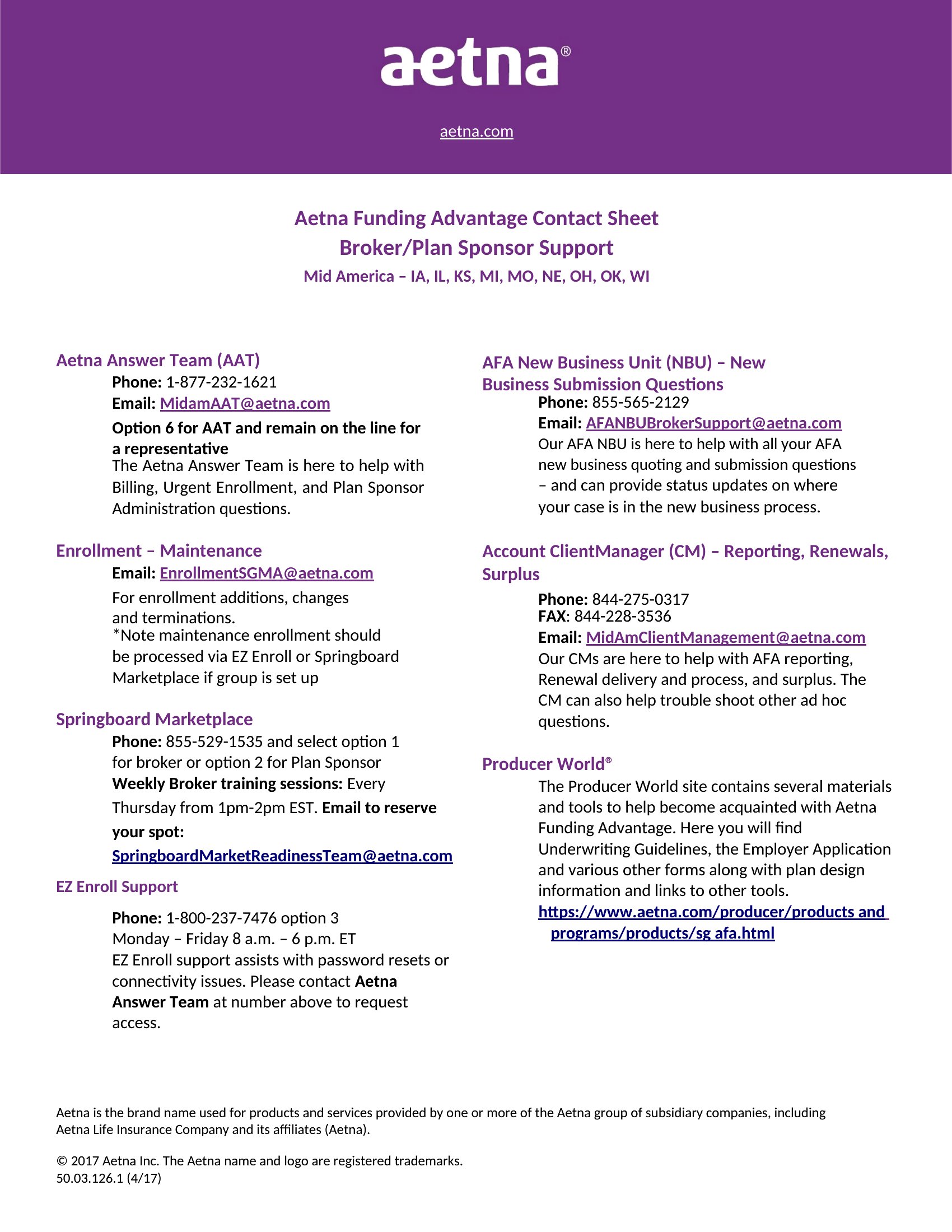
Are these templates suitable for sharing contacts with external parties like vendors or clients?
These templates are designed for internal or controlled sharing, such as with team members or trusted partners. If sharing externally, review the contact details for sensitivity and consider redacting unnecessary info. For legal or medical contexts, consult a professional to ensure compliance before distributing any personal data.
Comments
Join the conversation
Sign in to share your thoughts and leave a comment on this resource.