Free Contact Sheet Templates (Word, Excel)
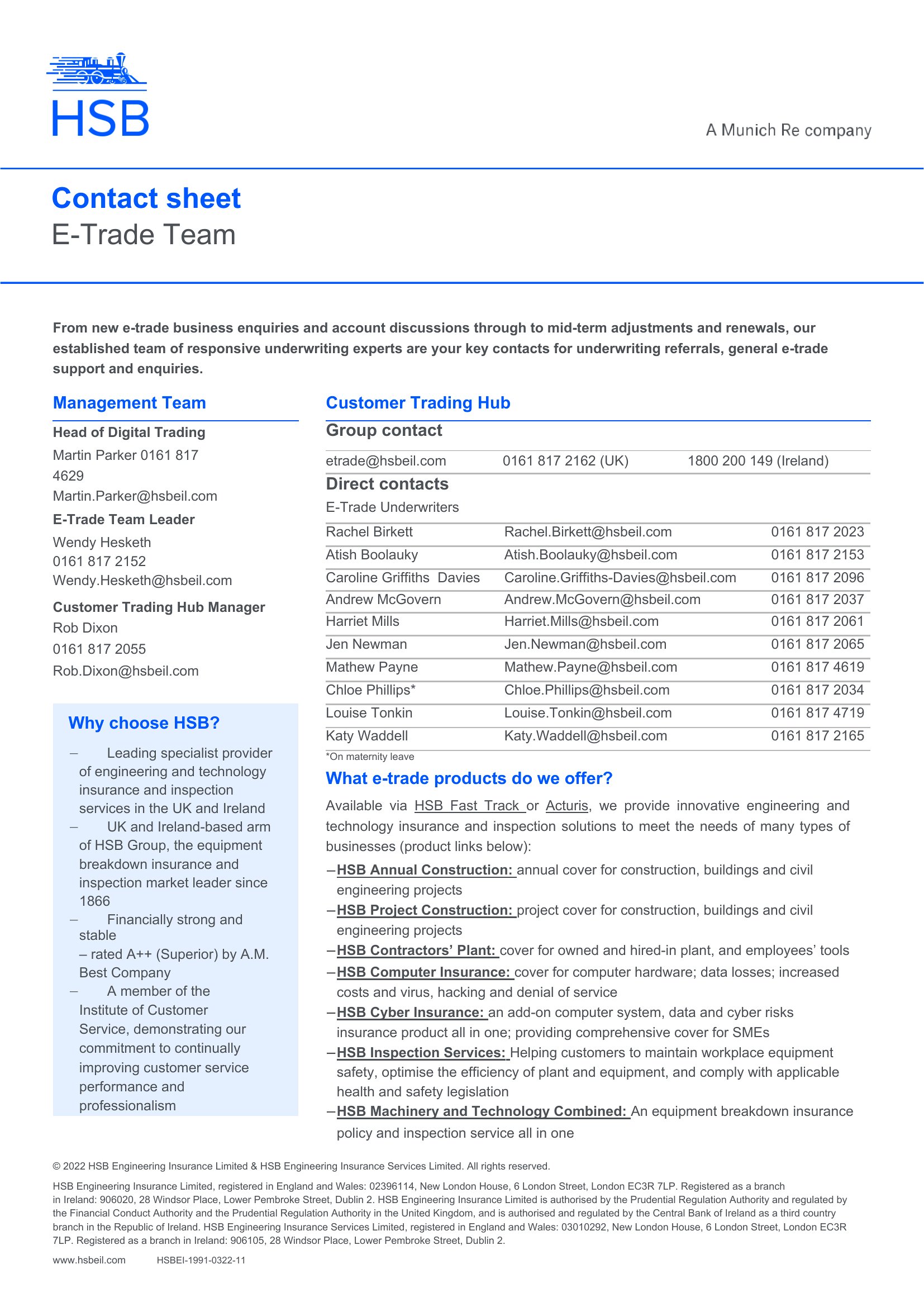
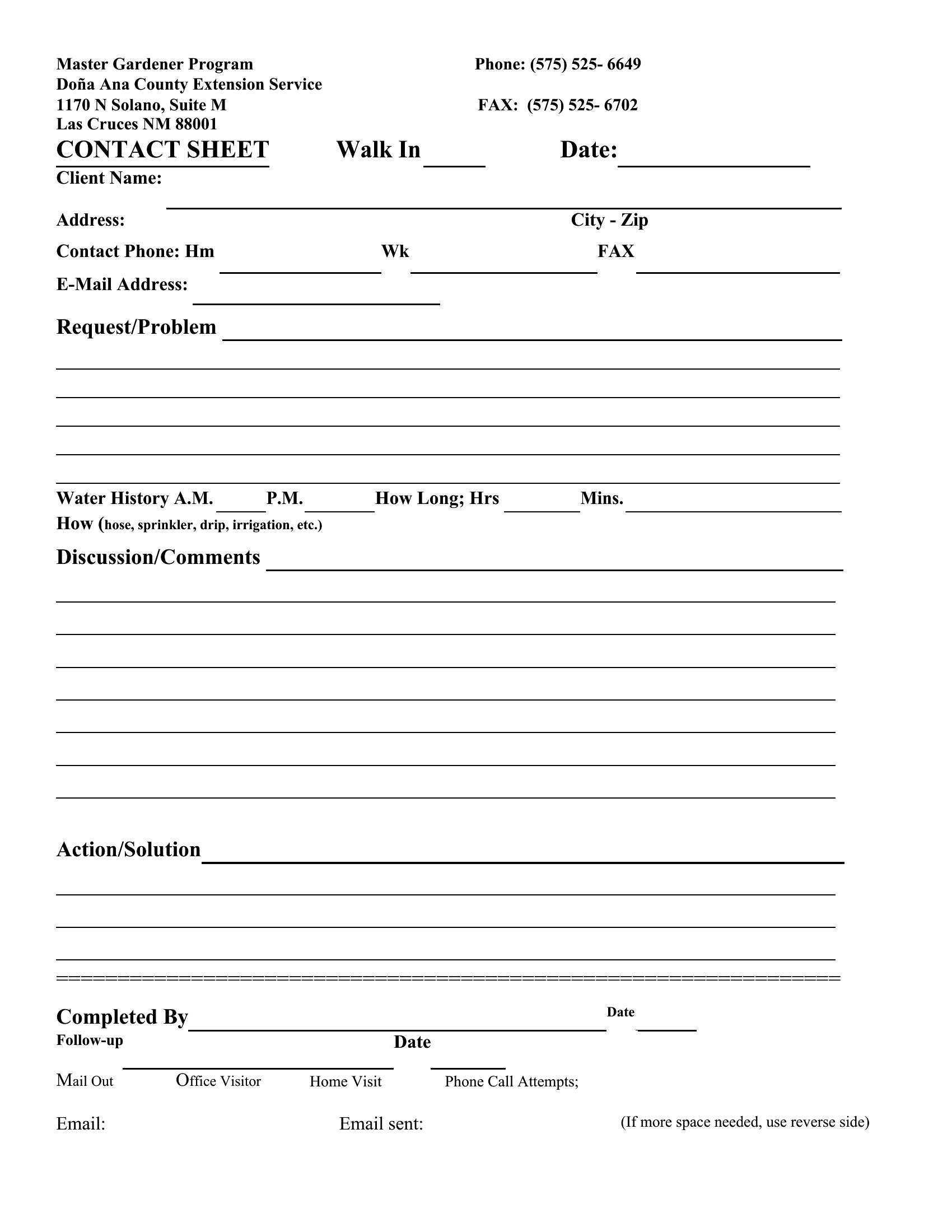
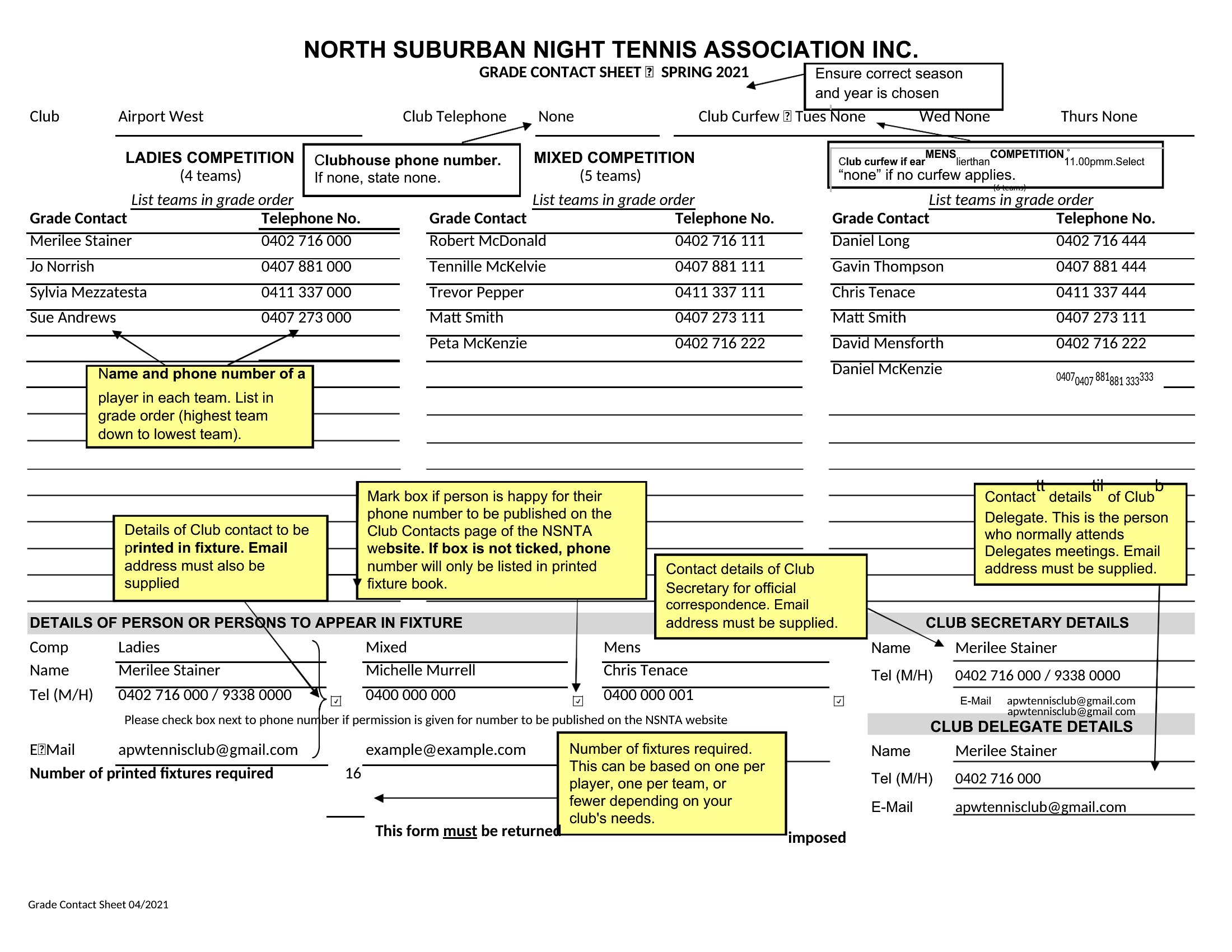
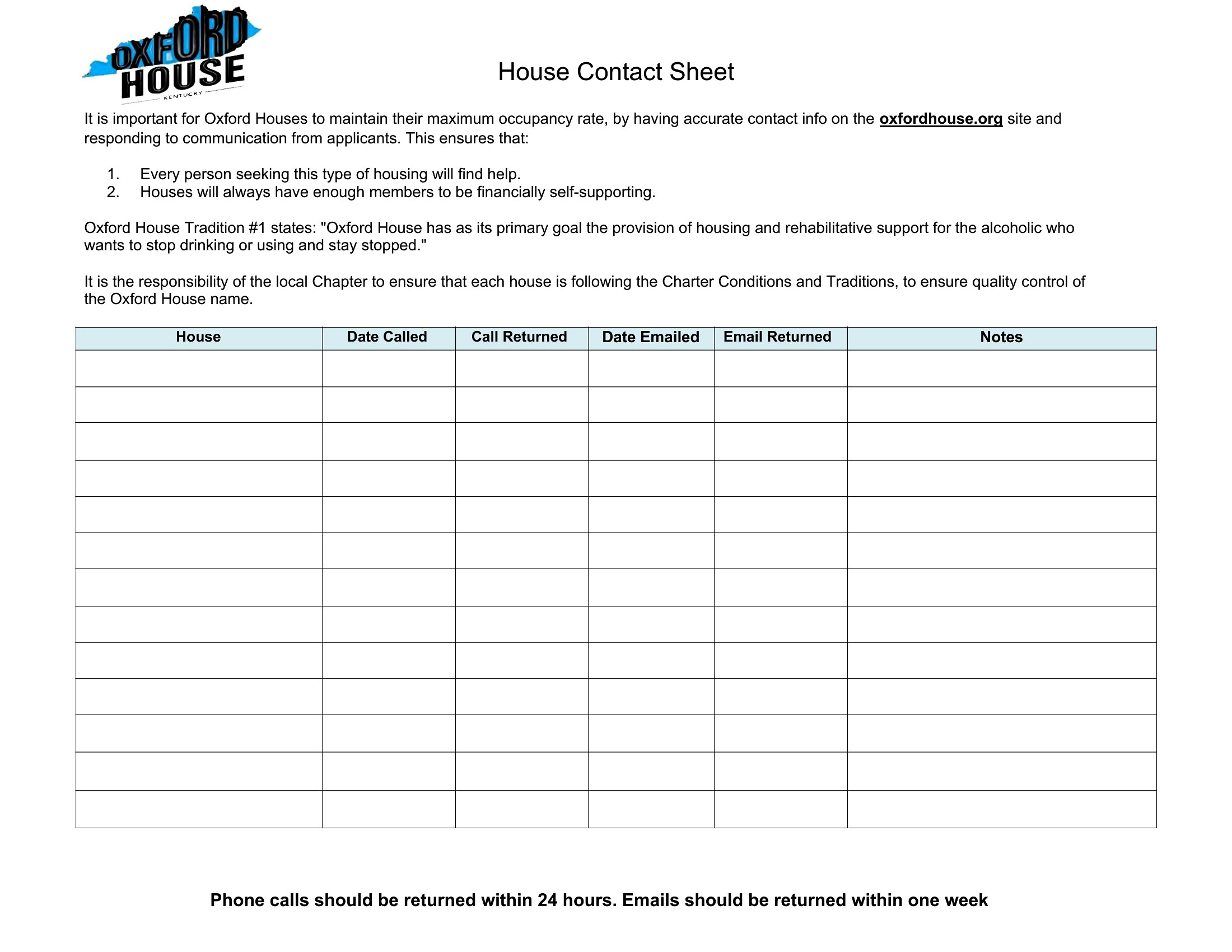
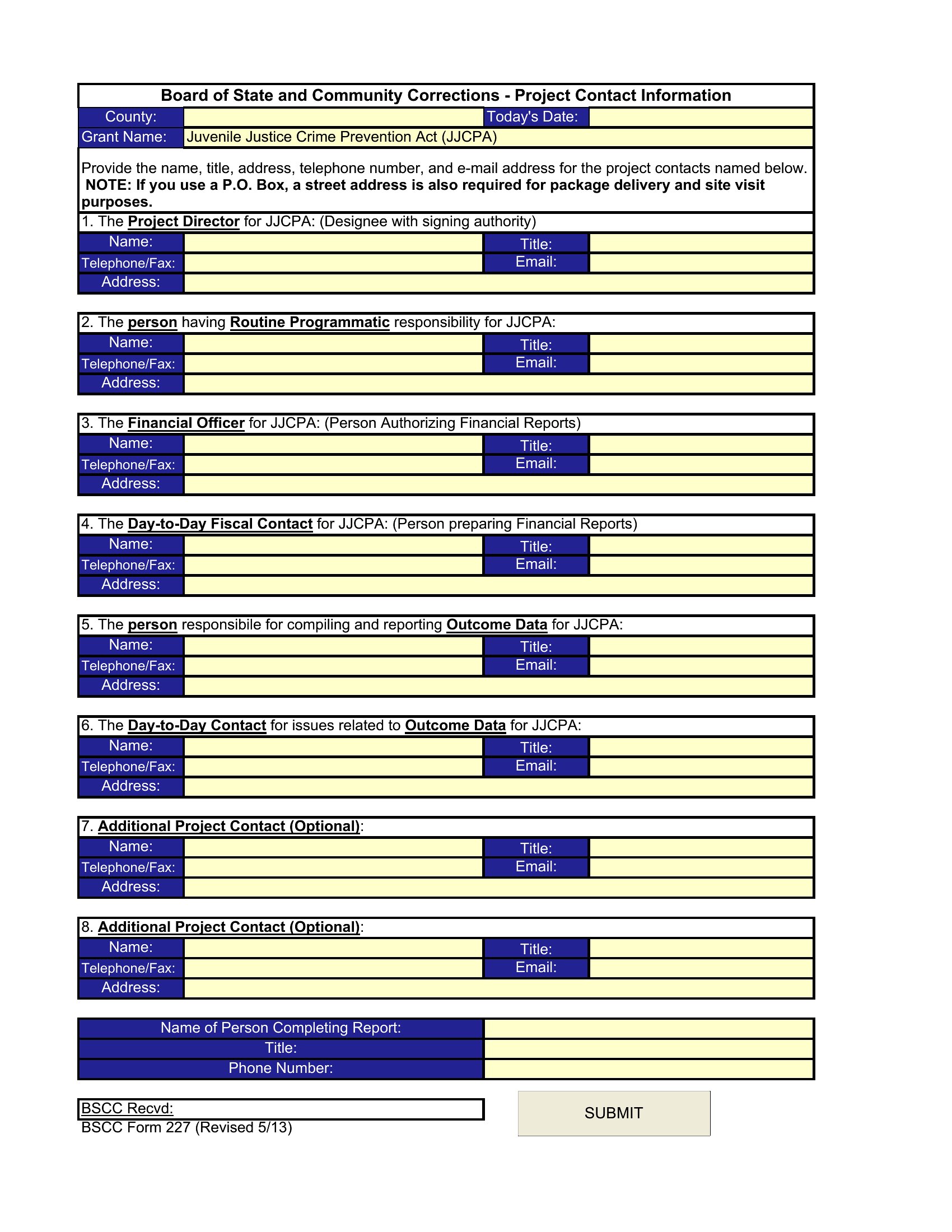
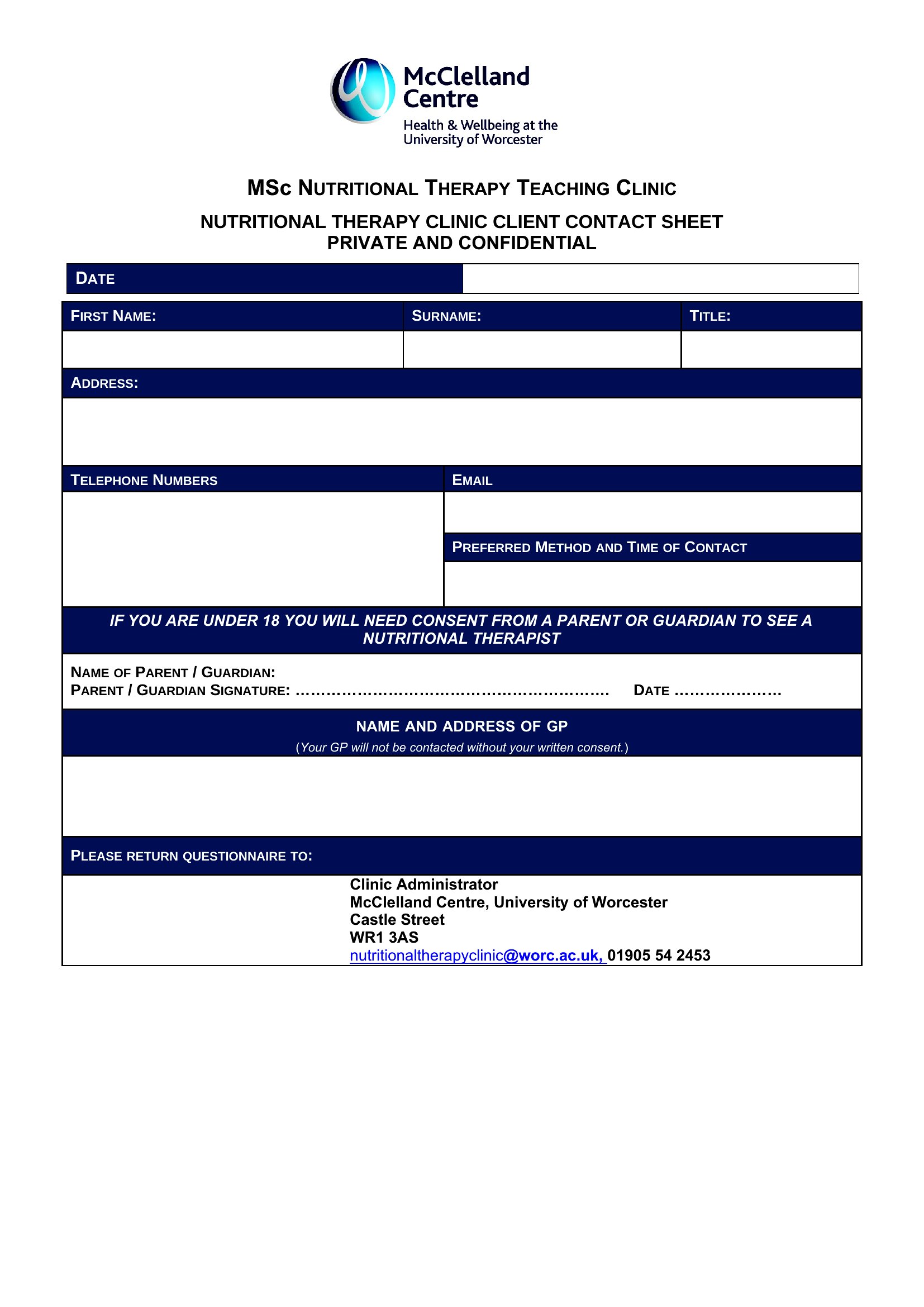
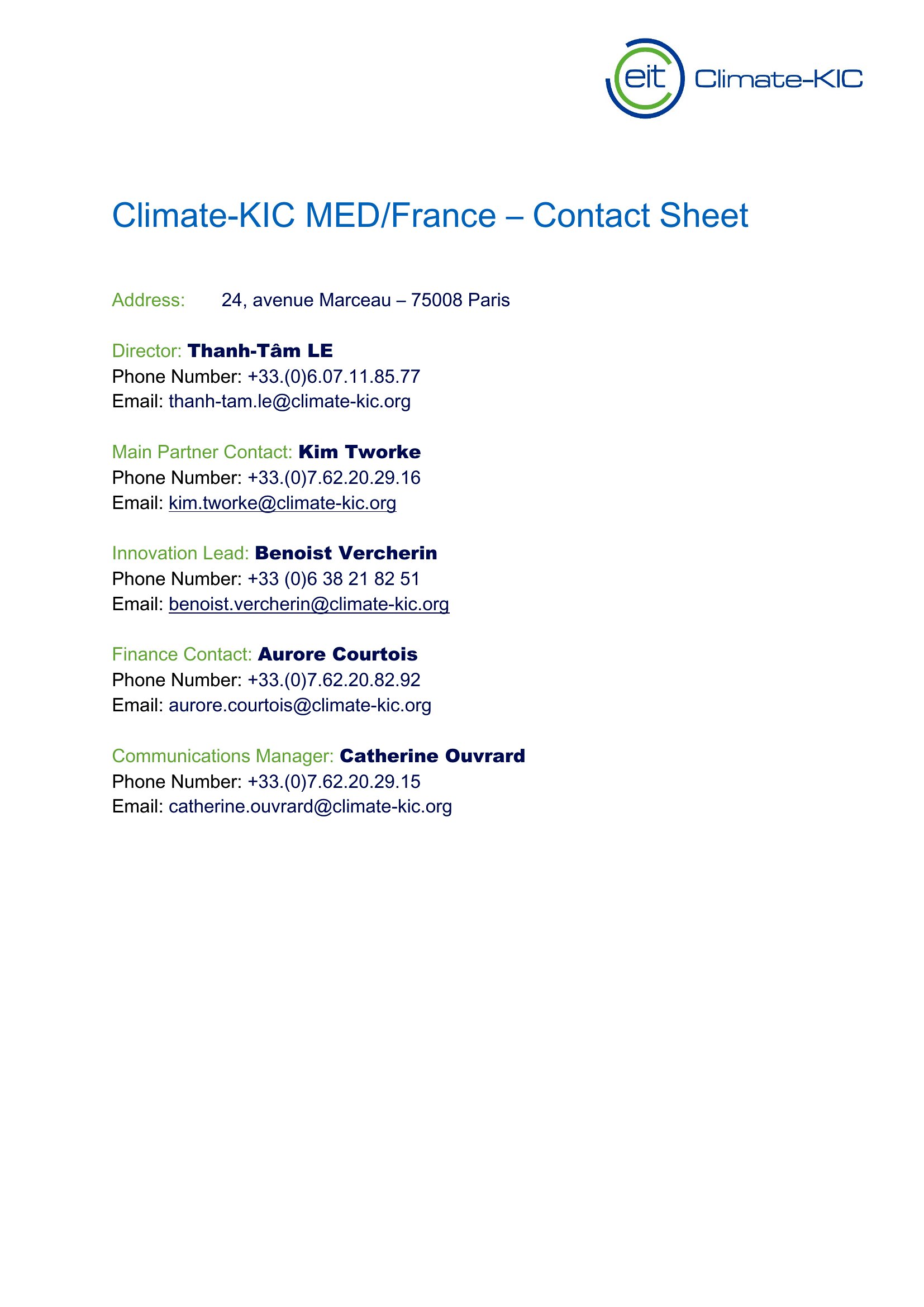
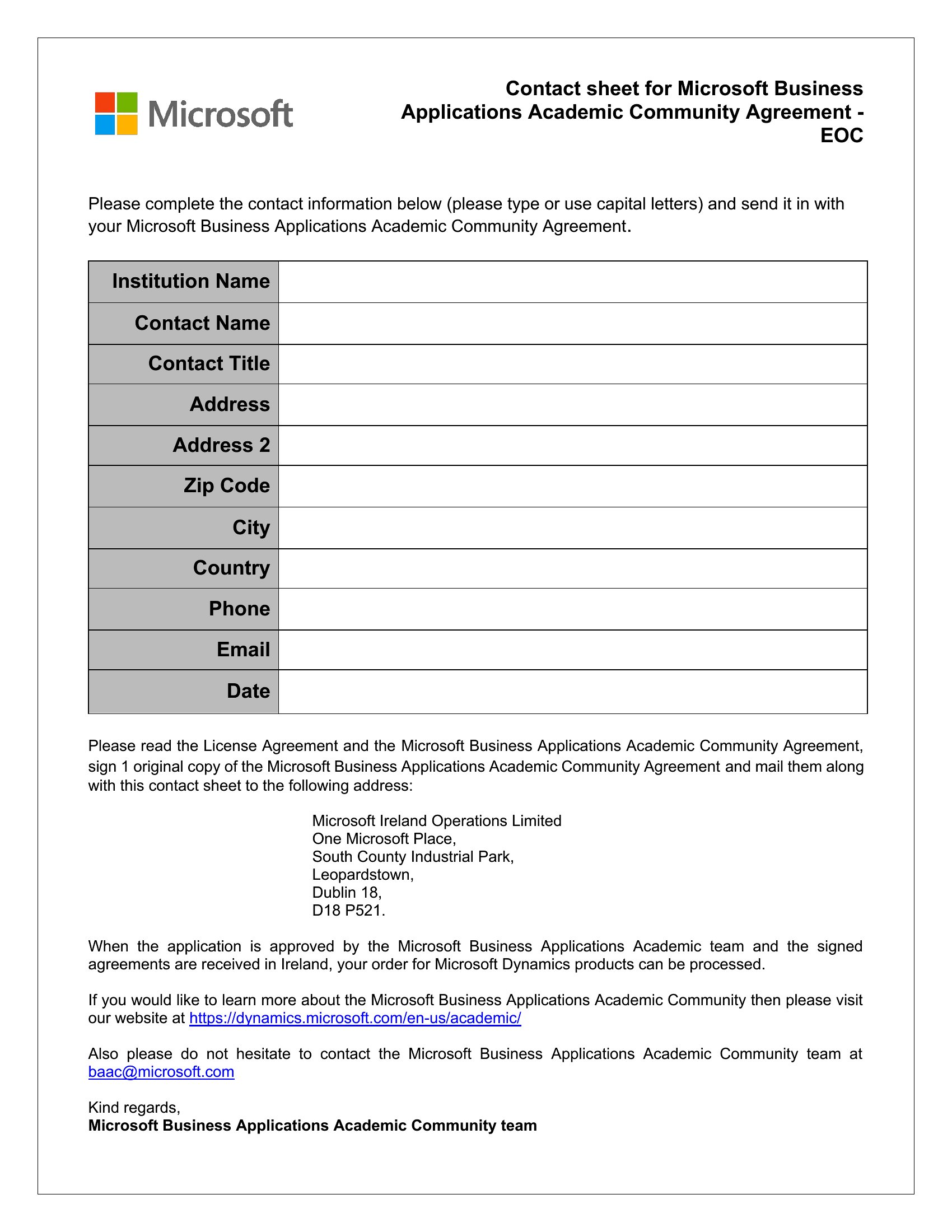
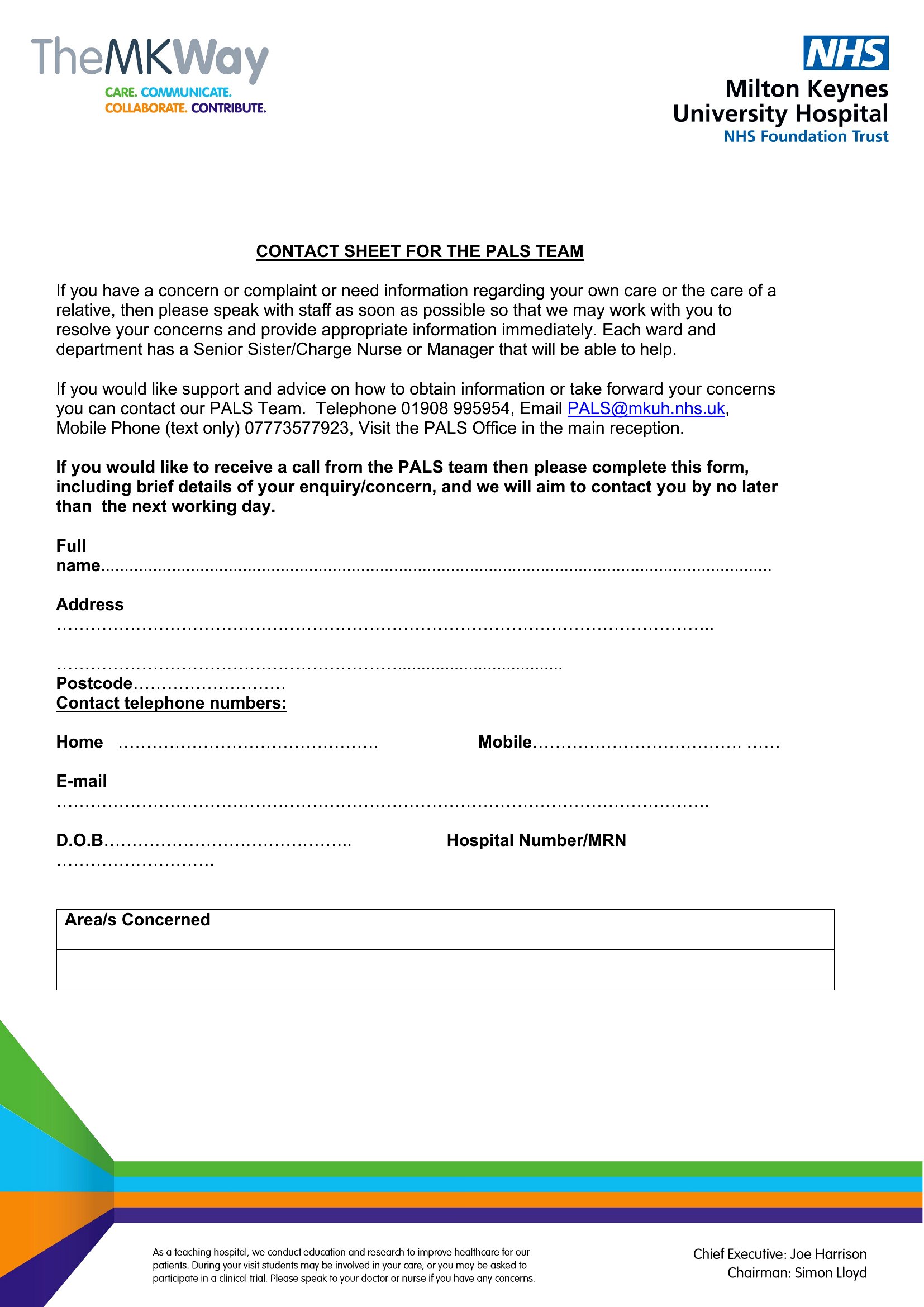
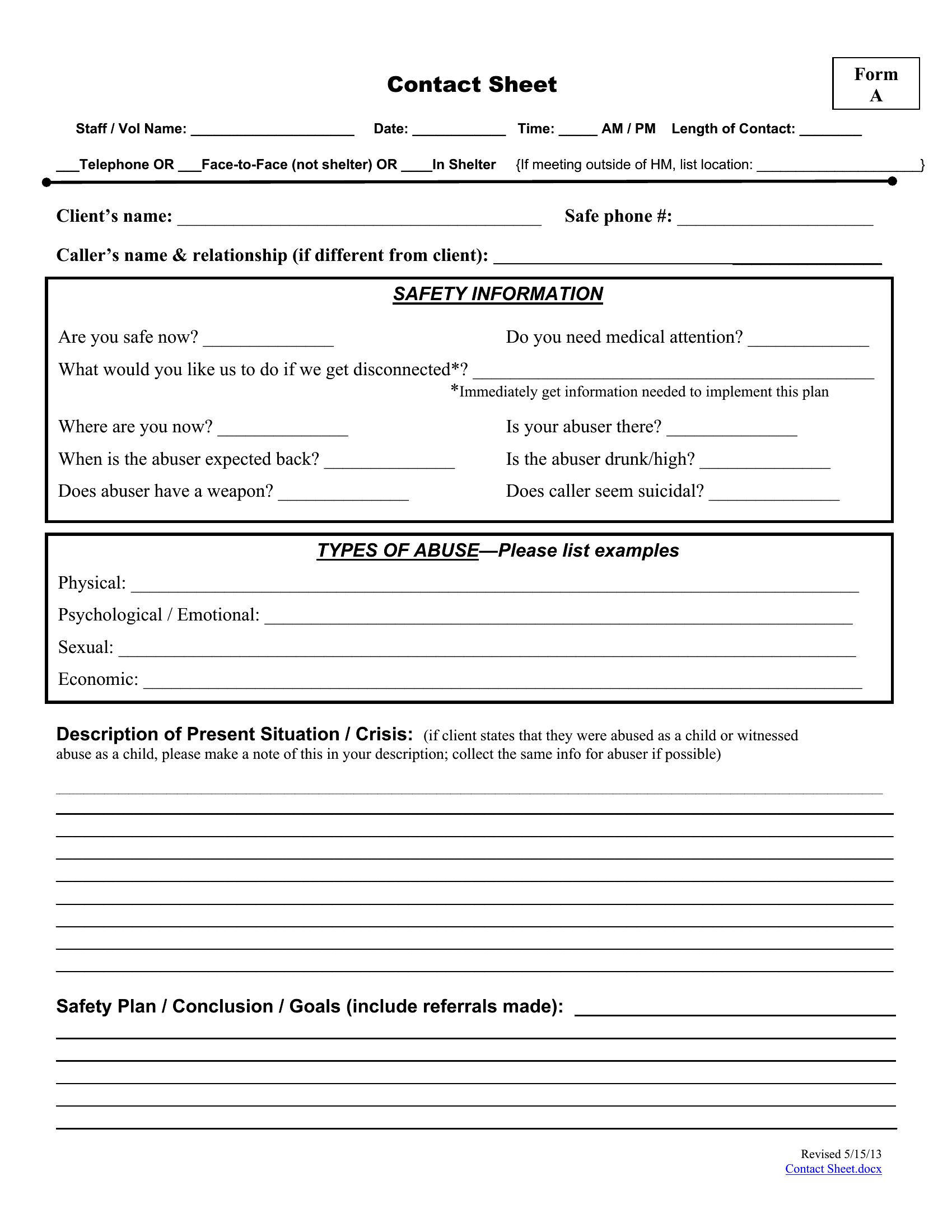
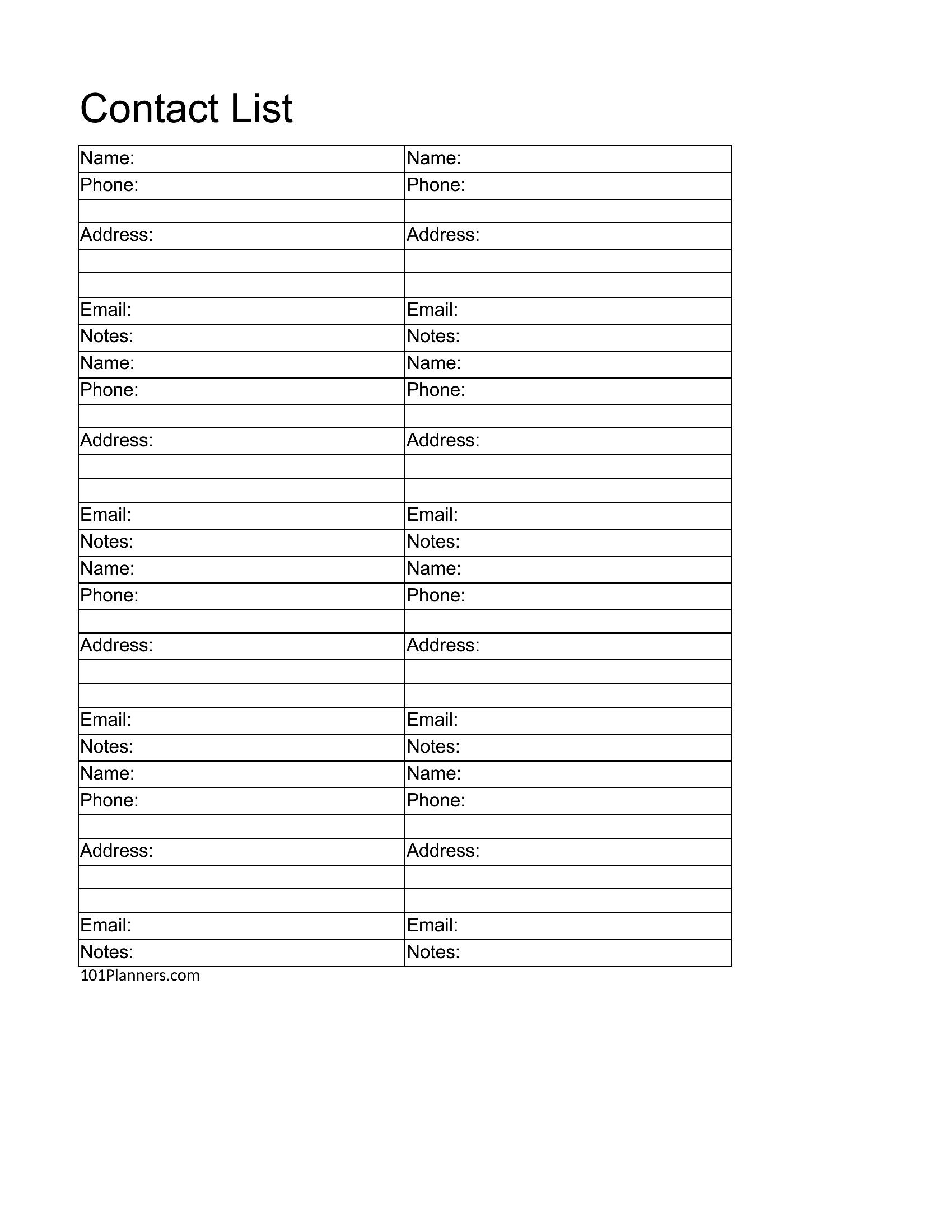
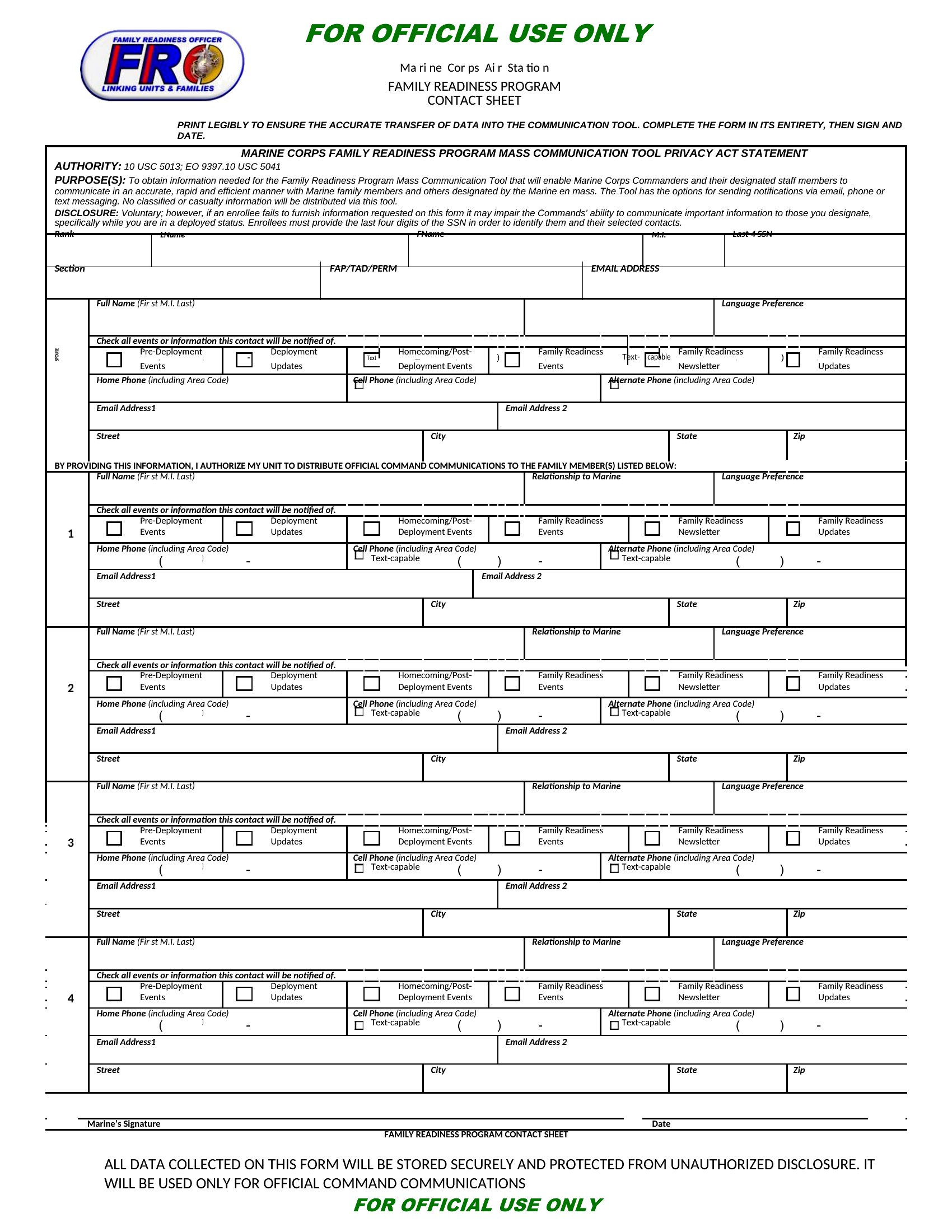
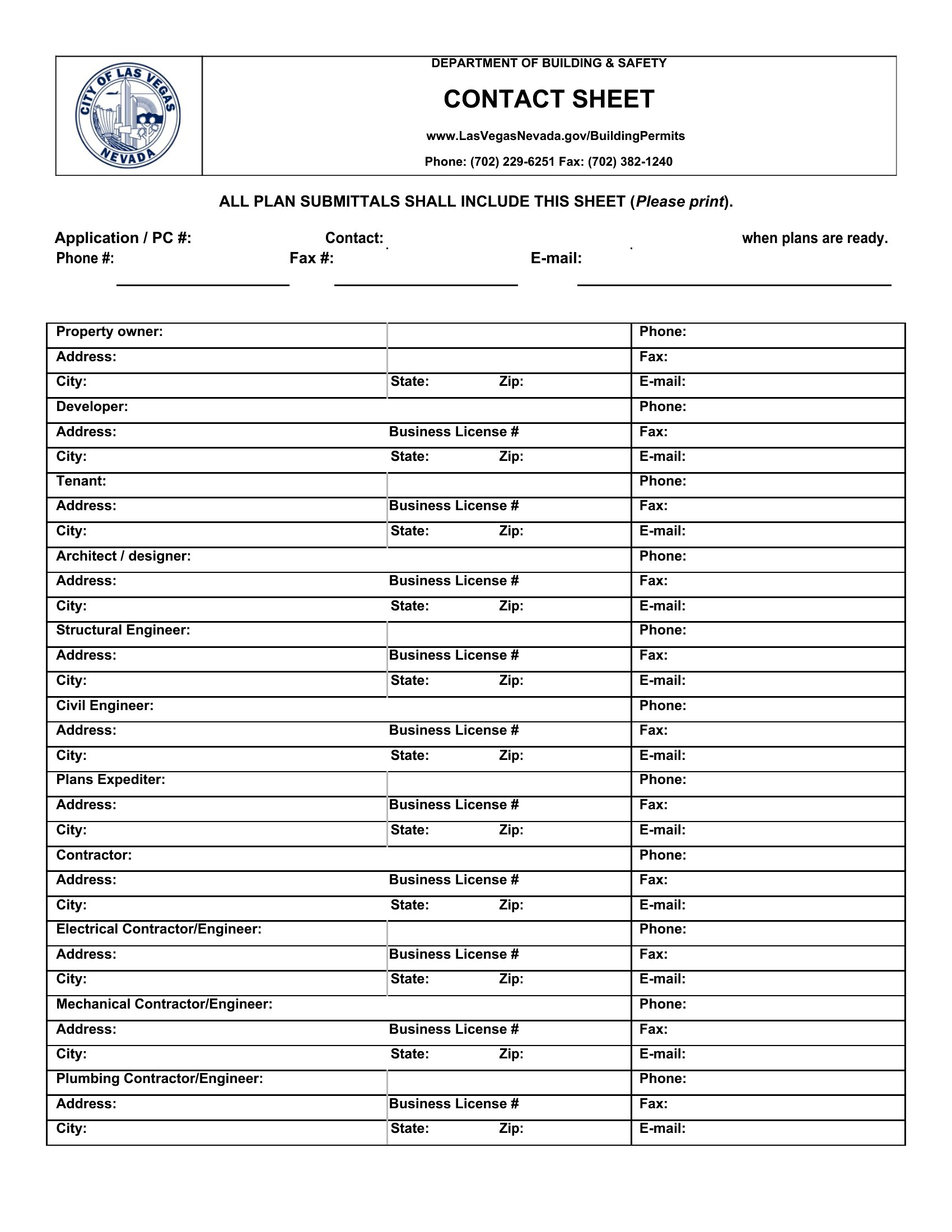
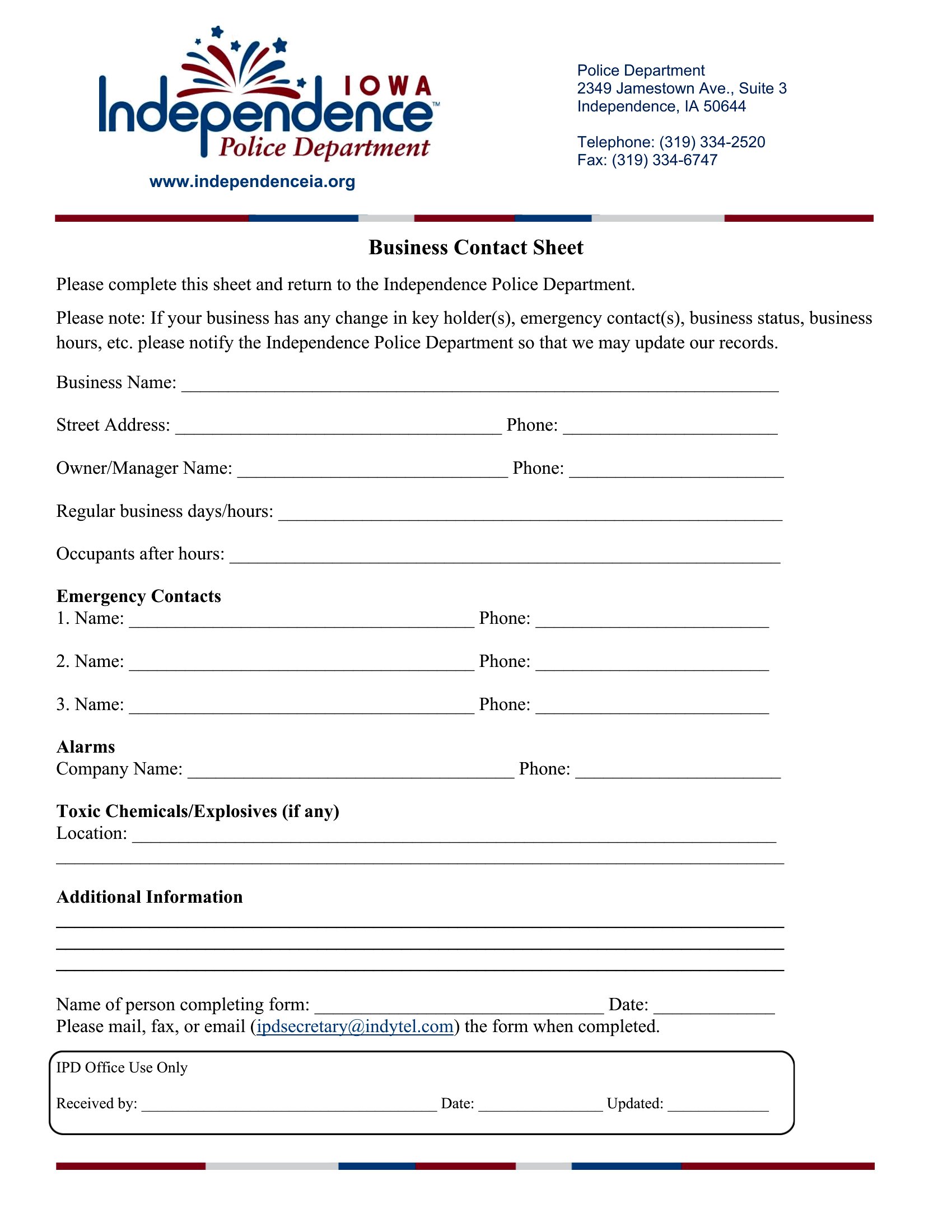
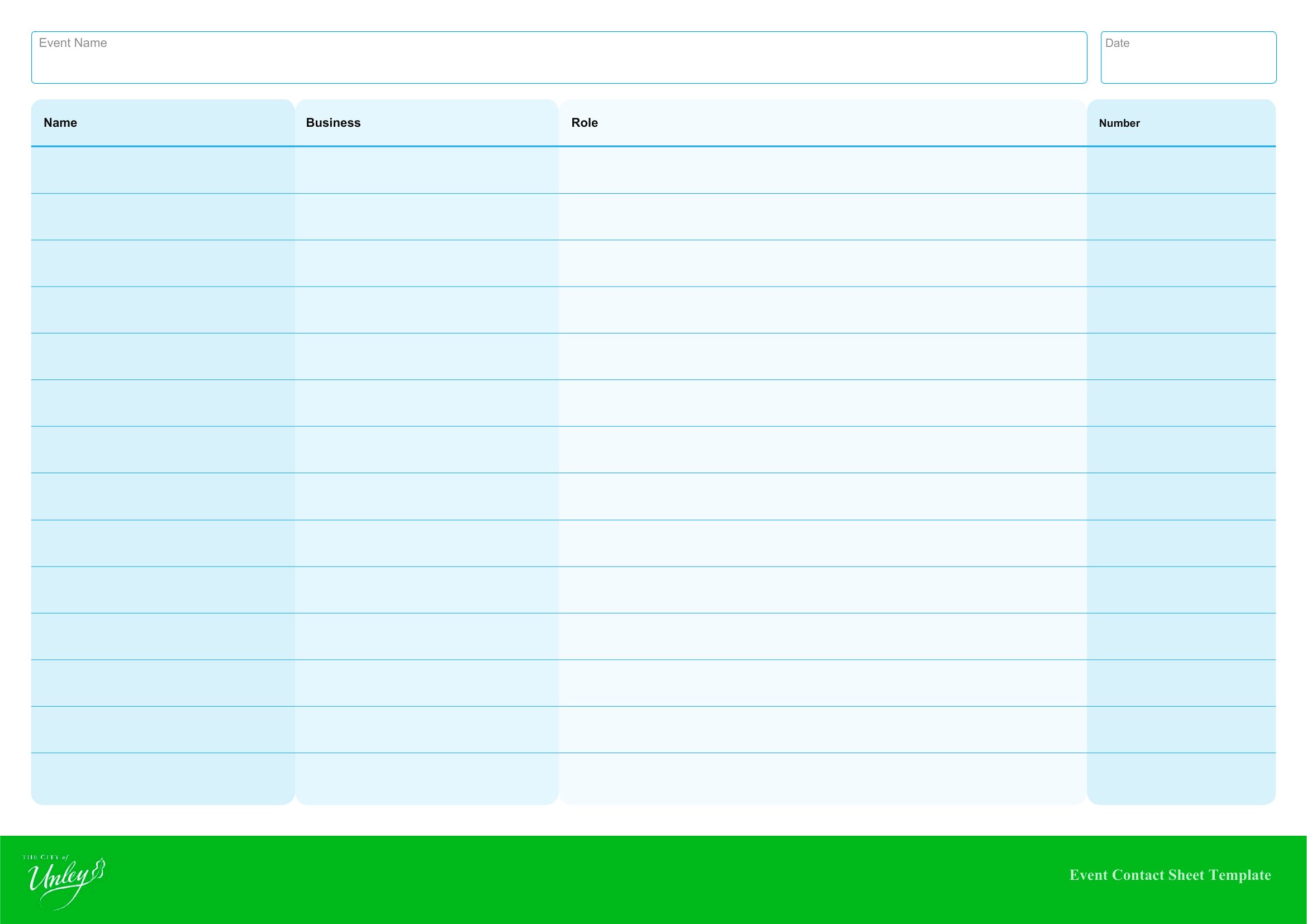
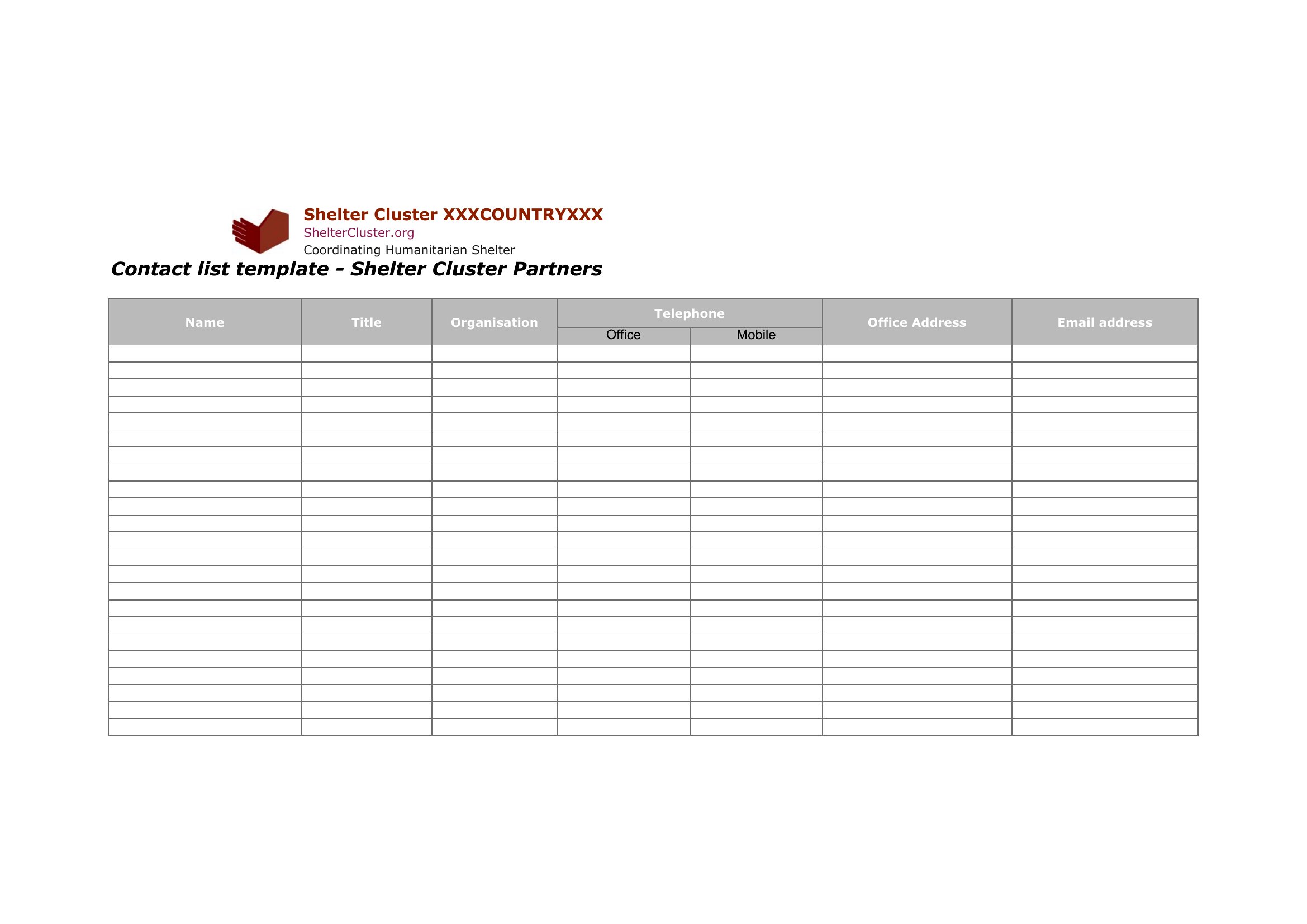
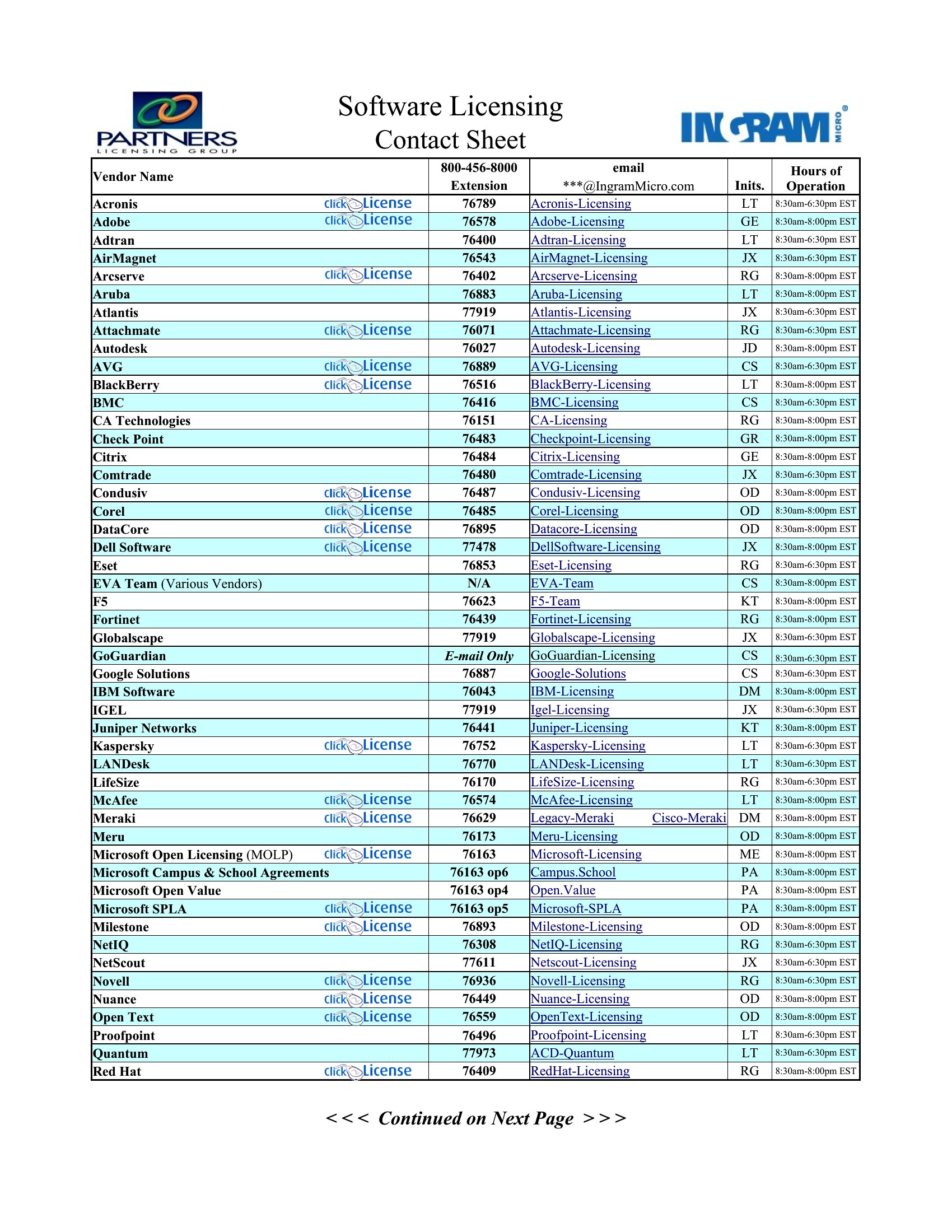
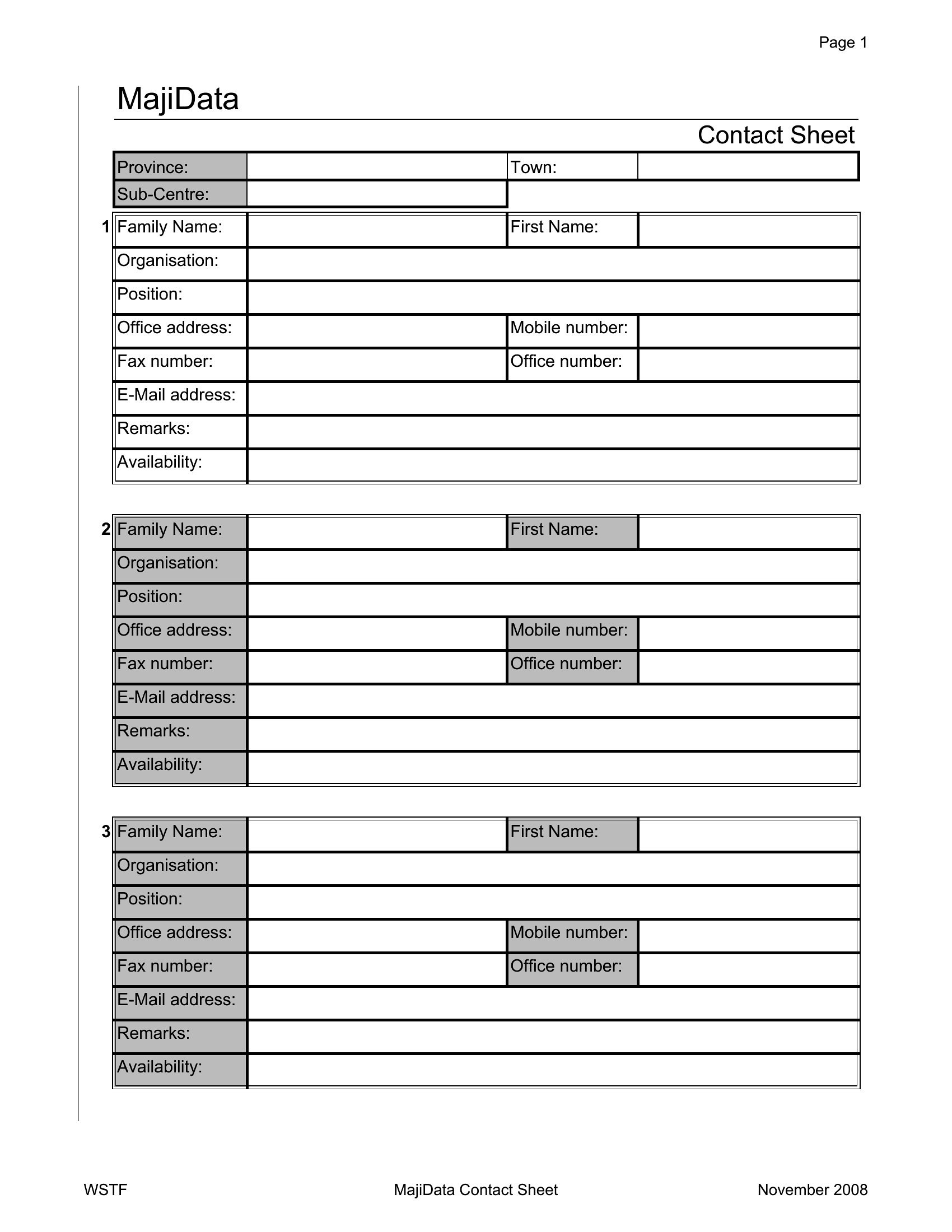
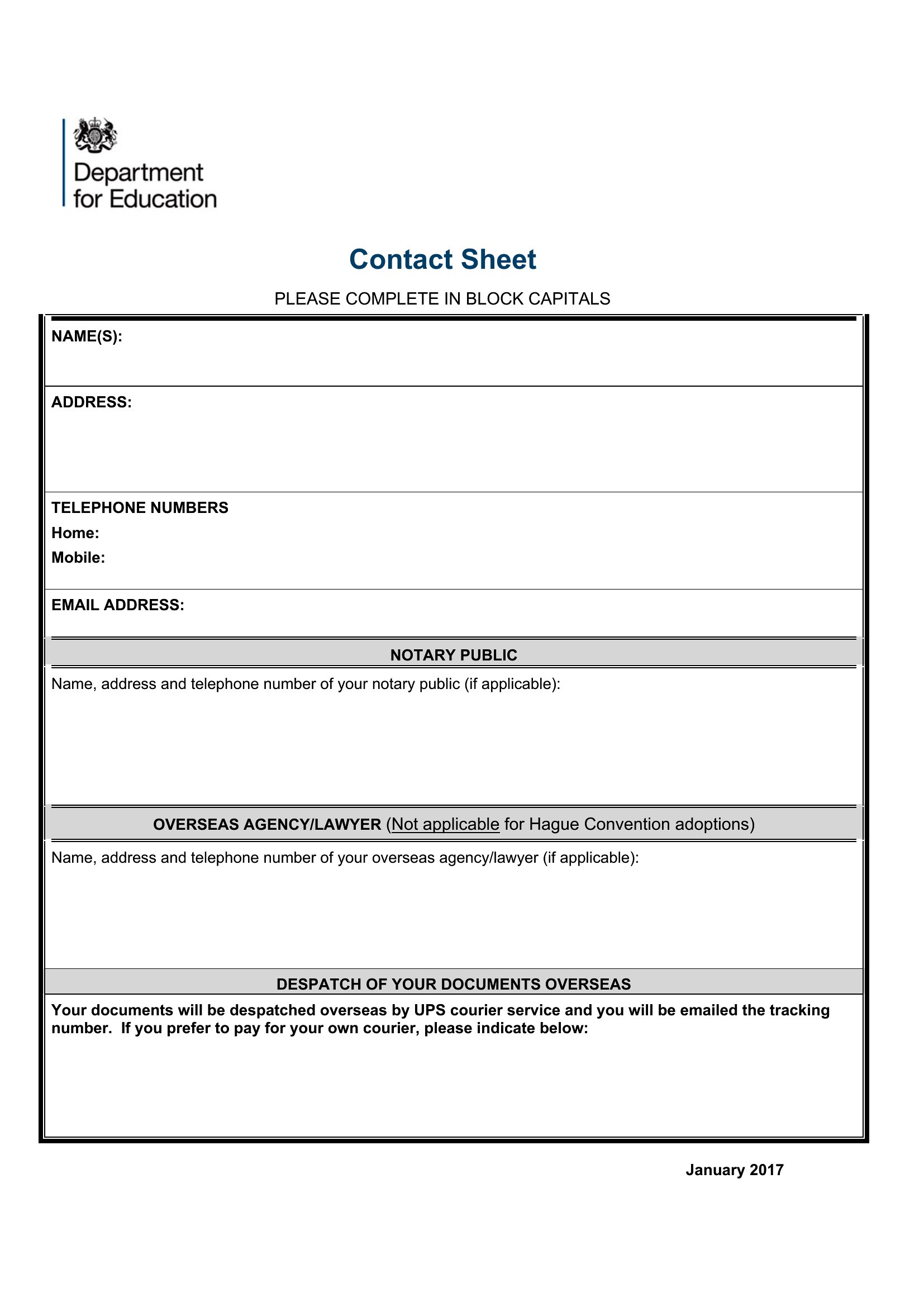
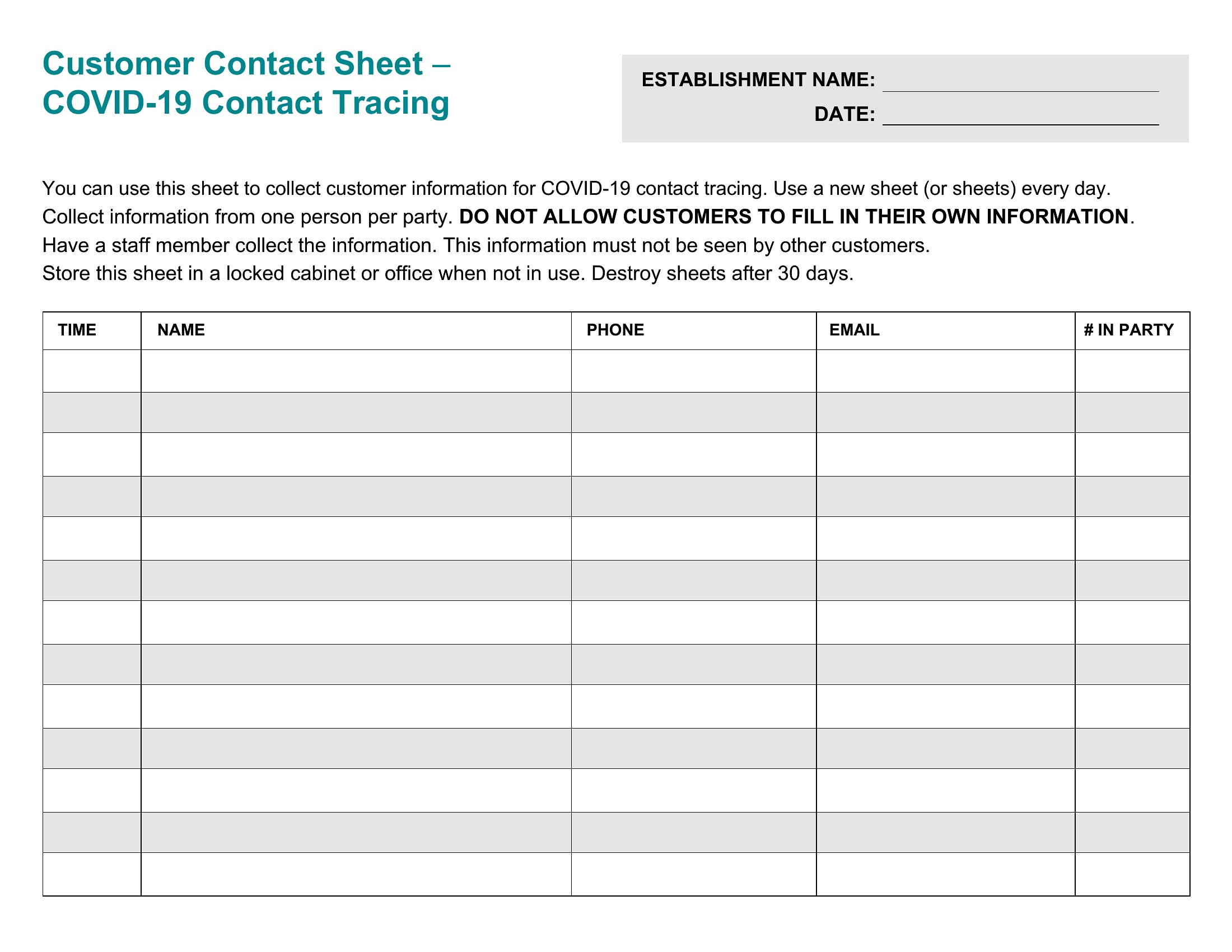
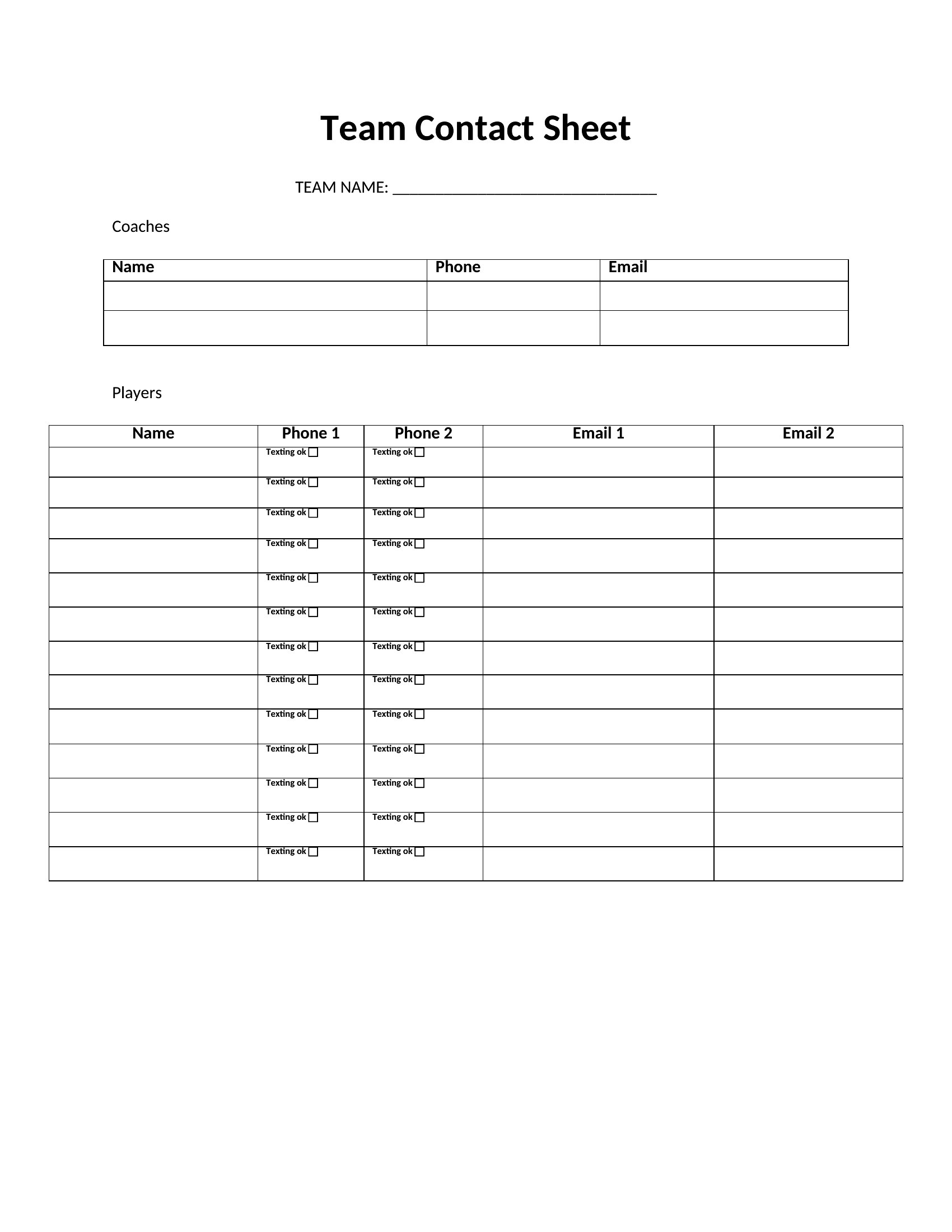
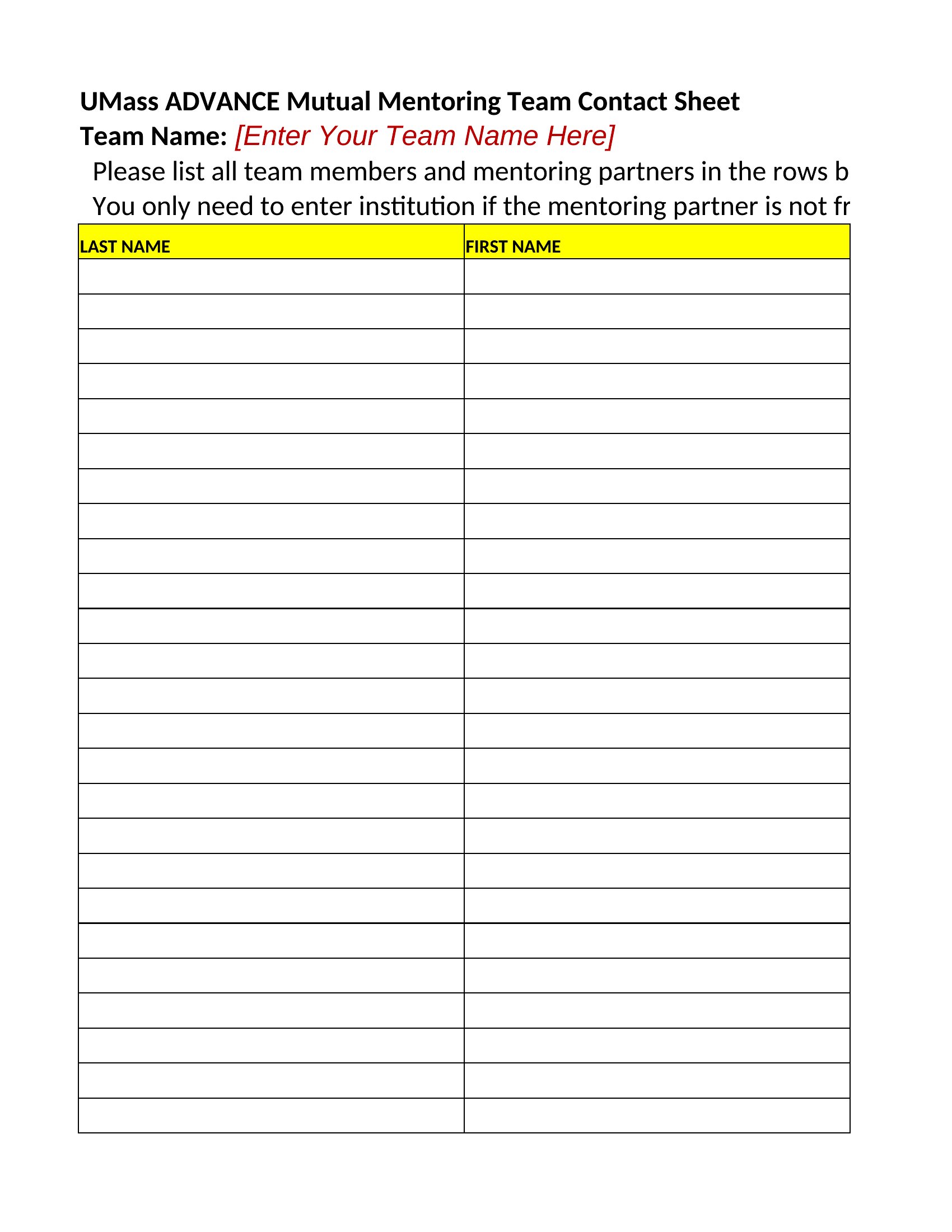
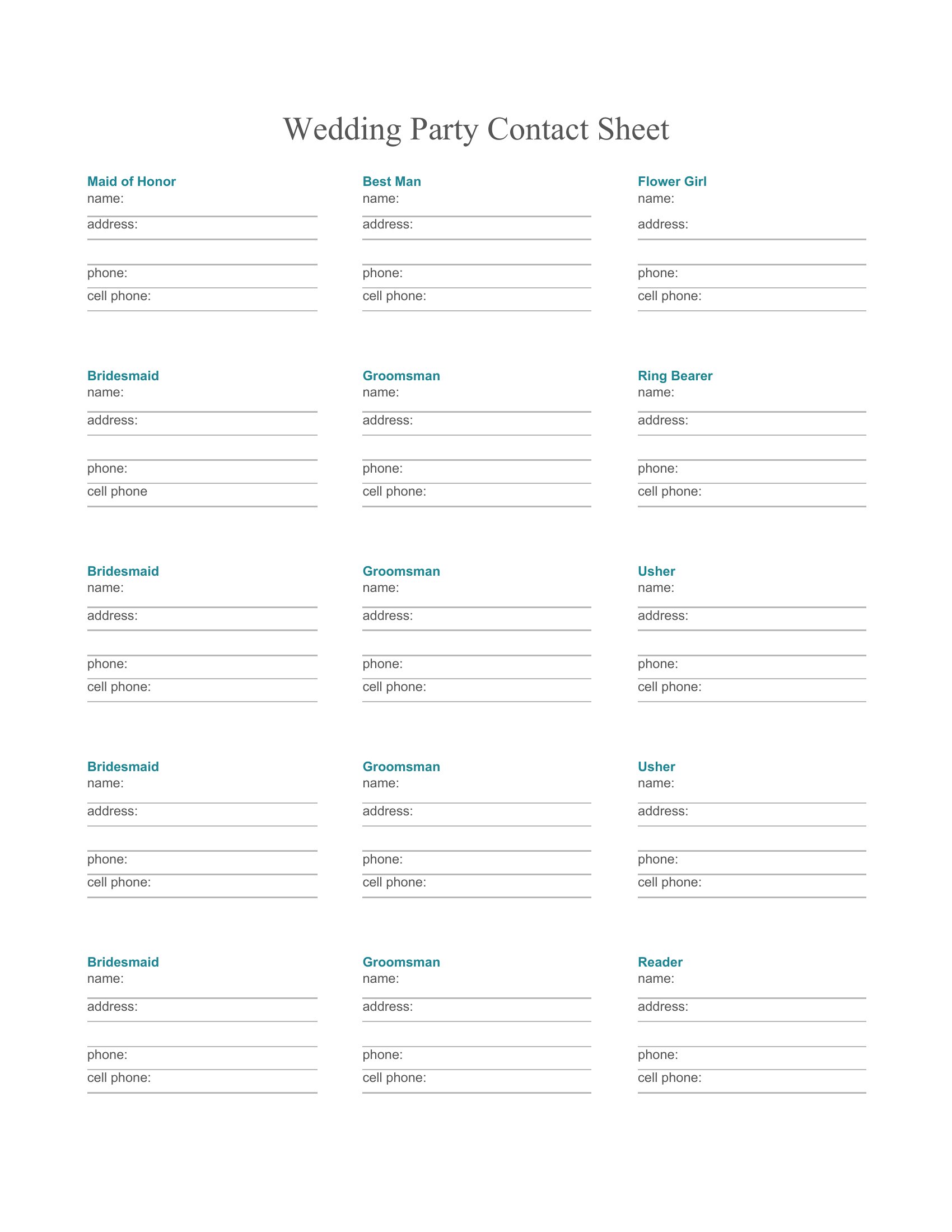
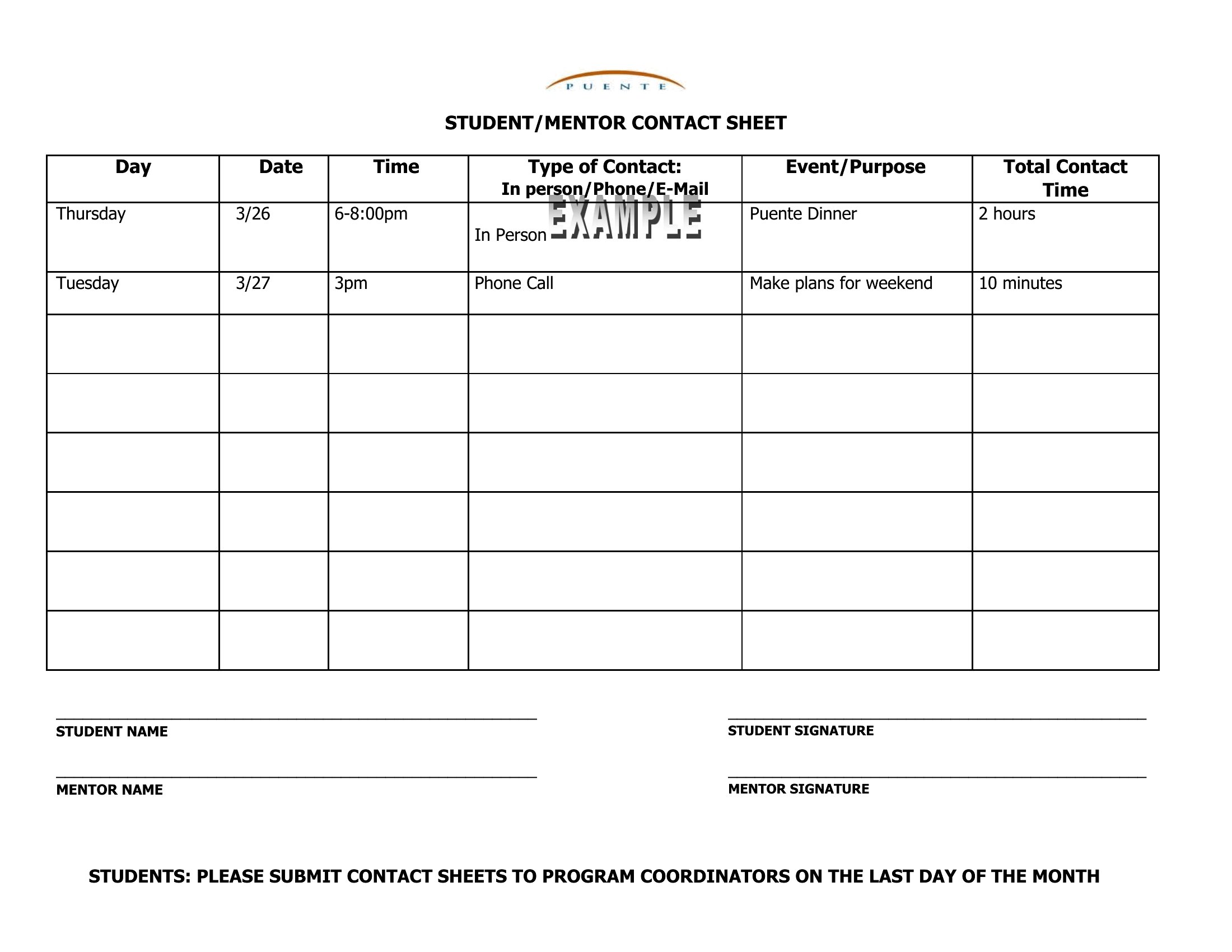
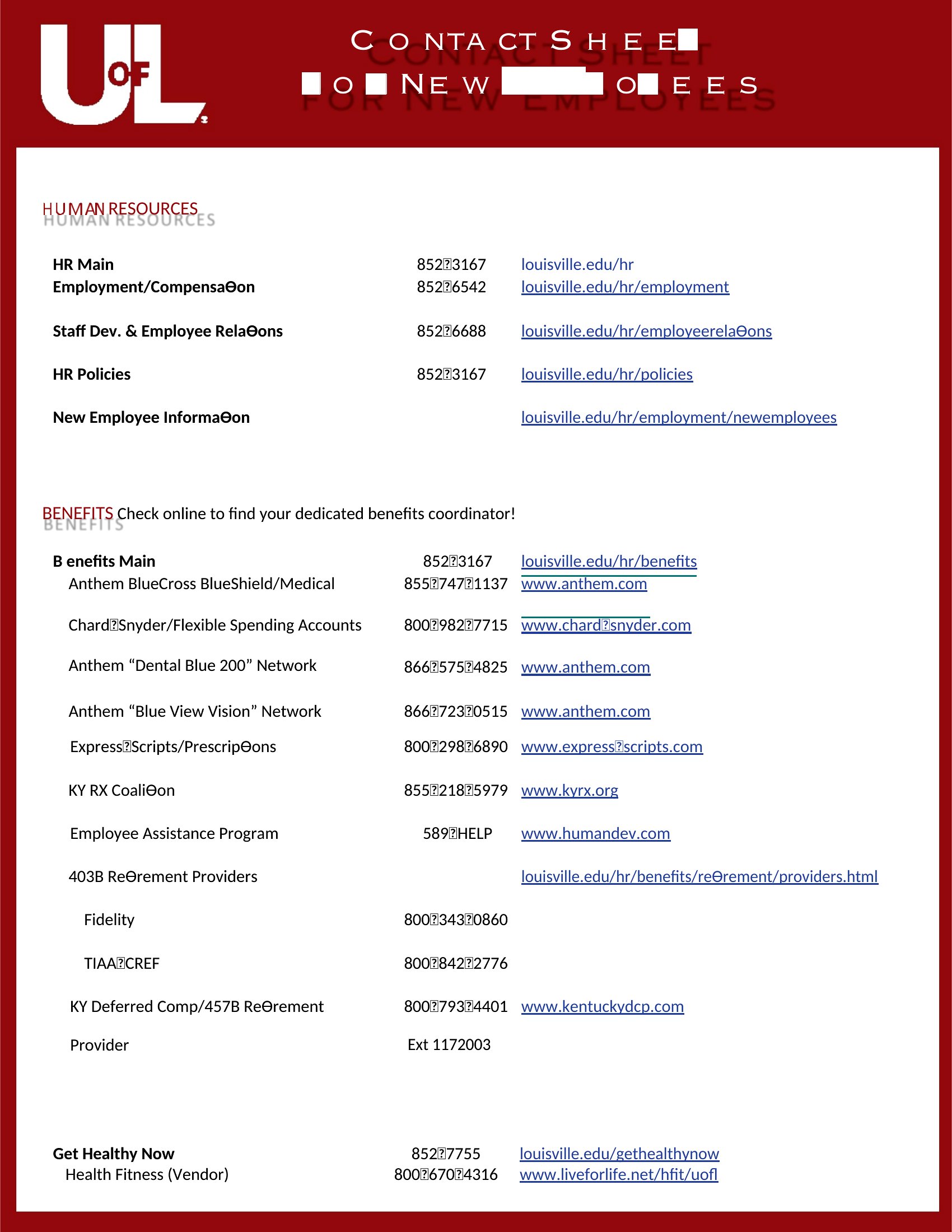
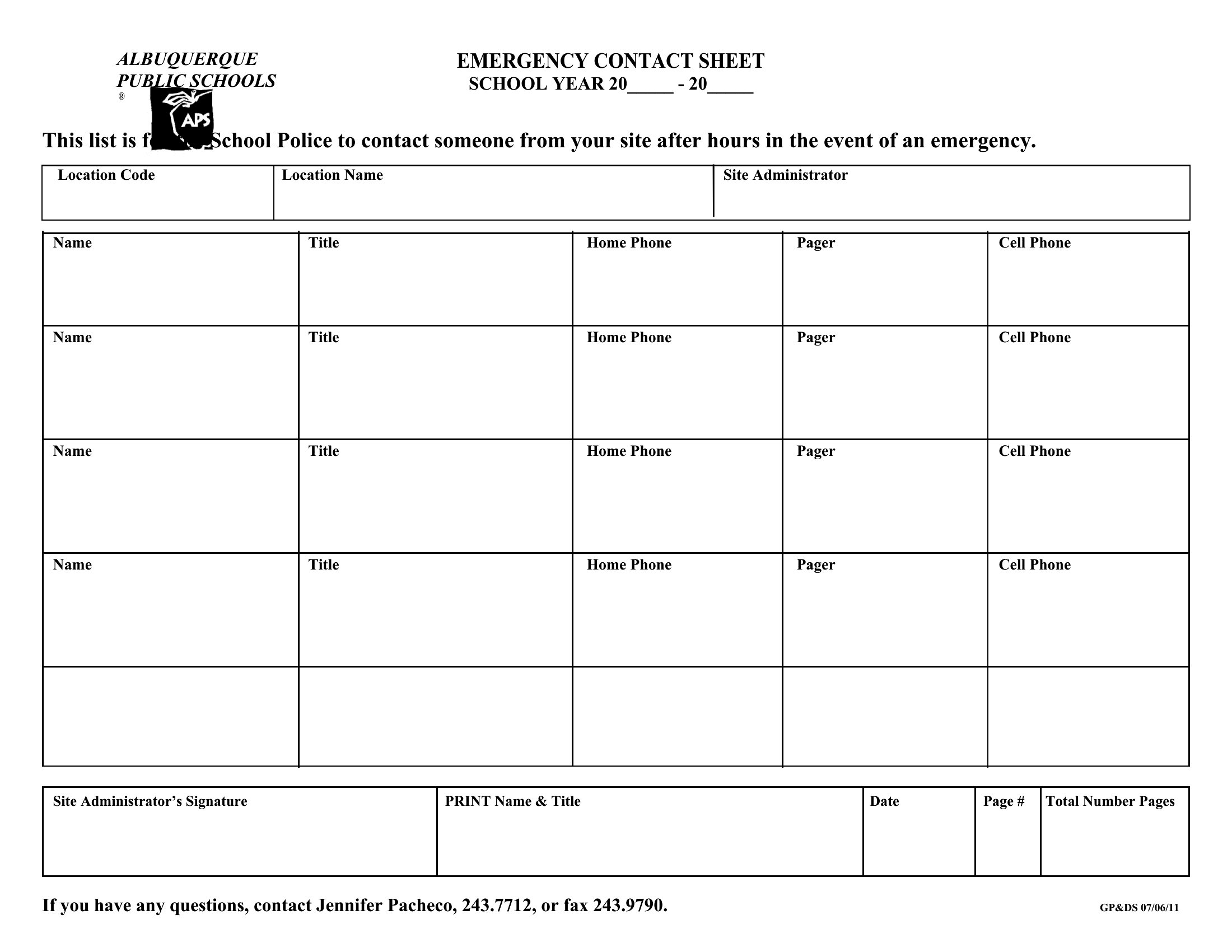
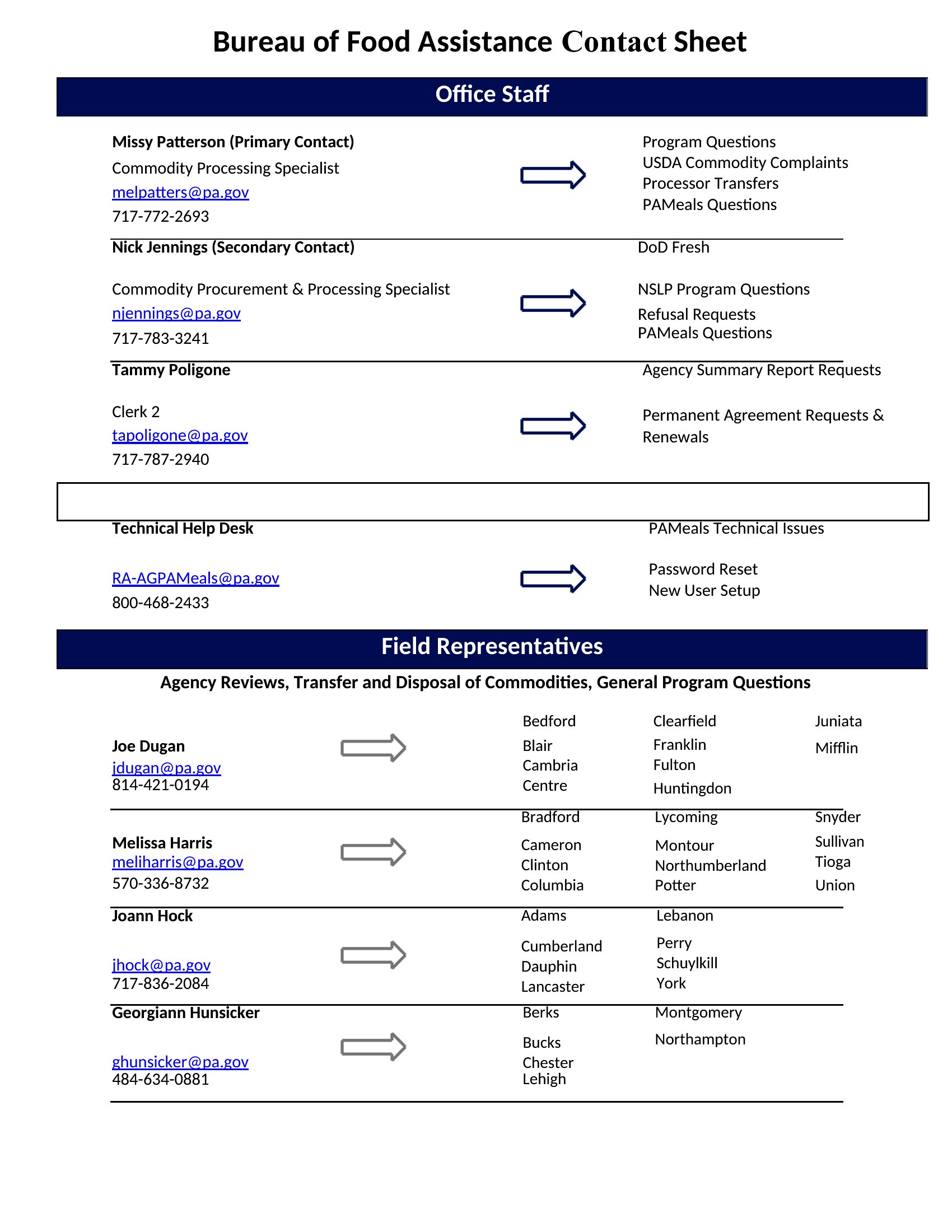
DataWhen you need everyone's details in one place fast, a contact sheet beats digging through your phone. These 40 contact sheet templates give teams, clubs, and event organizers a clean roster for names, phone numbers, emails, and roles. The layouts work for emergency contacts, class lists, and team directories.
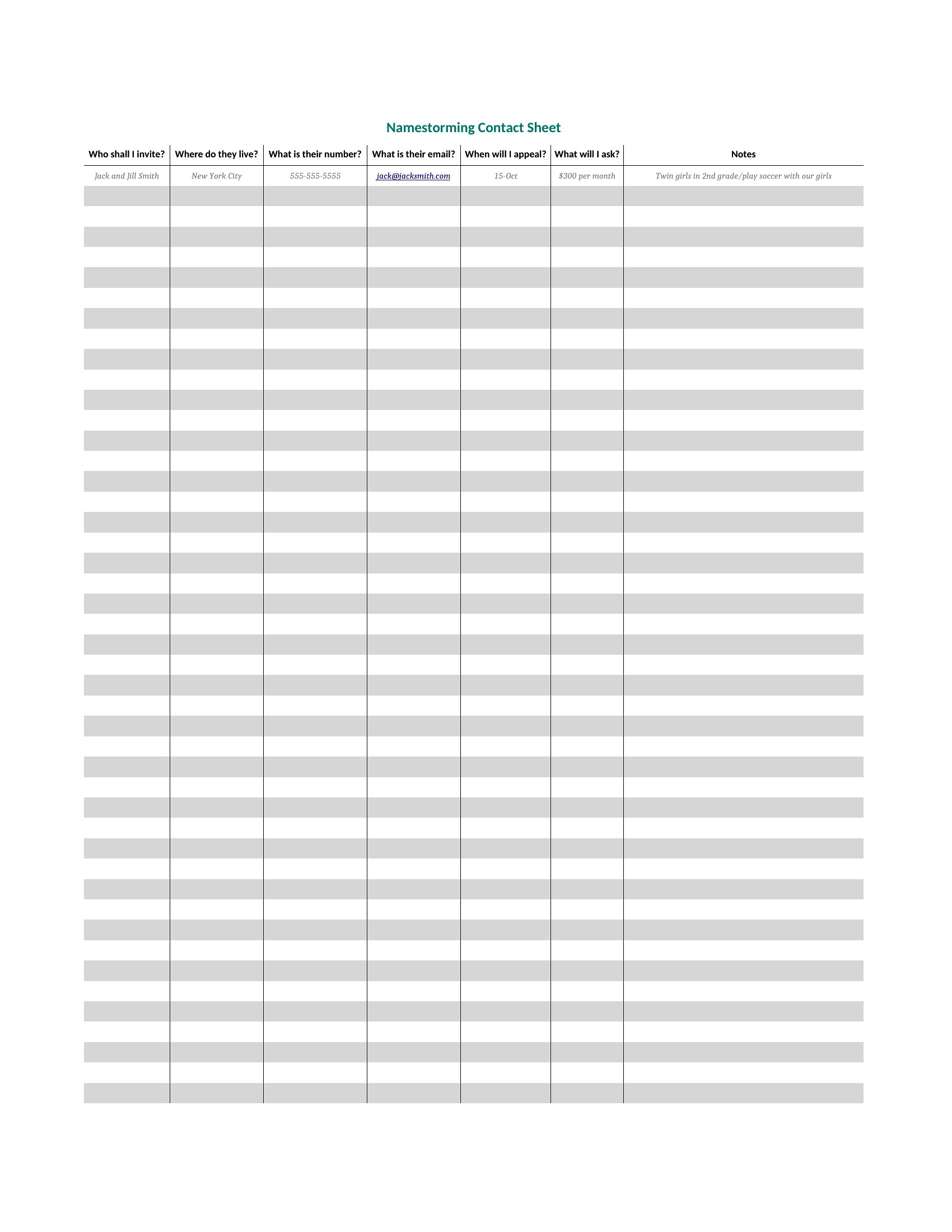
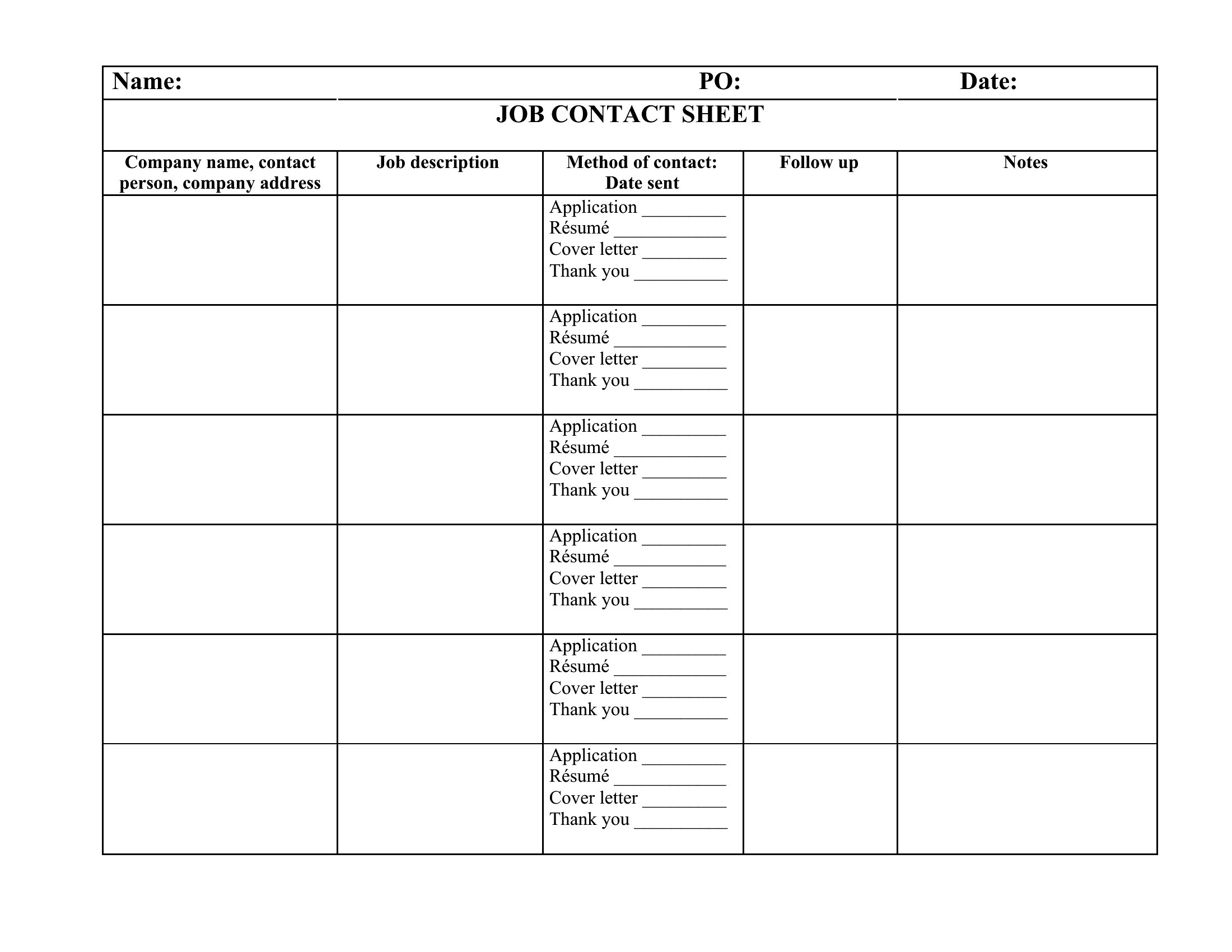
The Excel versions sort and filter your list as it grows, while the Word files print a simple directory to pass around. Enter the names and numbers, group them however makes sense, and share a sheet everyone can use. Download the format that fits your group and keep your contacts organized in one spot.
When to use this Contact Sheet template
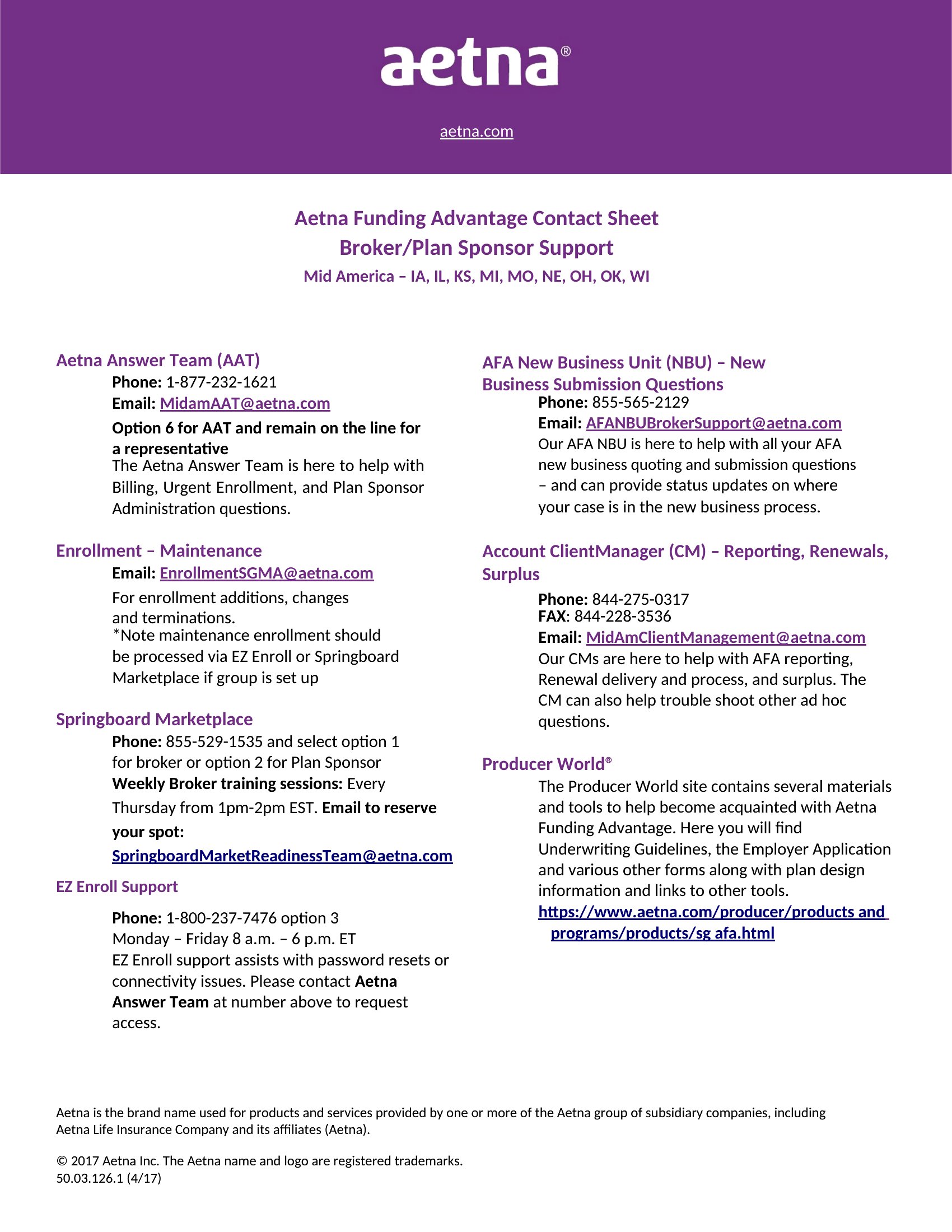
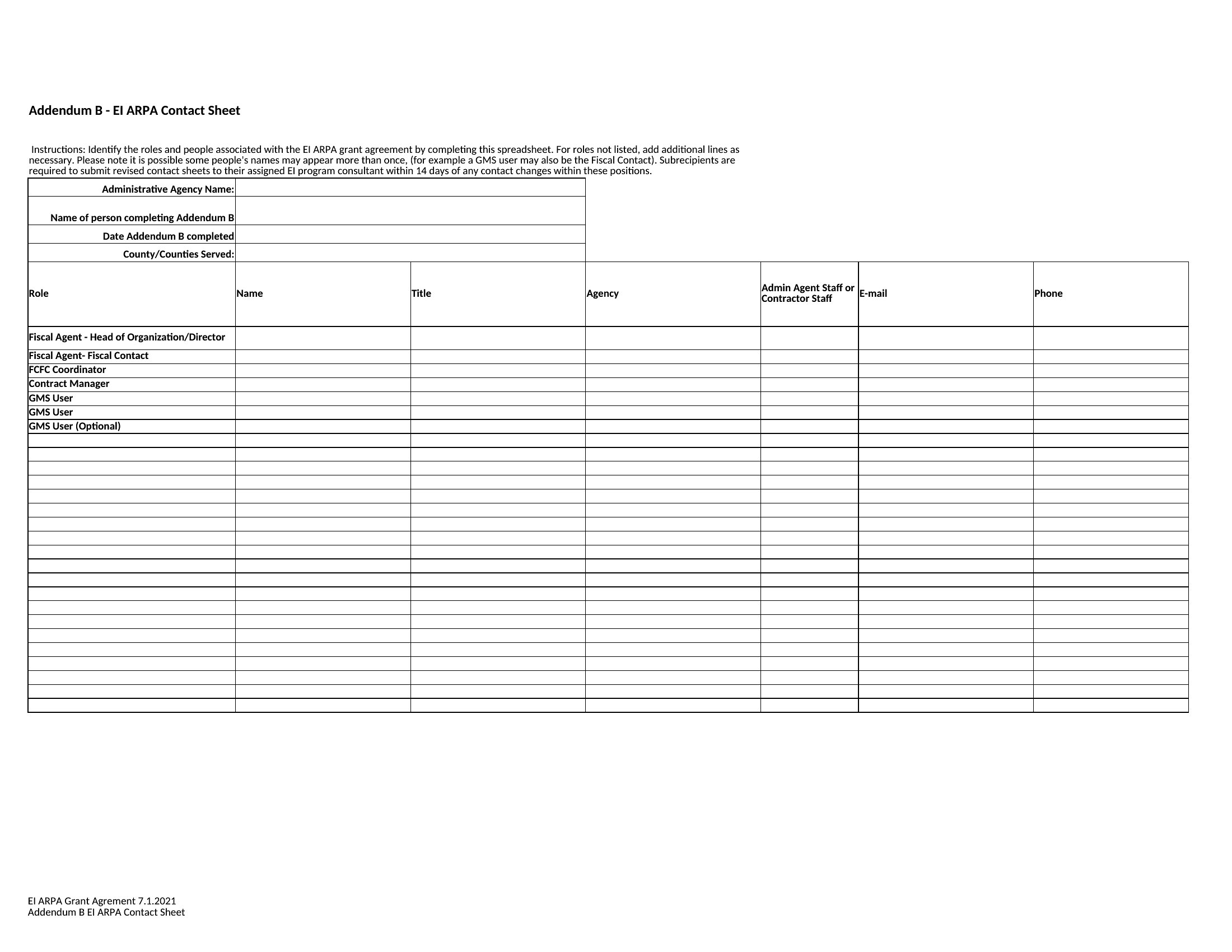
- Small business owners need to share supplier details with their team during inventory checks, ensuring everyone has the same up-to-date contact info for follow-ups.
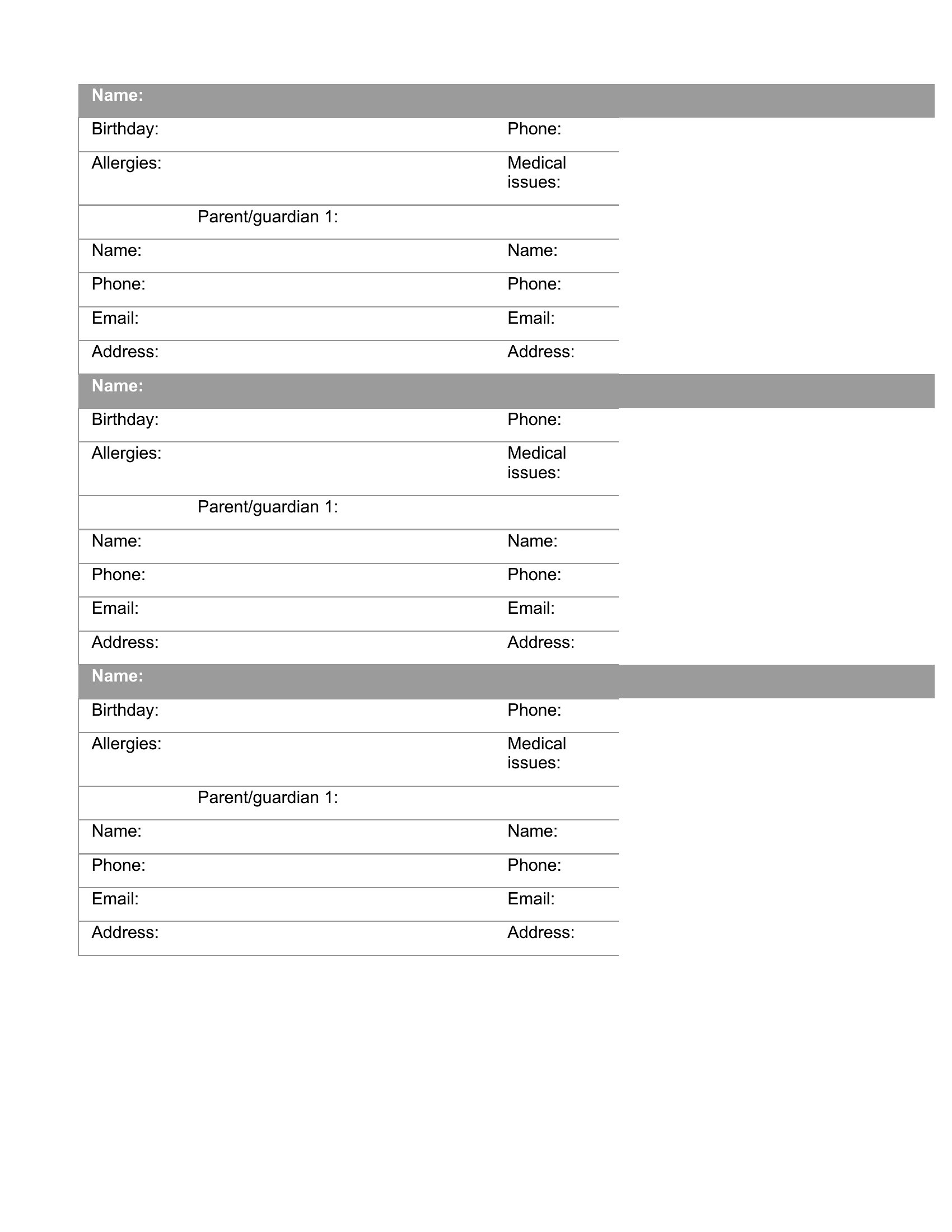
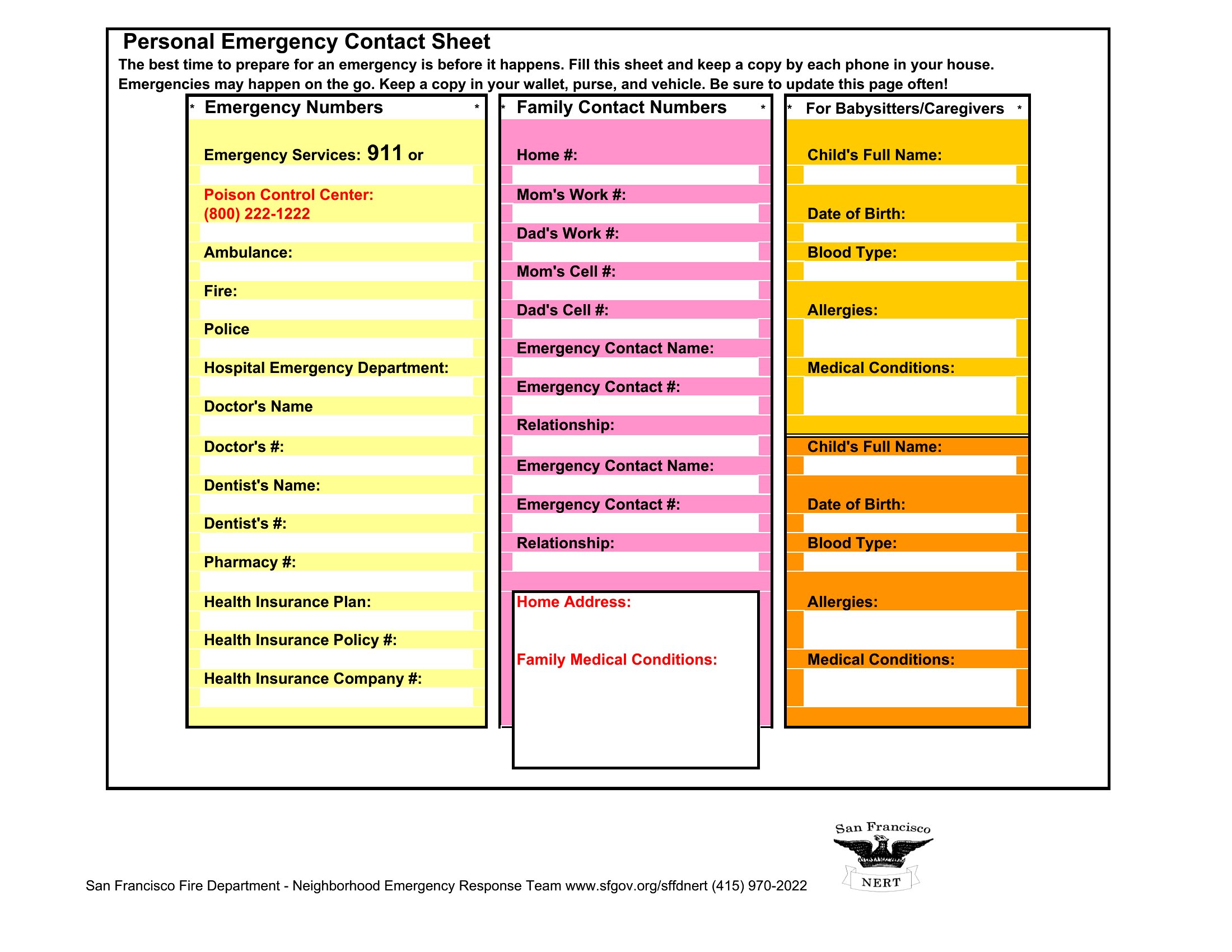
- School PTA leaders organize volunteer sign-ups for field trips, requiring a quick way to list parent names, emergency contacts, and allergies for safety briefings.
- Nonprofit coordinators track donor information before a fundraising event, so they can send thank-you notes and follow up with supporters after the campaign.
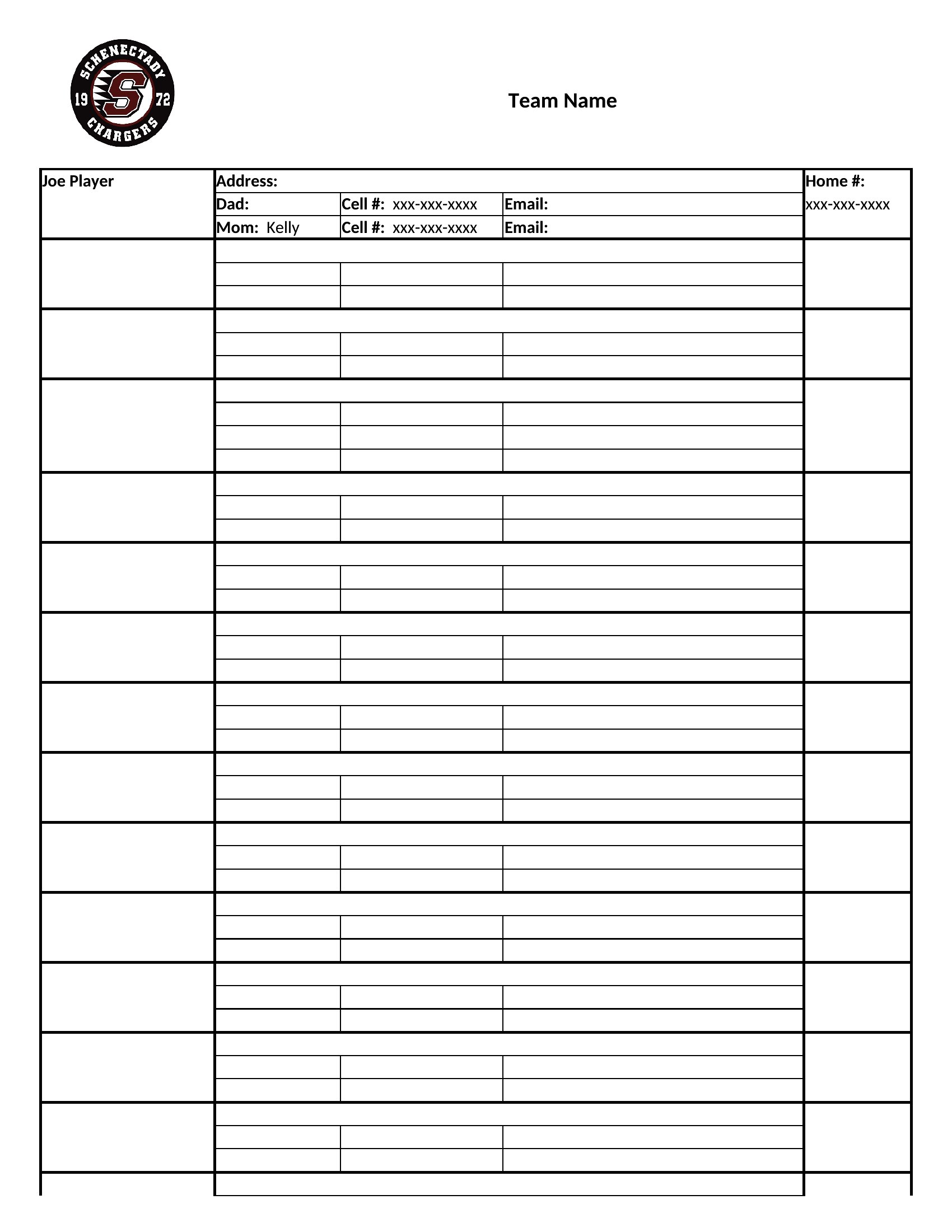
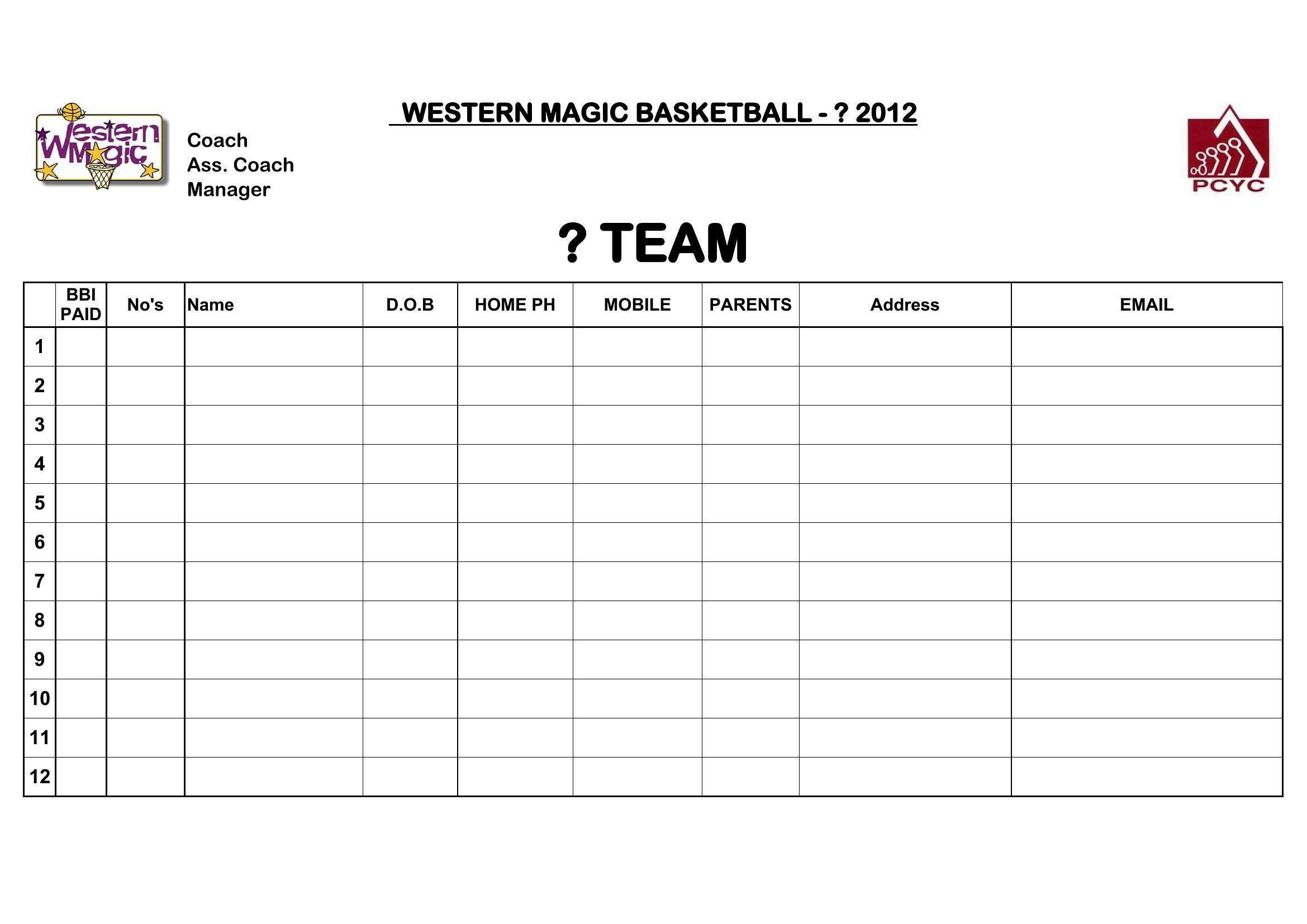
- Sports coaches manage a youth team’s parent contacts for permission slips, practice schedules, and game-day notifications, keeping everything in one accessible place.
Which format should I download?
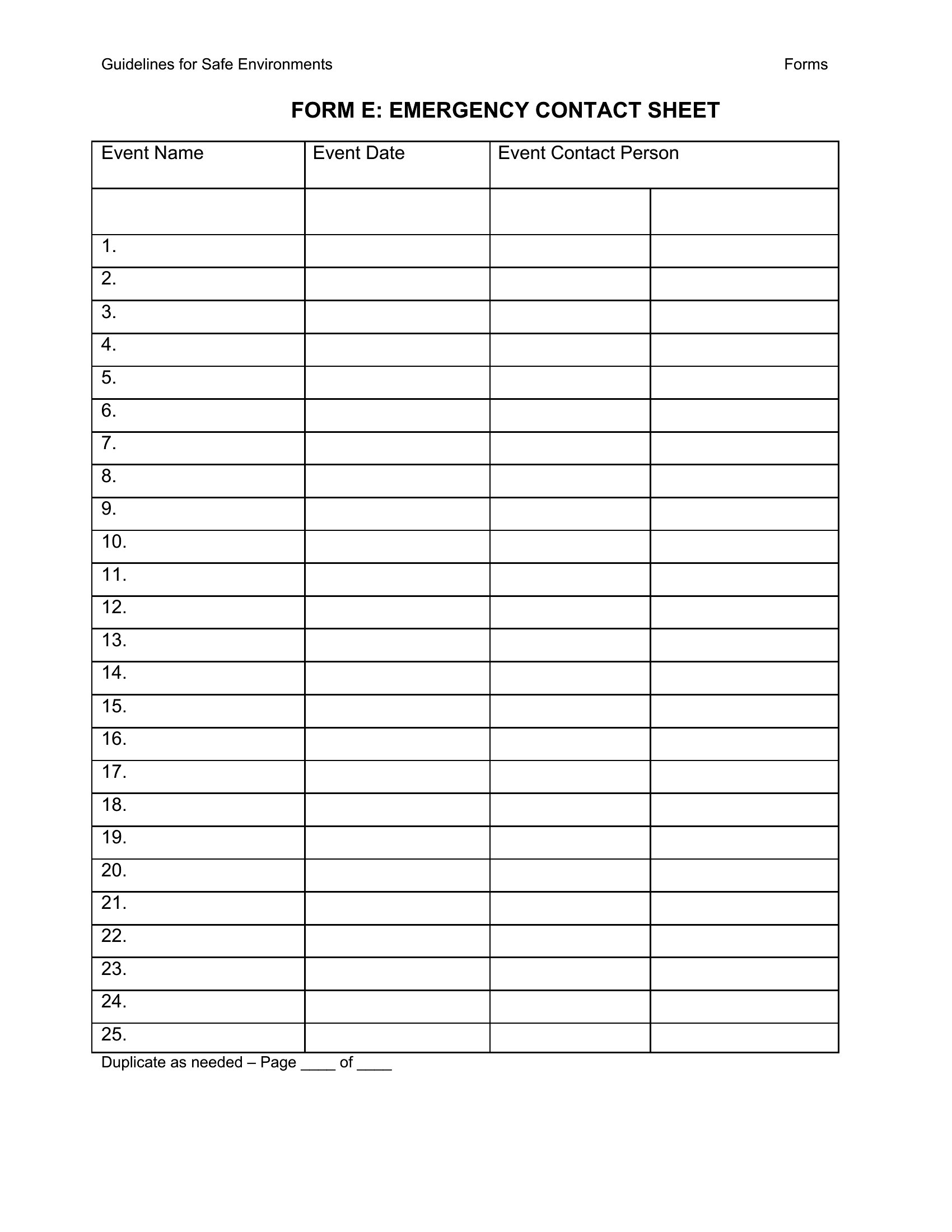
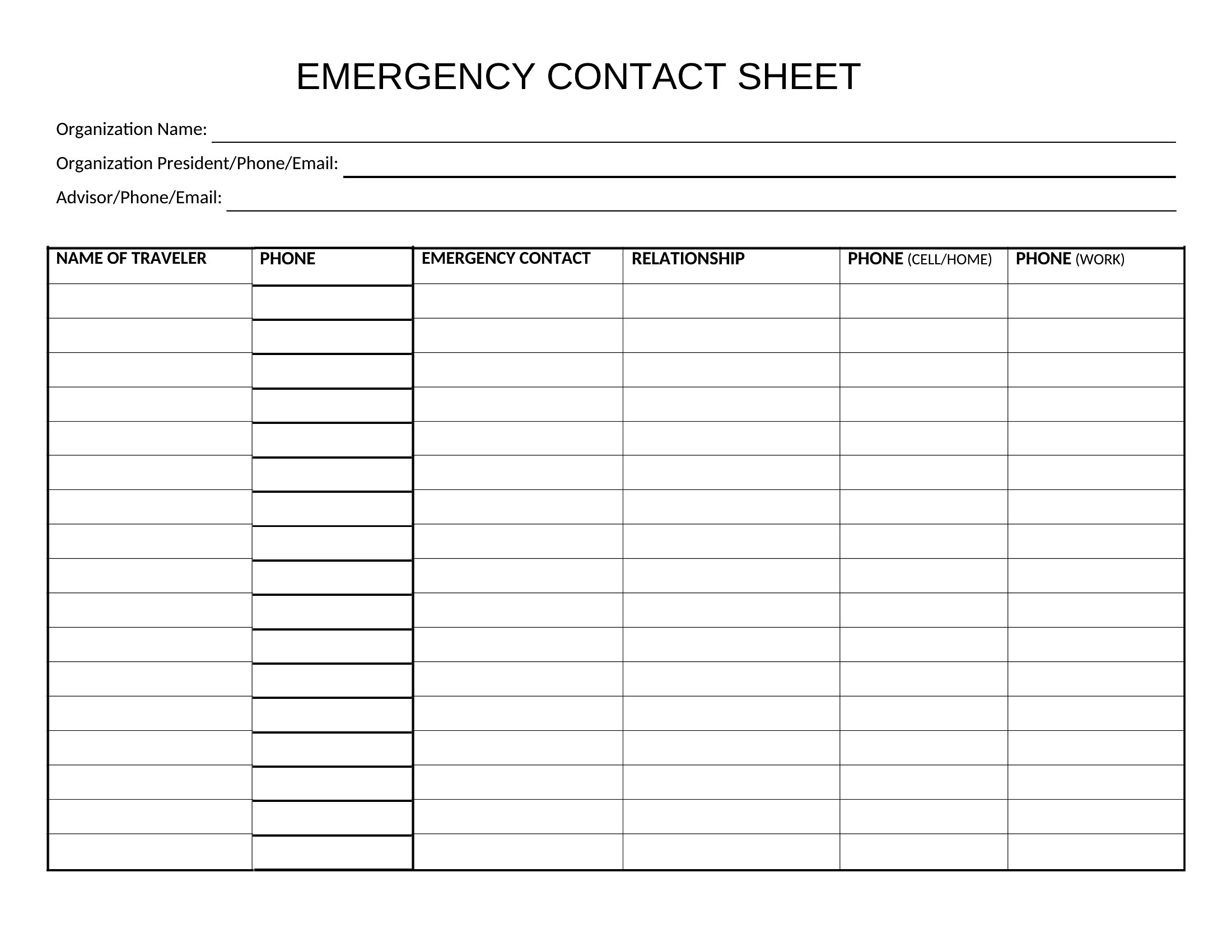
Choose Word if you need a polished, print-ready version for handouts or records that won’t change often—like emergency contact lists for offices. The clean layouts make it easy to add headings and customize columns for specific roles. Pick Excel when your contact list is dynamic, with frequent updates or sorting needs, like tracking volunteers or client leads. The Excel format lets you filter by name, role, or last updated date without redesigning the sheet.
Choose from 40 Contact Sheet Templates
How to use this Contact Sheet template
Can I add extra columns like social media handles or preferred contact methods?
Yes, all templates are fully editable. Start with the pre-built layout, then add columns as needed. For Excel, insert new columns between existing ones to keep data aligned. In Word, use the table tools to adjust spacing and merge cells for wider entries. Save a copy first to avoid overwriting the original.
How do I keep the contact sheet organized if the list grows beyond one page?
In Word, use the built-in pagination features to split long lists across pages while keeping headers visible. For Excel, freeze the header row and use column filters to navigate large datasets. Some templates include section breaks or tabs for grouping contacts by department, team, or role, which helps when printing or sharing.
Are these templates suitable for sharing contacts with external parties like vendors or clients?
These templates are designed for internal or controlled sharing, such as with team members or trusted partners. If sharing externally, review the contact details for sensitivity and consider redacting unnecessary info. For legal or medical contexts, consult a professional to ensure compliance before distributing any personal data.
Comments
Join the conversation
Sign in to share your thoughts and leave a comment on this resource.