Free Savings Tracker Printables (Word, Excel, PDF)
StatementsTemplates
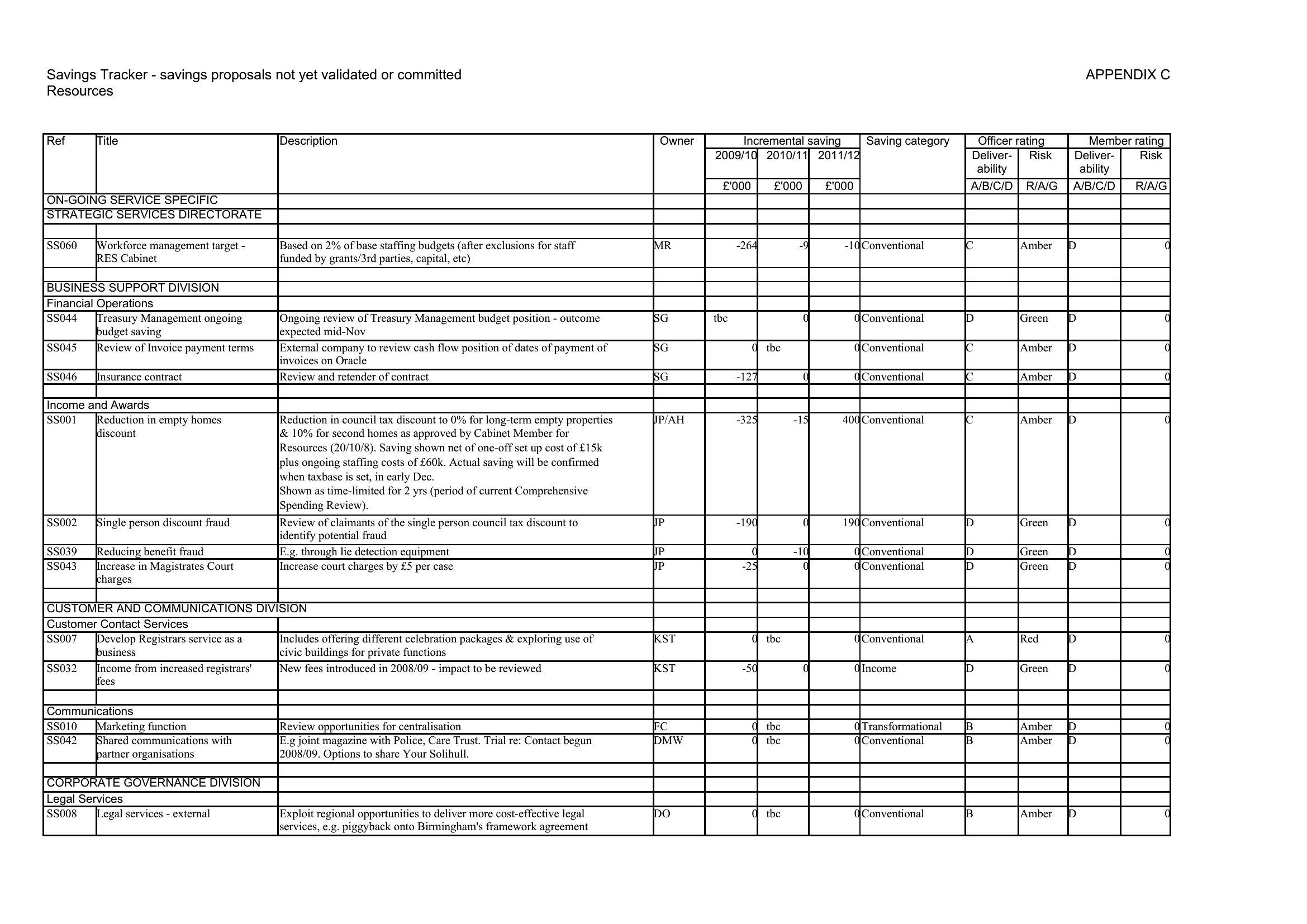
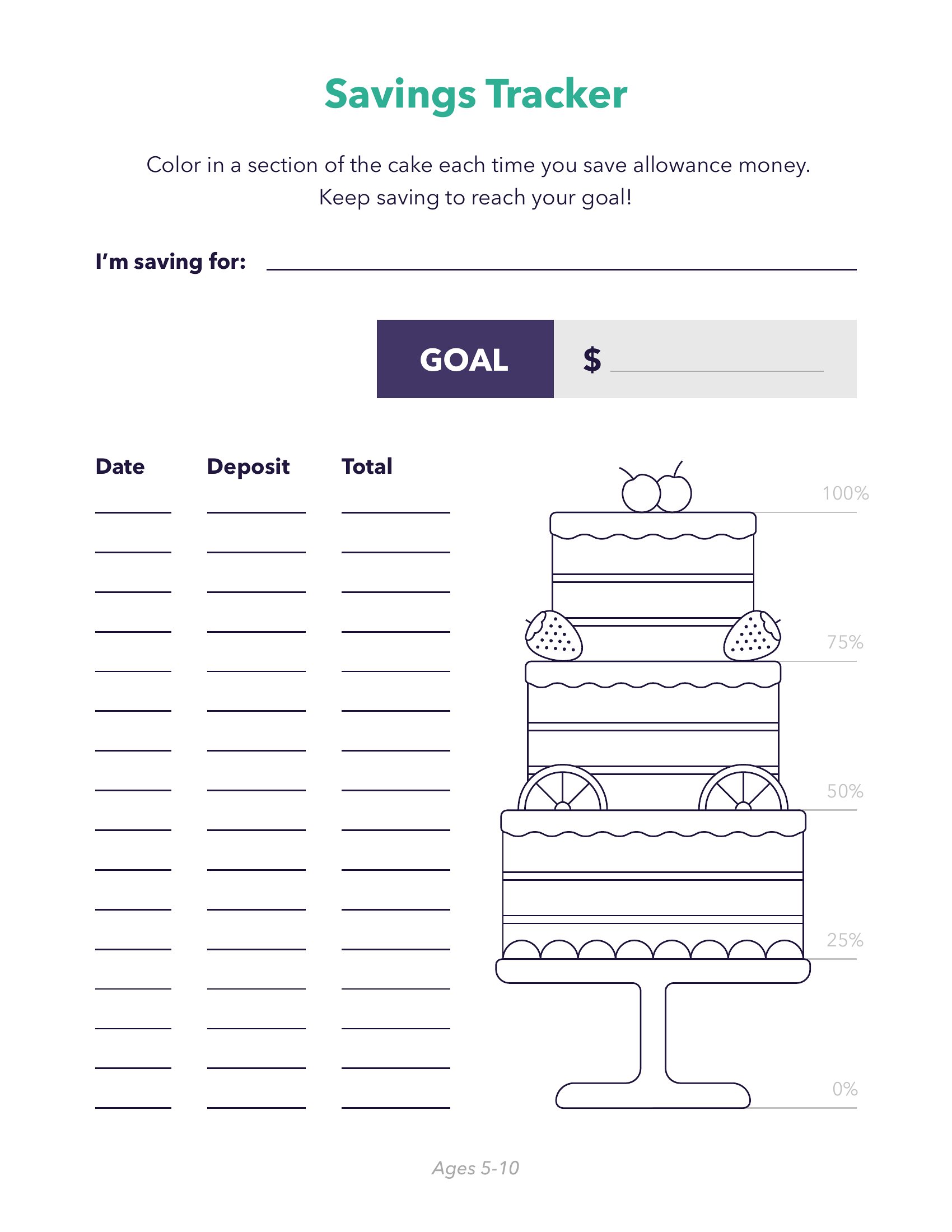
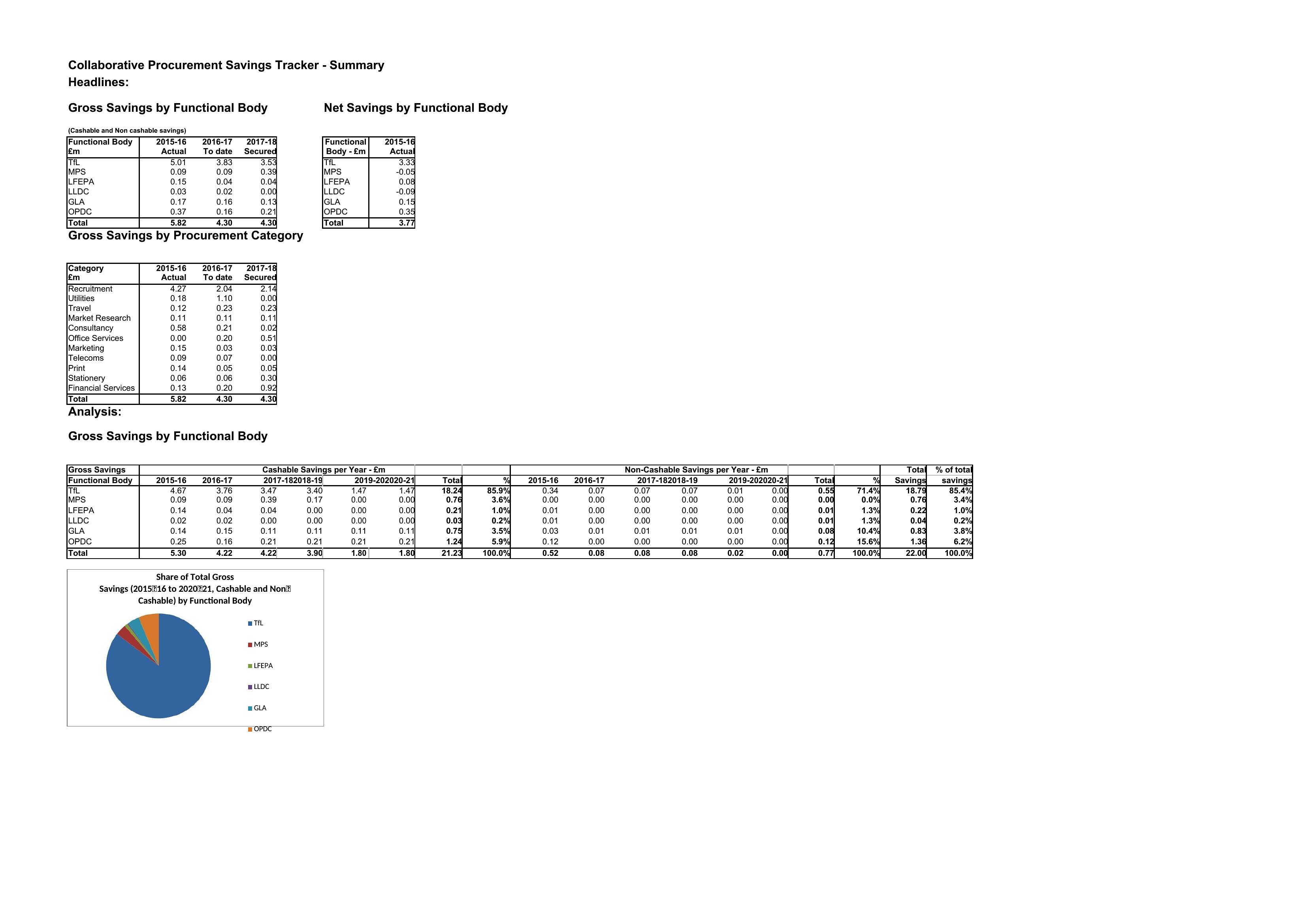

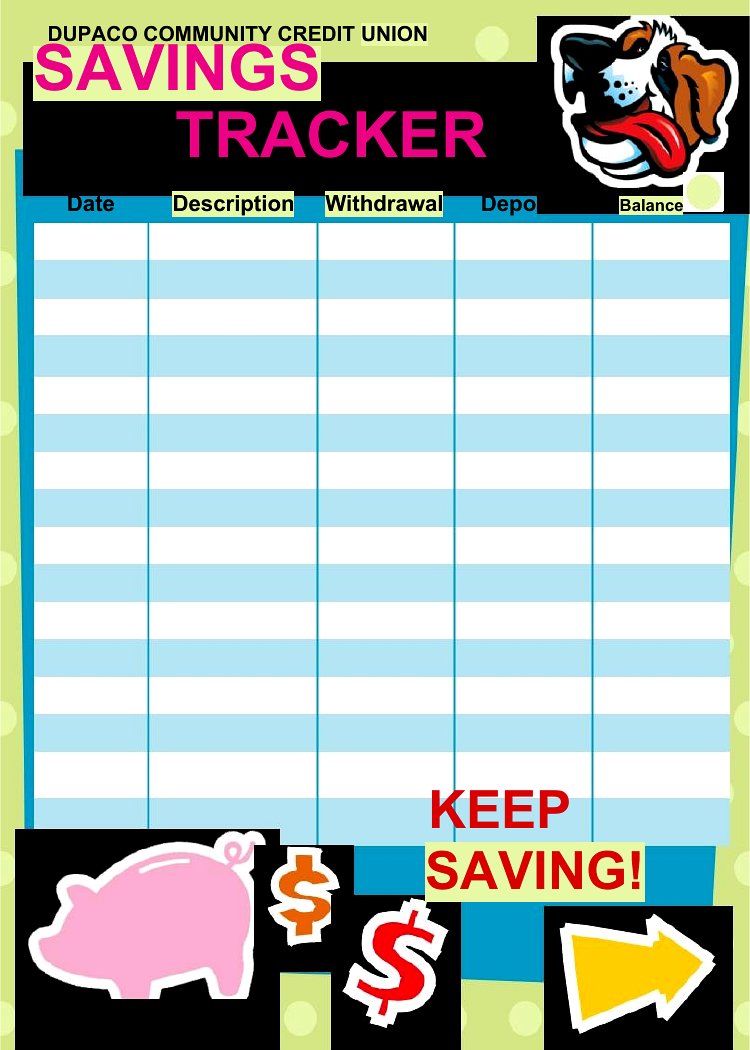


FAQ
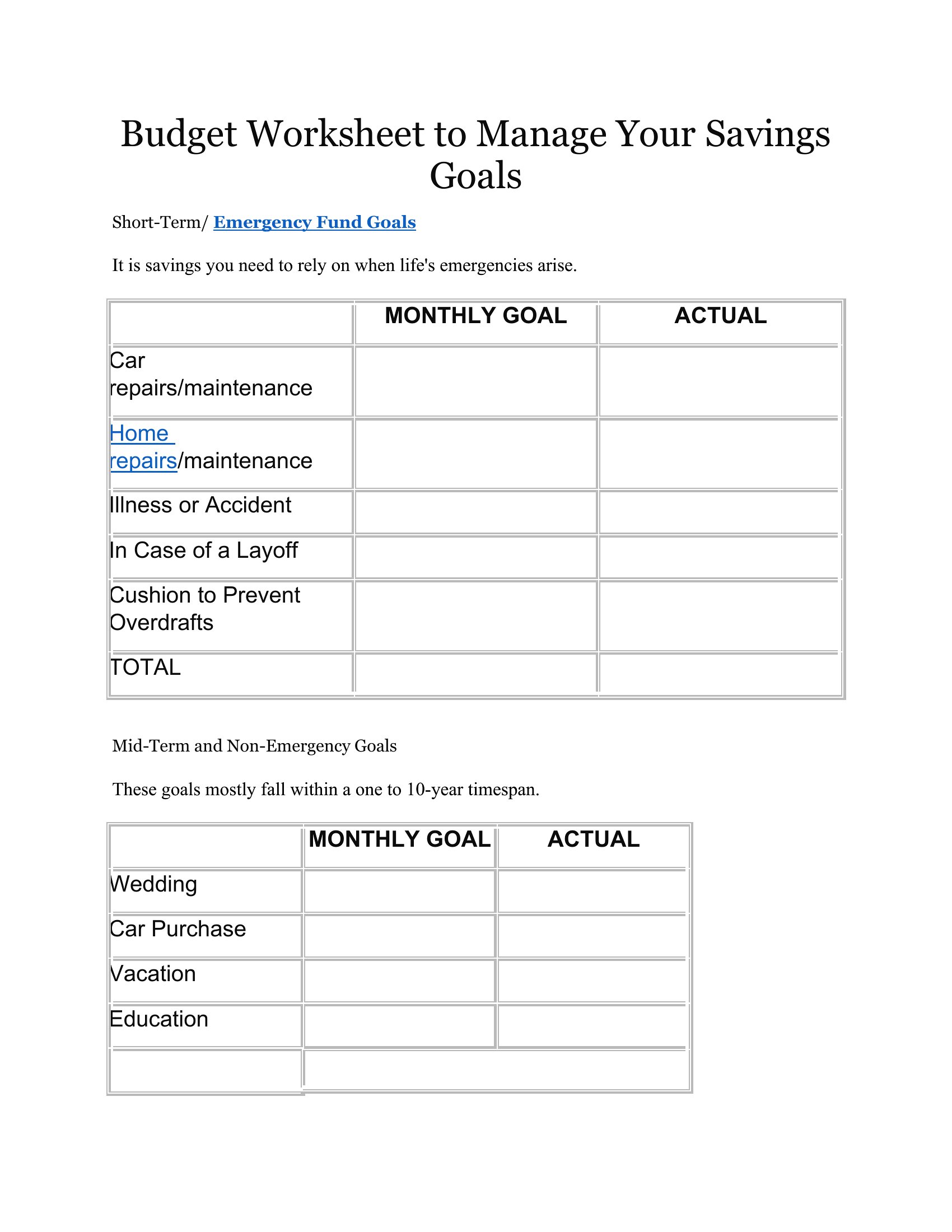
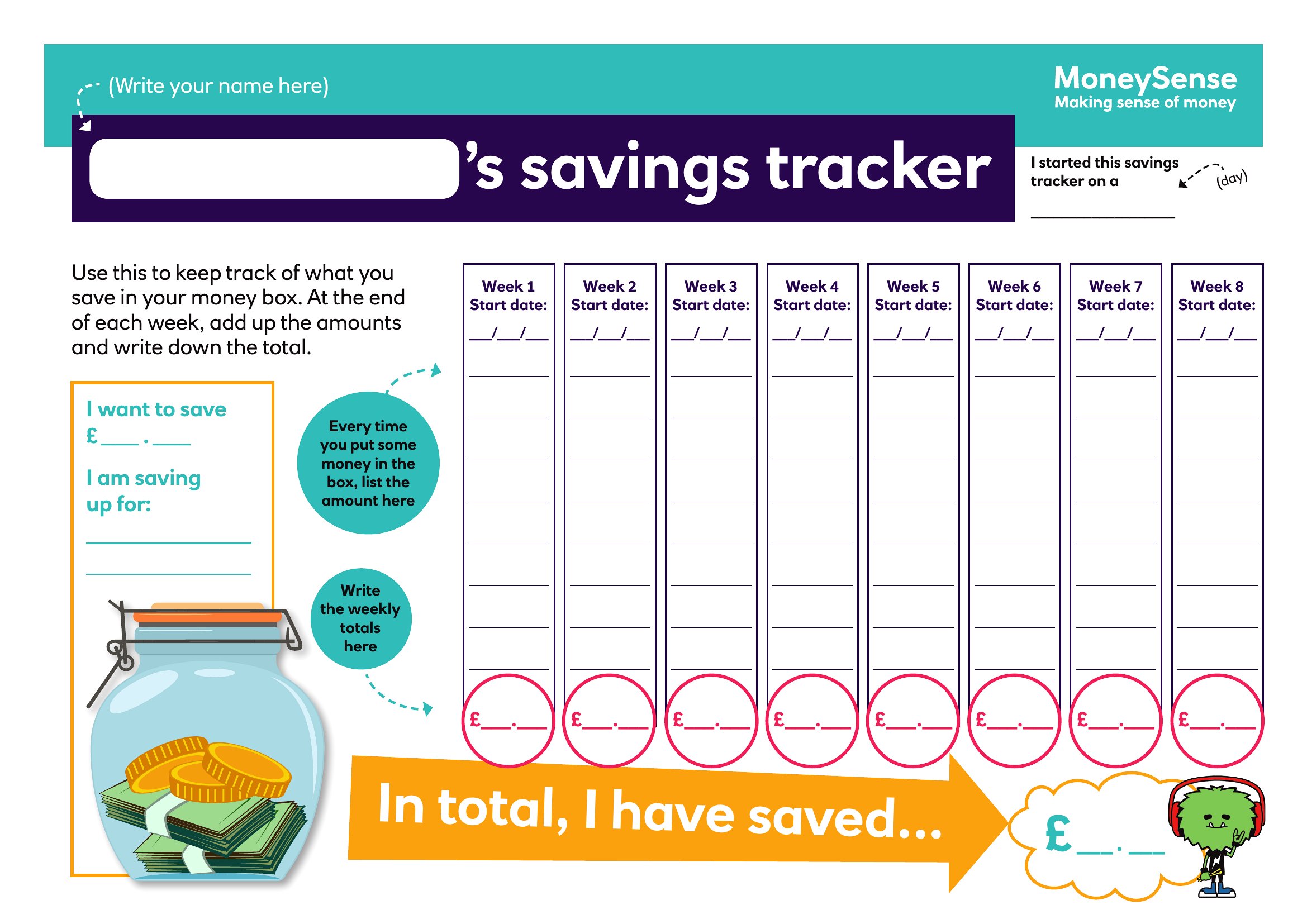
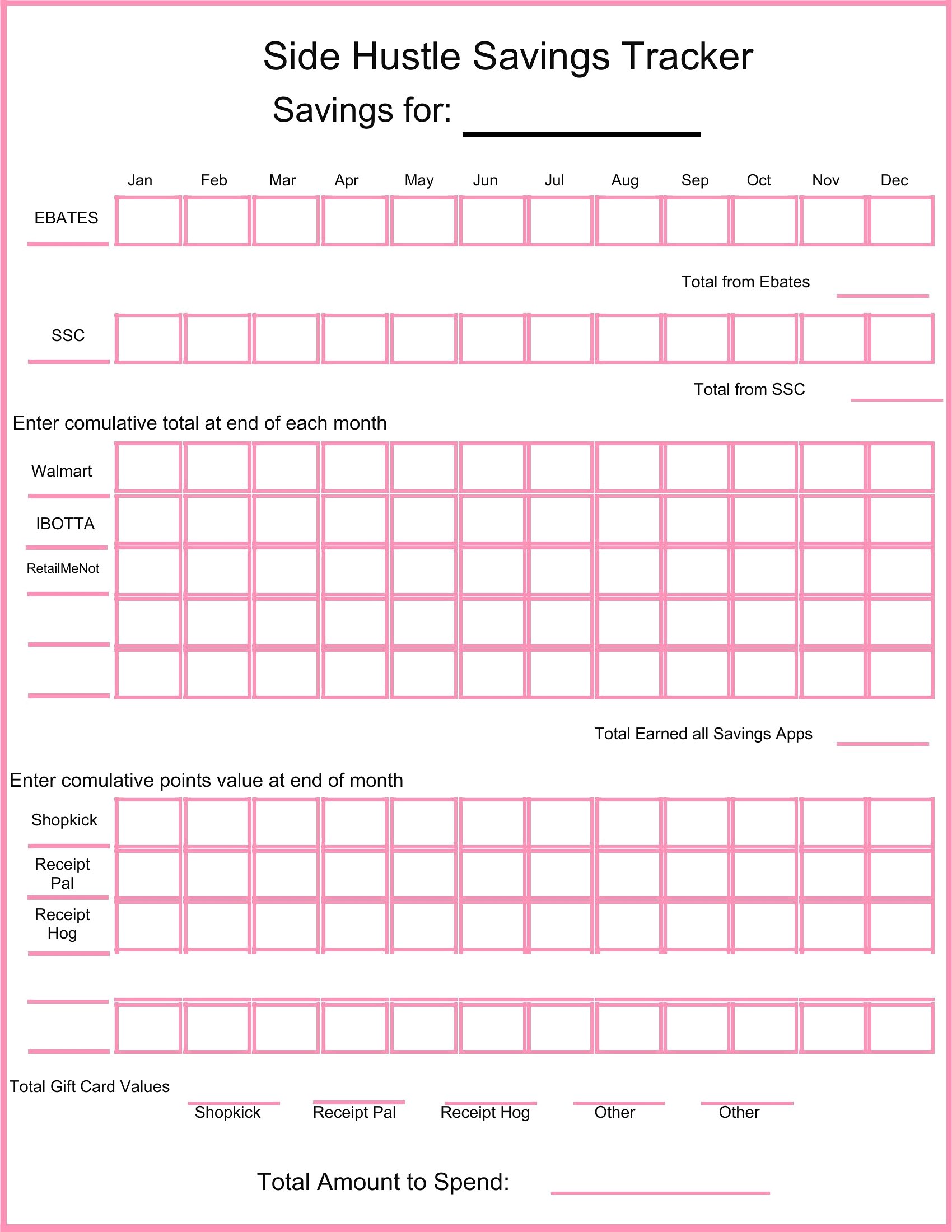
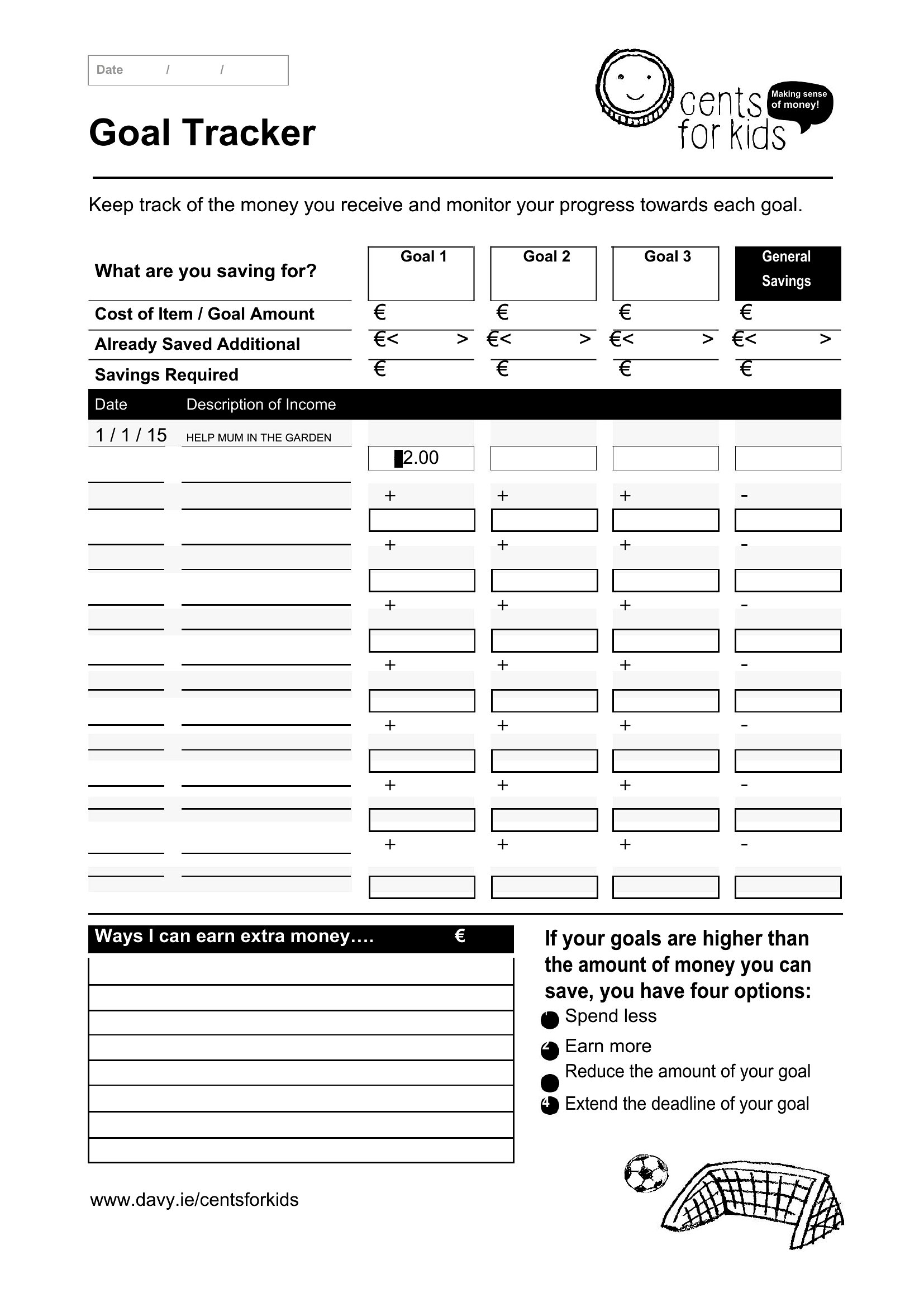
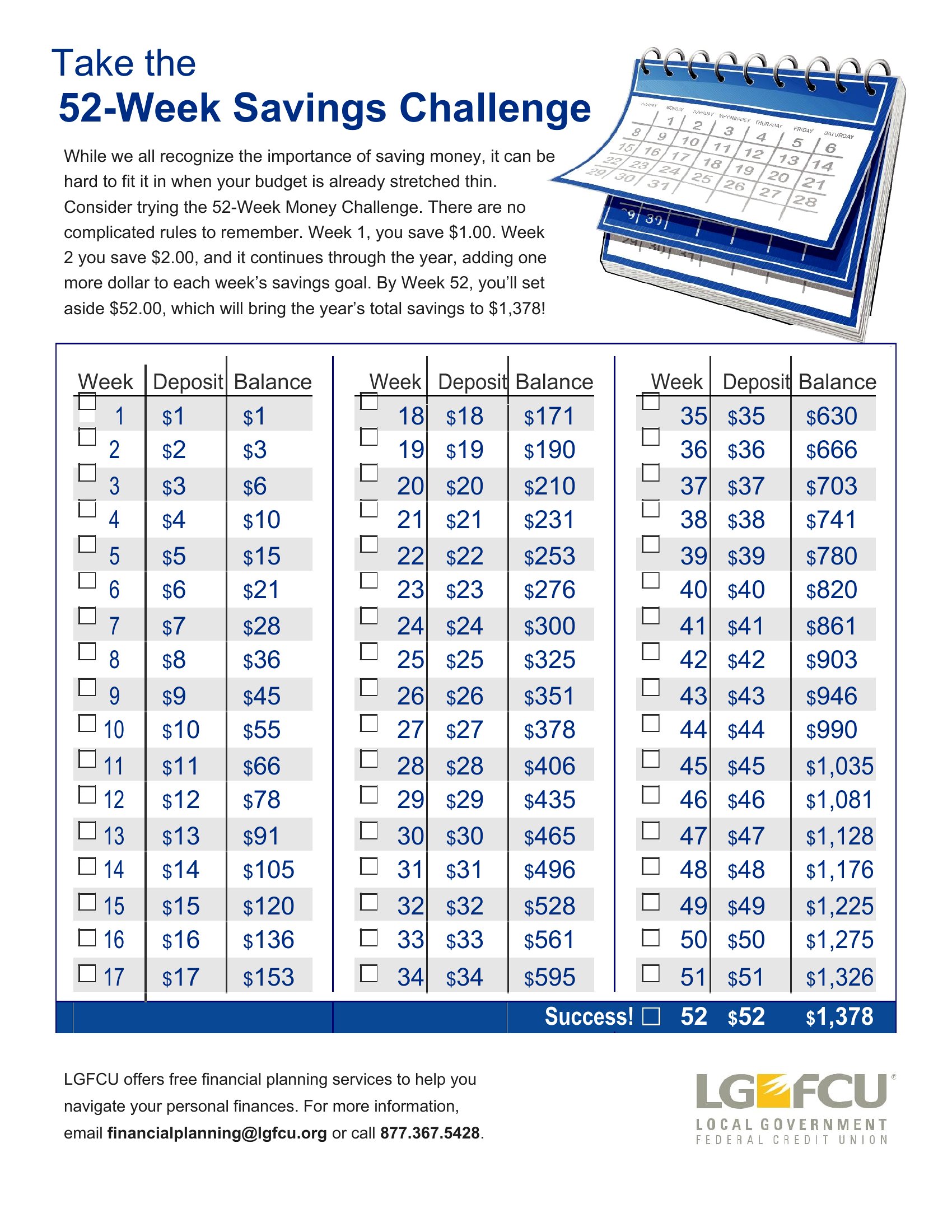
Can these trackers help me break down savings into sub-goals, like a vacation fund and emergency fund at once?
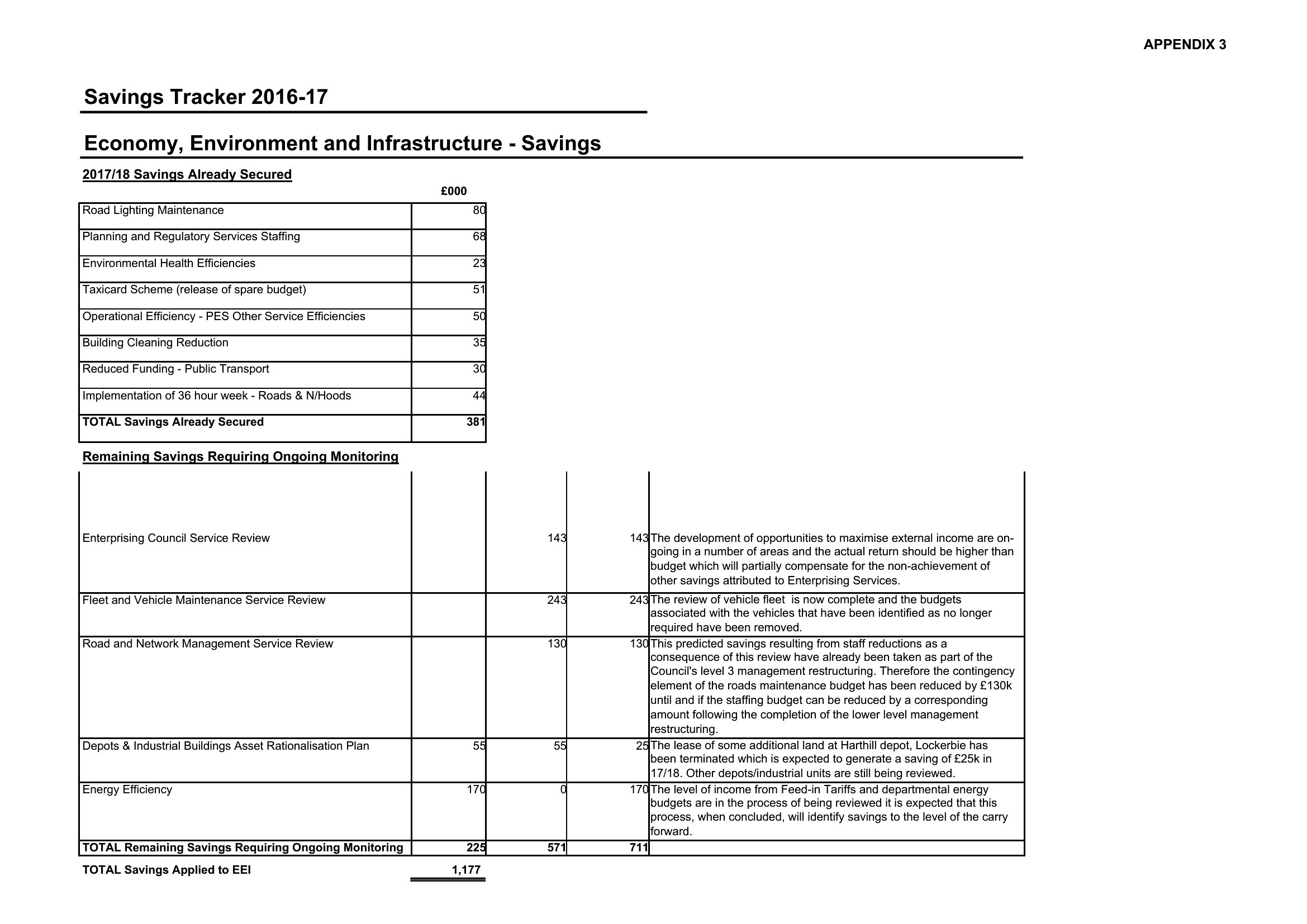
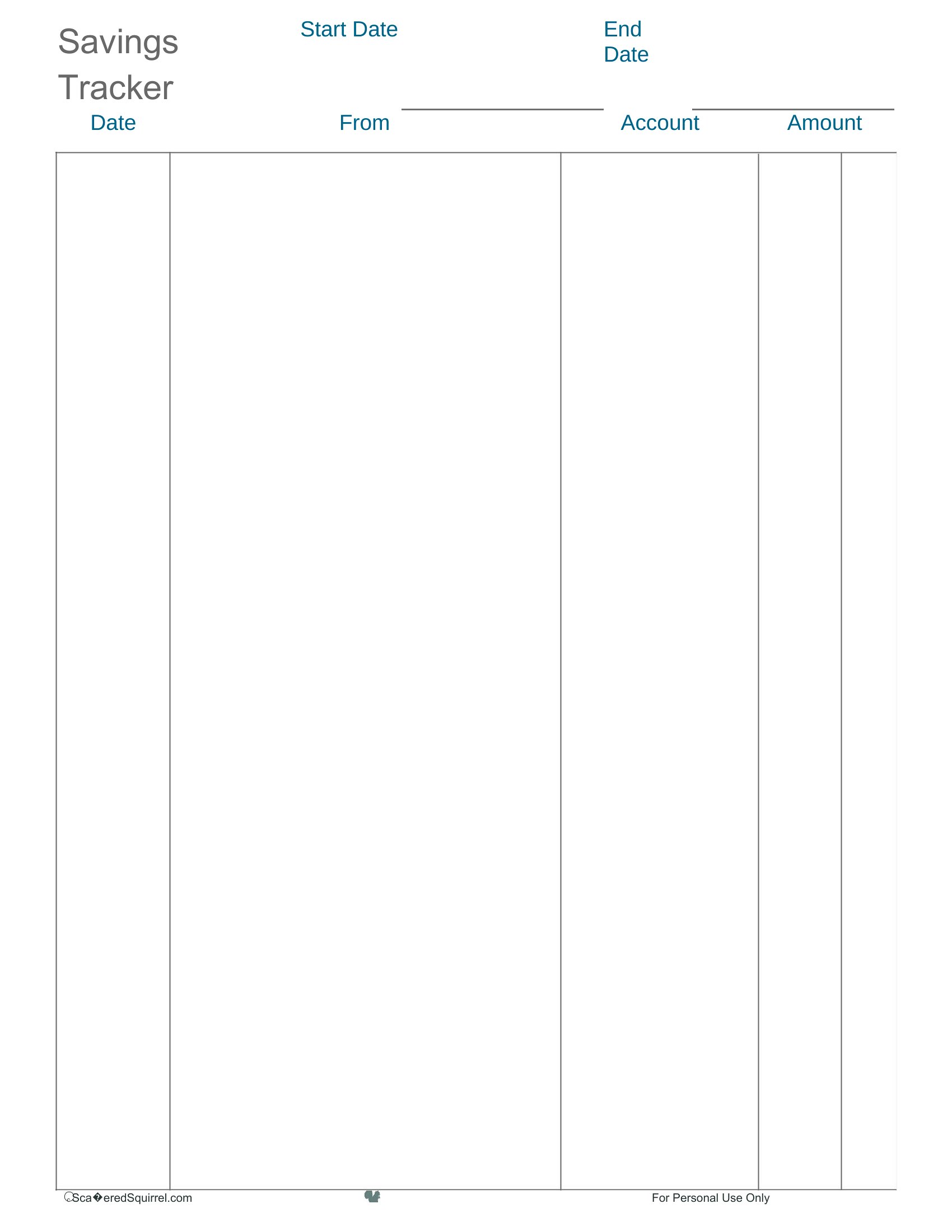
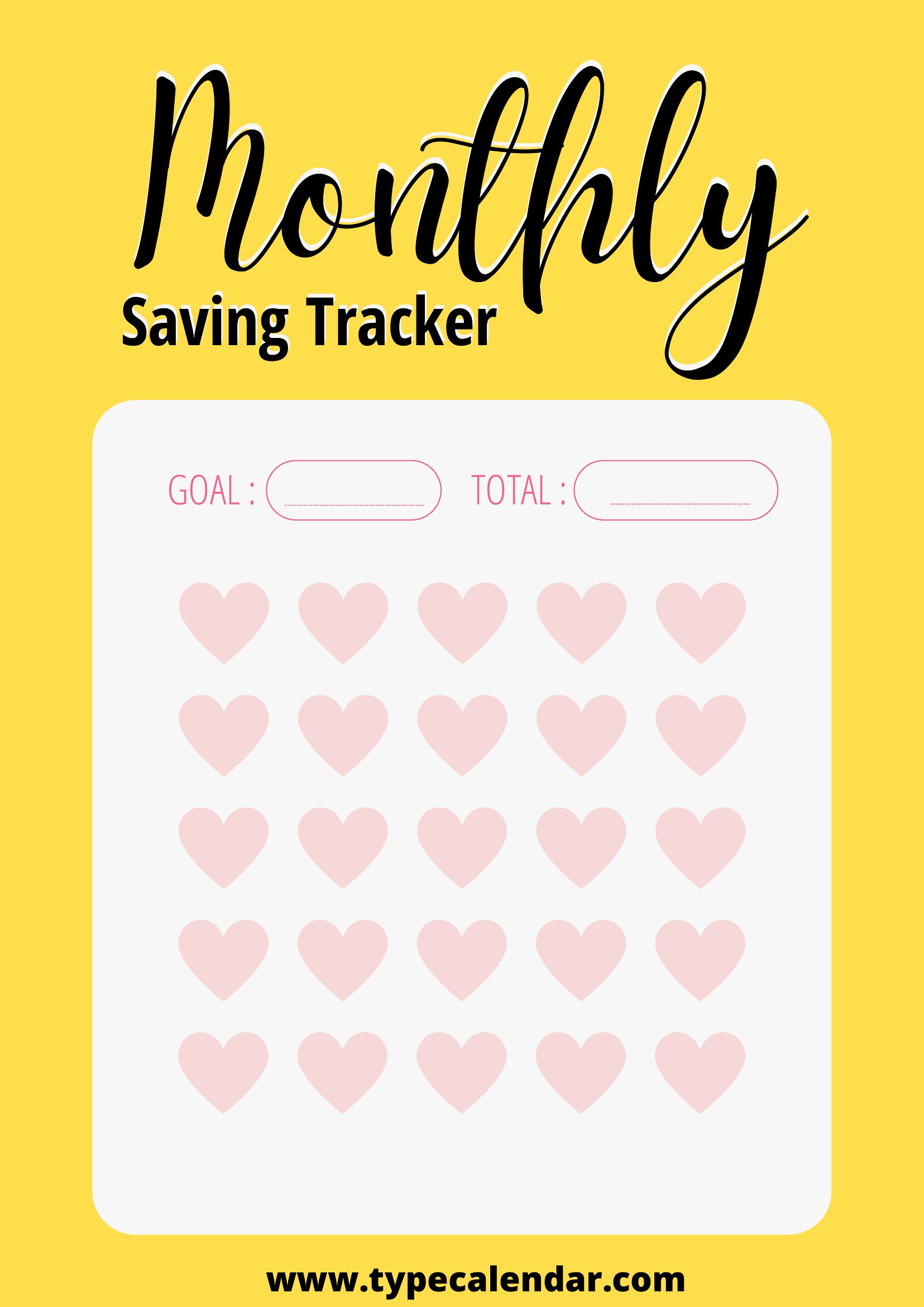
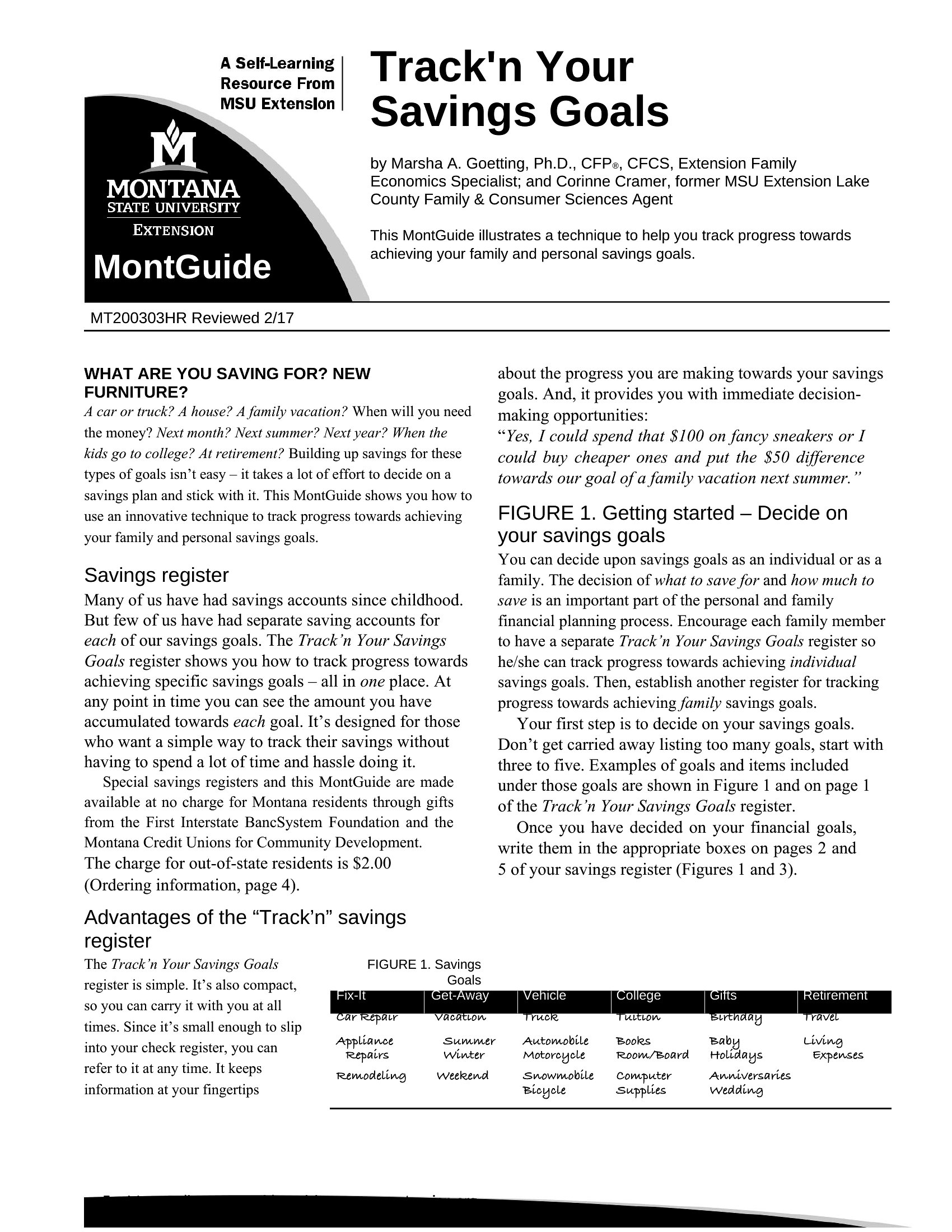
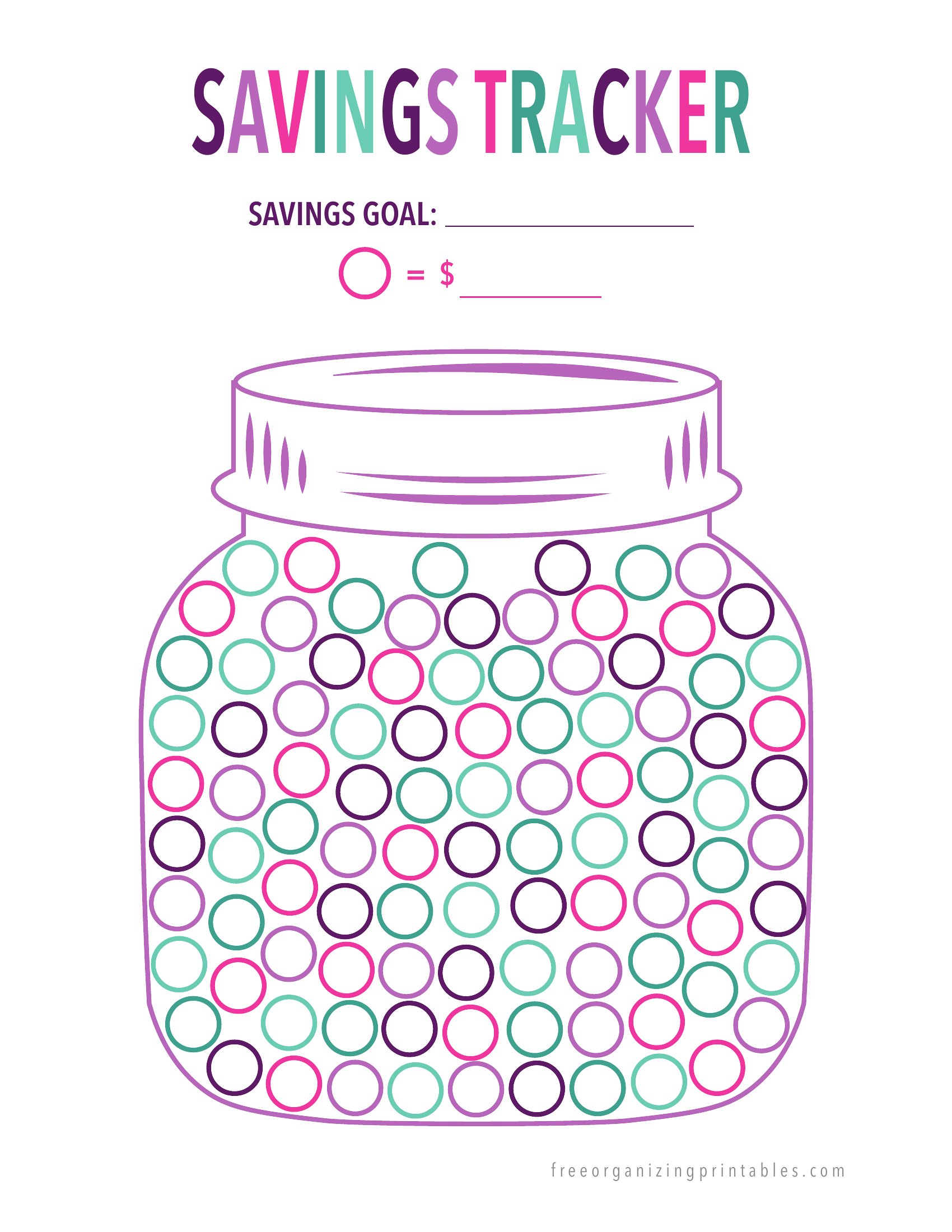
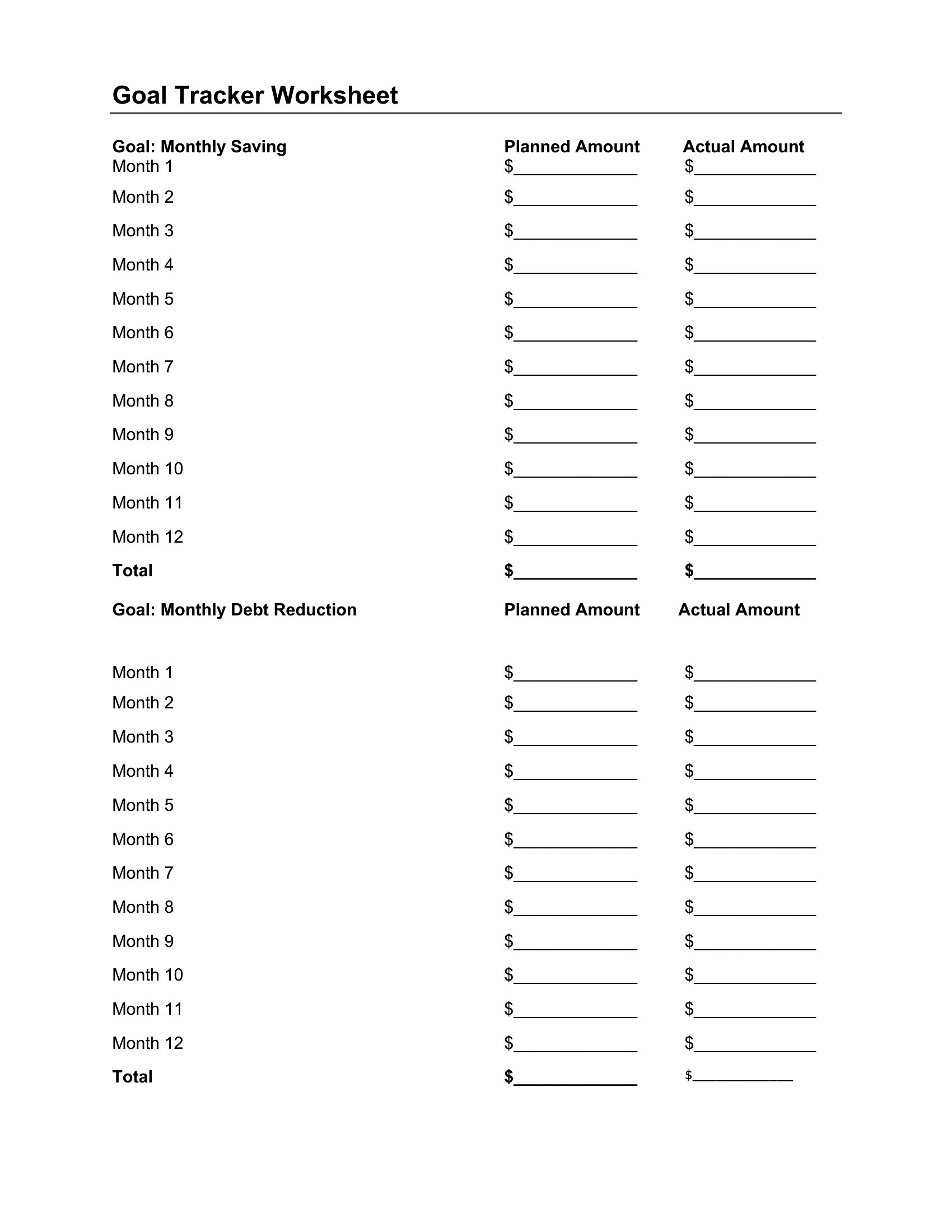
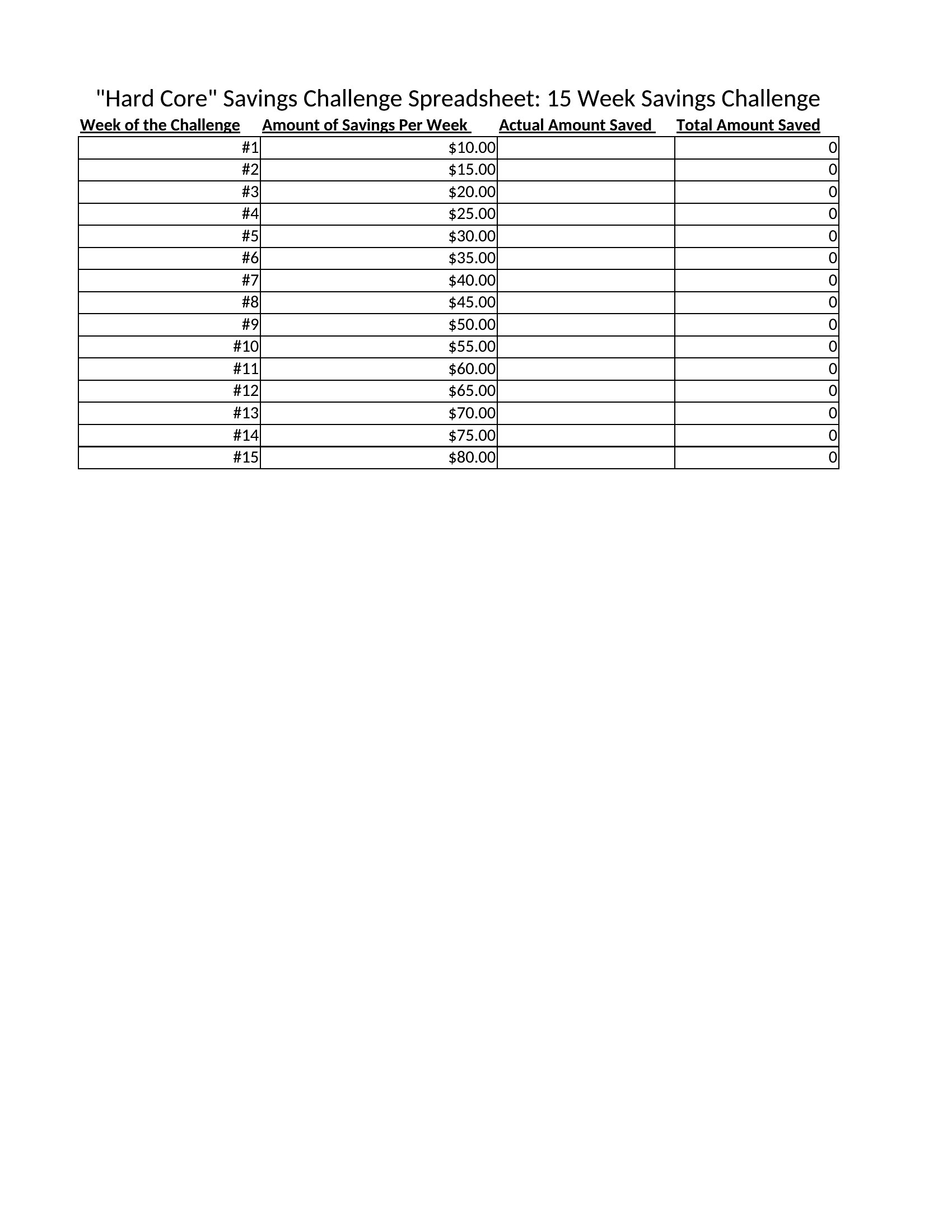
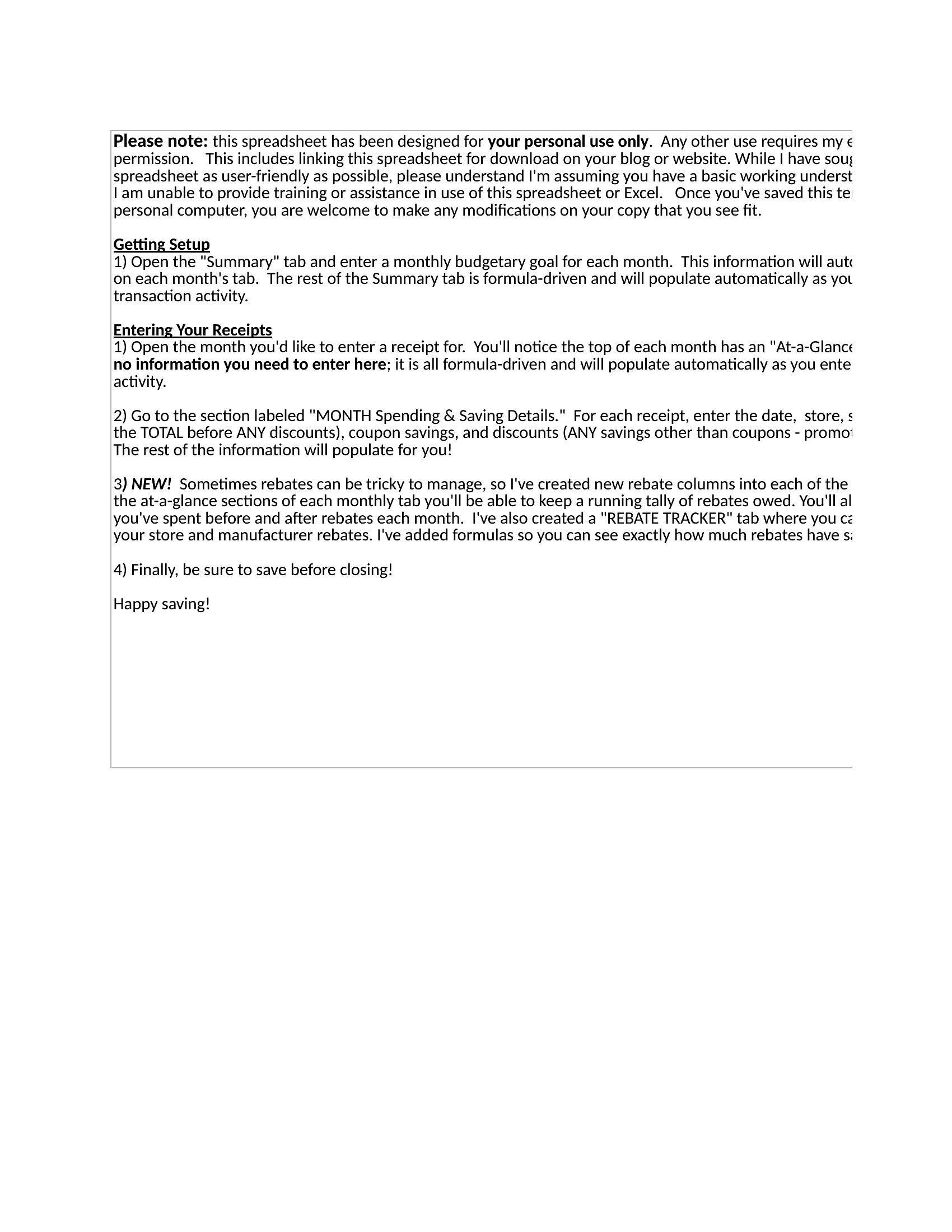
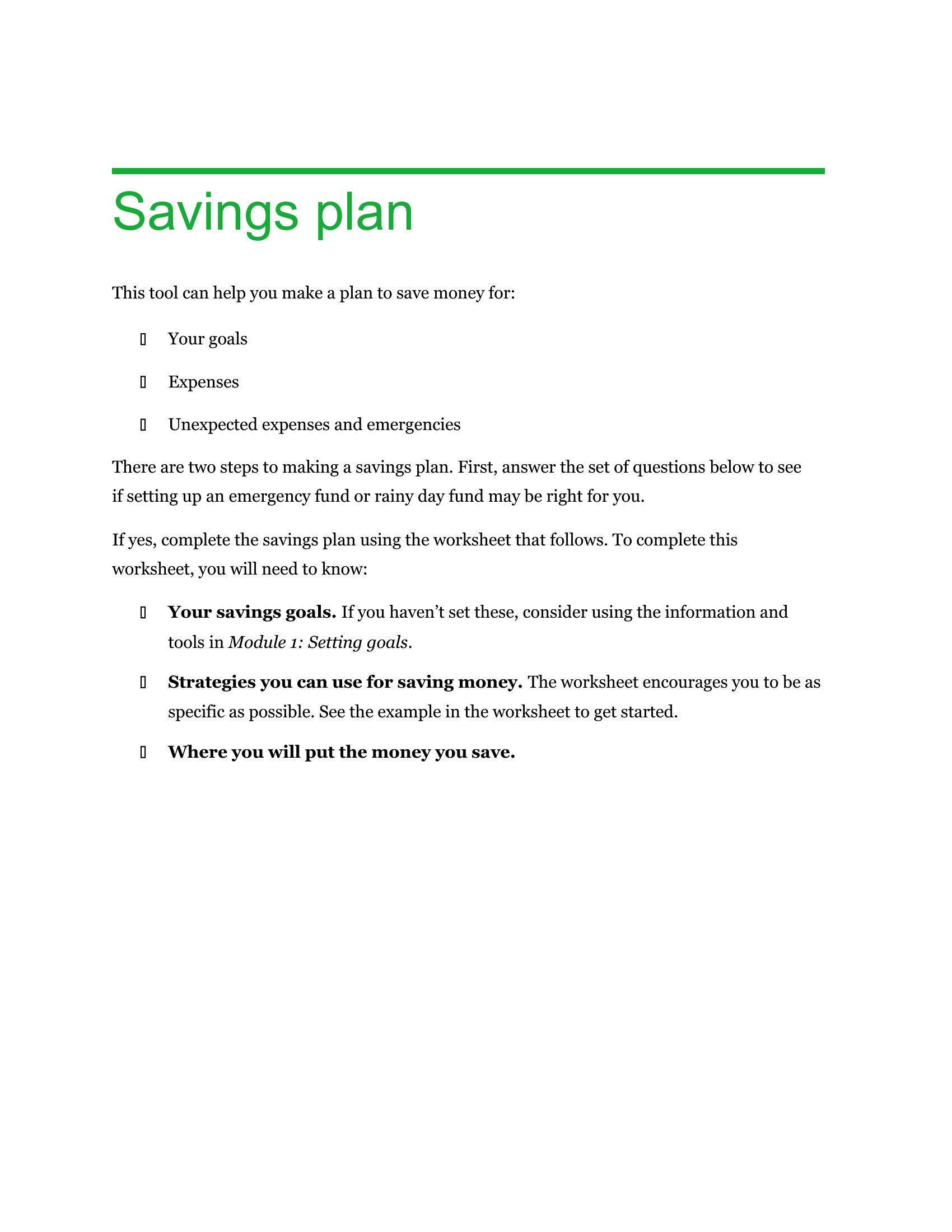
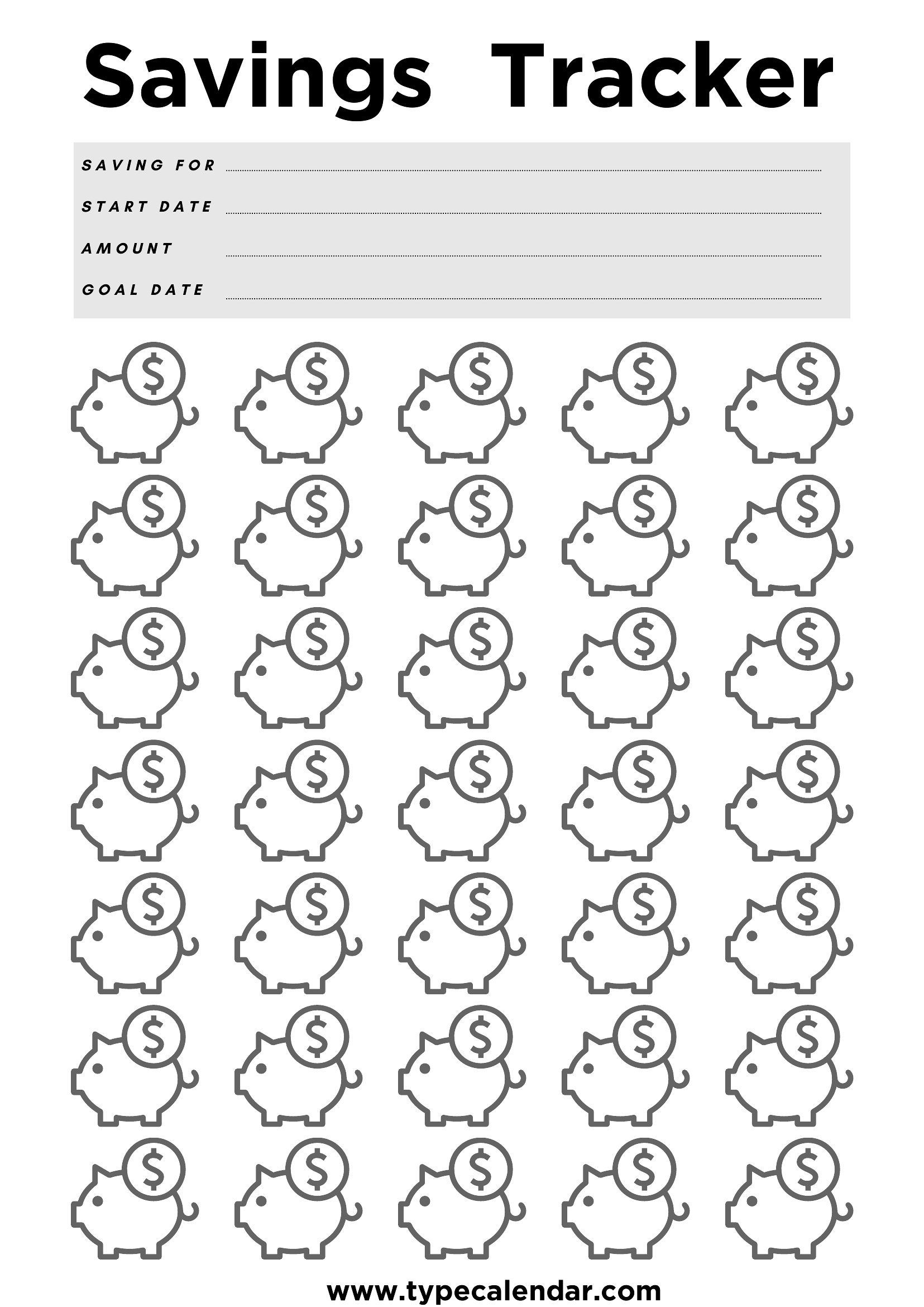
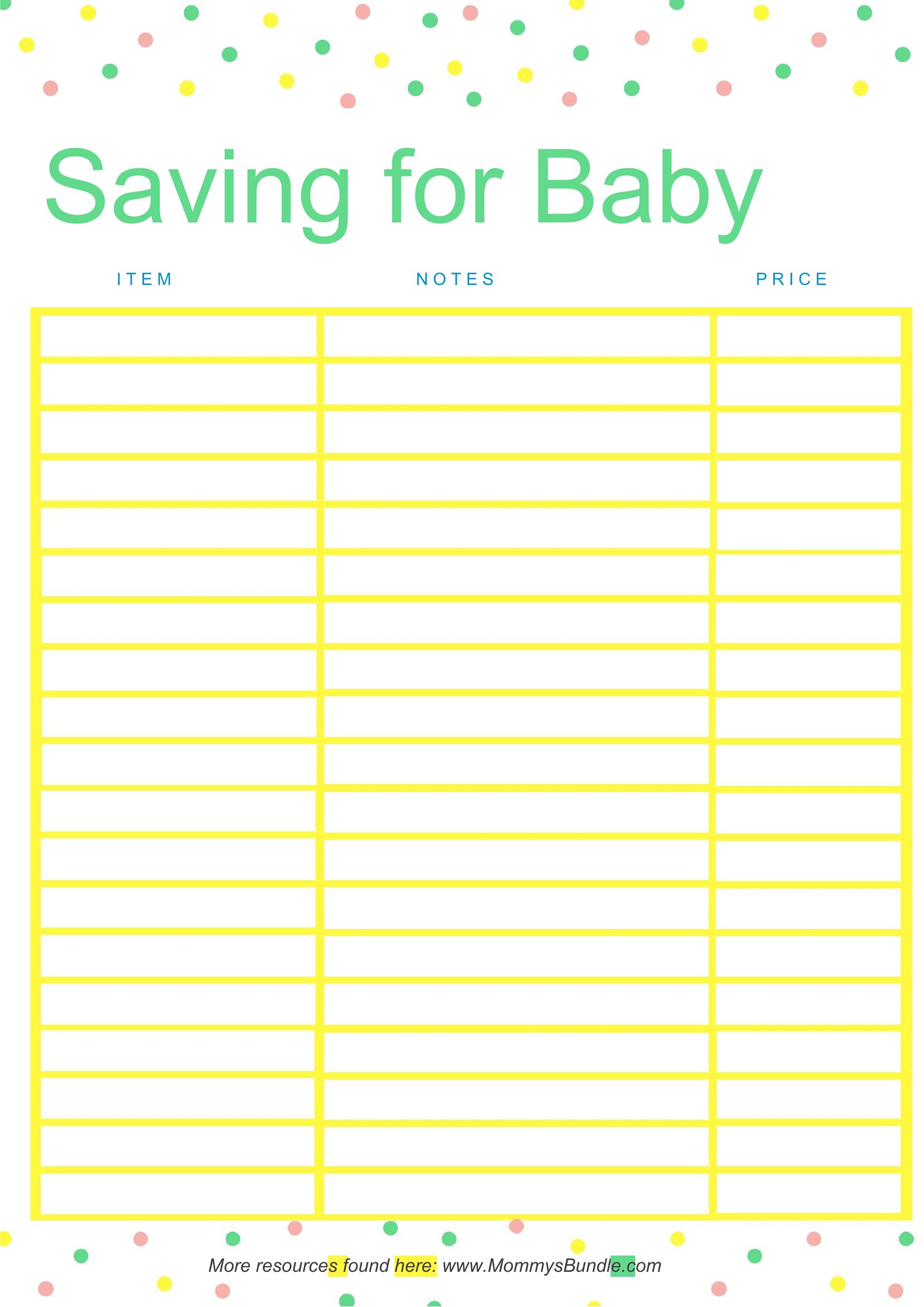
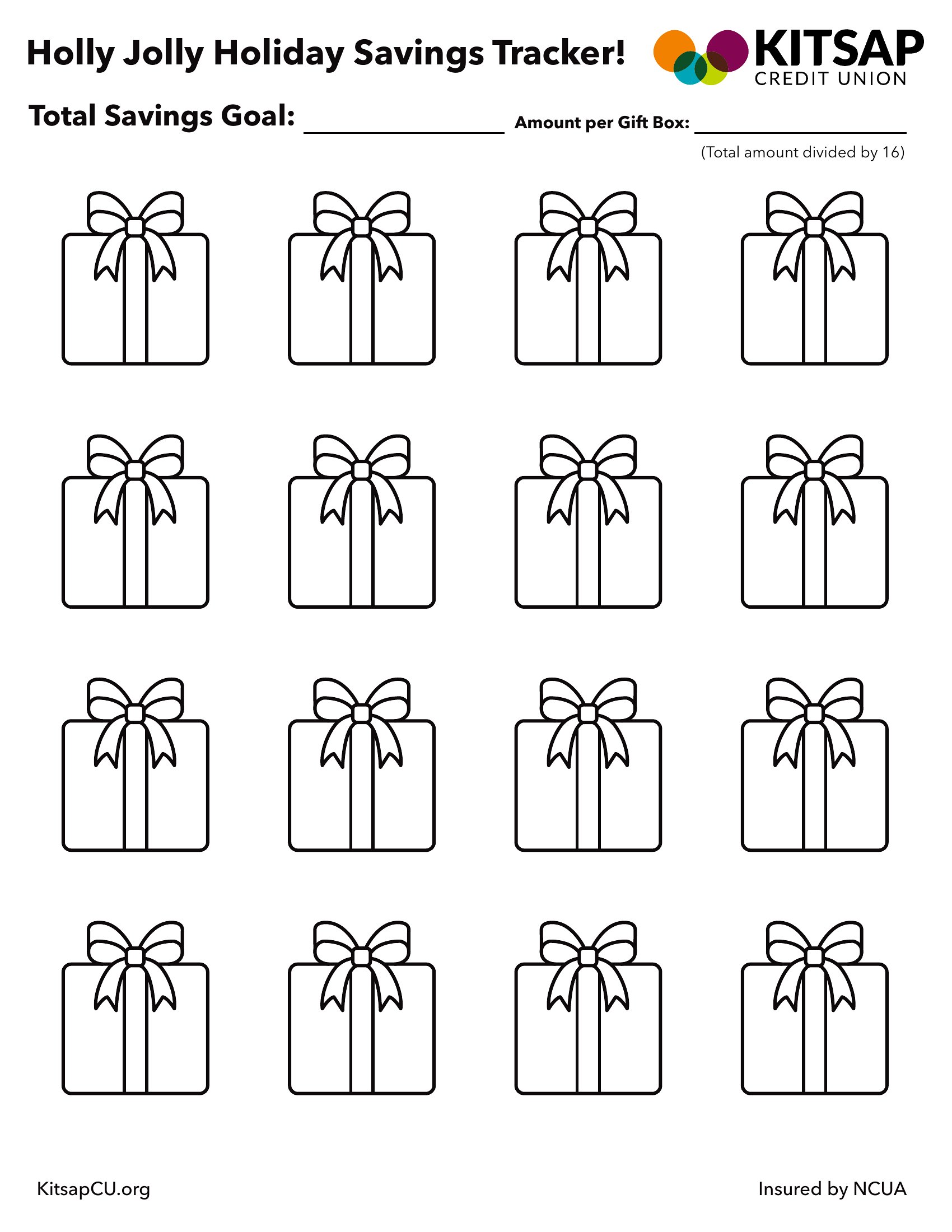
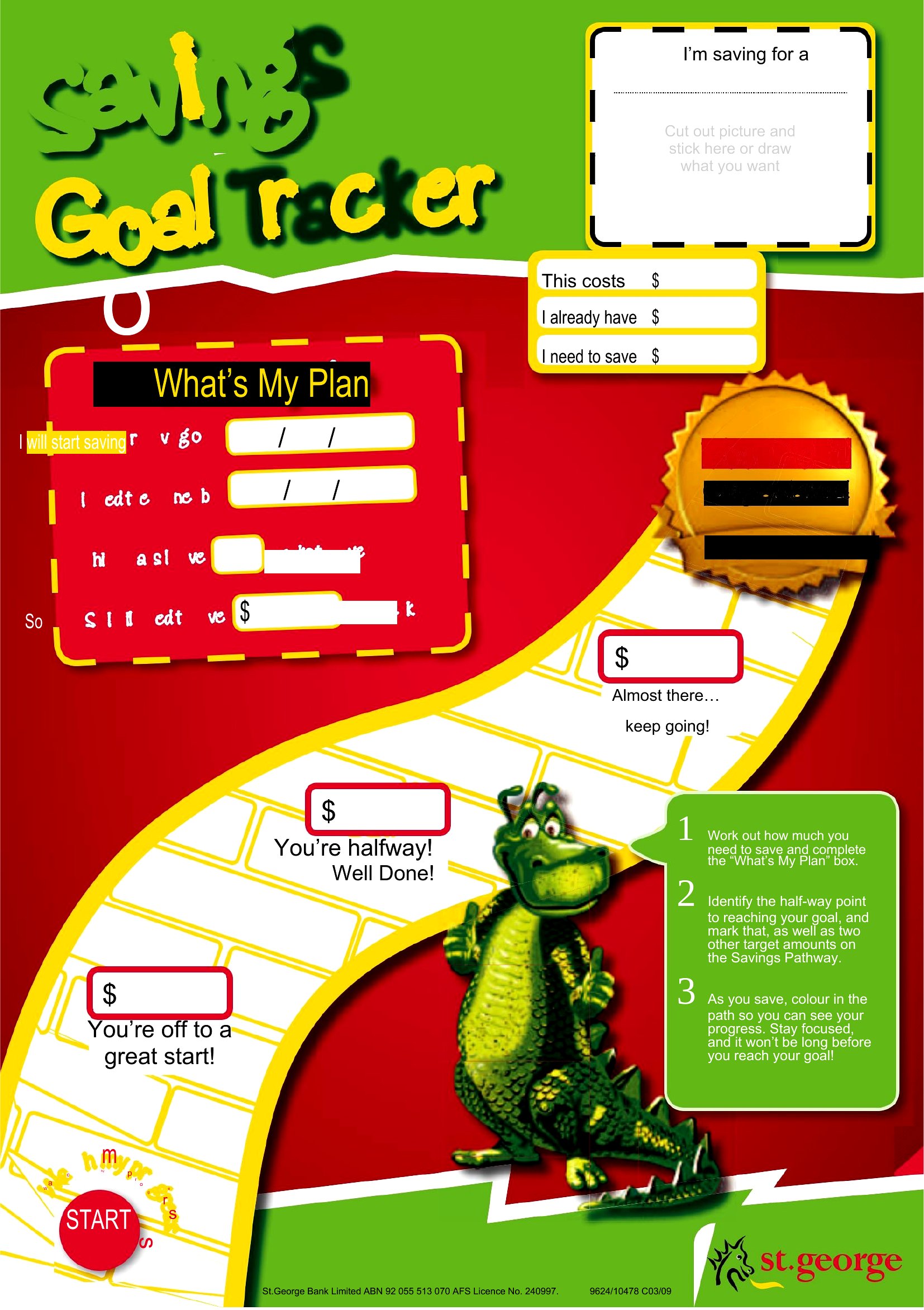
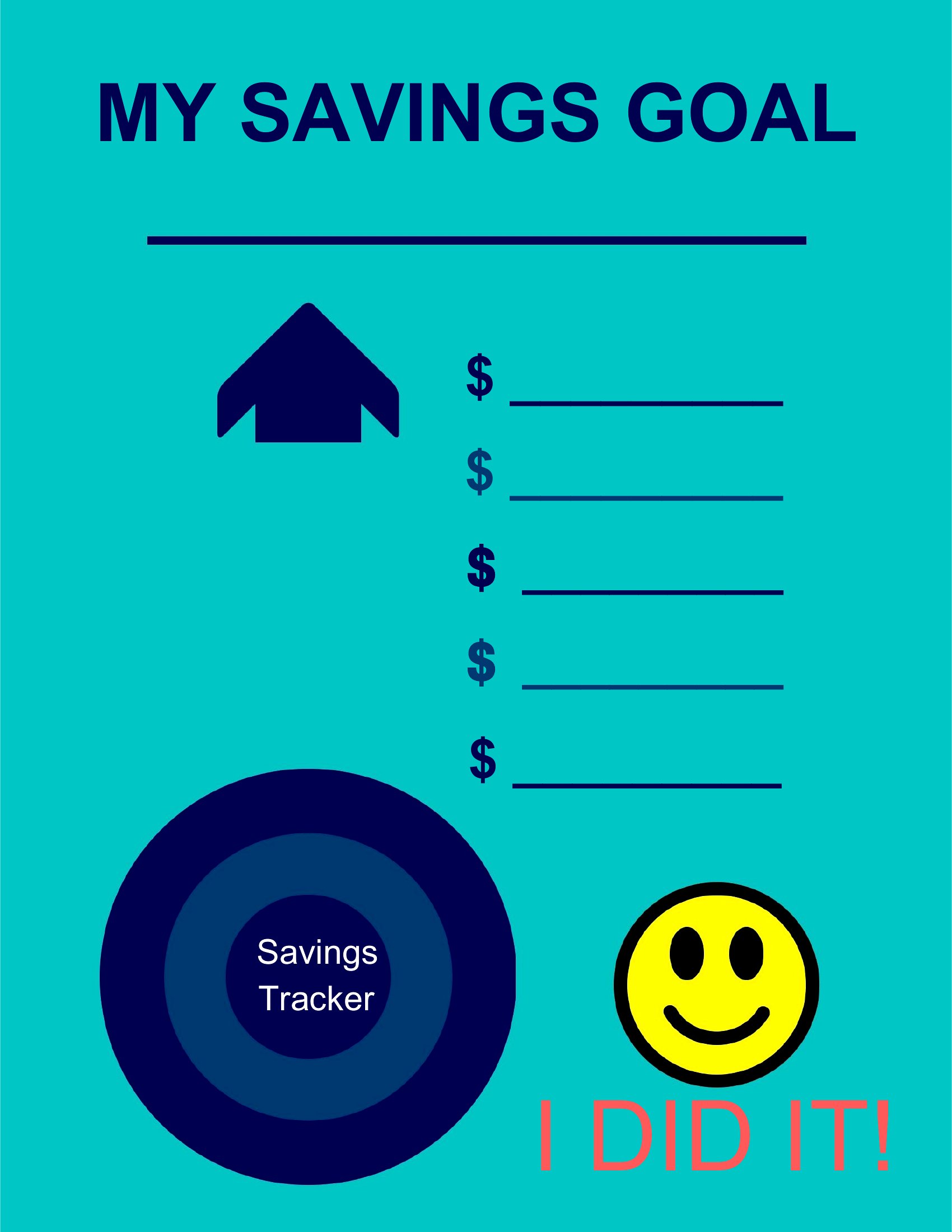
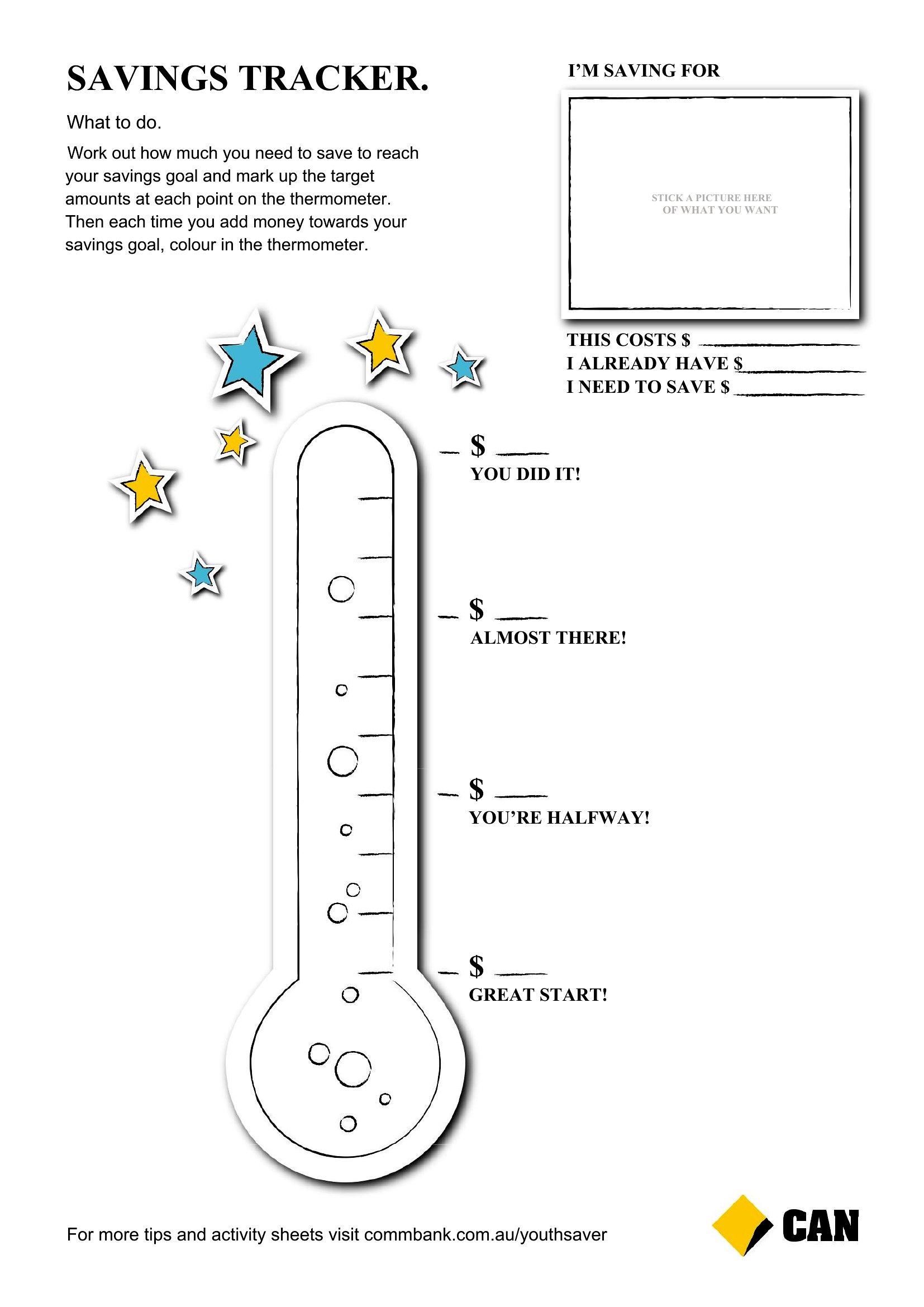
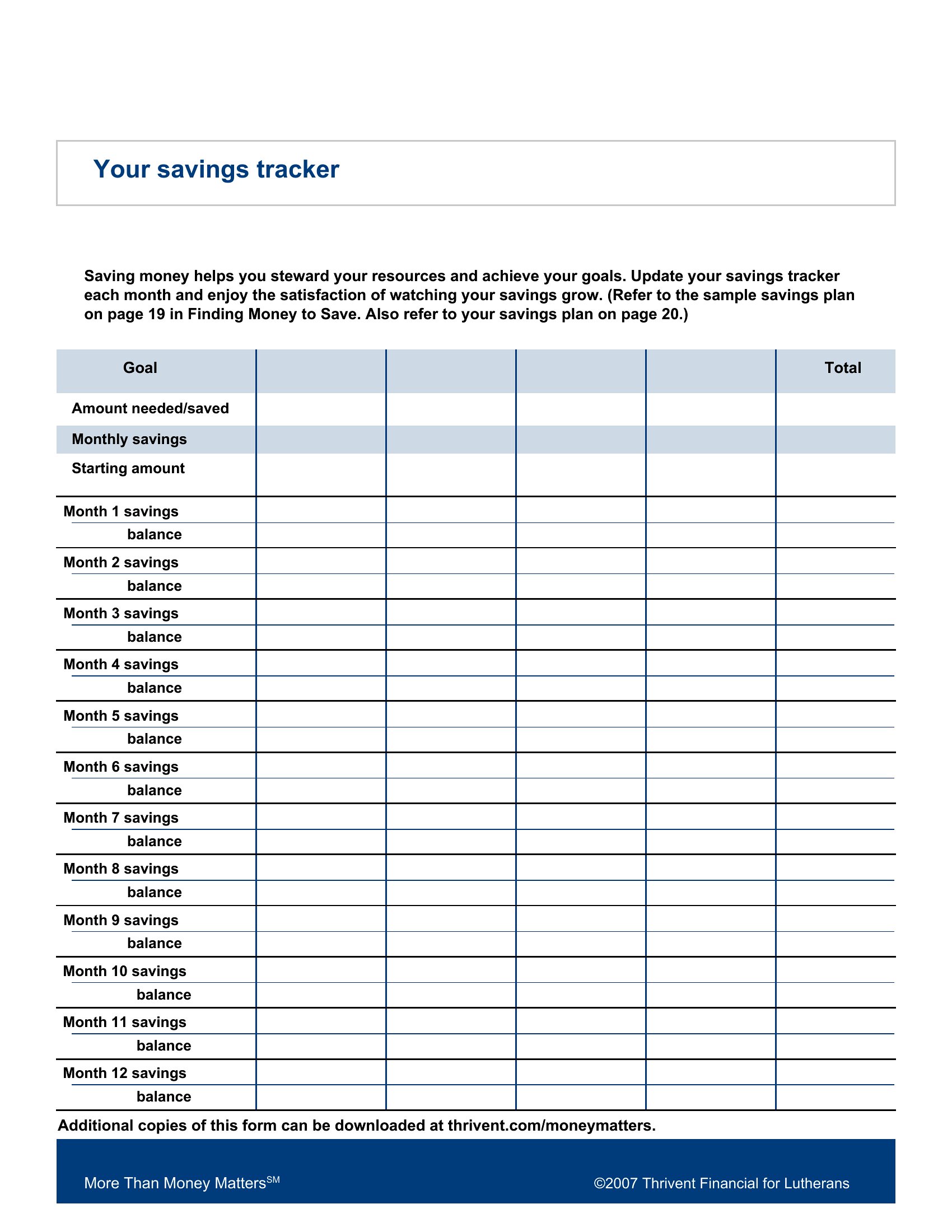
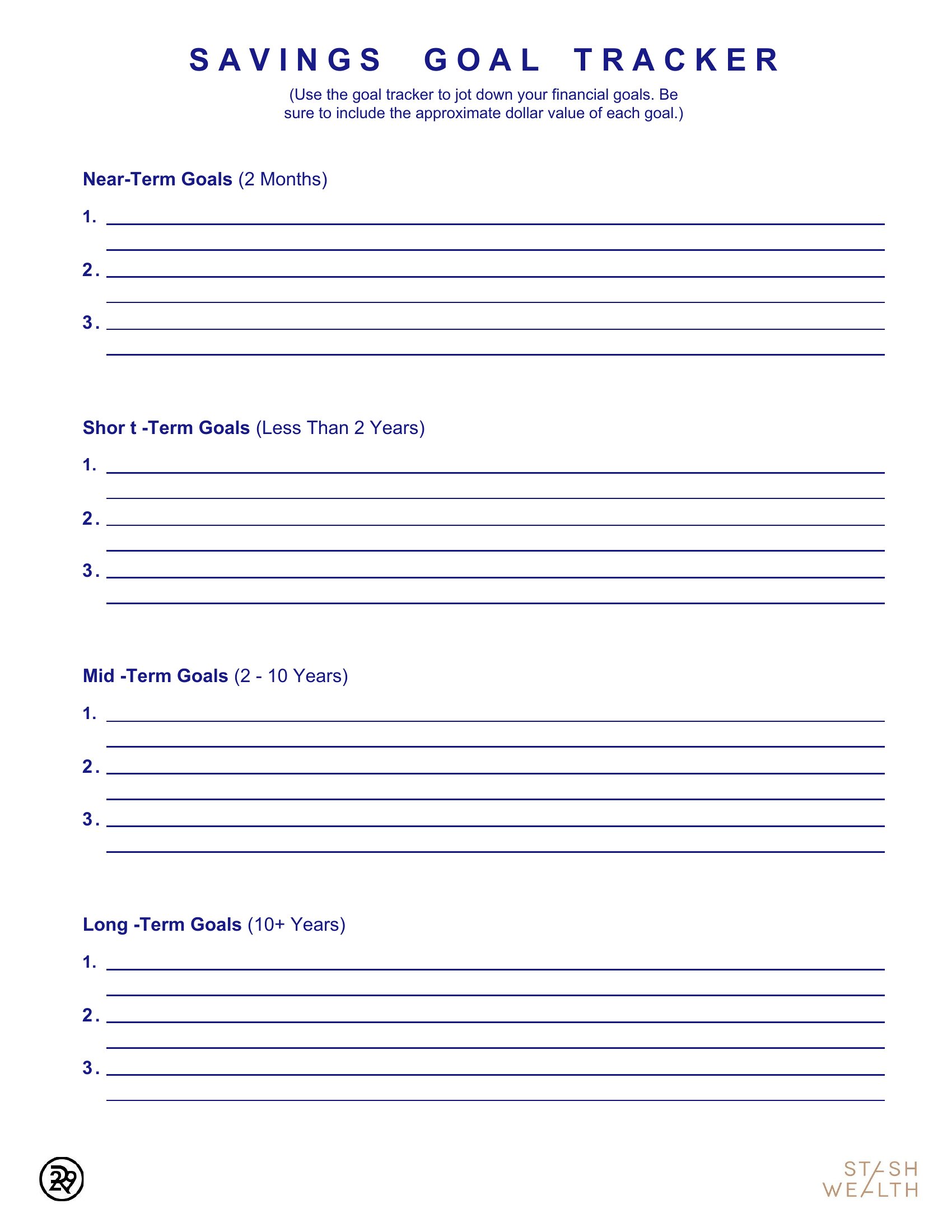
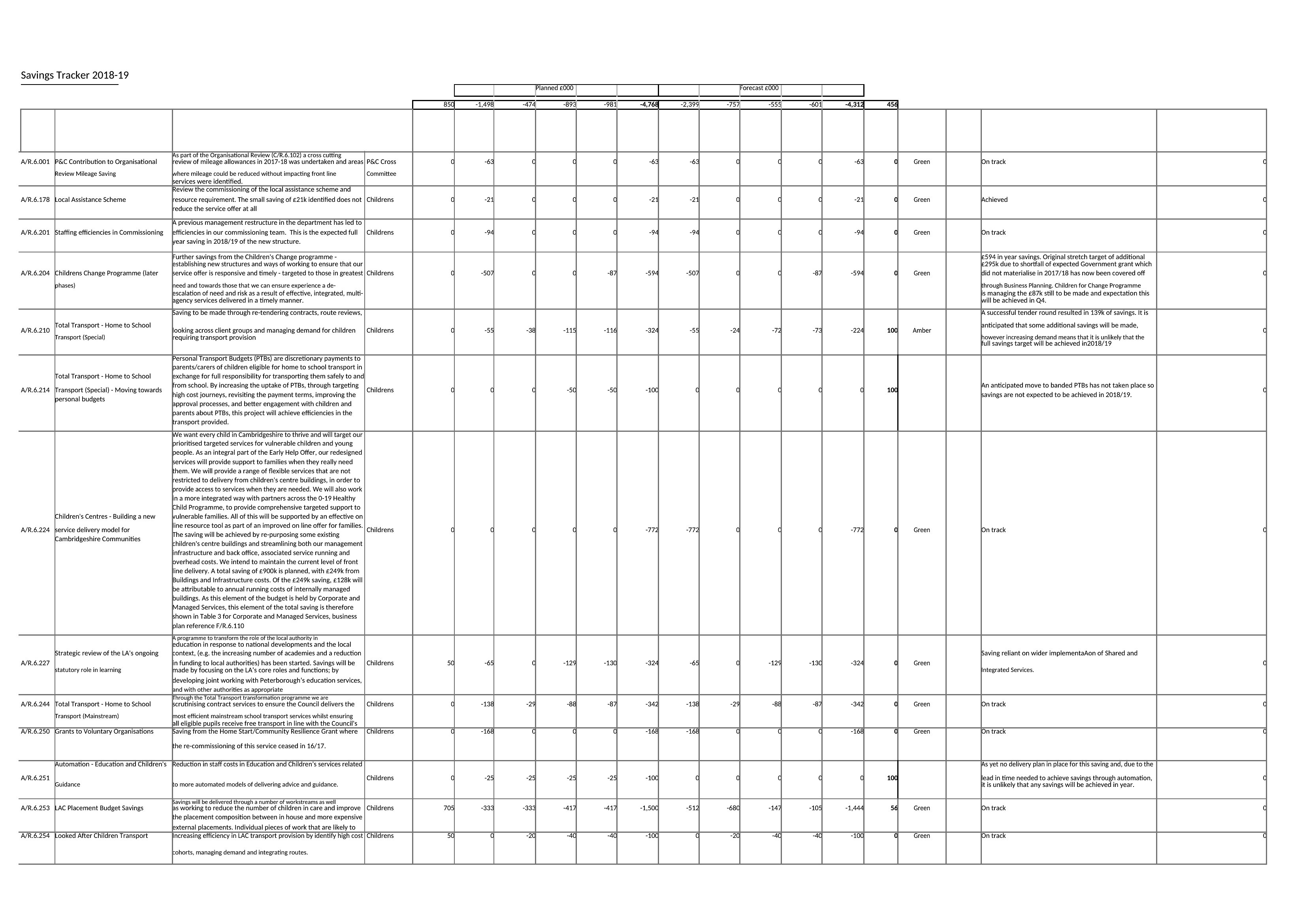
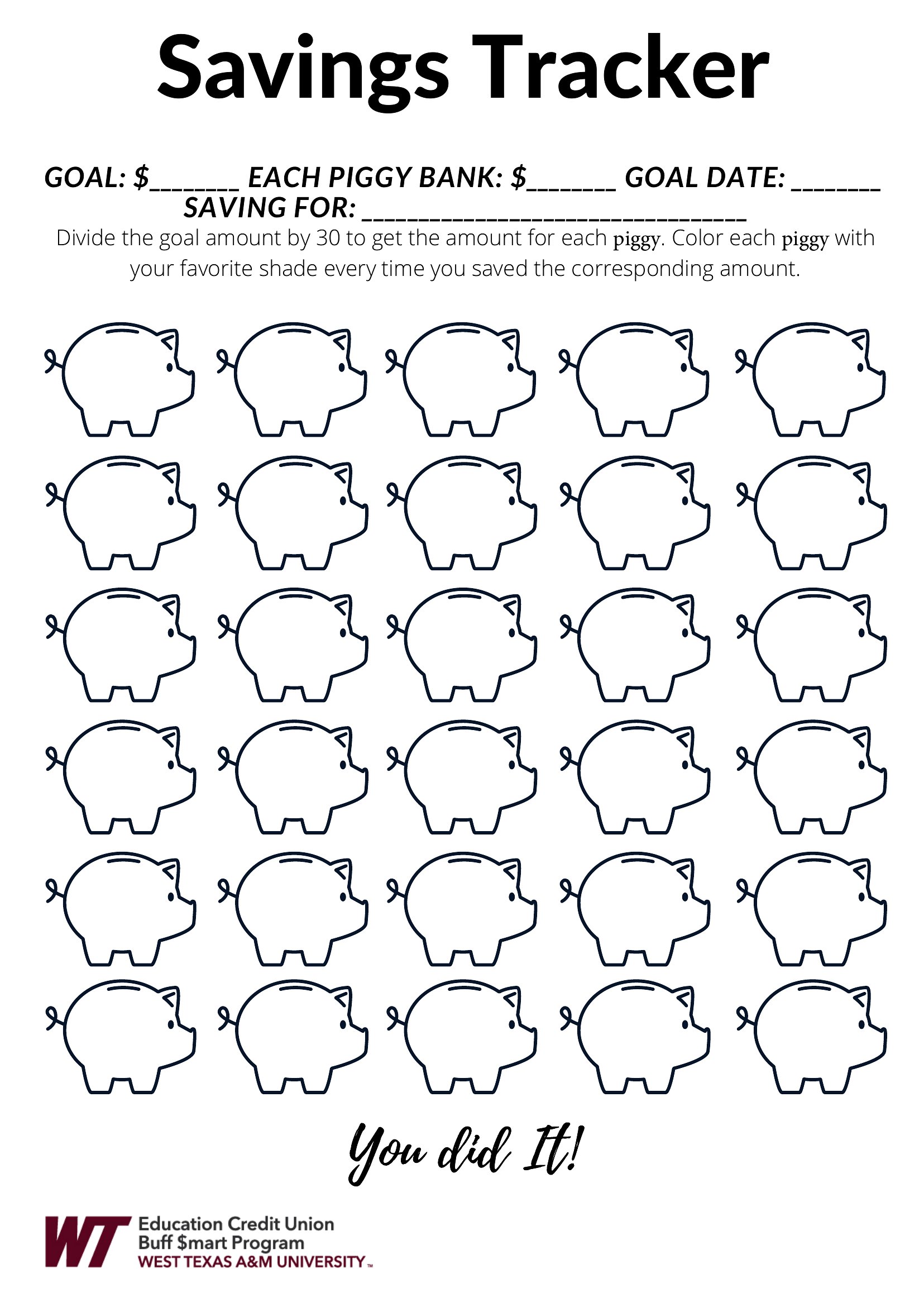
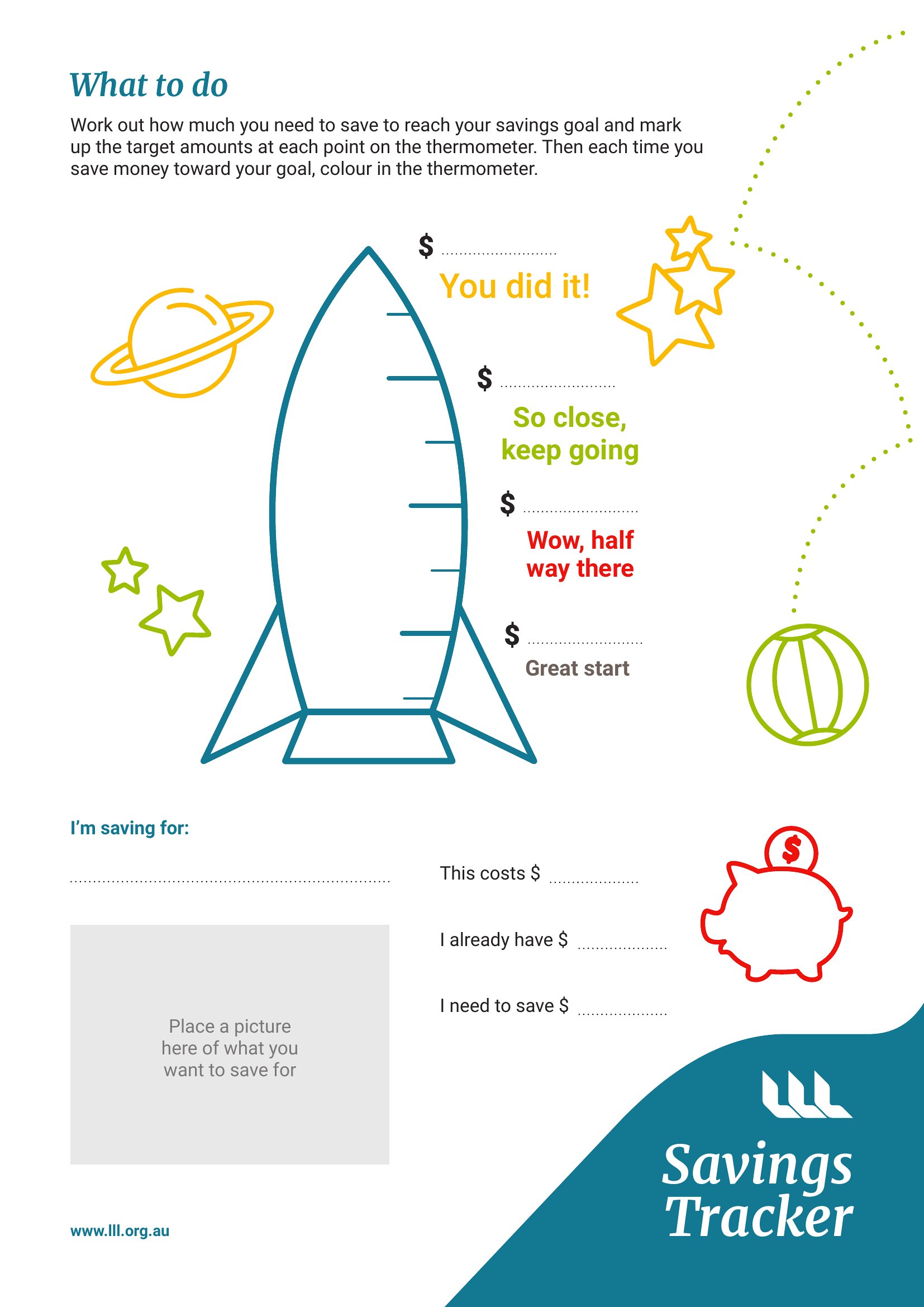
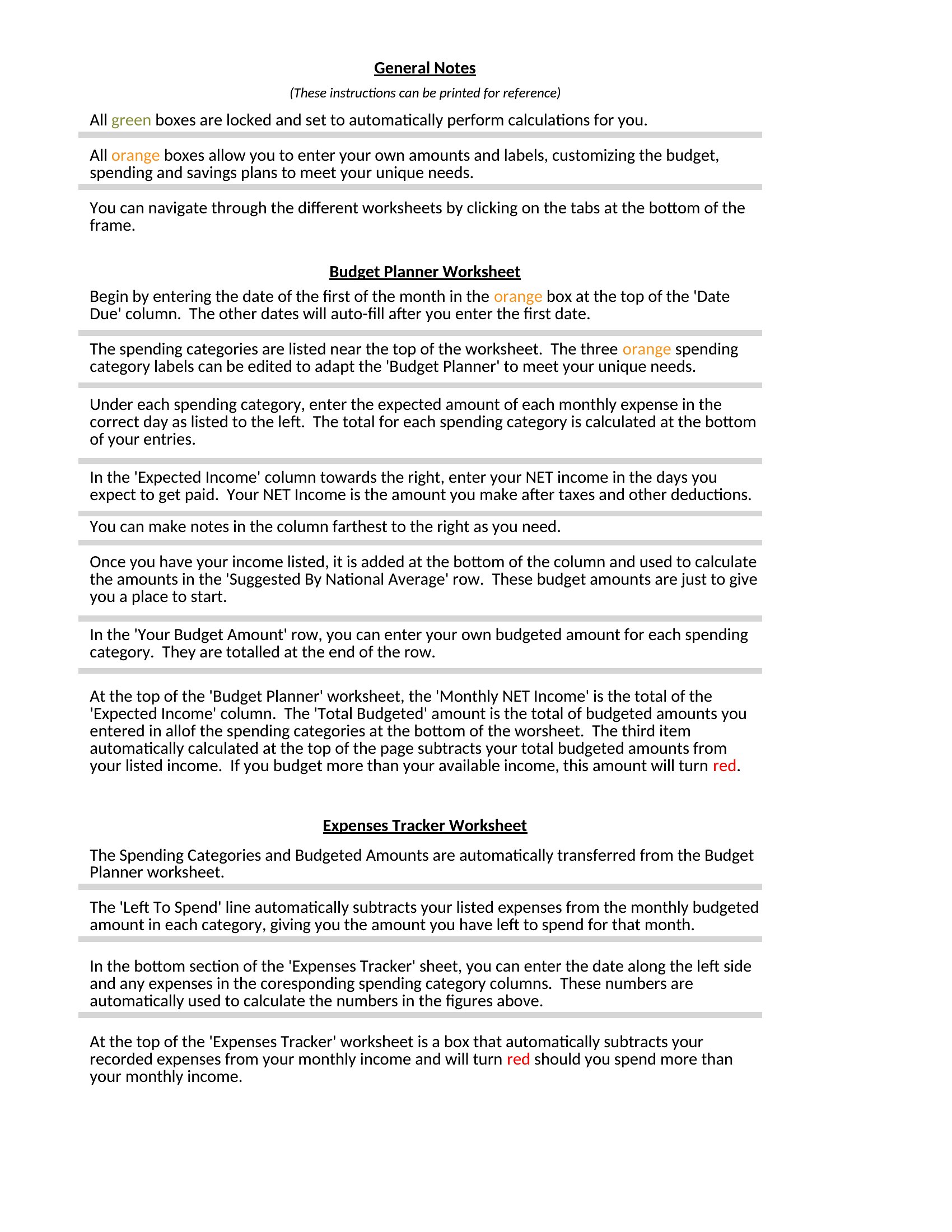
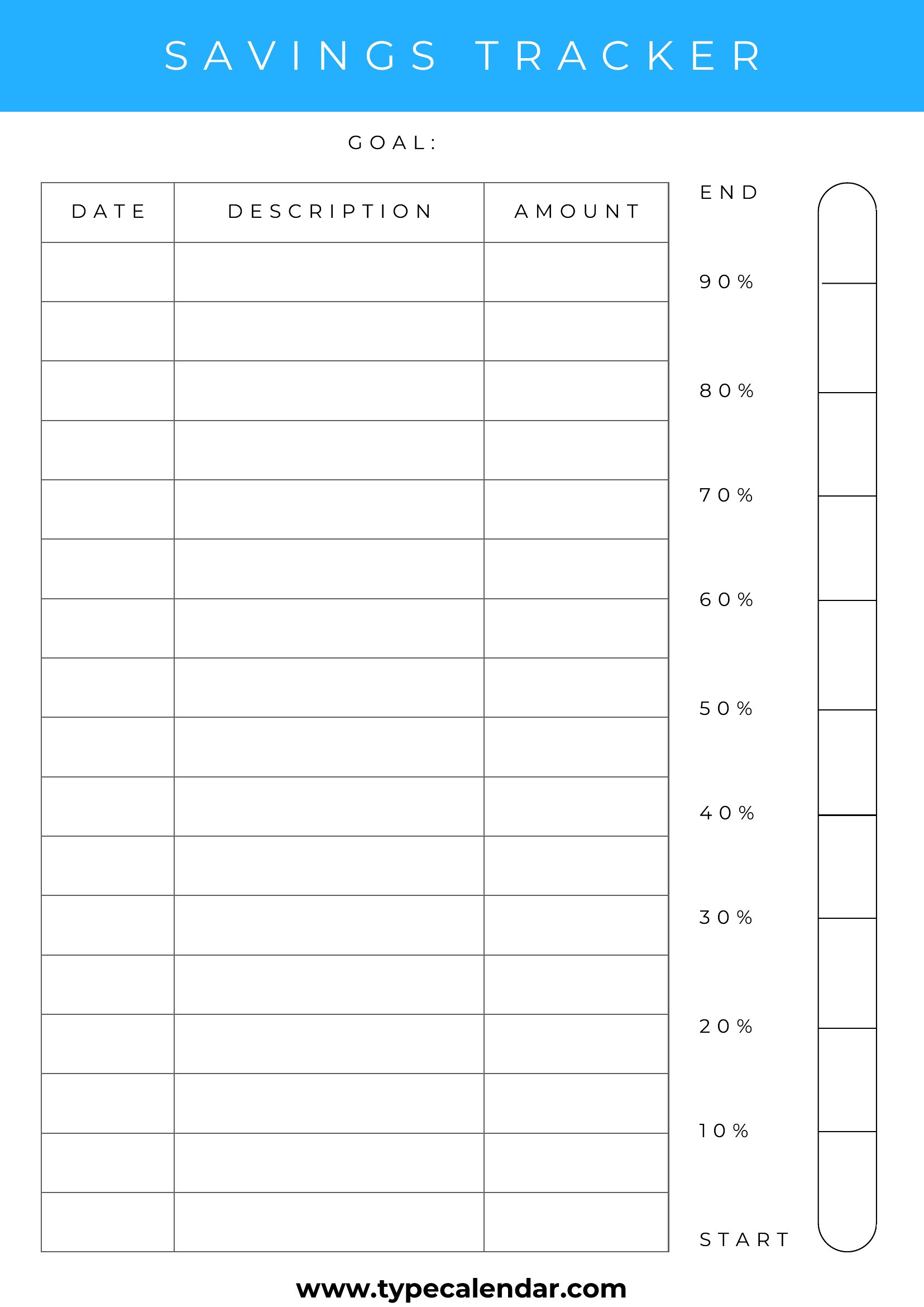
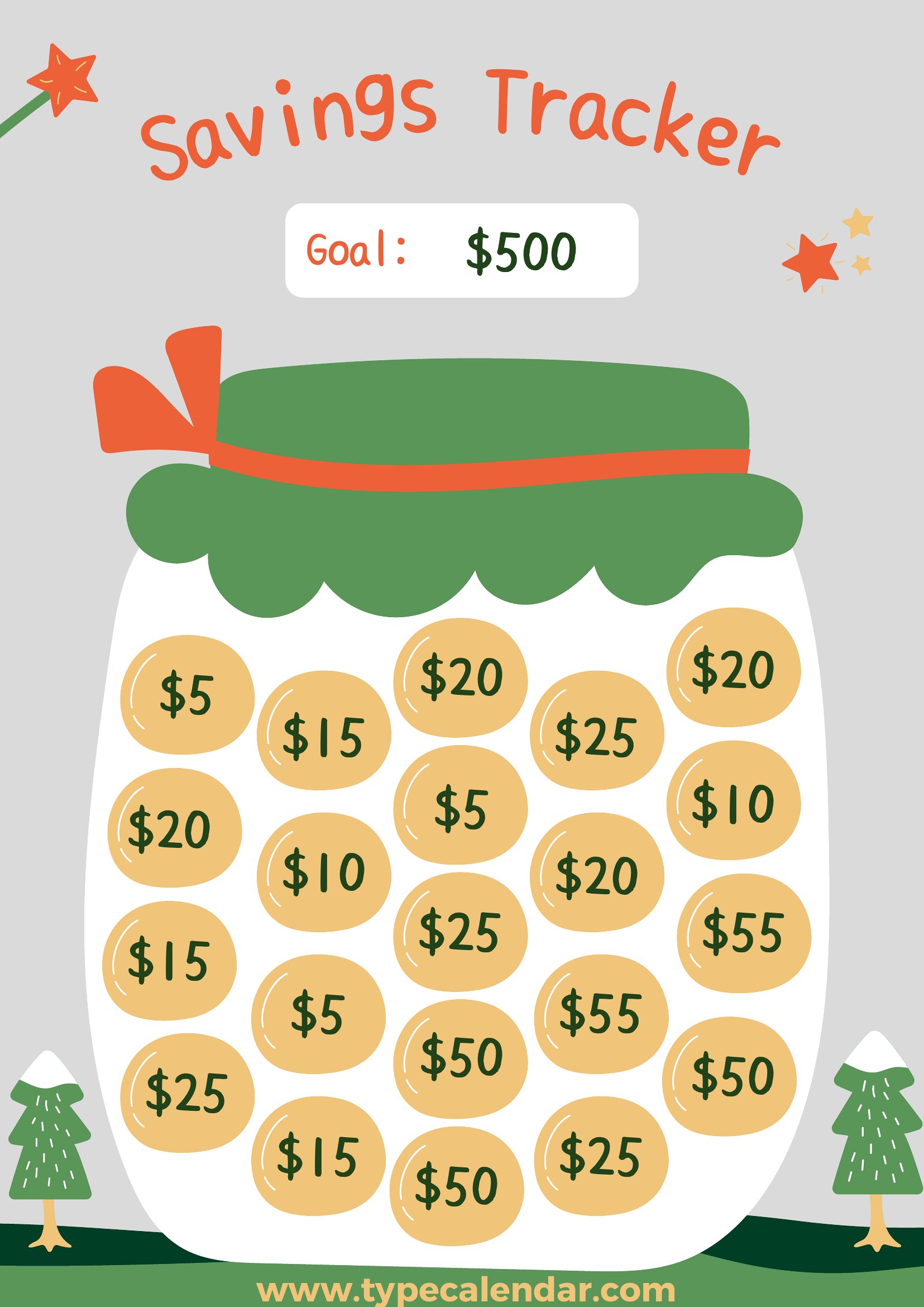
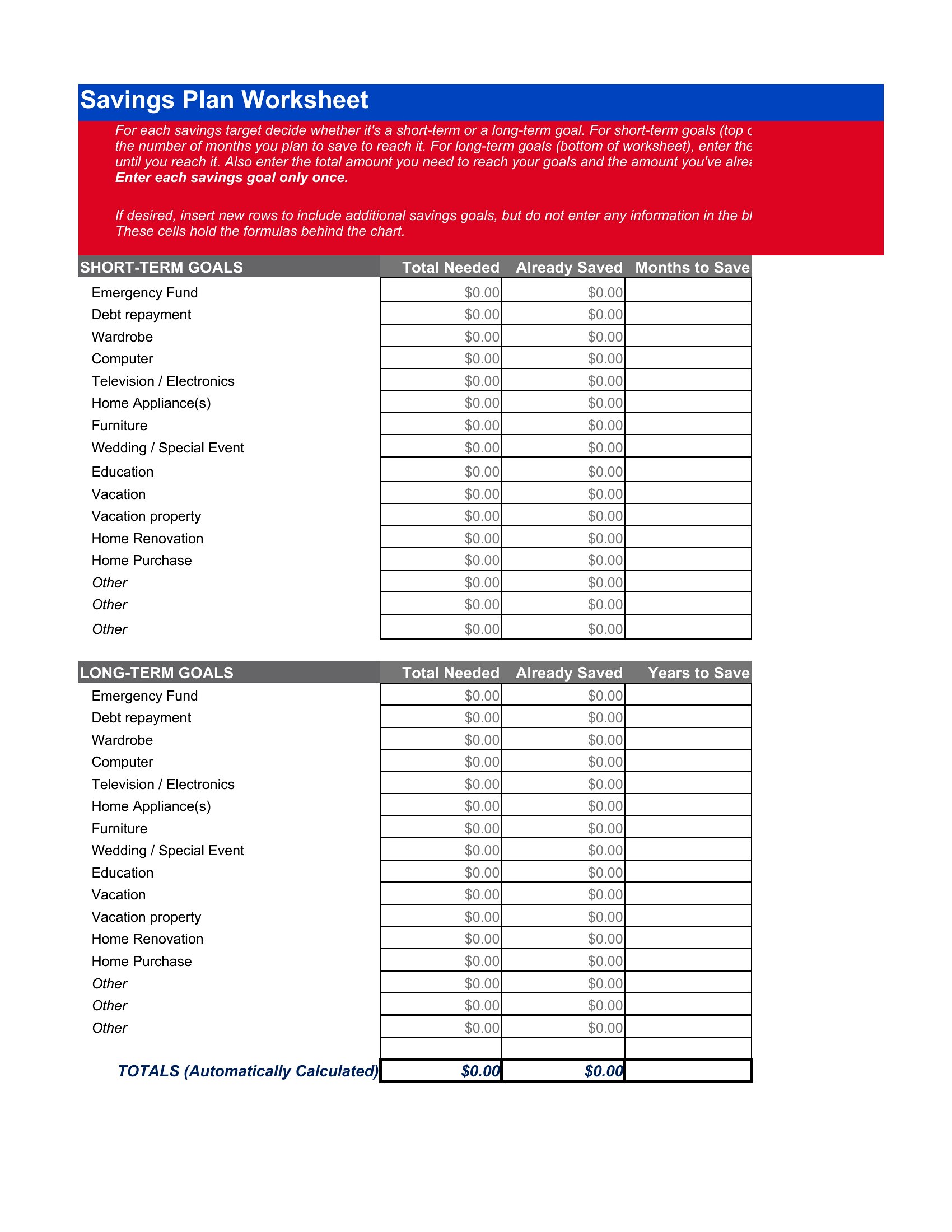
Yes. The Excel versions include multiple tabs or columns to track separate goals simultaneously, while Word templates often let you duplicate or merge sections. For PDFs, use the printable layouts to create side-by-side progress bars with different colors for each sub-goal. Just label each clearly from the start.
What’s the difference between a ‘fillable’ PDF and a regular PDF tracker?
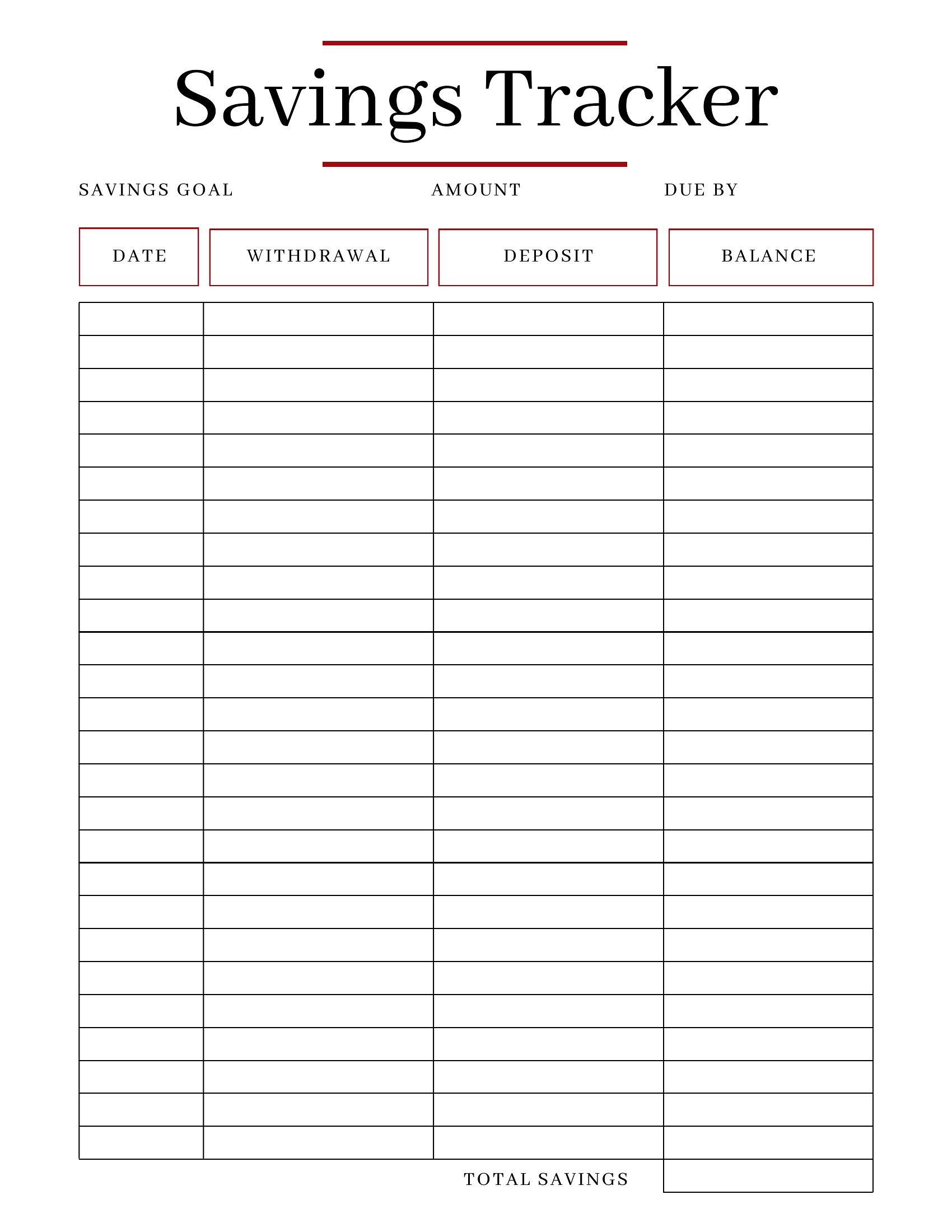
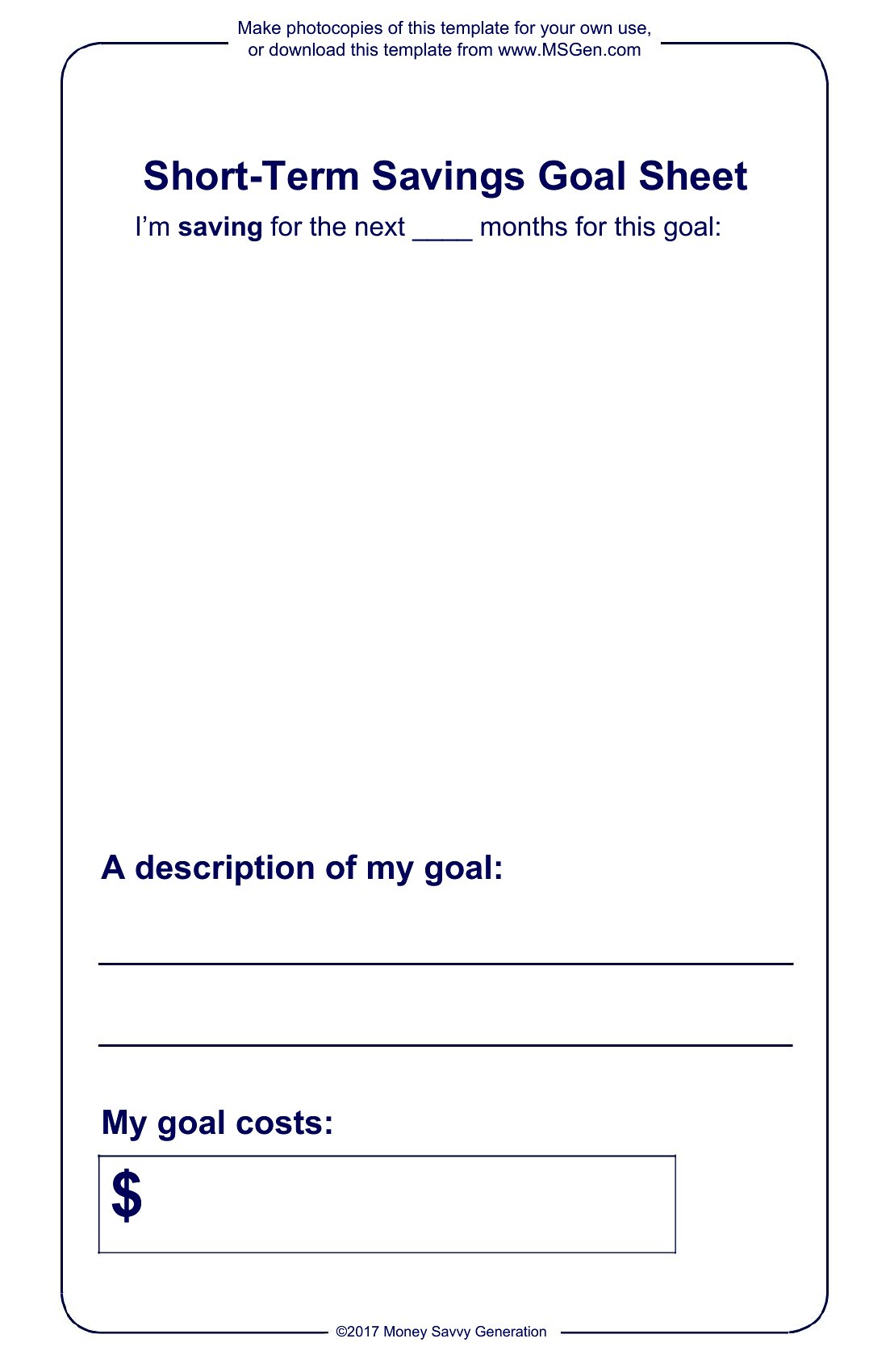
Fillable PDFs let you type directly into fields (like deposit amounts) using a free PDF reader, while regular PDFs require printing or manual entry with a pen. Fillable versions are best for digital tracking, while regular PDFs work if you prefer writing by hand or sharing a static version with others who can’t edit files.
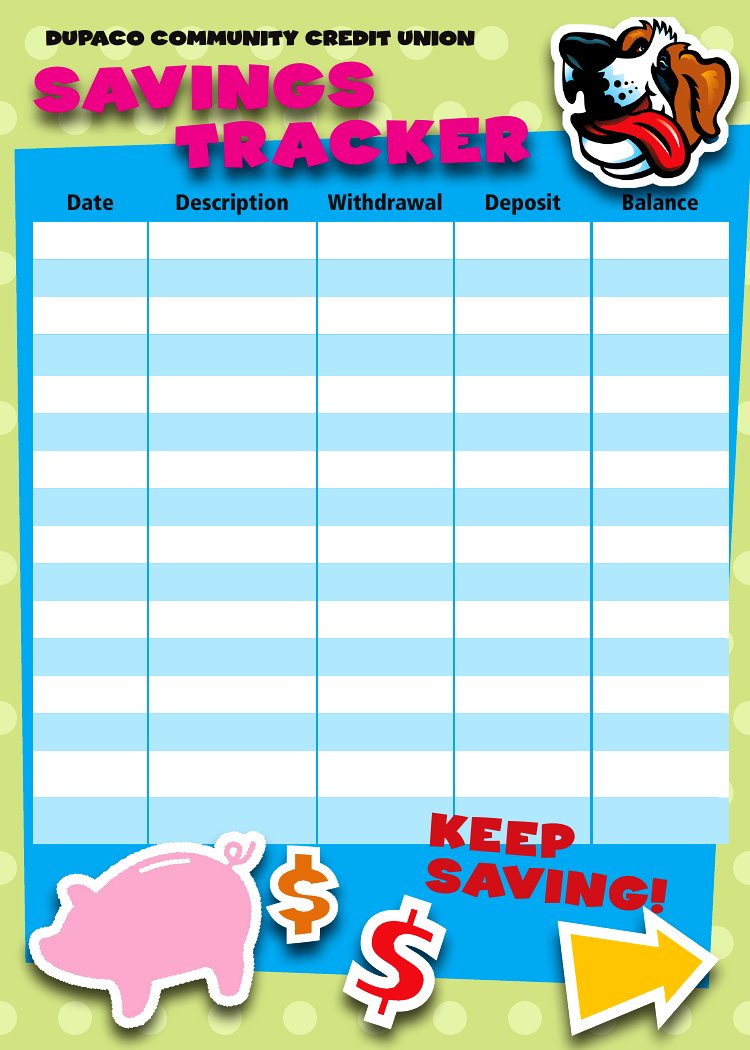
Do any of these trackers include space for tracking interest earned or investment growth alongside savings?
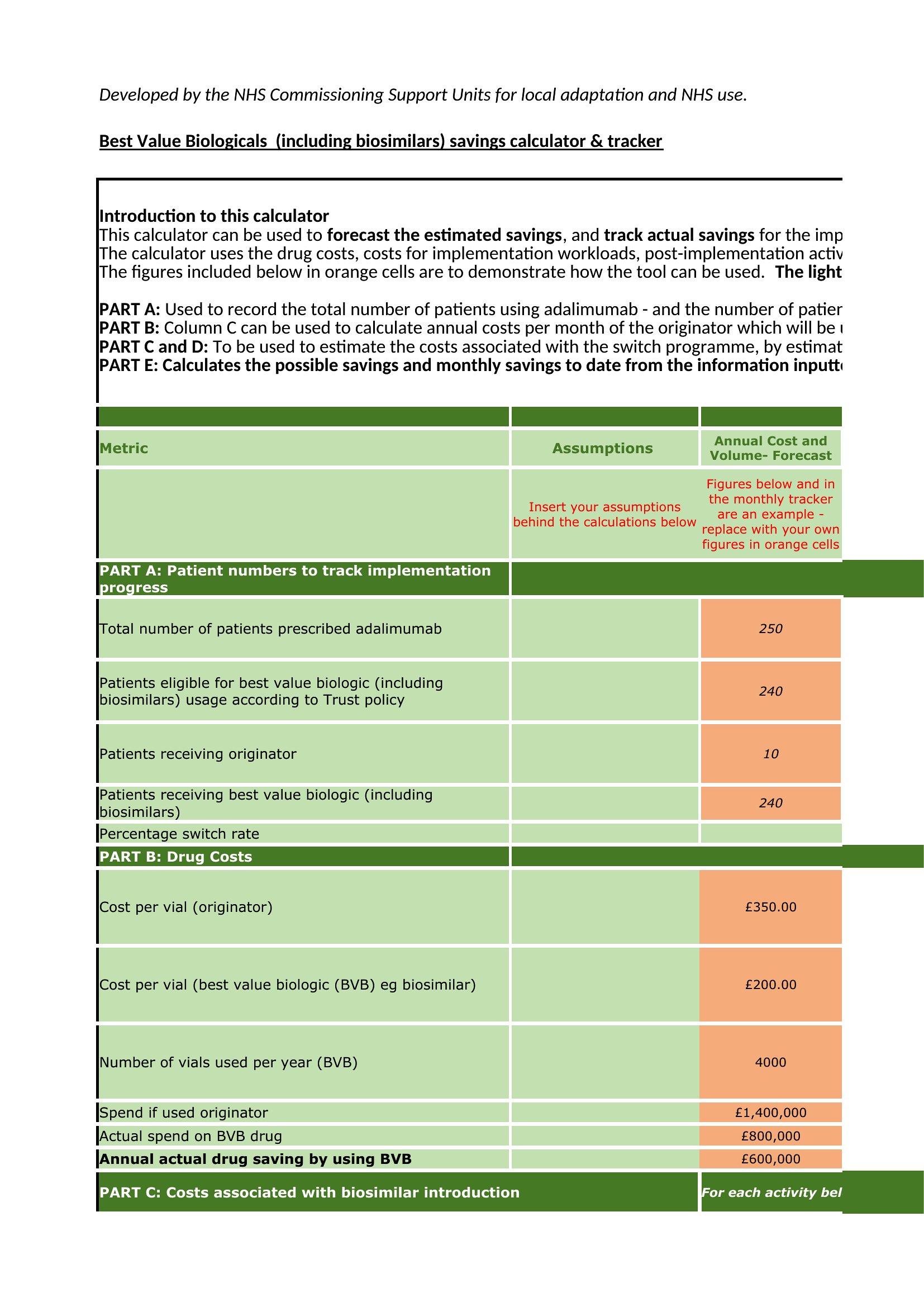
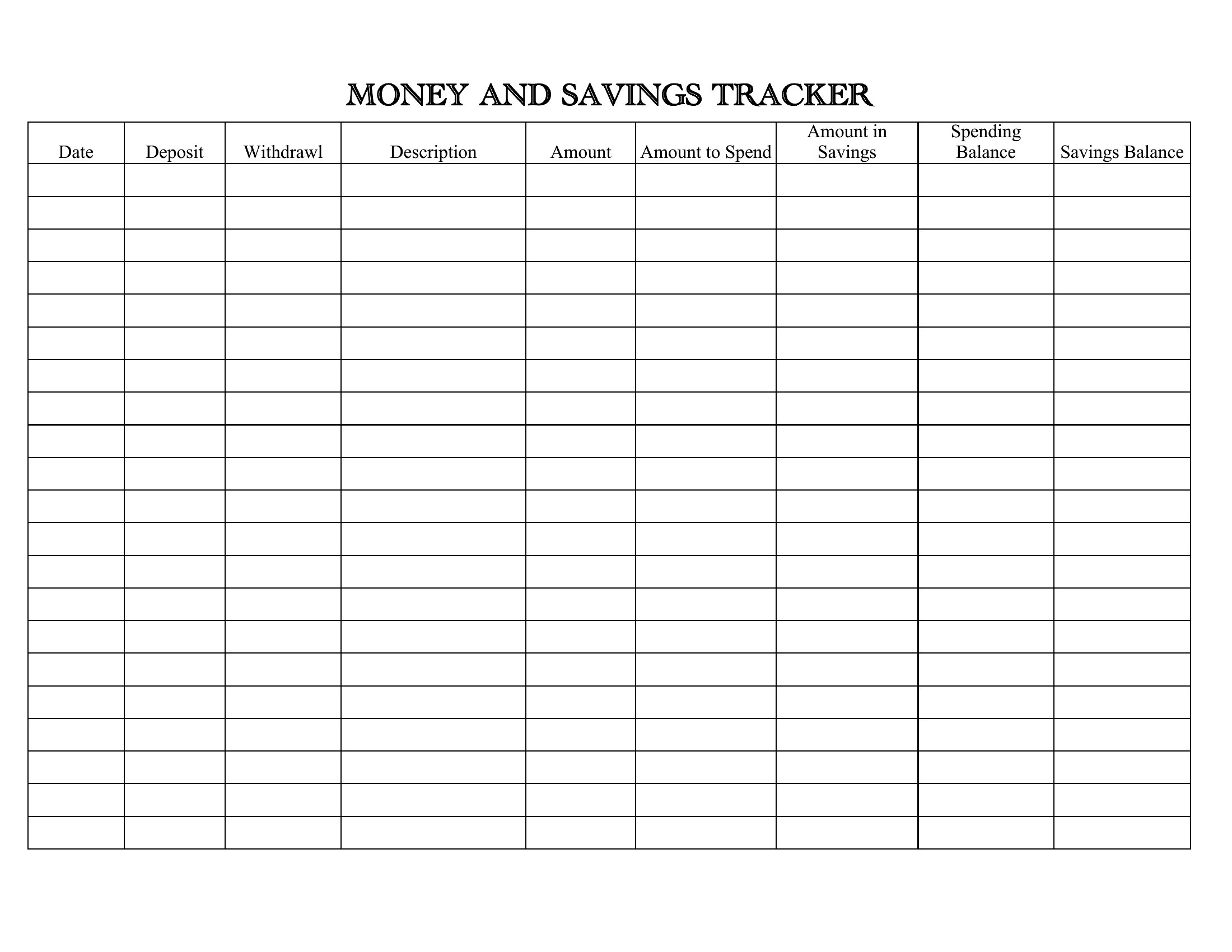
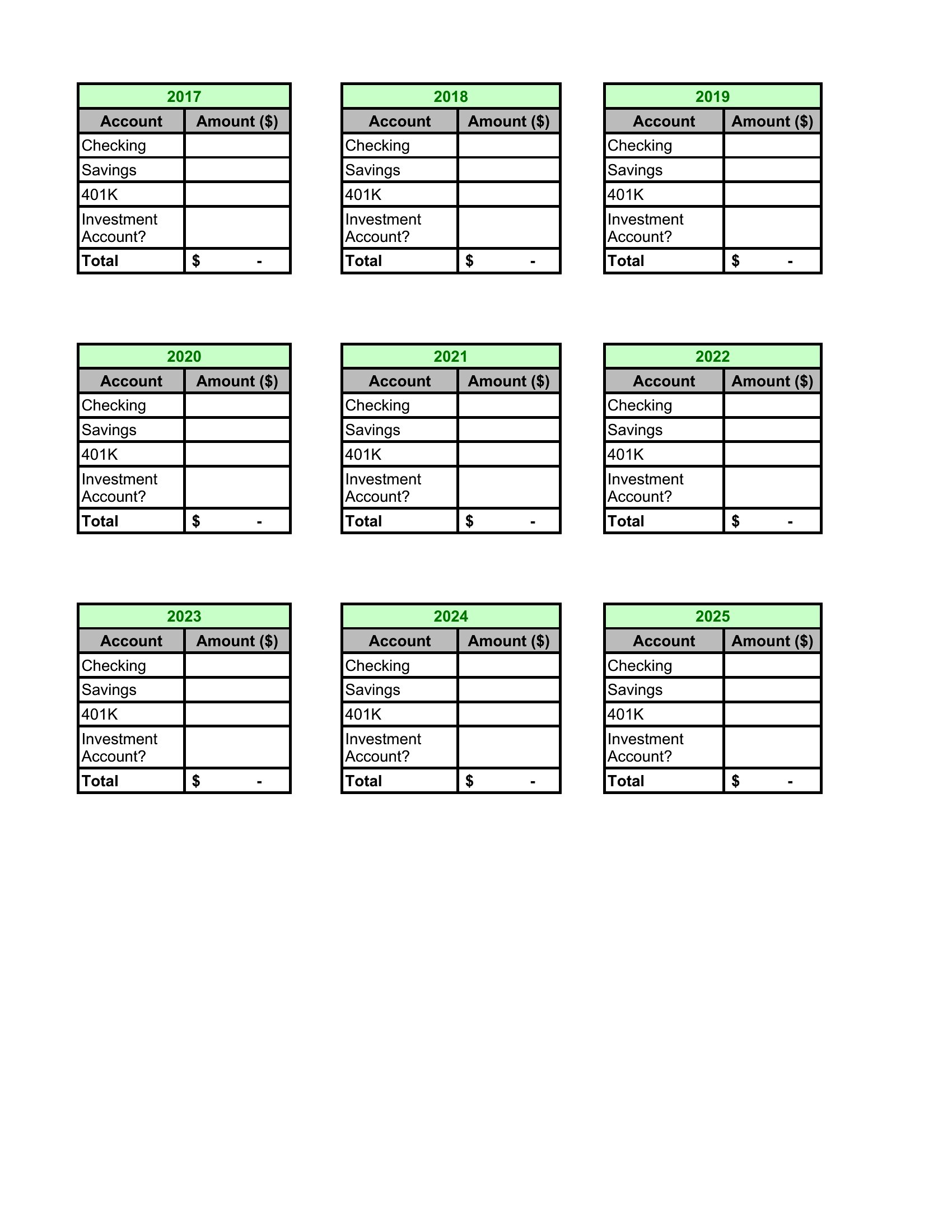
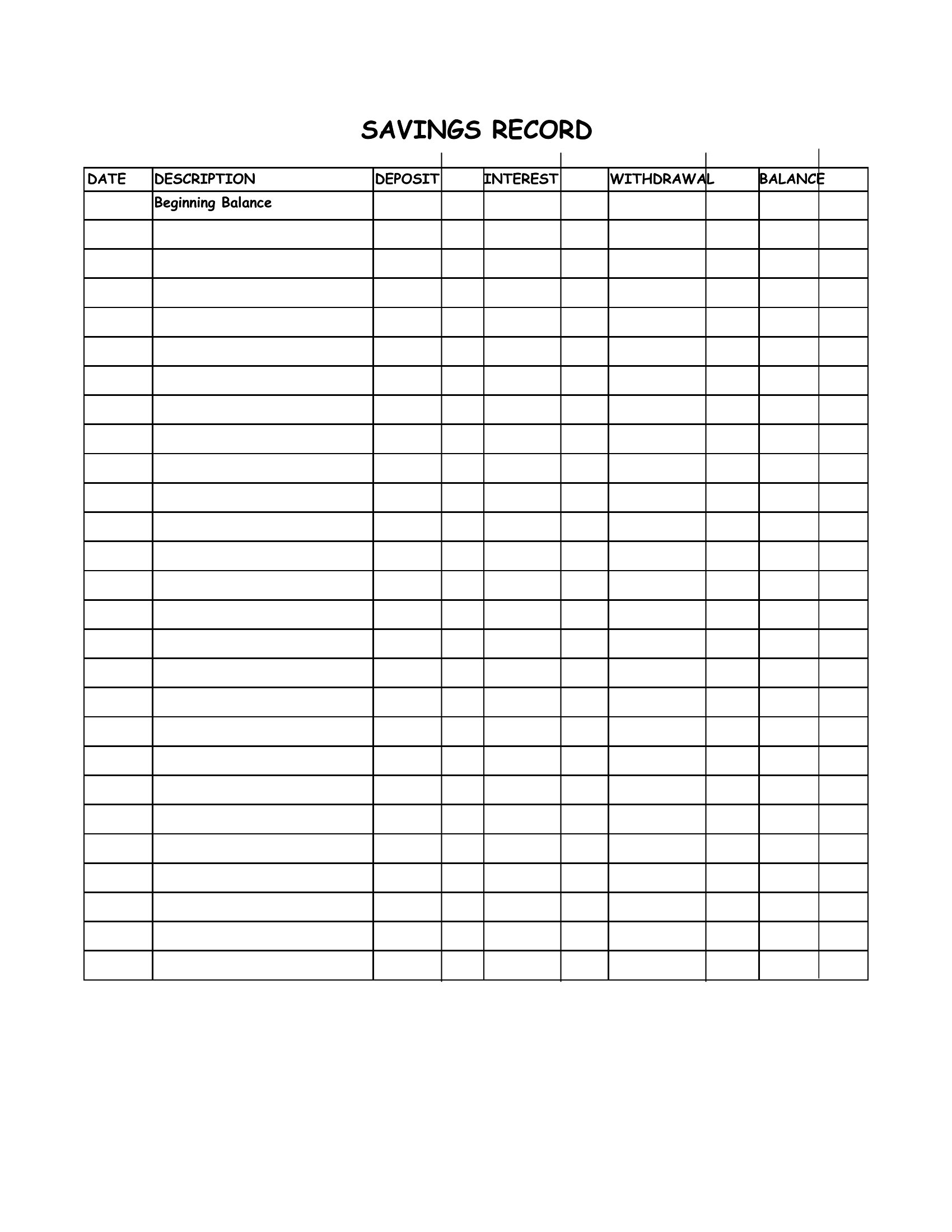
Only the Excel templates are designed to accommodate interest calculations, with dedicated columns for principal, interest, and total growth. For Word or PDF, you’ll need to add these manually or use a separate investment tracker. Note that these aren’t financial advice tools—consult a professional for tax or investment implications.
Comments
Join the conversation
Sign in to share your thoughts and leave a comment on this resource.