
FAQ
How should I handle partial payments or refunds in a billing statement?
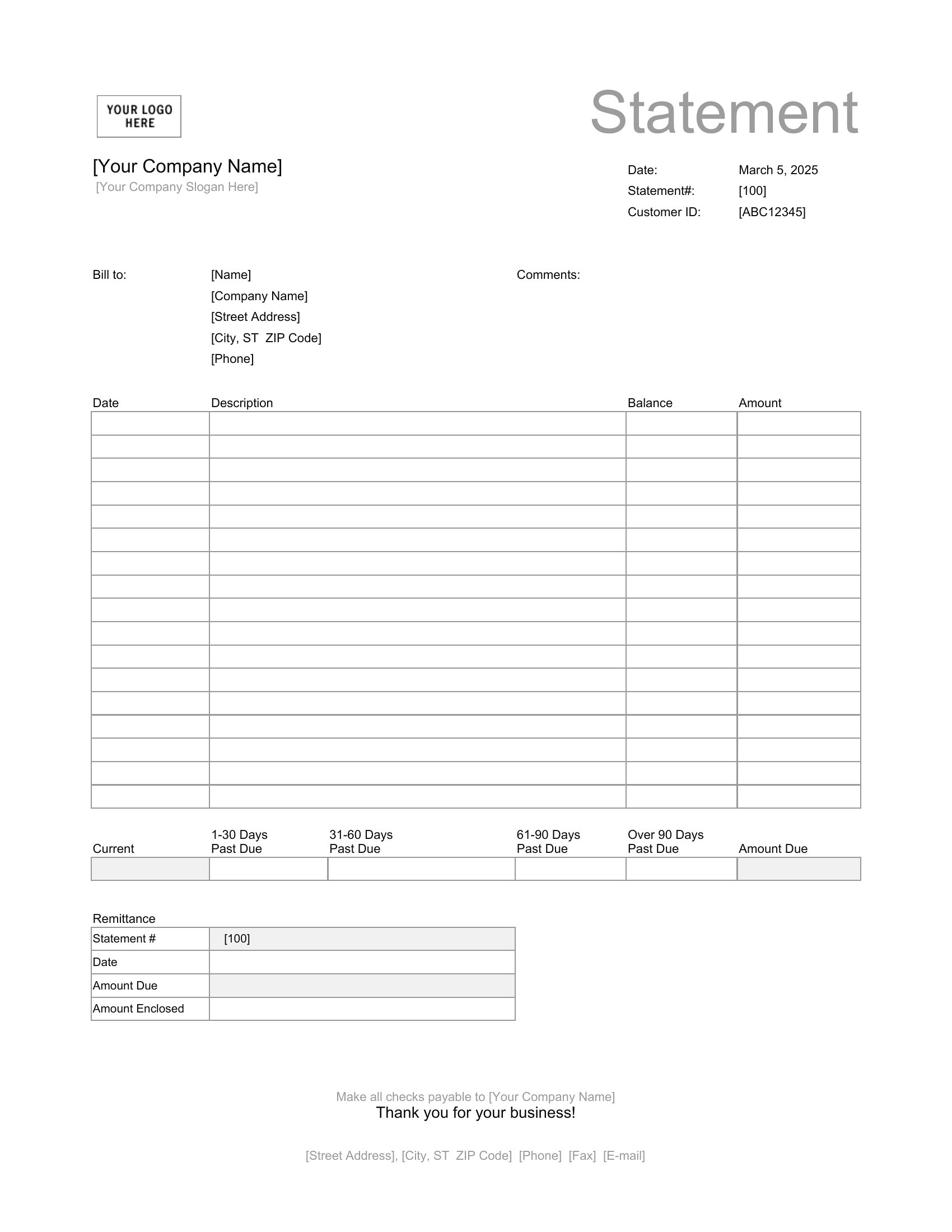
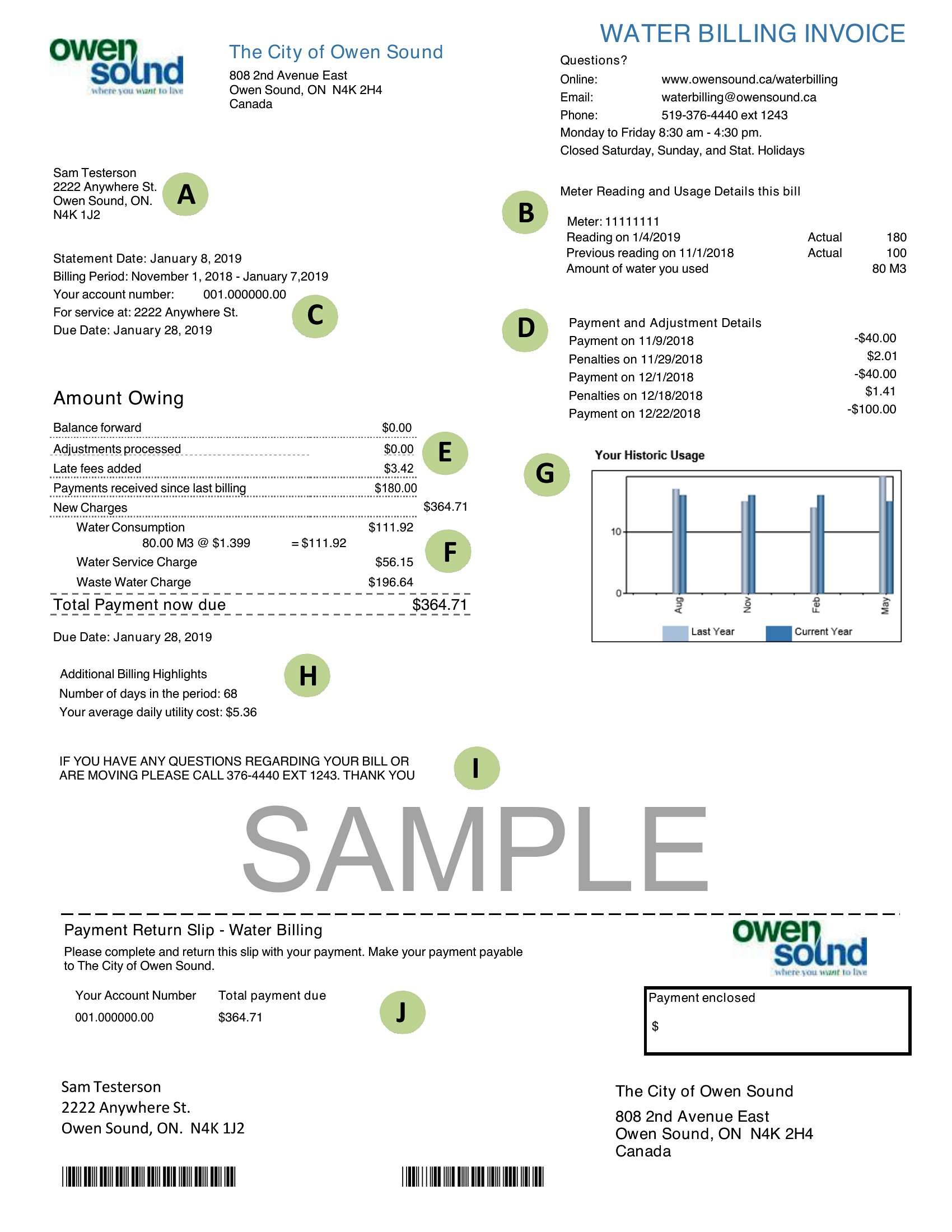
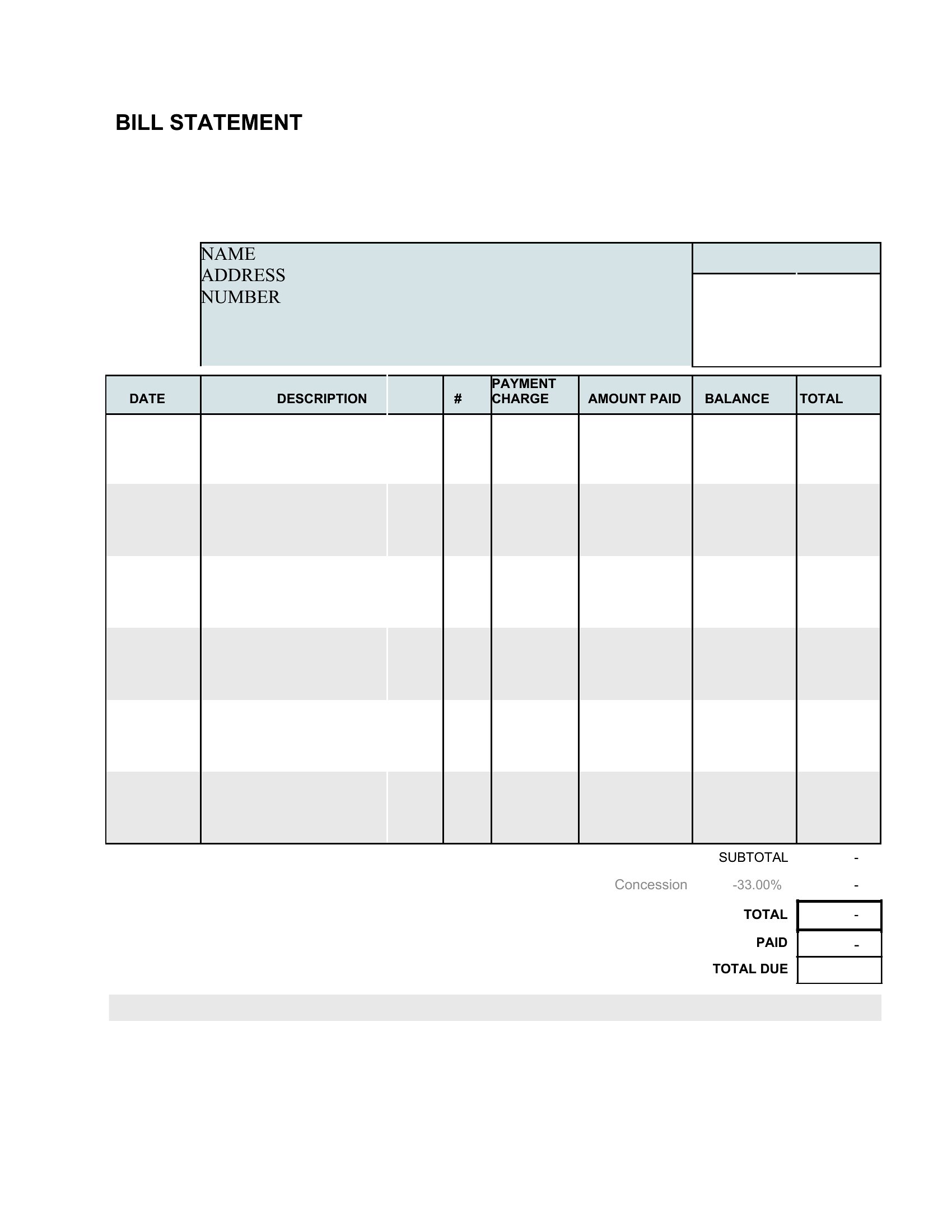
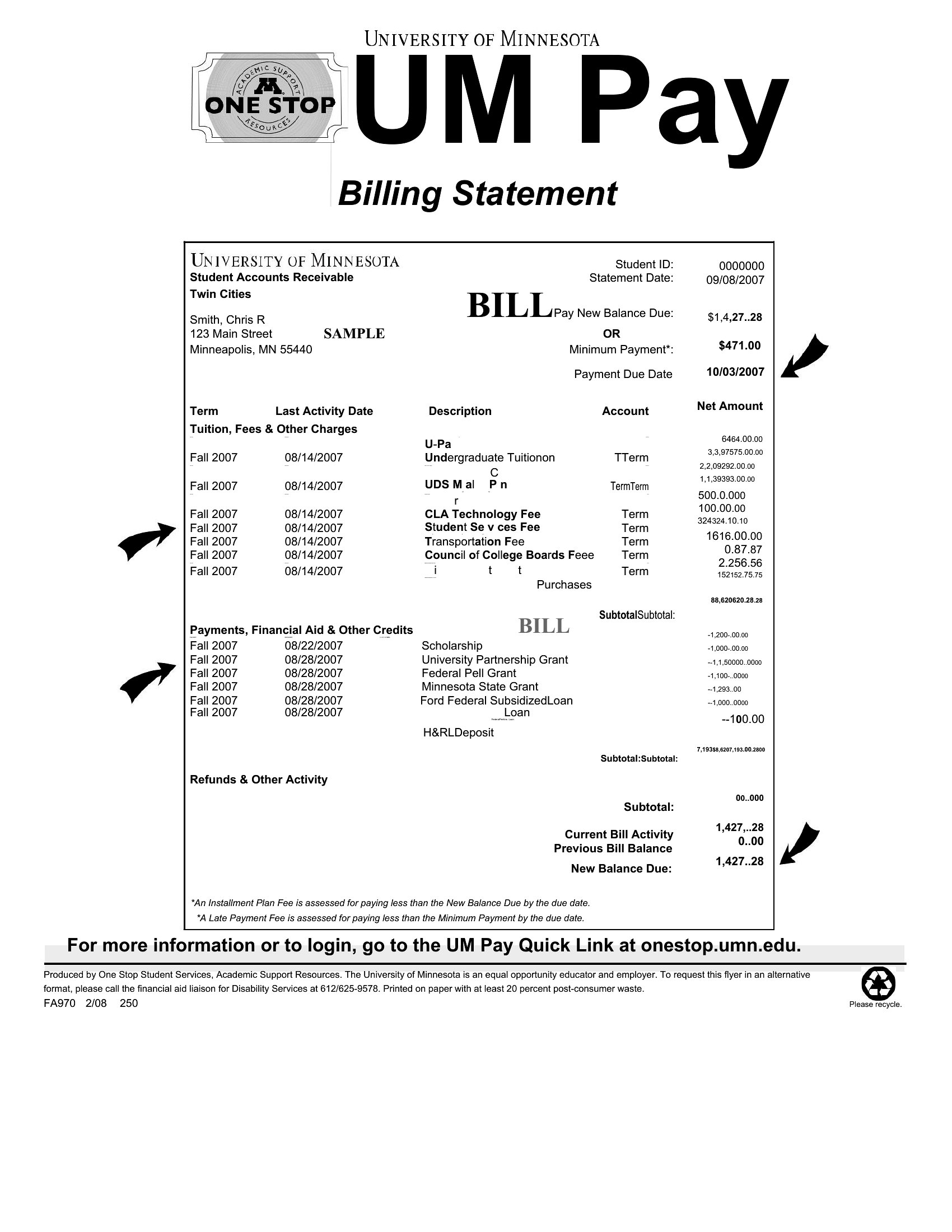
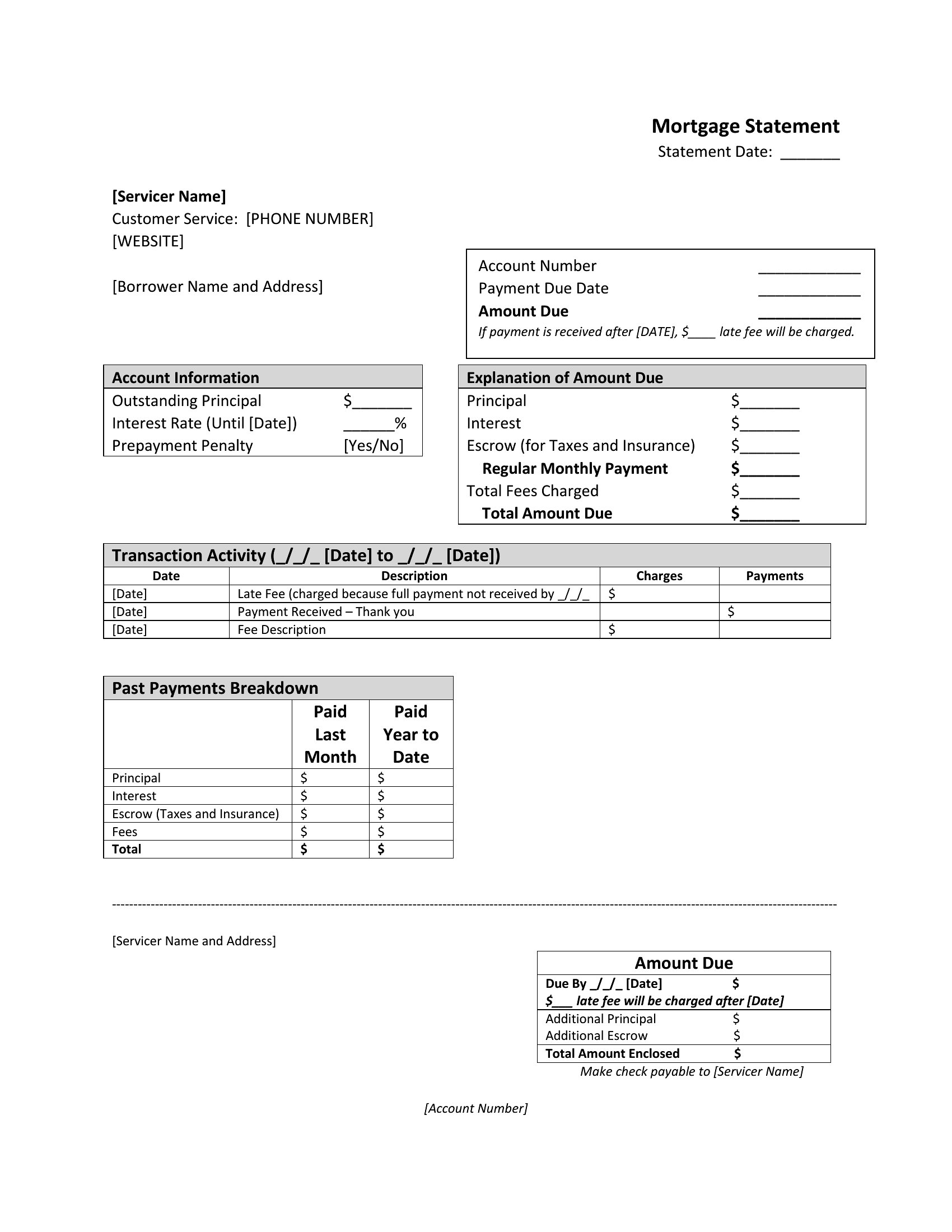
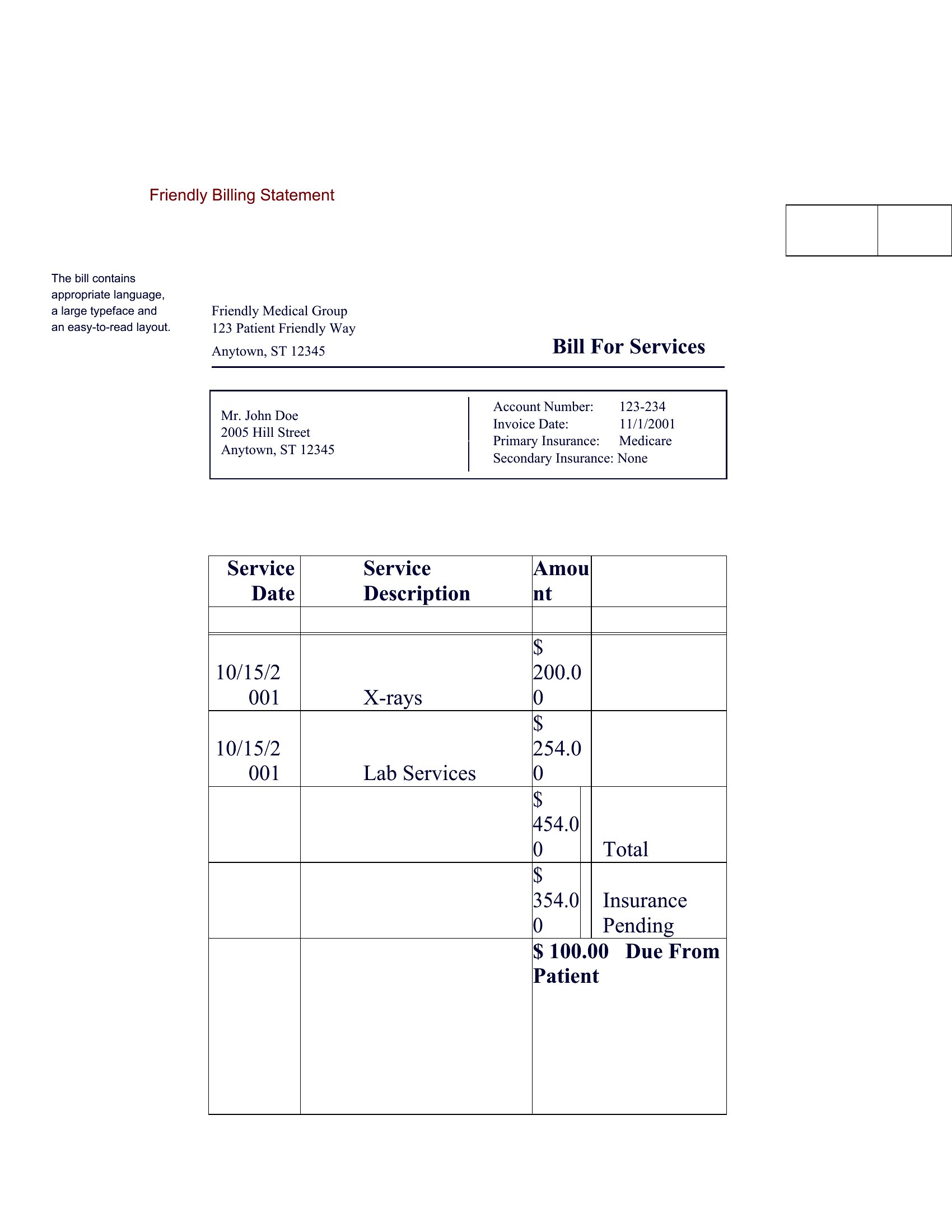
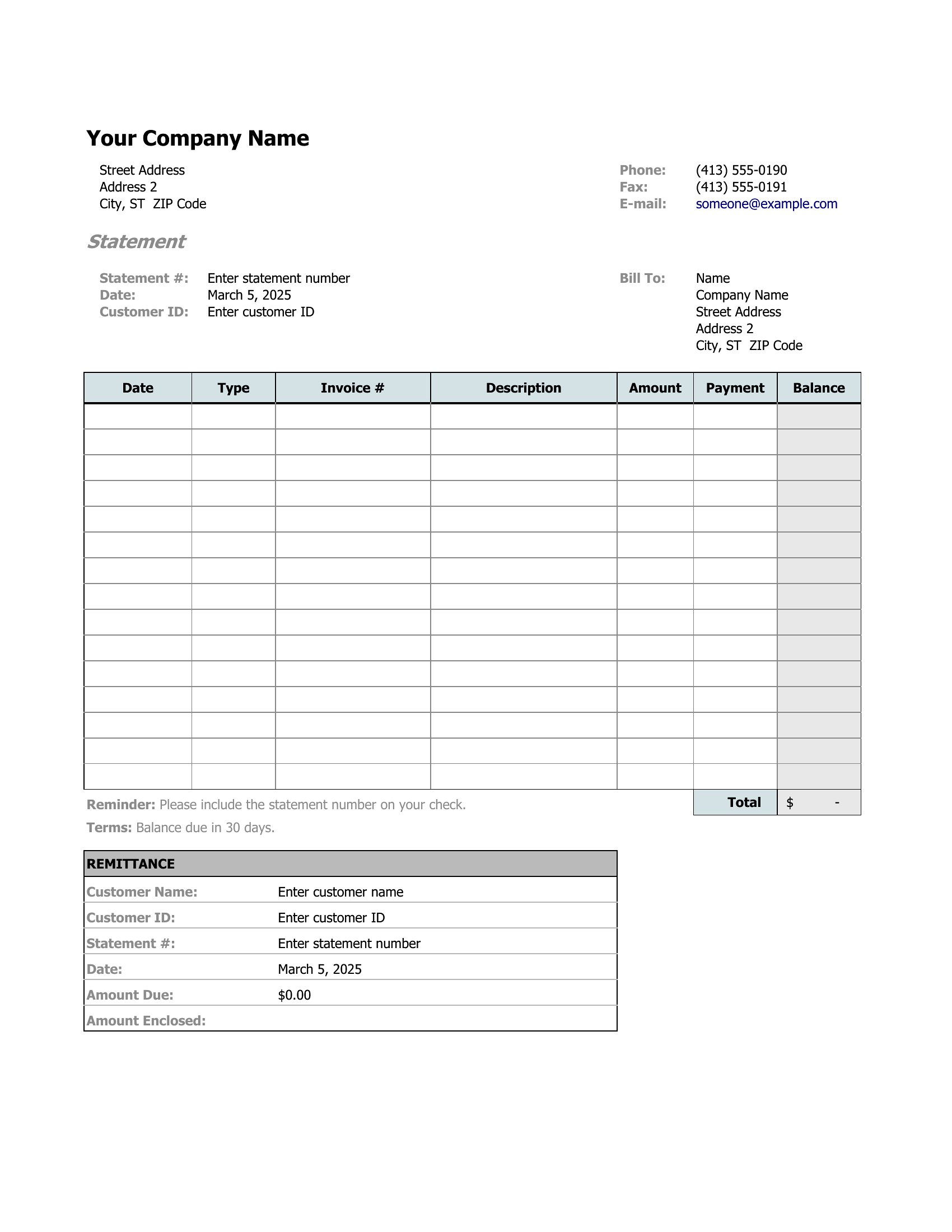
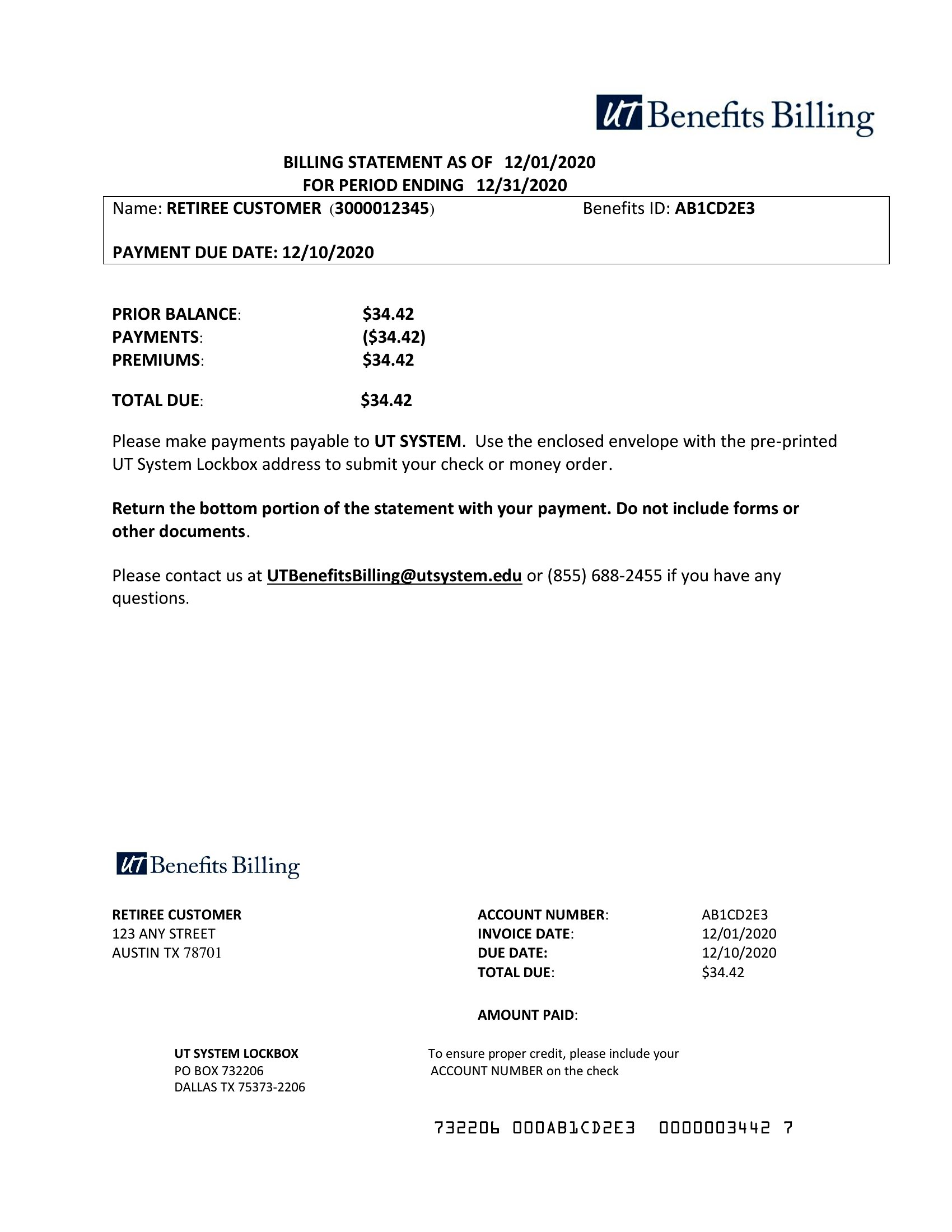
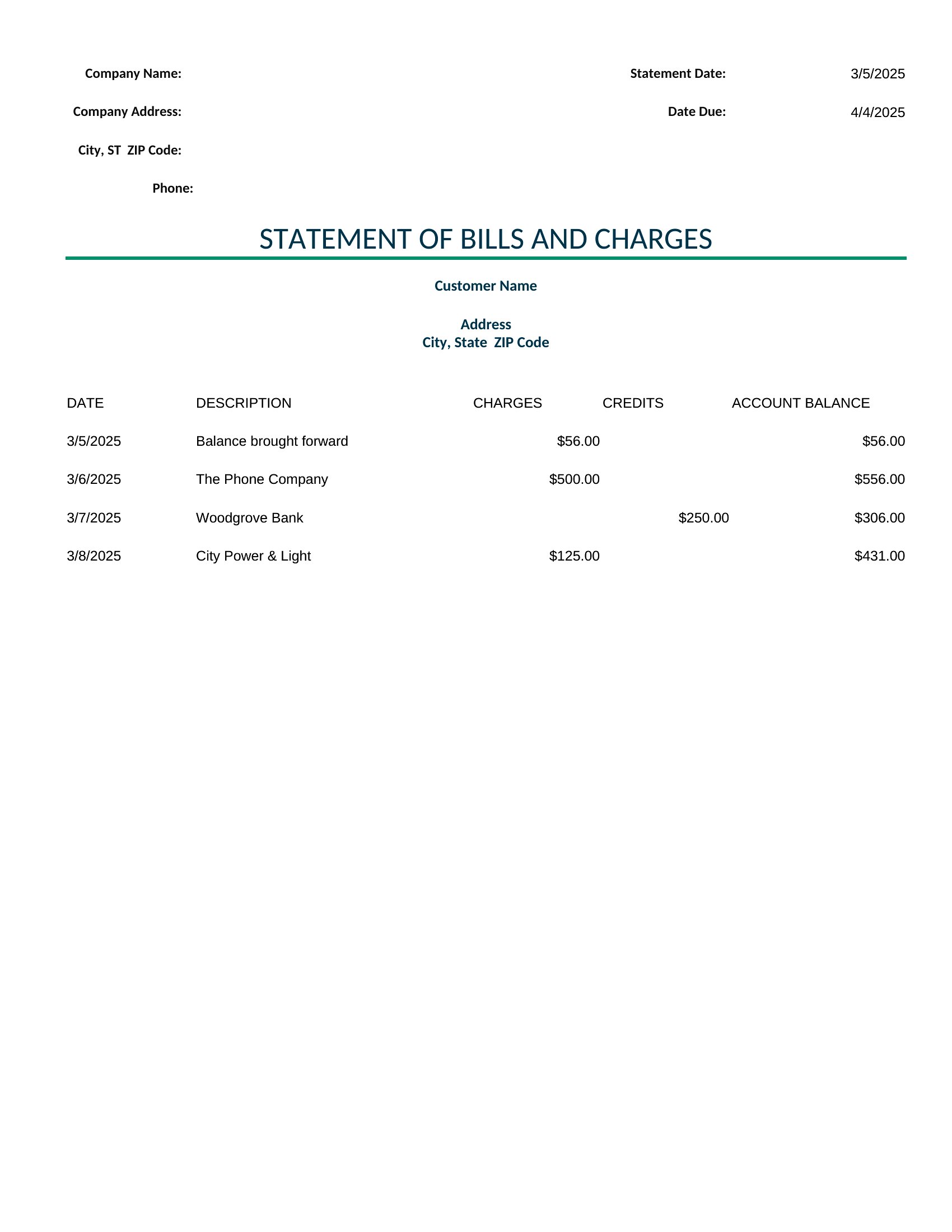
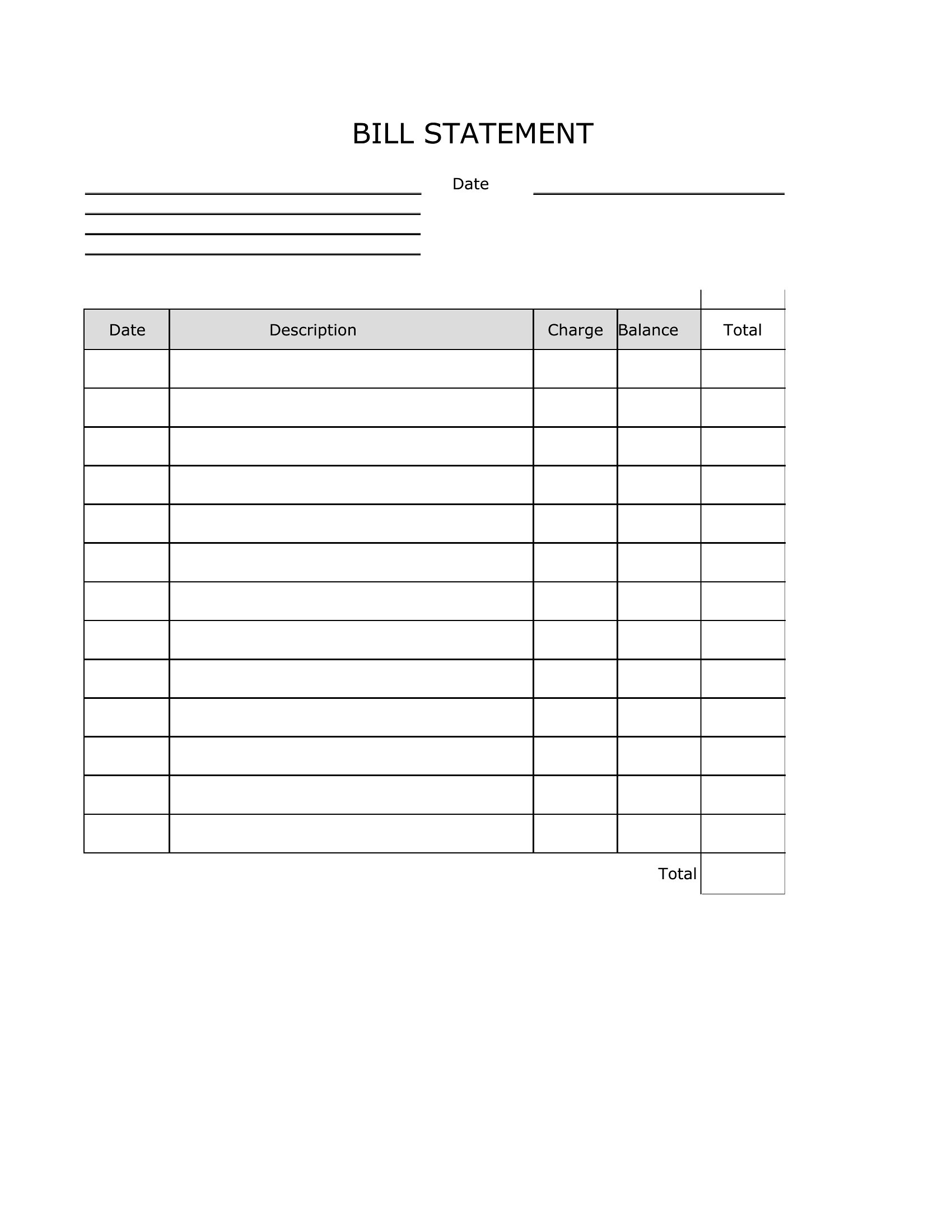
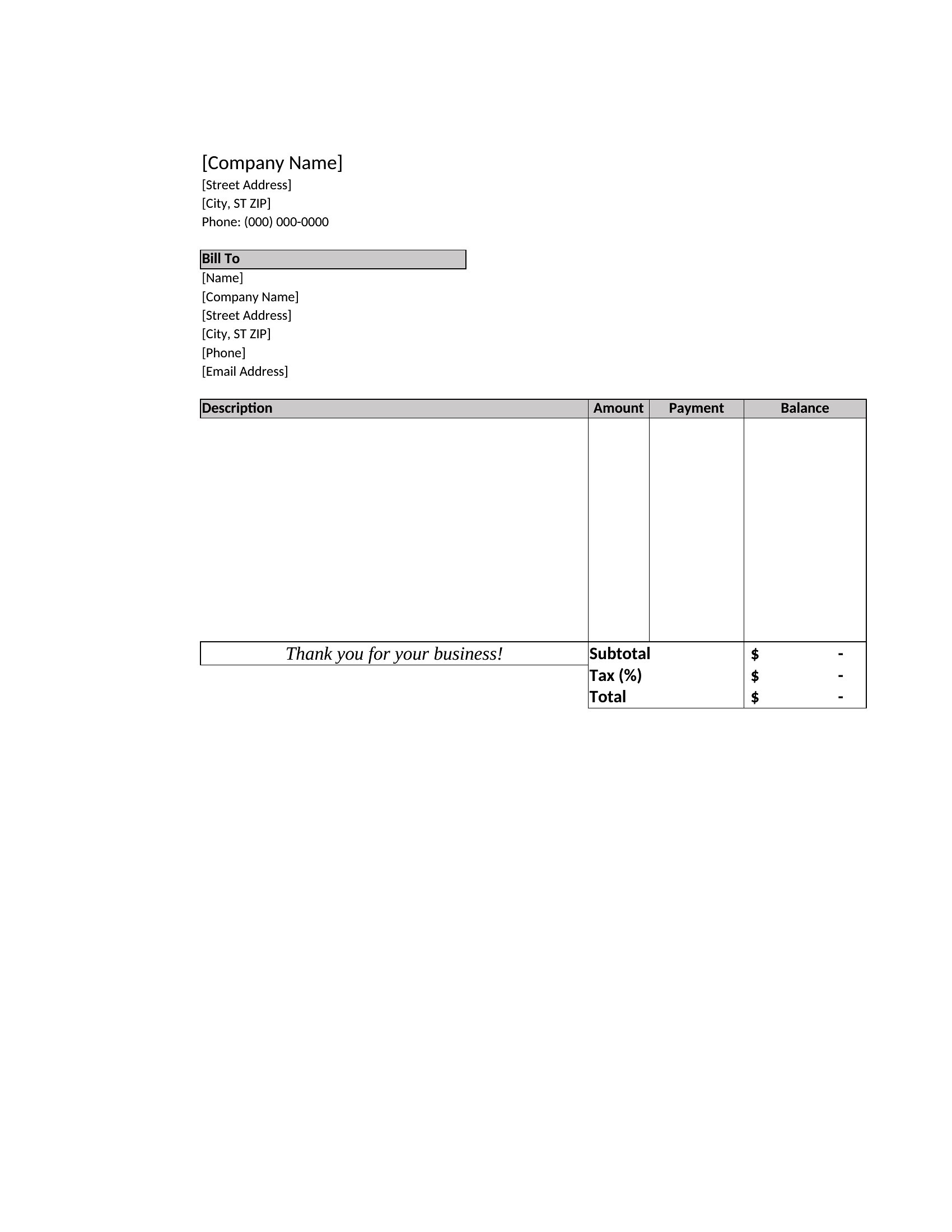
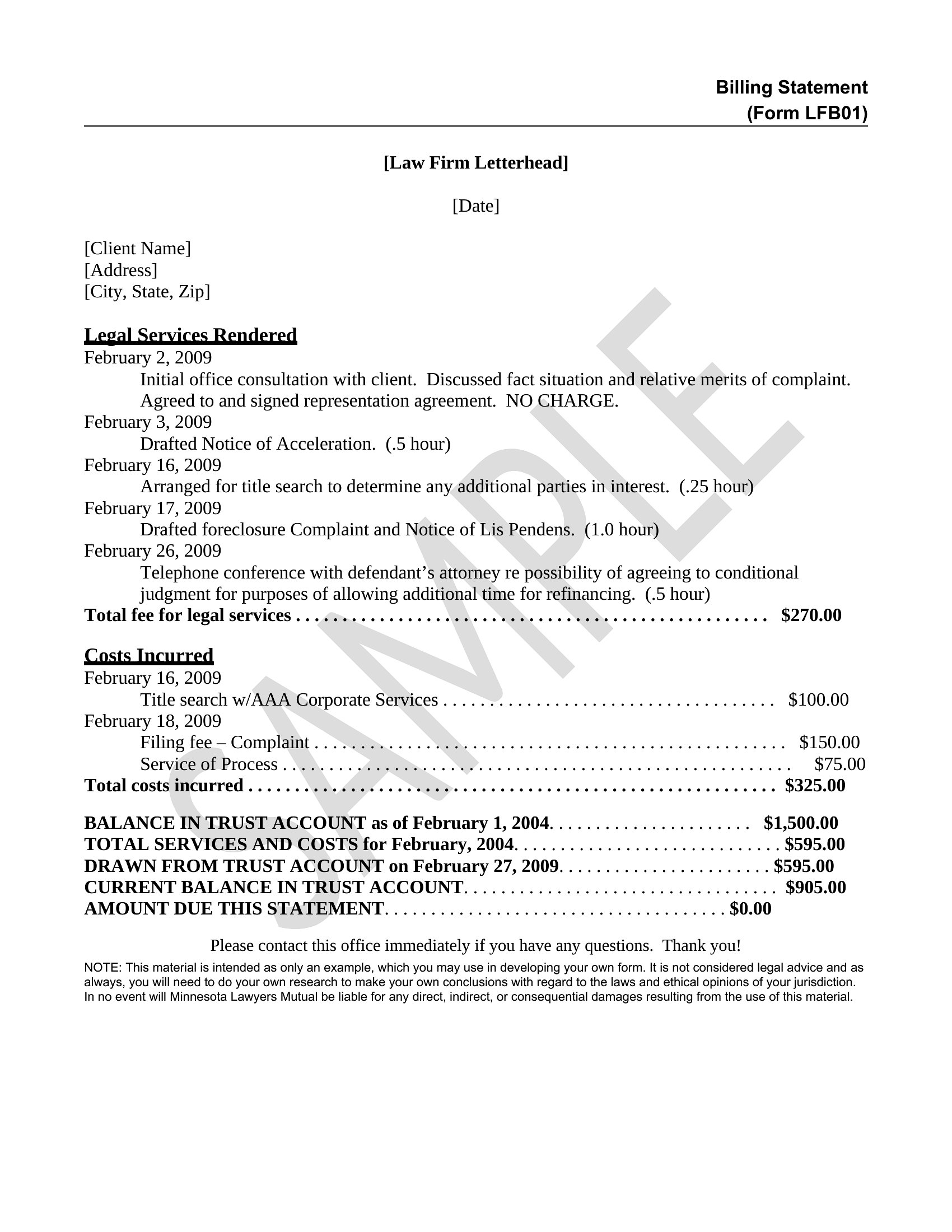
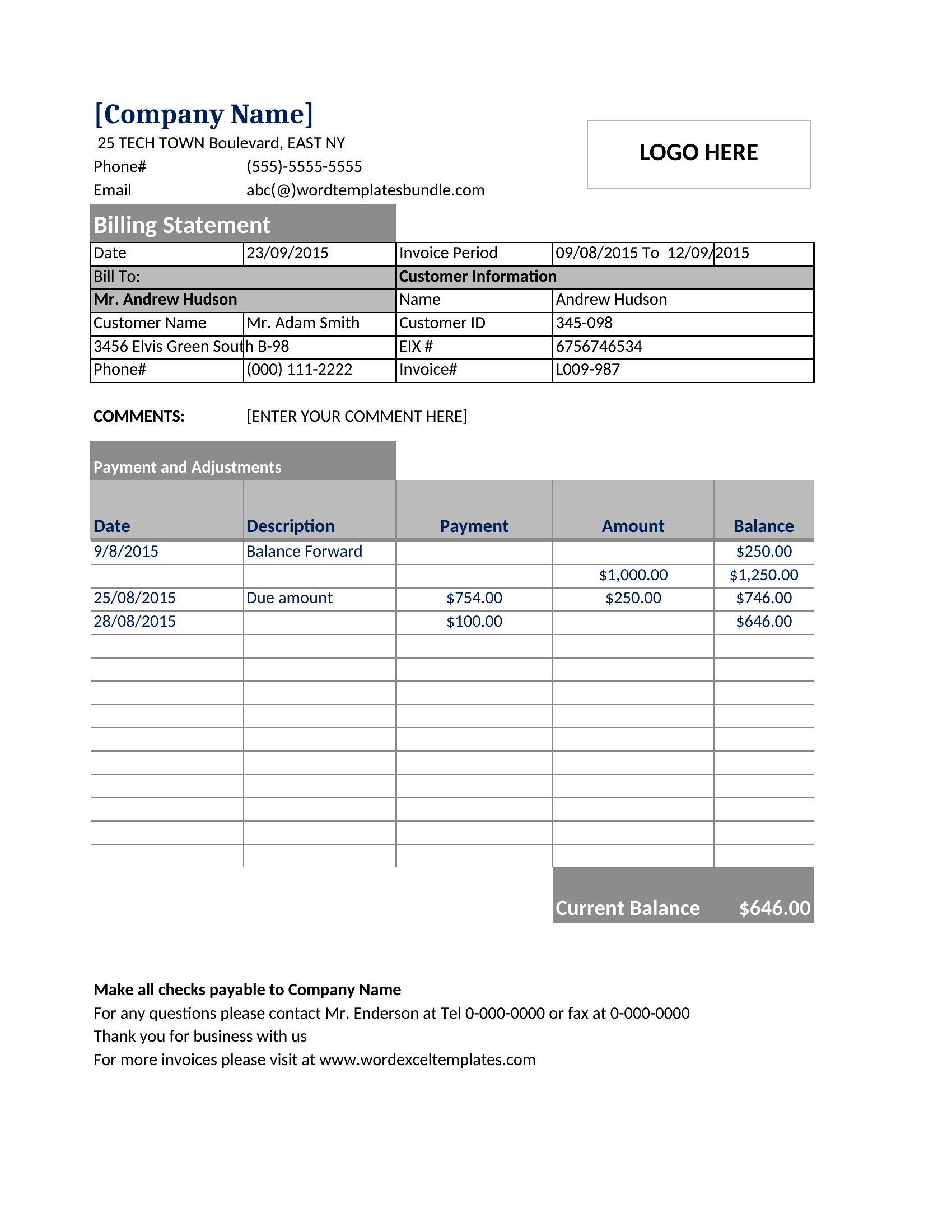
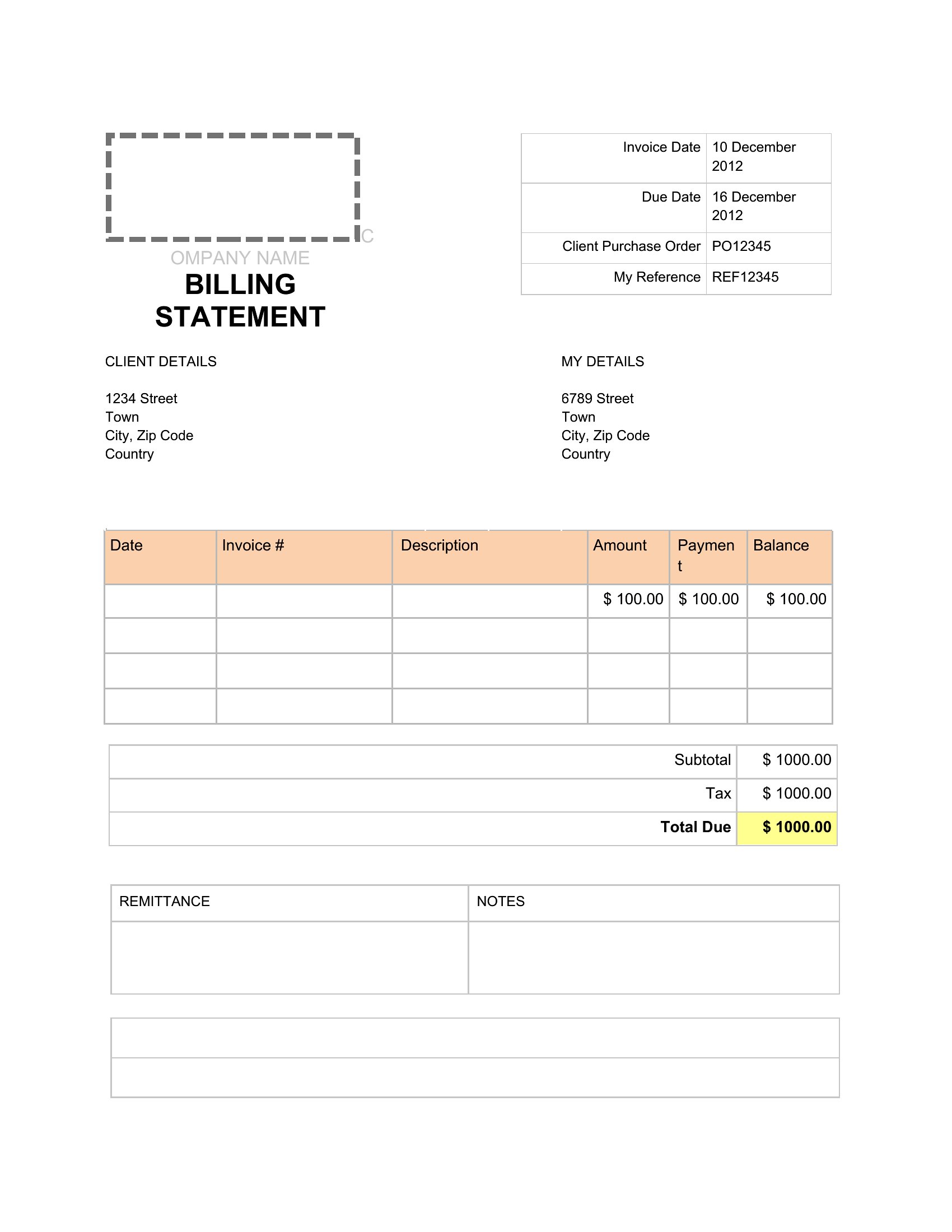
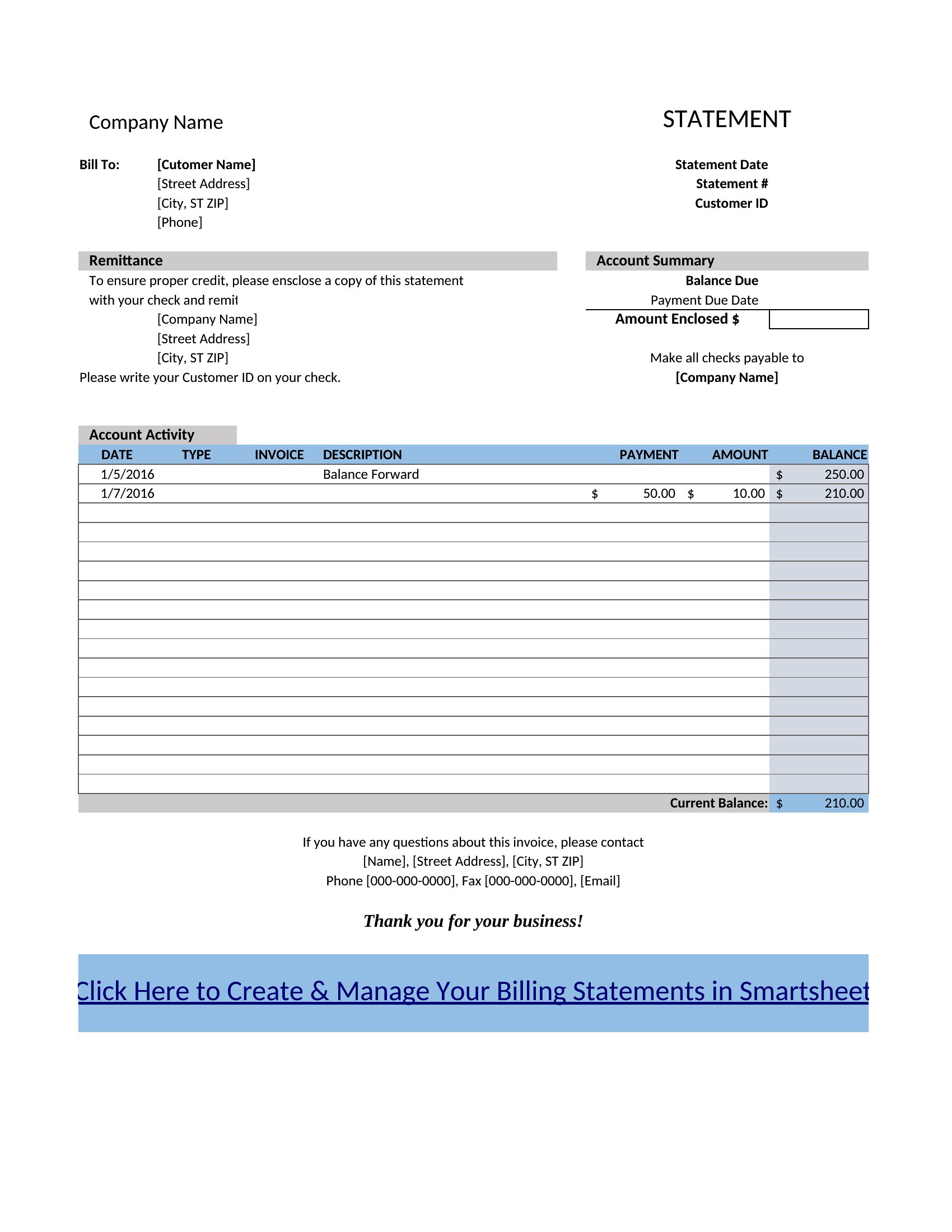
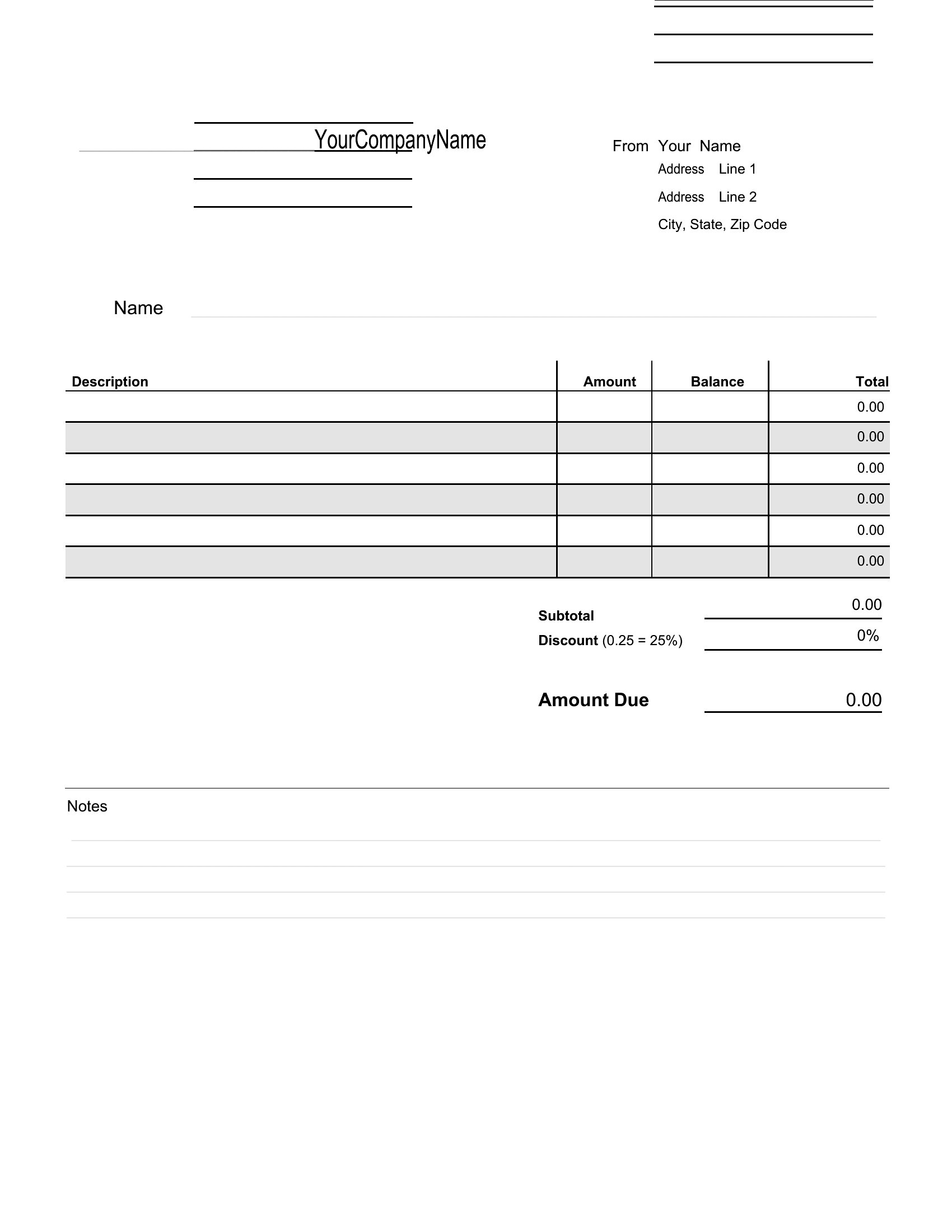
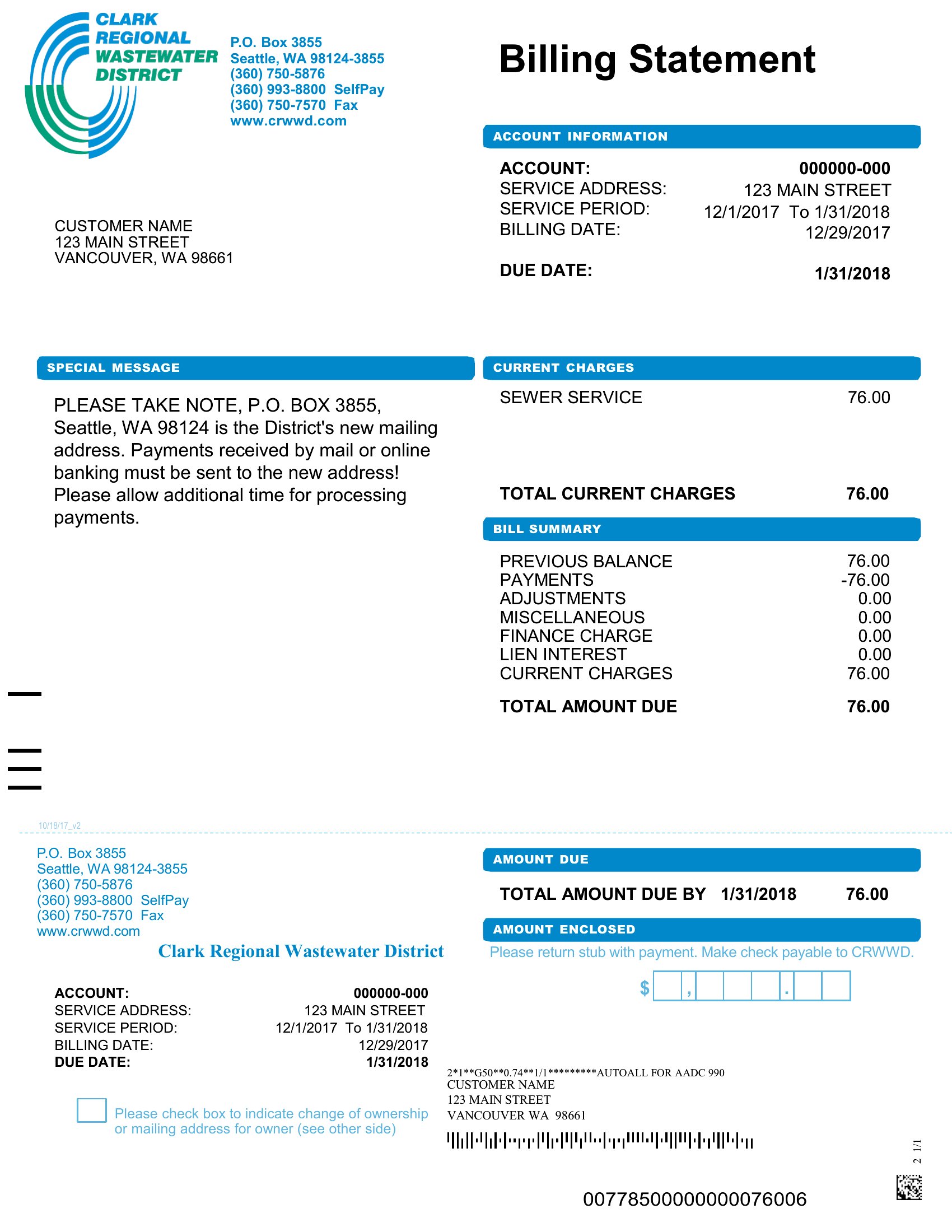
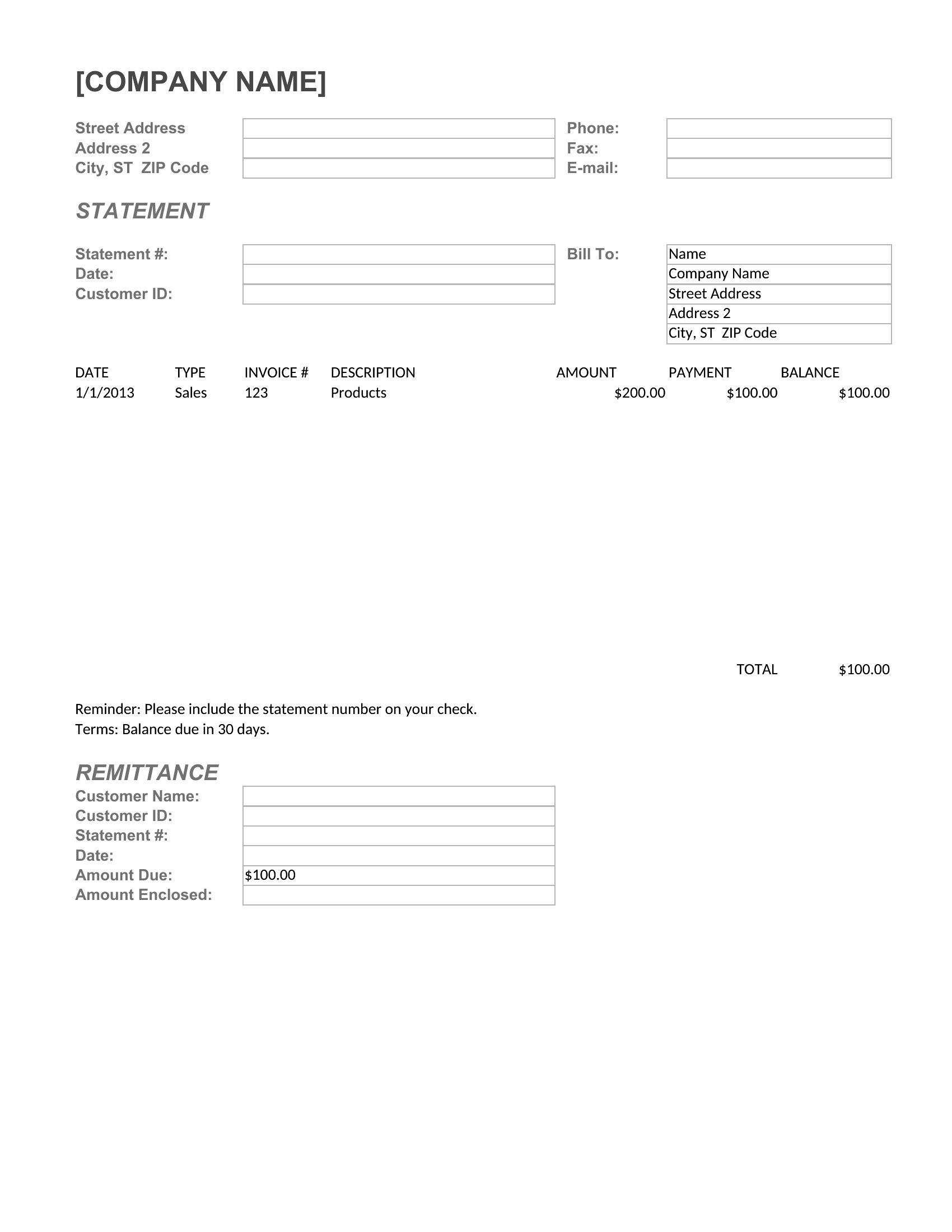
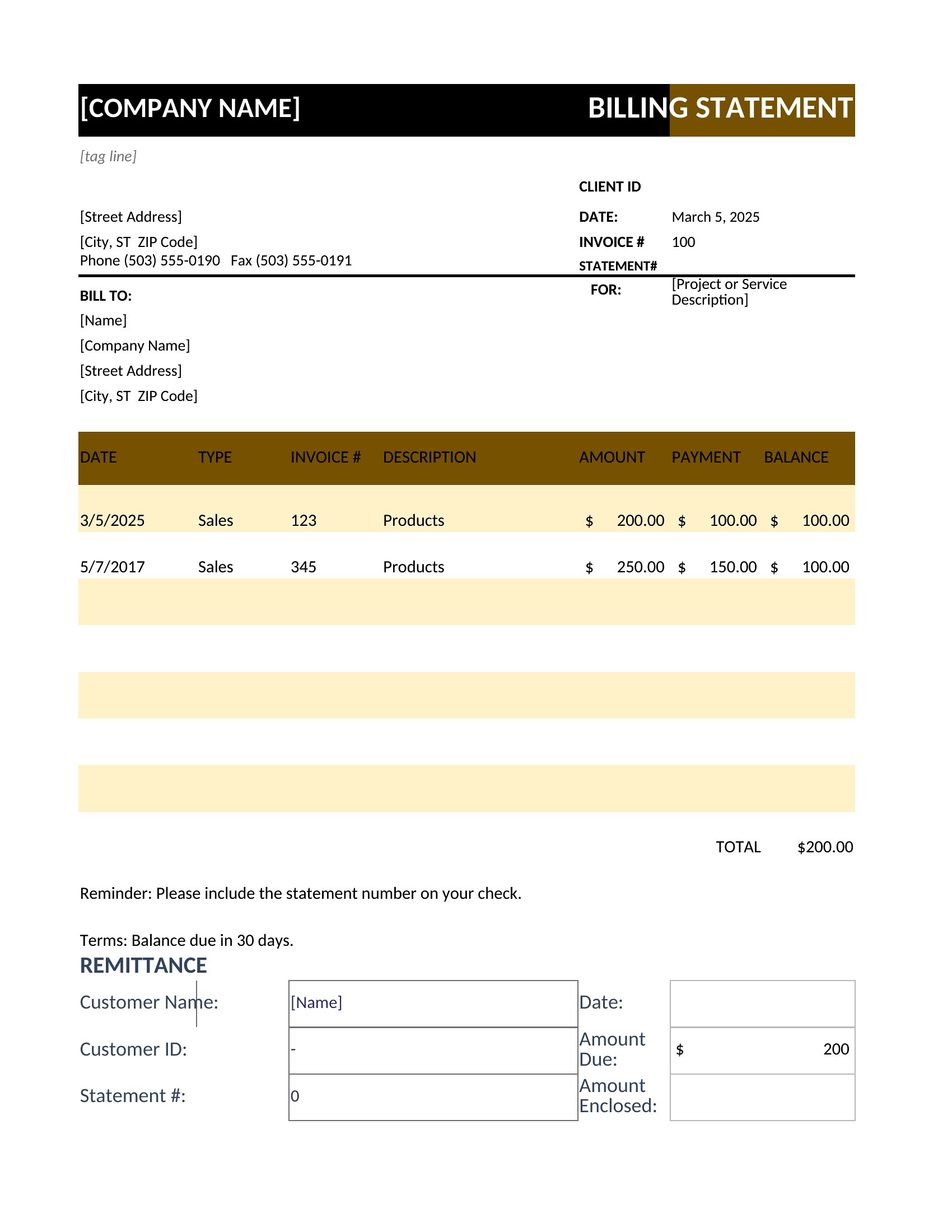
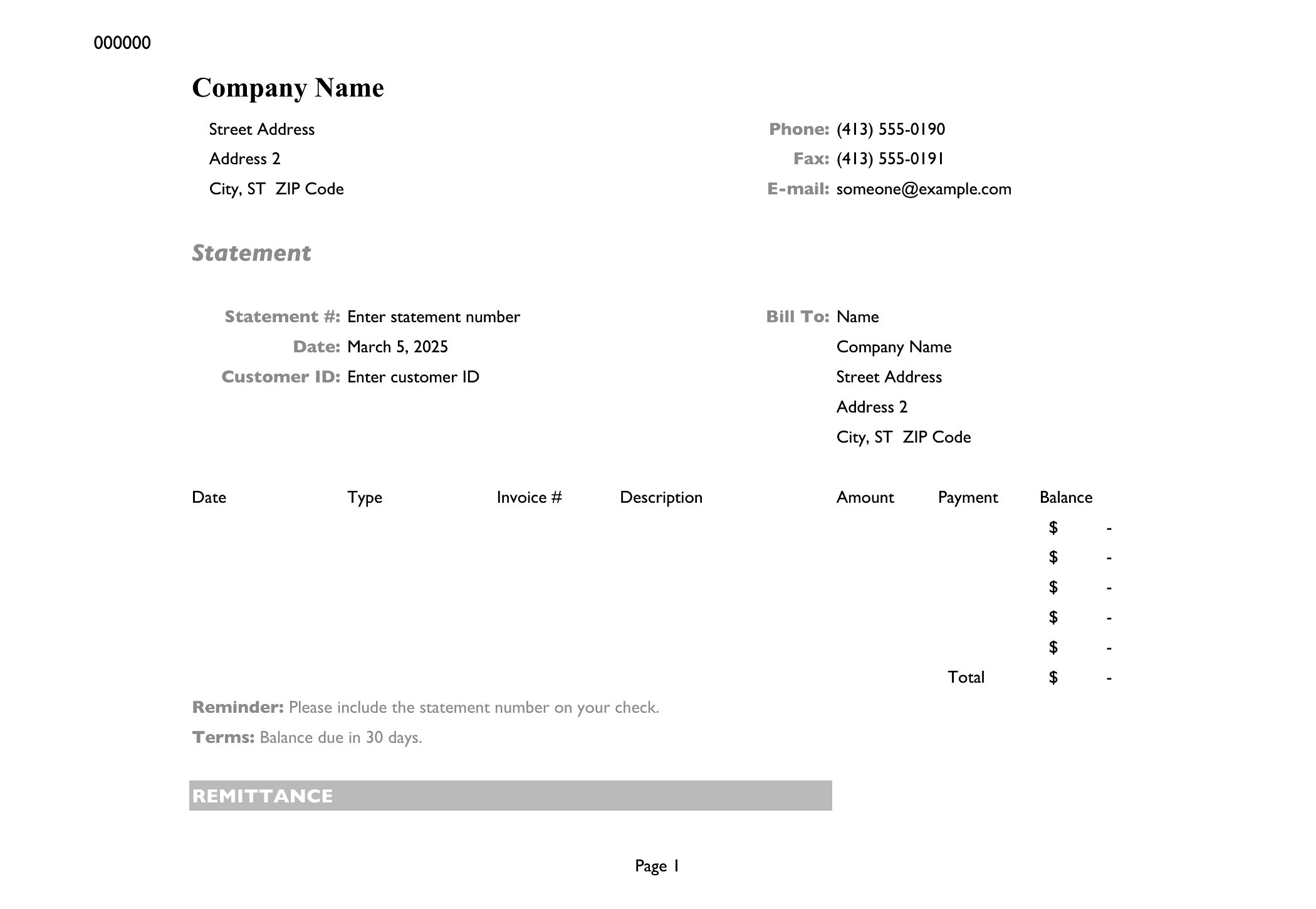
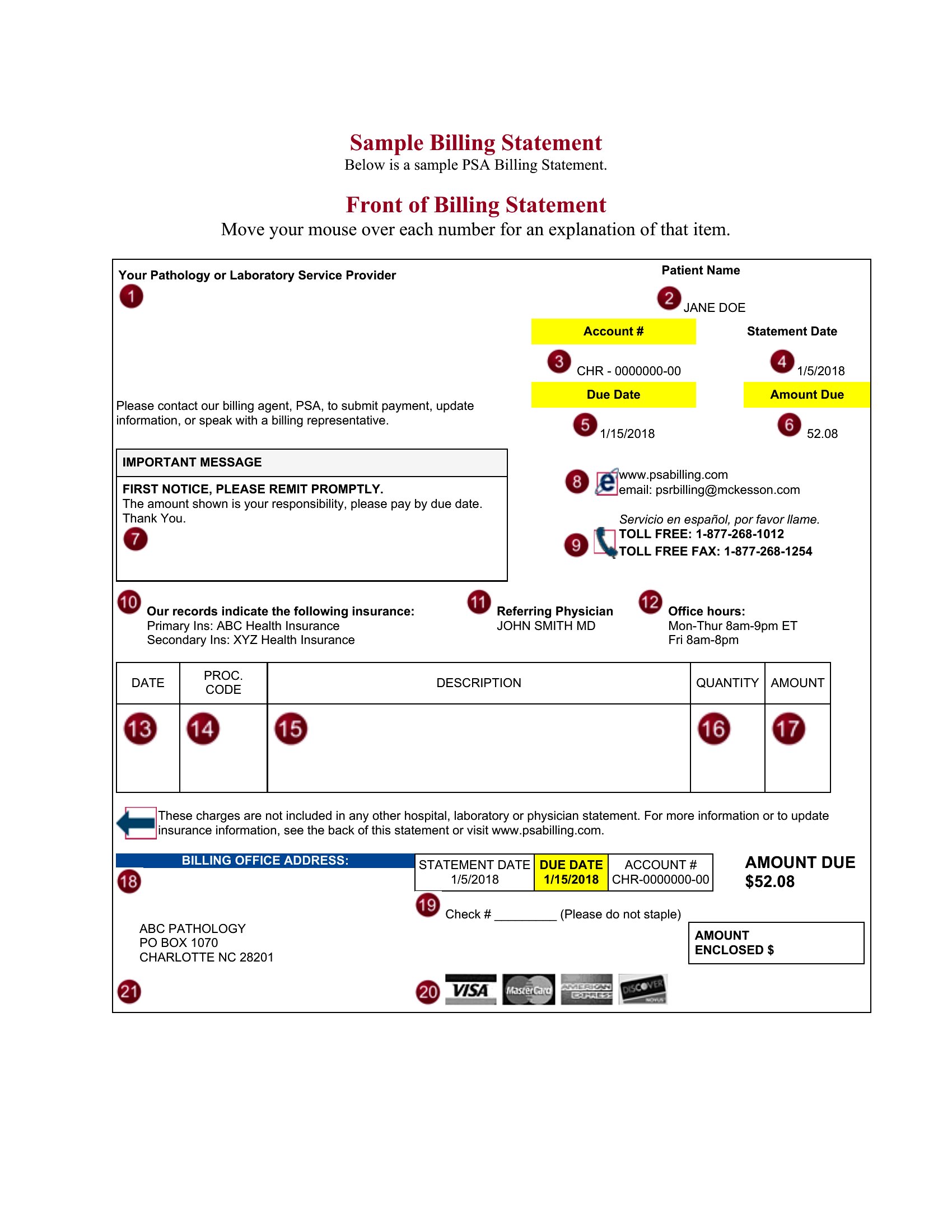
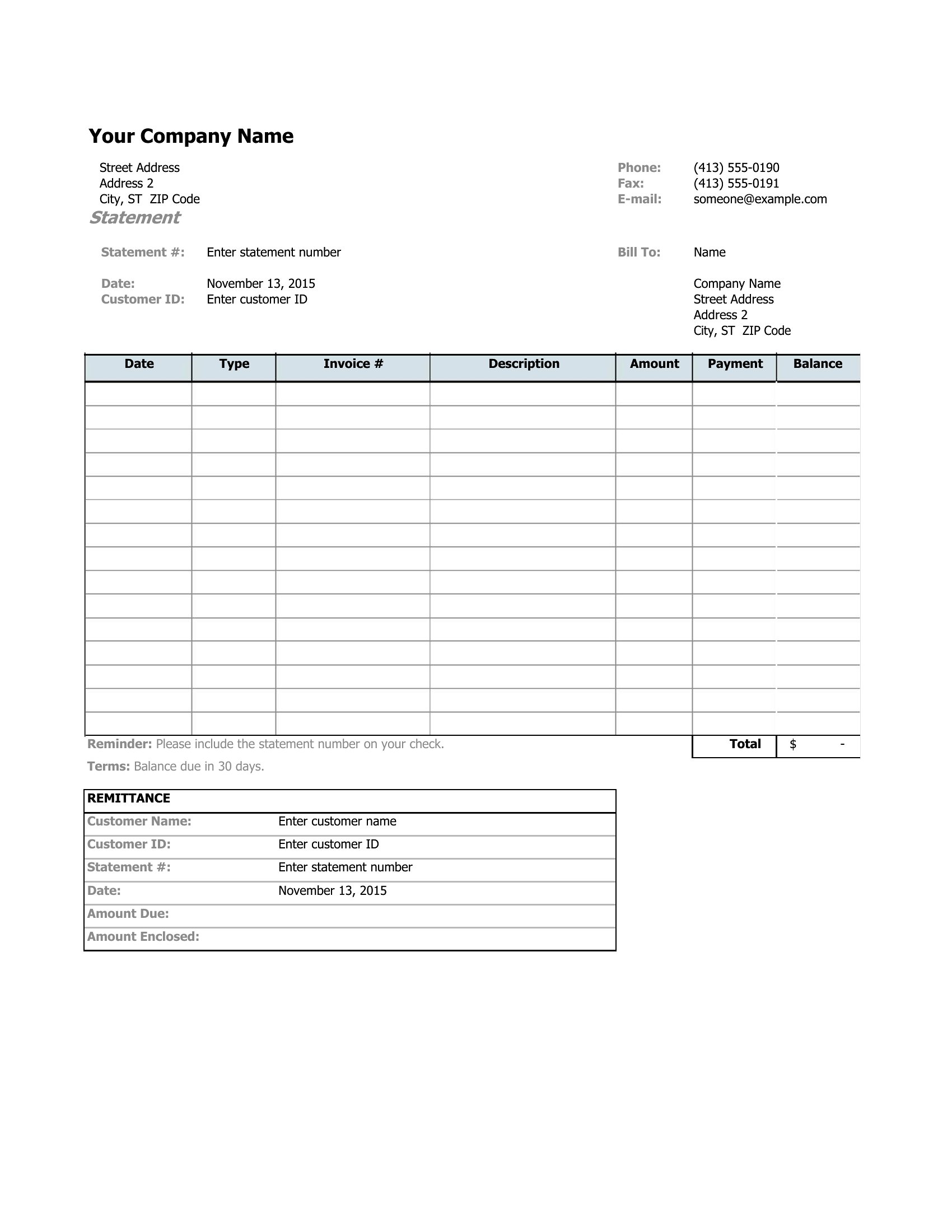
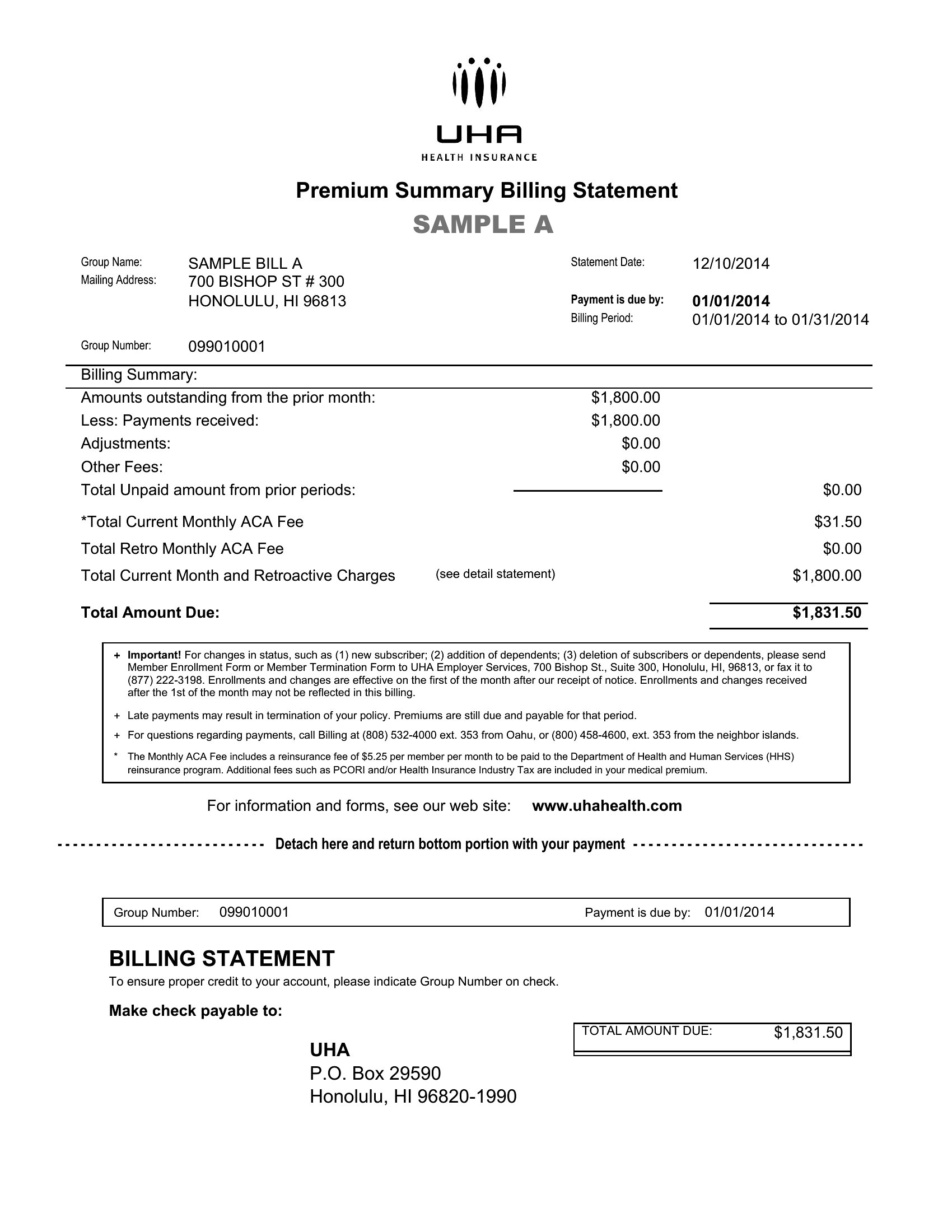
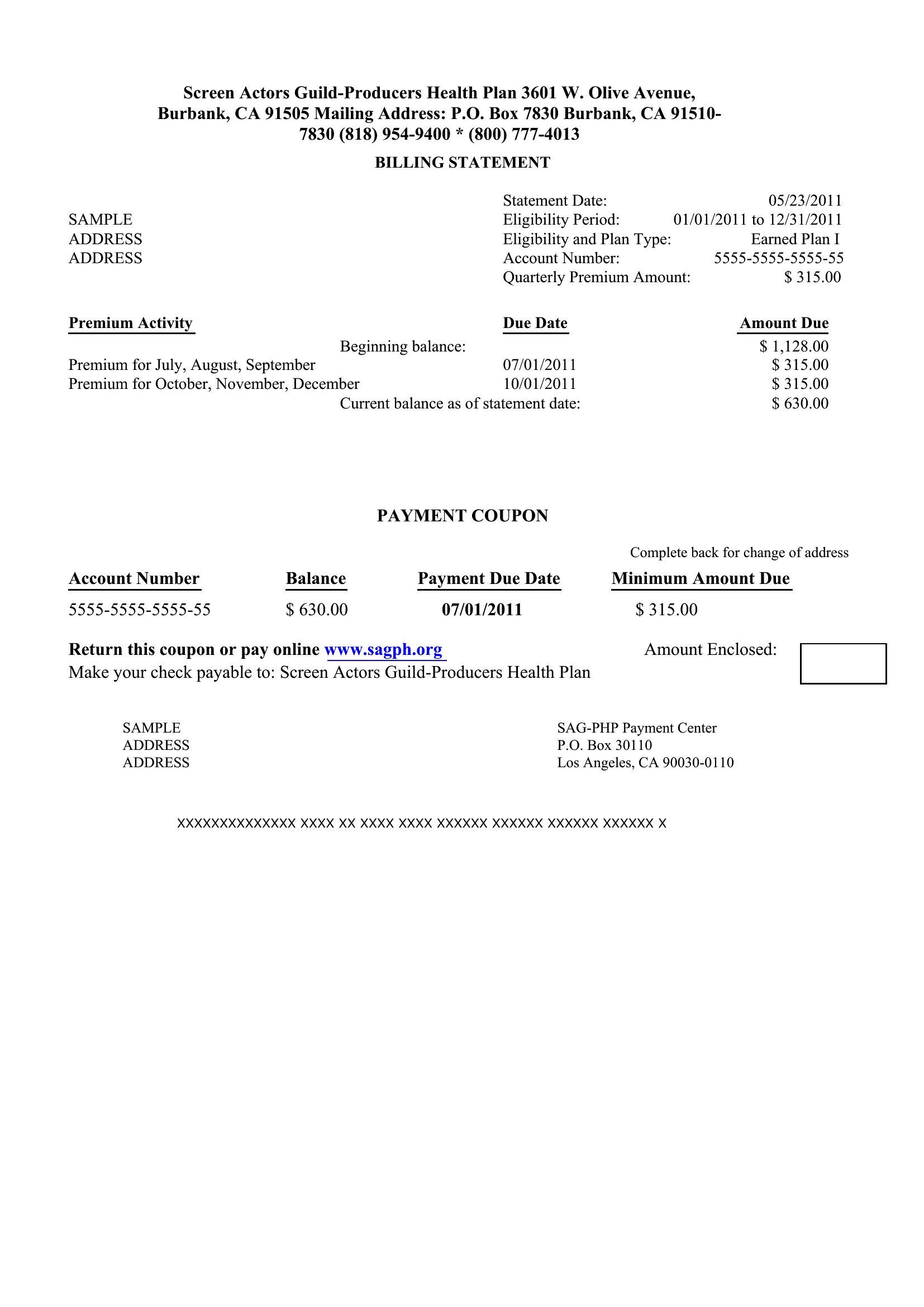
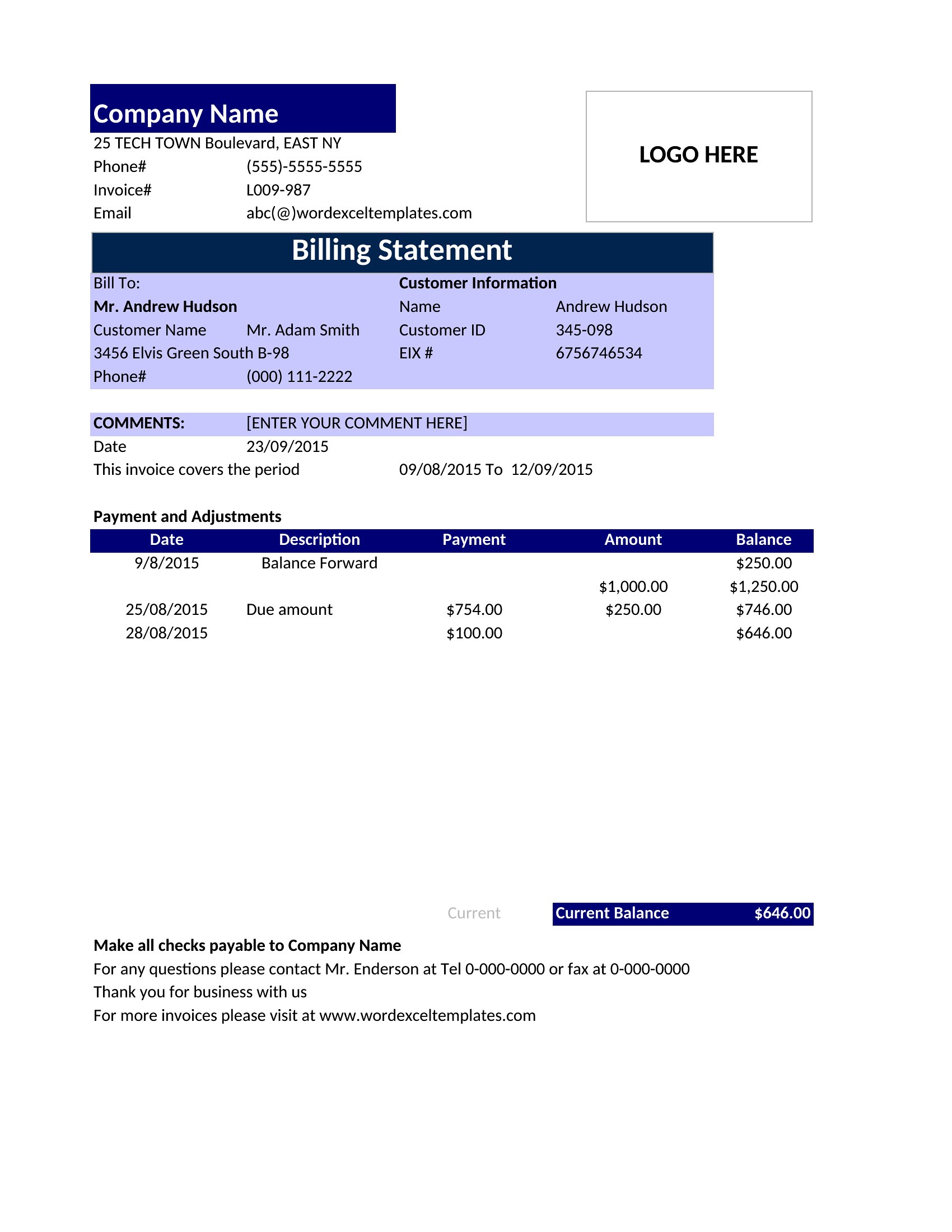
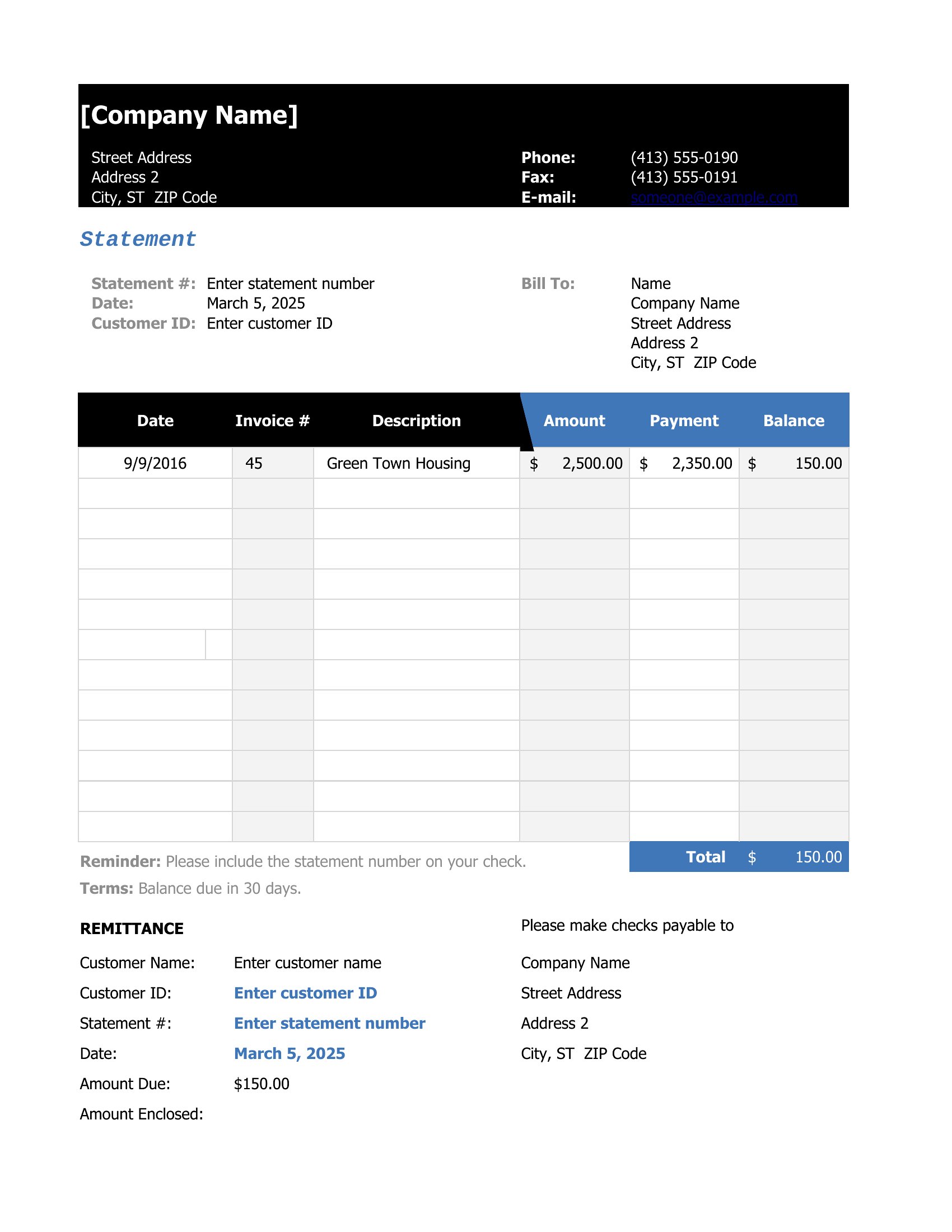
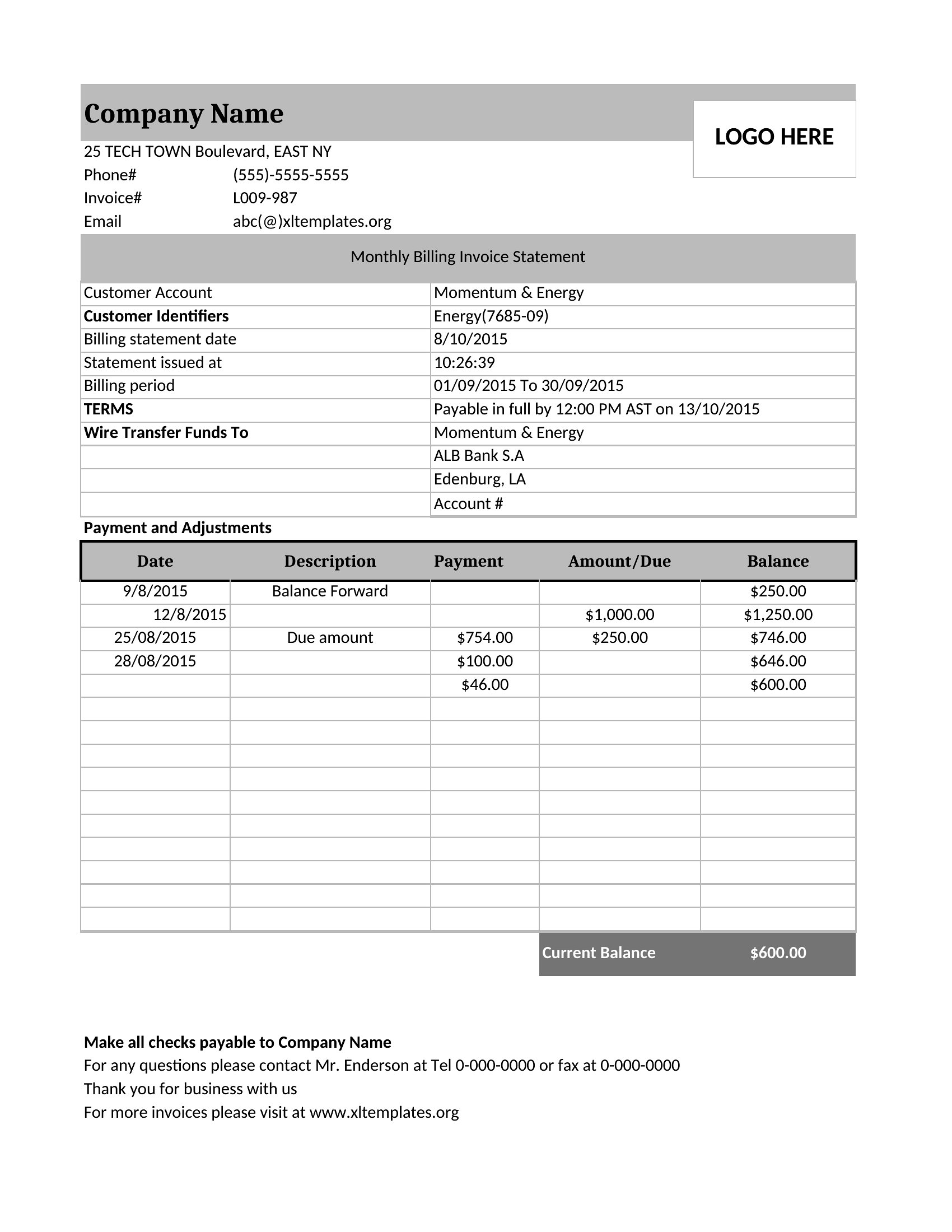
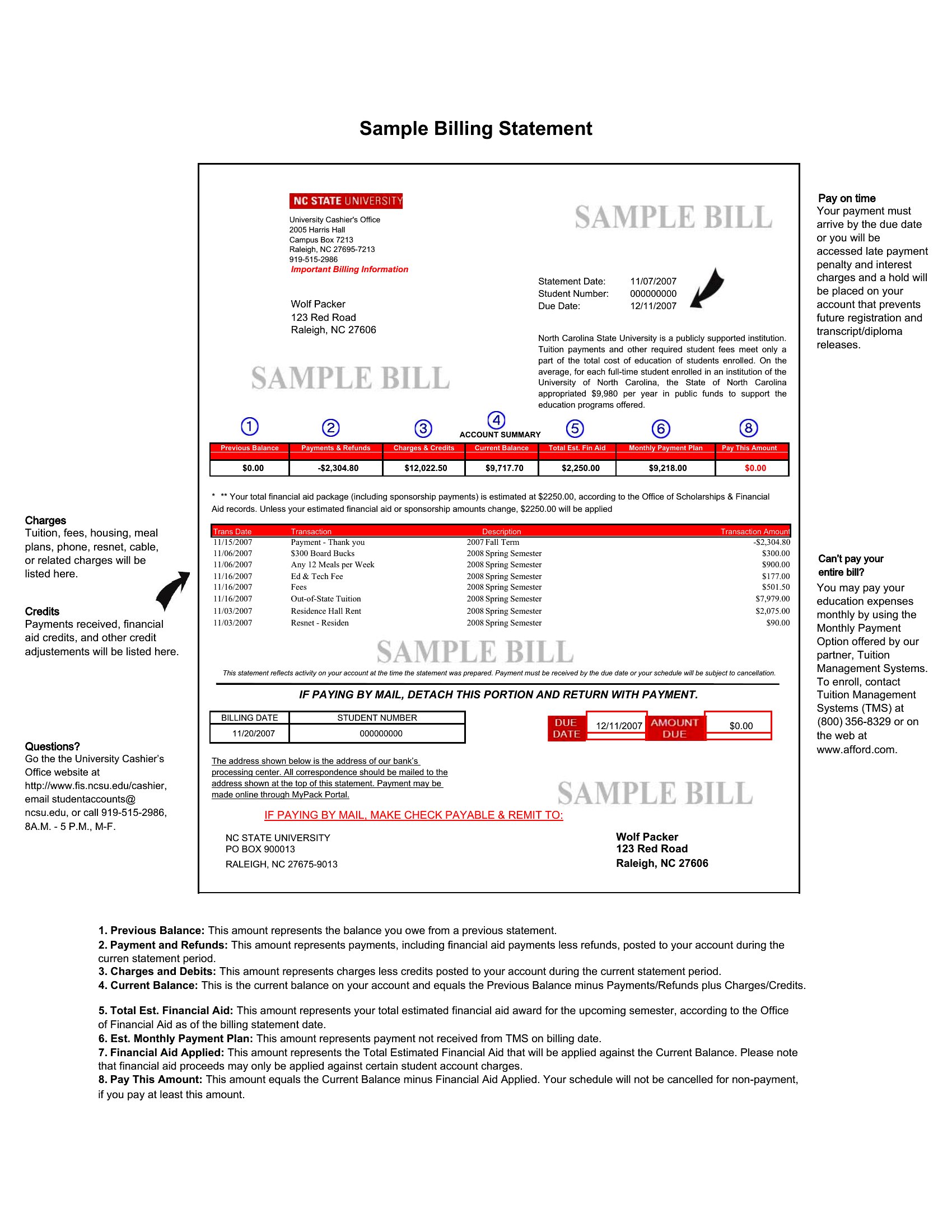
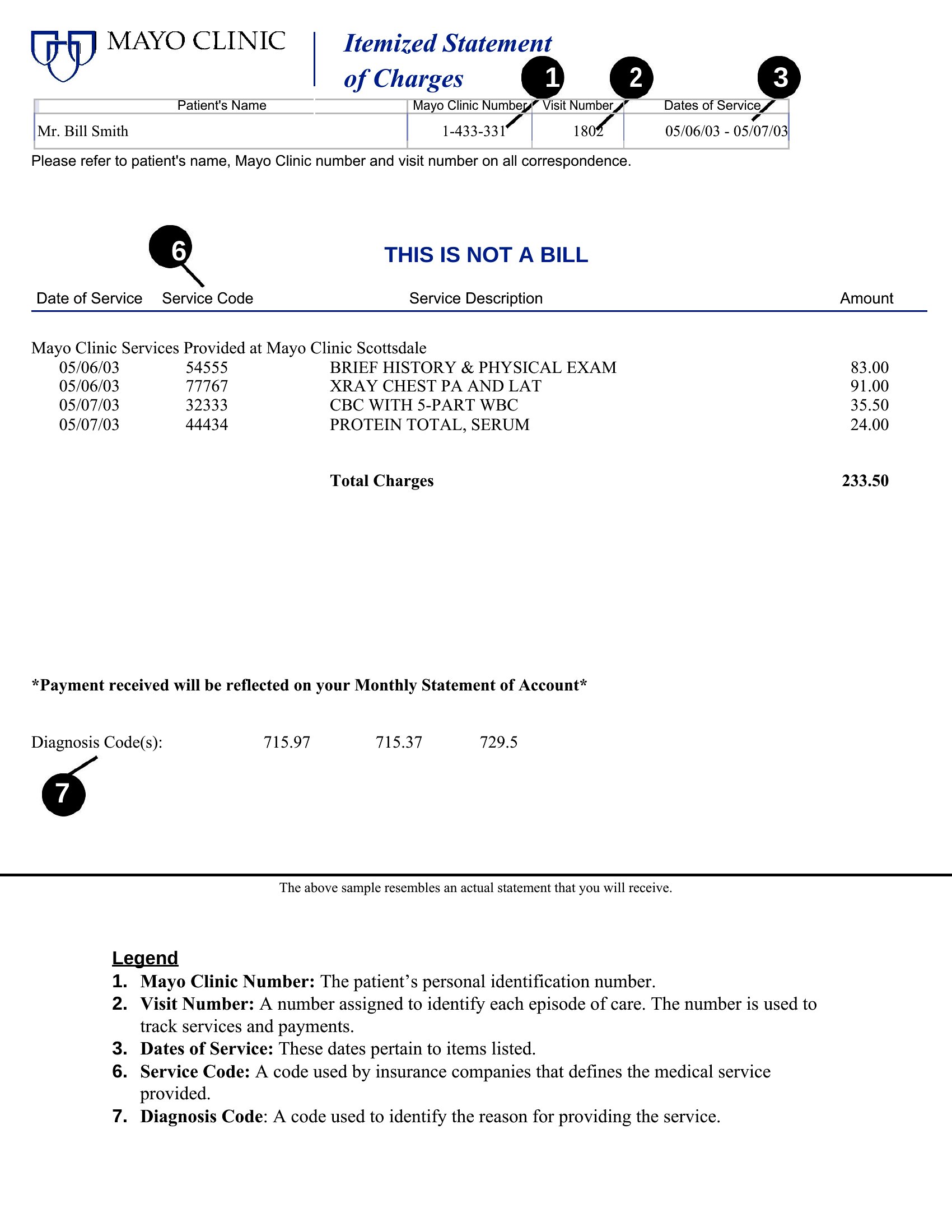
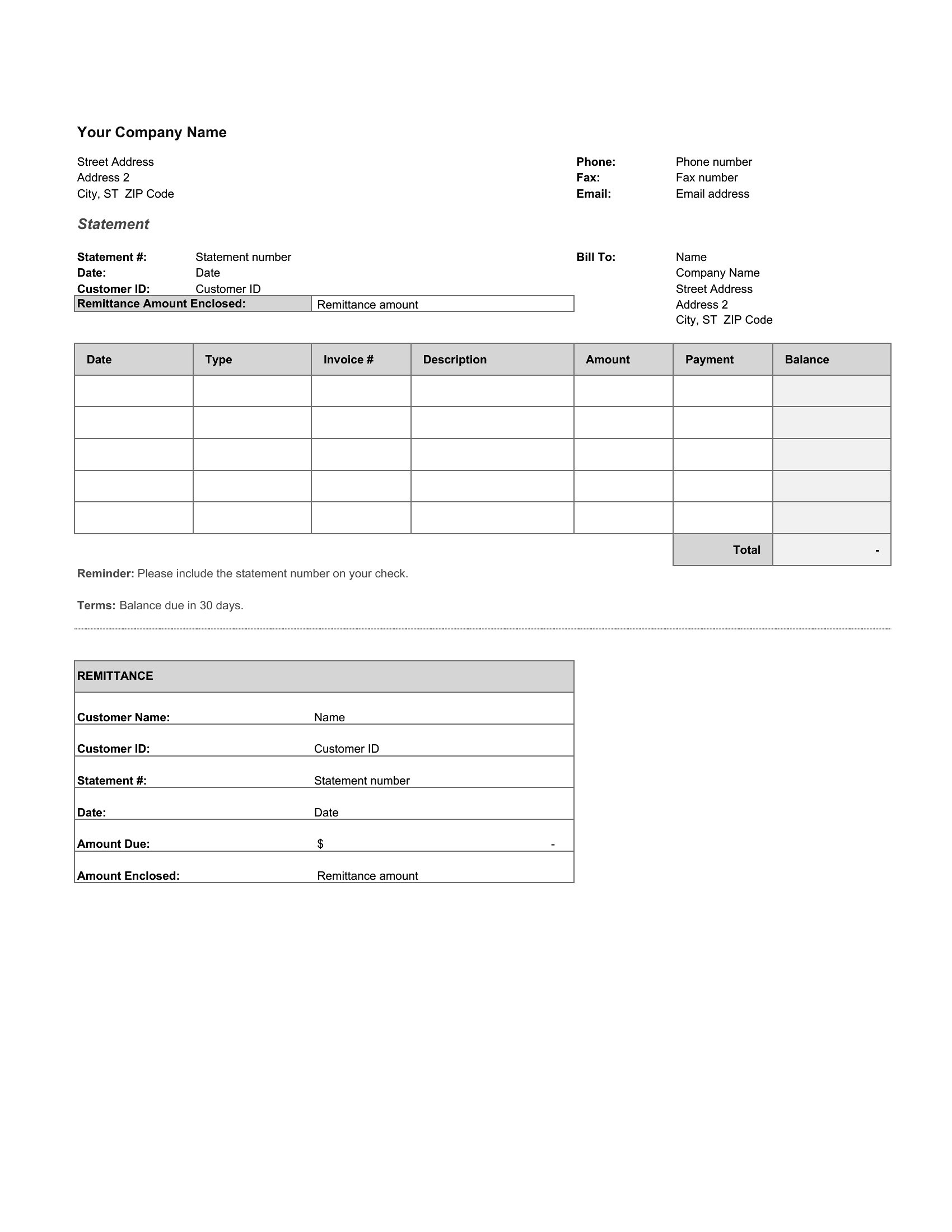
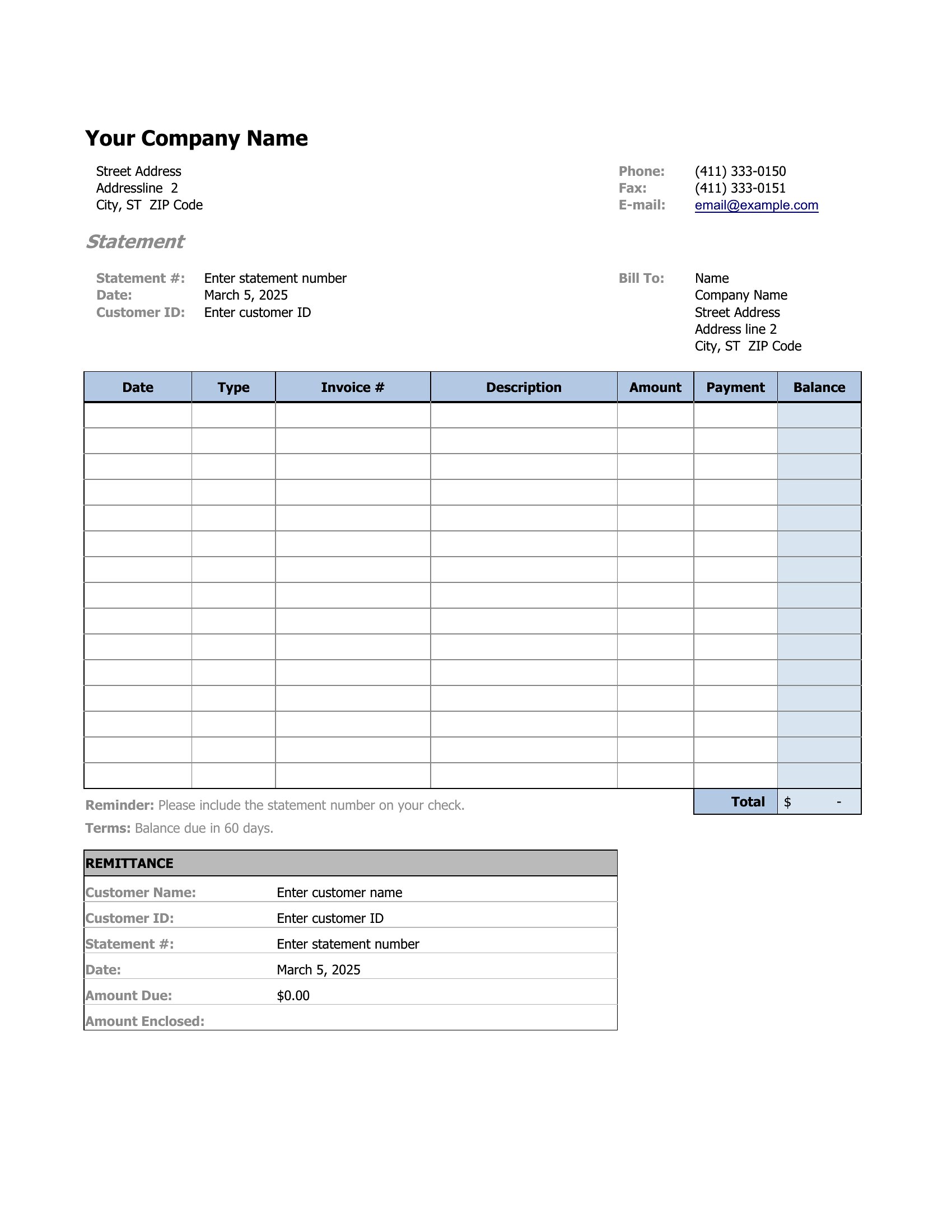
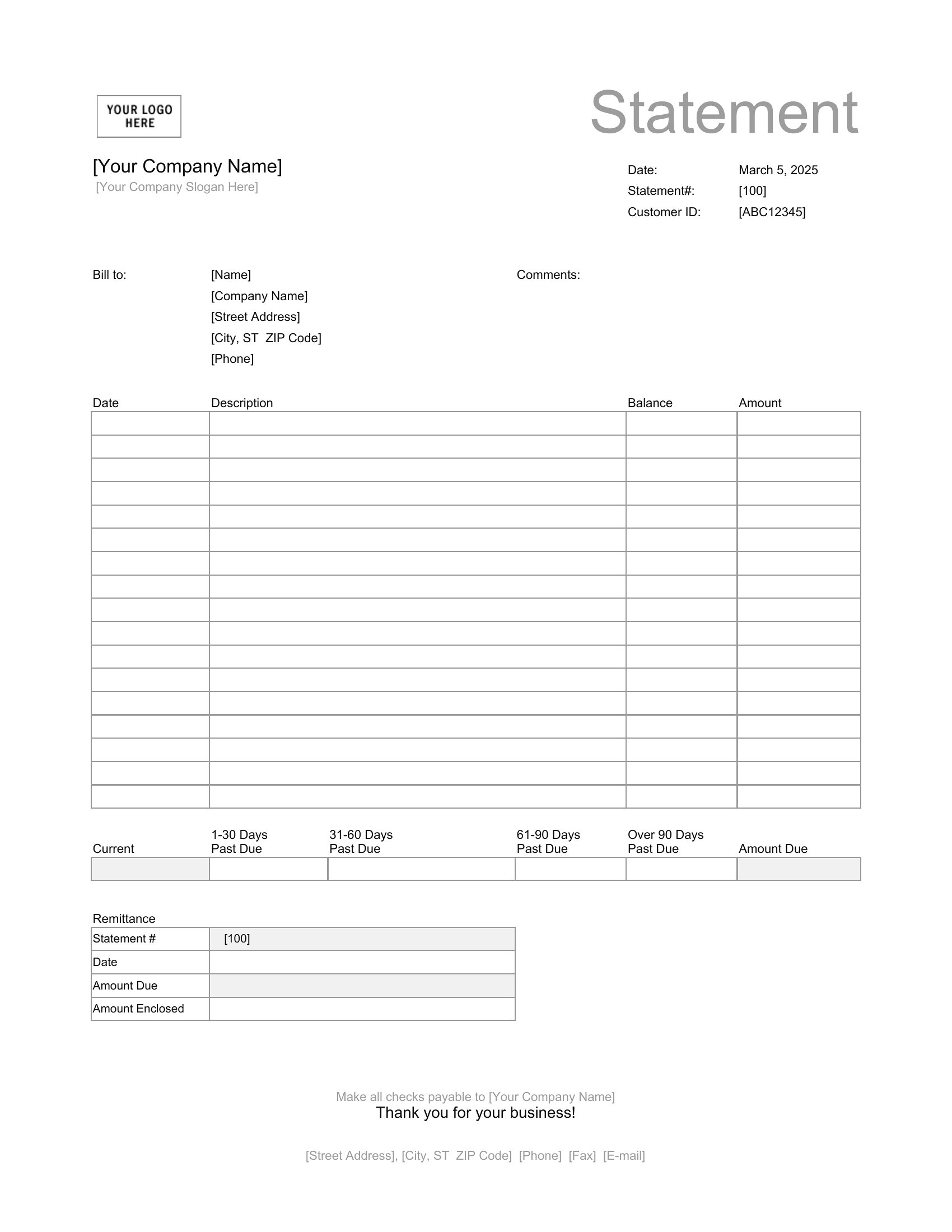
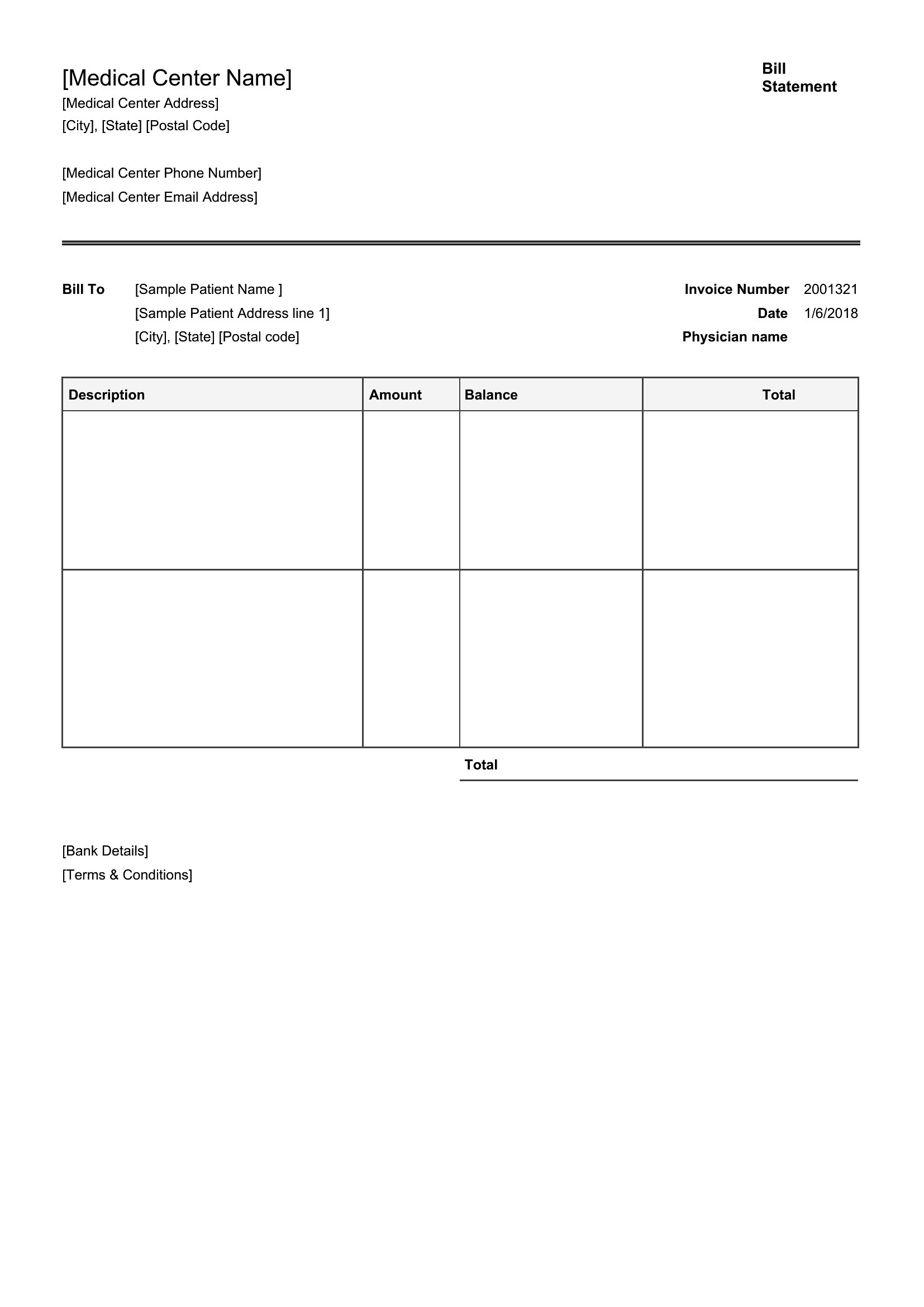
List the original charge and the payment received in separate rows, then show the remaining balance or credit. In Excel, use formulas to subtract payments from totals automatically. For PDFs, manually adjust the final amount due or add a ‘refund’ line with a negative value.
Can I include a breakdown of taxes or fees in these templates?
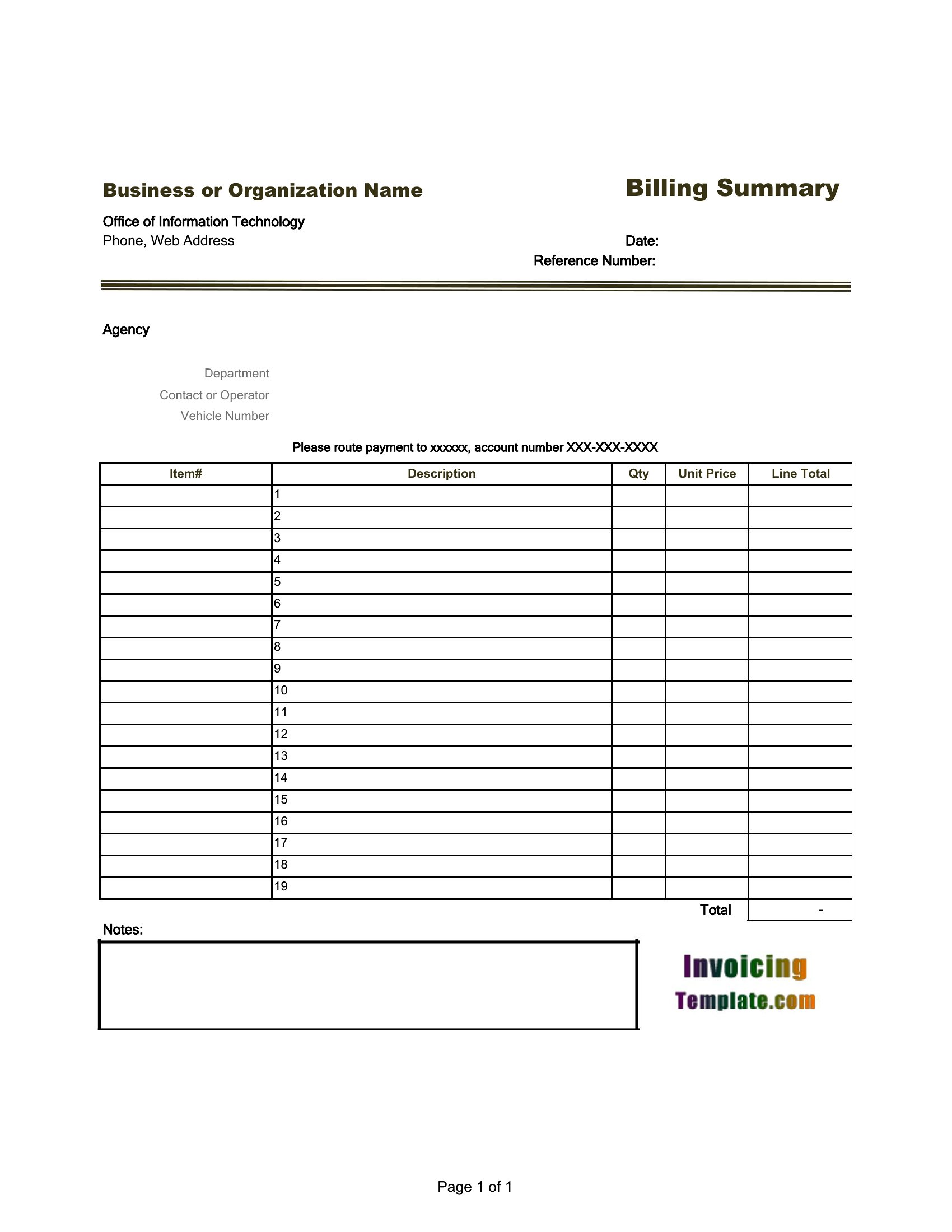
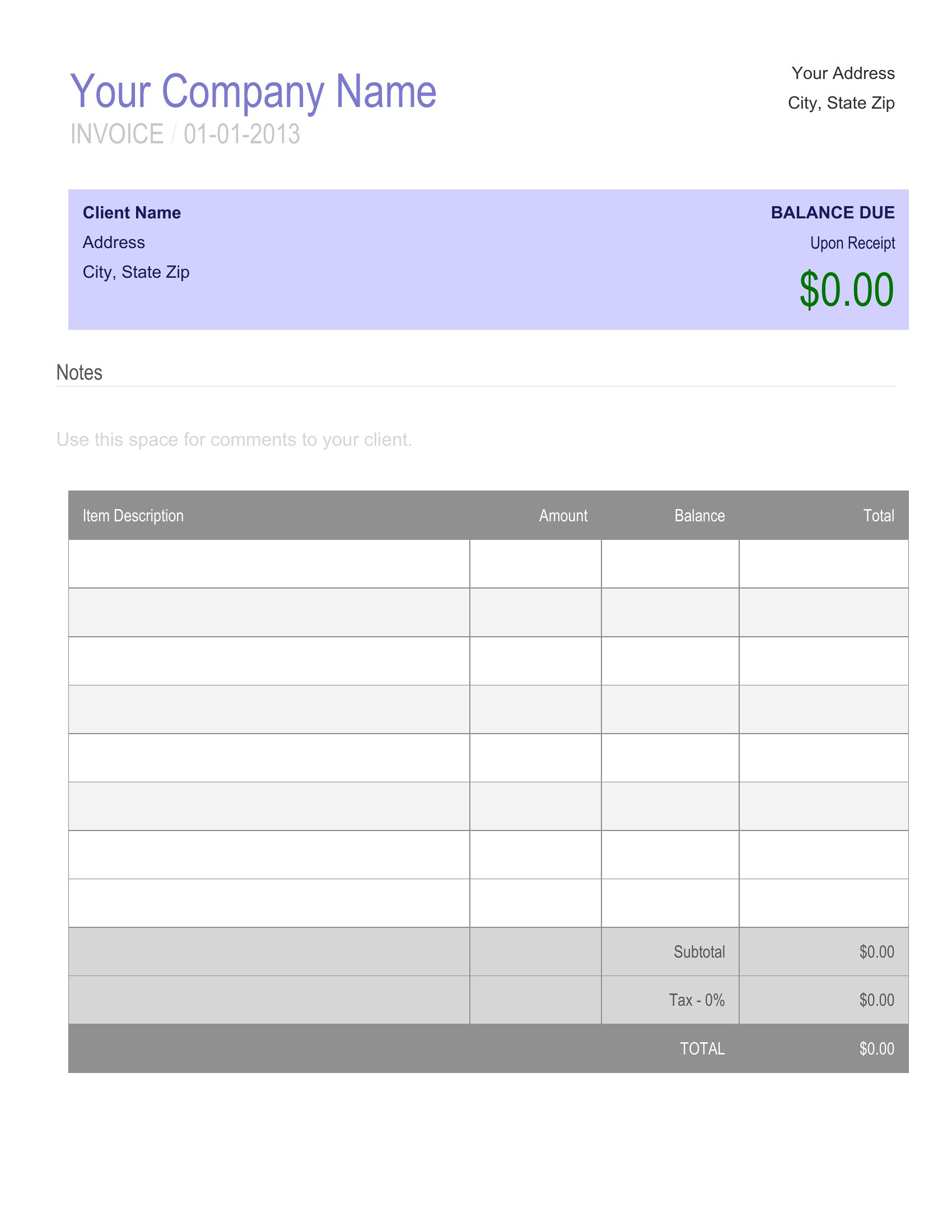
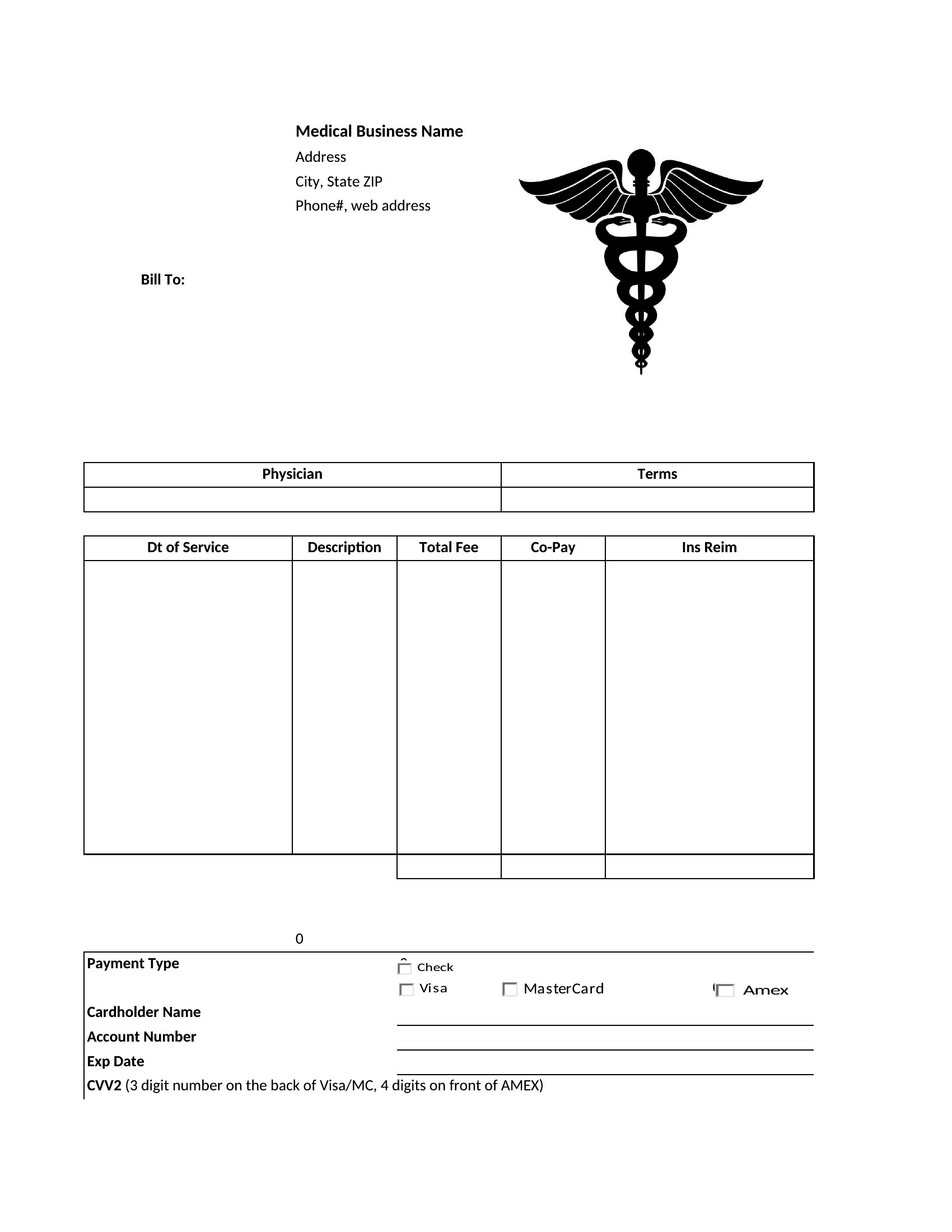
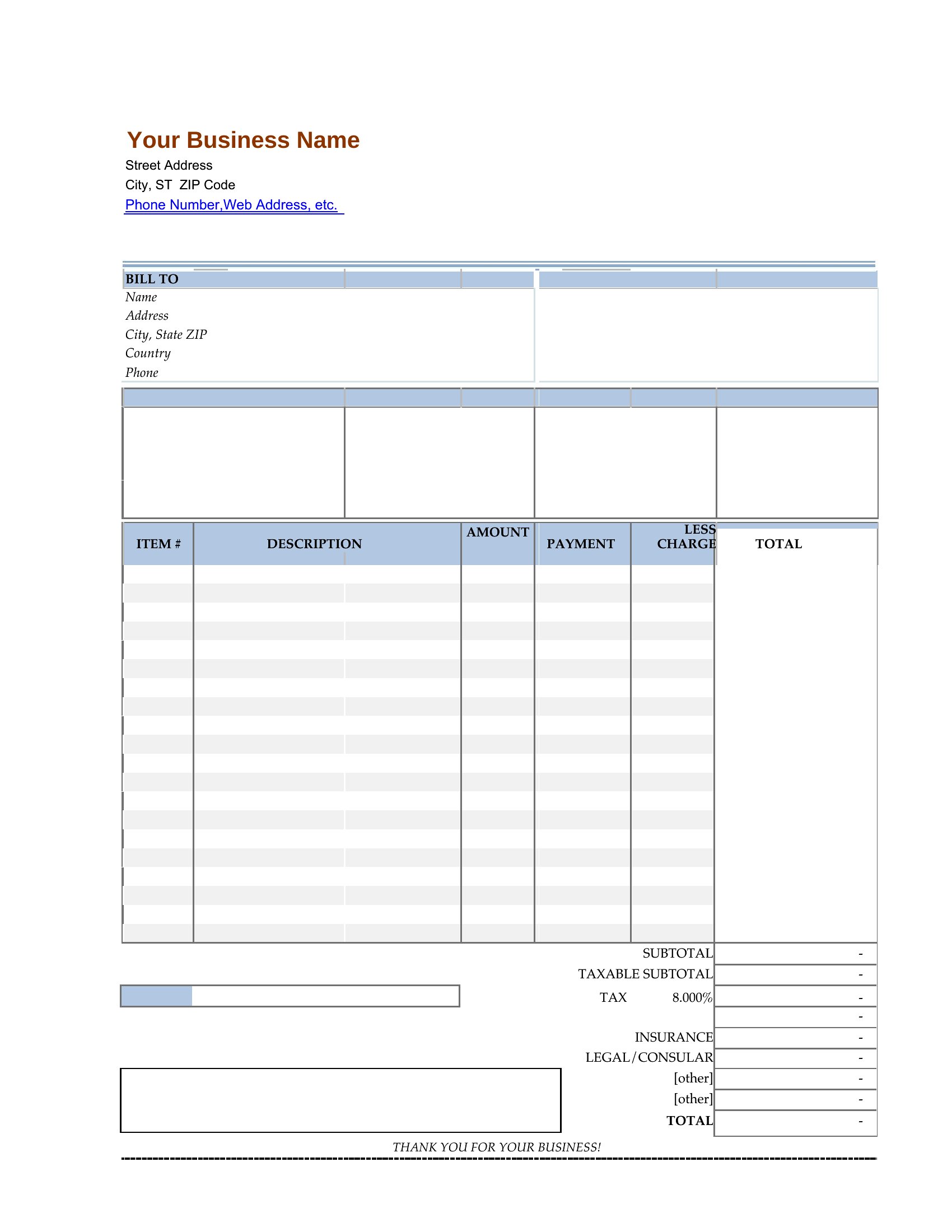
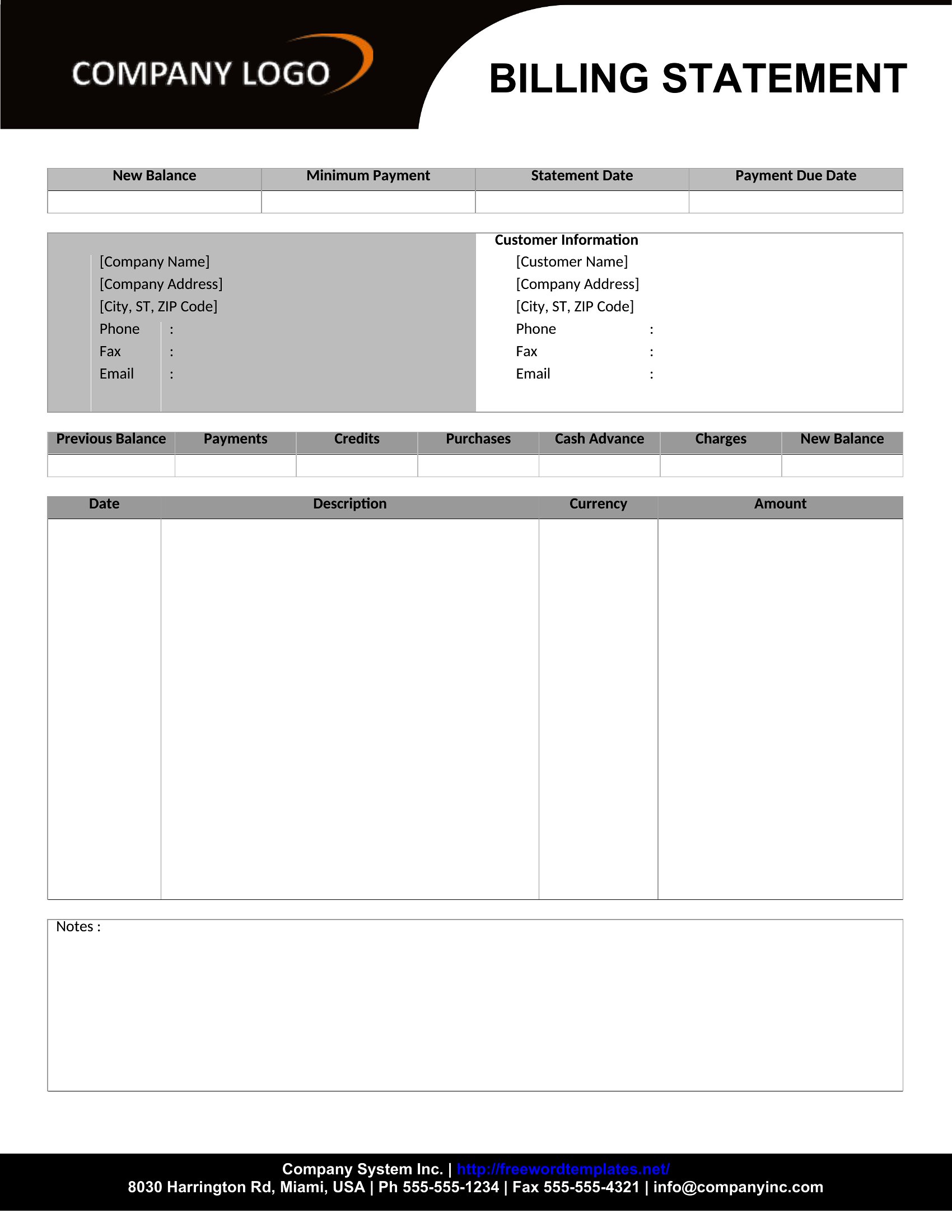
Yes, all templates have space for additional line items. In Word or Excel, add rows labeled ‘Tax,’ ‘Service Fee,’ or ‘Late Charge’ with their respective amounts. For PDFs, use the ‘Notes’ or ‘Additional Charges’ section if available, or insert a new line manually.
What’s the best way to make my billing statement look professional for new clients?
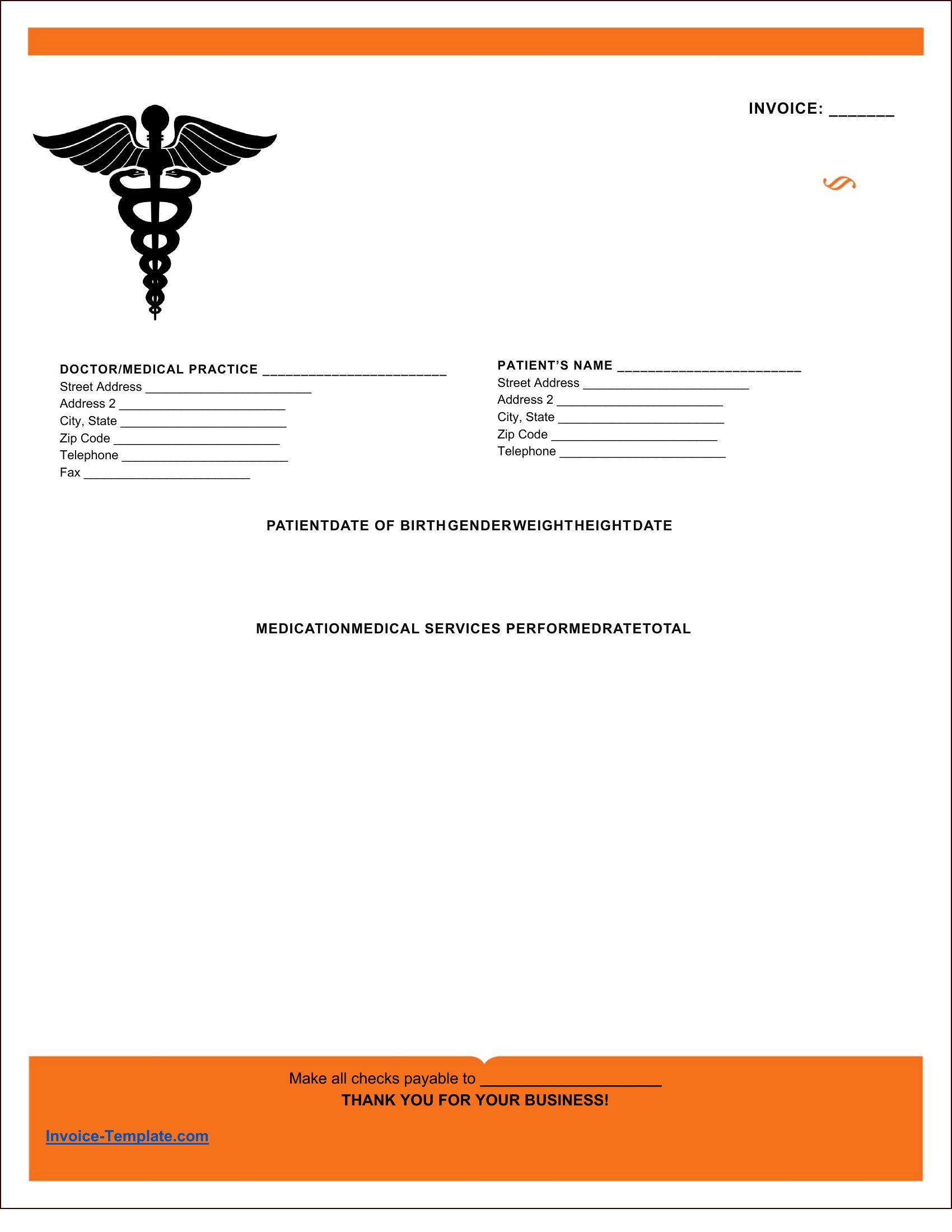
Use the PDF format and pick a template with a clean, minimalist design. Add your business logo, use a consistent color scheme, and include your contact information and payment terms at the top or bottom. Avoid clutter—stick to essential details like dates, descriptions, and amounts.
Comments
Join the conversation
Sign in to share your thoughts and leave a comment on this resource.