Skip to content
50% off this one-time $1.99 pack with HALFOFF — or unlimited with Pro.HALFOFF
Premium

Free Income Statement Templates (Word, Excel)
Statements
amandakujala by amandakujala
Updated 0 downloads 1 community comment

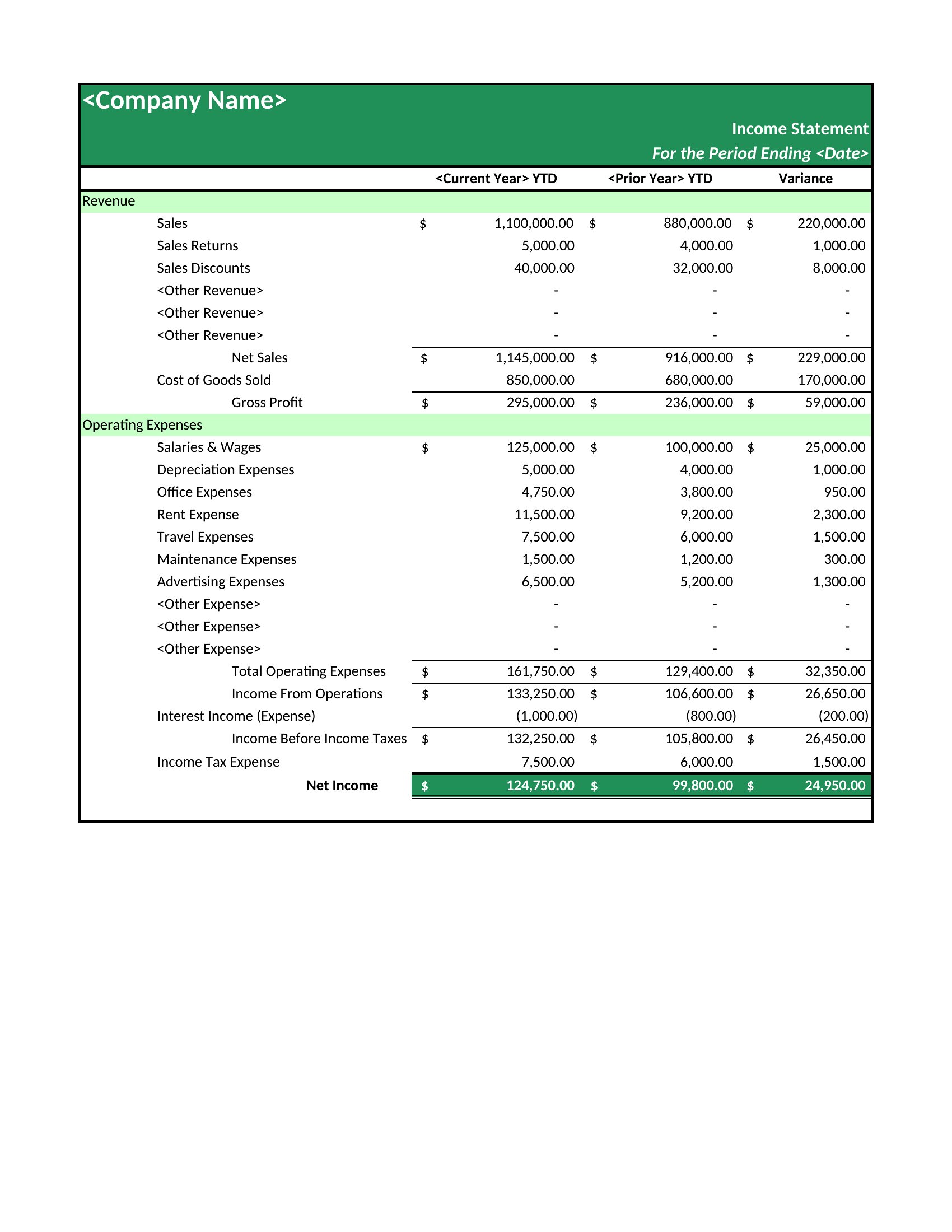
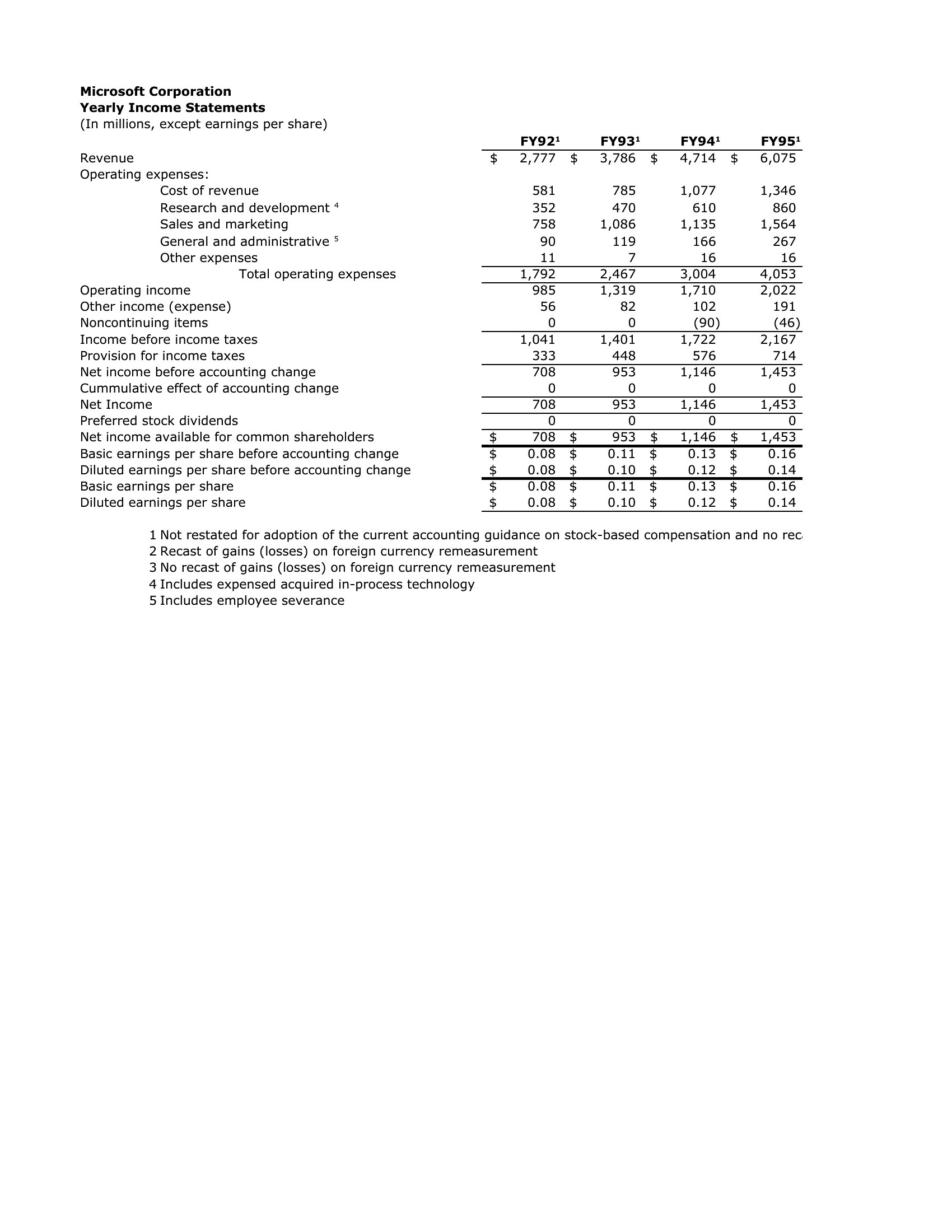
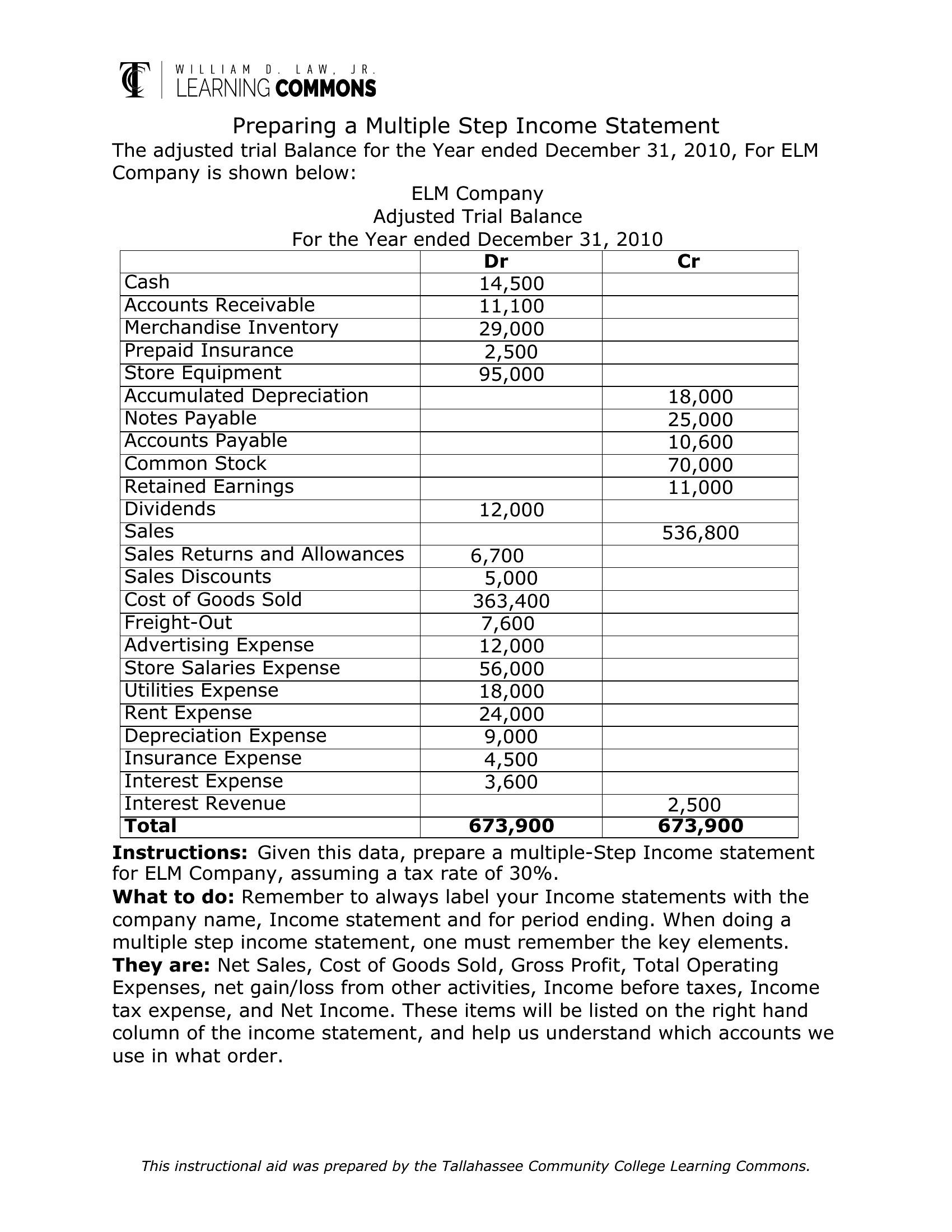
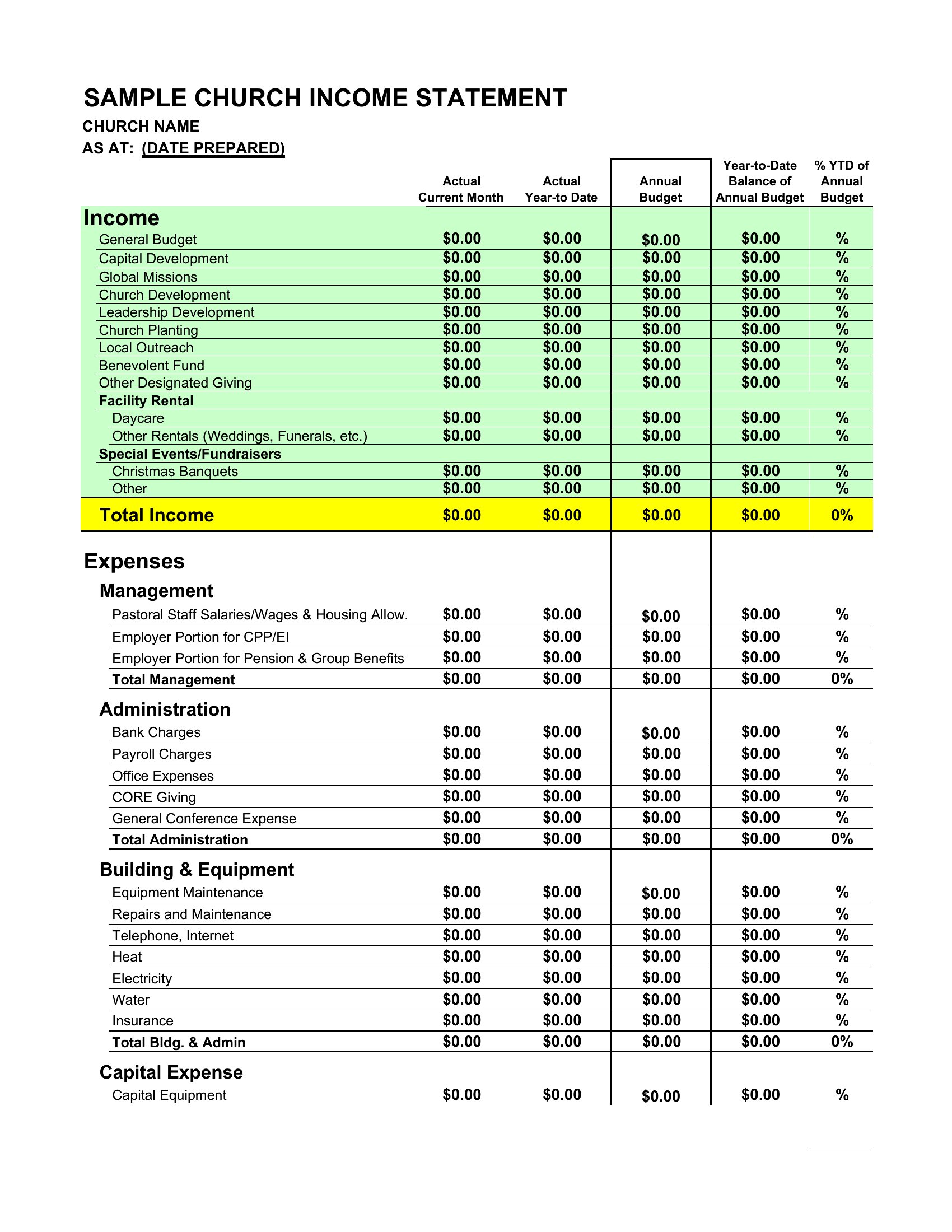
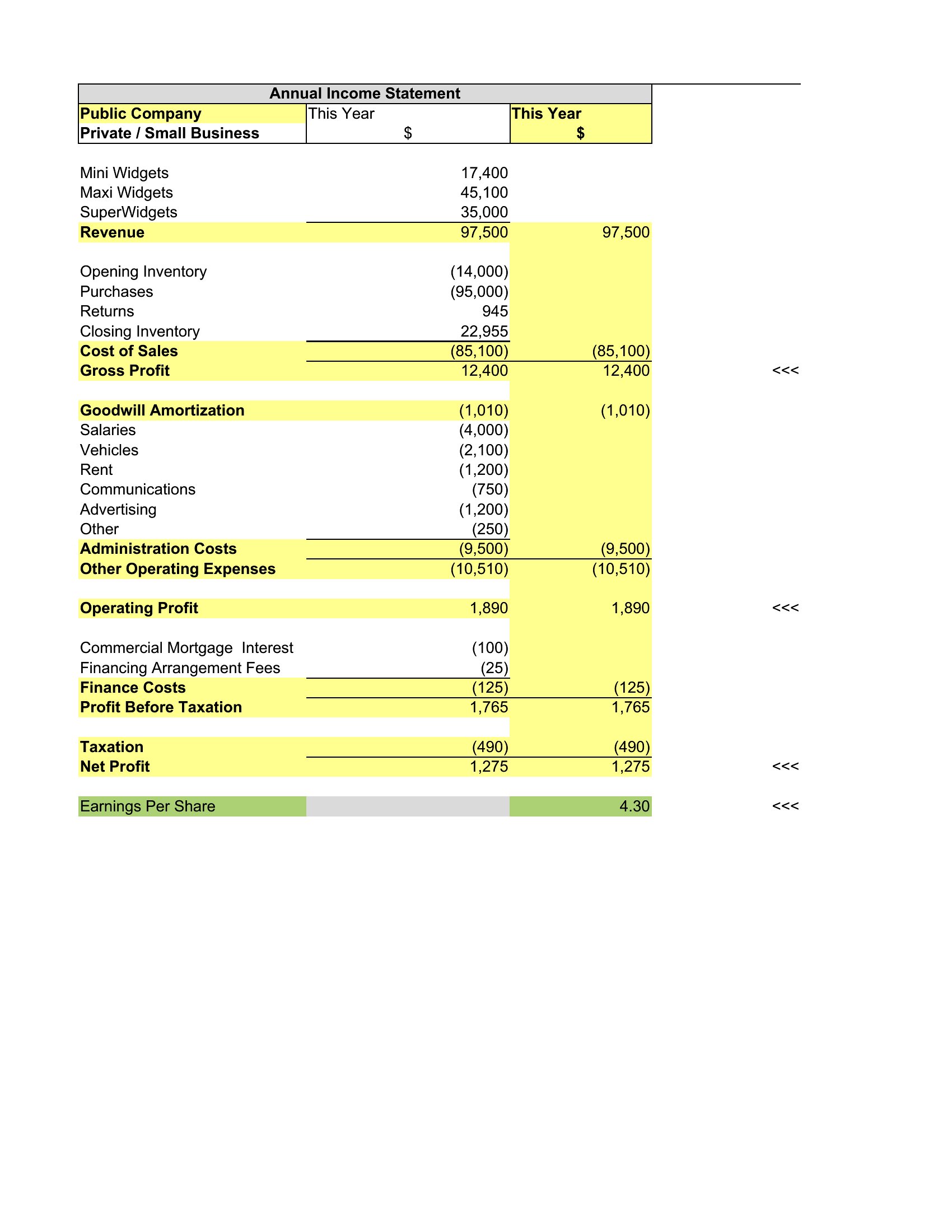
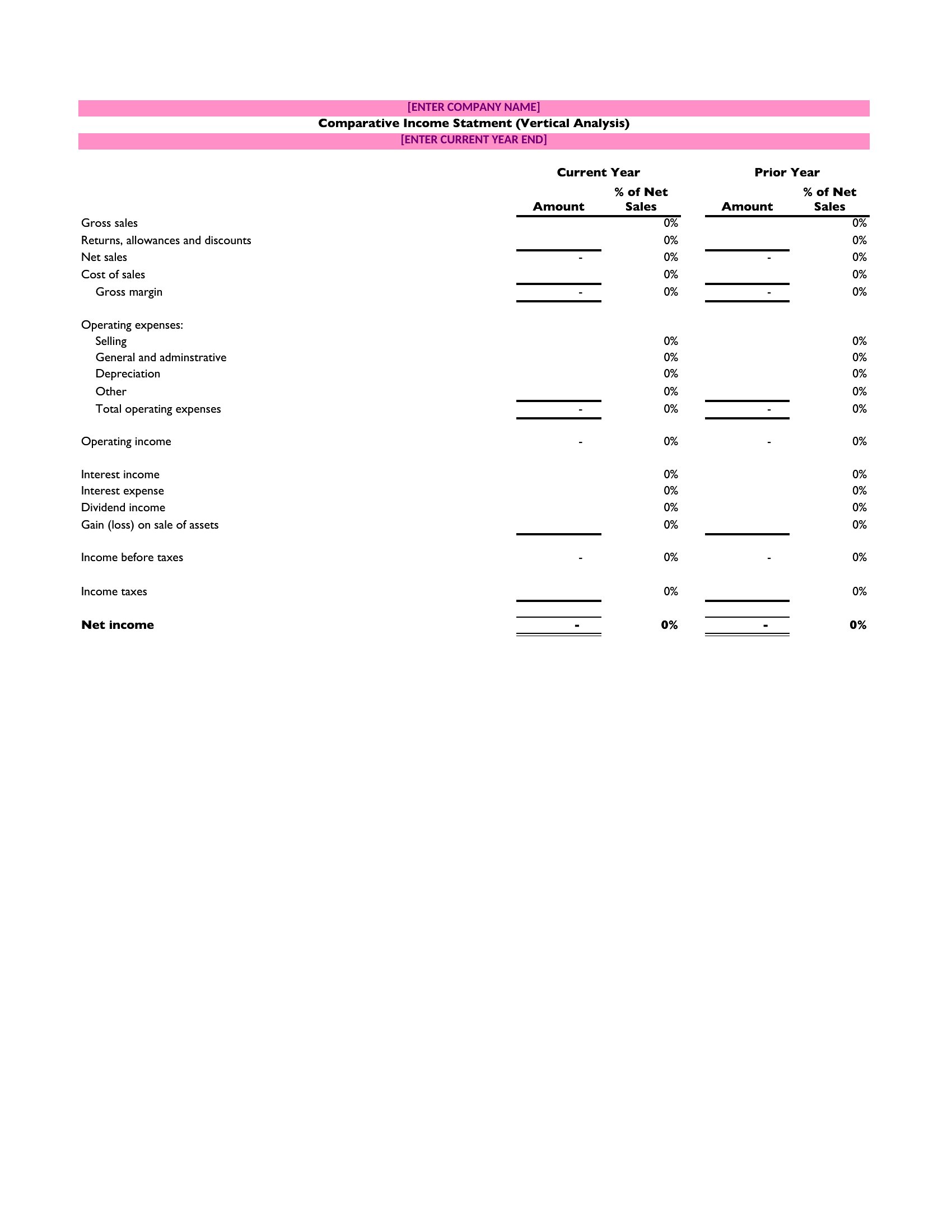
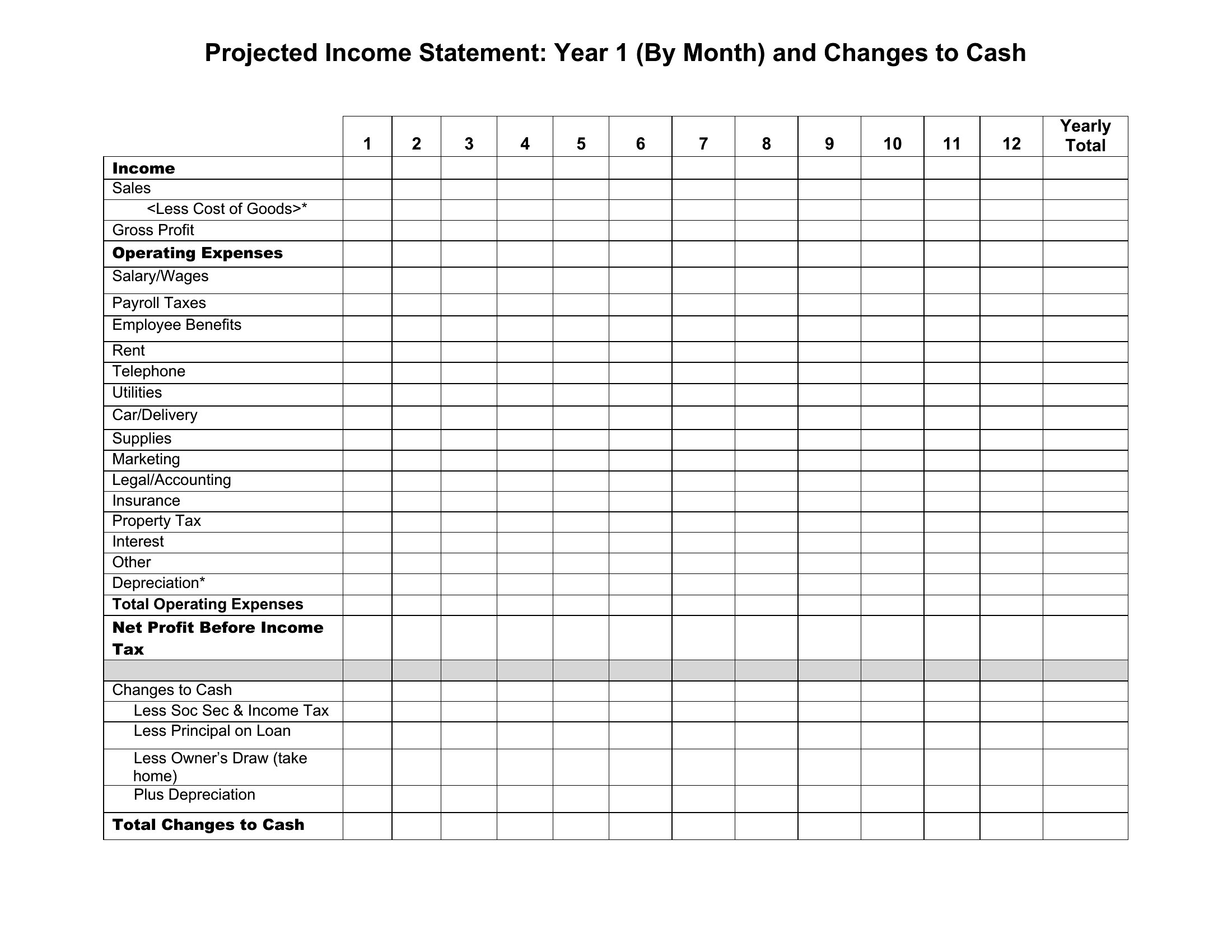
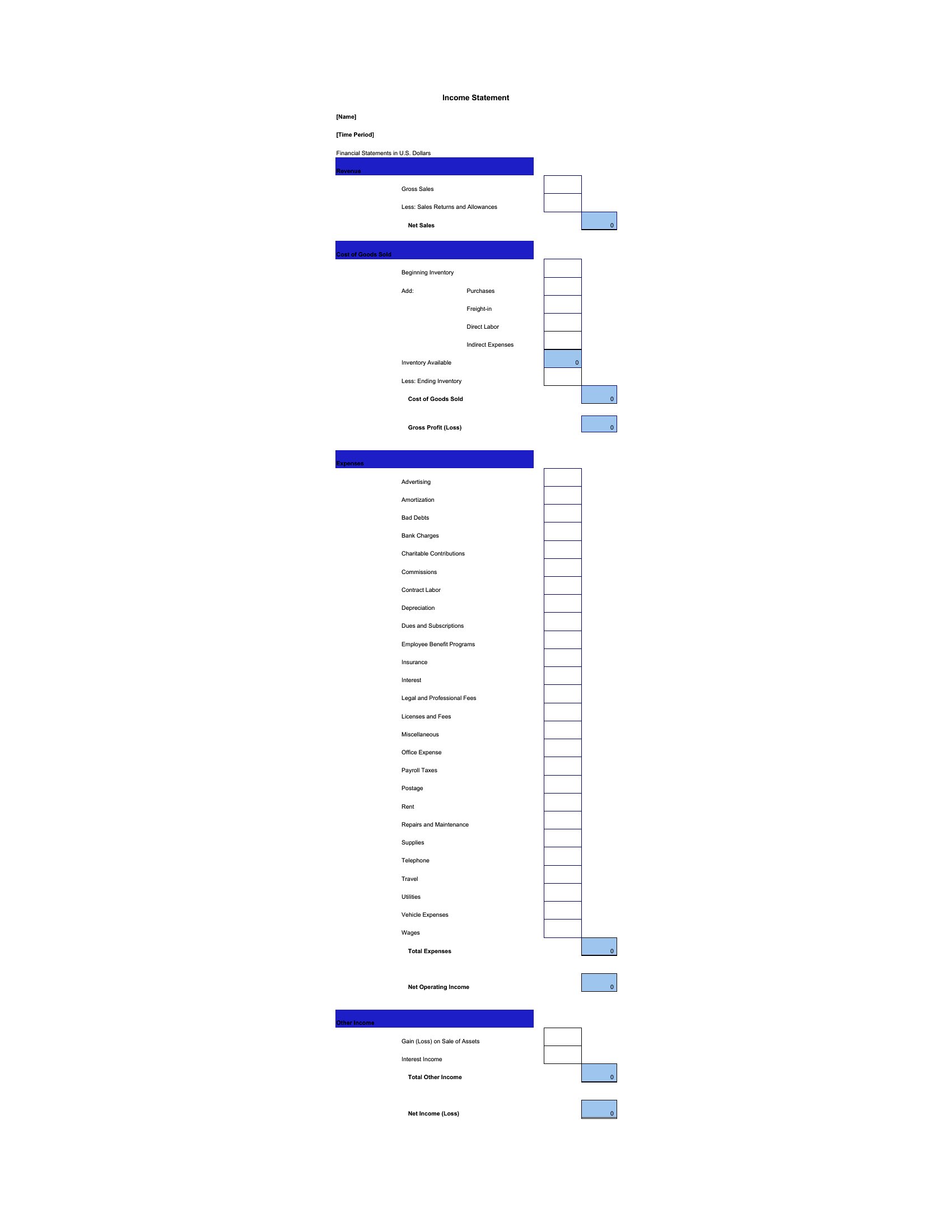
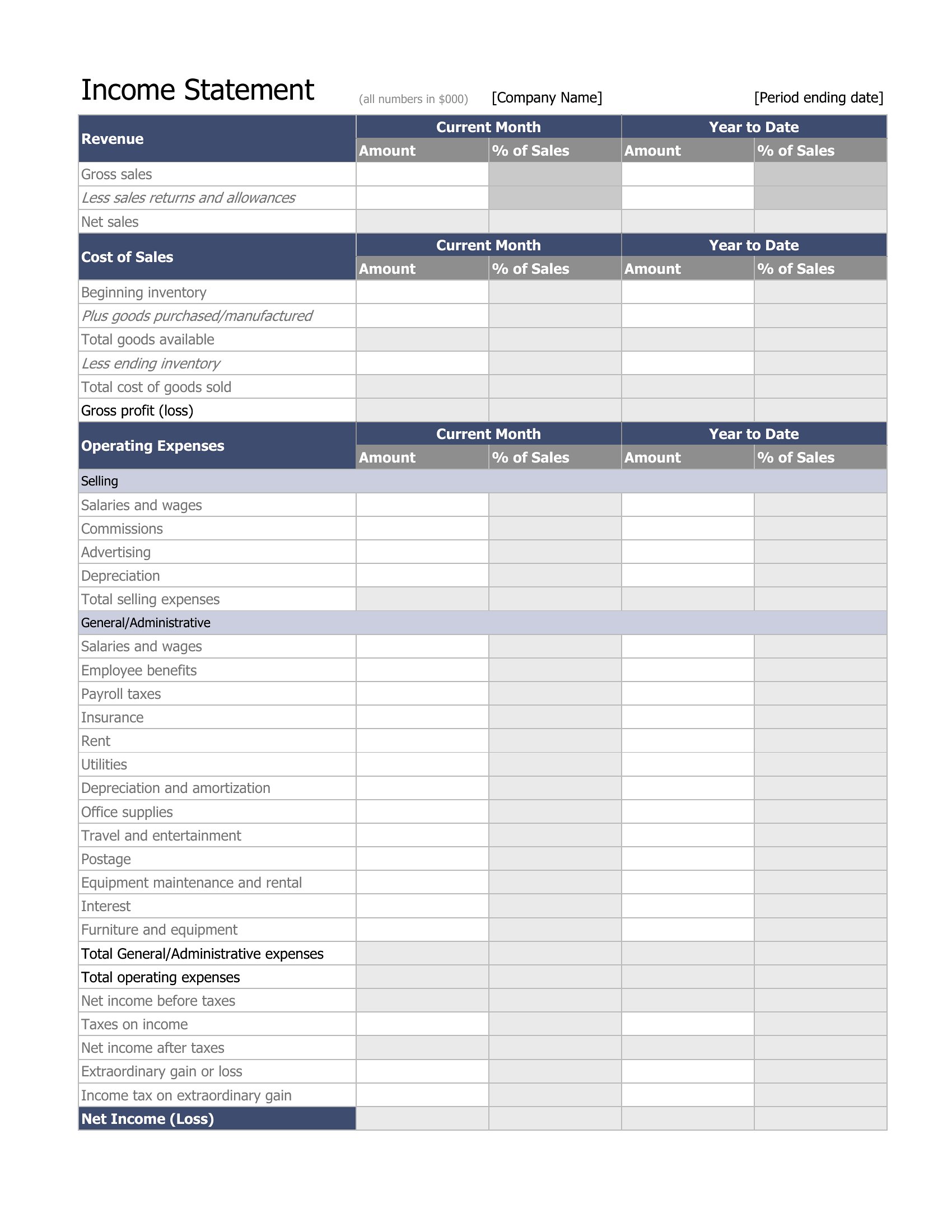
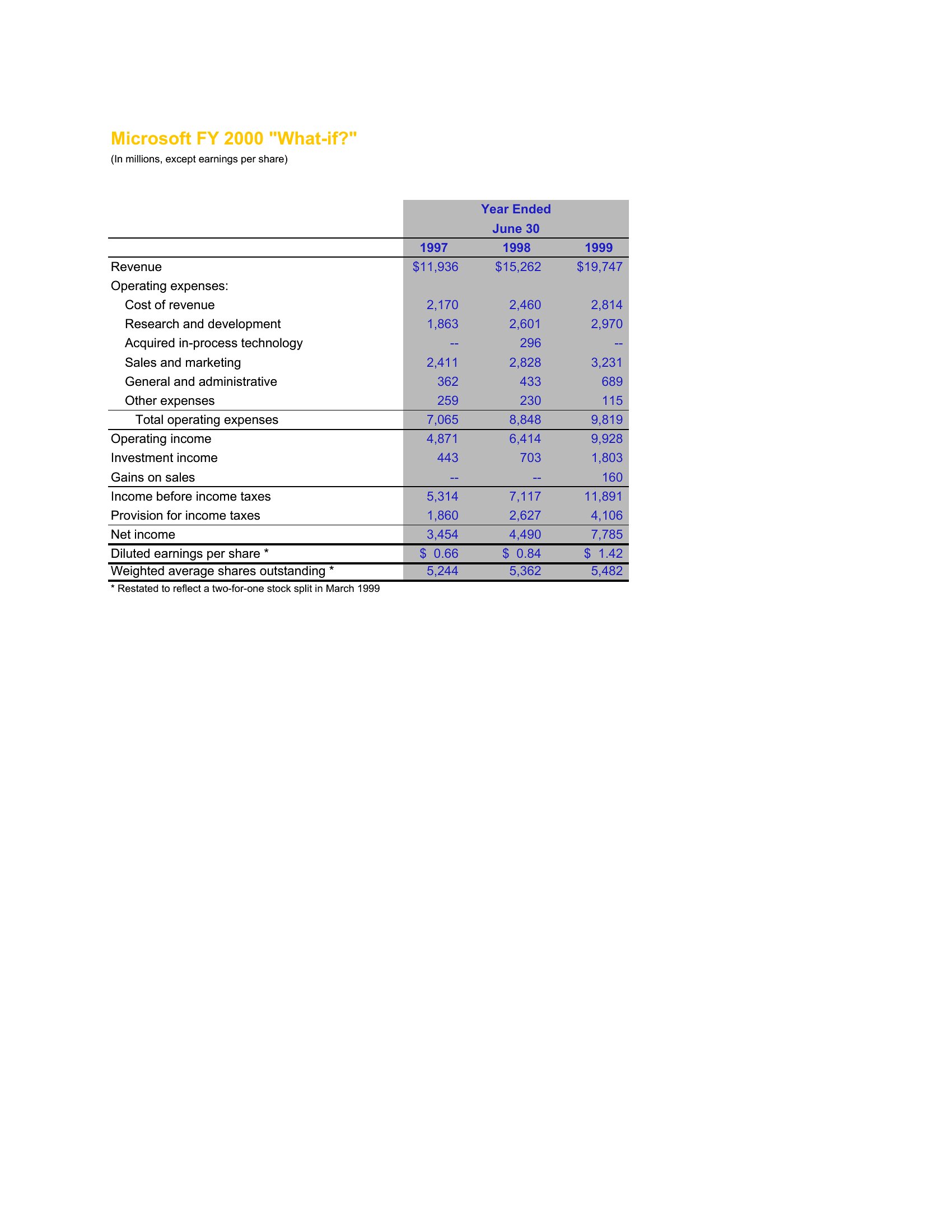
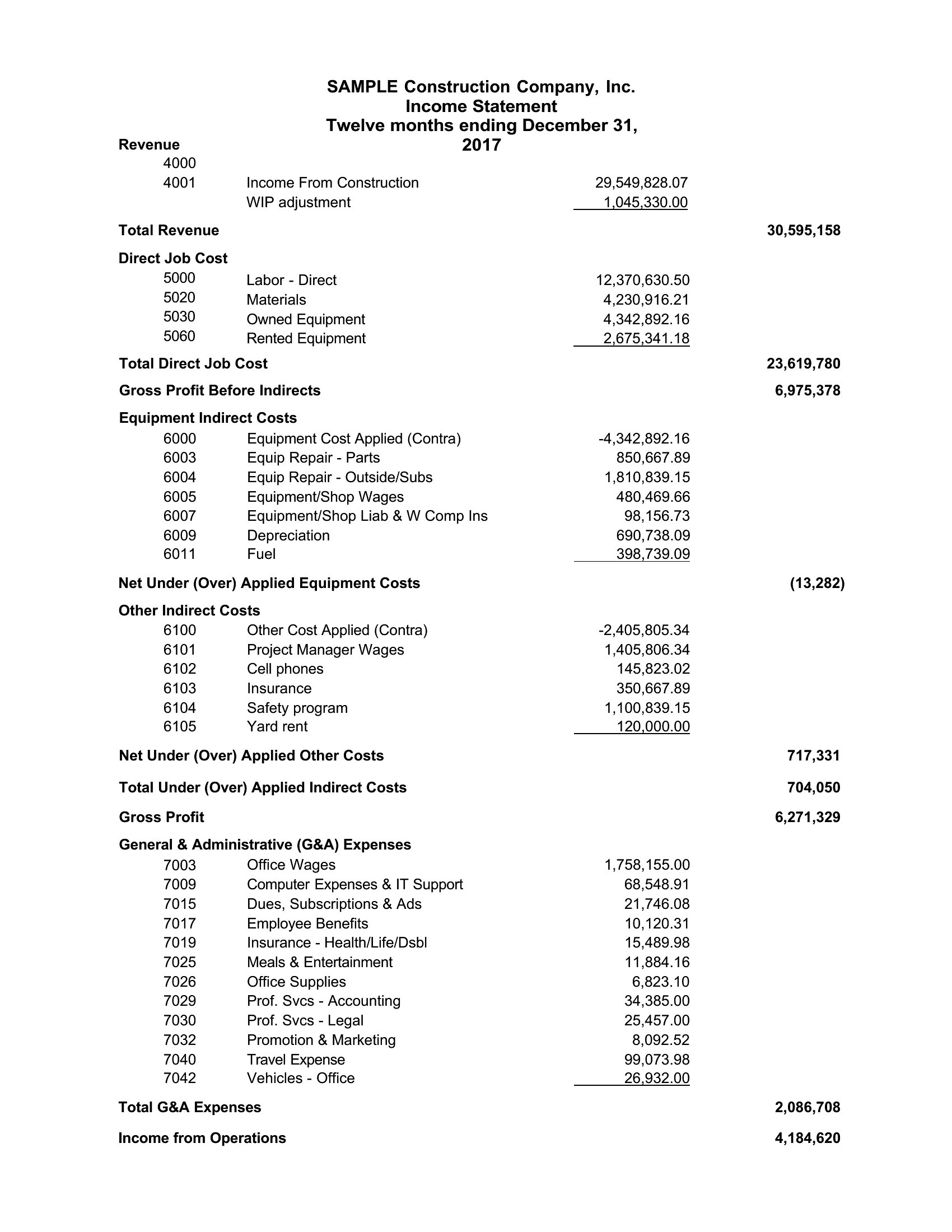
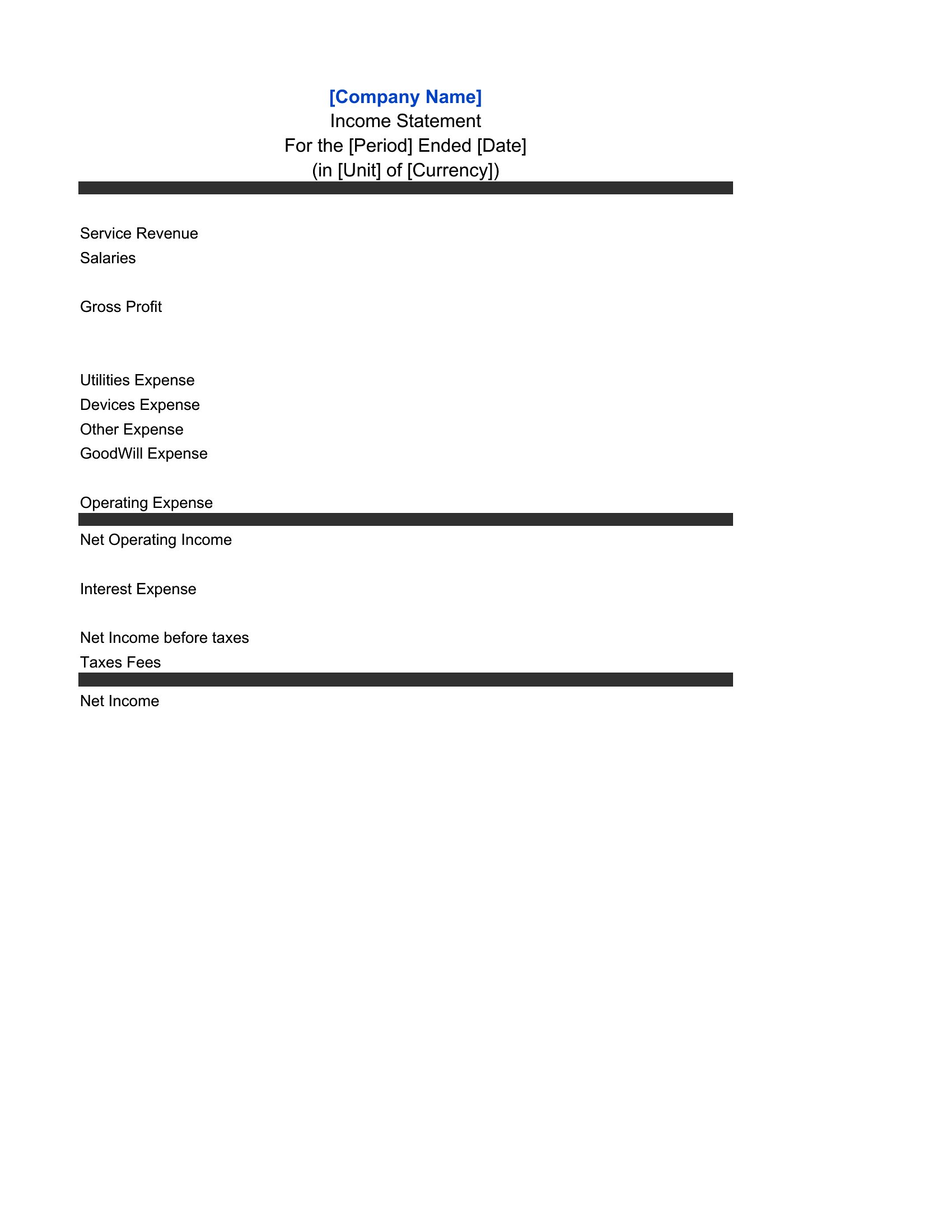
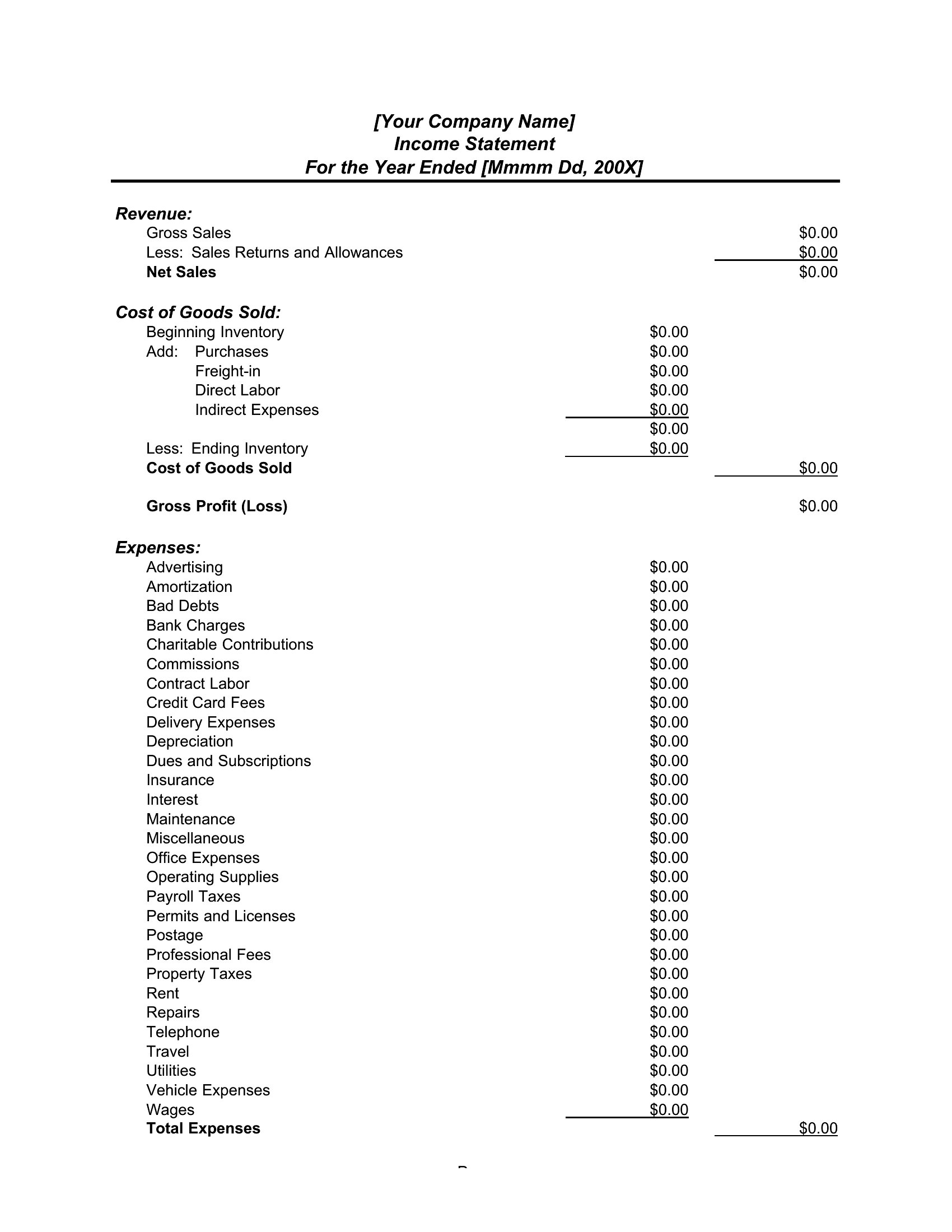
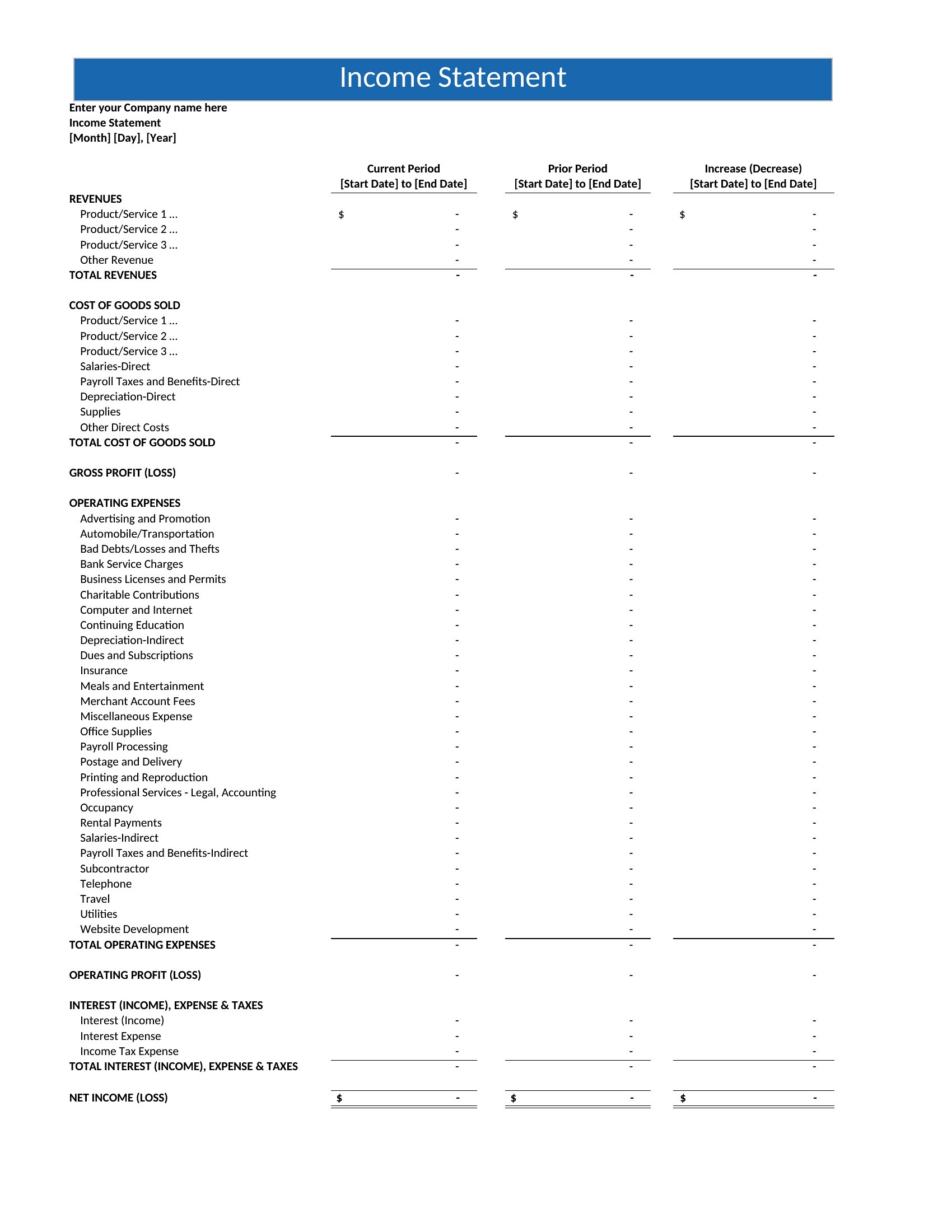
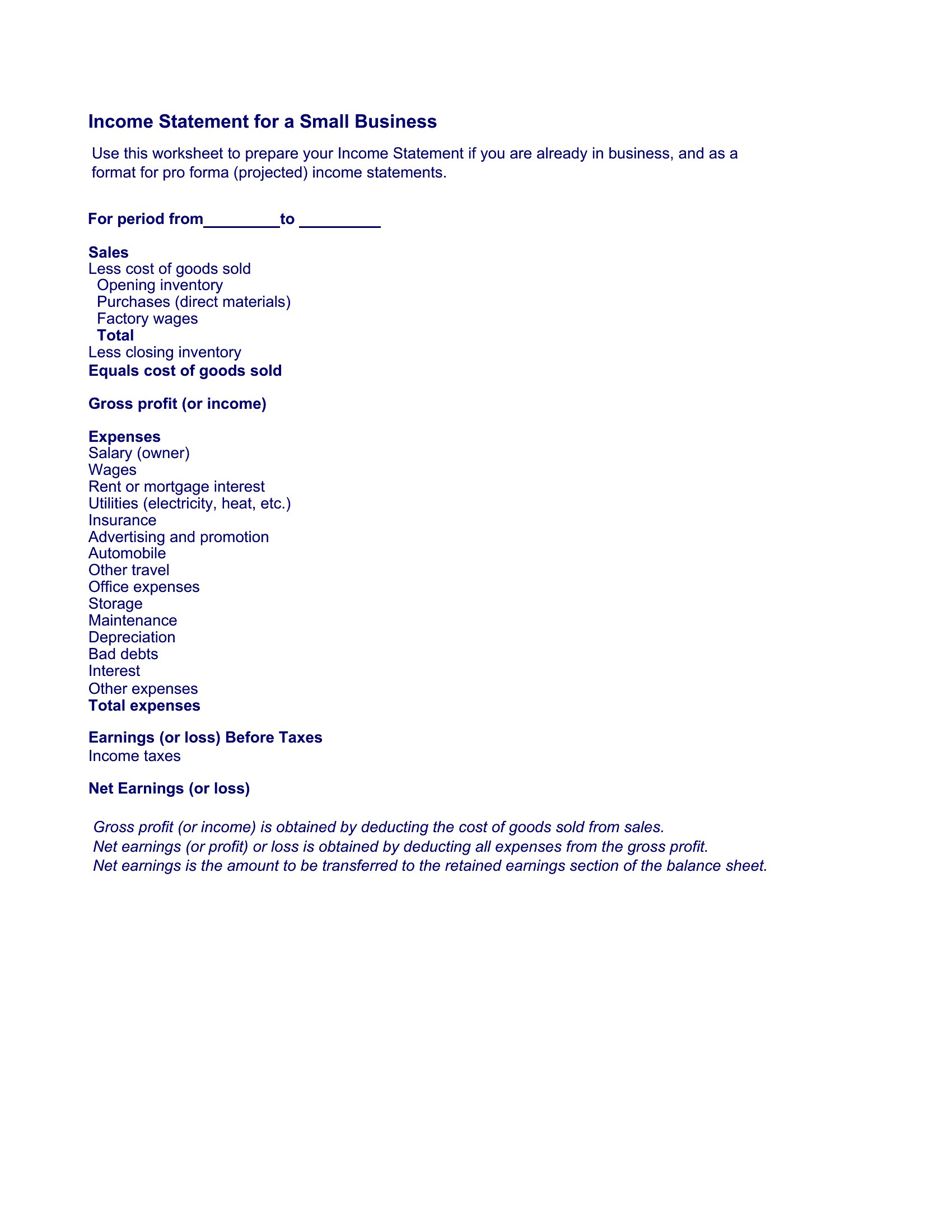
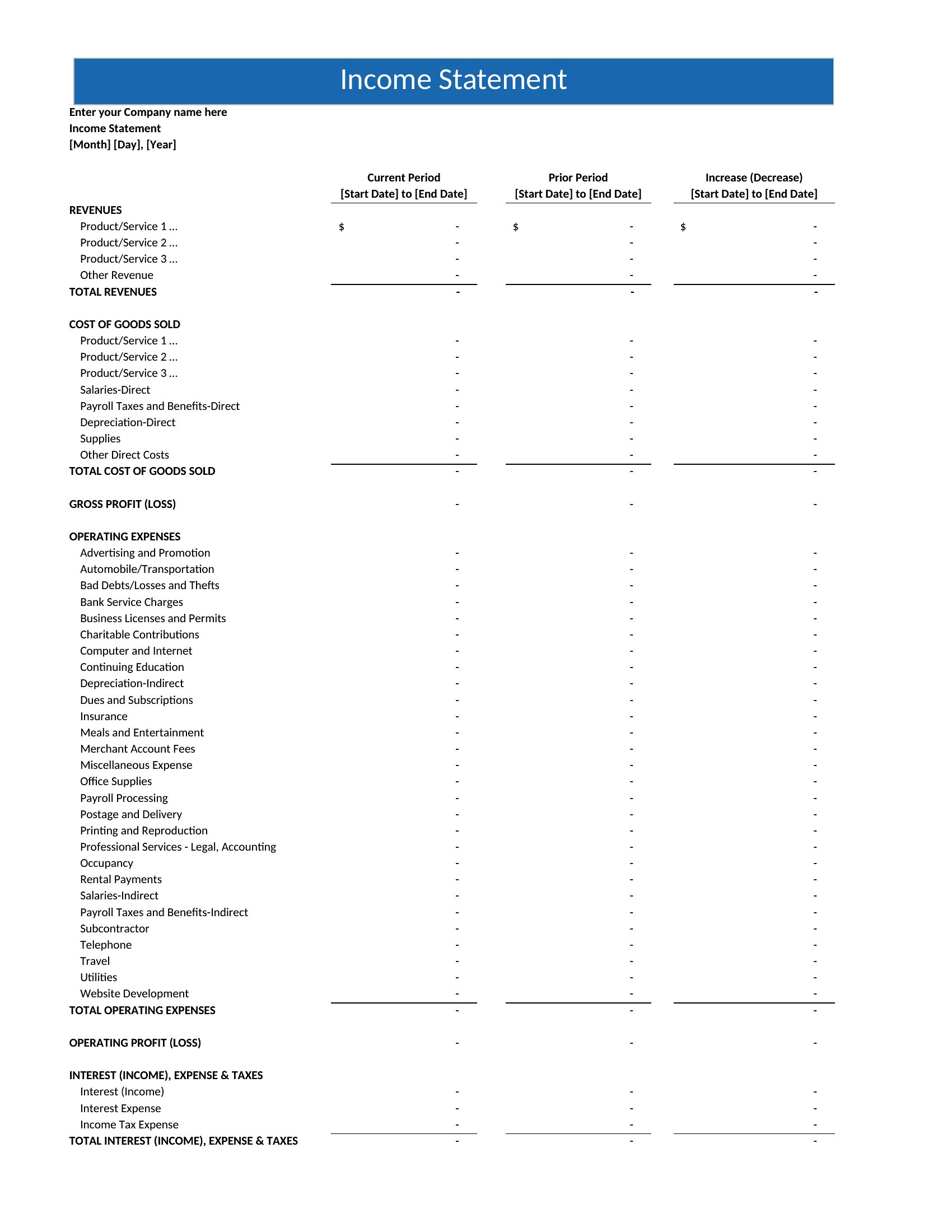
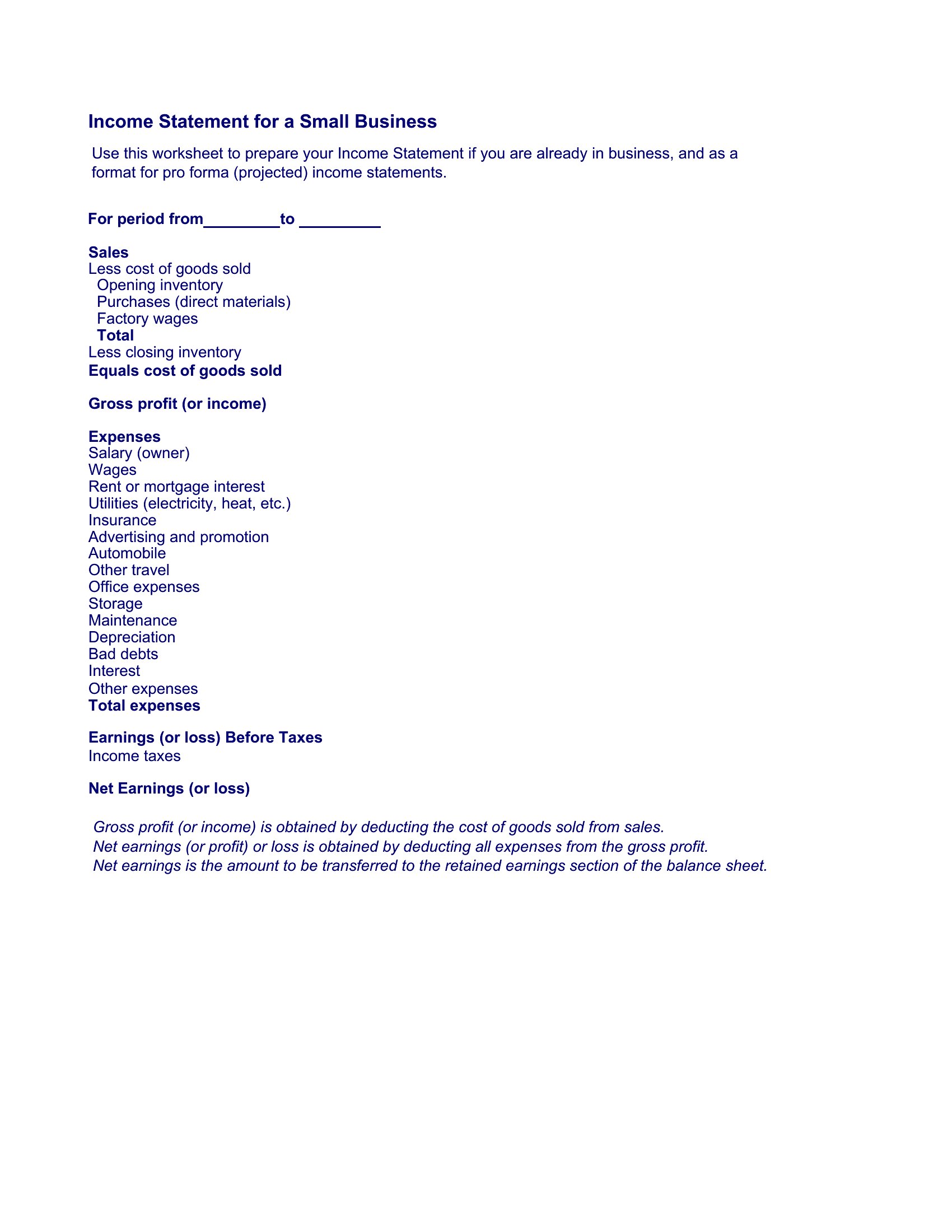
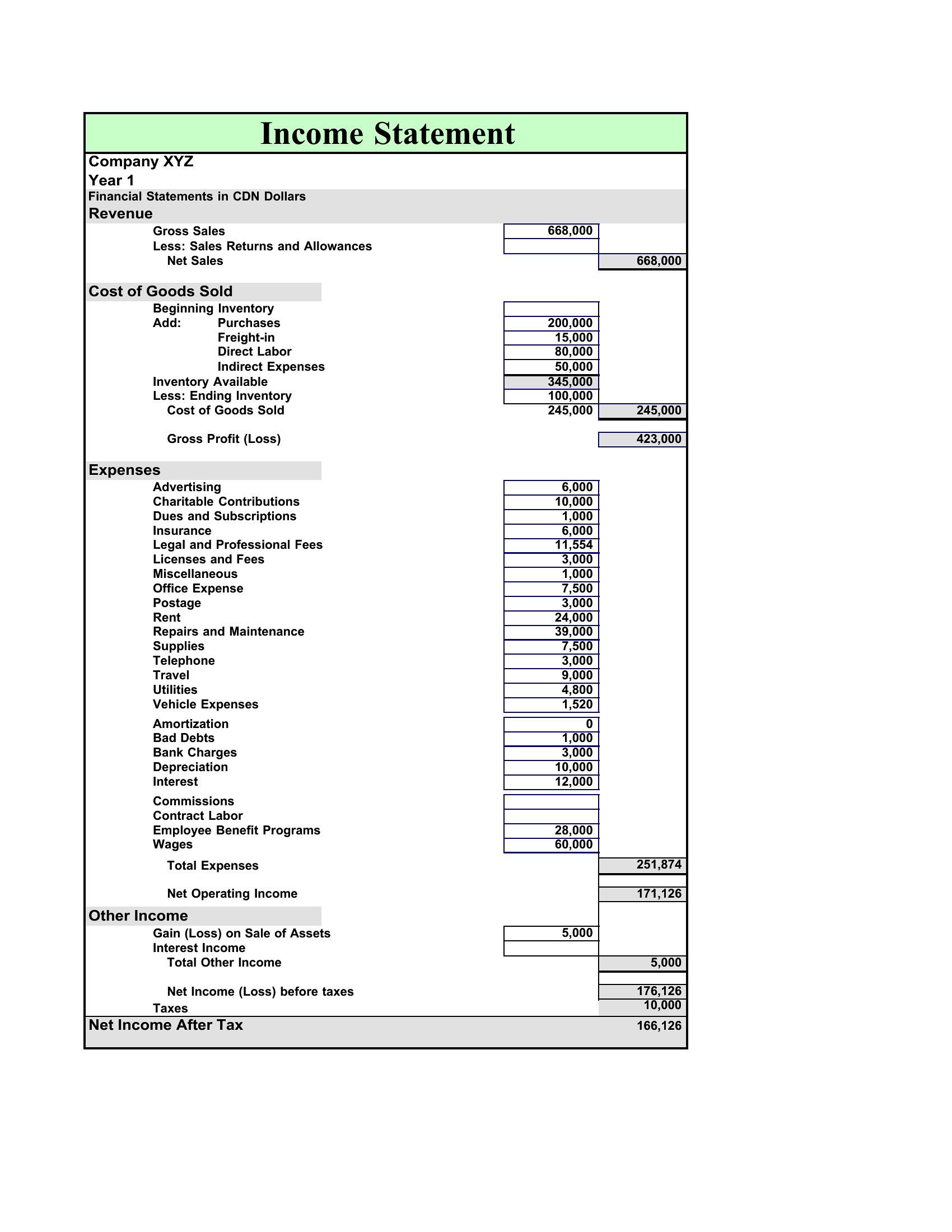
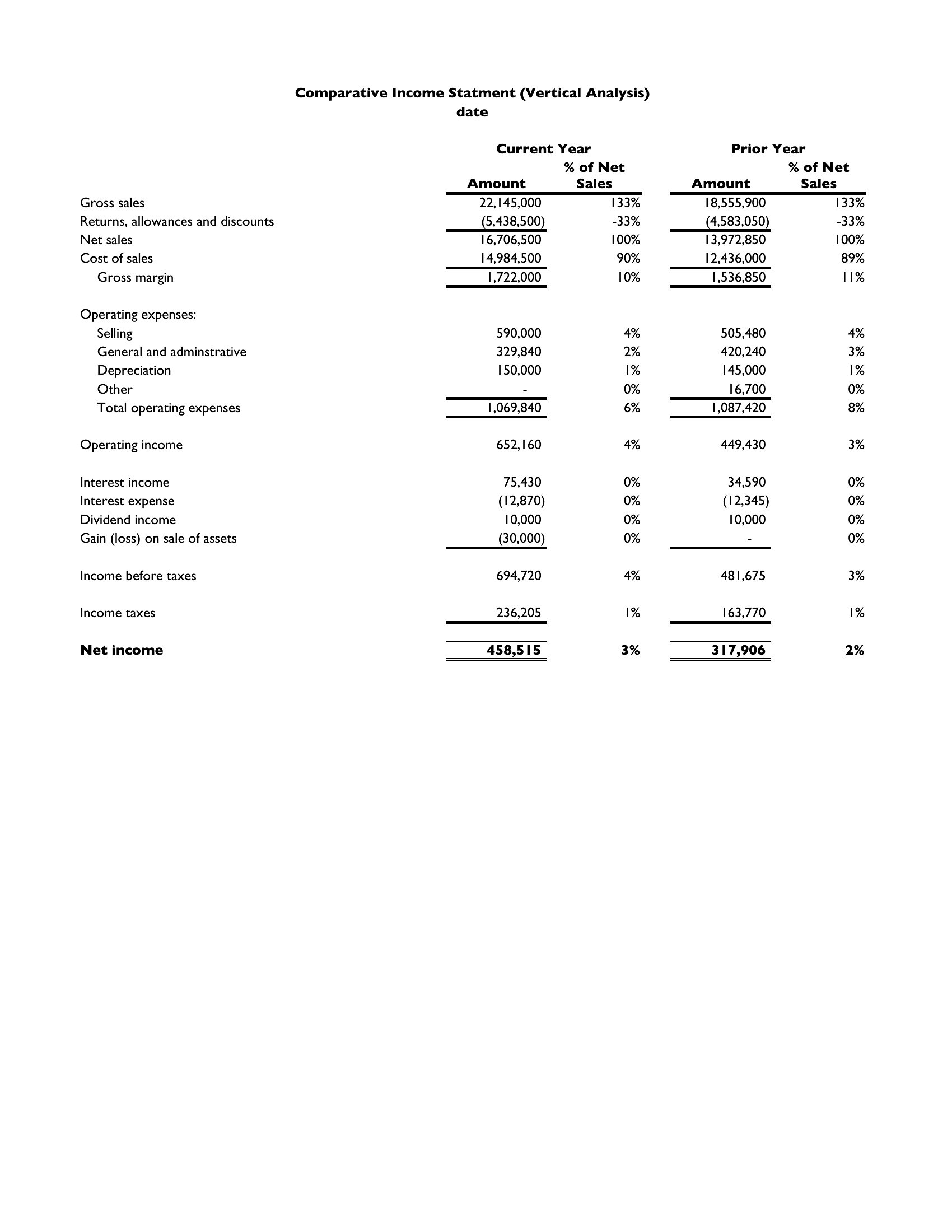
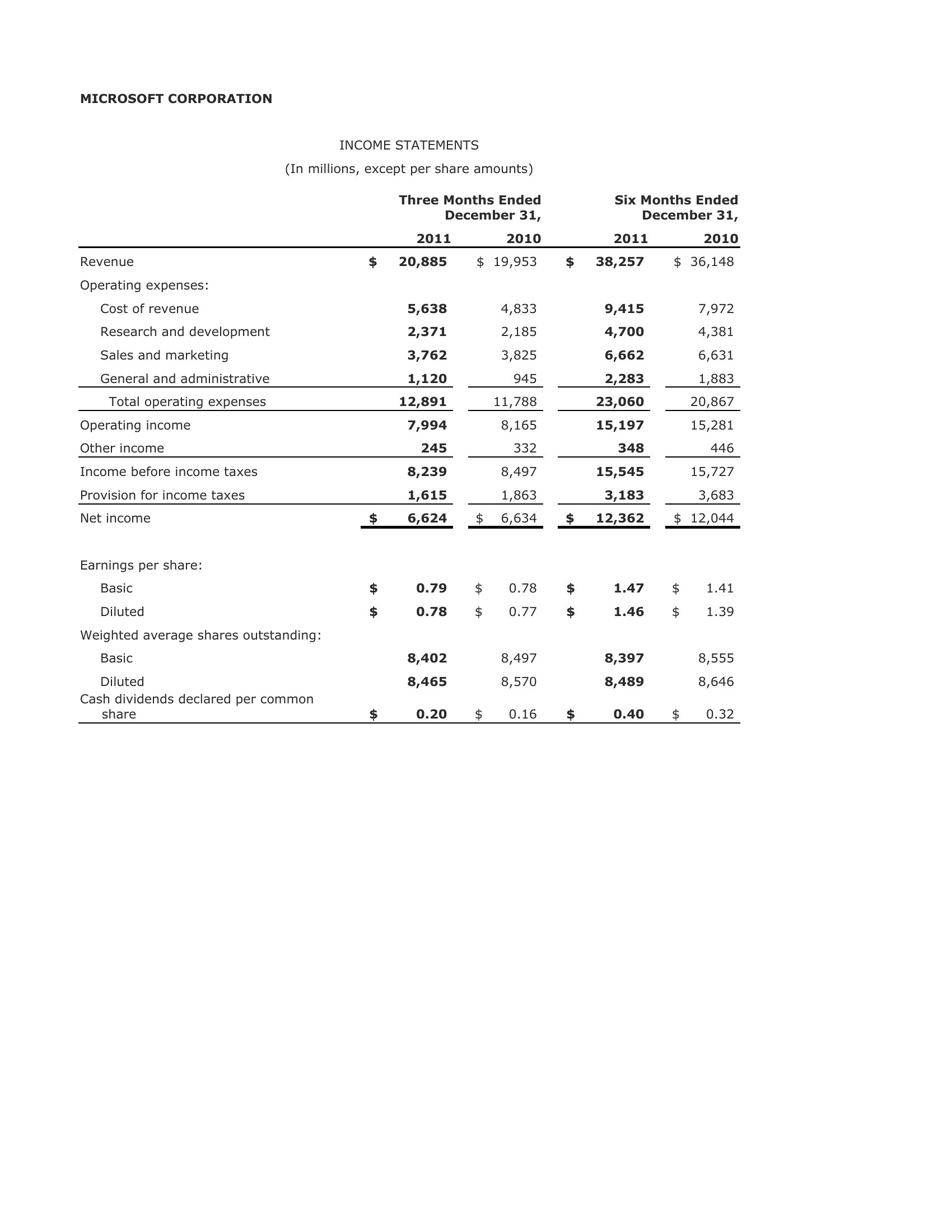
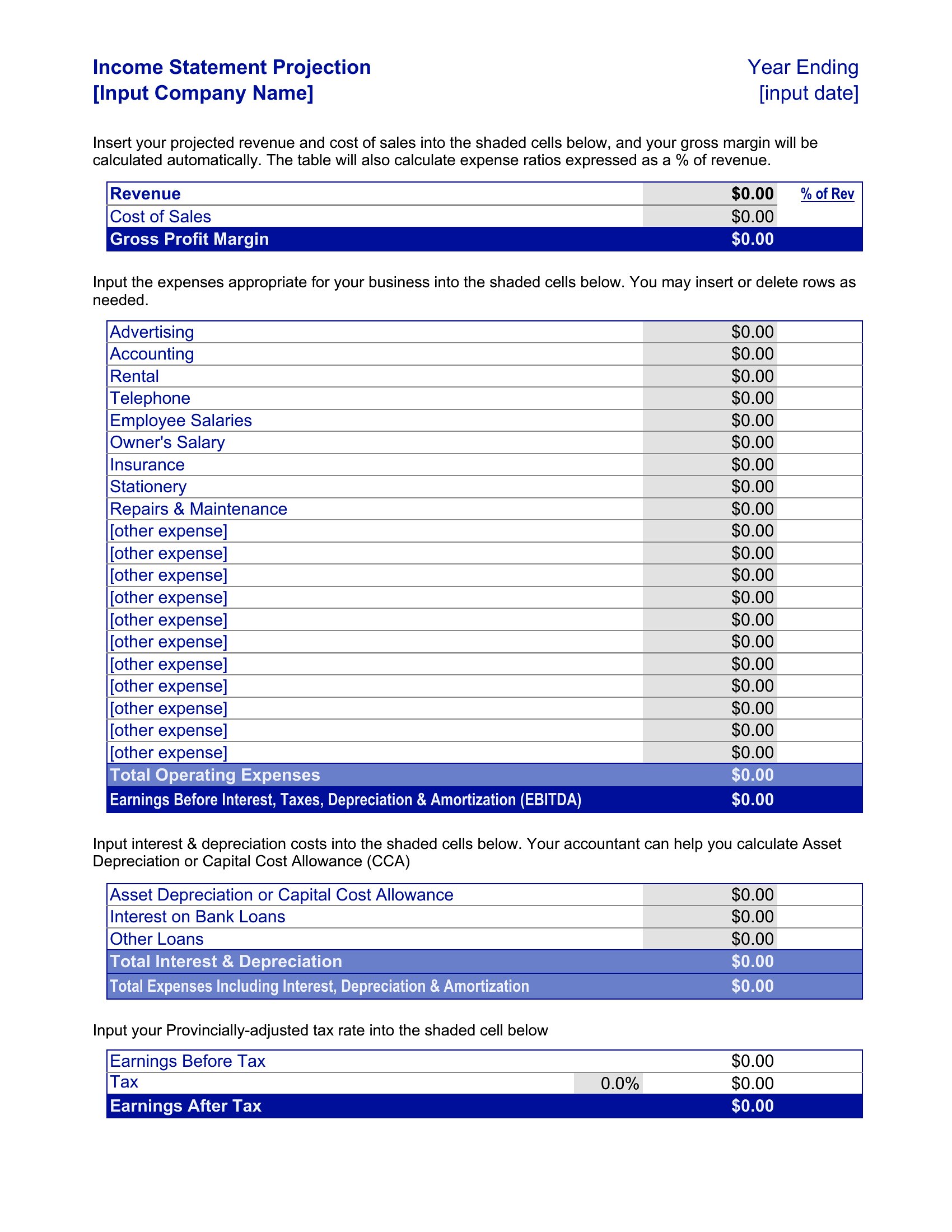
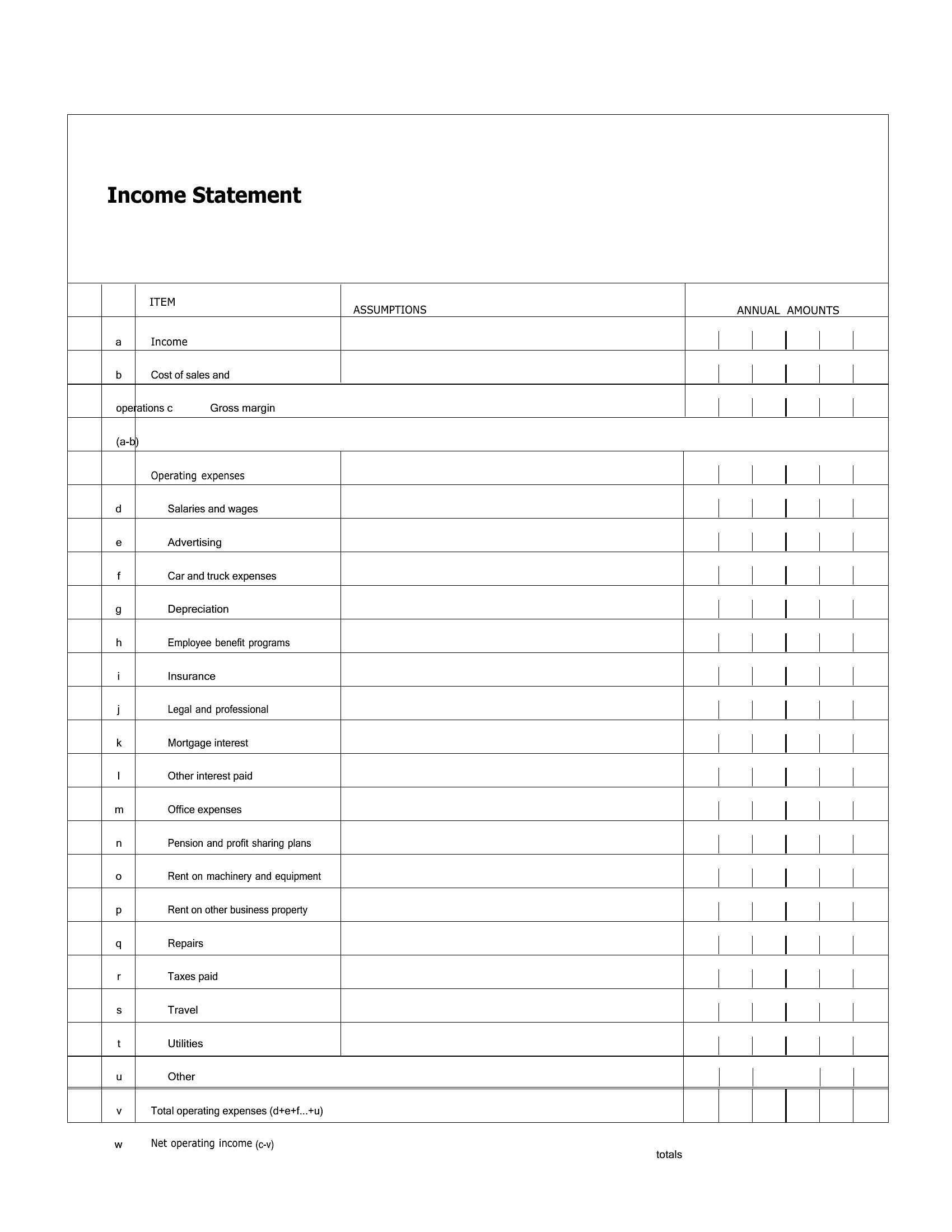
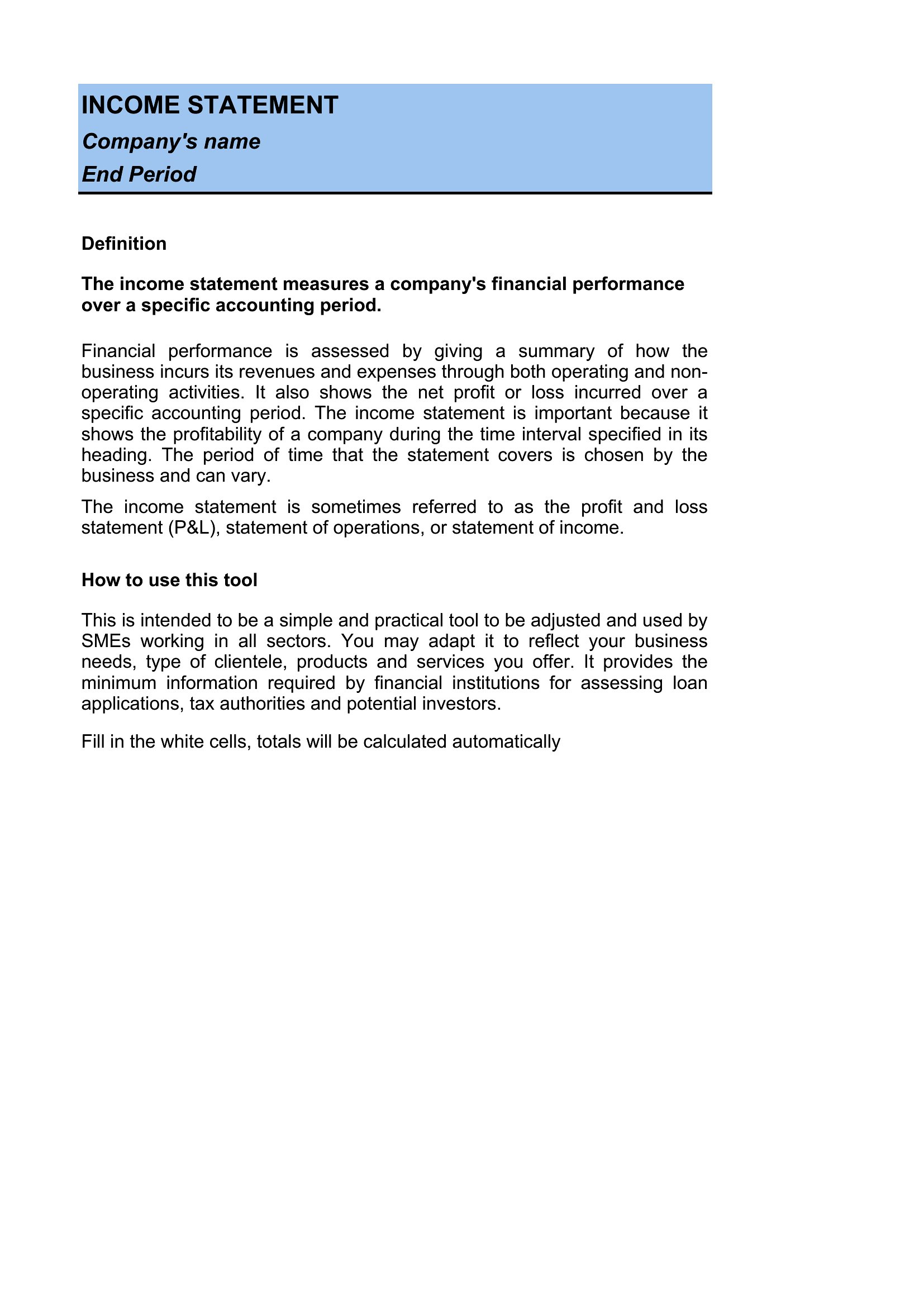
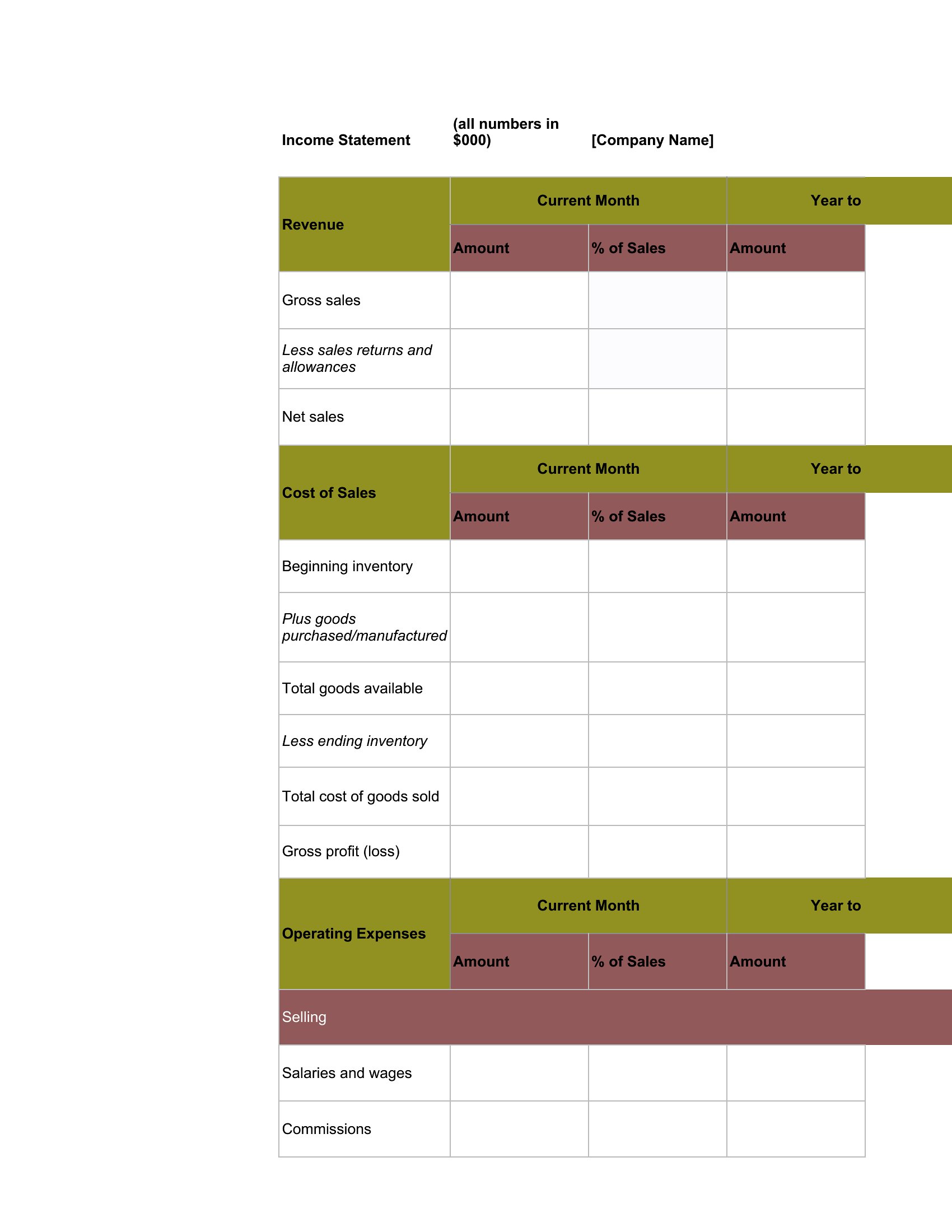
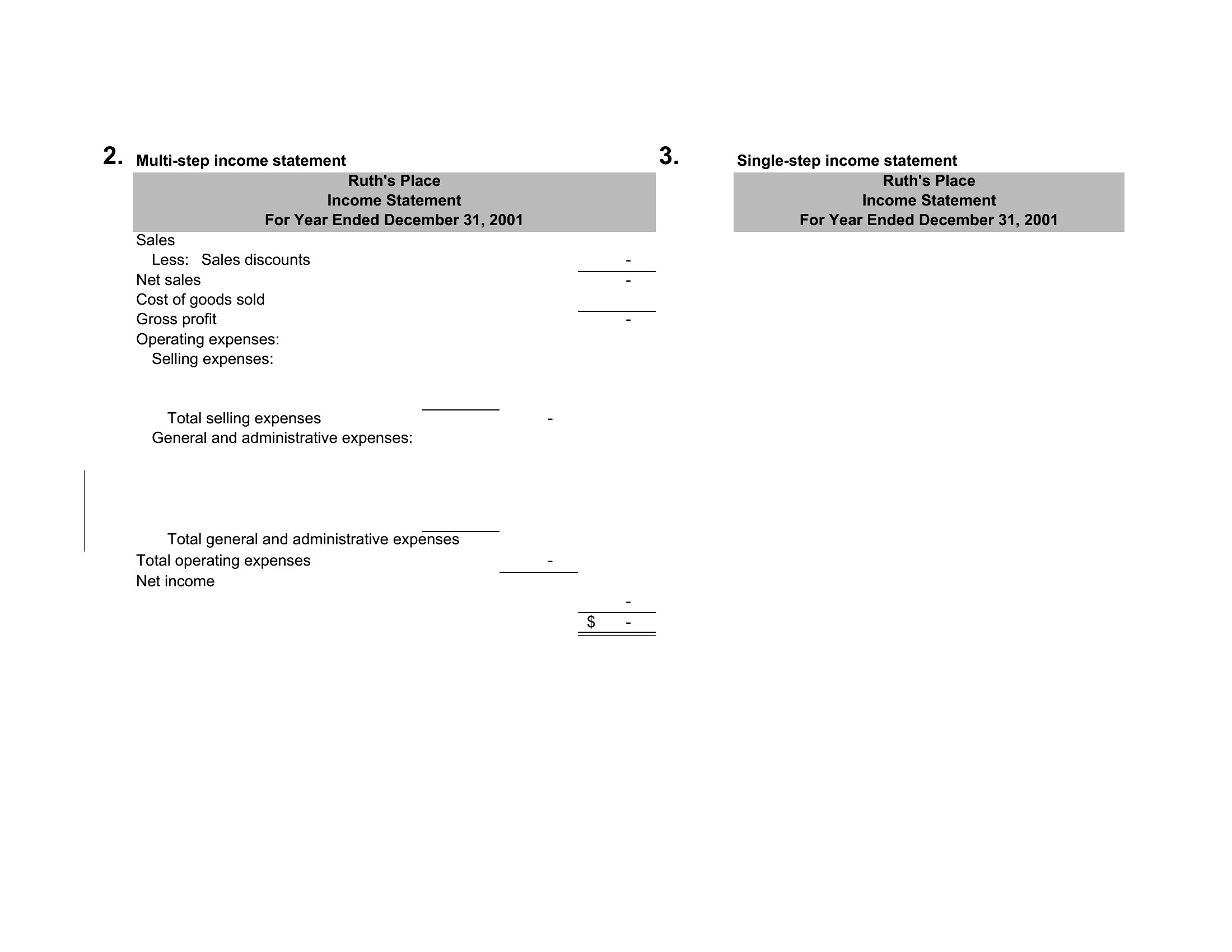
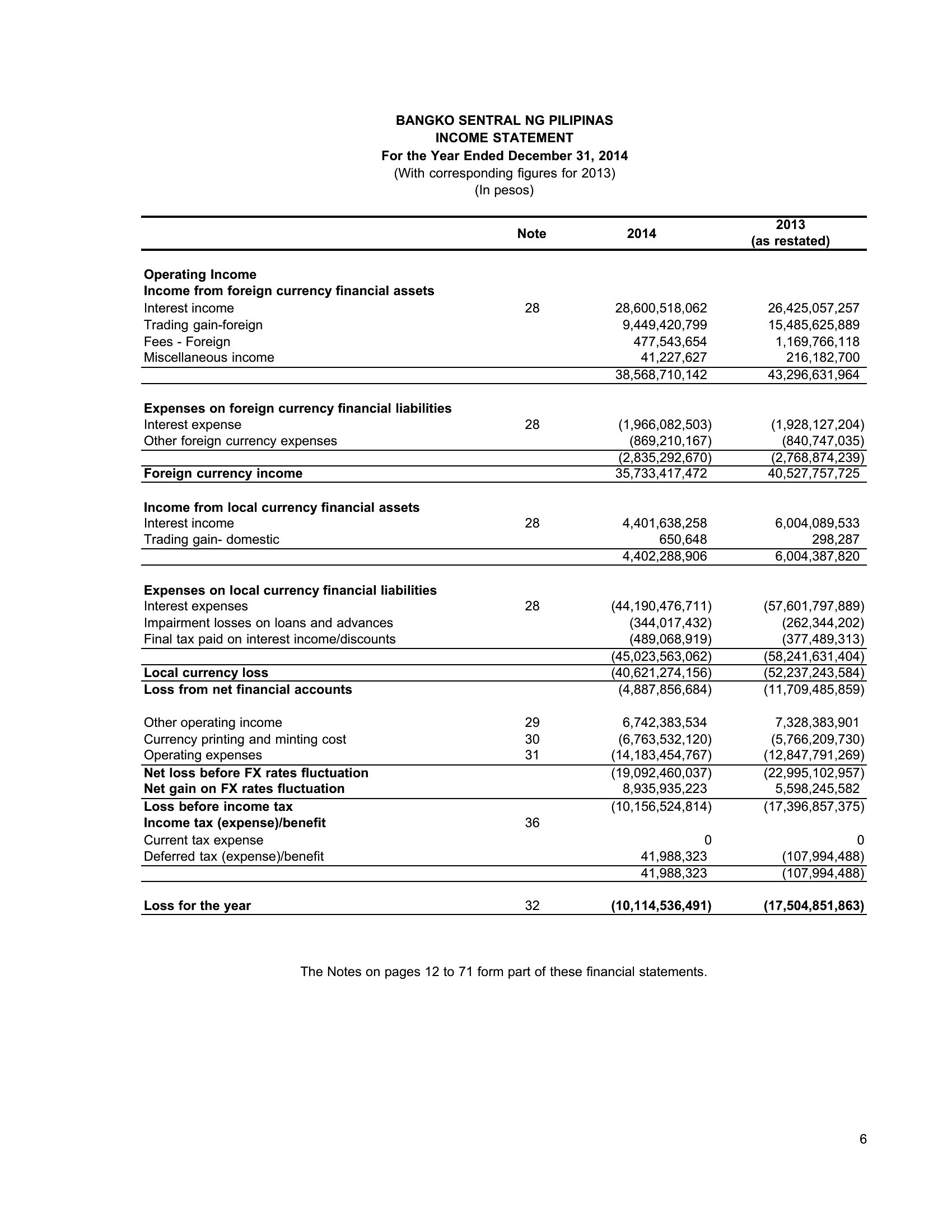
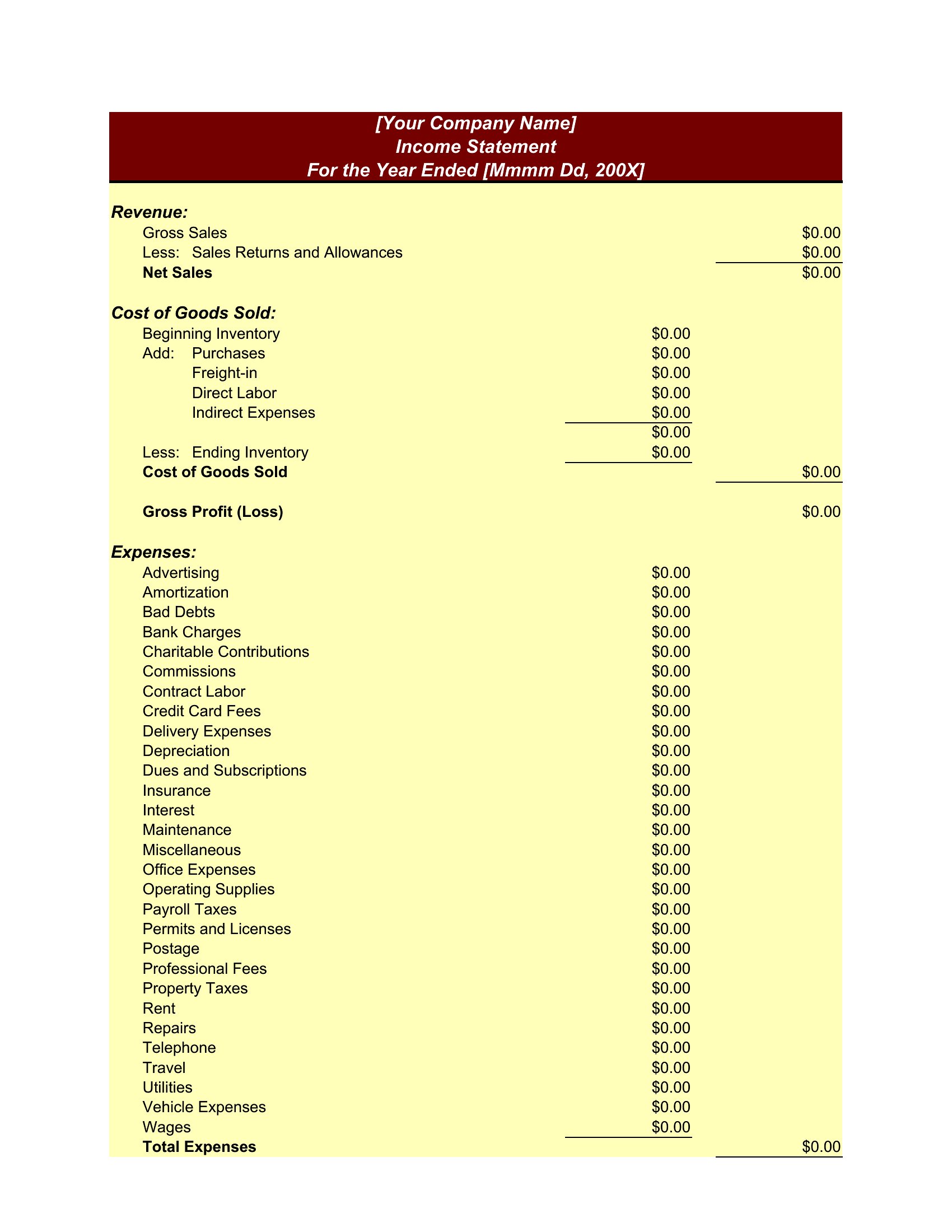
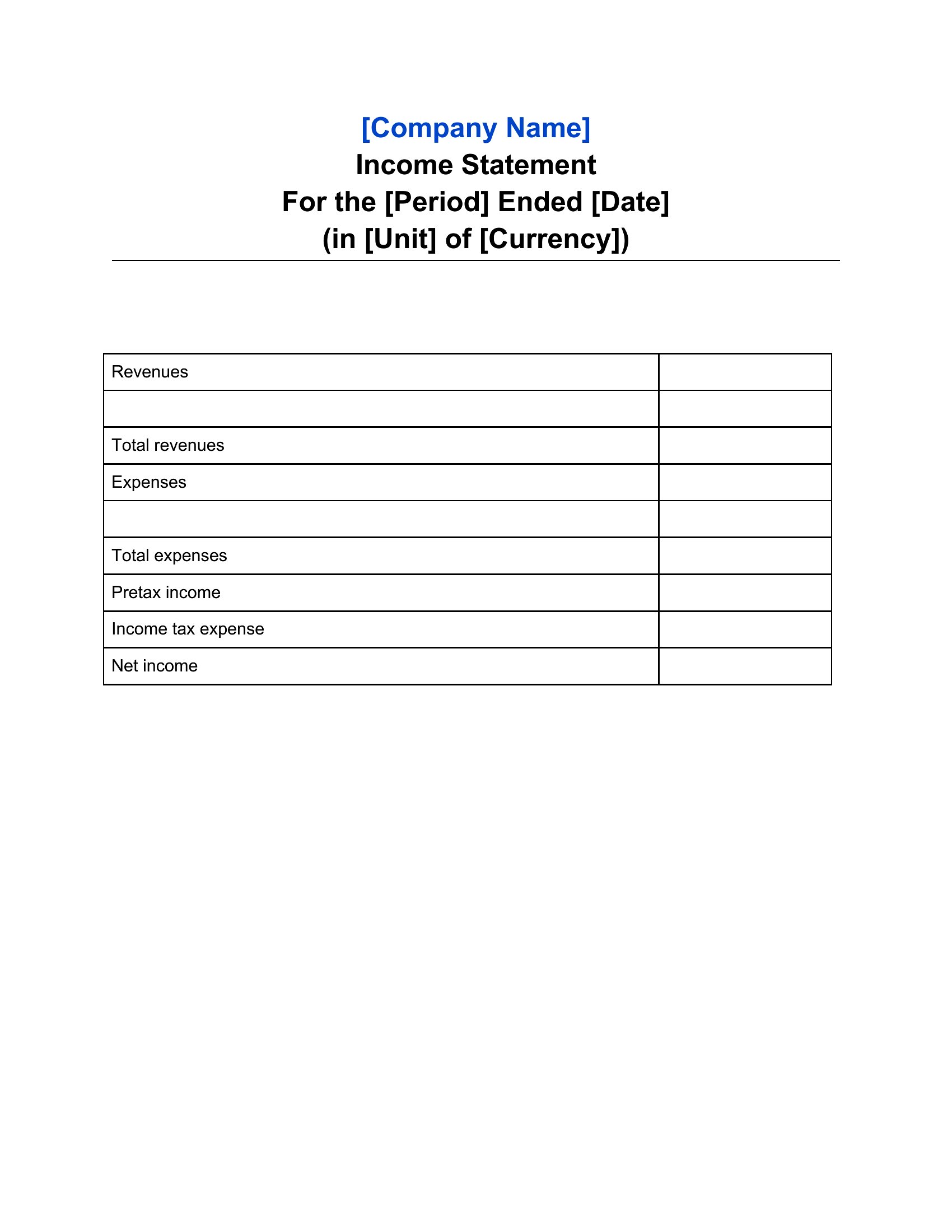
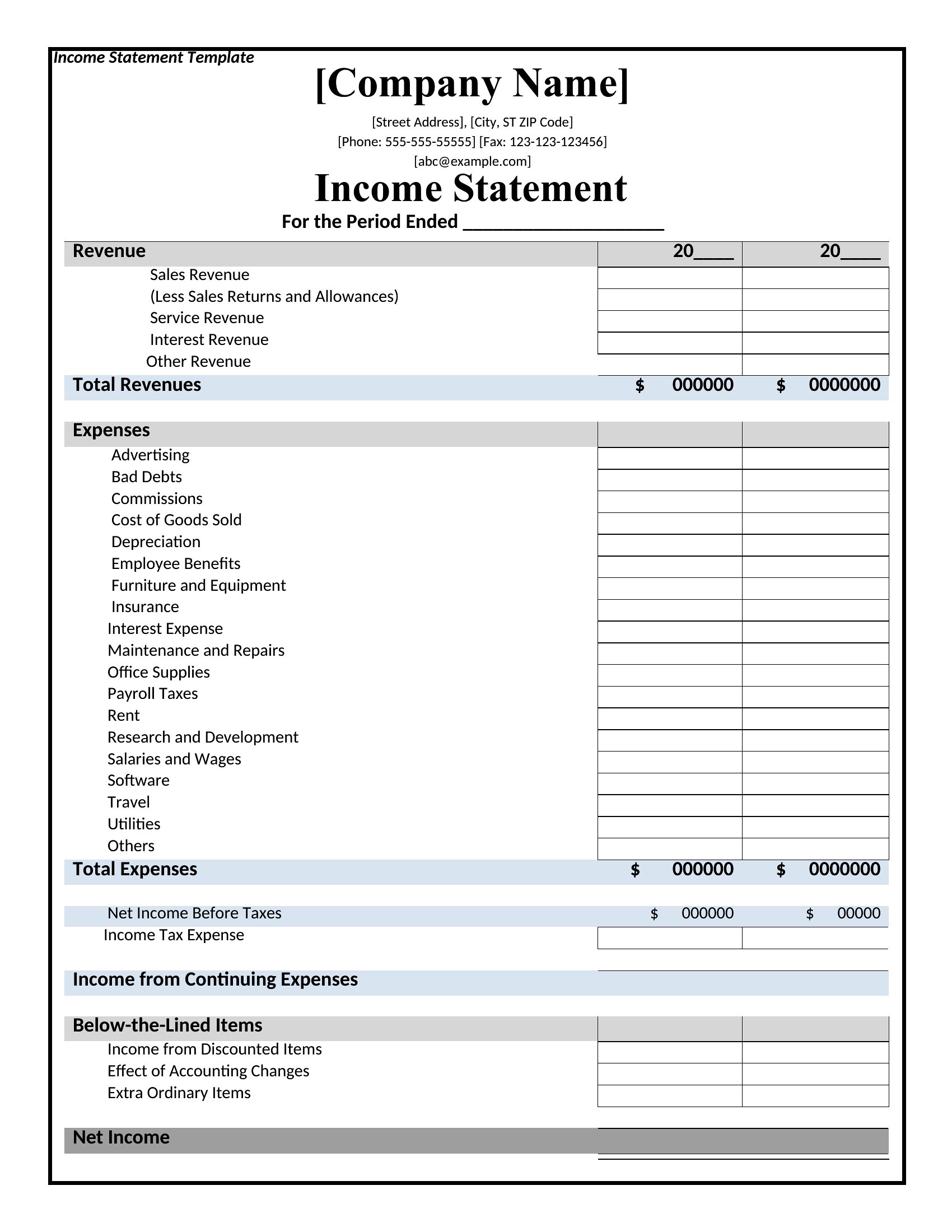
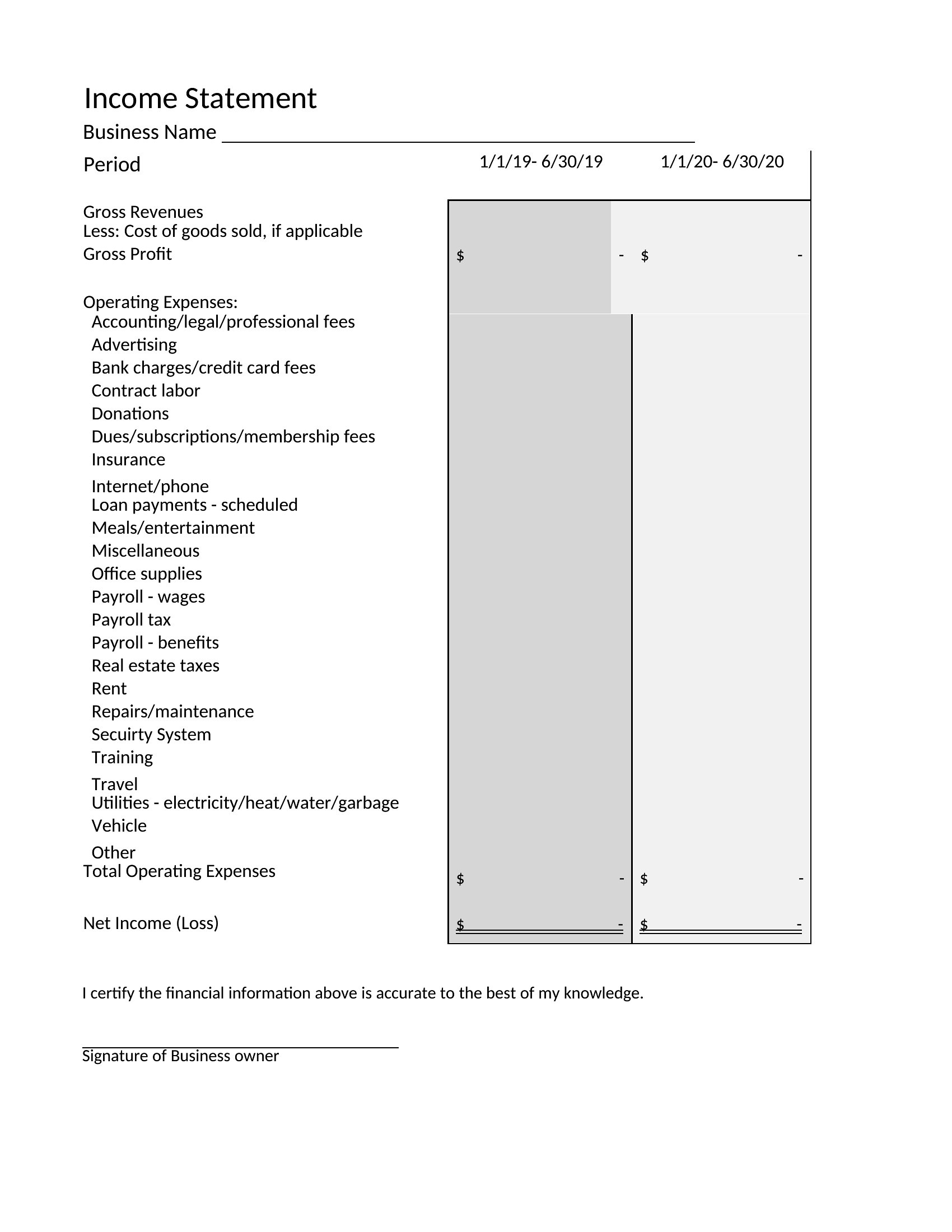
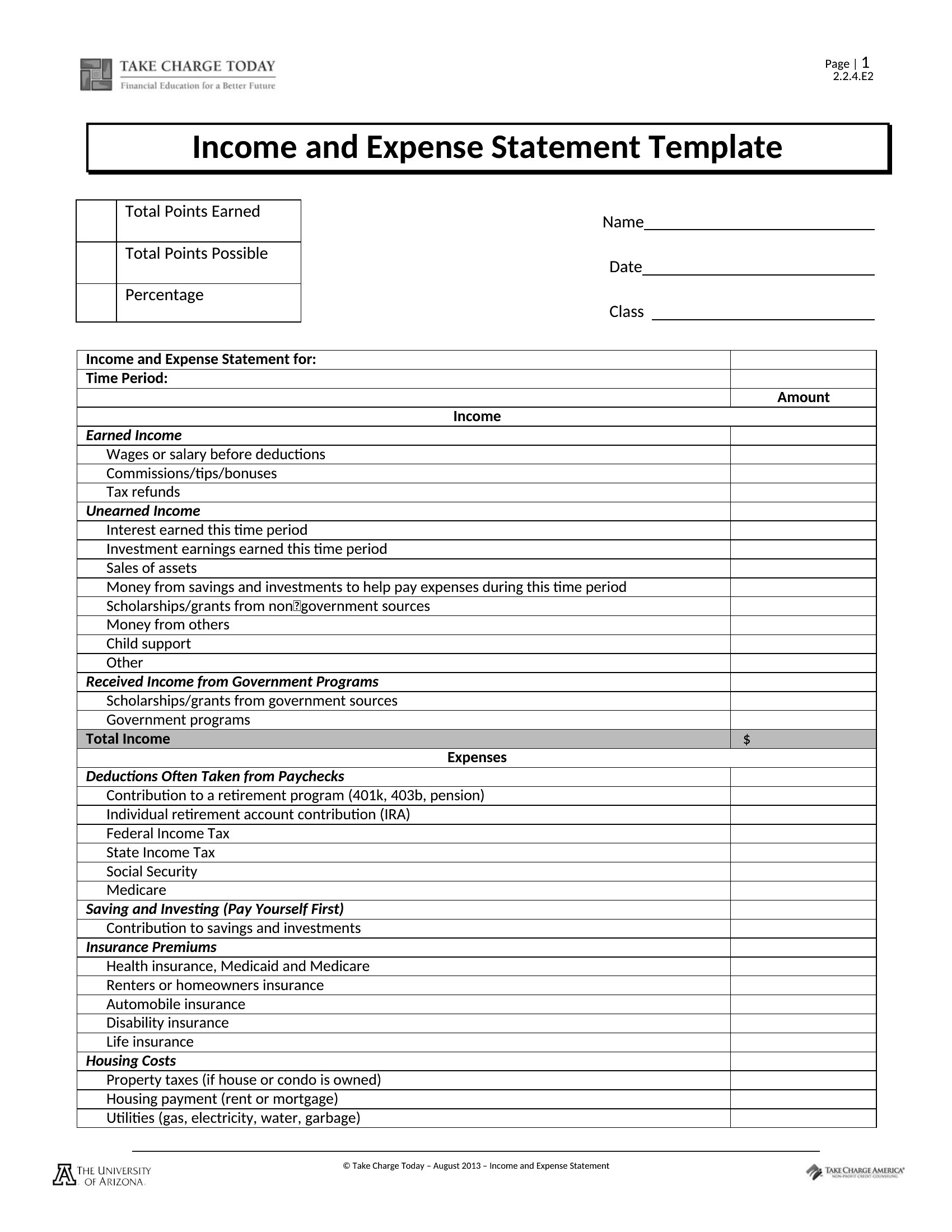
An income statement tells you whether a business is actually making money by laying revenue against expenses over a set period. This collection of 39 income statement templates helps small-business owners, bookkeepers, and freelancers organize sales, costs, and net profit without building a spreadsheet from zero. A clean profit-and-loss summary is also exactly what lenders and investors want to see.
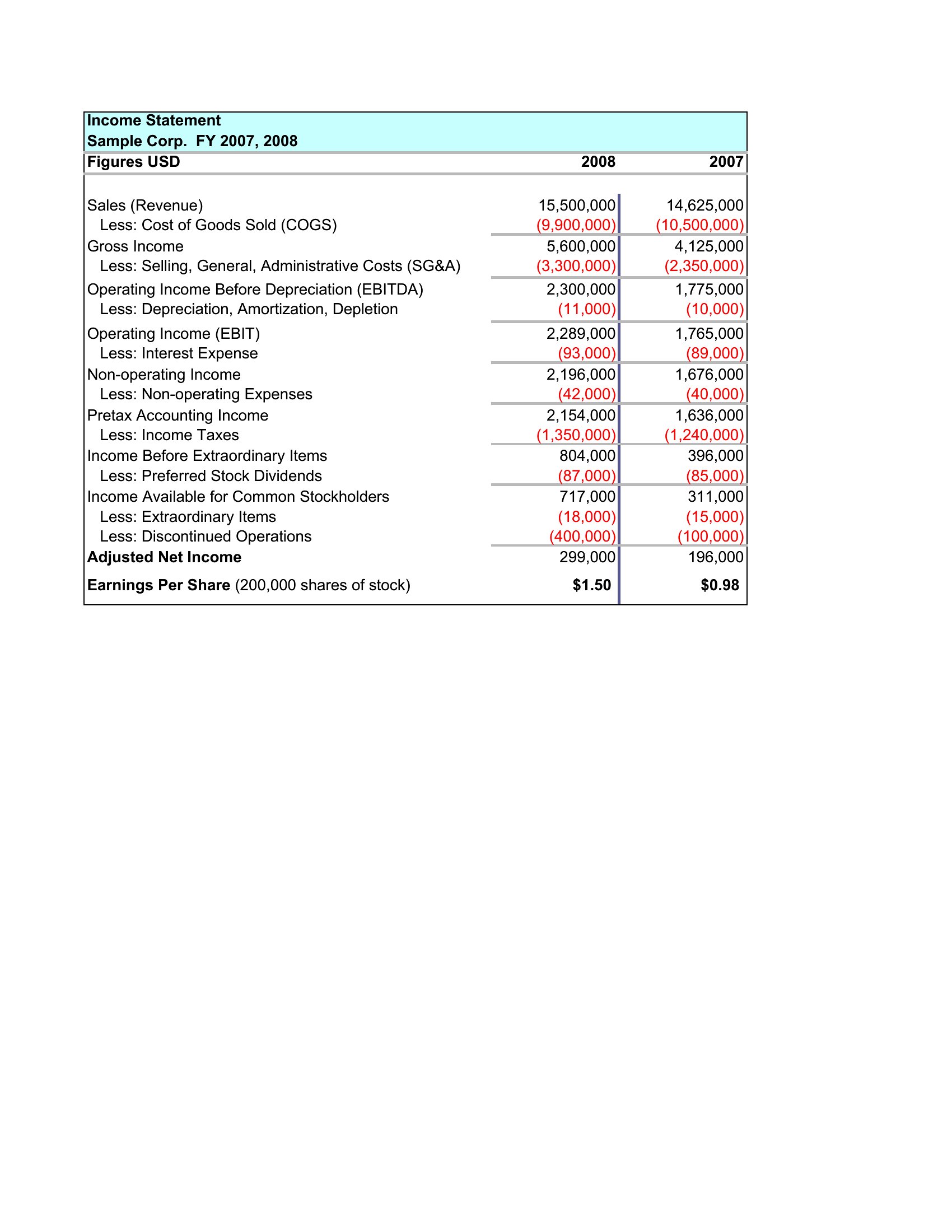
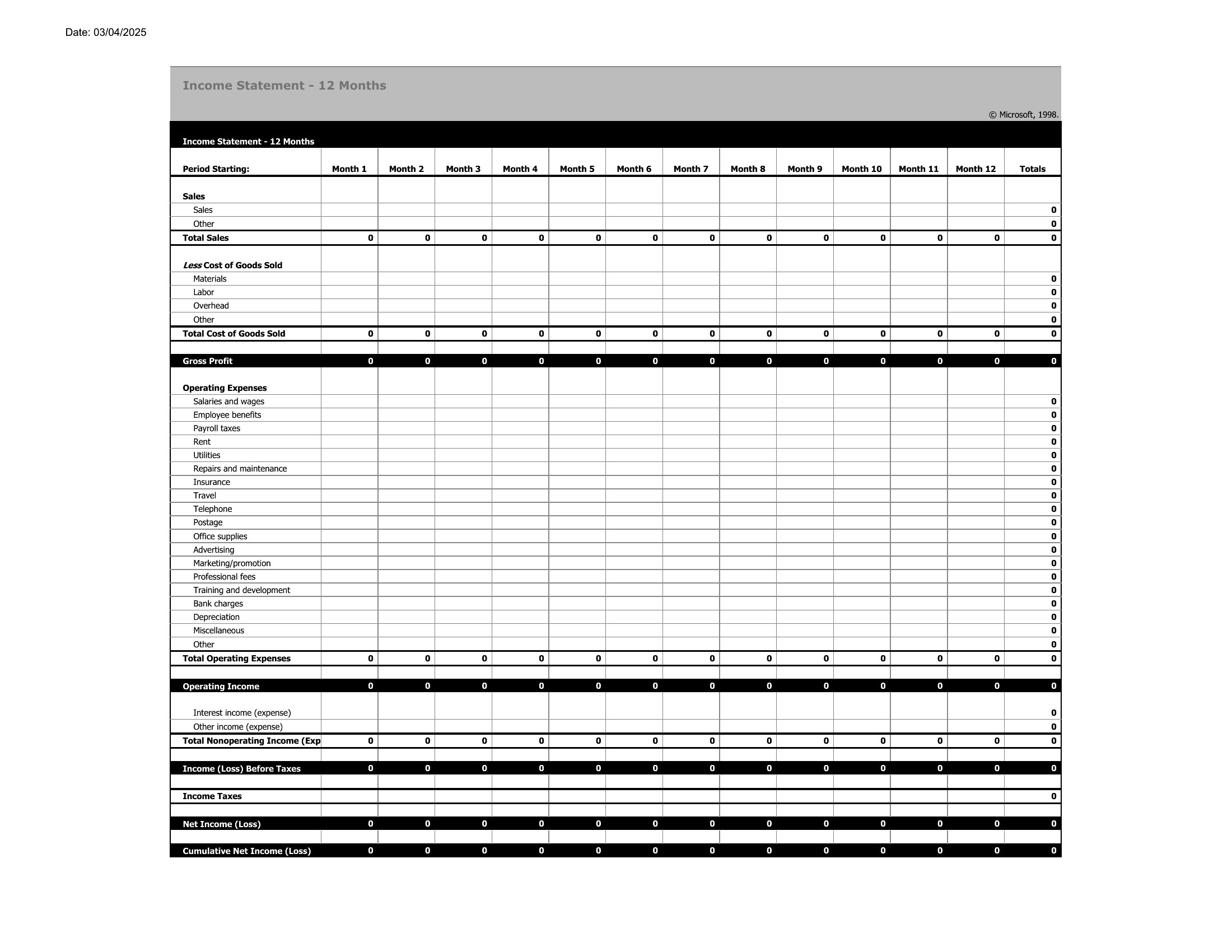
You'll find Word versions for tidy reports and Excel sheets that subtotal each section and calculate your bottom line as you type. Enter your figures, adjust the line items to match your business, and produce a statement for a month, quarter, or year. Accounting rules and tax treatment vary, so check specifics with an accountant before filing anything. Download the format that fits and get a clear read on your numbers.

When to use this Income Statement template

  • A freelance consultant tracking quarterly earnings across multiple clients and deducting home office expenses to prepare for tax season with minimal accounting software.
  • A startup founder presenting a forecasted income statement to a panel of seed investors to demonstrate projected profitability after hiring three new team members.
  • A small business owner comparing actual monthly sales against budgeted revenue and adjusting marketing spend after noticing an unexpected dip in repeat customer purchases.
  • A bookkeeper for a local bakery reconciling cash register receipts with recorded sales, identifying discrepancies between reported income and actual deposits from credit card transactions.

Which format should I download?

WordExcel

Choose Word if you need a polished, editable document to include in a business plan or investor pitch deck, where formatting consistency matters. Word allows for easy integration with other reports like balance sheets or cash flow statements. Opt for Excel if you frequently update figures, run scenario analyses, or need formulas to auto-calculate net profit margins. Excel’s dynamic nature suits ongoing financial tracking, especially for businesses with variable revenue streams or complex expense categories. Both formats are included here, but Excel is ideal for data-driven adjustments.

How to use this Income Statement template

Can these templates help me reconcile discrepancies between bank deposits and reported sales?
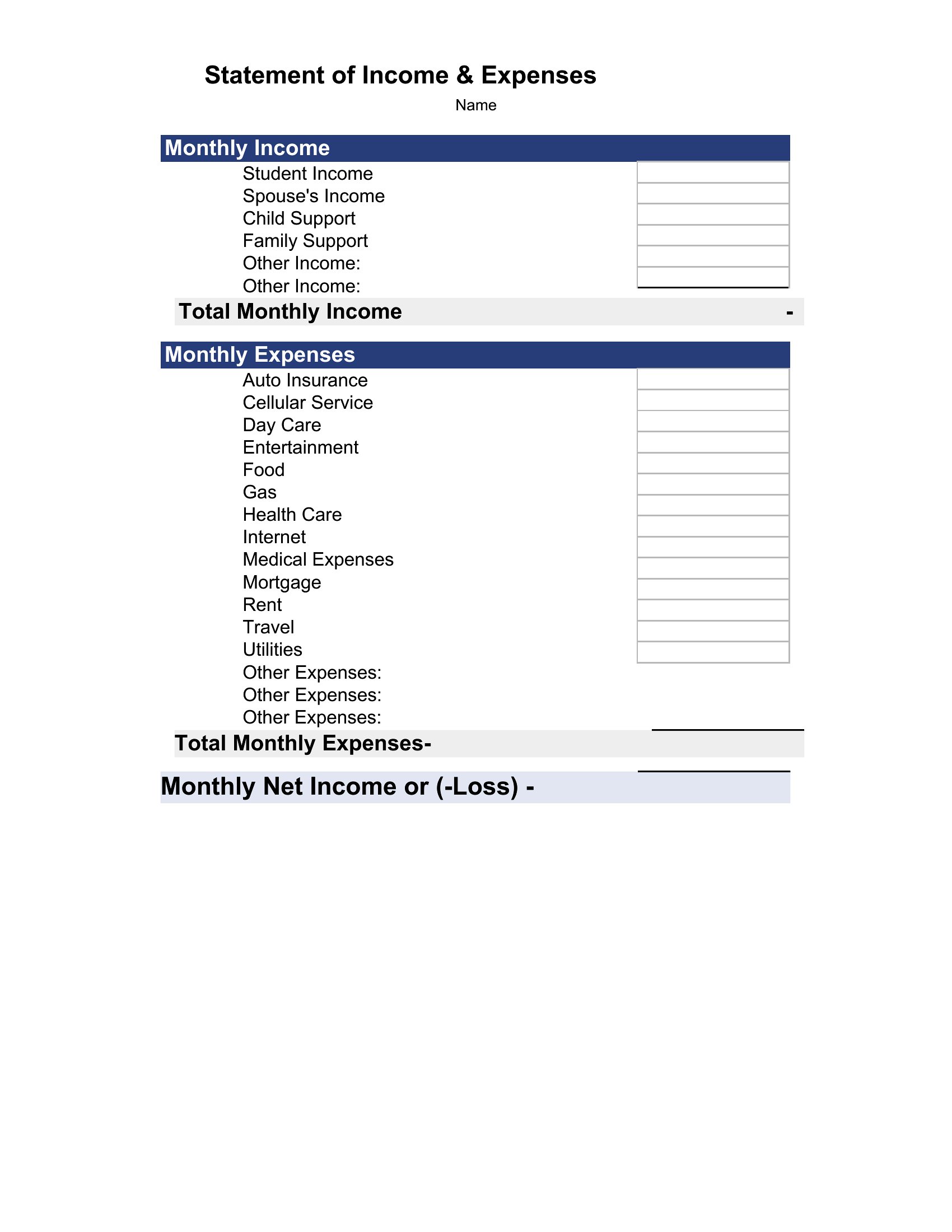
Yes, the income statement templates include sections for tracking cash vs. accrual revenue, which helps identify timing differences. For example, you can compare credit card sales recorded in your POS system against deposits cleared in your bank account by date. However, for complex reconciliations, consult a CPA to ensure compliance with accounting standards.
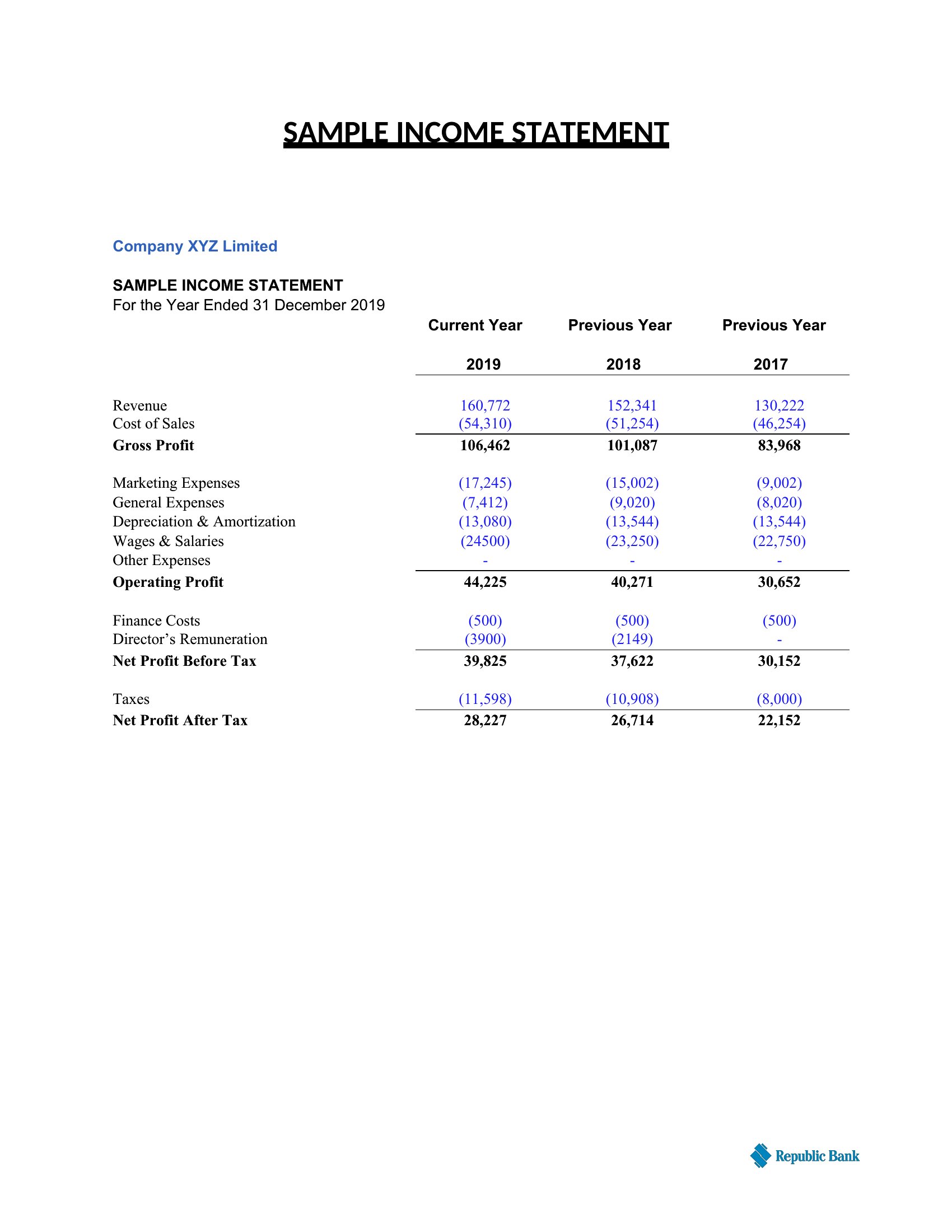
Do these templates include line items for common freelancer deductions like mileage or home office?
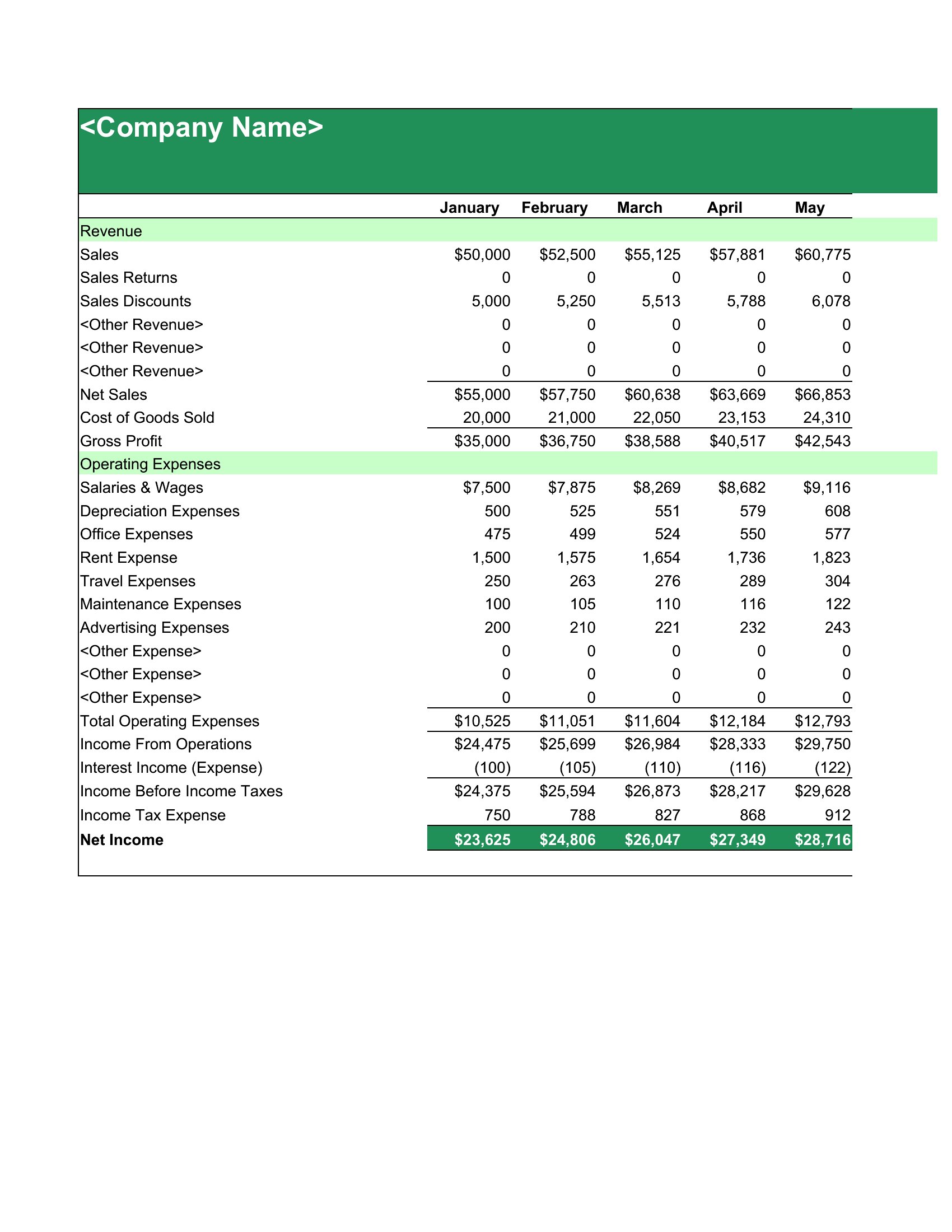
Many of these templates feature dedicated rows for freelancer-specific deductions, including mileage logs, home office percentages, and equipment depreciation. The Excel versions often include dropdown menus or preset categories to streamline entry. Always verify deductions against IRS guidelines or a tax professional’s advice for your specific situation.

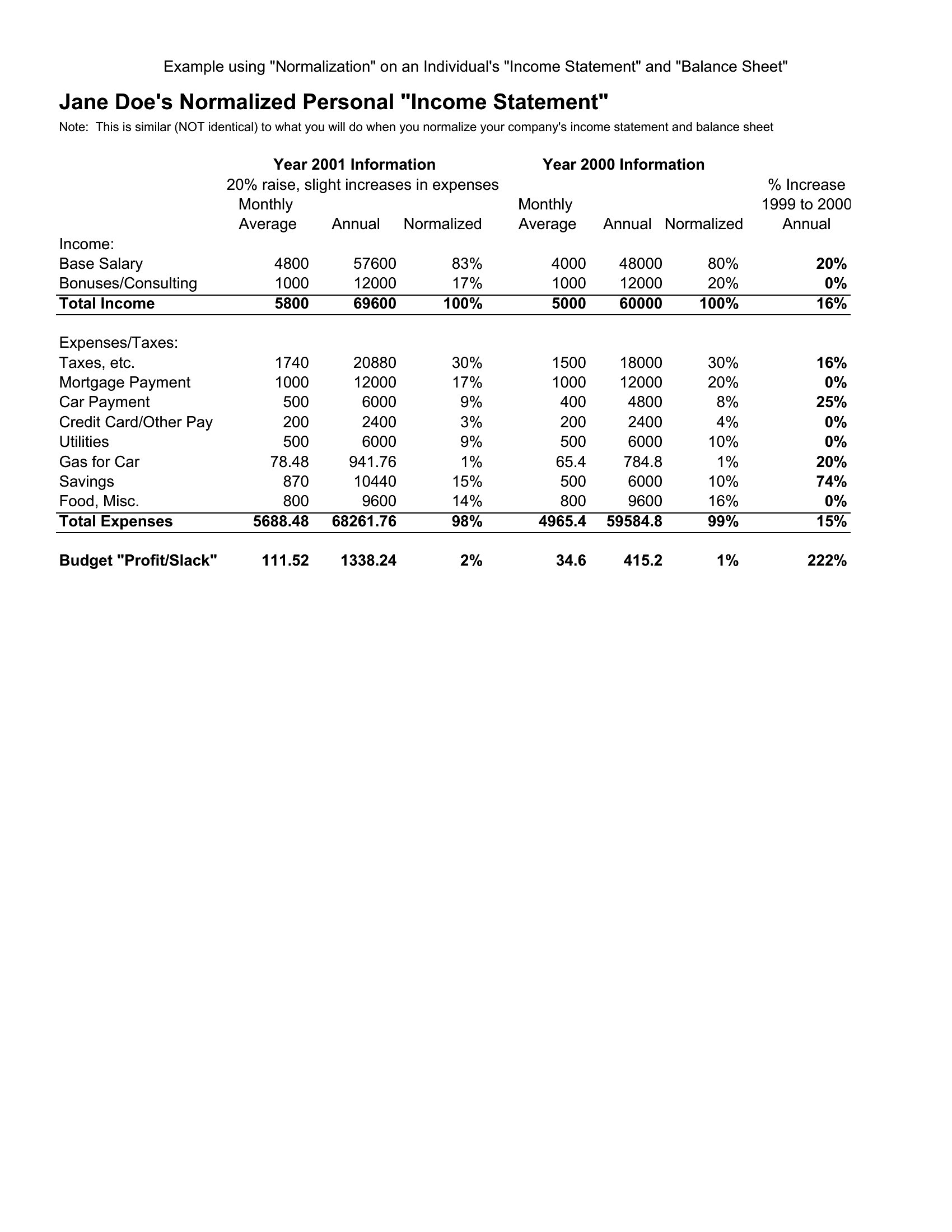
How do I adjust these templates for a business with irregular revenue, like seasonal sales or project-based income?

In Excel, use conditional formatting to flag months with zero revenue or negative profit, and add a ‘Notes’ column to explain fluctuations (e.g., ‘Holiday rush’ or ‘Client delays’). In Word, manually duplicate rows for variable income streams, such as ‘Project A Revenue’ alongside ‘Retail Sales.’ For recurring irregularities, consider a hybrid approach: use Excel for tracking and Word for presenting summarized trends to stakeholders.

Comments

Join the conversation

Sign in to share your thoughts and leave a comment on this resource.

Newsletter

Get Weekly Design Updates

Join our community to receive curated resources and inspiration.

Weekly Tips Resources Early Access

We respect your privacy. Confirmation email required. Privacy Policy