


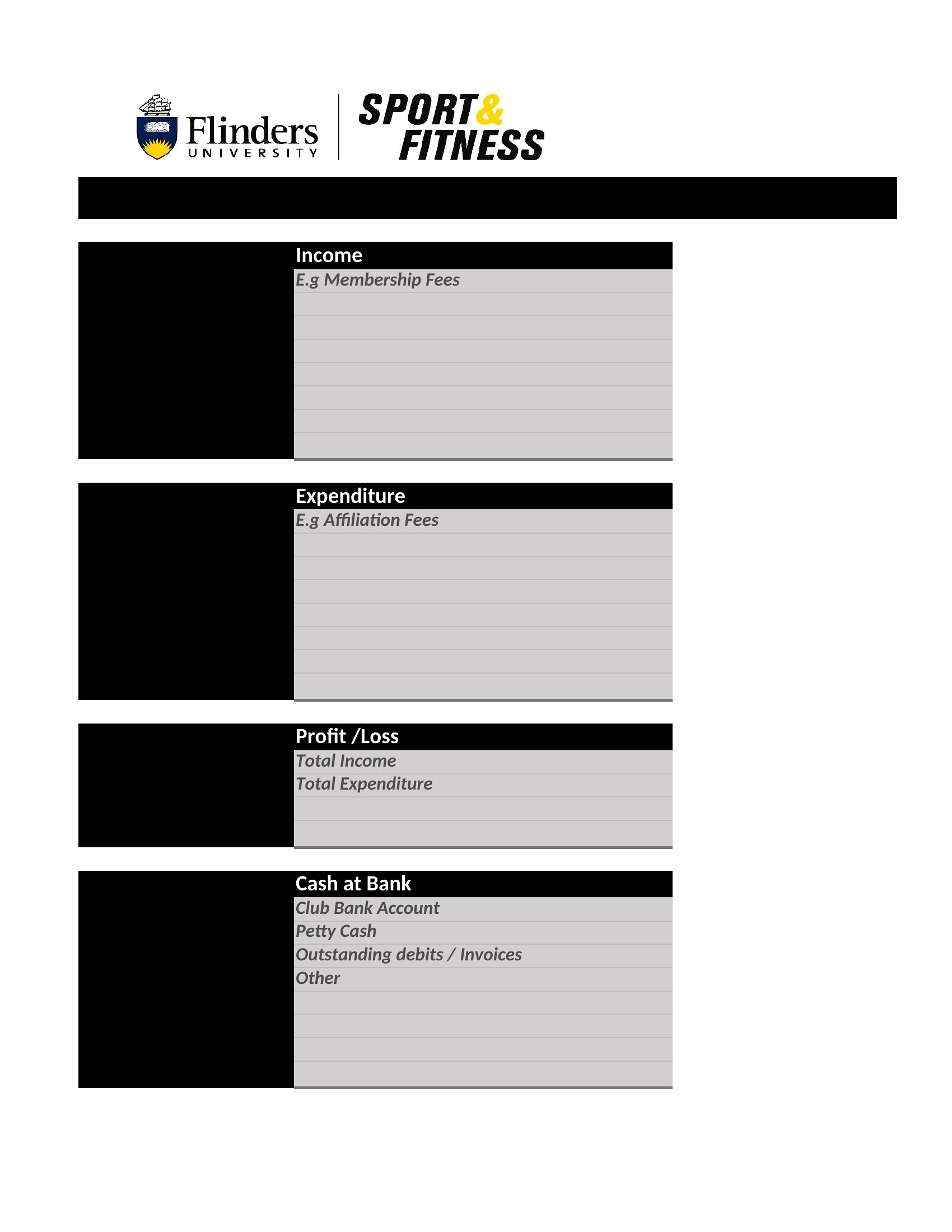
Free Financial Statement Templates (Excel, PDF)
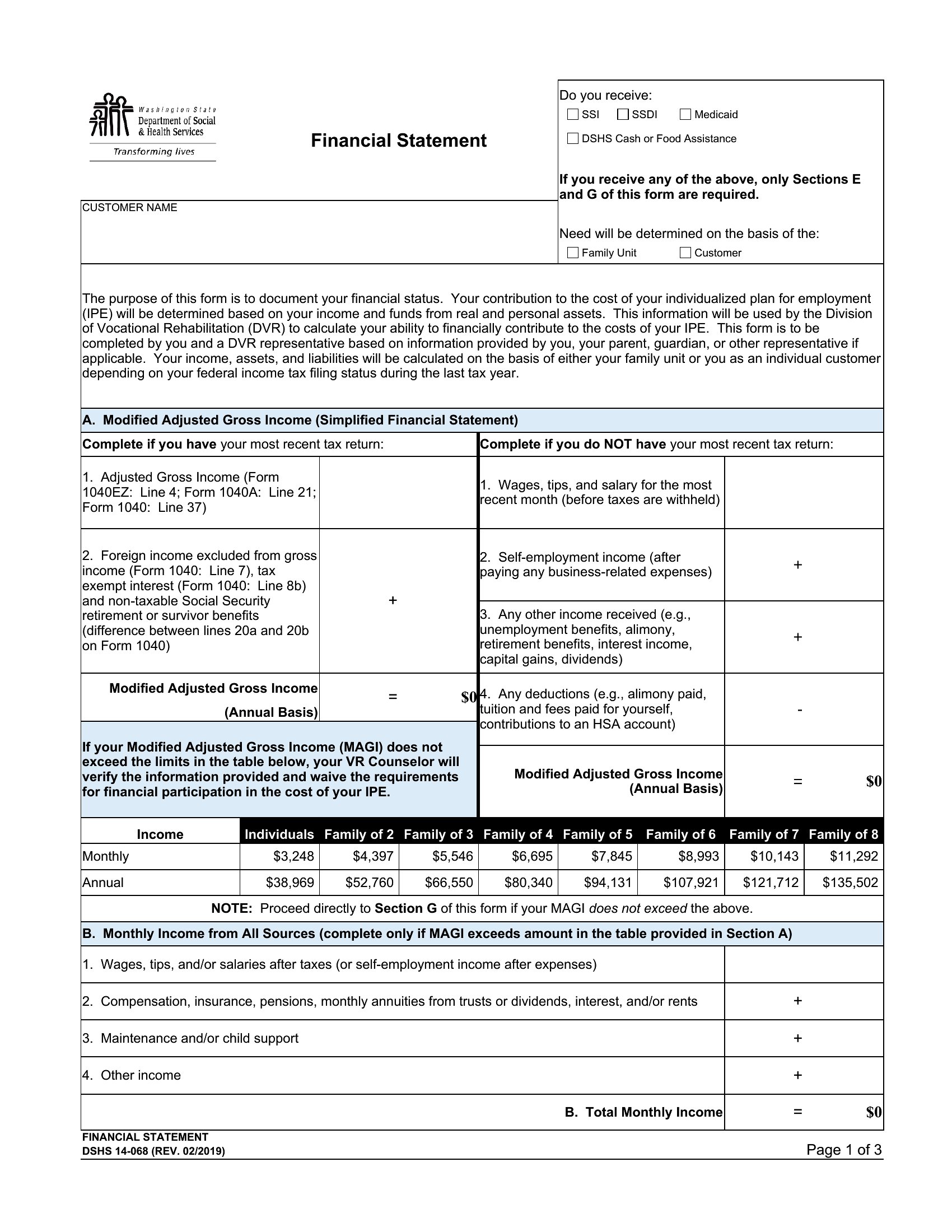
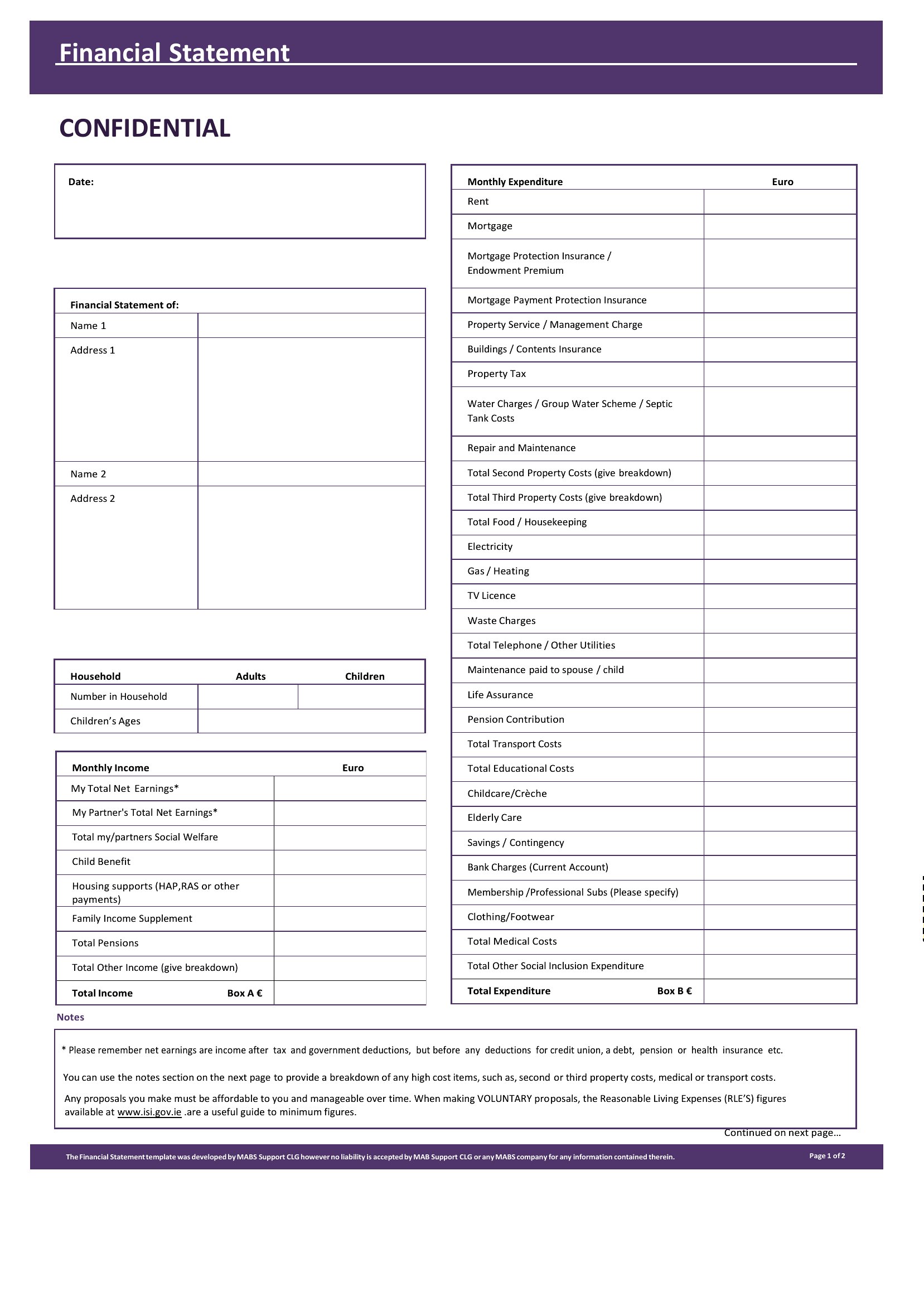
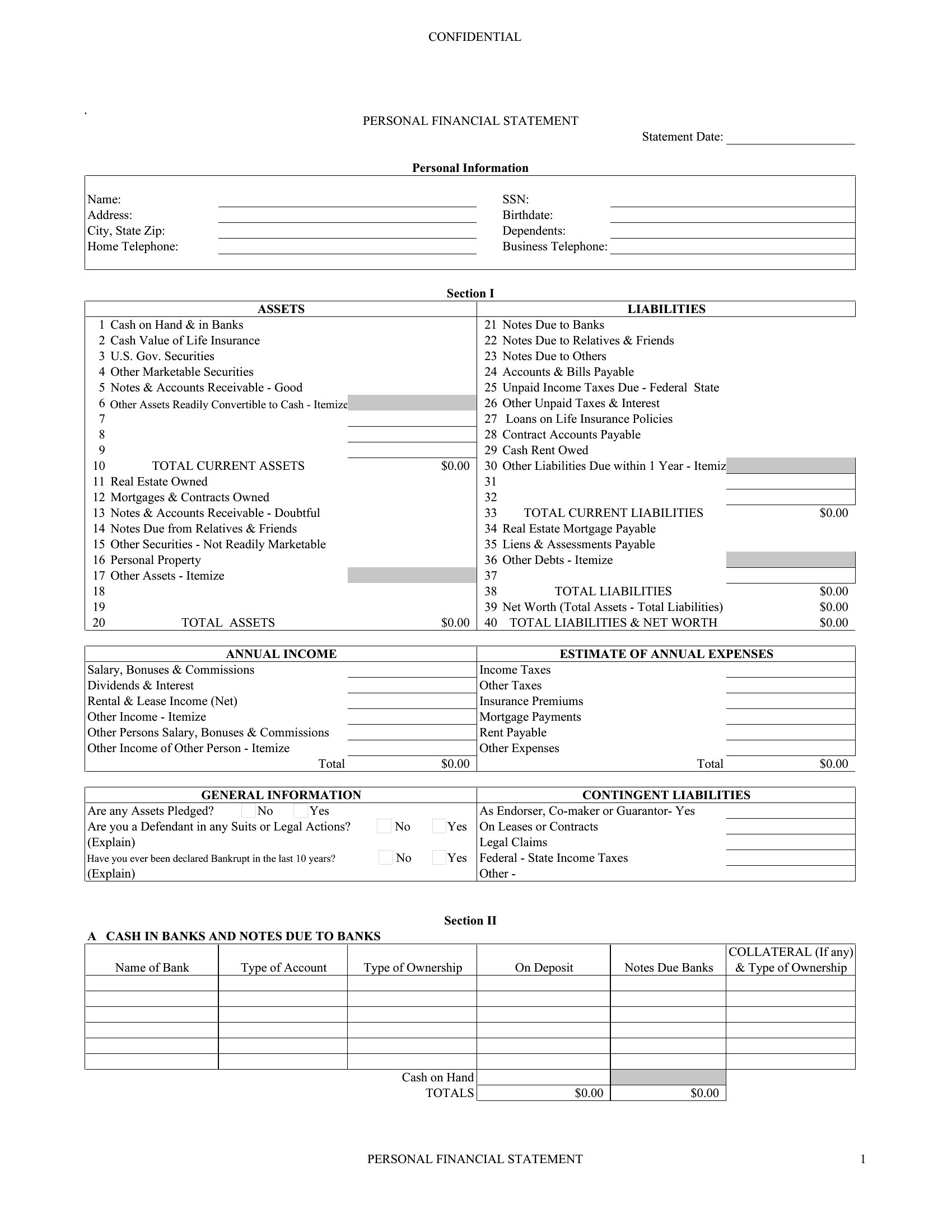
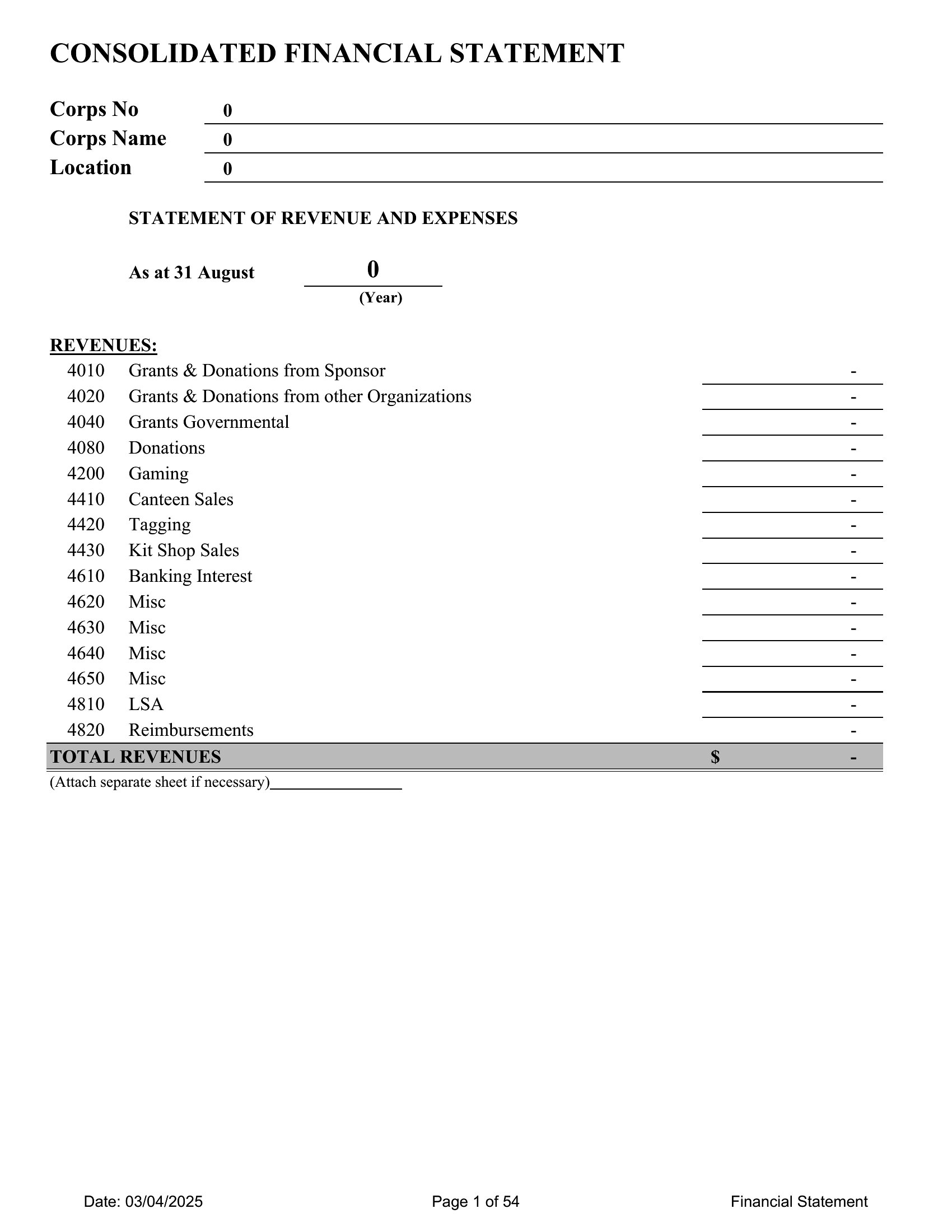
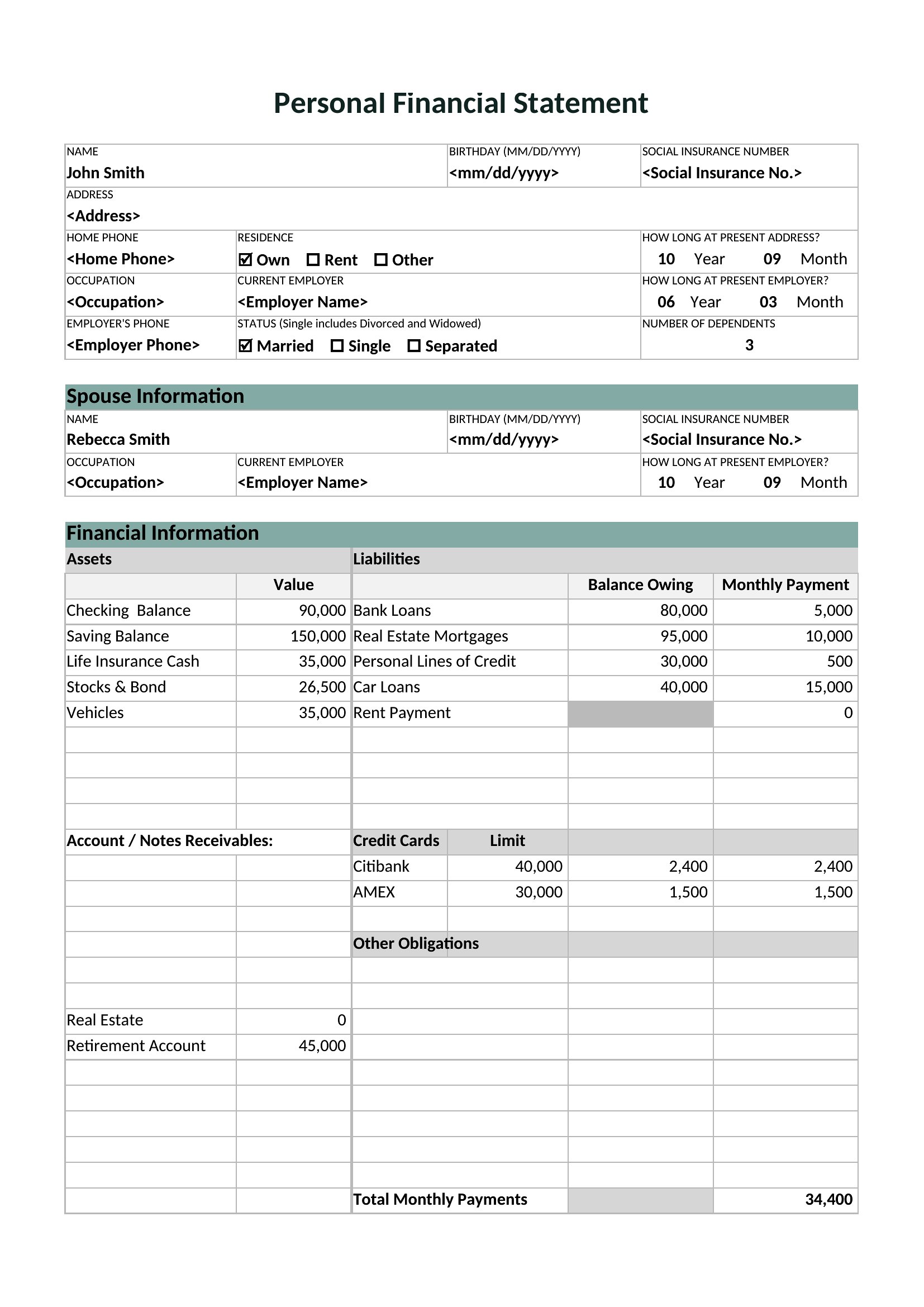
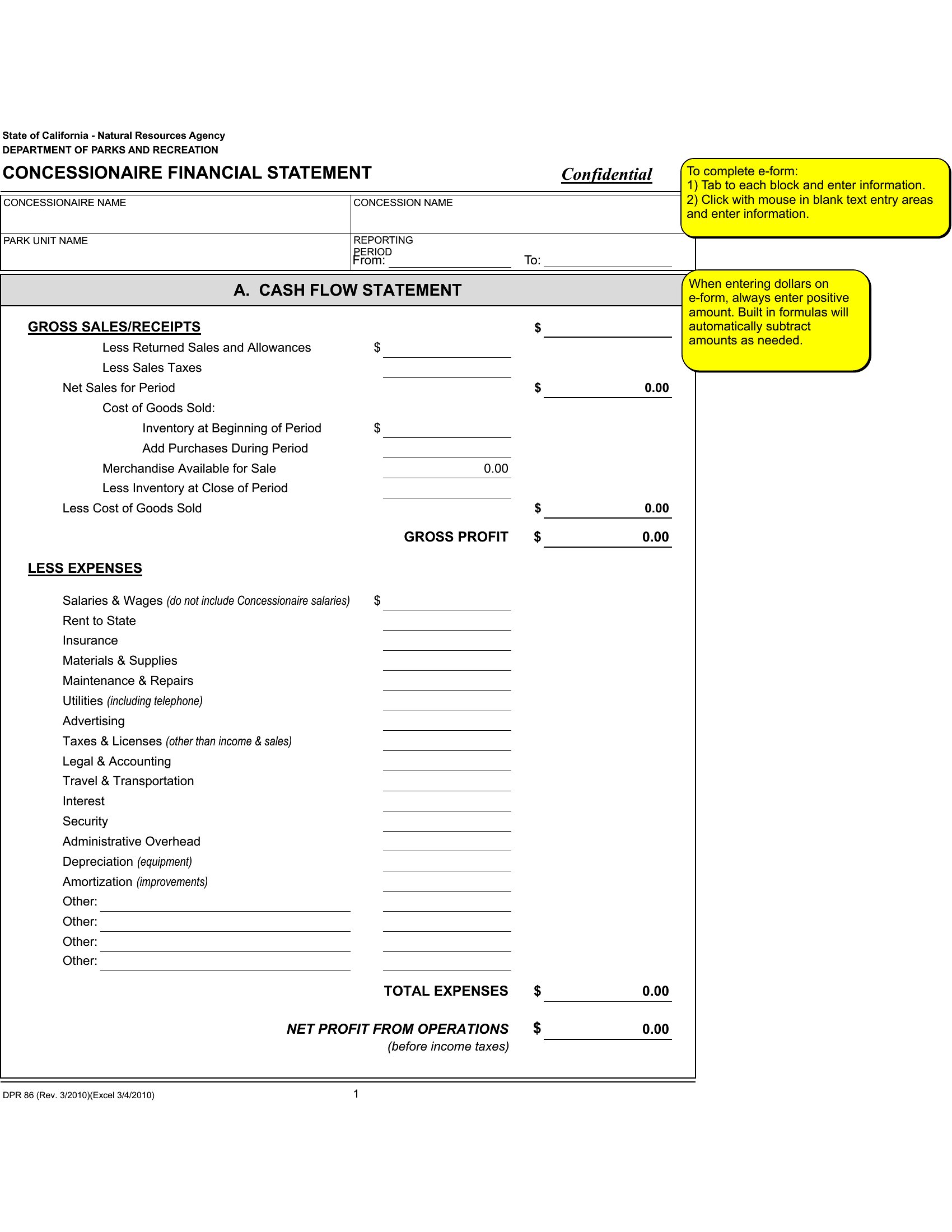
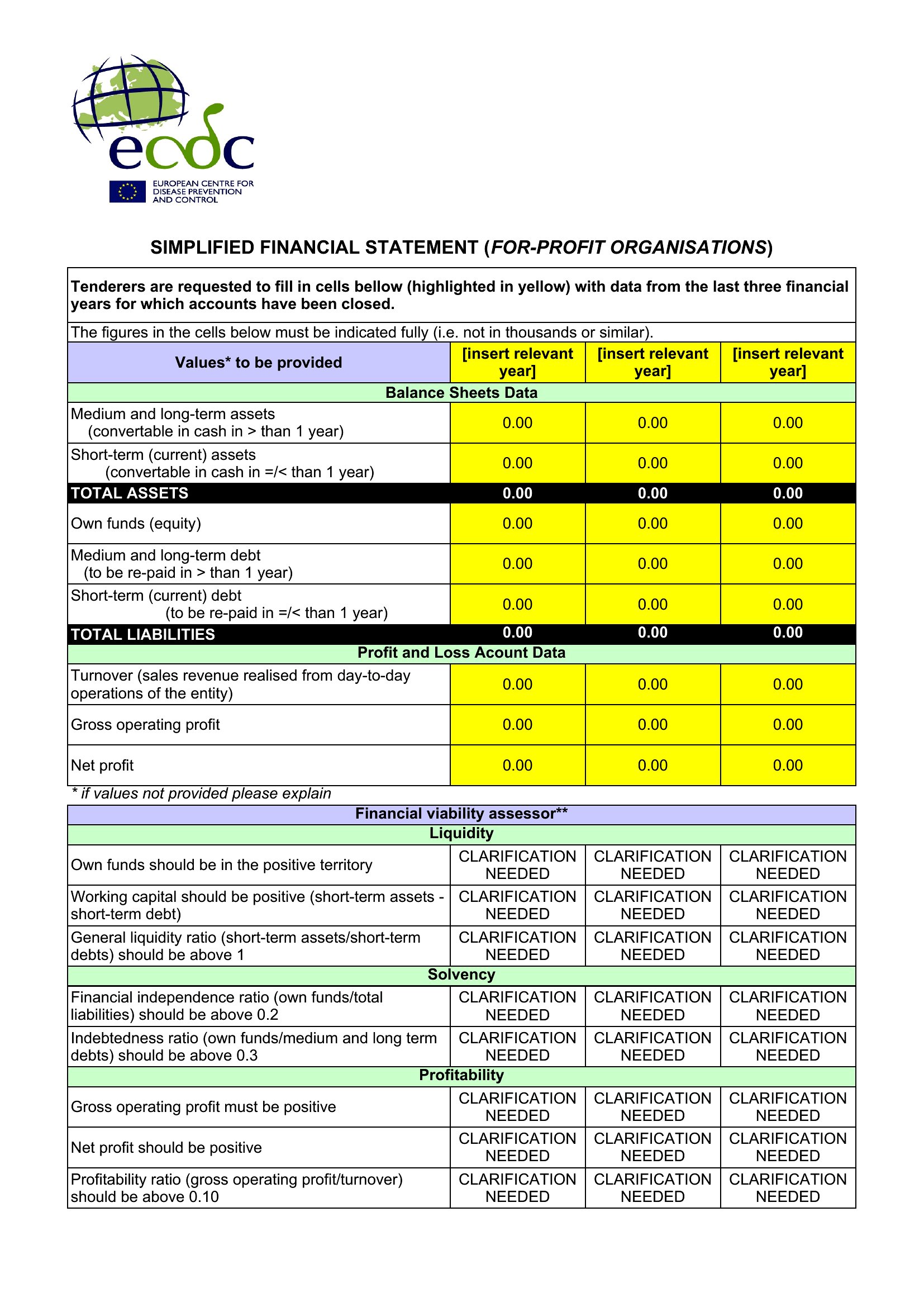
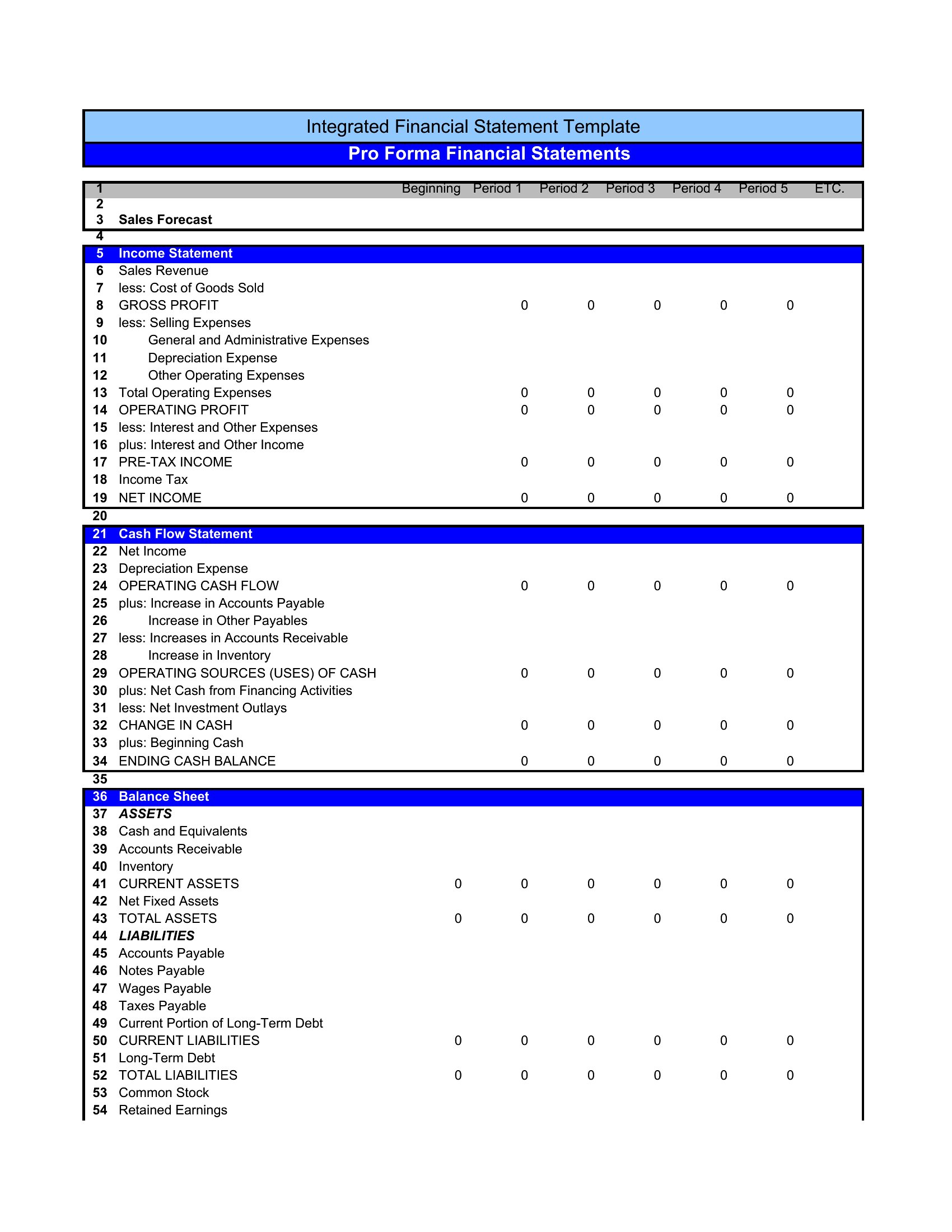
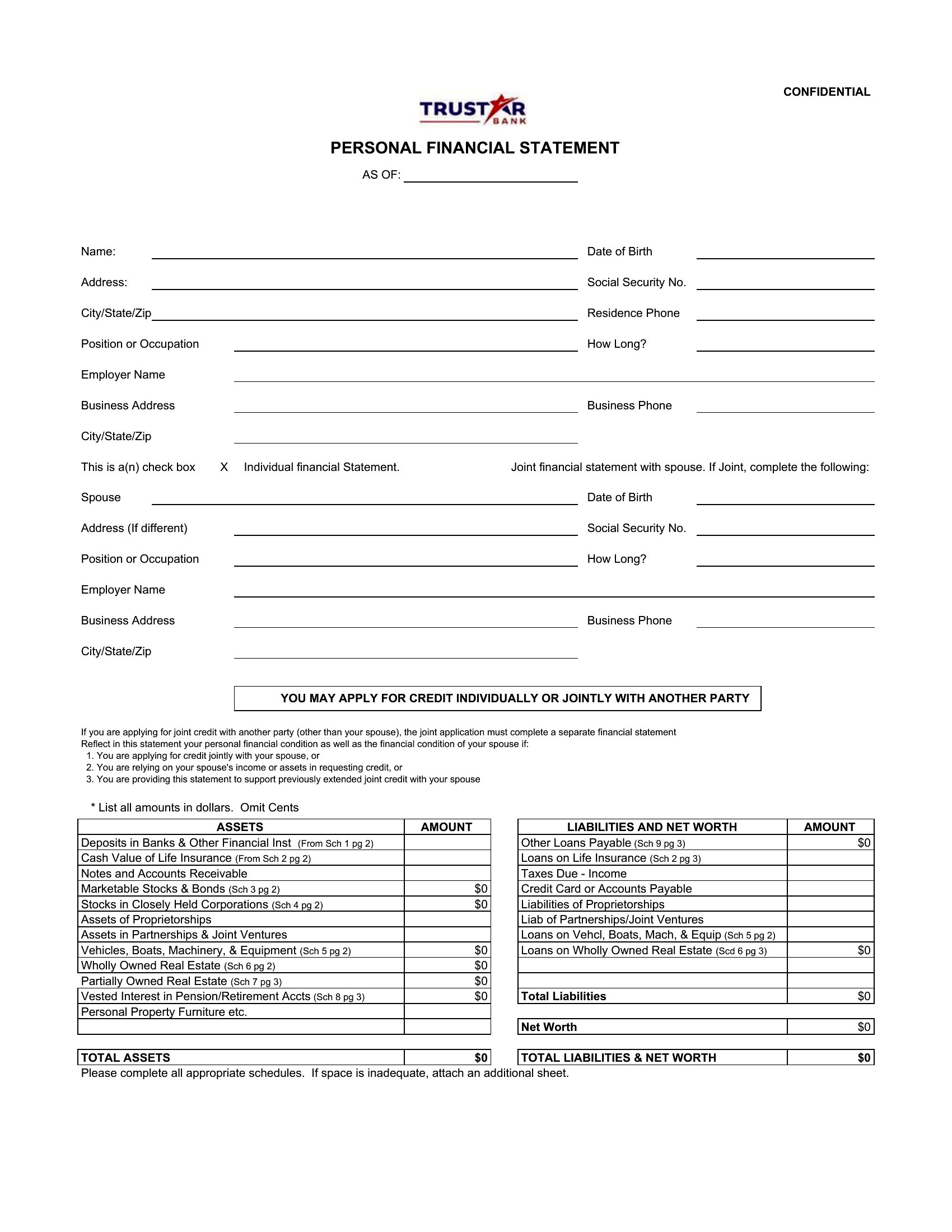
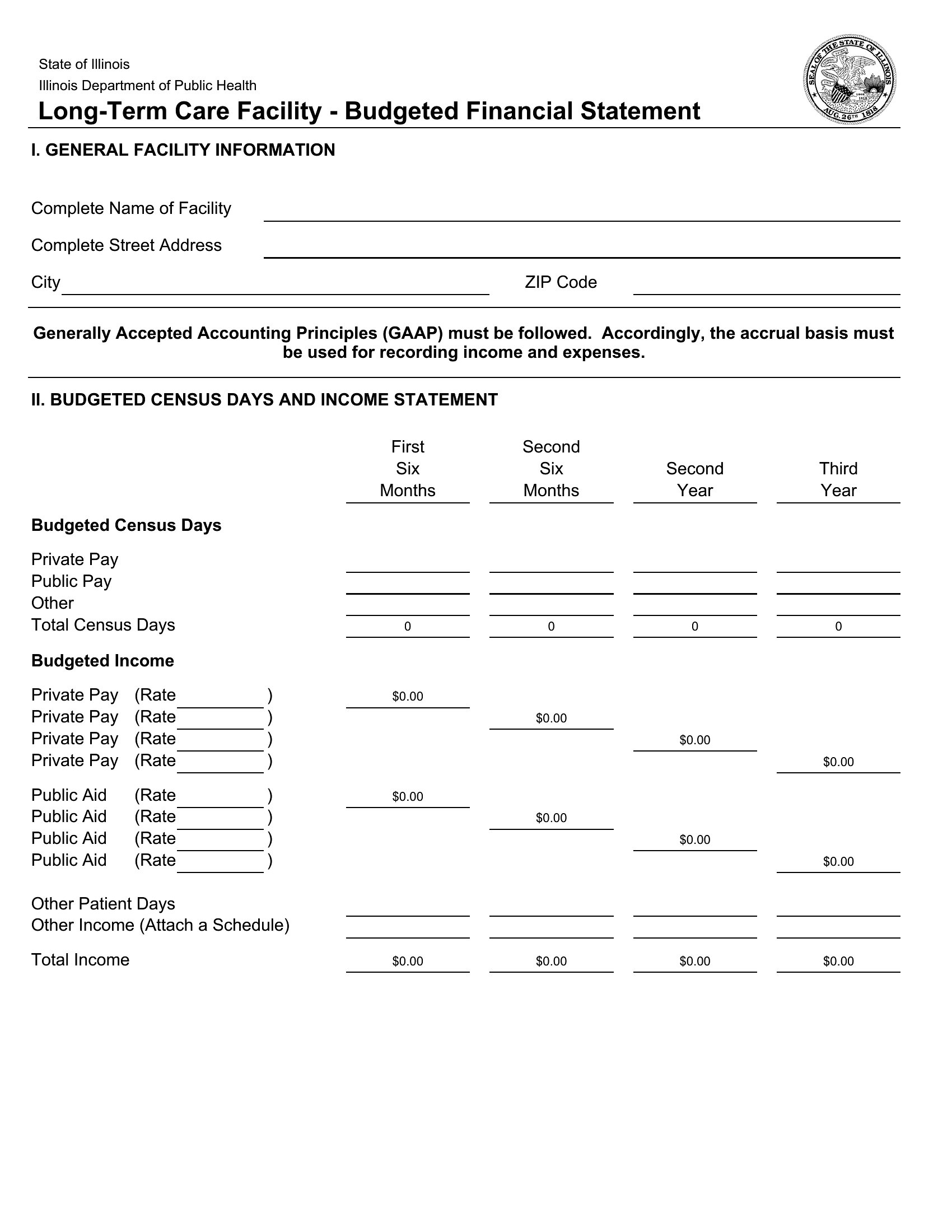
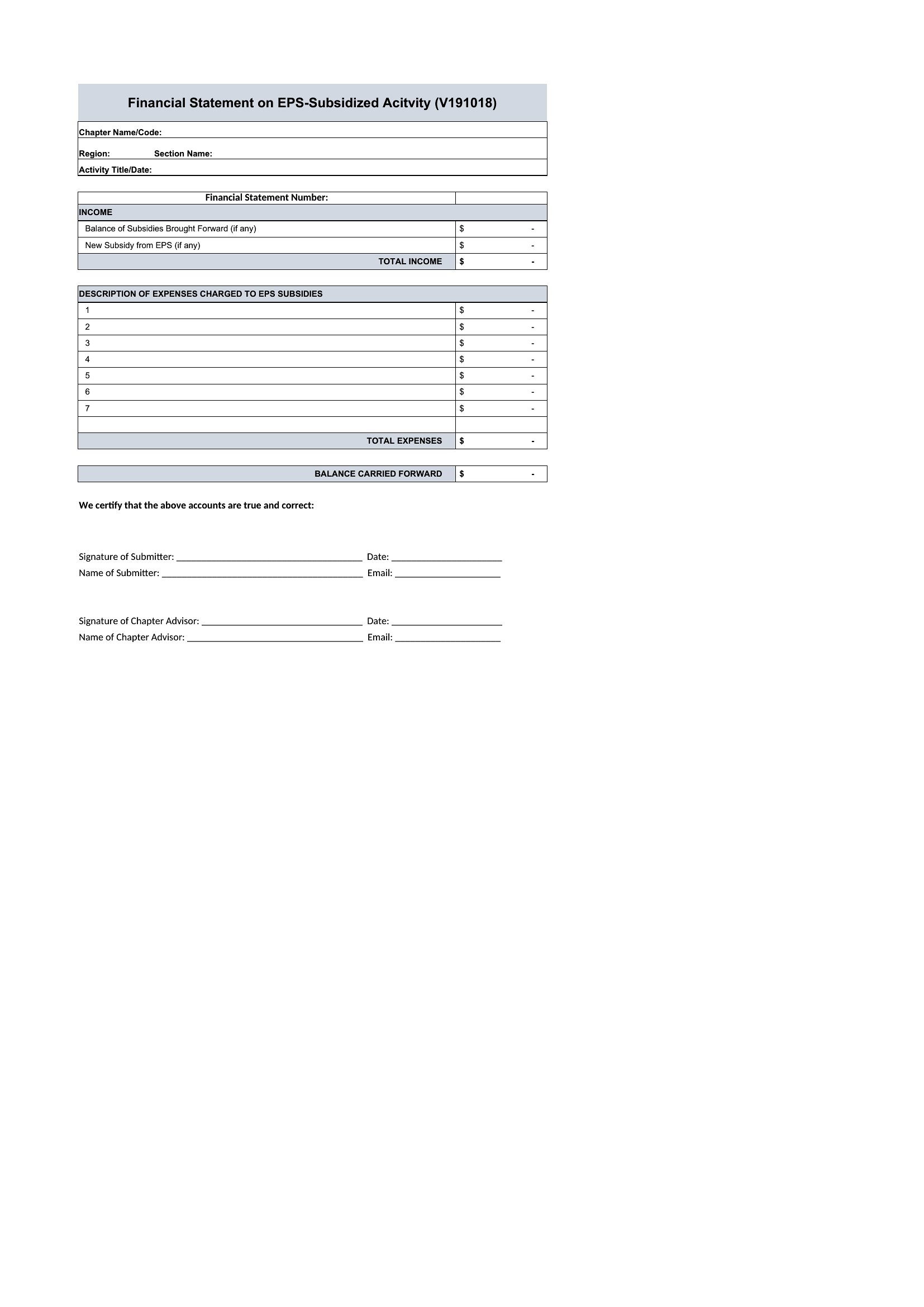
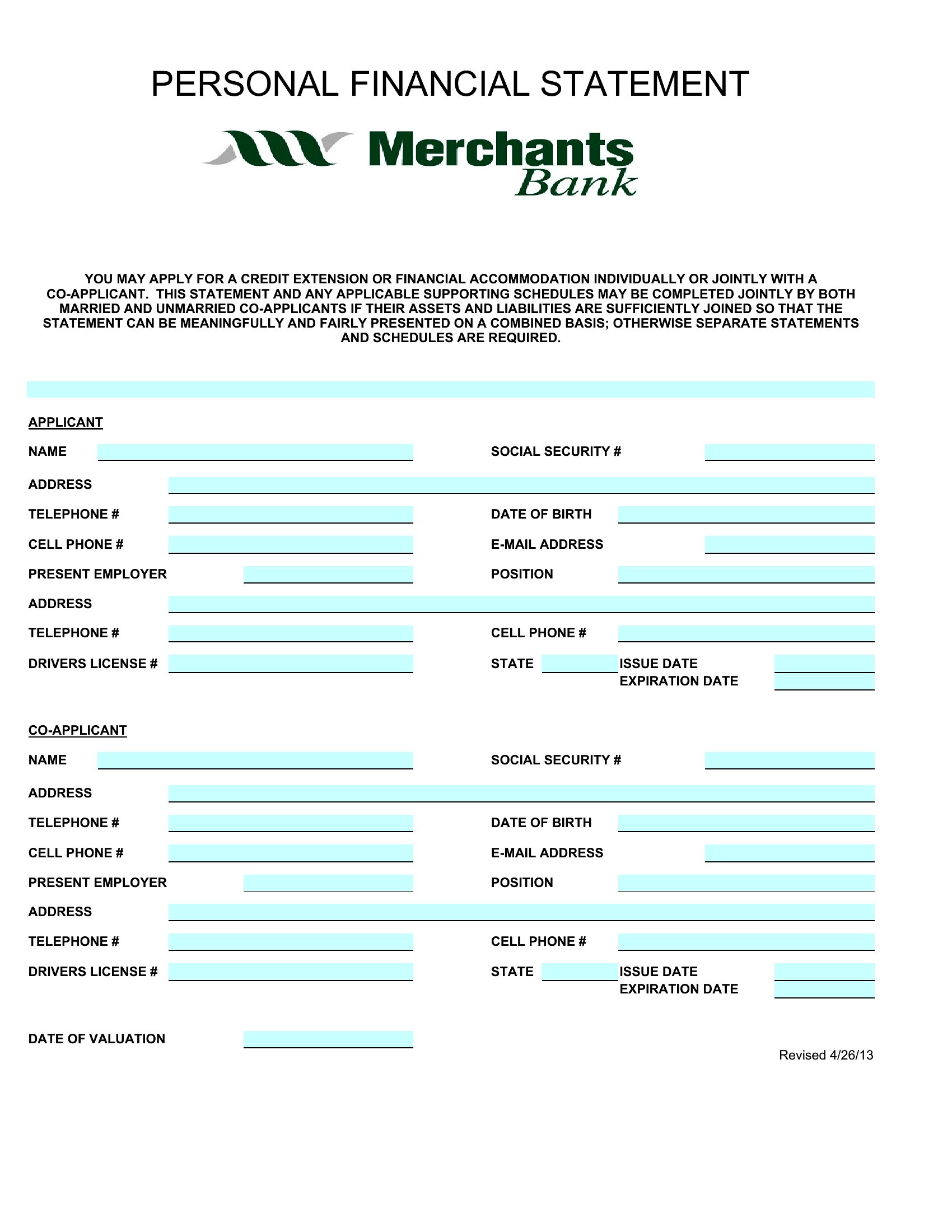
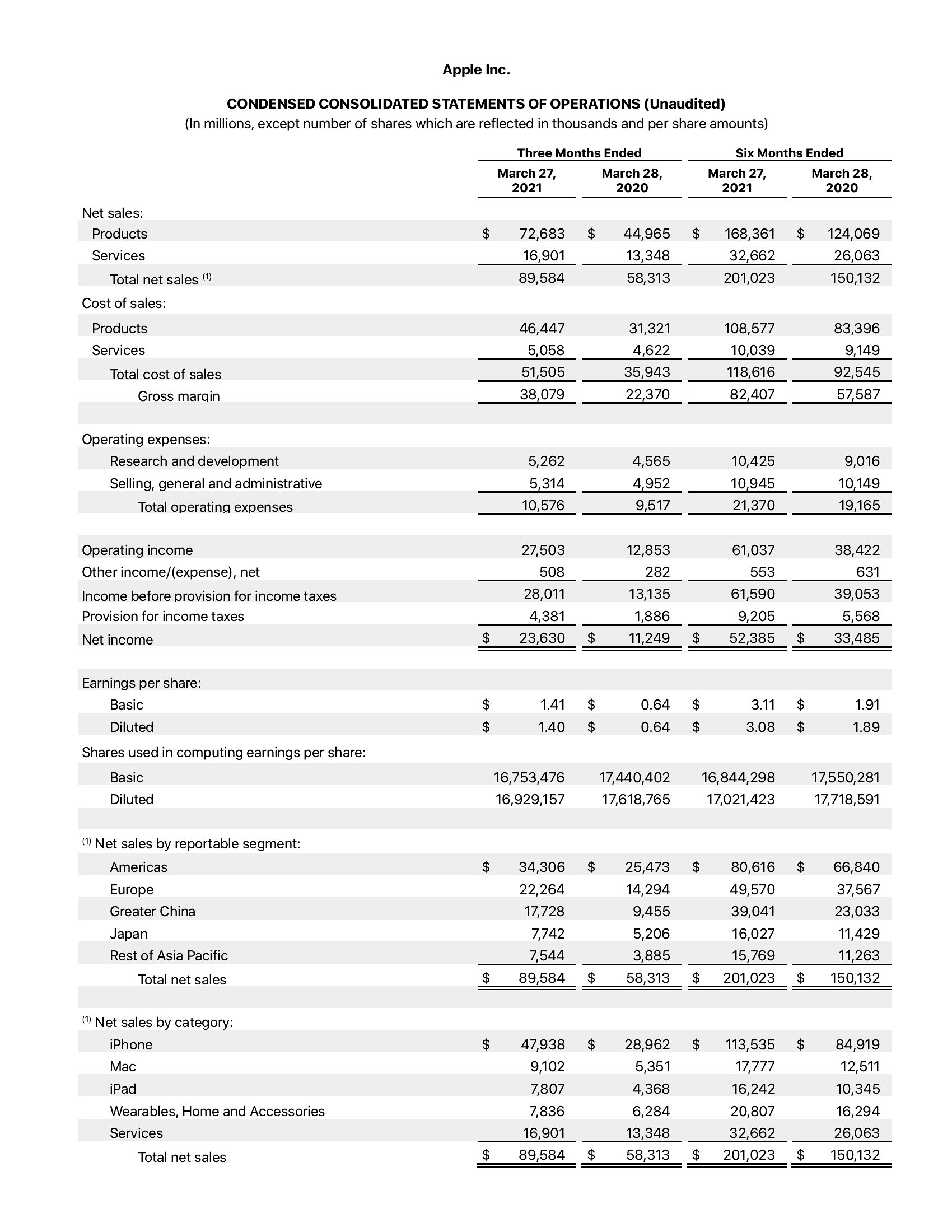
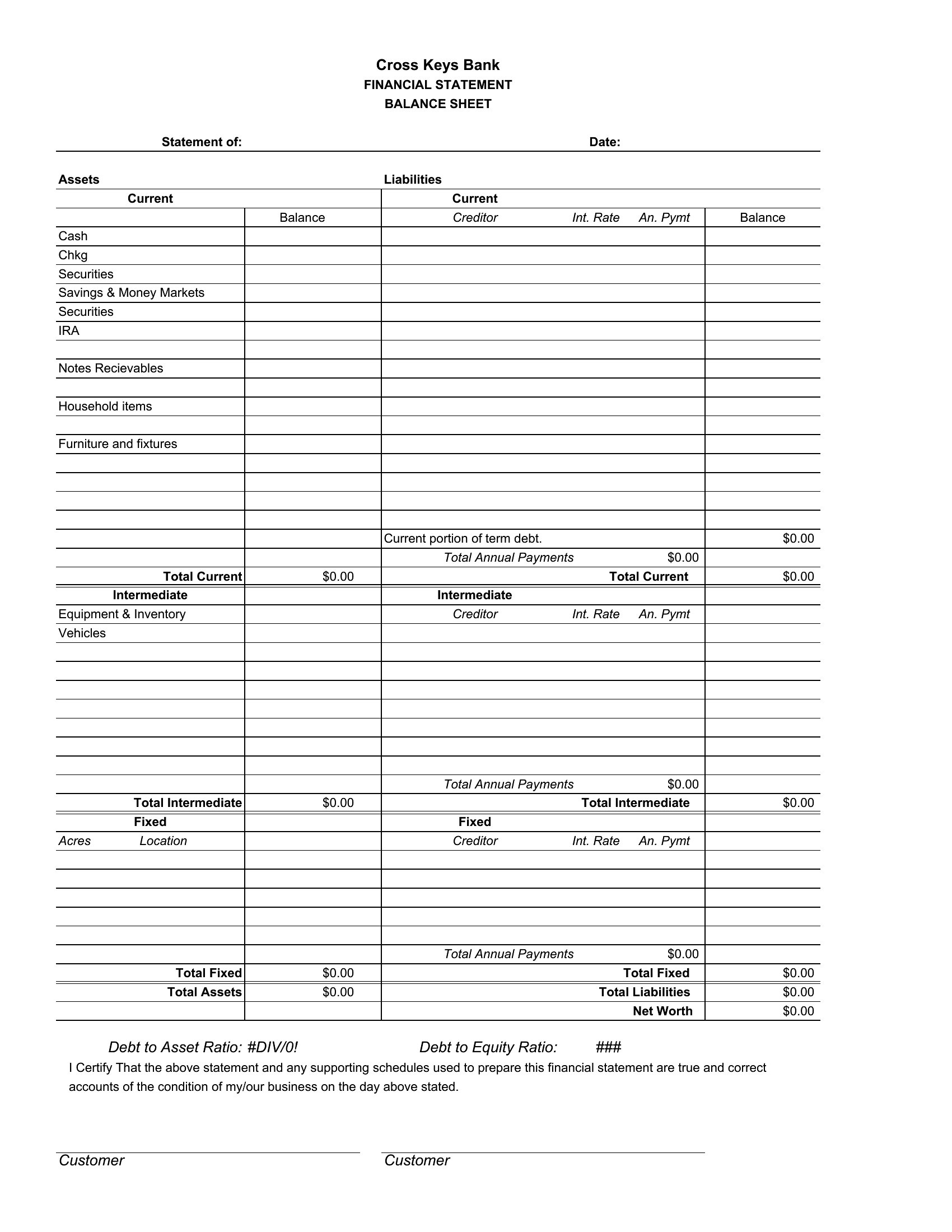
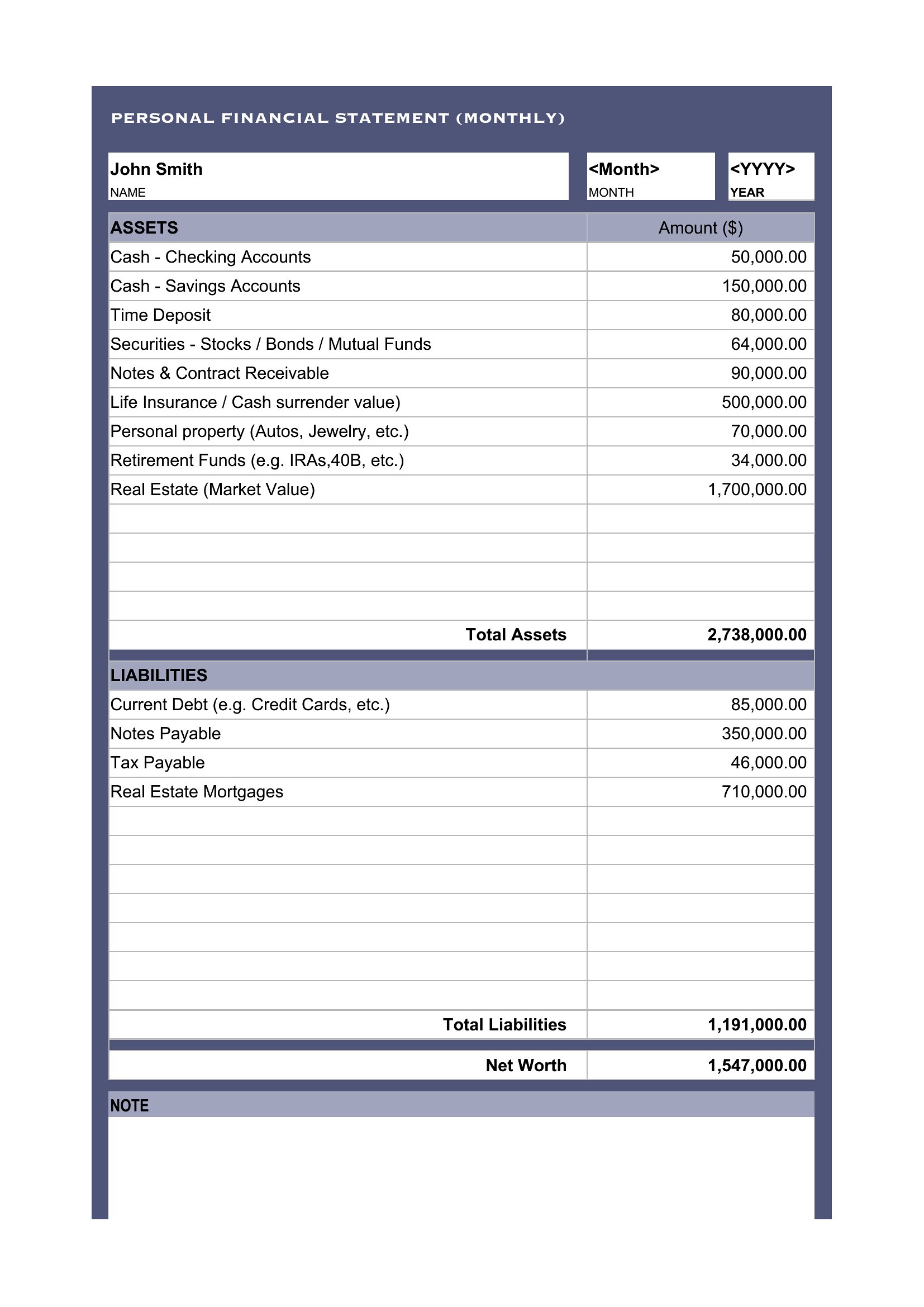
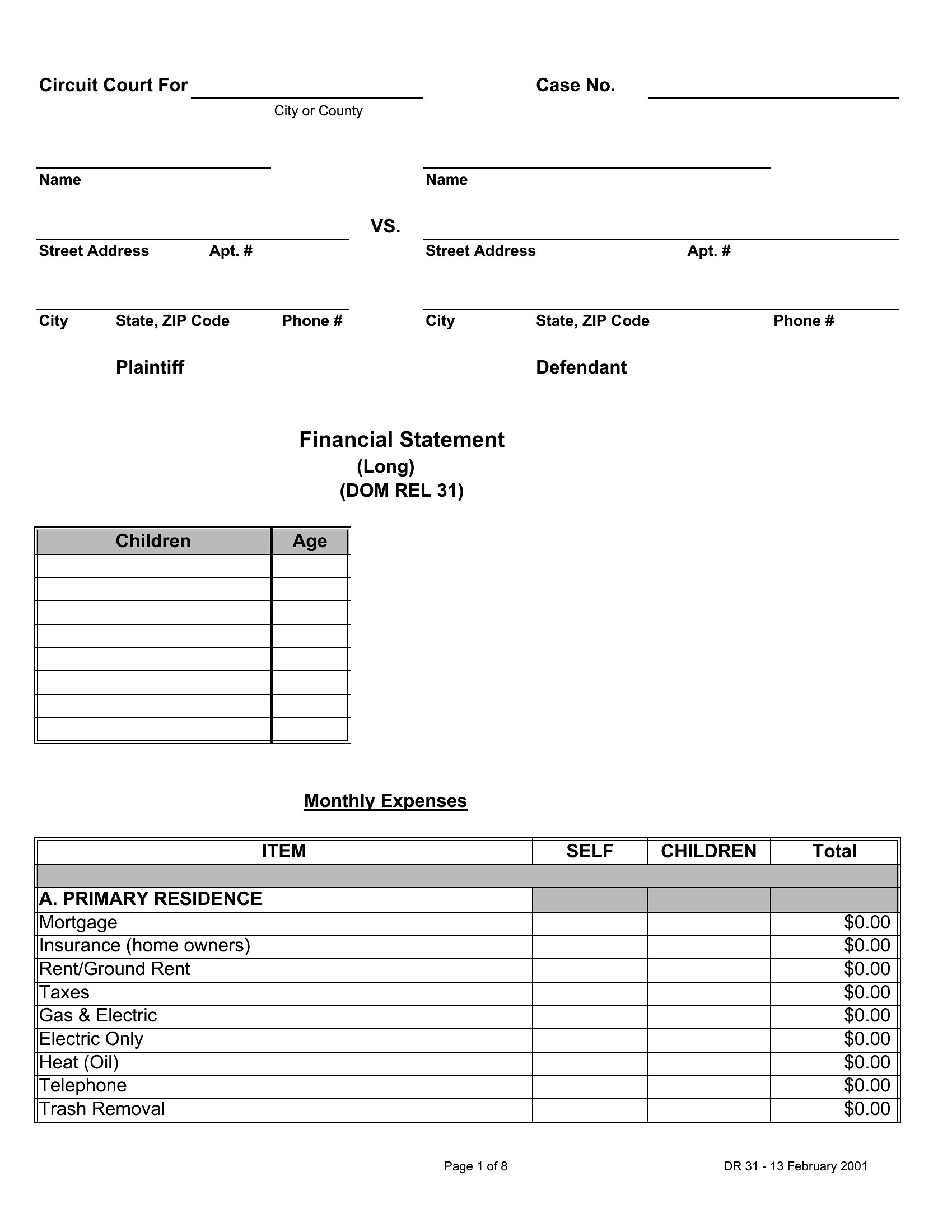
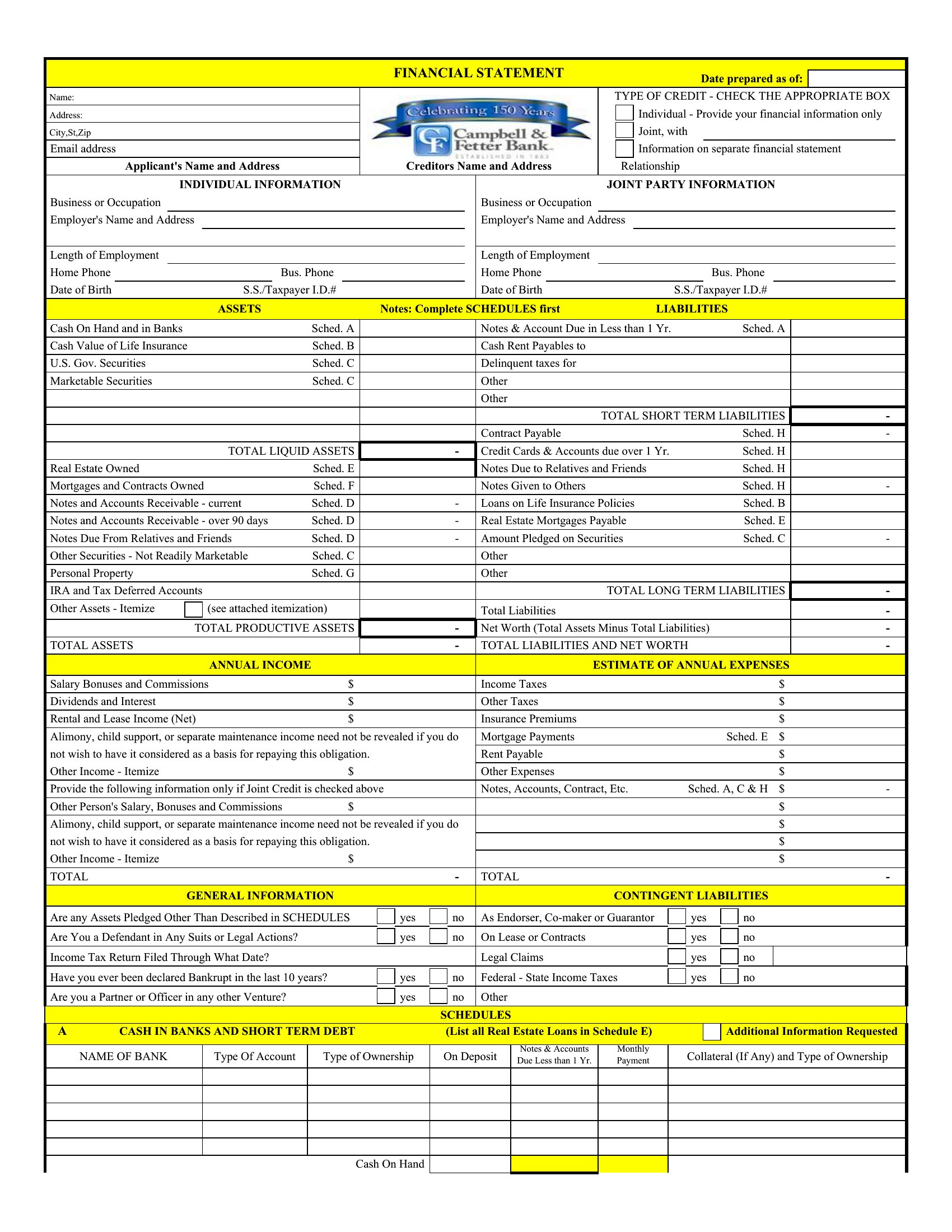
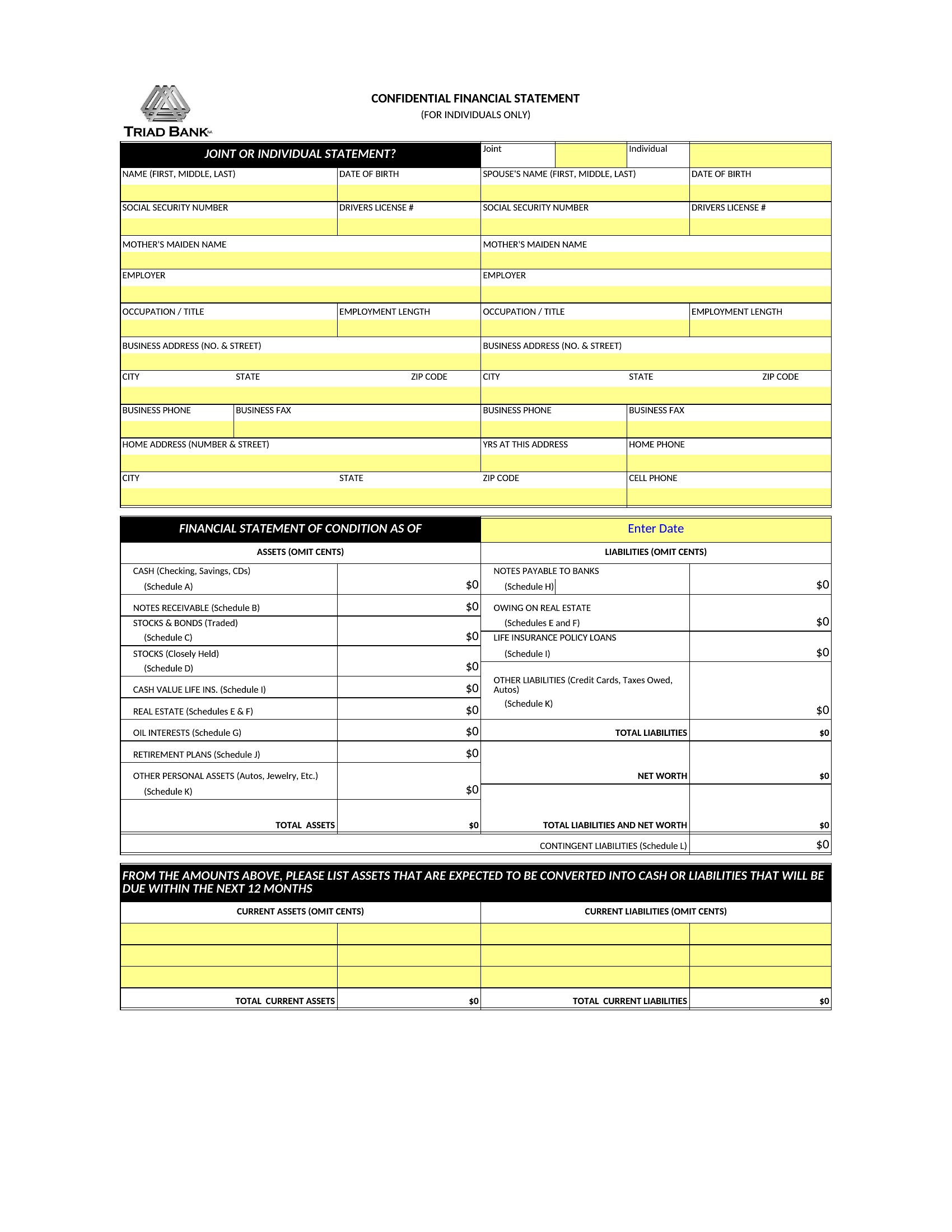
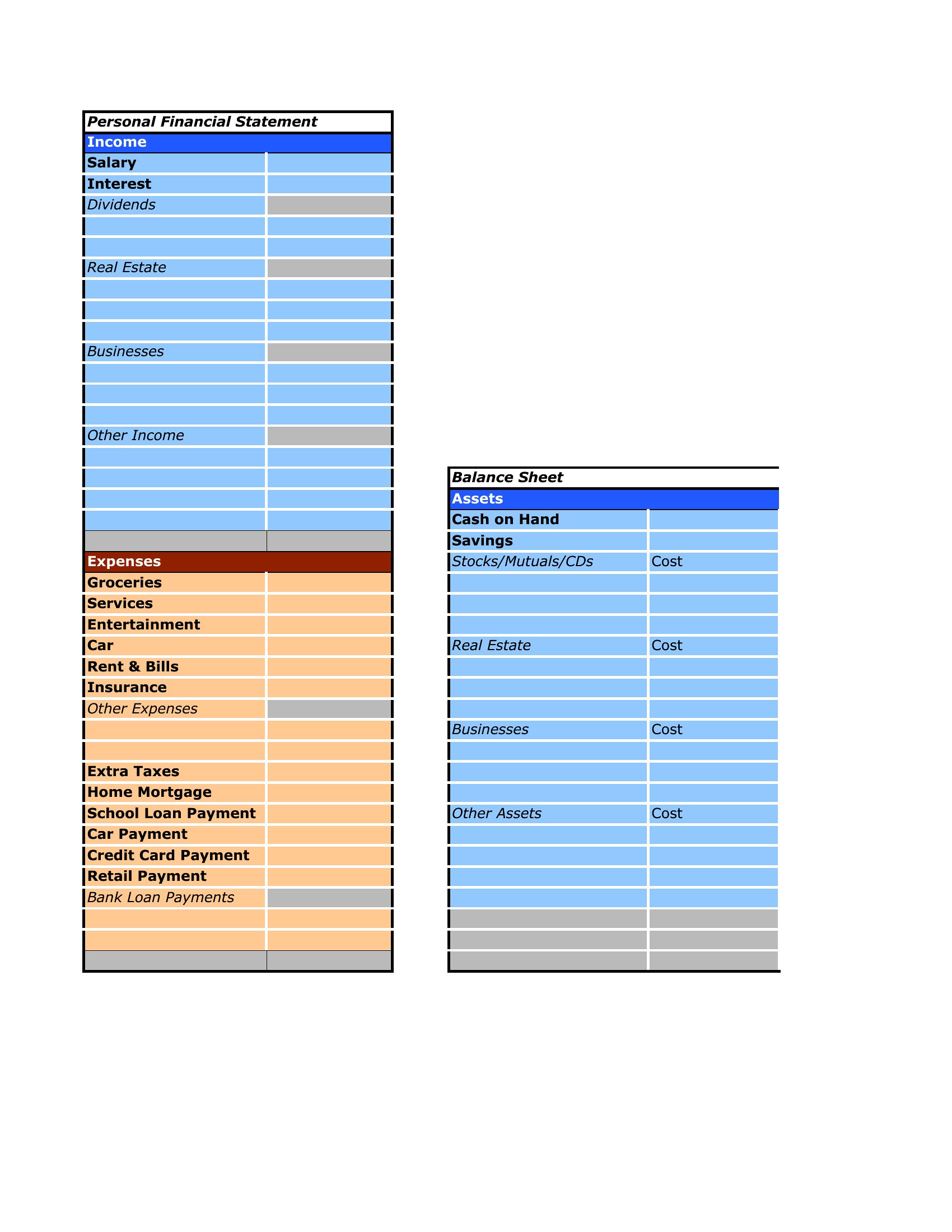
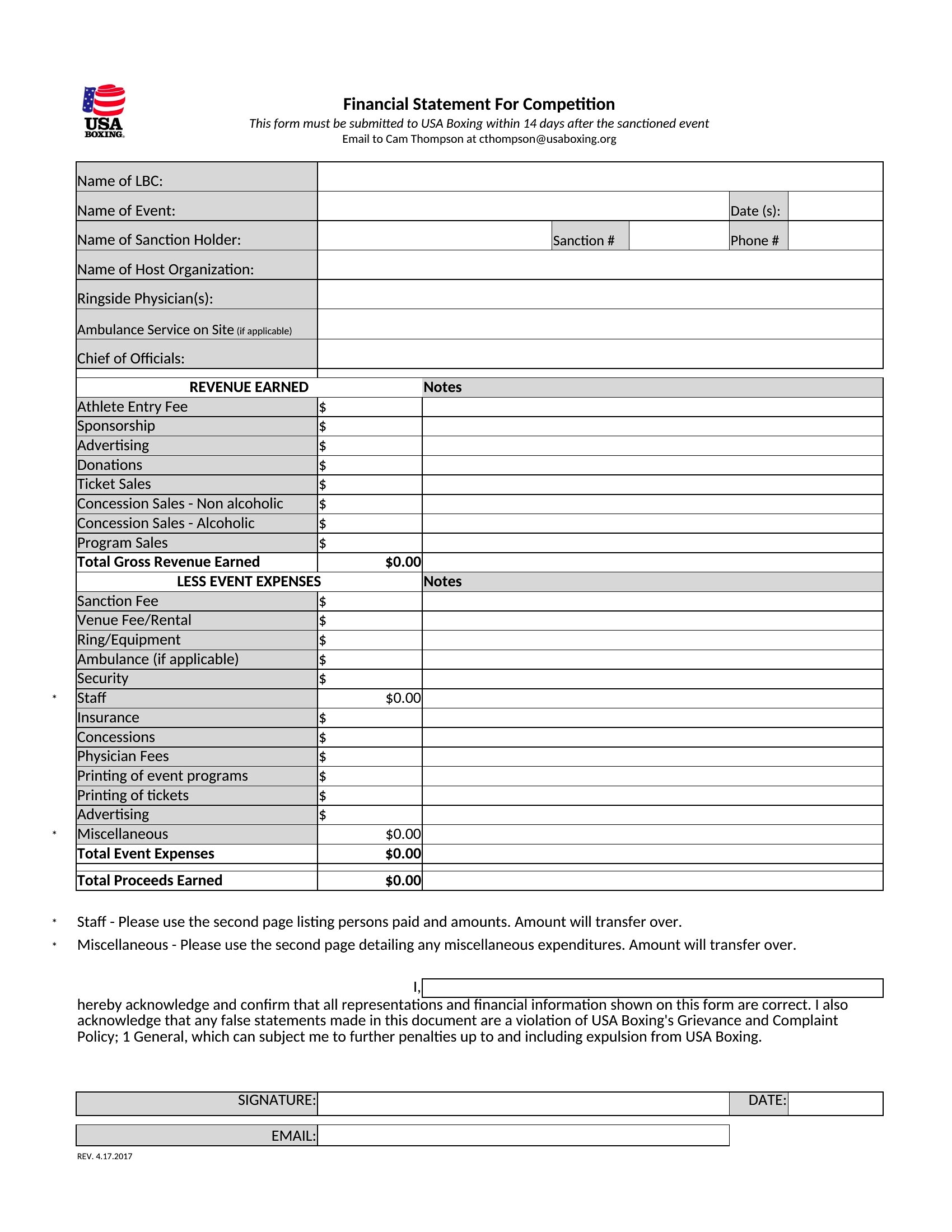
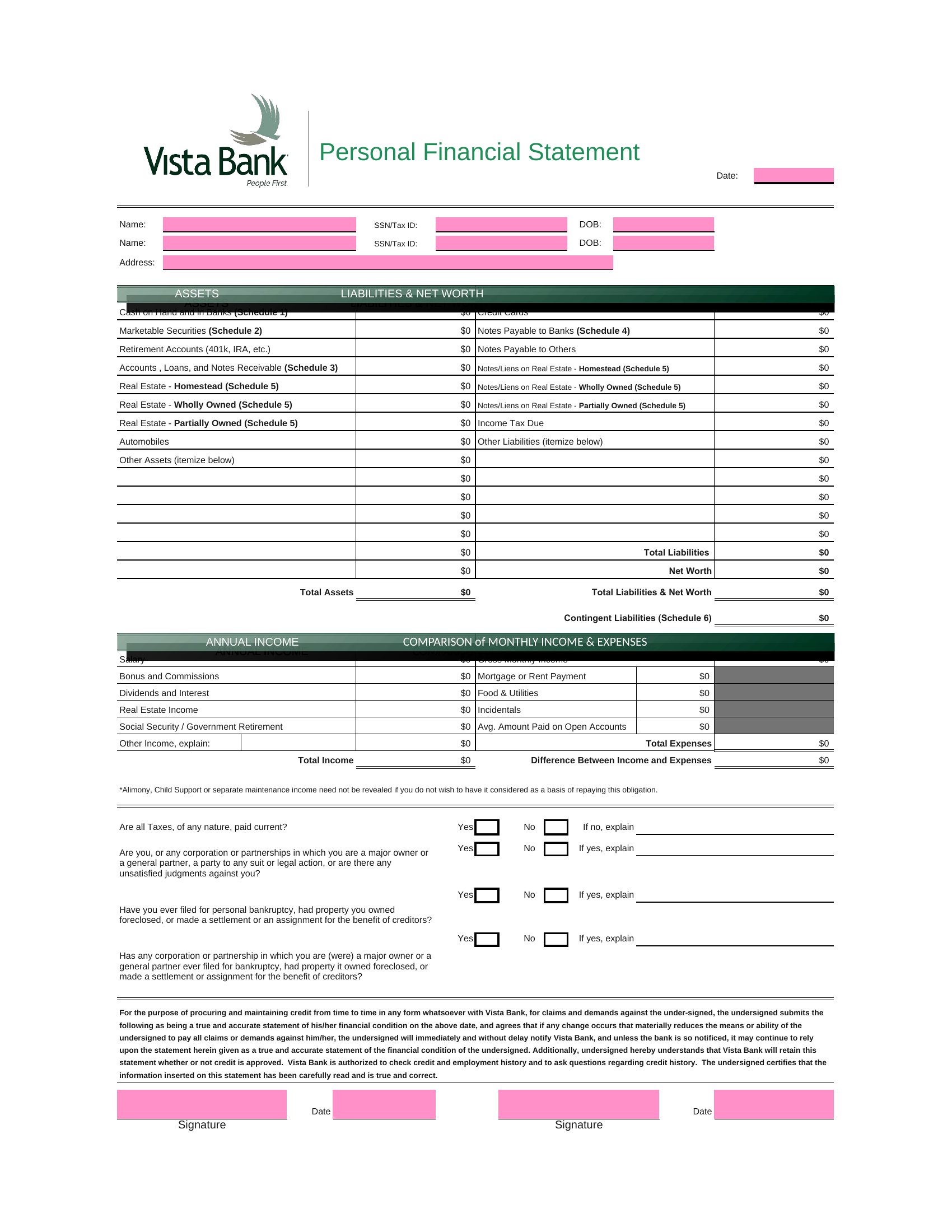
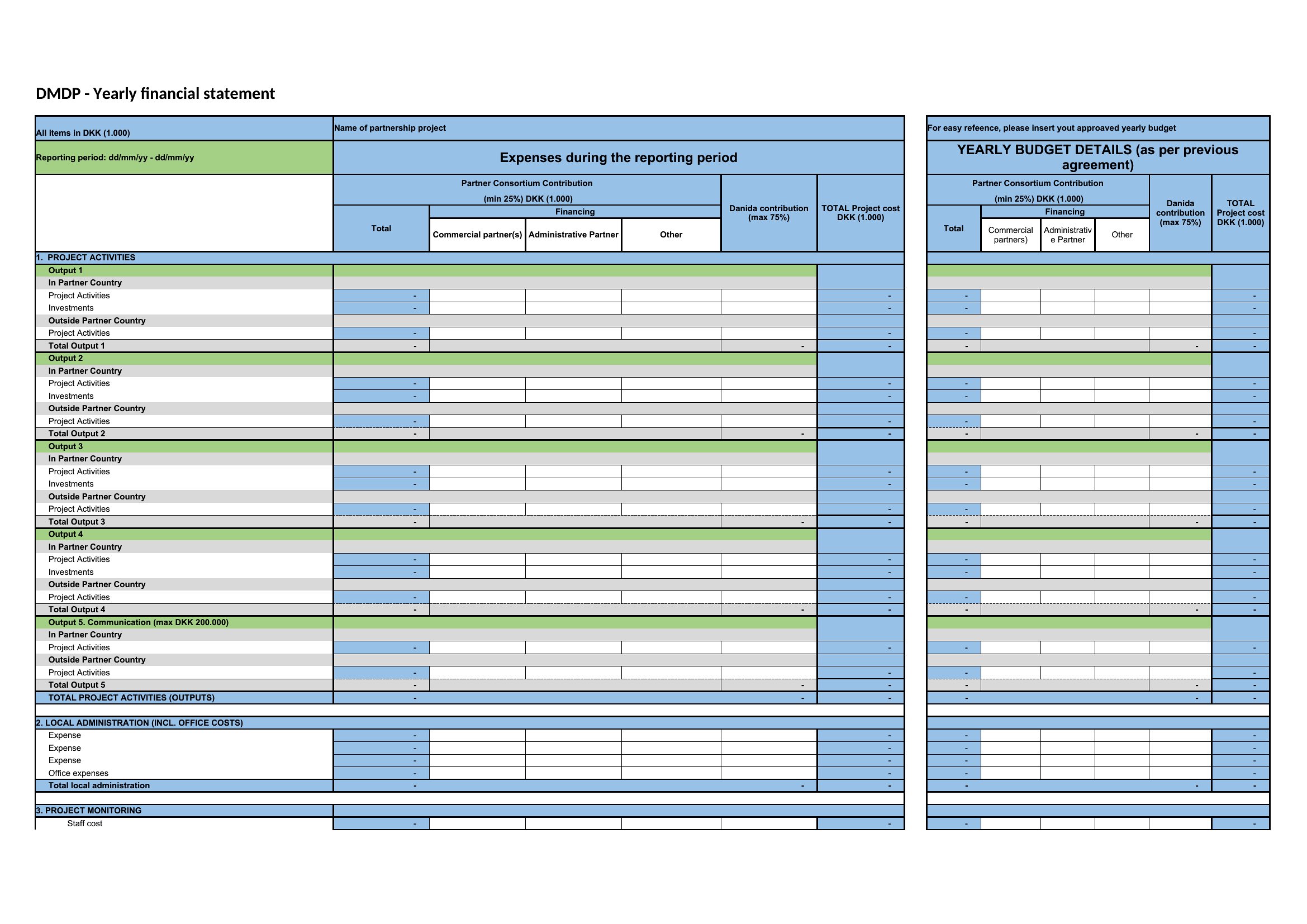
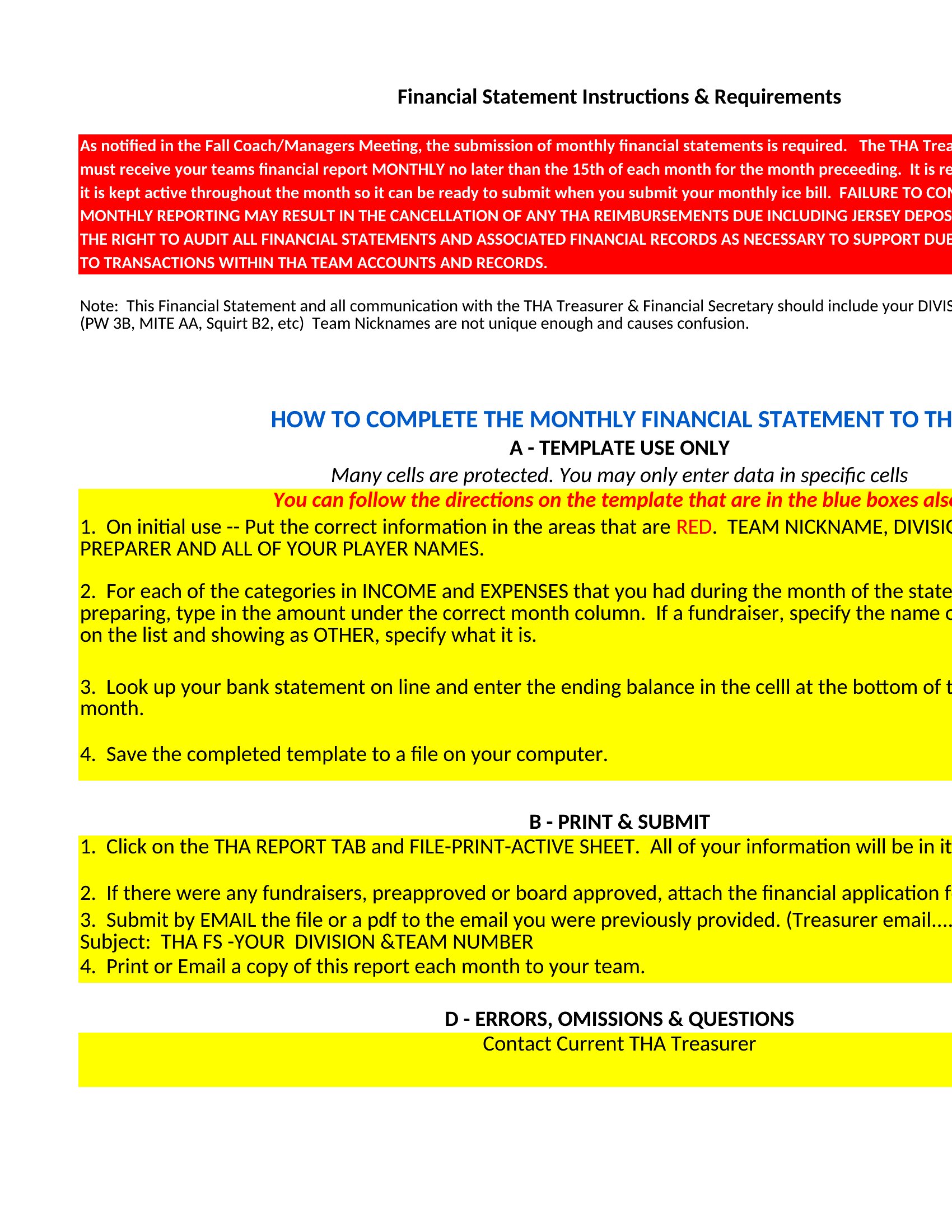
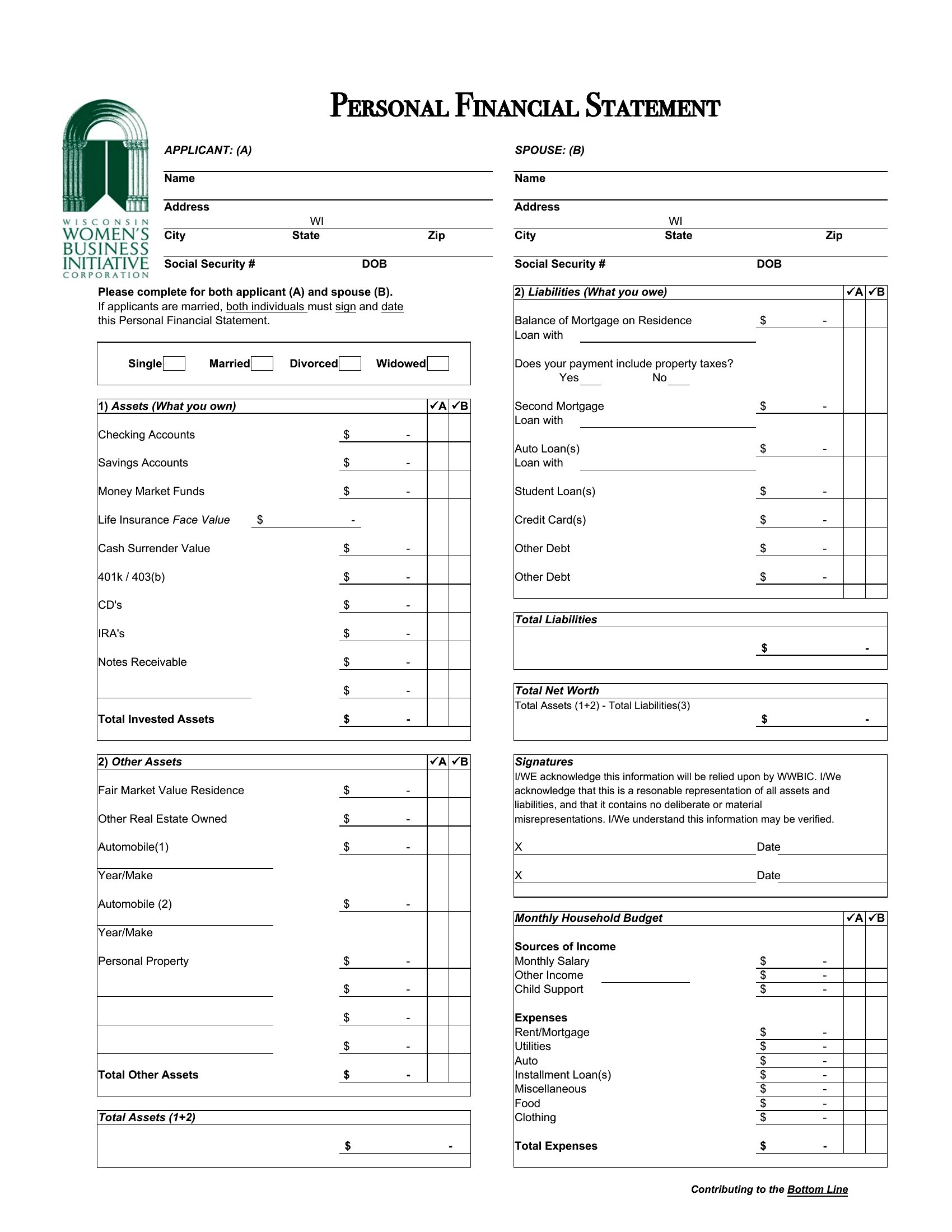
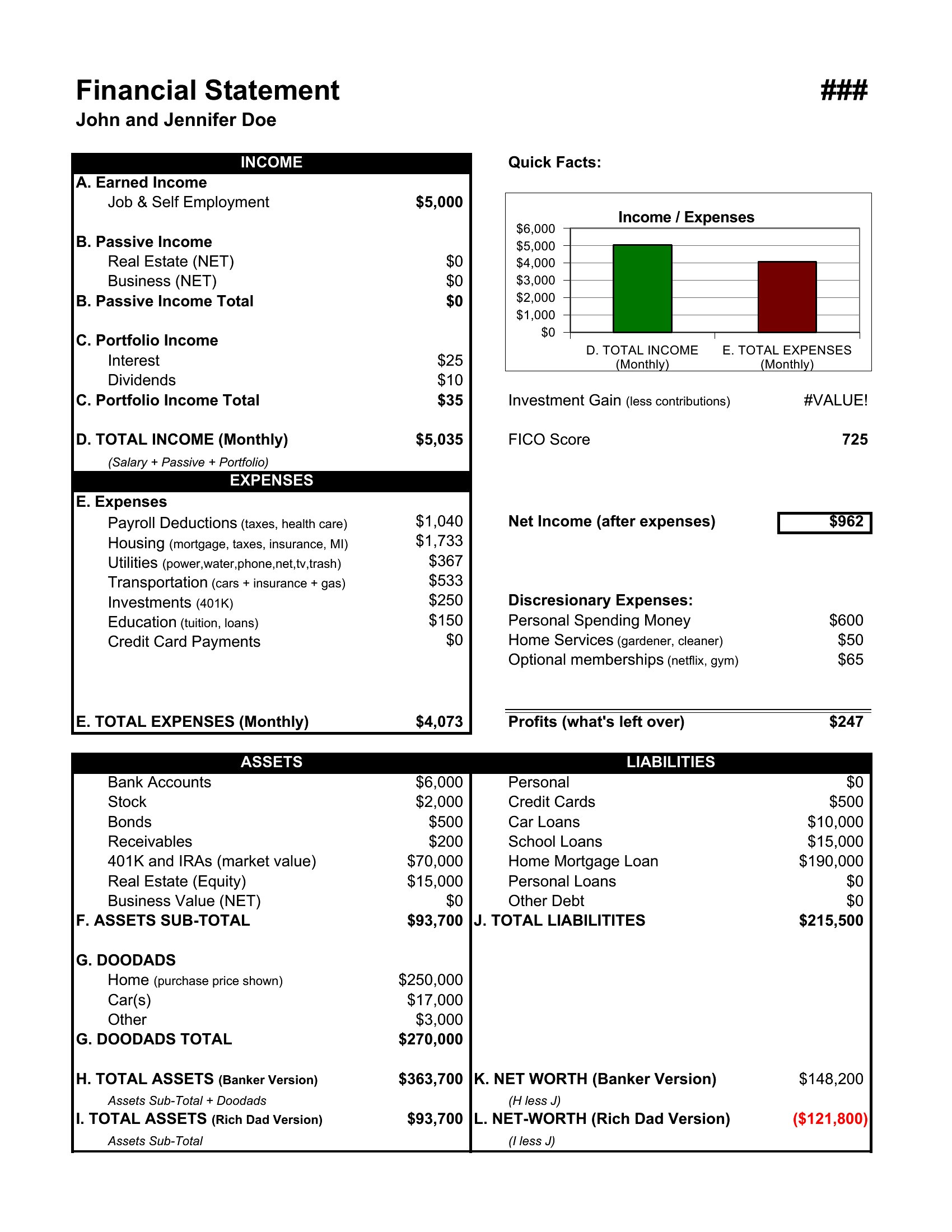
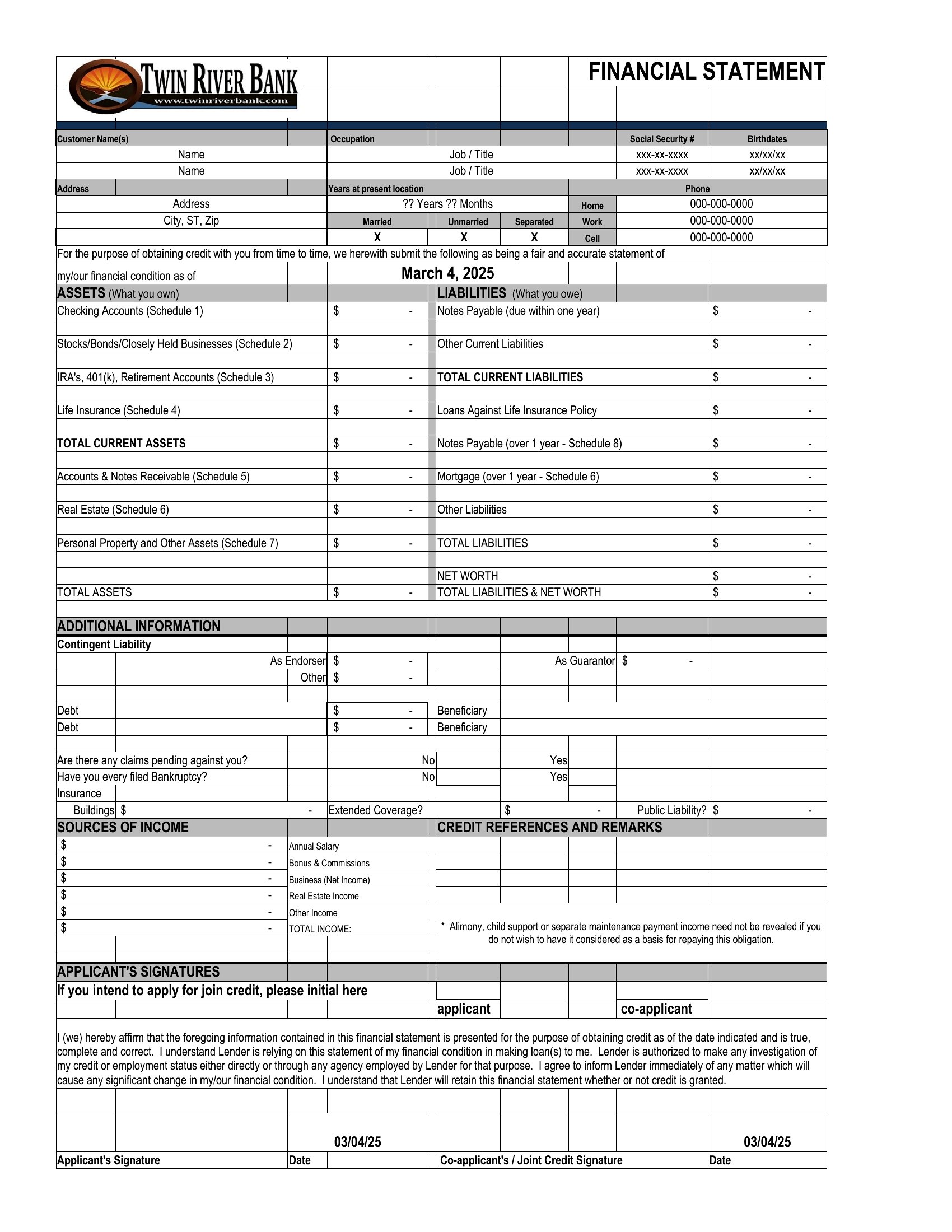
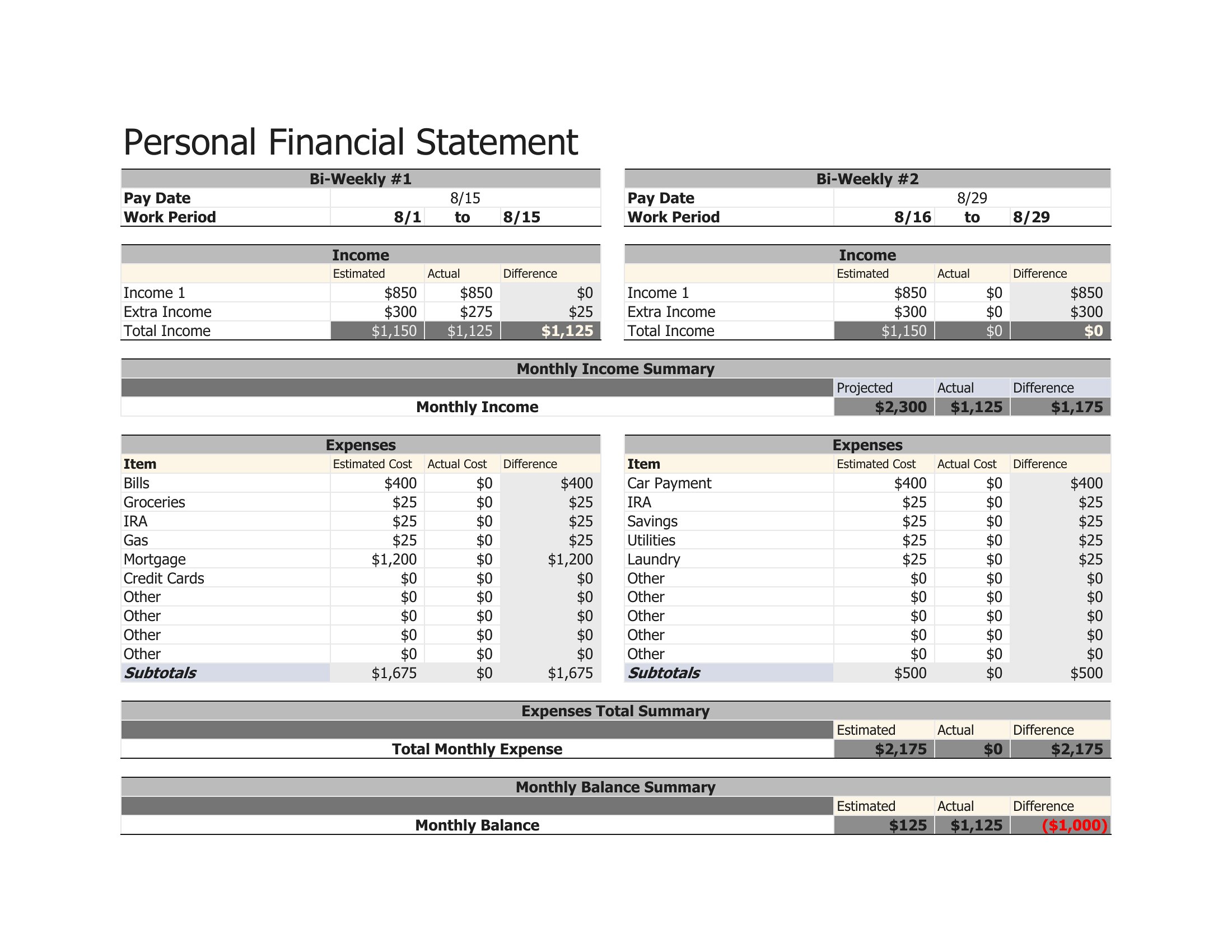
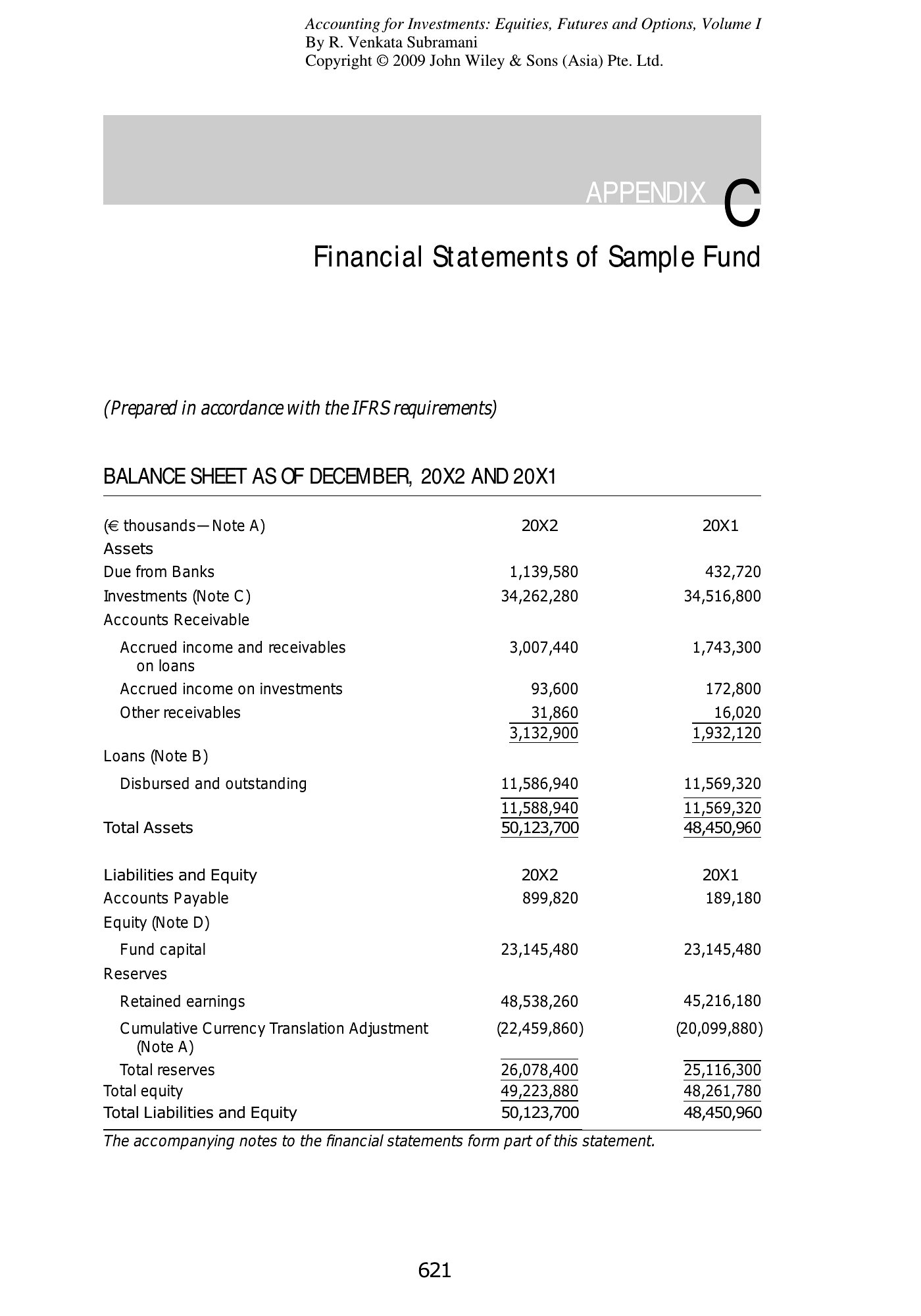
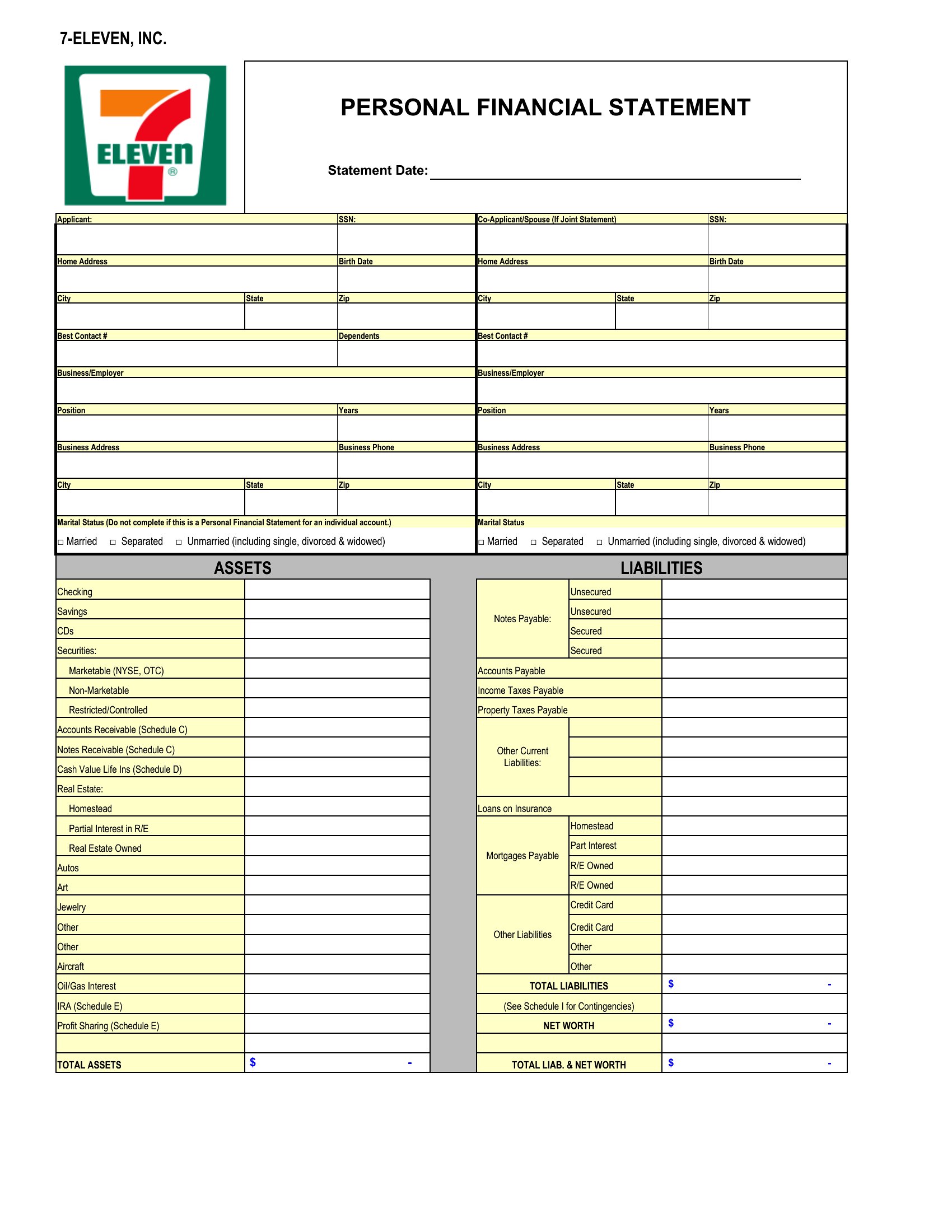
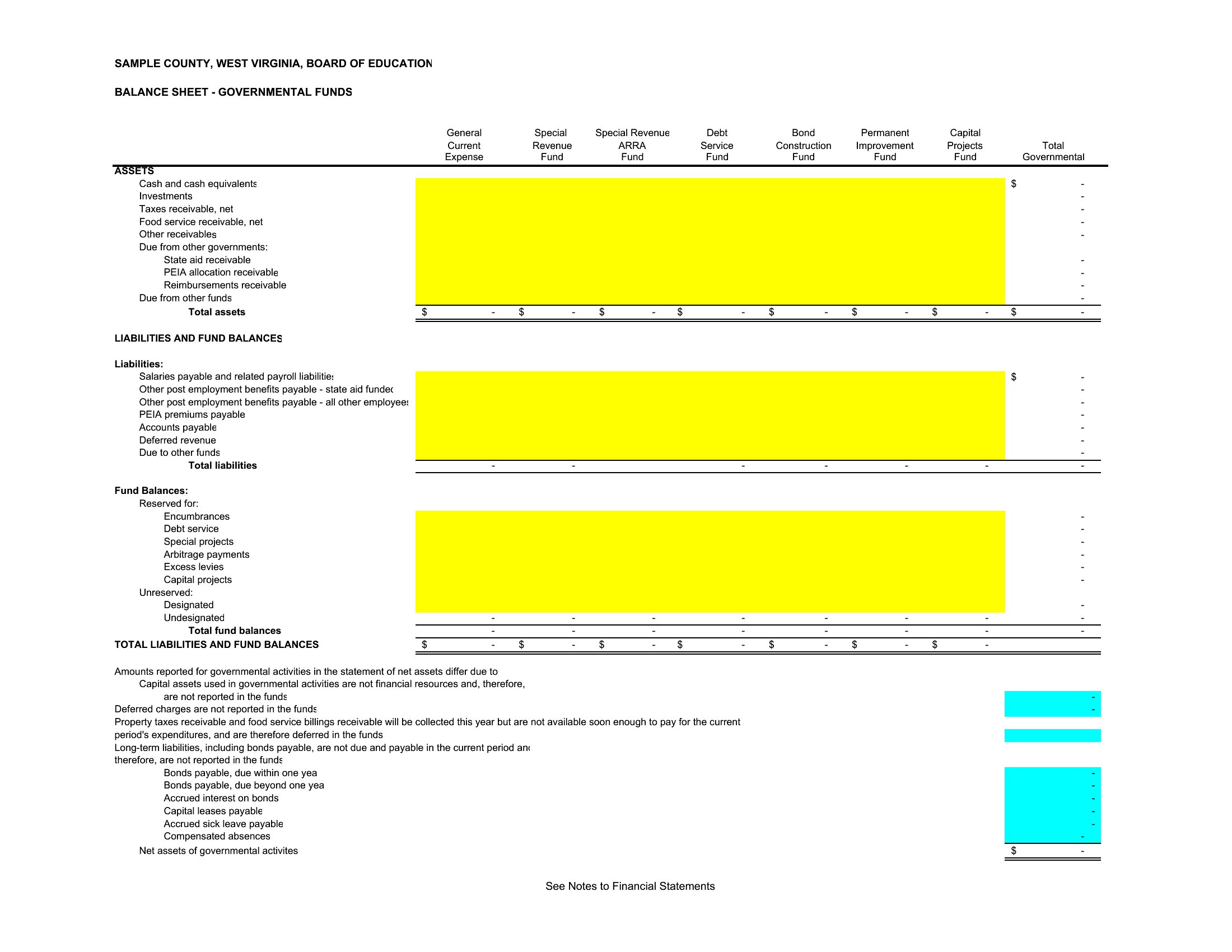
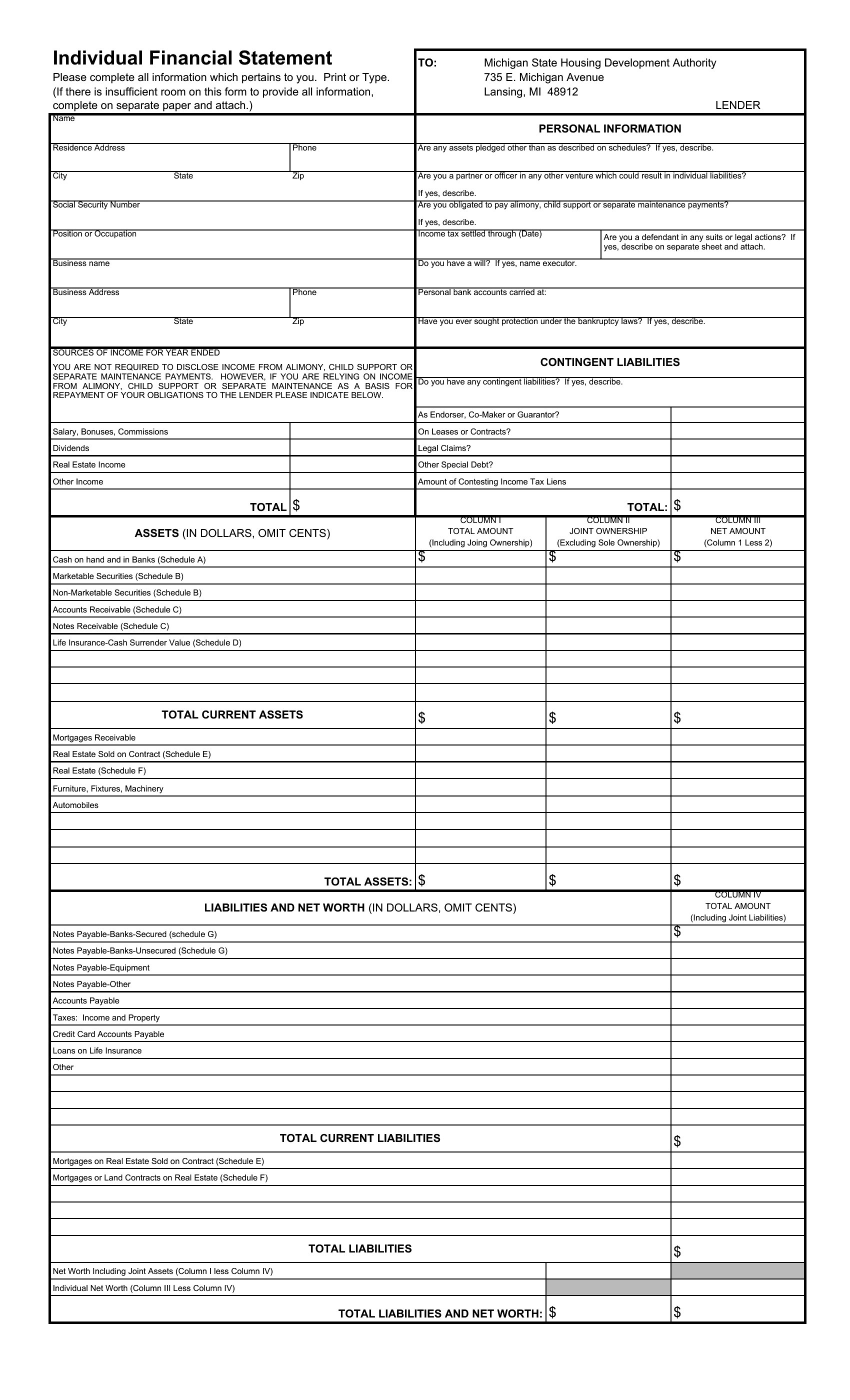
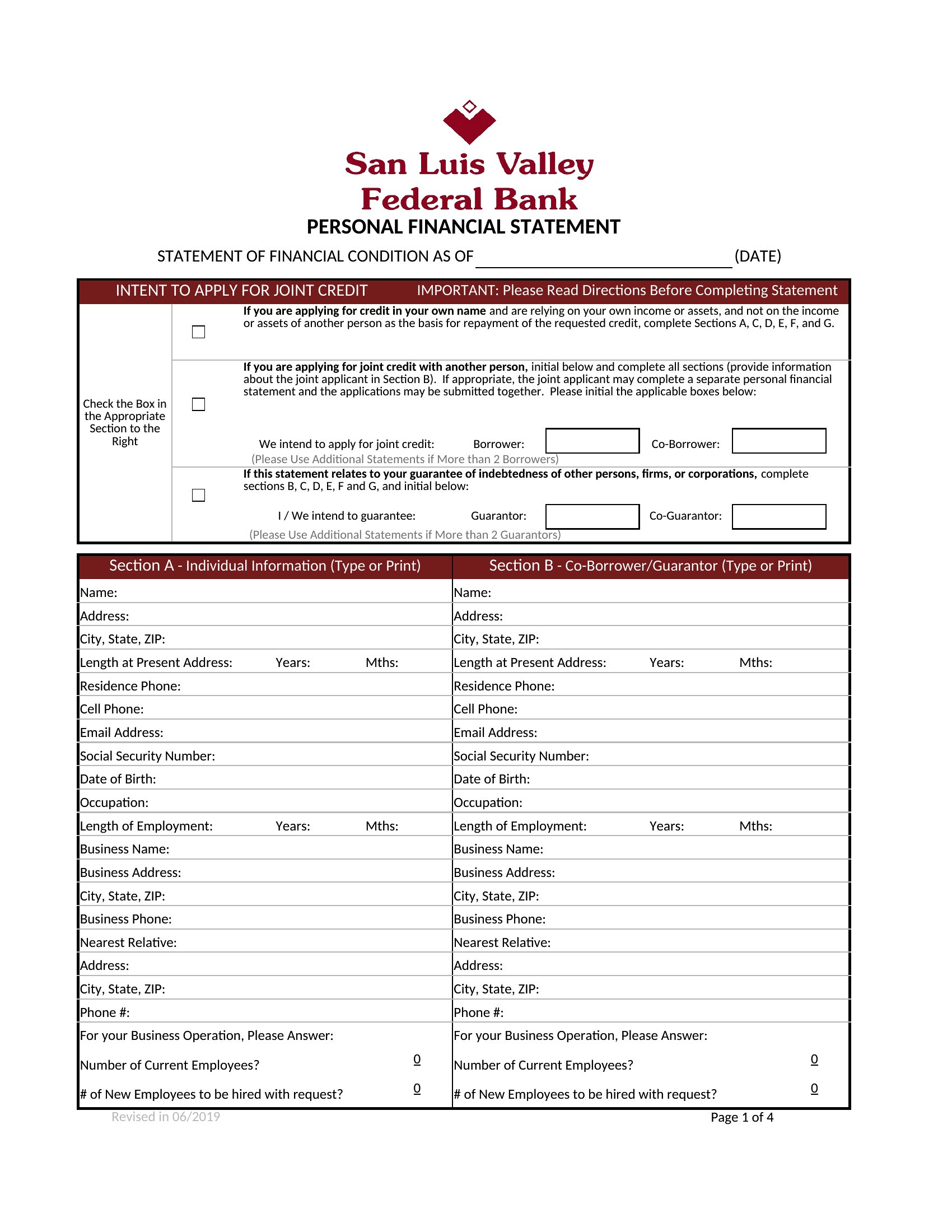
StatementsA clear financial statement shows where money comes from and where it goes, whether for a loan application, a business review, or your own planning. This set of 44 financial statement templates covers balance sheets, income statements, and personal net-worth summaries, giving owners and individuals a structured place to lay out the numbers. The formats keep things readable for lenders and partners.
You'll find Excel sheets that calculate totals as you type, plus print-ready PDFs for clean copies to submit or file. Double-check your figures, and for anything official, have an accountant review the final version. Download the statement that fits your needs and fill in your numbers.
When to use this Financial Statement template
- Small business owners preparing for a bank loan application to document revenue, expenses, and profitability clearly for underwriters
- Freelancers tracking annual earnings and deductions for tax season, ensuring all income streams and write-offs are accounted for
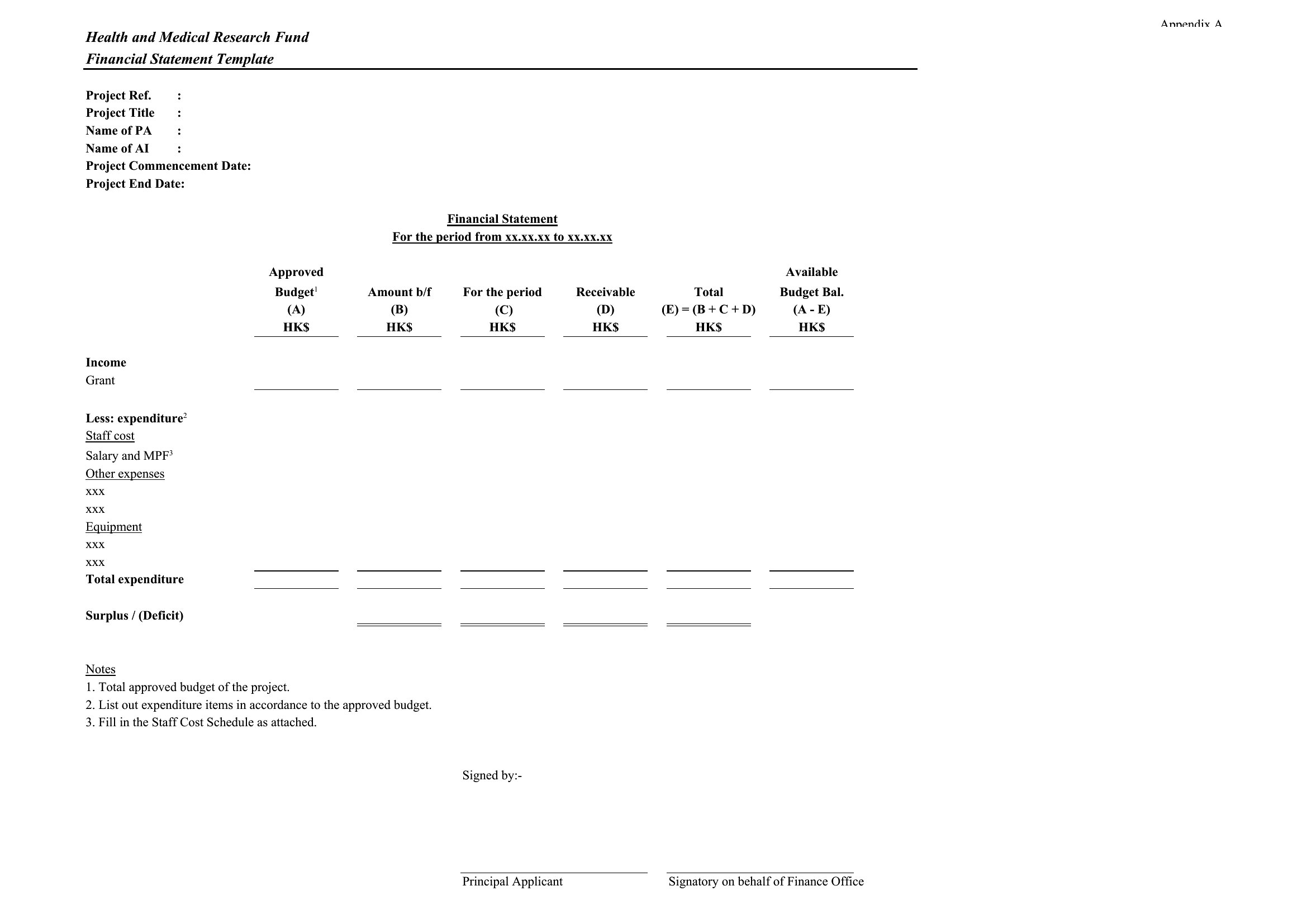
- Nonprofit directors compiling quarterly financial reports for board meetings to demonstrate transparency and fiscal responsibility to donors
- Individuals creating a net-worth summary for divorce settlements or estate planning to provide an accurate snapshot of assets and liabilities
Which format should I download?
Choose Excel for dynamic financial statements that need calculations (e.g., auto-summing rows or projecting growth), especially if you’ll update figures frequently. Opt for PDF when sharing a finalized statement with stakeholders who don’t need to edit it—PDFs lock formatting and prevent accidental changes. The PDF format also works well for printing or attaching to formal submissions like loan packages.
Choose from 44 Financial Statement Templates
How to use this Financial Statement template
How do I ensure my financial statement matches standard accounting practices?
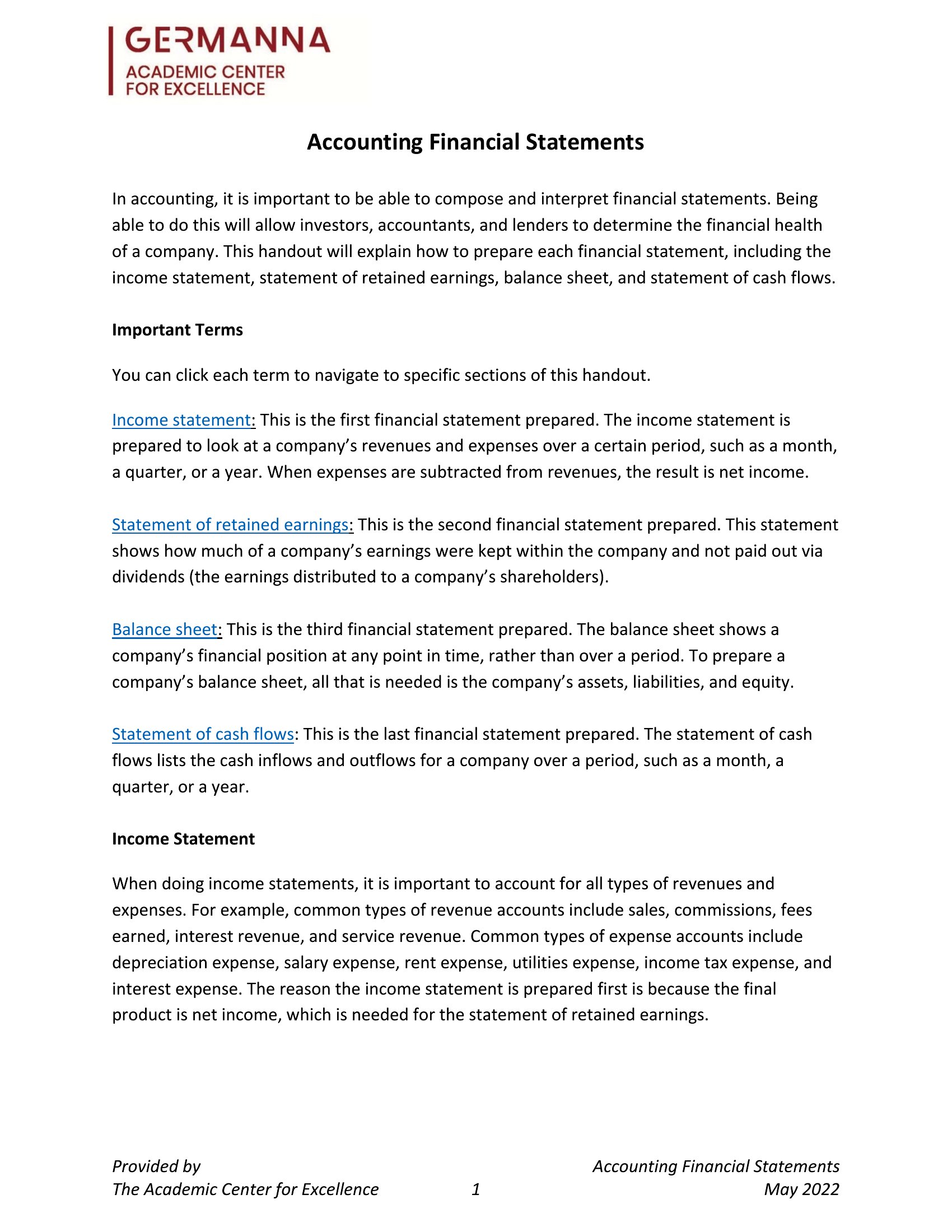
These templates follow common structures for balance sheets, income statements, and net-worth summaries, but always cross-check with GAAP (Generally Accepted Accounting Principles) or your country’s accounting standards. For complex scenarios, consult an accountant to adjust categories or formulas. The Excel versions let you tweak formulas easily, while PDFs preserve a professional, static layout.
Can I use these templates for multiple years of financial data?
Yes, the Excel templates support multiple years—simply duplicate rows or sheets to add new periods. For PDFs, you’ll need to merge or combine files manually if tracking trends over time. The balance sheet and income statement templates include columns for comparative periods, making year-over-year analysis straightforward in Excel.
What’s the best way to explain unusual entries in my financial statement?
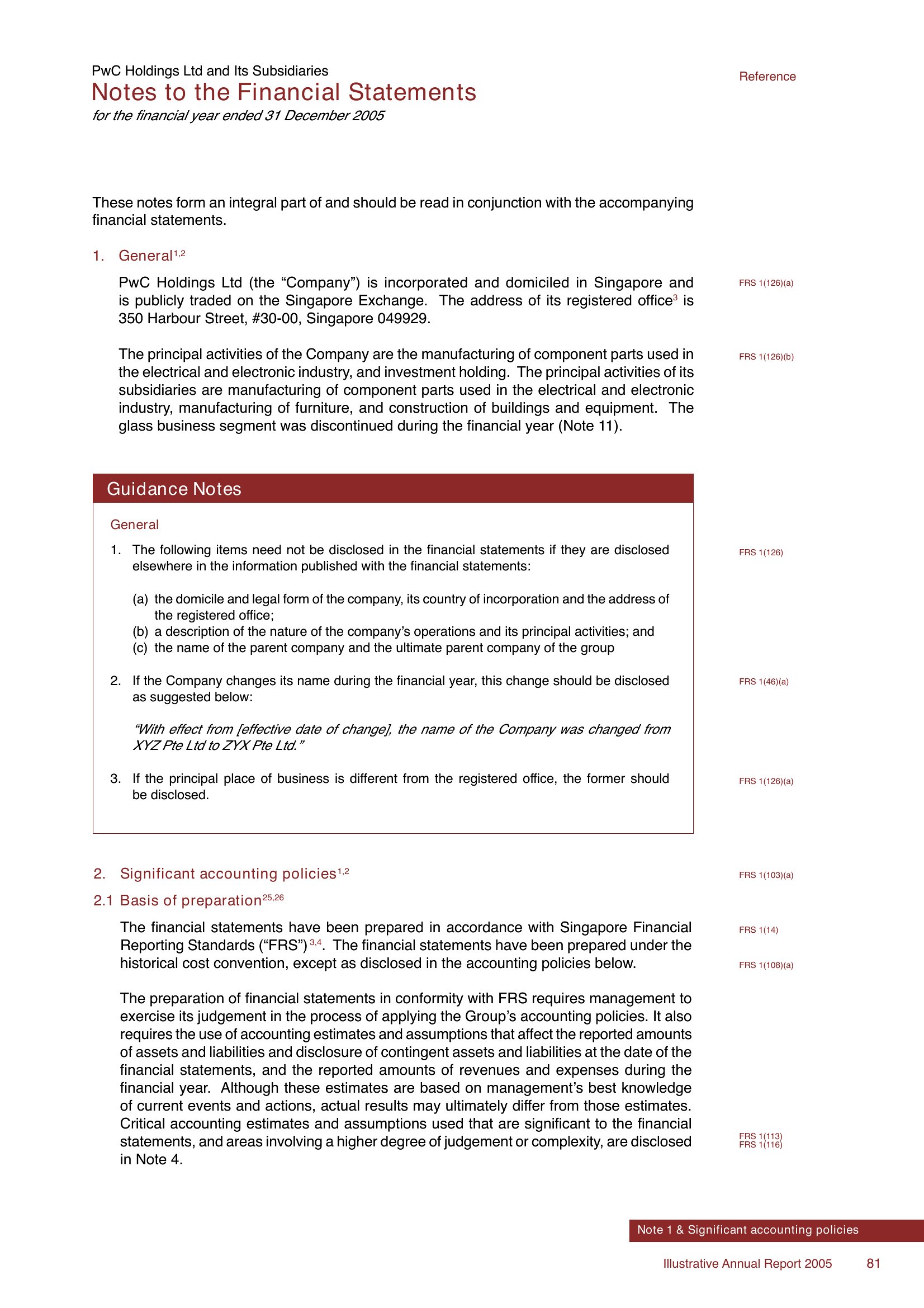
Add a footnote section in your template (available in both Excel and PDF) to clarify one-time expenses, adjustments, or non-recurring revenue. For lenders or investors, include a brief narrative in the notes section—this keeps the main statement clean while providing context. Avoid burying details; specificity builds trust with reviewers.
Comments
Join the conversation
Sign in to share your thoughts and leave a comment on this resource.