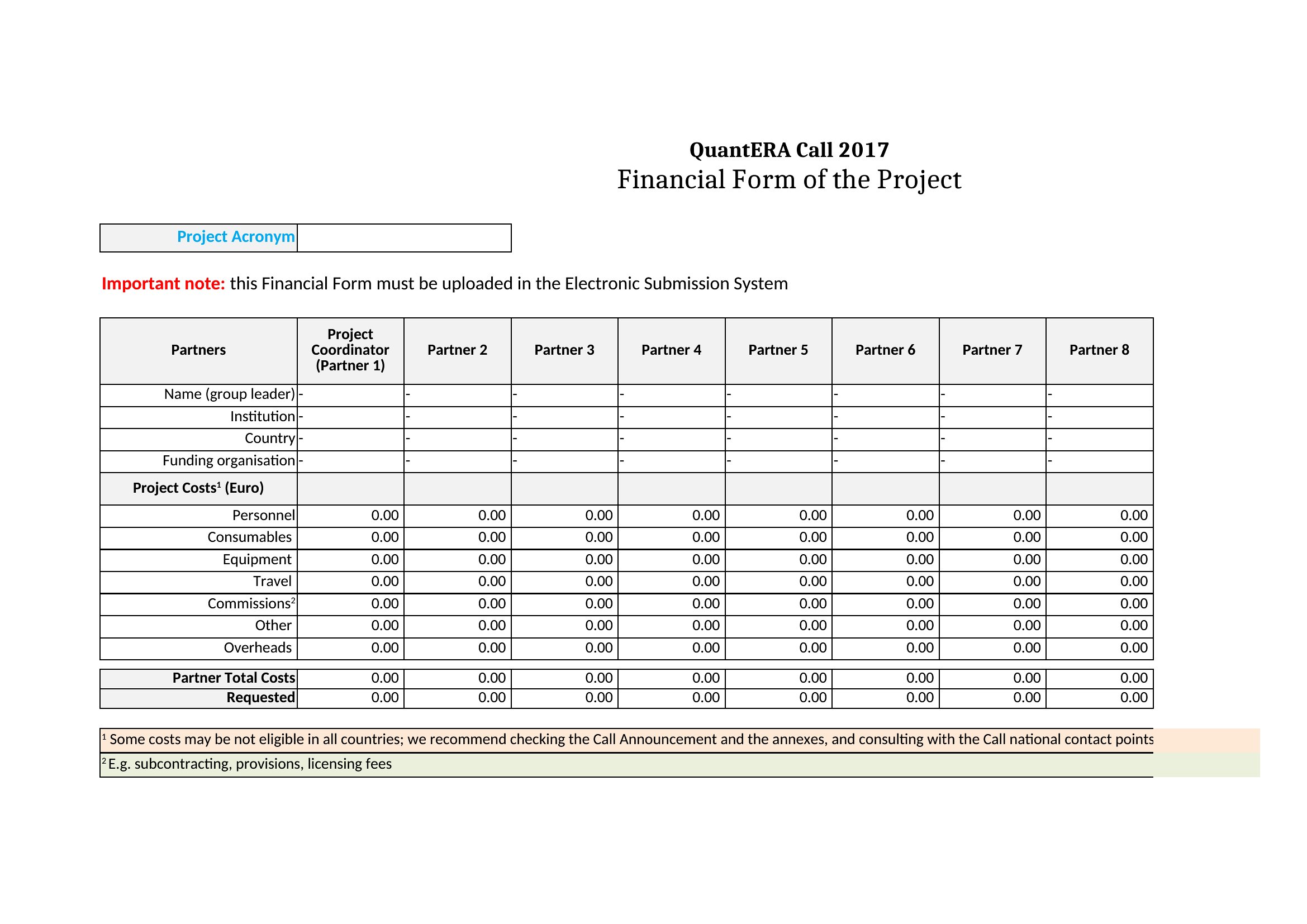
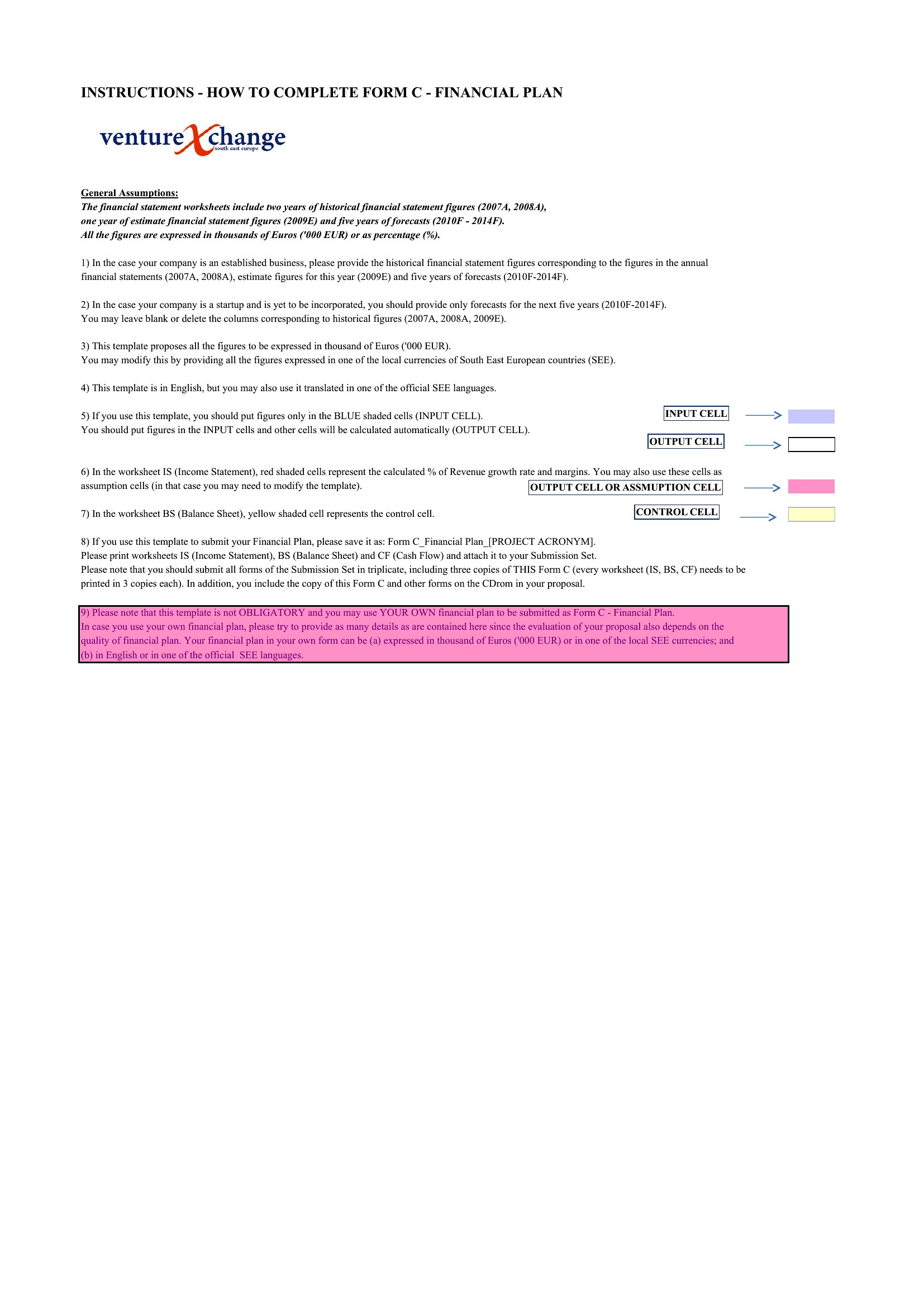
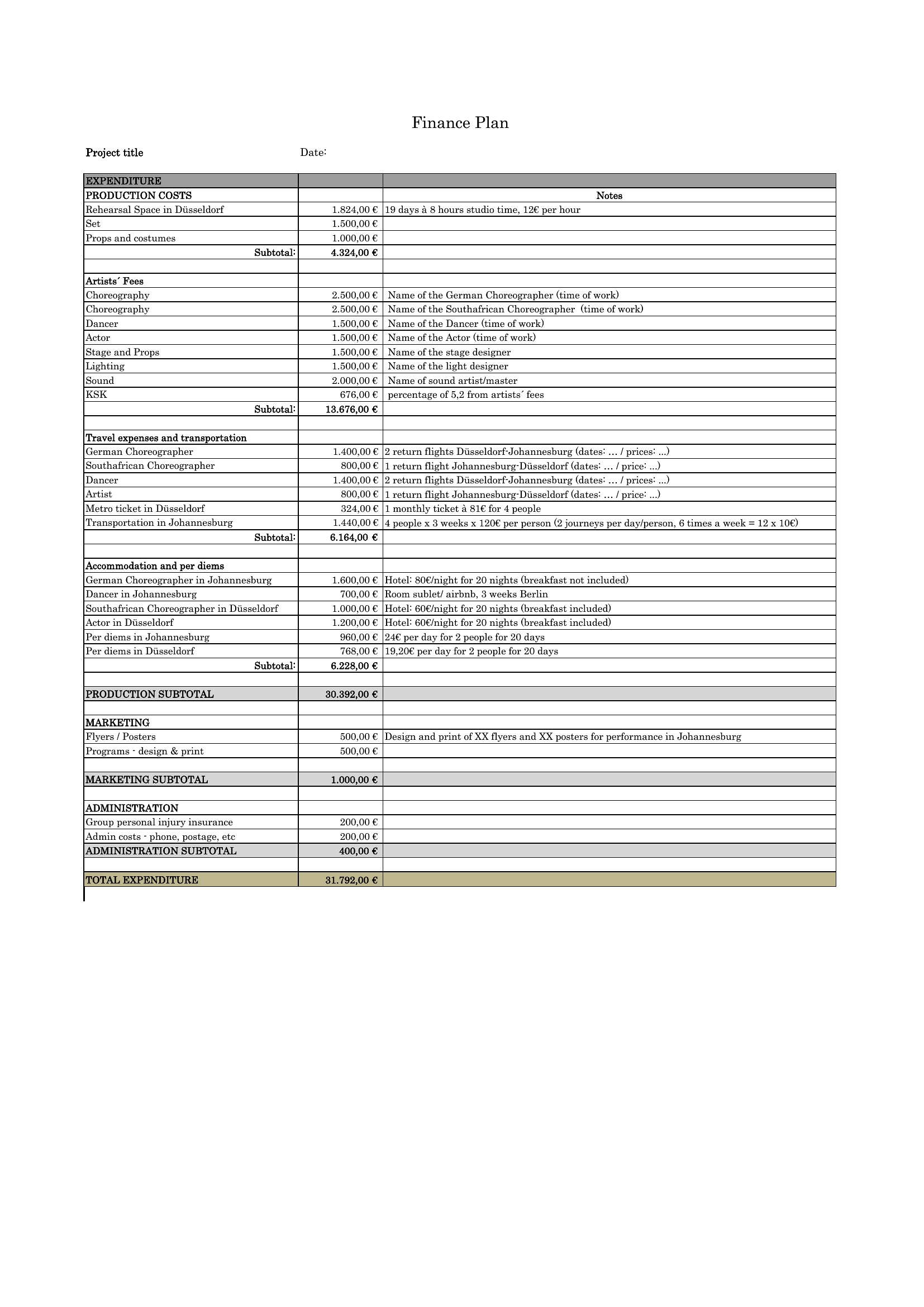
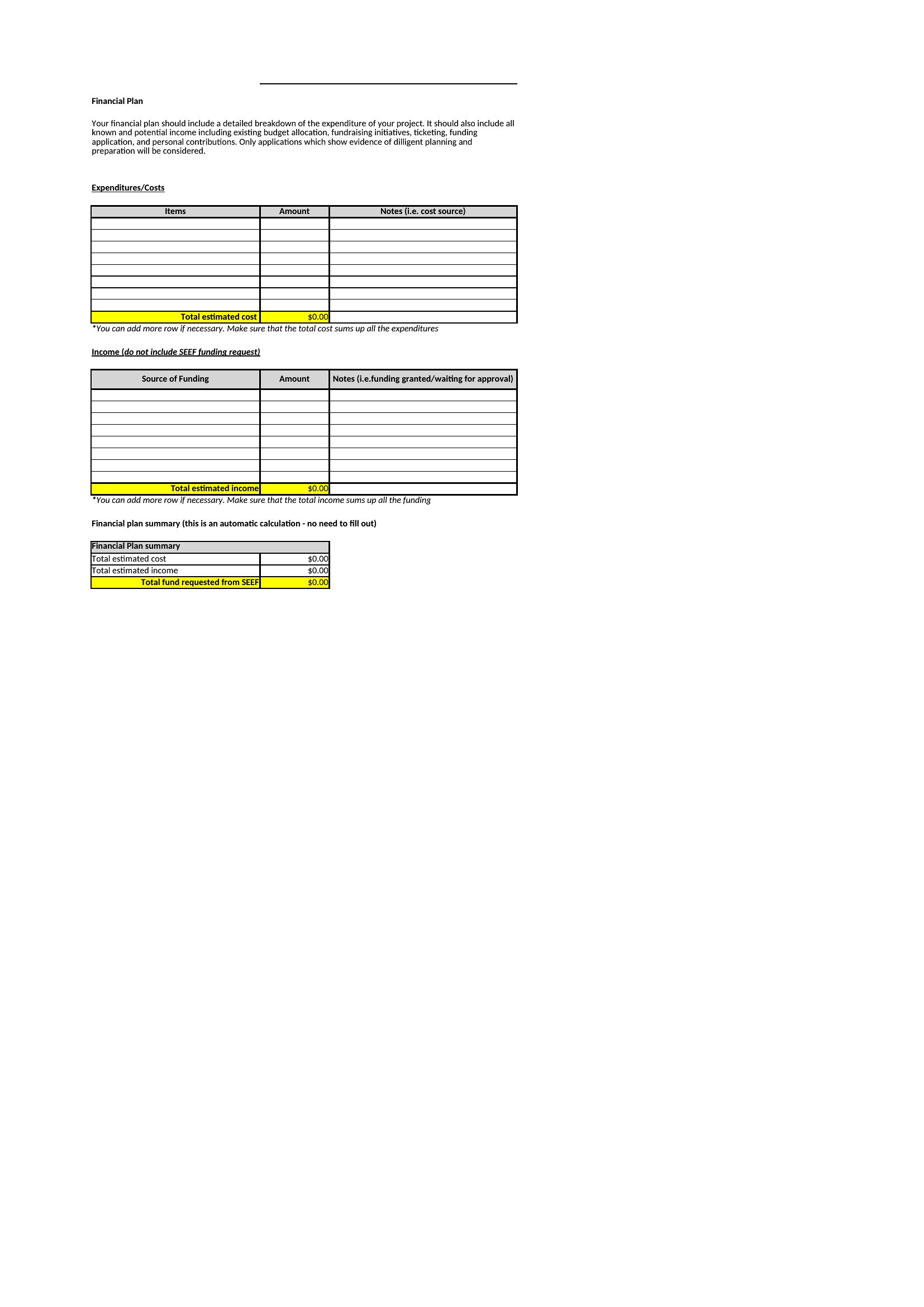
Free Financial Plan Templates (Excel, PDF)
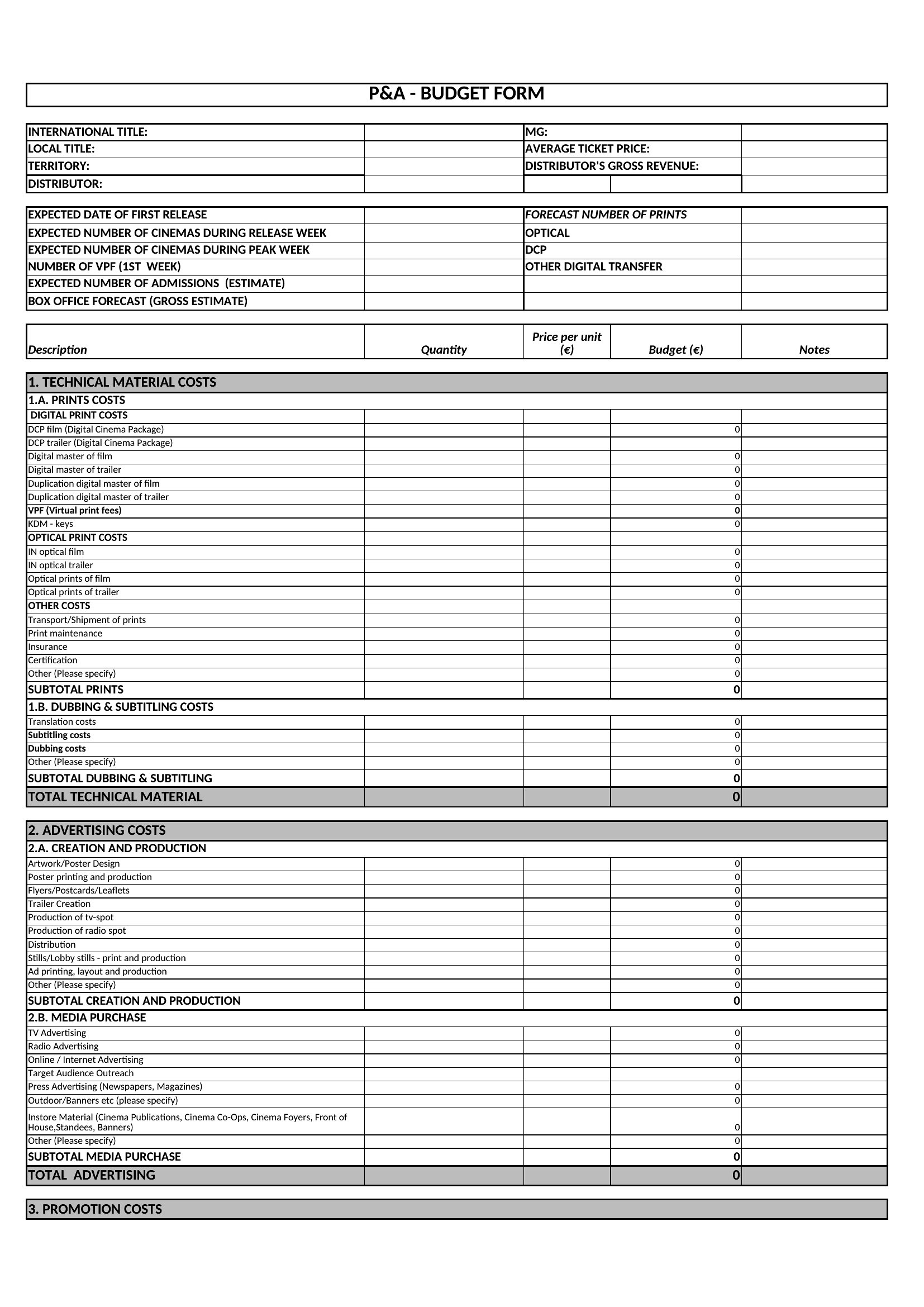
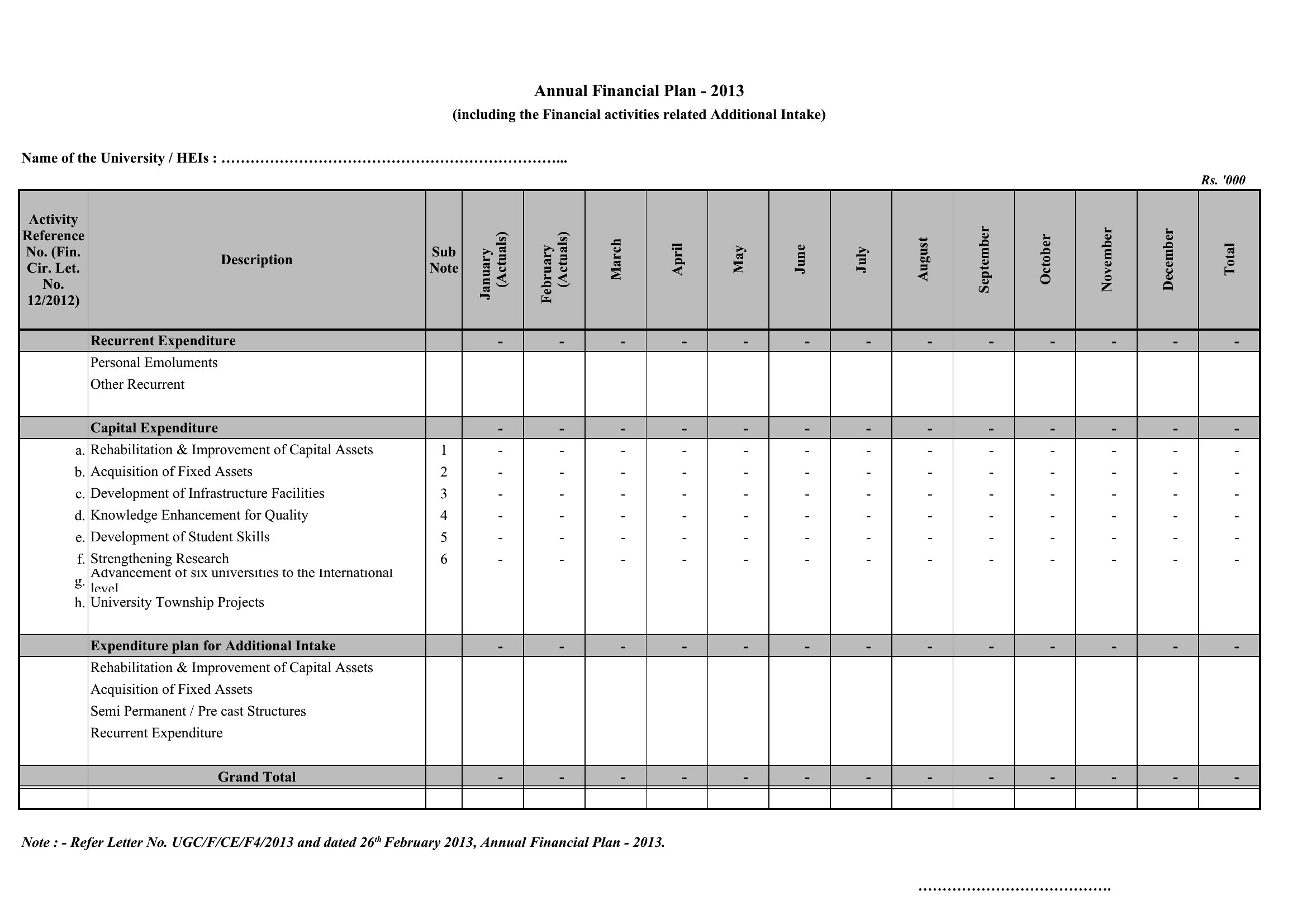
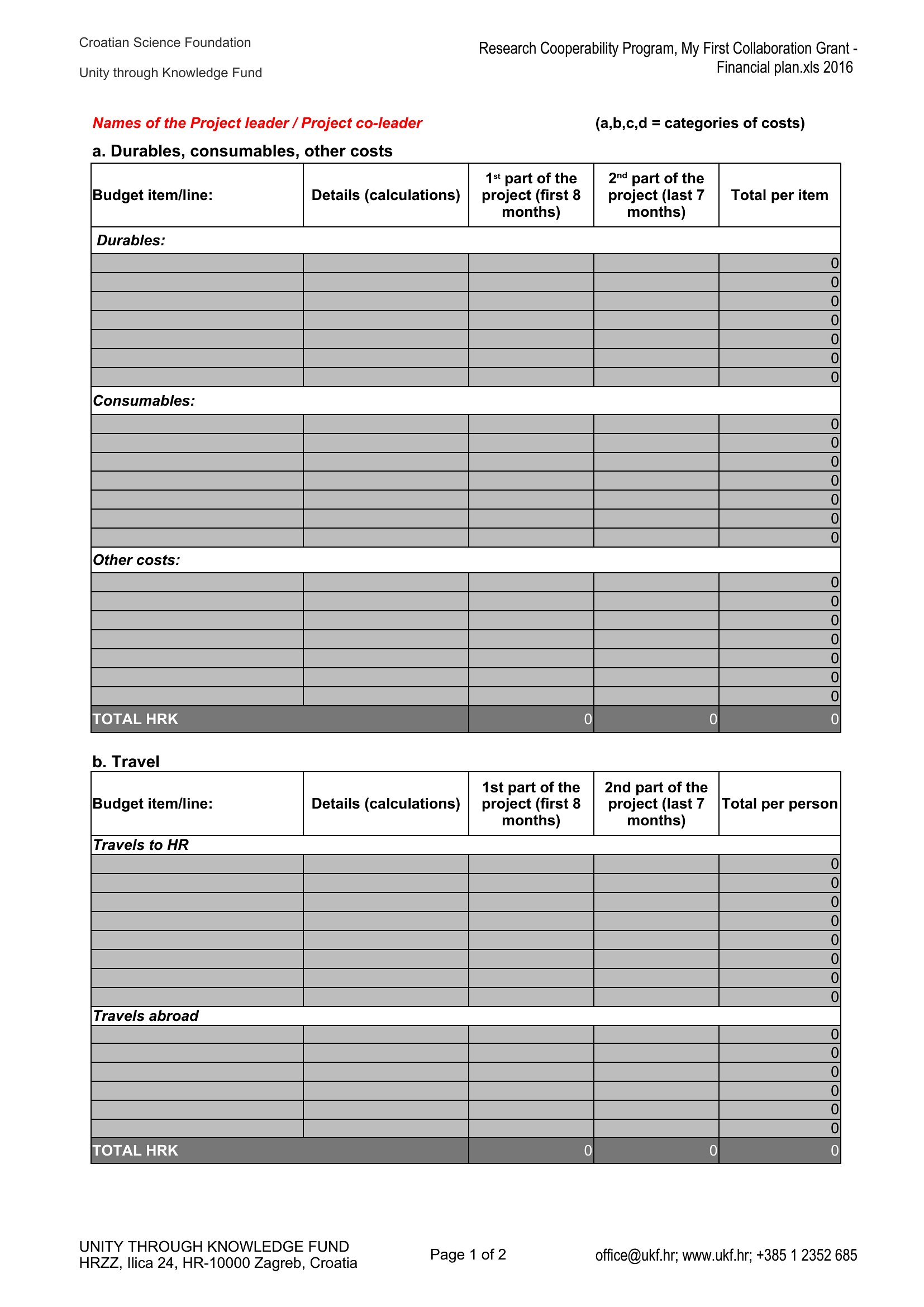
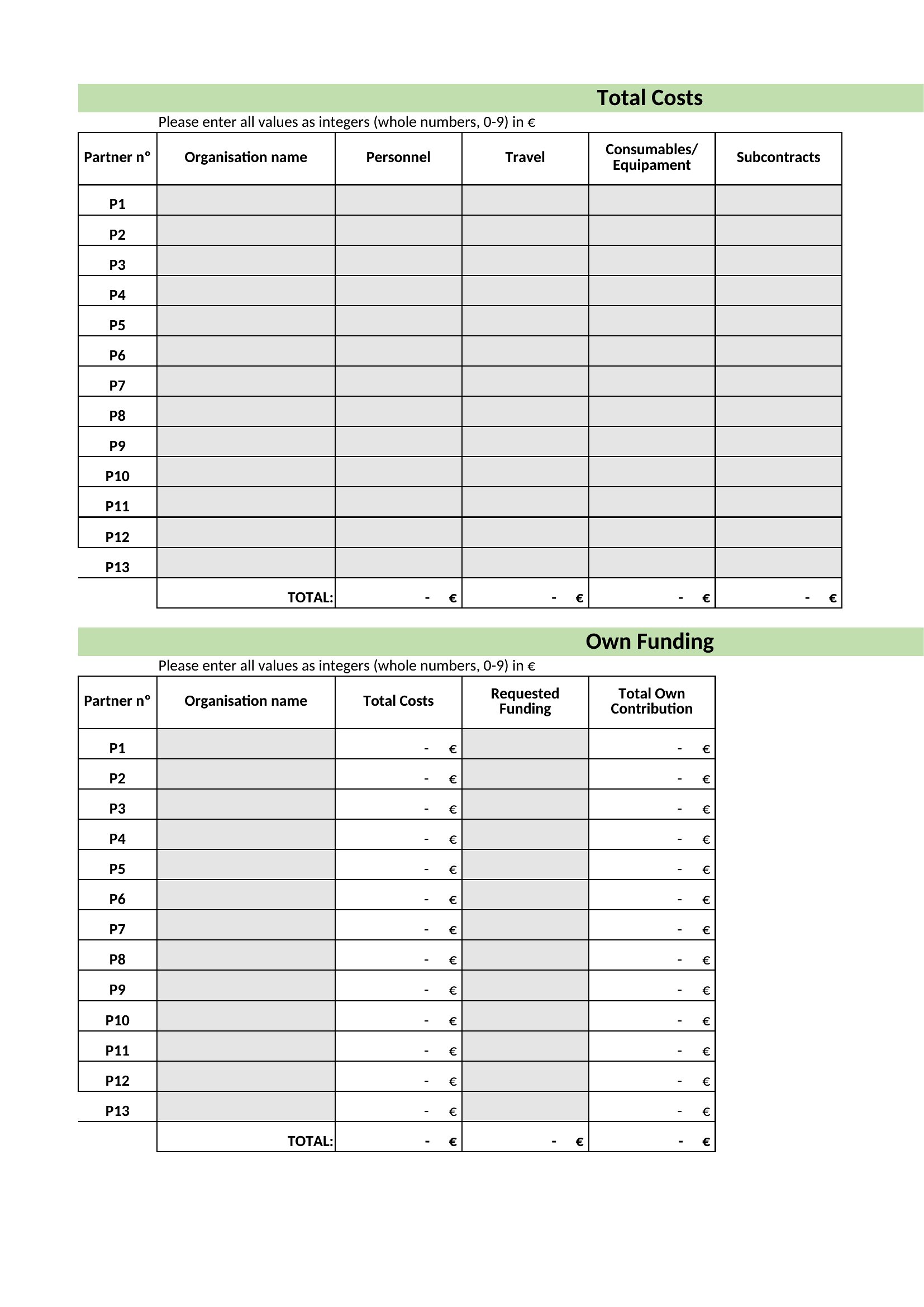
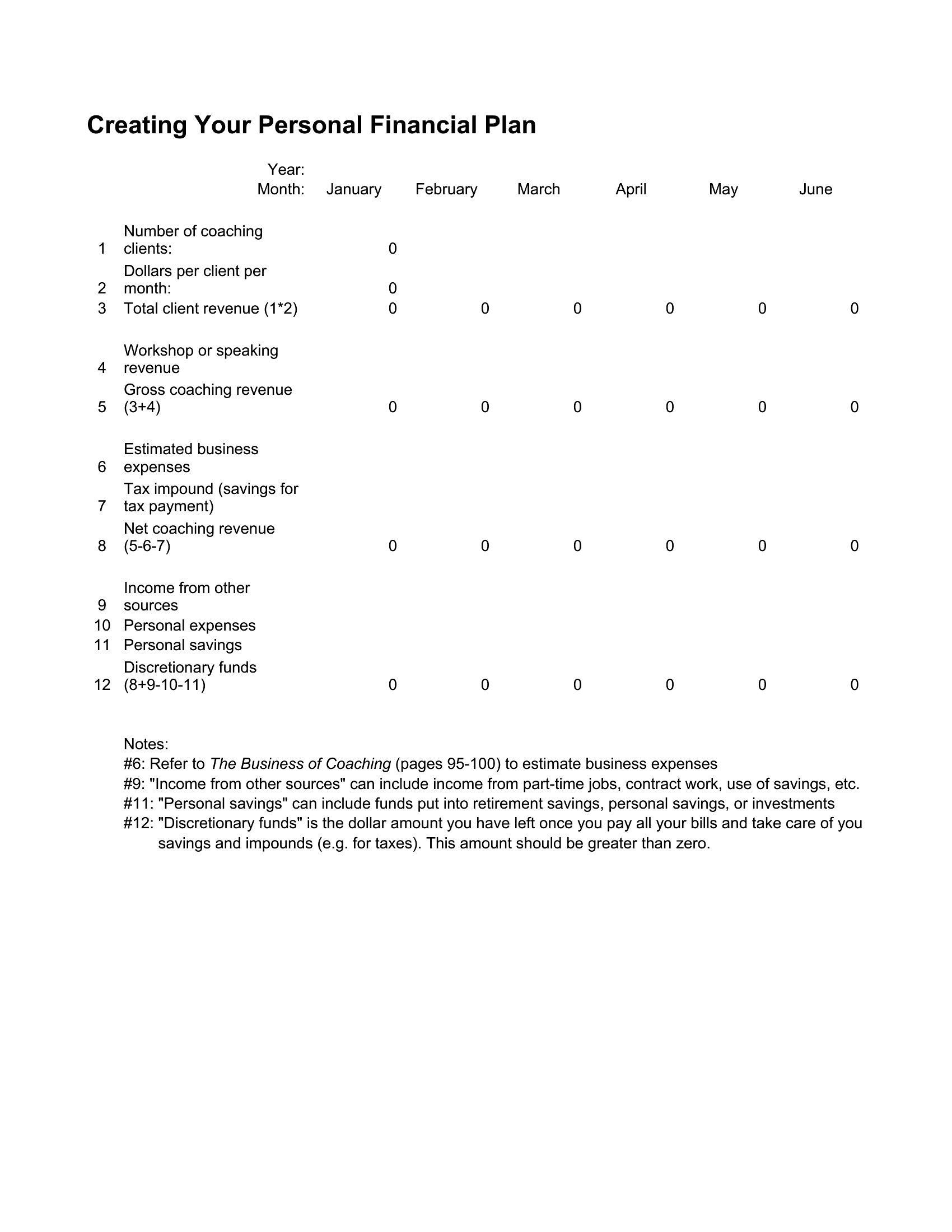
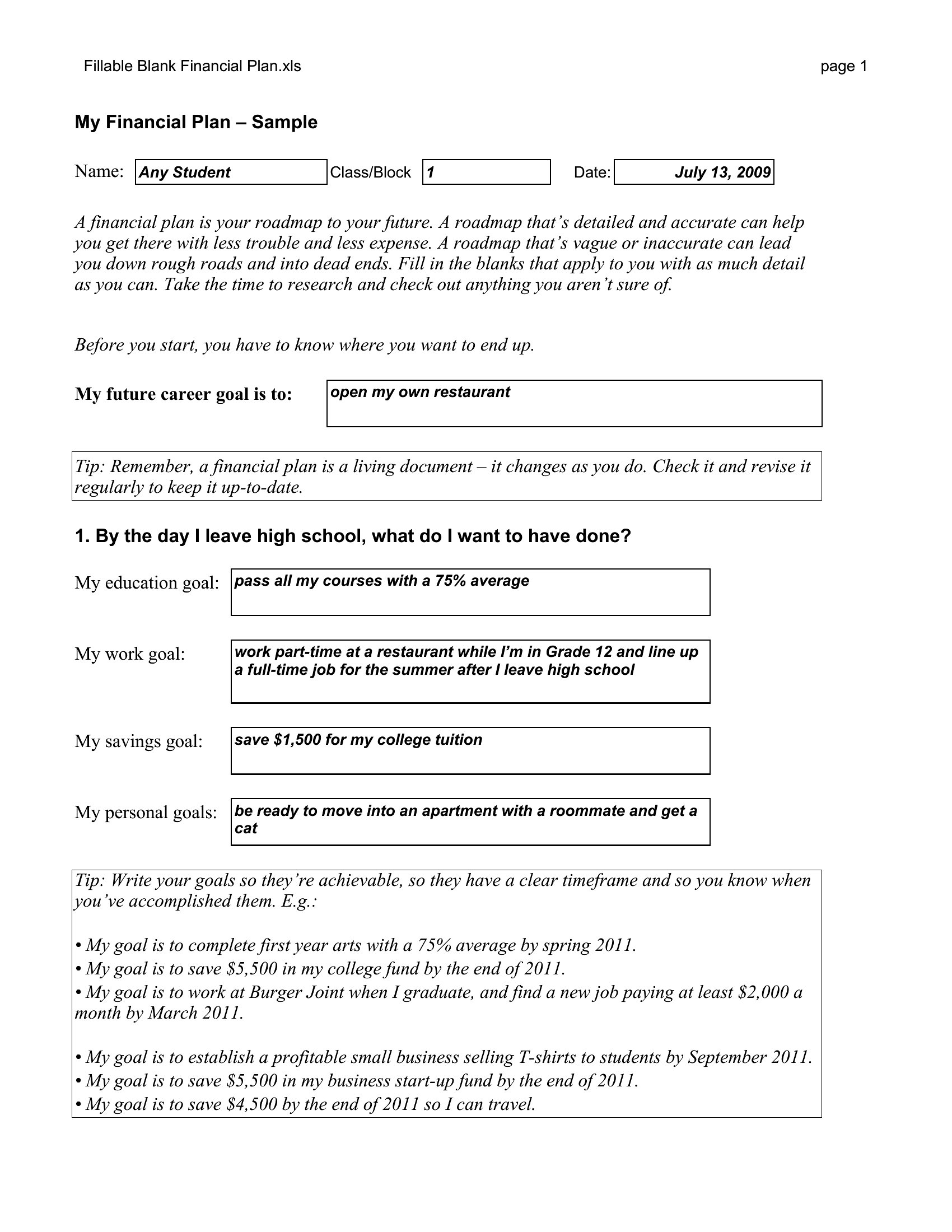
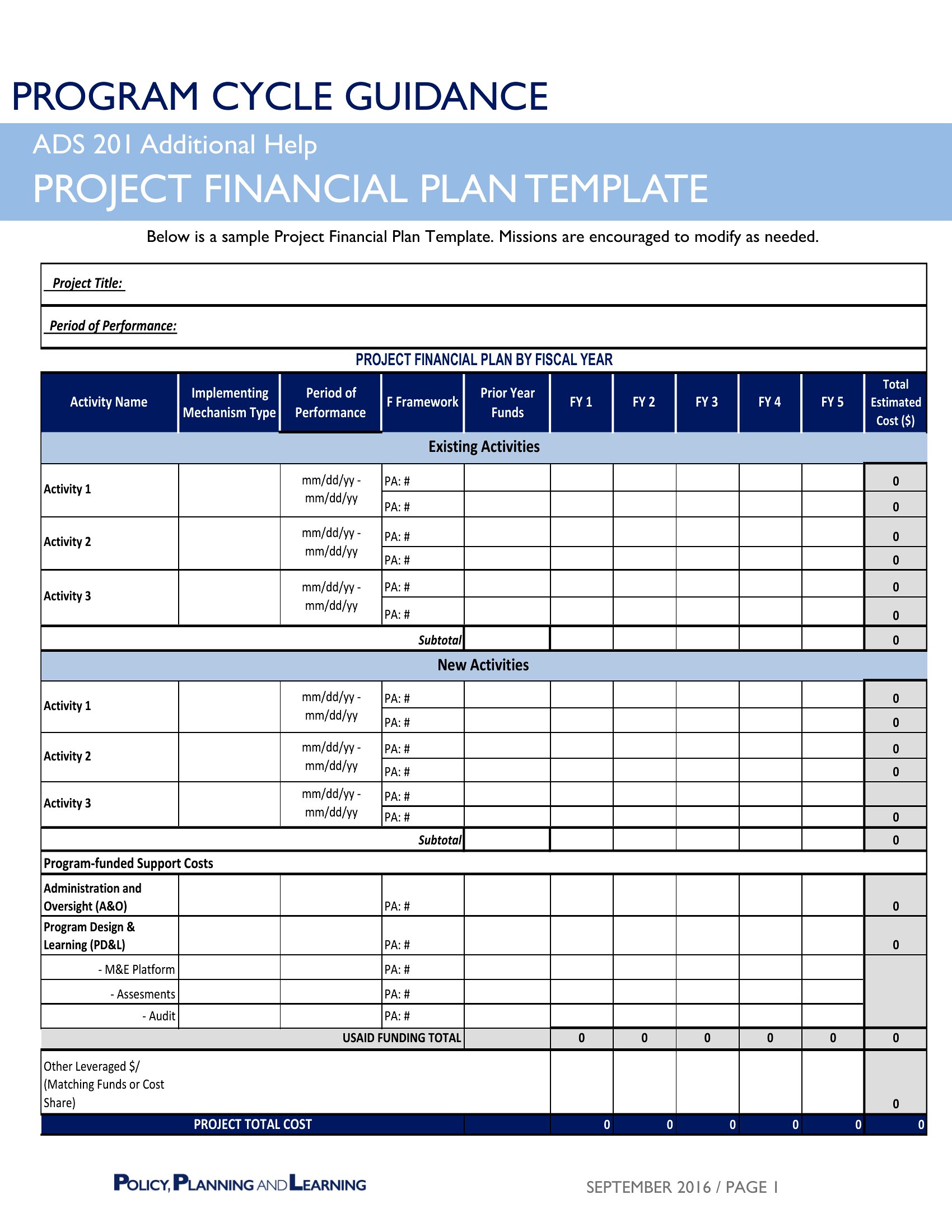
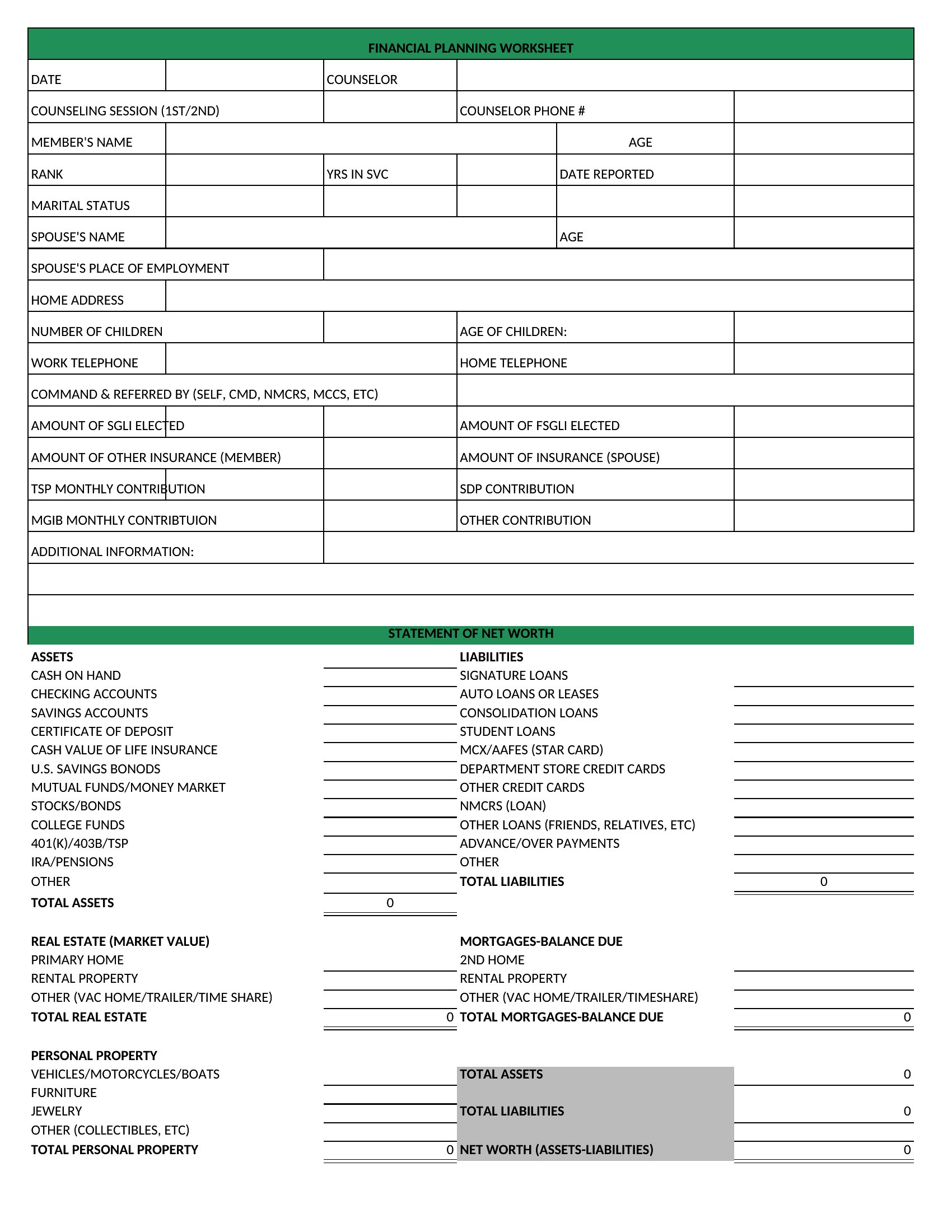
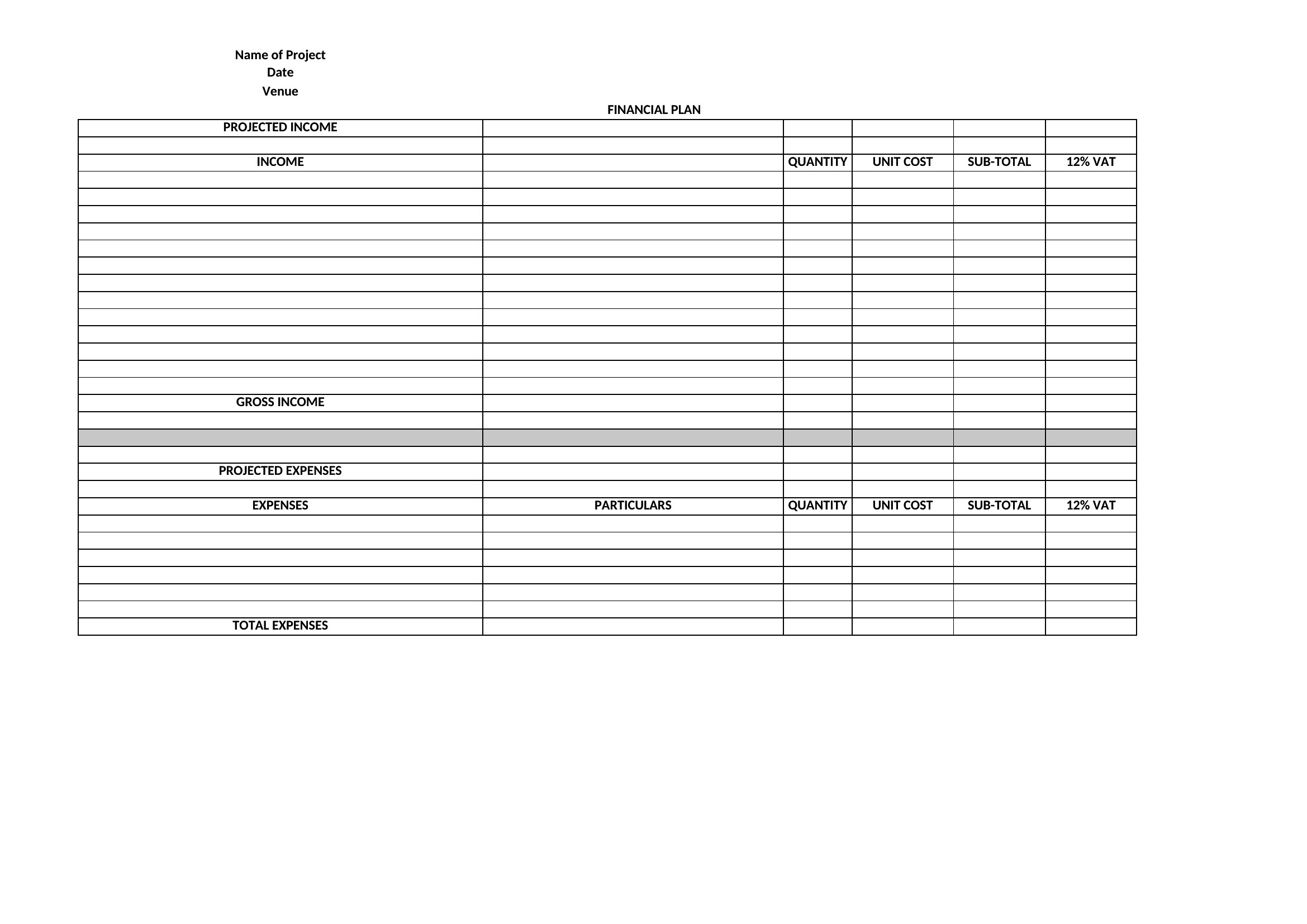
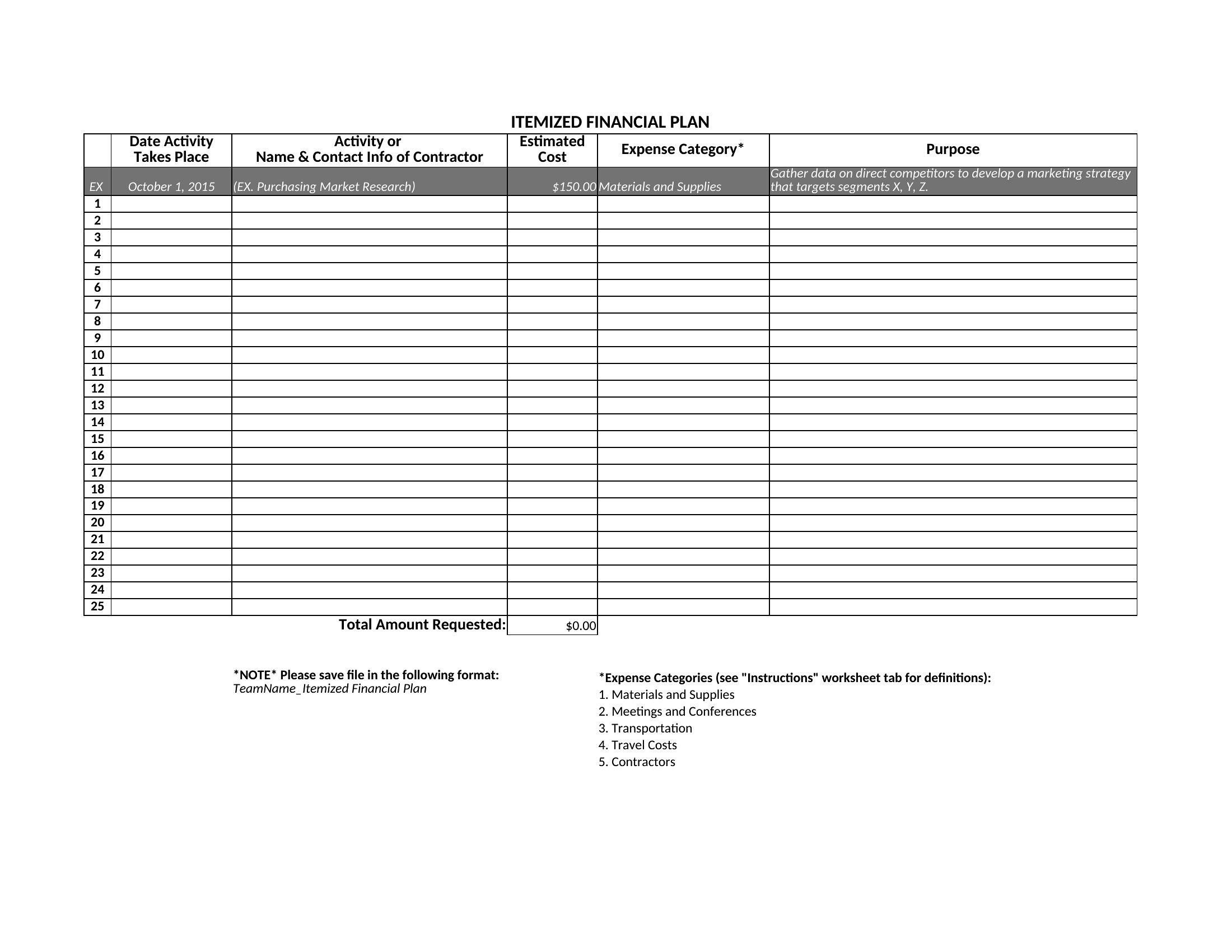
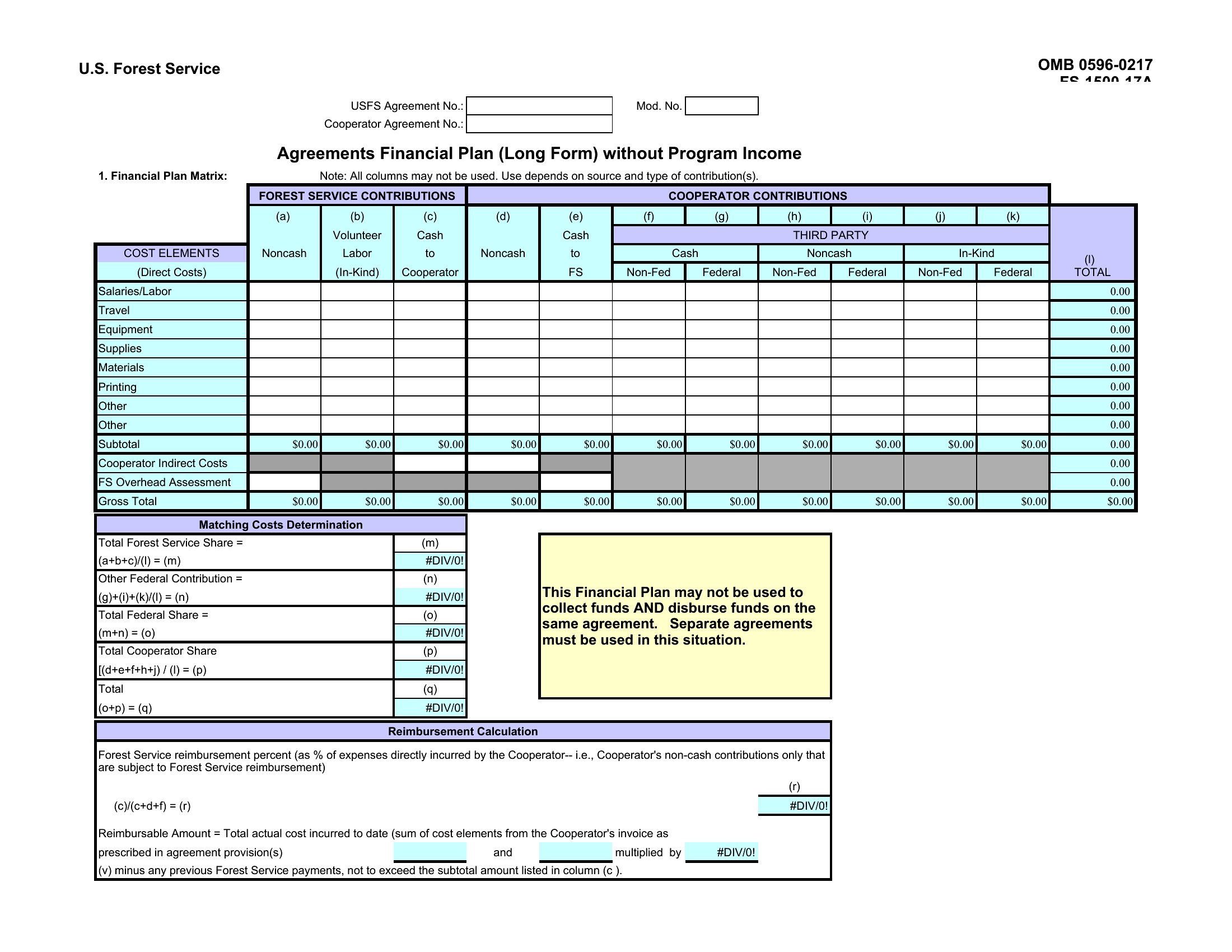
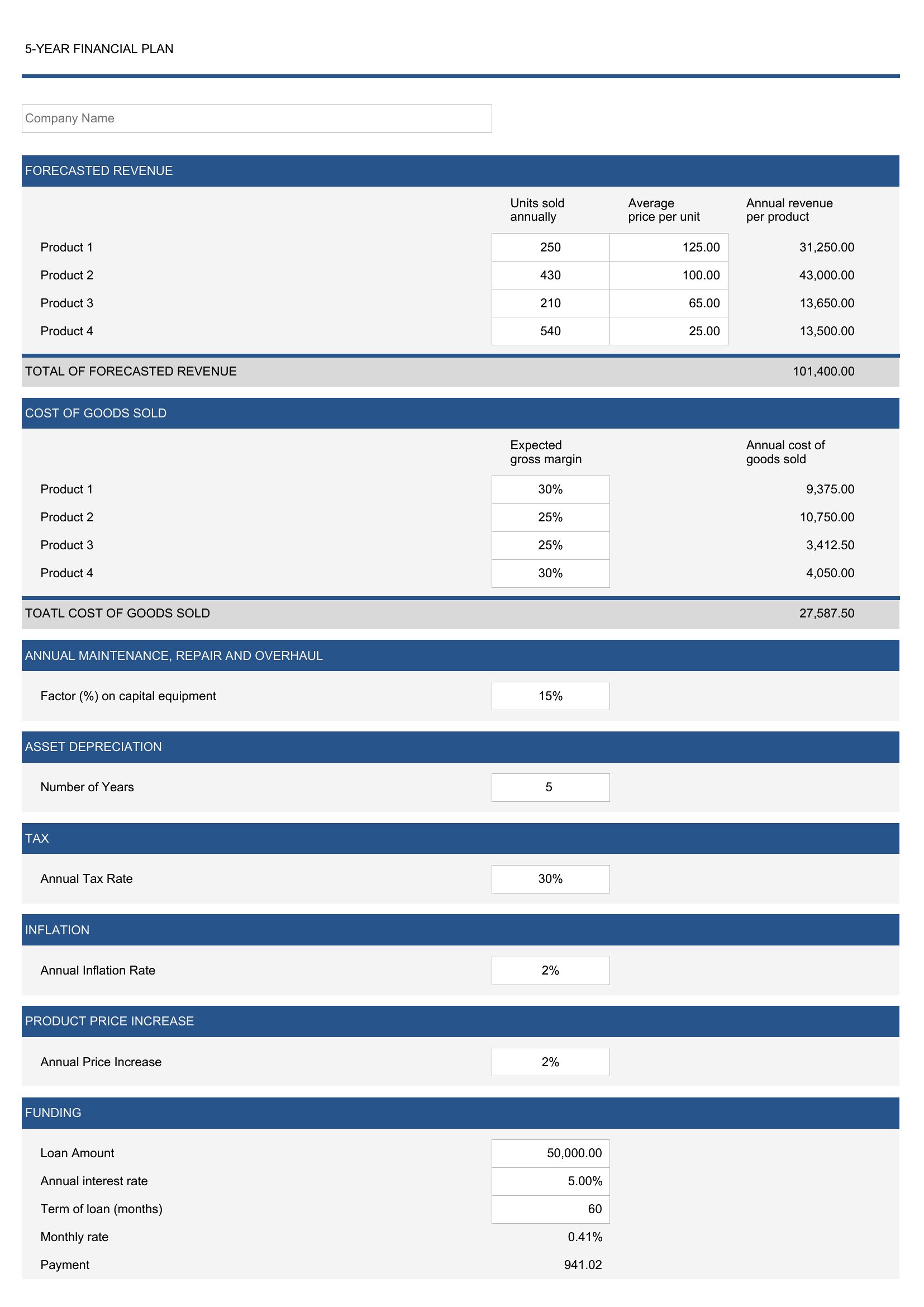
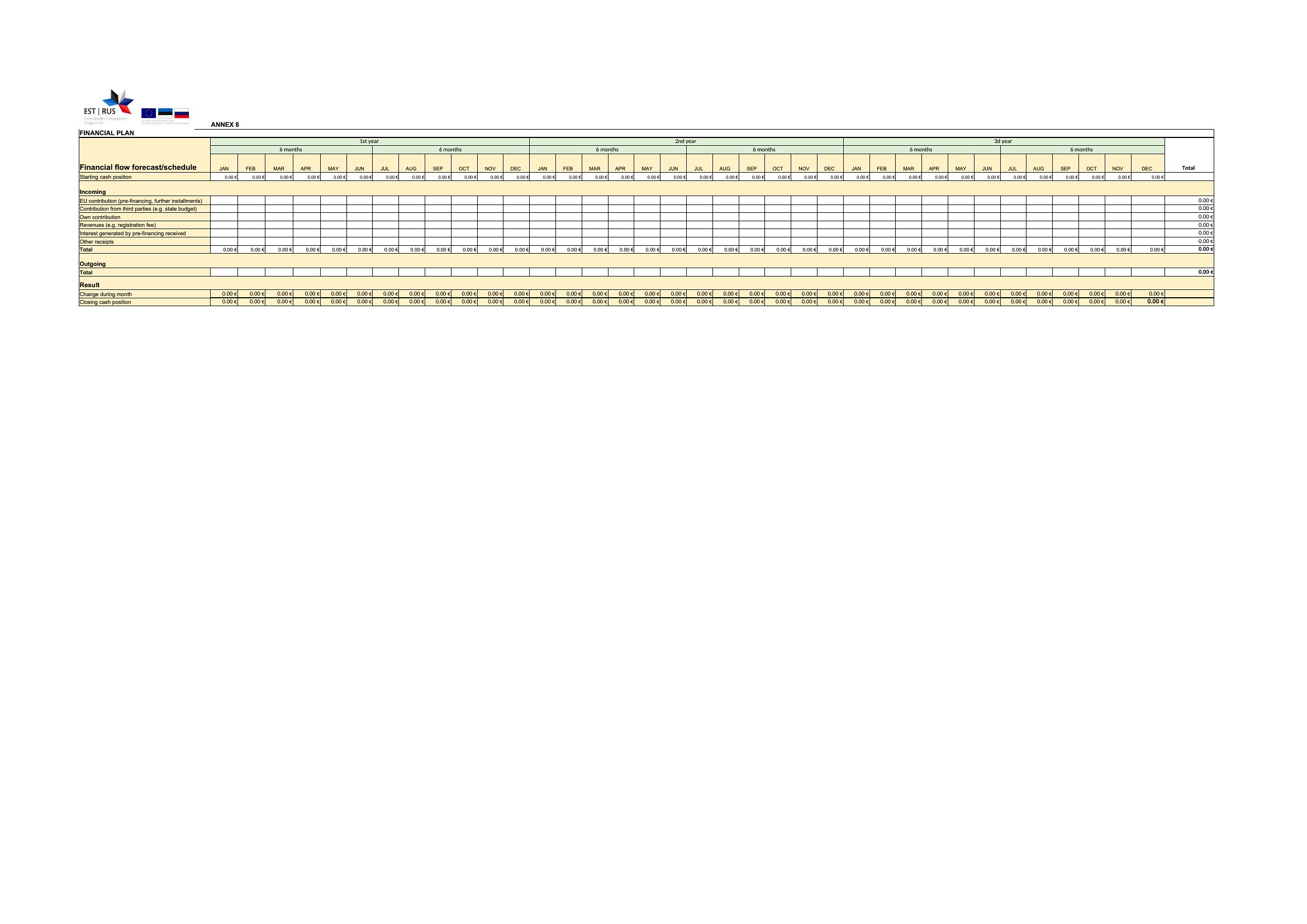
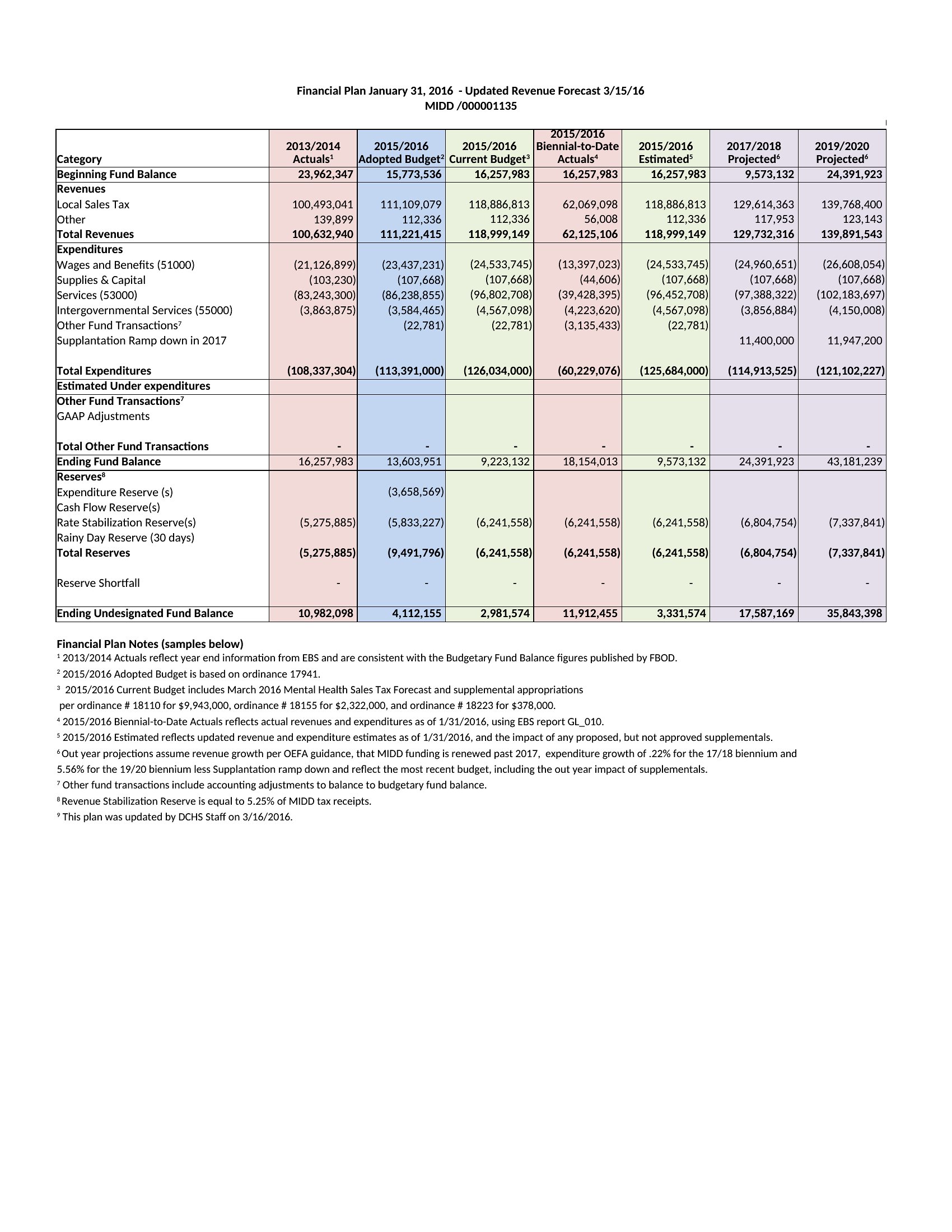
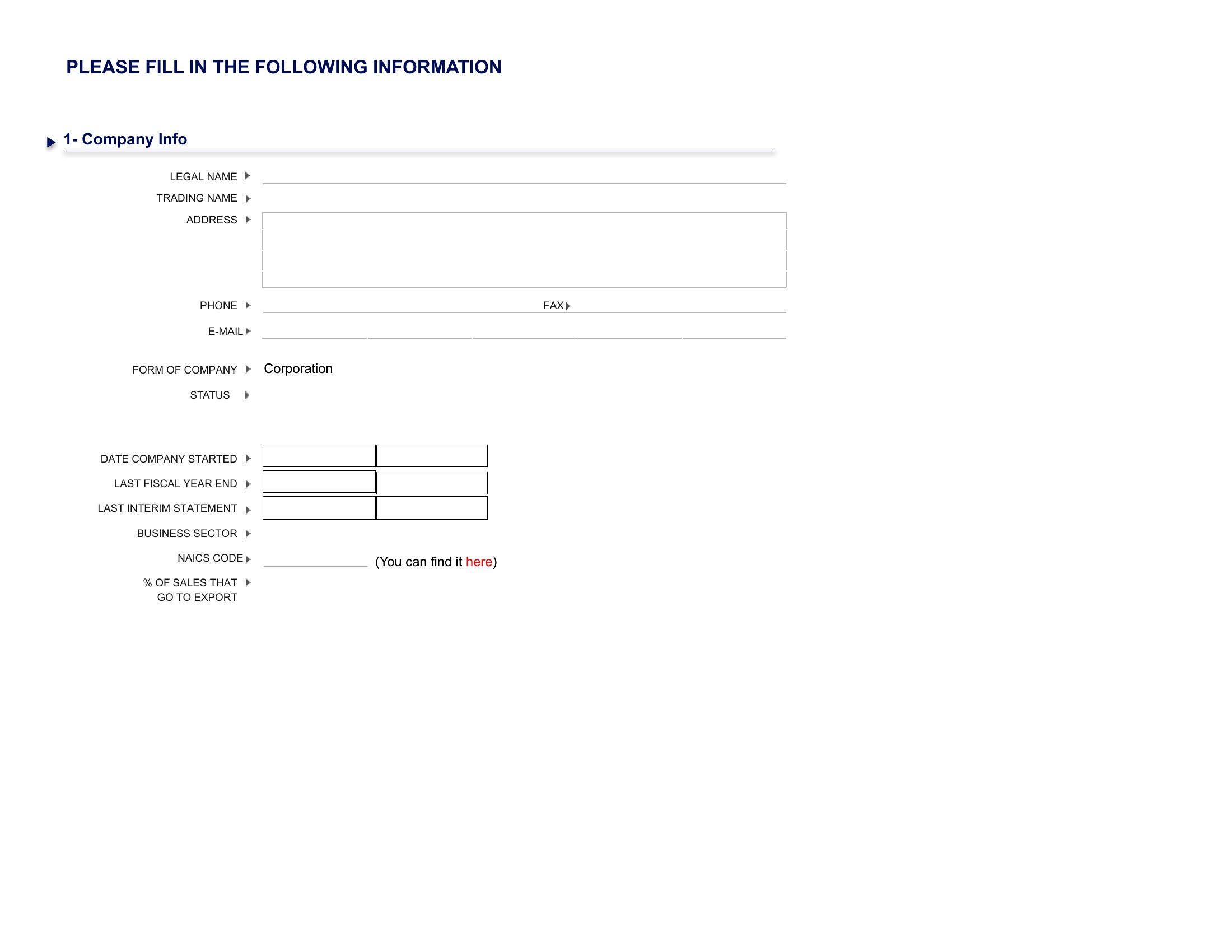
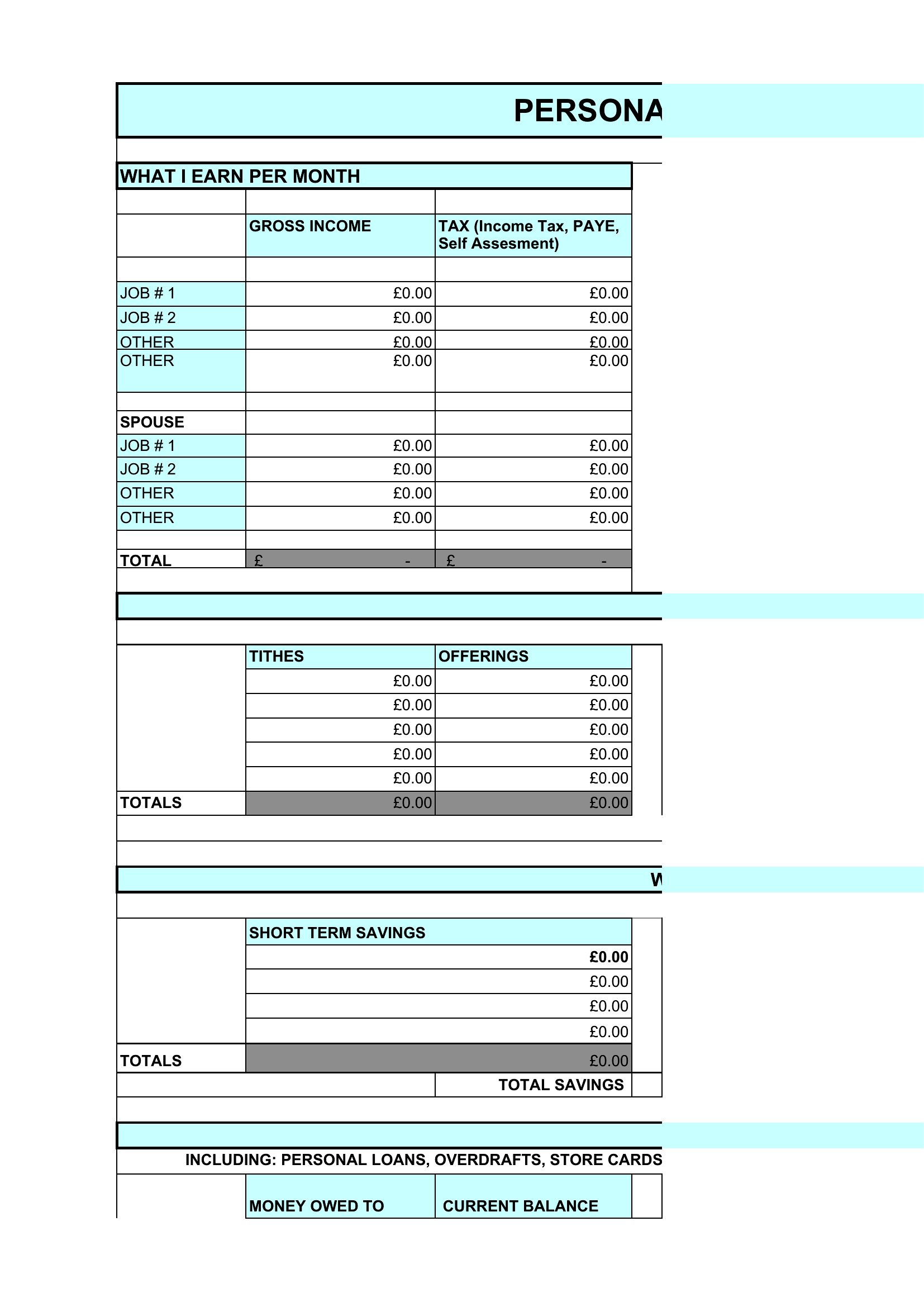
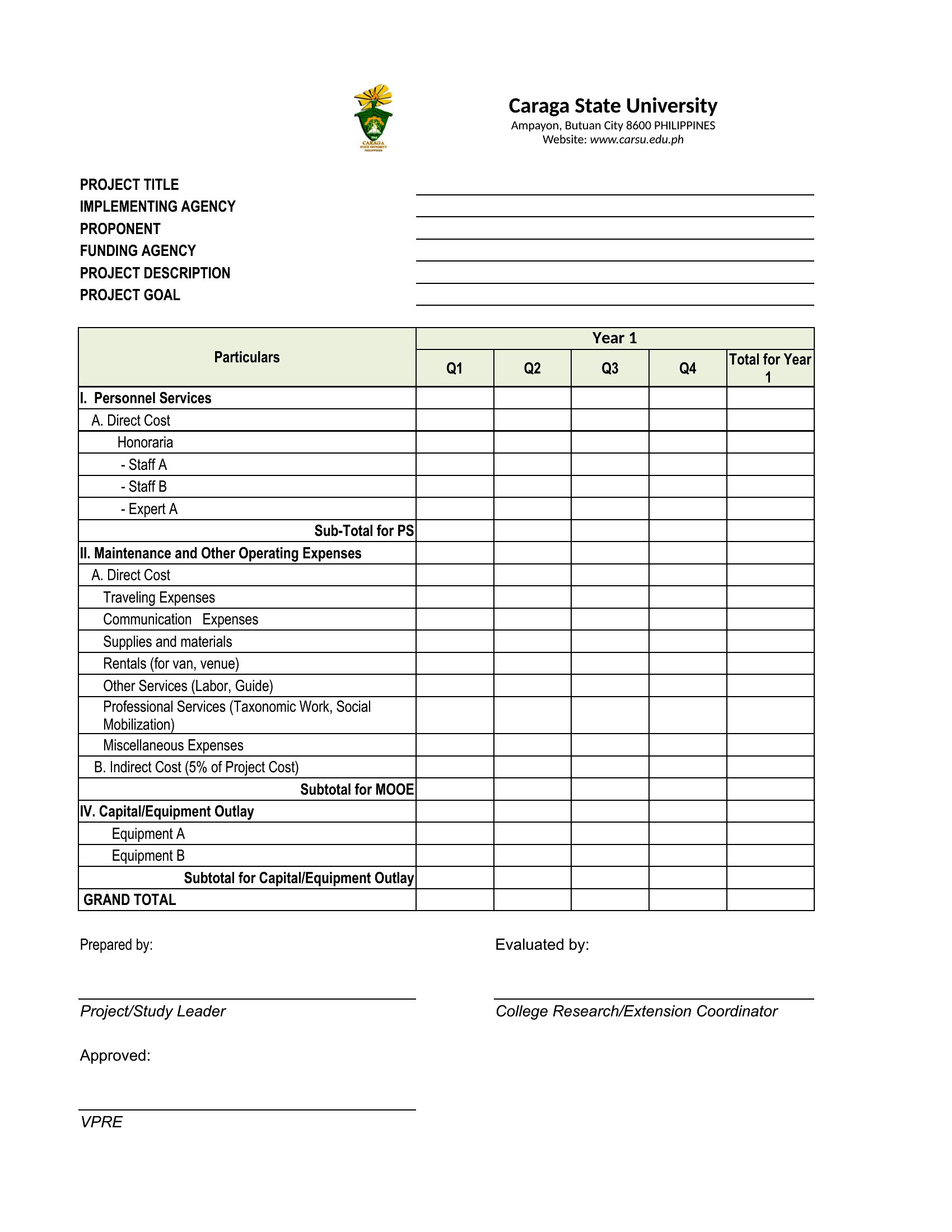
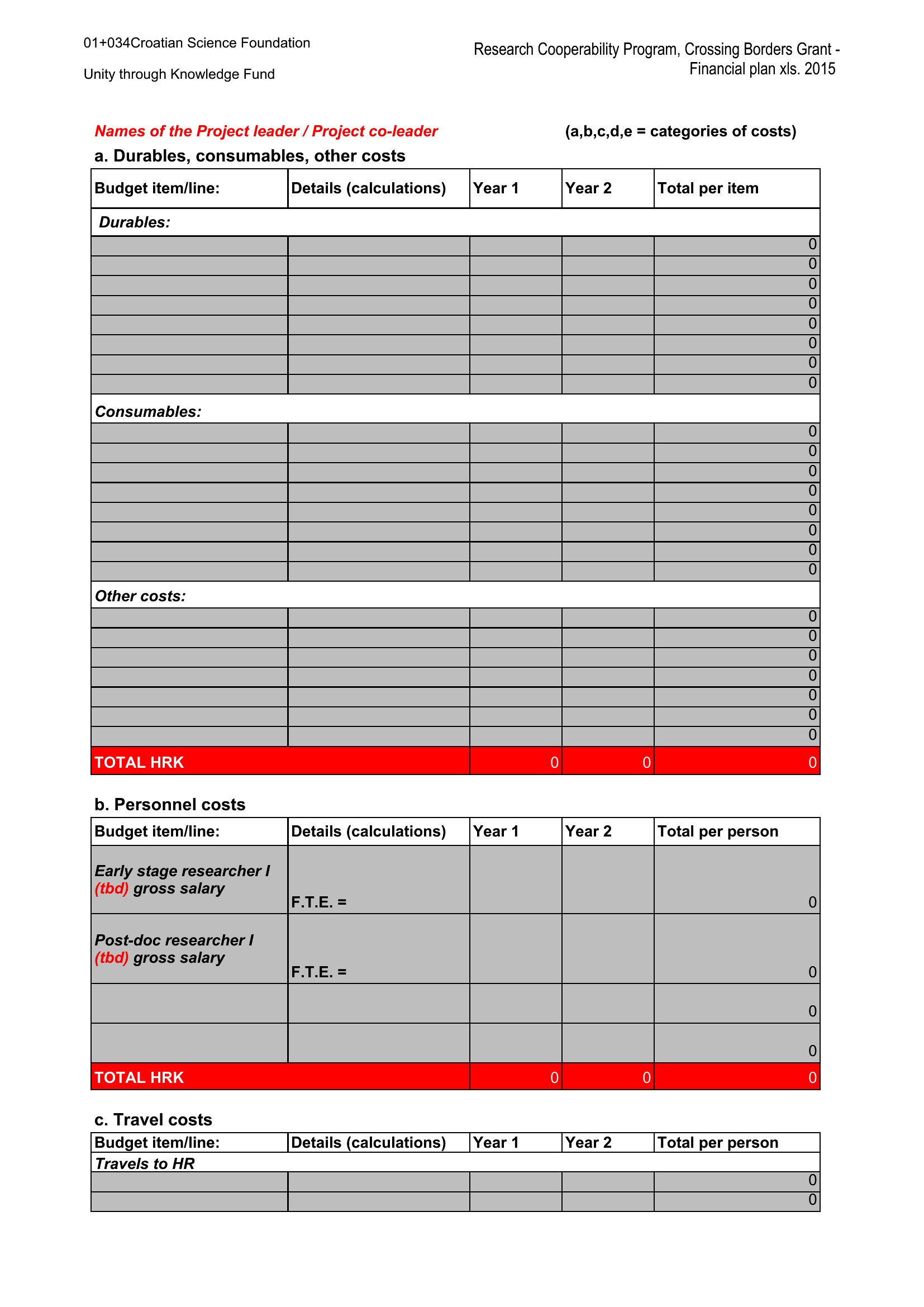
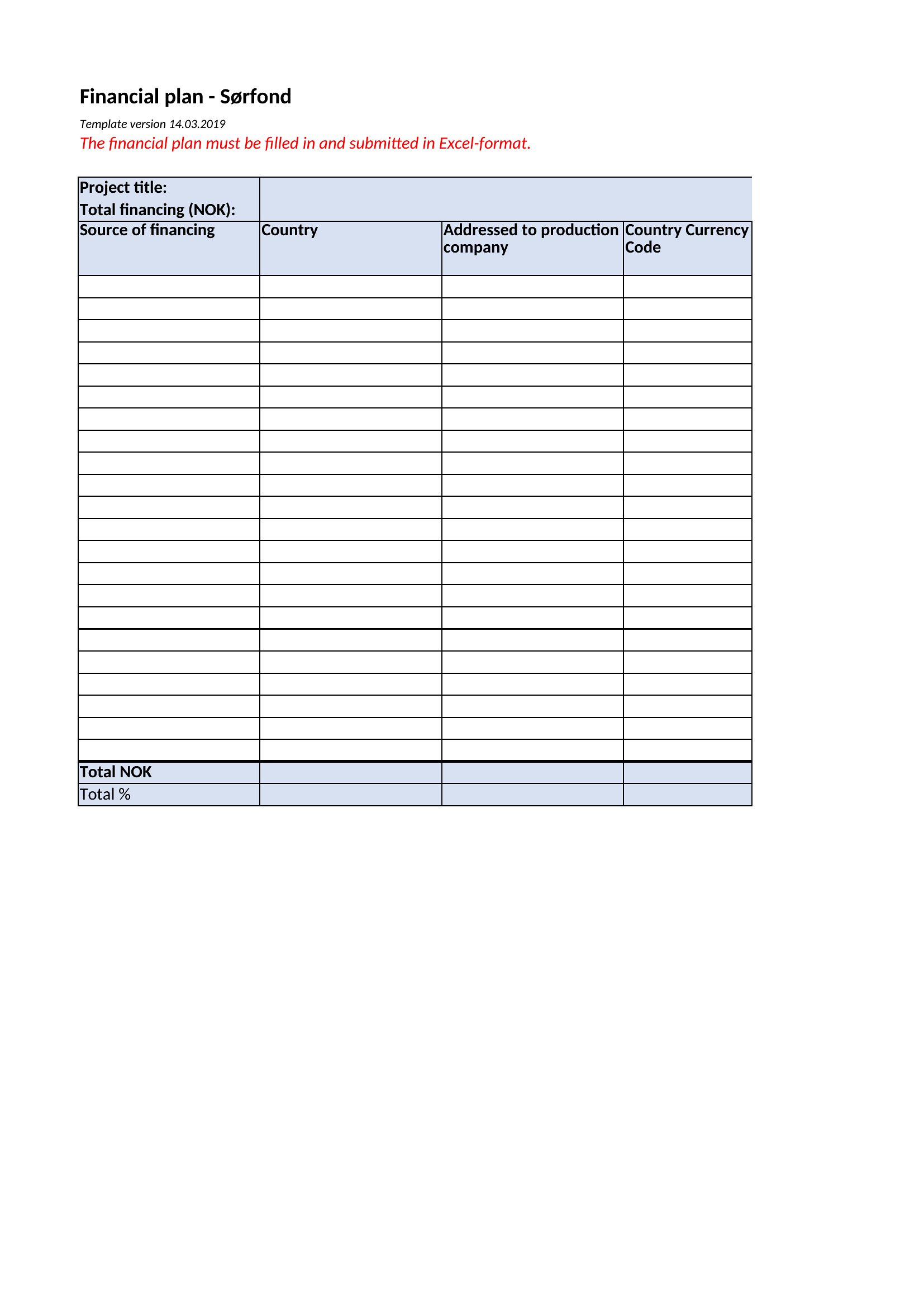
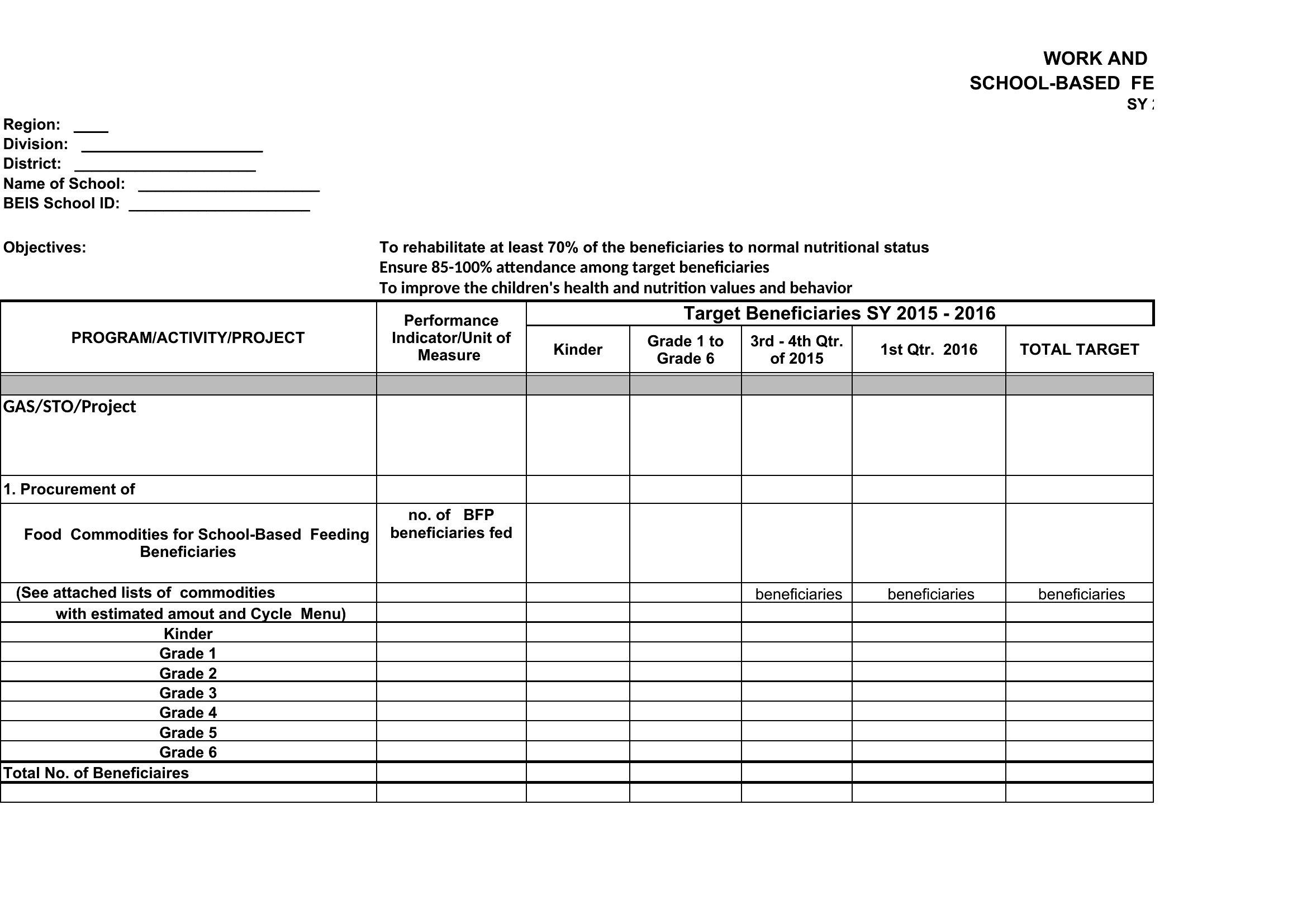
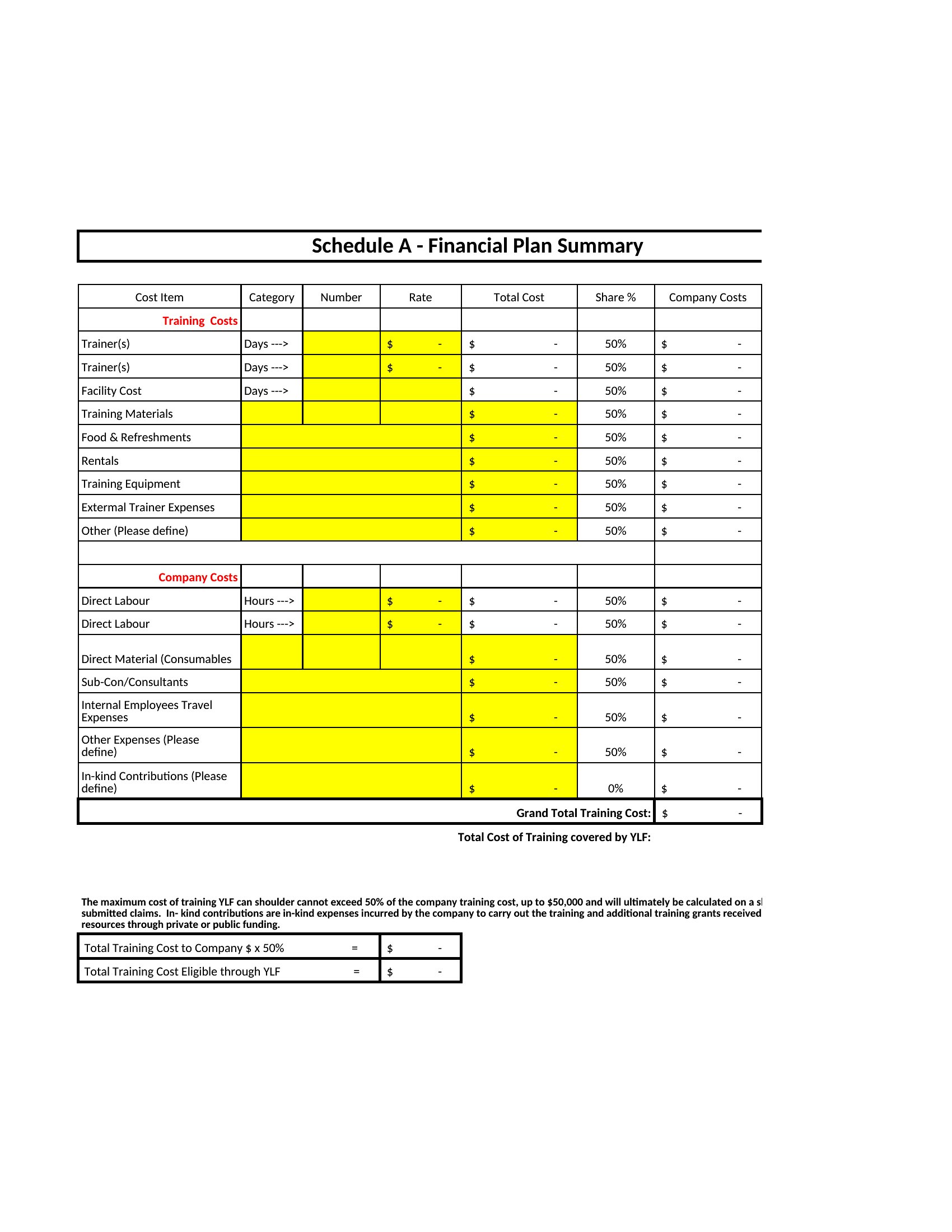
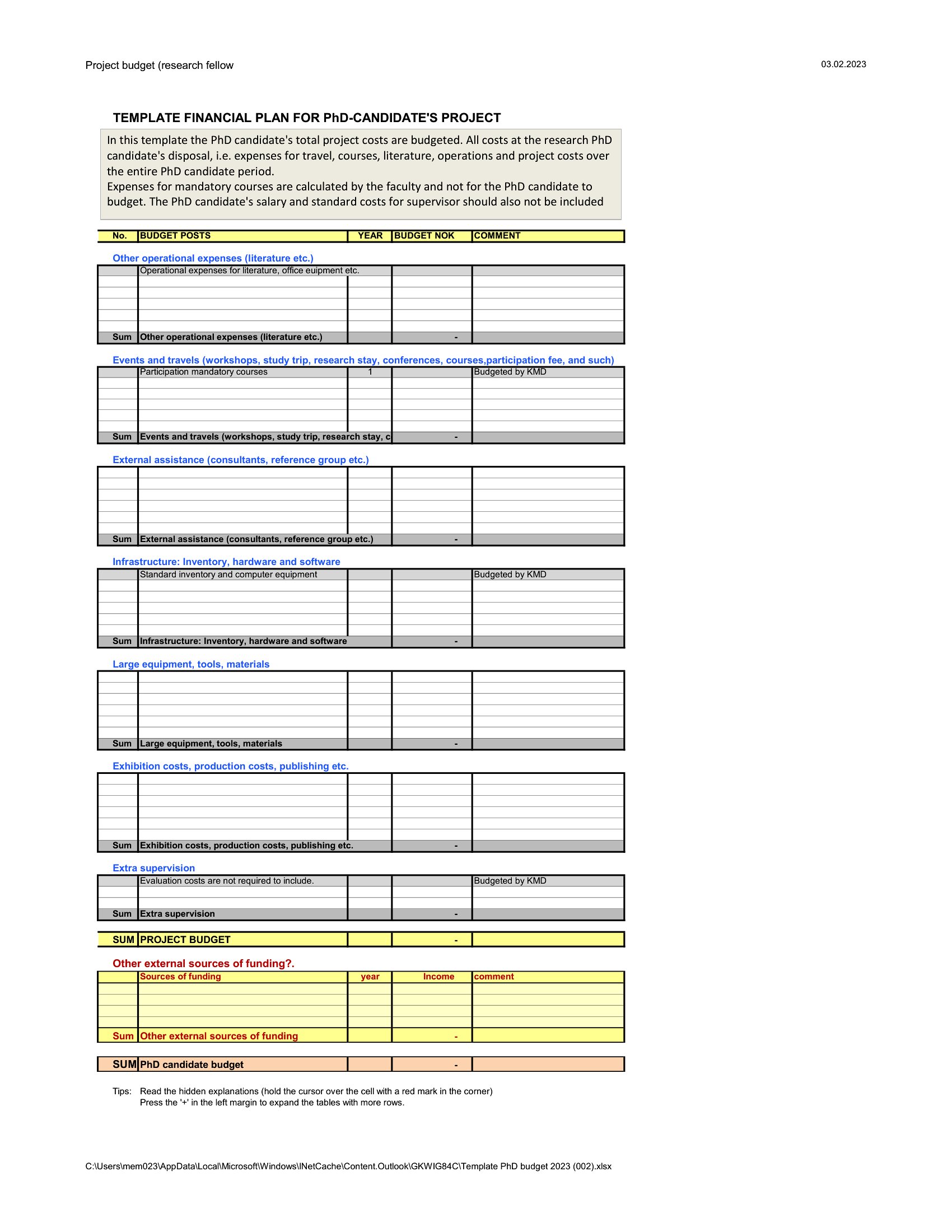
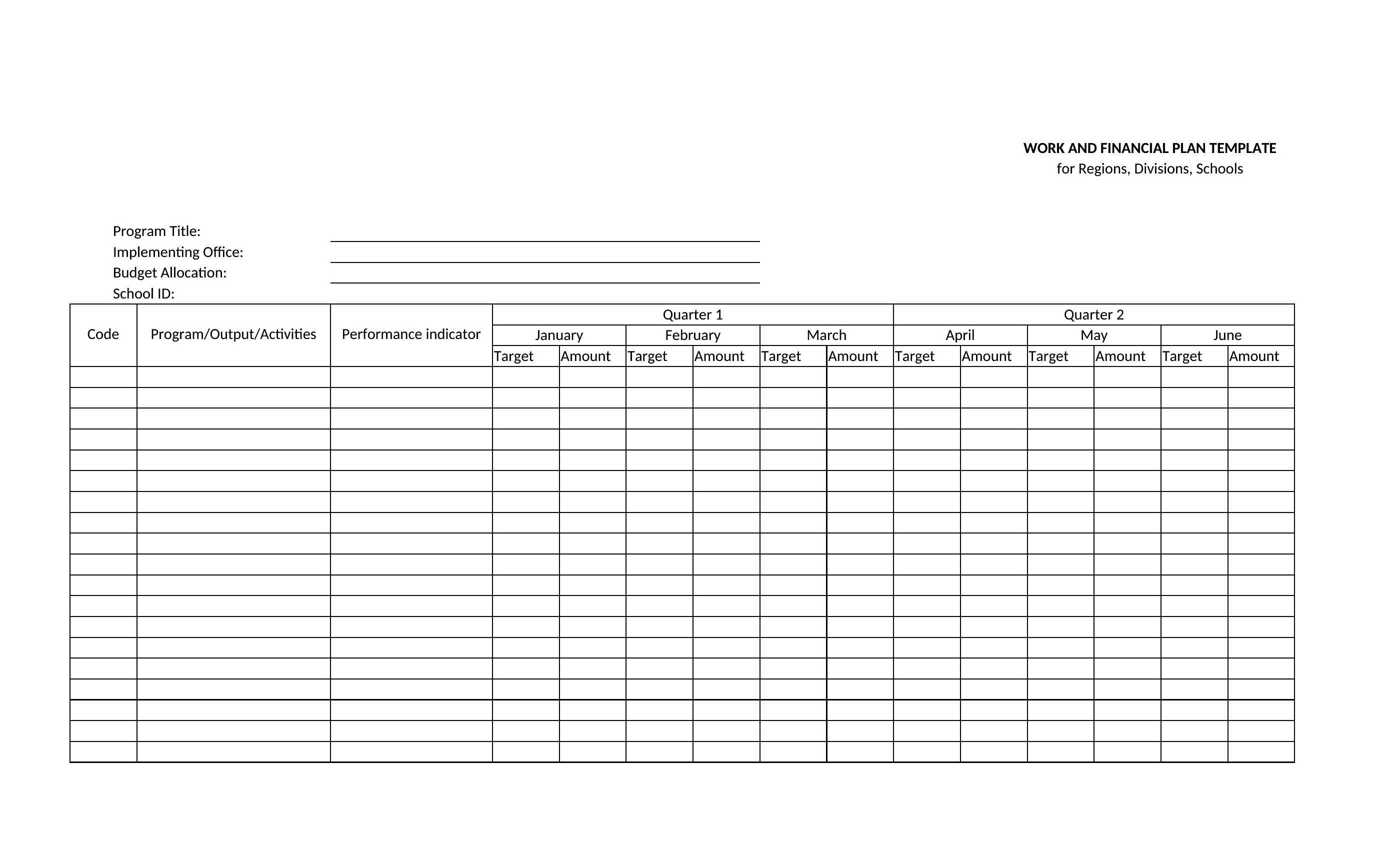
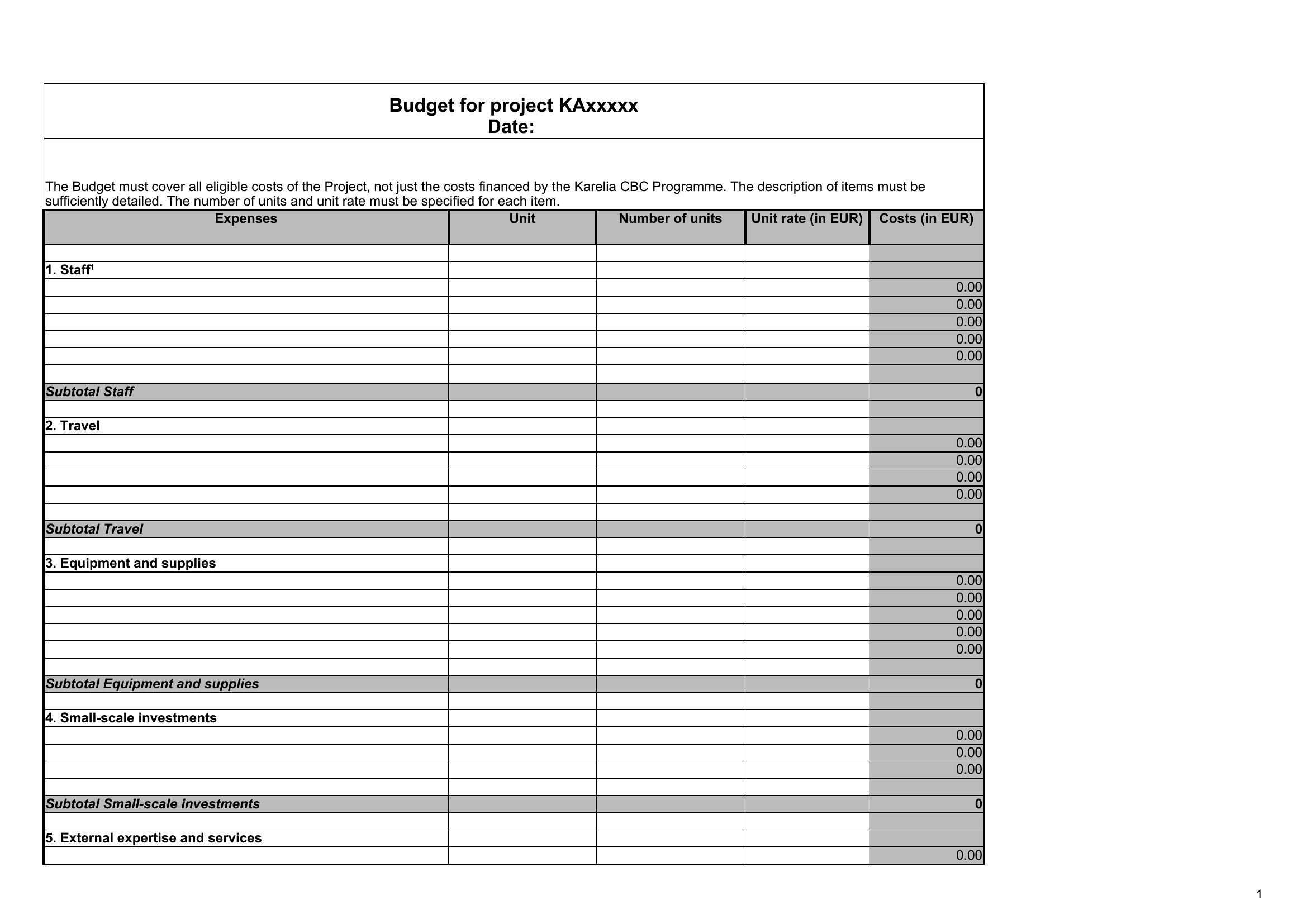
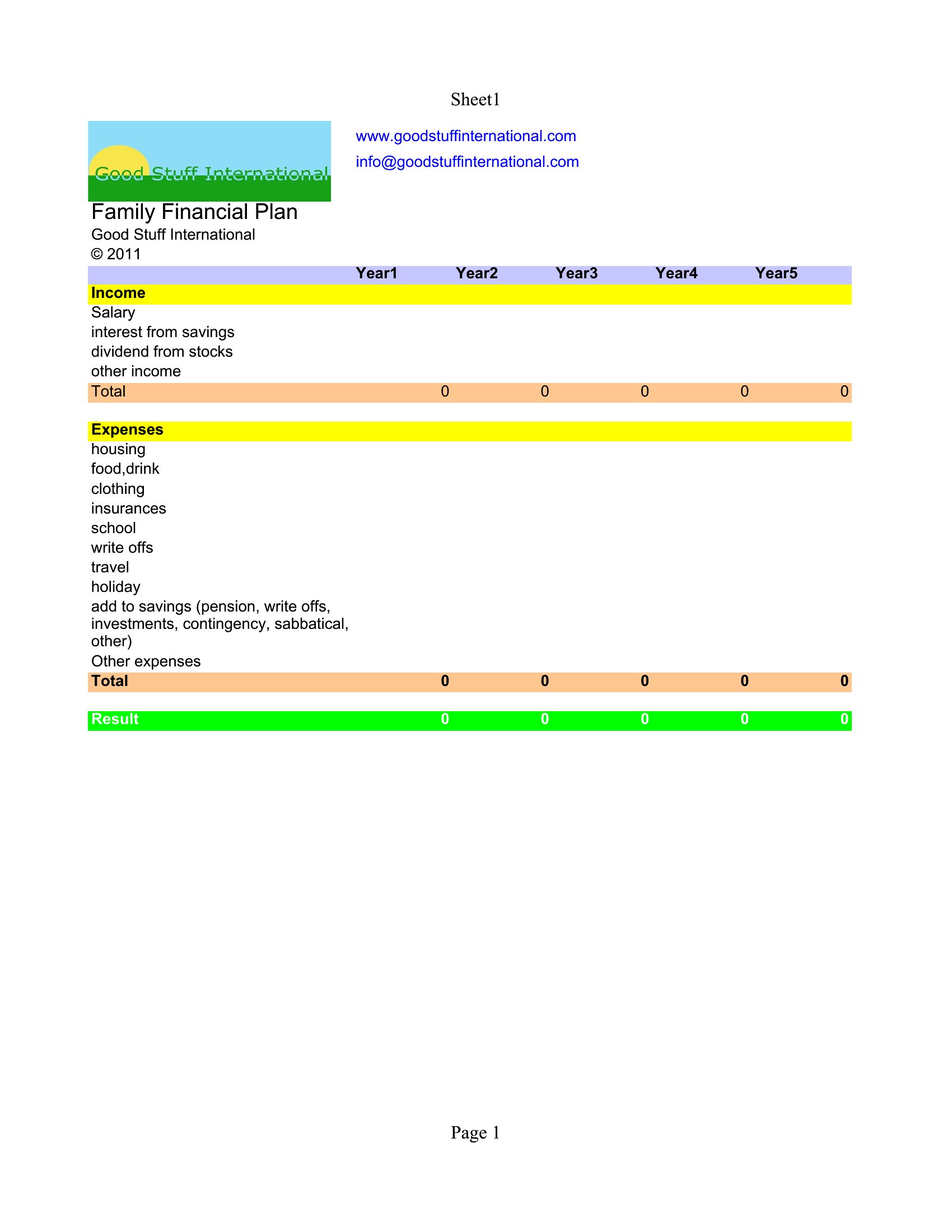
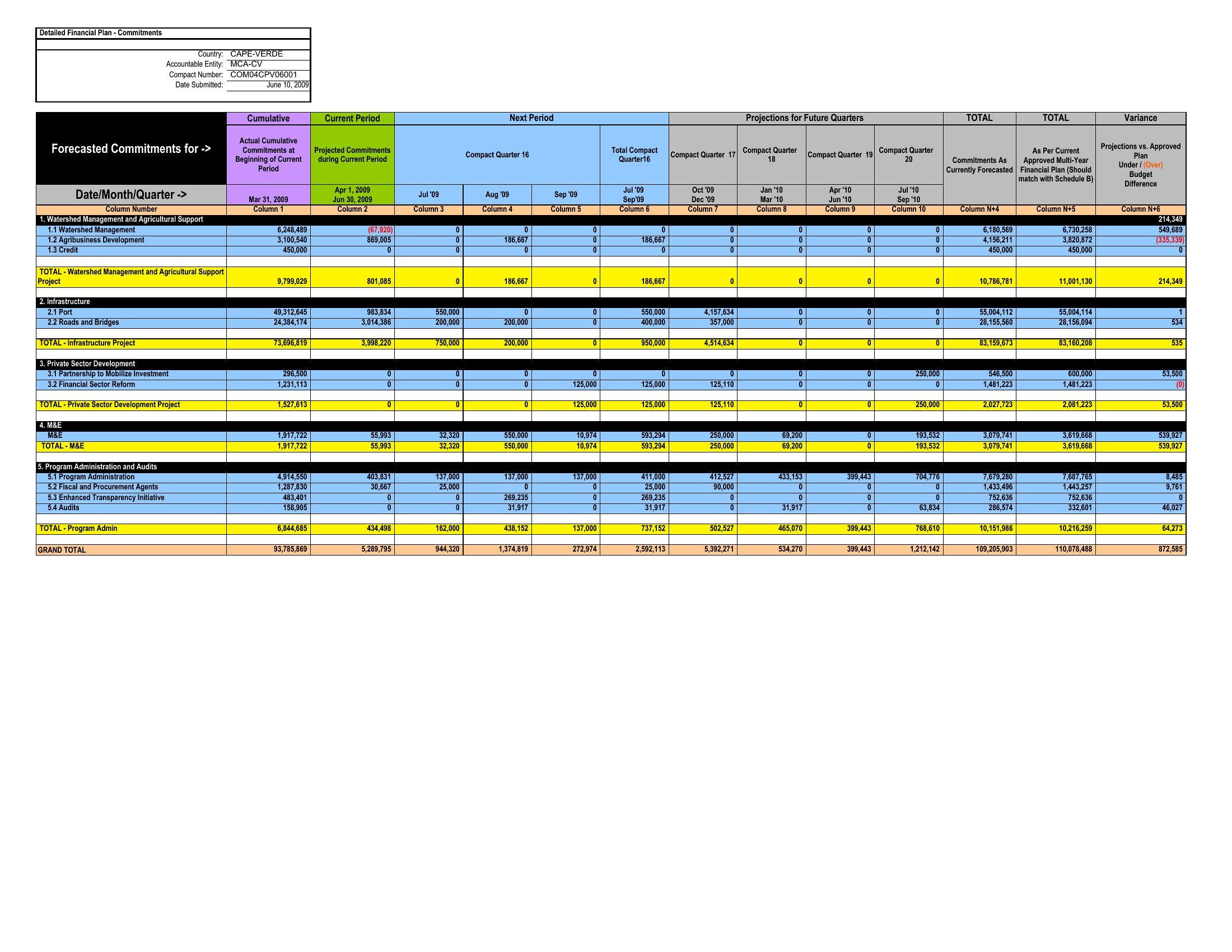
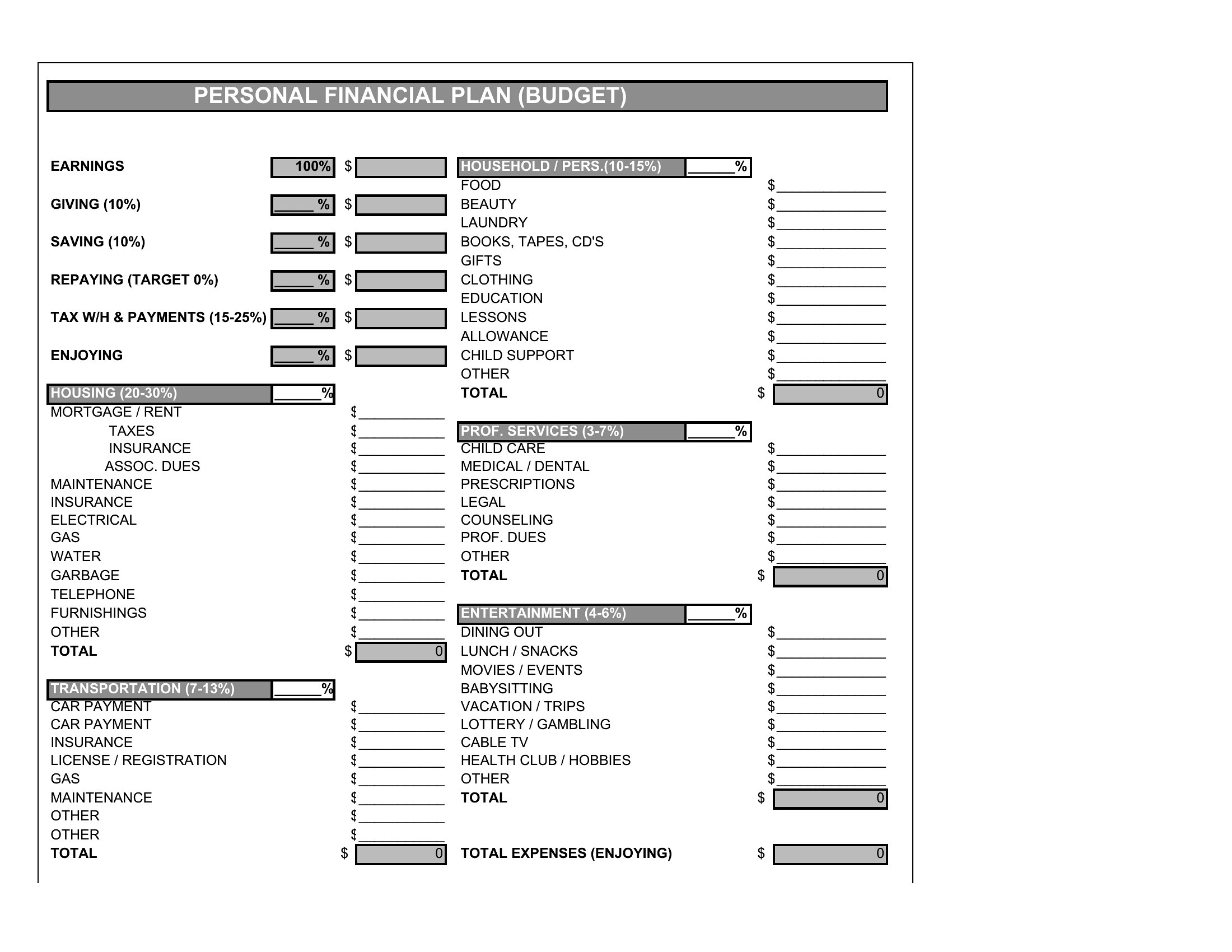
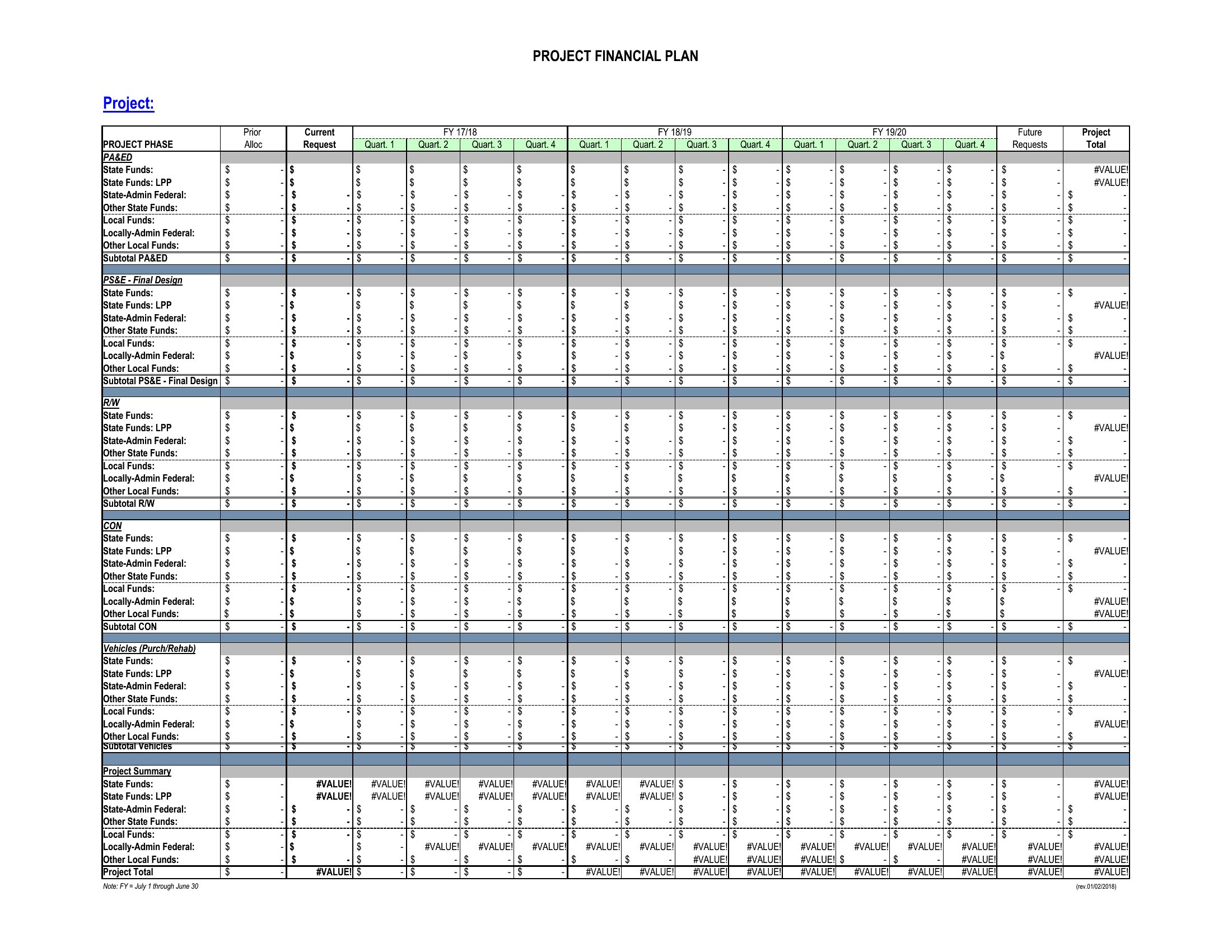
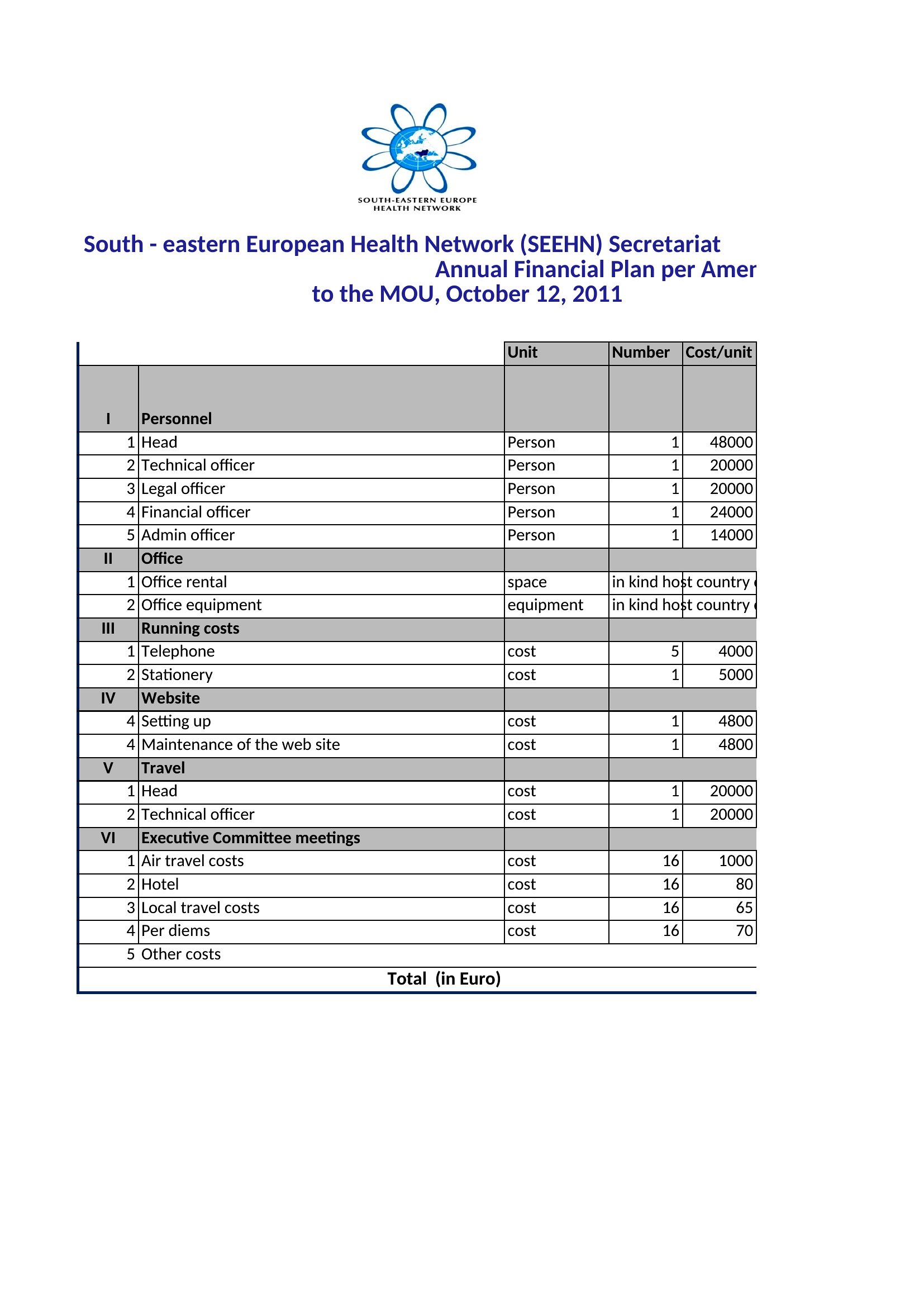
StatementsA solid financial plan turns vague money goals into concrete numbers you can act on, mapping income, expenses, savings, and targets in one place. This set of 56 templates ranges from simple one-page snapshots to detailed multi-year projections, helping individuals, freelancers, and small-business owners see where their money goes and where it could go.
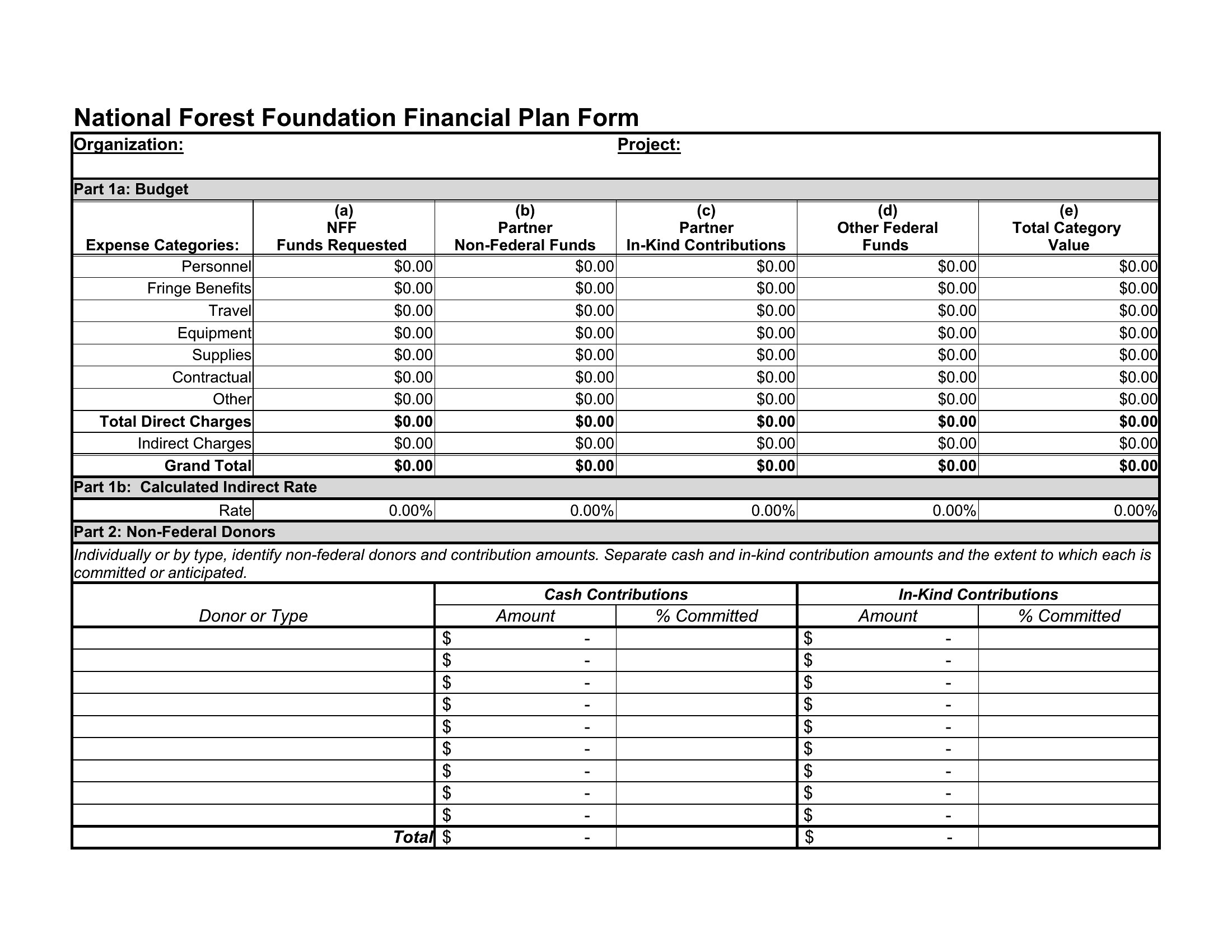
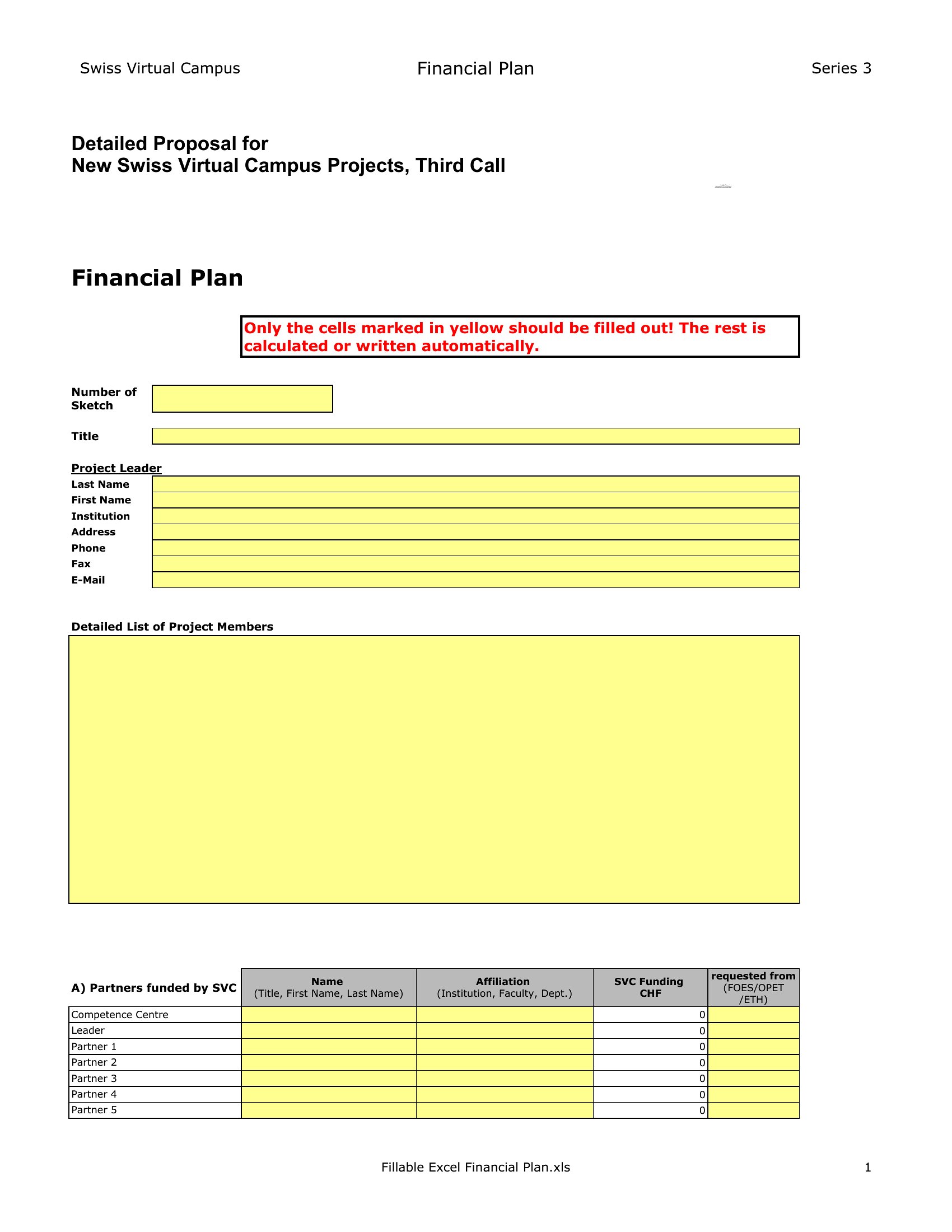
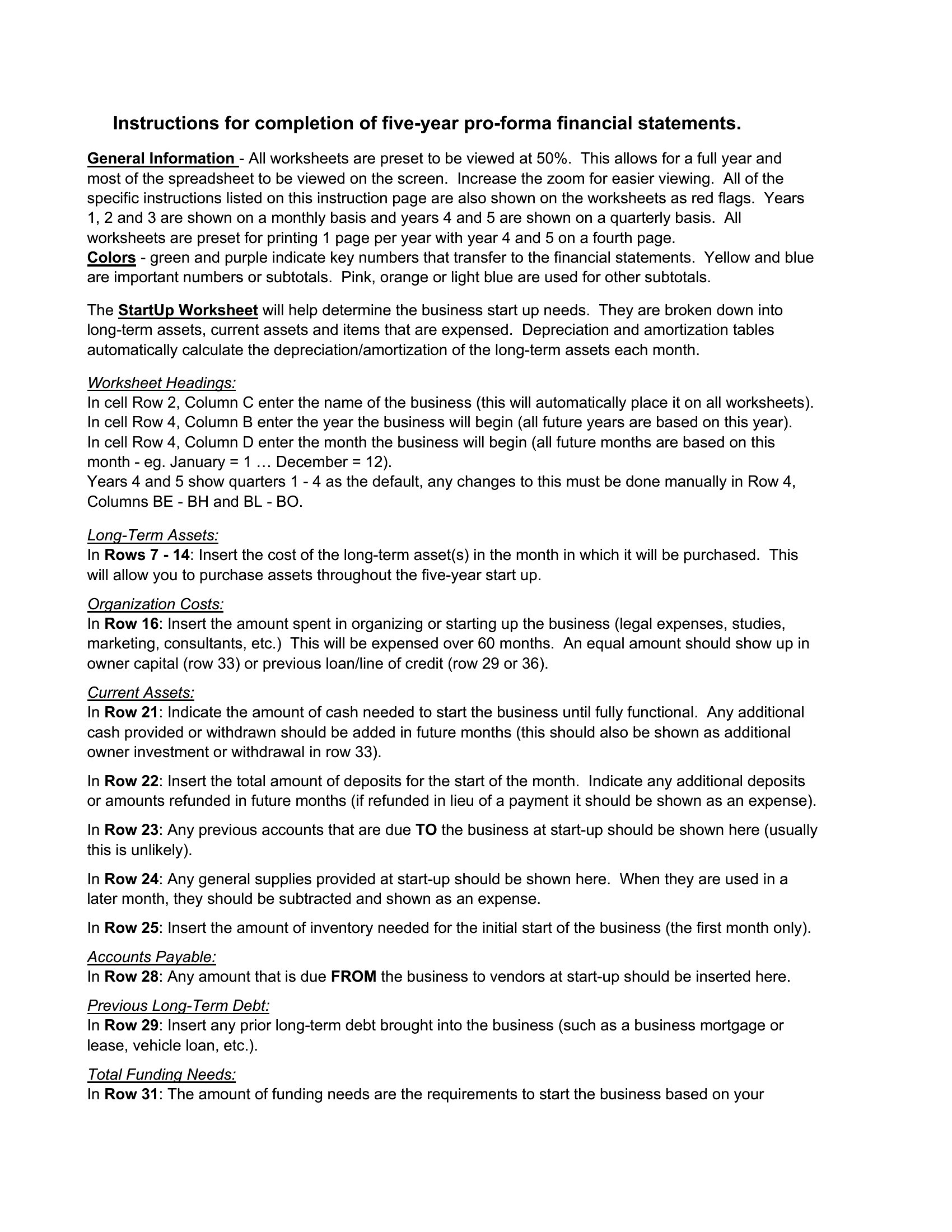
Work in the Excel versions to let formulas total your cash flow and update projections as figures change, or use the print-ready PDFs for a clean copy to review and share. Plug in your real numbers, adjust the categories to fit your situation, and revisit the plan as things shift. Figures here are estimates, not financial advice, so check important decisions with a professional. Download the version that fits and start mapping your finances.
When to use this Financial Plan template
- A freelance designer earning inconsistent monthly income needs to track seasonal revenue drops and allocate emergency funds—this financial plan’s Excel format lets them adjust projections in real time.
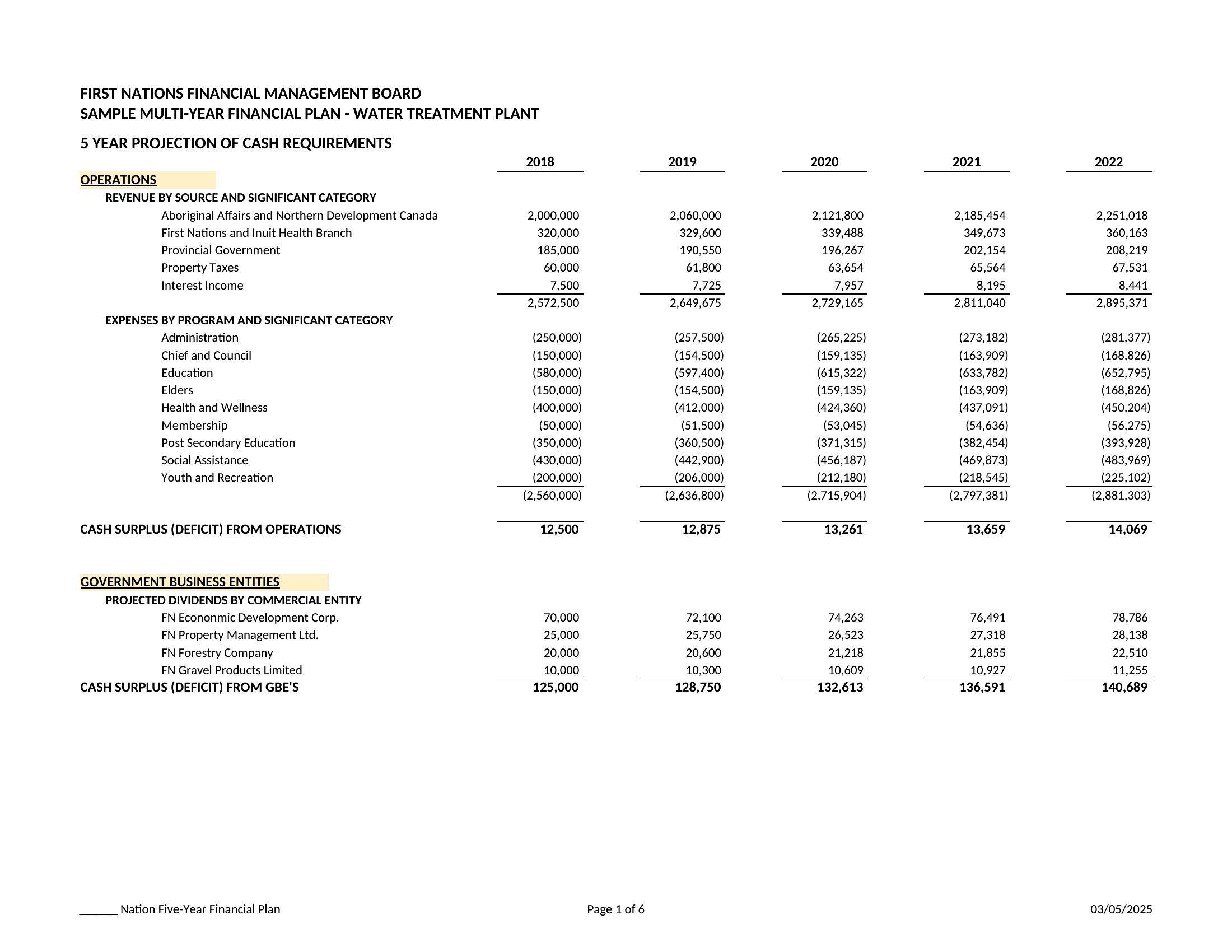
- A small business owner preparing for an SBA loan application requires a polished, multi-year forecast to present to bankers; the PDF templates offer a professional starting point for detailed cash flow narratives.
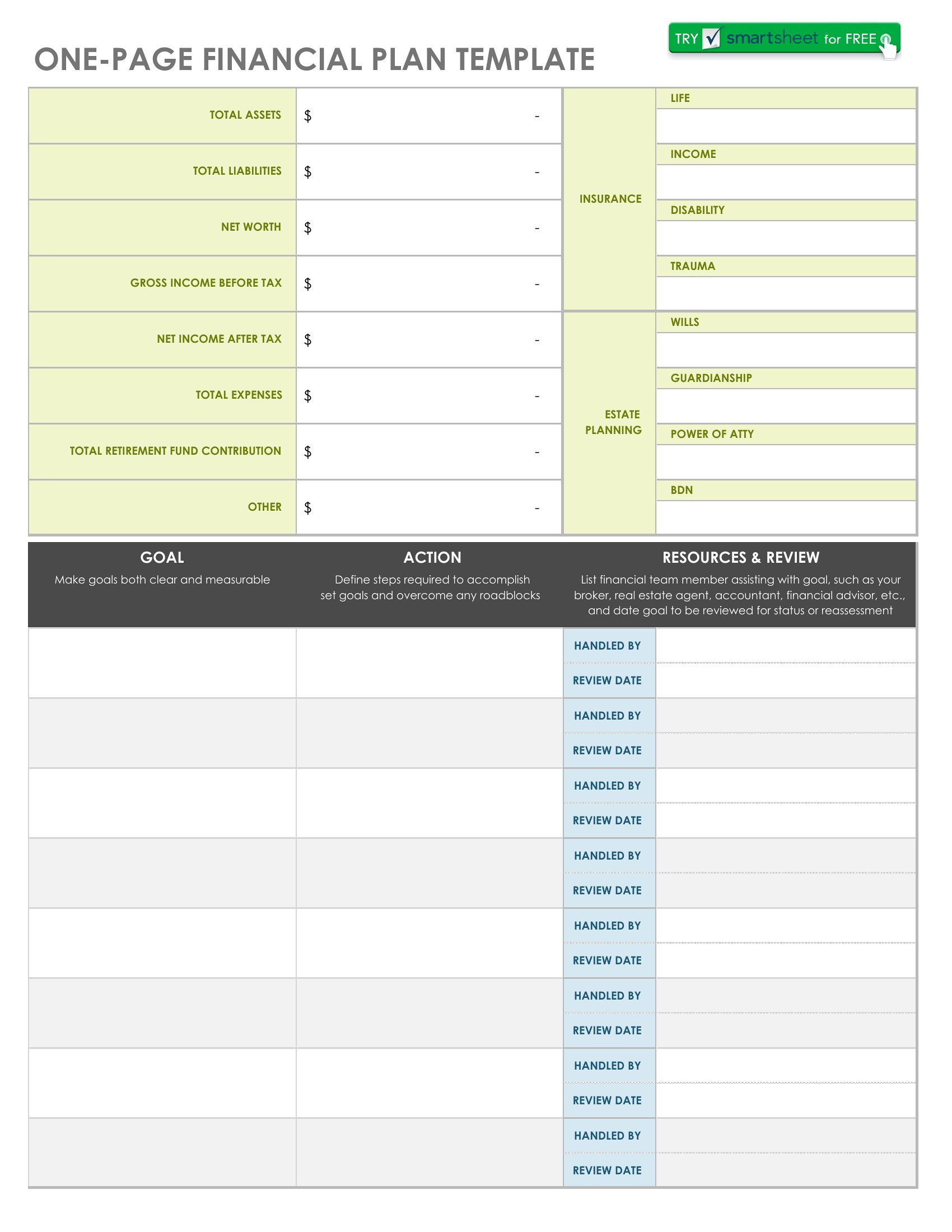
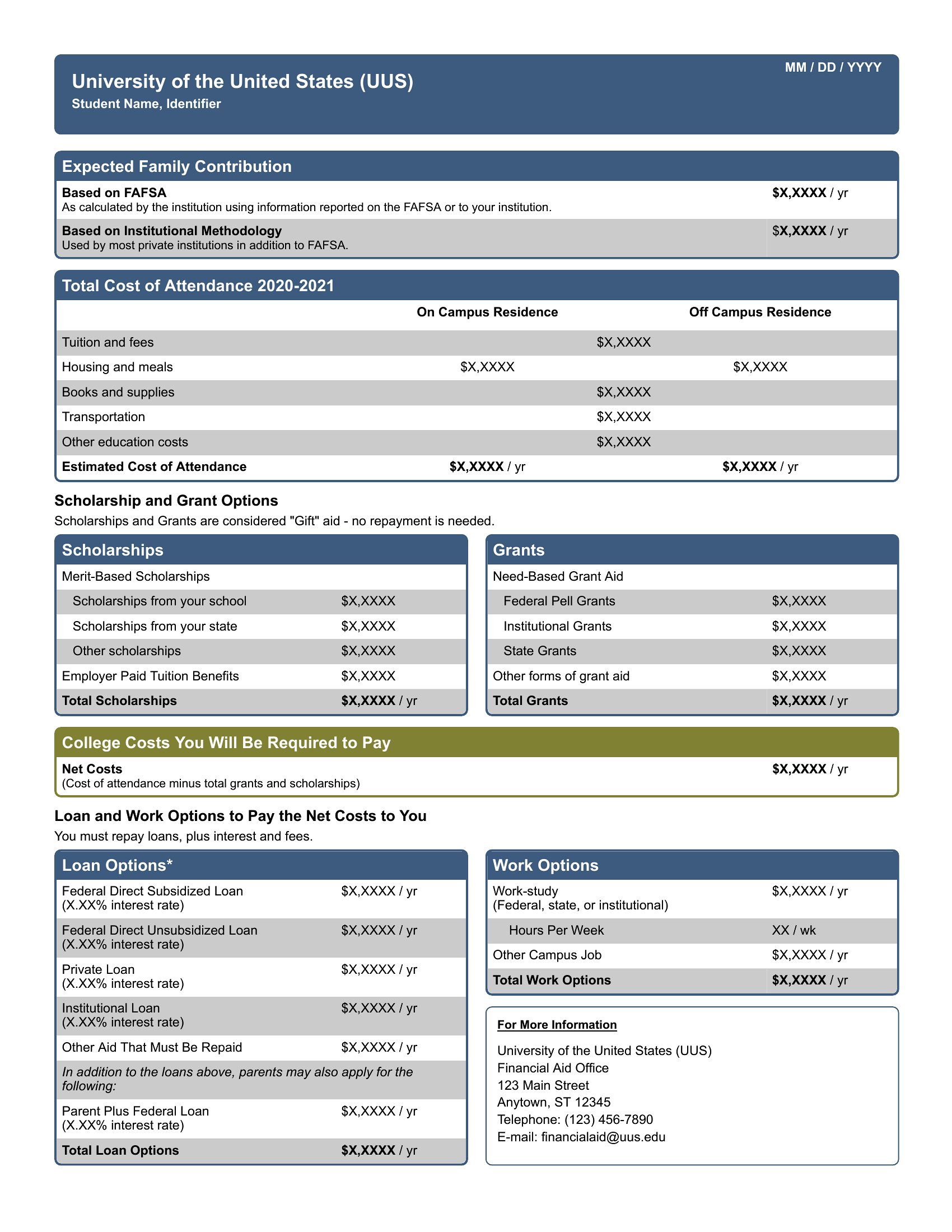
- New parents saving for a child’s education want to compare aggressive vs. moderate savings targets over 18 years, using the fillable PDF to visualize monthly contributions alongside rising college costs.
- A couple nearing retirement needs to reconcile fixed expenses, social security estimates, and legacy goals—these templates’ side-by-side income/expense layouts help identify gaps before consulting a financial advisor.
Which format should I download?
Choose Excel if you’ll actively tweak numbers, rely on auto-calculations (like debt payoff timelines), or need to link data across multiple sheets for scenario testing. Opt for PDF when you need a static, printable version to review with advisors, share with stakeholders, or include in formal documents like loan packages. The PDFs are best for visual clarity and annotations, while Excel shines for iterative planning and what-if analysis—like adjusting tax brackets or inflation rates annually.
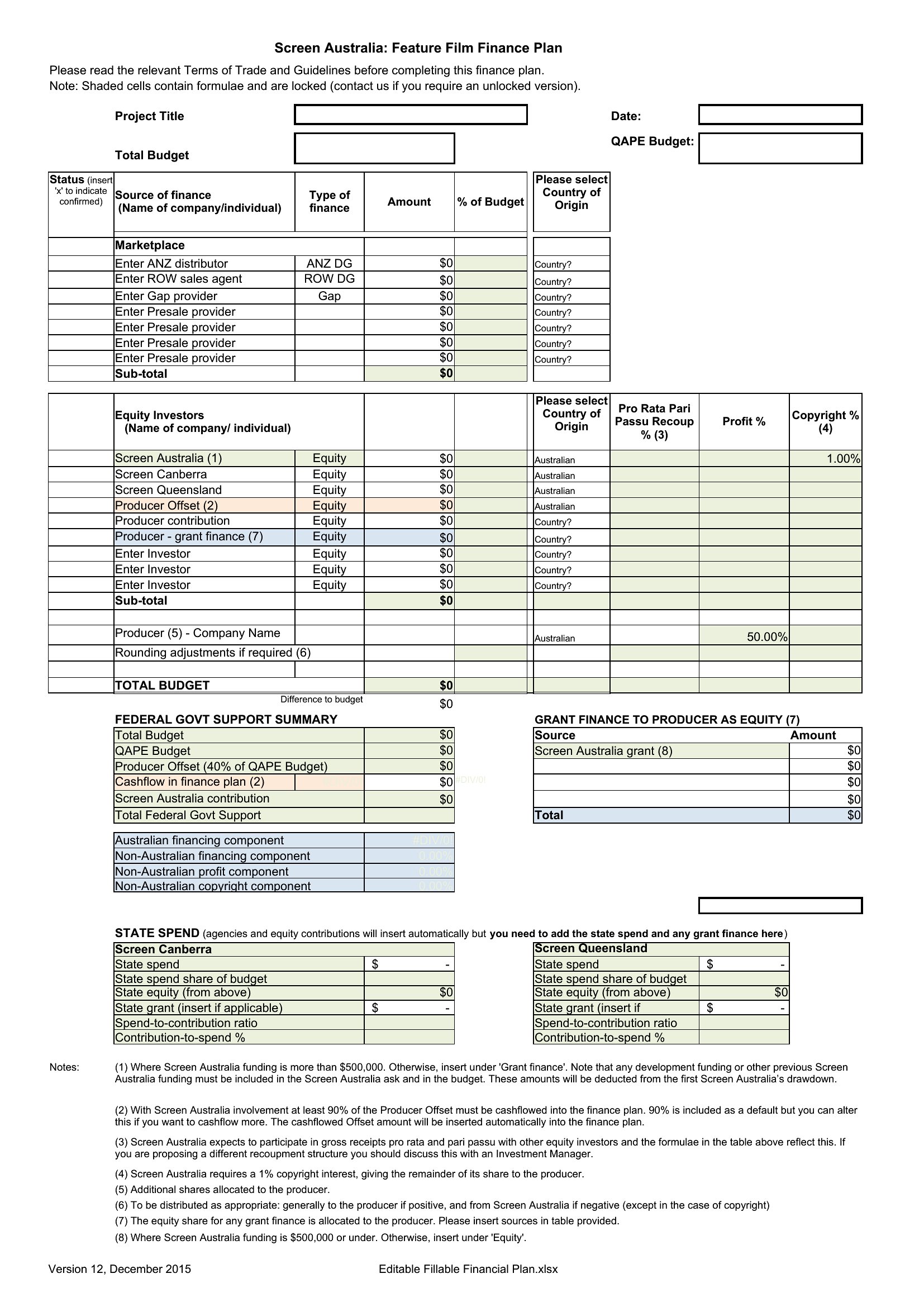
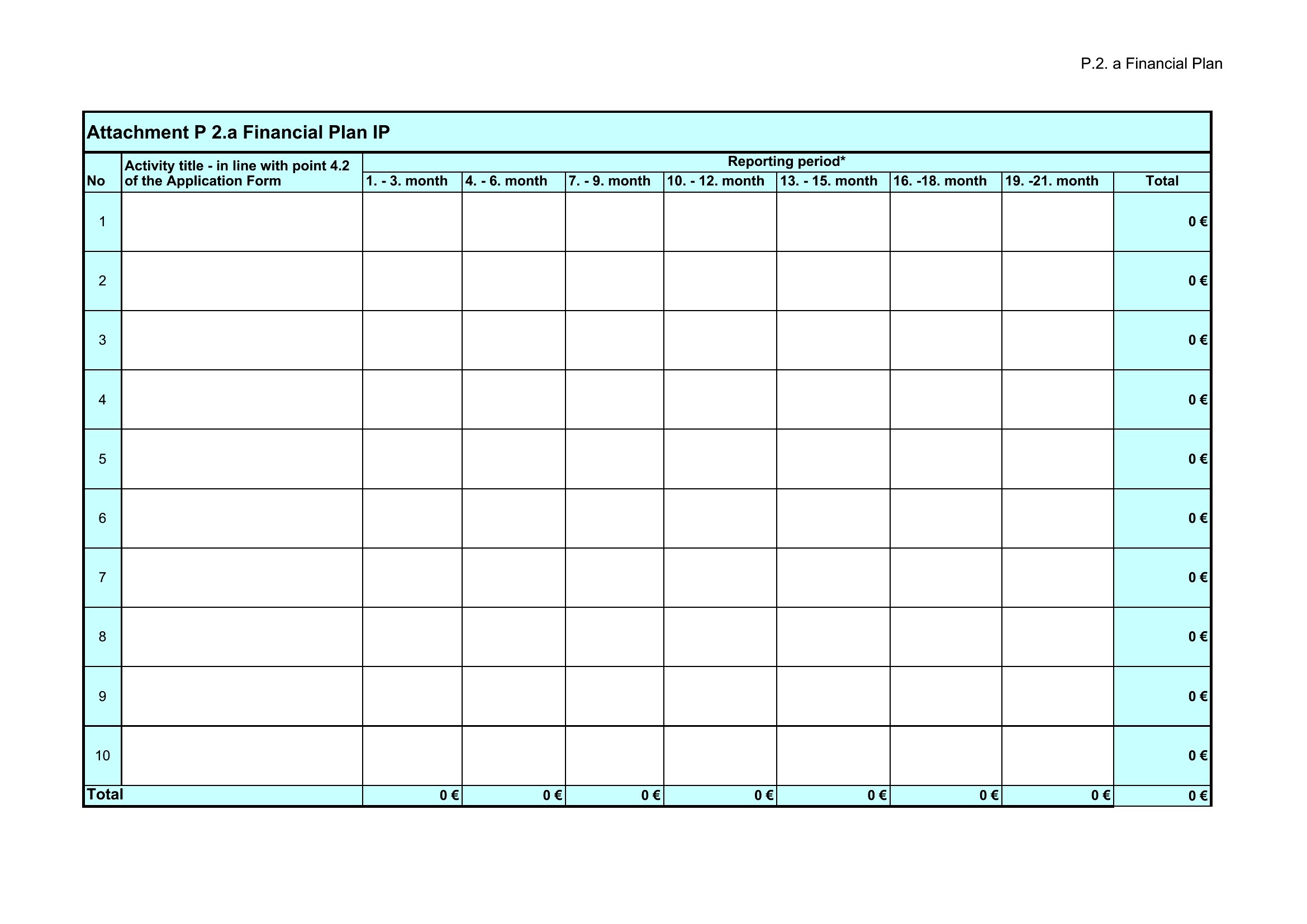
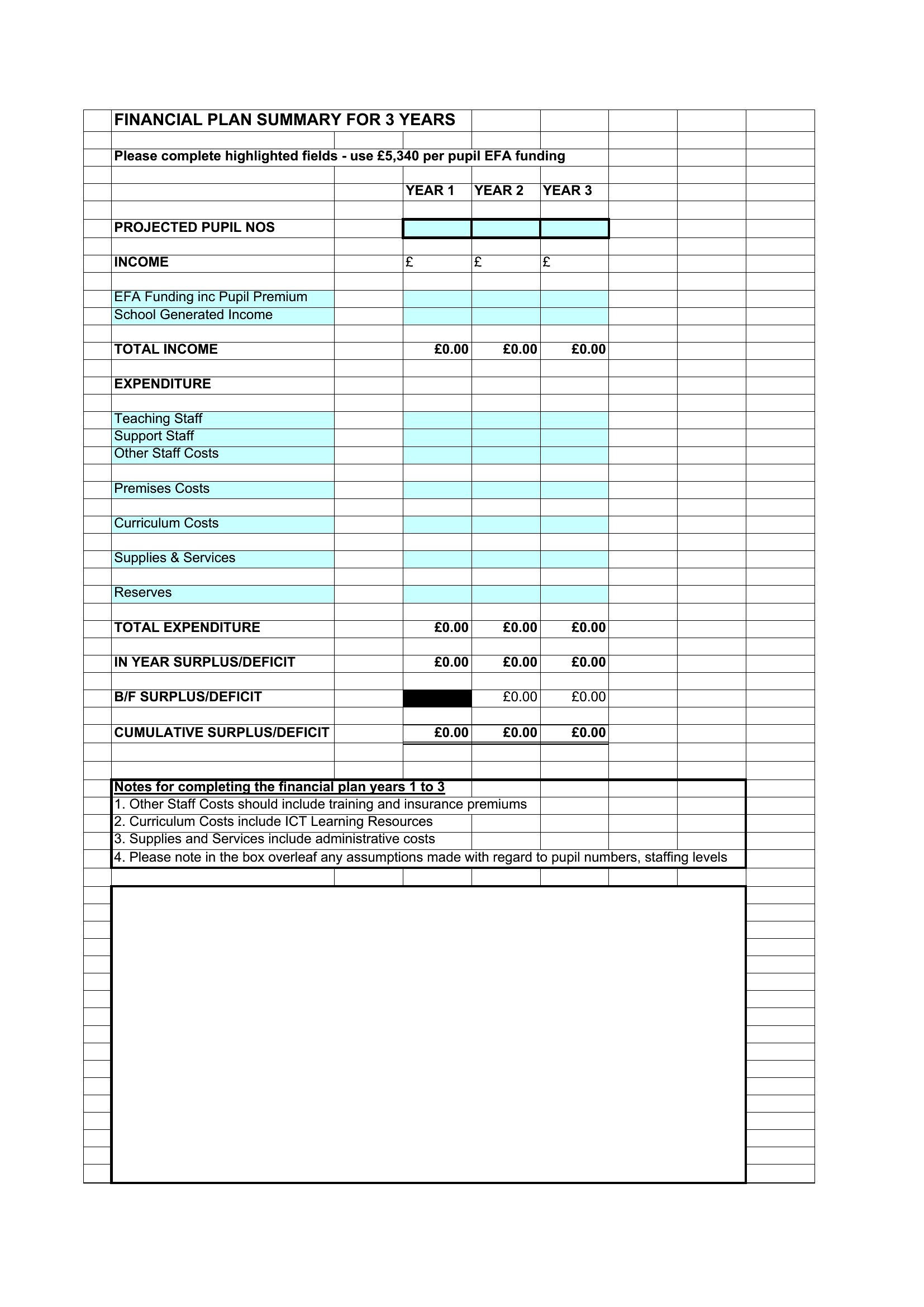
Choose from 56 Financial Plan Templates
How to use this Financial Plan template
How do the templates handle irregular income, like bonuses or seasonal work?
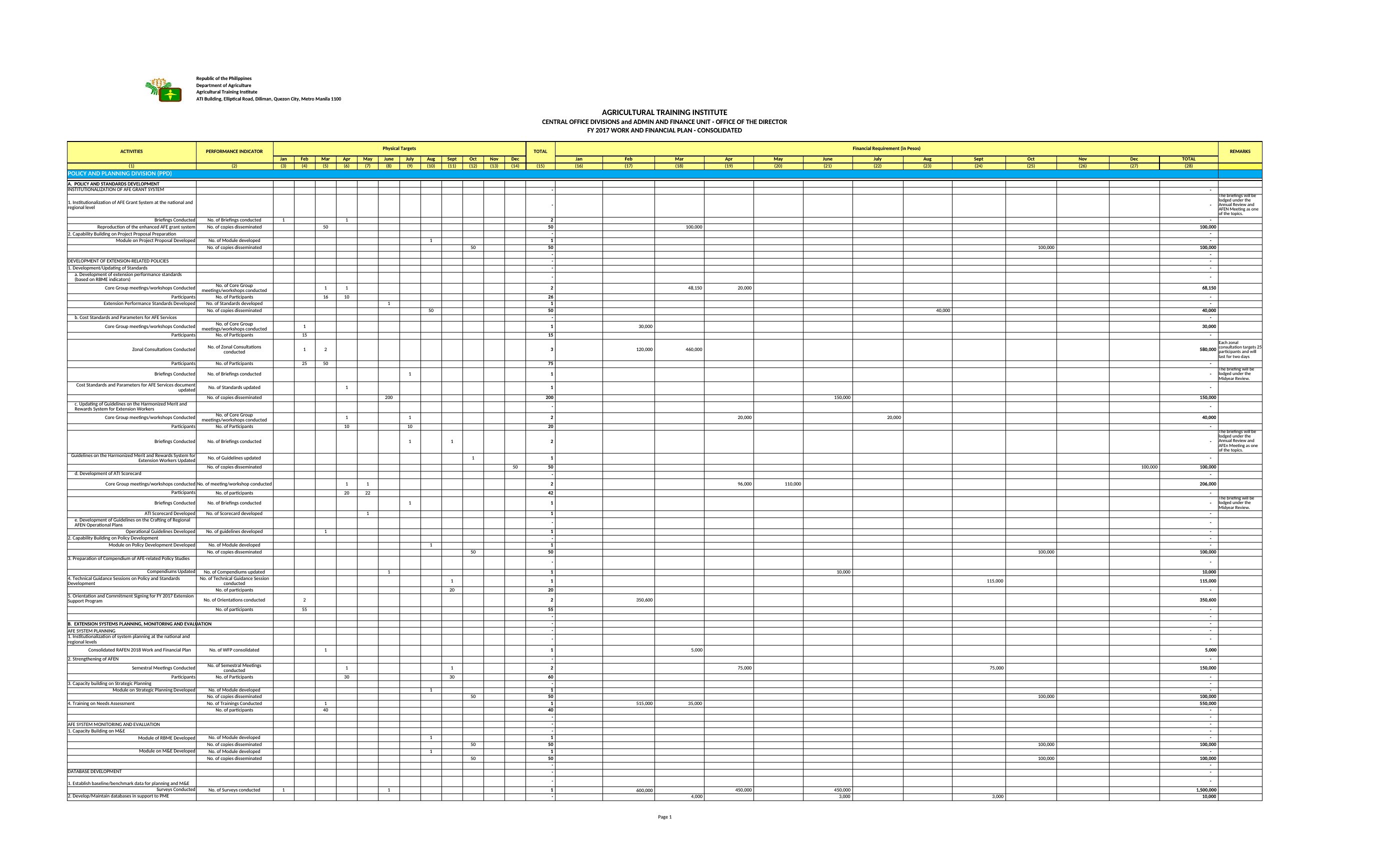
Most templates include separate rows for irregular income under the ‘Other Income’ category, with instructions to average annualized amounts or list expected dates. The Excel versions often feature dropdown menus to flag recurring but unpredictable sources, while PDFs provide blank lines for manual annotations. These are starting points—you’ll want to refine them with your own pay cycle specifics.
Can these templates reconcile with accounting software like QuickBooks or Xero?

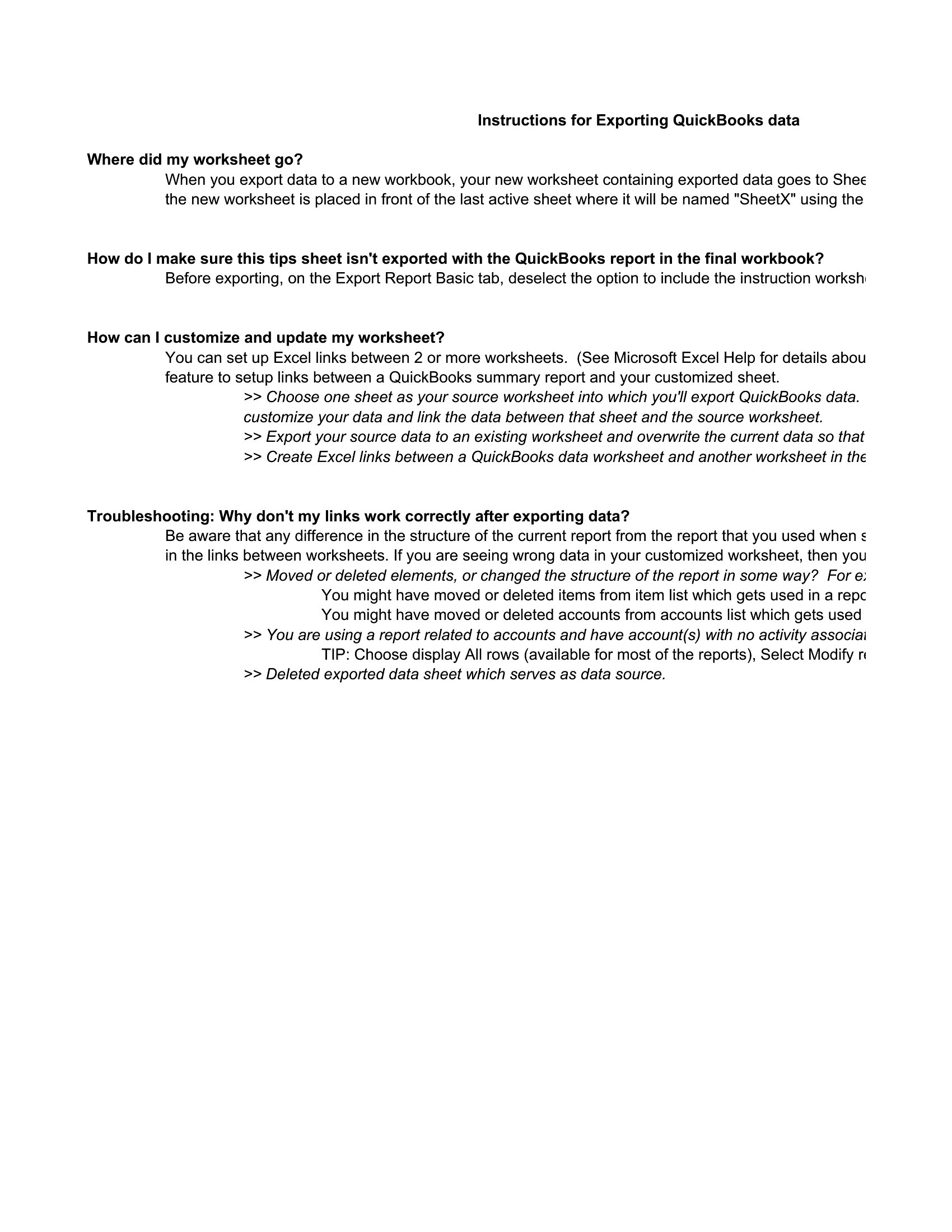
Yes, but with a manual step: export your software’s transaction data into the Excel templates’ ‘Historical Data’ sheets, then use the built-in formulas to cross-check your inputs. The PDF versions aren’t directly compatible but can serve as a visual summary for review alongside your accounting software. Always double-check categories (e.g., ‘Discretionary’ vs. ‘Essential’) to align with your software’s labels.
Do any templates account for inflation or rising costs over time?
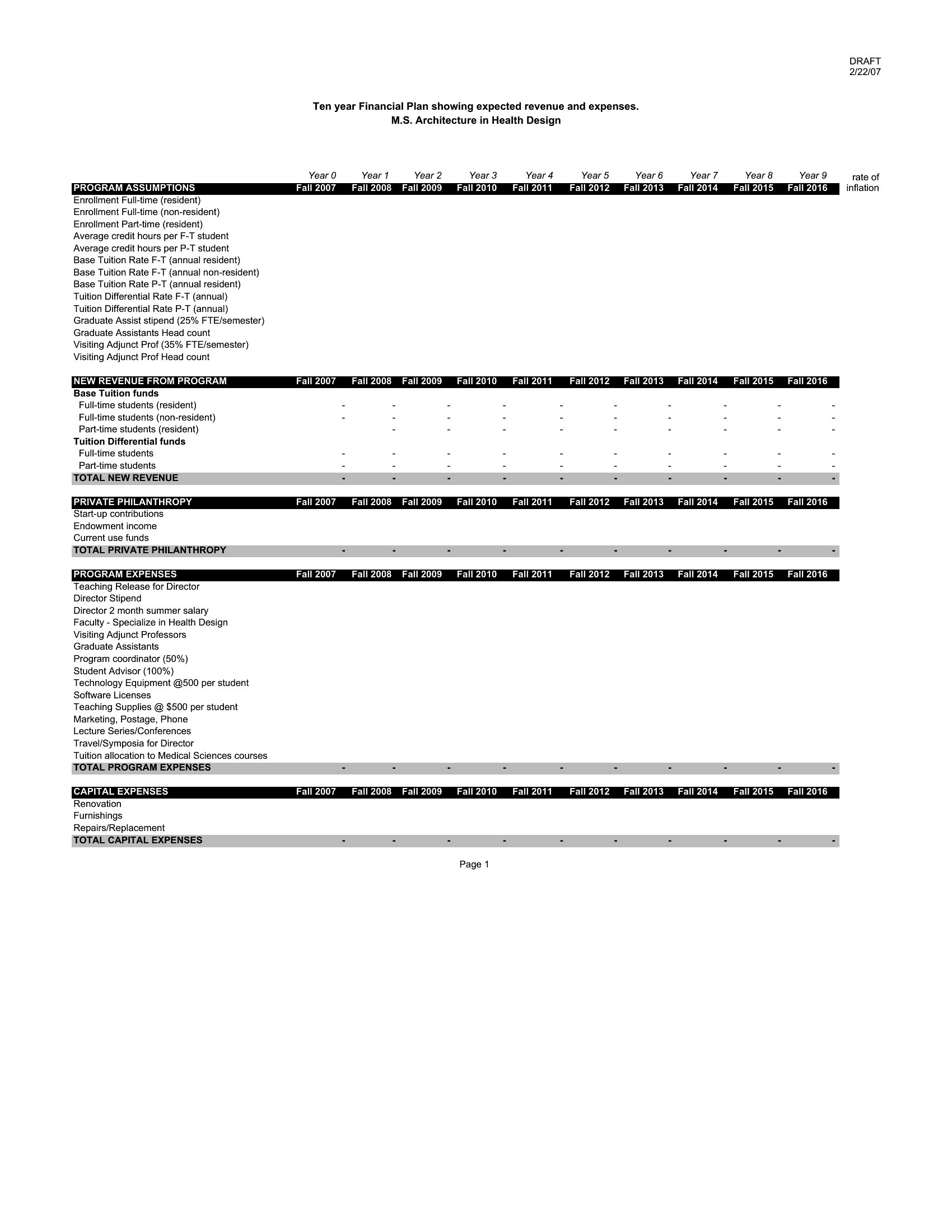
The Excel templates labeled ‘Projection’ or ‘Multi-Year’ include a dedicated ‘Inflation Adjustment’ column with preset rates (typically 2–3%) for expense categories like groceries or utilities. PDFs prompt you to note an assumed inflation rate in a footnote, then manually adjust future-year estimates. These are simplifications—consult an economist for hyper-localized projections, especially in volatile markets.
Comments
Join the conversation
Sign in to share your thoughts and leave a comment on this resource.