Free Financial Plan Templates (Excel, PDF)
StatementsTemplates

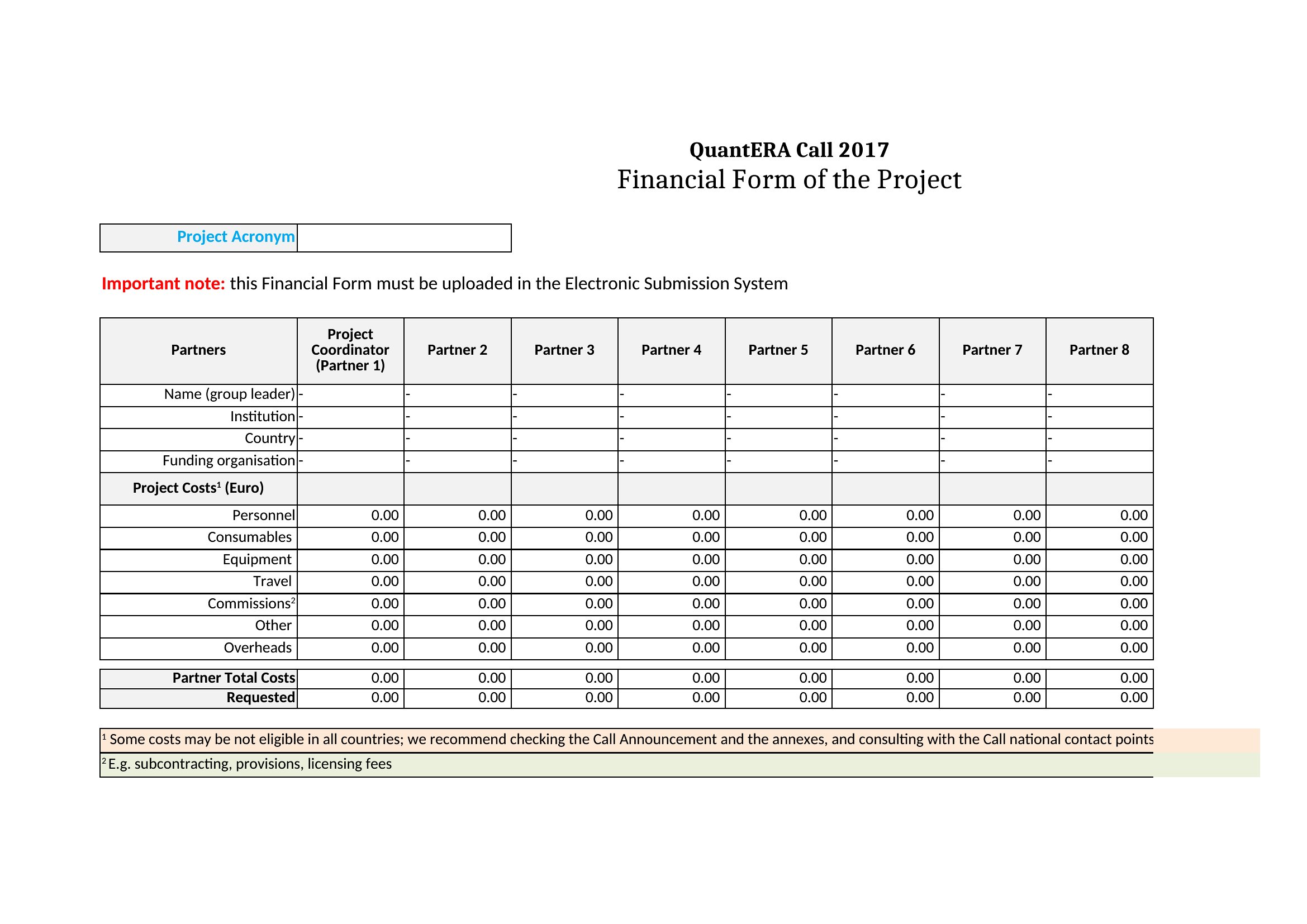
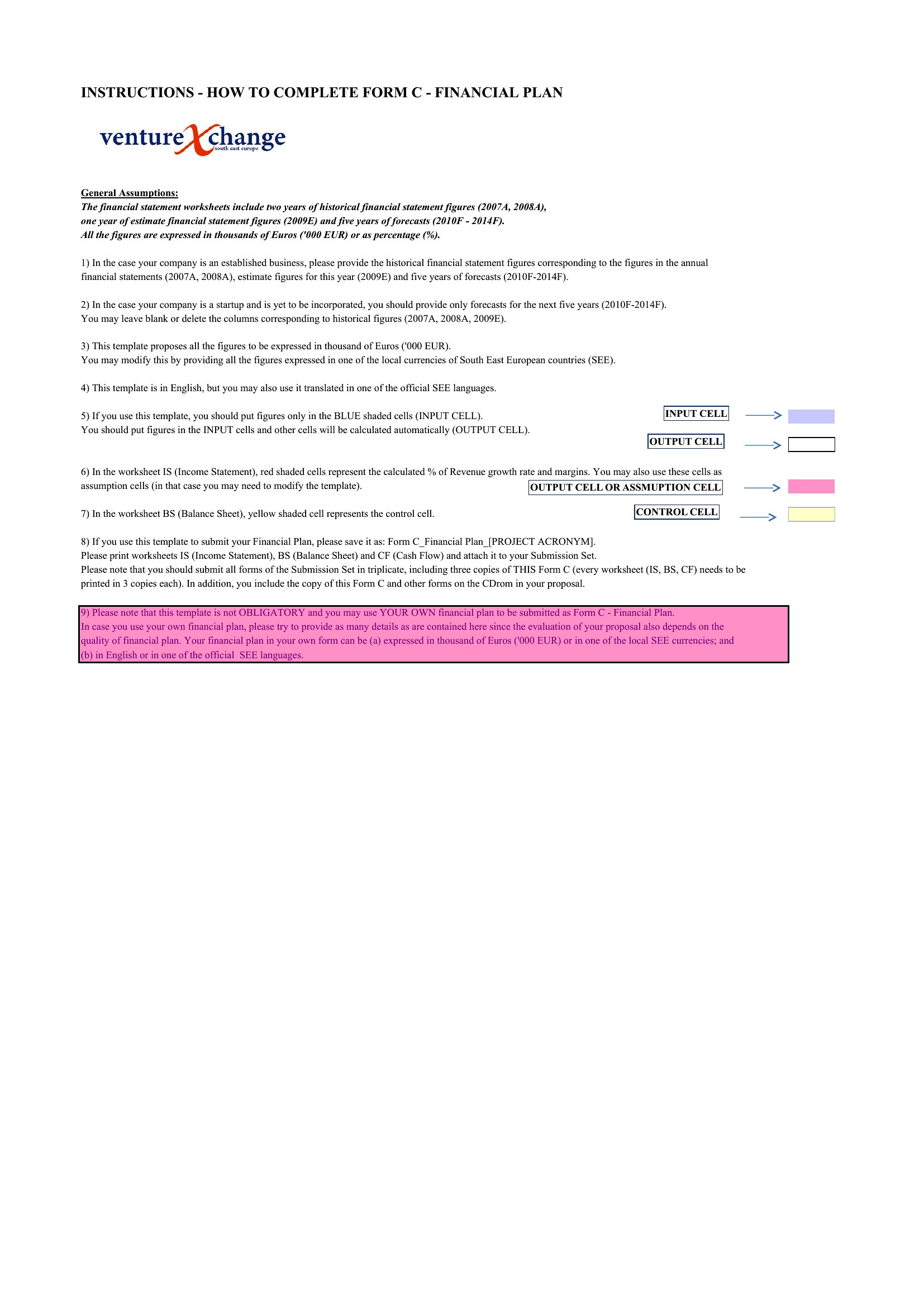
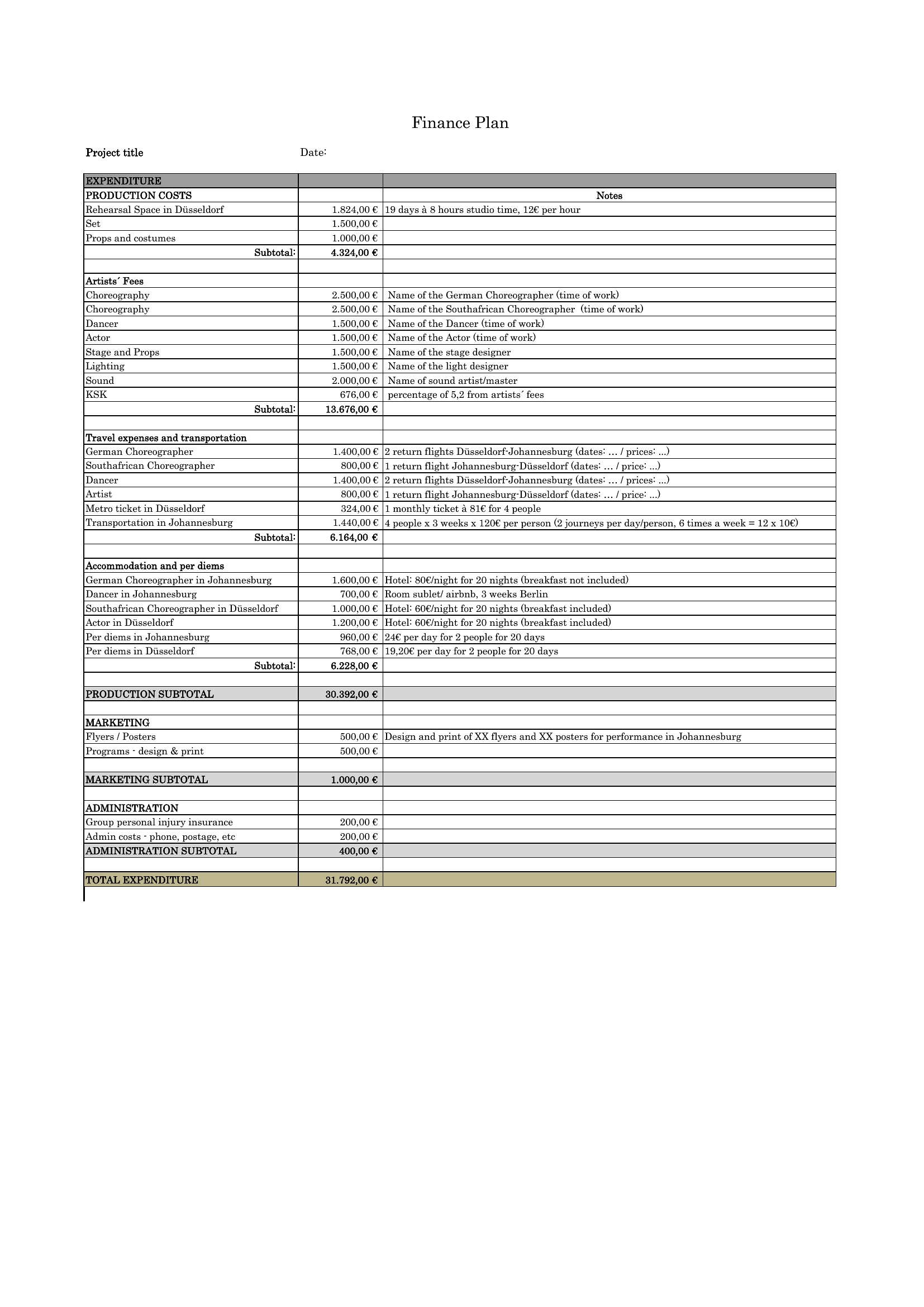
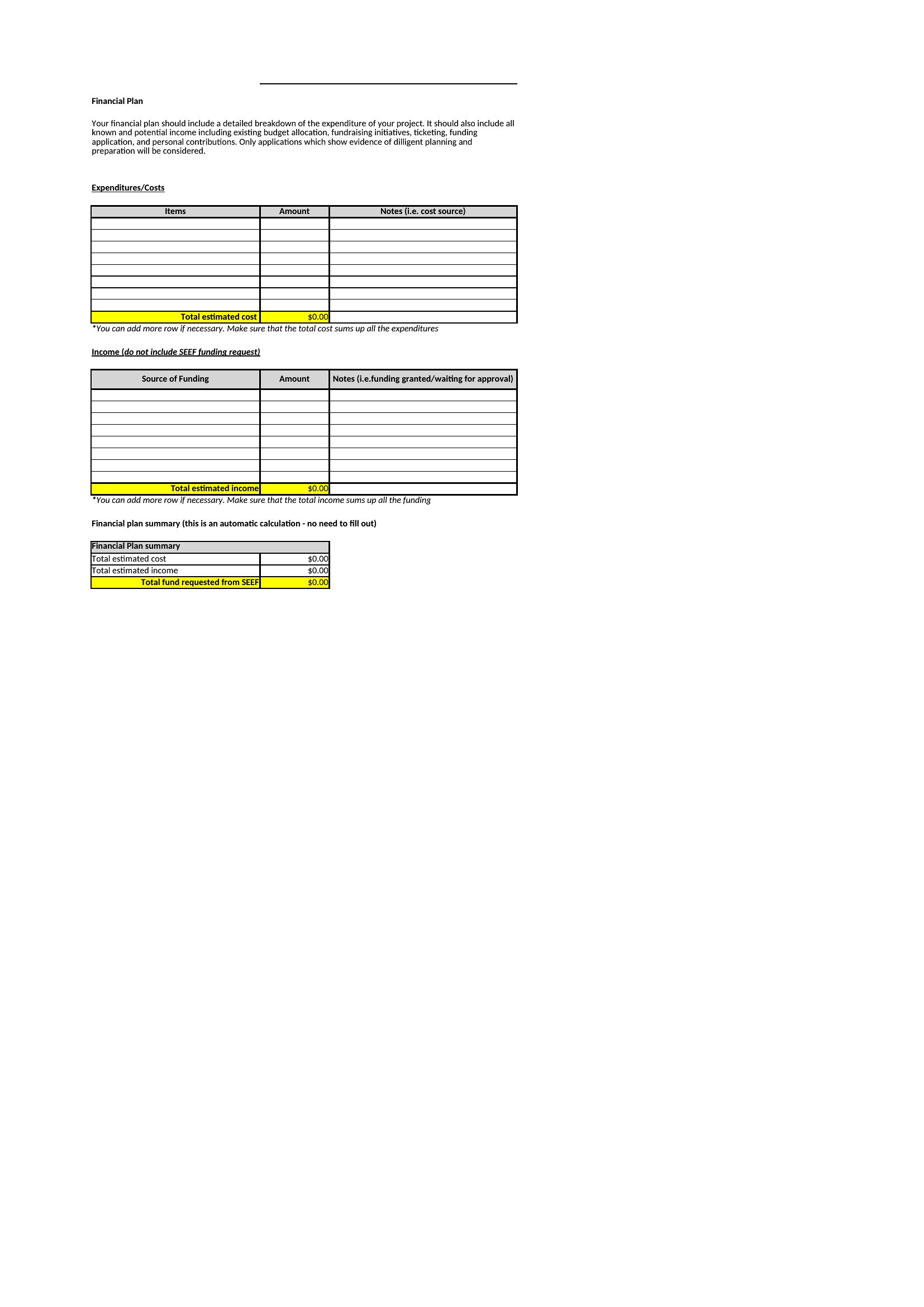
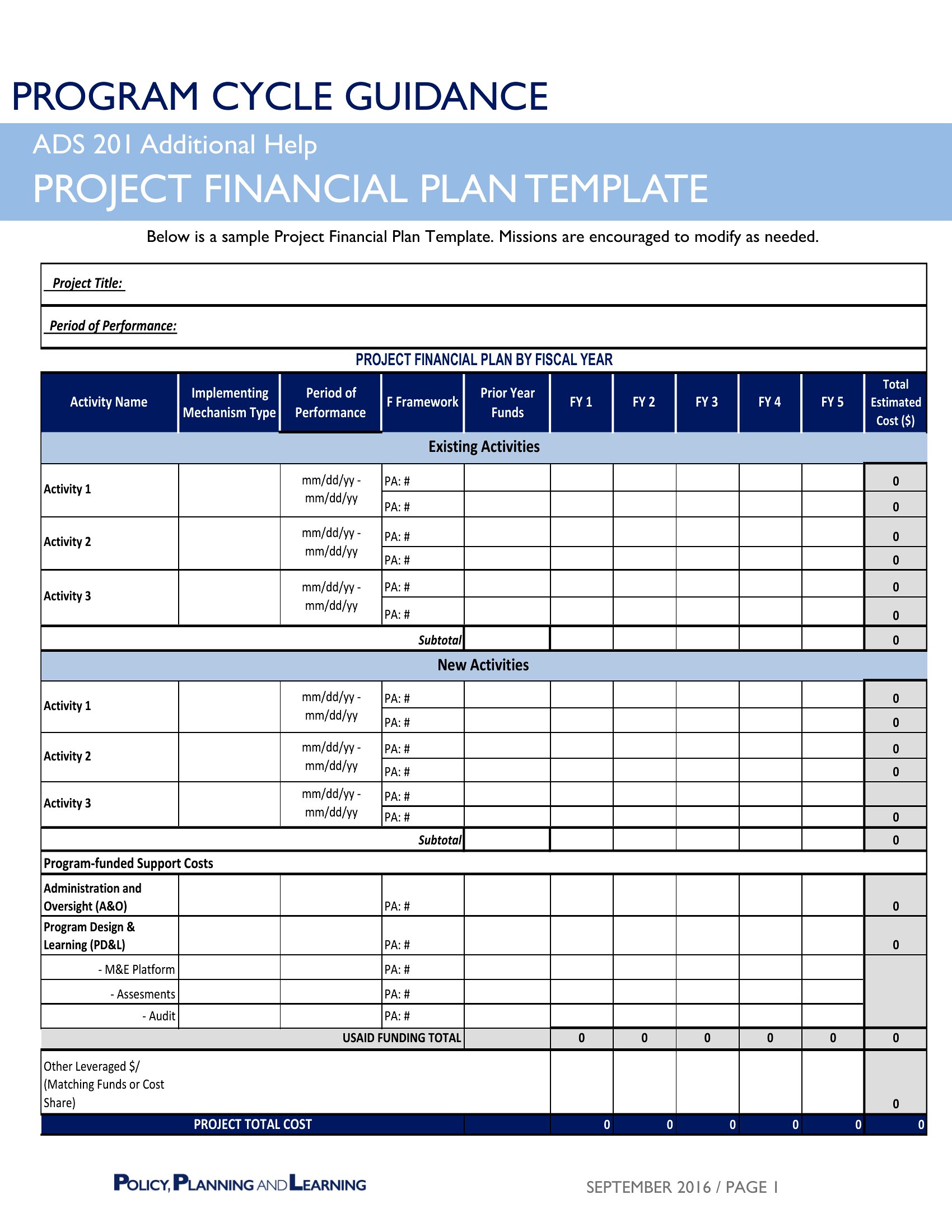
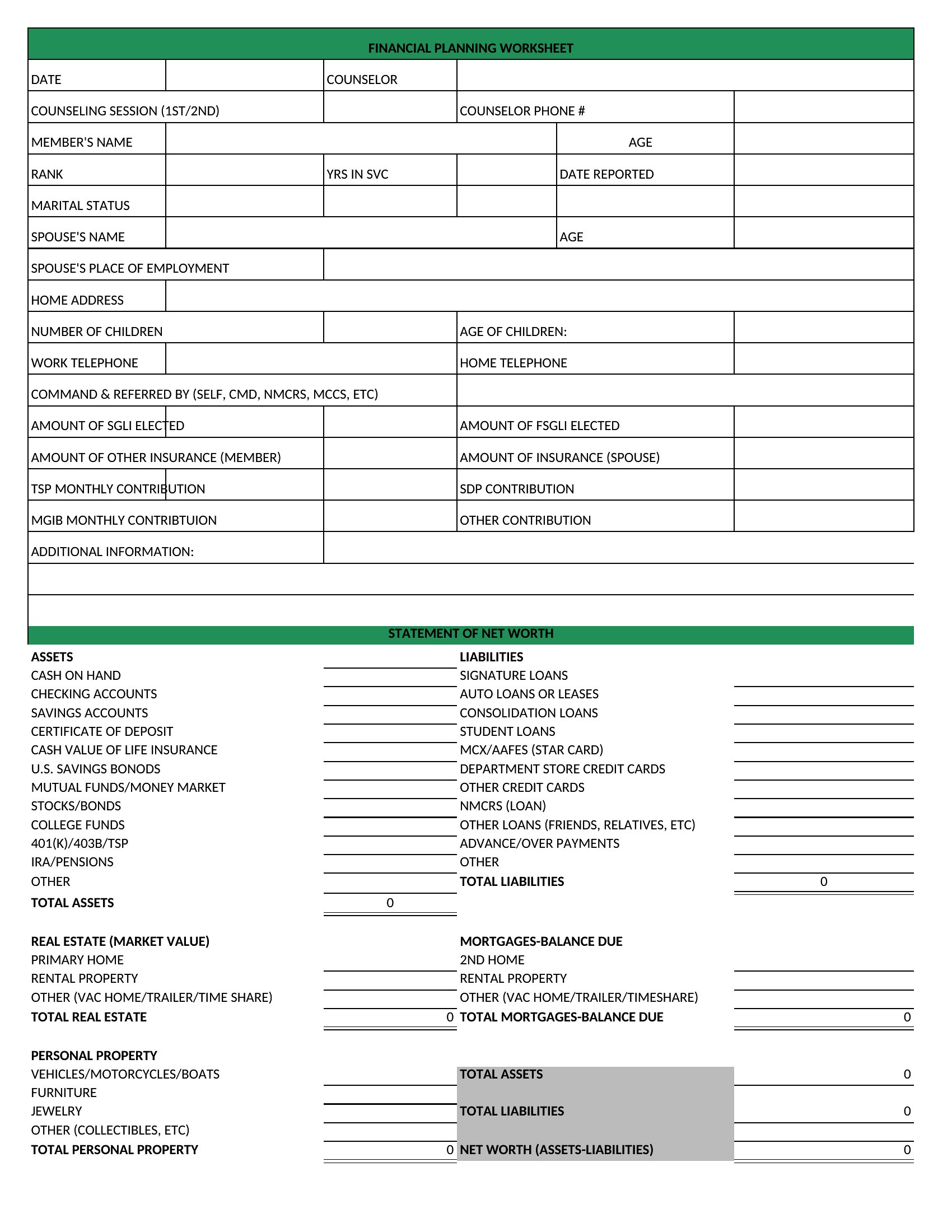
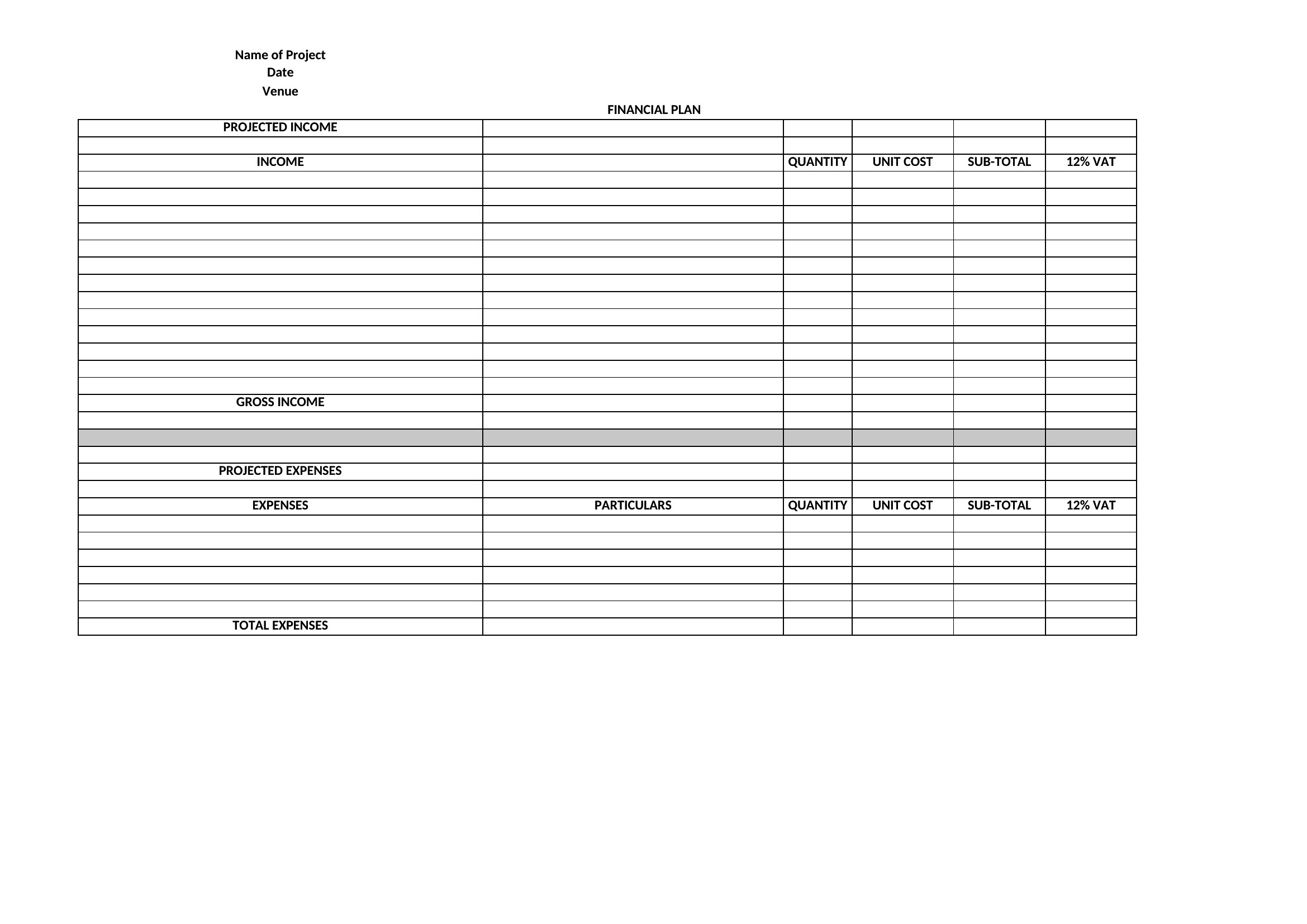
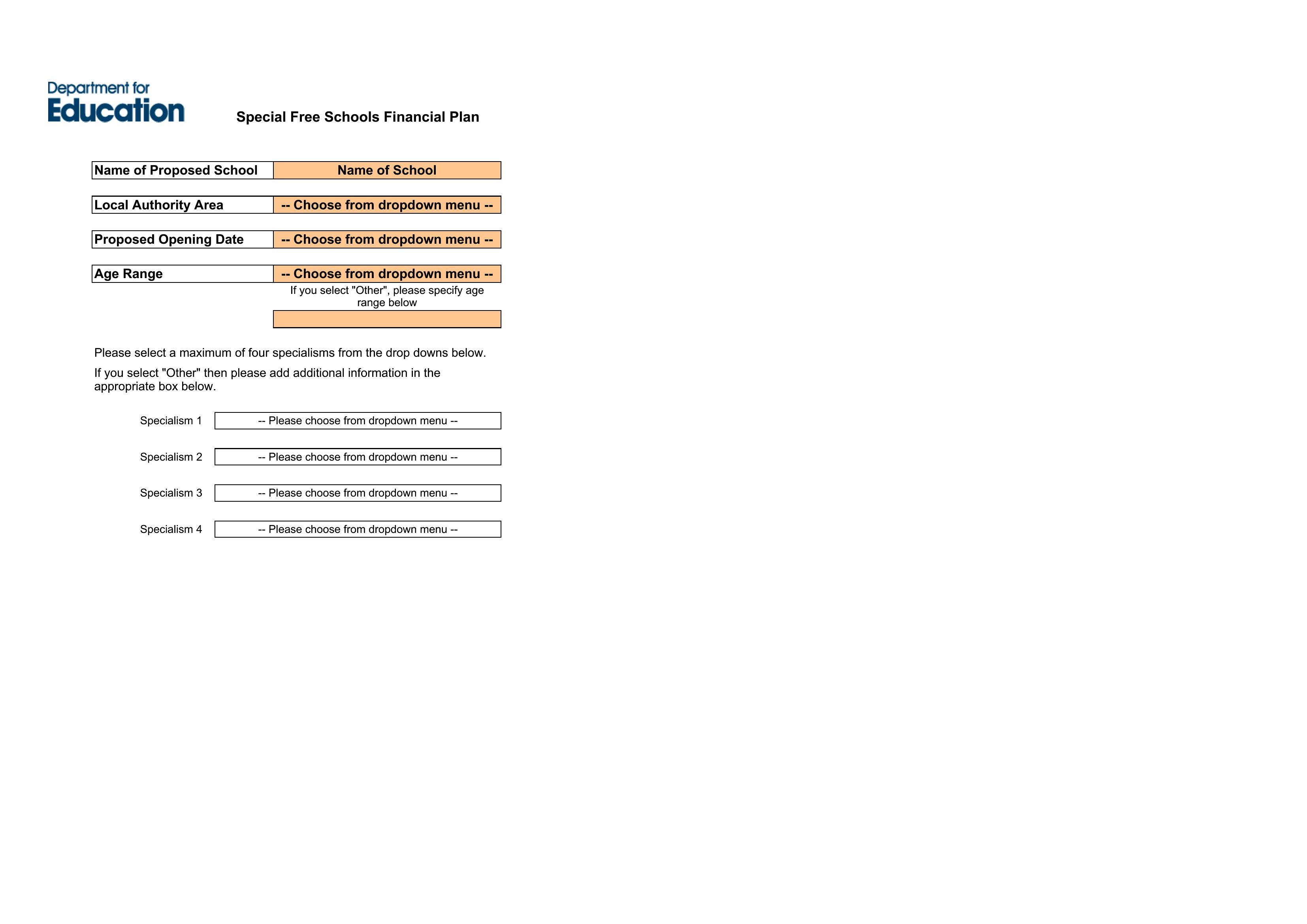

FAQ
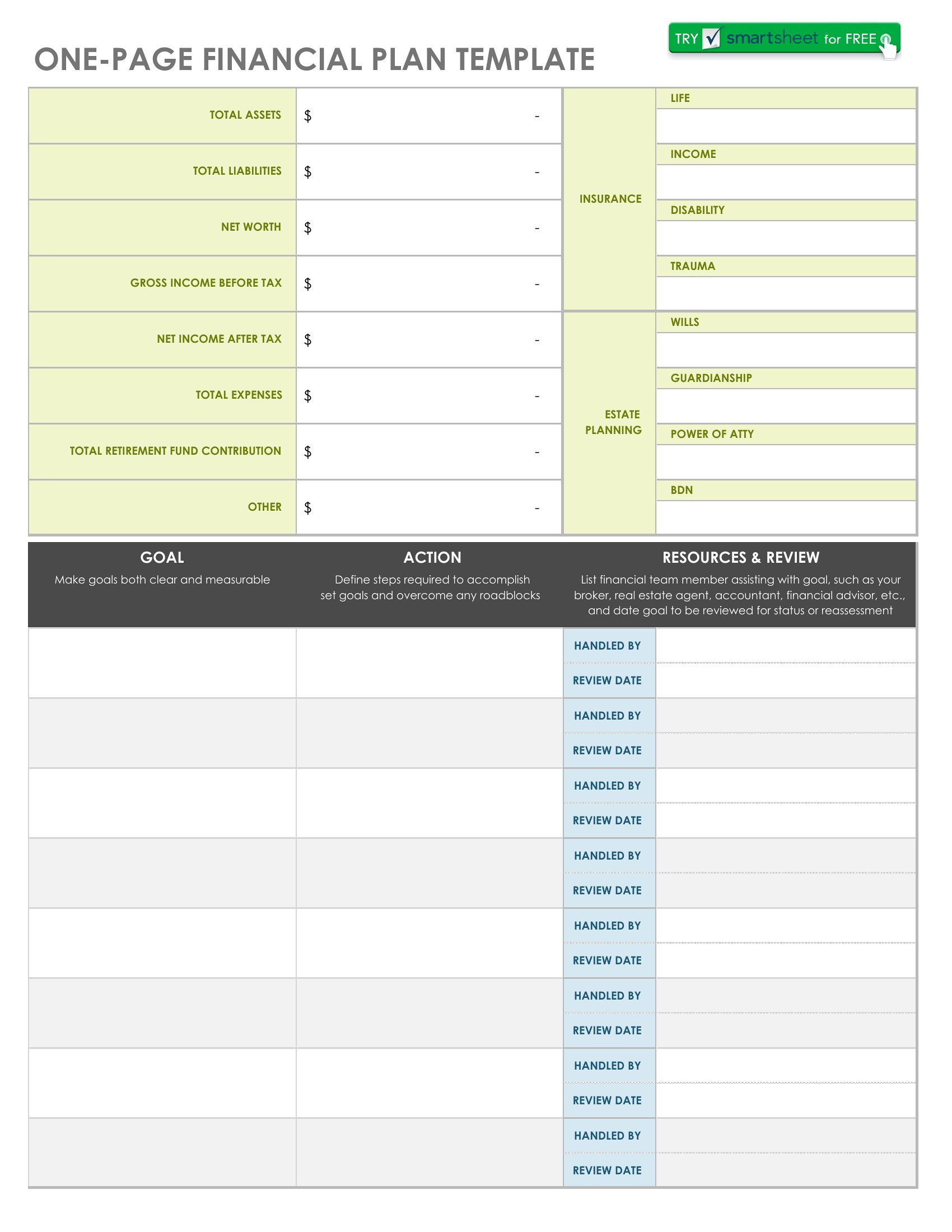
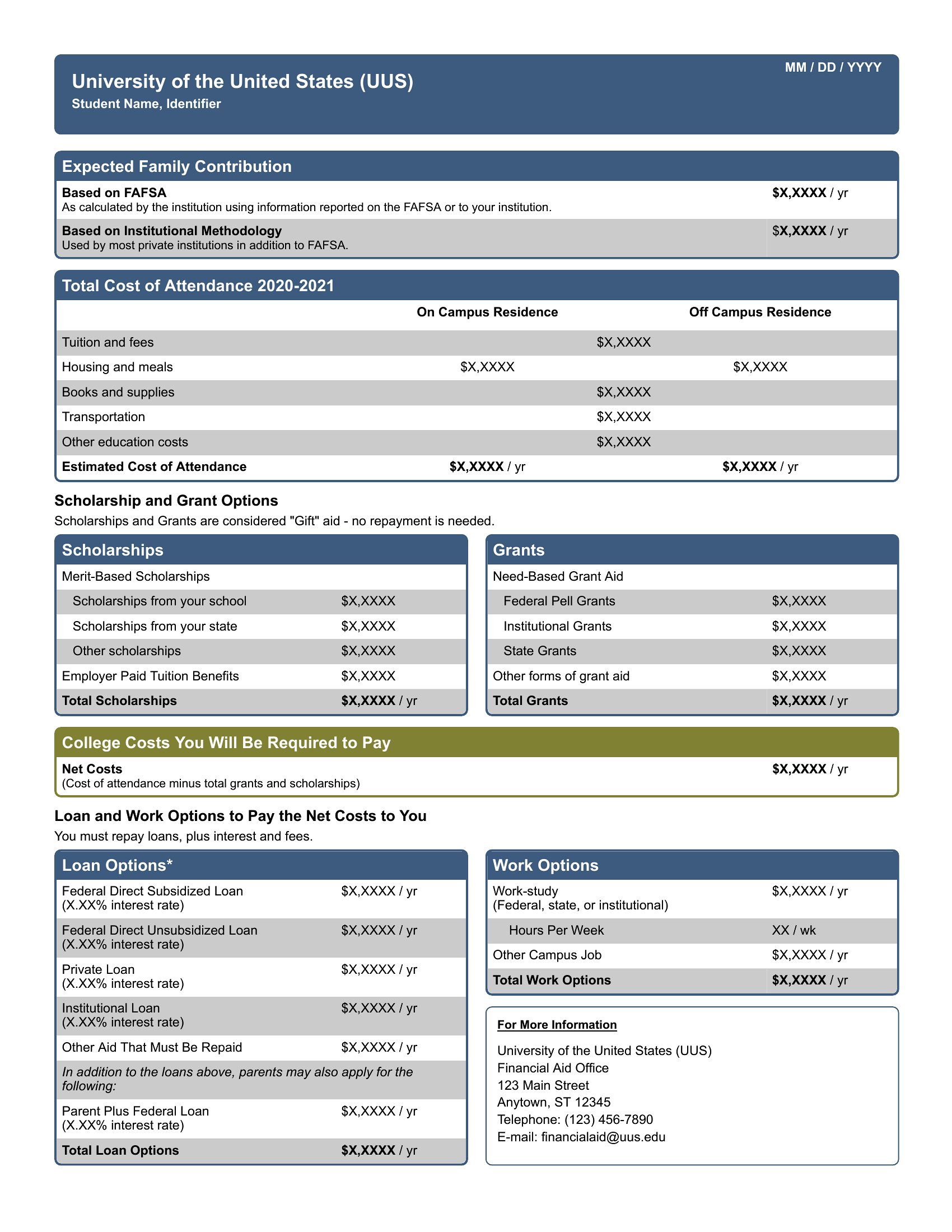
How do the templates handle irregular income, like bonuses or seasonal work?
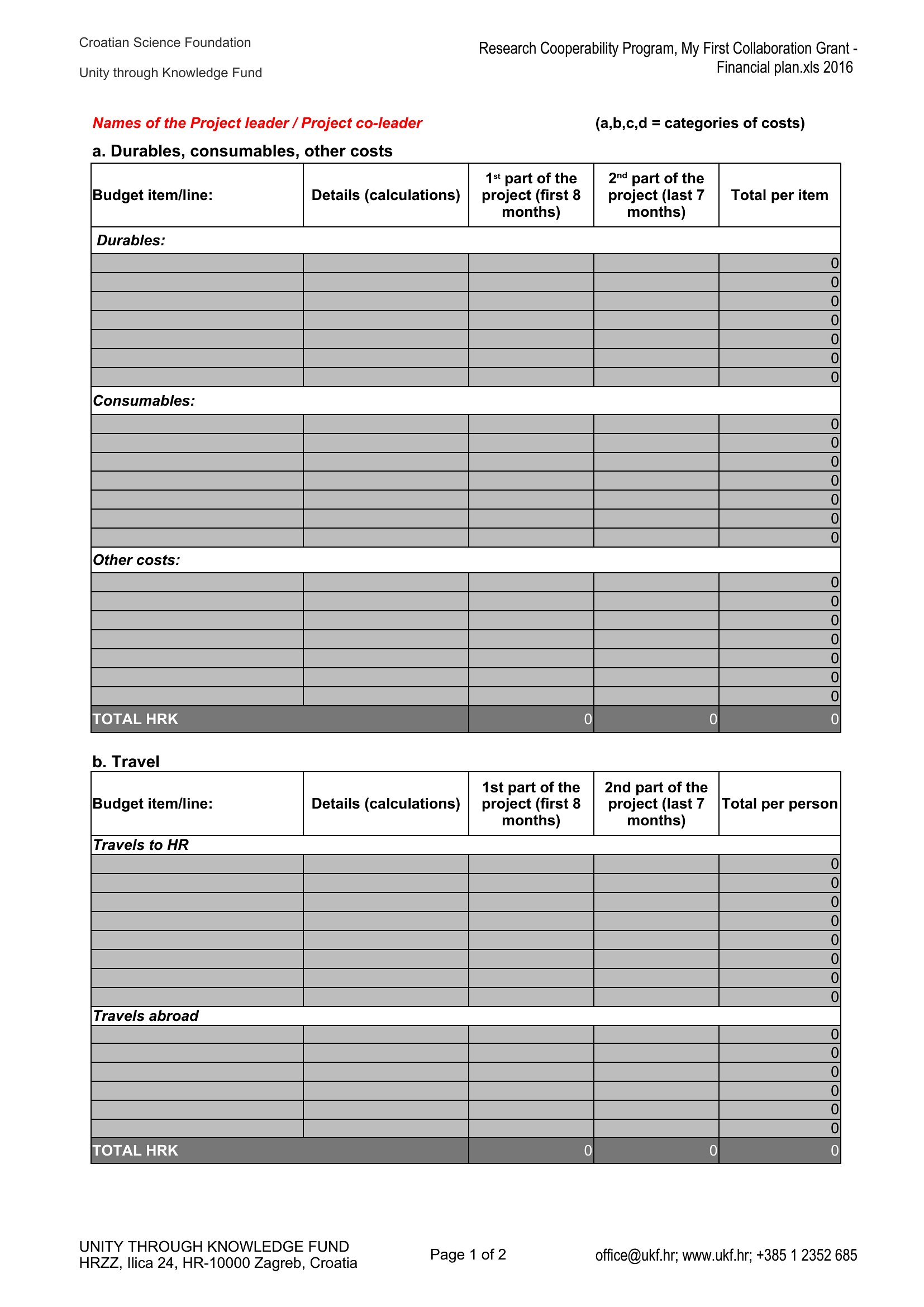
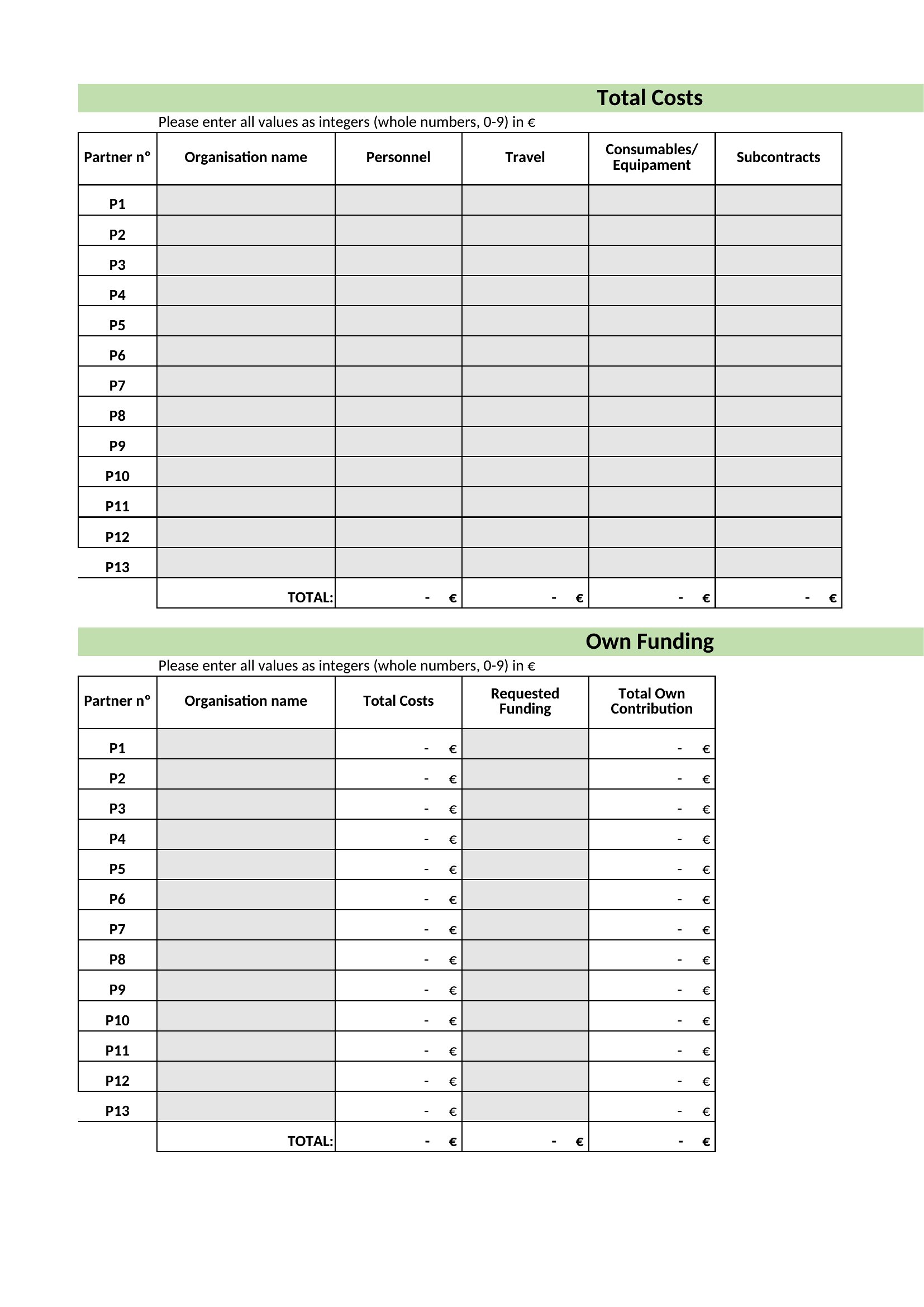
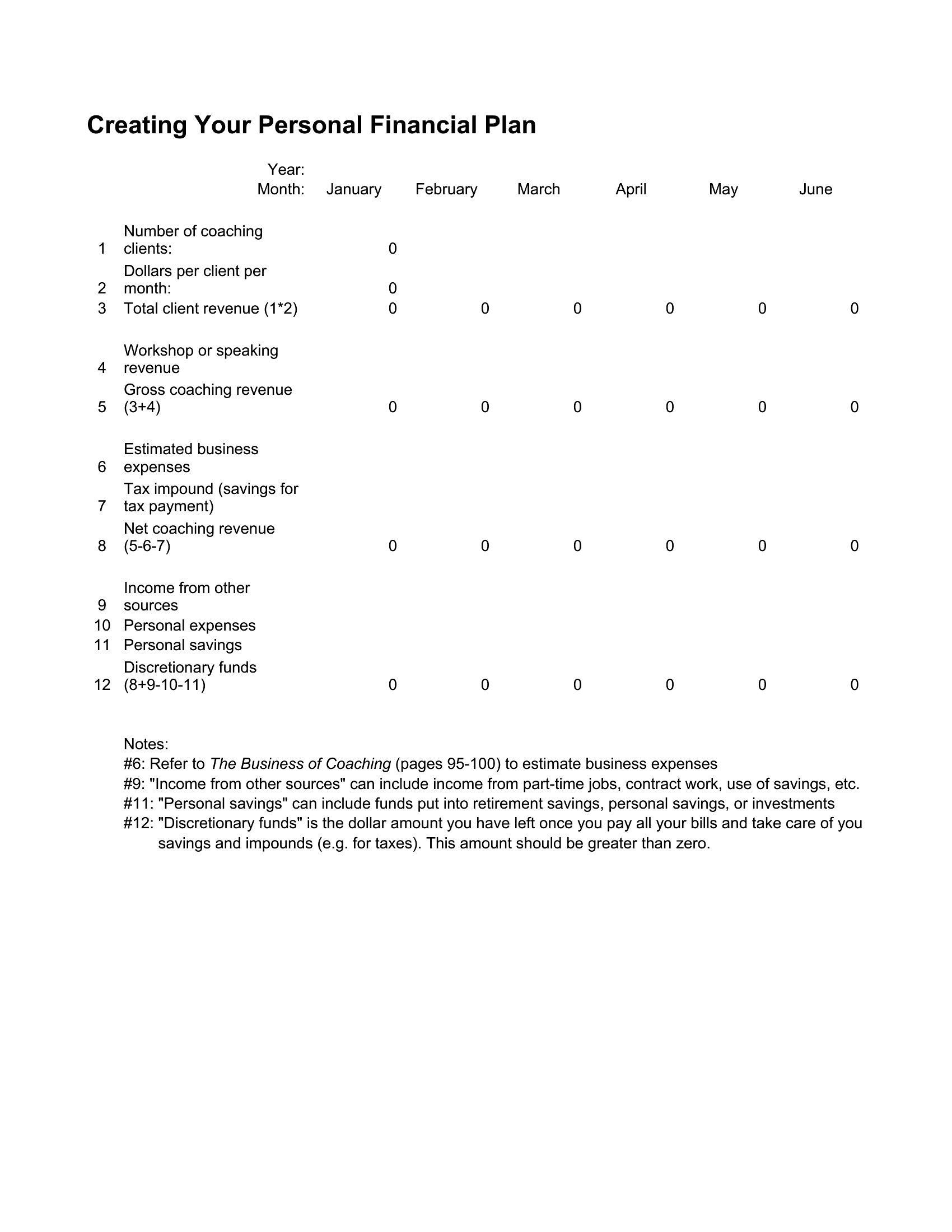
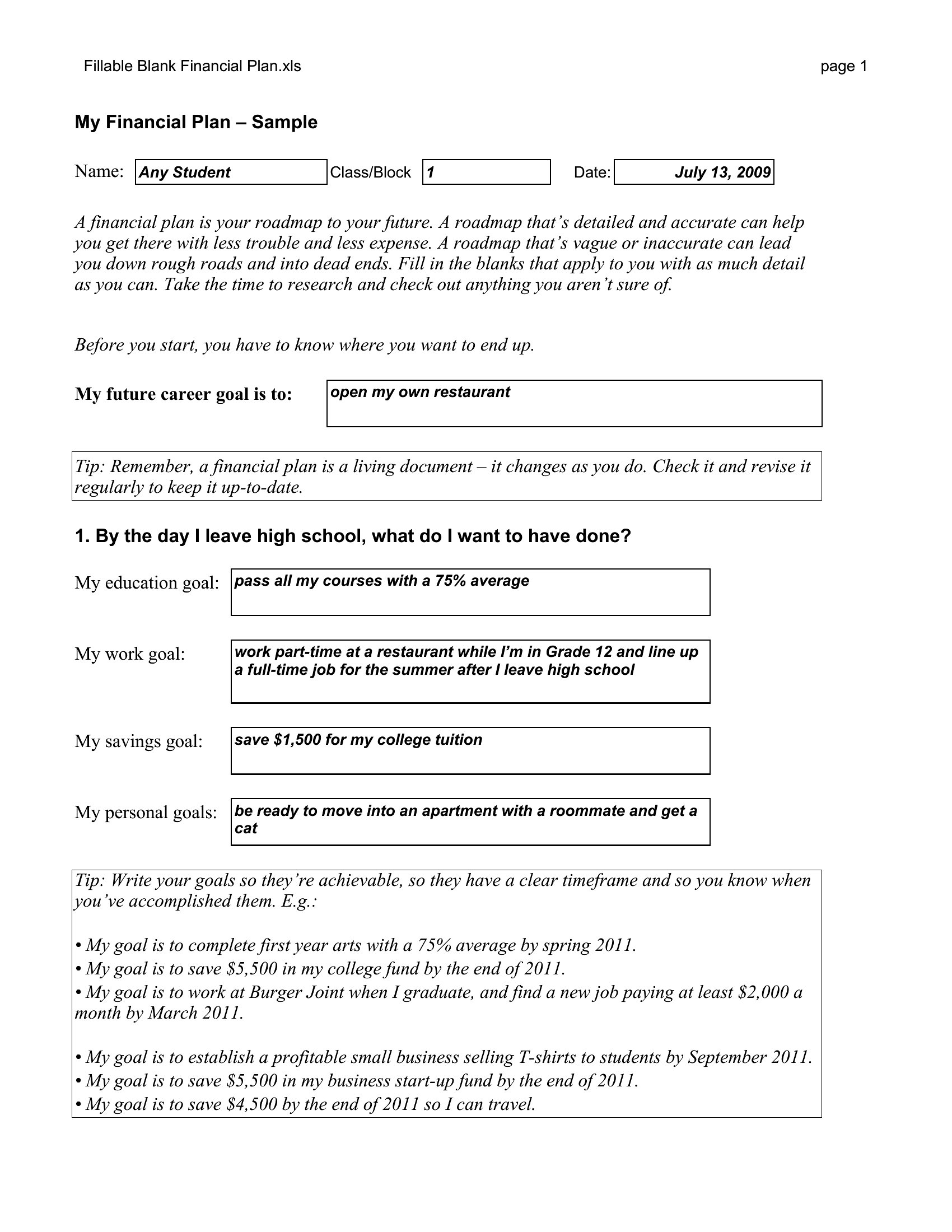
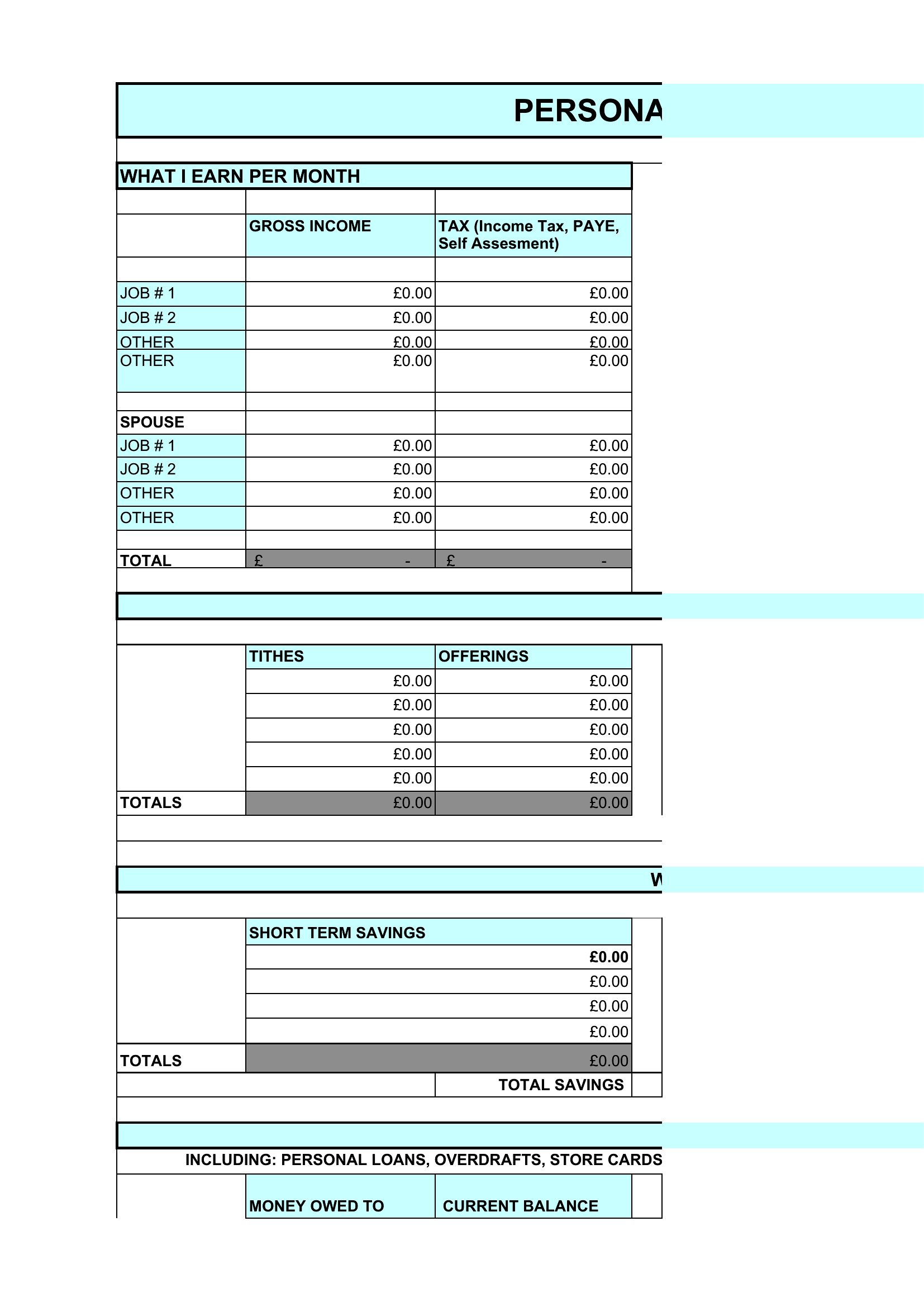
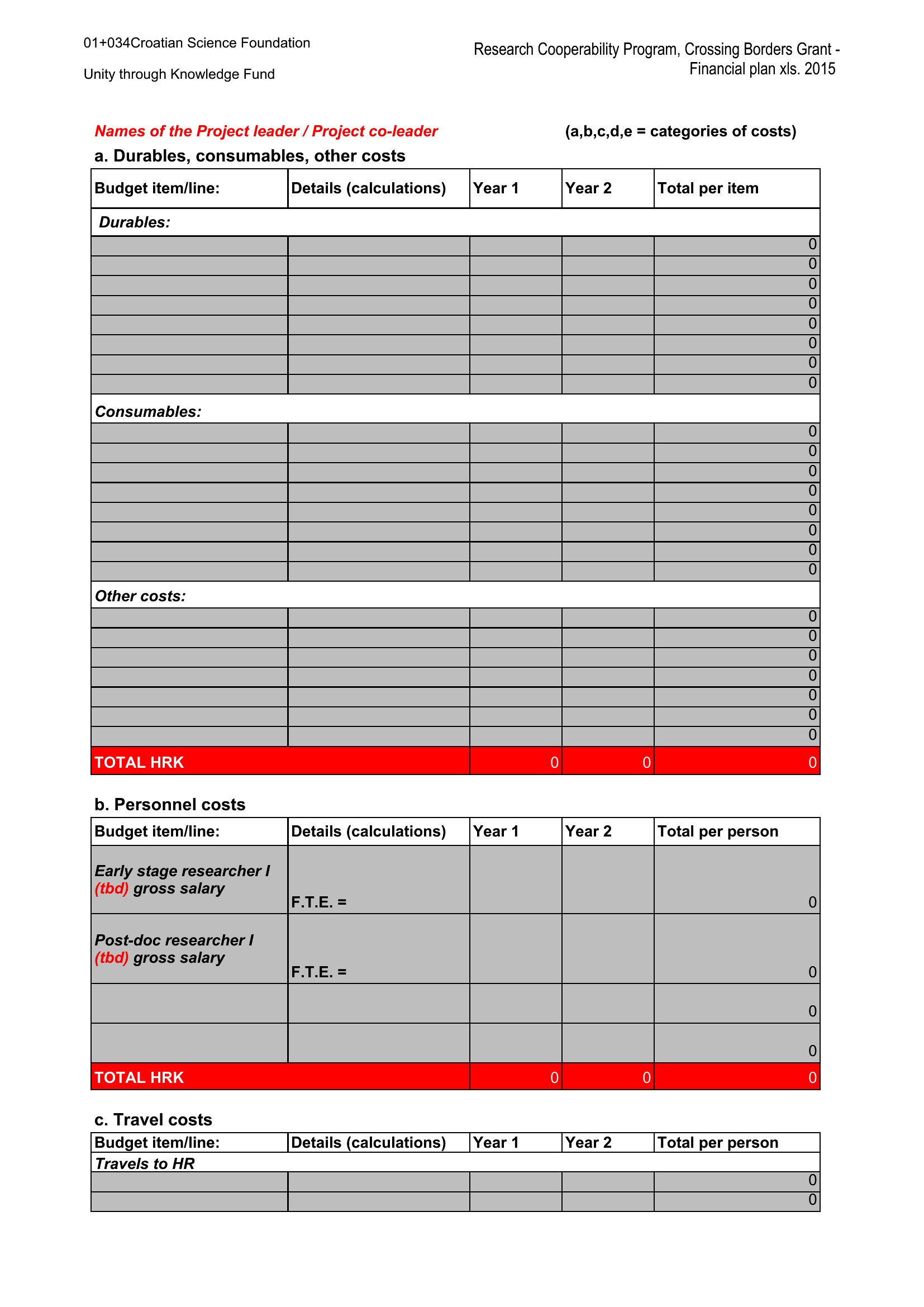
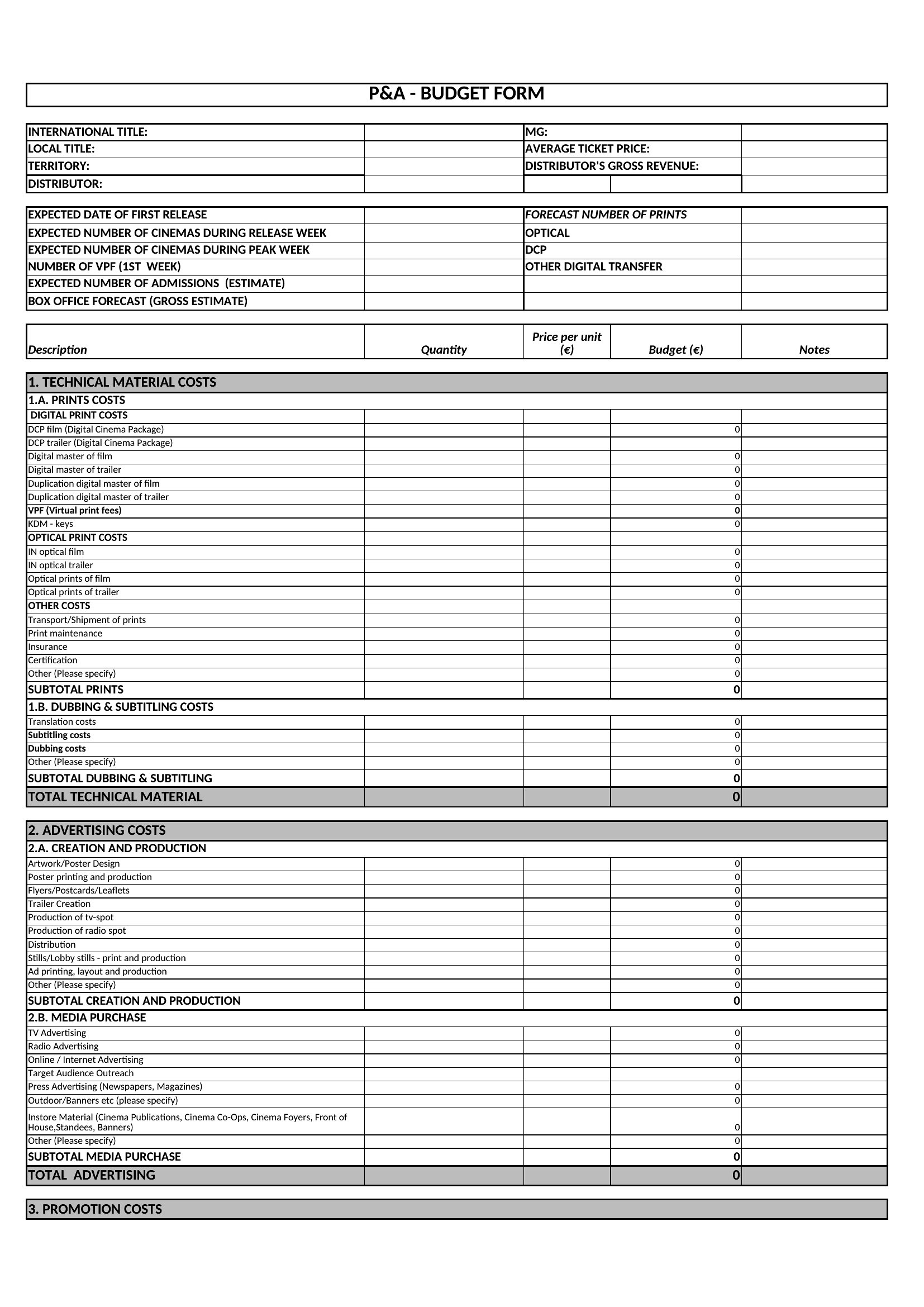
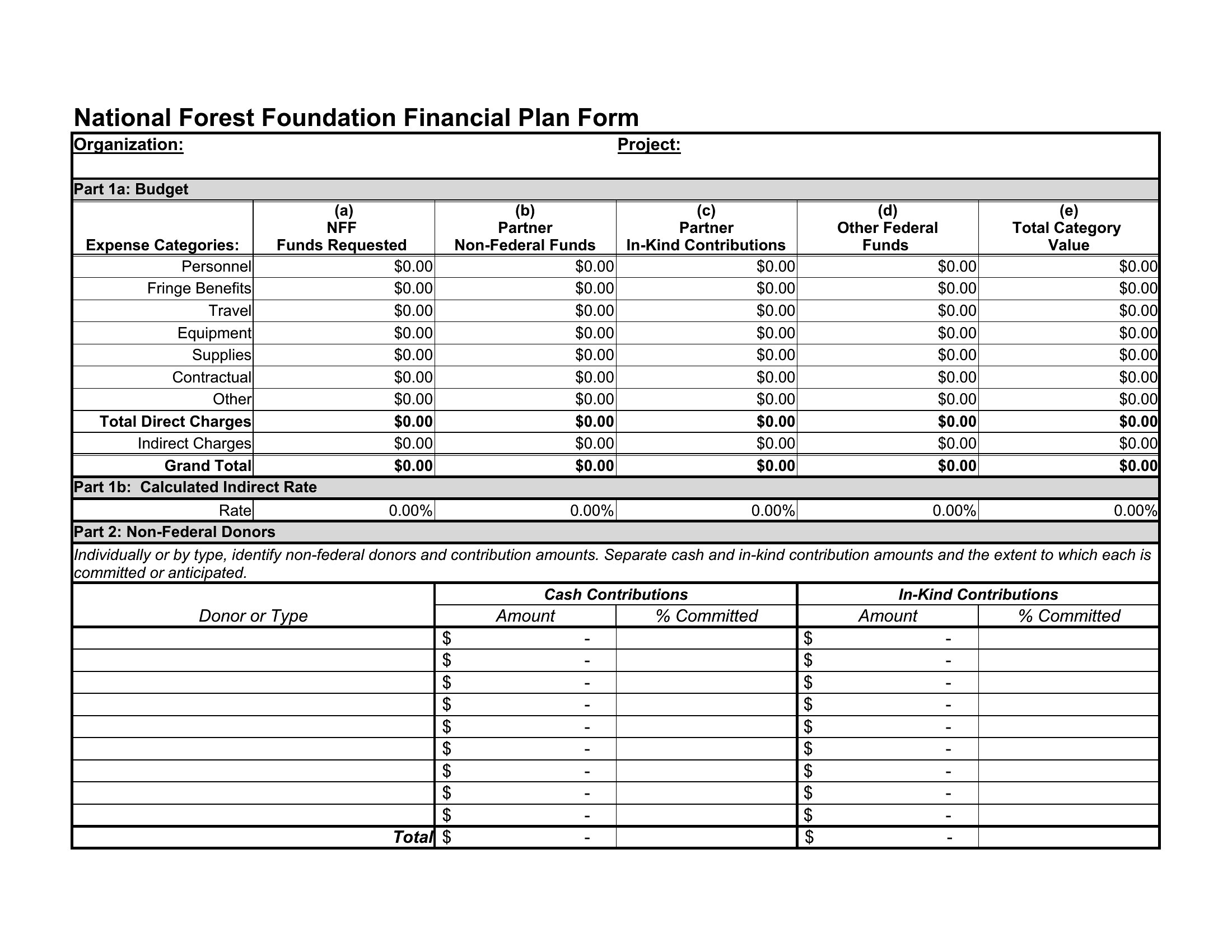
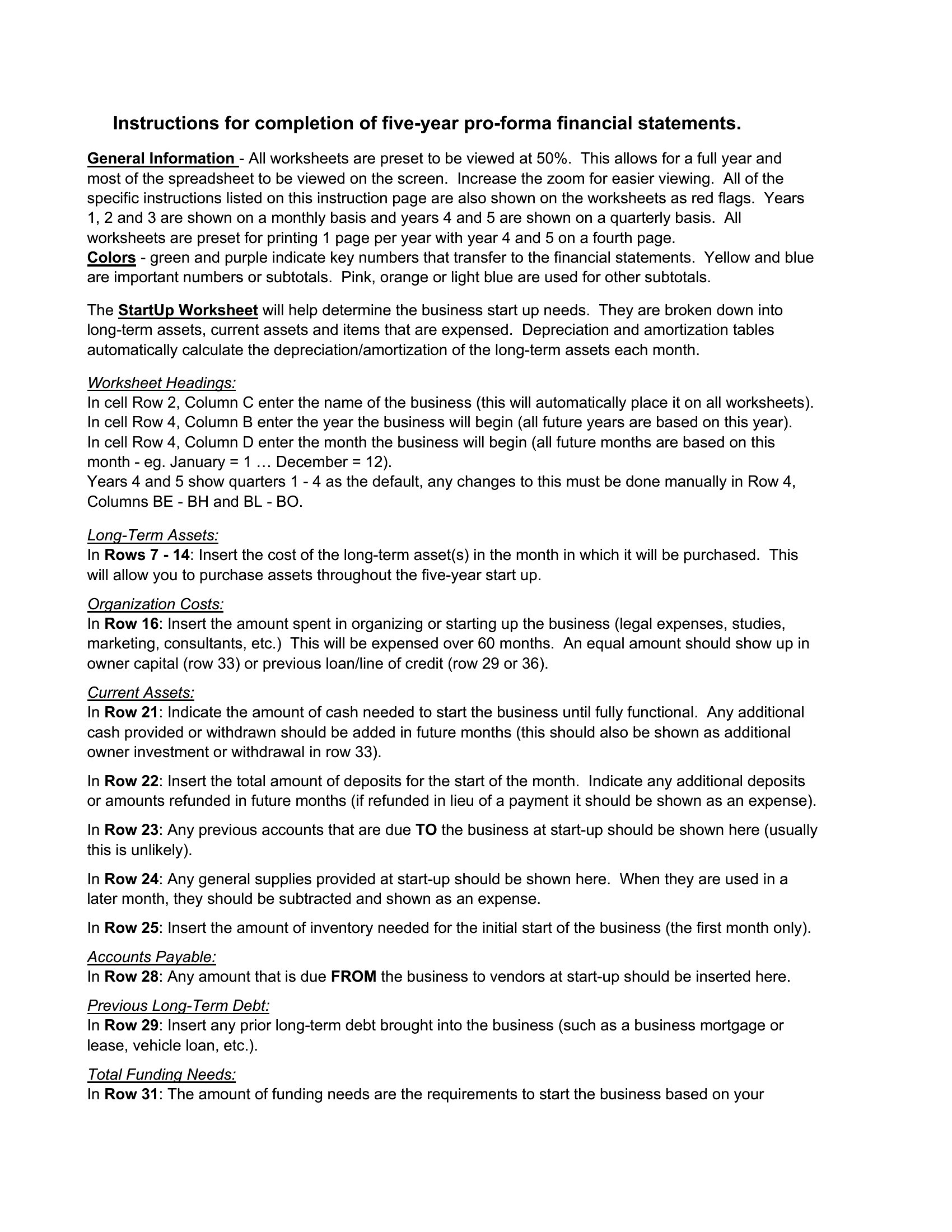
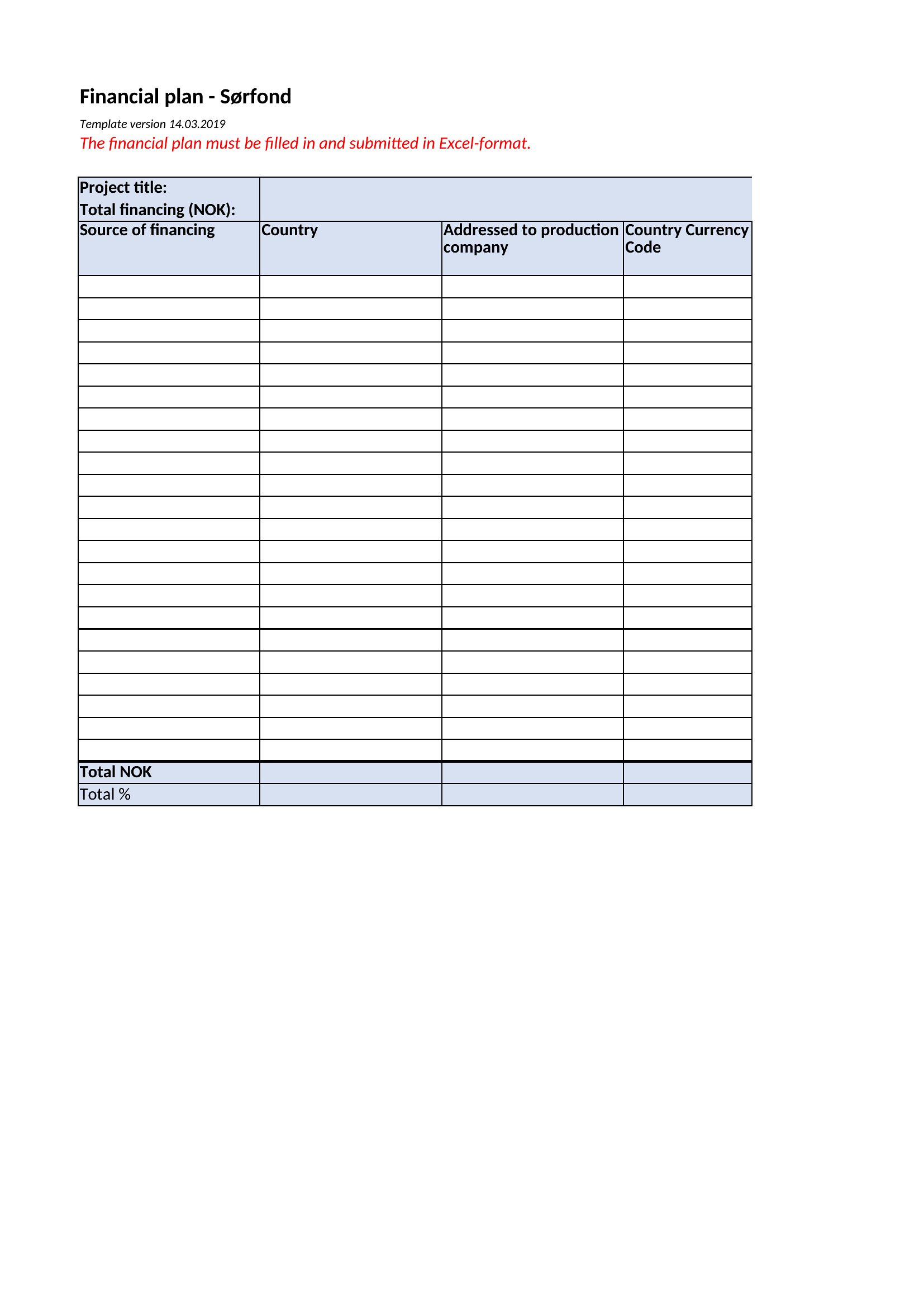
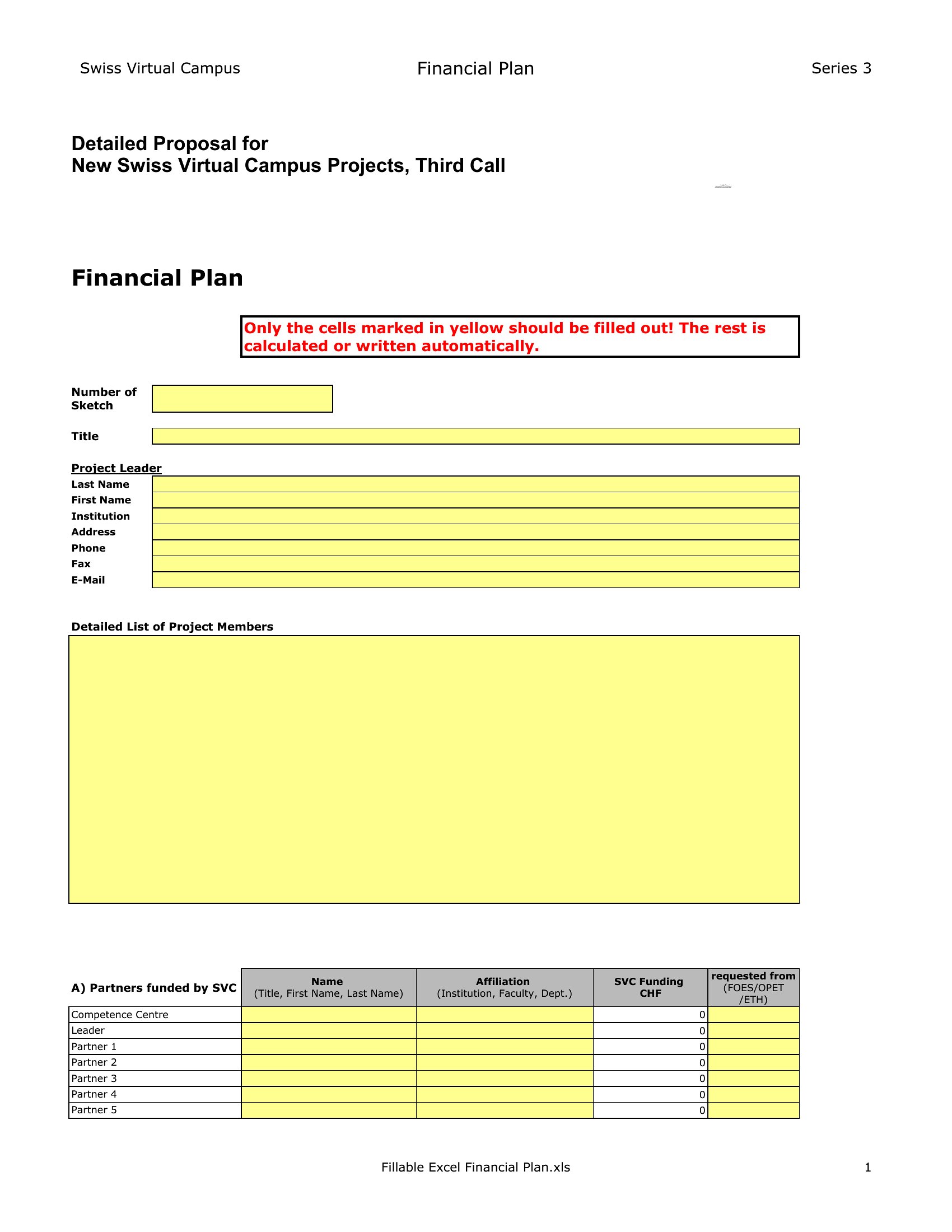
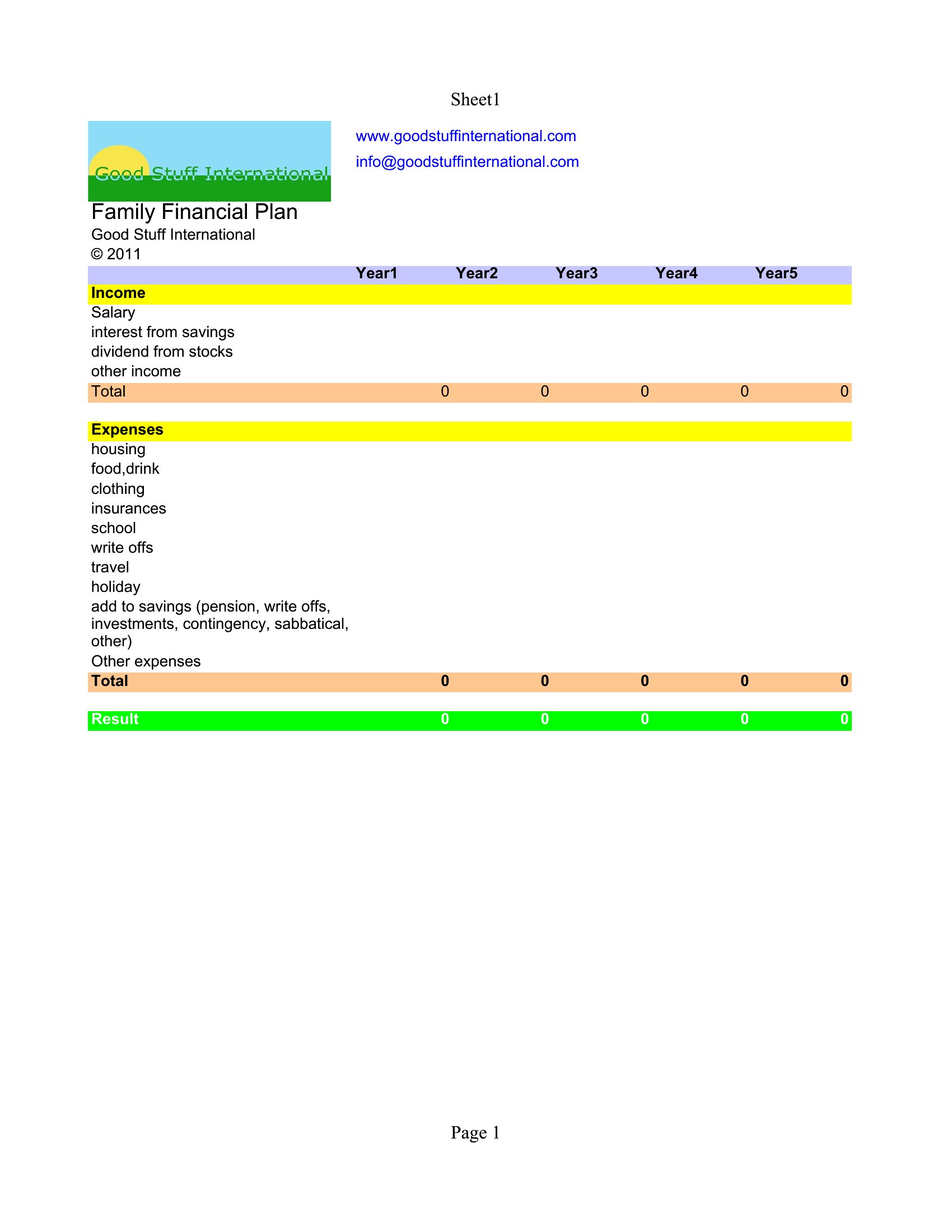
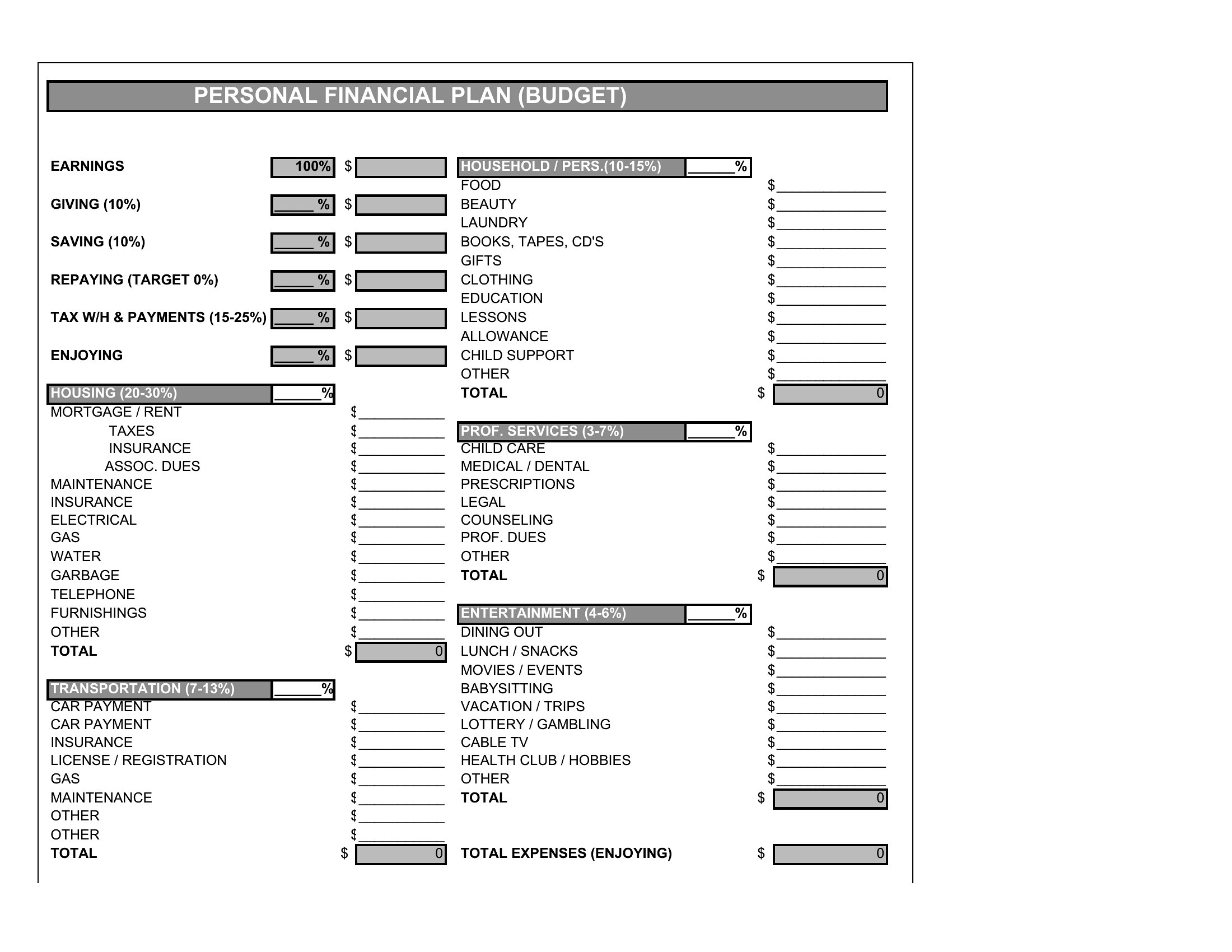
Most templates include separate rows for irregular income under the ‘Other Income’ category, with instructions to average annualized amounts or list expected dates. The Excel versions often feature dropdown menus to flag recurring but unpredictable sources, while PDFs provide blank lines for manual annotations. These are starting points—you’ll want to refine them with your own pay cycle specifics.
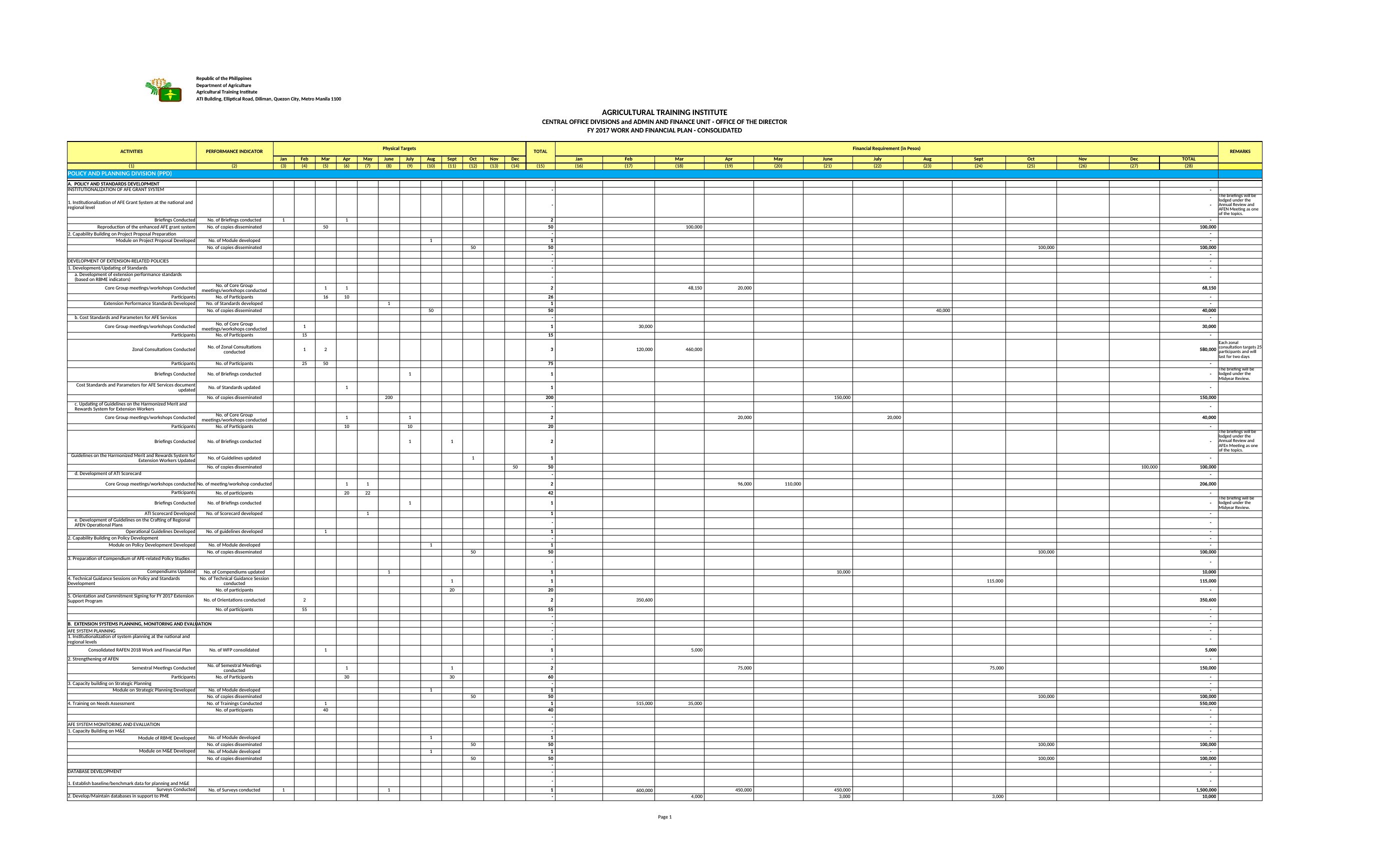
Can these templates reconcile with accounting software like QuickBooks or Xero?
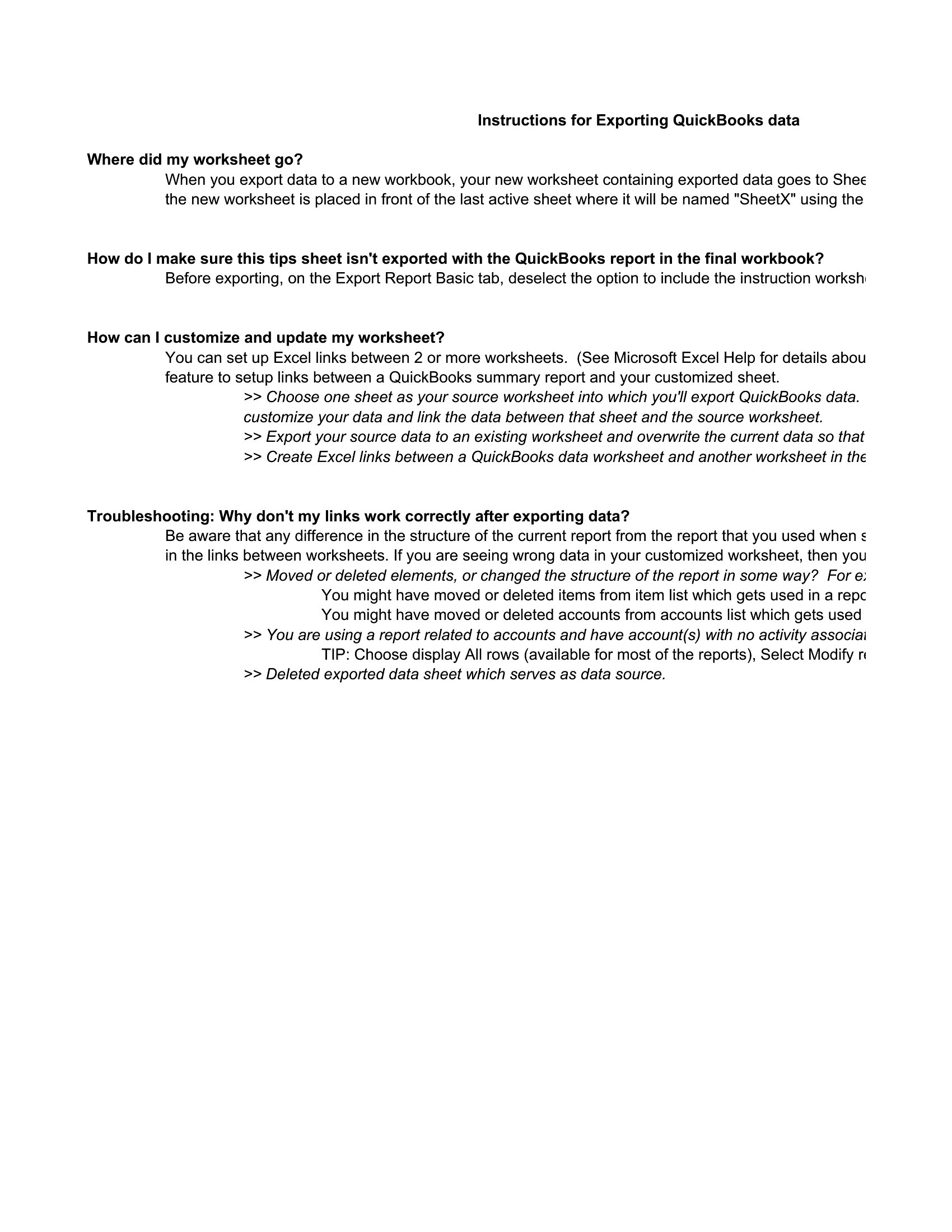
Yes, but with a manual step: export your software’s transaction data into the Excel templates’ ‘Historical Data’ sheets, then use the built-in formulas to cross-check your inputs. The PDF versions aren’t directly compatible but can serve as a visual summary for review alongside your accounting software. Always double-check categories (e.g., ‘Discretionary’ vs. ‘Essential’) to align with your software’s labels.
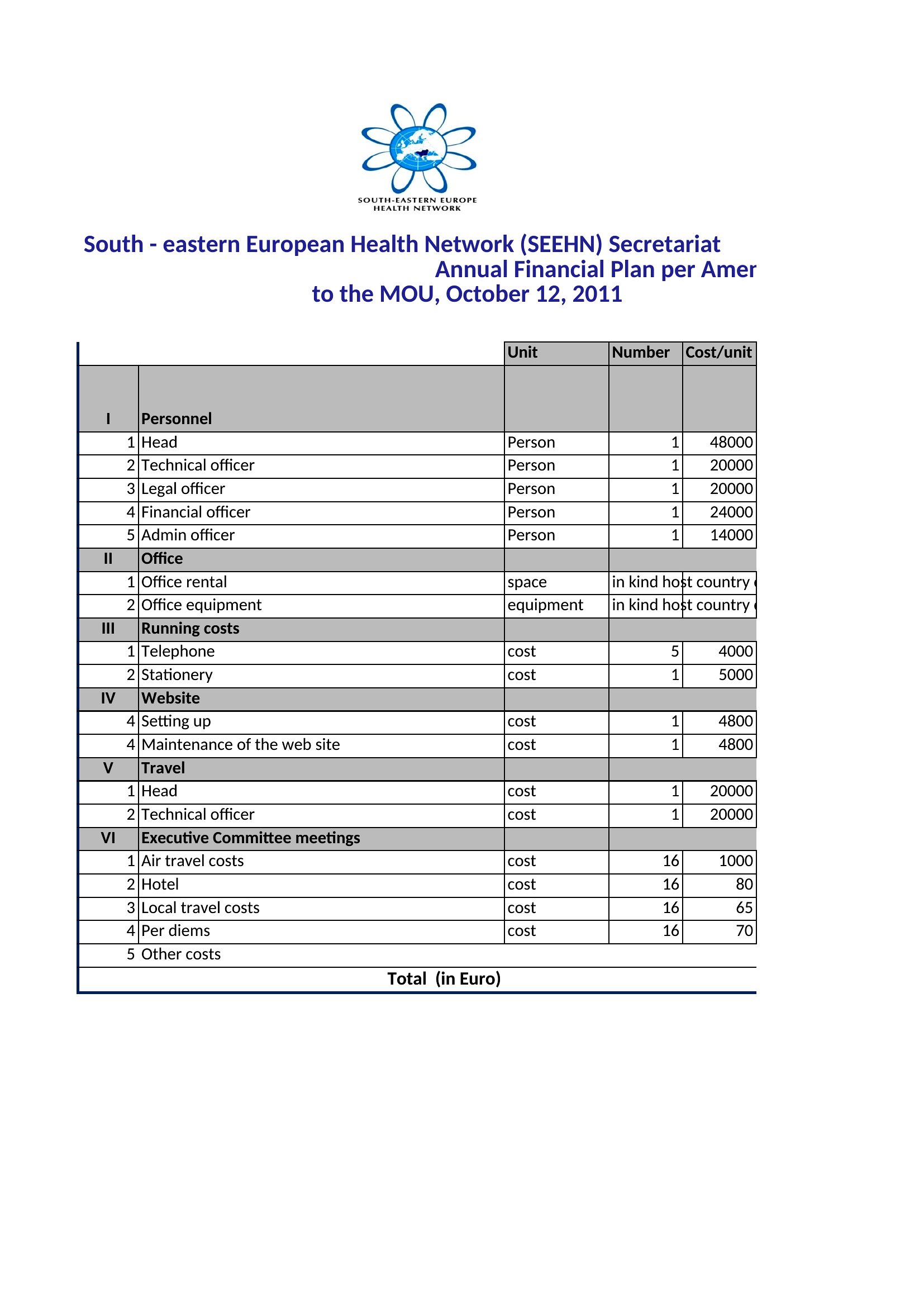
Do any templates account for inflation or rising costs over time?
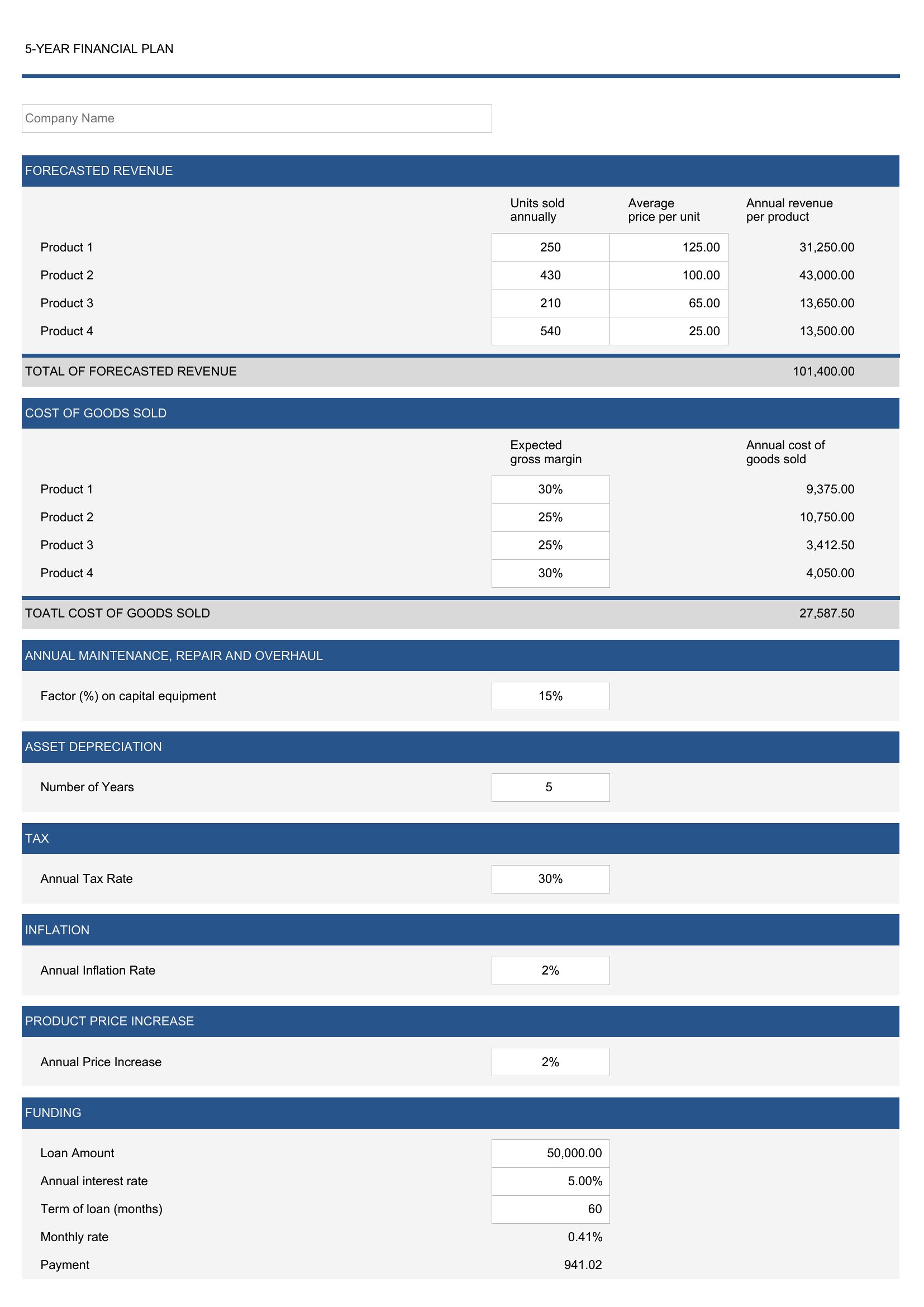
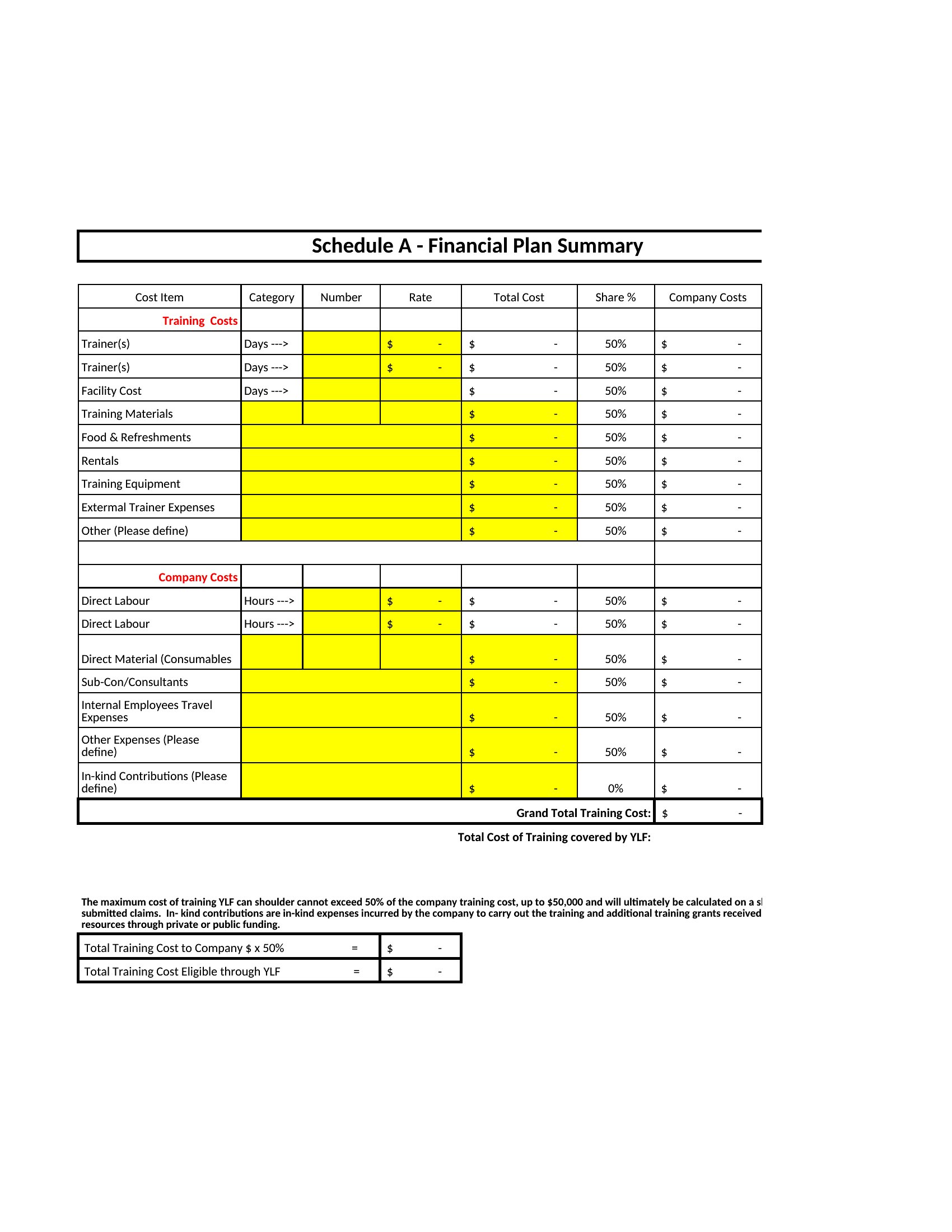
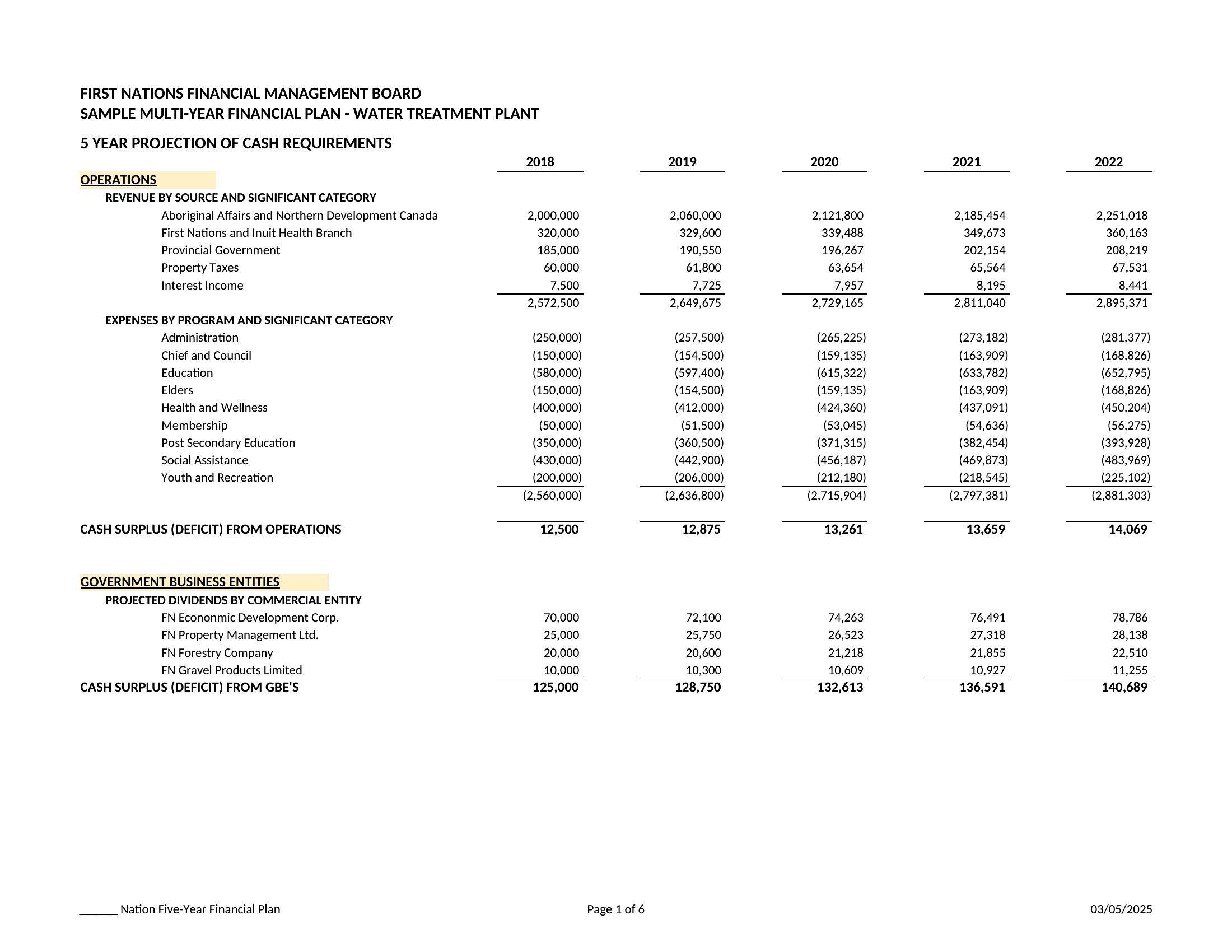
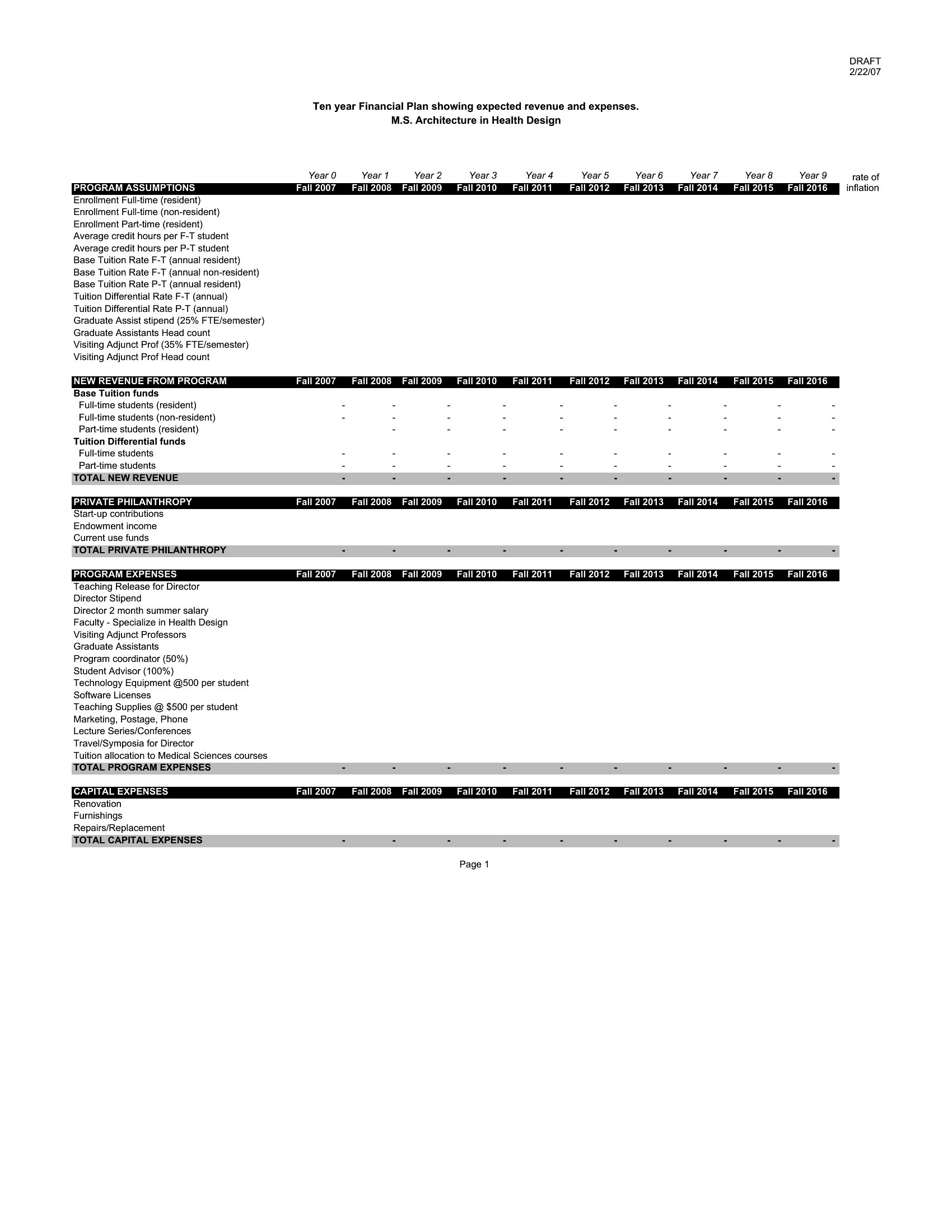
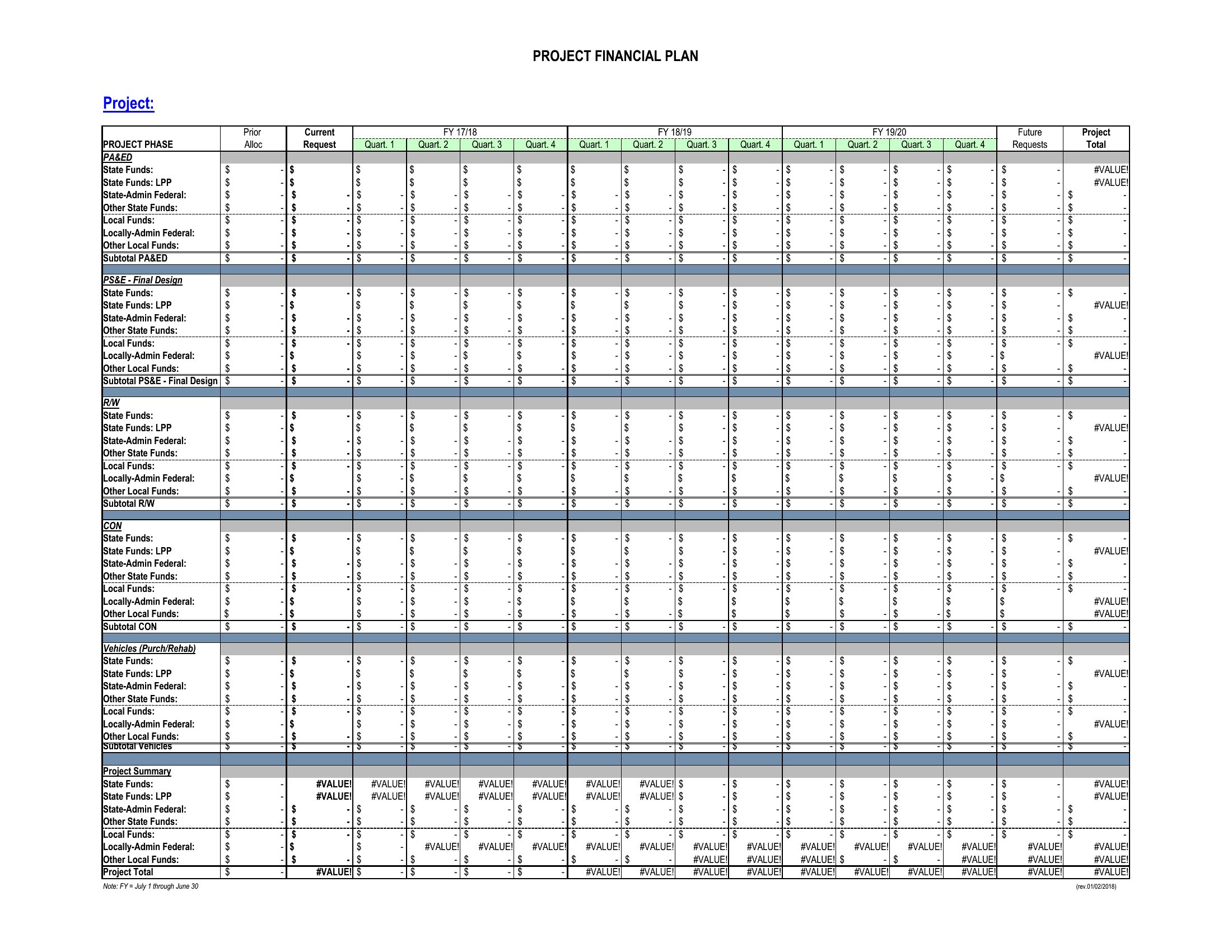
The Excel templates labeled ‘Projection’ or ‘Multi-Year’ include a dedicated ‘Inflation Adjustment’ column with preset rates (typically 2–3%) for expense categories like groceries or utilities. PDFs prompt you to note an assumed inflation rate in a footnote, then manually adjust future-year estimates. These are simplifications—consult an economist for hyper-localized projections, especially in volatile markets.
Comments
Join the conversation
Sign in to share your thoughts and leave a comment on this resource.