

FAQ
How do I ensure my financial statement matches standard accounting practices?
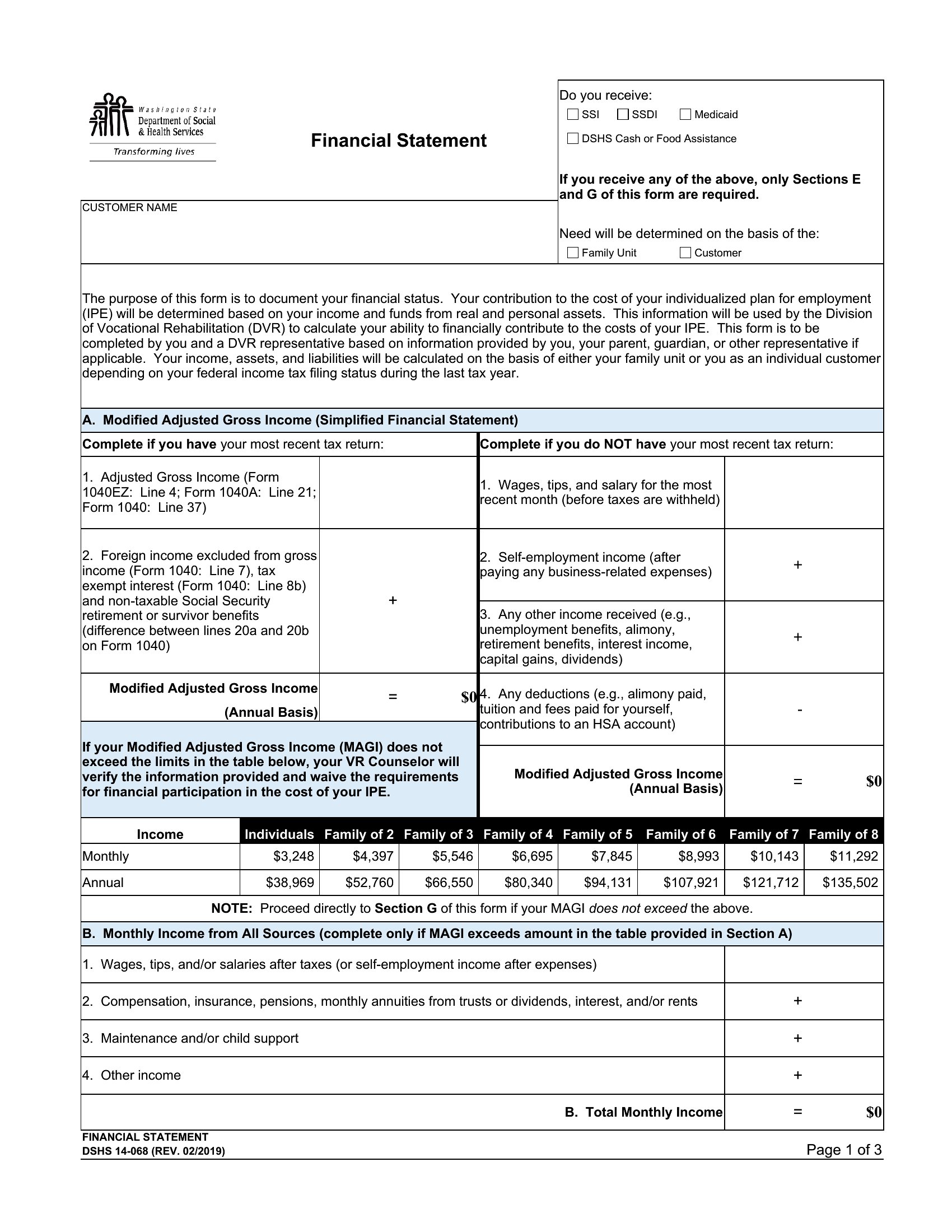
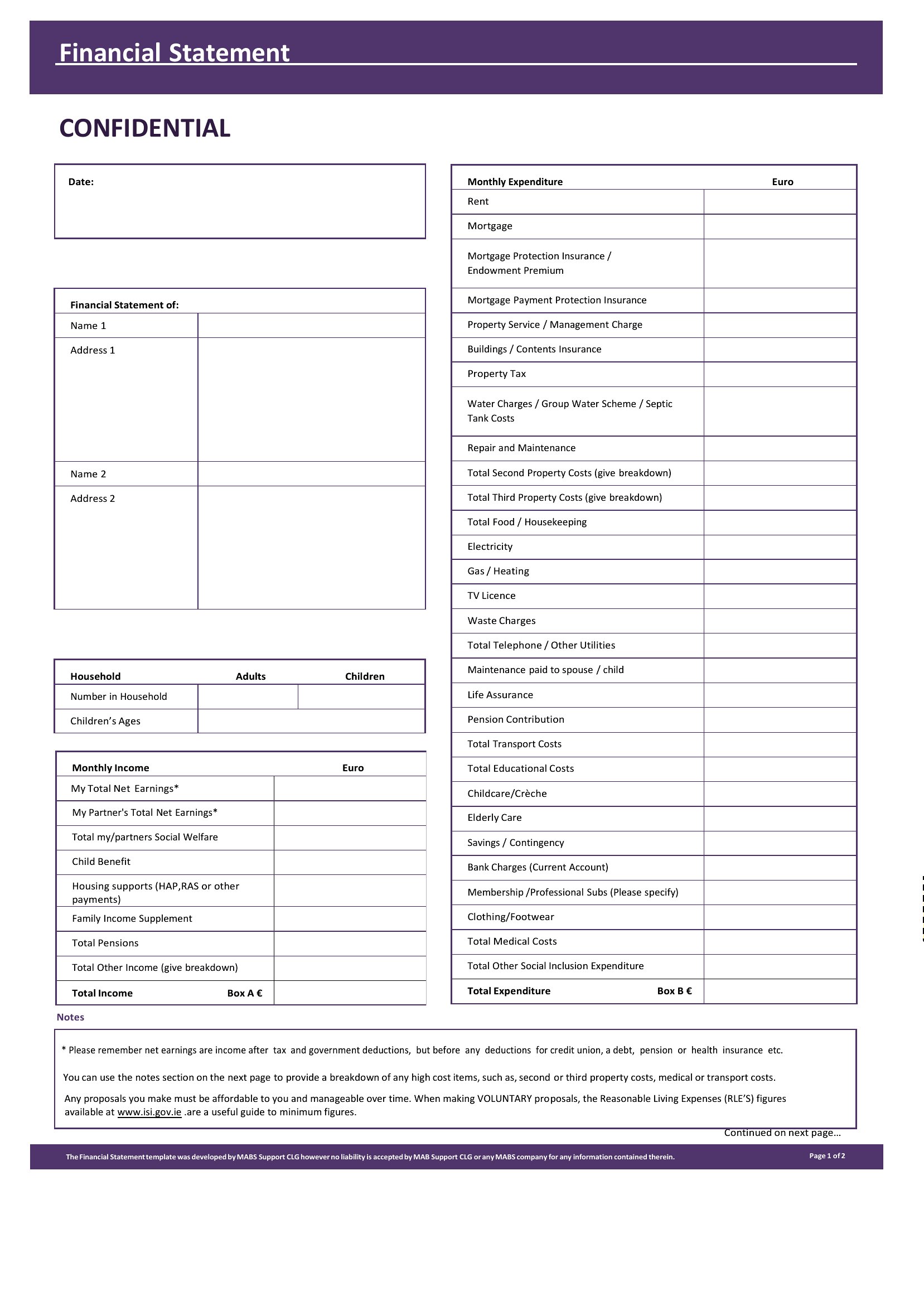
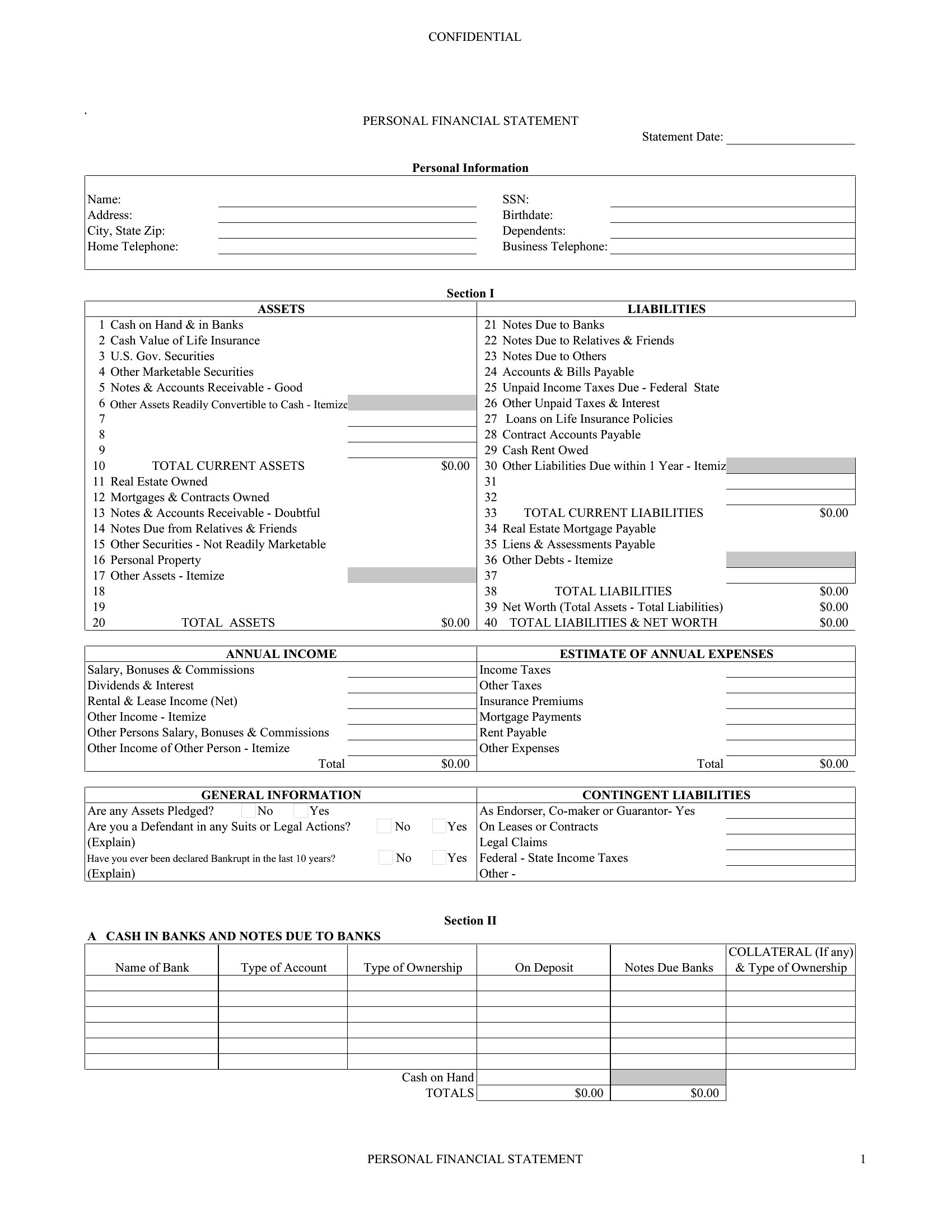
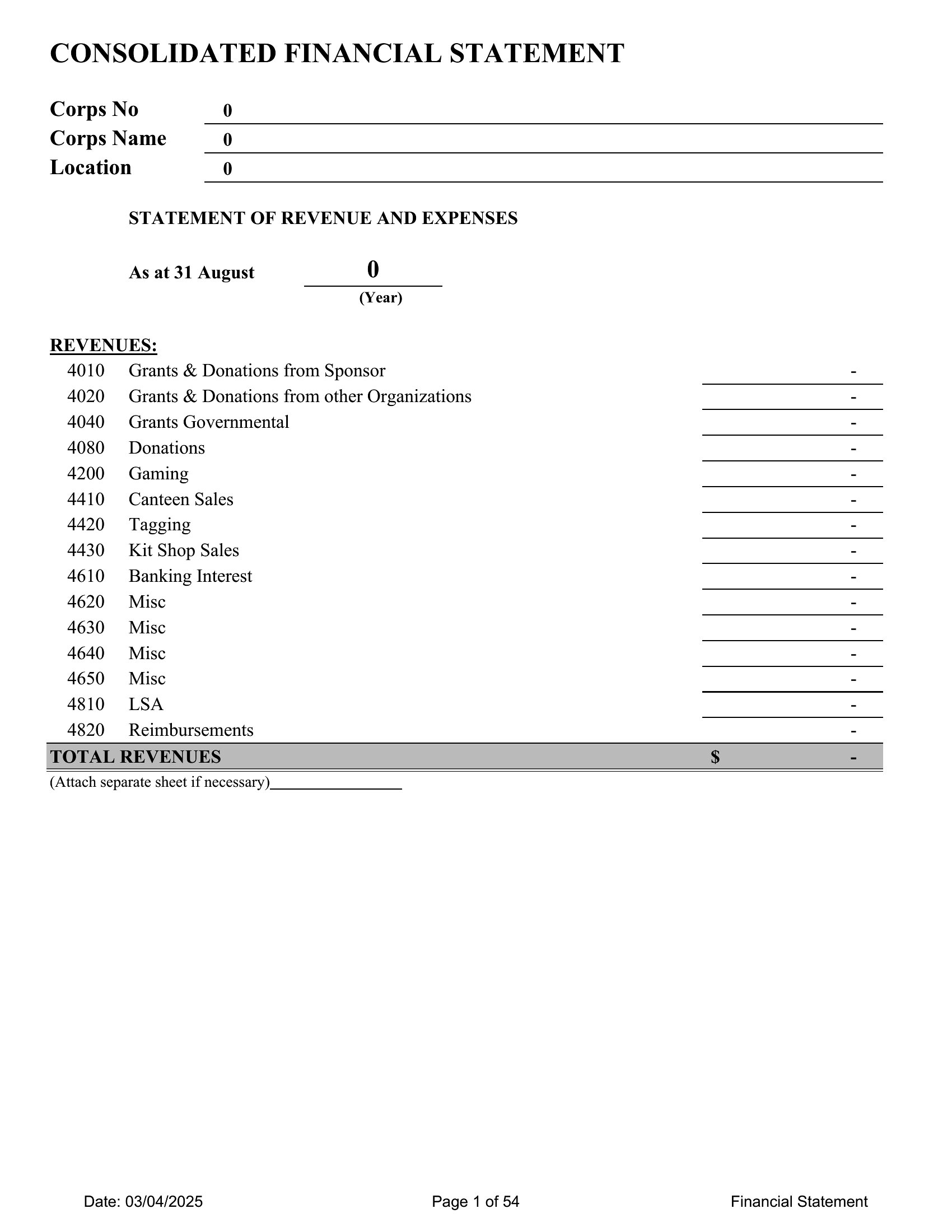
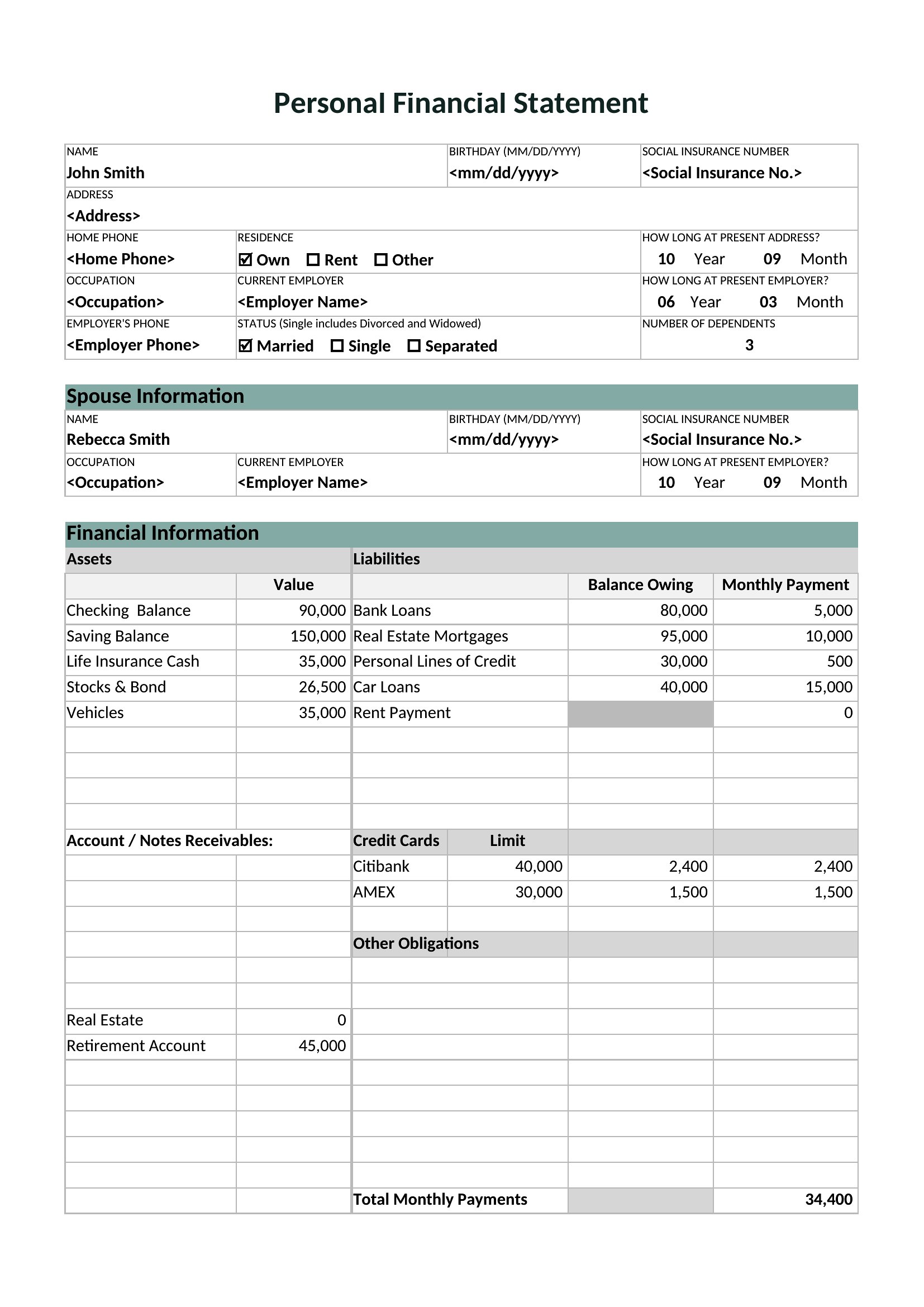
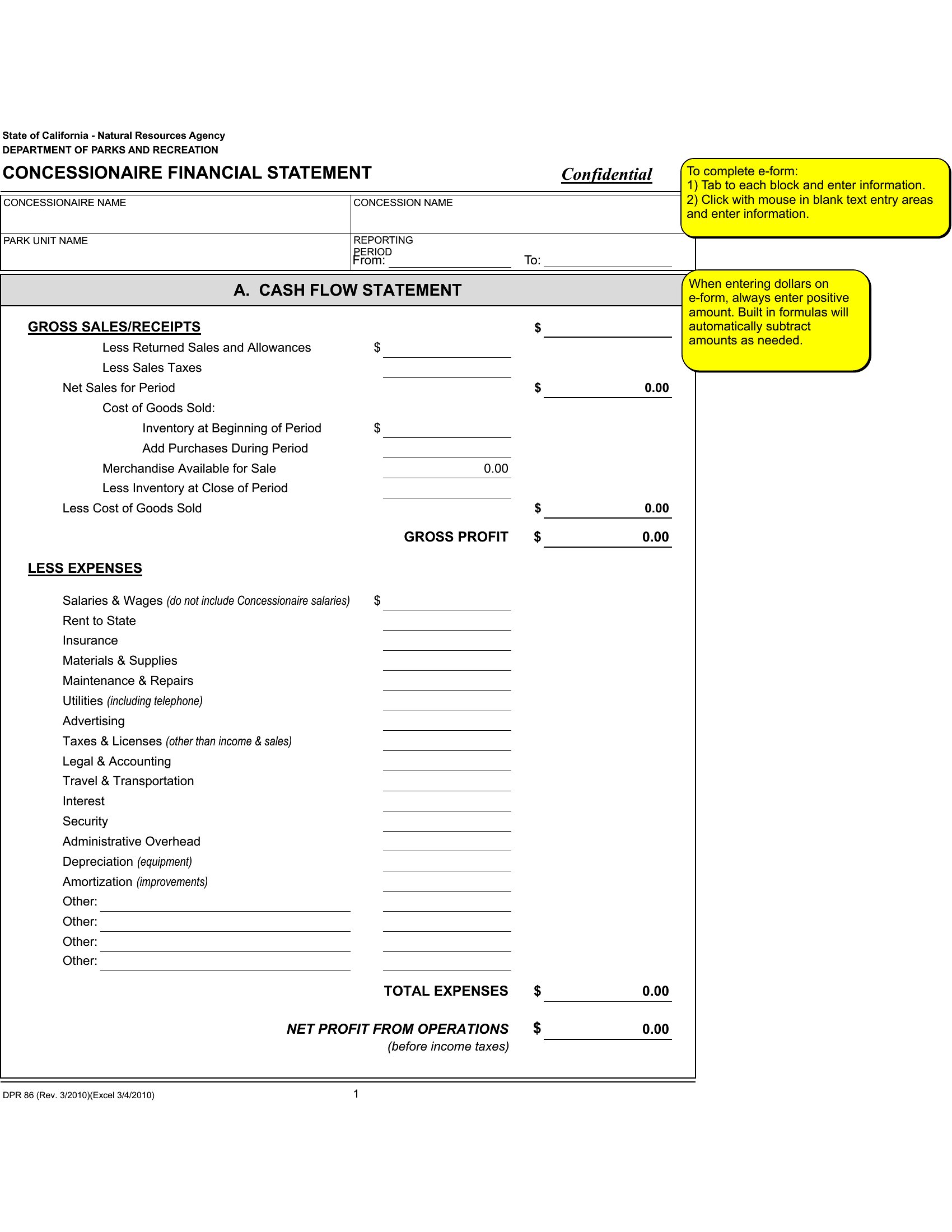
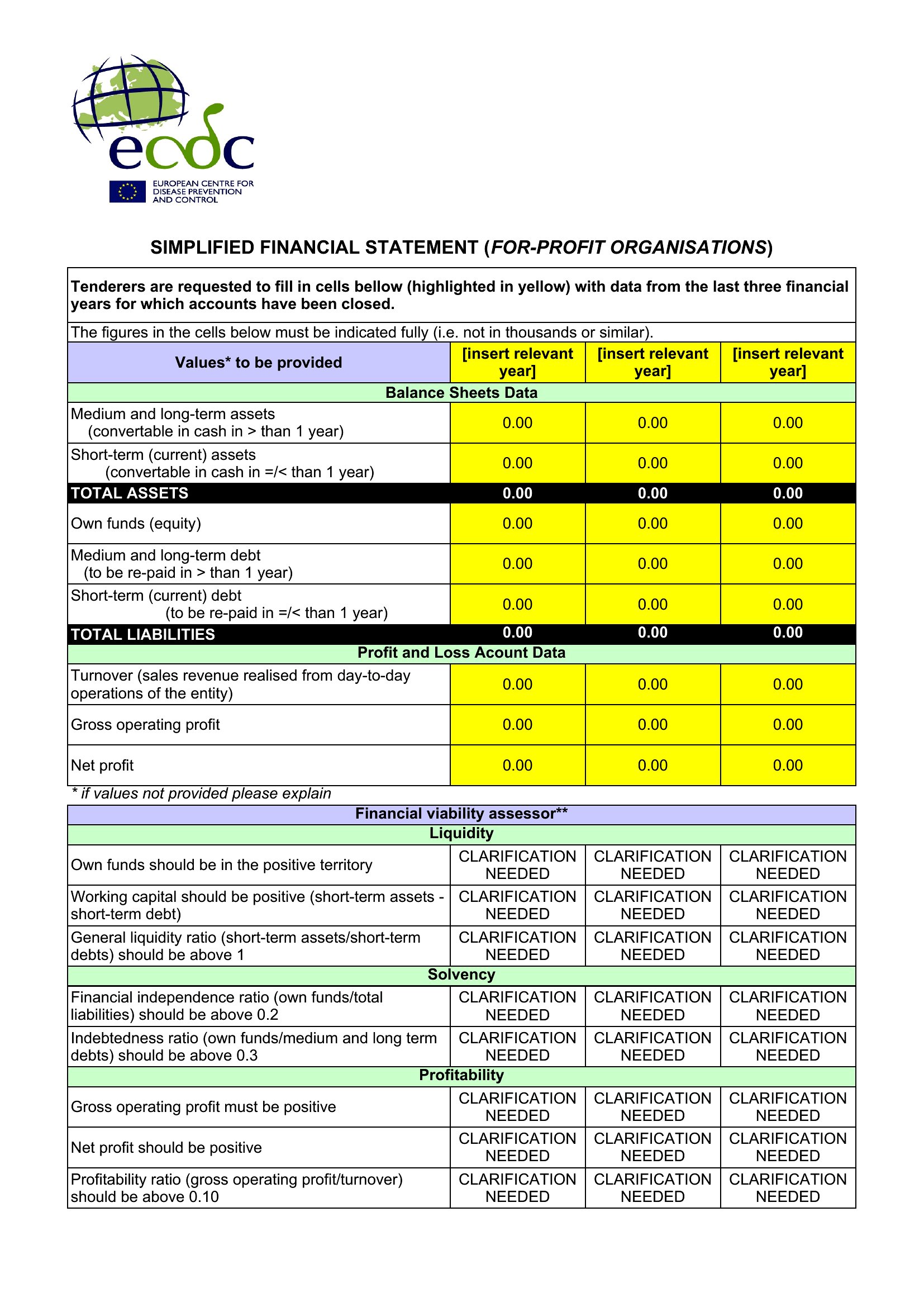
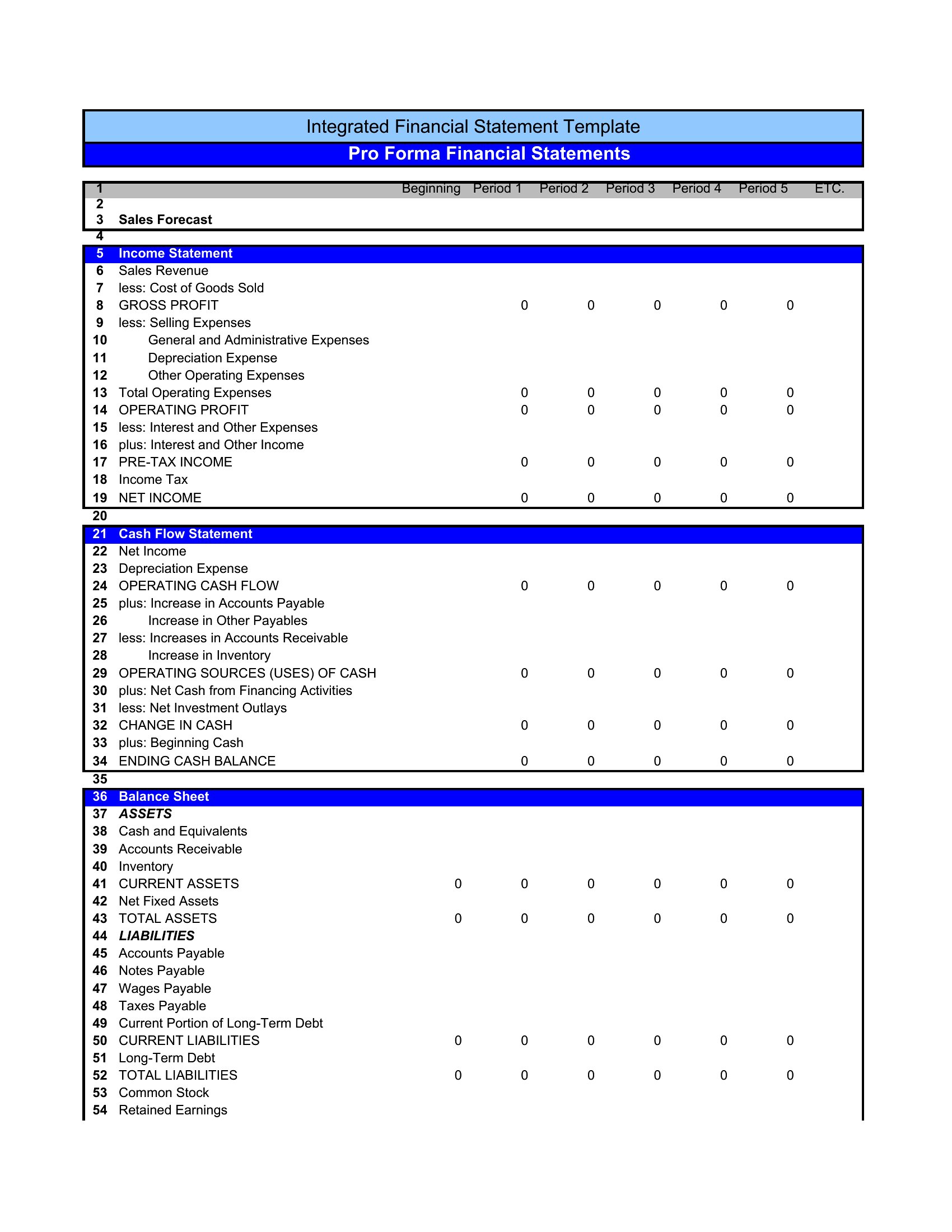
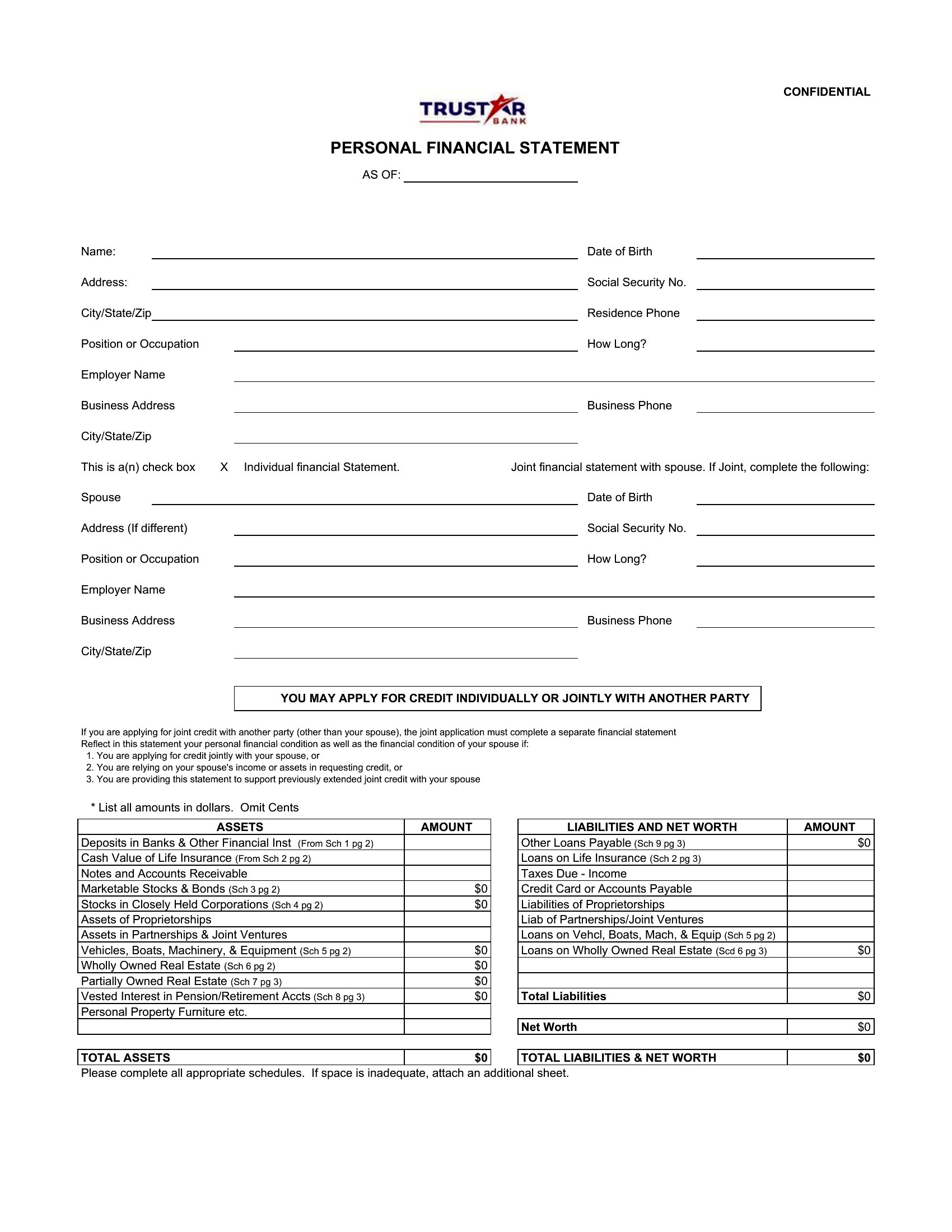
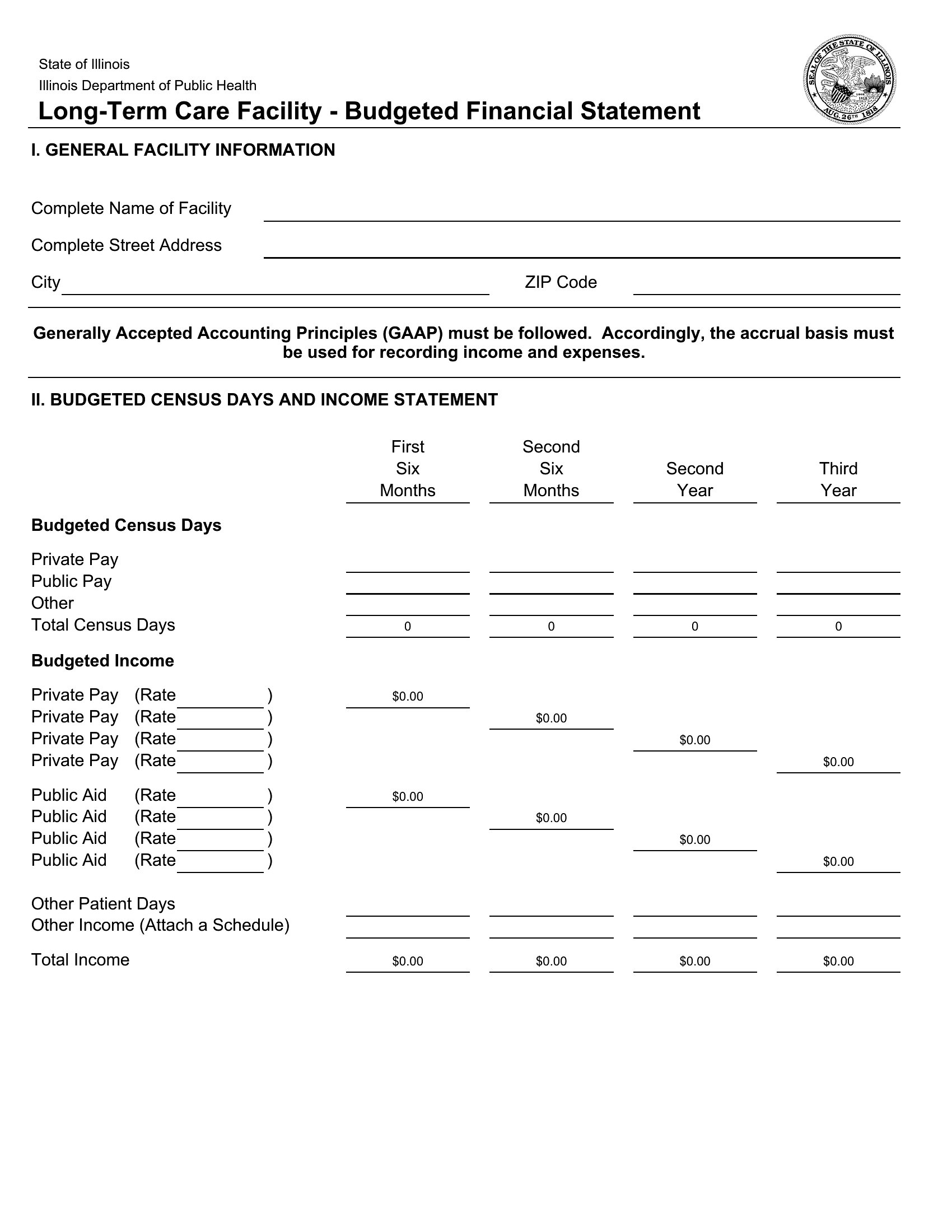
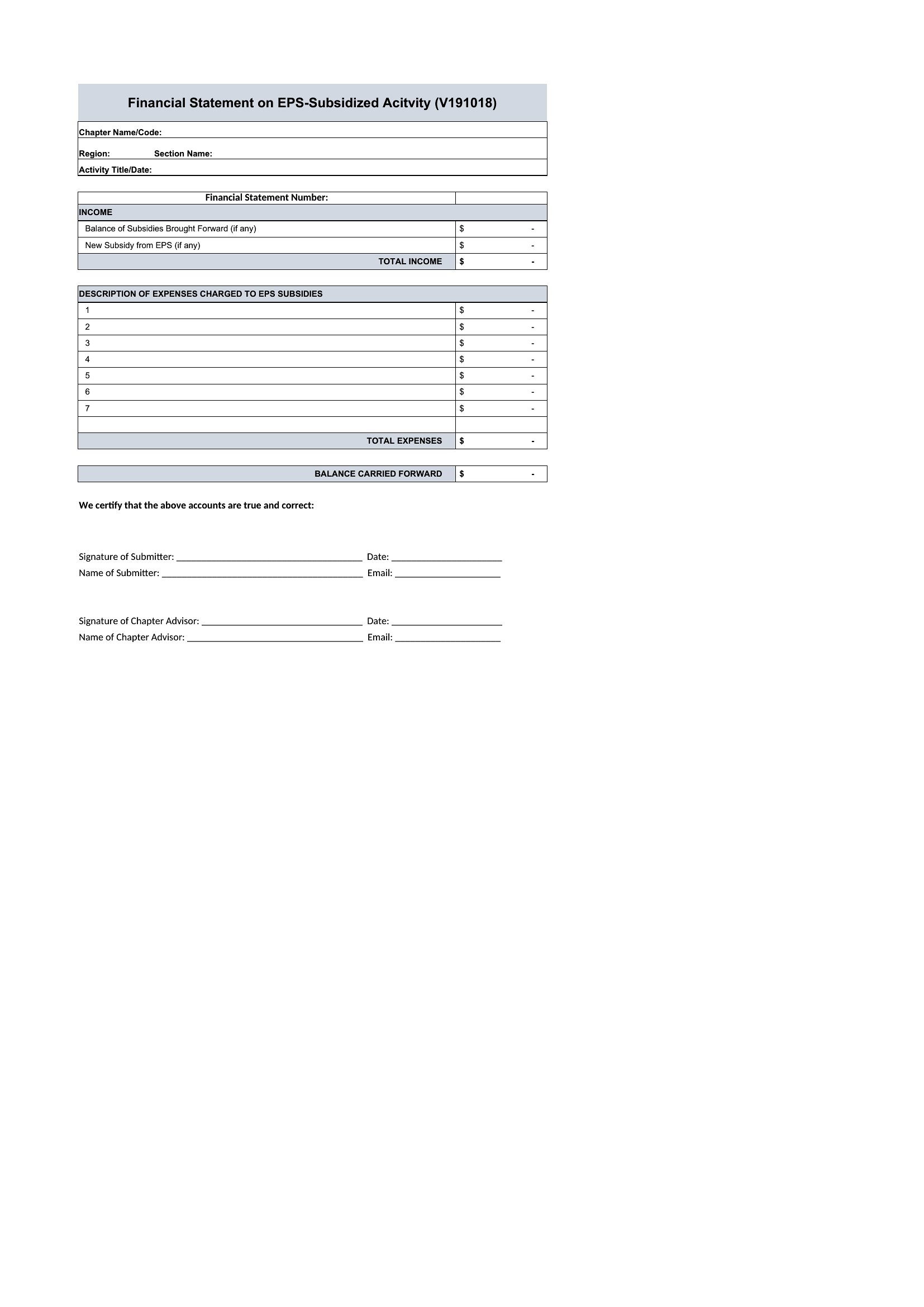
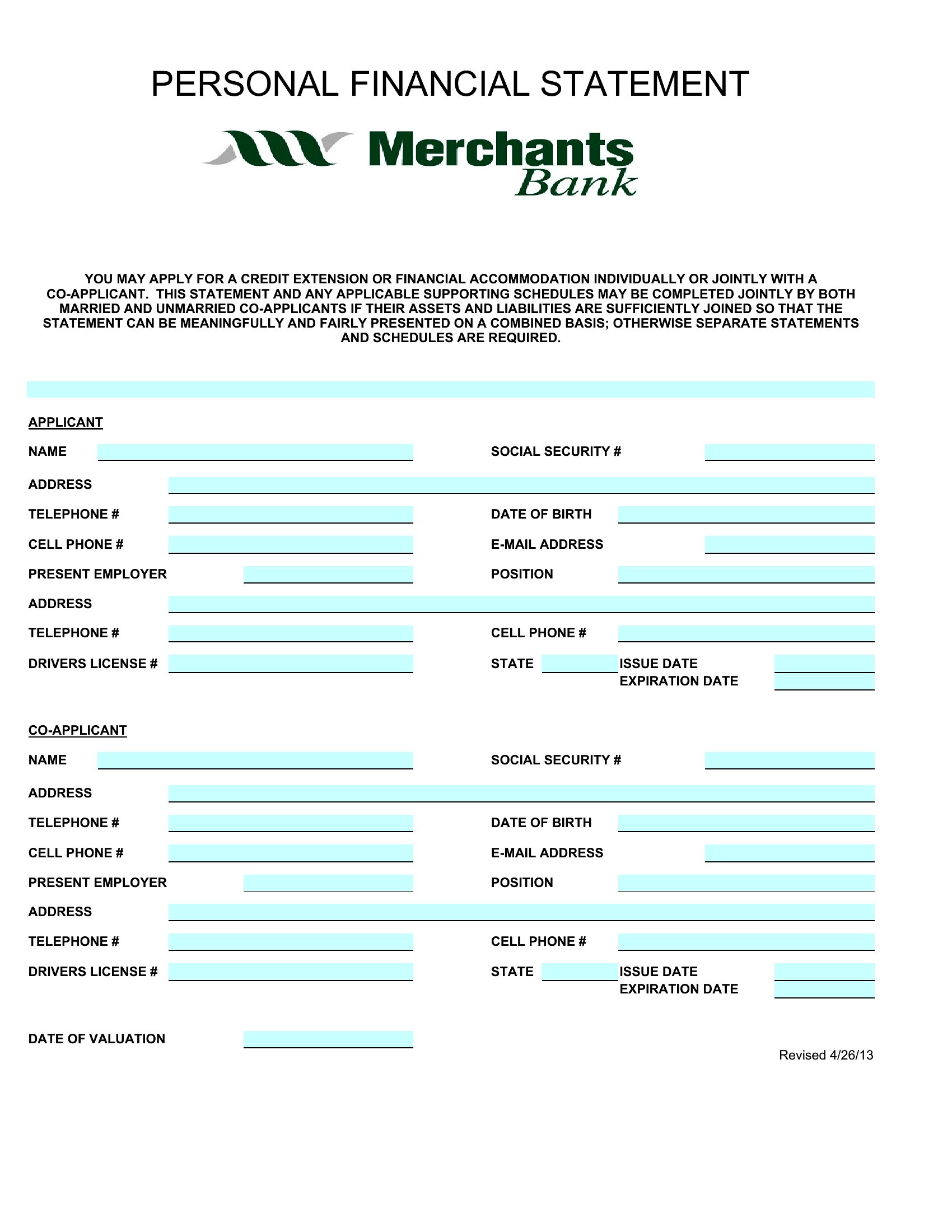
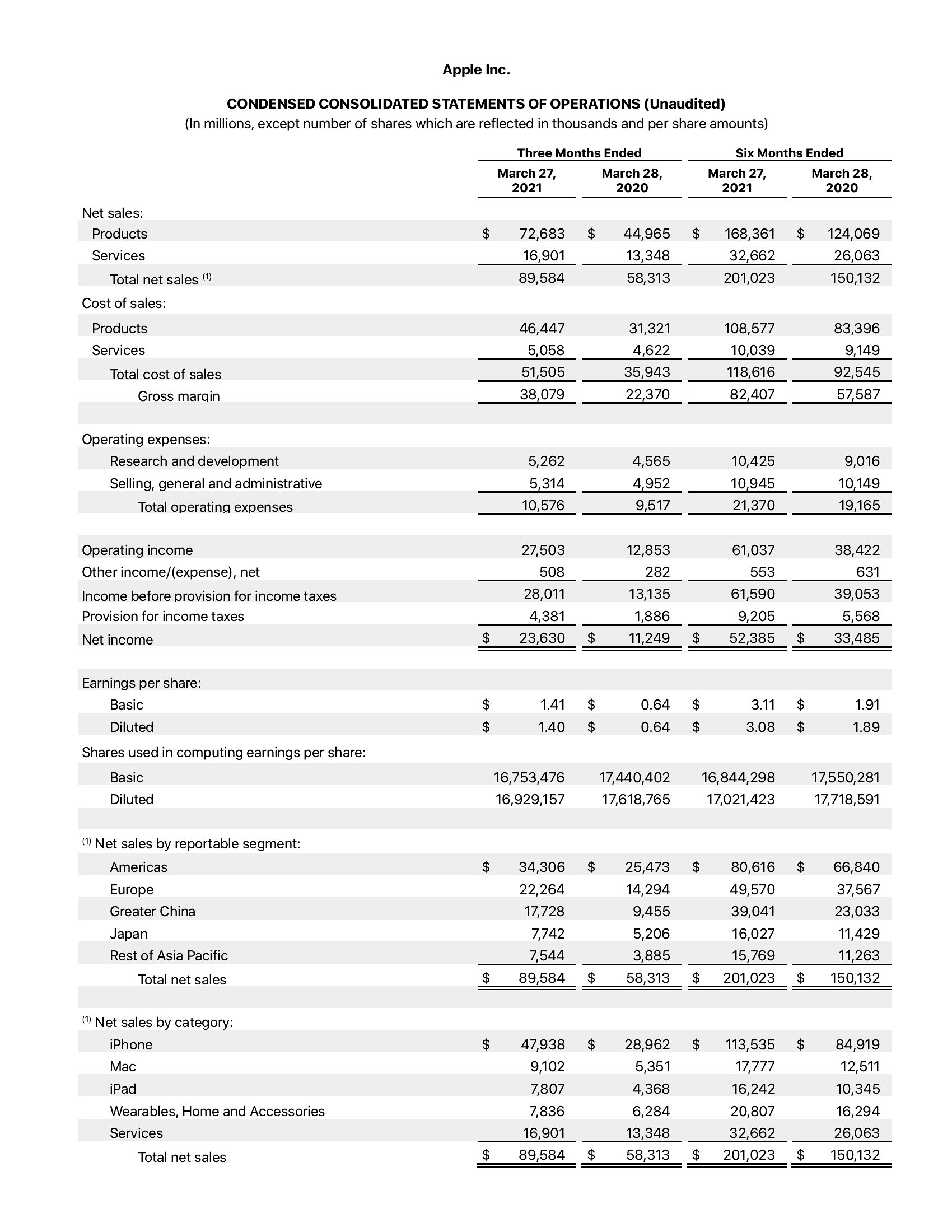
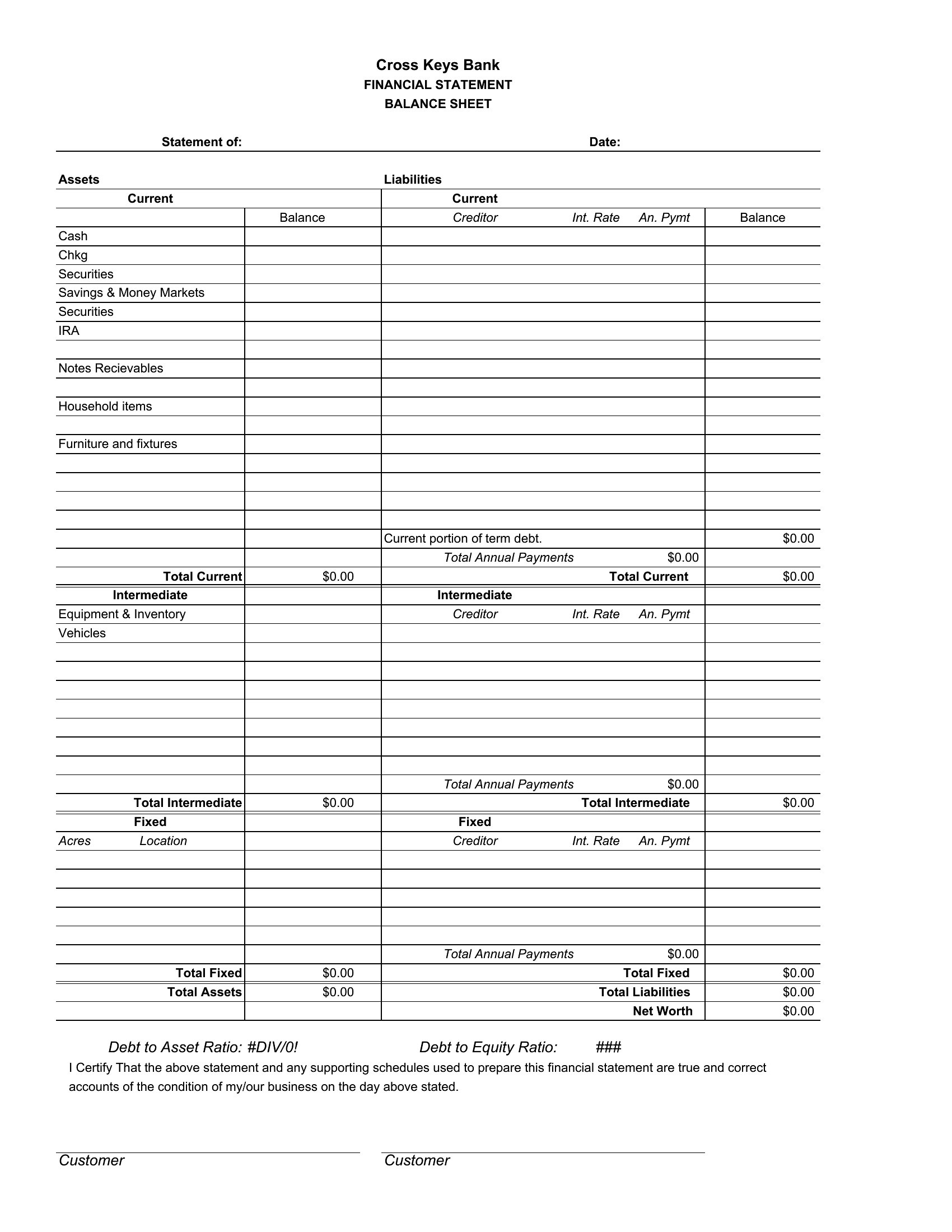
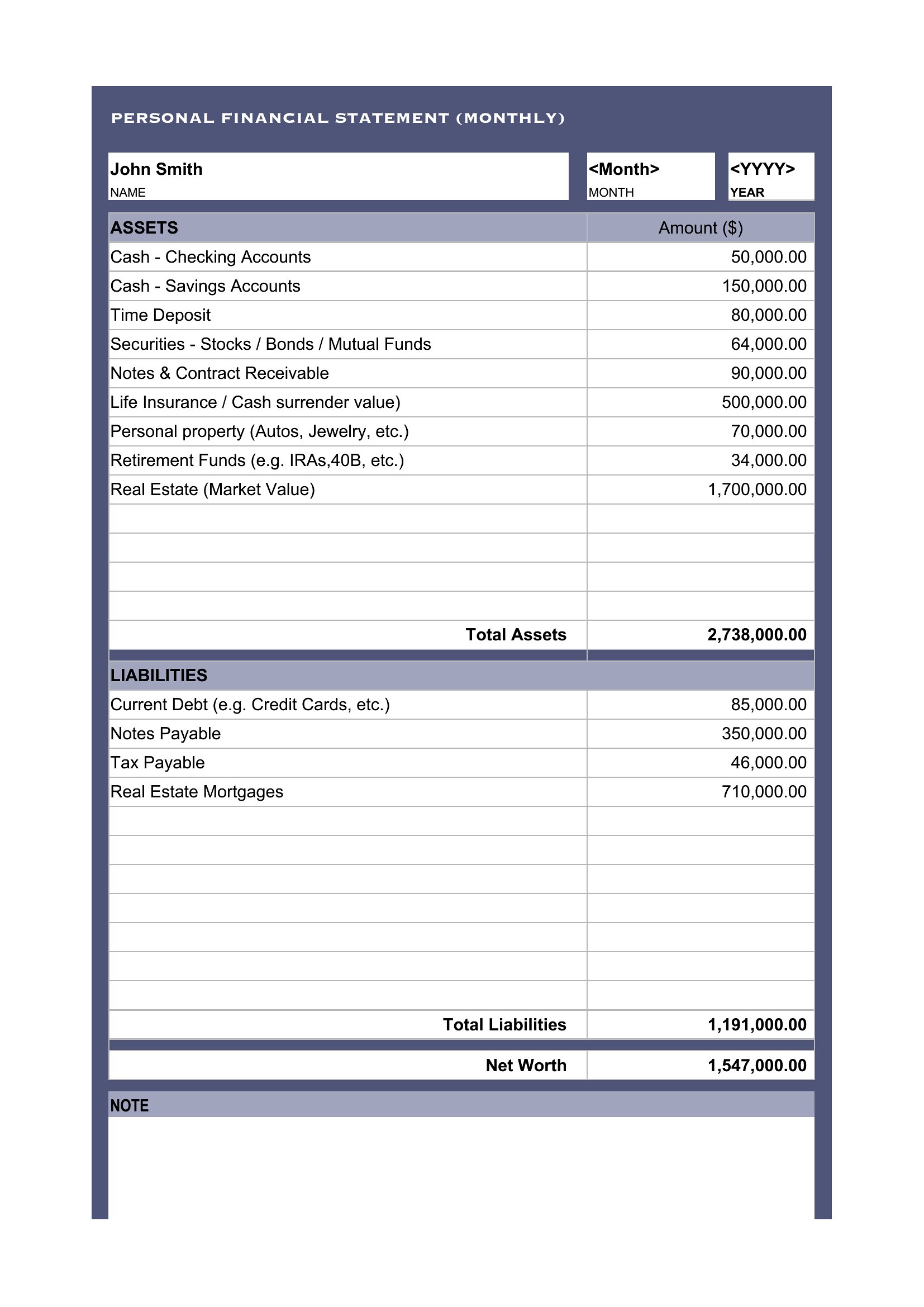
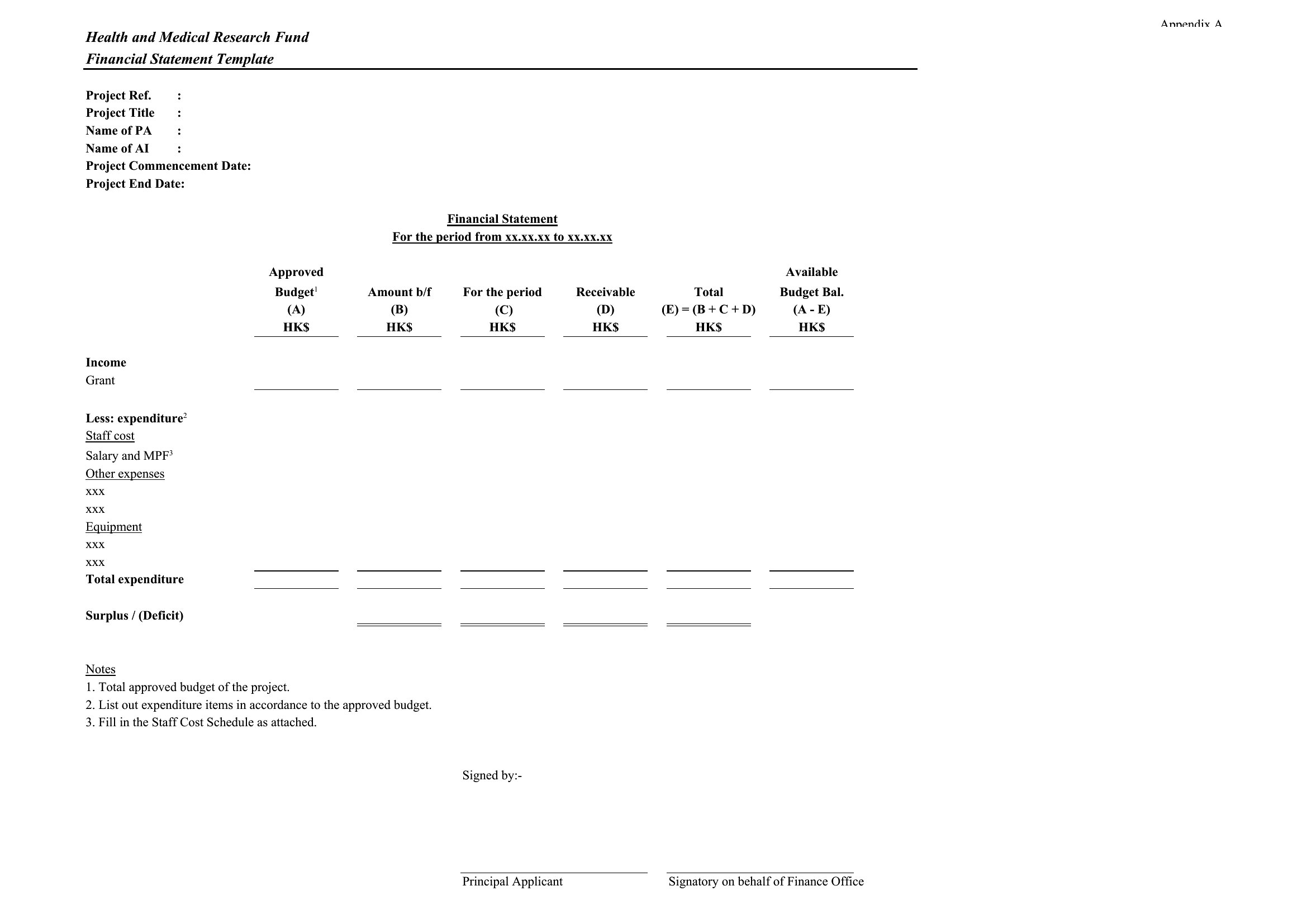
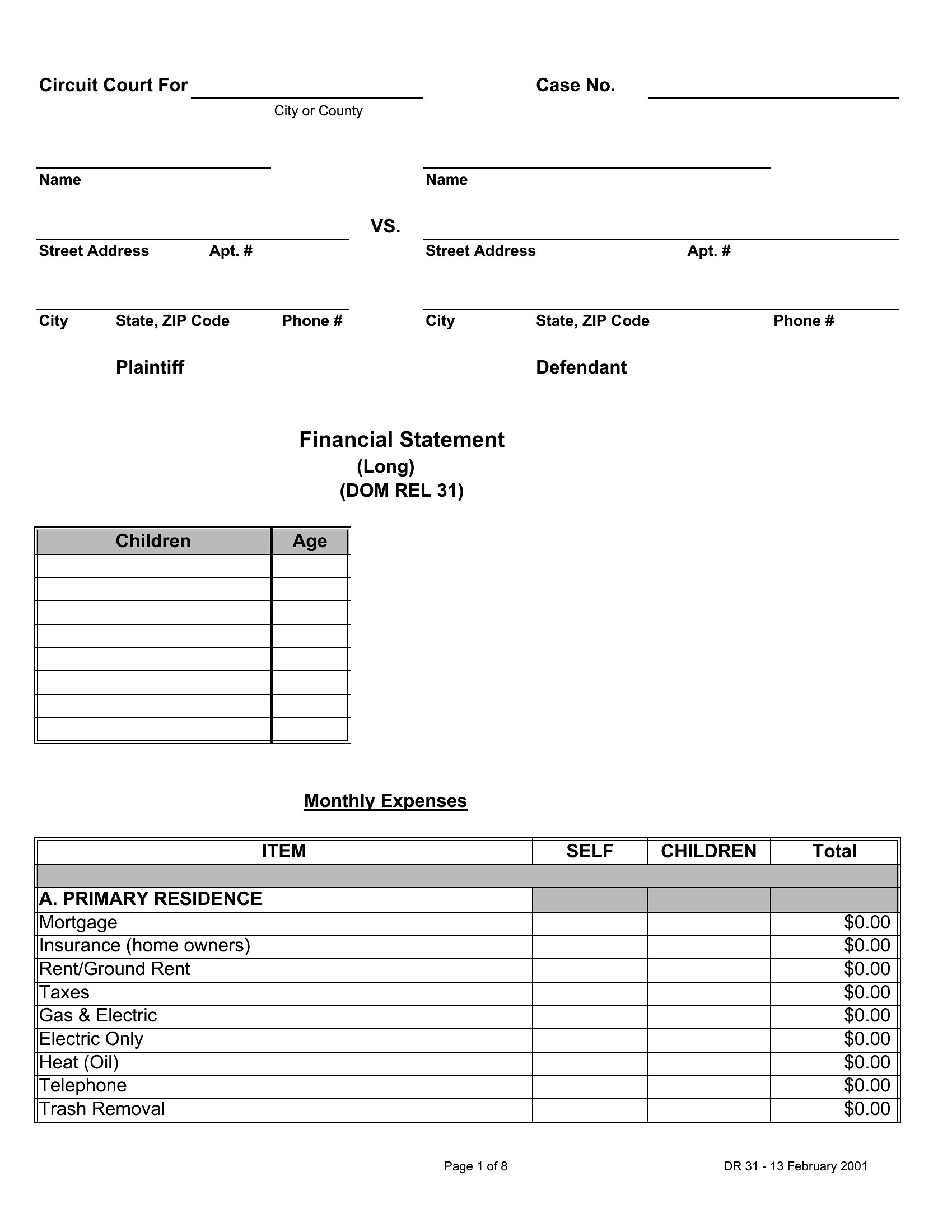
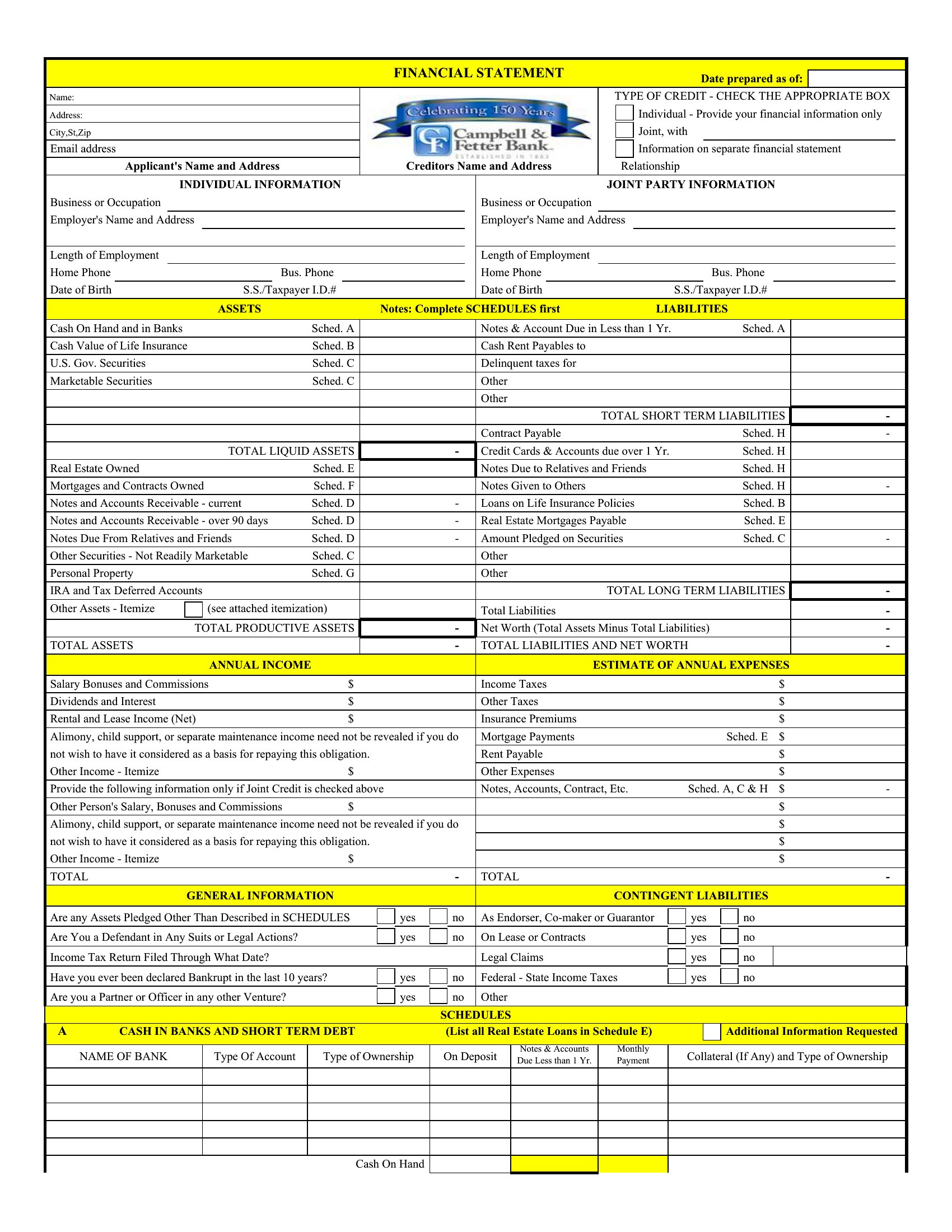
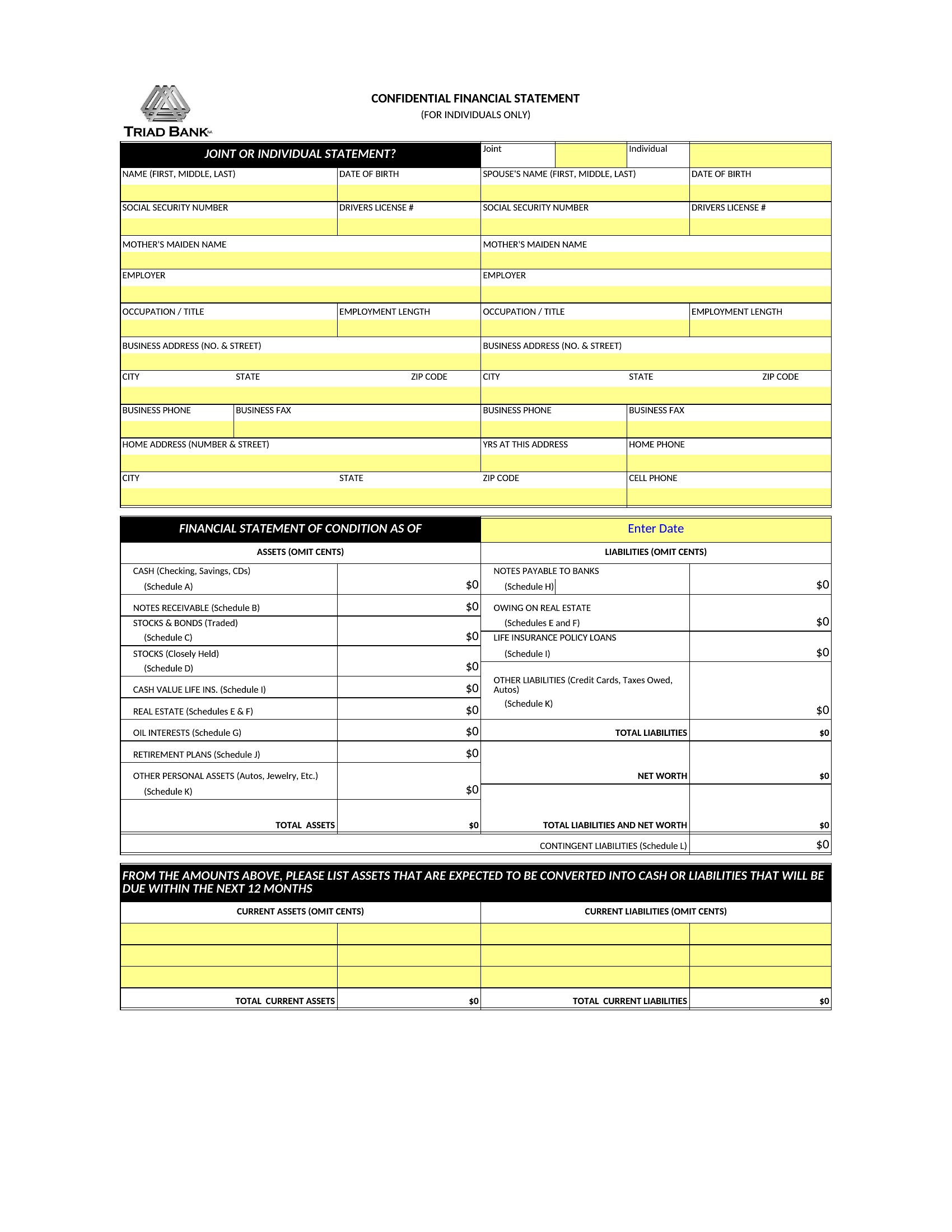
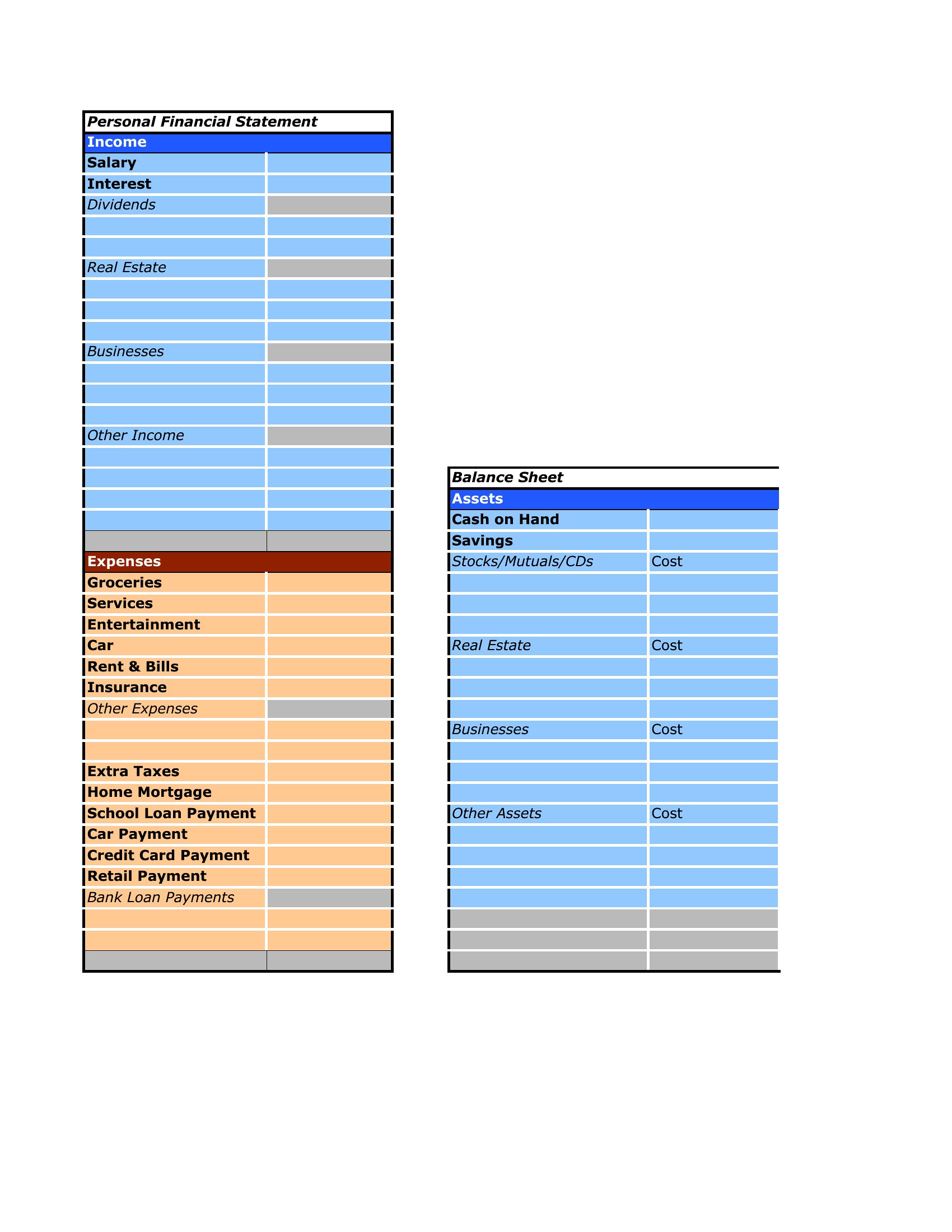
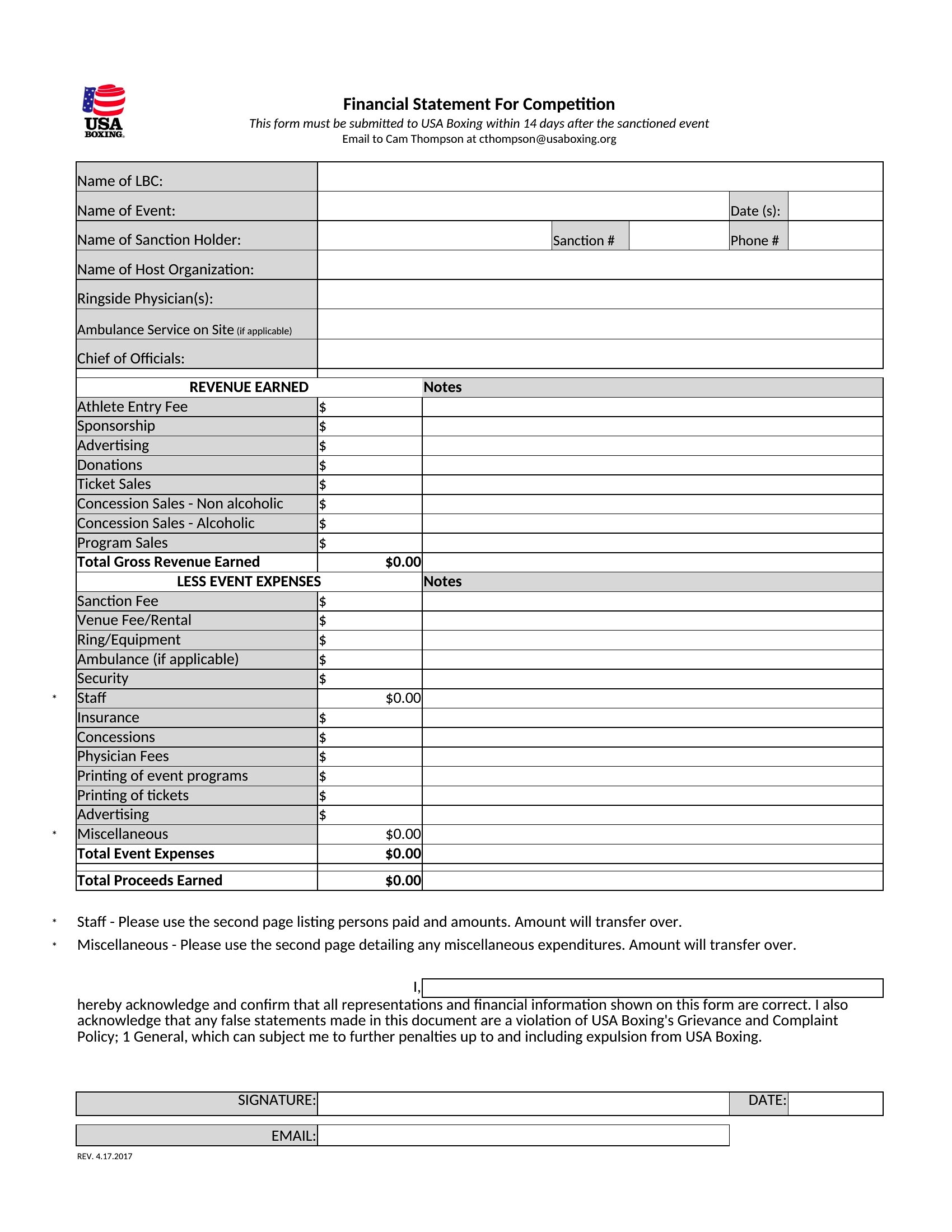
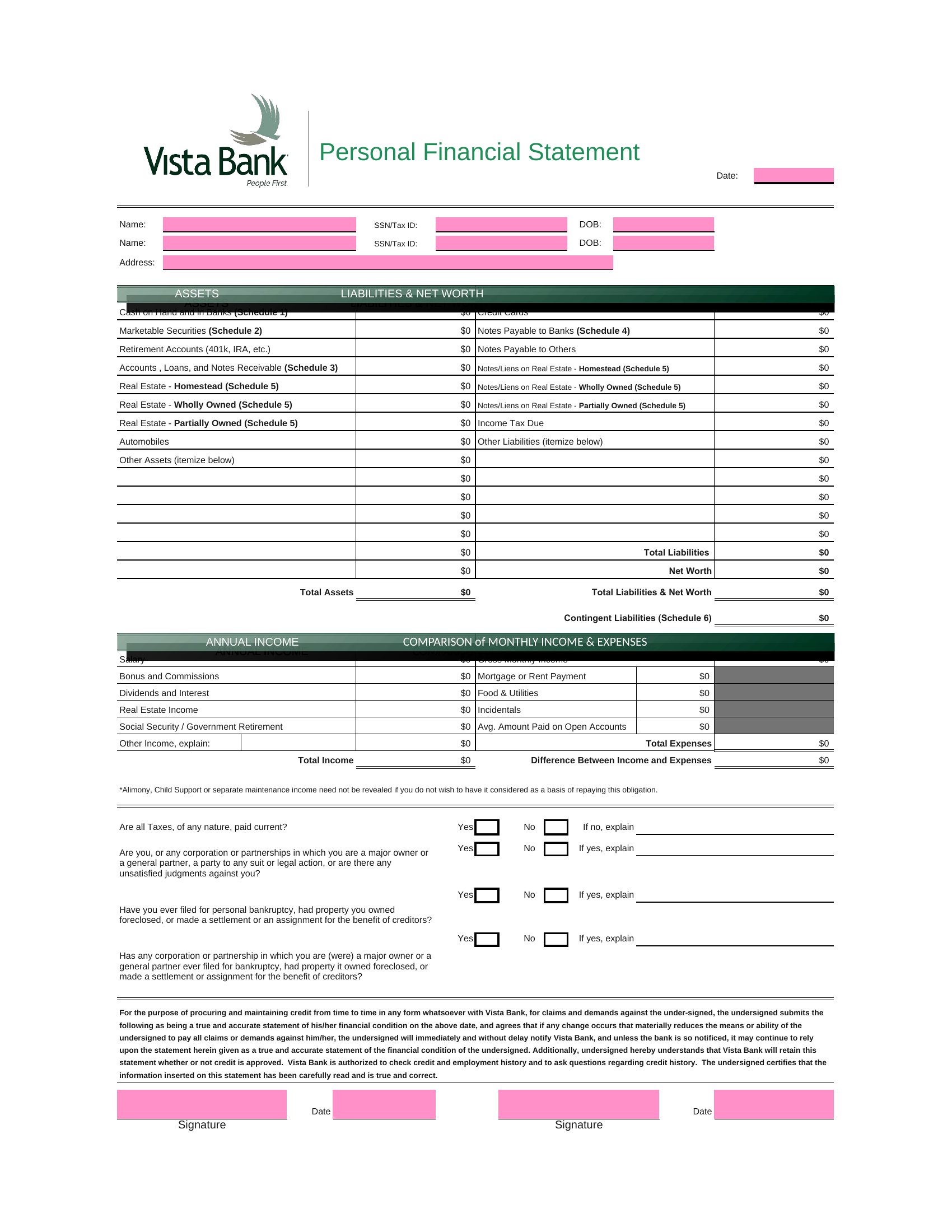
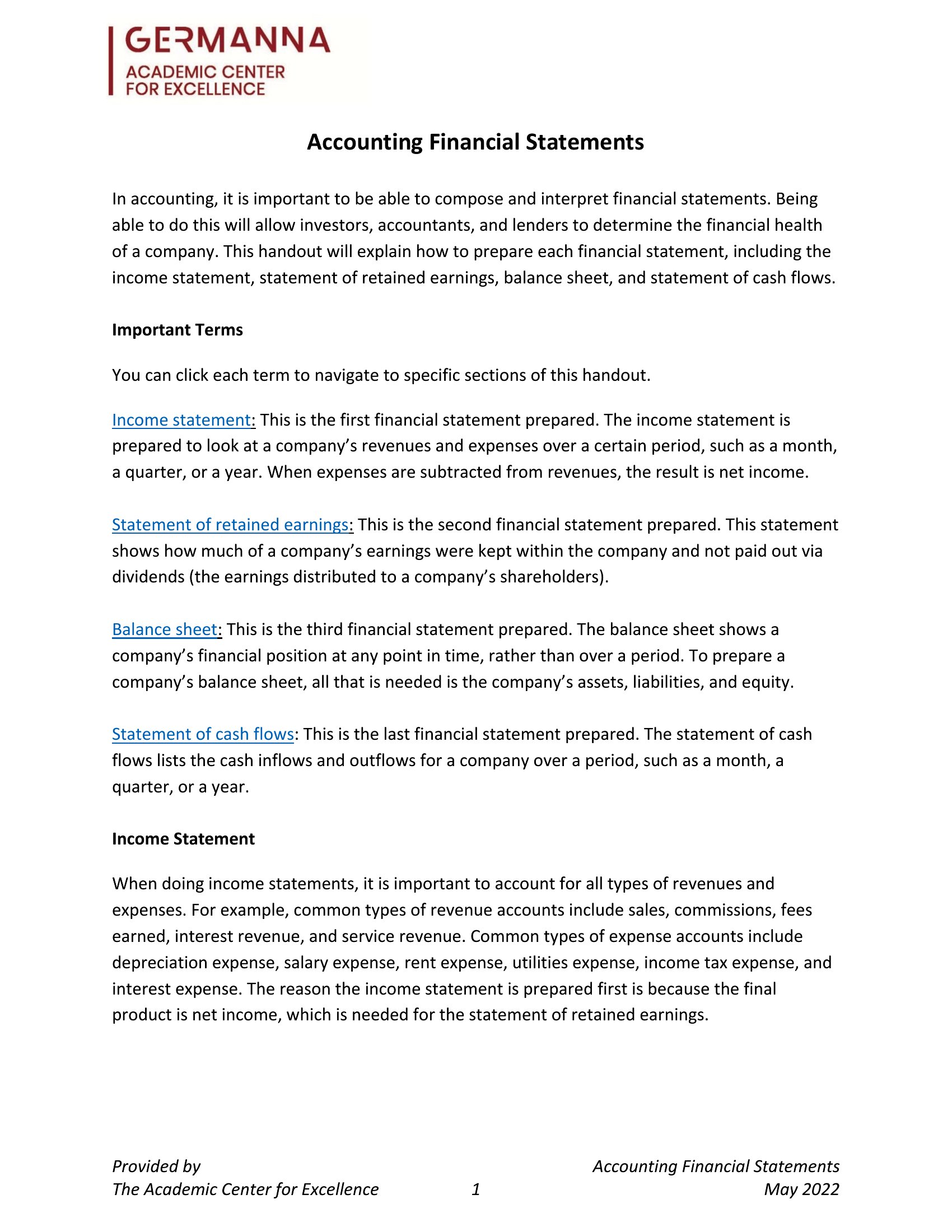
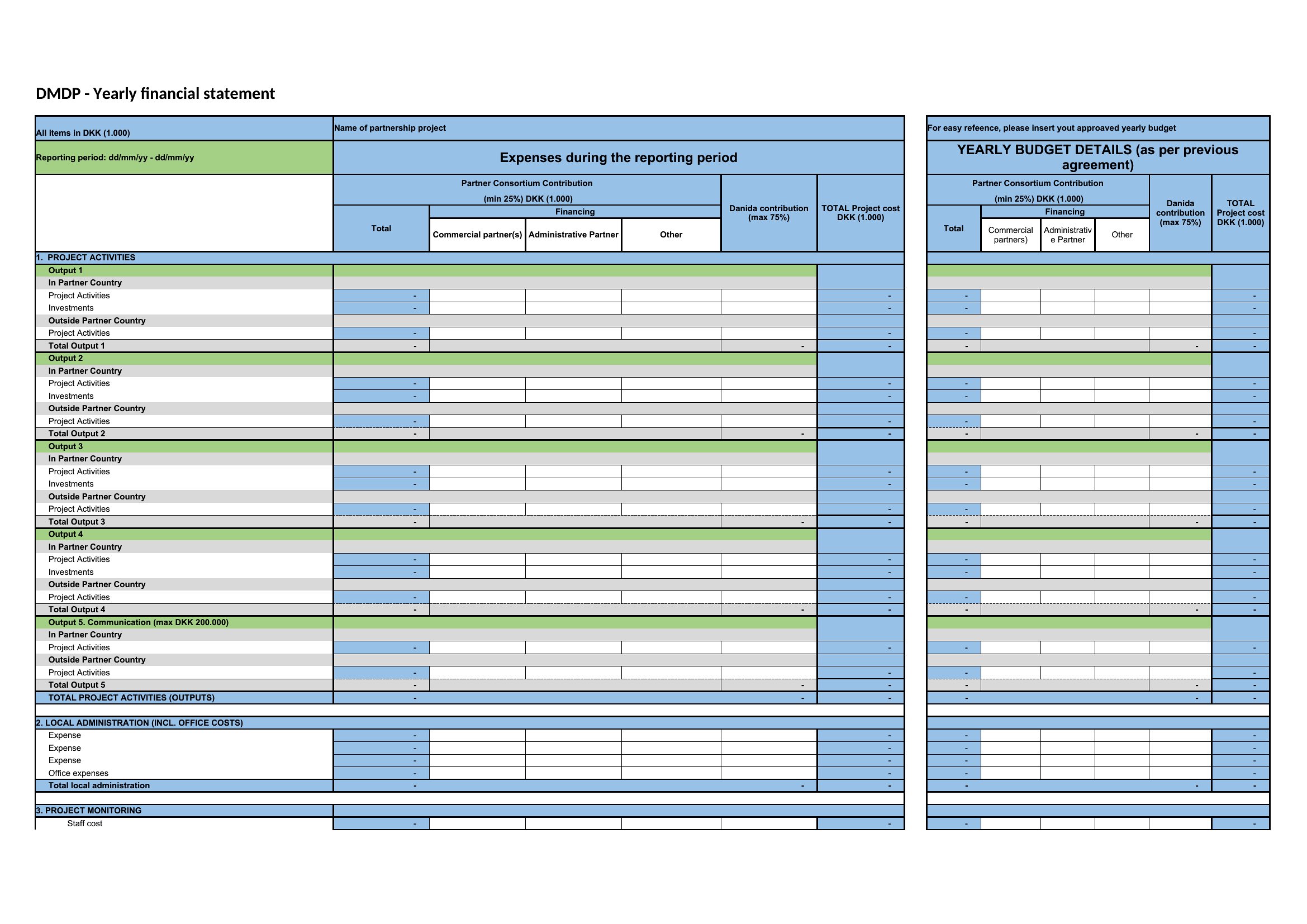
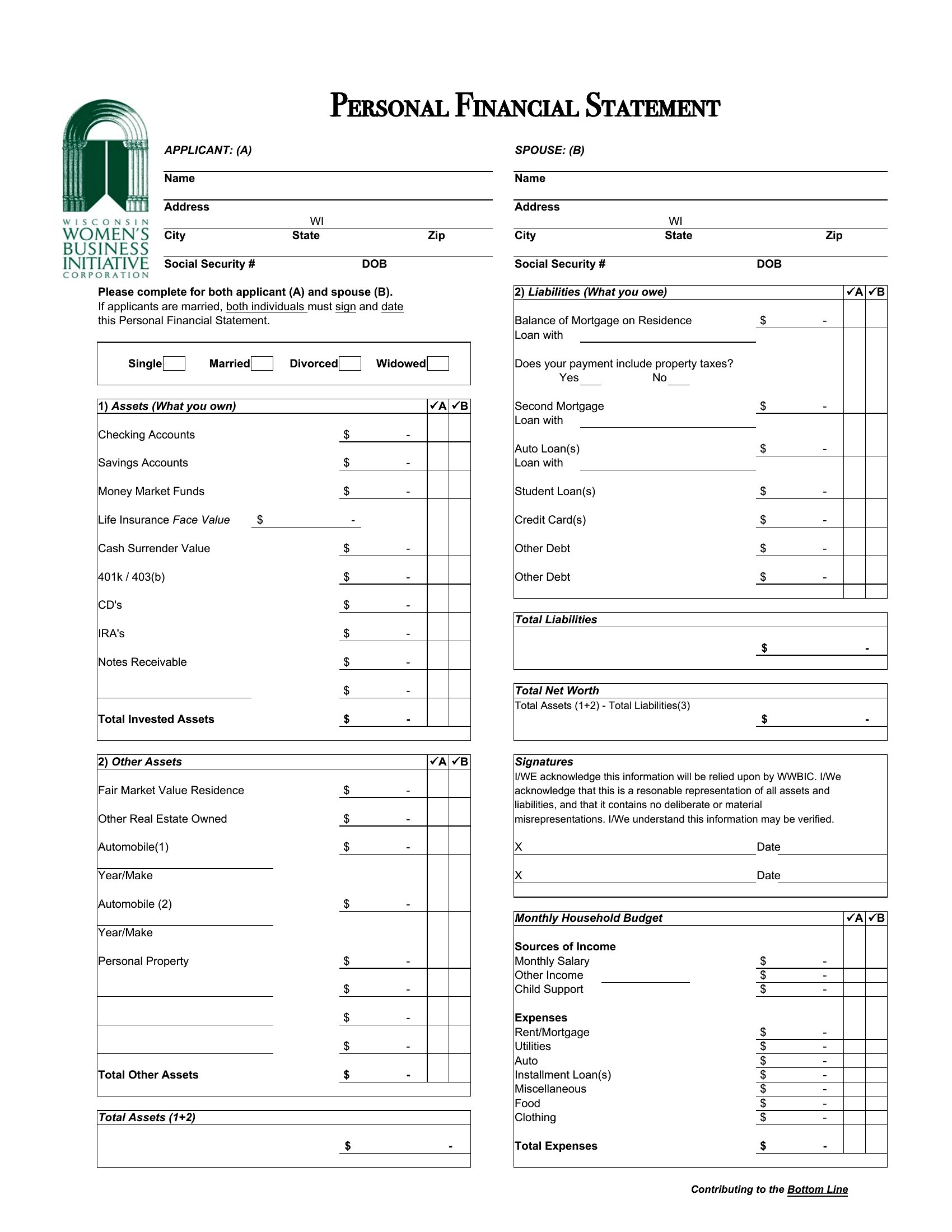
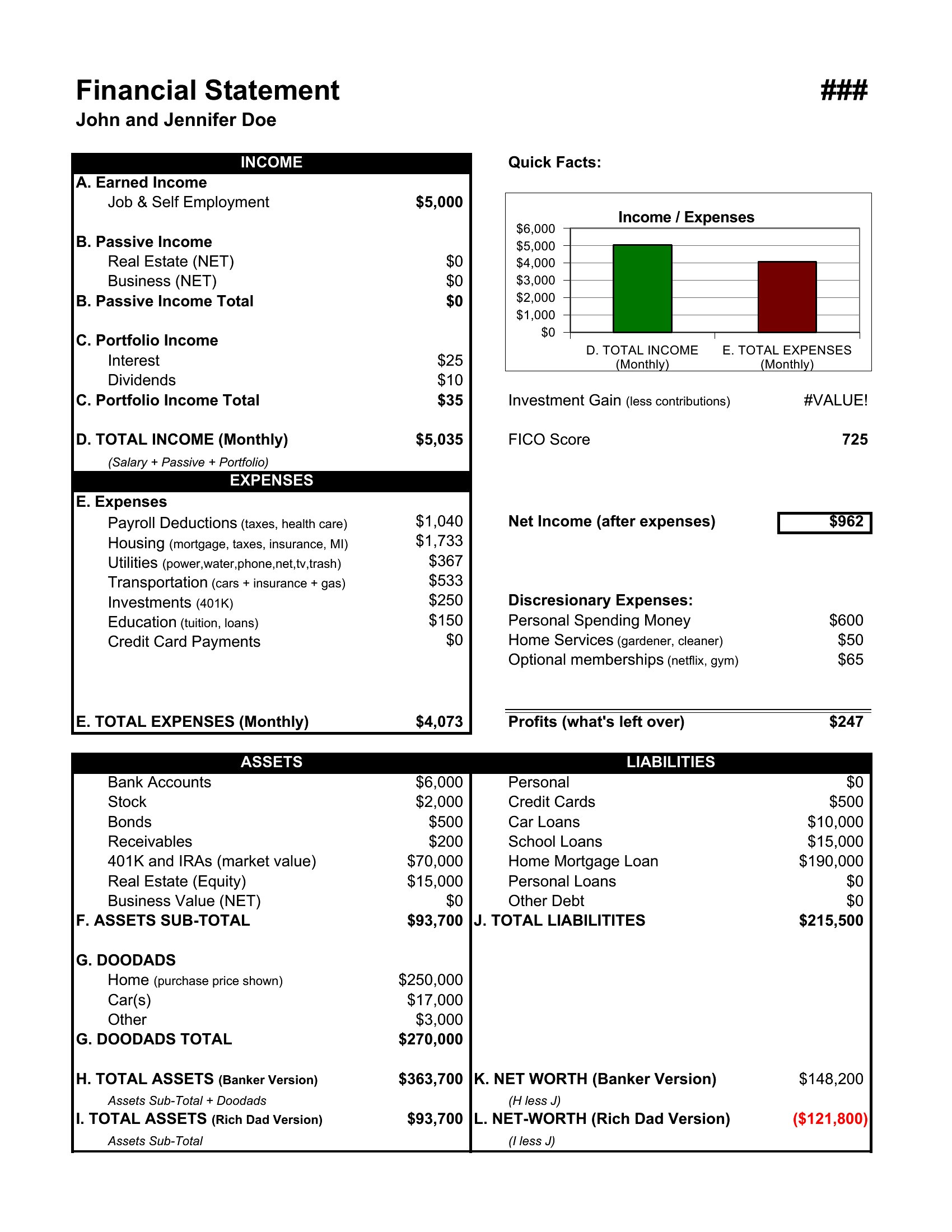
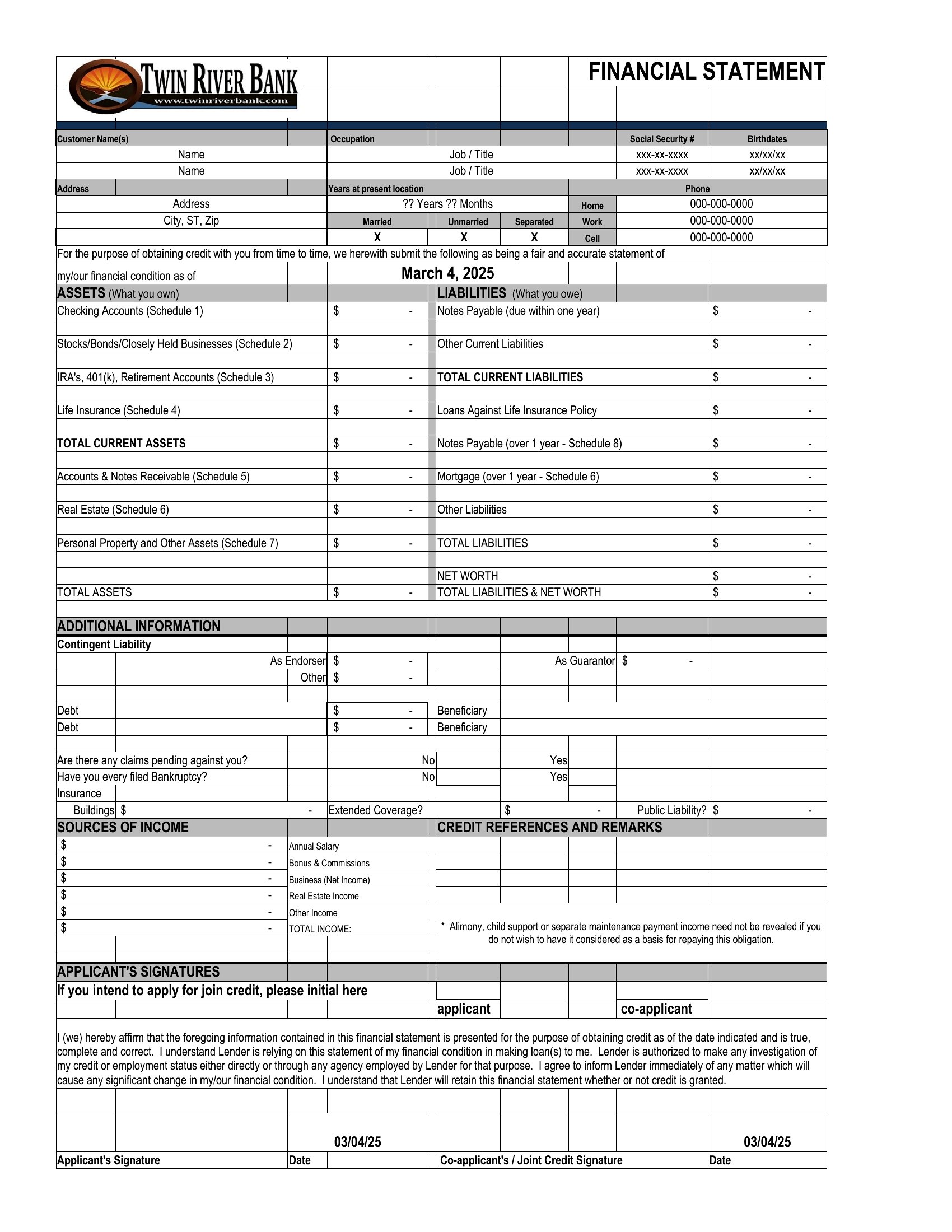
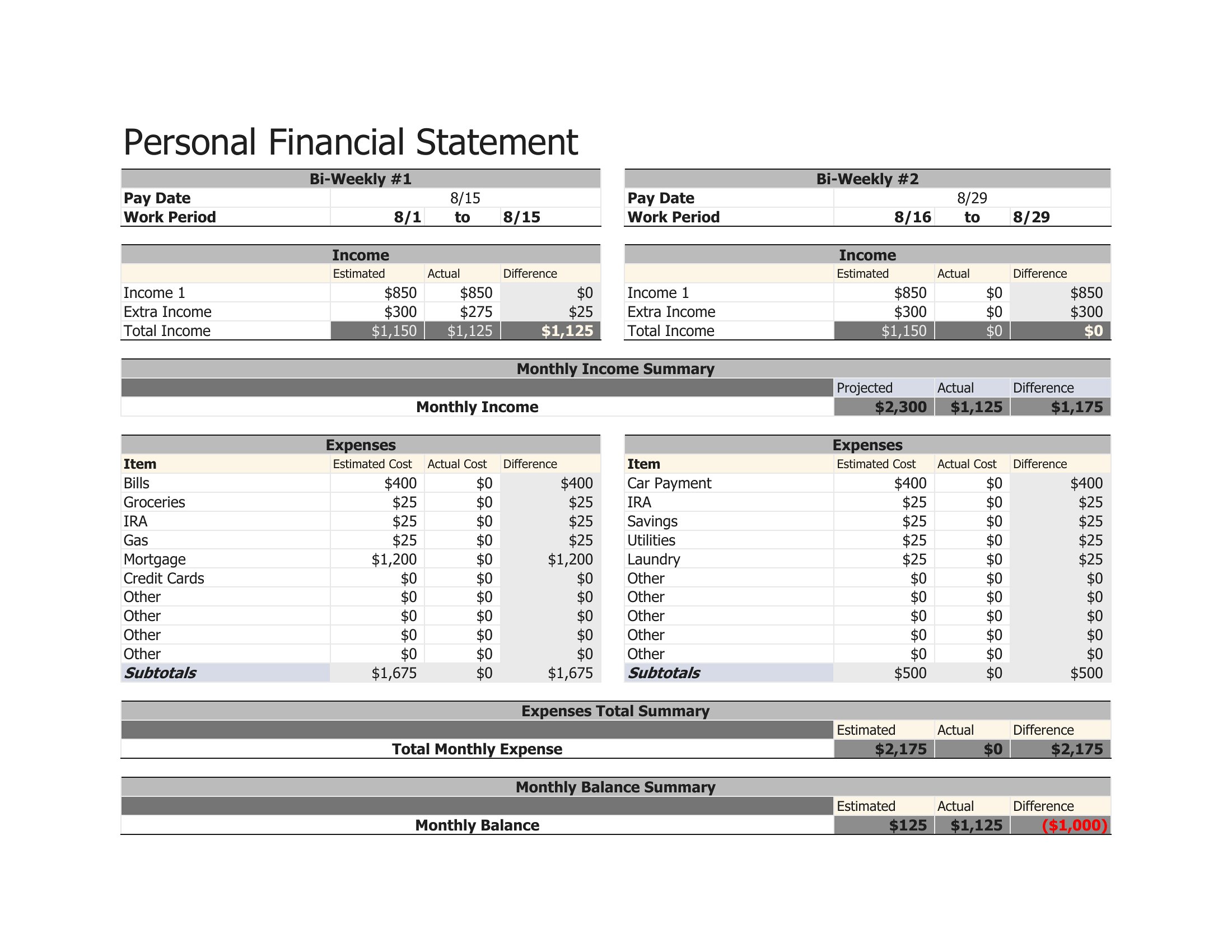
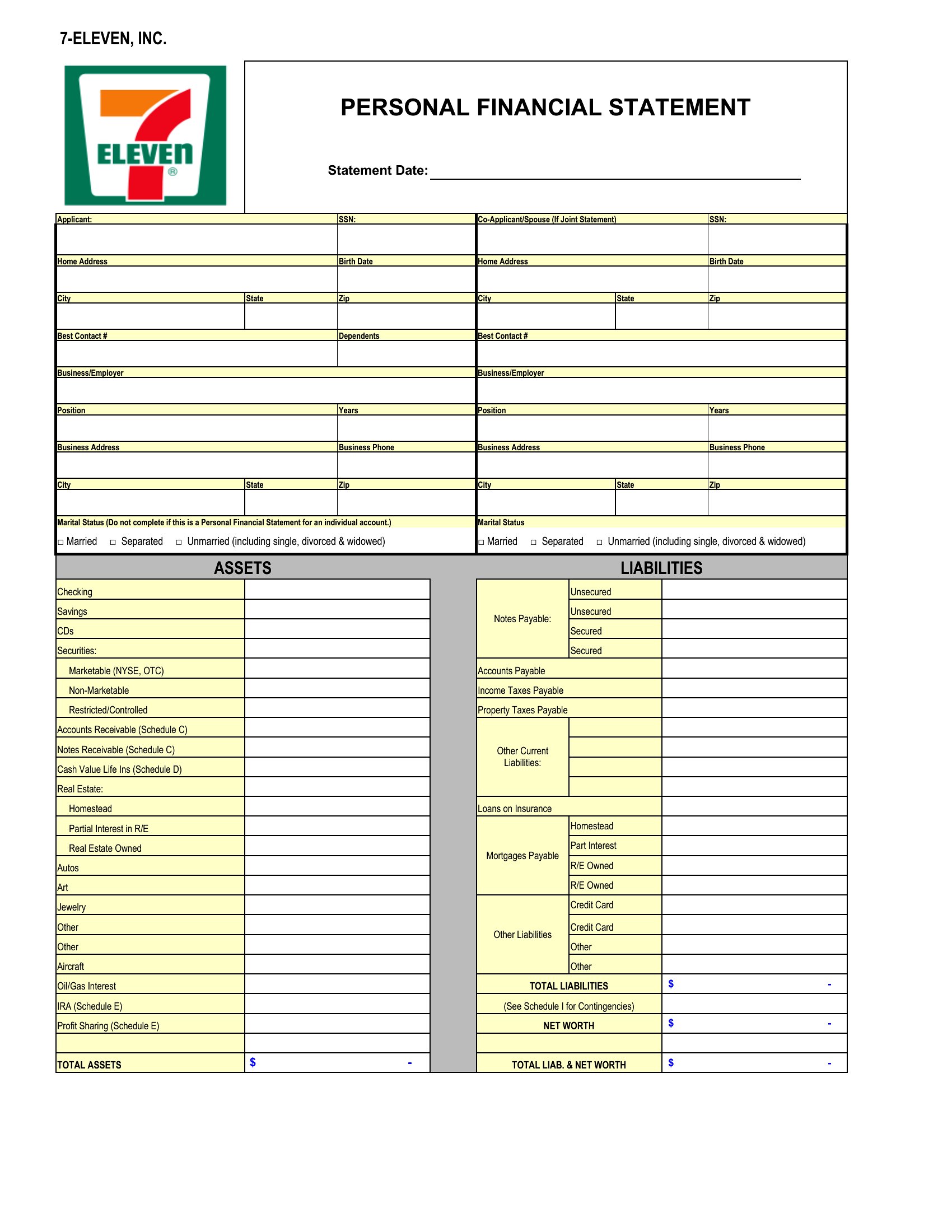
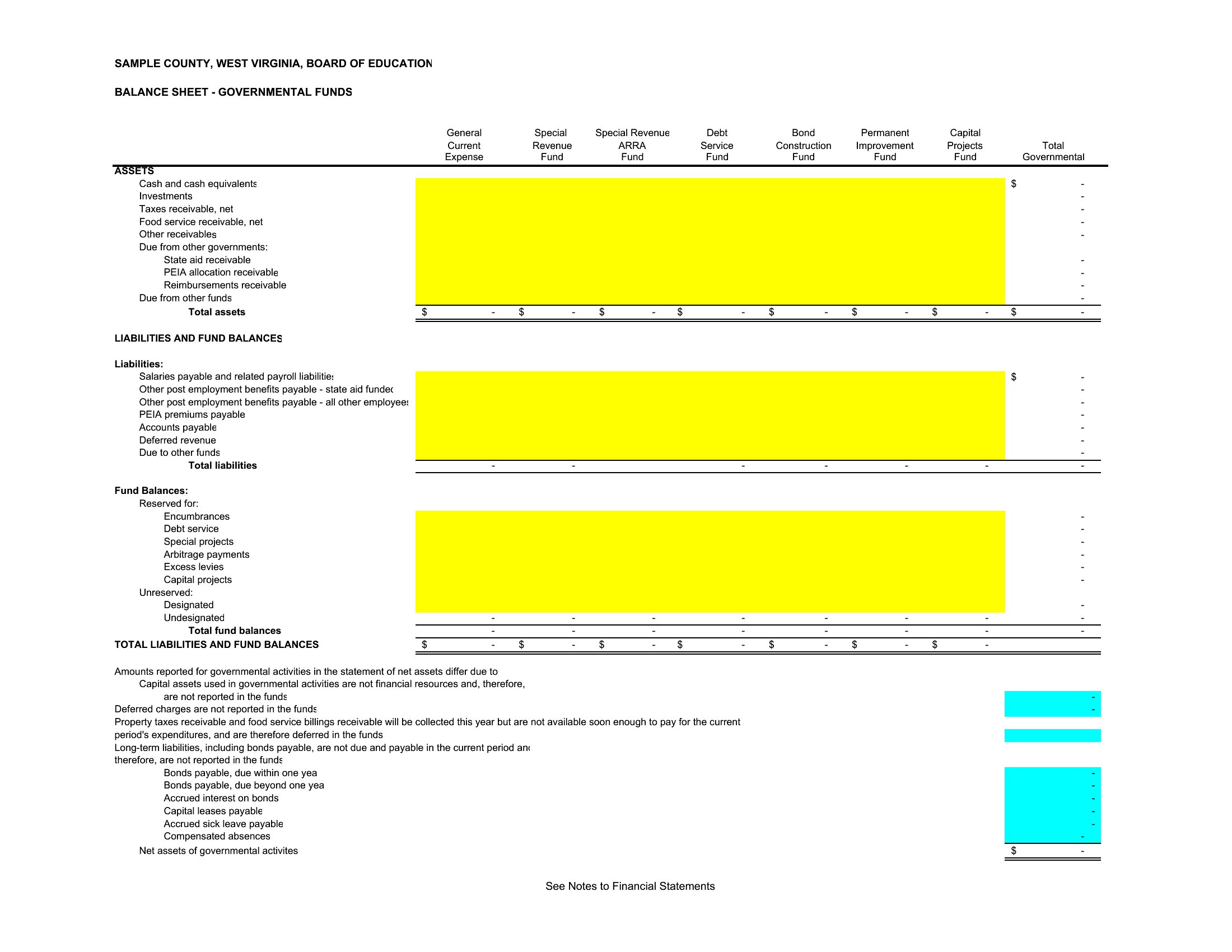
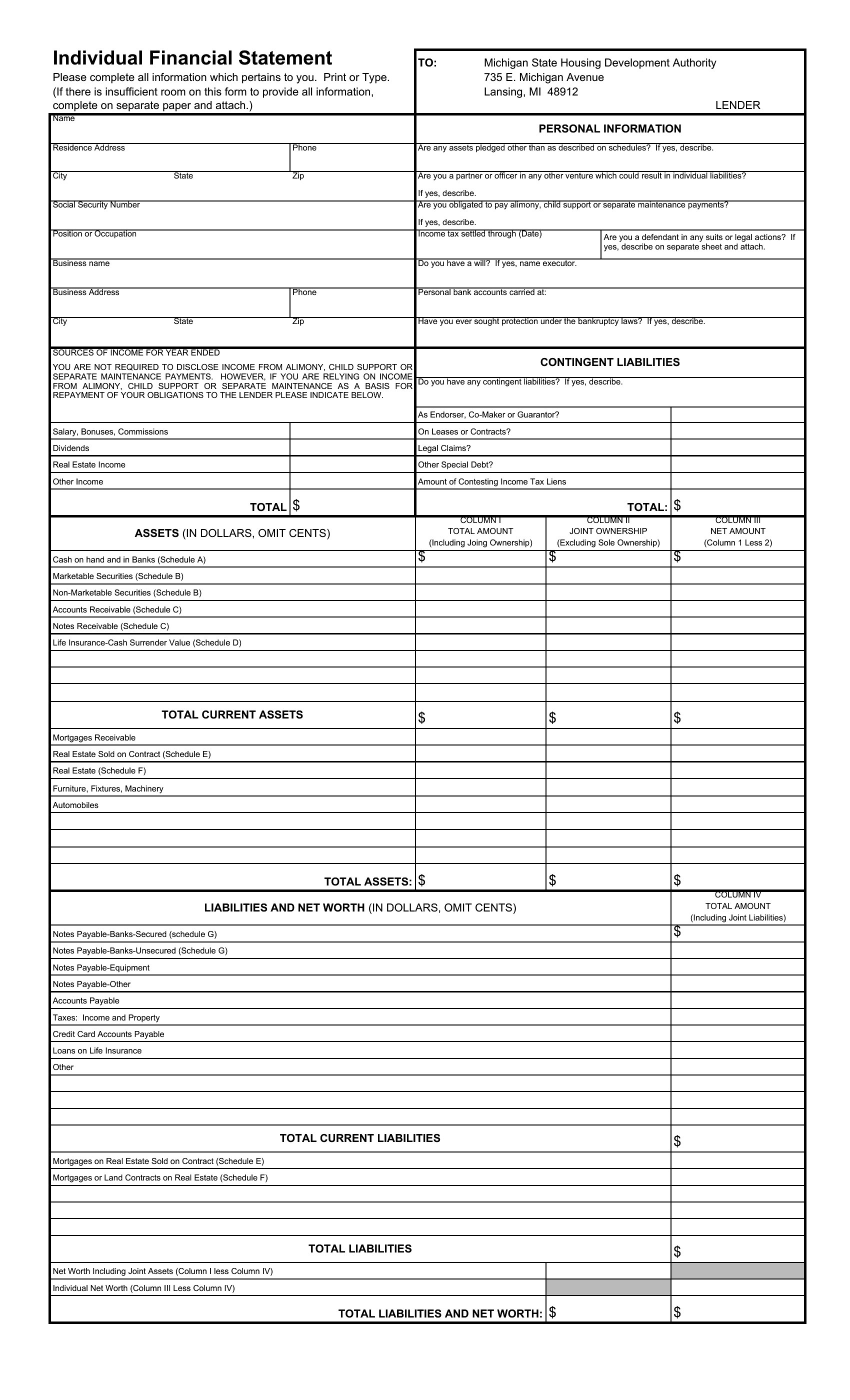
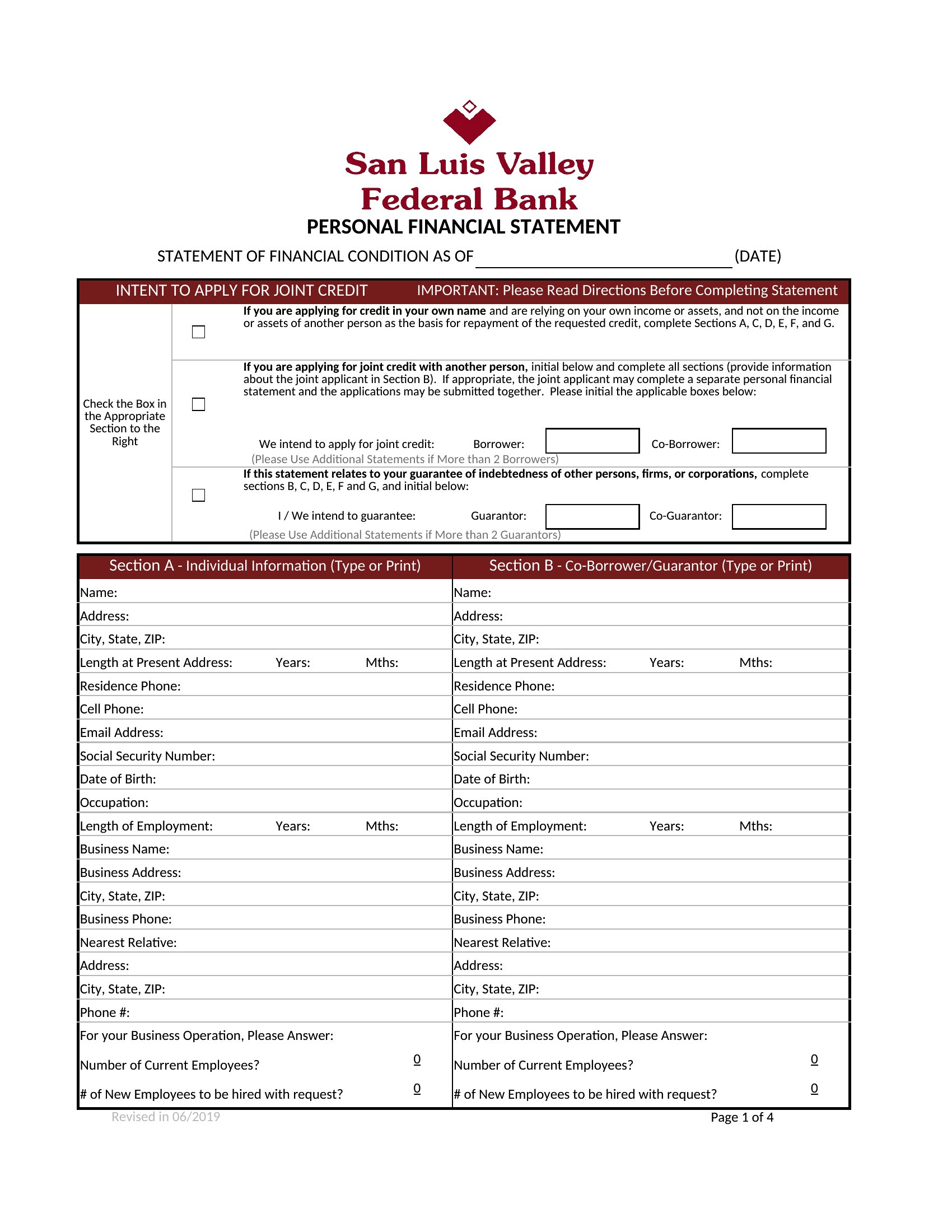
These templates follow common structures for balance sheets, income statements, and net-worth summaries, but always cross-check with GAAP (Generally Accepted Accounting Principles) or your country’s accounting standards. For complex scenarios, consult an accountant to adjust categories or formulas. The Excel versions let you tweak formulas easily, while PDFs preserve a professional, static layout.
Can I use these templates for multiple years of financial data?
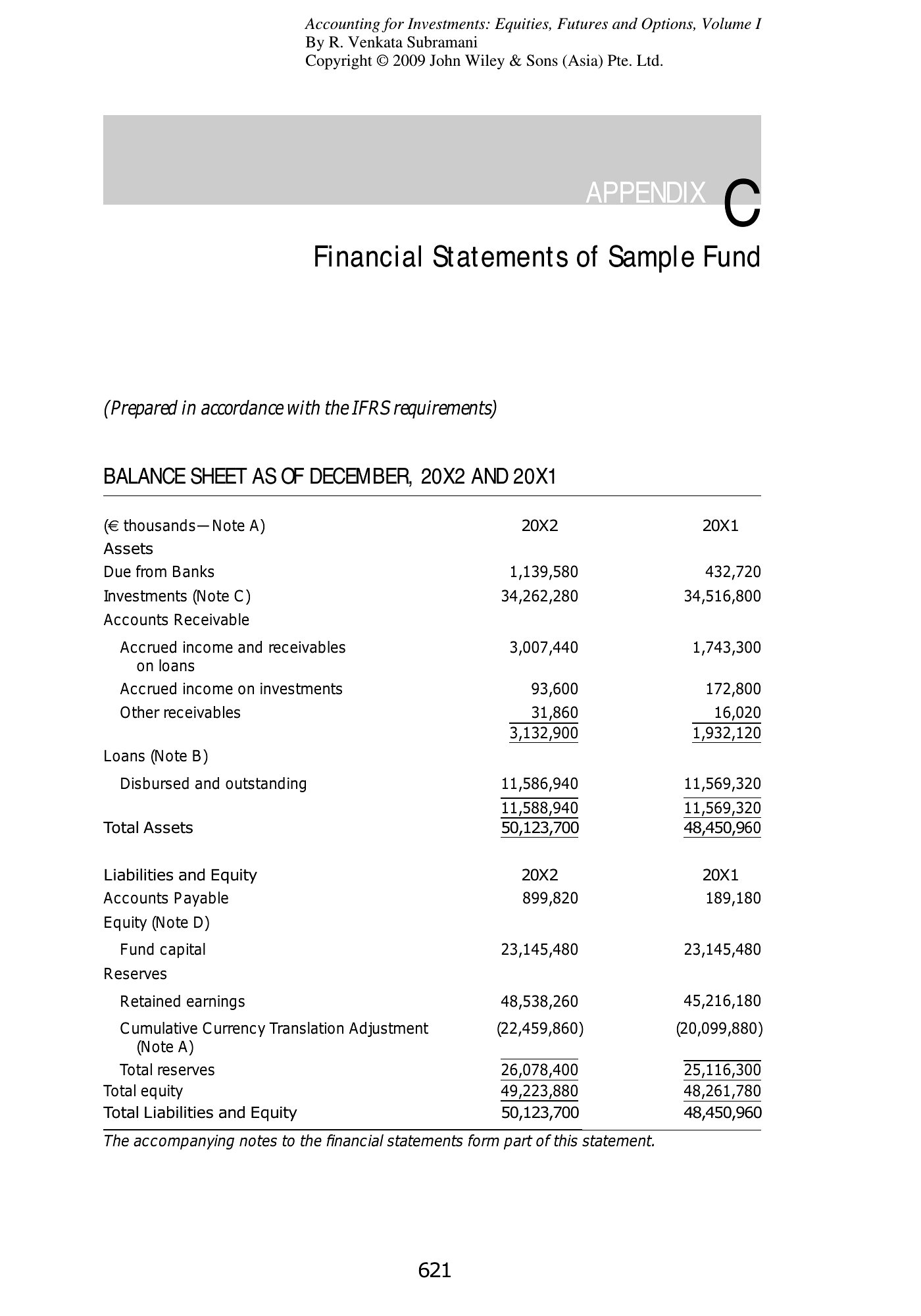
Yes, the Excel templates support multiple years—simply duplicate rows or sheets to add new periods. For PDFs, you’ll need to merge or combine files manually if tracking trends over time. The balance sheet and income statement templates include columns for comparative periods, making year-over-year analysis straightforward in Excel.
What’s the best way to explain unusual entries in my financial statement?
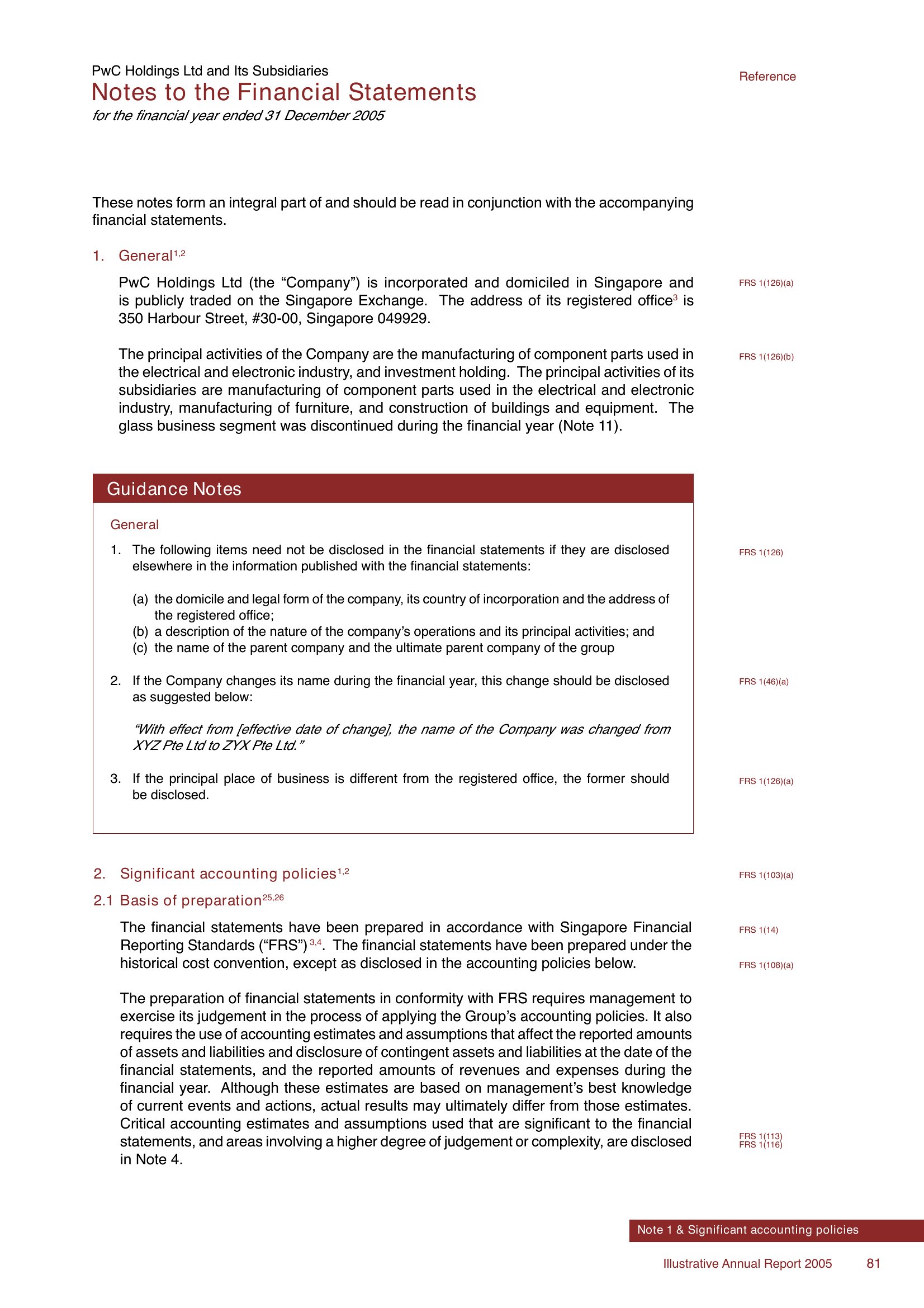
Add a footnote section in your template (available in both Excel and PDF) to clarify one-time expenses, adjustments, or non-recurring revenue. For lenders or investors, include a brief narrative in the notes section—this keeps the main statement clean while providing context. Avoid burying details; specificity builds trust with reviewers.
Comments
Join the conversation
Sign in to share your thoughts and leave a comment on this resource.