
Free Billing Statement Templates (Word, Excel, PDF)
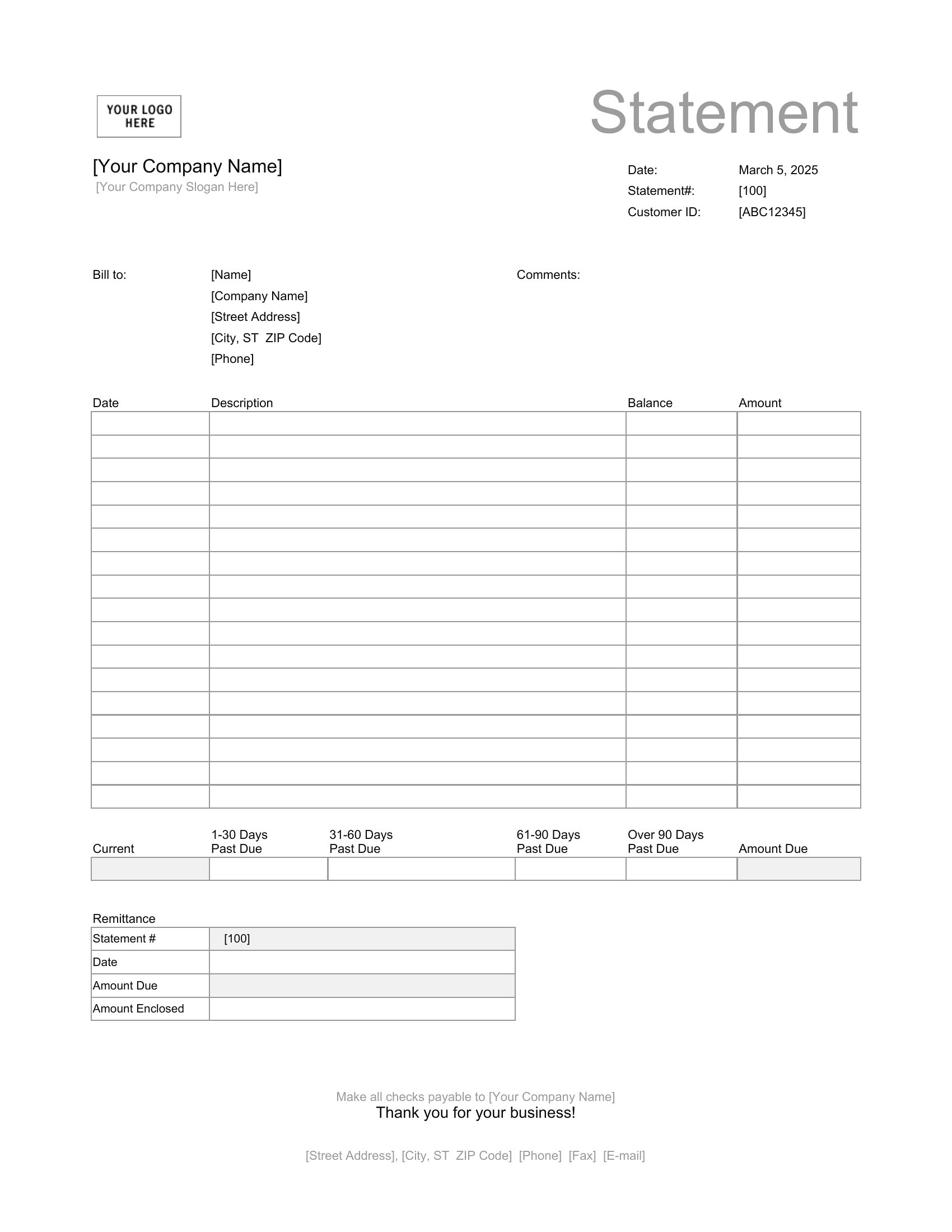
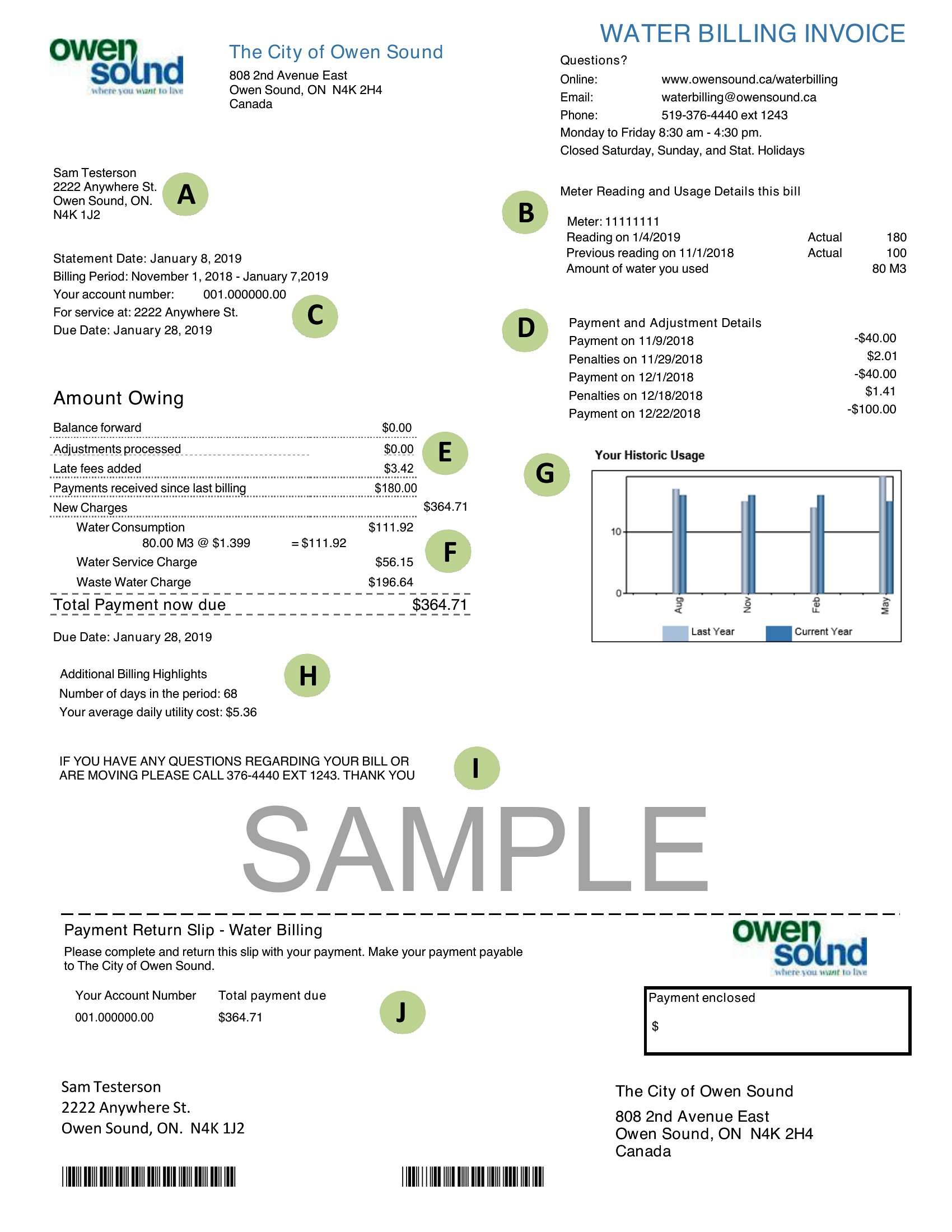
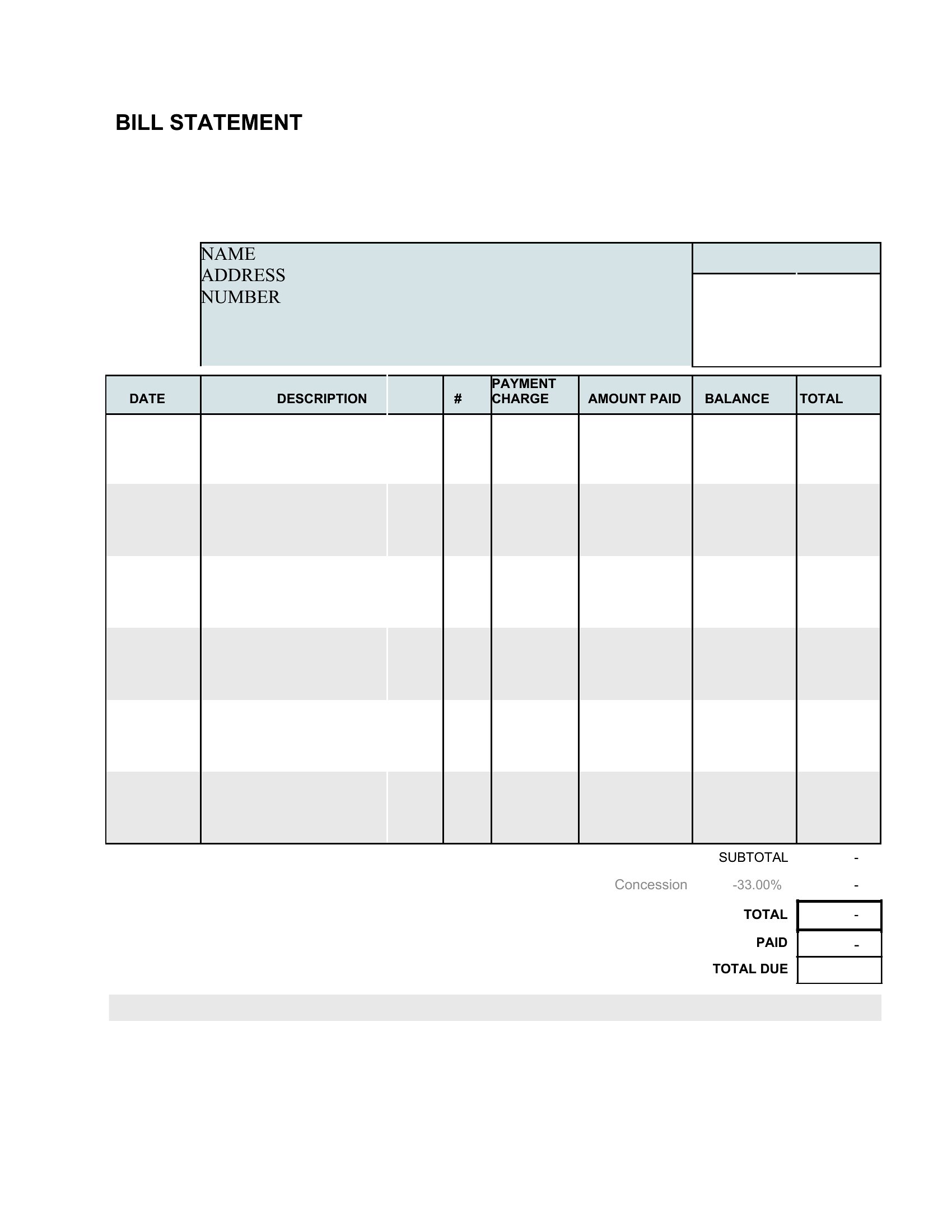
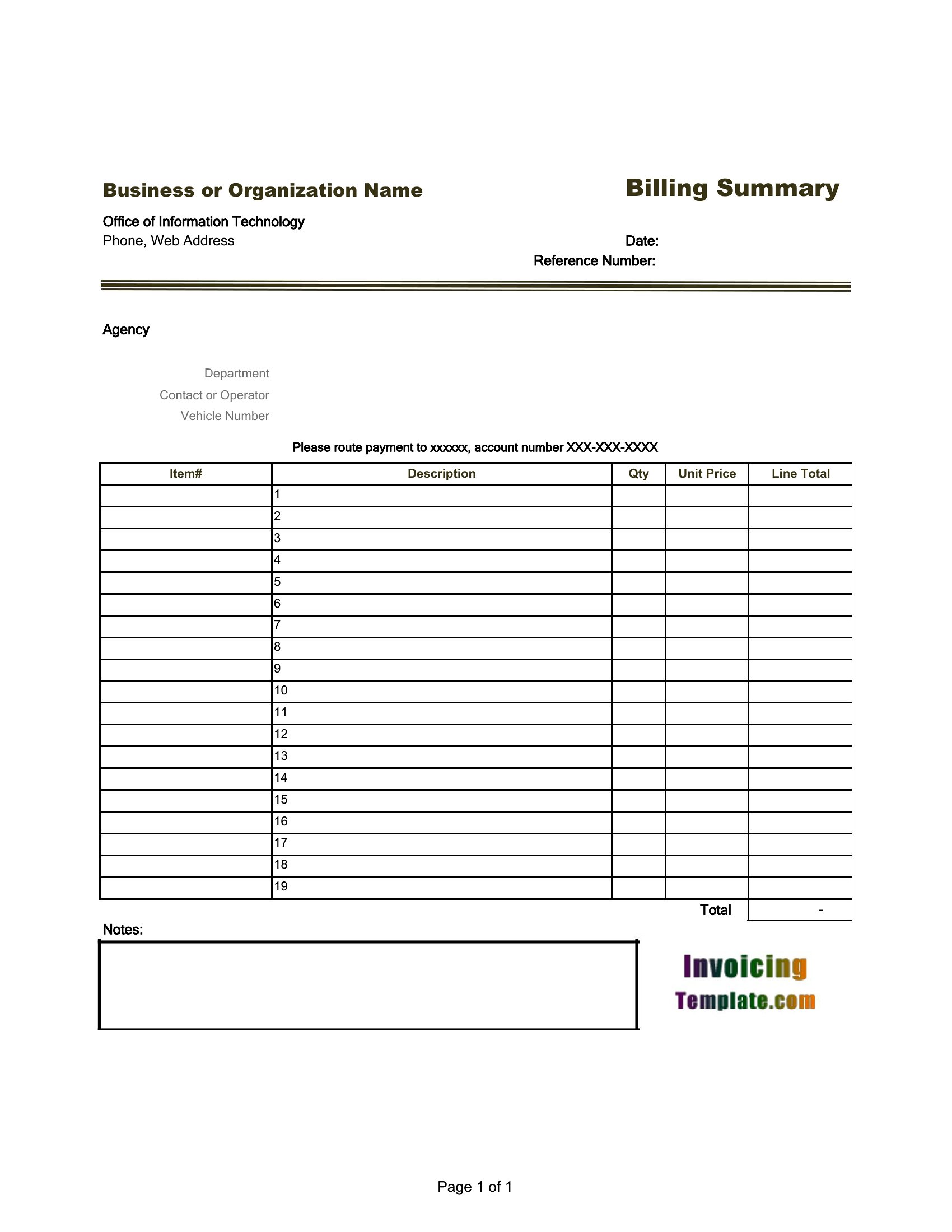
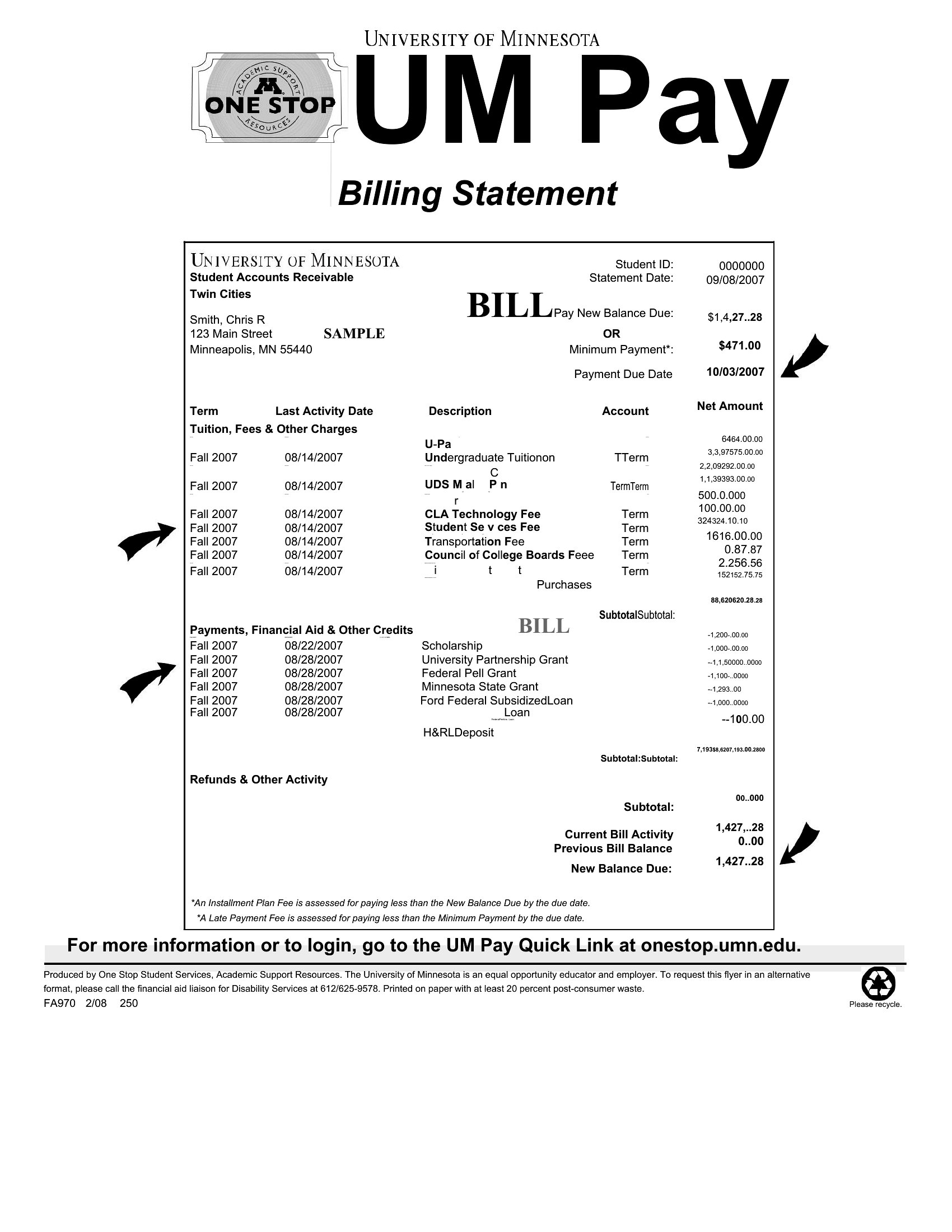
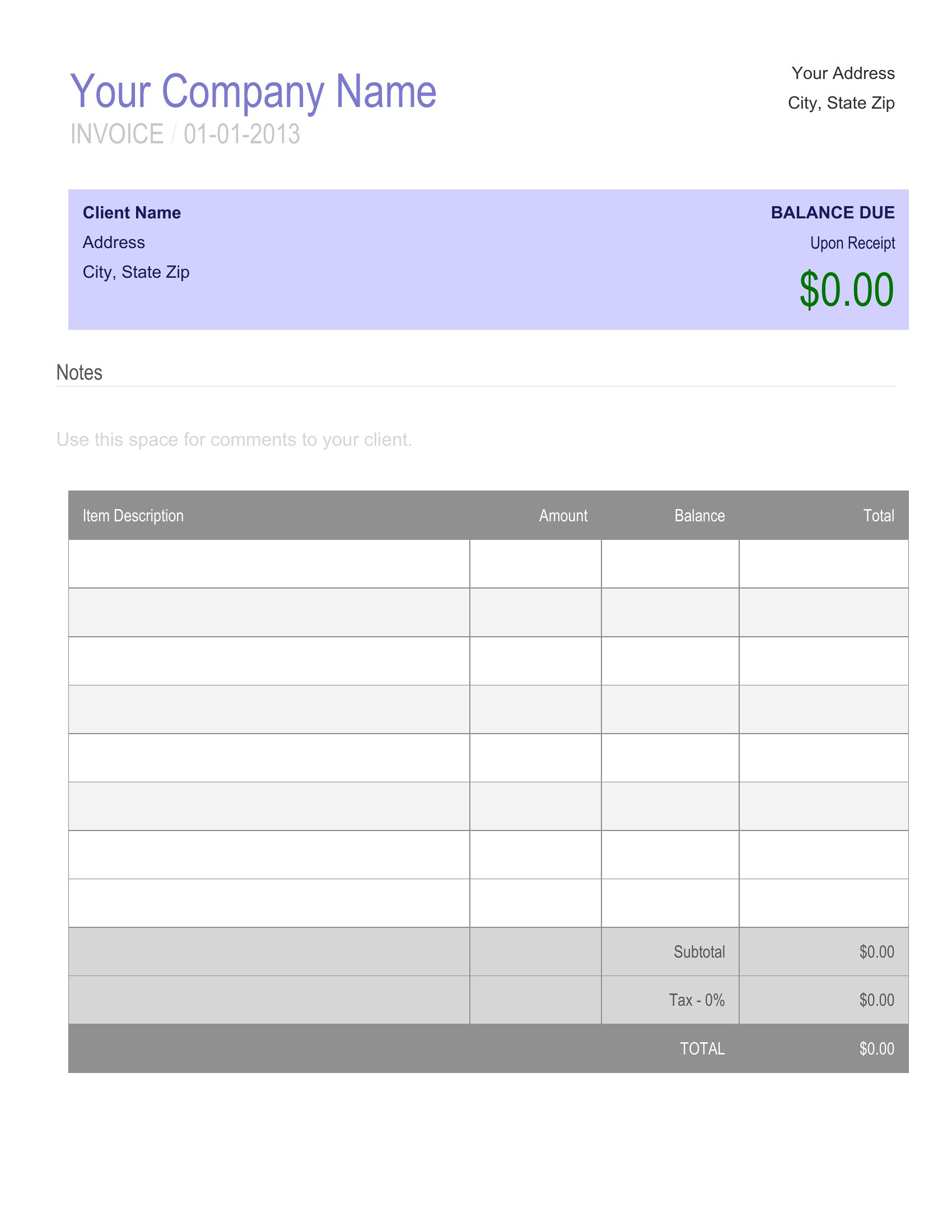
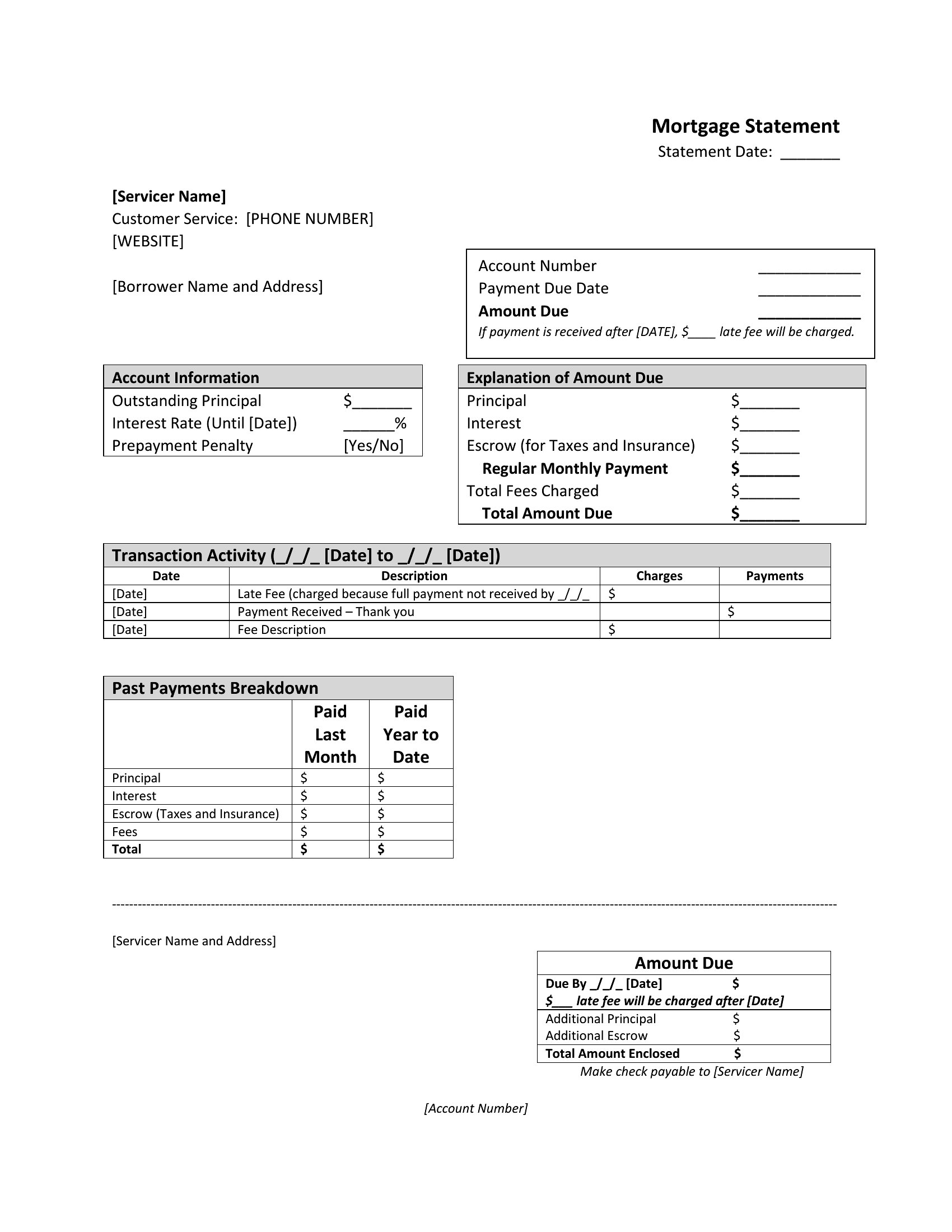
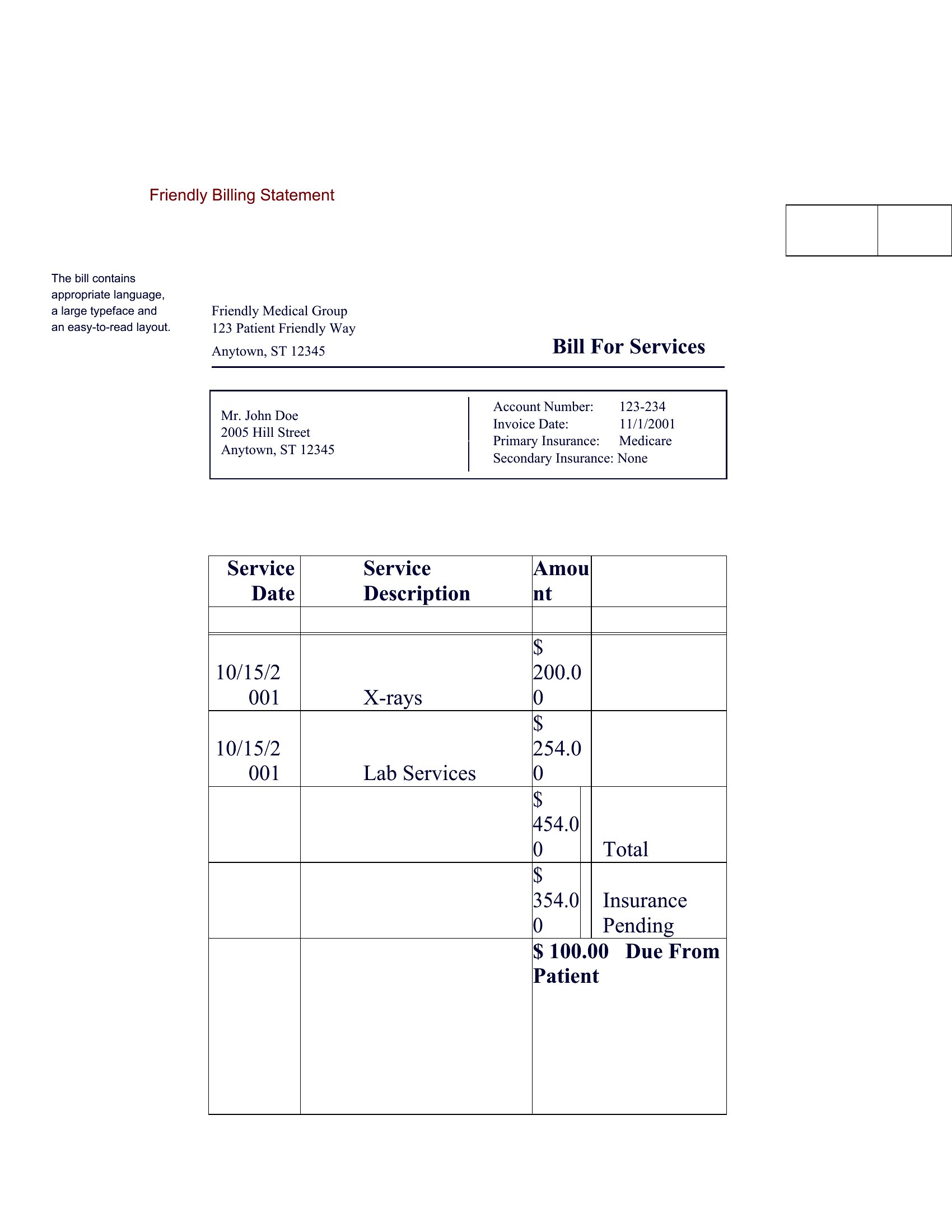
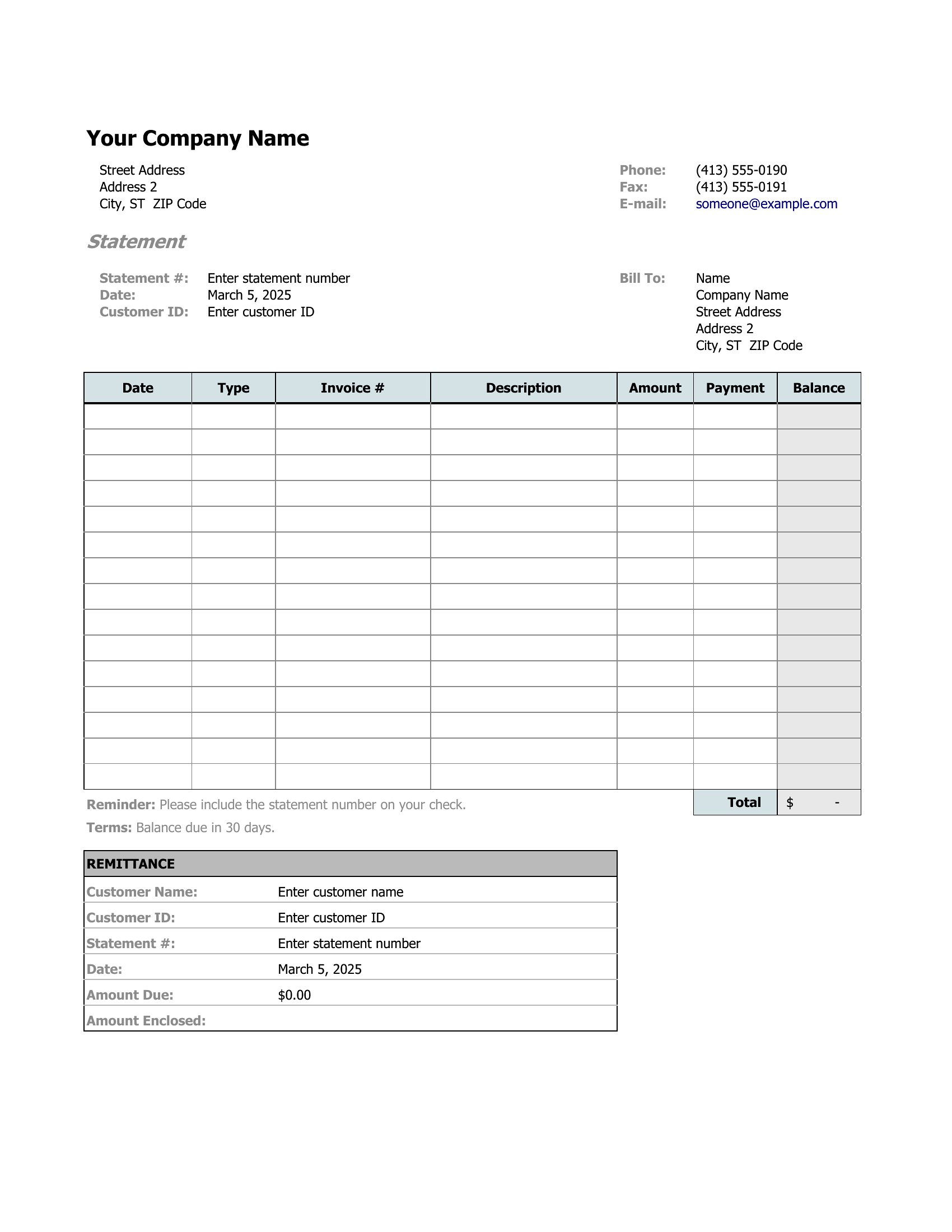
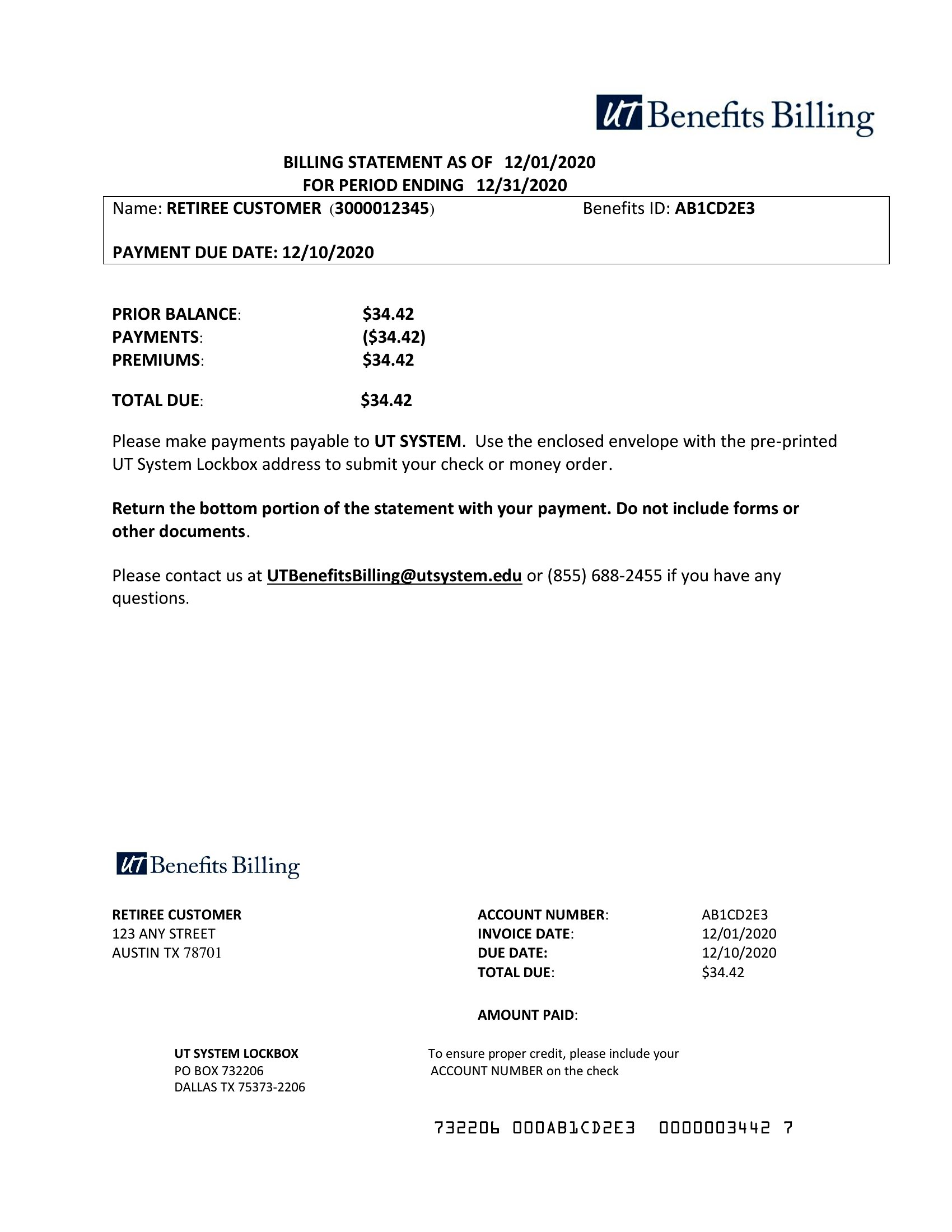
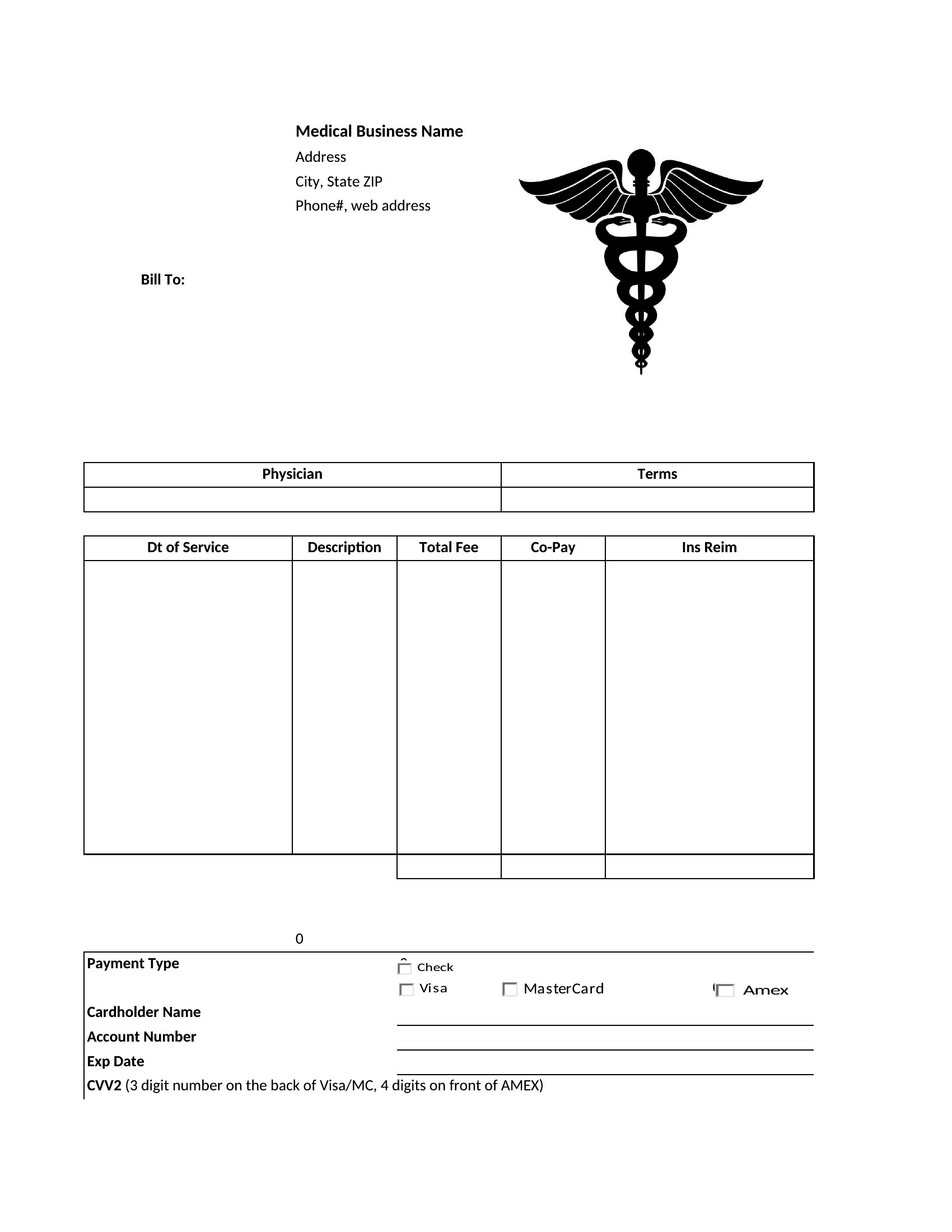
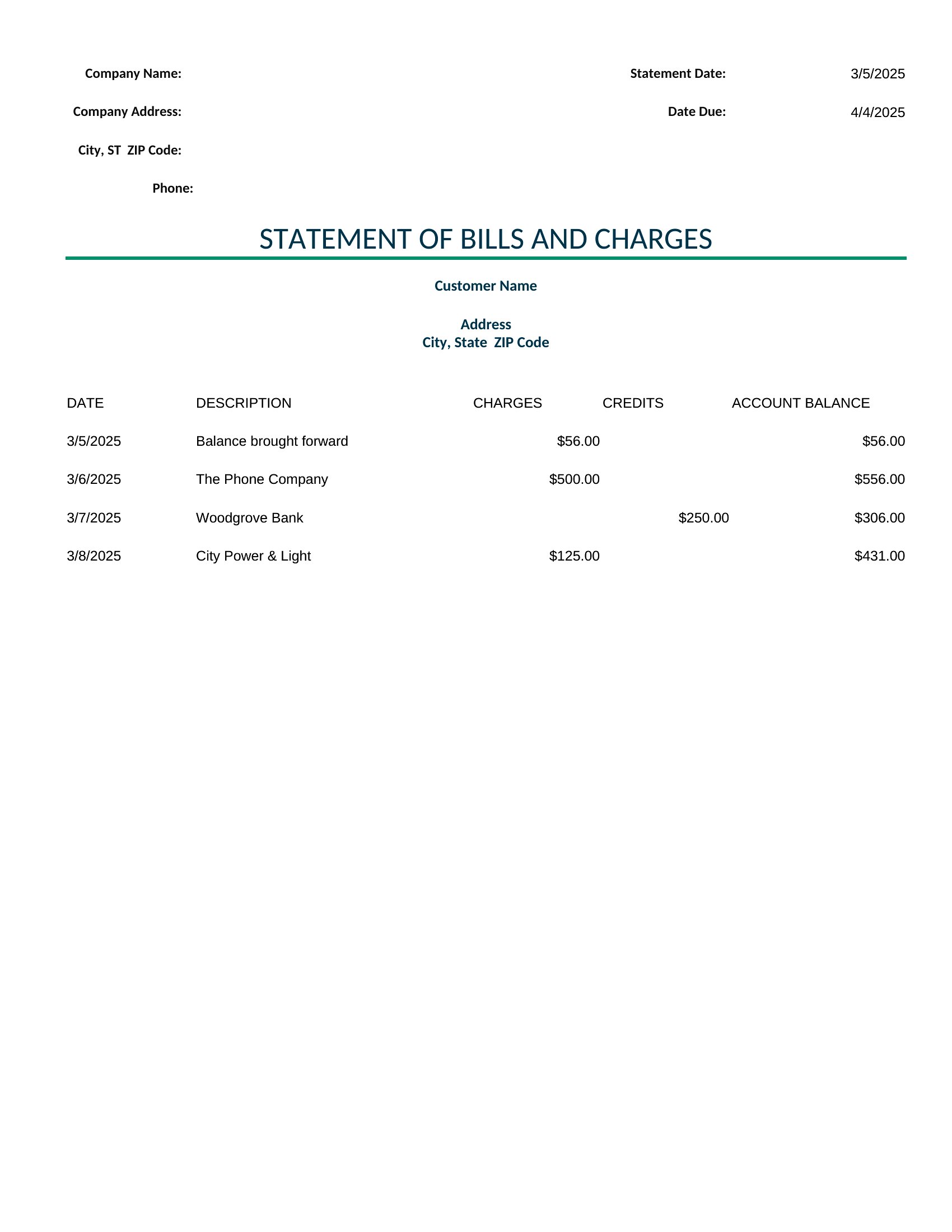
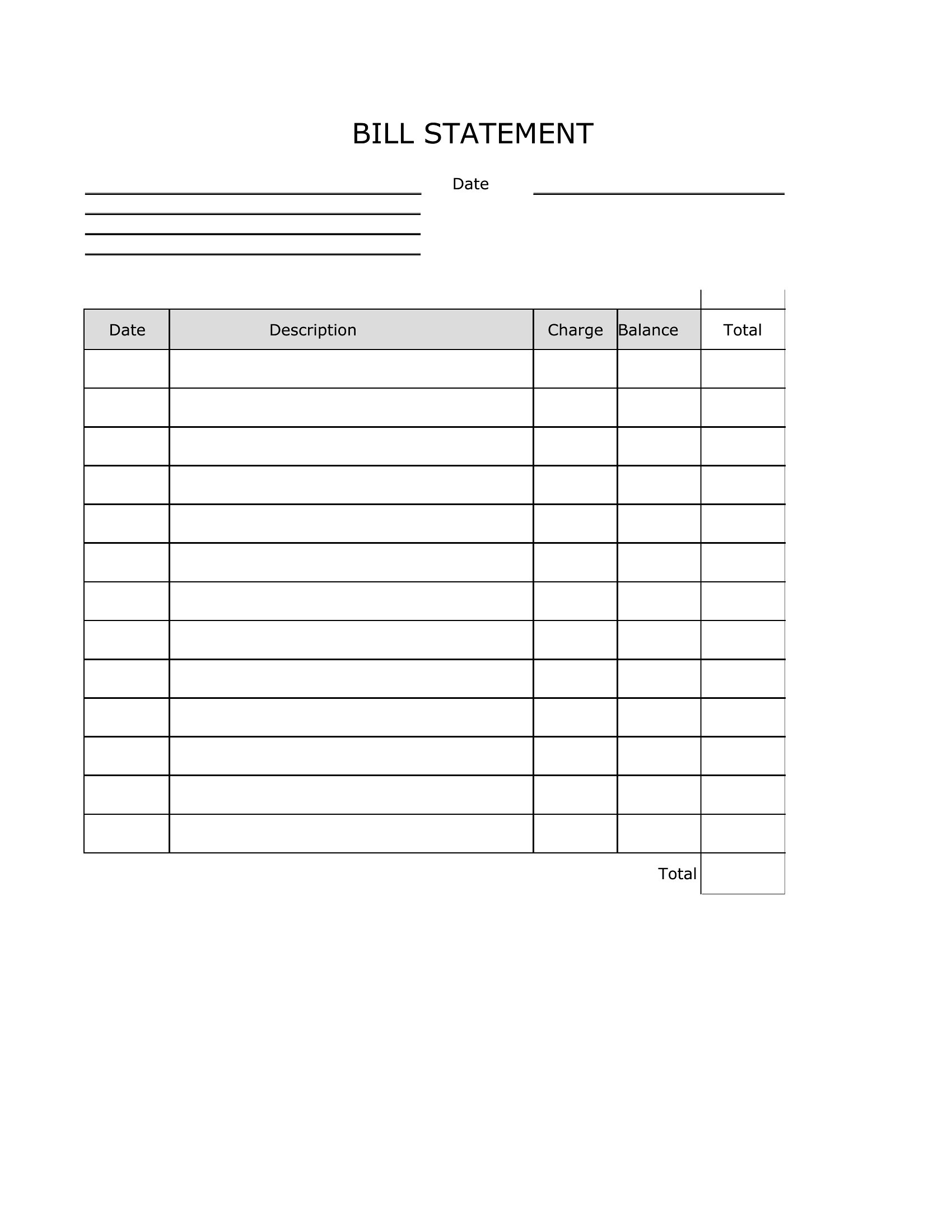
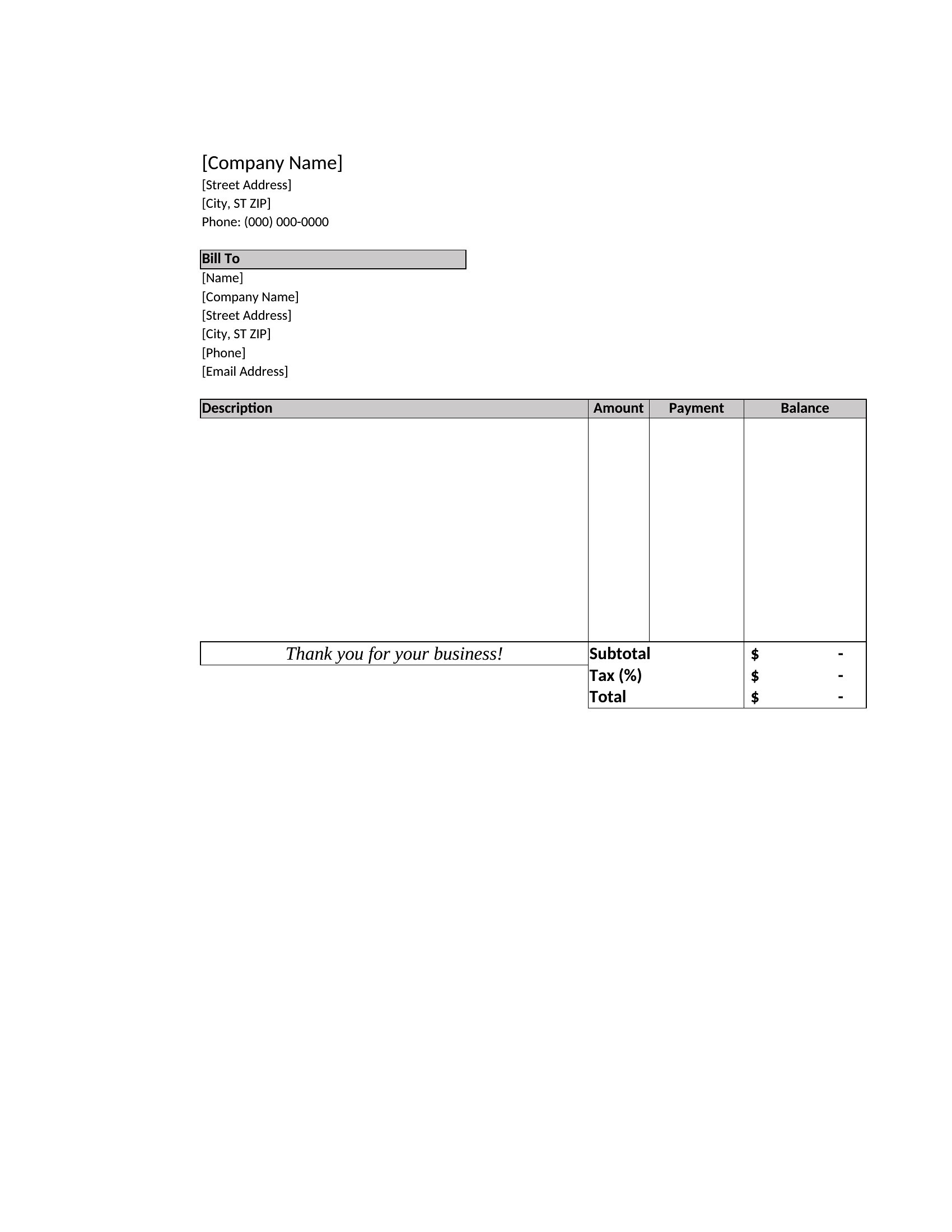
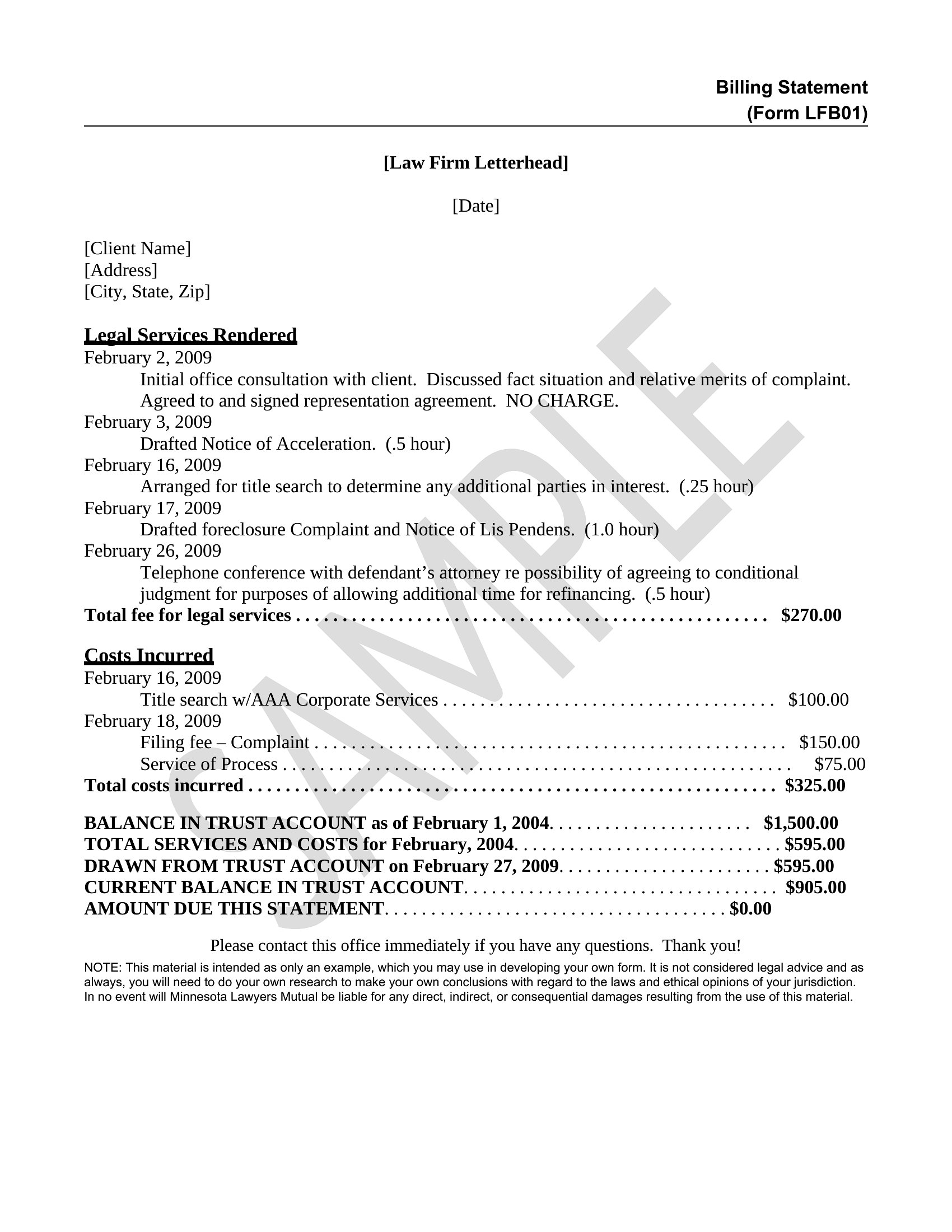
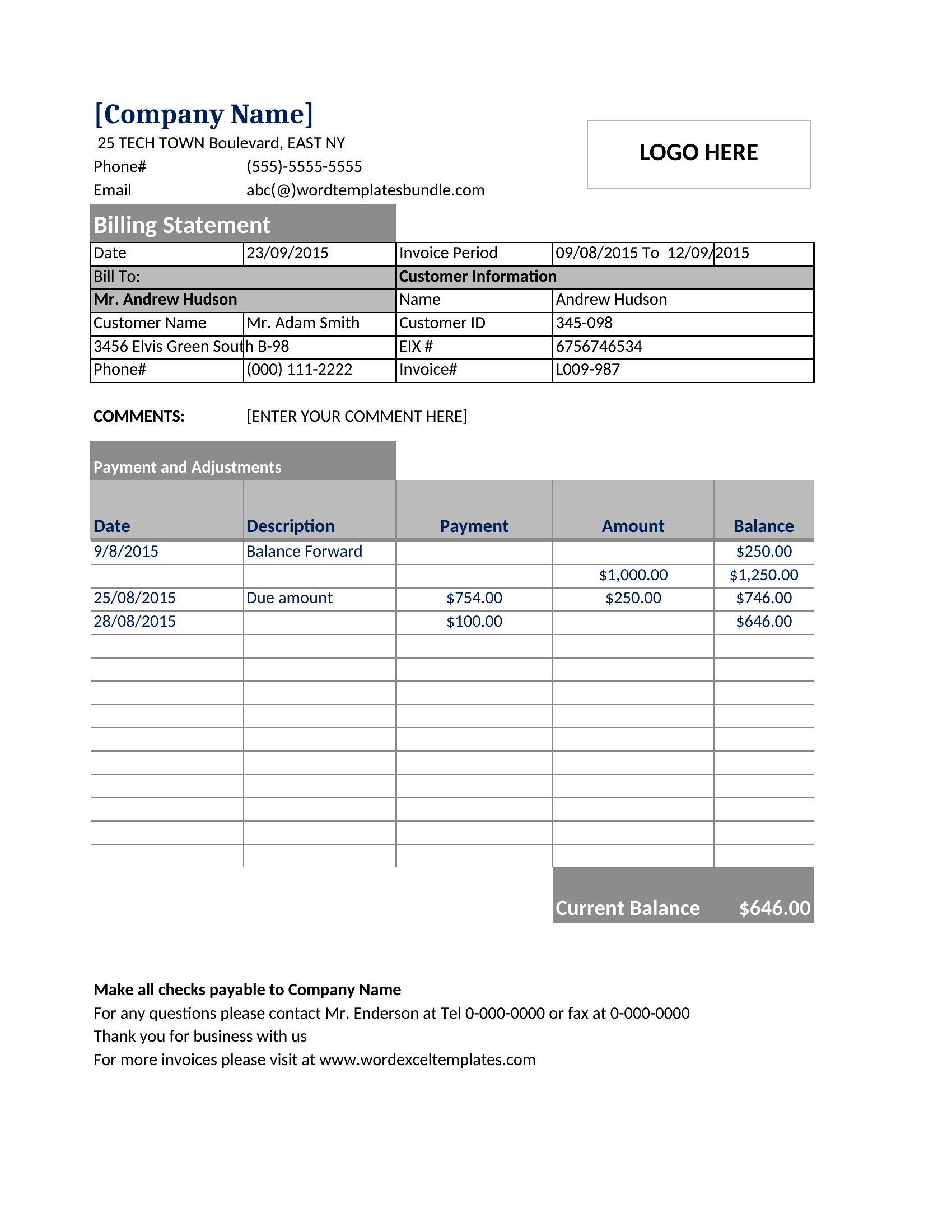
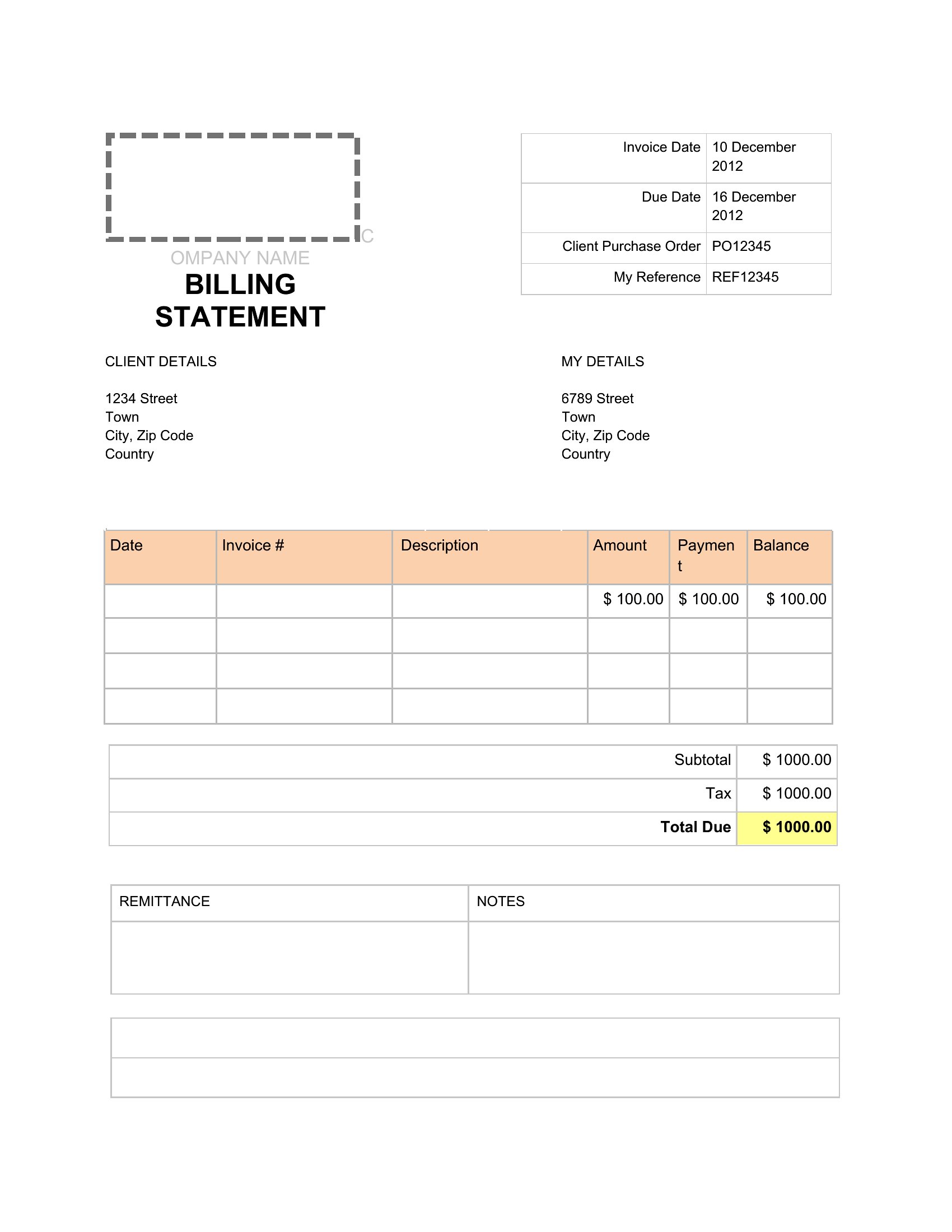
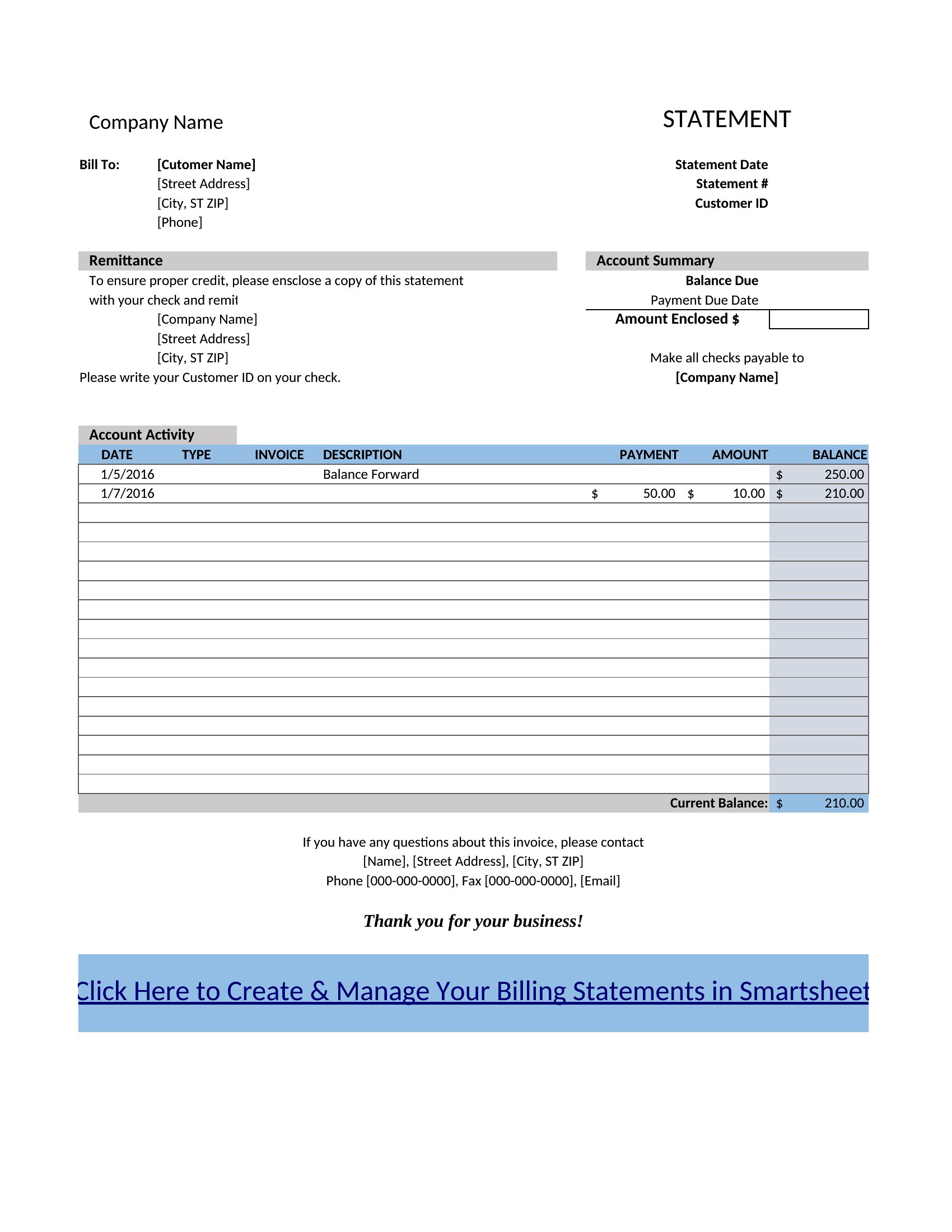
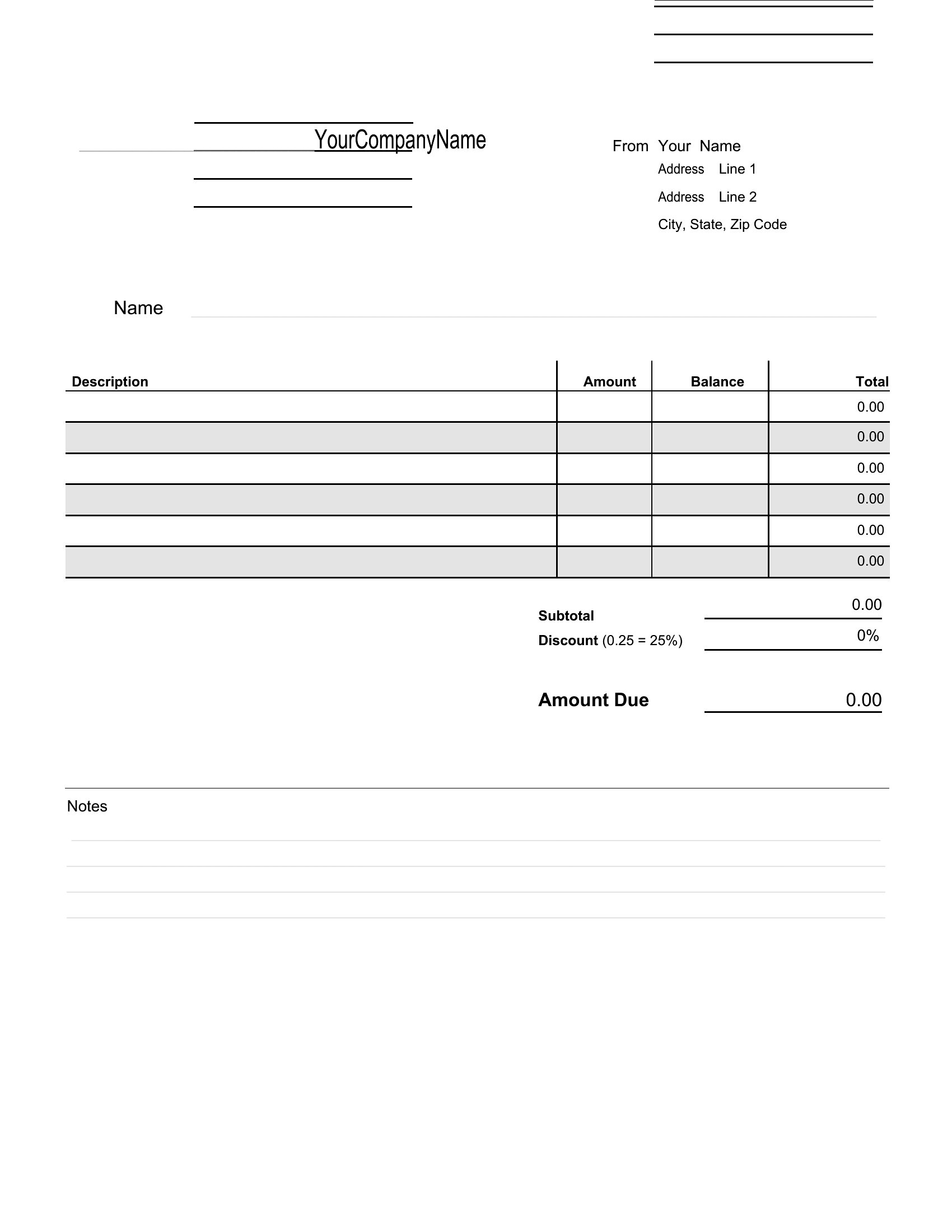
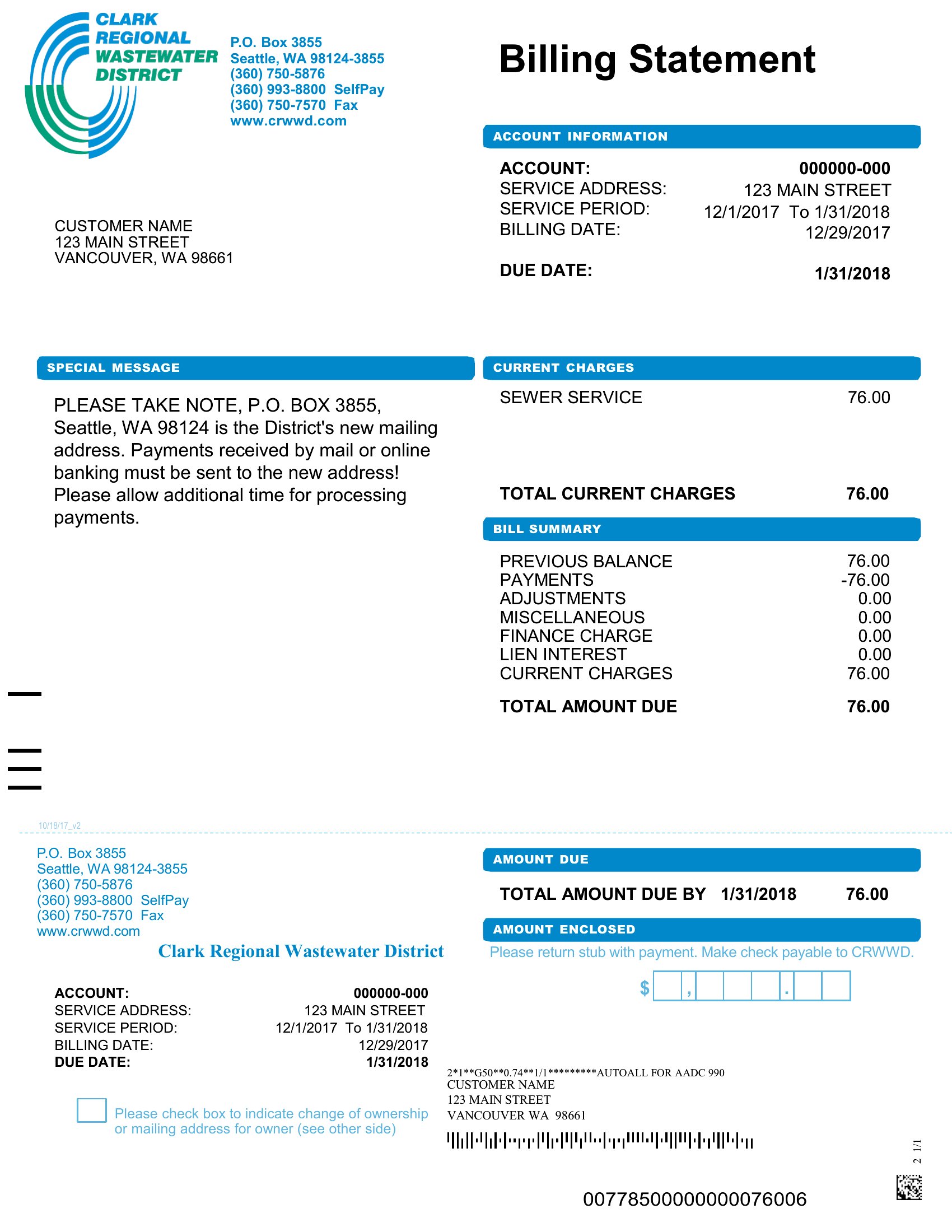
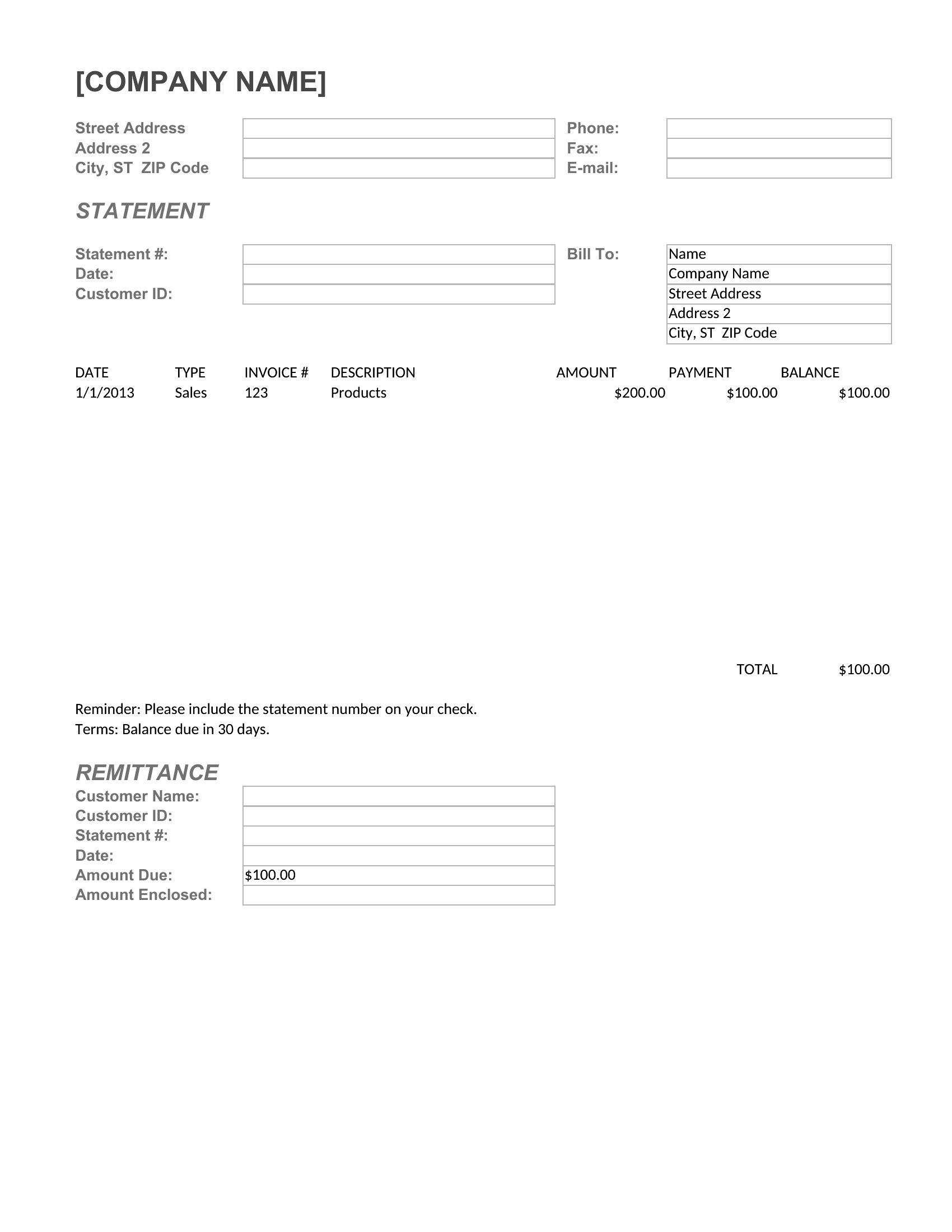
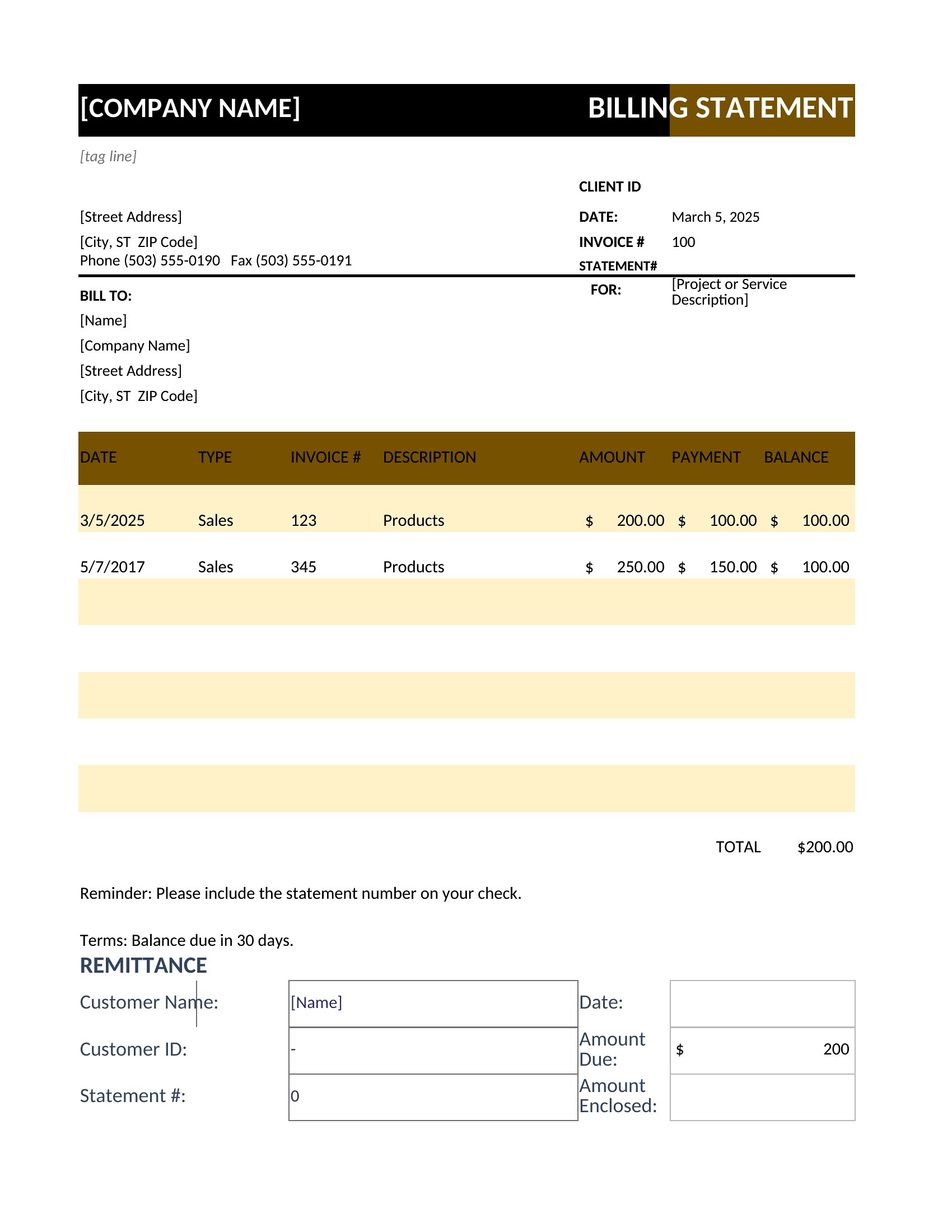
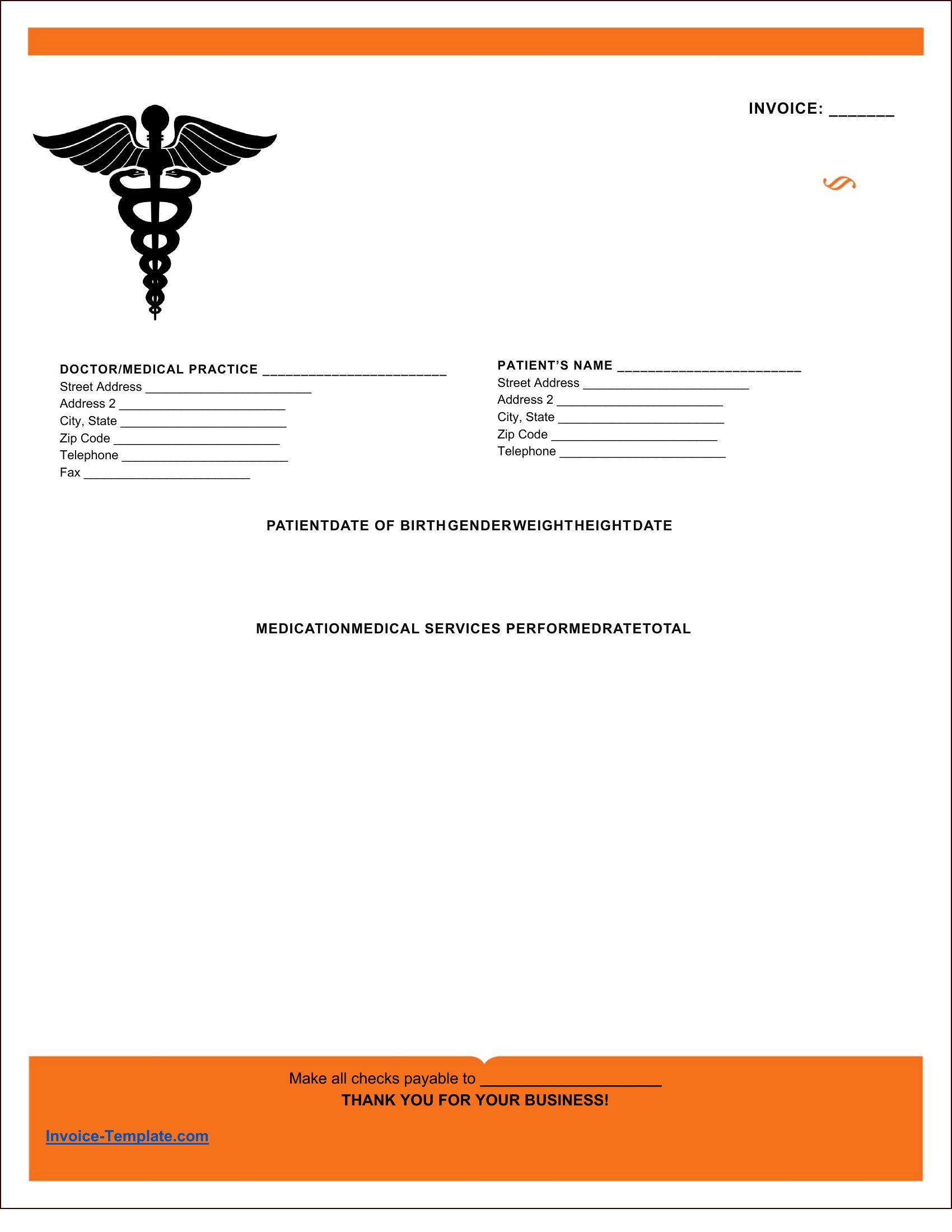
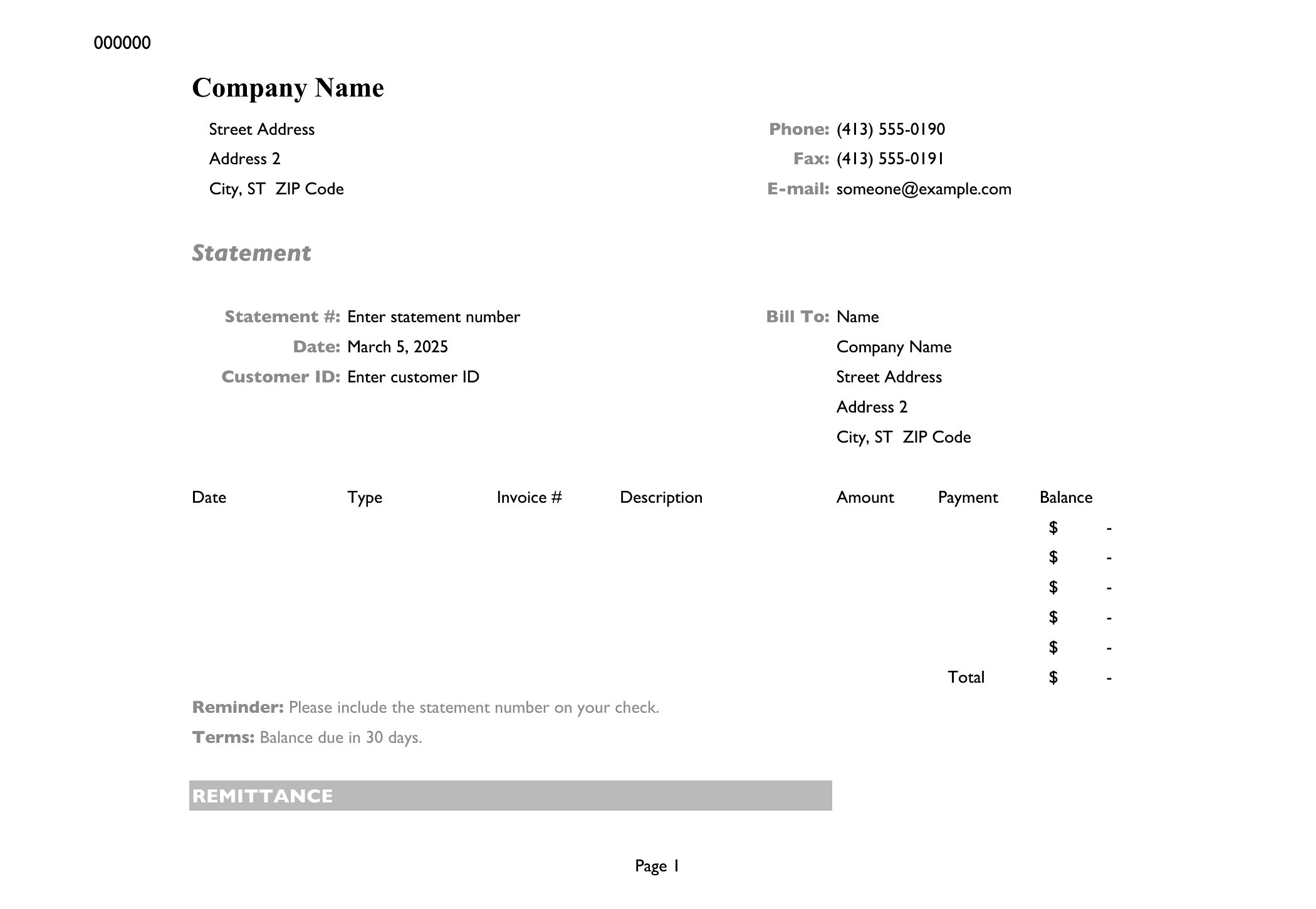
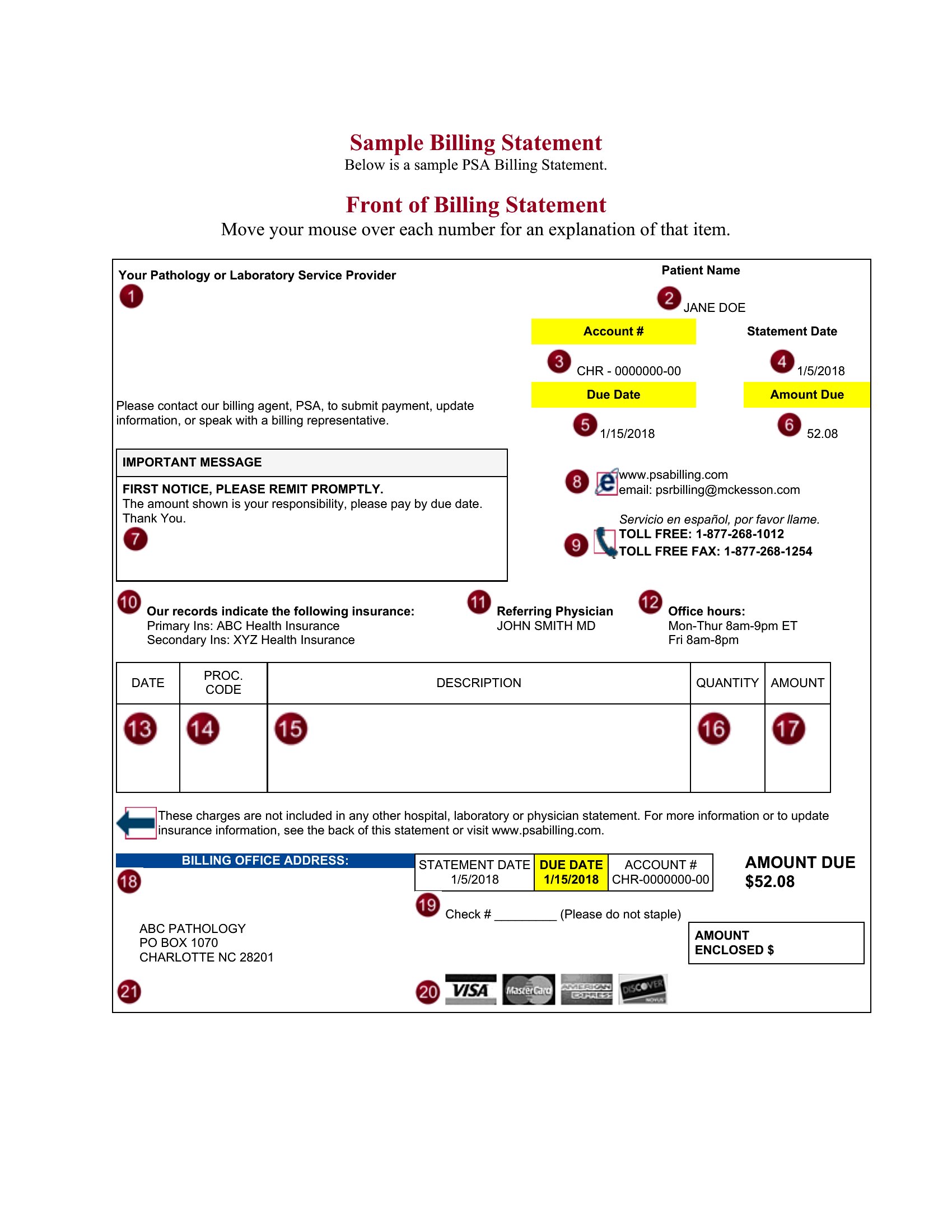
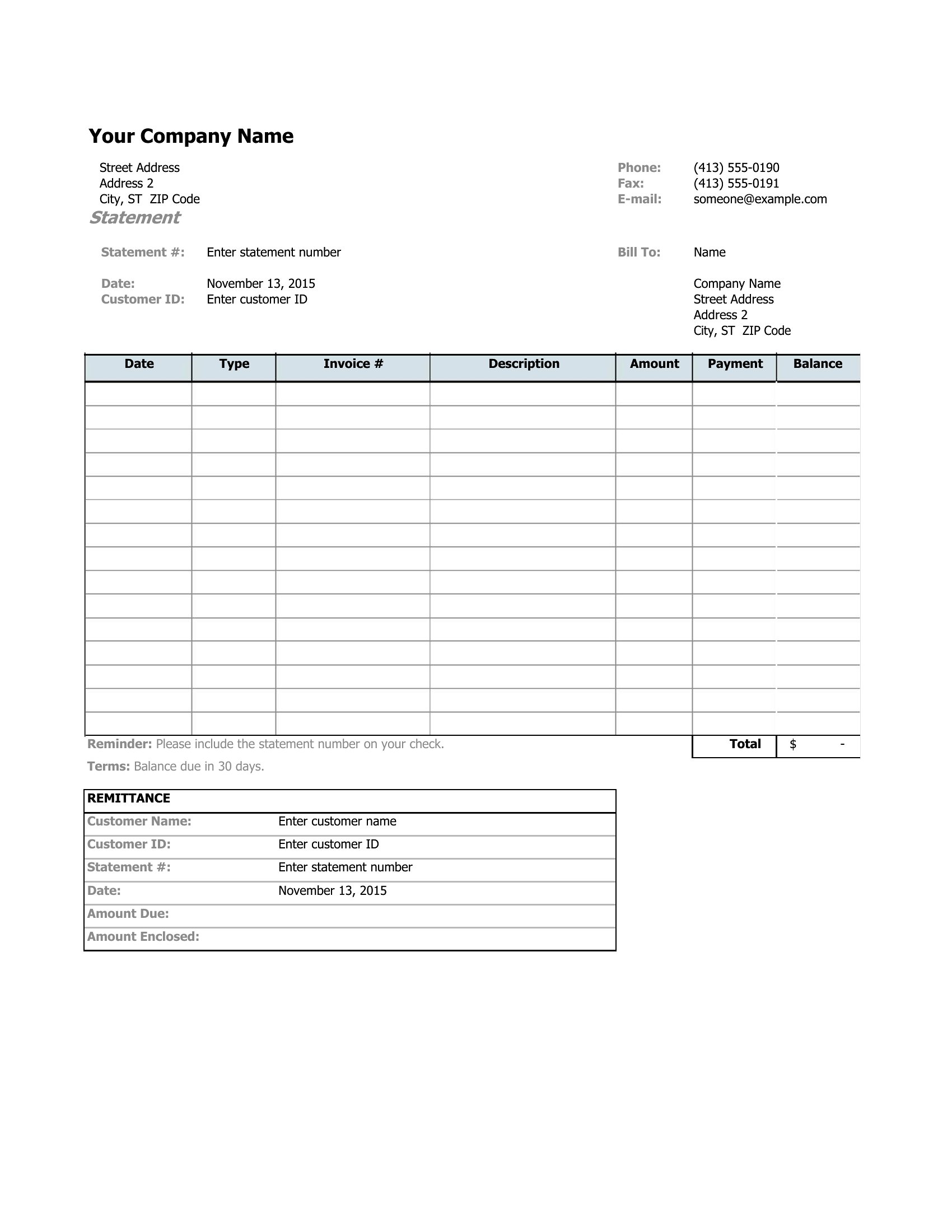
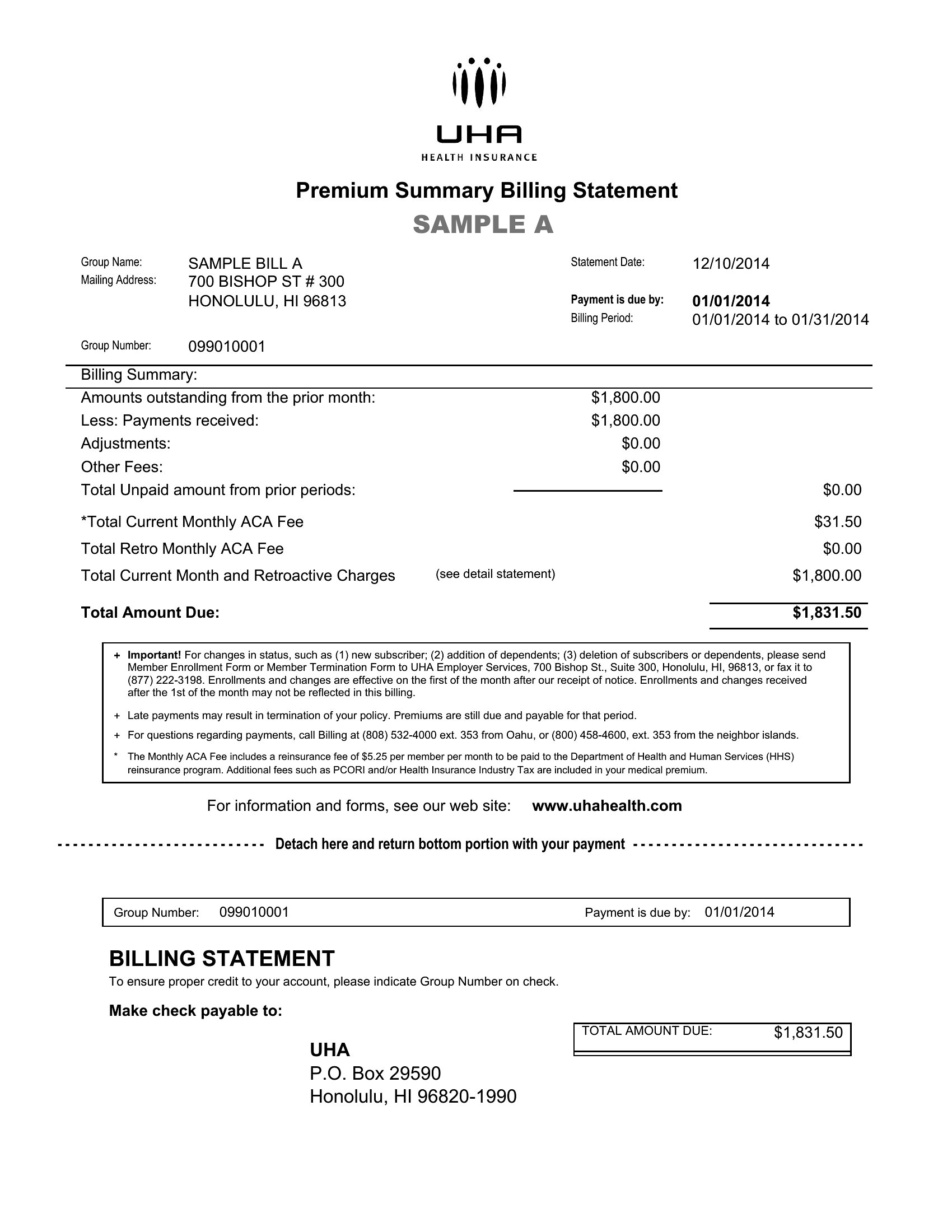
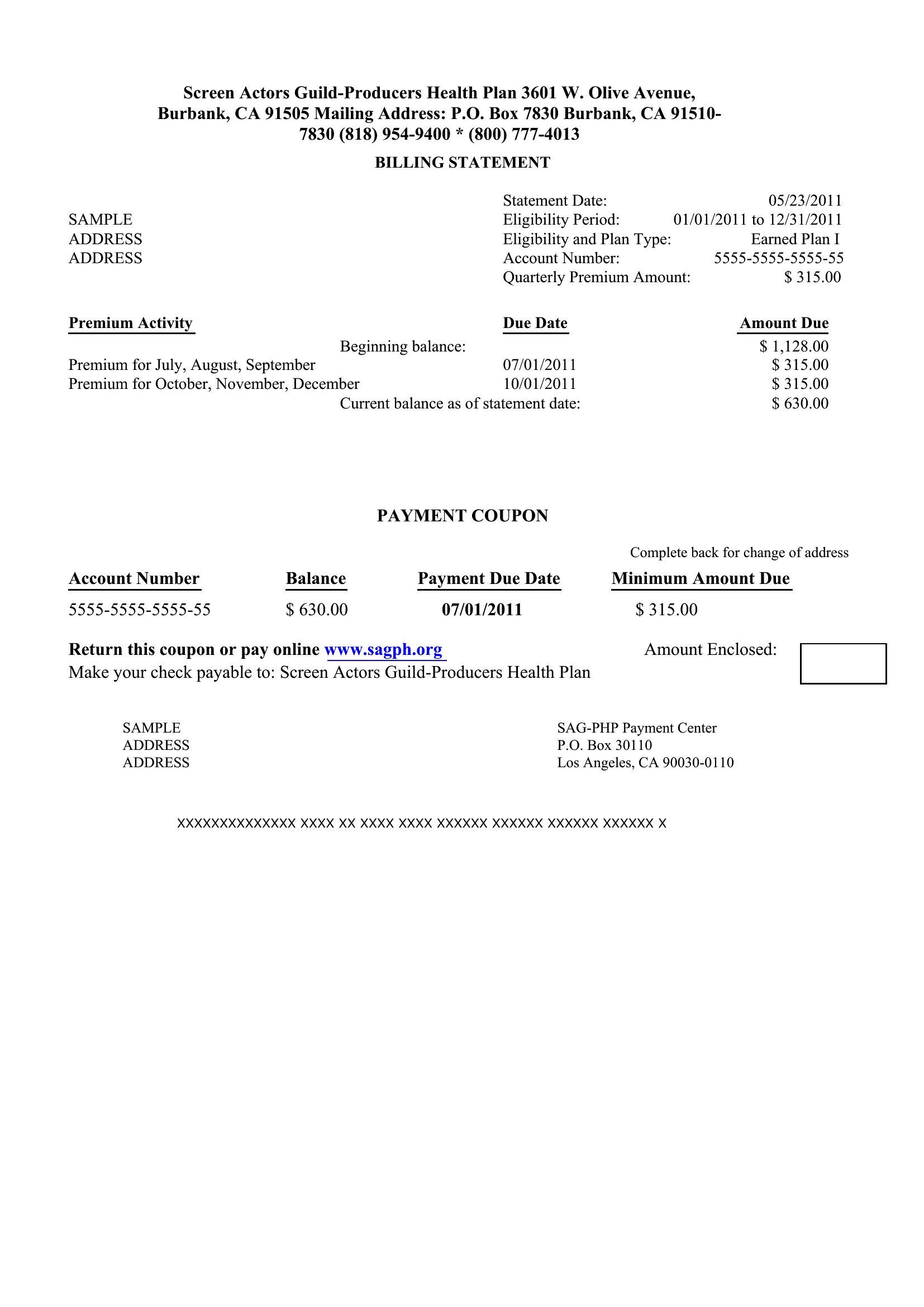
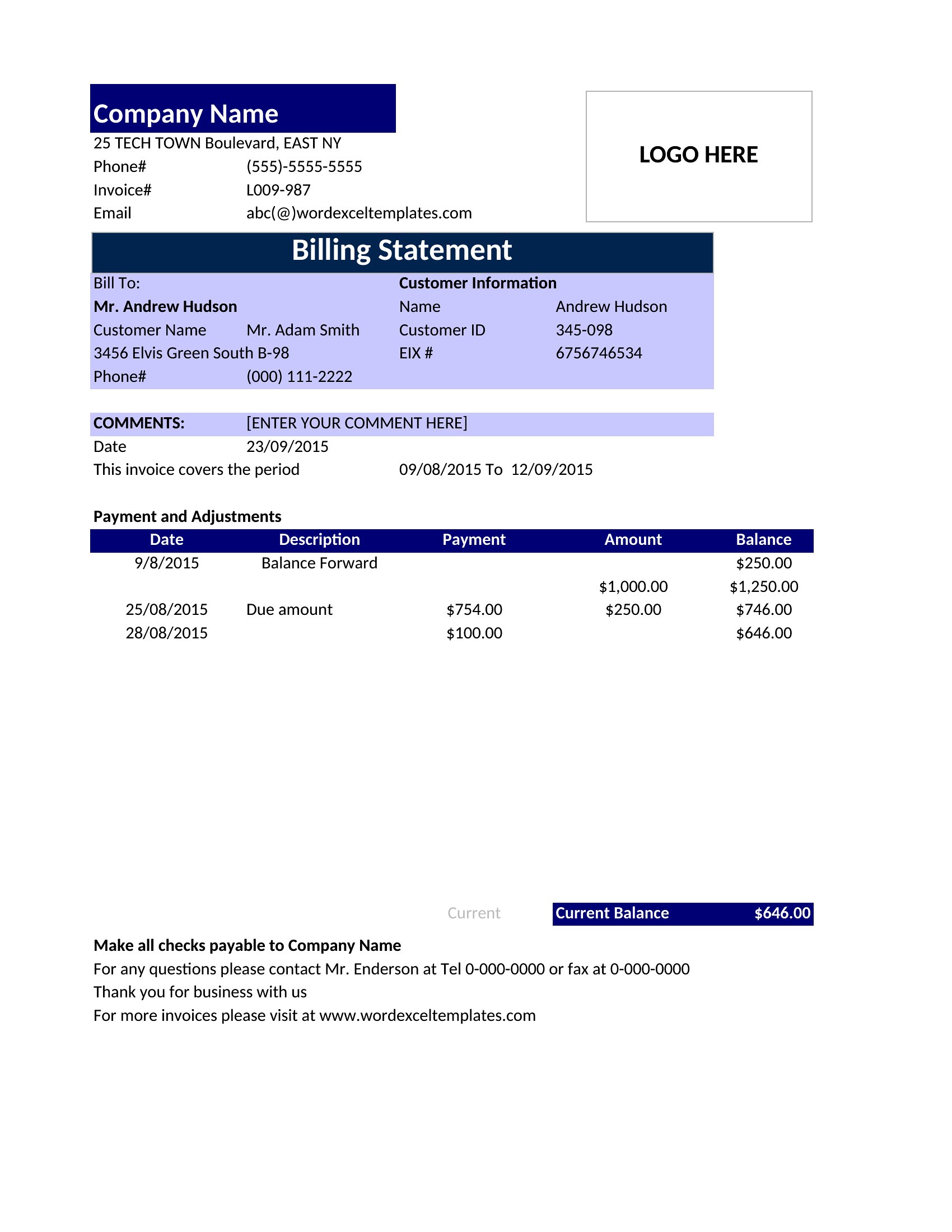
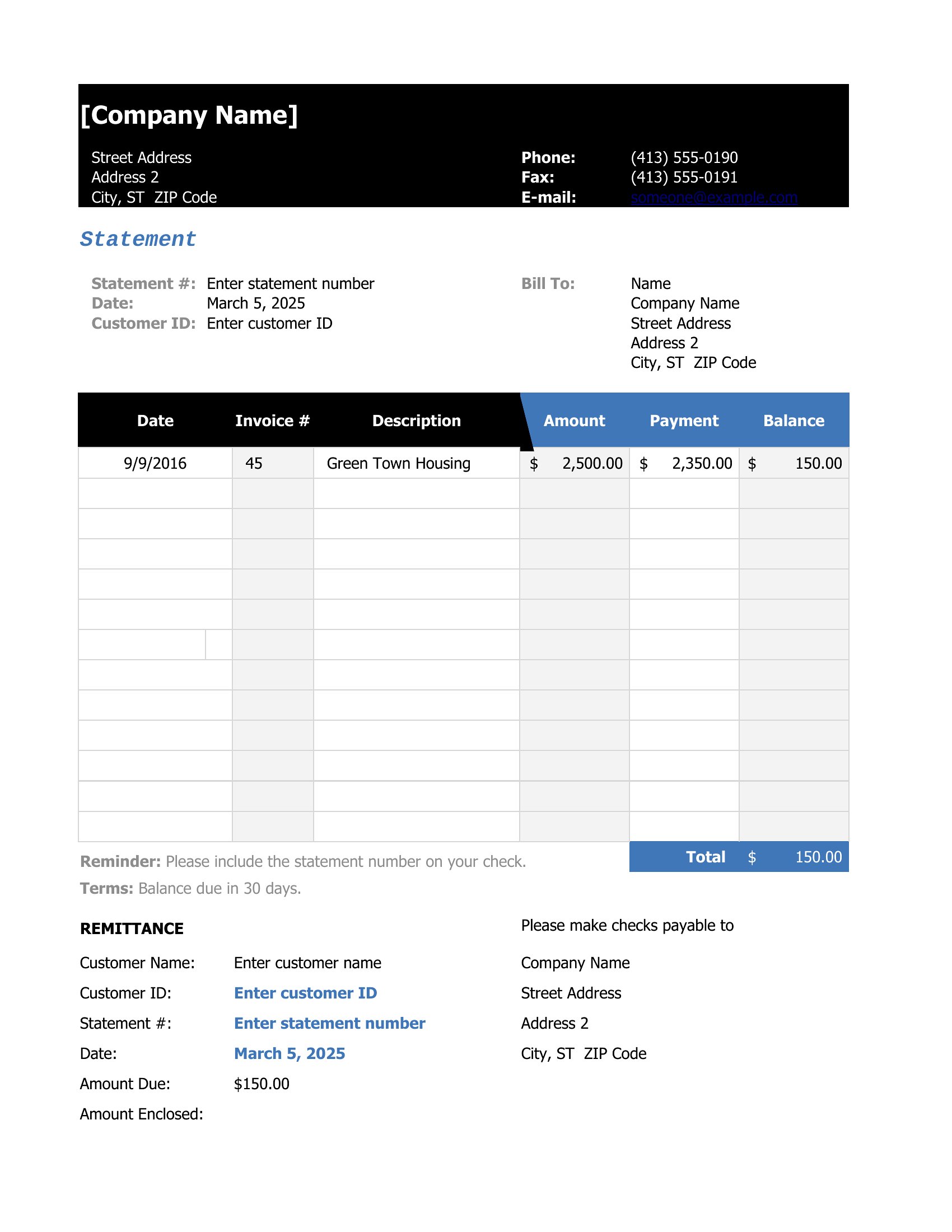
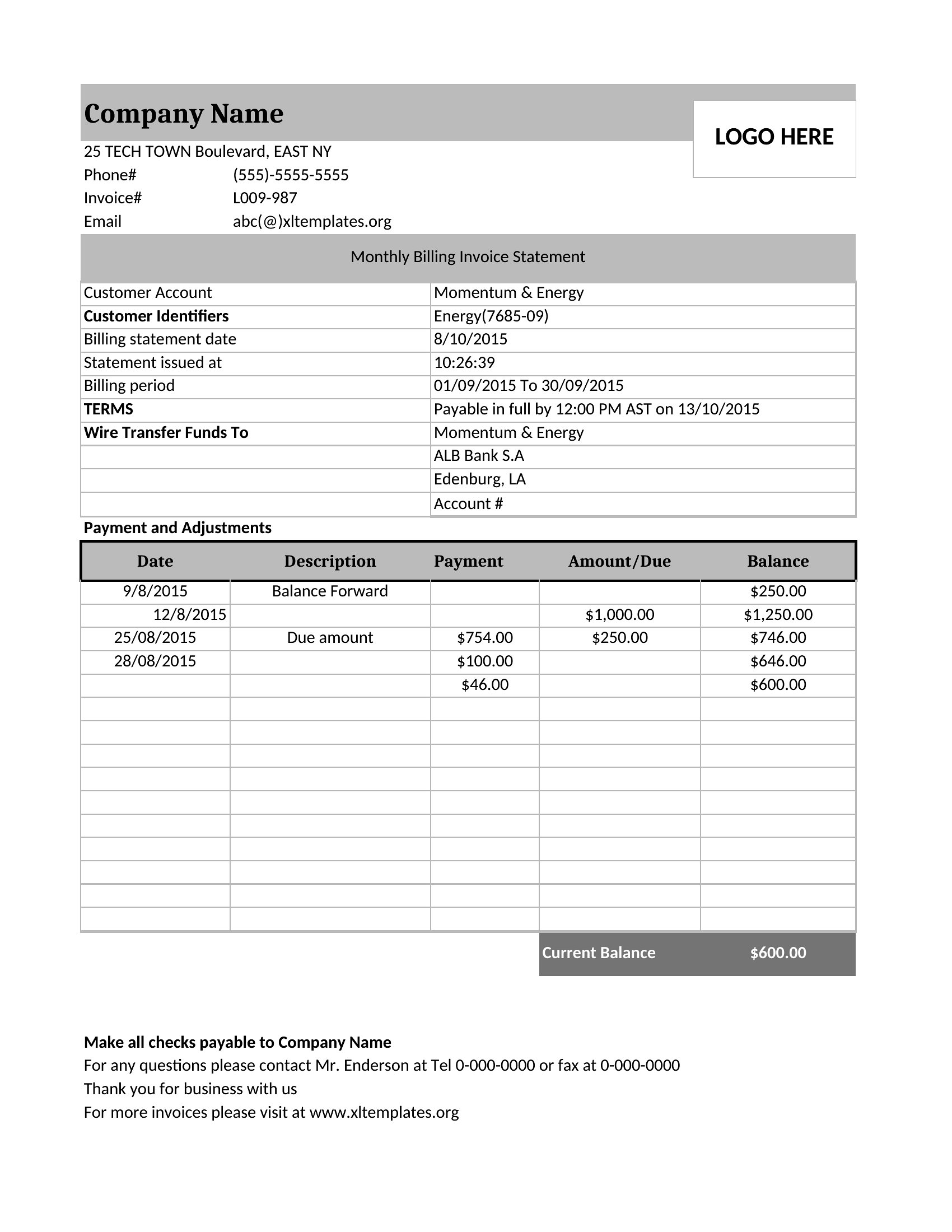
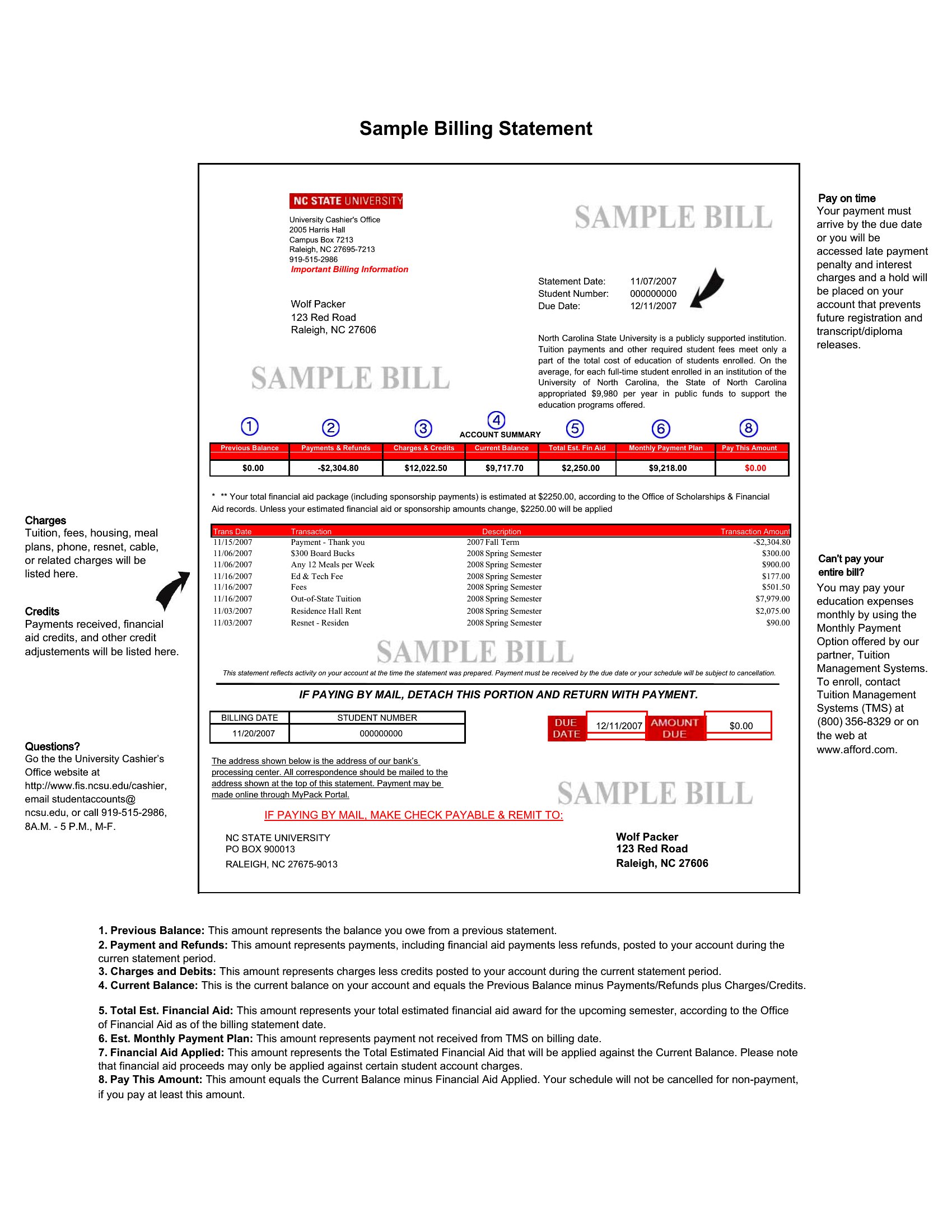
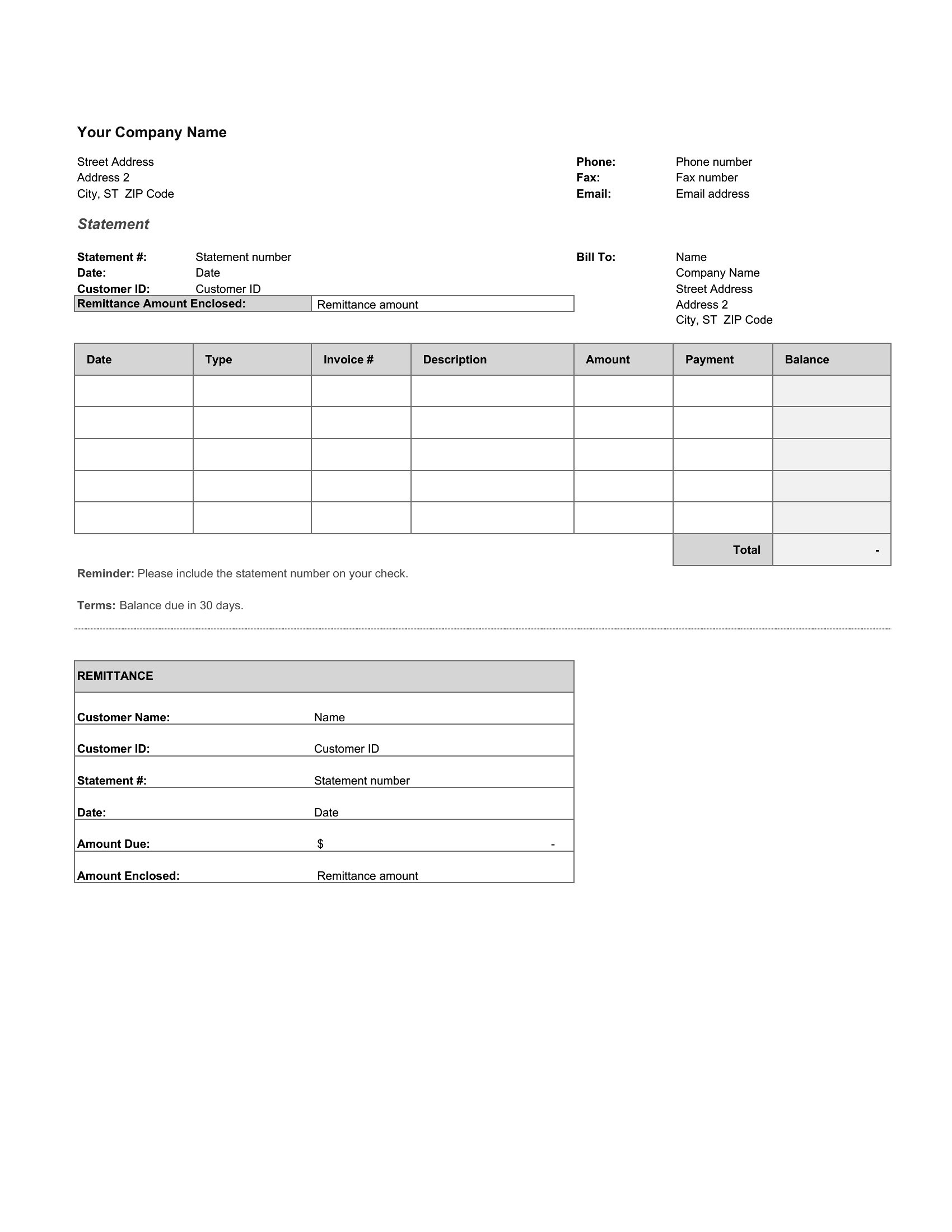
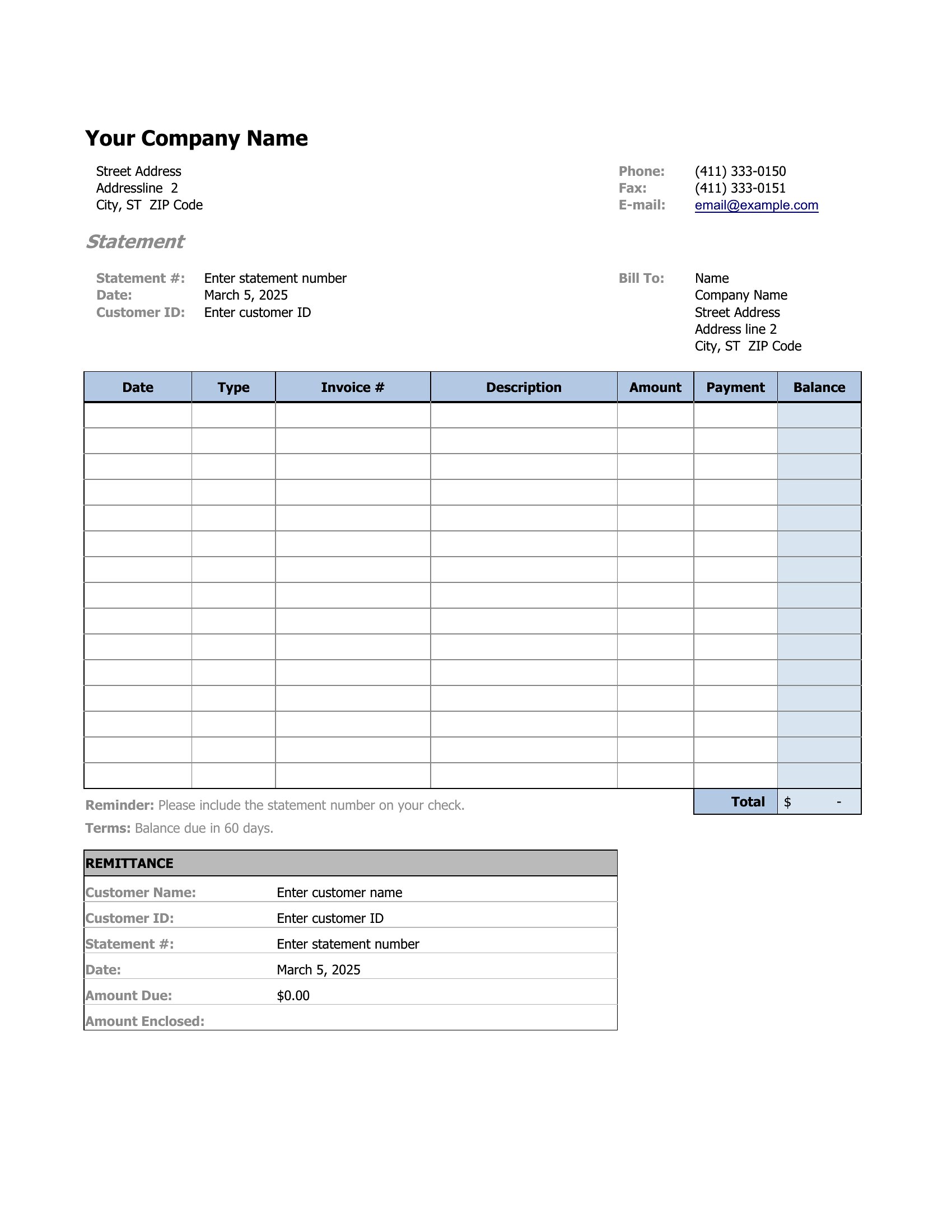
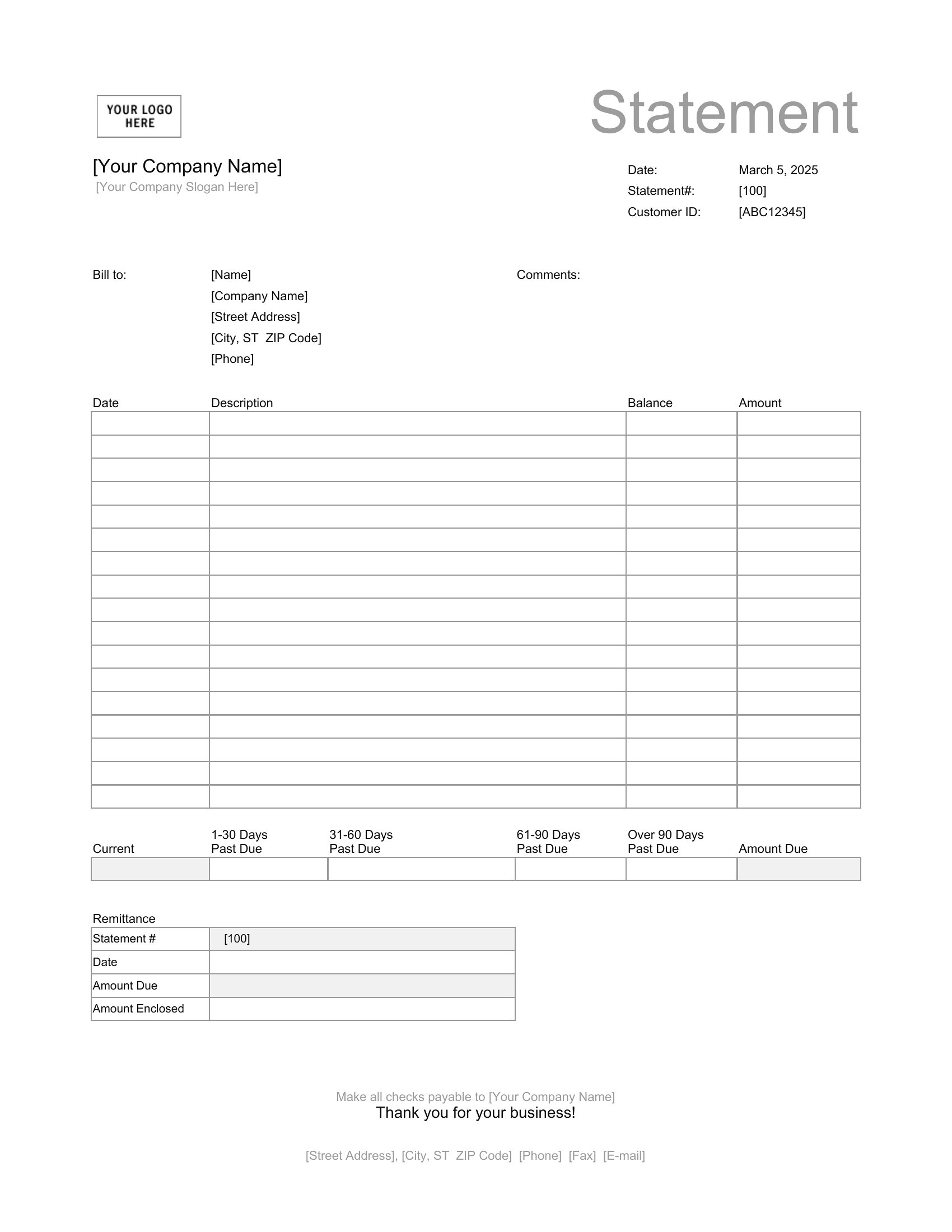
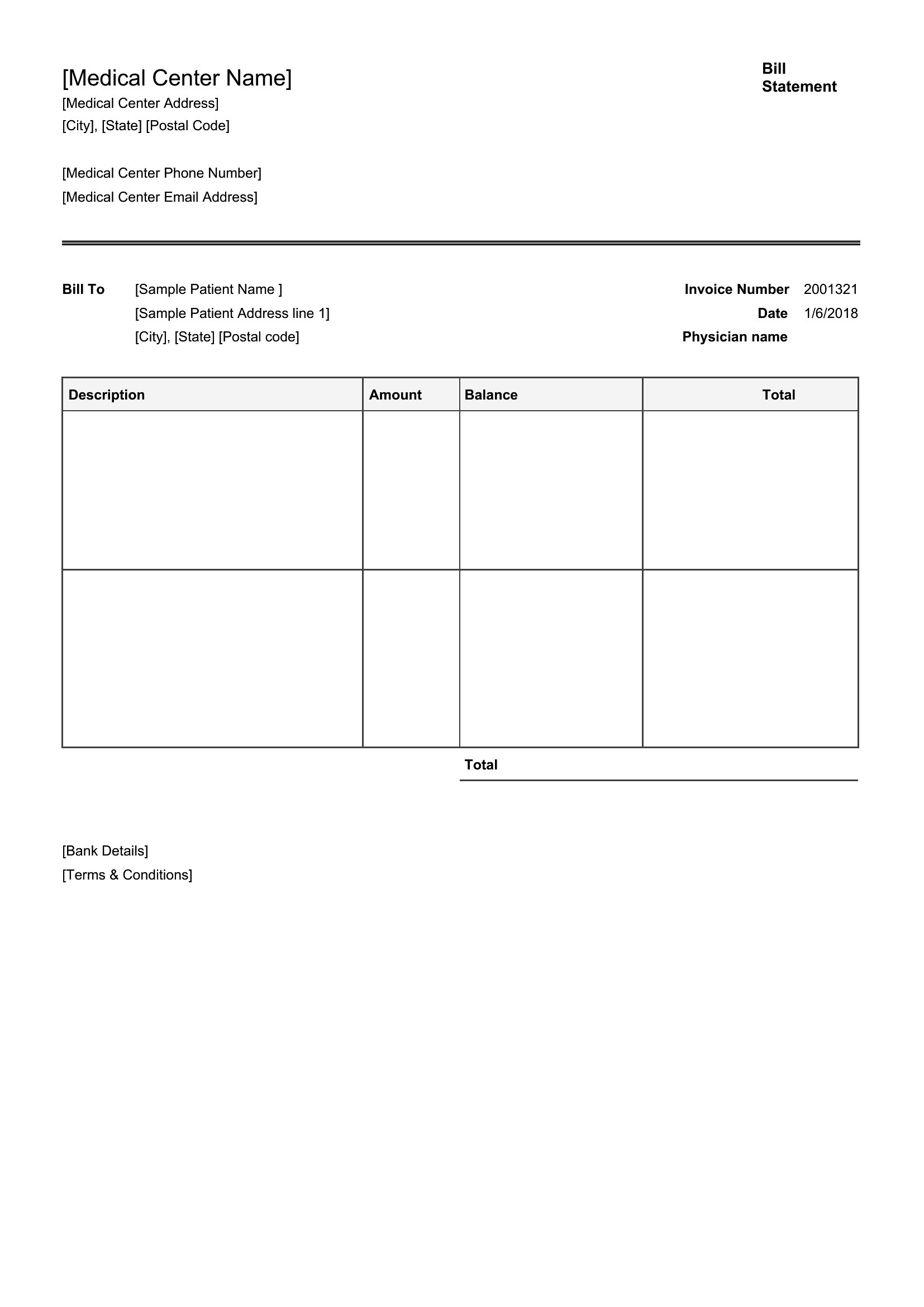
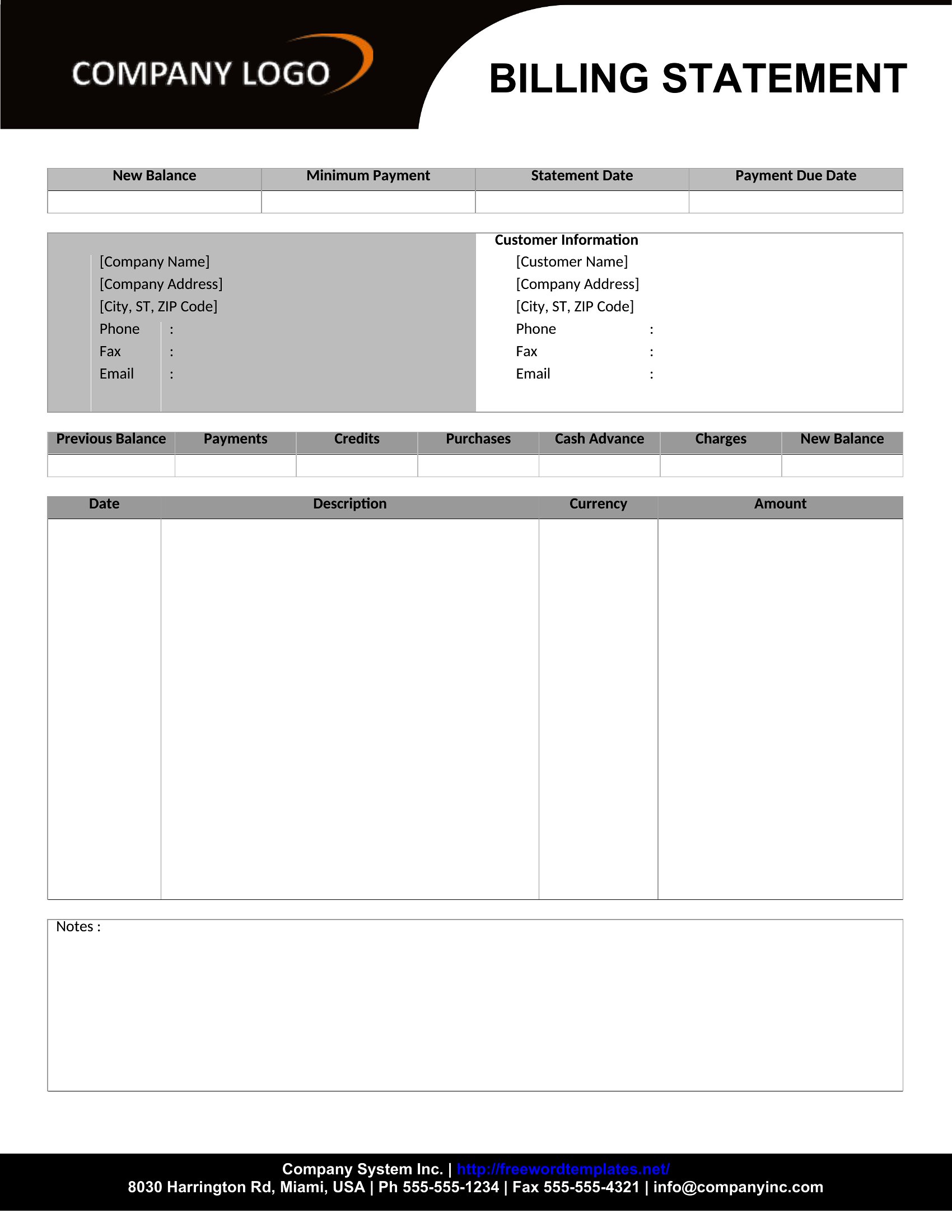
StatementsWhen a customer needs a clear summary of what they owe, a billing statement beats a string of separate invoices. This collection of 41 templates helps freelancers, shops, and landlords pull charges, payments, and a running balance into one document clients can actually read. Each layout has room for dates, descriptions, and the amount due.
Pick the Excel version to total charges and subtract payments on the fly, the Word file for easy edits, or the PDF for a clean copy to email or mail. Drop in your business name, list the transactions, and send a statement that answers the "what do I owe" question before it's asked. Download the one that fits your billing cycle and send your next statement today.
When to use this Billing Statement template
- A freelance designer sends a monthly summary to a client who prefers one document over multiple invoices, so they can reconcile expenses quickly at tax time.
- A small retail shop keeps a running balance for seasonal delivery customers, using a blank PDF statement to list weekly orders and deduct payments received.
- A property manager prepares a quarterly billing for each tenant in their complex, including rent, utilities, and late fees, formatted to match their lease agreement.
- A consultant tracks retainer payments and project-specific charges in Excel, then converts the spreadsheet to a clean PDF statement for client records and audits.
Which format should I download?
Choose Word if you need to customize line items or add detailed explanations (like itemized service descriptions or payment terms) and plan to share the file digitally for editing. Excel is ideal if you’re reconciling numbers across multiple transactions or need formulas to auto-calculate totals and running balances. Stick with PDF if you want a locked, professional layout for printing or emailing to clients who shouldn’t alter the document—it’s perfect for landlords or businesses with standardized billing formats.
How to use this Billing Statement template
How should I handle partial payments or refunds in a billing statement?
List the original charge and the payment received in separate rows, then show the remaining balance or credit. In Excel, use formulas to subtract payments from totals automatically. For PDFs, manually adjust the final amount due or add a ‘refund’ line with a negative value.
Can I include a breakdown of taxes or fees in these templates?
Yes, all templates have space for additional line items. In Word or Excel, add rows labeled ‘Tax,’ ‘Service Fee,’ or ‘Late Charge’ with their respective amounts. For PDFs, use the ‘Notes’ or ‘Additional Charges’ section if available, or insert a new line manually.
What’s the best way to make my billing statement look professional for new clients?
Use the PDF format and pick a template with a clean, minimalist design. Add your business logo, use a consistent color scheme, and include your contact information and payment terms at the top or bottom. Avoid clutter—stick to essential details like dates, descriptions, and amounts.
Comments
Join the conversation
Sign in to share your thoughts and leave a comment on this resource.