Free Rotating Schedule Templates (Word, Excel)
StatementsTemplates

FAQ
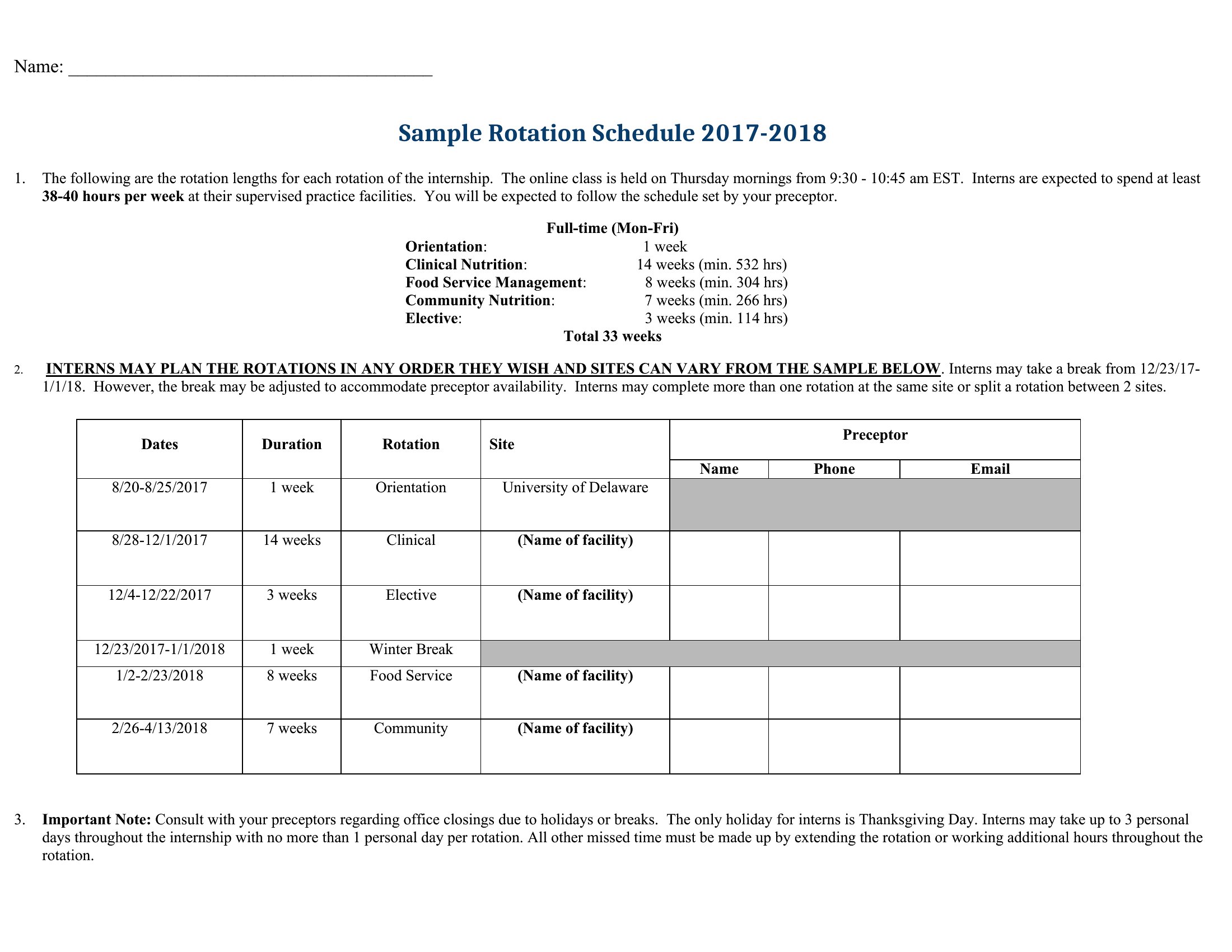
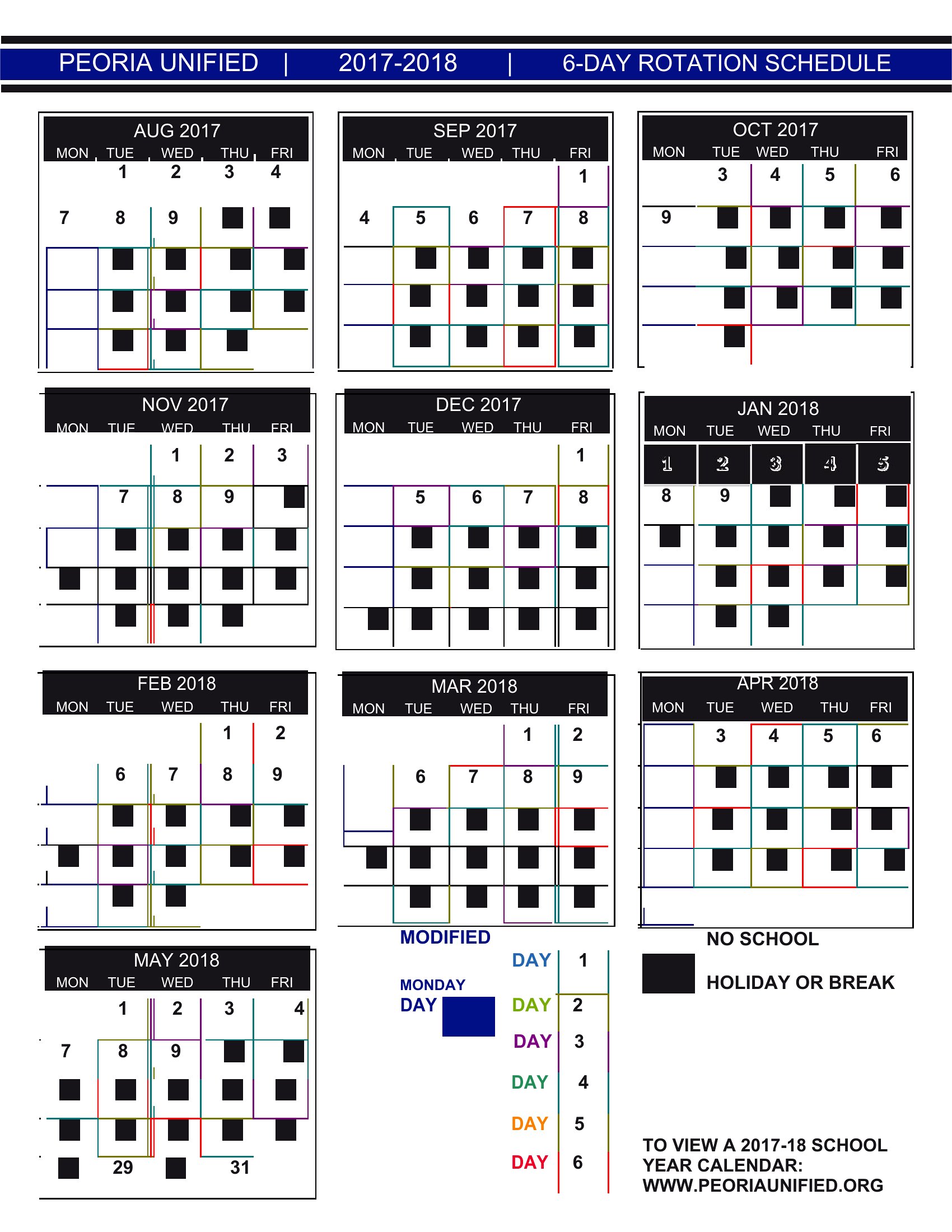
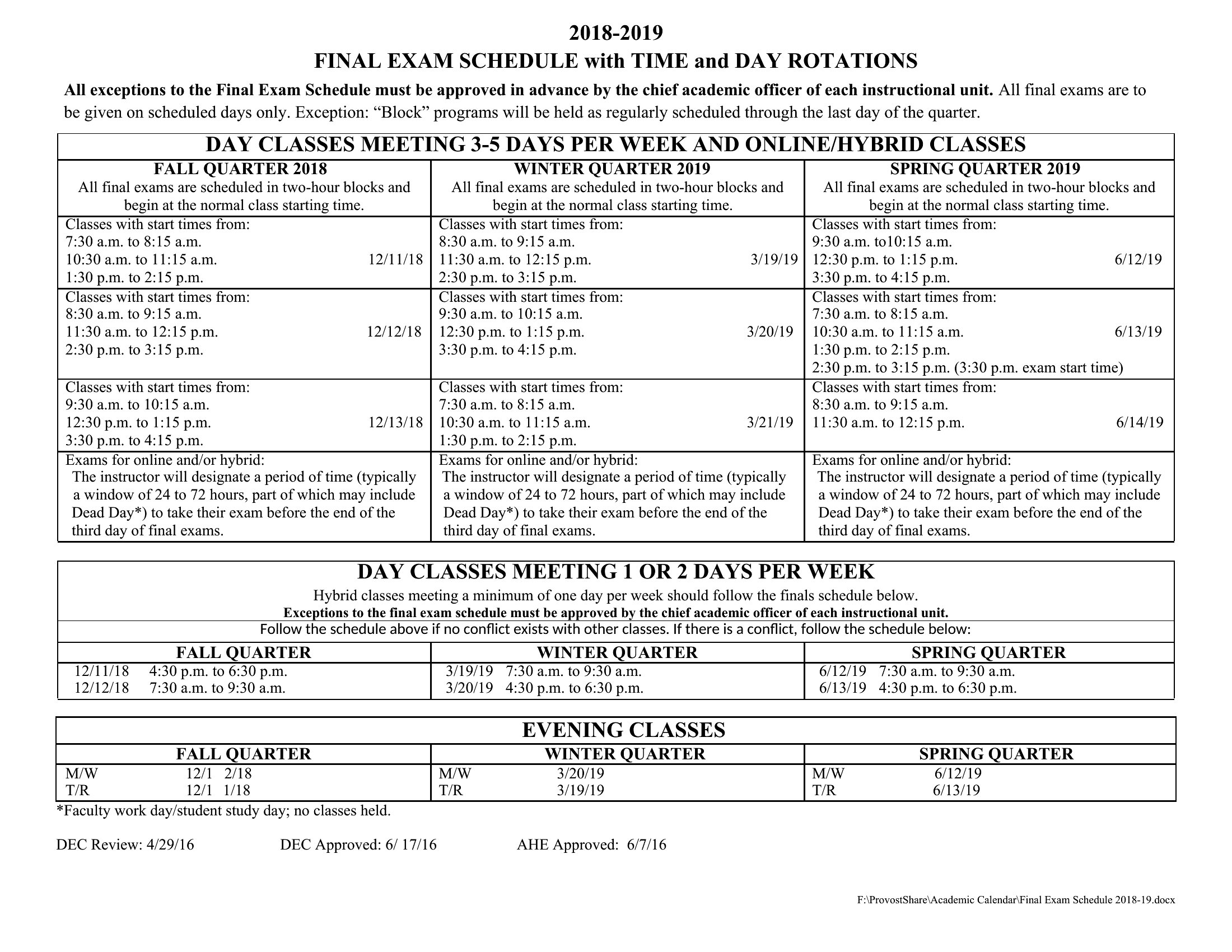
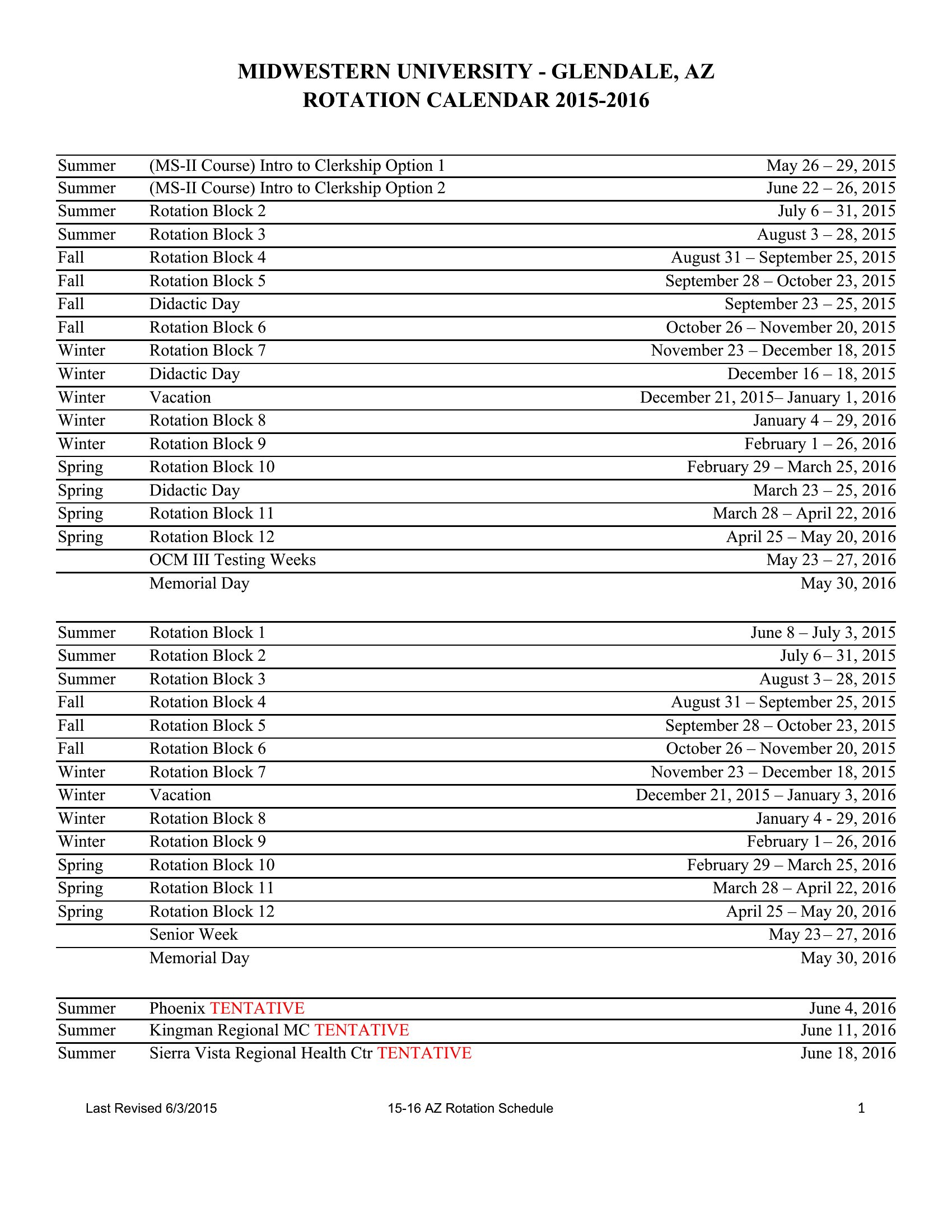
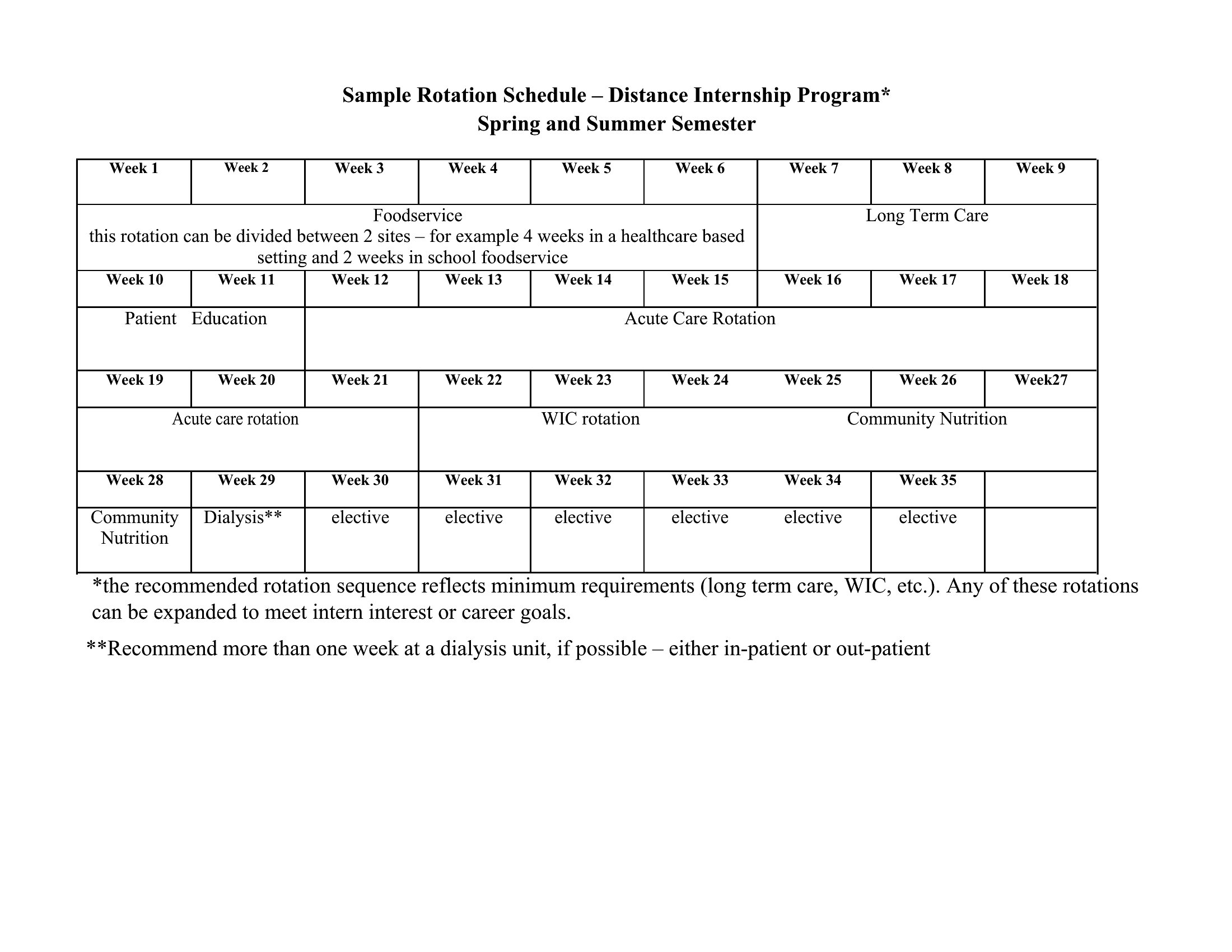
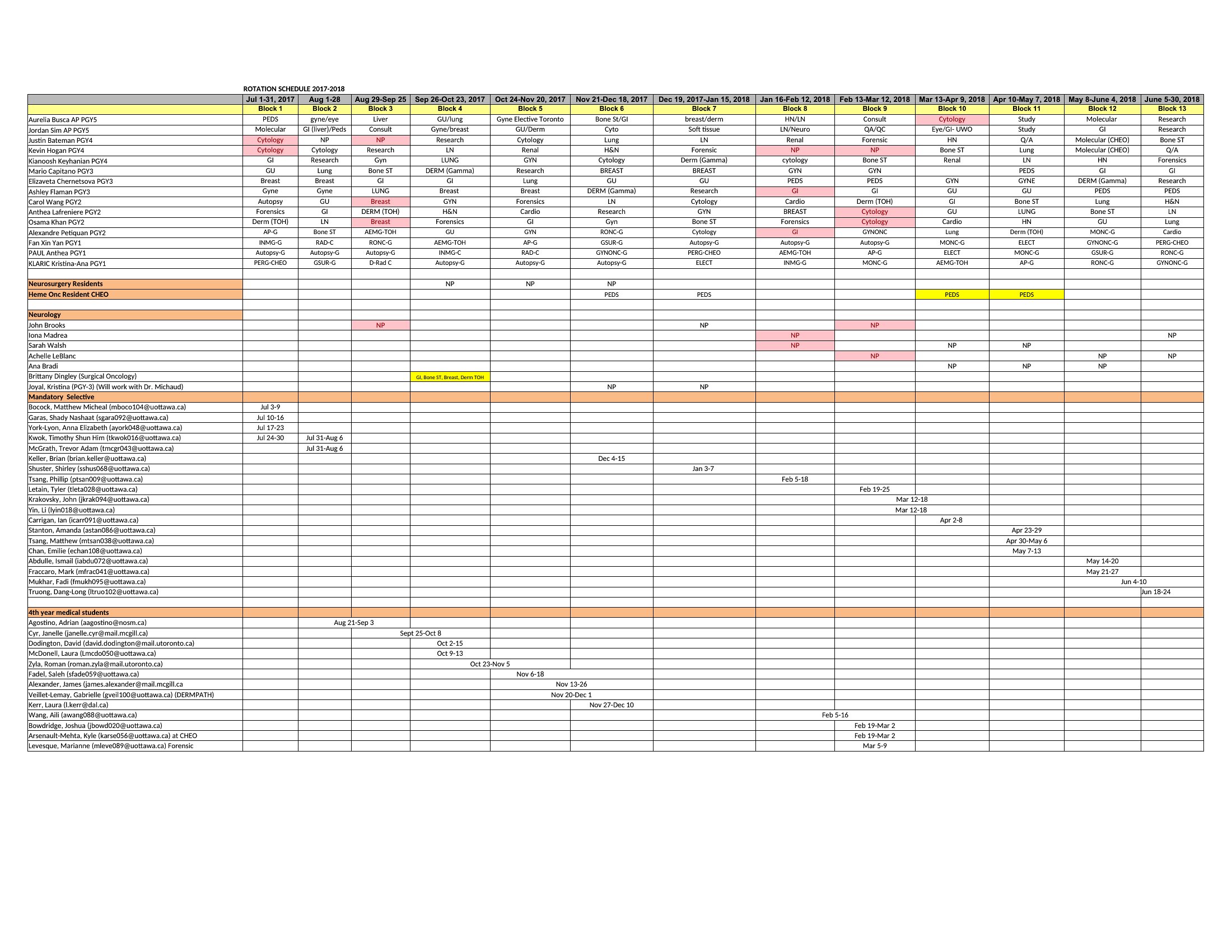
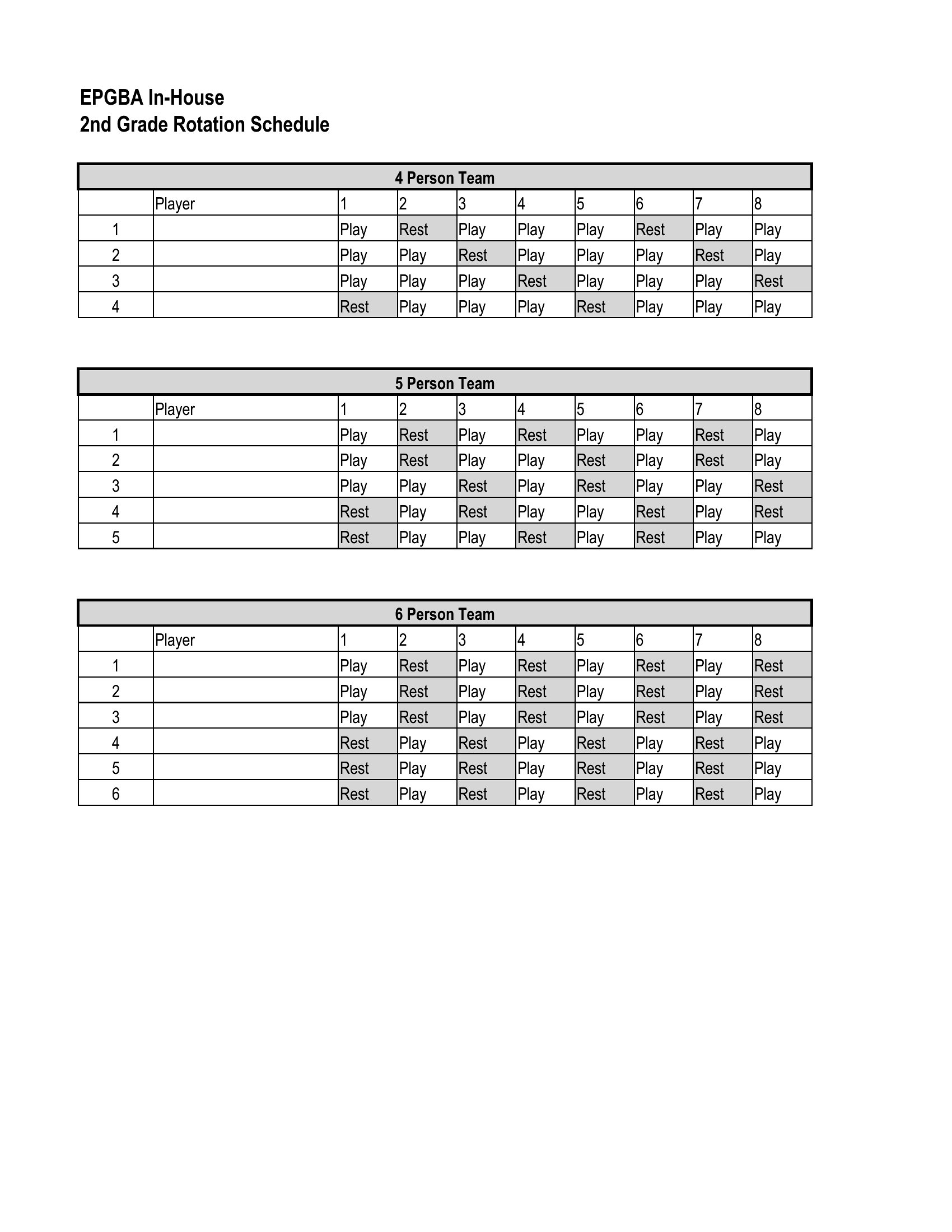
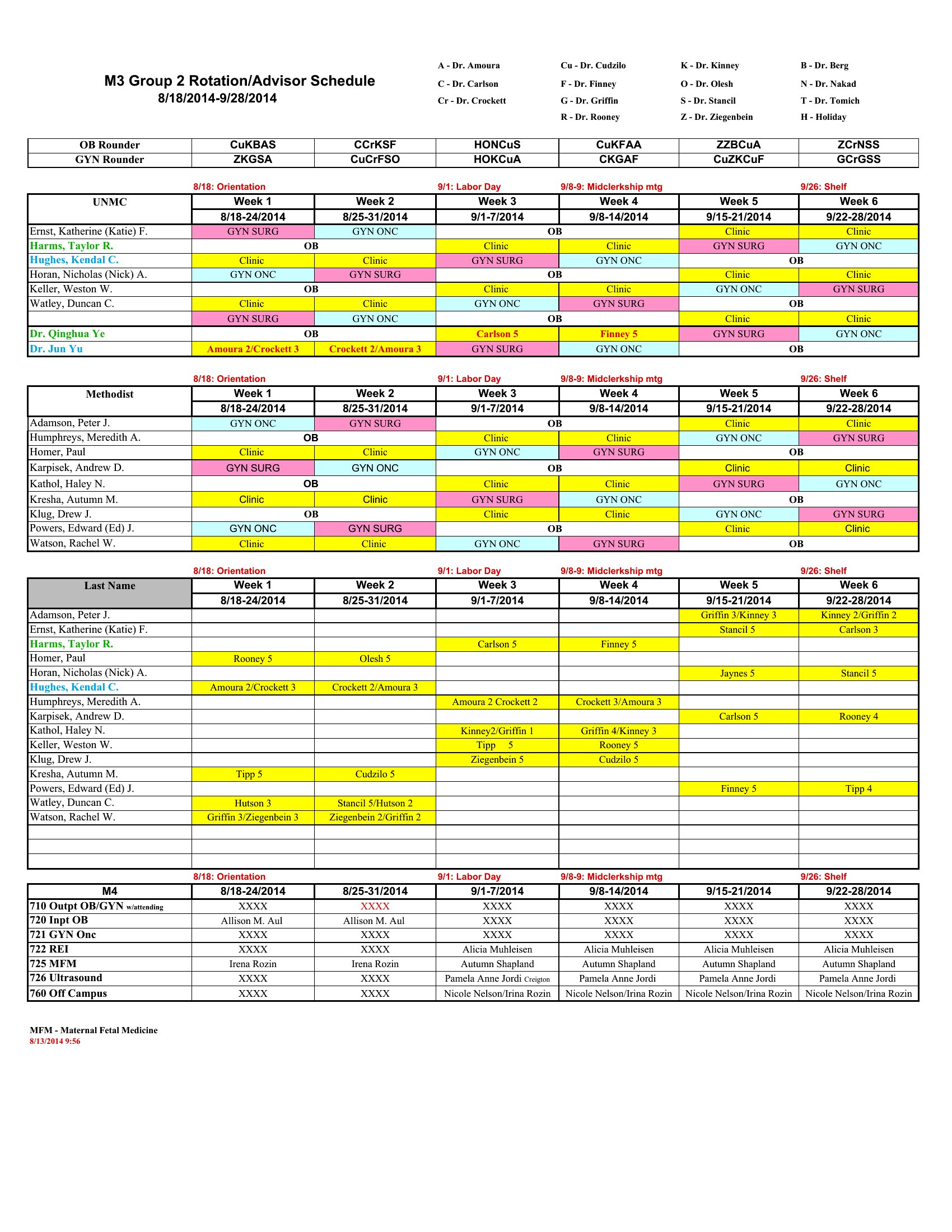
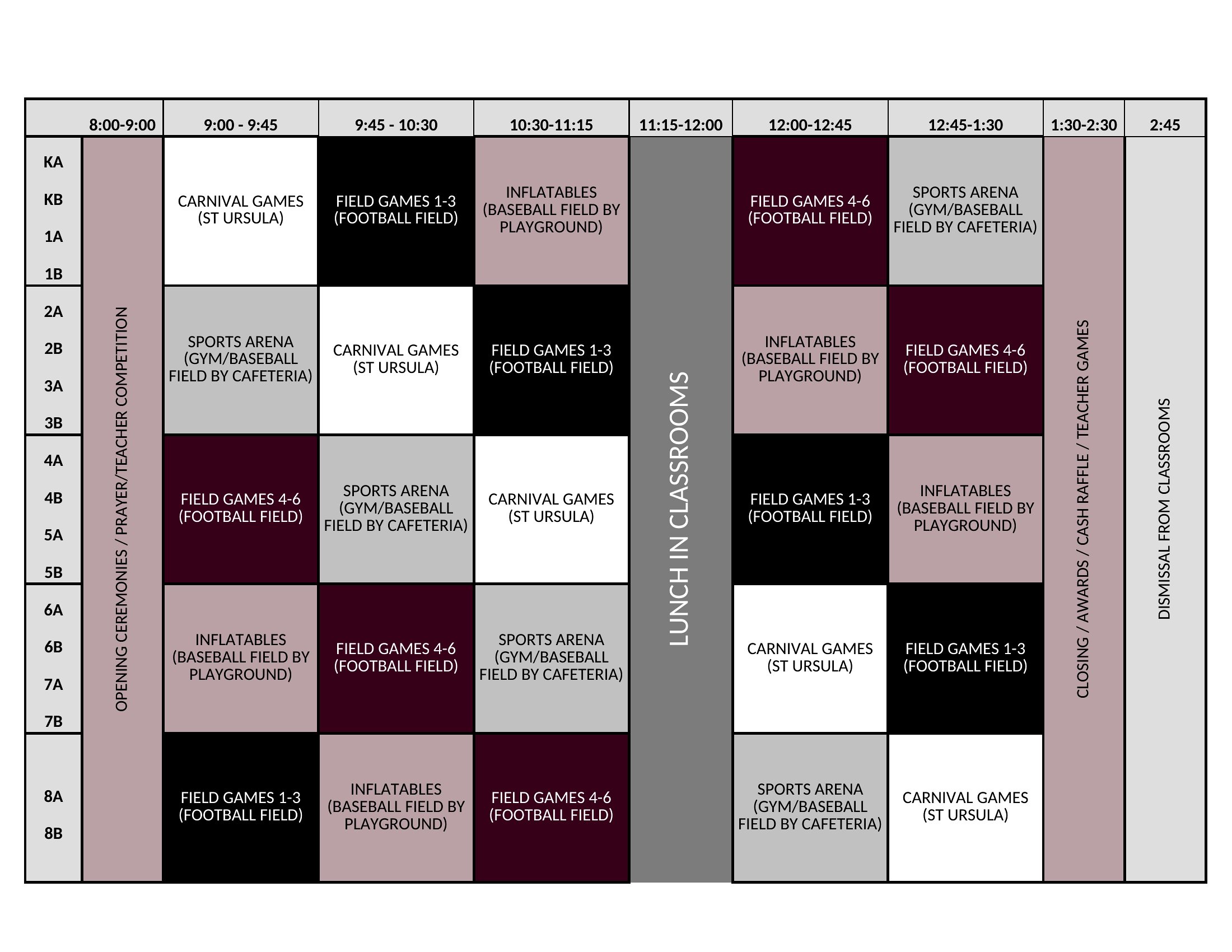
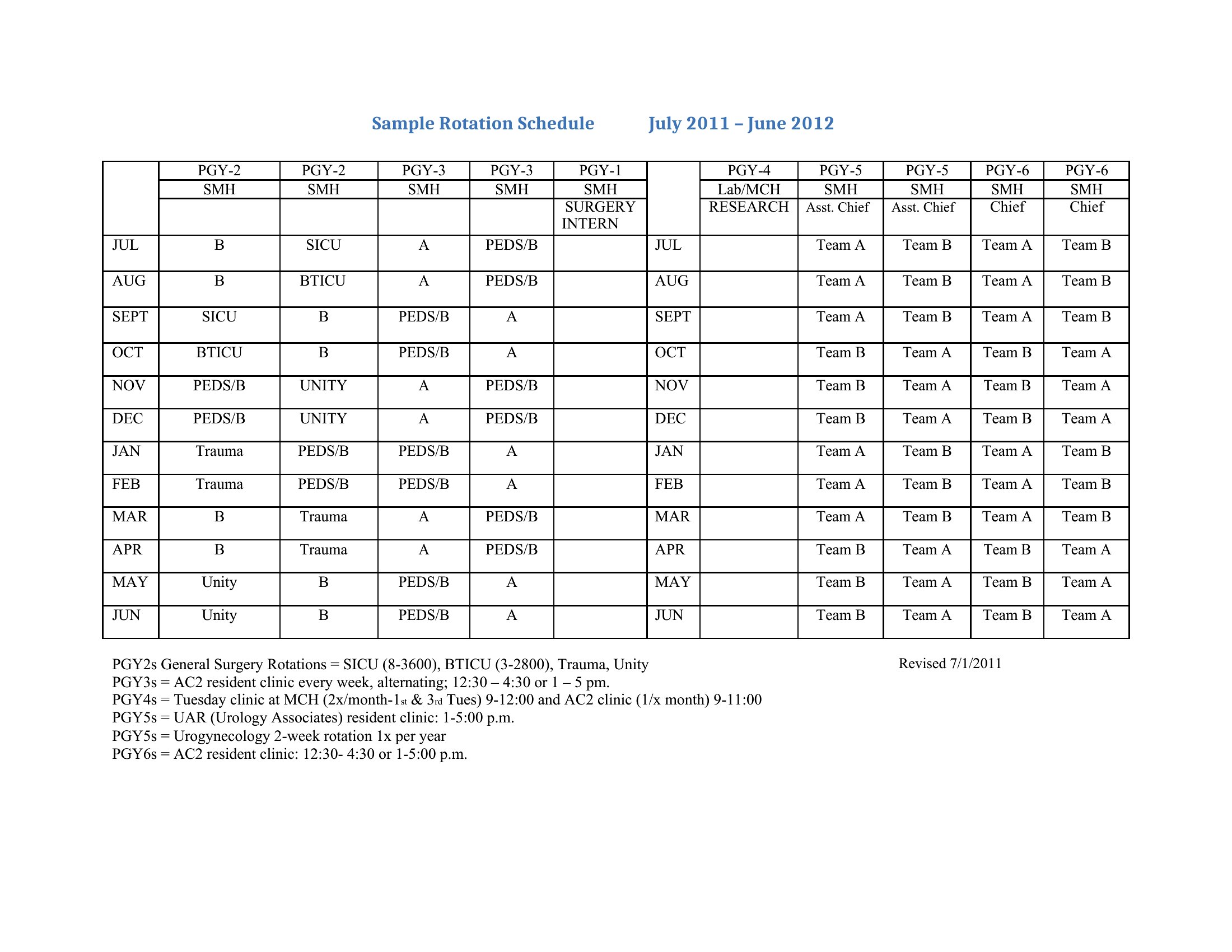
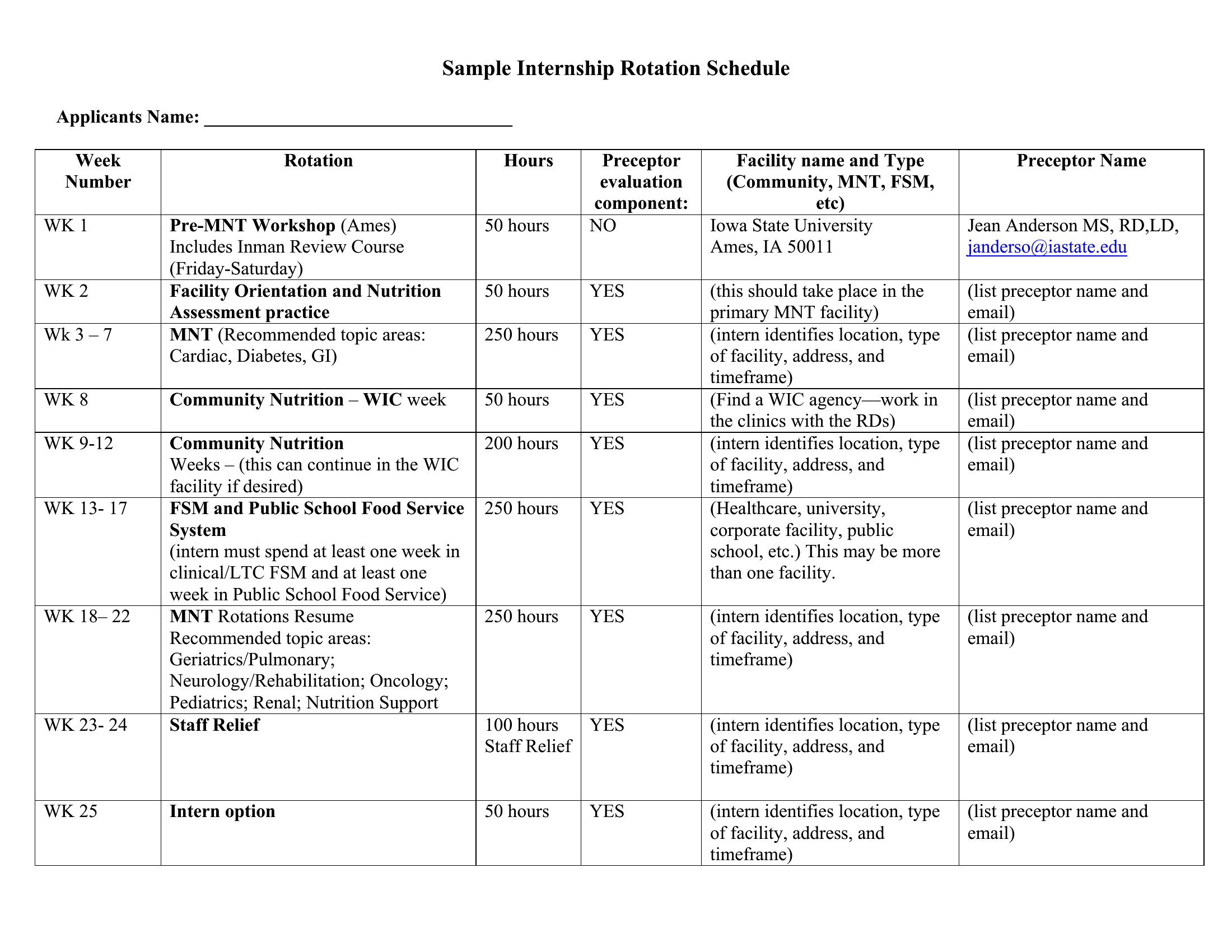
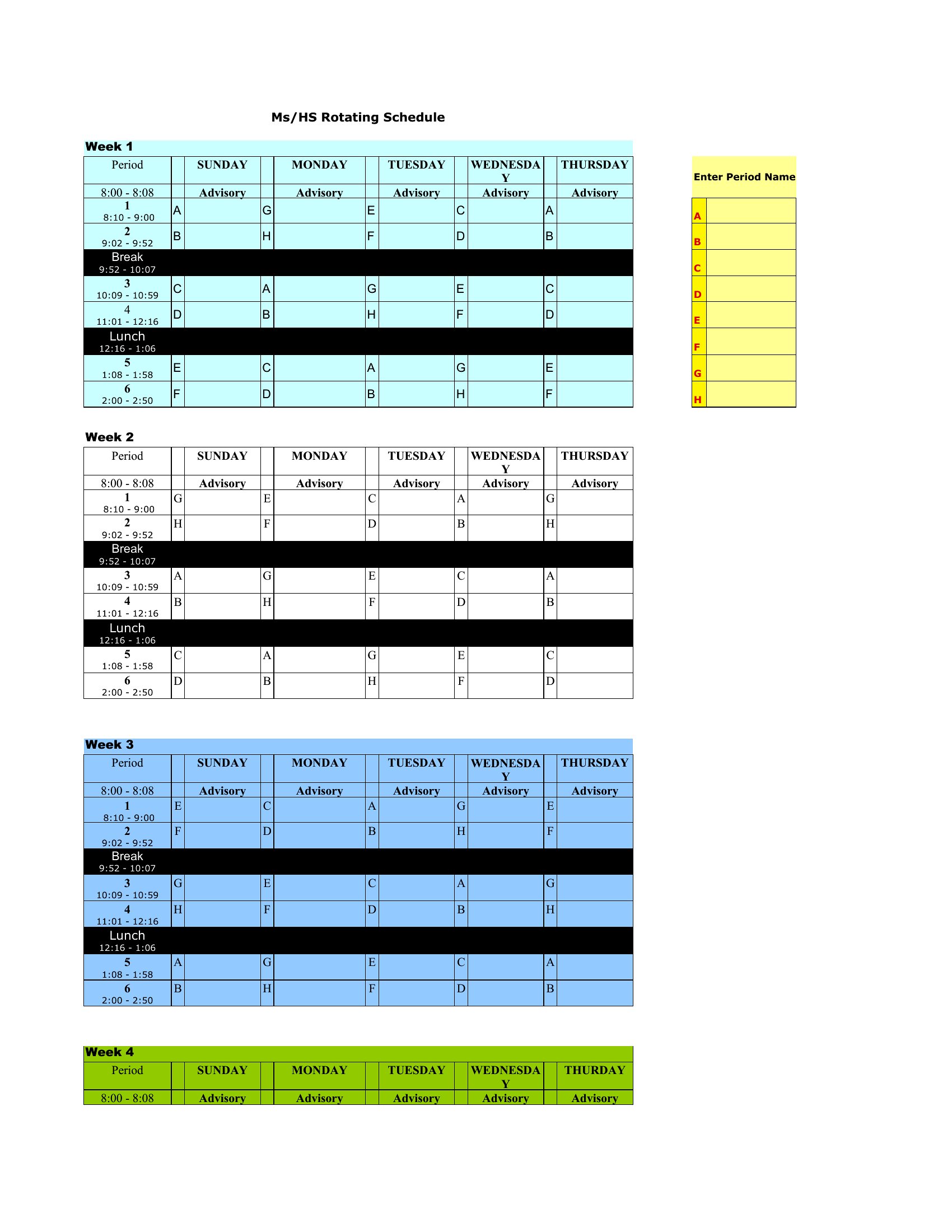
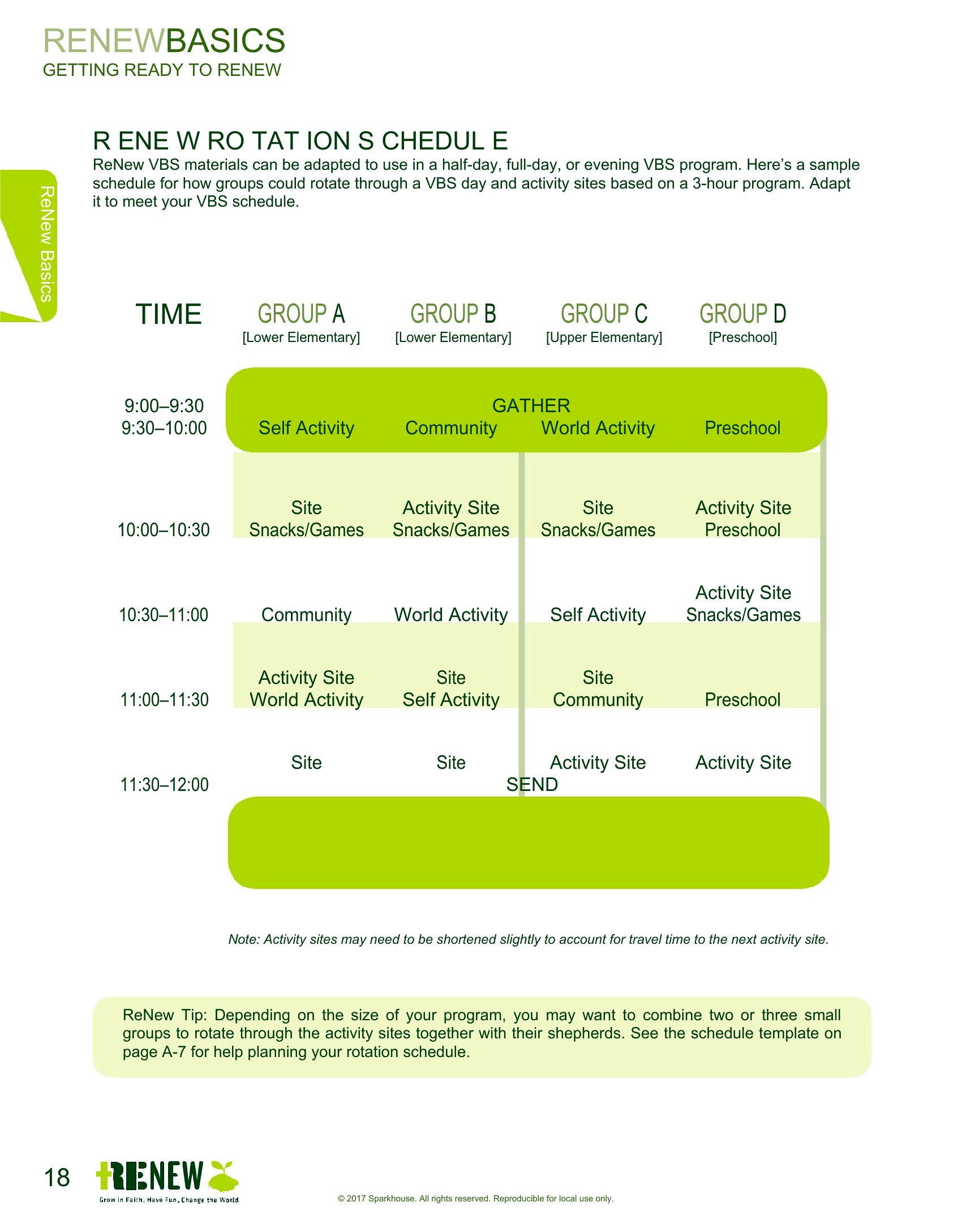
How do I adjust the schedule when an employee requests time off?
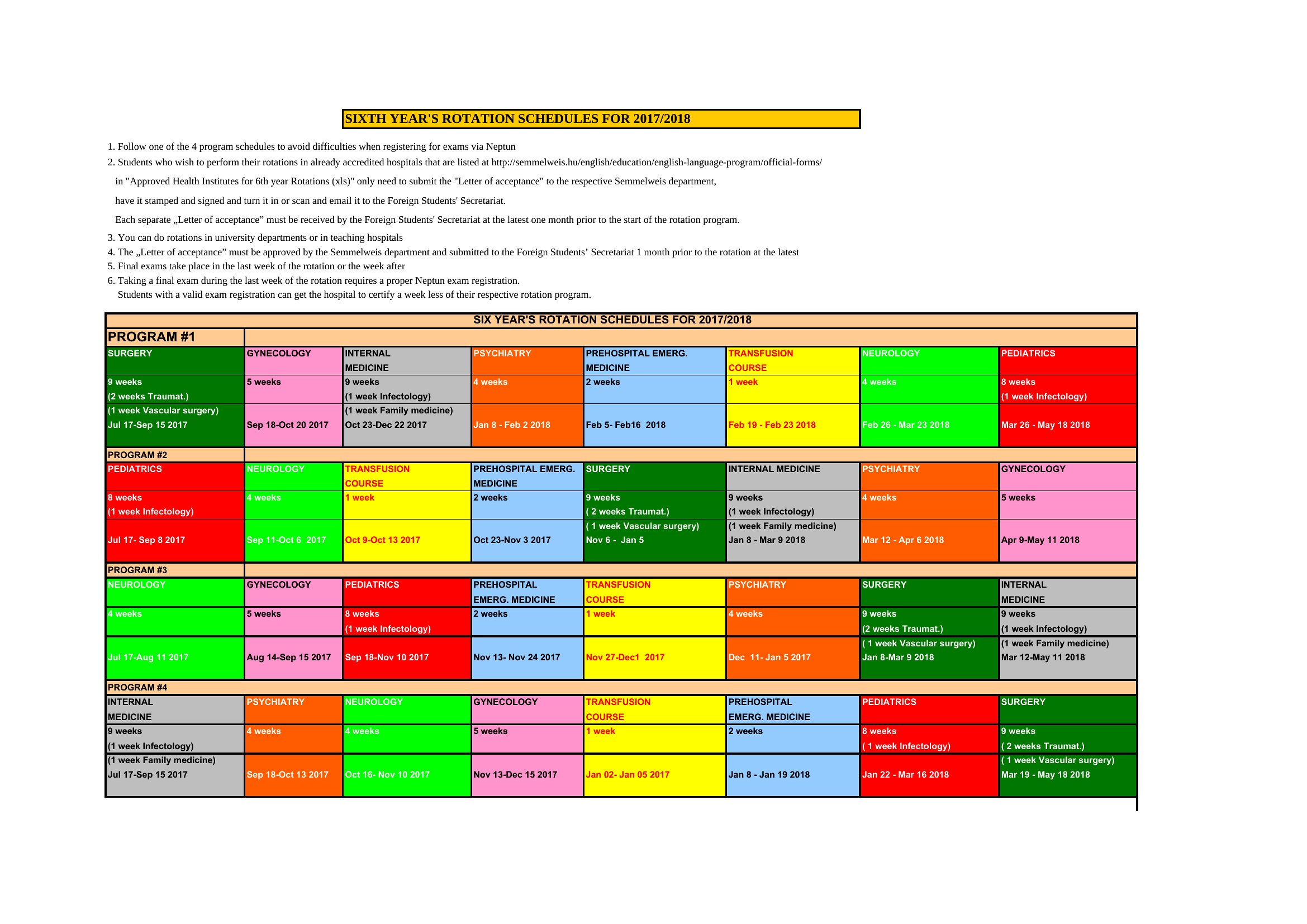
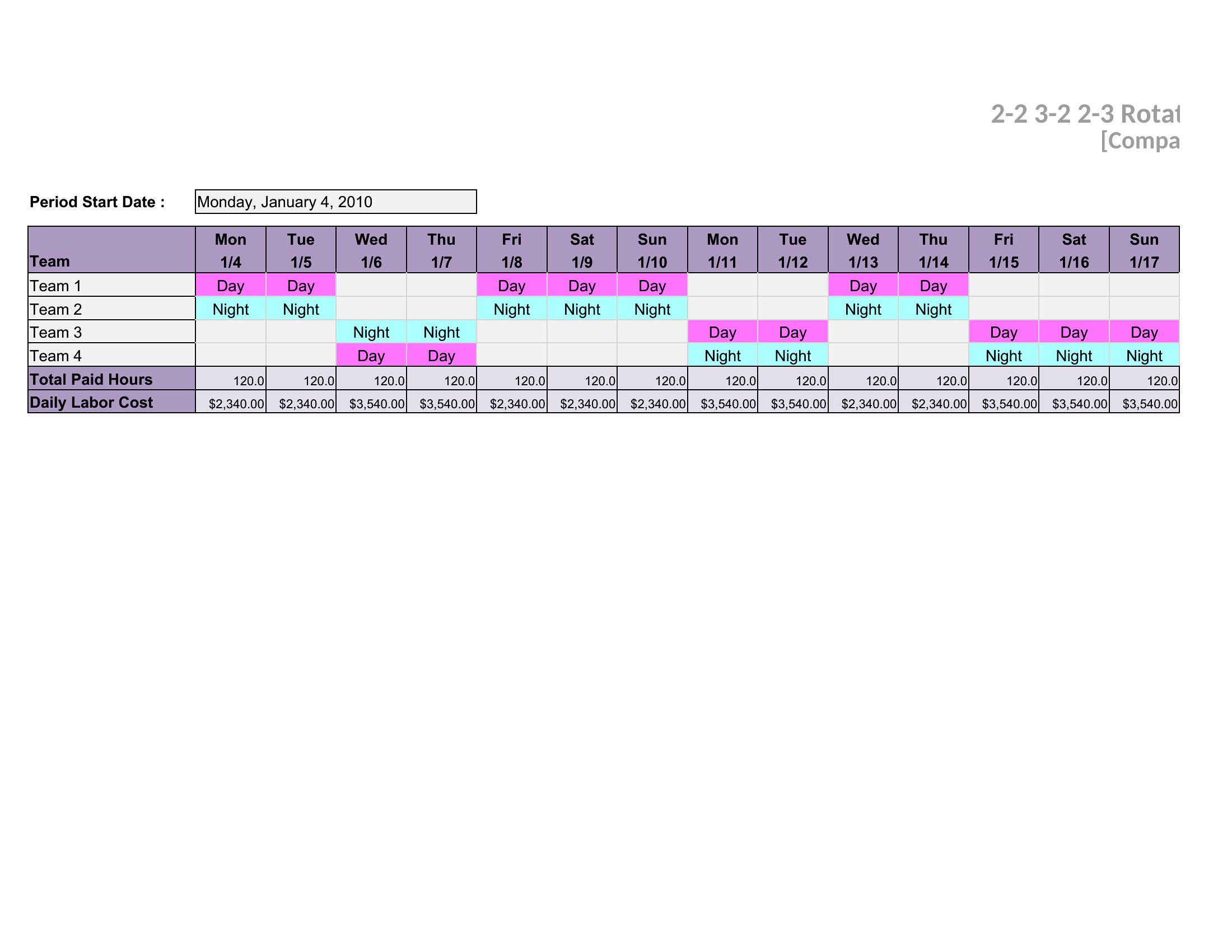
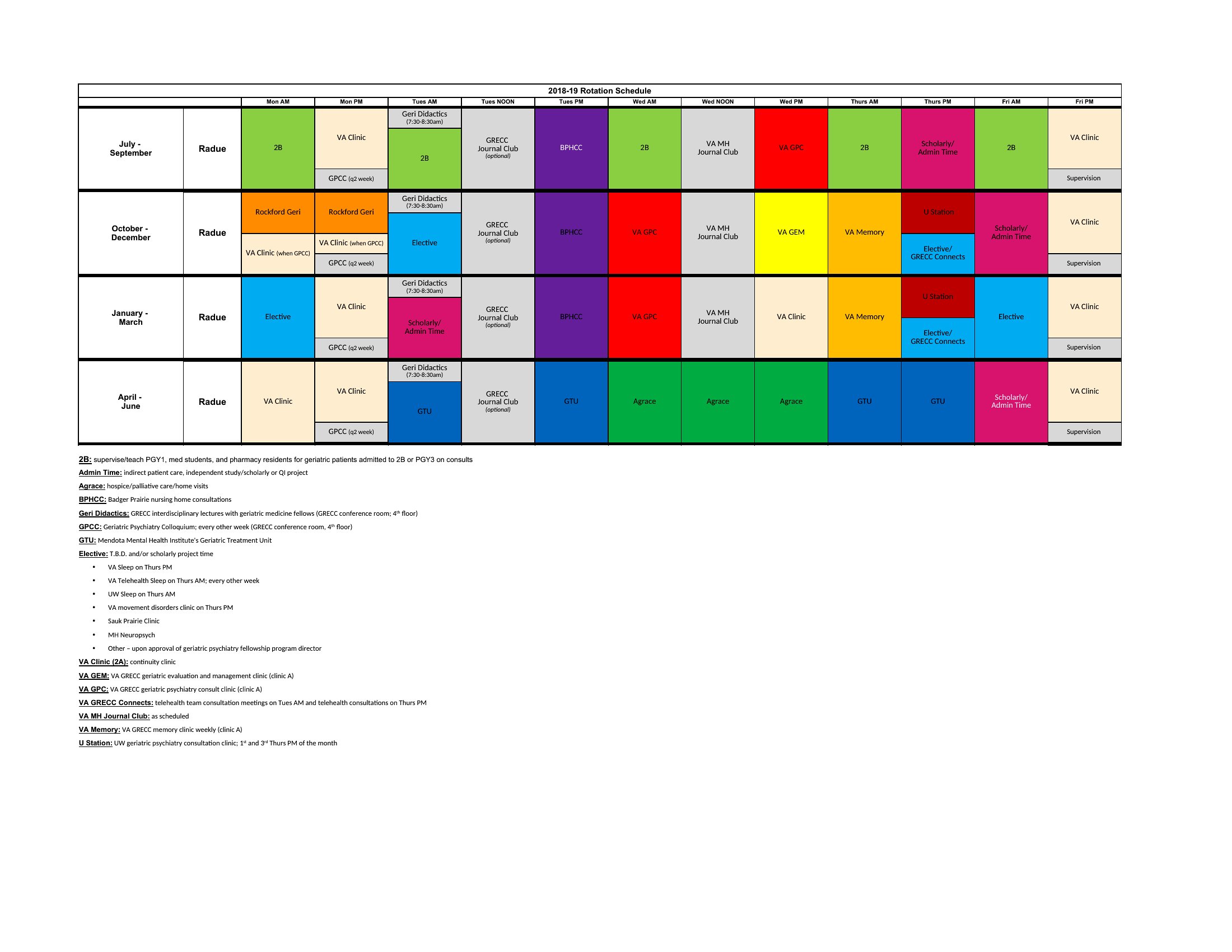
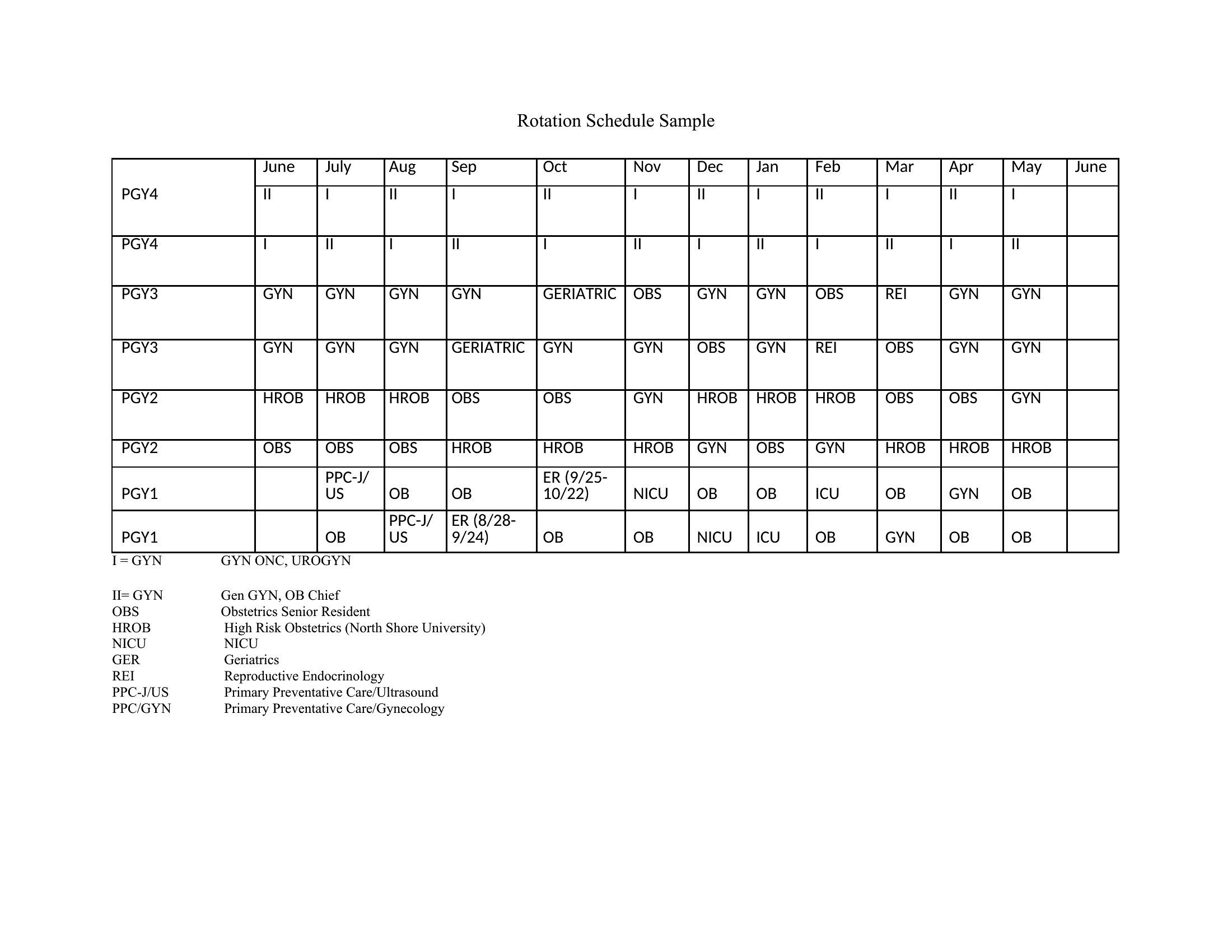
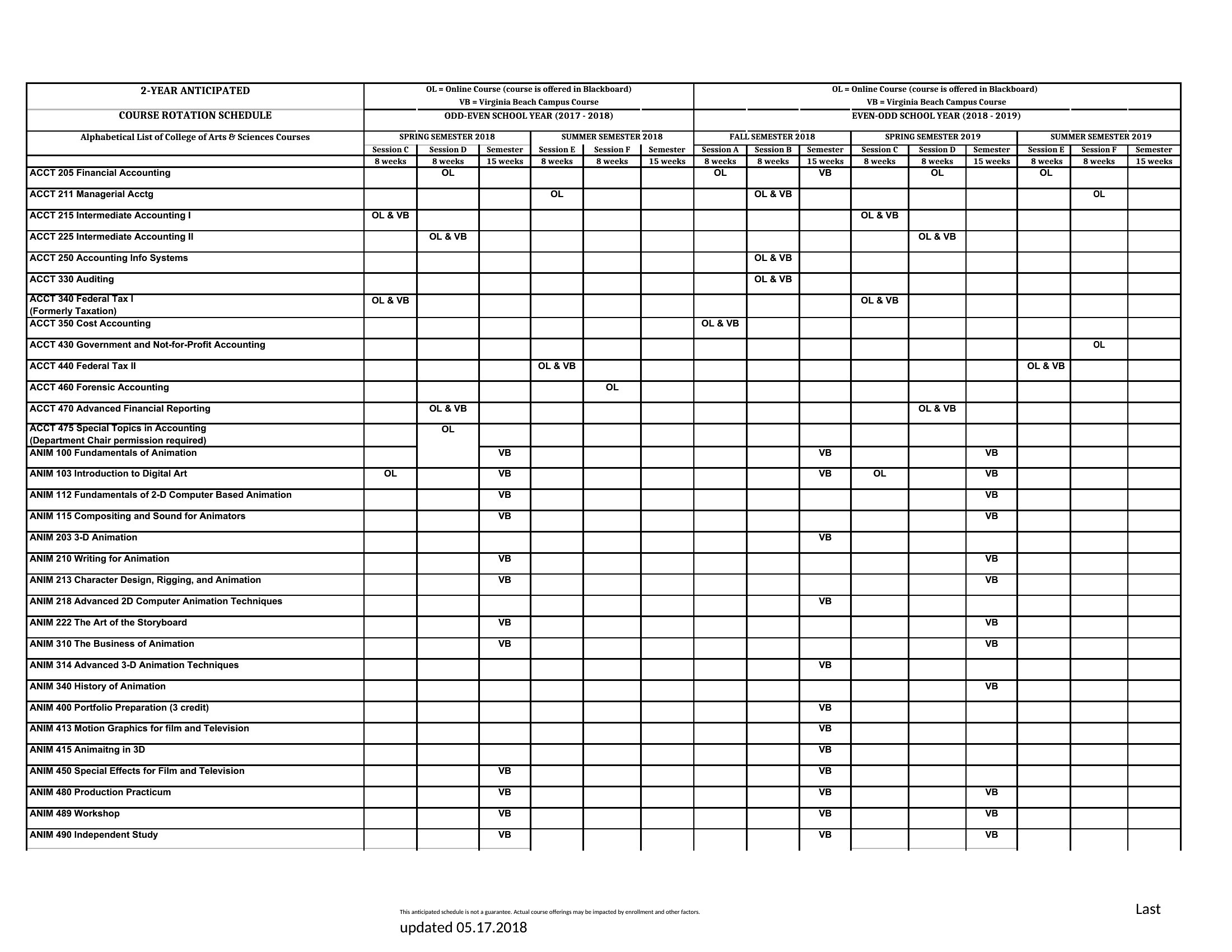
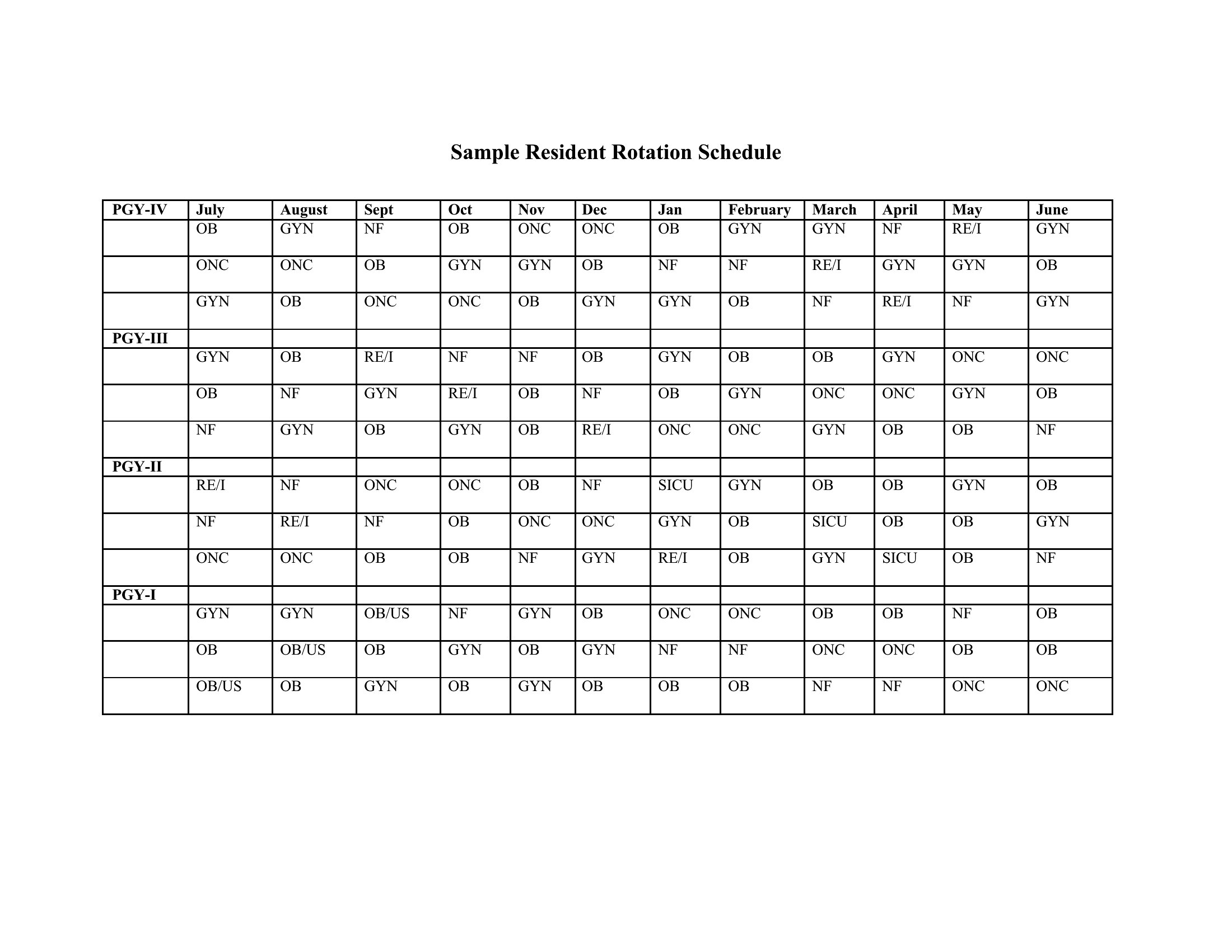
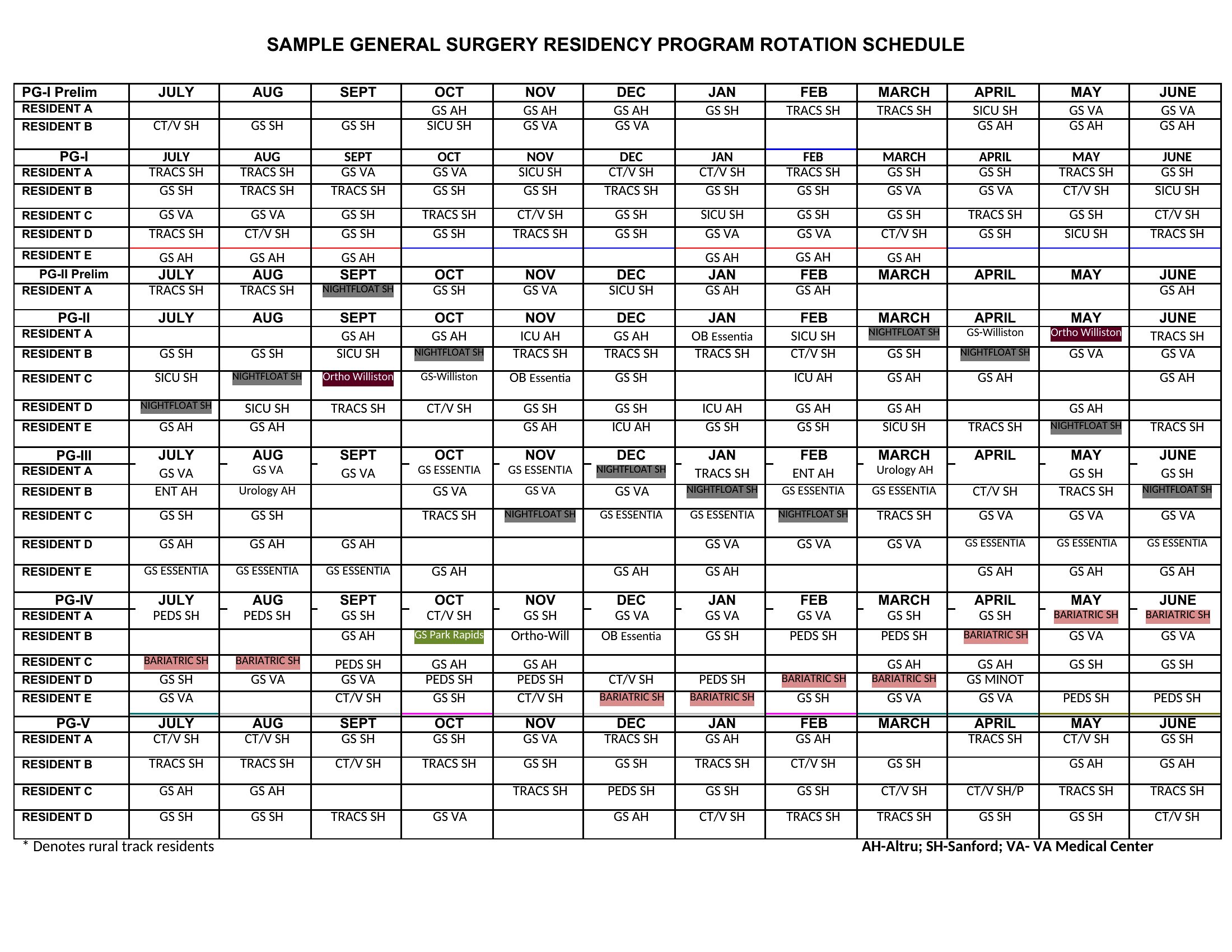
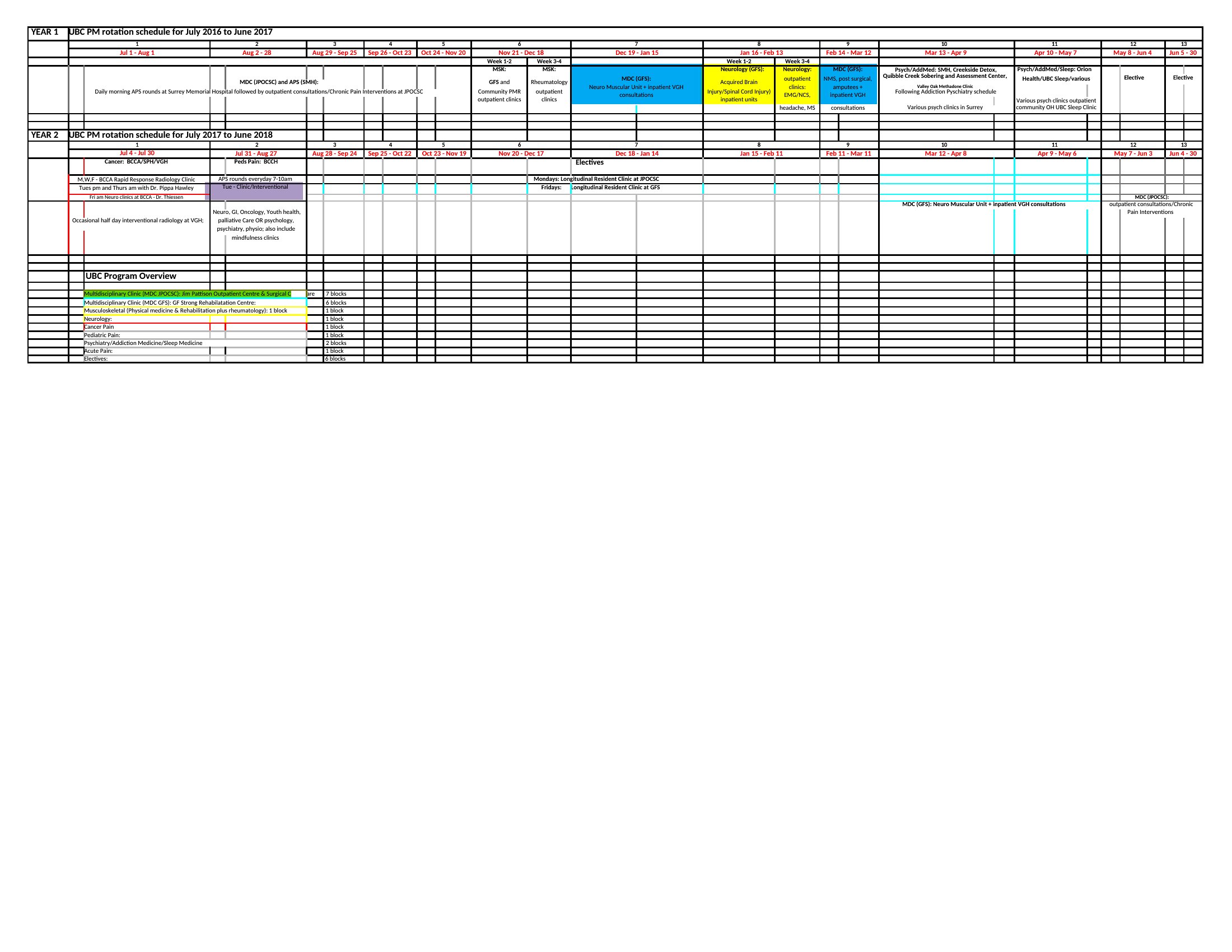
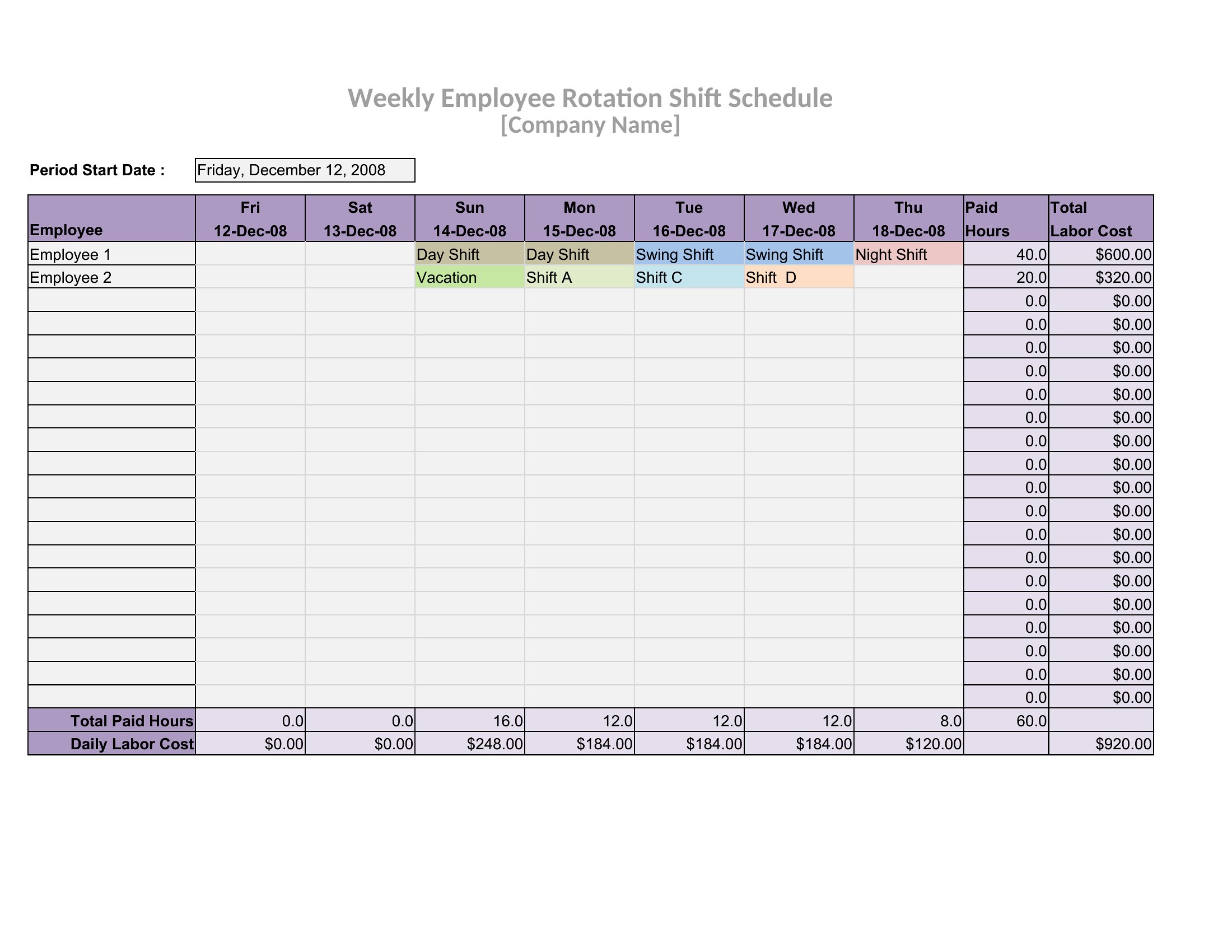
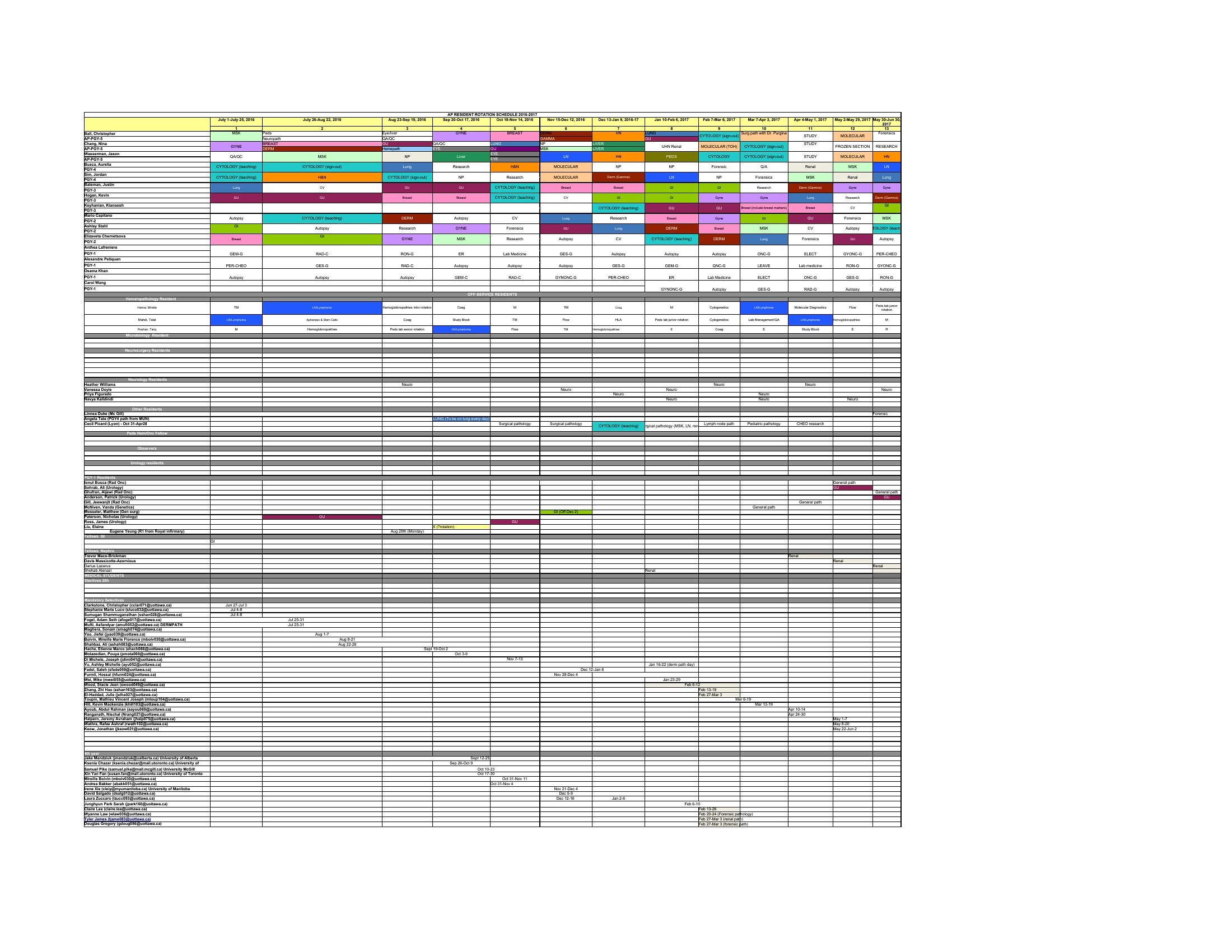
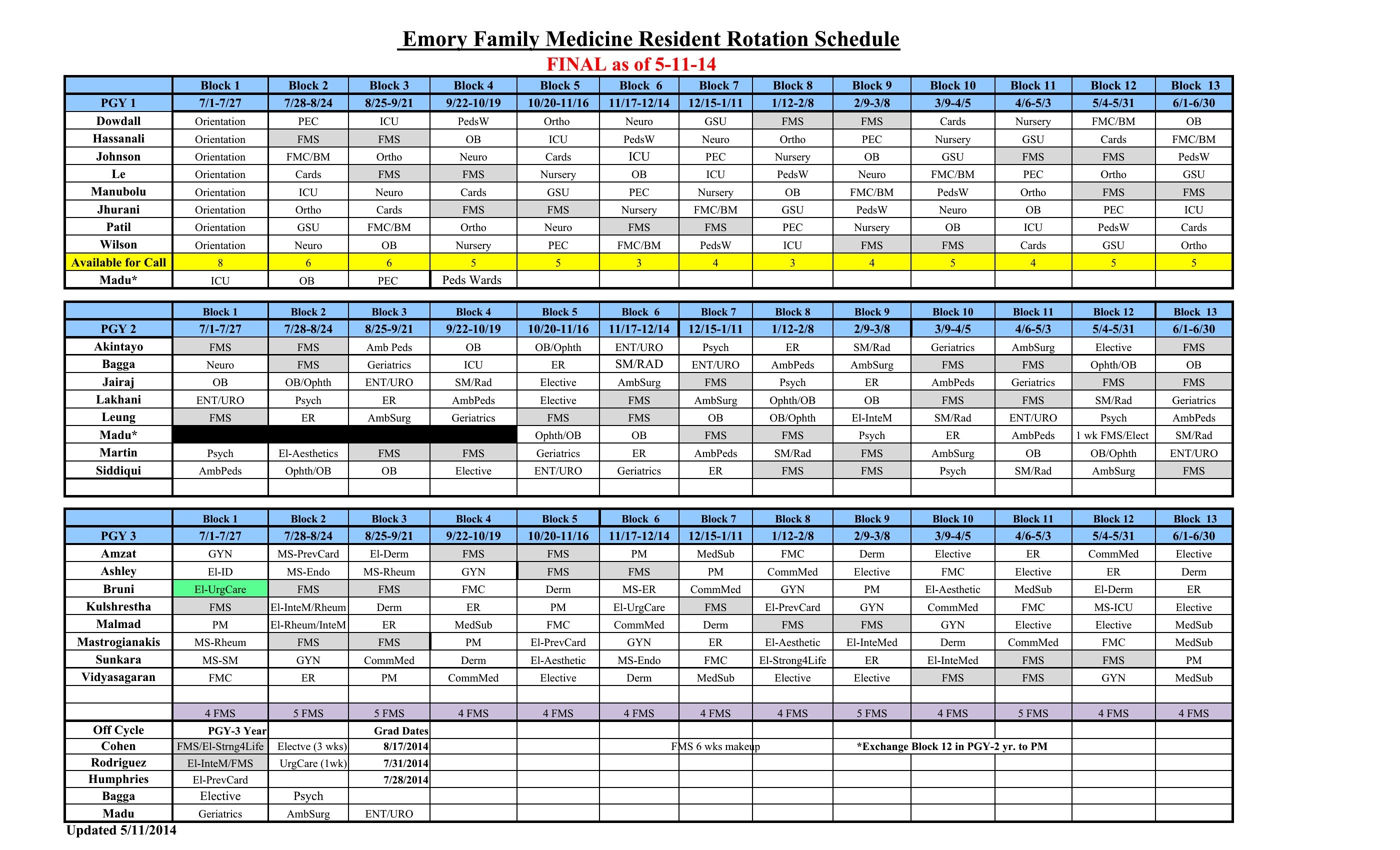
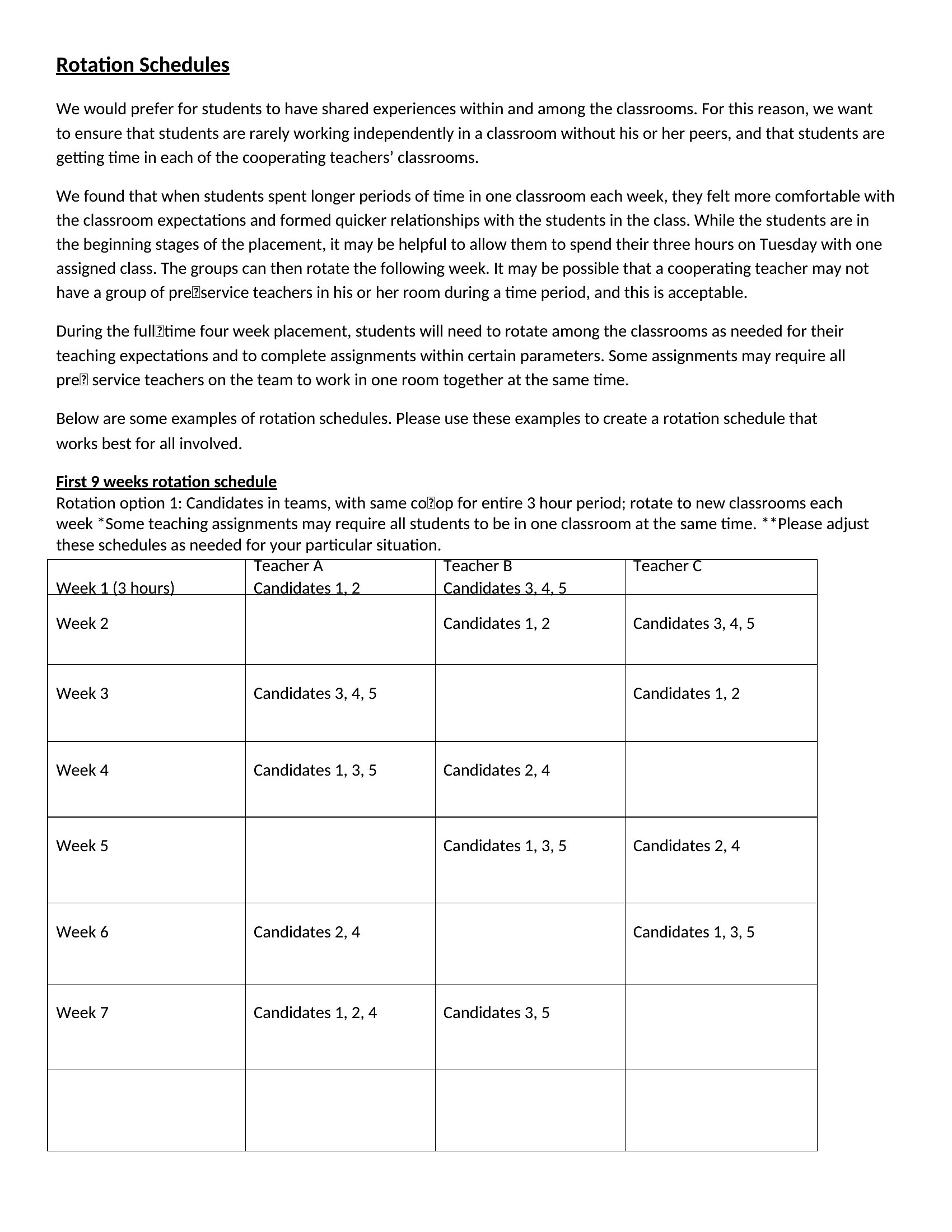
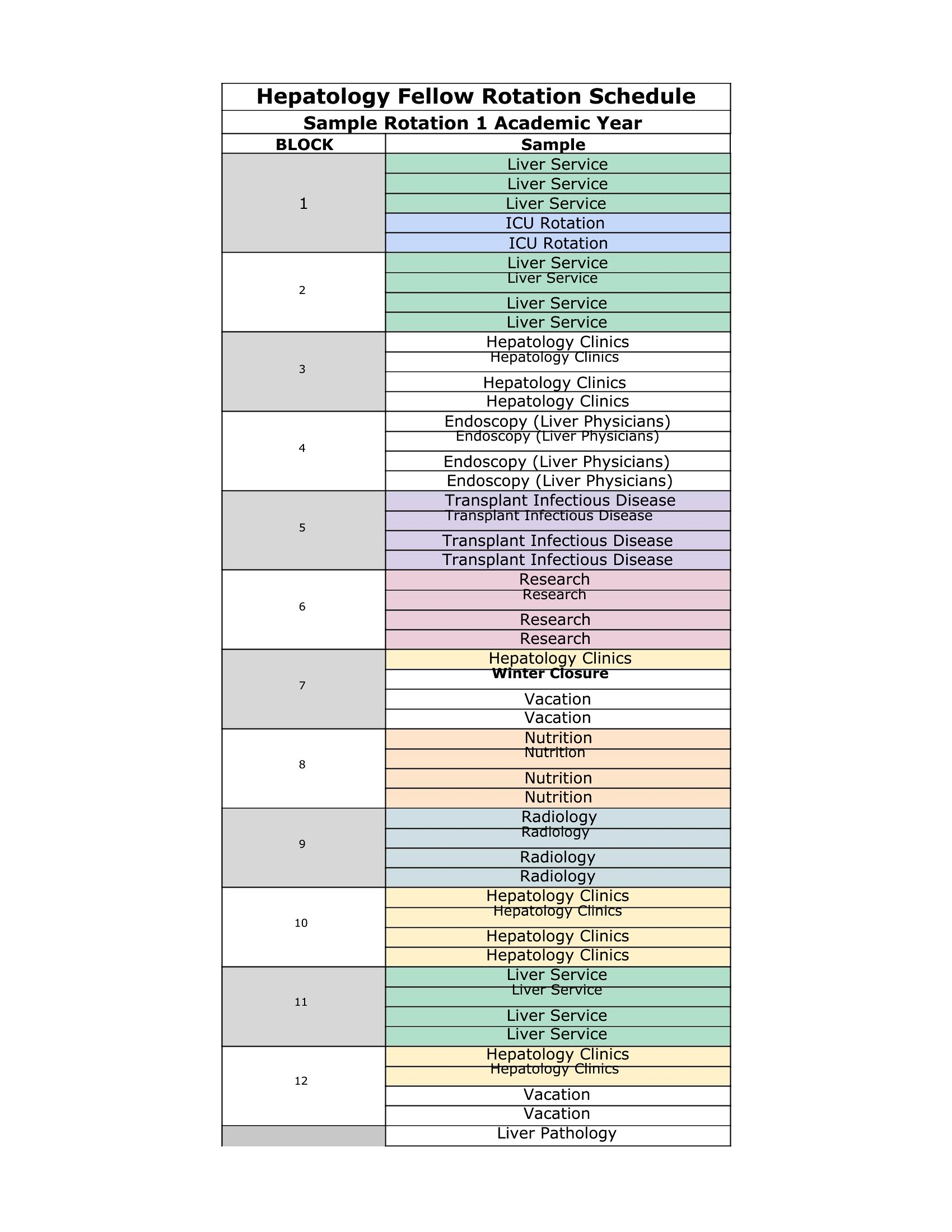
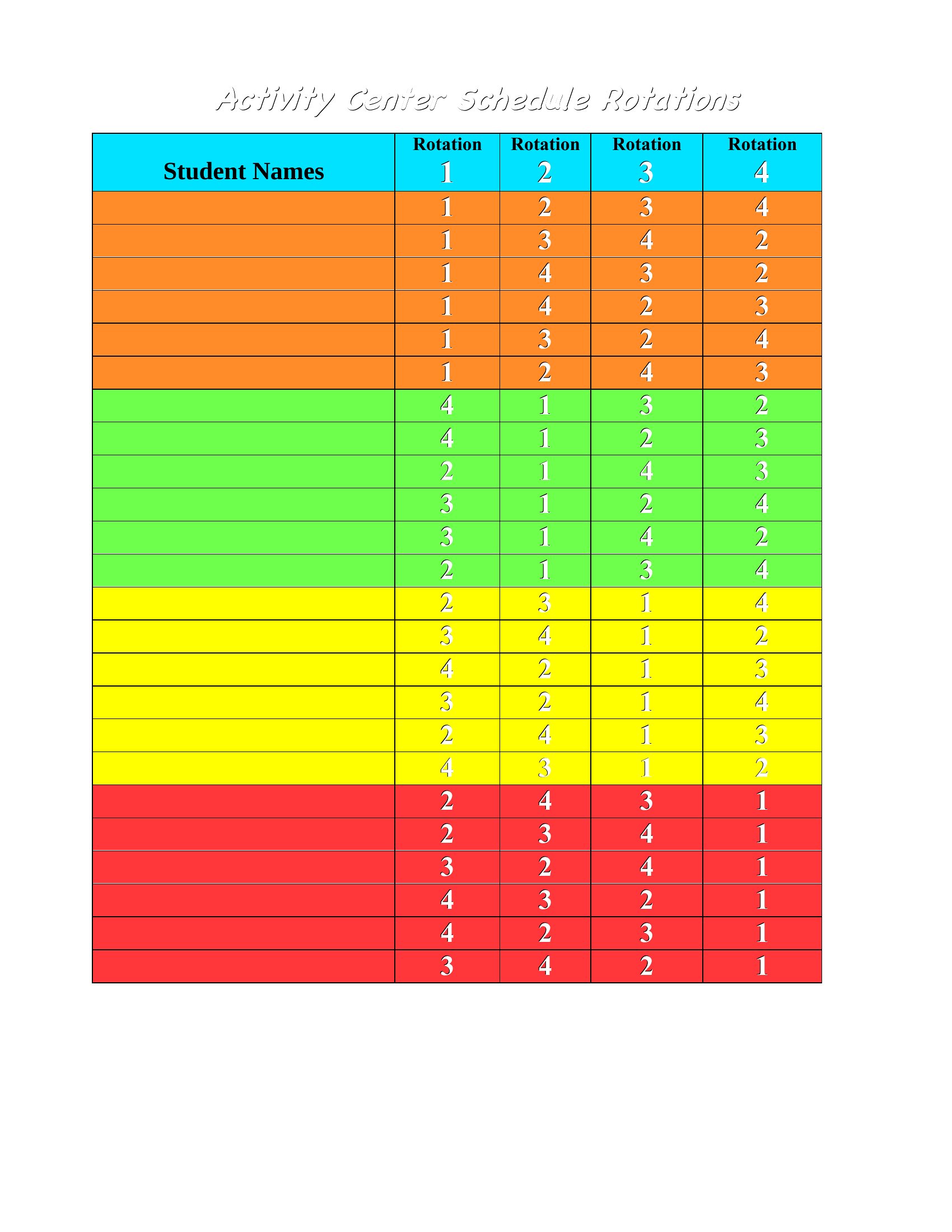
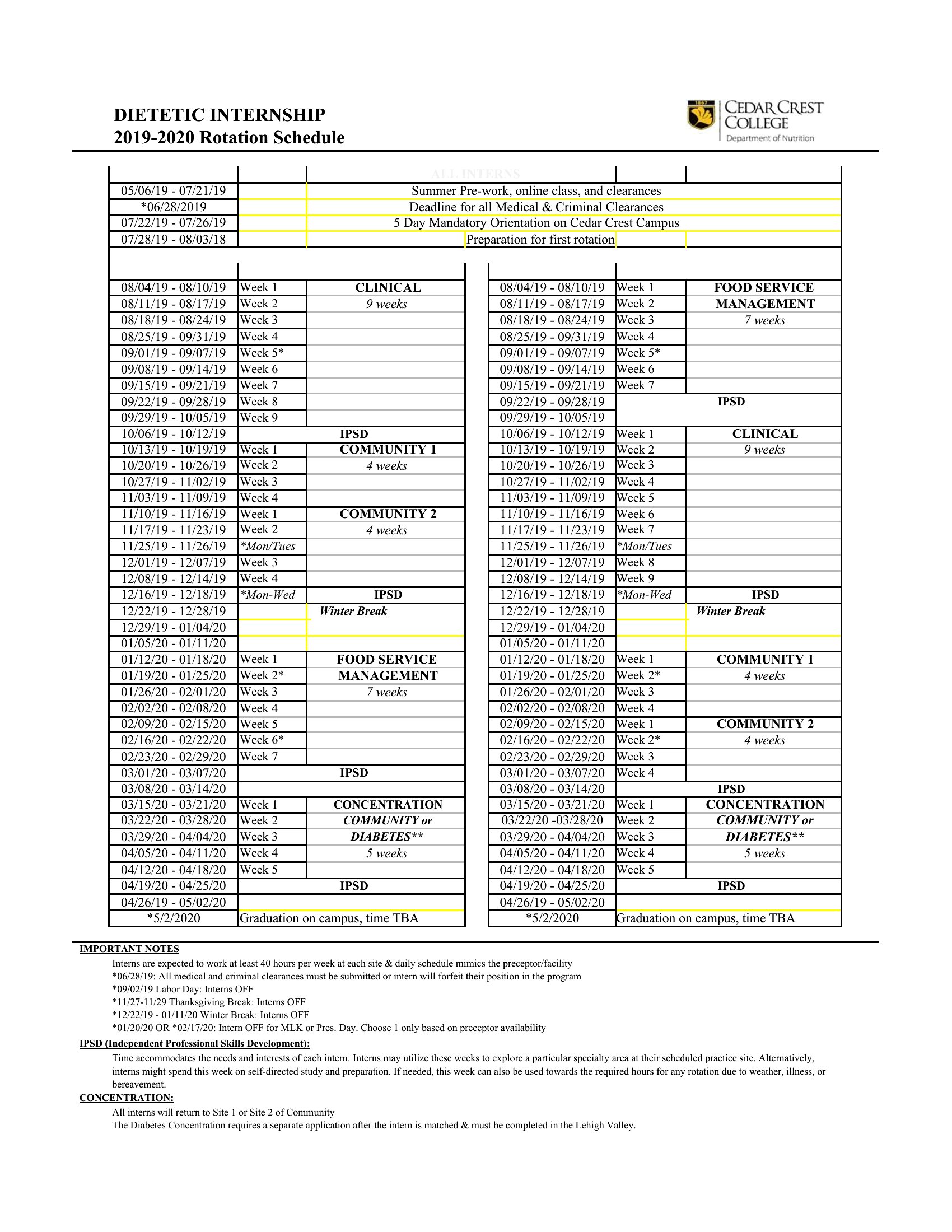
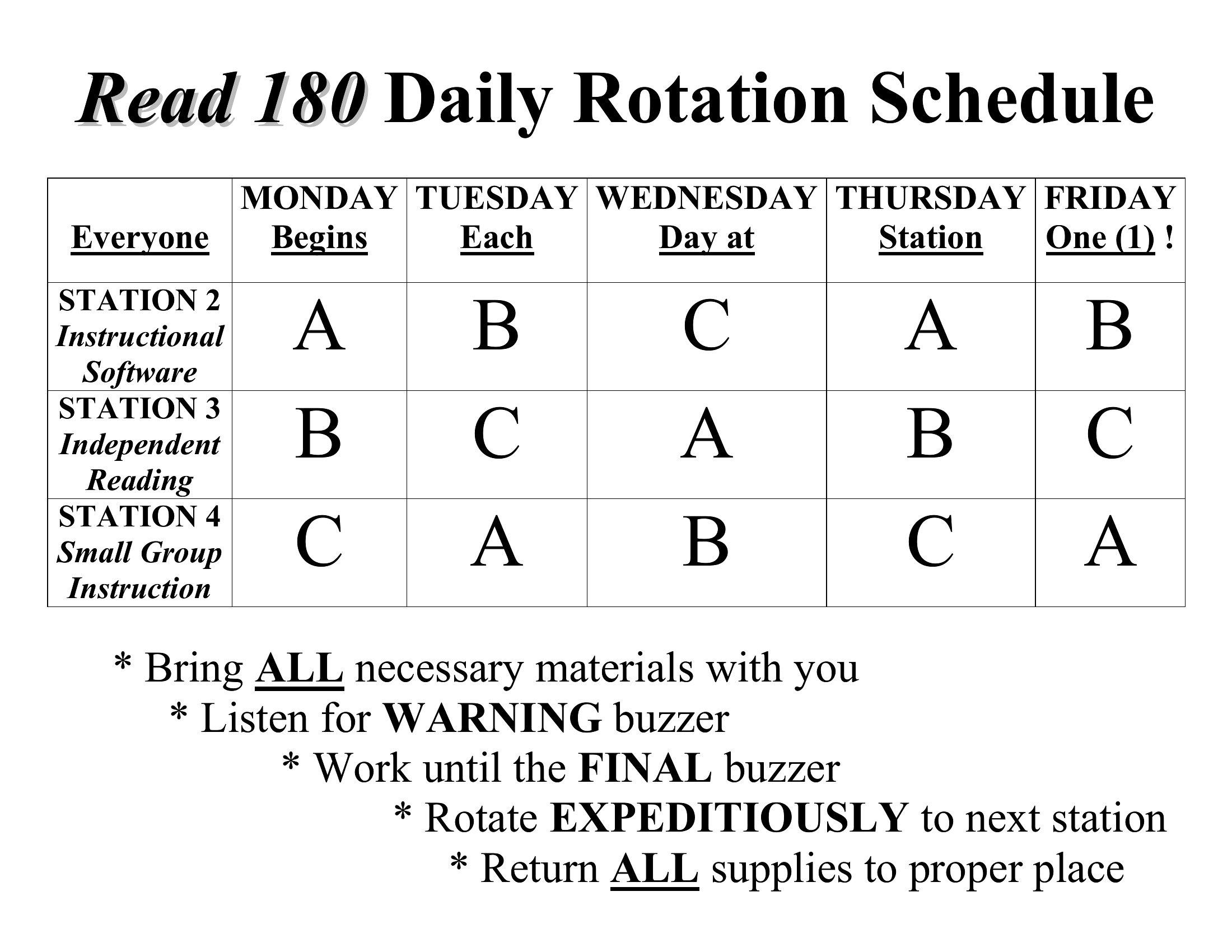
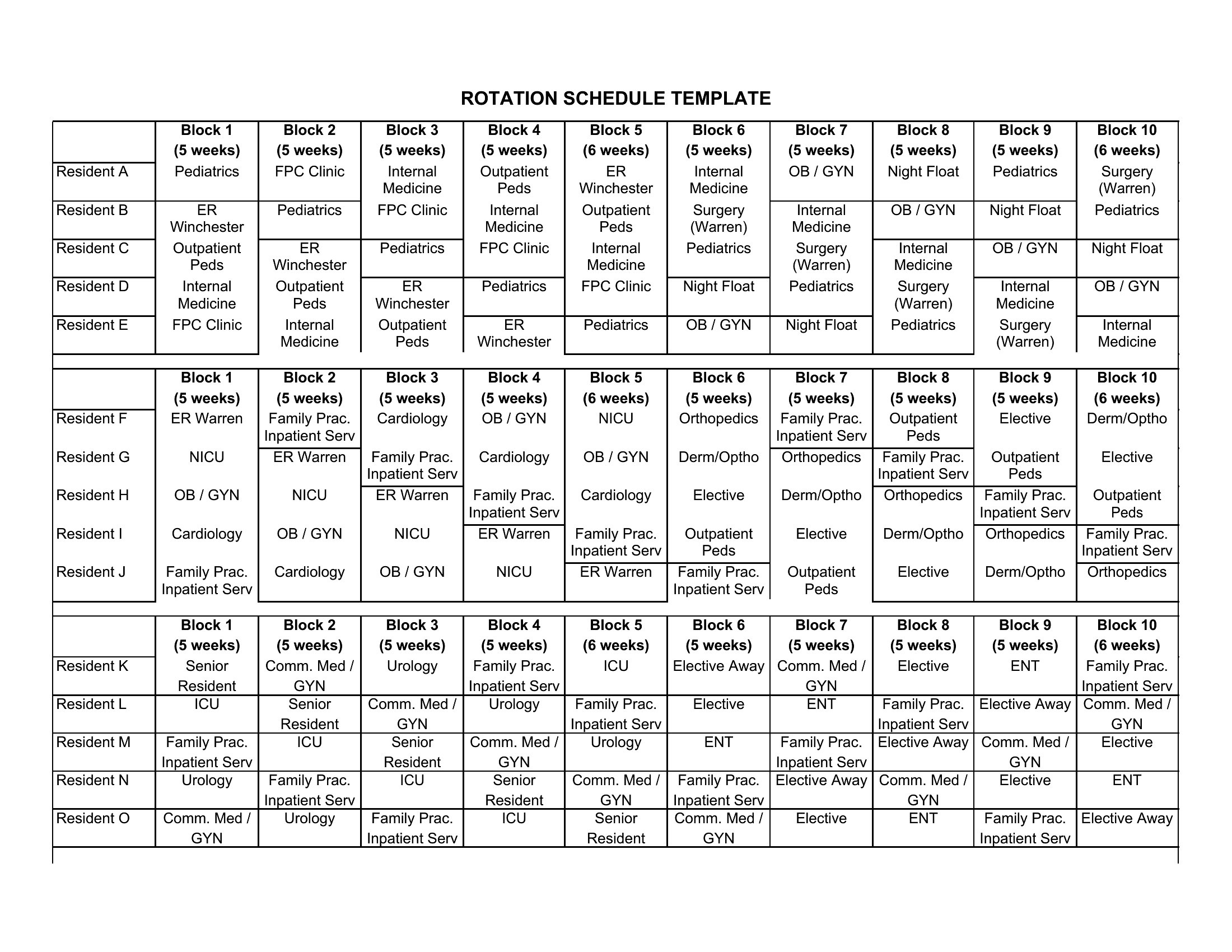
Open the template in Word or Excel, highlight the affected shifts, and manually reassign coverage. Pro tip: Save a backup version before editing. For Excel, use conditional formatting to flag unfilled shifts if gaps arise. Healthcare and retail teams often color-code roles to spot coverage holes faster.
Can I include shift differentials (e.g., night shift pay) in these templates?
Yes. The Excel templates let you add a second column to mark night/weekend shifts, while Word versions include space for handwritten notes. For payroll integration, export the Excel file to accounting software. Remember, these templates organize data—not calculate wages—so verify with your payroll system first.
What’s the best way to communicate schedule changes to a remote team?
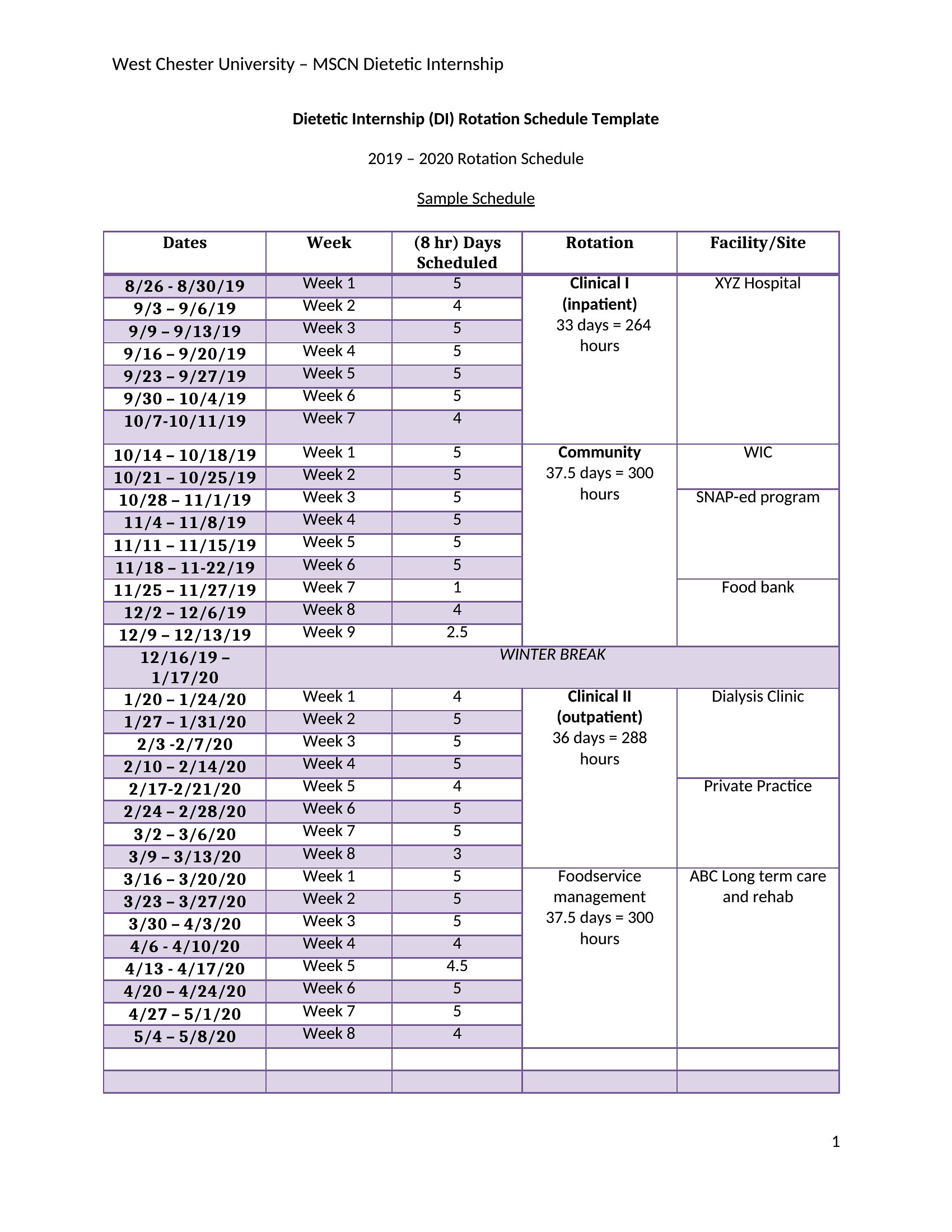
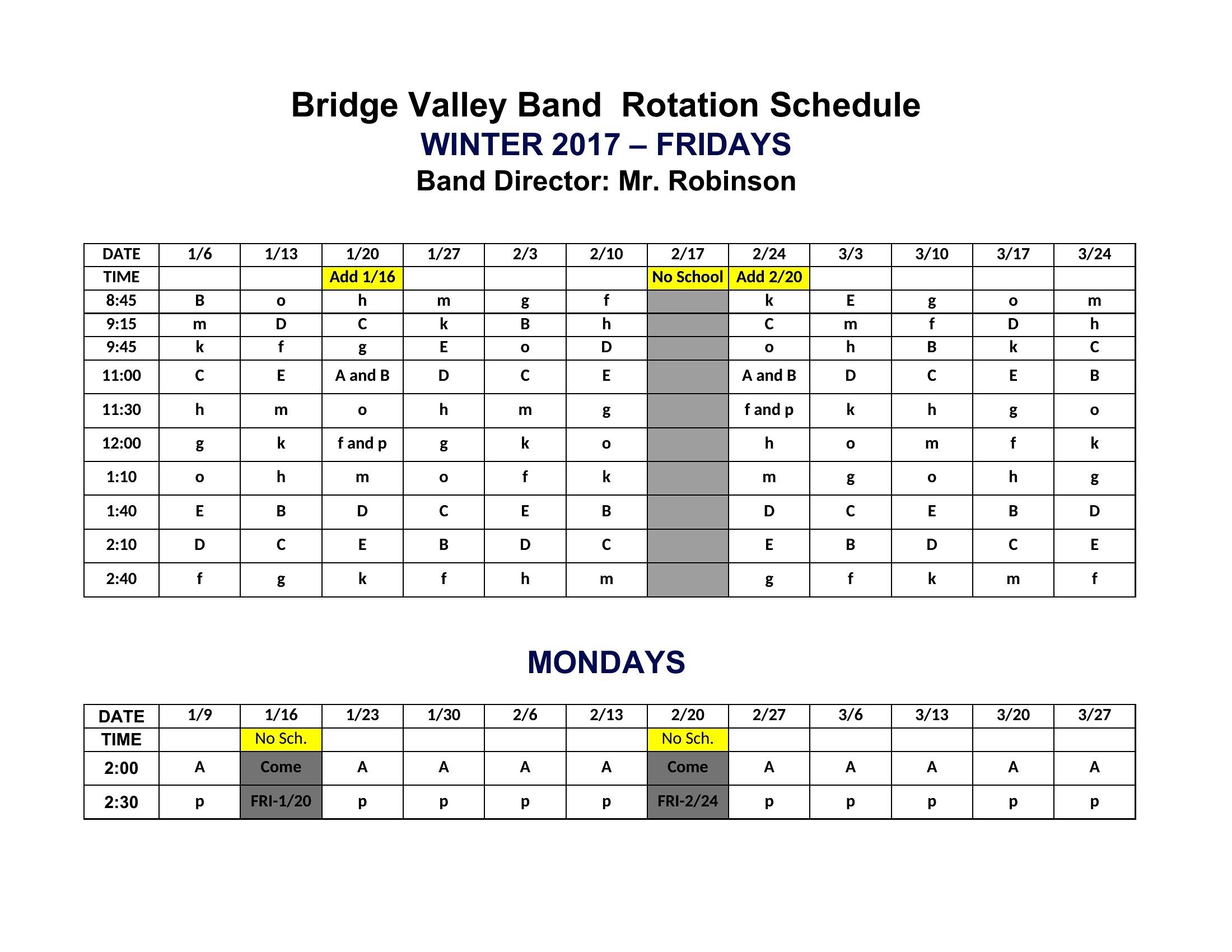
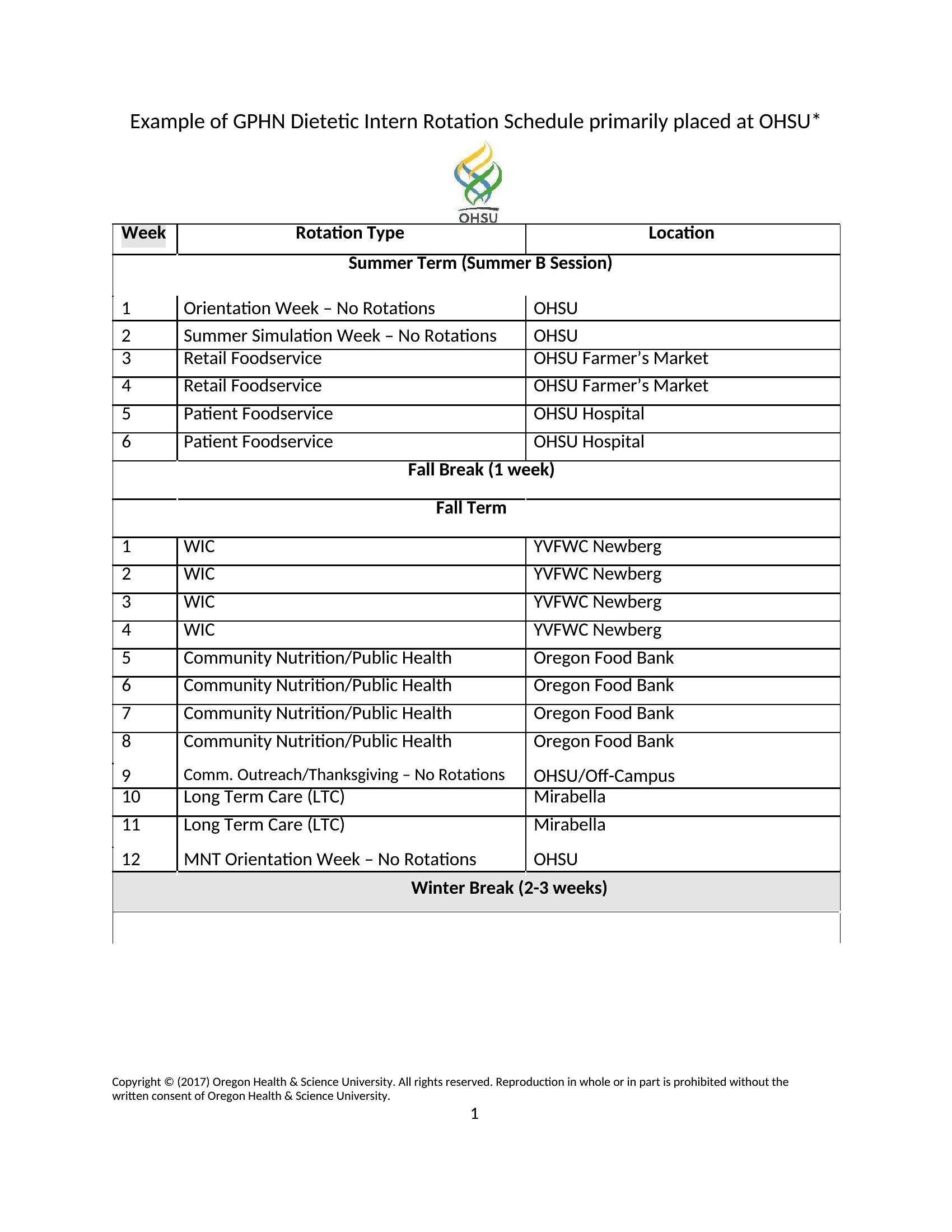
Export the Word template as a PDF for clear visuals, or share the Excel file via a platform like Google Sheets for real-time edits. Add a comments section in Word or a notes tab in Excel to explain changes. Retail teams often snap a photo of the printed Word schedule, while healthcare units may email the PDF with shift-specific instructions.
Comments
Join the conversation
Sign in to share your thoughts and leave a comment on this resource.