FAQ
What’s the difference between the 12-hour and 8-hour schedule templates in this set?
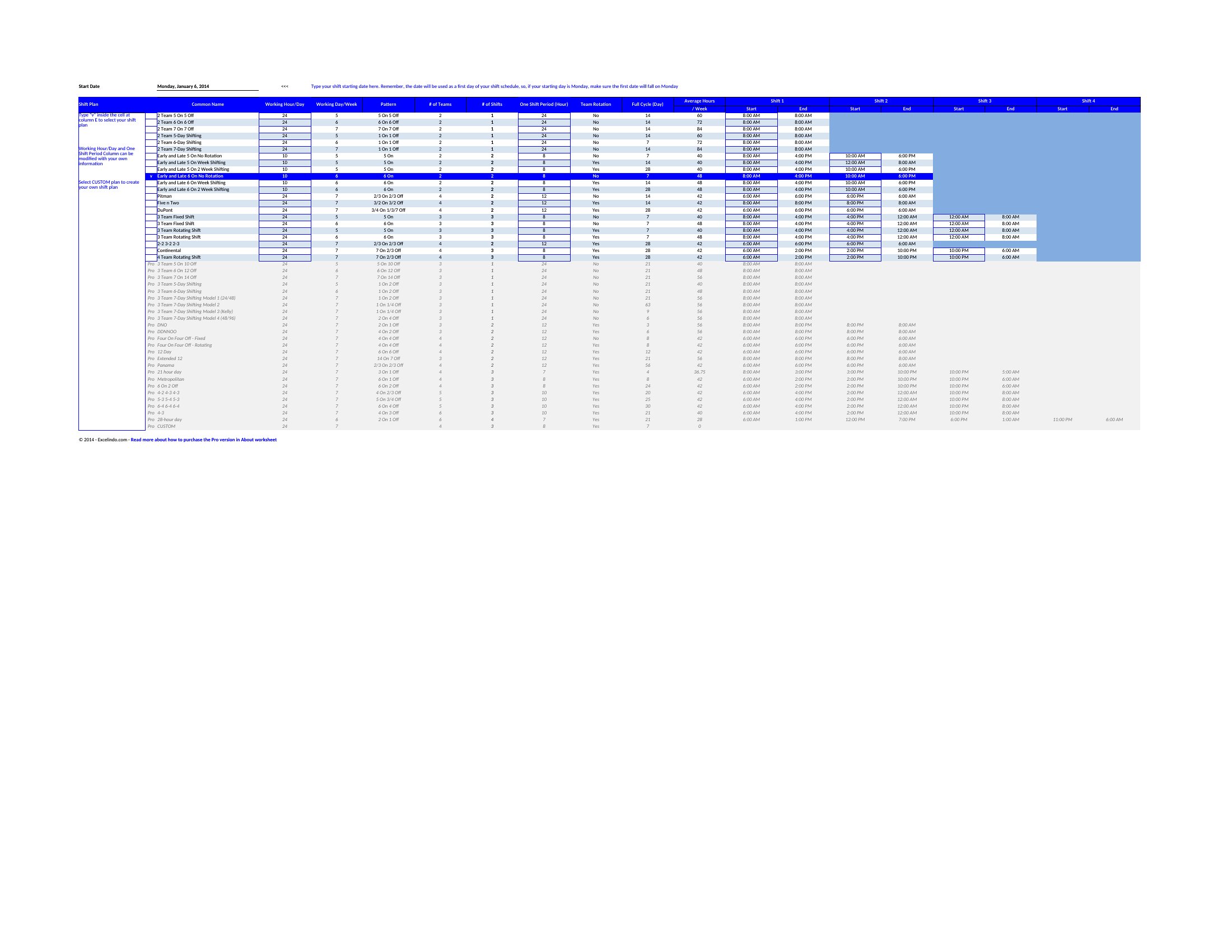
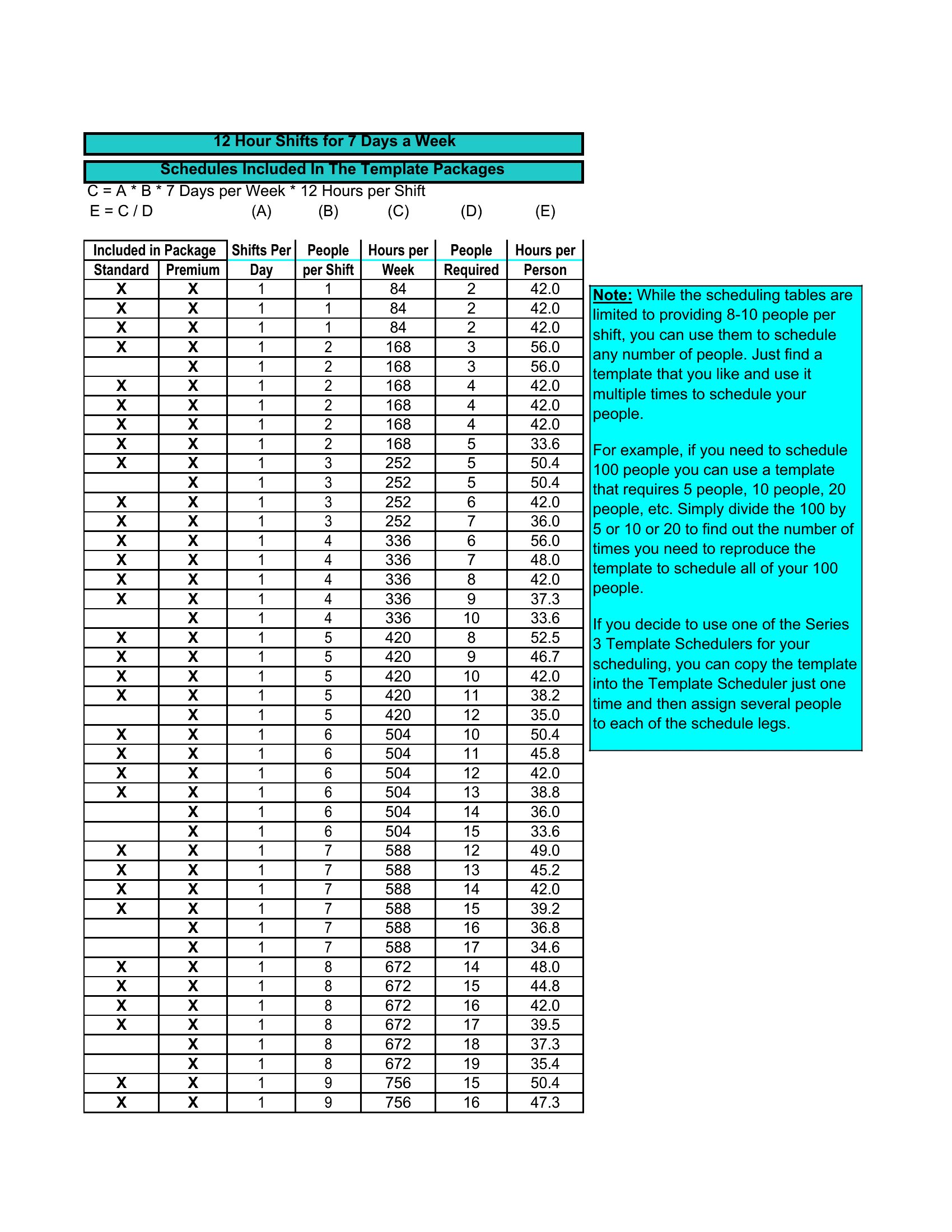
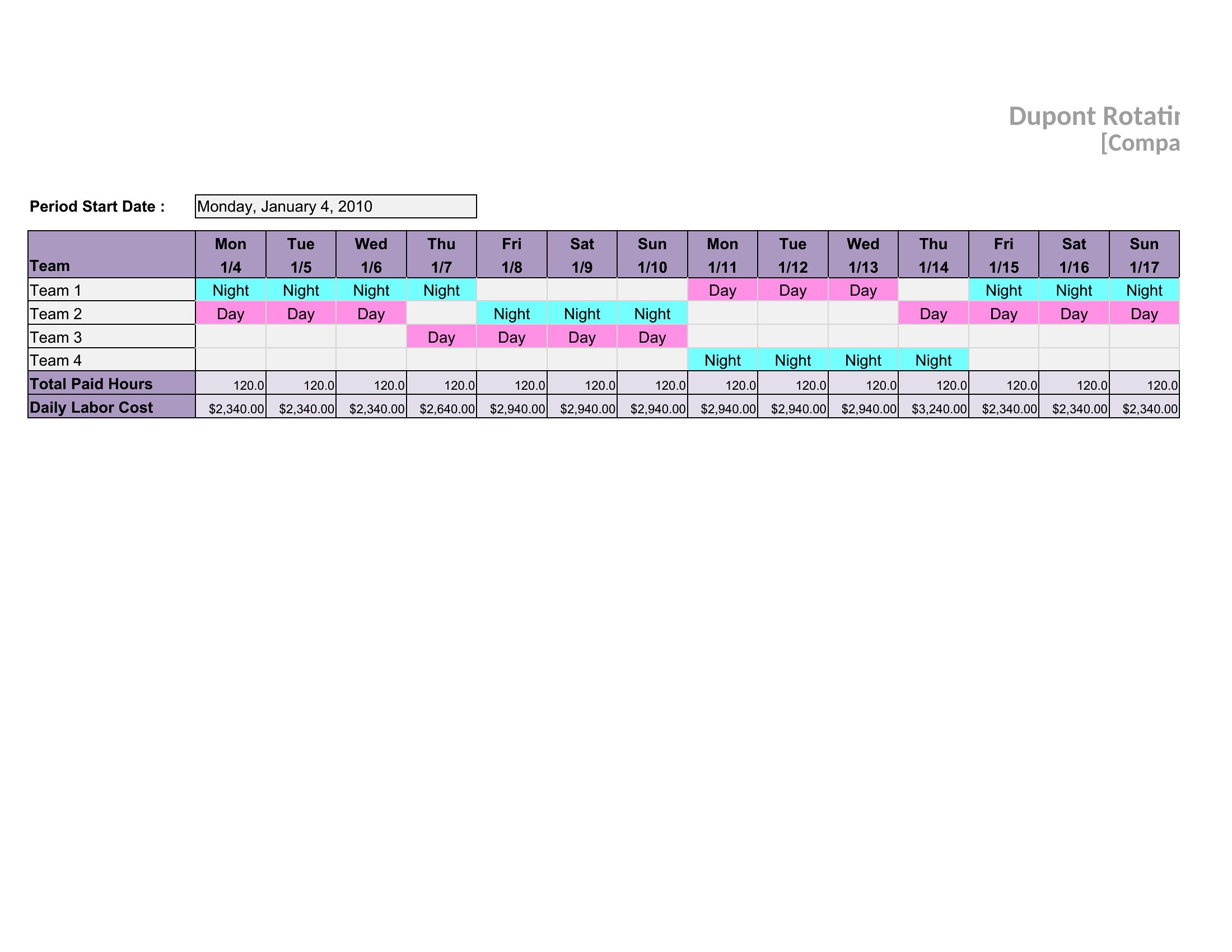
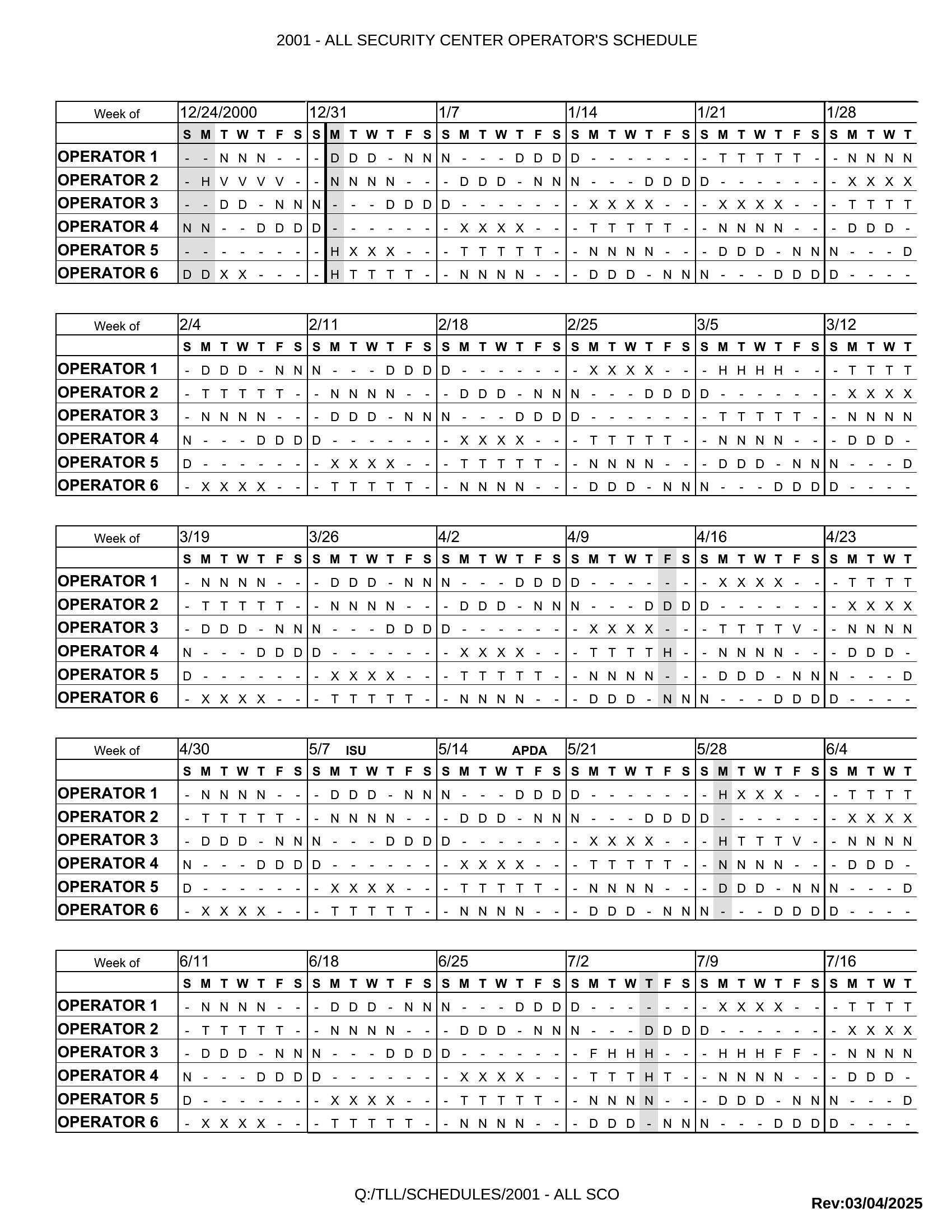
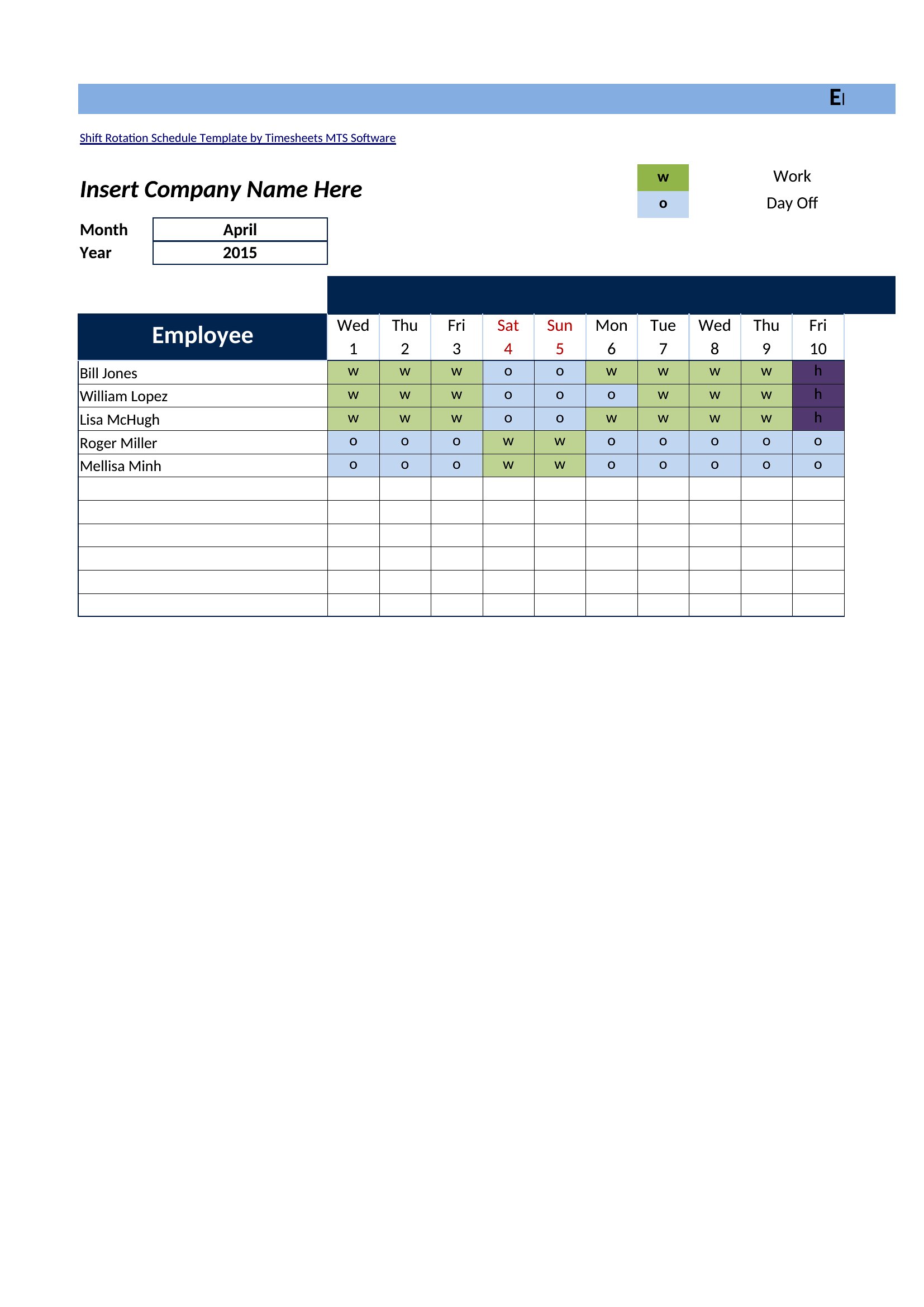
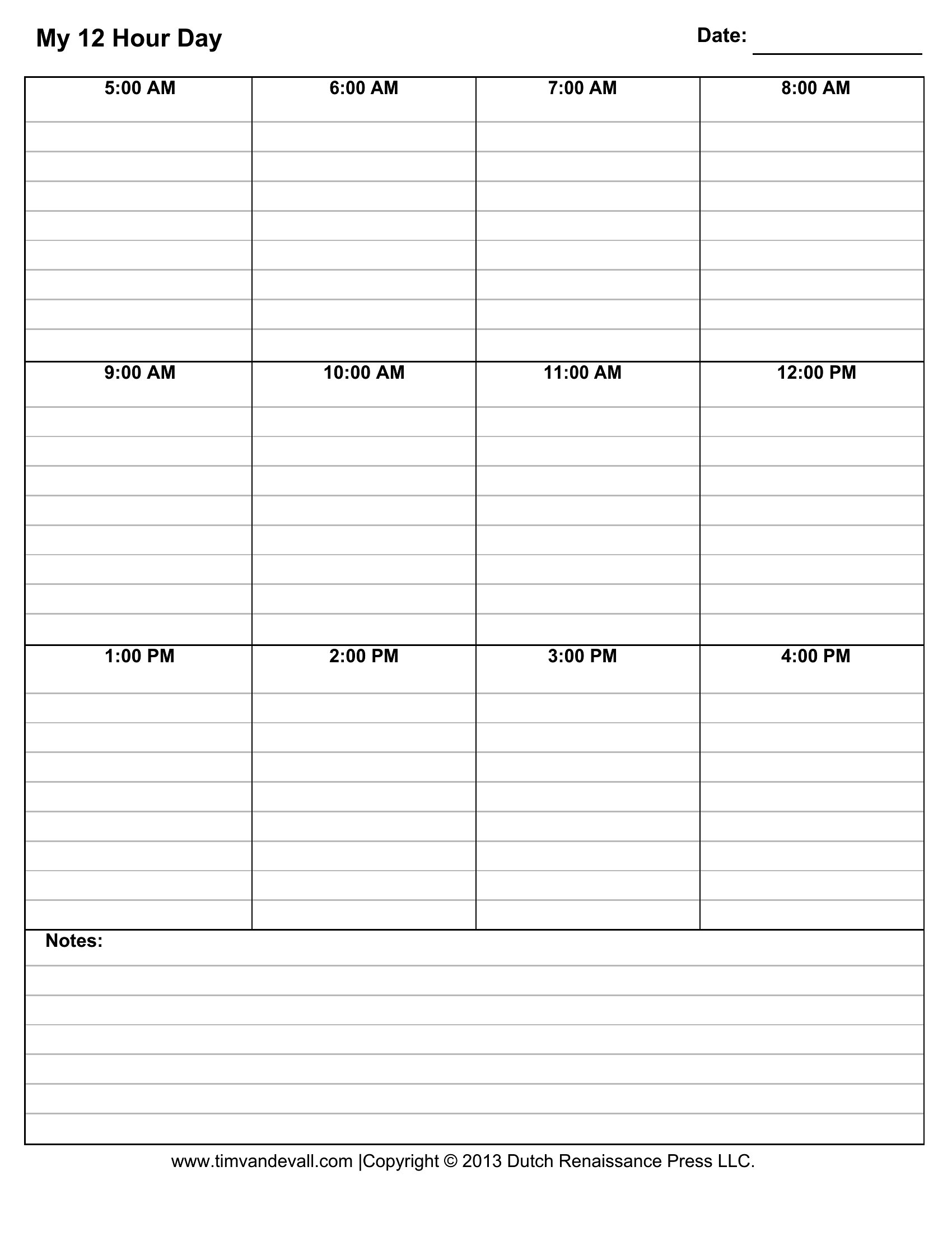
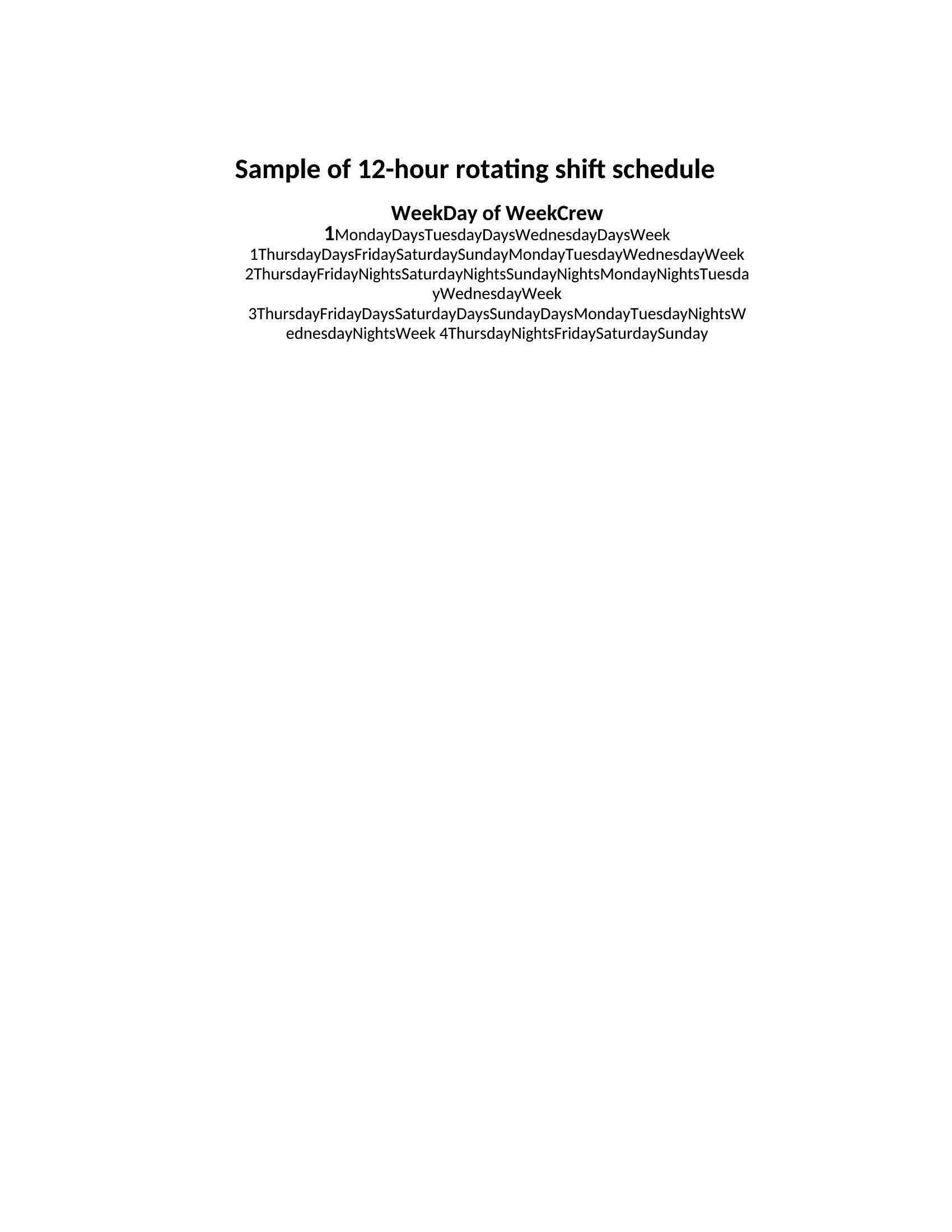
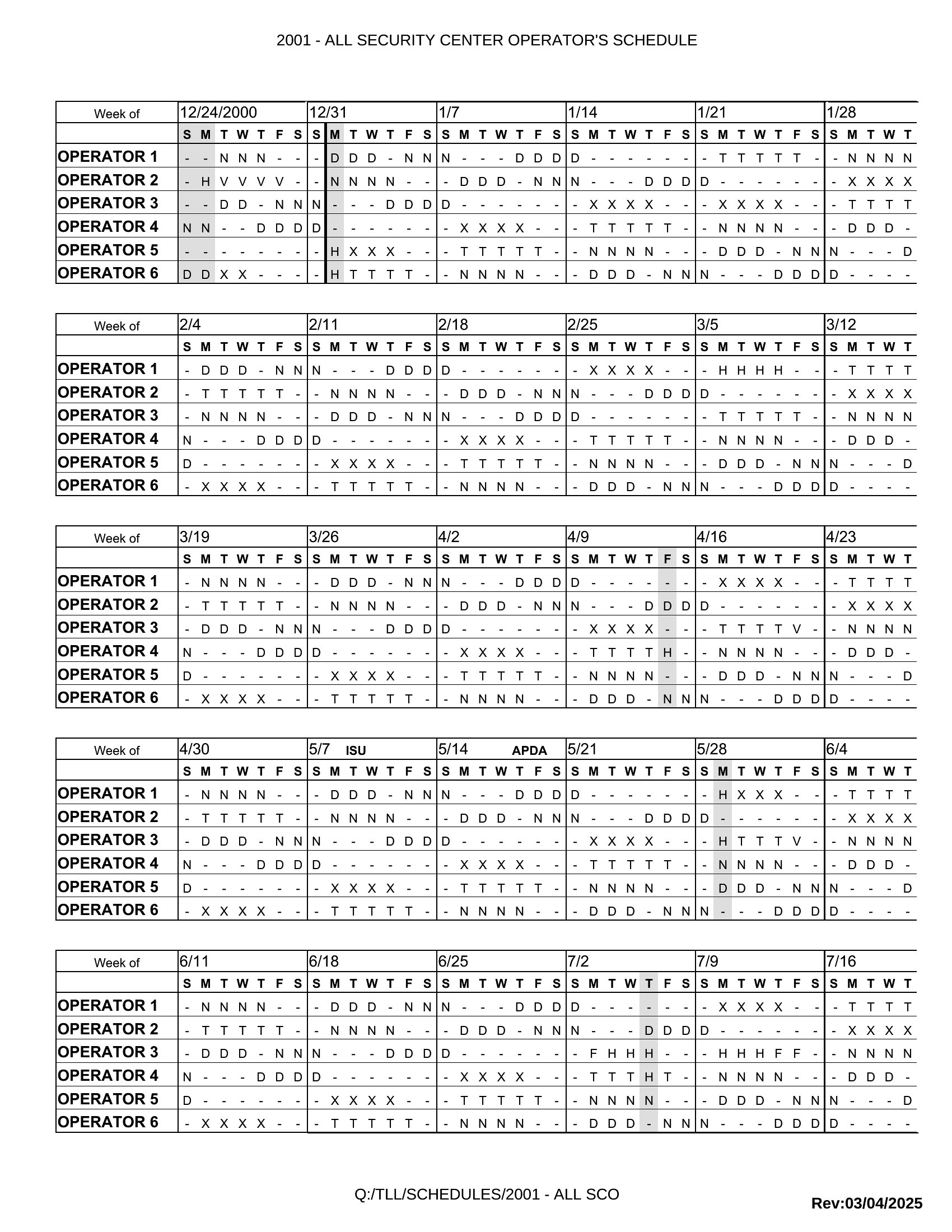
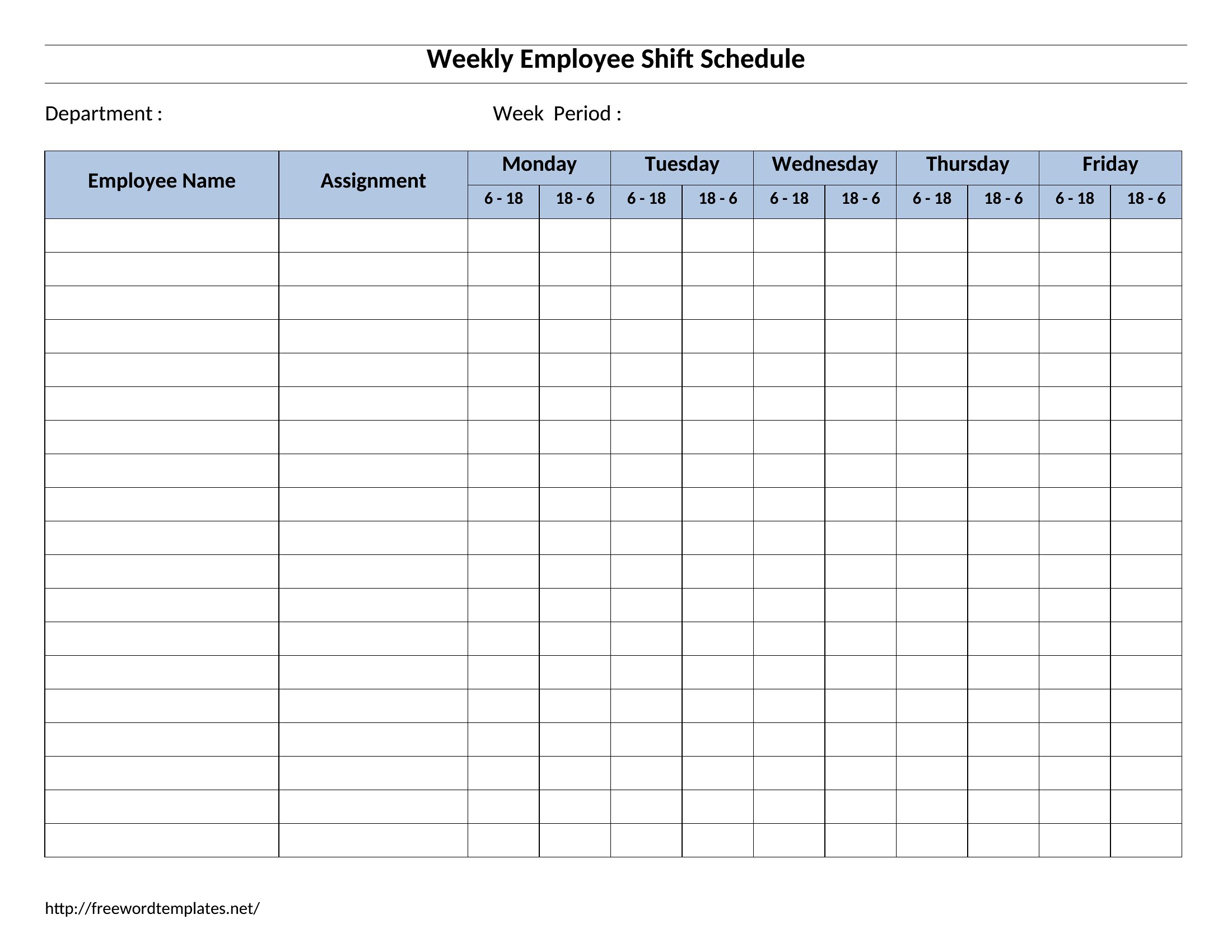
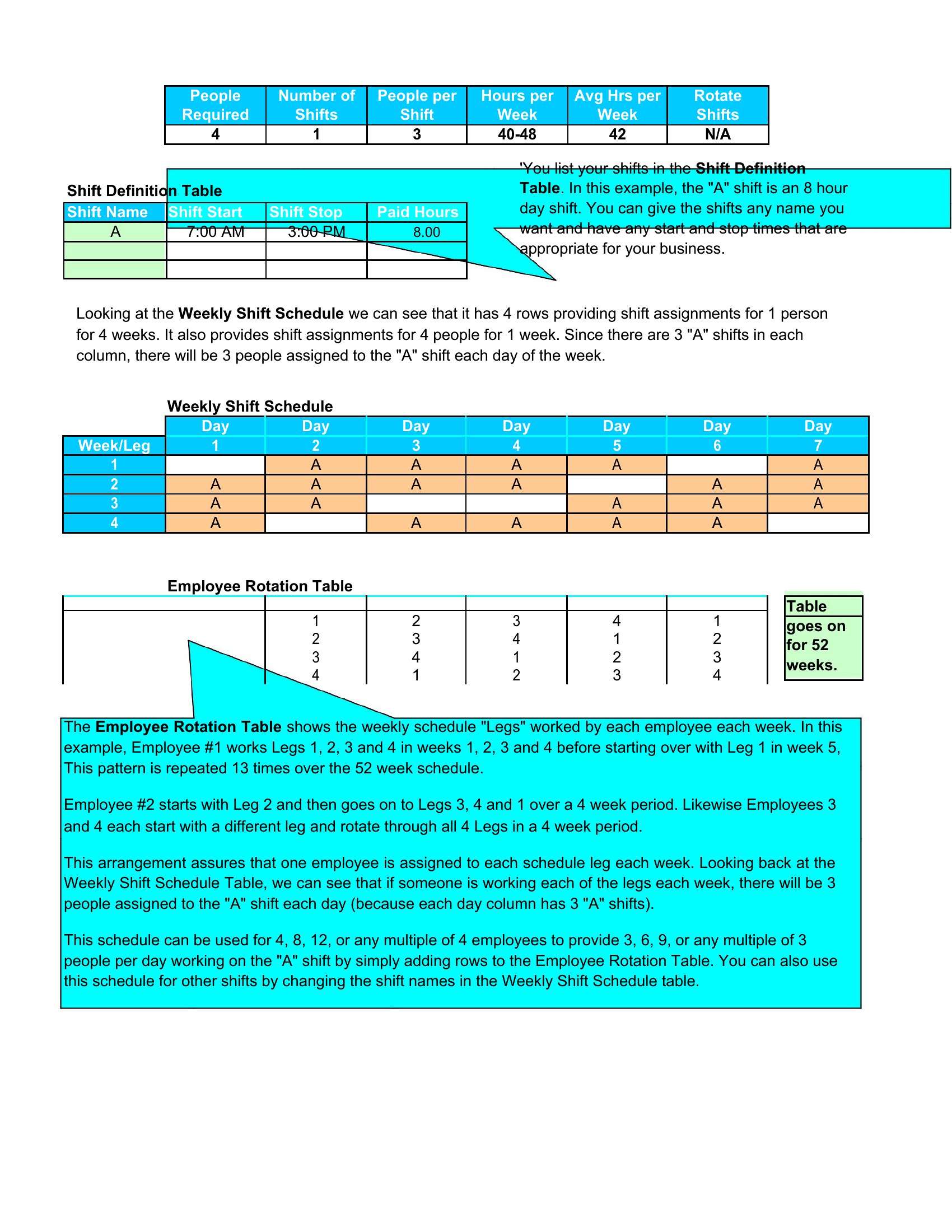
The 12-hour templates follow a rotating 'DuPont' pattern where crews work three consecutive 12-hour shifts, then get four days off before repeating—common in plants or security. The 8-hour versions split shifts into AM/PM rotations, ideal for roles where shorter shifts are standard, like retail or healthcare aides. Both maintain round-the-clock coverage but adjust for fatigue management needs.
Can these templates handle overlapping shifts or shared responsibilities across teams?
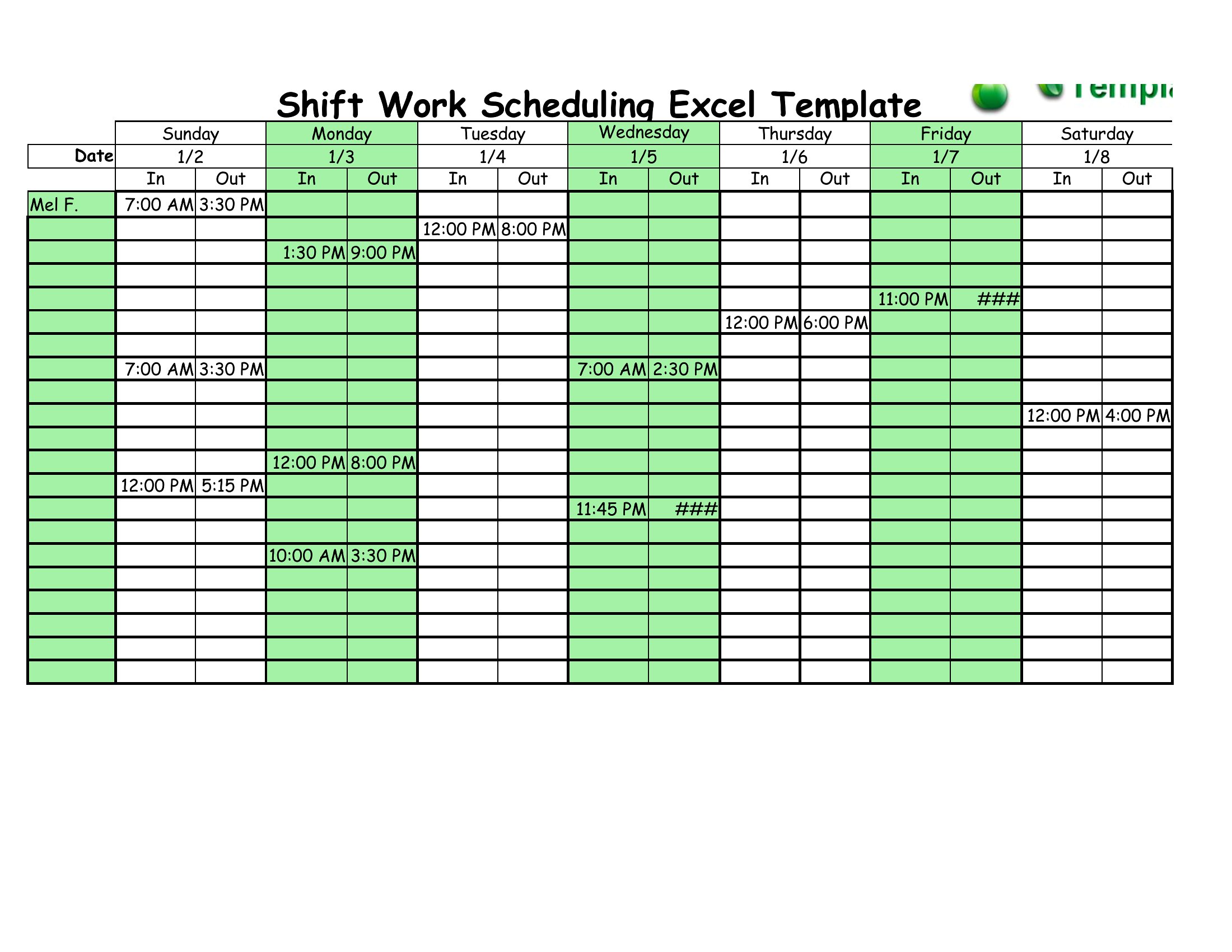
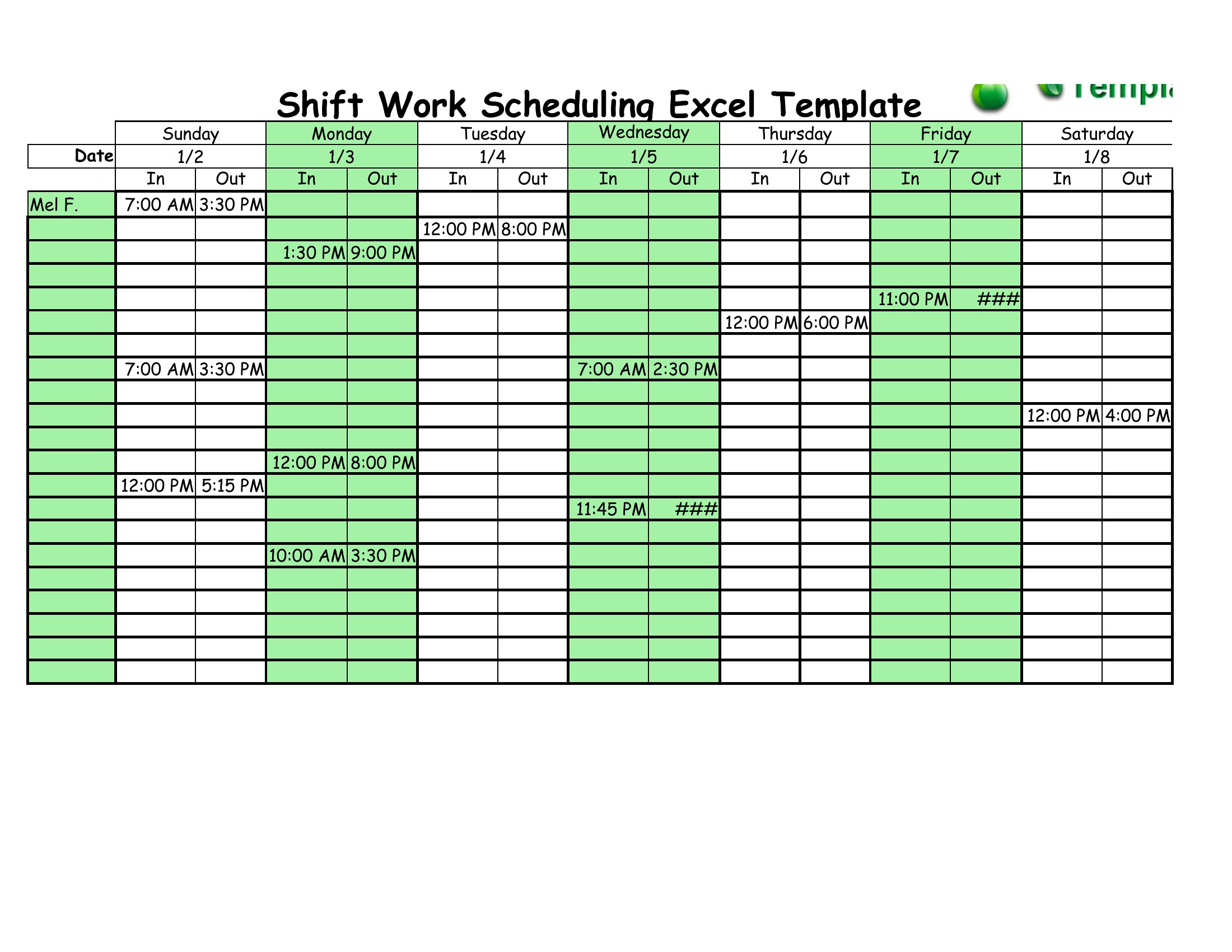
The templates are designed for single-team rotations, but you can use Excel versions to manually color-code shifts or add columns for overlapping roles. For true multi-team coordination, combine with a project management tool like Trello to track shared responsibilities. Word templates work best for visualizing separate crews with minimal overlap. Always cross-check with labor laws if shifts affect break or overtime rules.
Are these templates compliant with labor laws for shift scheduling?
These templates provide a framework for organizing shifts but are not legal documents. Always verify your schedules meet local labor laws regarding maximum consecutive hours, mandatory breaks, and required rest periods. Consult an HR professional or labor attorney to ensure compliance, especially for industries like healthcare or manufacturing where regulations are strict. Use the templates as a starting point, not a substitute for legal review.
Comments
Join the conversation
Sign in to share your thoughts and leave a comment on this resource.