Free Decision Tree Templates (Word, Excel, PDF)
DiagramsTemplates
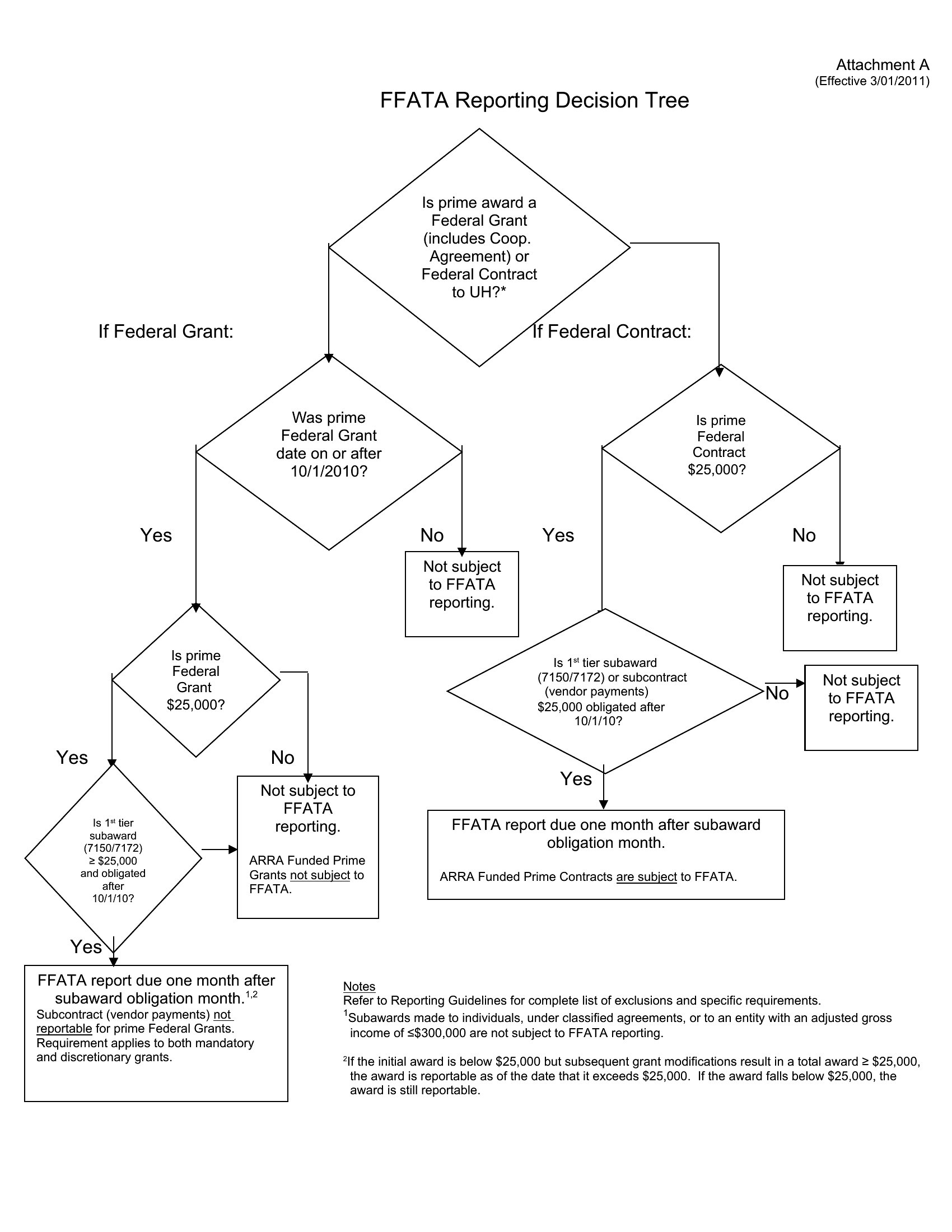
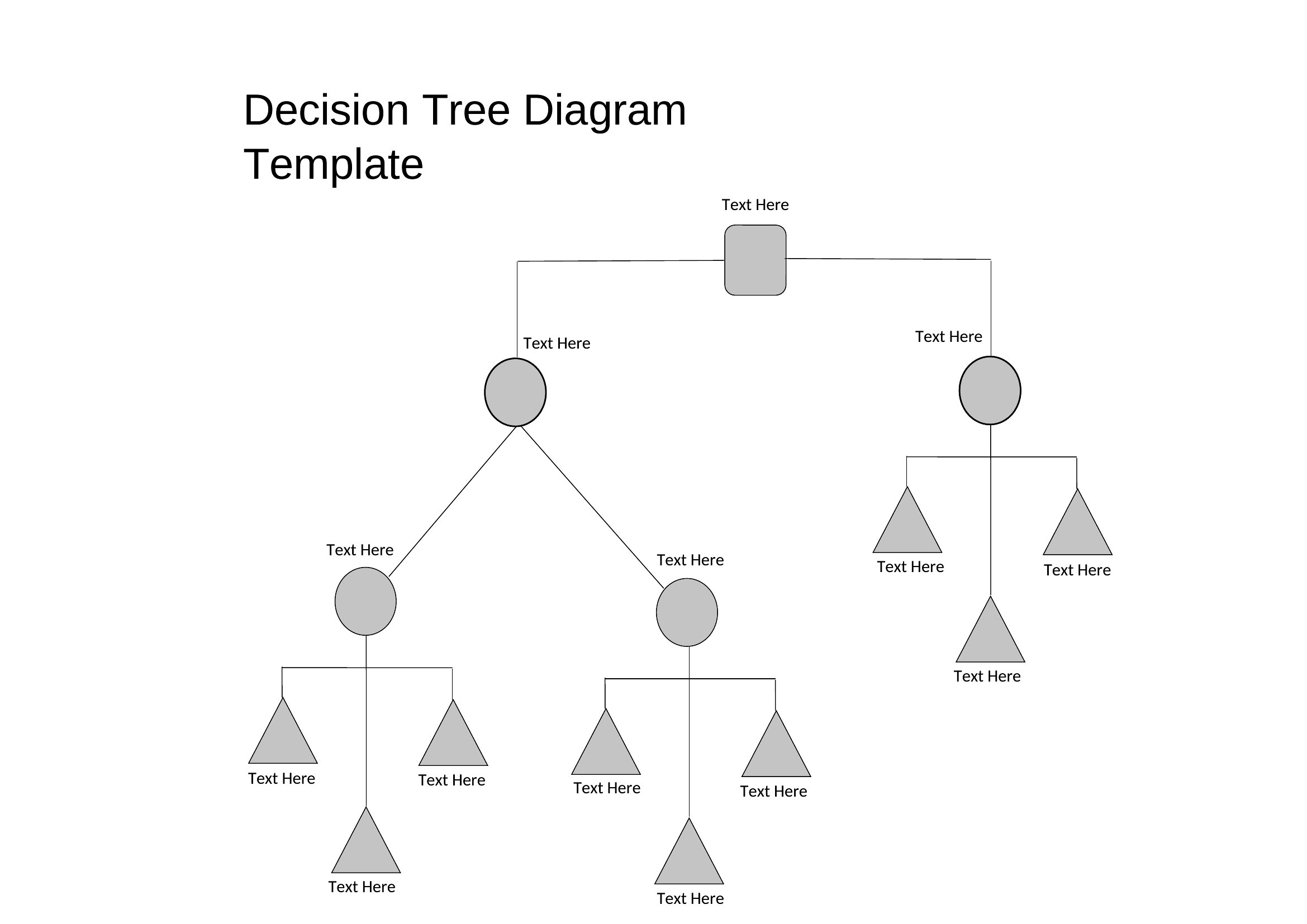
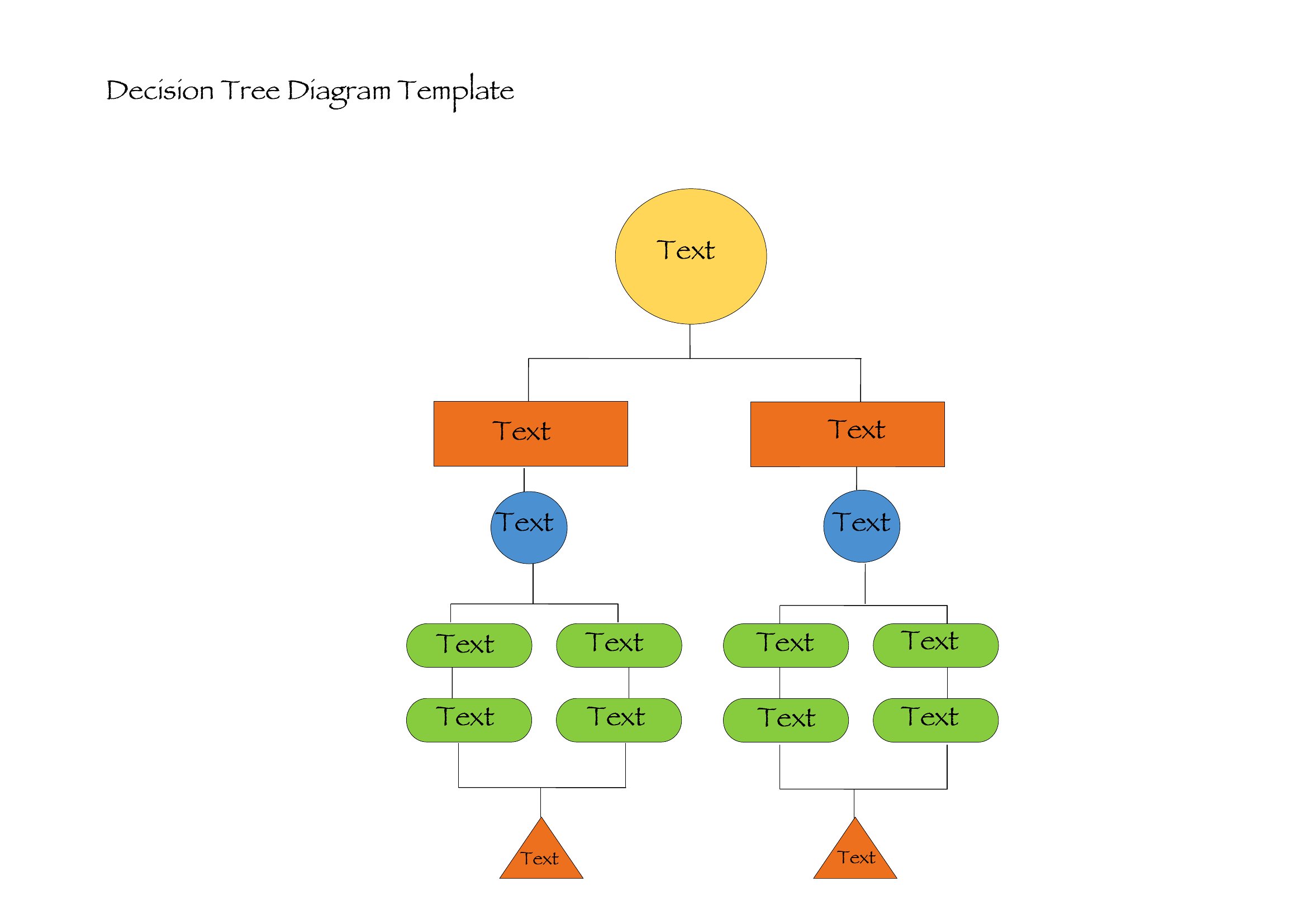
FAQ
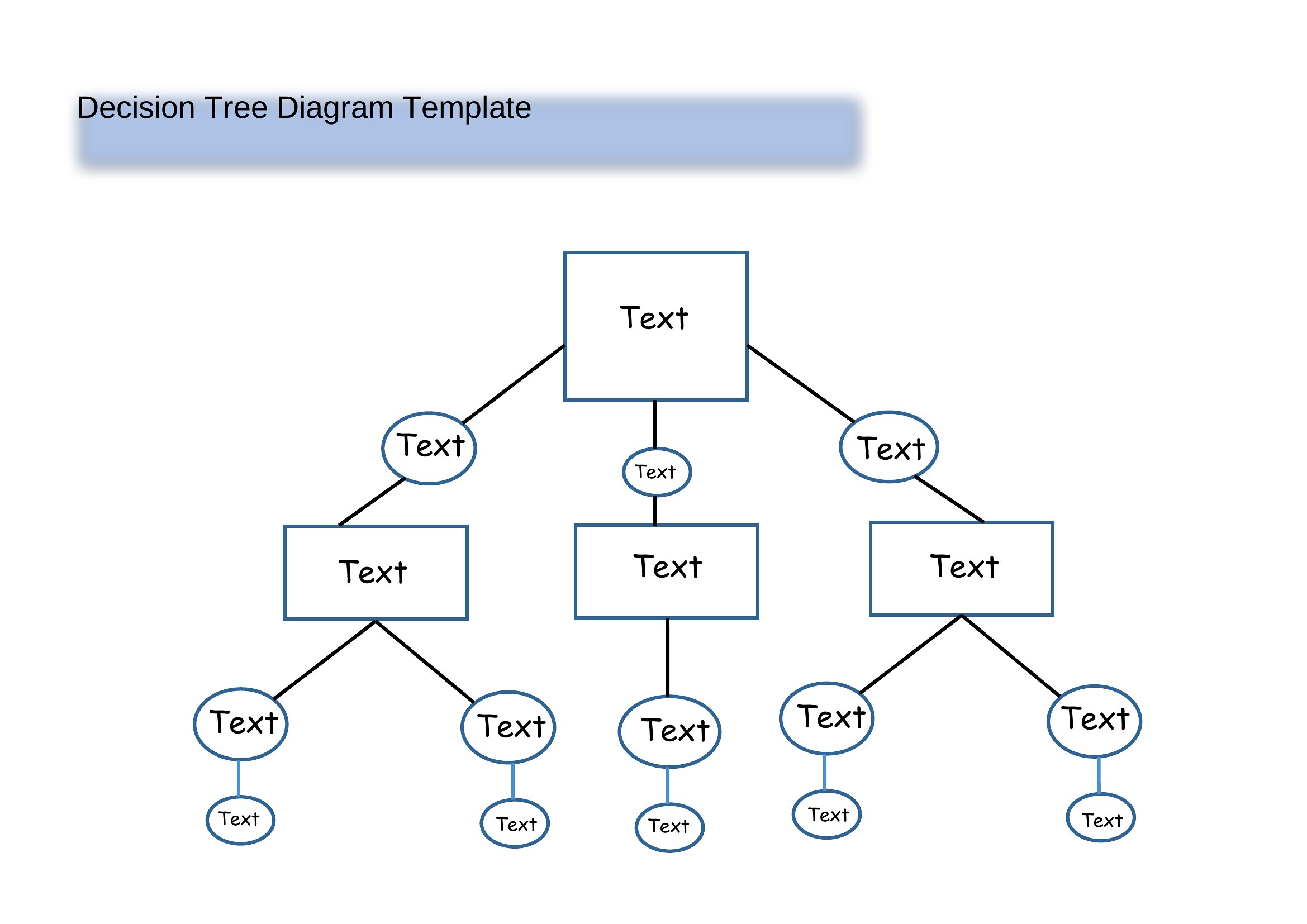
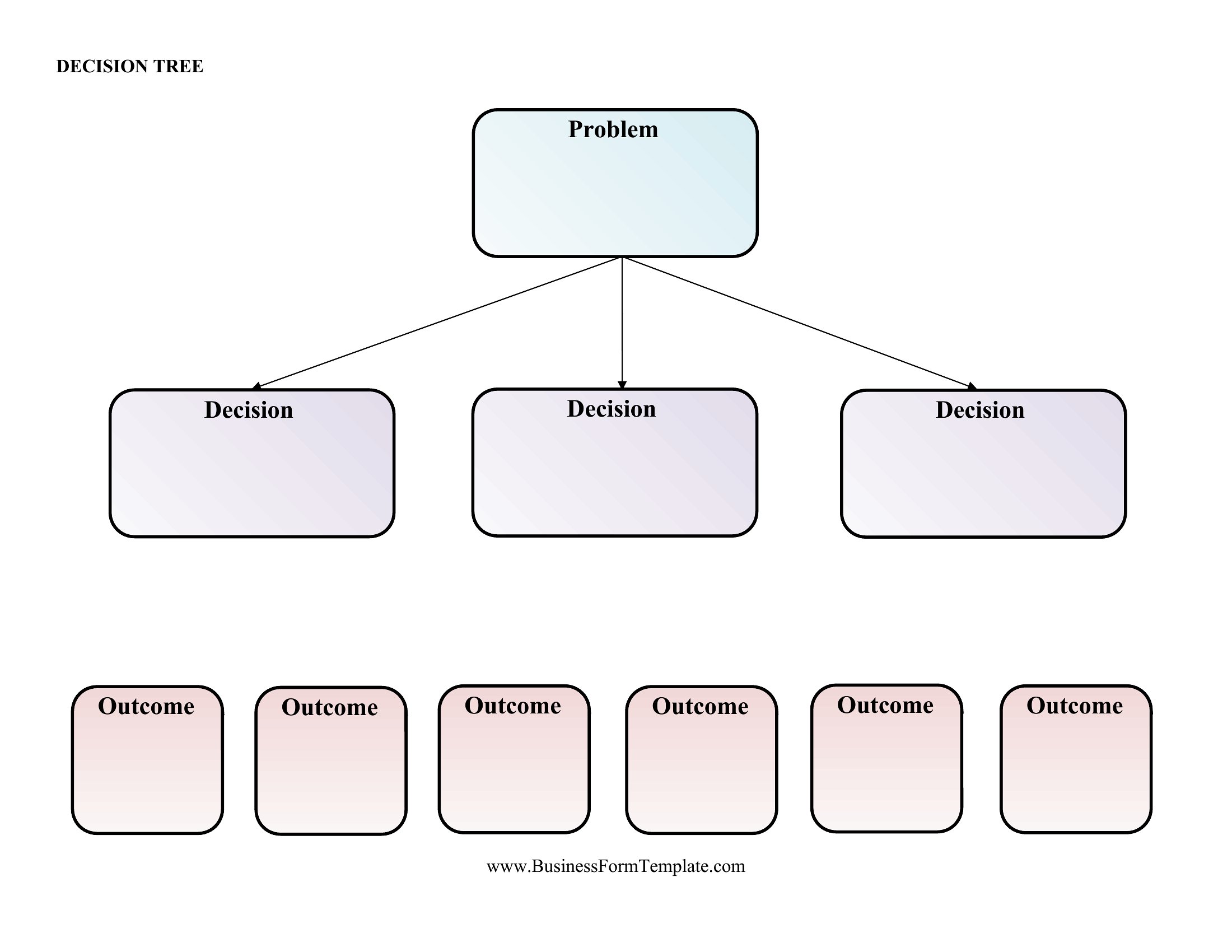
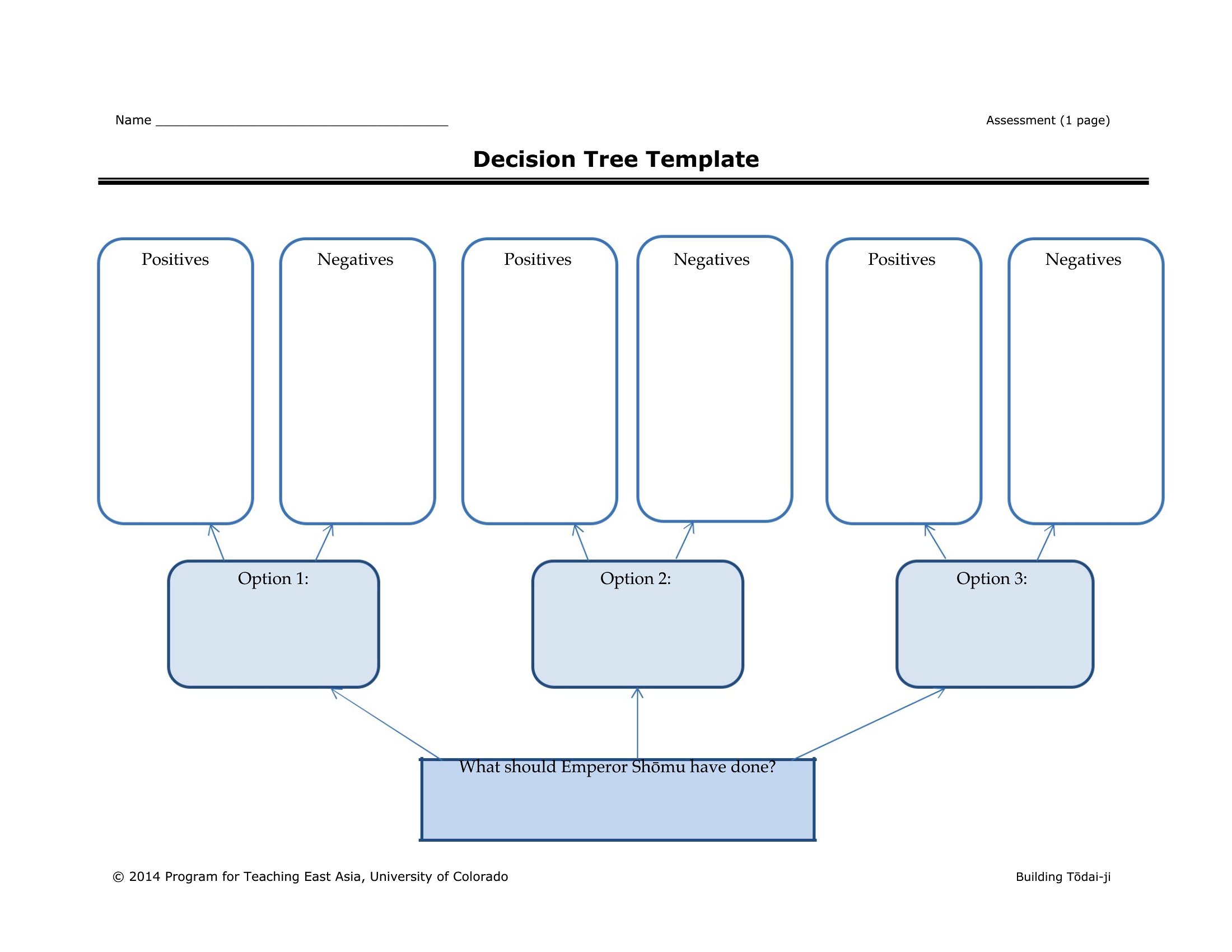
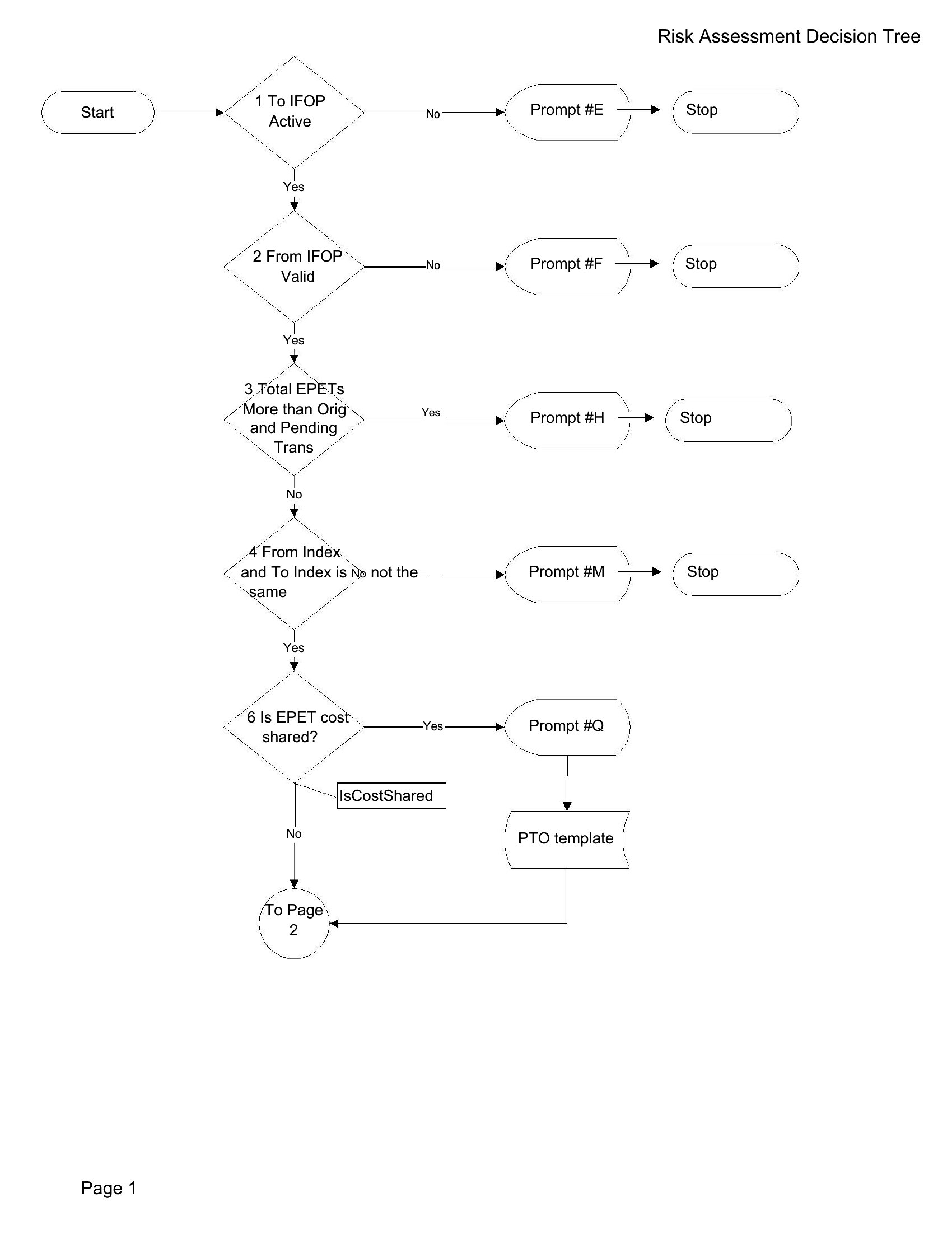
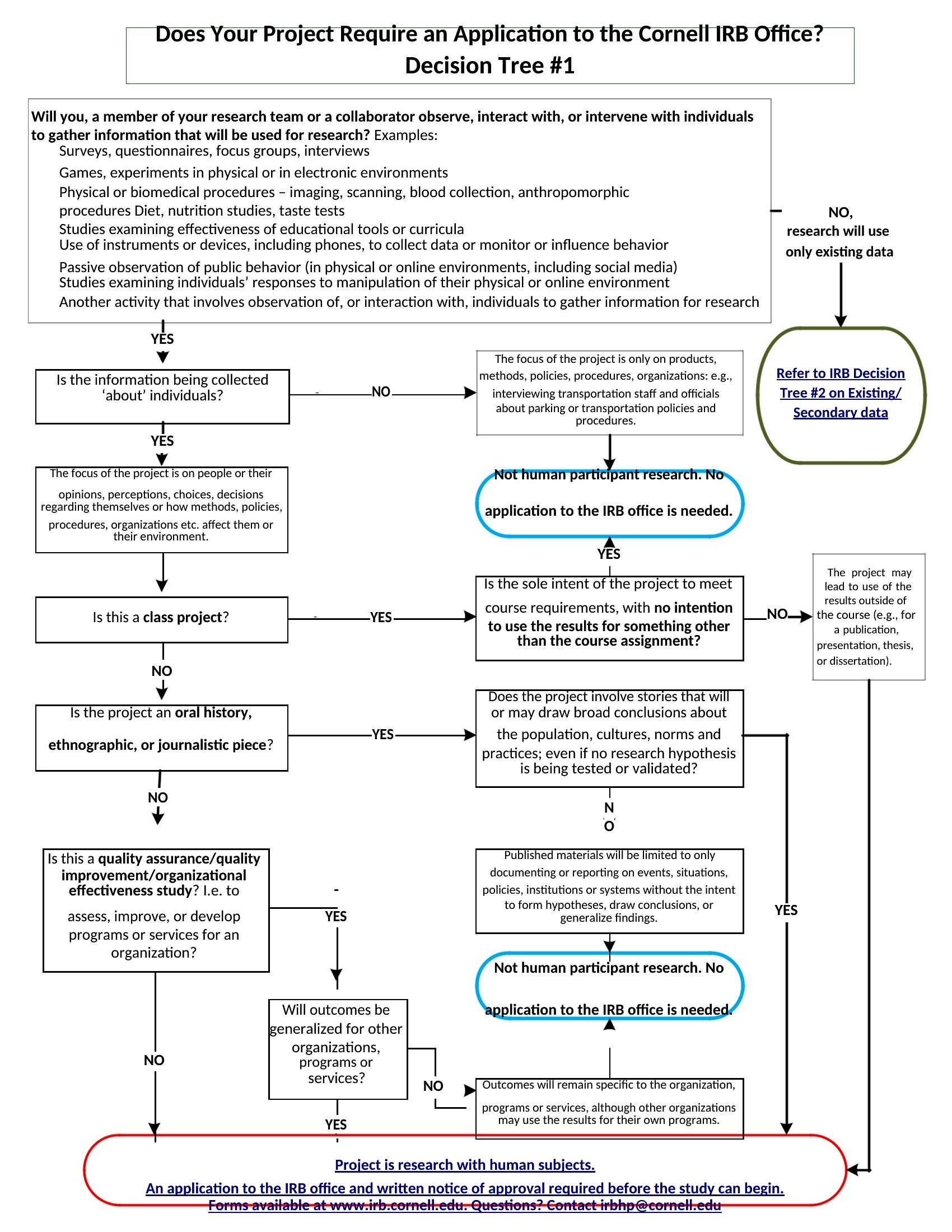
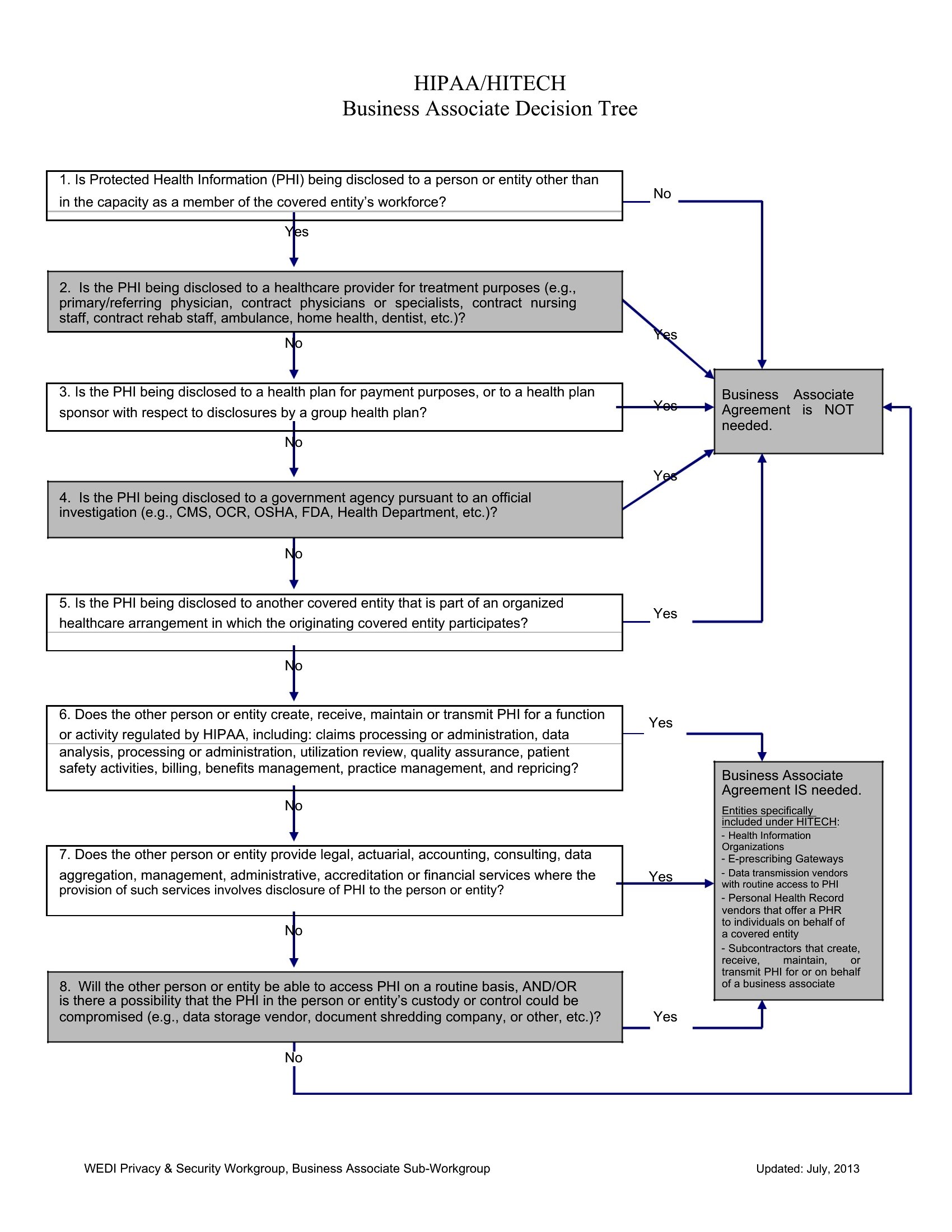
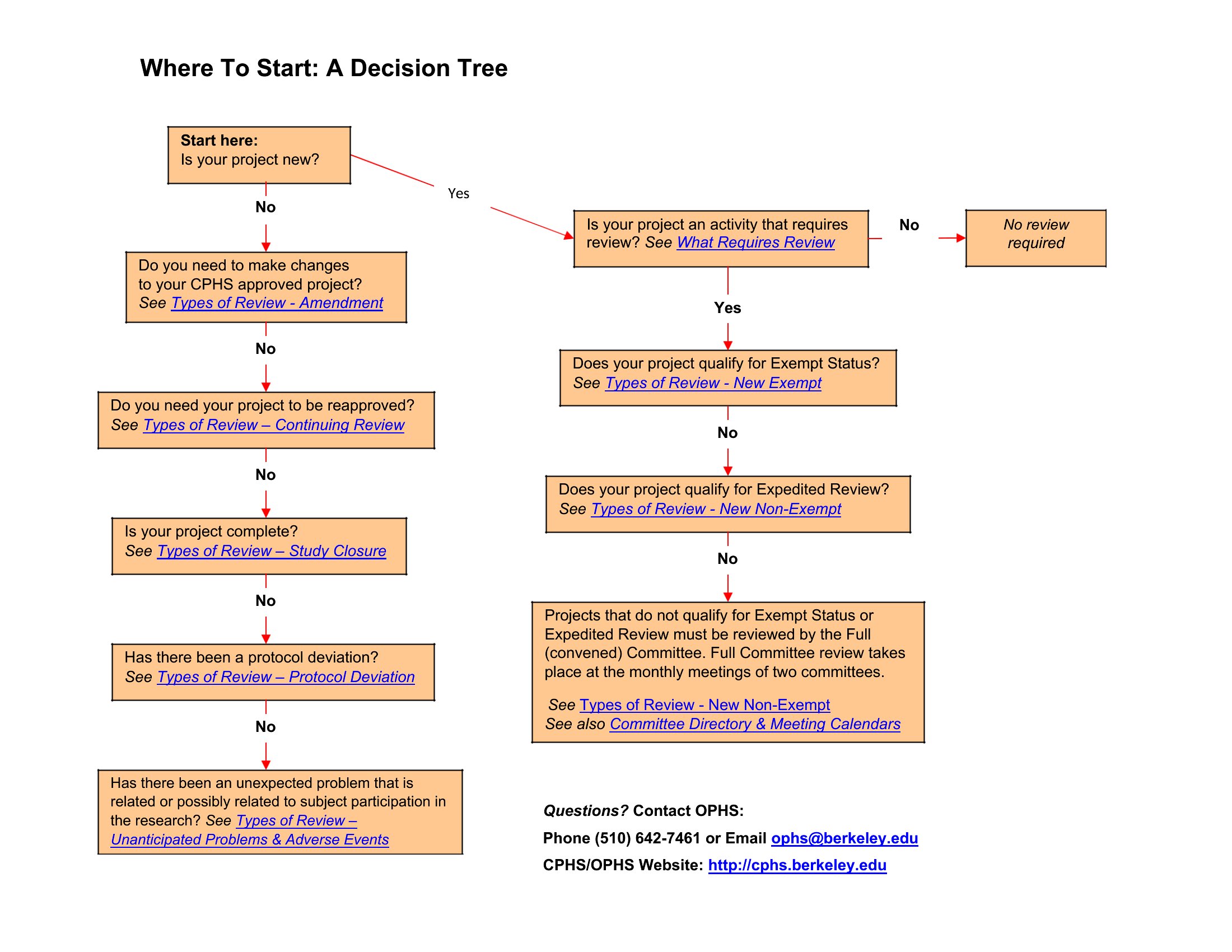
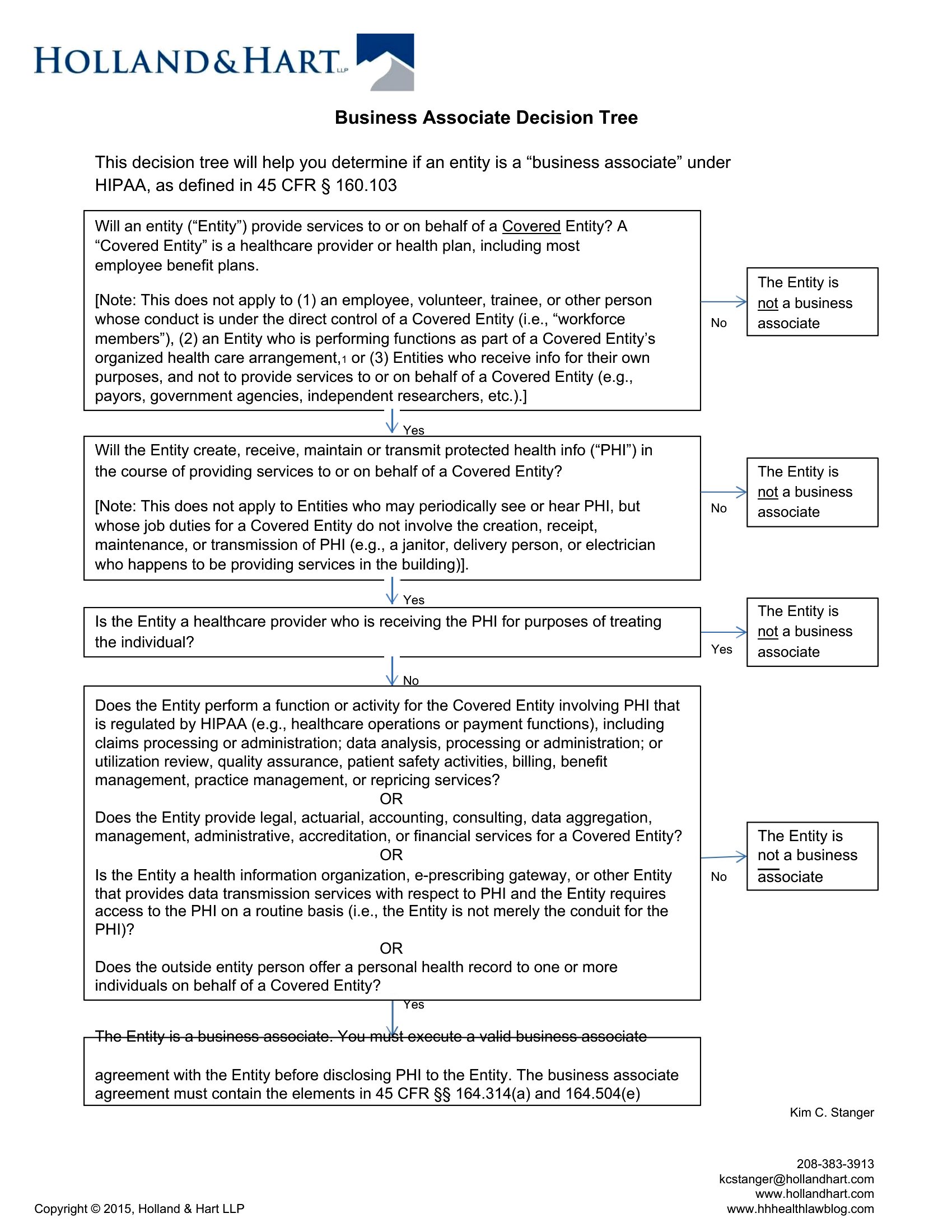
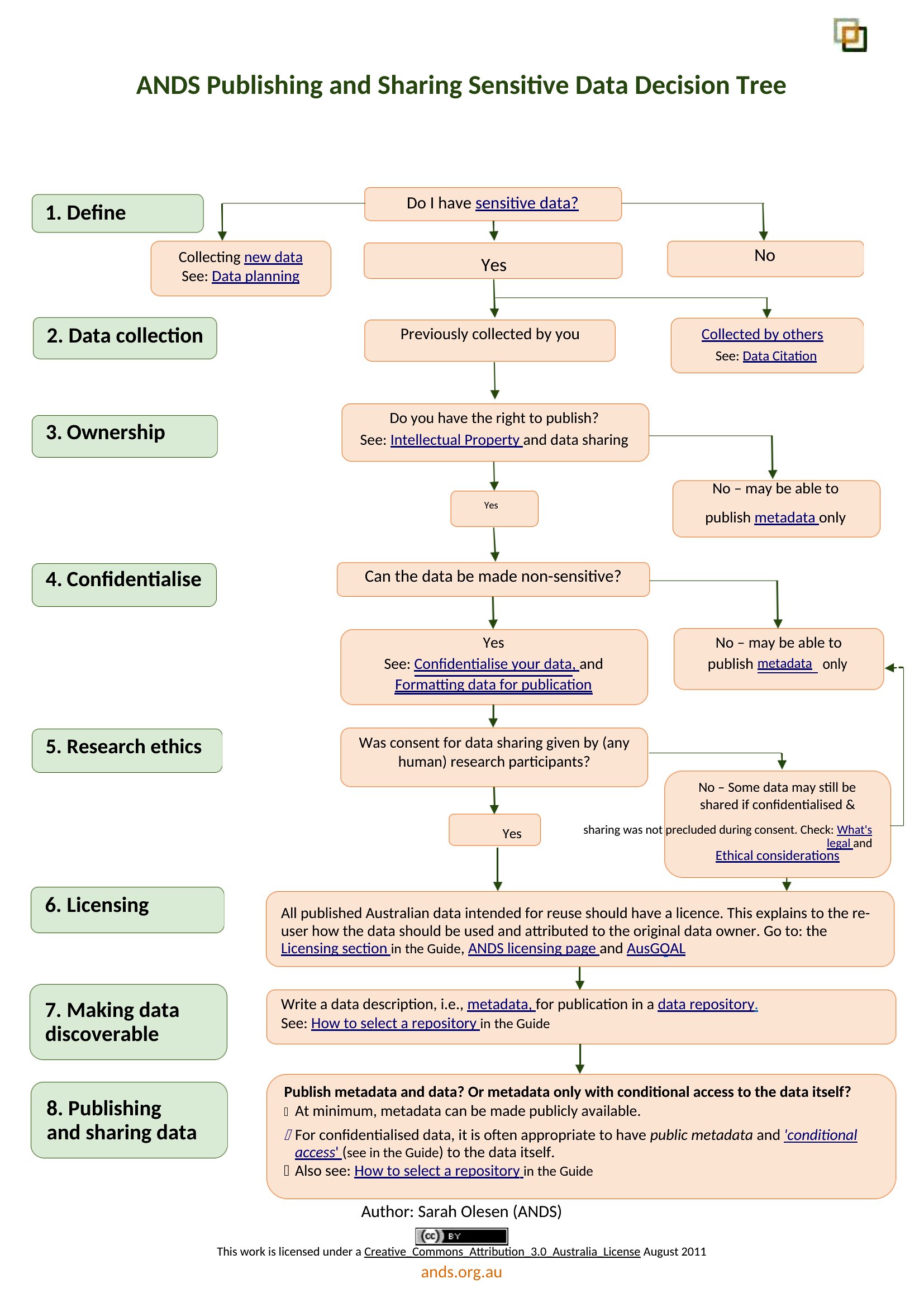
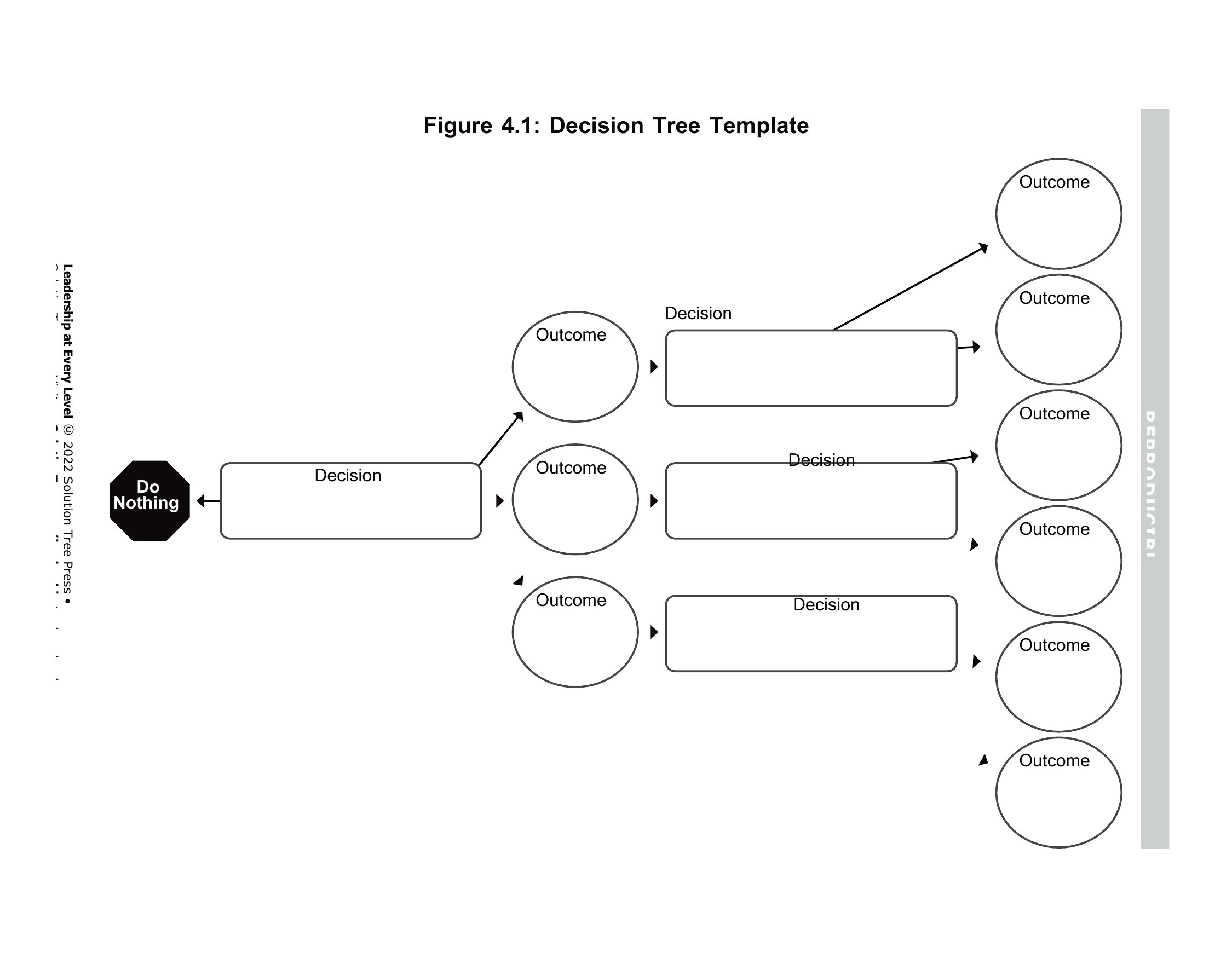
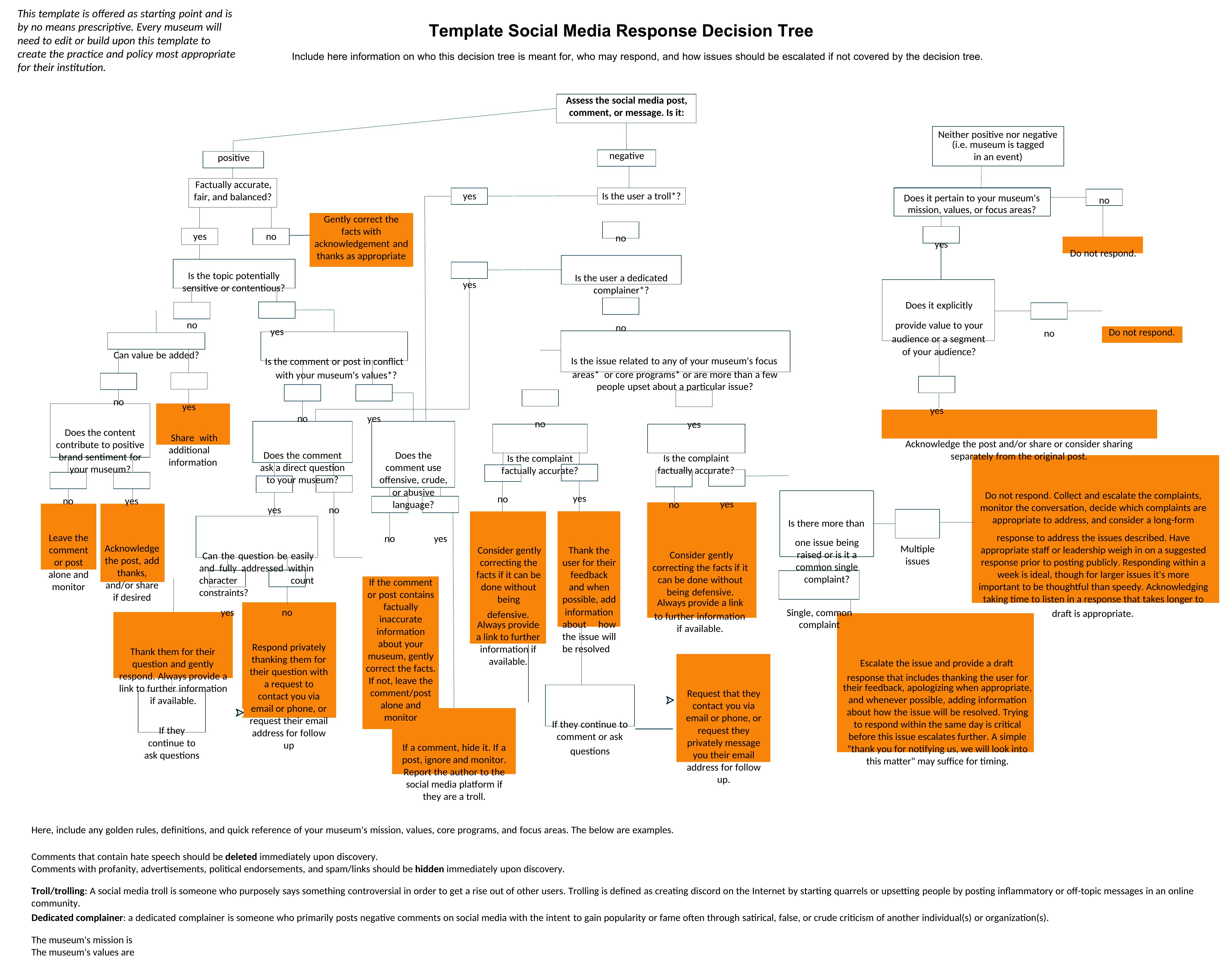
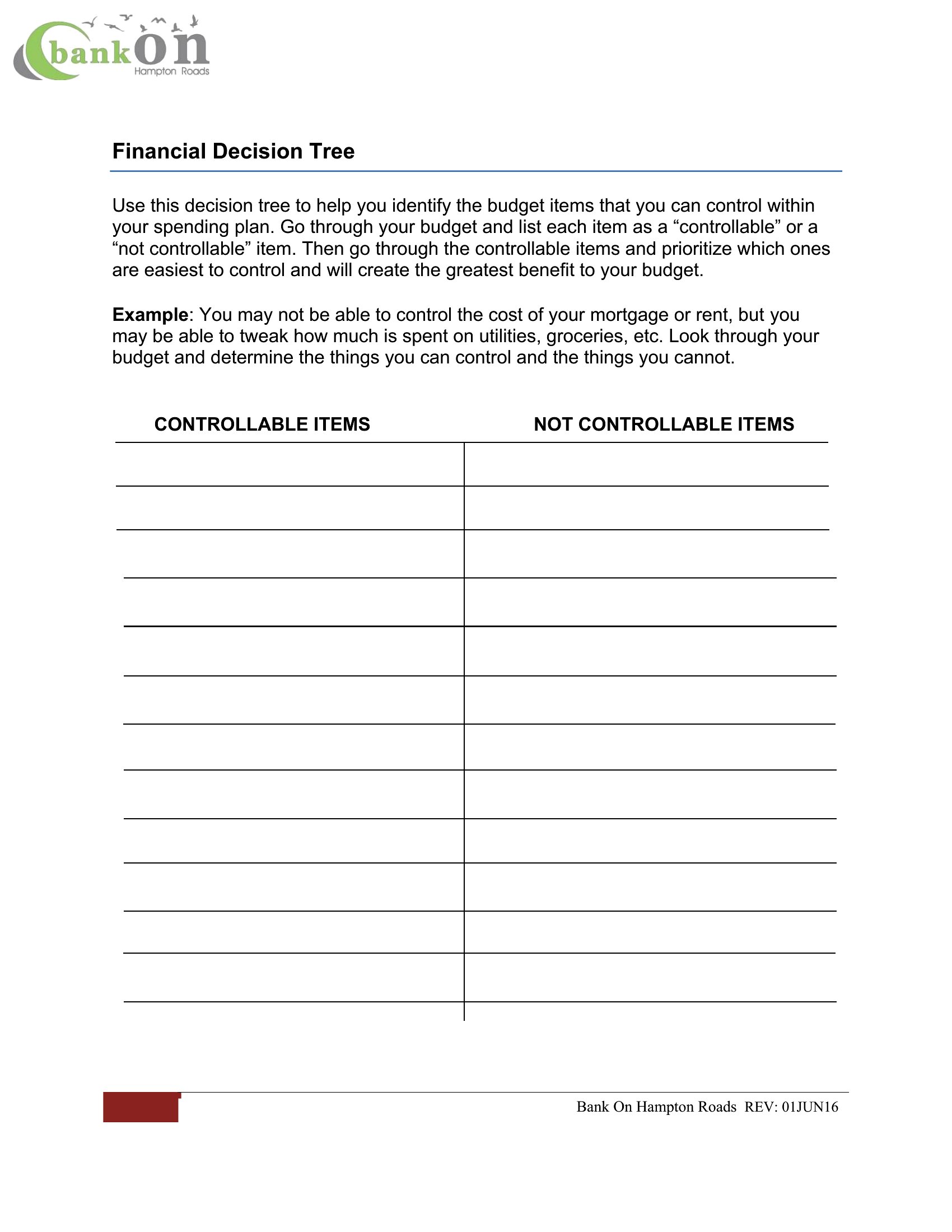
Can these decision trees handle more than five main decision points?
Yes, all templates are designed with scalable layouts. While simple scenarios often fit within five branches, the Word and Excel versions support unlimited nodes—just add new boxes or rows as needed. For complex workflows, consider combining multiple trees or using the blank templates to customize the structure.
How do I incorporate probabilities or weighted outcomes into my decision tree?
The Excel templates are built to accommodate probabilities by including cells for numeric values. Assign percentages or weights to each outcome branch, then use Excel’s formula tools (like SUM or IF statements) to calculate expected values. For non-numeric trees (Word/PDF), manually annotate the branches with likelihoods or use color-coding to highlight high/low-impact choices.
Are these templates suitable for creating decision trees that involve ethical dilemmas or qualitative judgments?
Absolutely, these templates are versatile for qualitative scenarios too. The blank Word and PDF versions let you focus on descriptive labels for branches (e.g., ‘Prioritize patient autonomy’ vs. ‘Follow protocol’). For ethical frameworks, pair the visual tree with a separate notes section in Word or add qualitative annotations directly to the branches in Excel. Remember, these serve as organizational tools—not substitutes for ethical analysis frameworks.
Comments
Join the conversation
Sign in to share your thoughts and leave a comment on this resource.