Free Punch List Templates (Word, Excel, PDF)
WorksheetsTemplates
FAQ
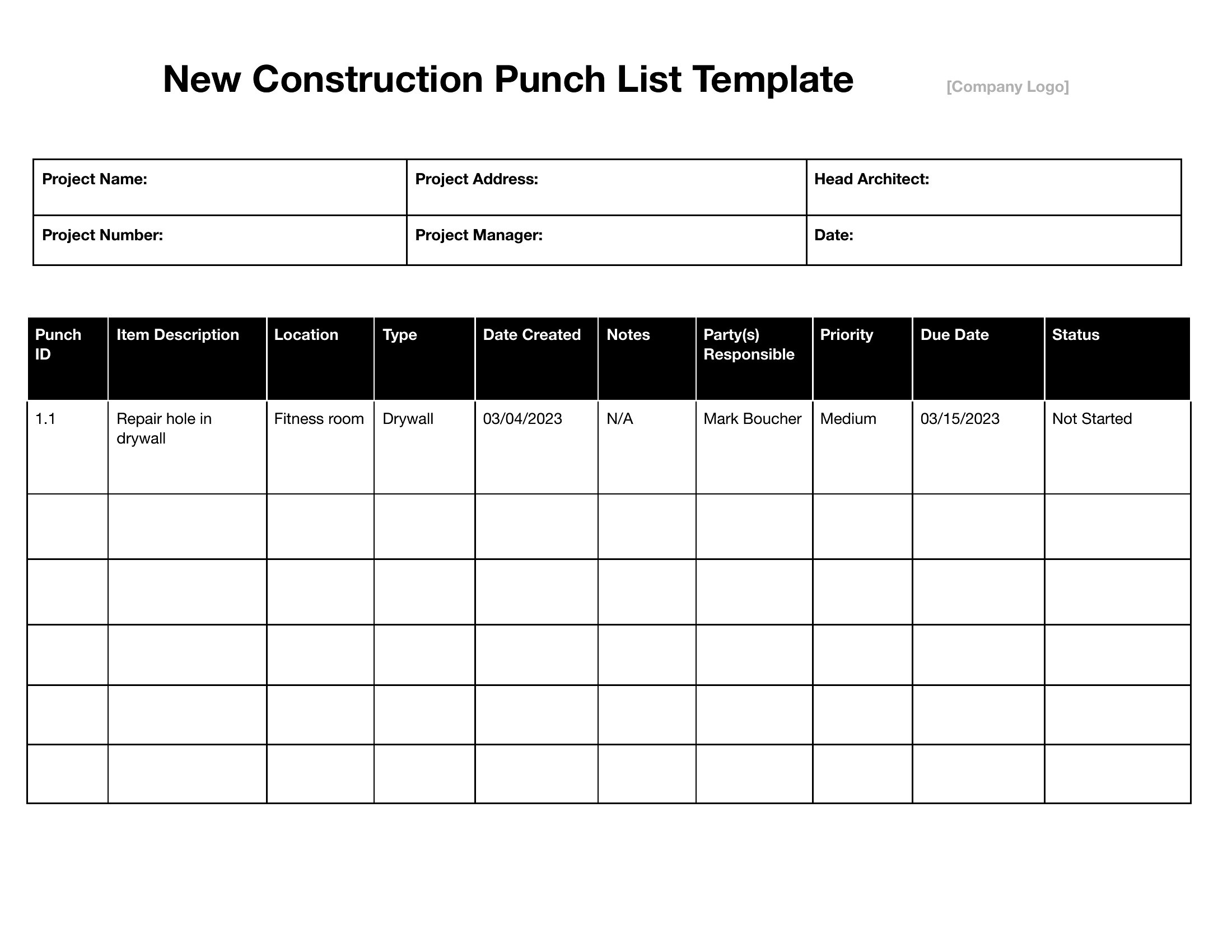
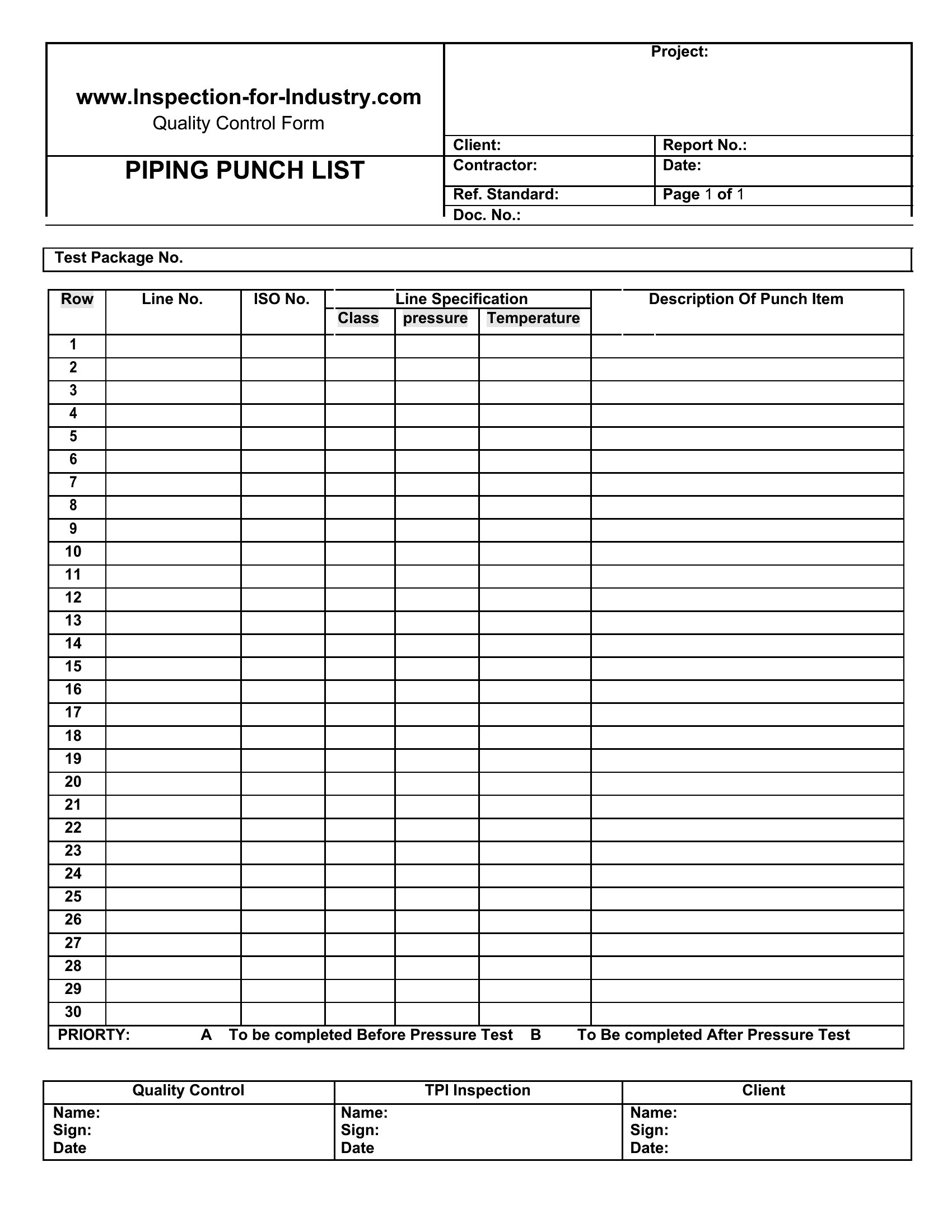
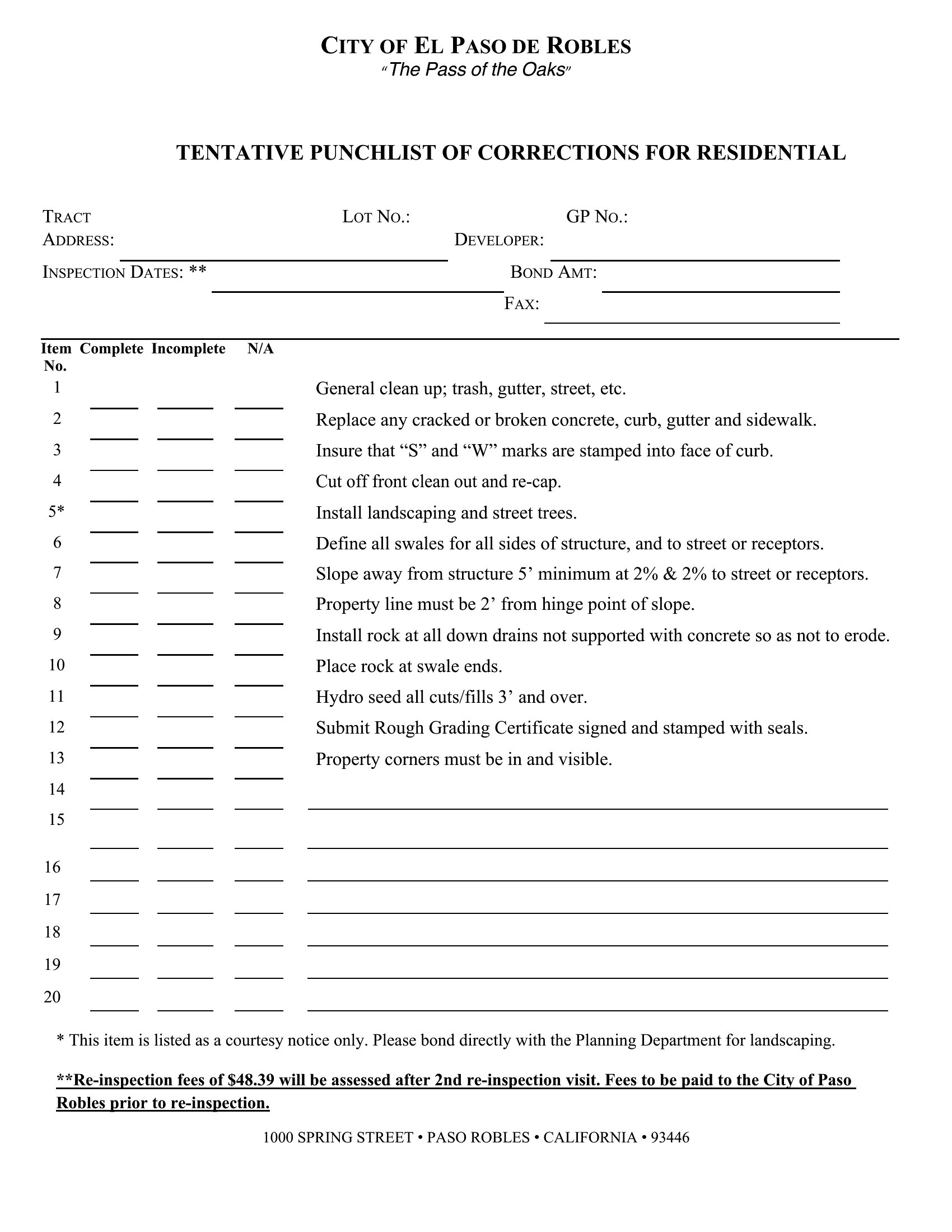
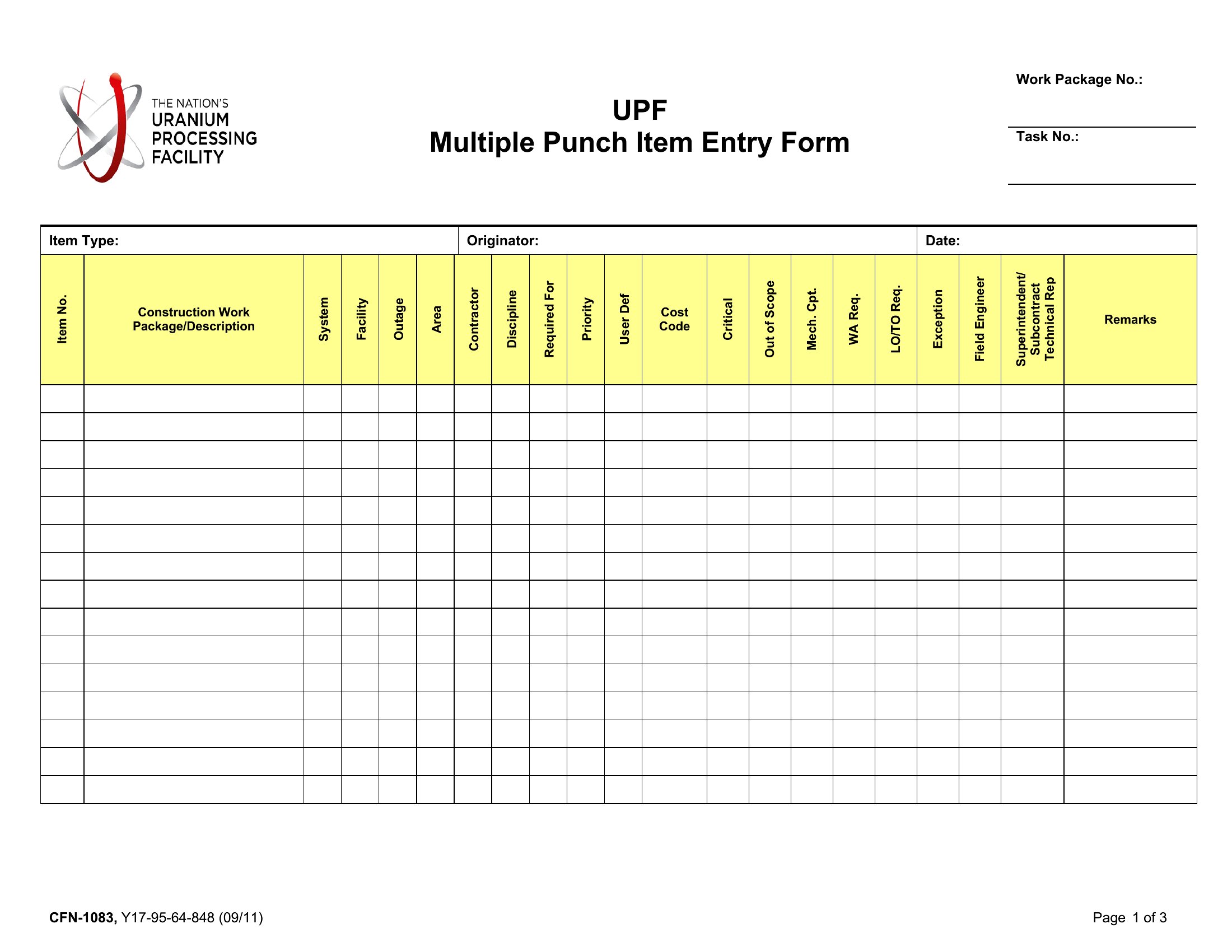
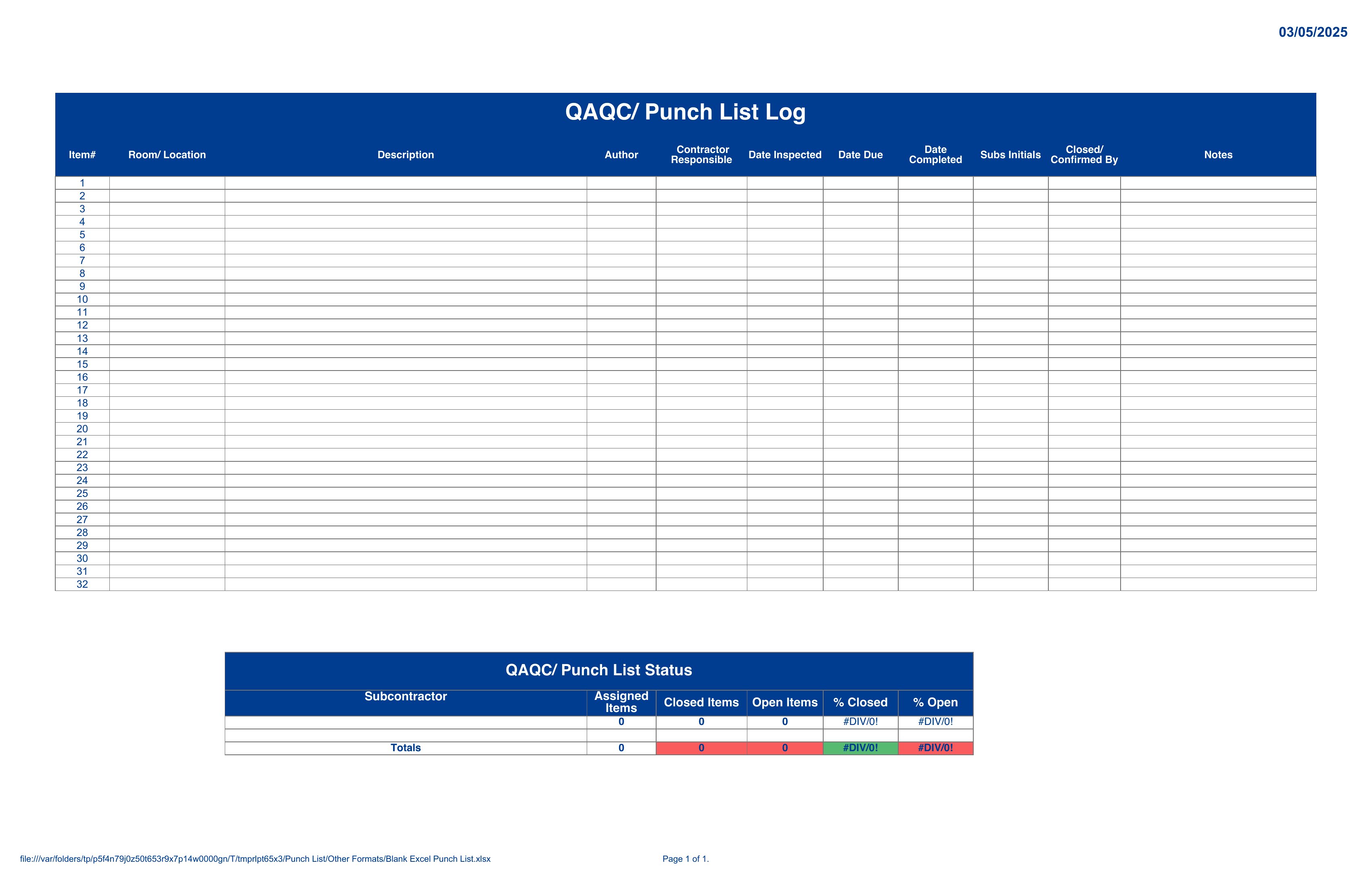
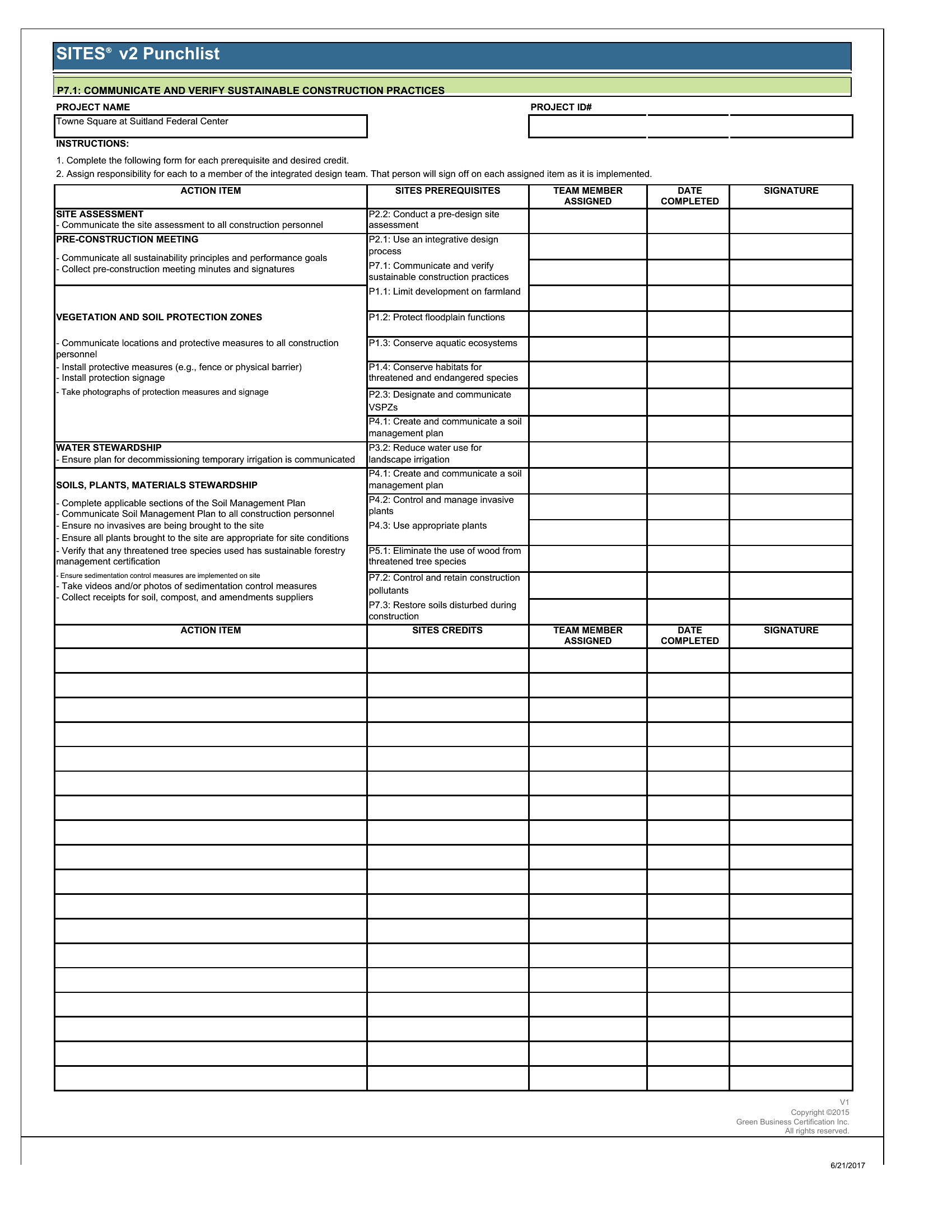
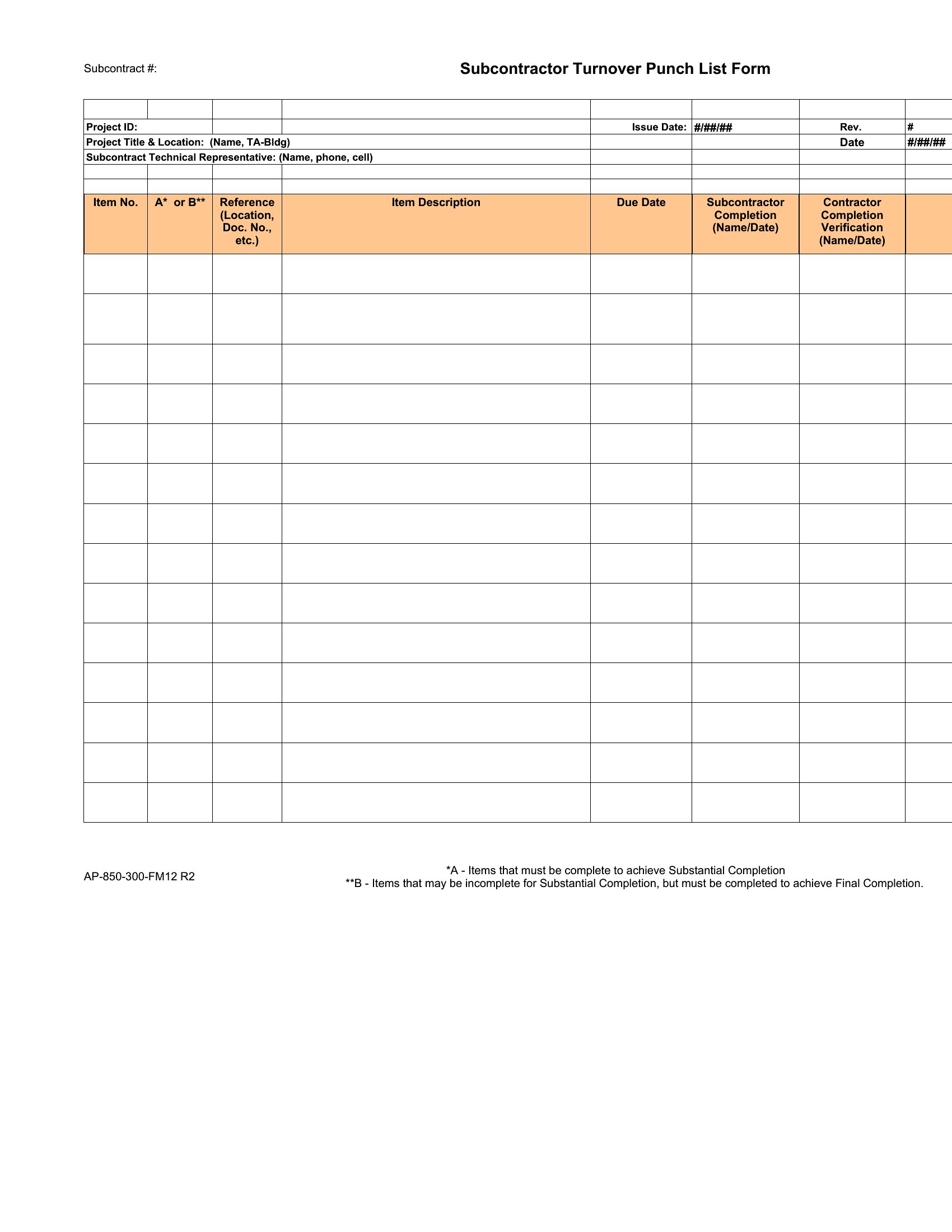
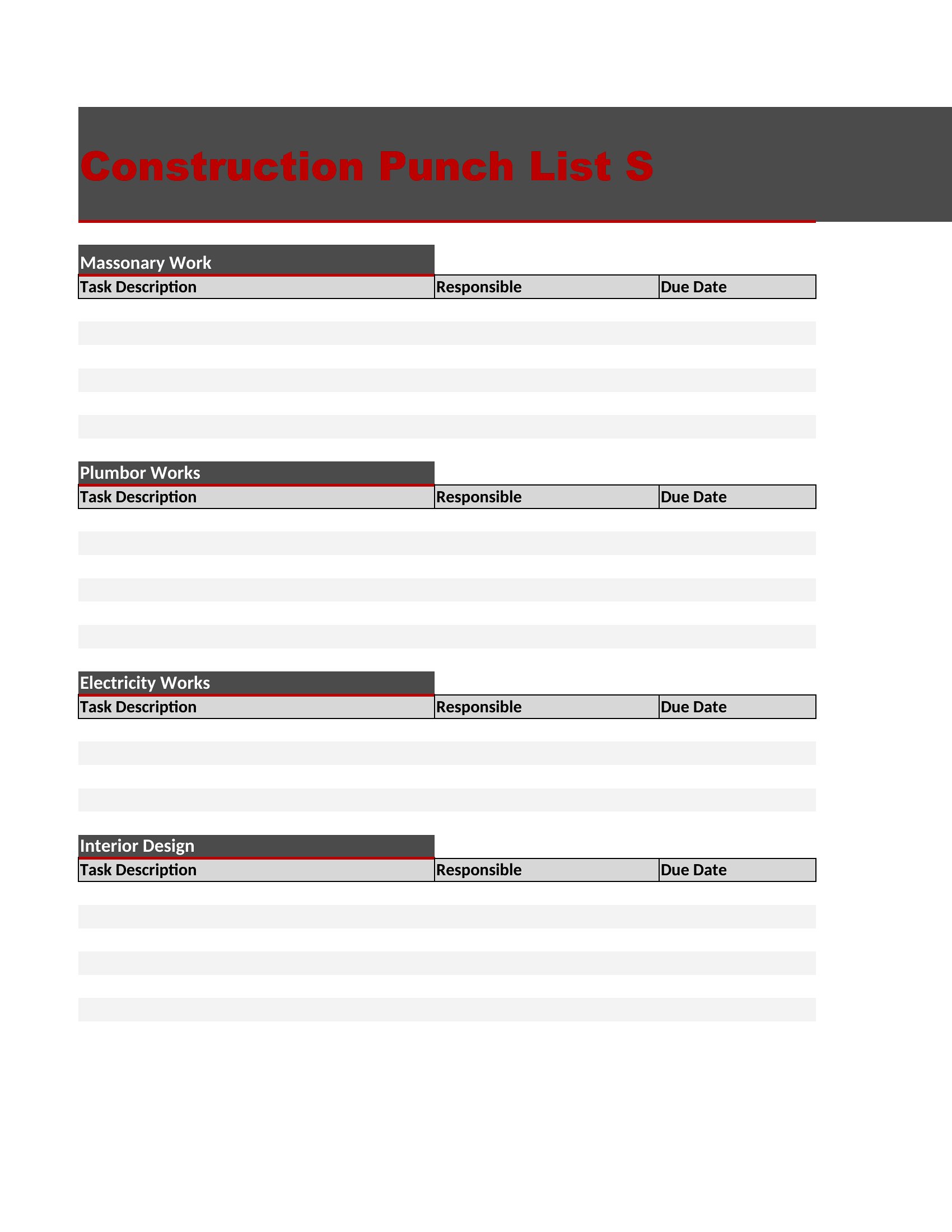
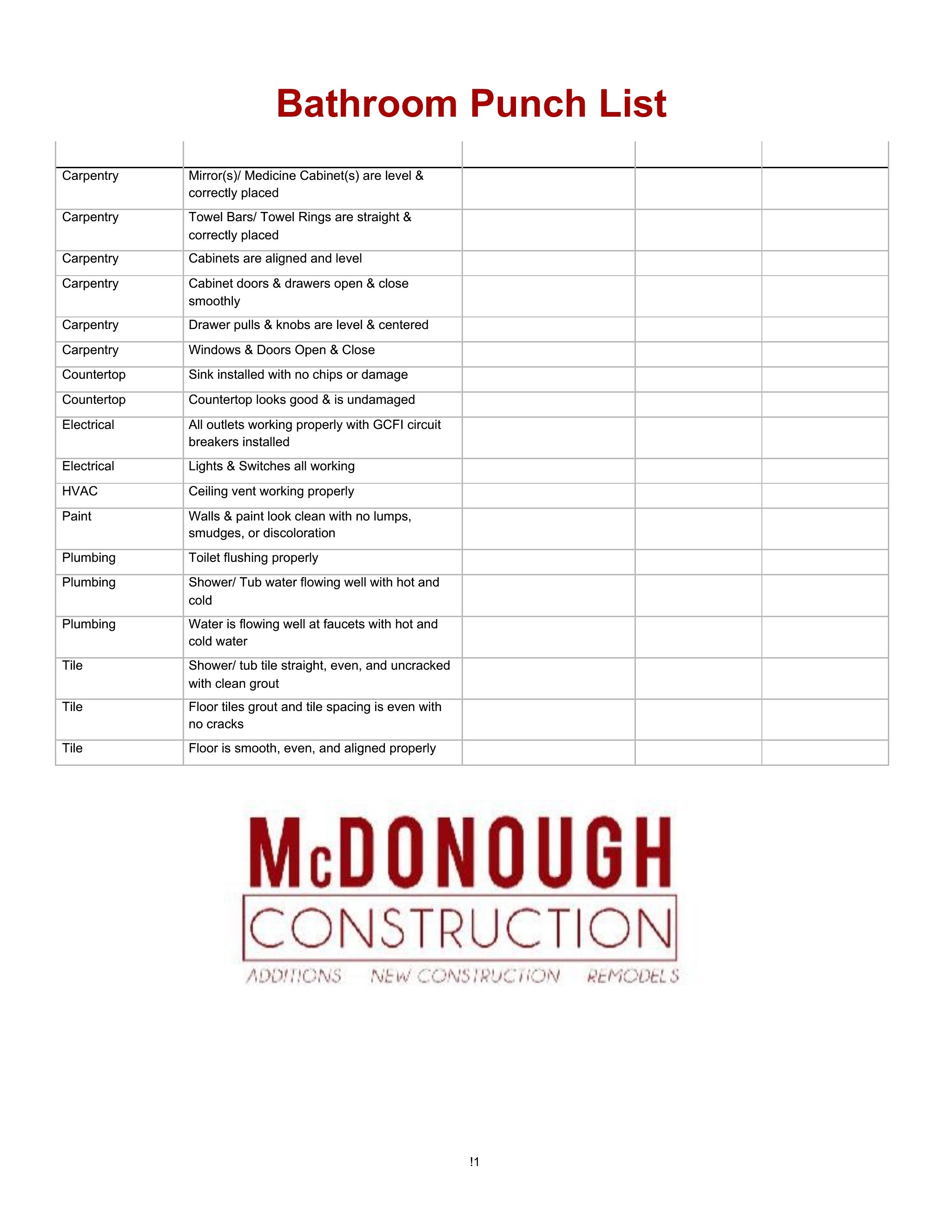
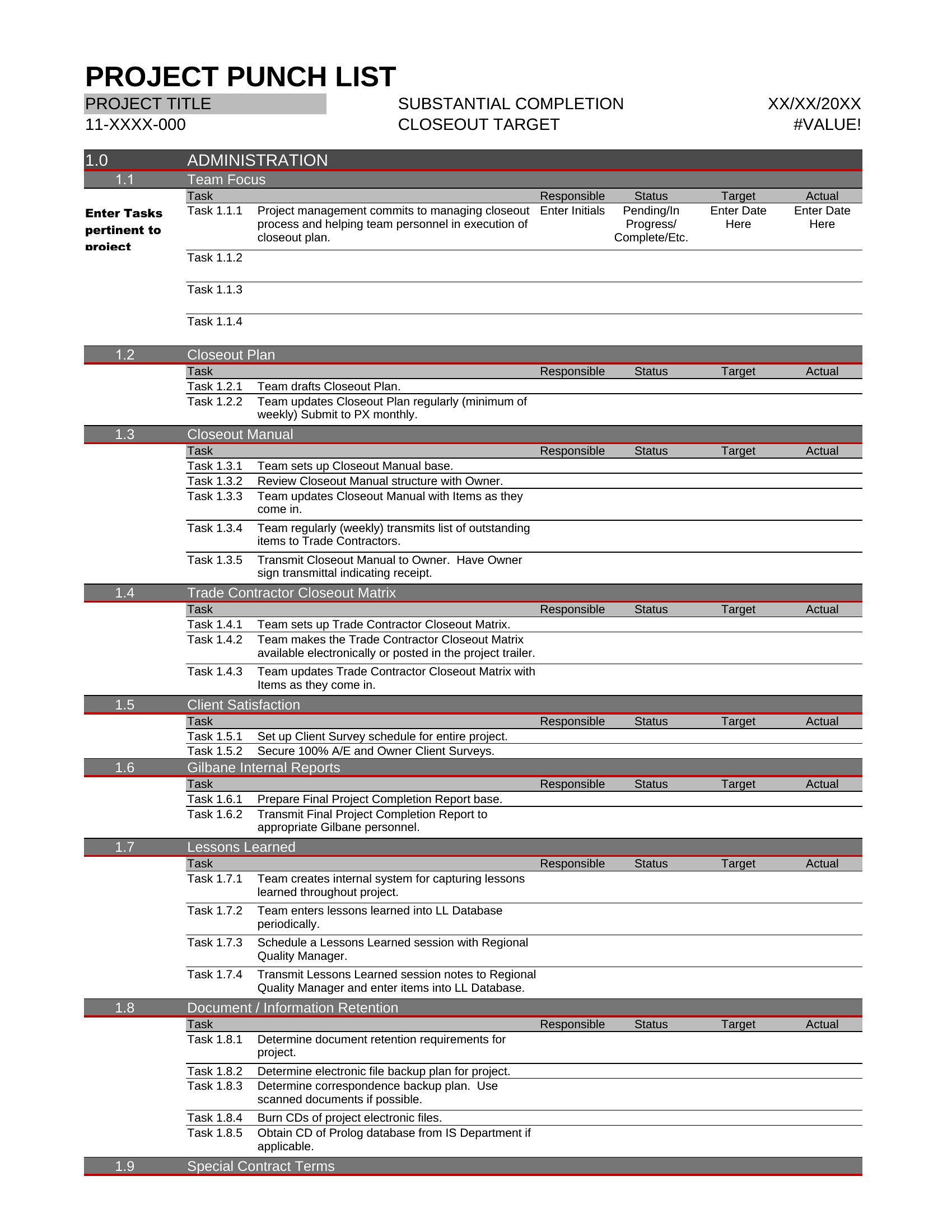
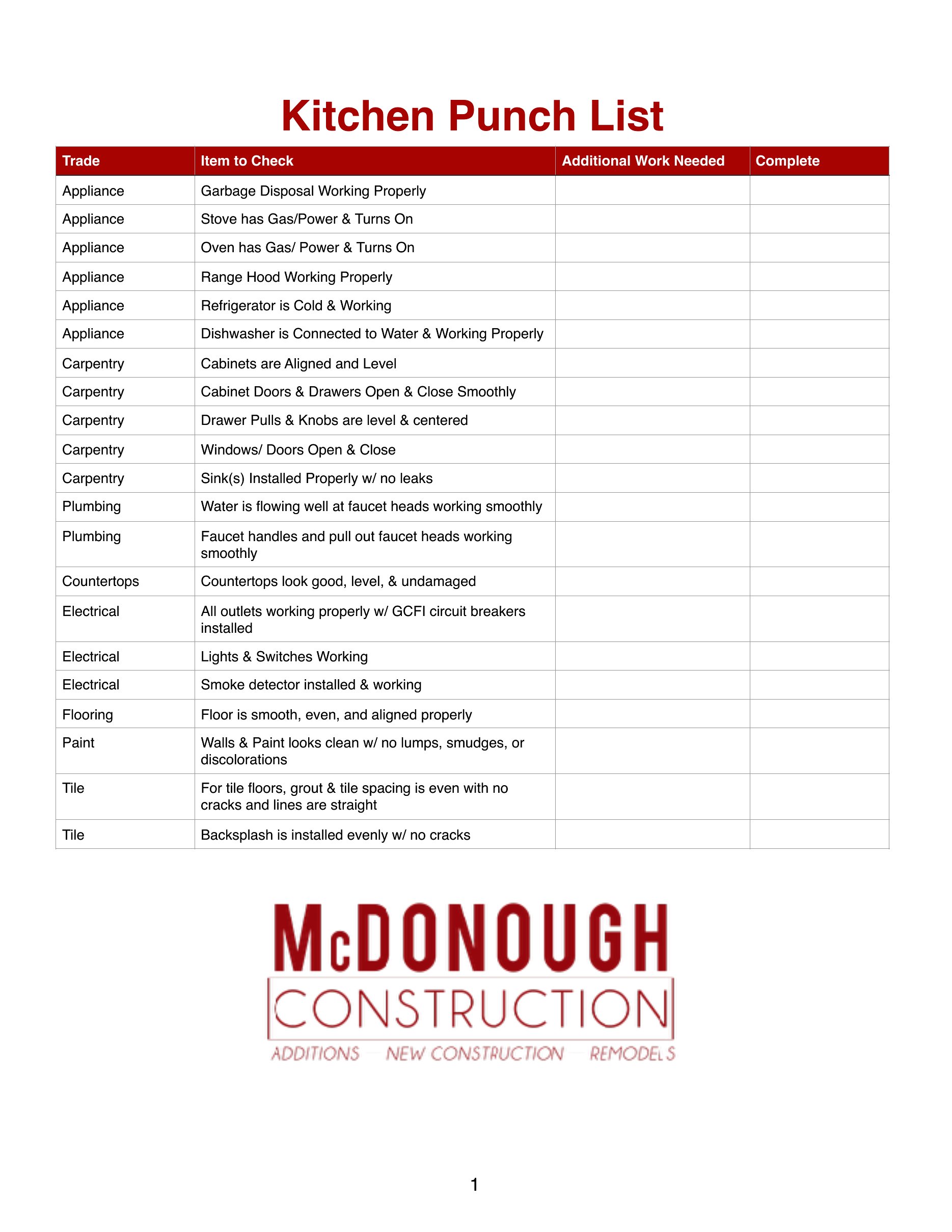
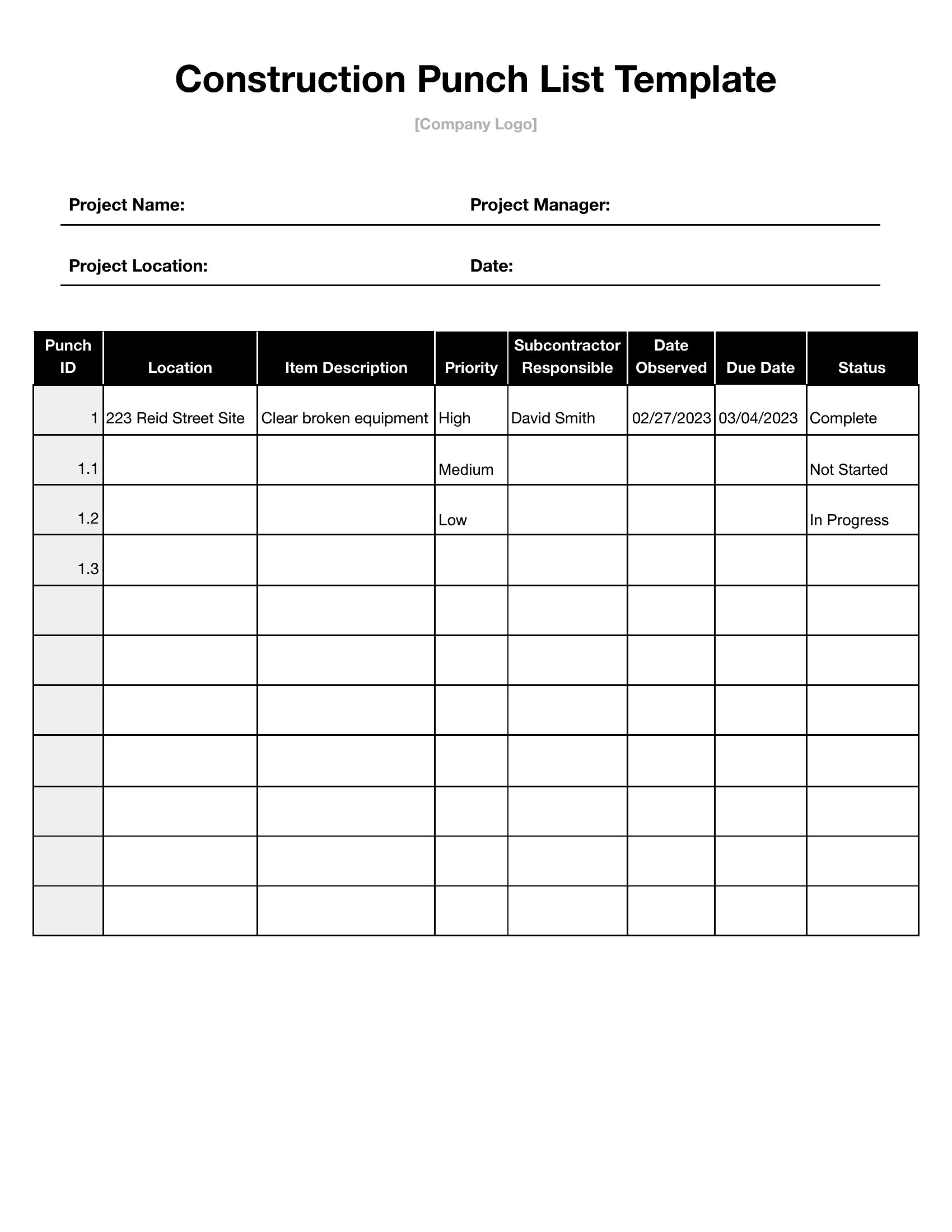
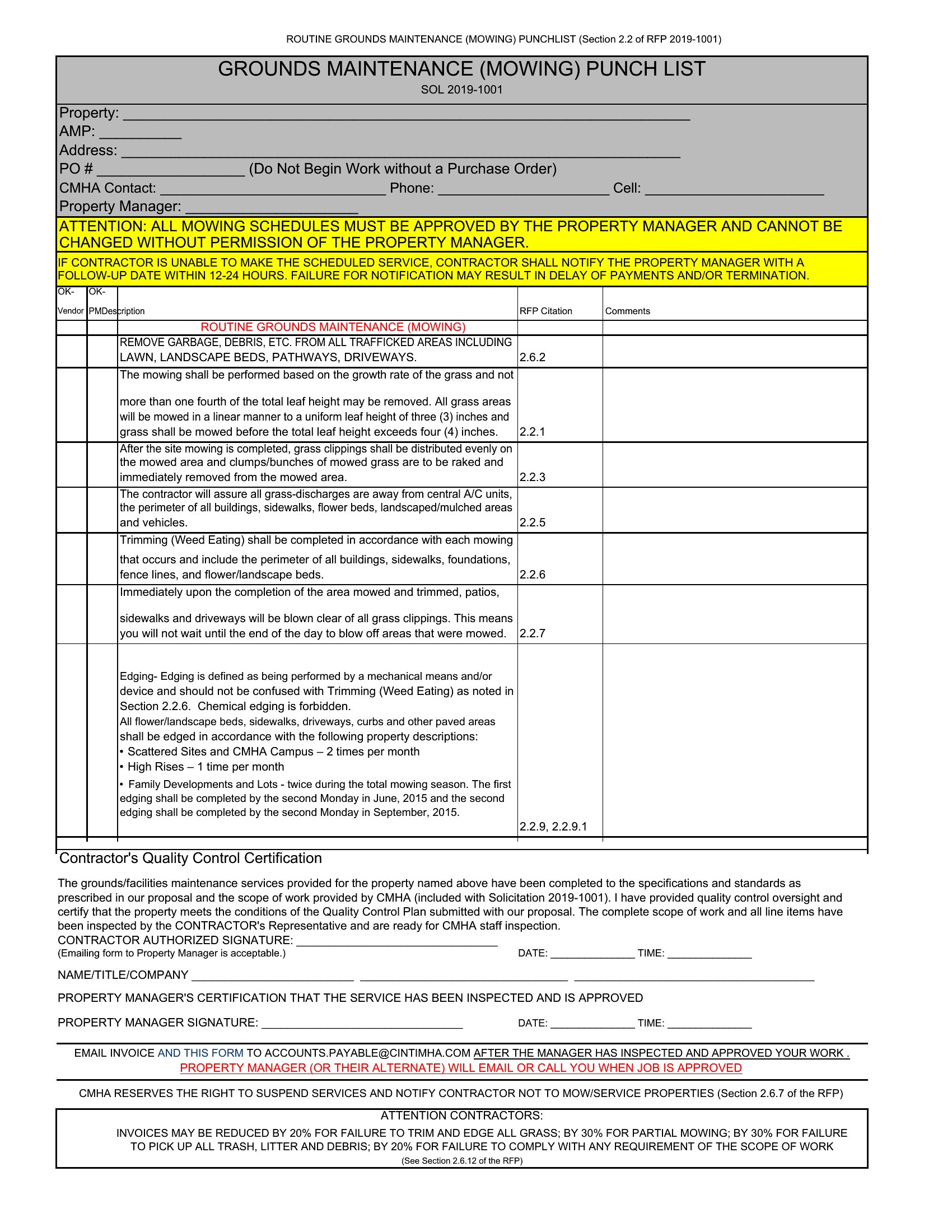
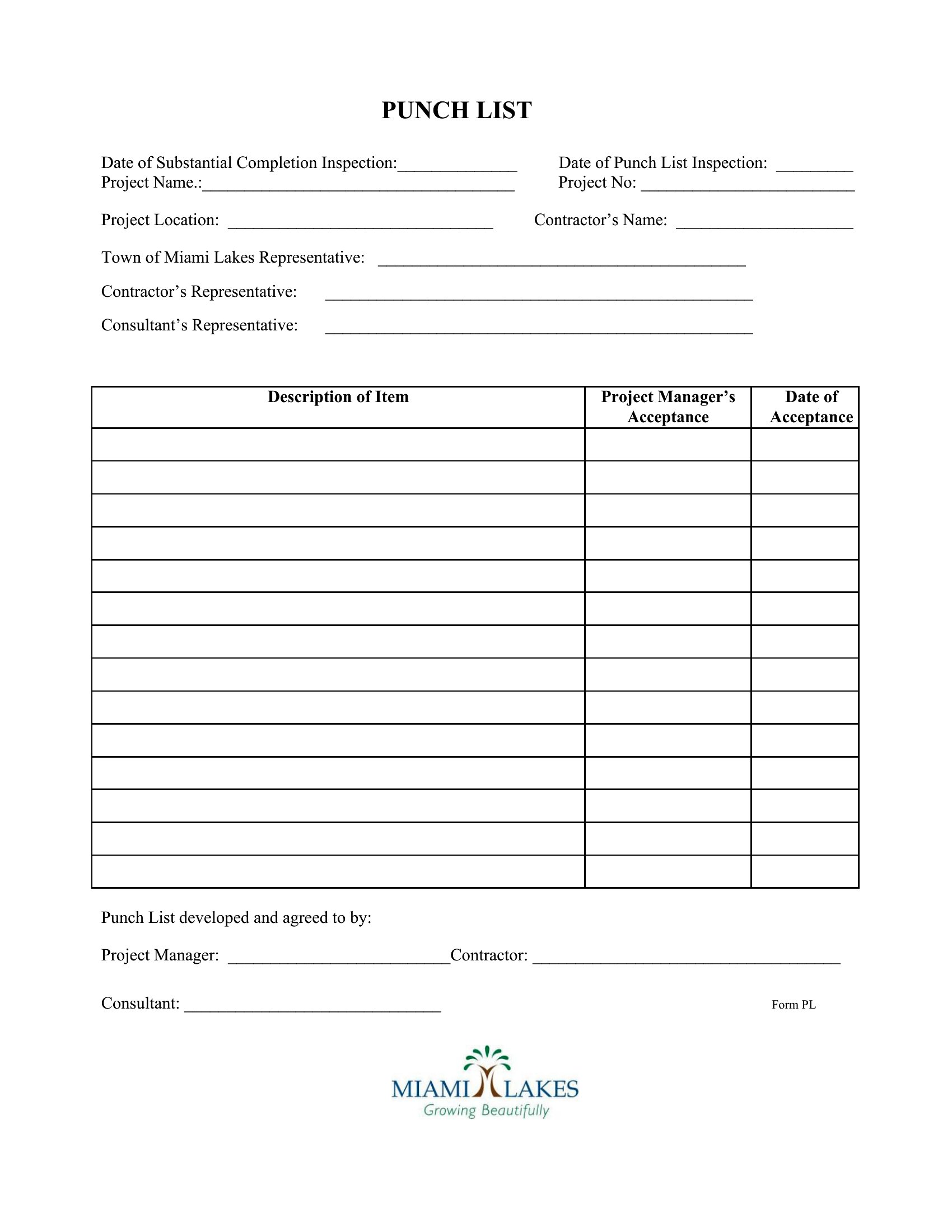
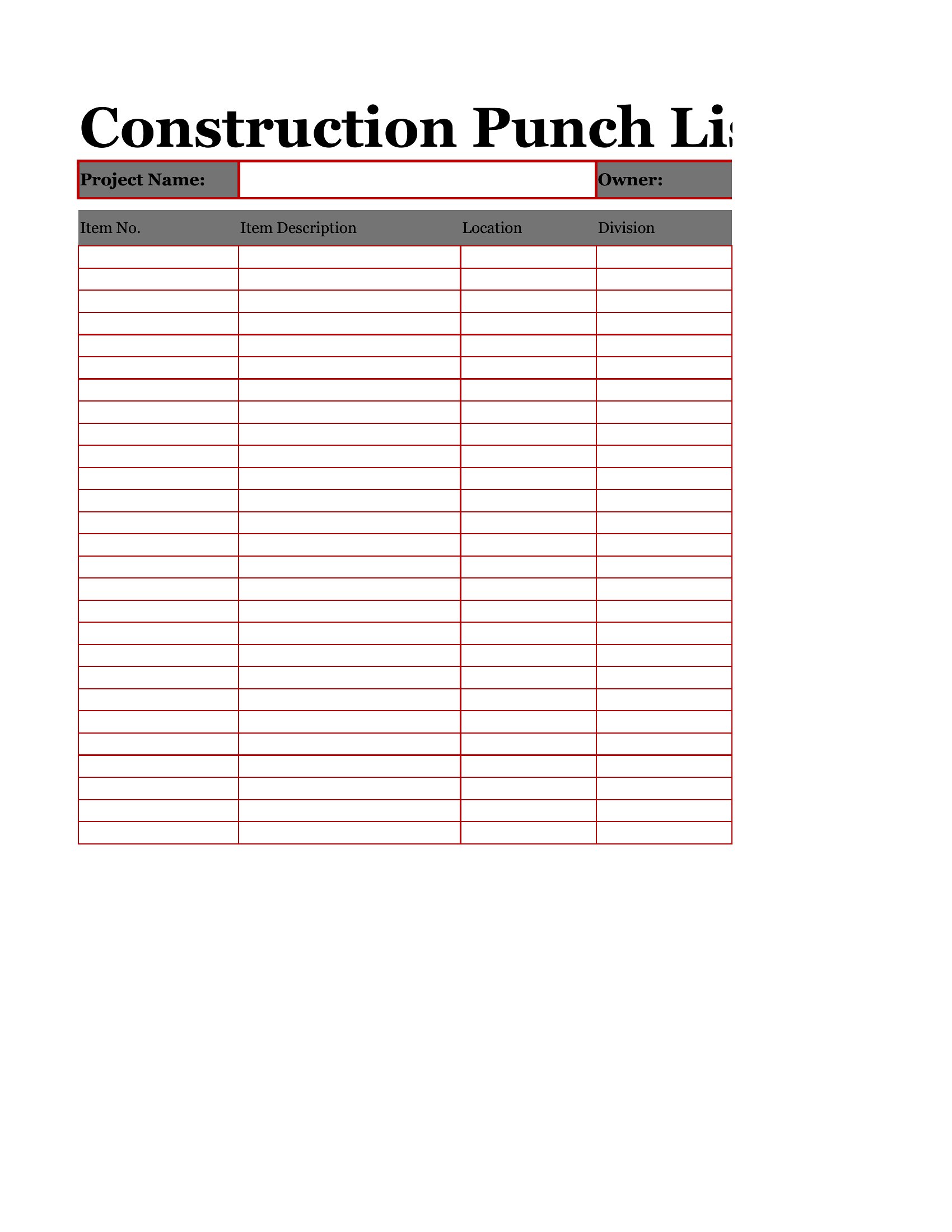
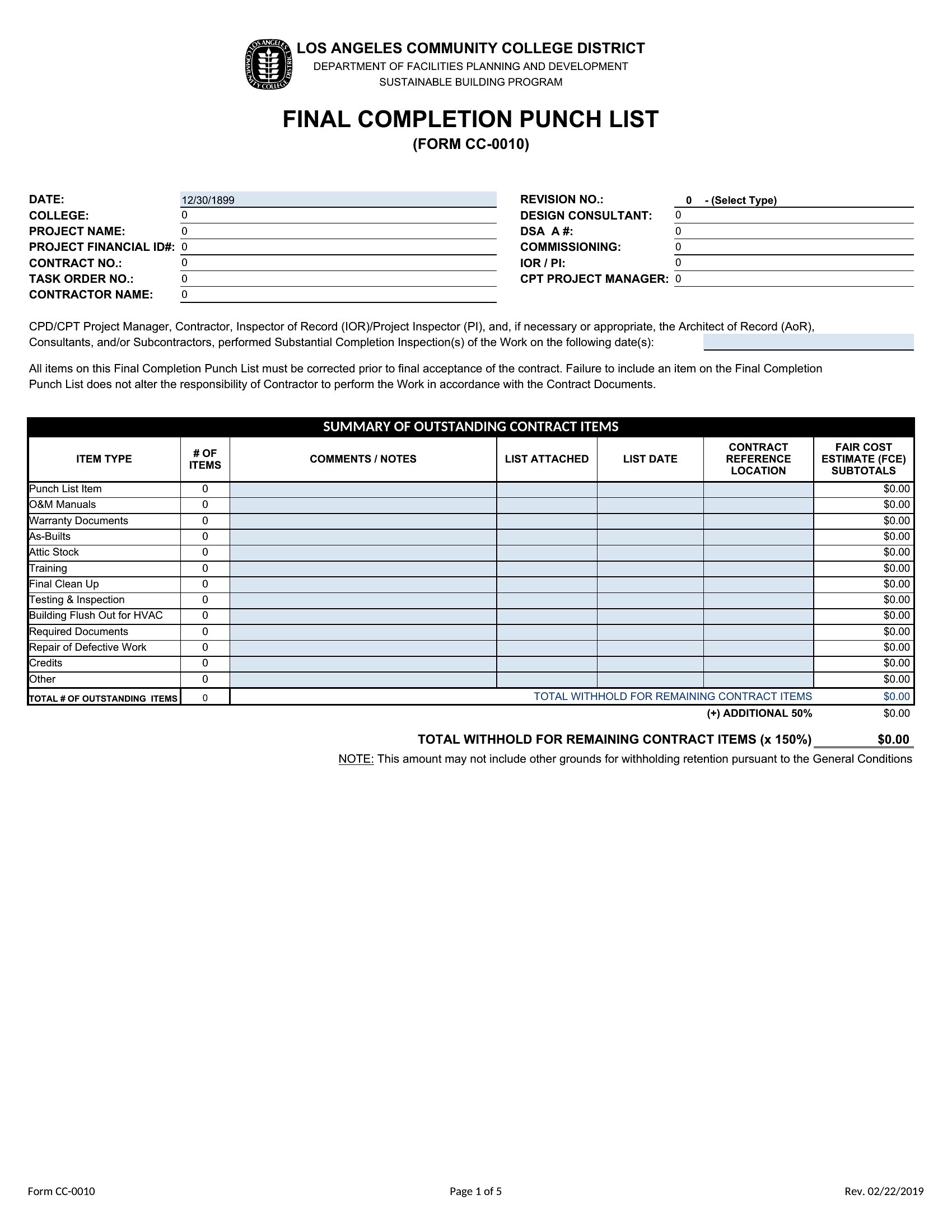
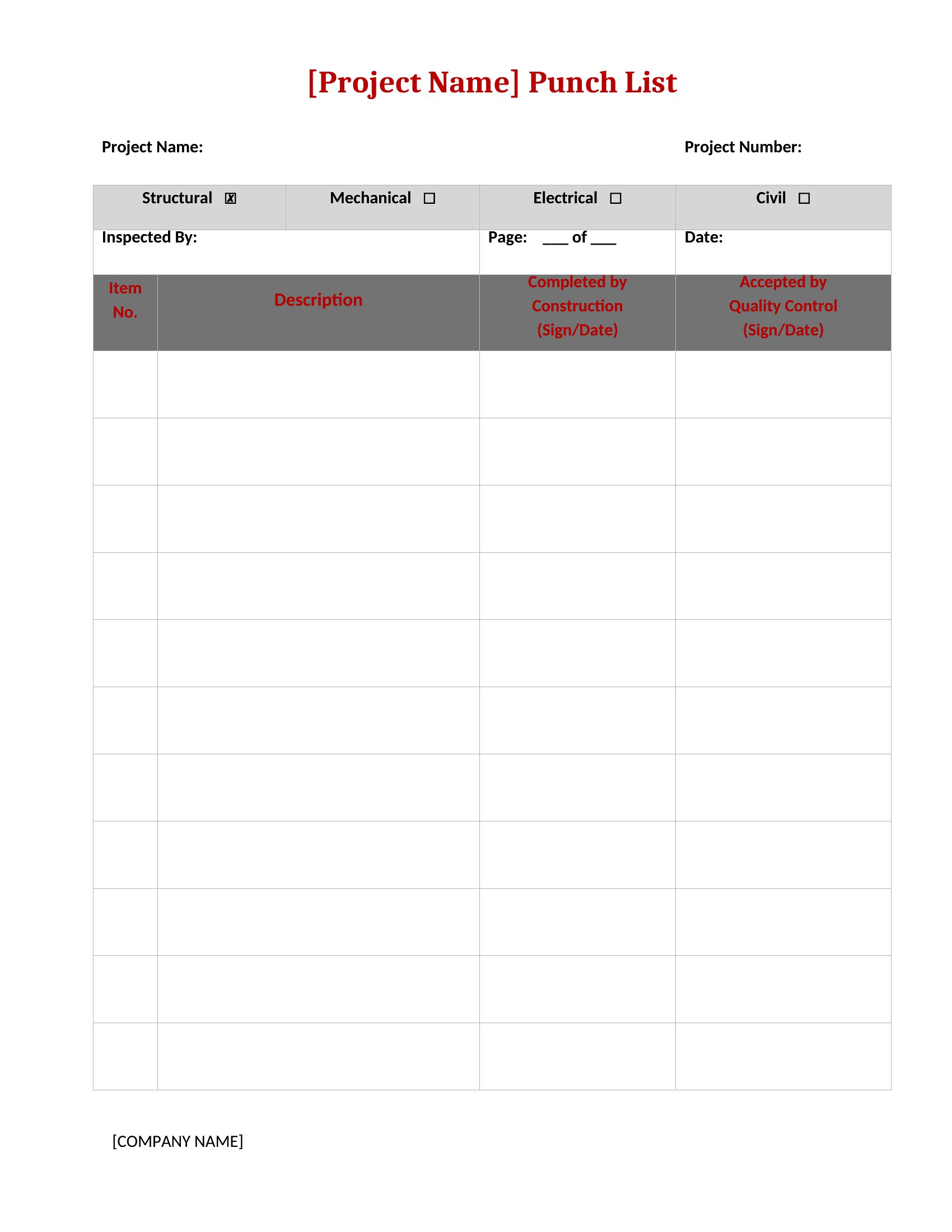
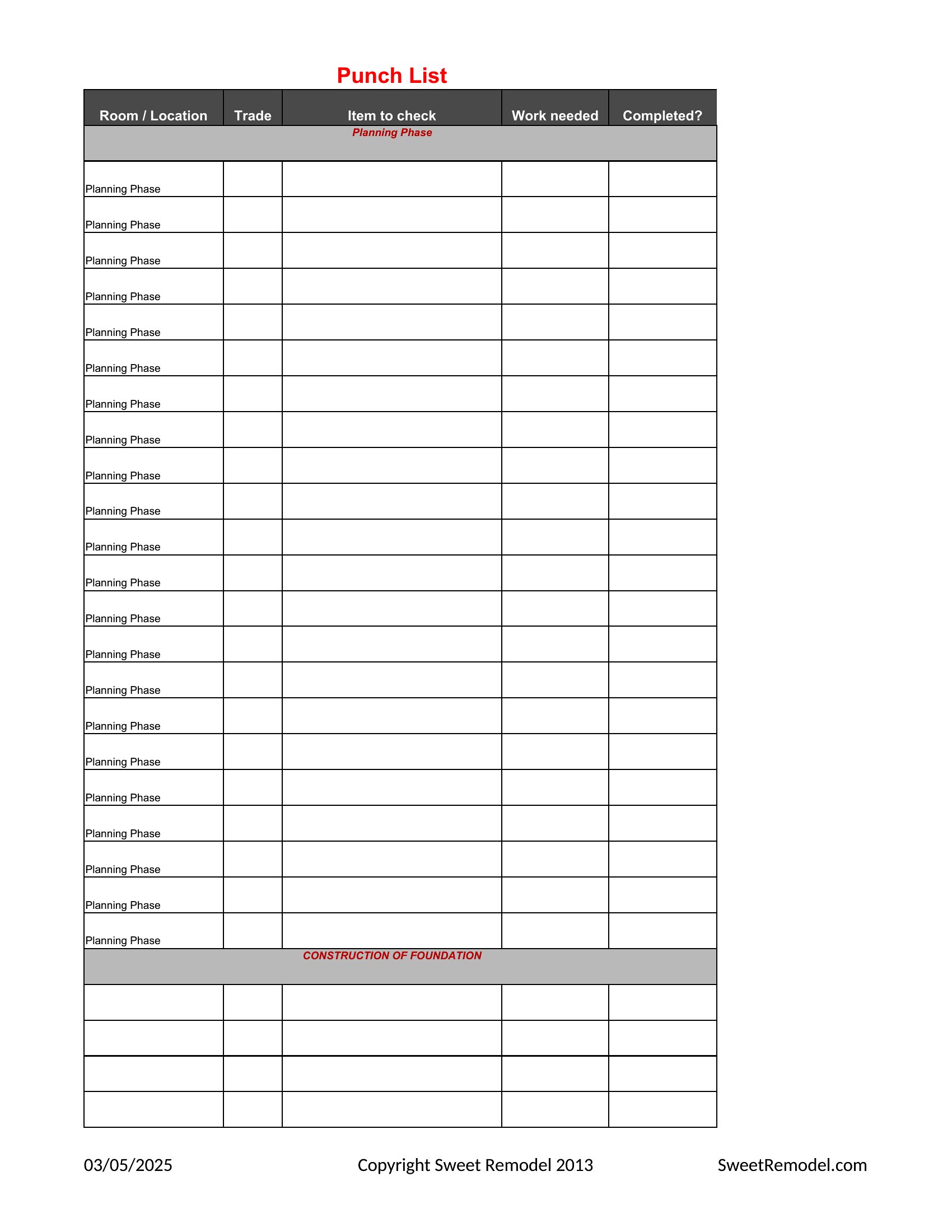
Can I customize the punch list to include specific trade categories like electrical or plumbing?
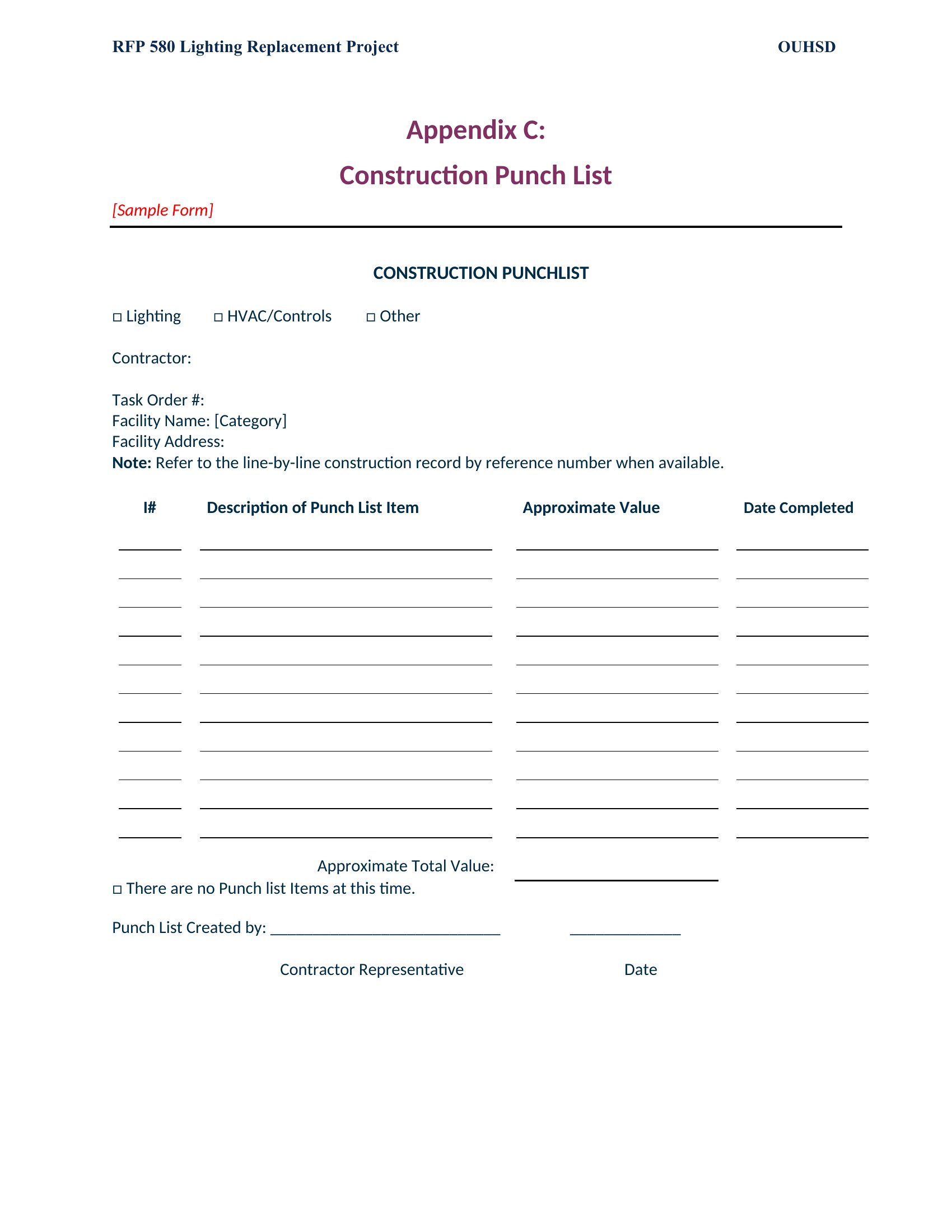
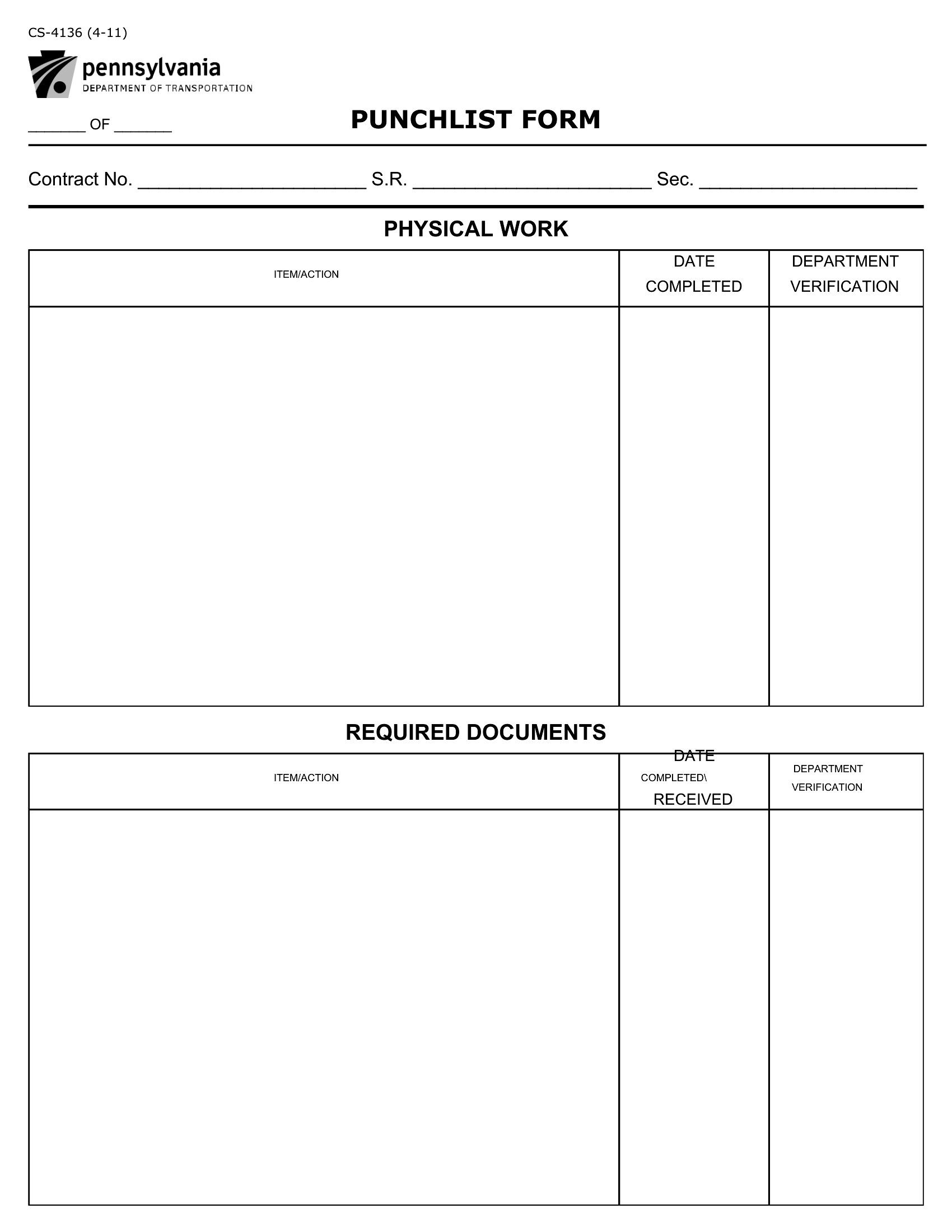
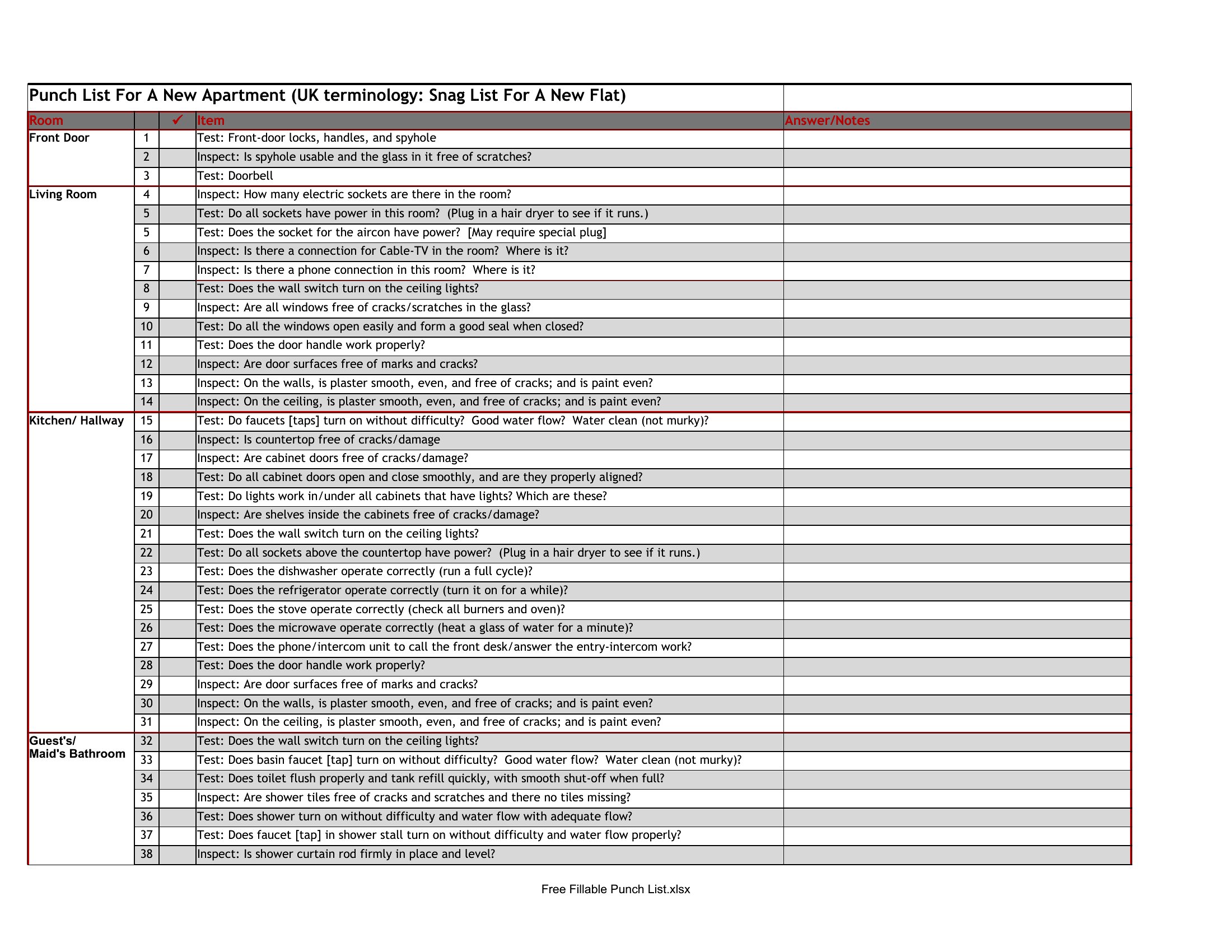
Yes, many templates allow you to add custom columns for trade-specific tasks, materials needed, or inspection dates. Look for templates with adjustable headers or sections where you can label rows by trade (e.g., 'Electrical,' 'Plumbing') to streamline assignment and tracking.
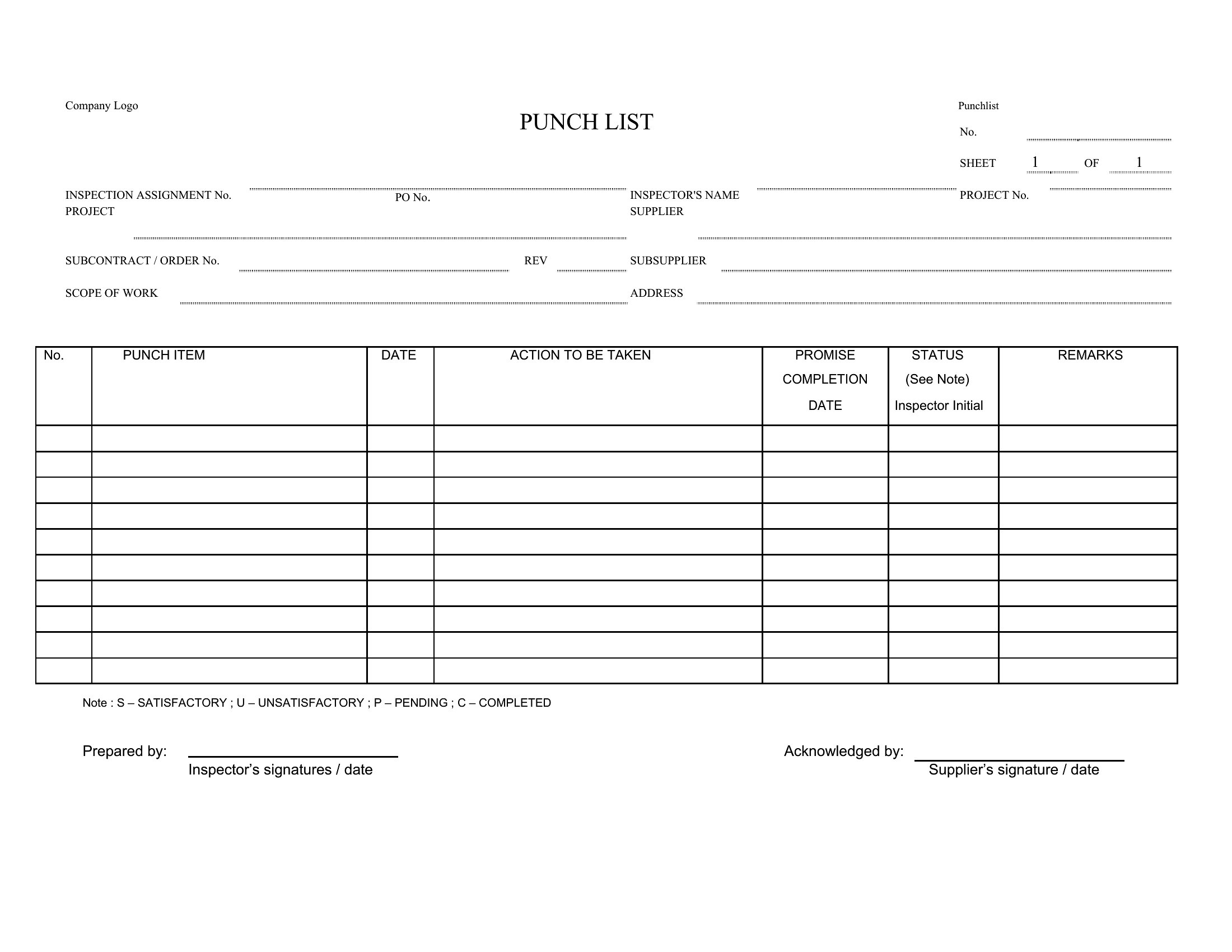
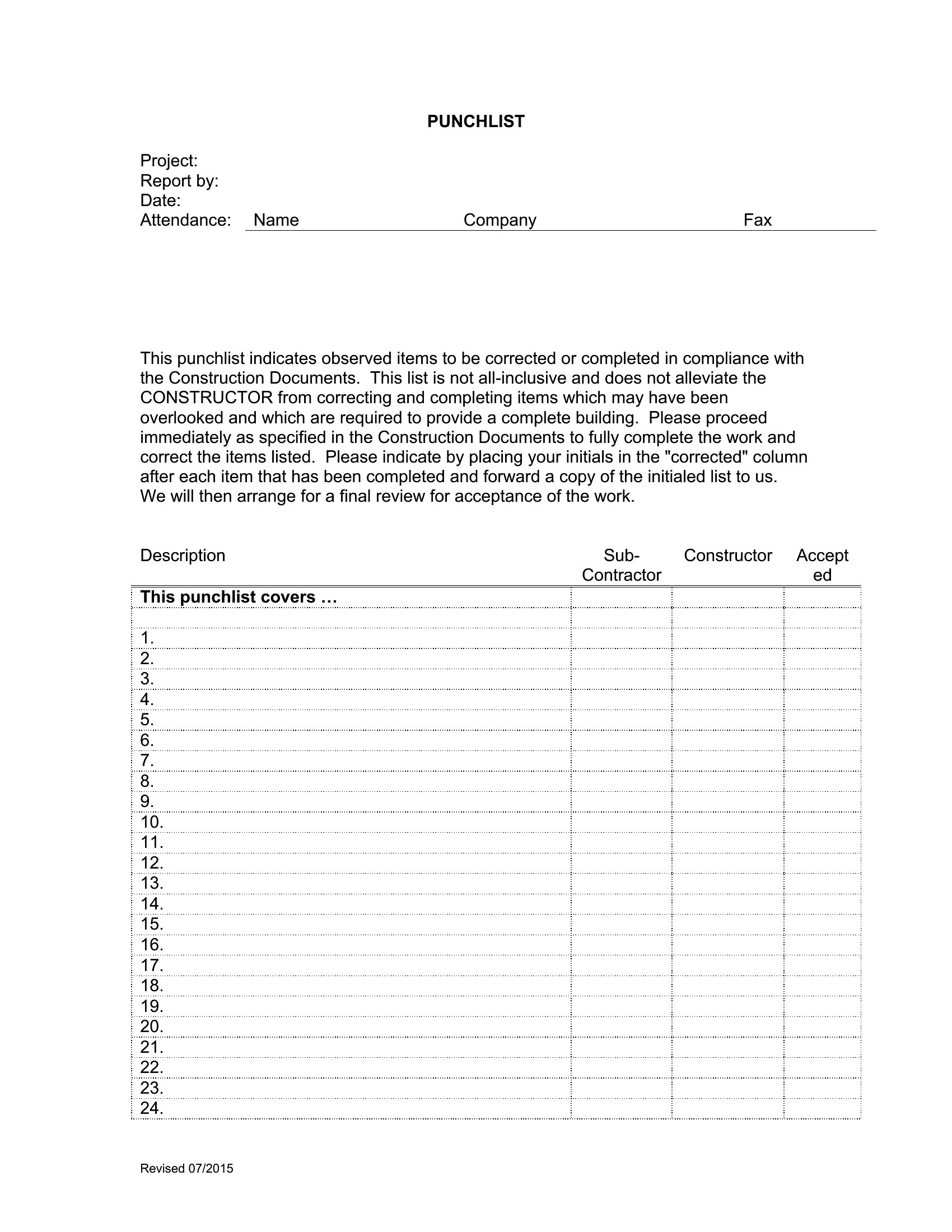
How do I ensure the punch list stays accurate if multiple people are updating it during the project?
Use the Word or Excel formats to enable version tracking or shared editing features. Assign a single point person to review updates daily, or add a 'Last Updated By' column to avoid conflicts. For larger teams, consider exporting the Excel version to a shared drive with edit permissions.
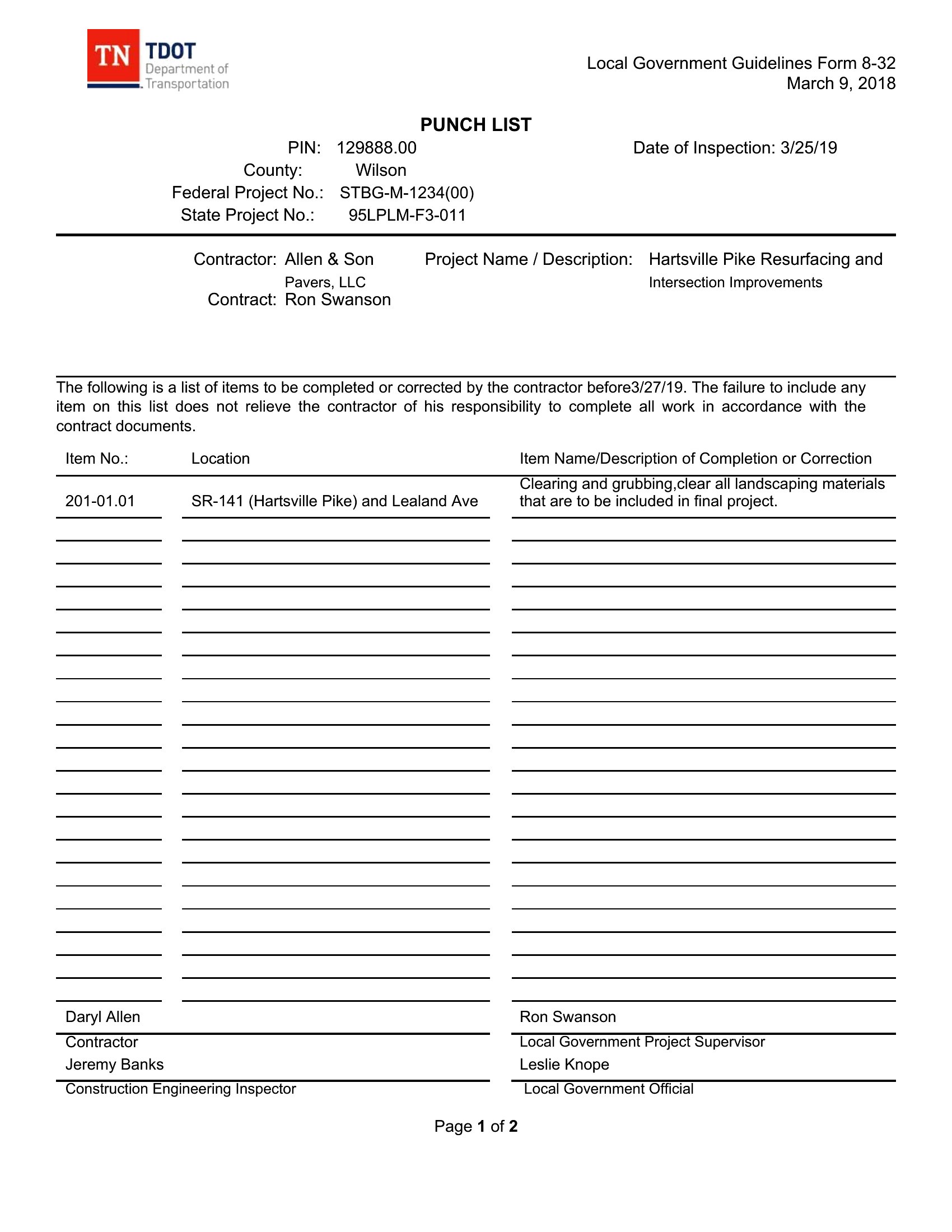
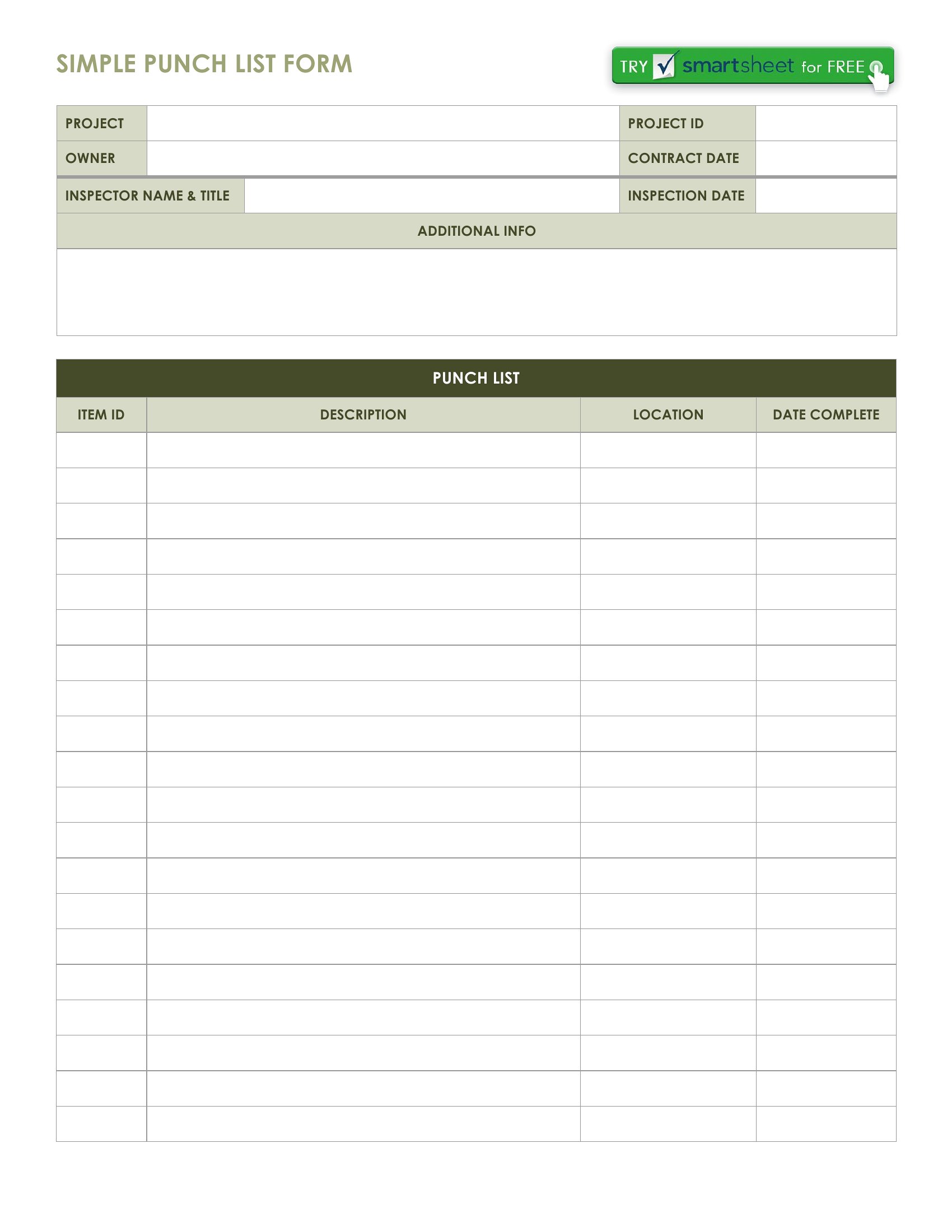
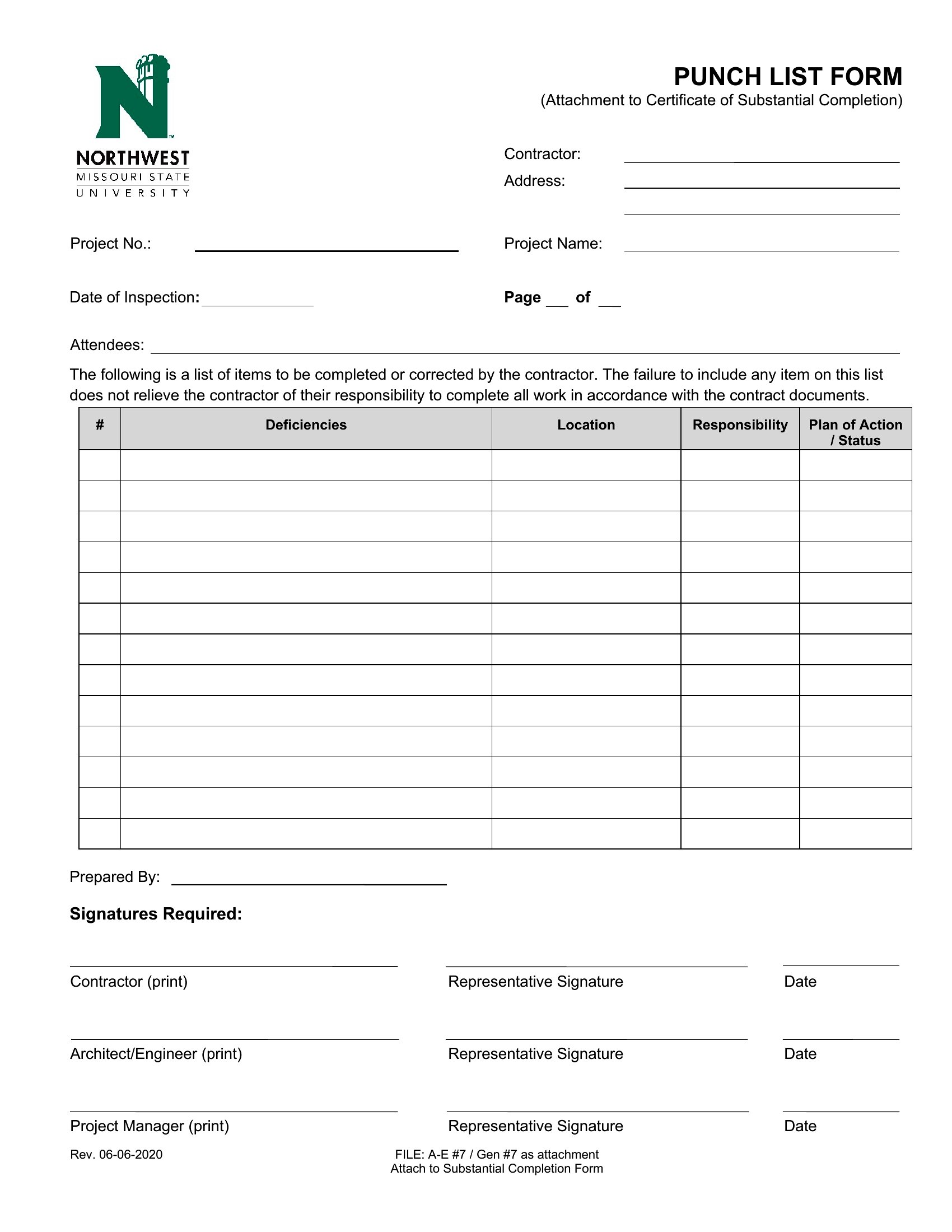
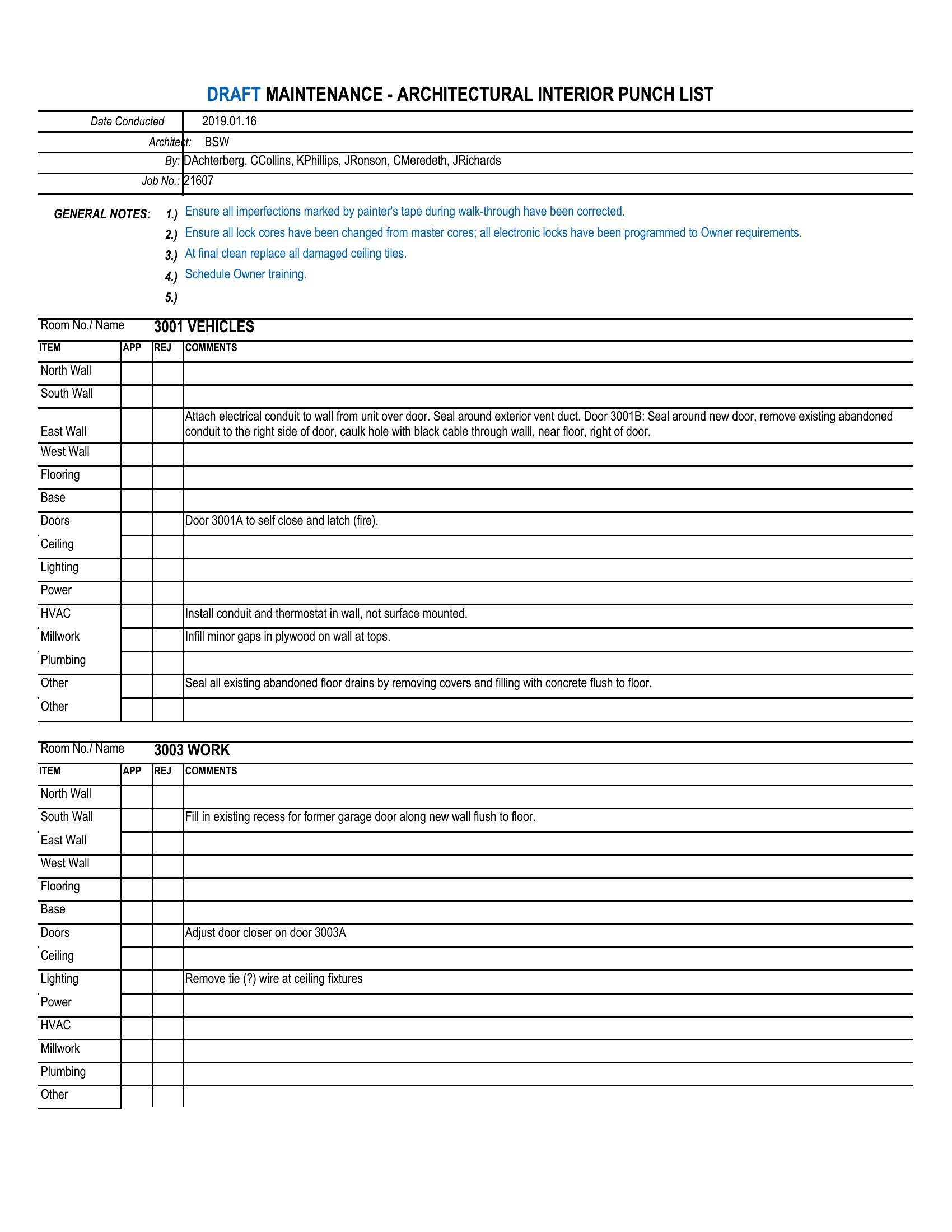
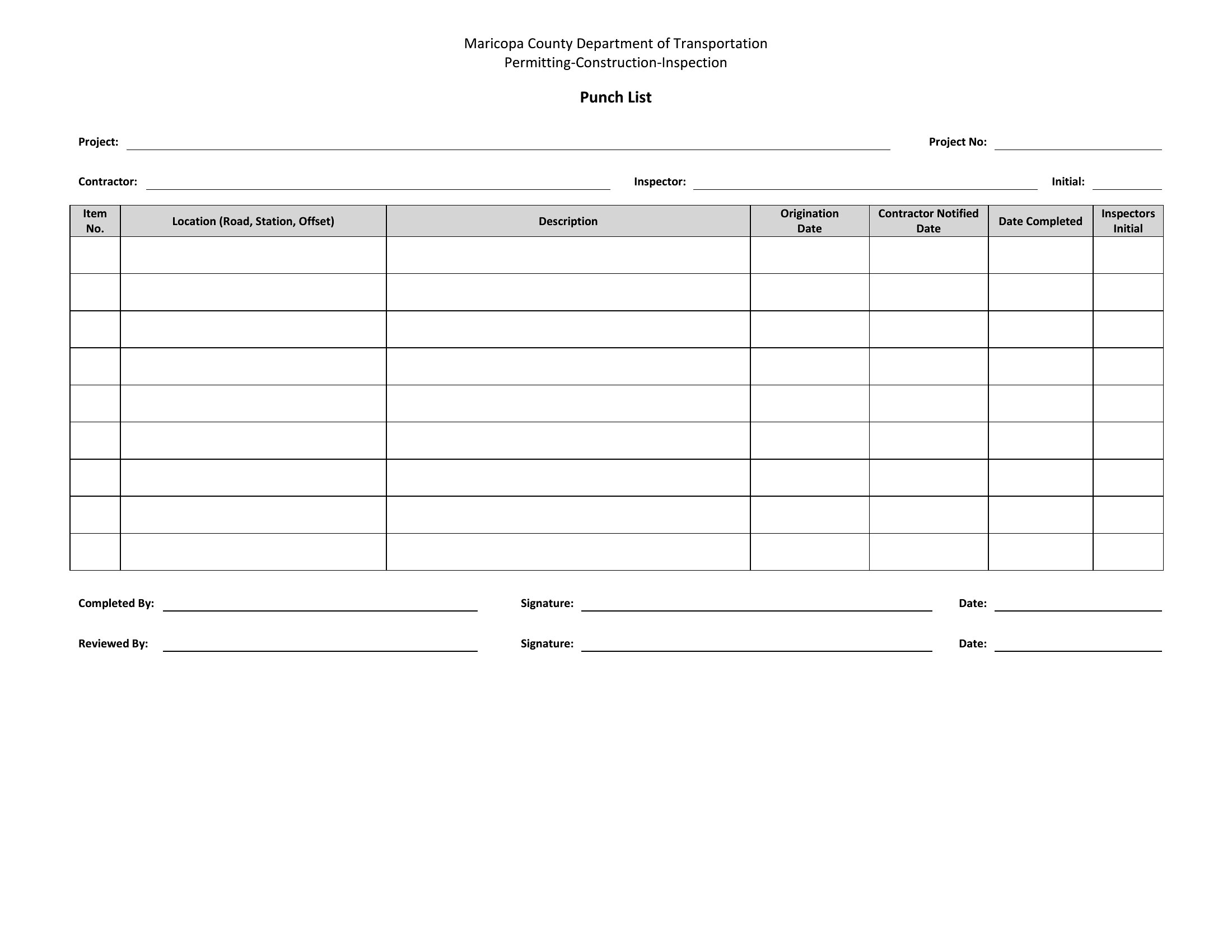
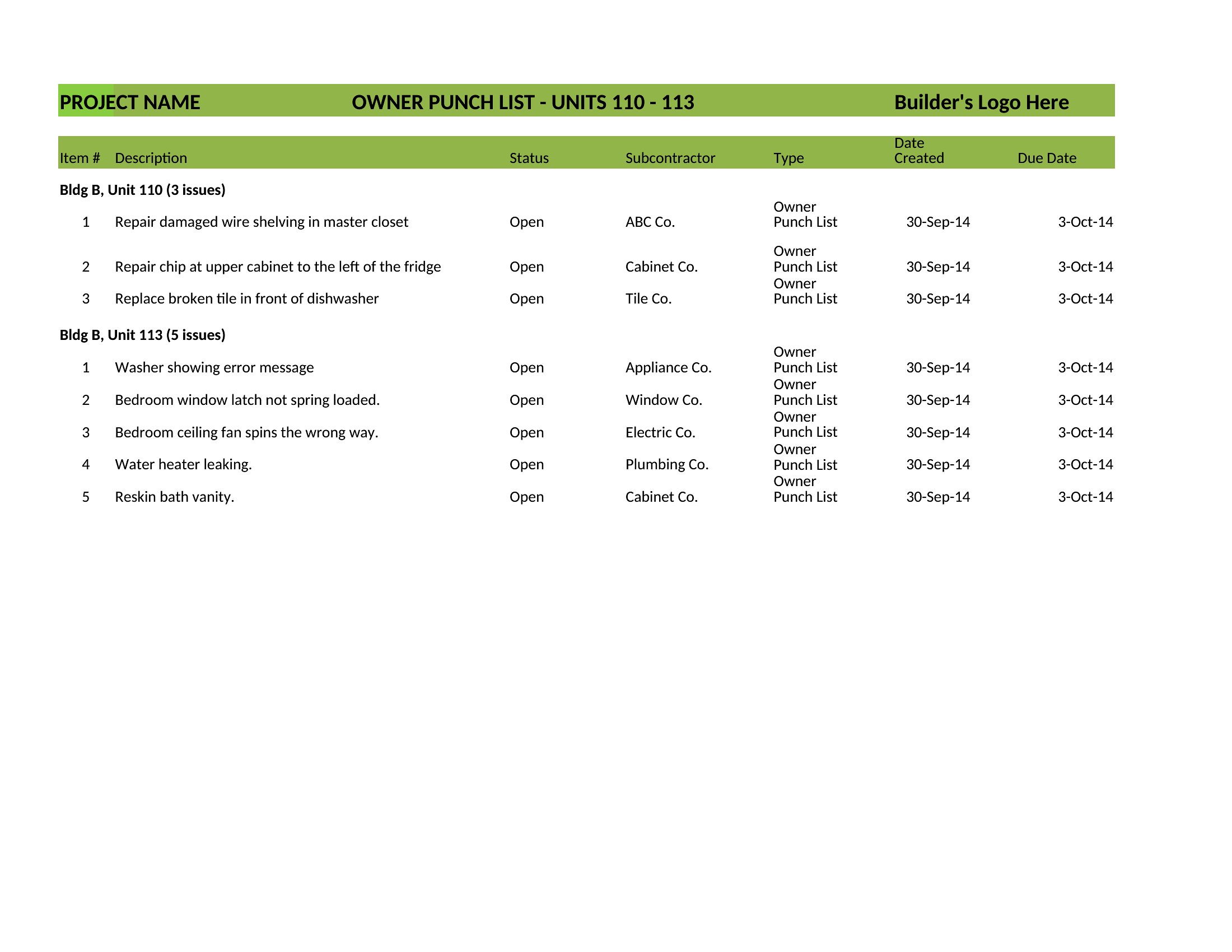
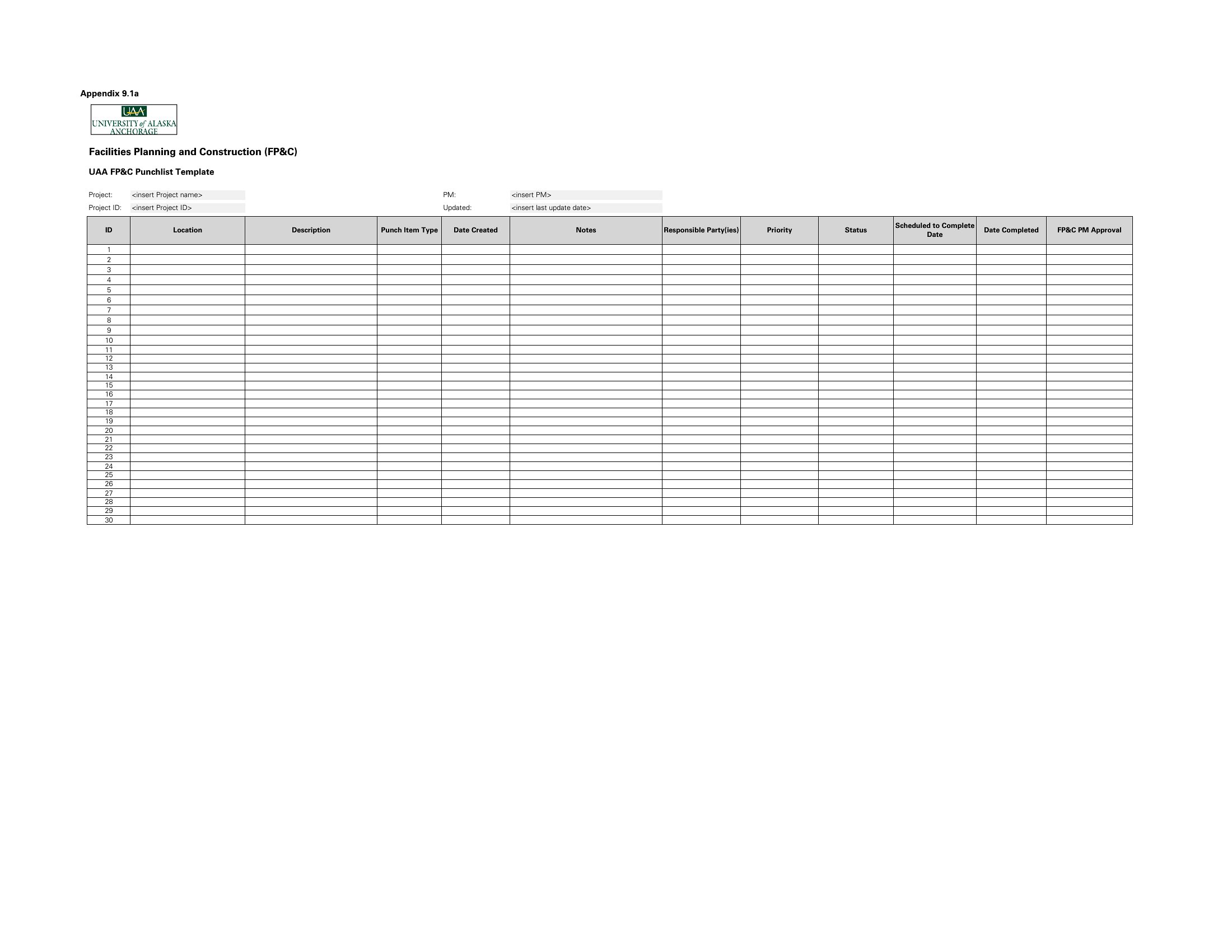
What details should I include beyond the task description to avoid misunderstandings?
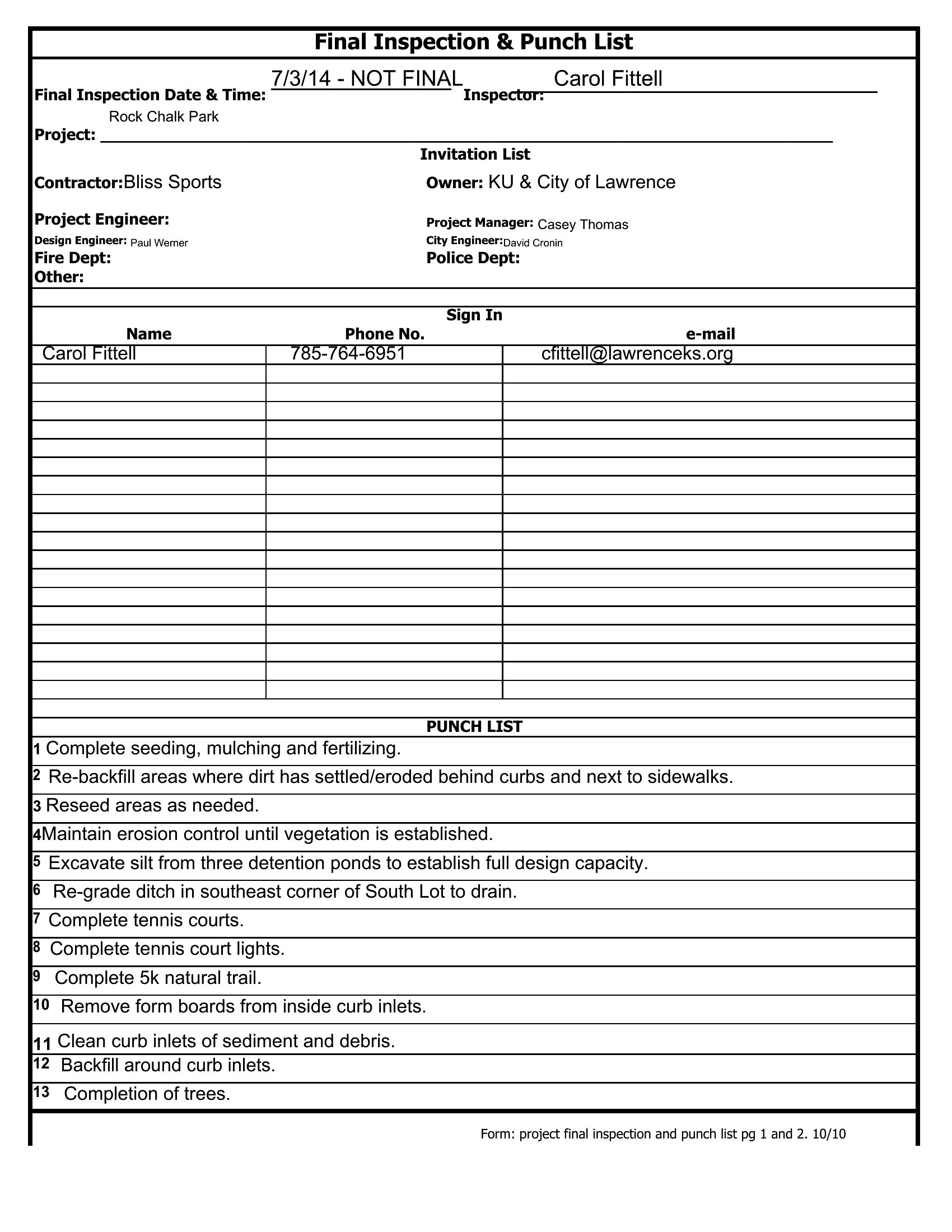
Always include the location of the task (e.g., 'Kitchen – Upper Cabinets – Left Side'), the responsible party, a deadline, and a brief note on the expected standard (e.g., 'Caulking should be smooth and paint-matched'). Photos attached to digital versions can also clarify issues like cosmetic defects or installation errors.
Comments
Join the conversation
Sign in to share your thoughts and leave a comment on this resource.