Skip to content
50% off this one-time $1.99 pack with HALFOFF — or unlimited with Pro.HALFOFF
Premium

Free To-Do List Templates (Word, Excel, PDF)

Worksheets
letitiawheeler by letitiawheeler
Updated 0 downloads Quality-checked template

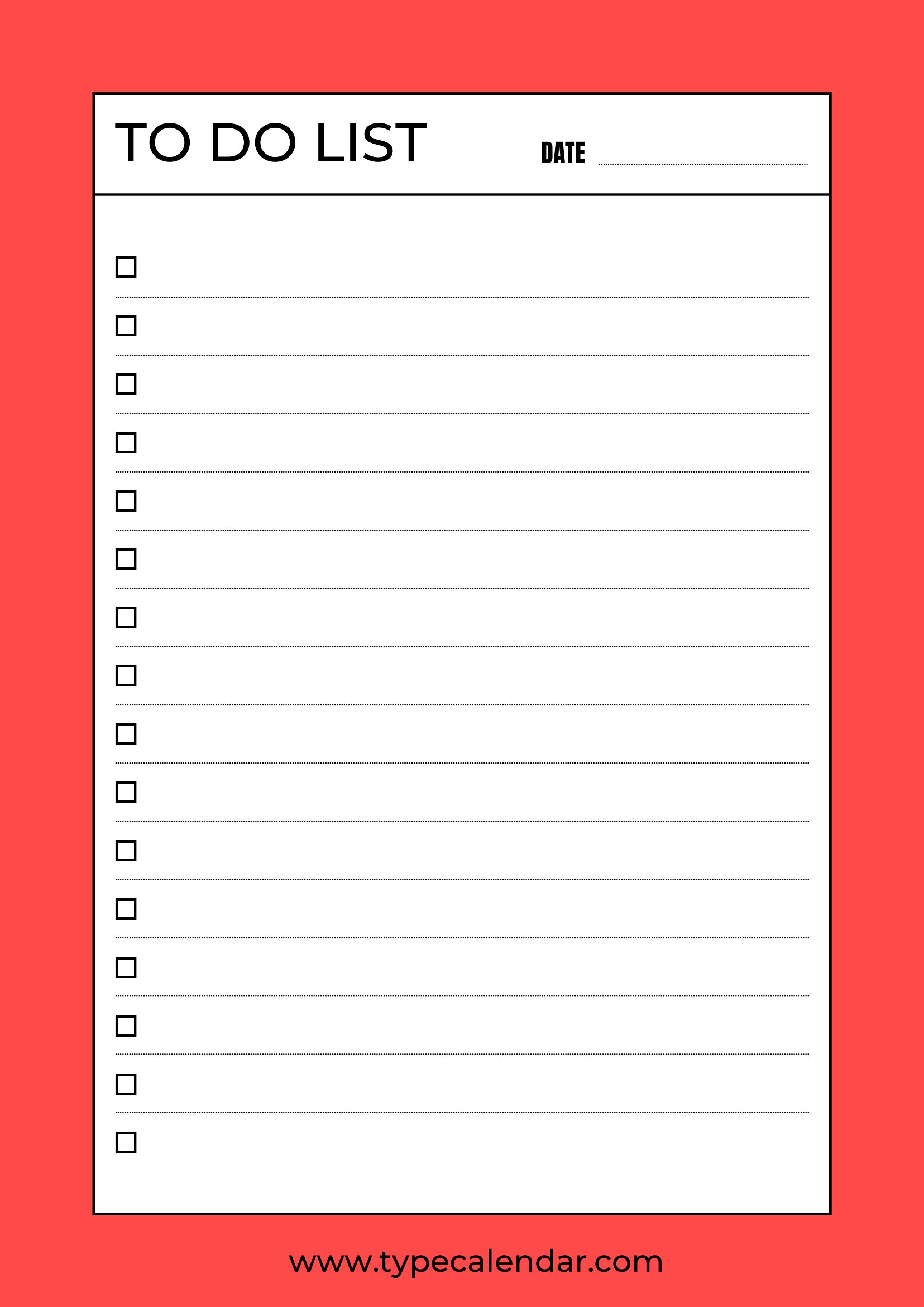
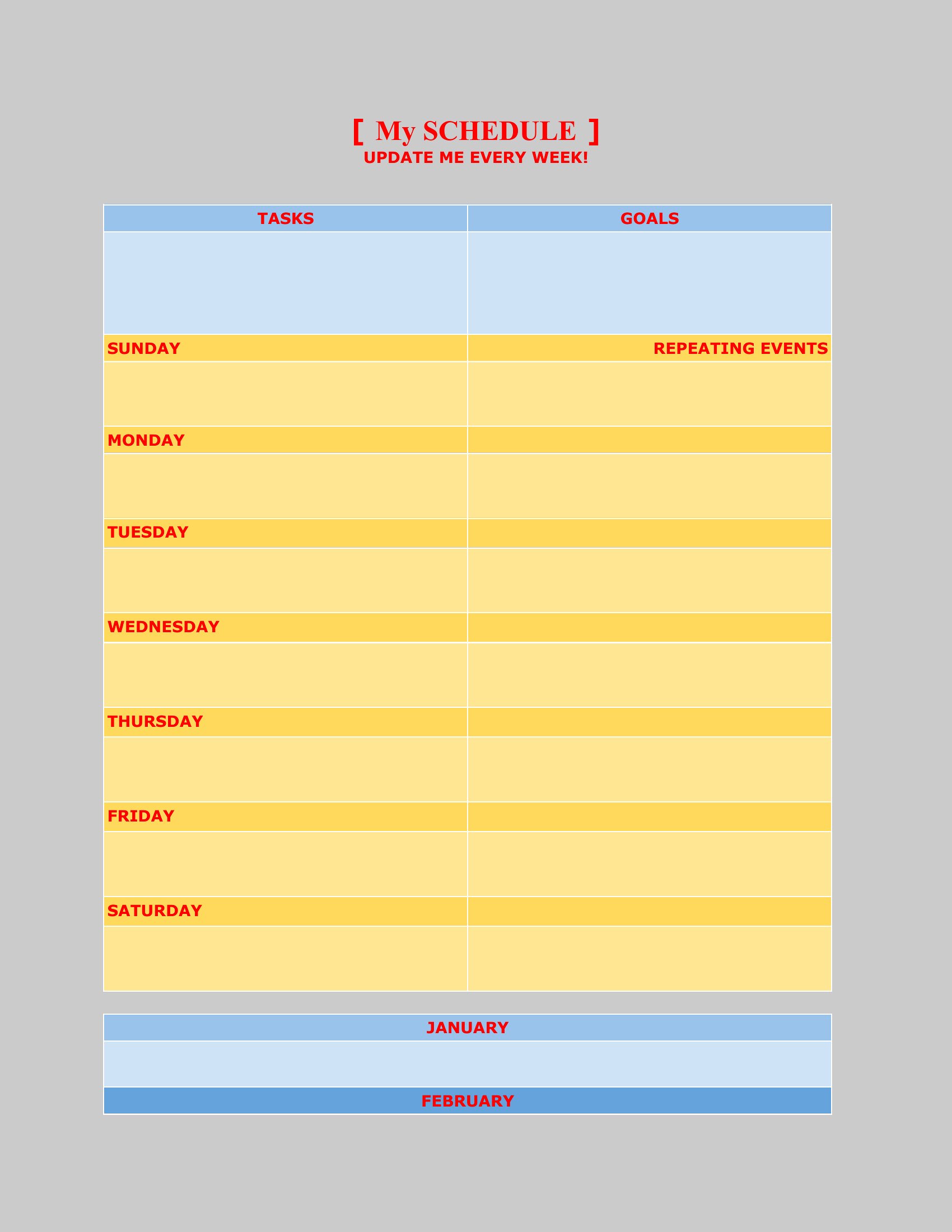
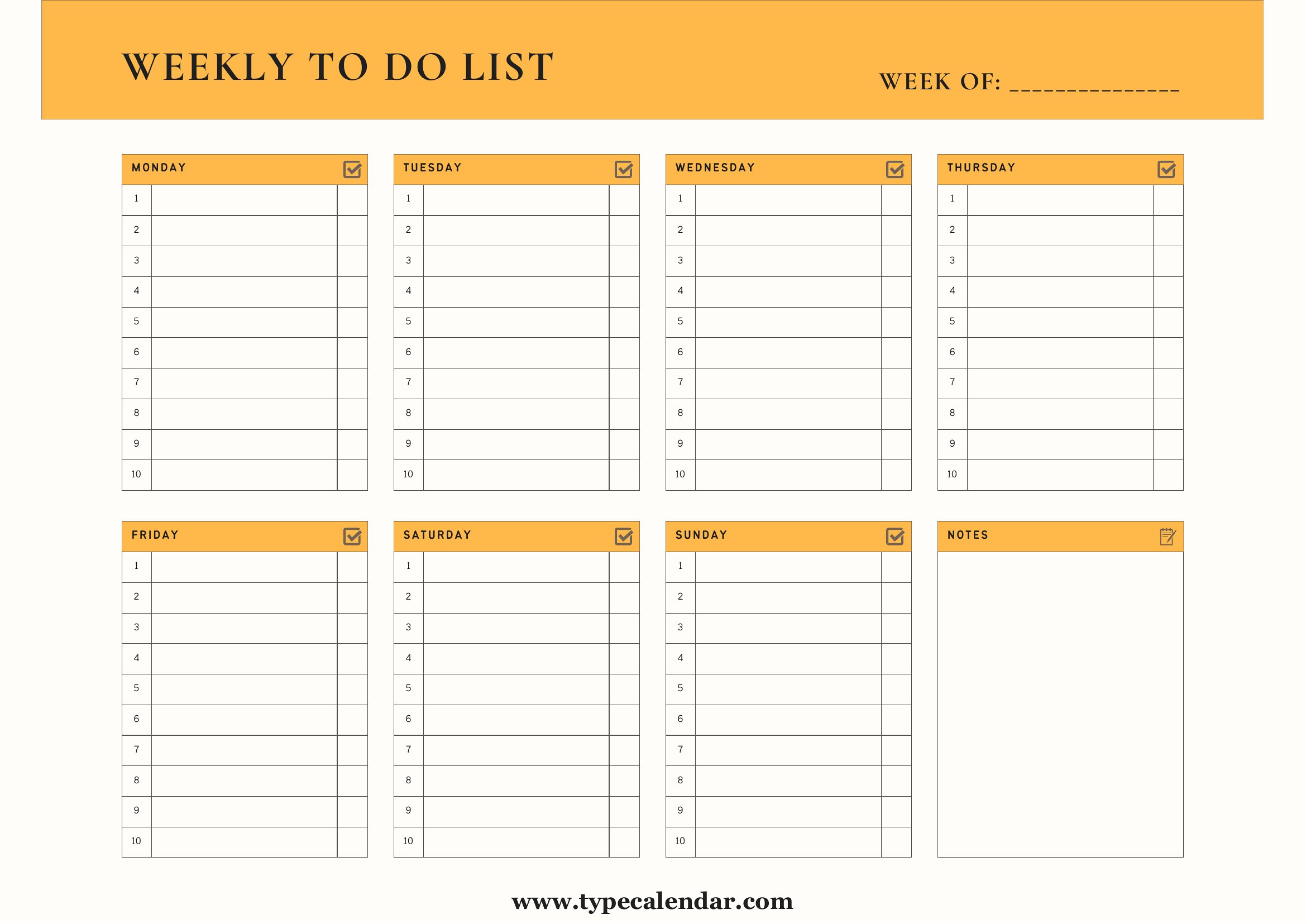
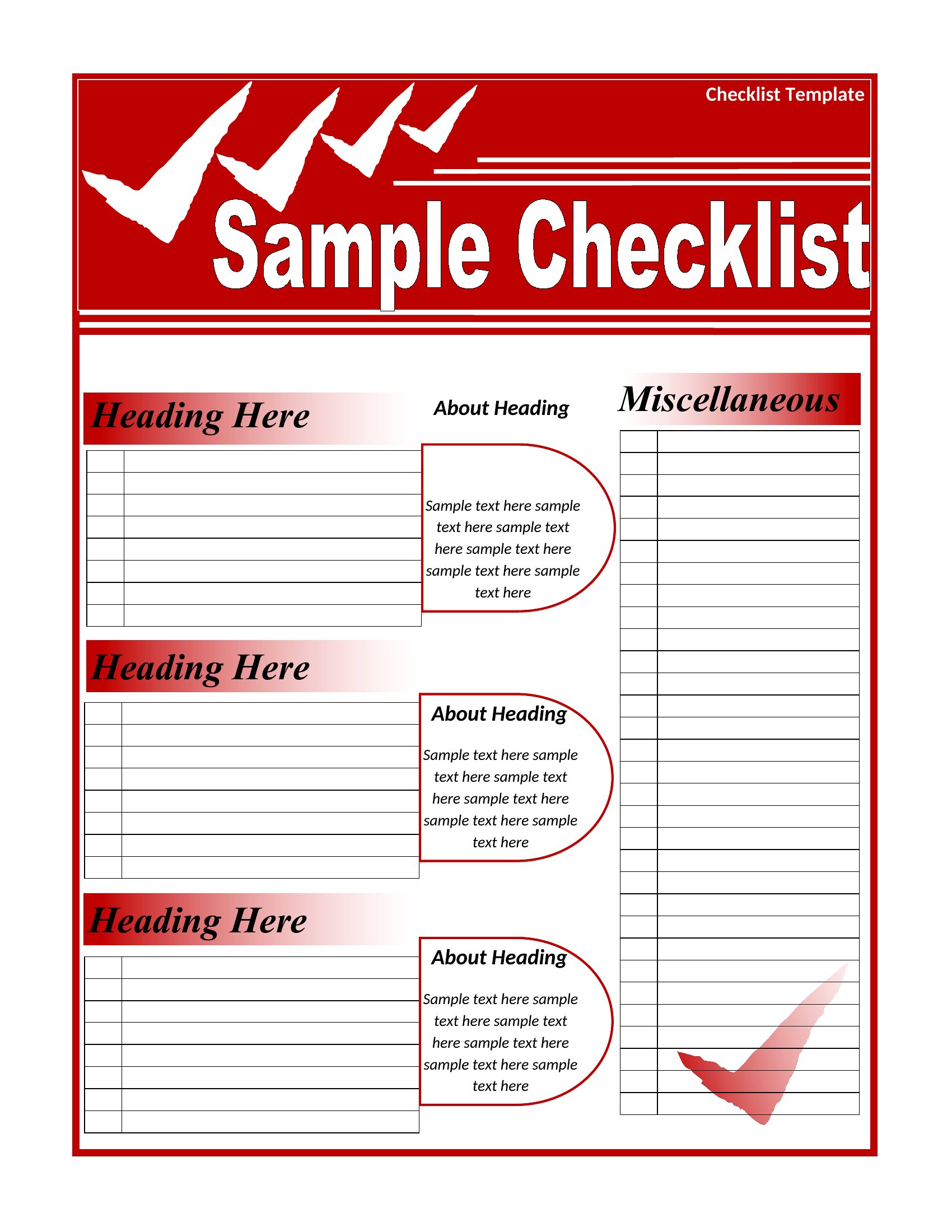
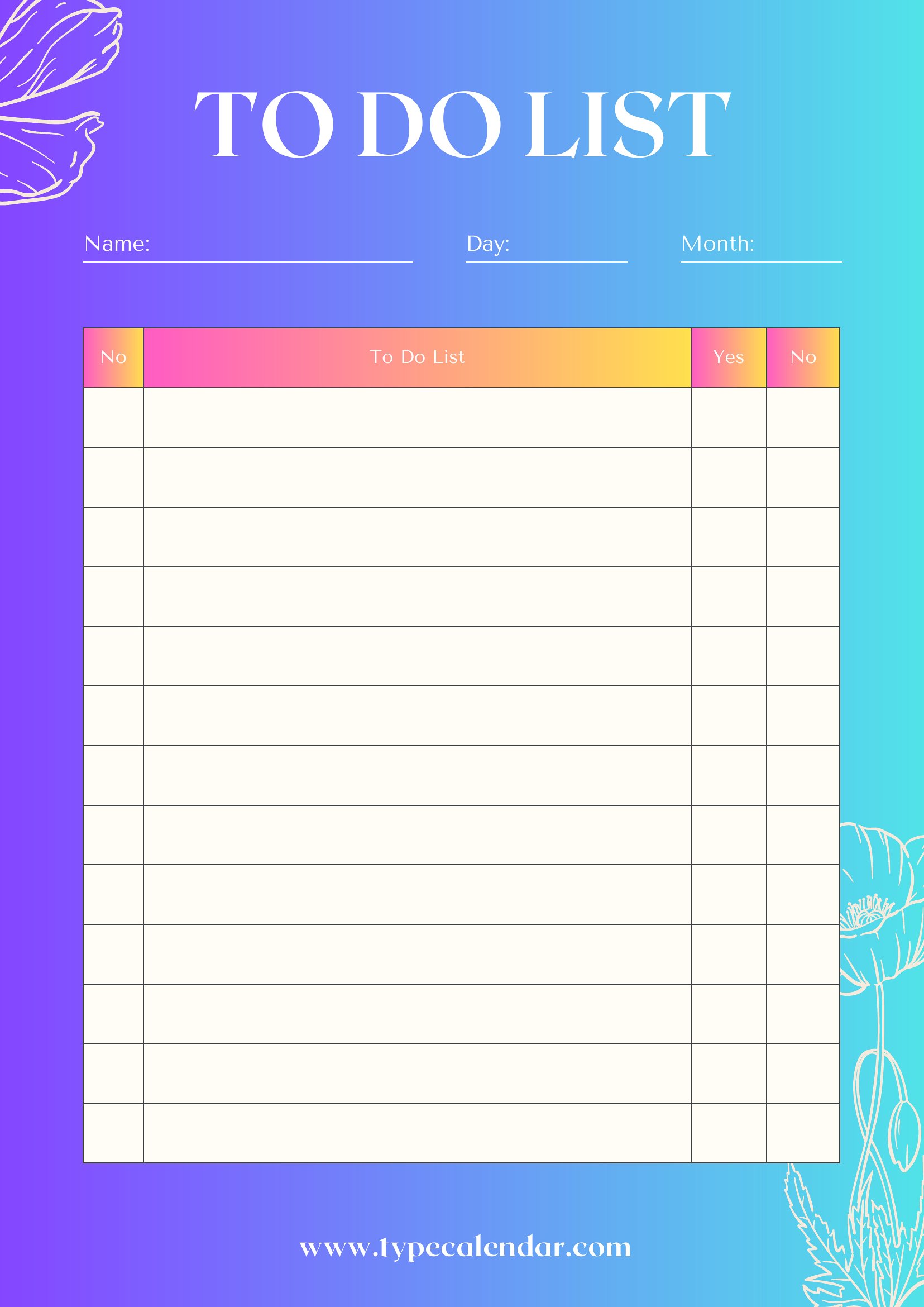
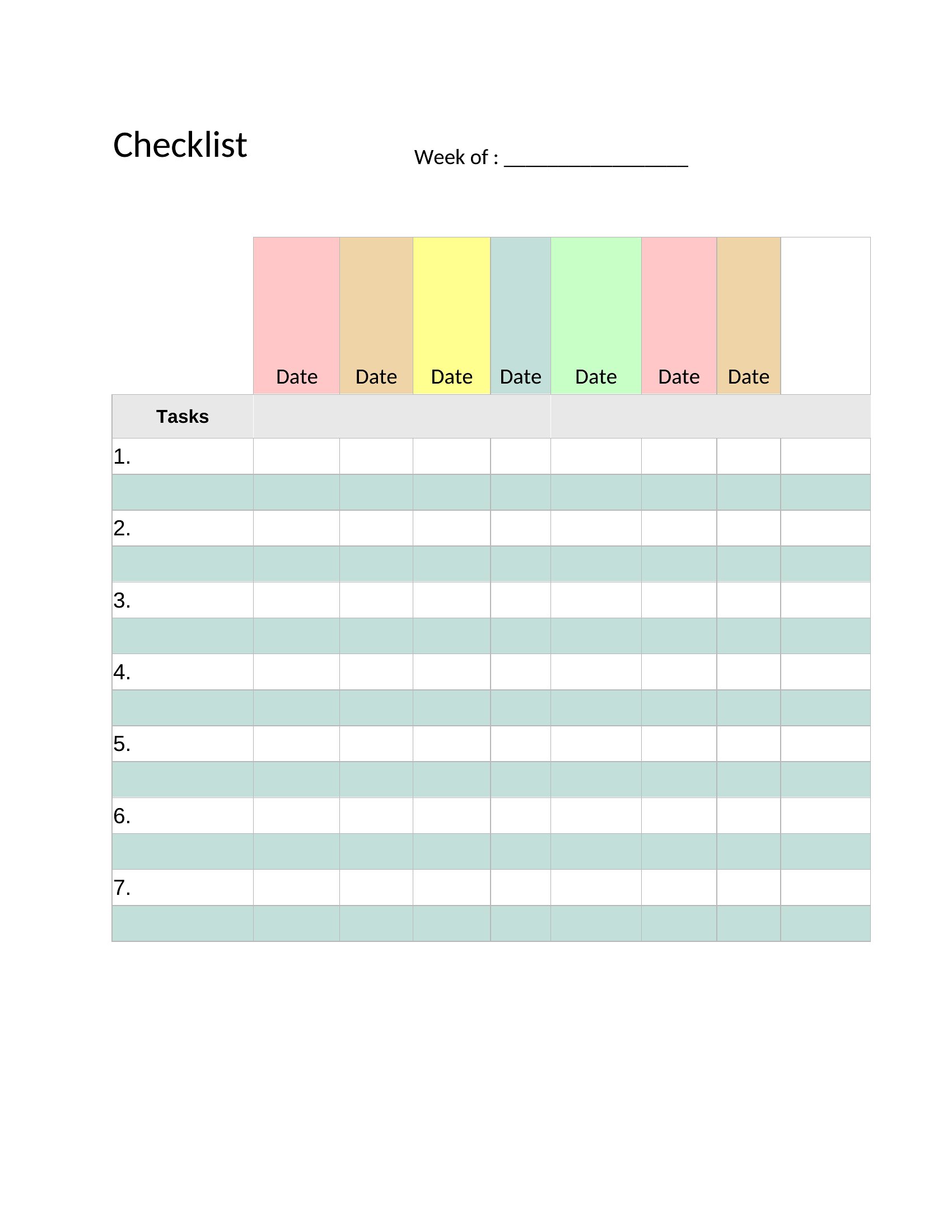
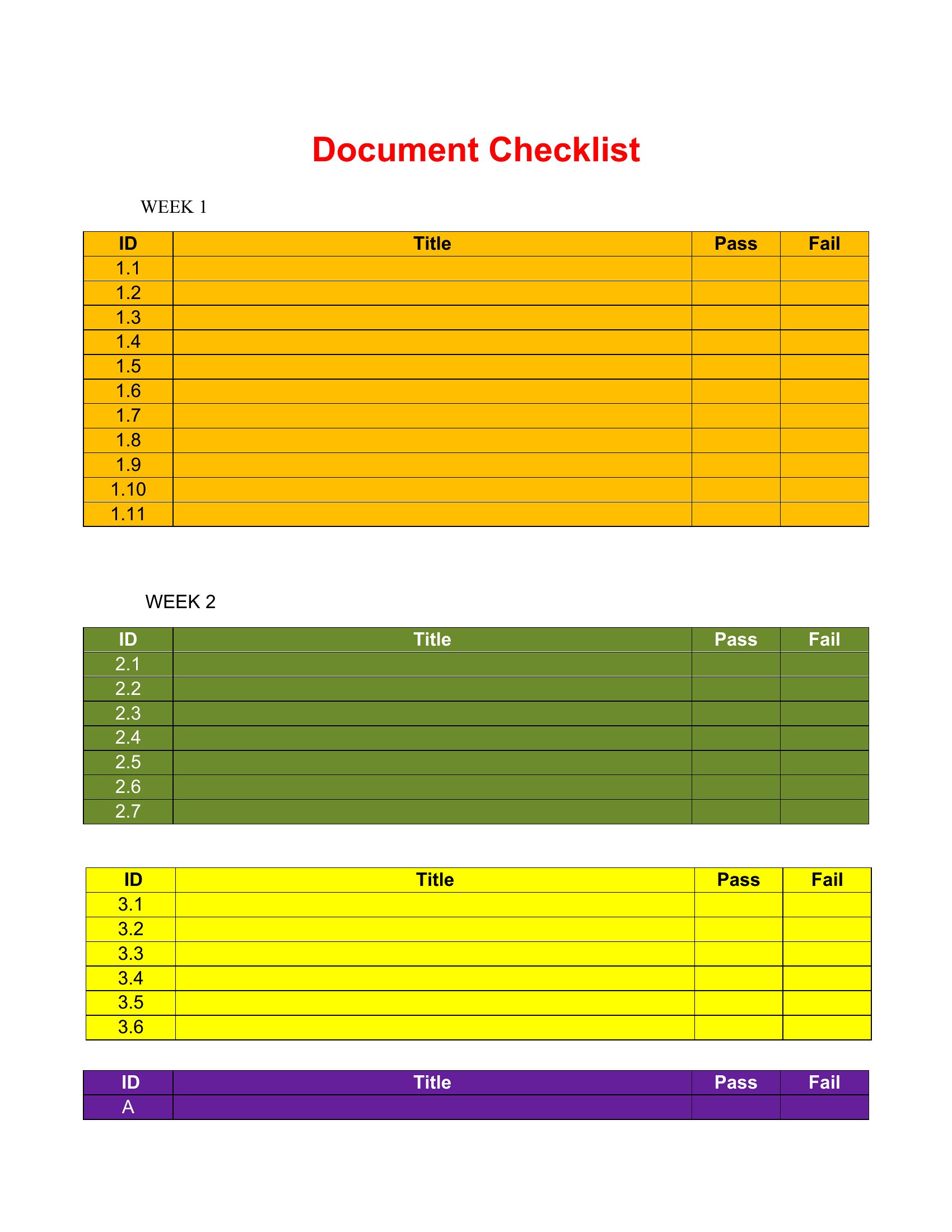
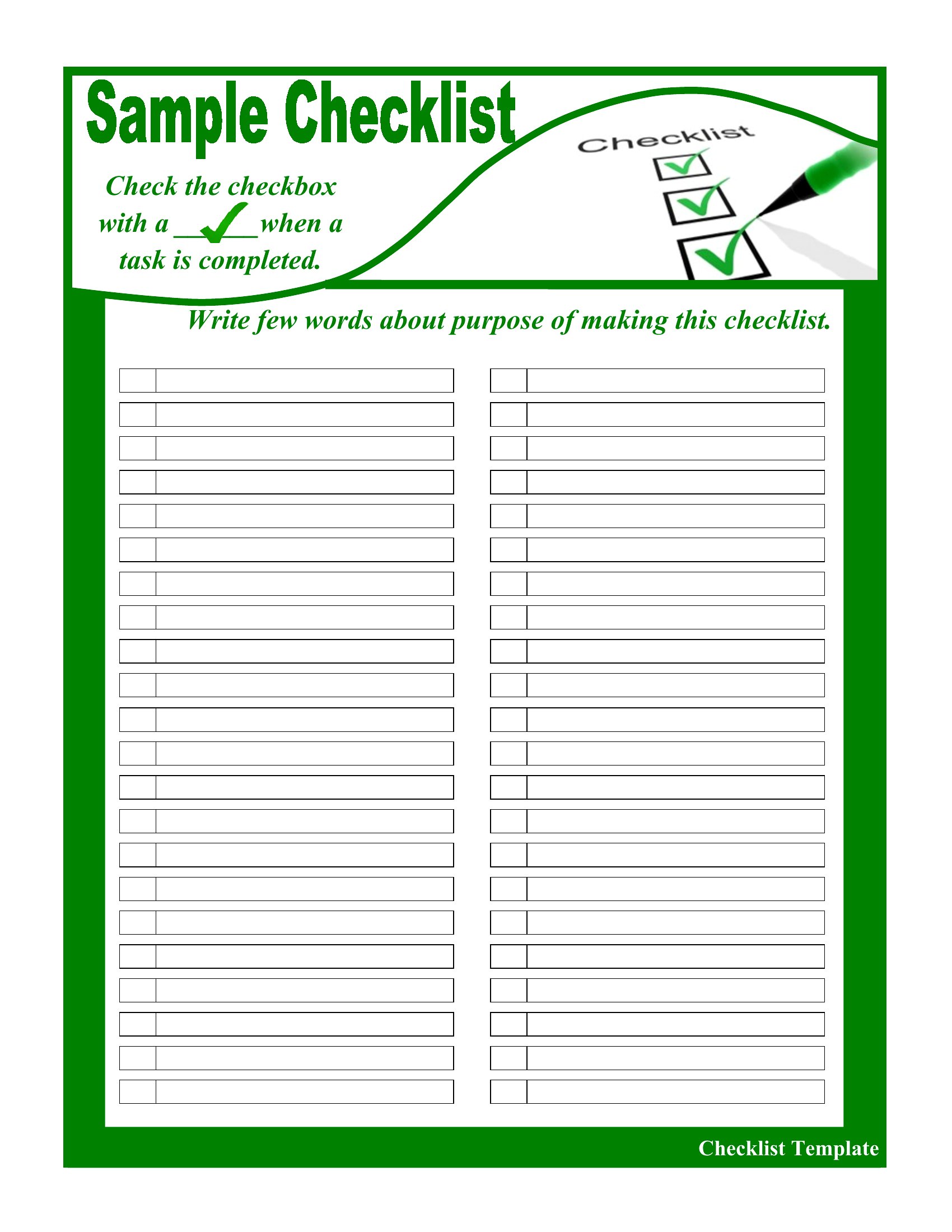
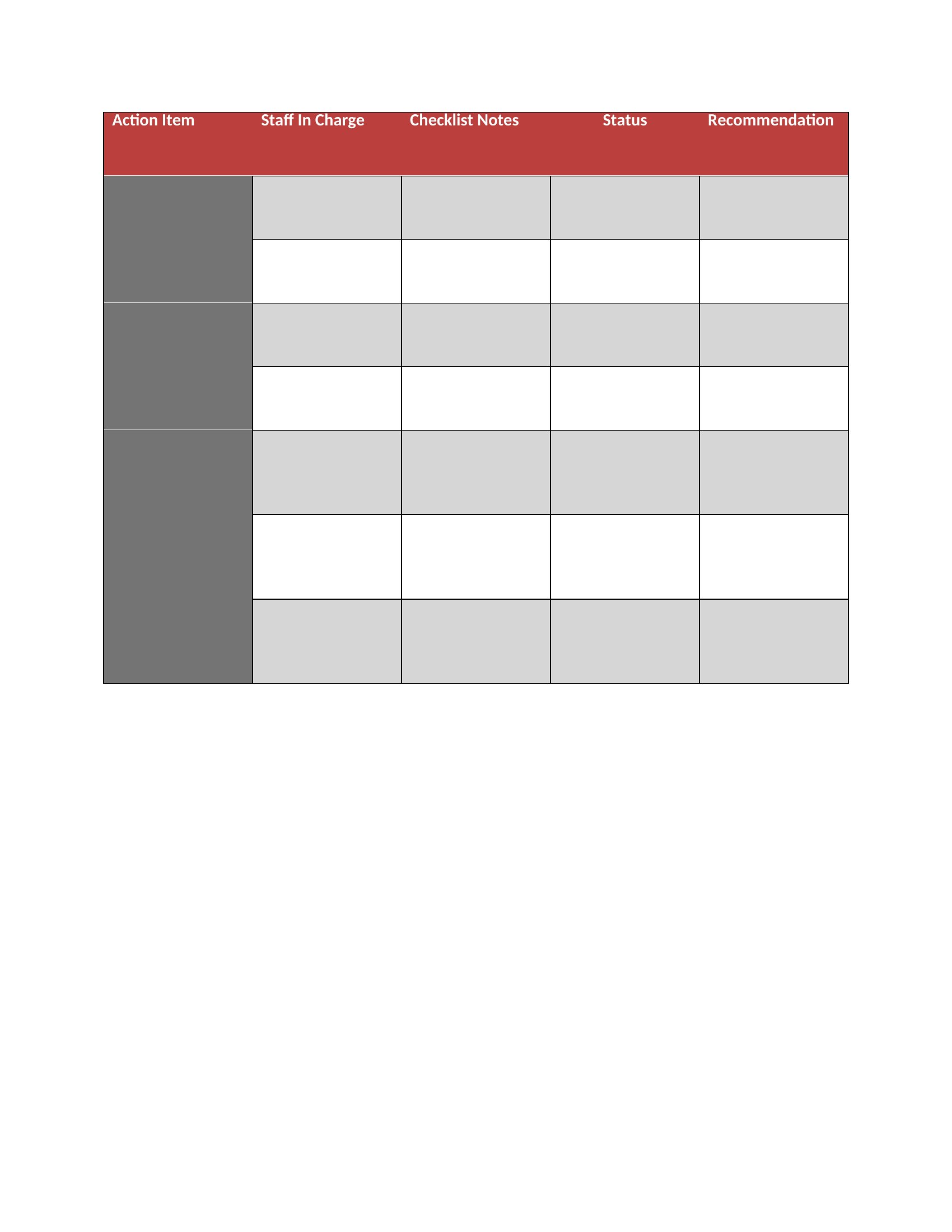
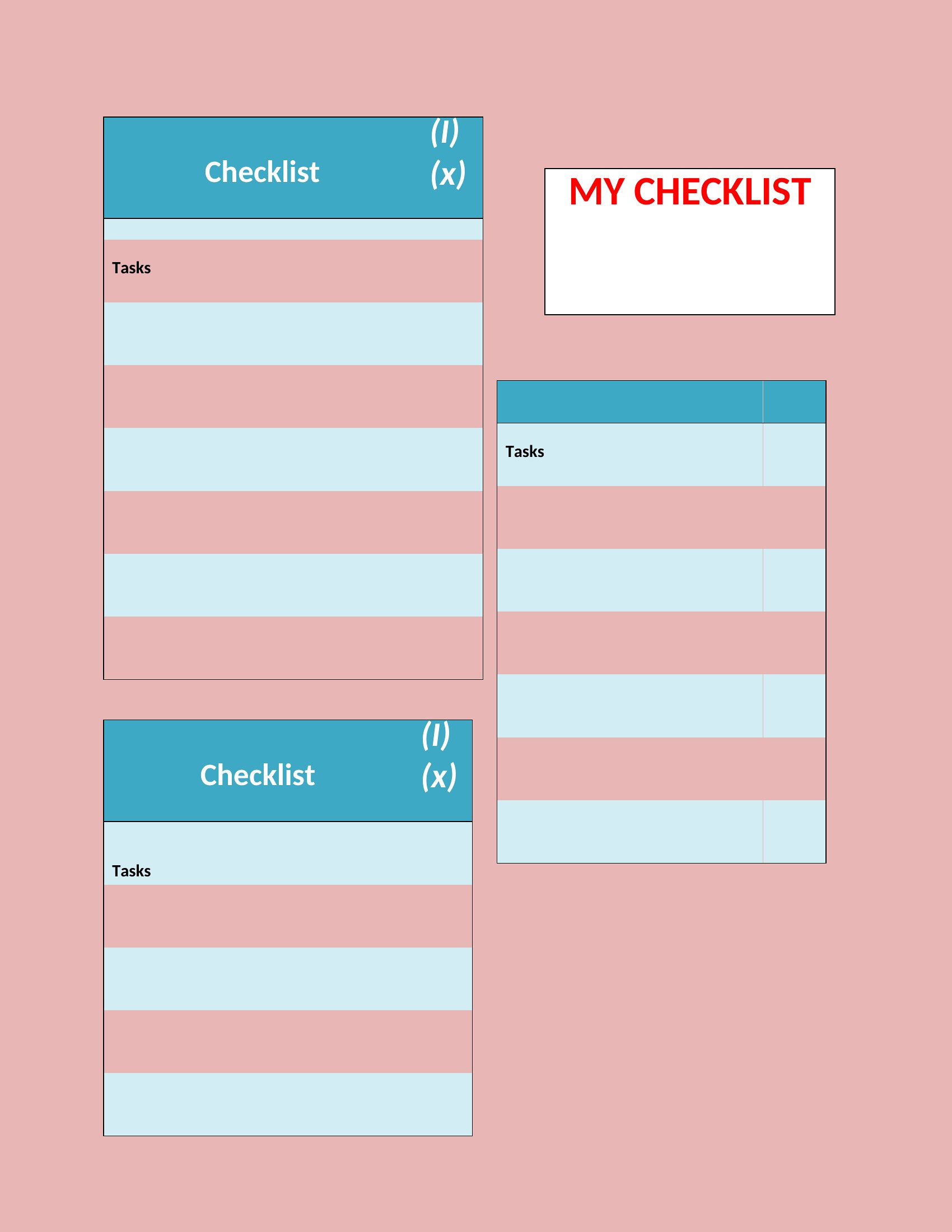
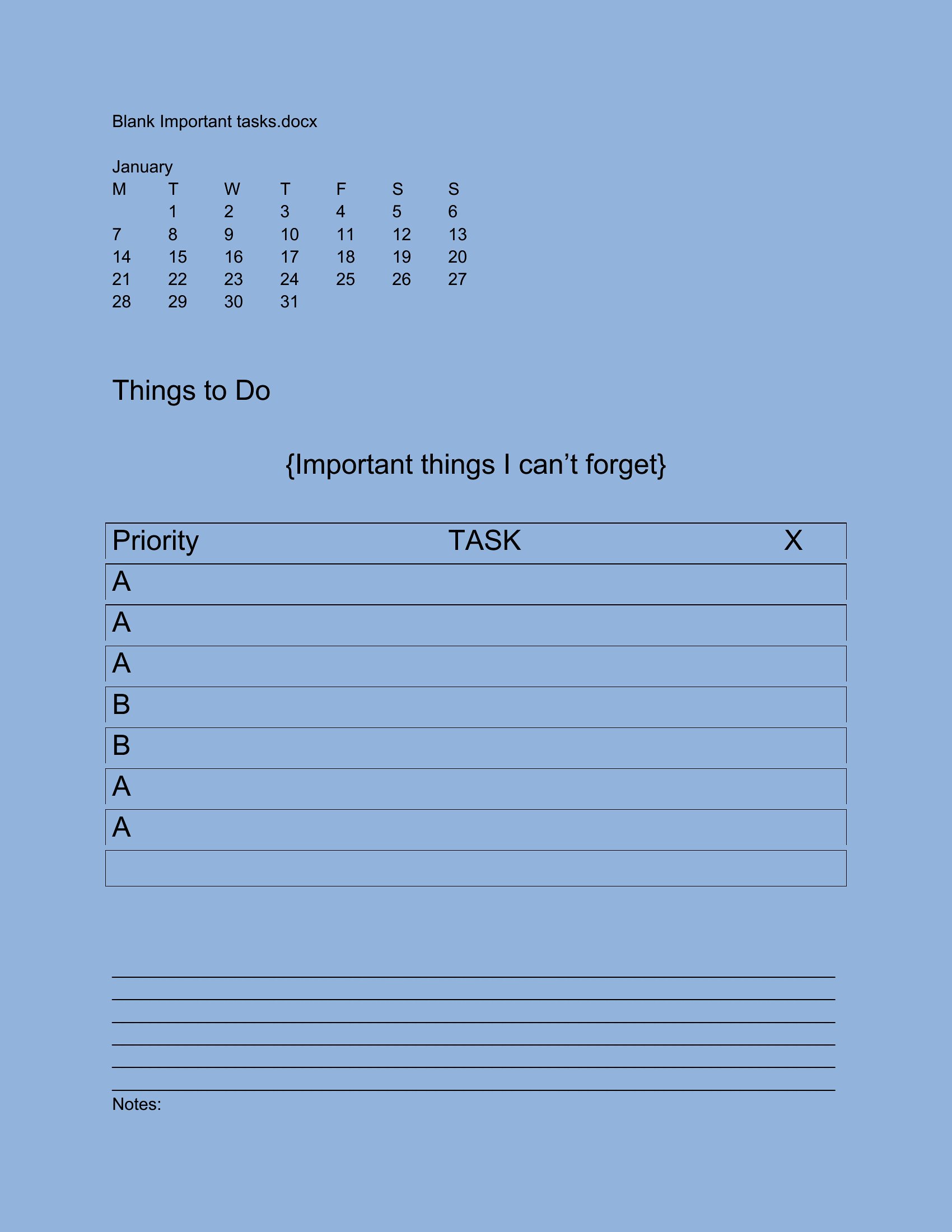
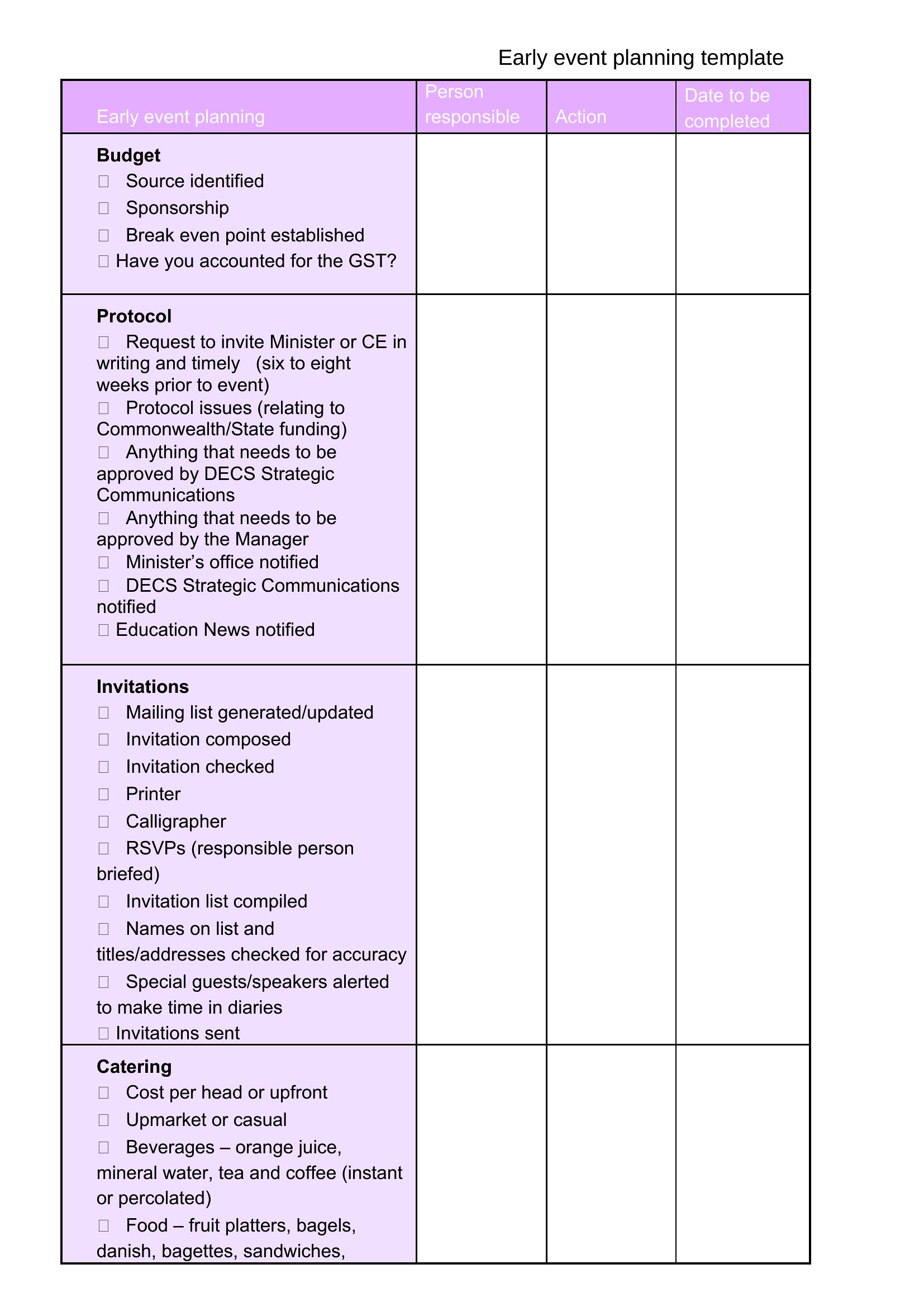
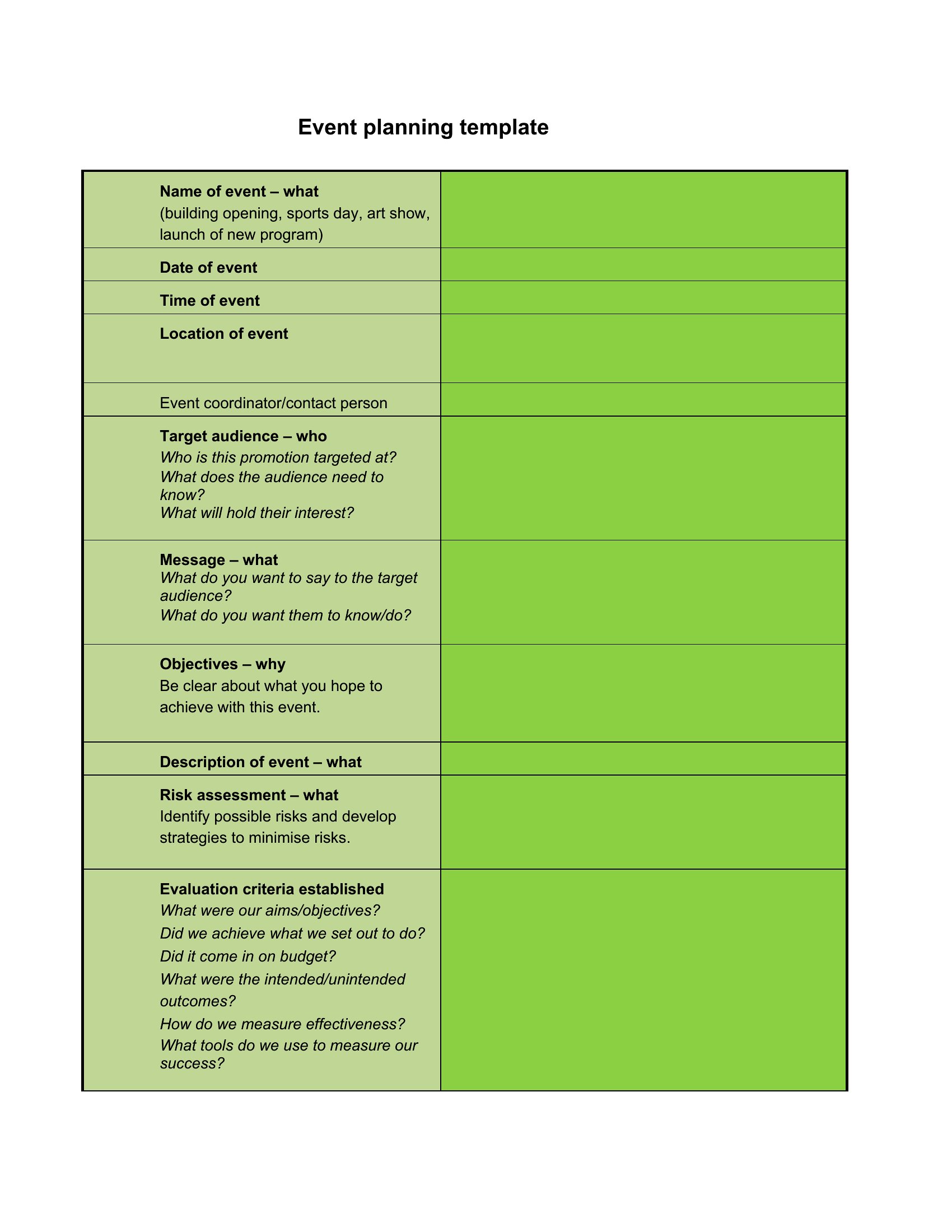
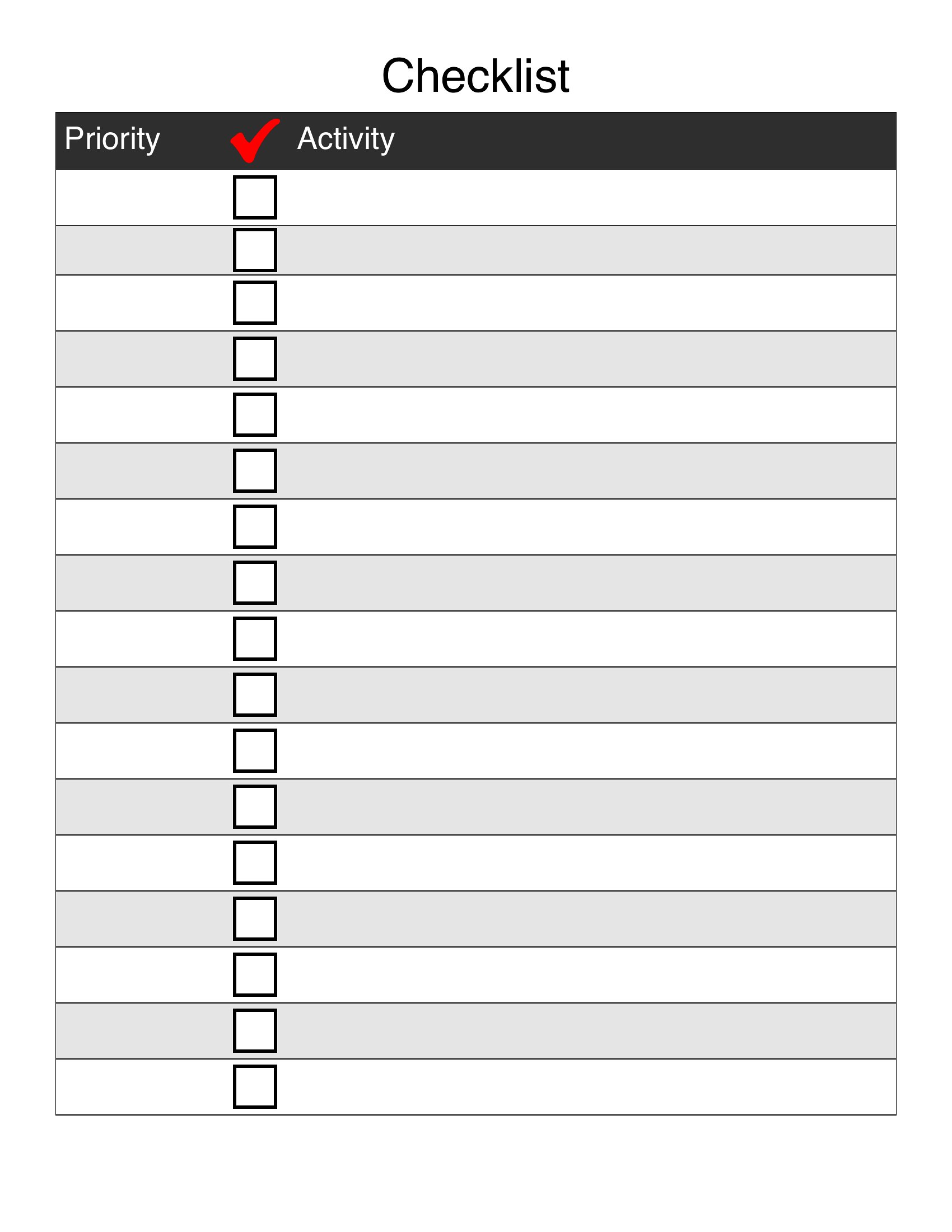
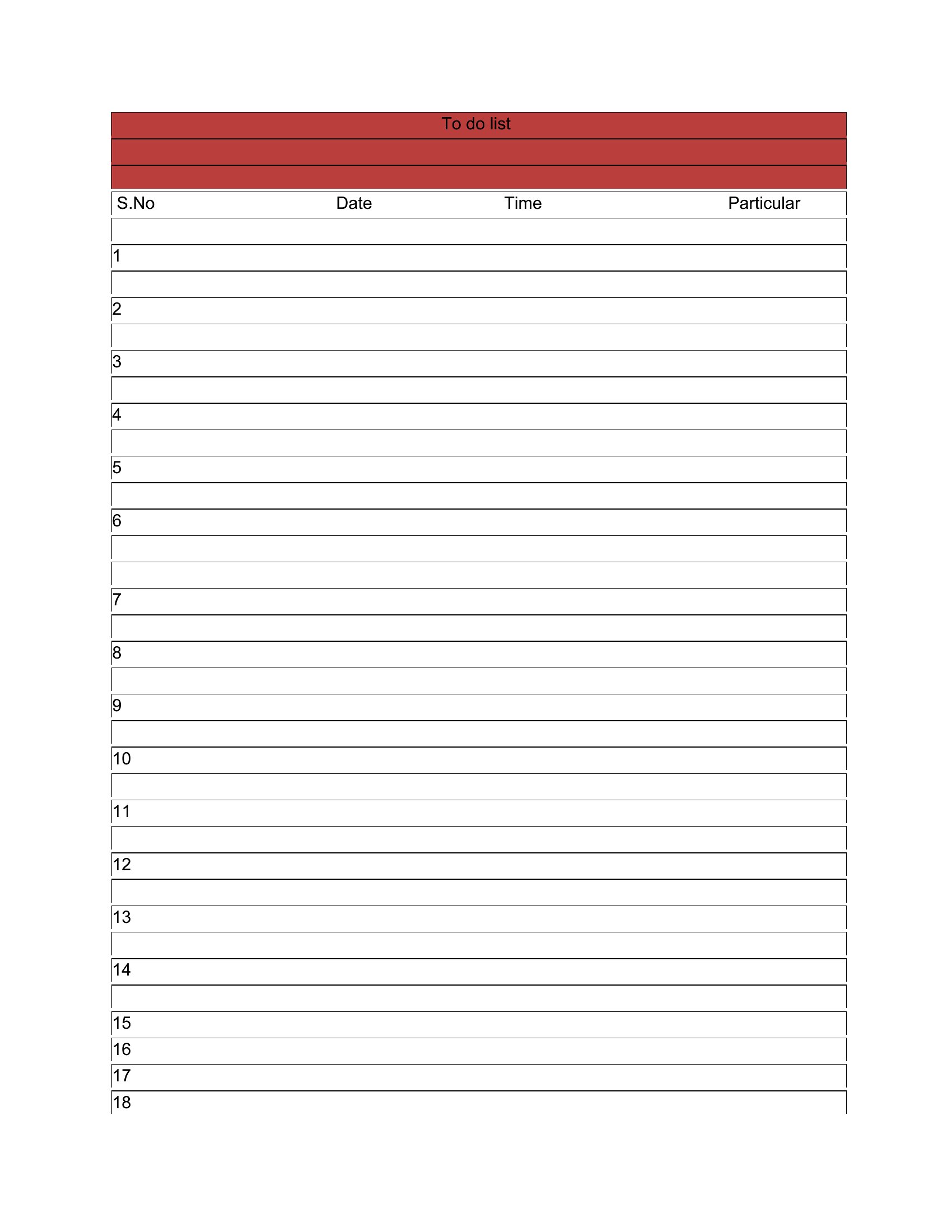
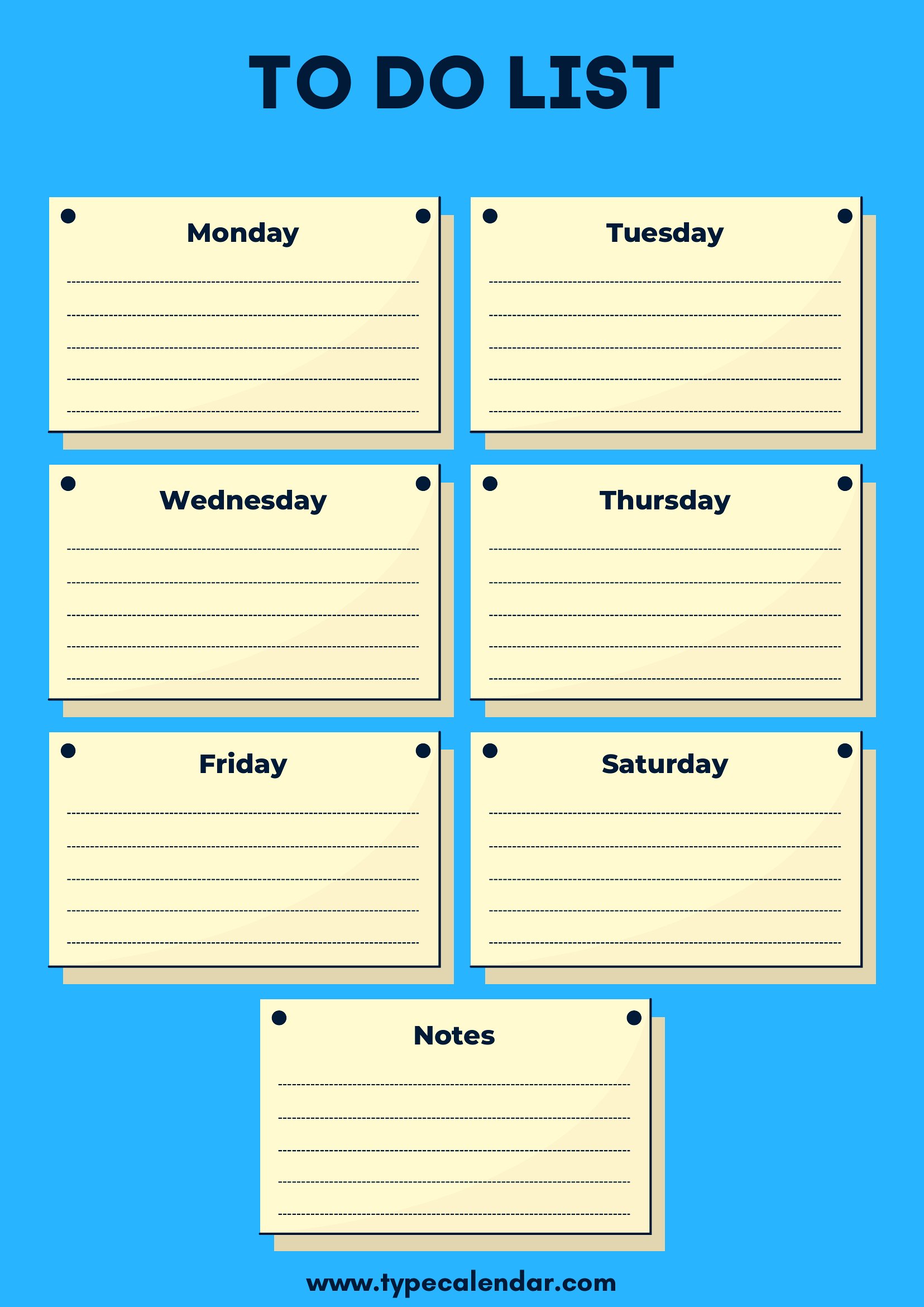
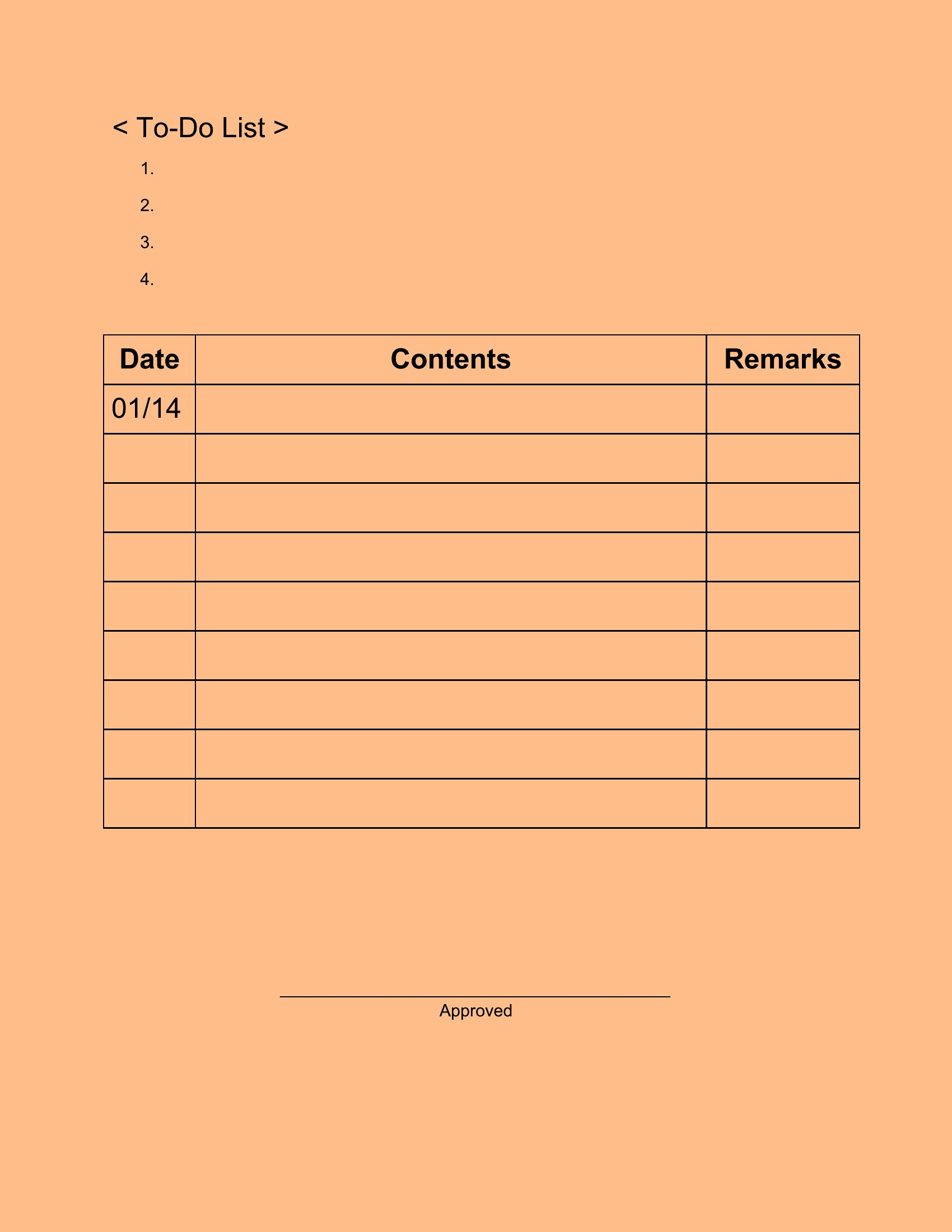
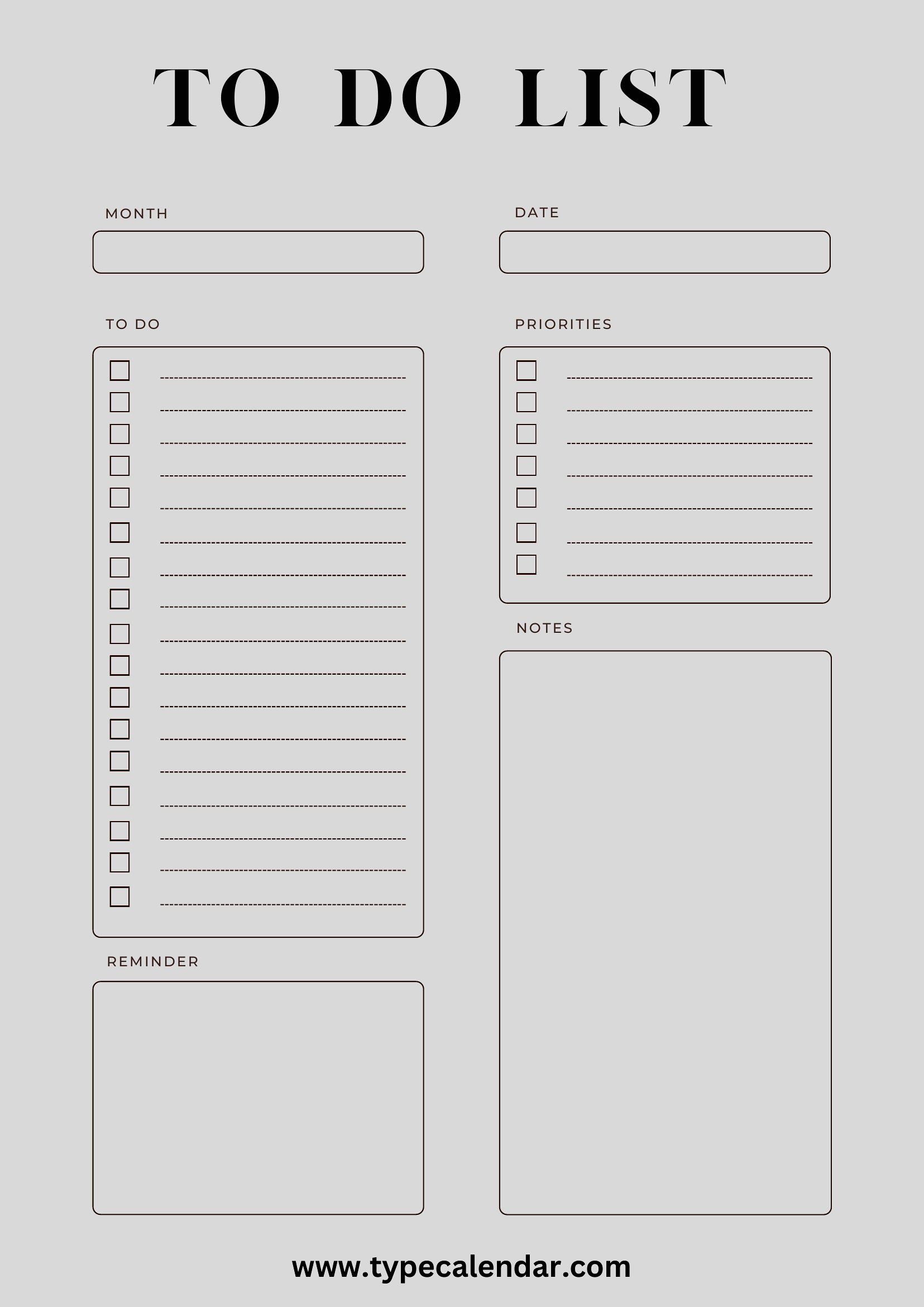
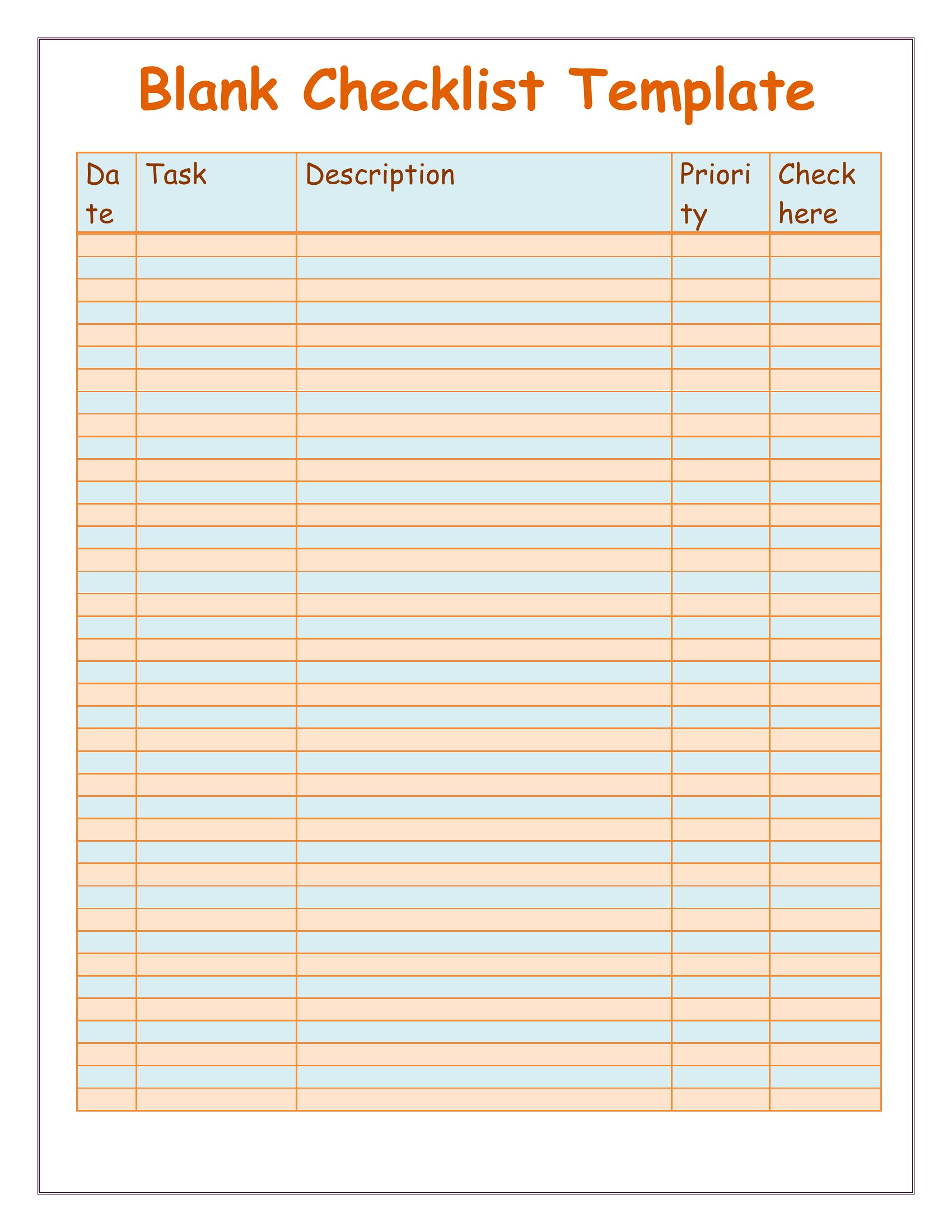
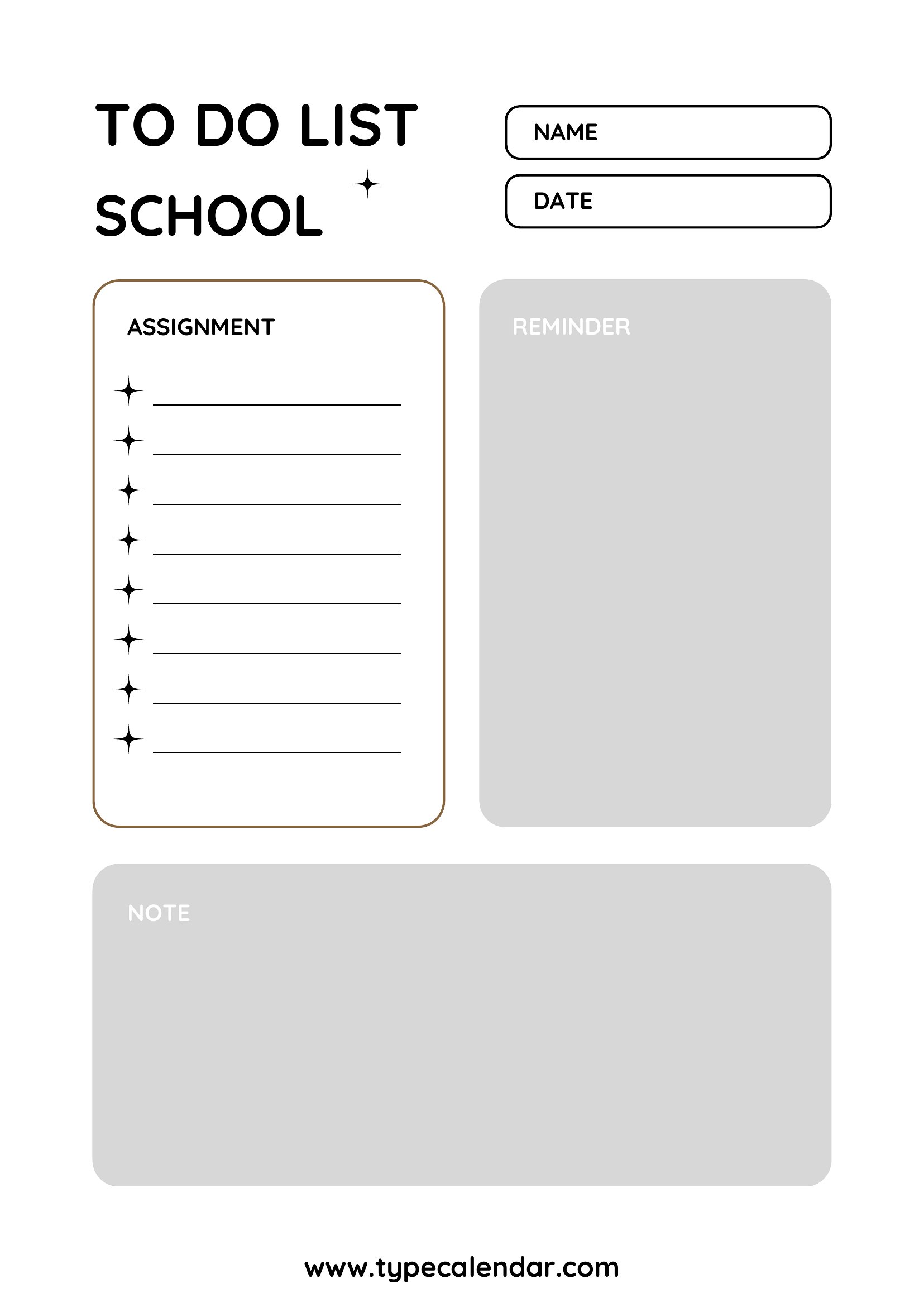
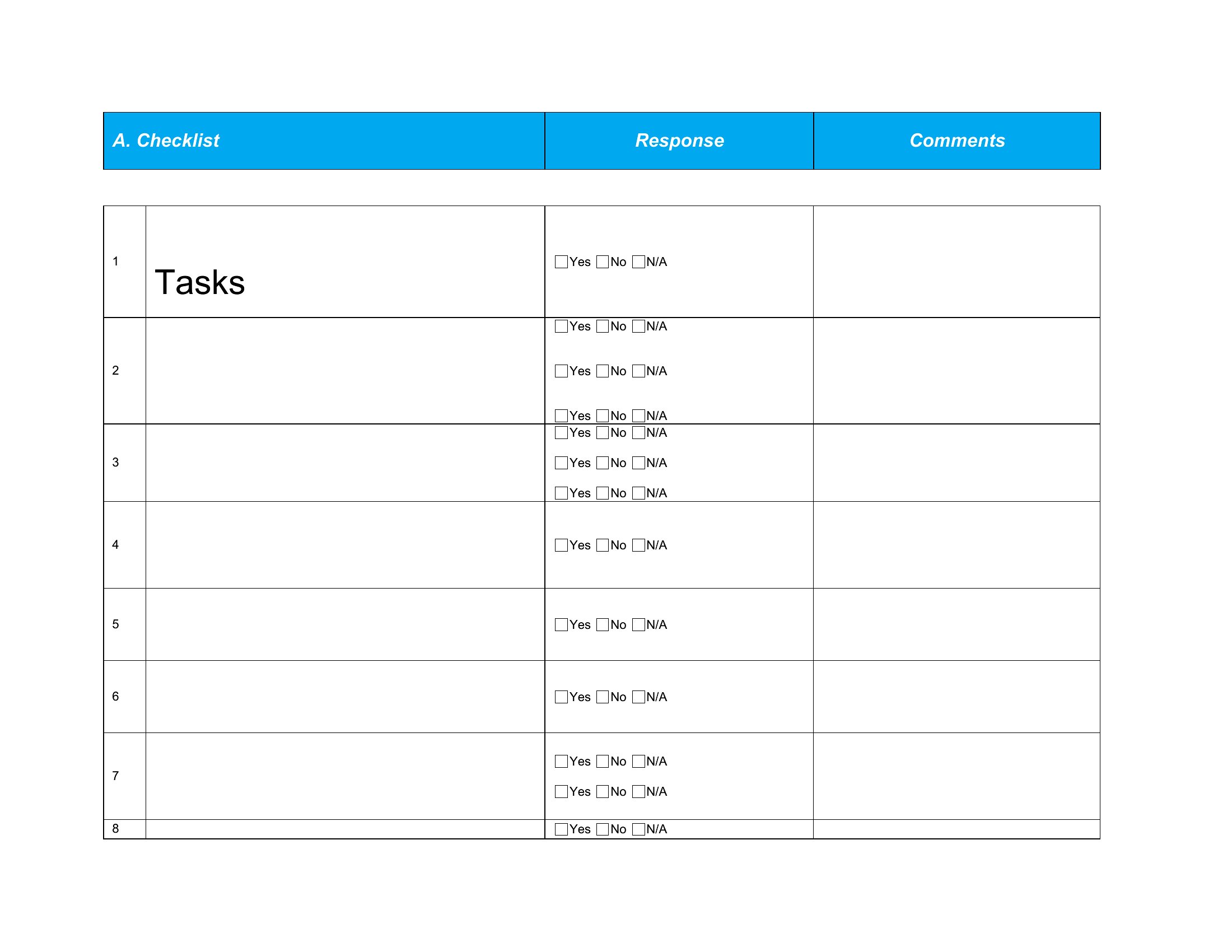
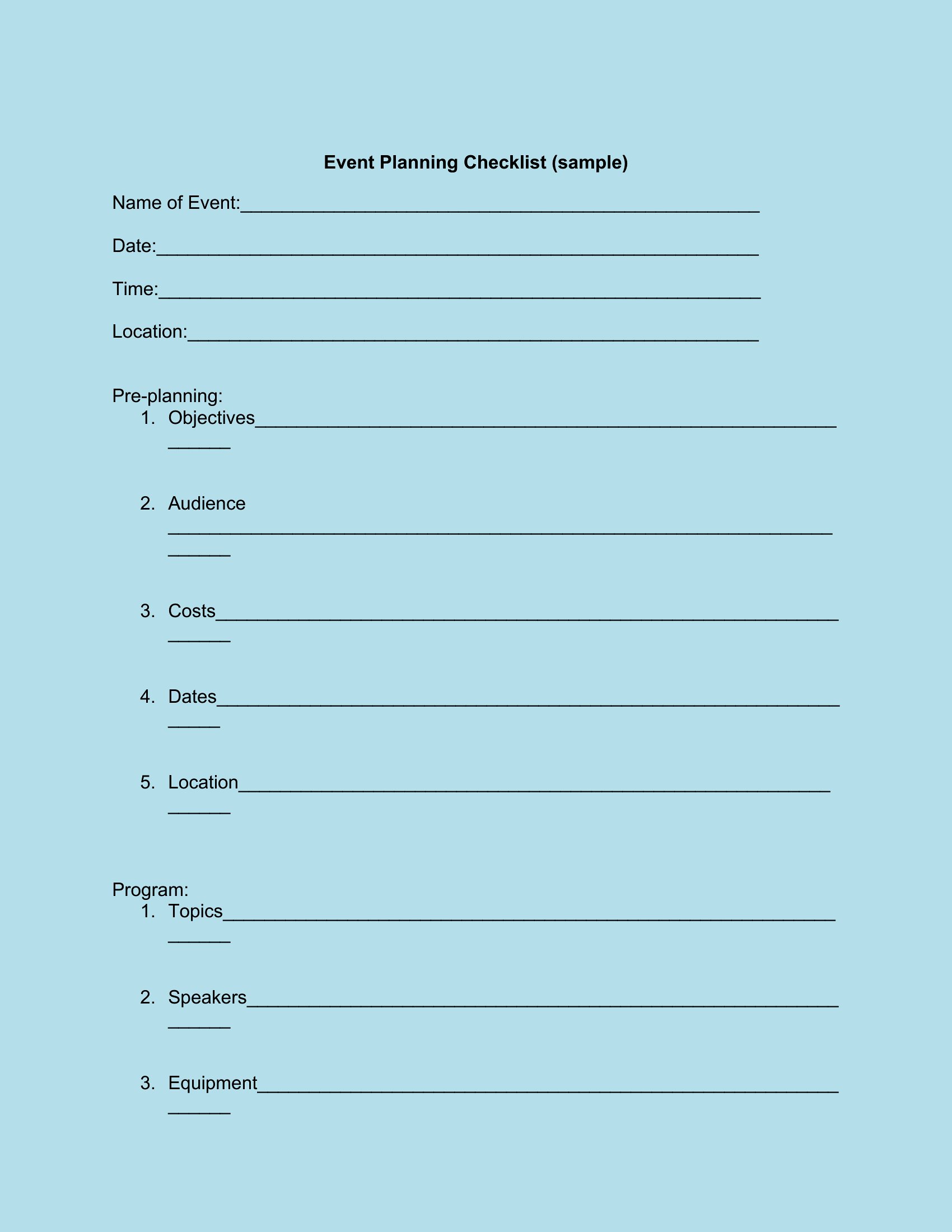
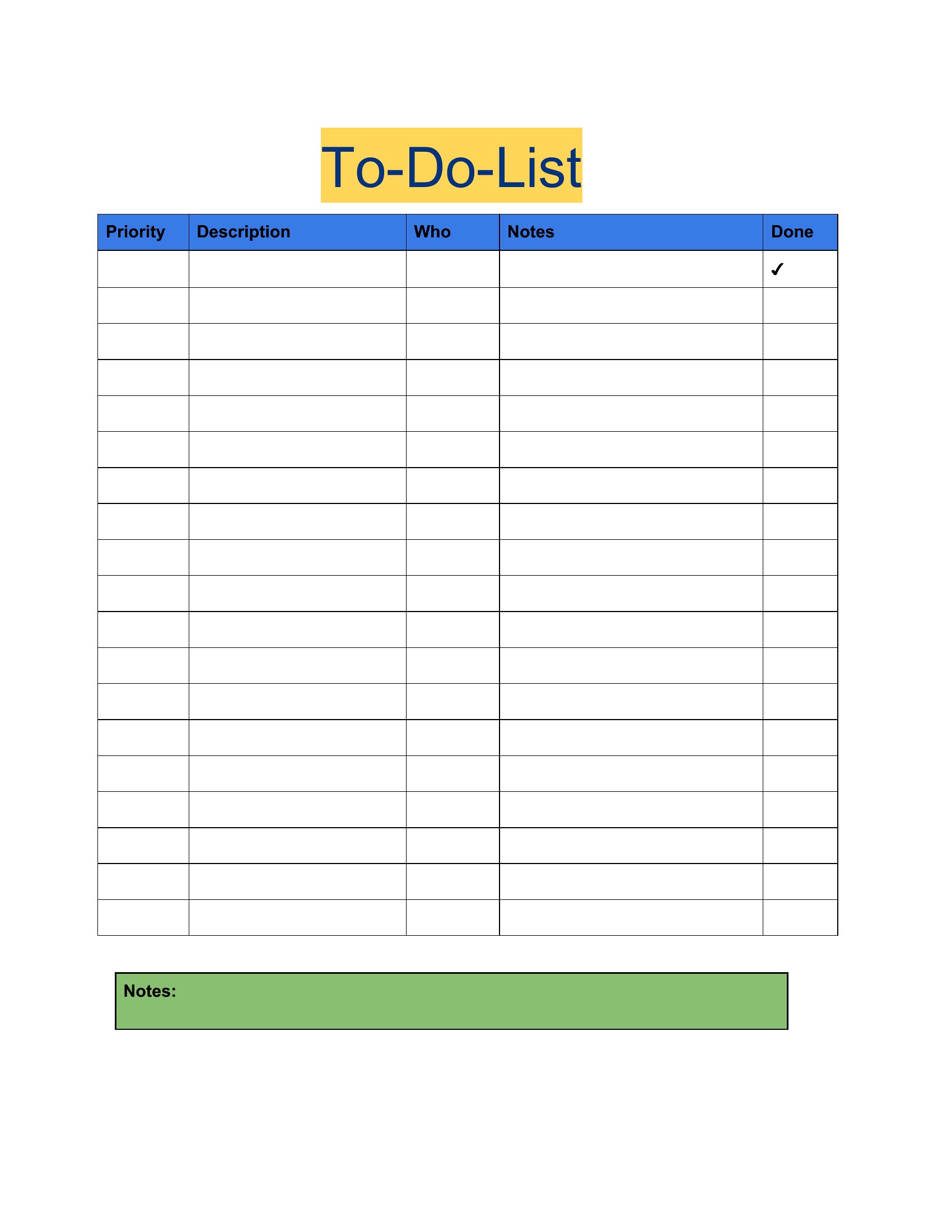
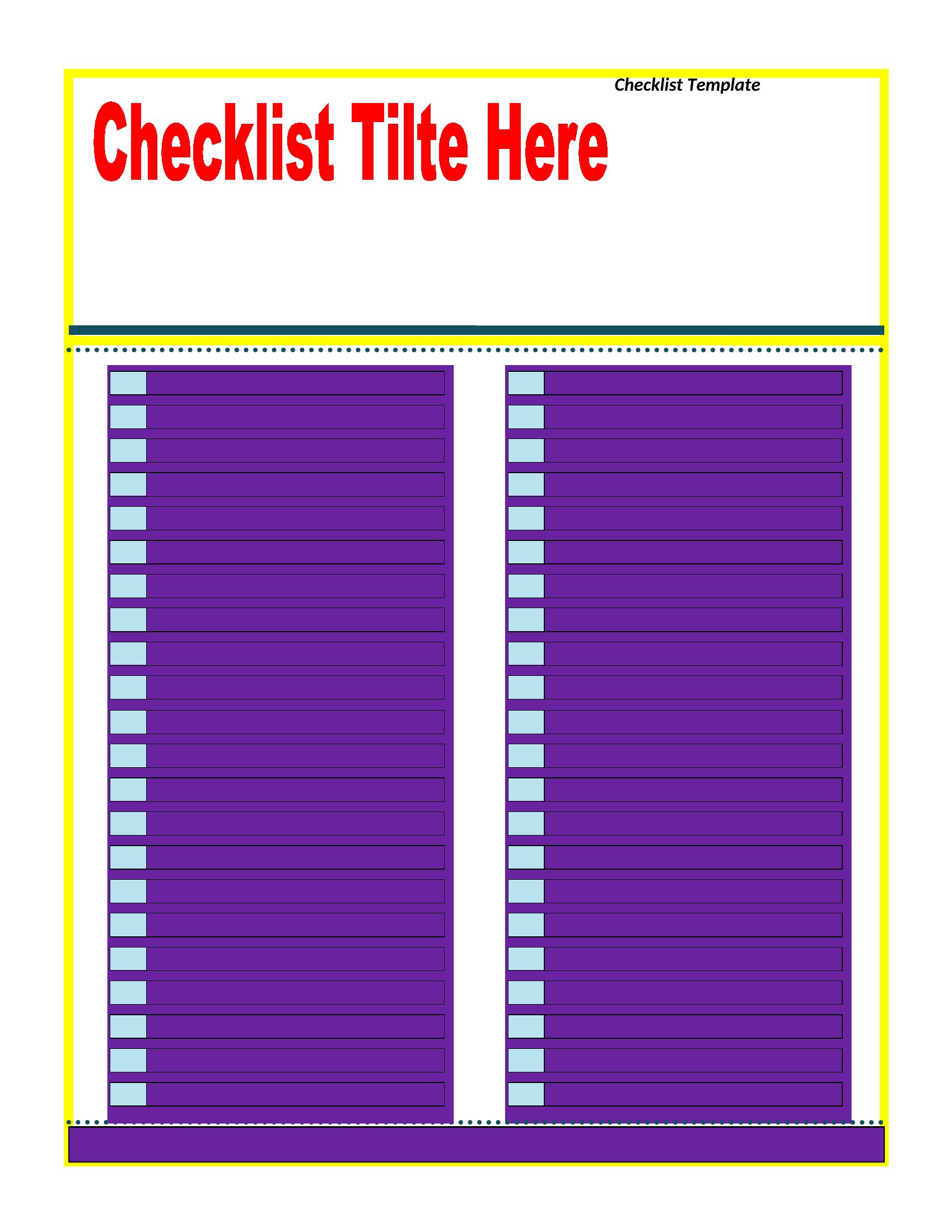
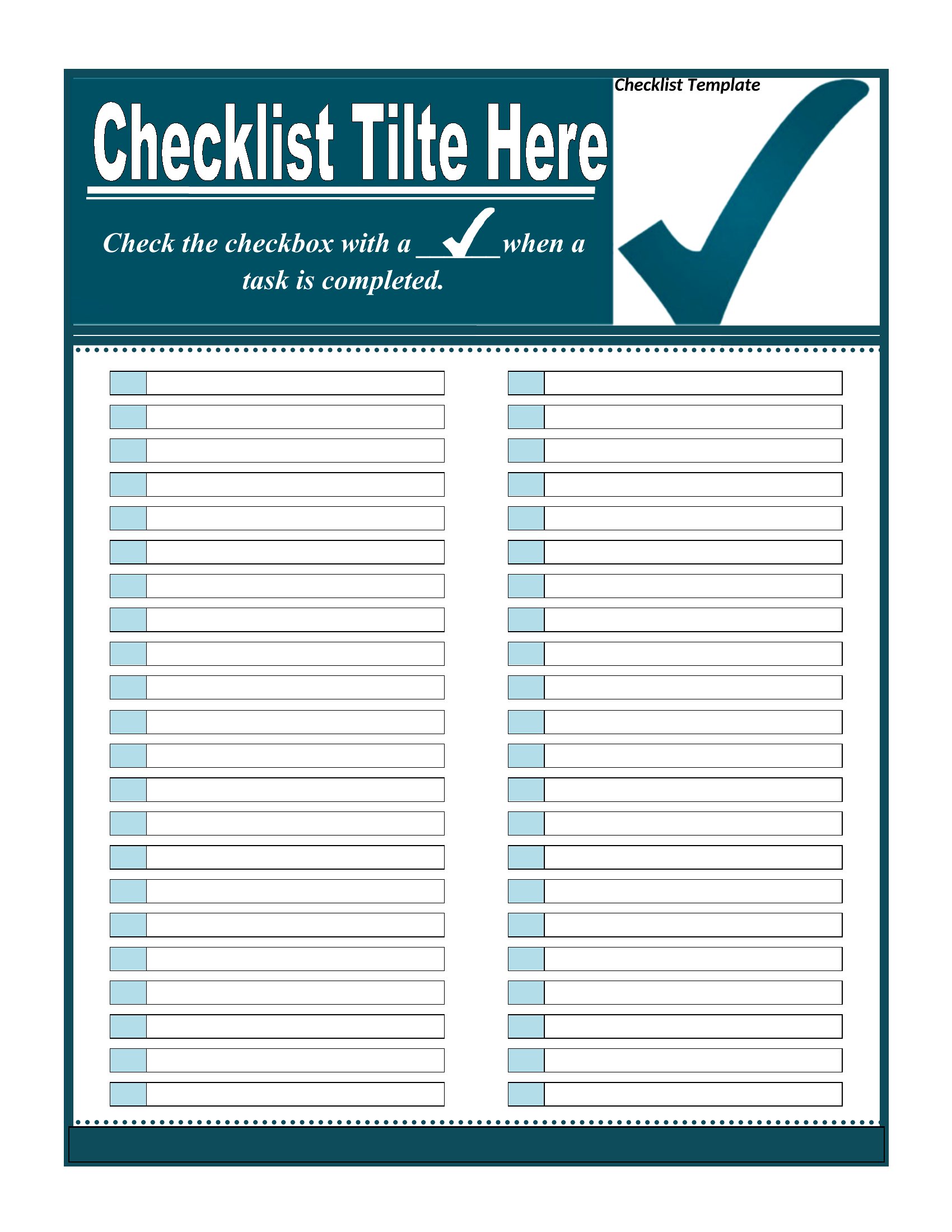
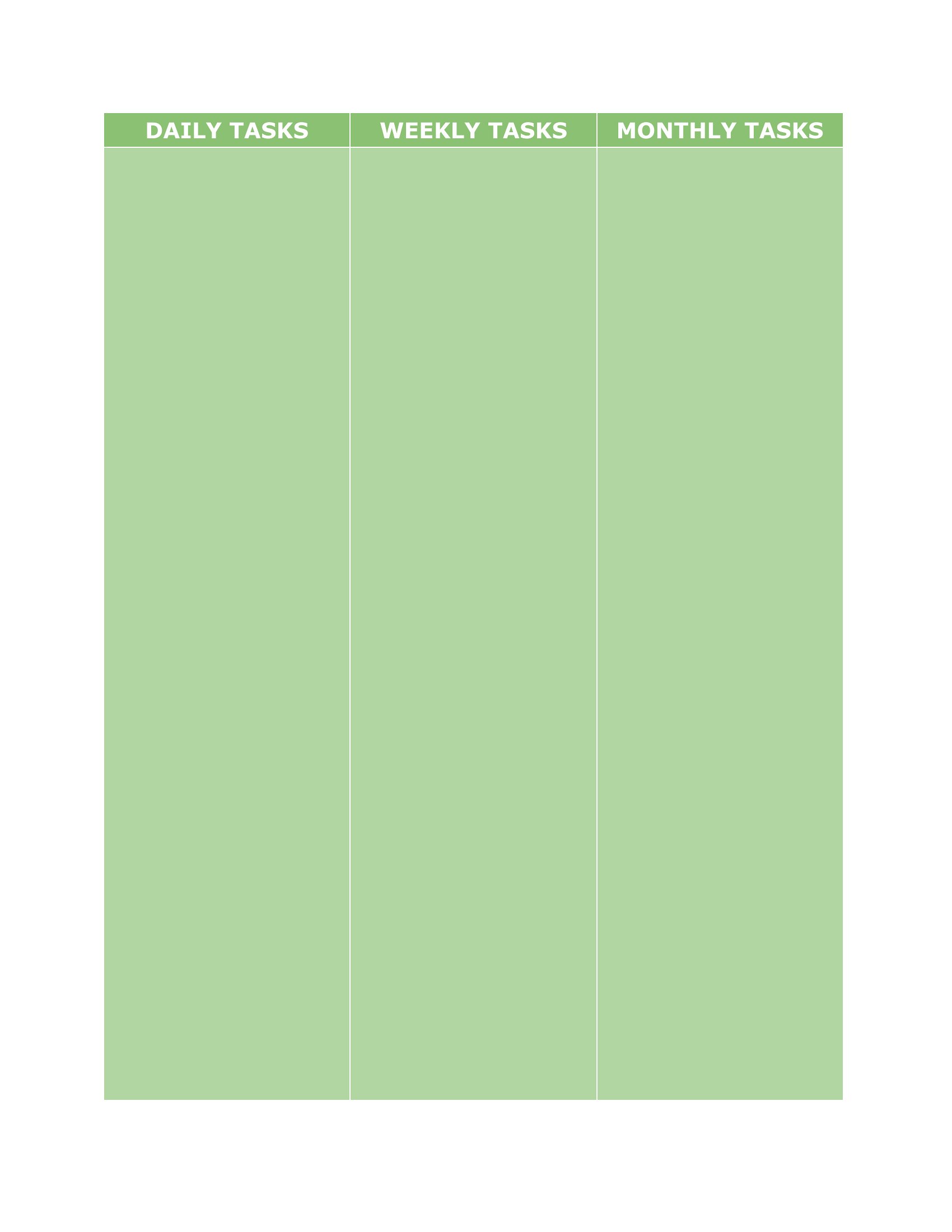
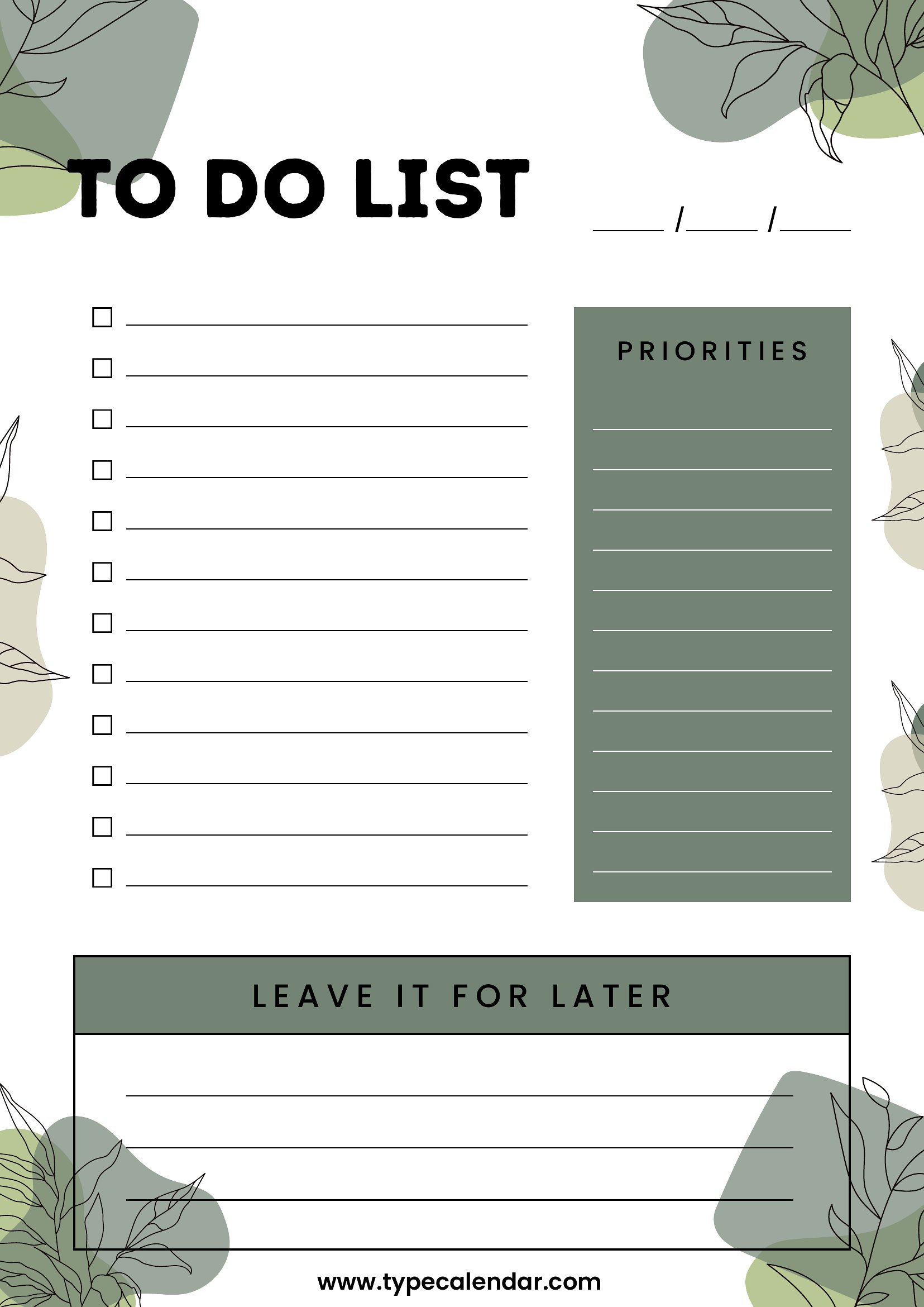
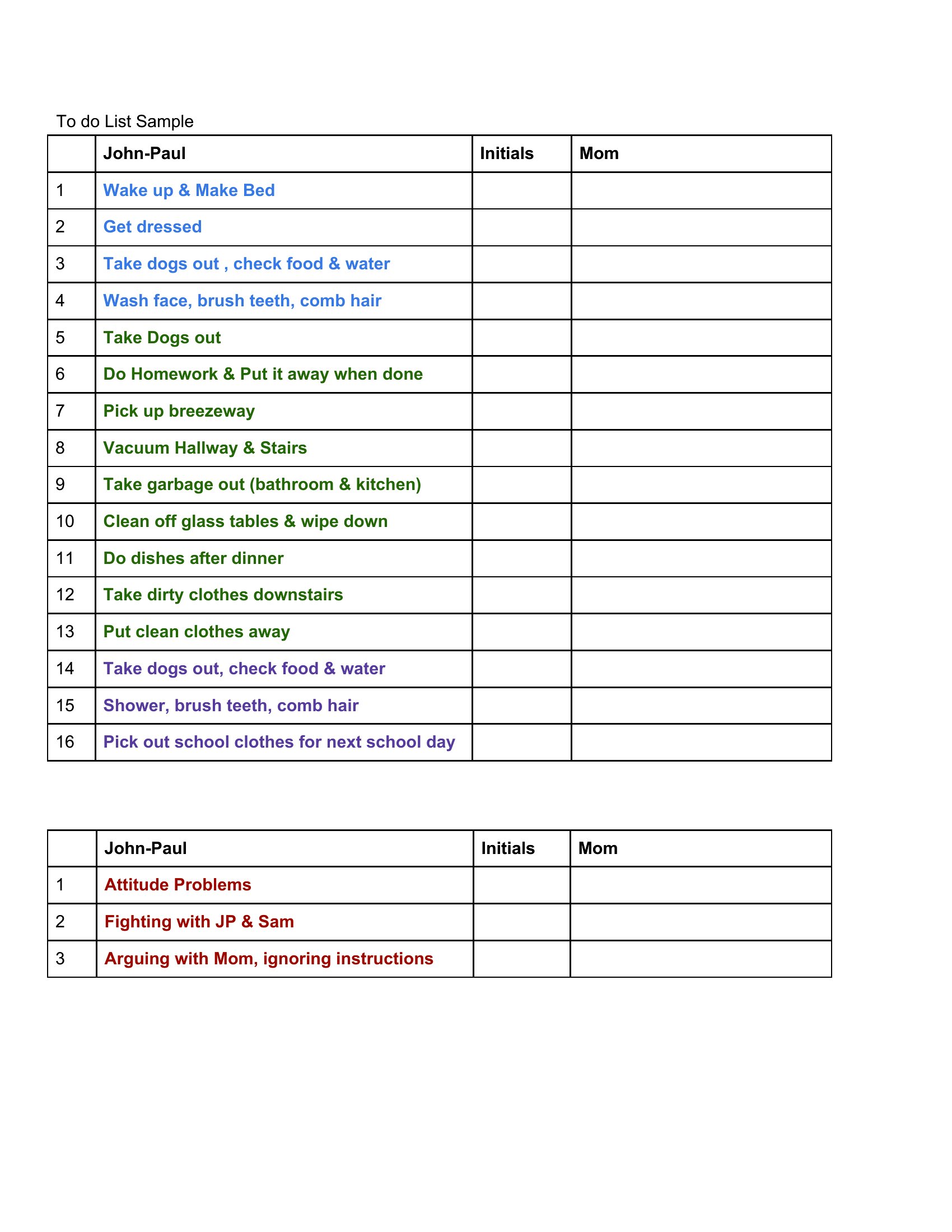
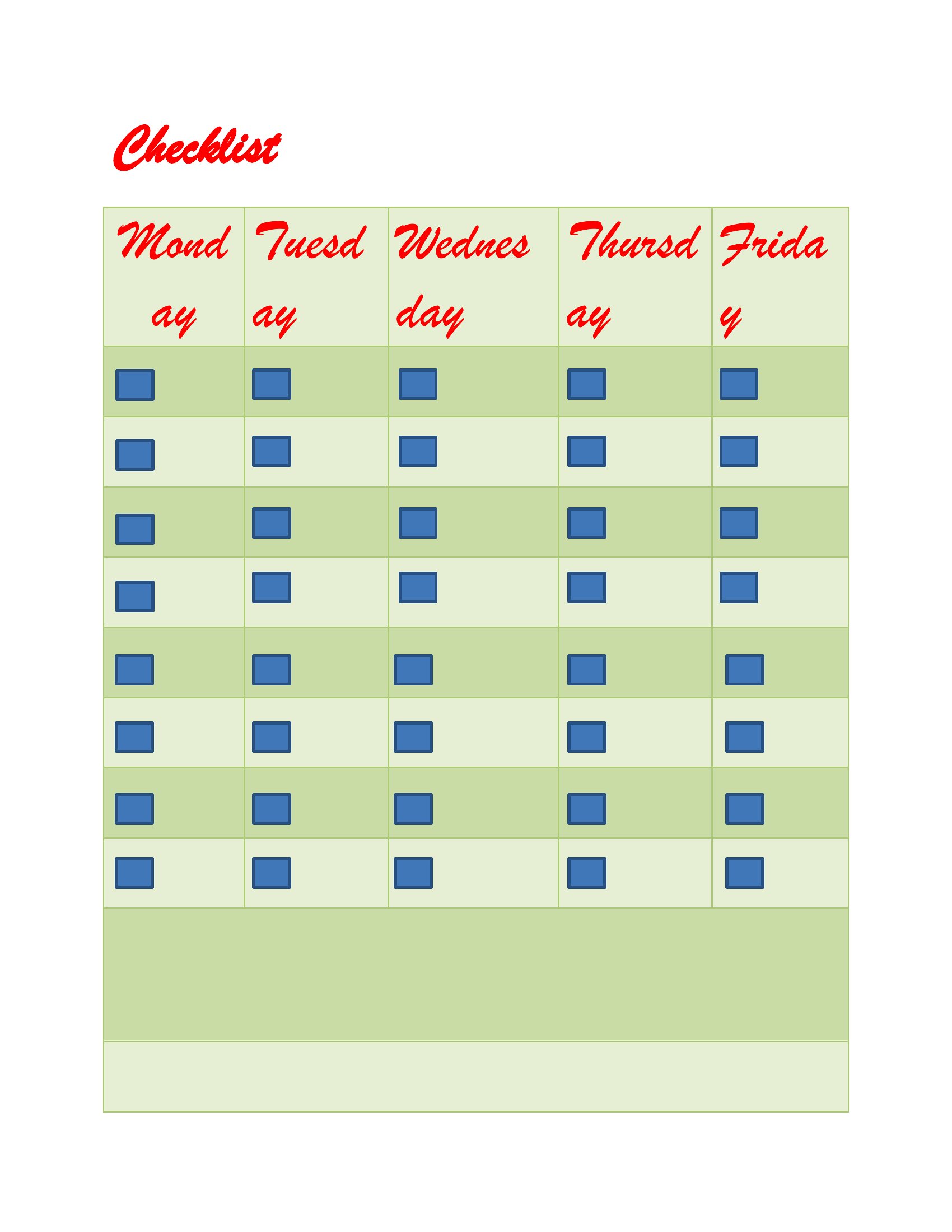
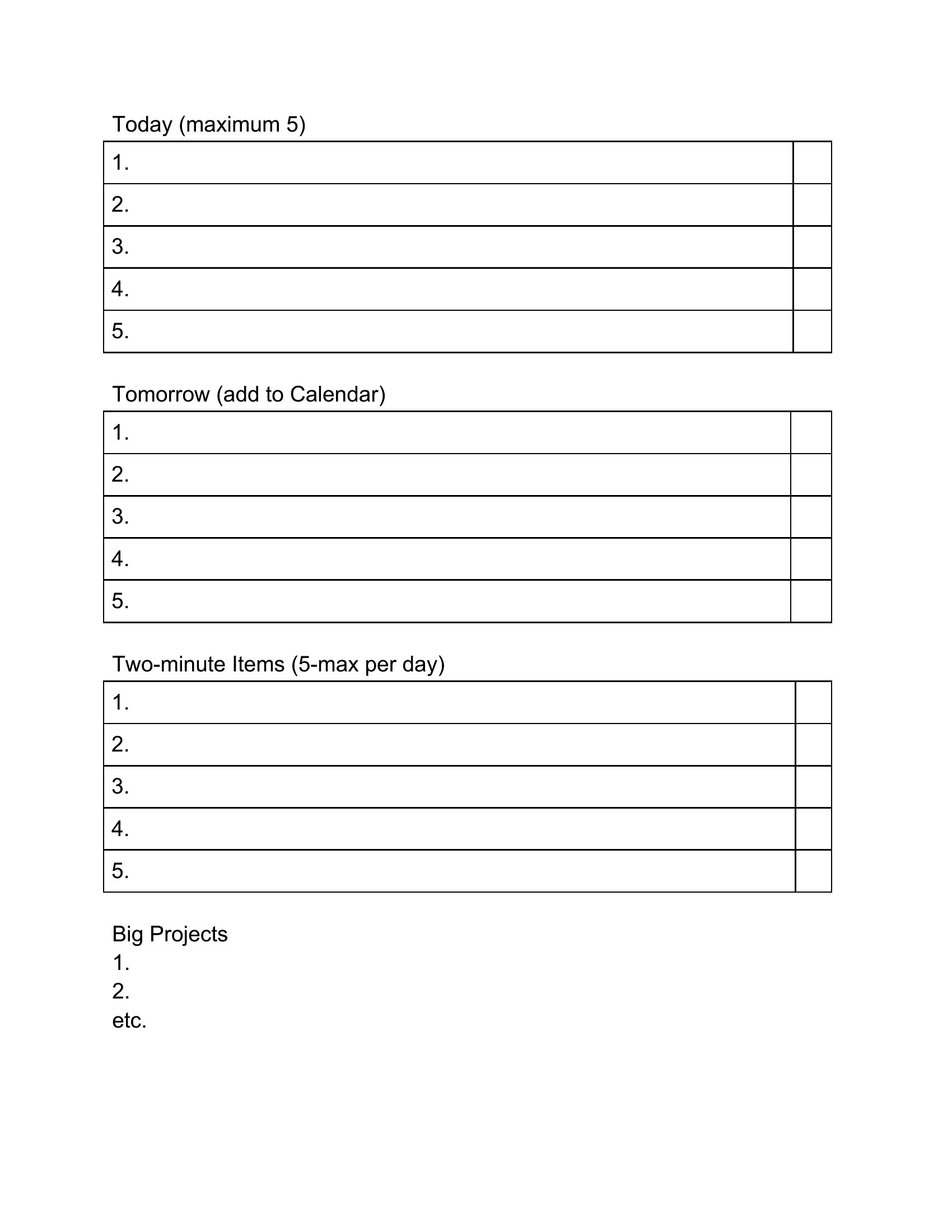
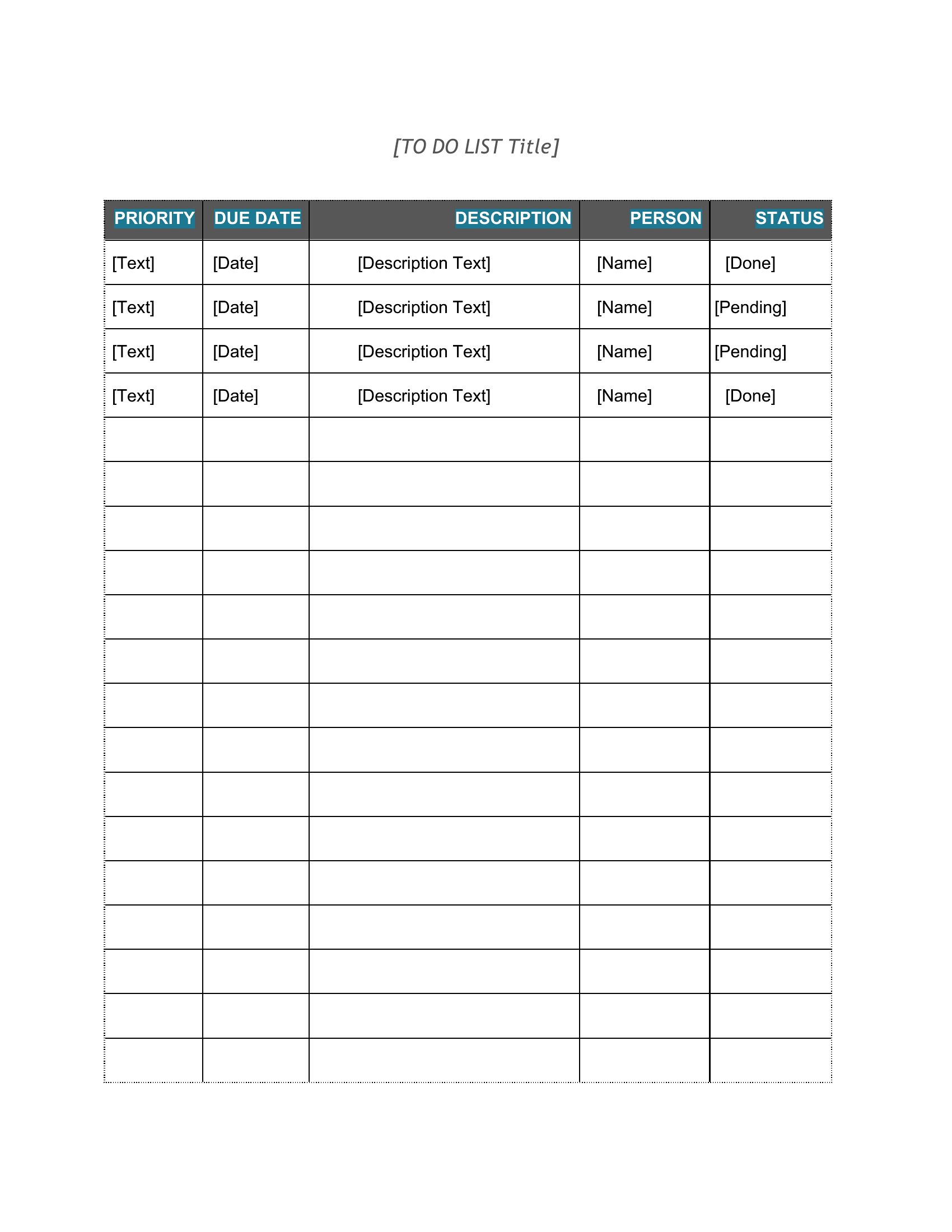
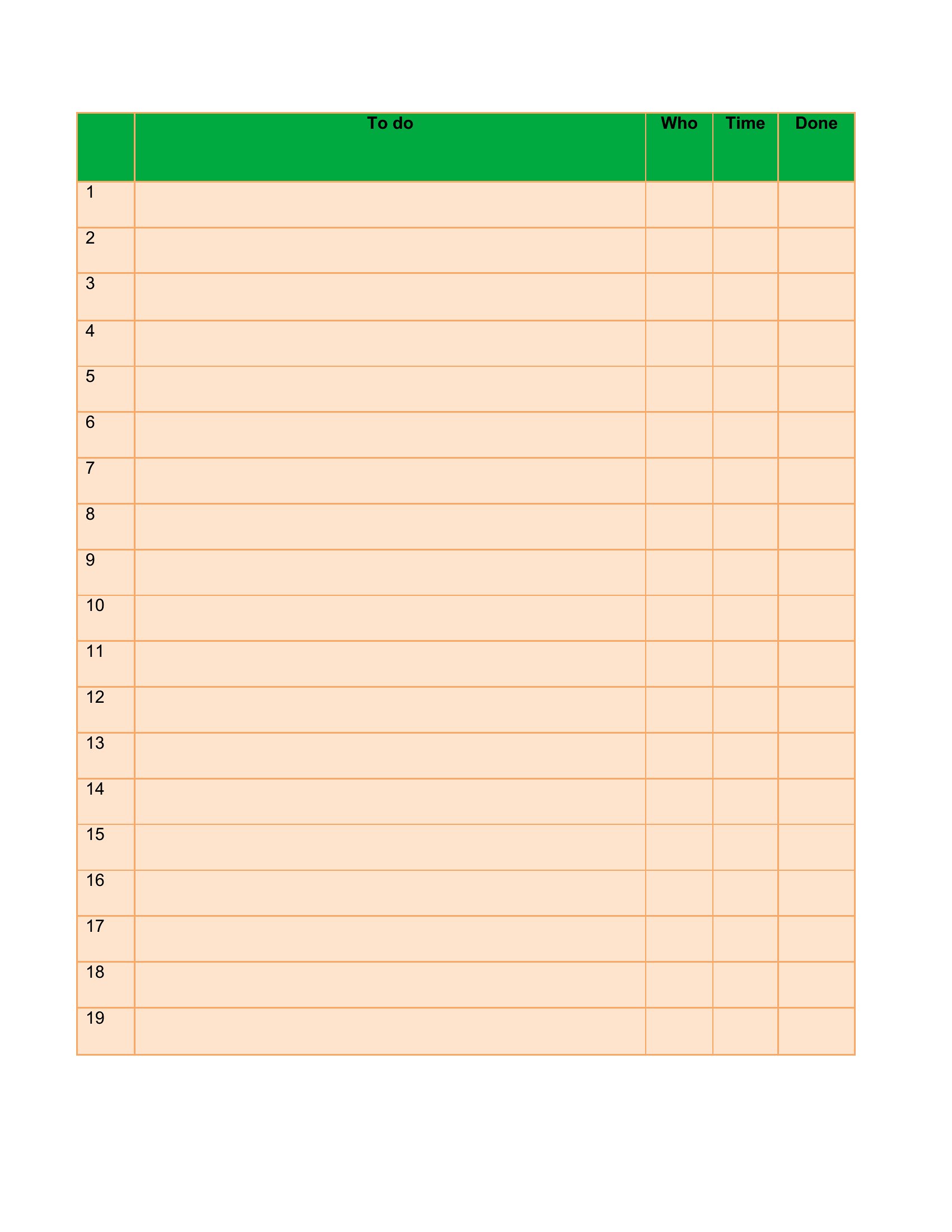
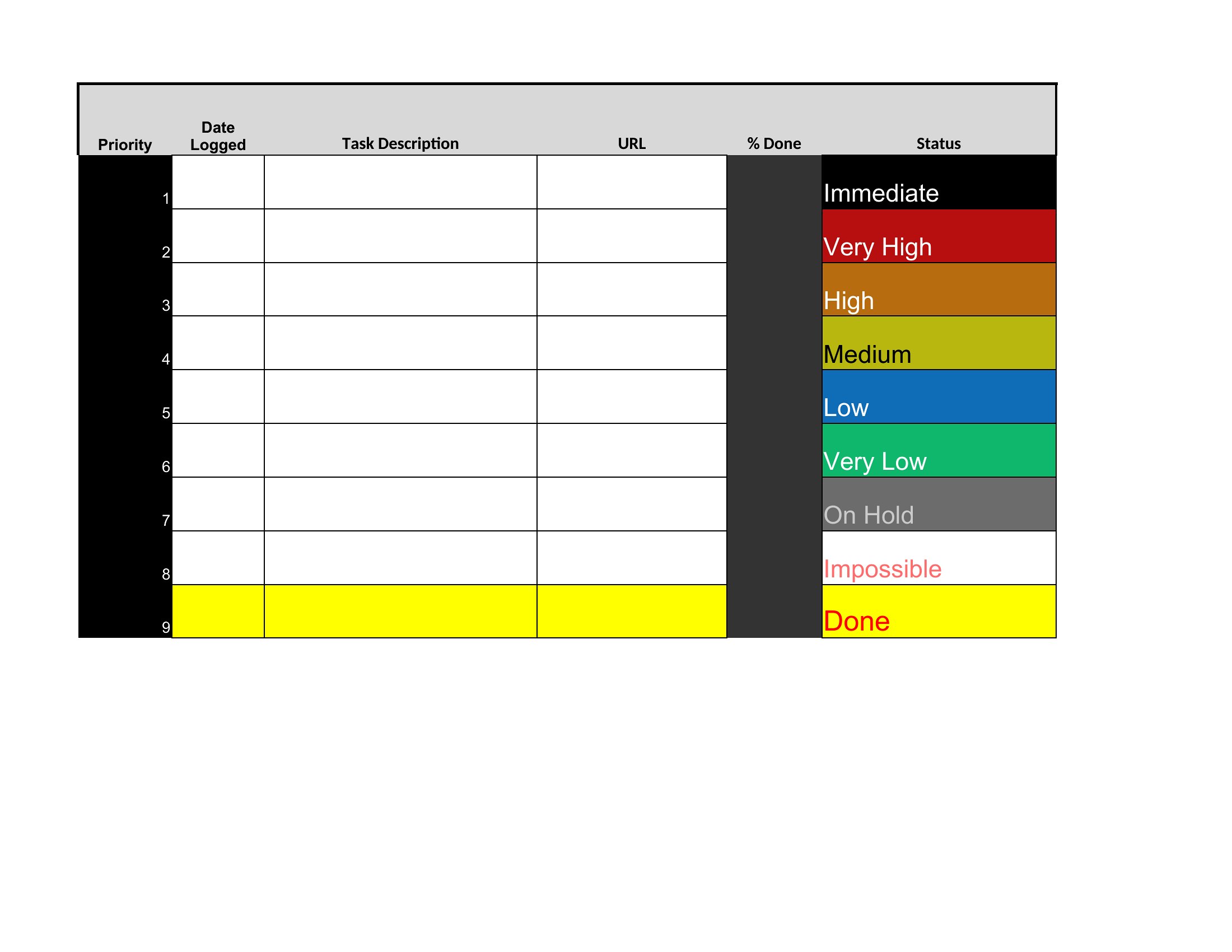
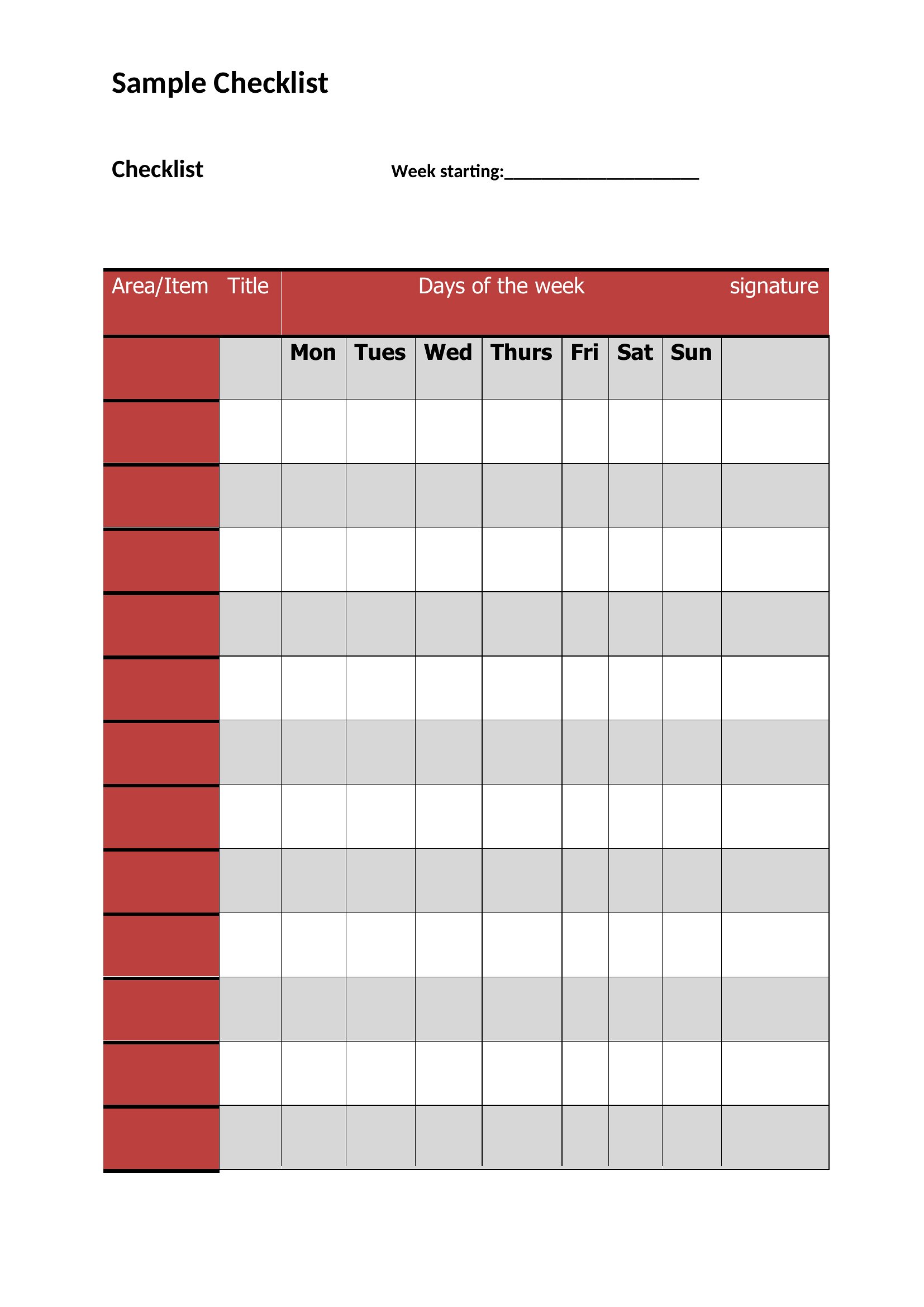
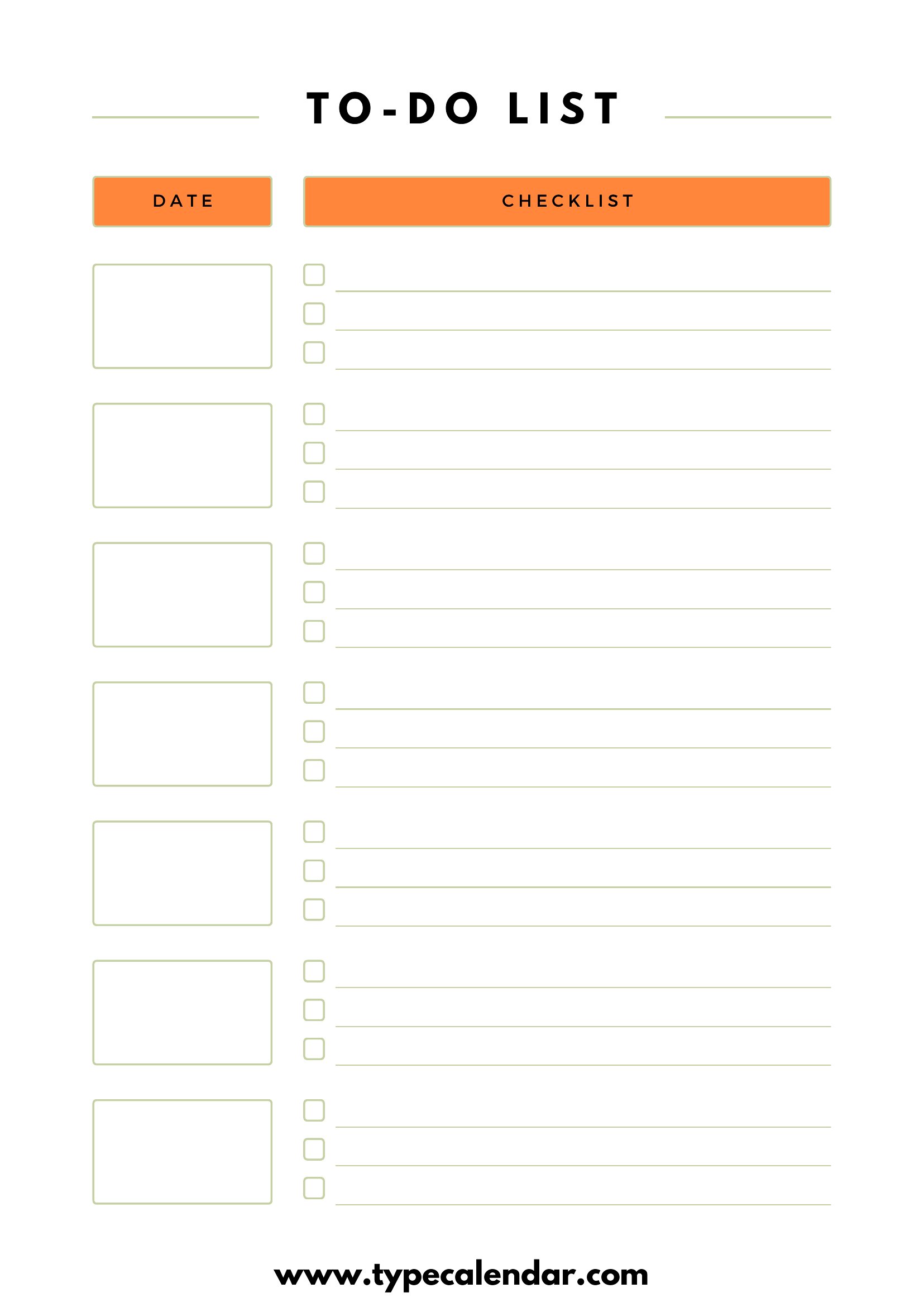
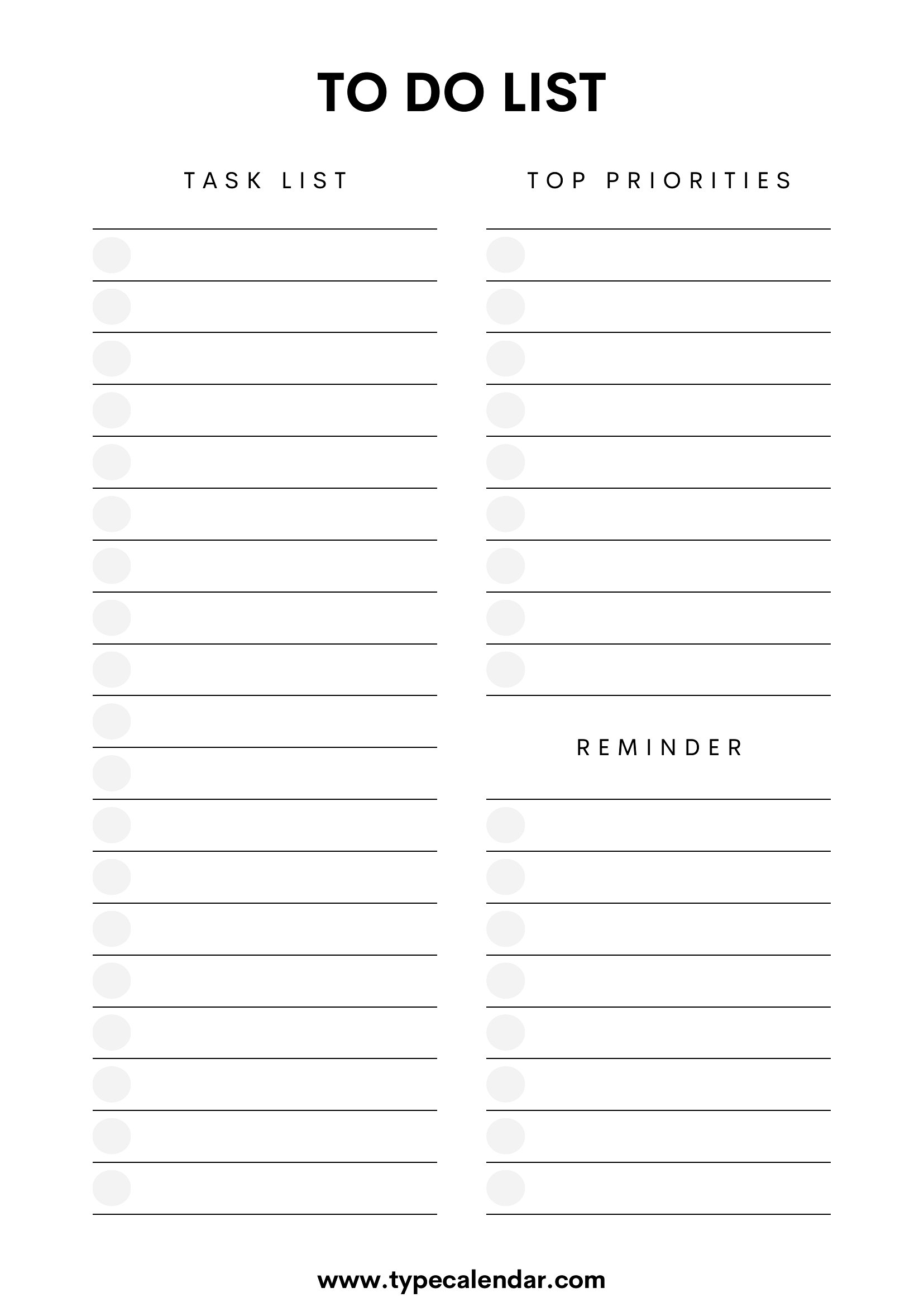
Crossing items off a list is a small satisfaction that keeps a busy day on track, and this set of 40 to-do checklists gives you a clean place to capture every task. Layouts range from a single daily column to weekly grids with priority columns. Students, remote workers, and anyone juggling errands and deadlines can find one that fits their rhythm.

Print the PDFs for a paper checklist, type into the Word files, or use the Excel versions to sort and check off tasks automatically. Jot your top priorities, break big jobs into steps, and watch the boxes fill in. Pick the layout that suits your week and print or save a copy to start today.

When to use this To-Do List Checklist template

  • High school students managing homework assignments, after-school clubs, and weekend chores can use daily or weekly checklists to avoid last-minute stress before deadlines.
  • Remote team leads coordinating cross-department projects can assign tasks to team members and track progress in shared Excel or Word checklists during sprints.
  • Parents planning family outings, grocery shopping, and medical appointments can print fillable PDF checklists to keep track of tasks while on the go.
  • Small business owners handling invoicing, client follow-ups, and inventory checks can use priority-column checklists to stay organized during busy workweeks.

Which format should I download?

WordExcelPDF

Choose Word for editable checklists you’ll update and share with others frequently, like team task lists. Excel works best when you need to sort or filter tasks by priority, due dates, or team members. For quick, printable checklists—like grocery lists or packing guides—PDFs are ideal because they’re easy to print and fill in by hand or digitally. Avoid Excel if you don’t need calculations or data sorting, and skip Word if you won’t be adding new tasks regularly.

Choose from 40 To-Do List Checklist Templates

How to use this To-Do List Checklist template

Can I customize these checklists to include specific categories like ‘Medical’ or ‘Personal Finance’?

Yes, all formats allow you to rename columns, add custom headings, or merge cells. For example, in Excel, you can insert new rows for categories like ‘Bills Due’ or ‘Doctor Visits’ while keeping the checklist structure. PDFs can be filled by hand if printed, and Word documents let you retype or delete existing labels entirely.

Are there templates that separate tasks by time of day, like ‘Morning’ or ‘Evening’?

Yes, several templates include time-based sections or columns labeled ‘AM,’ ‘PM,’ or ‘Evening Tasks.’ Look for layouts with multiple columns or rows—these often group tasks by when they should be completed. Weekly grids may also label days with time slots for better scheduling.

How do I track completed tasks in a digital checklist without deleting the original item?

In Excel, use color-coding (e.g., green for done) or add a ‘Status’ column with checkboxes. Word lets you insert checkmarks by pressing Ctrl+5 or using the ‘Insert’ tab. PDFs can be filled digitally with checkmarks if printed, or you can circle tasks by hand. Avoid deleting items to preserve your task history.

Comments

Join the conversation

Sign in to share your thoughts and leave a comment on this resource.

Newsletter

Get Weekly Design Updates

Join our community to receive curated resources and inspiration.

Weekly Tips Resources Early Access

We respect your privacy. Confirmation email required. Privacy Policy