Skip to content
50% off this one-time $1.99 pack with HALFOFF — or unlimited with Pro.HALFOFF
Premium

Free Printable Punch Cards (Word, PDF)

Legal
madelenhanssen by madelenhanssen
Updated 0 downloads 9 community comments

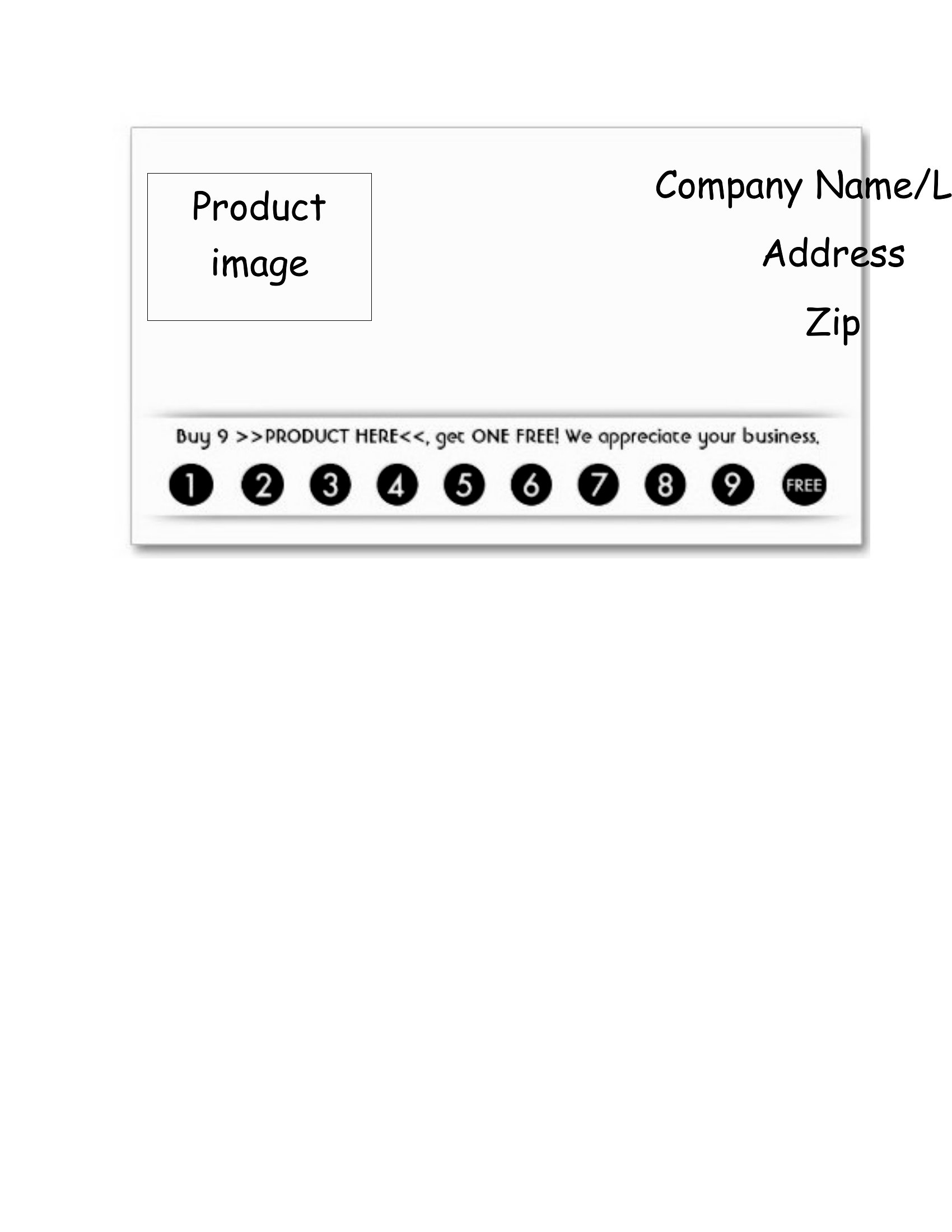
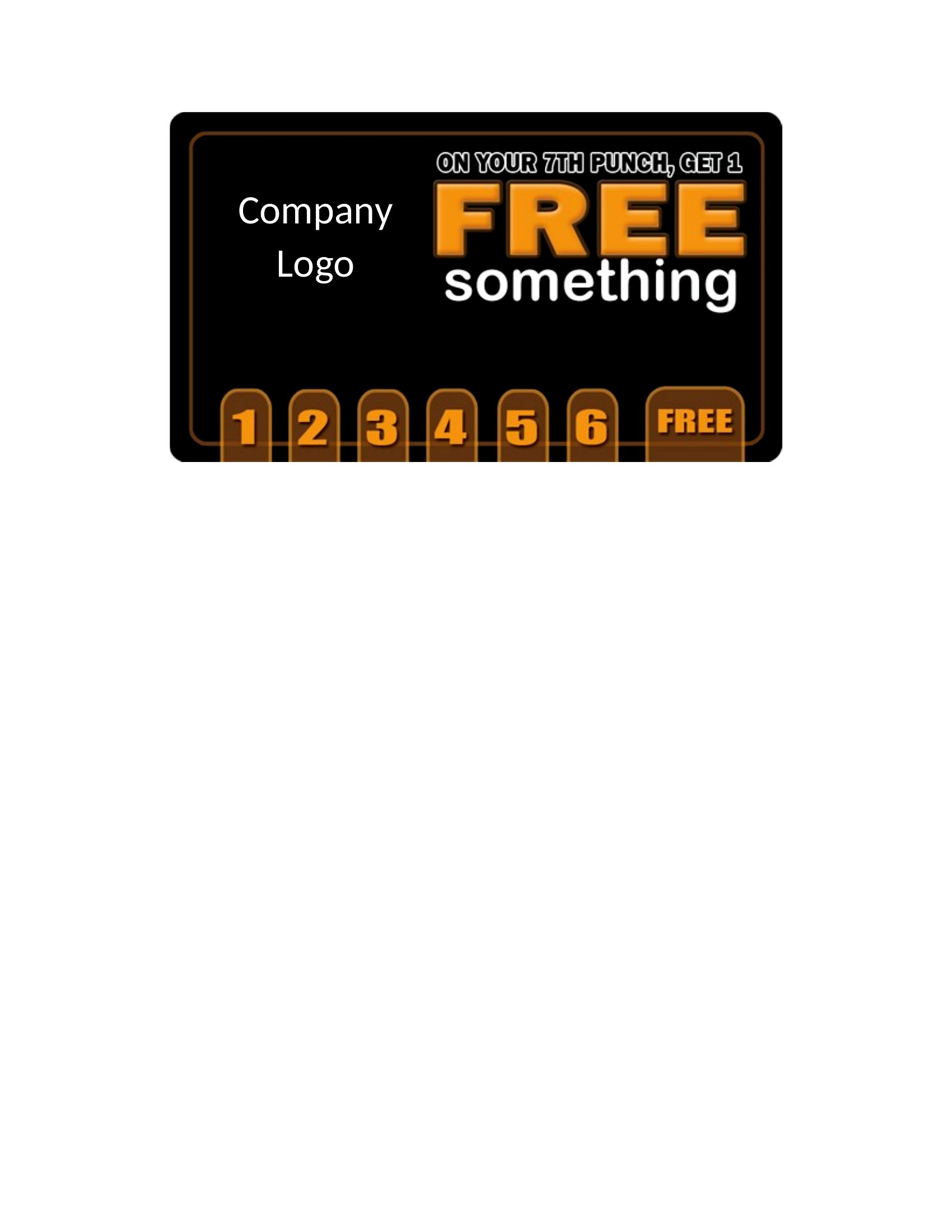
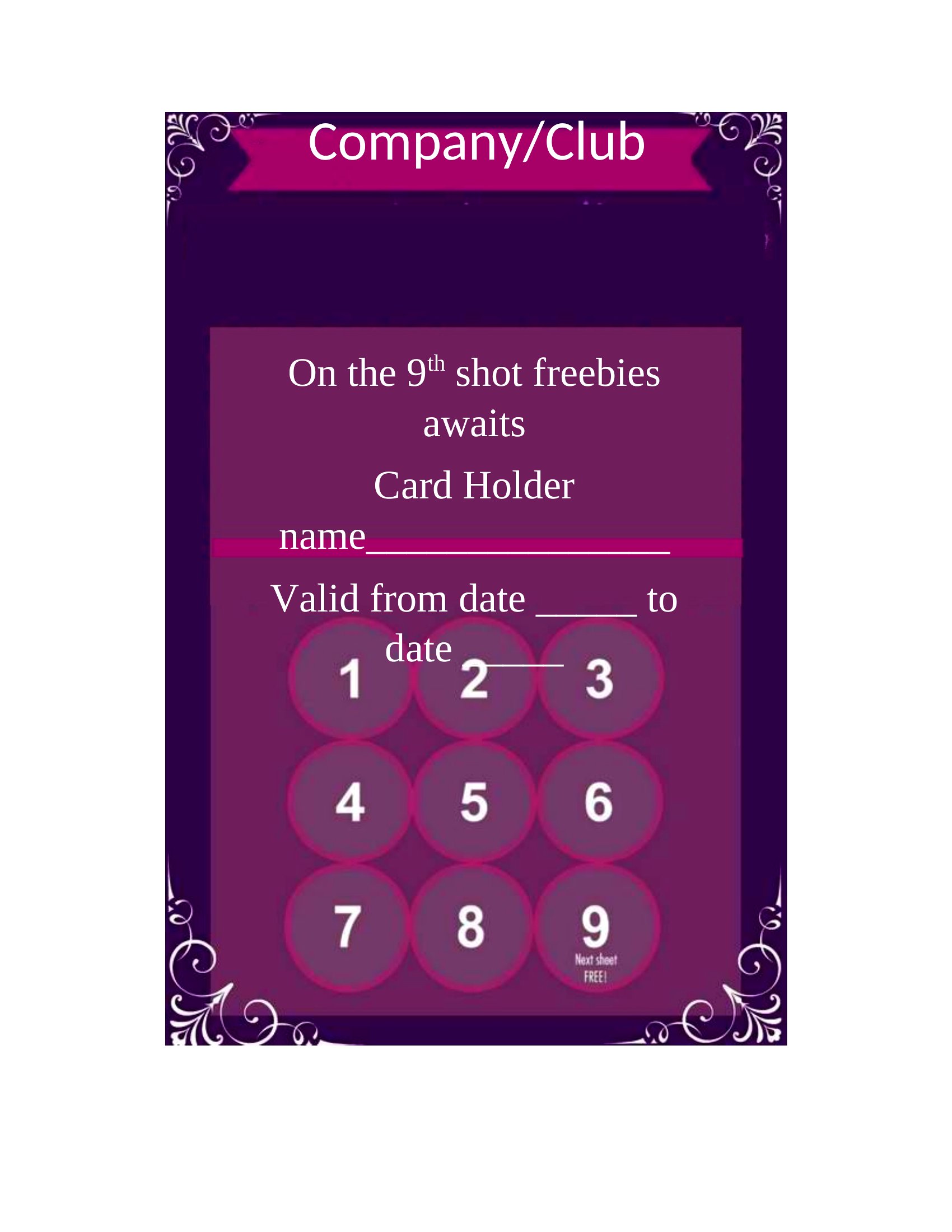
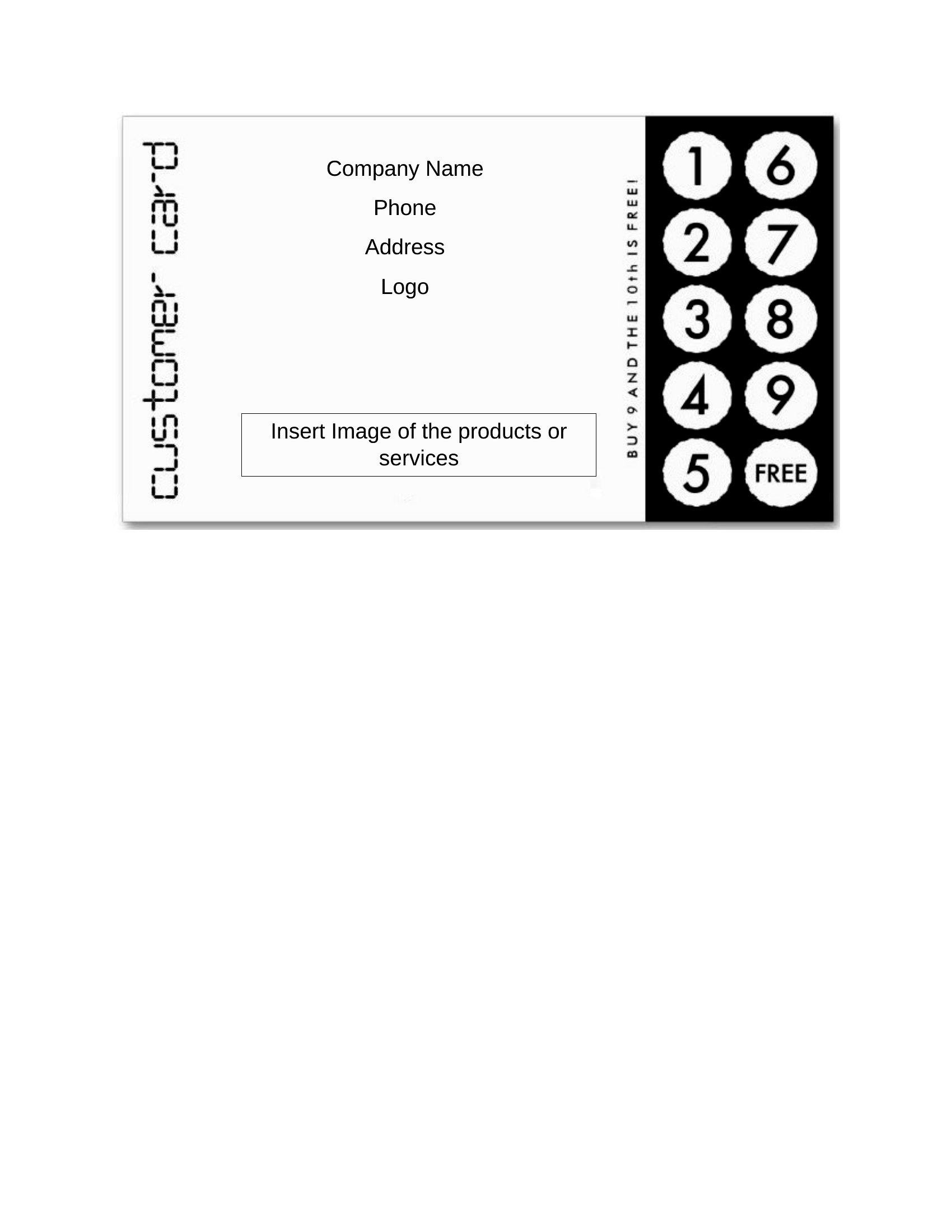
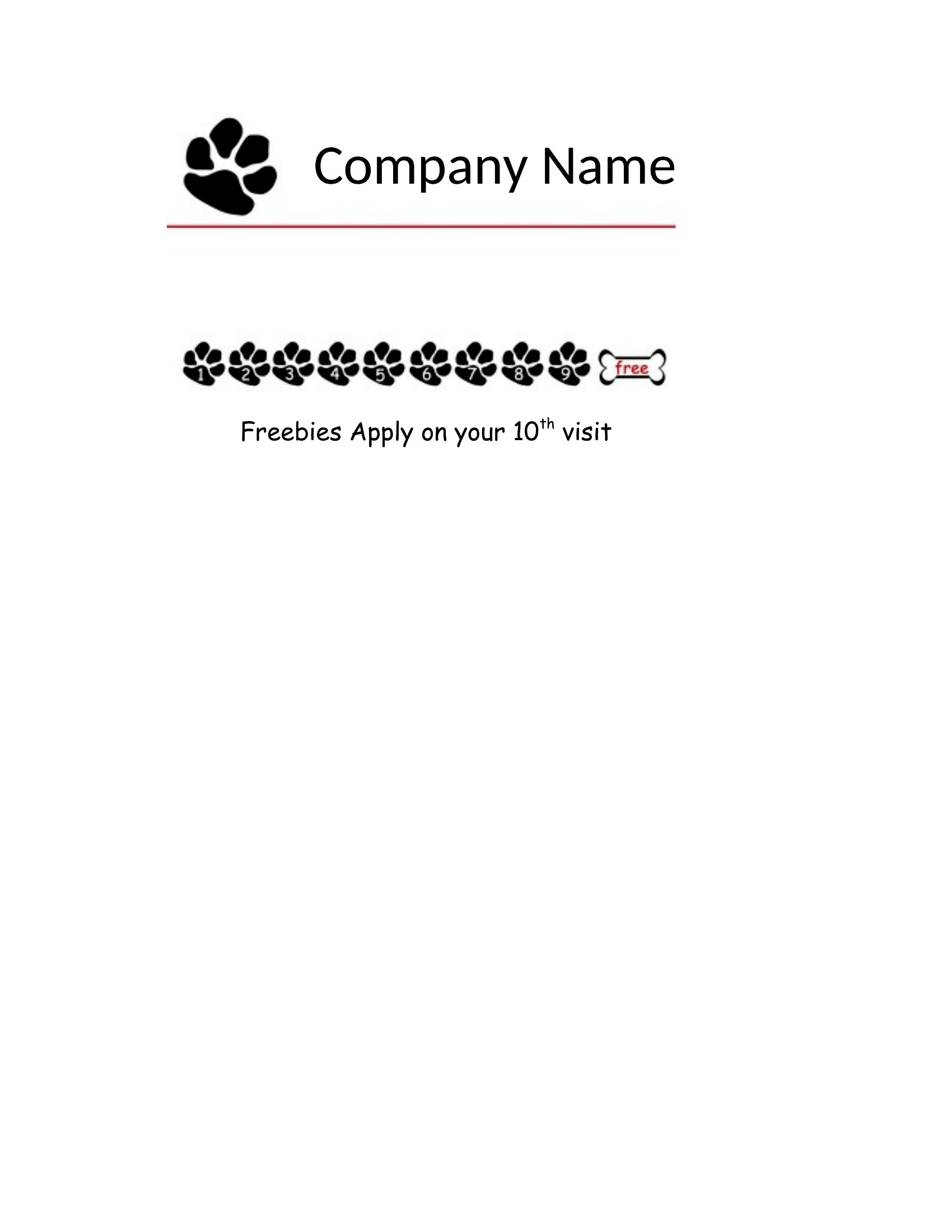
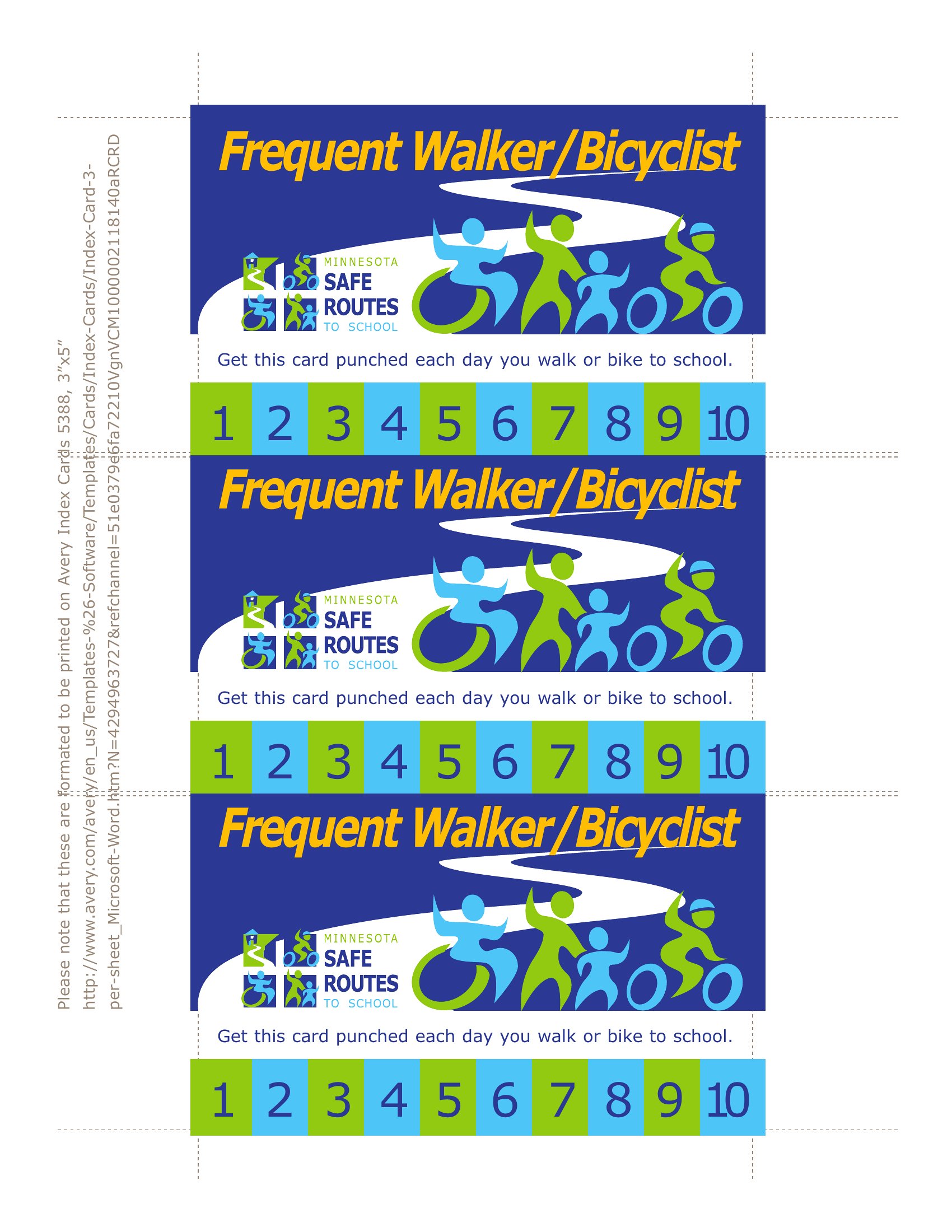
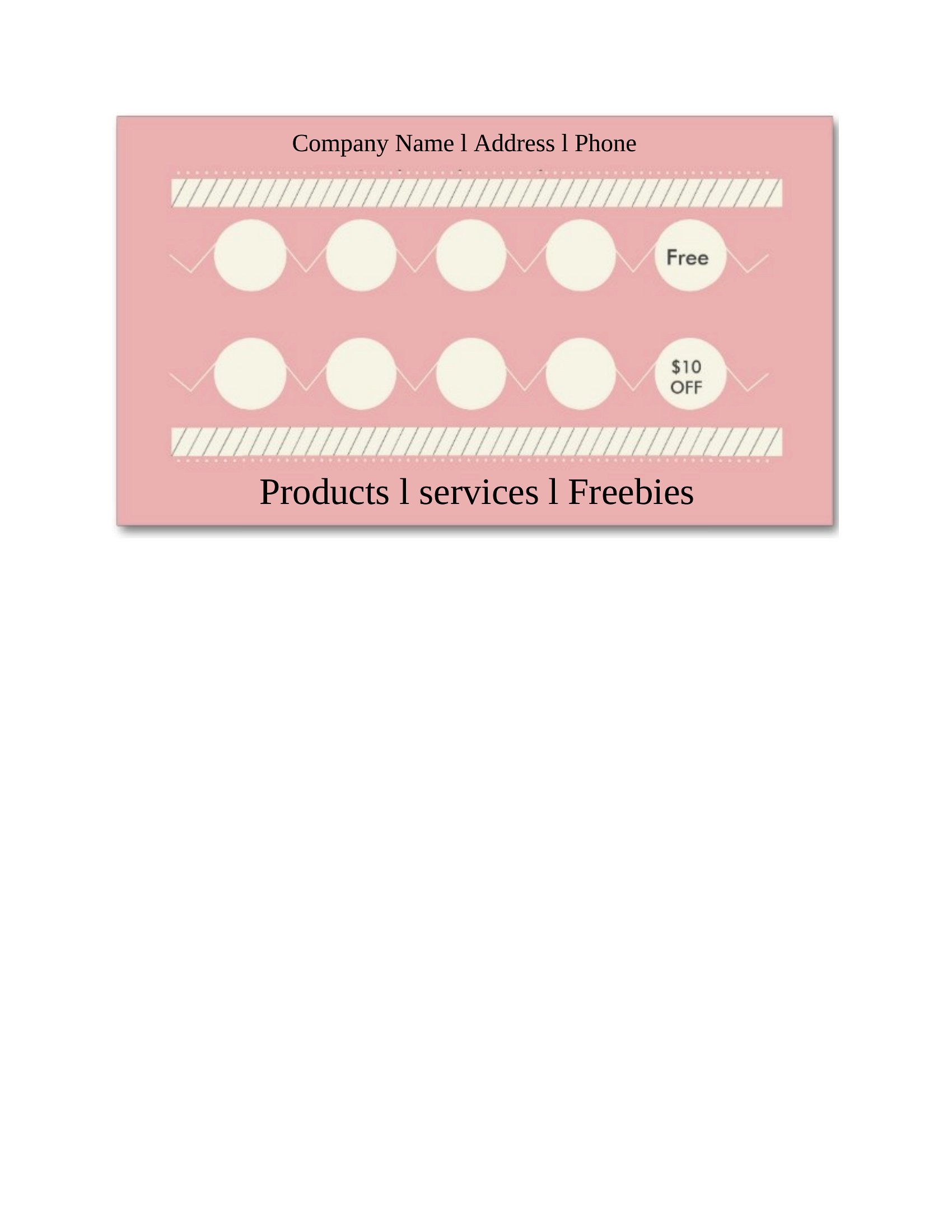
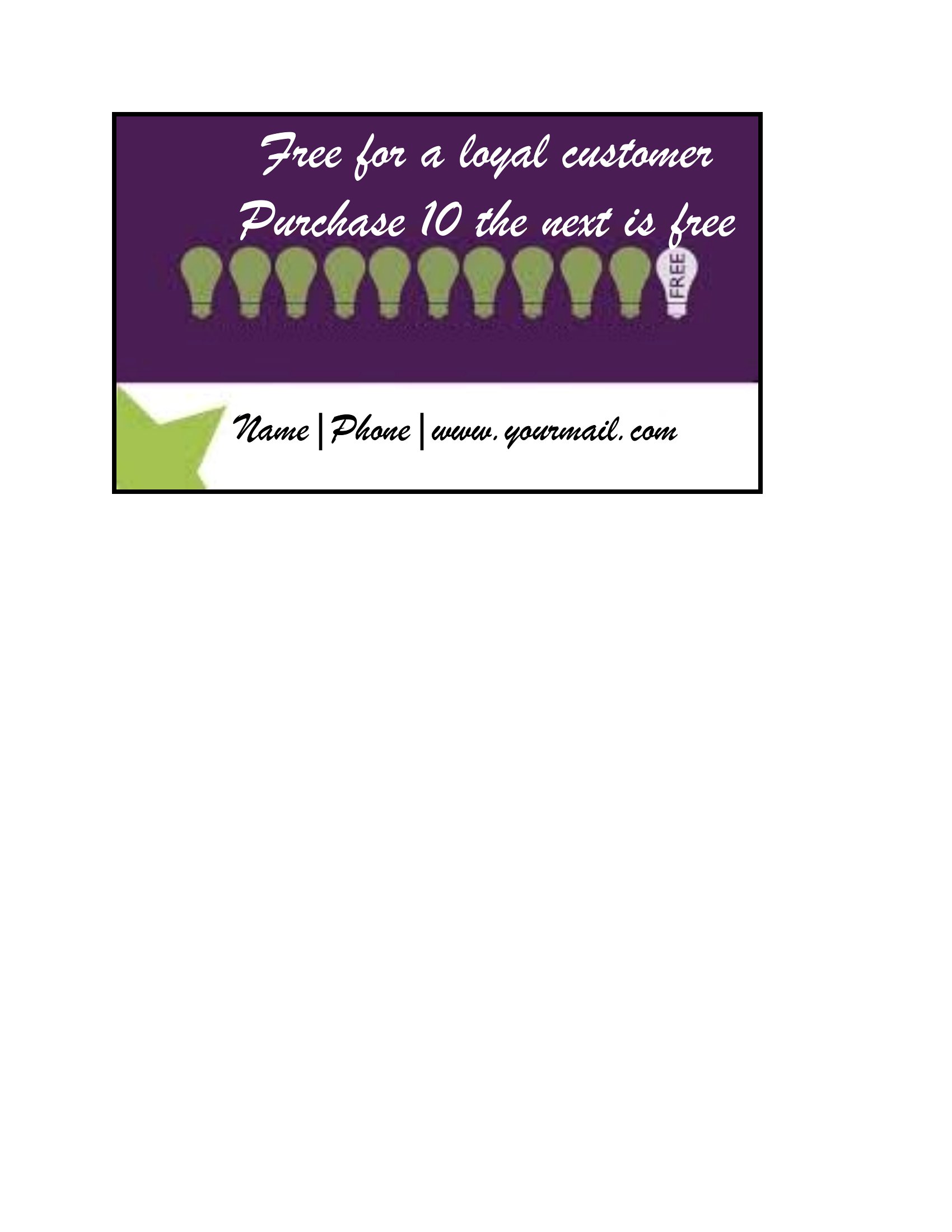
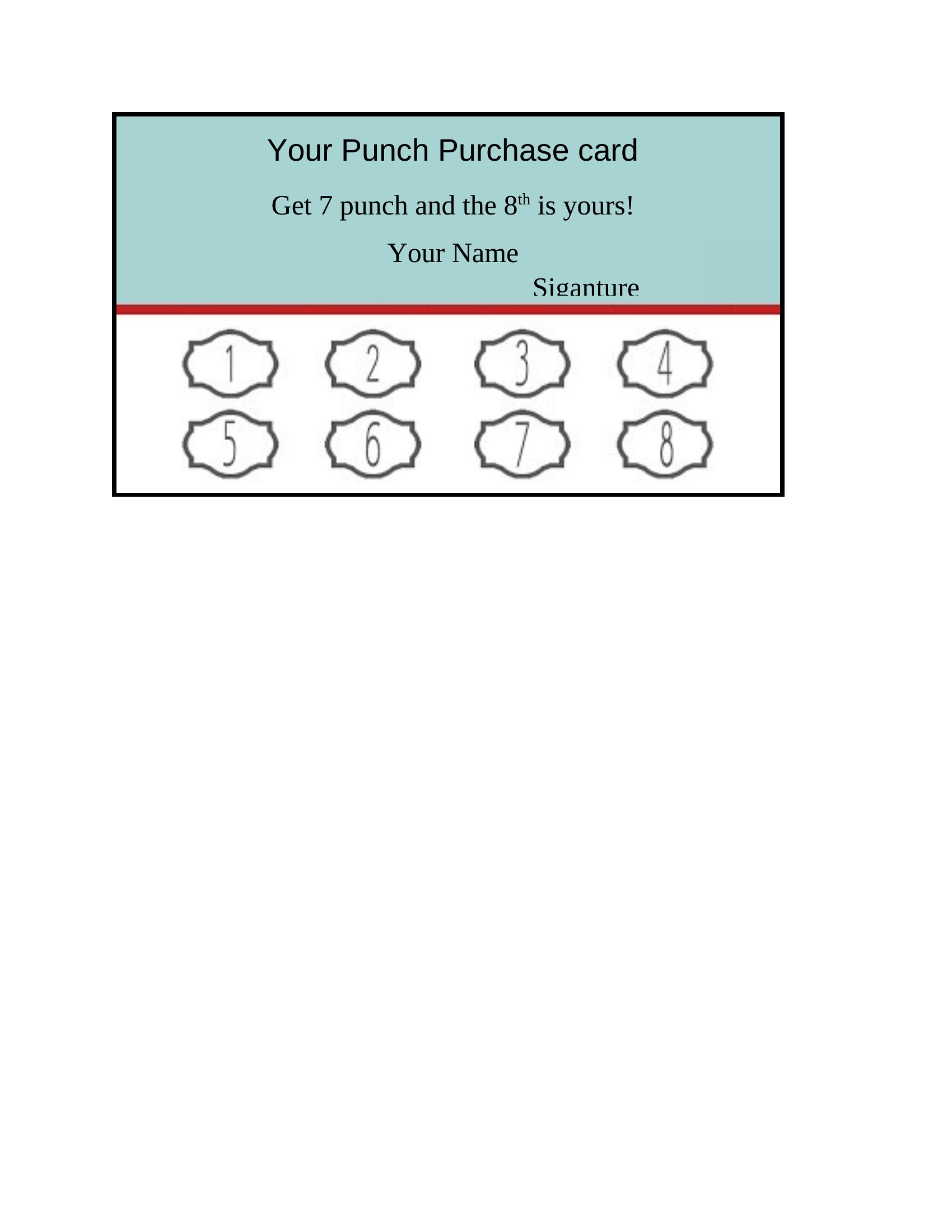
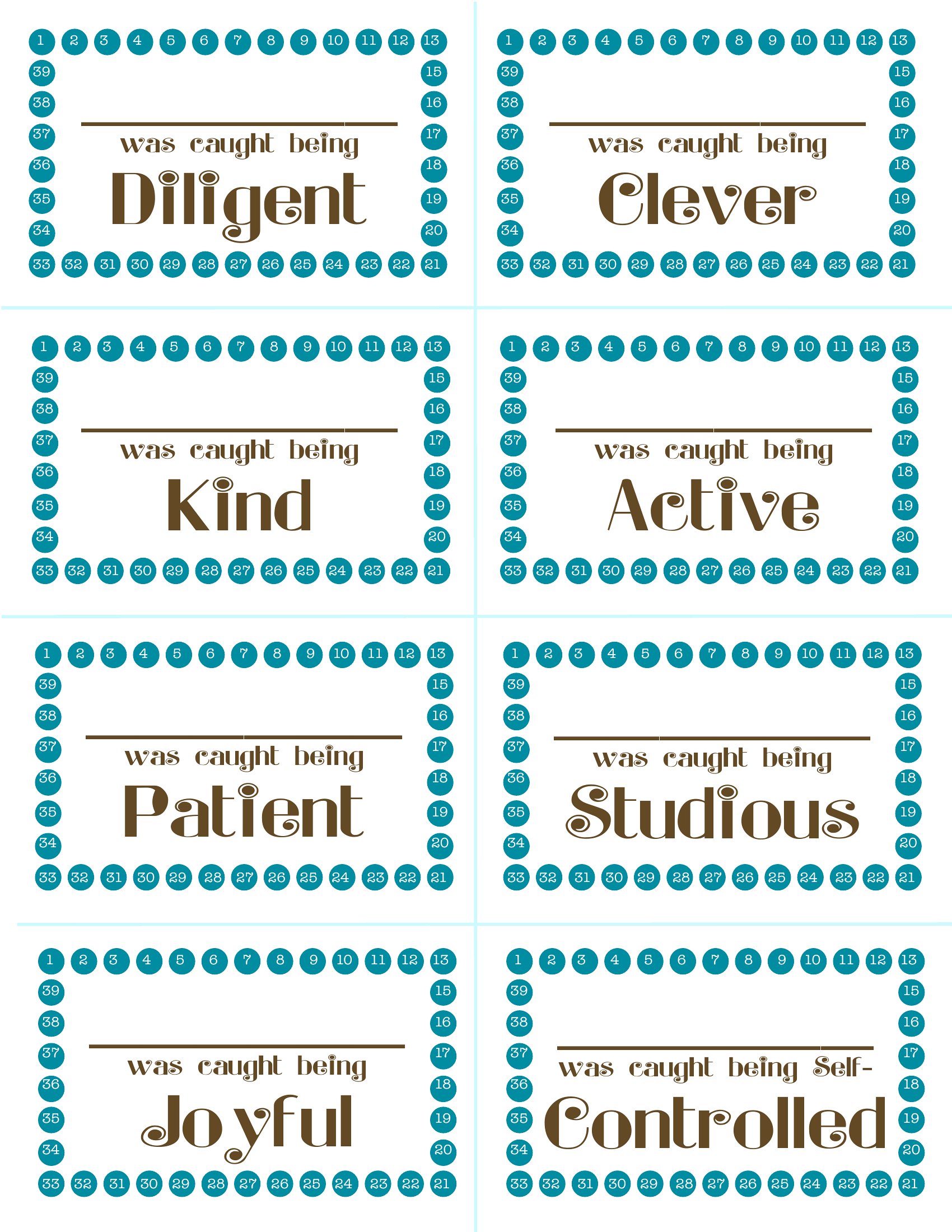
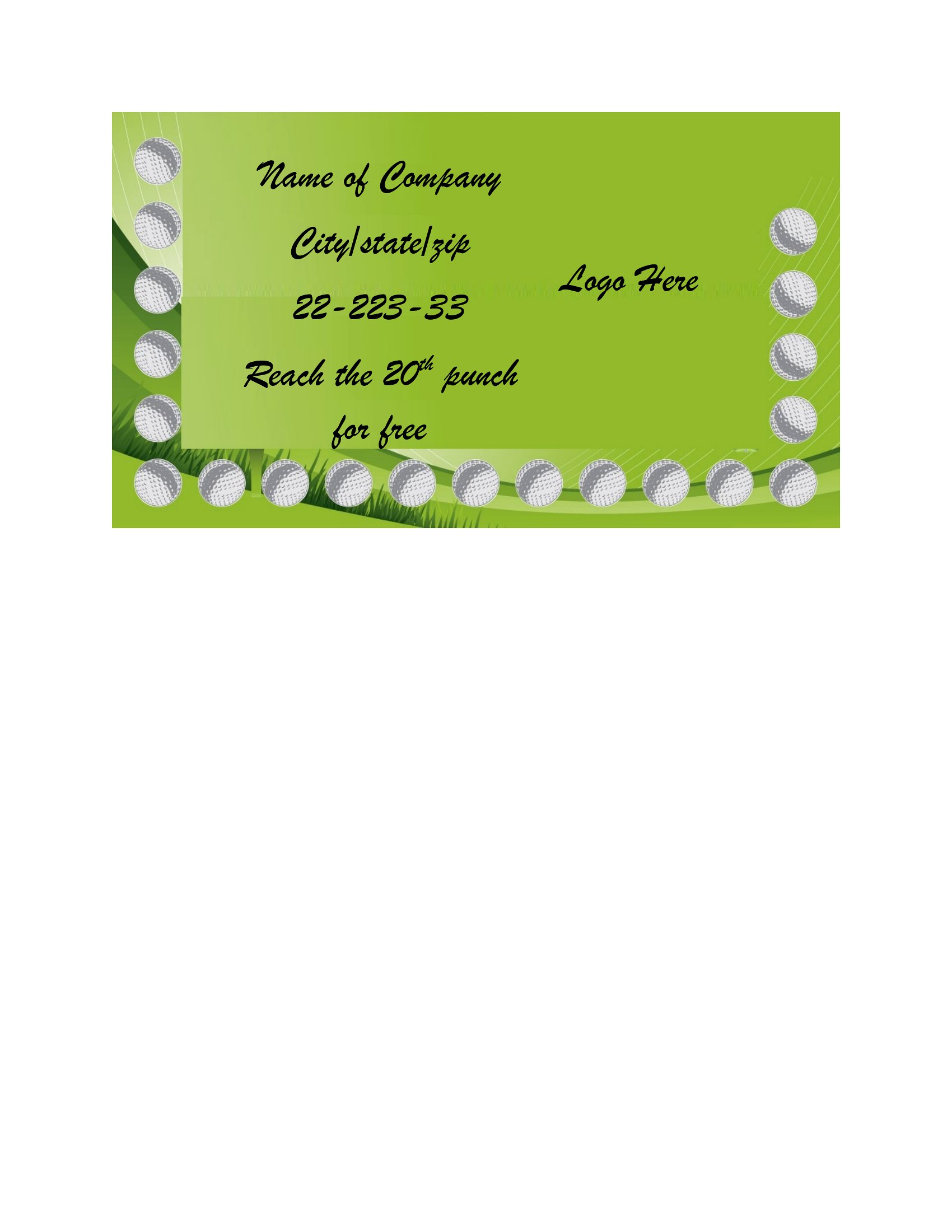
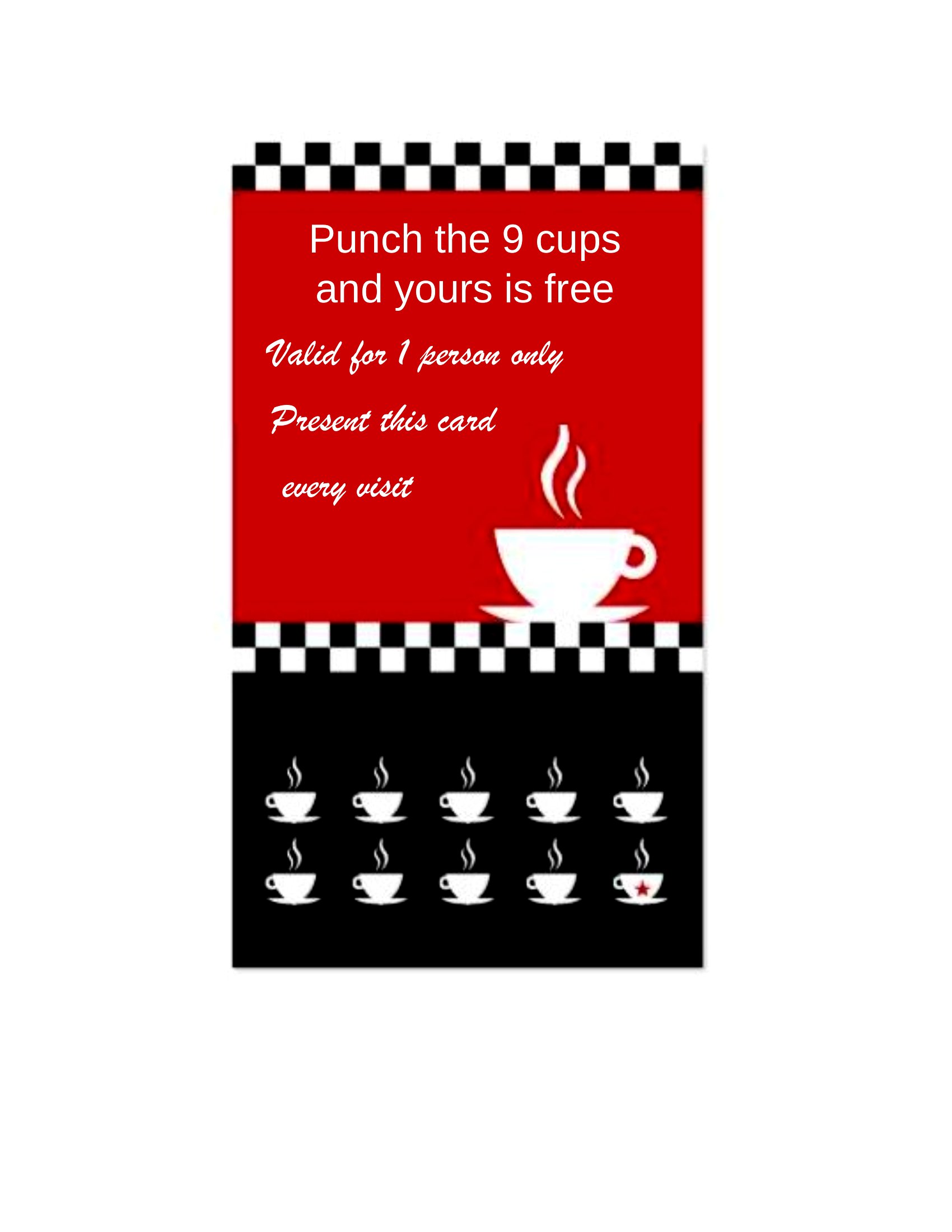
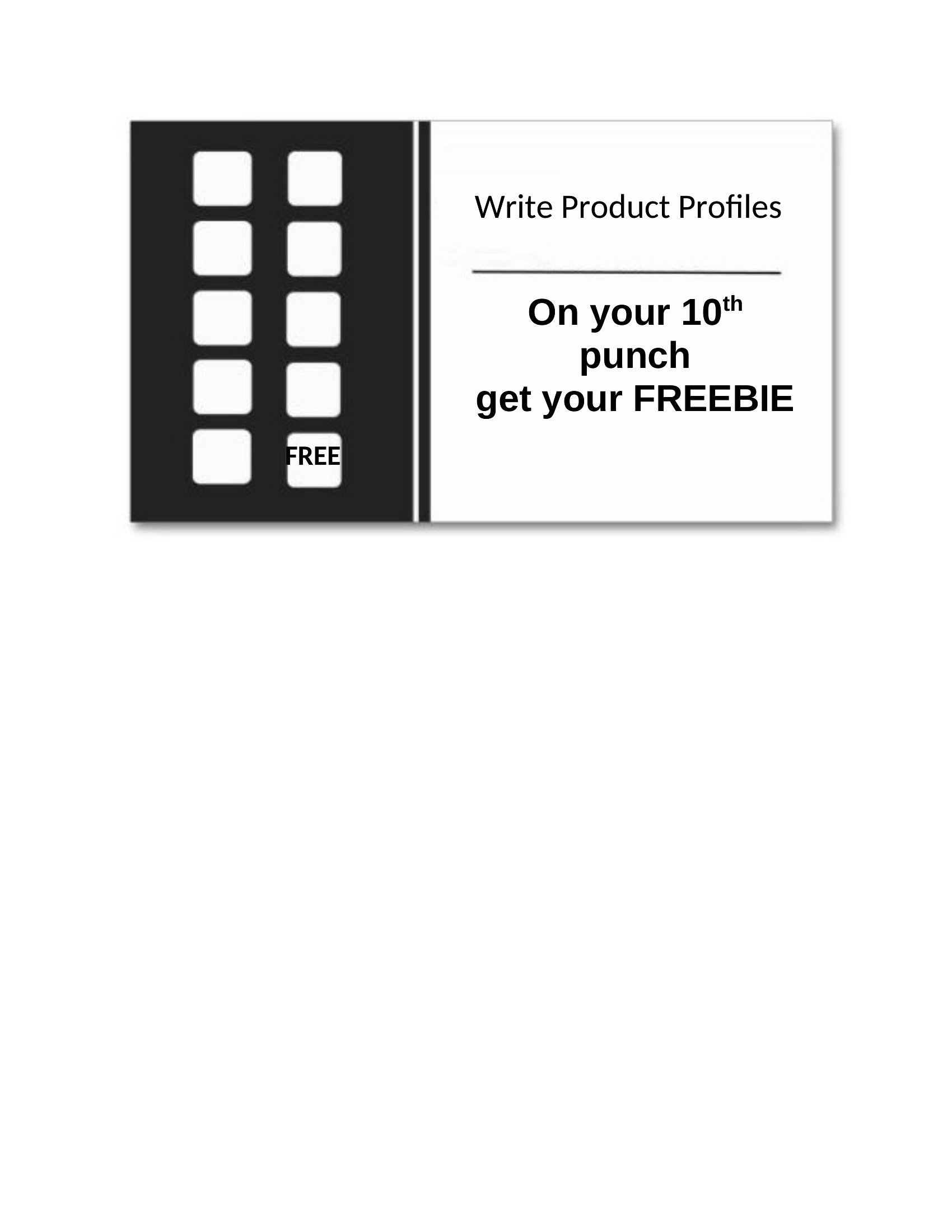
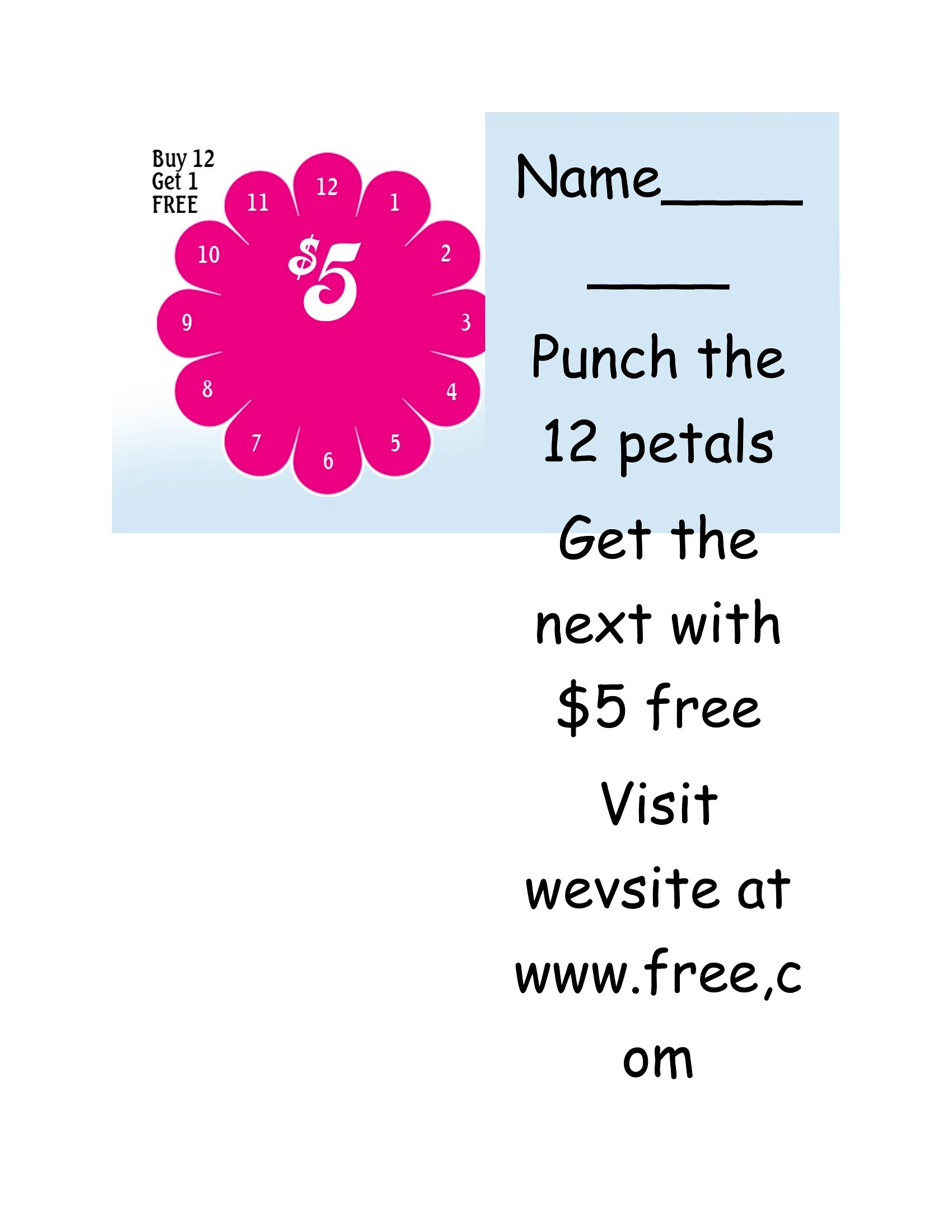
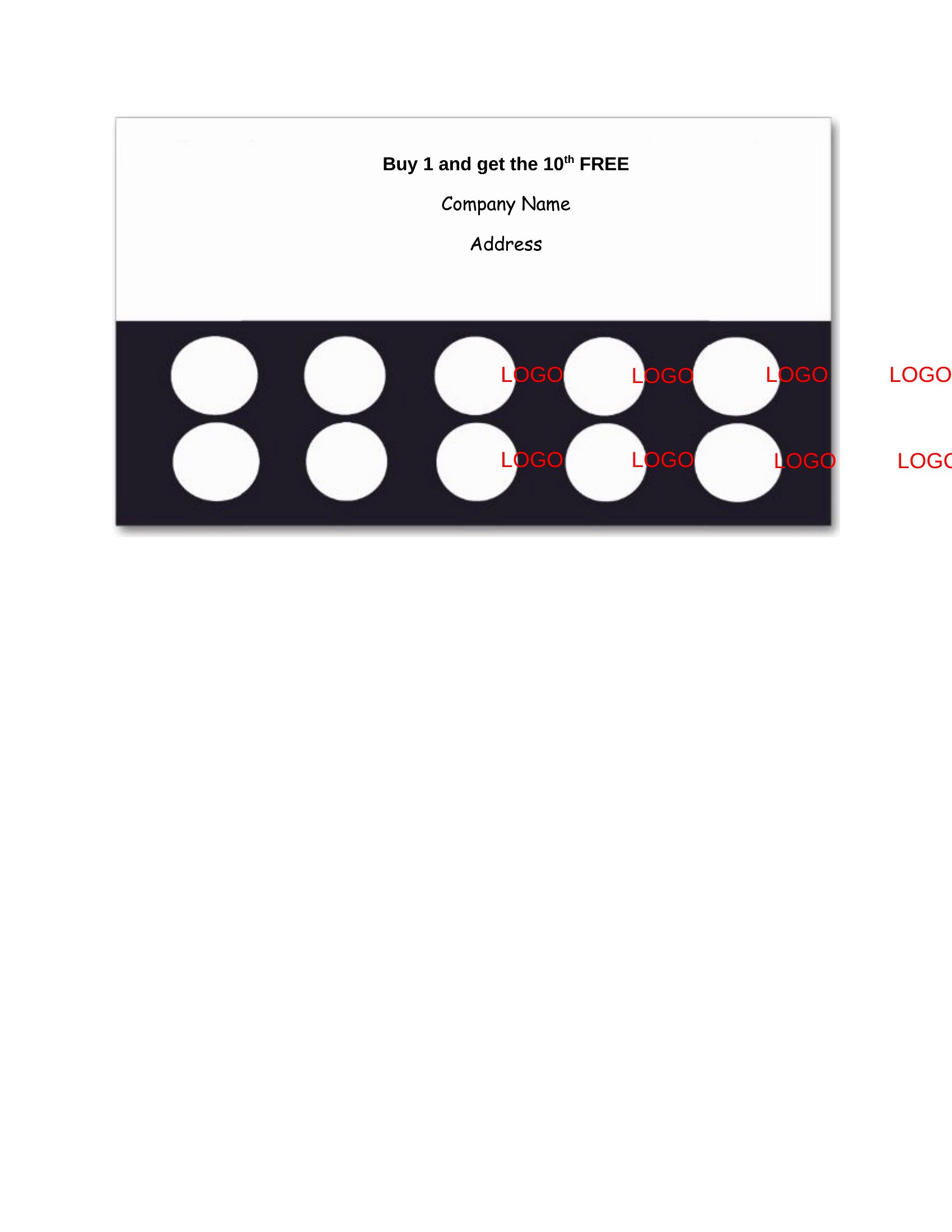
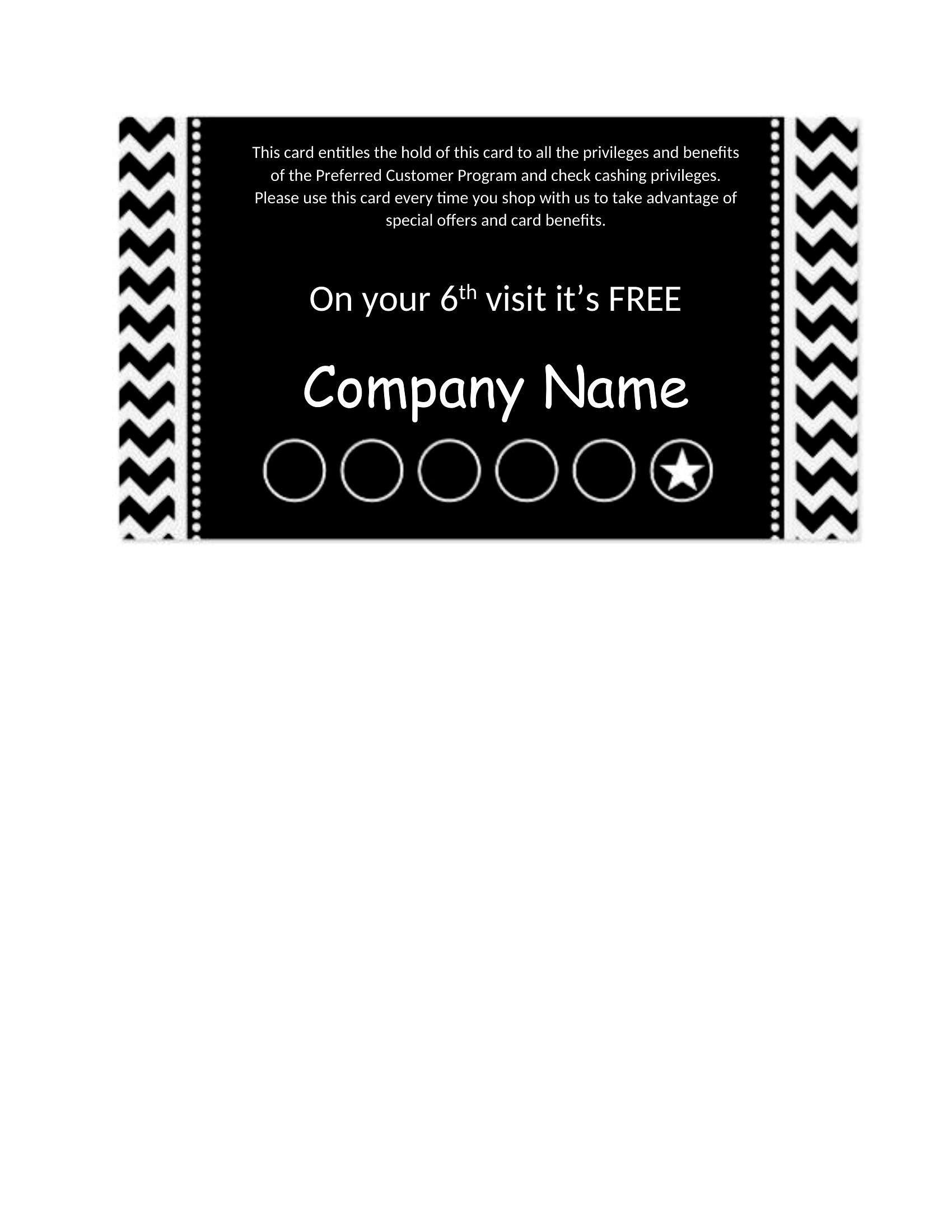
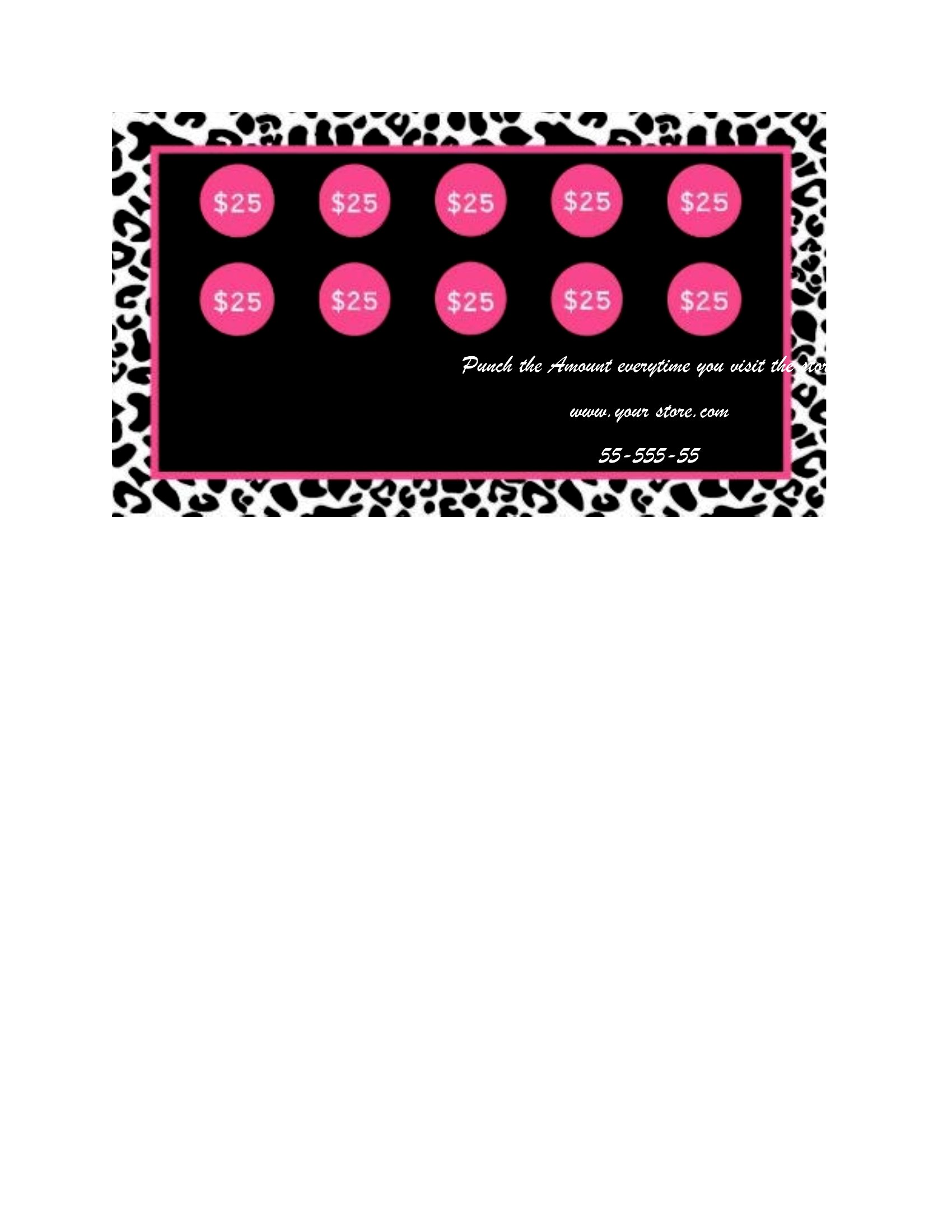
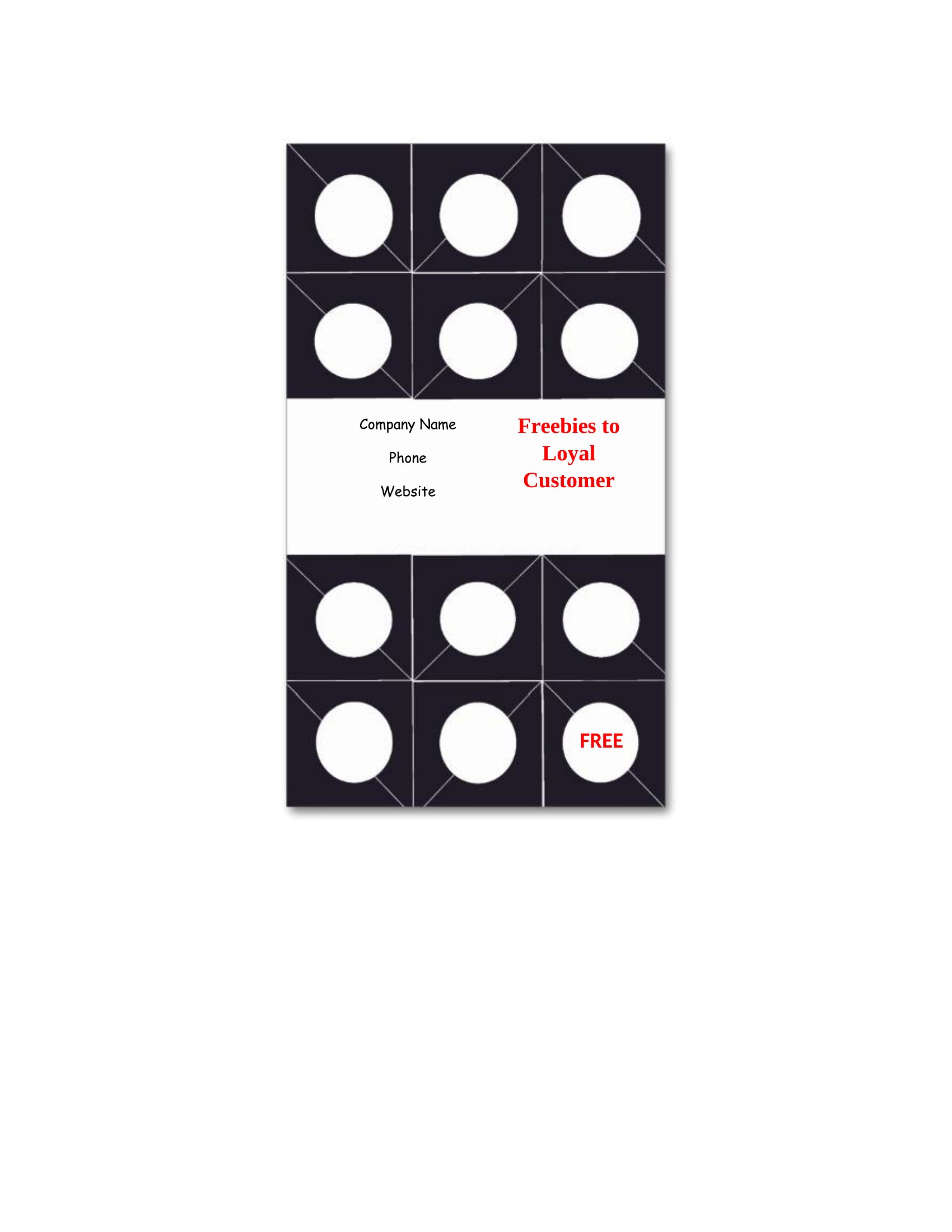
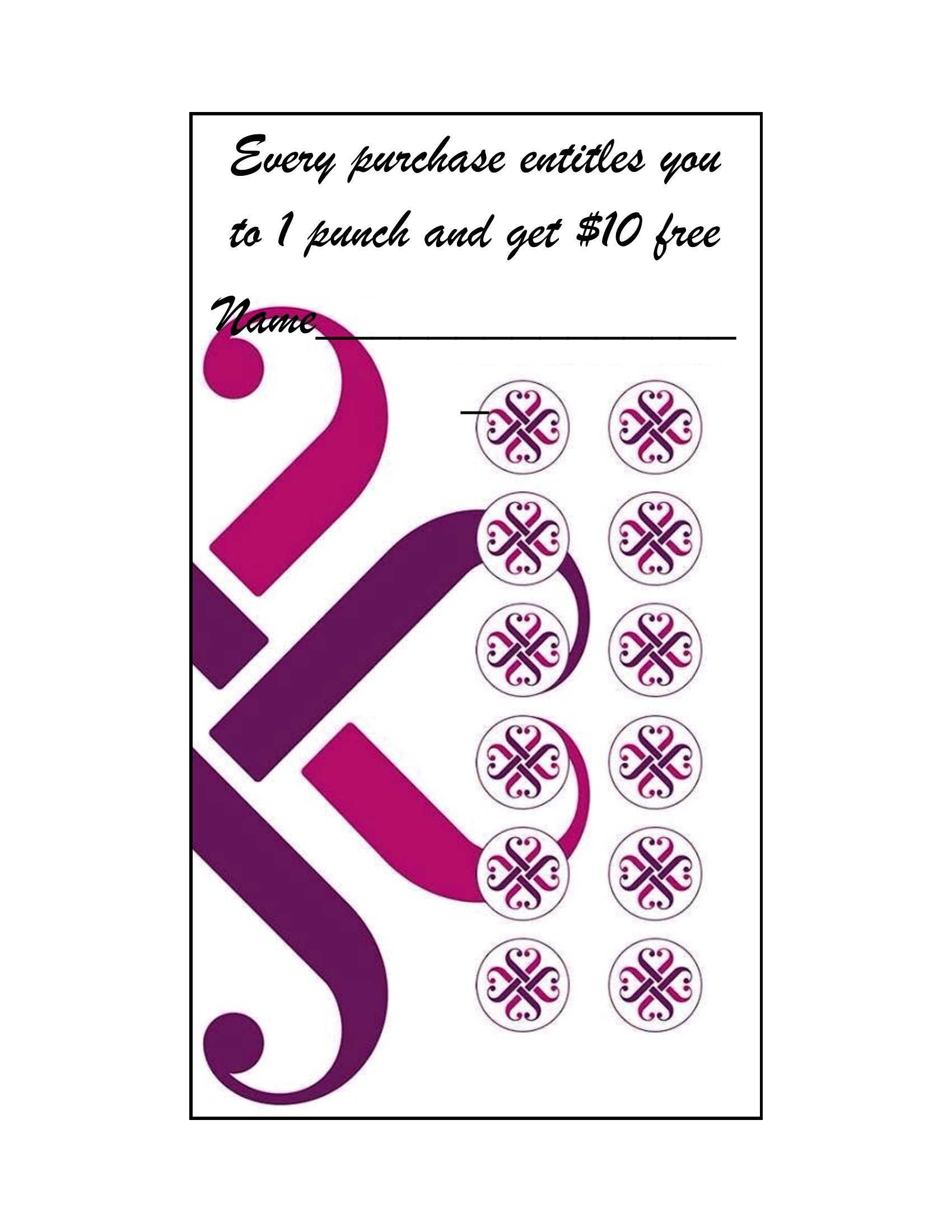
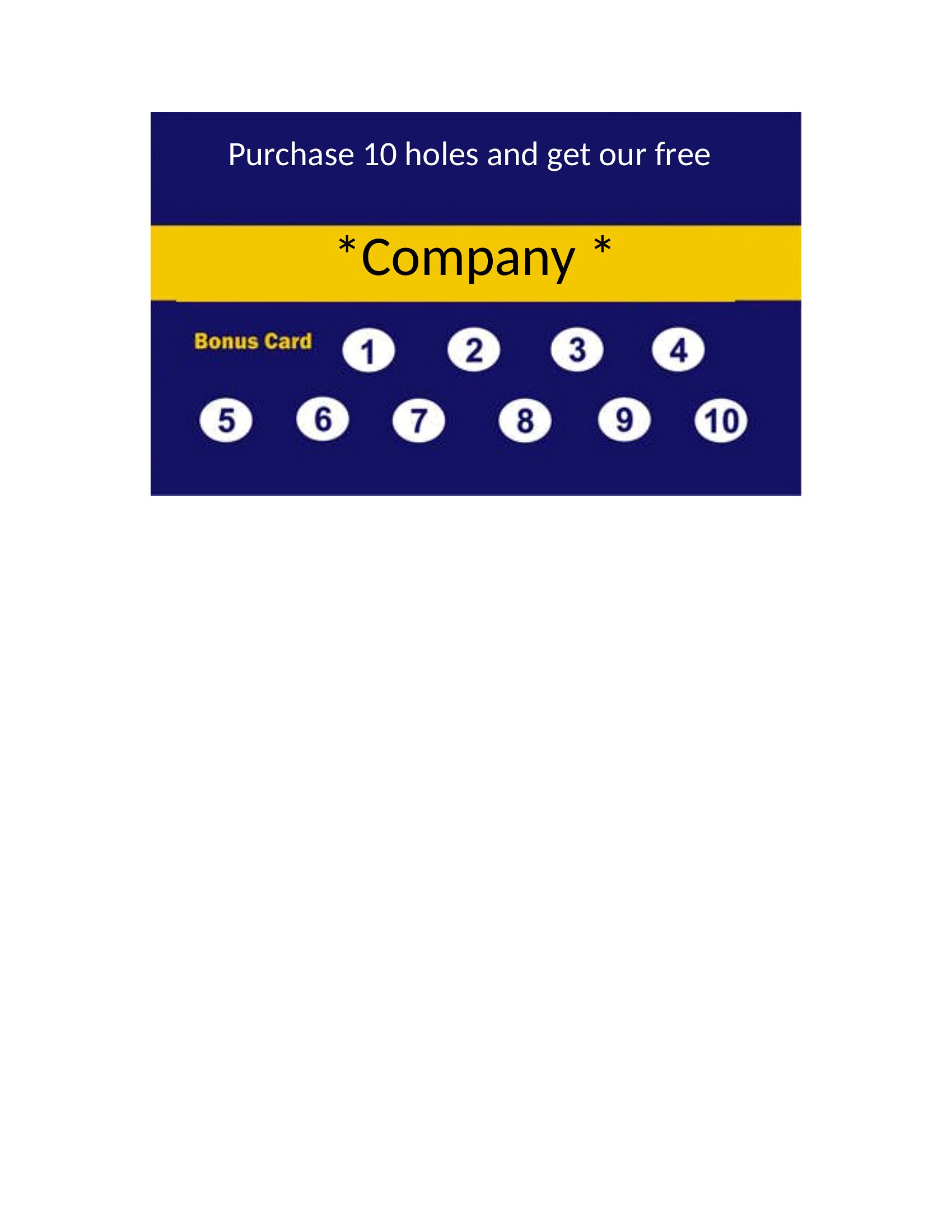
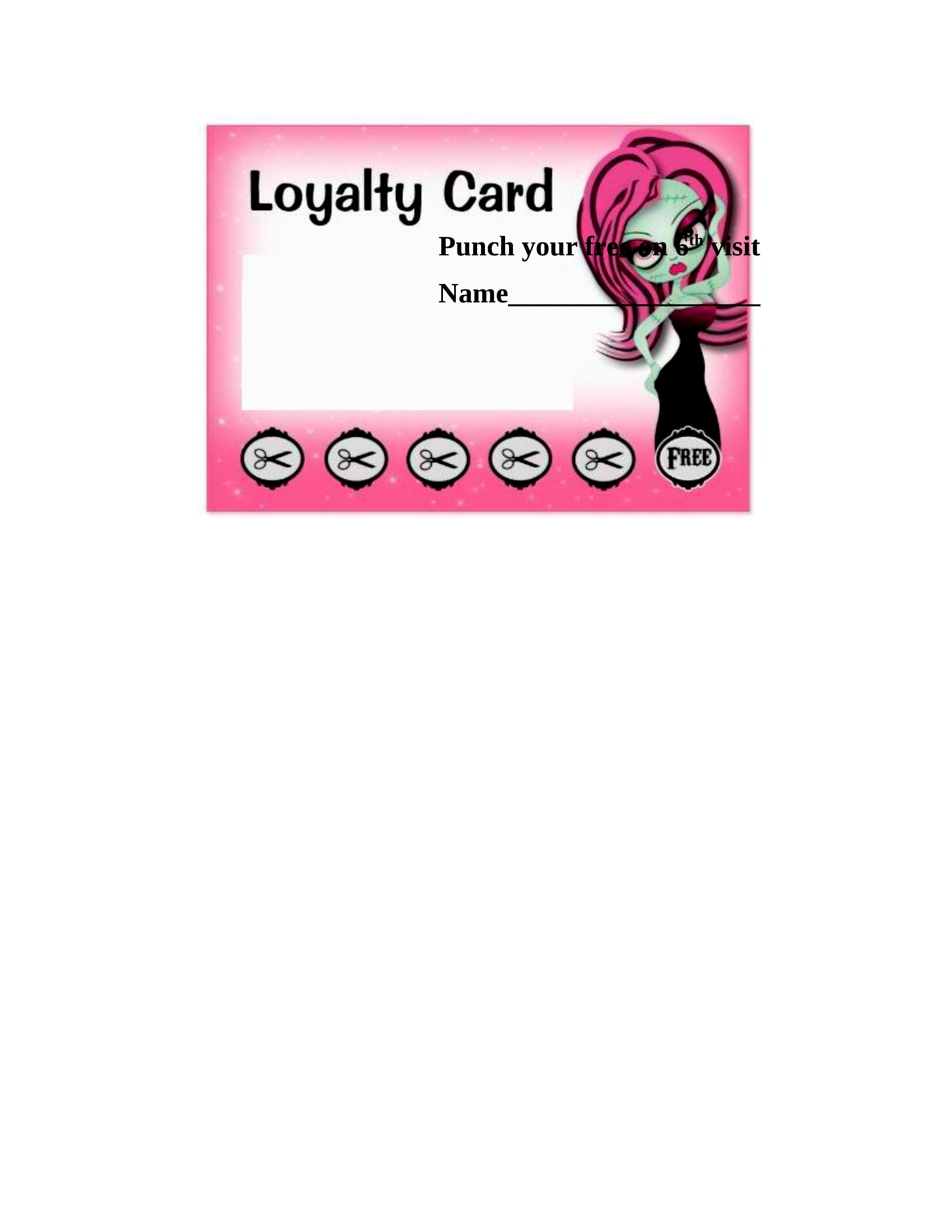
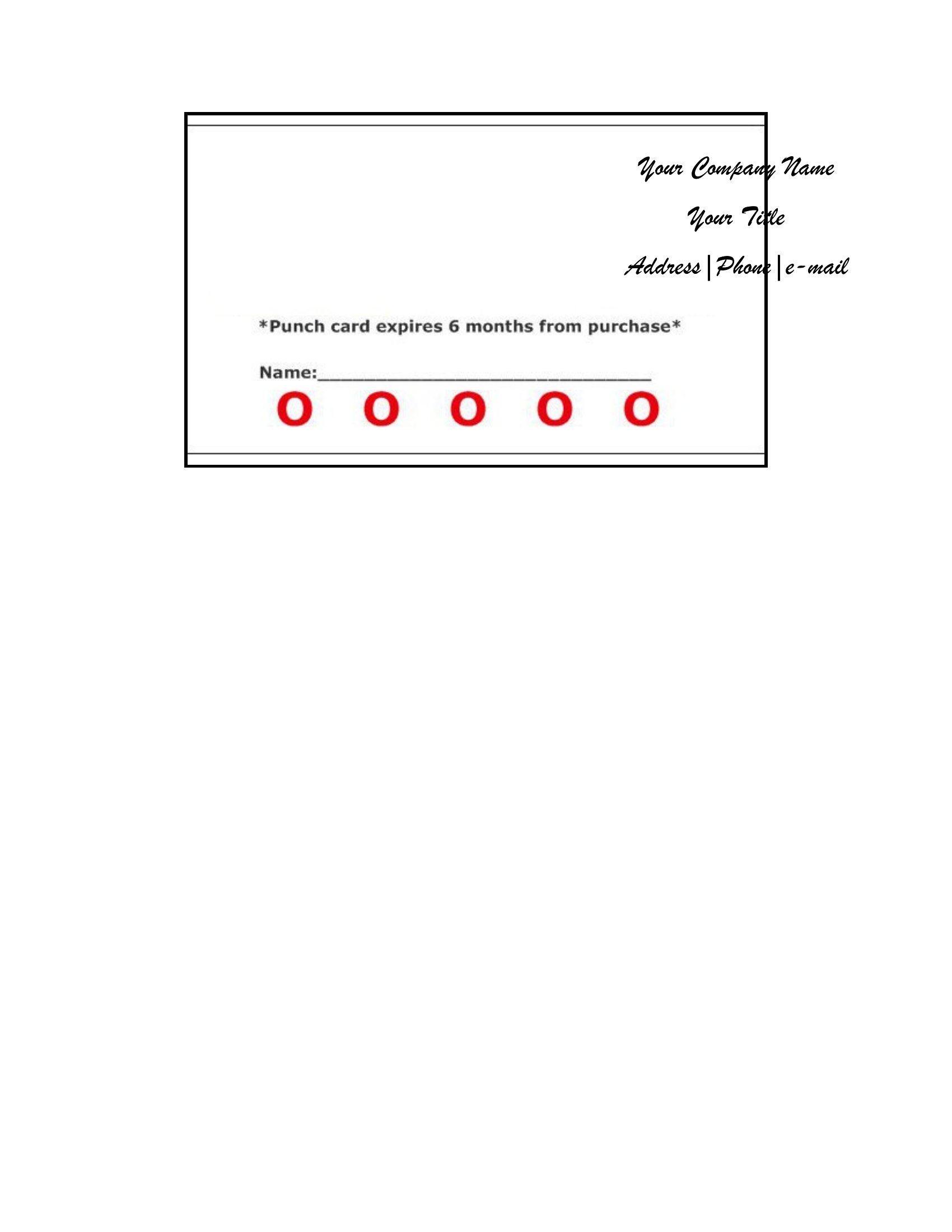
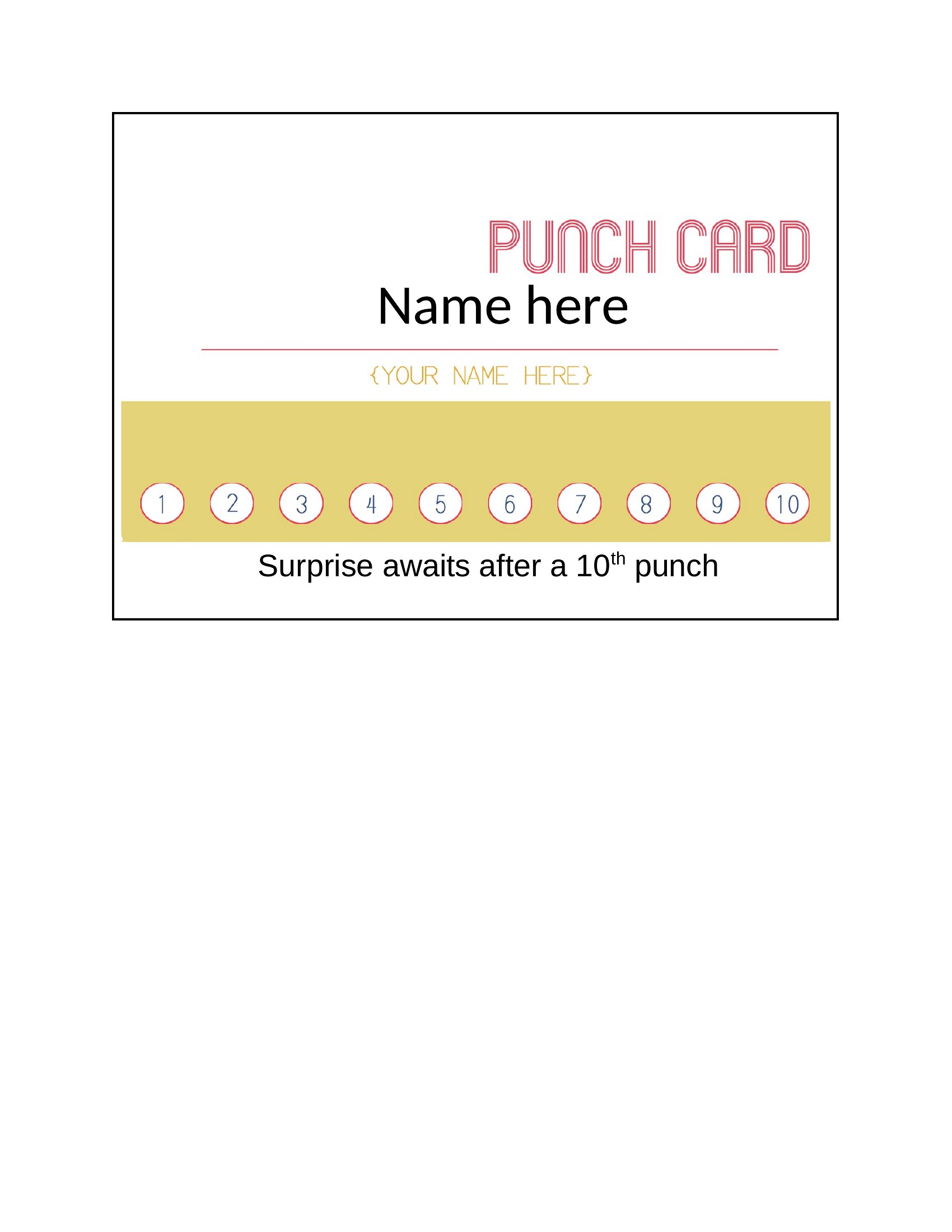
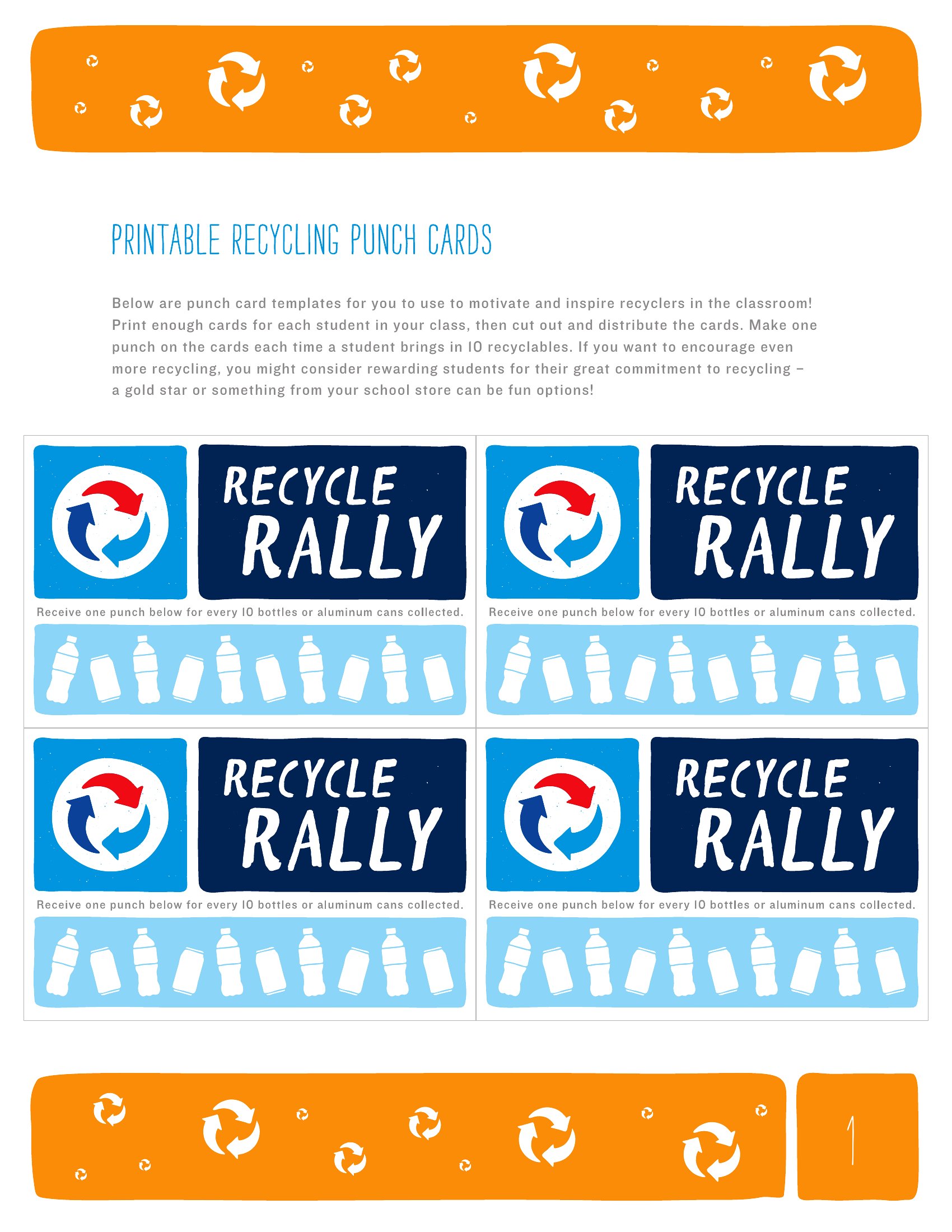
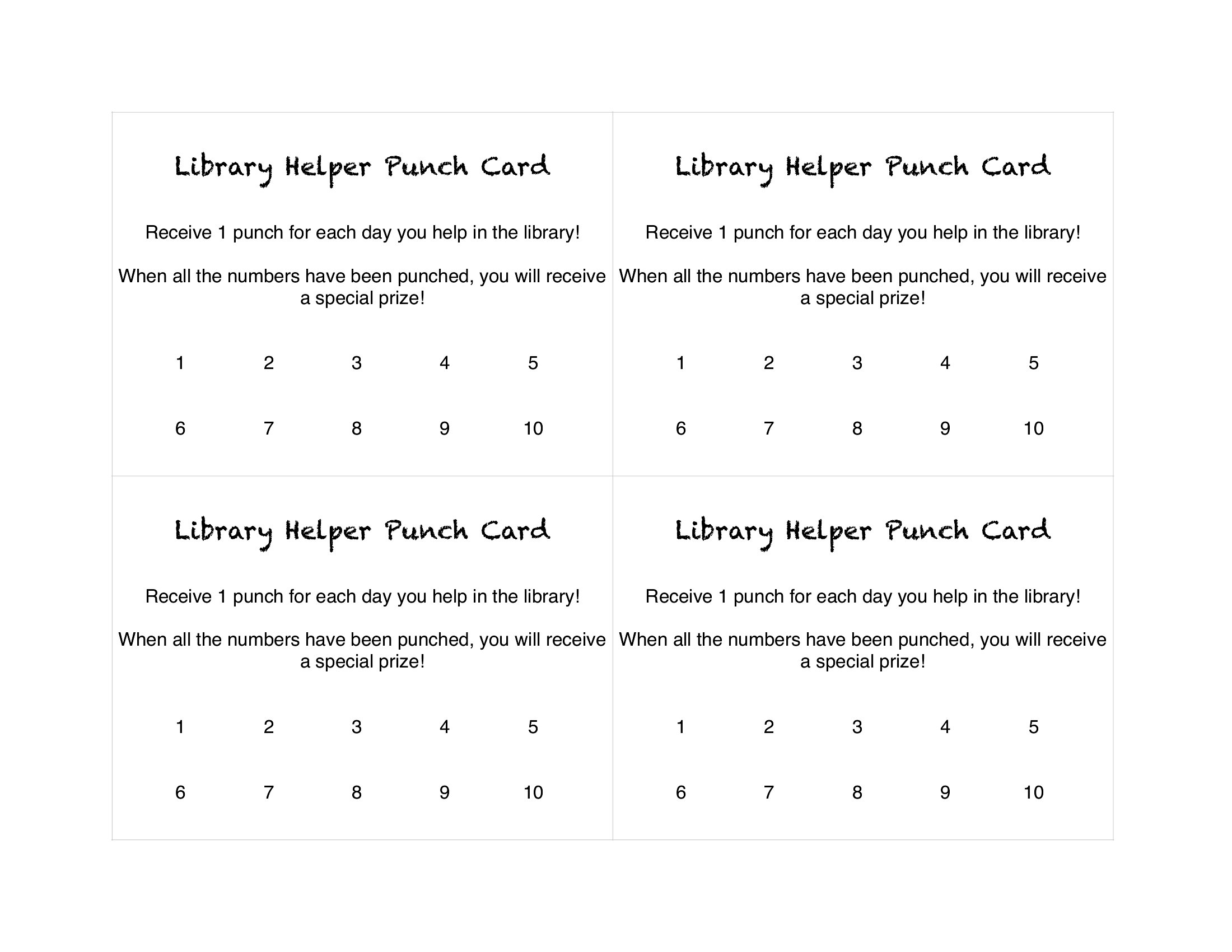
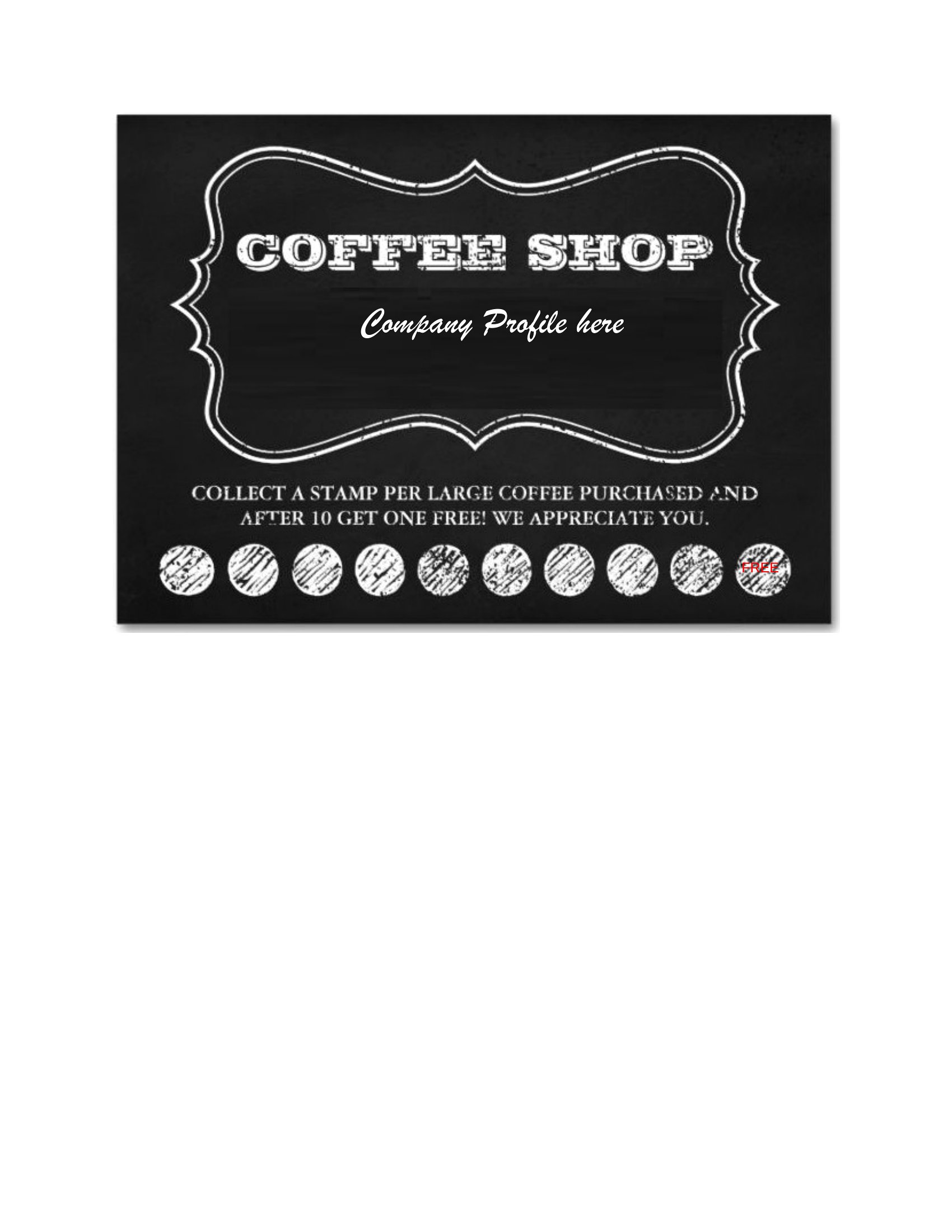
A loyalty punch card is a low-cost way to keep customers coming back, and a good template saves you from designing one from scratch. This collection of 36 punch card templates suits cafes, salons, food trucks, and any small business that wants to thank regulars. The designs leave room for your logo, the reward, and the right number of slots to punch or stamp.

Edit the Word files to add your branding or print a ready PDF onto card stock and cut them out. Adjust the number of visits, drop in your offer, and you've got a stack ready for the counter. Pick the design that matches your shop and hand out the first cards this week.

When to use this Punch Card template

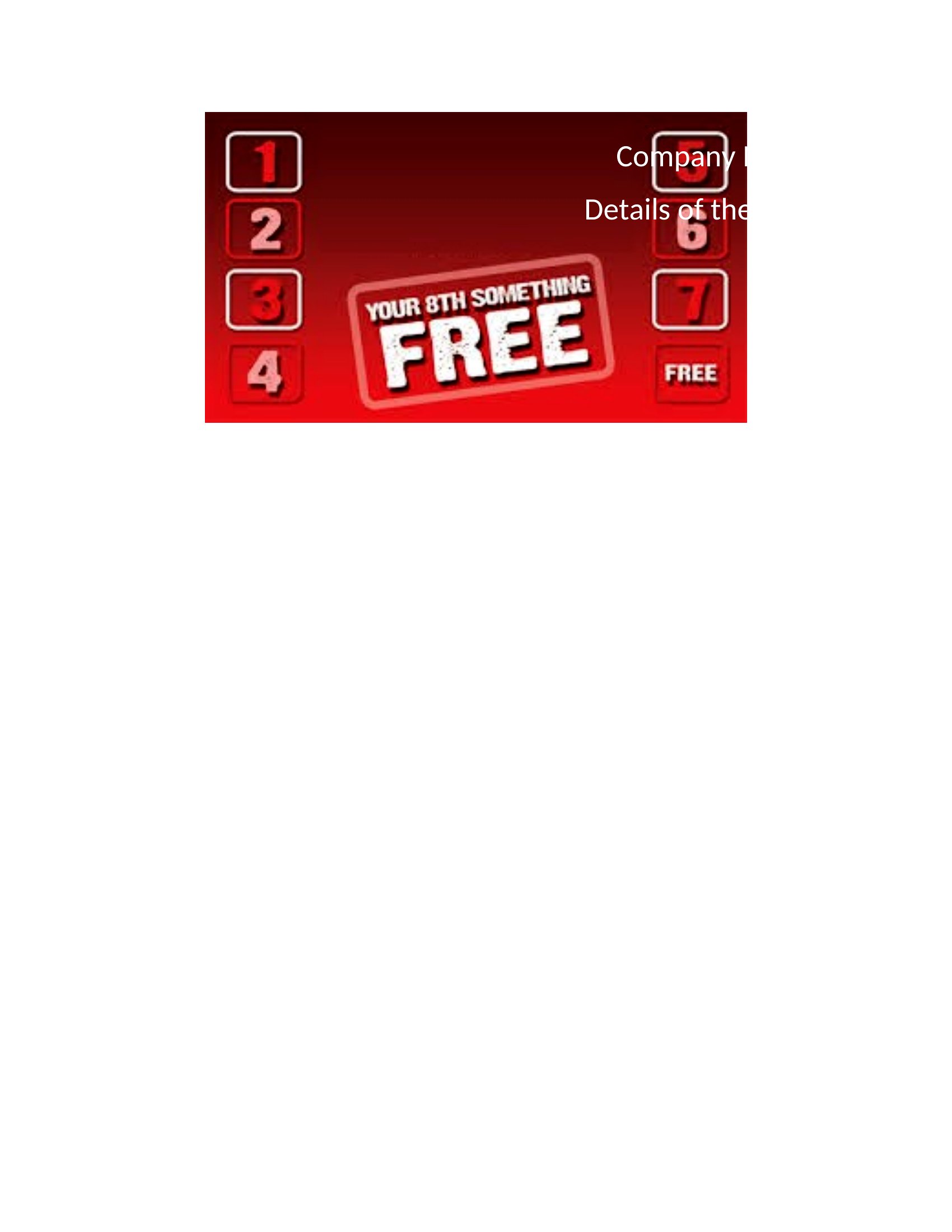
  • A local coffee shop with a rotating customer base wants to encourage repeat visits by offering free drinks after 8 purchases, so they need a clean, professional punch card to place on tables.
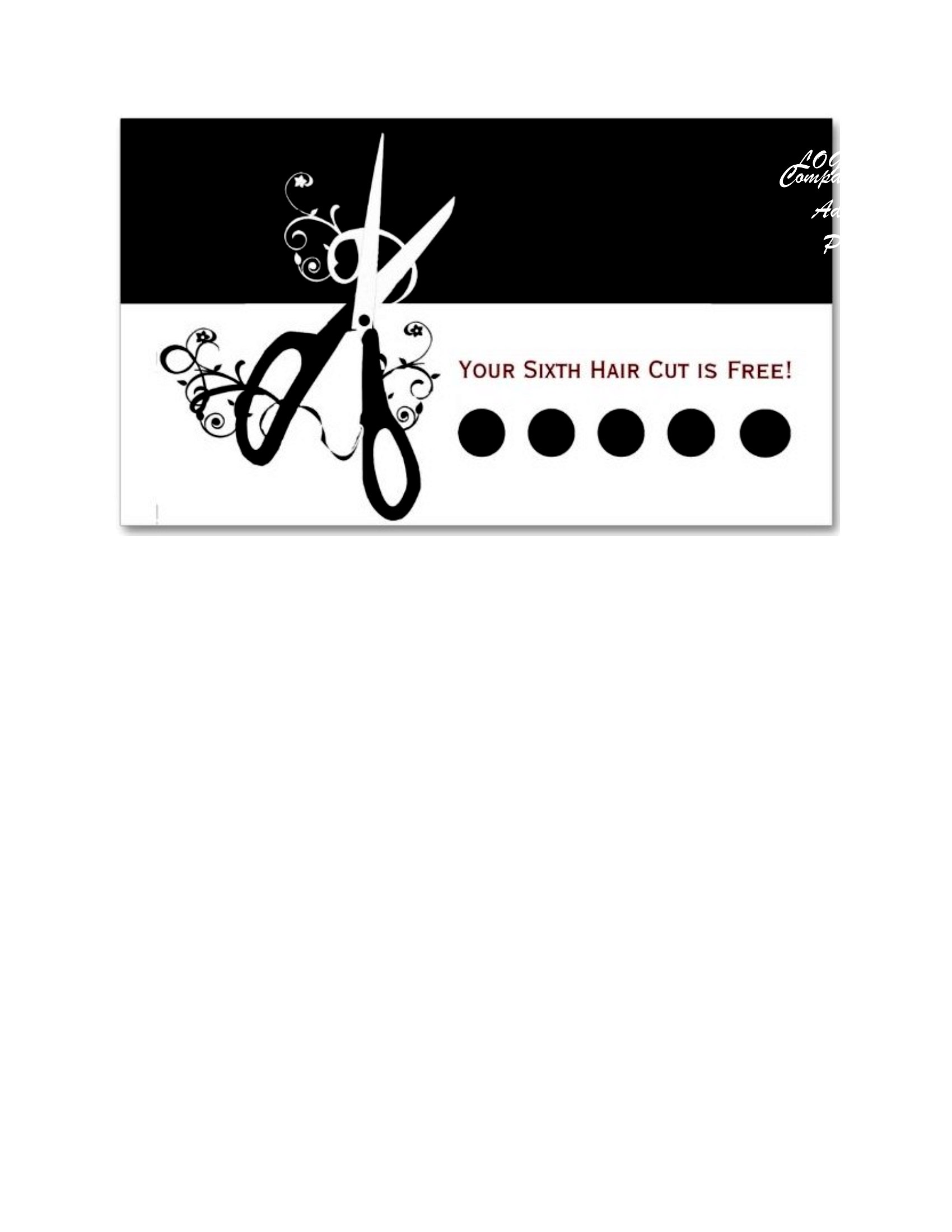
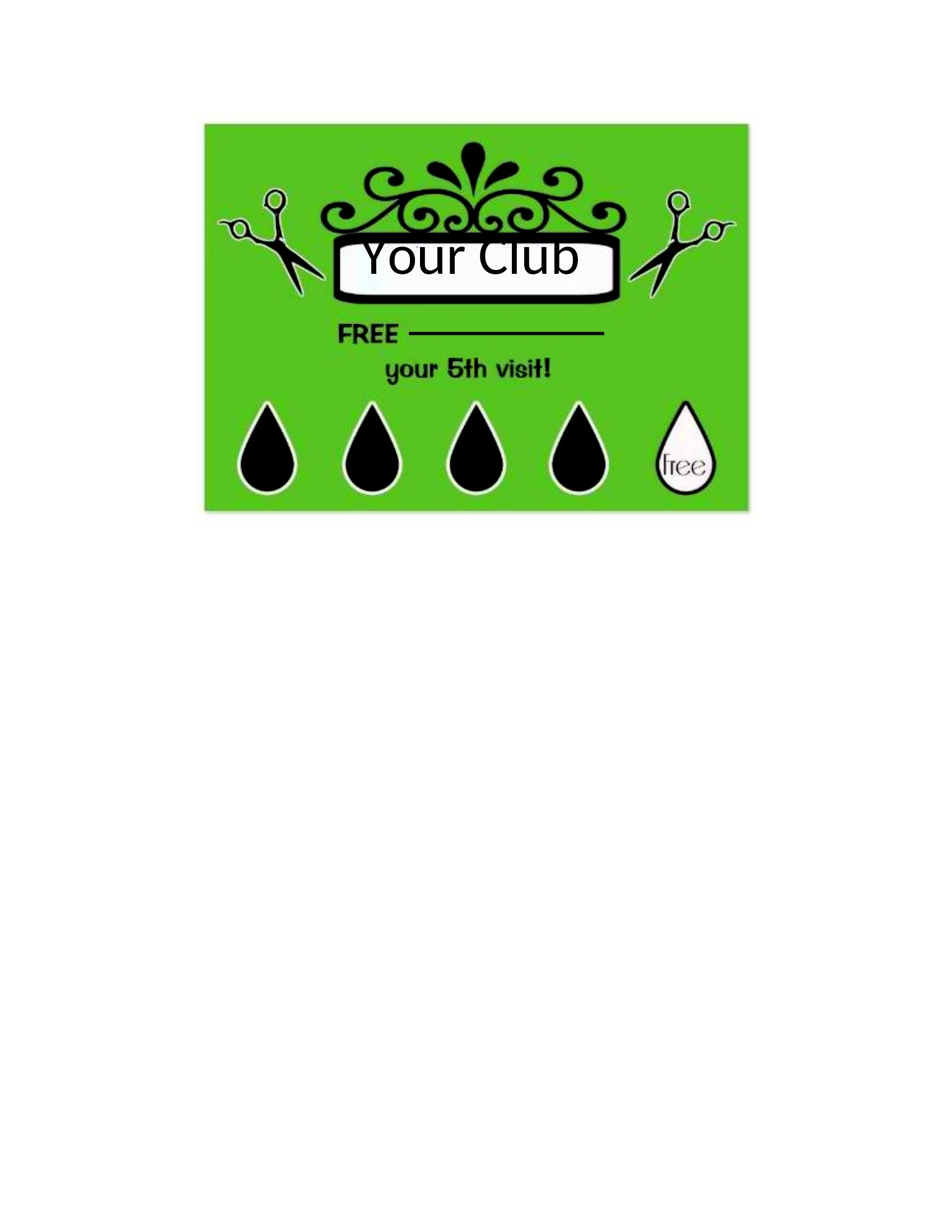
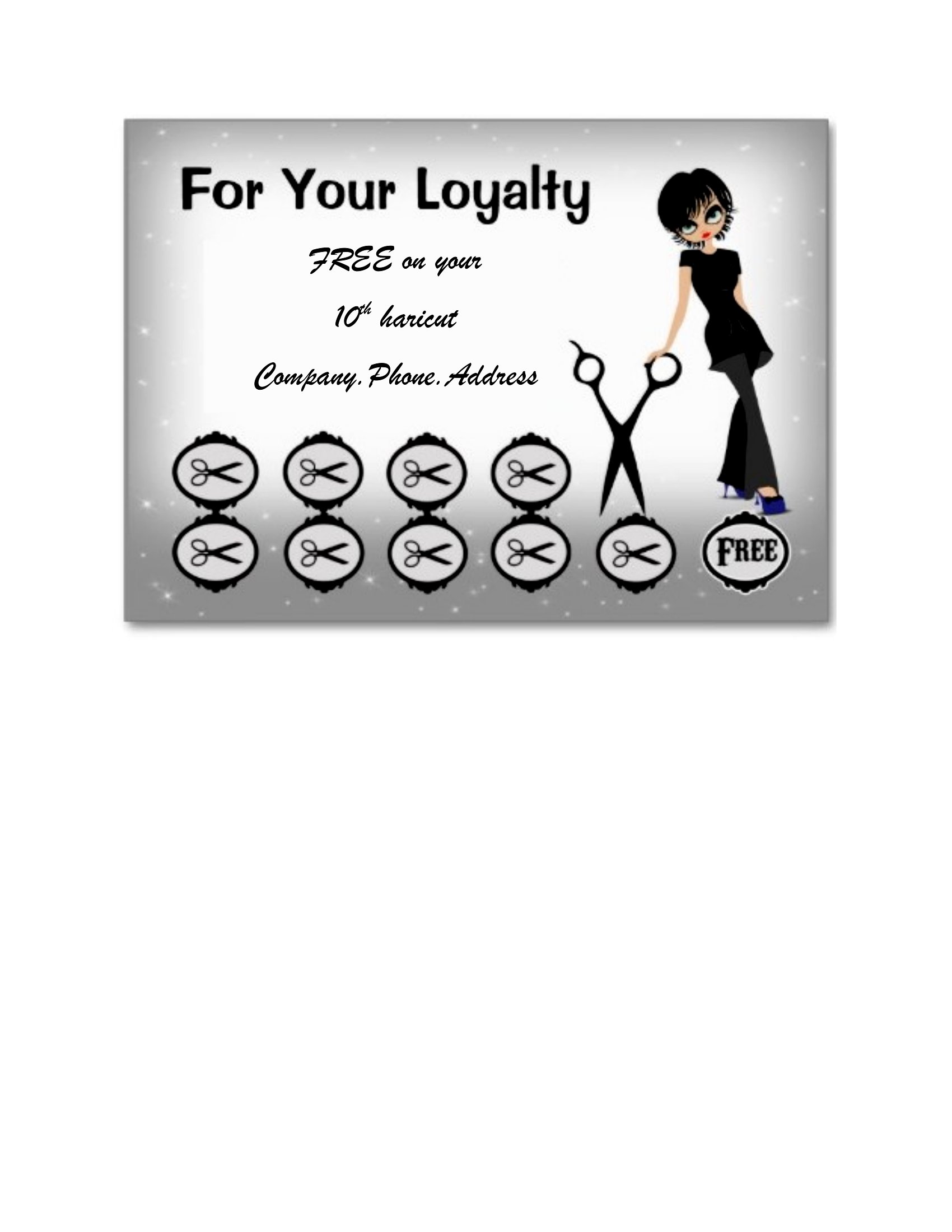
  • A neighborhood hair salon looking to build client loyalty wants a visually appealing punch card to track services rendered, with space for a discount after 5 visits.
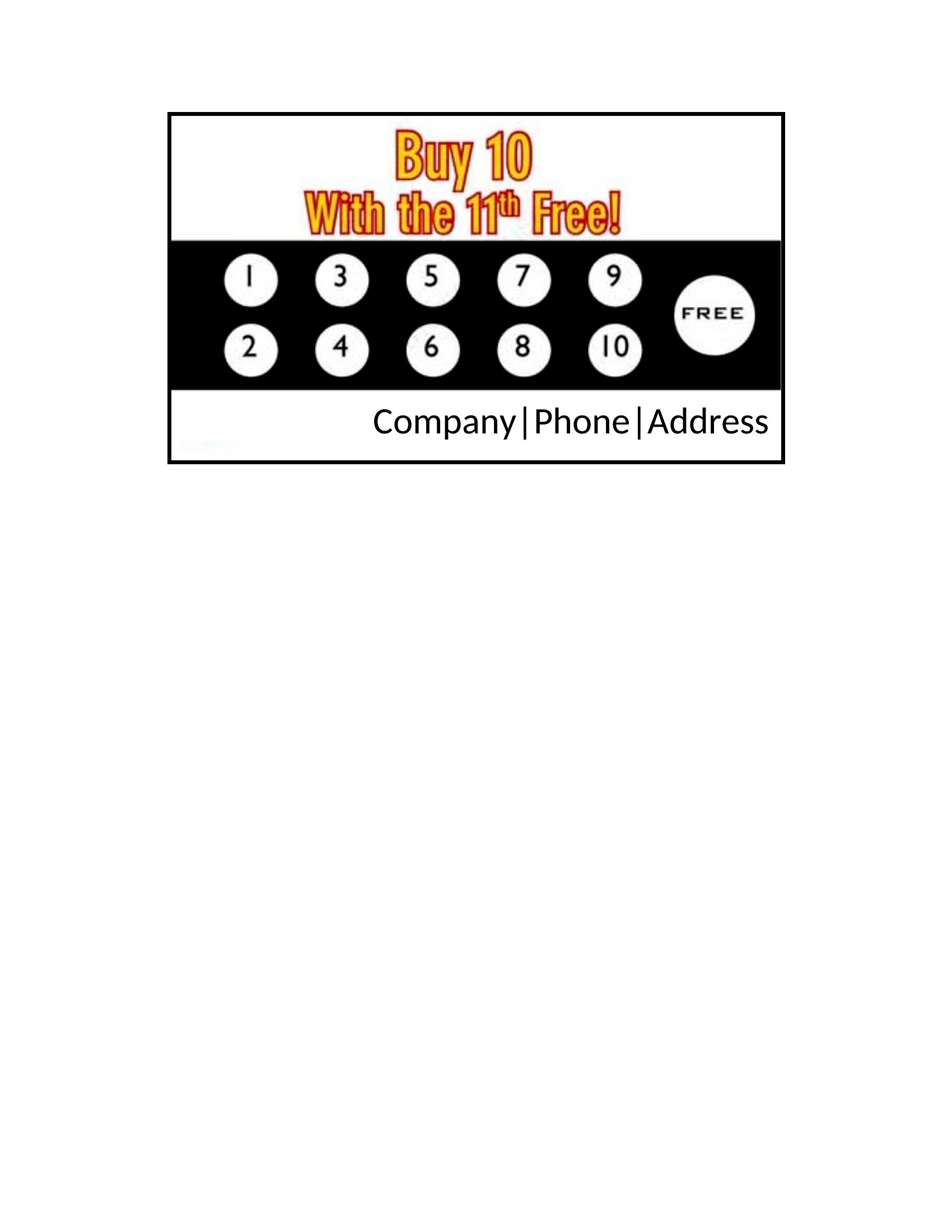
  • A food truck owner aiming to attract daily customers needs a durable, print-friendly punch card that highlights their special combo meal after 10 punches.
  • A boutique fitness studio wants to reward members for consistent attendance with a punch card that fits their branding and tracks 4 visits for a free class.

Which format should I download?

WordPDF

Choose Word if you need to customize details like business name, reward terms, or the number of punches before a discount—it’s editable and easy to tweak for branding. Opt for PDF when you want a polished, print-ready design that won’t change after editing. PDFs are ideal for finalizing layouts before printing in bulk, ensuring consistency across multiple copies.

Choose from 36 Punch Card Templates

How to use this Punch Card template

Can these punch cards be scaled to different sizes for printing?

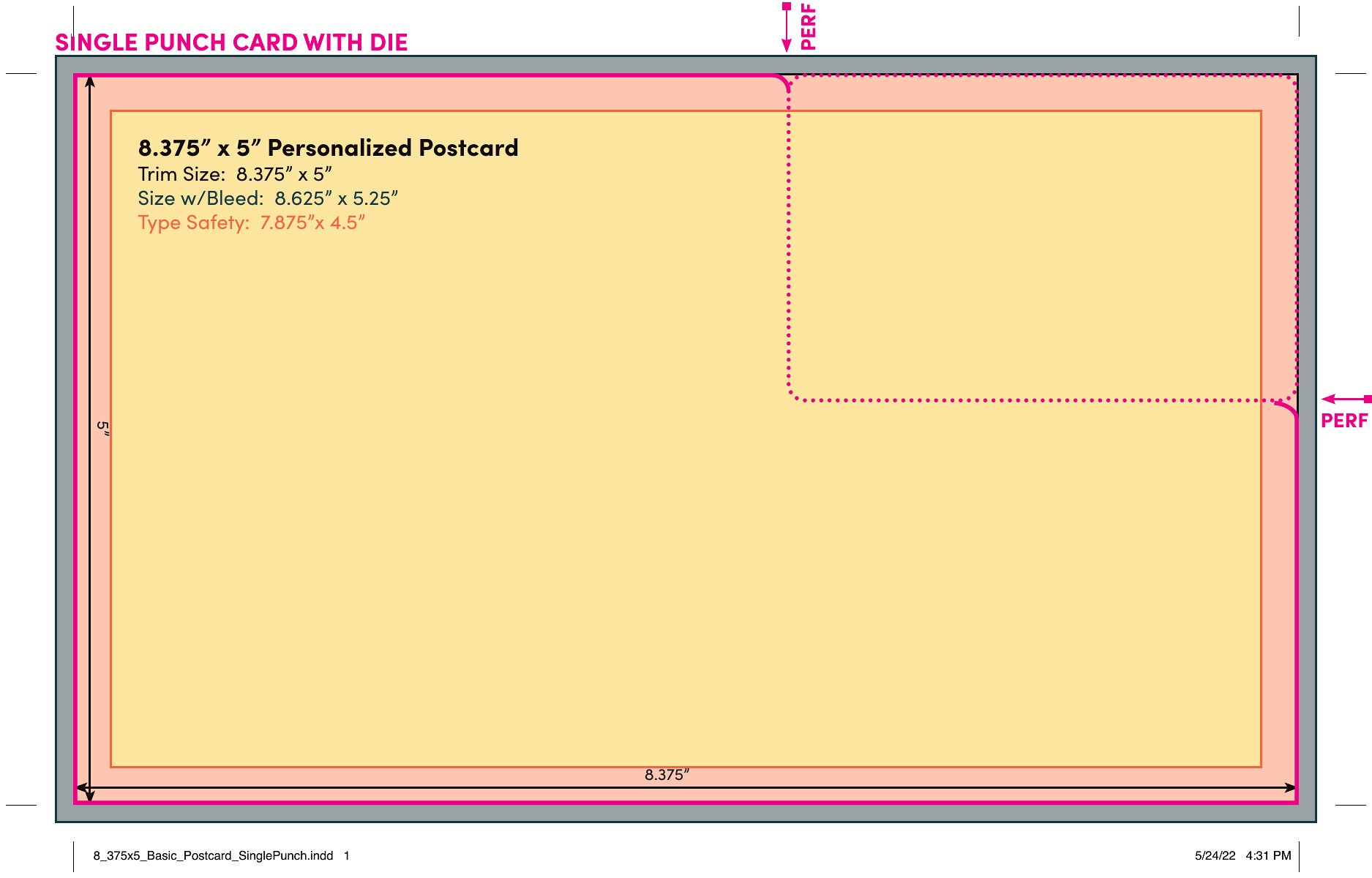
Yes, the templates are designed to be printer-friendly and can usually be resized in Word or PDF-editing software. However, check your printer’s specifications first to ensure the card fits the paper size you’re using. For best results, start with the template dimensions provided and adjust proportionally.

How do I add my business logo to a punch card template?

In Word, insert your logo by going to the Insert tab and selecting Pictures or your saved file. Resize it to fit the designated logo area, then adjust the layout to wrap text or images around it if needed. For PDFs, you’ll need to edit the file in a tool like Adobe Acrobat before printing, as PDFs aren’t natively editable in all software.

What’s the best way to organize the punch slots on a card for different services or products?

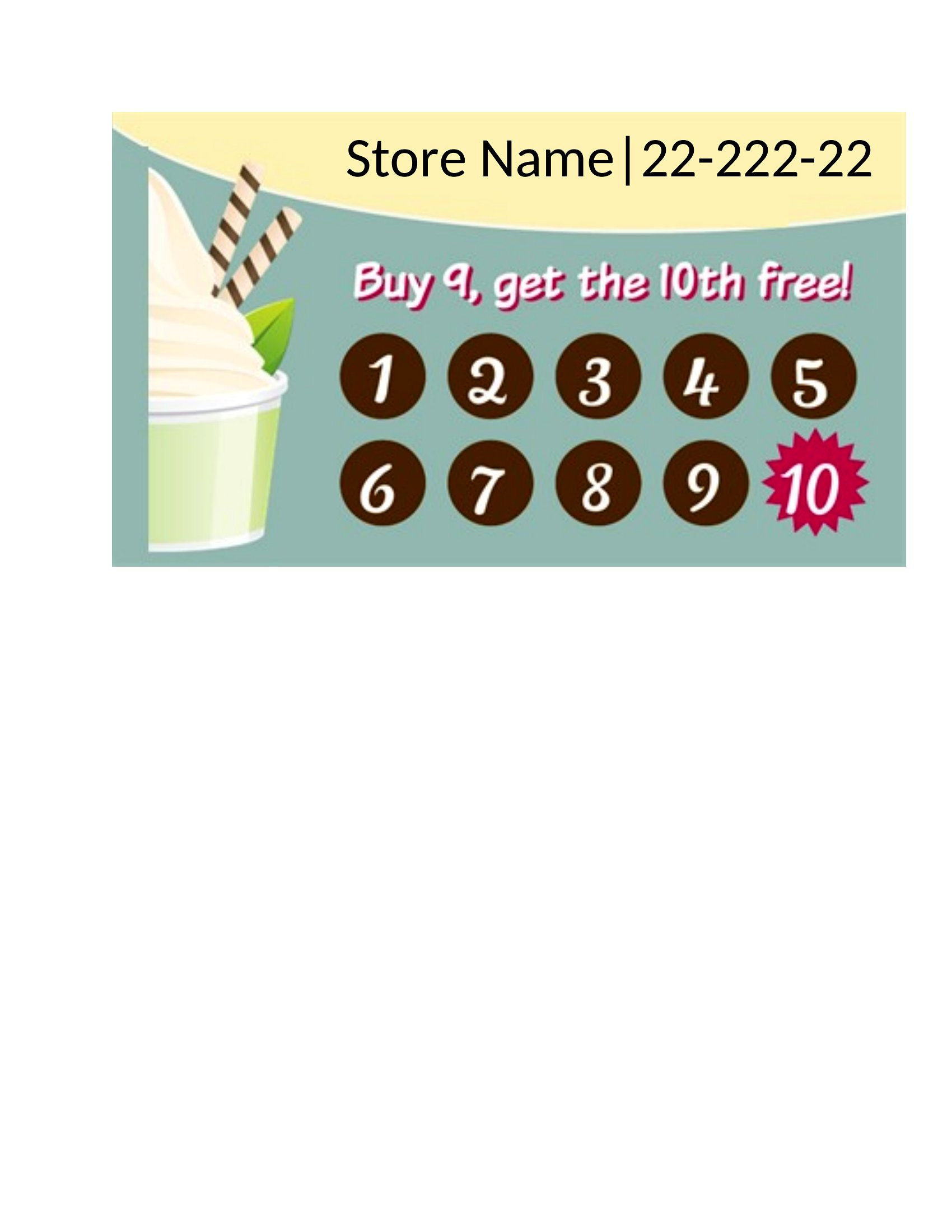
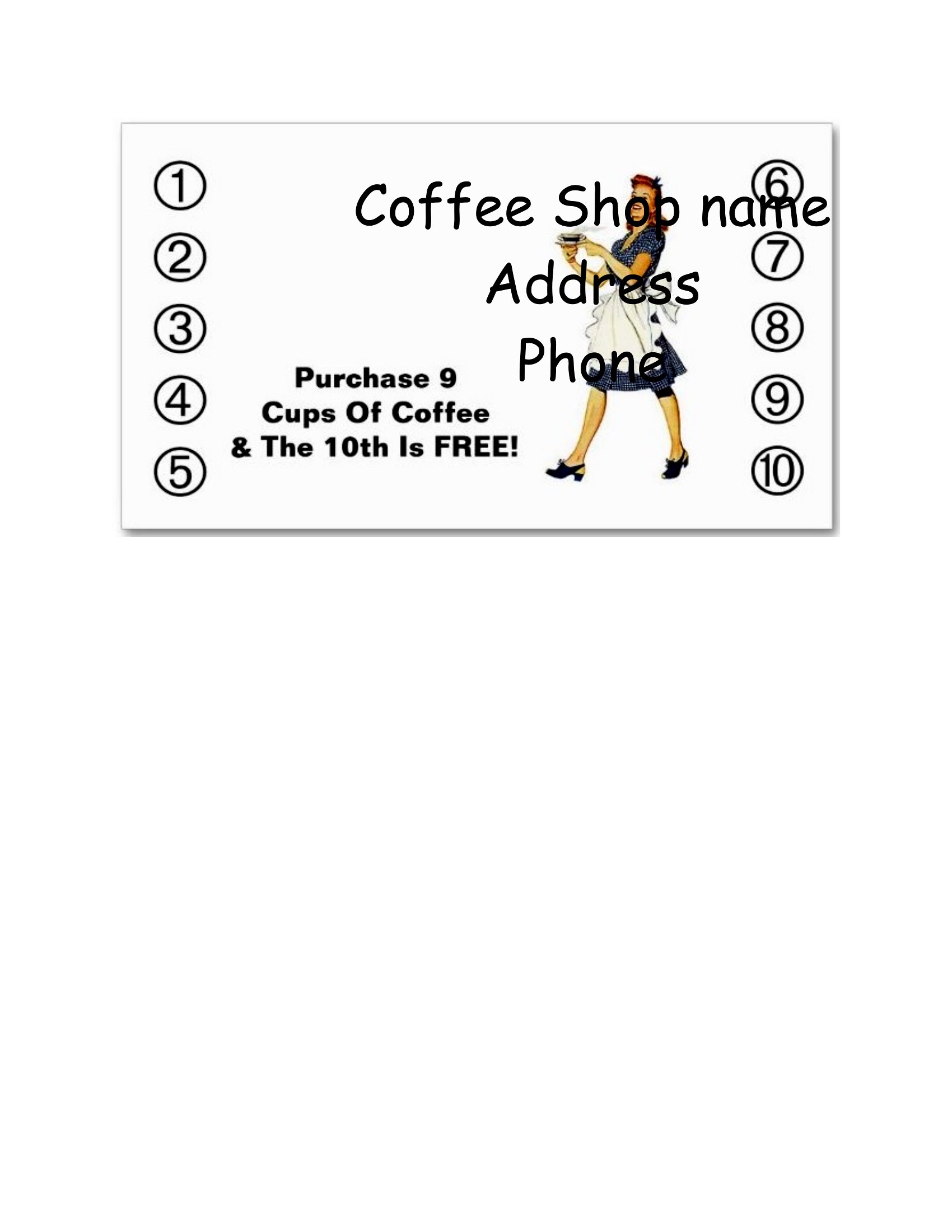
For simplicity, group all punches under one reward (e.g., ‘Buy 9 coffees, get the 10th free’). If offering multiple rewards, dedicate sections of the card to each (e.g., one side for drinks, the other for pastries) and label them clearly. Keep the design balanced to avoid overwhelming customers with too many options.

Comments

Join the conversation

Sign in to share your thoughts and leave a comment on this resource.

Newsletter

Get Weekly Design Updates

Join our community to receive curated resources and inspiration.

Weekly Tips Resources Early Access

We respect your privacy. Confirmation email required. Privacy Policy