Free Printable Punch Cards (Word, PDF)
LegalTemplates
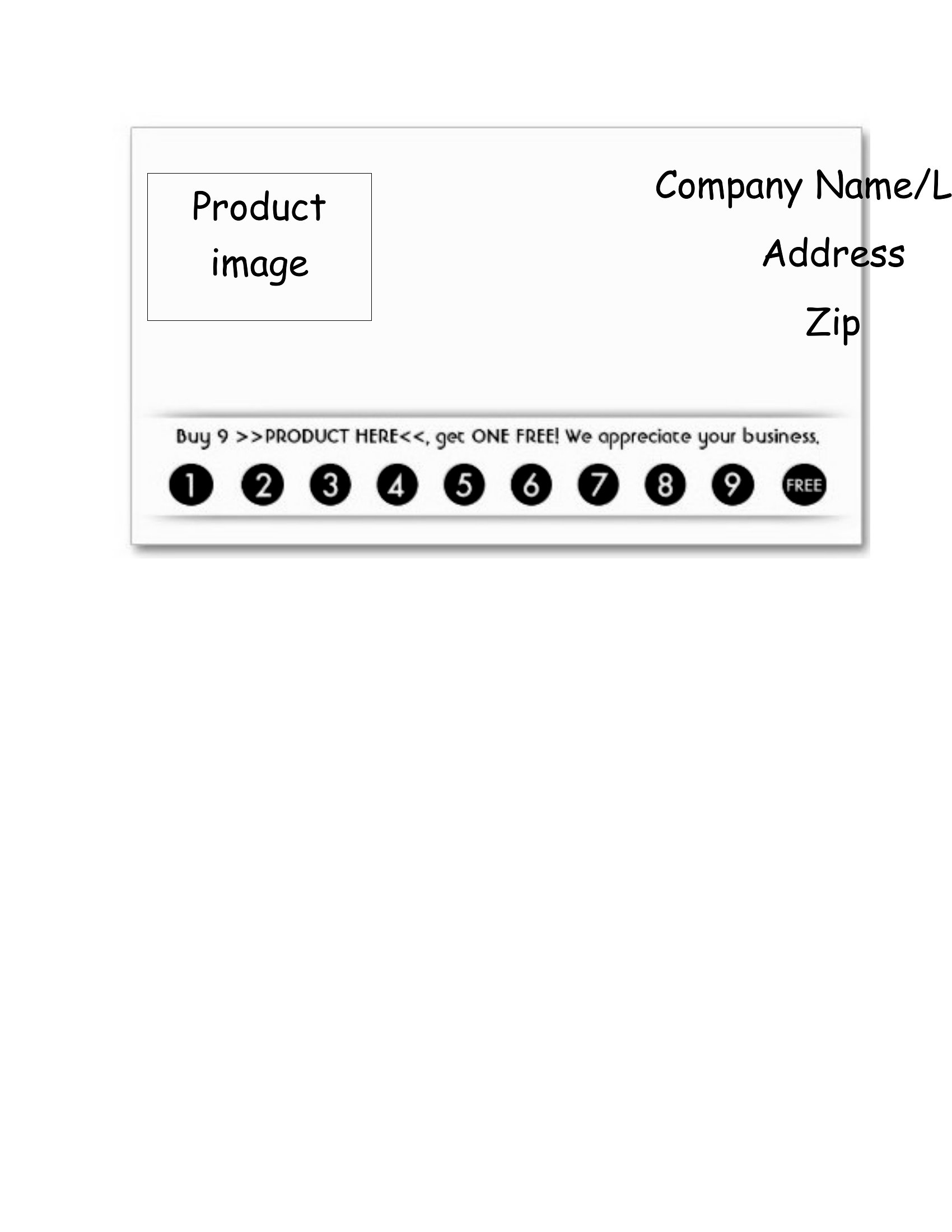
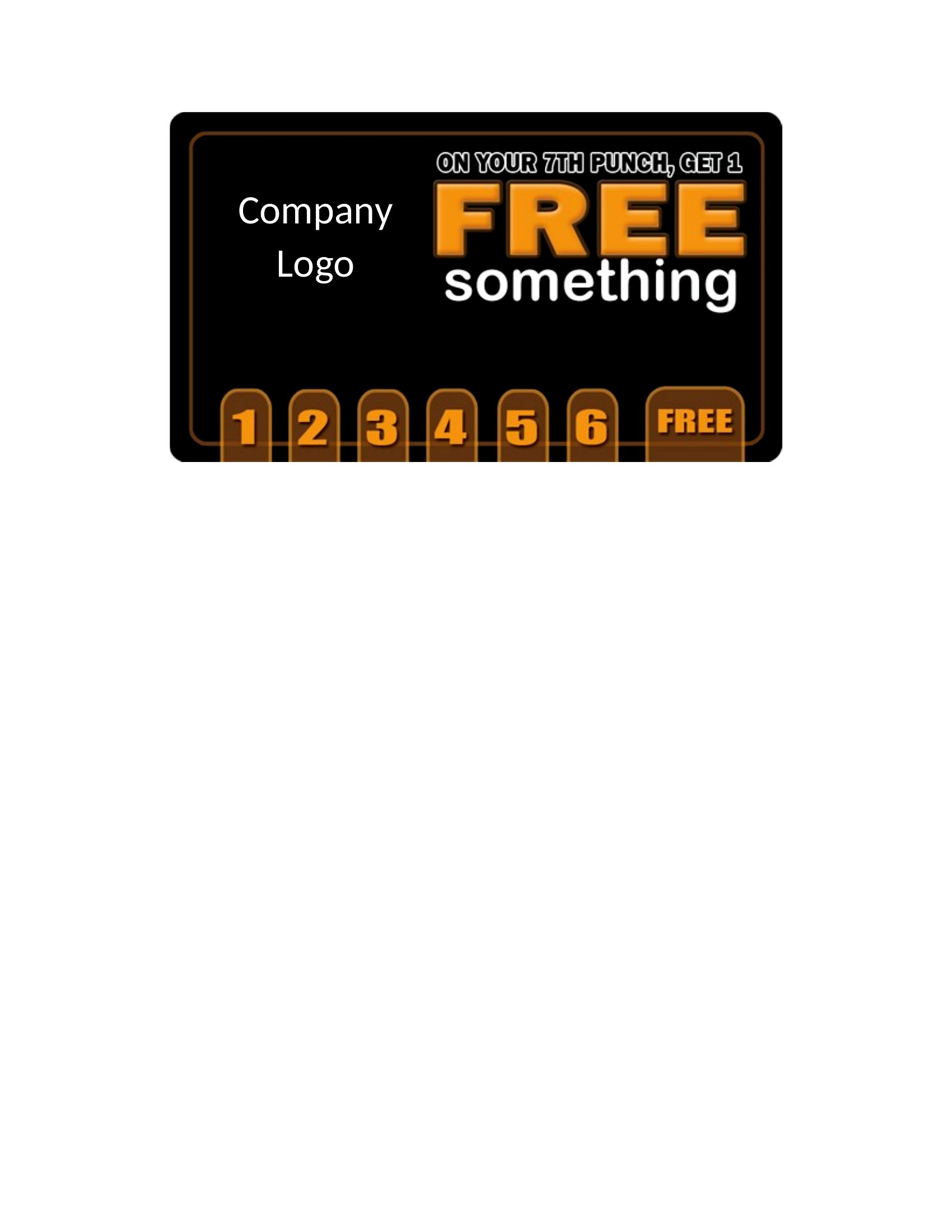
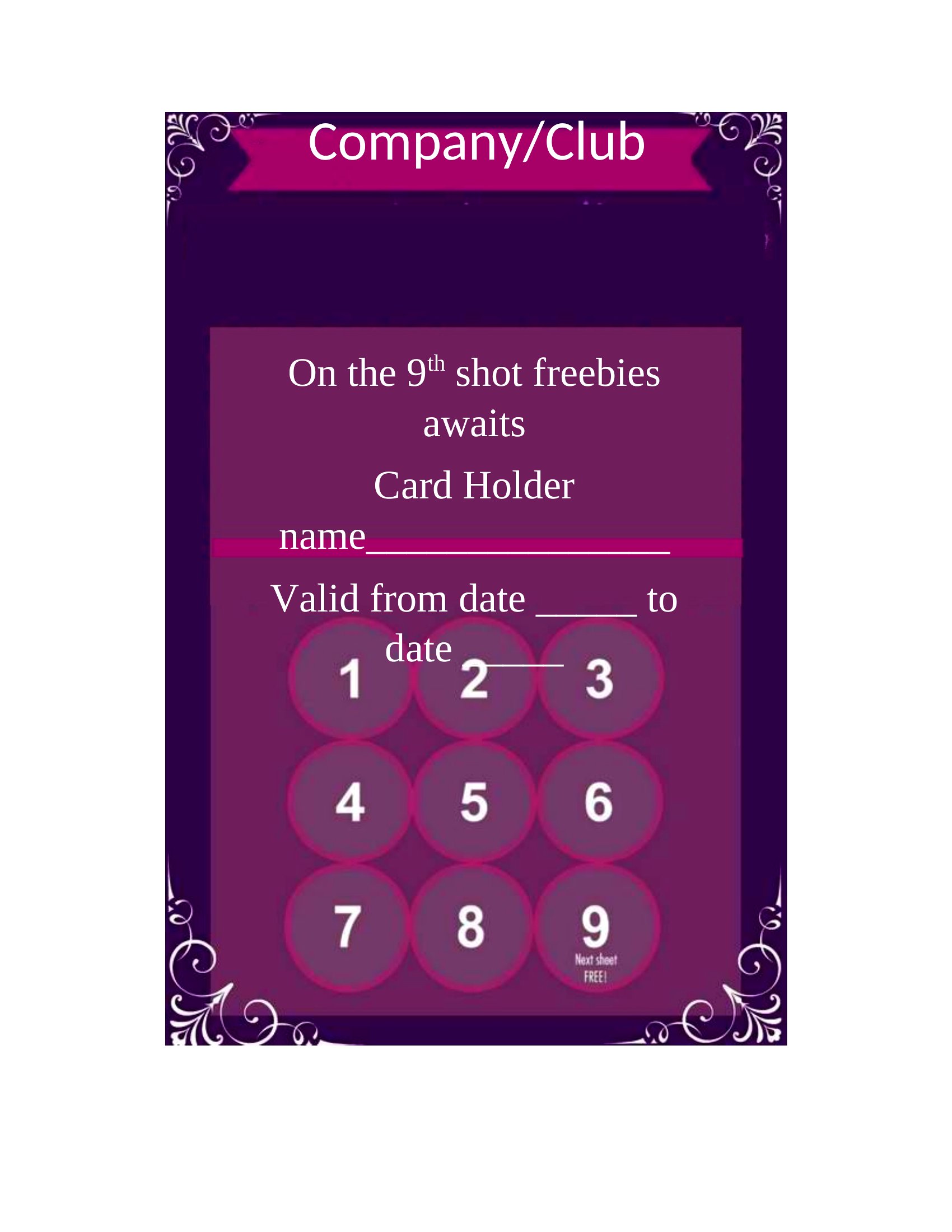
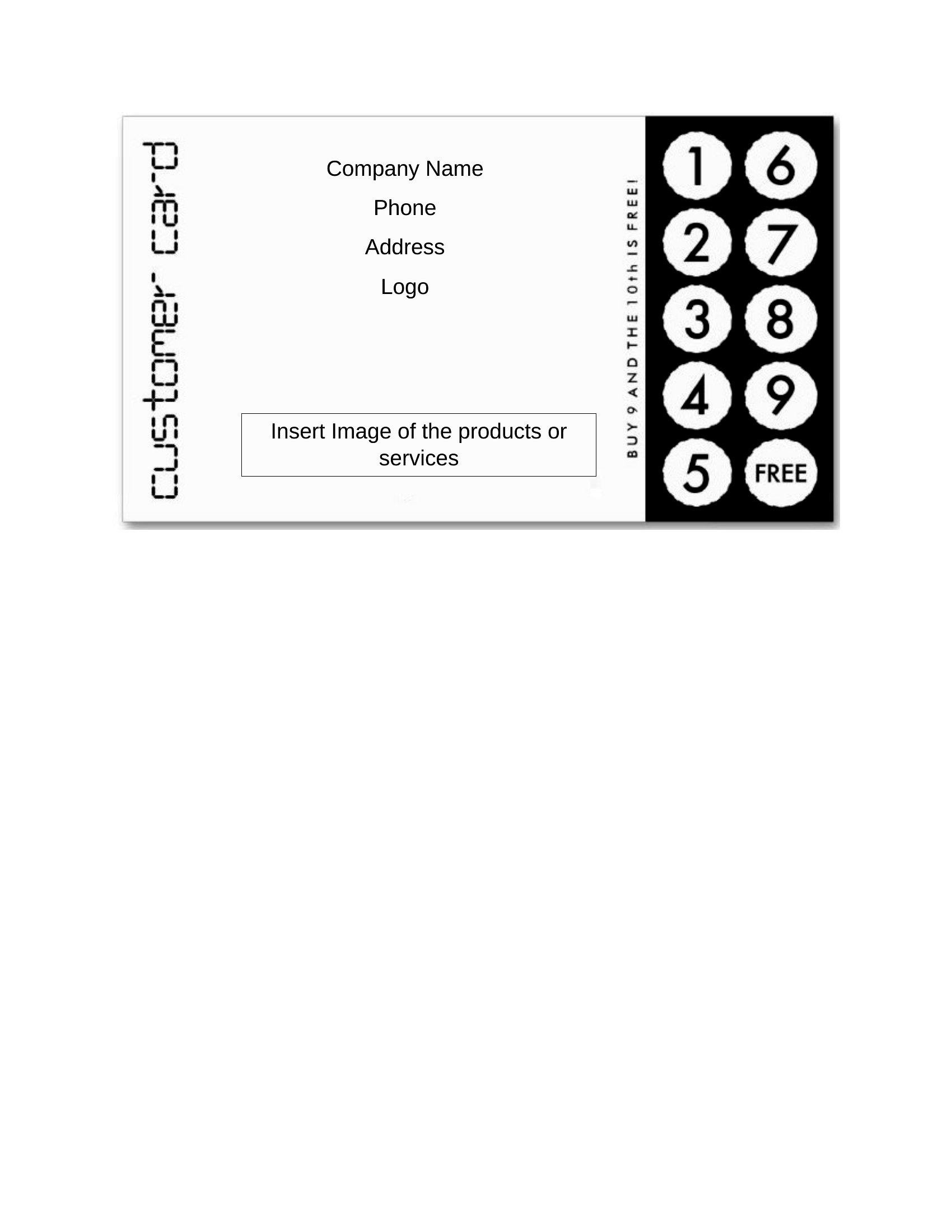
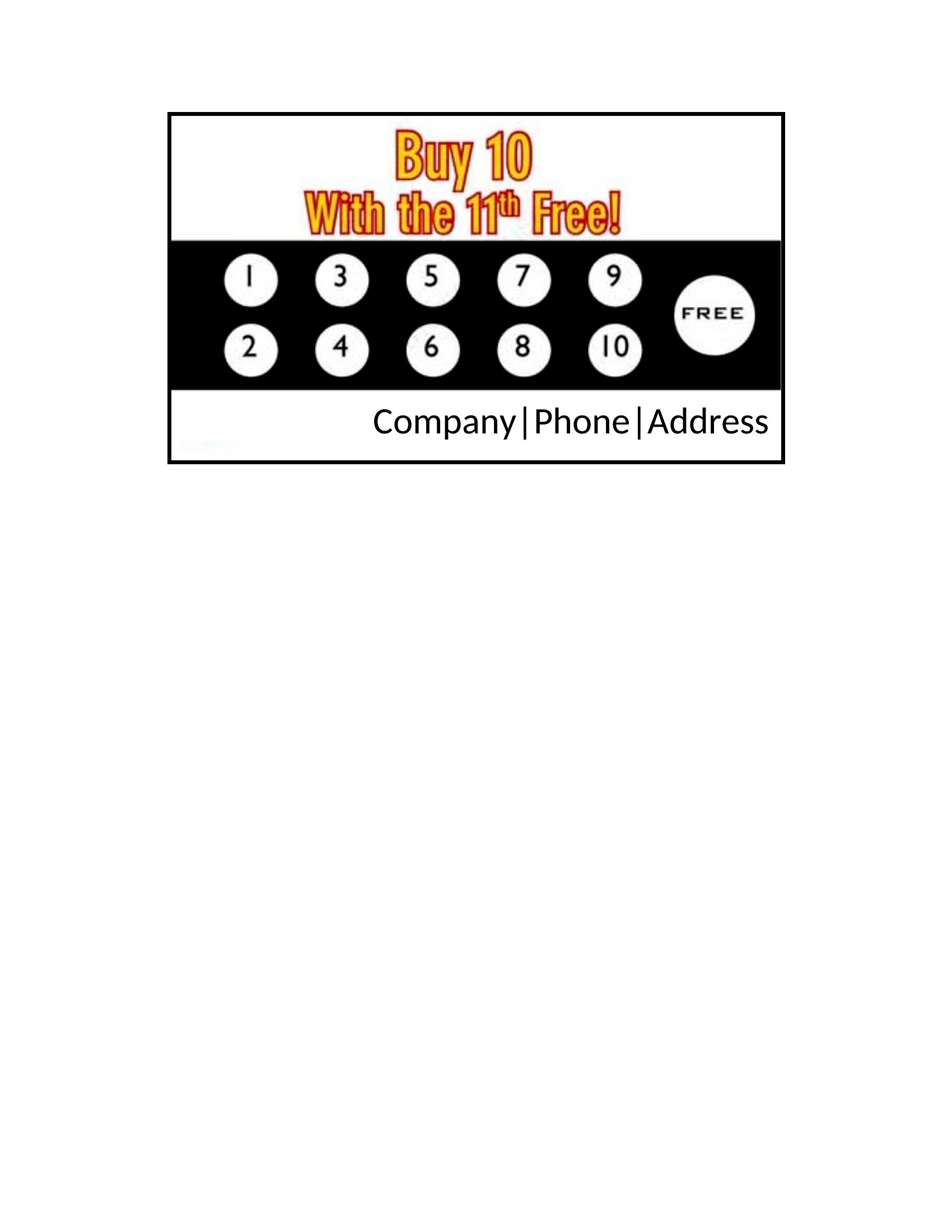
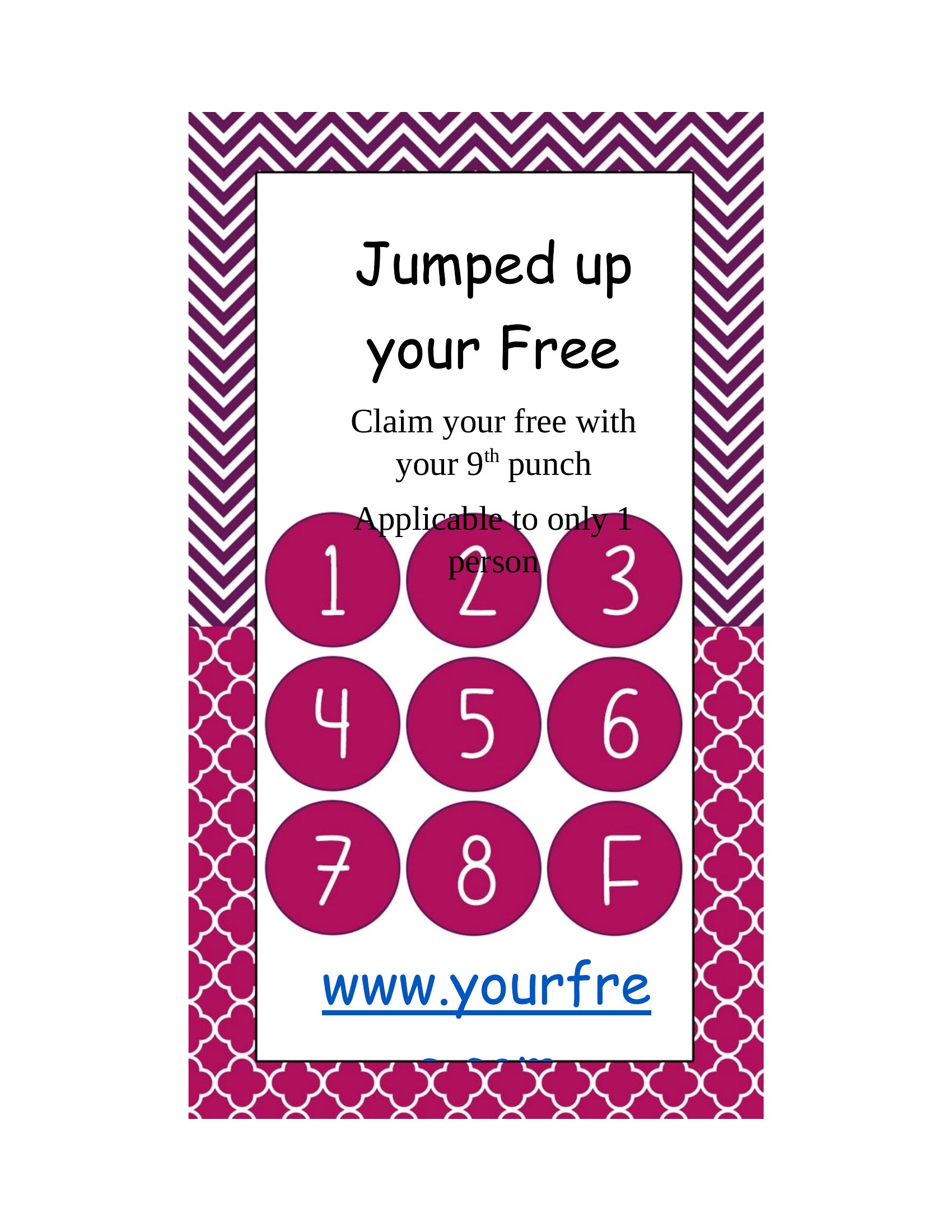
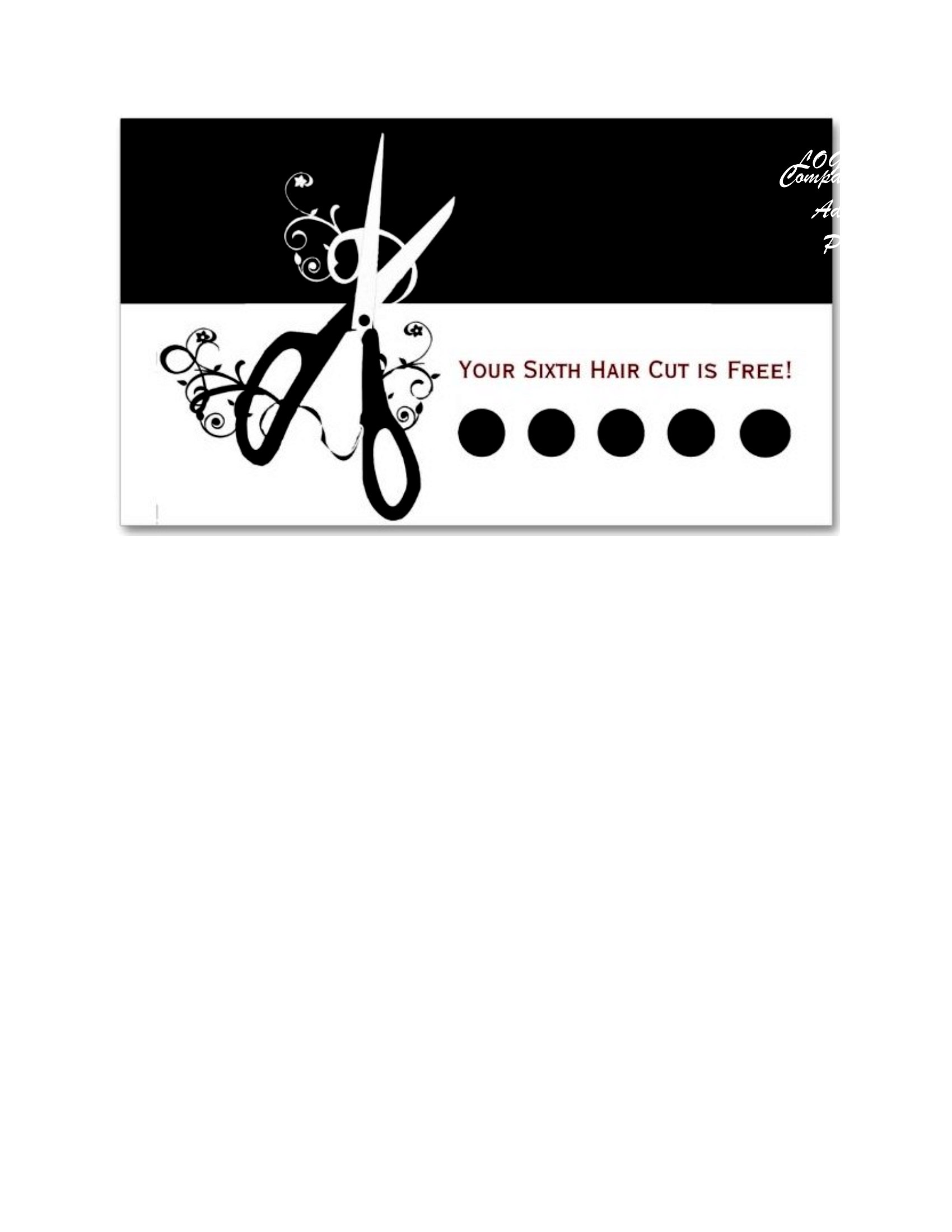
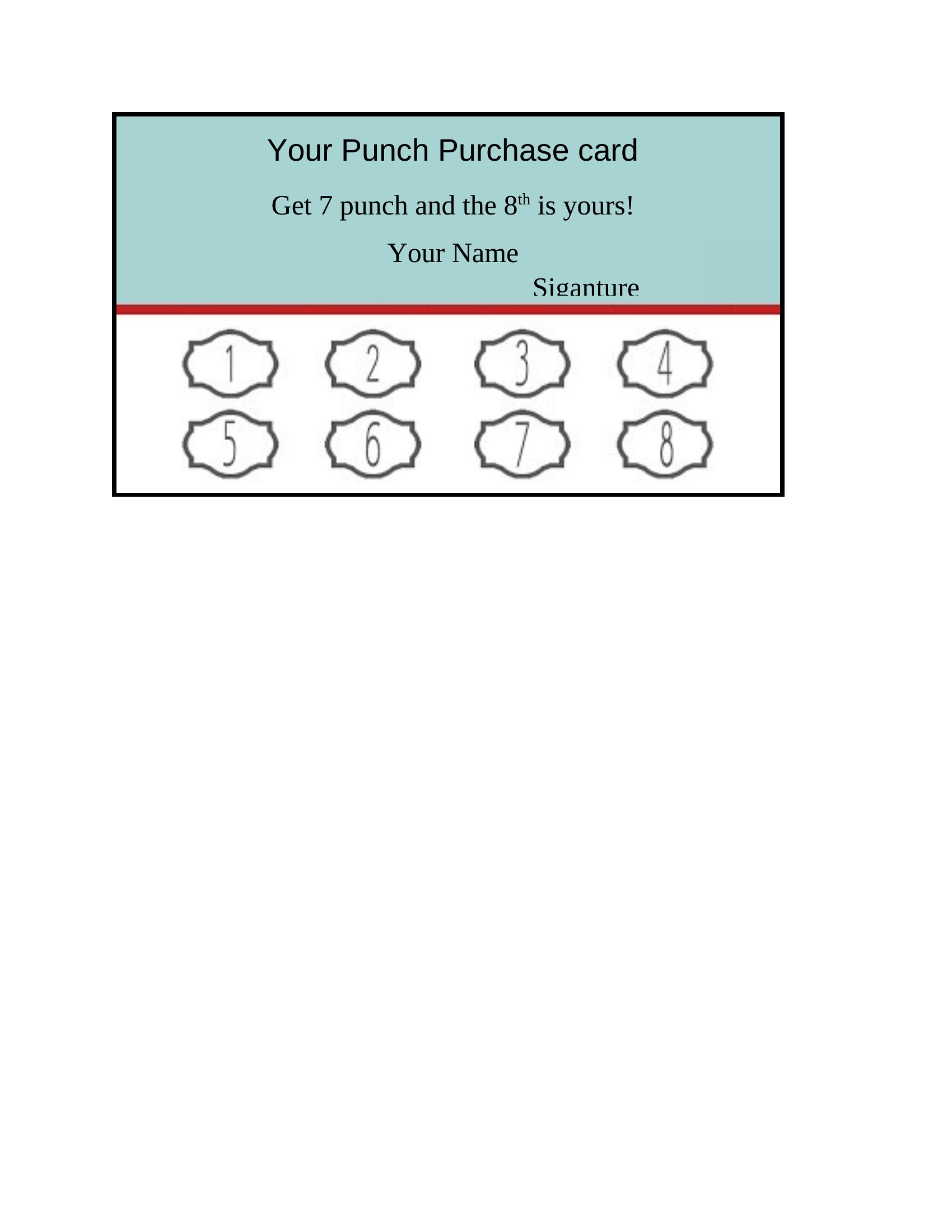
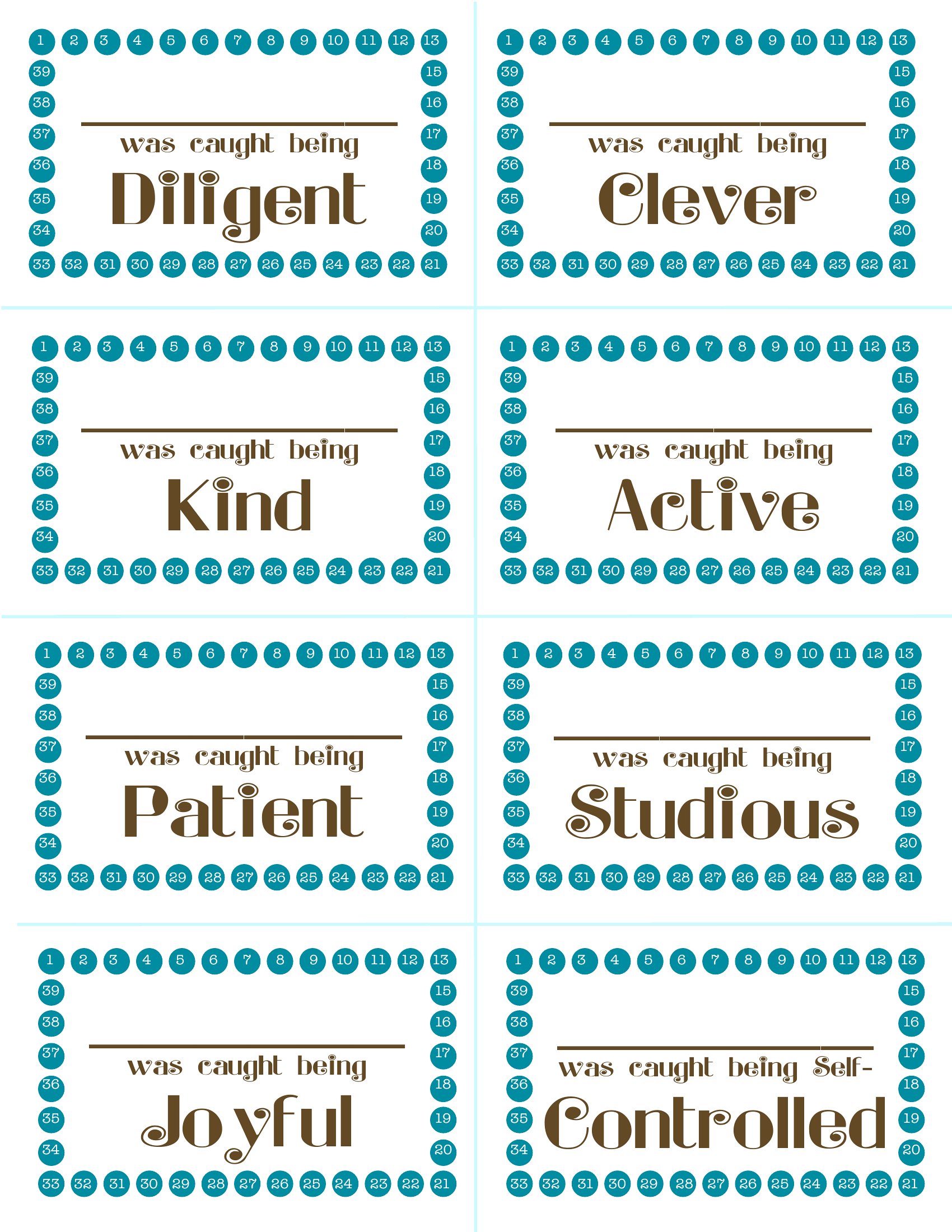
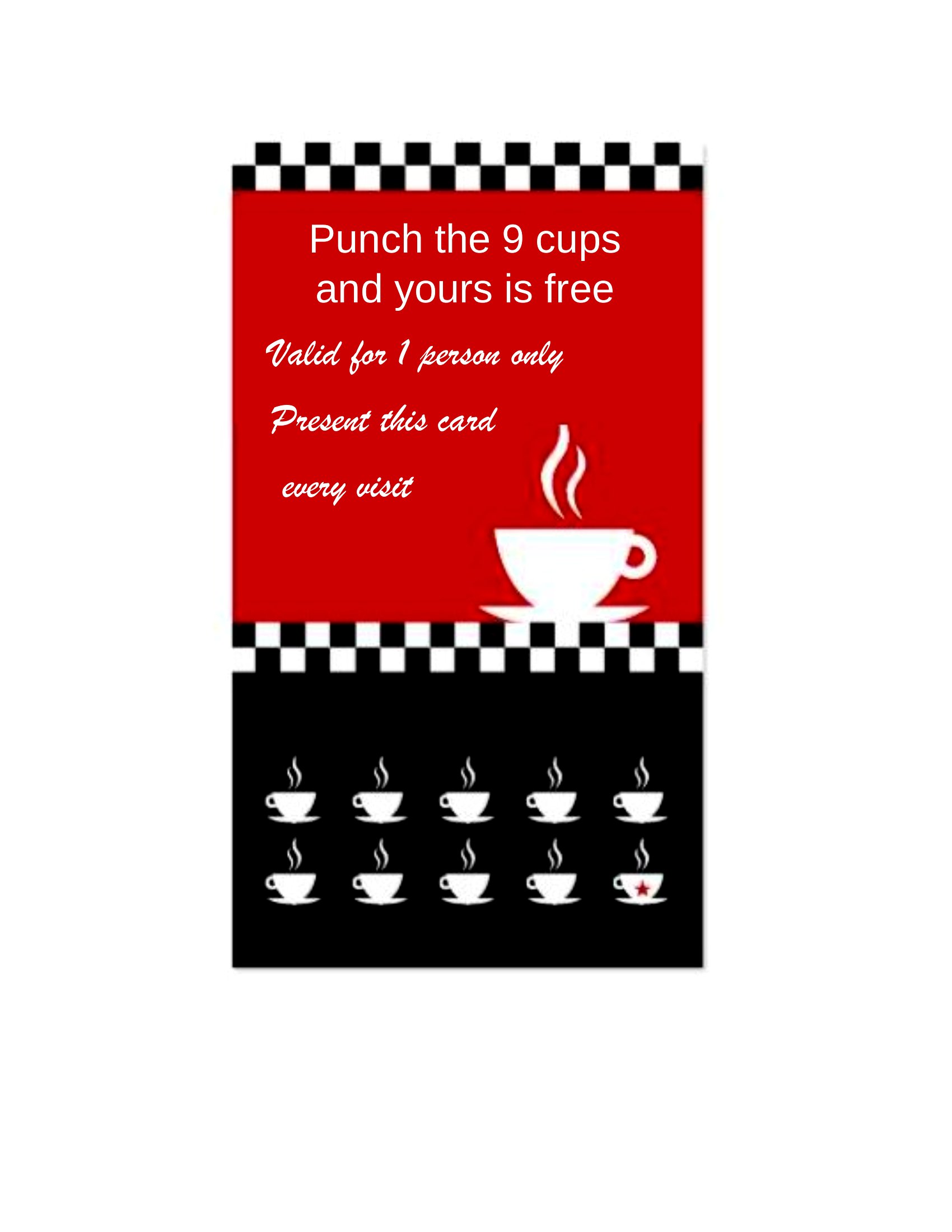
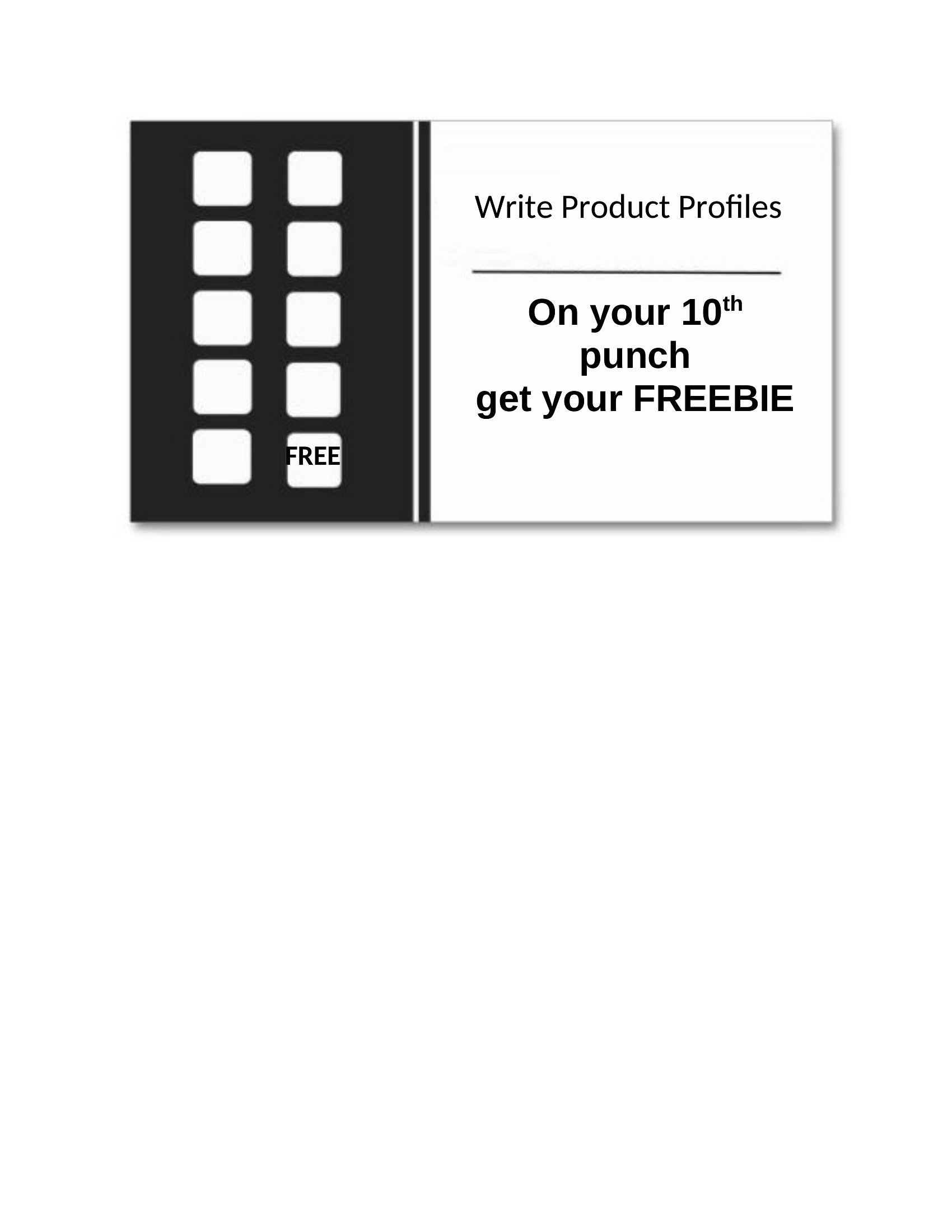
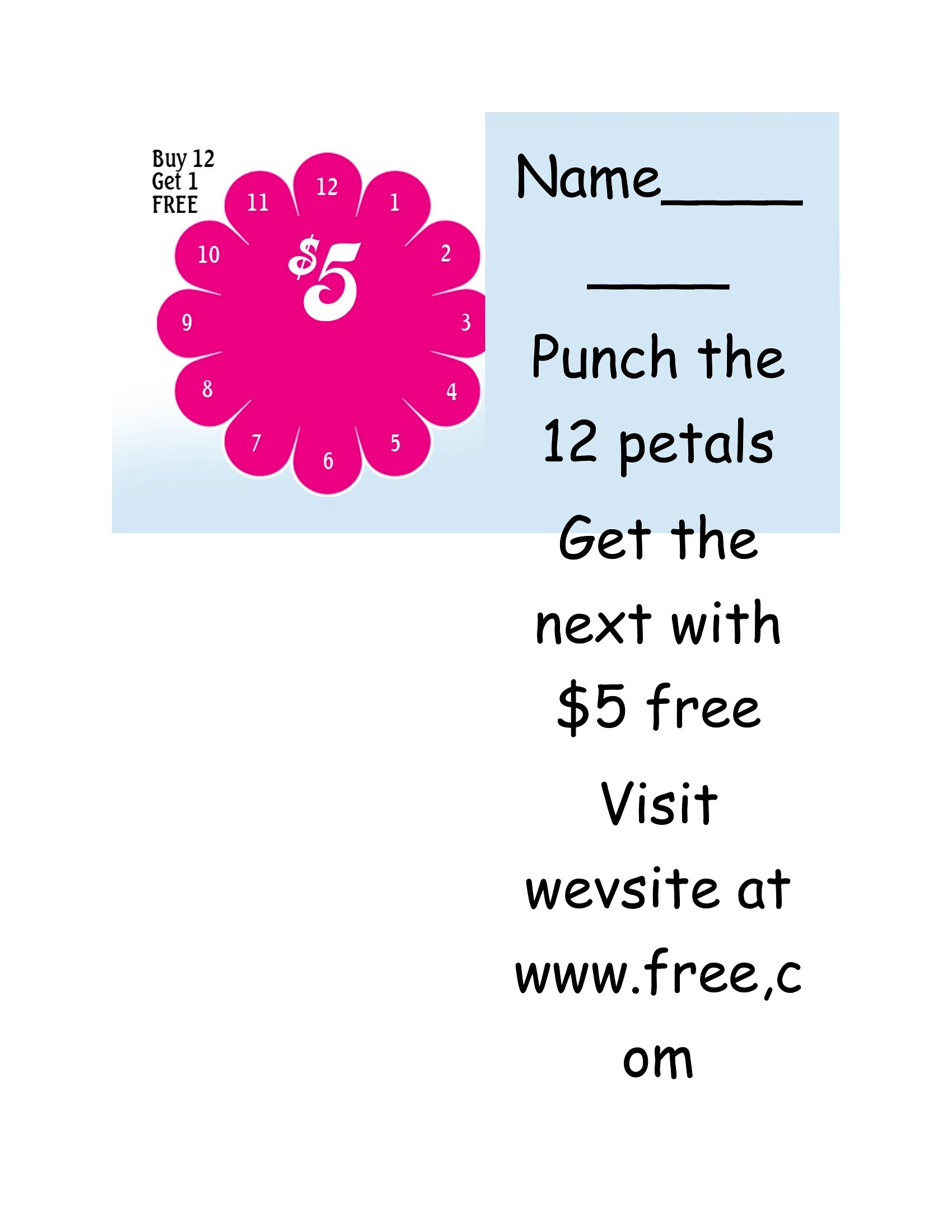
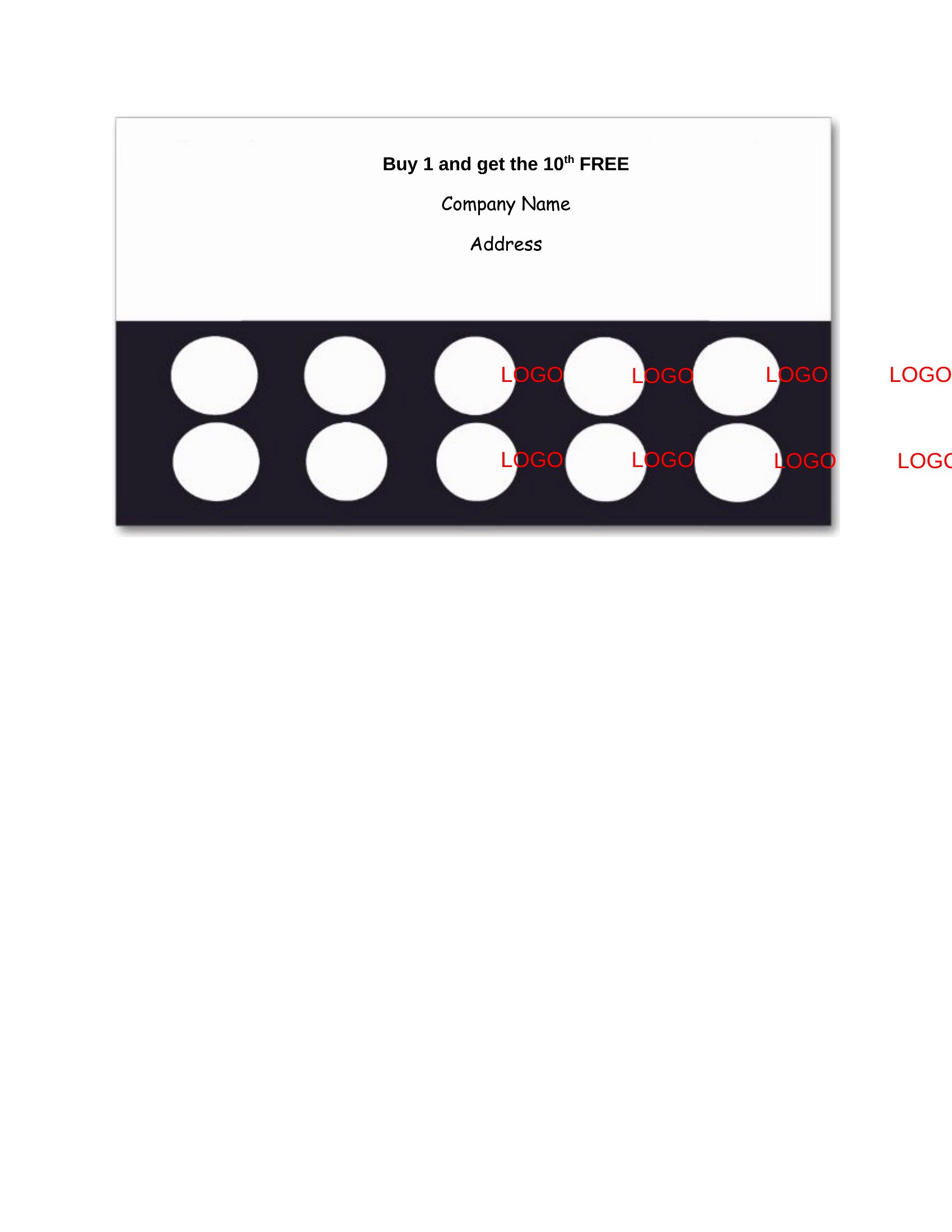
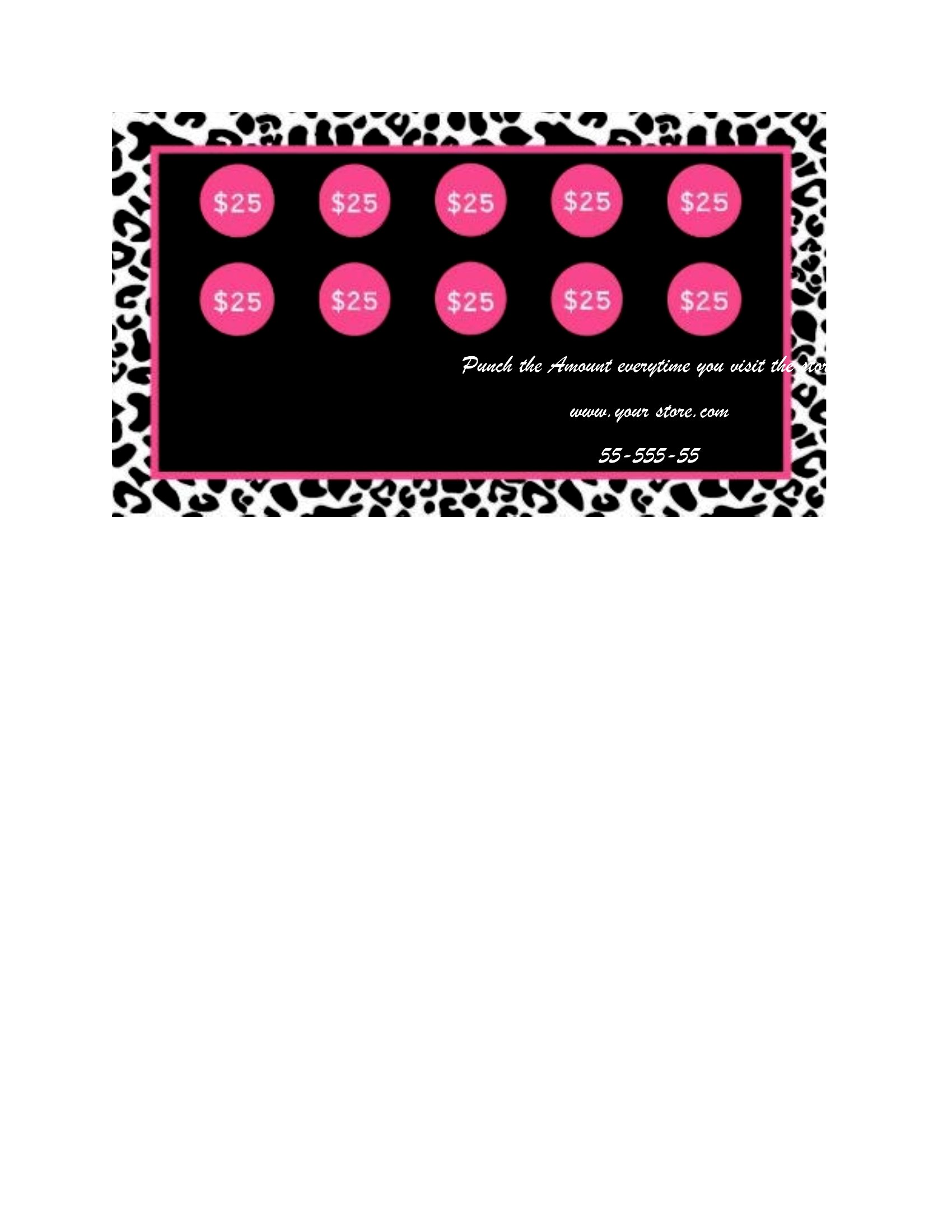
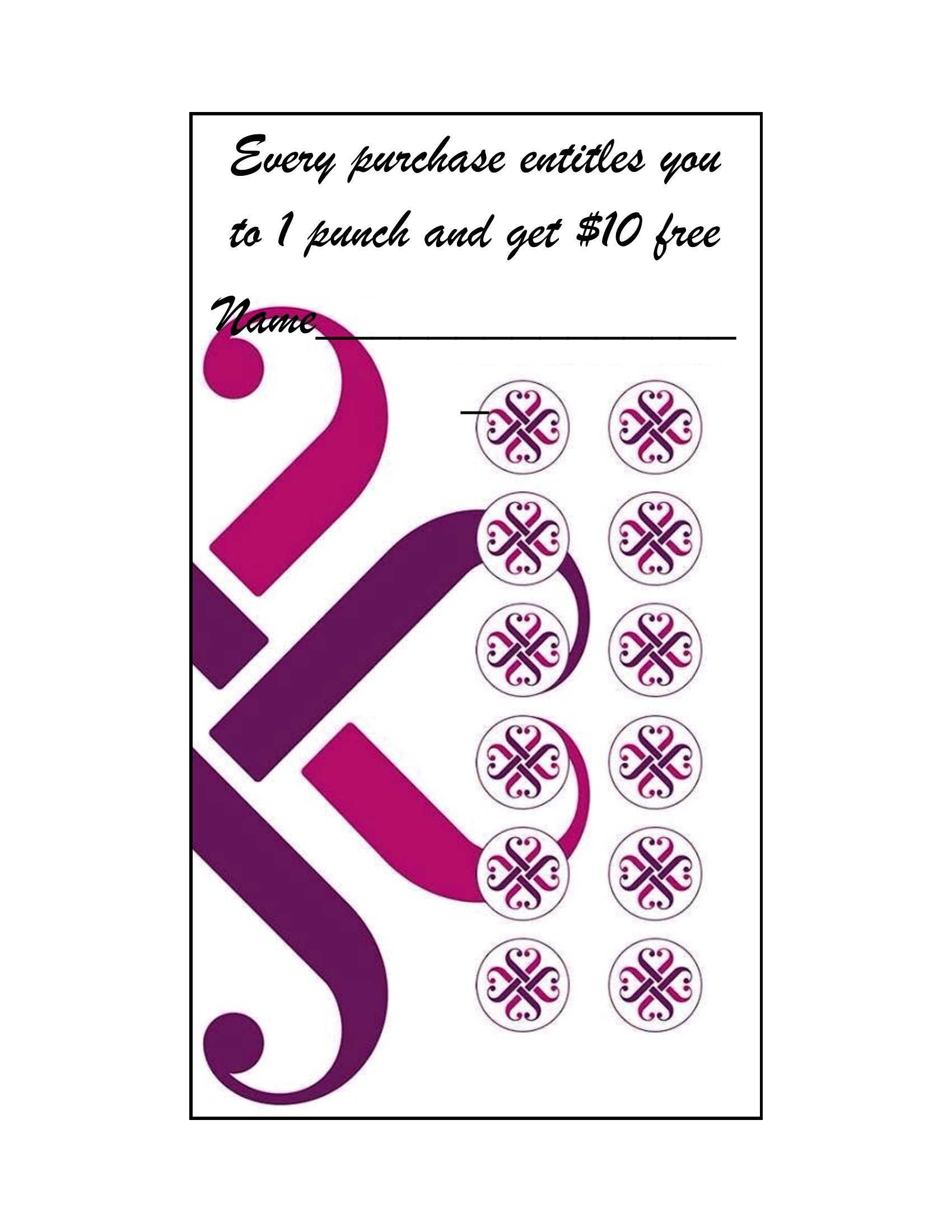
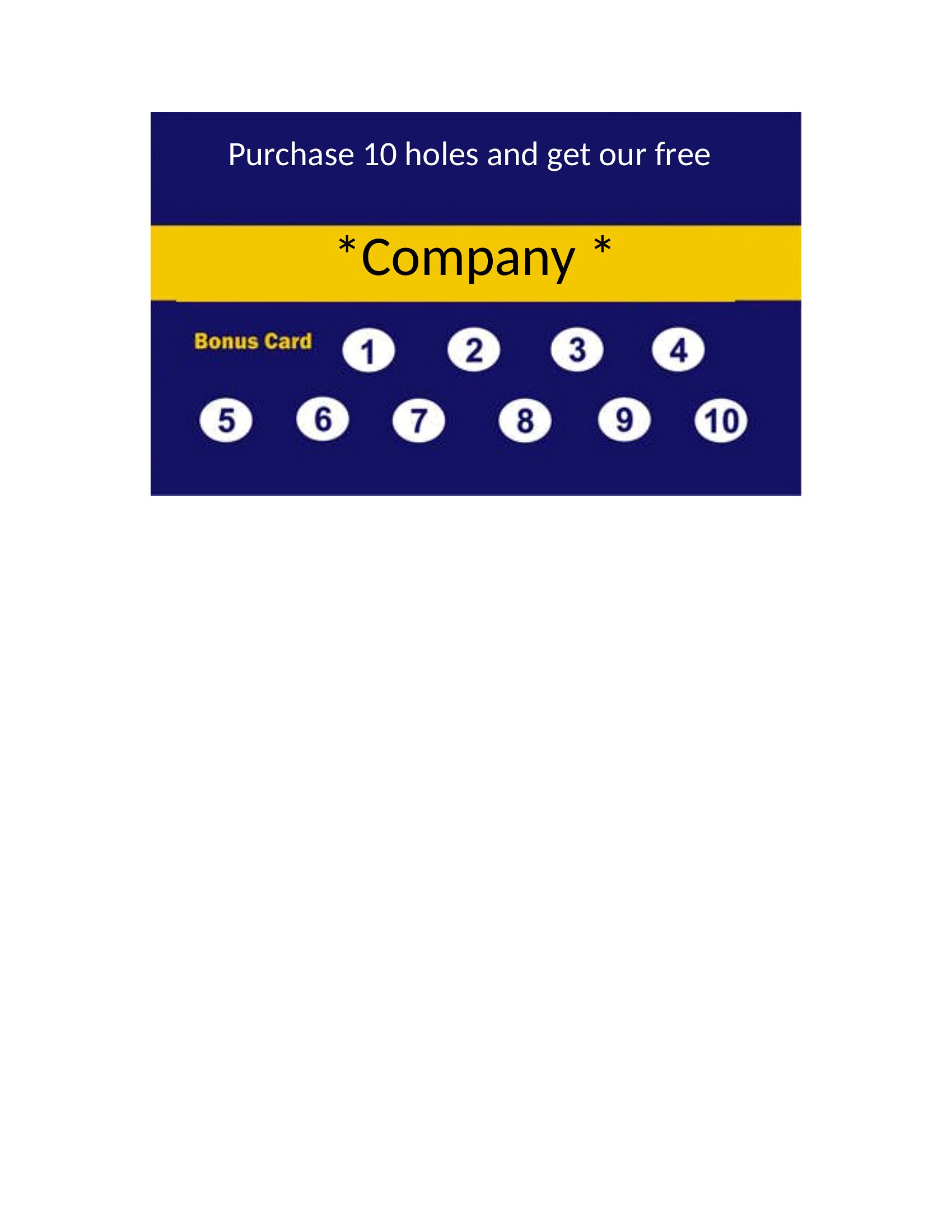
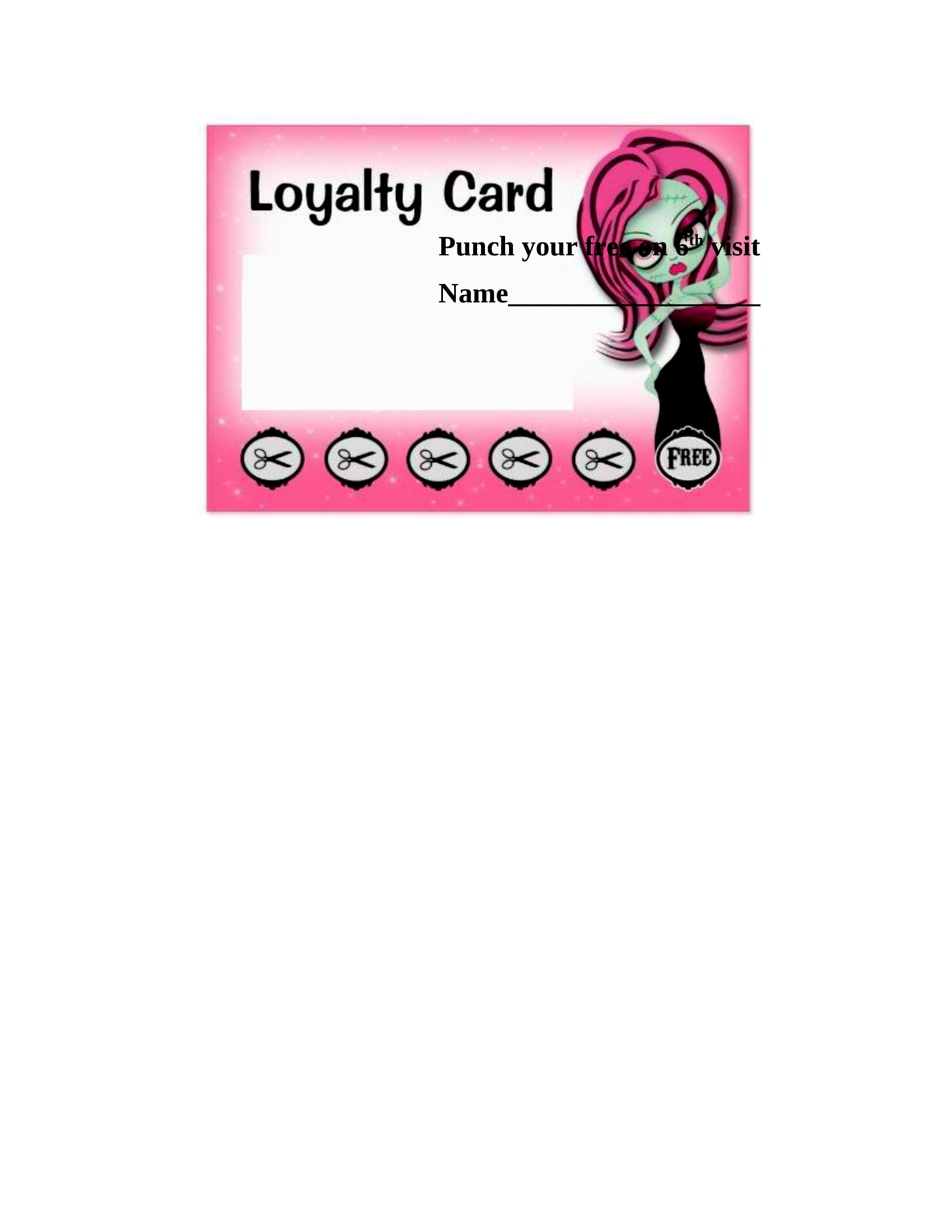
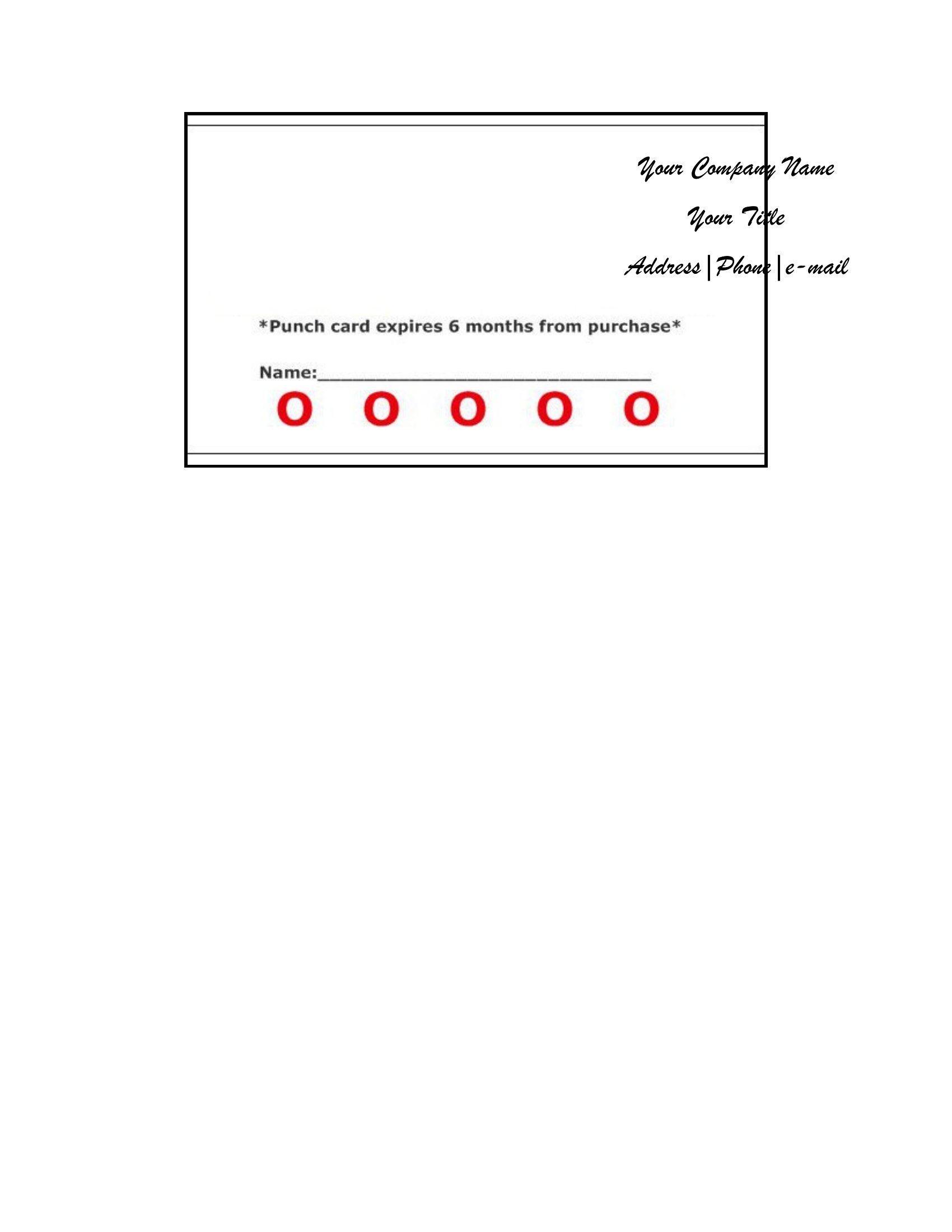
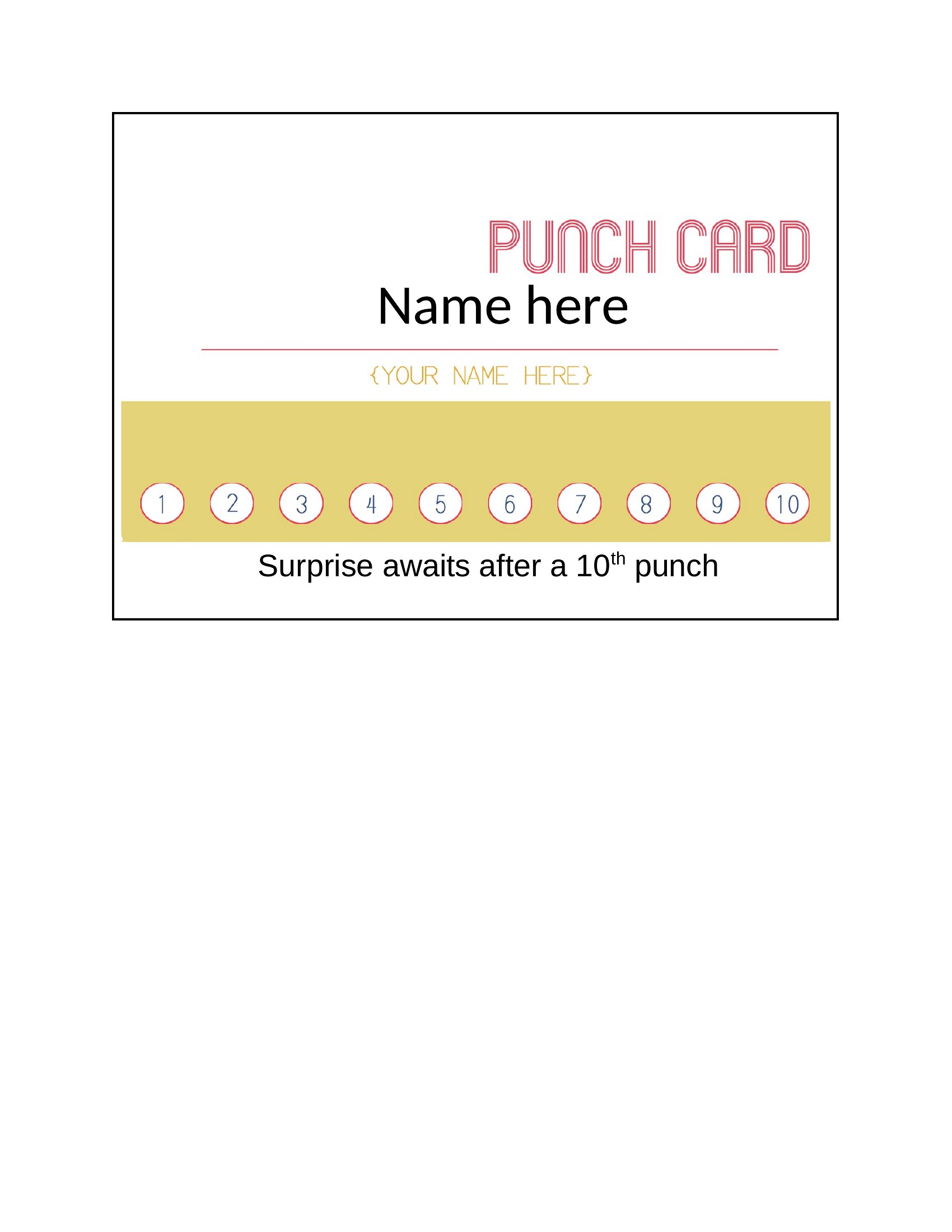
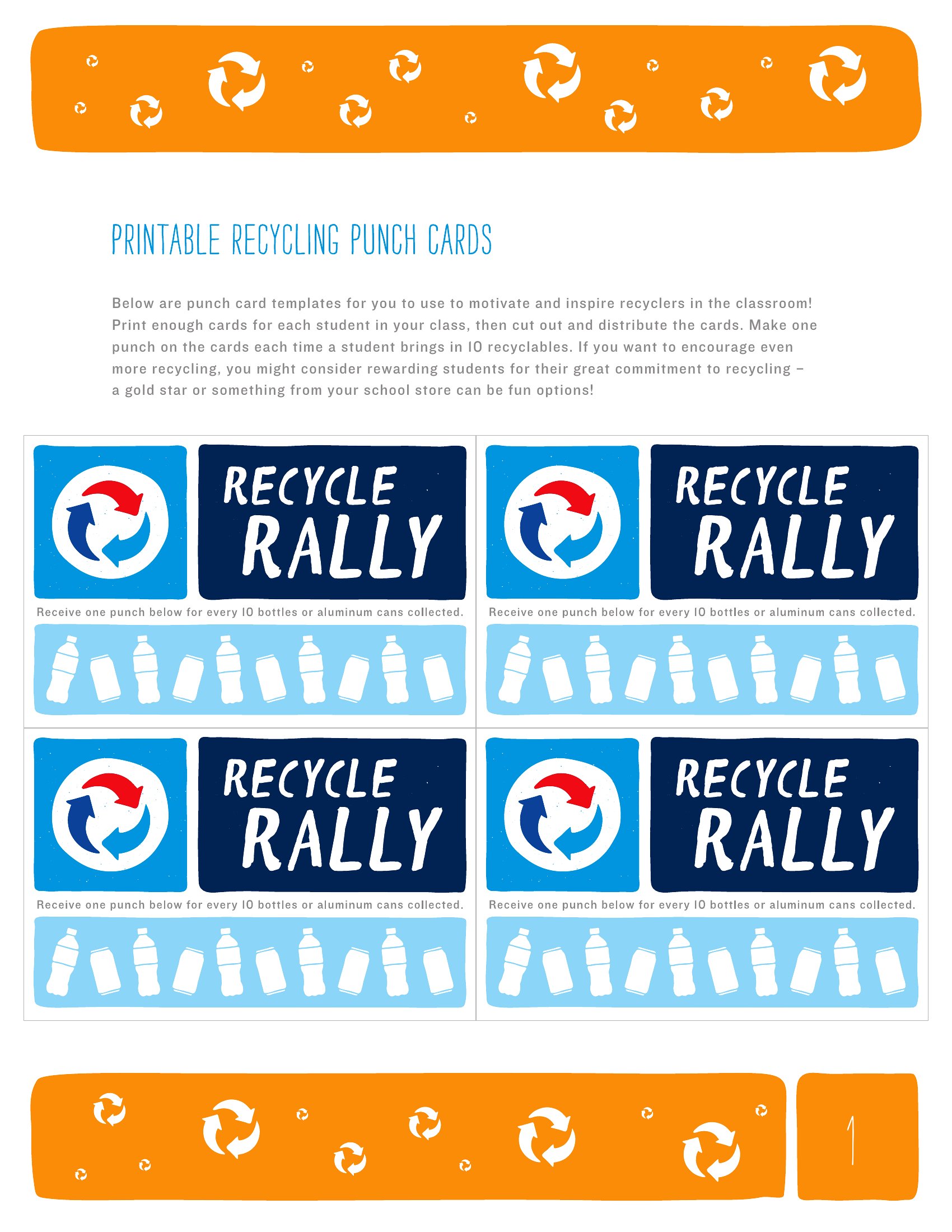
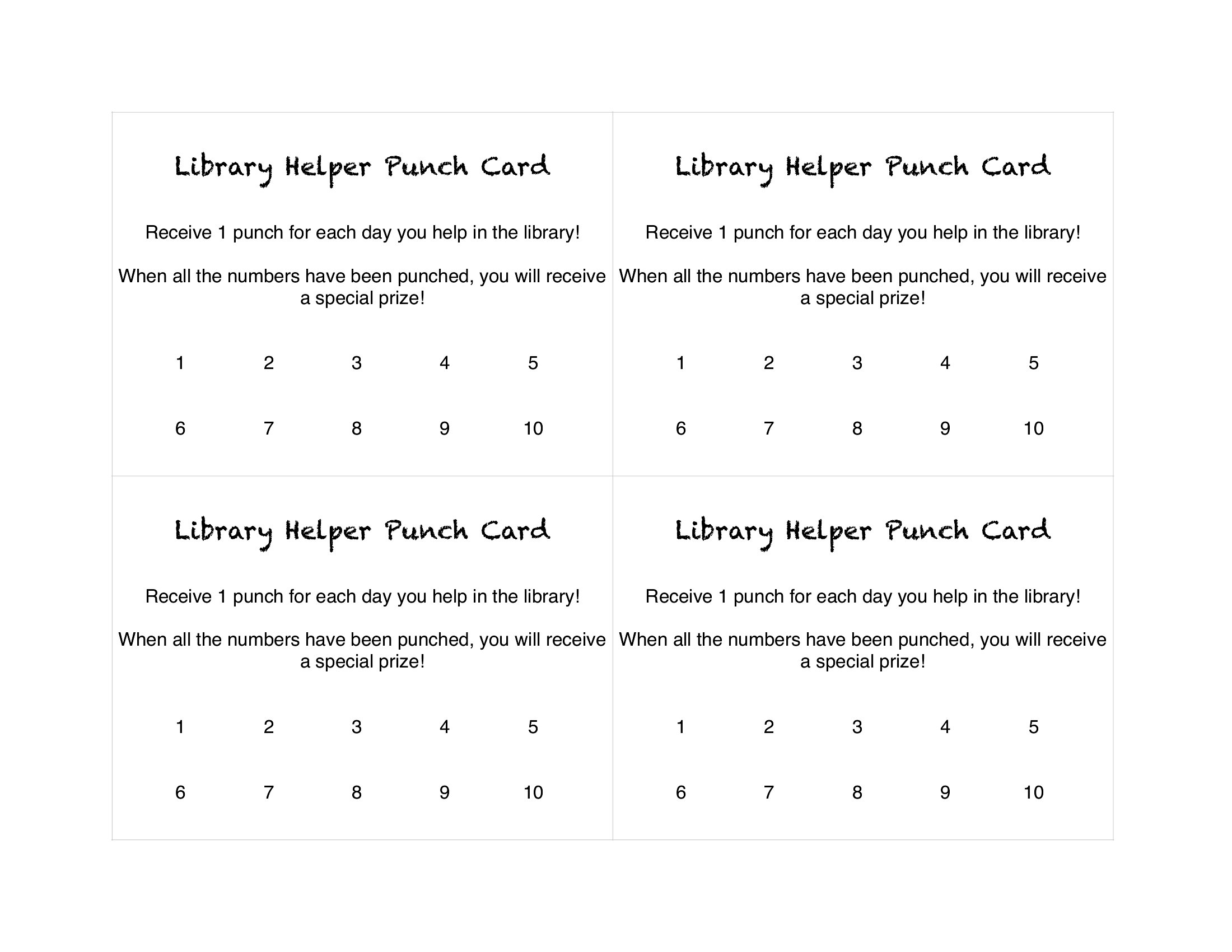
Paper Punch Card
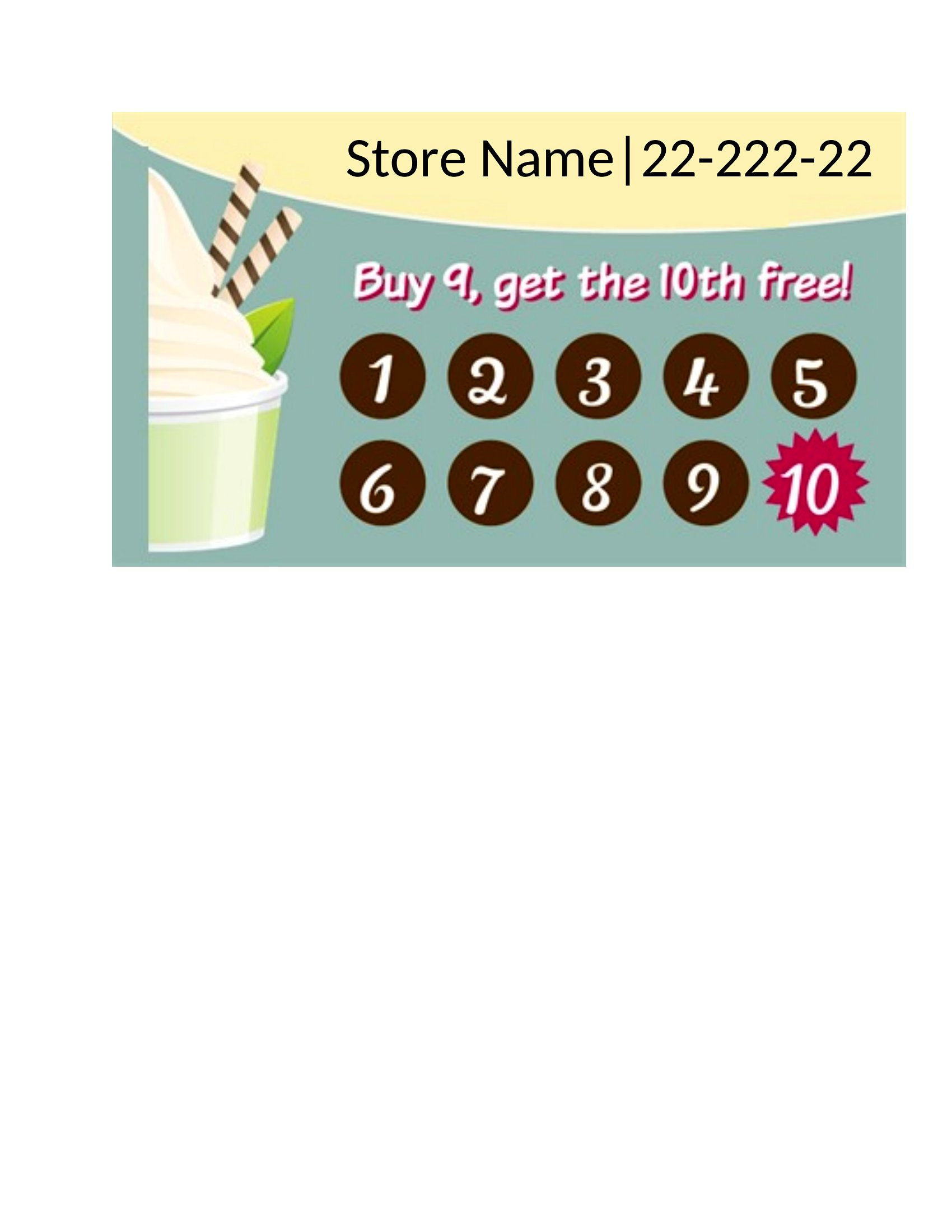
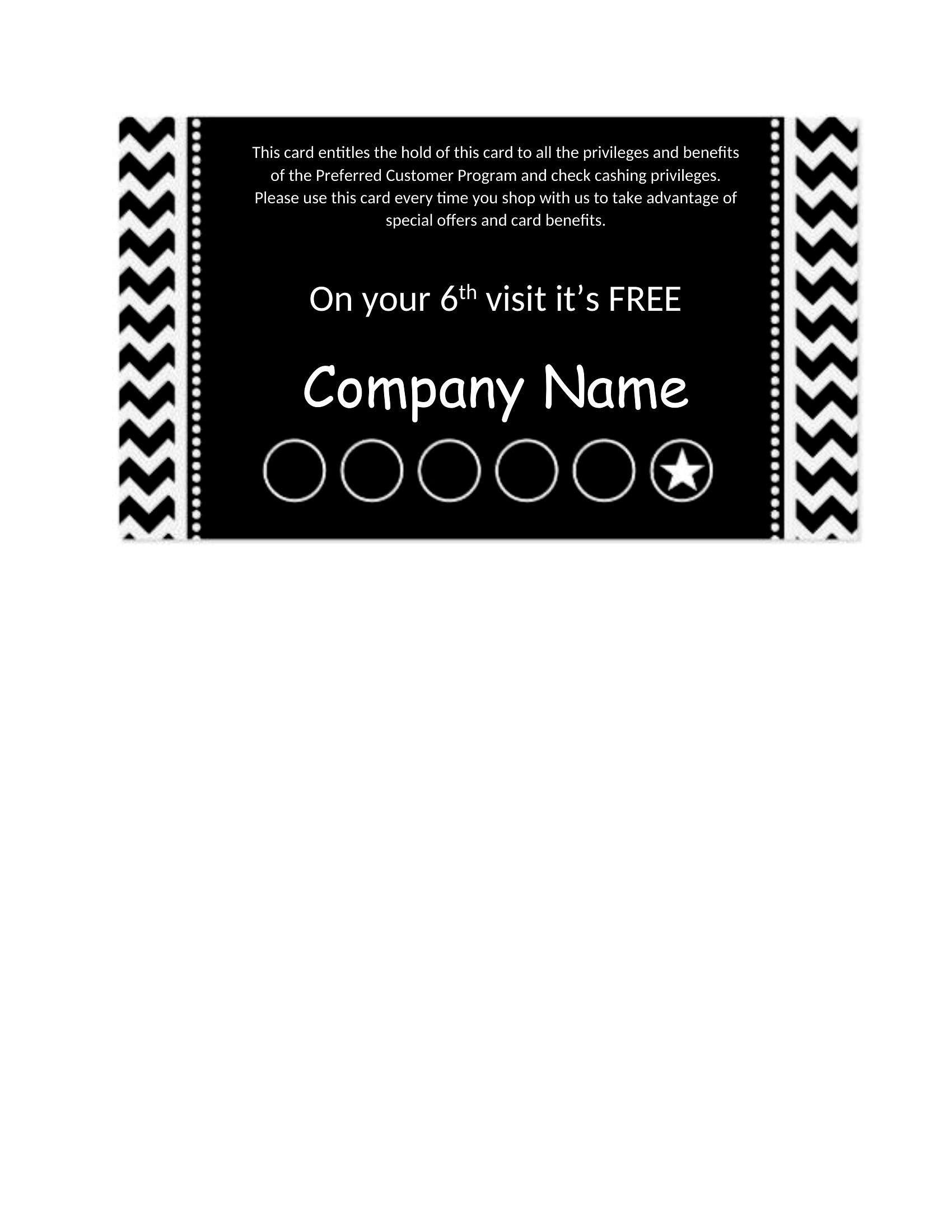
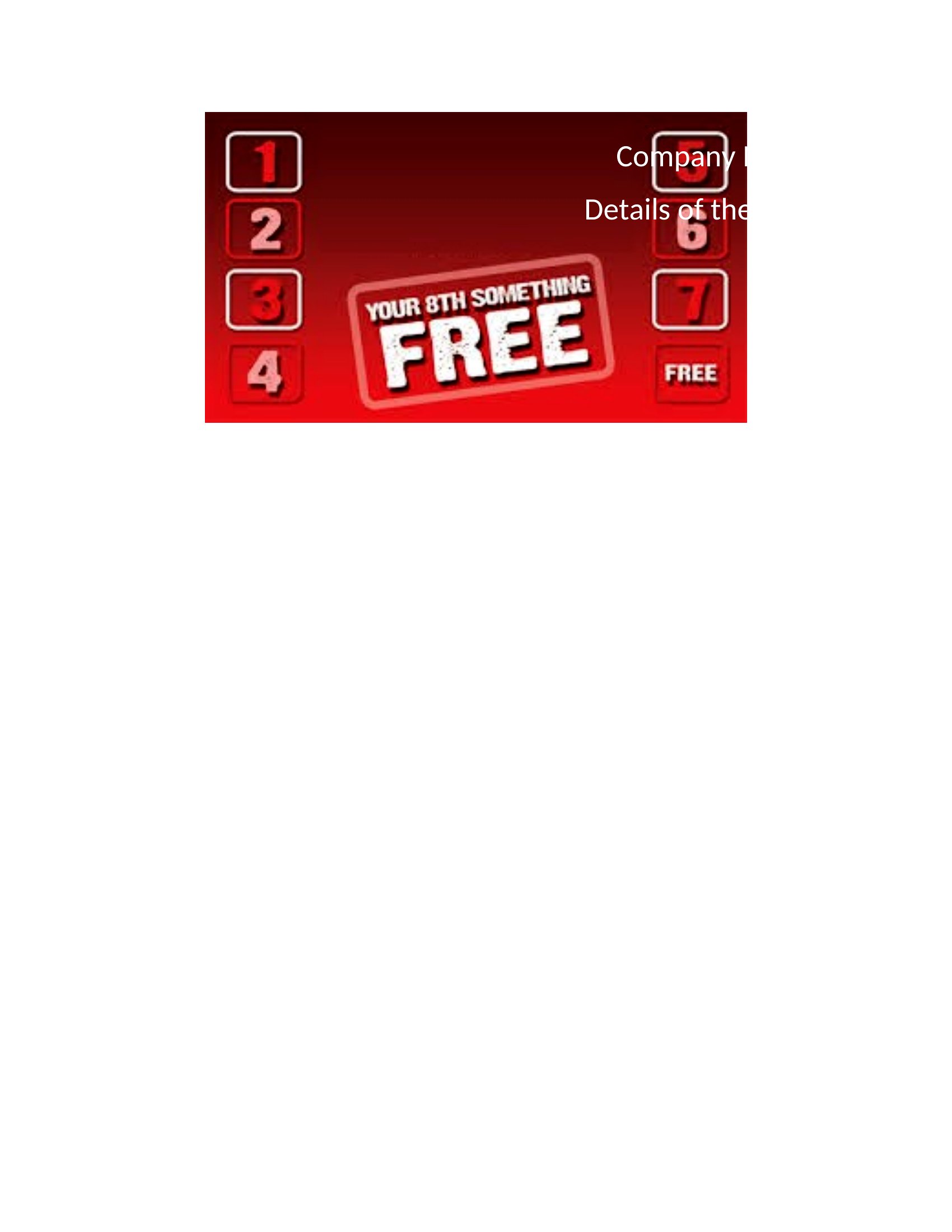
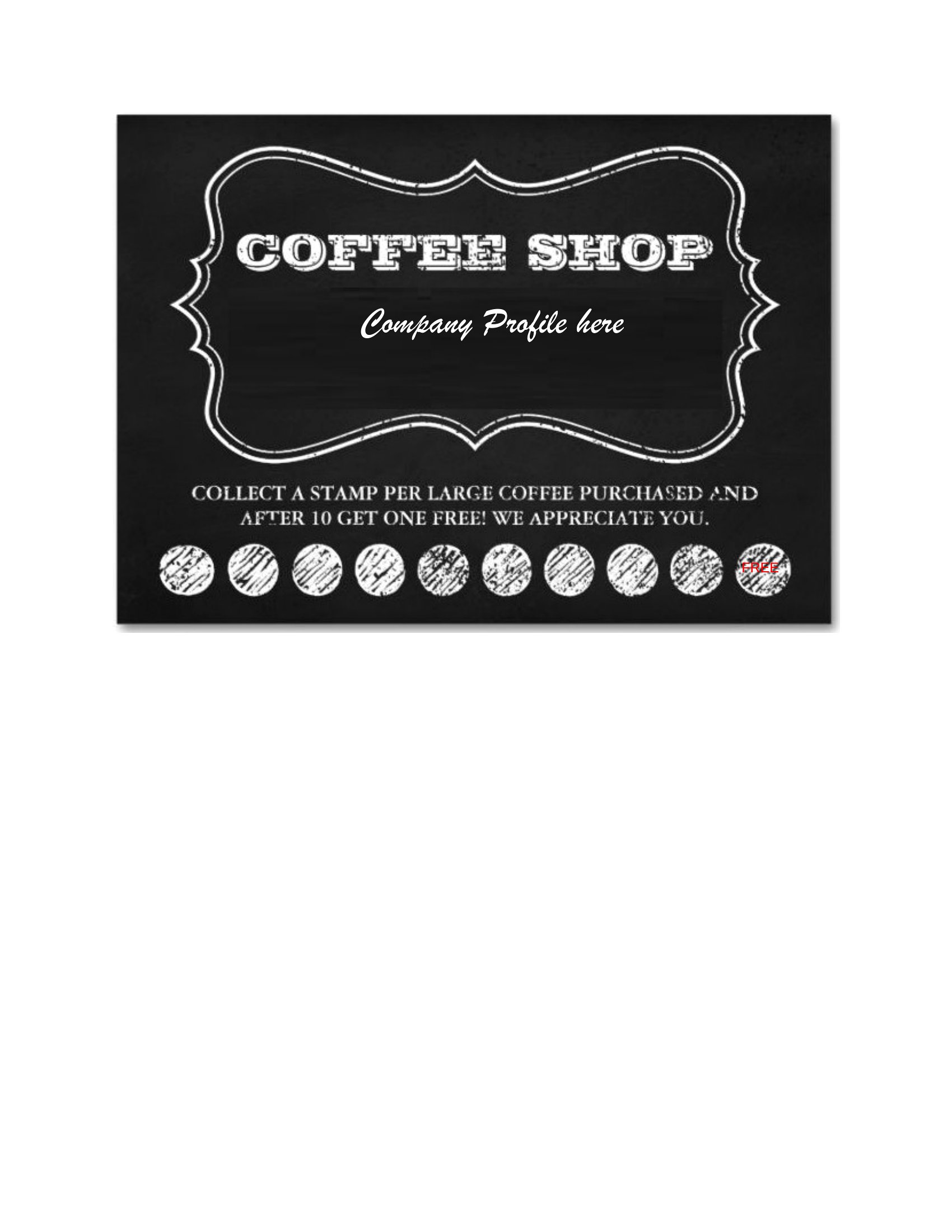
Word Punch Card
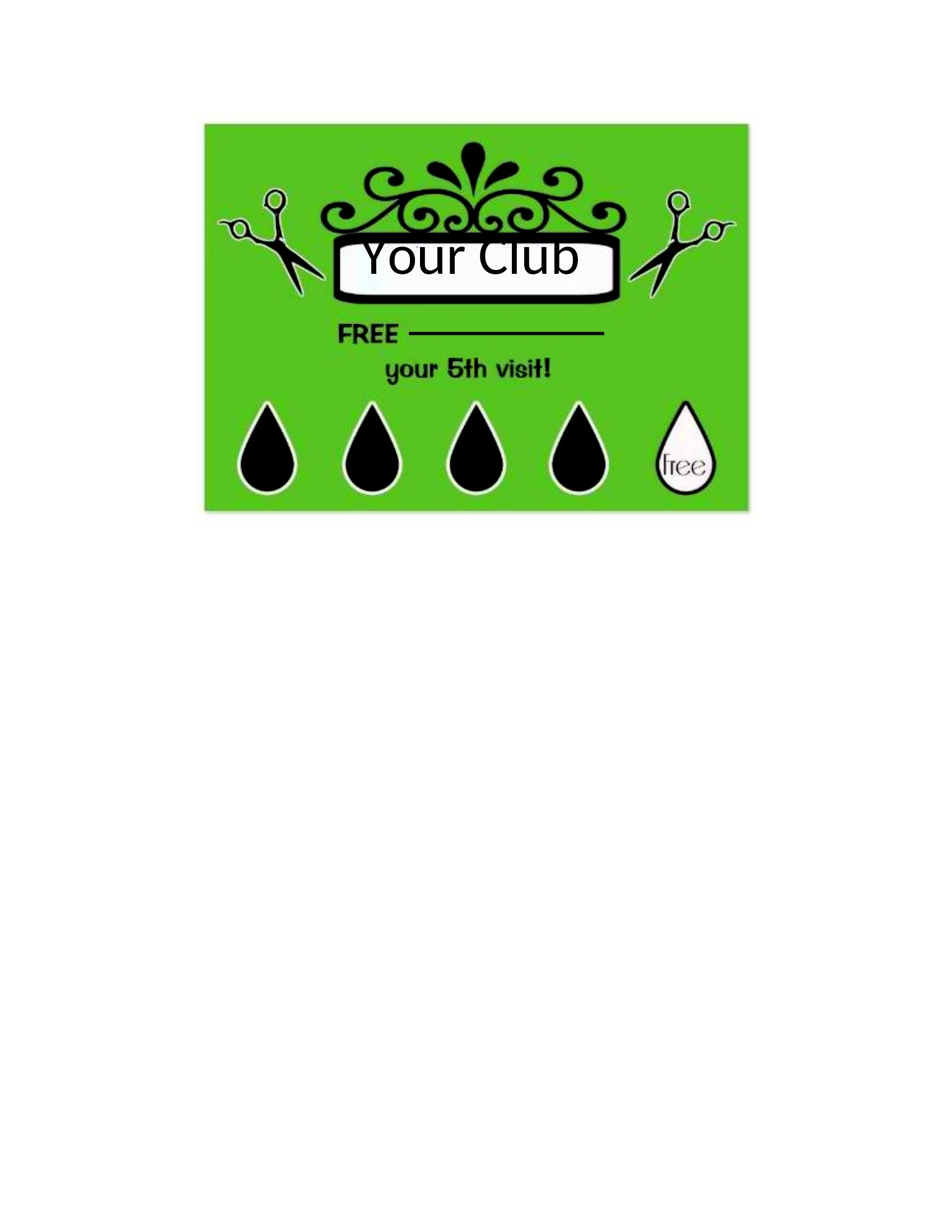
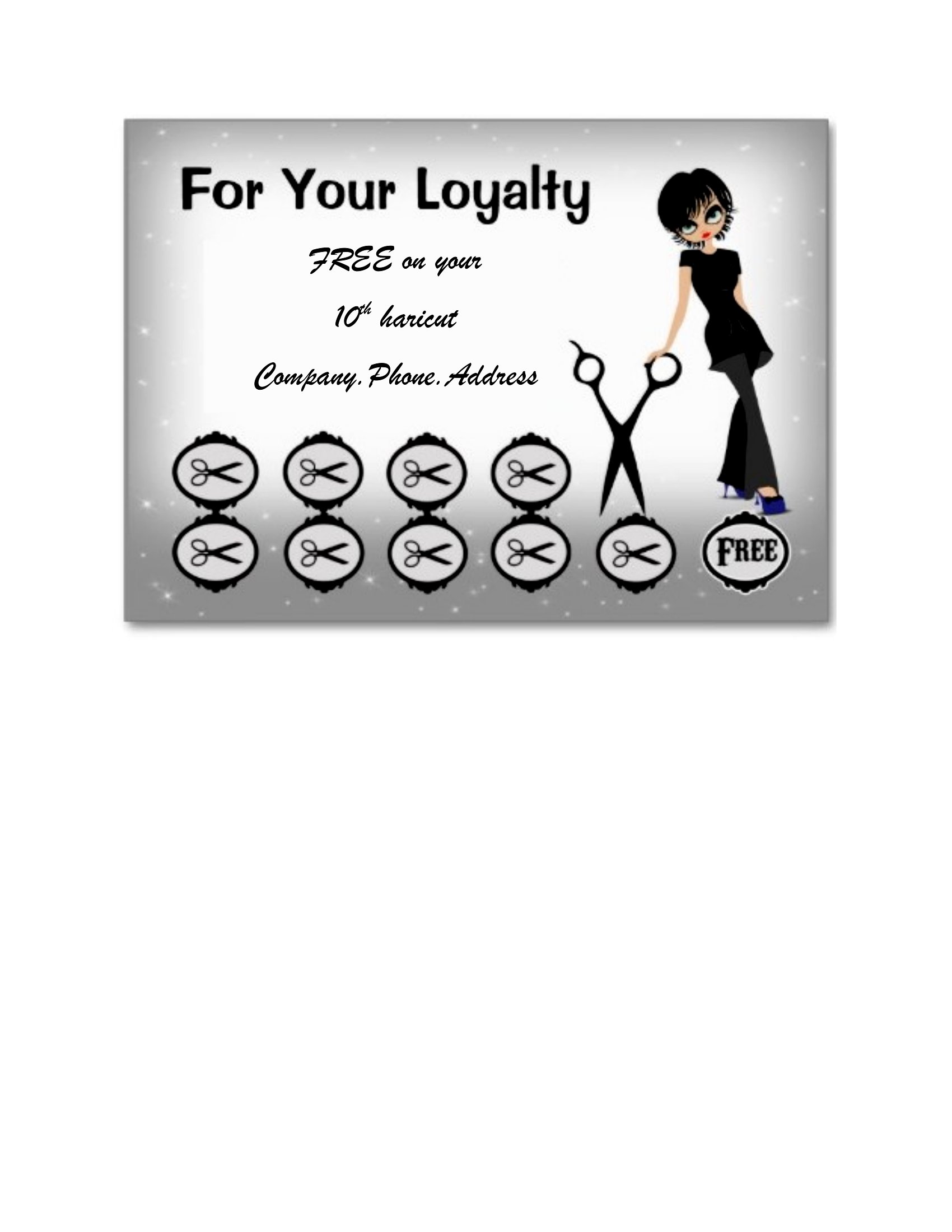
FAQ
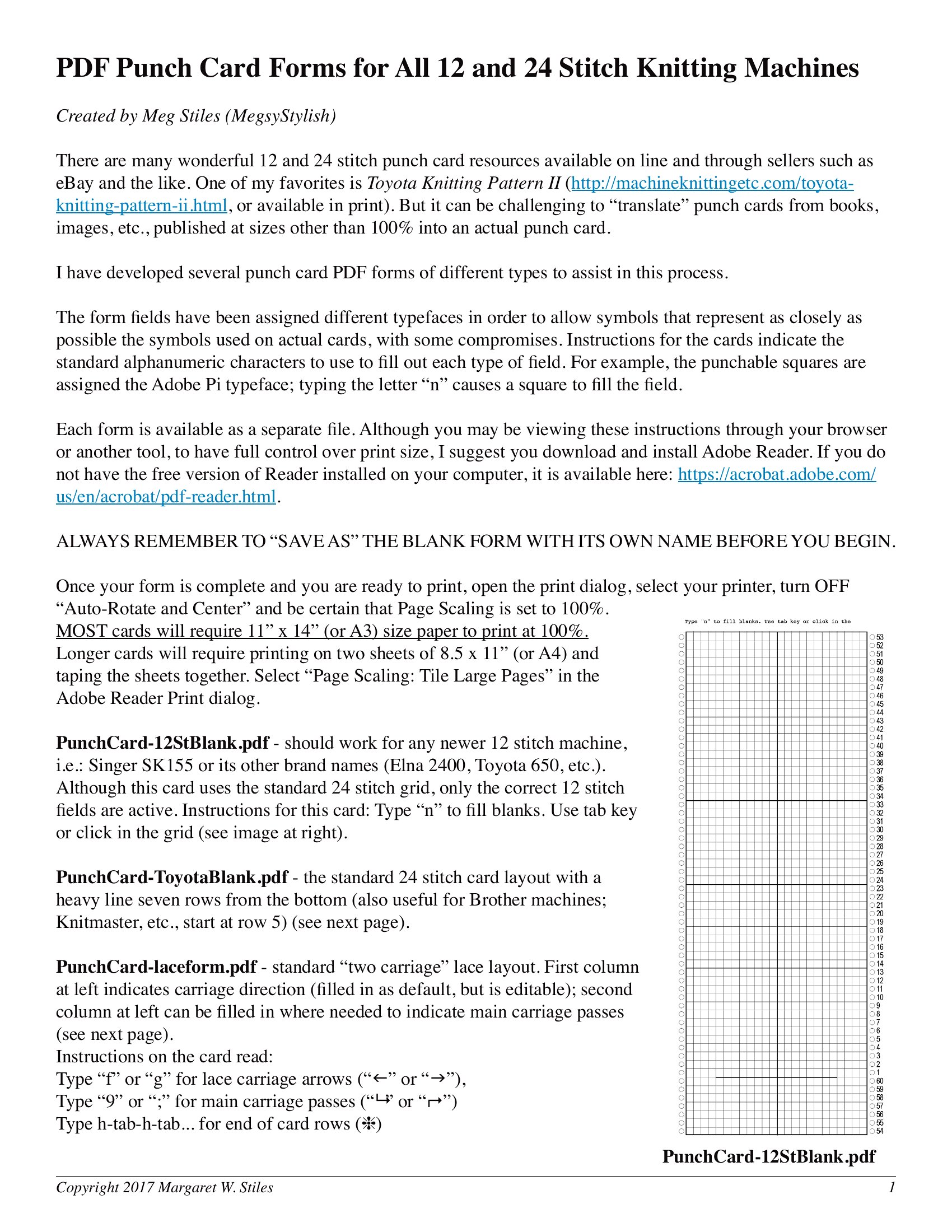
Can these punch cards be scaled to different sizes for printing?
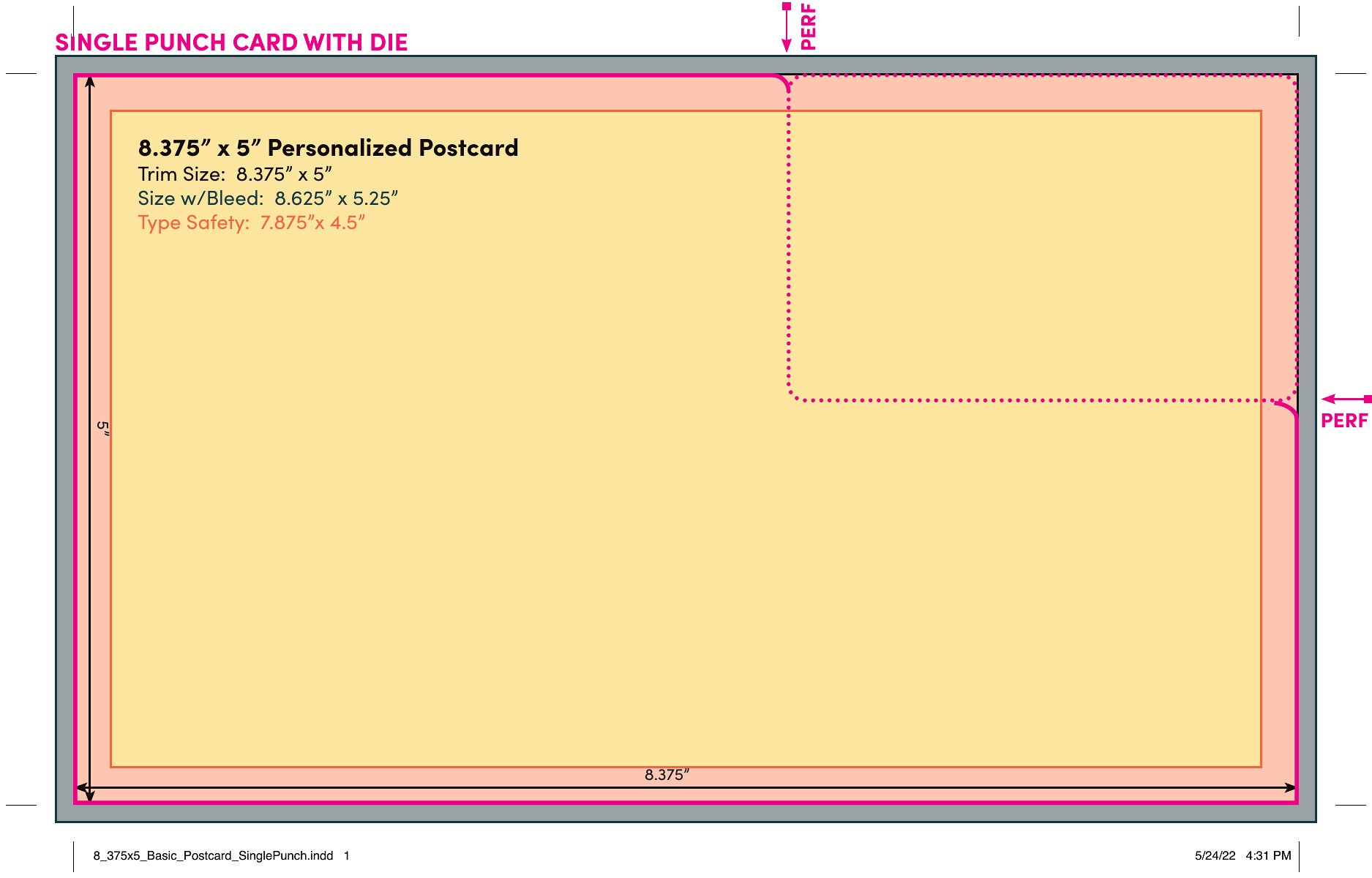
Yes, the templates are designed to be printer-friendly and can usually be resized in Word or PDF-editing software. However, check your printer’s specifications first to ensure the card fits the paper size you’re using. For best results, start with the template dimensions provided and adjust proportionally.
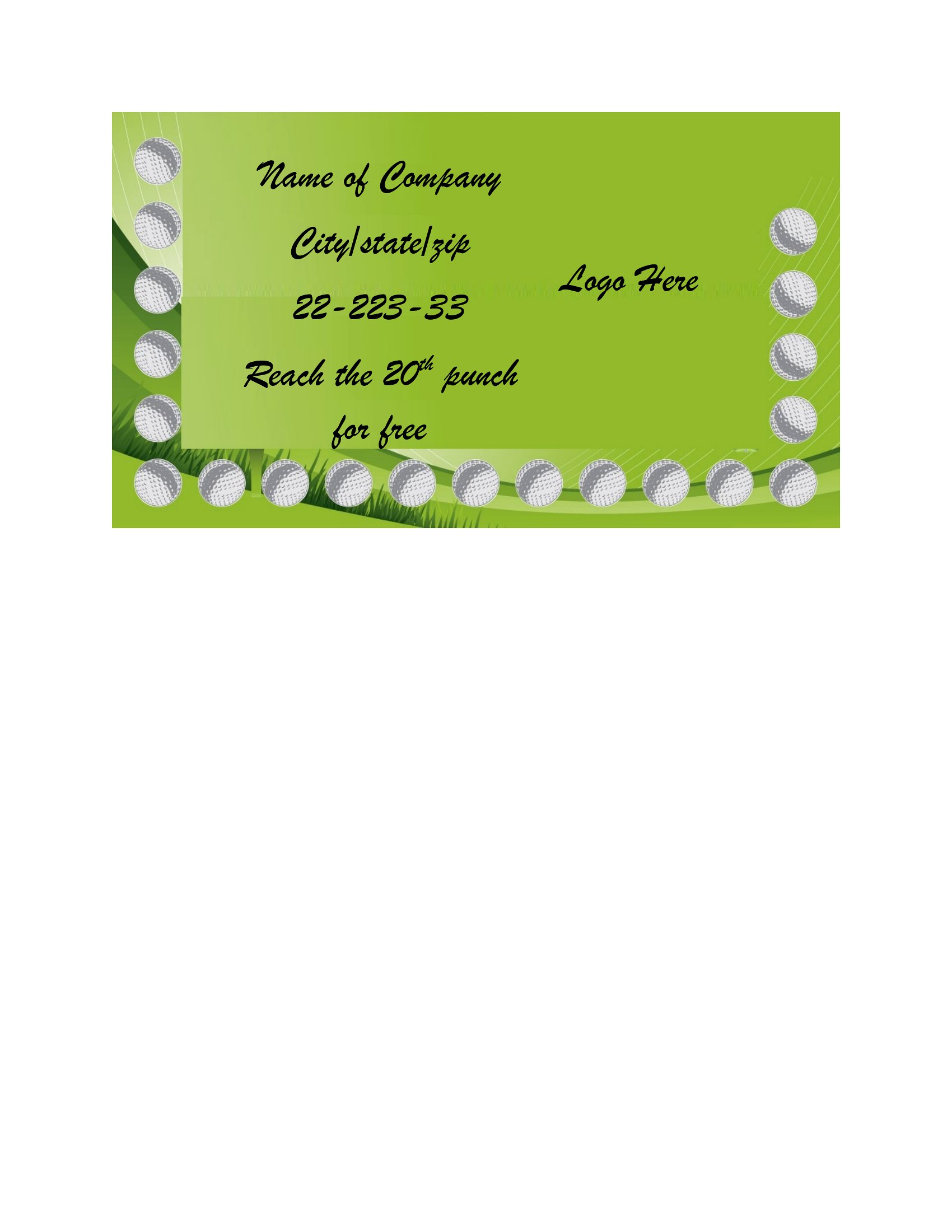
How do I add my business logo to a punch card template?
In Word, insert your logo by going to the Insert tab and selecting Pictures or your saved file. Resize it to fit the designated logo area, then adjust the layout to wrap text or images around it if needed. For PDFs, you’ll need to edit the file in a tool like Adobe Acrobat before printing, as PDFs aren’t natively editable in all software.
What’s the best way to organize the punch slots on a card for different services or products?
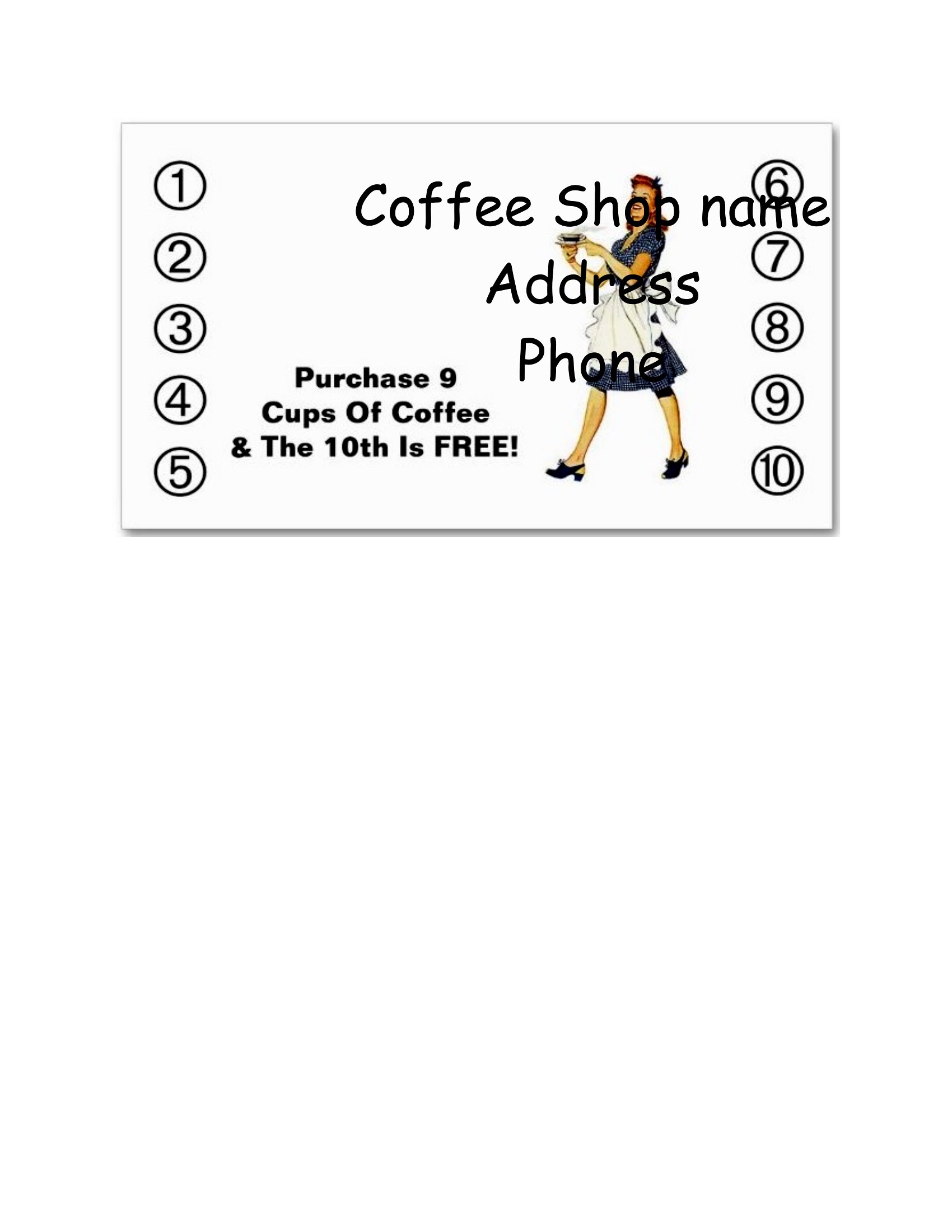
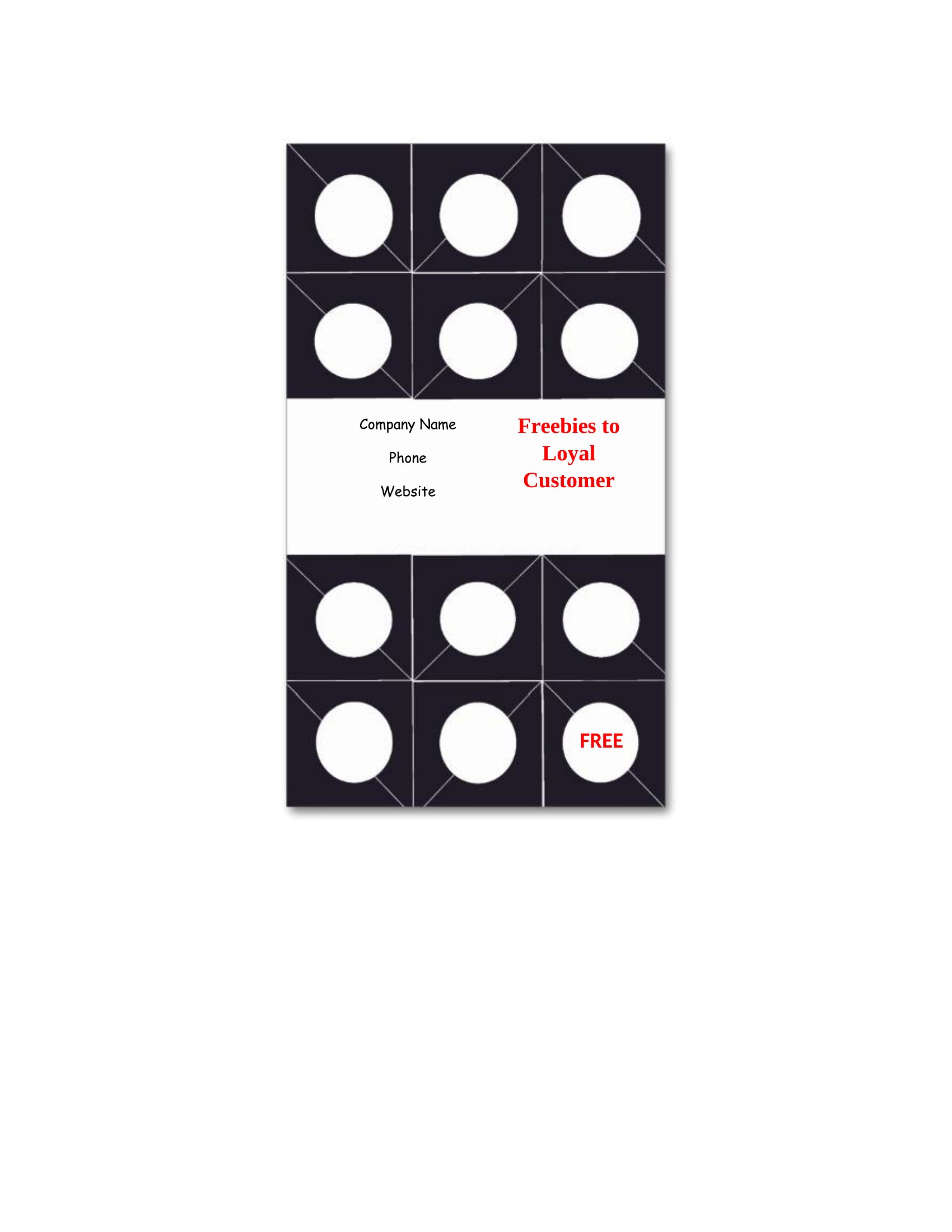
For simplicity, group all punches under one reward (e.g., ‘Buy 9 coffees, get the 10th free’). If offering multiple rewards, dedicate sections of the card to each (e.g., one side for drinks, the other for pastries) and label them clearly. Keep the design balanced to avoid overwhelming customers with too many options.
Comments
Join the conversation
Sign in to share your thoughts and leave a comment on this resource.