Skip to content
50% off this one-time $1.99 pack with HALFOFF — or unlimited with Pro.HALFOFF
Premium

Free Work Plan Templates (Word, Excel)

Project
judithpaez by judithpaez
Updated 0 downloads 1 community comment

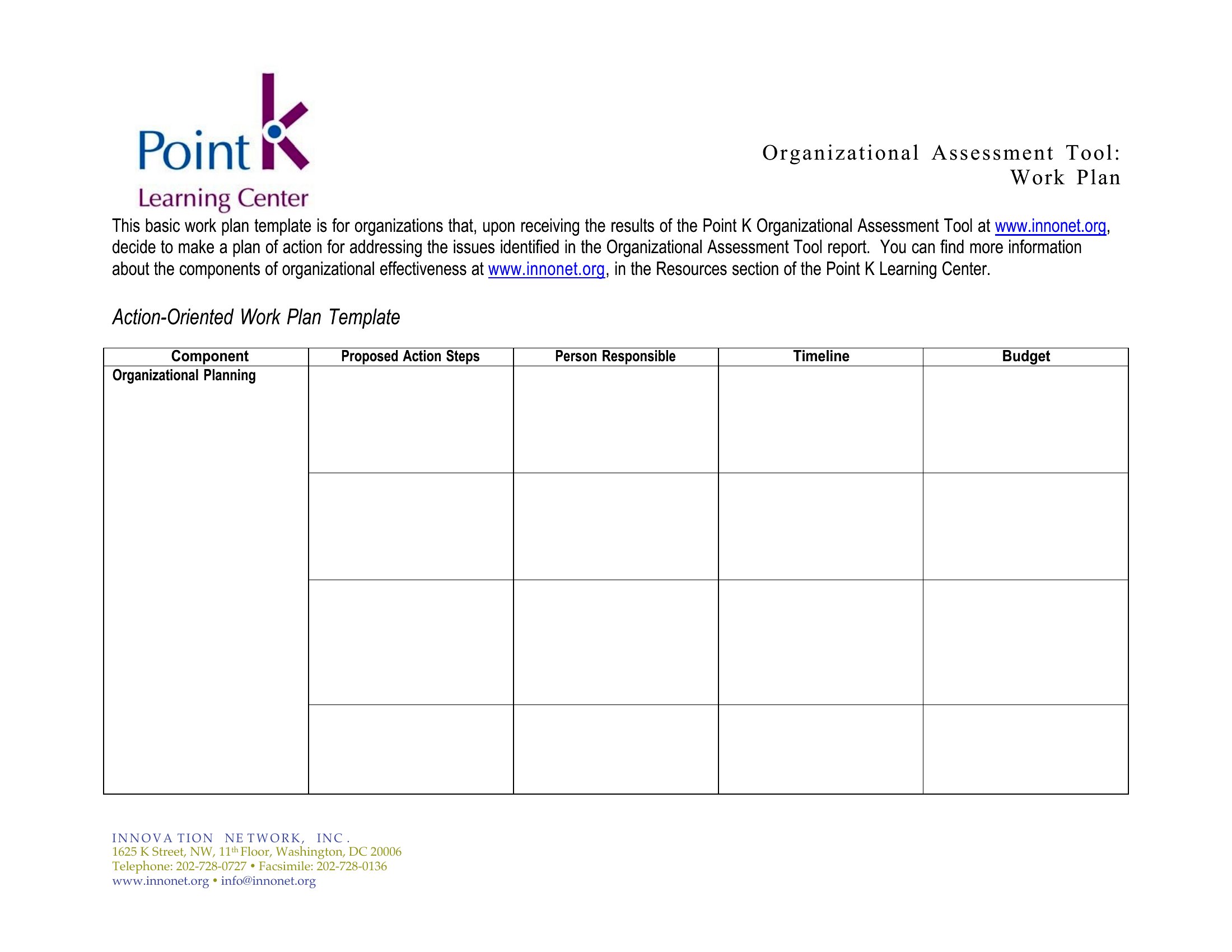
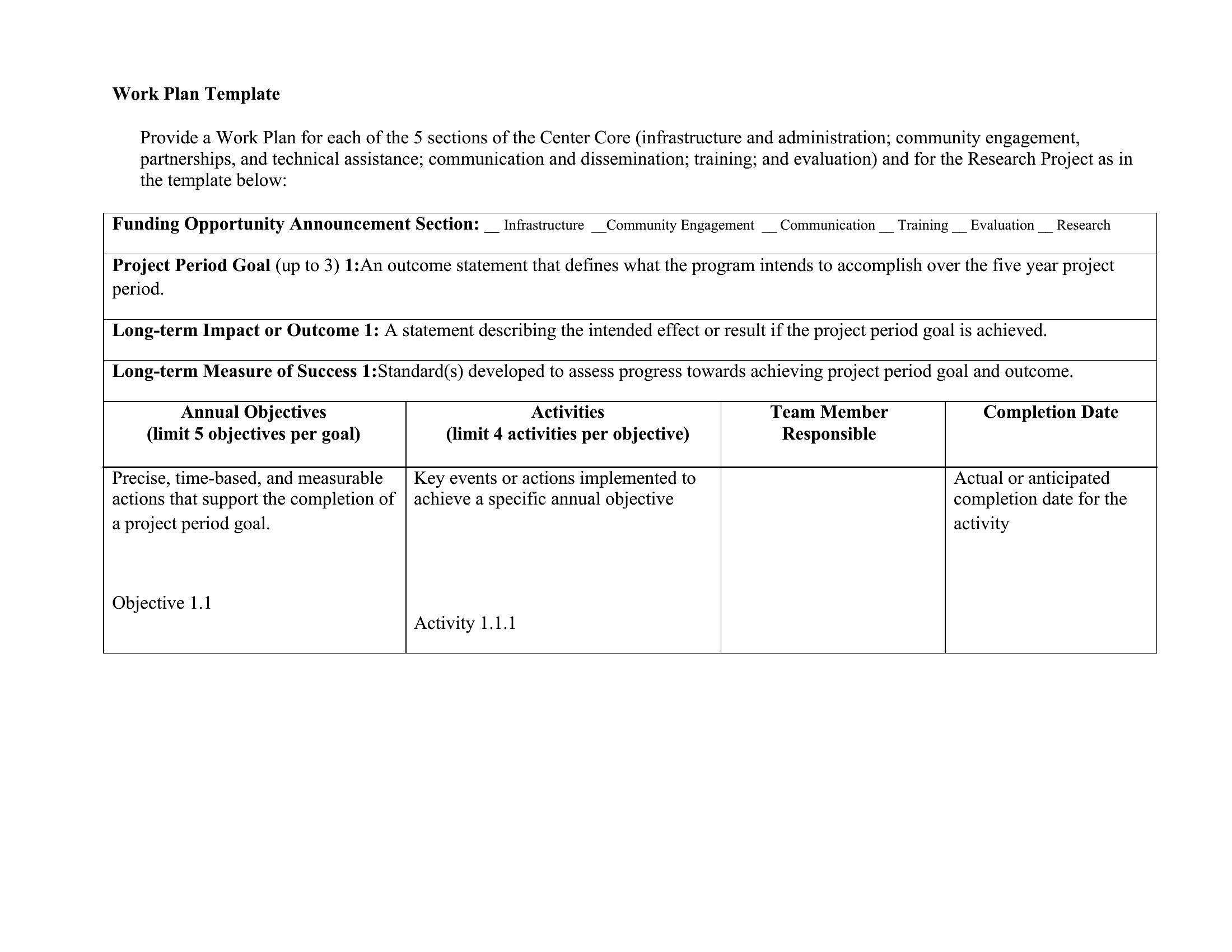
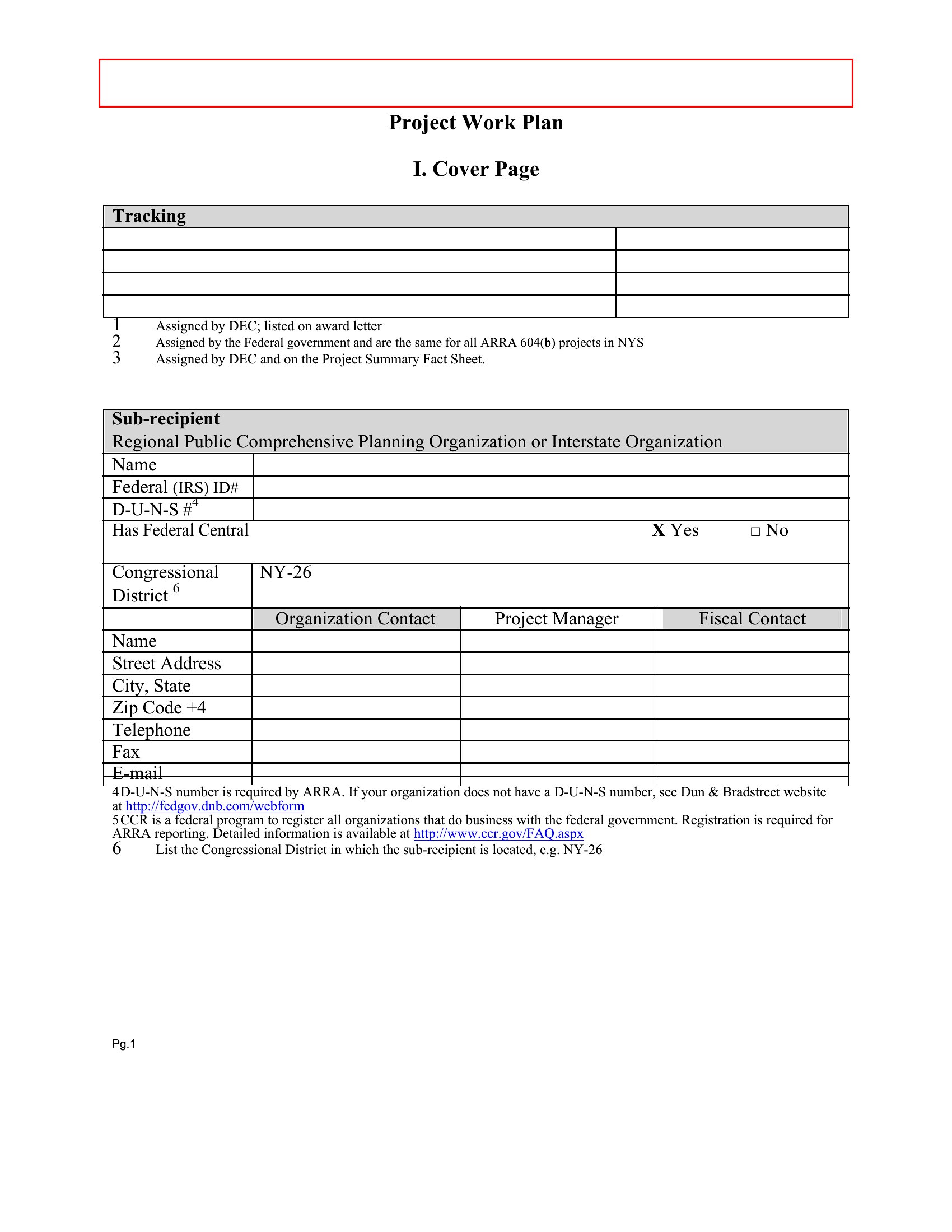
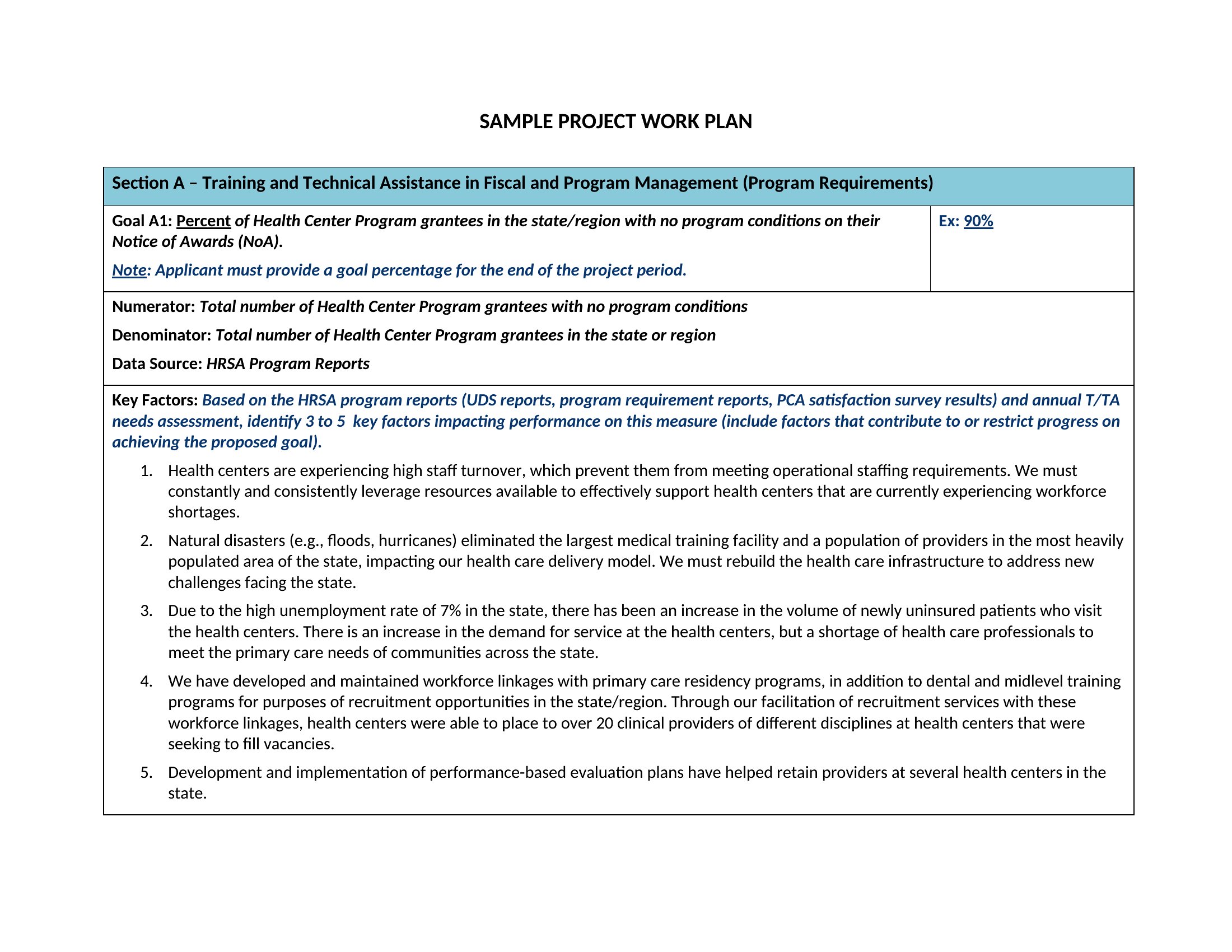
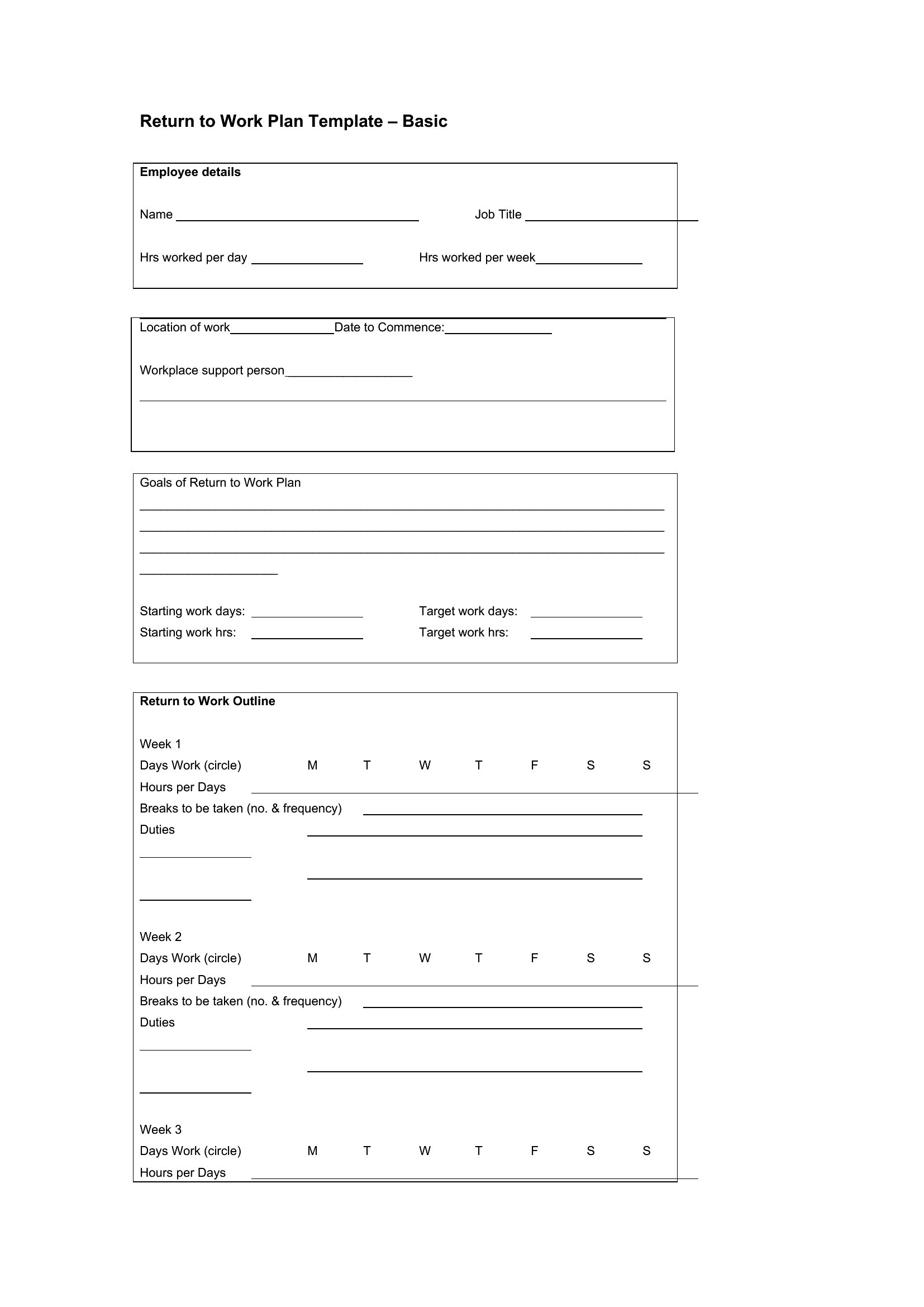
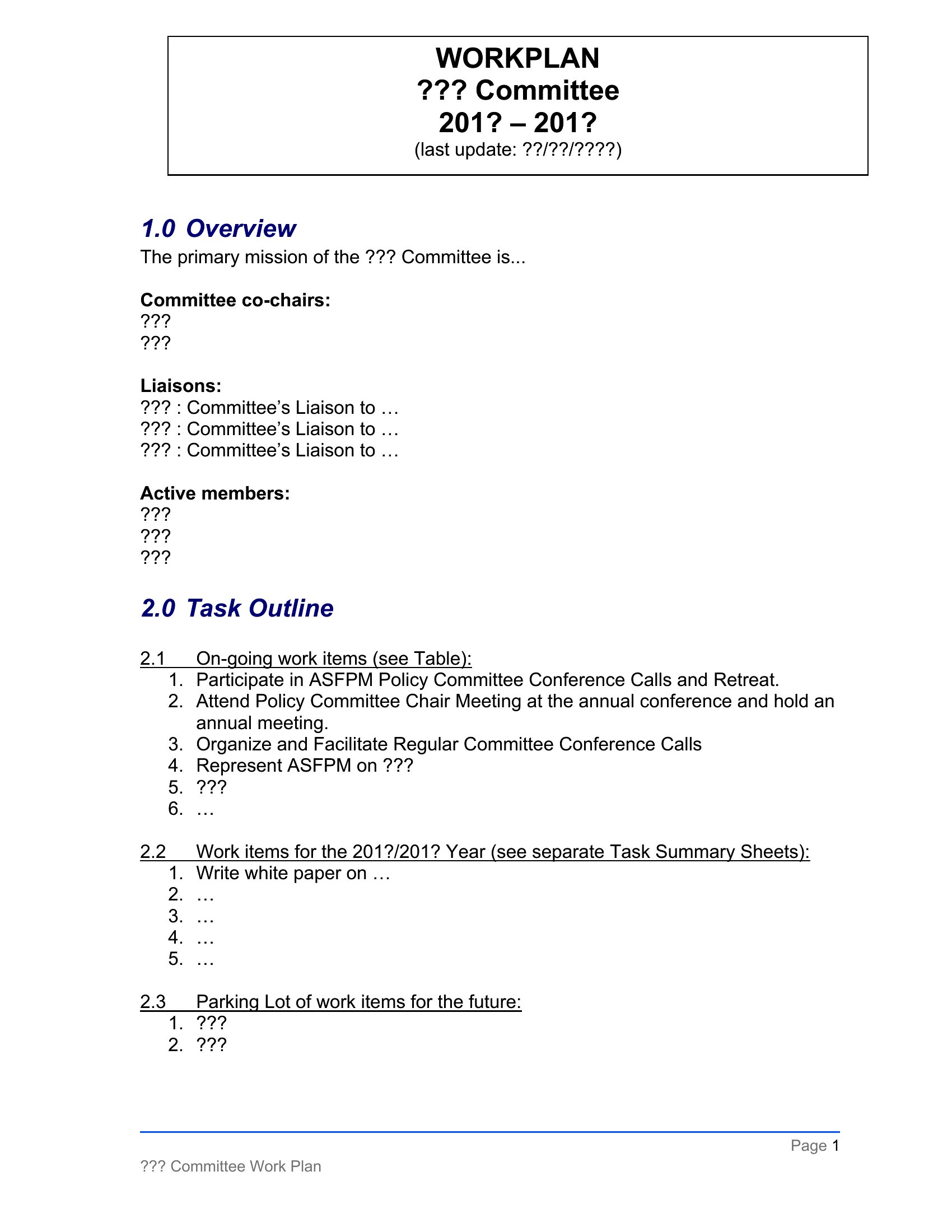
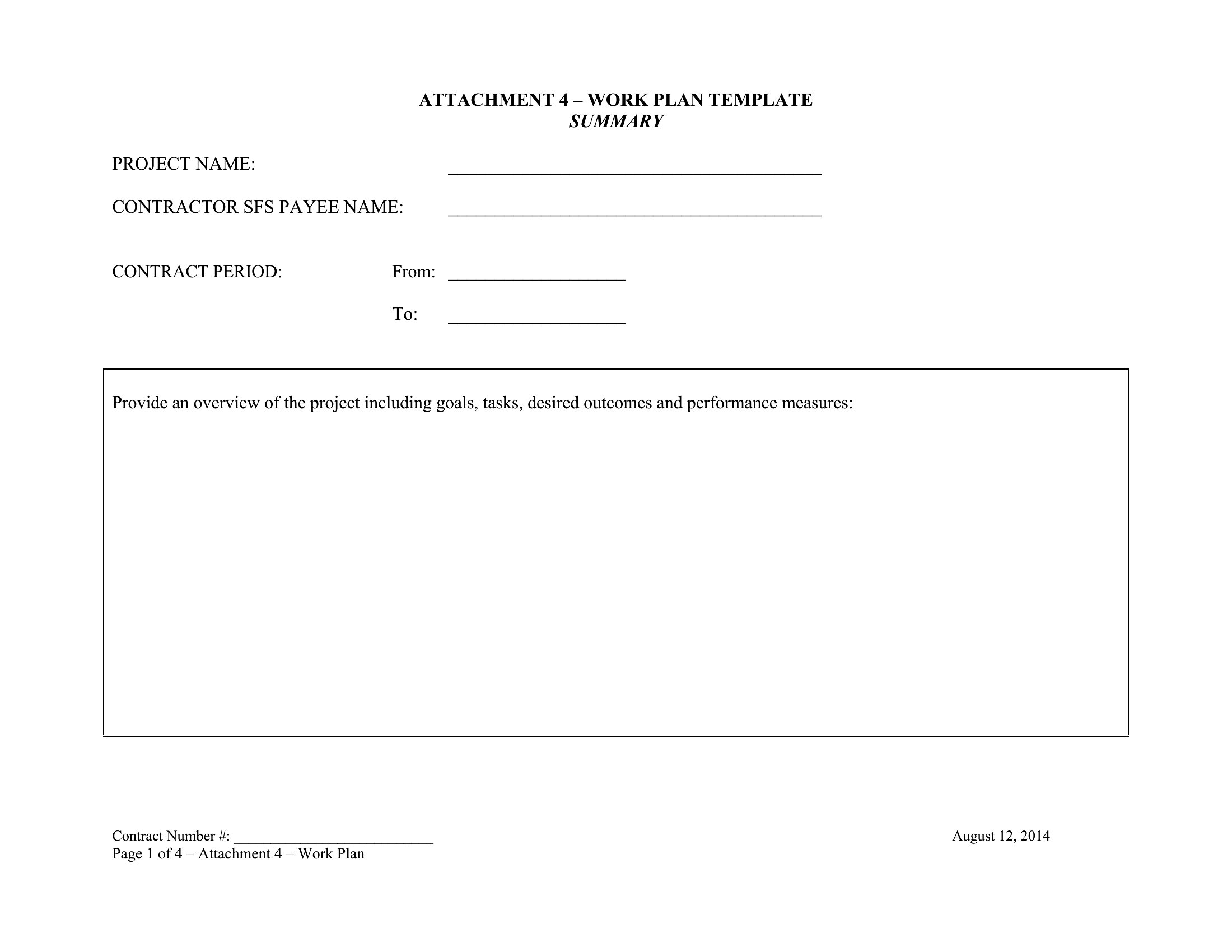
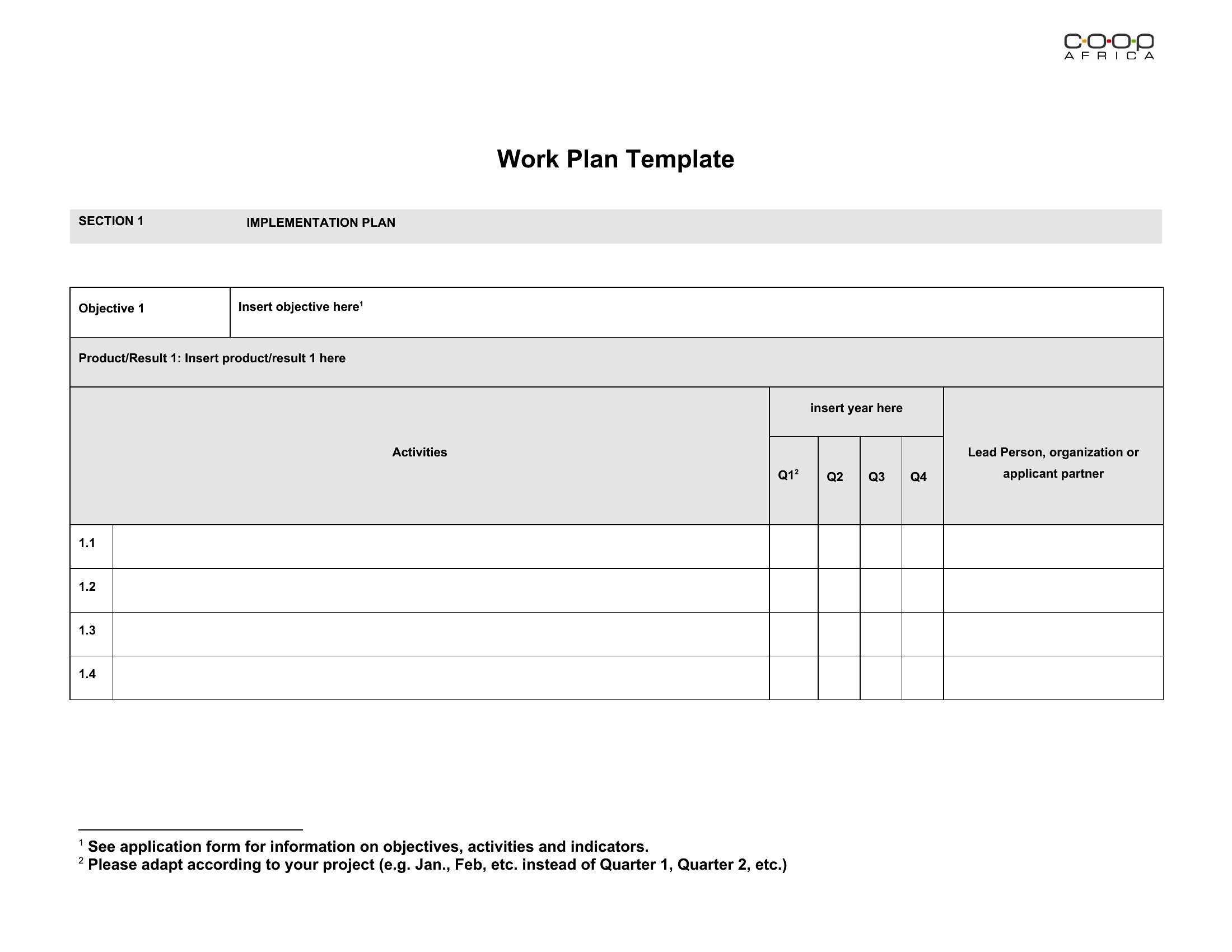
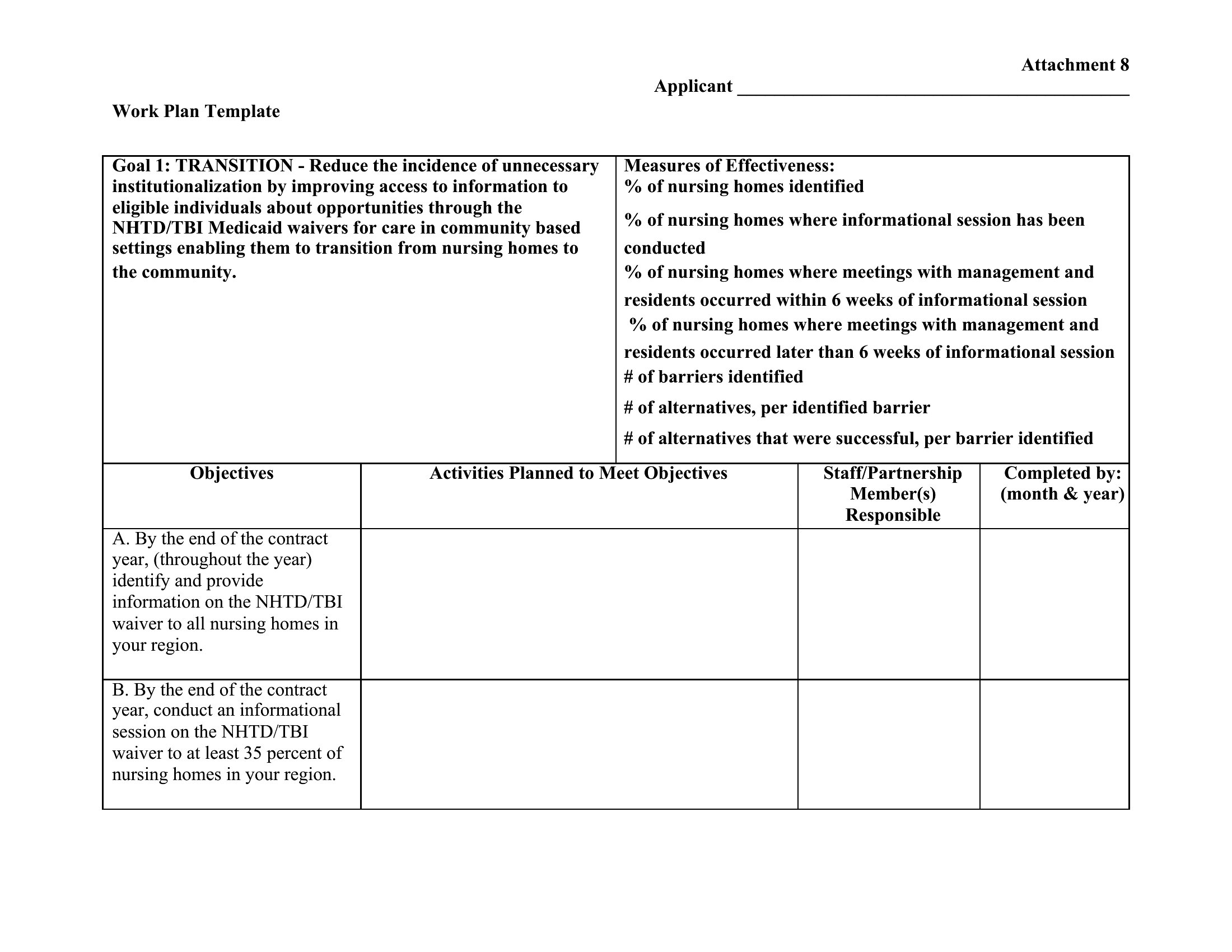
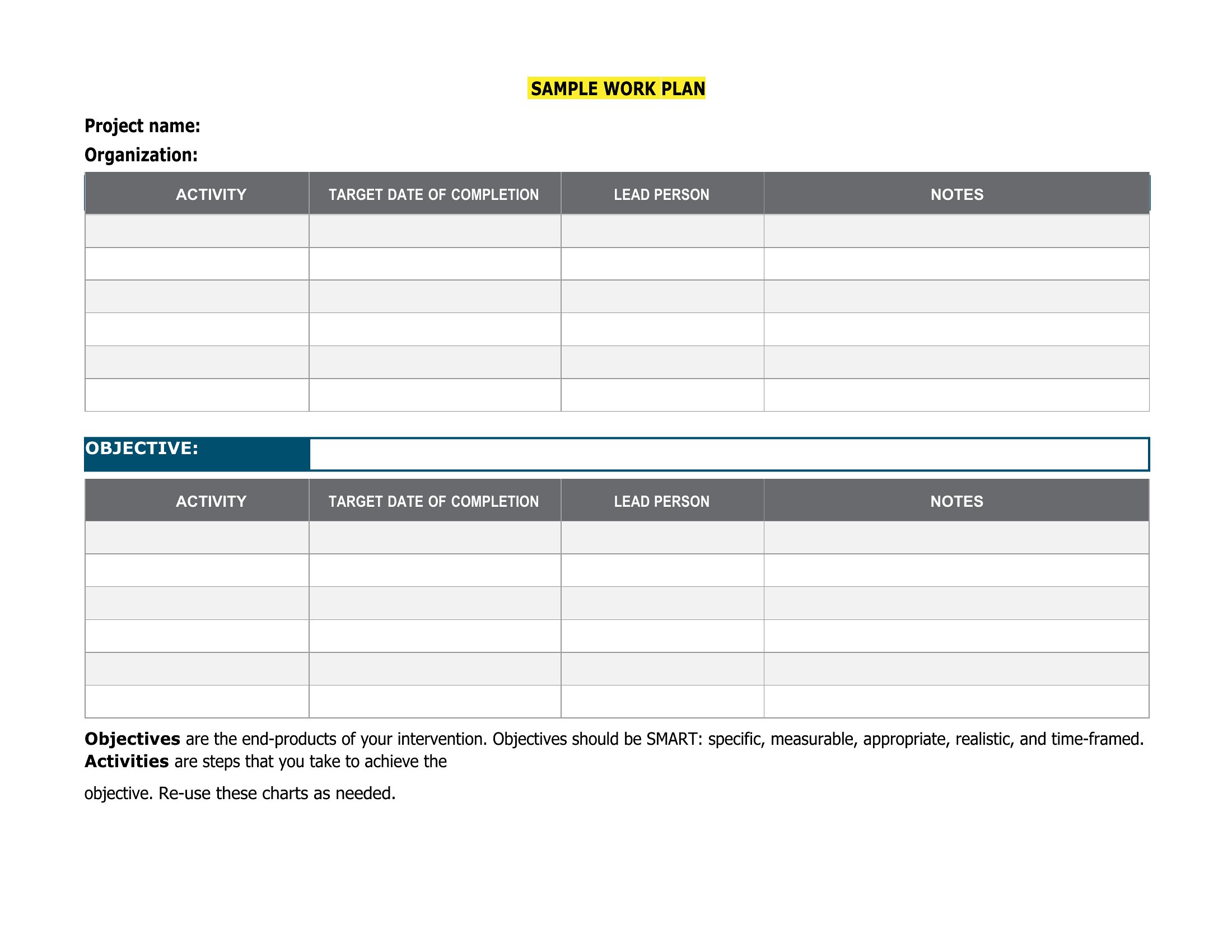
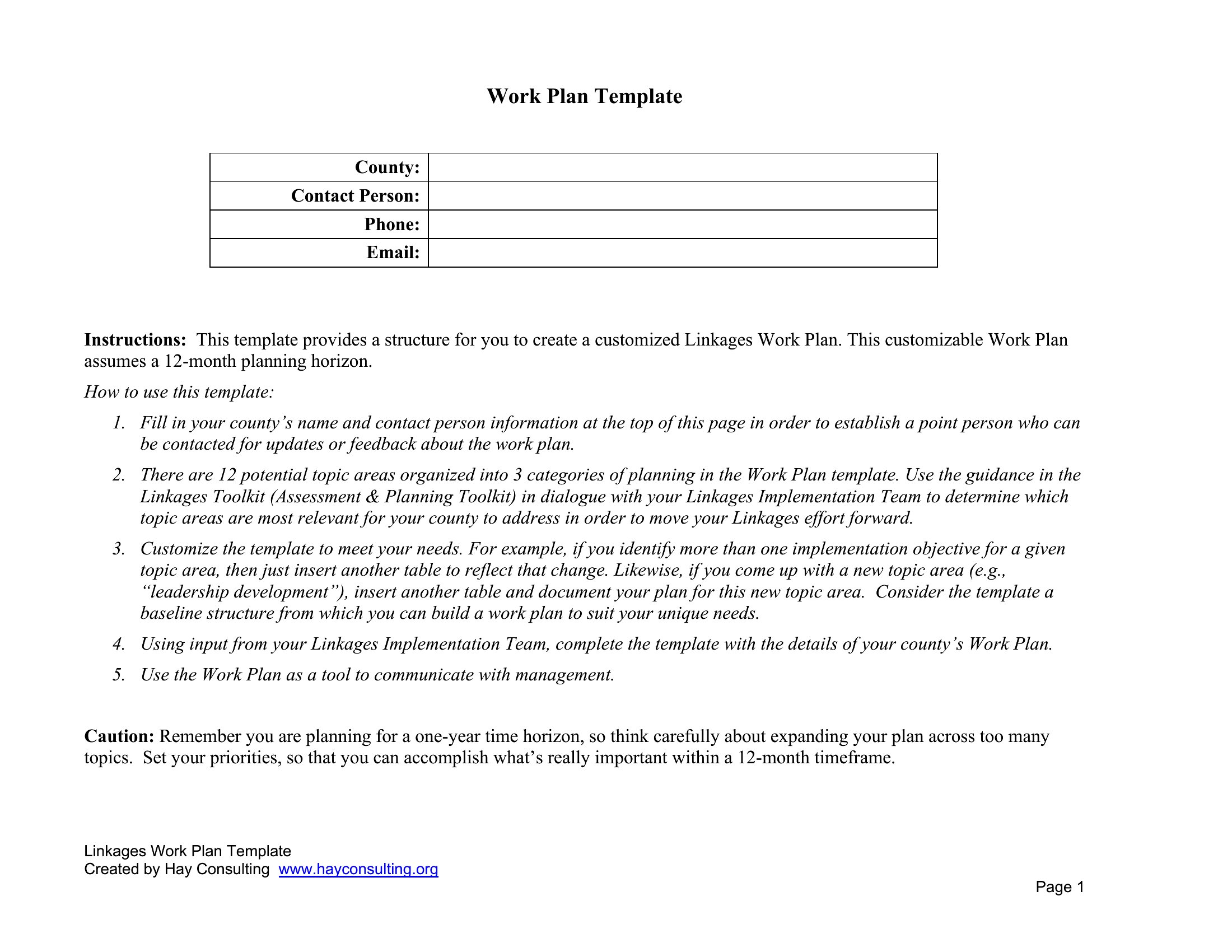
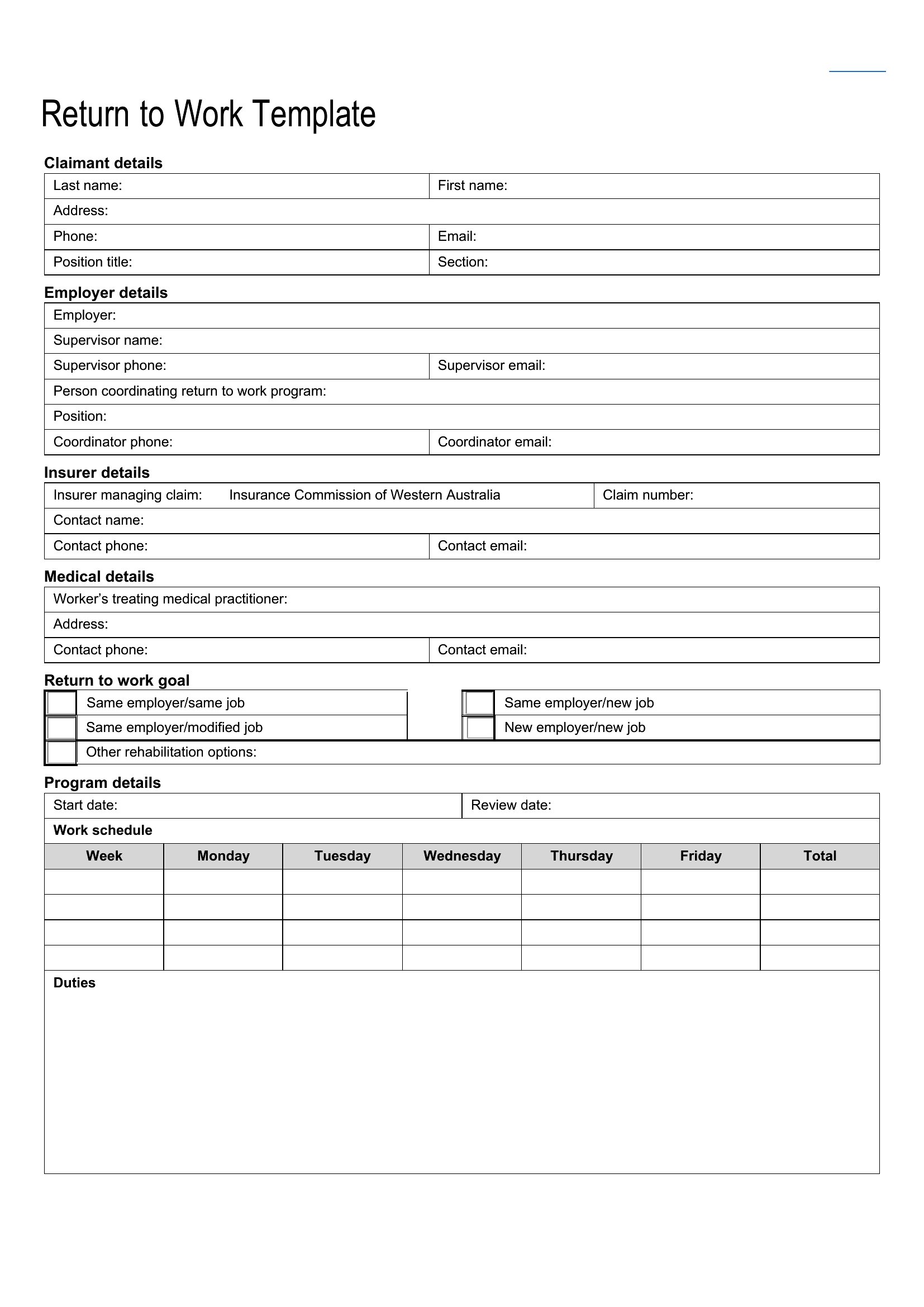
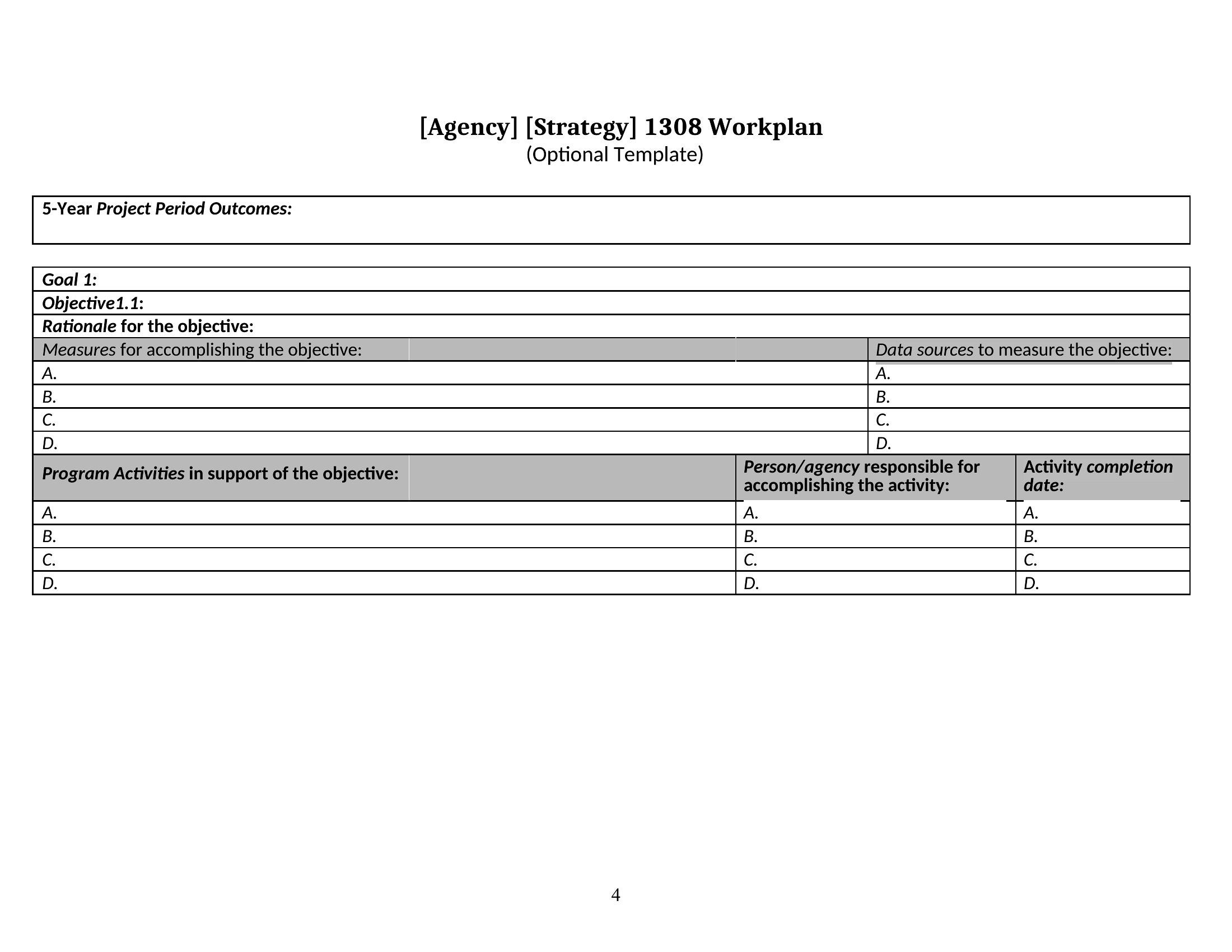
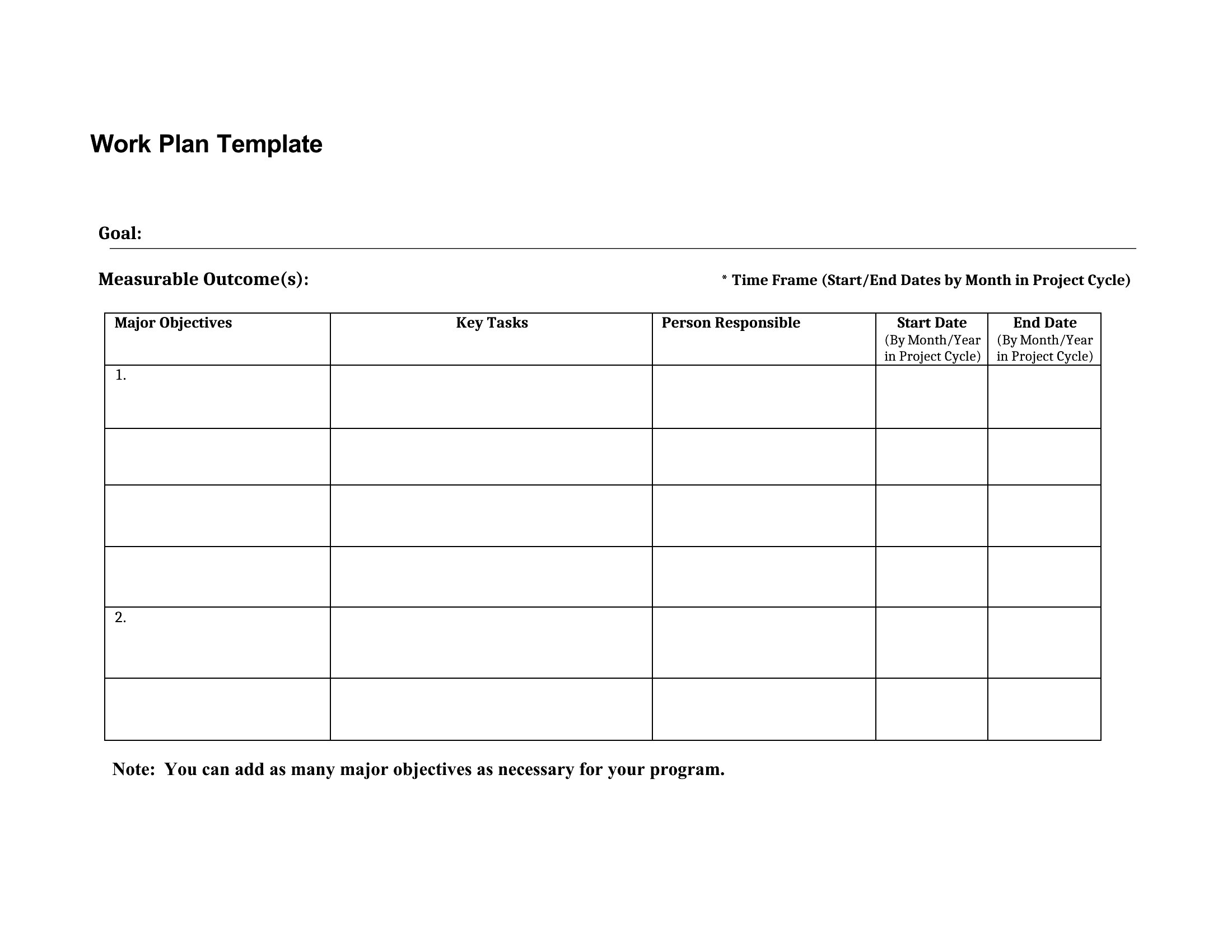
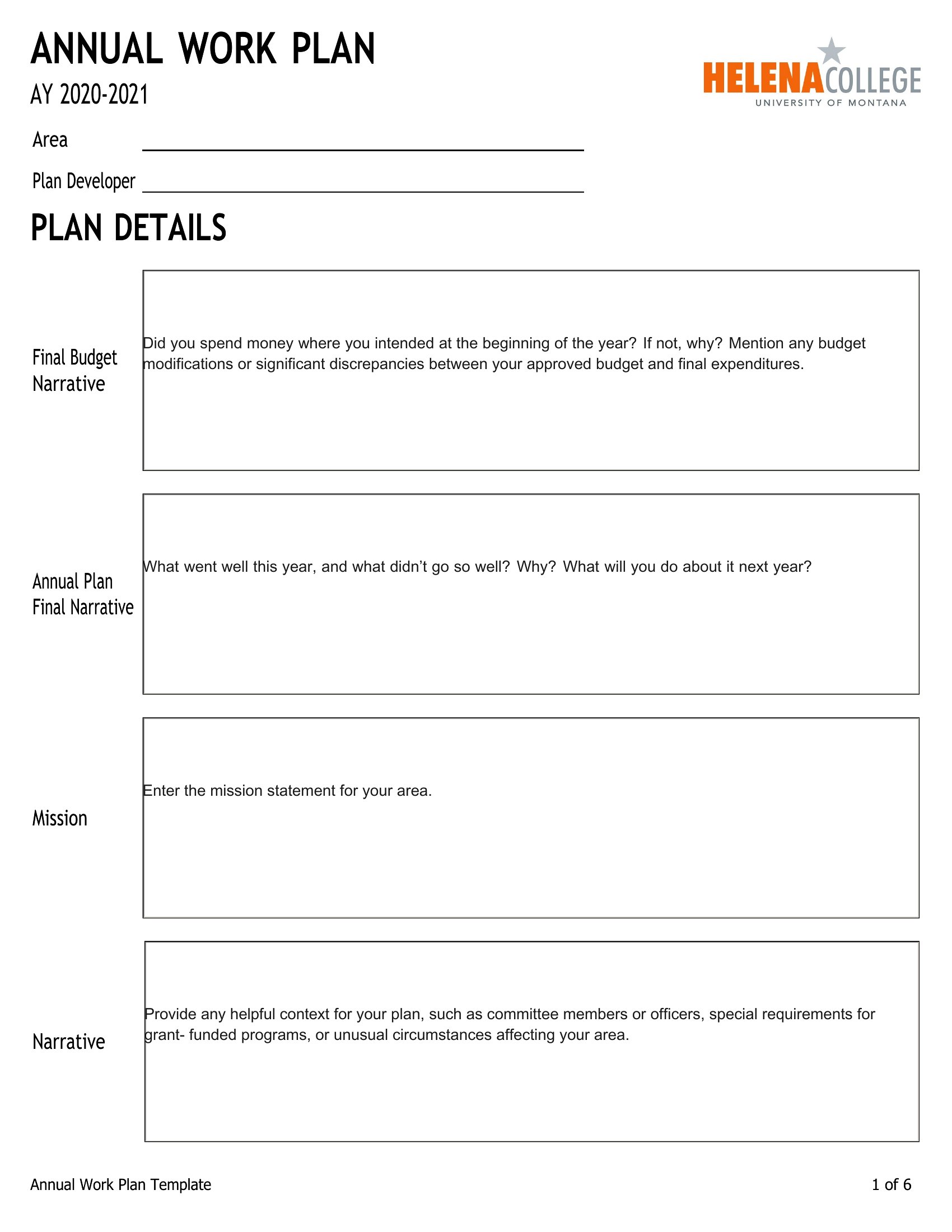
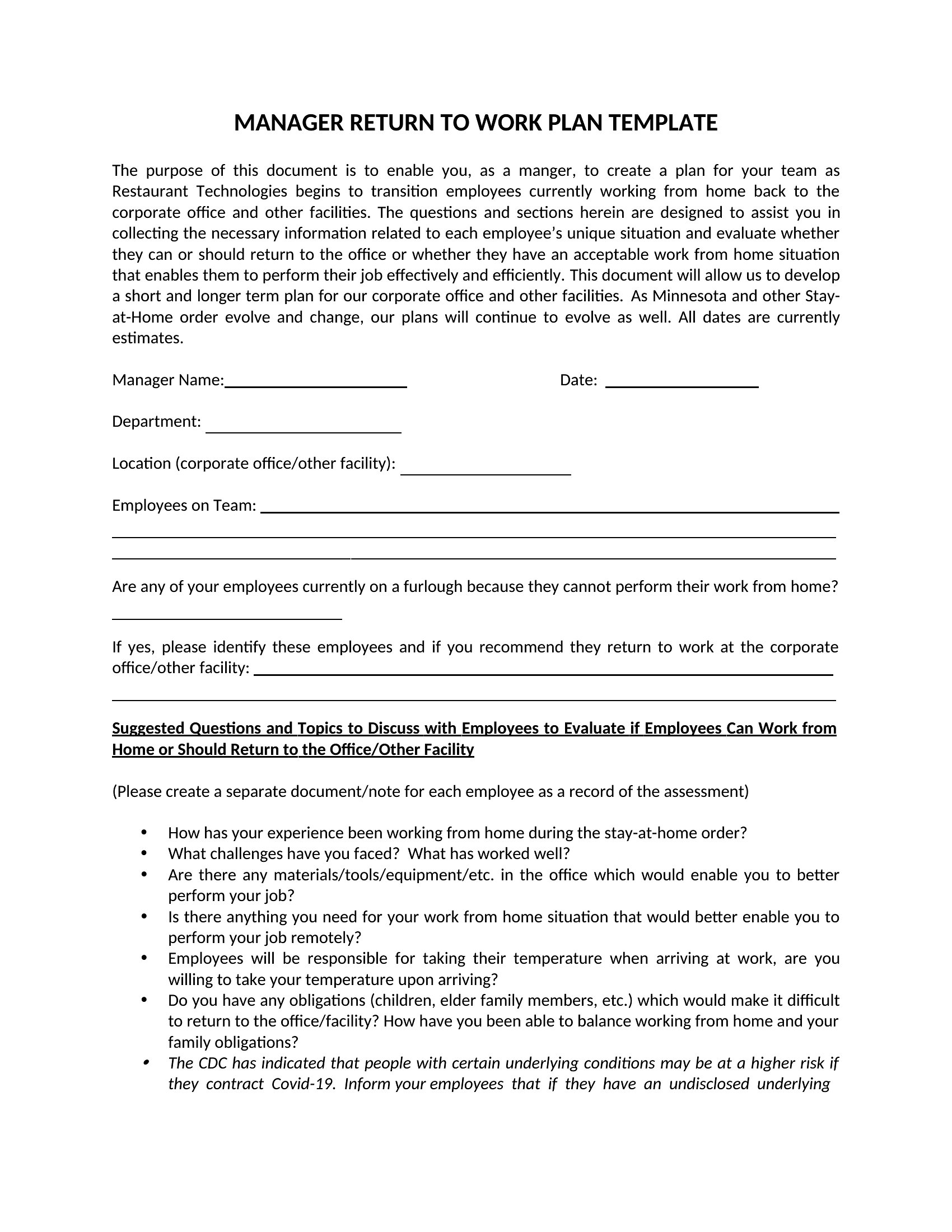
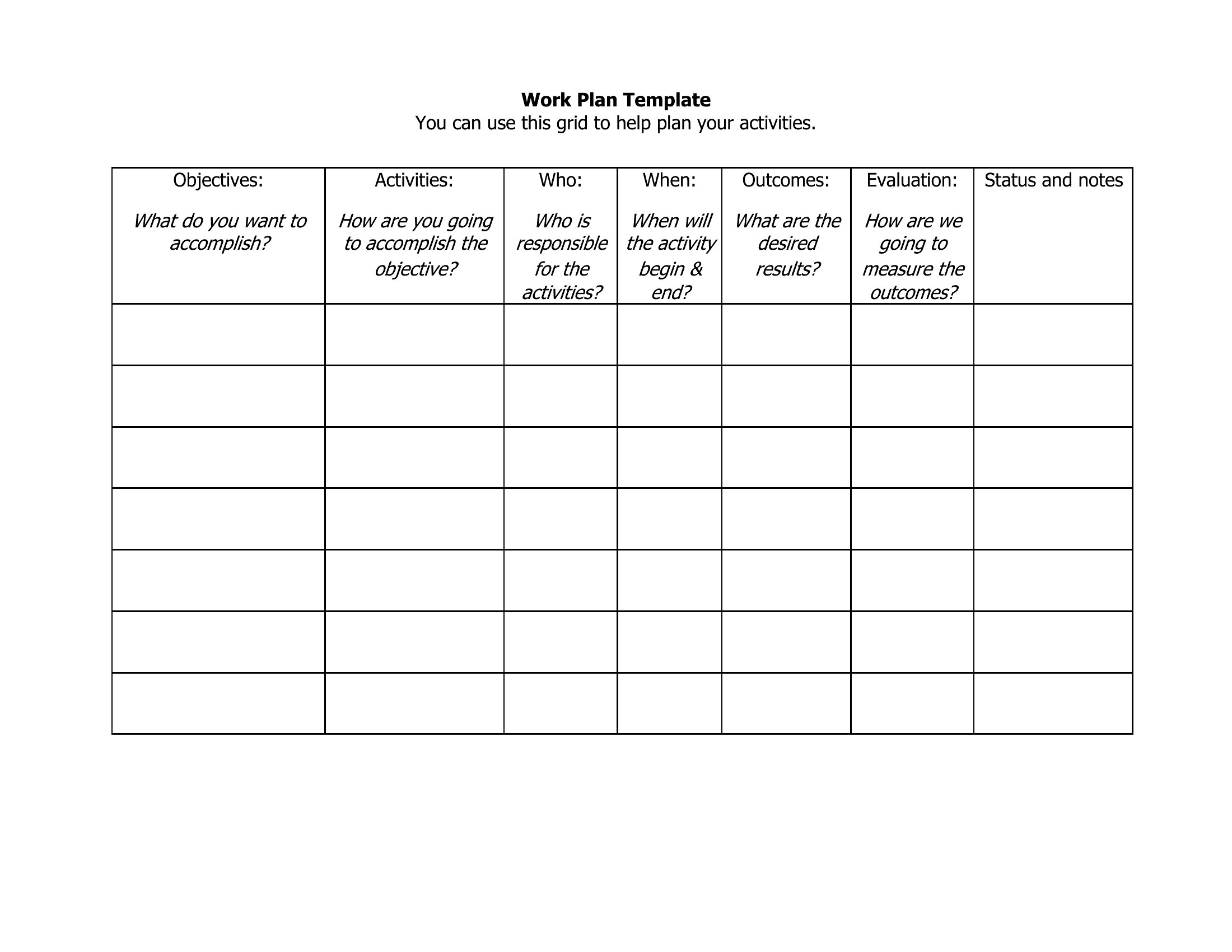
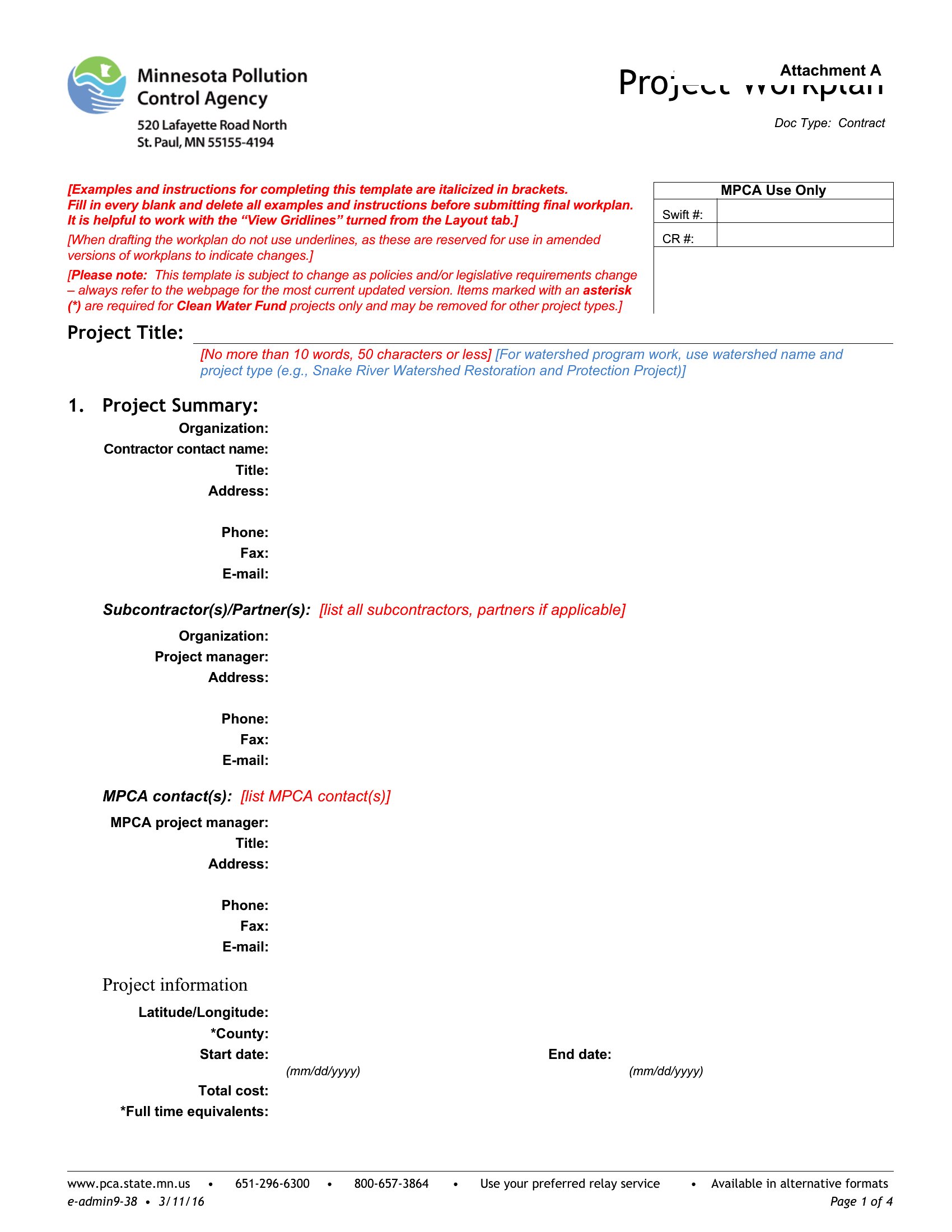
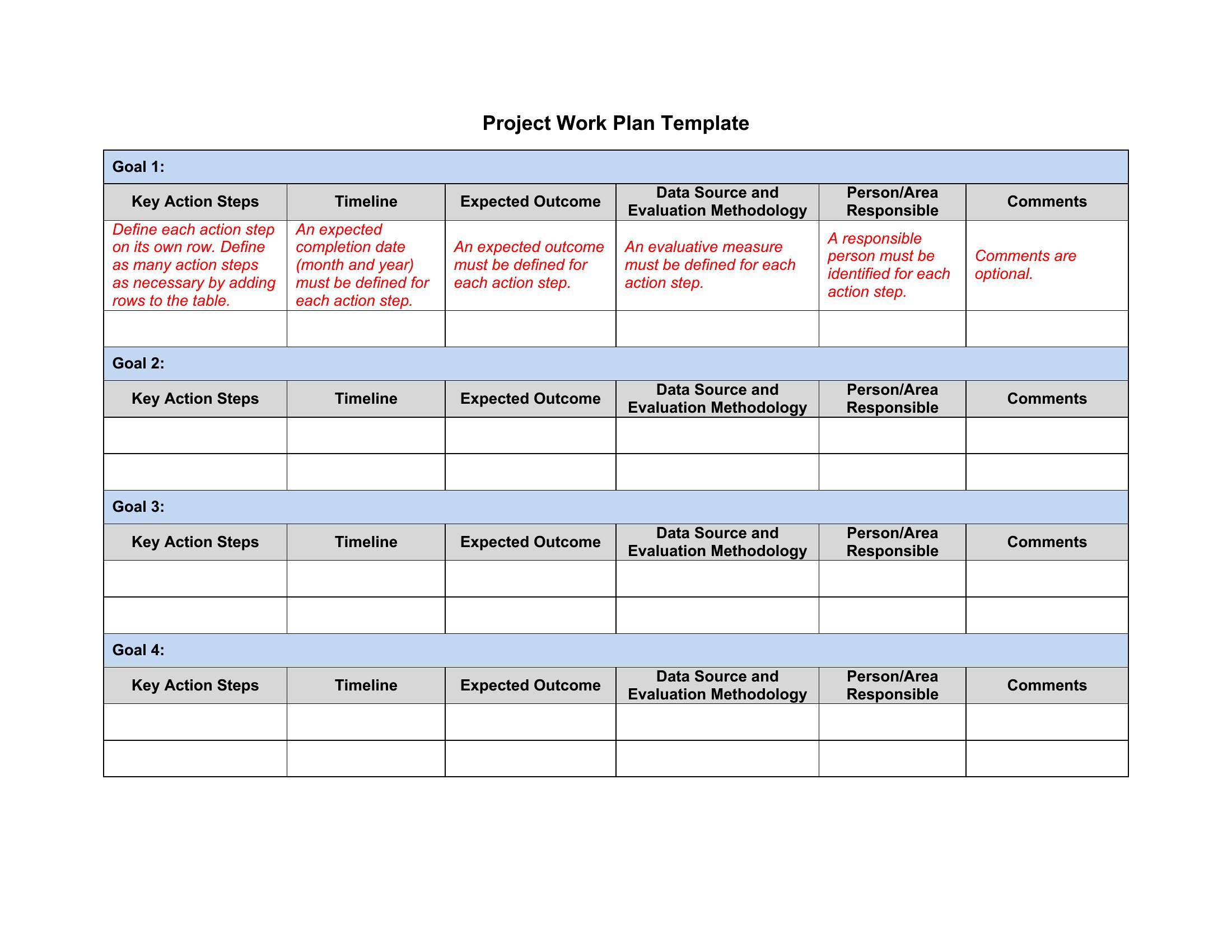
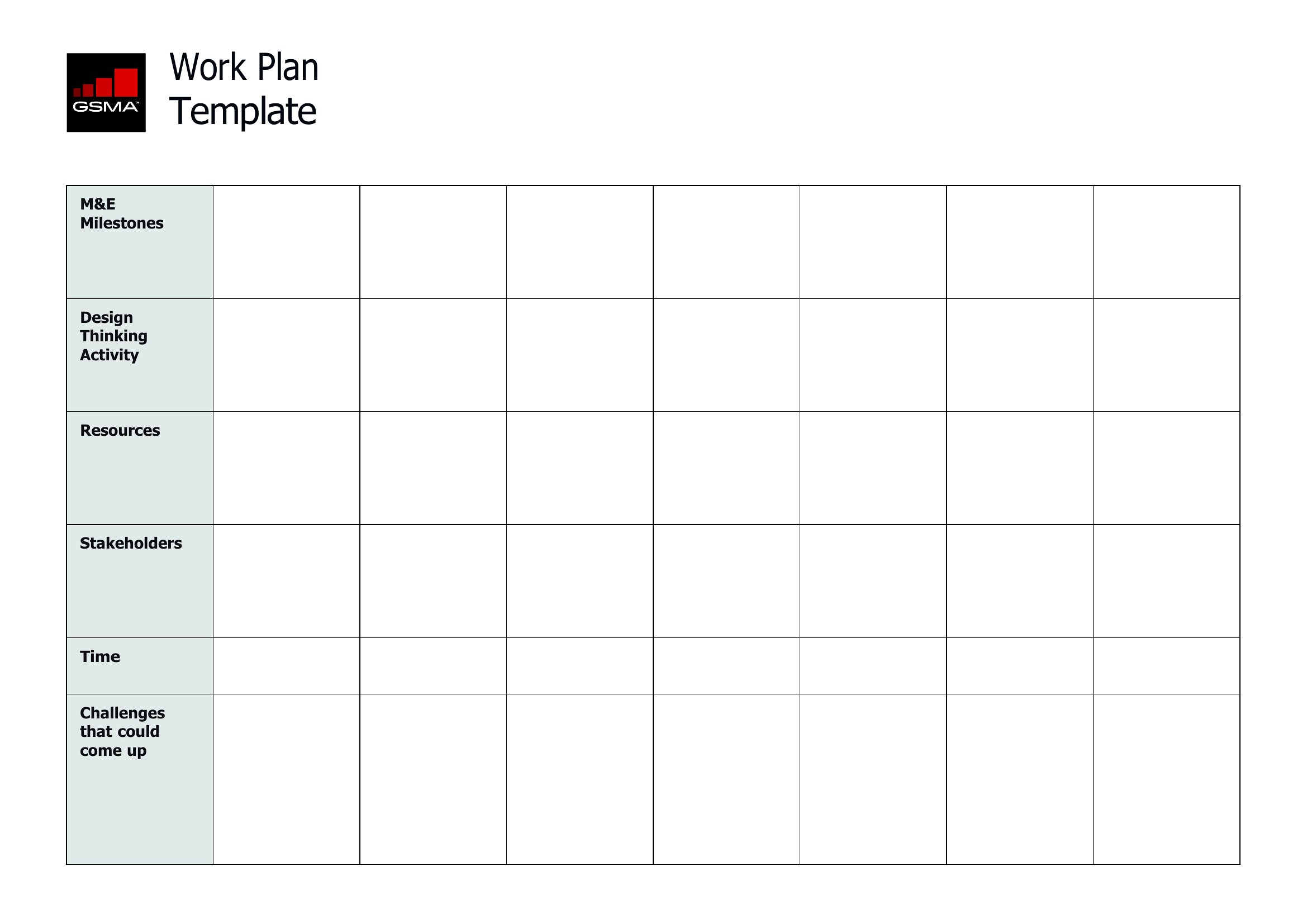
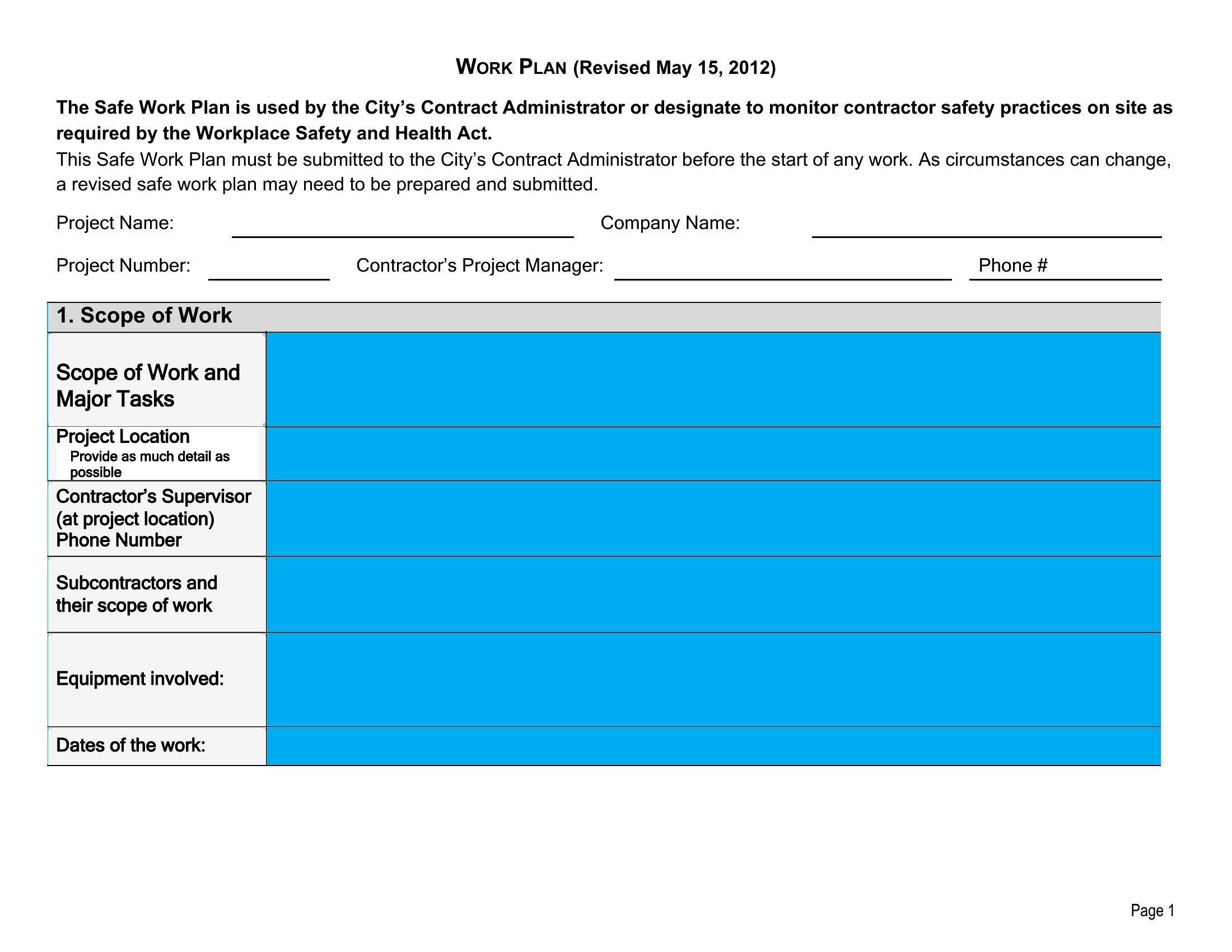
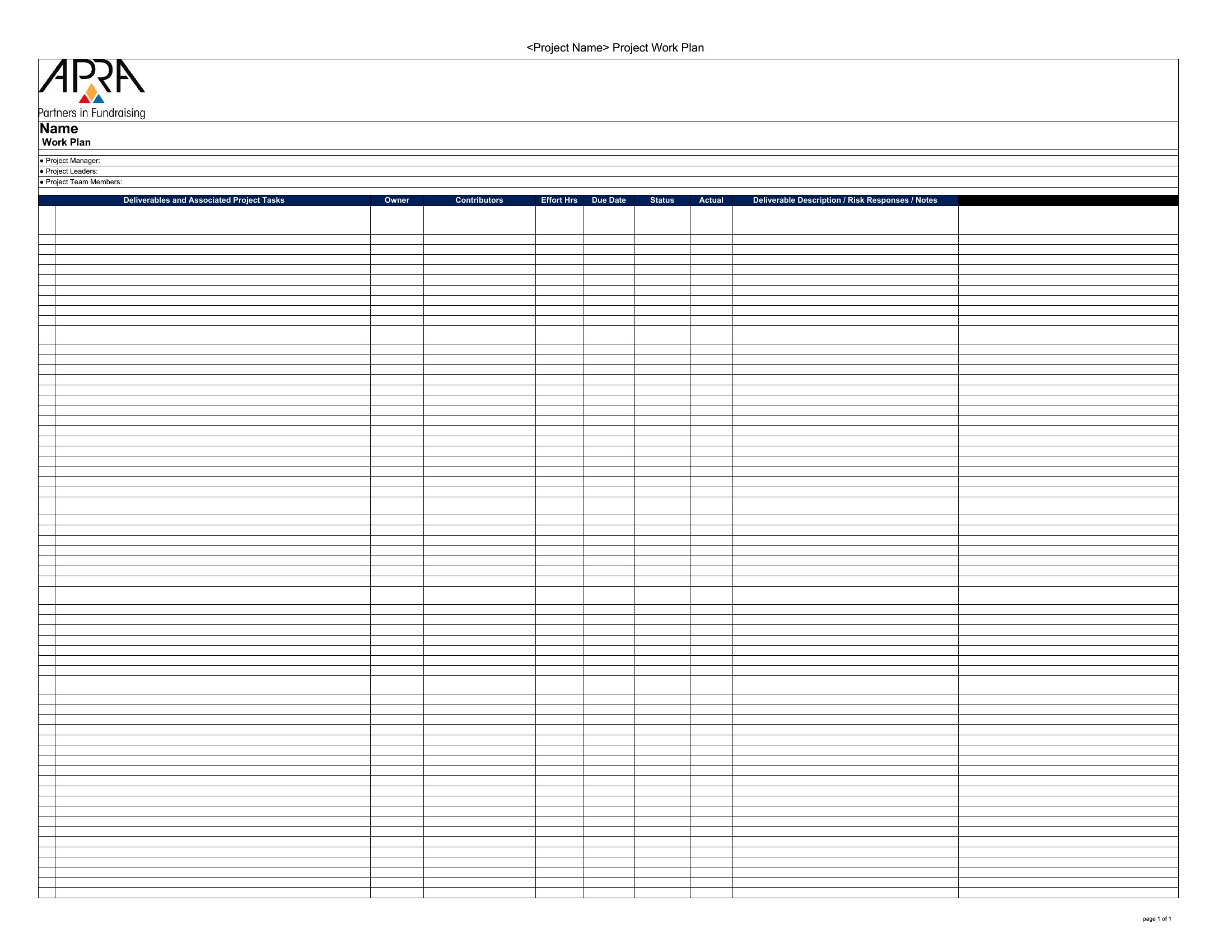
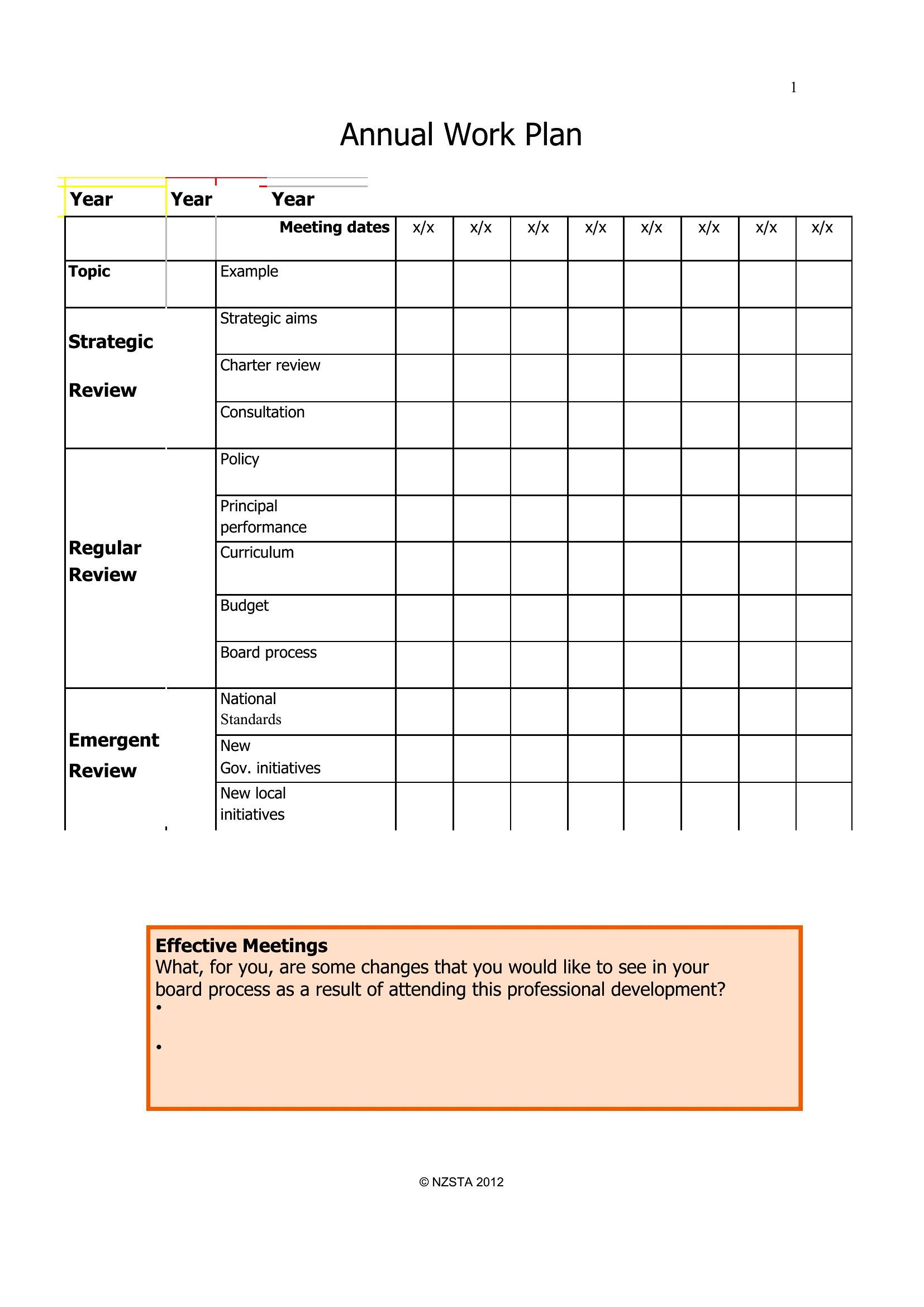
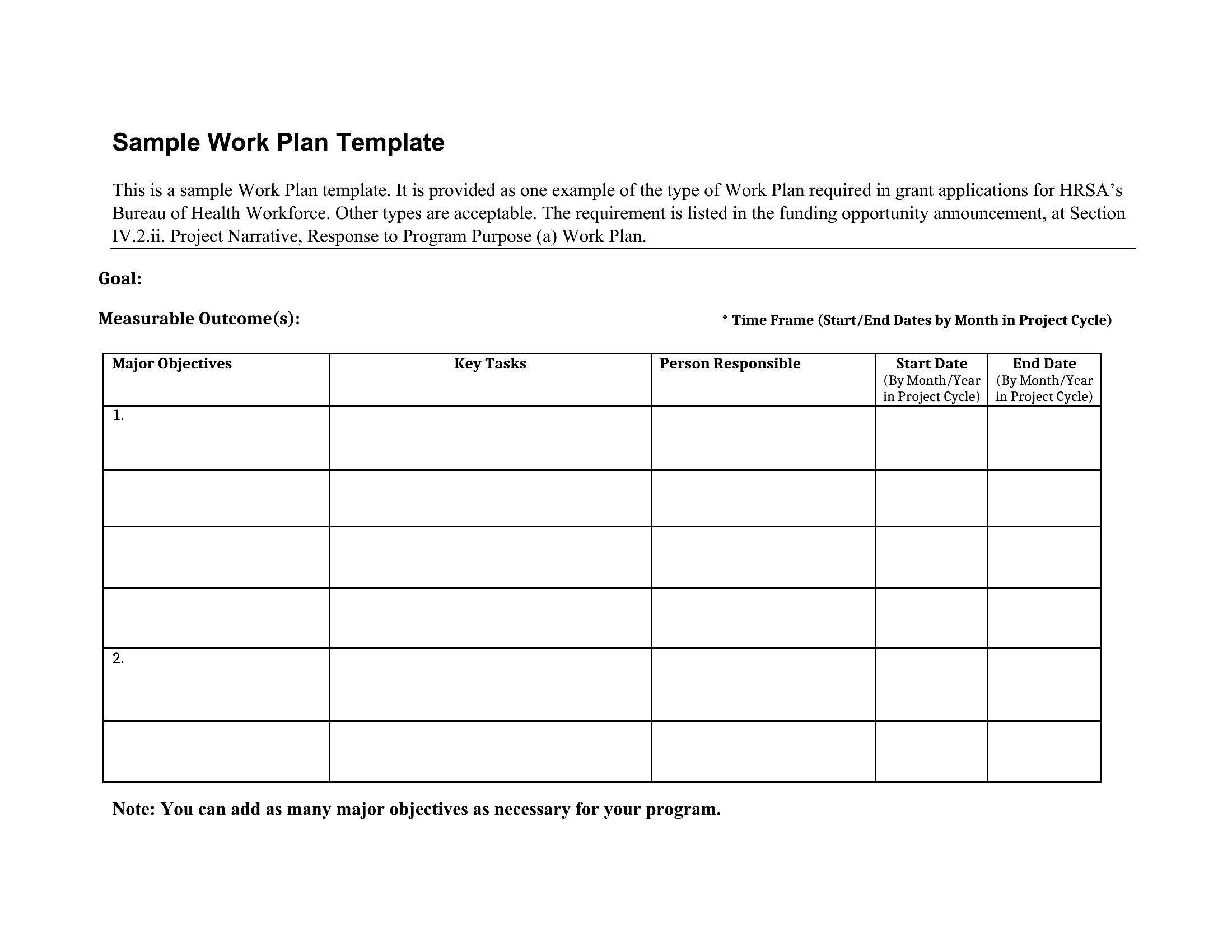
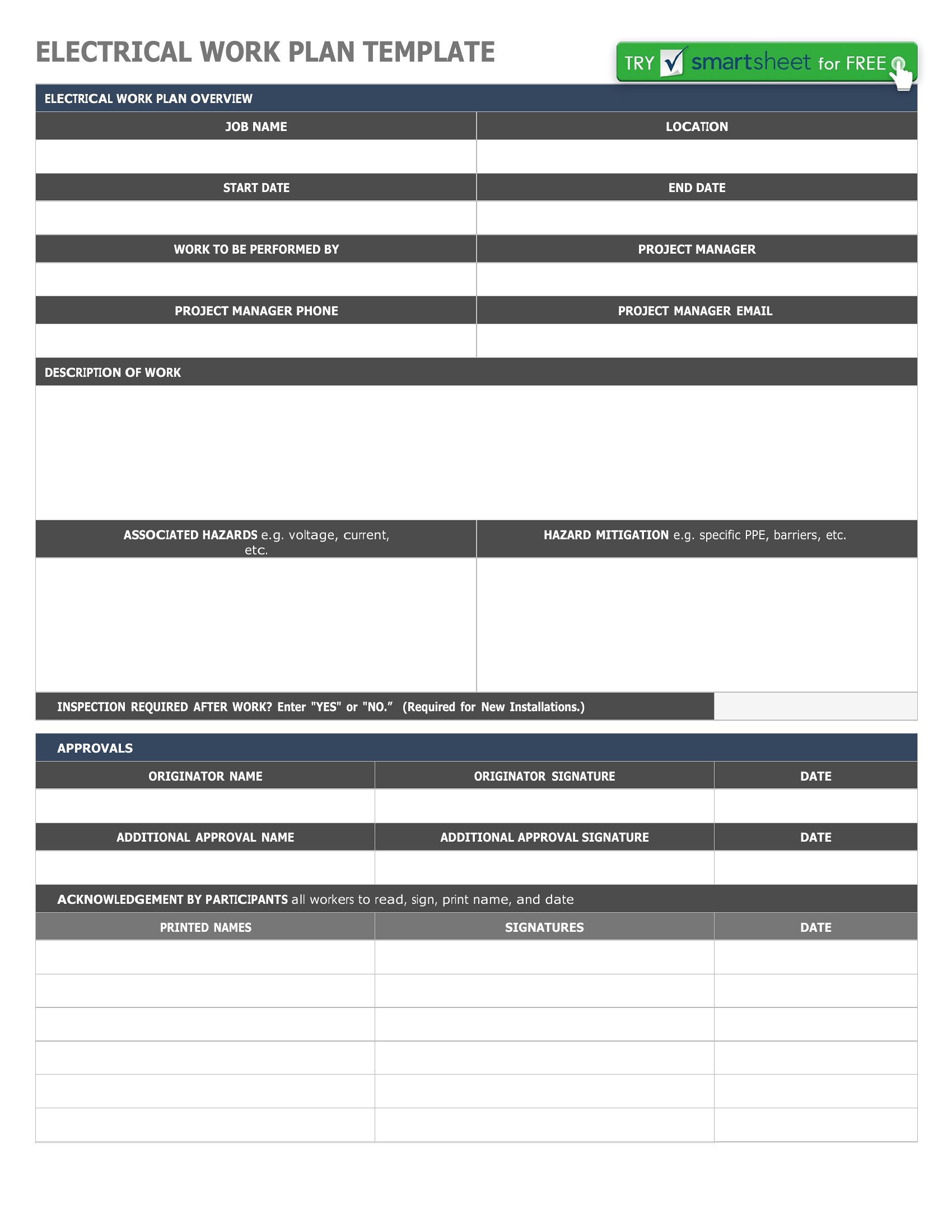
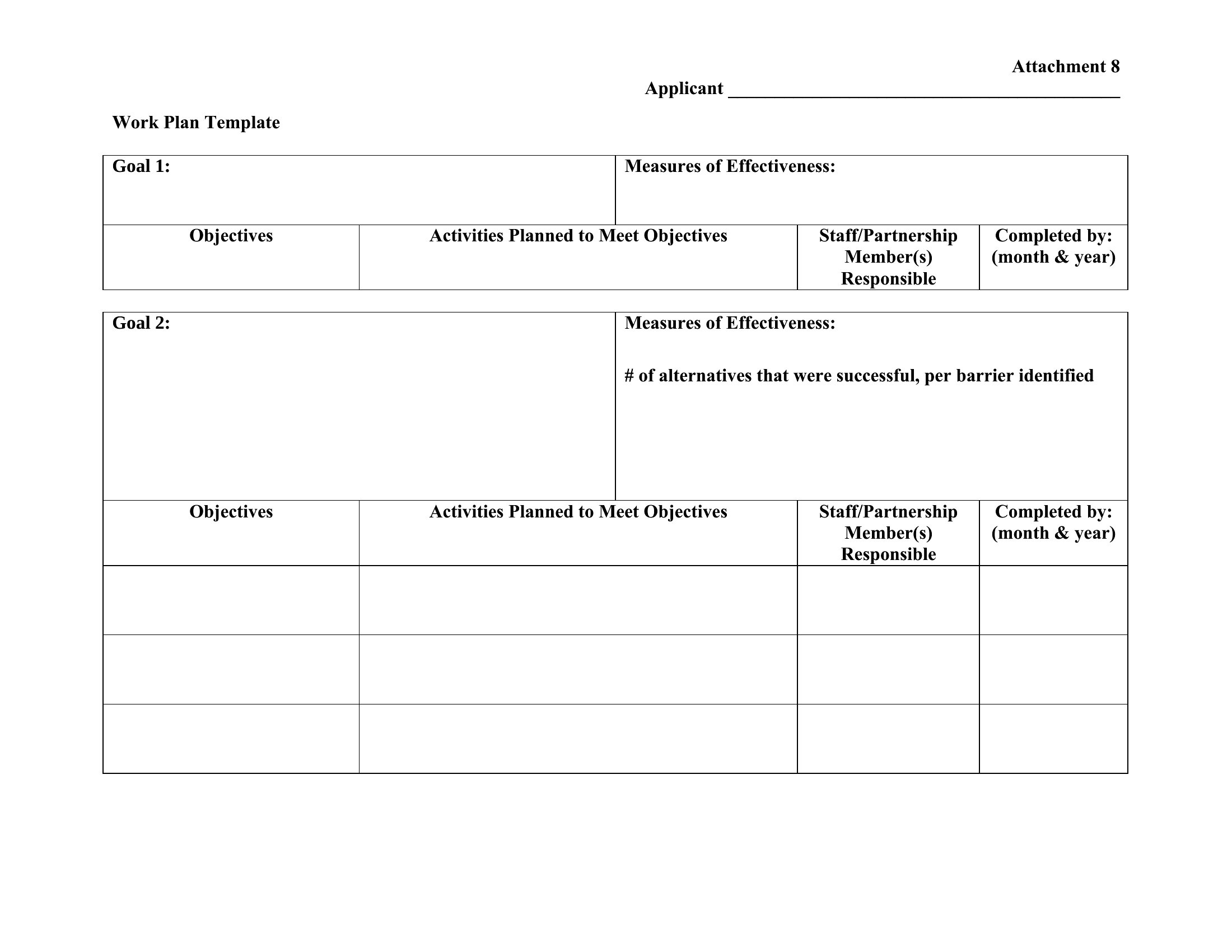
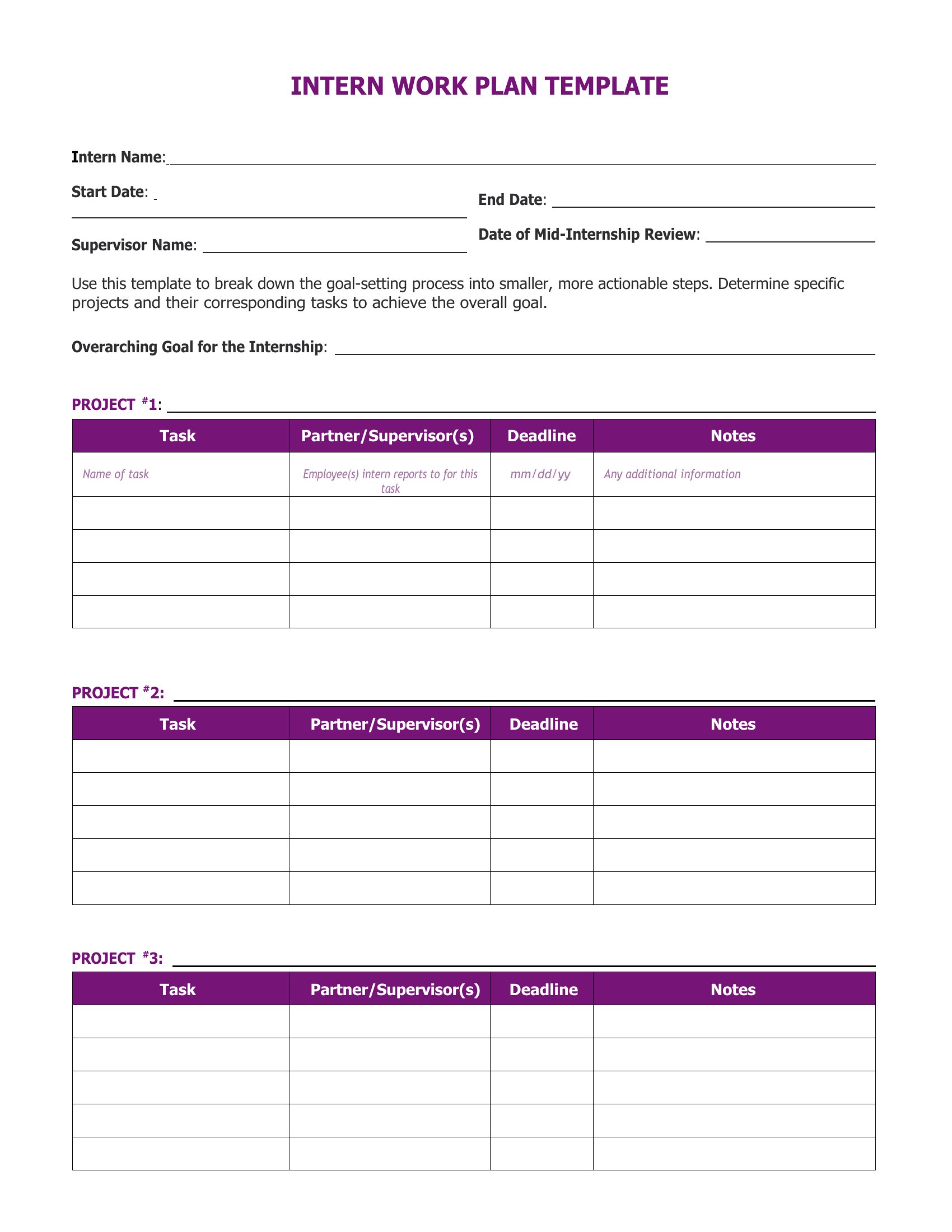
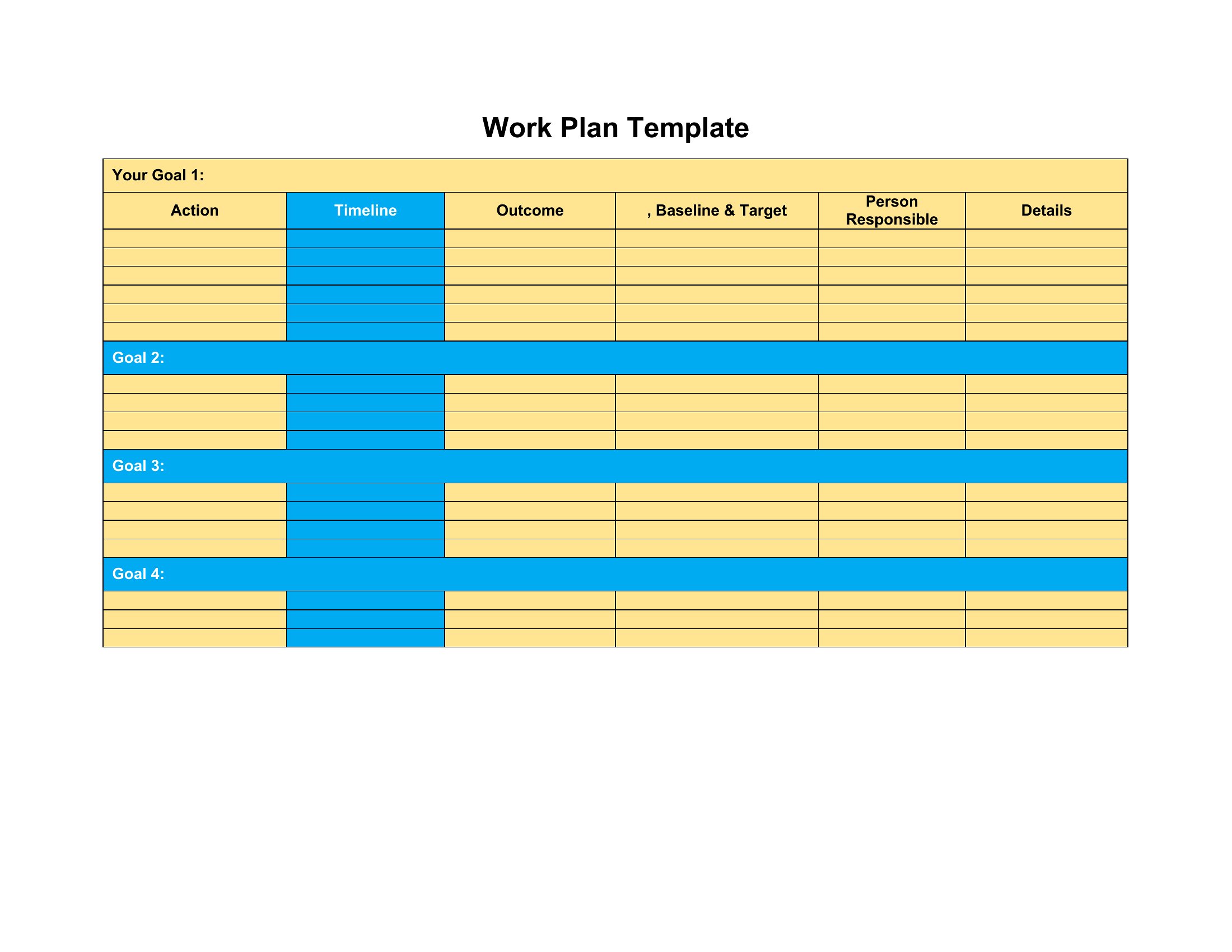
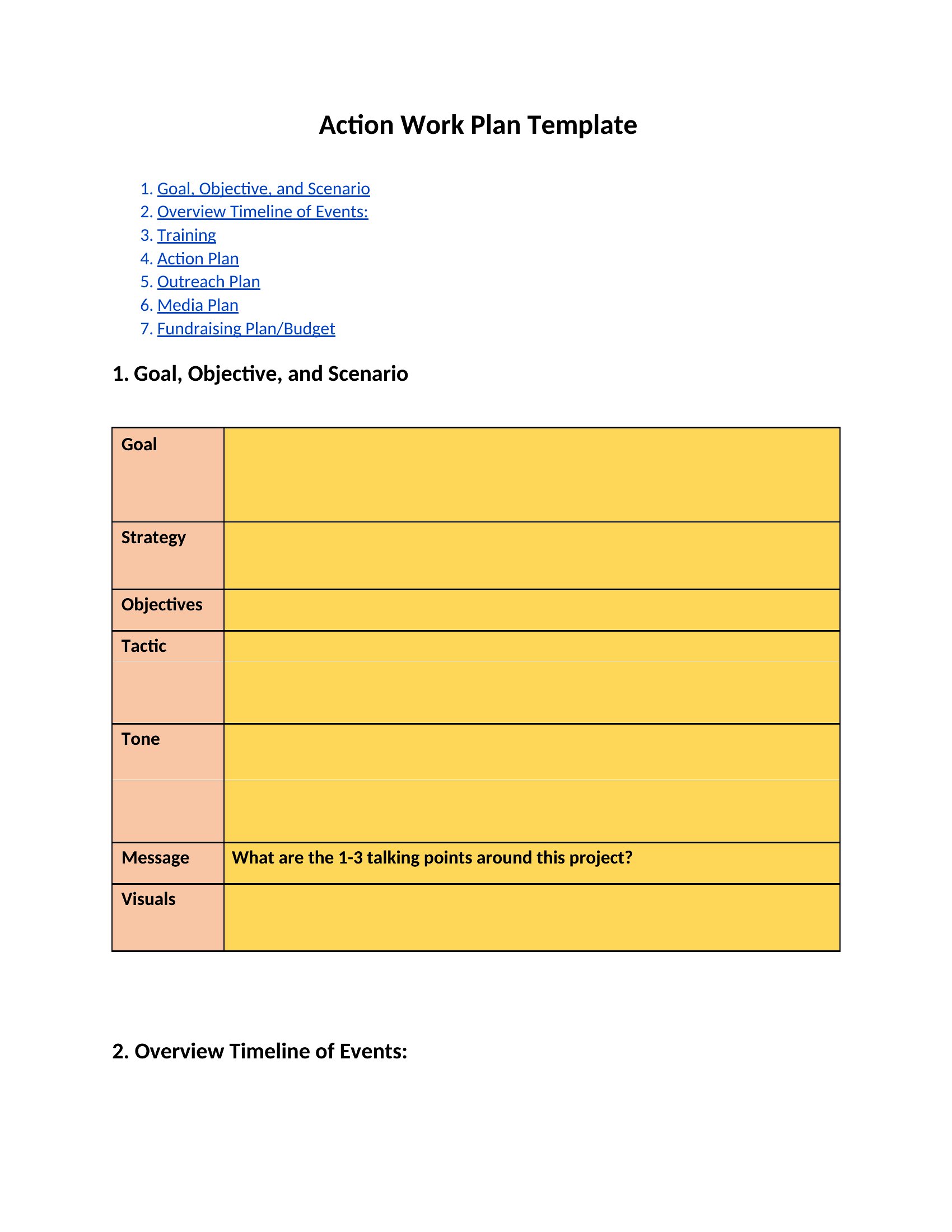
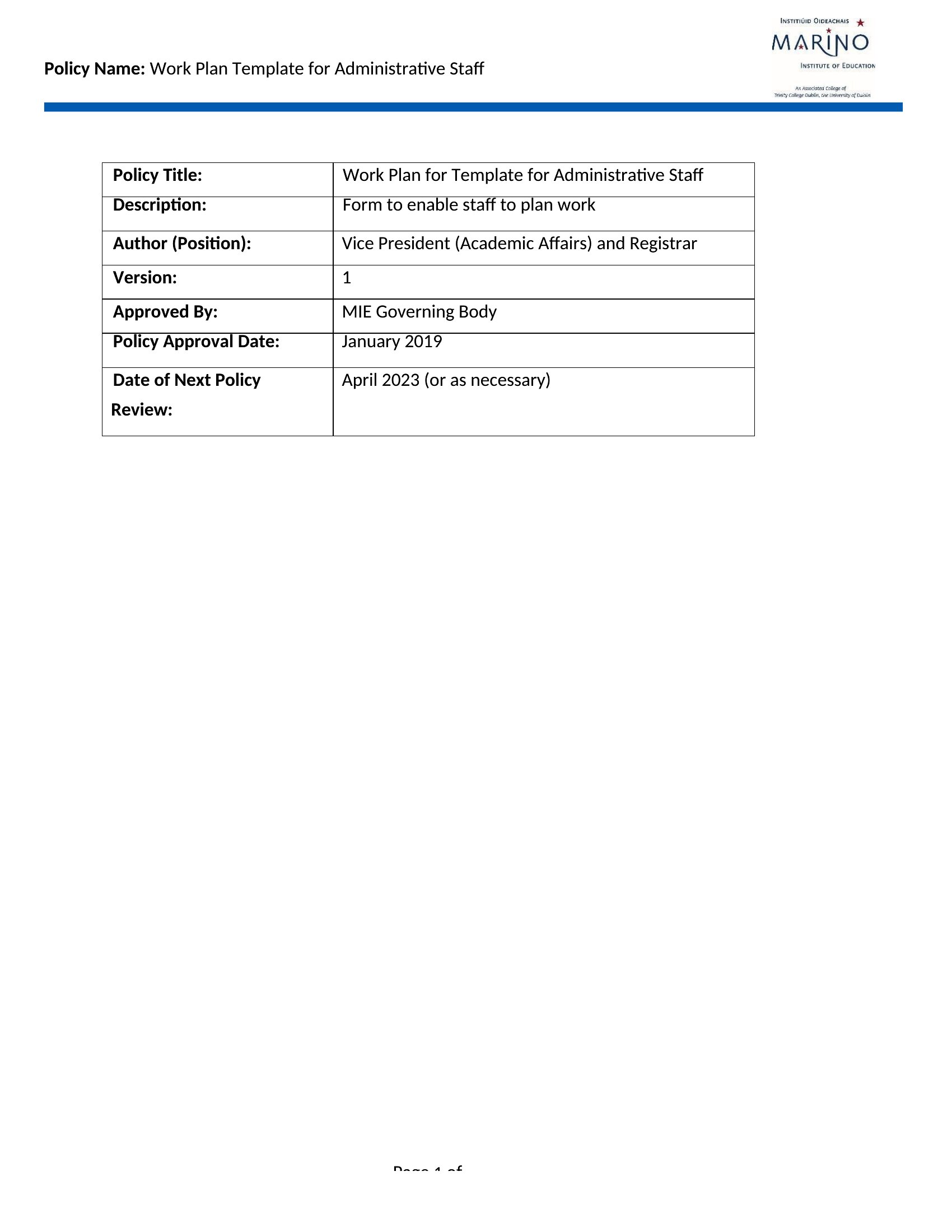
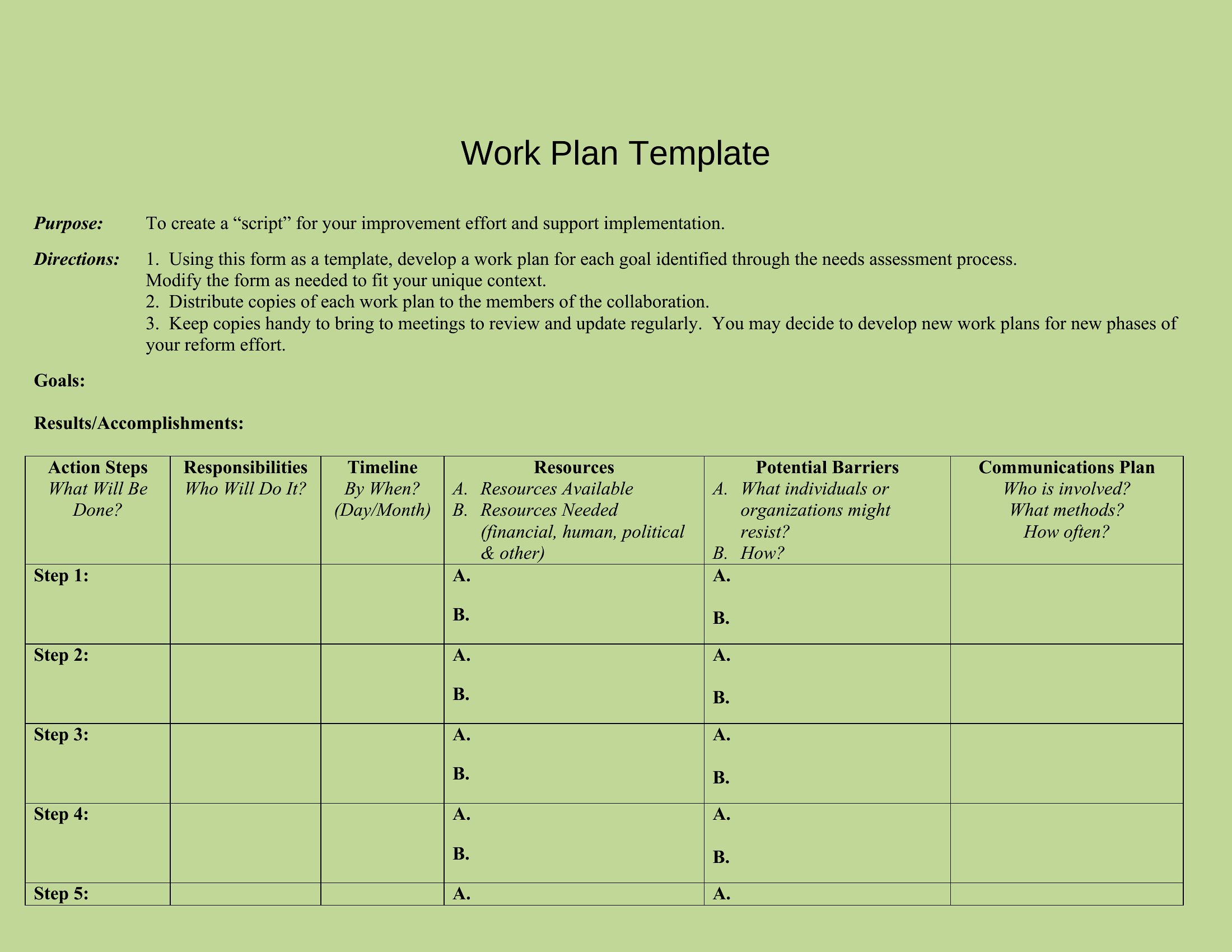
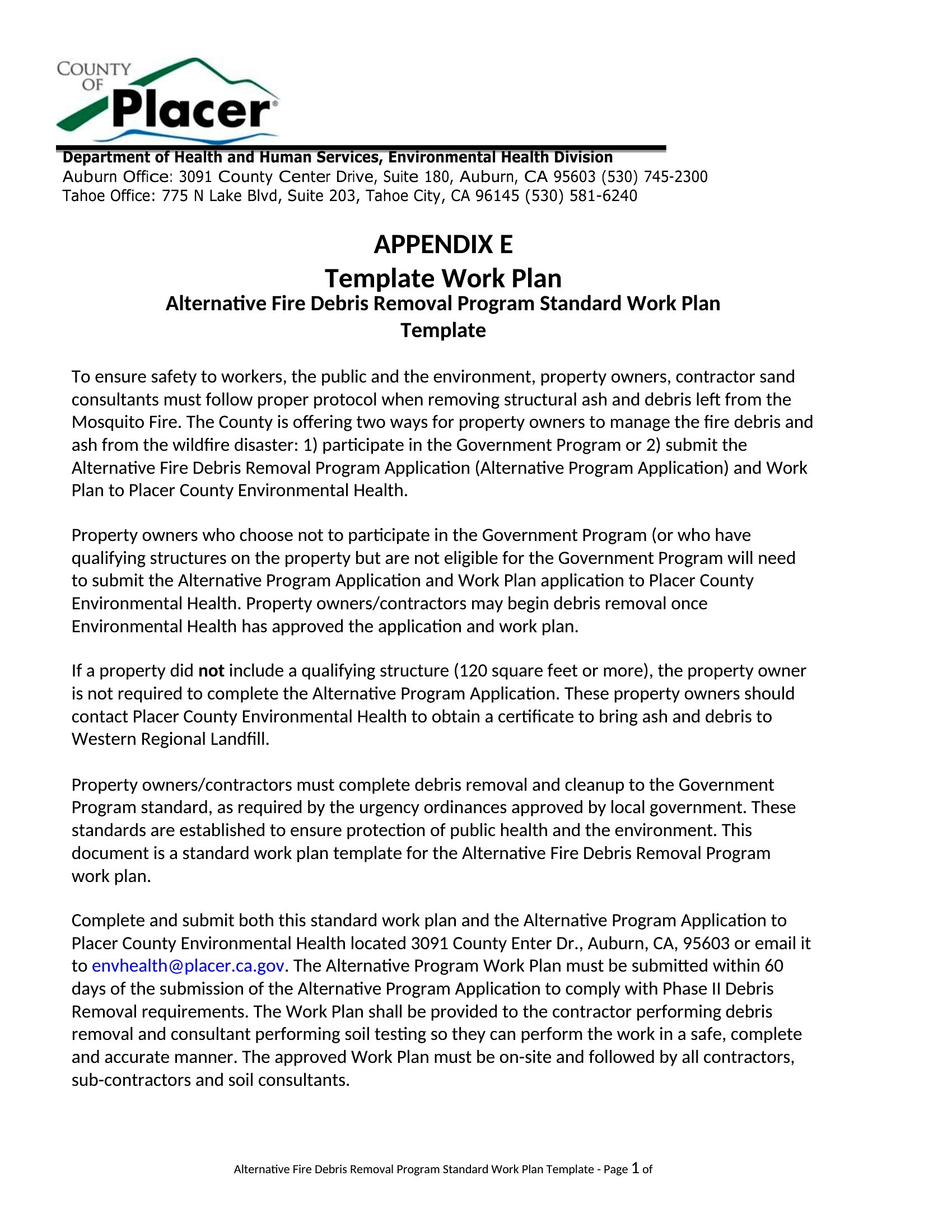
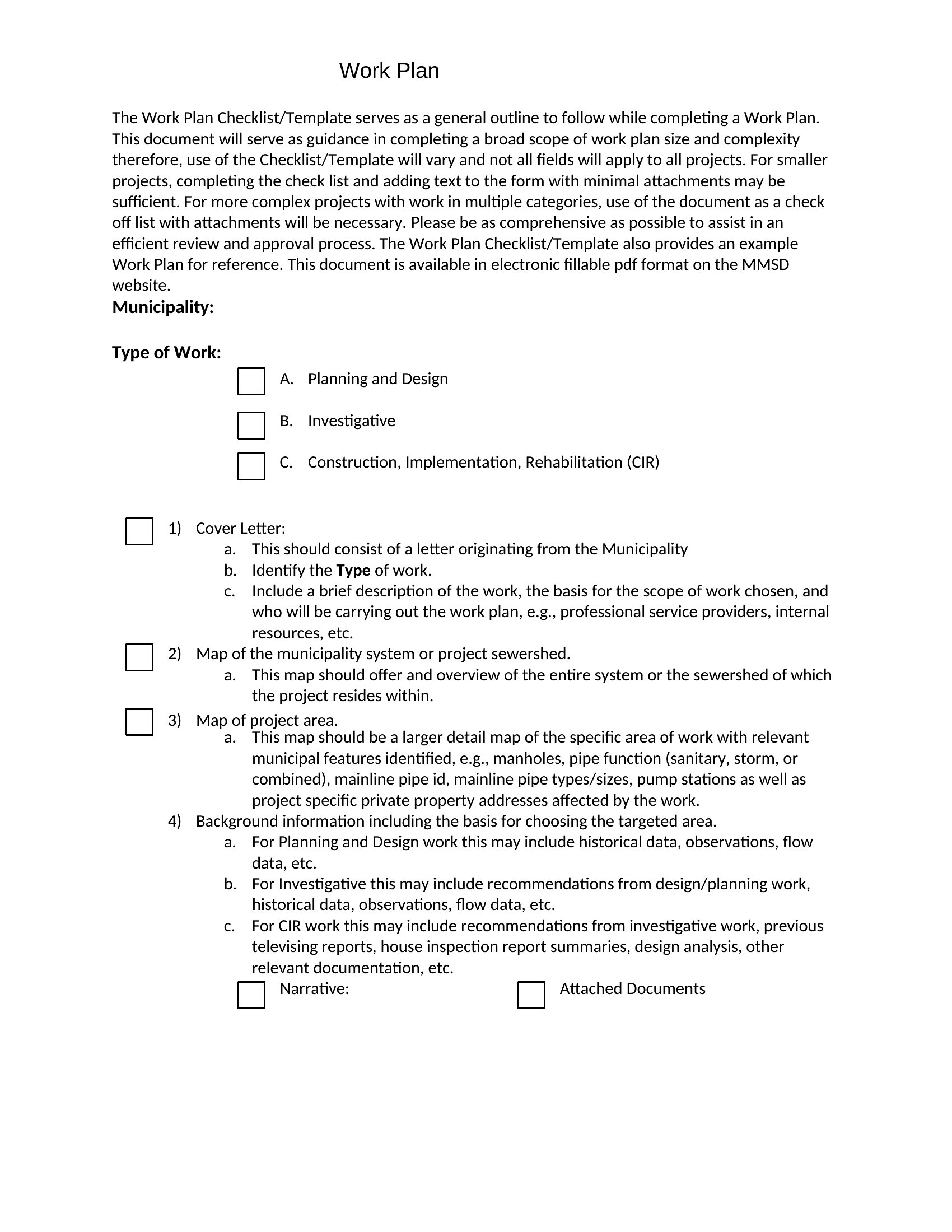
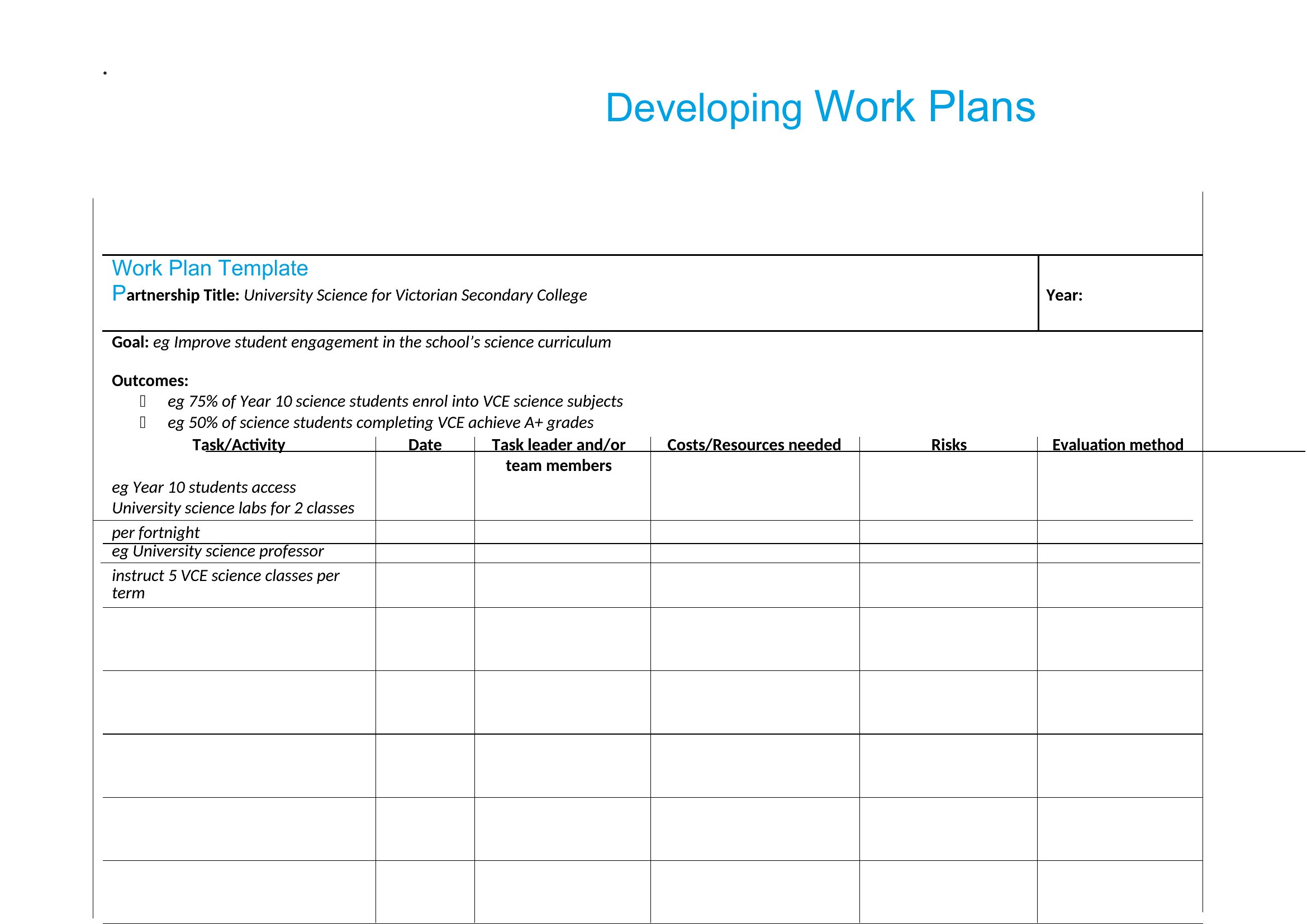
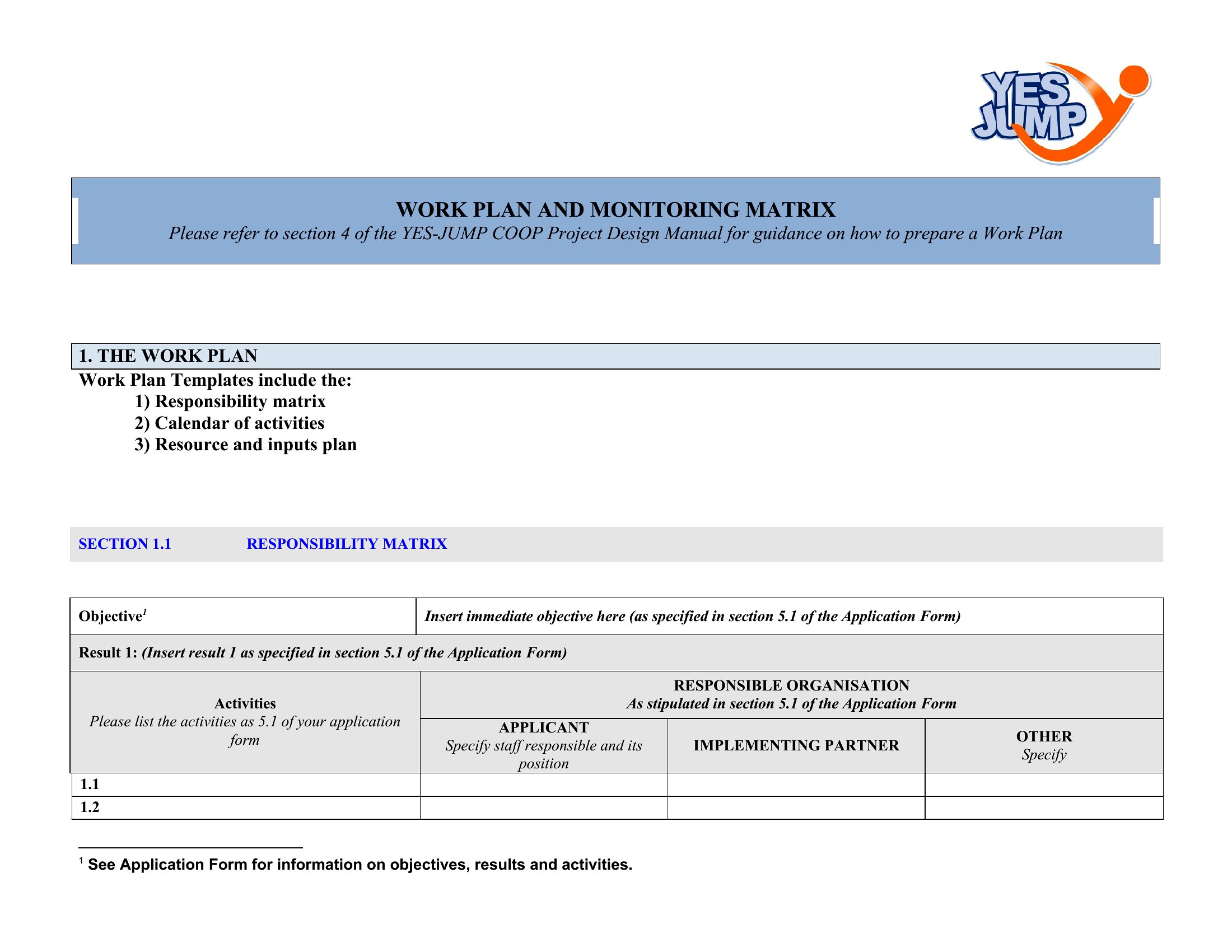
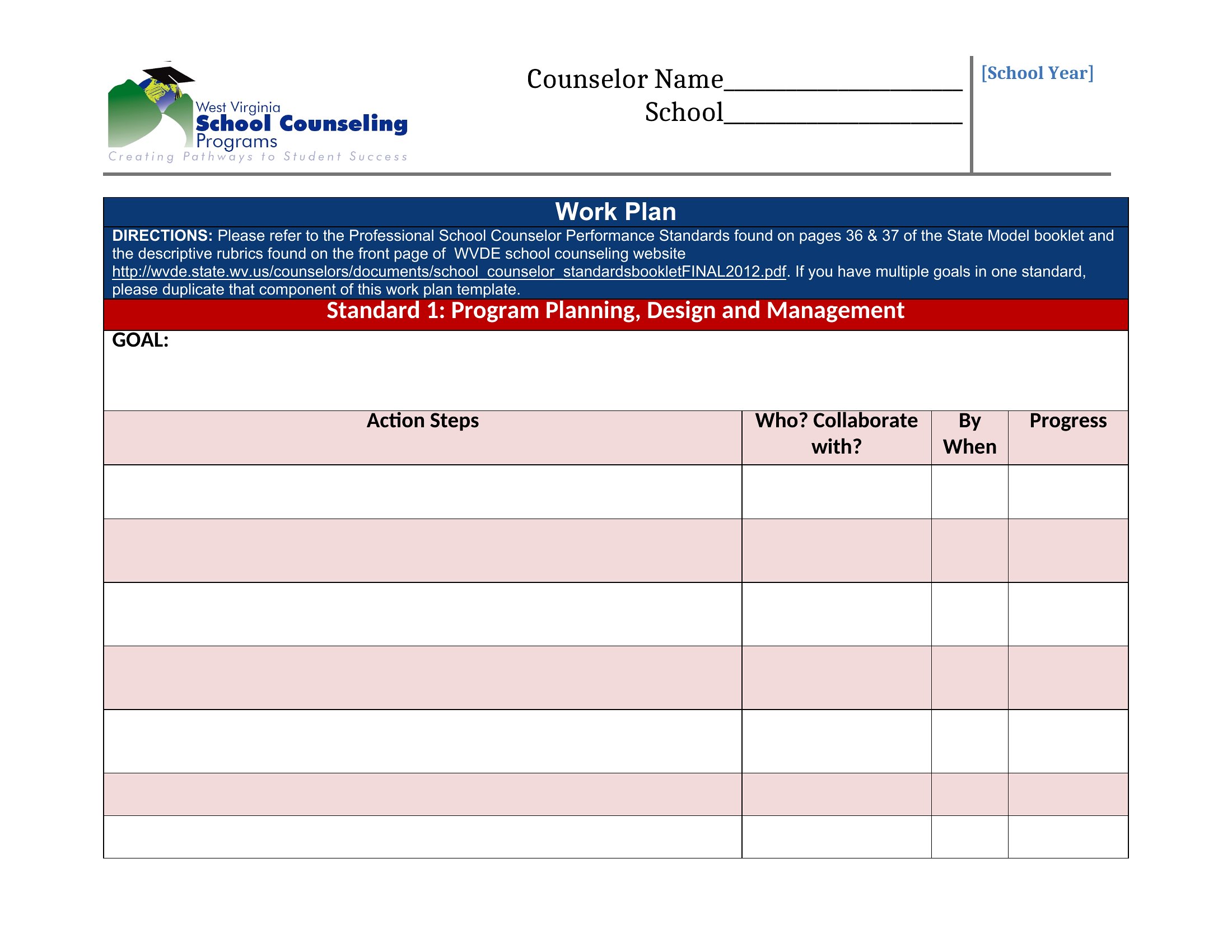
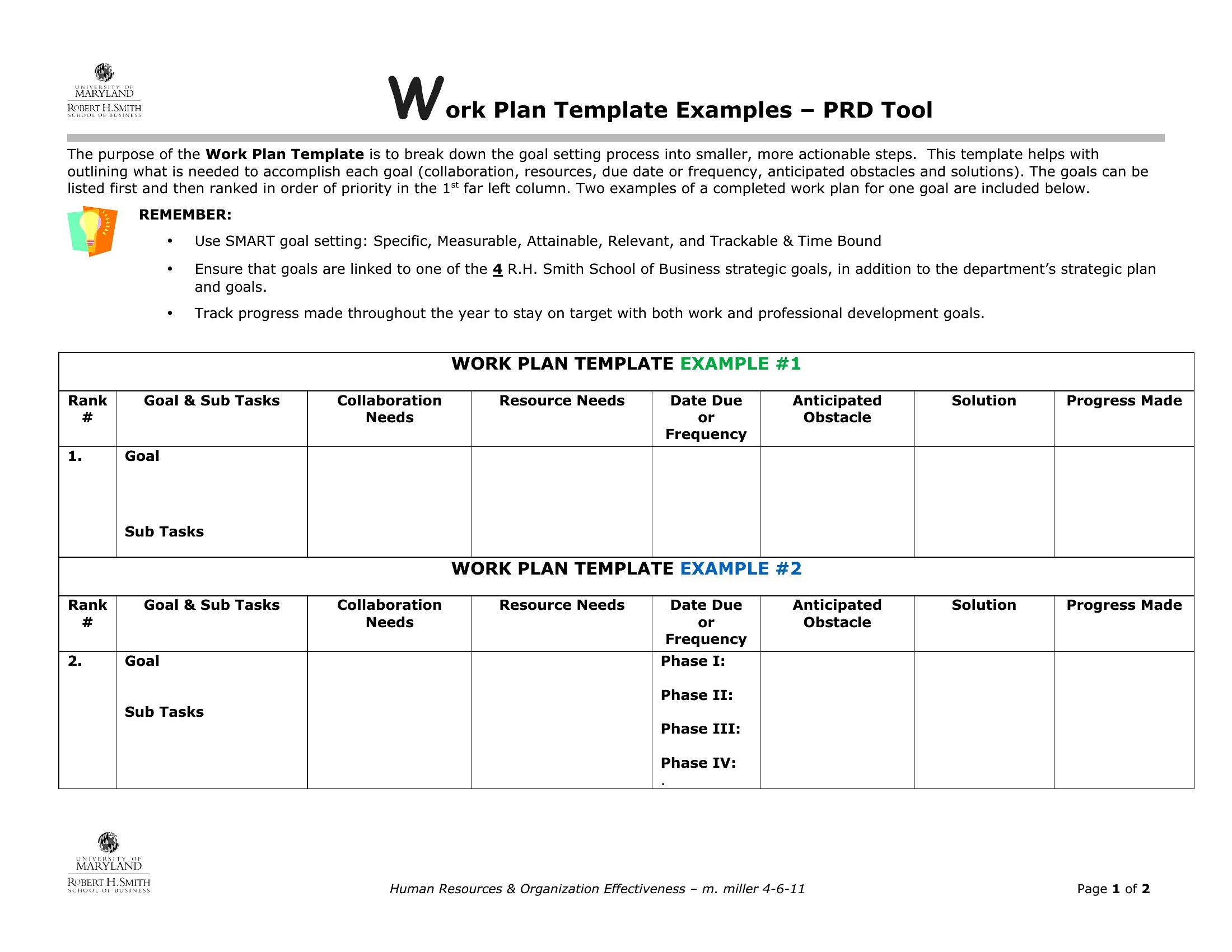
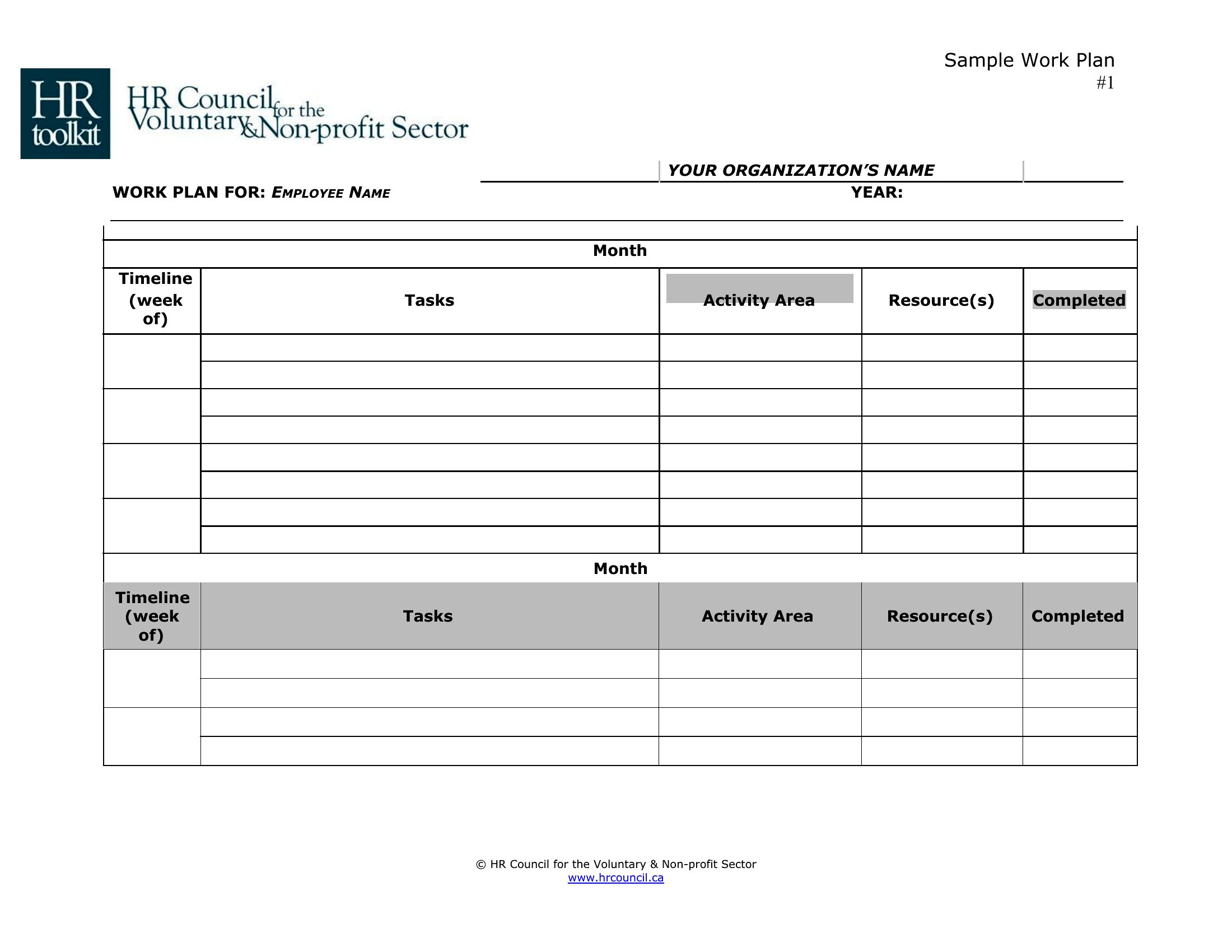
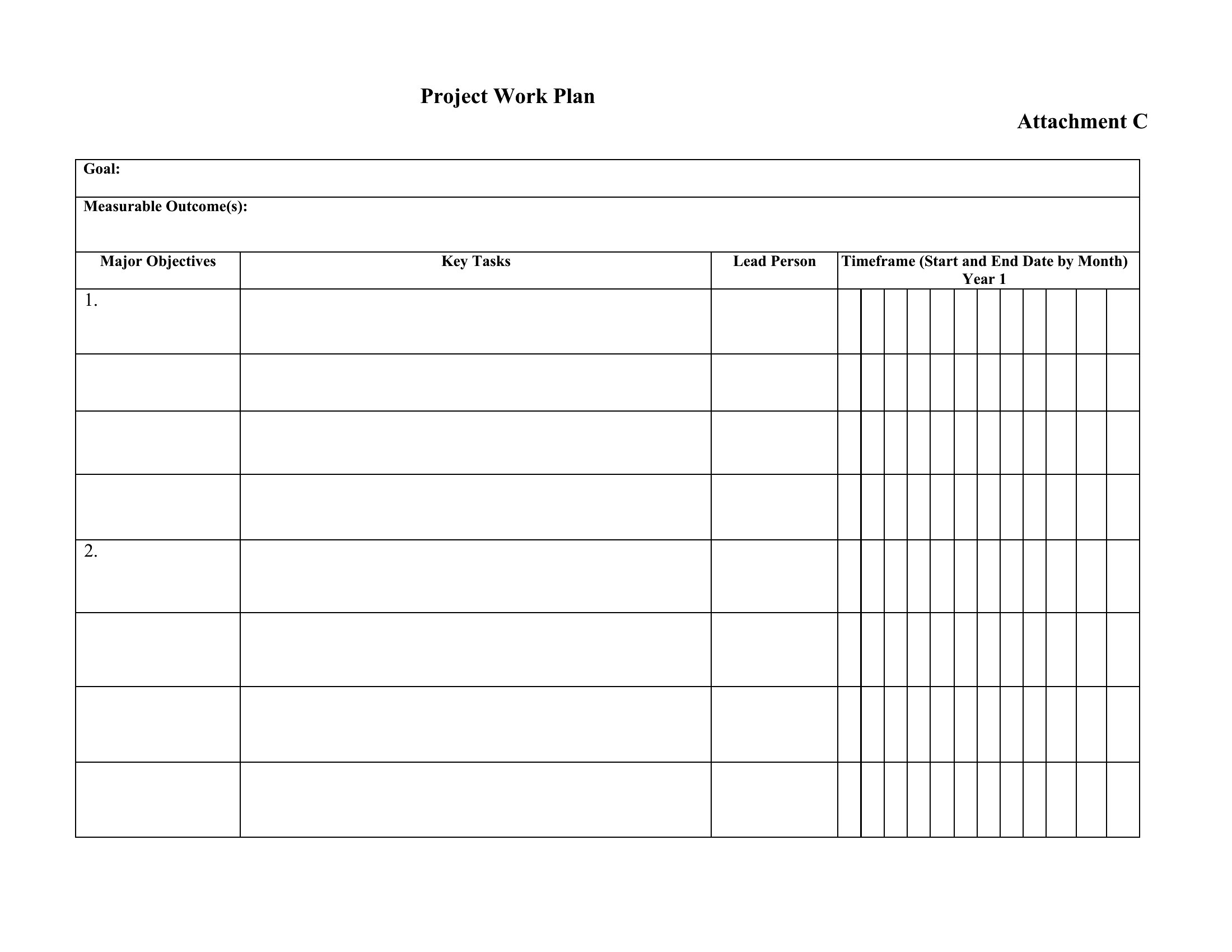
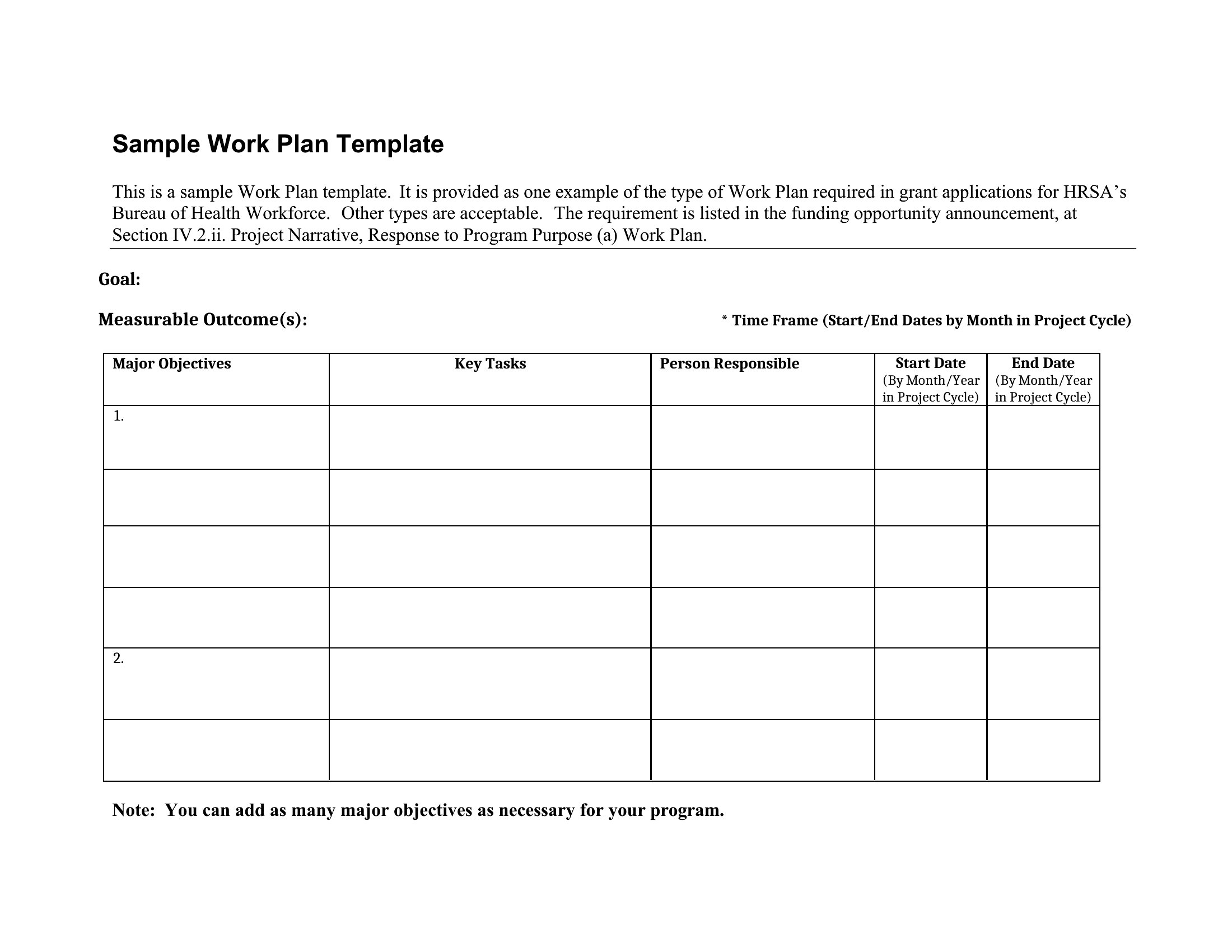
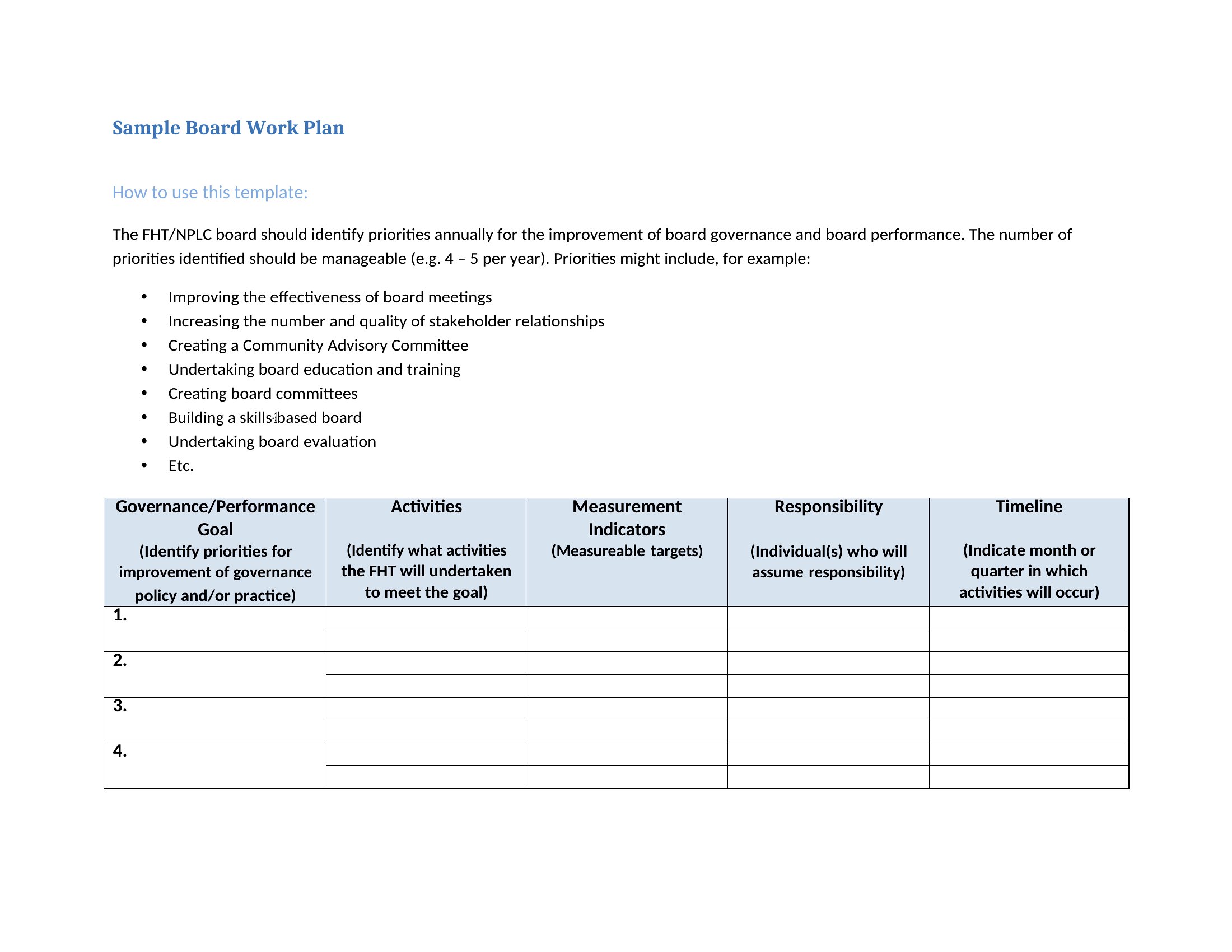
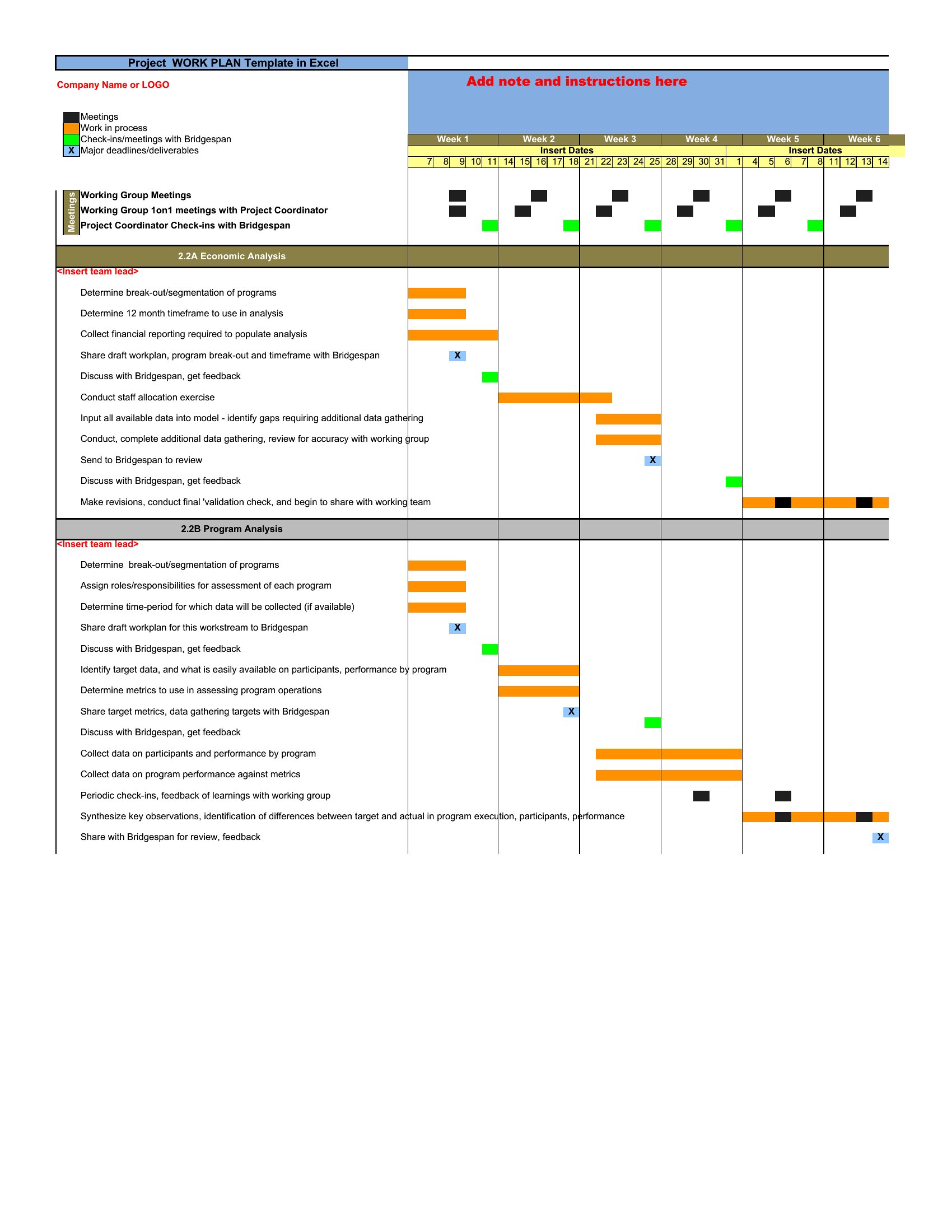
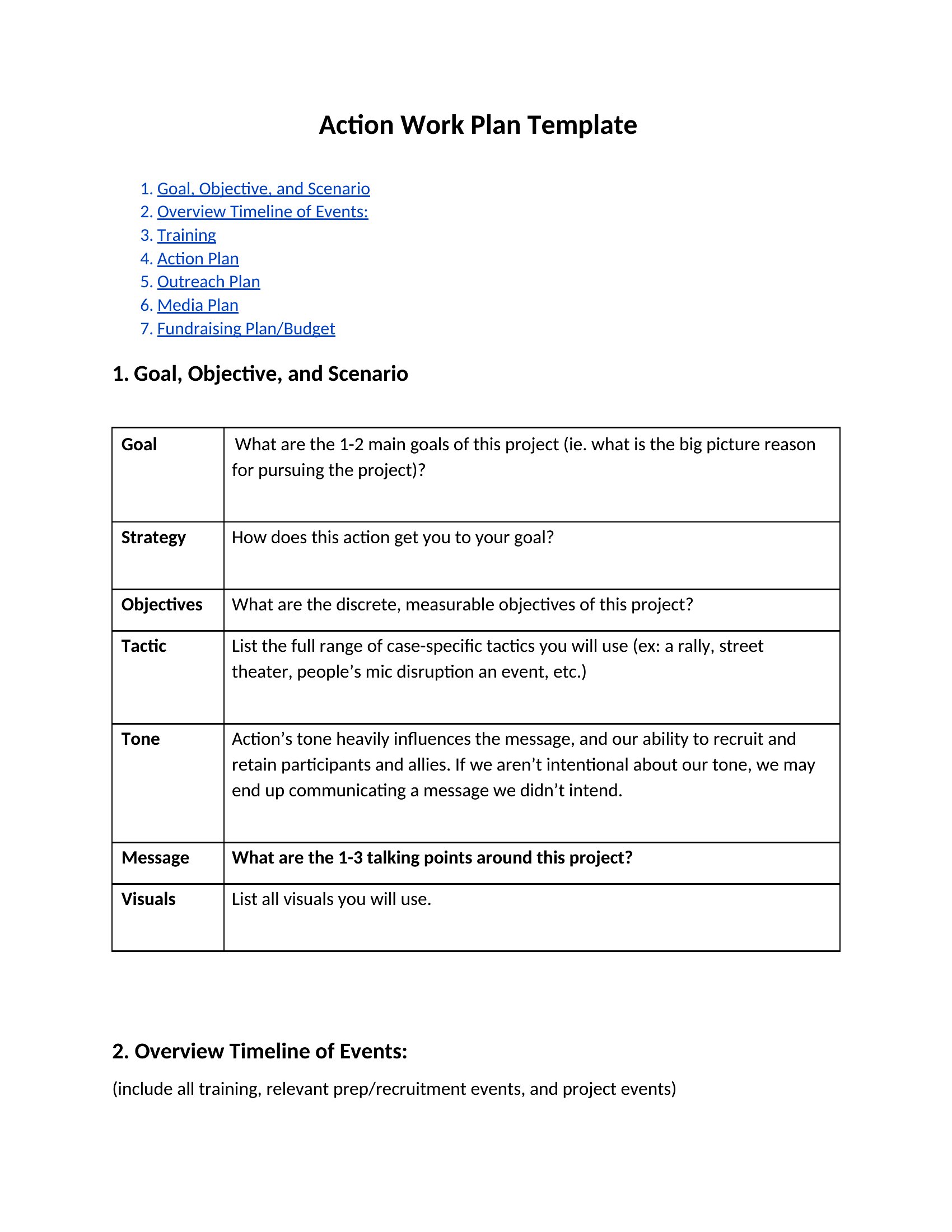
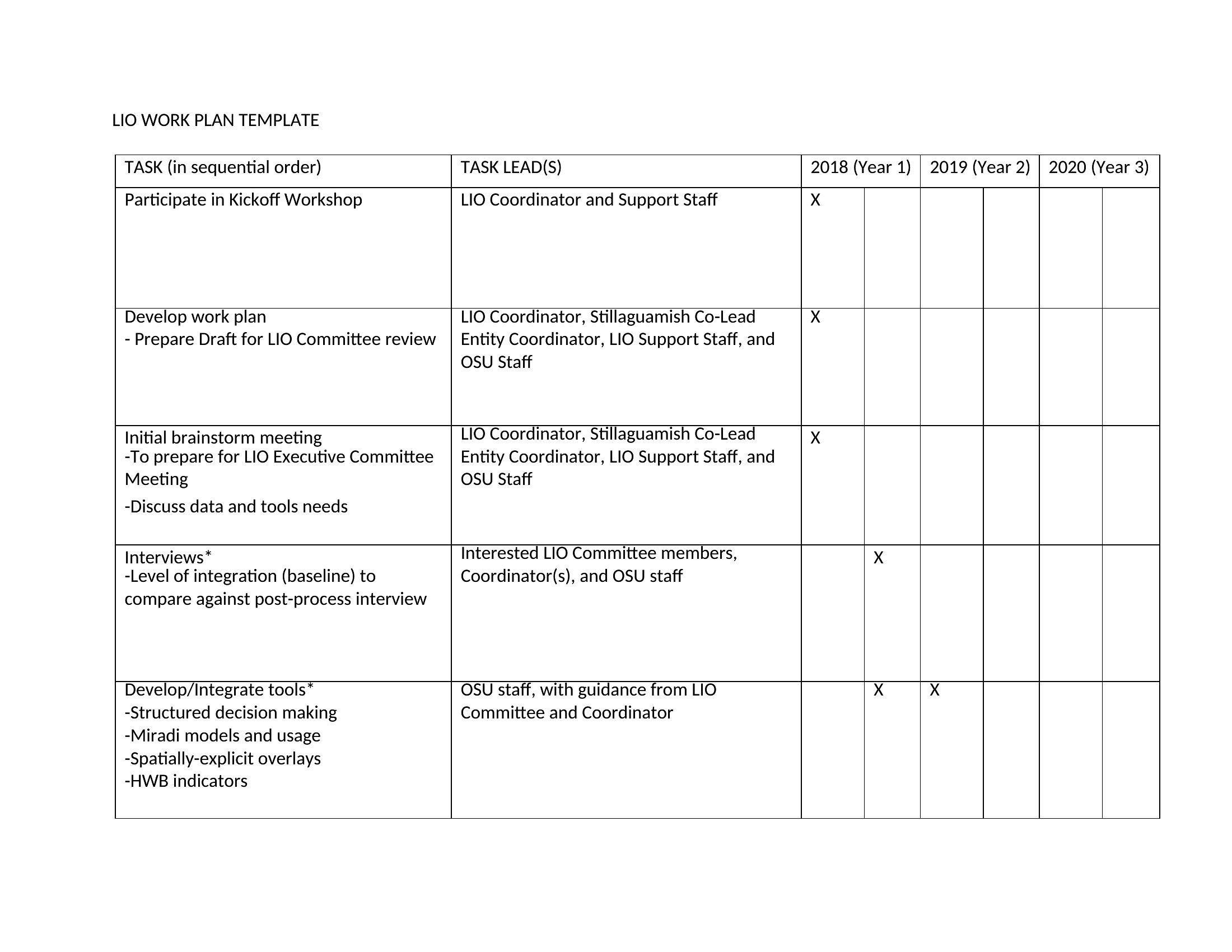
A work plan breaks a goal into the tasks, owners, and deadlines that move it forward, giving a team a clear path instead of a vague intention. This collection of 52 work plan templates helps managers, coordinators, and small teams map objectives, action steps, resources, and timelines in one place. It's handy for department goals, grant projects, or any effort with several moving parts.

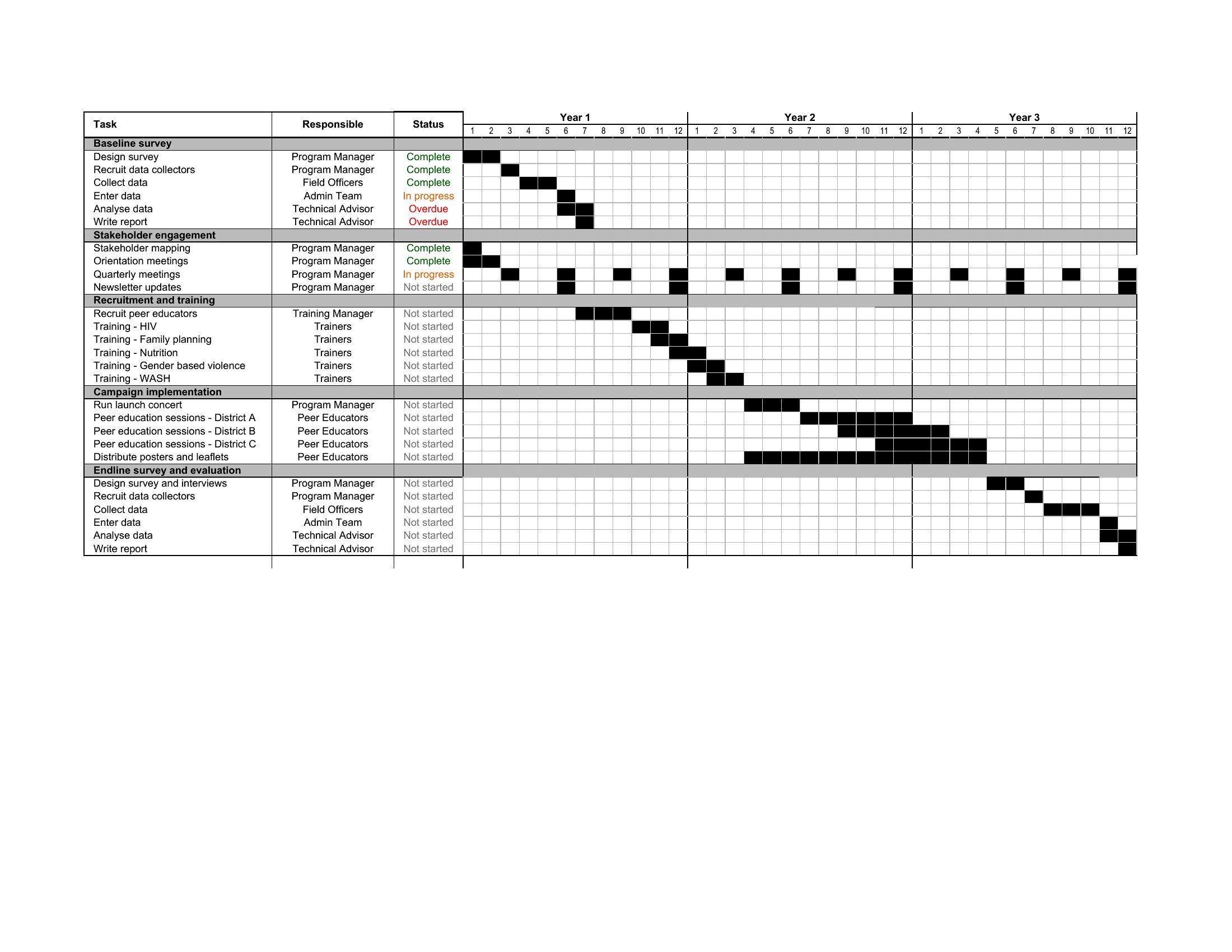
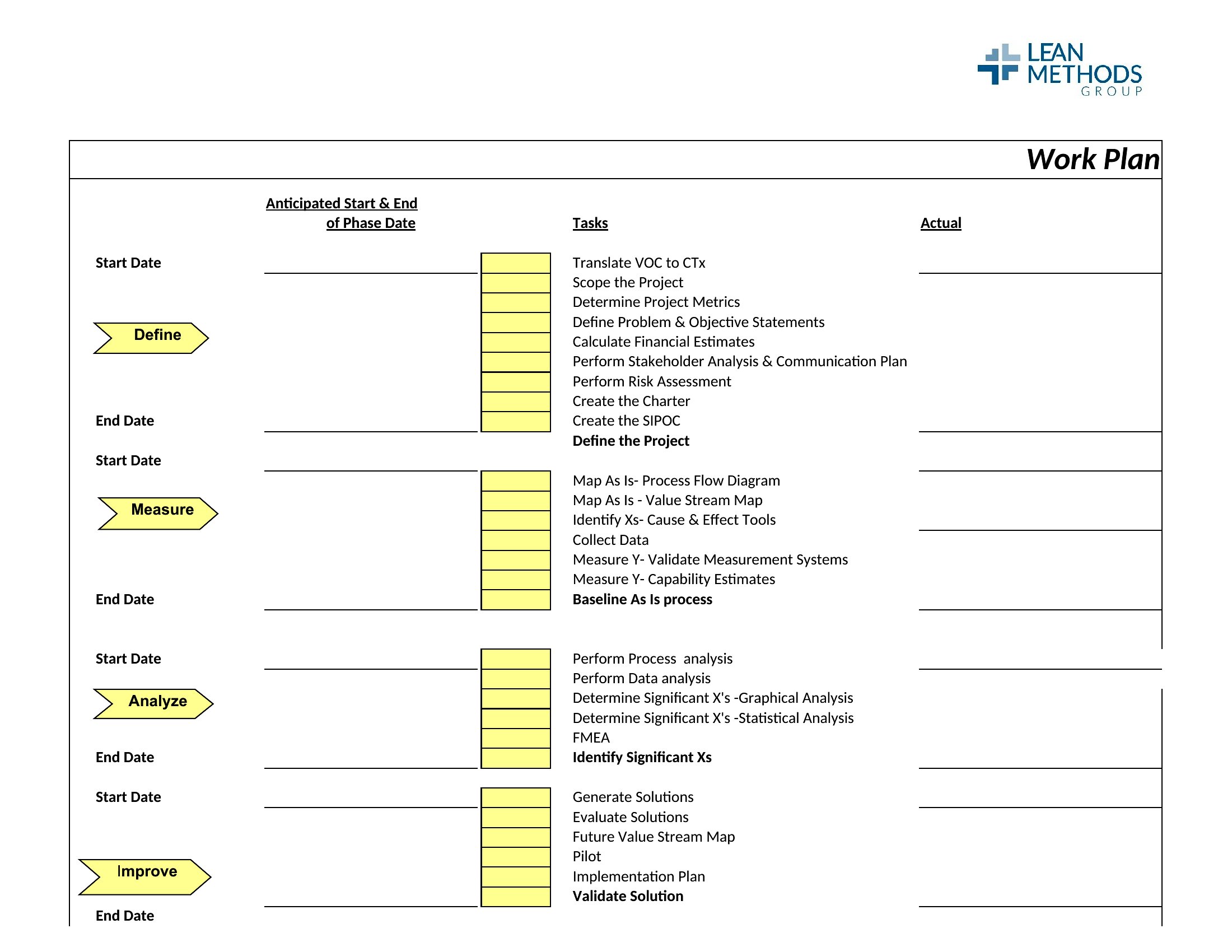
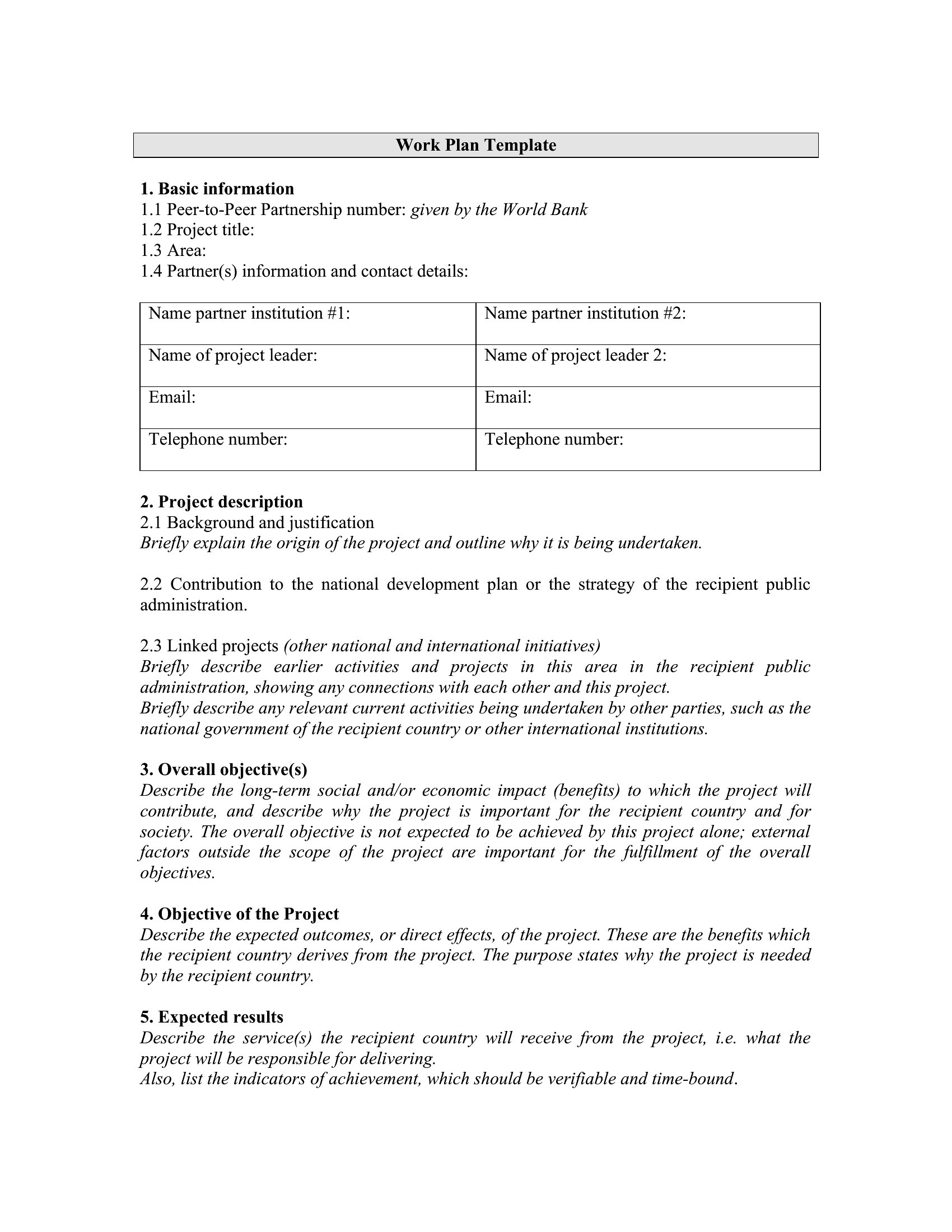
The templates come in Word for clean documents and Excel sheets that track tasks, dates, and status as the work progresses. Fill in your objectives, assign responsibilities, and adjust the timeline as priorities shift. Use it to keep weekly progress visible and nothing slipping through the cracks. Choose the format that matches your project and turn a big goal into a plan you can actually follow.

When to use this Work Plan template

  • A nonprofit program coordinator uses this to align volunteer teams with grant milestones, assigning weekly tasks to ensure compliance reporting deadlines are met without last-minute scrambles.
  • Product managers at a tech startup break down quarterly feature releases into sprint tasks, linking each to a developer or designer while tracking dependencies between backend and frontend work.
  • A hospital’s patient safety committee drafts a work plan to reduce medication errors, assigning nurses, pharmacists, and IT staff specific steps to update electronic records and train staff within 90 days.
  • A freelance marketing consultant creates a client work plan to outline content creation, social media scheduling, and analytics review—with buffer weeks—so they can bill accurately and avoid scope creep.

Which format should I download?

WordExcel

Choose Word if your work plan needs detailed narrative explanations (e.g., justifying task priorities or outlining team roles) or will be shared as a finalized document for stakeholder approval. Excel is better for data-heavy plans where tasks, timelines, and resource allocation can be sorted, filtered, or linked to budgets (like grant projects). Both formats support fillable fields, but Excel excels for tracking progress with formulas or conditional formatting.

Choose from 52 Work Plan Templates

How to use this Work Plan template

How do I decide which tasks are critical vs. optional in a work plan?

Start by identifying tasks tied directly to your primary goal—these are critical. Use the ‘MoSCoW’ method: Must-haves (non-negotiable), Should-haves (important but flexible), Could-haves (nice-to-do if time allows), and Won’t-haves (out of scope). Prioritize based on deadlines, resource availability, and impact. Revisit this as the project evolves.

Can I use a work plan template to track progress for remote teams?

Yes, but pair it with a shared tool like Trello or Asana to log updates in real time. In your work plan, include a ‘progress review’ column in Excel or a section in Word to note milestones achieved. Schedule weekly syncs to align on blockers. Avoid overloading the template—keep it high-level and use comments for team-specific details.

What’s the best way to handle unexpected delays in a work plan?

Build a 10–20% buffer into your timeline for high-risk tasks. If delays happen, update the template to reflect new deadlines and reallocate resources if needed. Document the issue briefly (e.g., ‘Vendor delay: shifted Task 3 to Week 6’) and adjust dependent tasks. Communicate changes to stakeholders promptly but avoid overcomplicating the plan—keep it actionable.

Comments

Join the conversation

Sign in to share your thoughts and leave a comment on this resource.

Newsletter

Get Weekly Design Updates

Join our community to receive curated resources and inspiration.

Weekly Tips Resources Early Access

We respect your privacy. Confirmation email required. Privacy Policy