
FAQ
How do I decide which tasks are critical vs. optional in a work plan?
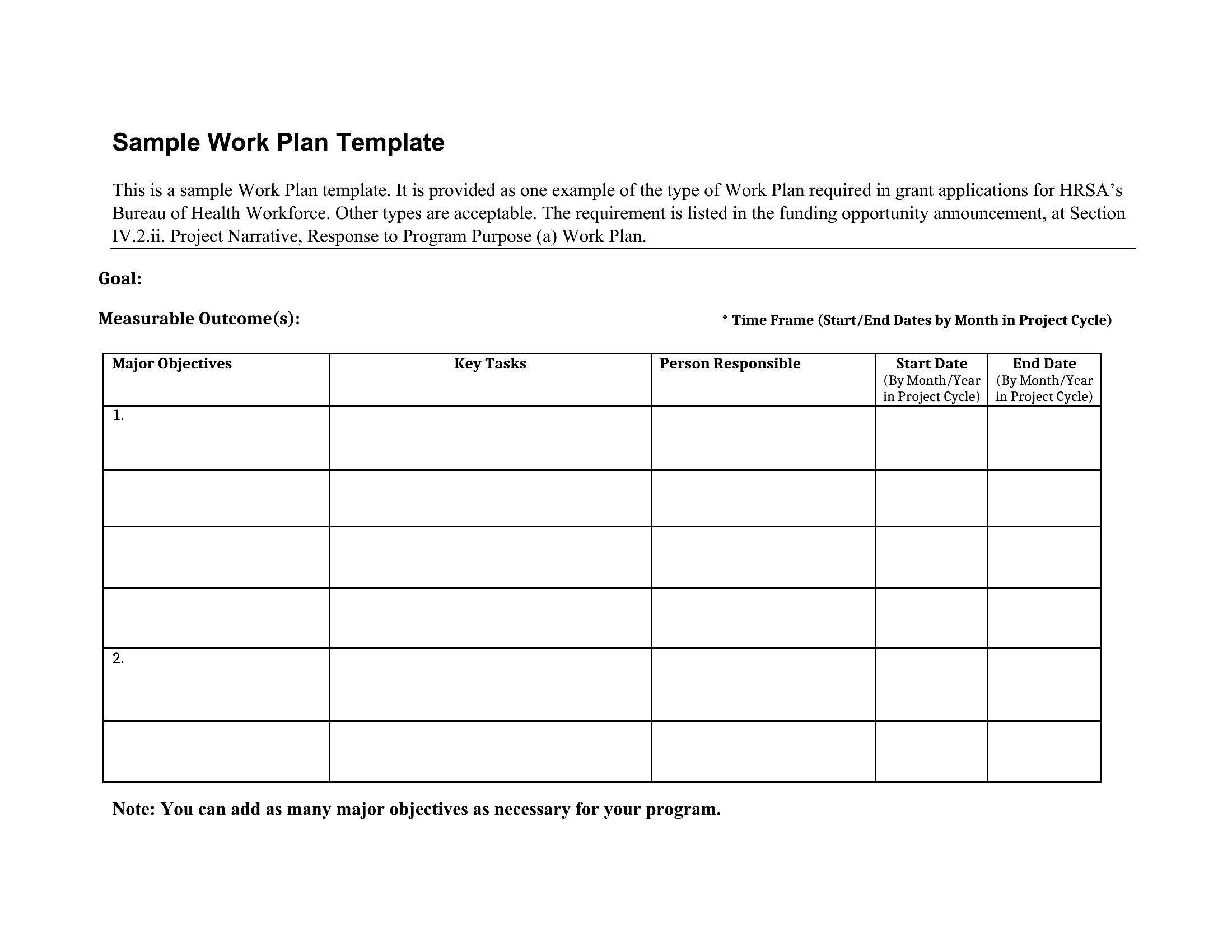
Start by identifying tasks tied directly to your primary goal—these are critical. Use the ‘MoSCoW’ method: Must-haves (non-negotiable), Should-haves (important but flexible), Could-haves (nice-to-do if time allows), and Won’t-haves (out of scope). Prioritize based on deadlines, resource availability, and impact. Revisit this as the project evolves.
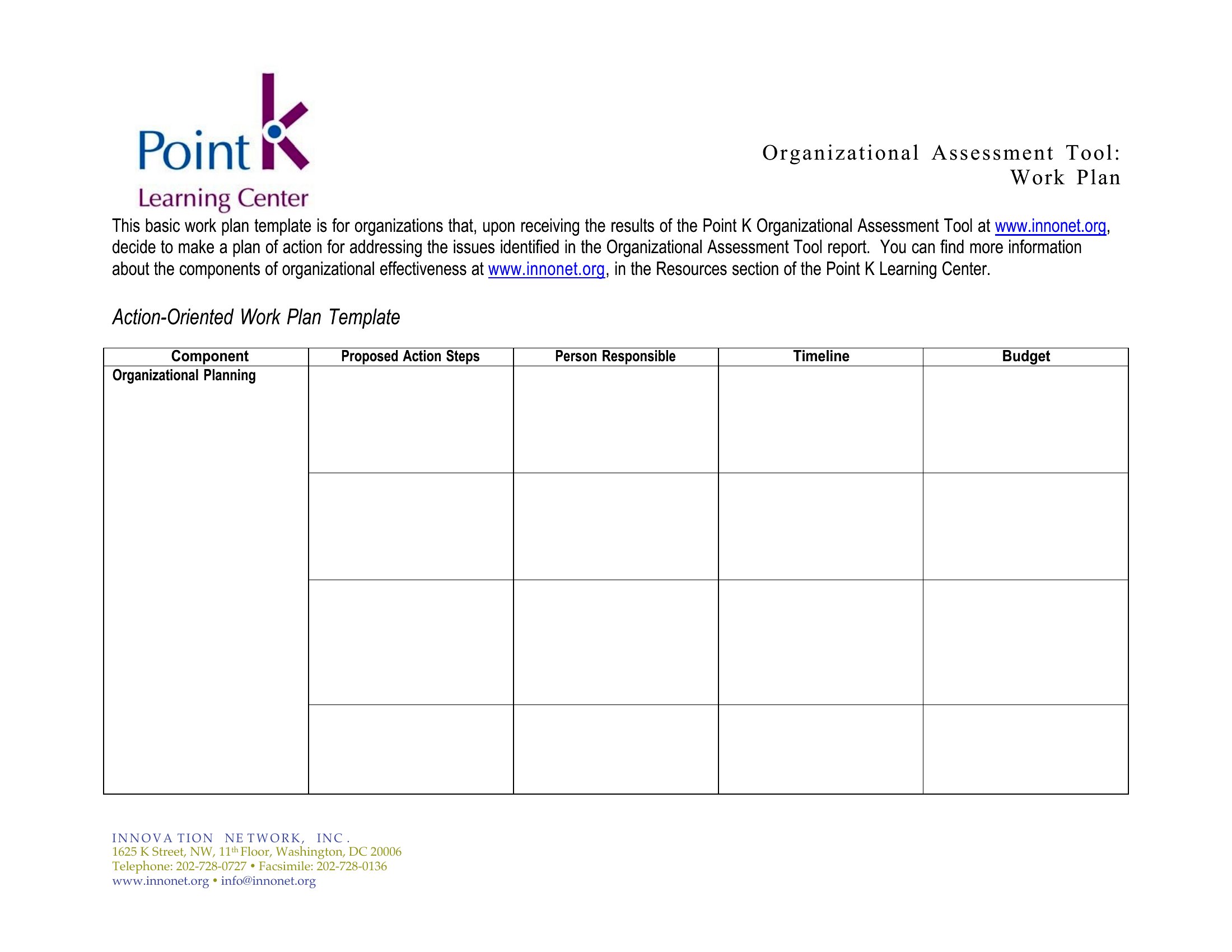
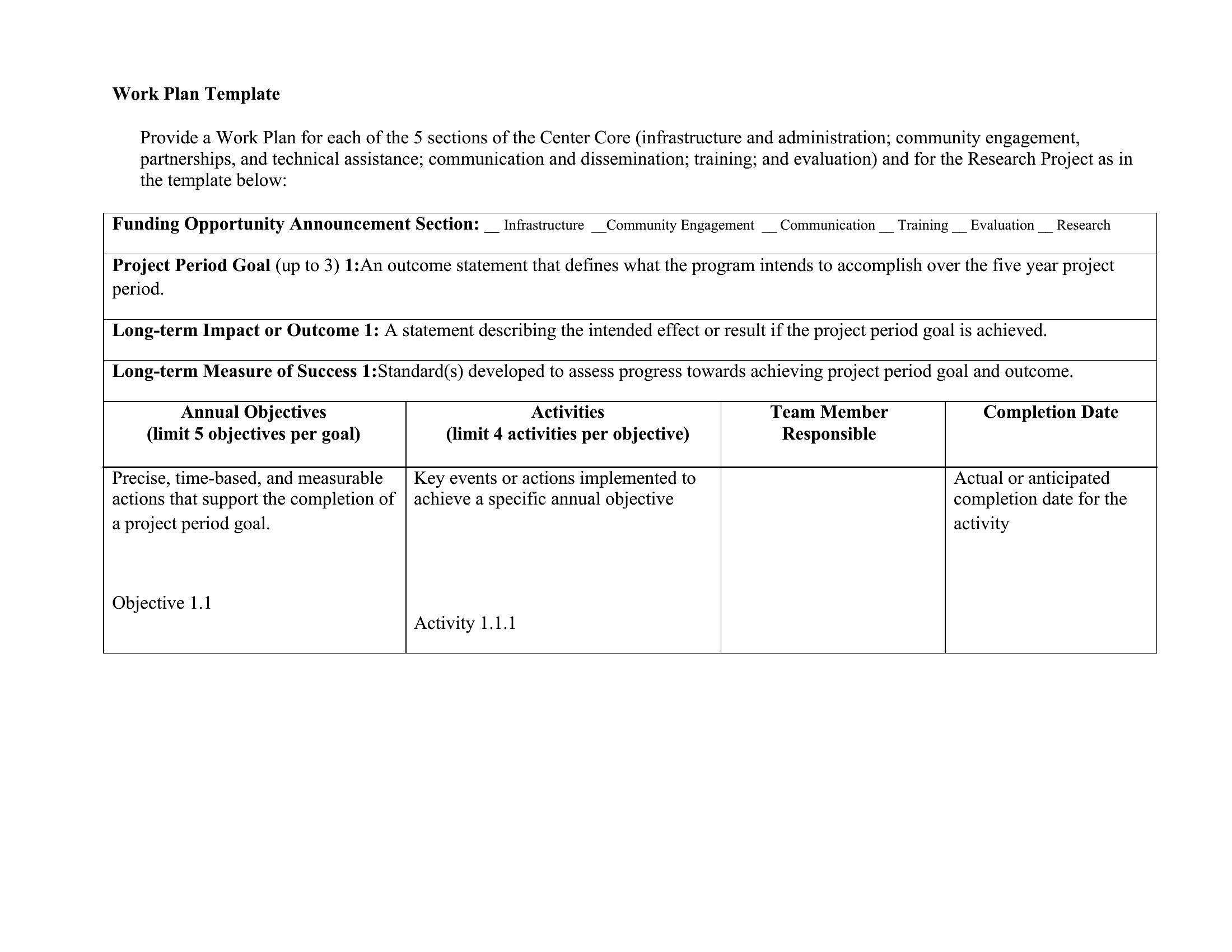
Can I use a work plan template to track progress for remote teams?
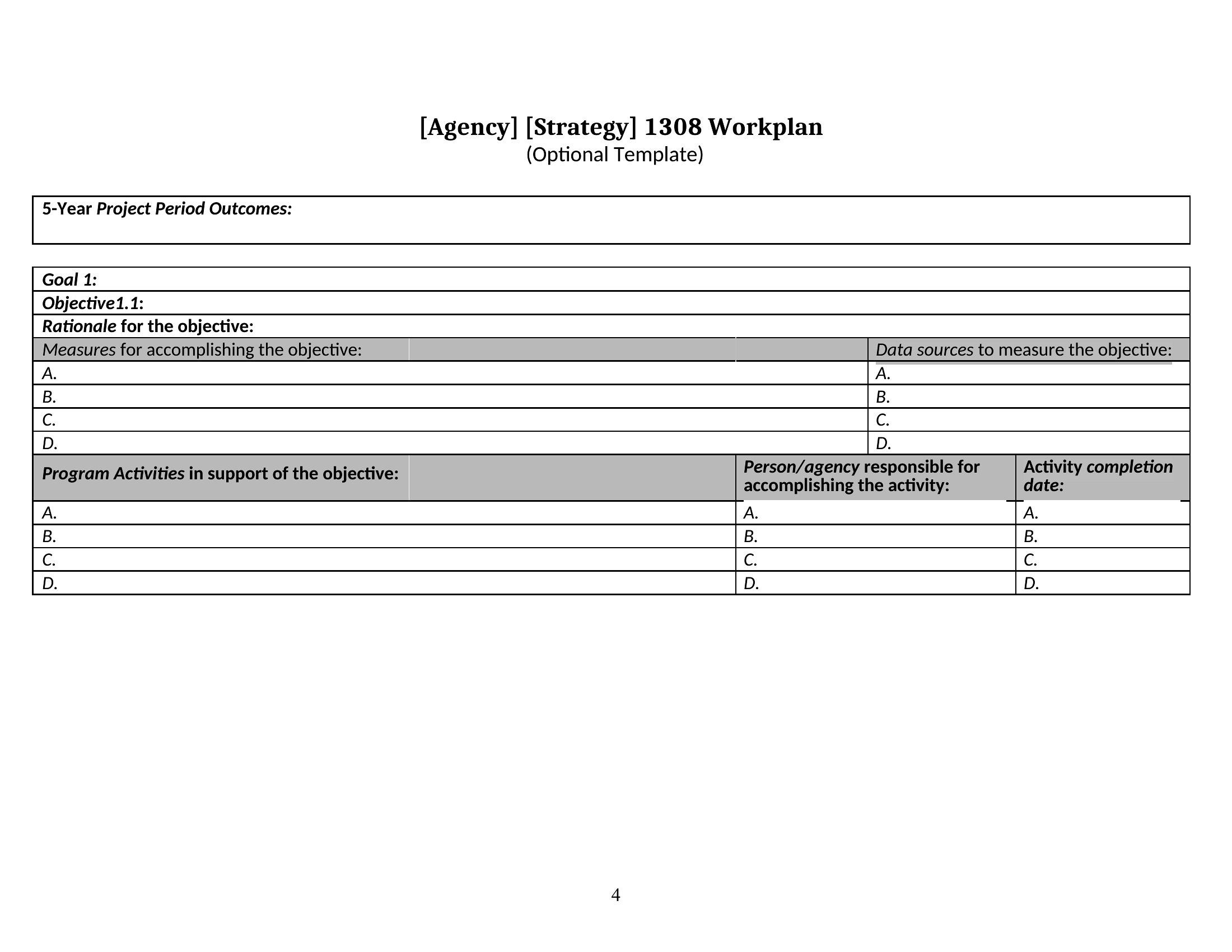
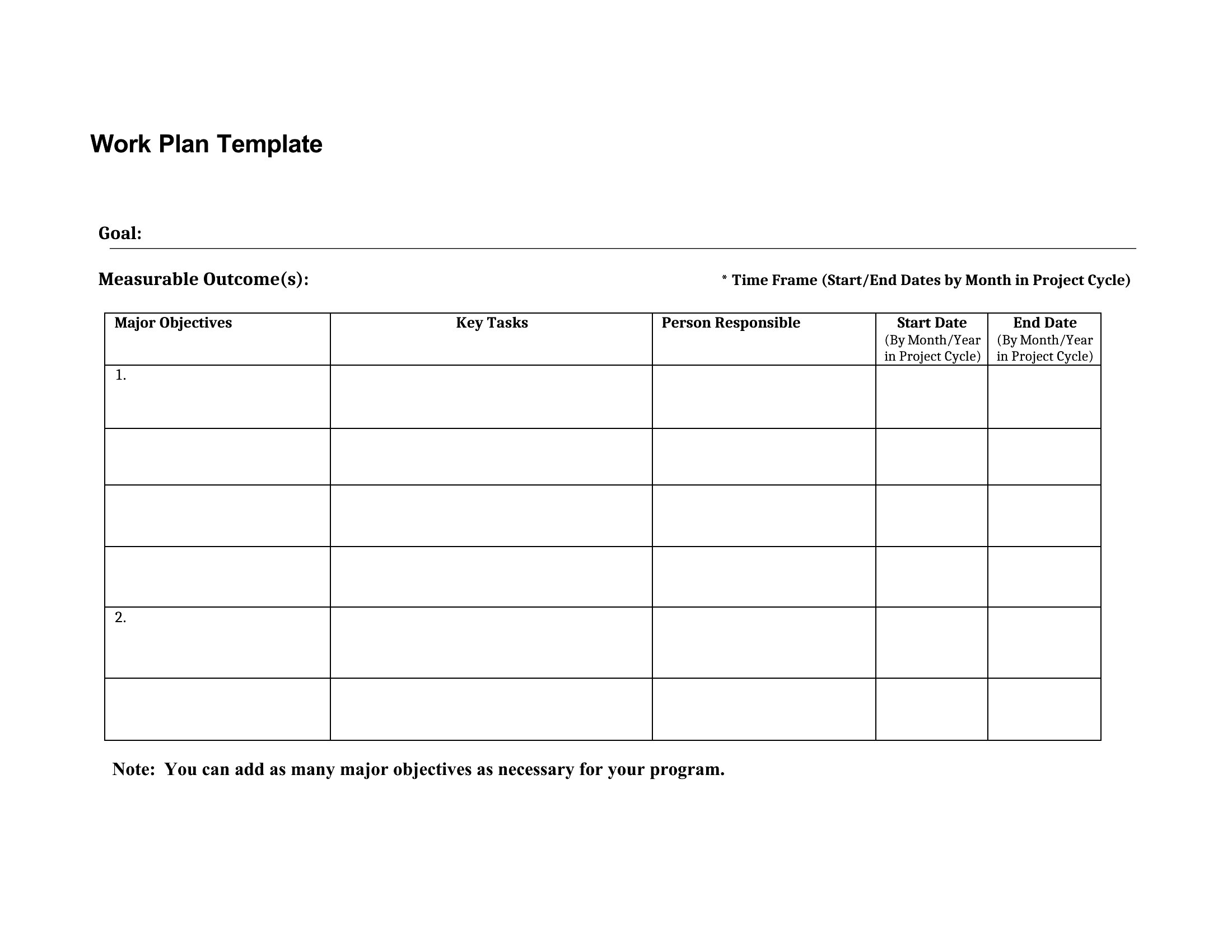
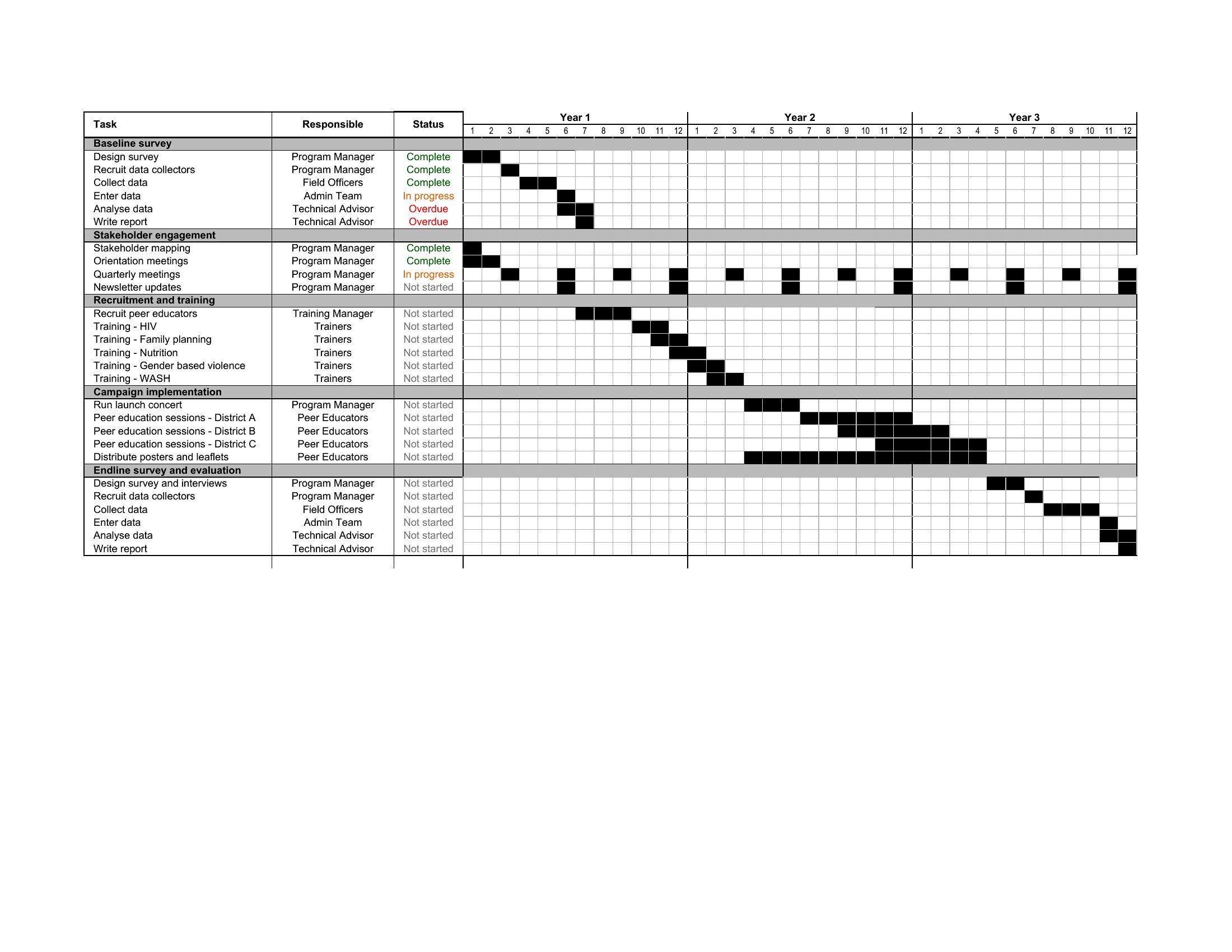
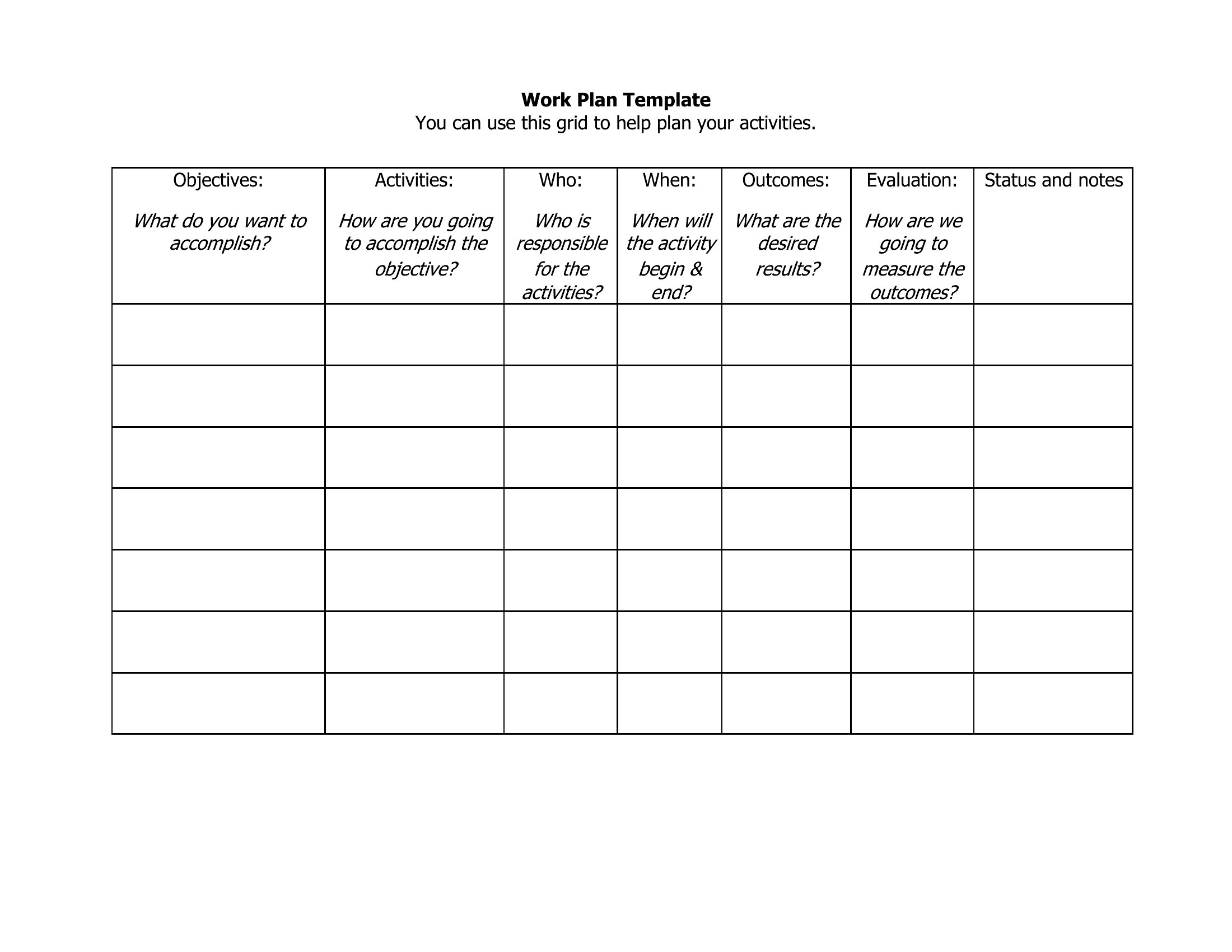
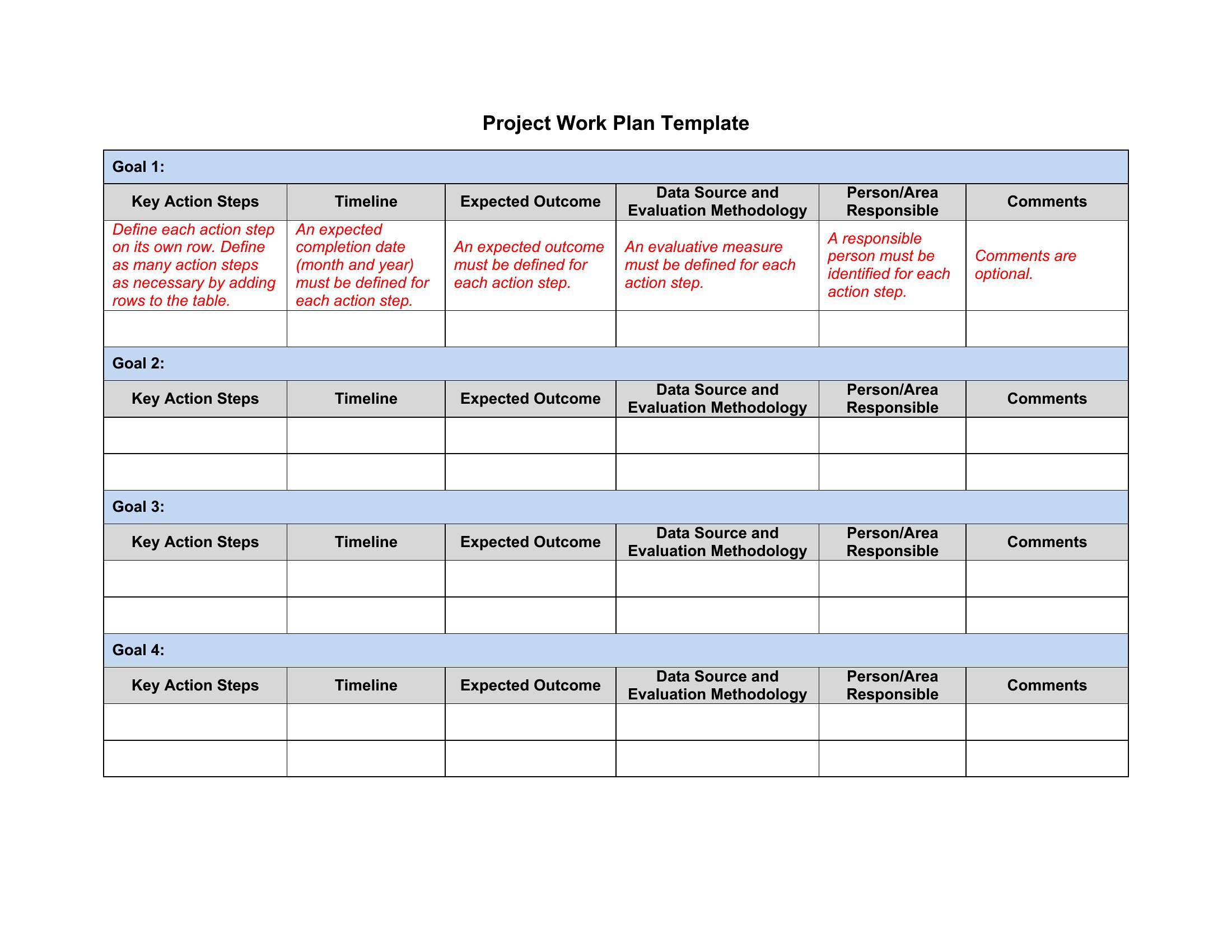
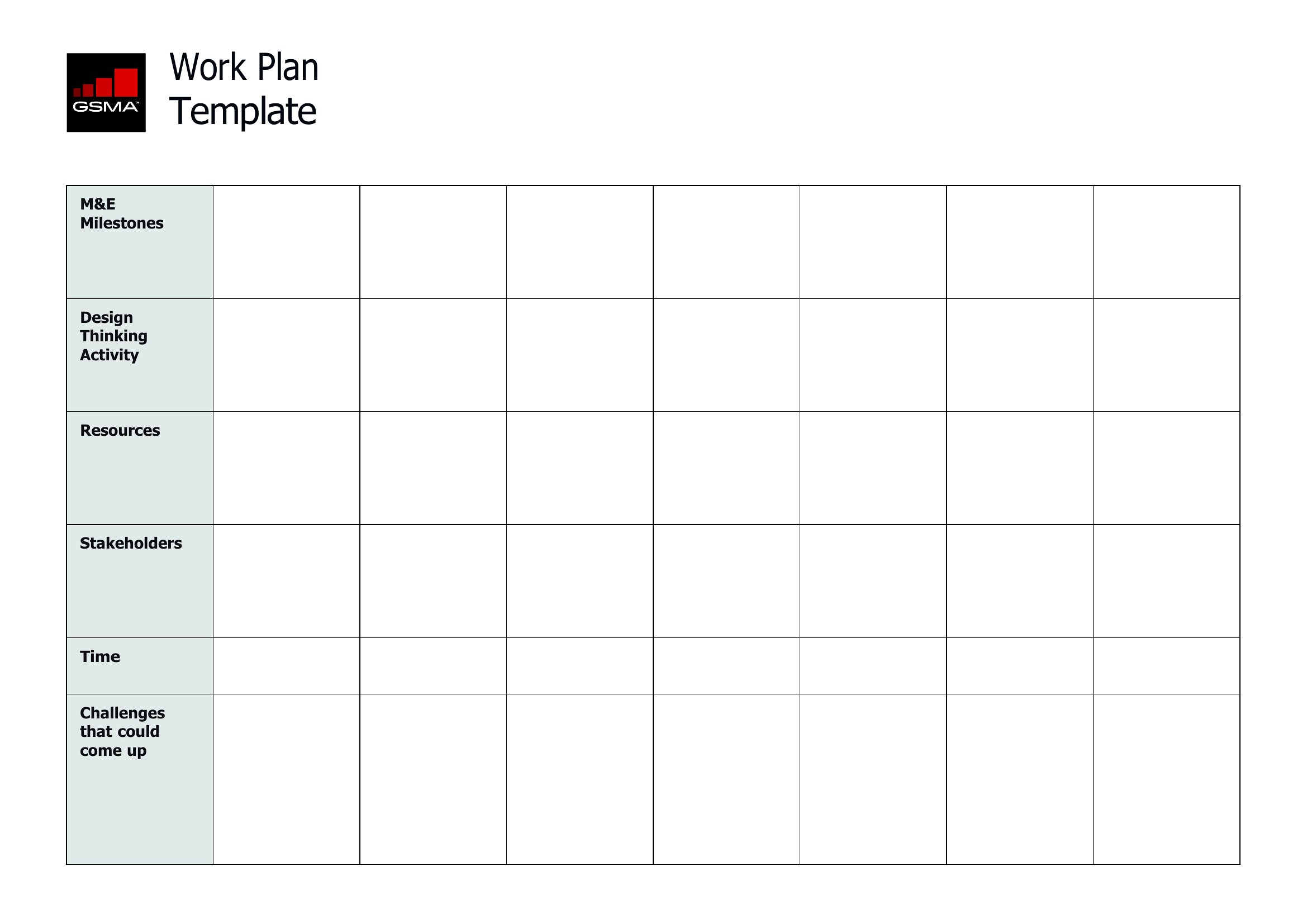
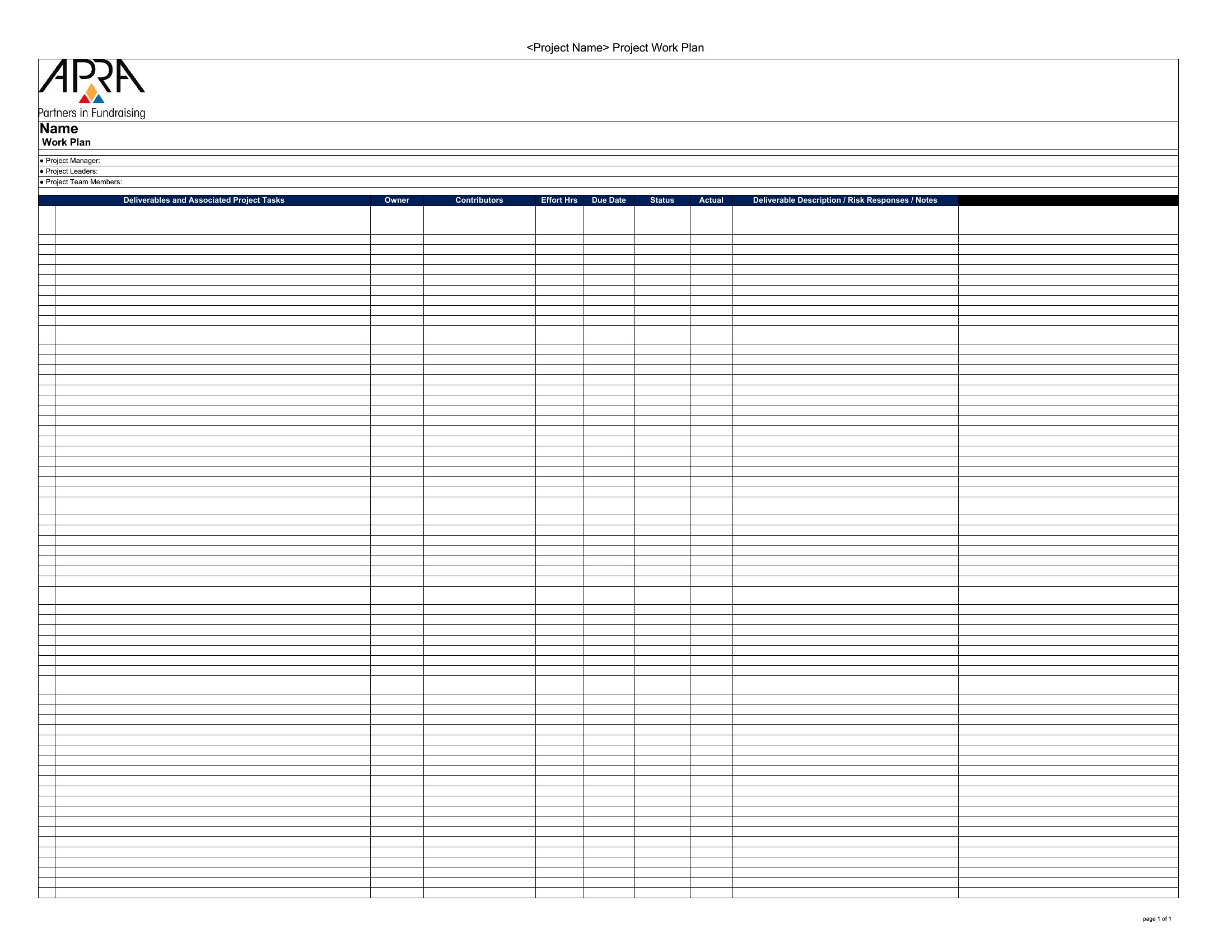
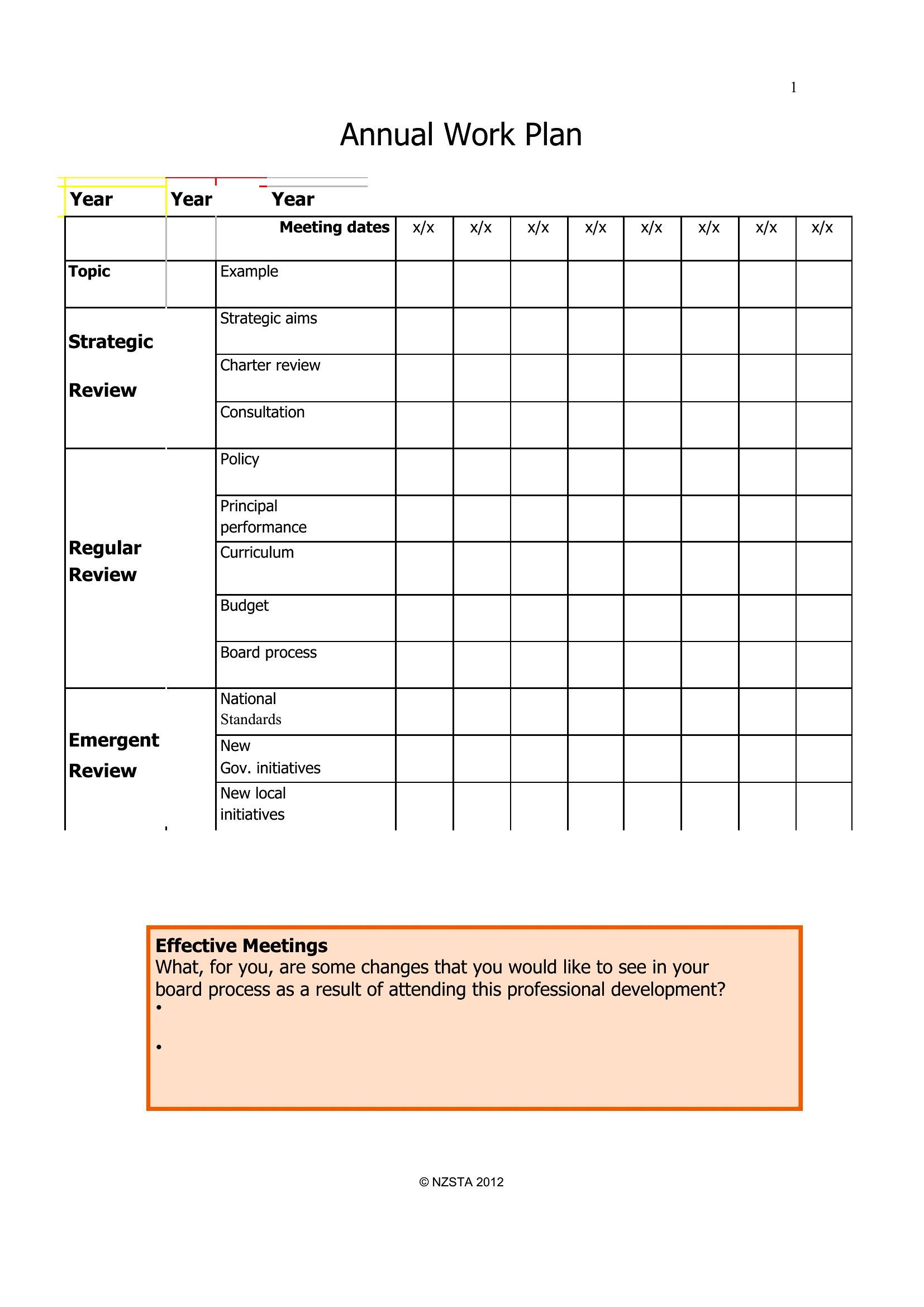
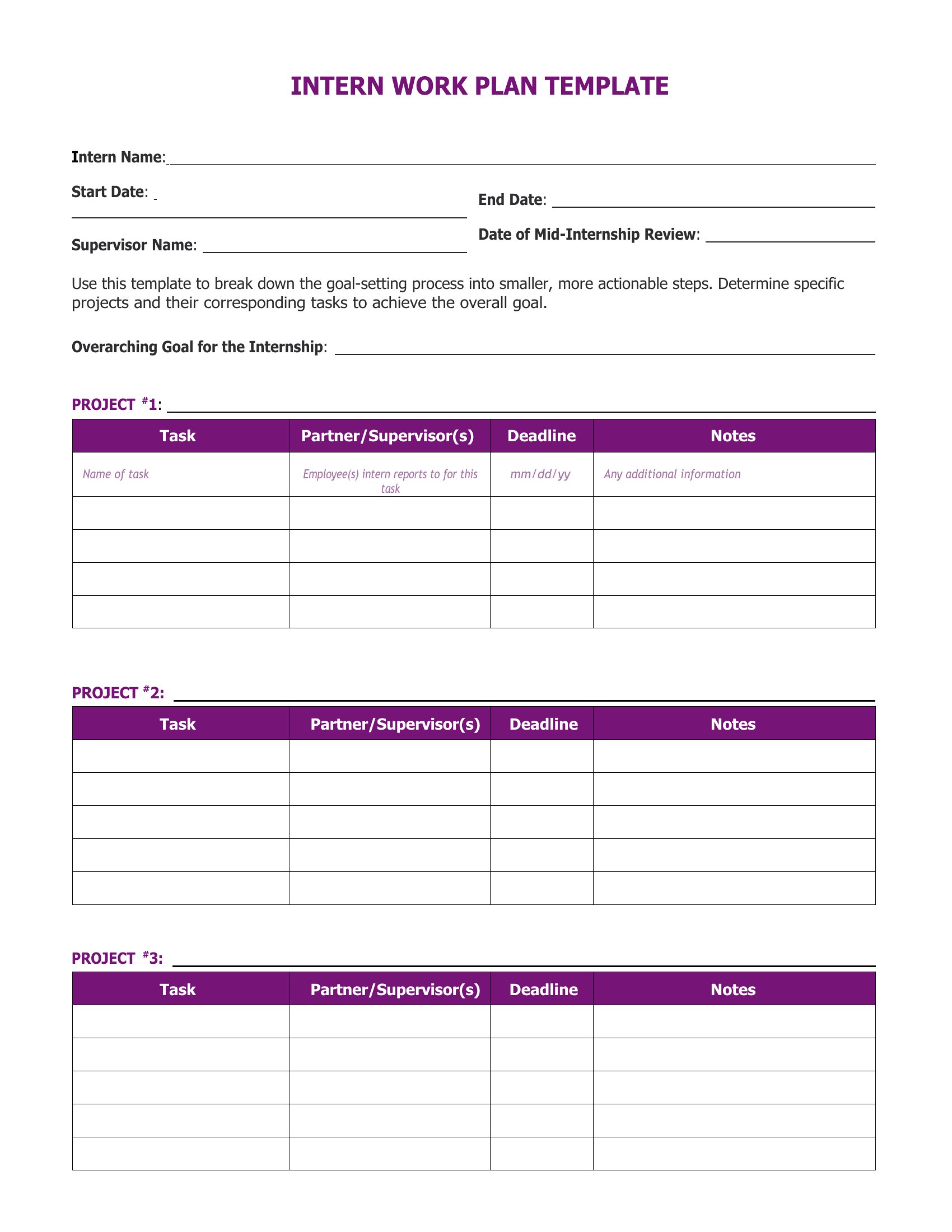
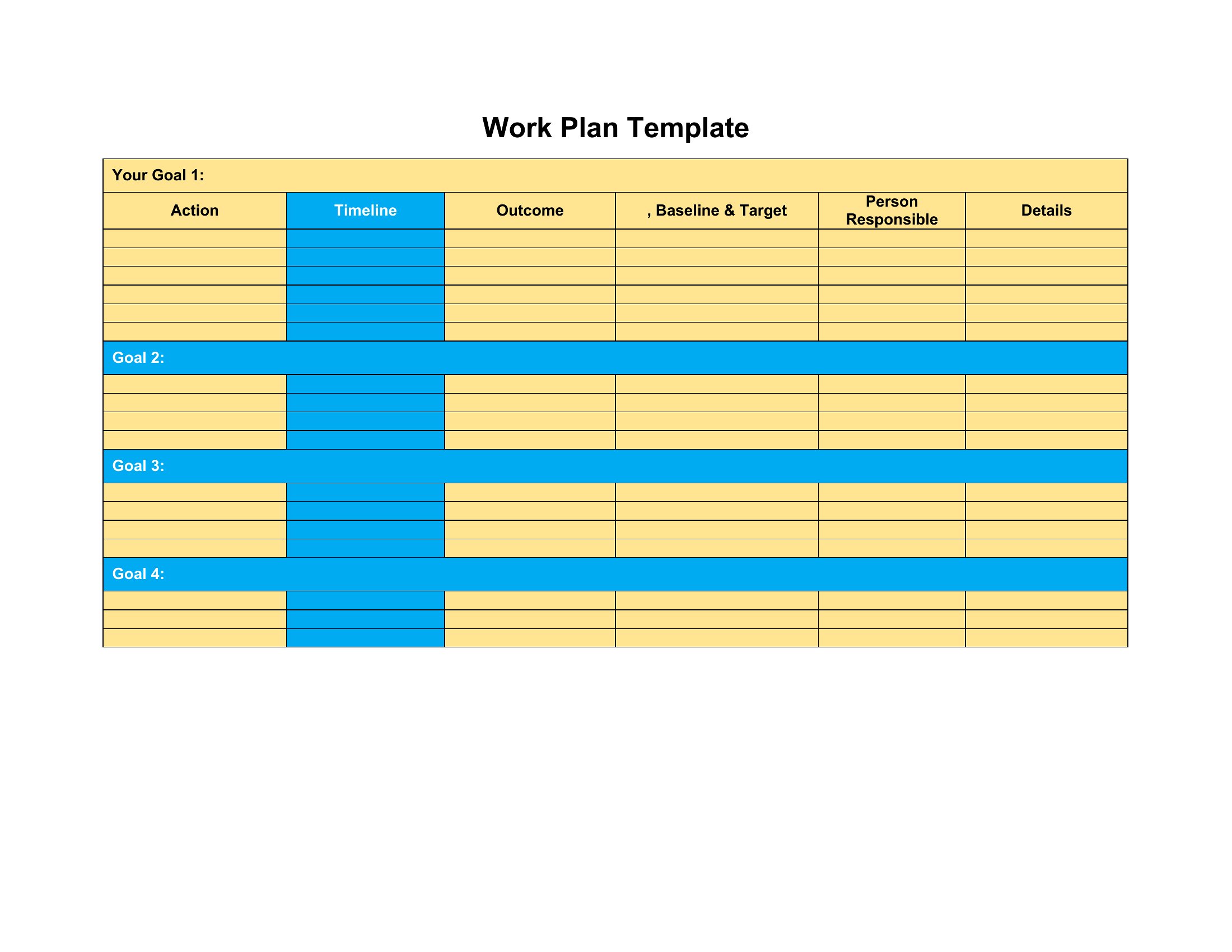
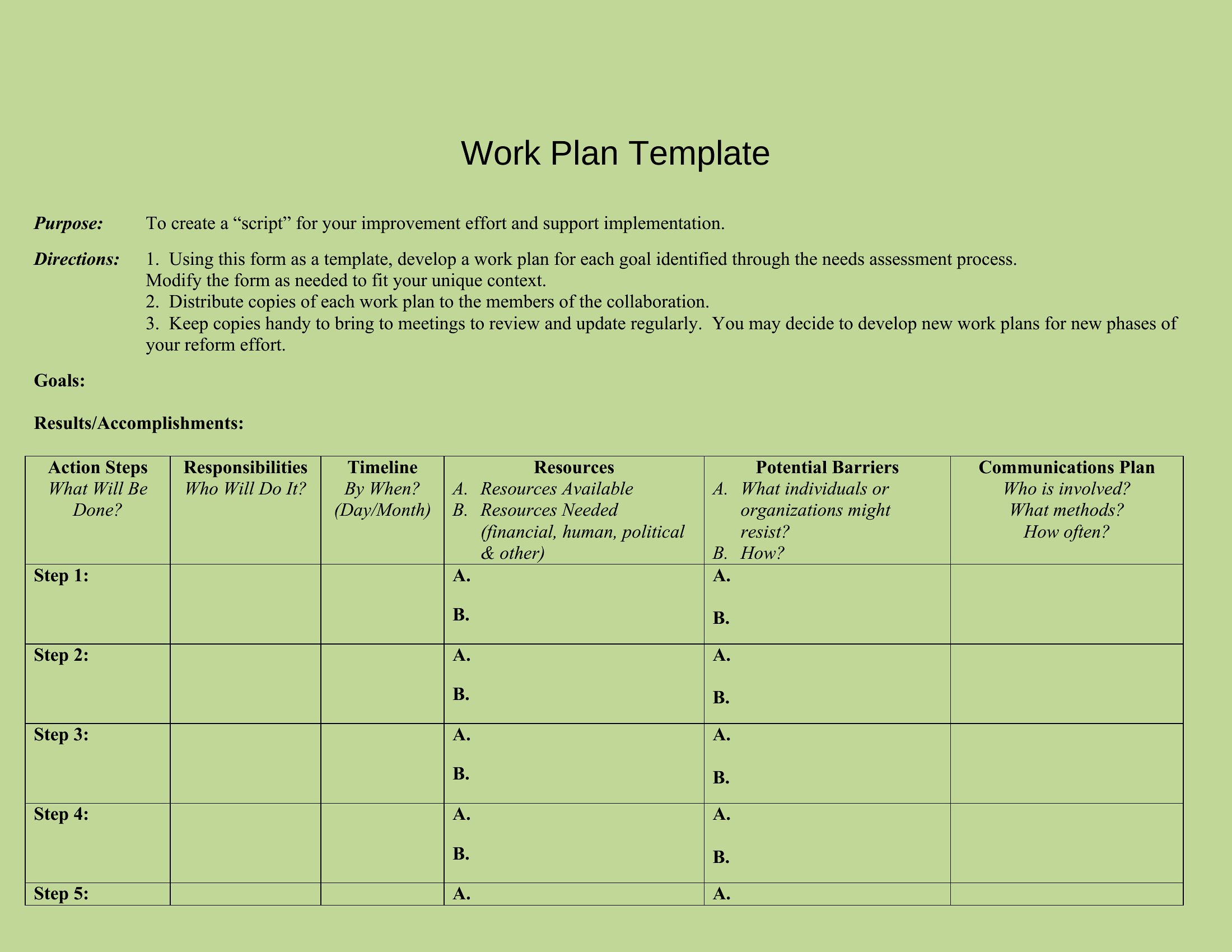
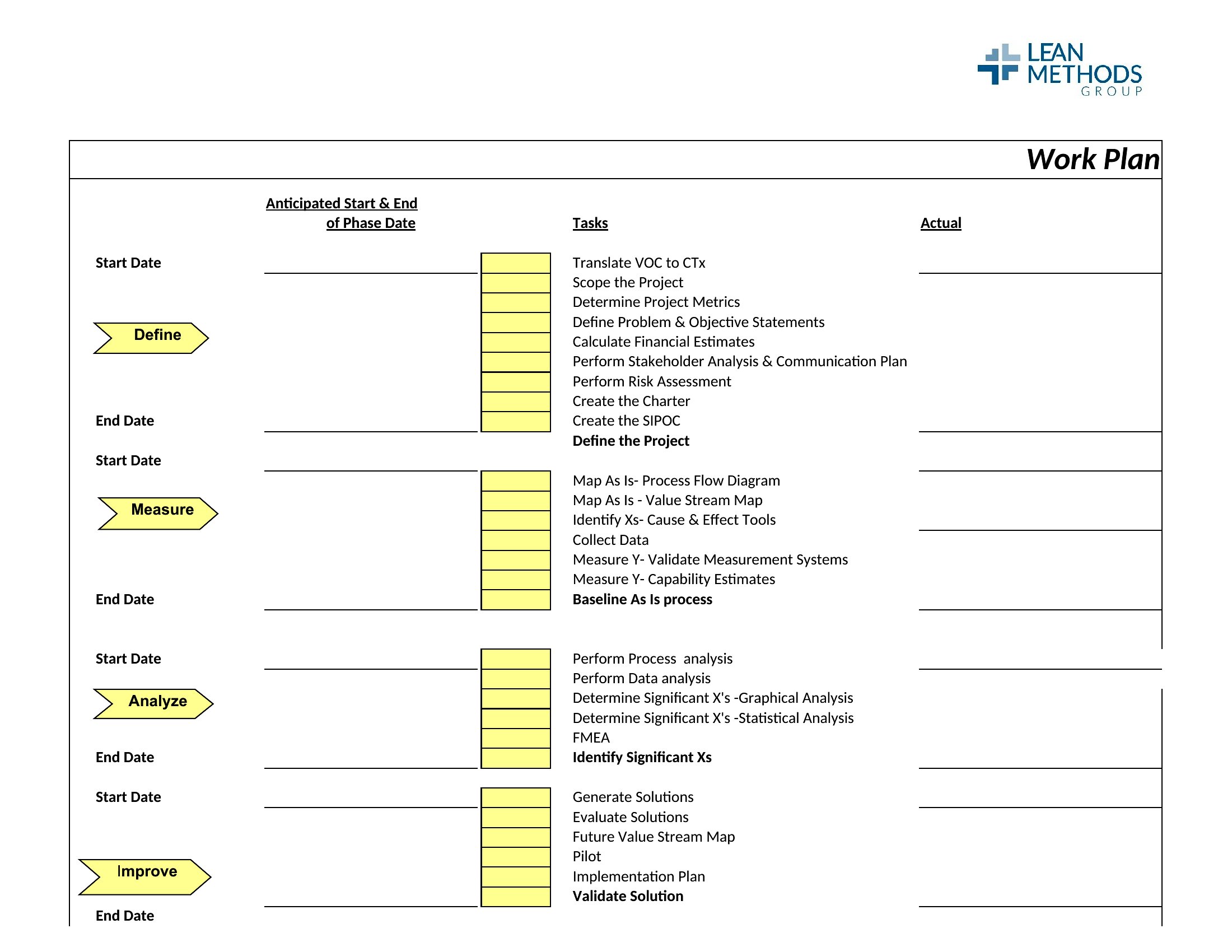
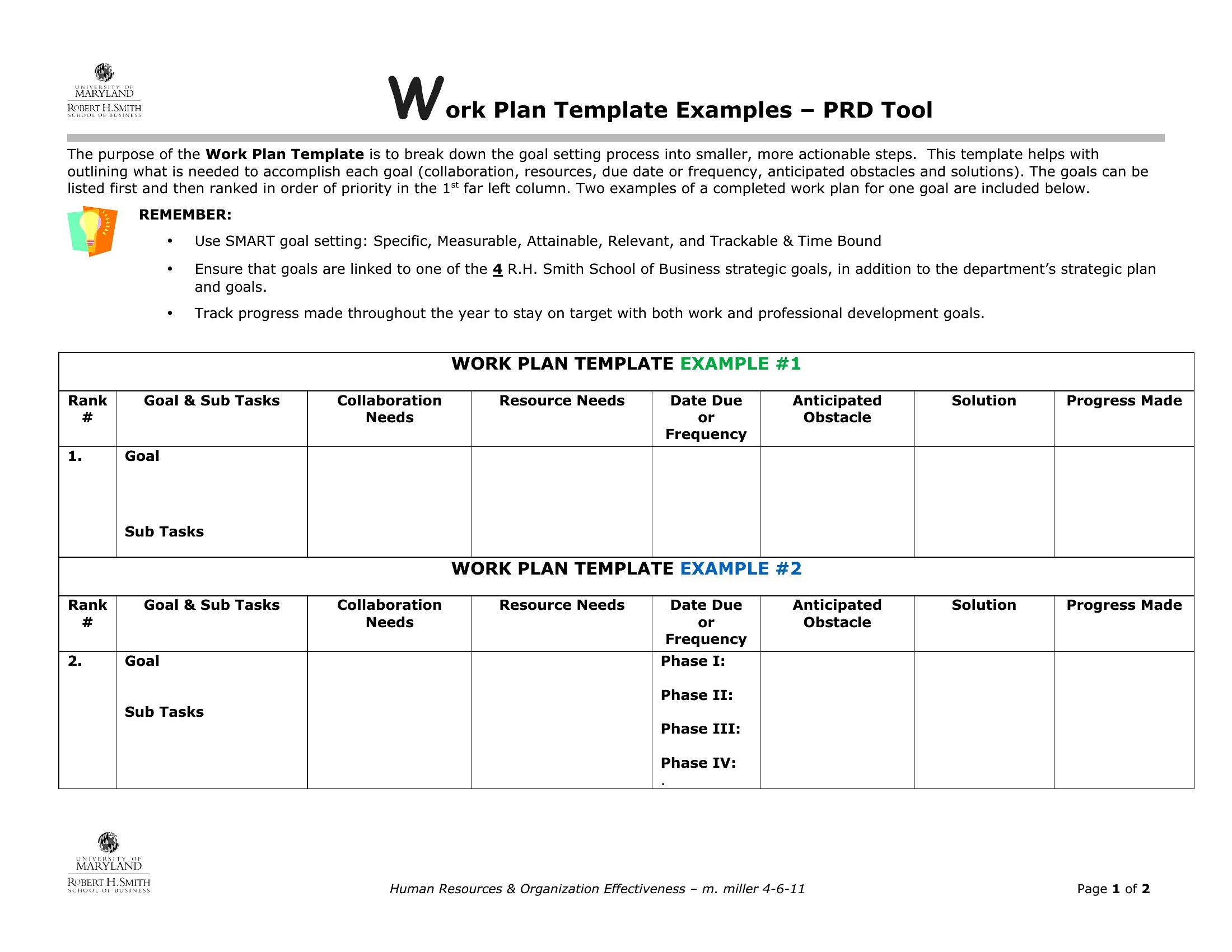
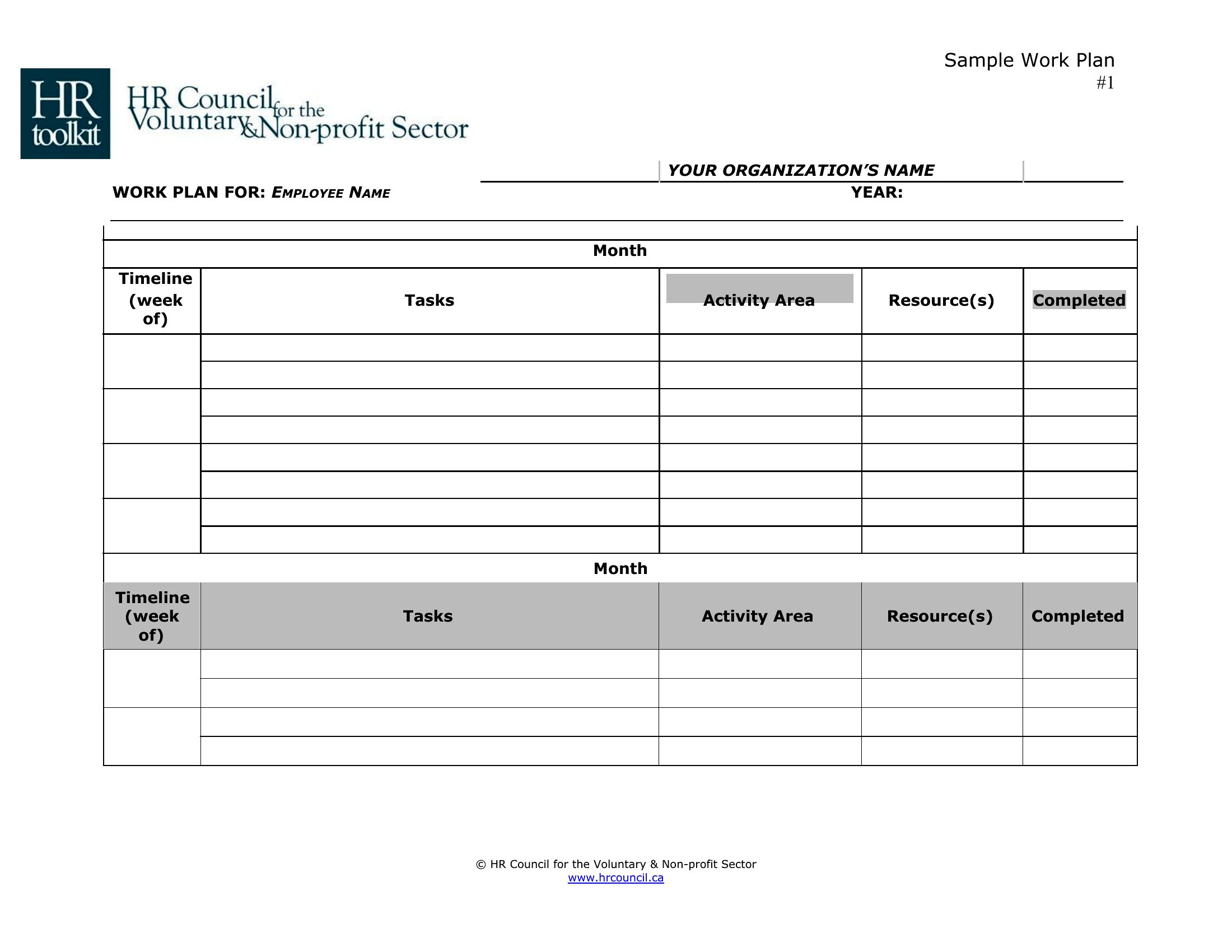
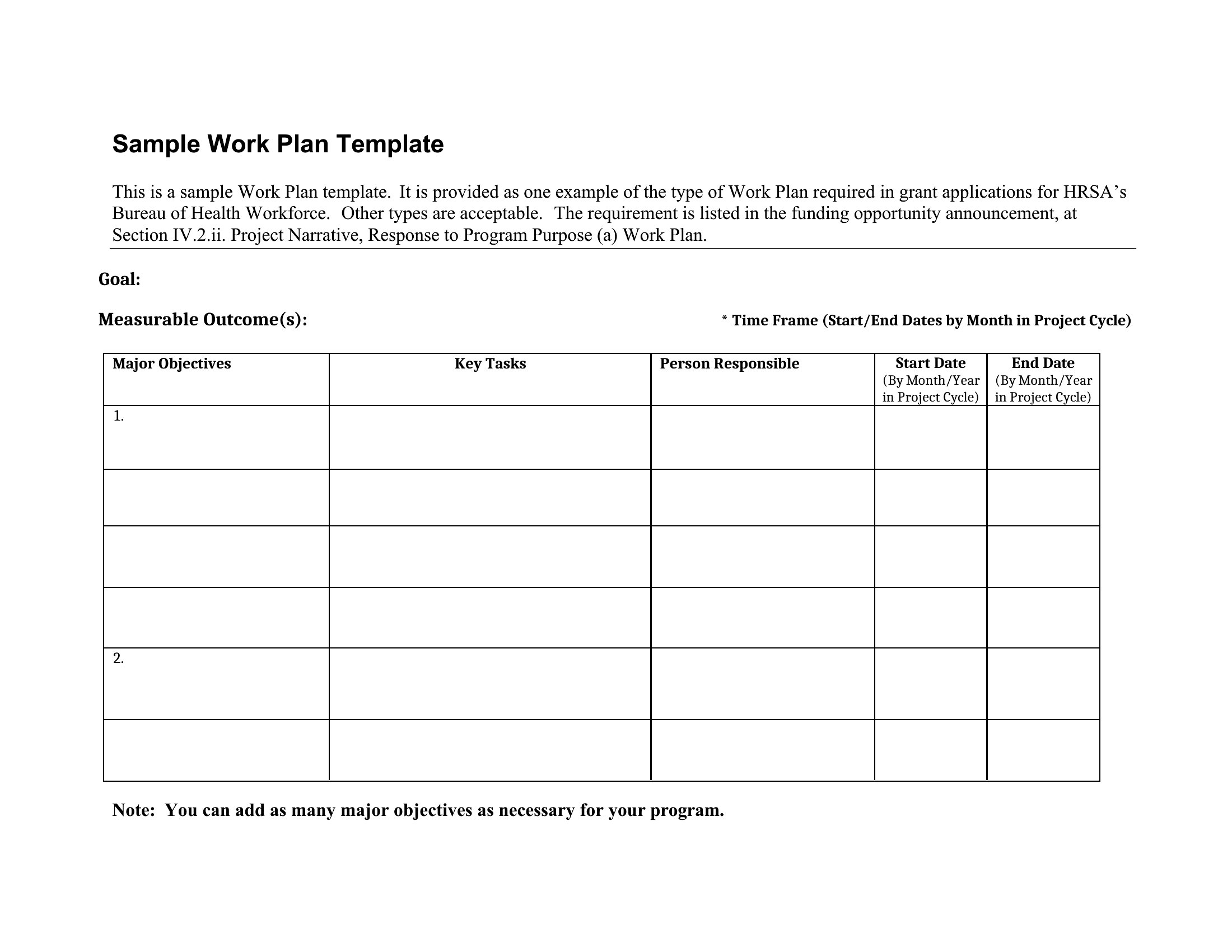
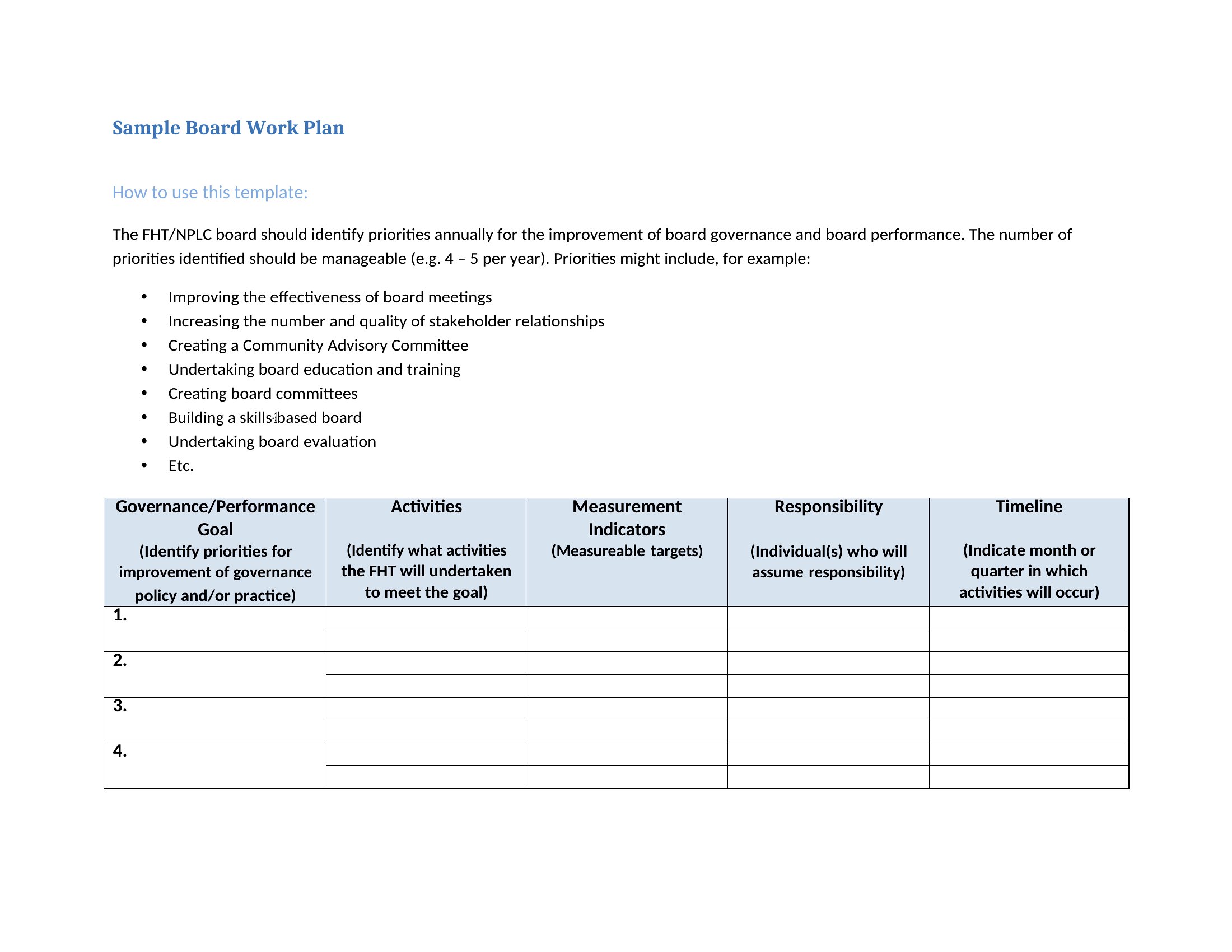
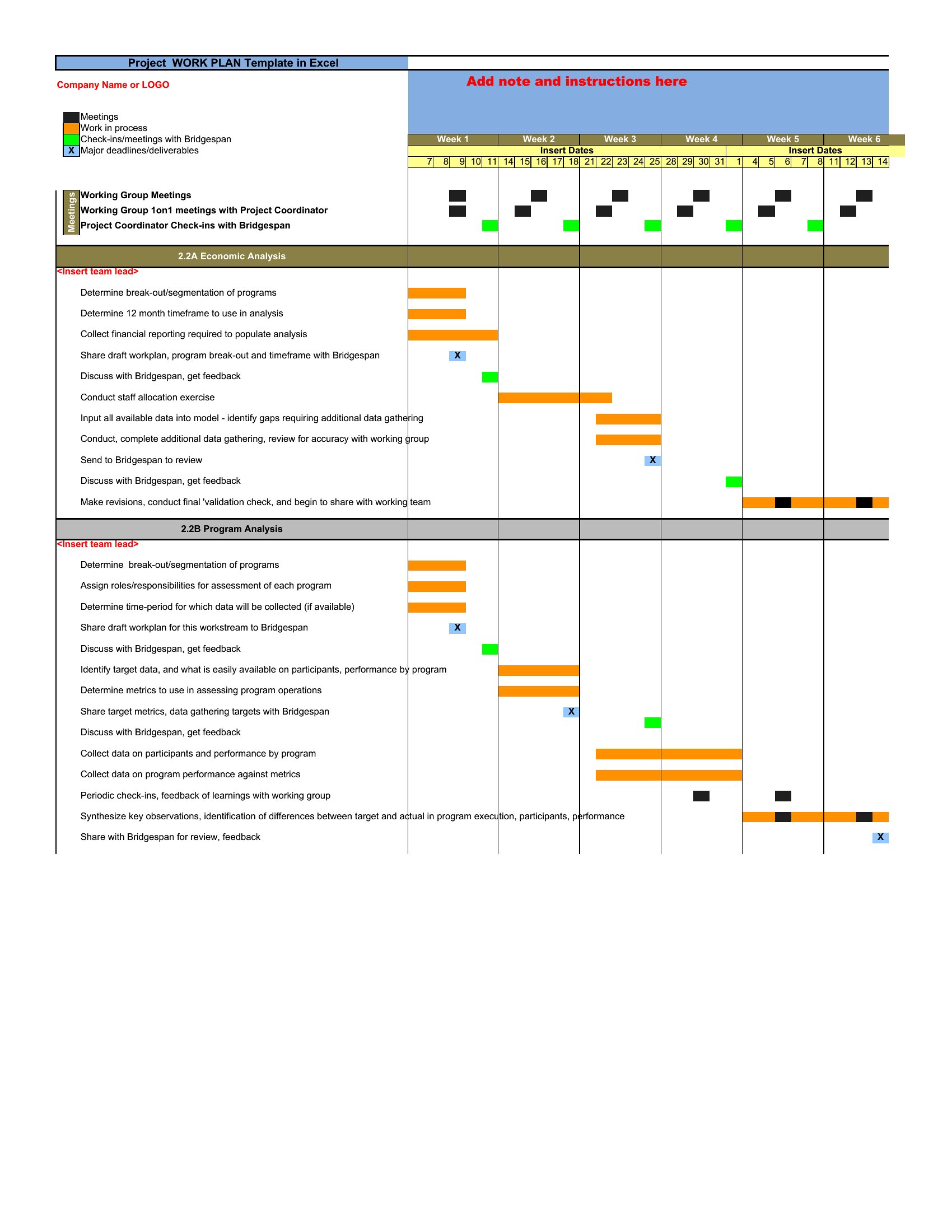
Yes, but pair it with a shared tool like Trello or Asana to log updates in real time. In your work plan, include a ‘progress review’ column in Excel or a section in Word to note milestones achieved. Schedule weekly syncs to align on blockers. Avoid overloading the template—keep it high-level and use comments for team-specific details.
What’s the best way to handle unexpected delays in a work plan?
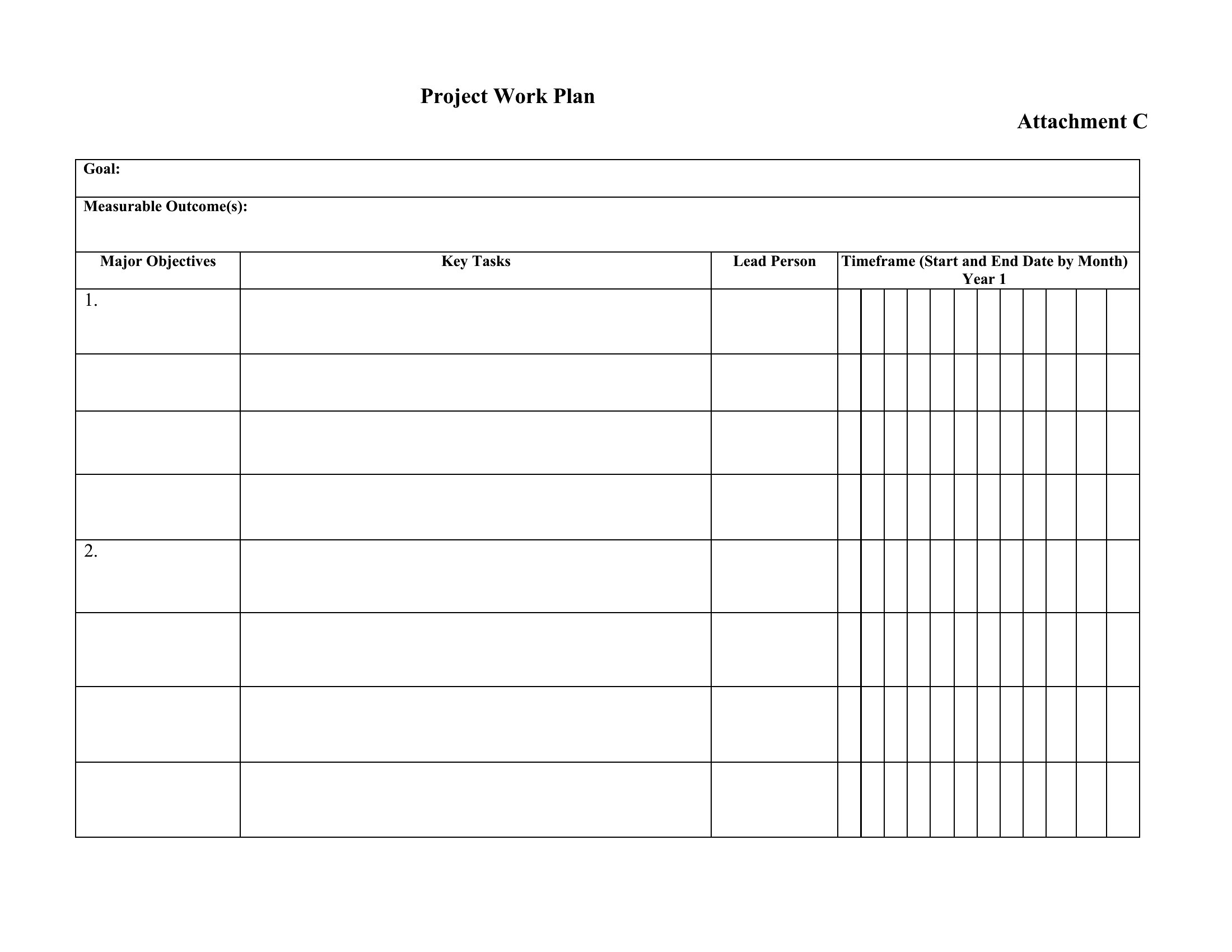
Build a 10–20% buffer into your timeline for high-risk tasks. If delays happen, update the template to reflect new deadlines and reallocate resources if needed. Document the issue briefly (e.g., ‘Vendor delay: shifted Task 3 to Week 6’) and adjust dependent tasks. Communicate changes to stakeholders promptly but avoid overcomplicating the plan—keep it actionable.
Comments
Join the conversation
Sign in to share your thoughts and leave a comment on this resource.