Free Project Plan Templates (Word, Excel, PDF)
ProjectTemplates
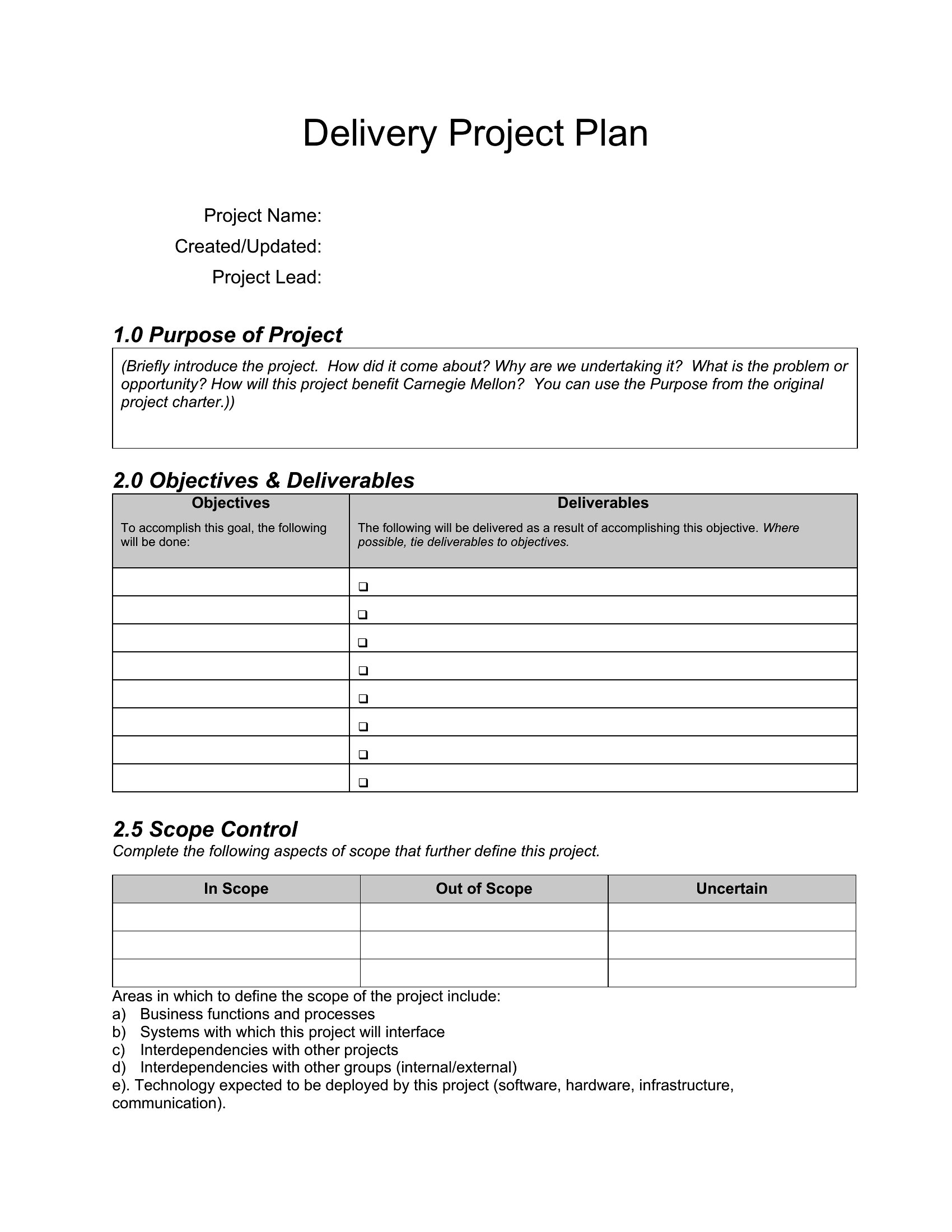
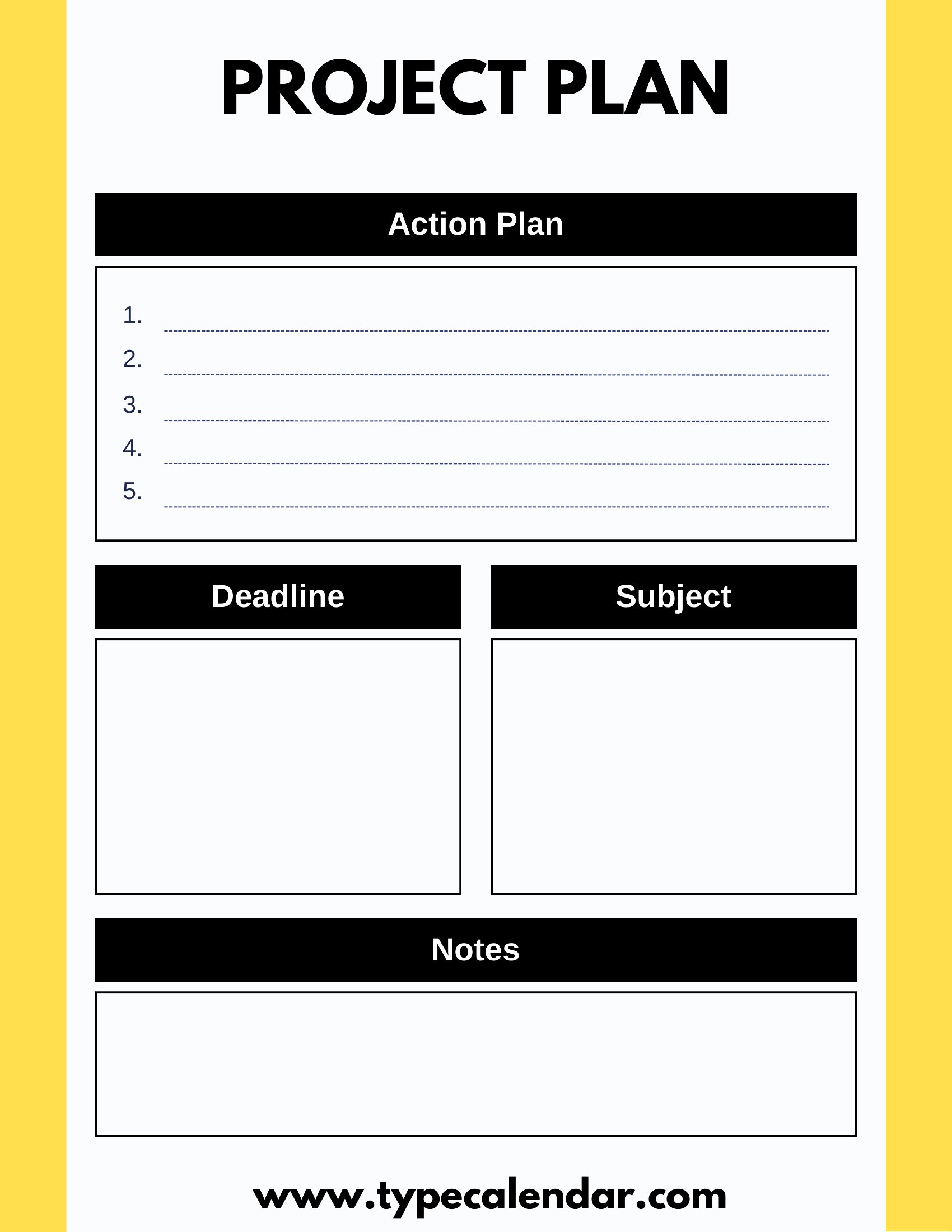
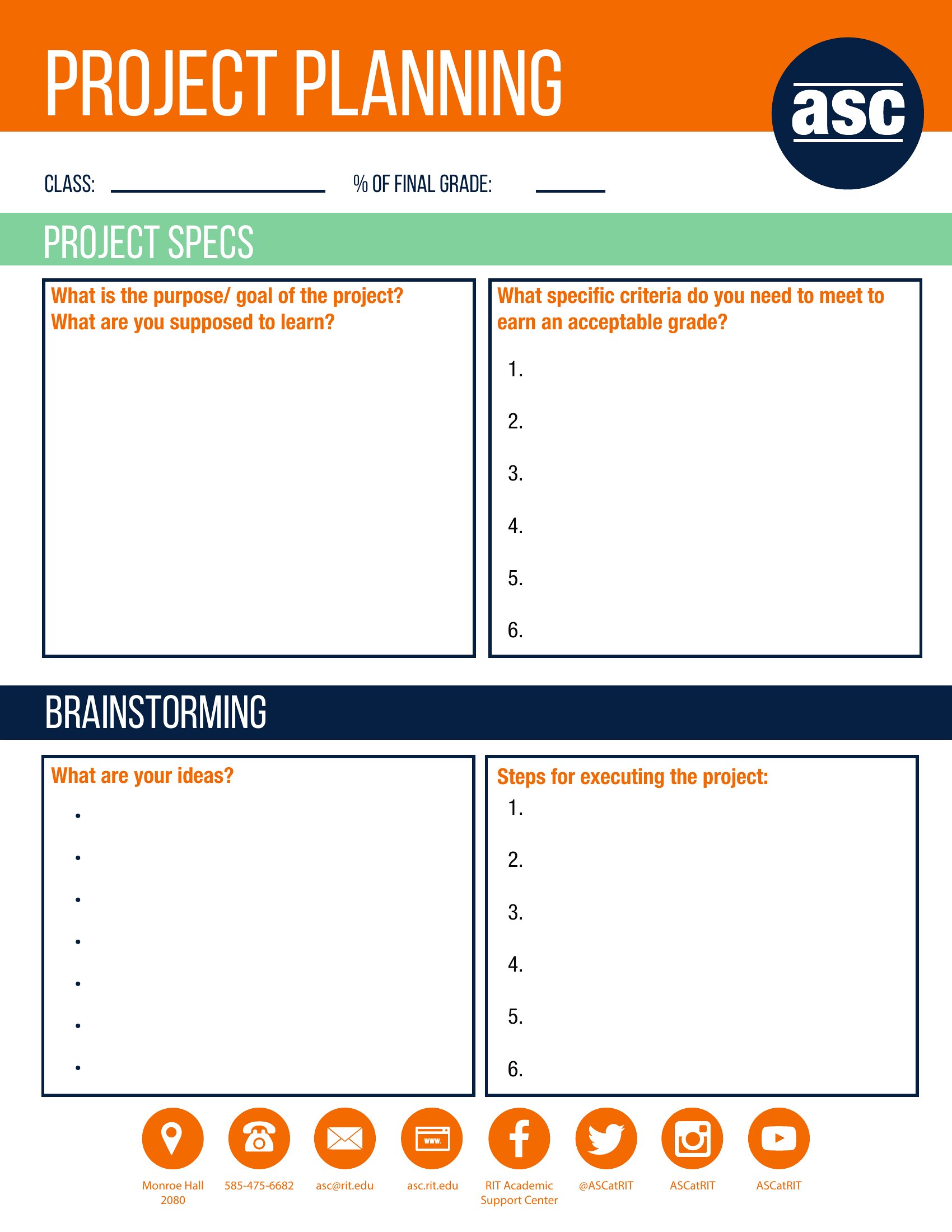
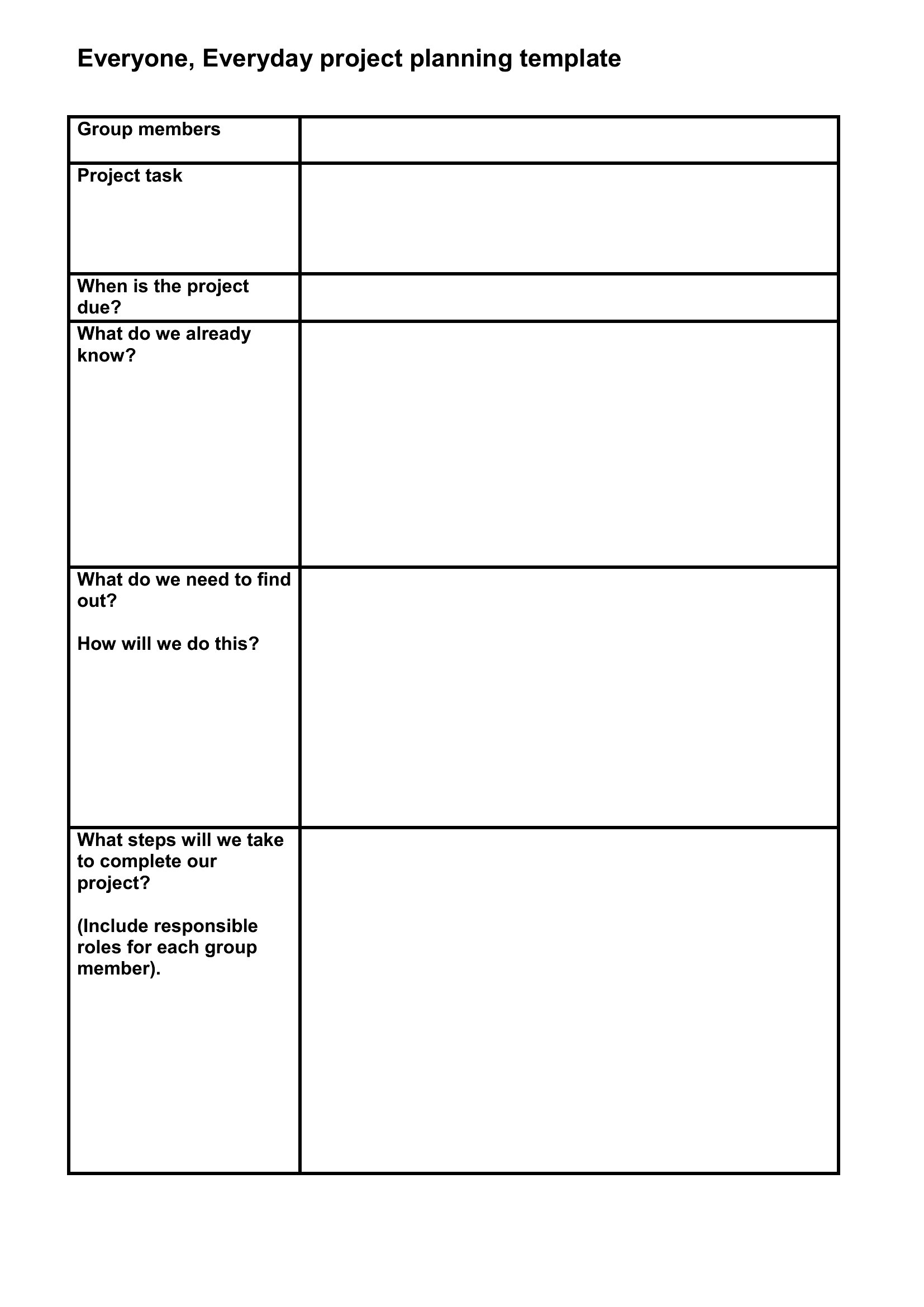
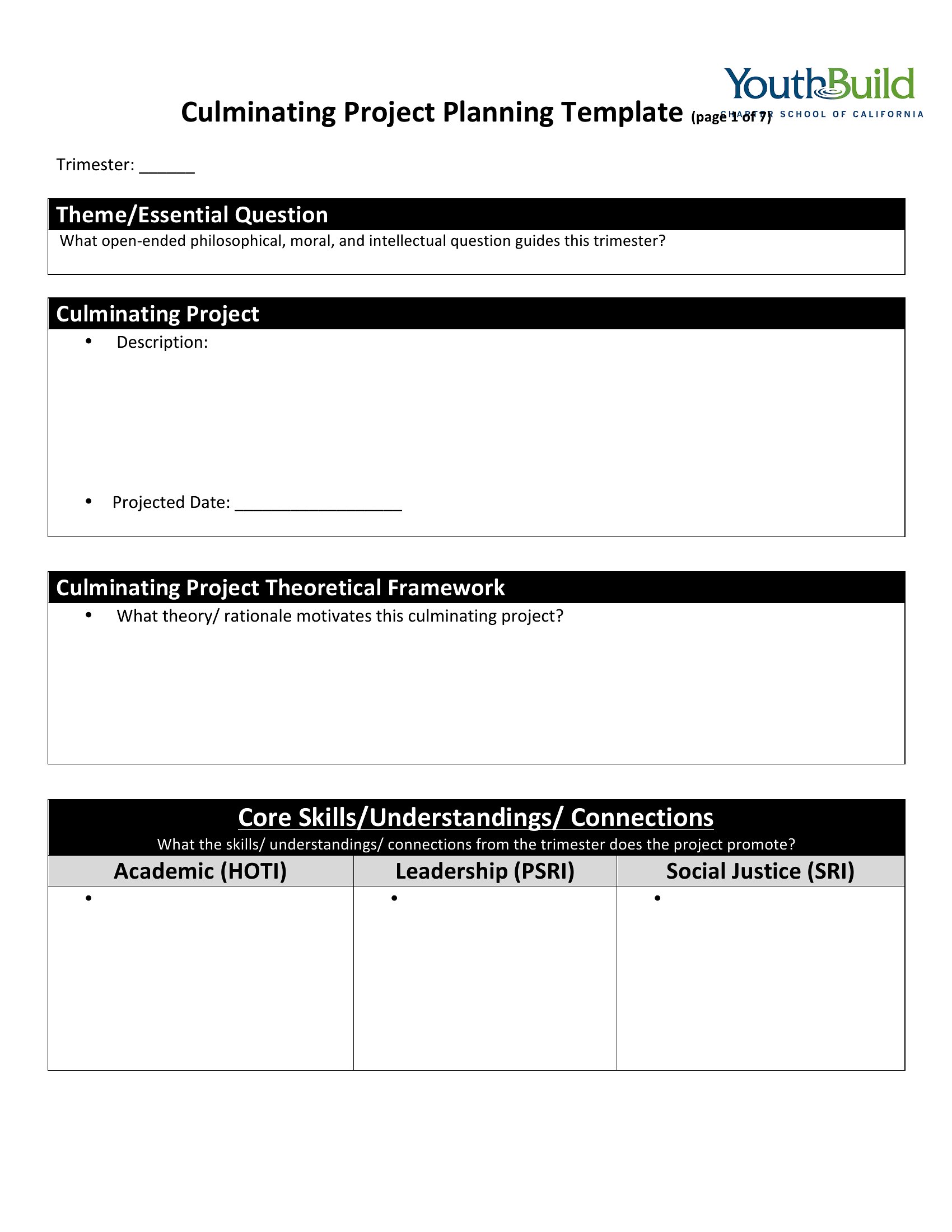
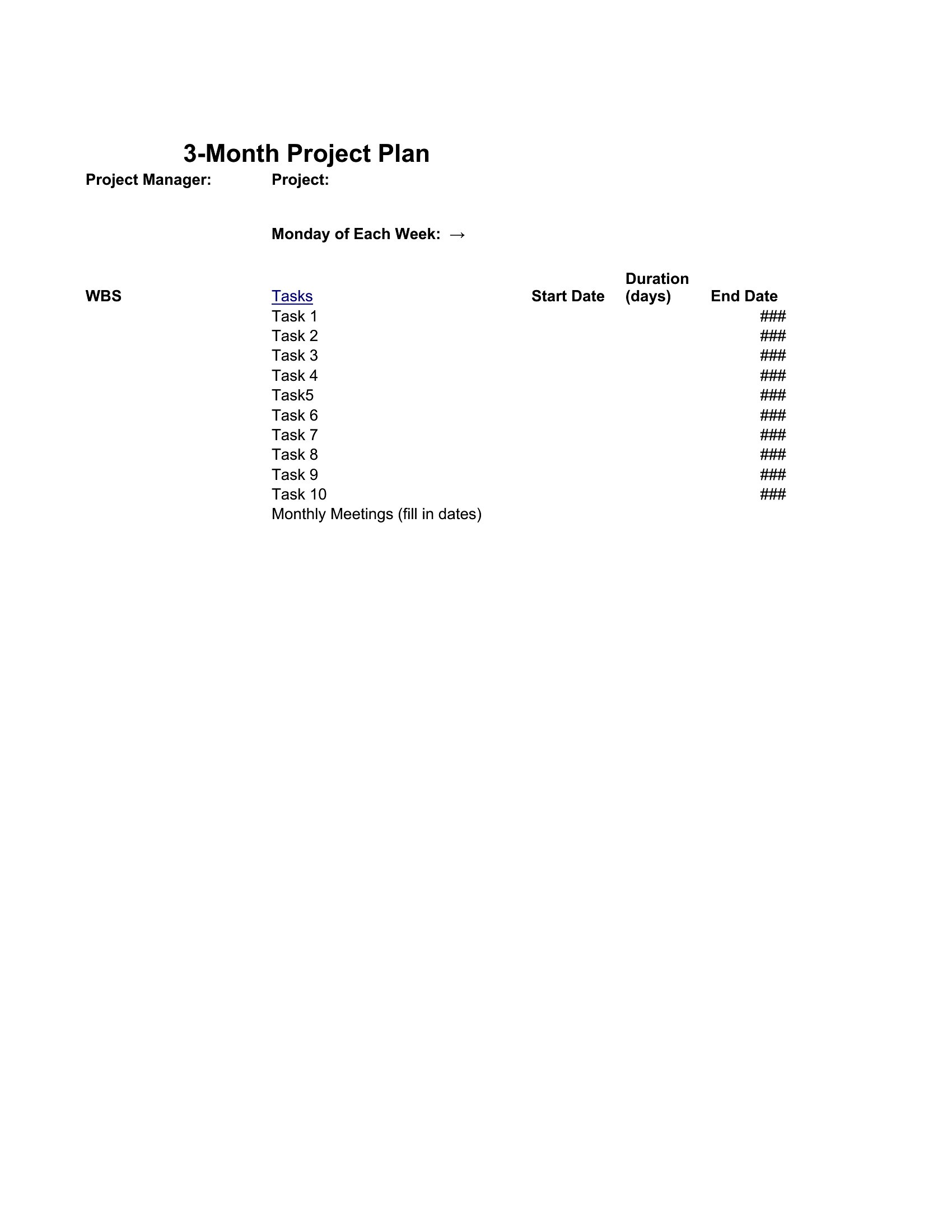
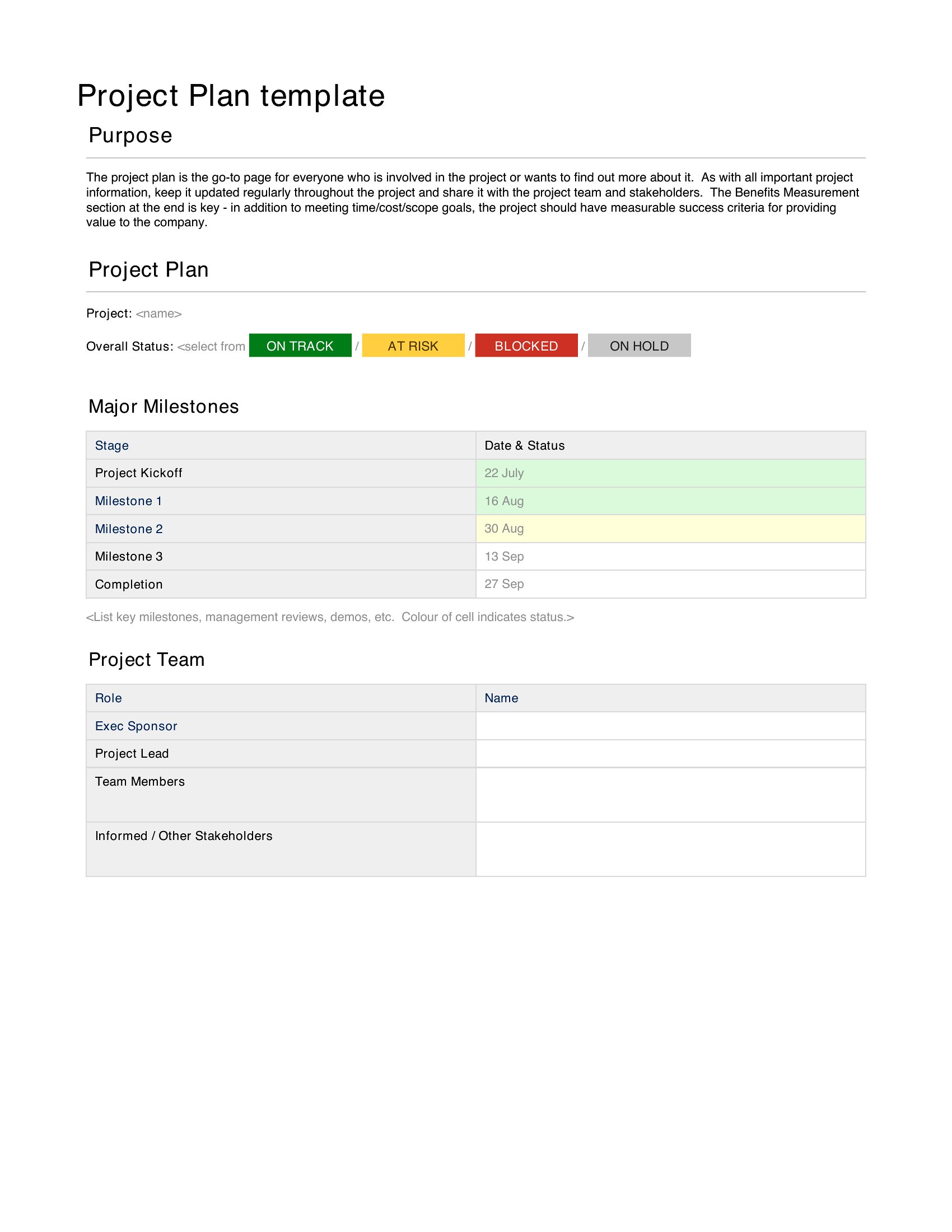
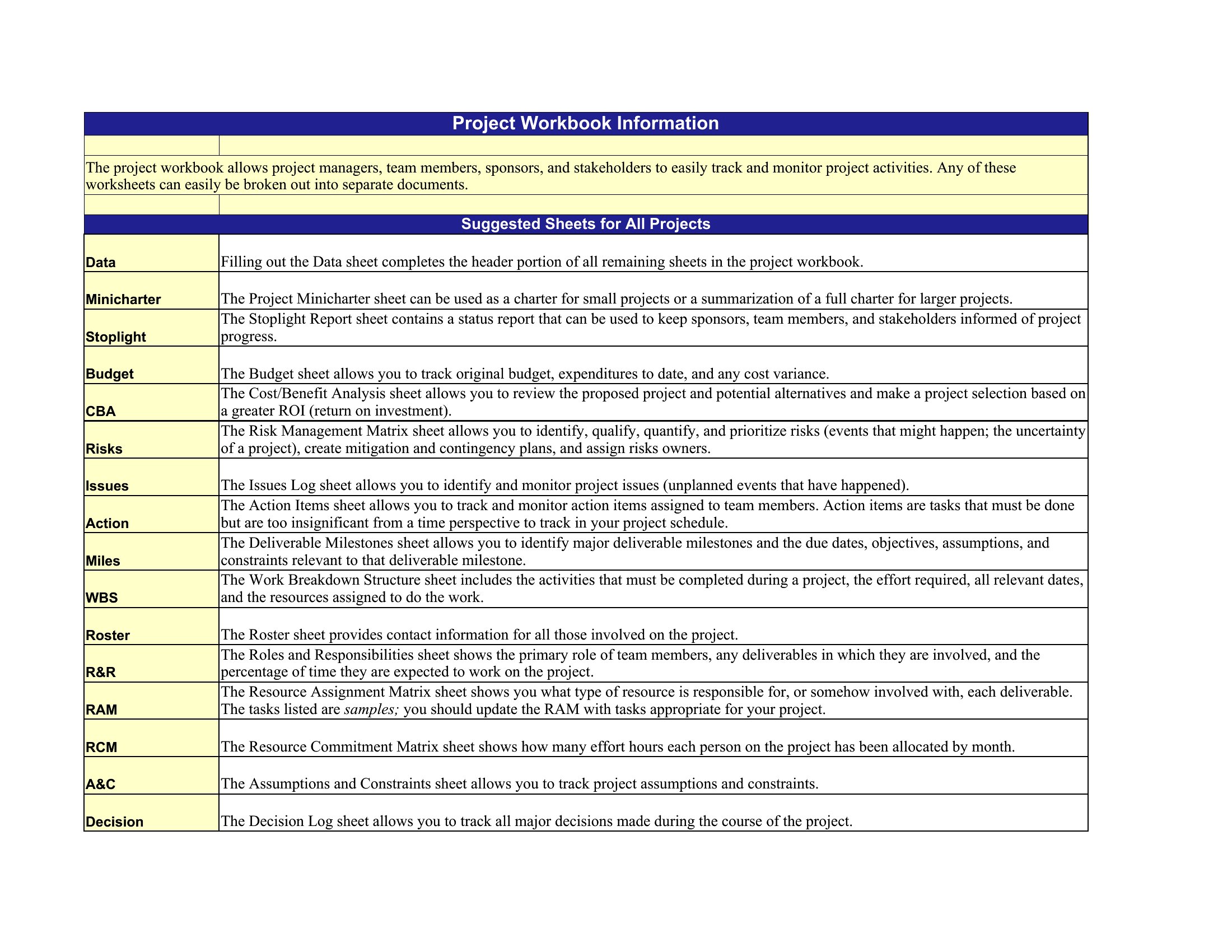
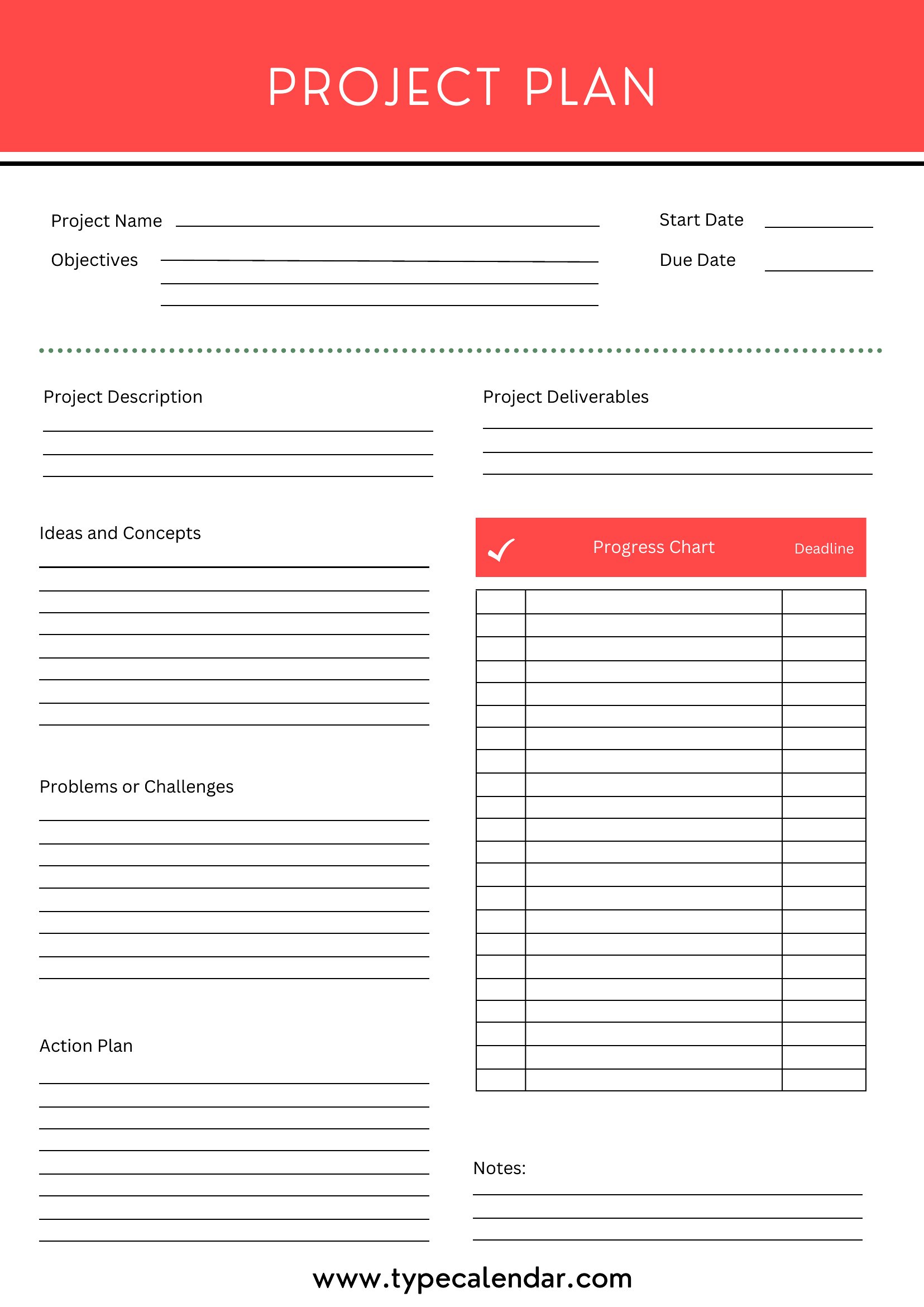
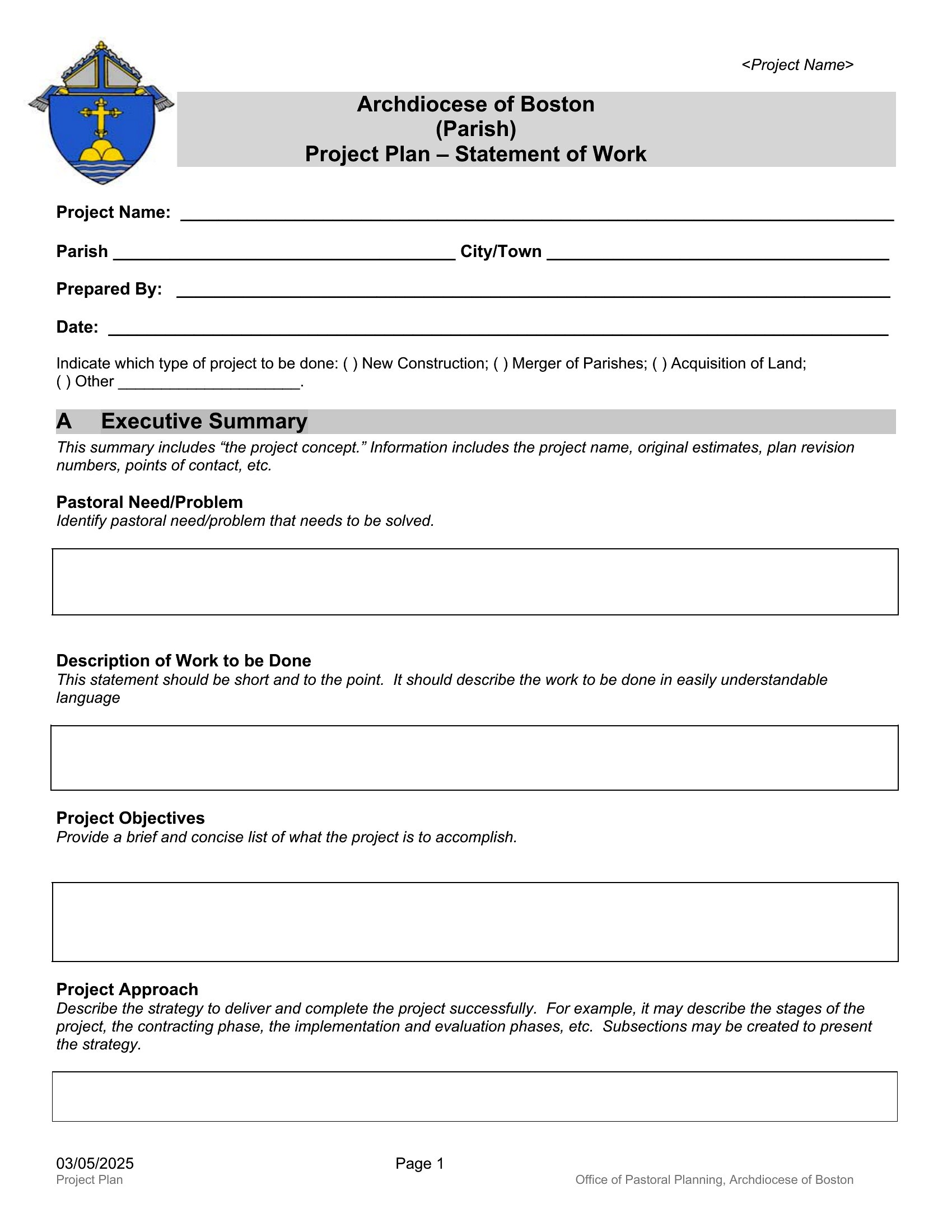
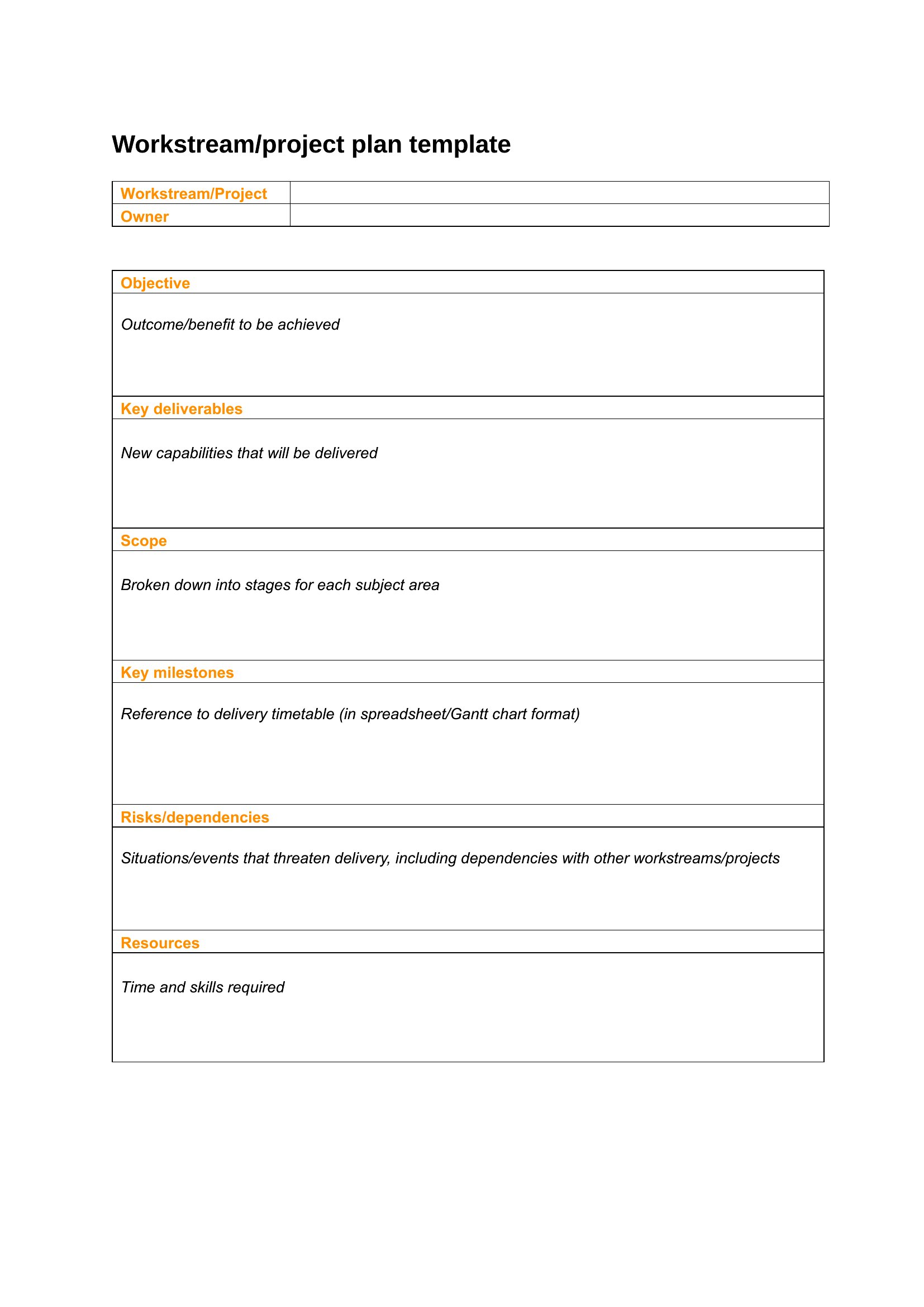
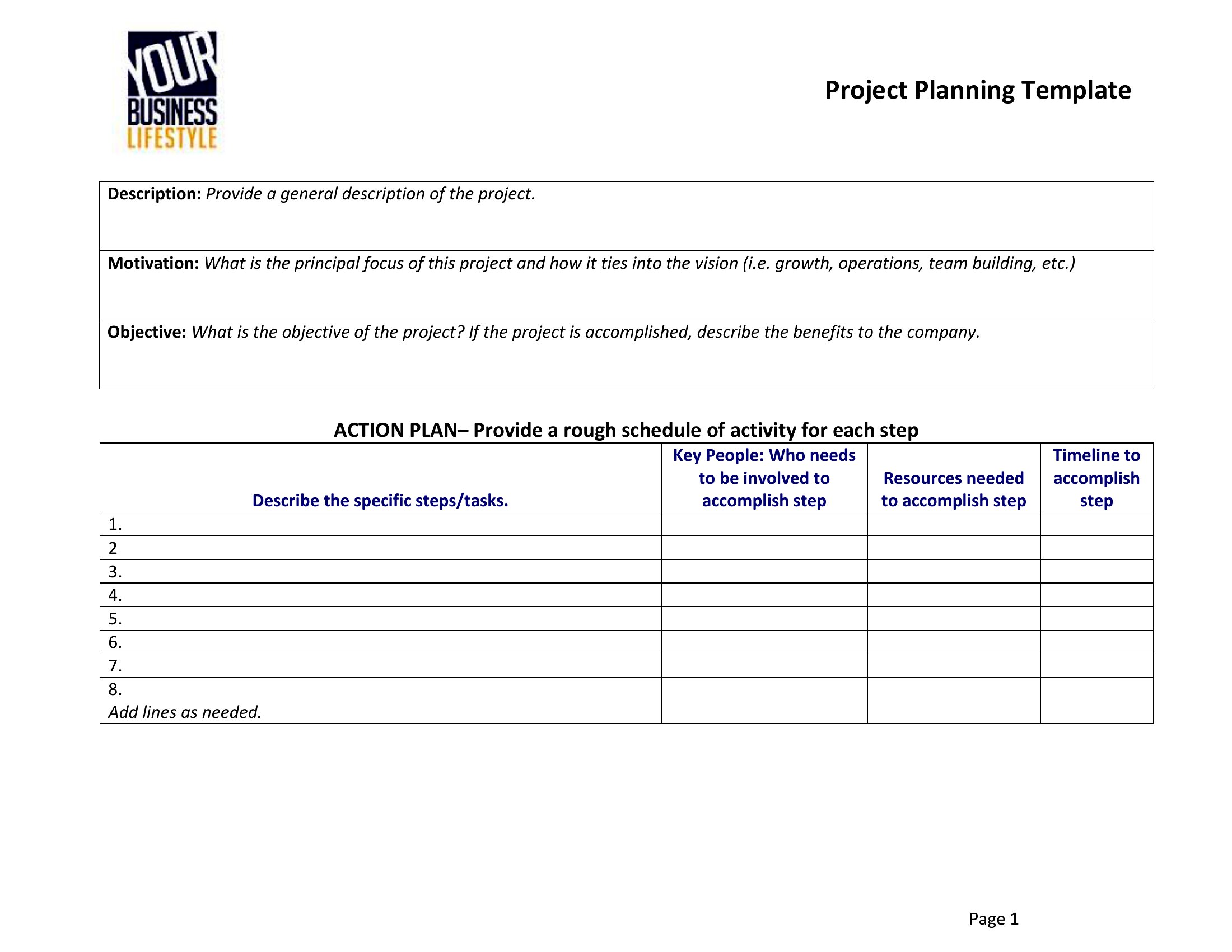
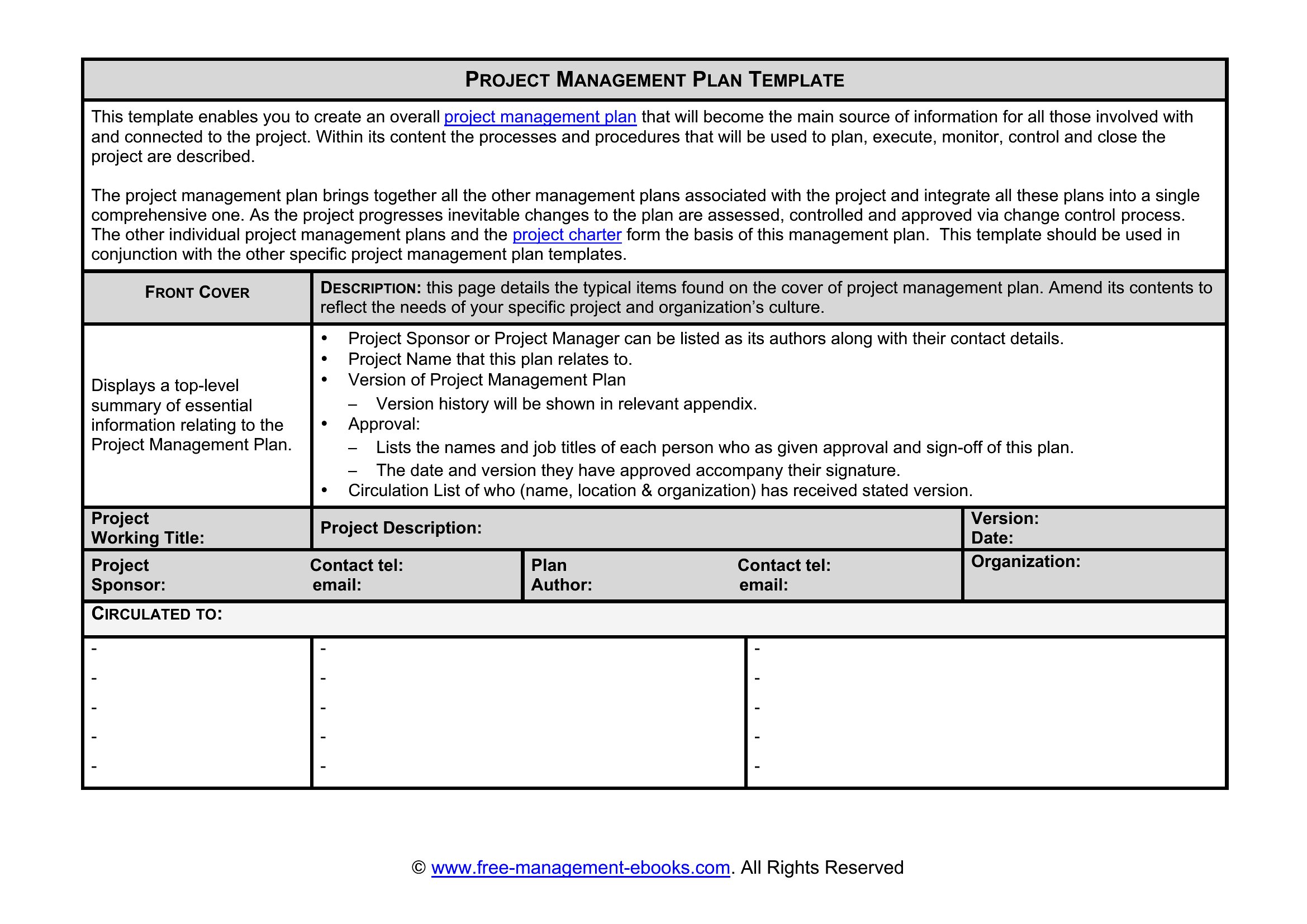
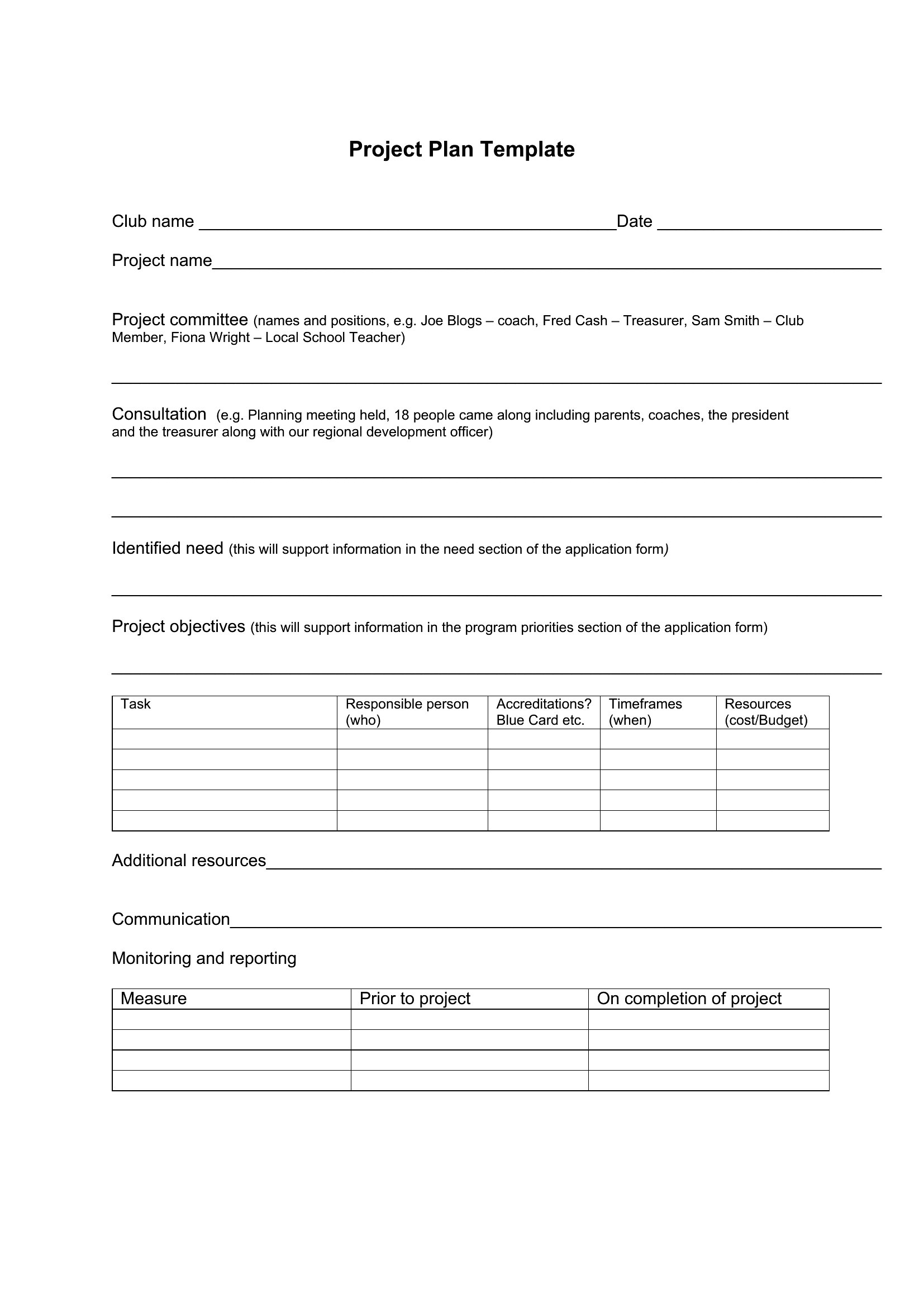
FAQ
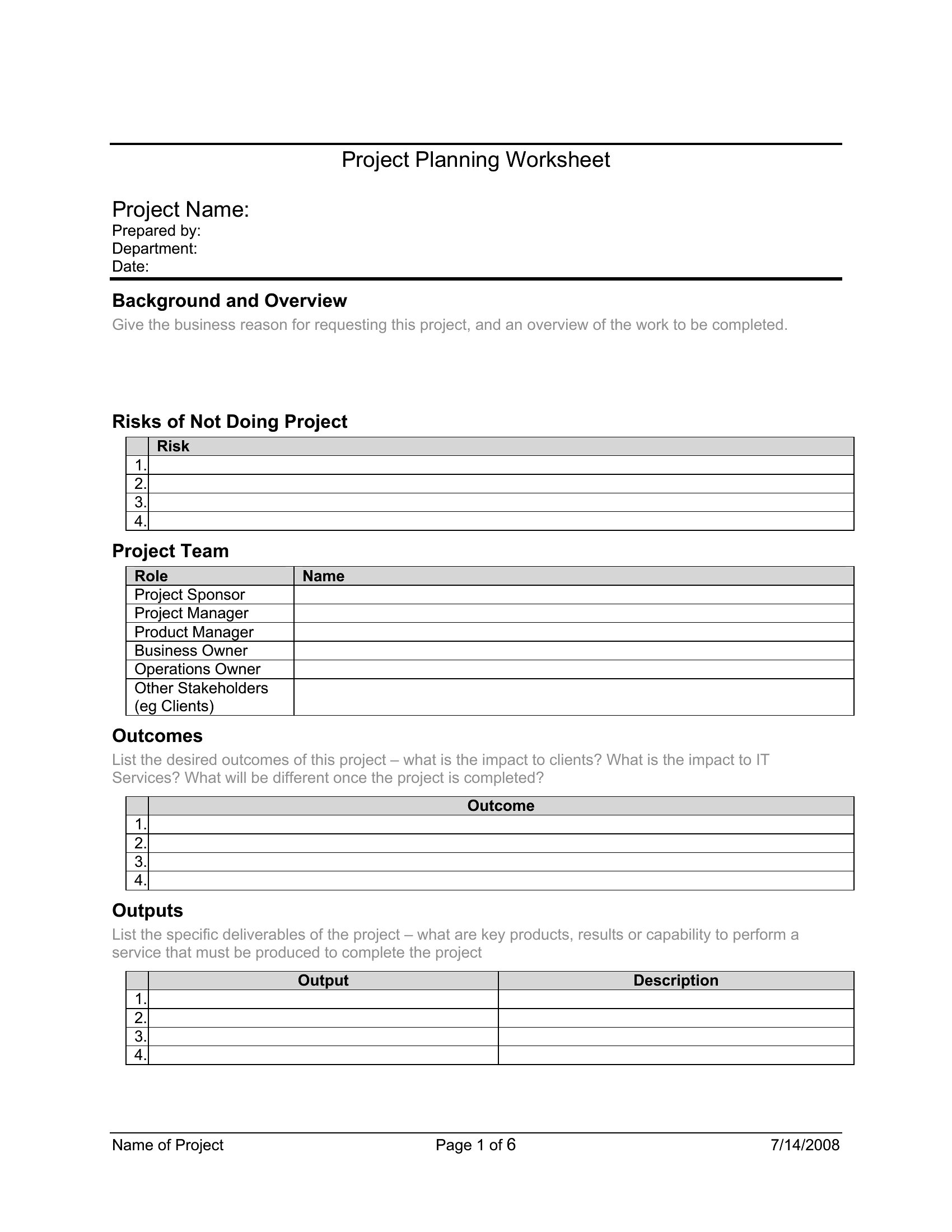
Can I adjust these templates to include risk assessment sections for high-stakes projects?
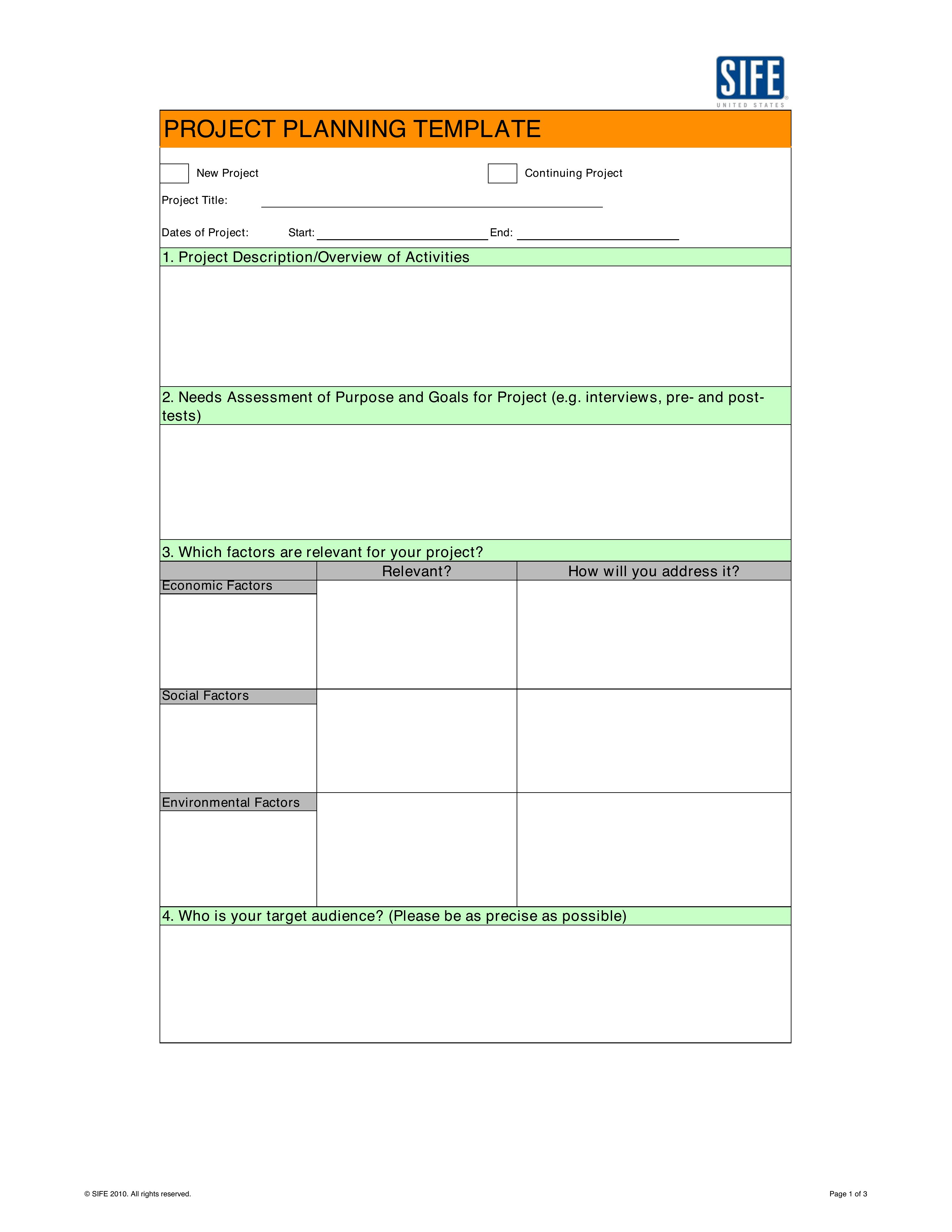
Yes, many templates in this collection allow you to add custom sections, including risk registers. Look for Word and Excel versions, which let you insert tables or columns for threats, mitigation strategies, and owners. Start with a blank row or column and label it for risks—this keeps the structure intact while accommodating your needs.
How do I ensure my project plan stays updated when team members are spread across time zones?
Use the Word template’s track-changes feature to log edits, or share the Excel version via cloud storage like Google Sheets, where real-time updates show who modified what. Assign a weekly sync to review changes and consolidate feedback into the master plan. PDFs are less practical for this, as they’re static.
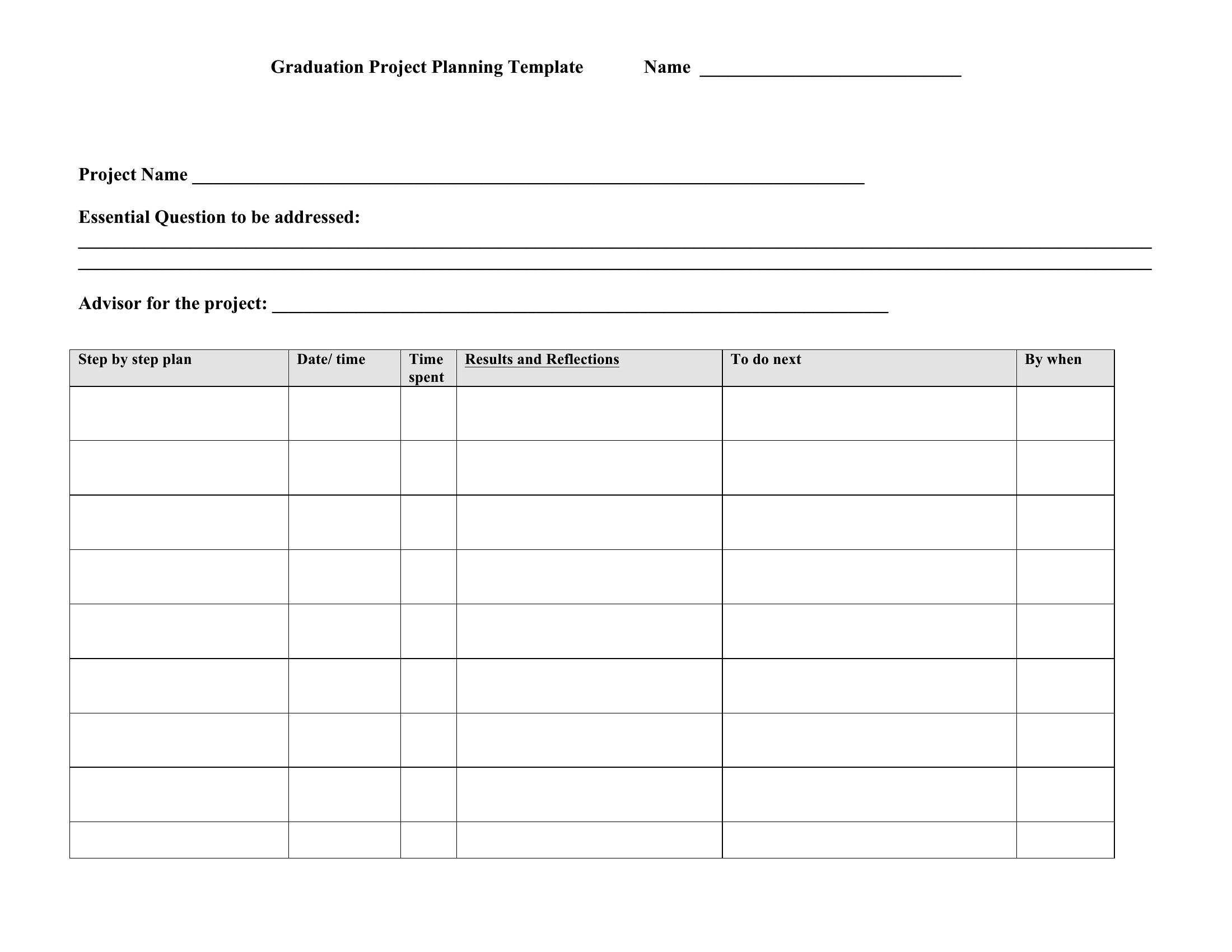
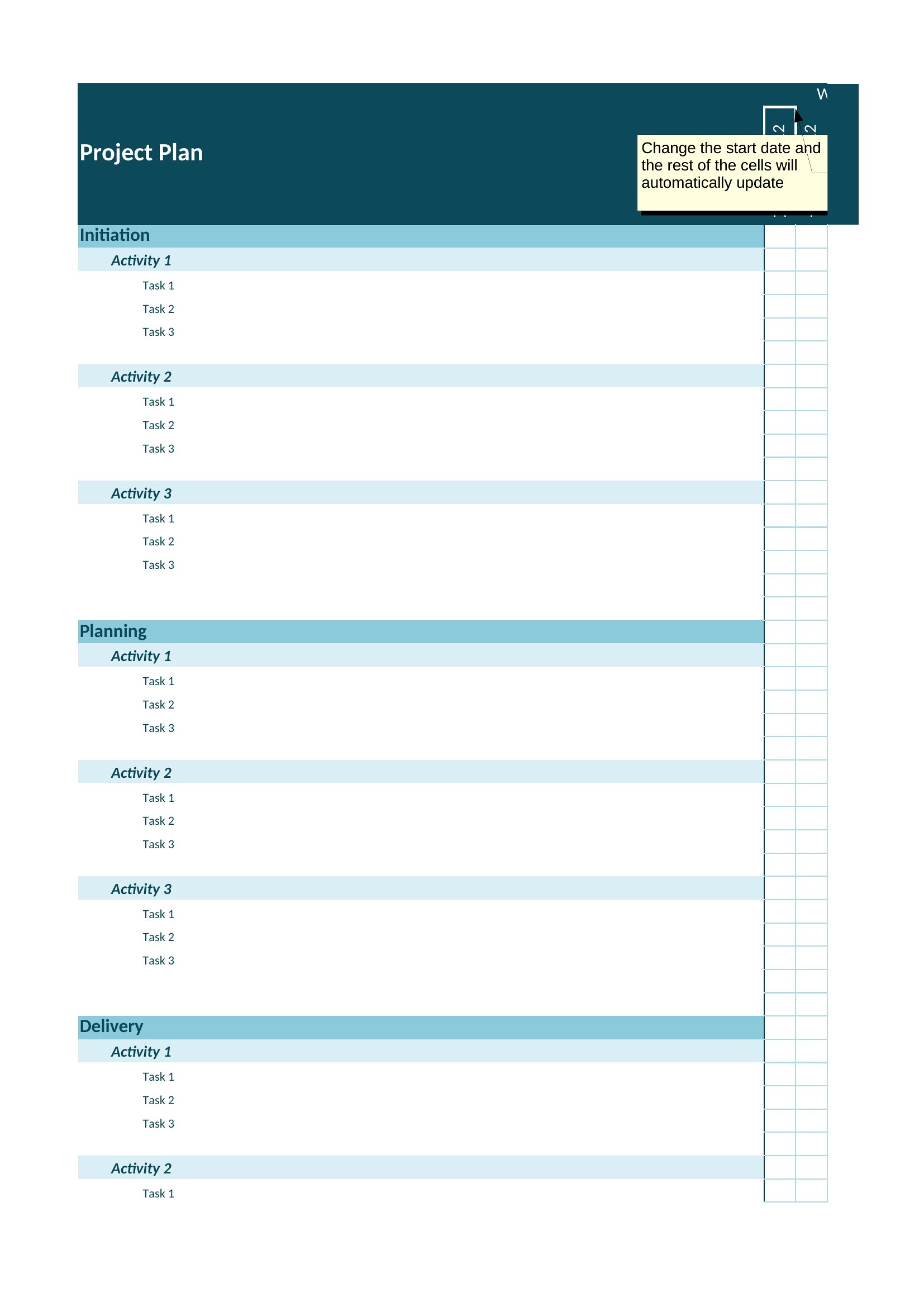
Are there templates here that help with dependencies between tasks, like waiting for client approval before finalizing designs?
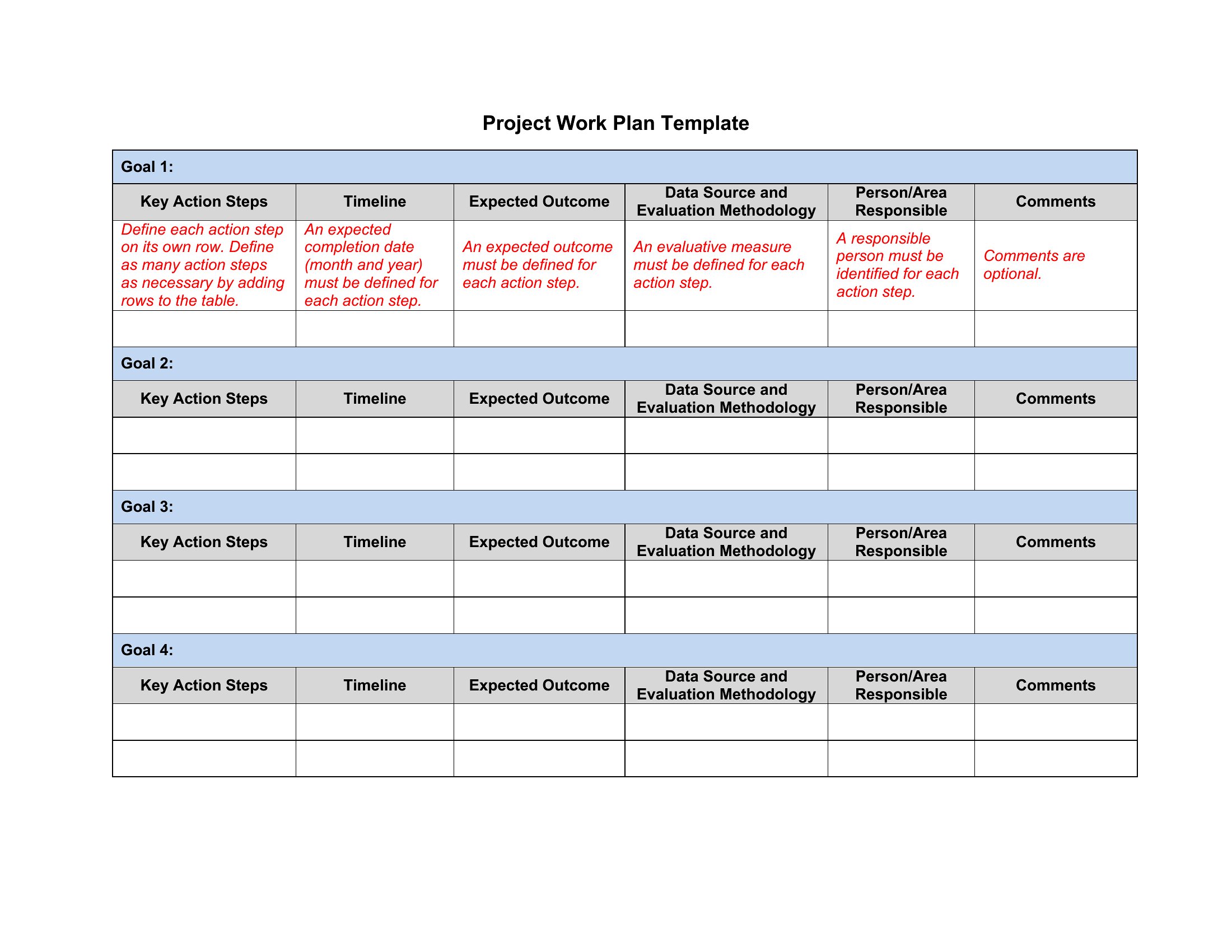
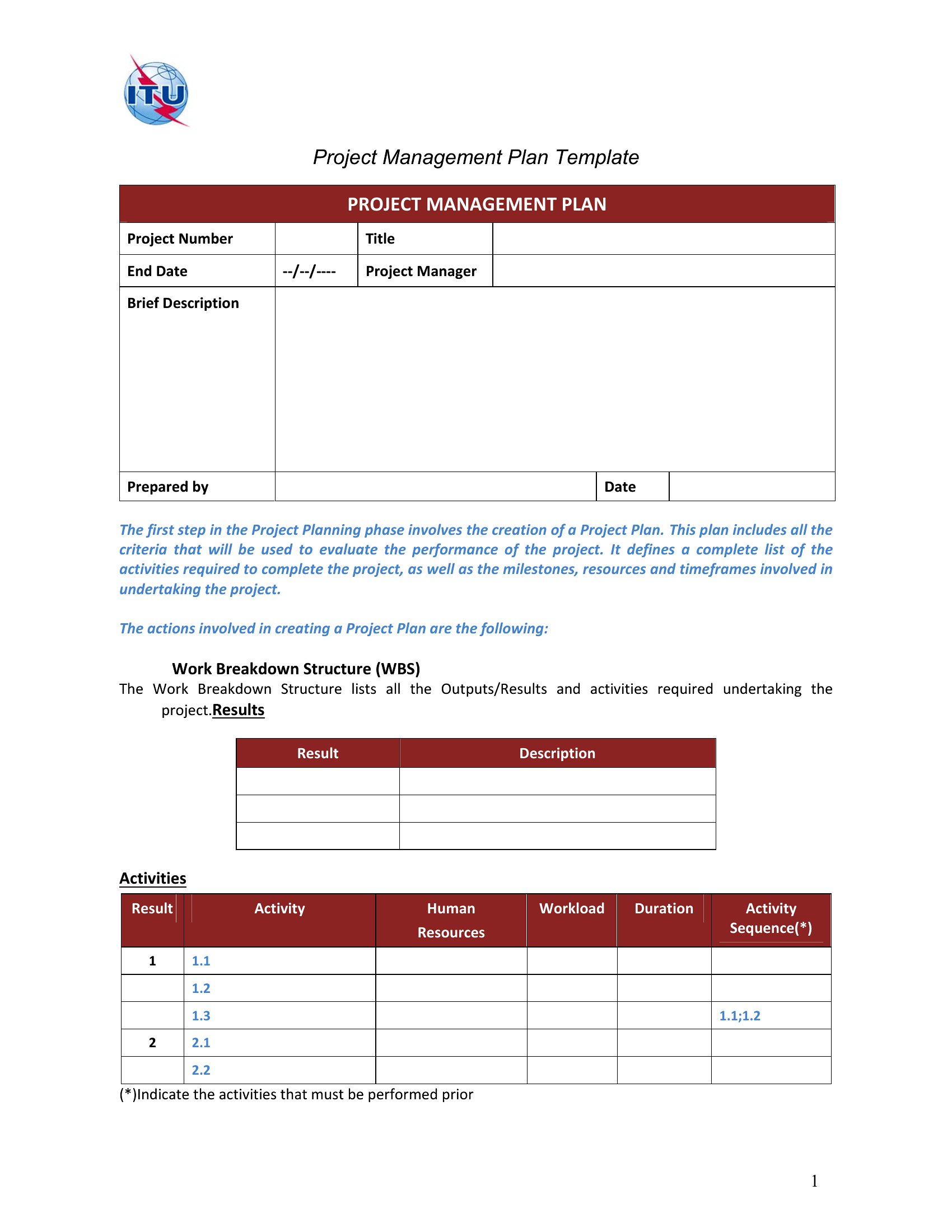
Yes, several templates—particularly in Excel—include dependency fields or Gantt-style bars to show task sequencing. Look for versions with “predecessor” columns or visual arrows connecting tasks. Word templates can mimic this with numbered lists and notes, but Excel’s linking features are more precise for complex workflows.
Comments
Join the conversation
Sign in to share your thoughts and leave a comment on this resource.