Skip to content
50% off this one-time $1.99 pack with HALFOFF — or unlimited with Pro.HALFOFF
Premium

Free Organizational Chart Templates (Word, PDF)

Diagrams
meko by meko
Updated 0 downloads 1 community comment

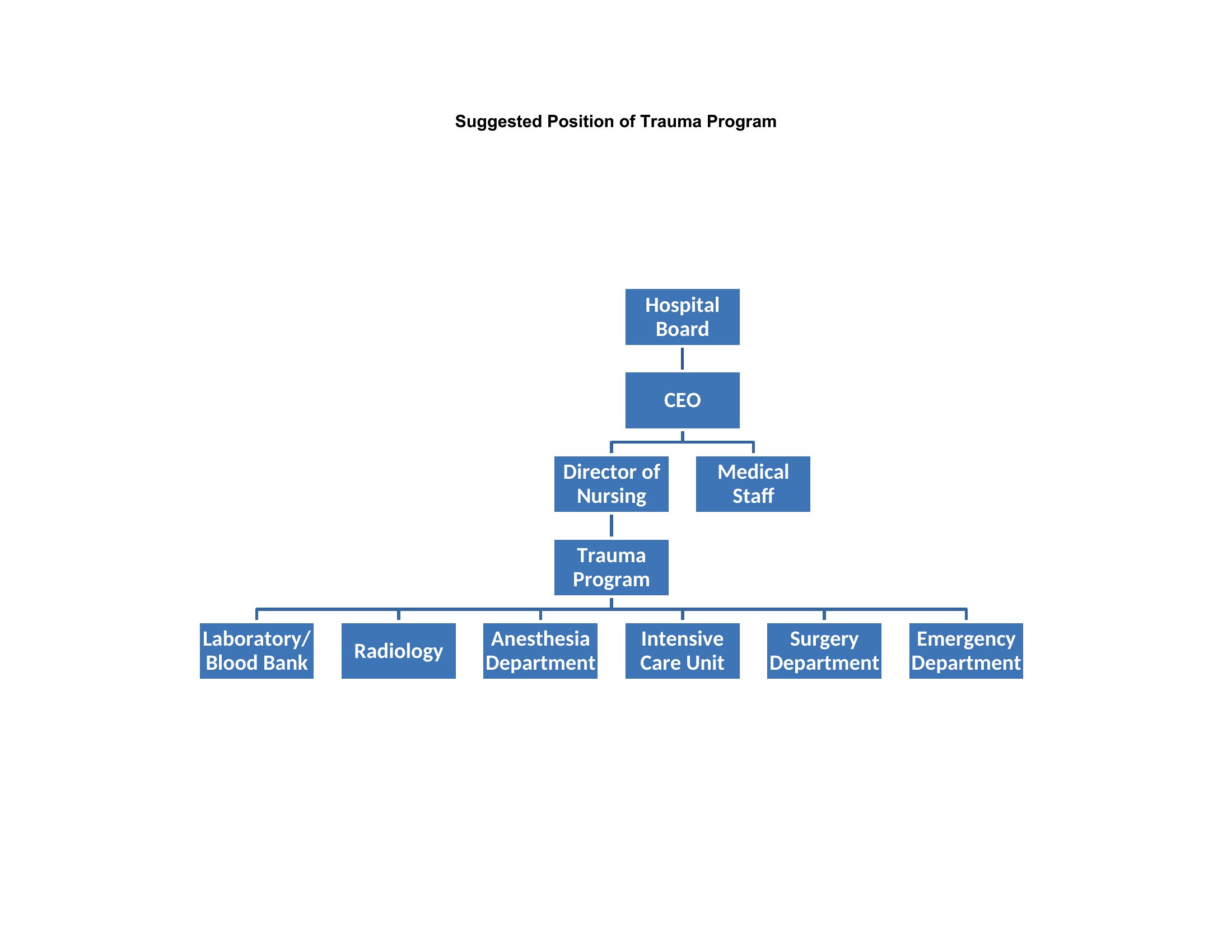
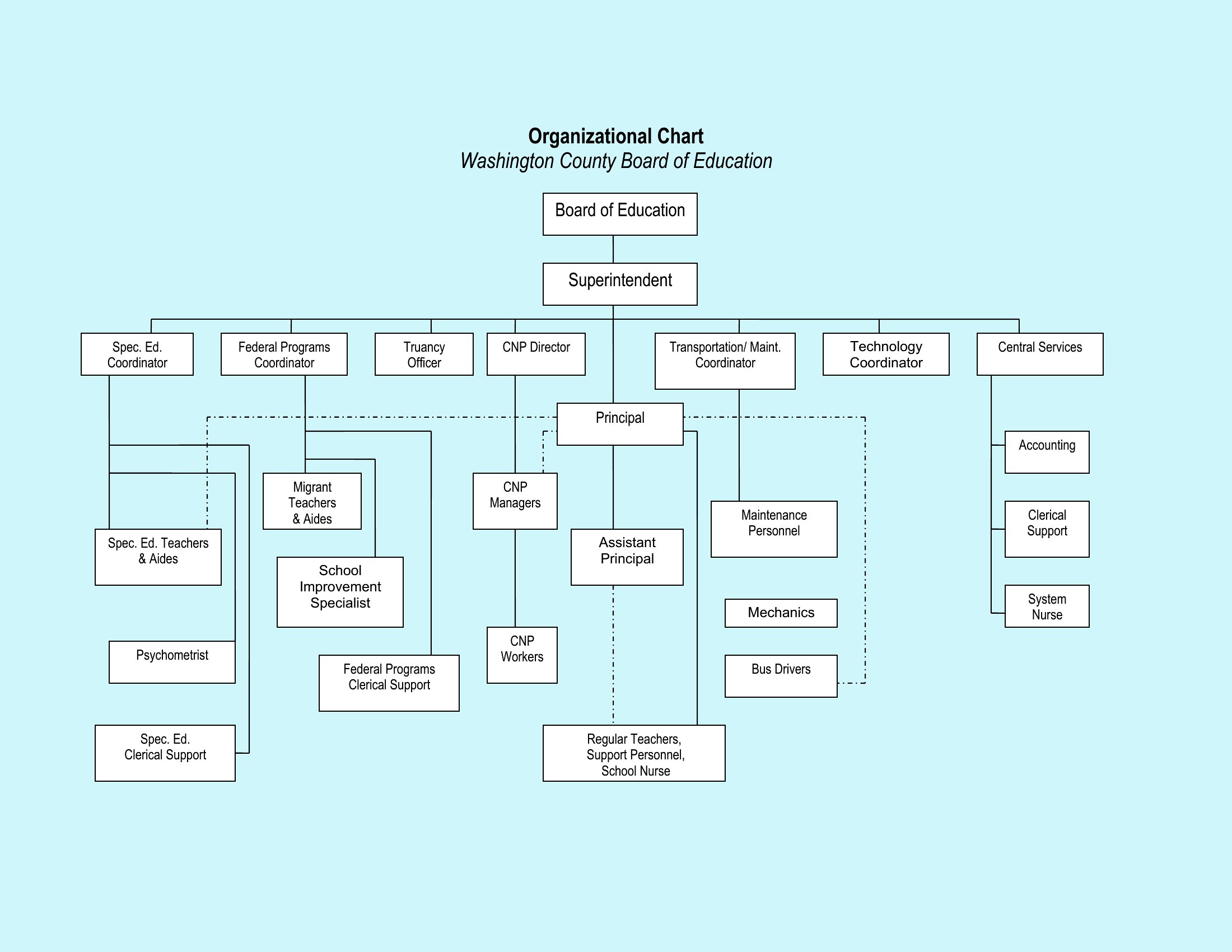
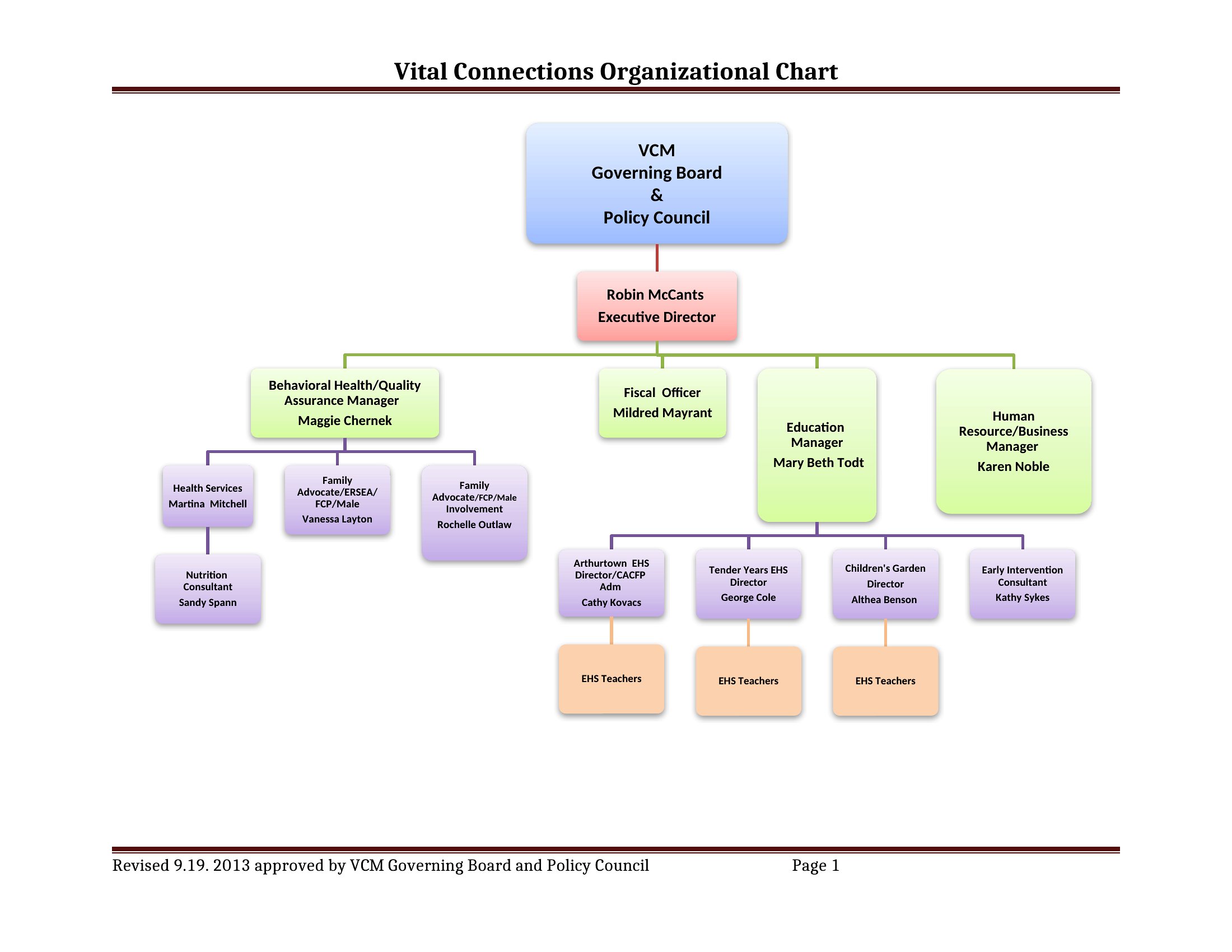
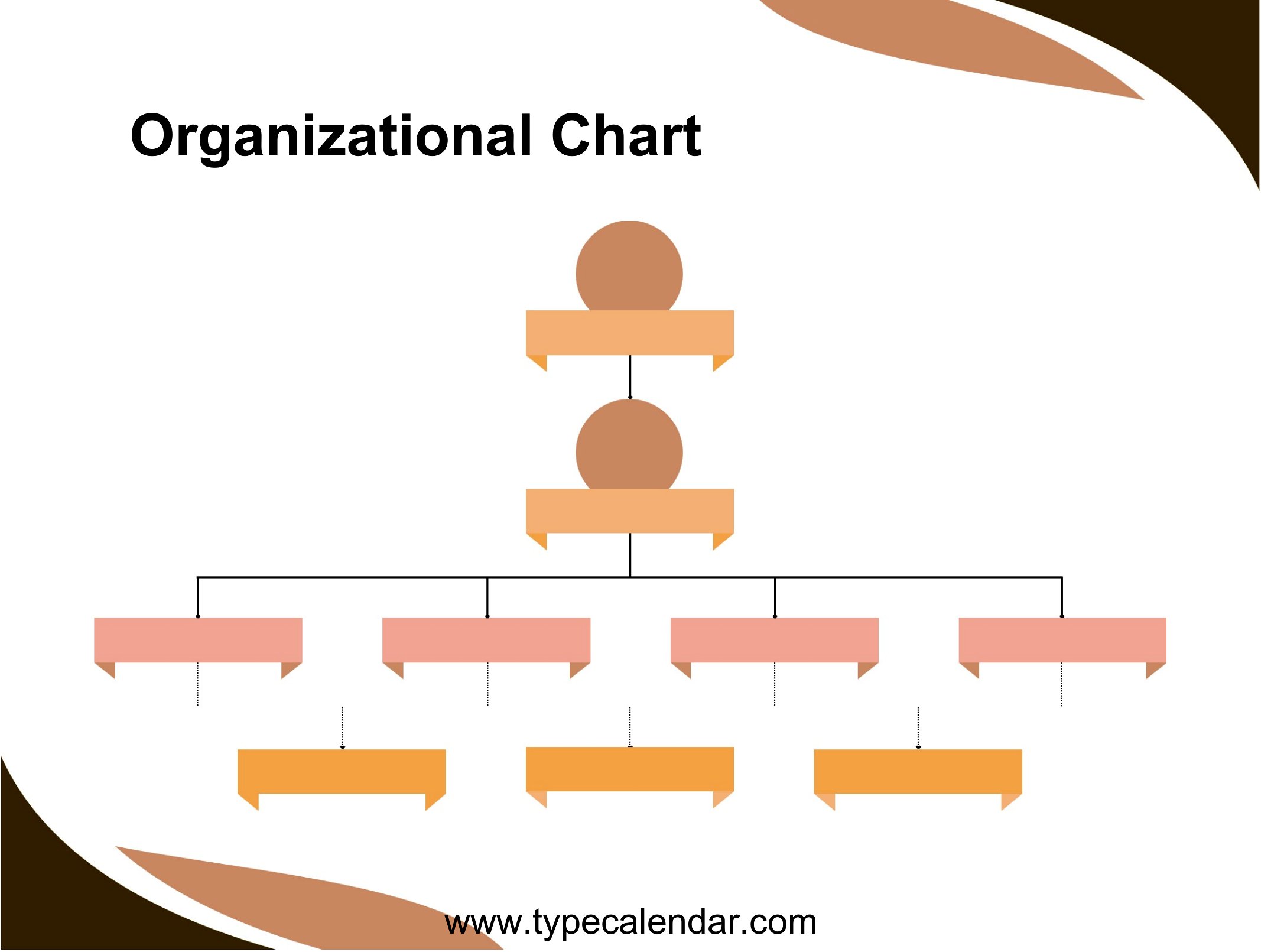
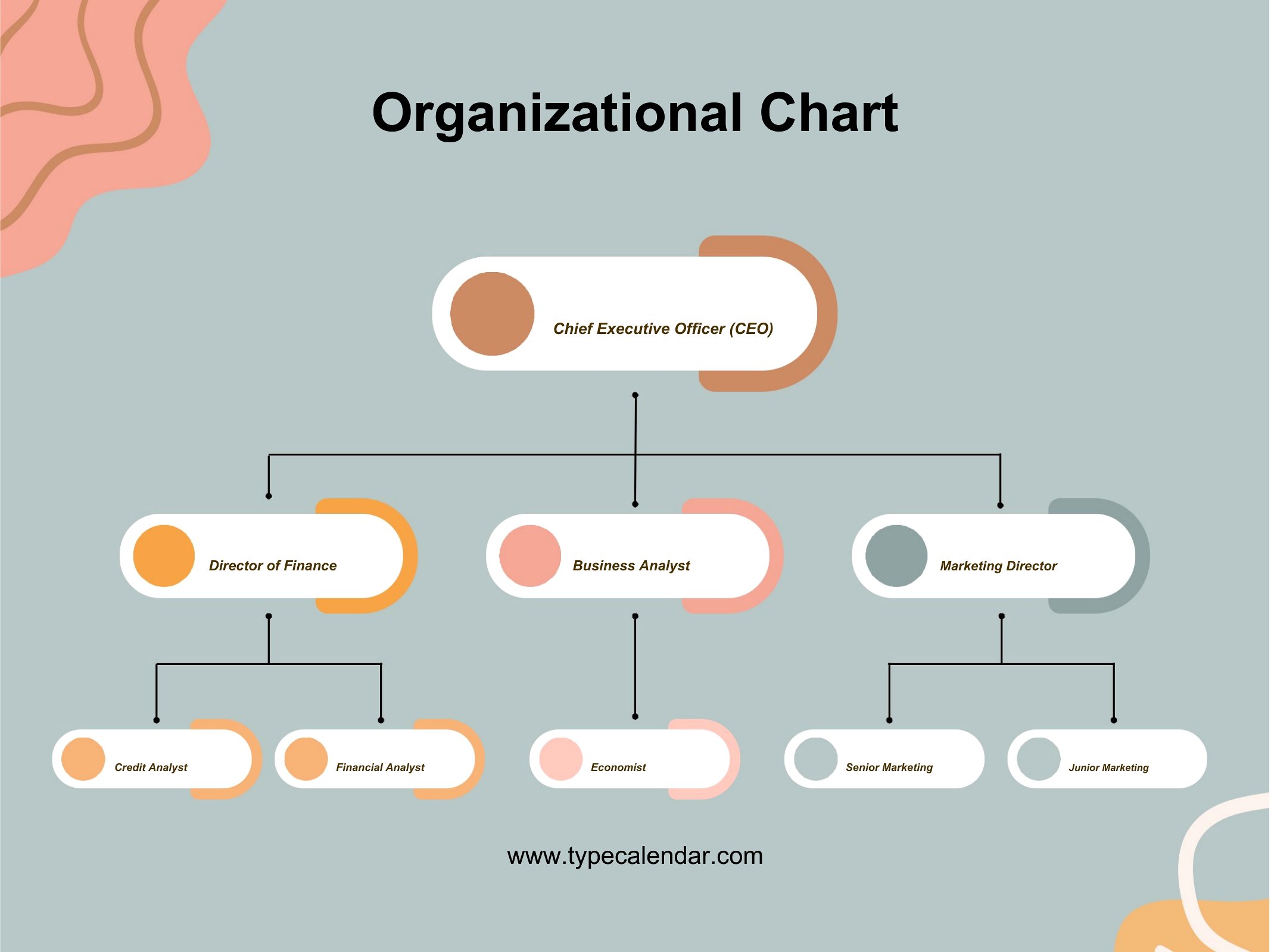
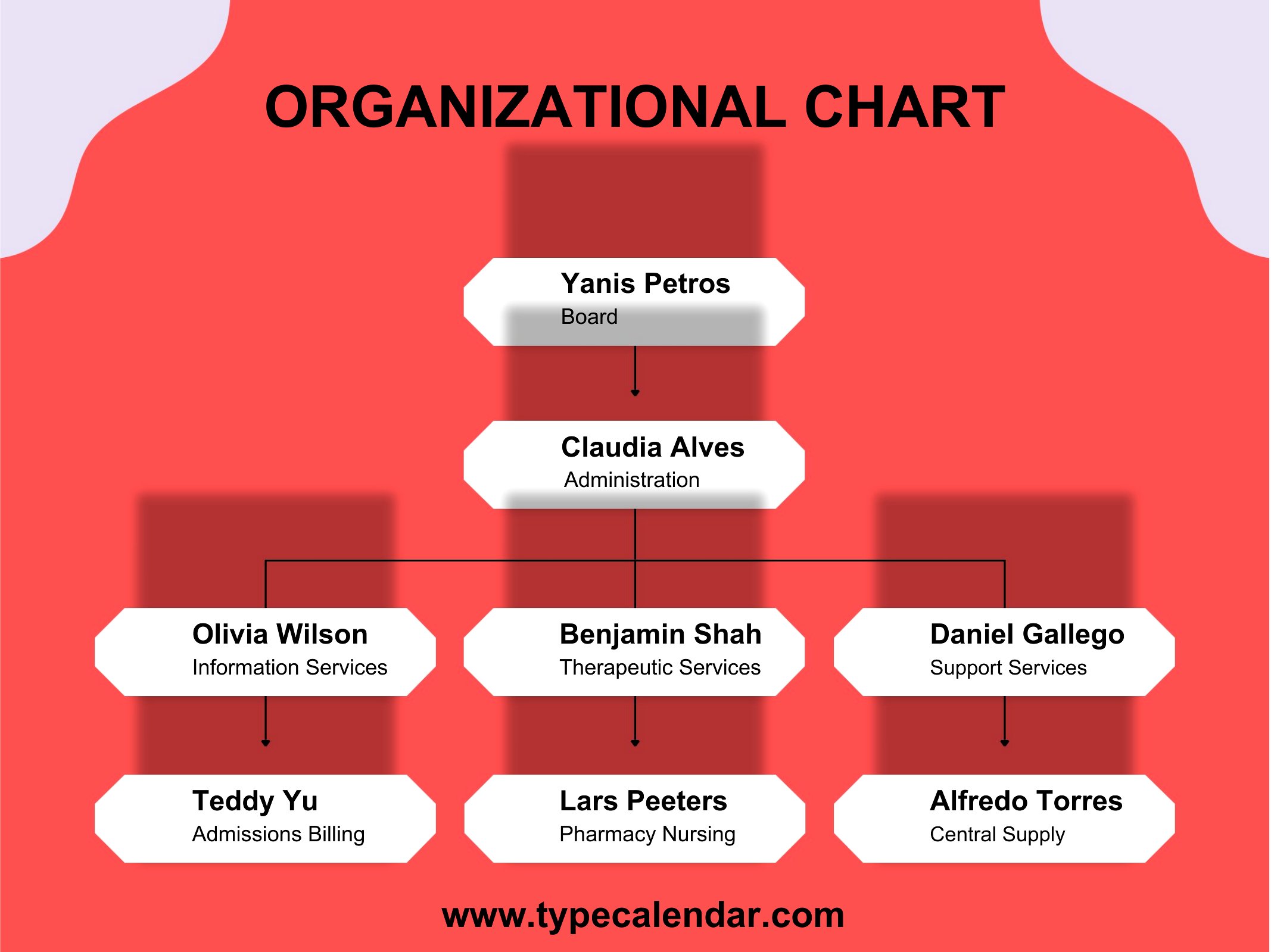
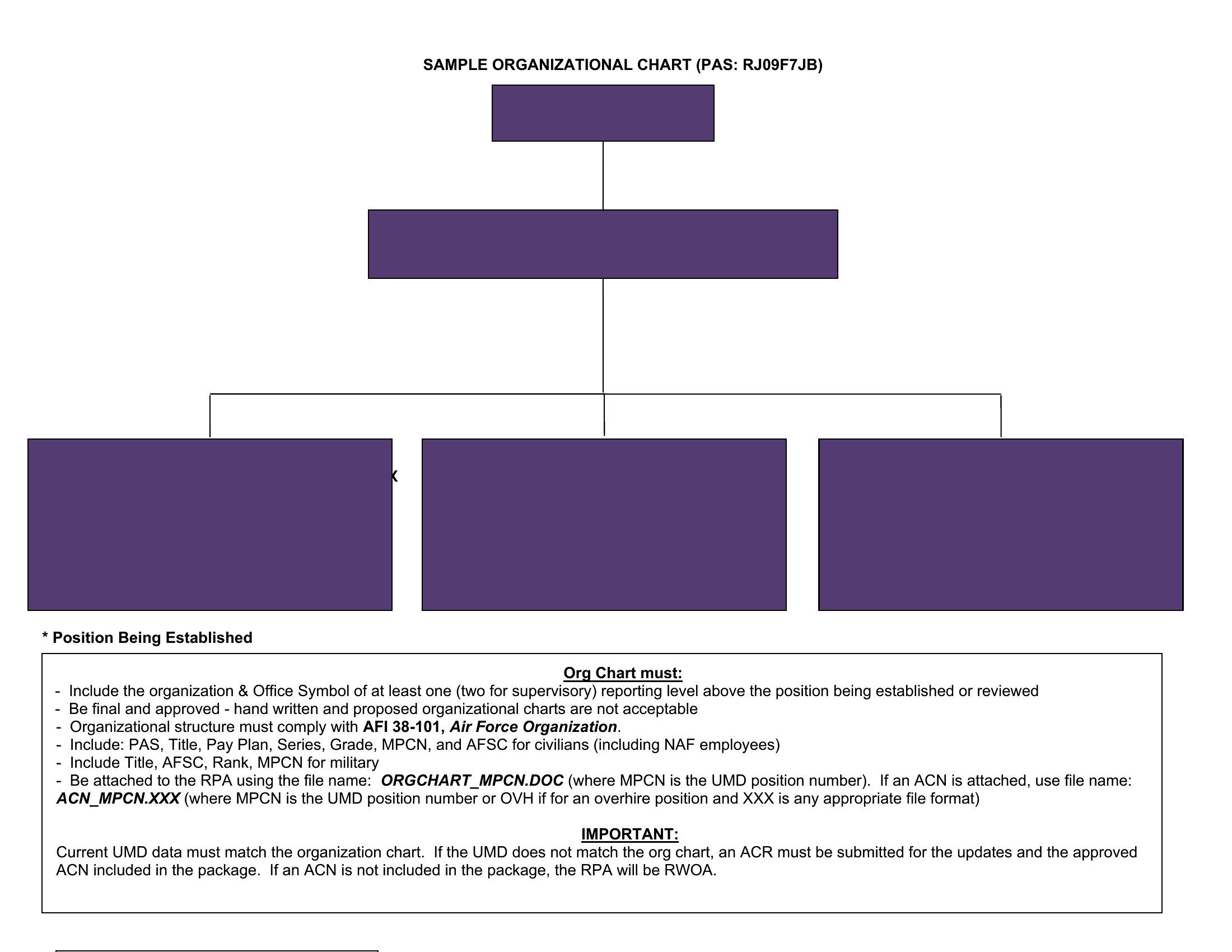
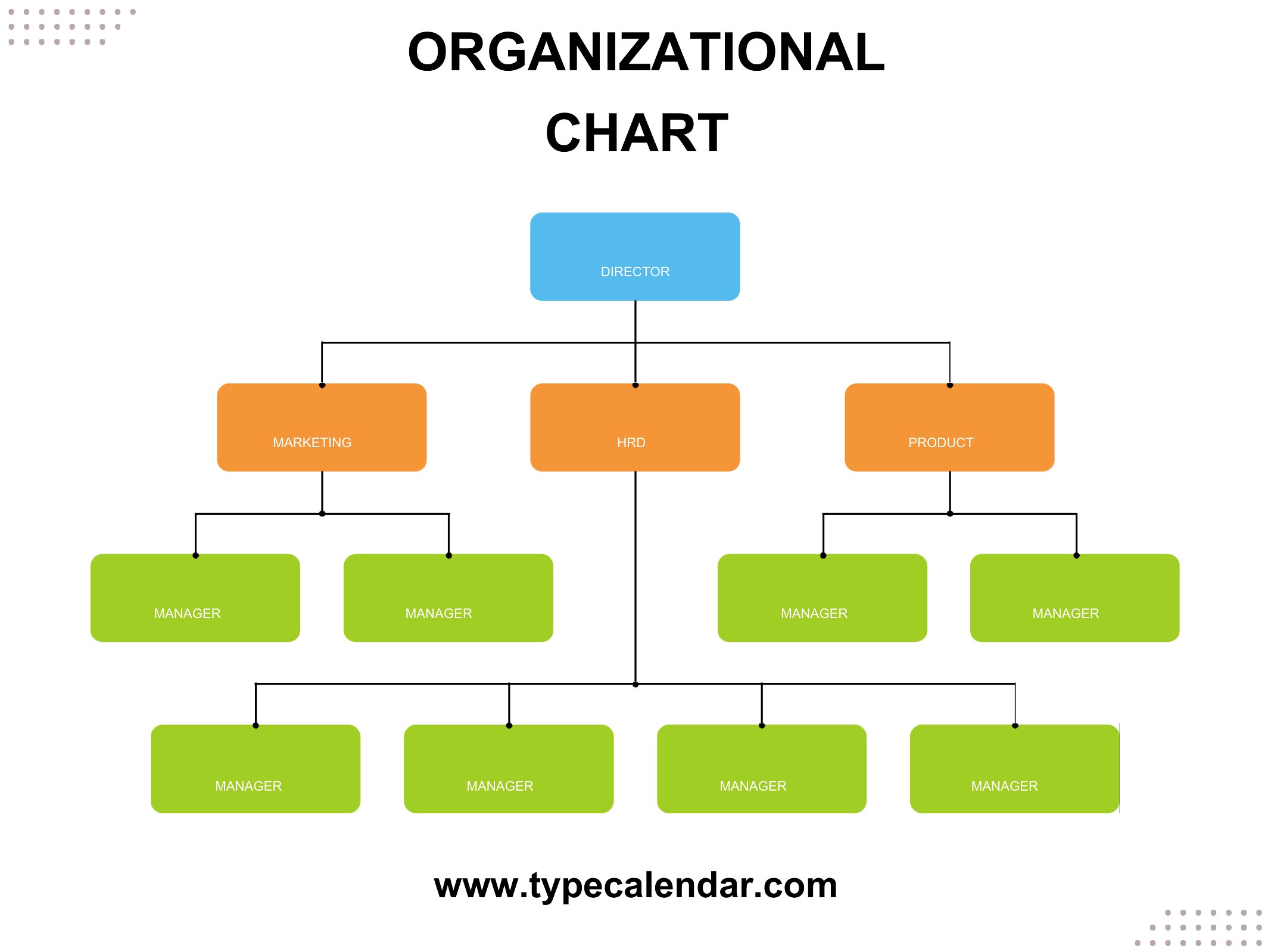
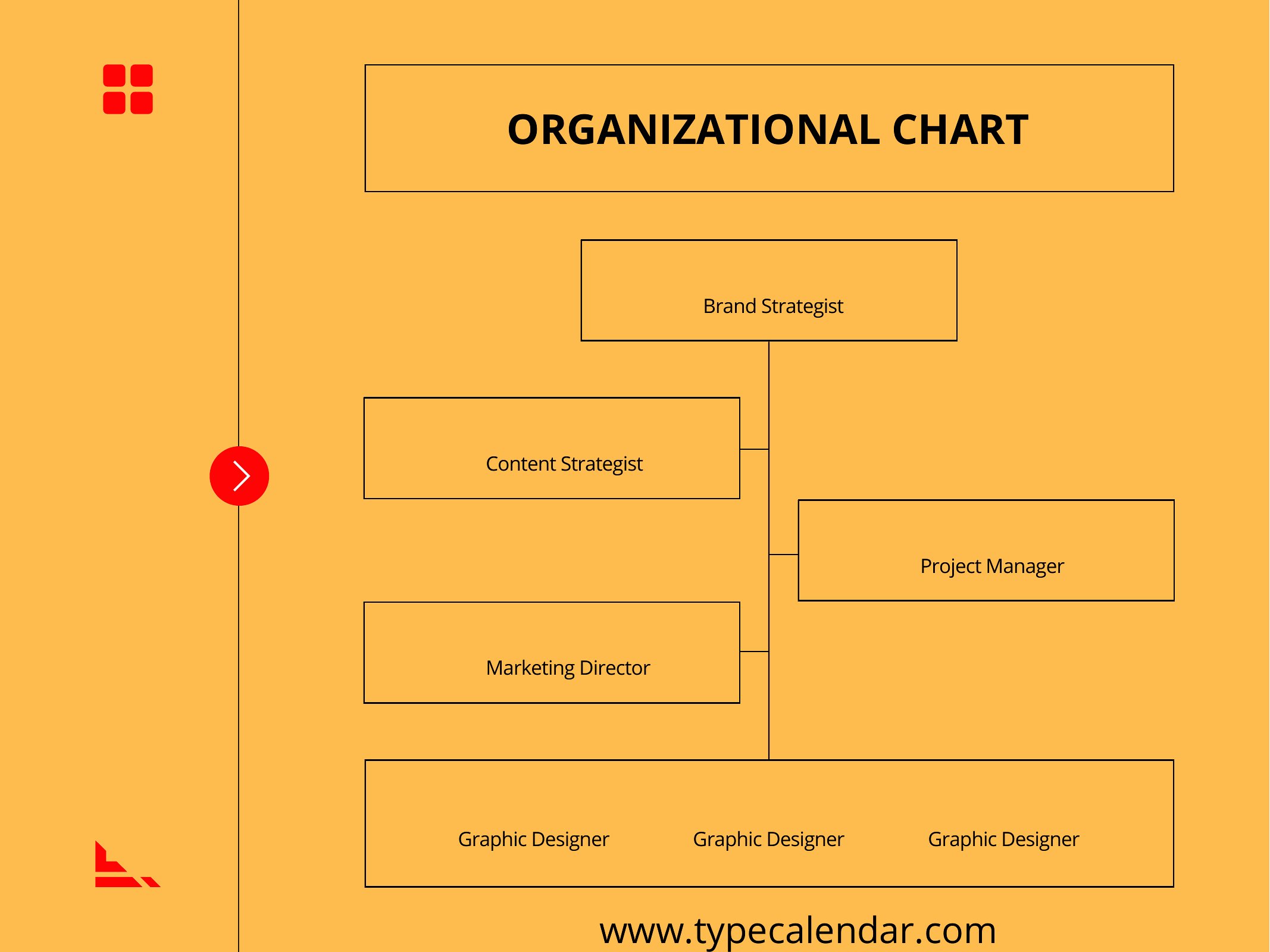
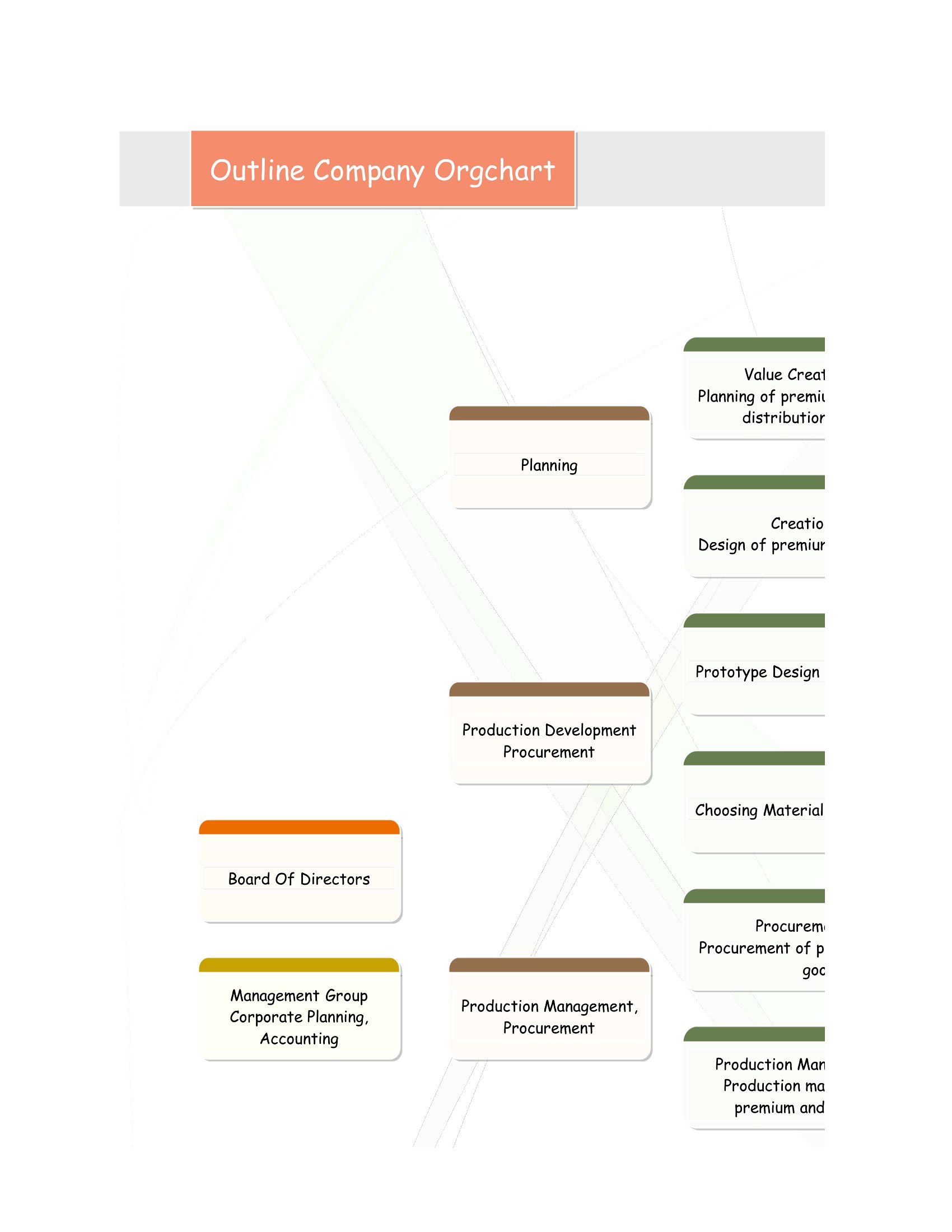
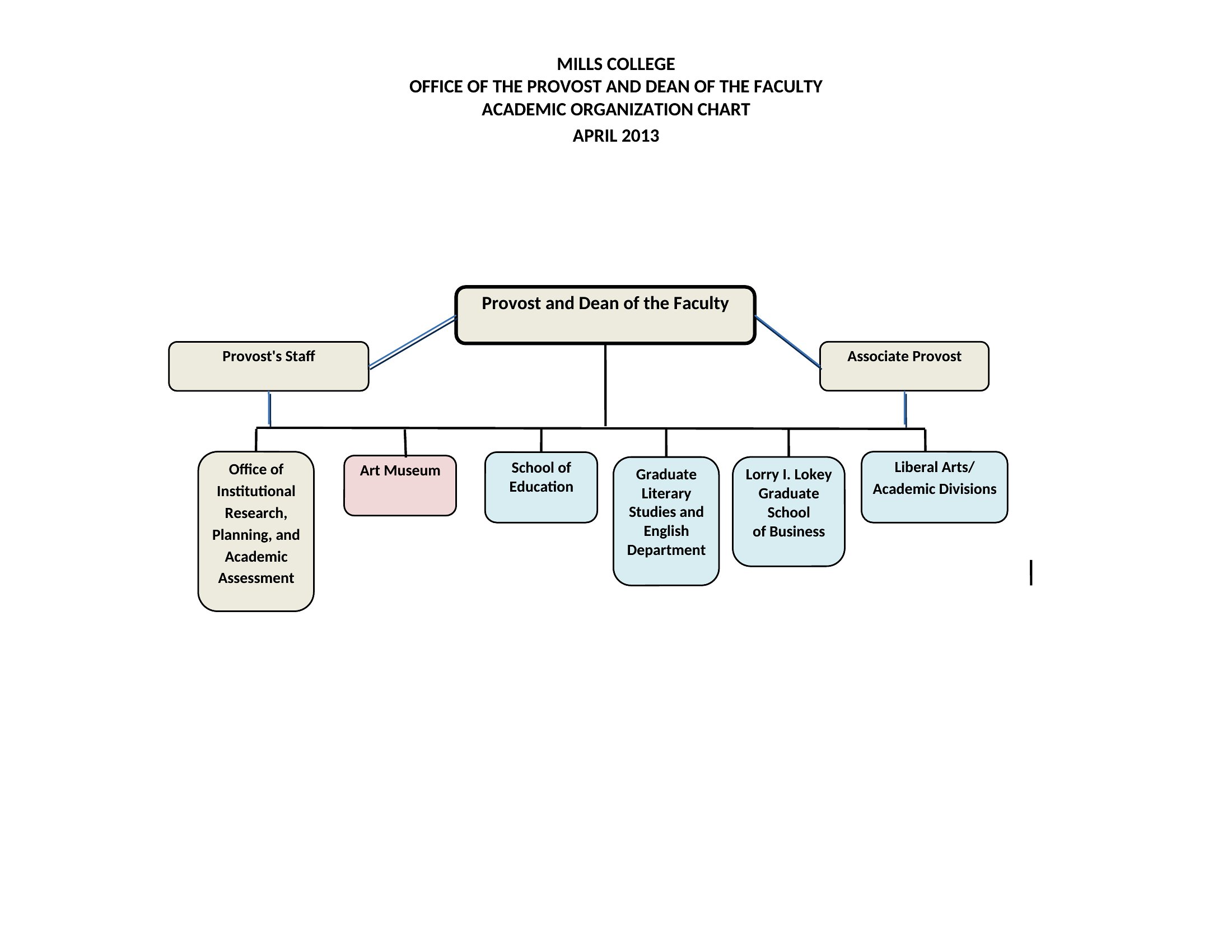
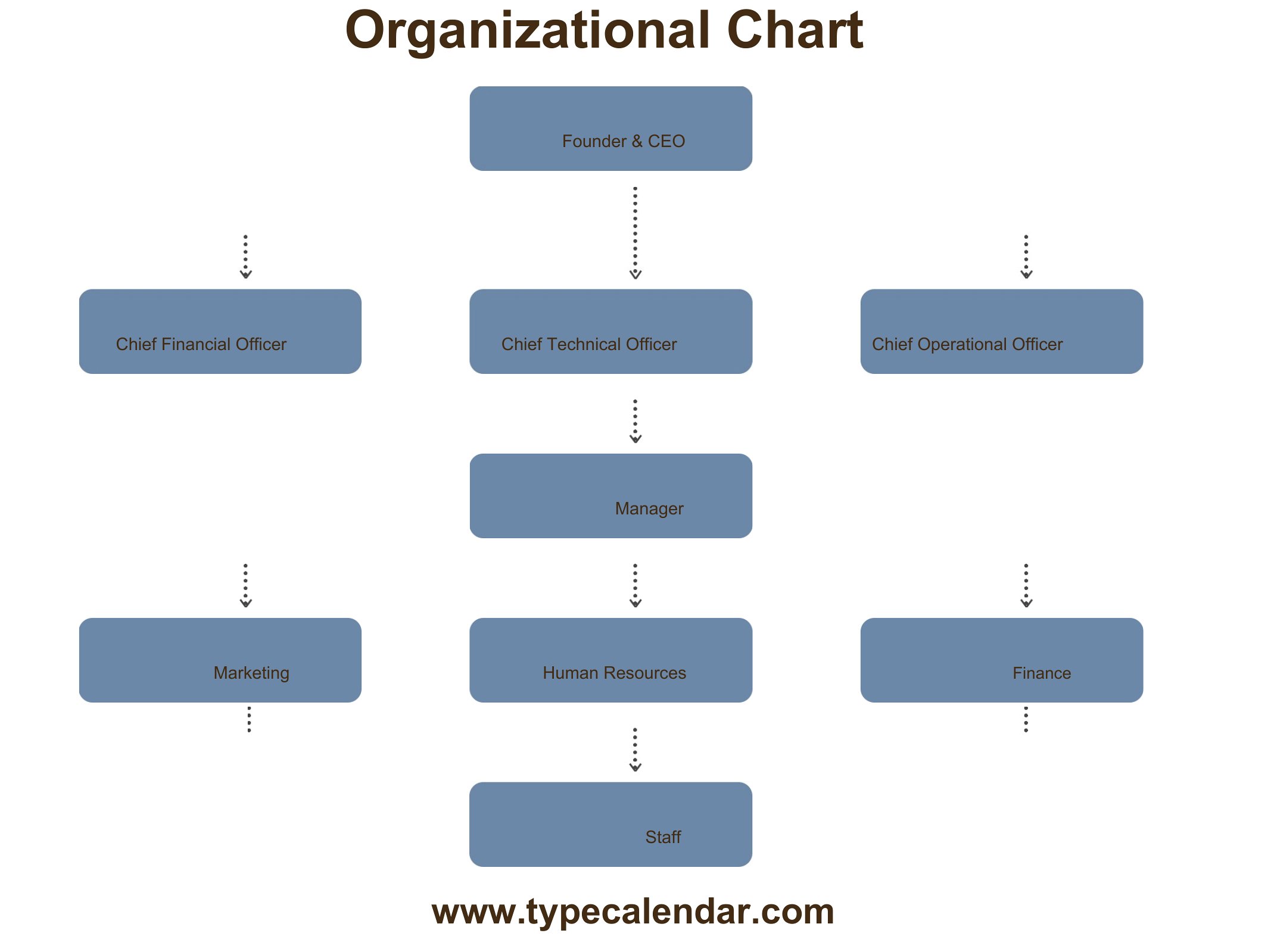
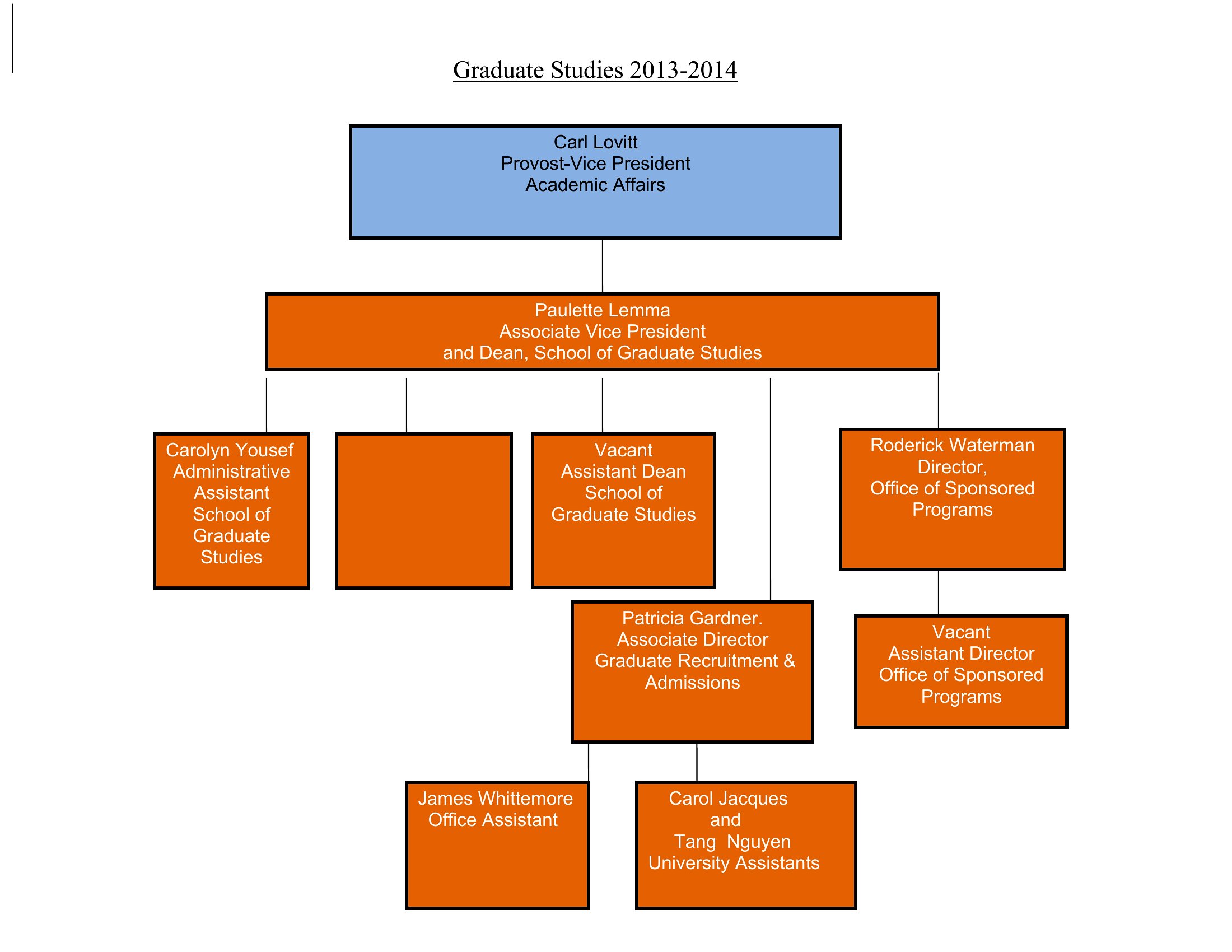
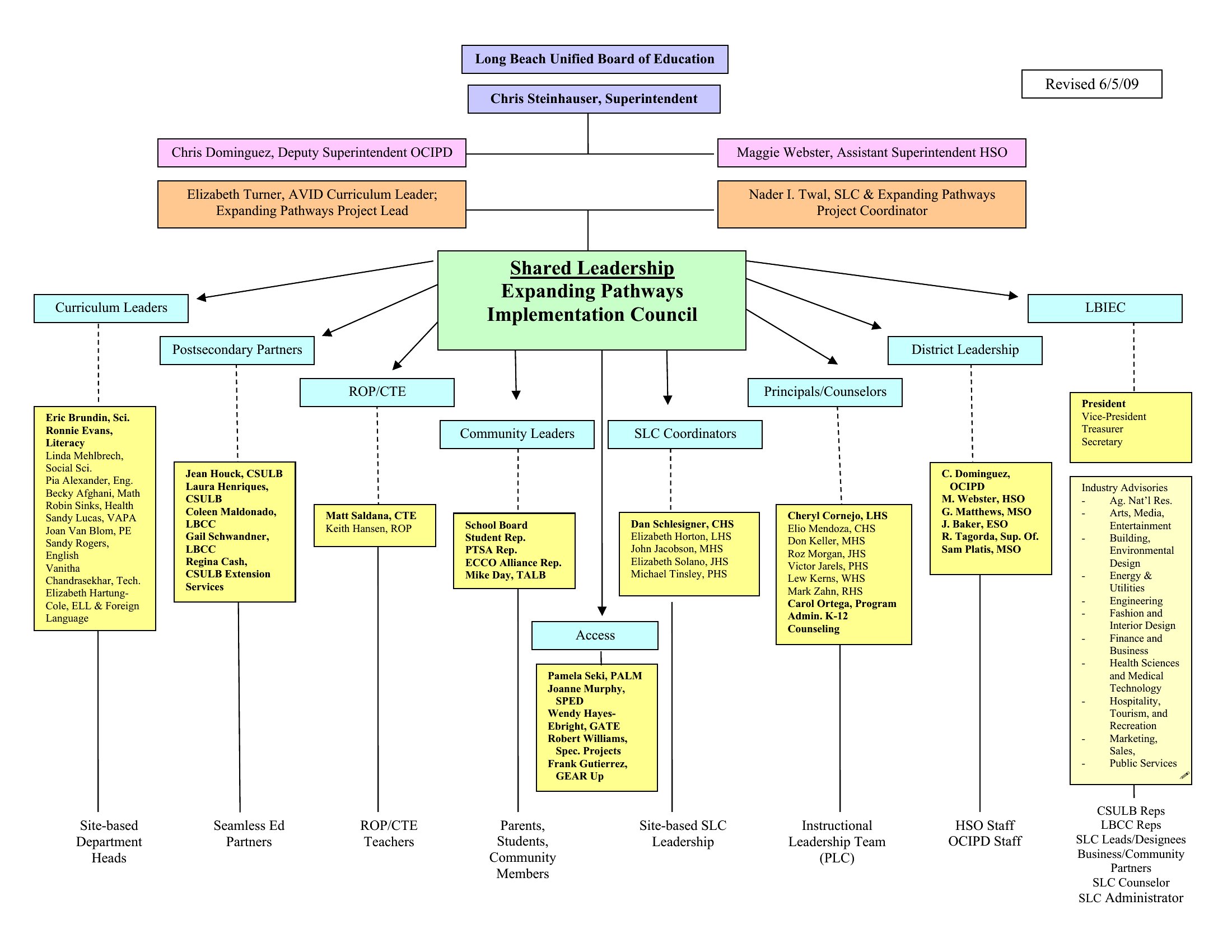
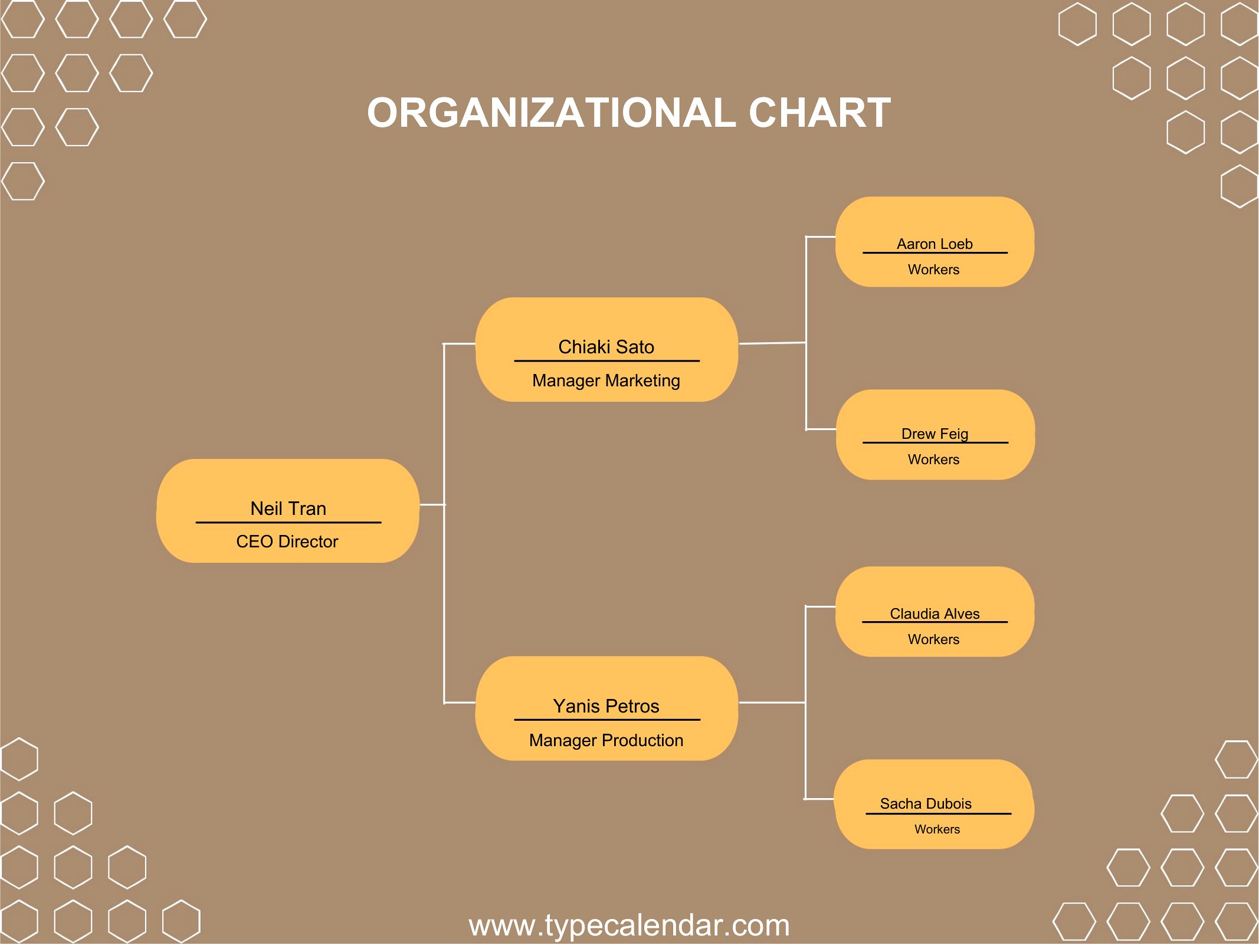
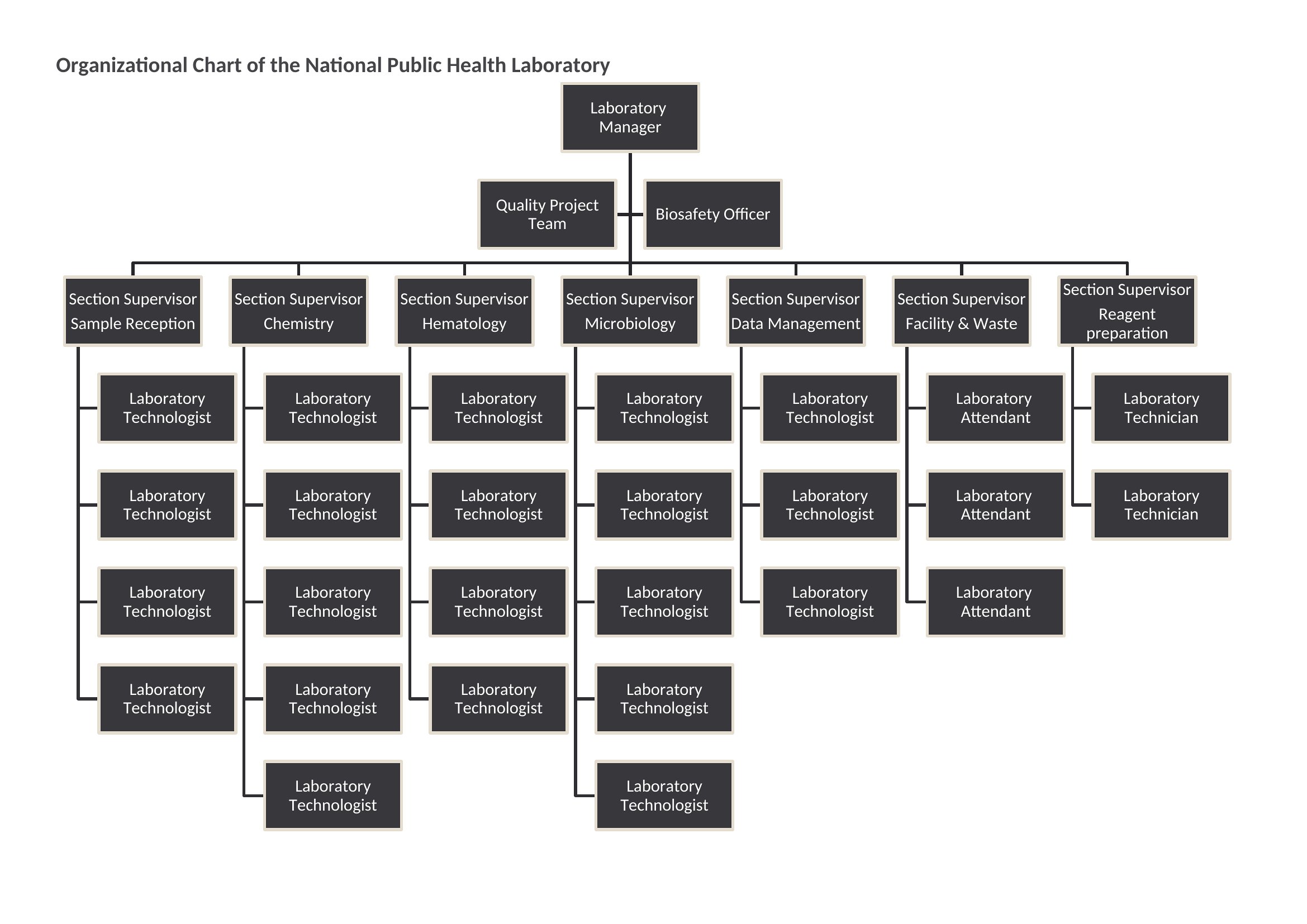
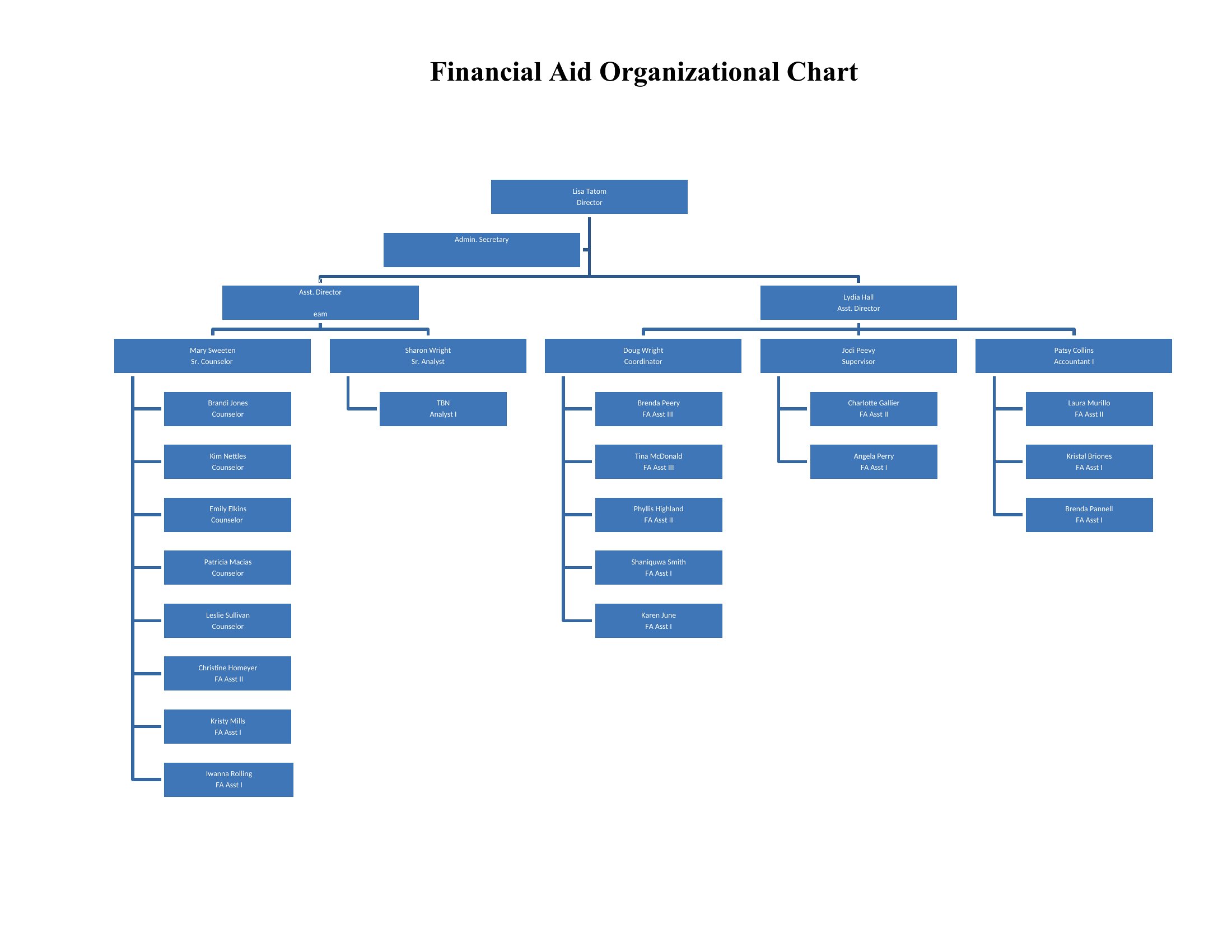
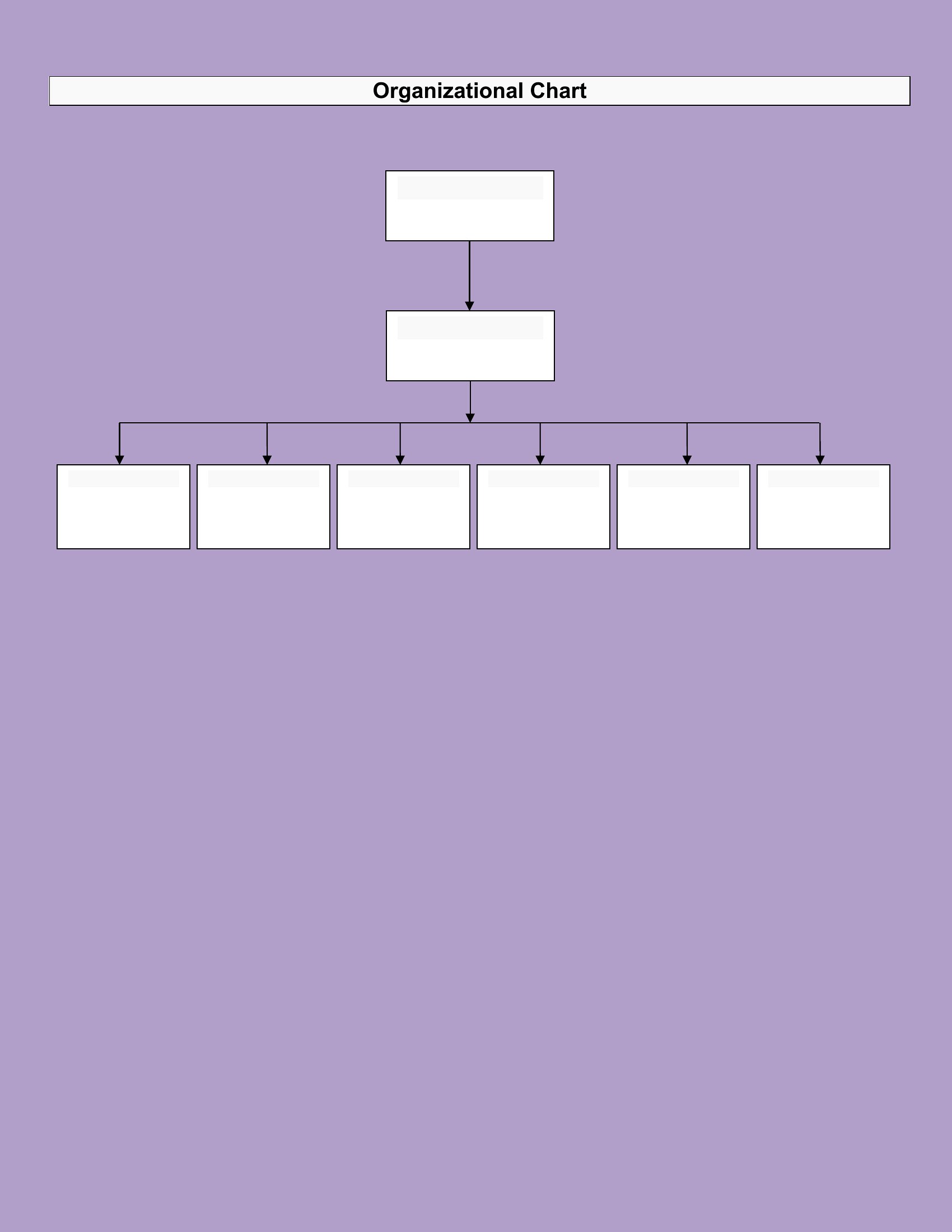
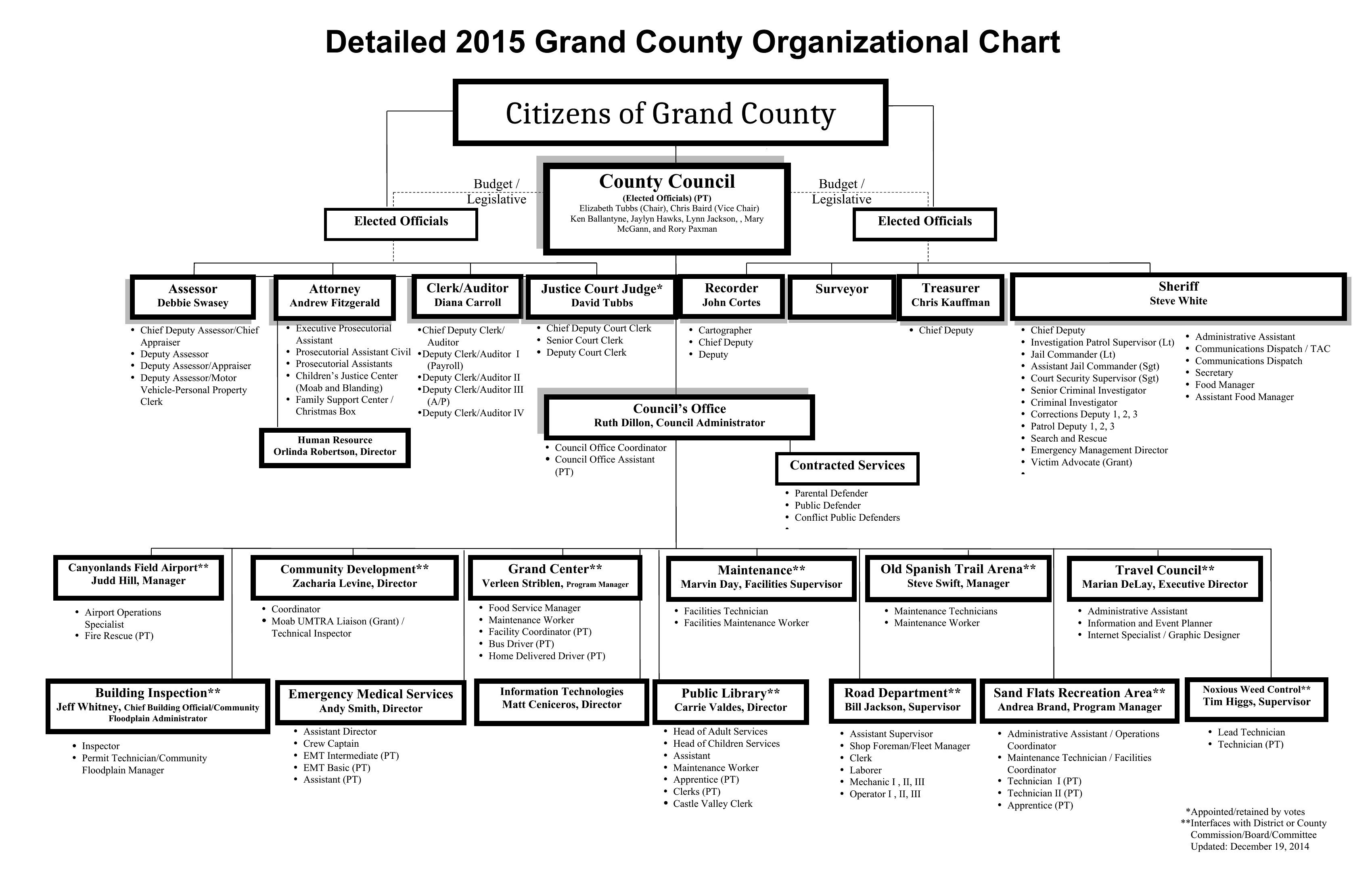
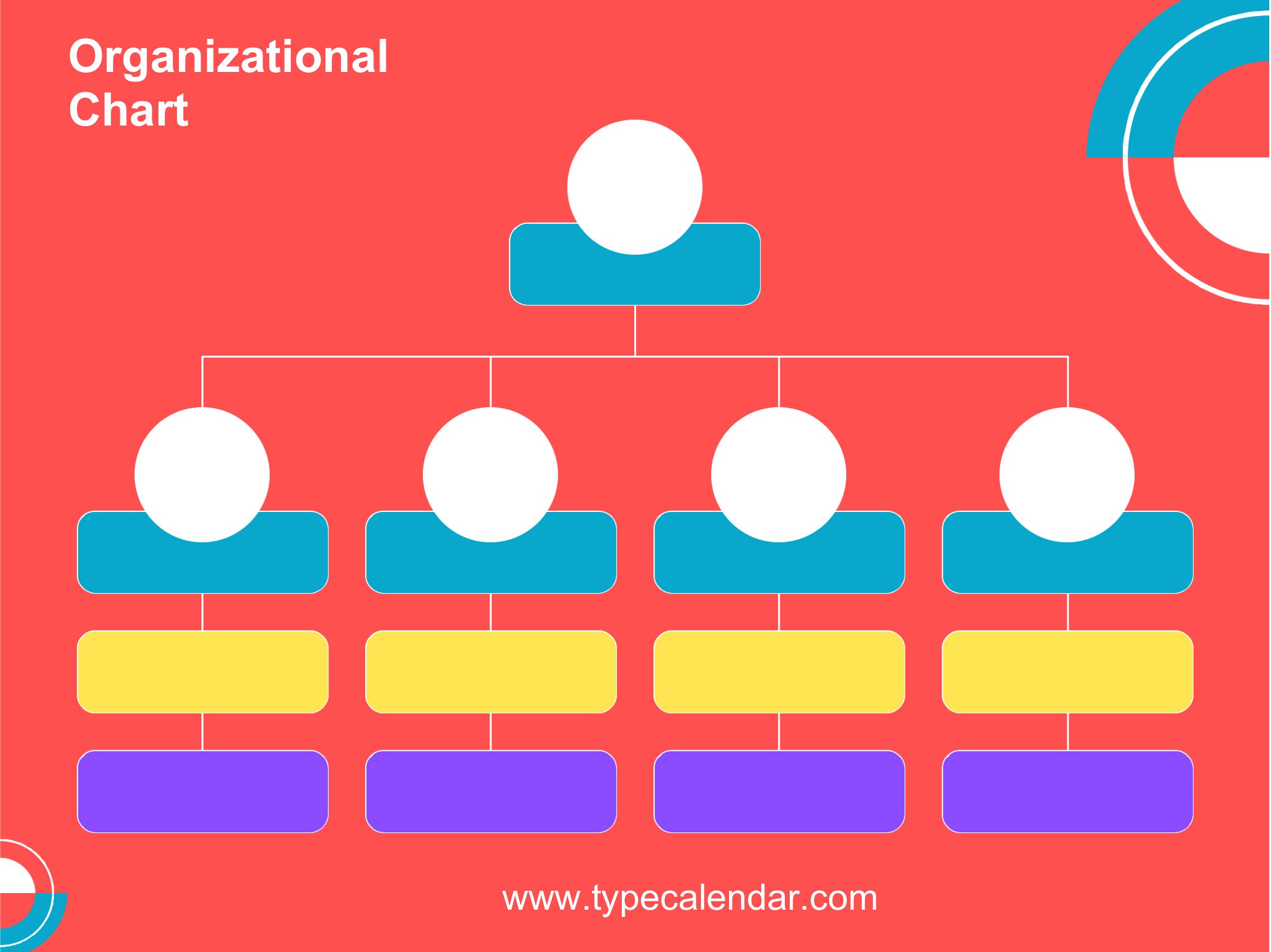
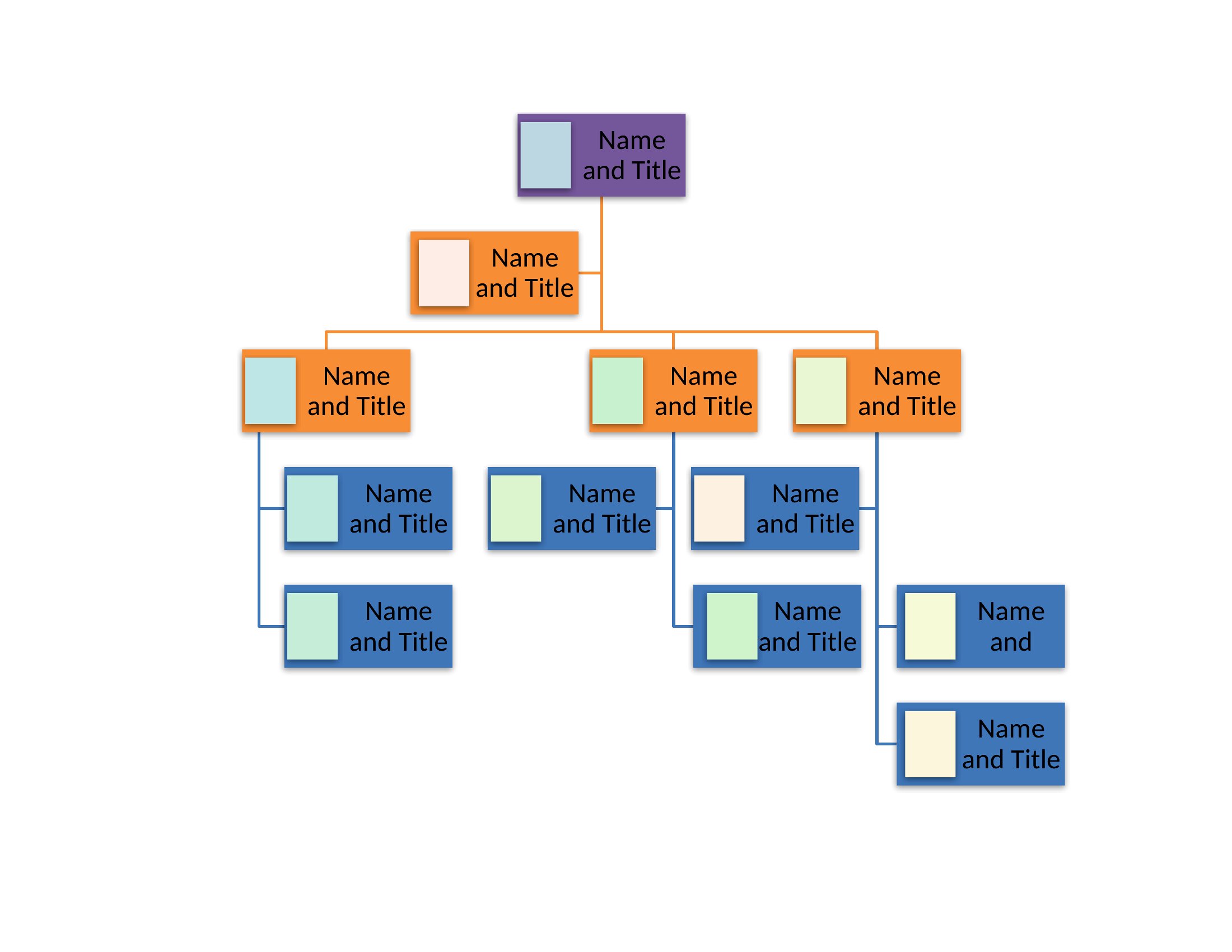
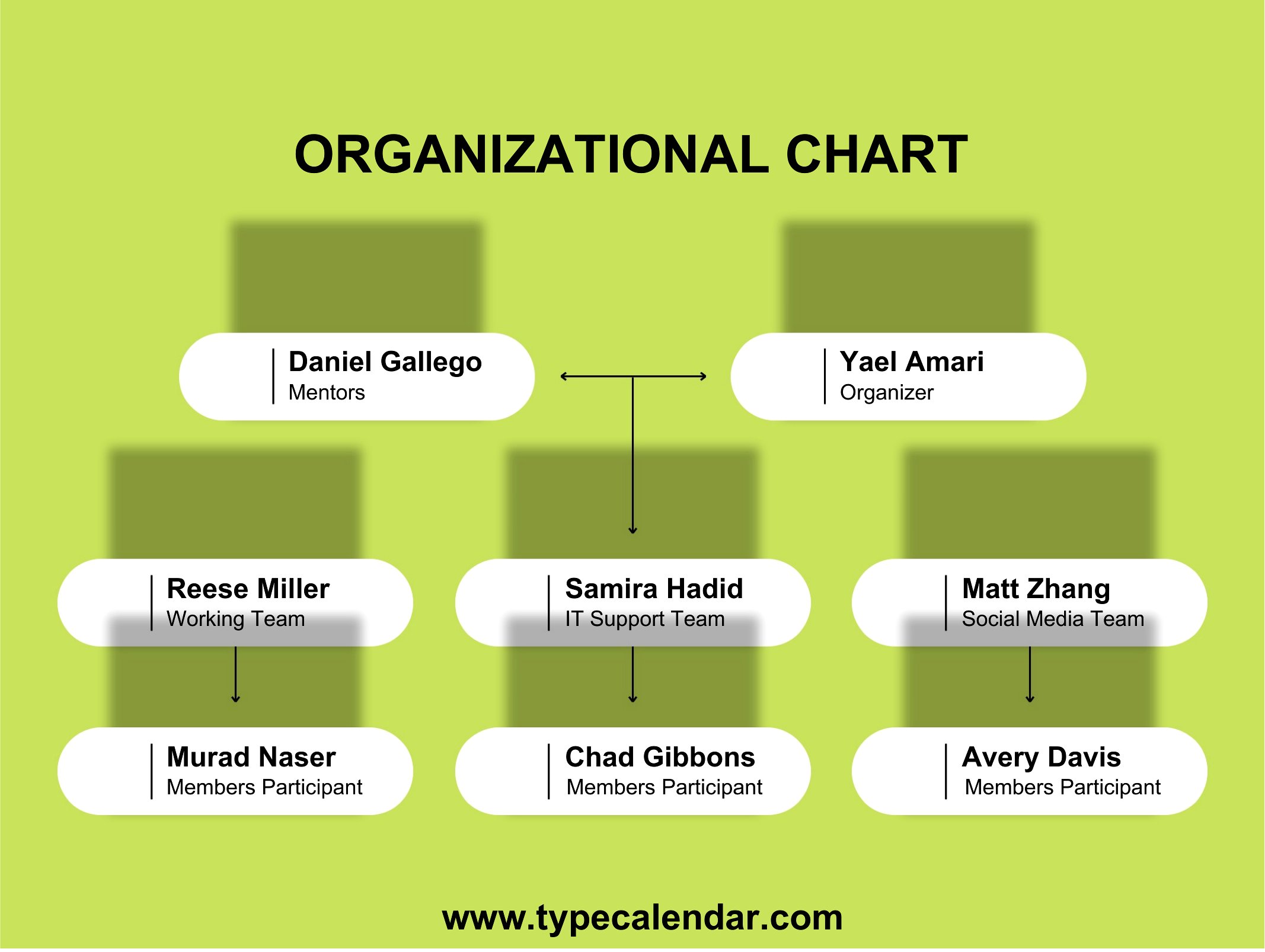
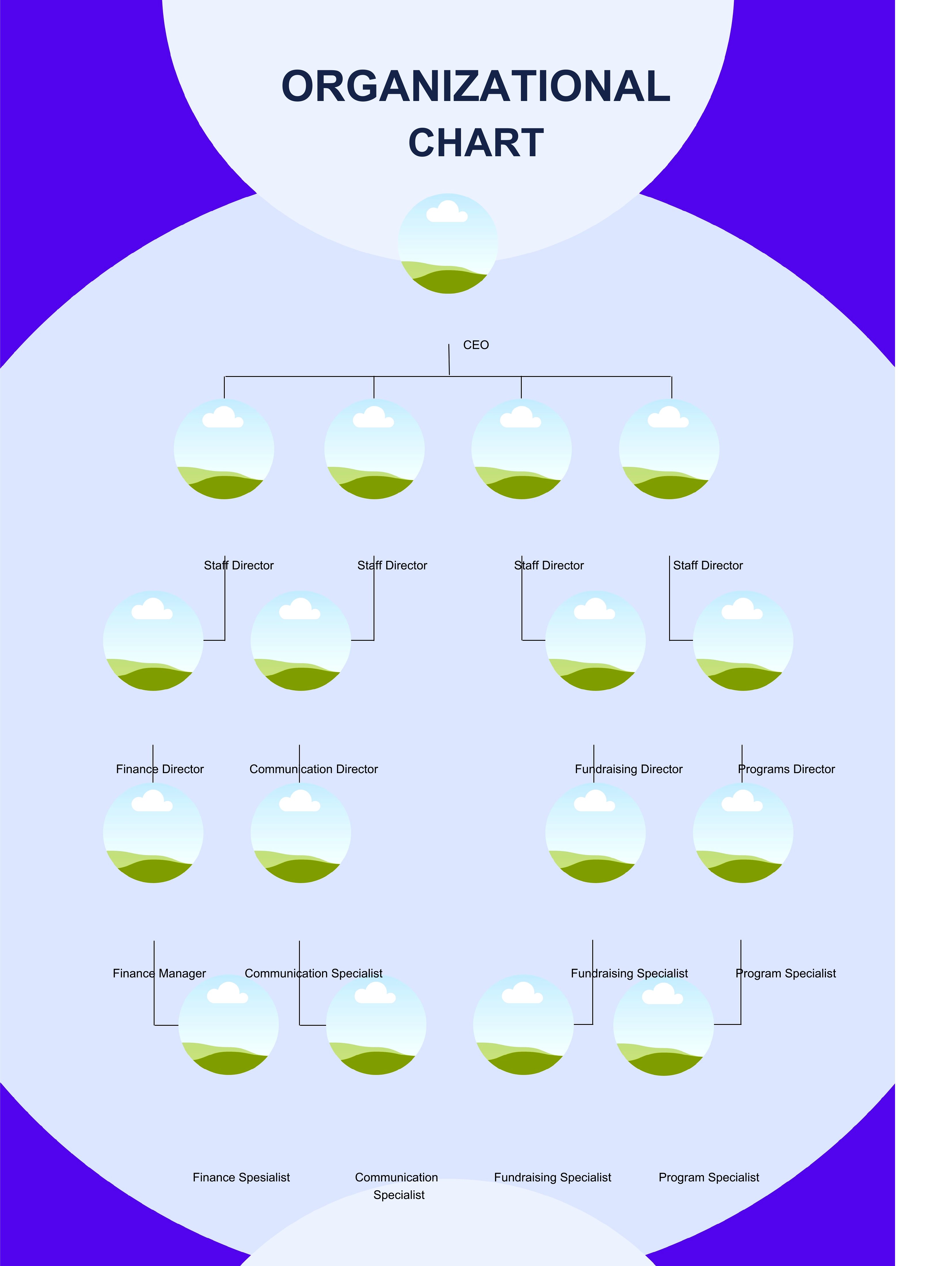
An org chart shows at a glance who reports to whom and how a company fits together, which helps new hires, clients, and managers find their footing fast. This set of 26 organizational chart templates gives business owners, HR teams, and project leads ready structures for small teams up to layered departments. Instead of nudging boxes around for an hour, you start with a clean hierarchy and just add names.

The templates are editable in Word so you can rename roles, add or remove boxes, and recolor branches, and they print cleanly or save as PDFs for sharing. Fill in your people, connect the reporting lines, and you've got a clear snapshot of the team. Update it whenever someone joins or moves. Pick the layout that matches your size and map out your organization today.

When to use this Organizational Chart template

  • A small business owner hiring their first marketing manager needs a clean, simple chart to introduce roles like ‘CEO,’ ‘Operations Lead,’ and ‘Marketing Manager’ to investors during a pitch meeting—Word format lets them tweak job titles before printing.
  • An HR director onboard new employees at a 50-person agency and wants a color-coded chart (e.g., blue for sales, green for creative) to clarify reporting lines—PDF retains formatting when shared in training materials or internal portals.
  • A project lead managing a cross-departmental team of 12 wants to visualize who reports to whom across dev, design, and product teams—PDF ensures the chart looks consistent when emailed to stakeholders without risking accidental edits.
  • A startup founder launching in a new market needs to present a streamlined org chart (e.g., ‘Co-founder,’ ‘Head of Sales’) to potential partners—Word lets them quickly adjust titles after feedback before finalizing as a PDF for contracts.

Which format should I download?

WordPDF

Choose Word if you’ll refine the chart repeatedly—editing job titles, department colors, or adding notes in comments is seamless before sharing. Opt for PDF when the chart is final and needs to stay locked for printing, presentations, or client handouts. Both formats support clean hierarchy layouts, but PDFs preserve formatting when distributed externally.

Choose from 26 Organizational Chart Templates

How to use this Organizational Chart template

Can I adjust the hierarchy levels if my team has a flat structure or a matrix reporting system?

Yes, these templates start with standard tiers but are fully editable in Word or PDF. For flat structures, collapse layers or merge boxes; for matrix reporting, use color or dashed lines to show dual reporting in Word before exporting to PDF. Avoid overcomplicating—stick to 3–4 levels for clarity unless your org is deliberately unconventional.

How do I represent contractors or part-time roles that don’t fit neatly into the chart?

Add contractors as dotted-line boxes under the manager they collaborate with most closely, or use a separate ‘External Partners’ section at the bottom. Label them clearly (e.g., ‘Freelance Designer’) to avoid confusion. These templates focus on full-time roles, so adapt as needed—just keep the chart focused on core reporting lines.

Will these charts work for non-profits or government agencies with specific title conventions?

Absolutely, but replace generic terms like ‘Director’ or ‘Manager’ with your org’s exact titles (e.g., ‘Program Coordinator’ or ‘Policy Analyst’) in Word. For agencies with strict naming rules, save the final version as a PDF to prevent accidental edits. These templates are structural tools, not prescriptive—tailor them to your workforce’s actual roles.

Comments

Join the conversation

Sign in to share your thoughts and leave a comment on this resource.

Newsletter

Get Weekly Design Updates

Join our community to receive curated resources and inspiration.

Weekly Tips Resources Early Access

We respect your privacy. Confirmation email required. Privacy Policy