
Free Security Policy Templates (Word, PDF)
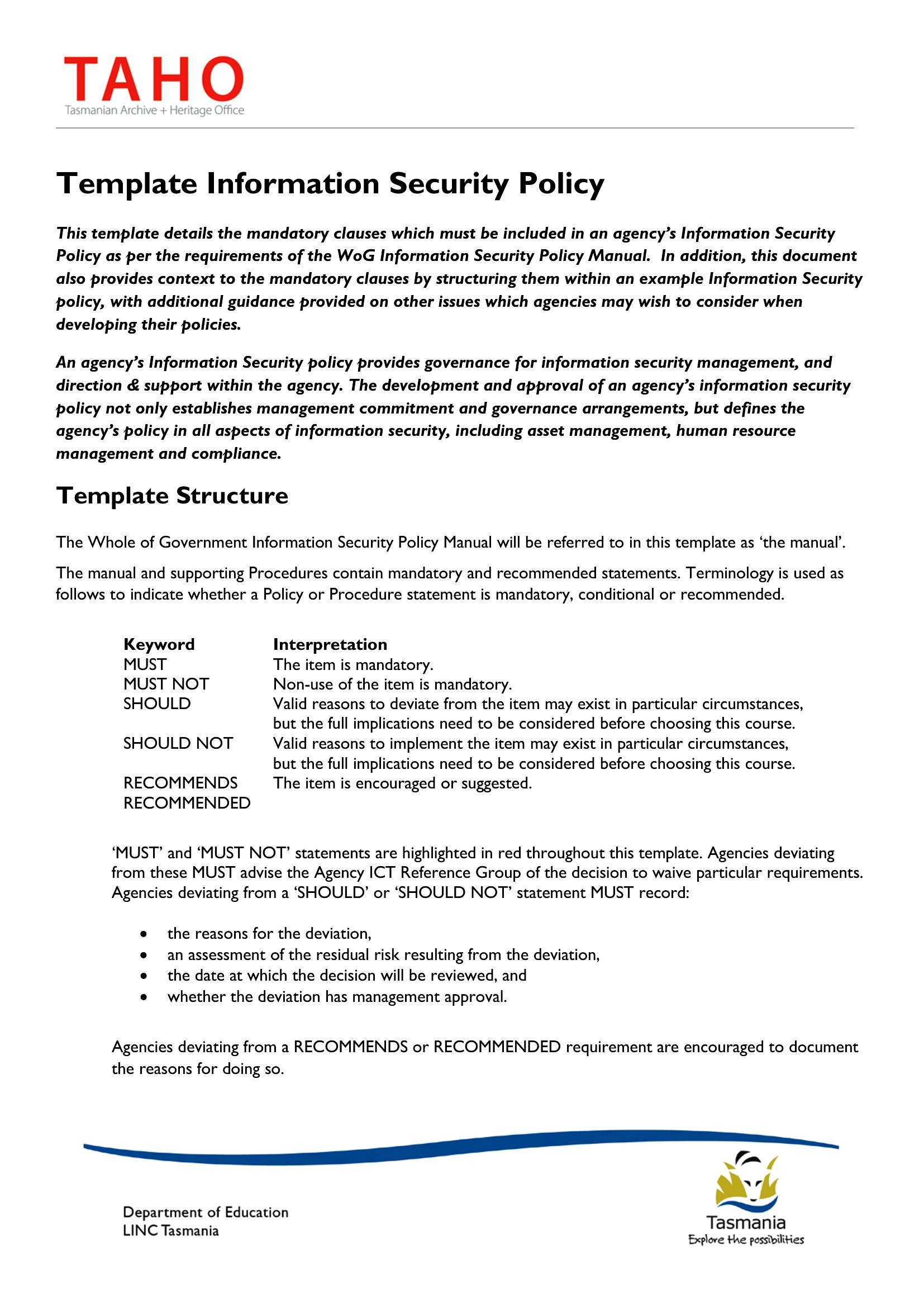
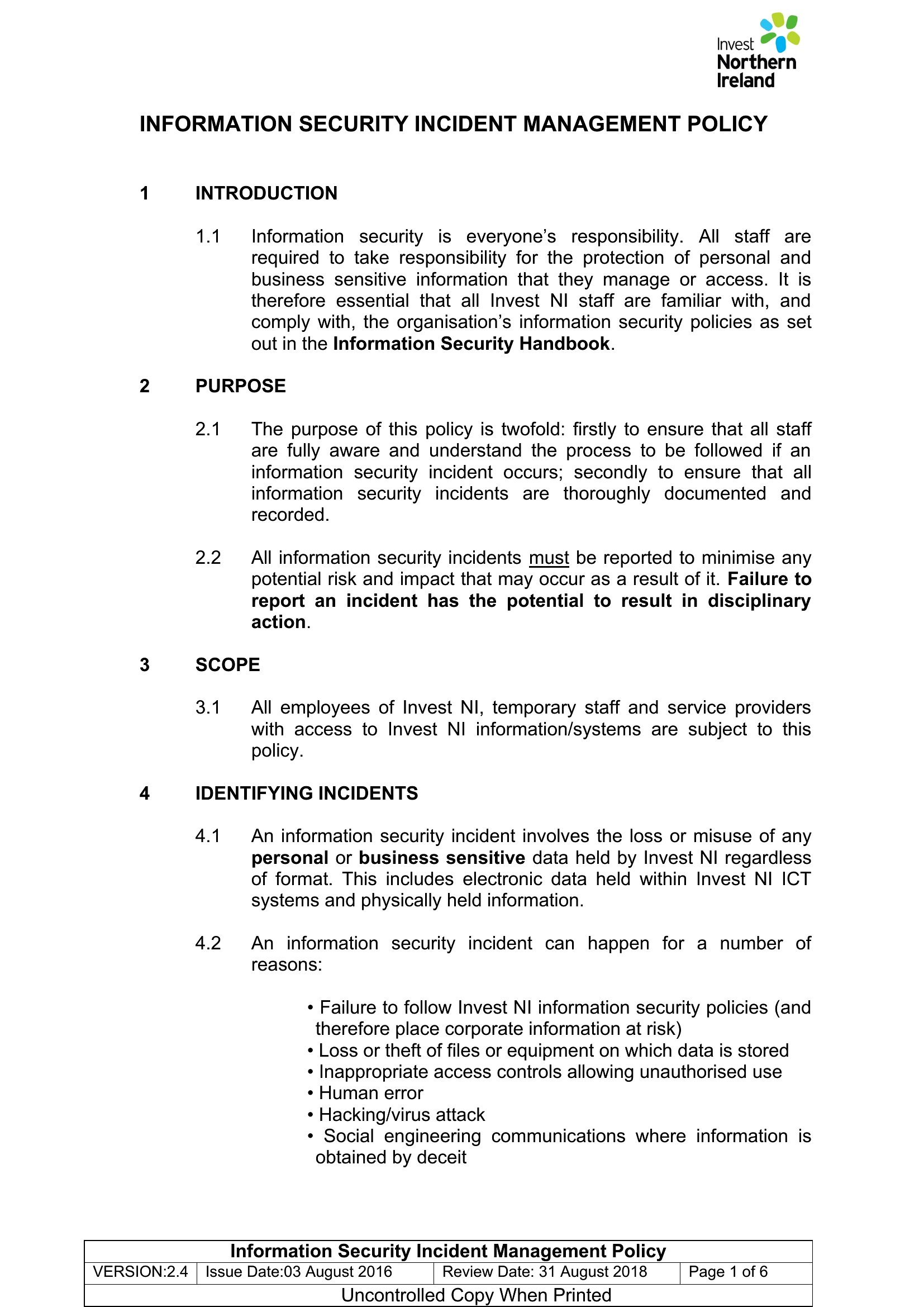
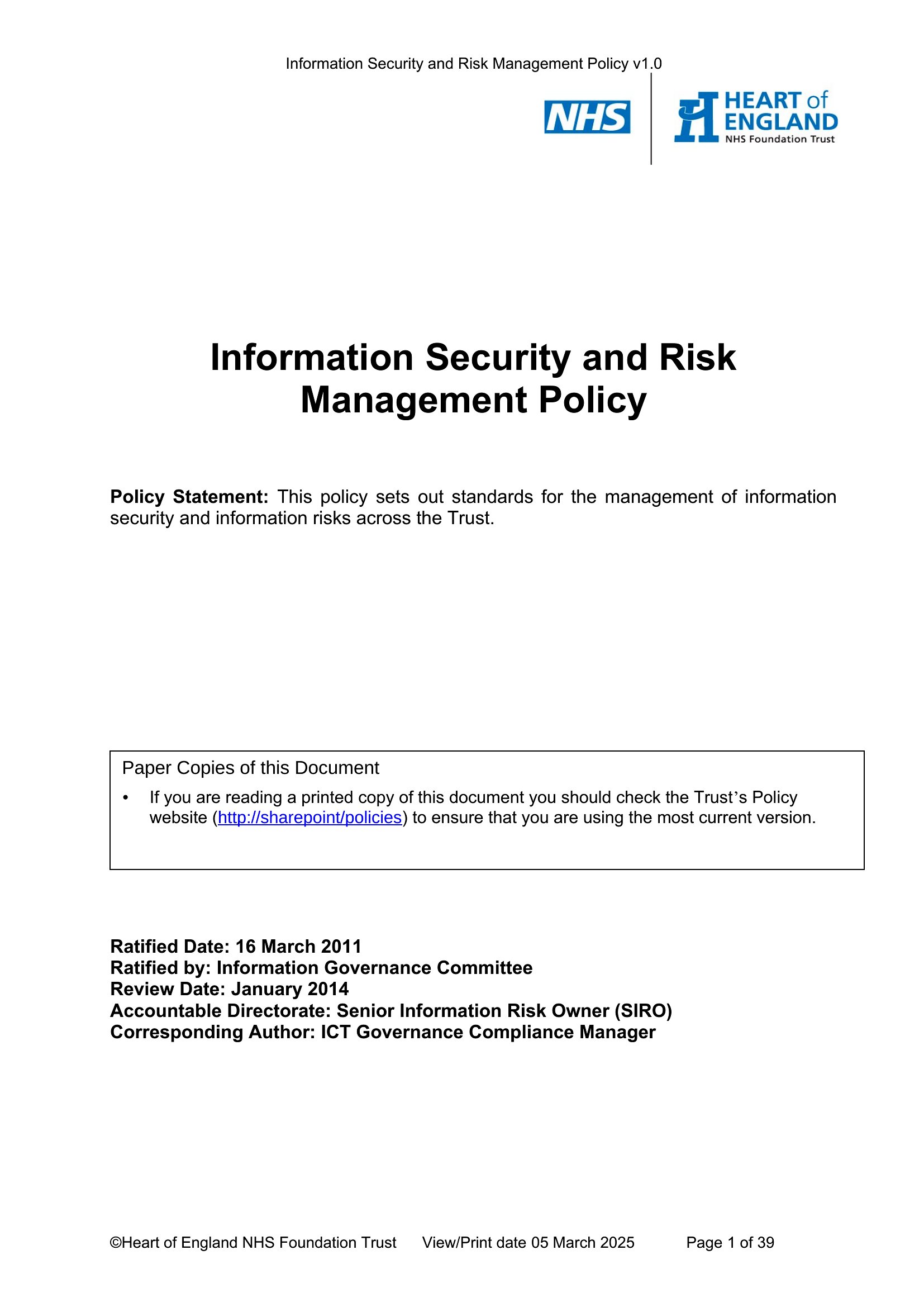
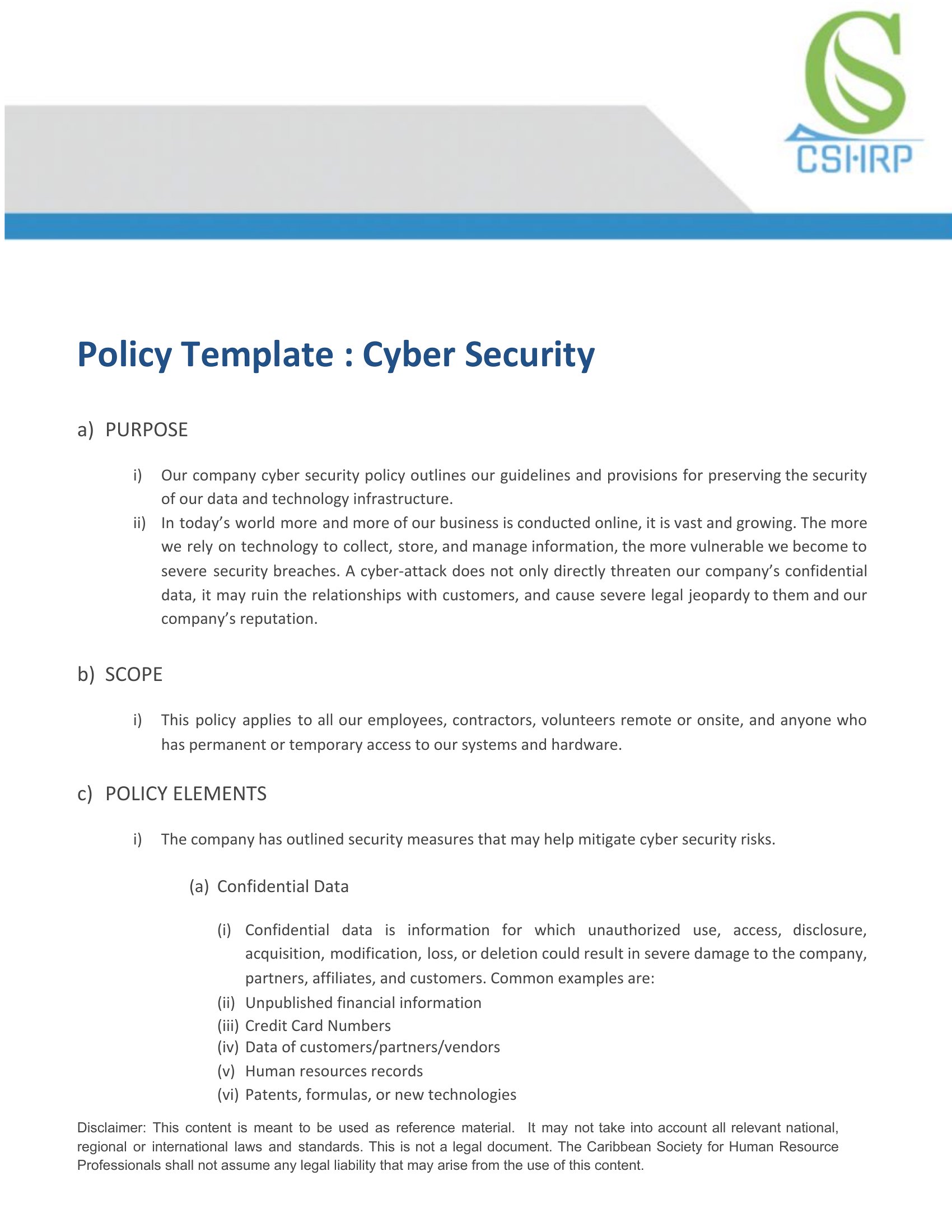
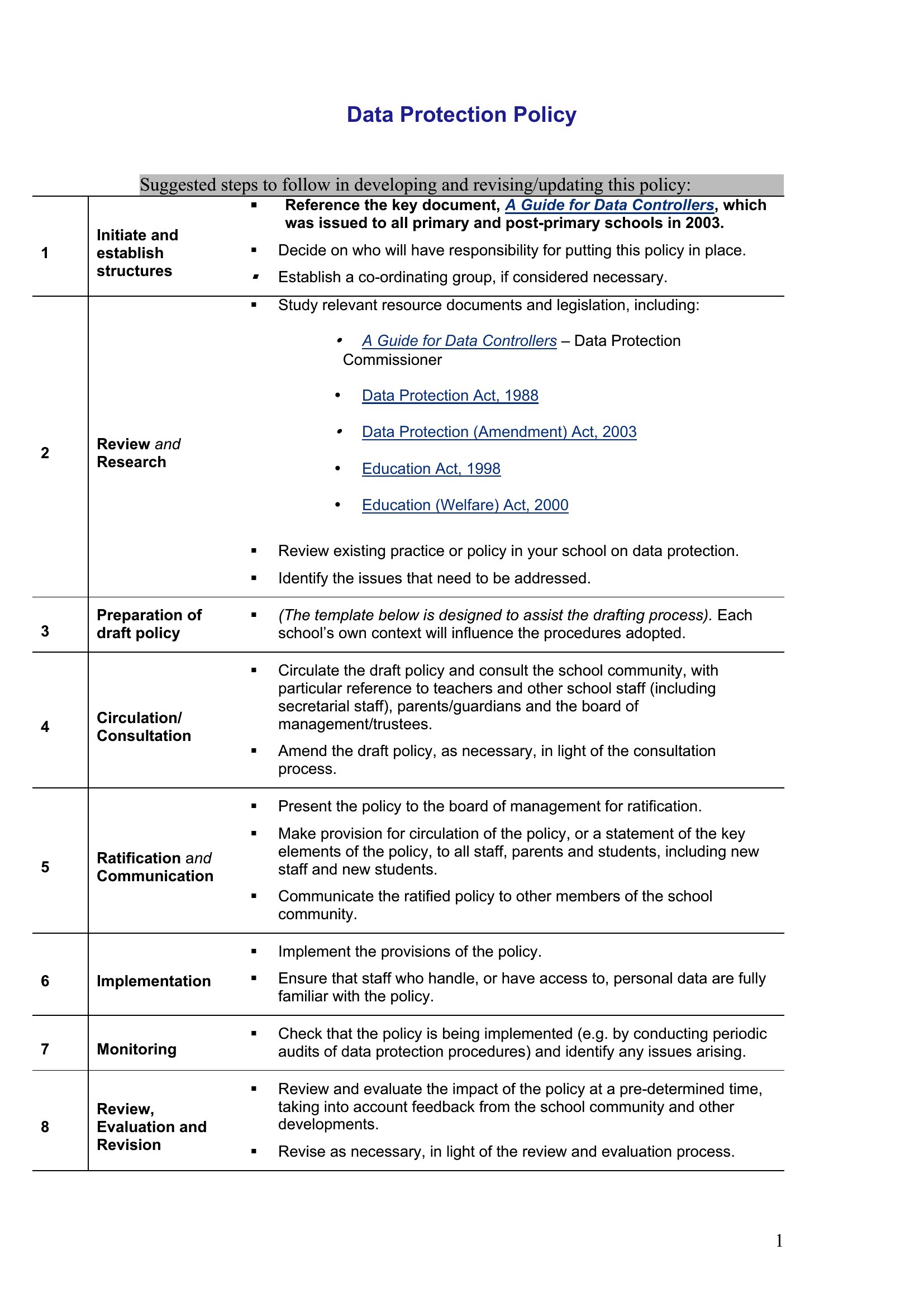
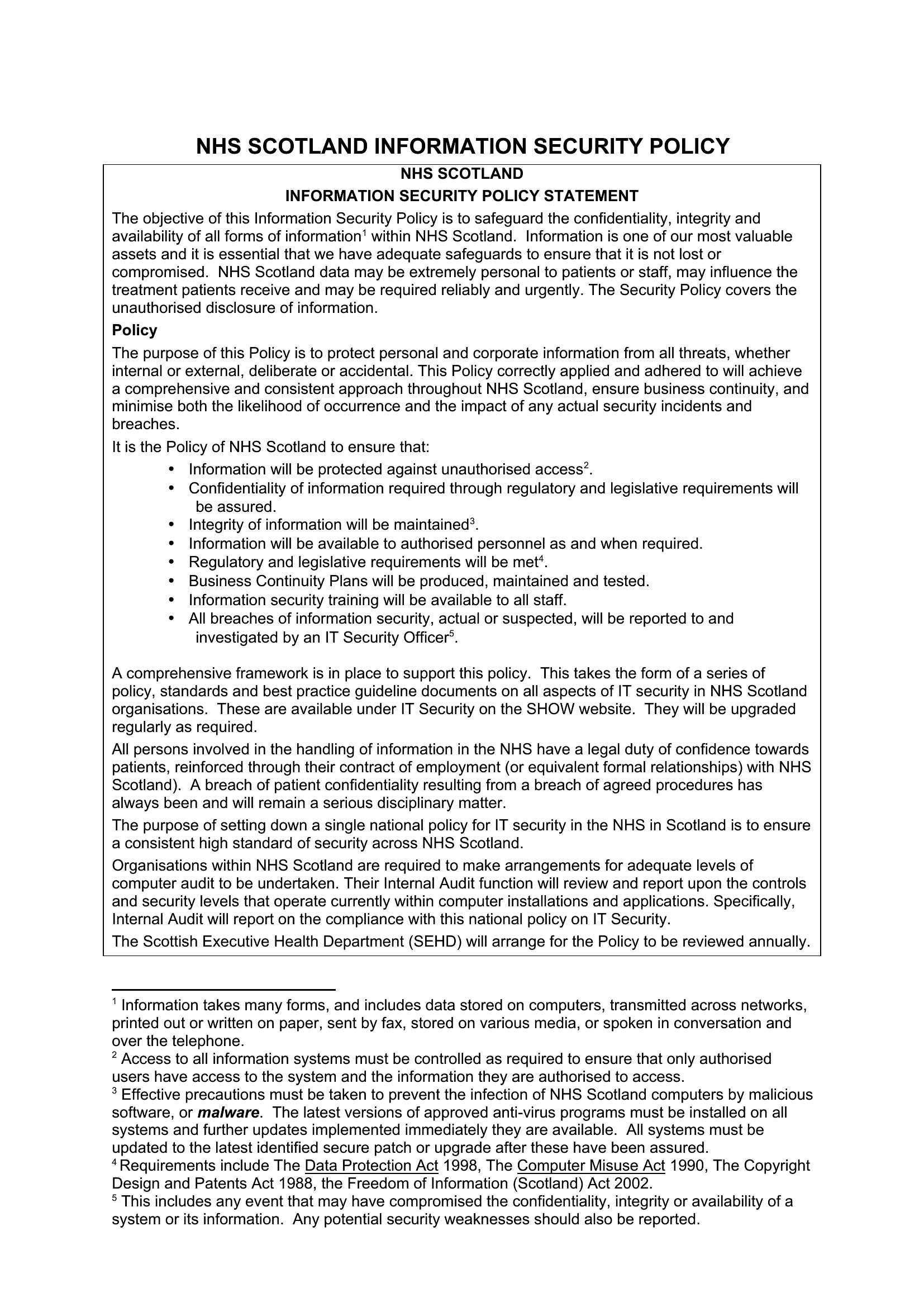
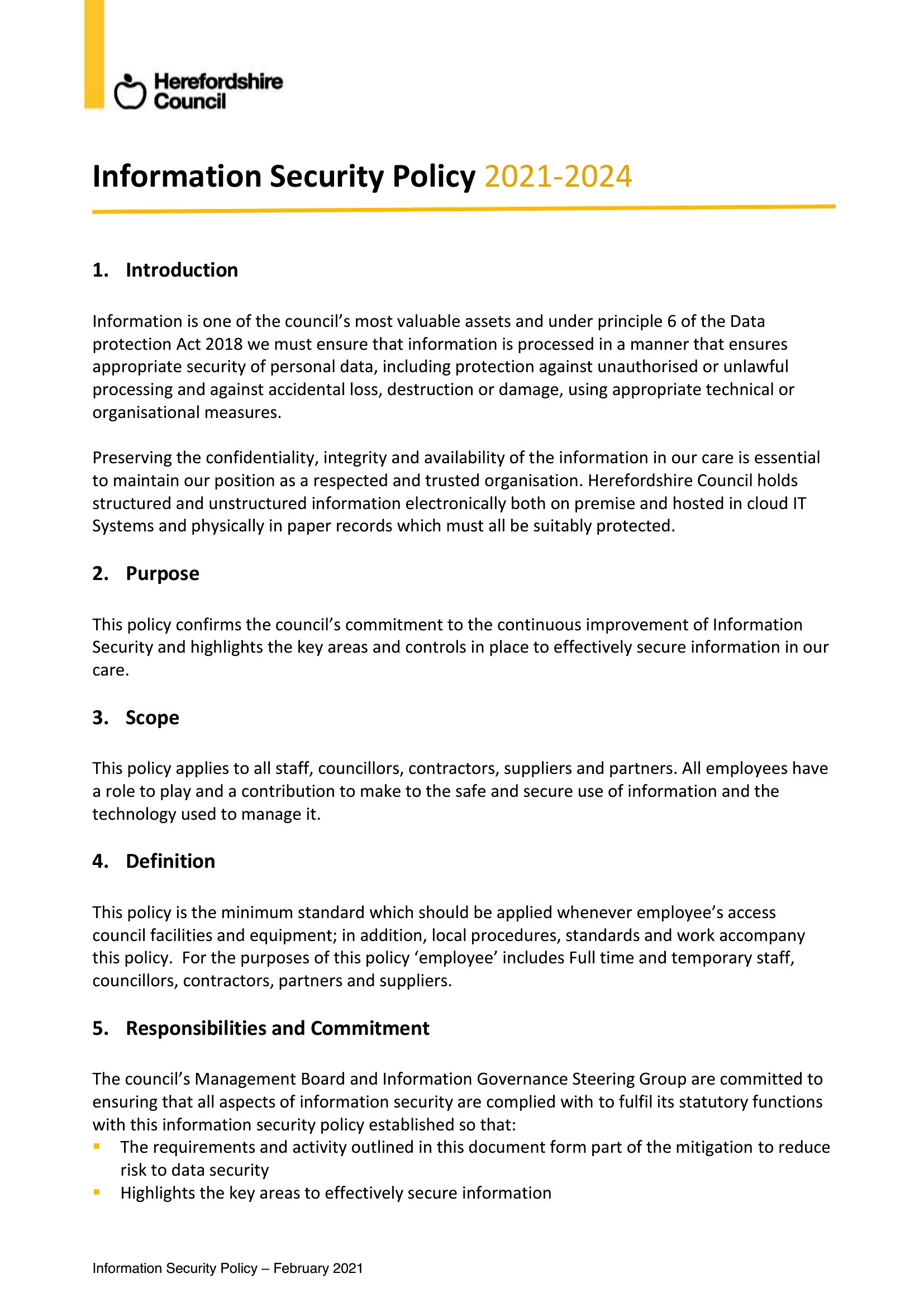
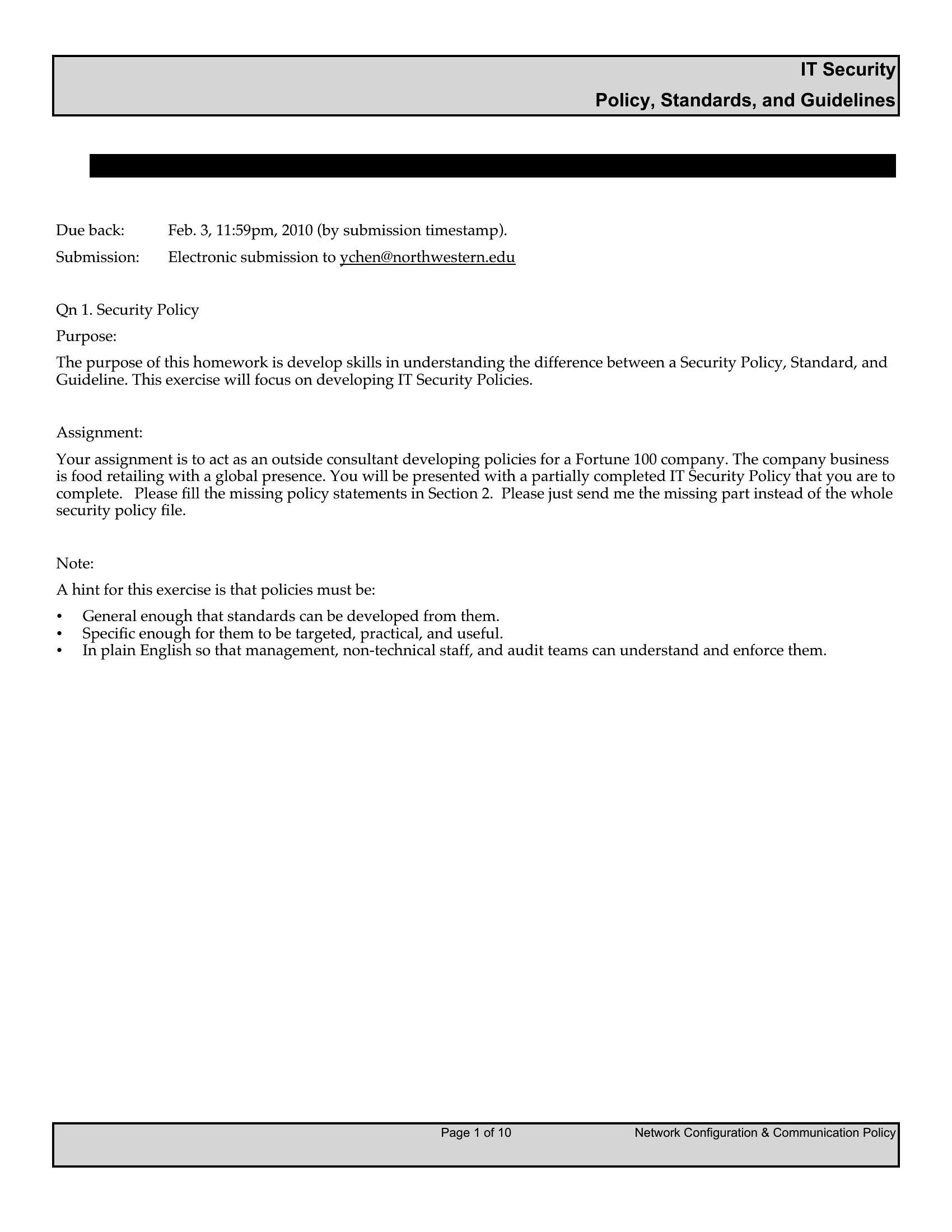
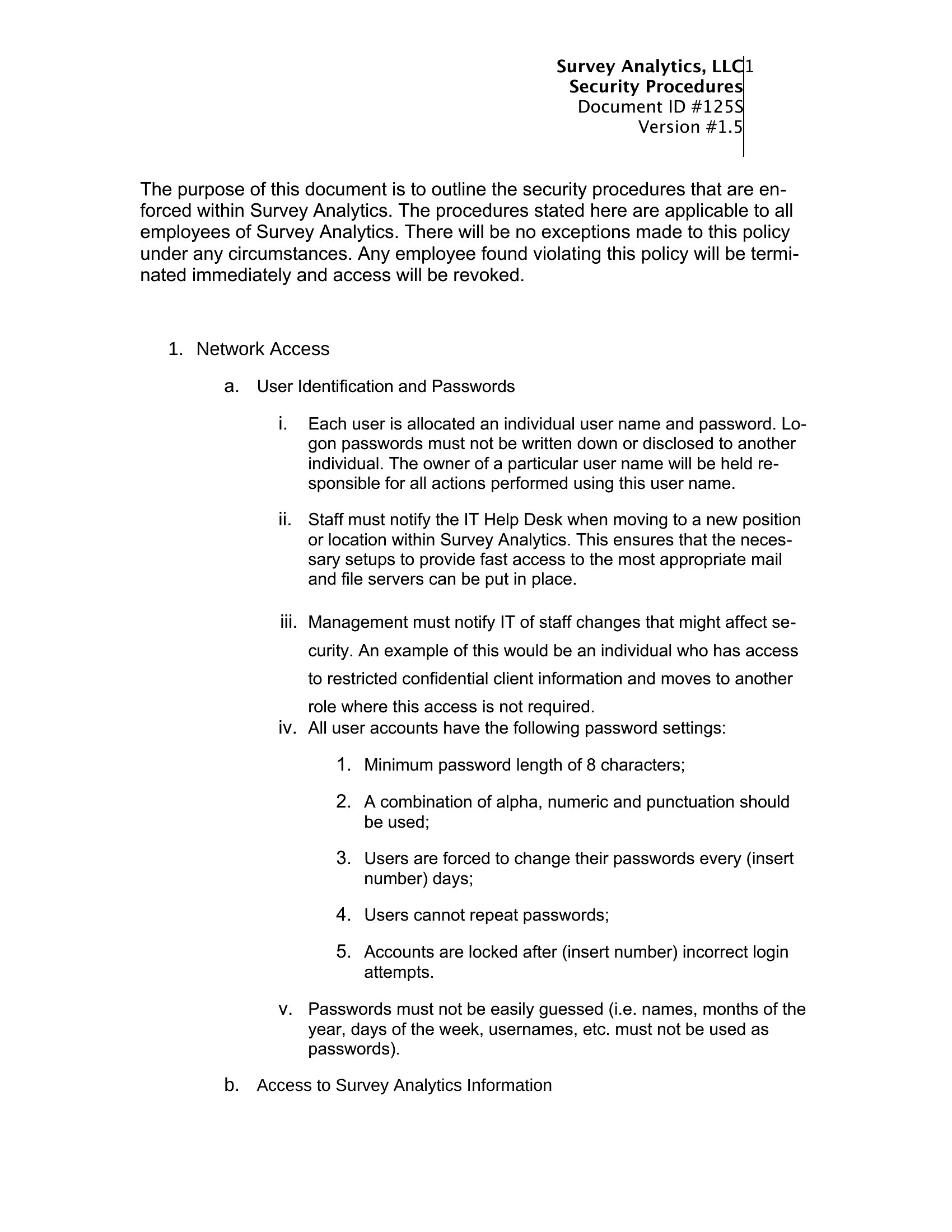
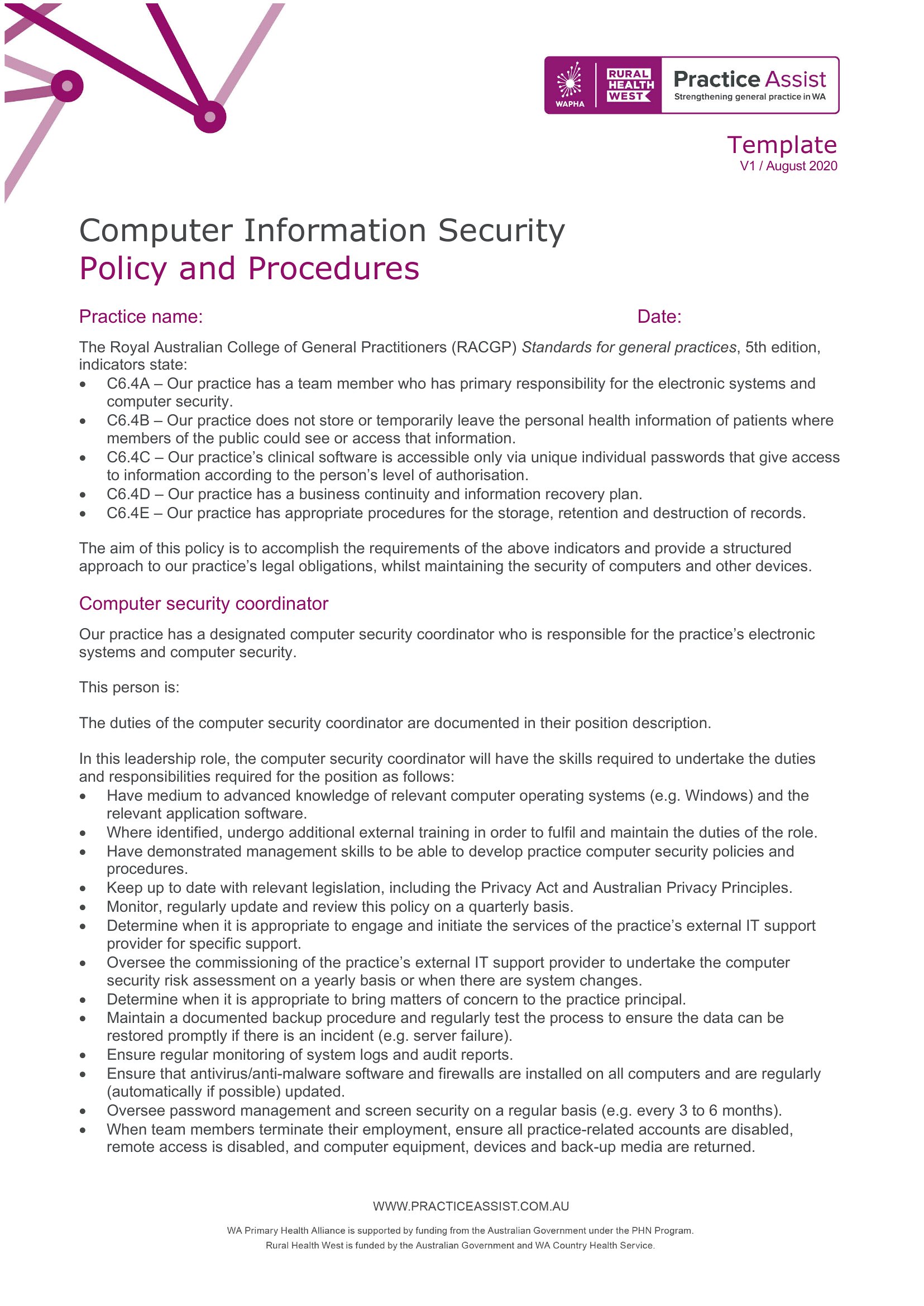
LegalA written security policy spells out how a company protects its data, systems, and people, turning vague intentions into rules everyone can follow. This set of 63 templates covers the documents IT teams reach for most, from information security and acceptable use to cloud, network, and incident response policies. Office managers, startup founders, and security leads can pick a starting point that fits their size and industry instead of staring at a blank page.
You'll get editable Word files for drafting and circulating internal versions, plus clean PDFs ready to share with staff or auditors. Adjust the scope, swap in your company name, and tighten the clauses that apply to your environment. Standards differ across industries and regions, so review anything compliance-related with your own team before rolling it out. Grab the policy that fits and start from a solid framework.
When to use this Security Policy template
- A startup founder with no in-house security team needs a clear document to explain password policies to remote employees before hiring their first contractor.
- An office manager overseeing a small marketing agency must draft a network security policy to comply with a new client’s vendor security questionnaire before signing their contract.
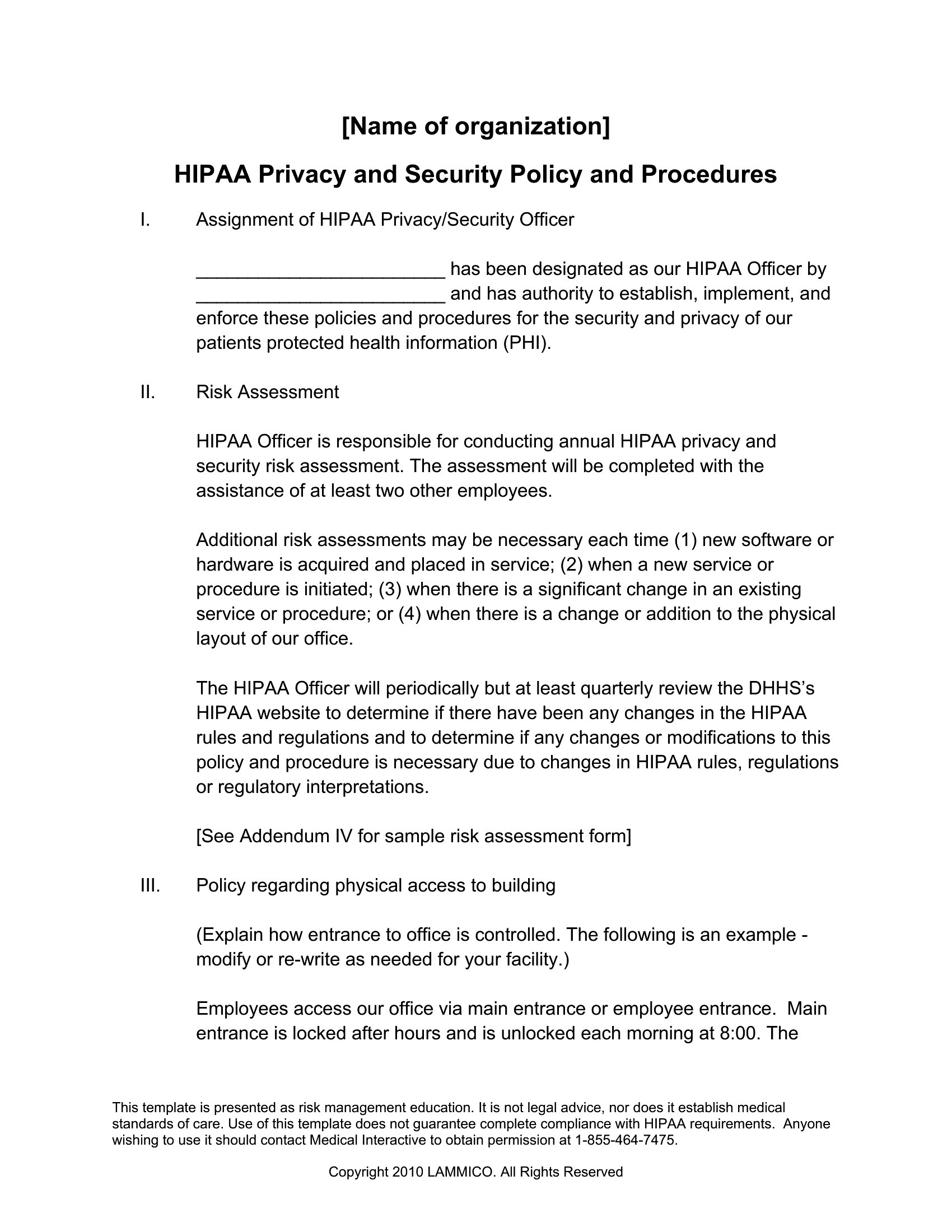
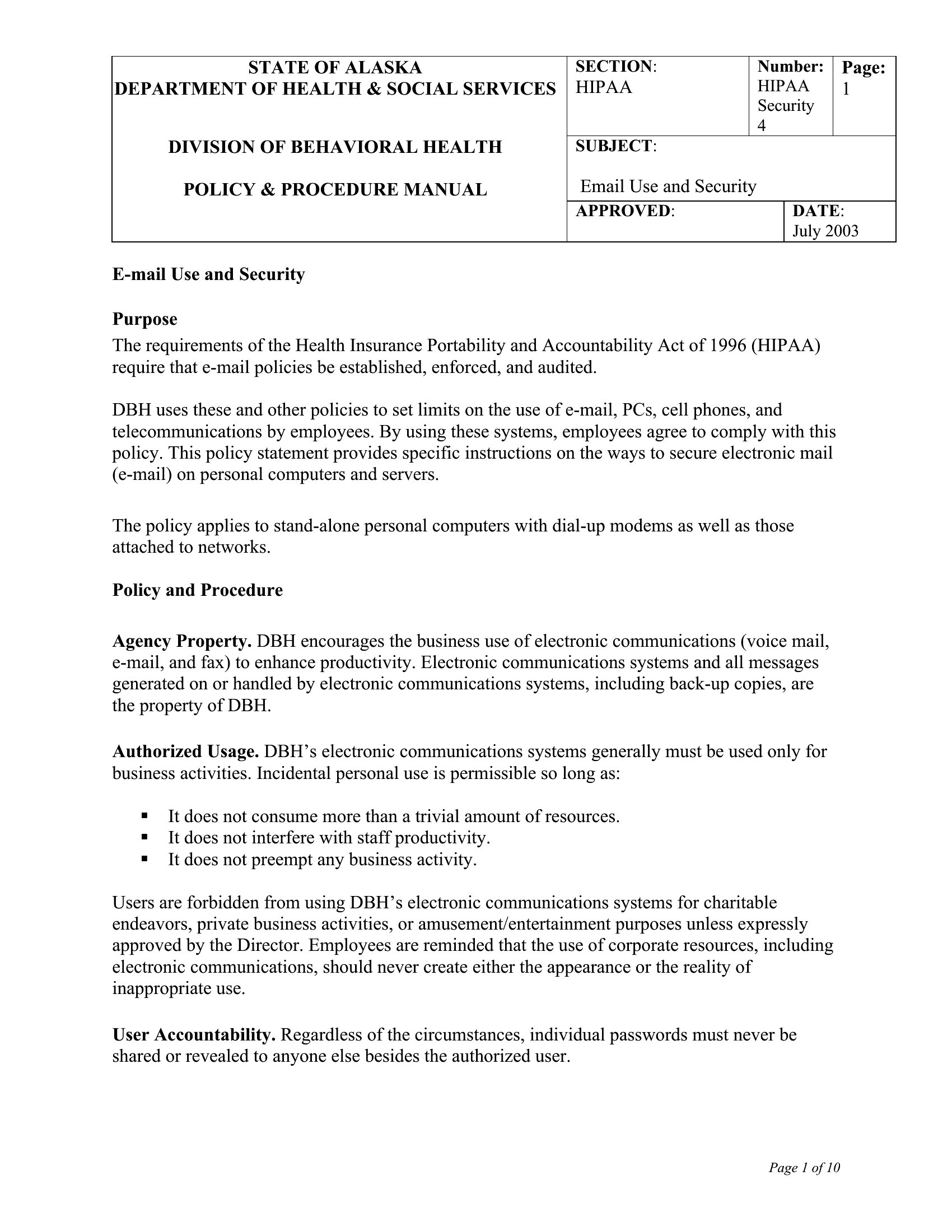
- An IT director at a healthcare practice requires a customizable template to outline data protection measures for patient records, aligning with HIPAA expectations but avoiding legal jargon.
- A cybersecurity officer at a mid-sized tech company needs a quick reference for incident response procedures to train new staff during their first onboarding week.
Which format should I download?
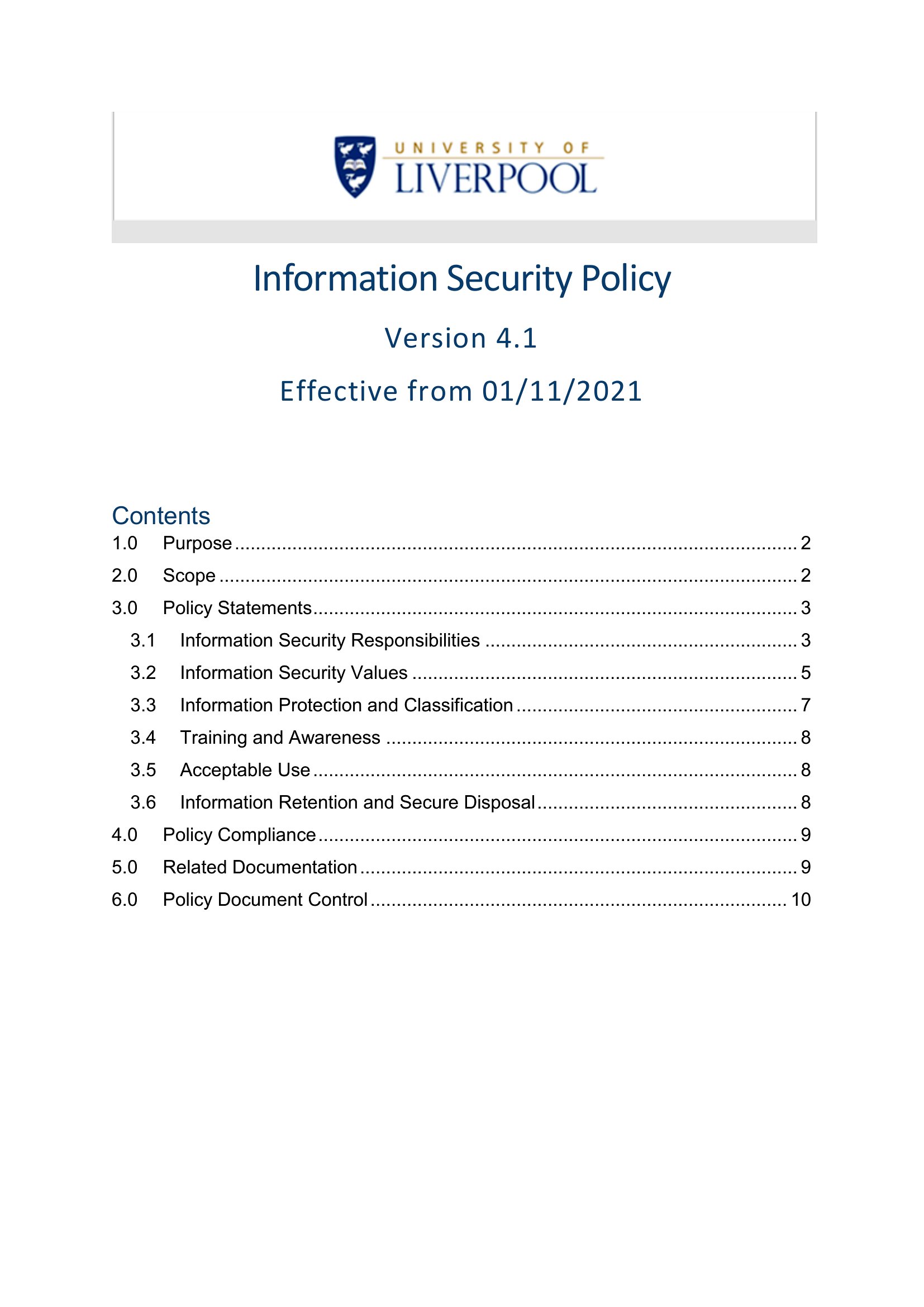
Choose Word for security policies requiring frequent updates or collaboration among team members, especially if your policies need internal review or legal tweaks. Select PDF when you need a final, read-only version to distribute to clients, partners, or employees, ensuring compliance documents remain locked and unalterable. Avoid PDF for drafts—Word’s editing tools streamline revisions. For multi-page policies, Word’s table of contents feature saves time during distribution.
How to use this Security Policy template
Do these security policy templates include language for remote work or bring-your-own-device (BYOD) scenarios?
Yes, several templates cover remote work and BYOD in dedicated sections, such as 'Remote Access Policy' or 'Mobile Device Security Policy.' Look for samples that mention VPN requirements, device encryption, or data access restrictions. Customize these to reflect your company’s specific tools and risk tolerance.
How do I ensure the policy aligns with industry standards like ISO 27001 or NIST without hiring a consultant?
Templates like the 'Information Security Management System Policy' include sections mapped to common frameworks. Cross-reference your draft with free guidelines from ISO or NIST (available online) to verify coverage. Note that these templates are starting points—consult a compliance expert if your operations are highly regulated or involve sensitive data.
Can I combine multiple templates into one cohesive security policy document?
Absolutely. Many templates are modular, allowing you to merge sections like 'Acceptable Use Policy' with 'Data Classification Guidelines' into a single master document. Use Word’s header/footer tools to maintain consistency. Just ensure the final version clearly labels each section’s purpose to avoid confusion for employees or auditors.
Comments
Join the conversation
Sign in to share your thoughts and leave a comment on this resource.