














FAQ
How can I ensure consistency in security report details across multiple shifts or locations?
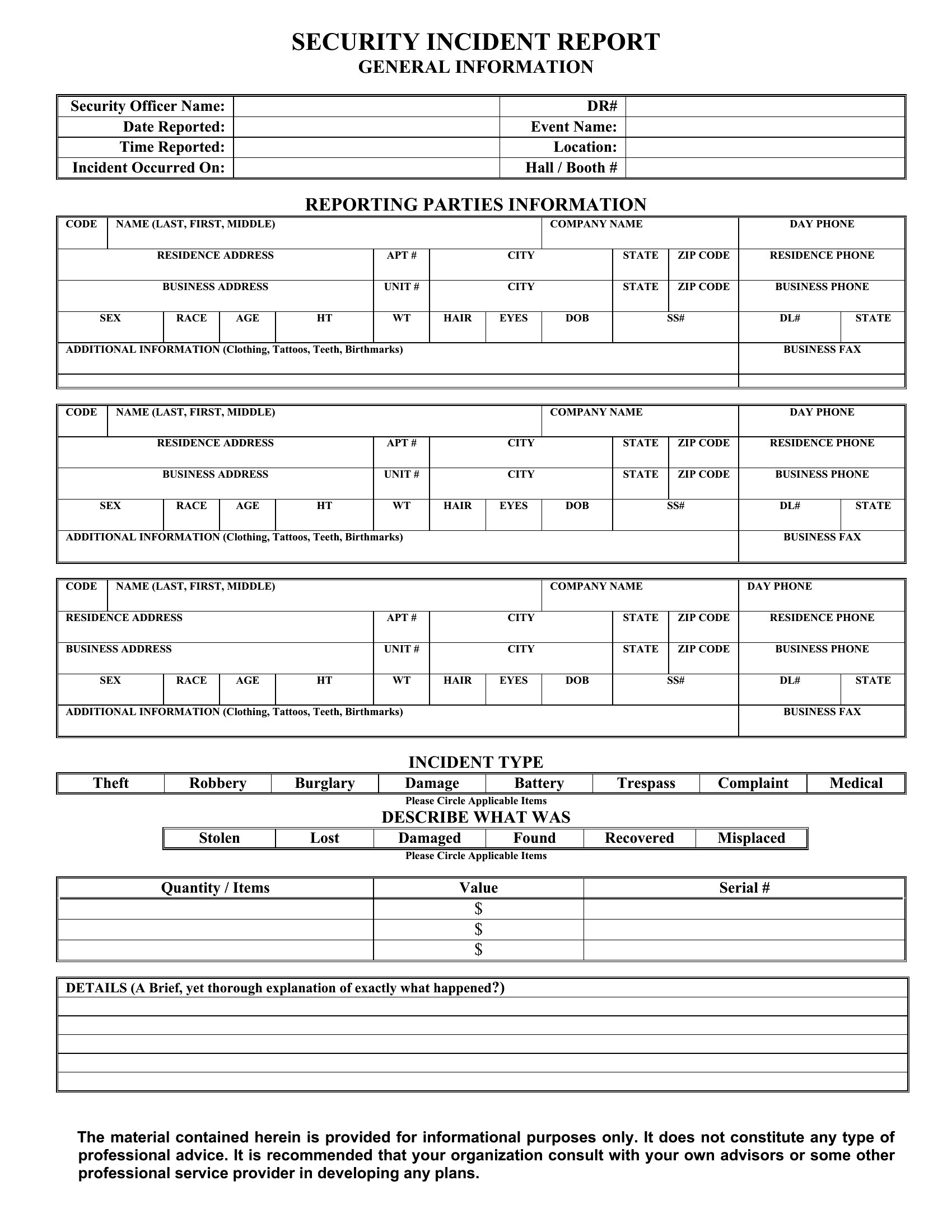
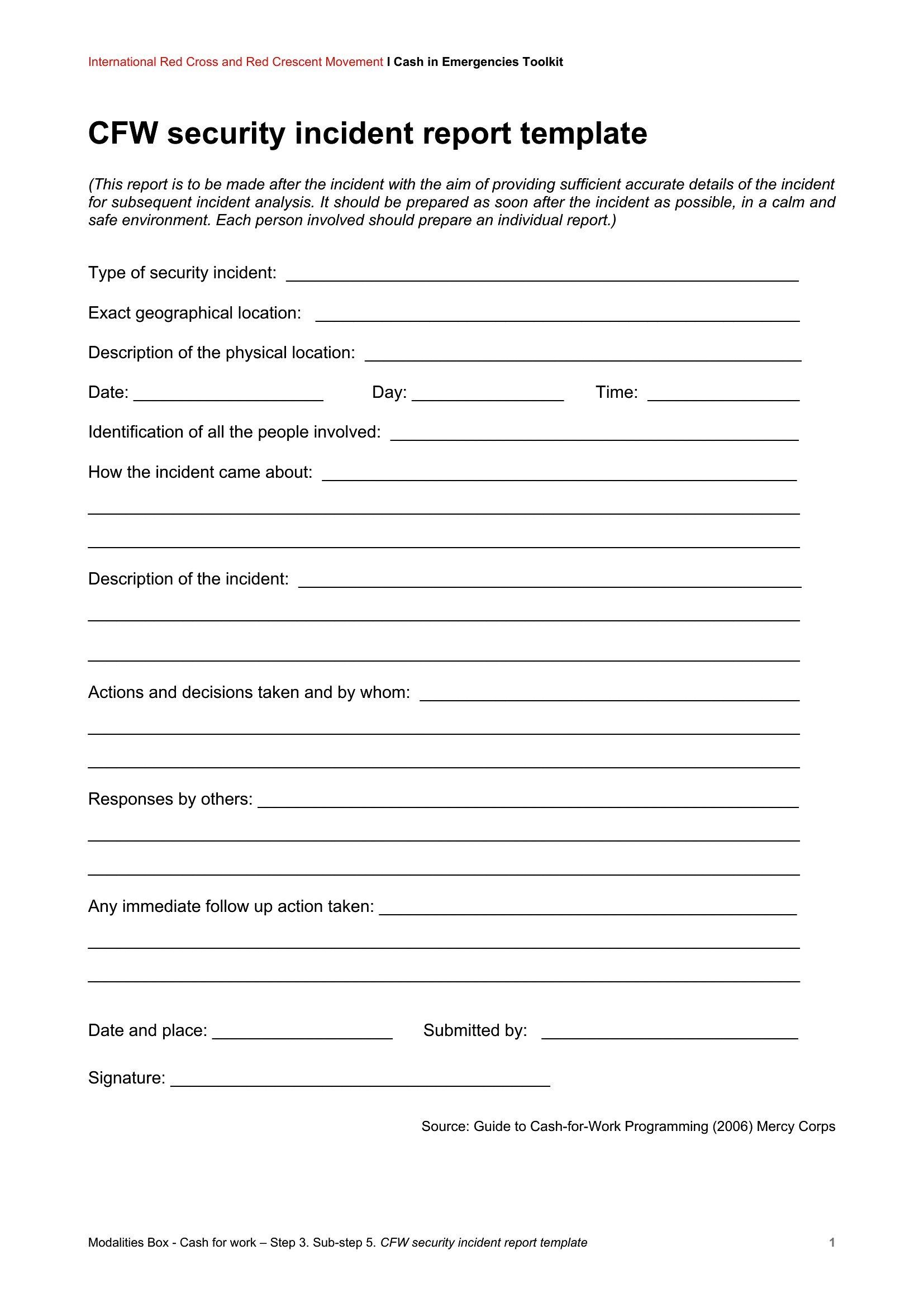
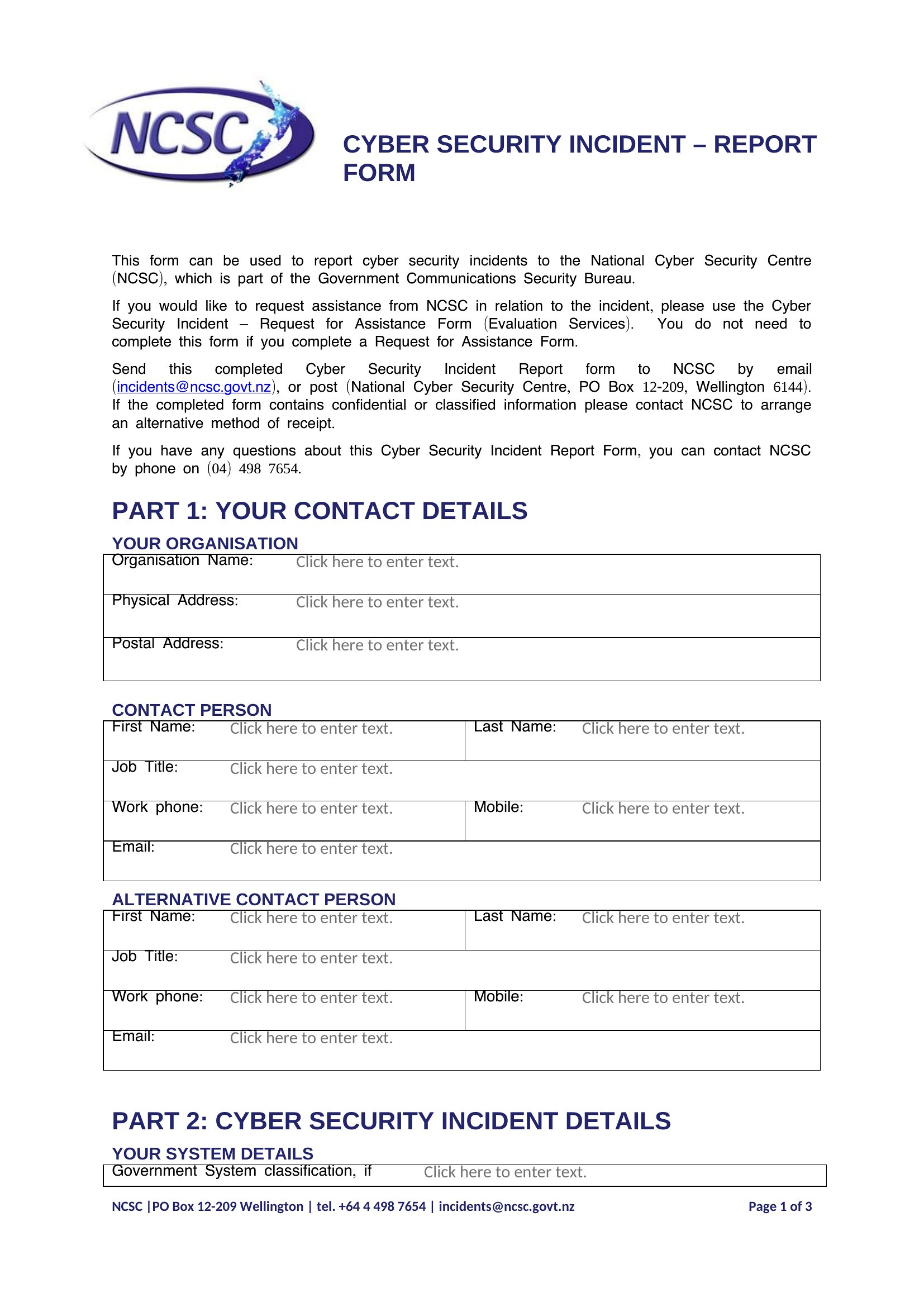
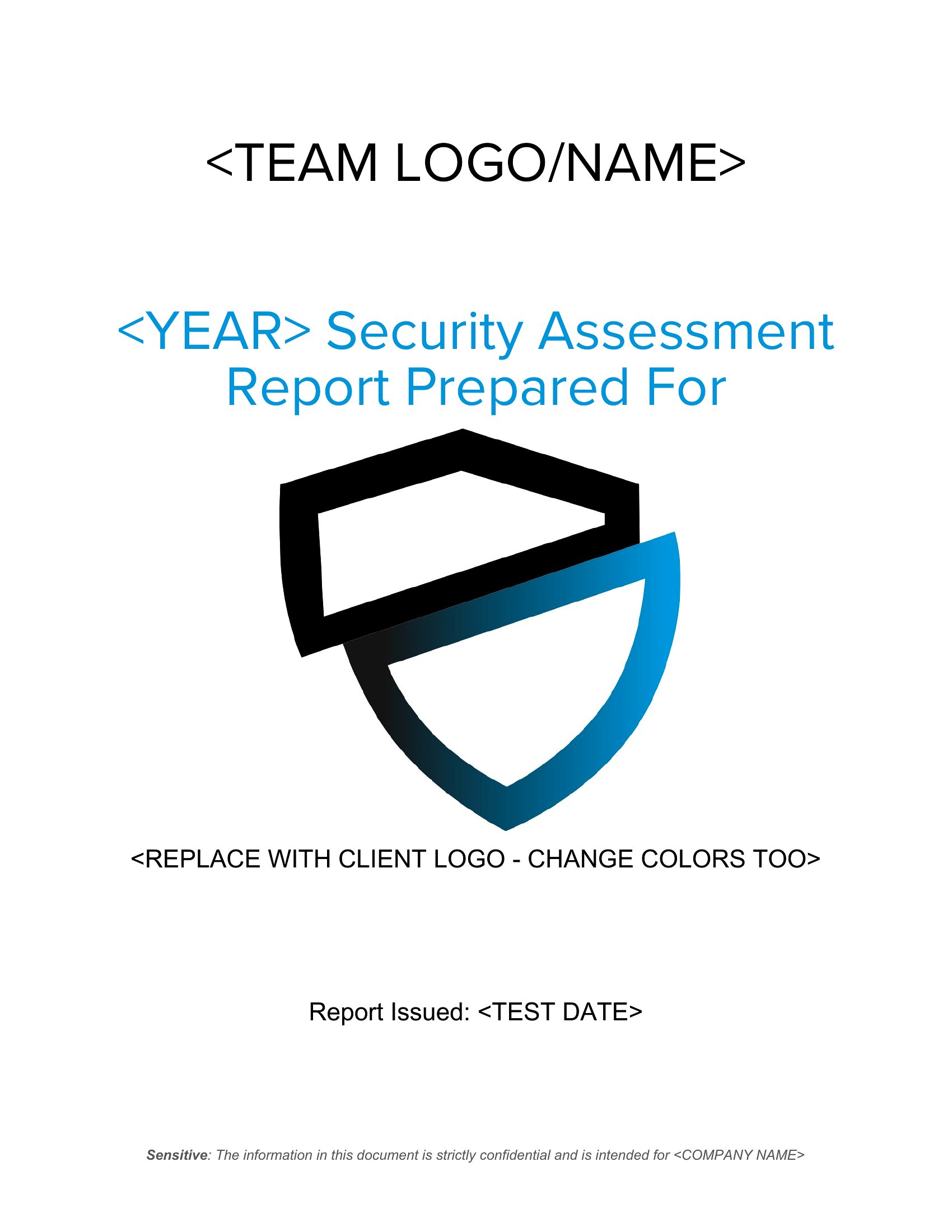
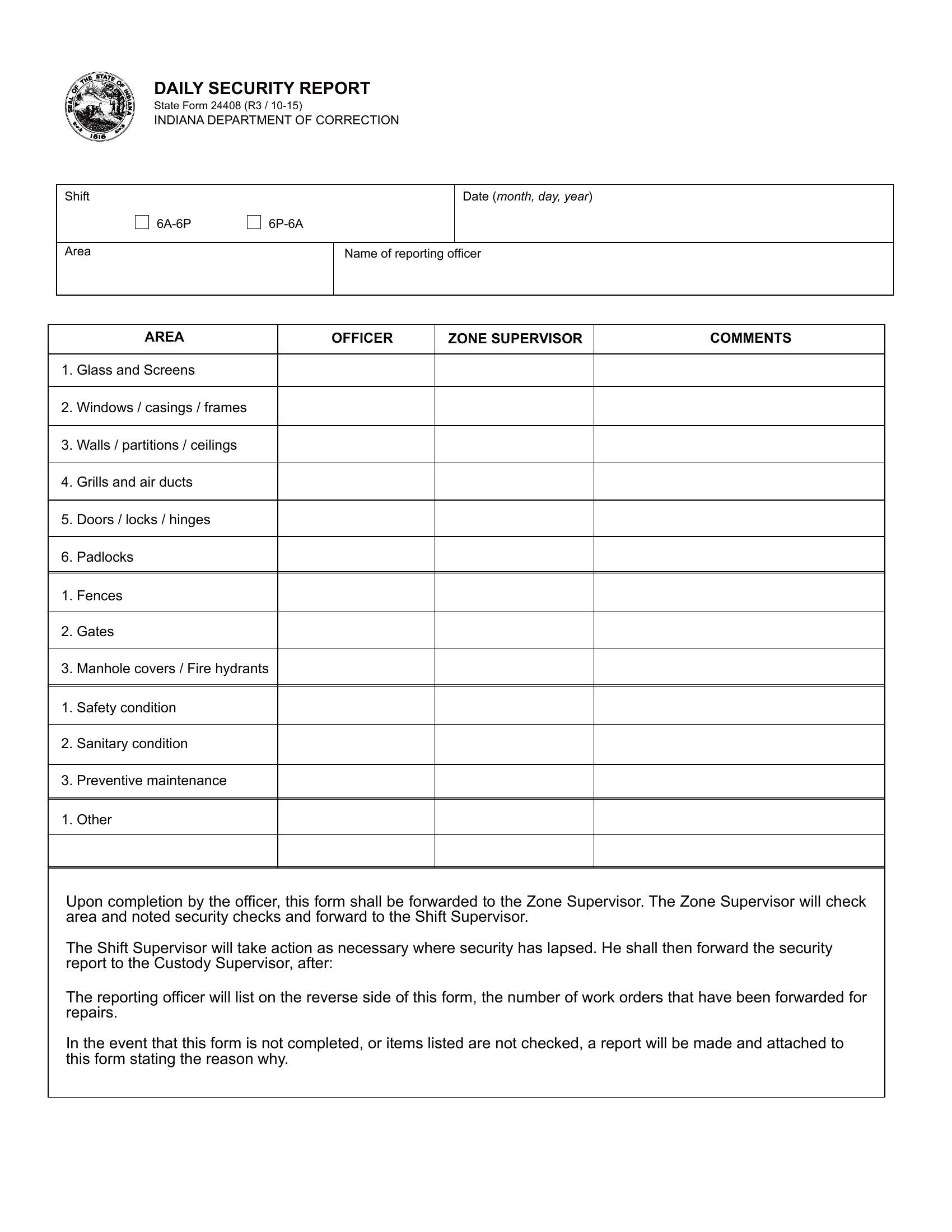
Use the same Word template for all reports, saving it as a master file on a shared drive or network. Include predefined sections for incident type, time stamps, and responder details to standardize entries. For PDFs, print blank copies with pre-filled headers (e.g., ‘Site: Downtown Branch’) to guide fillers while keeping the format uniform.
Are these templates suitable for documenting cybersecurity incidents alongside physical security issues?
These templates focus on physical security (patrols, incidents, visitors) and aren’t designed for cybersecurity specifics like breach logs or IT policy violations. For mixed environments, use the Word format to add a ‘Cyber Note’ section at the bottom, but consult IT or legal teams to ensure compliance with data protection laws when recording digital threats.
What’s the best way to train staff to fill out reports accurately without slowing down their workflow?
Select a small group of supervisors to pilot one Word template for a week, then refine it based on common pain points (e.g., unclear fields or missing dropdowns). Provide a one-page cheat sheet with examples of fully completed reports for quick reference. For PDFs, highlight critical fields in yellow during training to draw attention to required details—this speeds up filling while reducing errors.
Comments
Join the conversation
Sign in to share your thoughts and leave a comment on this resource.