













Free Security Report Templates (Word, PDF)
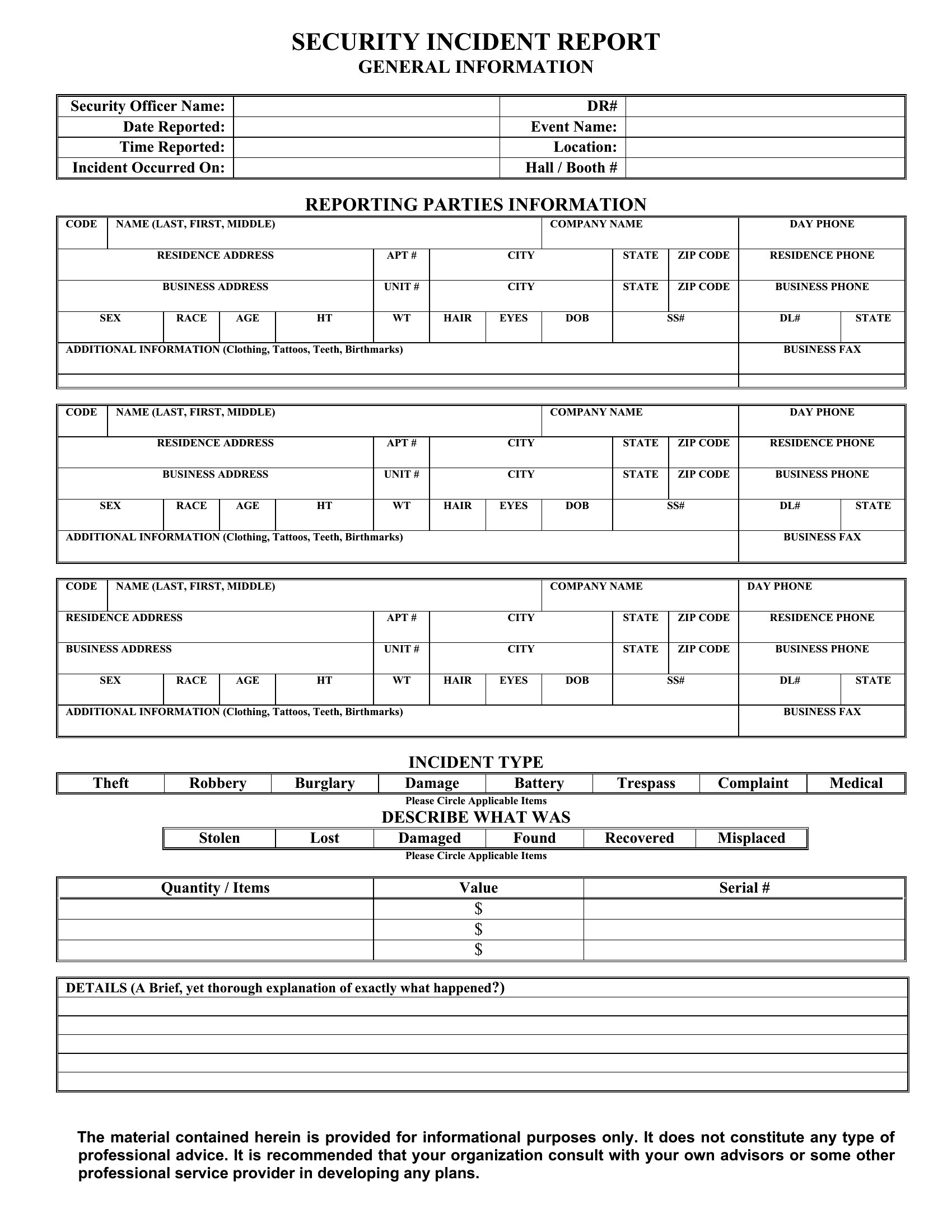
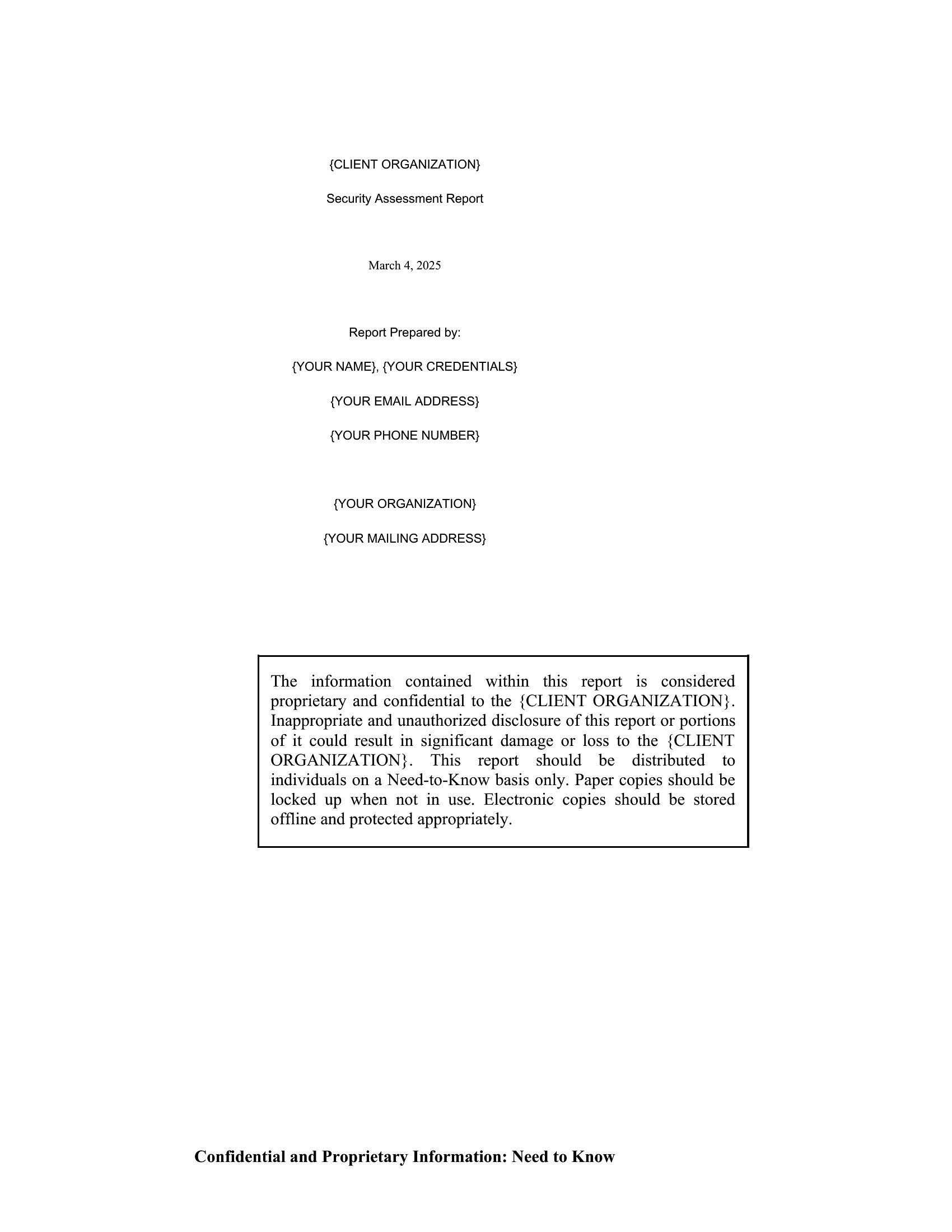
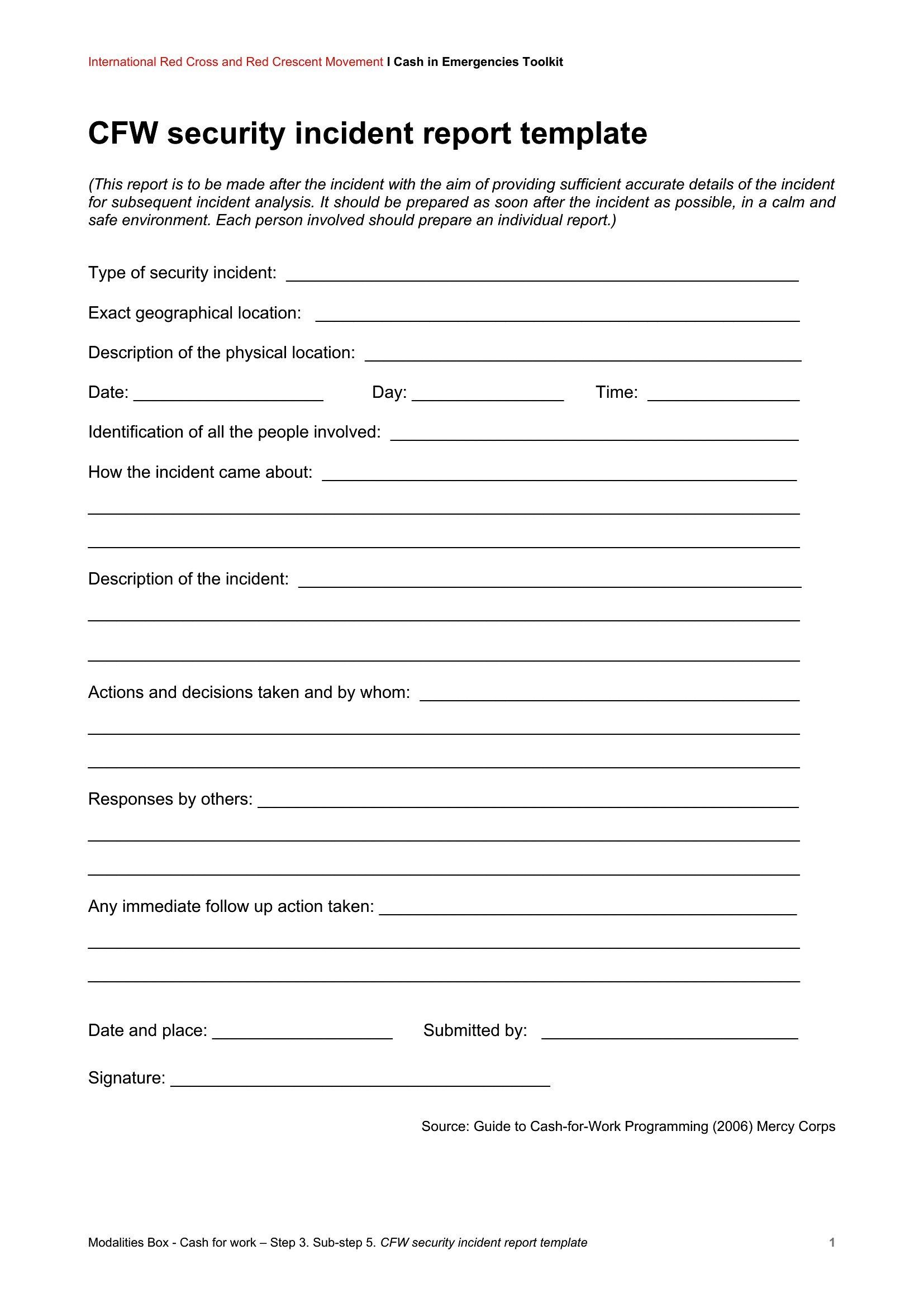
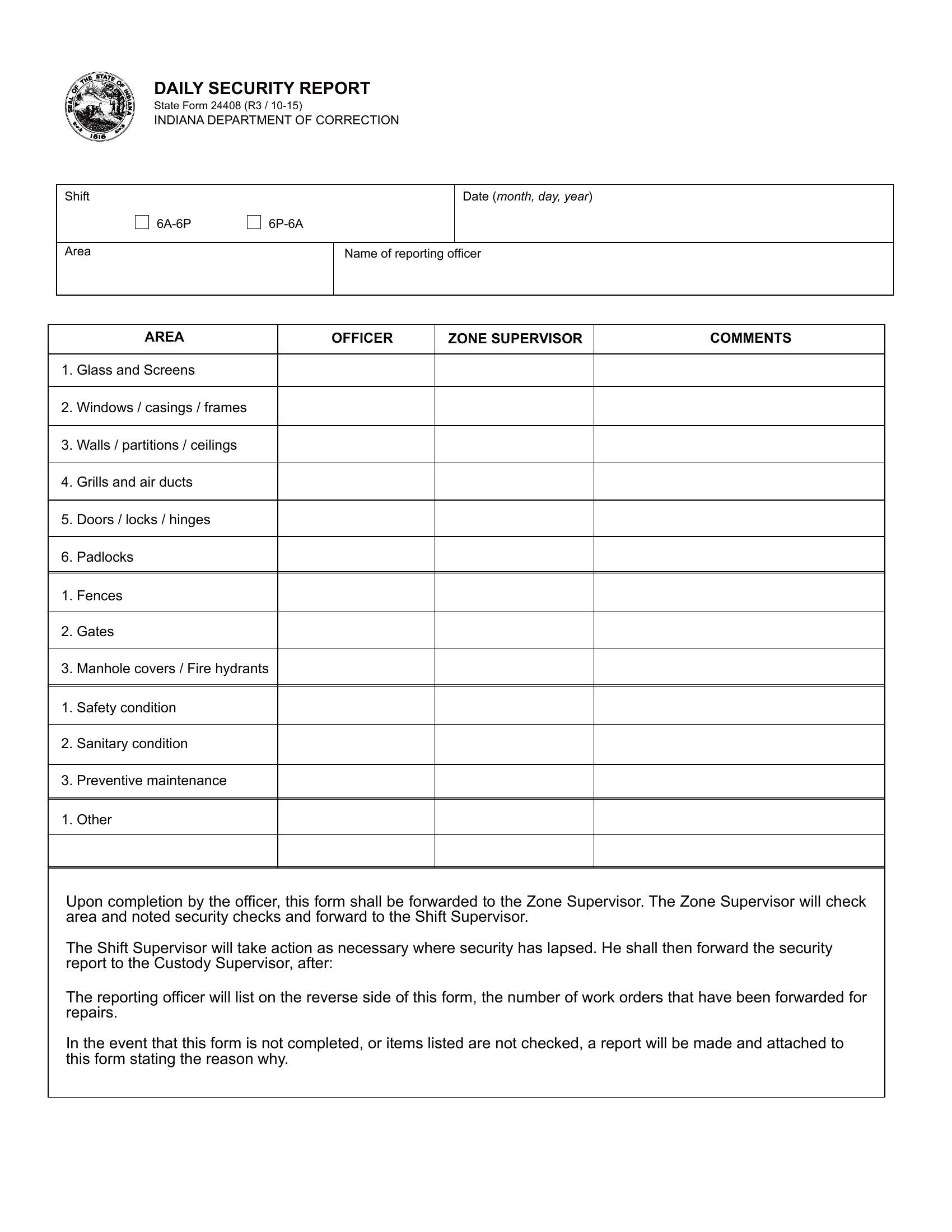
AuditA clear security report records what happened on a shift so nothing important slips through the cracks. This collection of 50 security report templates gives guards, supervisors, and facility managers a consistent way to log incidents, patrols, visitors, and any unusual activity.
The templates are editable in Word for typed reports and available as PDFs you can print for a clipboard or logbook. Capture the date, time, location, and a factual account of events, then file it for the record. Pick the format that matches your post and document each shift without rewriting the same form every night.
When to use this Security Report template
- Night security guards at a corporate office building who need to document suspicious activity during late shifts to share with day supervisors for pattern analysis.
- School security teams tracking visitor check-ins and unexpected incidents during school hours to maintain compliance with safety protocols and communicate risks to administration.
- Hospital facility managers reviewing patrol logs and access violations to identify gaps in controlled areas, helping inform policy updates for patient and staff safety.
- Retail store loss prevention officers recording theft attempts or employee misconduct in real time to justify disciplinary actions or security system upgrades to store management.
Which format should I download?
Choose Word if your team needs to type reports directly into a digital document for easy editing, updates, or sharing with stakeholders—ideal for offices with computers at checkpoints. Opt for PDF when you require printable, tamper-proof logs for on-site use, like in patrol logbooks or during field investigations where digital access isn’t reliable. Word is best for dynamic, frequently revised reports, while PDF suits static, official records needing signatures or archival permanence.
Choose from 50 Security Report Templates
How to use this Security Report template
How can I ensure consistency in security report details across multiple shifts or locations?
Use the same Word template for all reports, saving it as a master file on a shared drive or network. Include predefined sections for incident type, time stamps, and responder details to standardize entries. For PDFs, print blank copies with pre-filled headers (e.g., ‘Site: Downtown Branch’) to guide fillers while keeping the format uniform.
Are these templates suitable for documenting cybersecurity incidents alongside physical security issues?
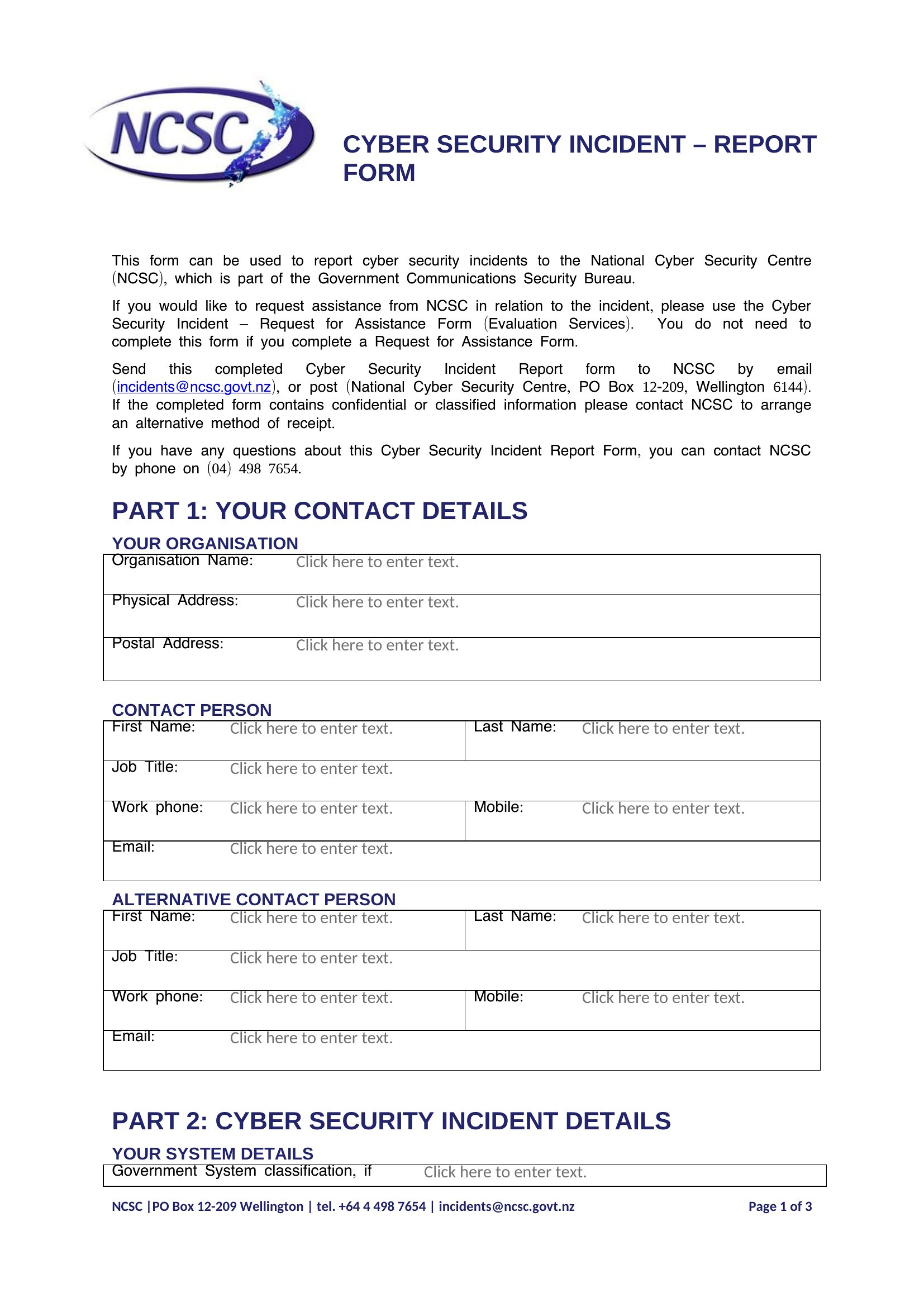
These templates focus on physical security (patrols, incidents, visitors) and aren’t designed for cybersecurity specifics like breach logs or IT policy violations. For mixed environments, use the Word format to add a ‘Cyber Note’ section at the bottom, but consult IT or legal teams to ensure compliance with data protection laws when recording digital threats.
What’s the best way to train staff to fill out reports accurately without slowing down their workflow?
Select a small group of supervisors to pilot one Word template for a week, then refine it based on common pain points (e.g., unclear fields or missing dropdowns). Provide a one-page cheat sheet with examples of fully completed reports for quick reference. For PDFs, highlight critical fields in yellow during training to draw attention to required details—this speeds up filling while reducing errors.
Comments
Join the conversation
Sign in to share your thoughts and leave a comment on this resource.