Skip to content
50% off this one-time $1.99 pack with HALFOFF — or unlimited with Pro.HALFOFF
Premium

Free One-Sheet Templates (Word, PDF)

Diagrams
ezrapatel by ezrapatel
Updated 0 downloads 1 community comment

A one-sheet packs your story, credits, and contact details onto a single page that a booker, promoter, or buyer can take in at a glance. This collection of 32 one-sheet templates suits musicians, speakers, authors, and small brands who need a sharp promotional snapshot without hiring a designer. It's the document you attach to a pitch email or hand over after a meeting so people remember who you are.

The templates open in Word for swapping in your bio, photo, and highlights, and they export as PDFs that look clean on screen or in print. Drop in your strongest material, keep it to one focused page, and adjust the colors to fit your image. When your details change, just update the file. Choose the layout that suits your pitch and build a one-sheet that gets you noticed.

When to use this One Sheet template

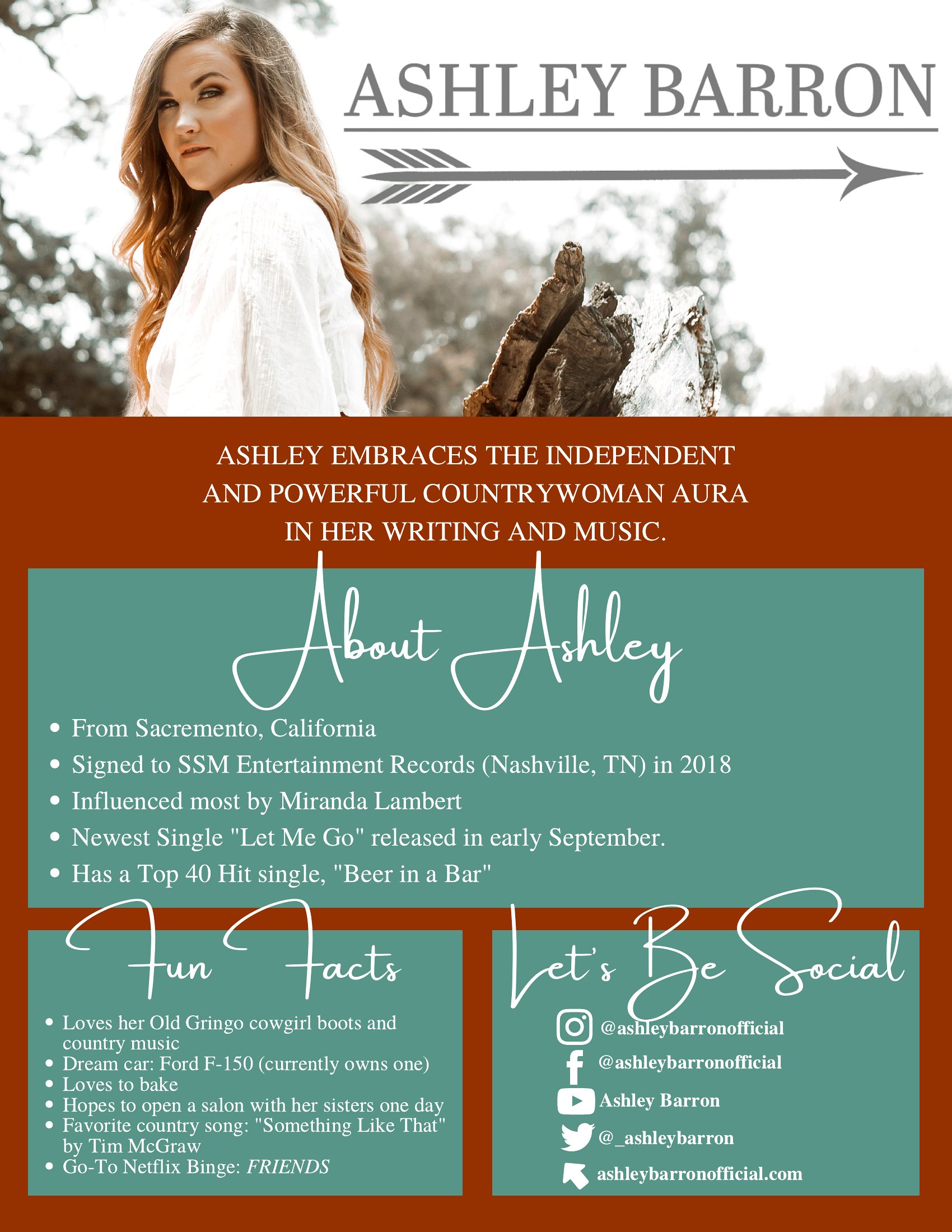
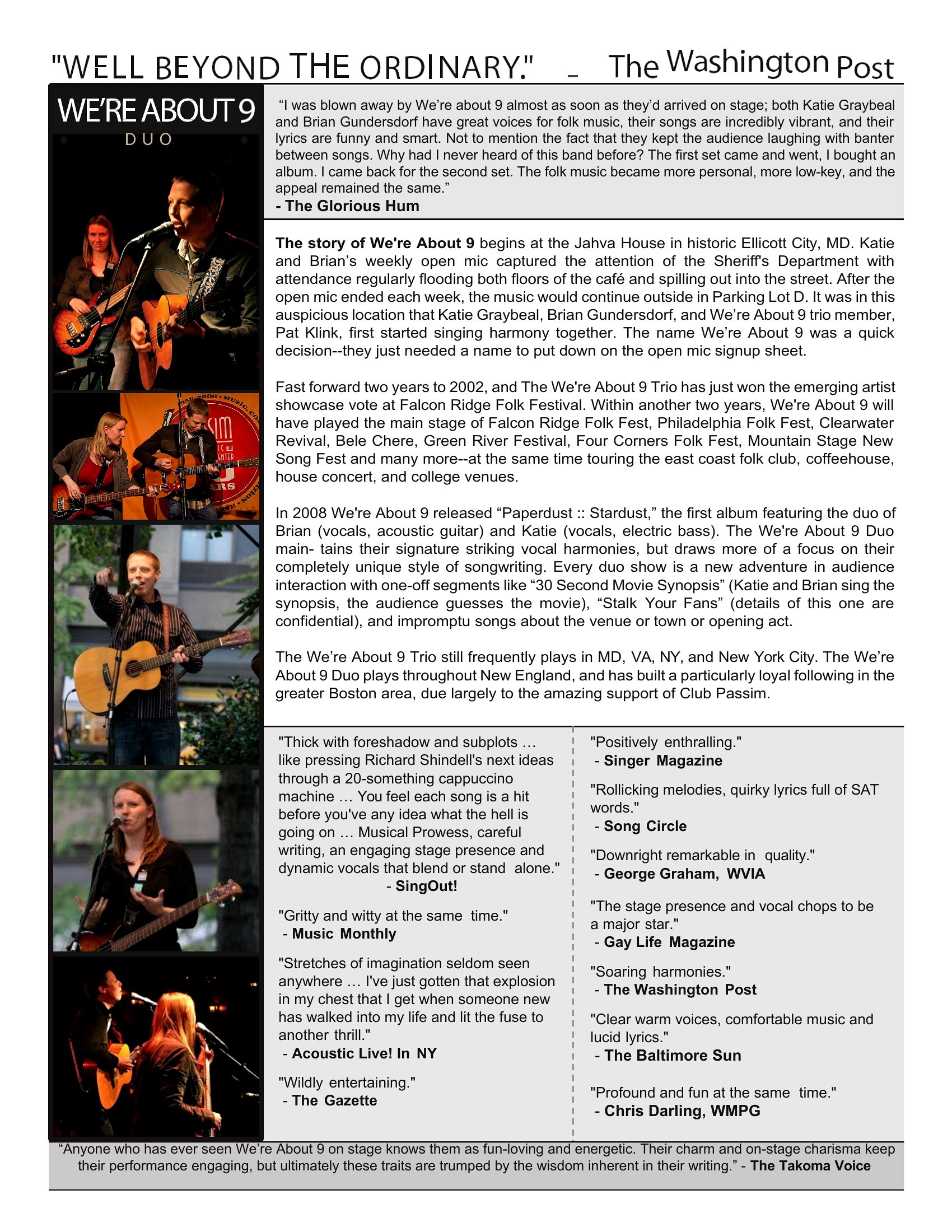
  • An independent musician pitching to local venues or festivals uses a one-sheet to highlight tour dates, past shows, and streaming links—keeping it simple and visually striking for promoters reviewing dozens of submissions.
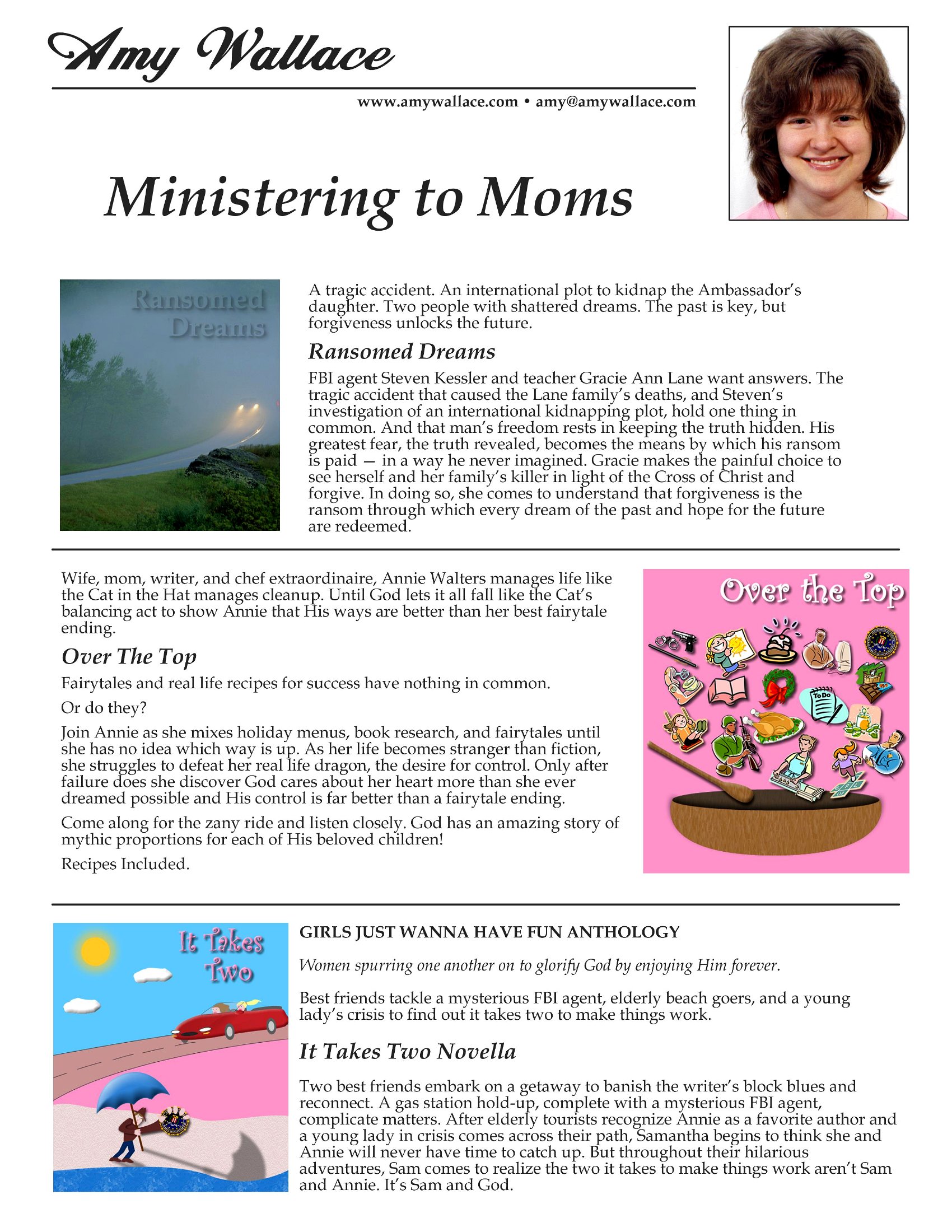
  • A self-published author launching a crowdfunding campaign includes a one-sheet in their pre-order emails to summarize their book’s genre, key themes, and blurbs from early supporters, giving backers an instant reference.
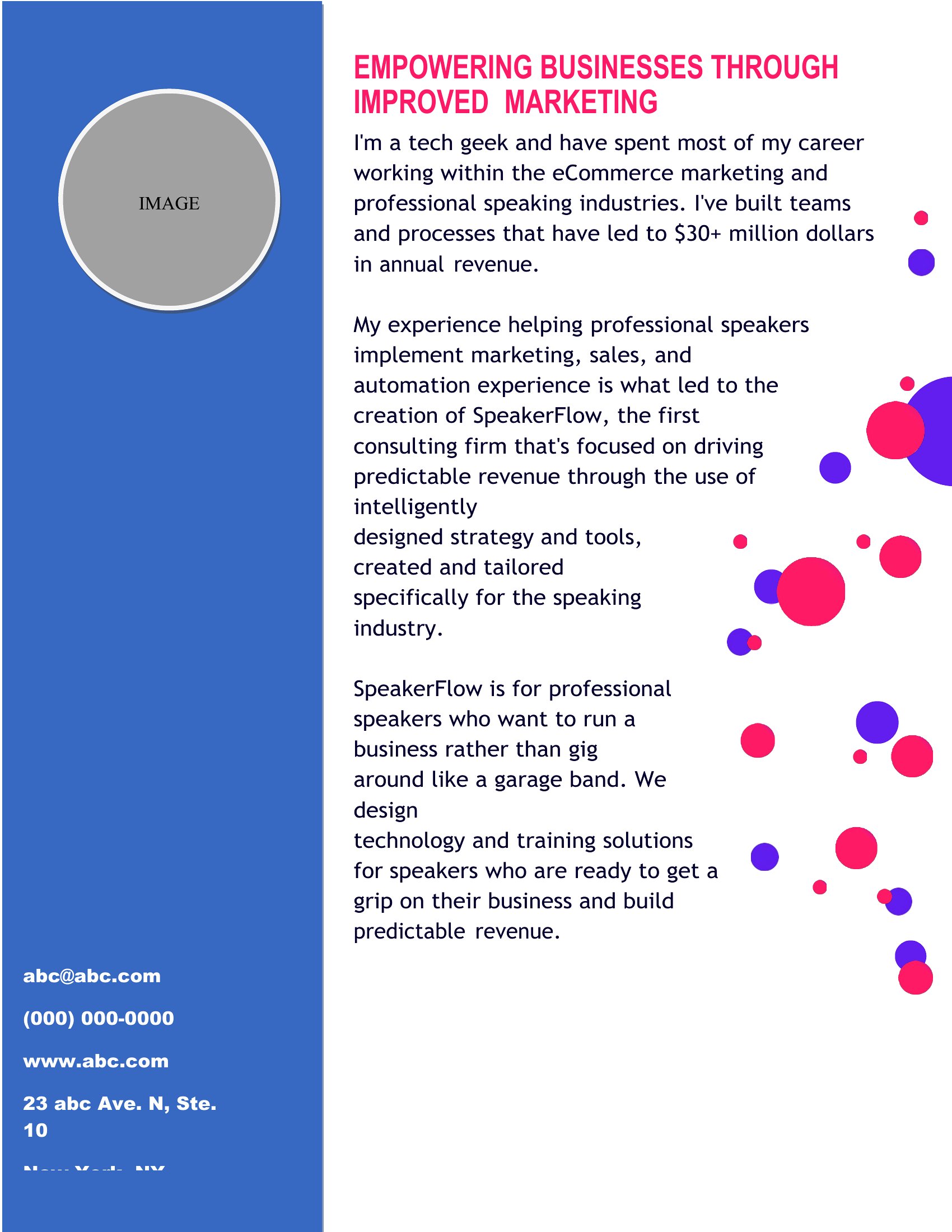
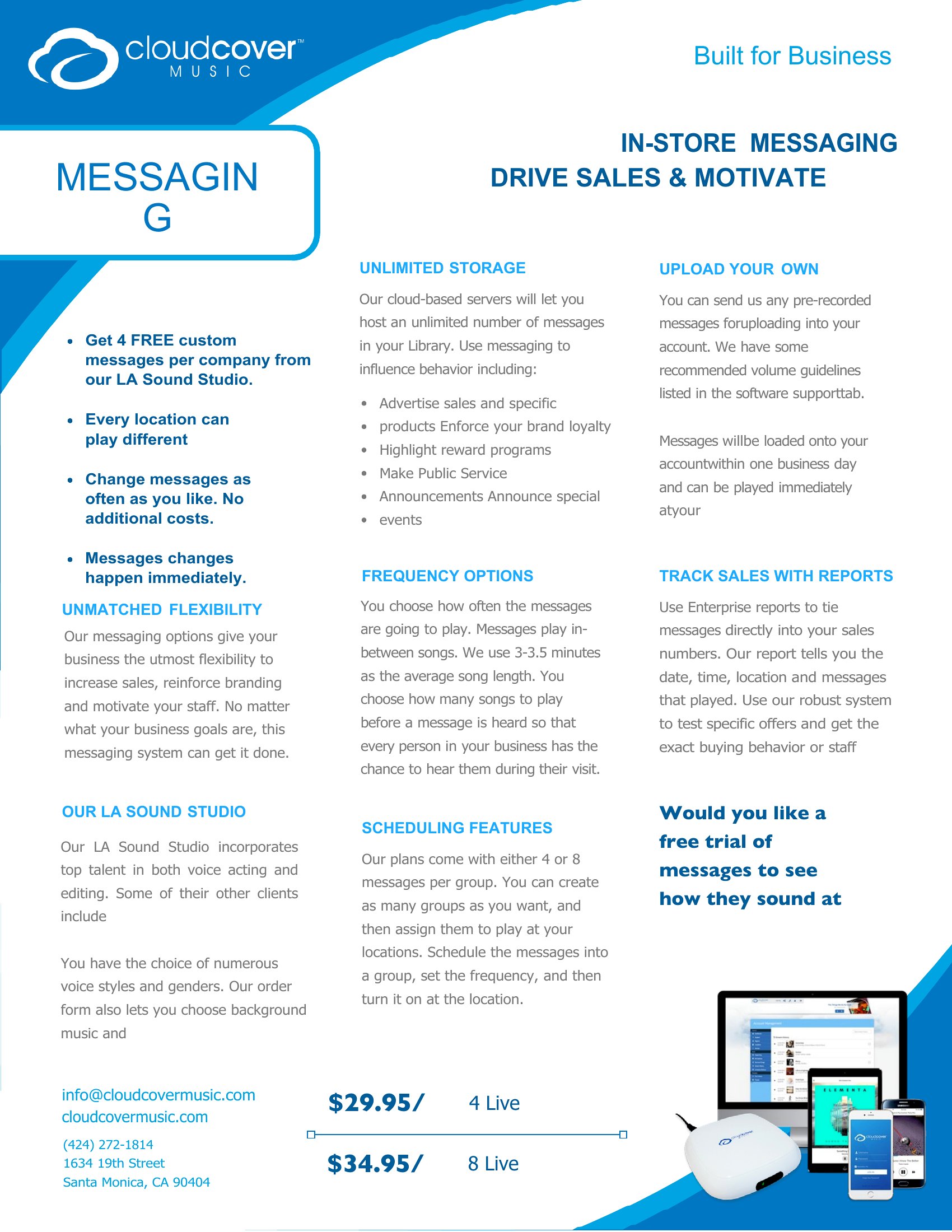
  • A small tech startup attending a trade show hands out one-sheets to attendees to quickly explain their product’s unique value, founder credentials, and contact details—cutting through the noise of competing booths.
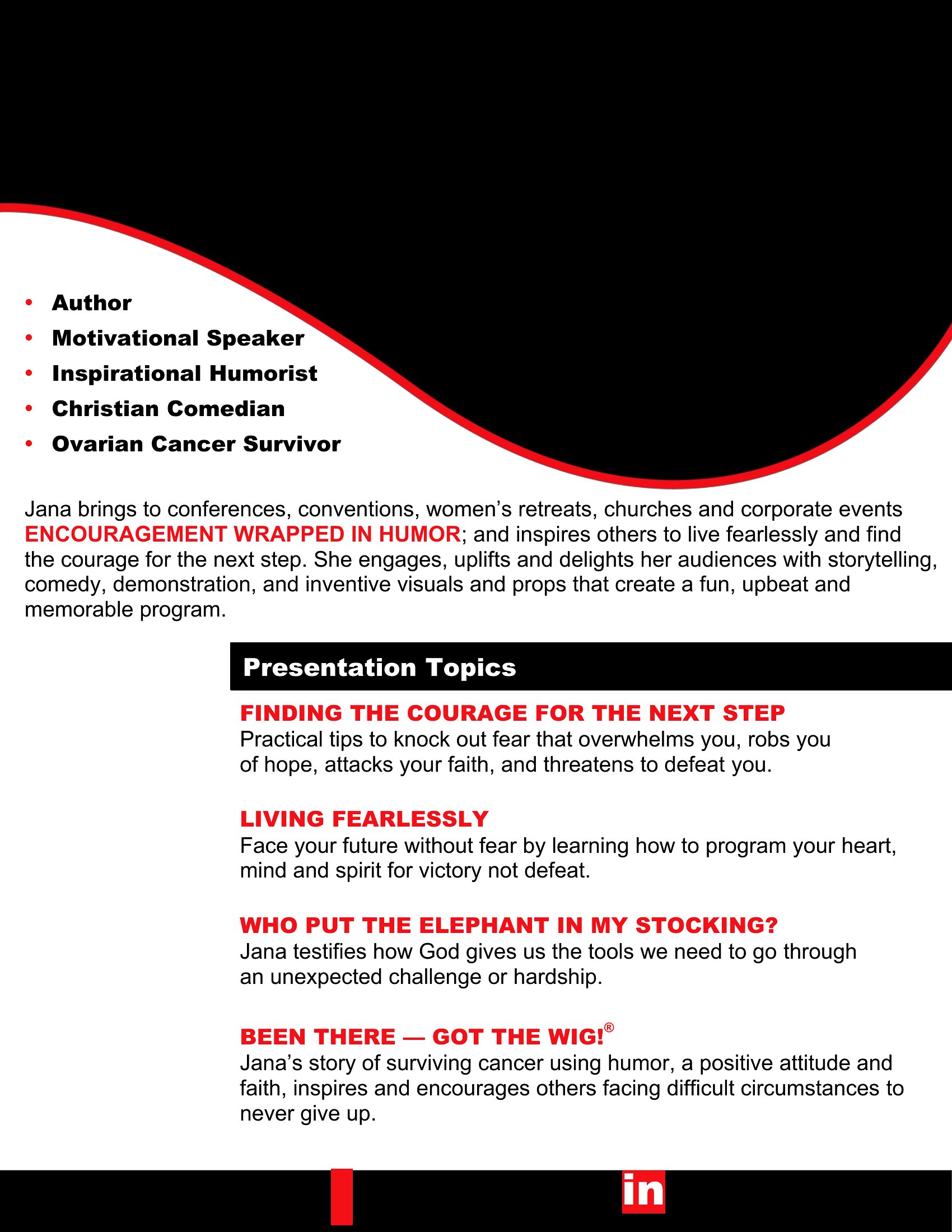
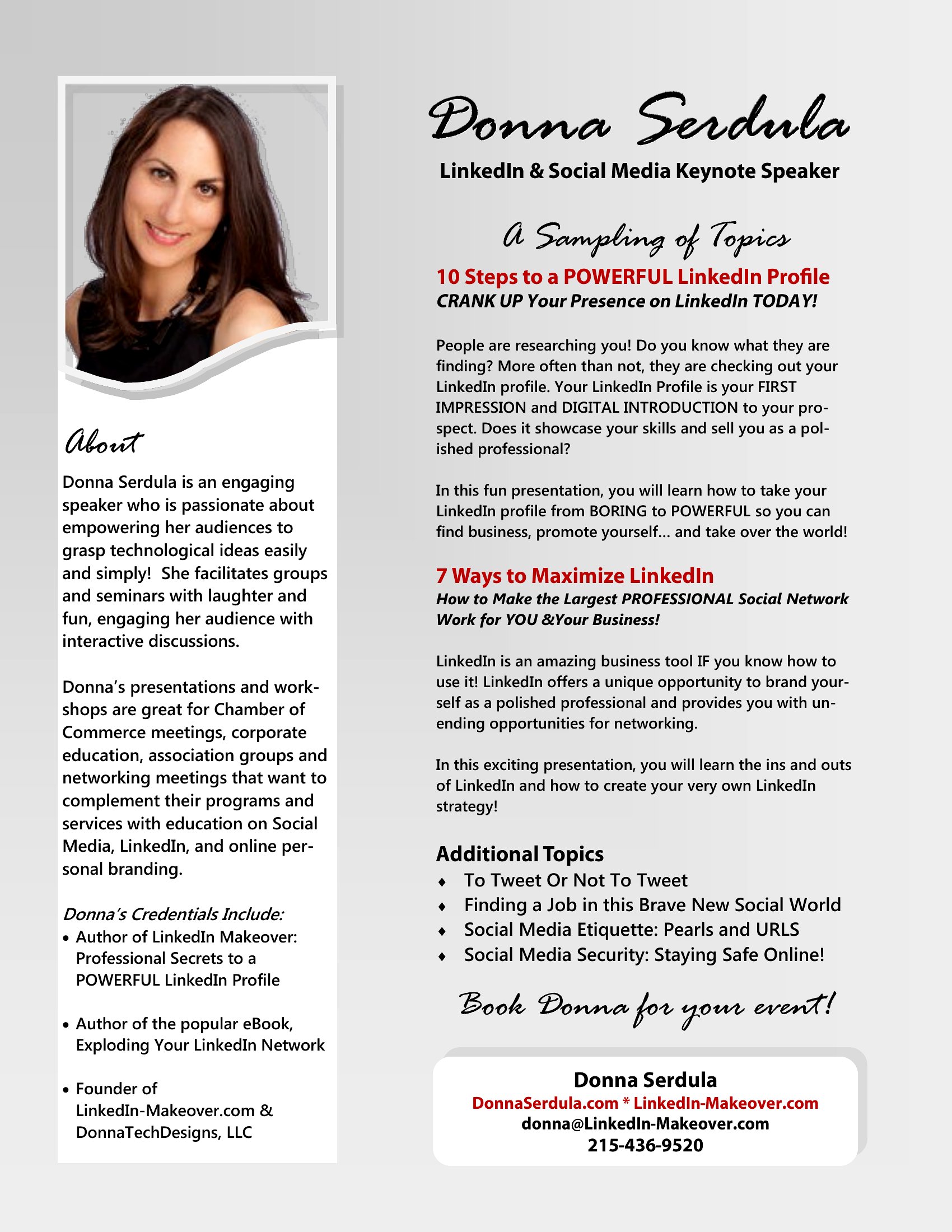
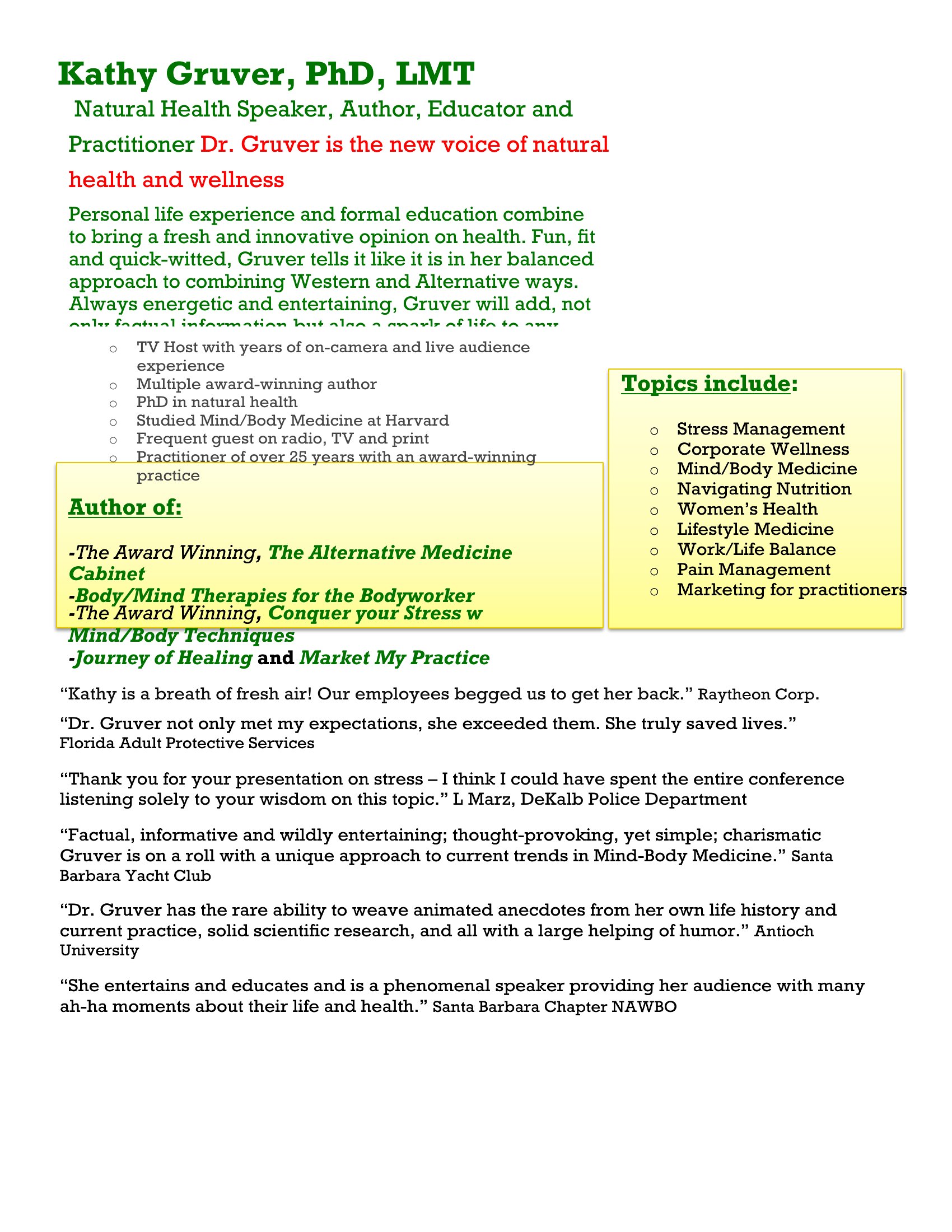
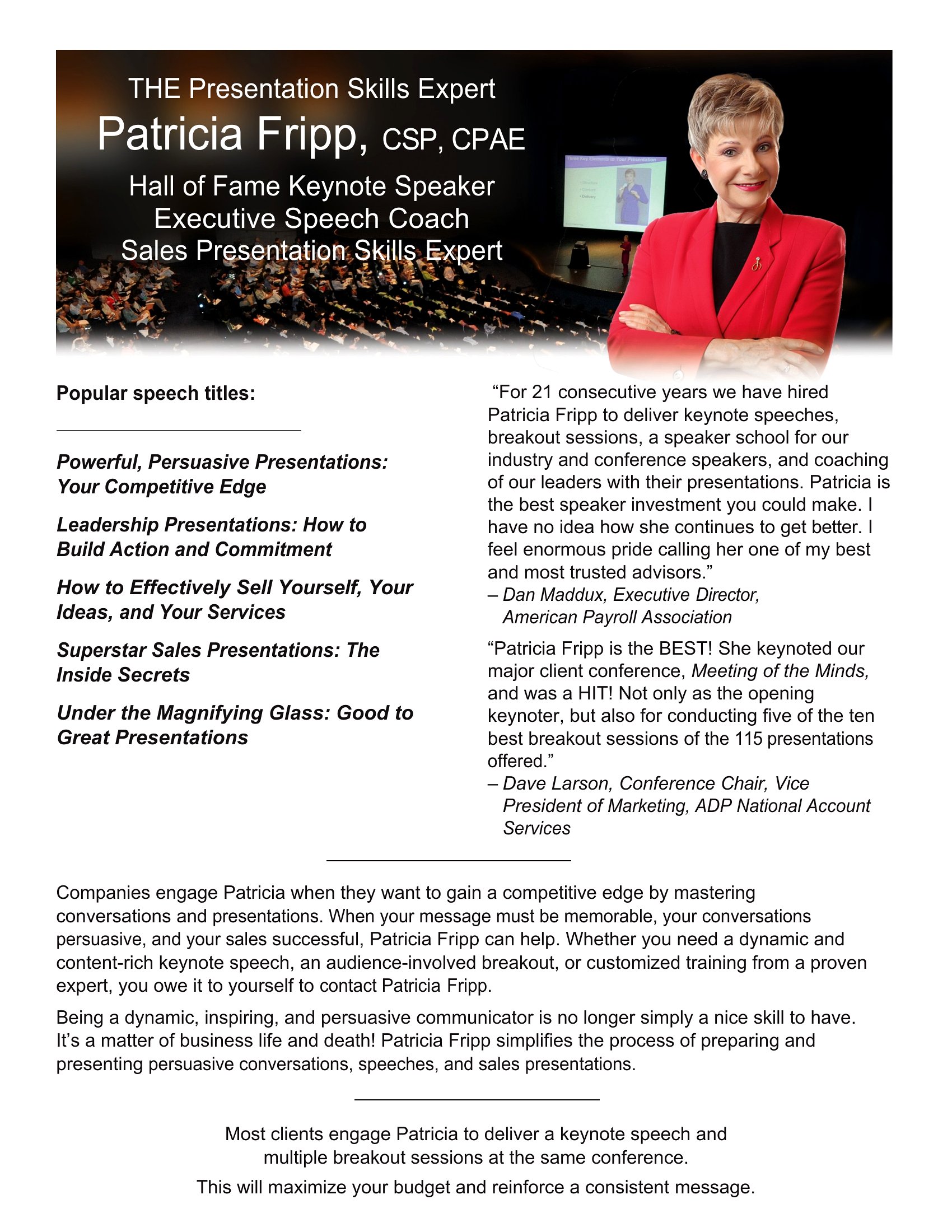
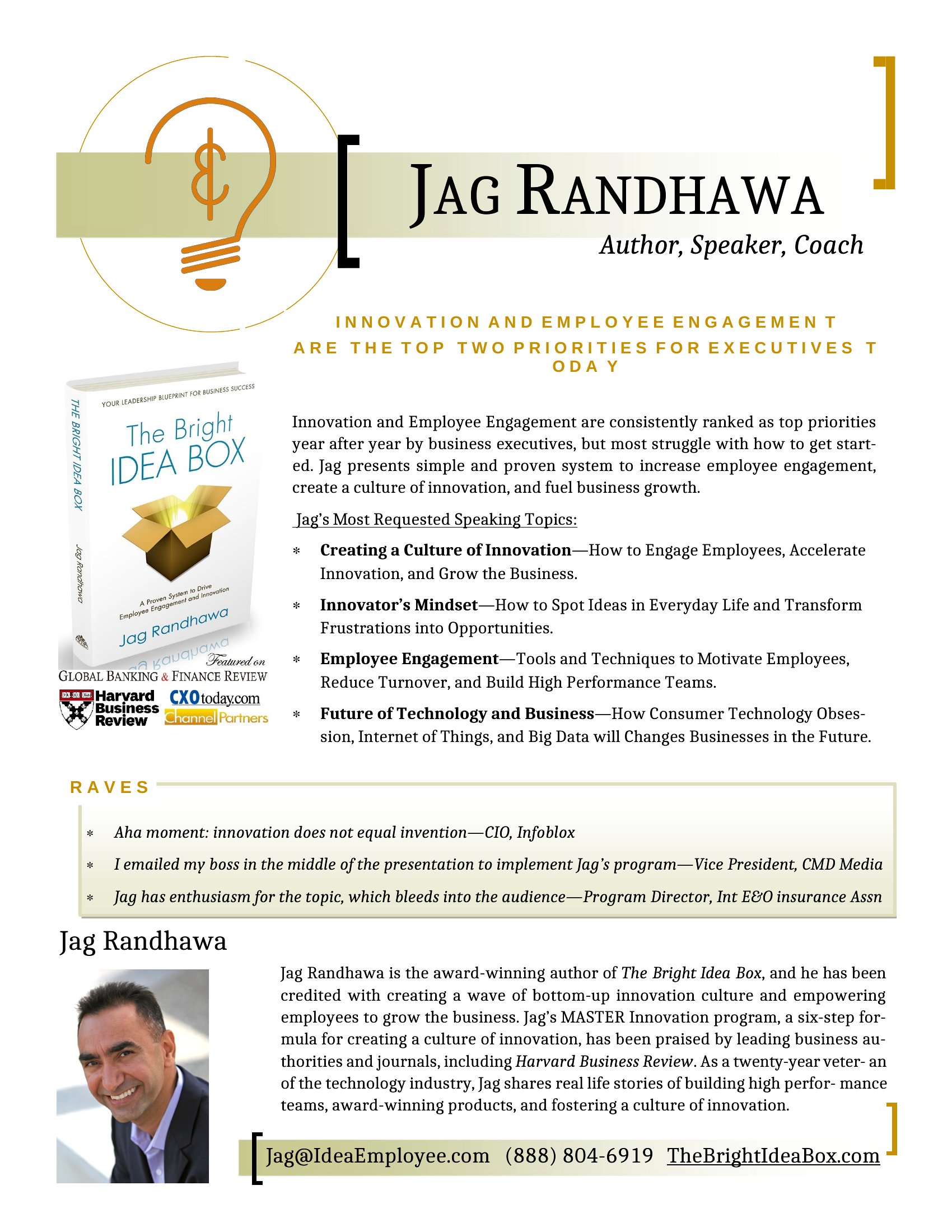
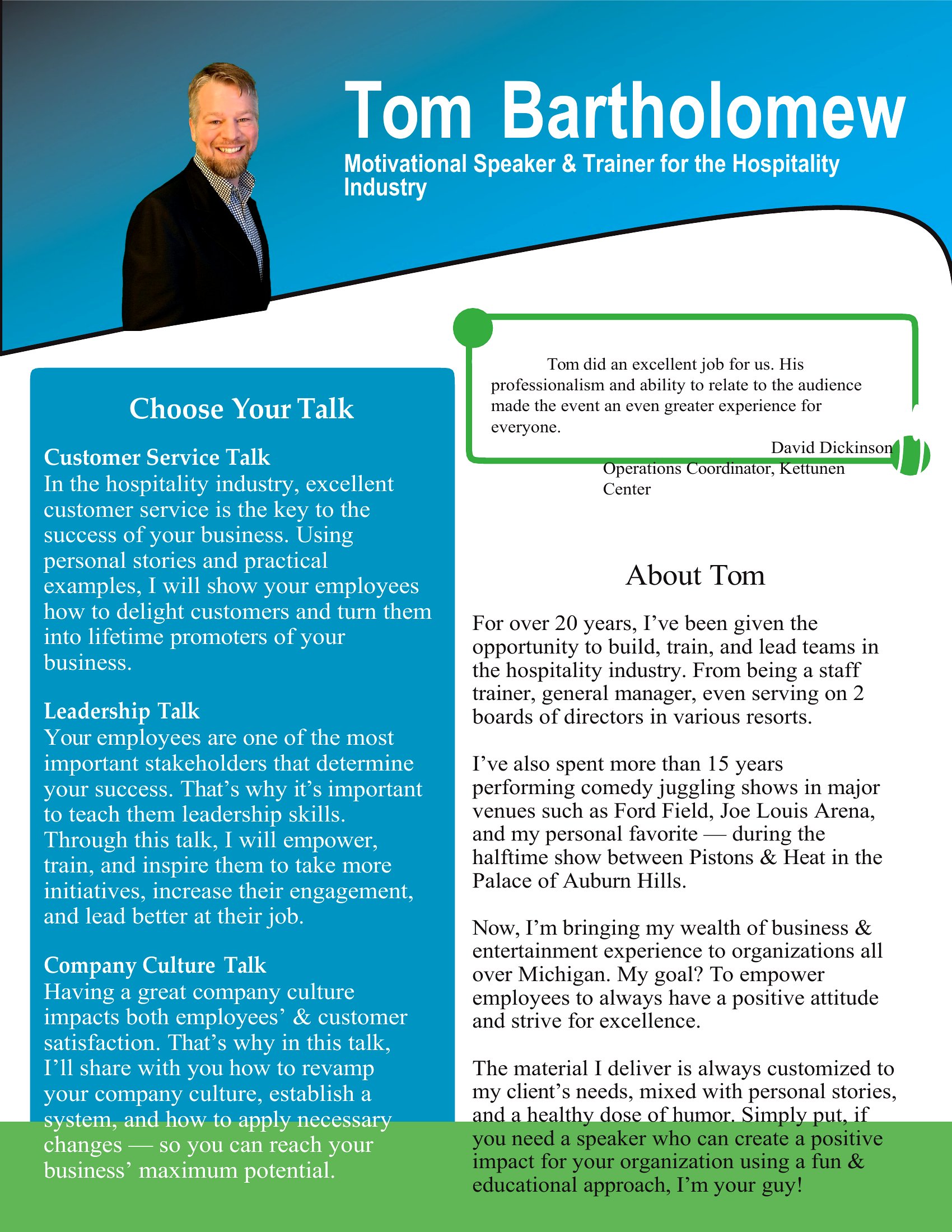
  • A motivational speaker booking corporate events attaches a one-sheet to their proposal emails, featuring their speaking topics, audience testimonials, and media mentions to reinforce credibility during the decision-making process.

Which format should I download?

WordPDF

Choose Word if you need to tweak text, swap images, or iterate before finalizing—it’s ideal for collaborative edits or when details might change. Opt for PDF when you want a polished, print-ready file to share via email or hand out at events. Both formats support the same clean layouts, but PDF locks in your design once approved, ensuring consistency across all distributions.

Choose from 32 One Sheet Templates

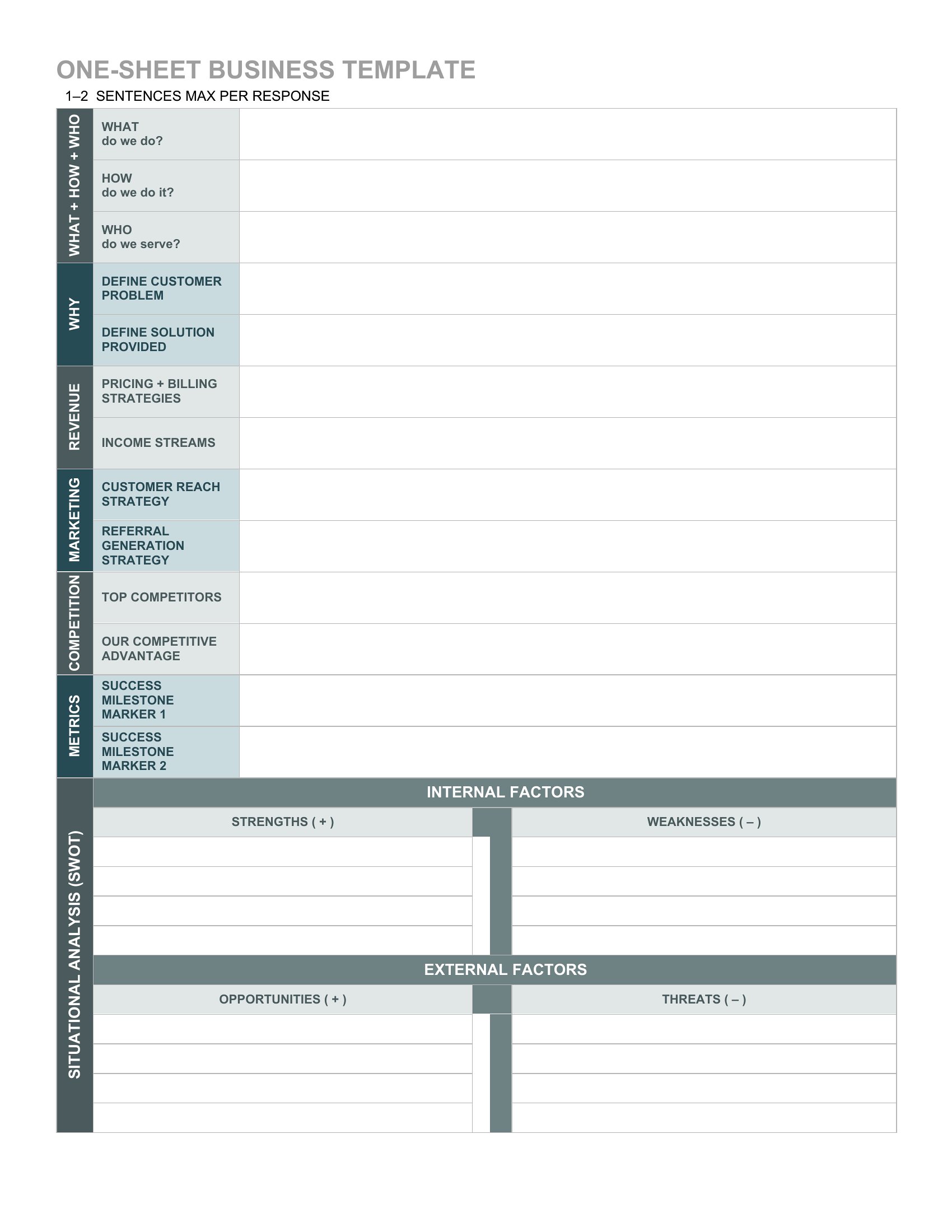
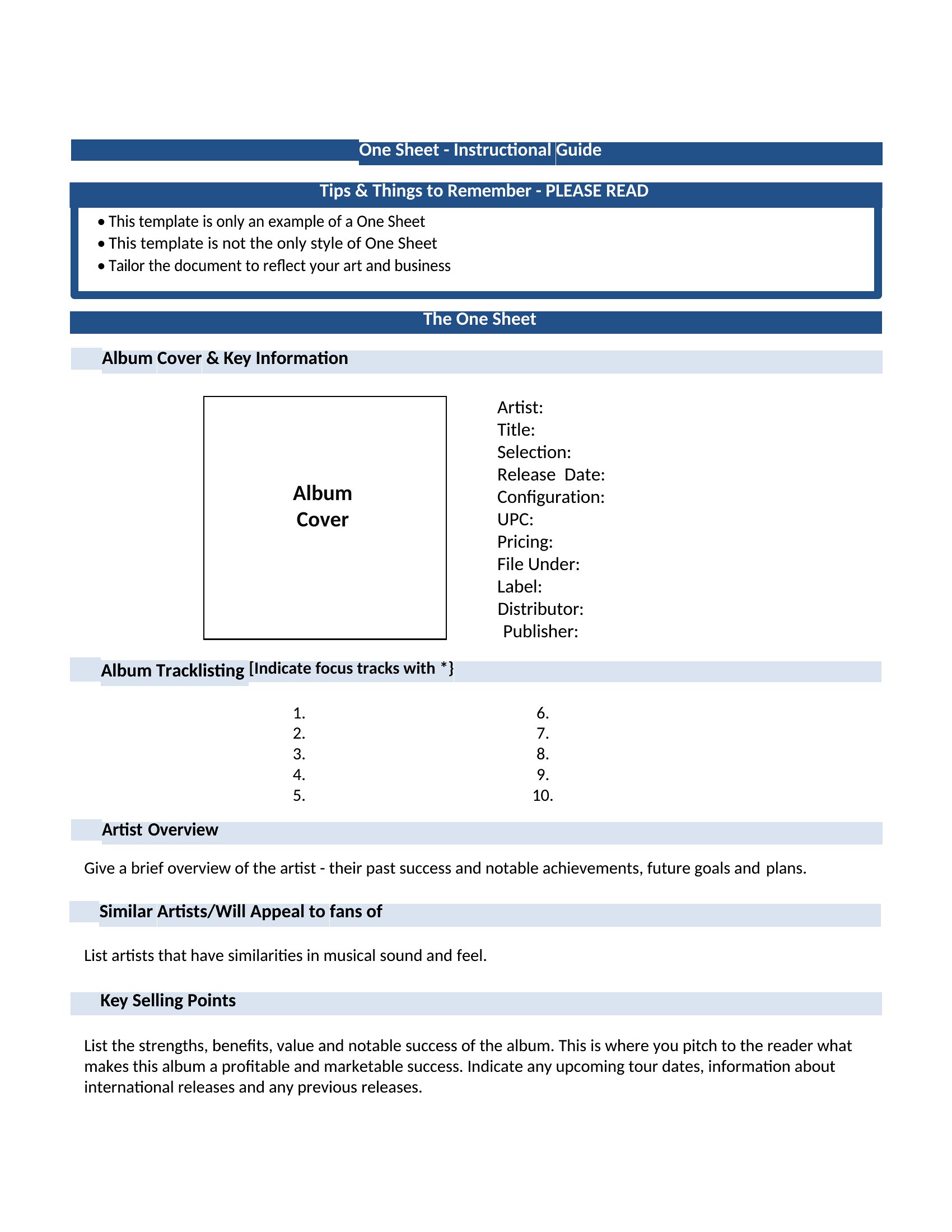
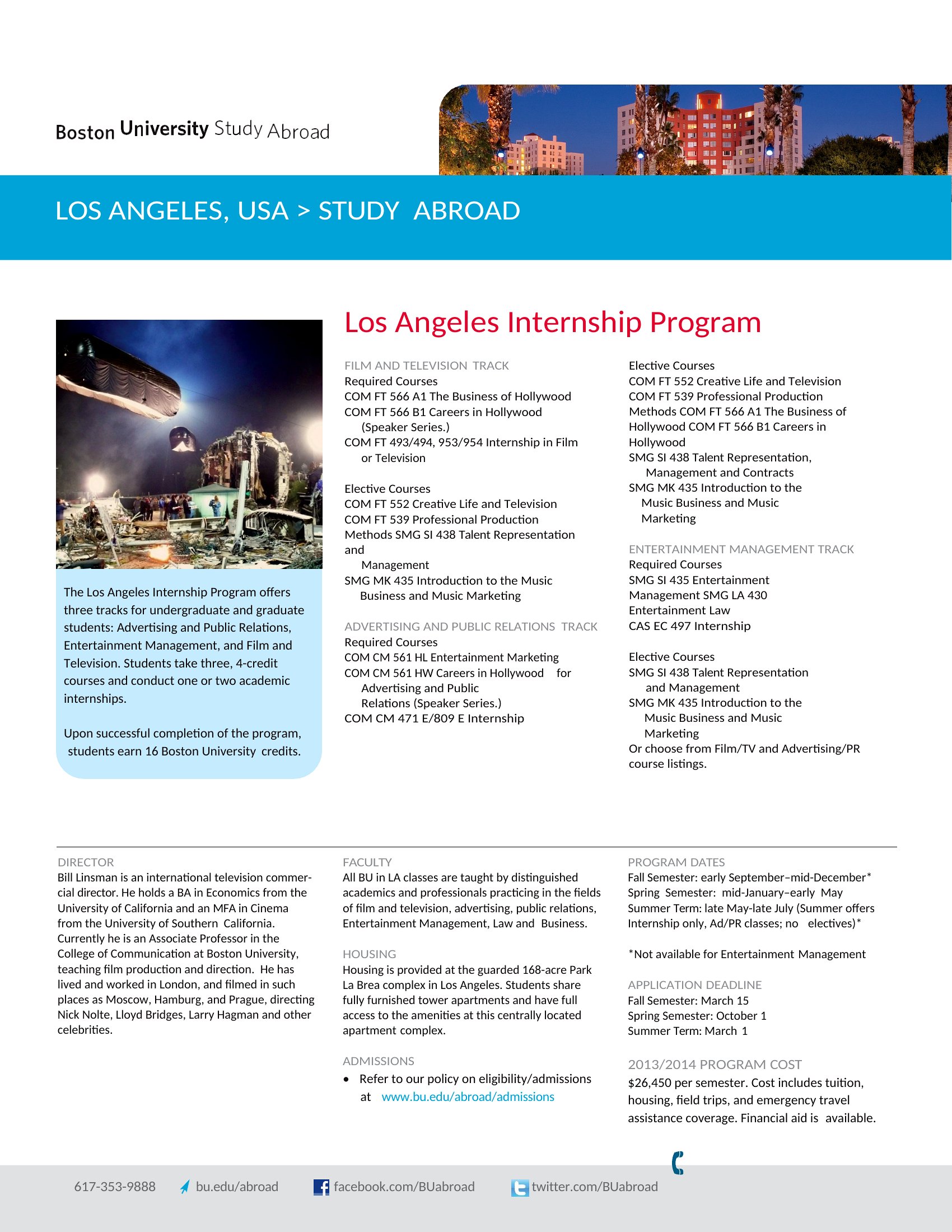
Example Of A One Sheet template thumbnail
0 downloads
Download
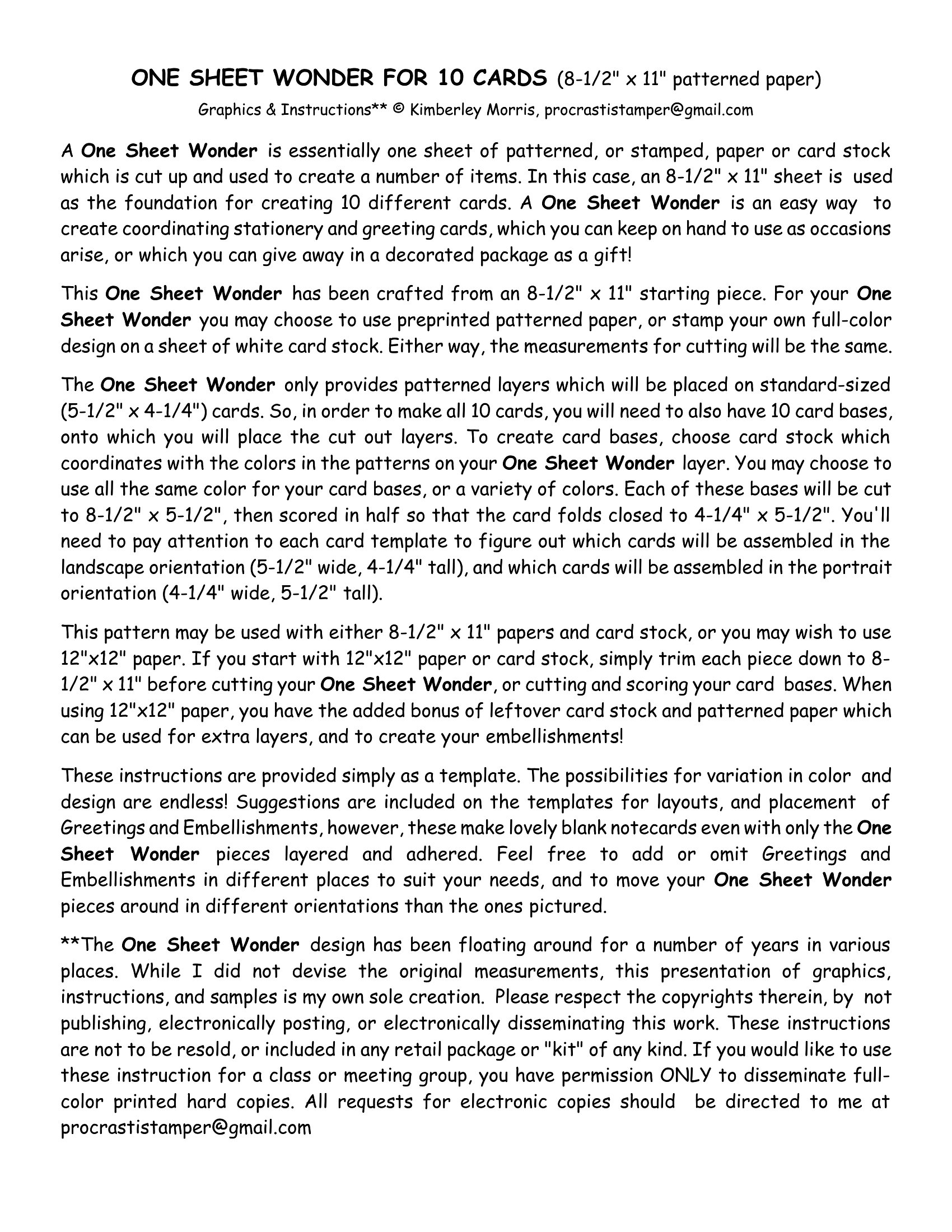
One Sheet Pan Meals template thumbnail
0 downloads
Download
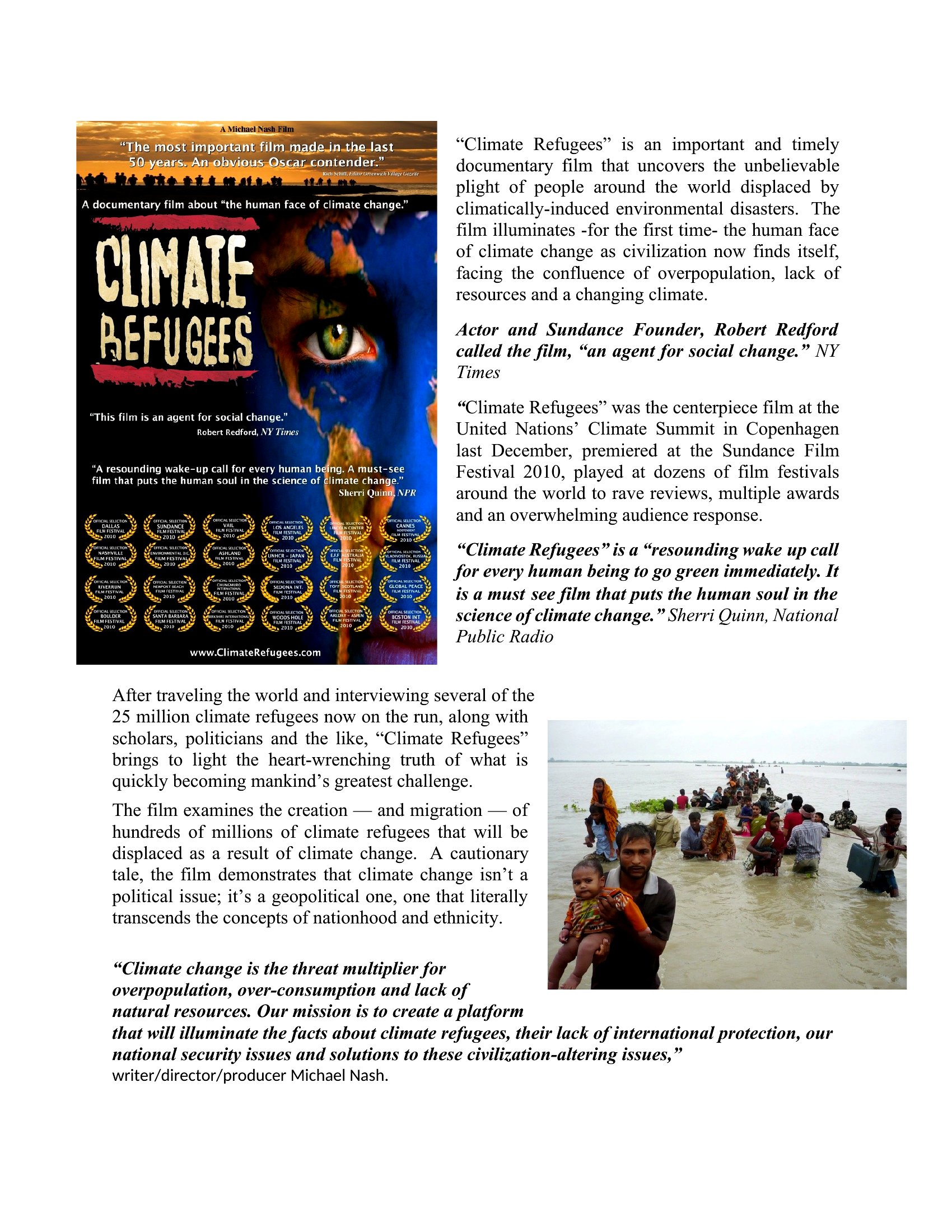
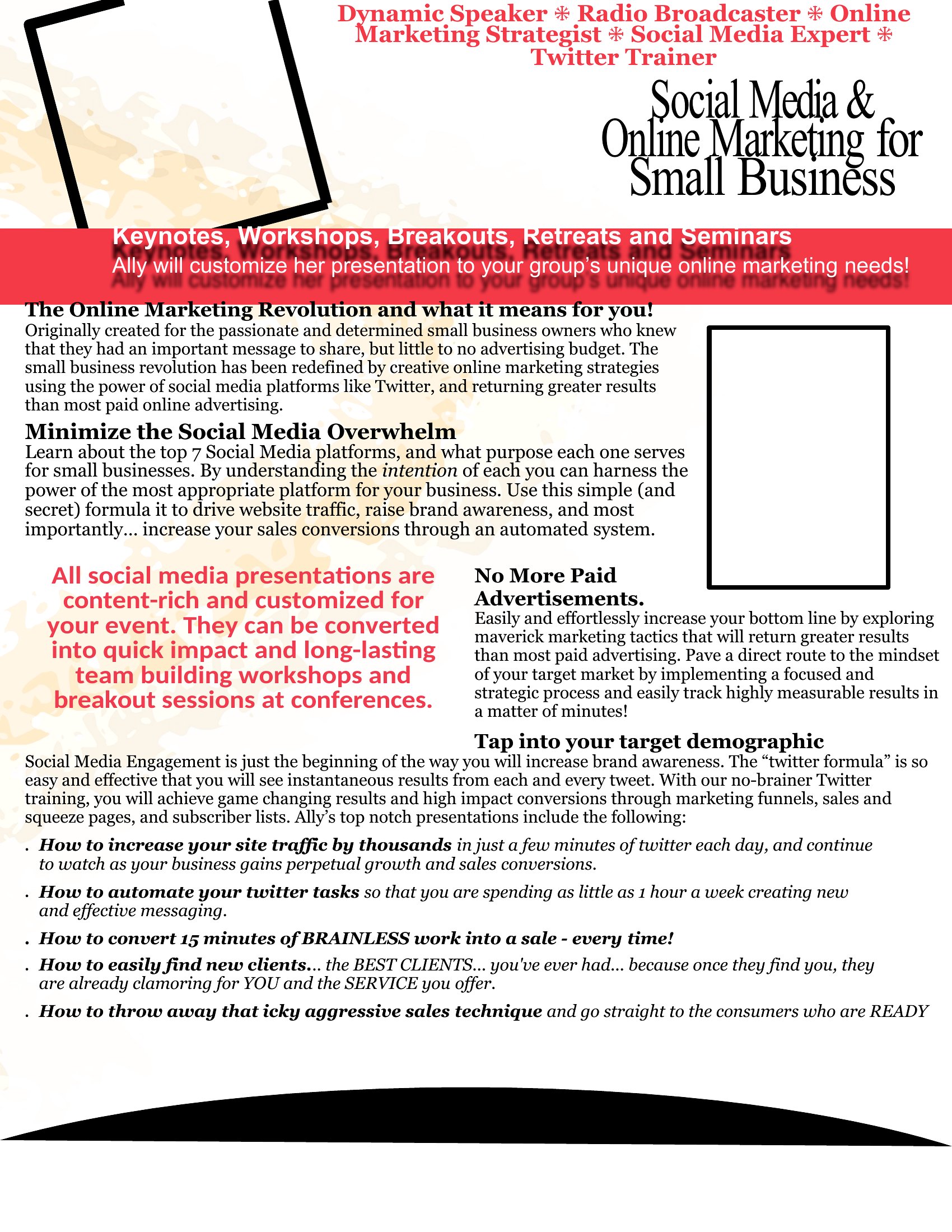
One Sheets template thumbnail
Free
0 downloads
Download
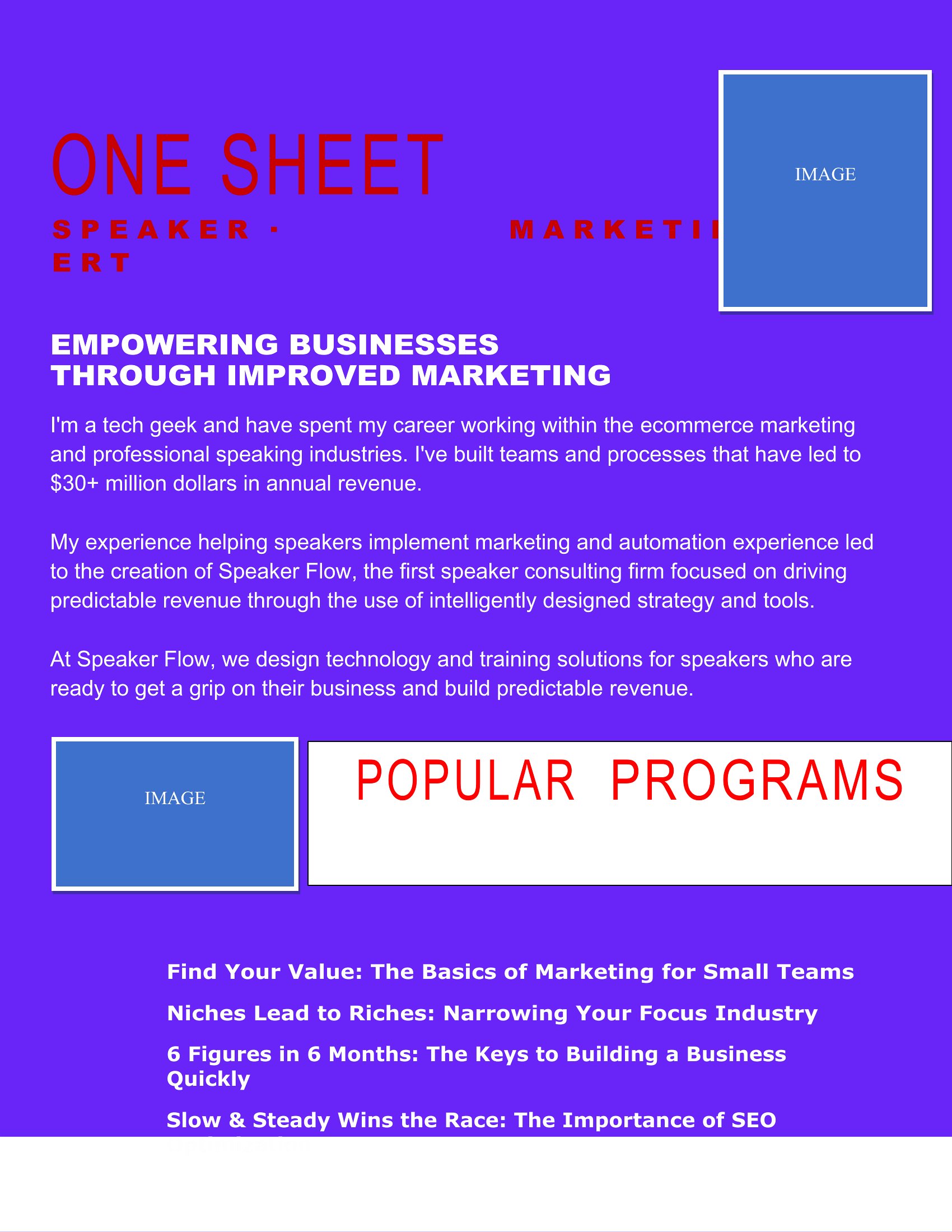
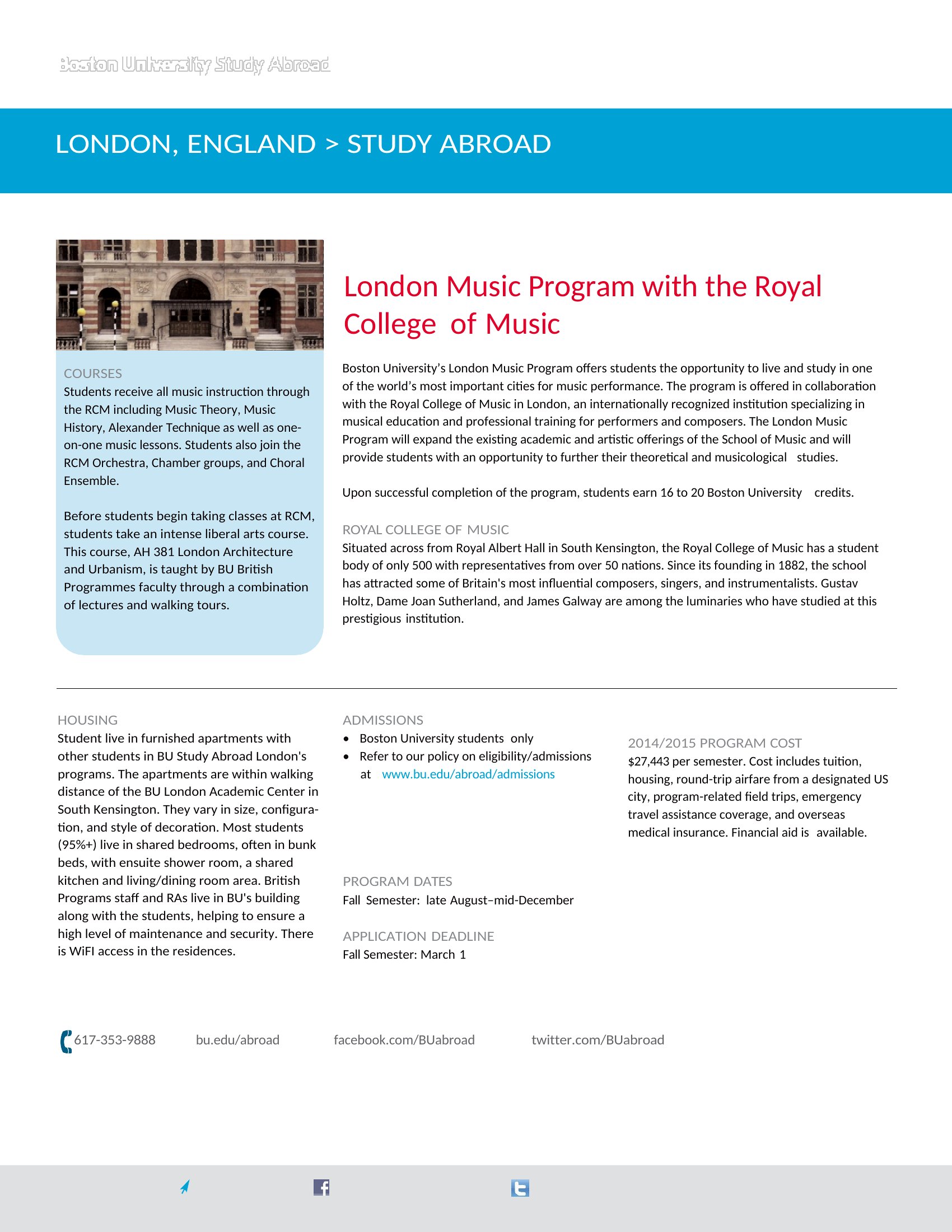
Artist One Sheet template thumbnail
0 downloads
Download
Kohls Big One Sheets template thumbnail
0 downloads
Download
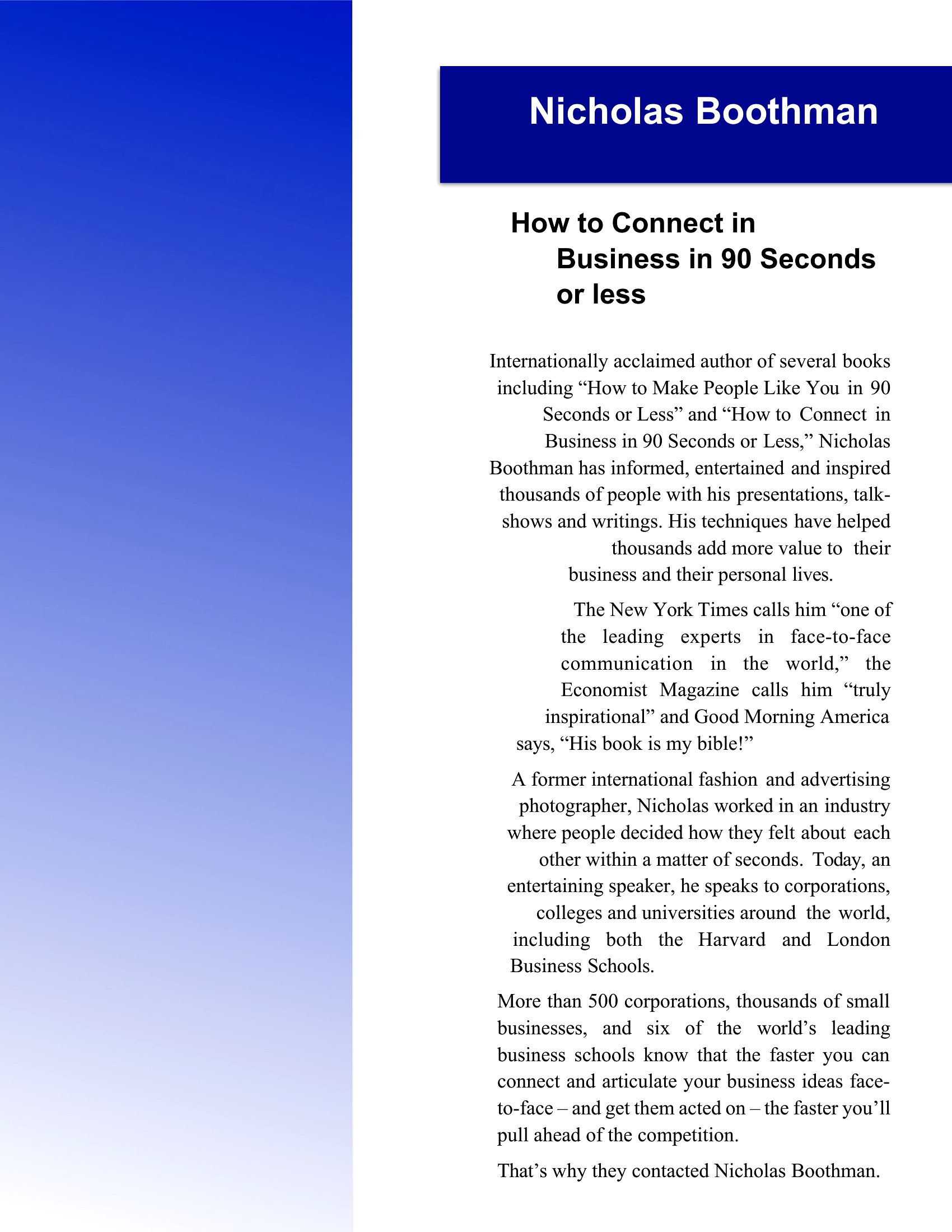
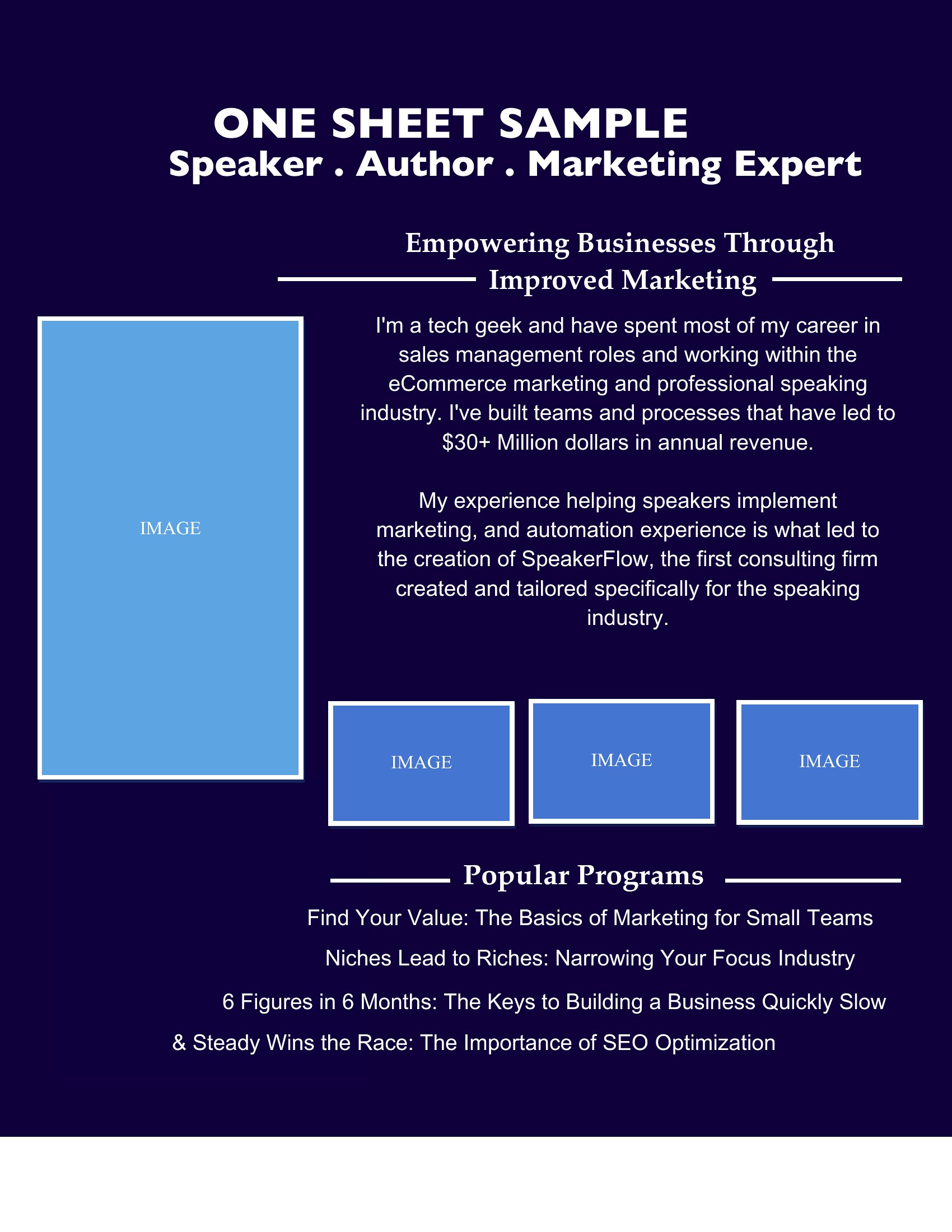
One Sheet Examples template thumbnail
0 downloads
Download

How to use this One Sheet template

Should I include social media handles on my one-sheet?

Yes, but keep it concise. Add 1–2 primary handles (e.g., Instagram or Twitter) if they drive traffic or credibility, like a musician’s streaming links or an author’s bookstore page. Avoid cluttering the space with every platform—focus on what matters most to your audience.

How do I make my one-sheet stand out in a crowded inbox?

Use bold typography for your name or brand at the top, limit the design to 2–3 colors, and include one high-impact visual—like a striking photo or minimalist icon. Avoid templates with too many fonts or busy backgrounds, which can make your pitch feel overwhelming.

Can I use a one-sheet for internal team introductions?

Absolutely, but tailor the content to highlight skills, achievements, or roles relevant to your team’s goals. For example, a creative agency might include notable clients and specialties, while a nonprofit could emphasize volunteer opportunities and impact metrics.

Comments

Join the conversation

Sign in to share your thoughts and leave a comment on this resource.

Newsletter

Get Weekly Design Updates

Join our community to receive curated resources and inspiration.

Weekly Tips Resources Early Access

We respect your privacy. Confirmation email required. Privacy Policy