Skip to content
50% off this one-time $1.99 pack with HALFOFF — or unlimited with Pro.HALFOFF
Premium

Free Mileage Log Templates (Word, Excel, PDF)

Data
elliehughes by elliehughes
Updated 0 downloads 1 community comment

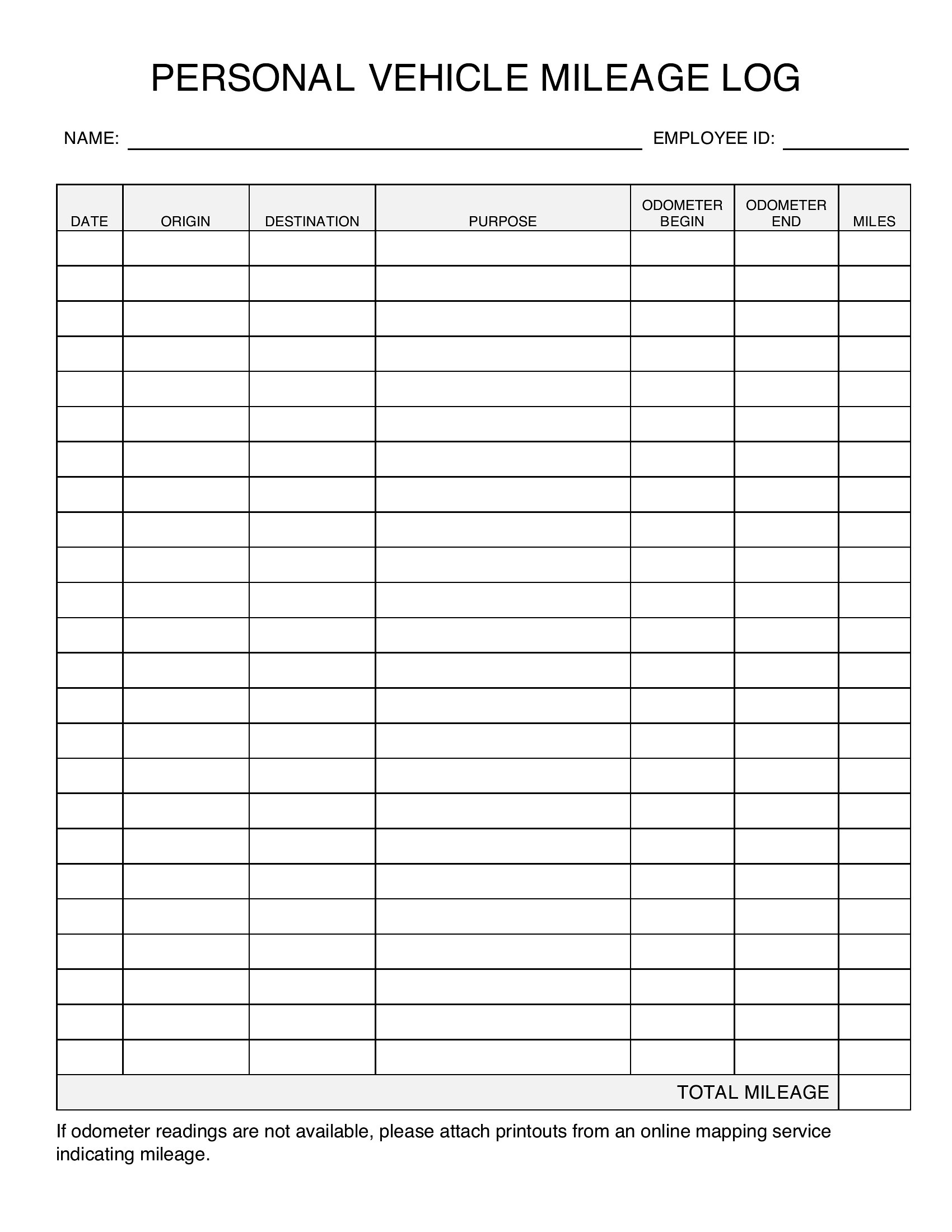
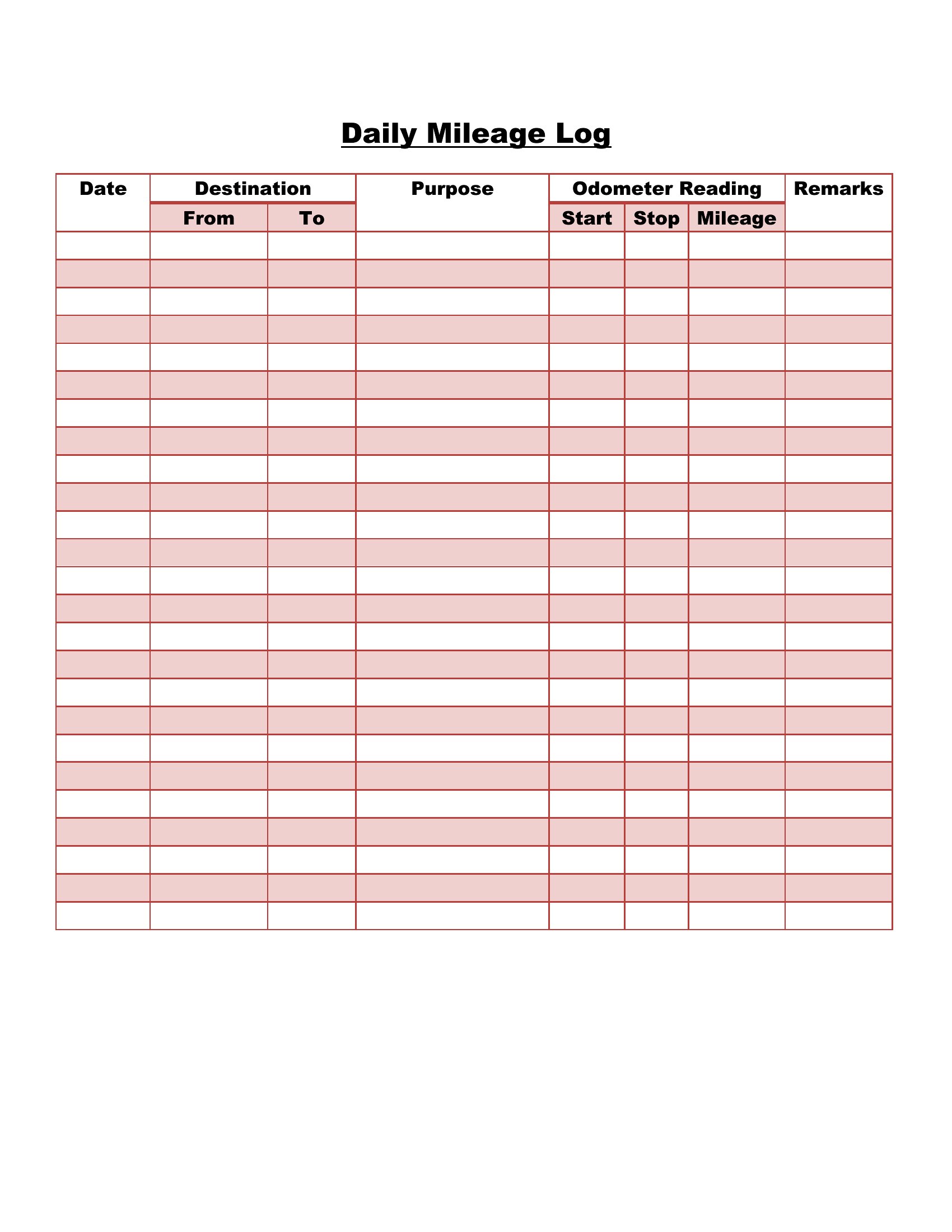
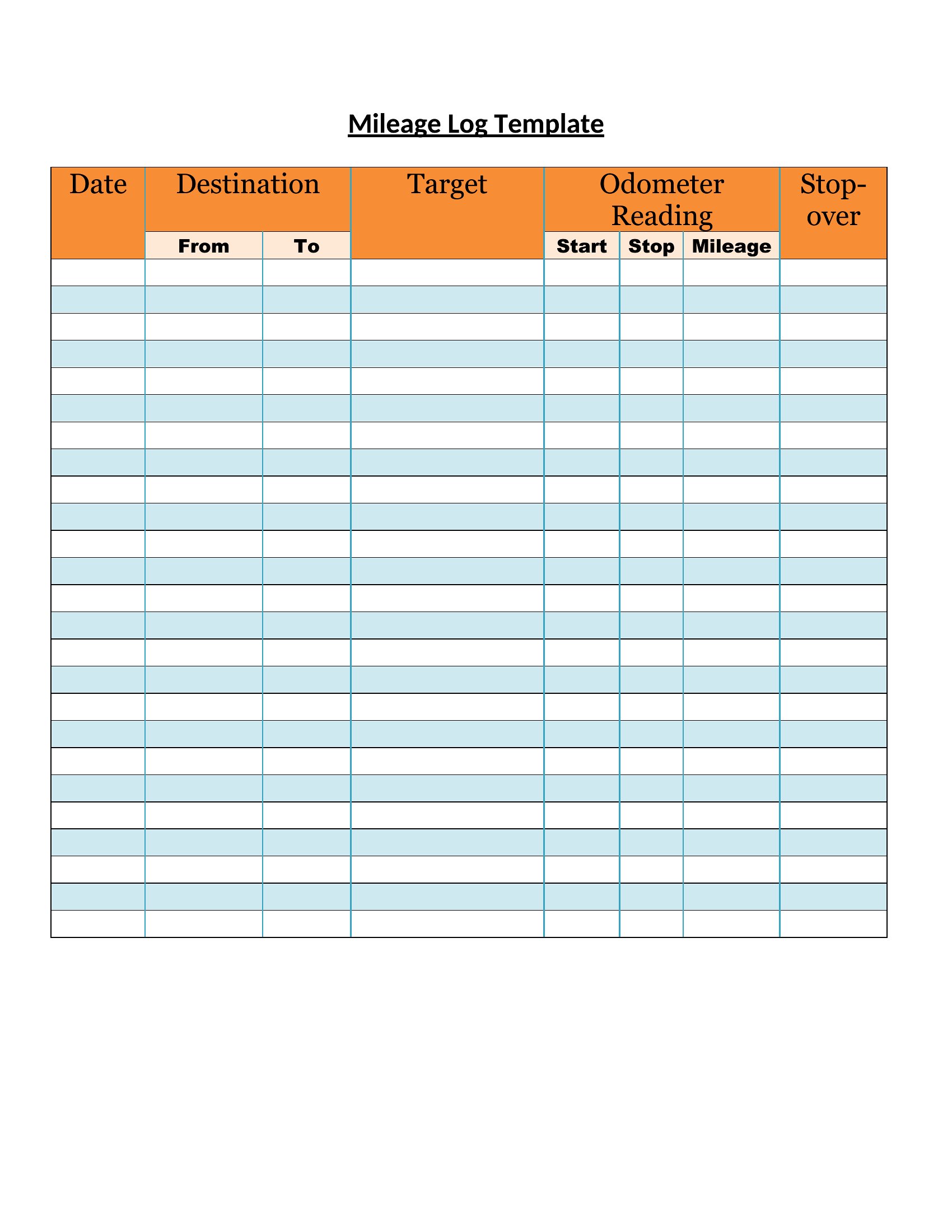
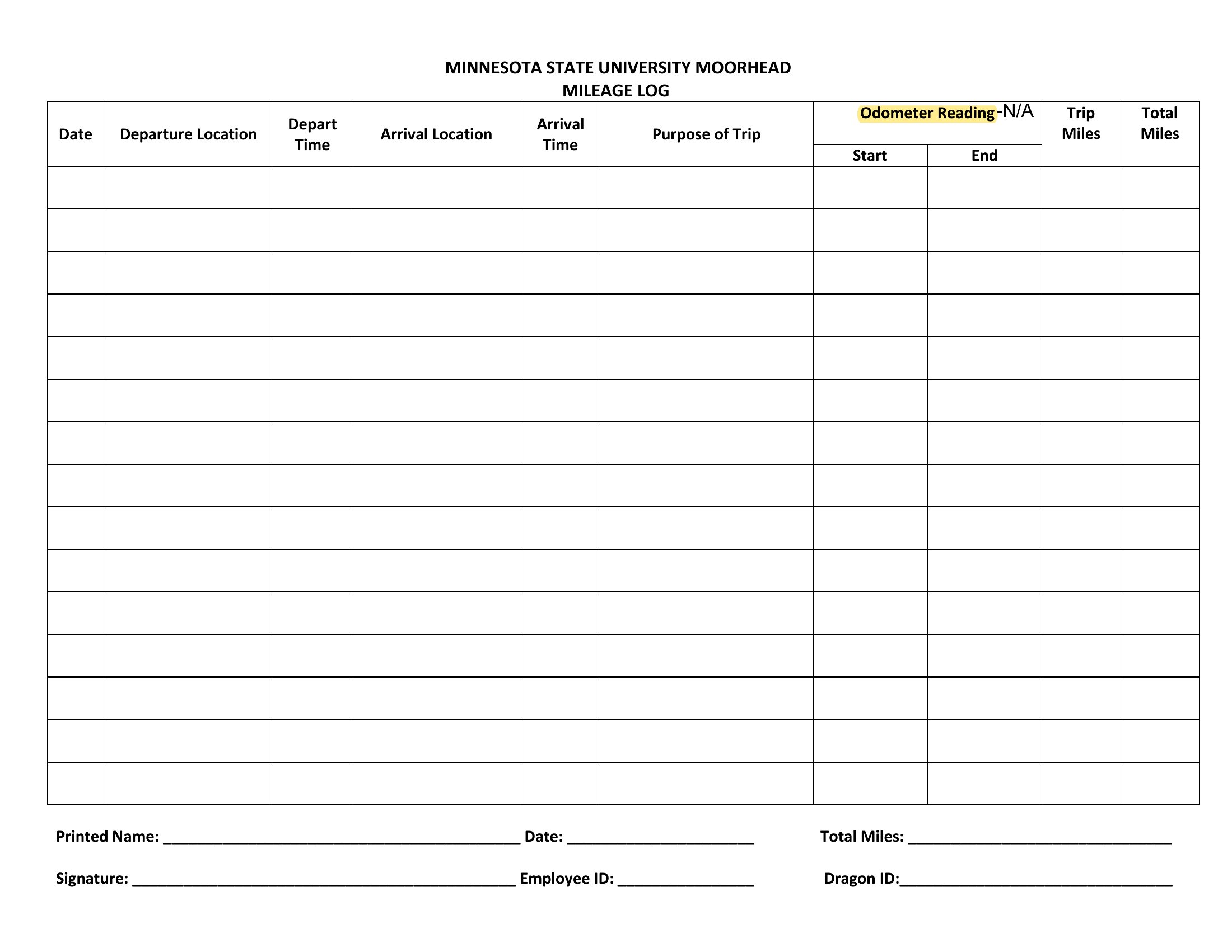
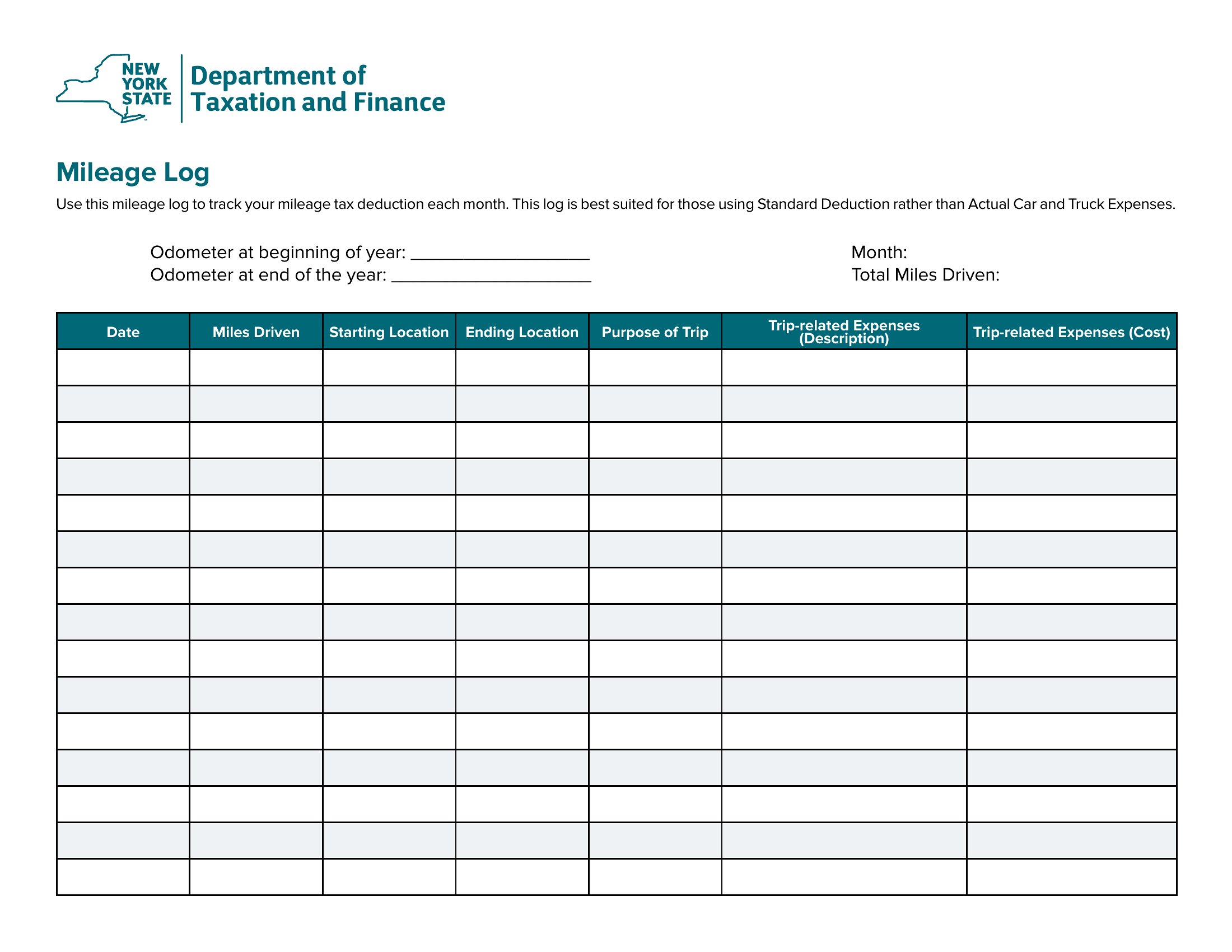
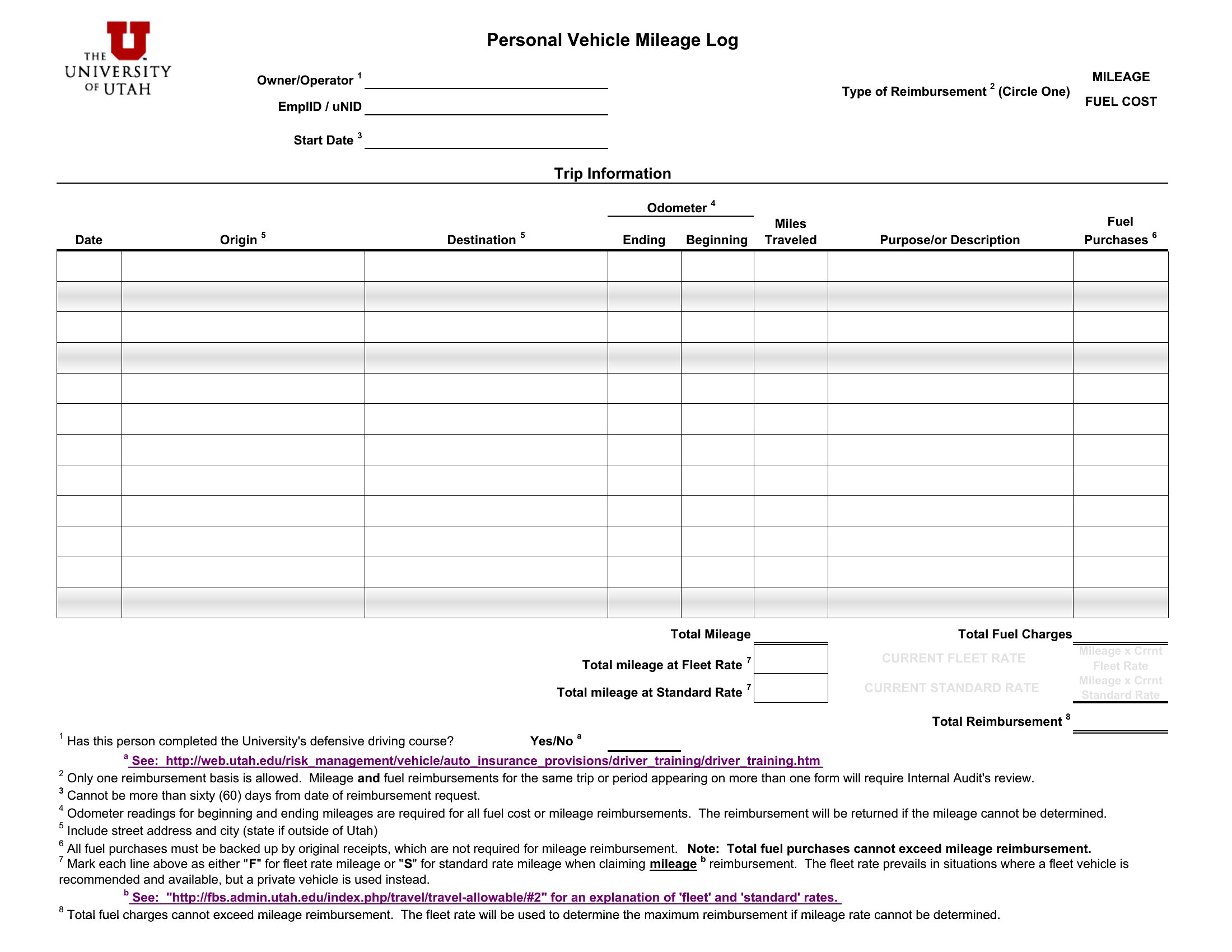
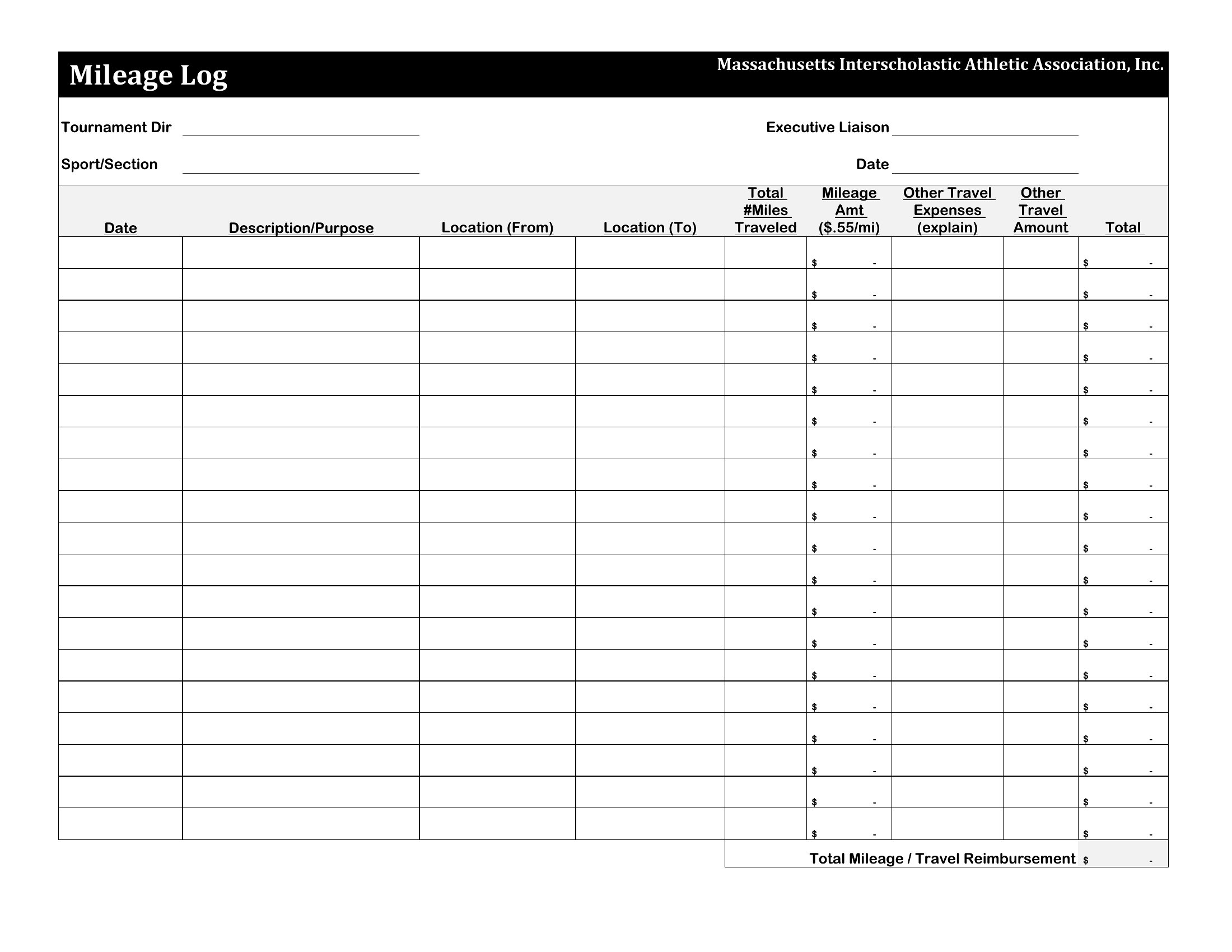
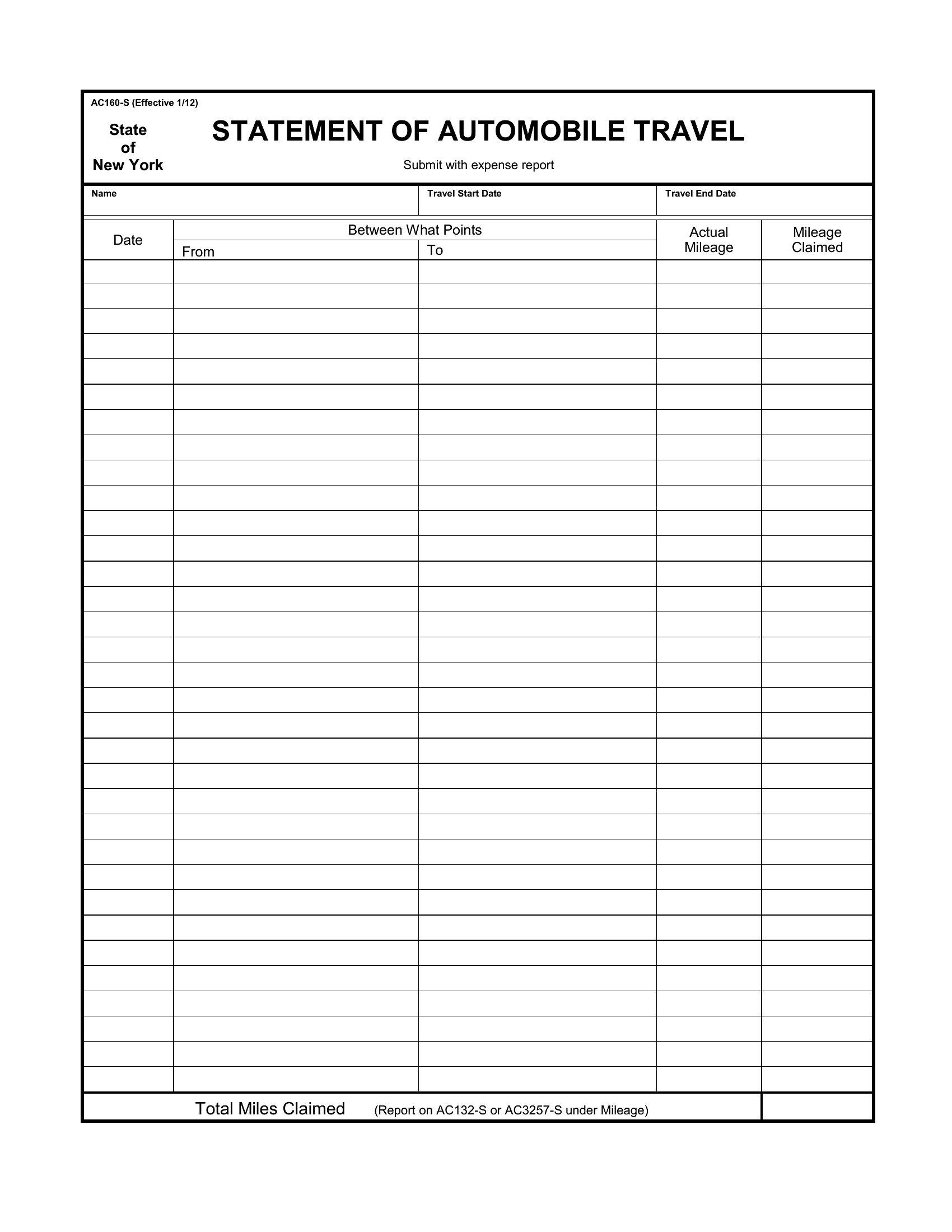
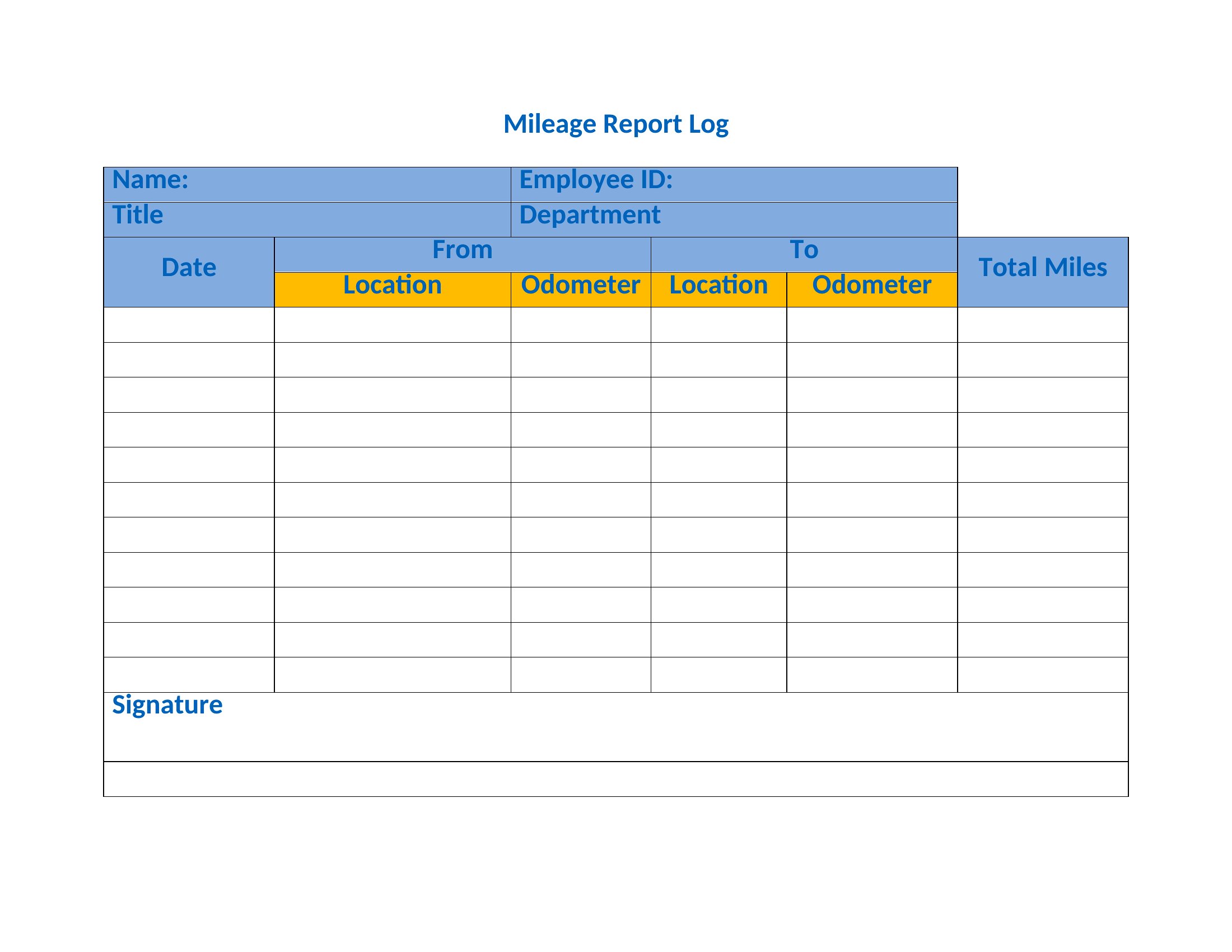
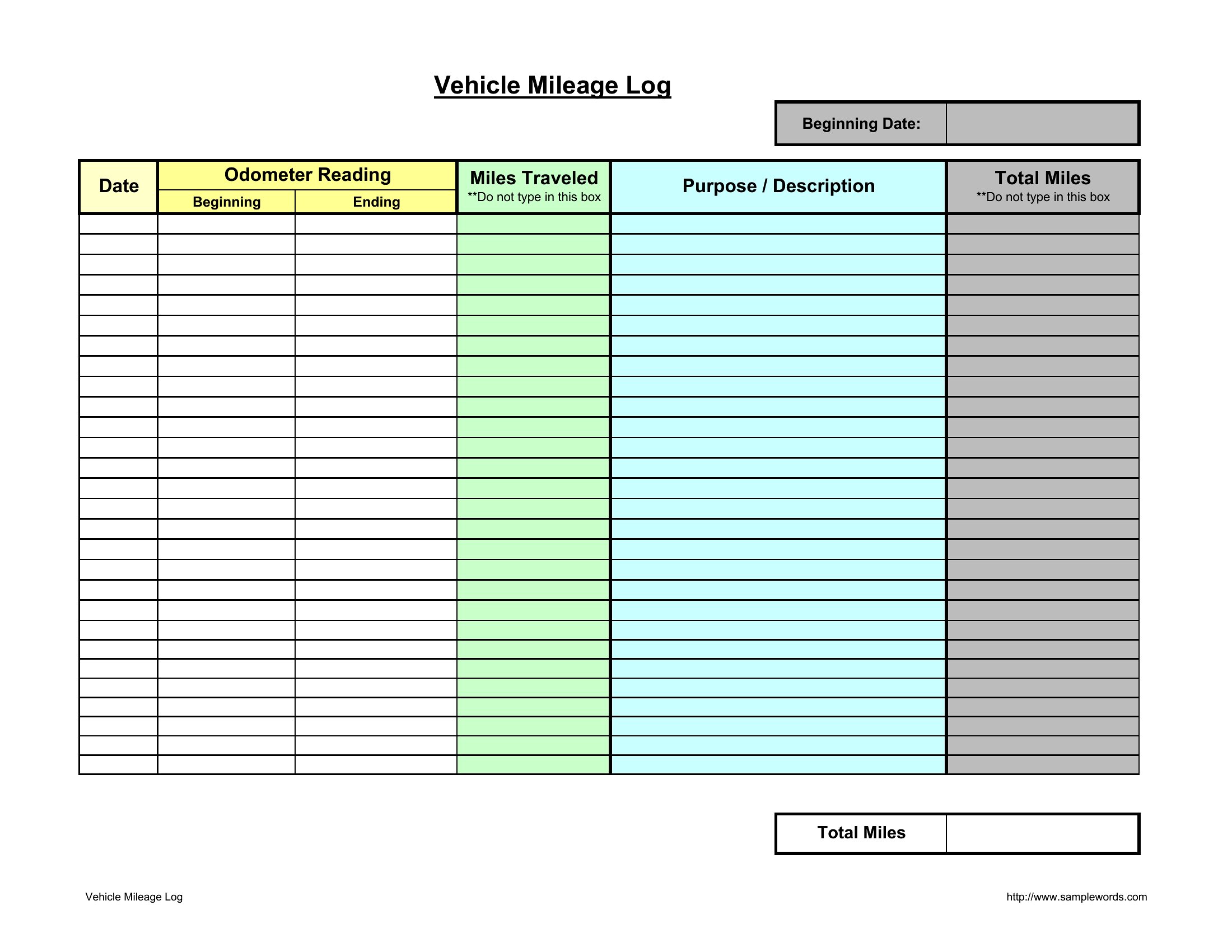
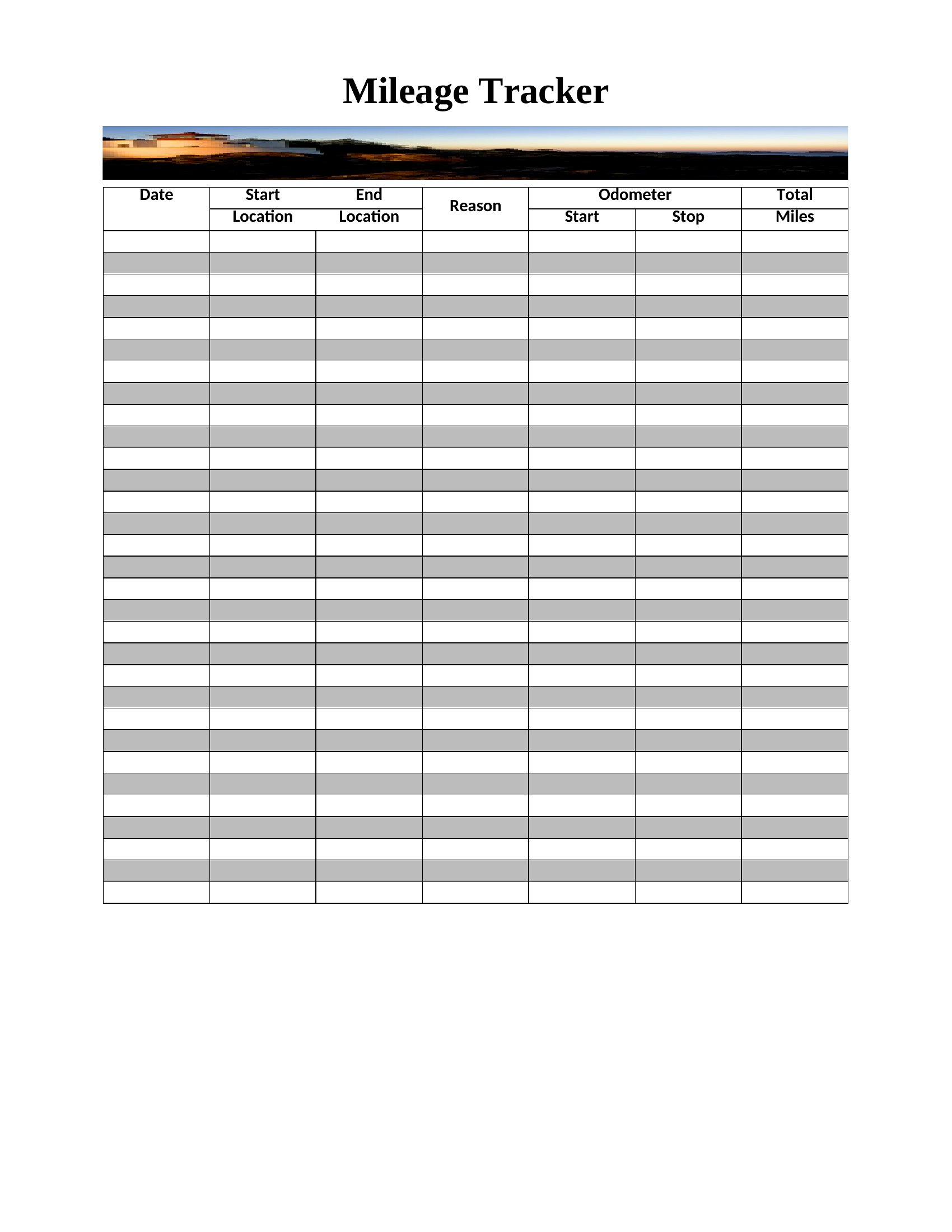
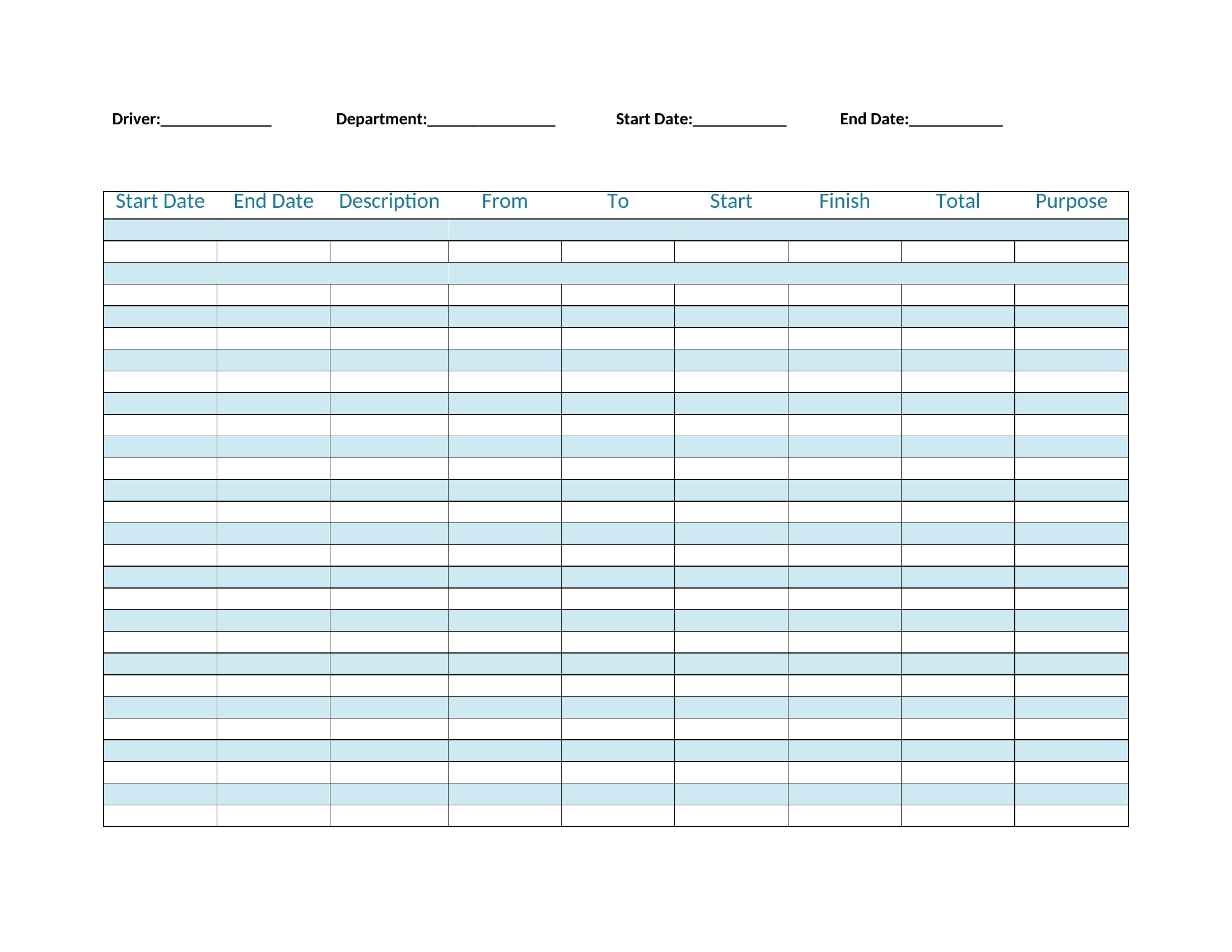
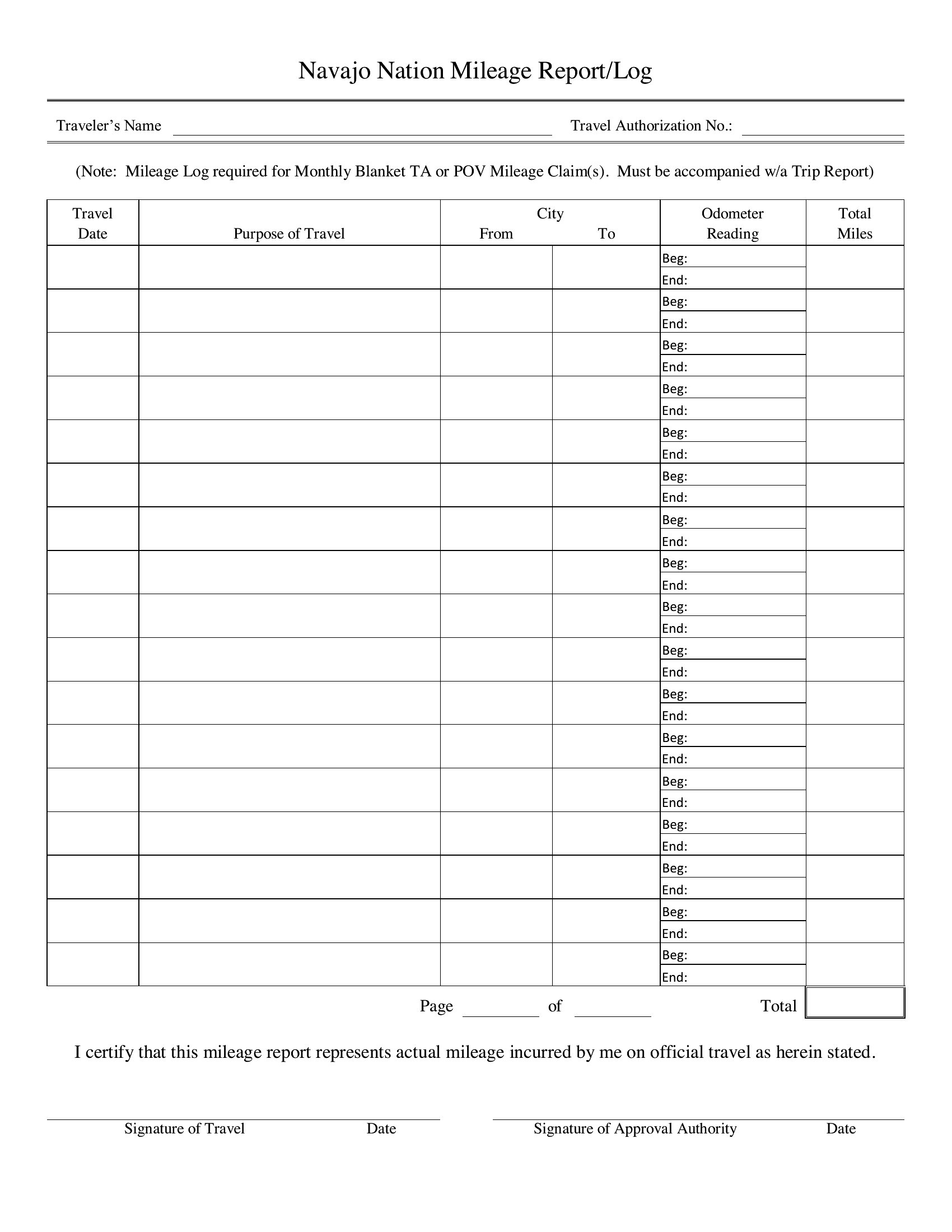
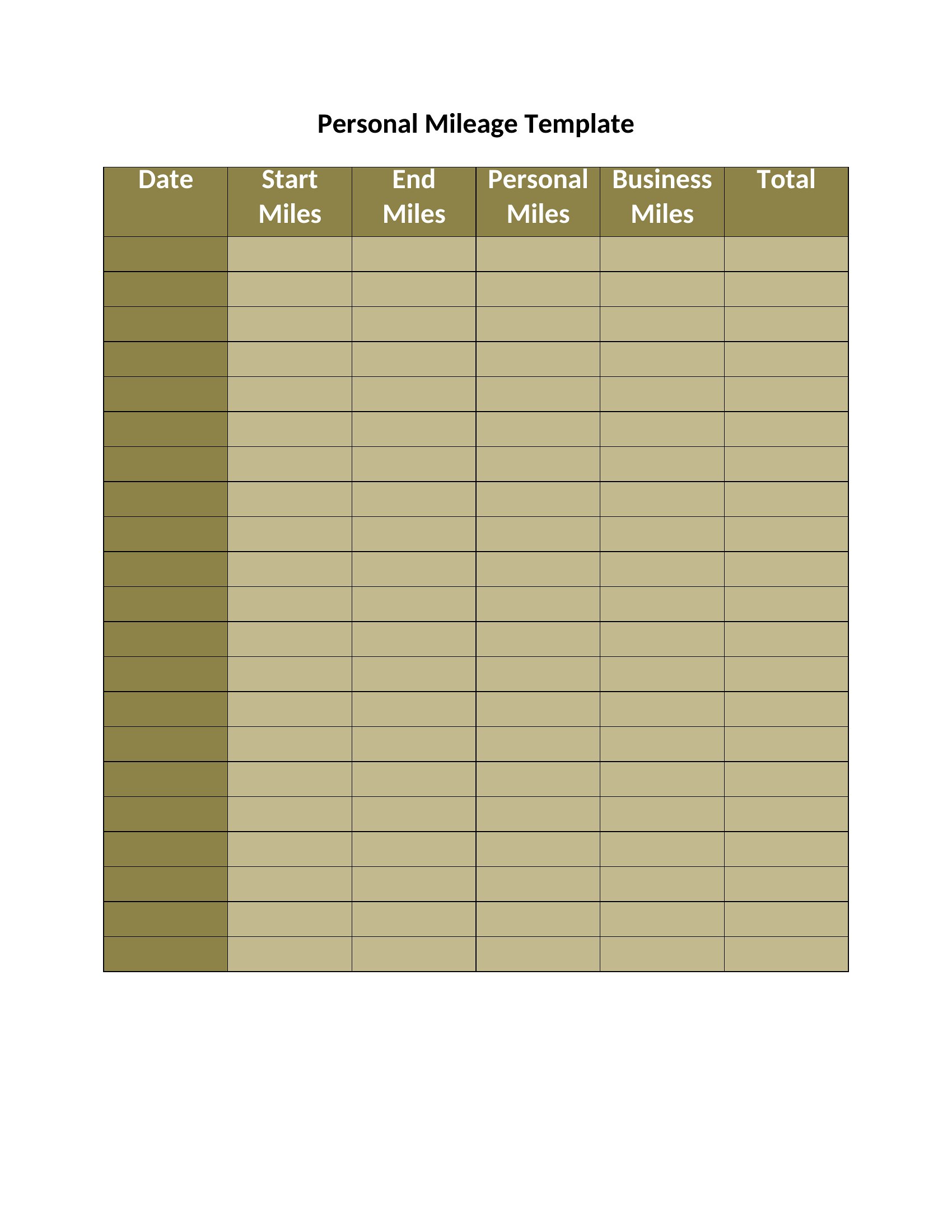
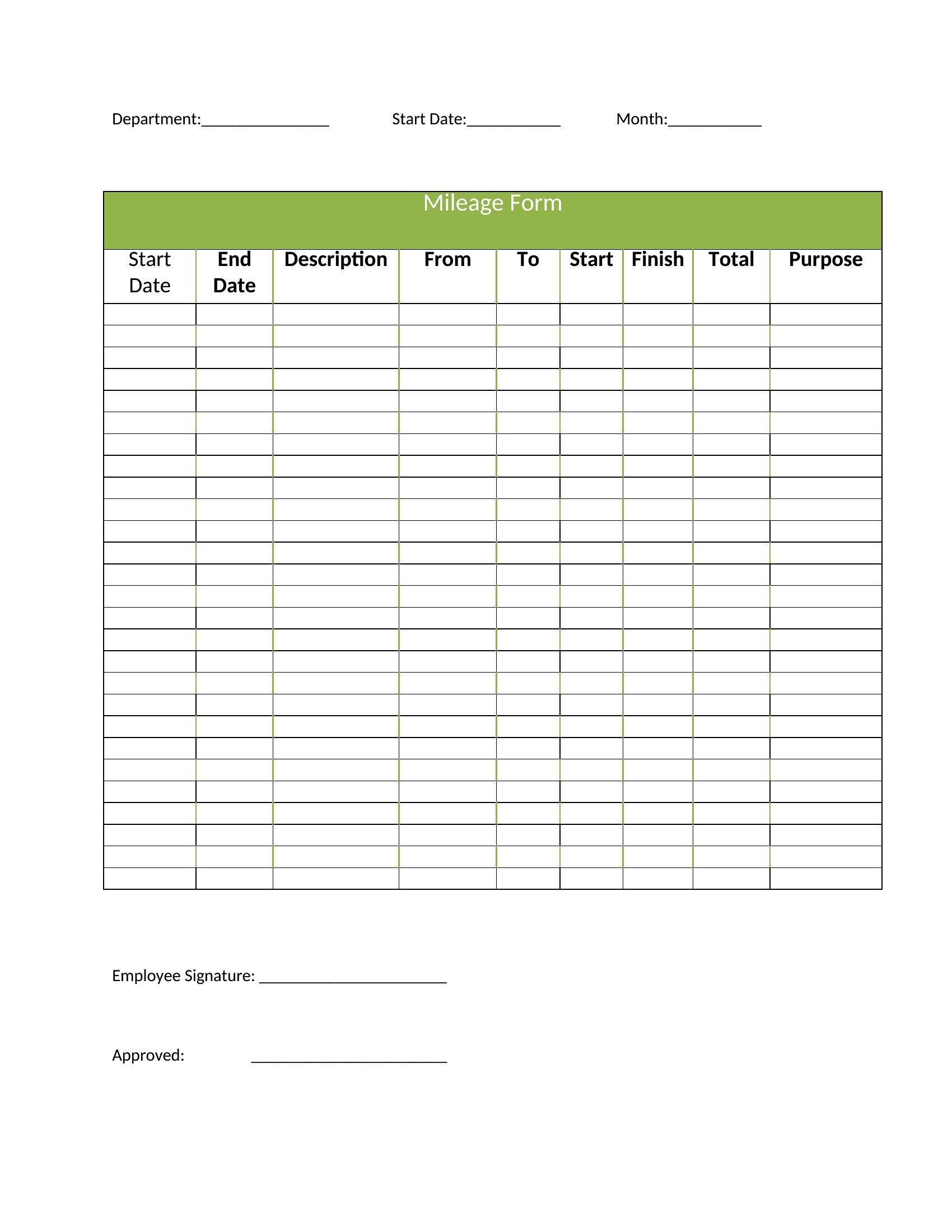
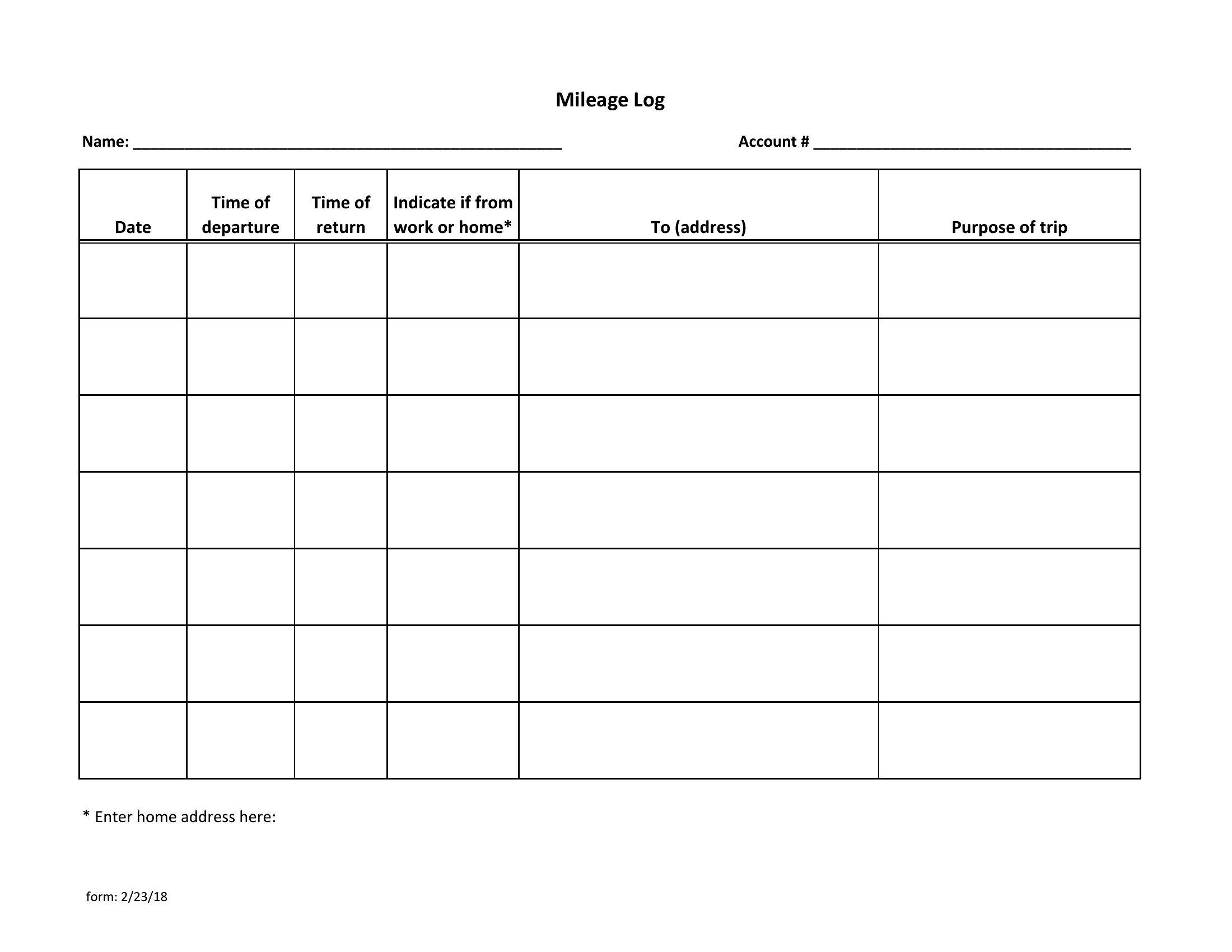
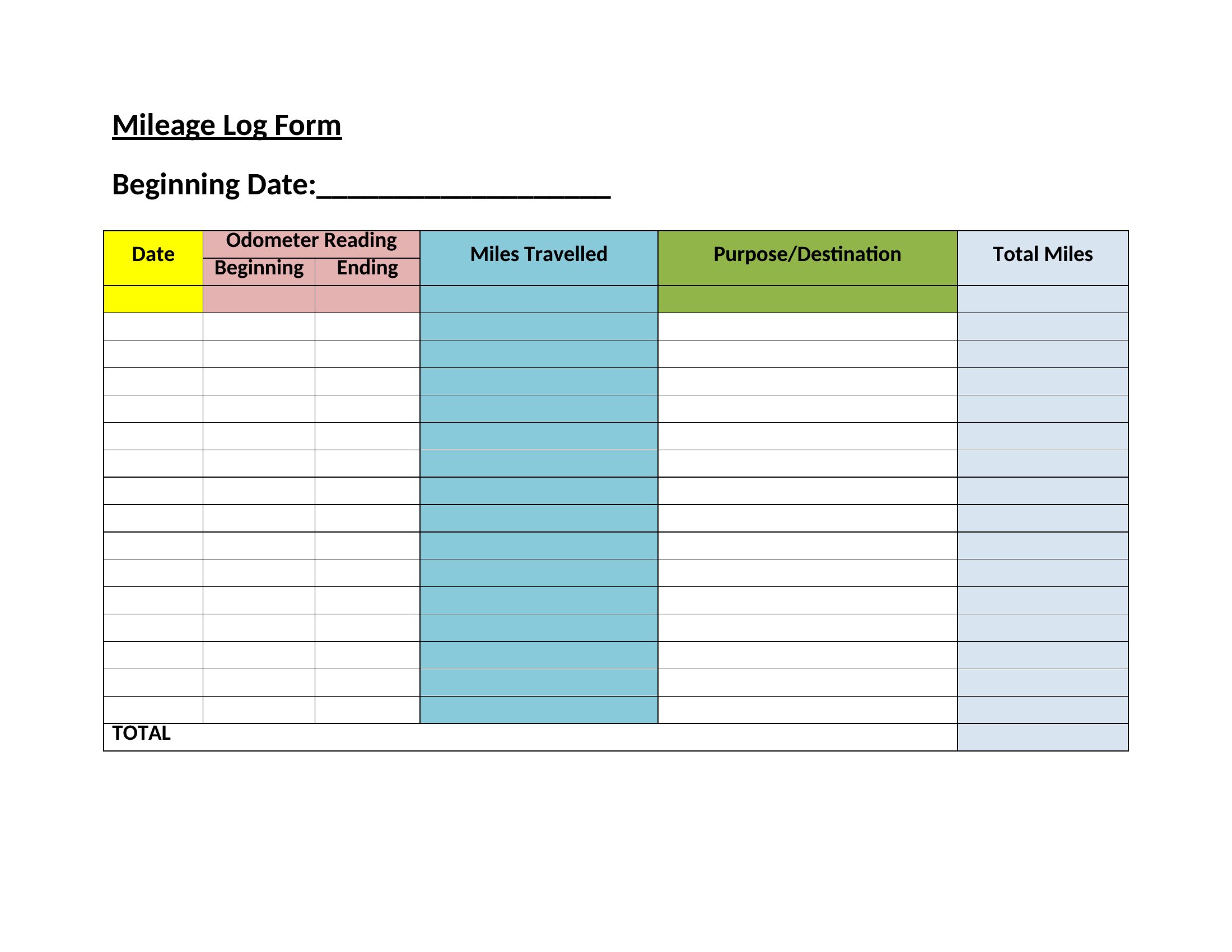
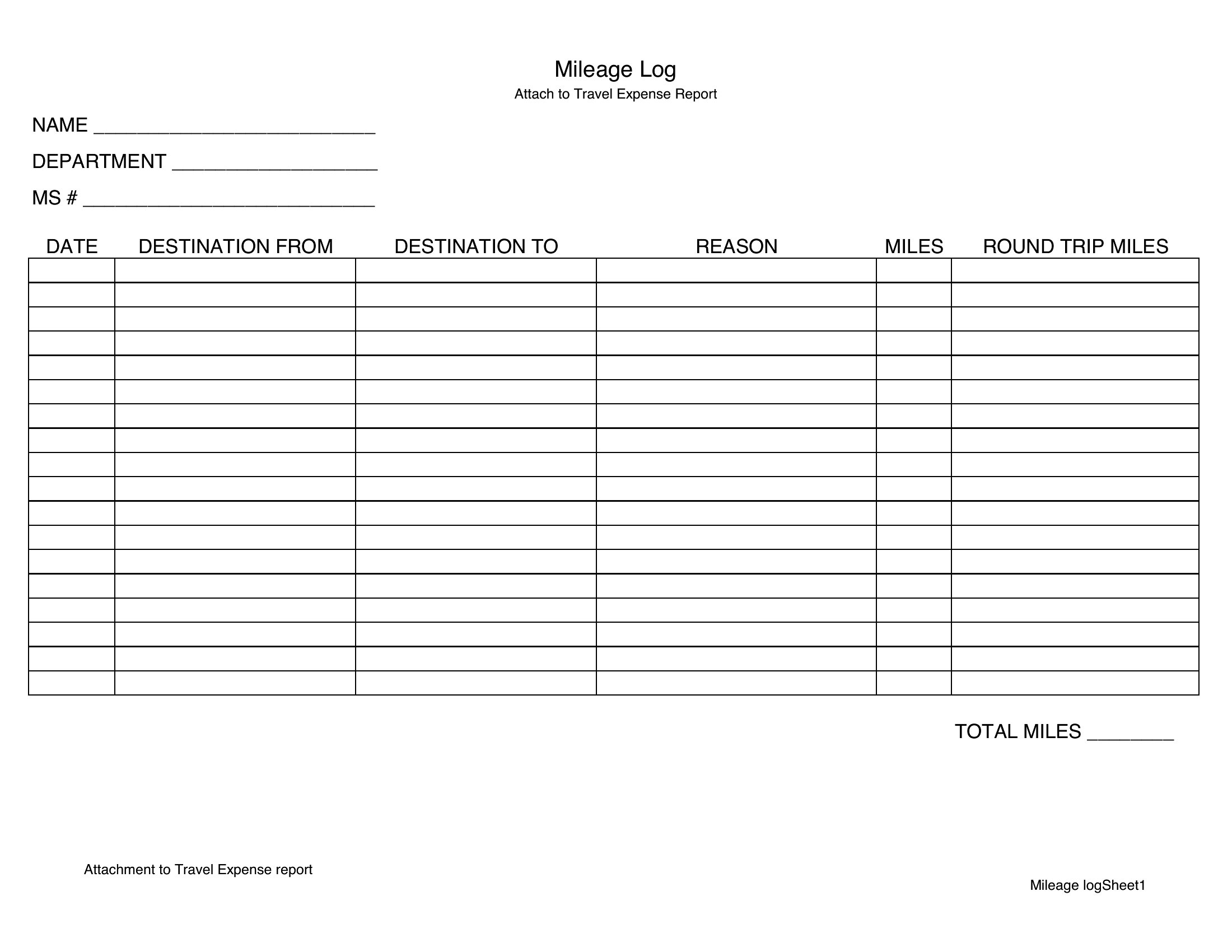
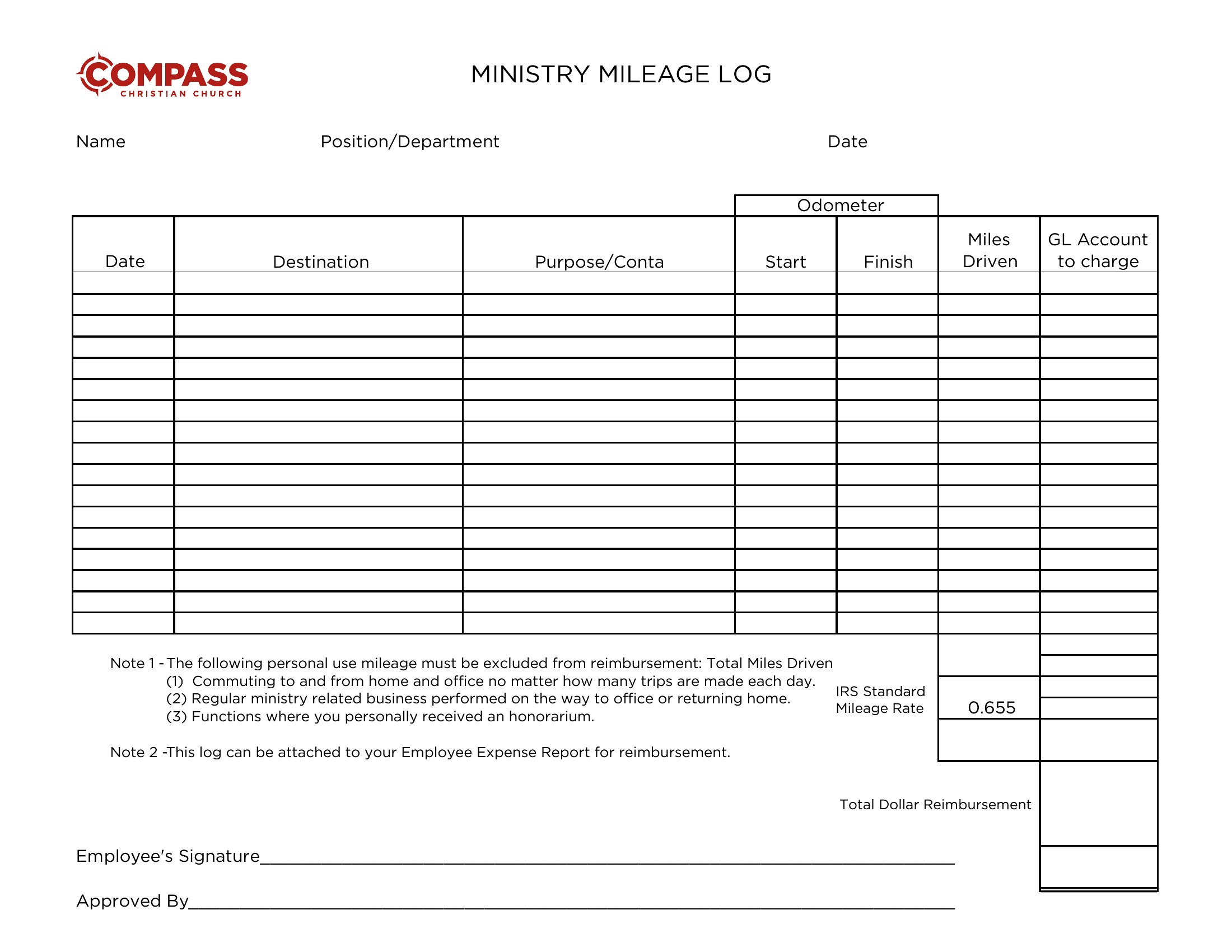
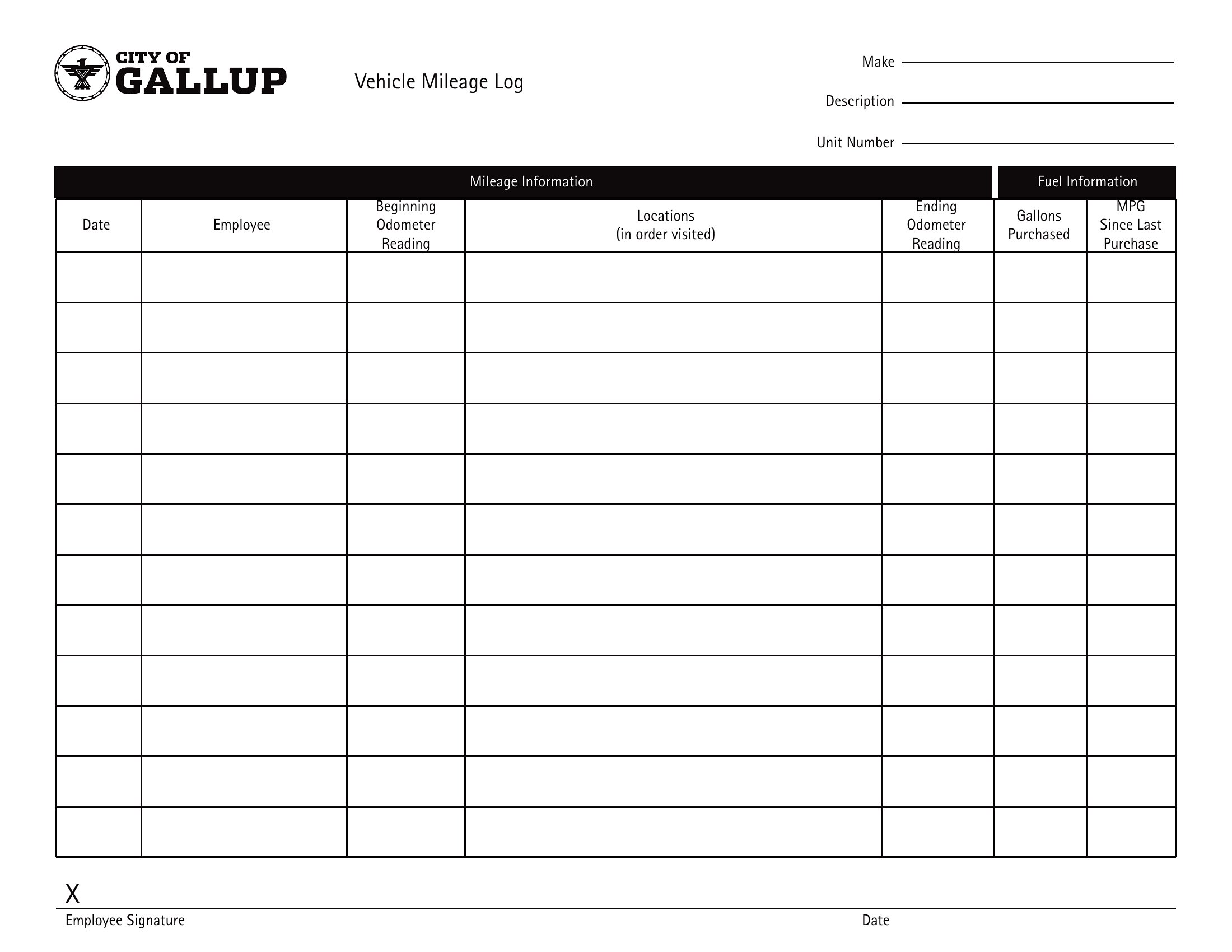
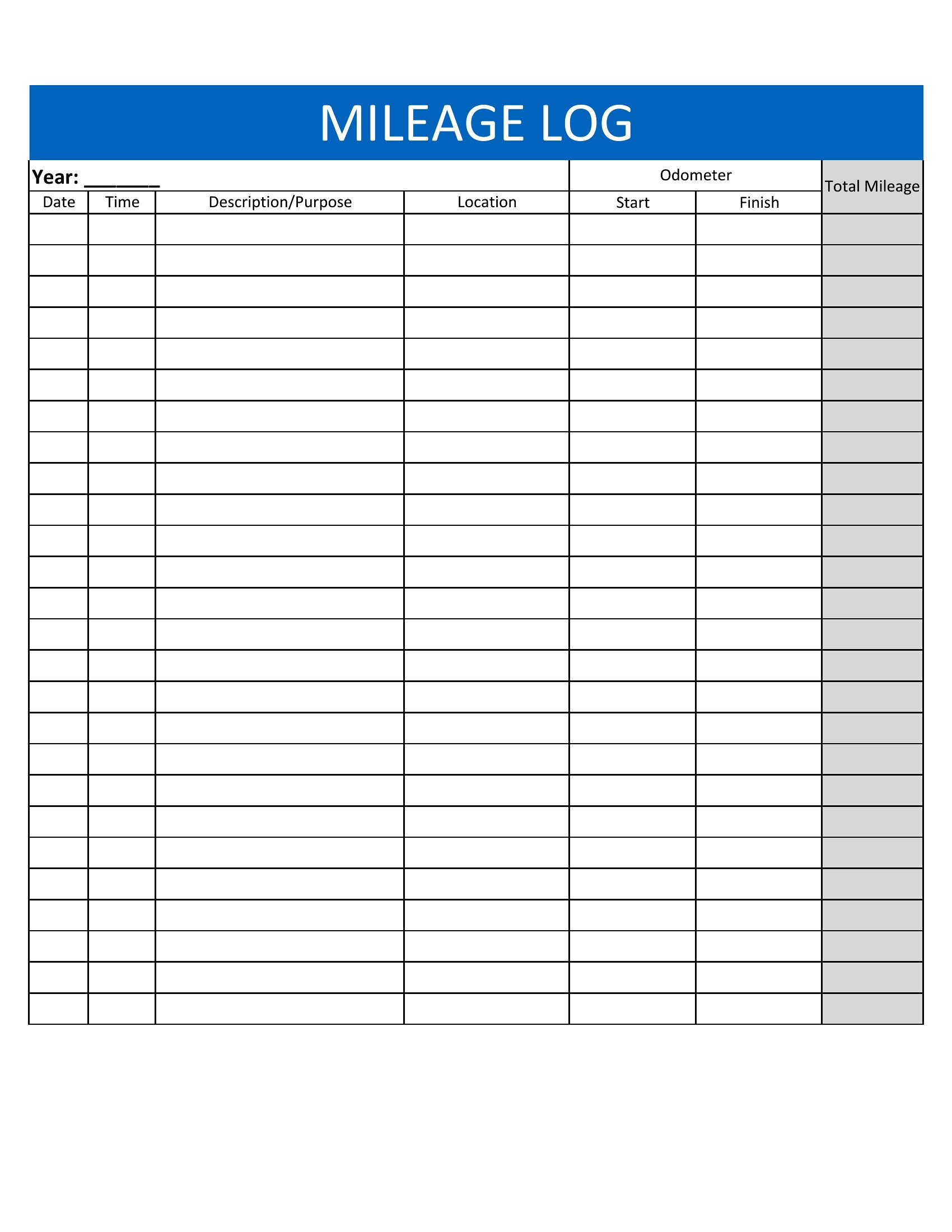
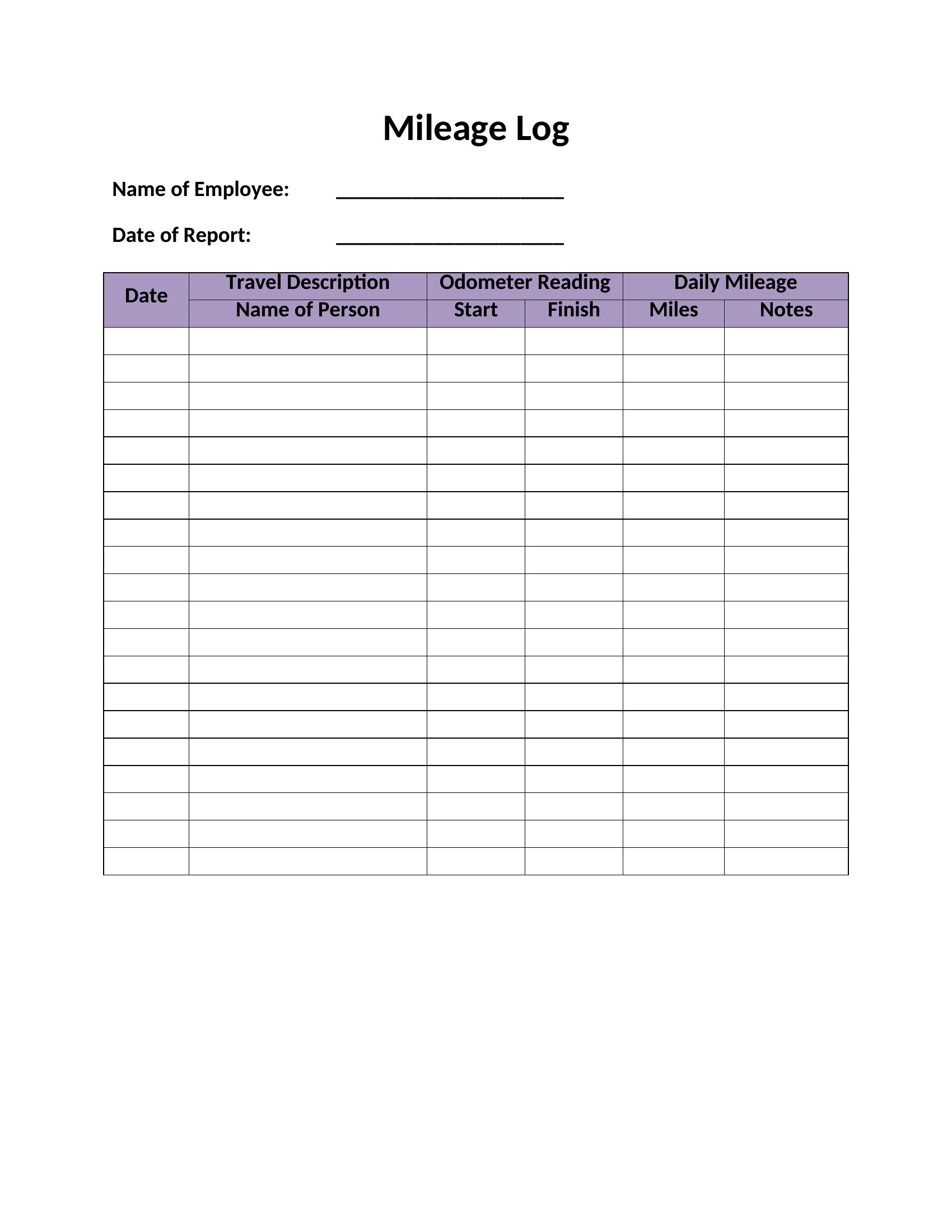
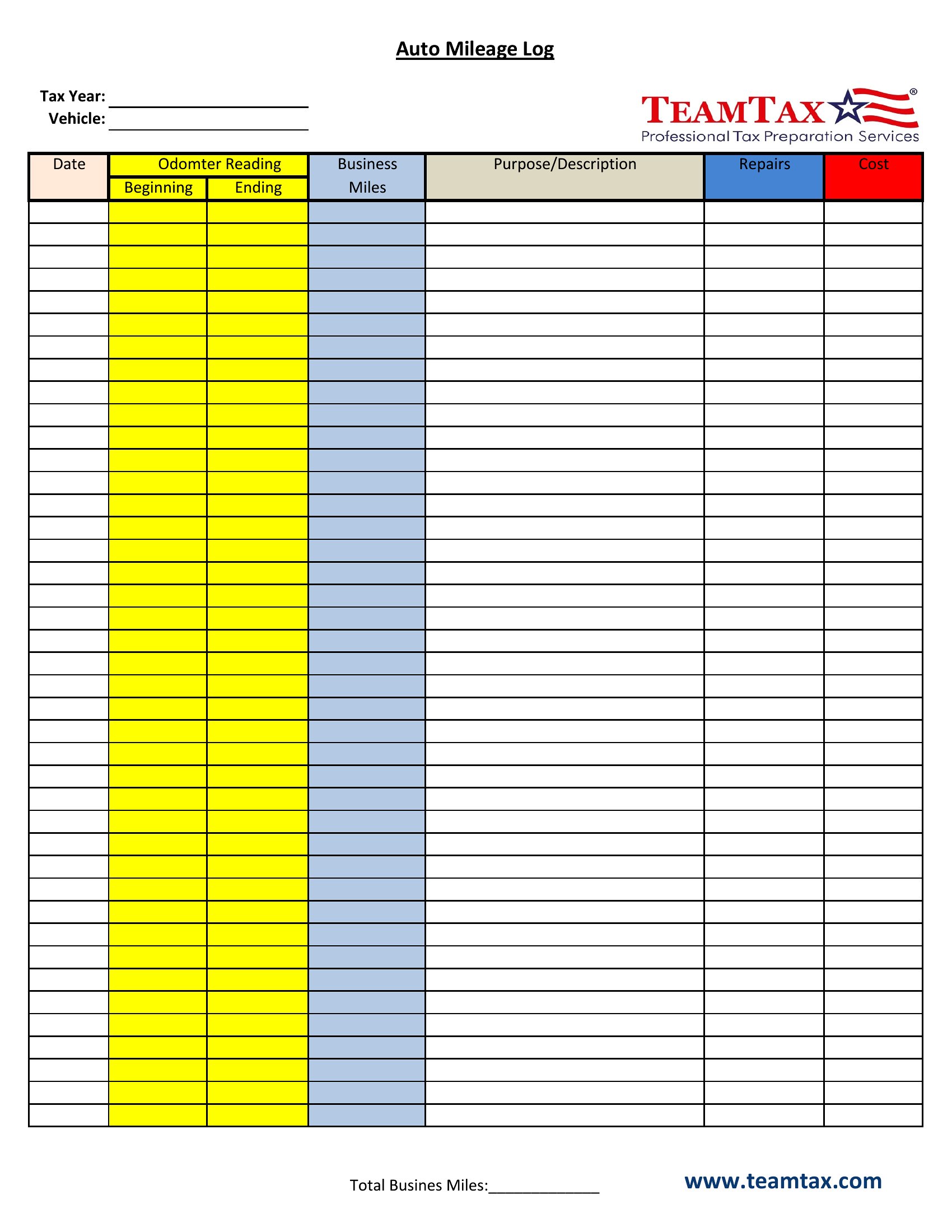
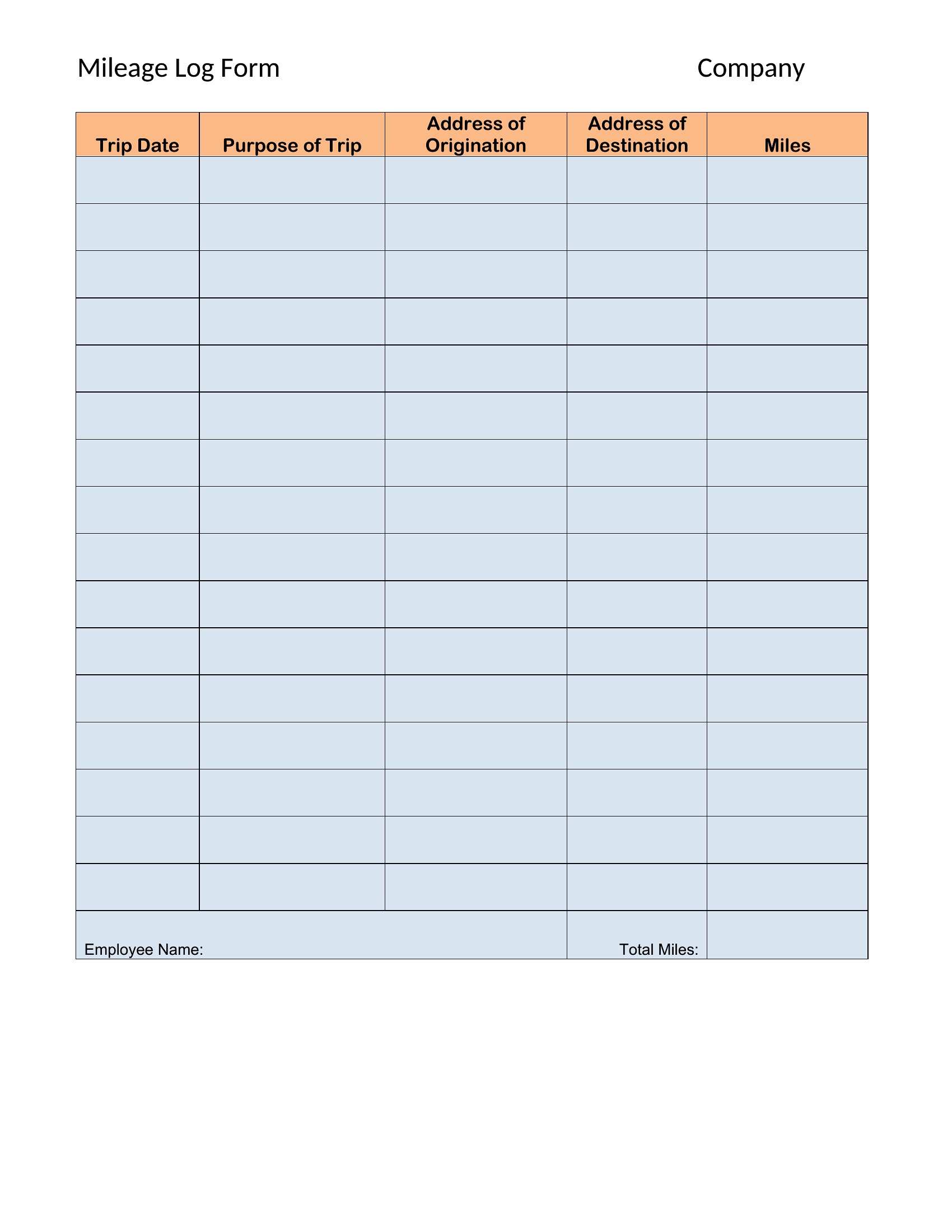
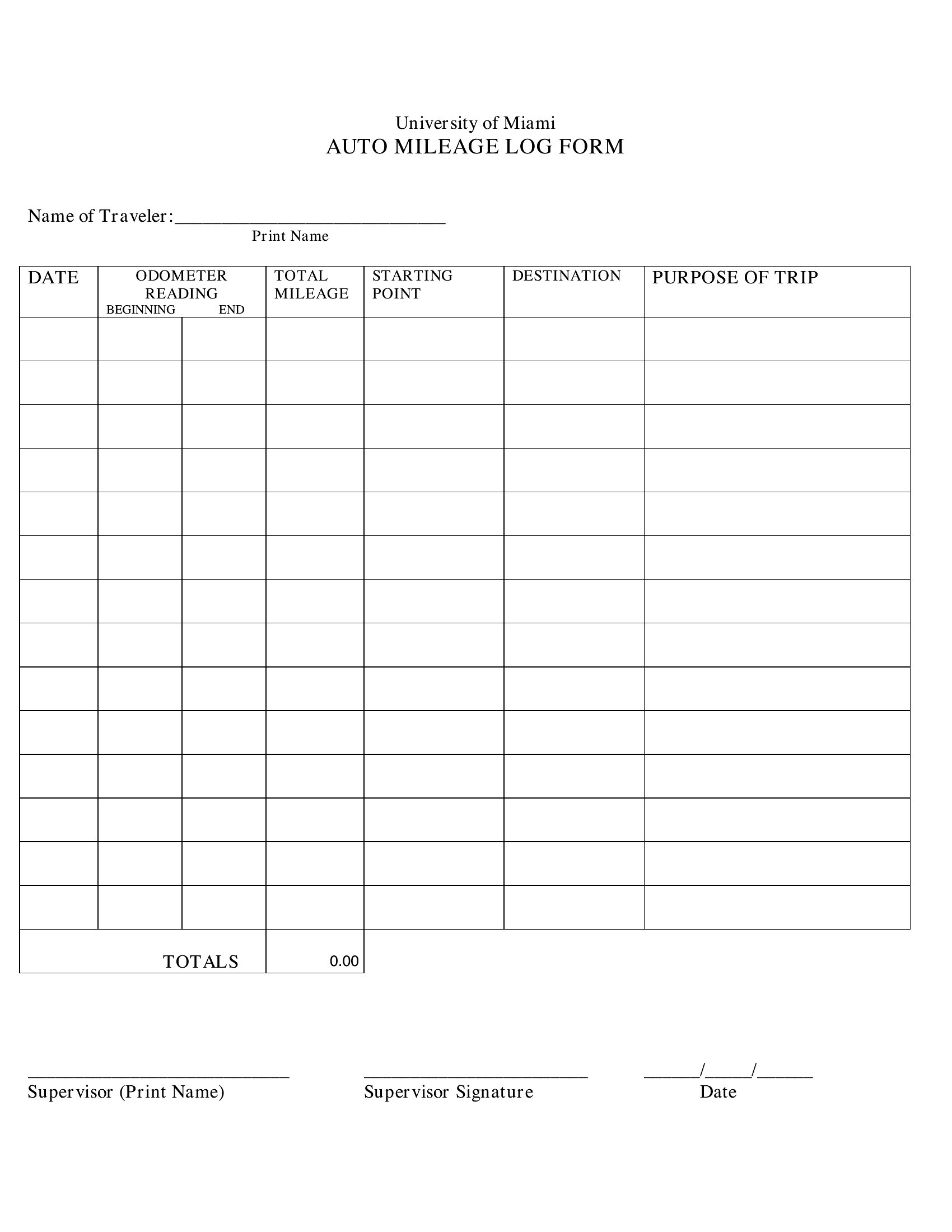
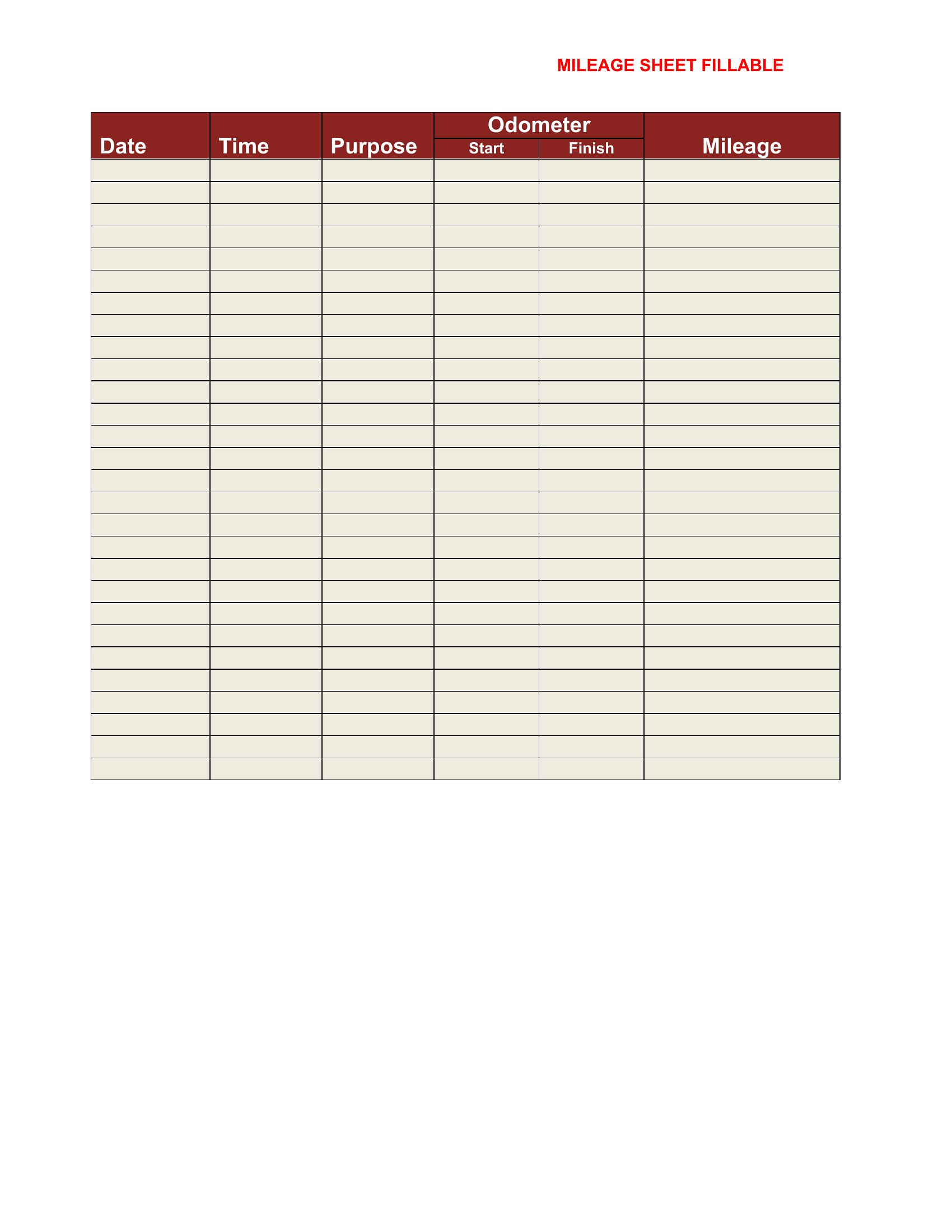
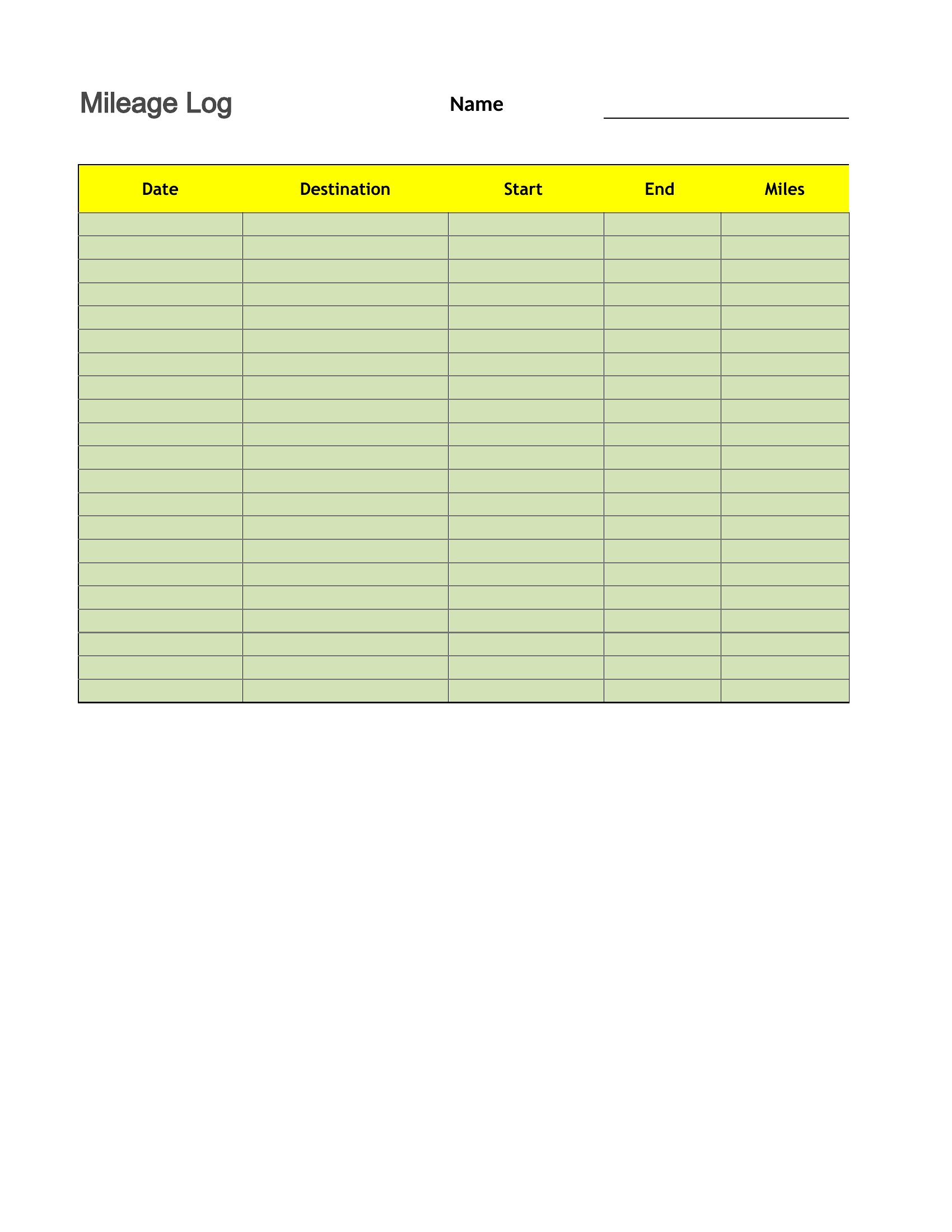
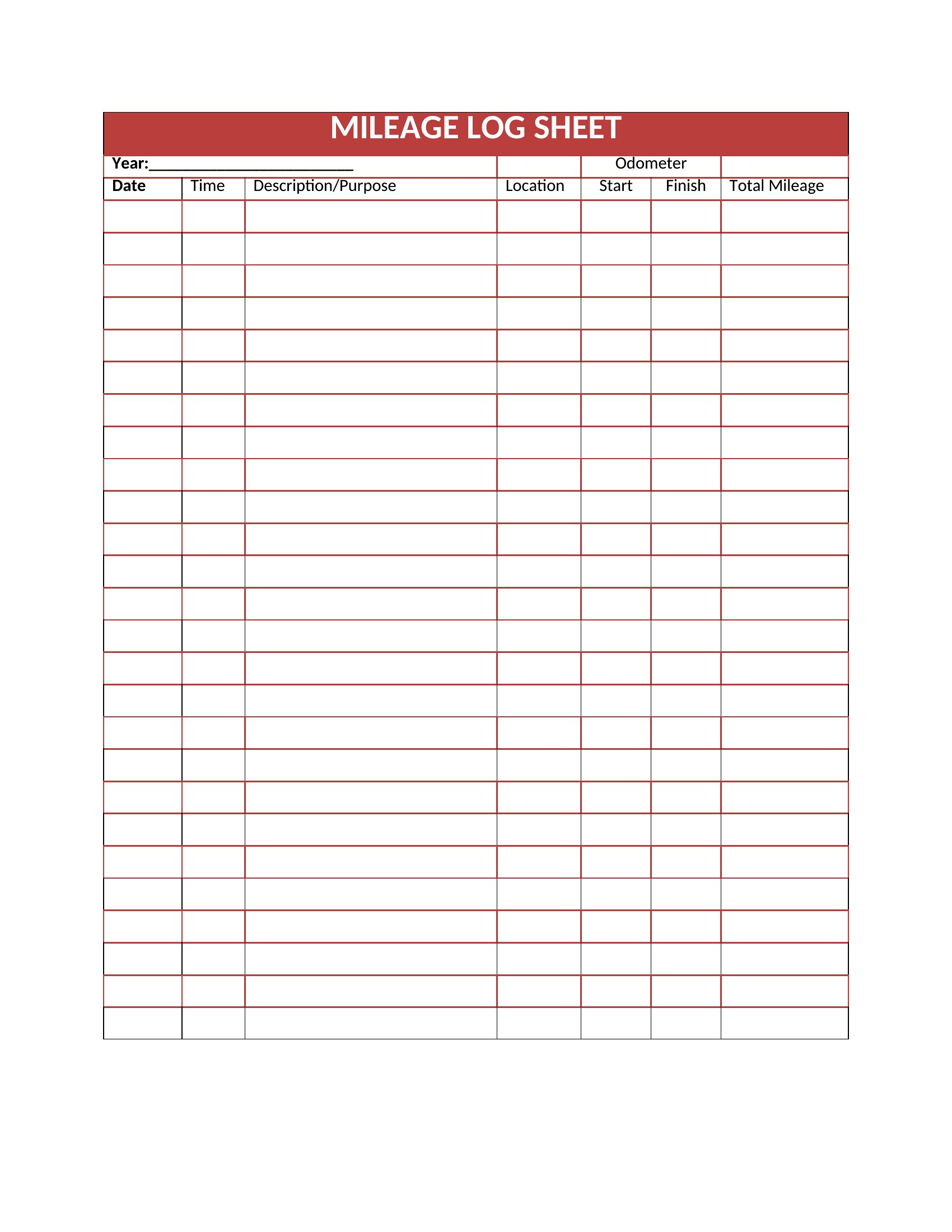
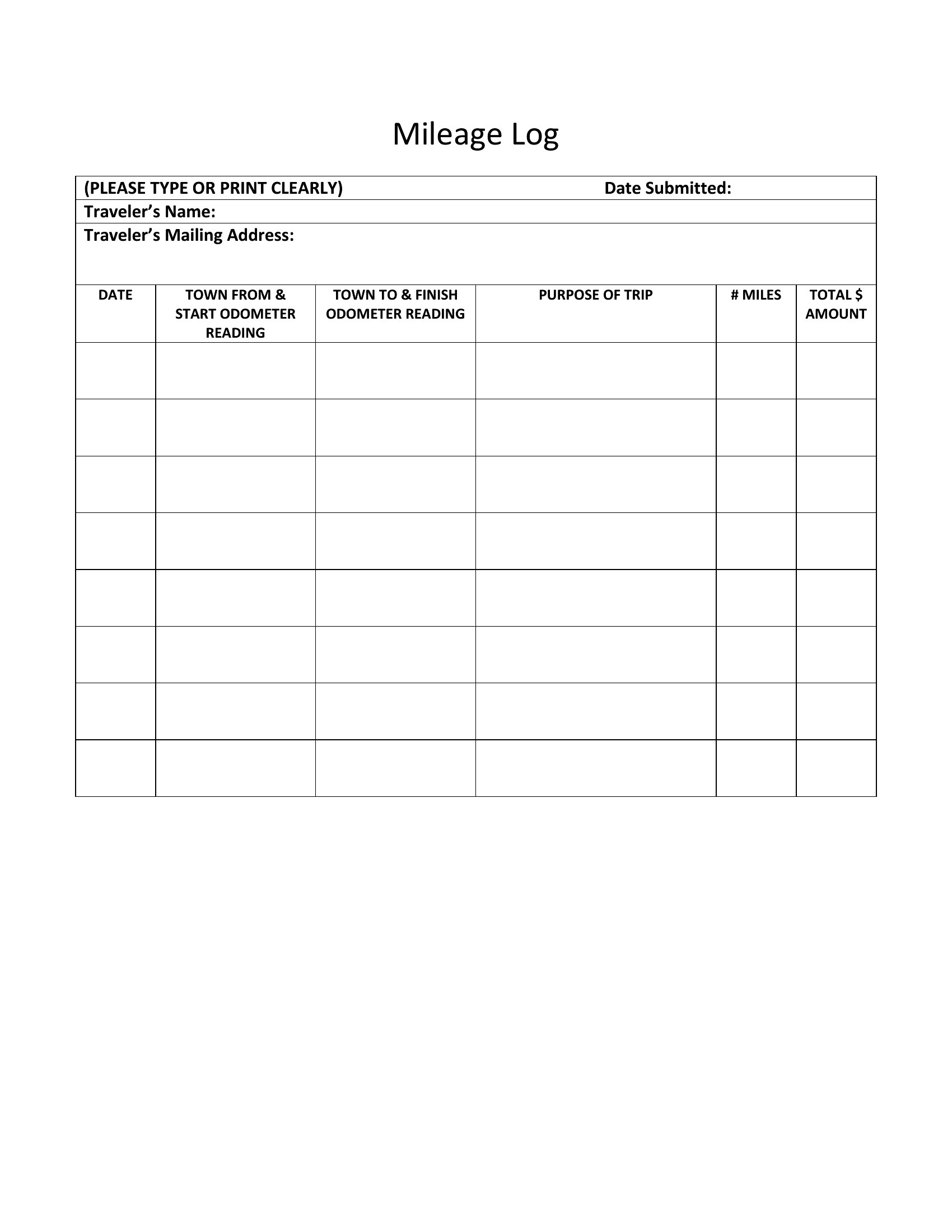
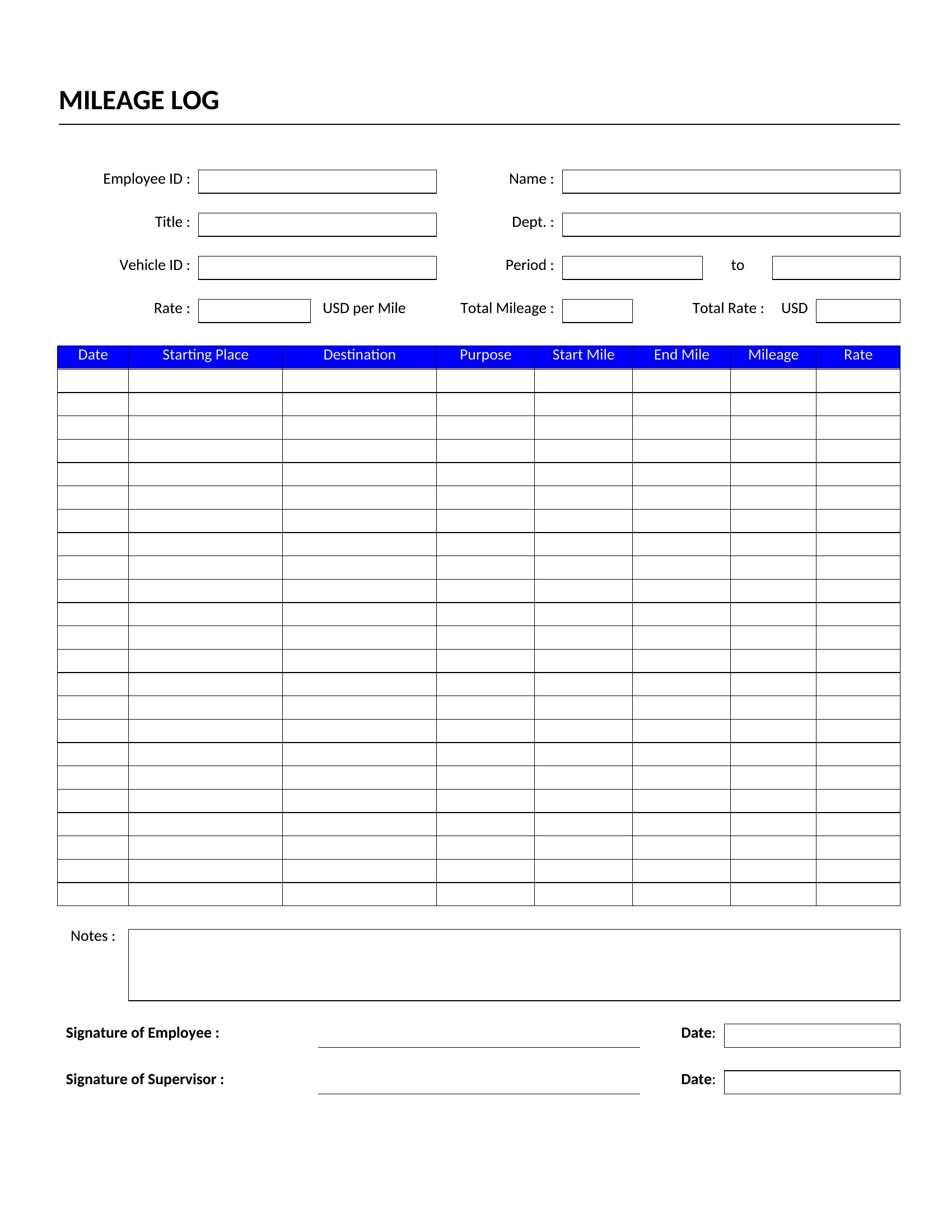
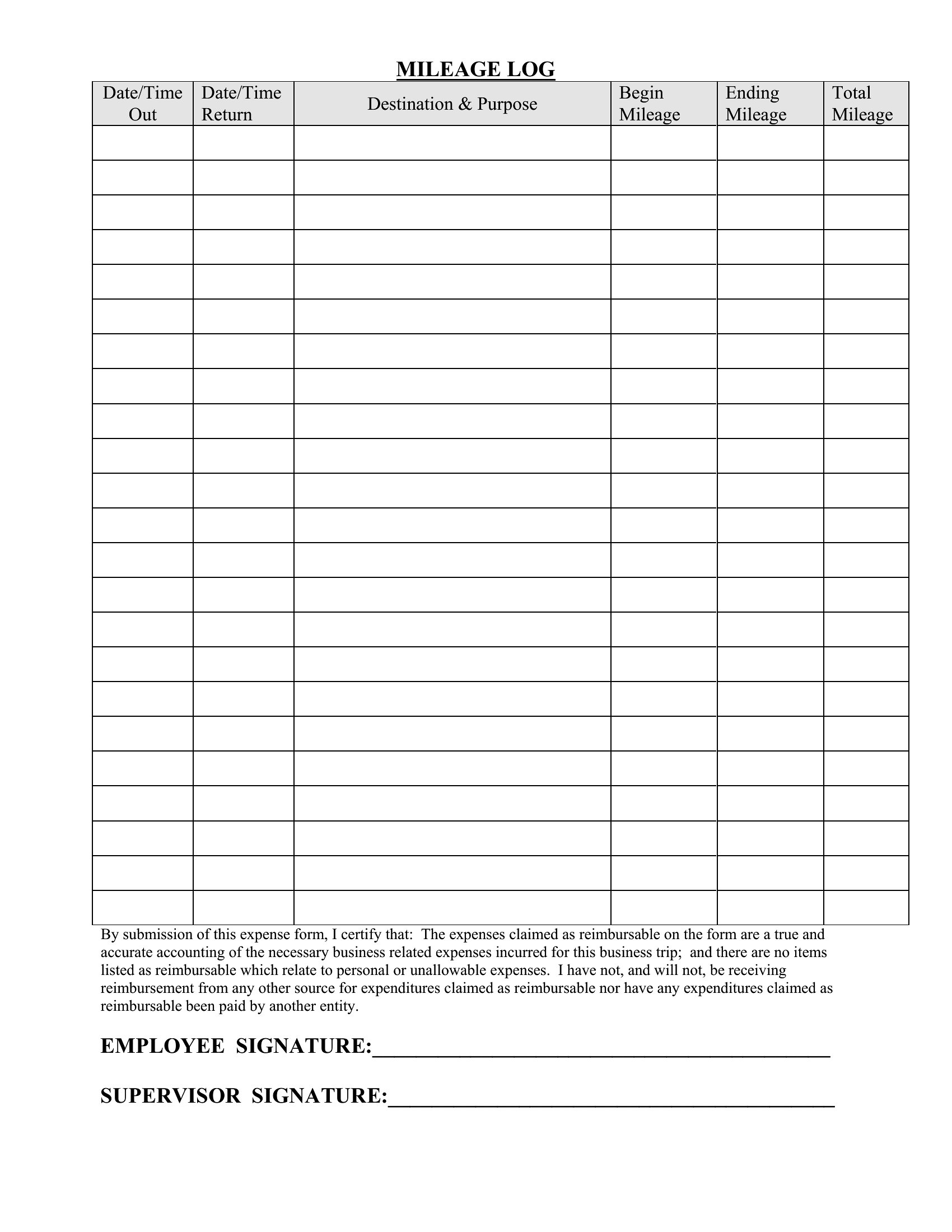
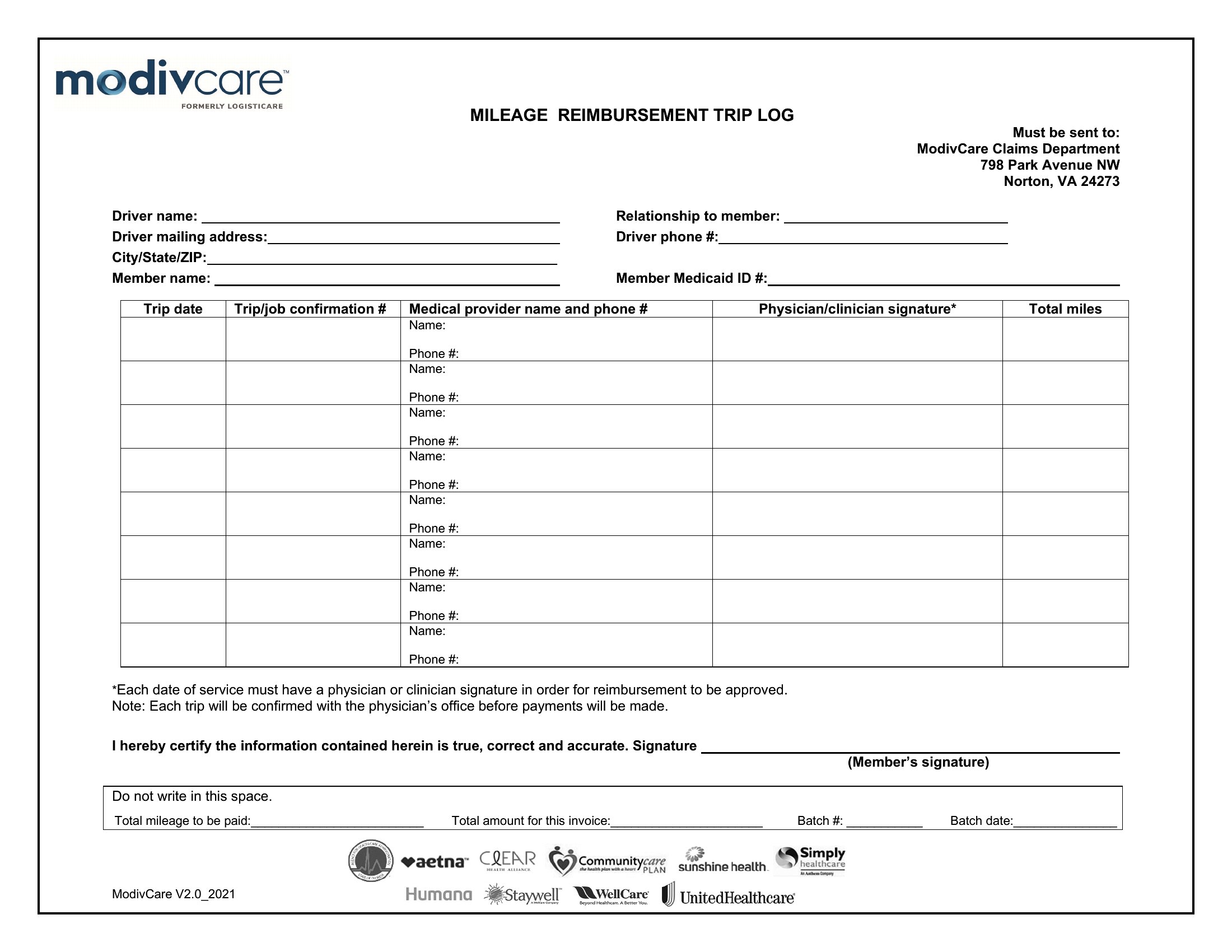
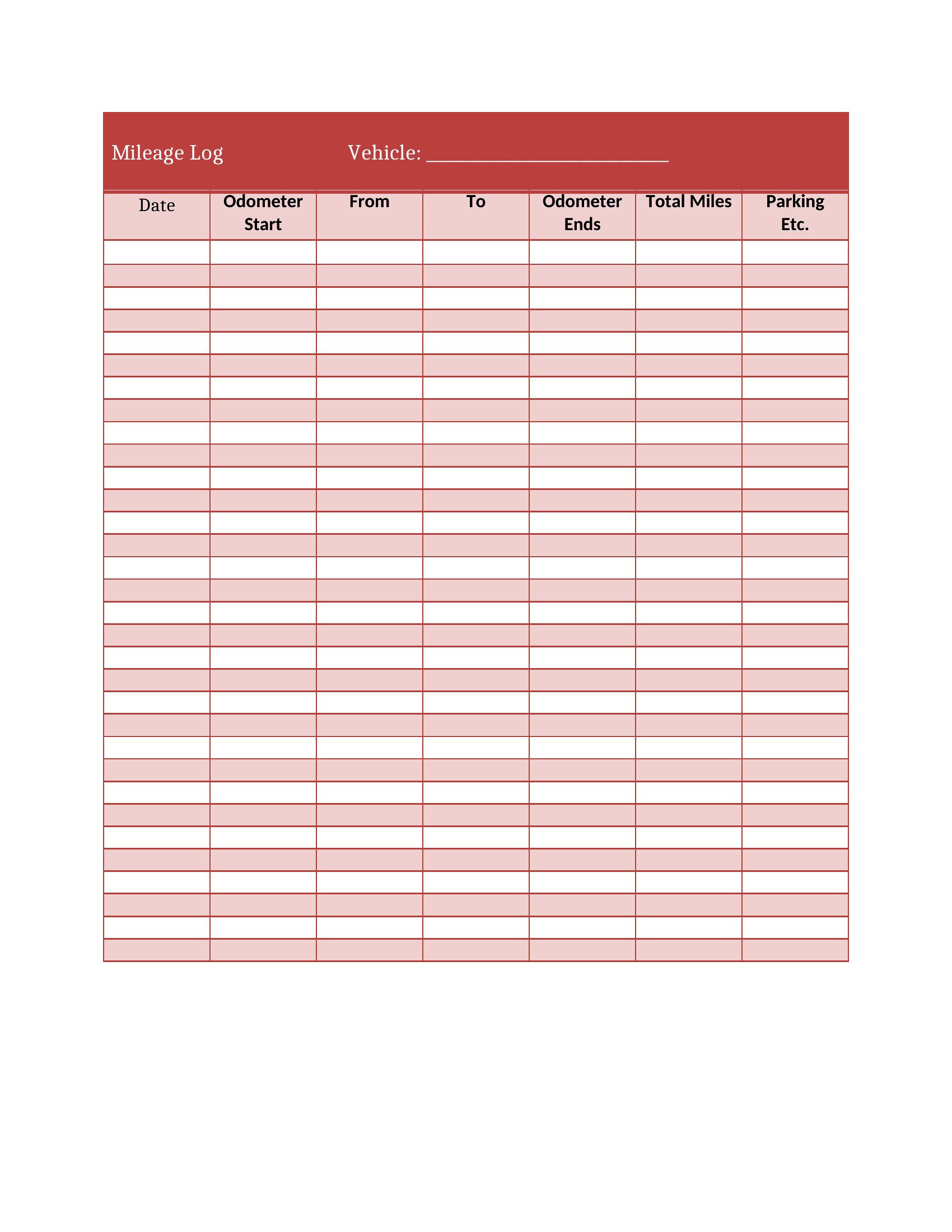
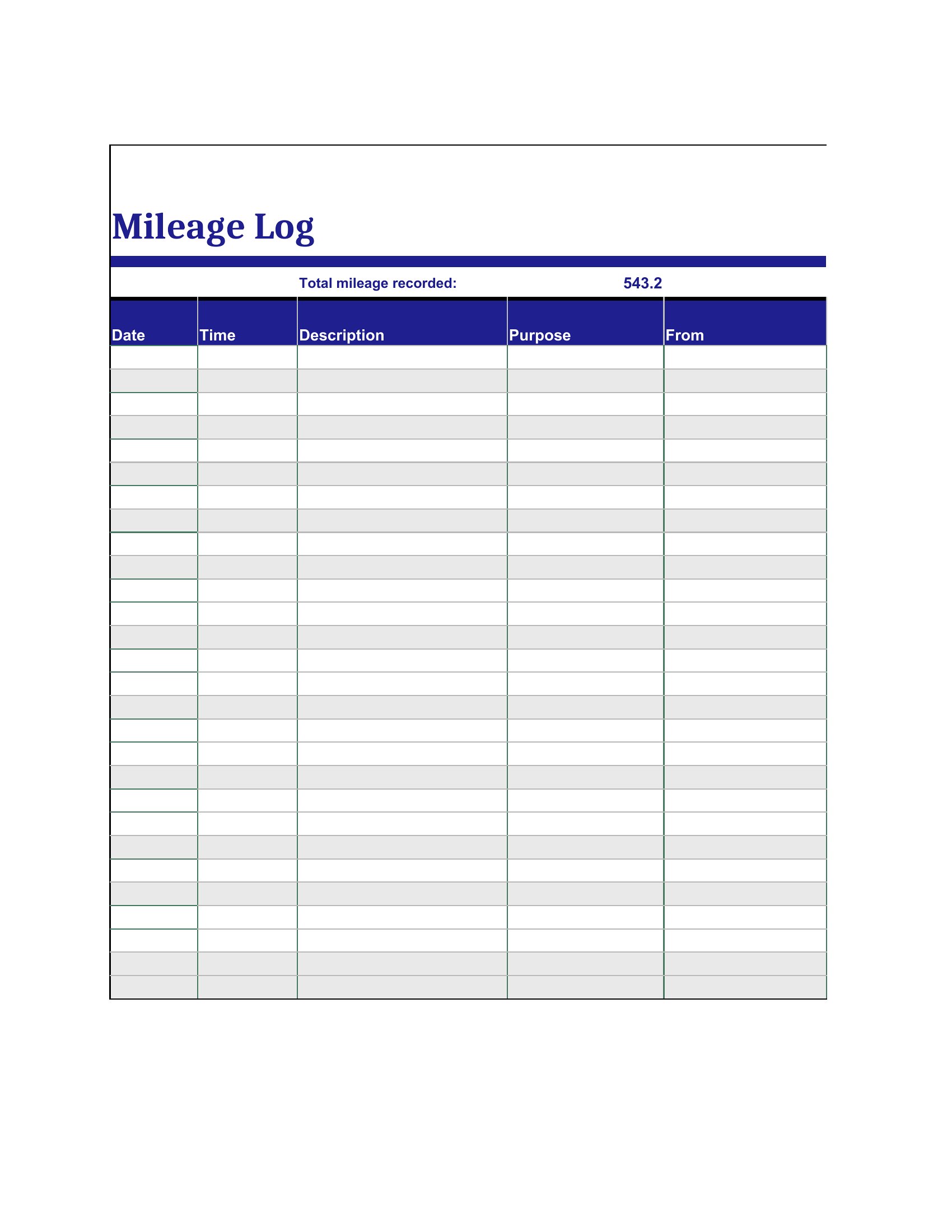
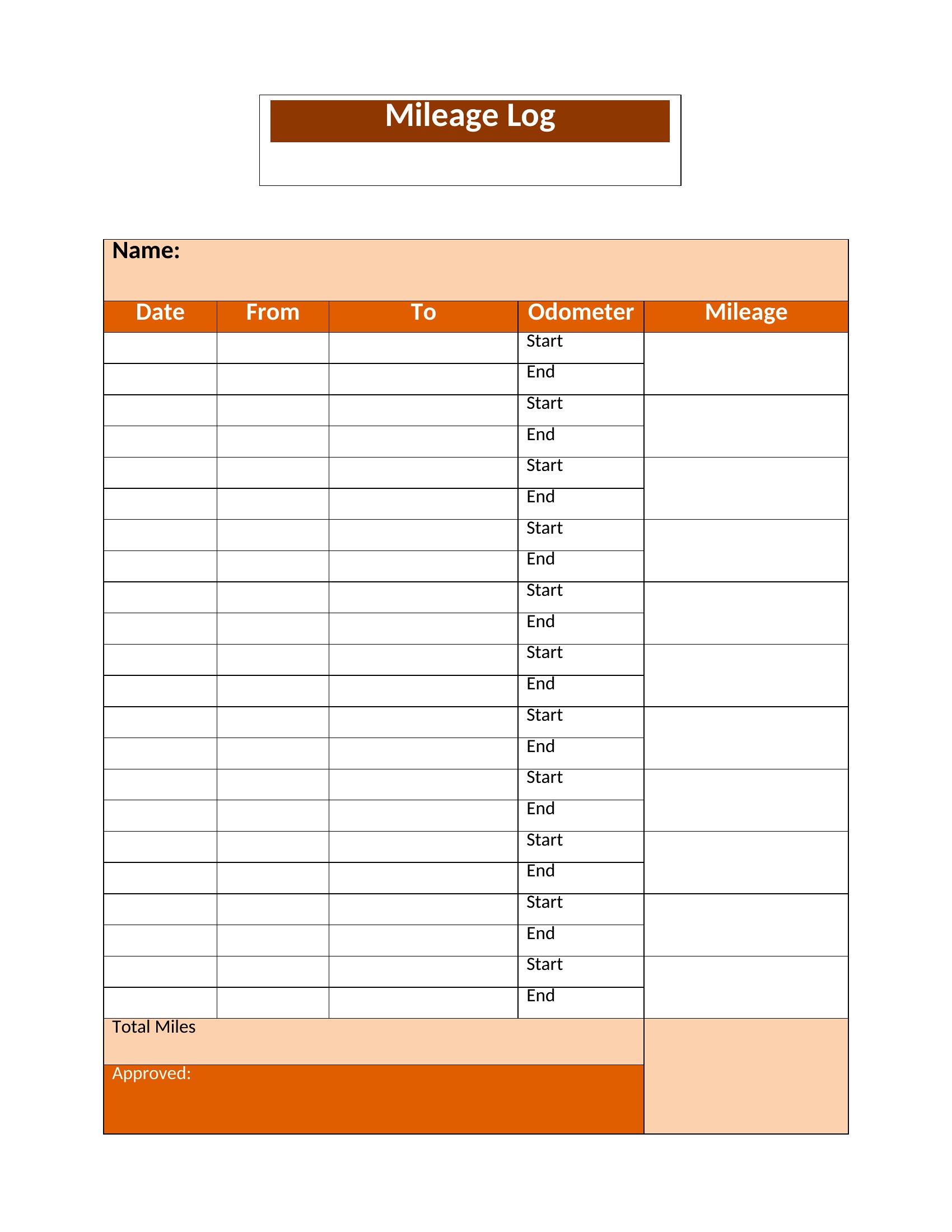
Anyone who drives for work knows those miles can add up to real deductions, but only if you keep a record the tax folks will accept. This set of 39 mileage log templates helps freelancers, sales reps, and small-business owners capture the date, purpose, and distance of each trip in one organized place. A steady log takes the guesswork out of reimbursements and year-end filing.
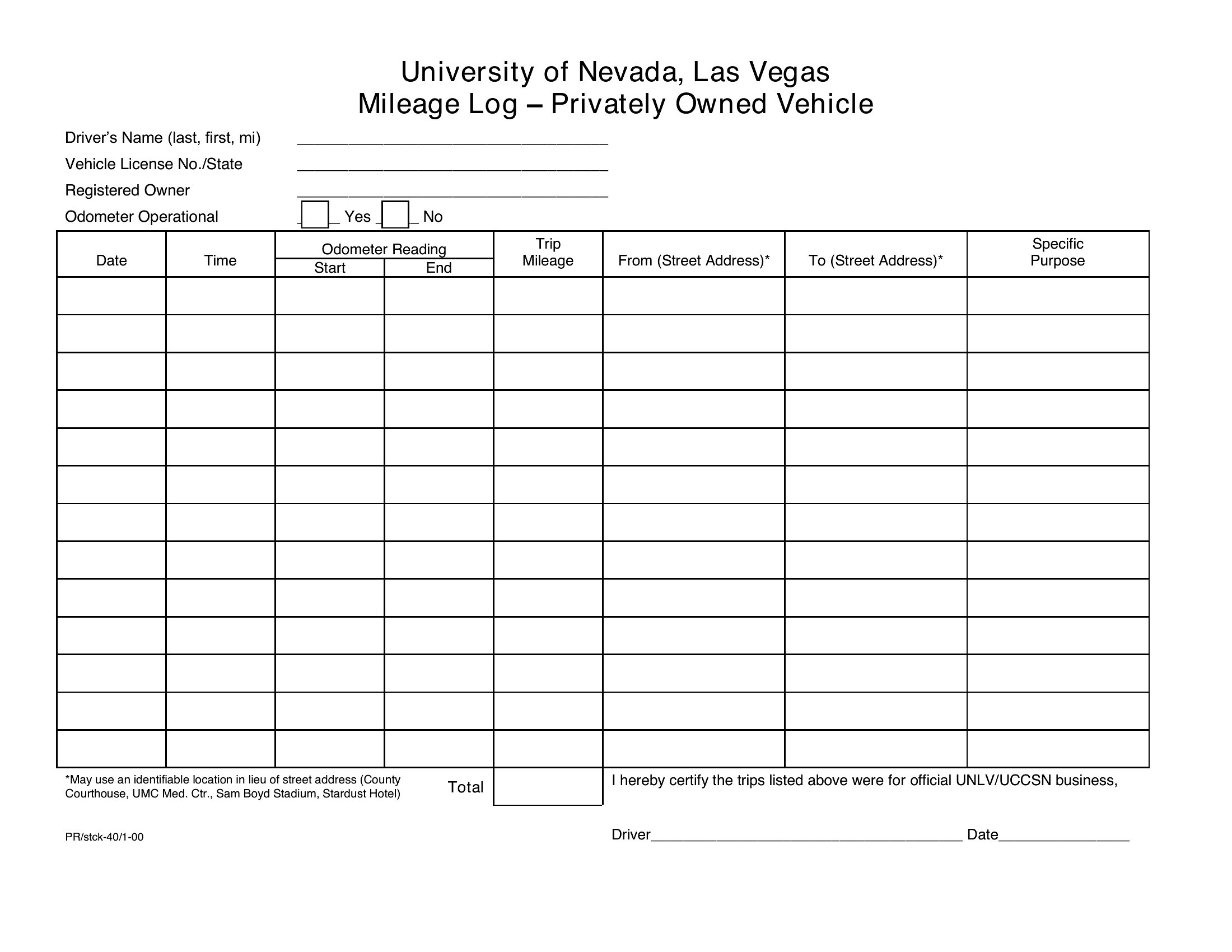
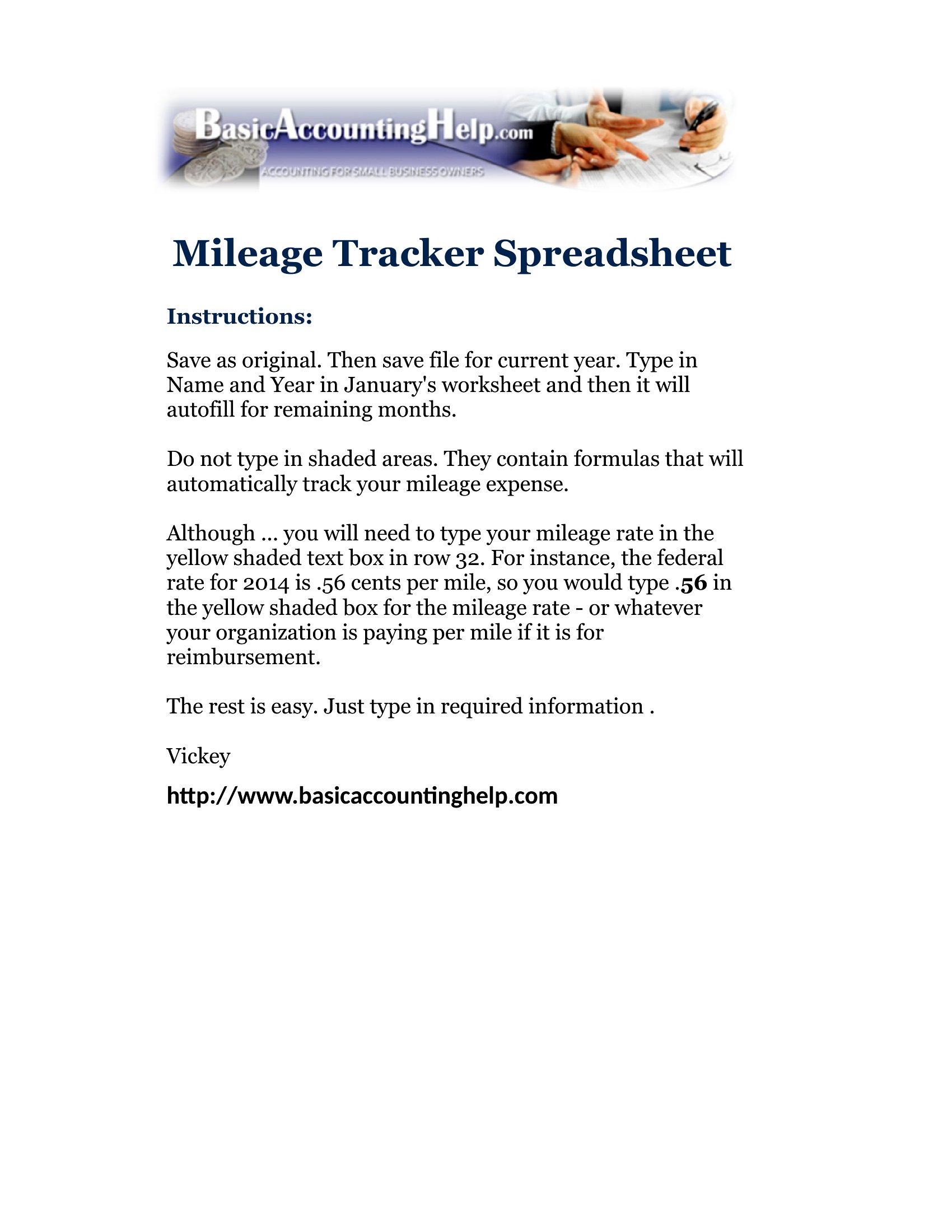
The layouts come in Word and PDF for printing a sheet to keep in the car, plus Excel files that total your miles and estimate the deduction automatically. Jot down each drive, note the business reason, and let the totals do the math. Keep one log per vehicle or per year, whatever suits you. Pick the format you like and start tracking your trips before the next tax season sneaks up.

When to use this Mileage Log template

  • Freelance consultants tracking client meetings across cities to maximize IRS-compliant deductions and avoid audit red flags by documenting exact routes and purposes.
  • Sales teams driving between regional offices or customer sites who need a quick, consistent way to log daily mileage for reimbursement claims without manual calculations.
  • Small-business owners with company vehicles who must split personal and work use, using a structured log to justify lease payments or fuel reimbursements to their accountant.
  • Delivery drivers or independent contractors hauling goods who require a printable, road-tested template that fits in a glove box for instant entry during stops.

Which format should I download?

WordExcelPDF

Choose Word for editable mileage logs that freelancers or accountants can tweak later for tax filings—especially if you need to add notes or adjust formulas. Excel is ideal if you’re tracking patterns (e.g., monthly totals or fuel costs per mile) and want auto-sum columns for reimbursement spreadsheets. PDF is best for quick, shareable logs that sales reps can email to payroll or print for audits, locking in data once entered. For mobile use, the Word or PDF formats work best when printed or filled on a tablet.

Choose from 39 Mileage Log Templates
How to use this Mileage Log template

Should I include partial miles (like 0.3) in my log?

Yes, log every fraction of a mile—even tenths—to avoid underreporting. The IRS allows estimates only if you use a “standard mileage rate” and keep *some* records. Detailed logs (with partial miles) strengthen your case if ever audited. Rounding down is safer than up.
How far back should I keep my mileage logs?

The IRS recommends keeping logs for at least 3 years after filing taxes, in case of an audit. If you use the “actual expense” method (fuel, maintenance, etc.), logs may need to align with receipts for 6+ years. Digital files (PDF/Excel) make long-term storage easier than paper.

Can I use the same template for both business and personal trips?

No—mix personal and business miles in one log, and you’ll complicate deductions. Use separate logs or clearly mark each trip’s purpose (e.g., “Client Lunch” vs. “Grocery Run”). For leased vehicles, split logs by use type to justify reimbursements accurately. Always consult a tax pro for complex setups.

Comments

Join the conversation

Sign in to share your thoughts and leave a comment on this resource.

Newsletter

Get Weekly Design Updates
Join our community to receive curated resources and inspiration.
Weekly Tips Resources Early Access
We respect your privacy. Confirmation email required. Privacy Policy