Printable Call Log Templates (Word, Excel, PDF)
DataTemplates


FAQ
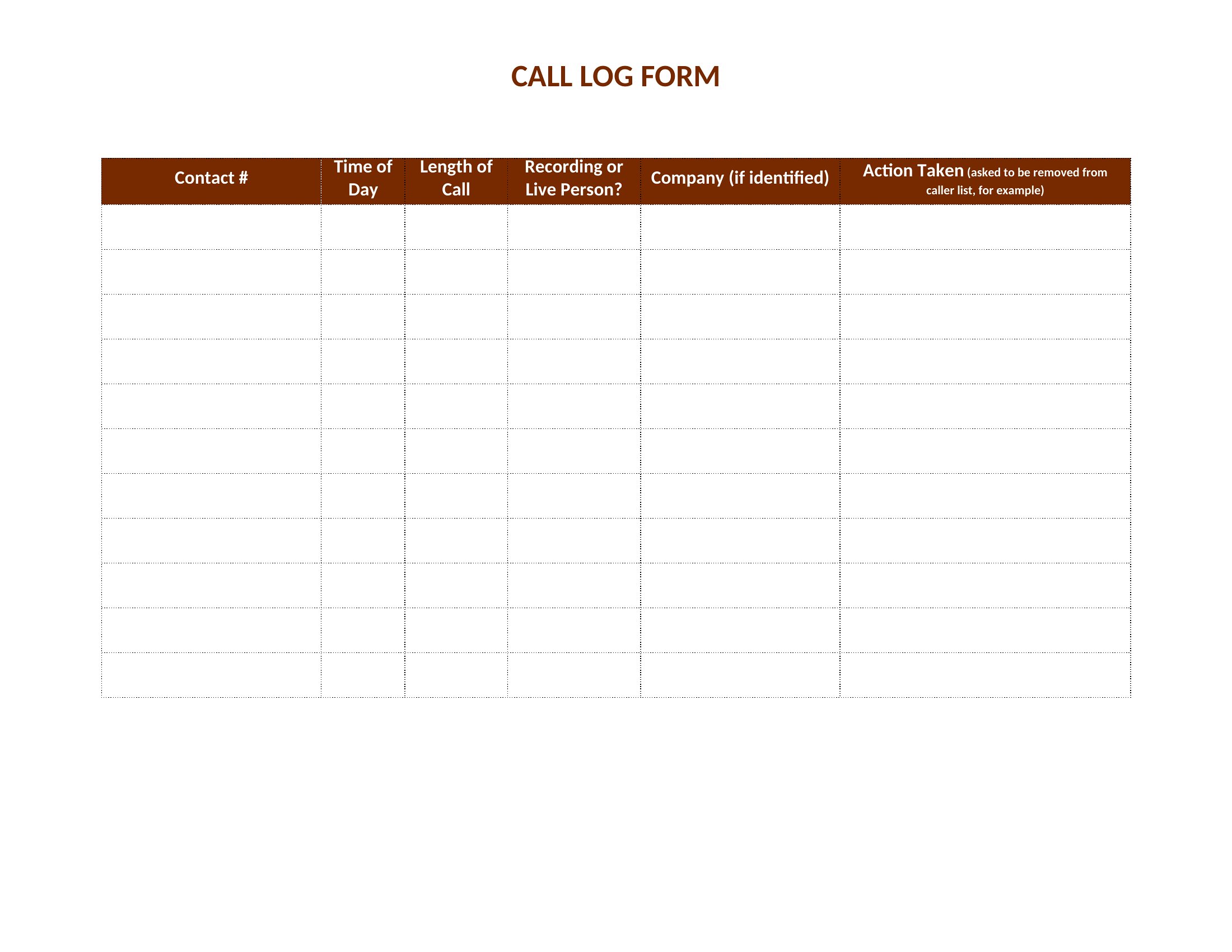
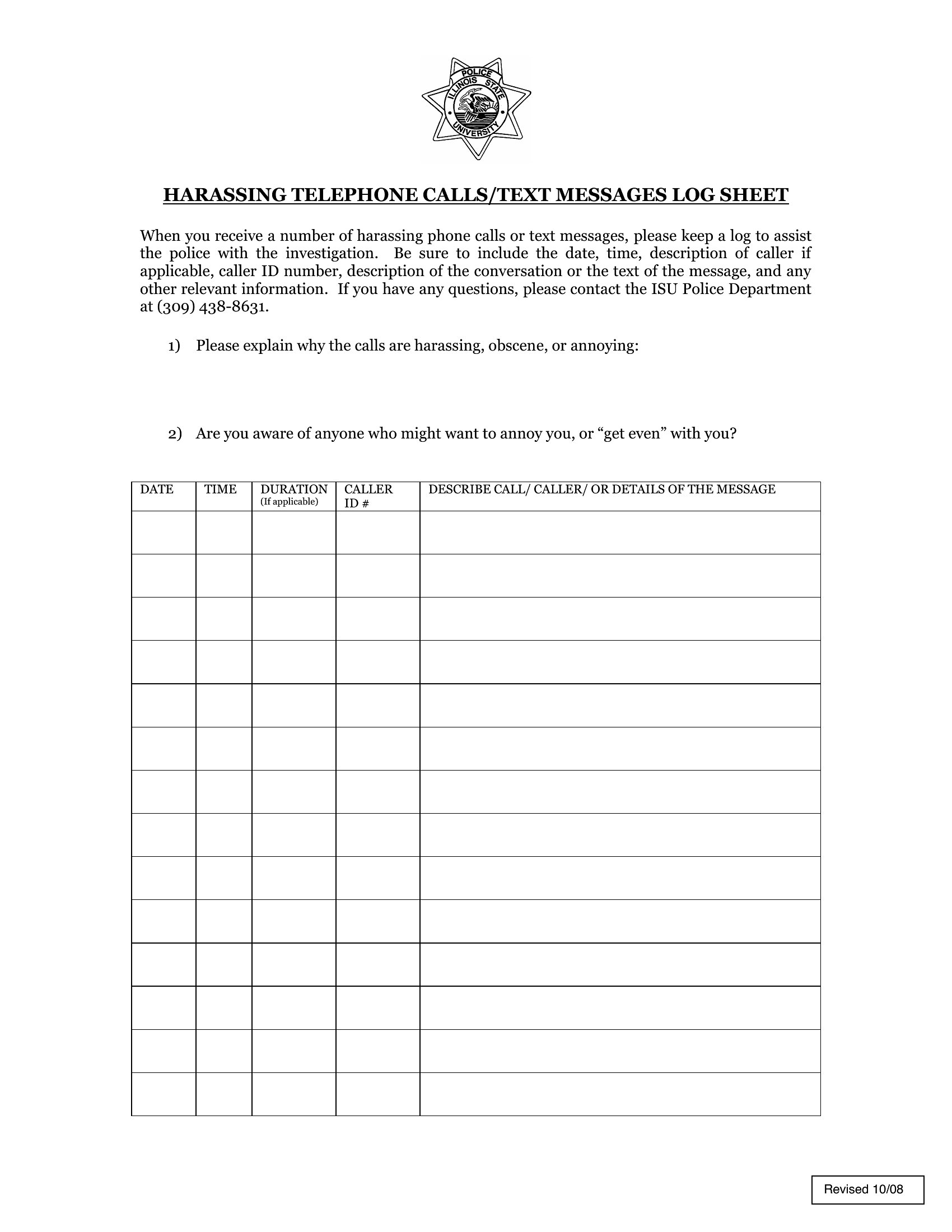
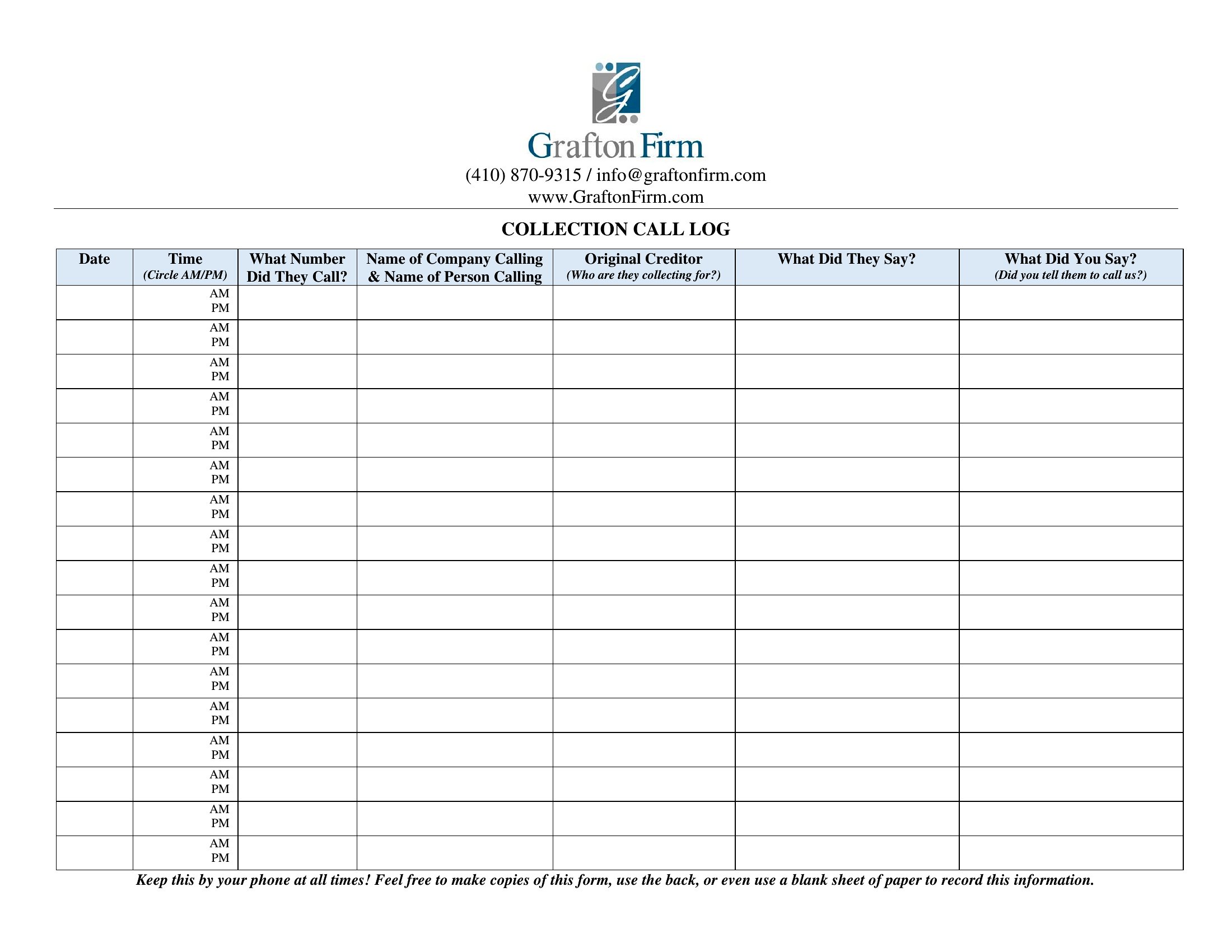
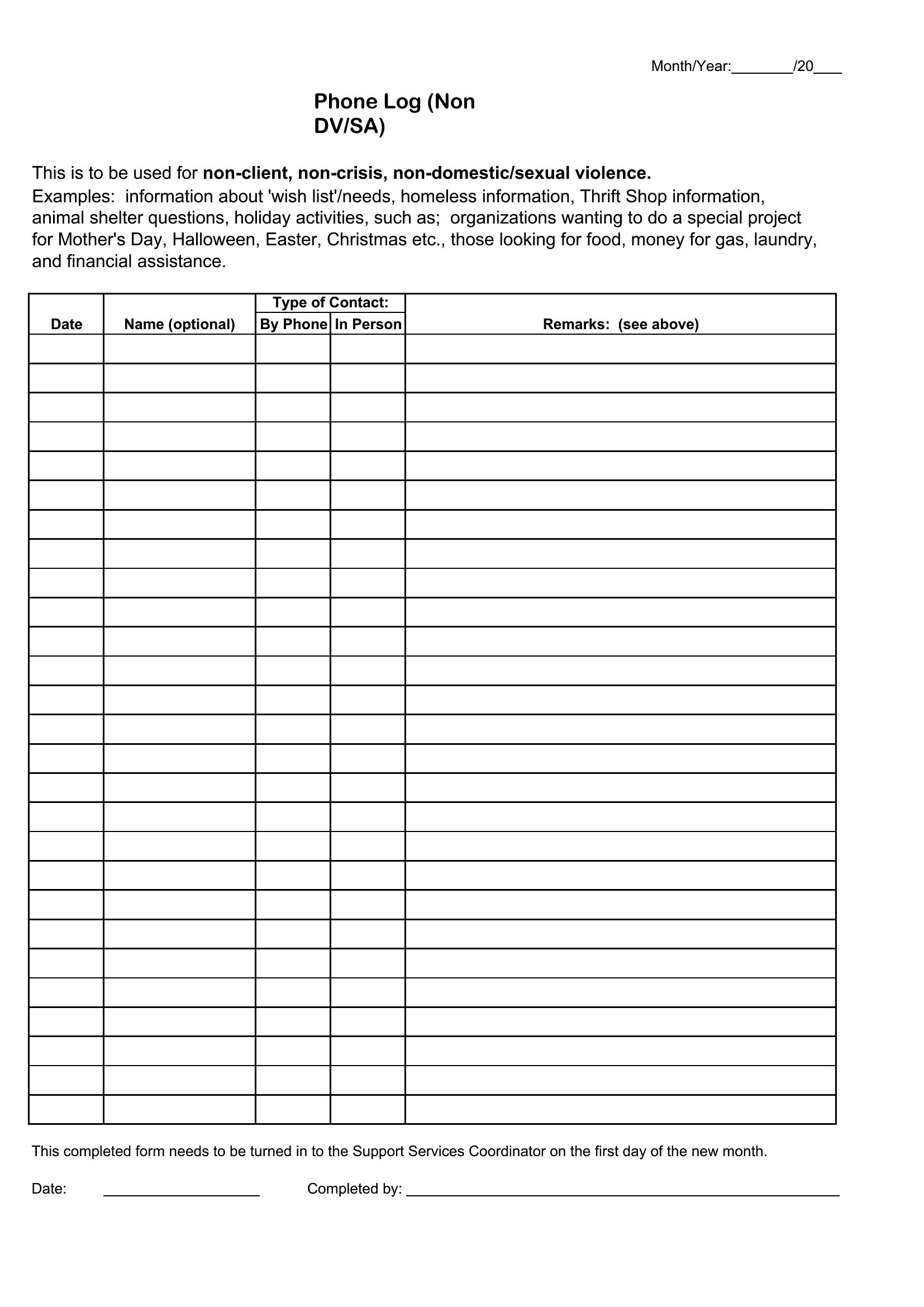
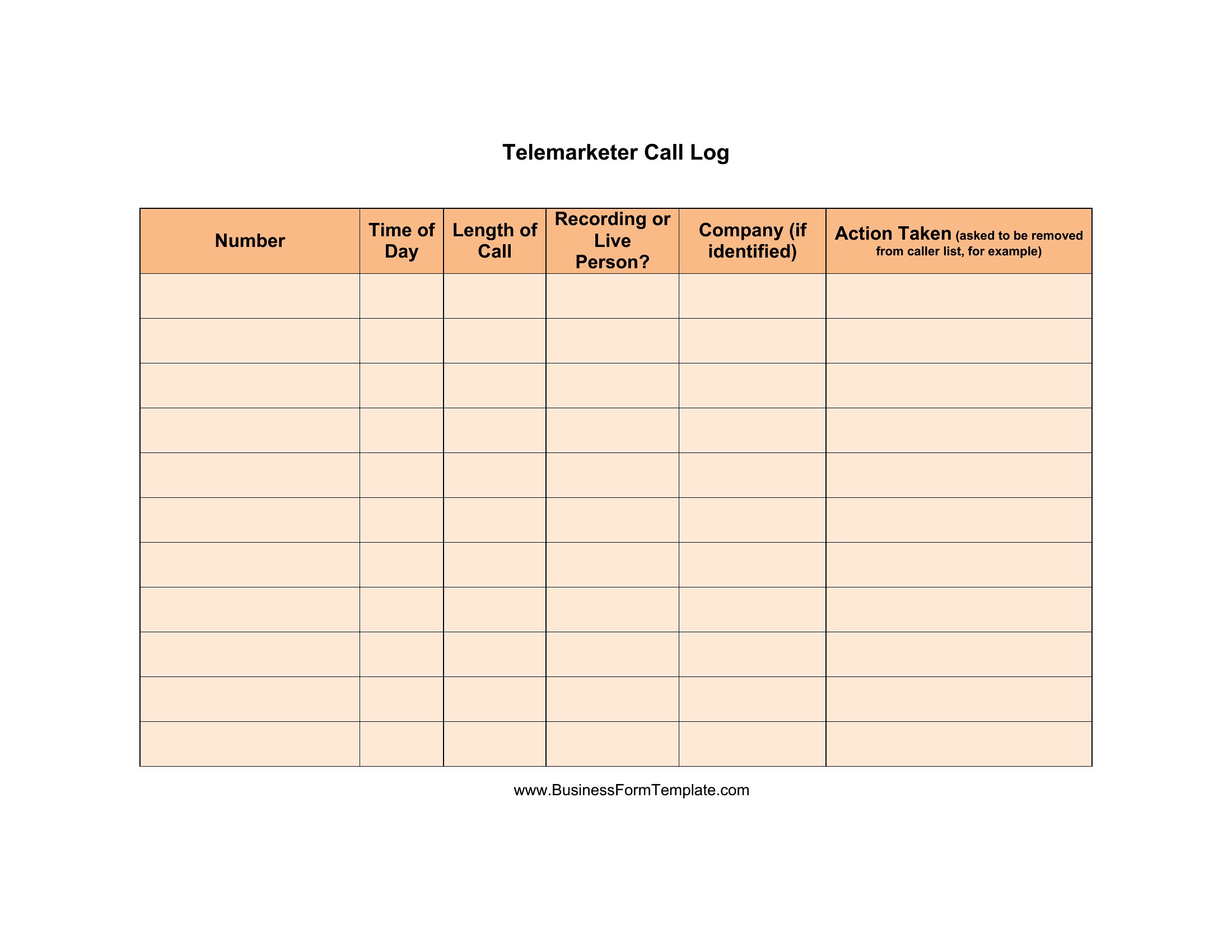
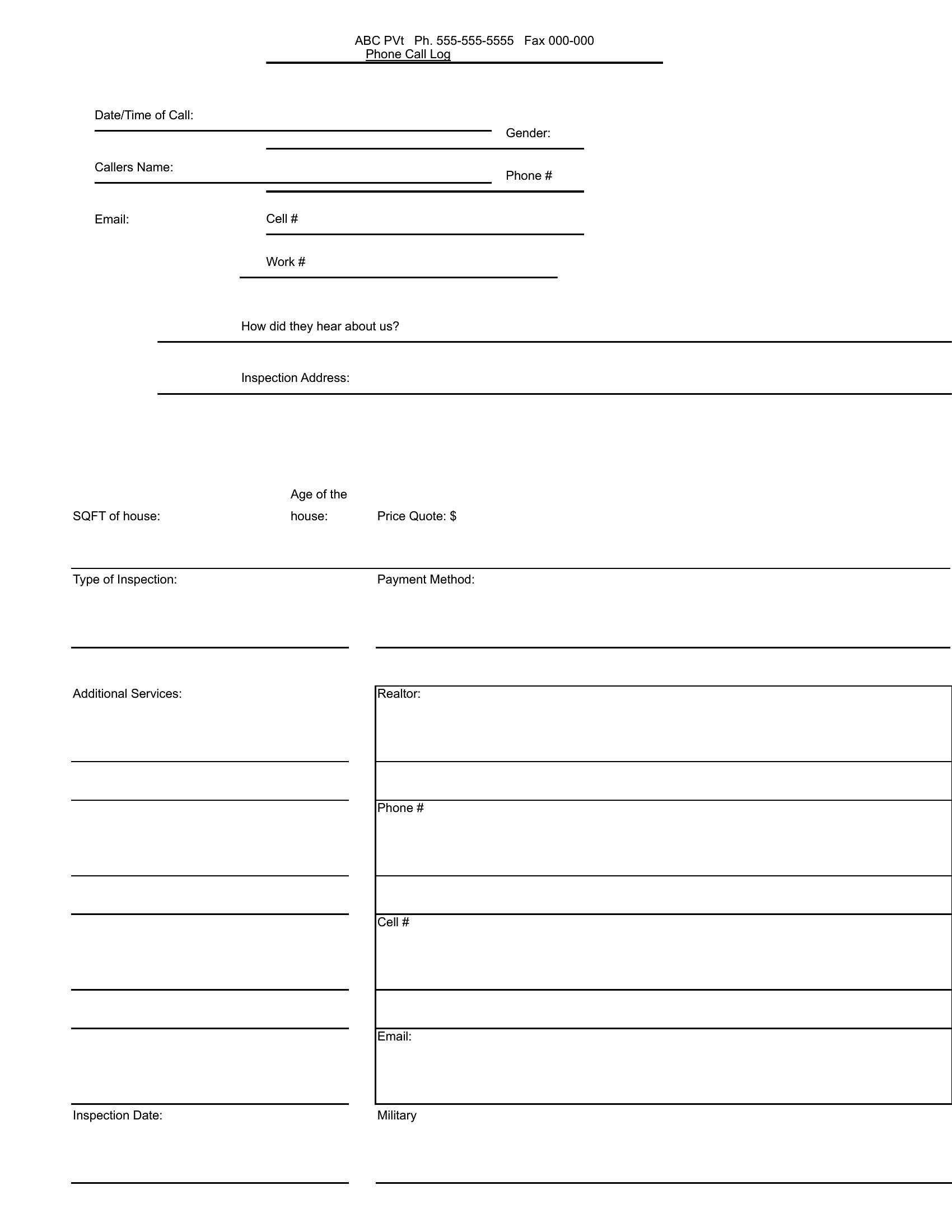
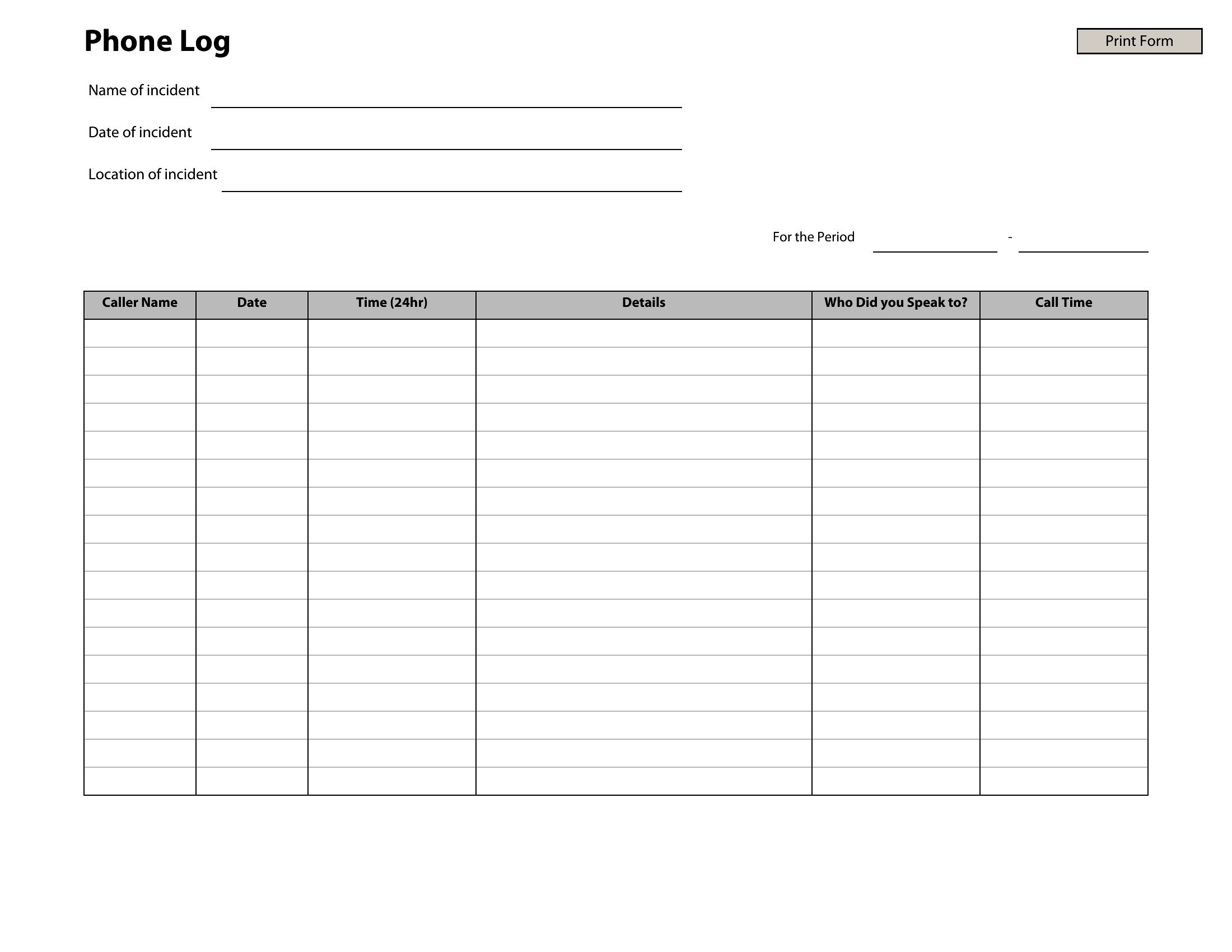
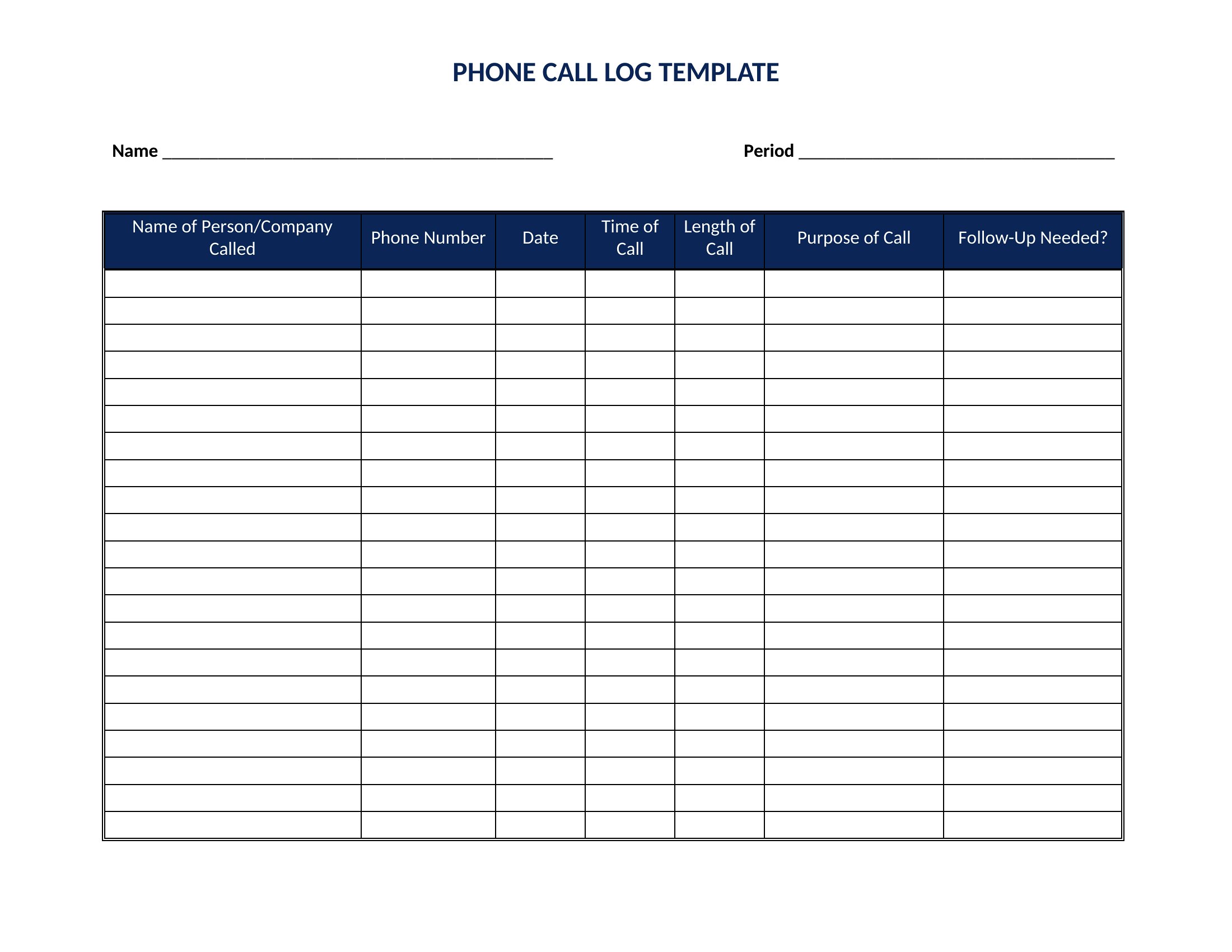
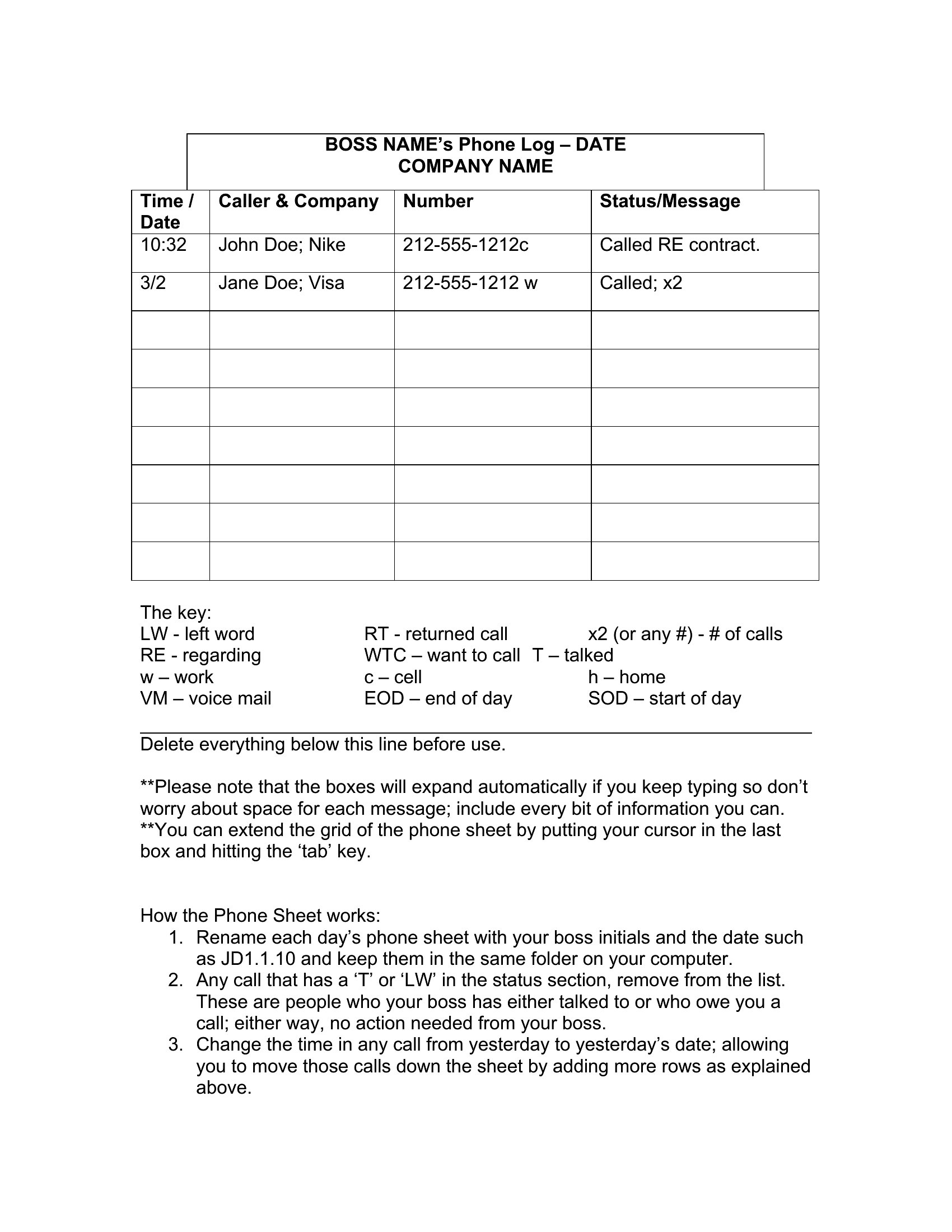
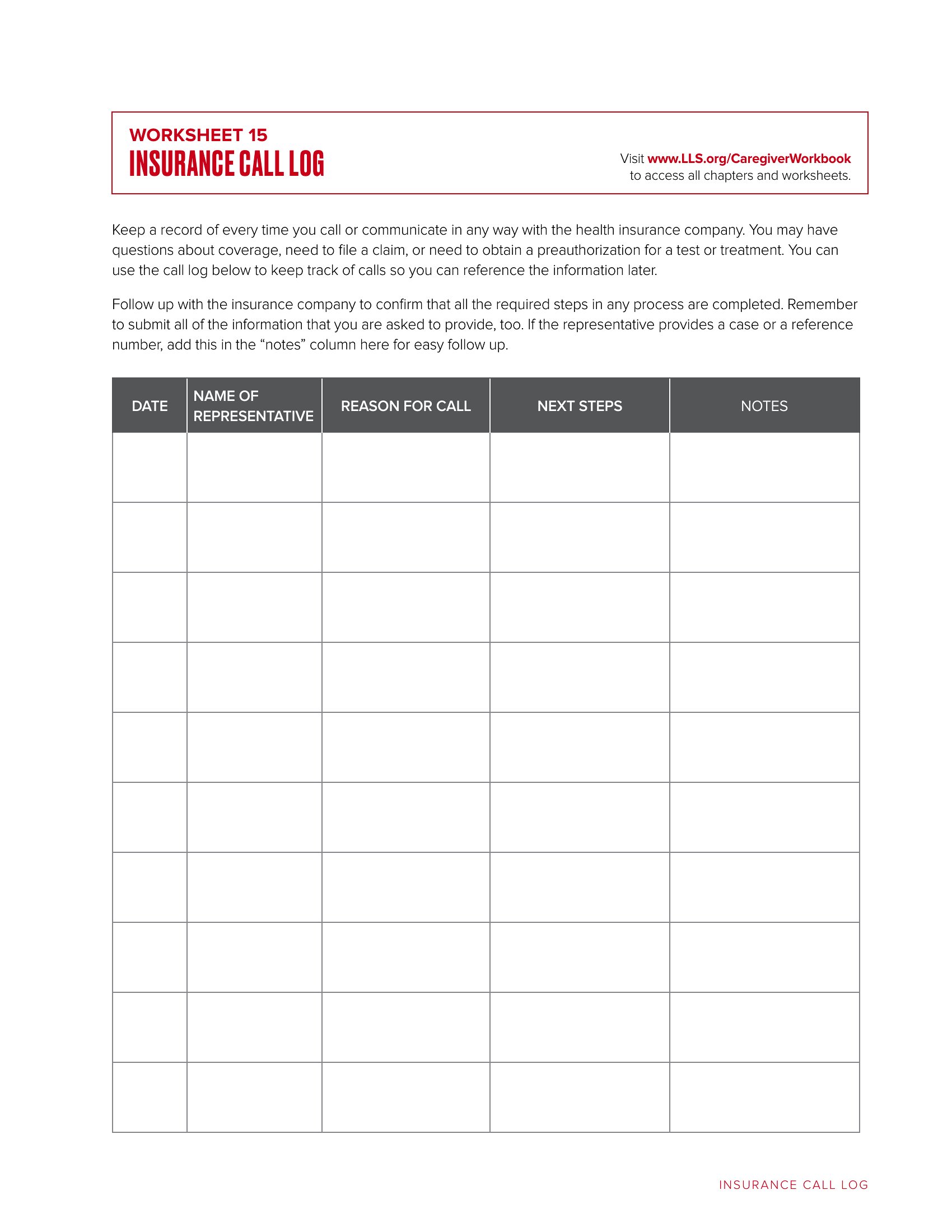
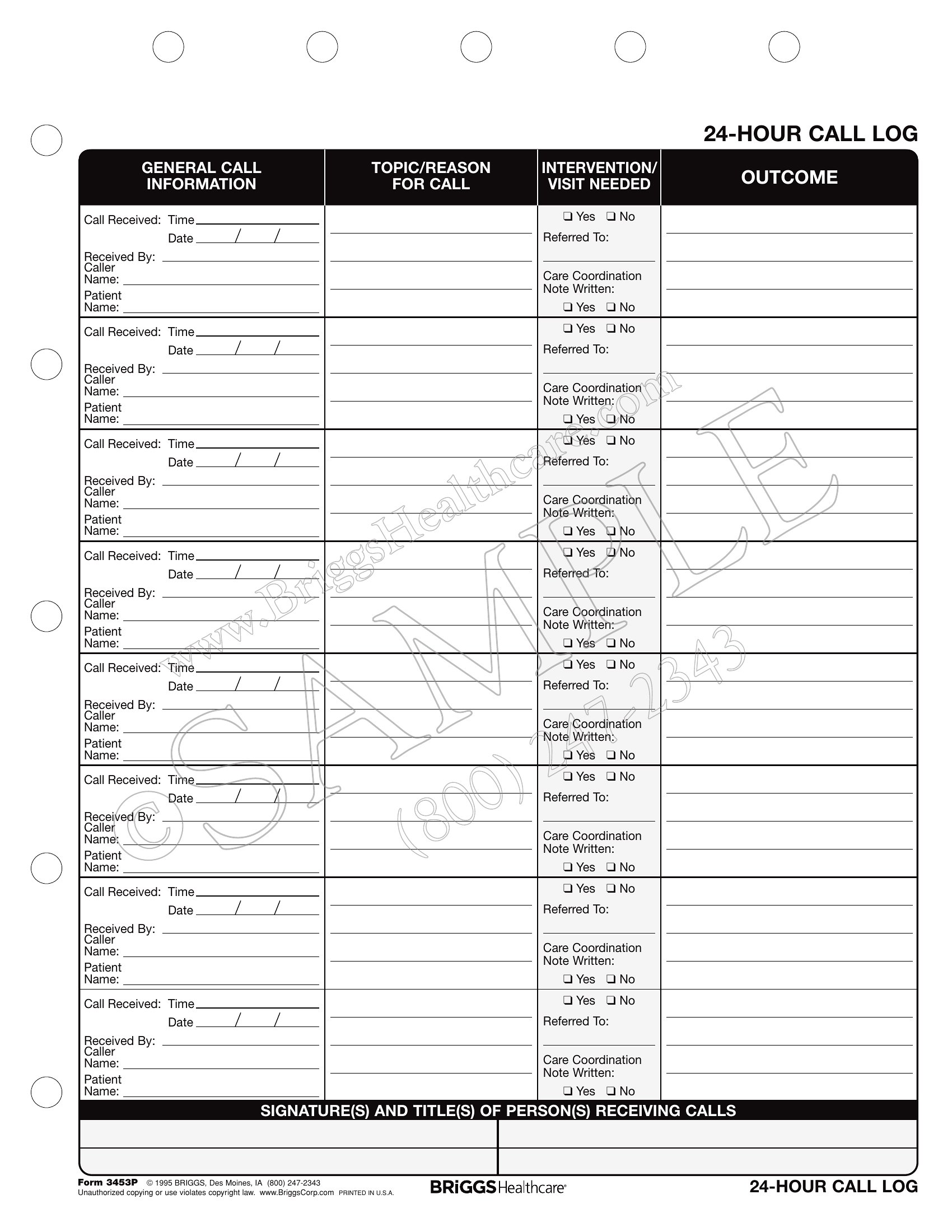
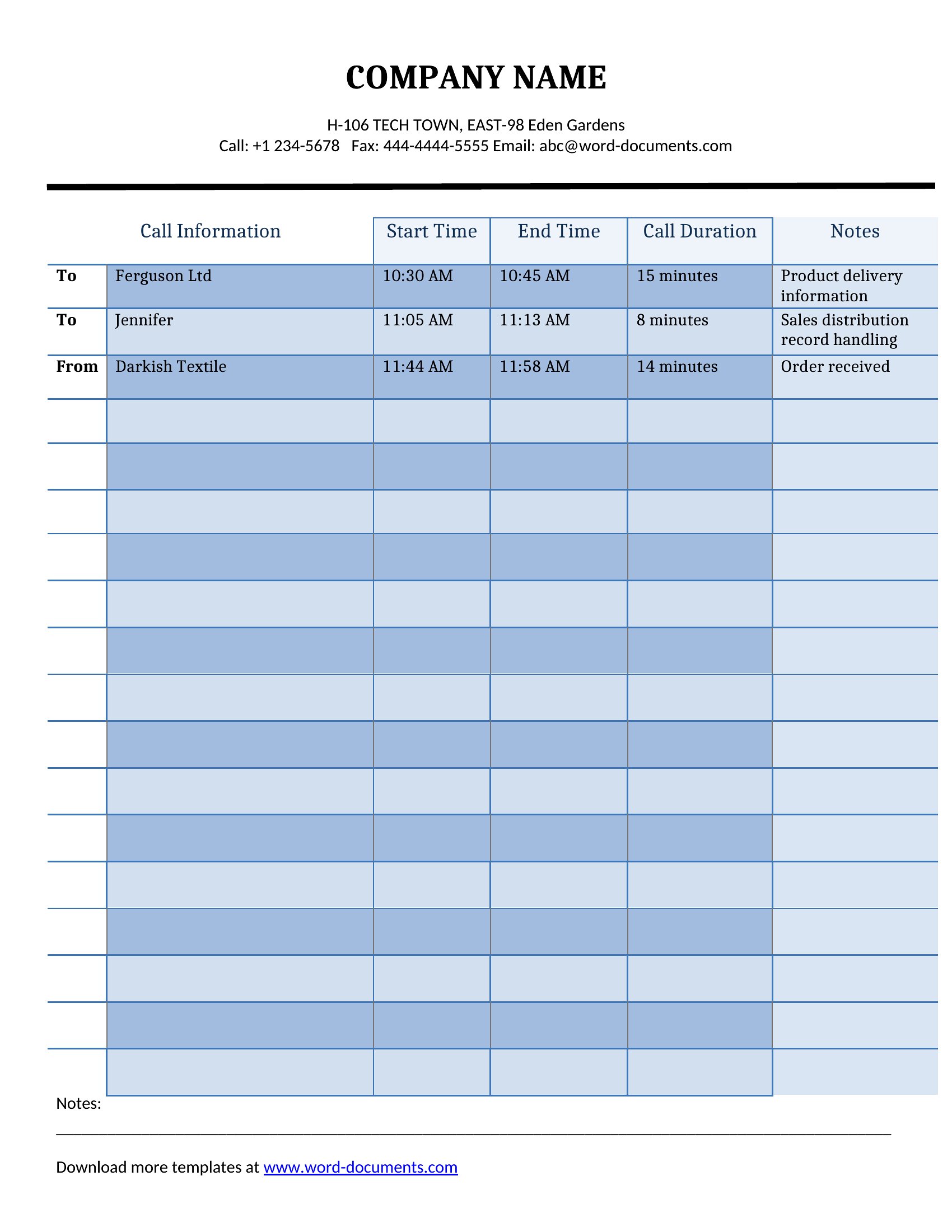
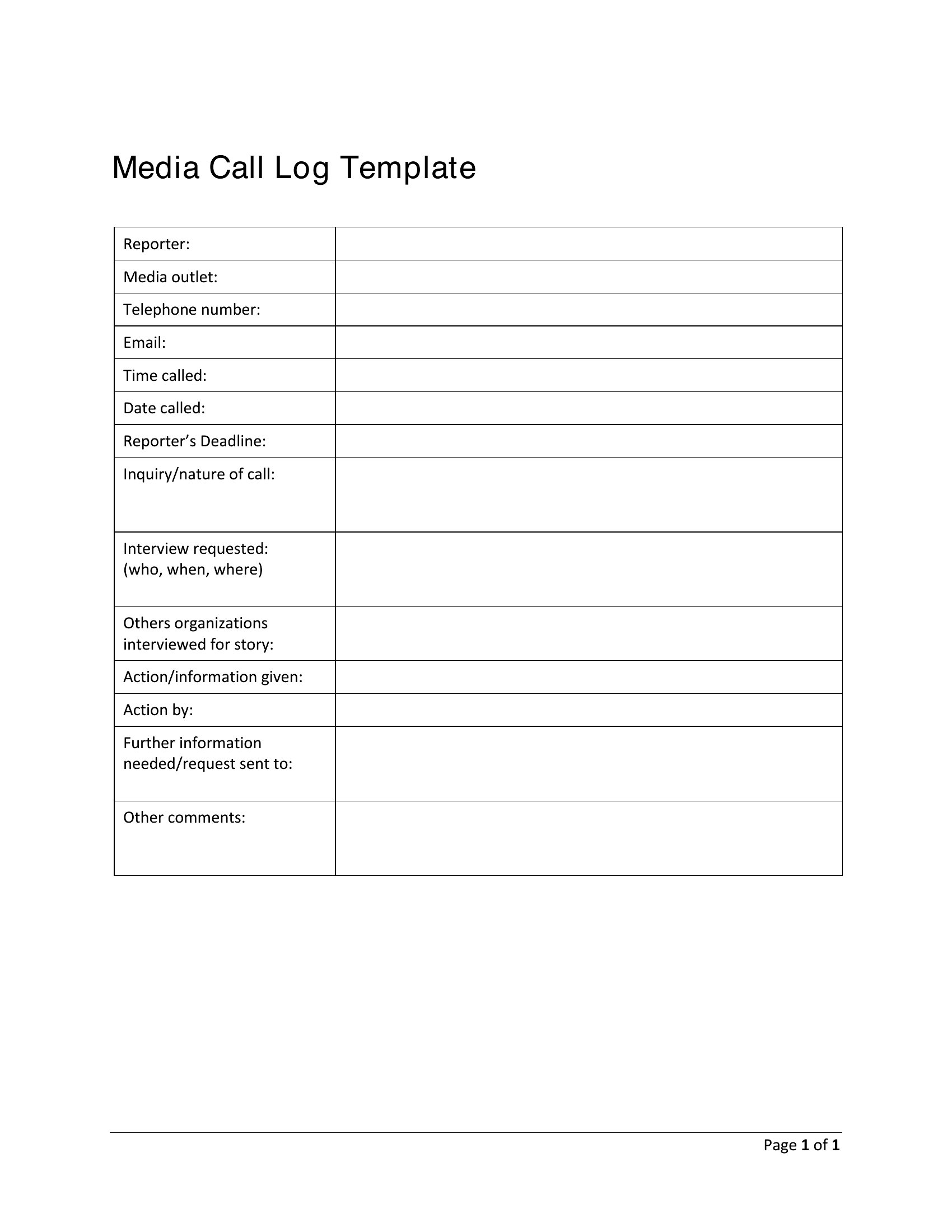
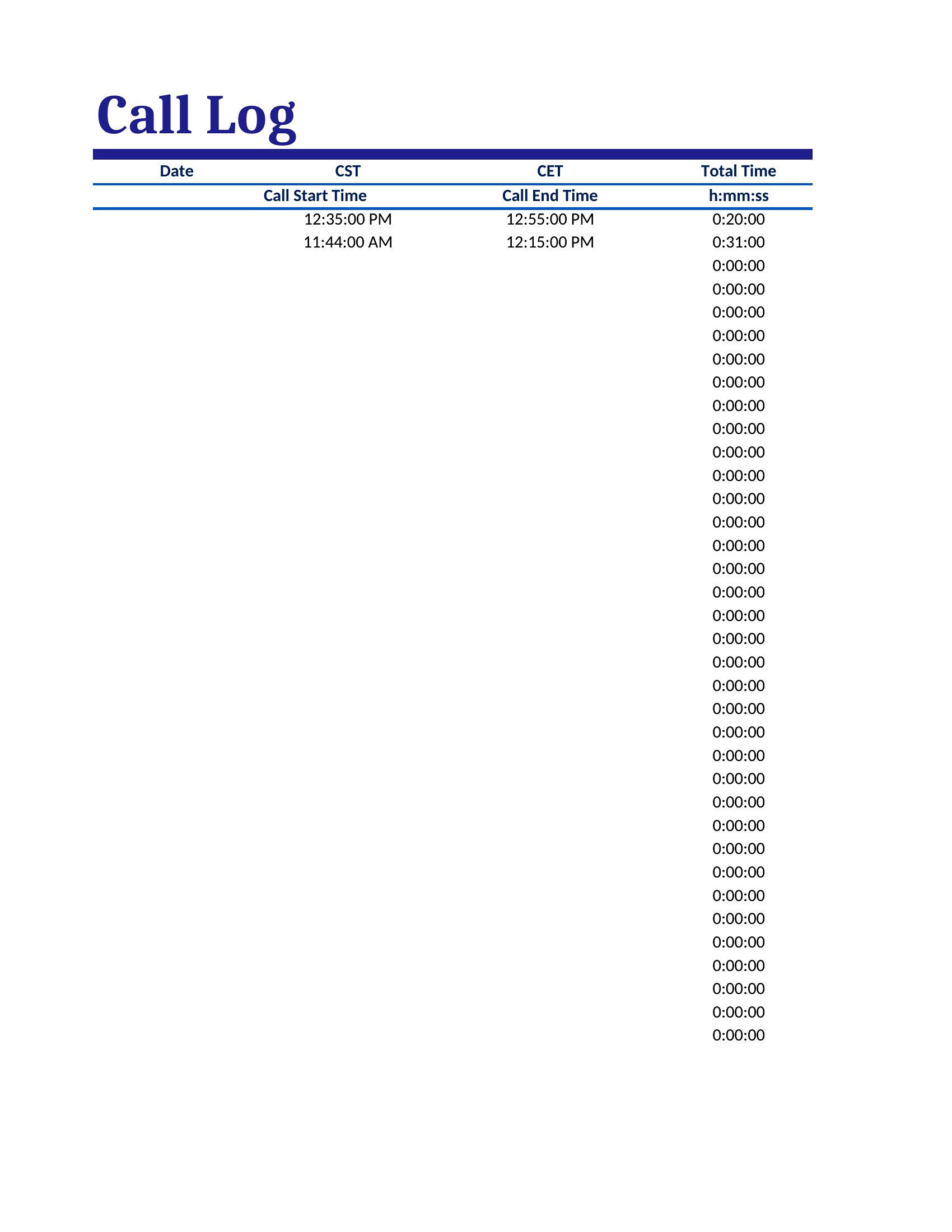
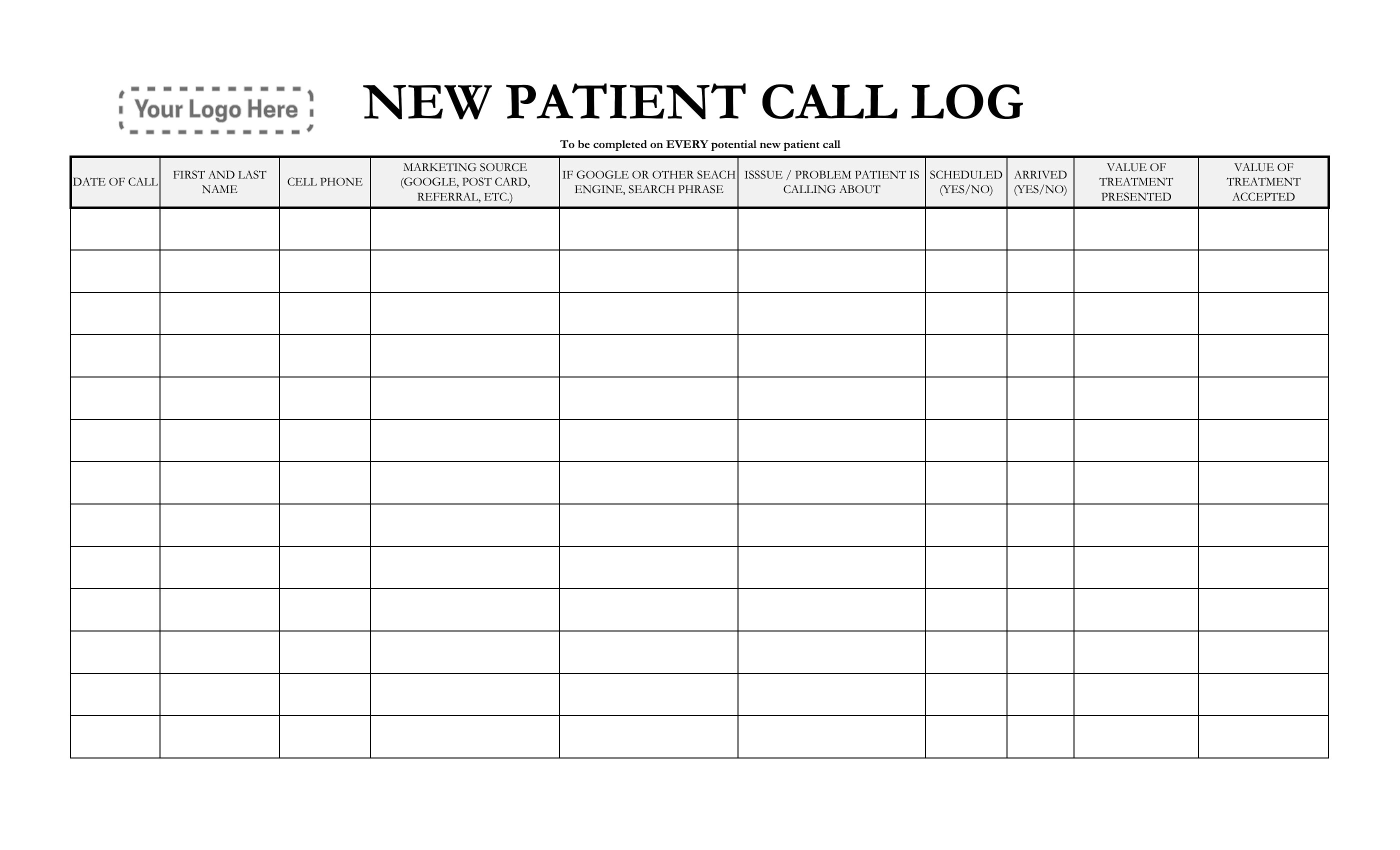
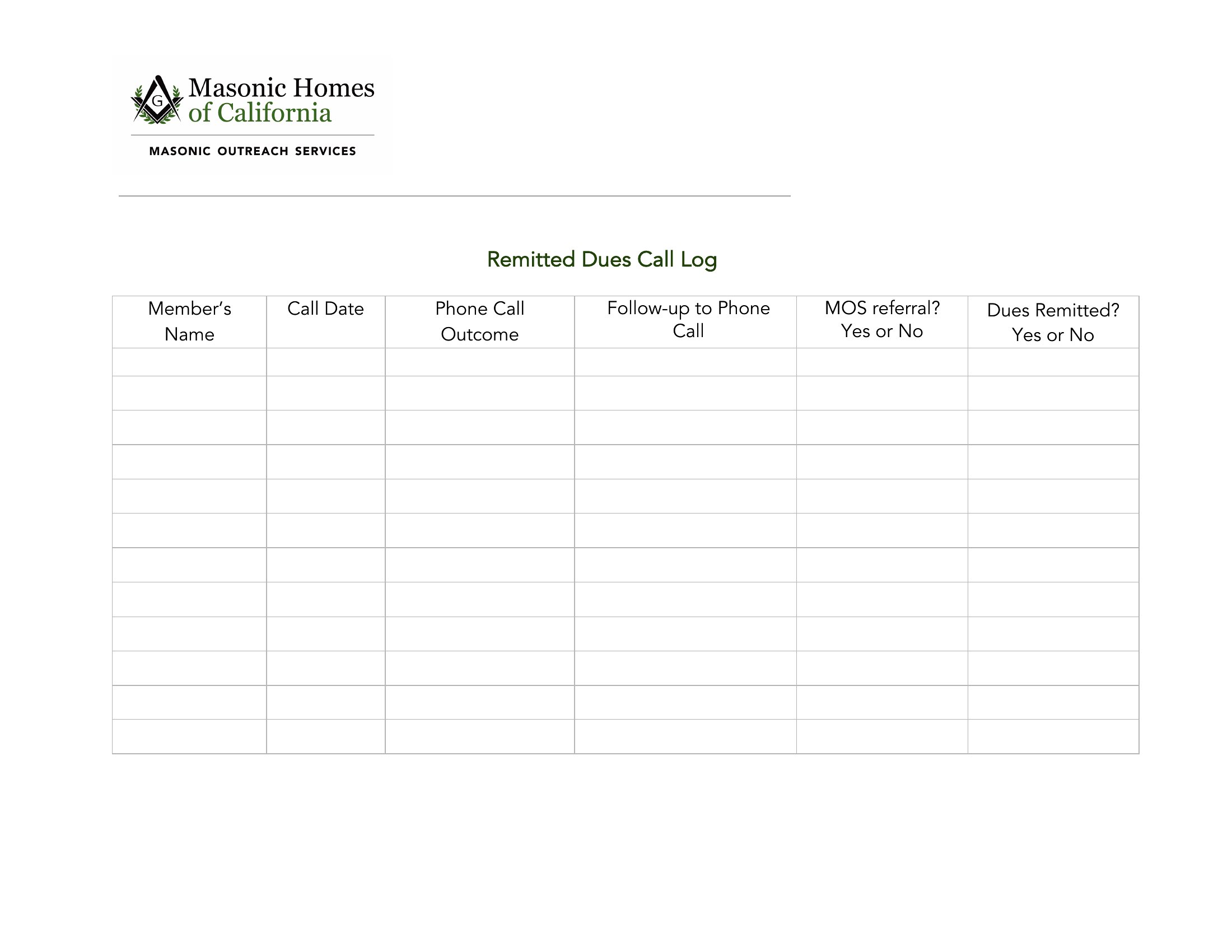
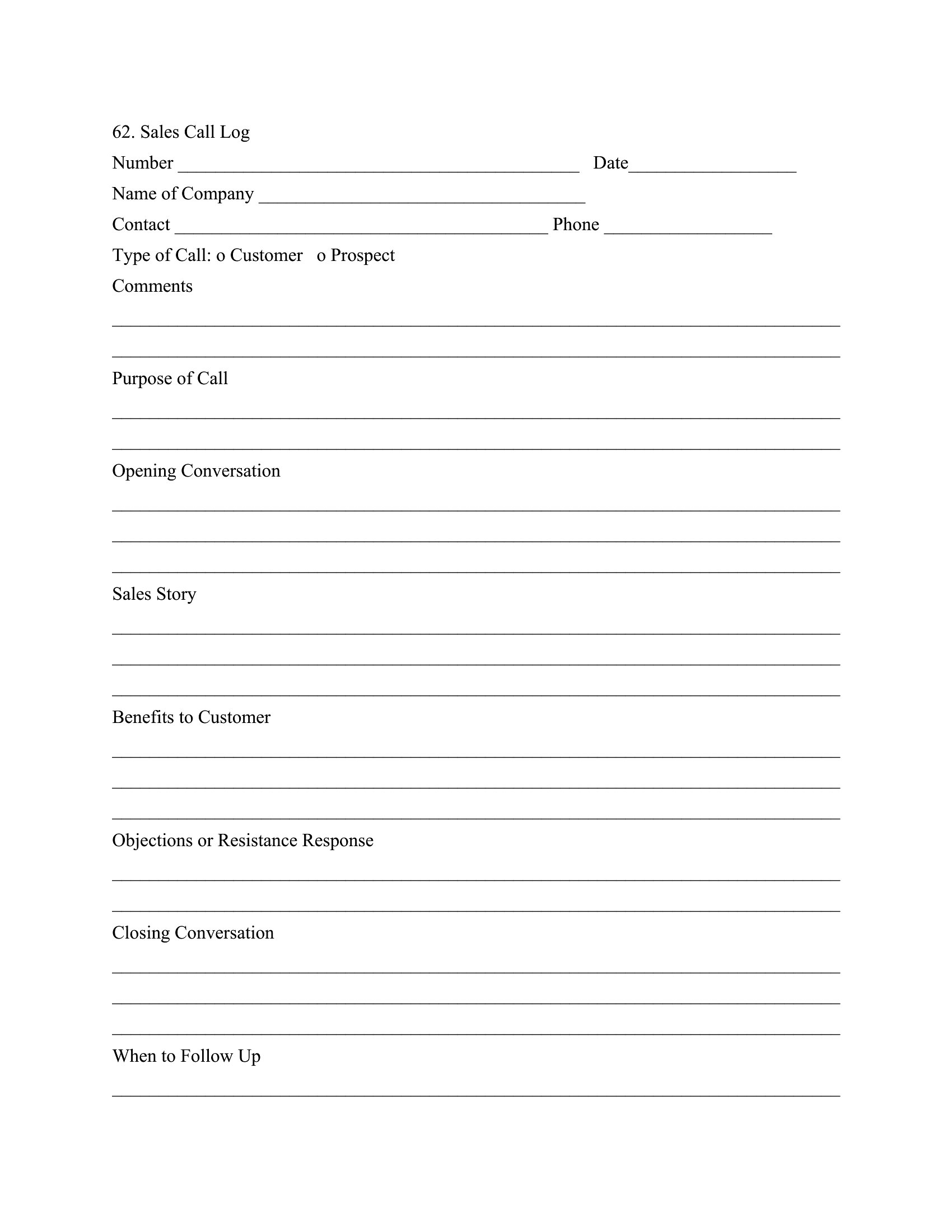
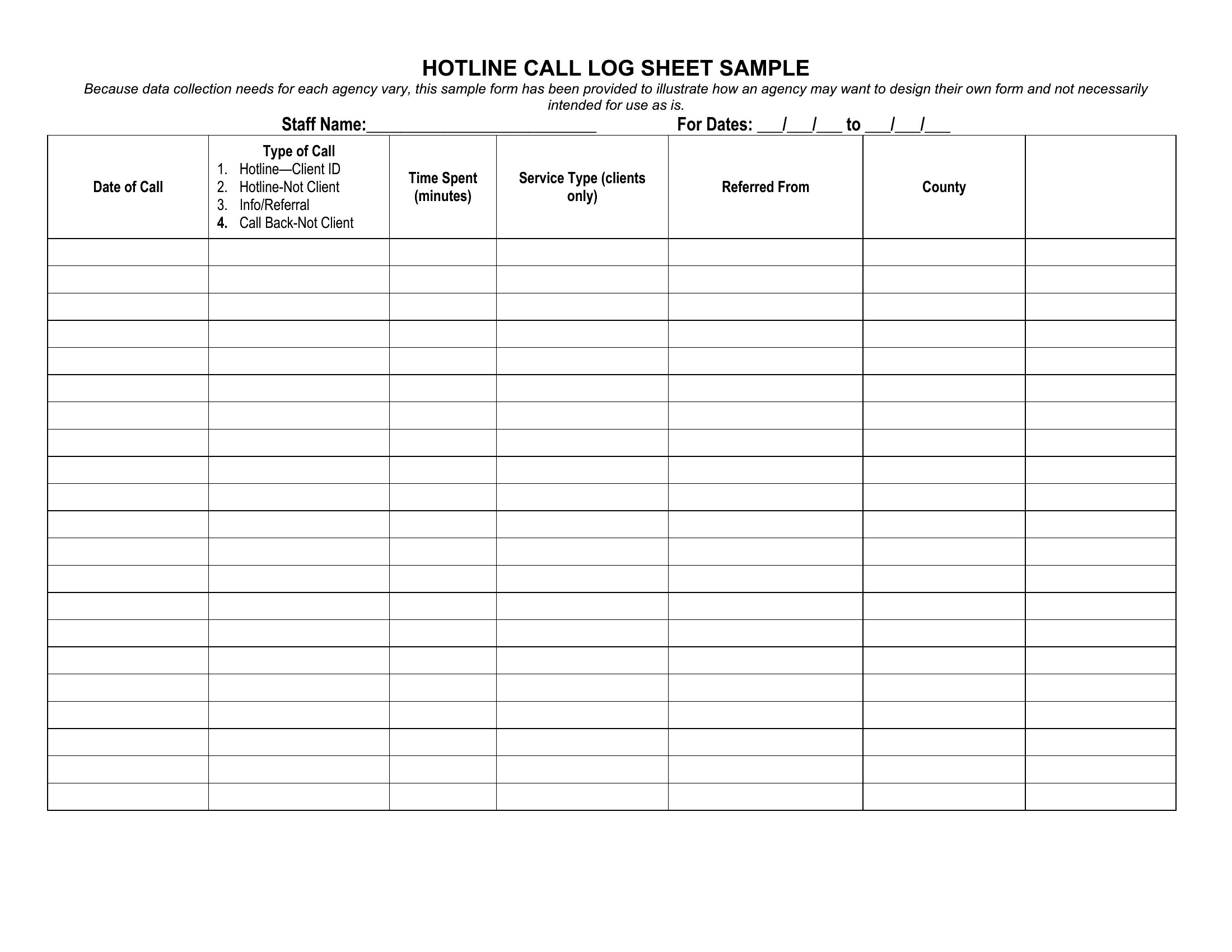
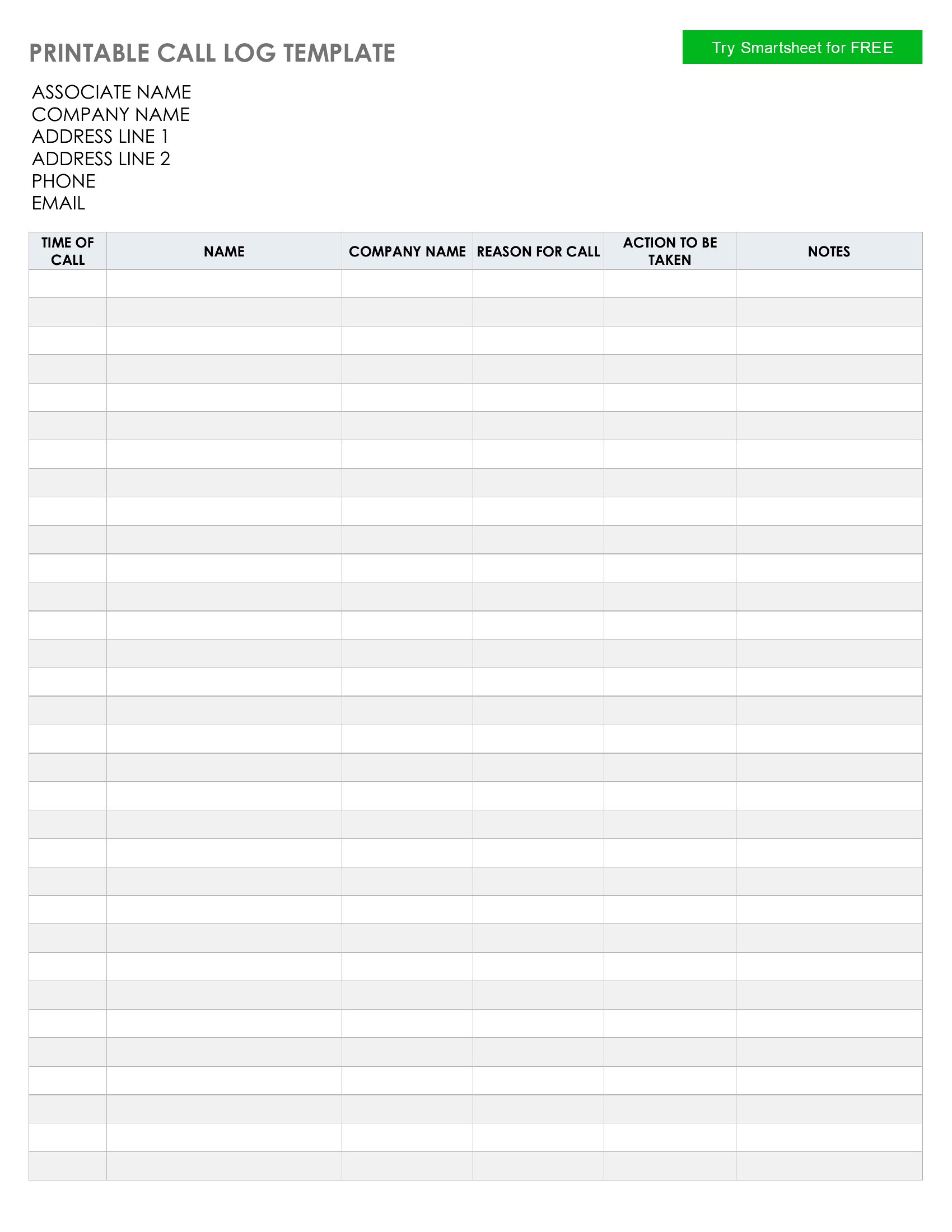
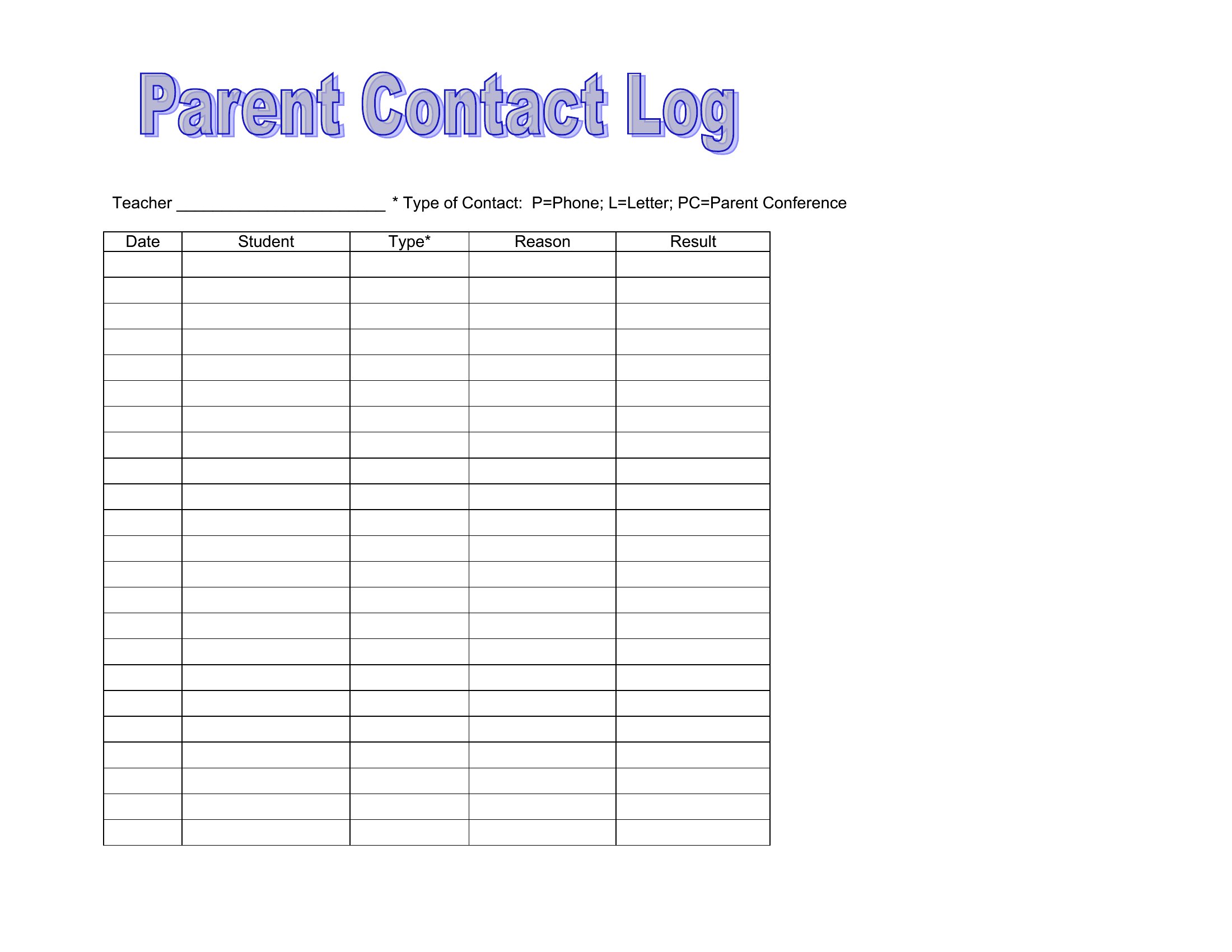
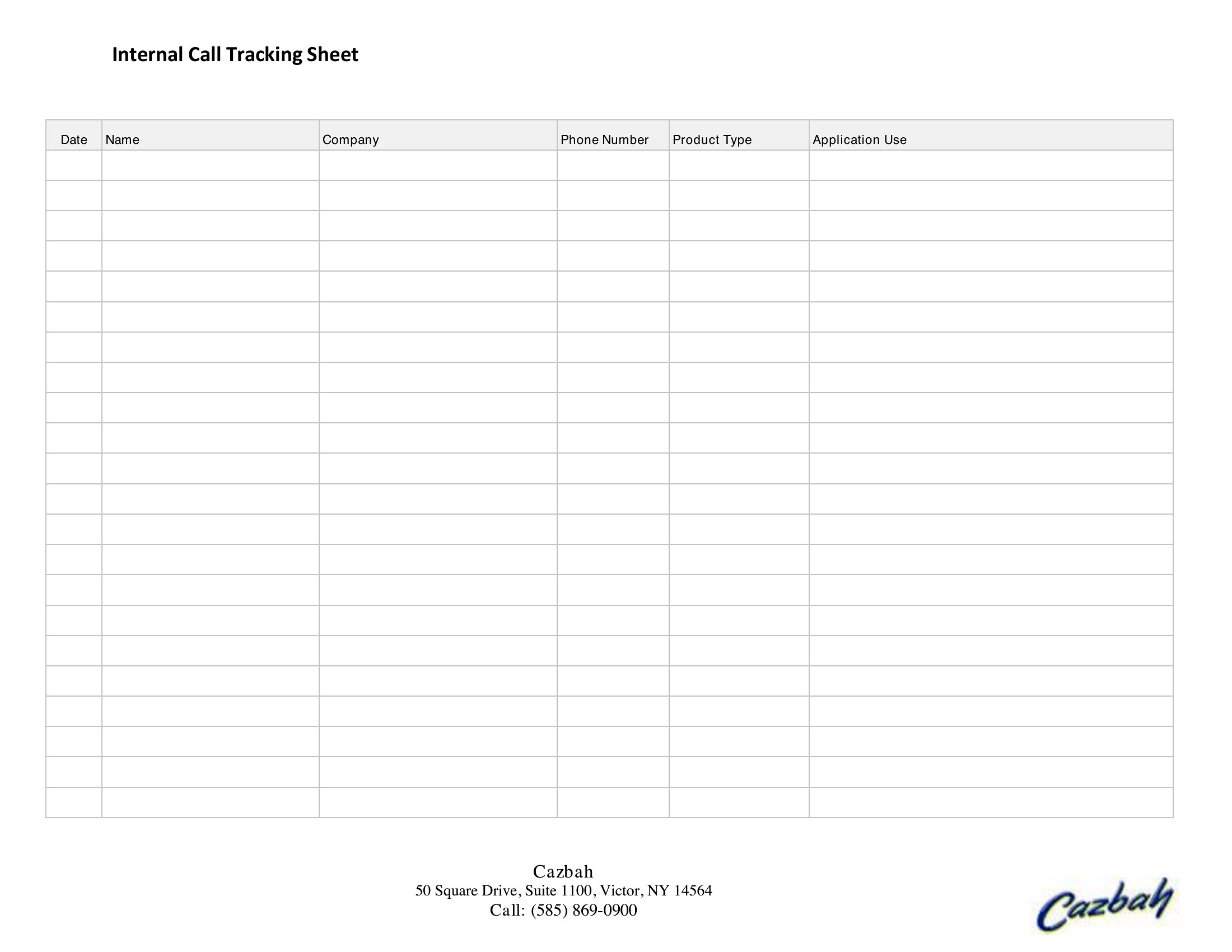
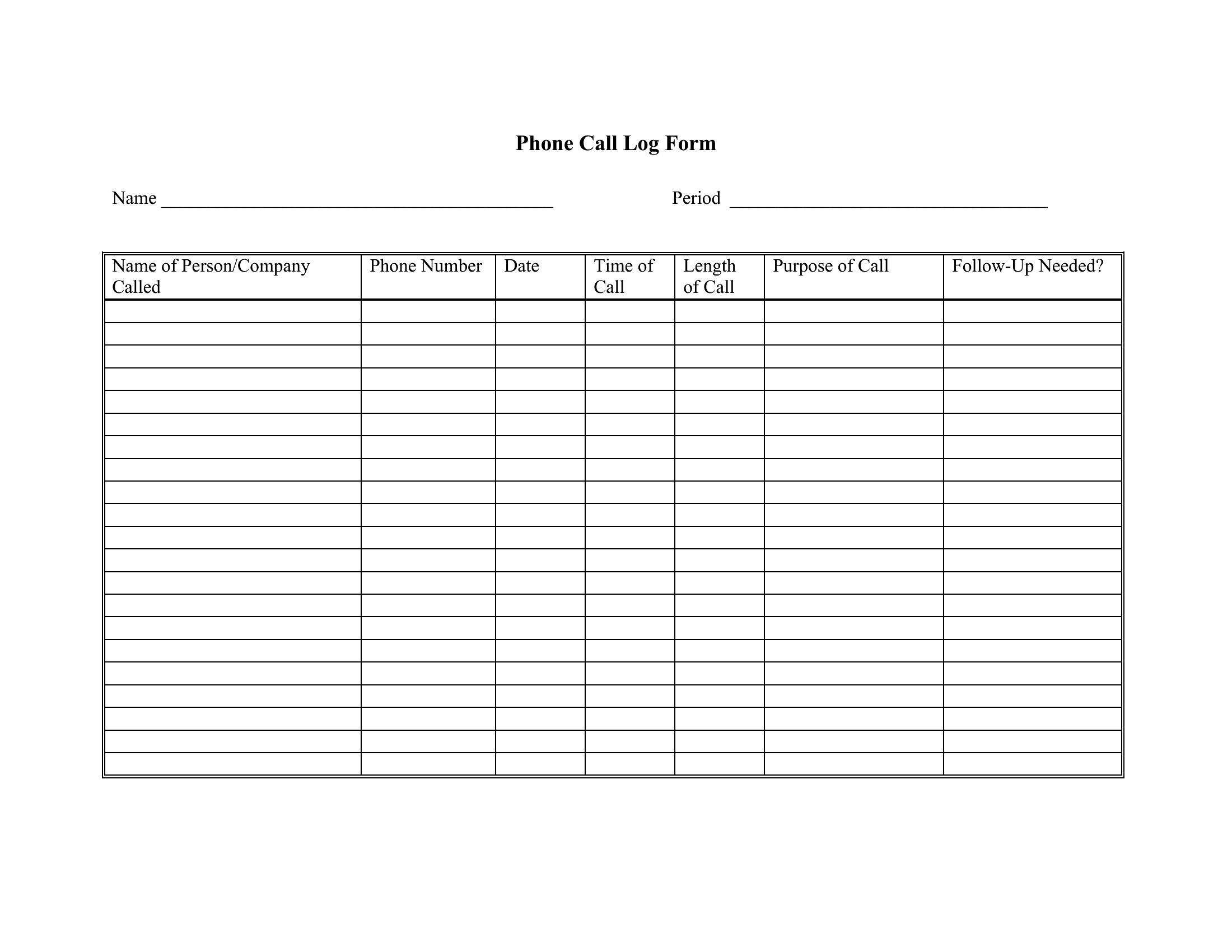
How do I decide which call details to track beyond name and date?
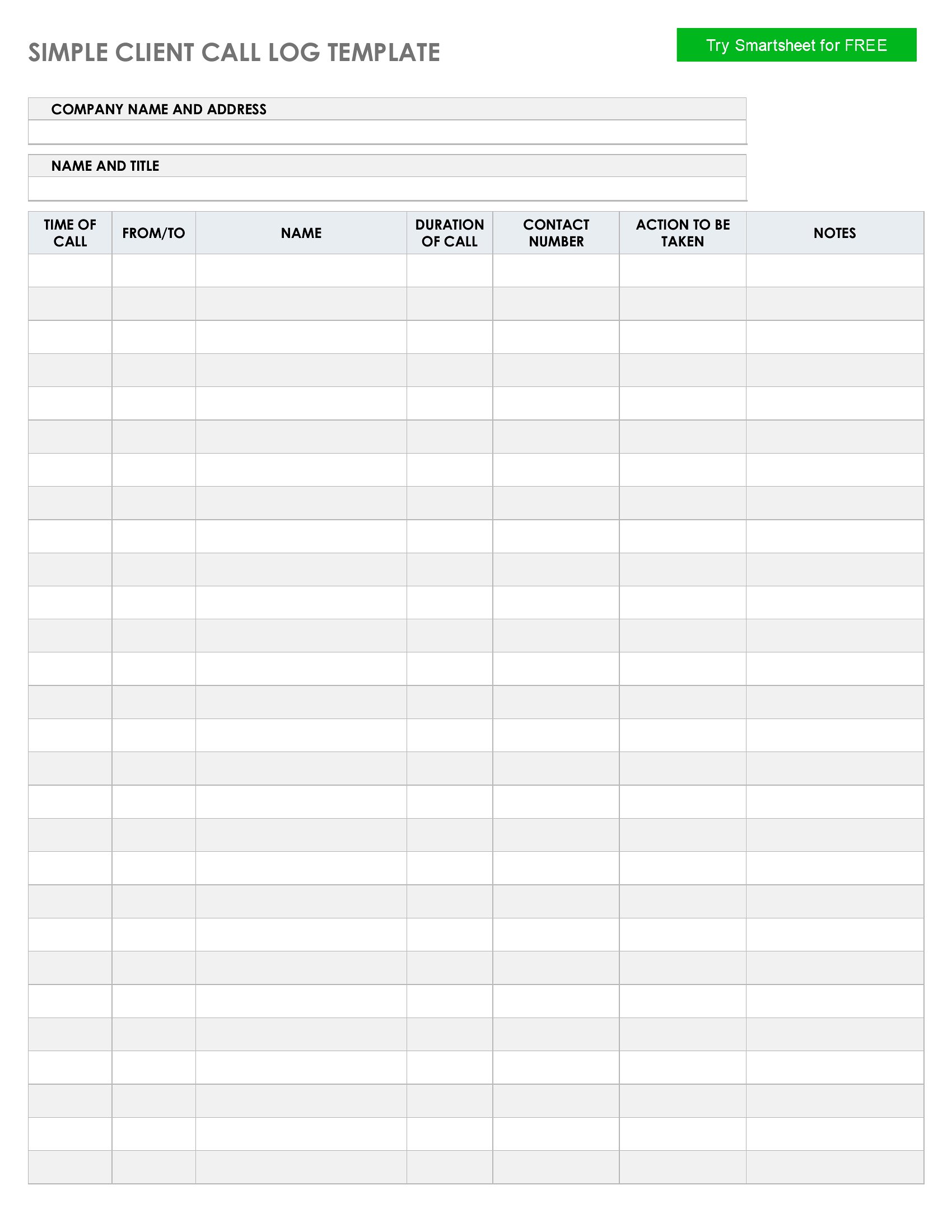
Focus on what’s critical to your workflow. For sales, note product interest, decision-makers, and next steps. For support, include issue summaries and resolution statuses. Medical or legal fields may need confidentiality flags or case numbers. Start with basics like duration, call type (inbound/outbound), and follow-up dates, then add columns as your needs grow.
Can I use these templates to track calls for billing purposes?
Yes, but treat the template as a starting point—not a substitute for formal invoicing software. Include client names, call dates, services discussed, and time spent to justify charges. For accuracy, pair the log with a time-tracking tool or manual notes, especially in professions where billing is tied to documentation standards.
What’s the best way to organize call logs if I handle multiple clients or projects?
Use a separate sheet or tab in Excel for each client/project, or add a ‘Project’ column in Word/PDF to color-code or filter entries. For teams, store logs in a shared folder and name files by client or date (e.g., ‘SmithProject_CallLog_2024.pdf’). If using Excel, leverage filters or pivot tables to group calls by category without cluttering a single sheet.
Comments
Join the conversation
Sign in to share your thoughts and leave a comment on this resource.