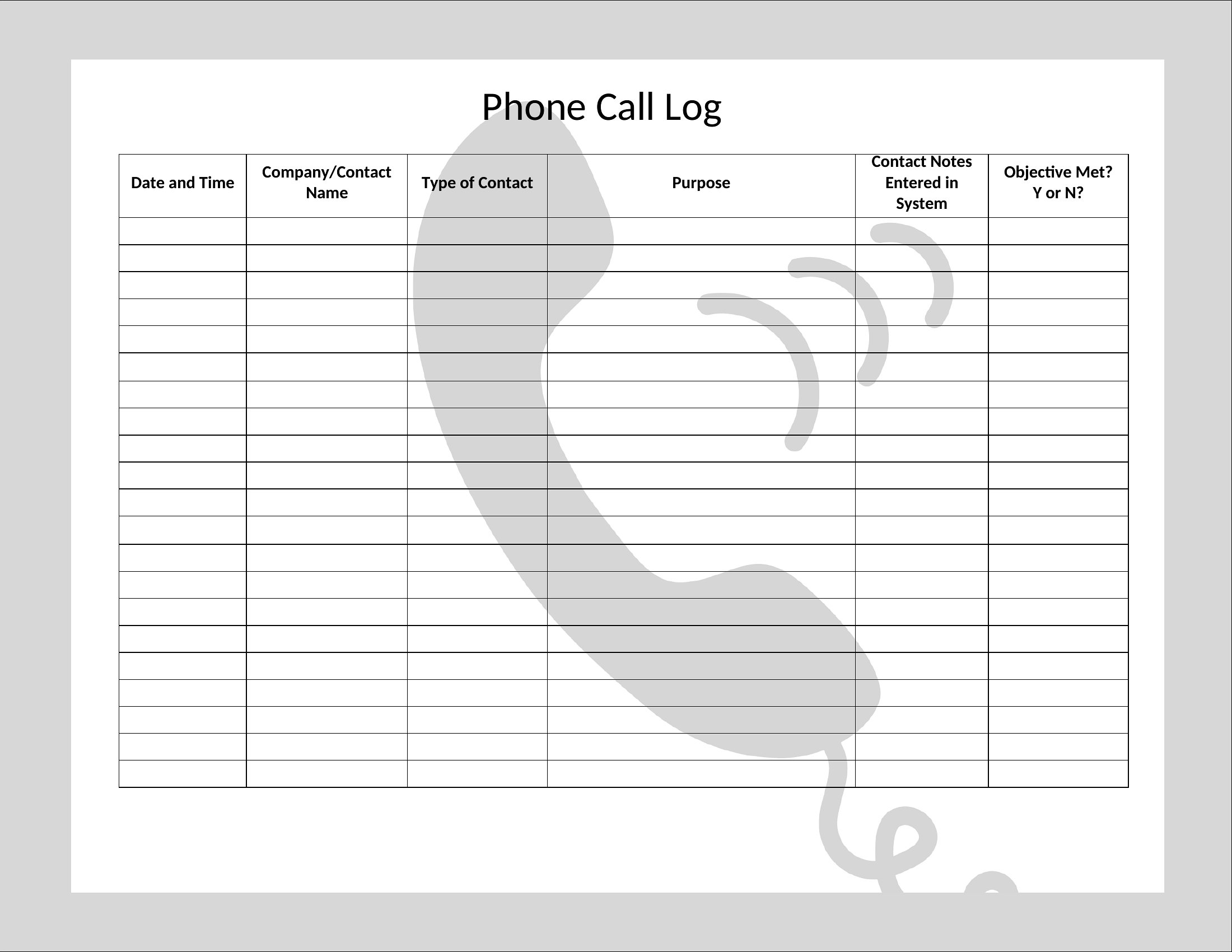
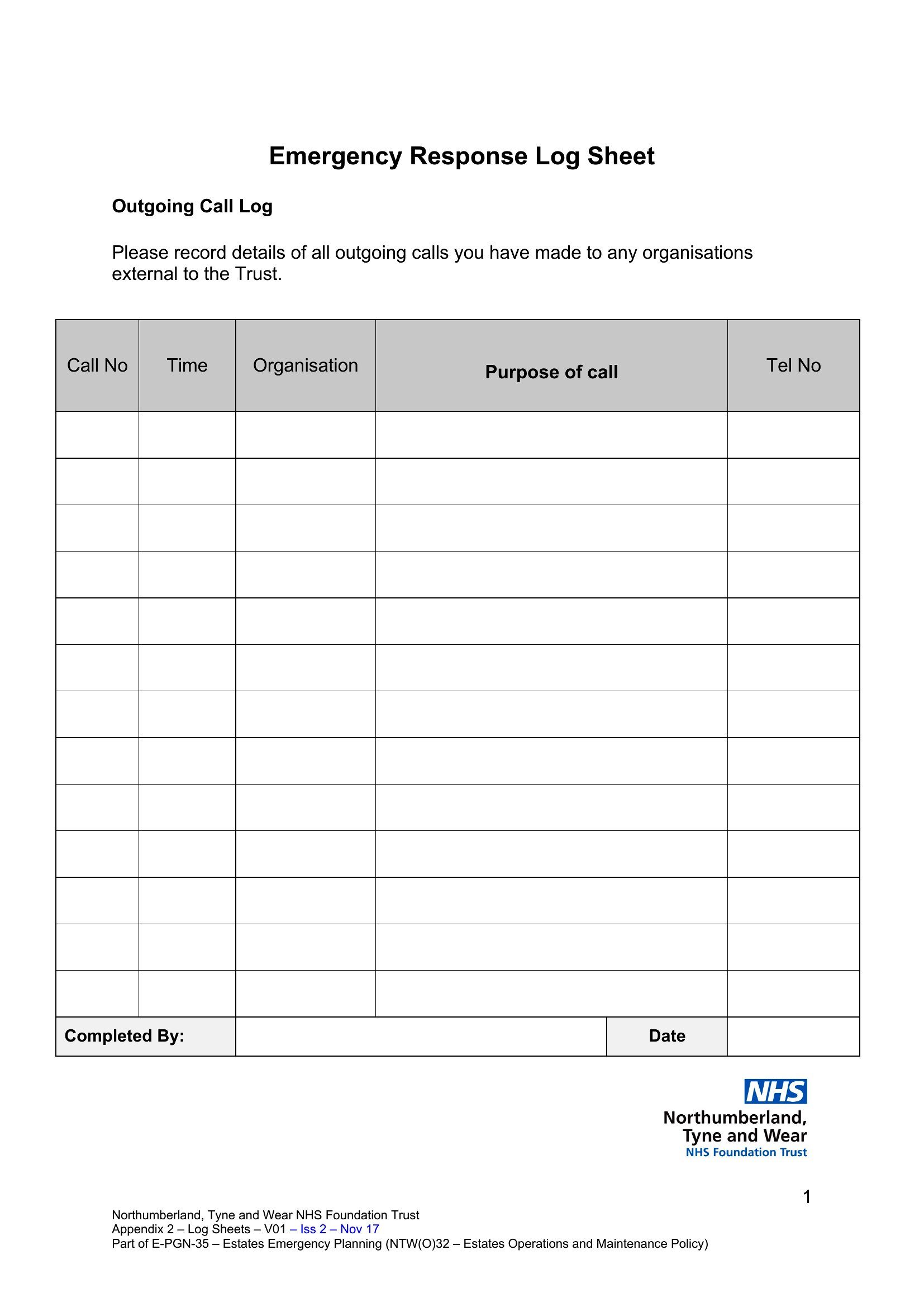
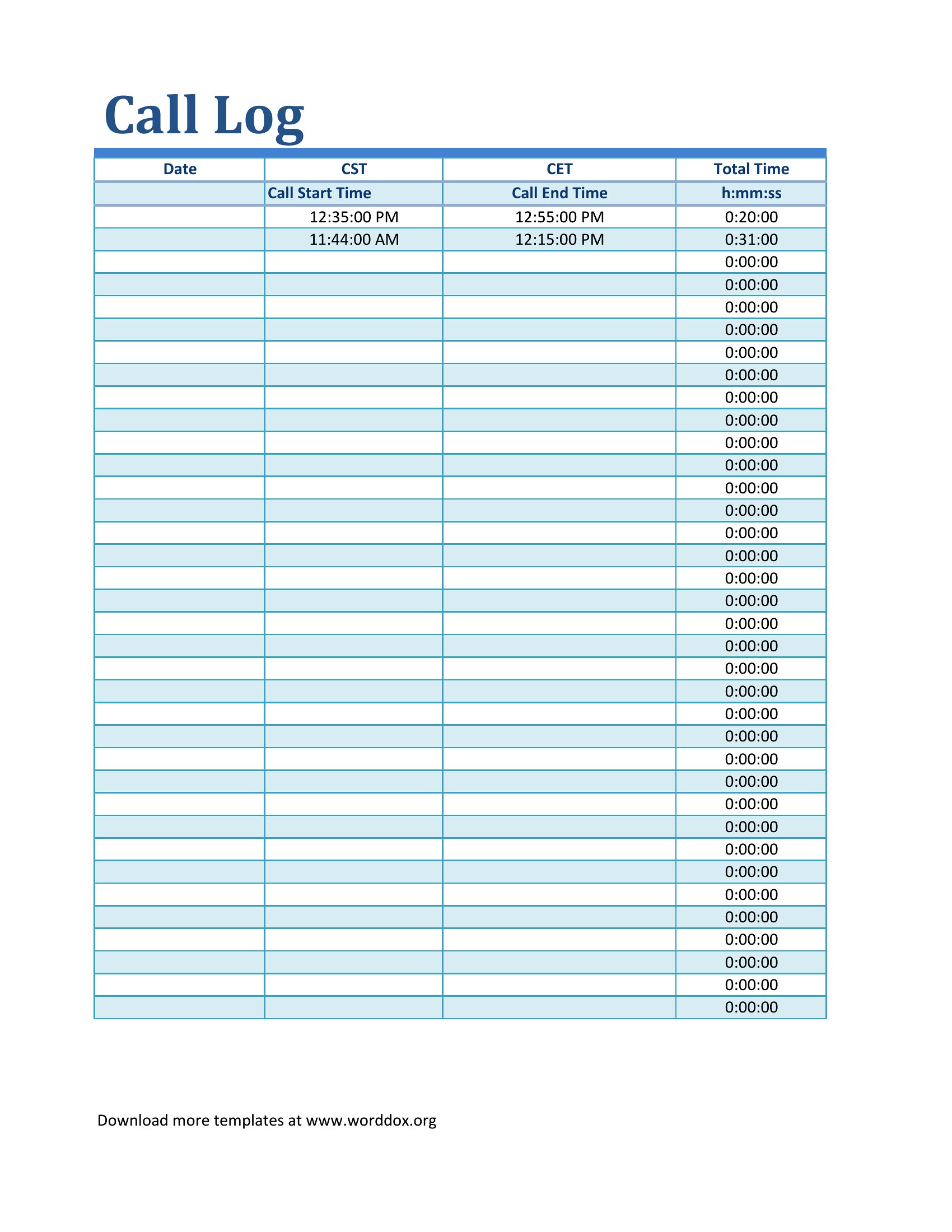
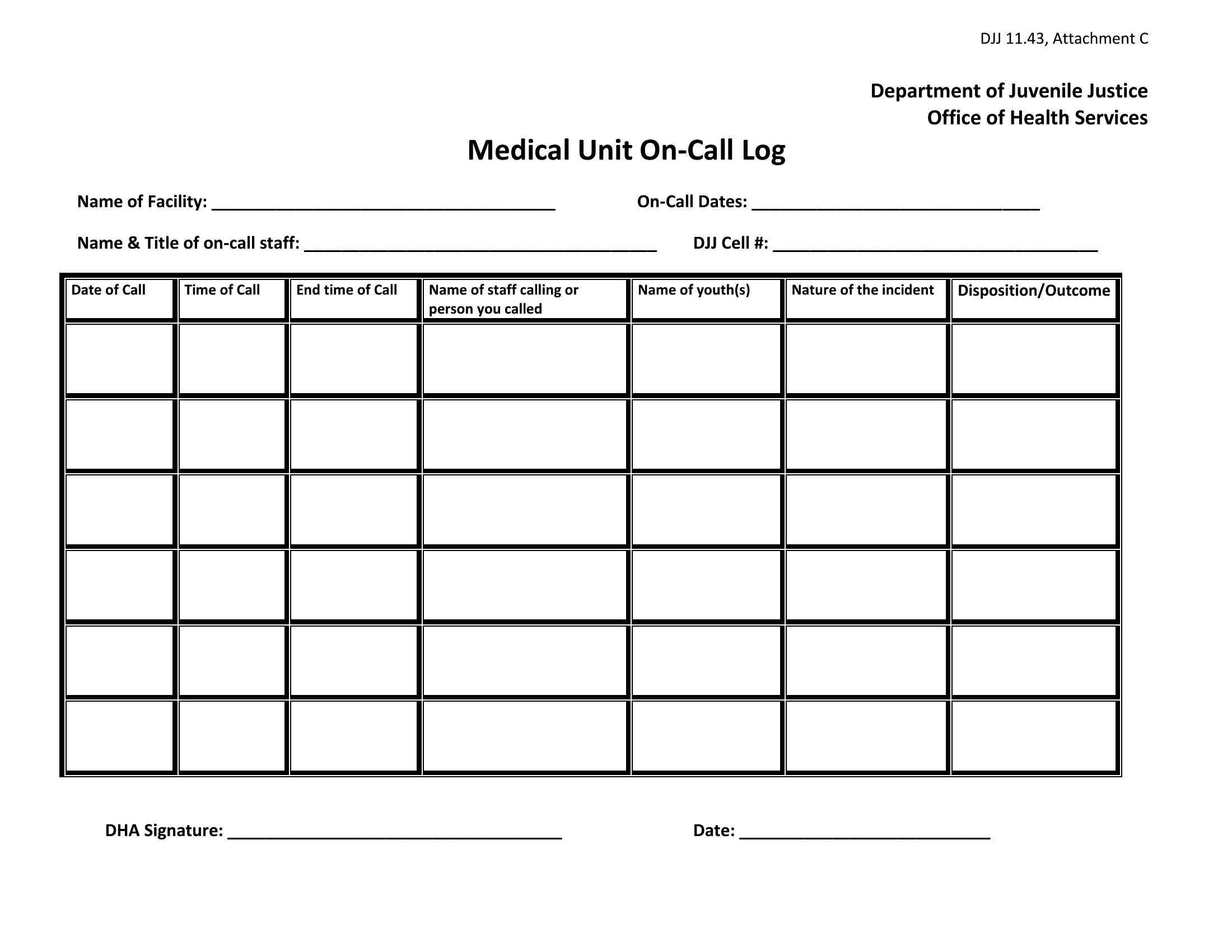
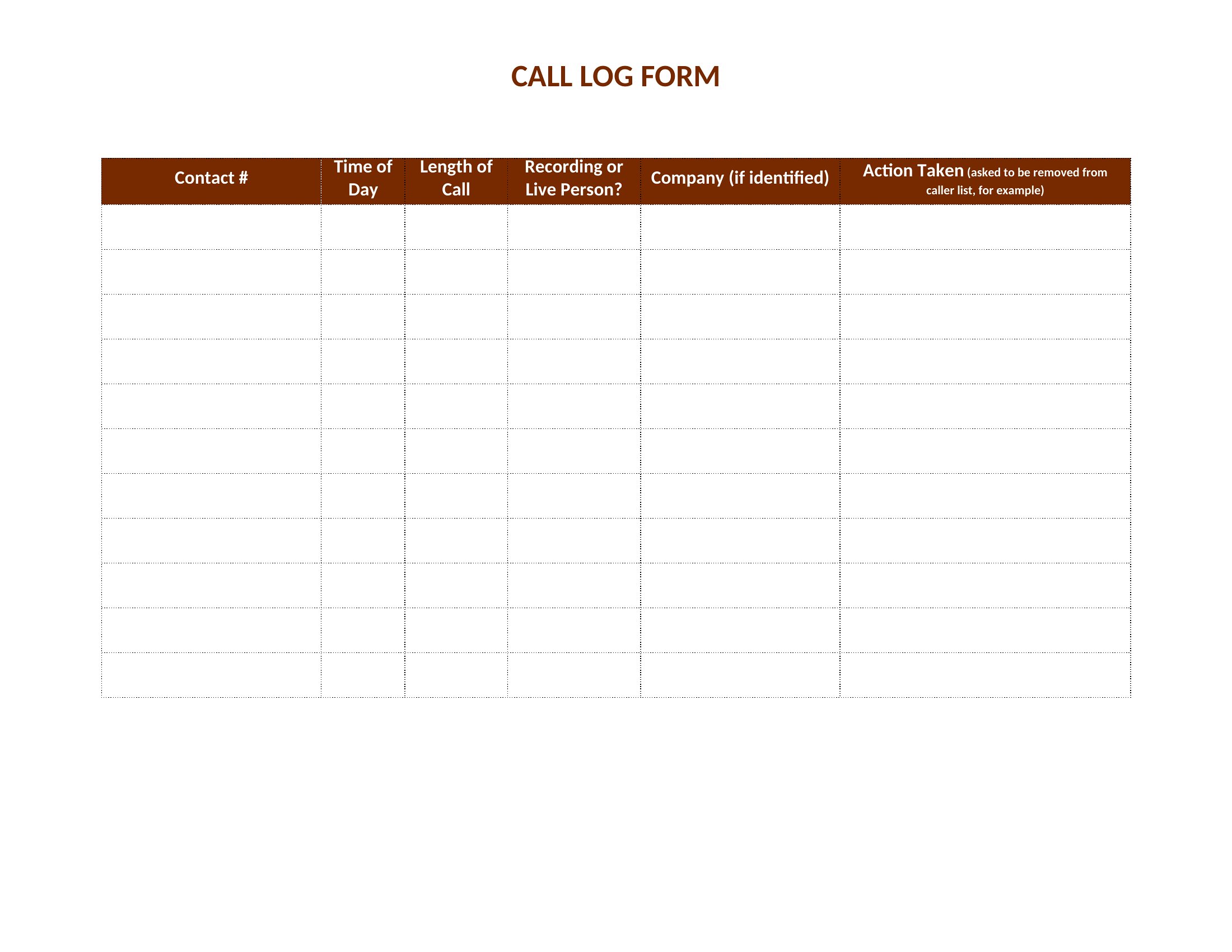
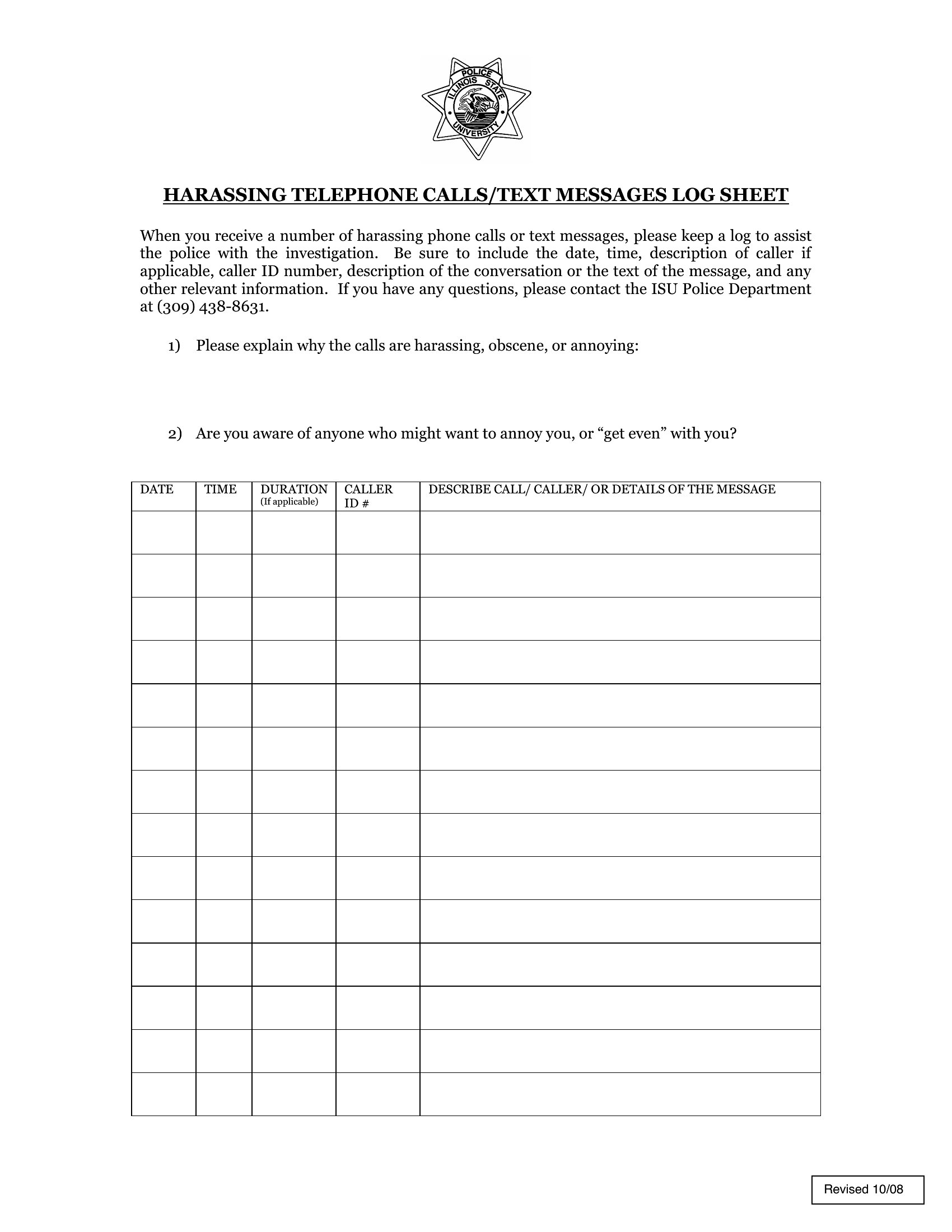
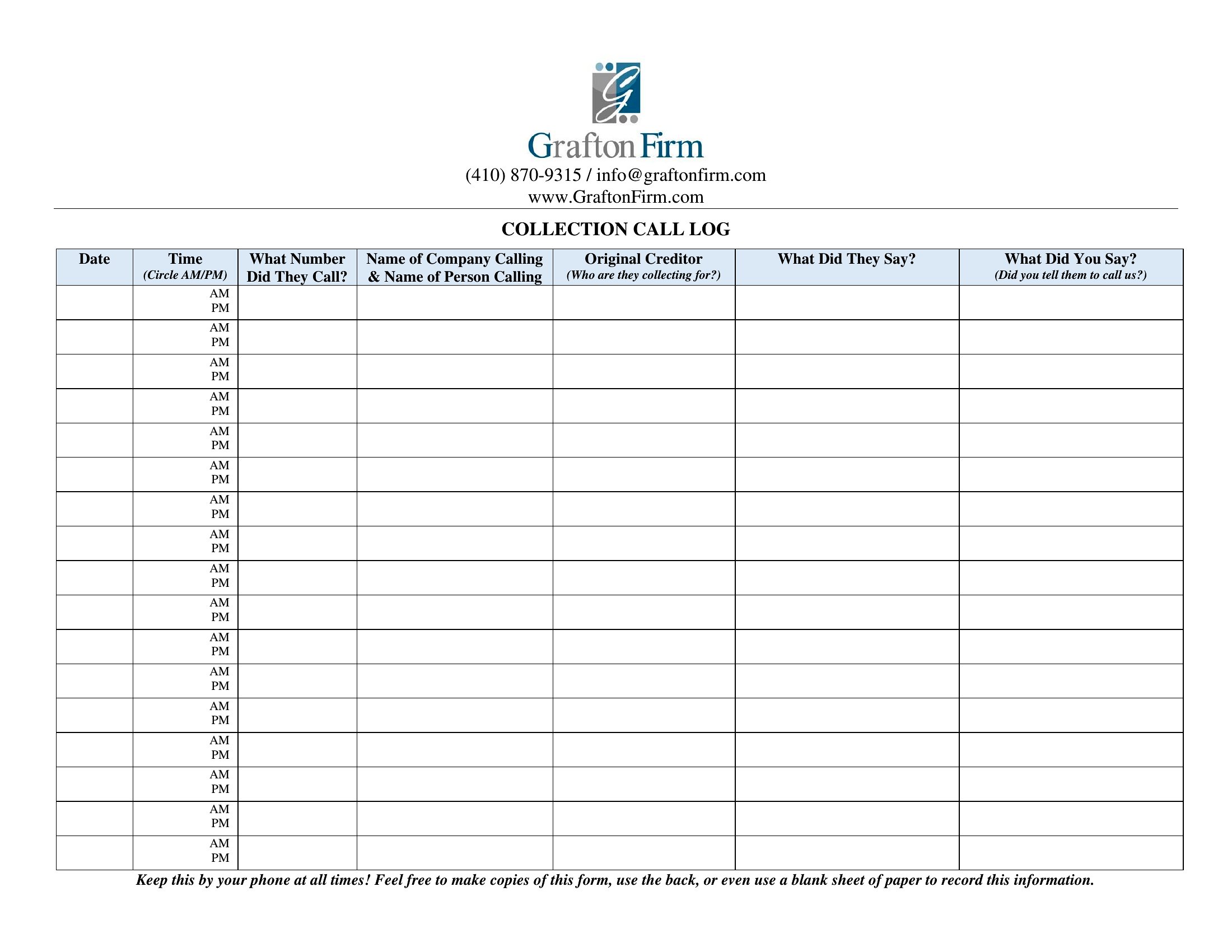
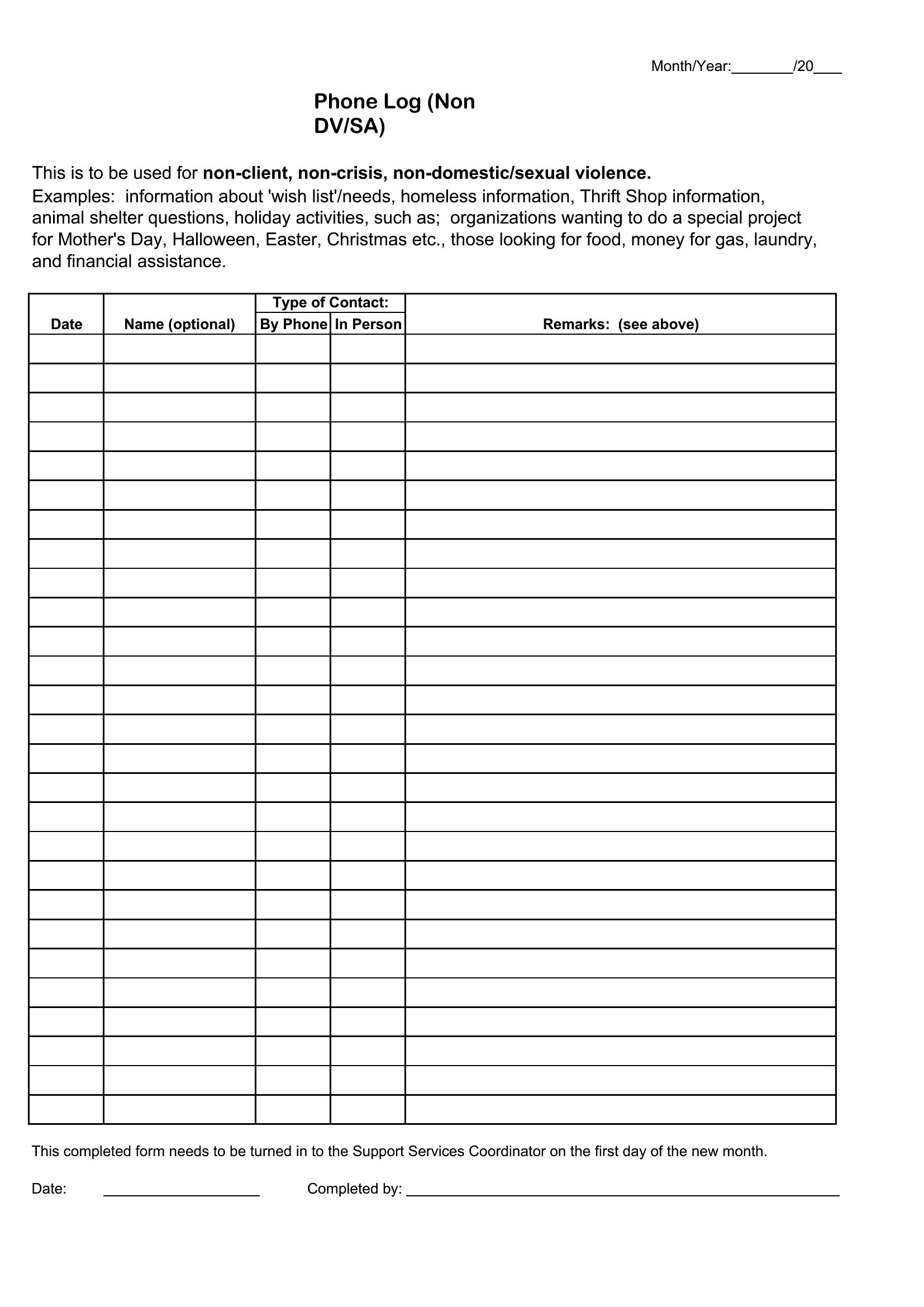
Printable Call Log Templates (Word, Excel, PDF)
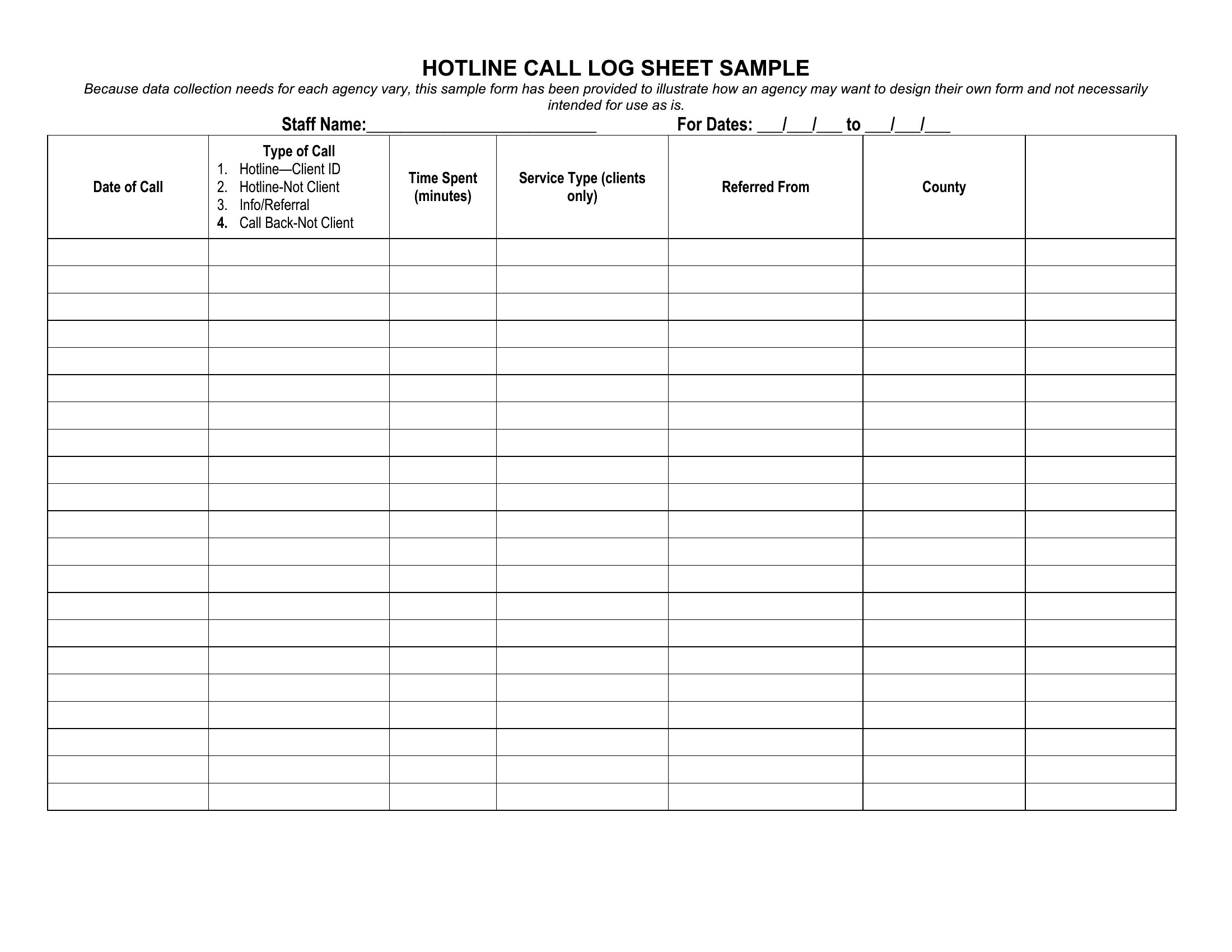
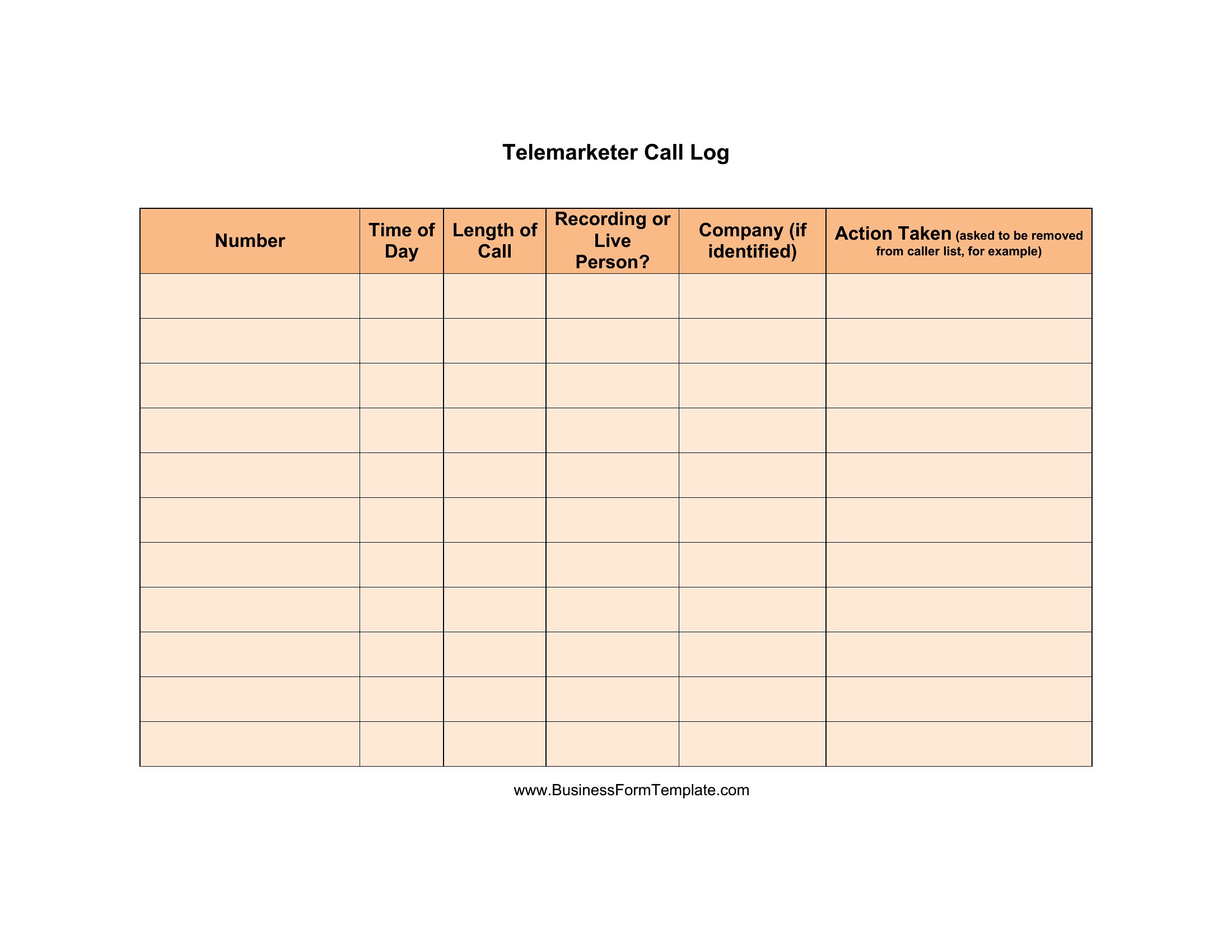
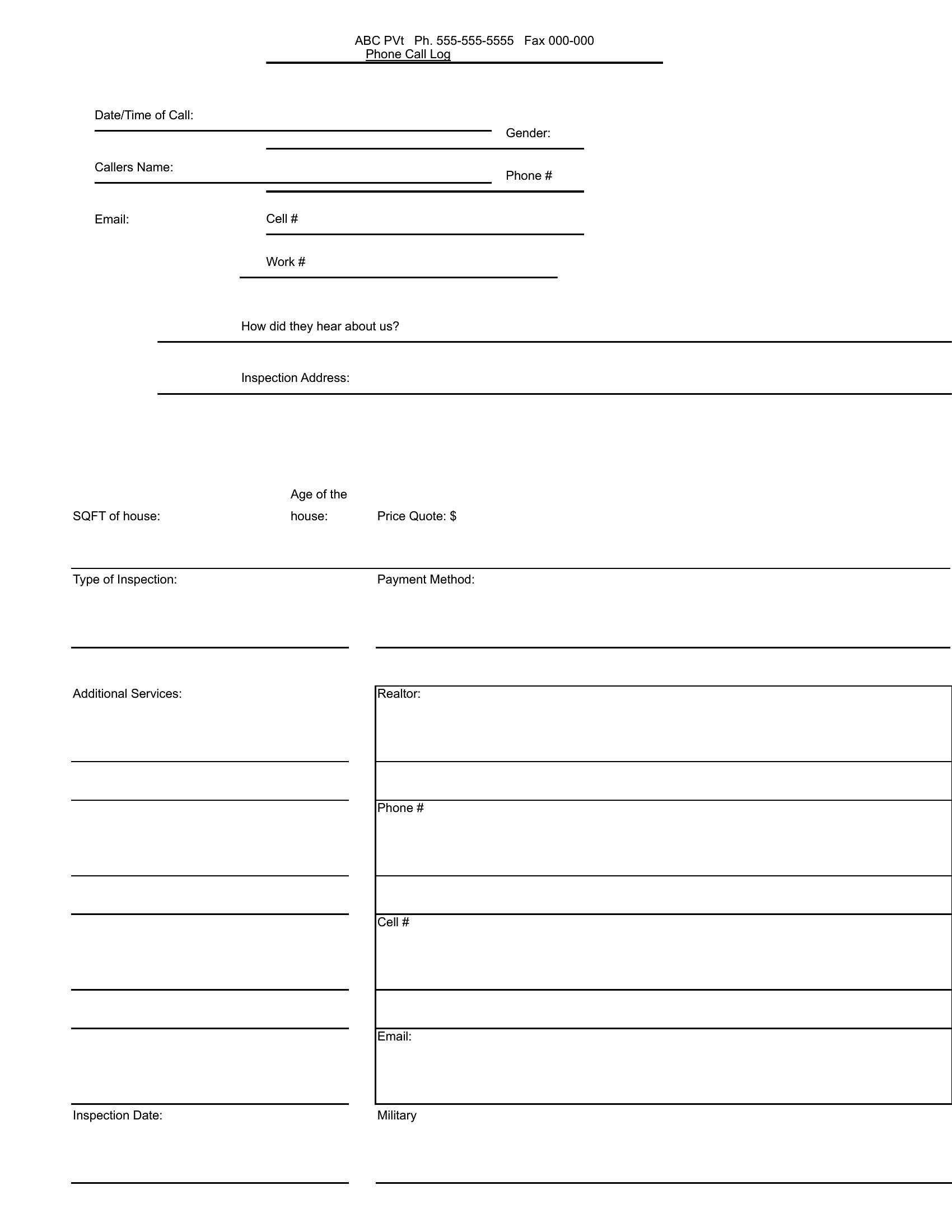
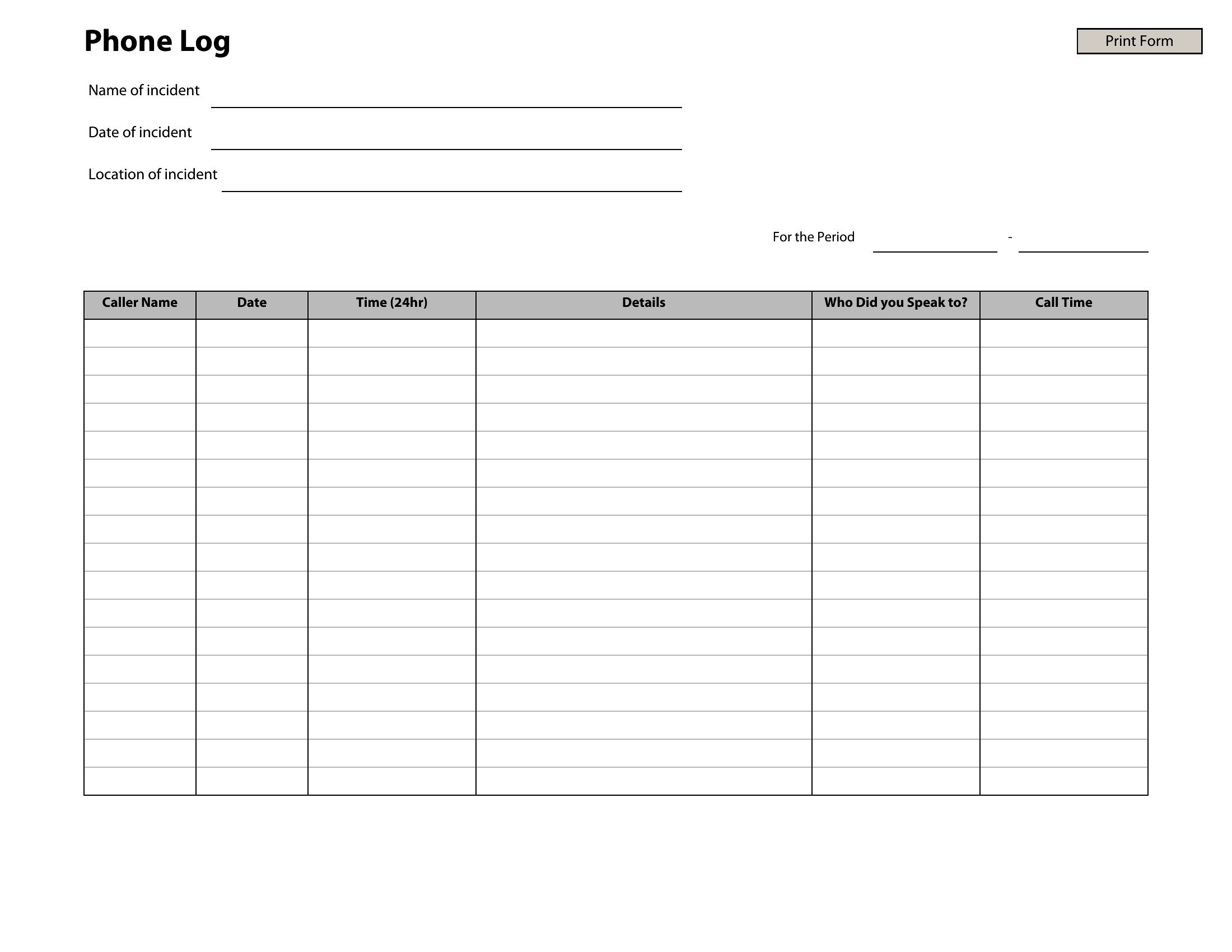
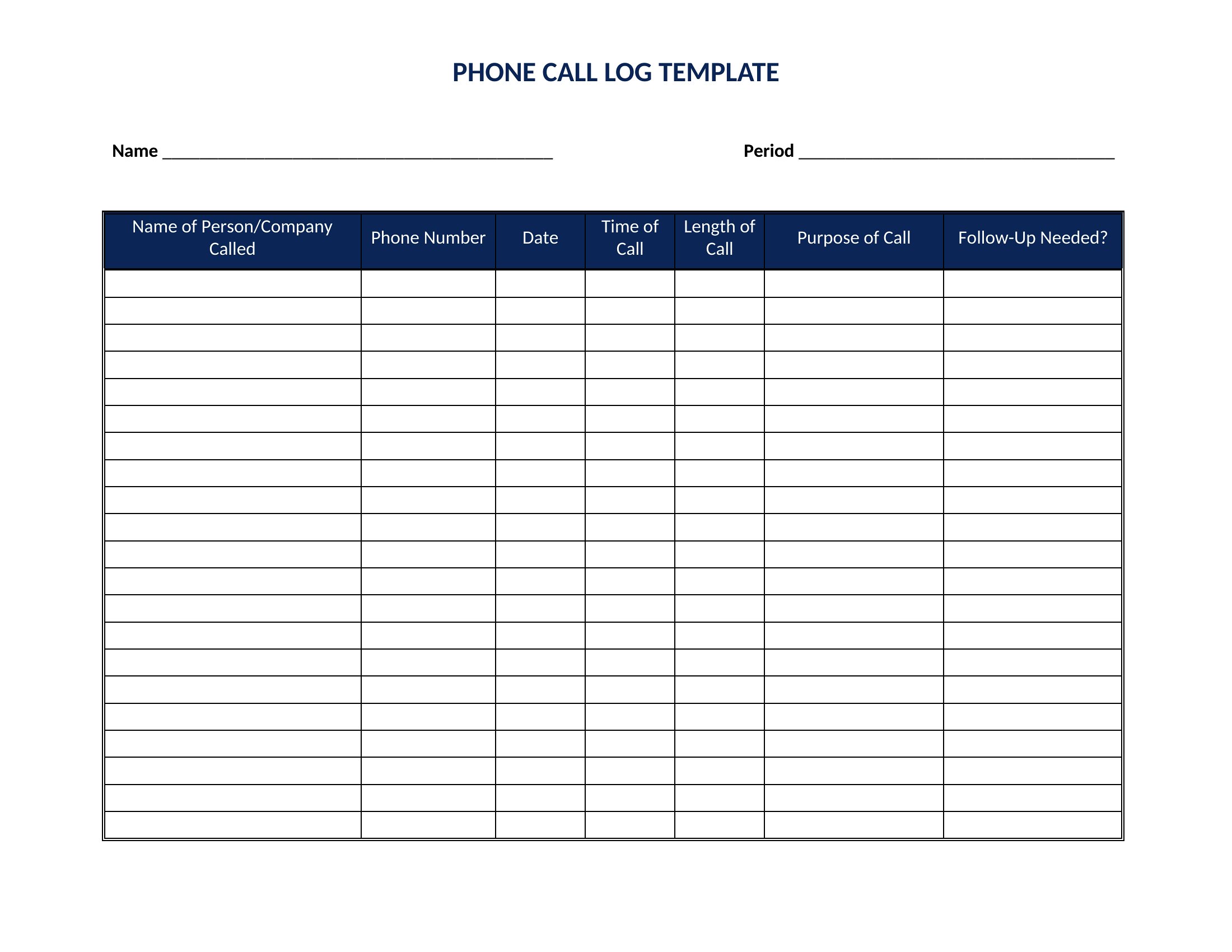
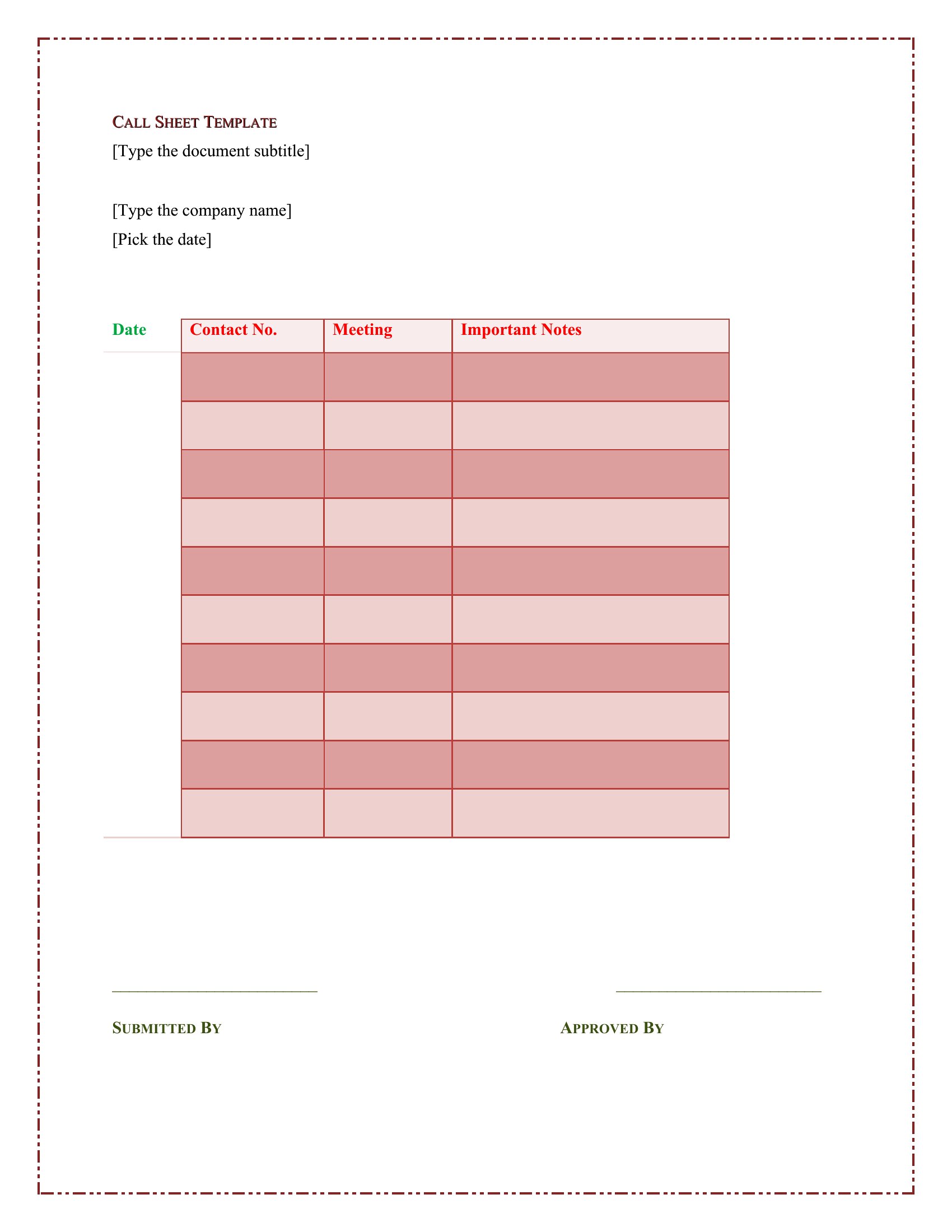
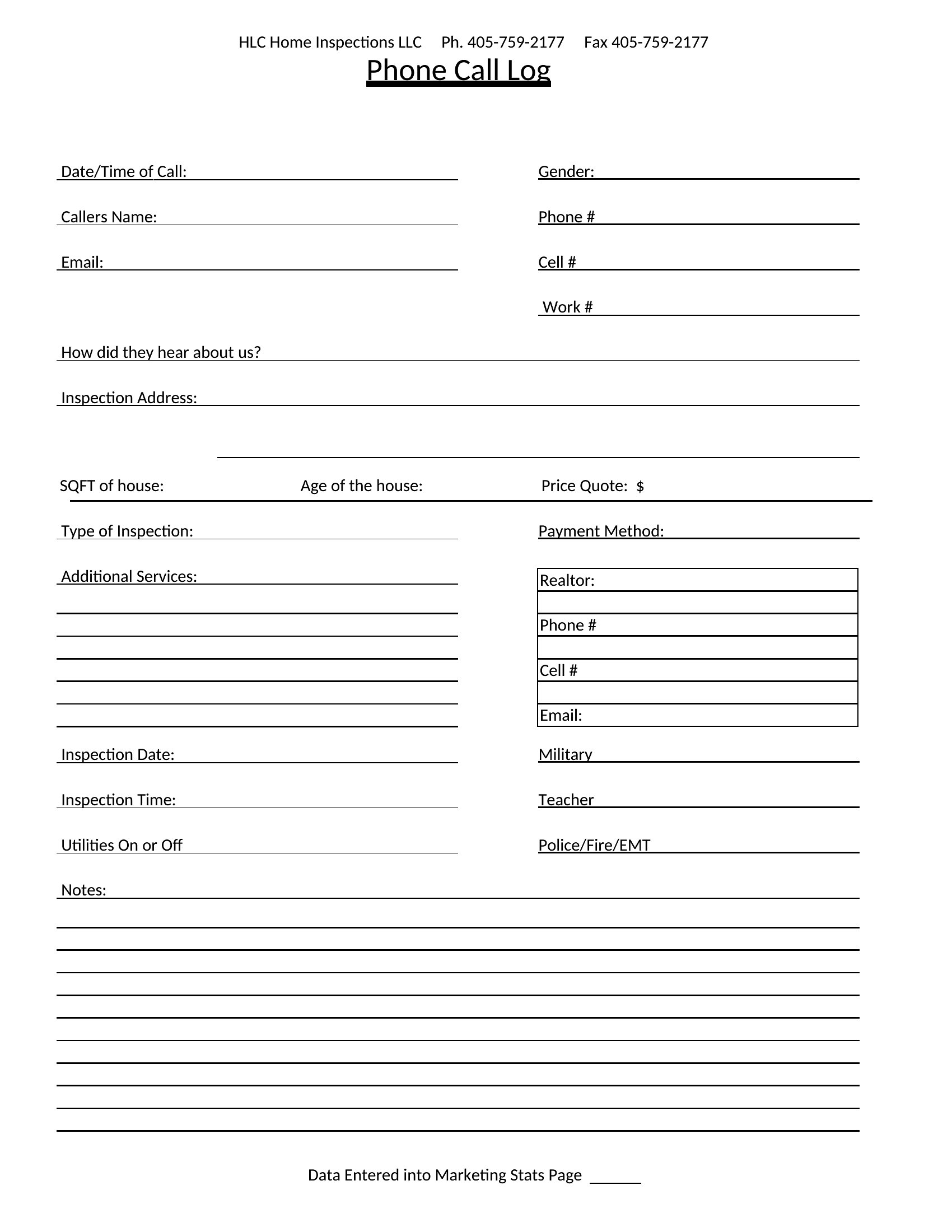
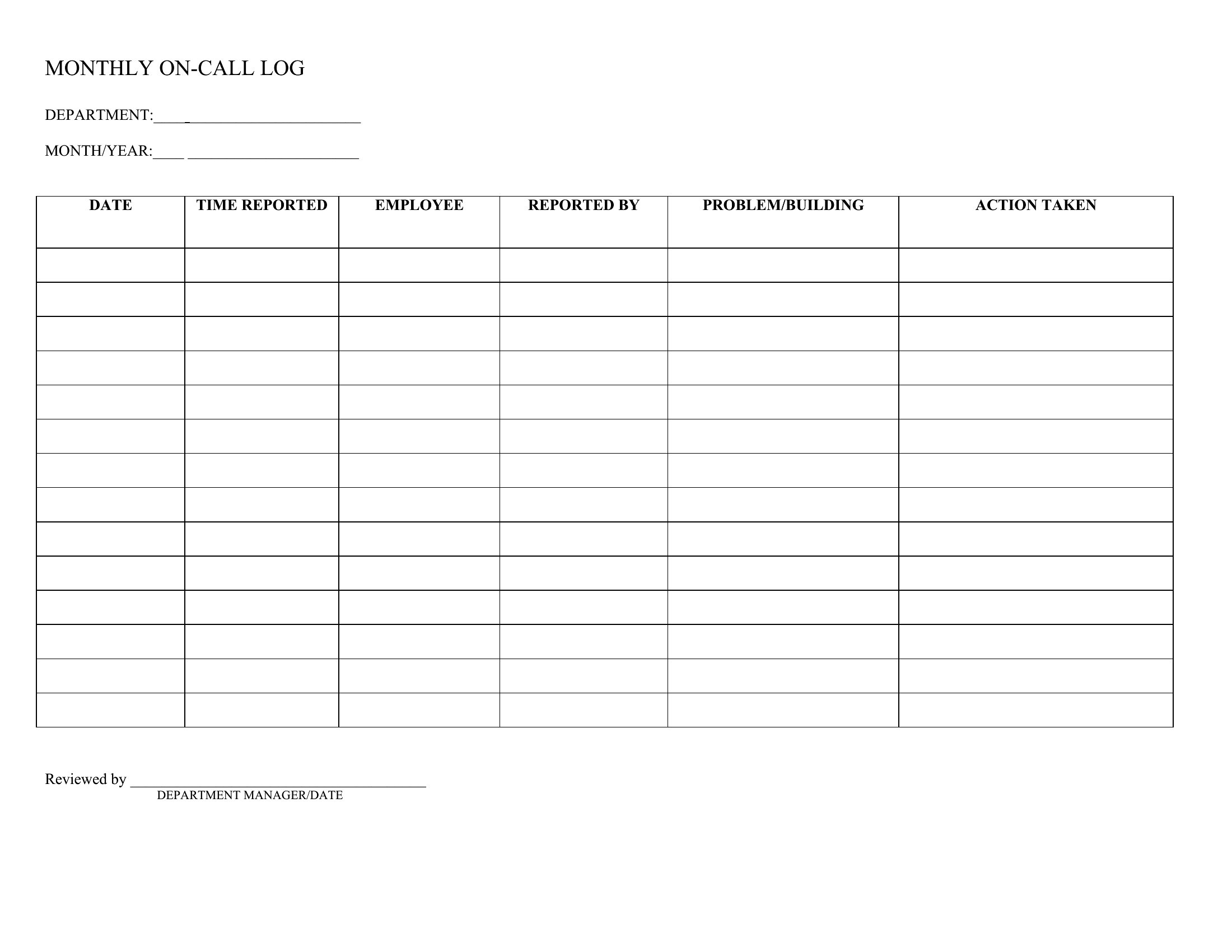
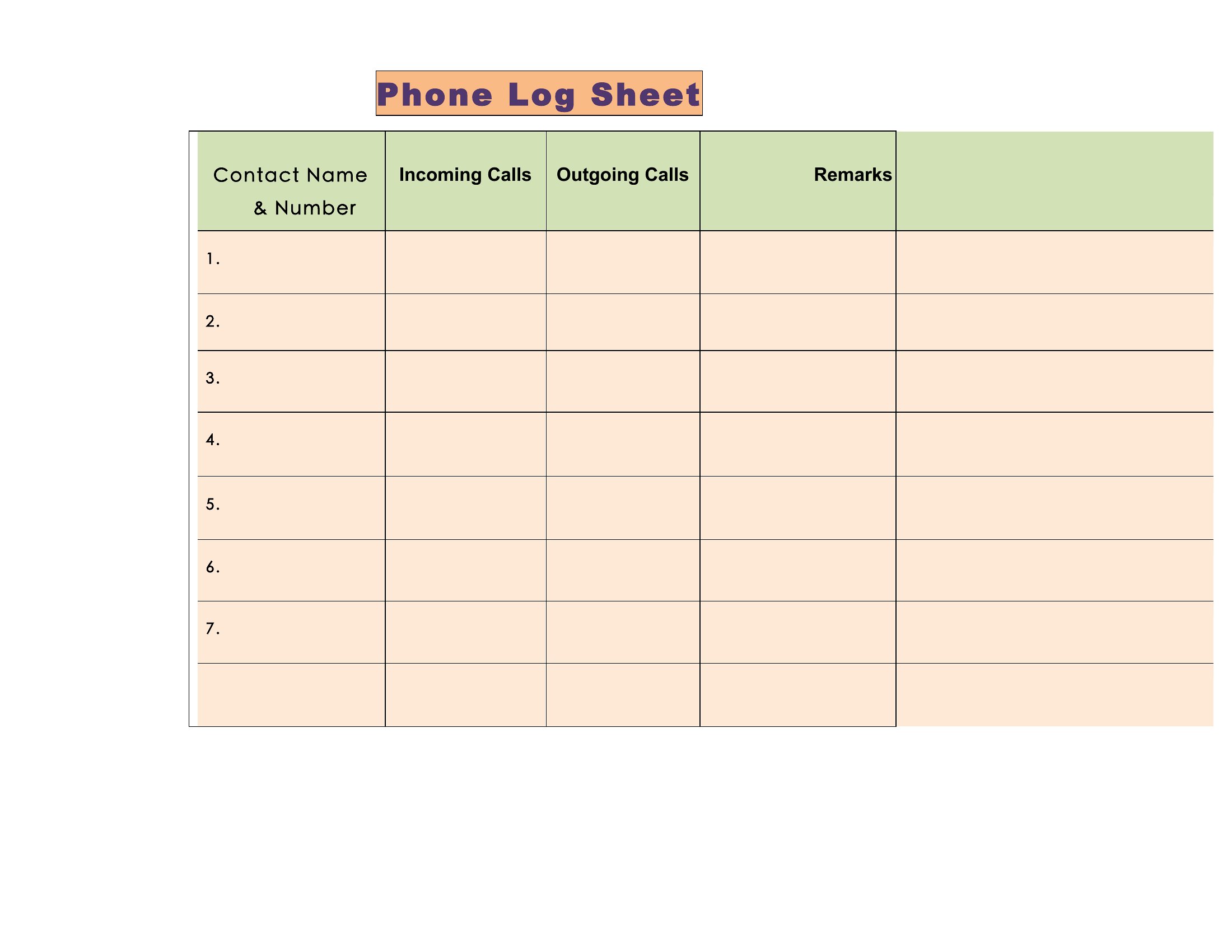
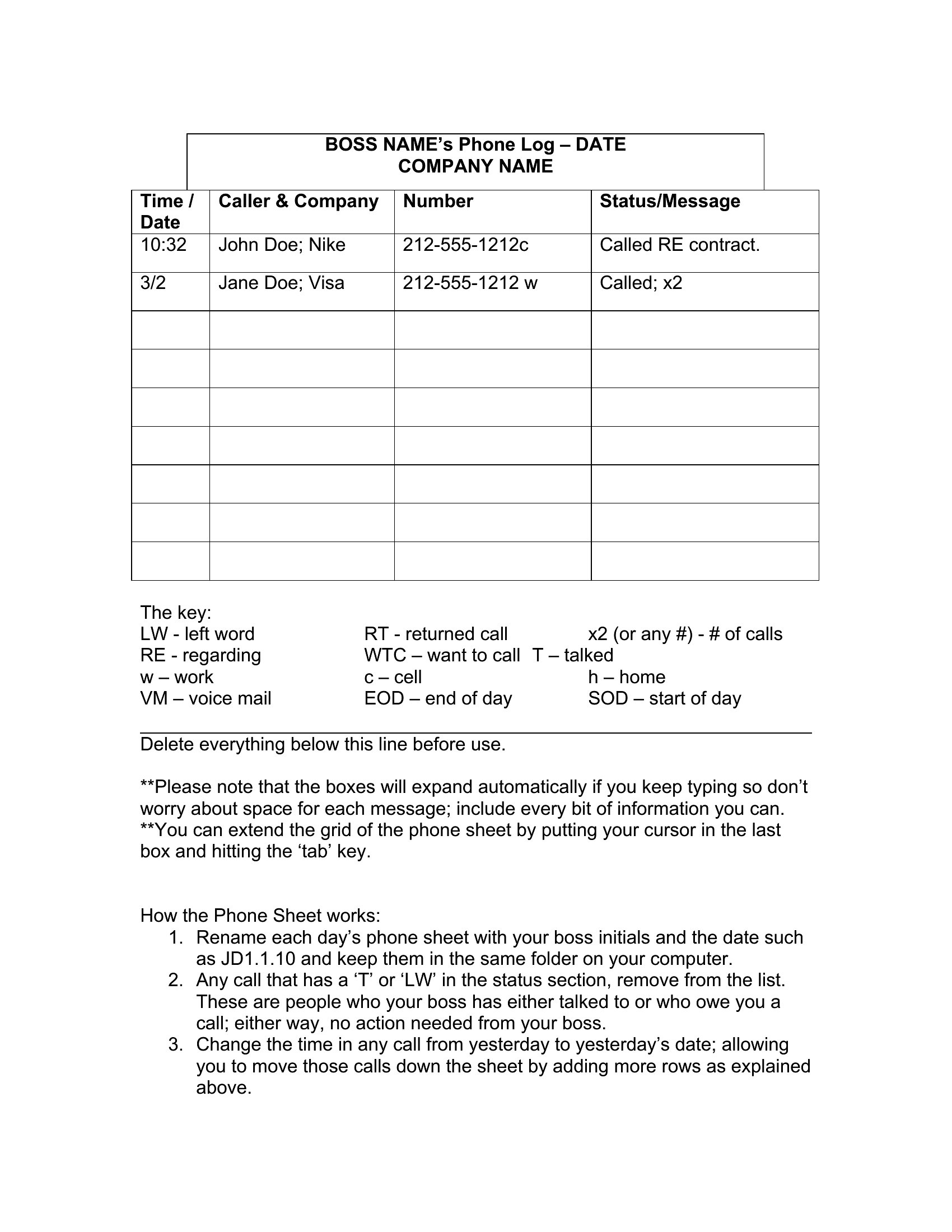
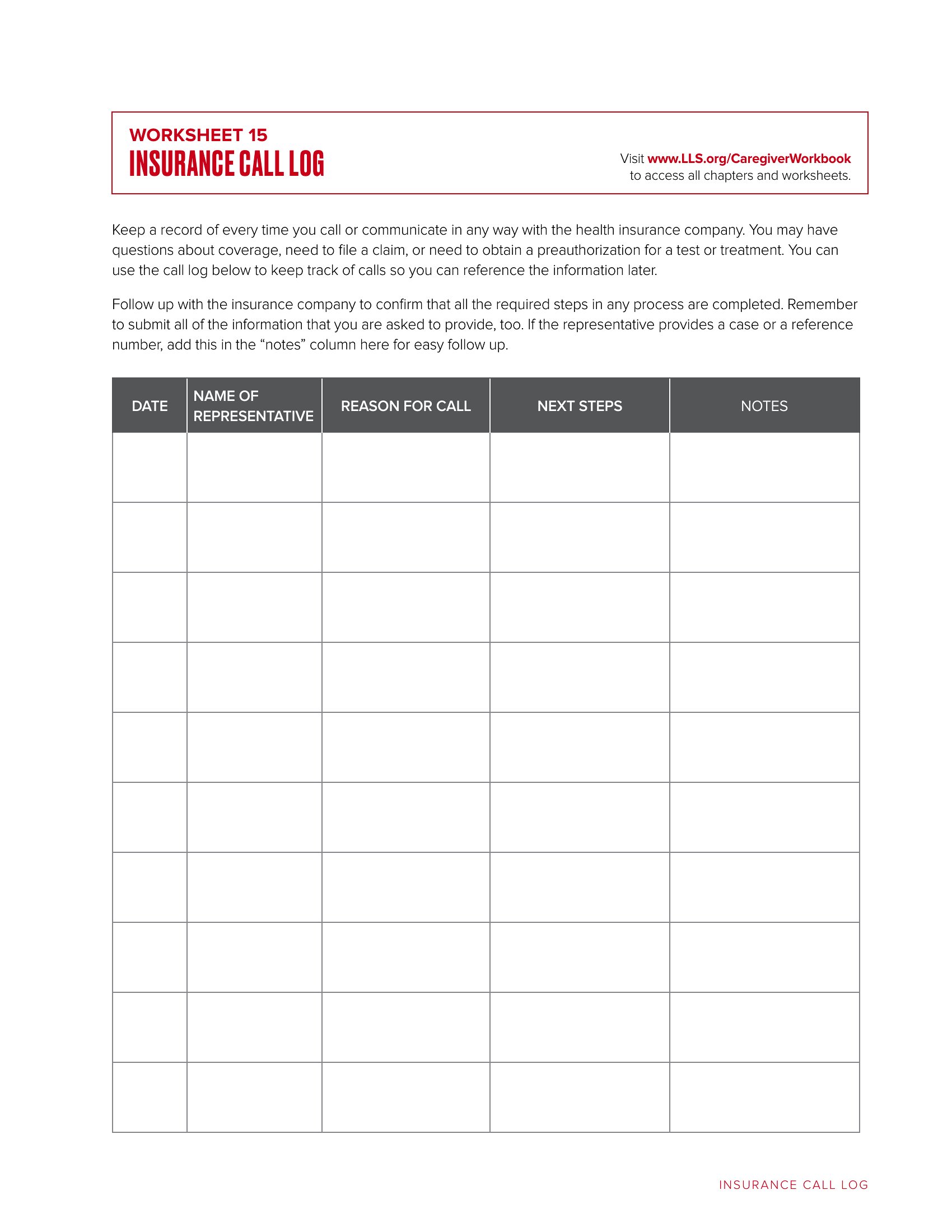
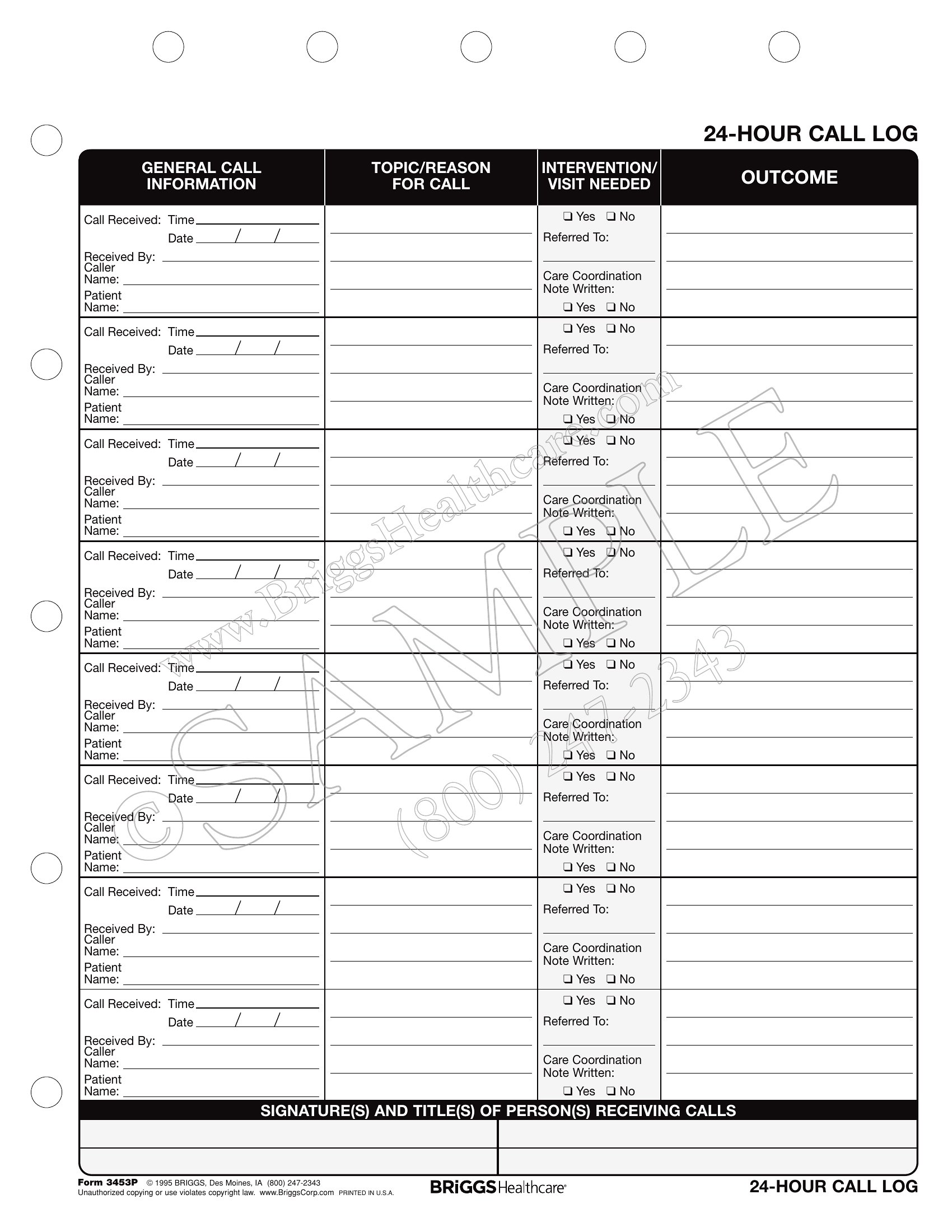
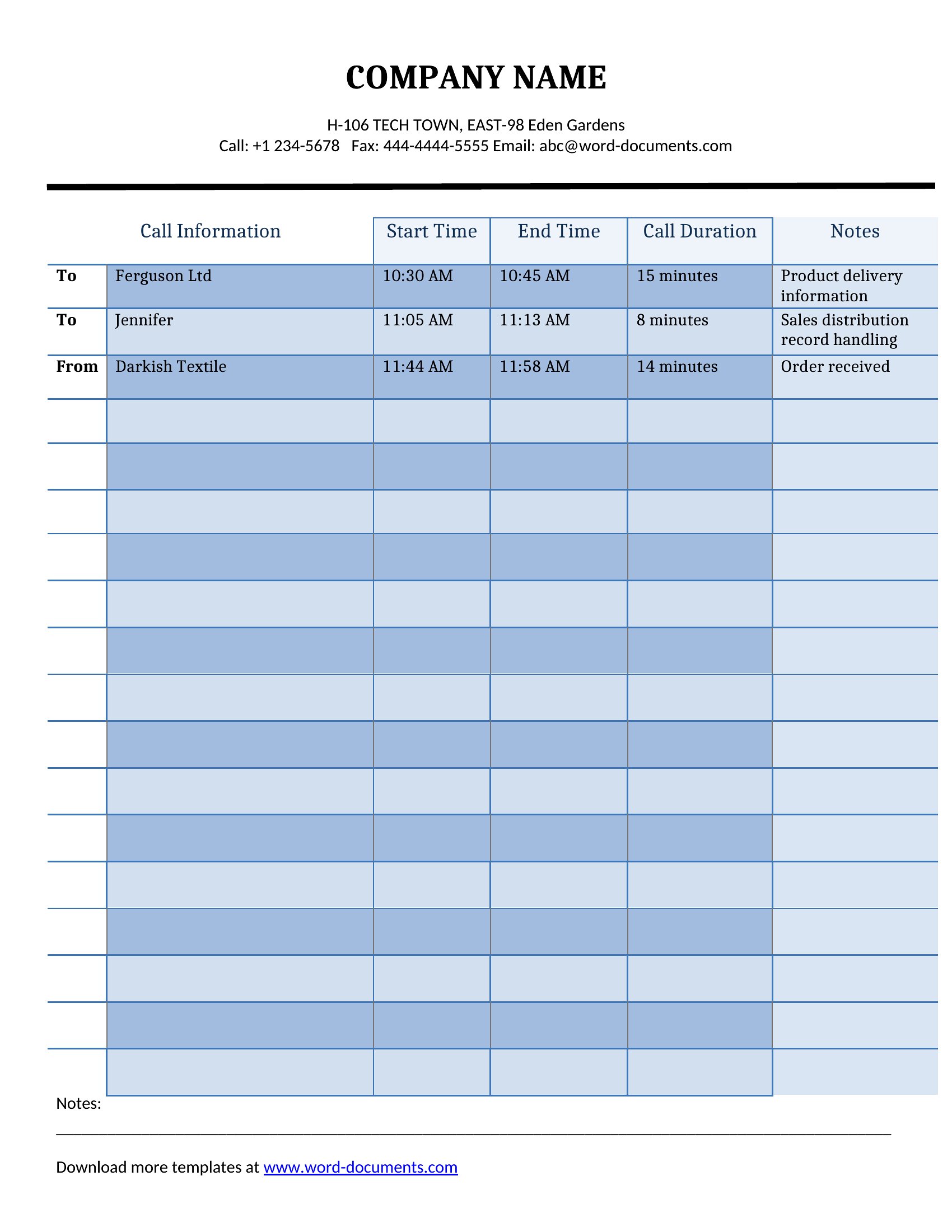
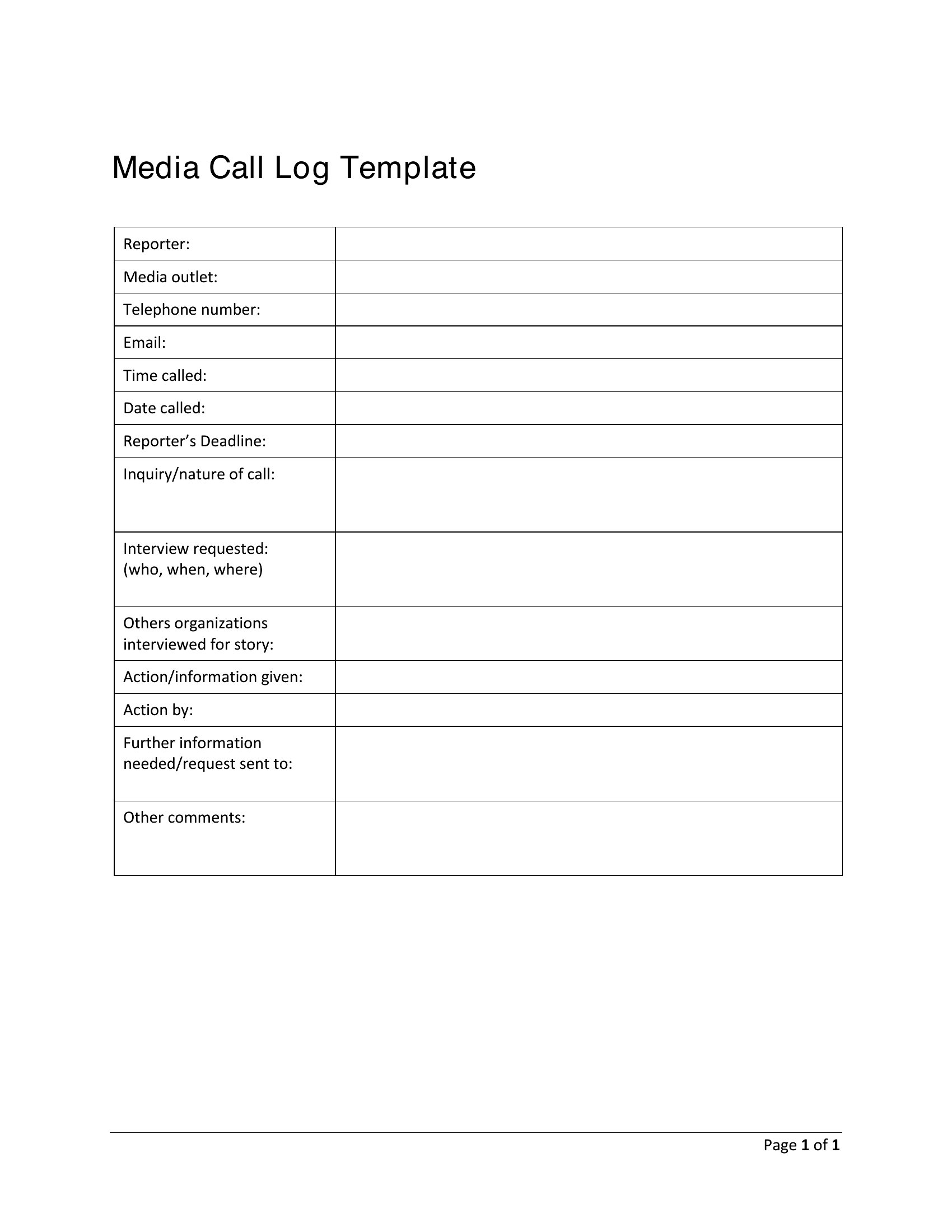
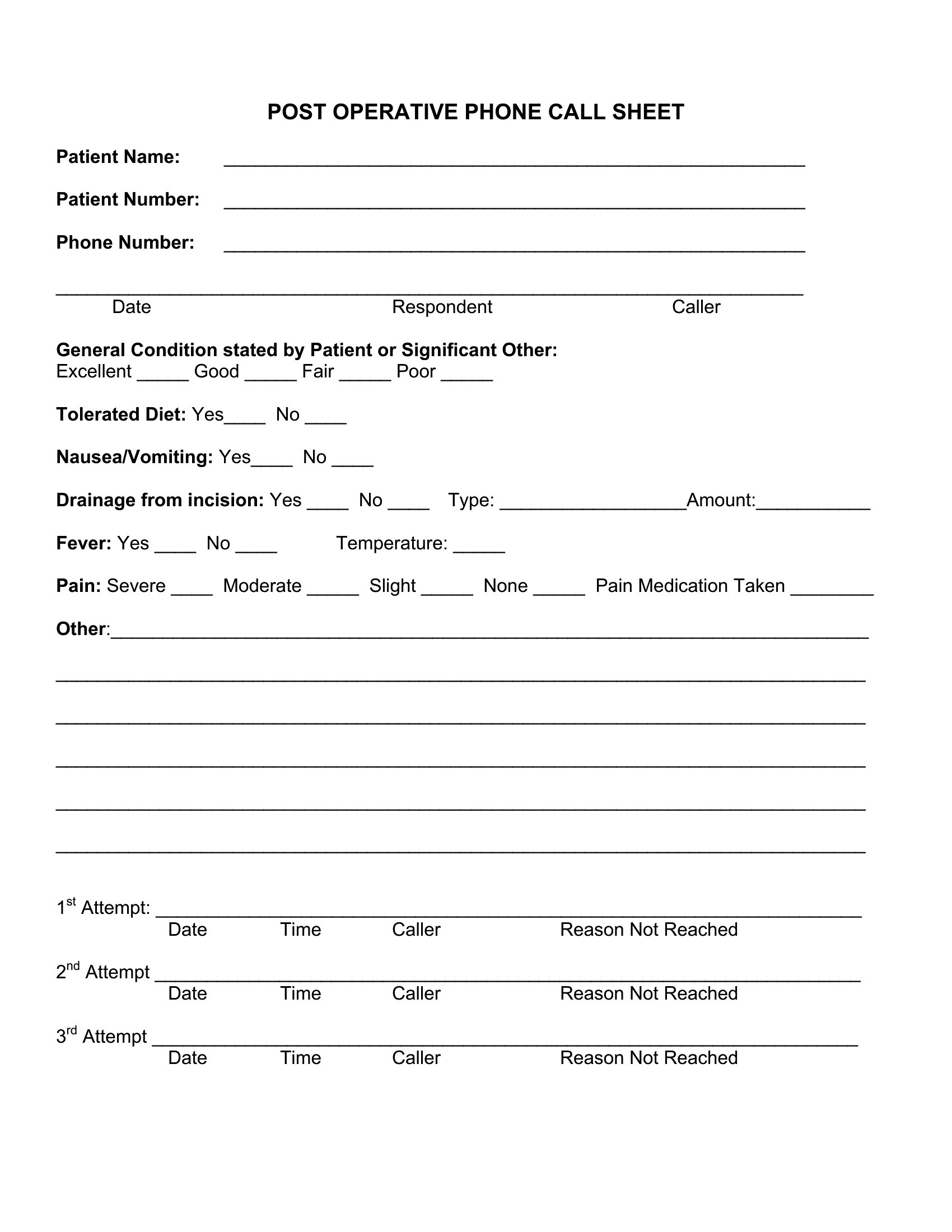
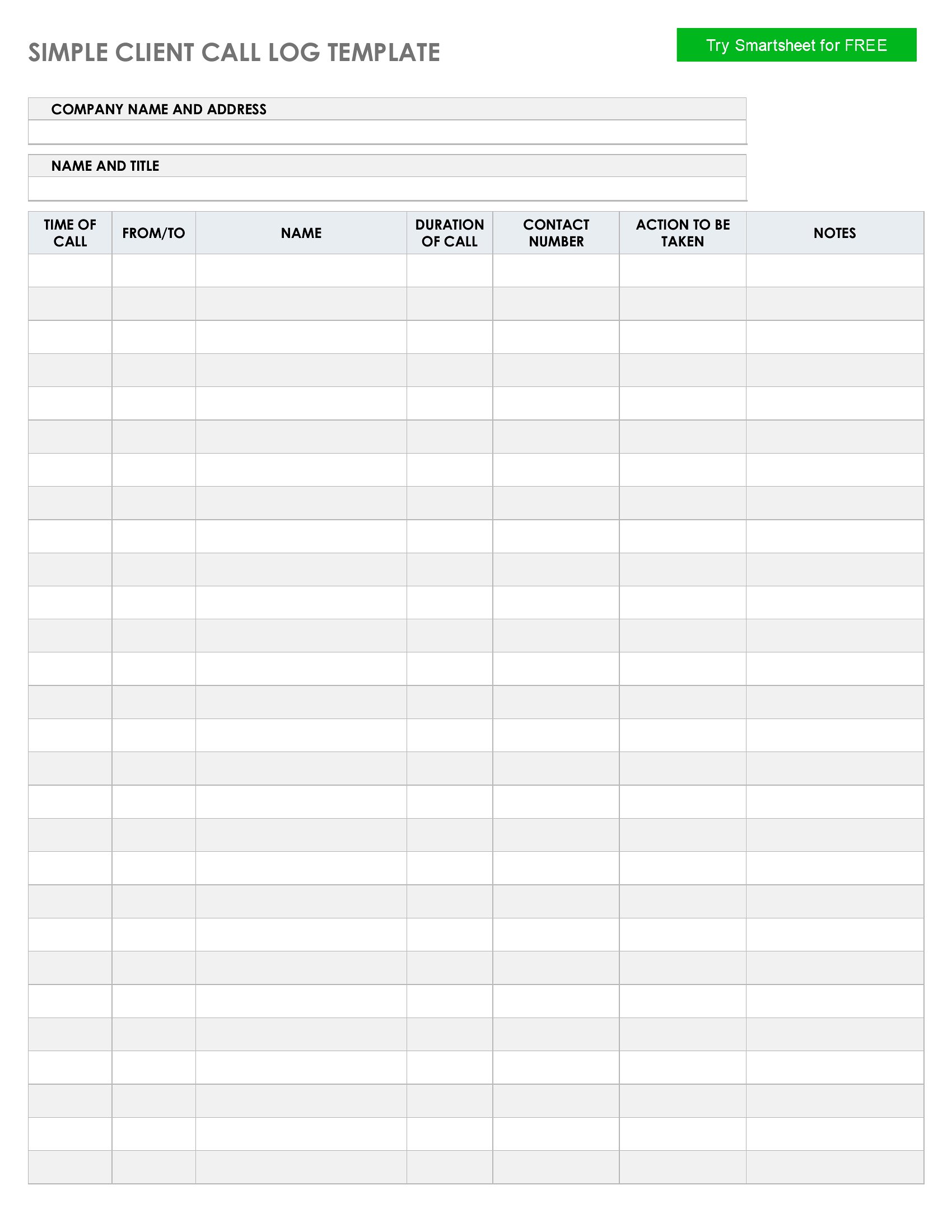
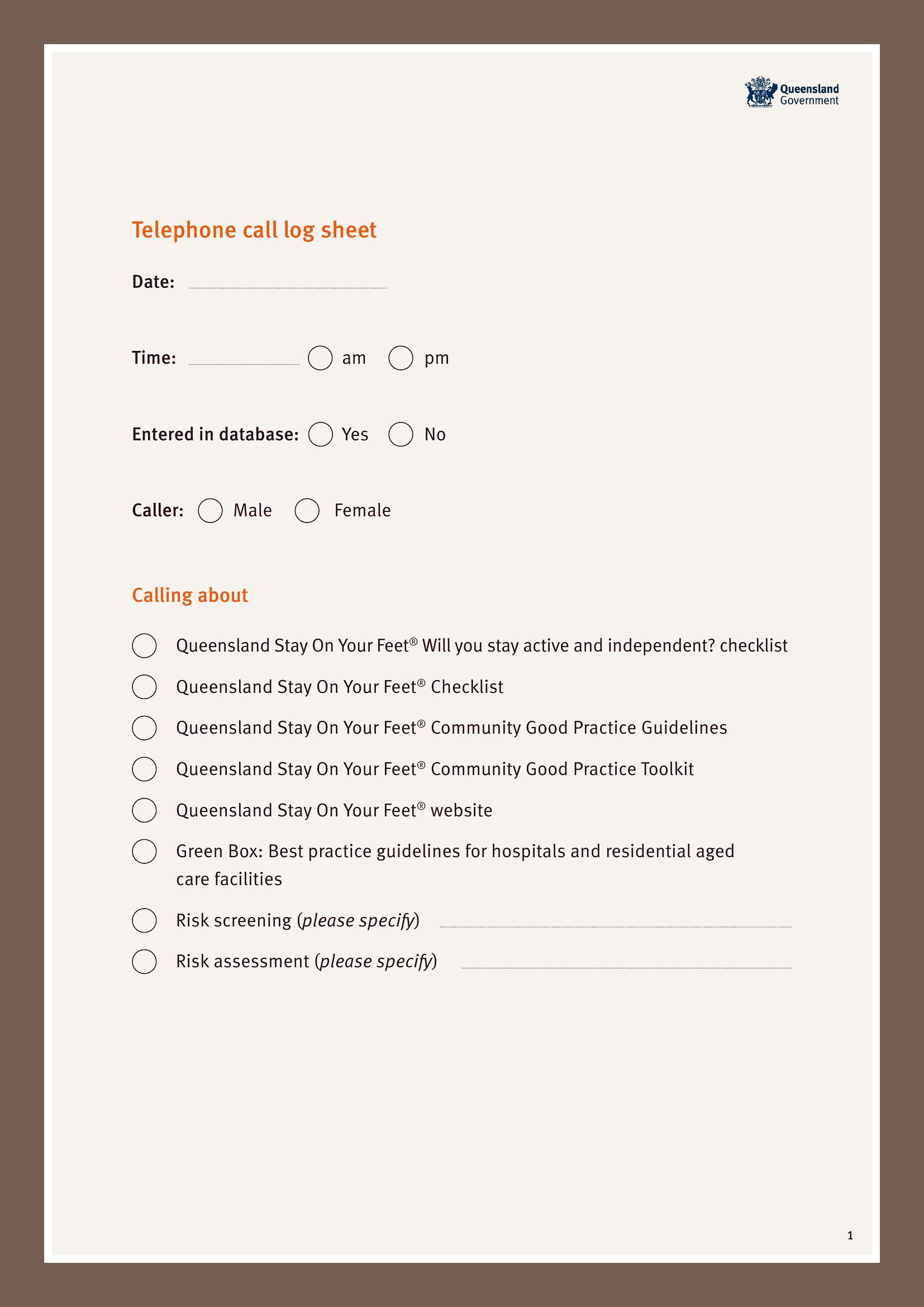
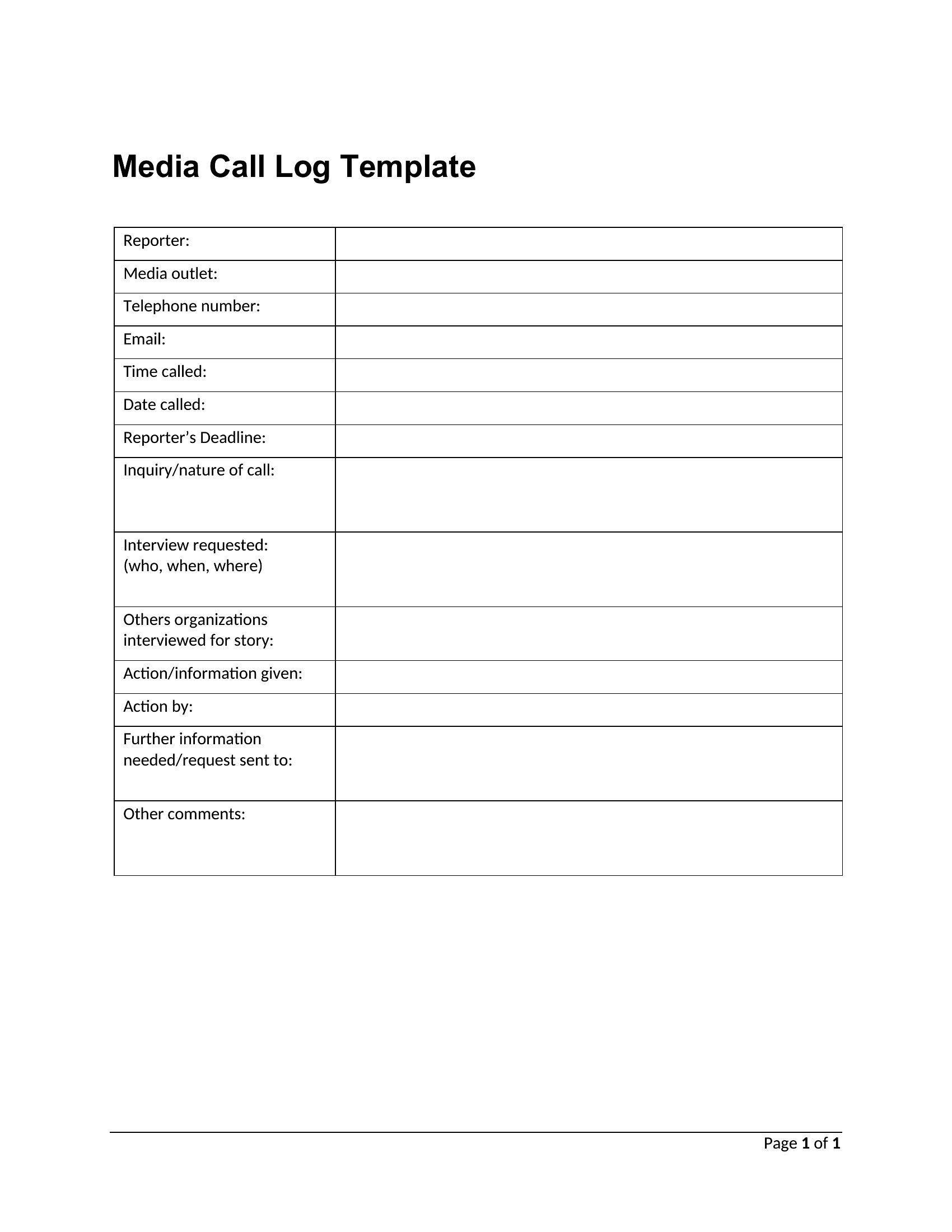
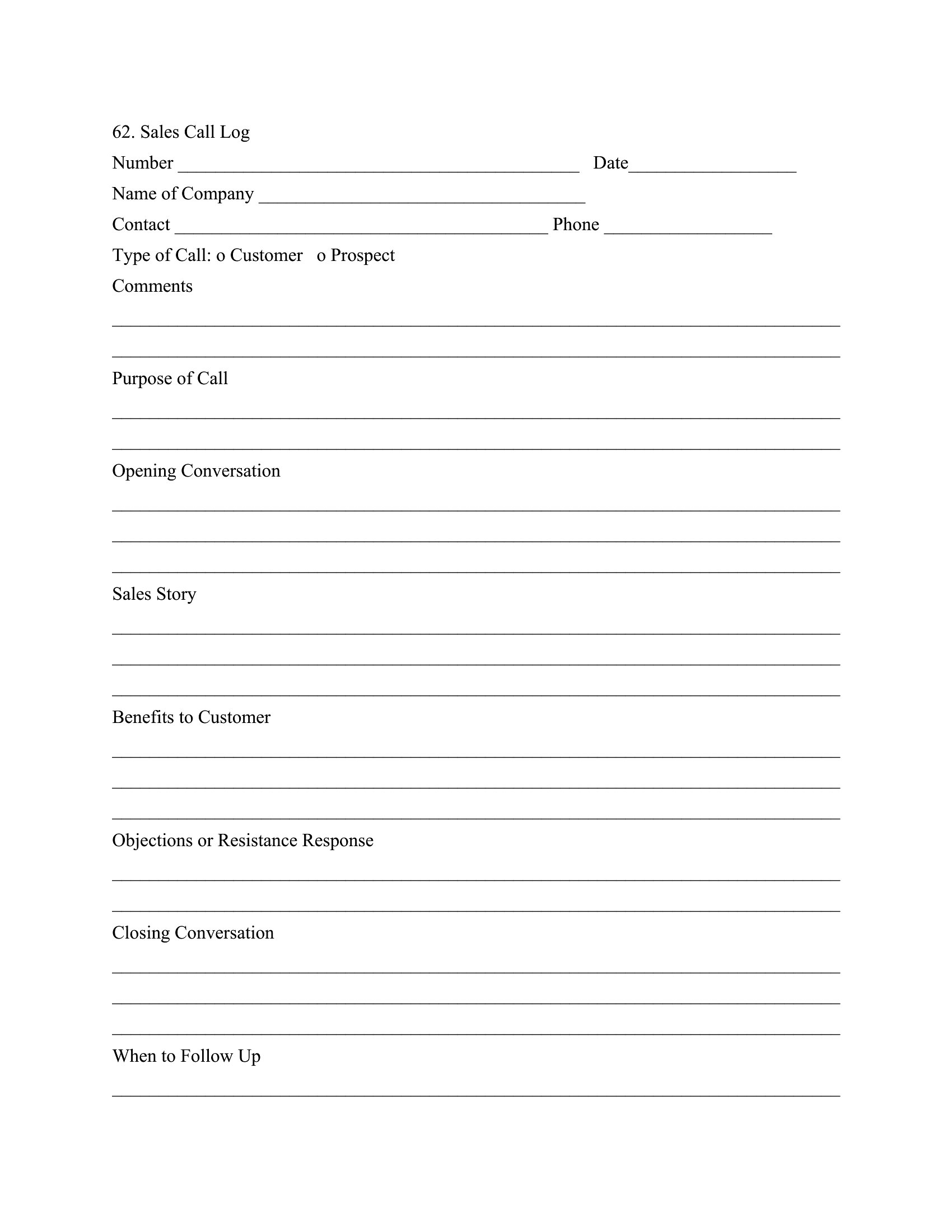
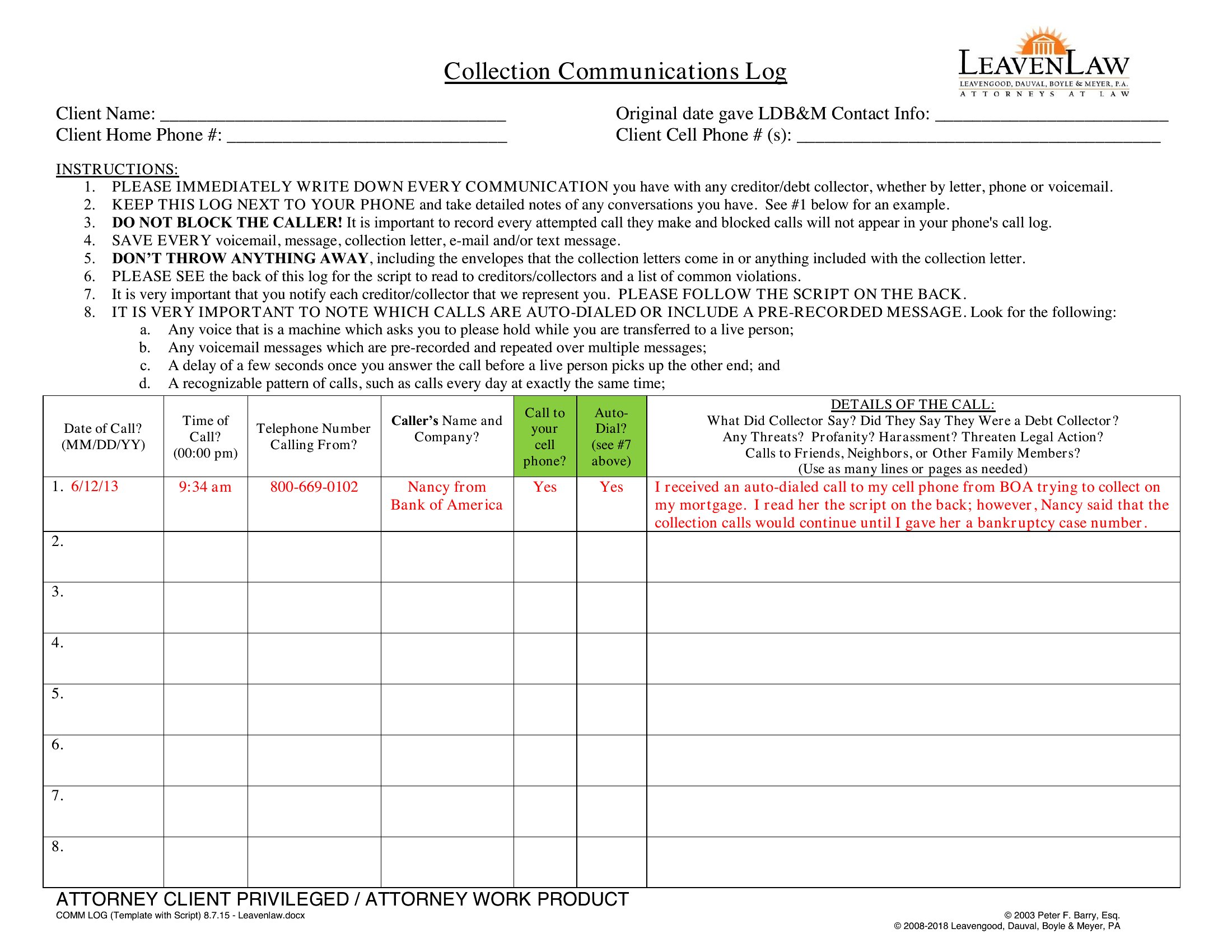
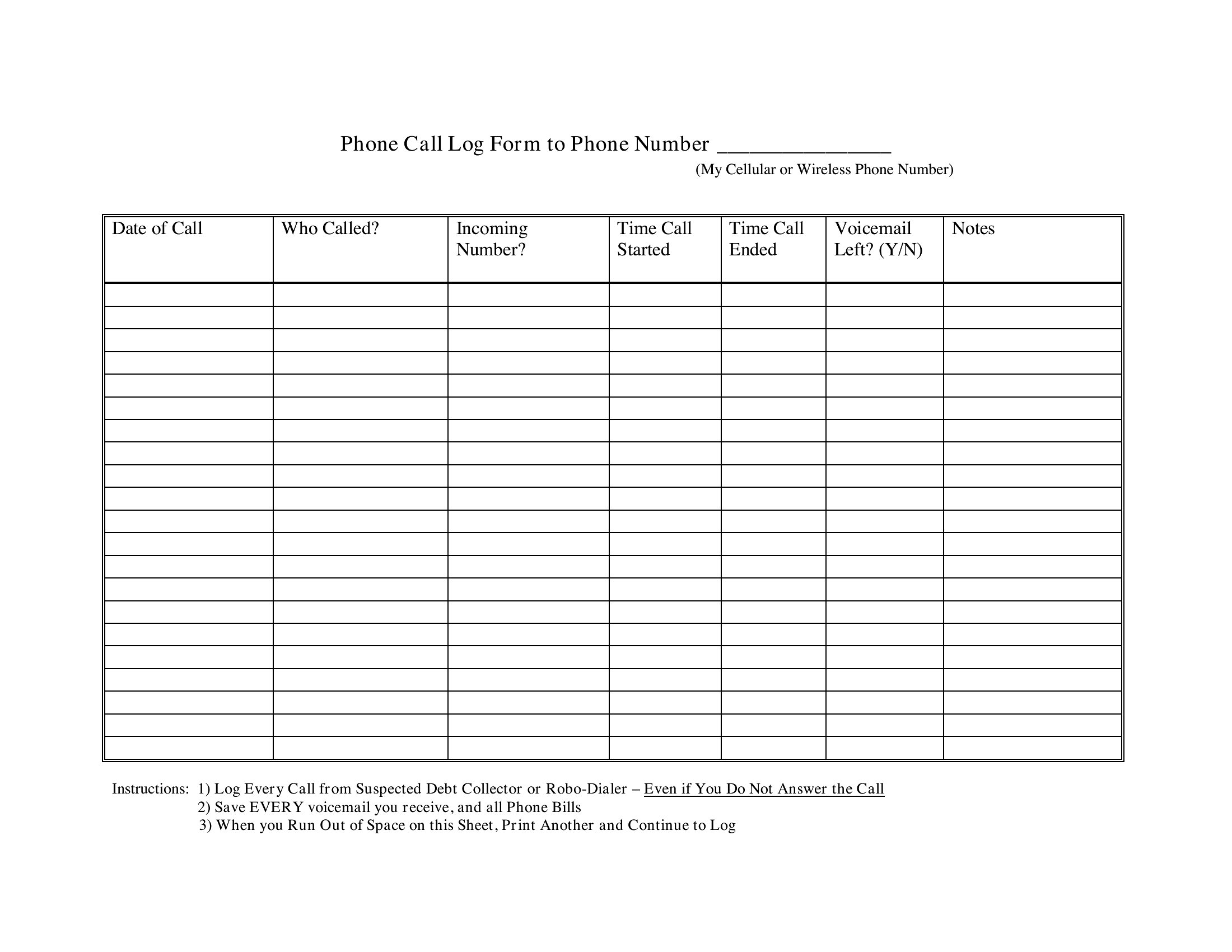
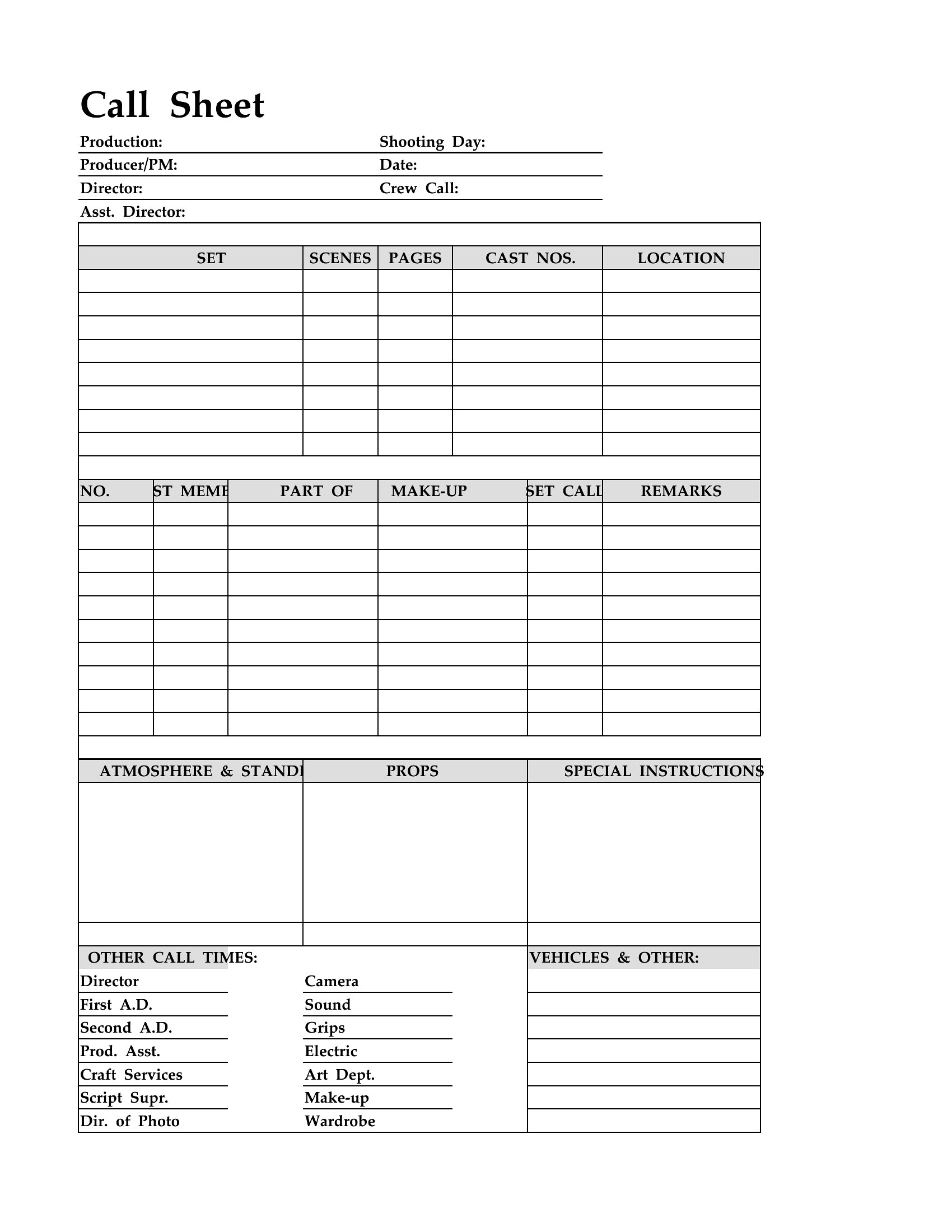
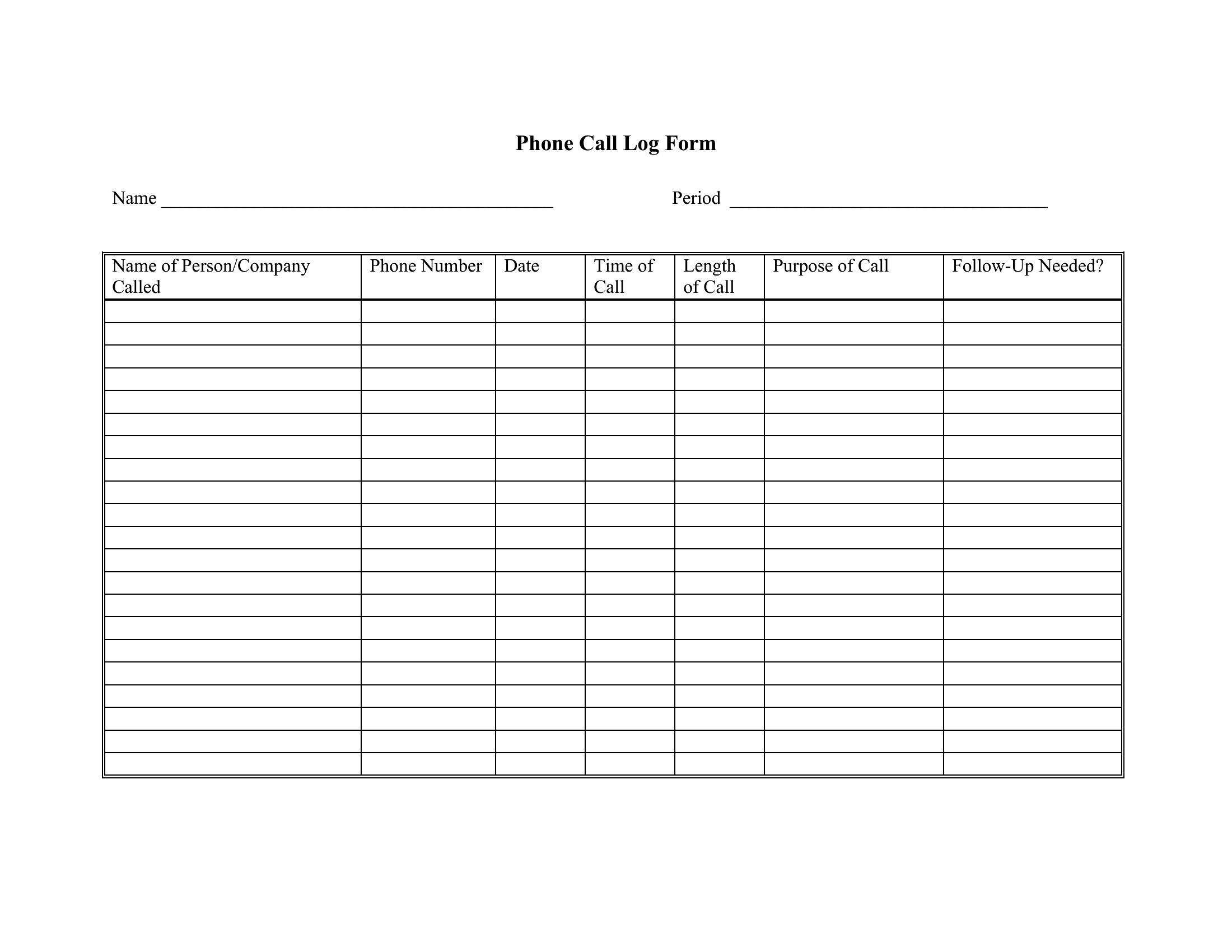
DataA call log keeps a running record of who phoned, when, and what was discussed, which matters for follow-ups, billing, and accountability. These 40 templates suit receptionists, sales teams, and home offices that need to track incoming and outgoing calls without letting details slip between sticky notes and memory.
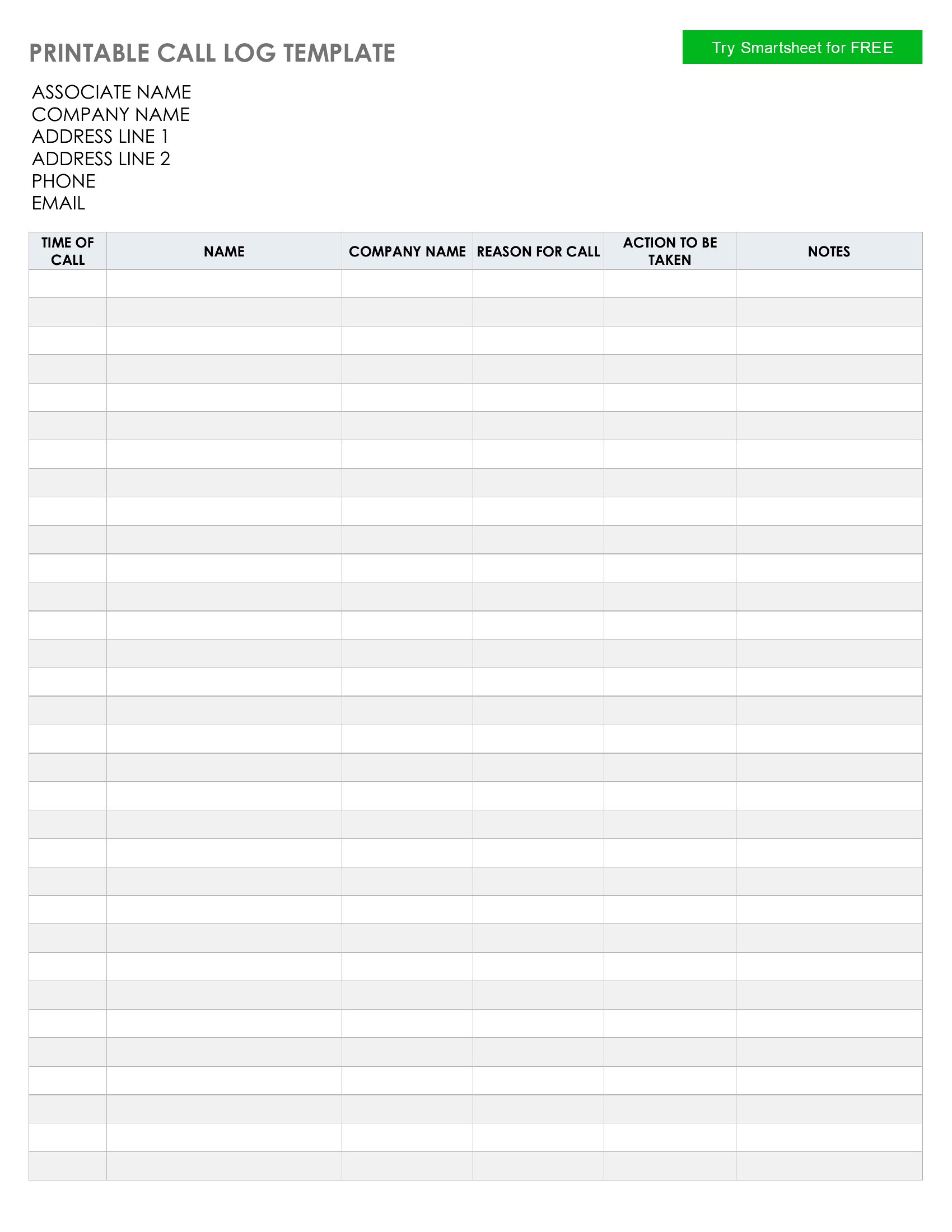
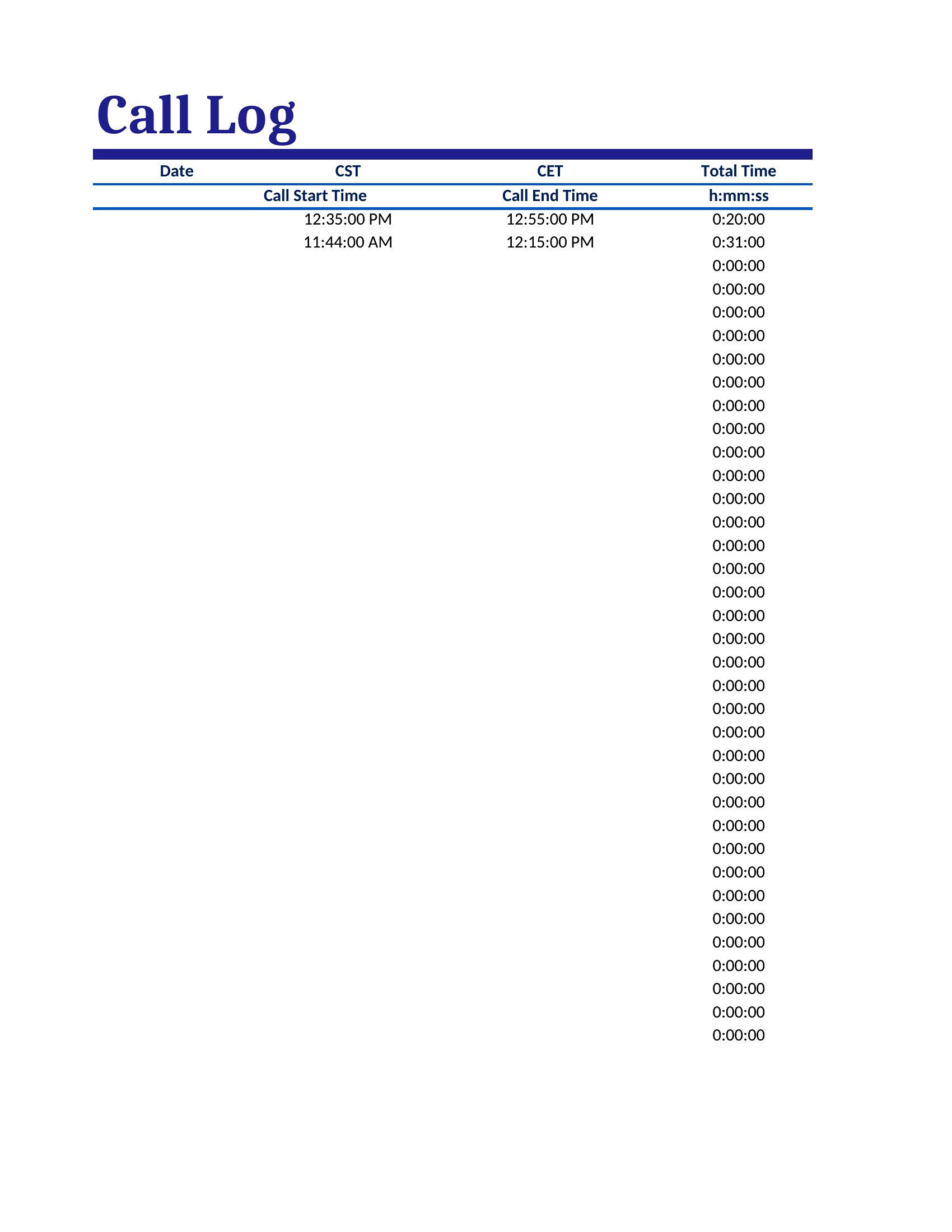
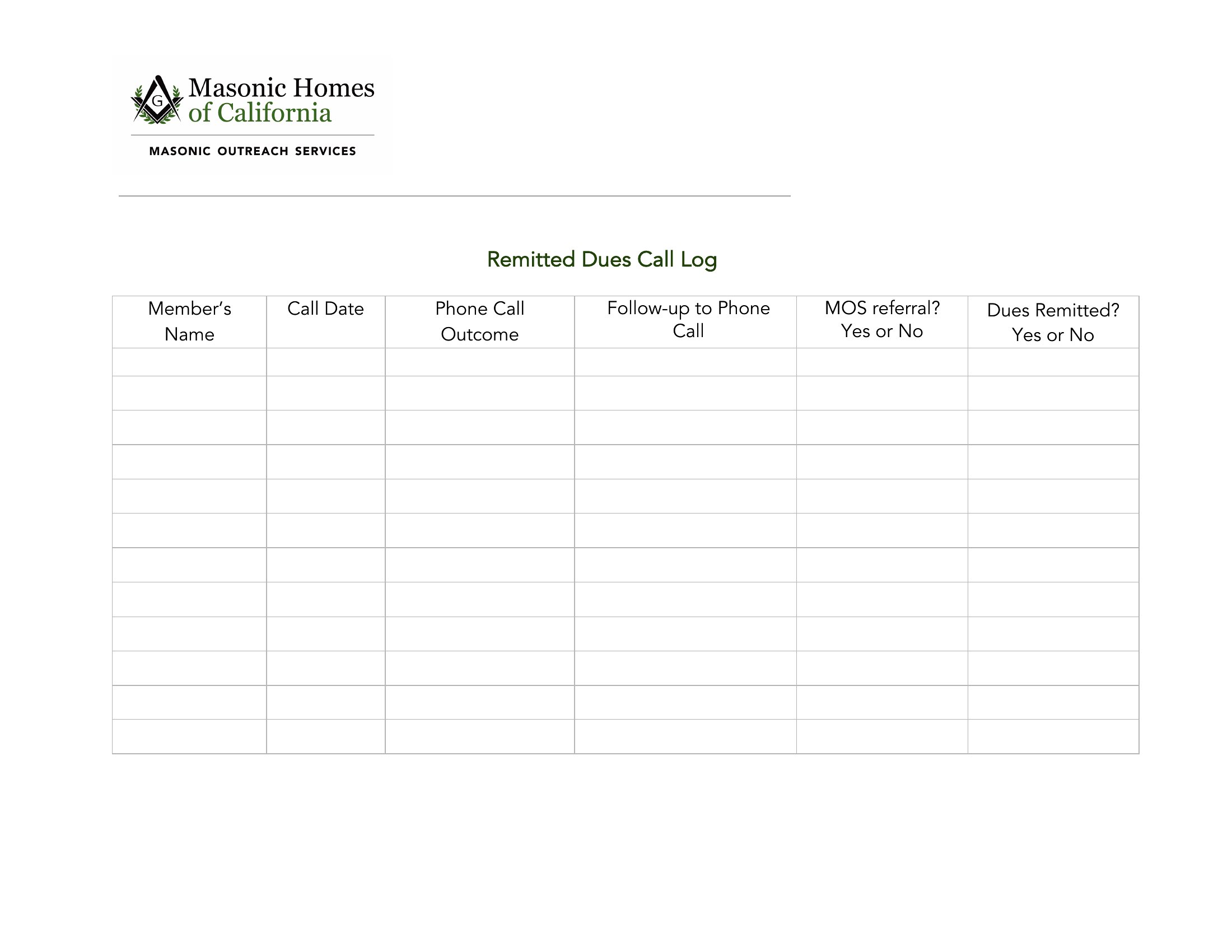
Print the PDF or Word versions to jot calls by hand, or use the Excel sheet to sort entries and spot patterns over time. Note the caller, time, and purpose as each call comes in, then review the log when you need a history. Download the format that fits your desk and keep every conversation on record.
When to use this Call Log template
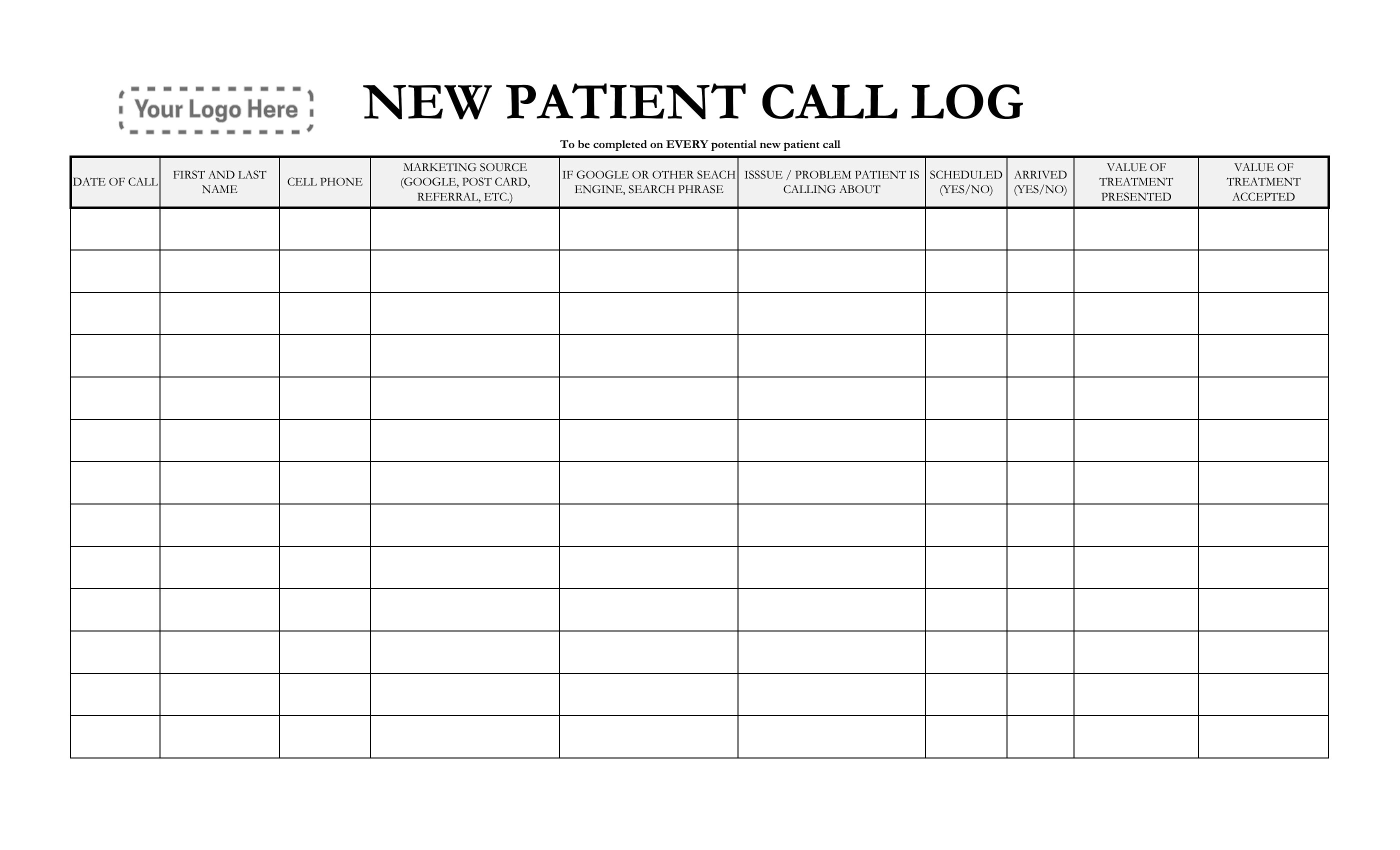
- A receptionist at a small dental practice tracks patient calls about appointment changes, ensuring accurate rescheduling without miscommunication or missed details.
- A real estate agent’s assistant logs calls from potential buyers to note property inquiries, pricing discussions, and follow-up deadlines in one central record.
- A customer support team in a SaaS startup documents client calls to identify recurring issues, prioritize escalations, and maintain a clear audit trail for compliance reviews.
- A freelance consultant uses a call log to record client meetings, billing hours, and action items, so nothing falls through the cracks between invoices or project milestones.
Which format should I download?
Choose Word for editable call logs you’ll frequently update on a computer before printing or sharing, especially if you need to format notes or add team members’ input. Pick PDF for quick, fillable records that can be printed immediately—ideal for field teams or situations where digital signatures or portability matter. Excel is best when you need to sort calls by date, client, or duration, or when you’ll analyze patterns (like peak call times) later. For most small teams or solo use, PDF or Word works best since they’re easier to share and don’t require extra software.
Choose from 40 Call Log Templates
How to use this Call Log template
How do I decide which call details to track beyond name and date?
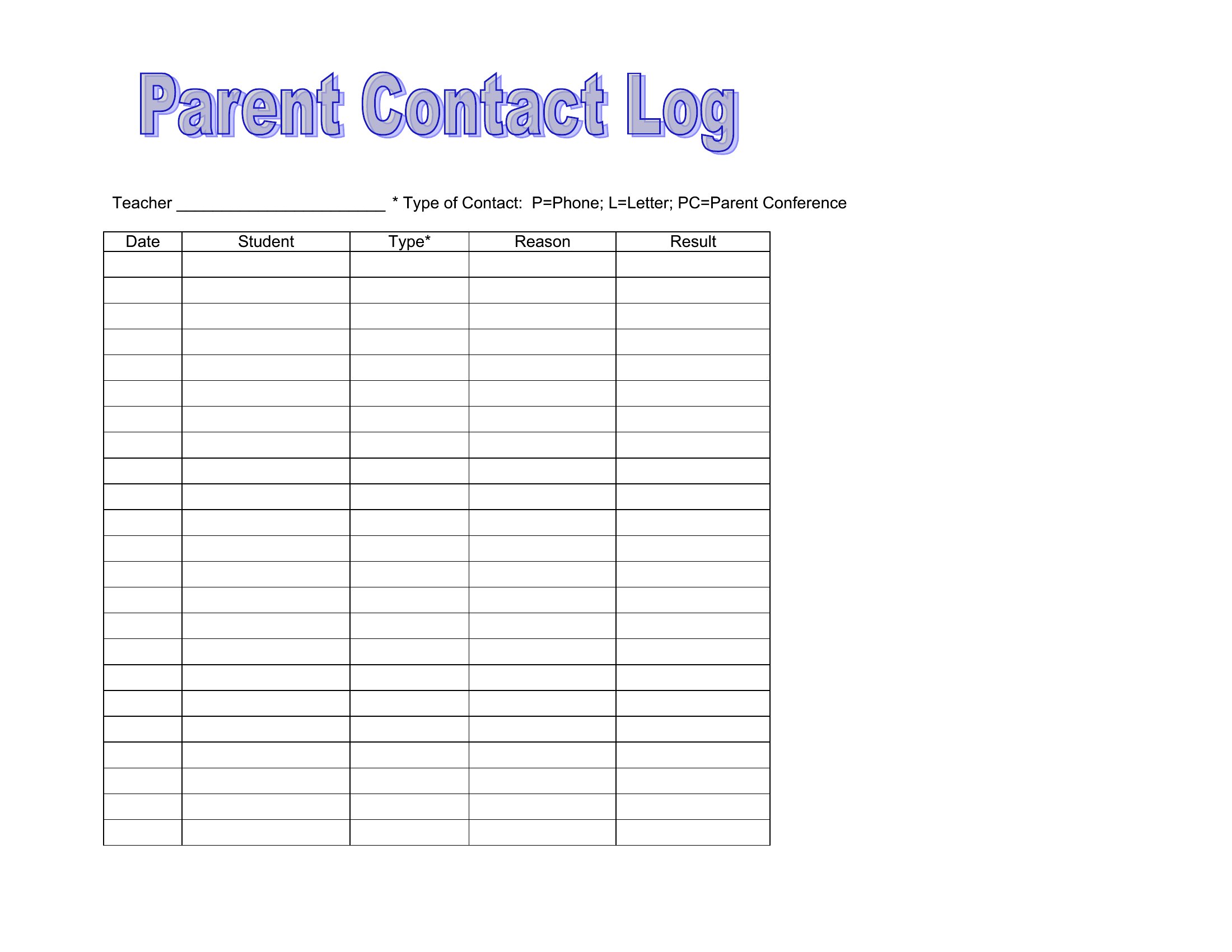
Focus on what’s critical to your workflow. For sales, note product interest, decision-makers, and next steps. For support, include issue summaries and resolution statuses. Medical or legal fields may need confidentiality flags or case numbers. Start with basics like duration, call type (inbound/outbound), and follow-up dates, then add columns as your needs grow.
Can I use these templates to track calls for billing purposes?
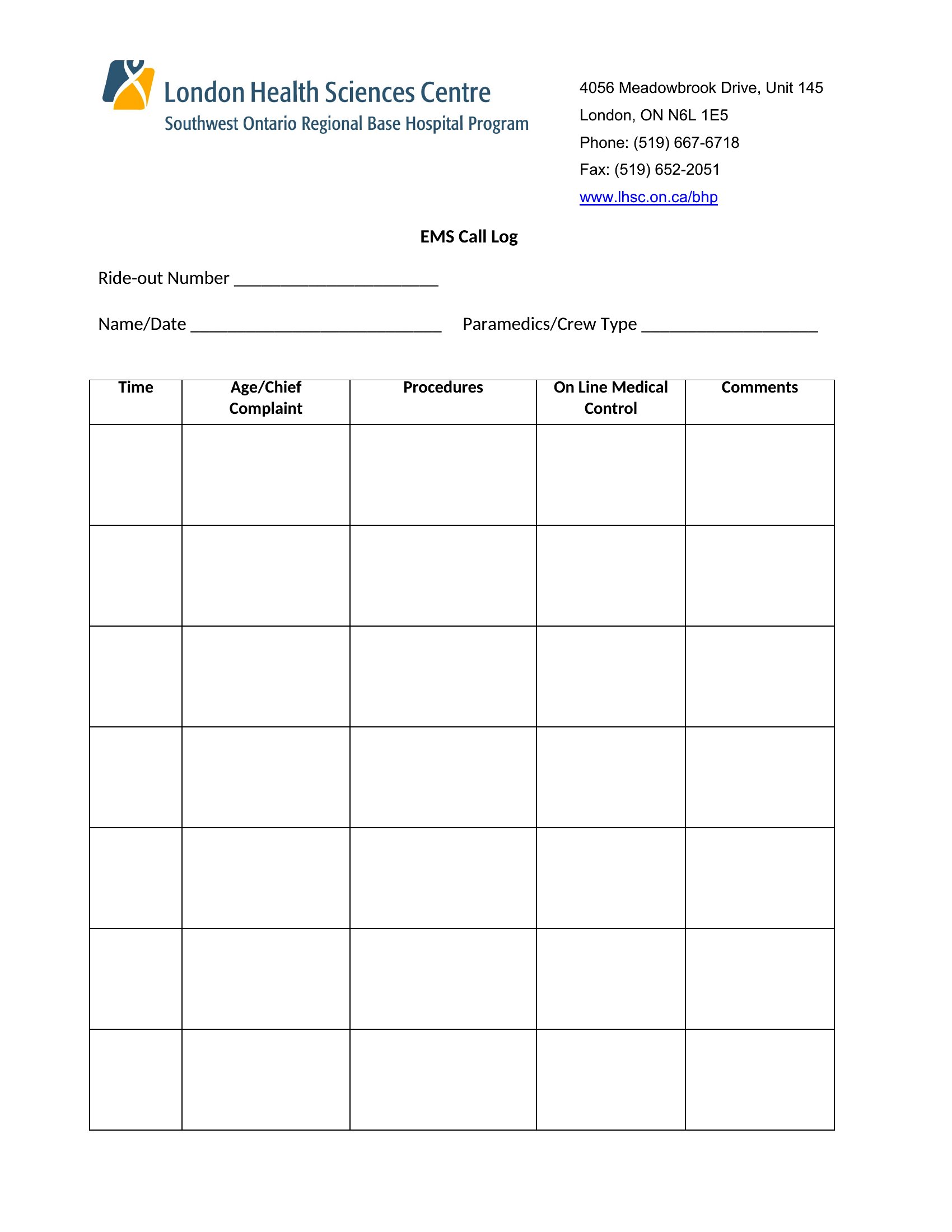
Yes, but treat the template as a starting point—not a substitute for formal invoicing software. Include client names, call dates, services discussed, and time spent to justify charges. For accuracy, pair the log with a time-tracking tool or manual notes, especially in professions where billing is tied to documentation standards.
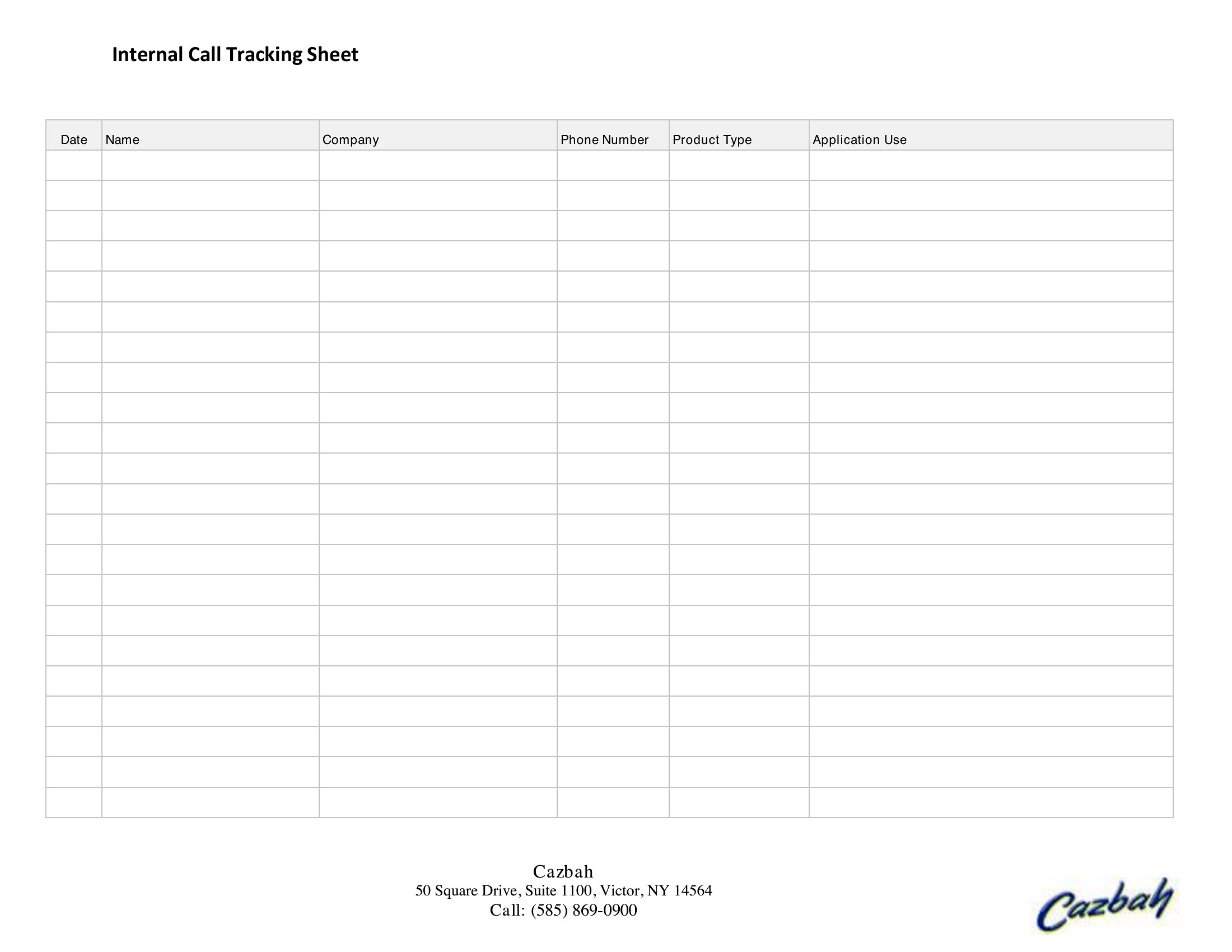

What’s the best way to organize call logs if I handle multiple clients or projects?
Use a separate sheet or tab in Excel for each client/project, or add a ‘Project’ column in Word/PDF to color-code or filter entries. For teams, store logs in a shared folder and name files by client or date (e.g., ‘SmithProject_CallLog_2024.pdf’). If using Excel, leverage filters or pivot tables to group calls by category without cluttering a single sheet.
Comments
Join the conversation
Sign in to share your thoughts and leave a comment on this resource.