Skip to content
50% off this one-time $1.99 pack with HALFOFF — or unlimited with Pro.HALFOFF
Premium

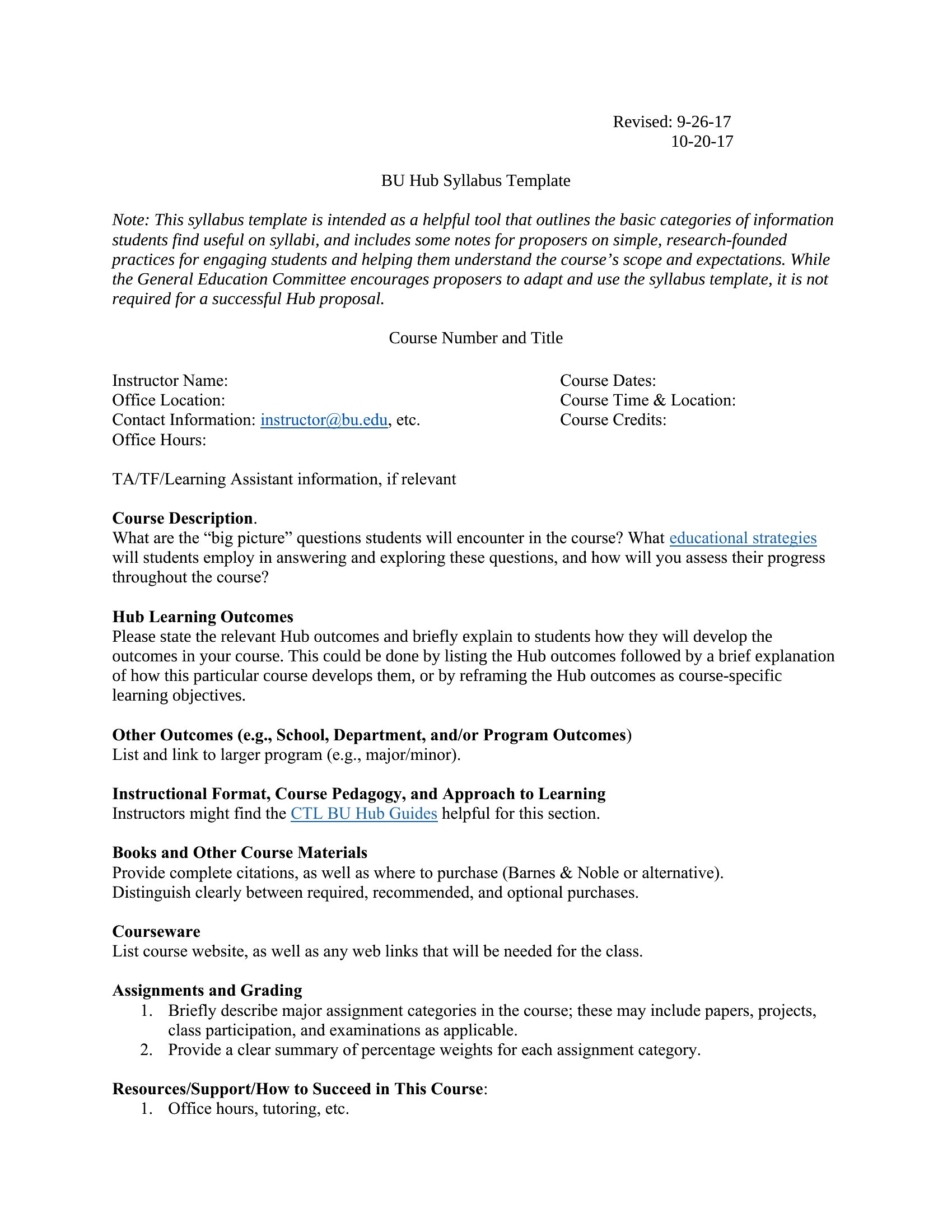
Free Syllabus Templates (Word)

Academic
annaturner by annaturner
Updated 0 downloads Quality-checked template

How do you set expectations for a course before the first class even meets? A clear syllabus does it, laying out the schedule, grading, and policies students will refer back to all term. This collection of 45 syllabus templates helps instructors, tutors, and homeschool parents organize course goals, weekly topics, and assignment due dates without starting from a blank page.

Every template is editable in Microsoft Word, so you can drop in your course name, adjust the calendar, and tweak the grading breakdown to match your school's format. Reuse the same structure each semester and update only what changes. Download a layout that fits your subject and have a polished syllabus ready to hand out on day one.

When to use this Syllabus template

  • College professors need to outline a semester-long chemistry course including weekly labs, exam dates, and participation policies to share with 120 students before Day One.
  • High school tutors teaching an after-school SAT prep class want to structure a 10-week plan with weekly practice tests, topic focus areas, and grading criteria for parents.
  • Homeschool parents planning a year-long literature curriculum for their two children need a flexible syllabus that tracks reading assignments, book discussions, and project deadlines month by month.
  • A university TA leading a discussion-based graduate seminar must detail required readings, presentation assignments, and participation expectations for 15 PhD candidates in a tight-knit program.

Which format should I download?

Word

Word is the best format here because syllabi often require tables for schedules, nested bullet points for policies, and embedded numbering for assignments—all tools Word handles smoothly. The editable structure also lets instructors tweak content later without reformatting. If you prefer a simpler layout (like minimal text and dates), Word still works, but for detailed academic courses, its flexibility shines. No other format here offers the same balance of visual clarity and document control.

Choose from 45 Syllabus Templates

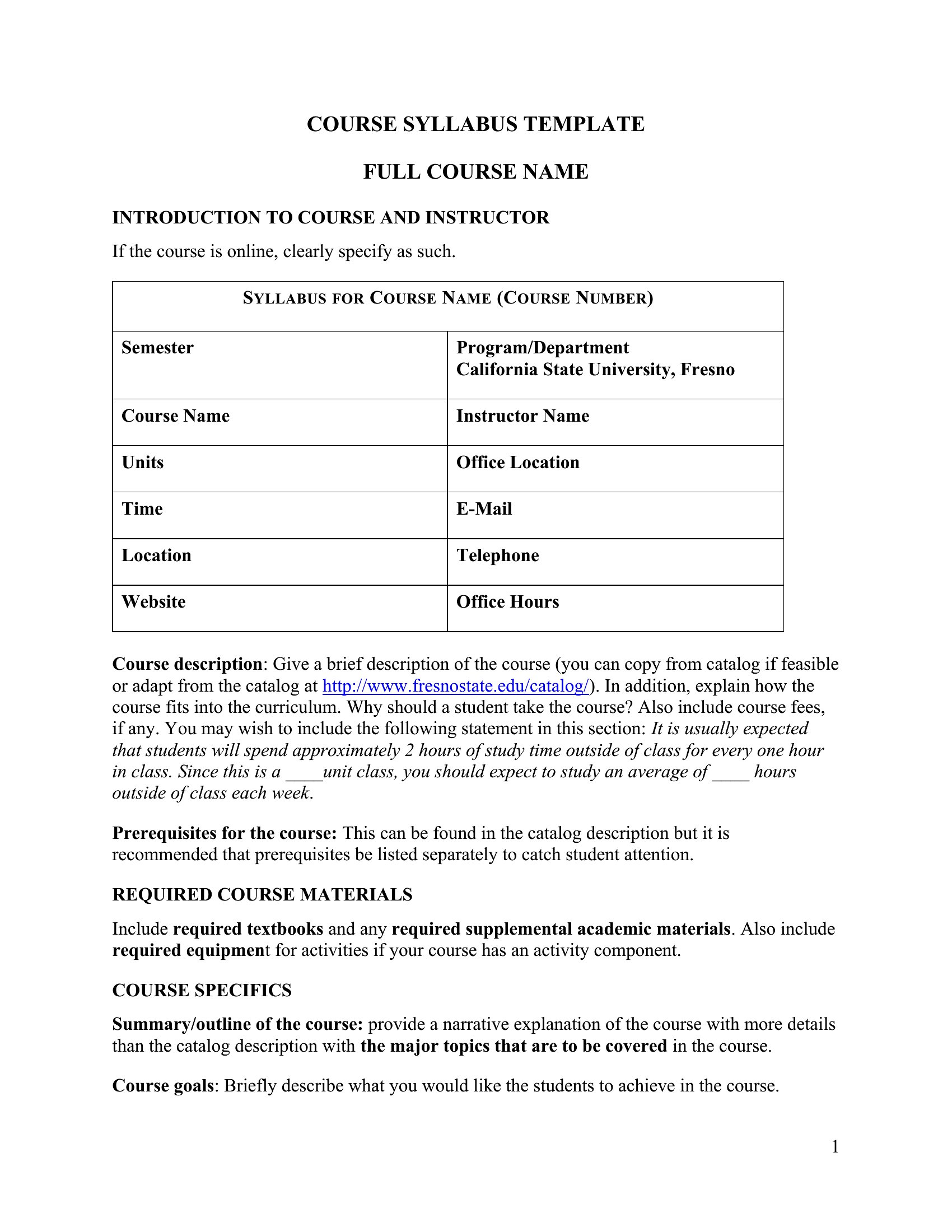
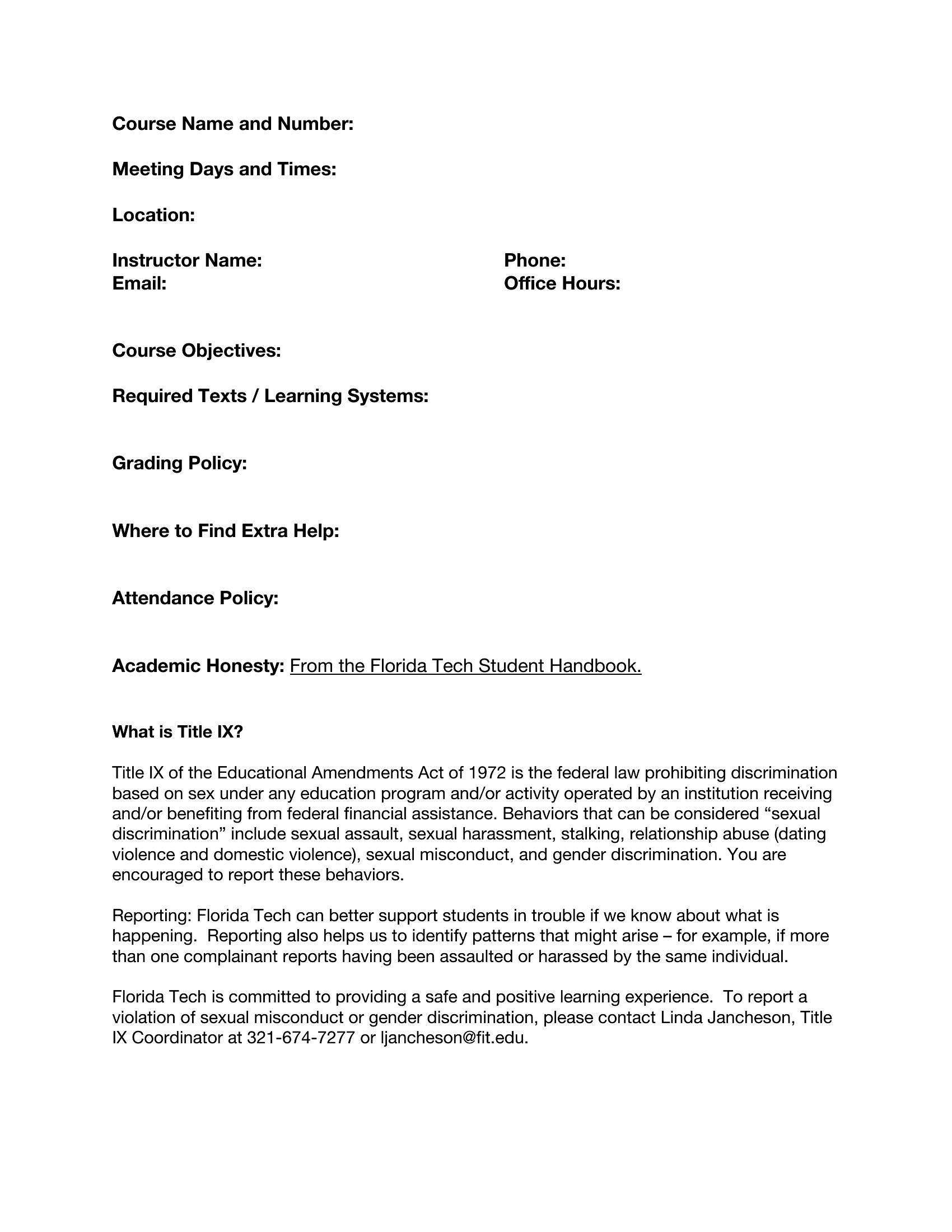
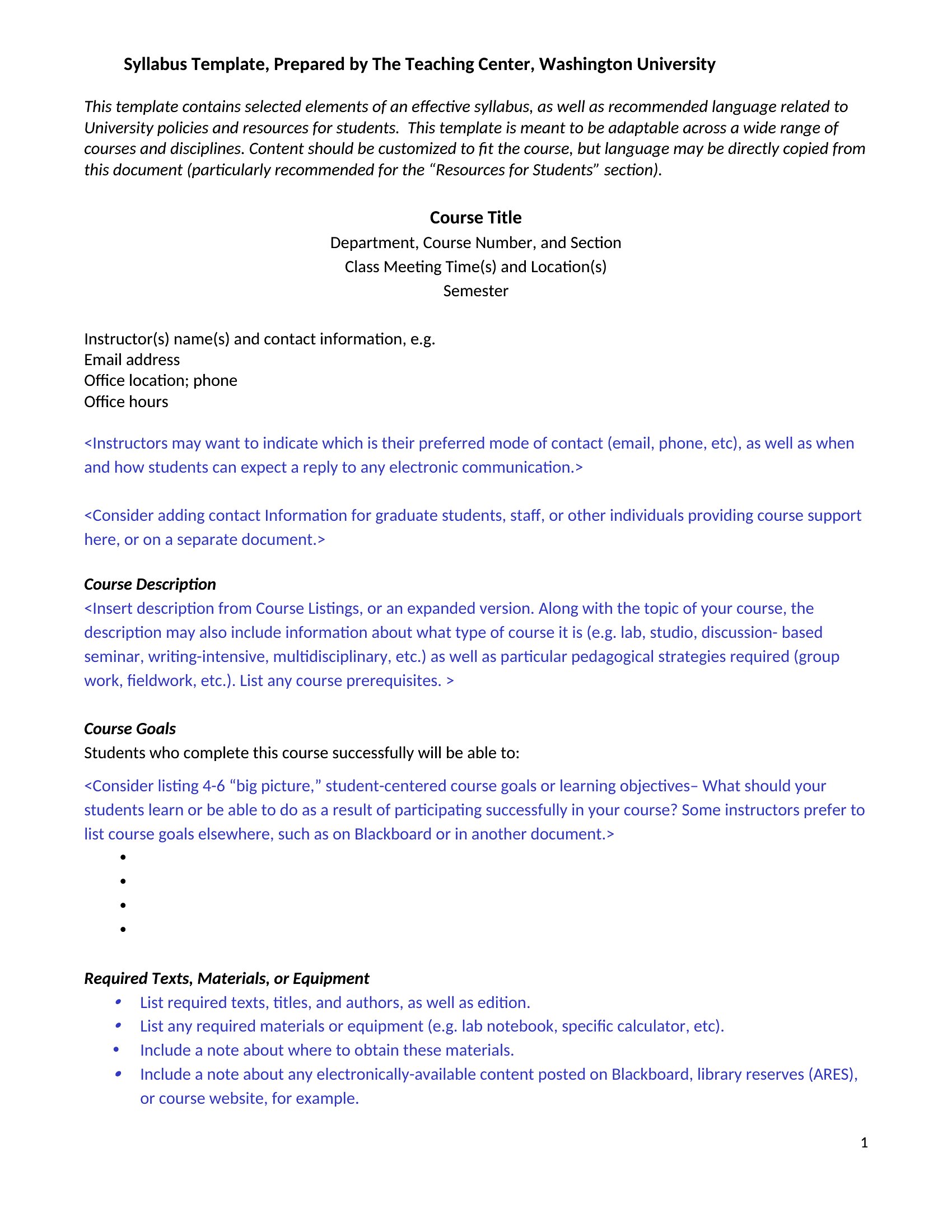
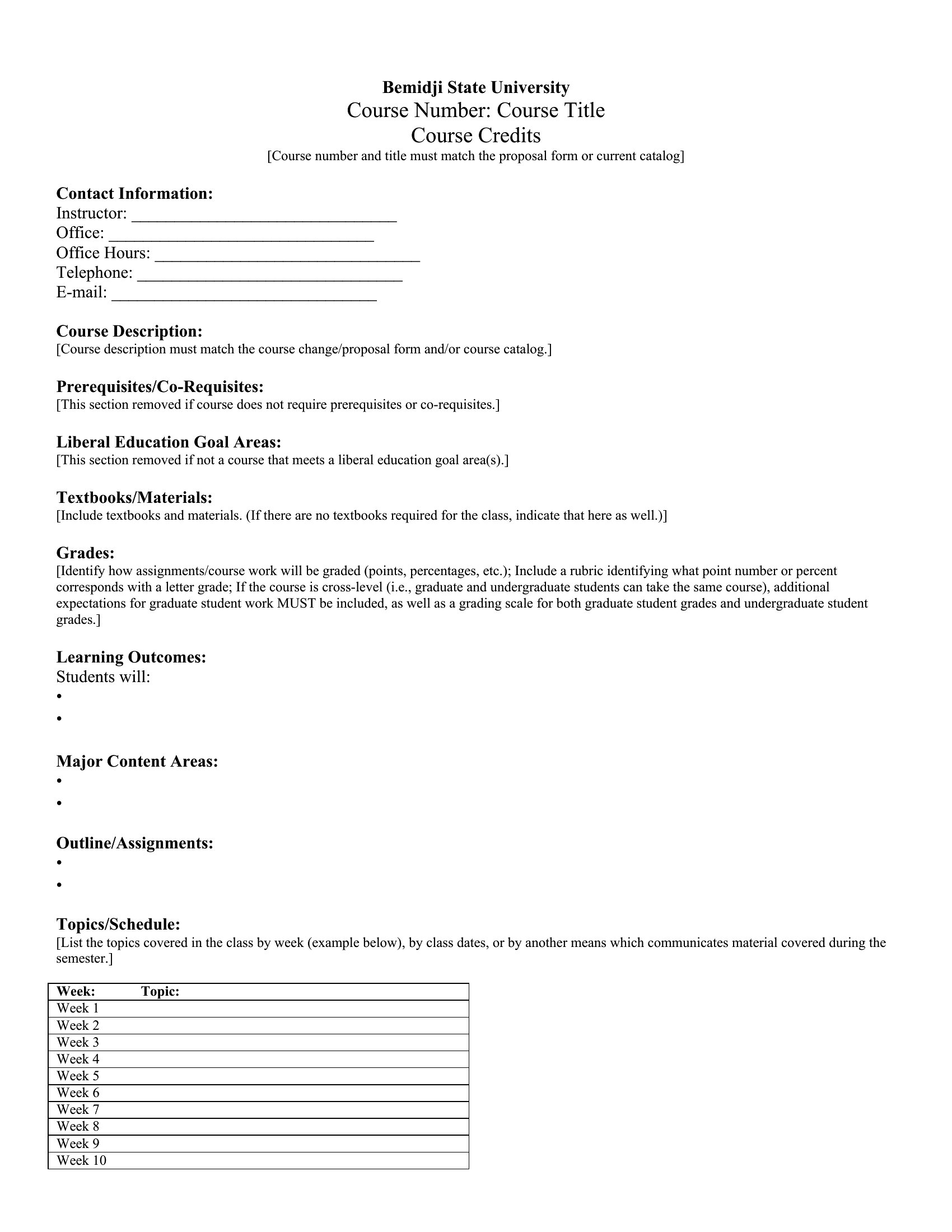
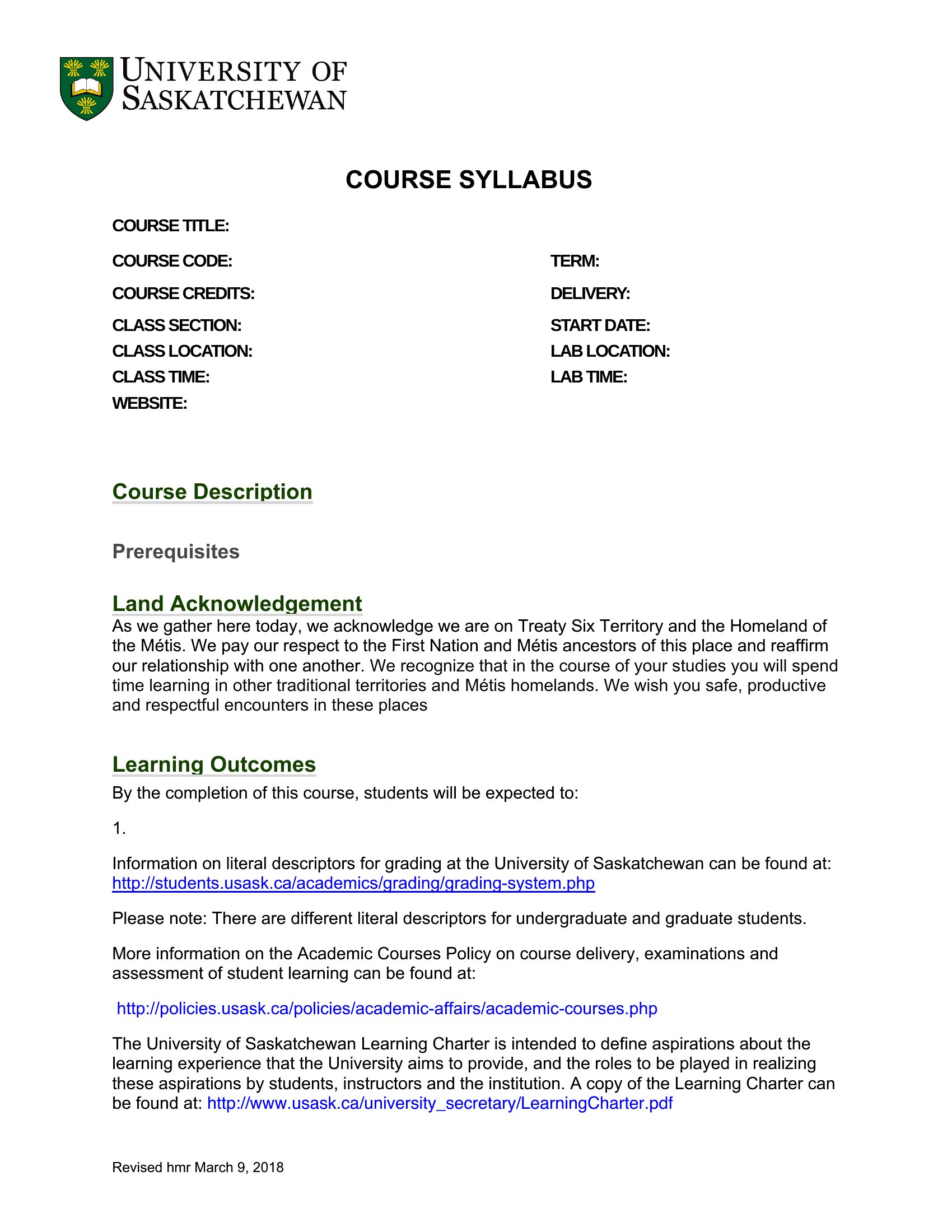
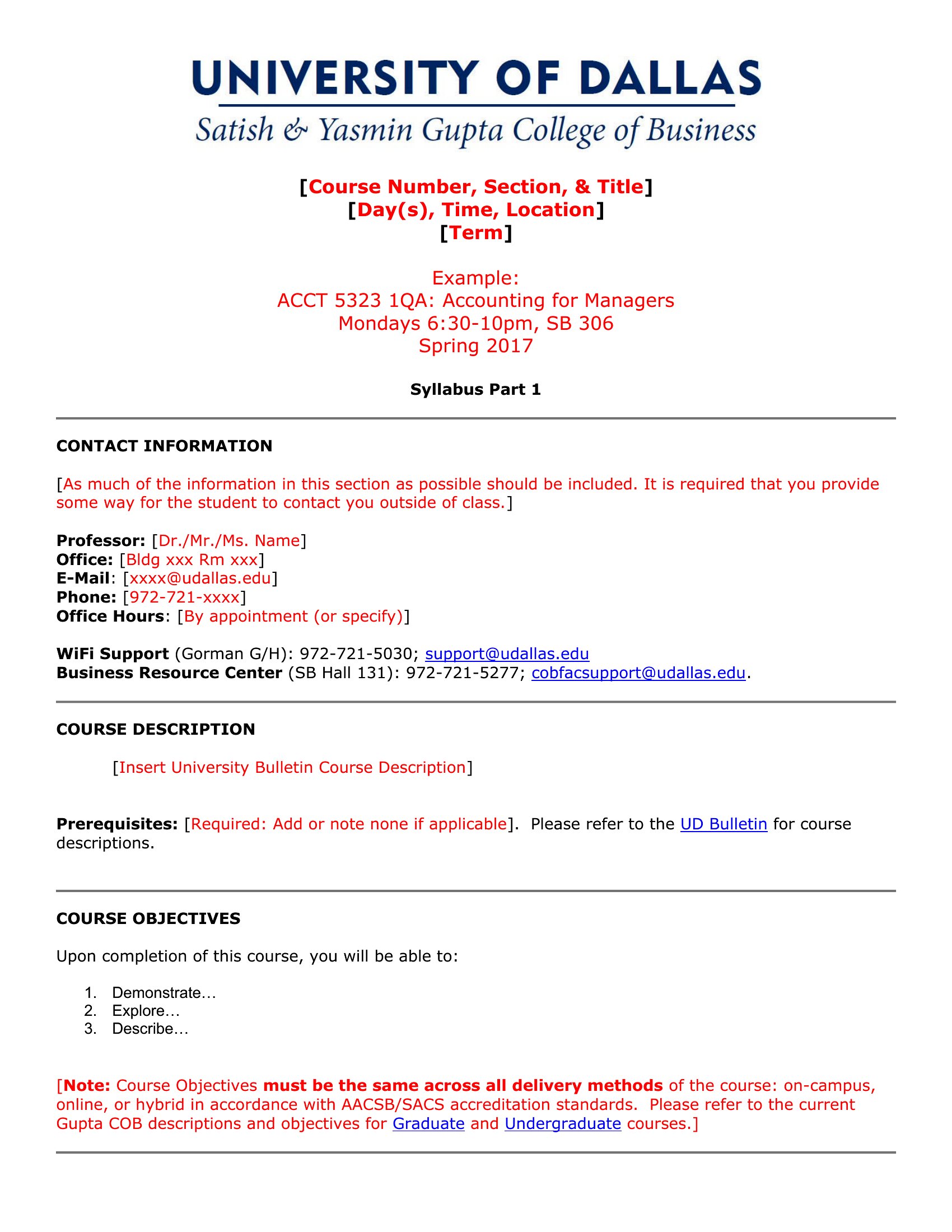
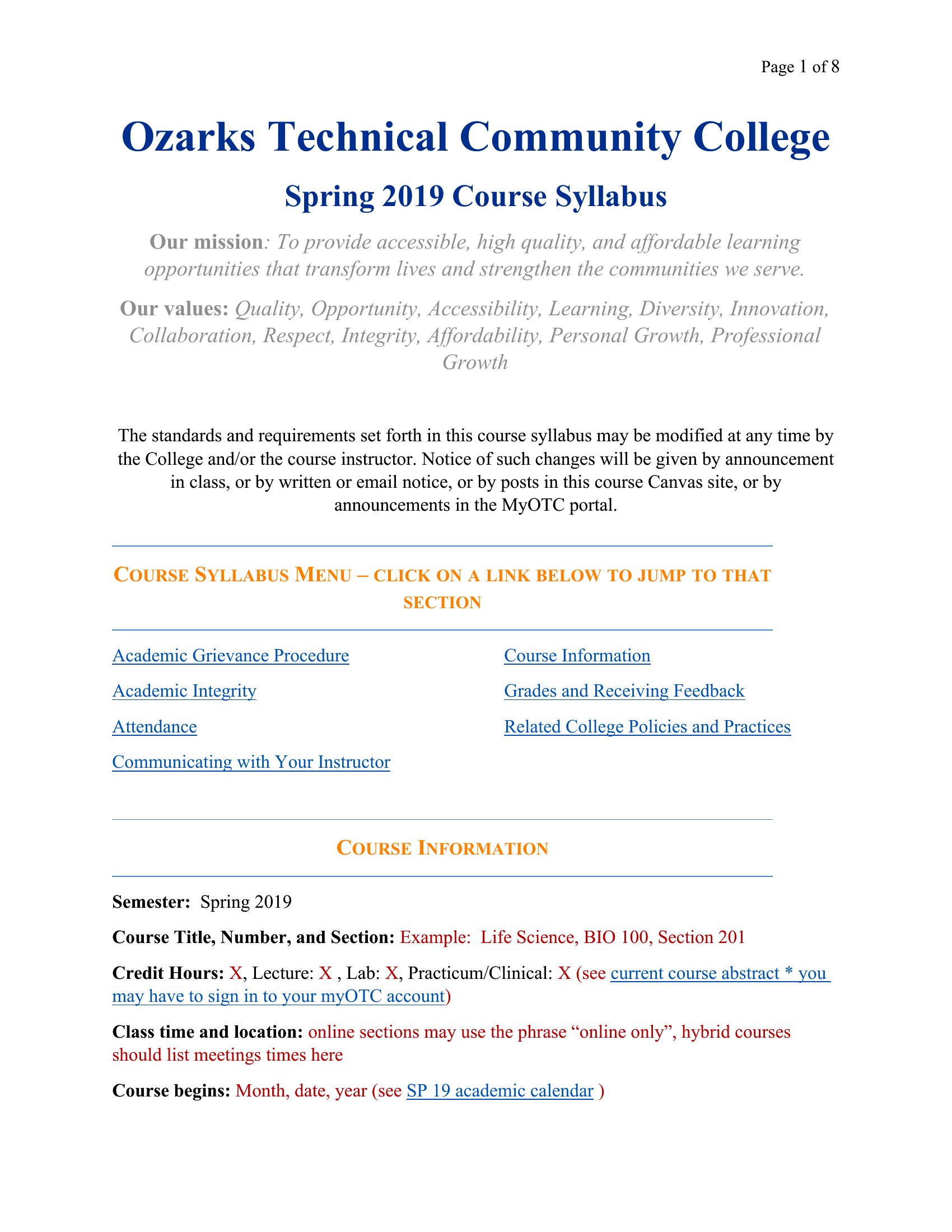
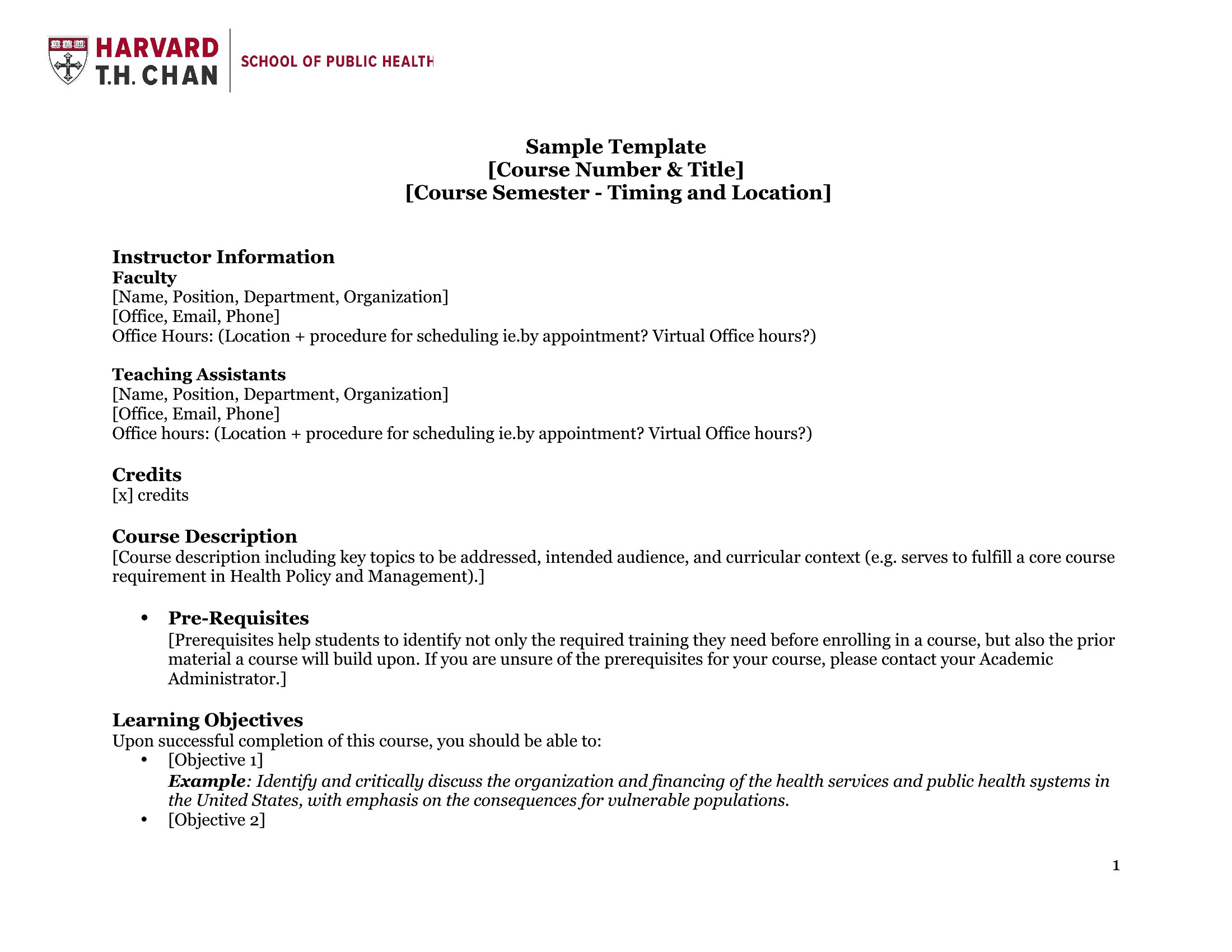
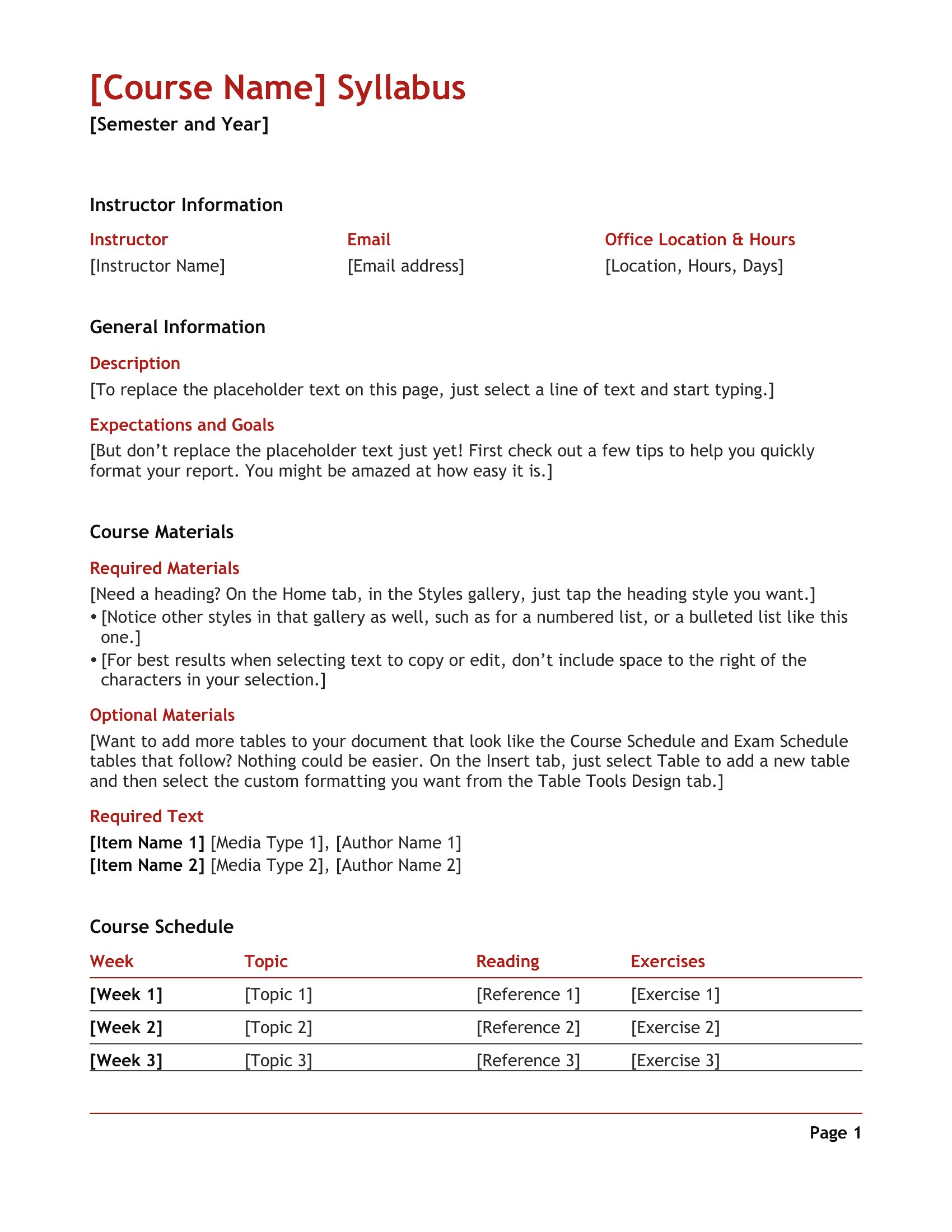
What Is Syllabus template thumbnail
0 downloads
Download
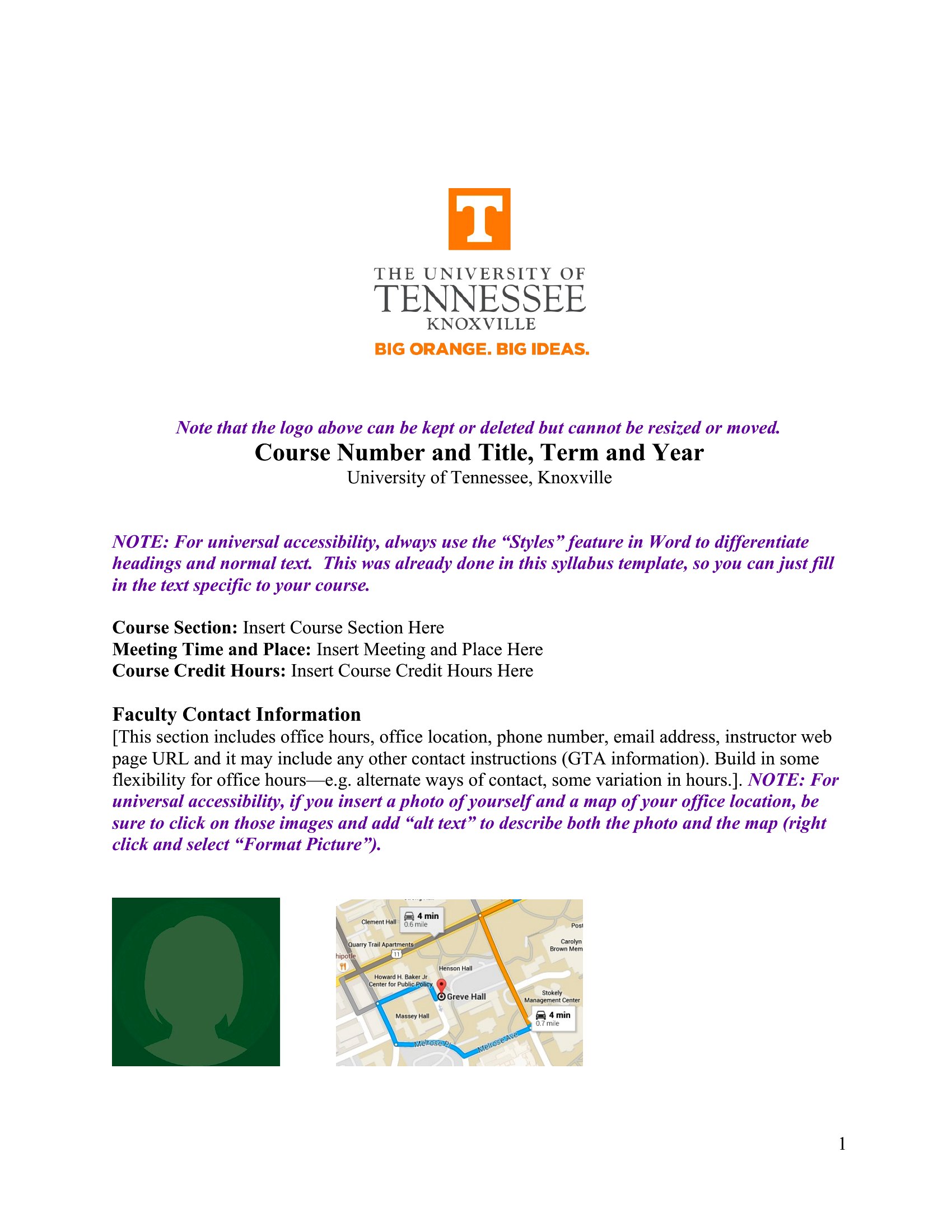
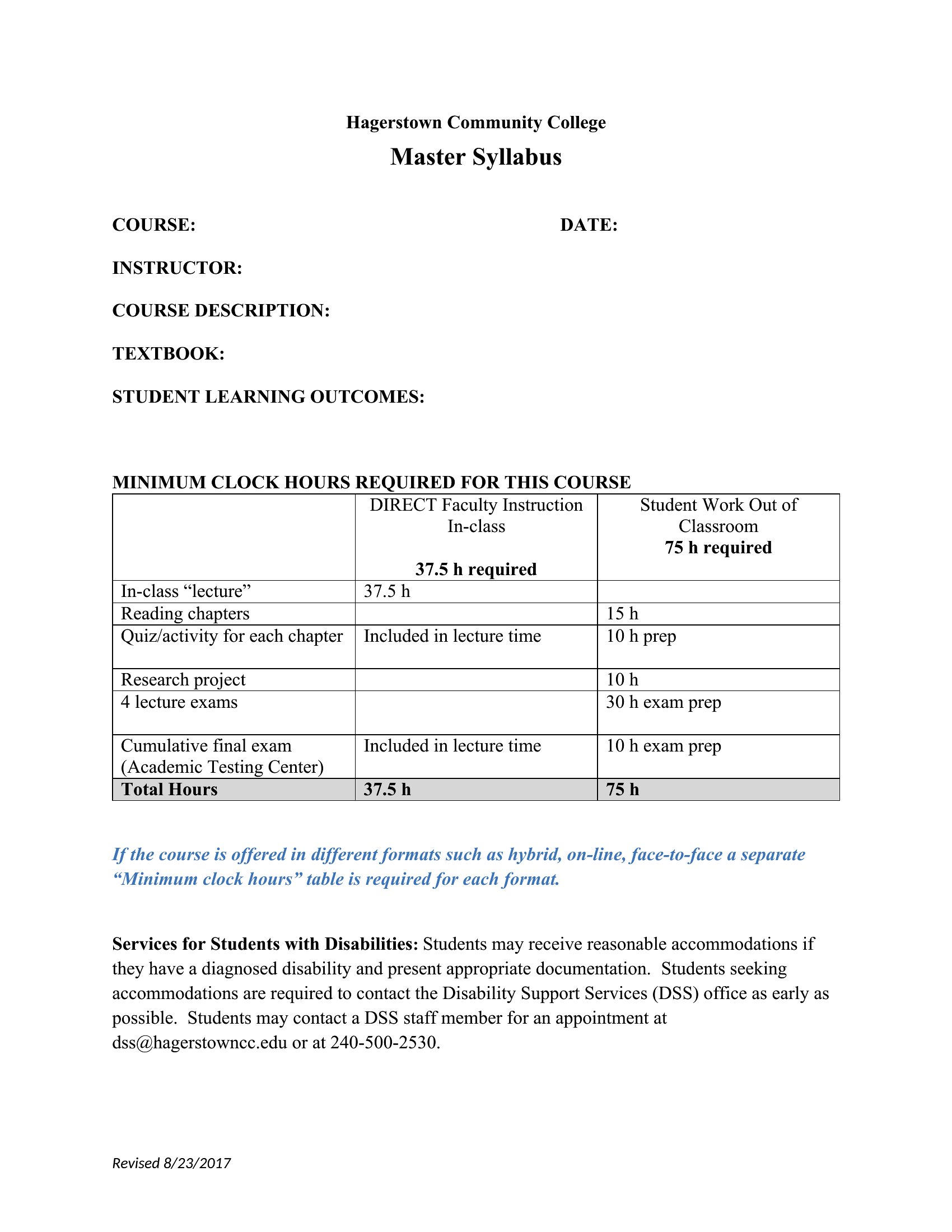
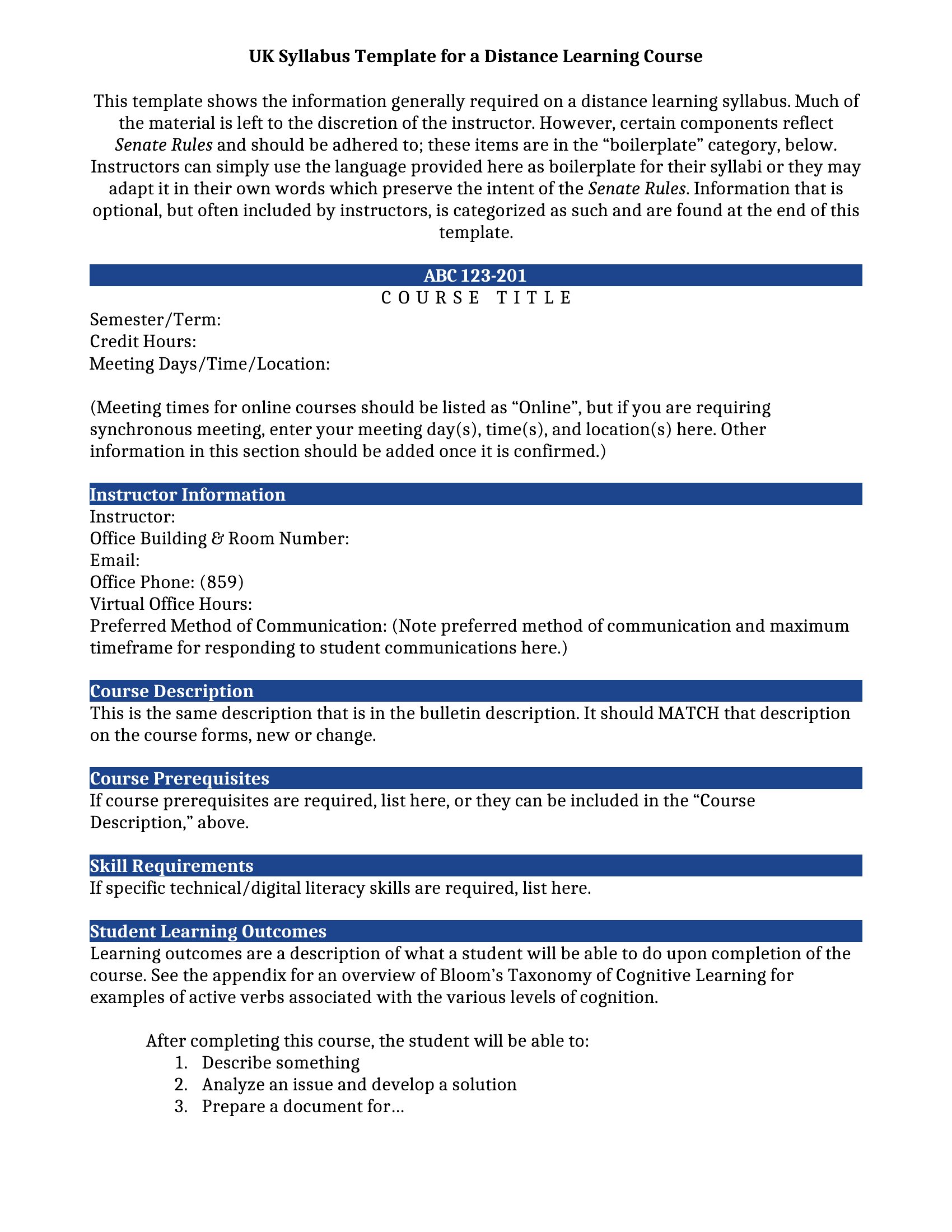
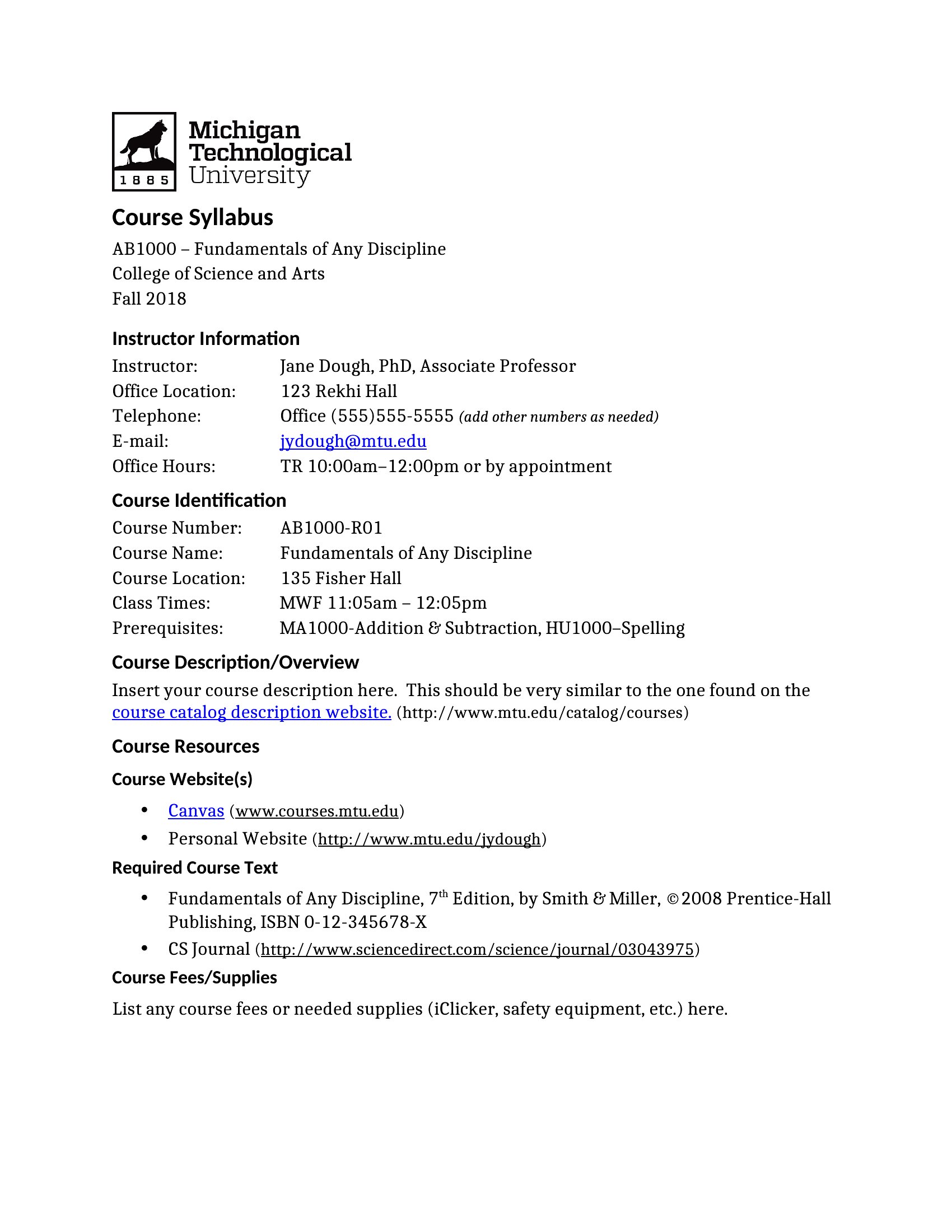
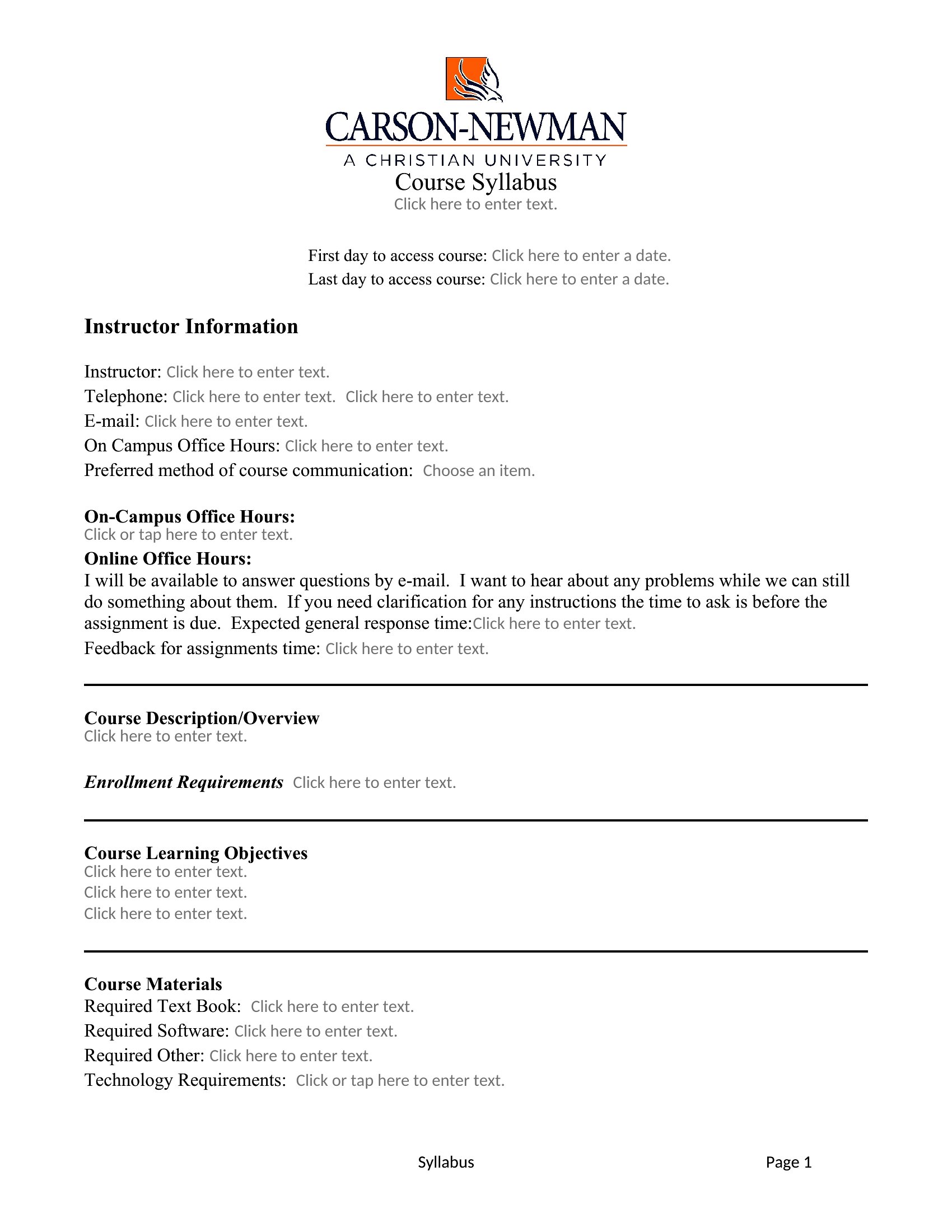
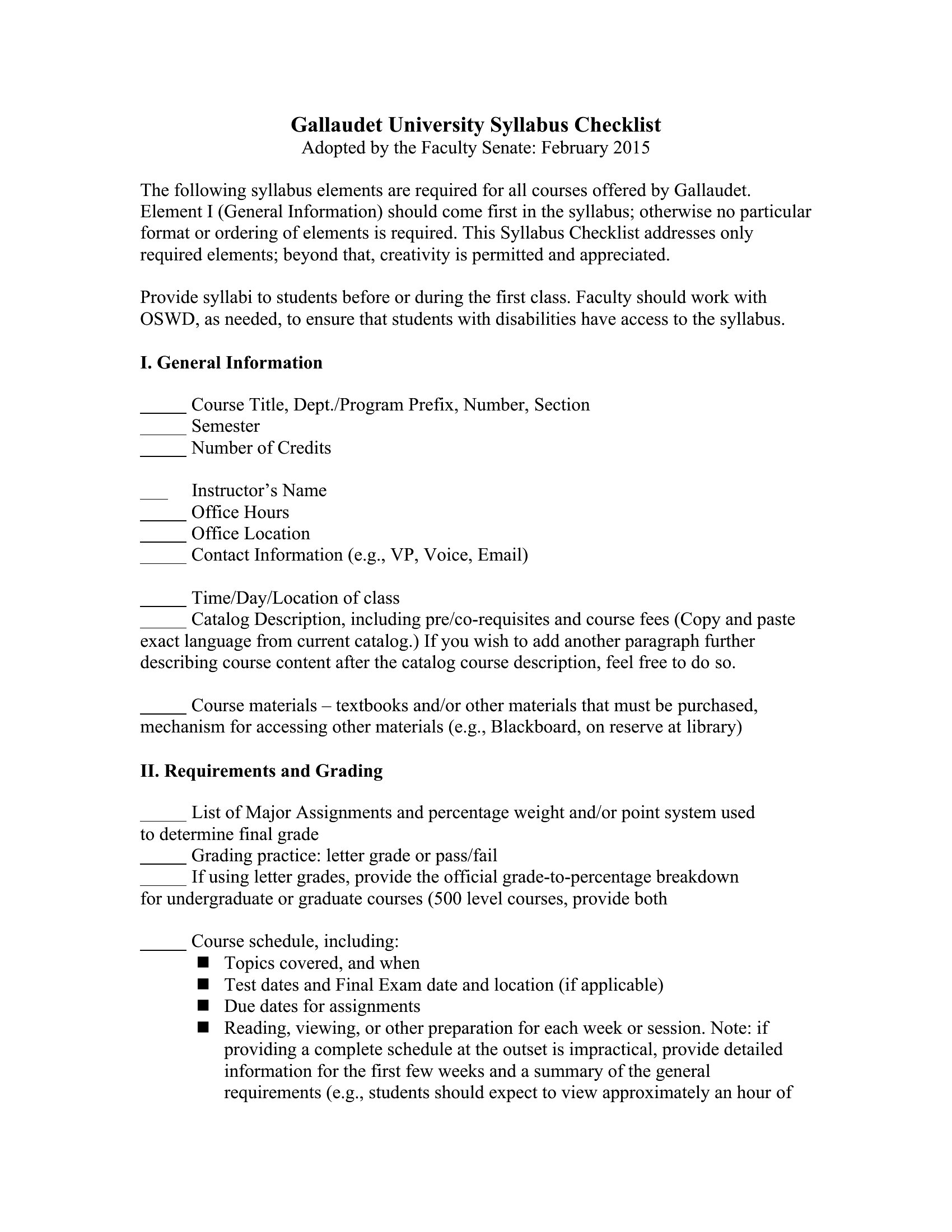
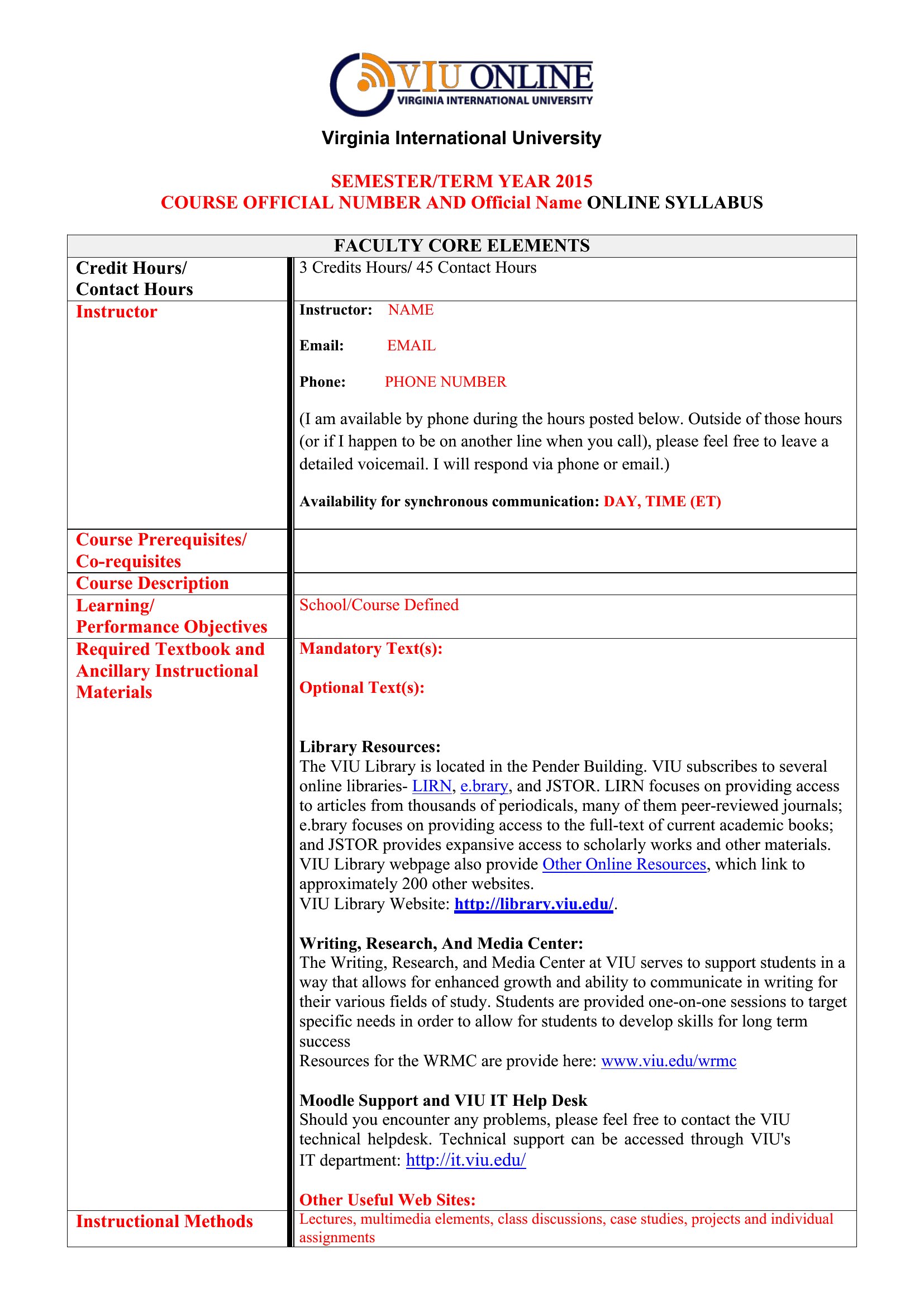
Igcse Biology Syllabus template thumbnail
0 downloads
Download
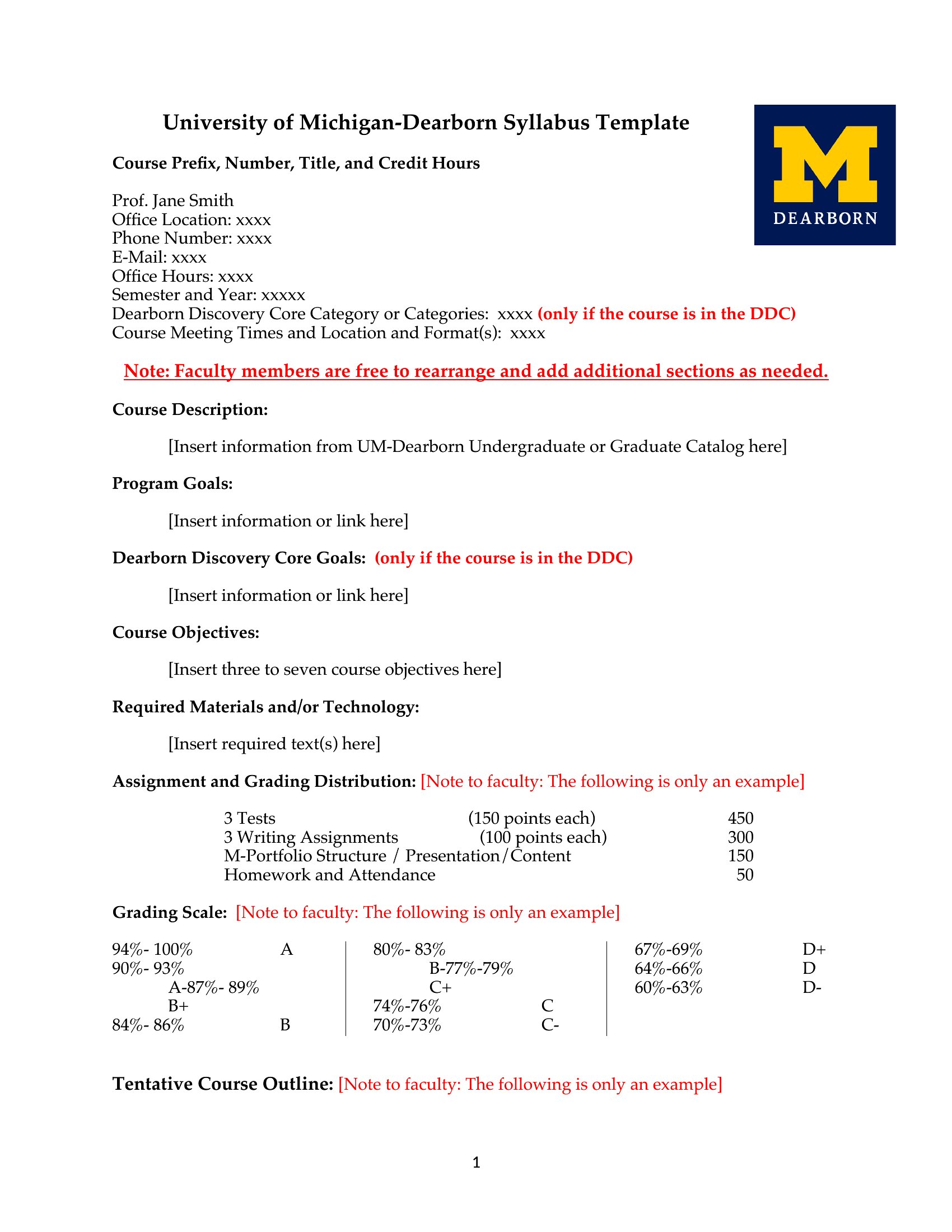
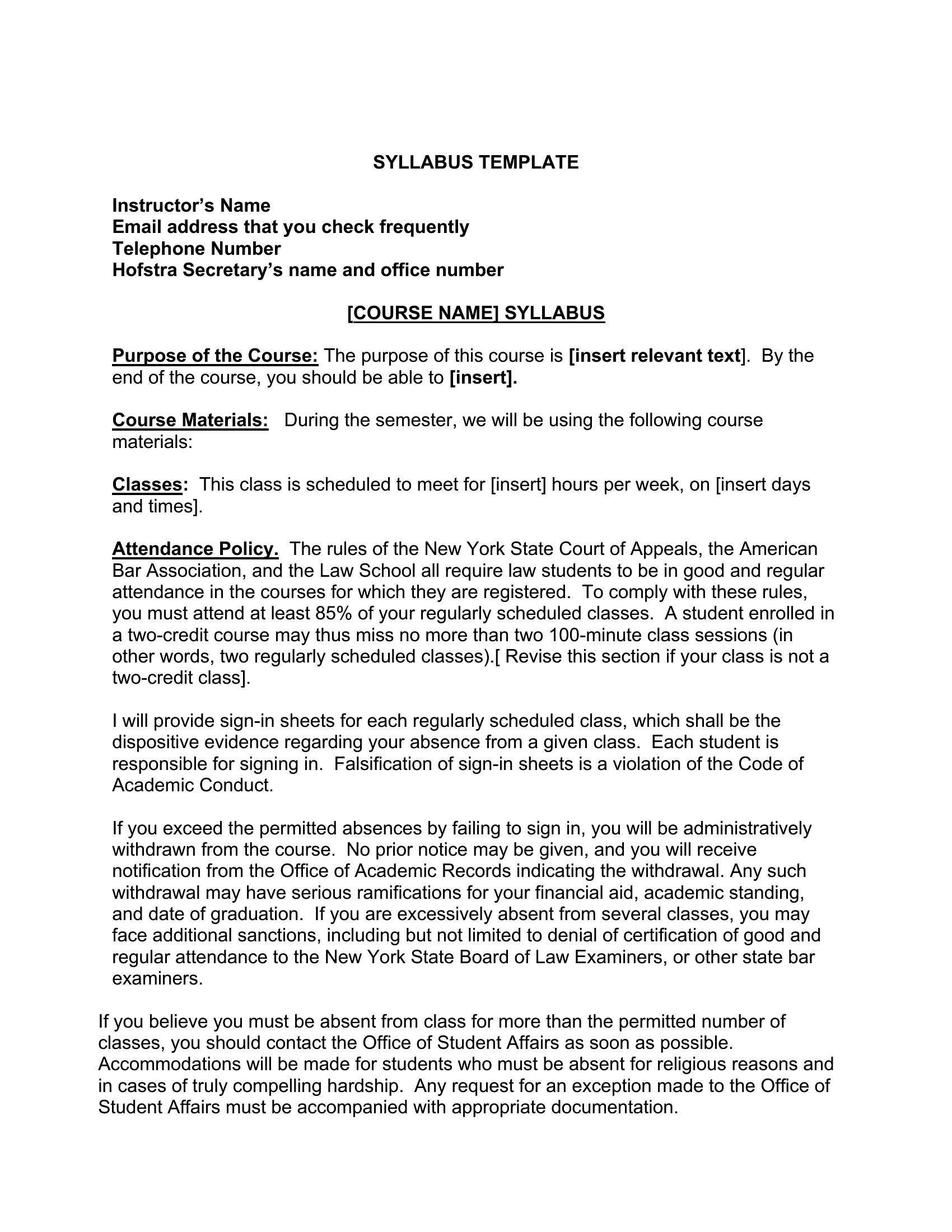
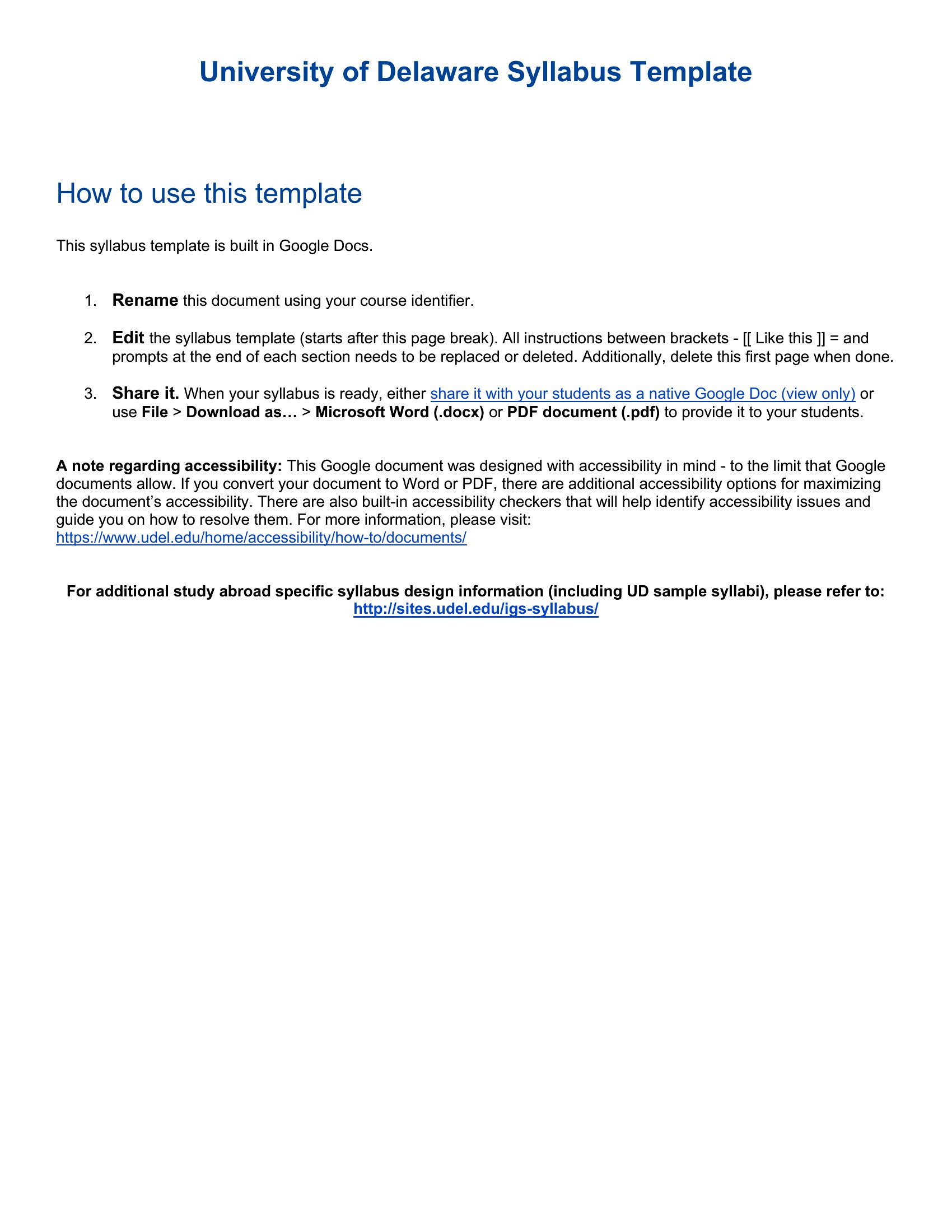
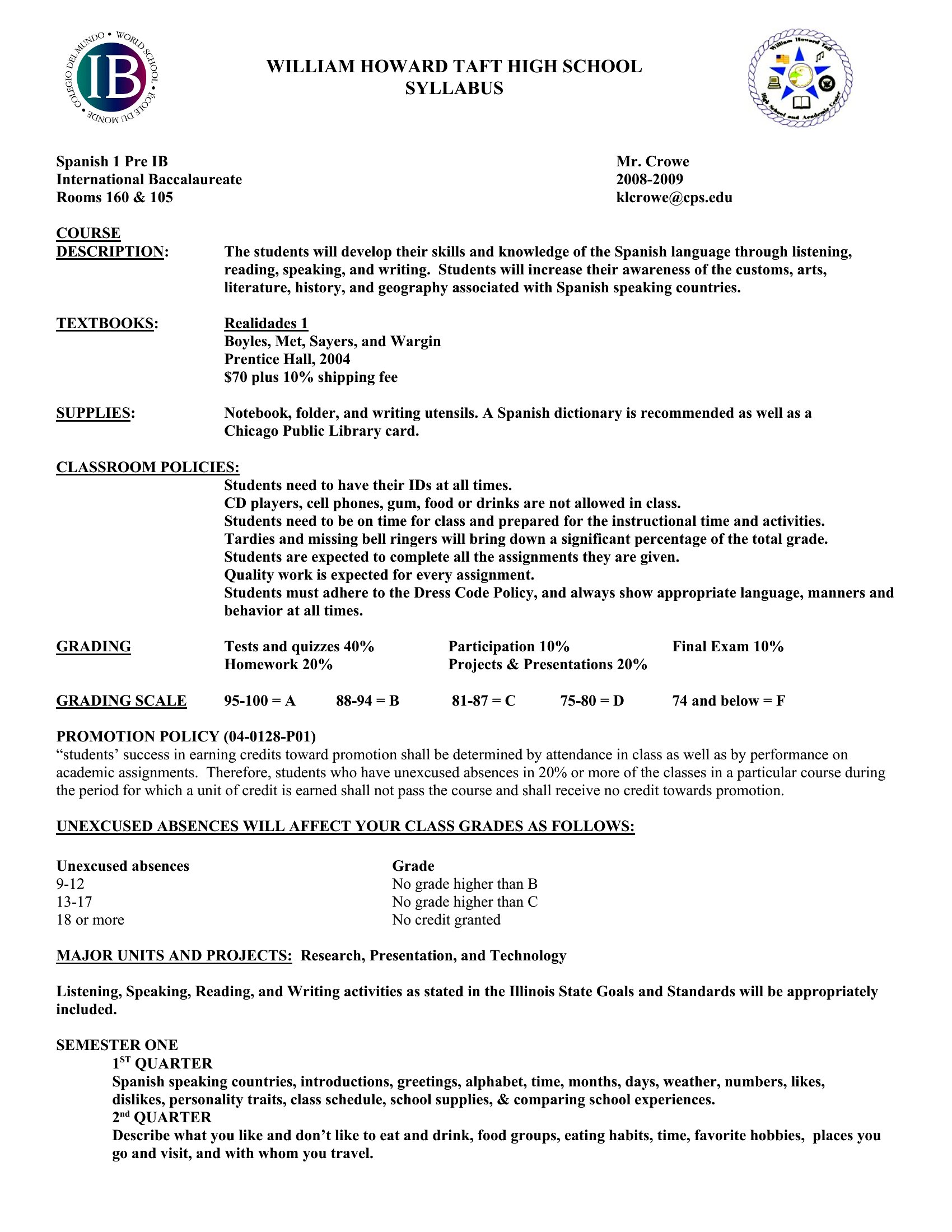
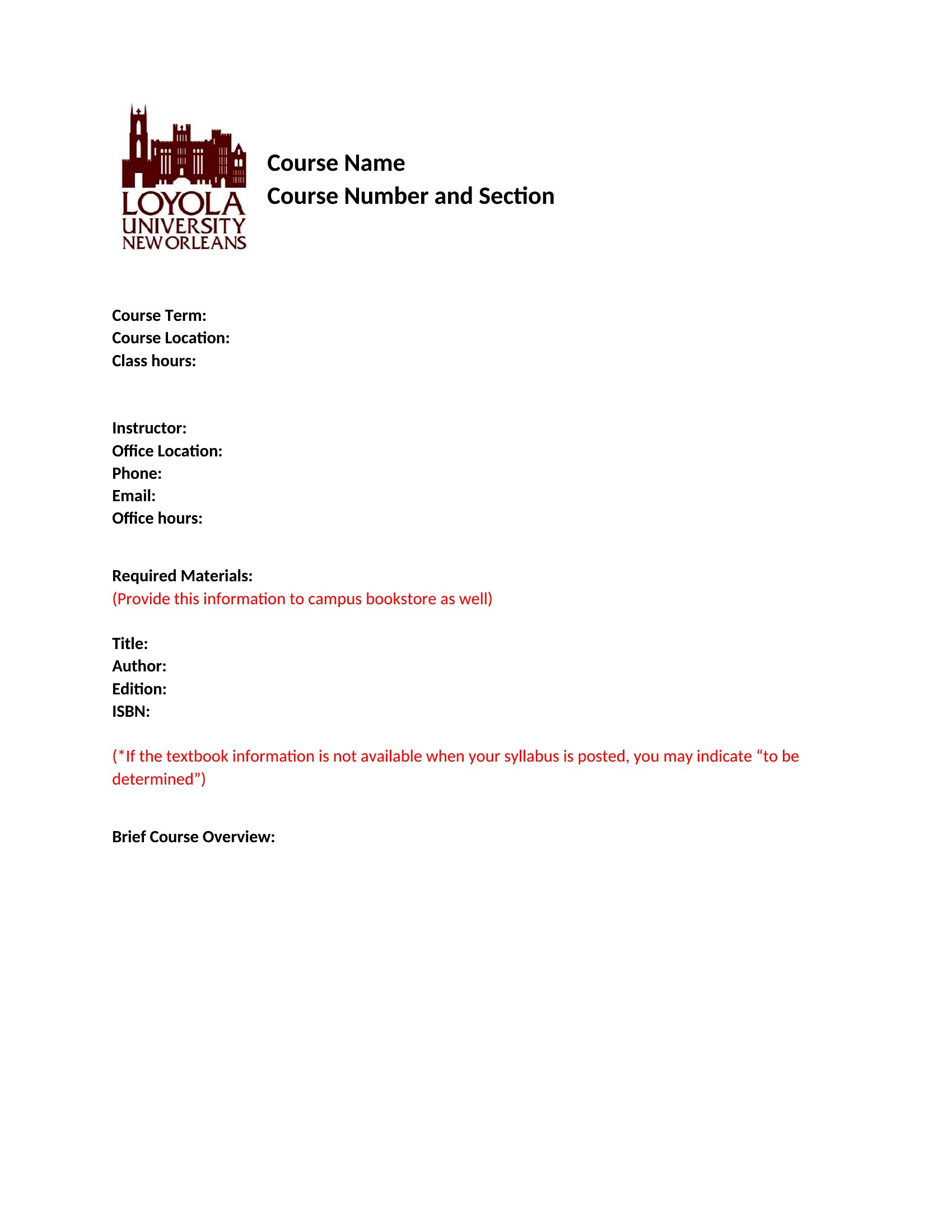
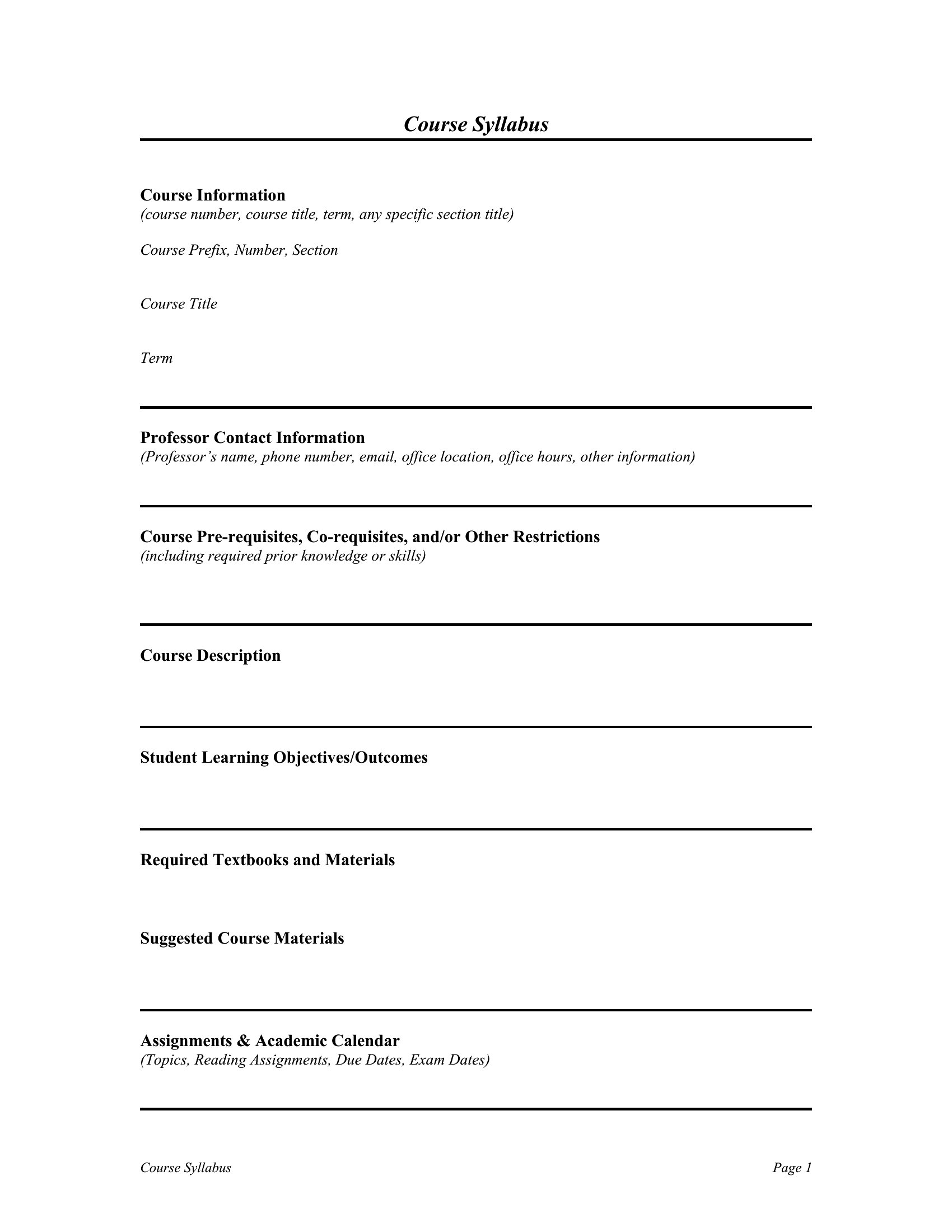
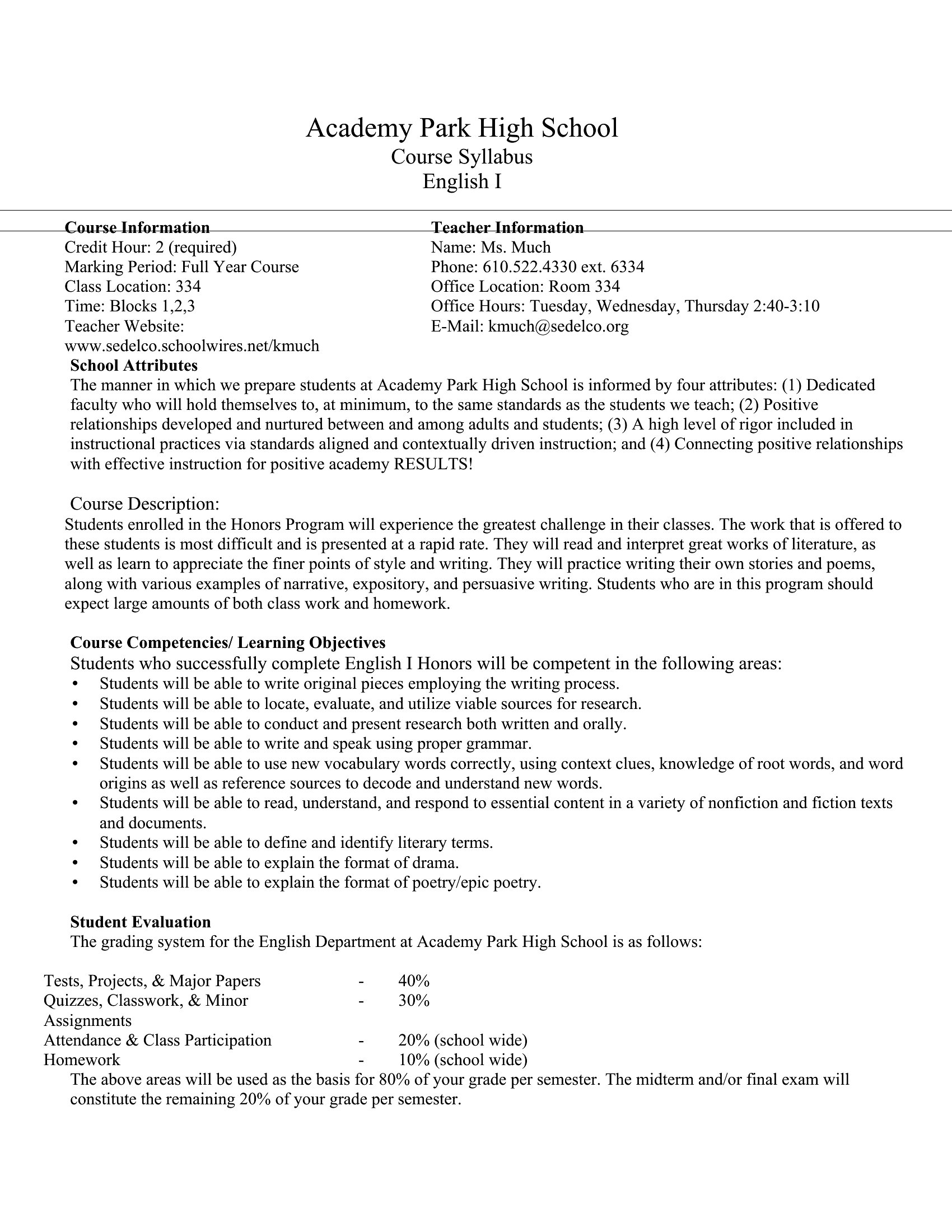
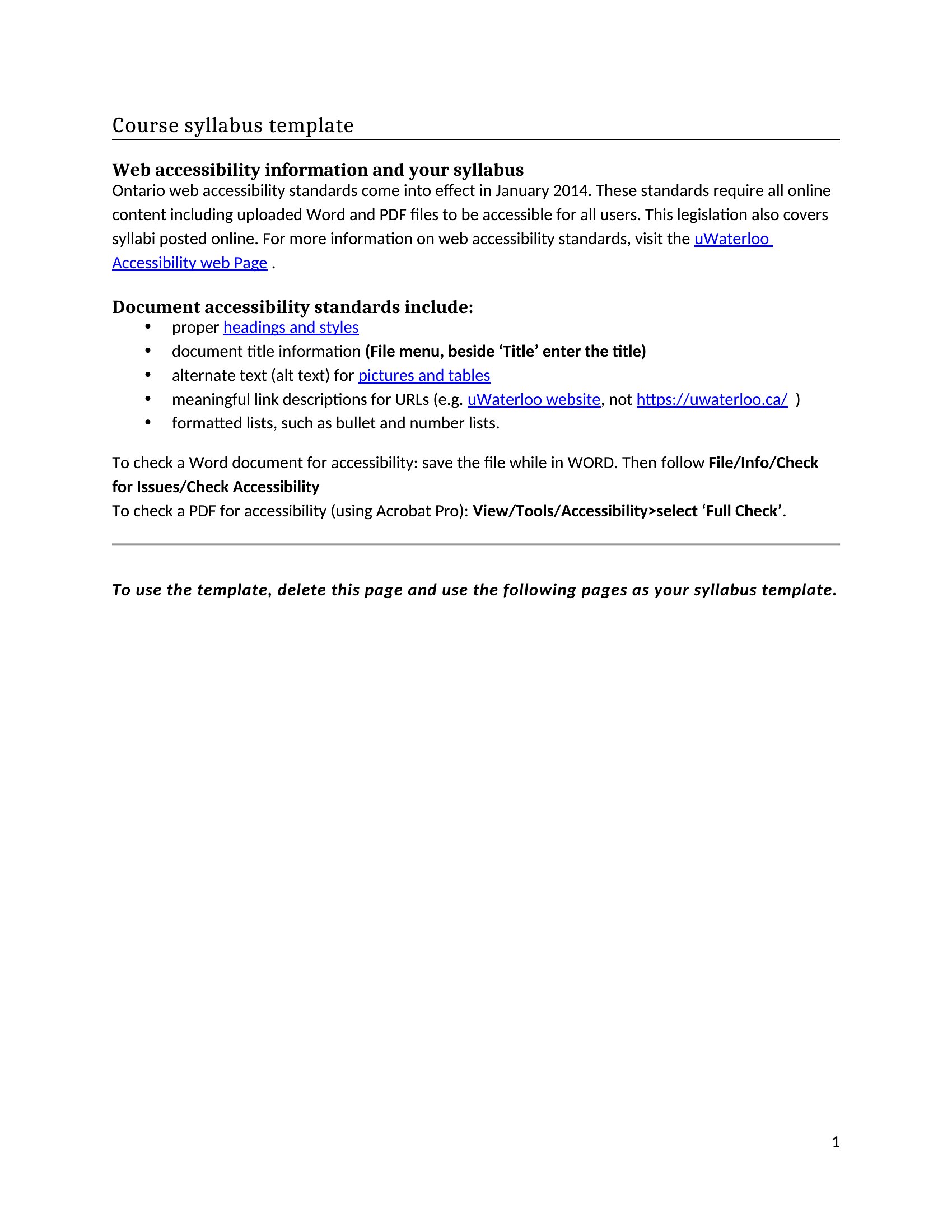
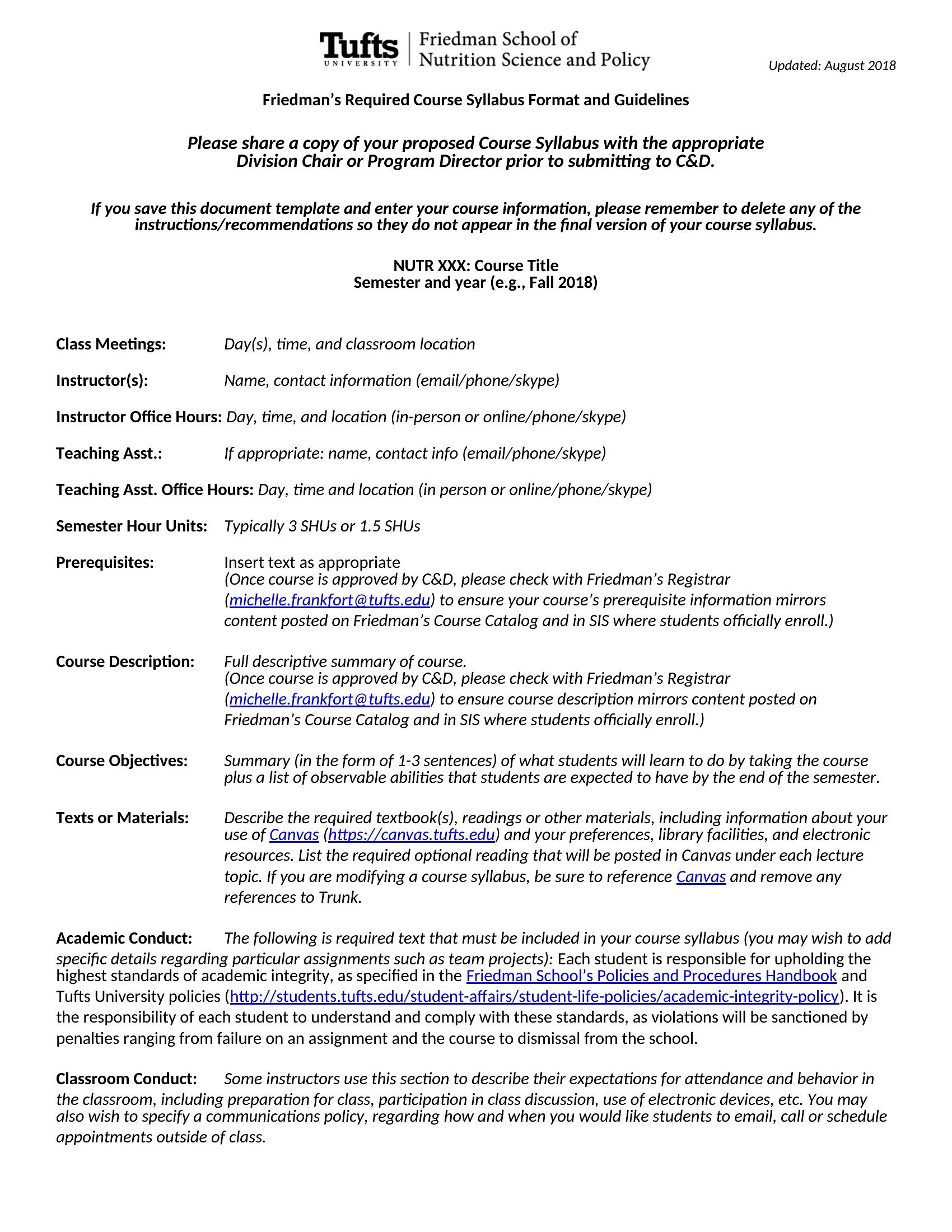
Syllabus template thumbnail
Free
0 downloads
Download
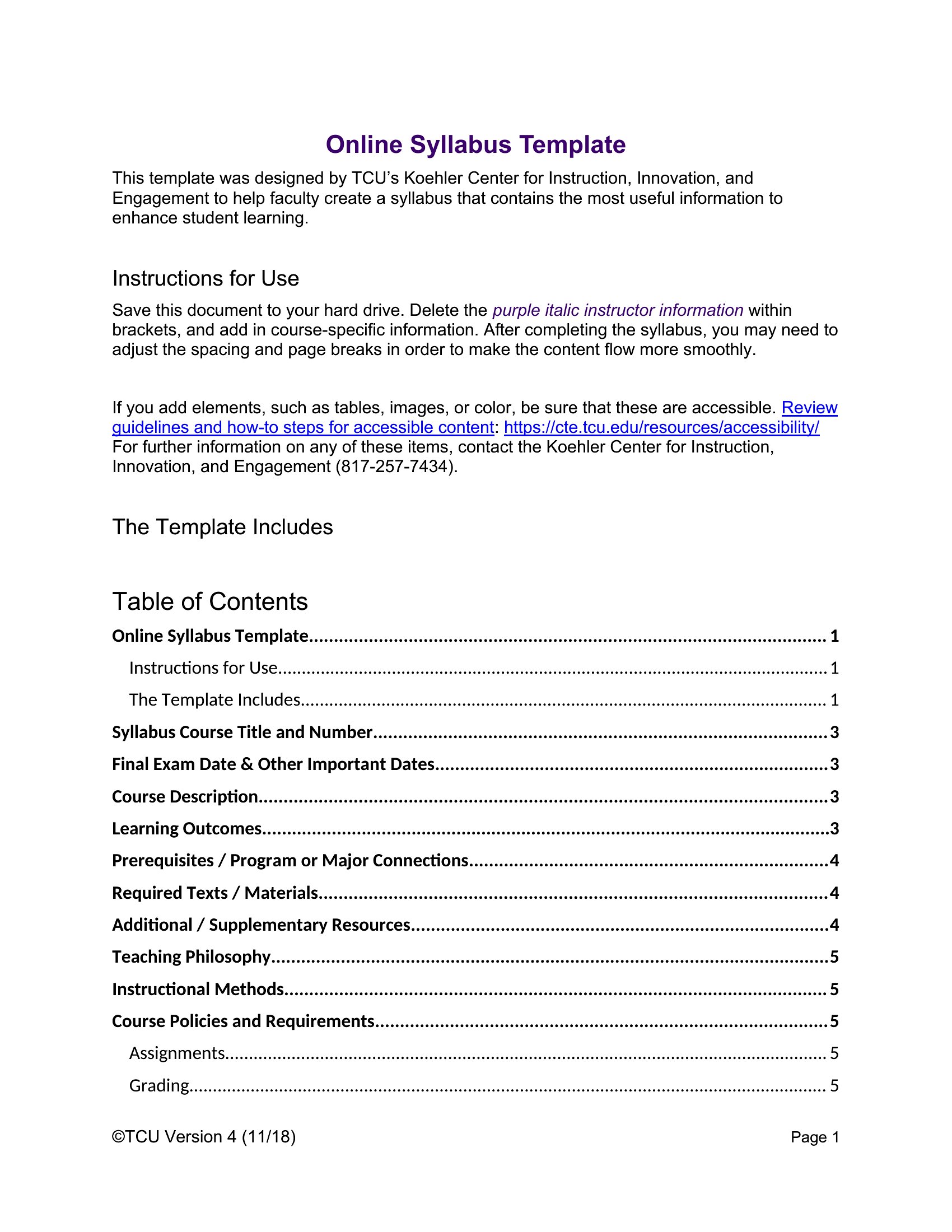
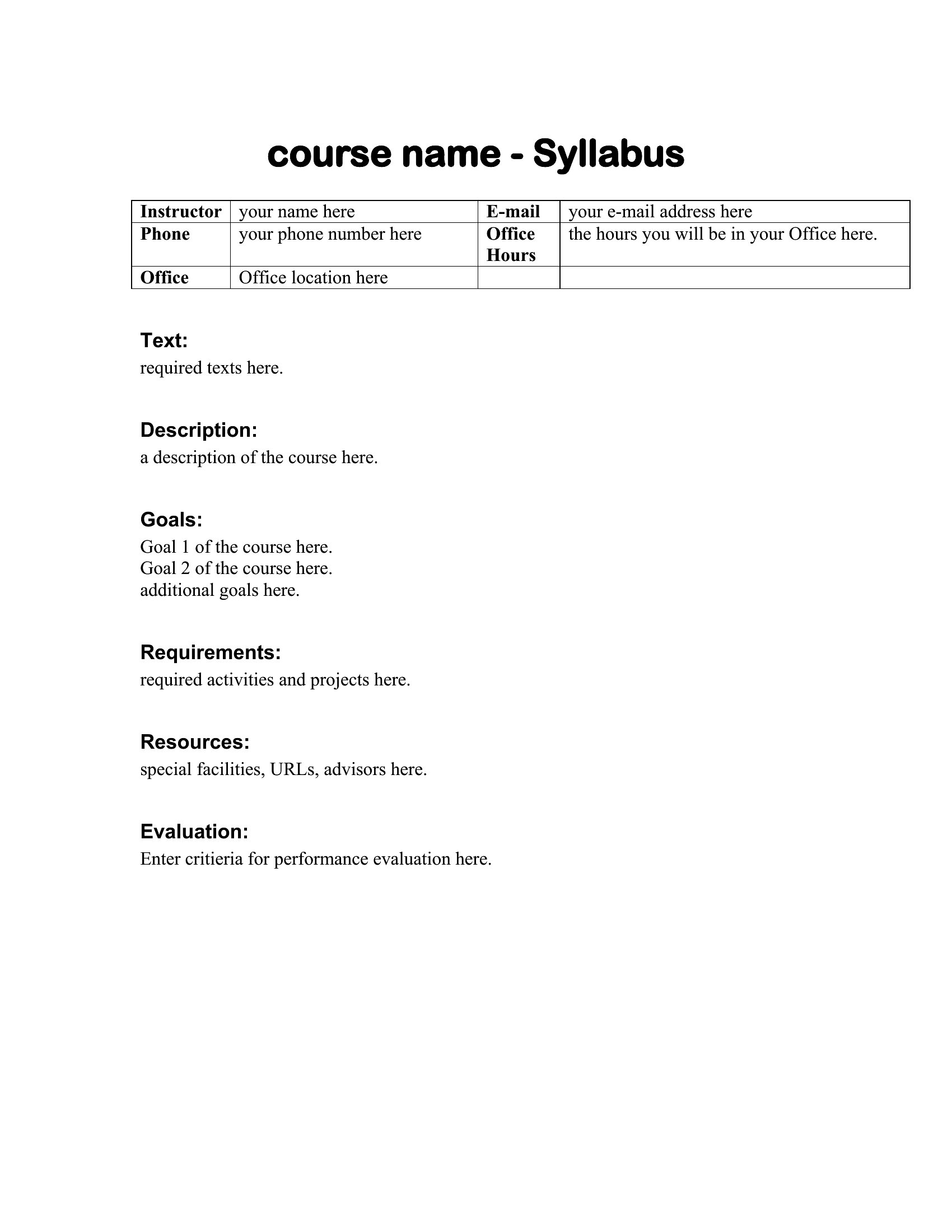
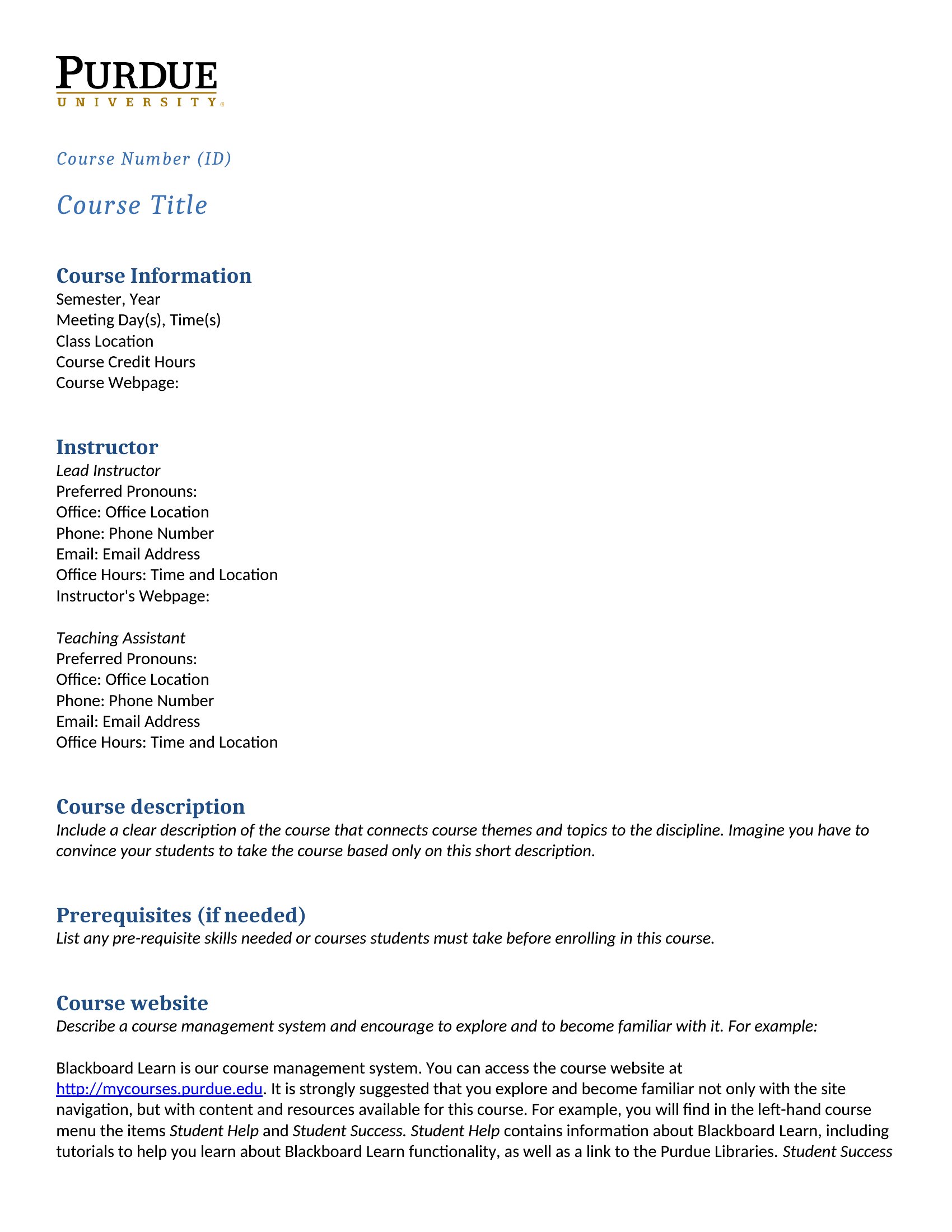
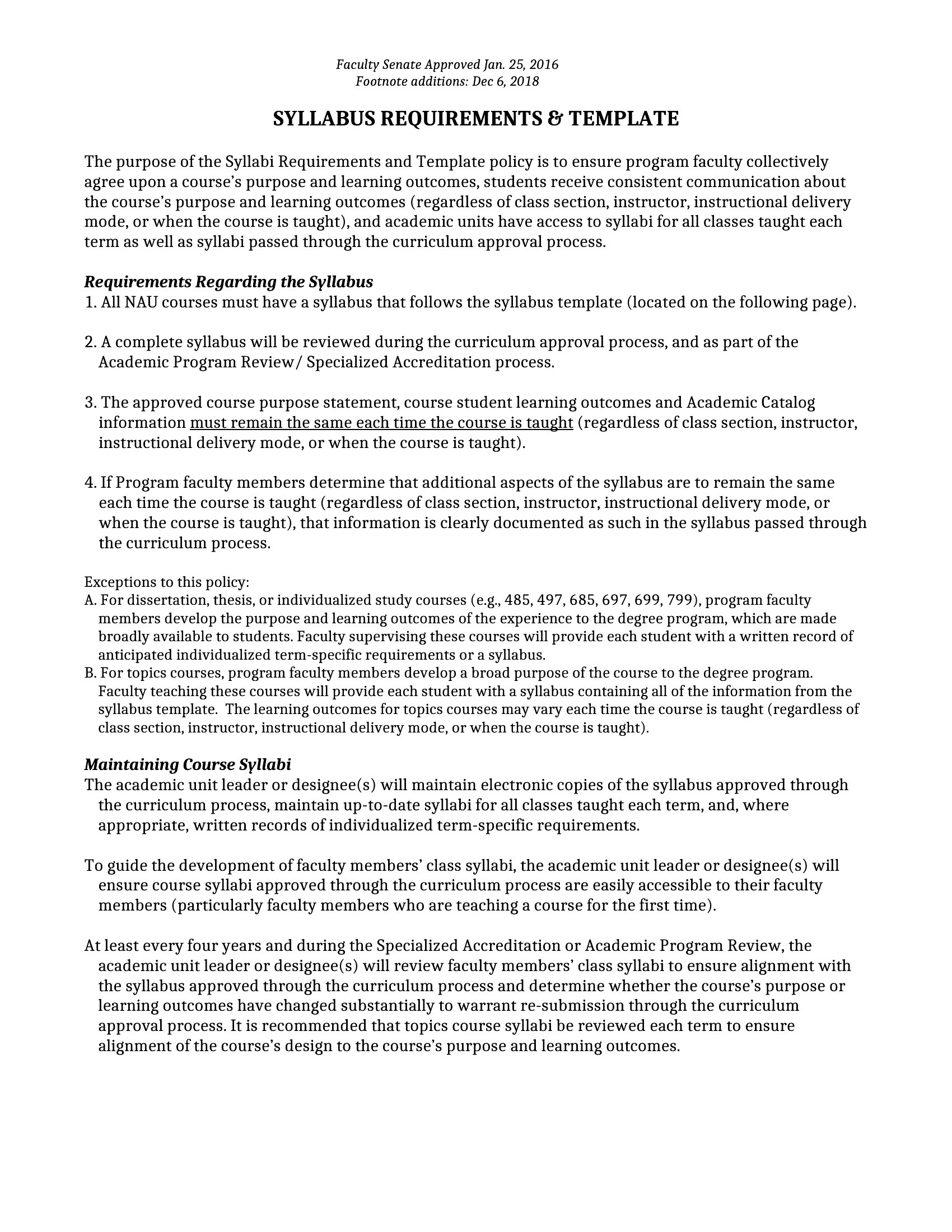
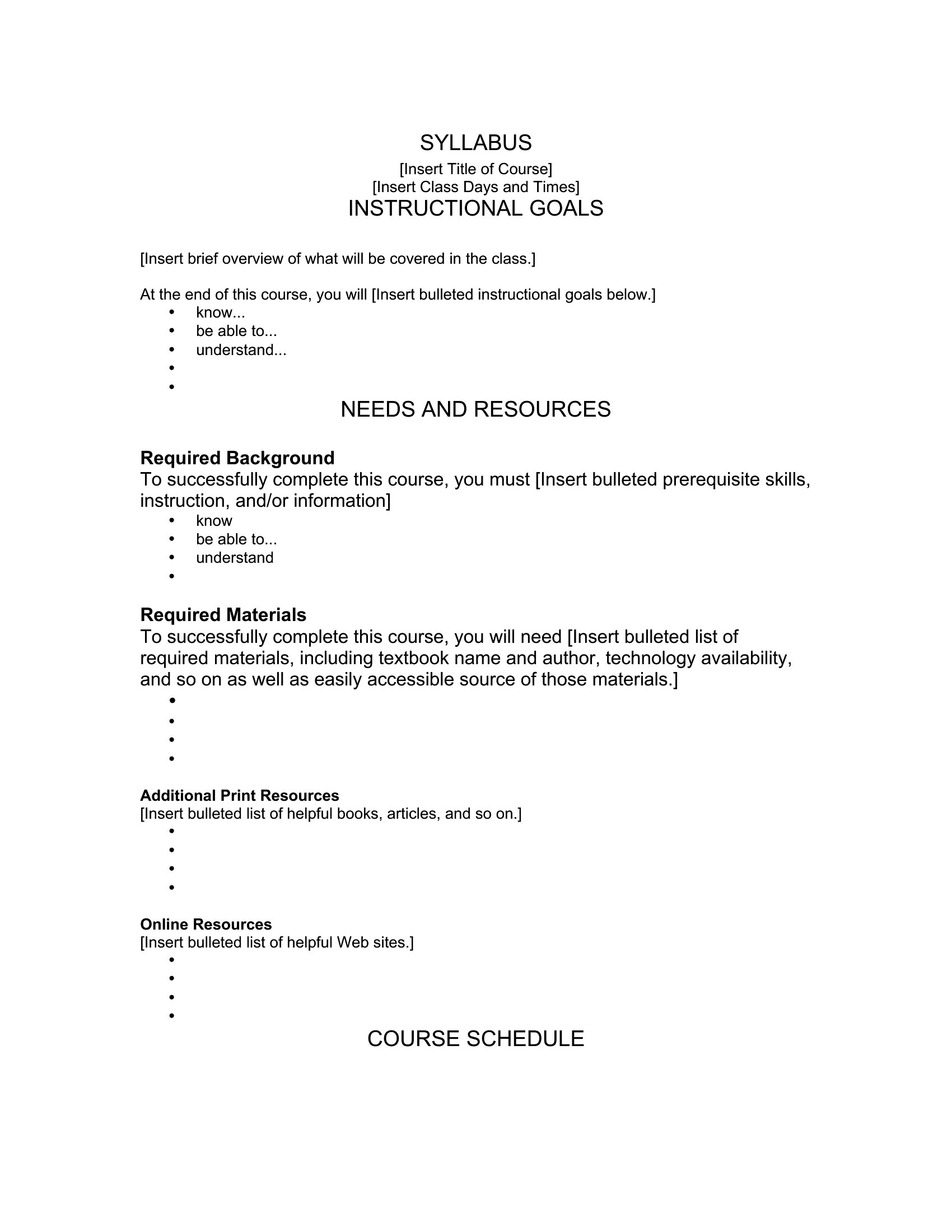
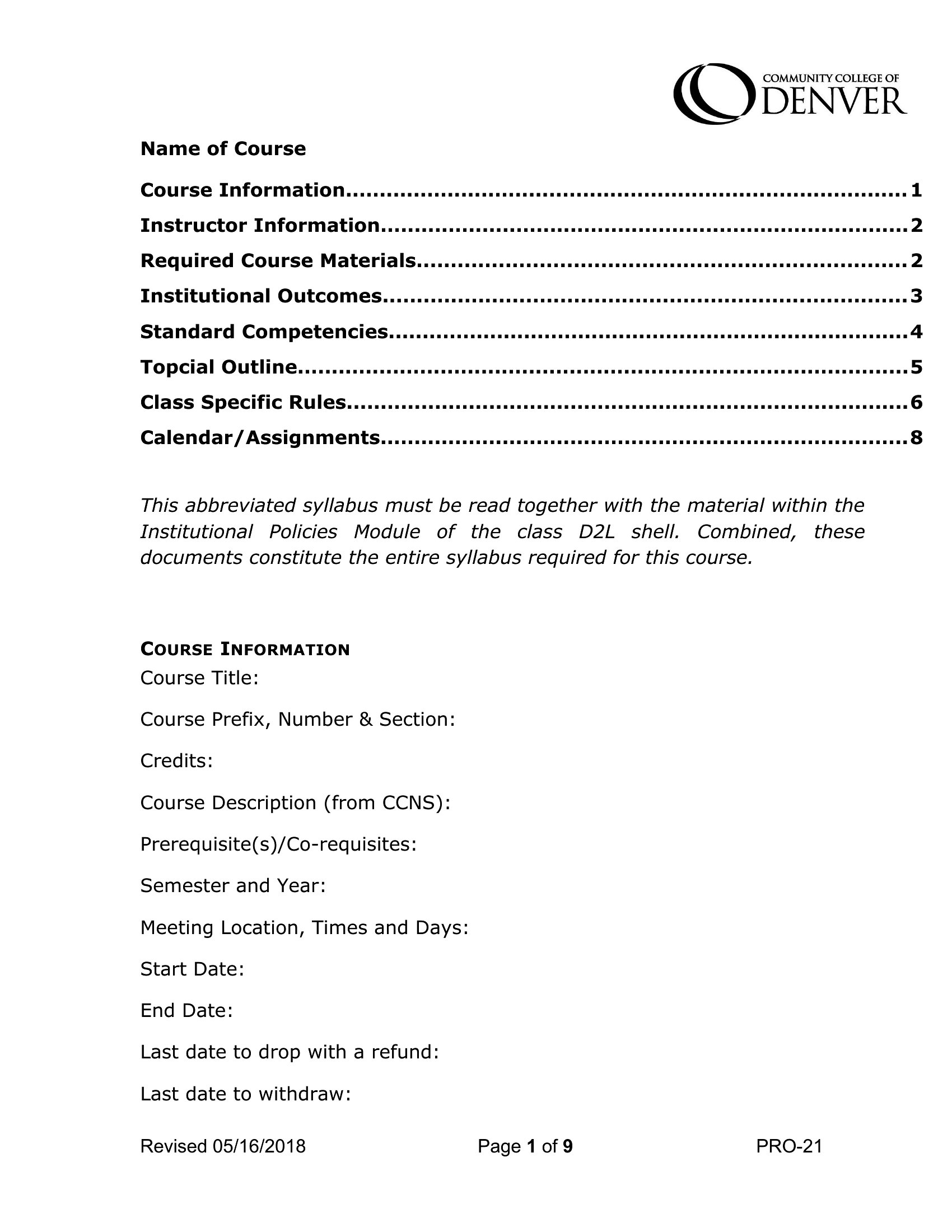
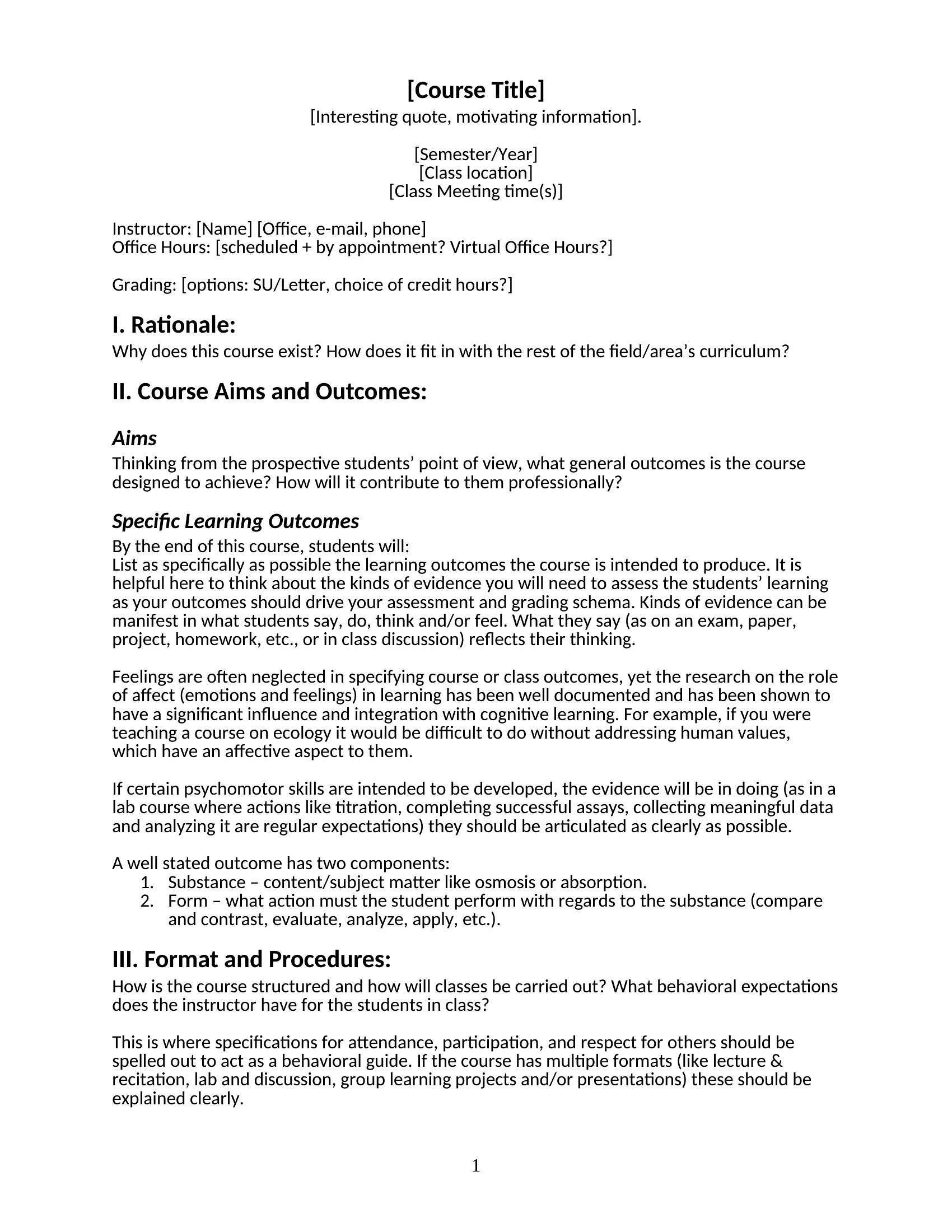
Stanford Syllabus template thumbnail
0 downloads
Download
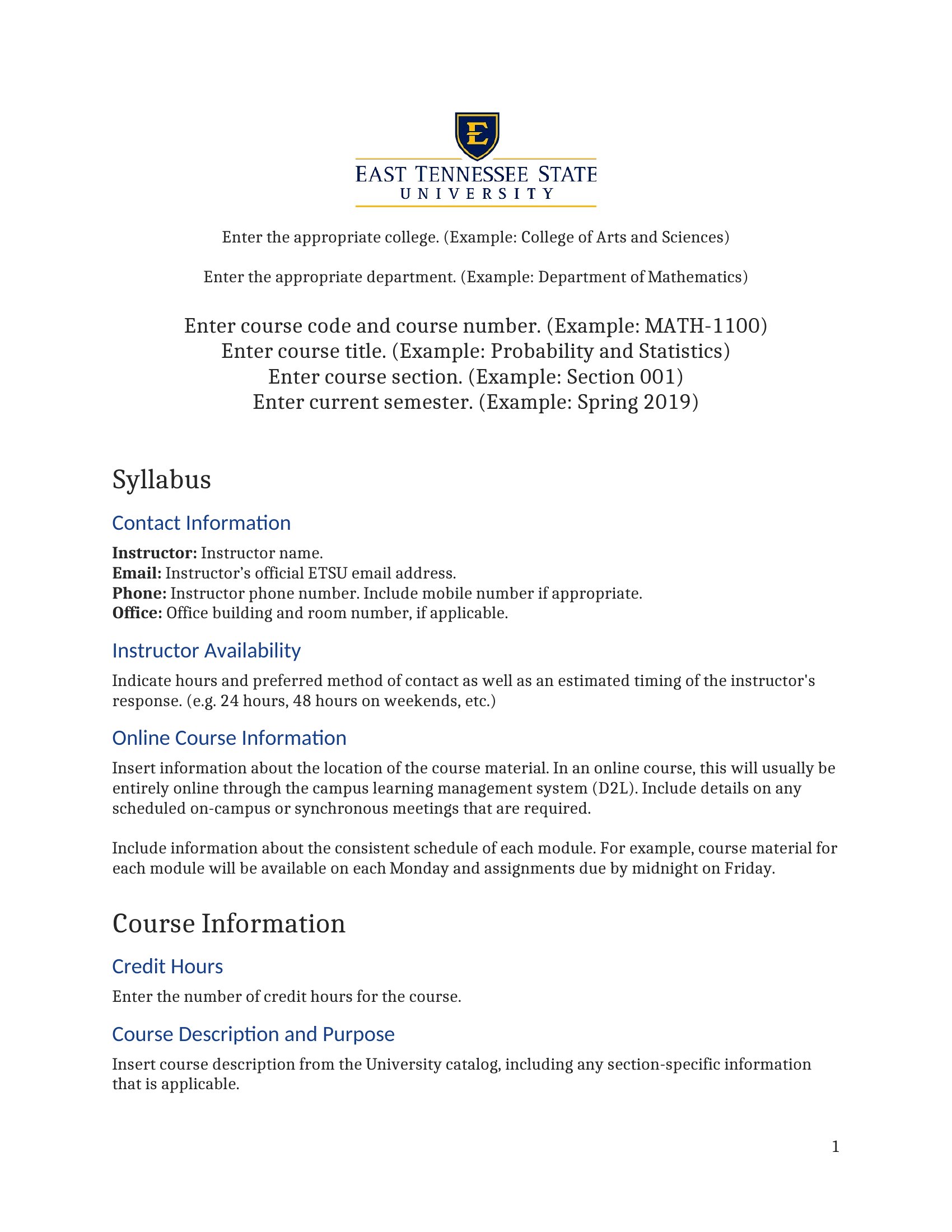
Syllabus Definition template thumbnail
0 downloads
Download
Example Of Syllabus template thumbnail
0 downloads
Download
Syracuse Math Syllabus template thumbnail
0 downloads
Download
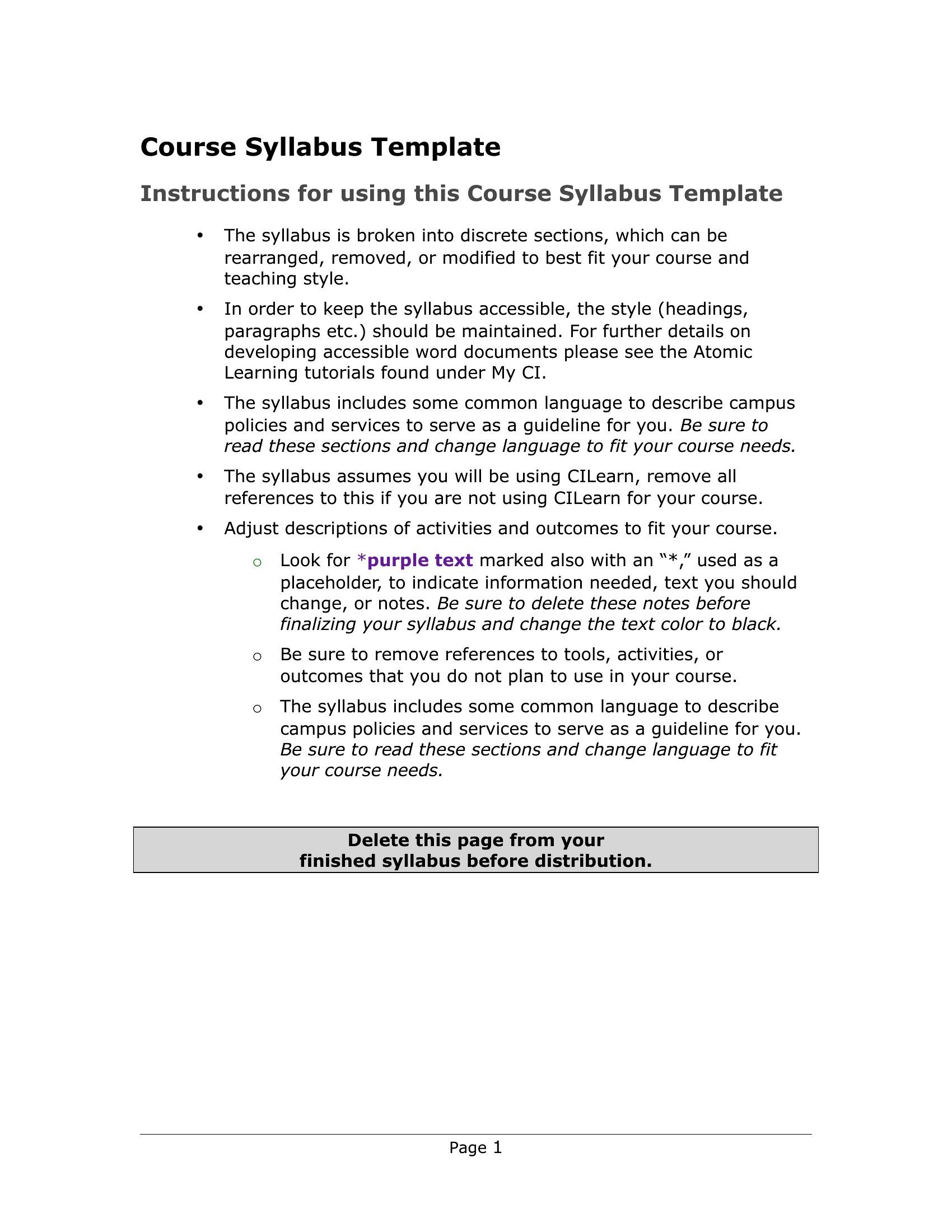
Course Syllabus template thumbnail
0 downloads
Download
Syllabuses template thumbnail
Free
0 downloads
Download
Pep Band Syllabus template thumbnail
0 downloads
Download
Plural For Syllabus template thumbnail
0 downloads
Download
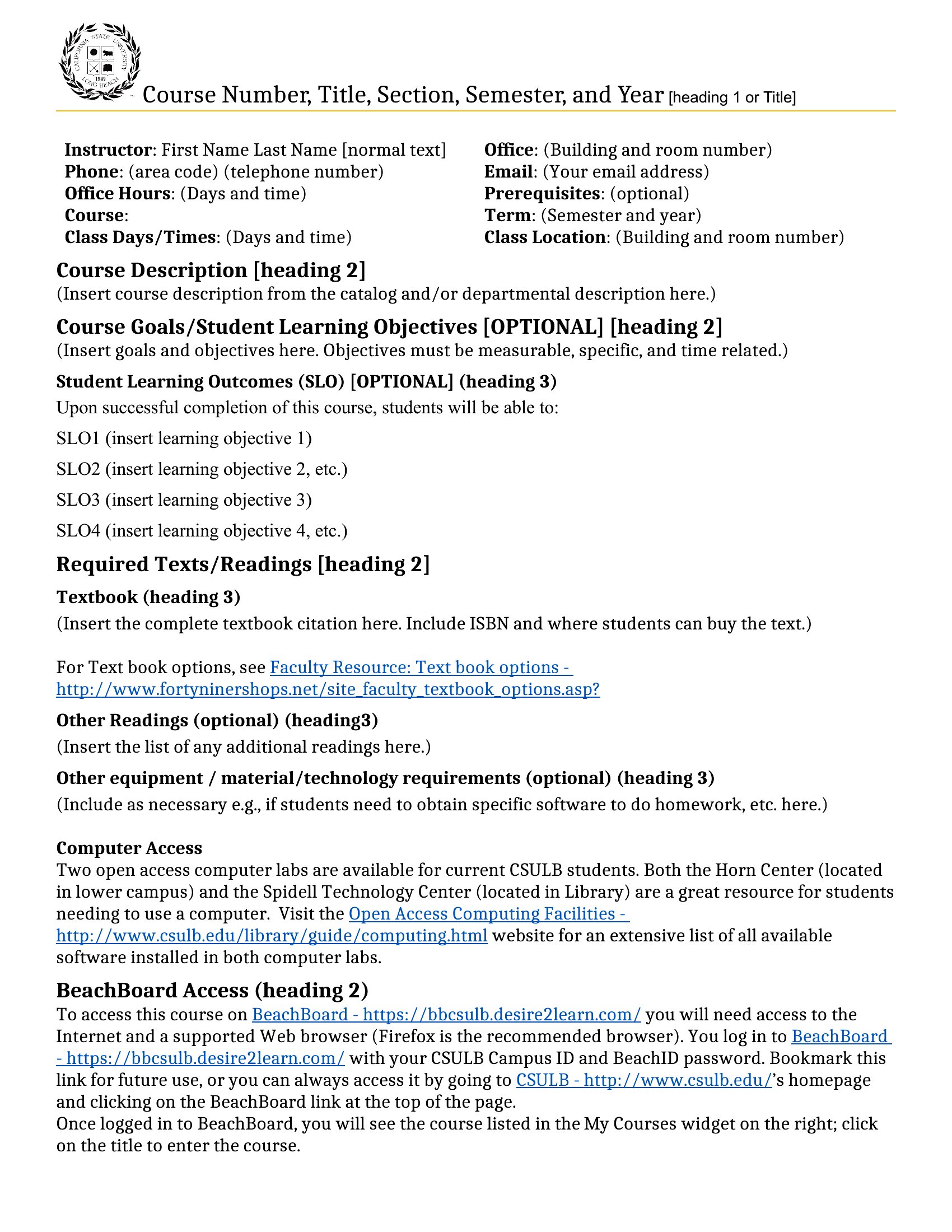
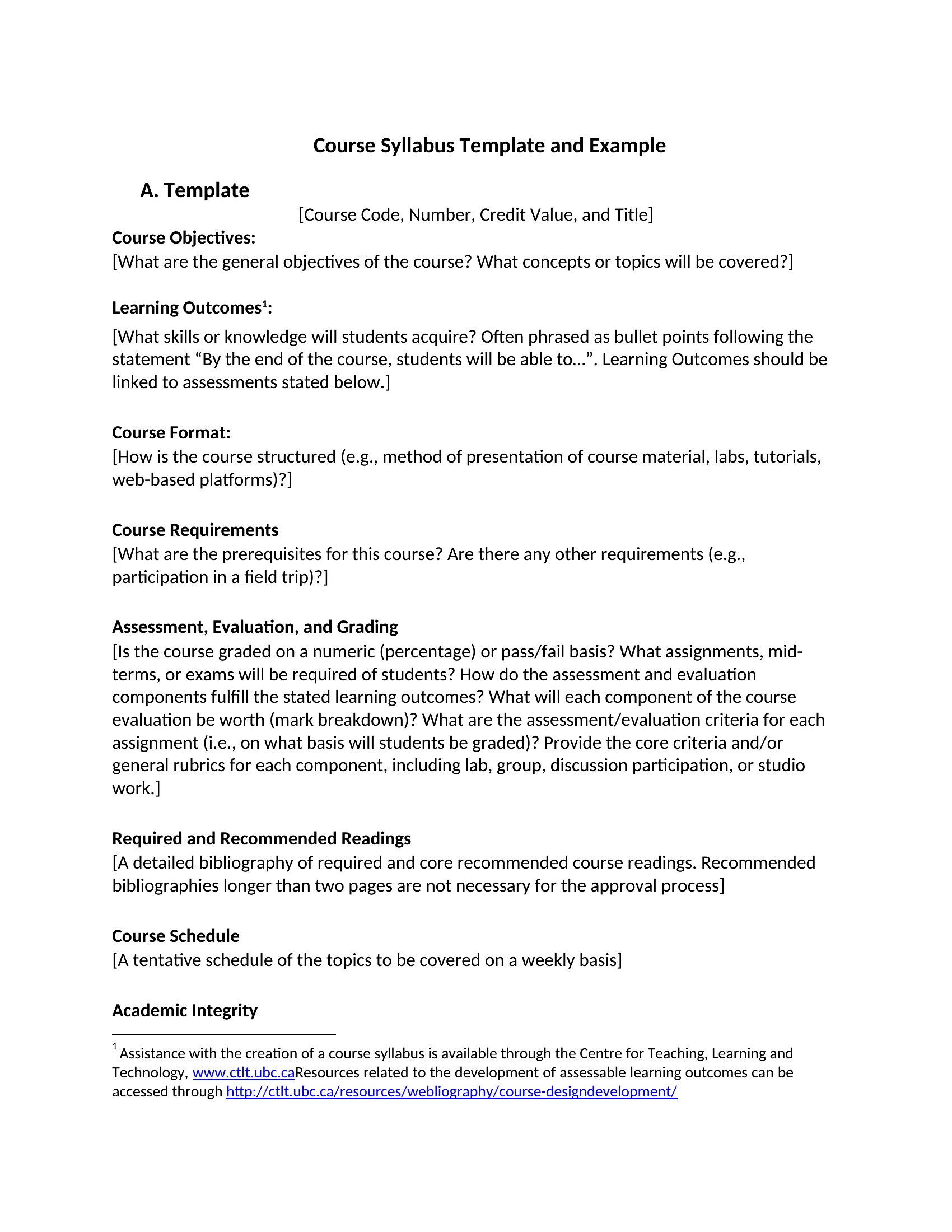
Sample Syllabus template thumbnail
0 downloads
Download

How to use this Syllabus template

How do I make my syllabus both professional and approachable for students?

Use a clear heading hierarchy (Course Title, Instructor Info, Key Policies) but add a short ‘Welcome’ section to set a friendly tone. Include a ‘Syllabus Tips’ bullet point like *‘Check this document weekly for updates’* to encourage engagement. Balance formal language (e.g., ‘Attendance Policy’) with plain explanations (e.g., *‘3 absences may require a conference’* instead of legal jargon).

Should I include a ‘Late Work Policy’ even if my course has no late submissions allowed?

Yes—always outline your policy, even if it’s strict. Students assume flexibility until told otherwise, and ambiguity can lead to conflicts. Frame it clearly: *‘No late work accepted without prior instructor approval and valid documentation. Email me at least 48 hours ahead to request an exception.’* This manages expectations while leaving room for rare extenuating circumstances.

Can I reuse a syllabus from a previous semester without major edits?

Reuse the structure (sections like ‘Grading’ or ‘Textbooks’) but update everything specific to the new term—dates, assignments, and any policy changes. Check for outdated references (e.g., old office hours or expired software tools). Even for повторяющихся courses, refresh the ‘Course Goals’ to reflect shifts in focus or student demographics, and note *‘Updated for Fall 2024’* at the top to signal currency.

Comments

Join the conversation

Sign in to share your thoughts and leave a comment on this resource.

Newsletter

Get Weekly Design Updates

Join our community to receive curated resources and inspiration.

Weekly Tips Resources Early Access

We respect your privacy. Confirmation email required. Privacy Policy