Skip to content
50% off this one-time $1.99 pack with HALFOFF — or unlimited with Pro.HALFOFF
Premium

Free Class Schedule Templates (Word, Excel, PDF)
Academic
normanobarbosa by normanobarbosa
Updated 0 downloads 2 community comments

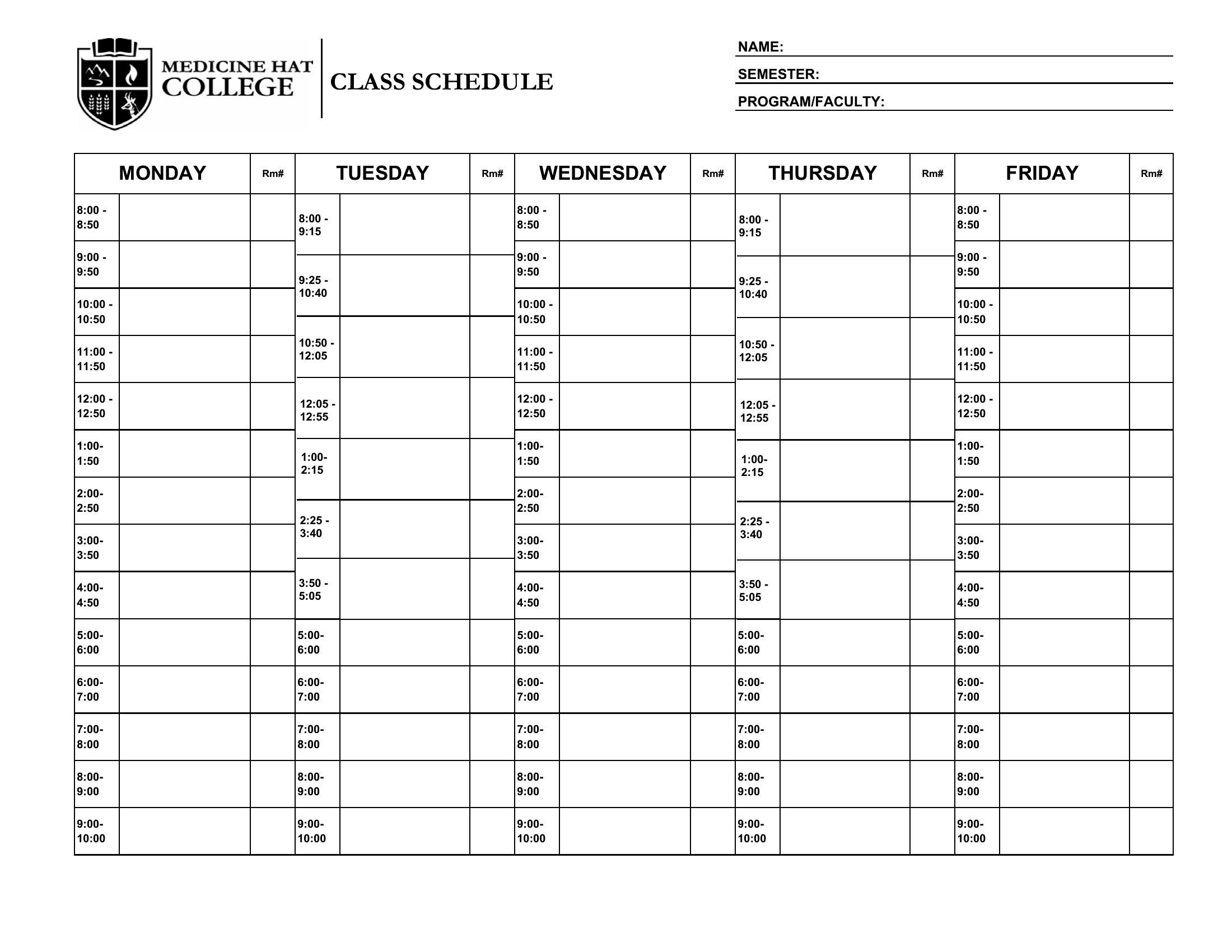
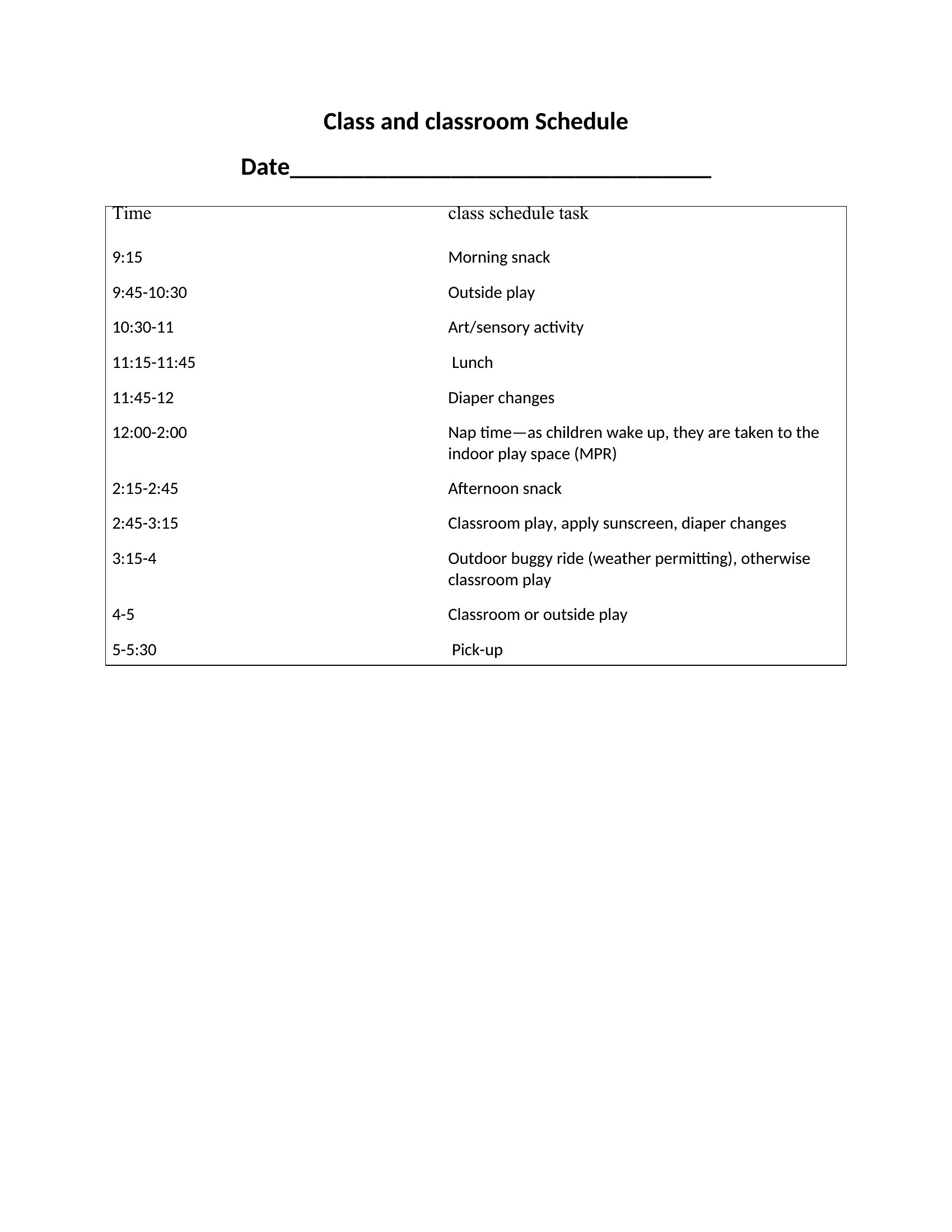
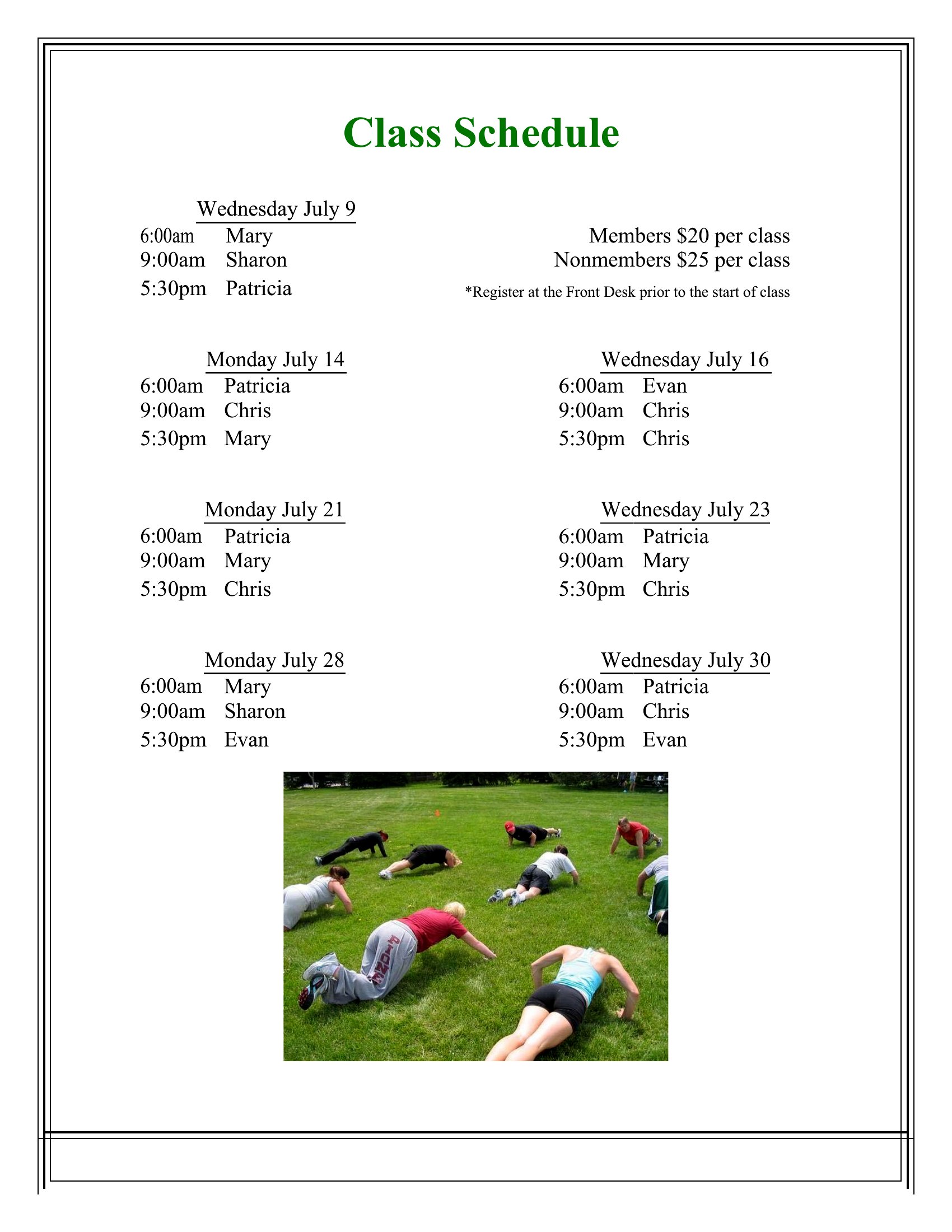
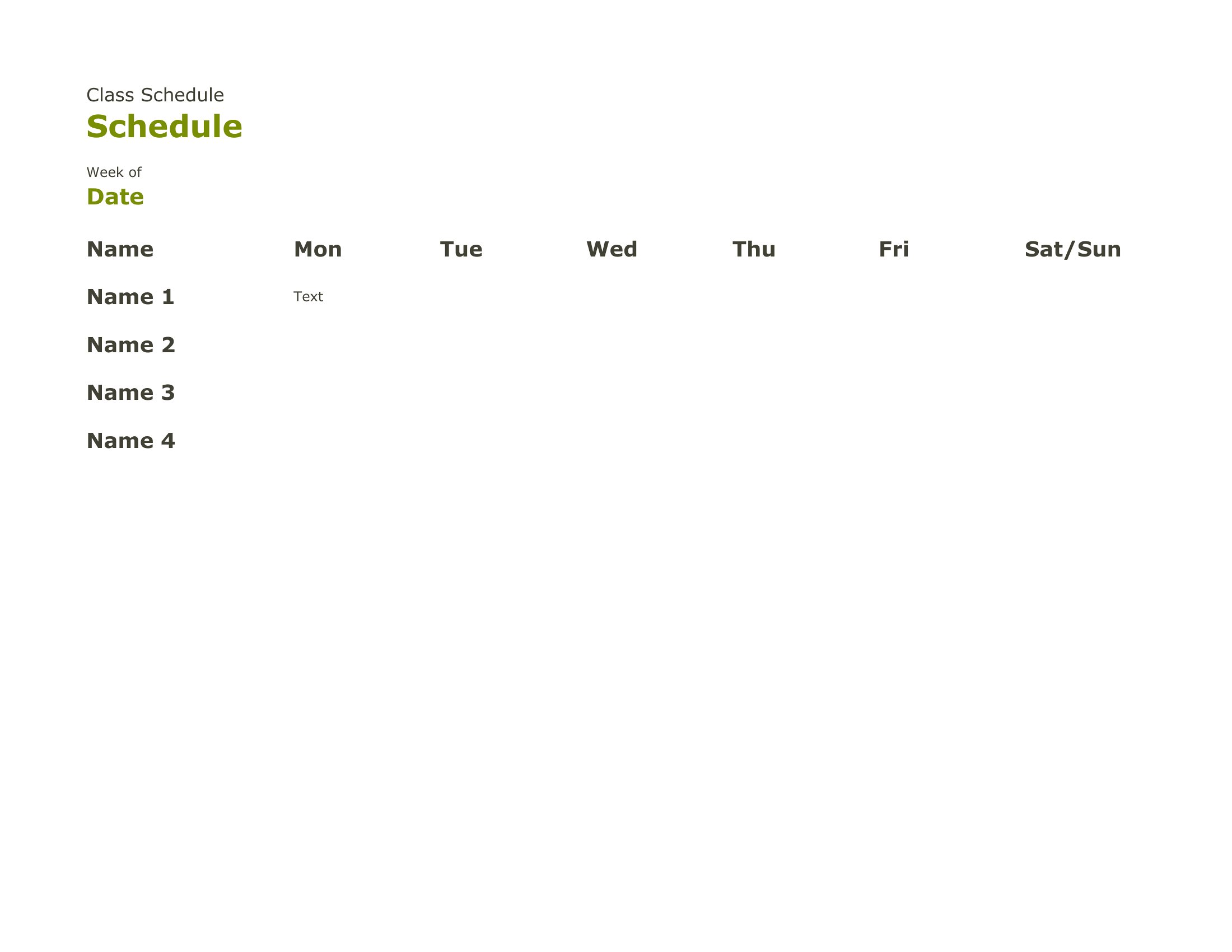
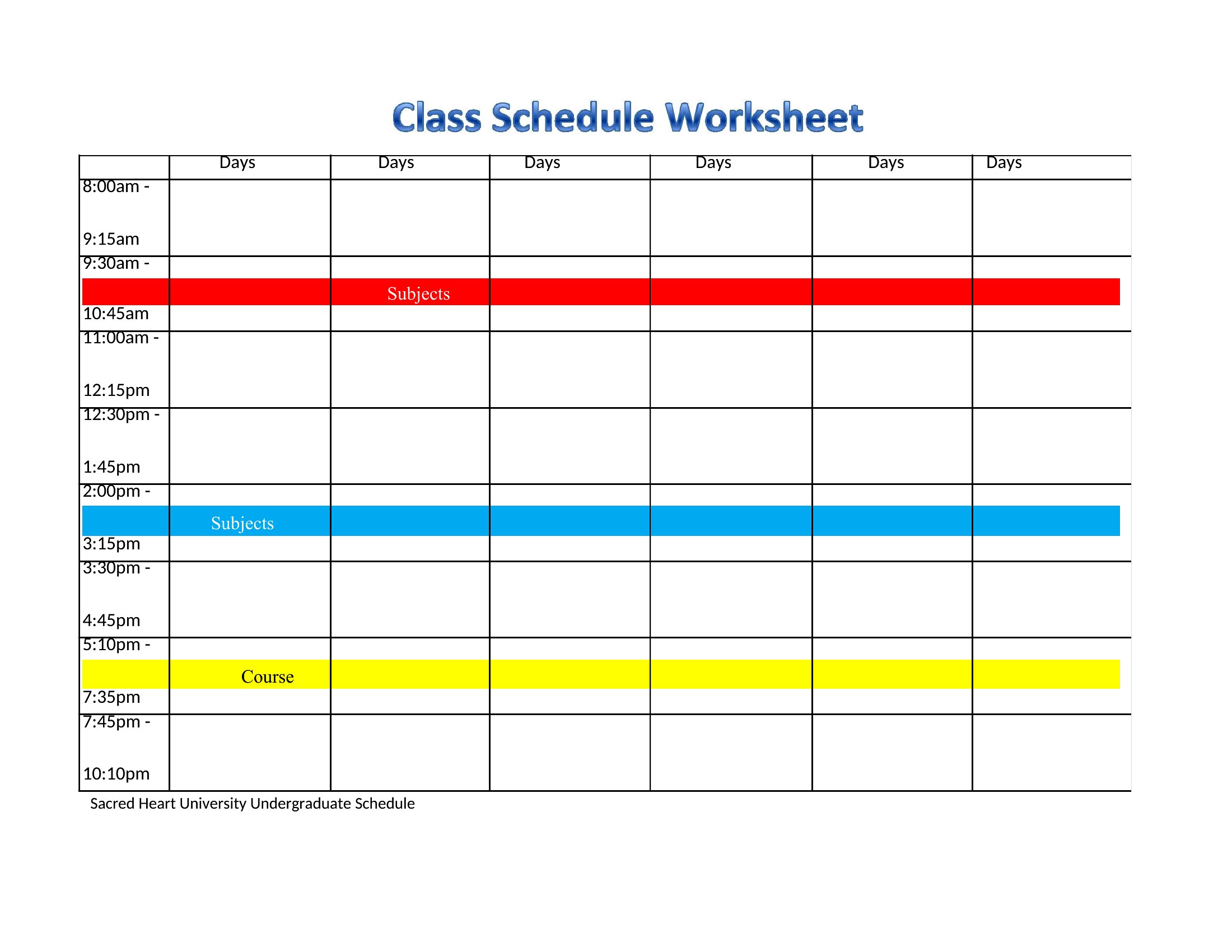
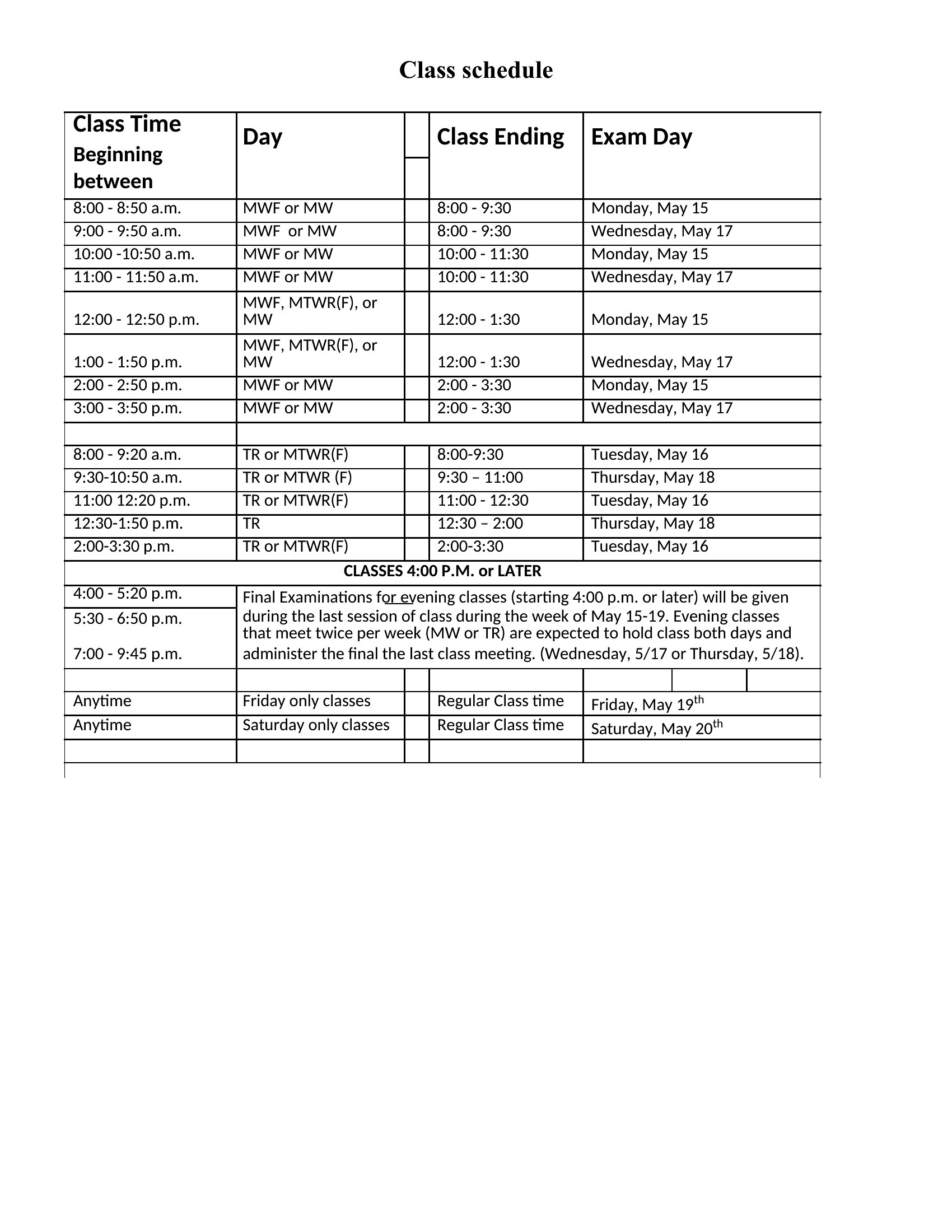
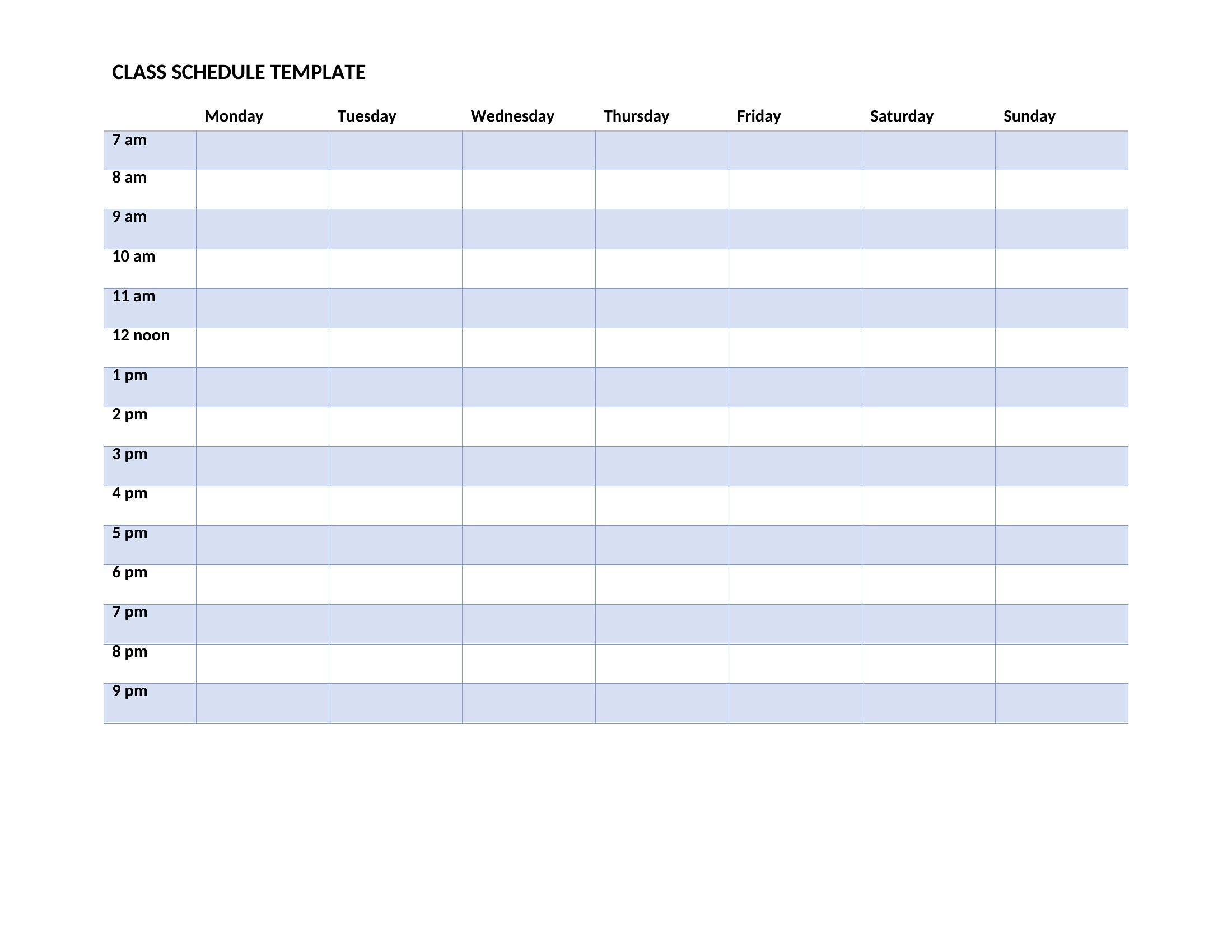
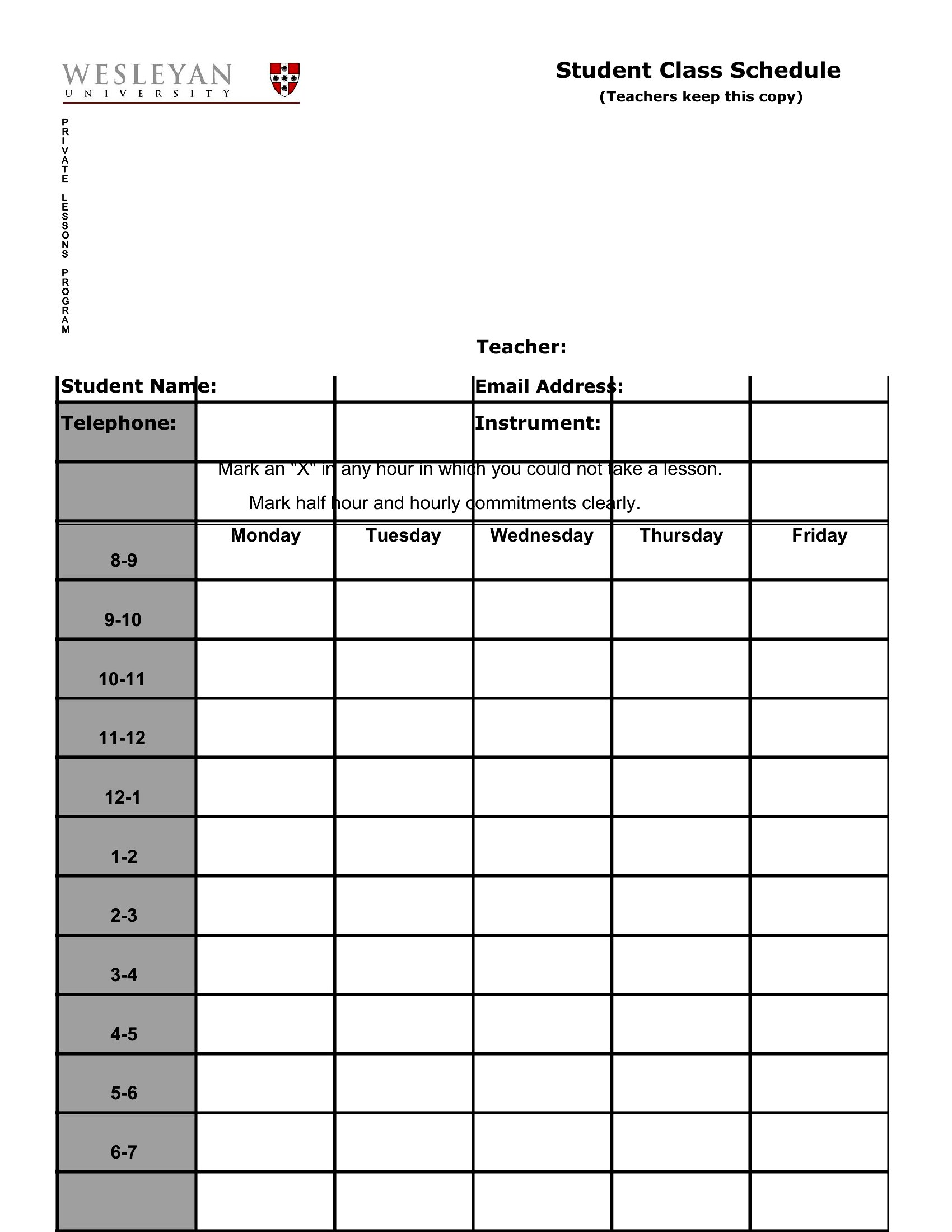
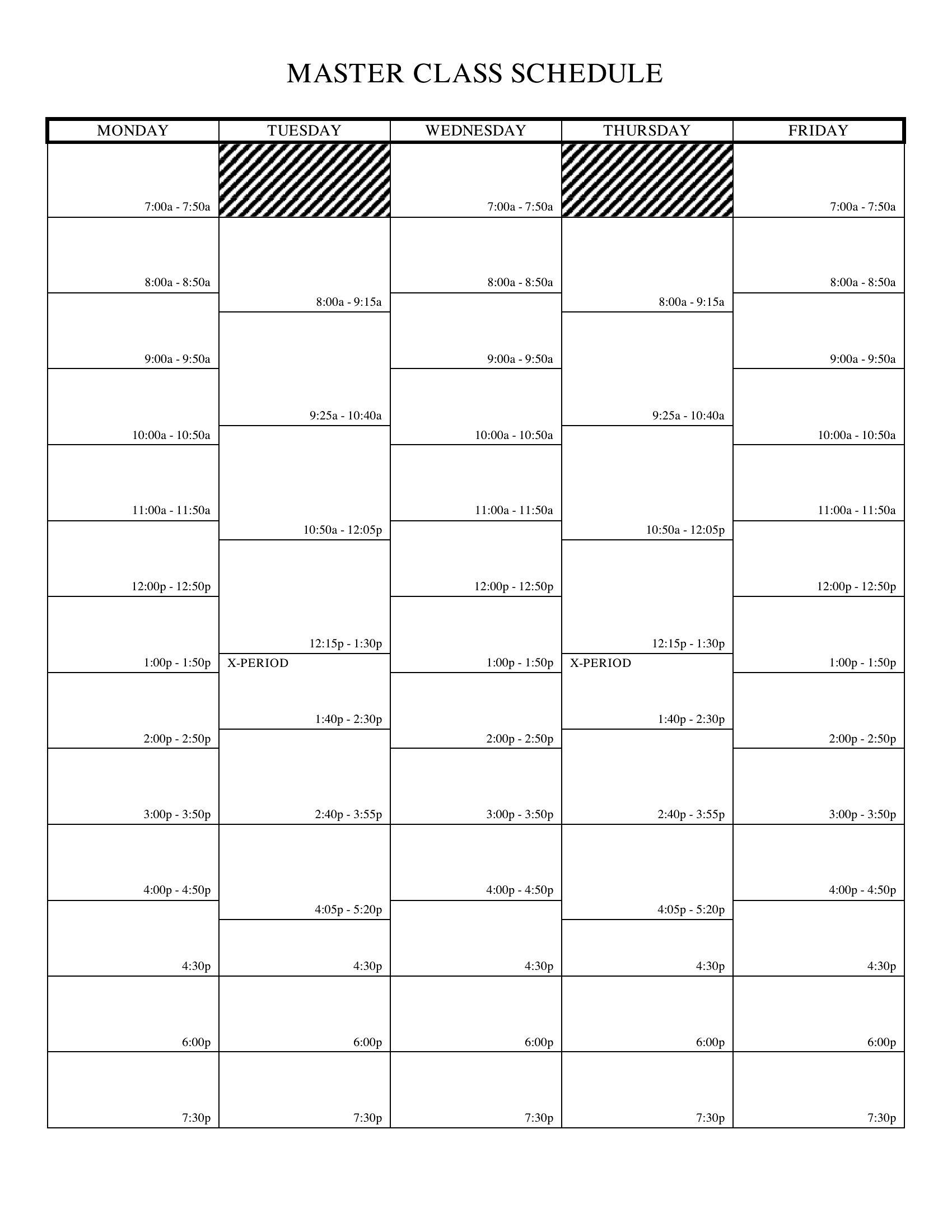
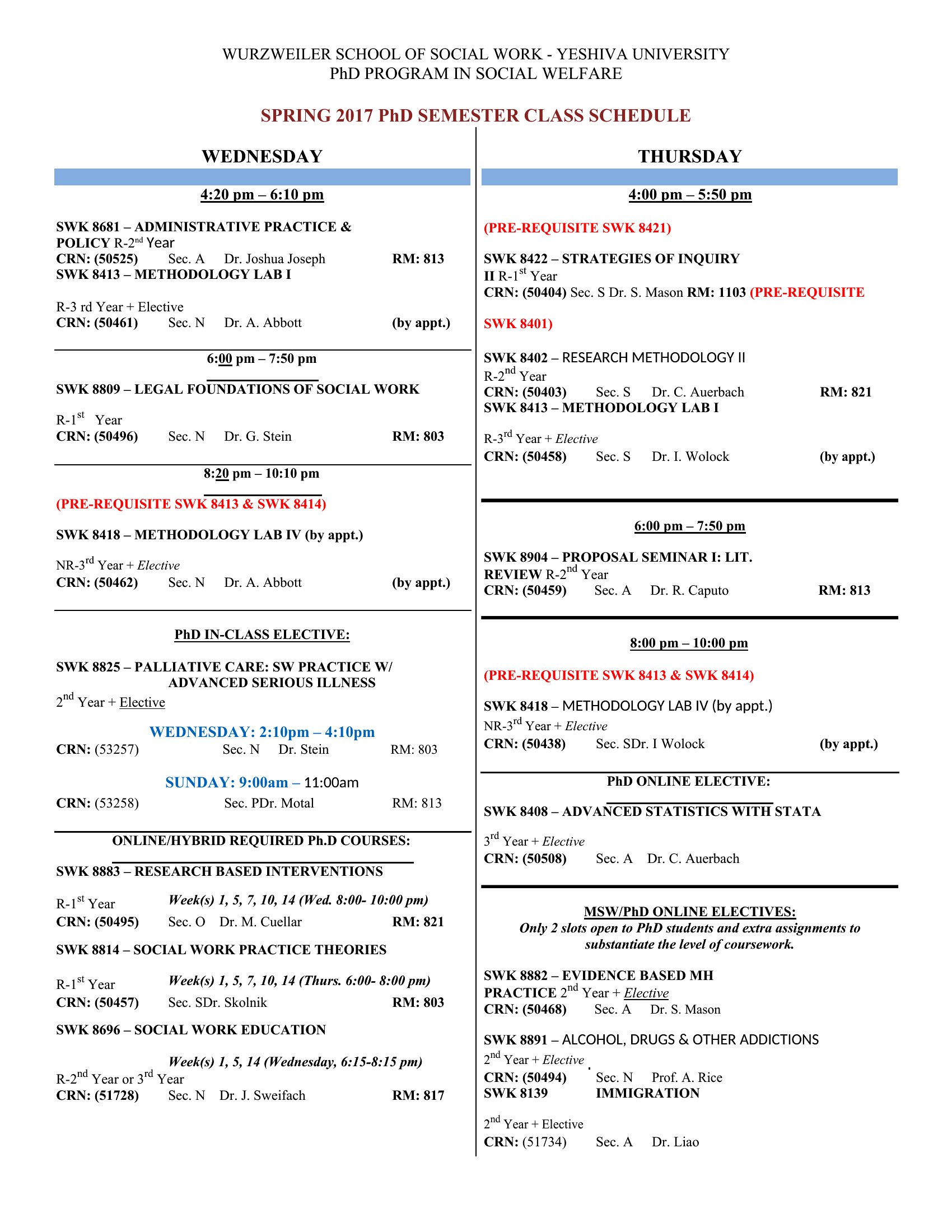
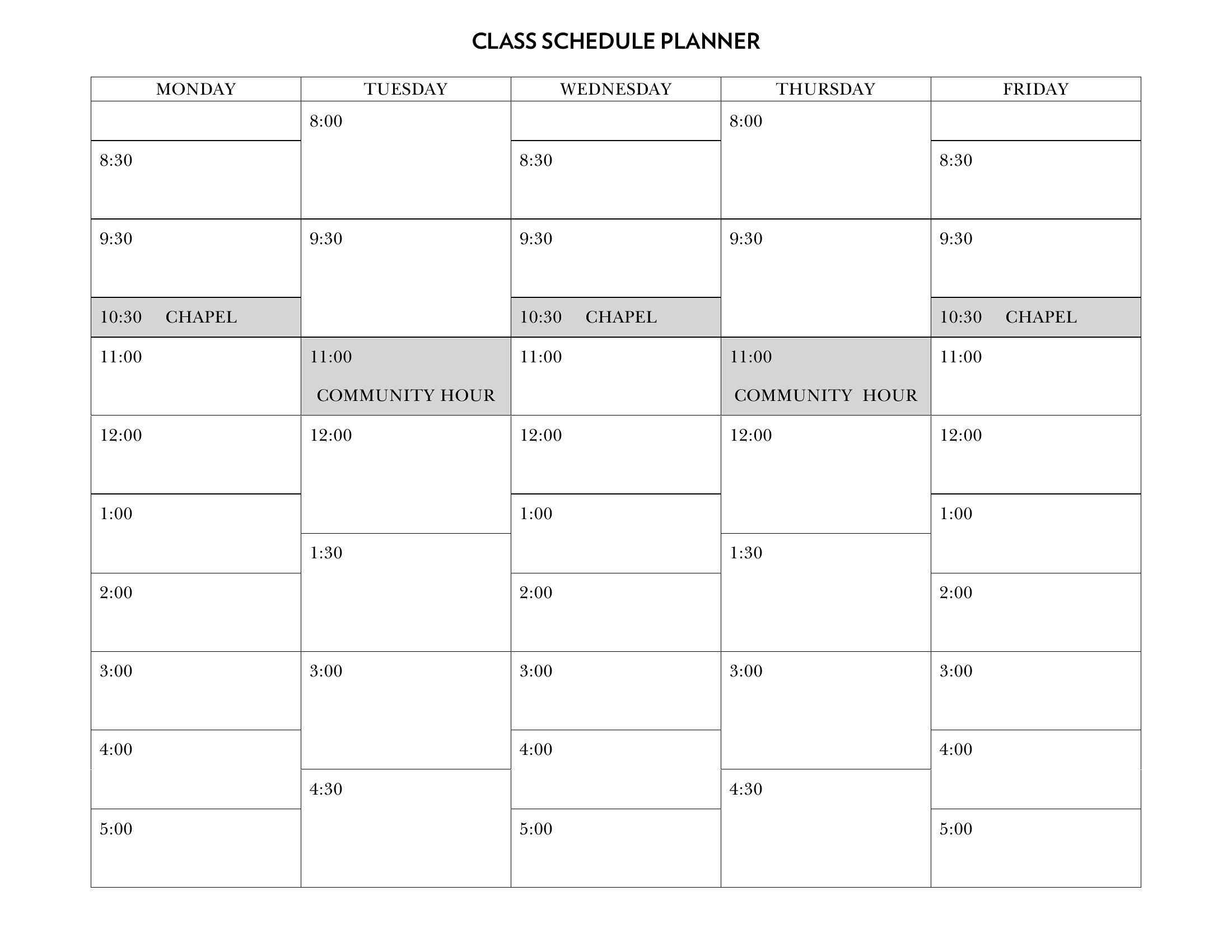
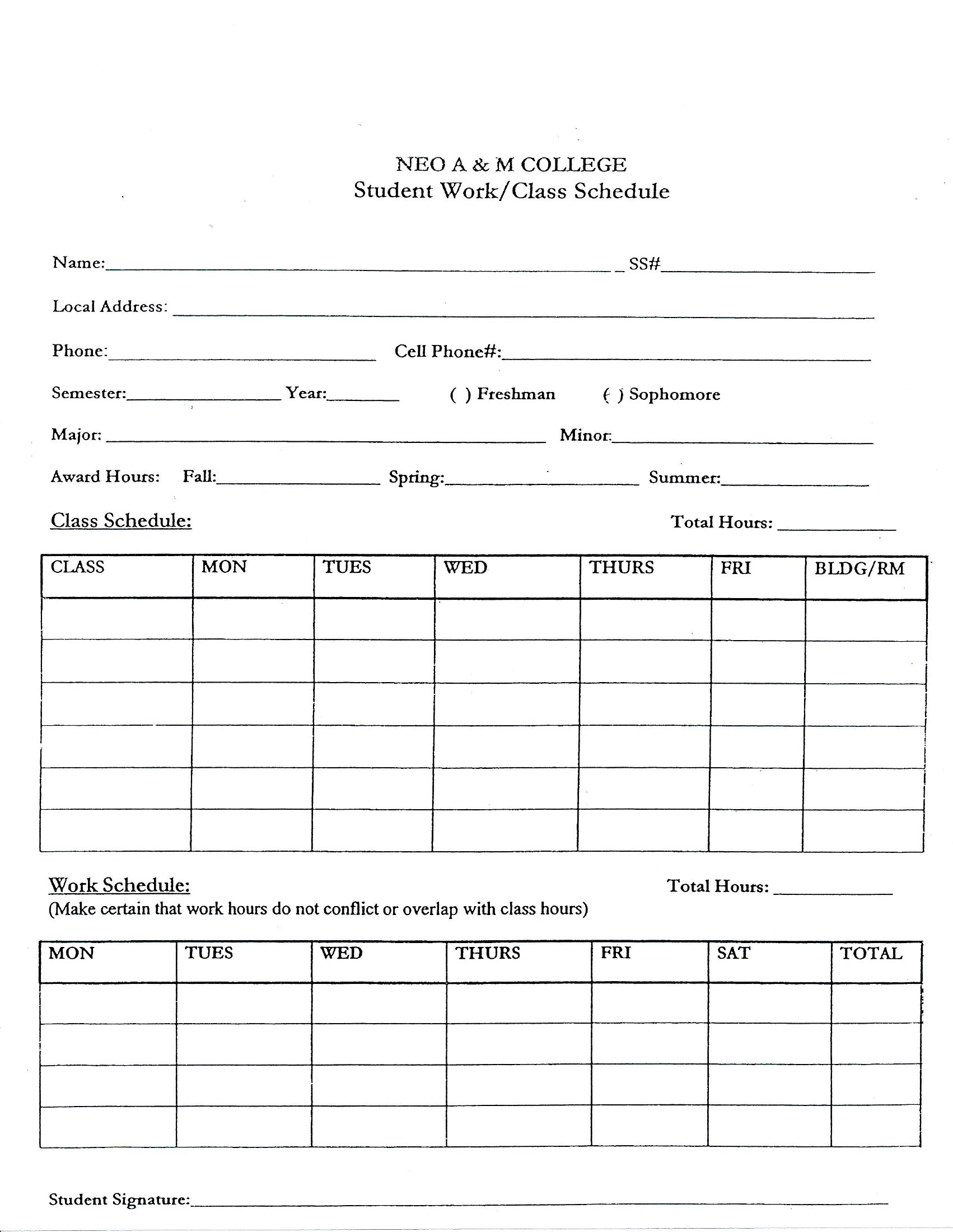
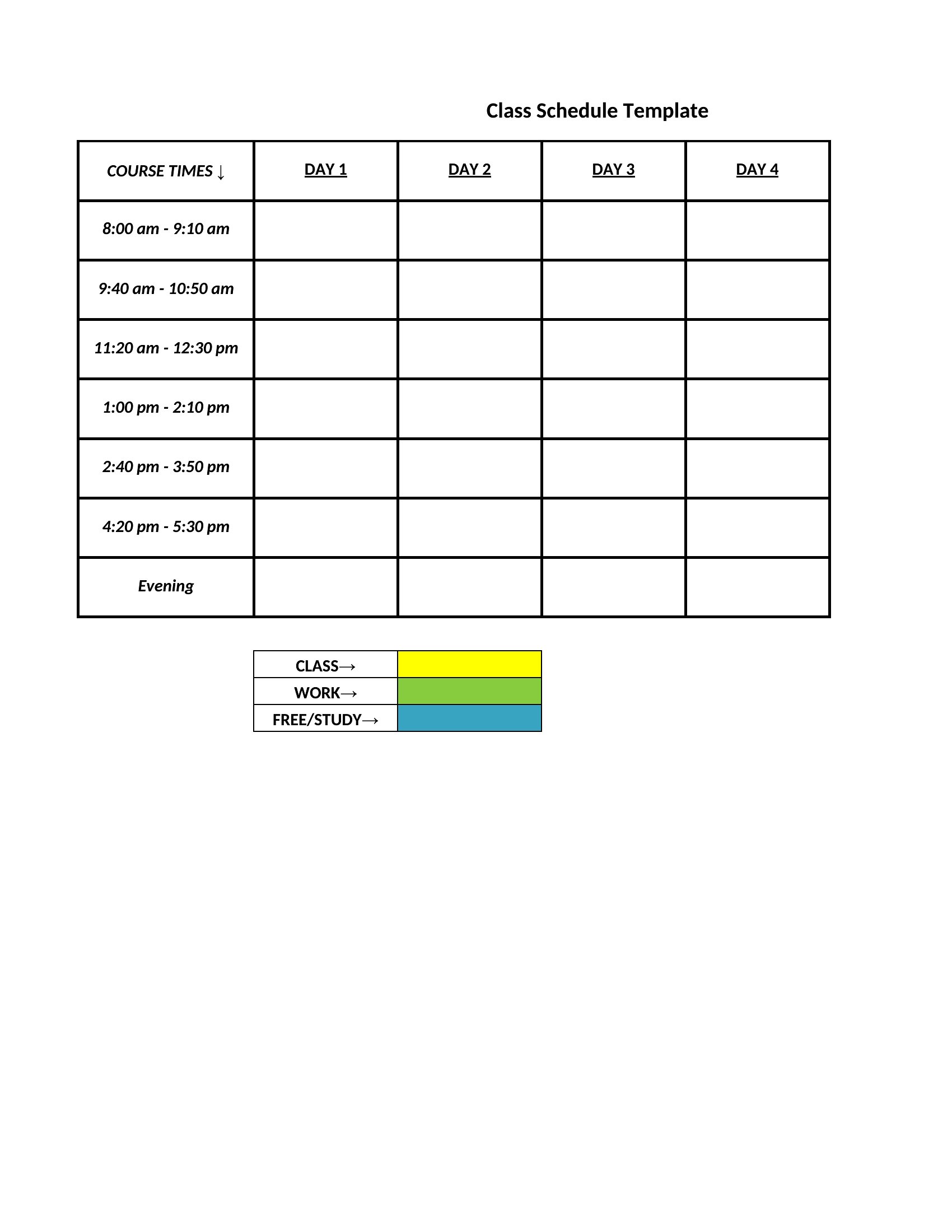
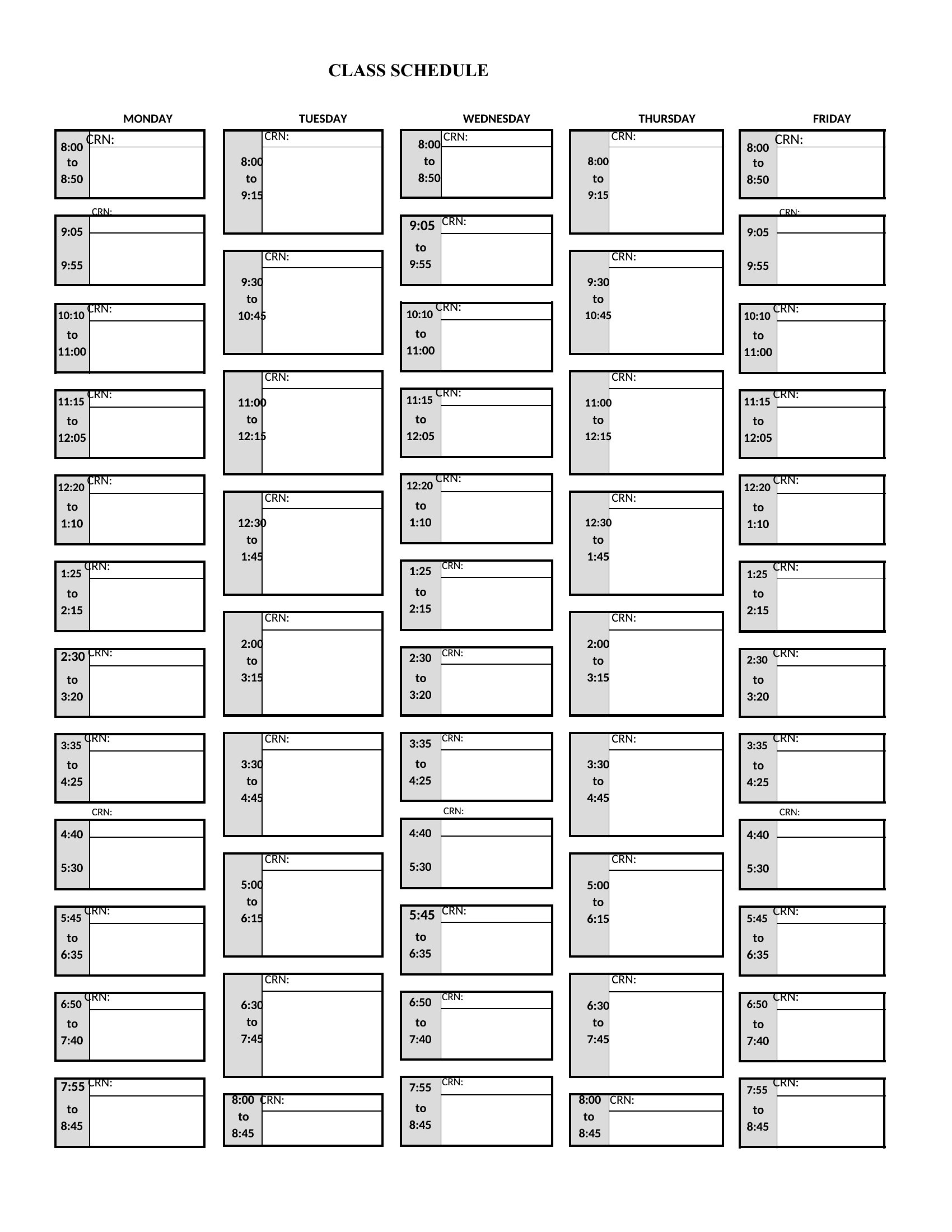
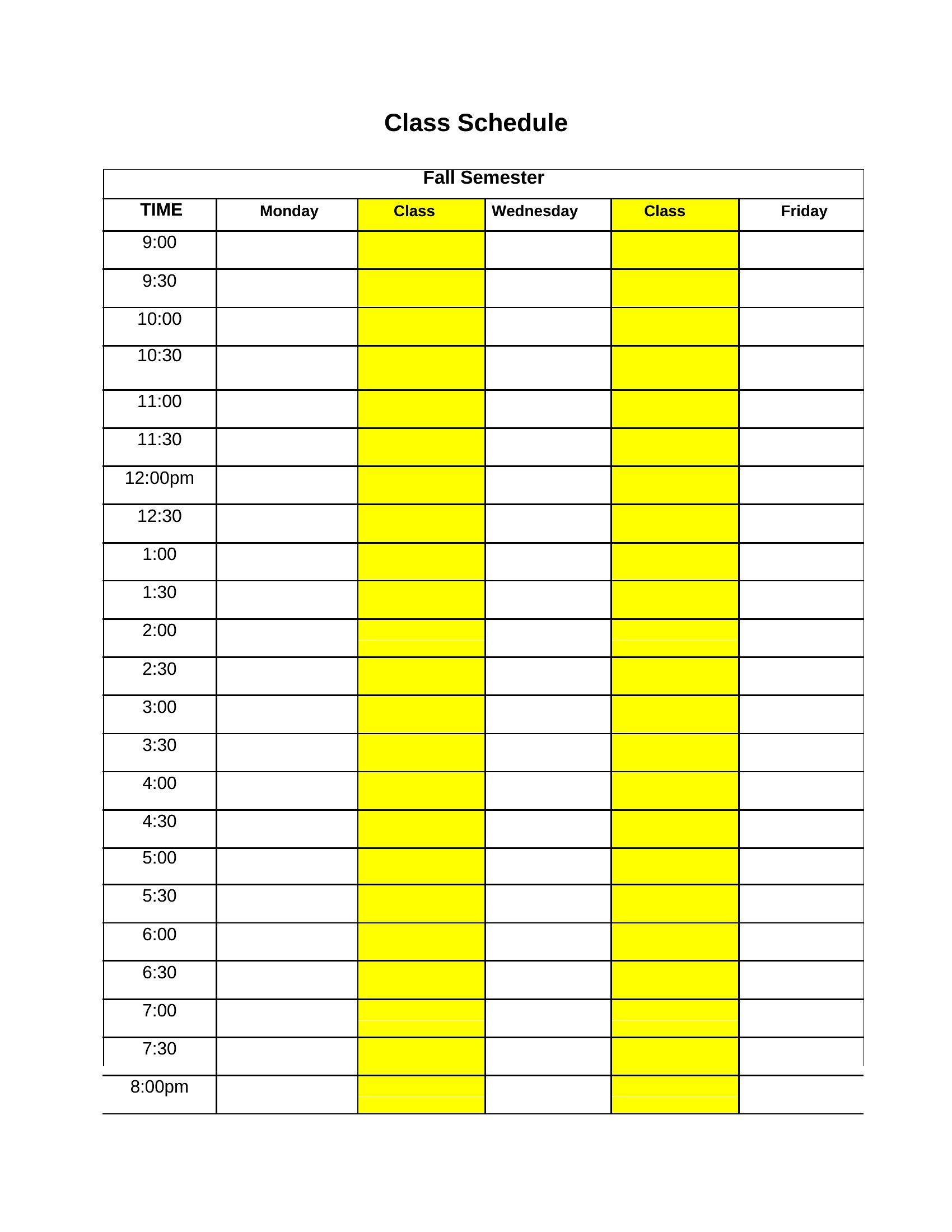
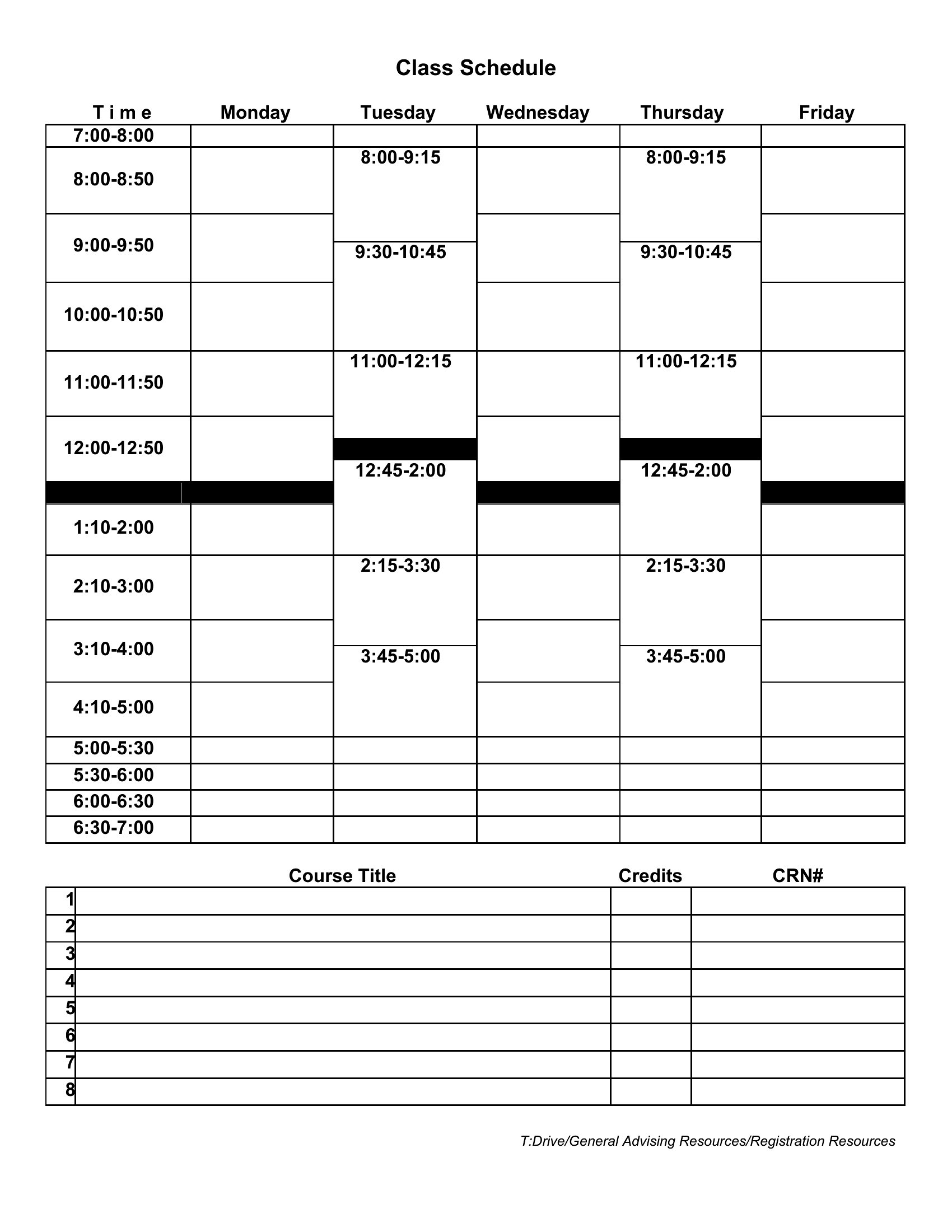
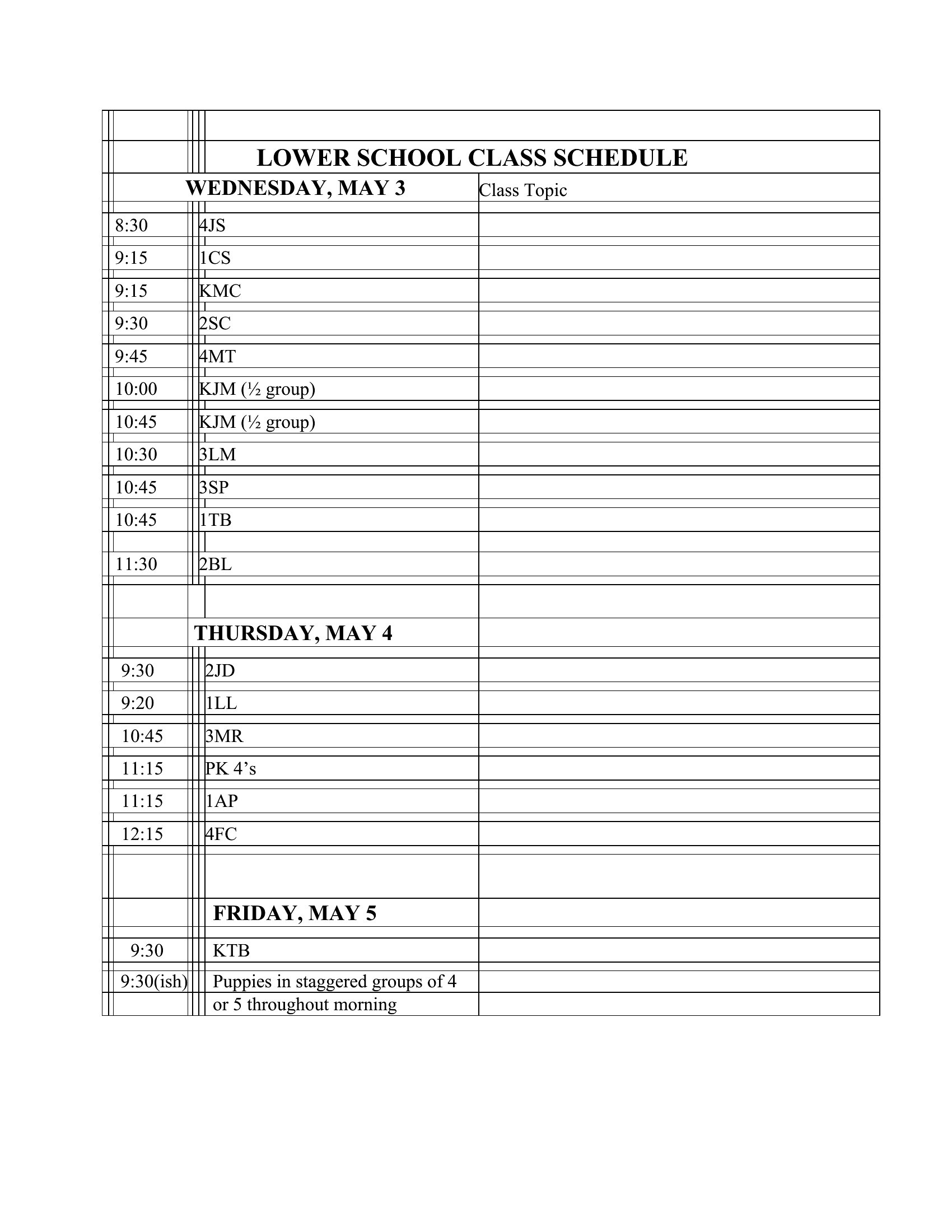
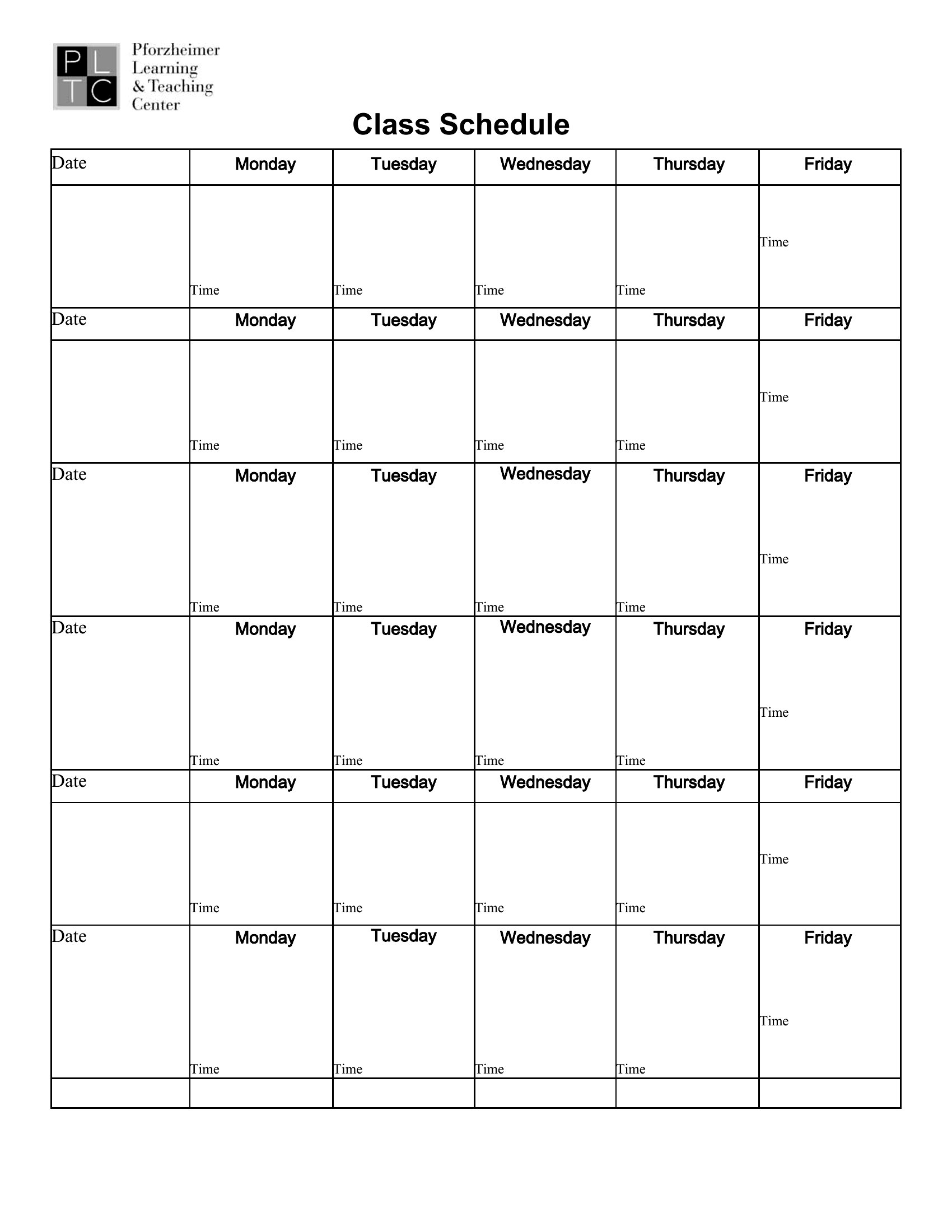
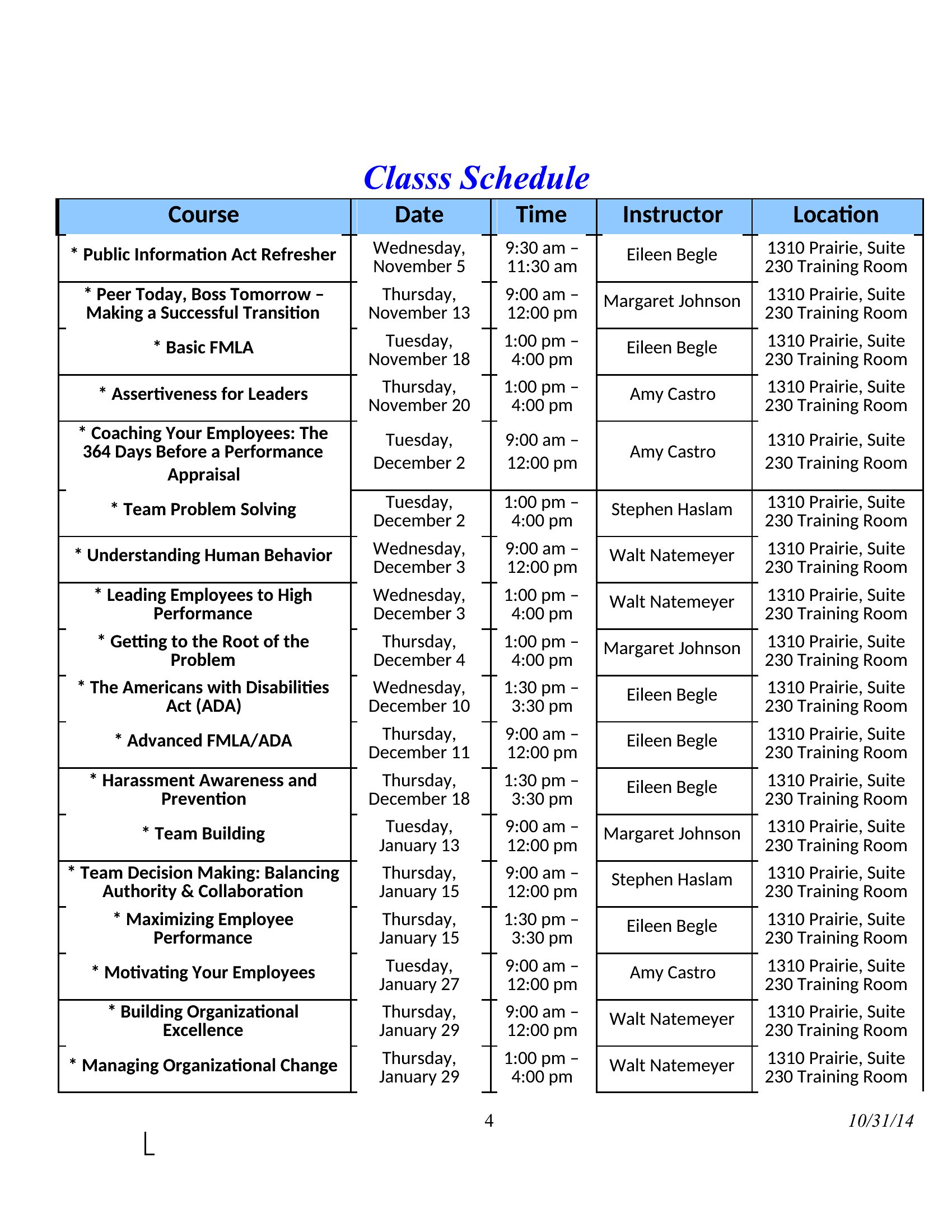
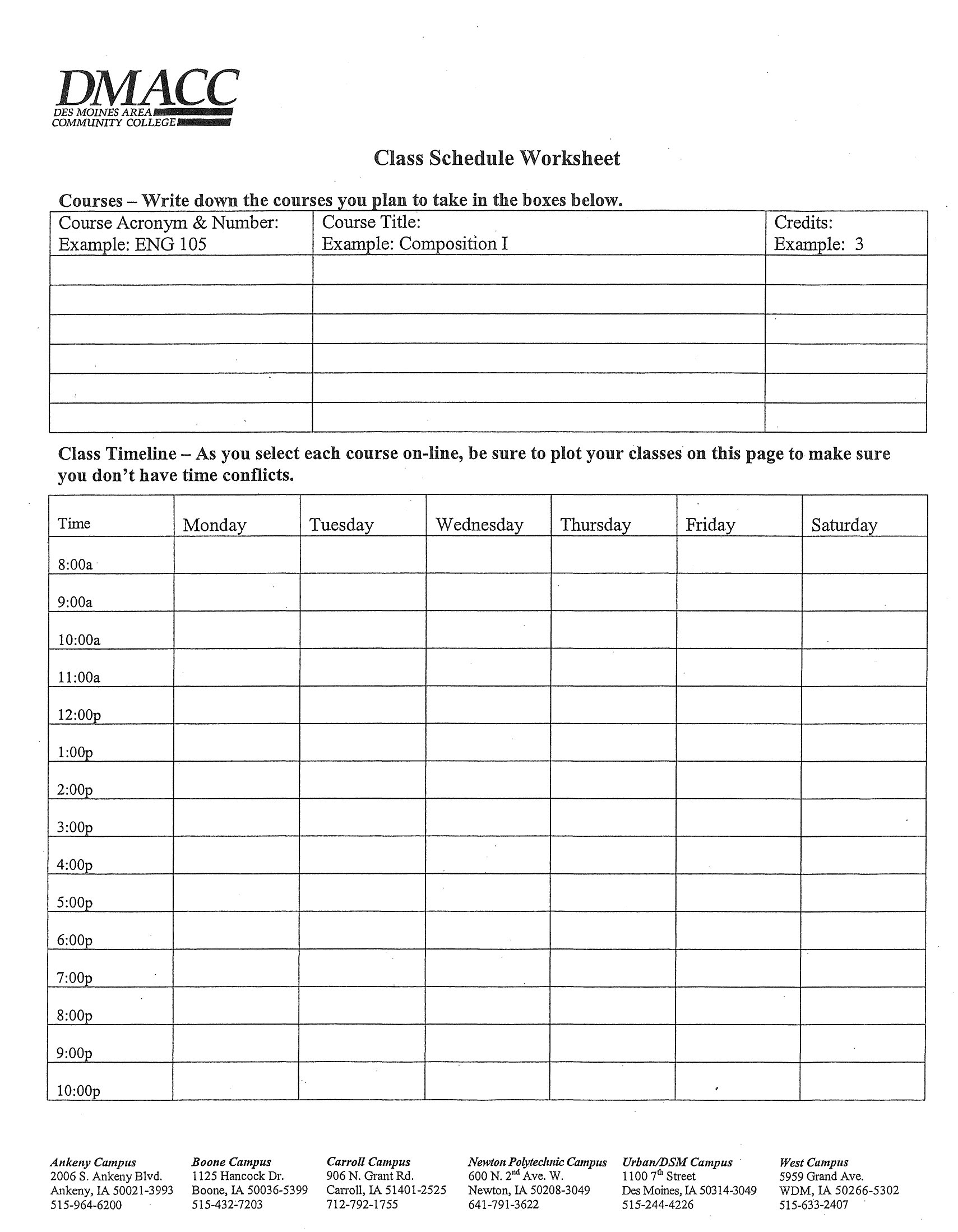
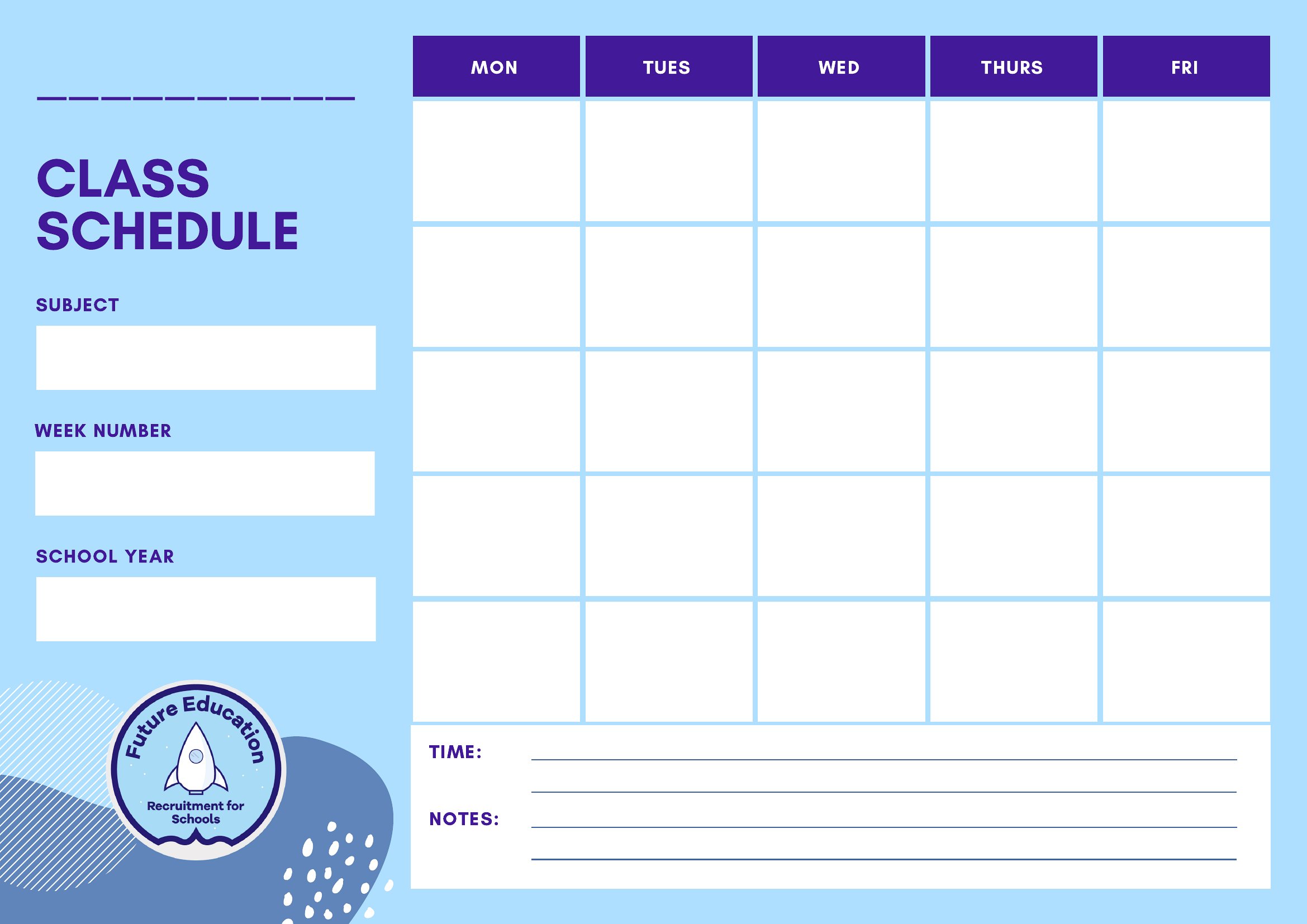
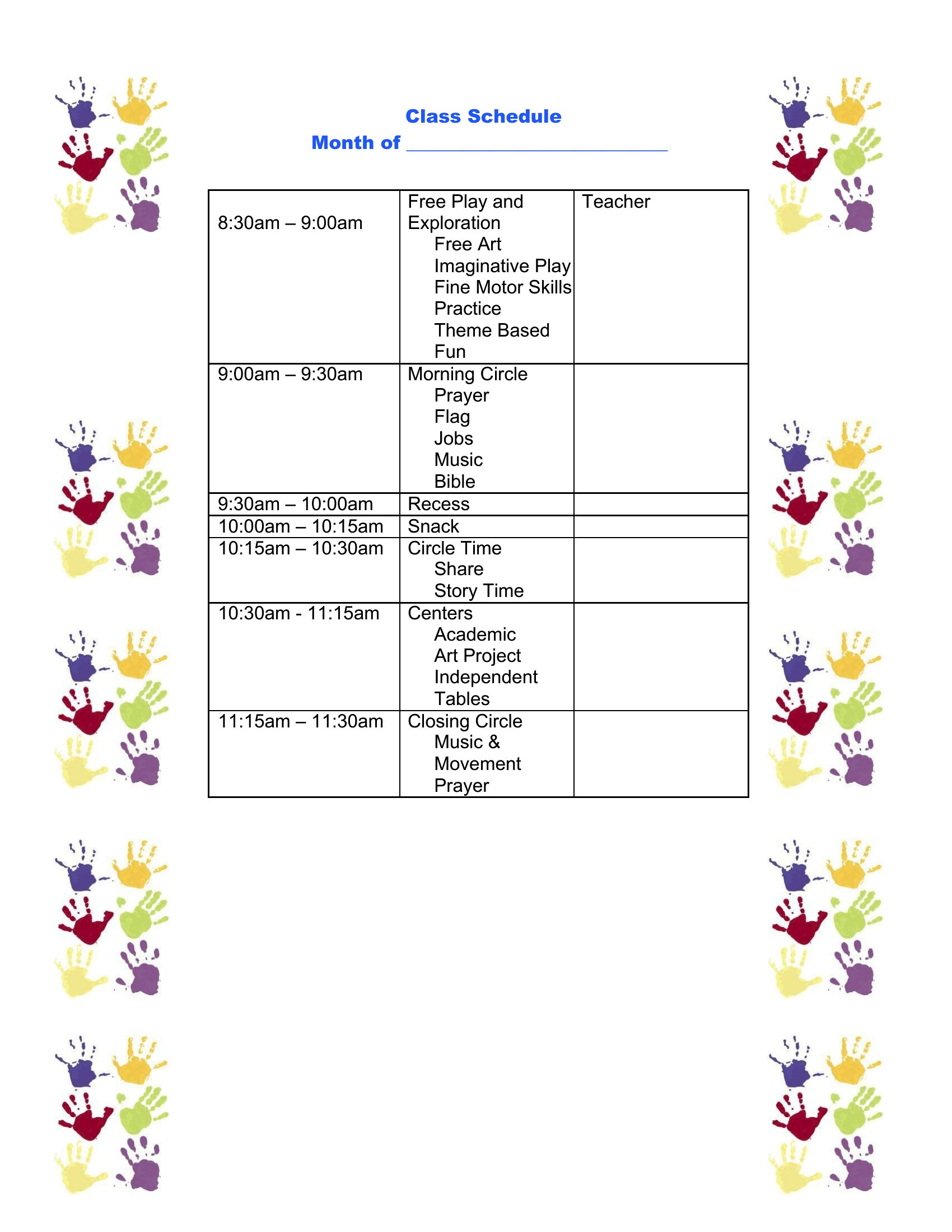
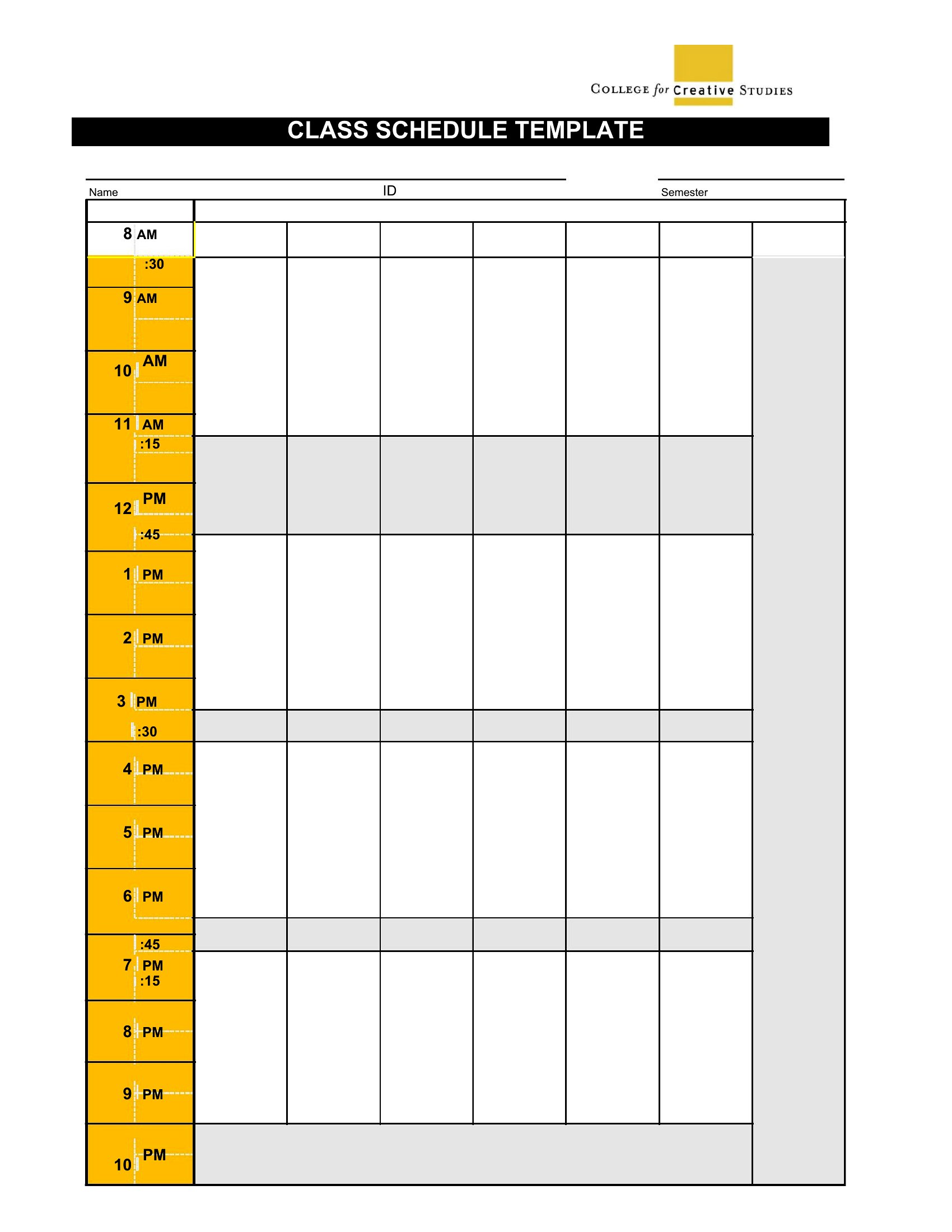
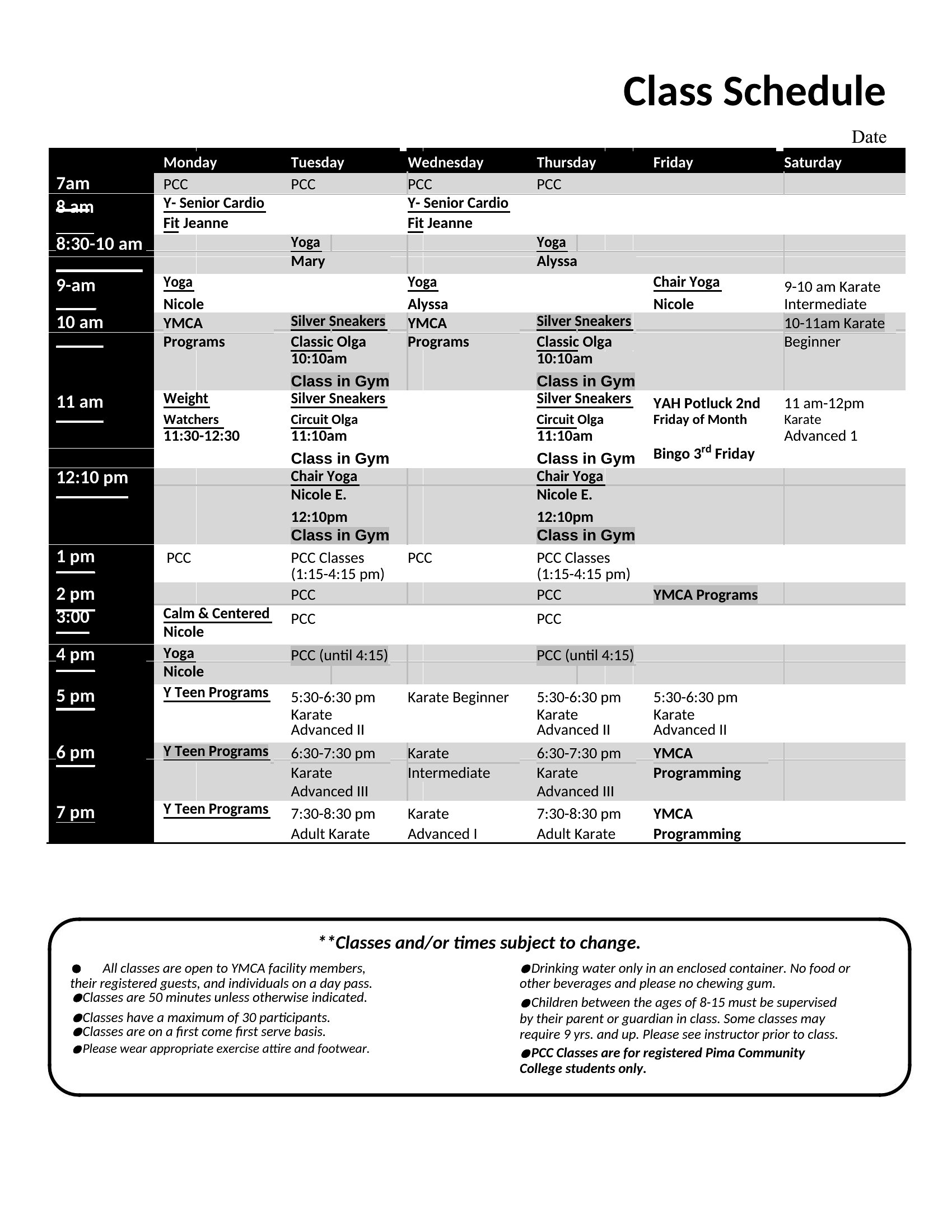
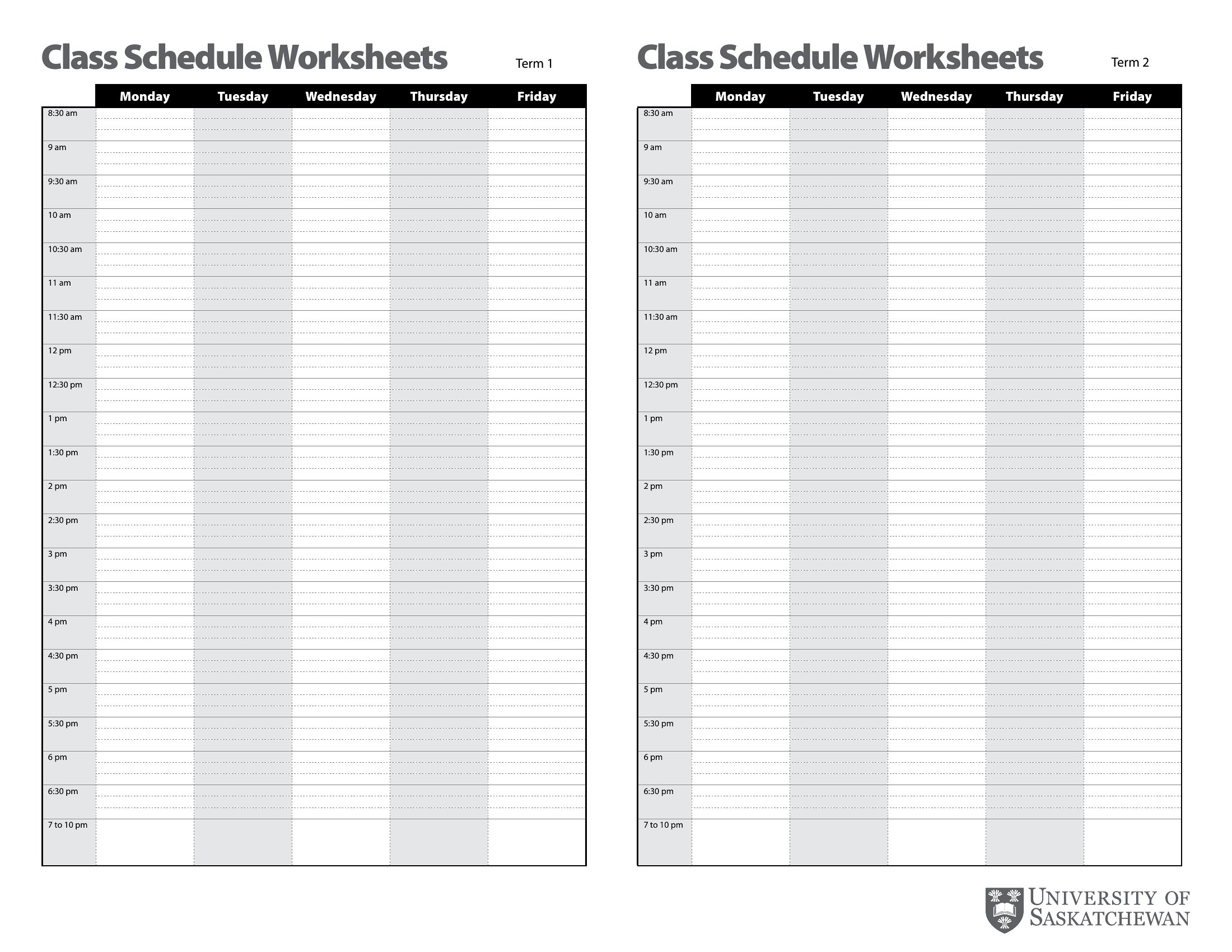
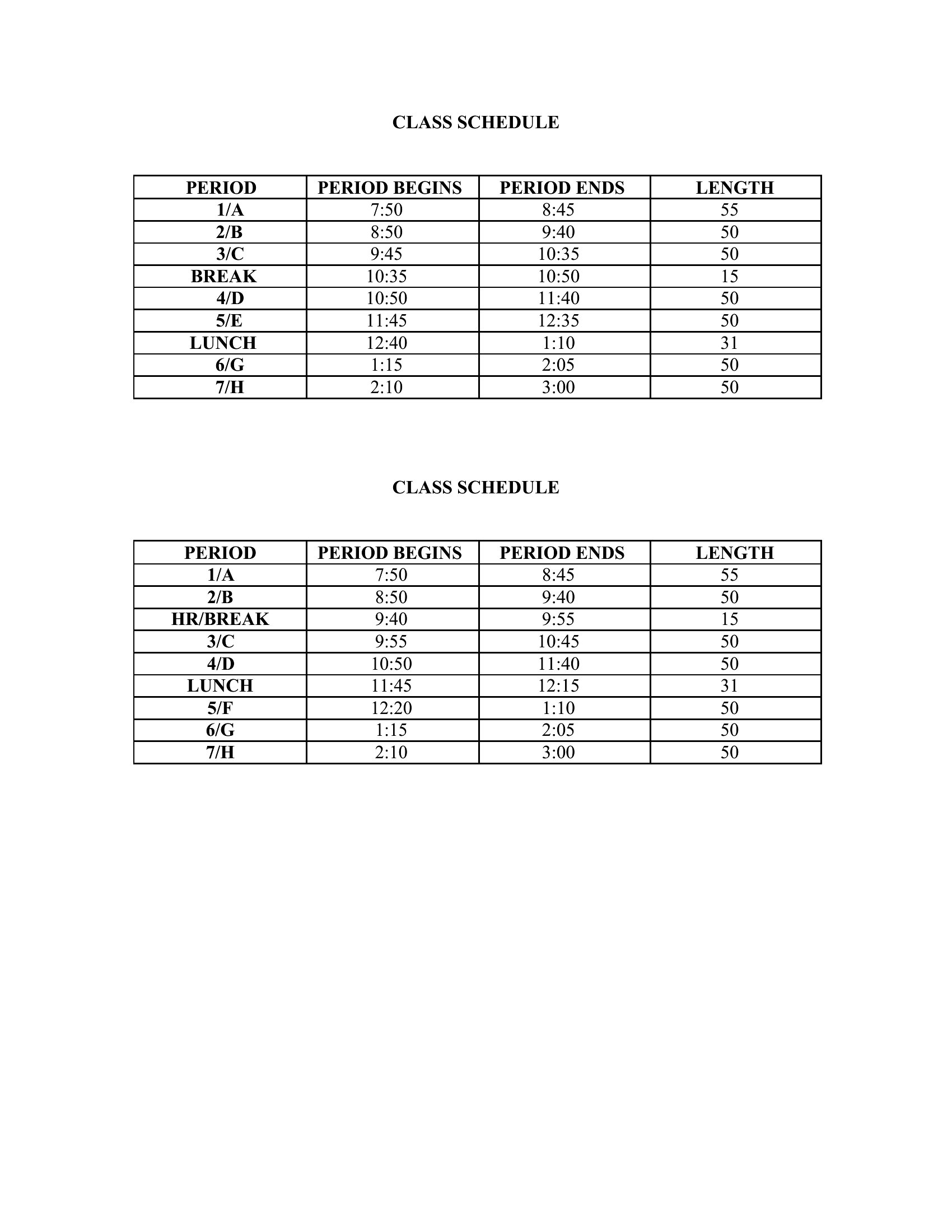
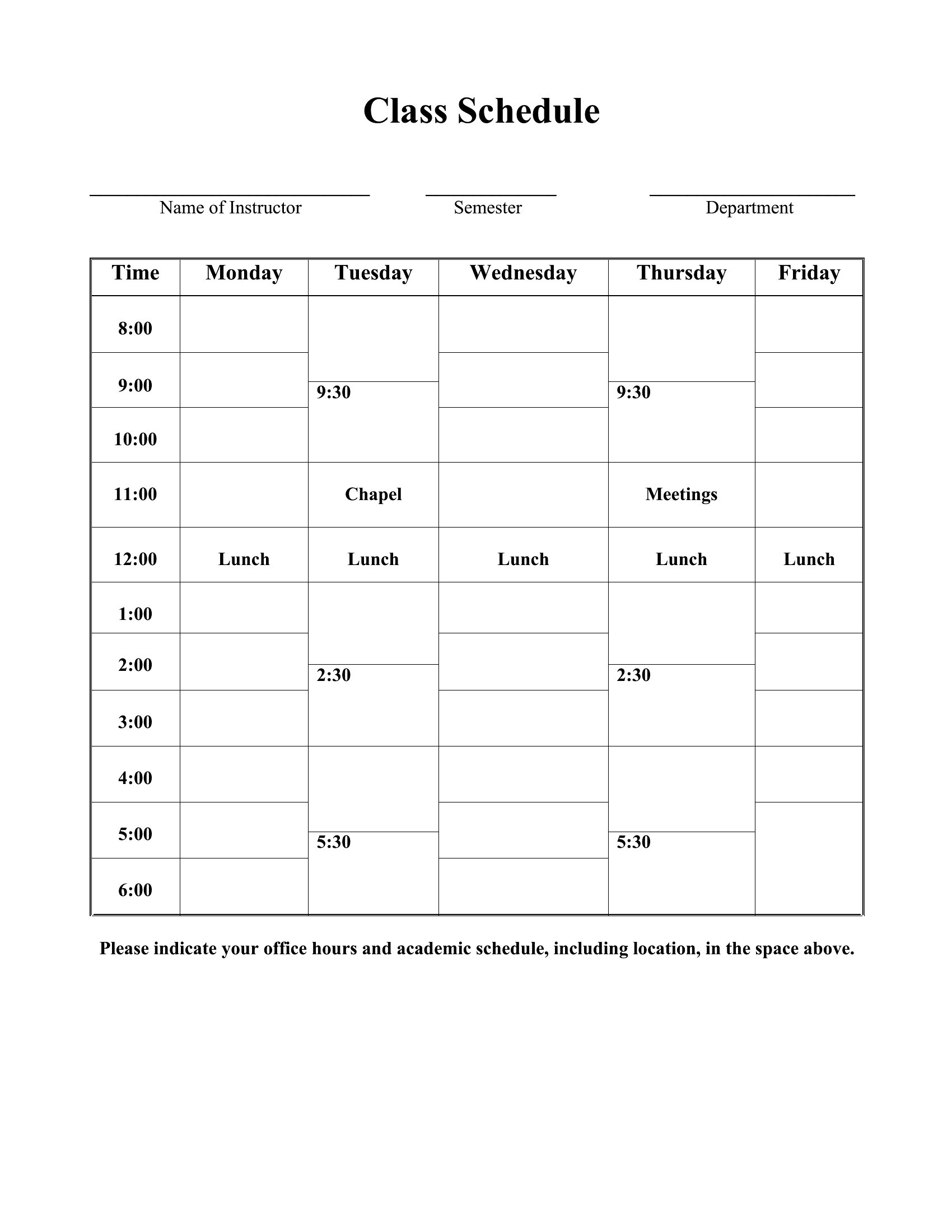
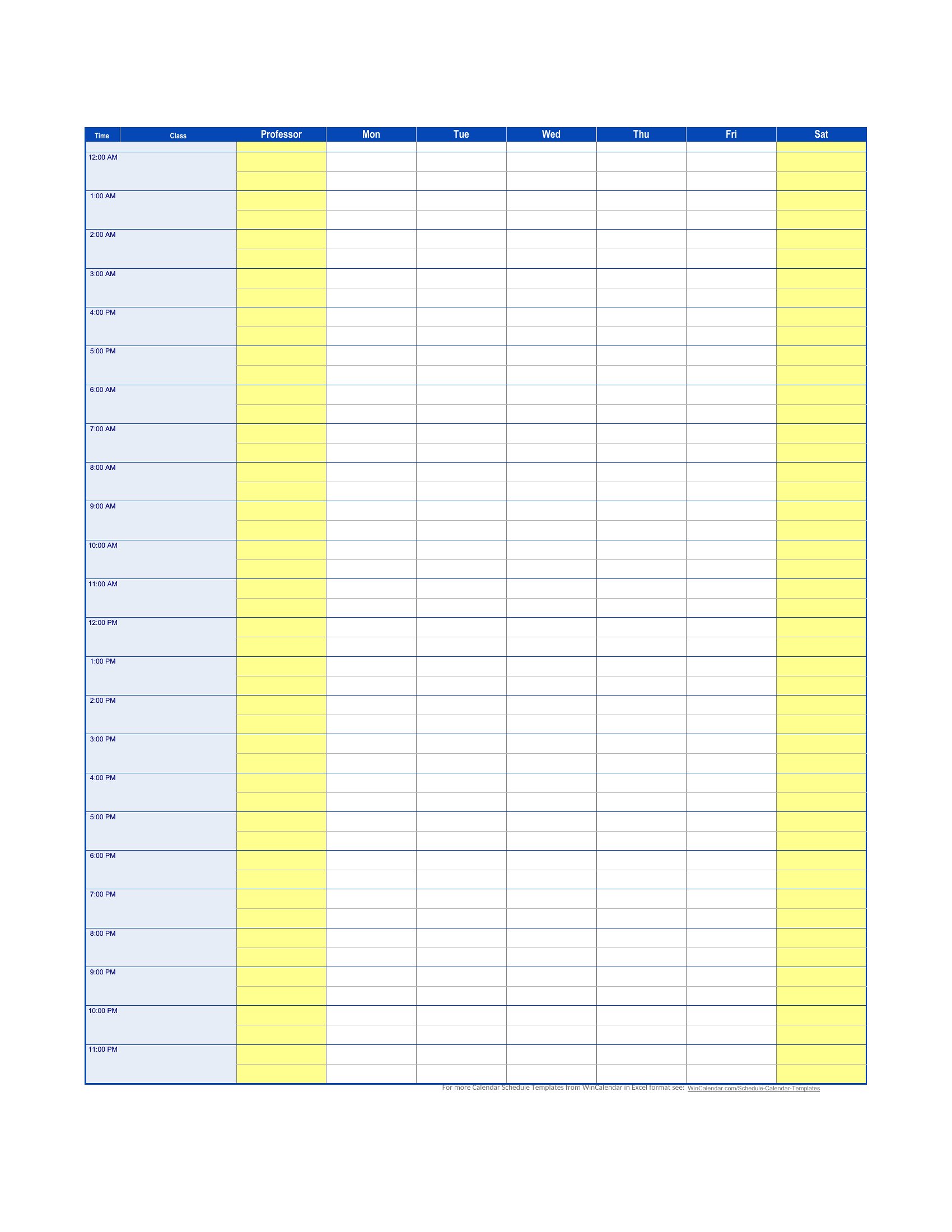
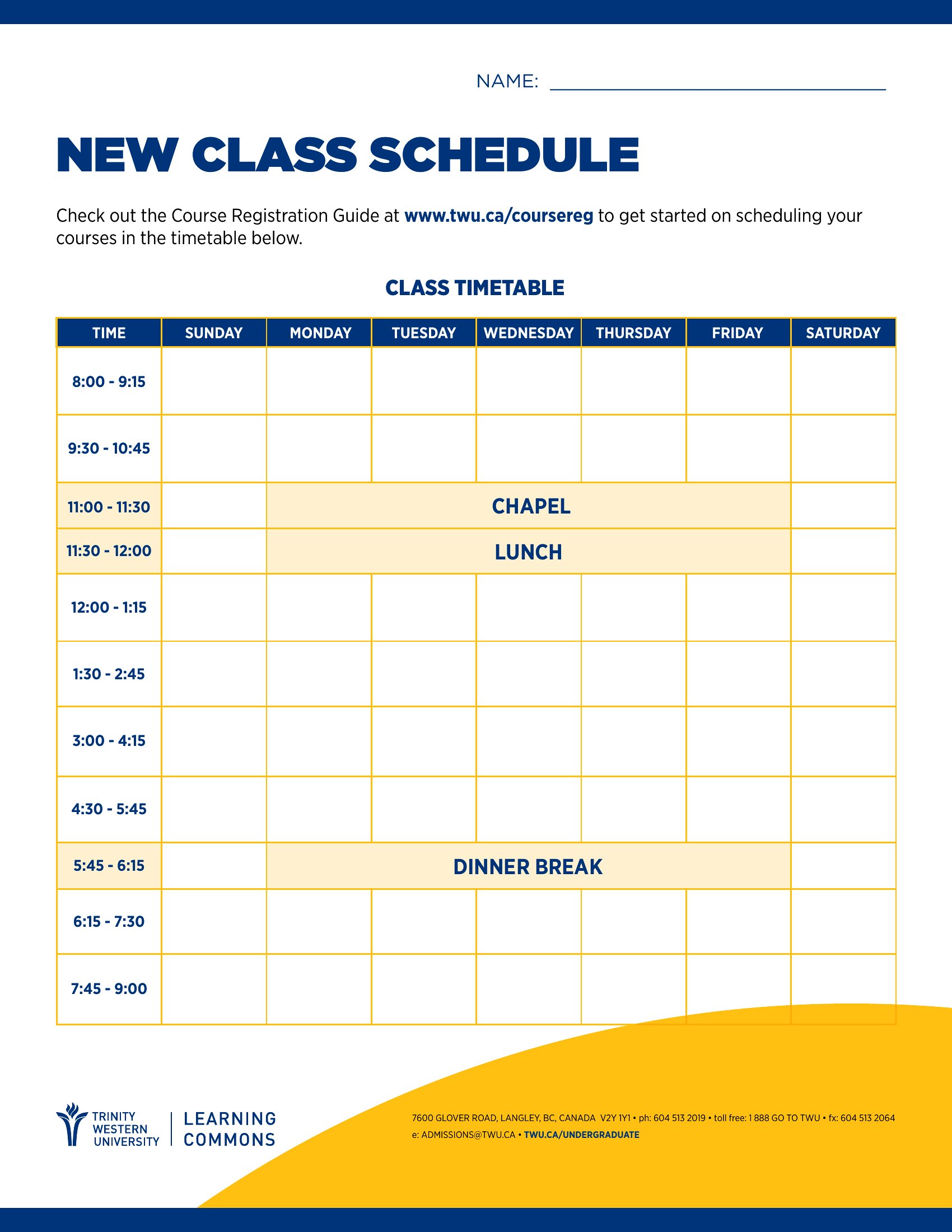
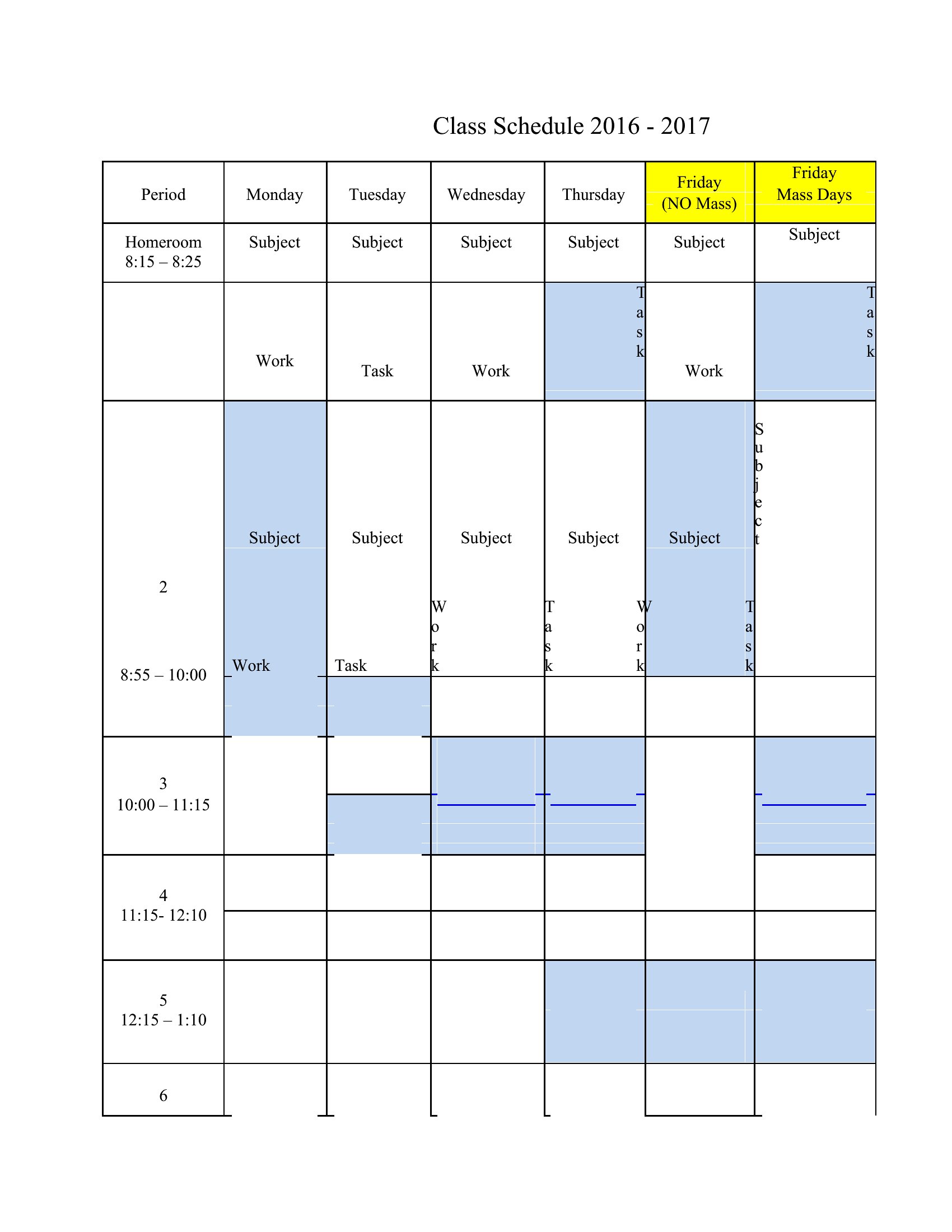
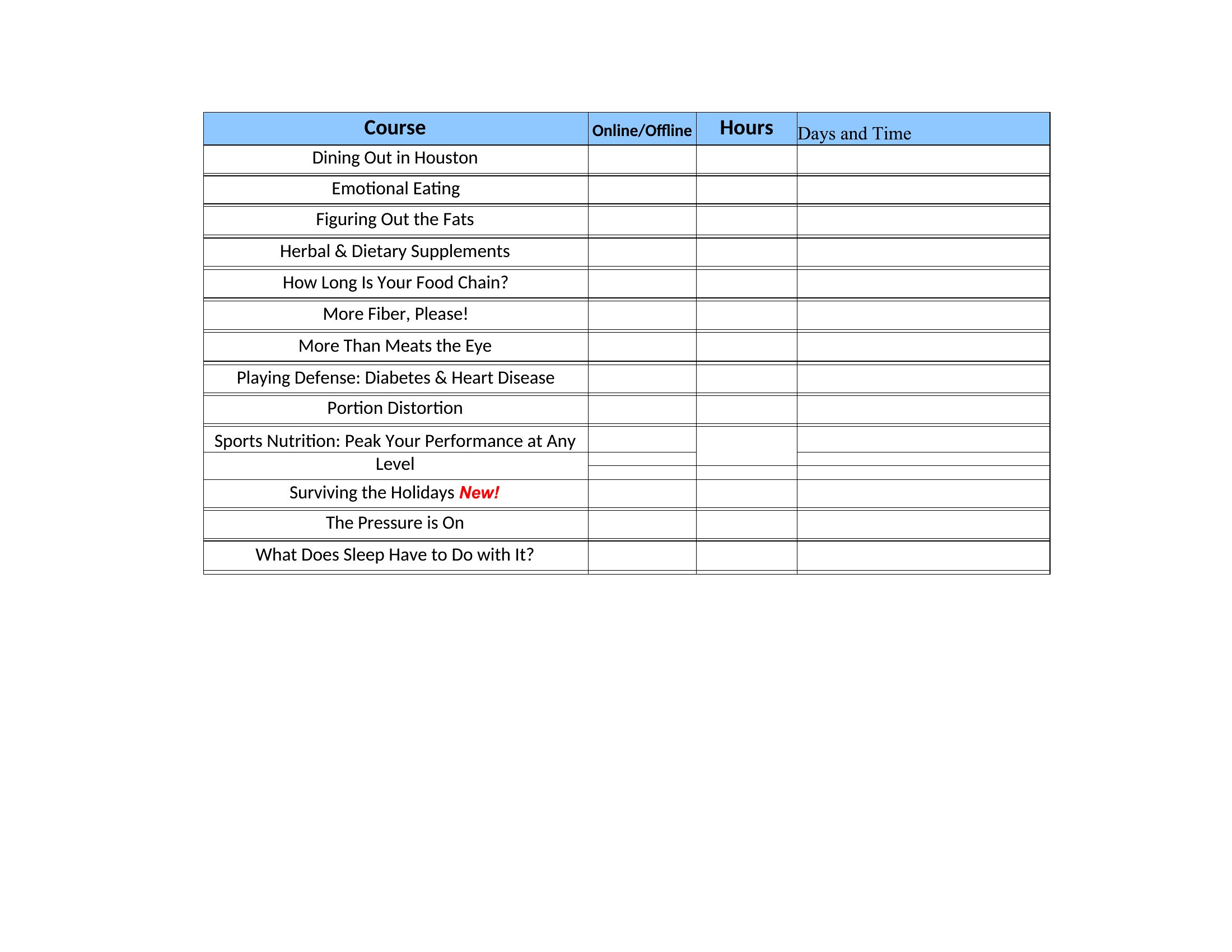
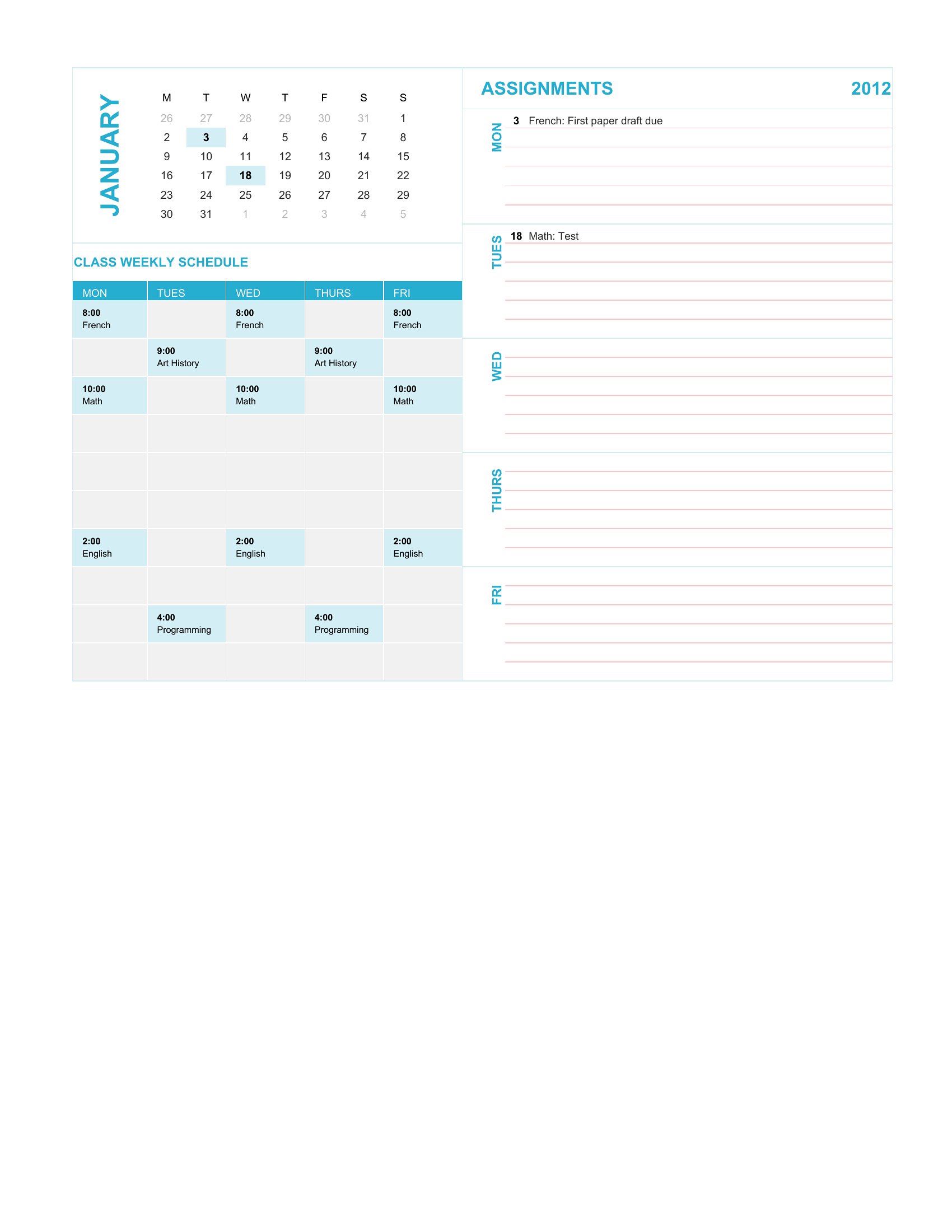
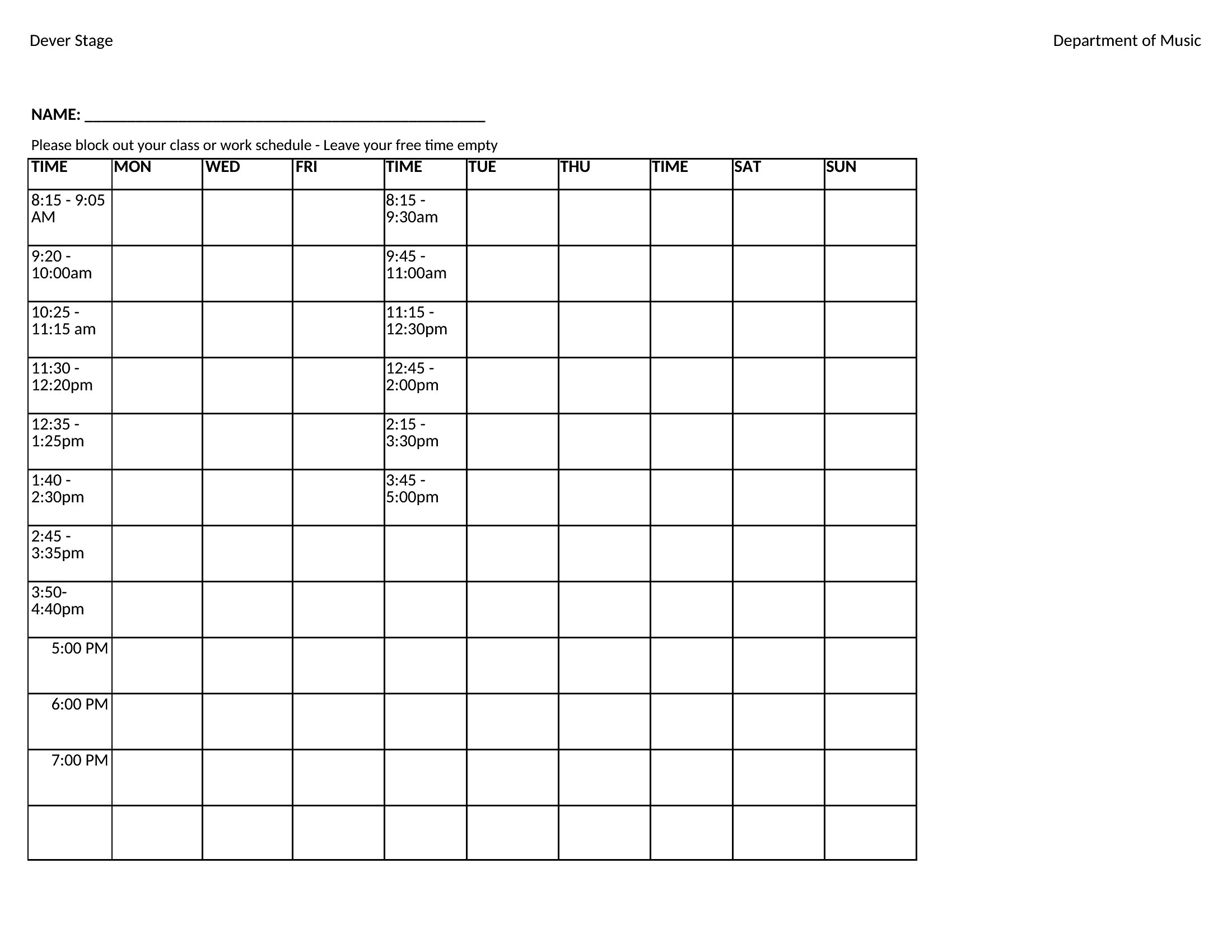
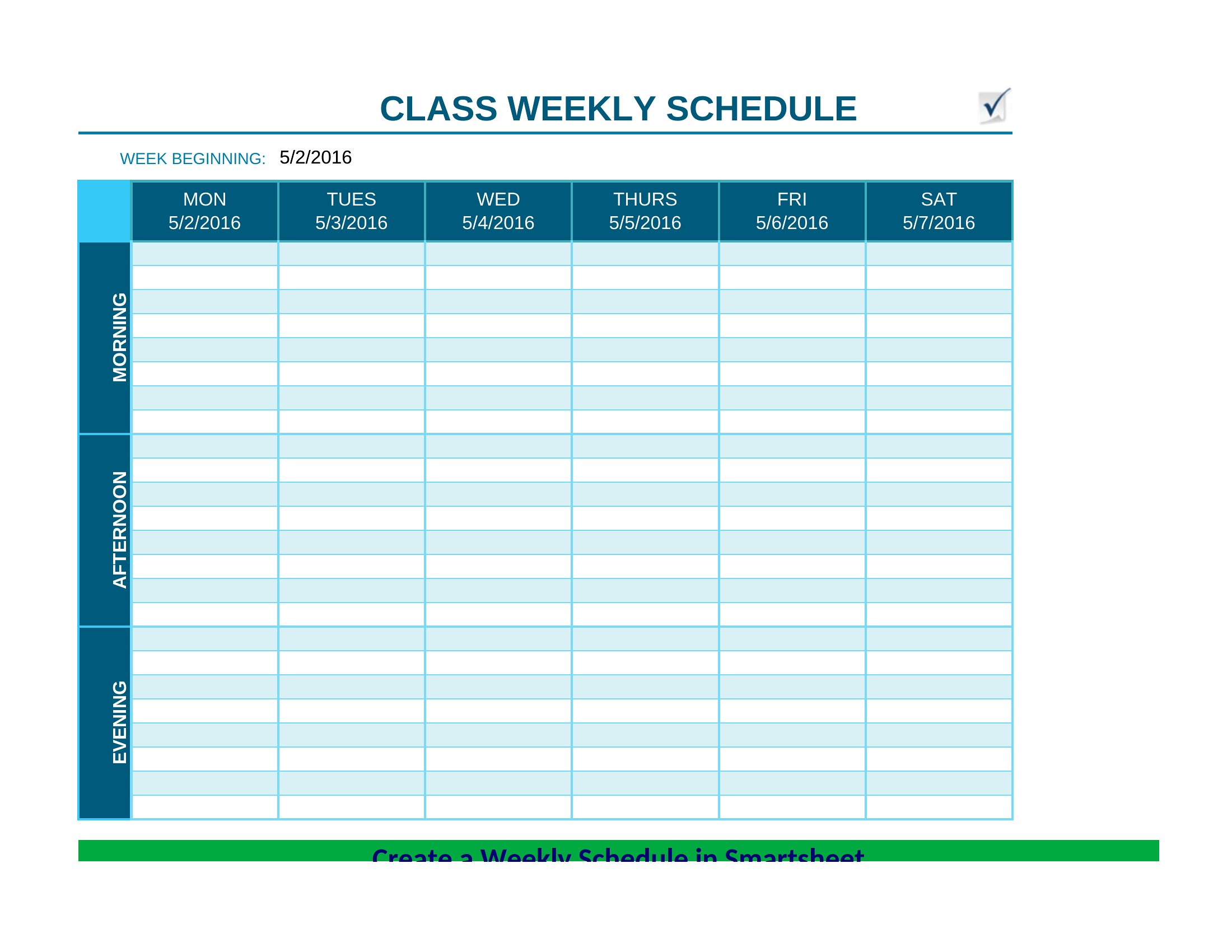
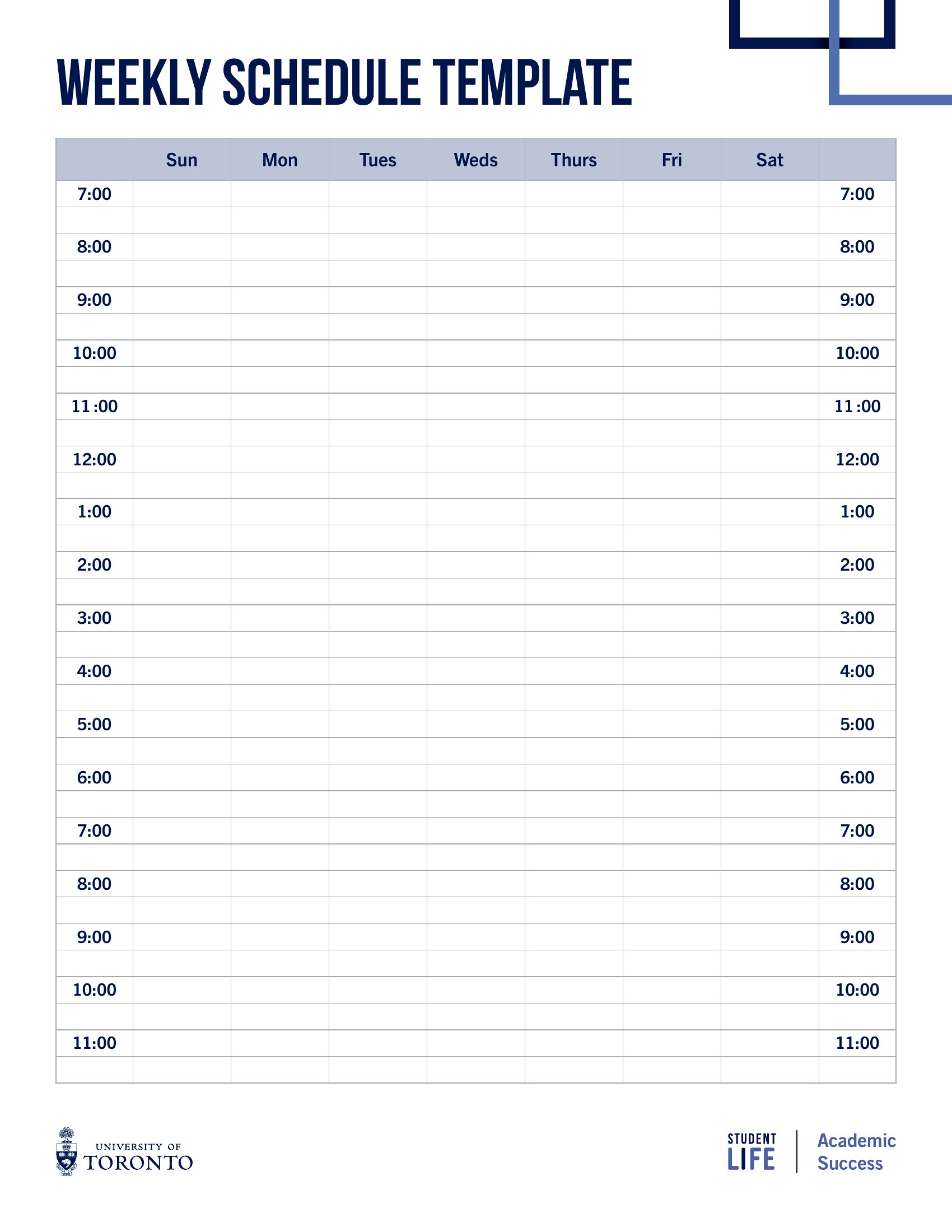
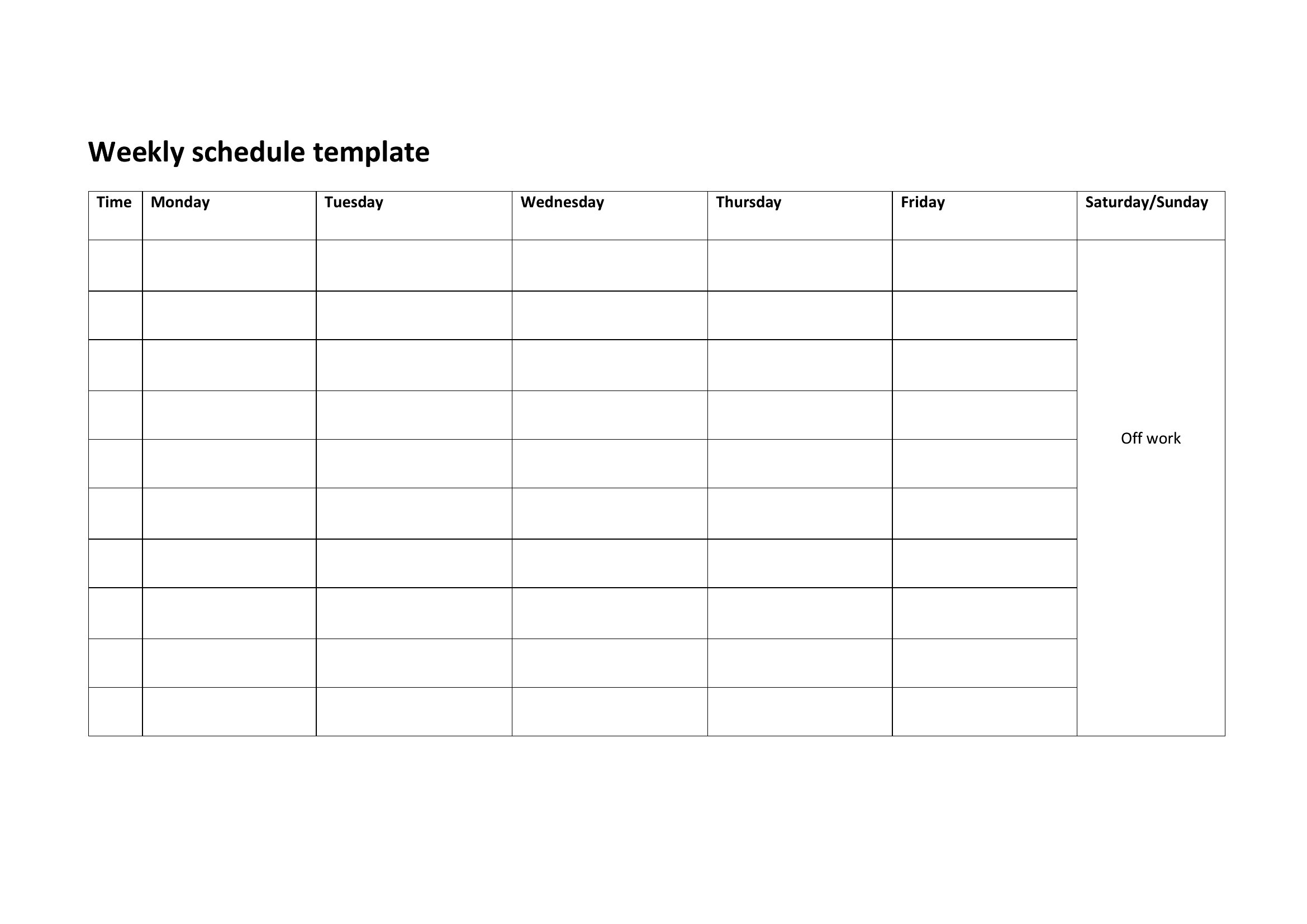
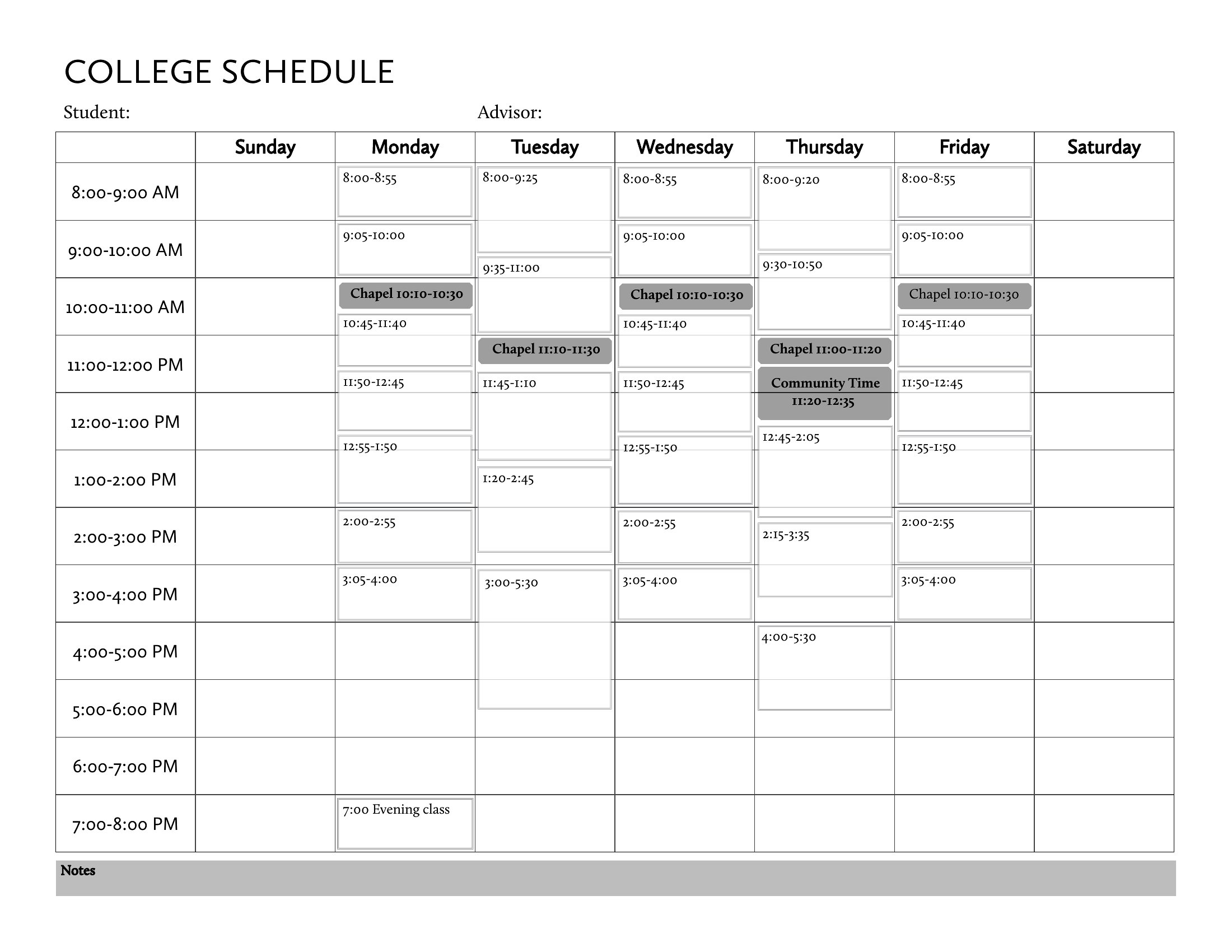
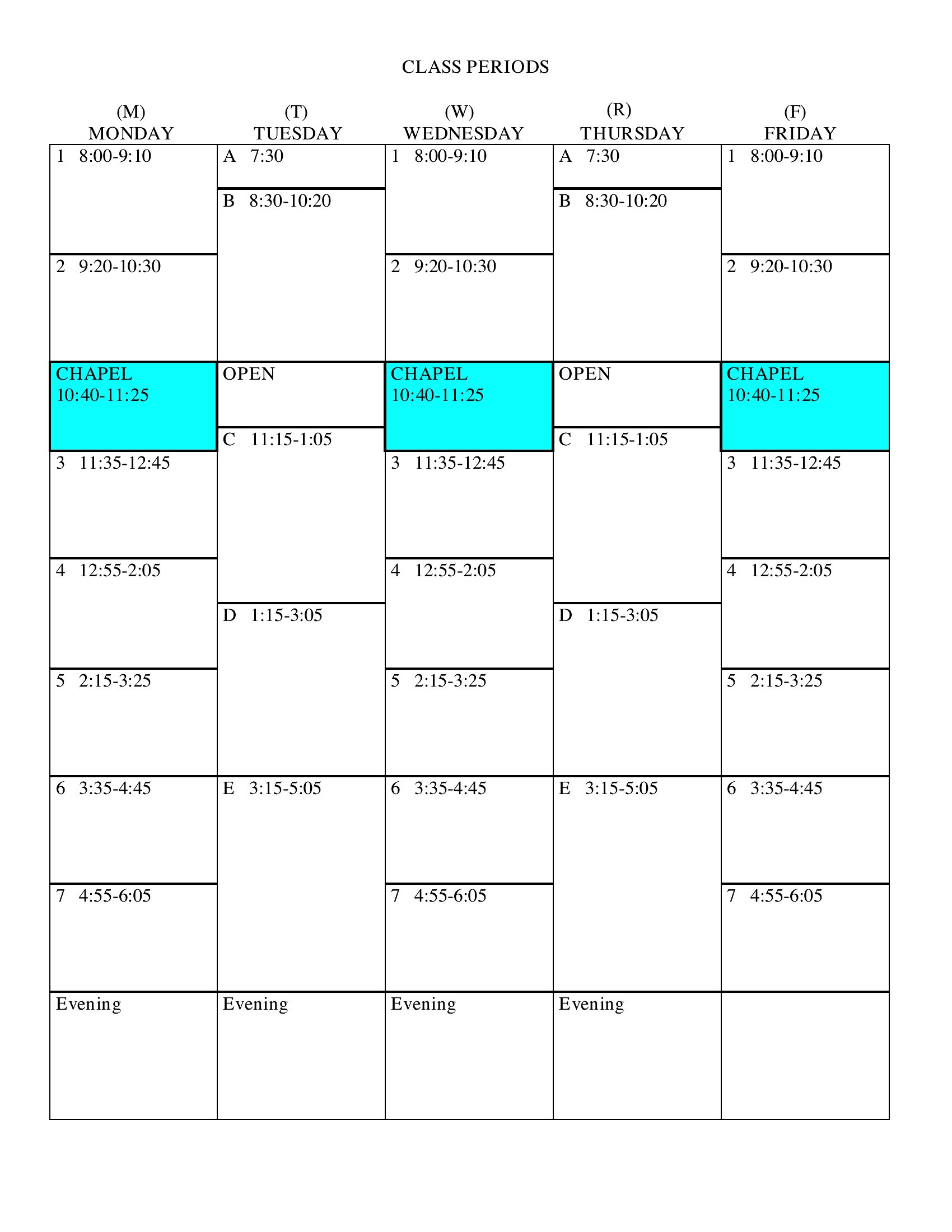
Juggling classes, study blocks, and a part-time job? A class schedule lays the whole week out so nothing collides. These 44 class schedule templates help students and teachers map courses, times, rooms, and instructors across a weekly grid. The layouts suit college timetables, high school periods, and tutoring plans.
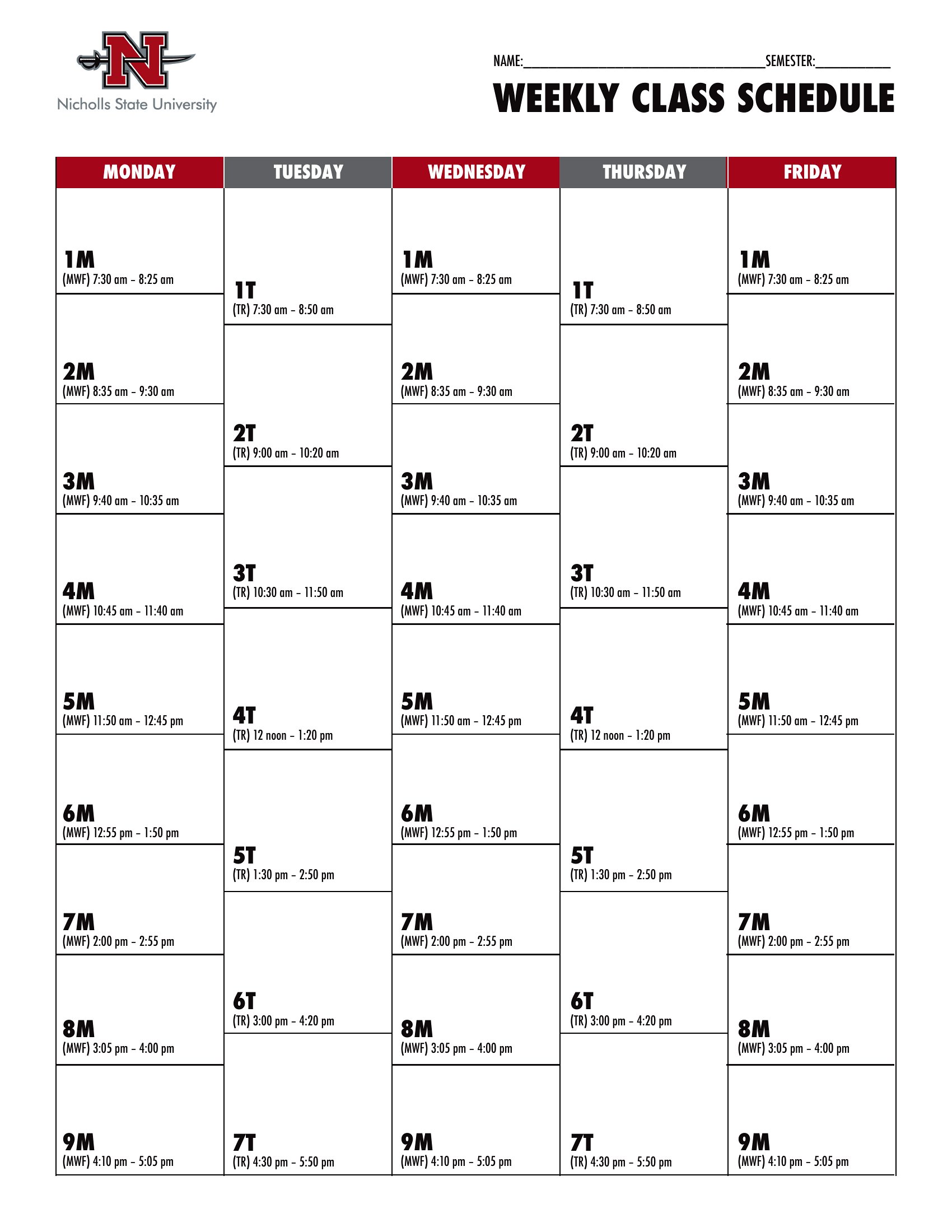
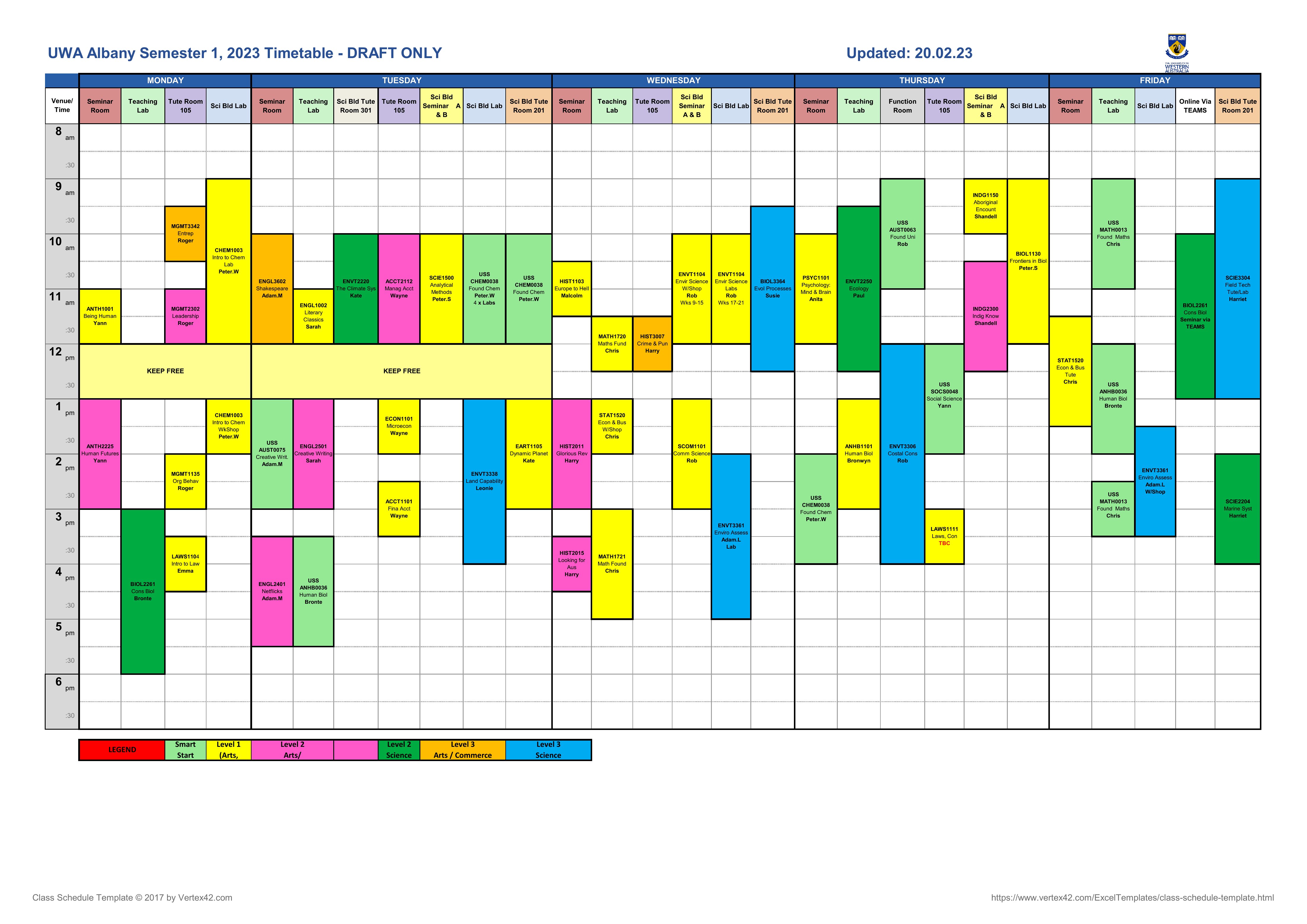
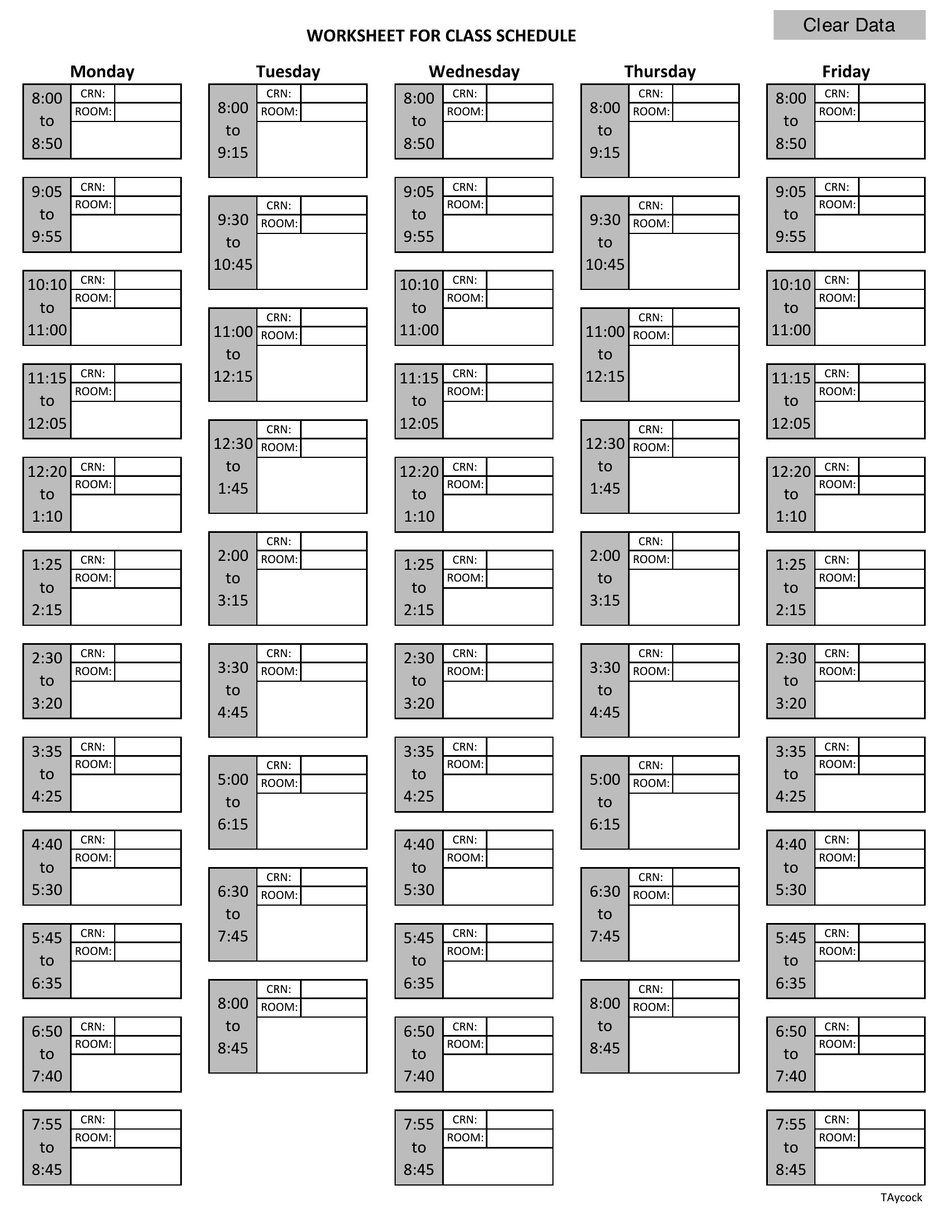
The Excel versions let you color-code subjects and adjust the time slots, the Word files handle quick edits, and the PDFs print for a binder or wall. Fill in your courses, set the periods, and see your whole week at a glance. Download the layout that fits your term and get organized before the first bell.

When to use this Class Schedule template

  • College students balancing 5 classes, internships, and lab sessions can use these templates to block out fixed lecture times, variable lab slots, and study periods in one visual layout—preventing double-booked conflicts before the semester starts.
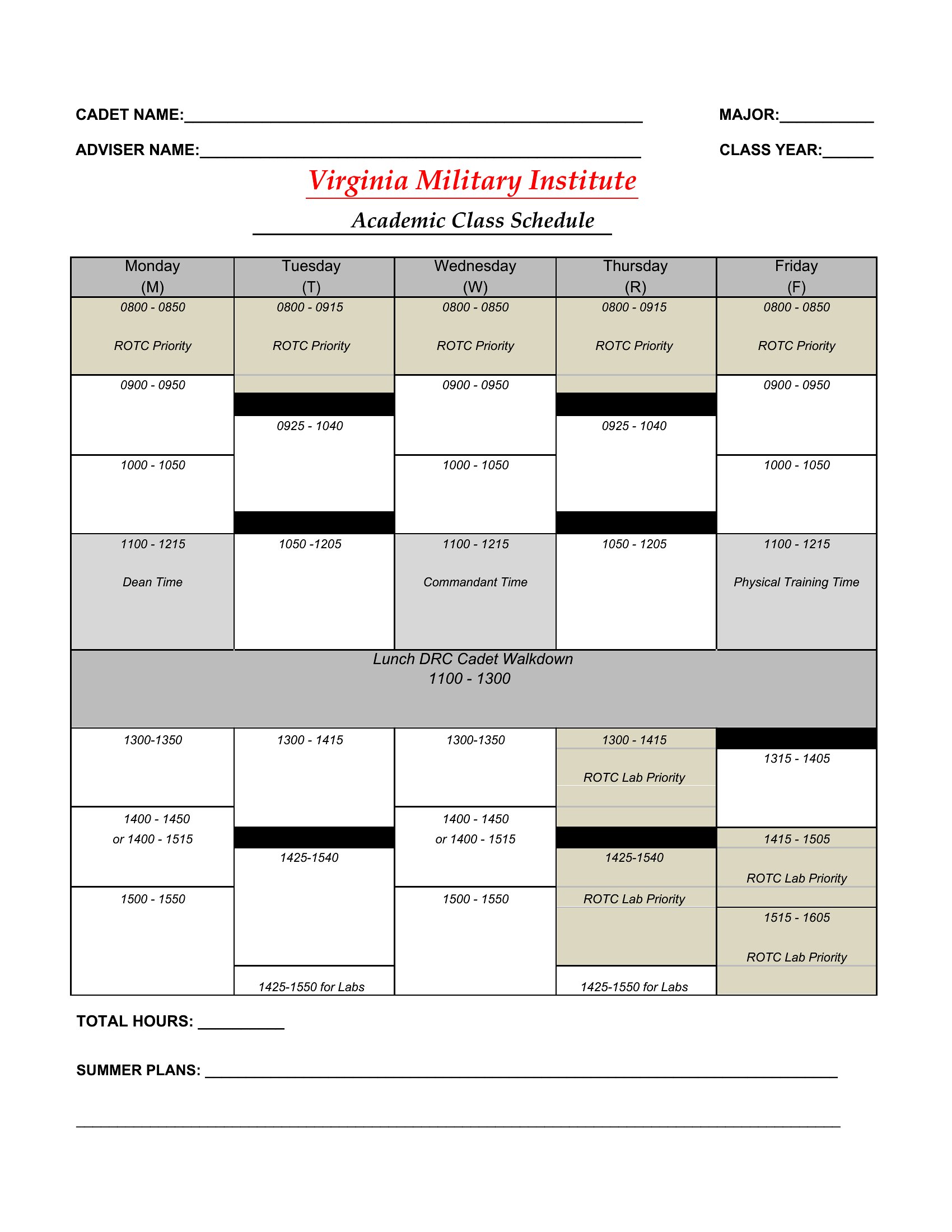
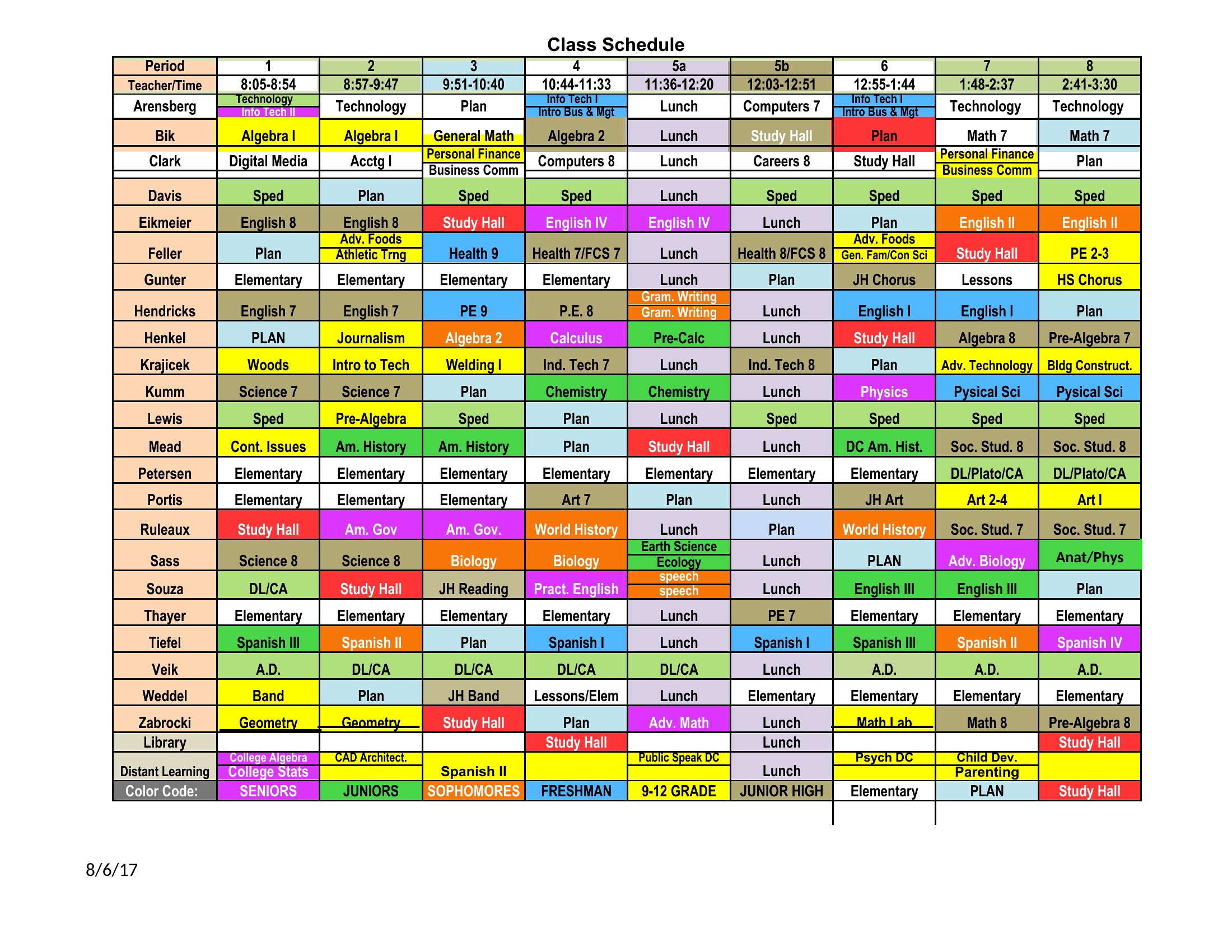
  • High school teachers planning a daily rotation of core subjects, PE, and electives across multiple grade levels will find the grid-based formats ideal for assigning rooms, periods, and prep time without overlapping student transitions.
  • Tutoring businesses scheduling one-on-one or small group sessions need the color-coded Excel versions to track student names, subject focus, duration, and instructor availability—all while leaving gaps for last-minute bookings.
  • Parents coordinating after-school activities, homework deadlines, and extracurricular practices for their child’s weekly routine can adapt these templates to merge school class times with tutoring, sports, and family commitments in a shared digital calendar.
Which format should I download?

WordExcelPDF

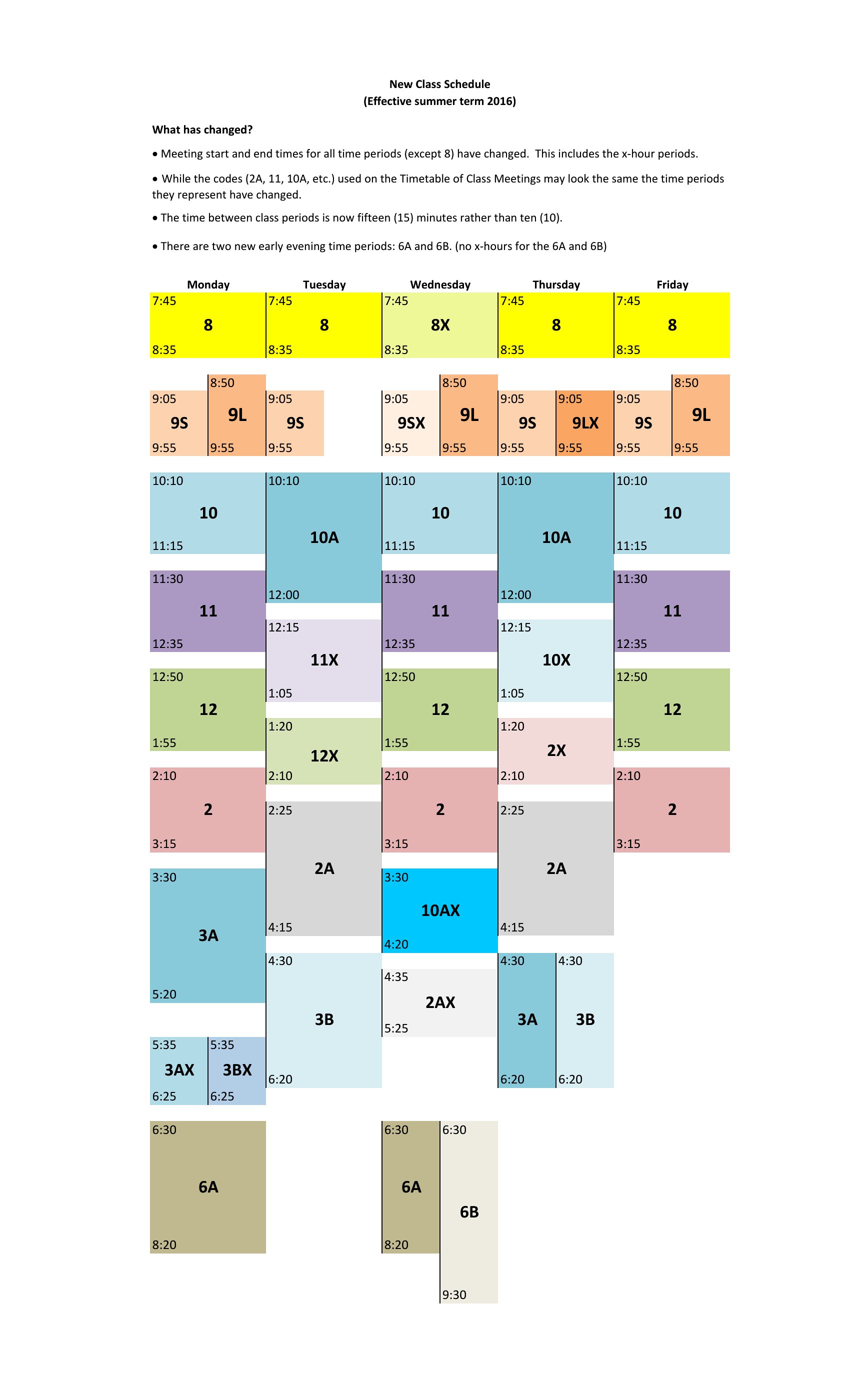
The Excel format is best for dynamic scheduling—ideal if you need to drag-and-drop time slots, apply conditional formatting for subject categories, or link cells to auto-calculate study blocks. Choose Word when you prefer a polished, print-ready layout for sharing with advisors or parents, especially if you’ll add notes or explanations. PDF works only for finalized, uneditable schedules that must be distributed as-is, like a school’s official term calendar. Avoid PDF if you expect frequent updates.

Choose from 44 Class Schedule Templates
How to use this Class Schedule template

What is a class schedule and what does it organize?

A class schedule lays out a week of courses so nothing overlaps. It maps subjects, times, rooms, and instructors across a grid, helping students and teachers see the full week at a glance. This makes it easier to plan study time, travel between rooms, and avoid conflicts.

What details should a class schedule include?

A class schedule should show each course name, the day and time it meets, the room or location, and the instructor. Adding breaks, study blocks, and any recurring commitments gives a complete weekly view. Color-coding subjects can make the grid quicker to read and follow.

How do you build a class schedule that avoids time conflicts?

Enter fixed classes first with their exact times and locations, then check for overlaps before adding electives or work shifts. Leave travel time between rooms and buffer space for study. Reviewing the full week on one grid makes any clashes obvious so you can adjust early.

Comments

Join the conversation

Sign in to share your thoughts and leave a comment on this resource.

Newsletter

Get Weekly Design Updates
Join our community to receive curated resources and inspiration.
Weekly Tips Resources Early Access
We respect your privacy. Confirmation email required. Privacy Policy