
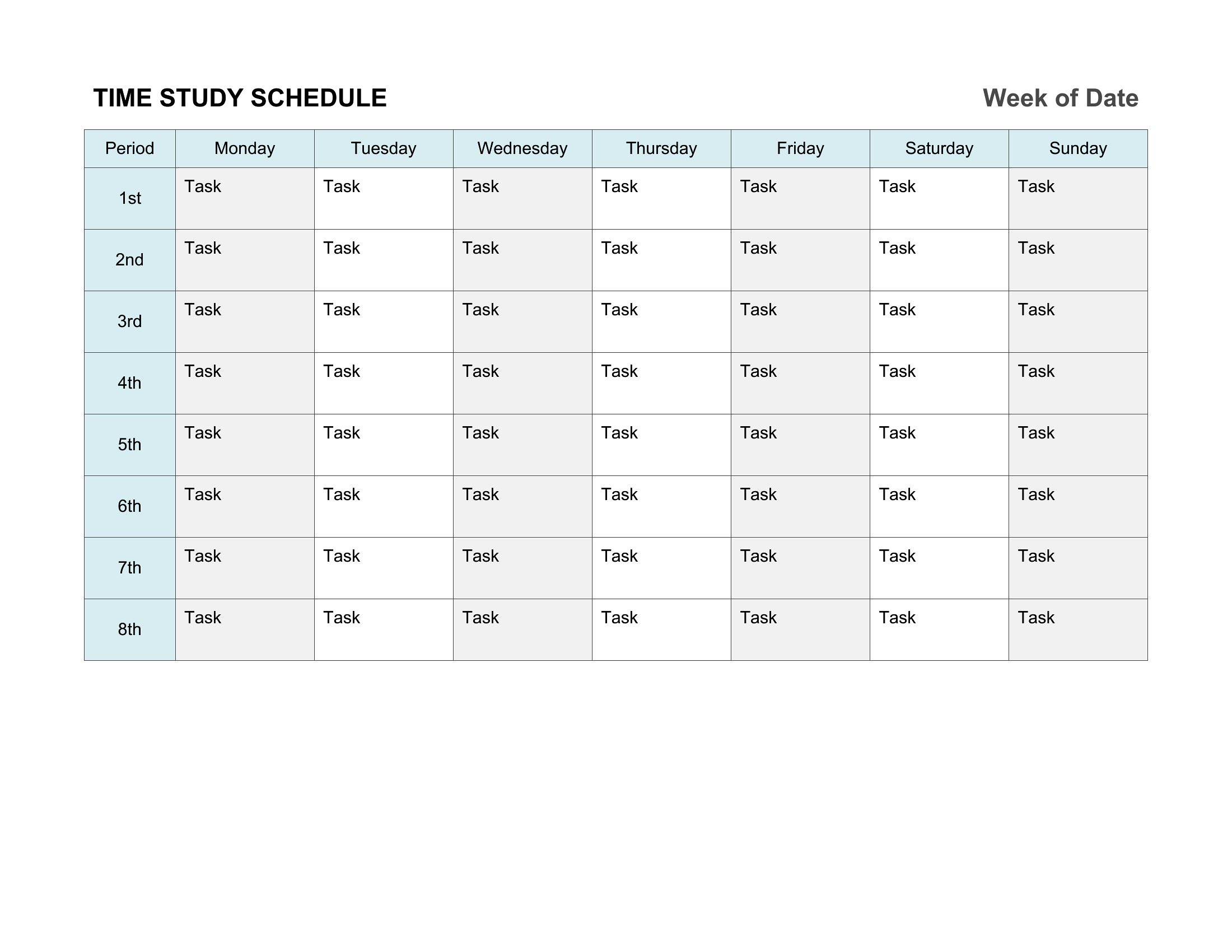
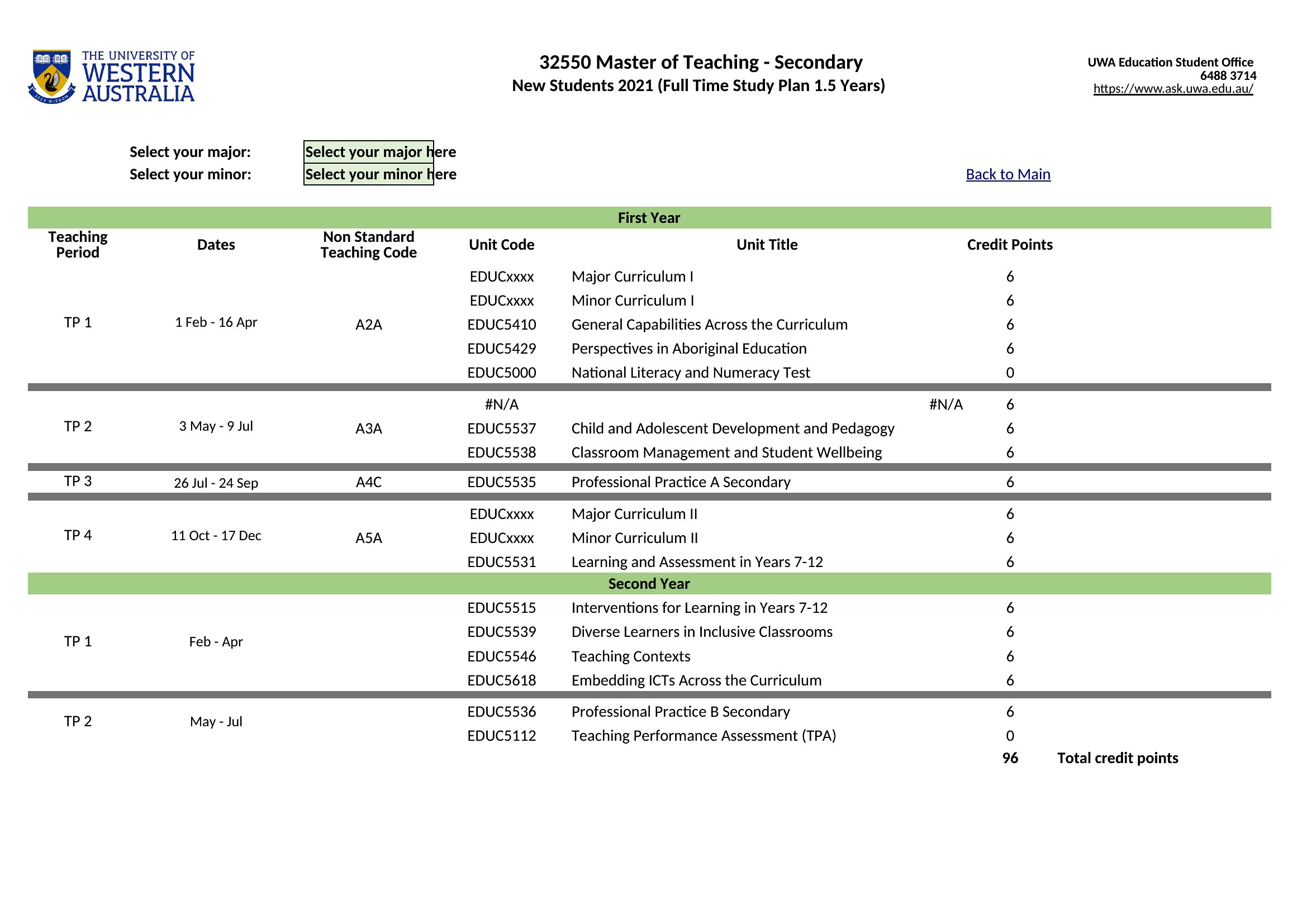
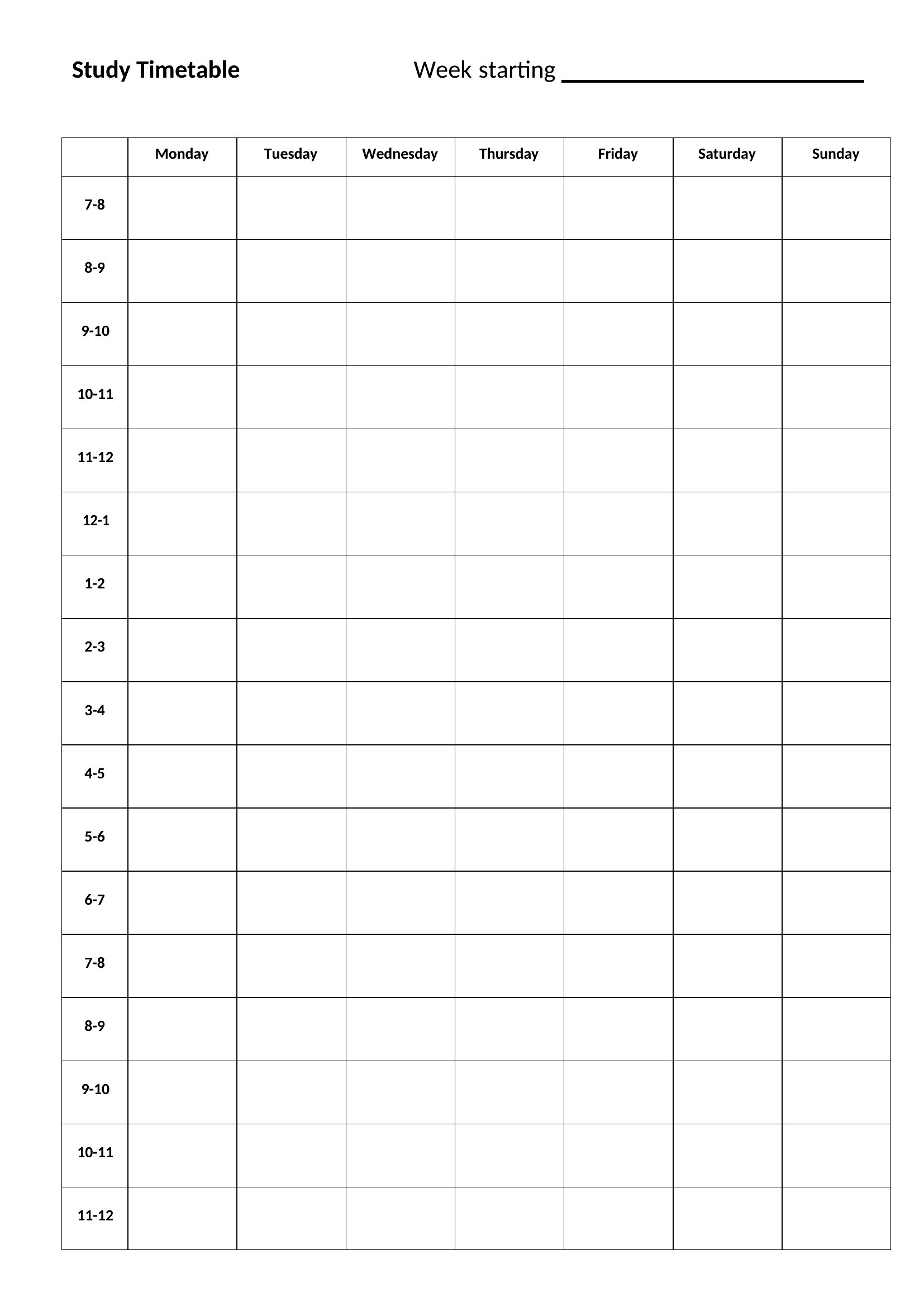
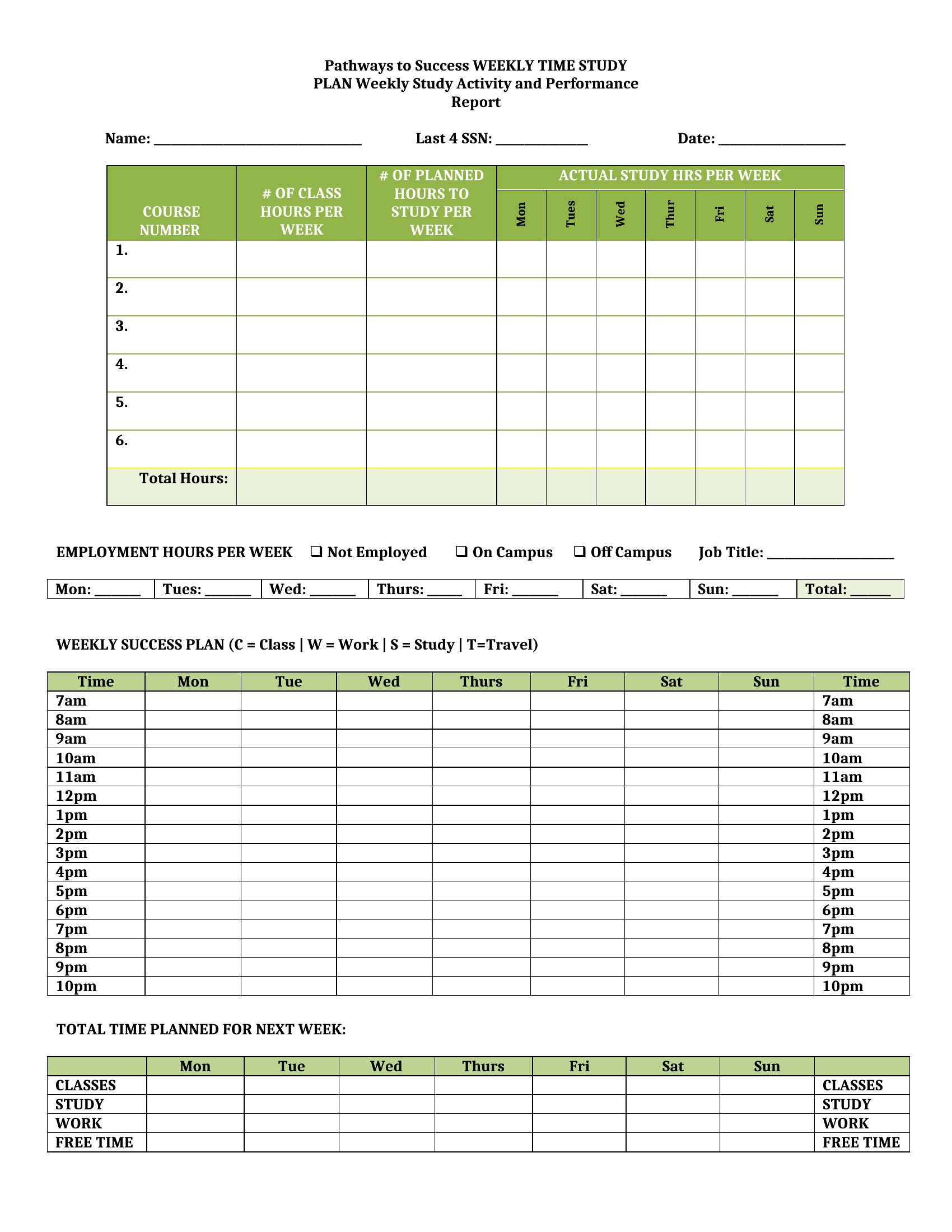
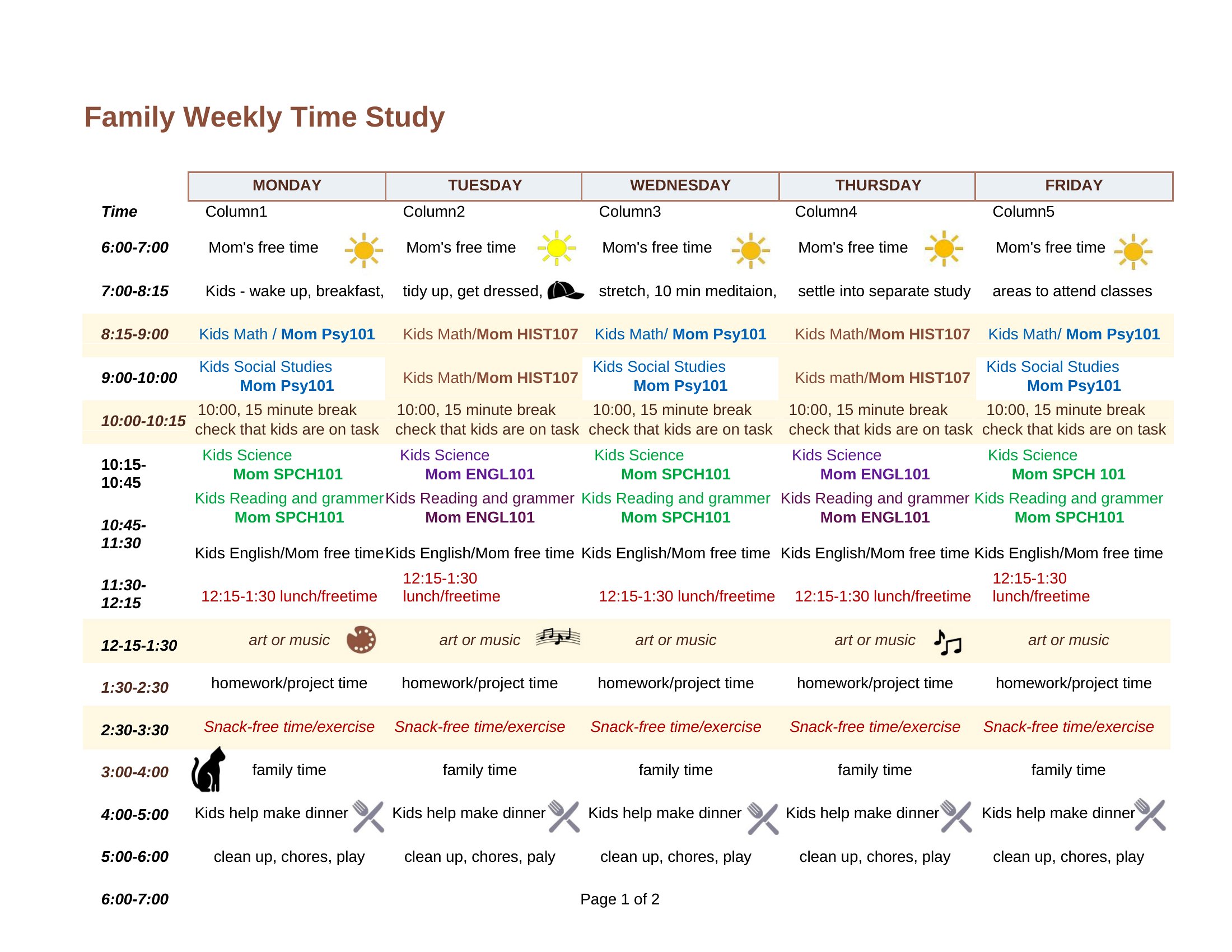

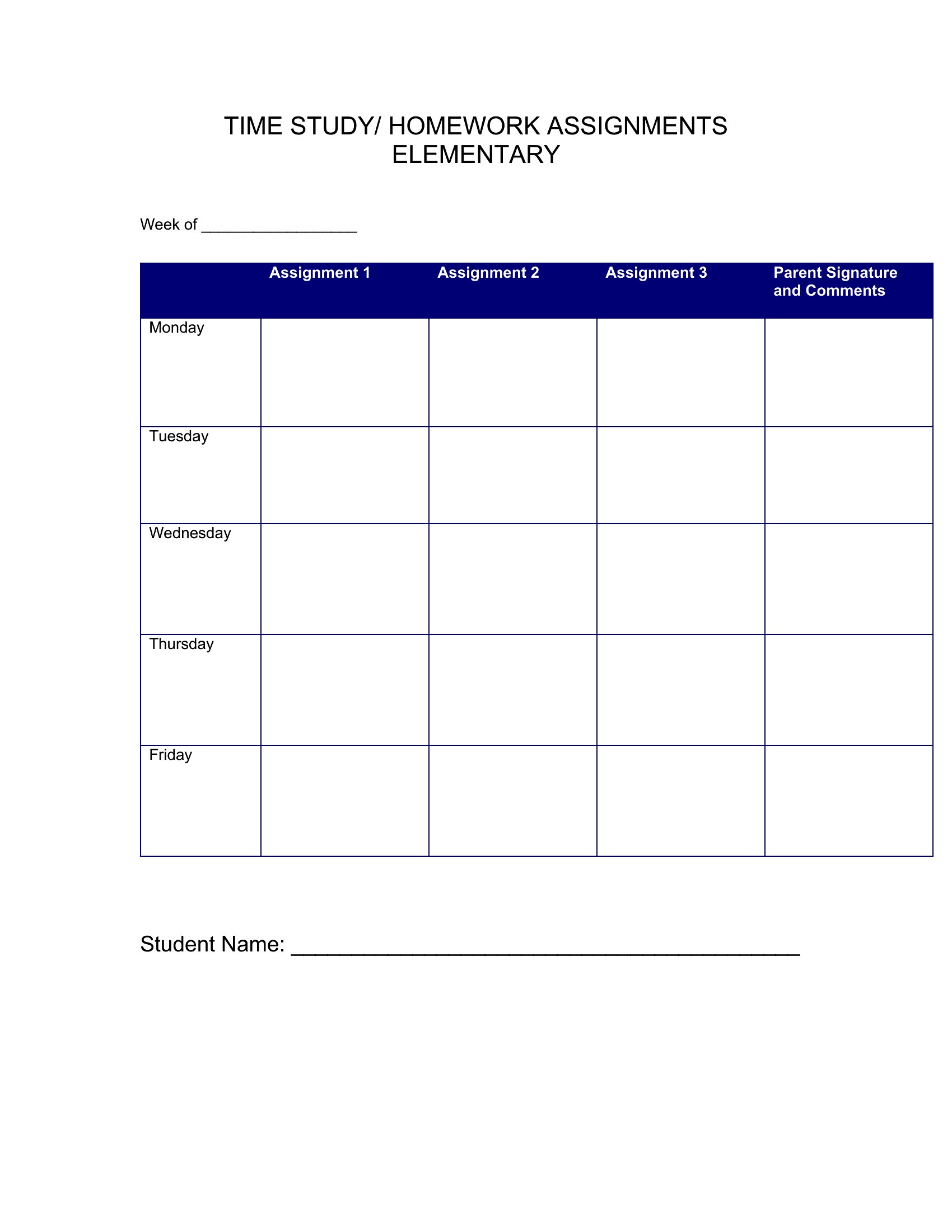
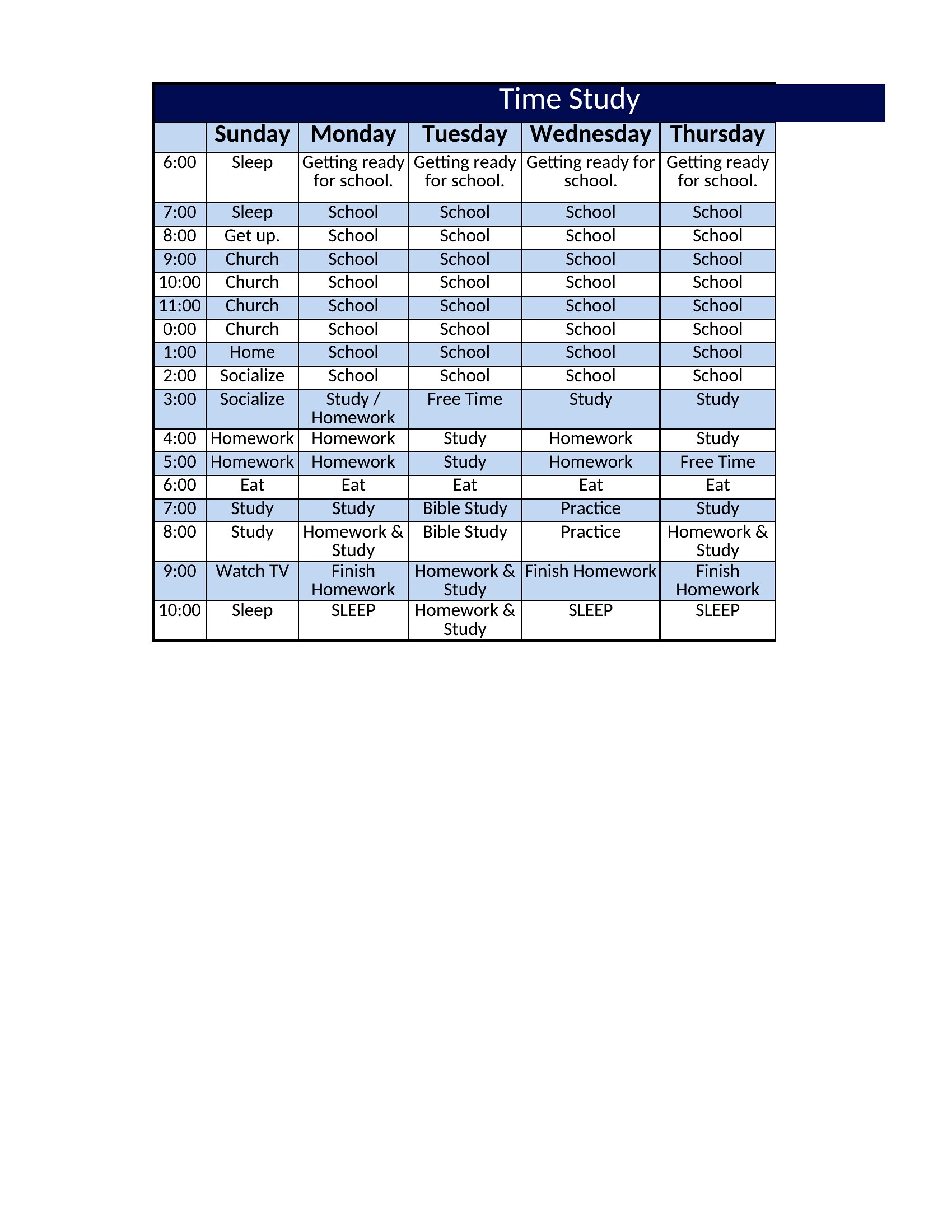
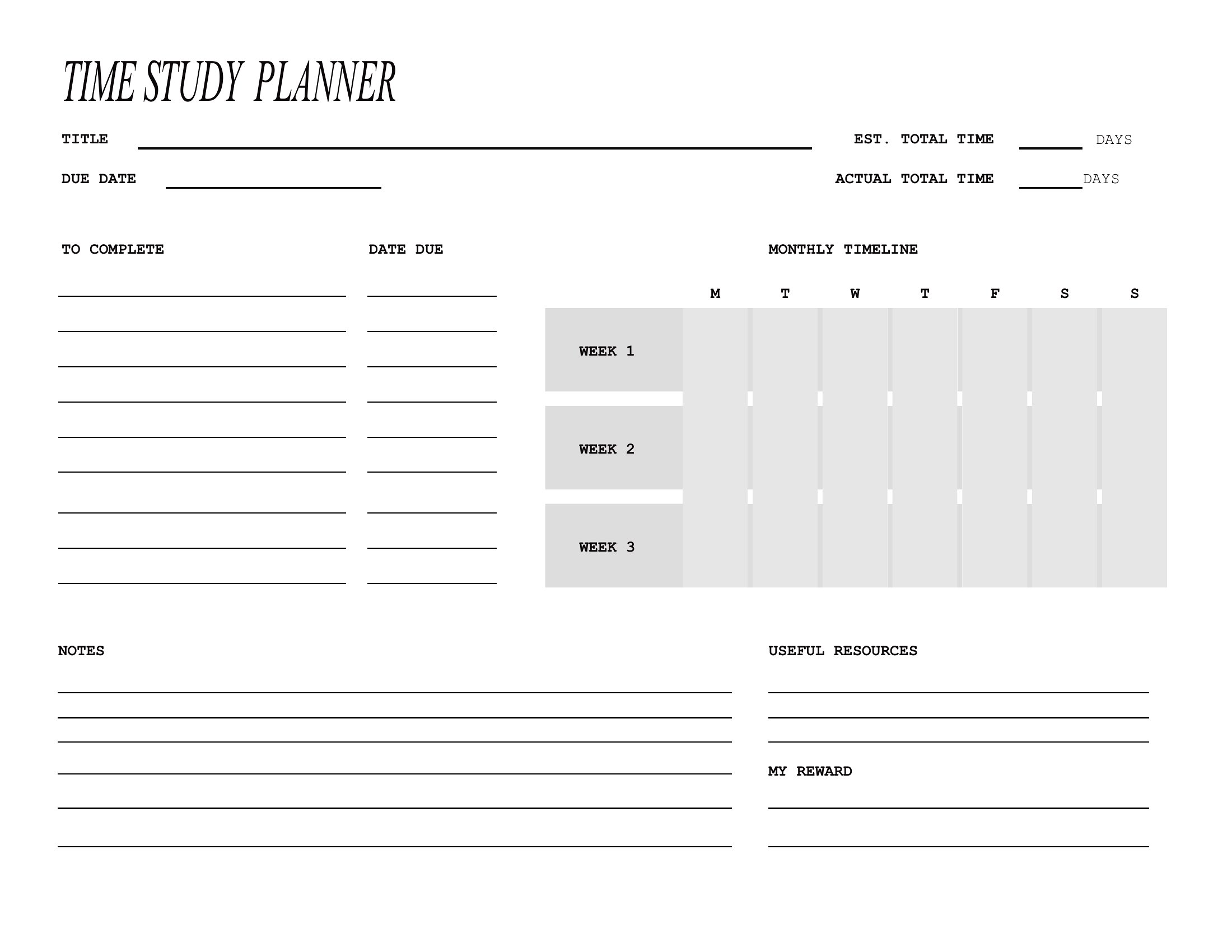
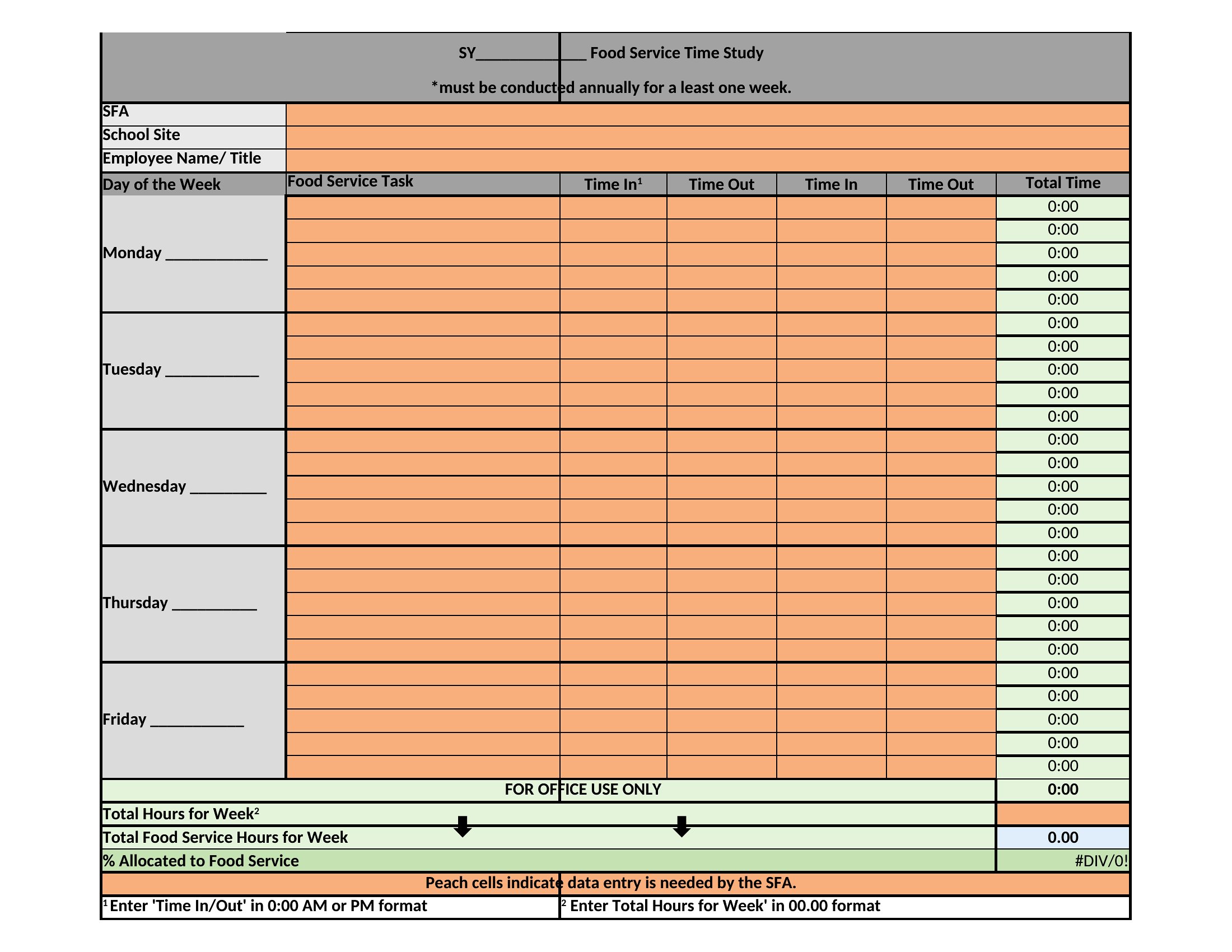
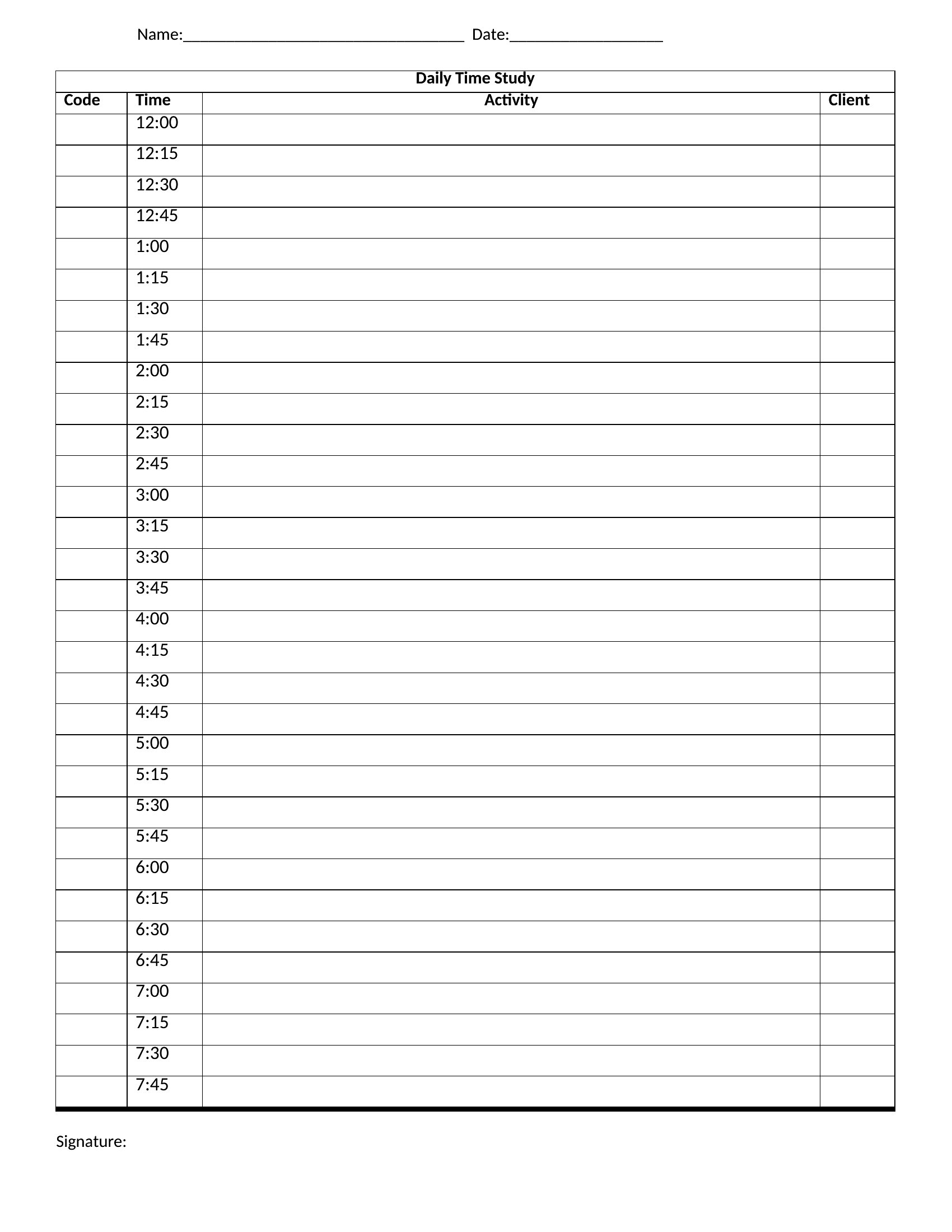
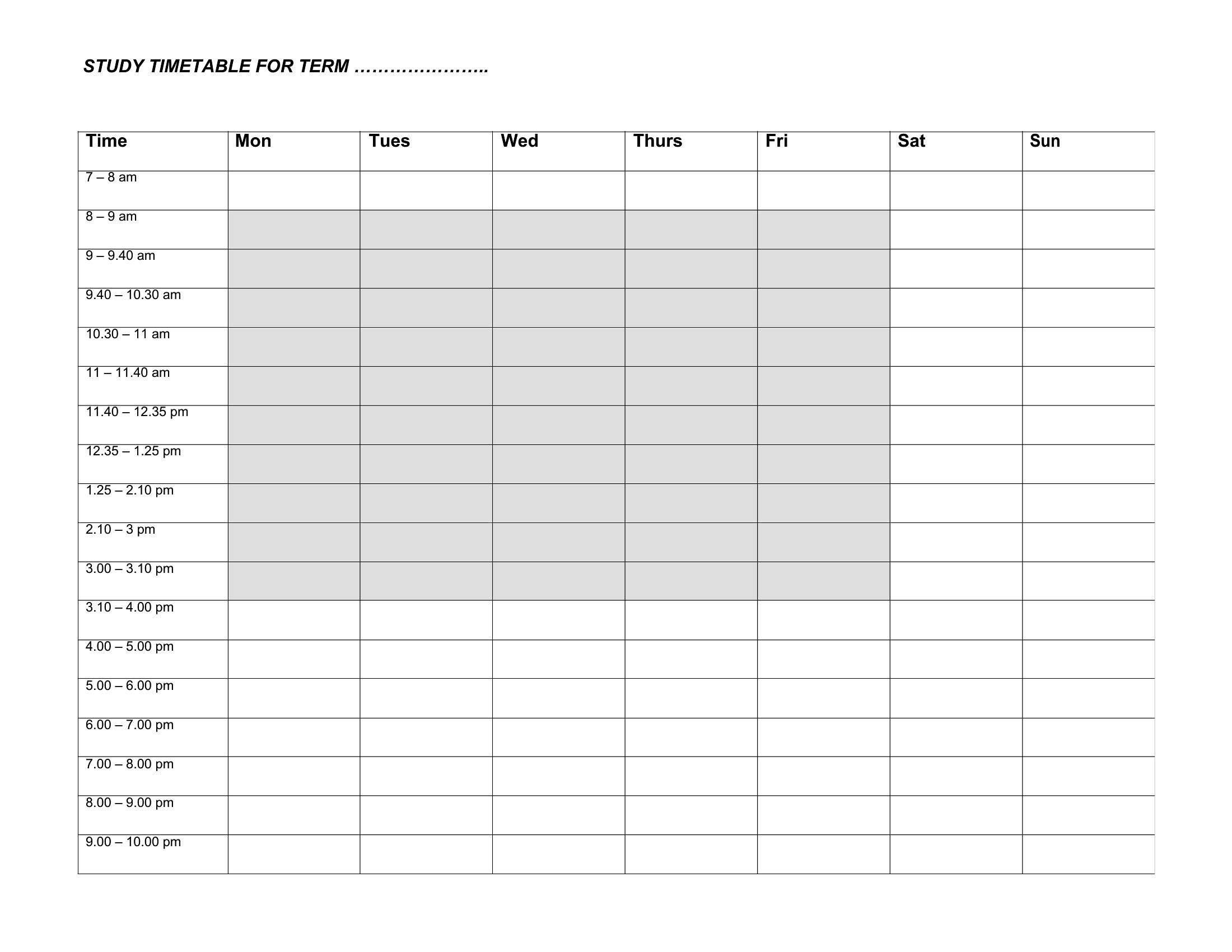
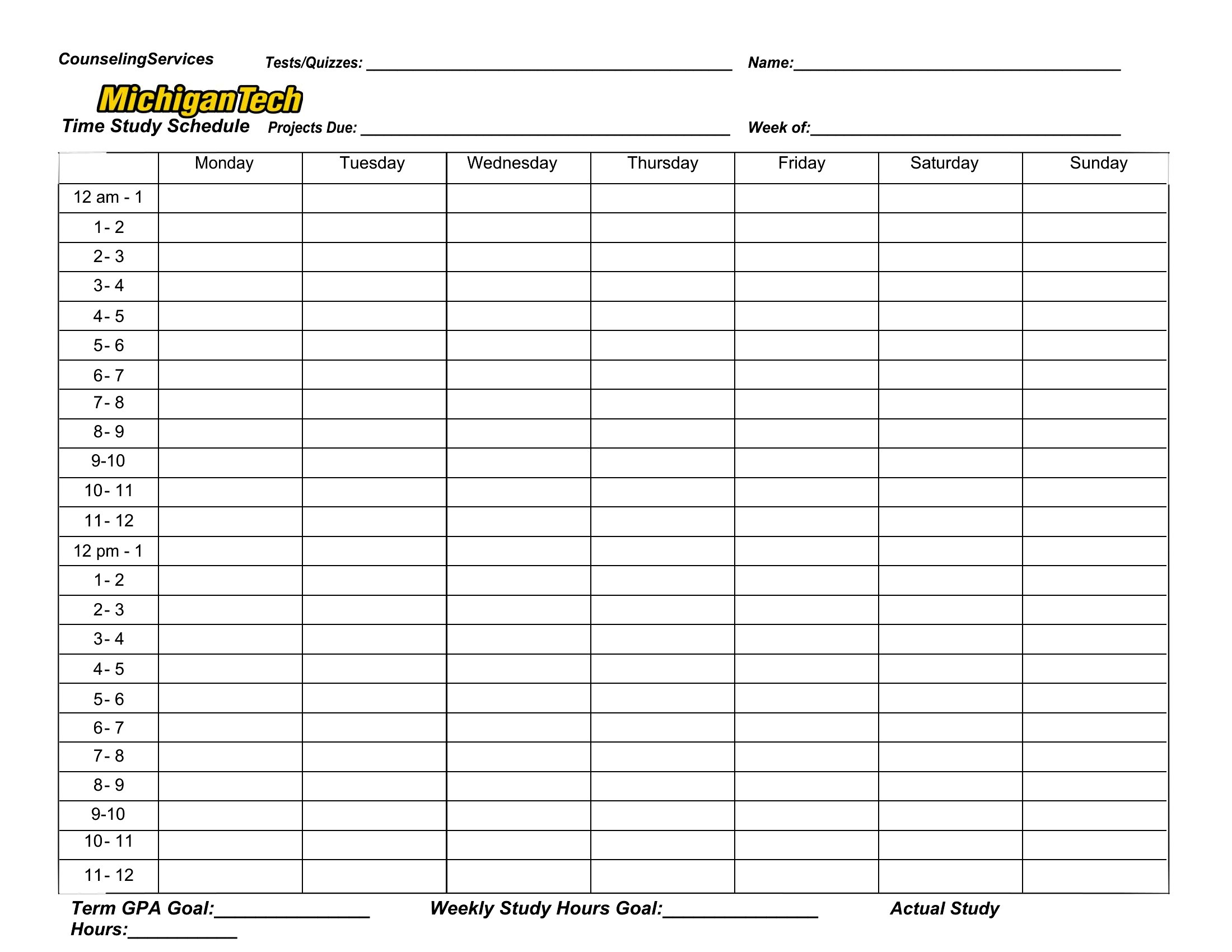
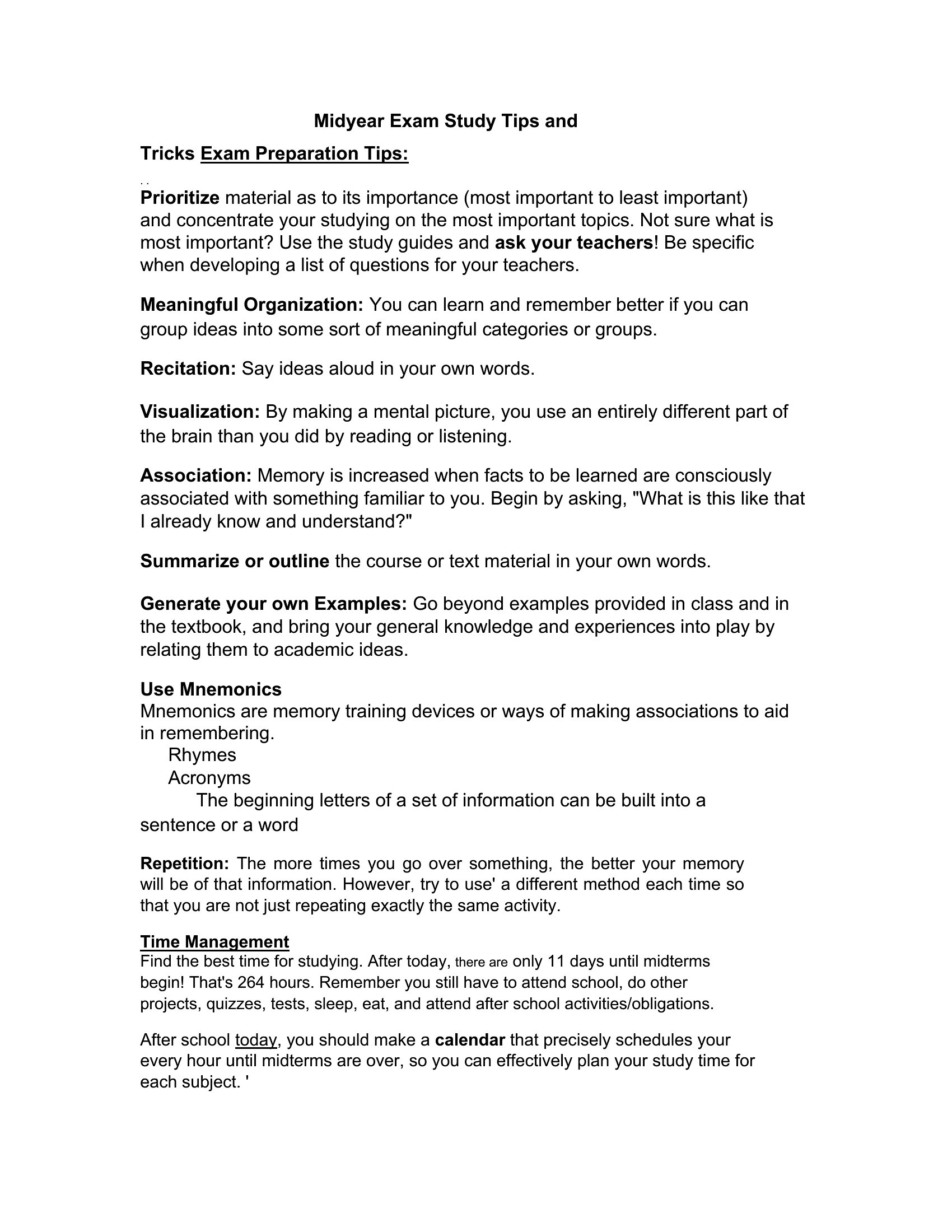
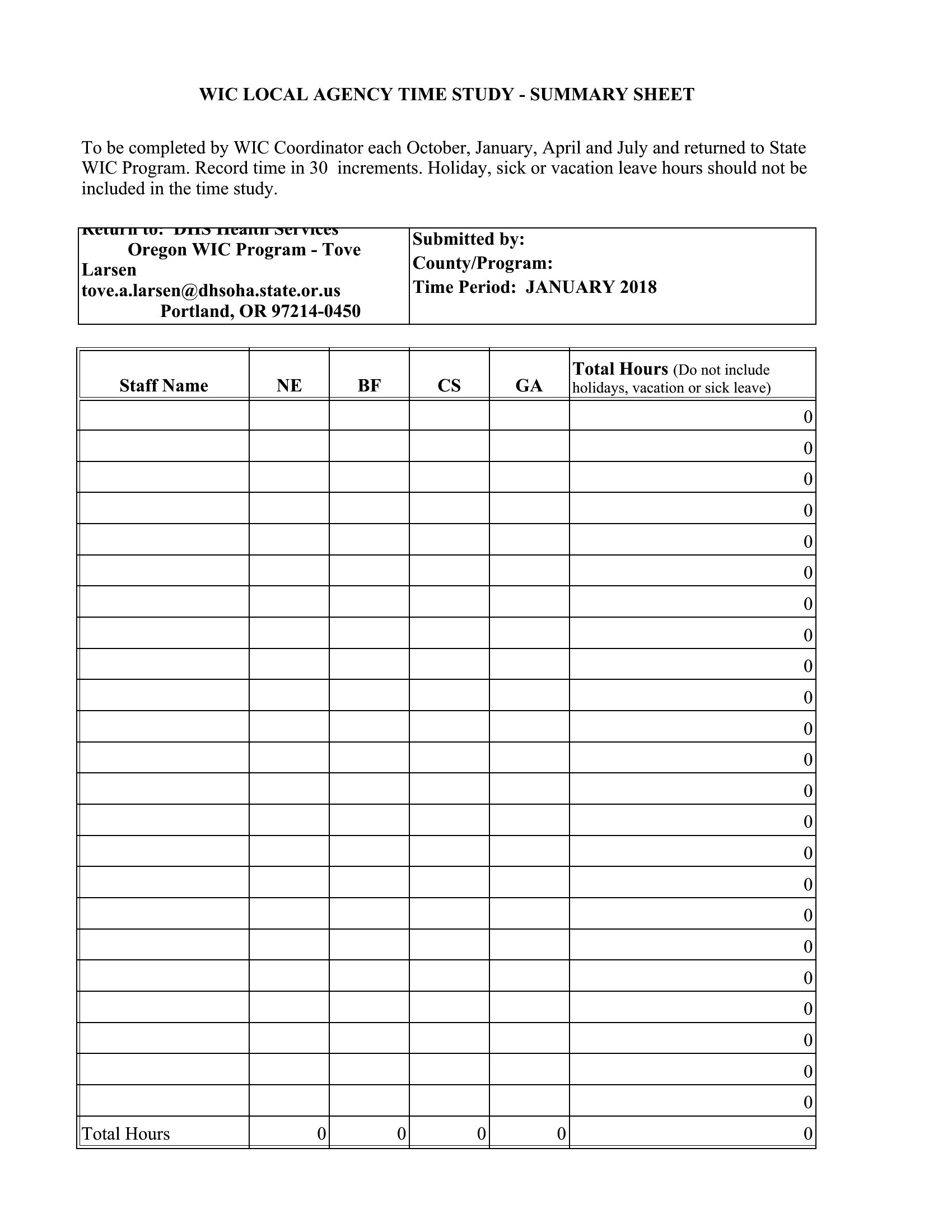
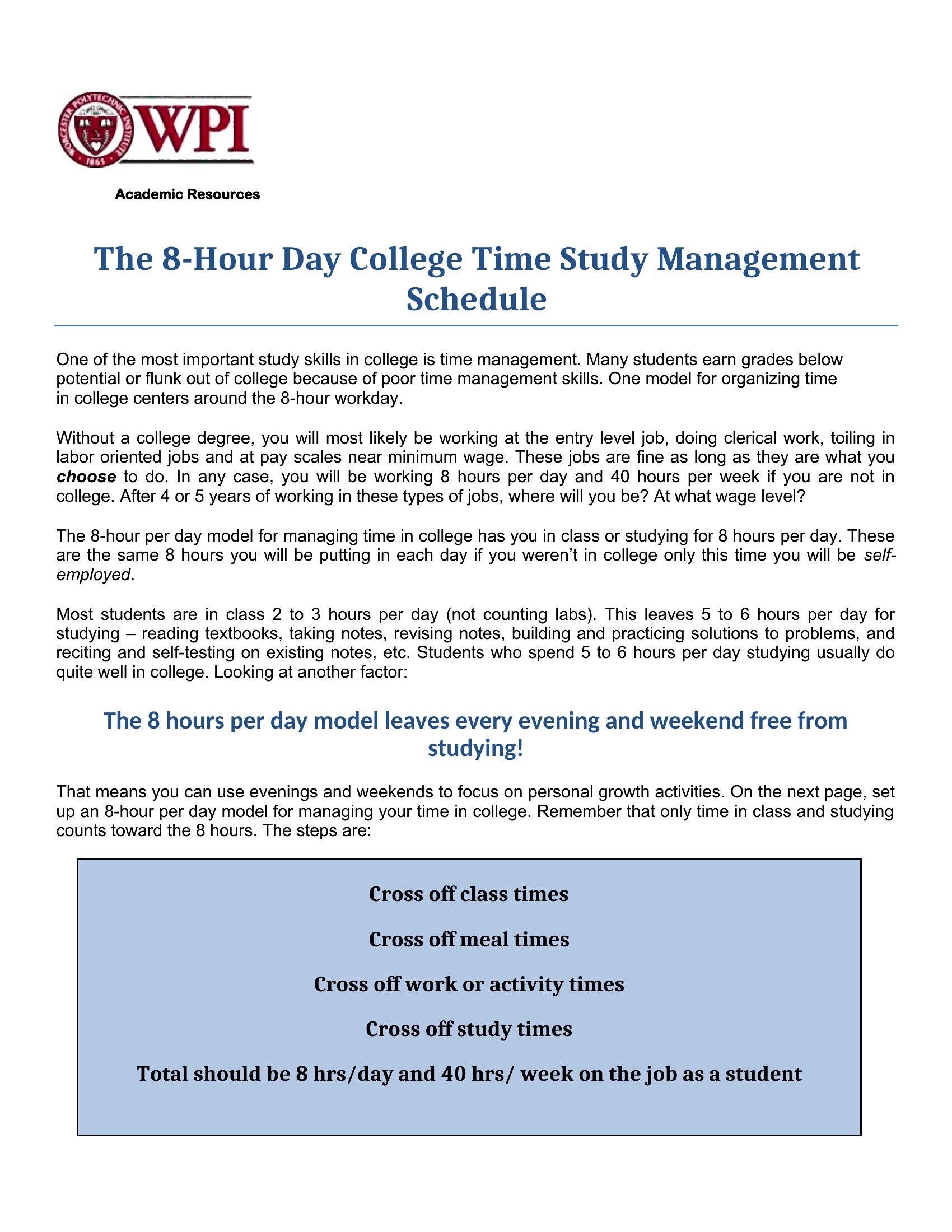
Free Time Study Templates (Excel)
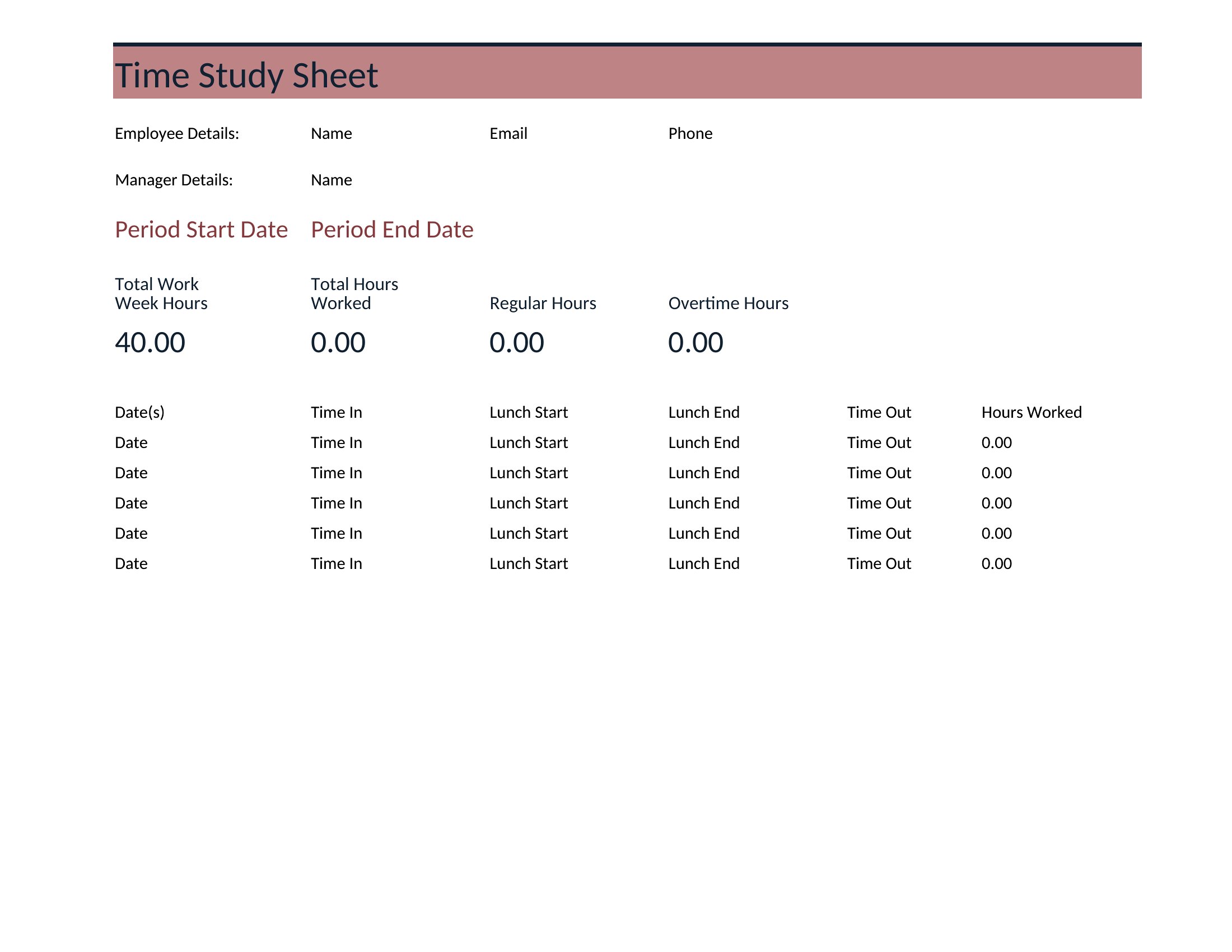
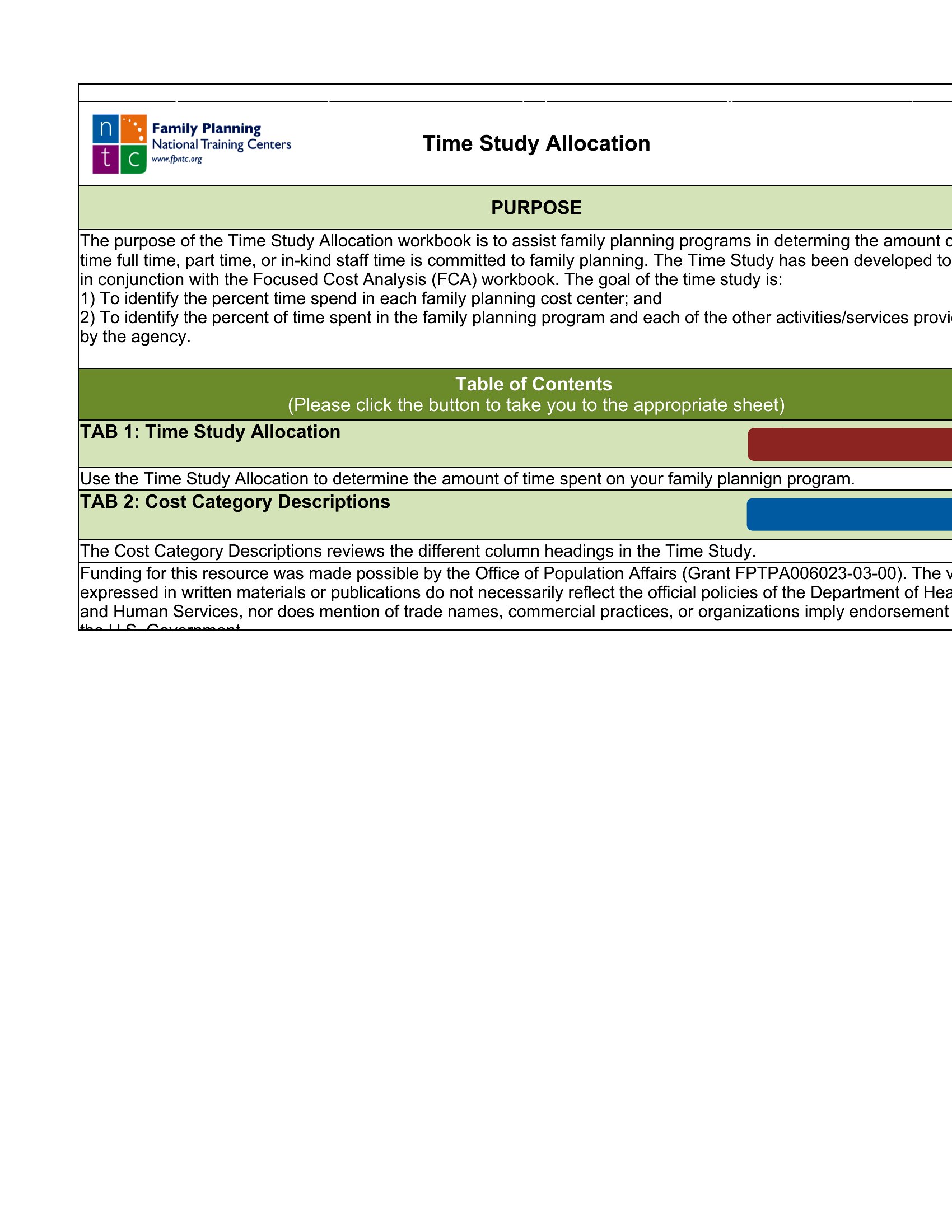
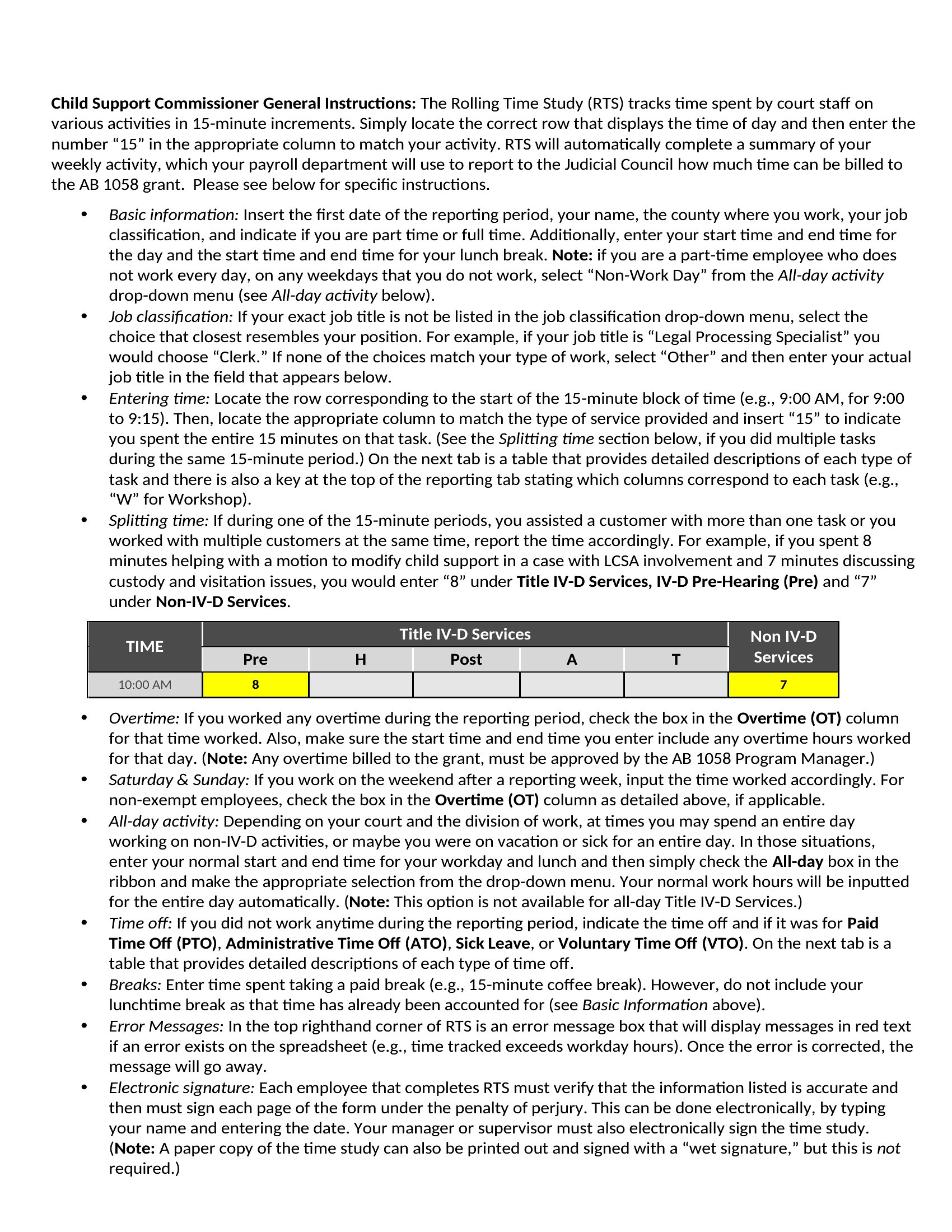
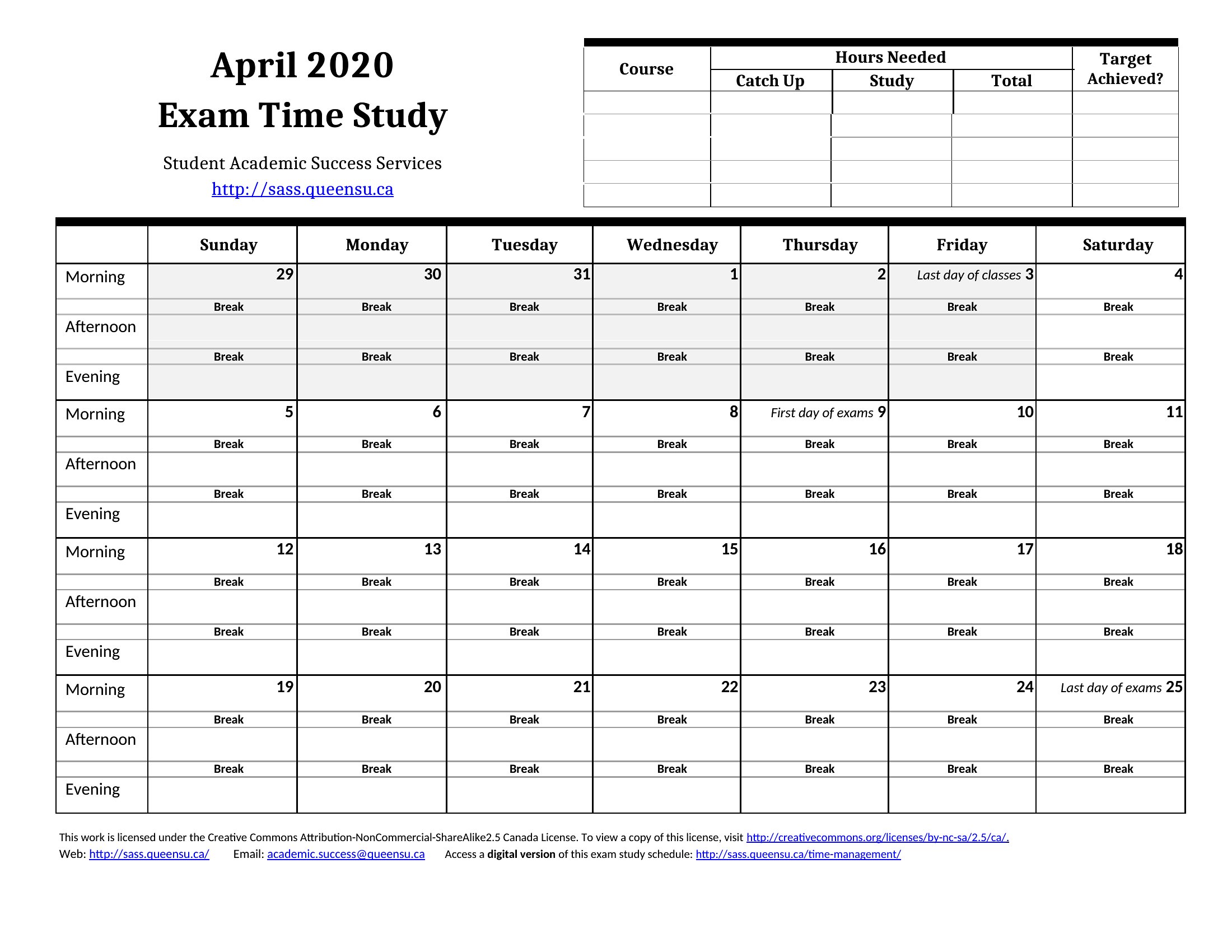
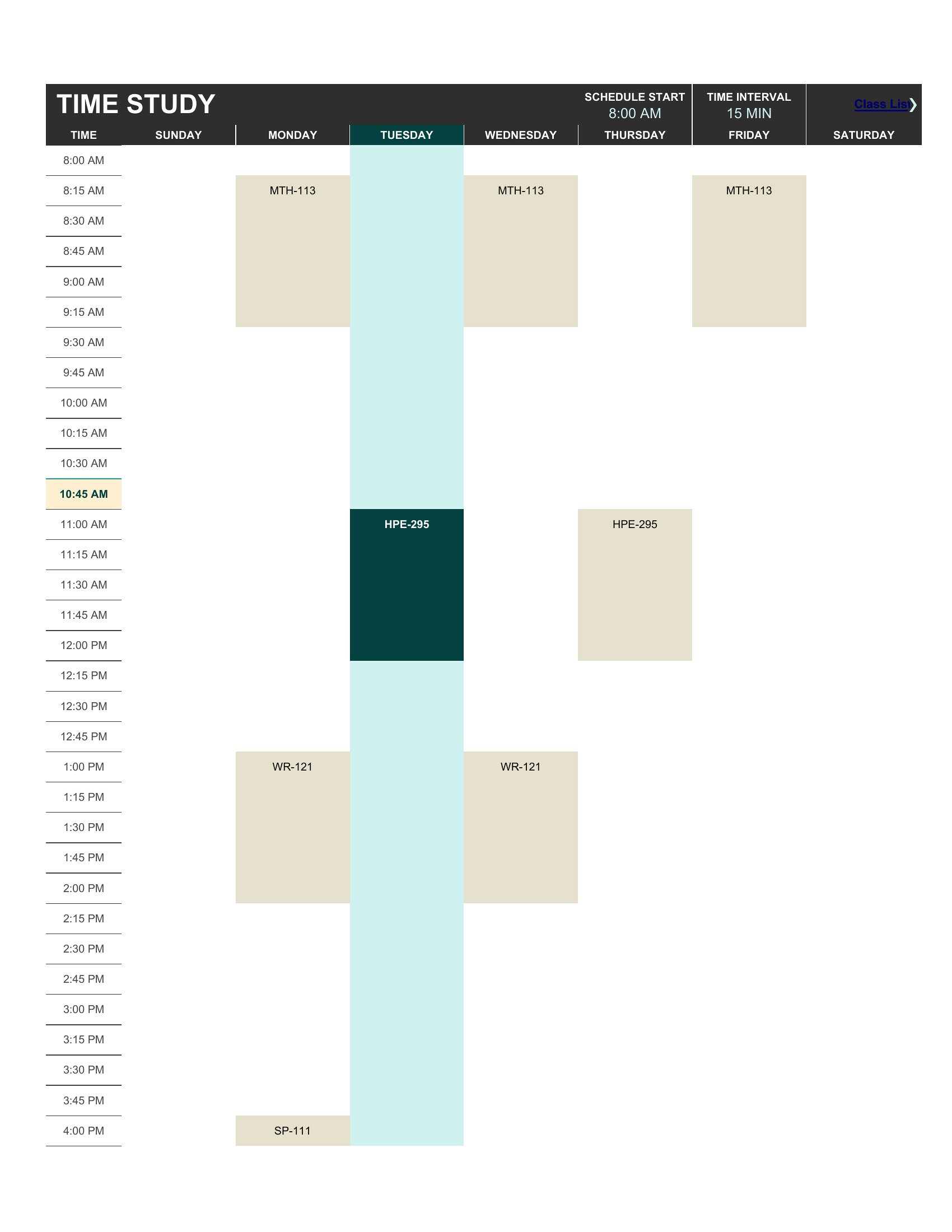
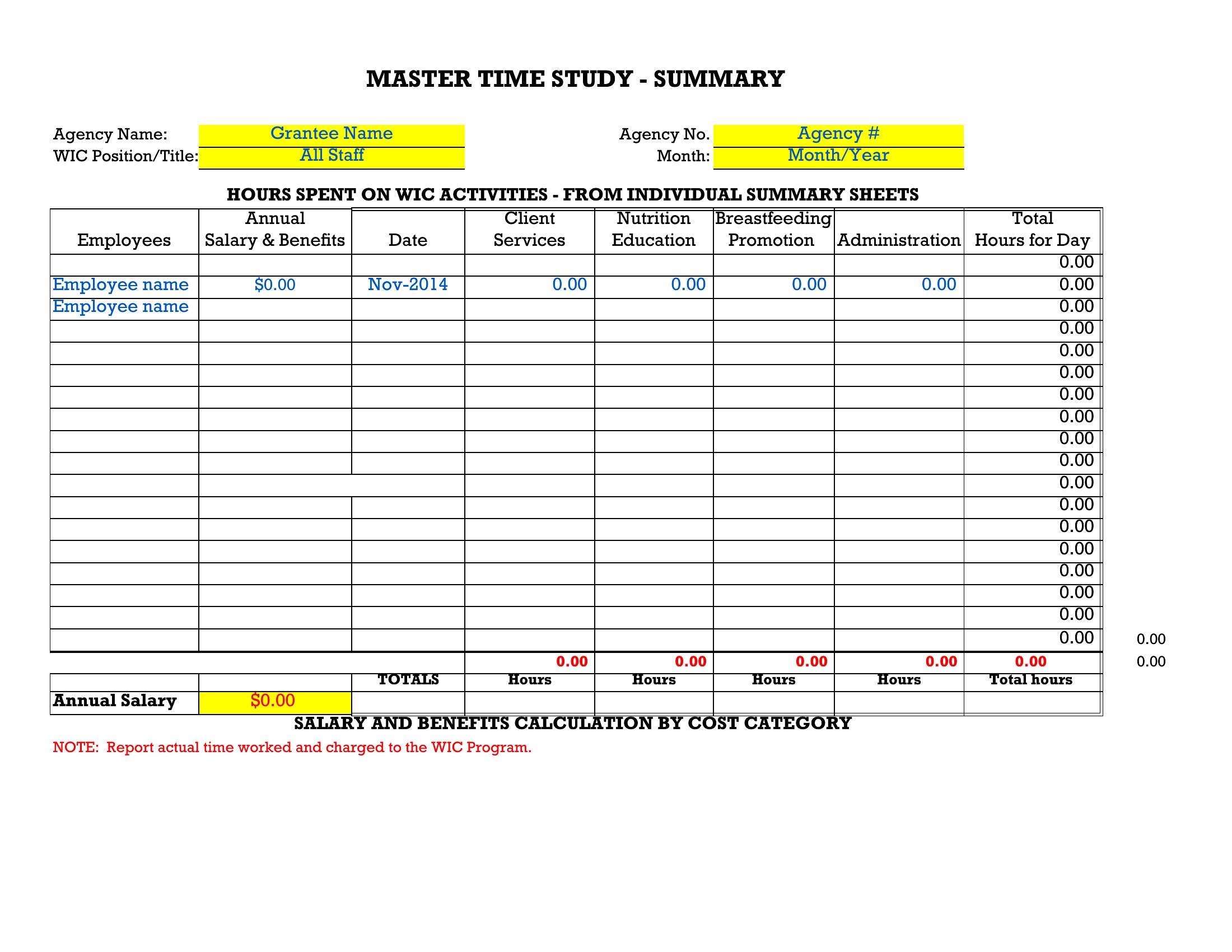
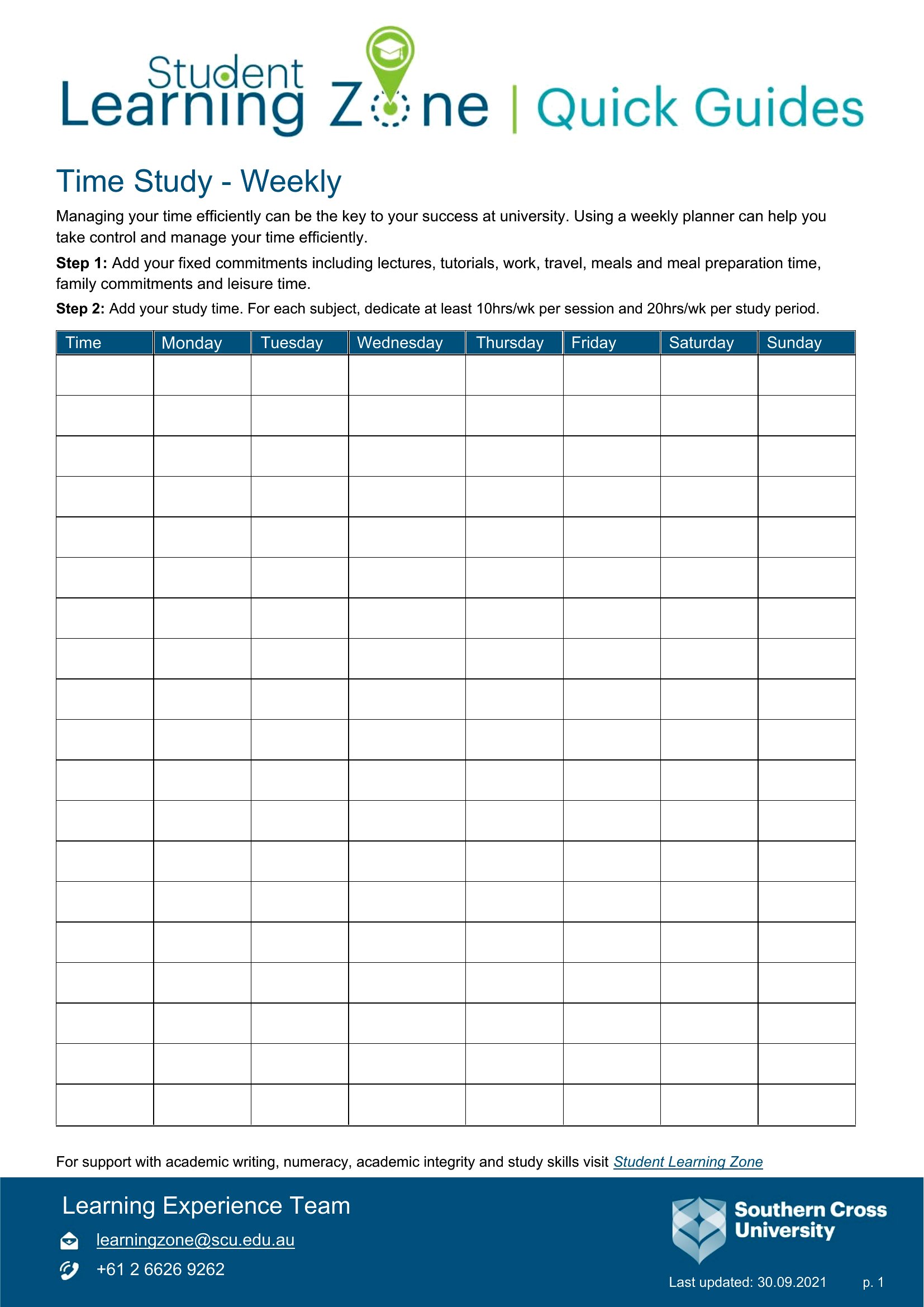
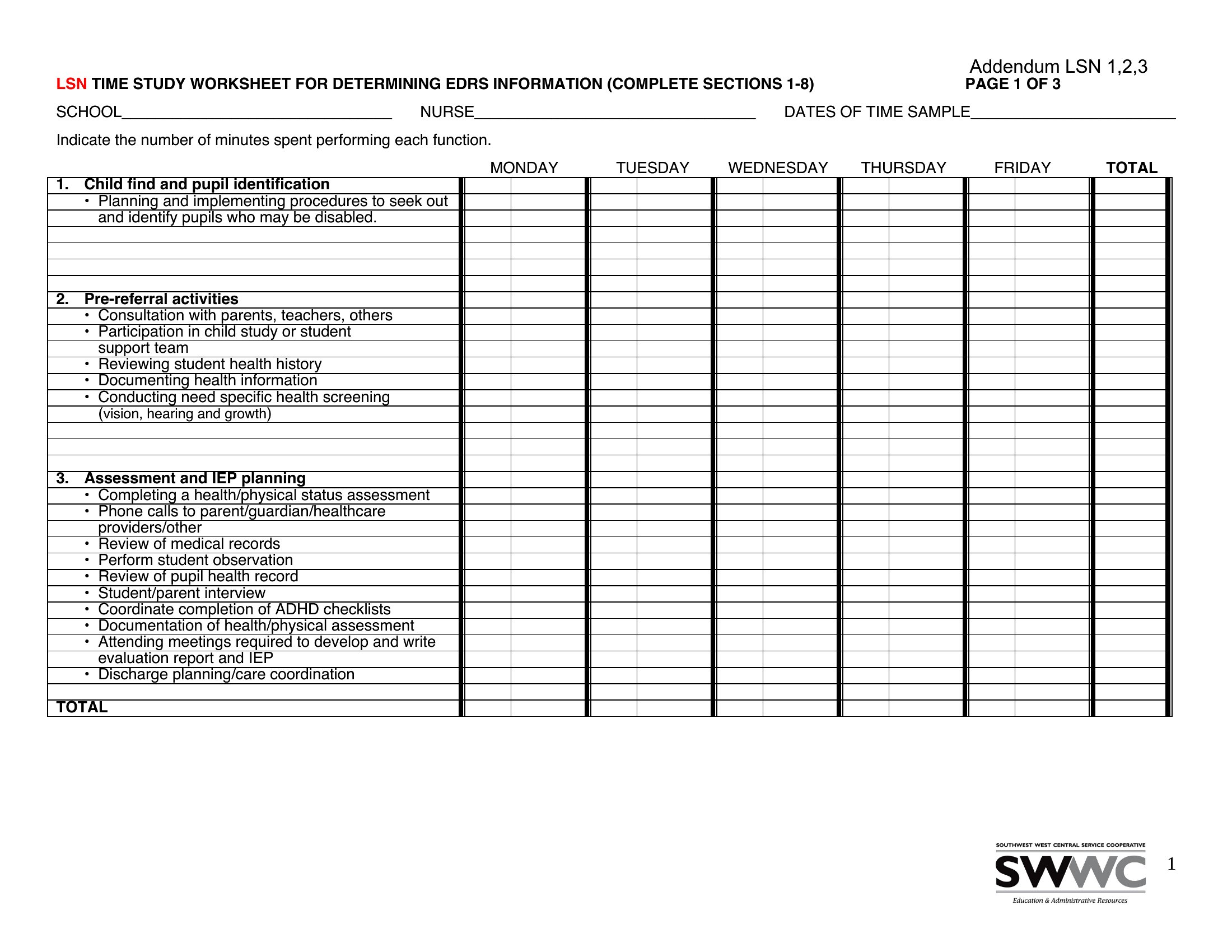
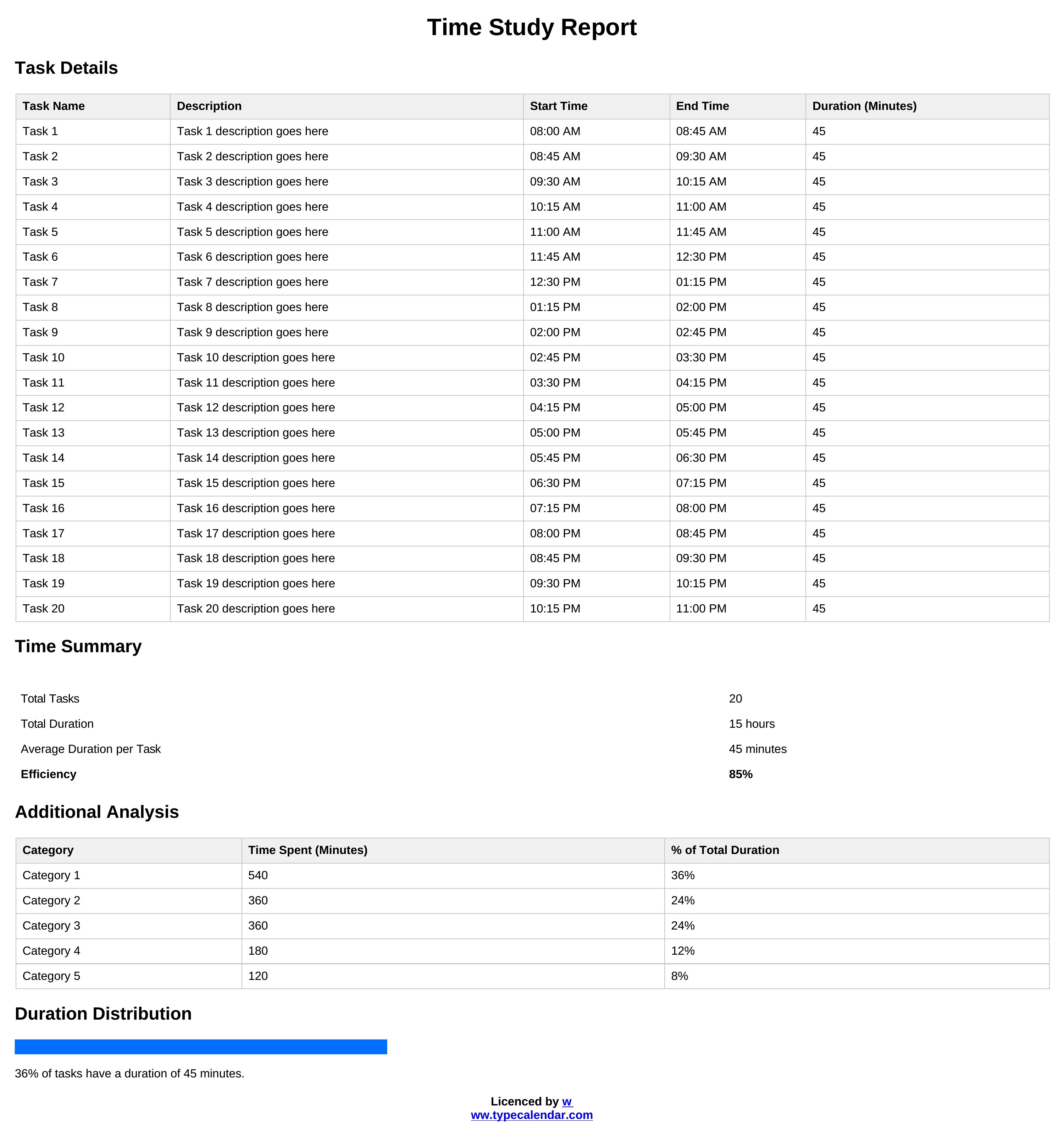
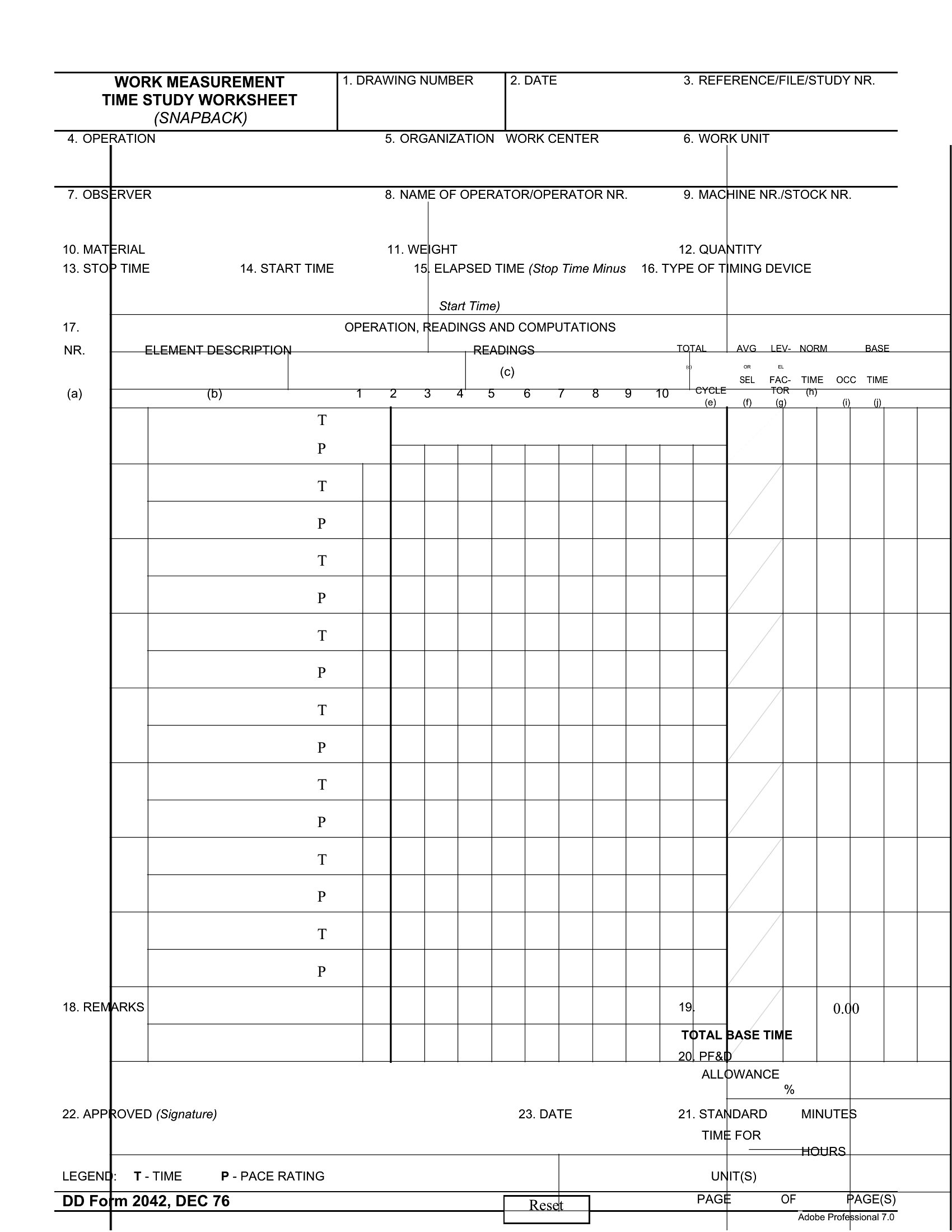
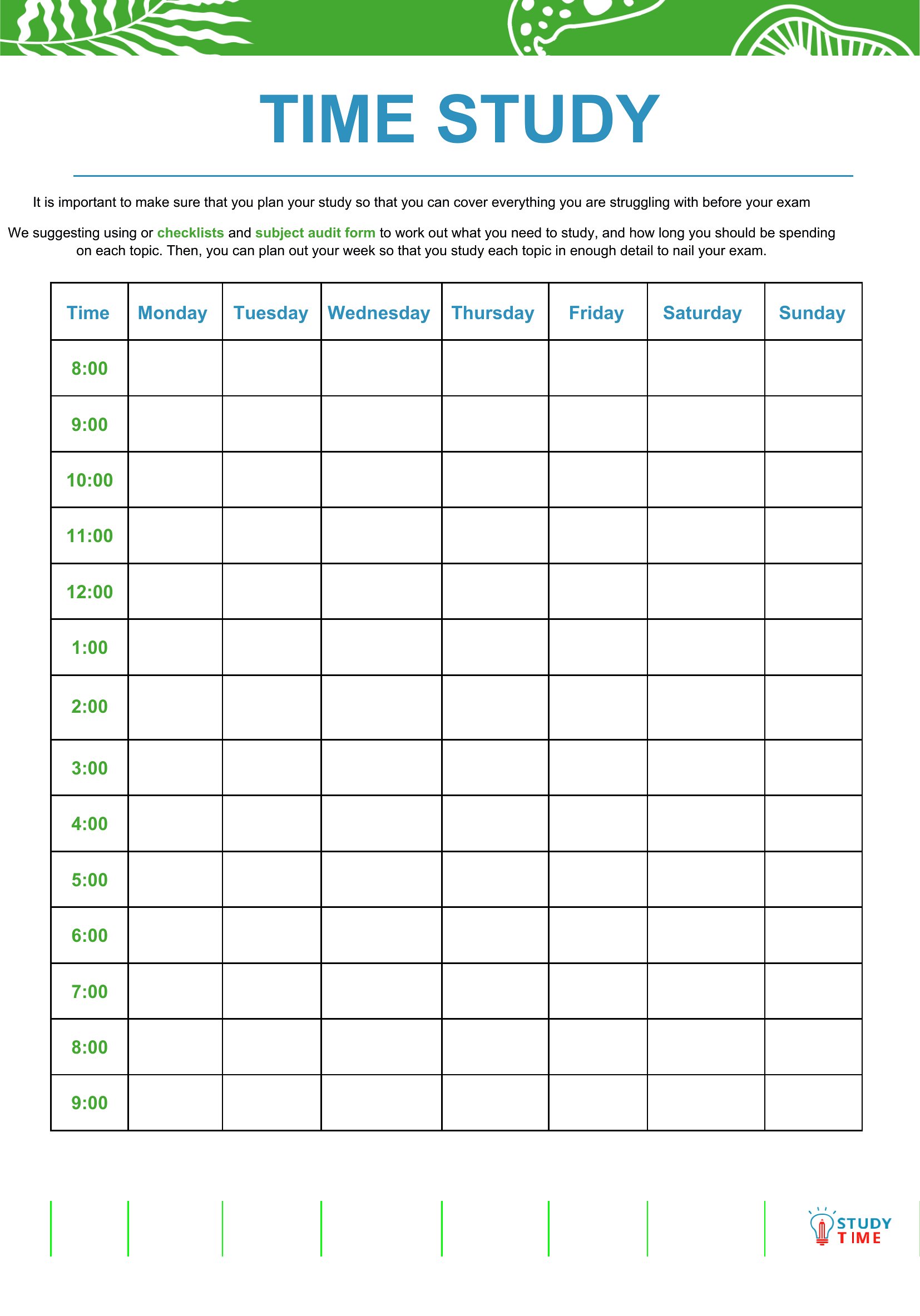
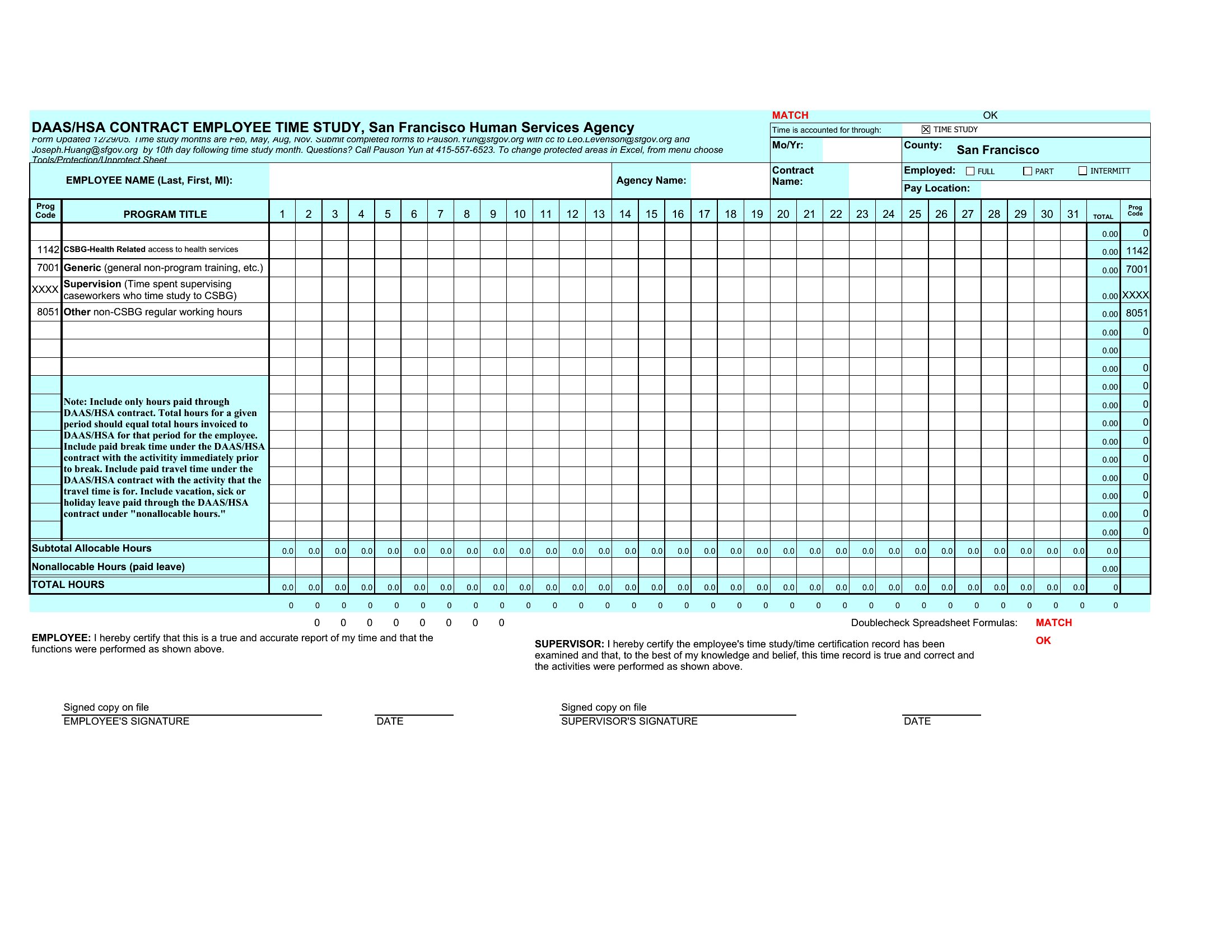
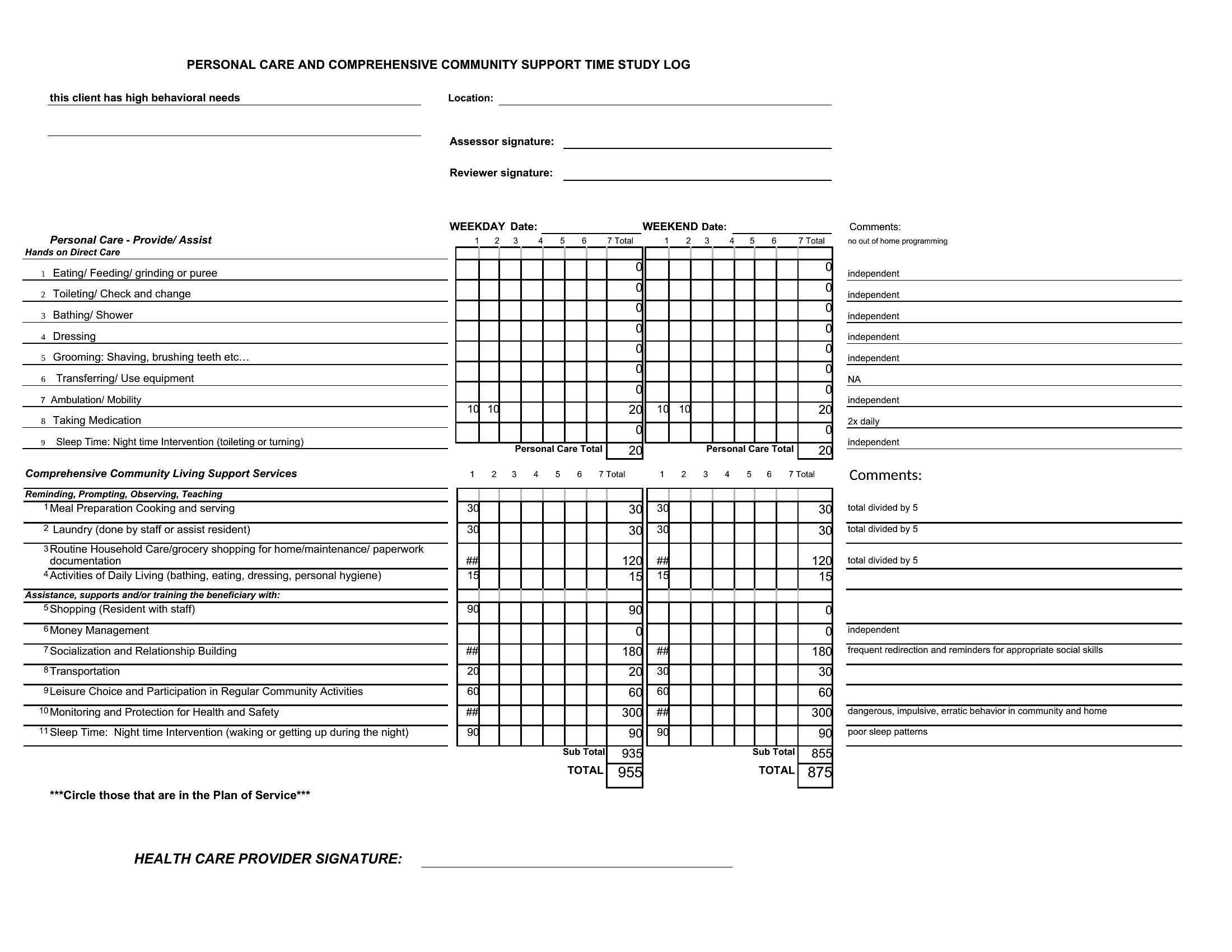
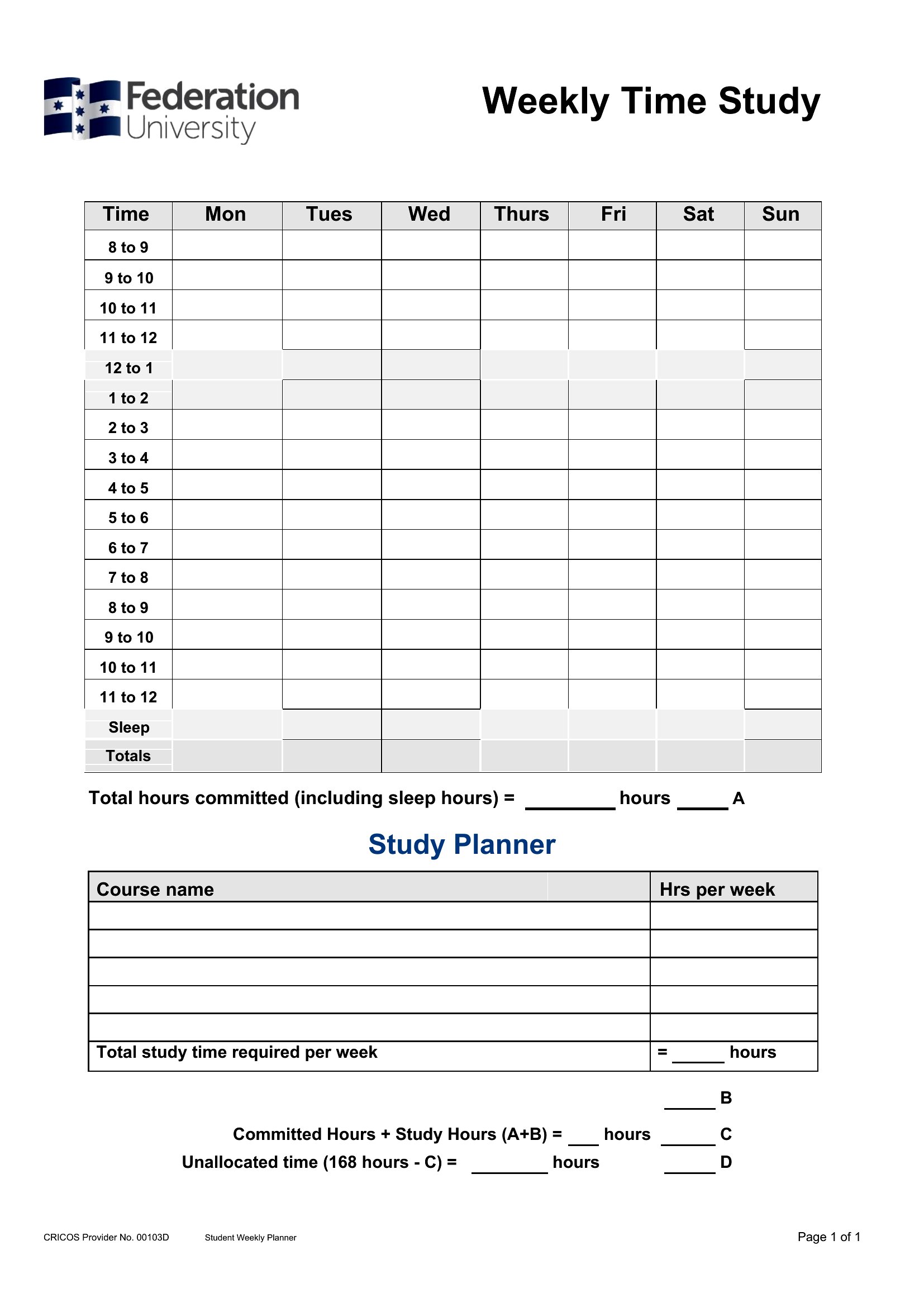
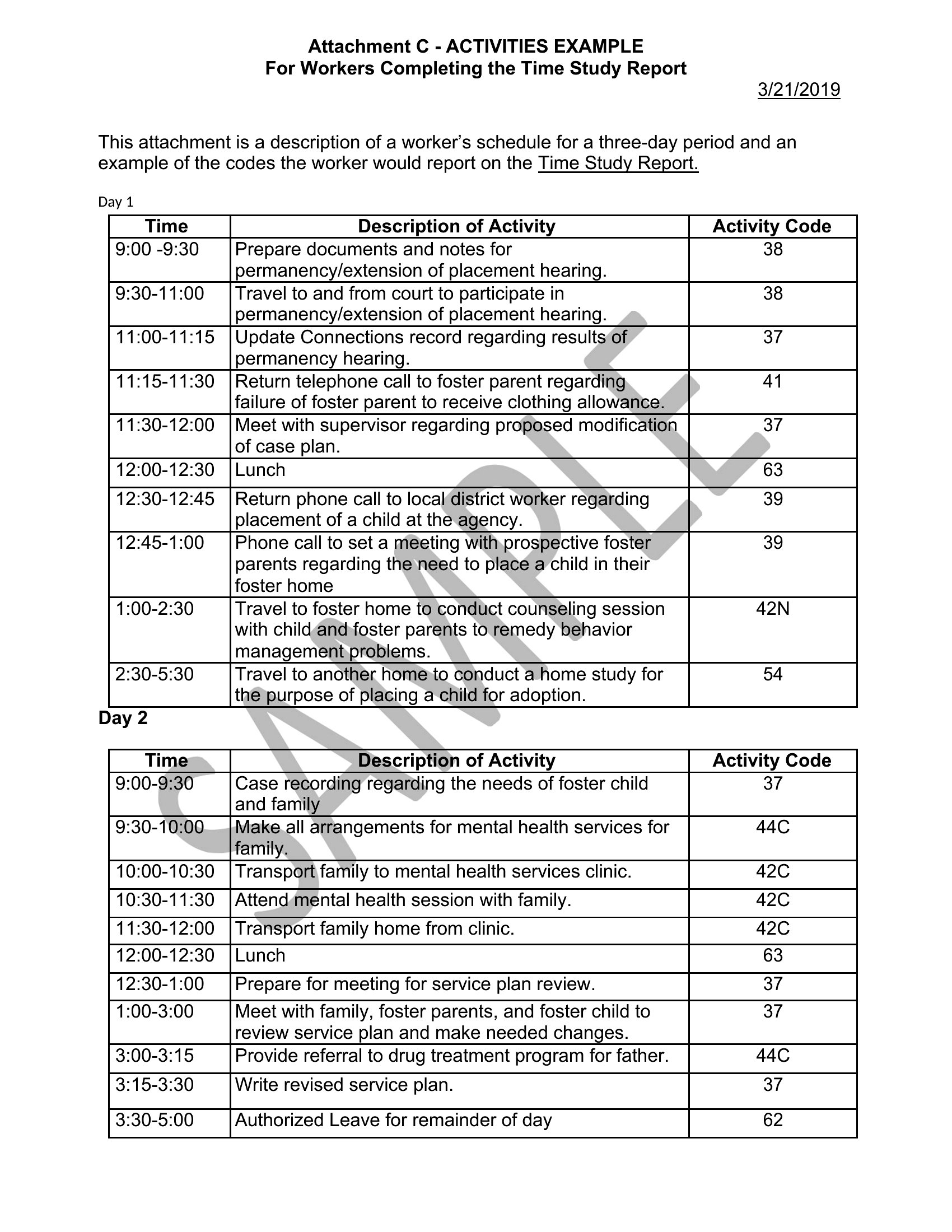
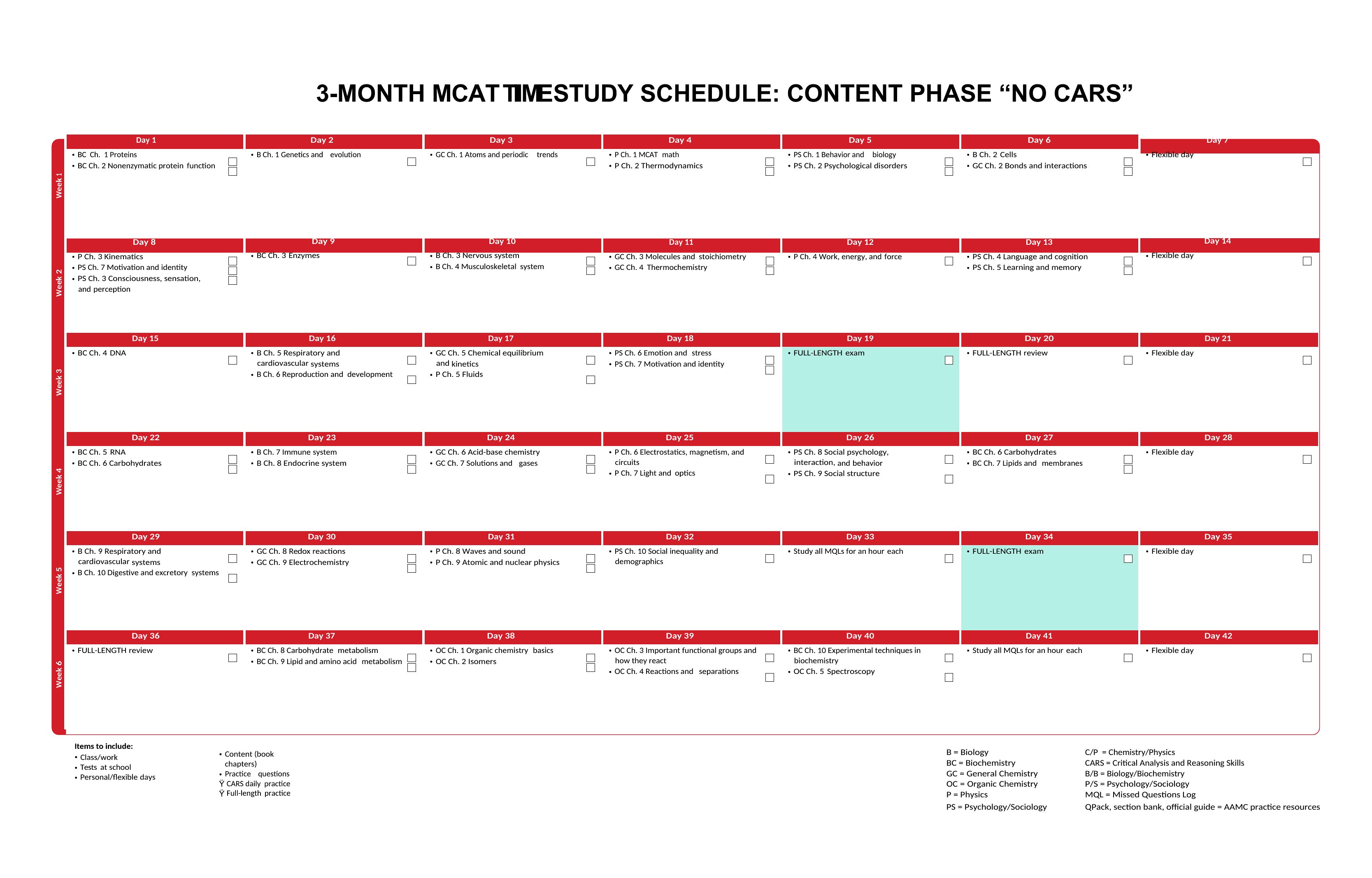
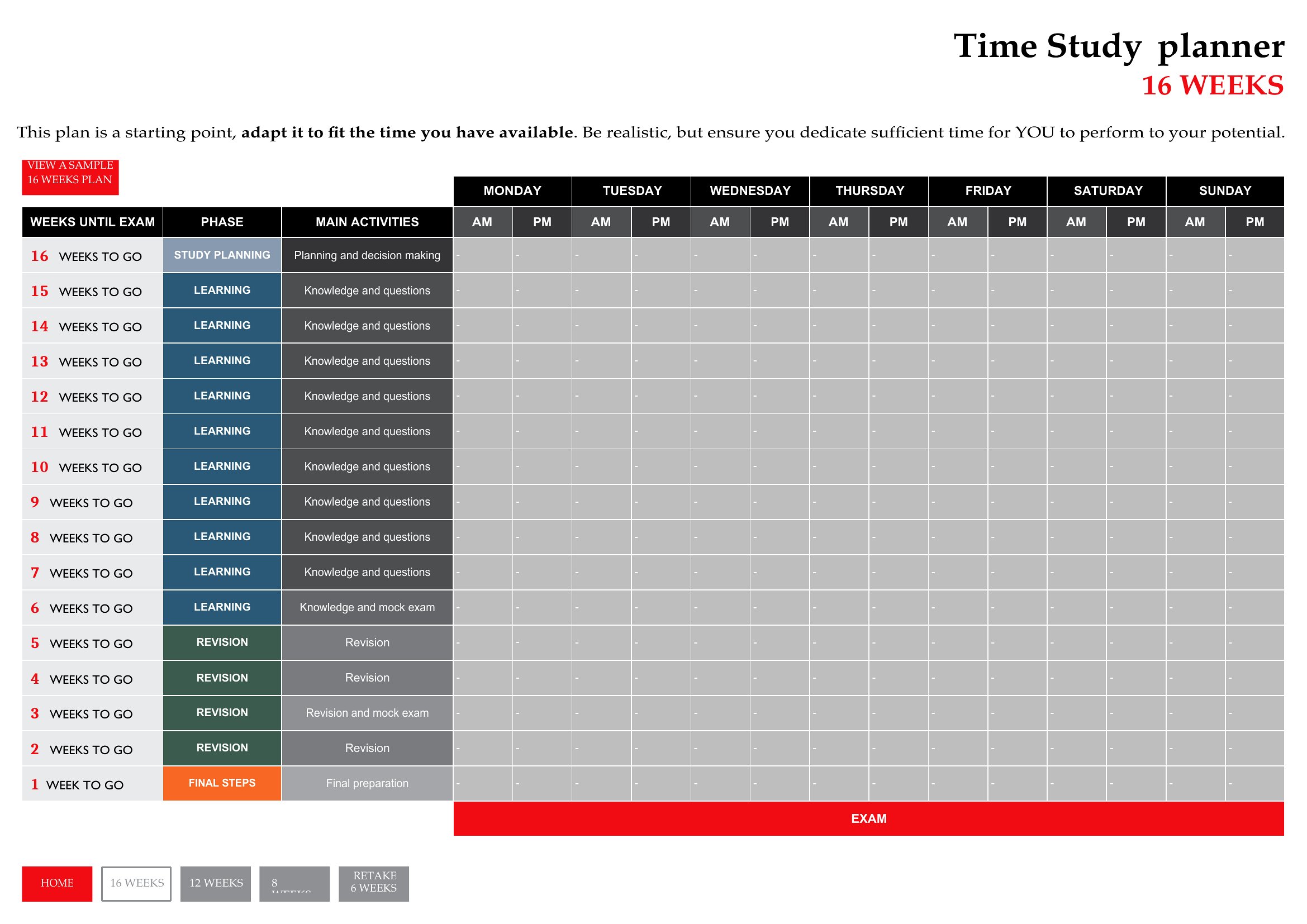
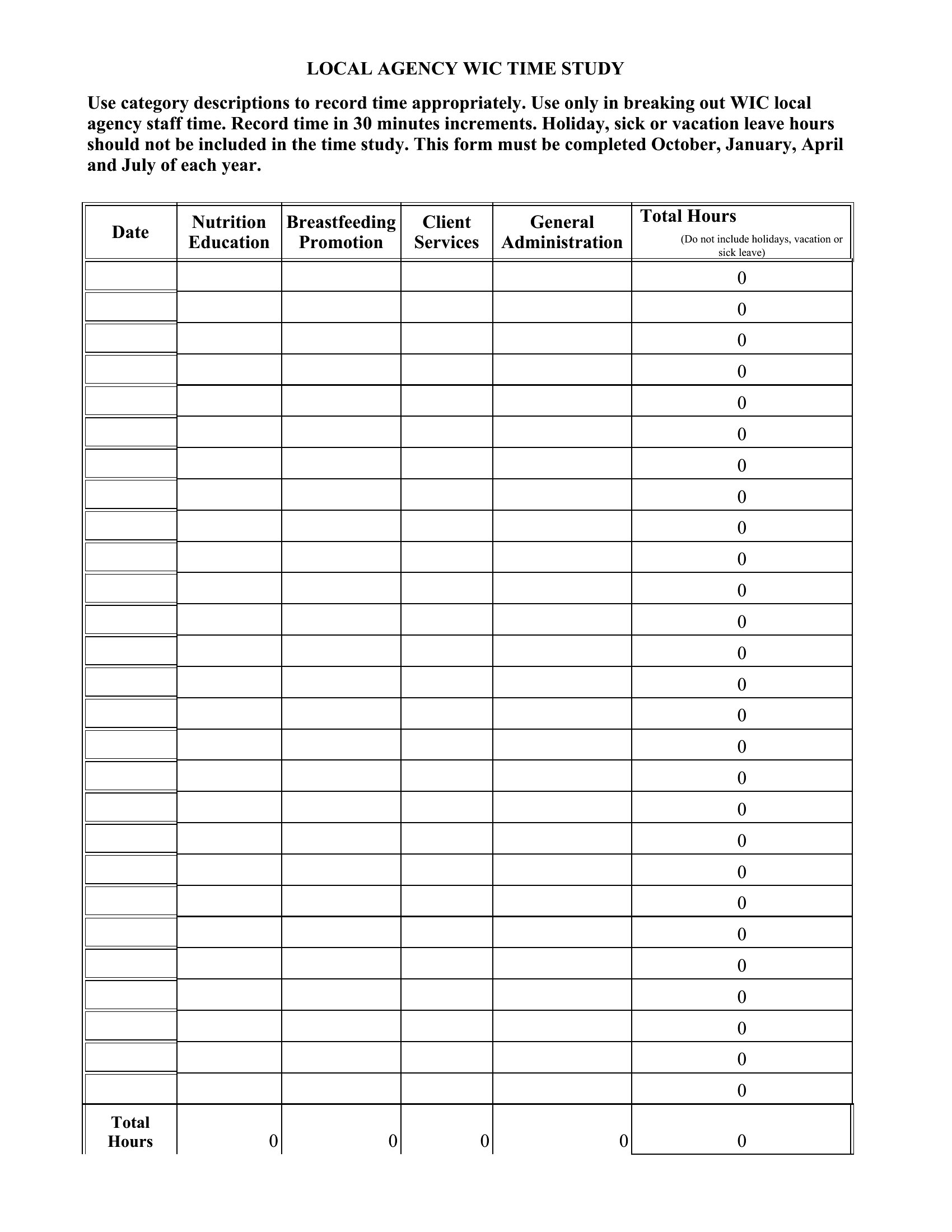
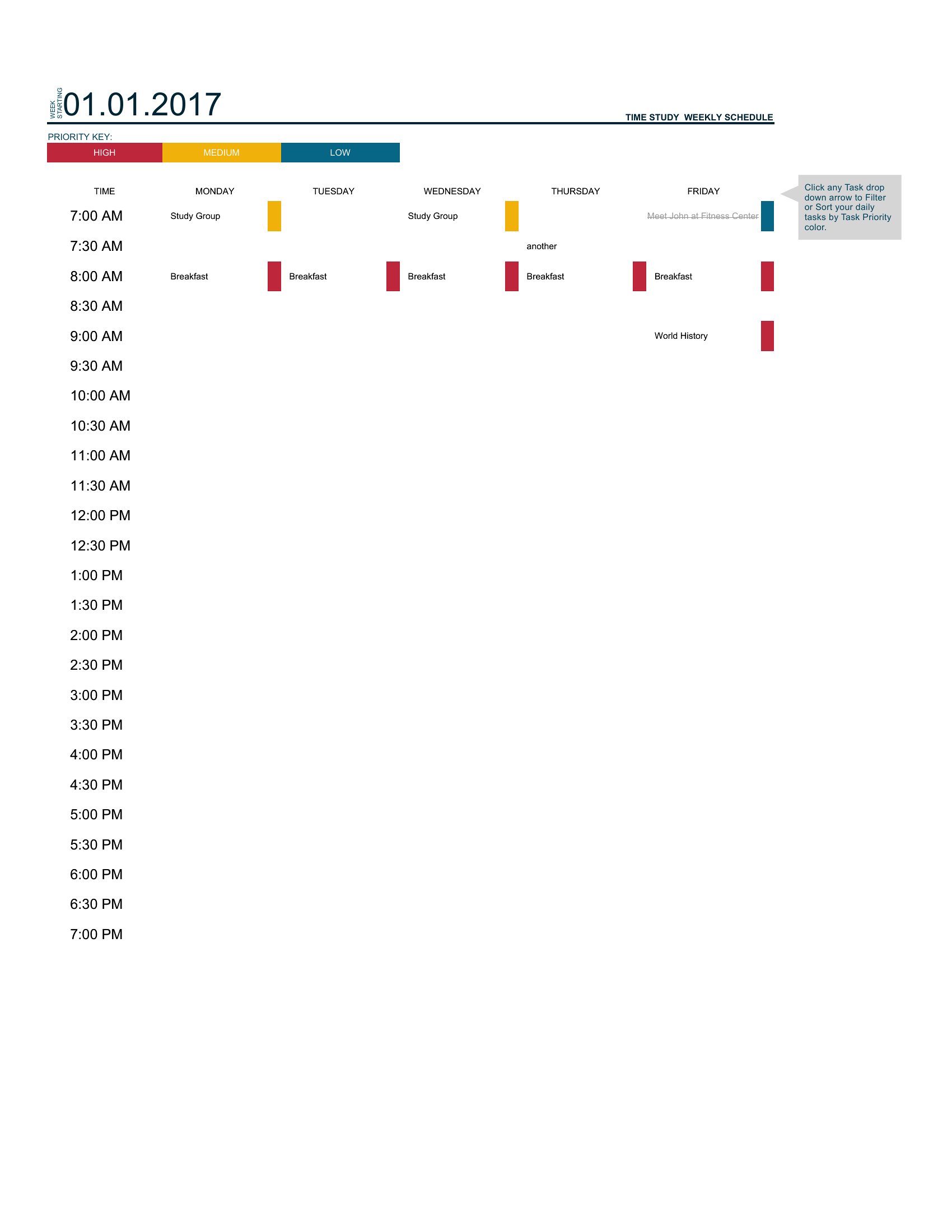
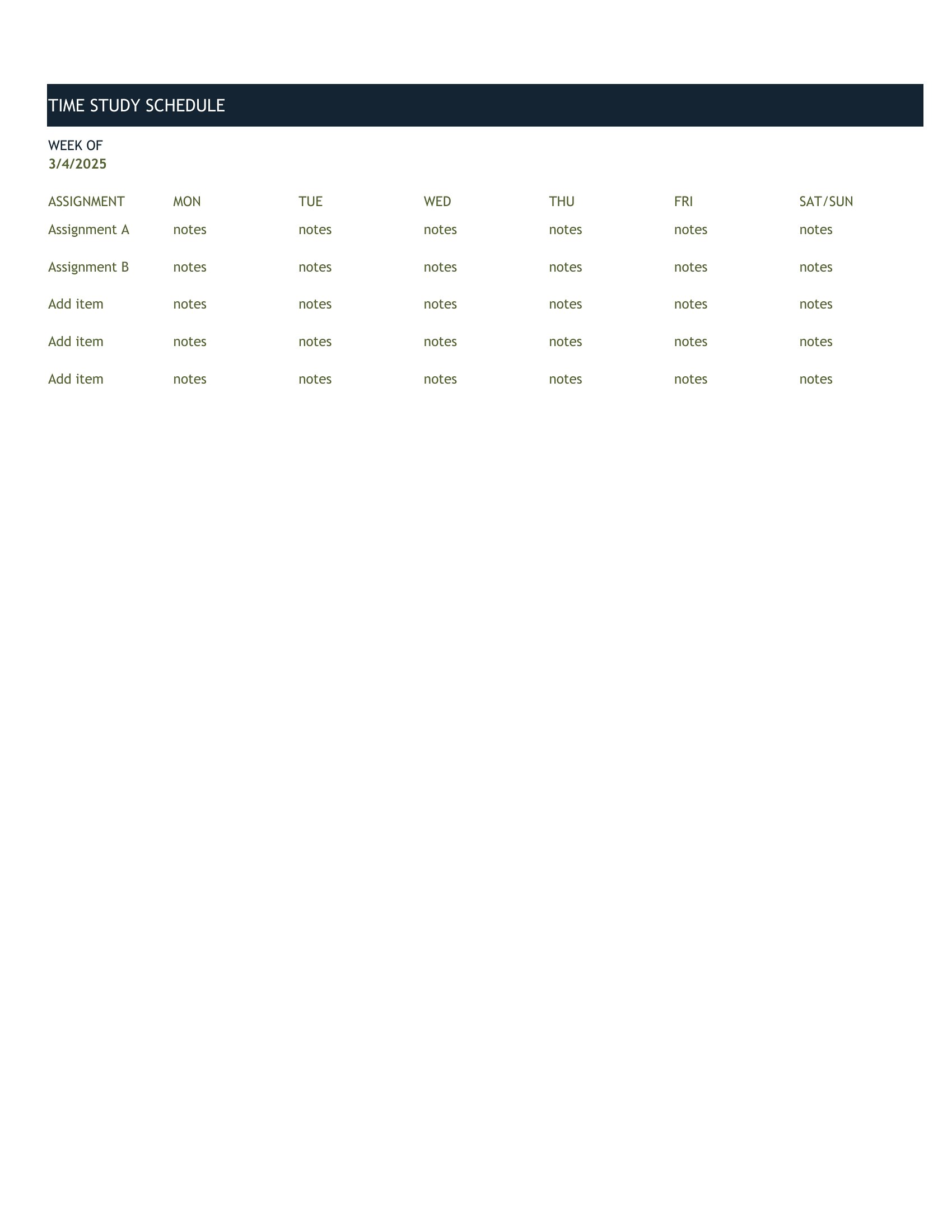
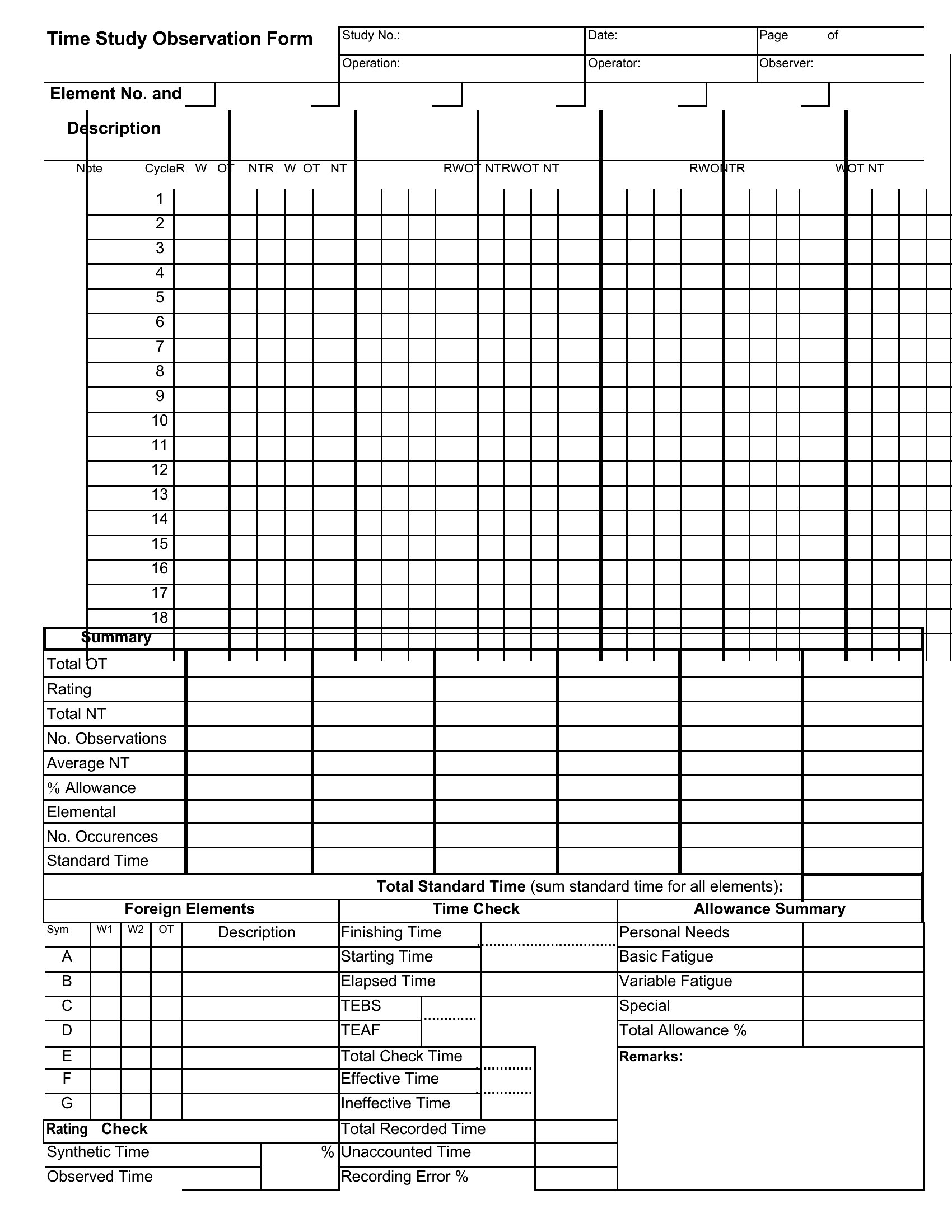
WorksheetsMeasuring how long a task actually takes is the first step to making it faster, and a time study gives you the structure to do it right. This set of 41 templates records task steps, cycle times, and observations, supporting lean improvement and time-and-motion analysis. Manufacturing engineers, operations managers, and process improvement teams can gather real data instead of relying on rough guesses.
The Excel versions calculate averages and totals as you log each cycle, while the Word layouts work for simpler manual studies. Time the steps, note what slows things down, and the bottlenecks become obvious. Pick the format that fits your study and start measuring where the minutes really go.
When to use this Time Study template
- A manufacturing quality engineer analyzing assembly line bottlenecks to identify which steps consume the most time before implementing automation.
- A production supervisor tracking repetitive tasks in a packaging facility to determine if cross-training workers could improve efficiency without hiring new staff.
- A hospital process improvement team measuring the average time it takes nurses to document patient vitals in different units to standardize workflows.
- A small-batch furniture maker recording exact cycle times for each woodworking step to justify pricing adjustments and reduce waste in custom orders.
Which format should I download?
Use Excel when you need built-in calculations (like averages or standard deviations) to analyze time study results directly in the template. These formats include pre-set formulas for cycle time calculations and variance tracking. Choose Word for a more narrative-driven approach, especially if you’re documenting observations alongside raw data—ideal for teams drafting reports with step-by-step explanations of findings. The Word templates work well for collaborative note-taking during on-site studies.
Choose from 41 Time Study Templates
How to use this Time Study template
Can I use these templates to compare time studies across different shifts or teams?
Yes, these templates include fields for shift codes, operator IDs, and date stamps, making it easy to organize data by group. You can then filter or sort results in Excel to spot trends between shifts or teams. For deeper comparisons, combine multiple studies into one spreadsheet to calculate overall averages or identify outliers.
What should I do if a task has variable steps depending on the operator’s experience level?
Use the observation notes section in the template to document when steps are skipped or combined. Some templates also include a ‘remarks’ column to flag deviations. For precise analysis, consider recording both the standard and actual steps taken during each cycle. This helps distinguish between process inefficiencies and operator-specific habits.
How do I determine a reliable sample size for my time study?
There’s no one-size-fits-all answer, but these templates assume you’re following lean principles, where 5–10 cycles per task (with stable conditions) often provides meaningful data. For critical processes, aim for 15+ observations to account for natural variability. If possible, consult a statistician or use the Excel templates’ basic sample size calculators as a starting point.
Comments
Join the conversation
Sign in to share your thoughts and leave a comment on this resource.