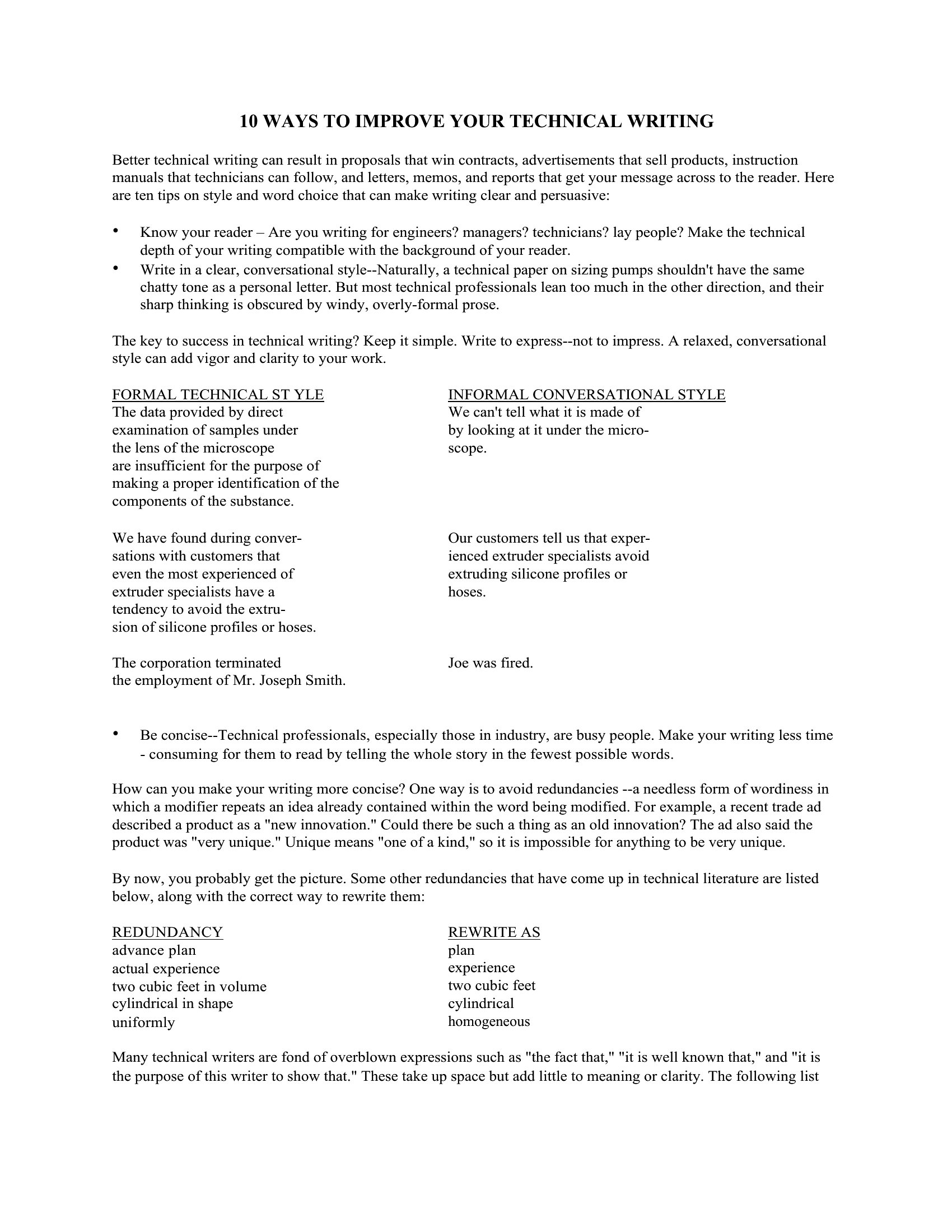
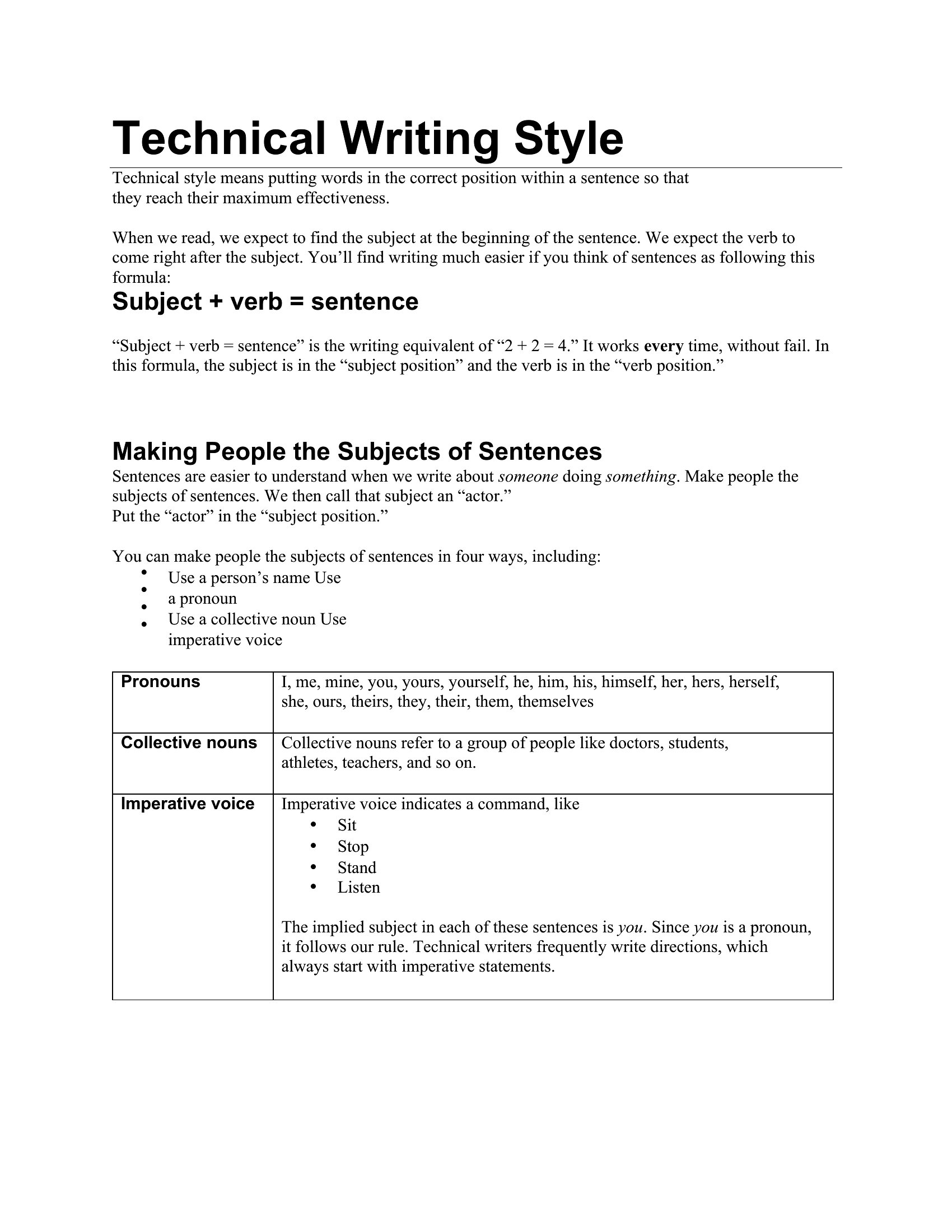
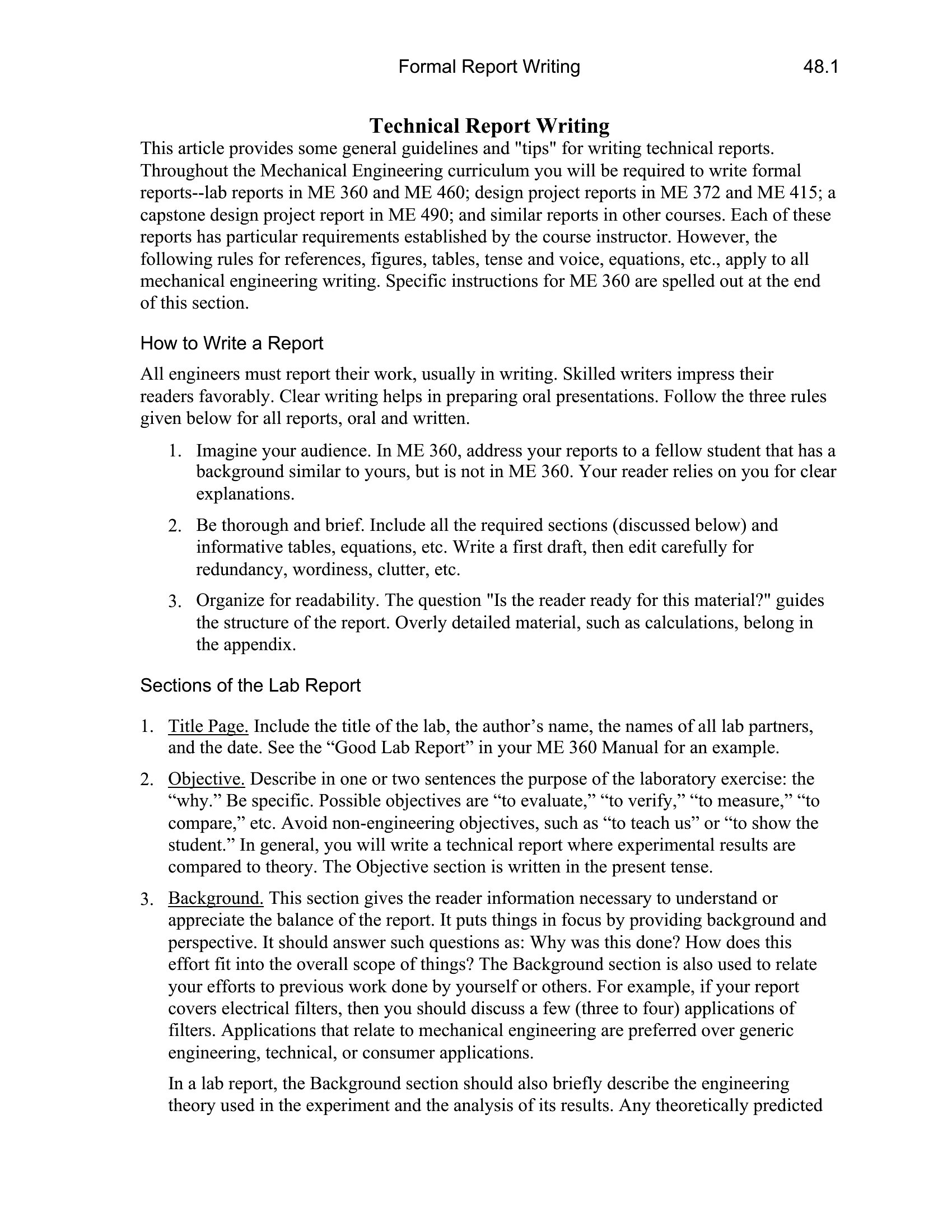
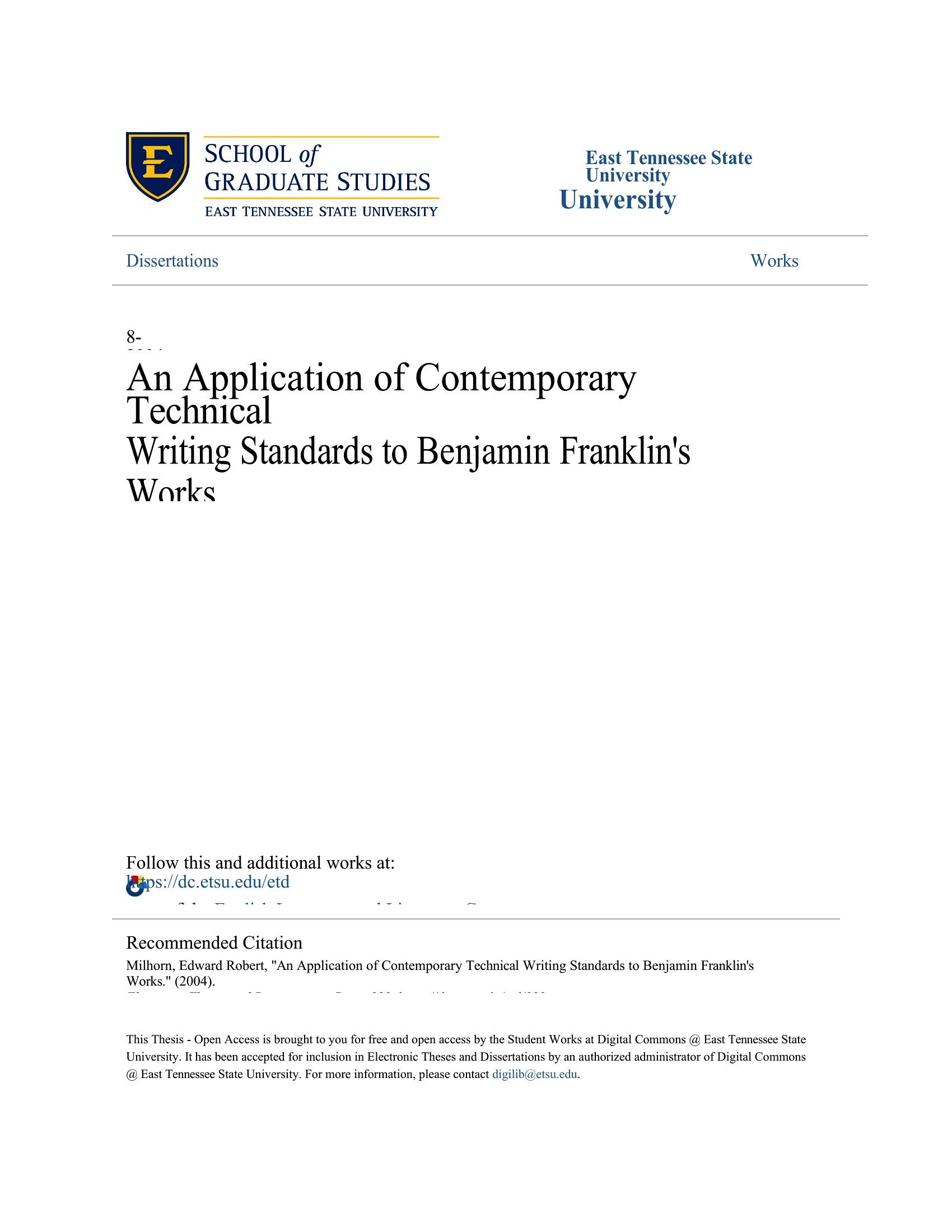
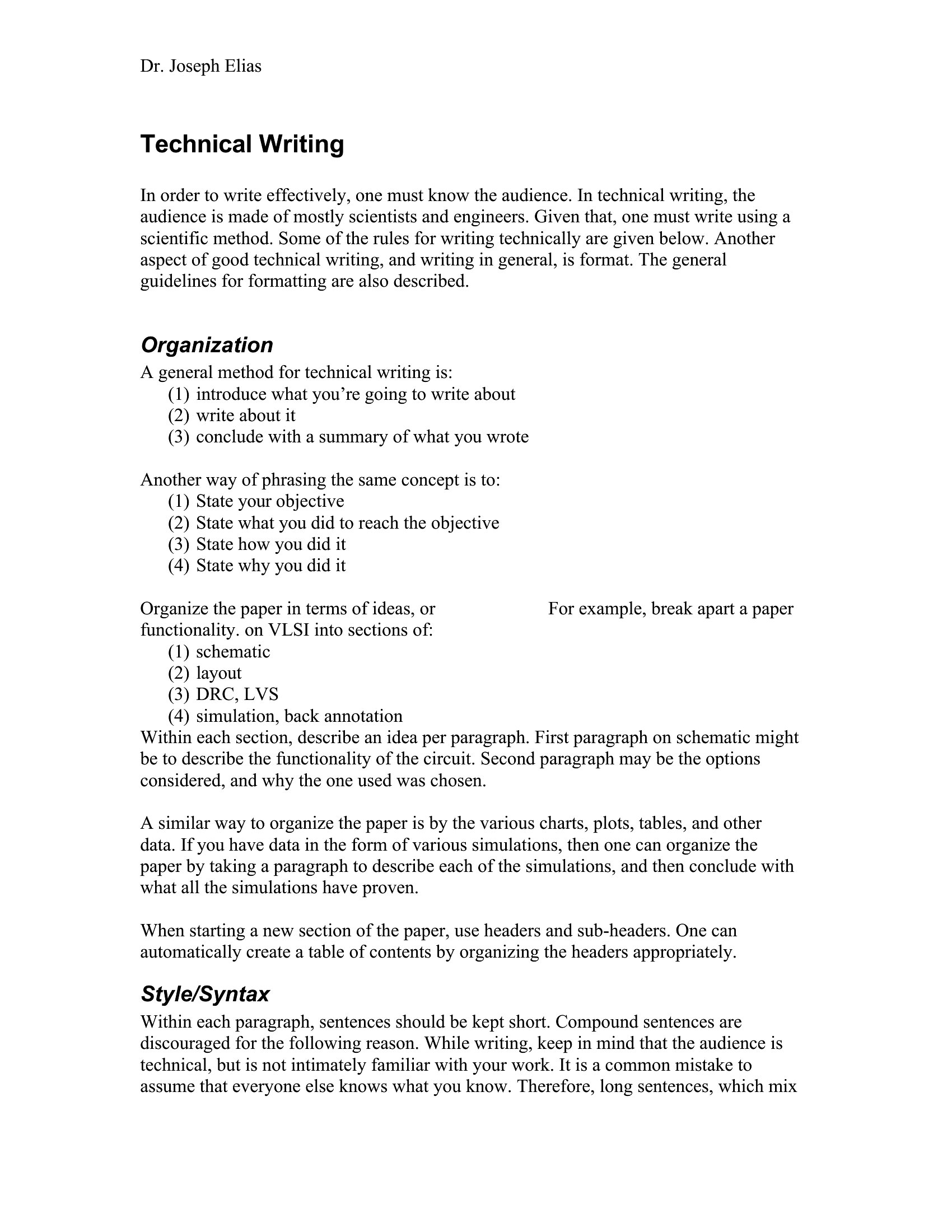
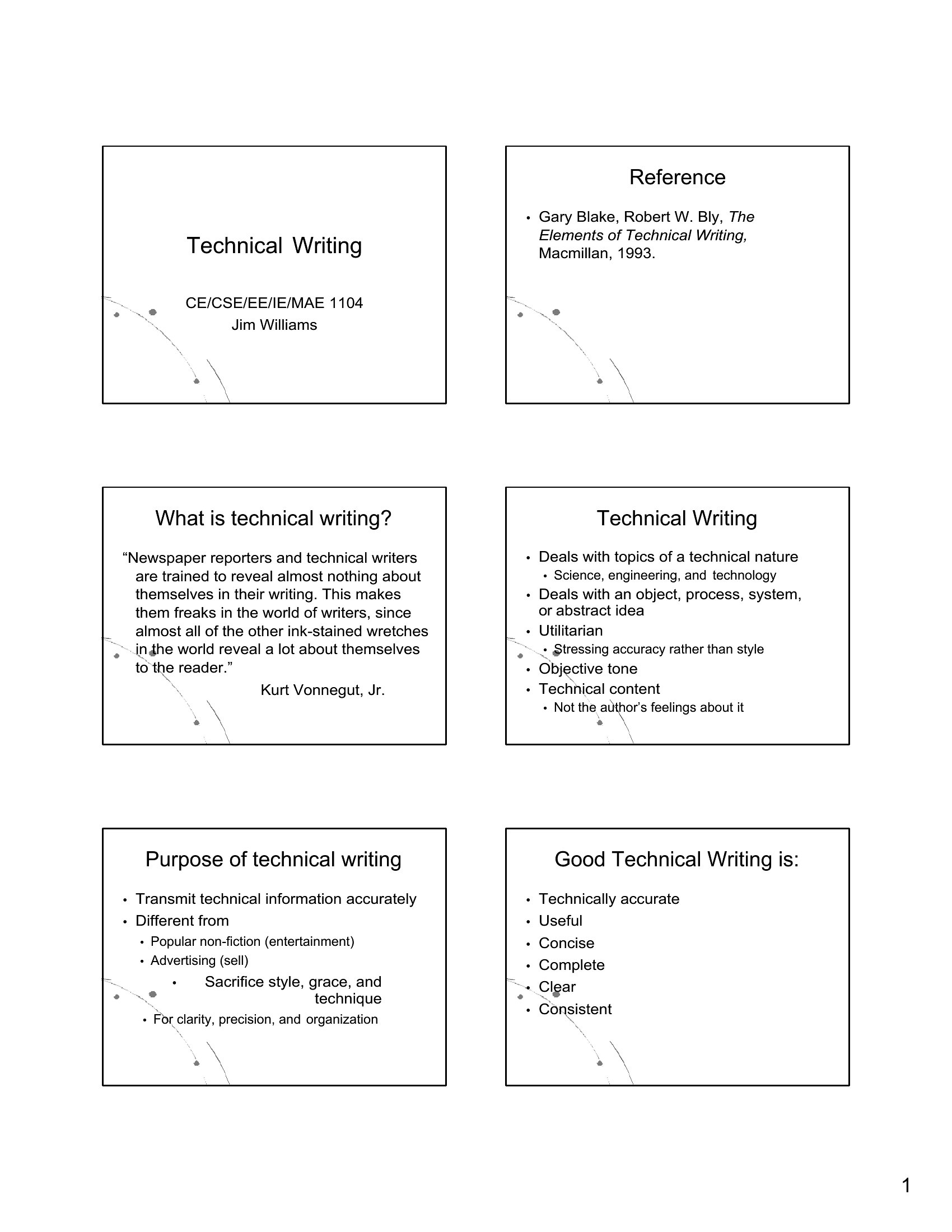
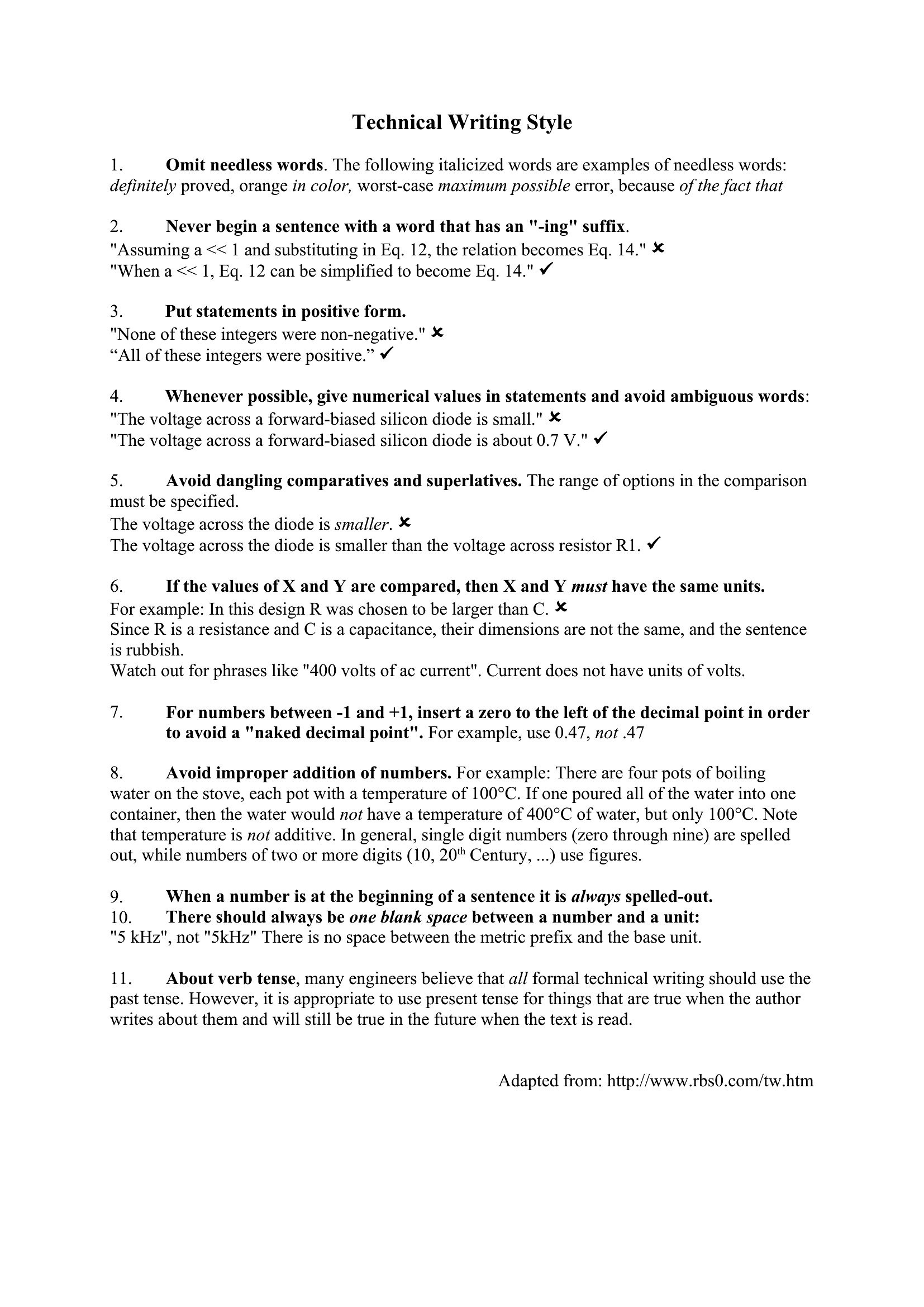
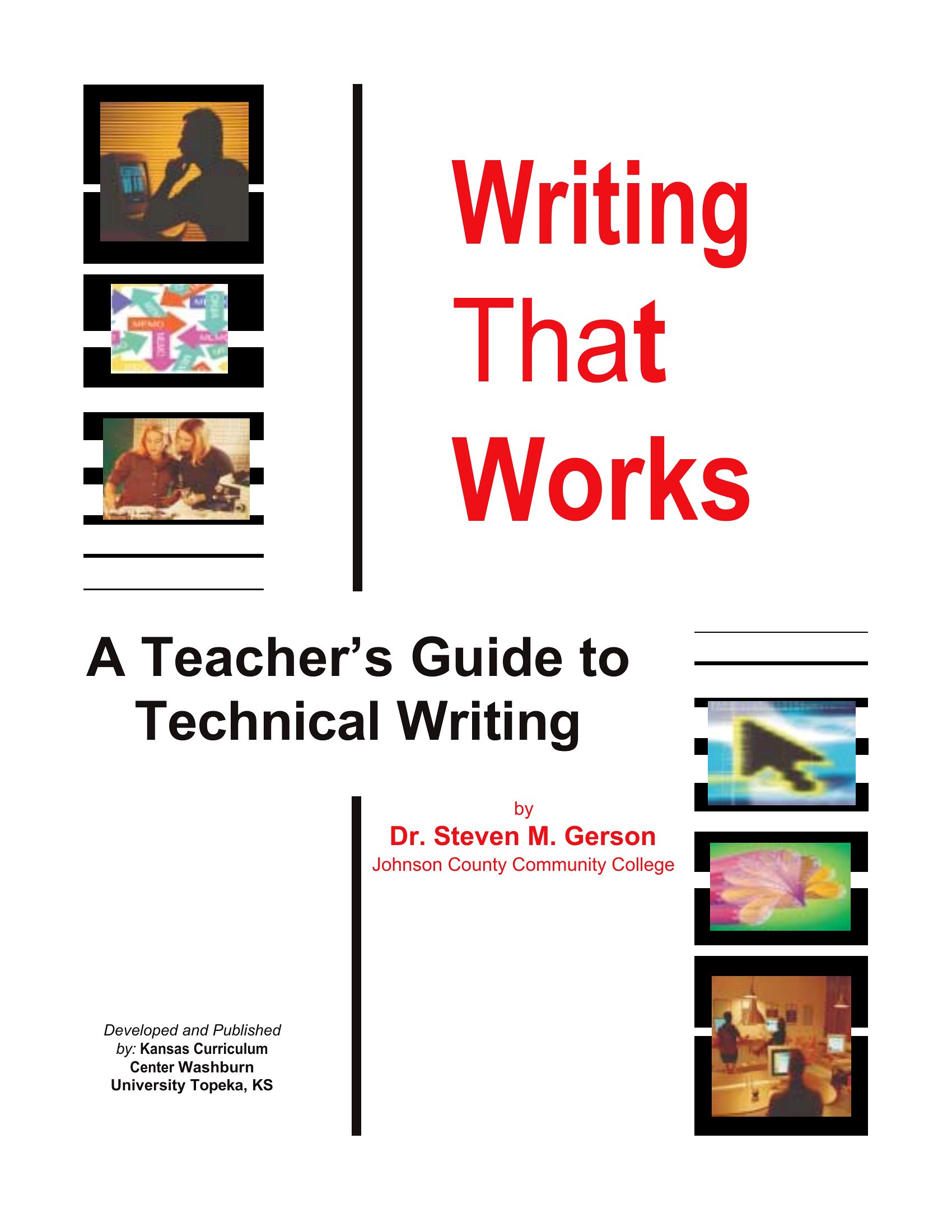
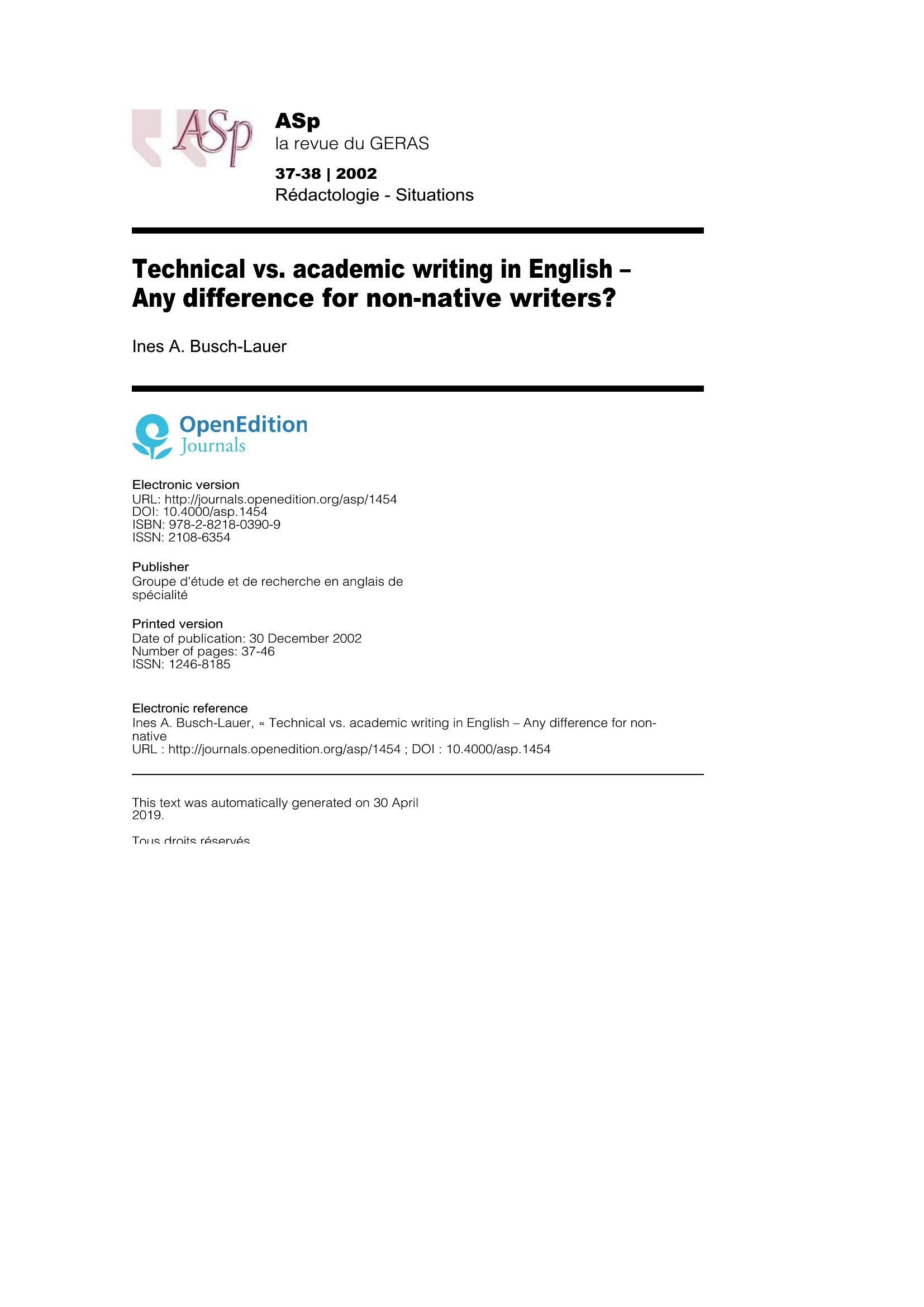
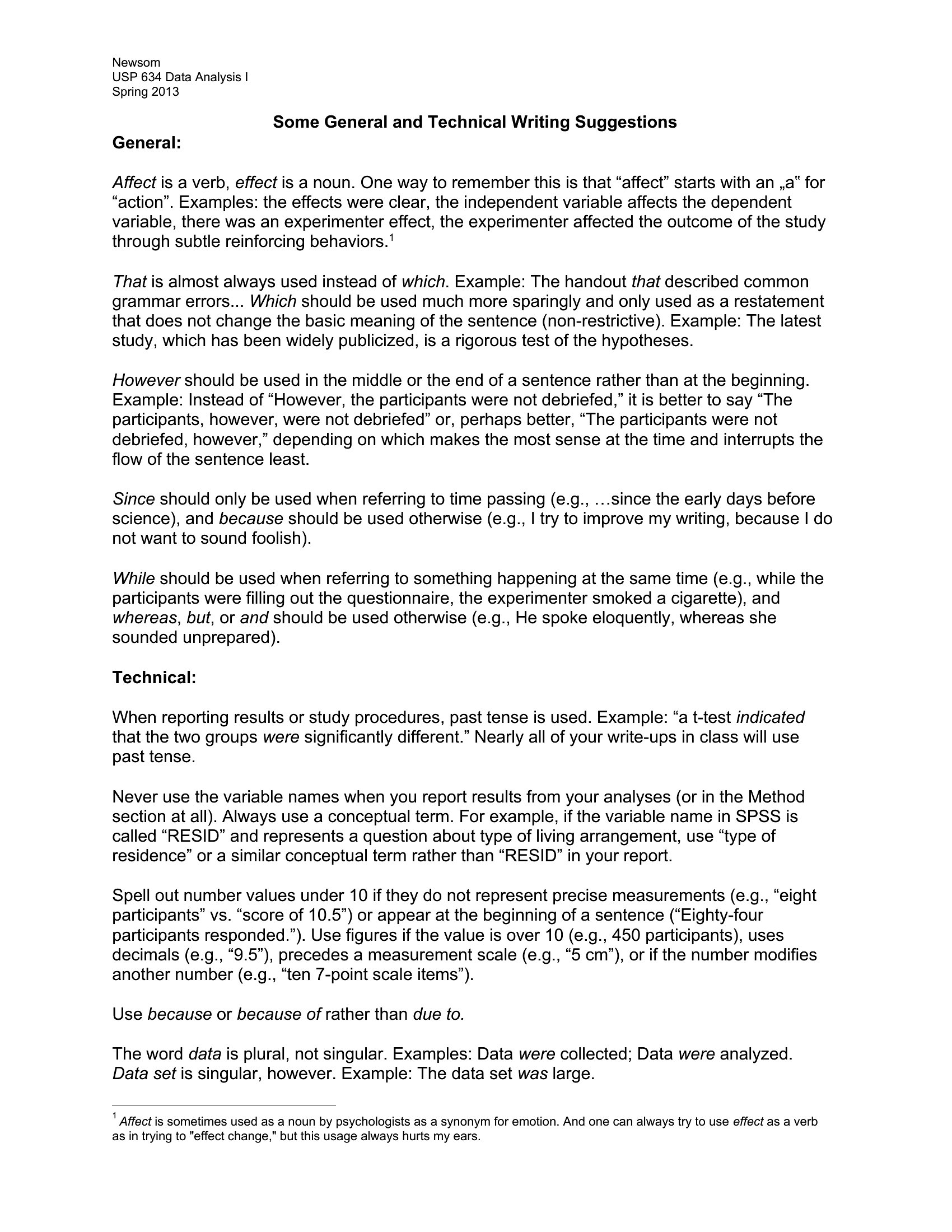
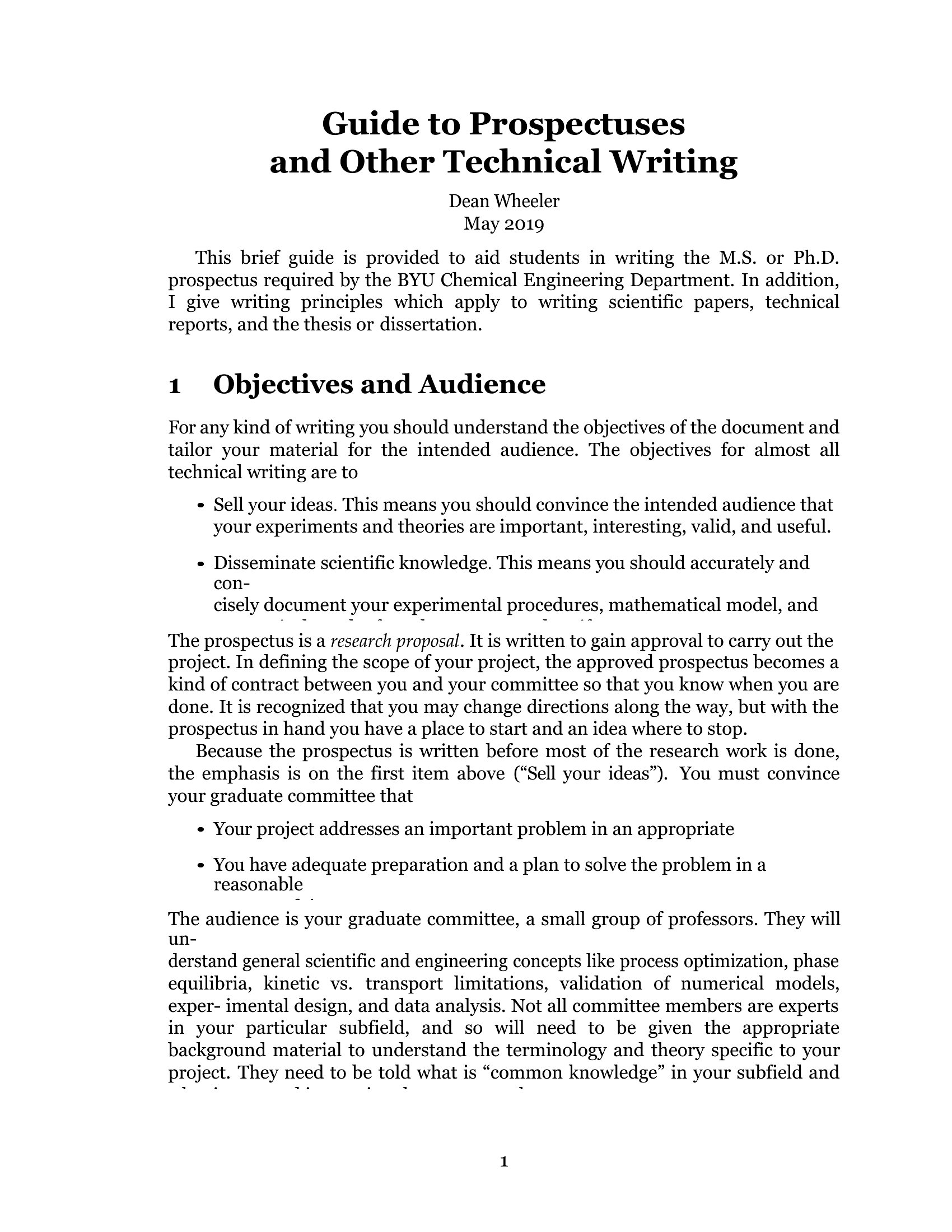
Free Technical Writing Templates (Word)
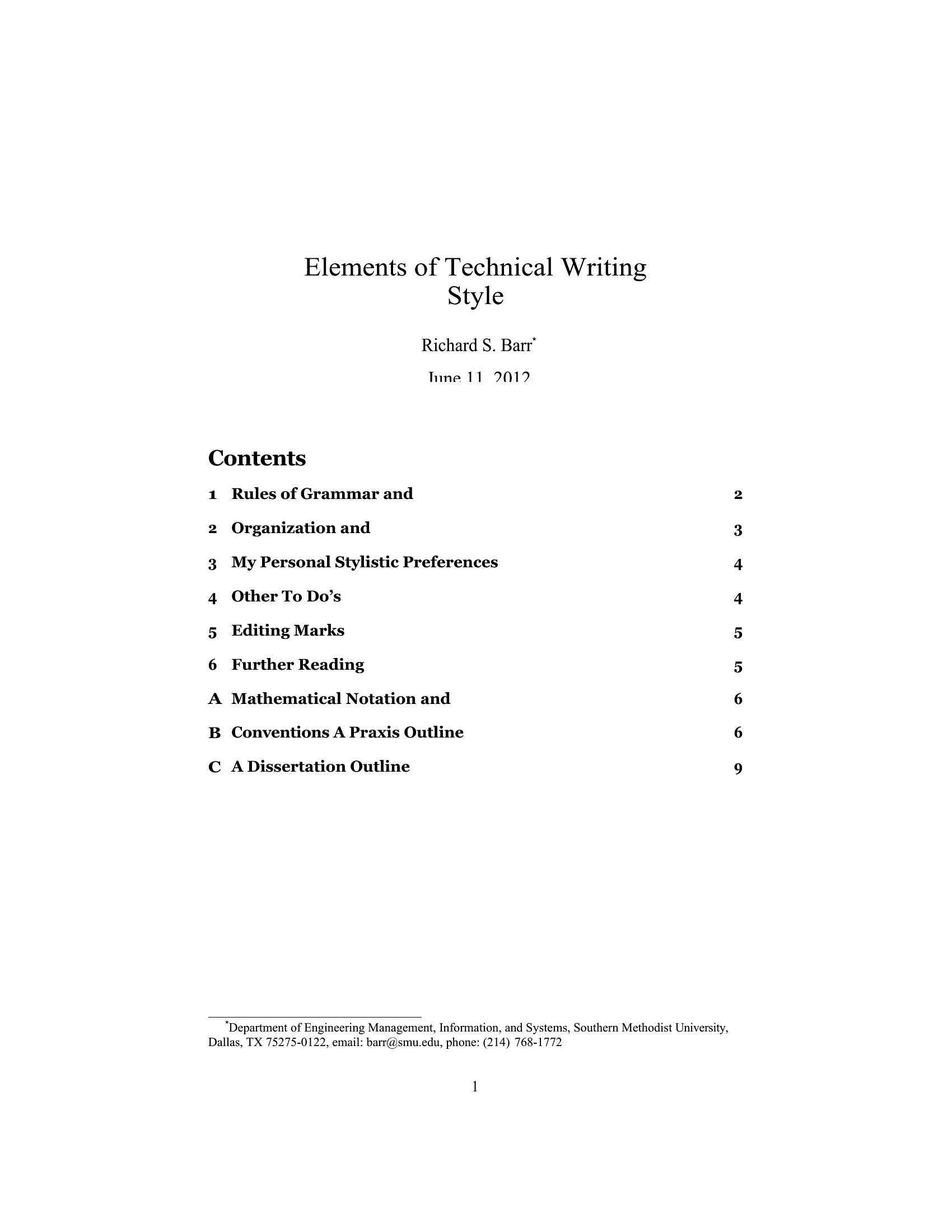
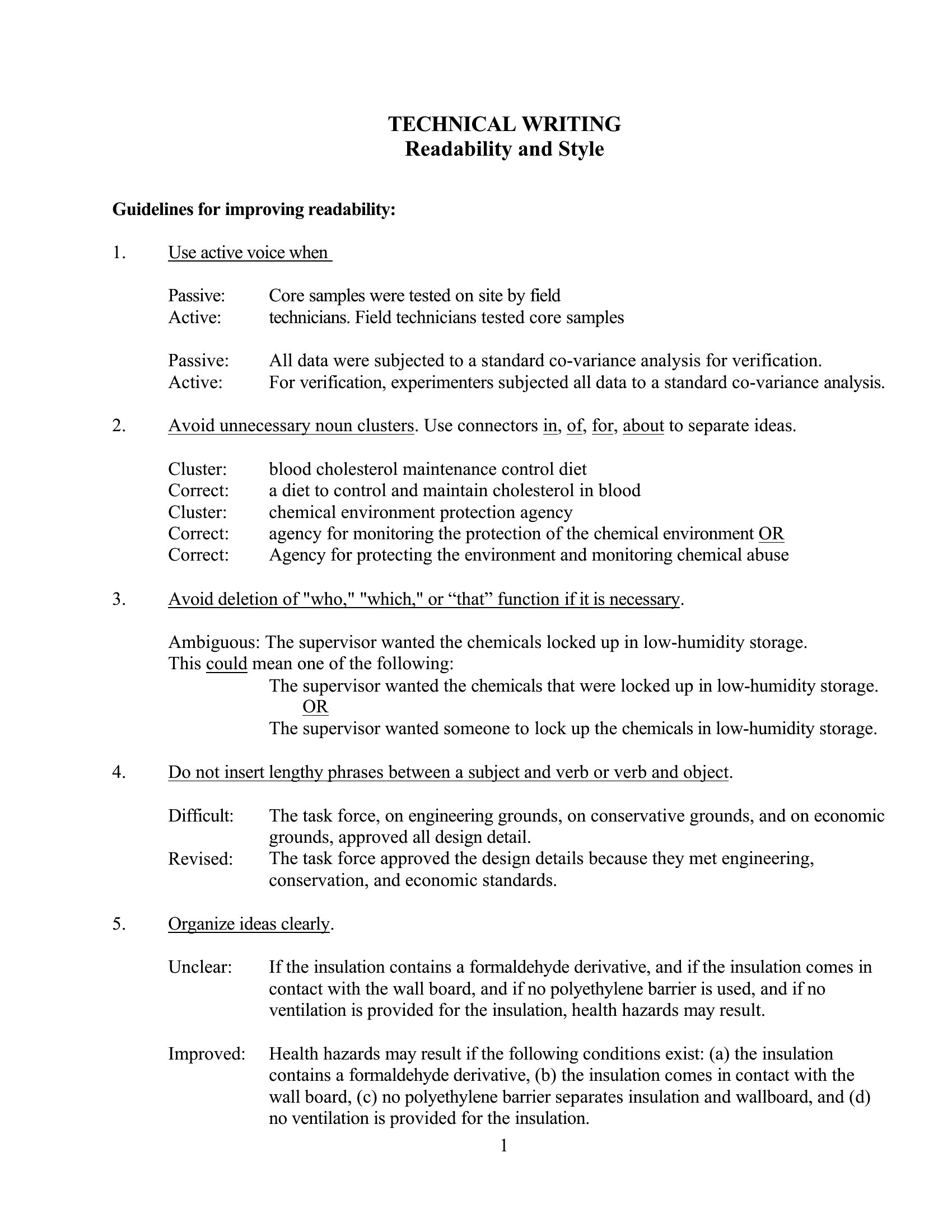
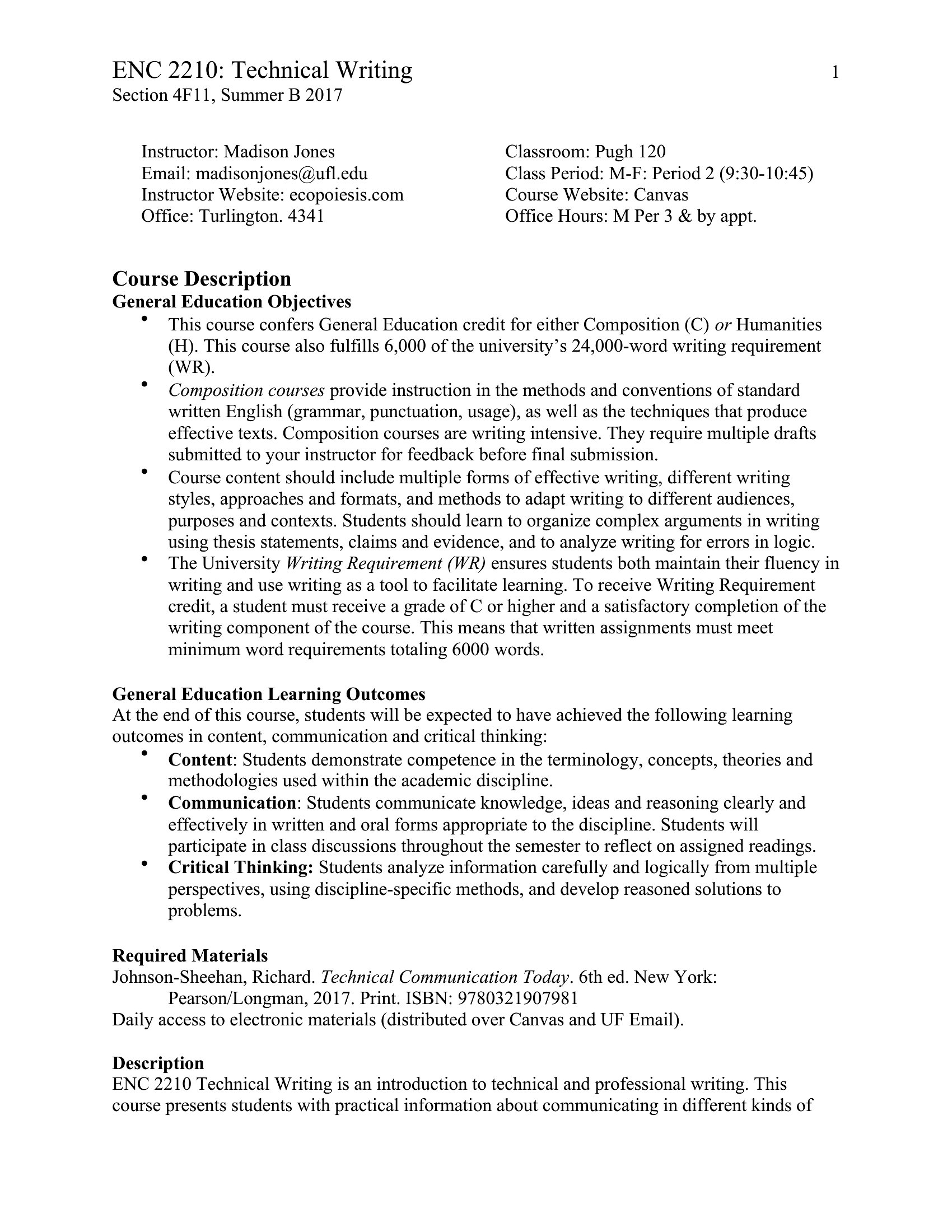
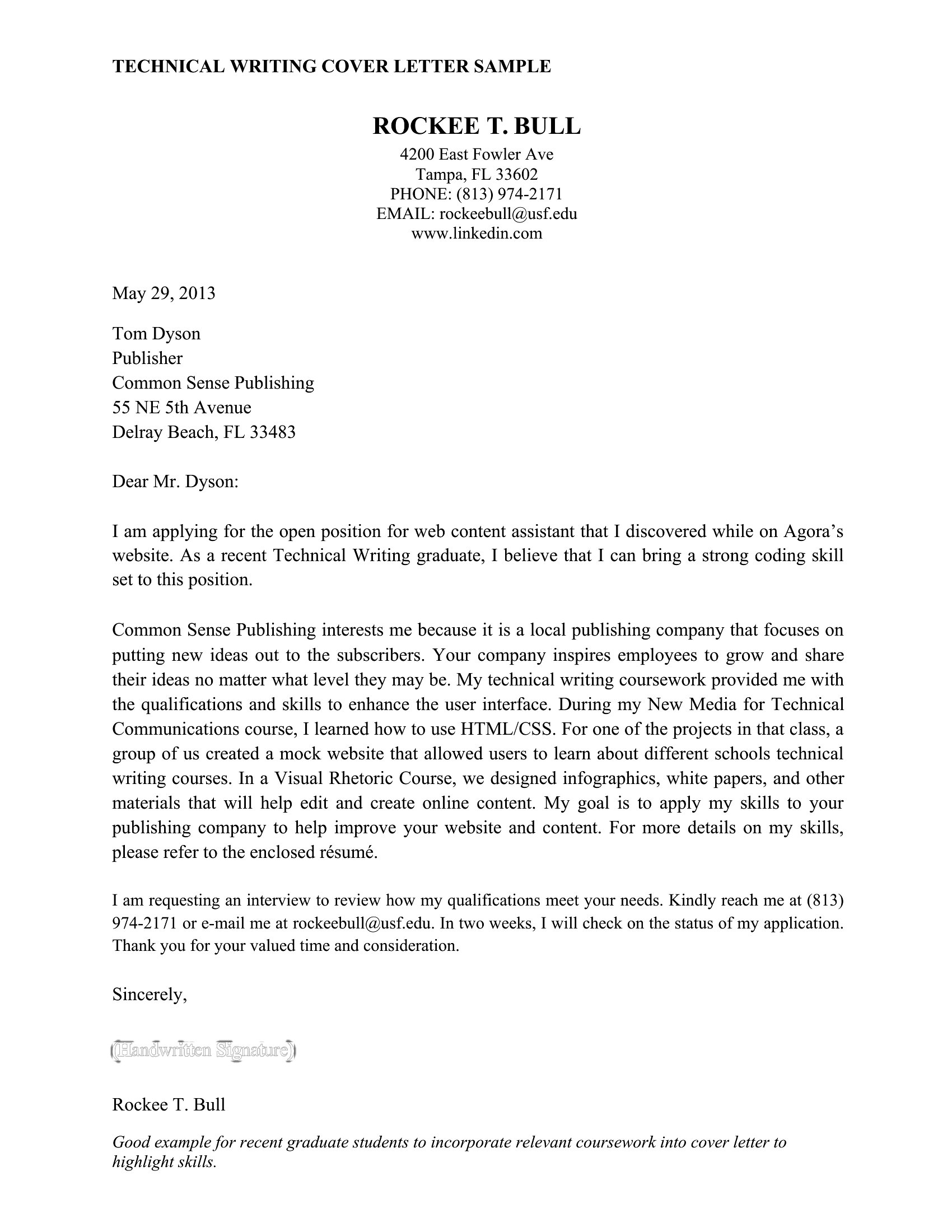
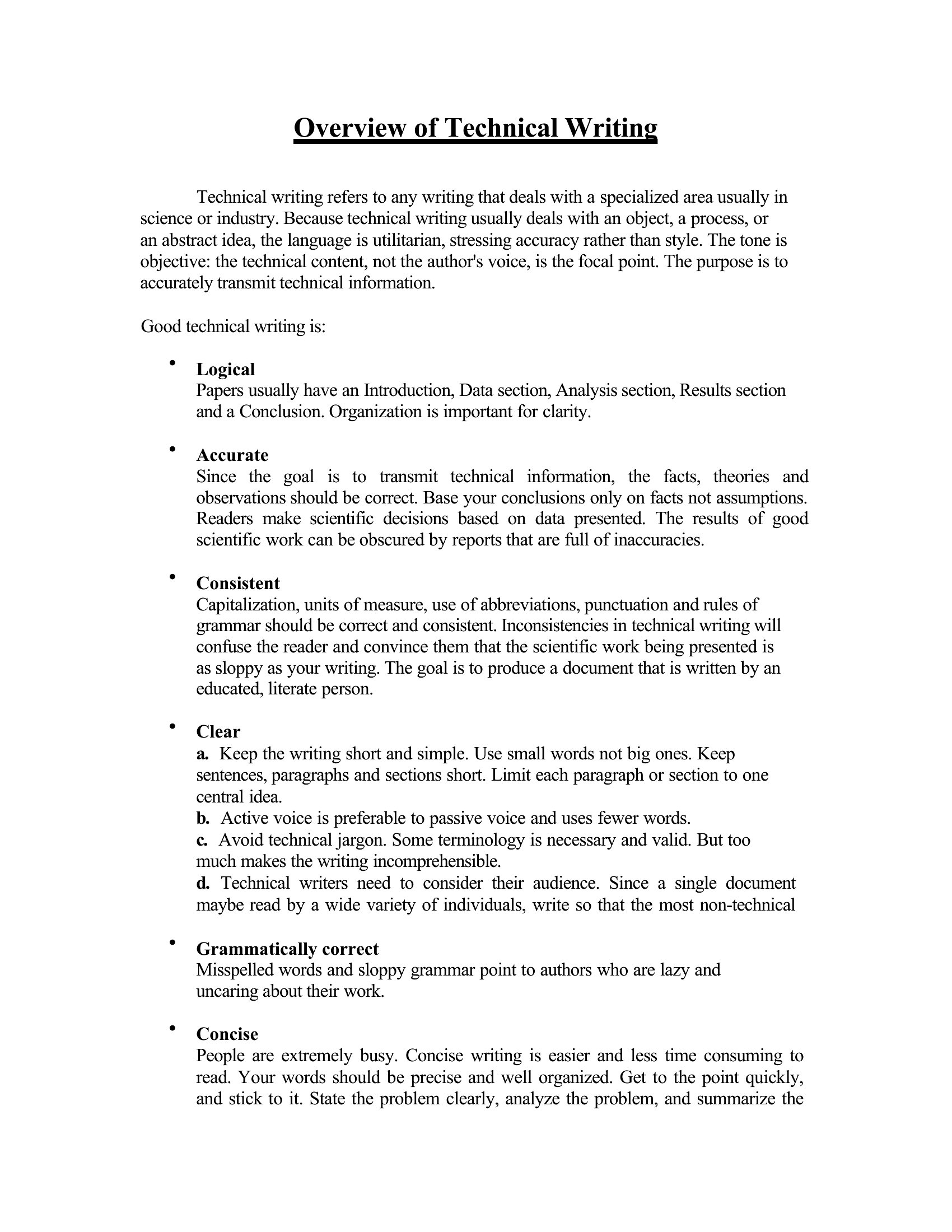
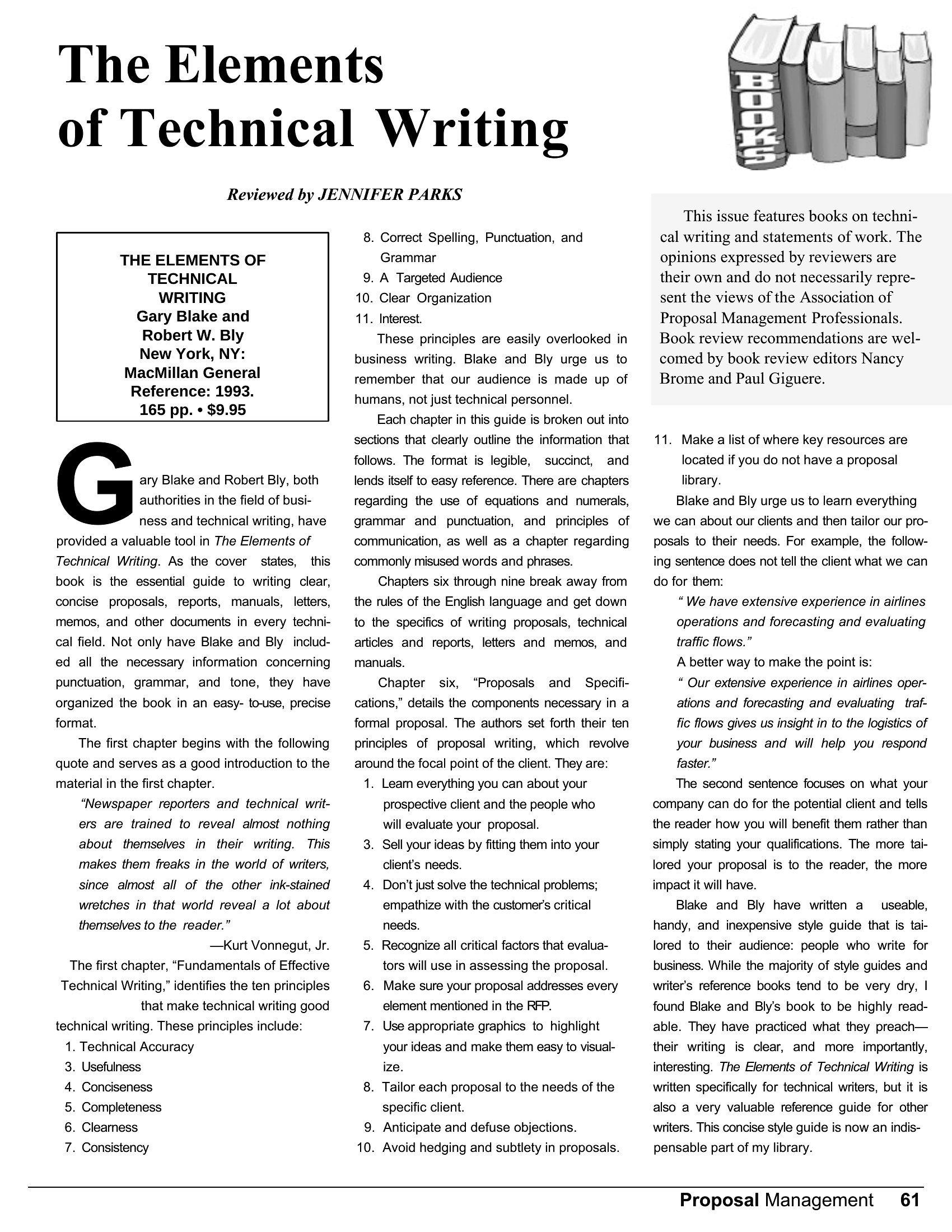
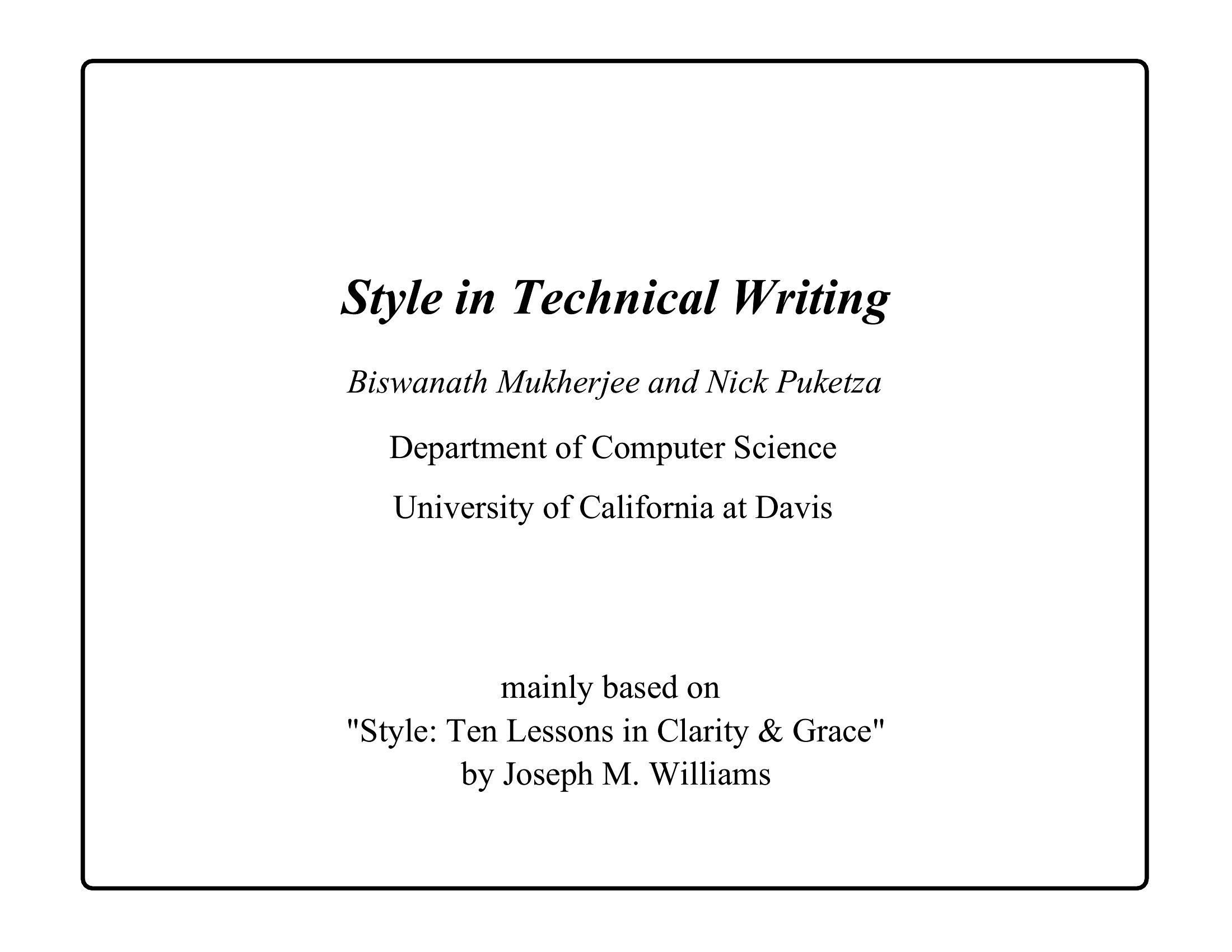
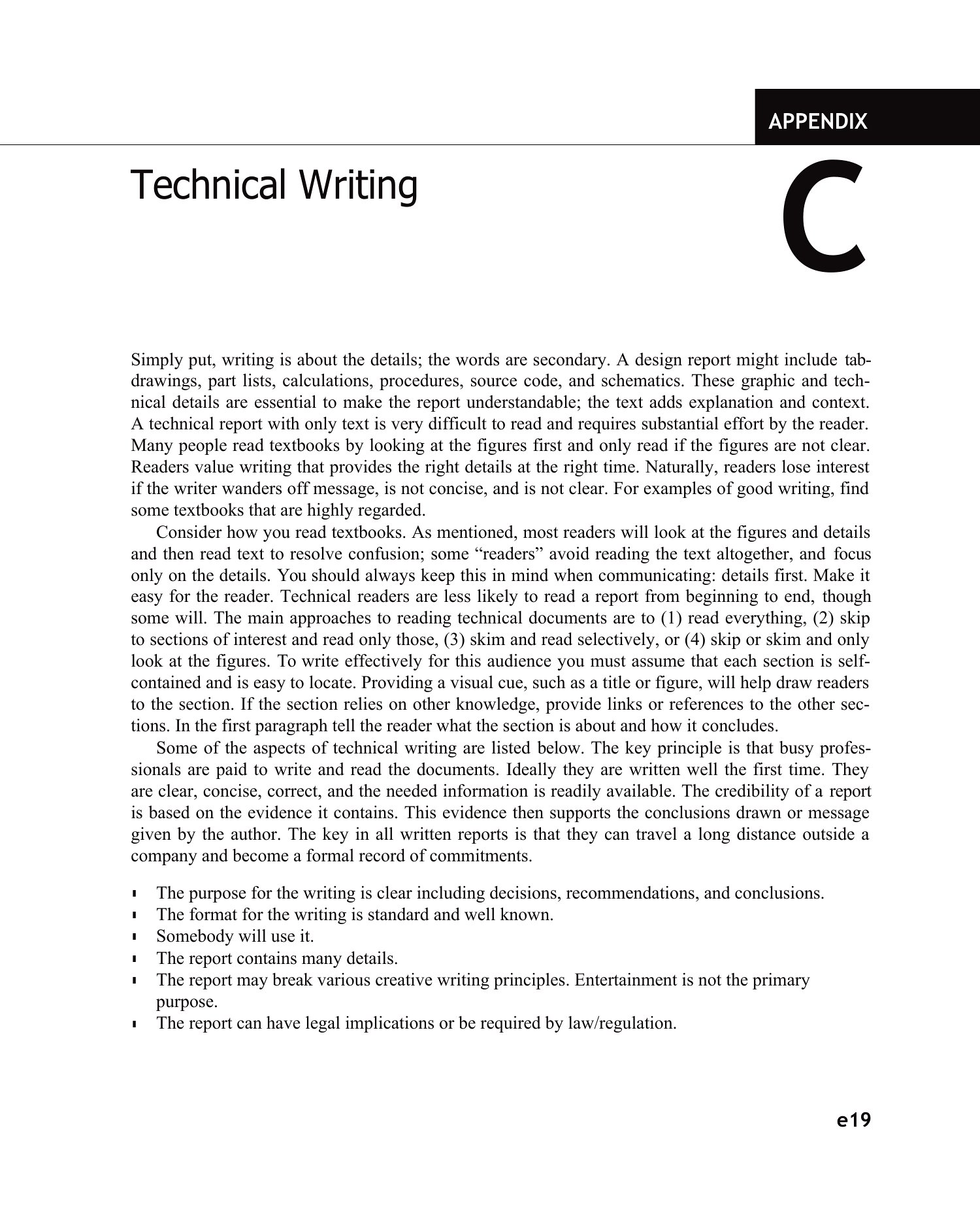
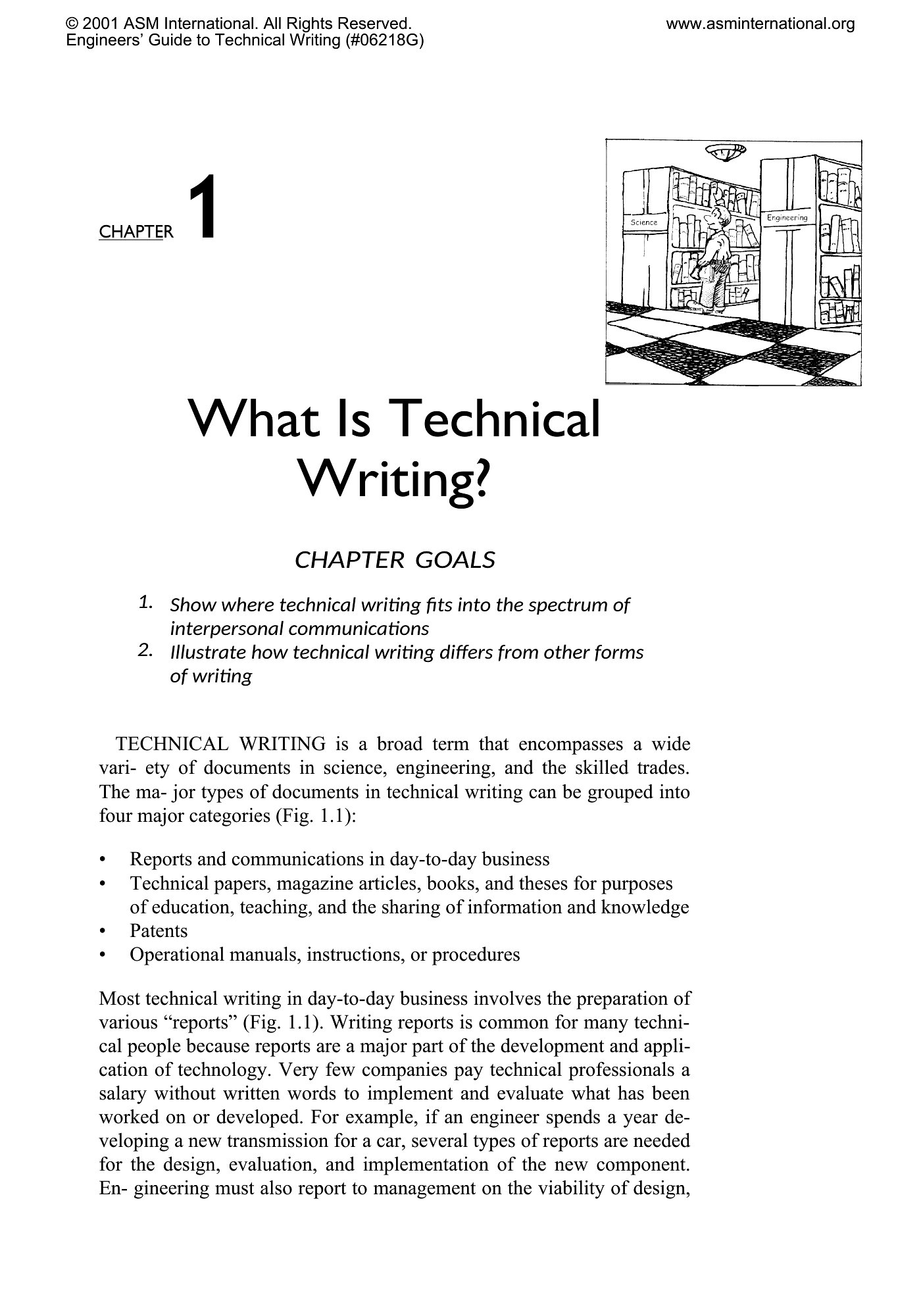
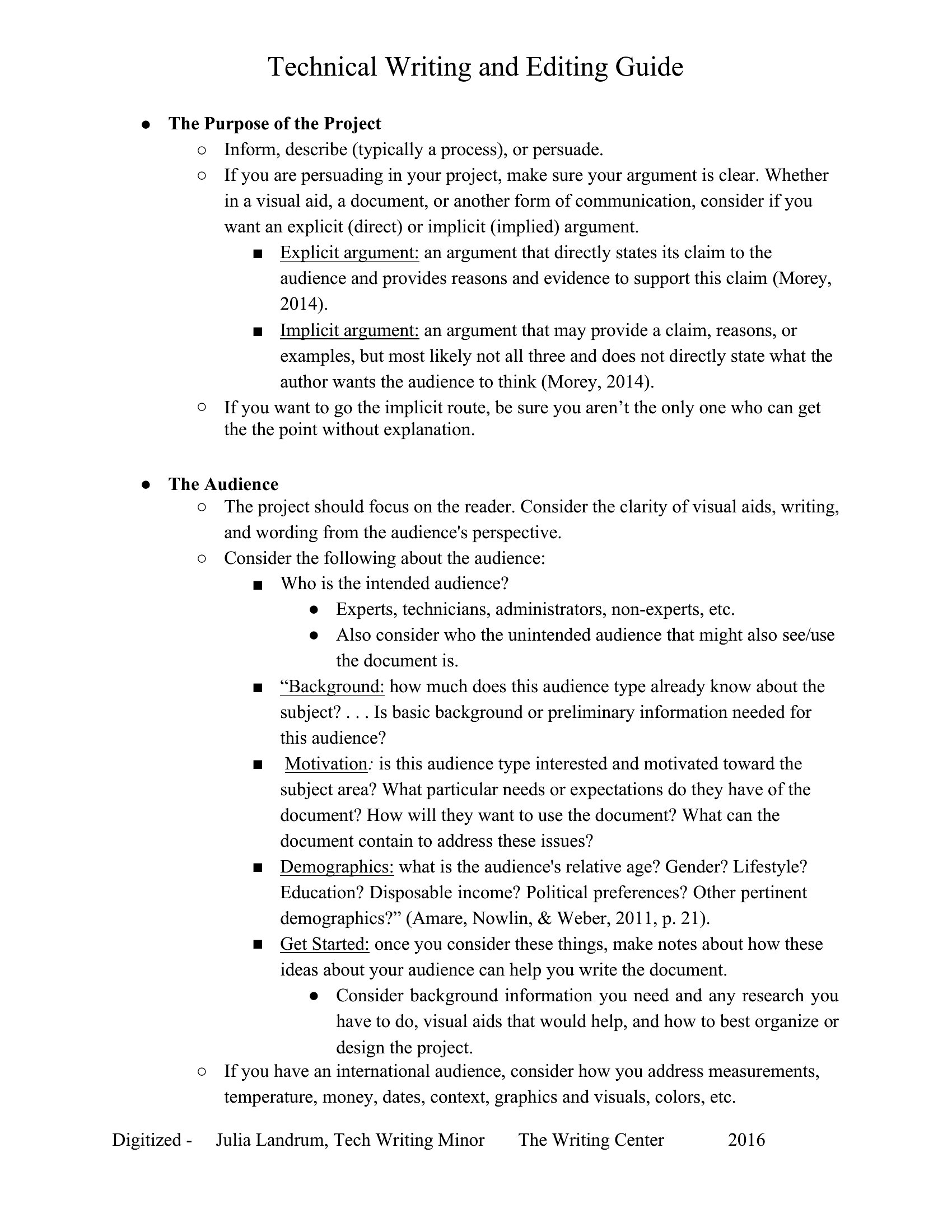
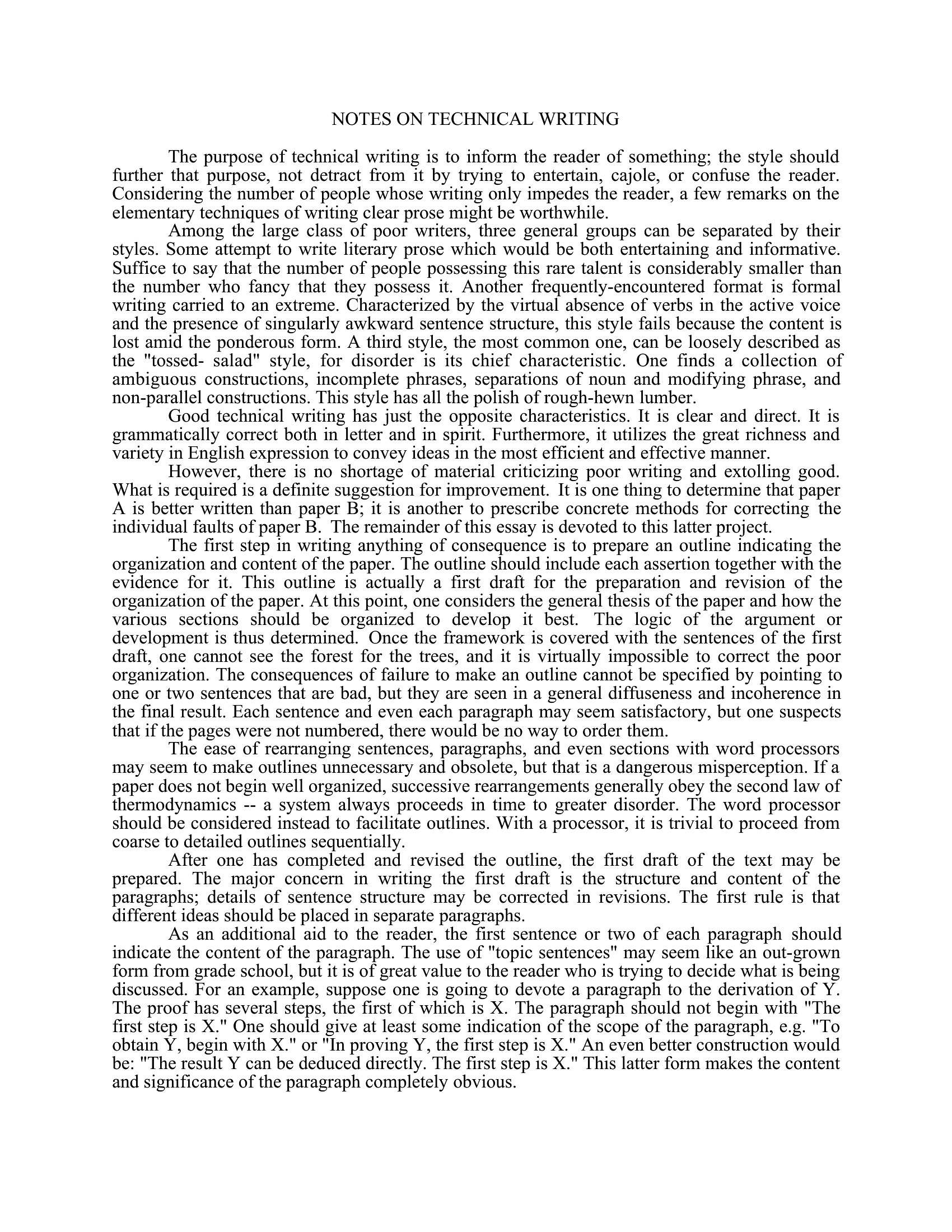
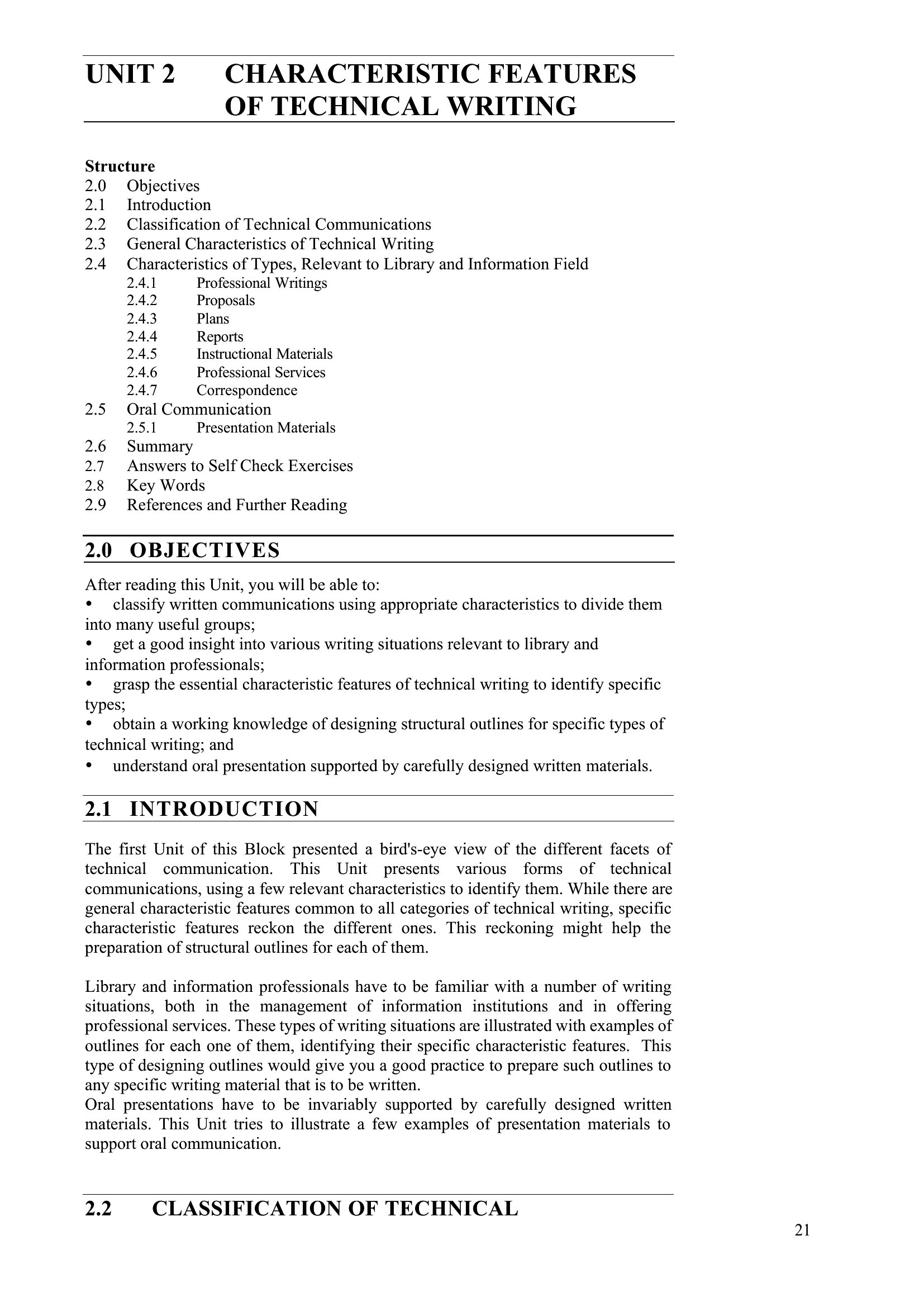
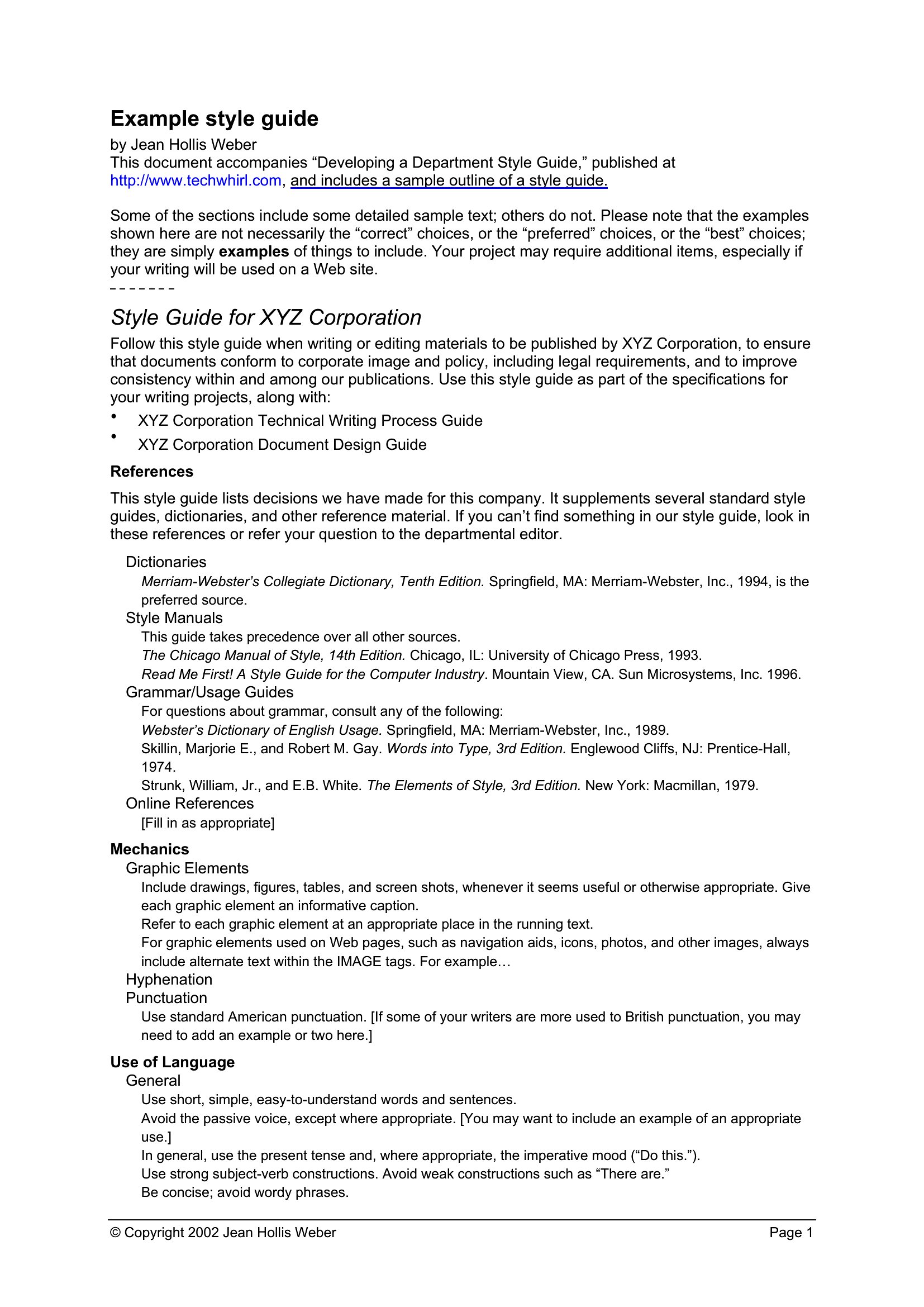
AnalysisClear technical documentation turns complicated information into something people can actually follow, and a solid template gives you the skeleton to start from. This set of 33 templates covers the documents technical writers reach for most, like user guides, specifications, proposals, and reference docs, with consistent headings and section flow built in. Writers, engineers, and product teams can focus on accuracy instead of wrestling with formatting.
Each template opens in Word, so you can drop in your content, adjust the structure, and keep a uniform look across a whole documentation set. The layouts leave room for diagrams, tables, and step lists where they help. Choose the document type you need and start writing instructions people will thank you for.
When to use this Technical Writing template
- Software engineers drafting API documentation need structured Word templates with code snippet placeholders and version tracking sections to ensure accuracy and consistency across releases.
- Product managers writing system requirements documents should use Word templates with stakeholder approval checklists and risk assessment tables to align technical and business teams early.
- Technical support teams creating user manuals for complex machinery benefit from Word templates with troubleshooting flowcharts and step-by-step visual guides for clarity.
- Regulatory compliance officers documenting safety procedures in medical devices use Word templates with audit trail sections and compliance timeline tables to meet ISO standards efficiently.
Which format should I download?
All 33 templates in this collection are designed exclusively for Word (.docx) because it offers the best balance of formatting consistency and collaboration. Choose Word when you need to share documents with teams using Microsoft 365, ensure cross-platform compatibility, or embed dynamic fields like drop-down lists for standardized terminology.
Choose from 33 Technical Writing Templates
How to use this Technical Writing template
Can I use these templates to standardize terminology across global engineering teams?
Yes, these Word templates include custom style guides and glossary sections. Engineers can populate them with project-specific terms, then save as a master document for team-wide consistency. Use the ‘Terminology Bank’ template to preload approved definitions before writing.
How do I adapt these templates for highly regulated industries like aviation or pharma?
All templates include placeholder sections for compliance notes, revision histories, and approval signatures. Add industry-specific fields (e.g., FDA 510(k) references) by inserting text boxes or tables in Word’s ‘Developer’ tab. For audits, enable Word’s ‘Track Changes’ before finalizing.
What’s the best way to train non-writers—like field technicians—to use these templates?
Lock key sections (e.g., headers, disclaimers) in Word’s ‘Protect Document’ feature to prevent accidental edits. Create a simple guide showing how to fill only the highlighted fields, like ‘[Insert Equipment Model Here].’ Use the ‘User Guide Outline’ template as a training exercise.
Comments
Join the conversation
Sign in to share your thoughts and leave a comment on this resource.