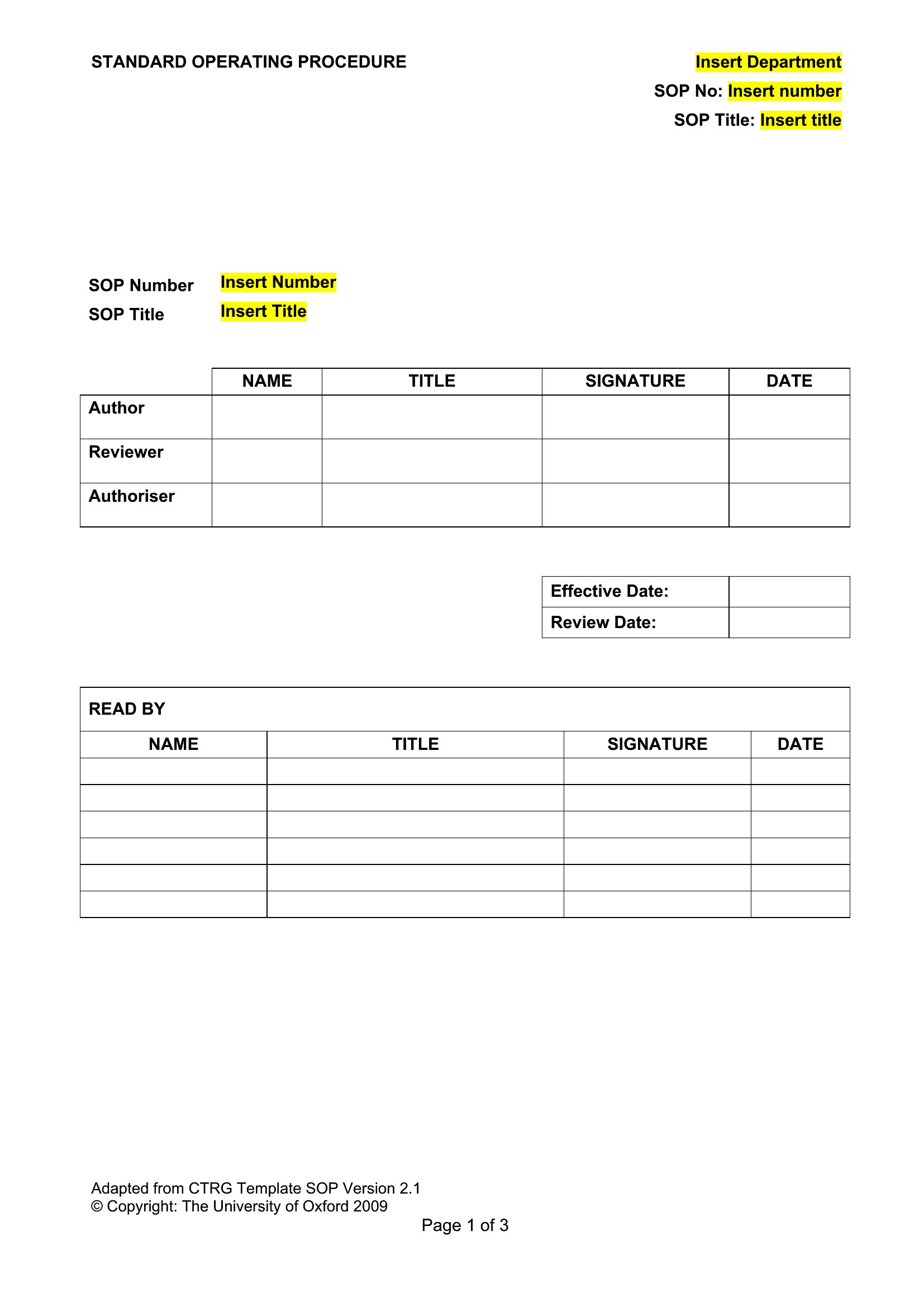
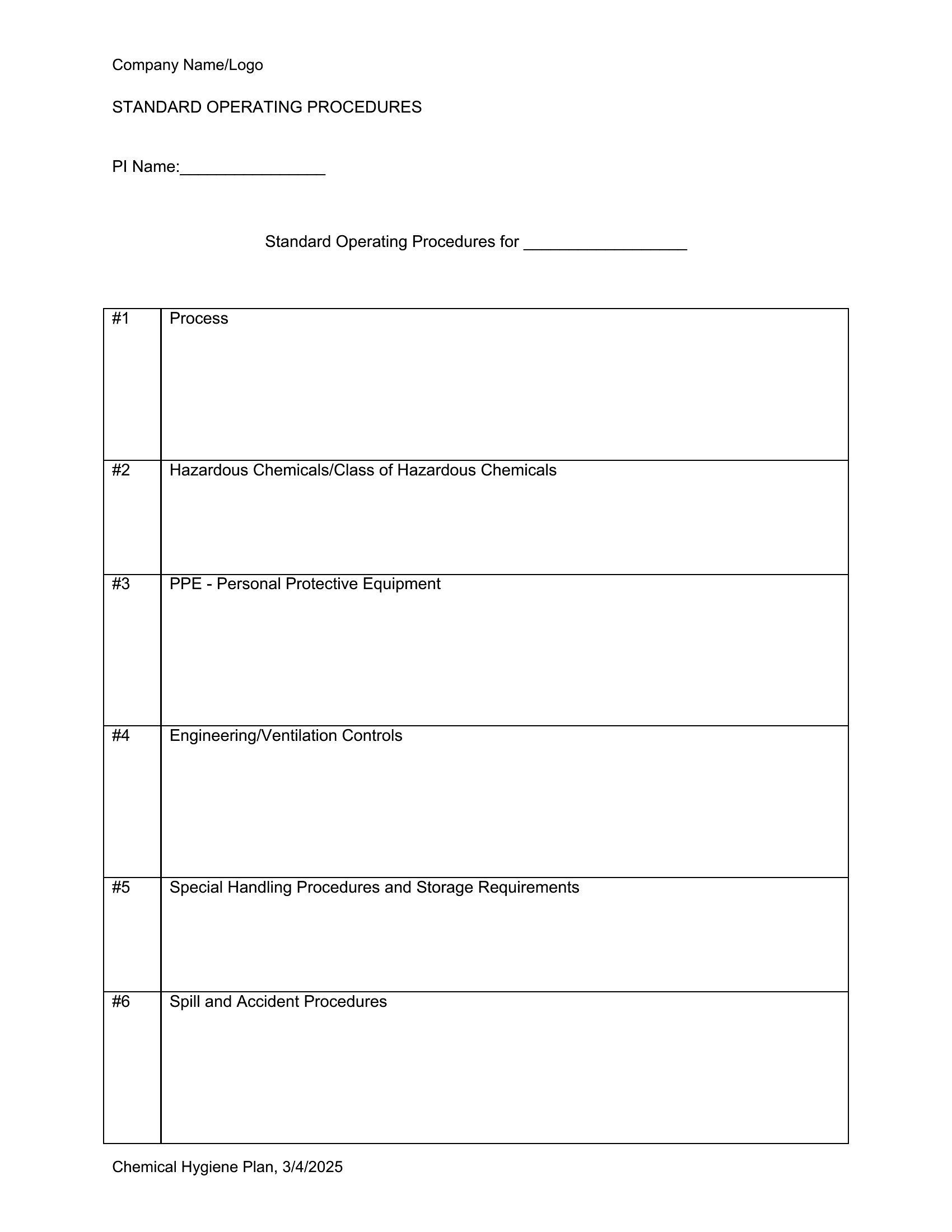
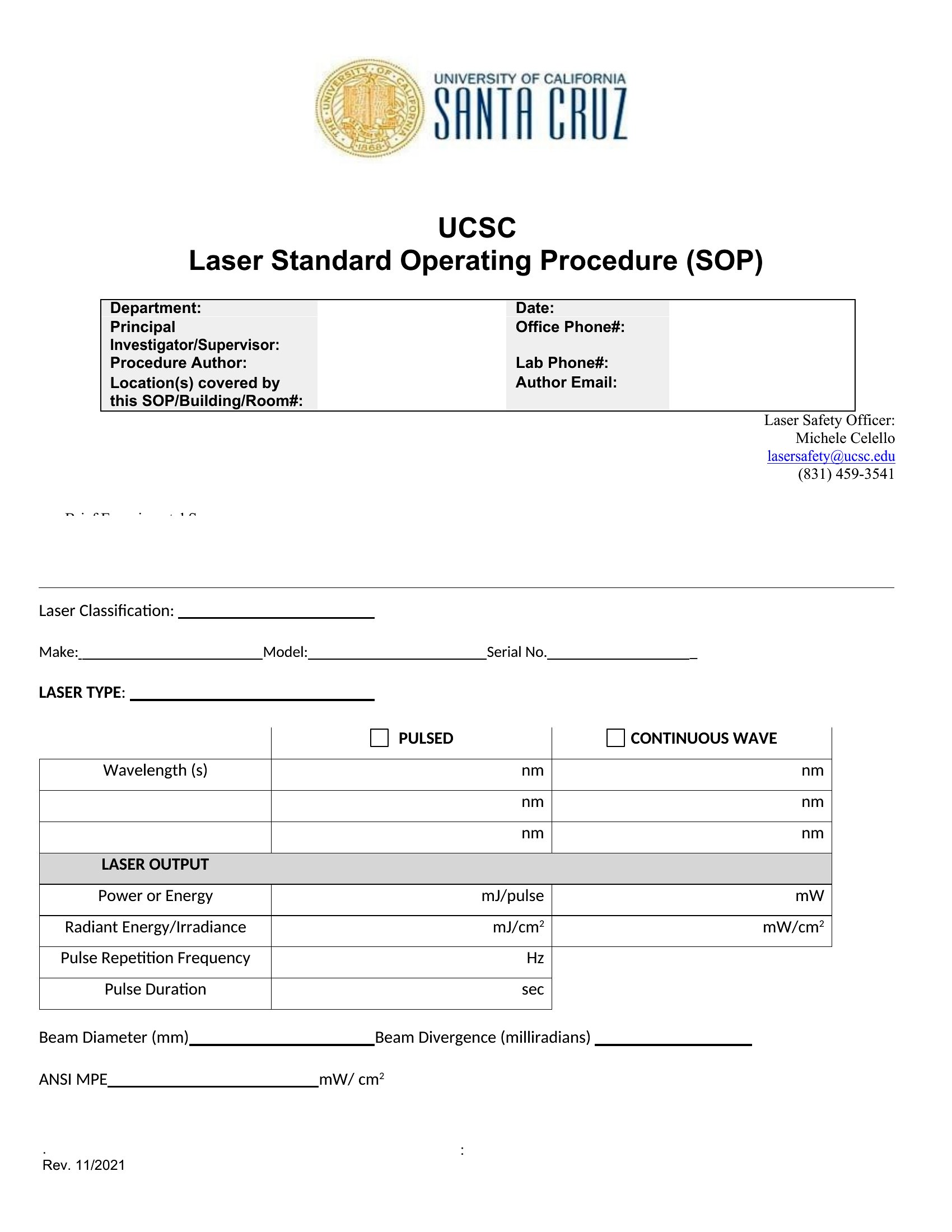
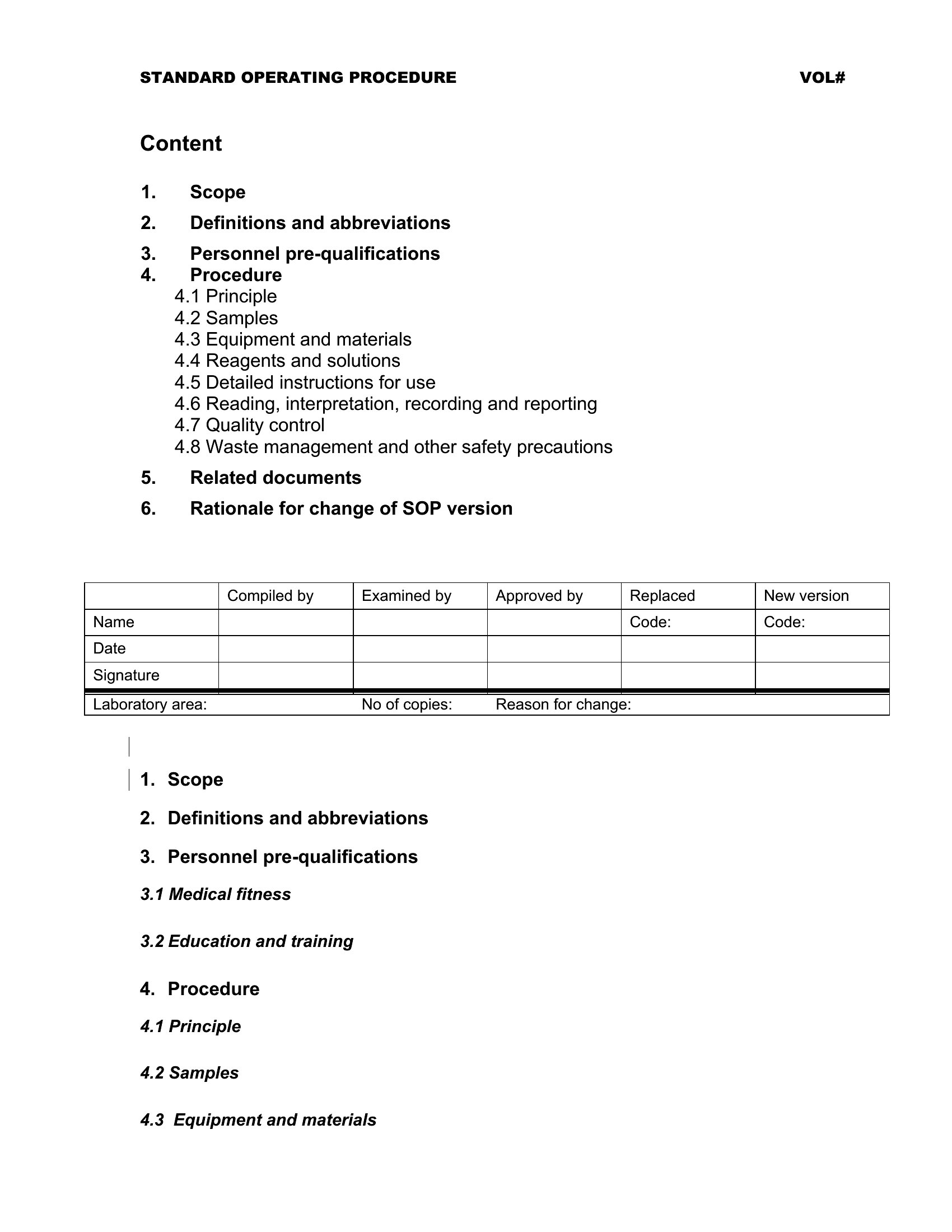
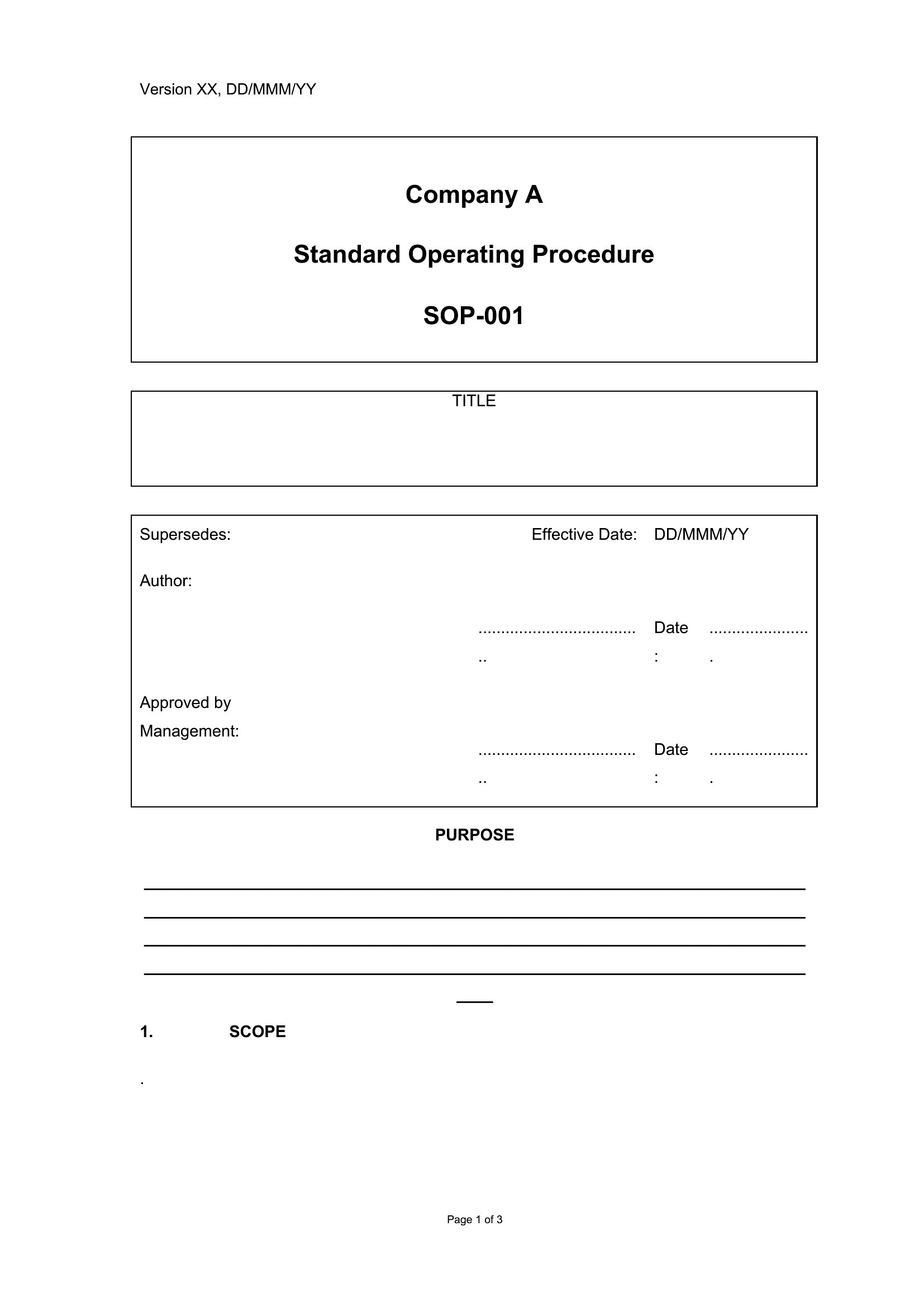
Free Standard Operating Procedures (Word)
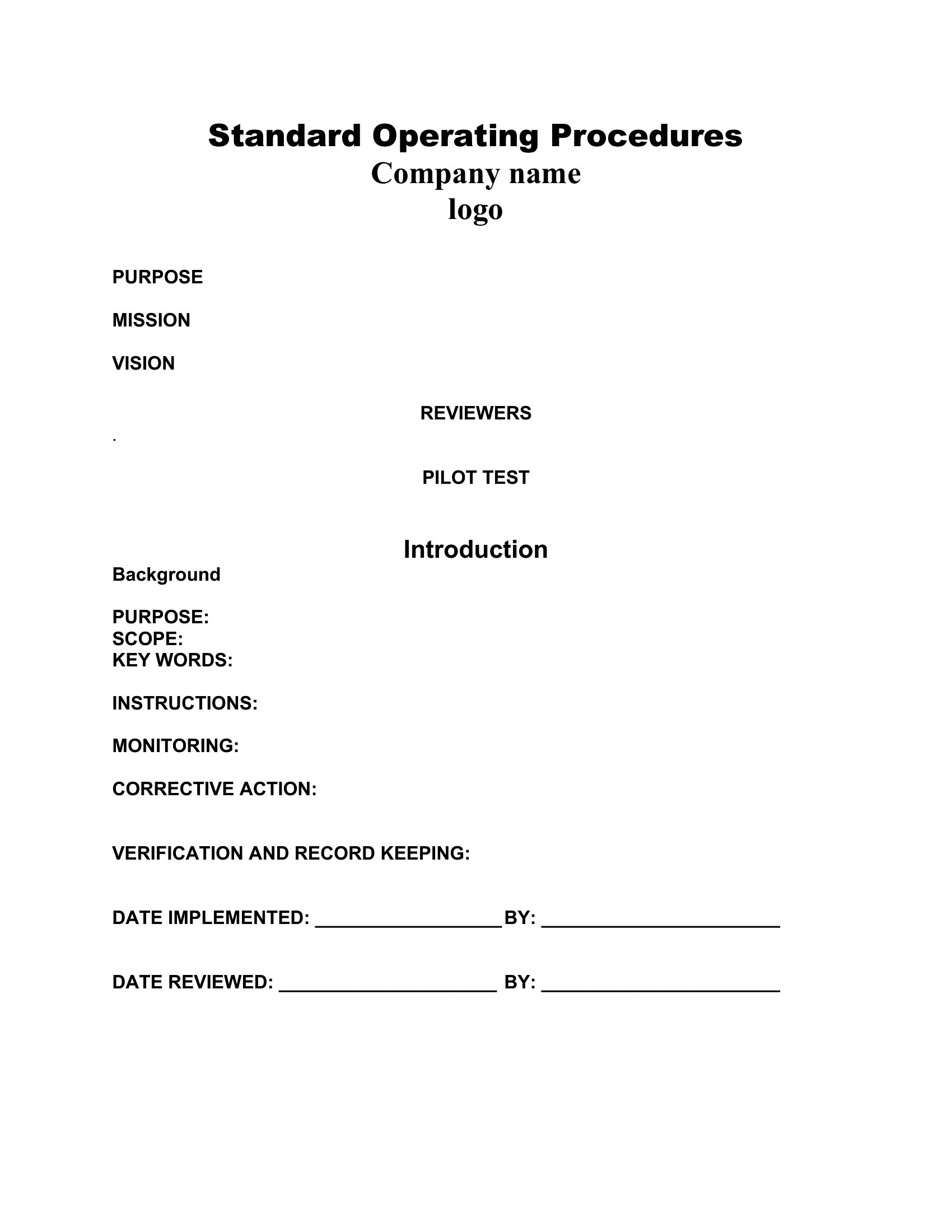
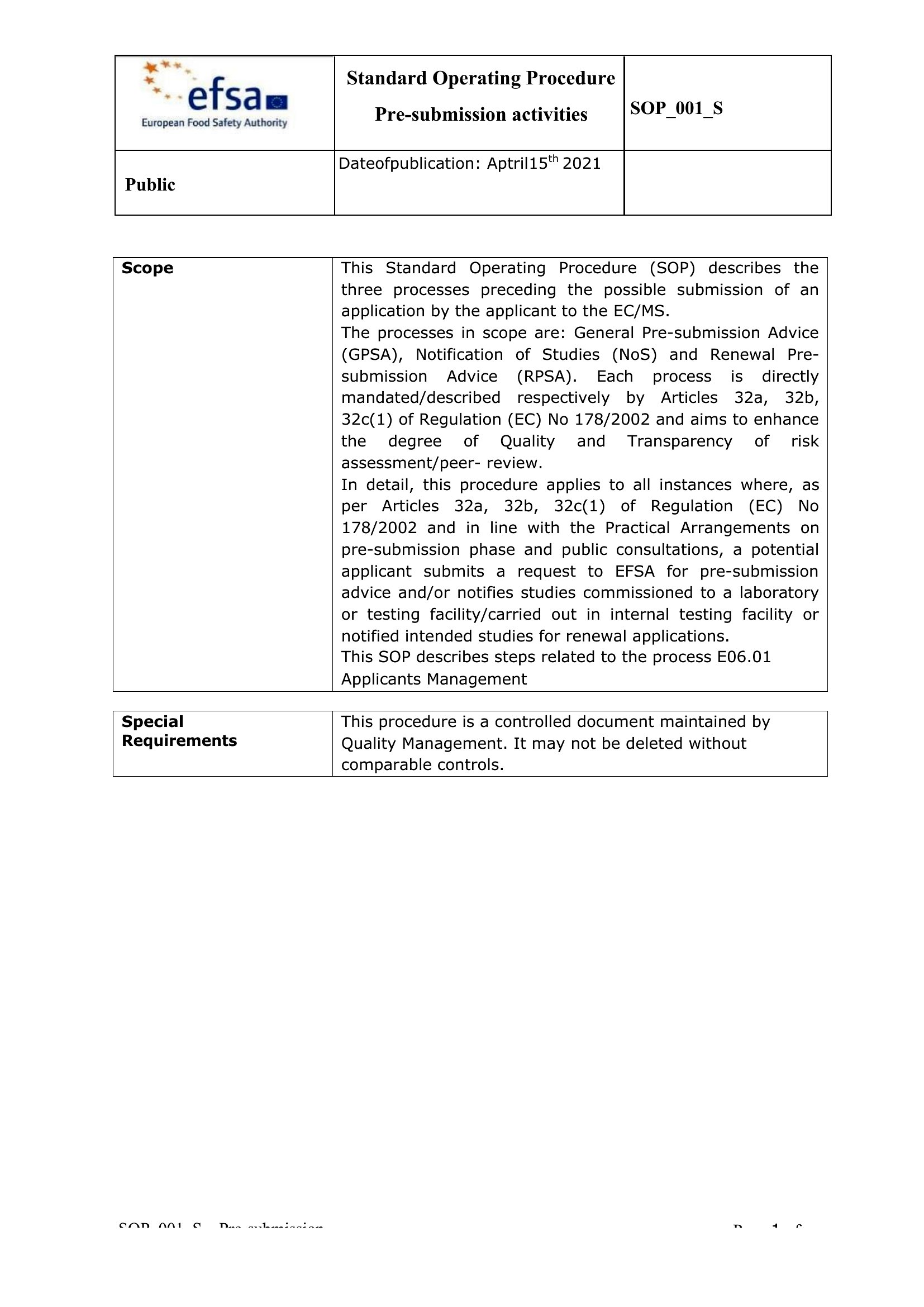
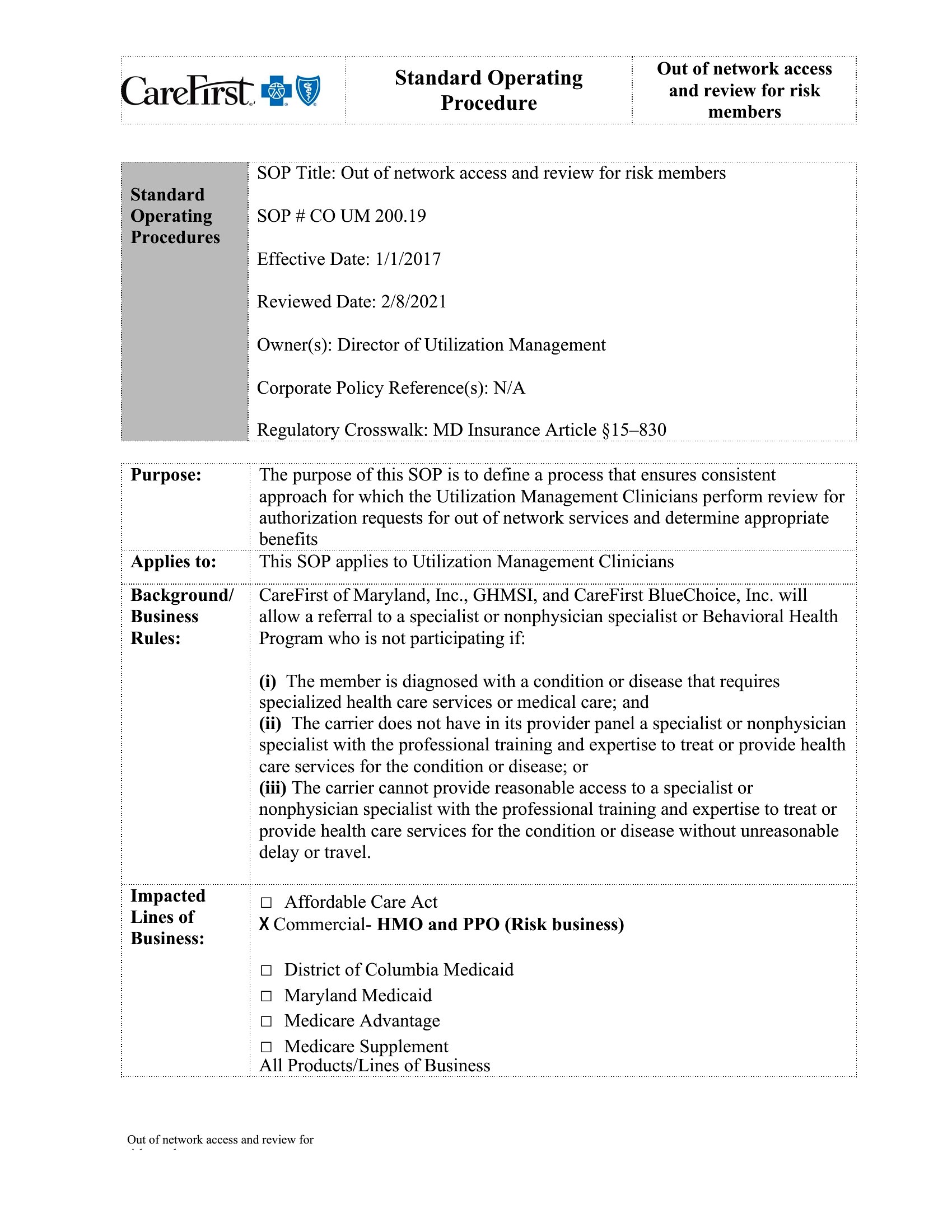
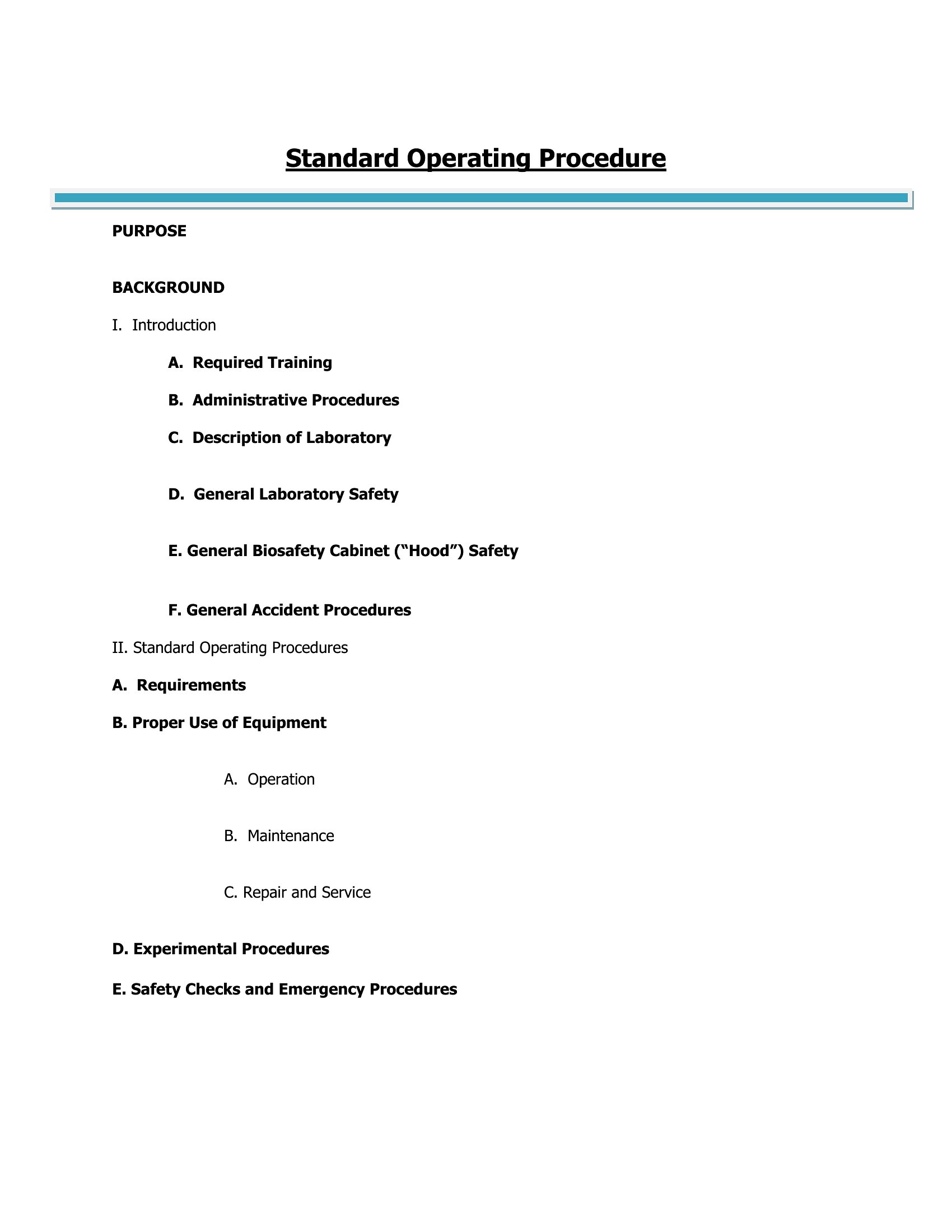
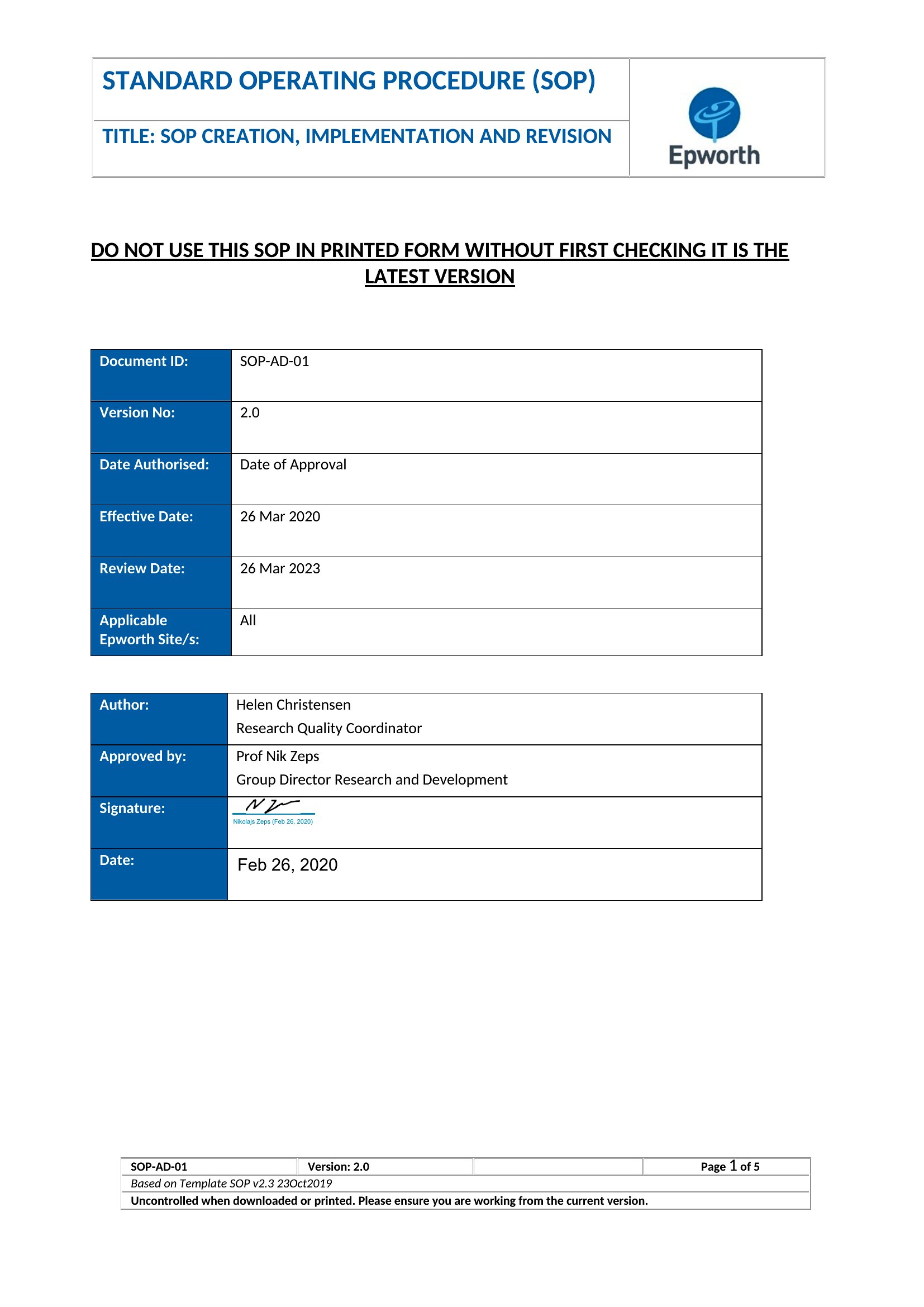
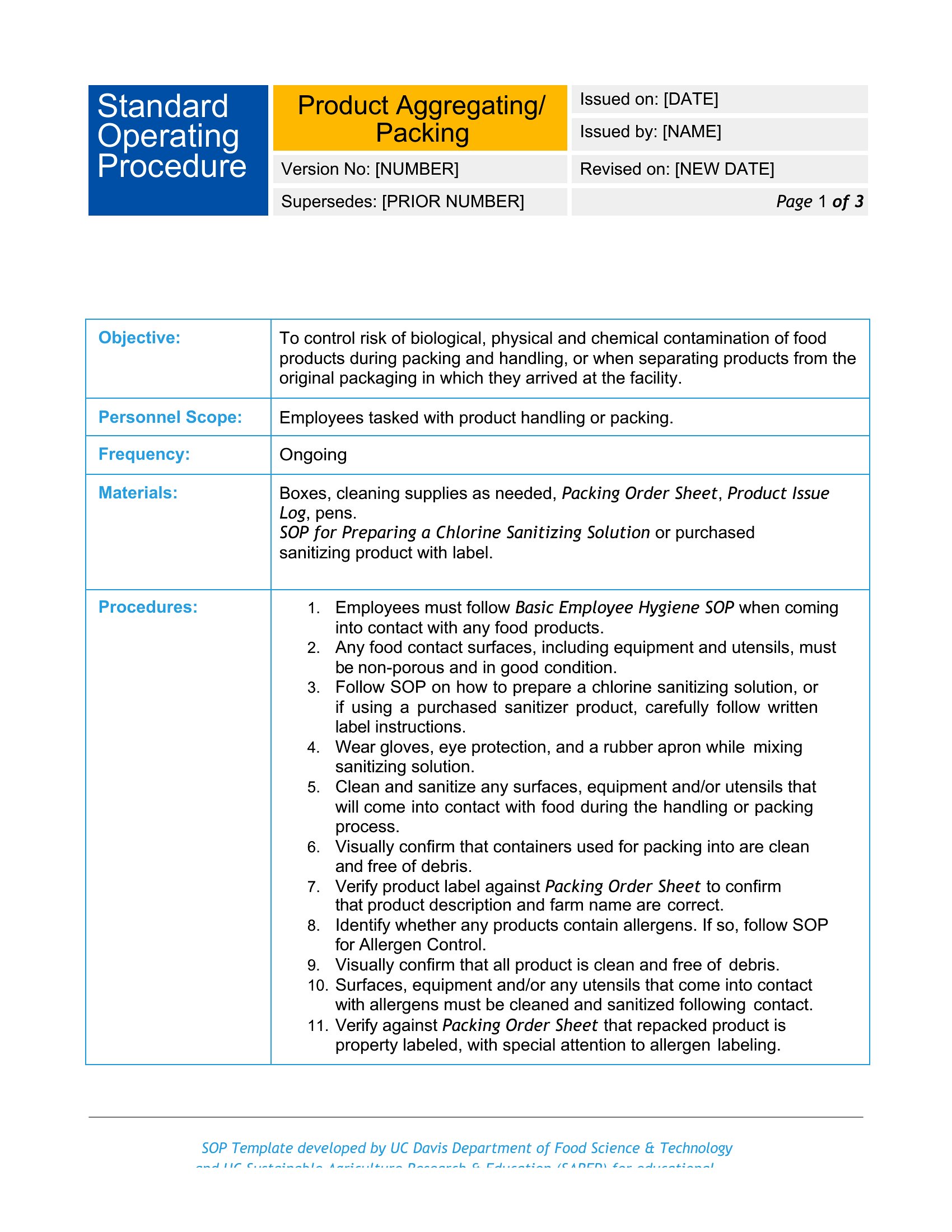
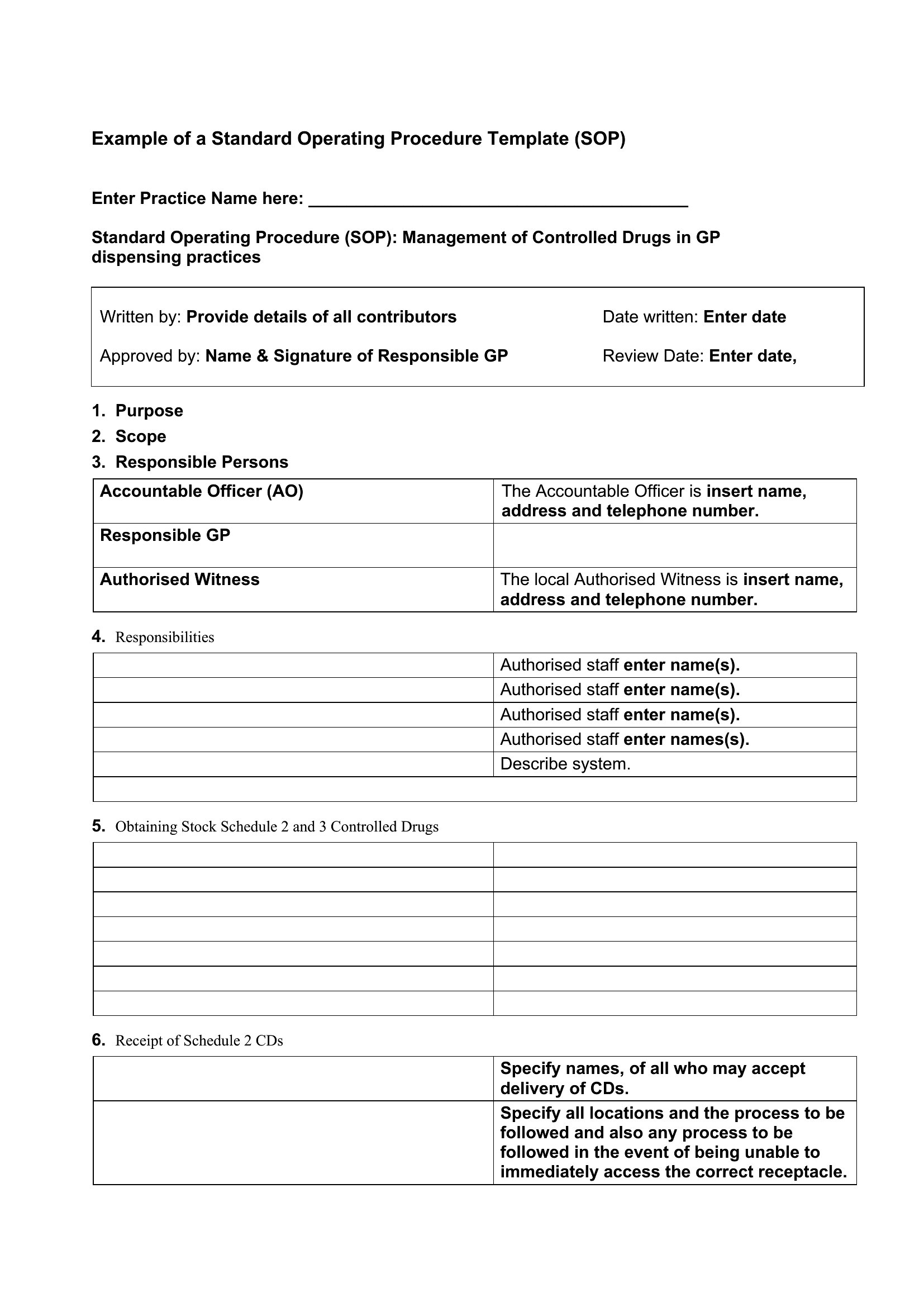
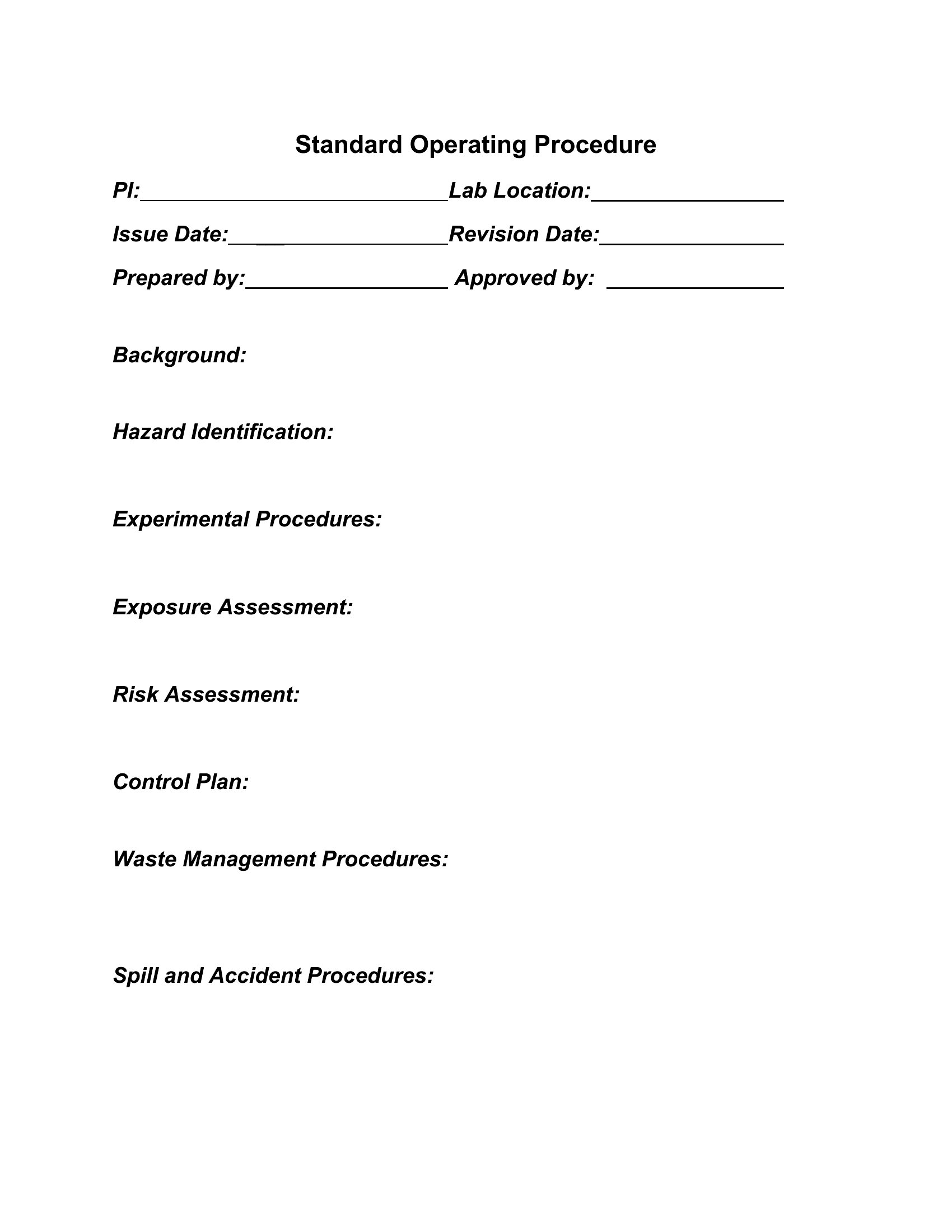
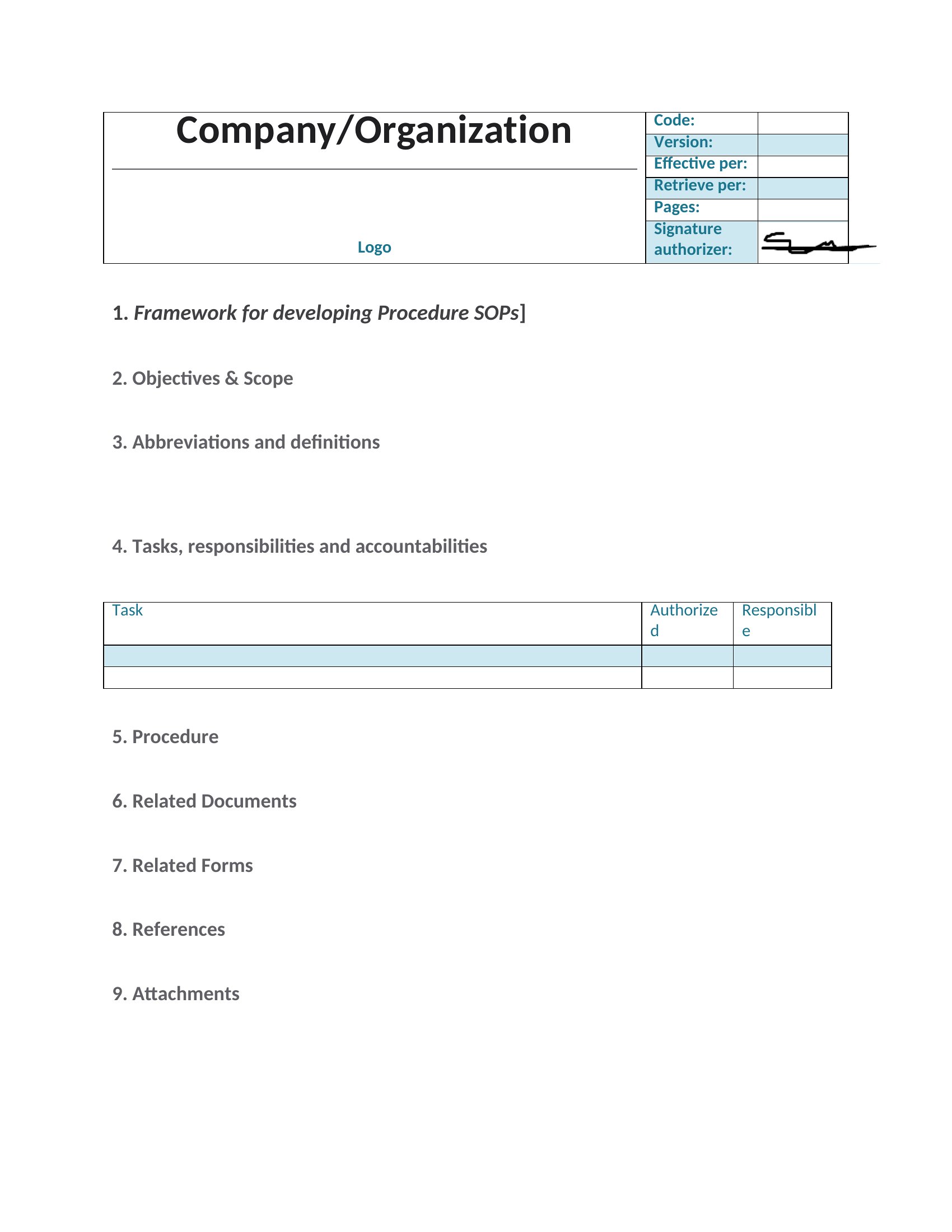
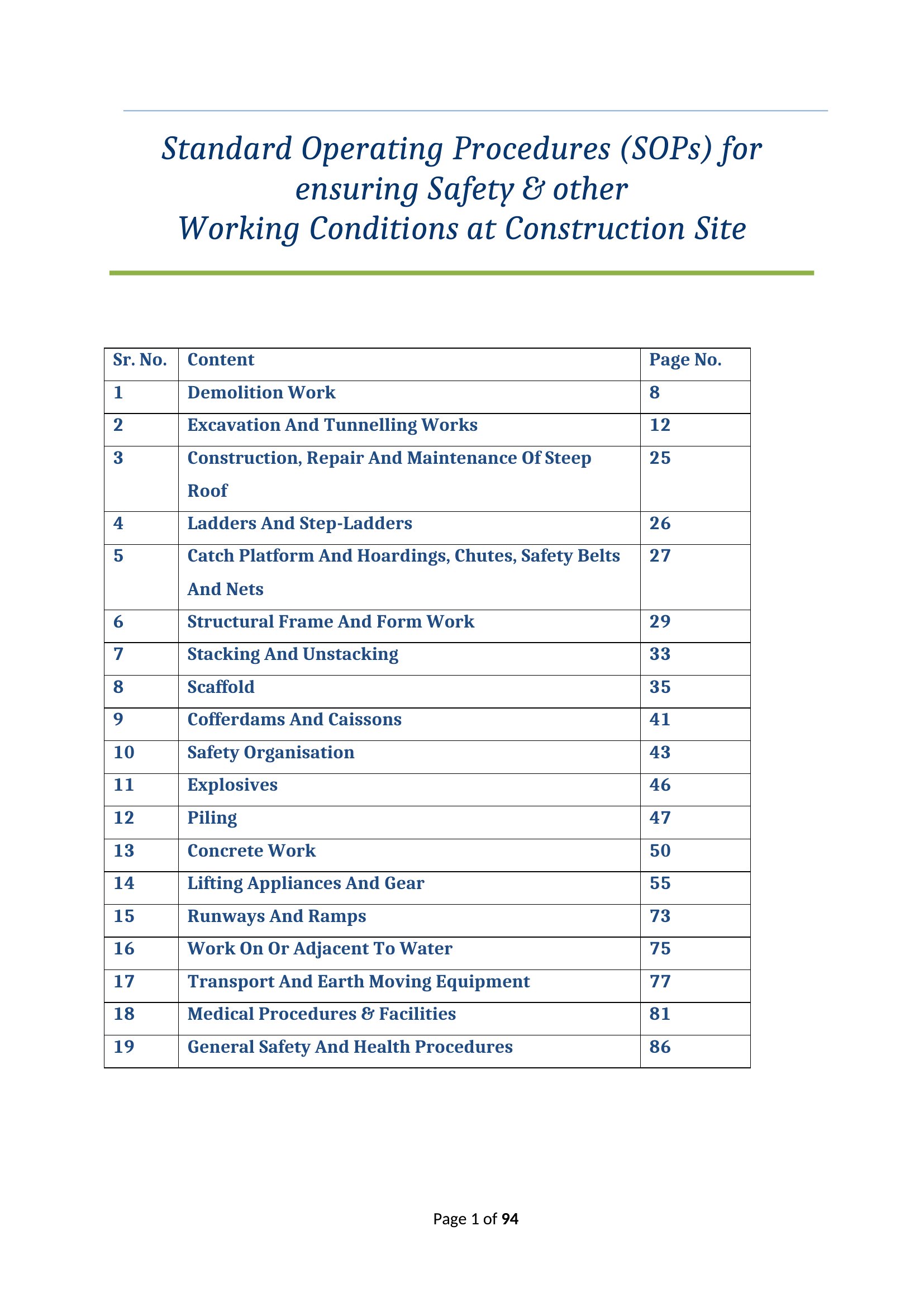
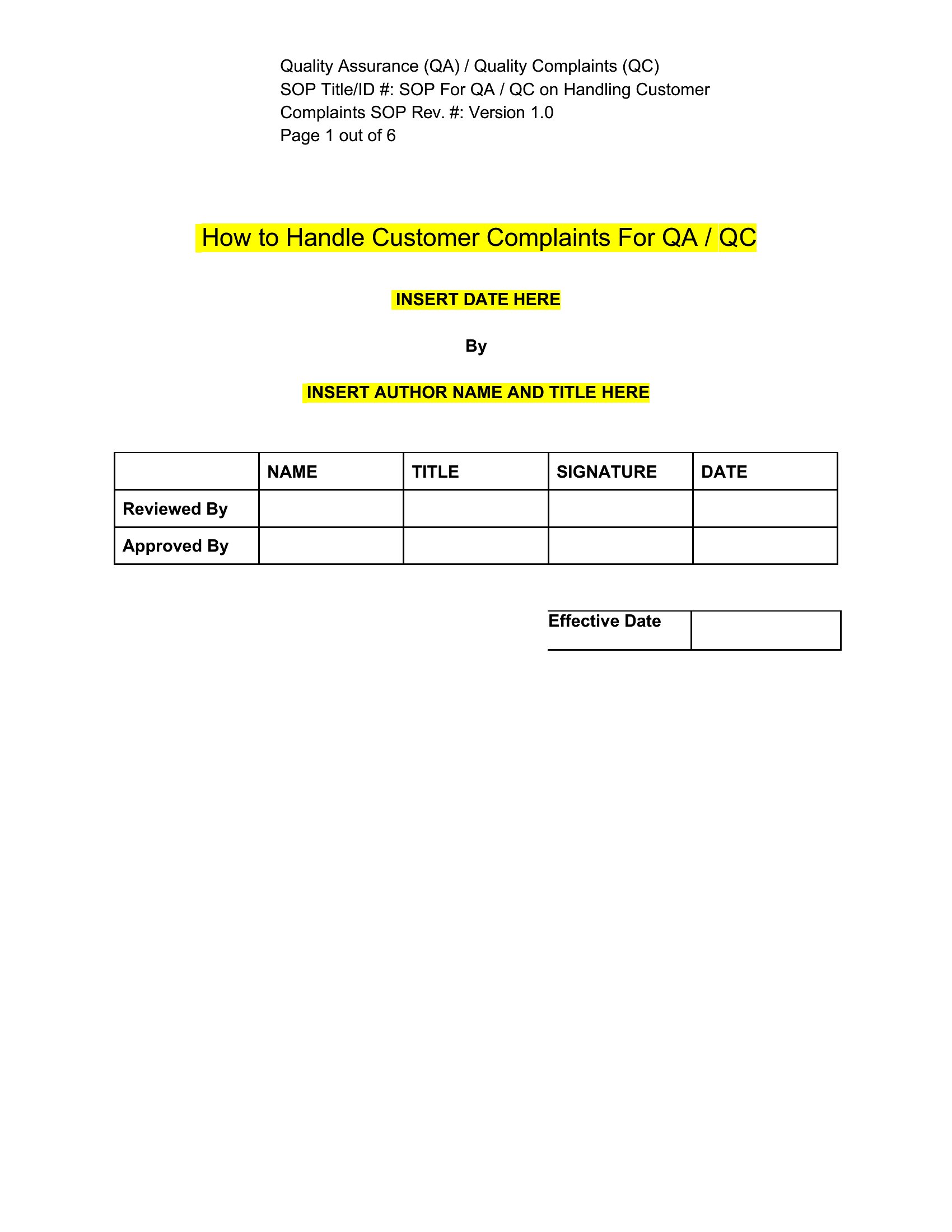
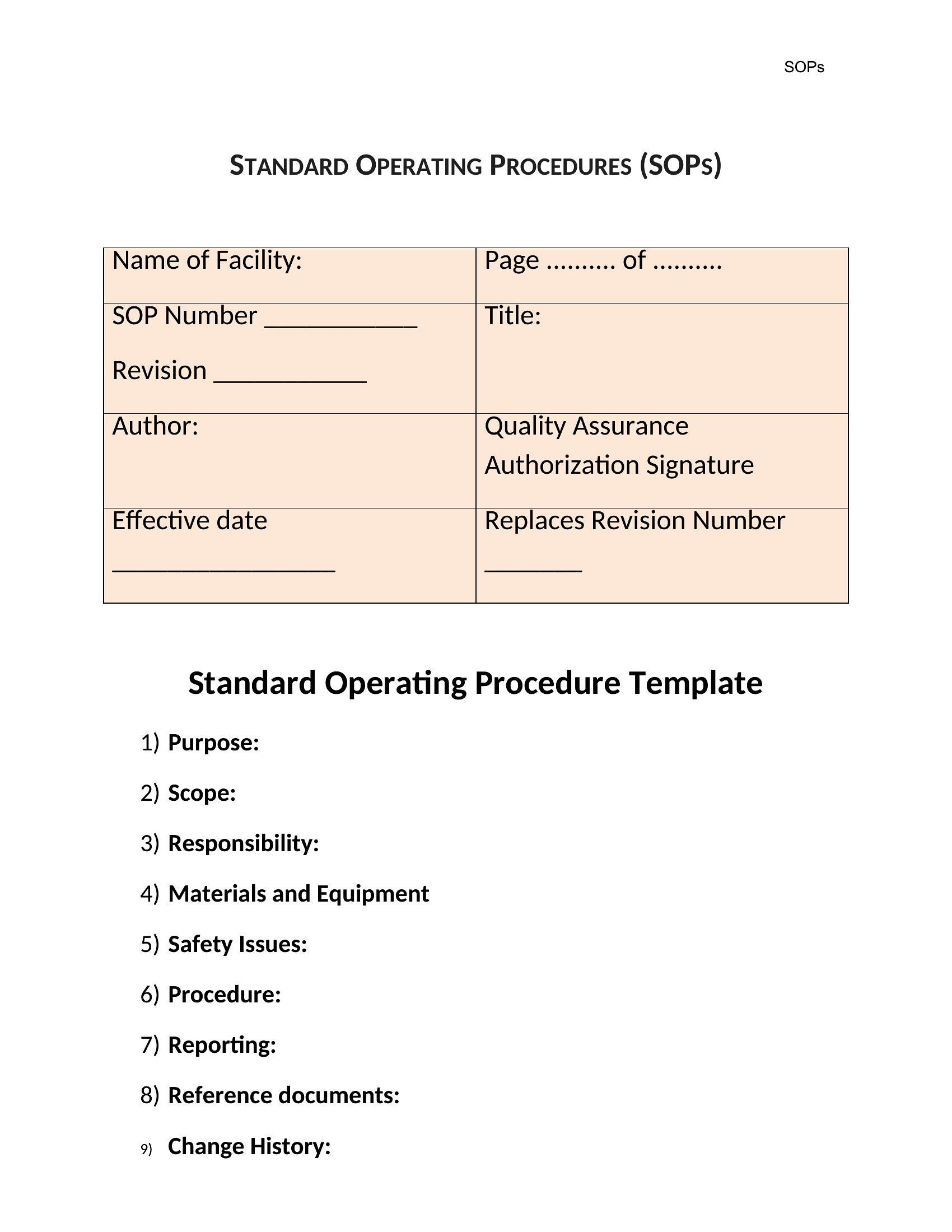
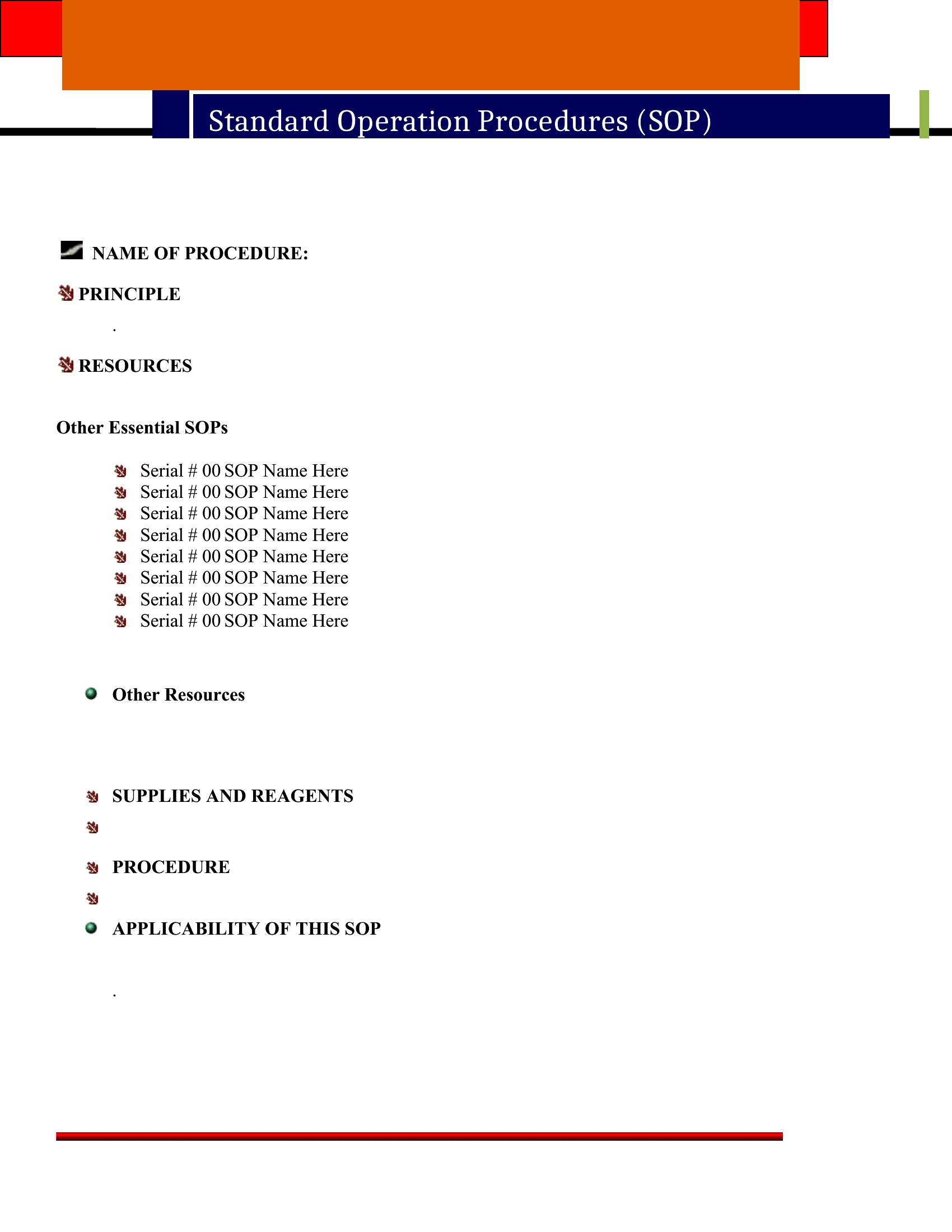
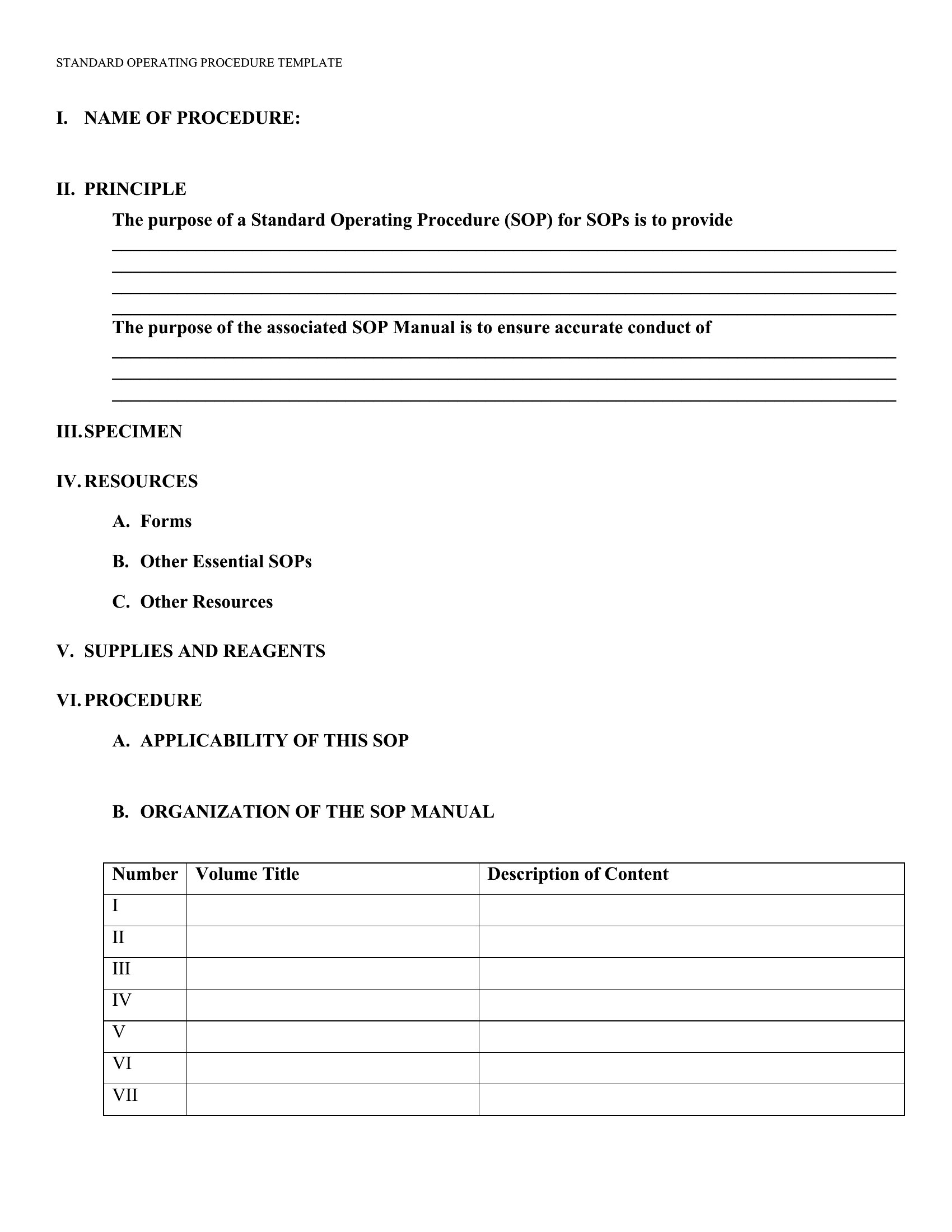
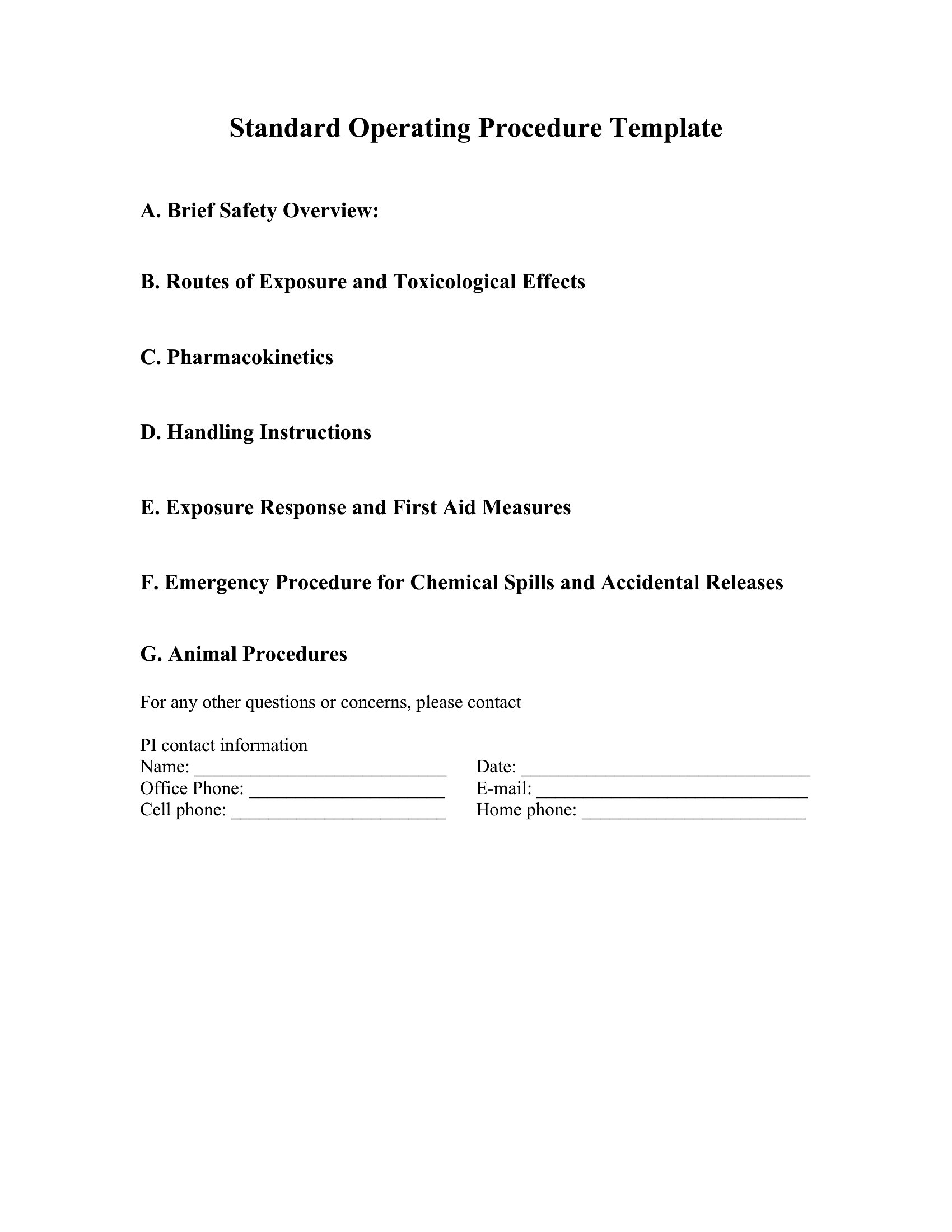
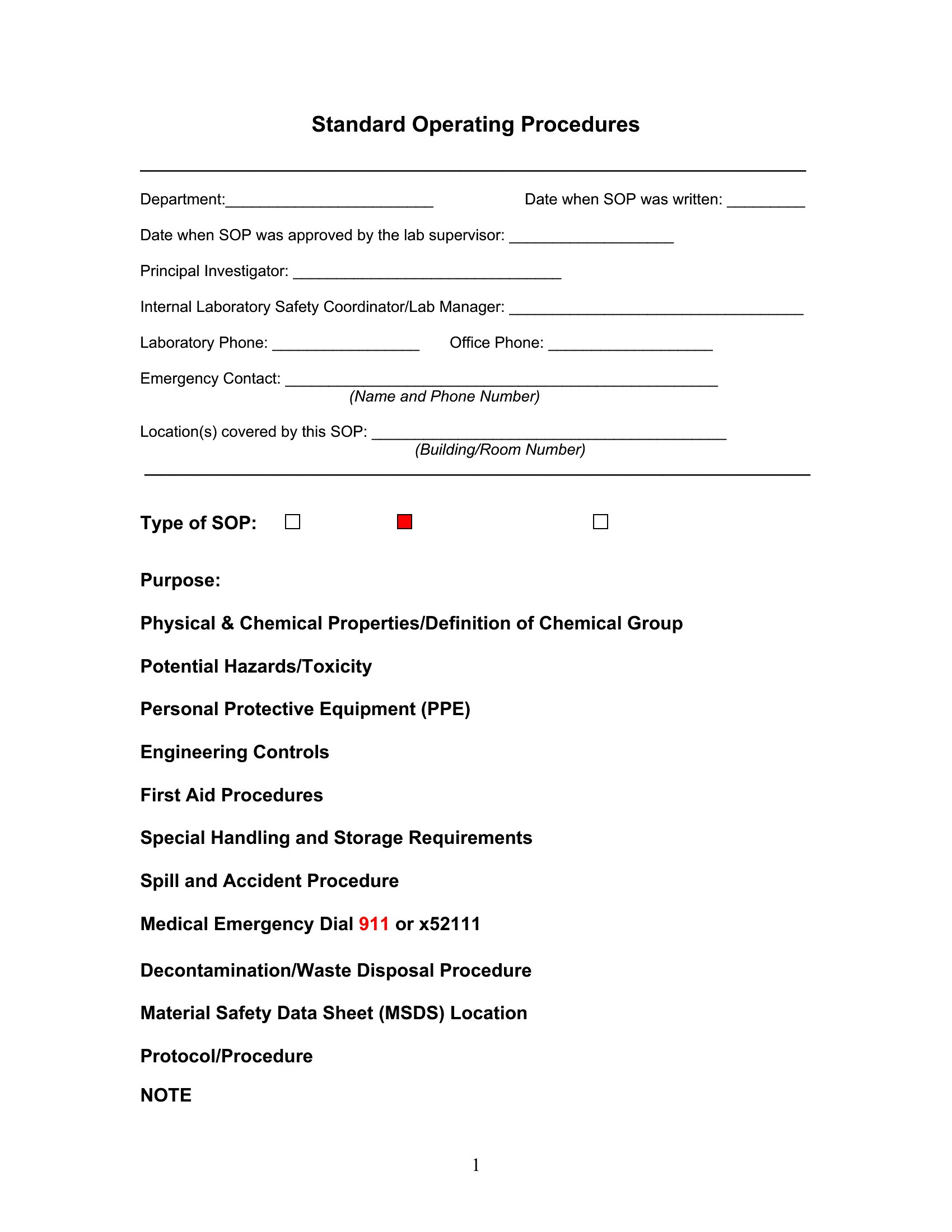
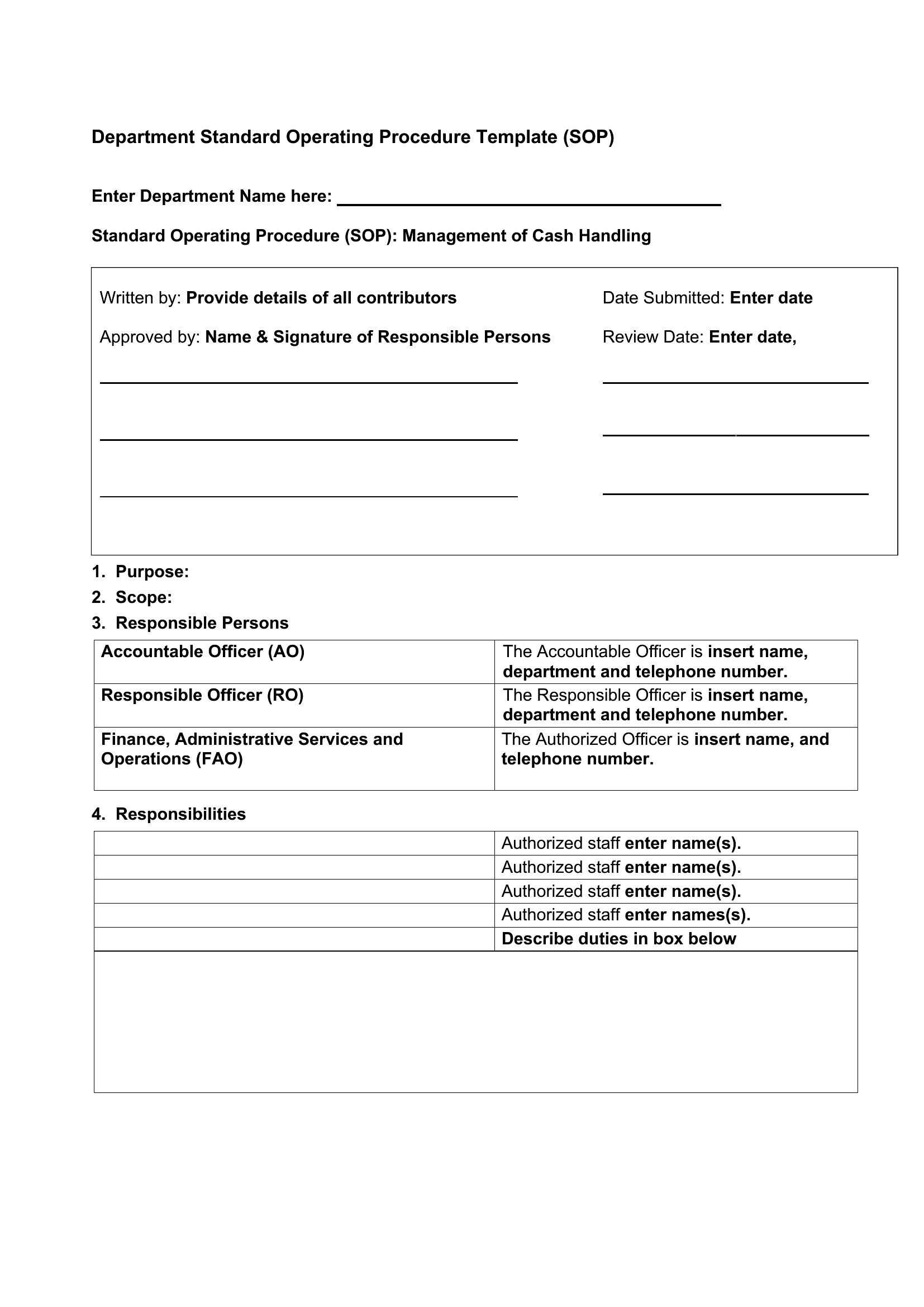
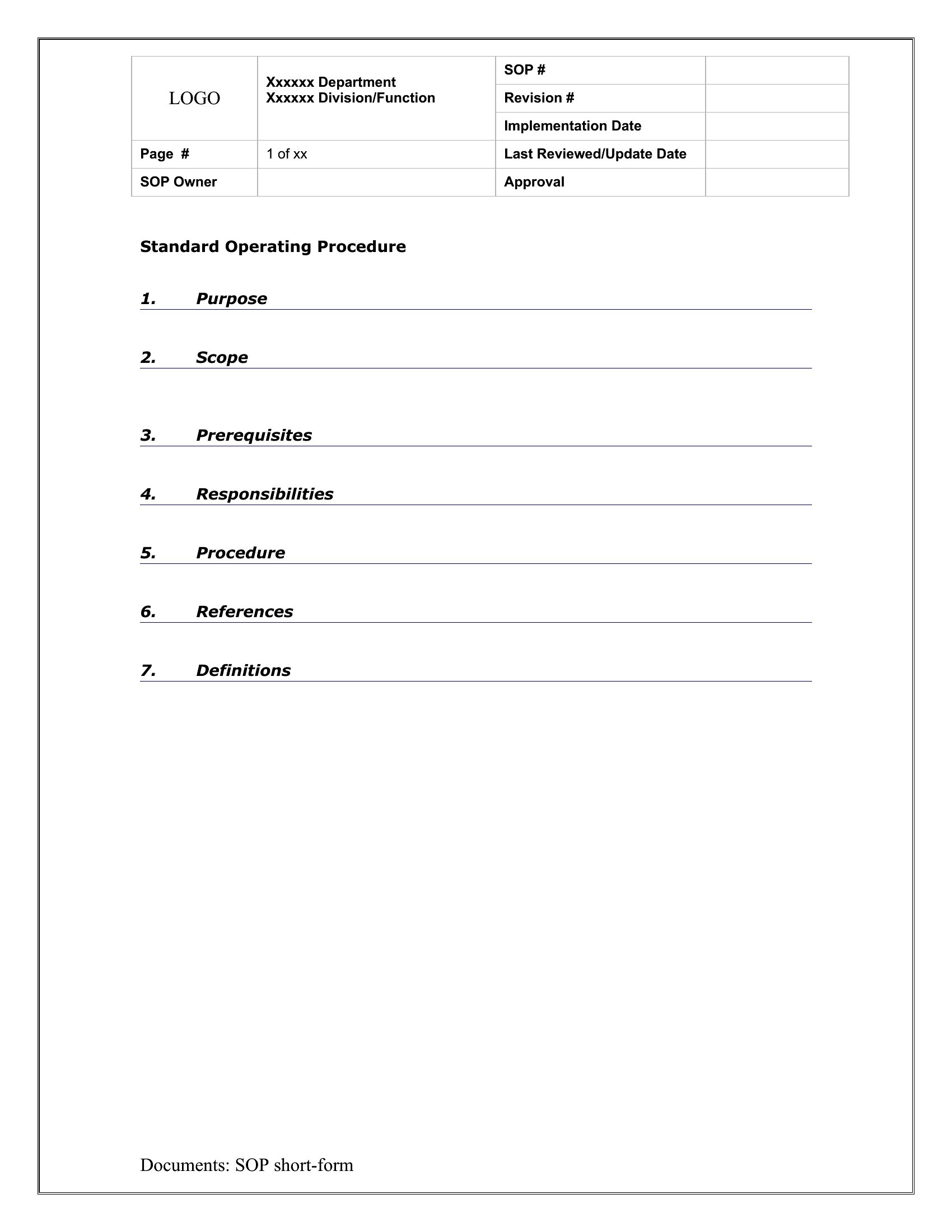
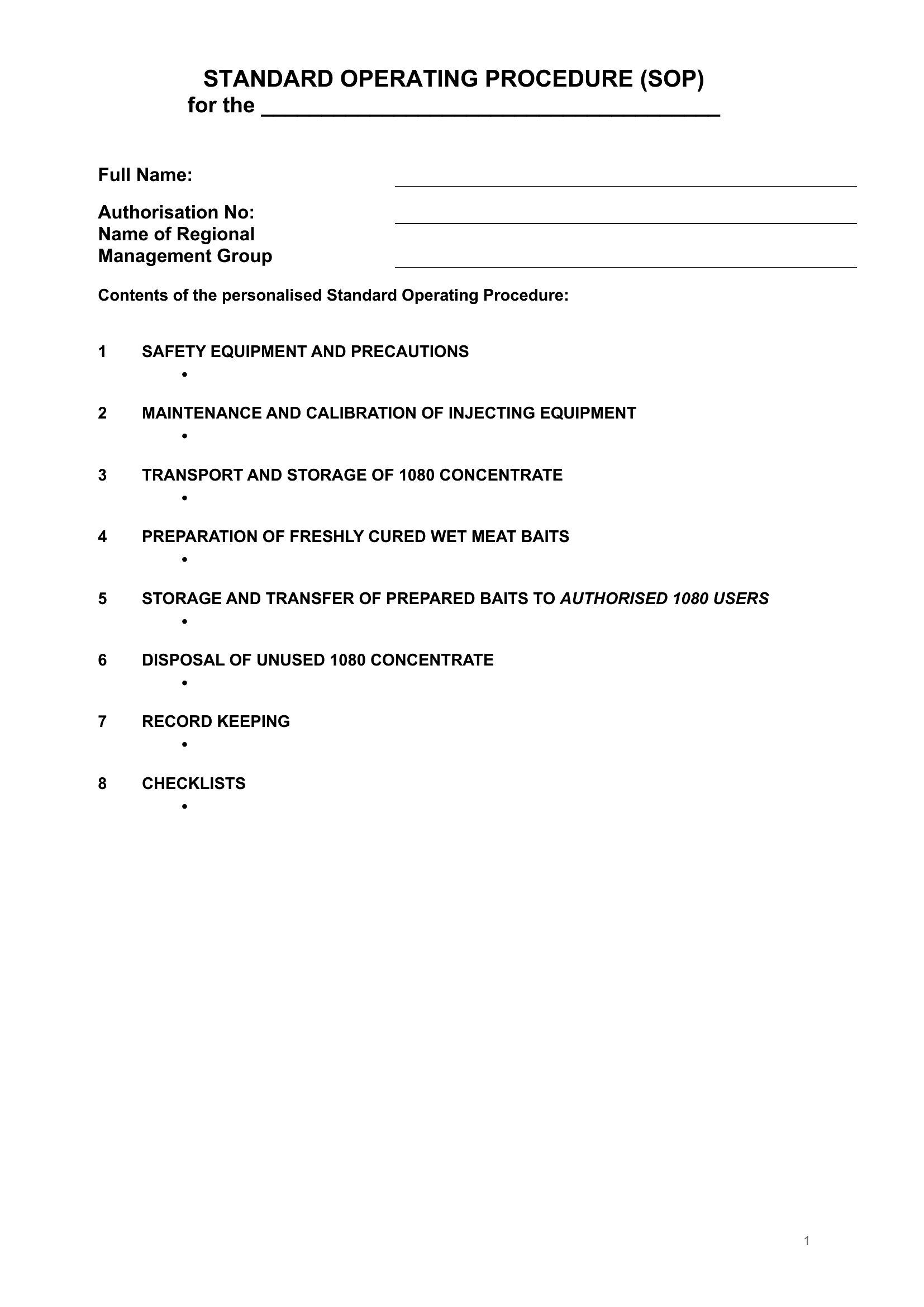
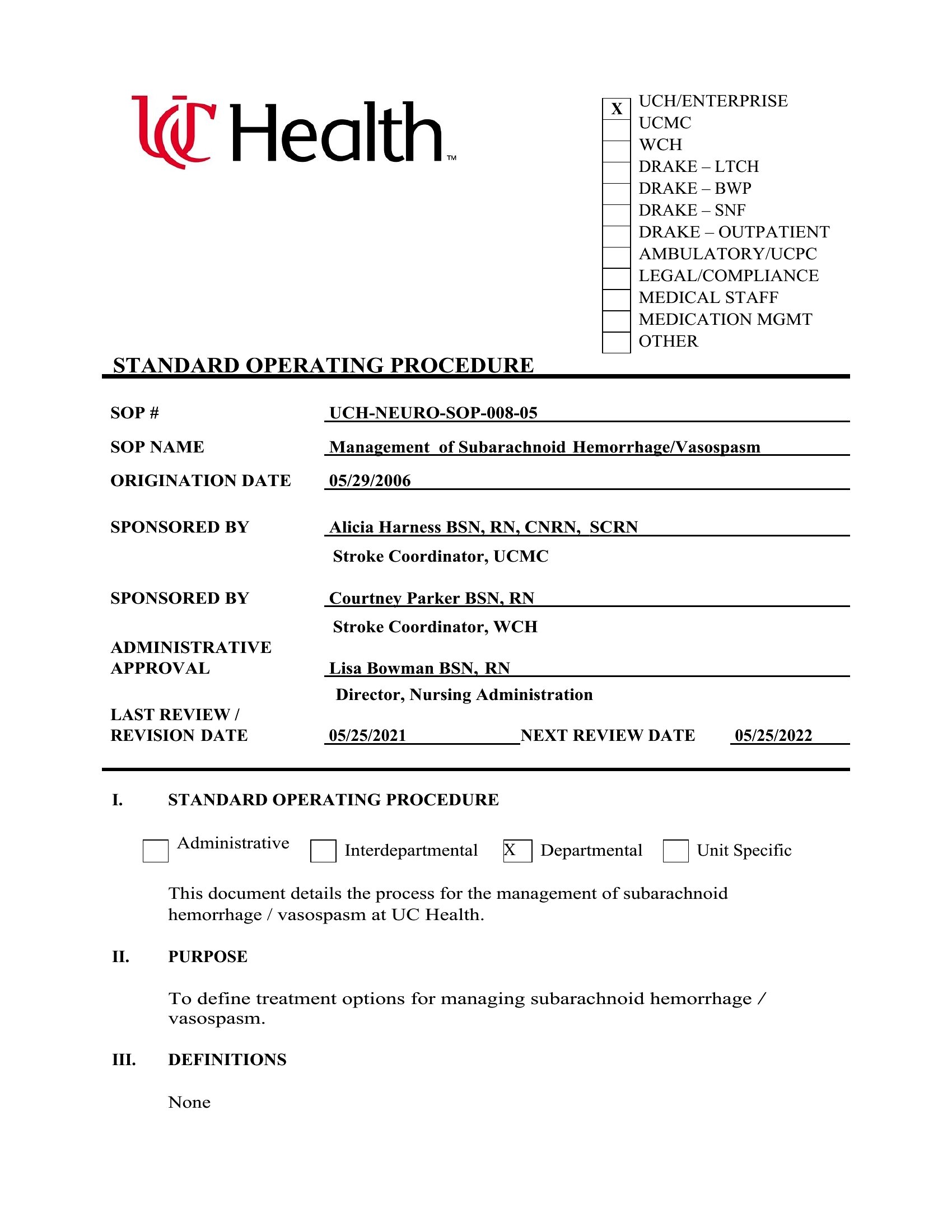
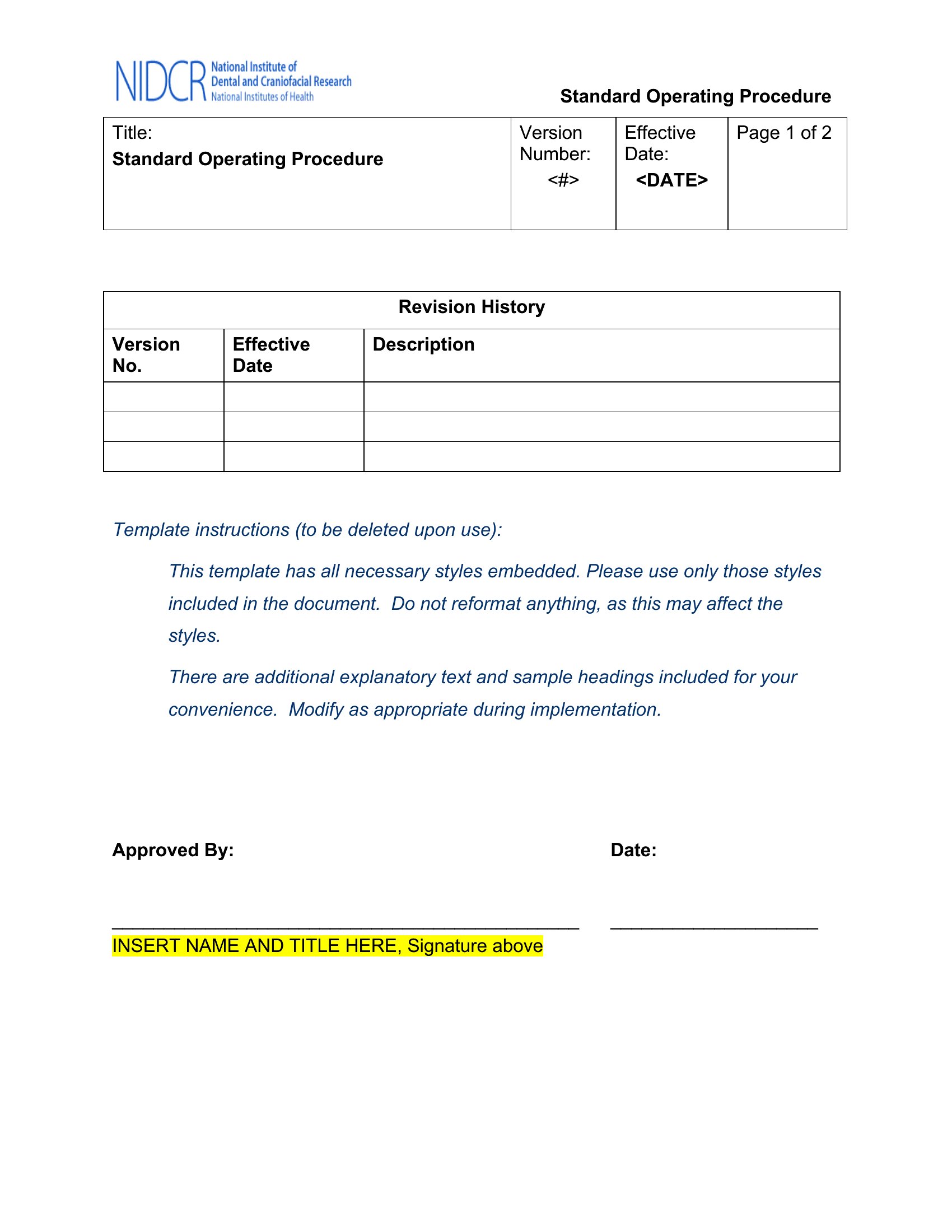
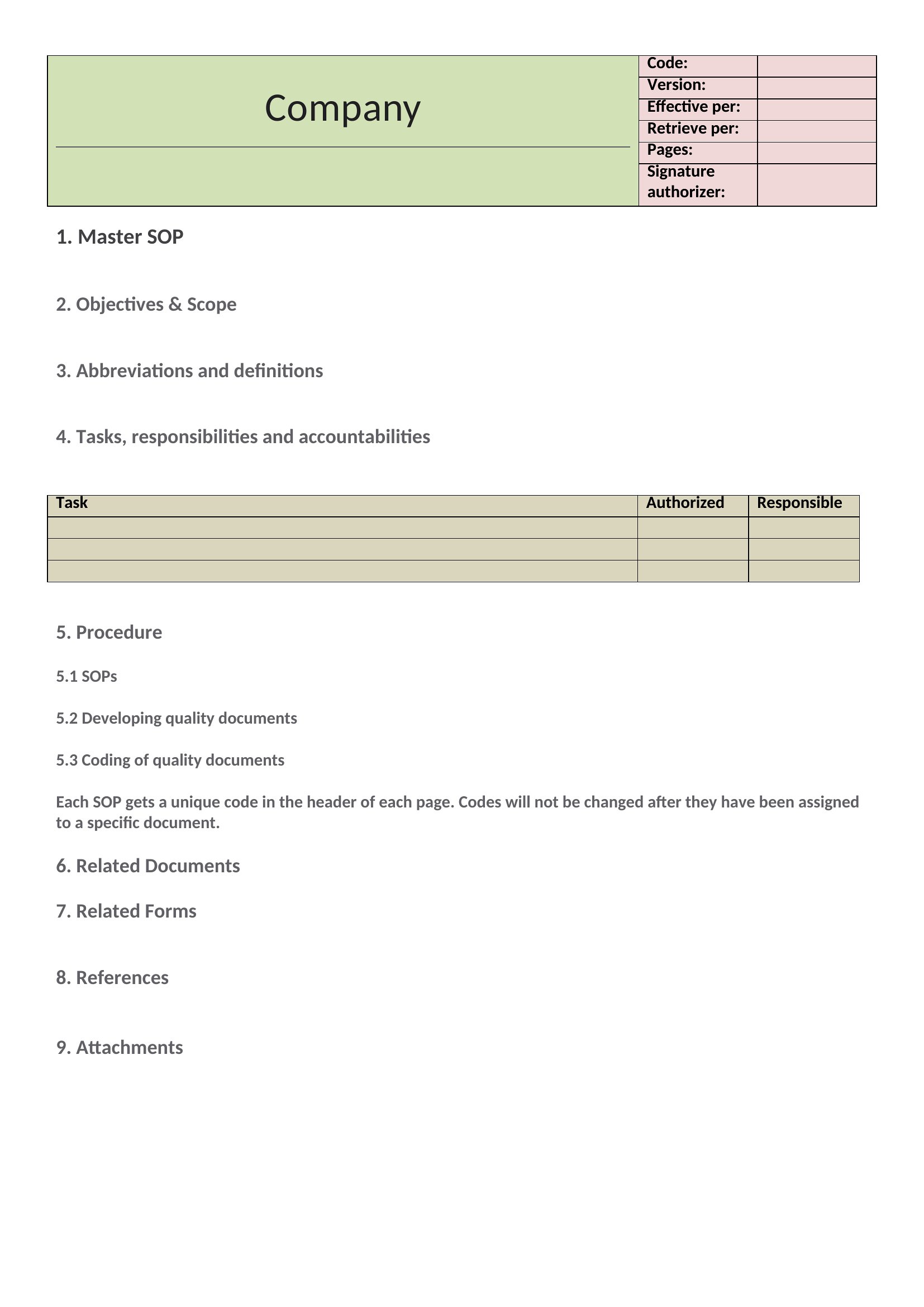
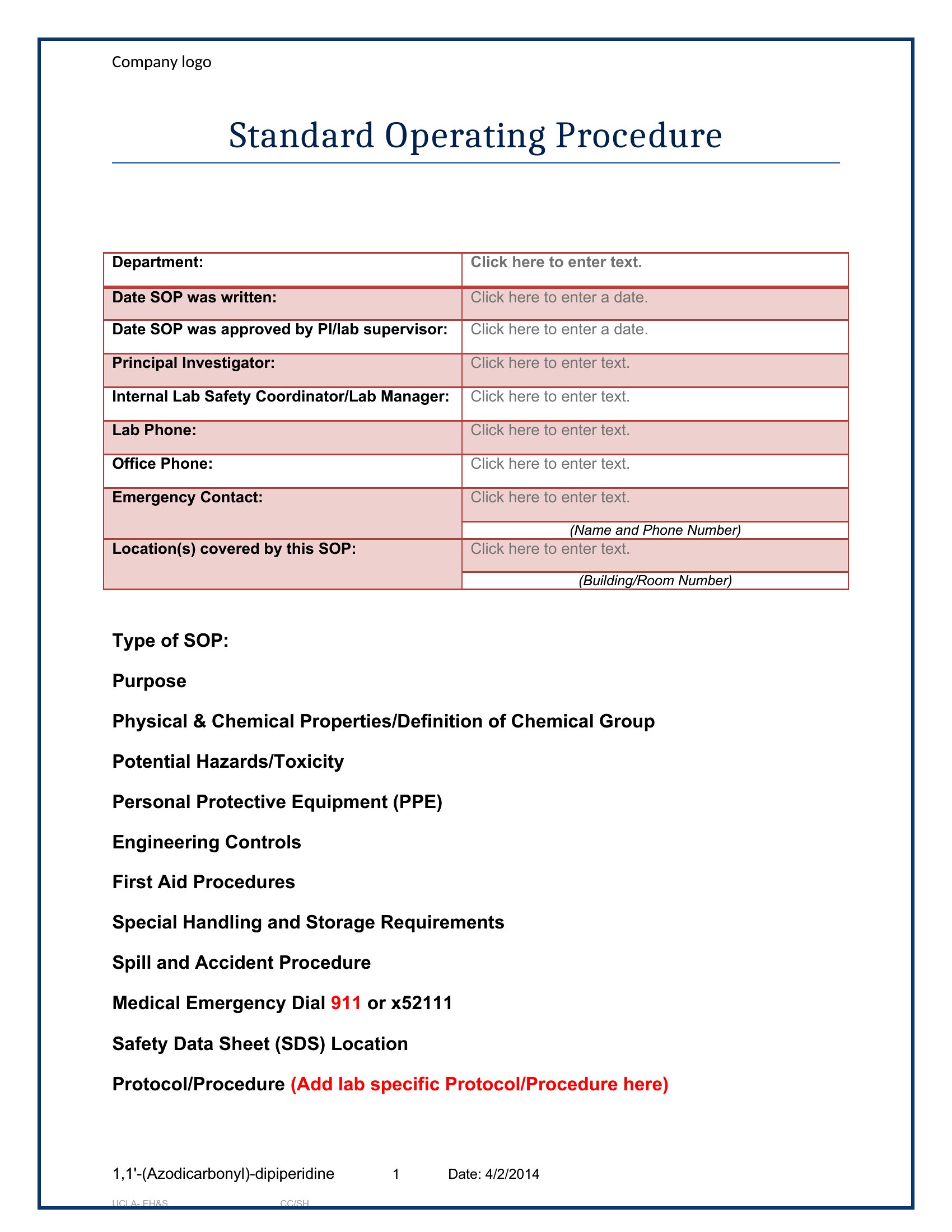
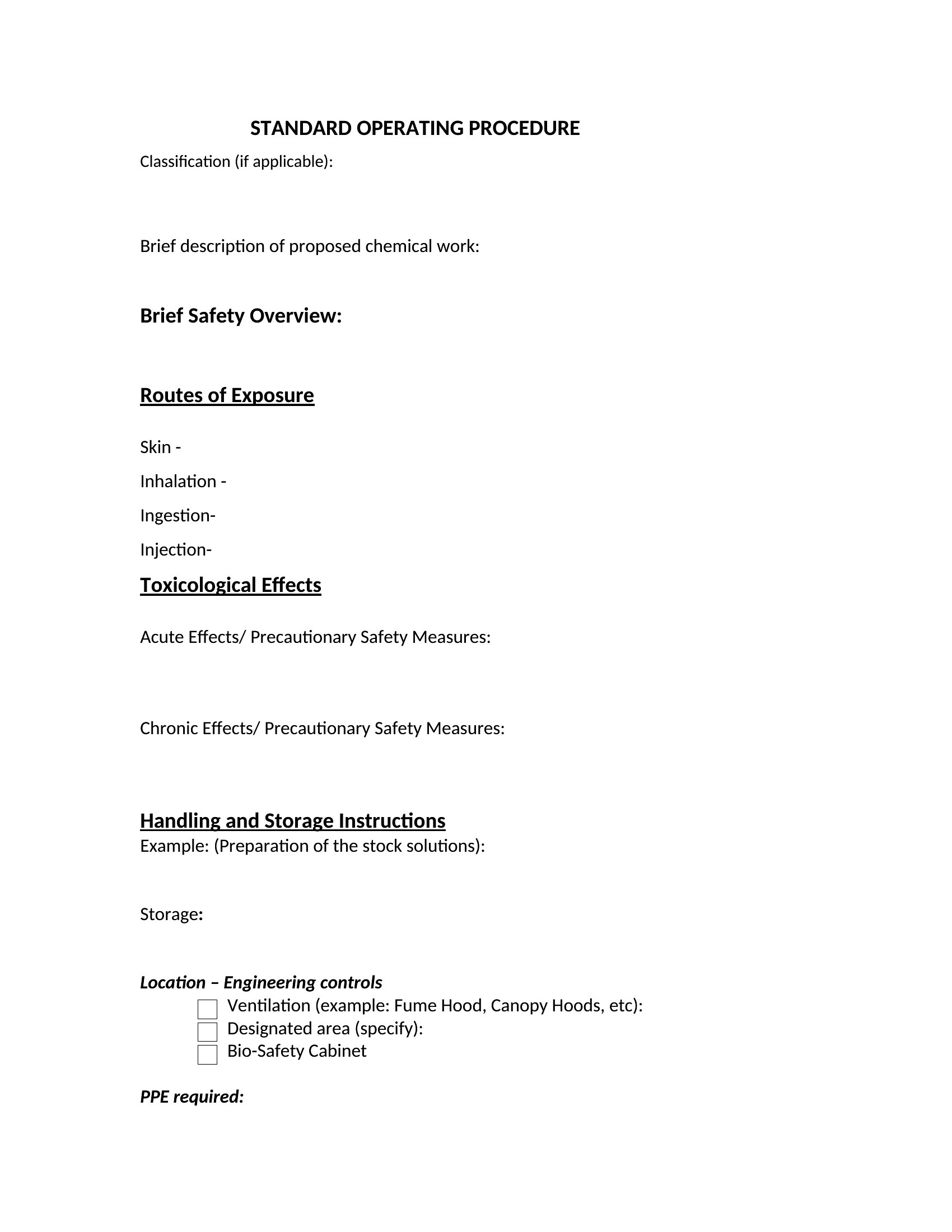
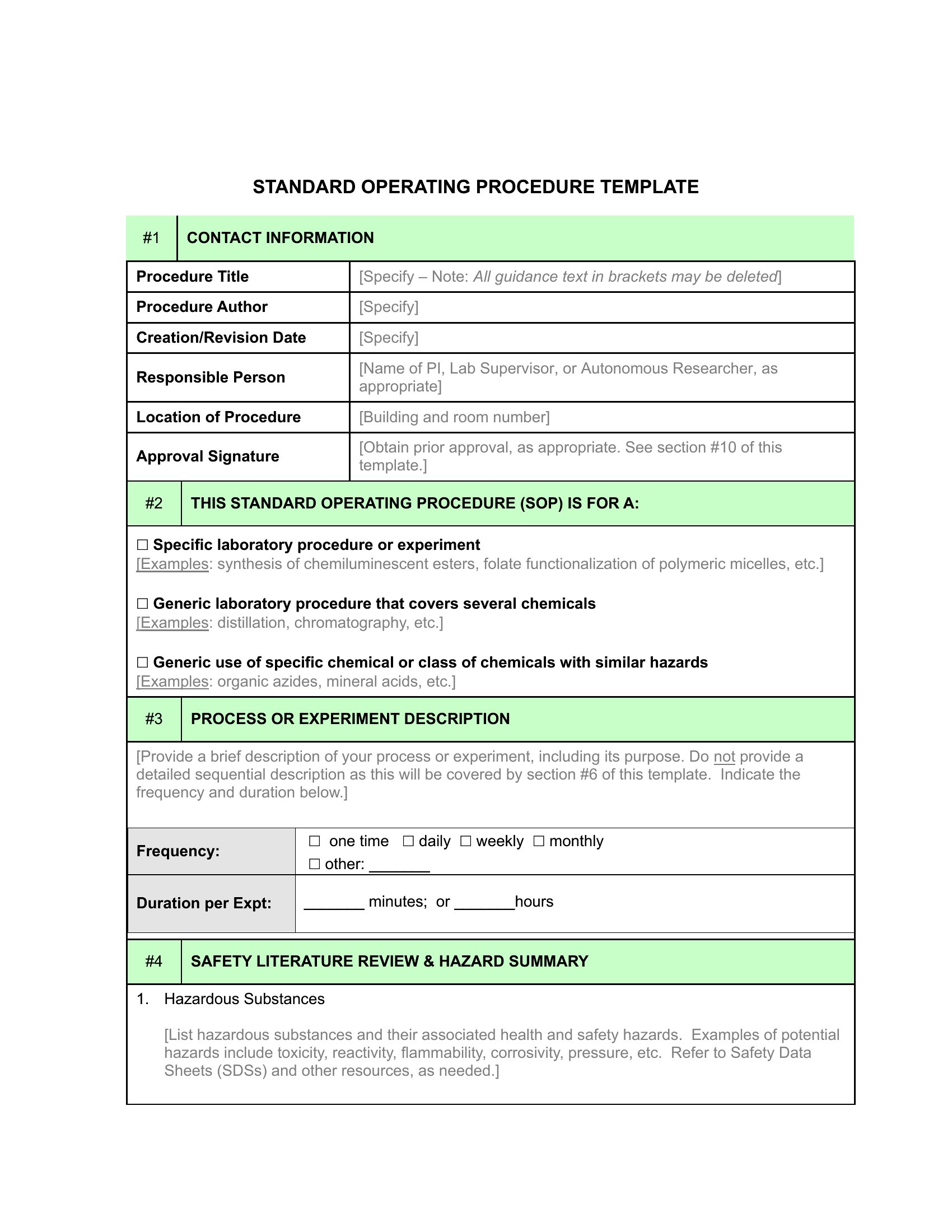
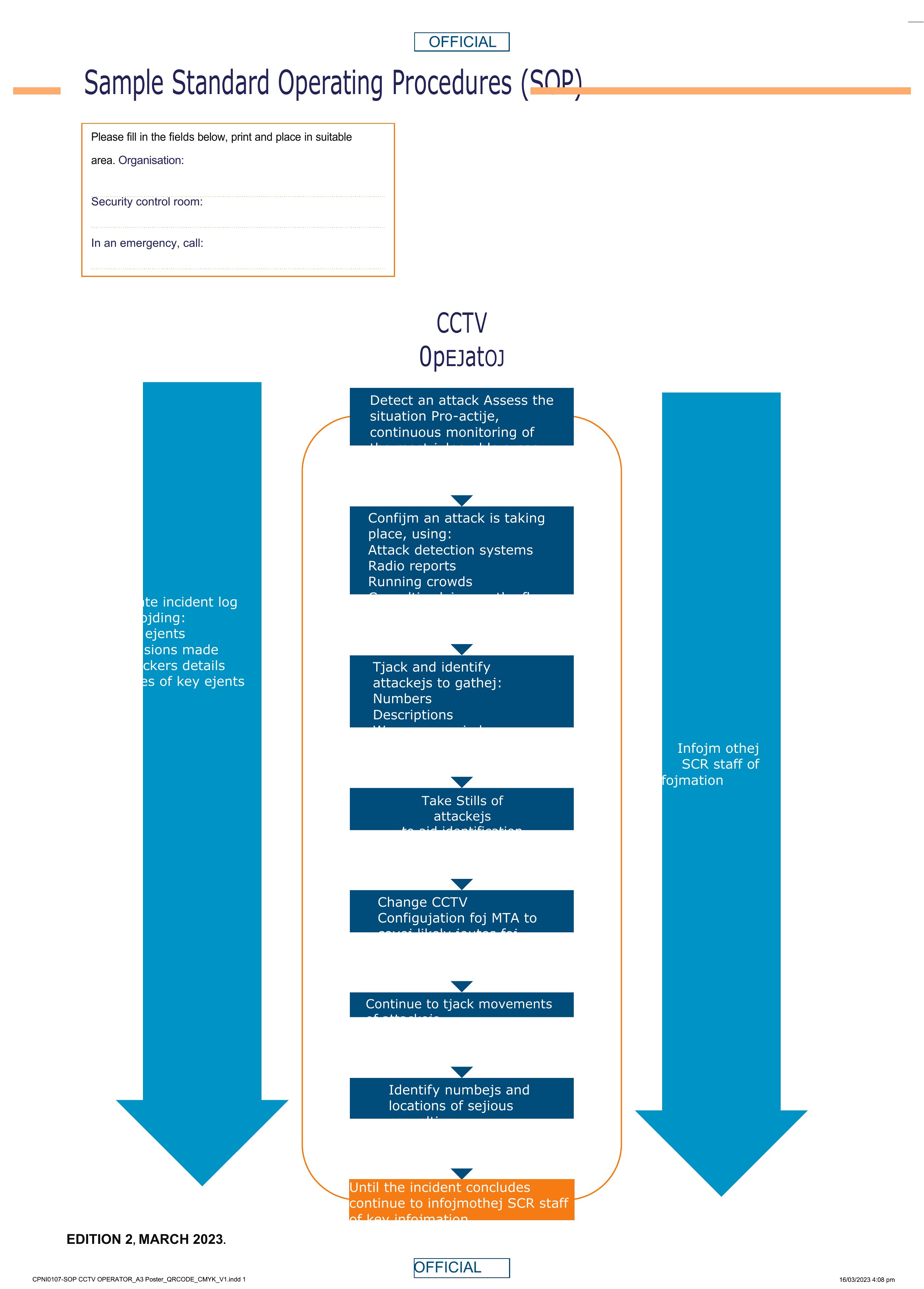
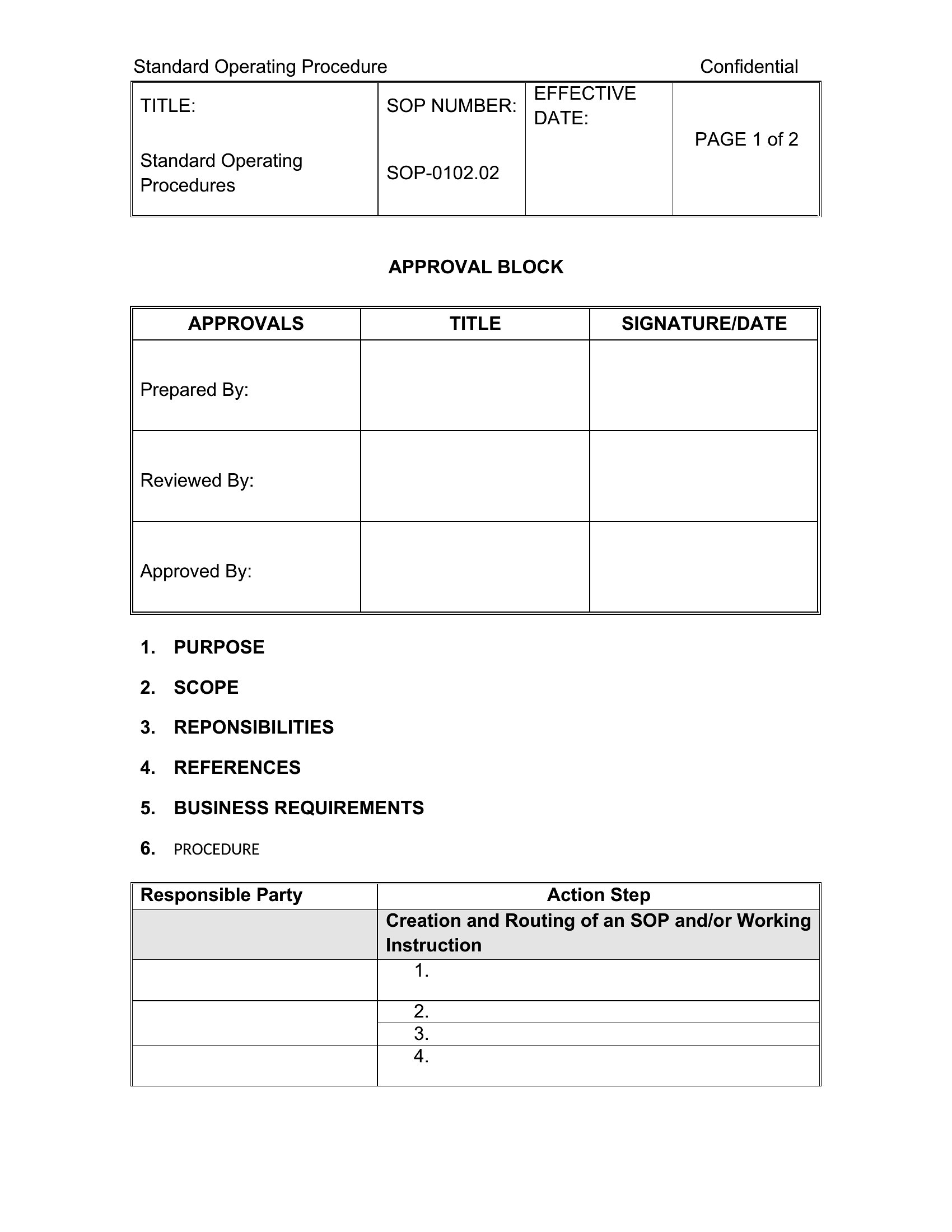
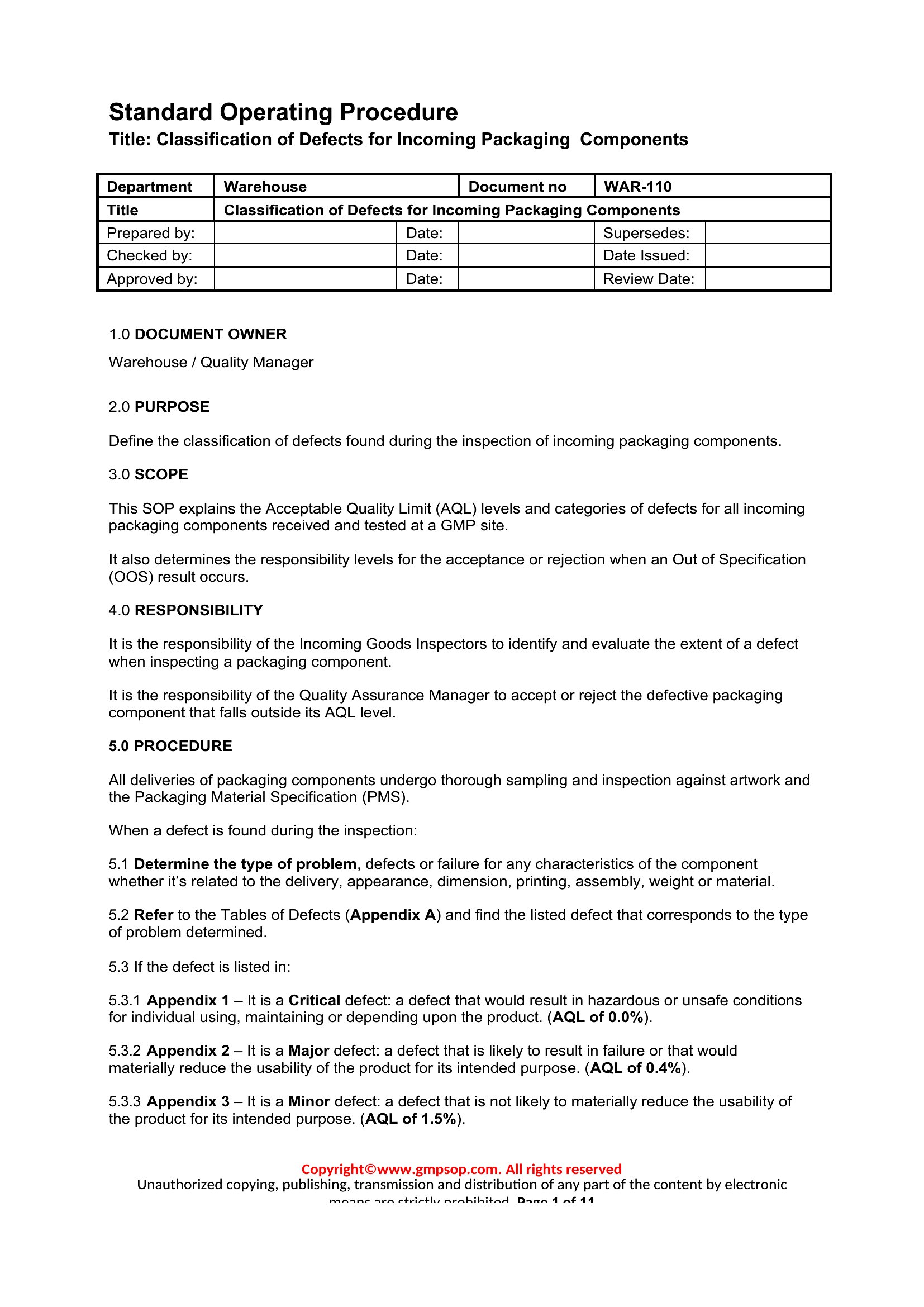
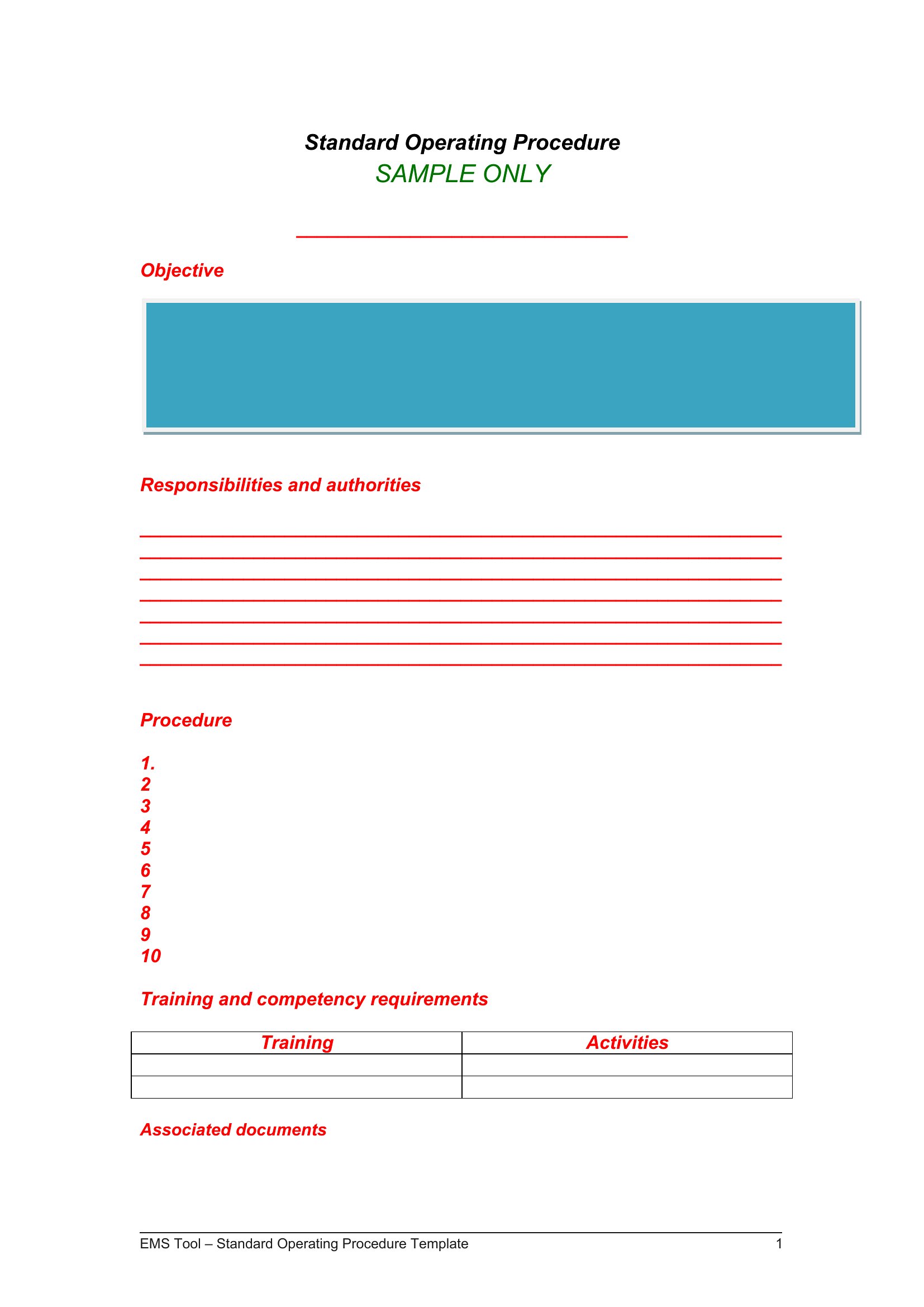
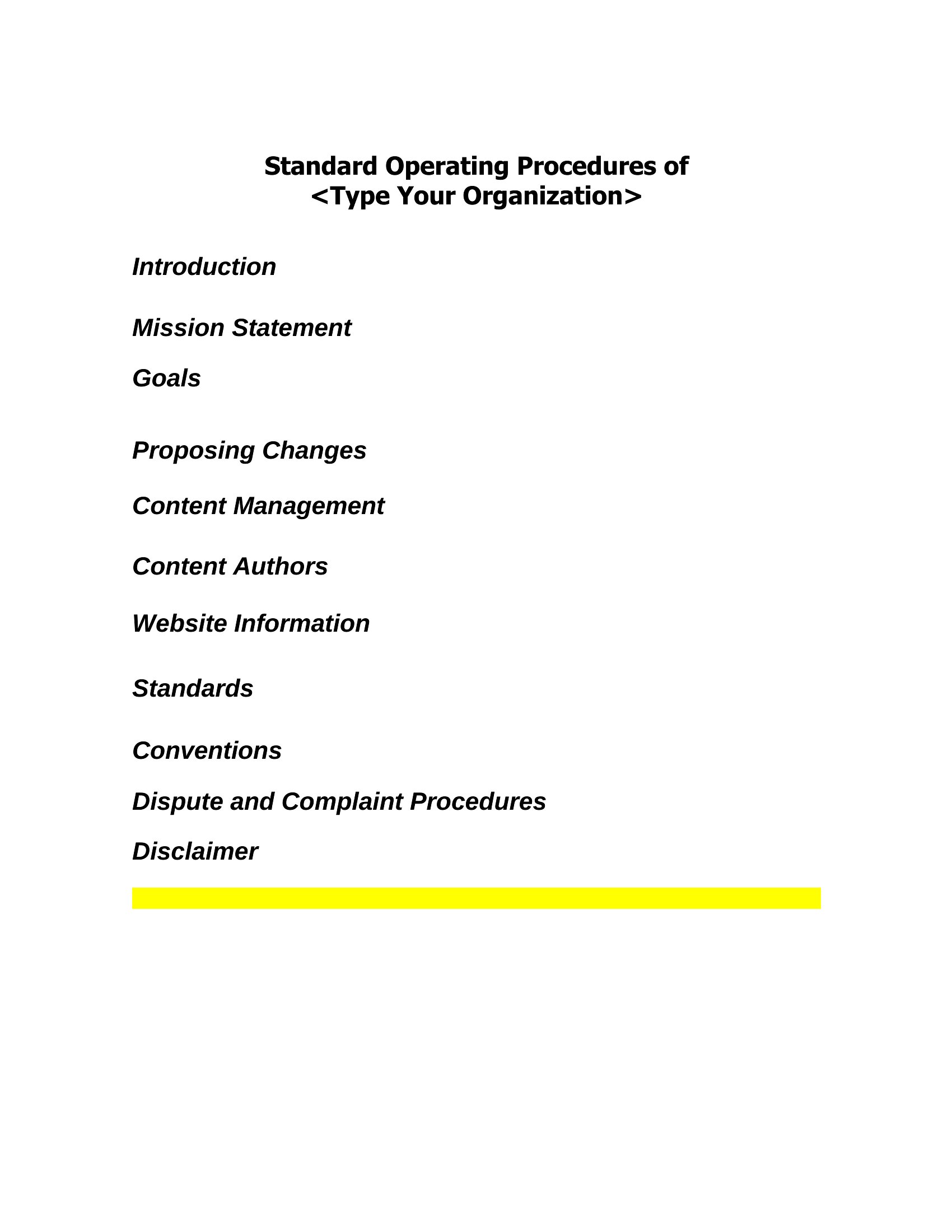
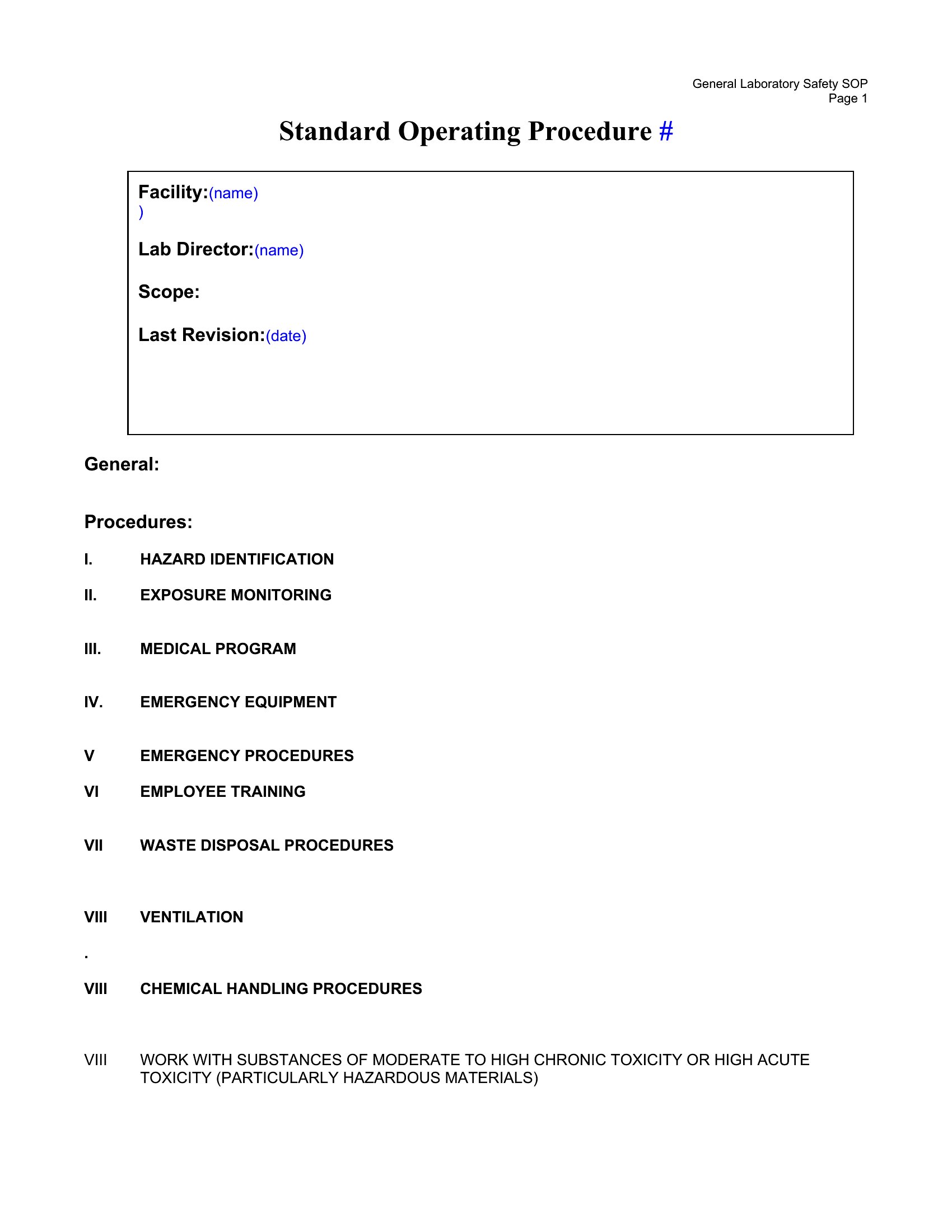
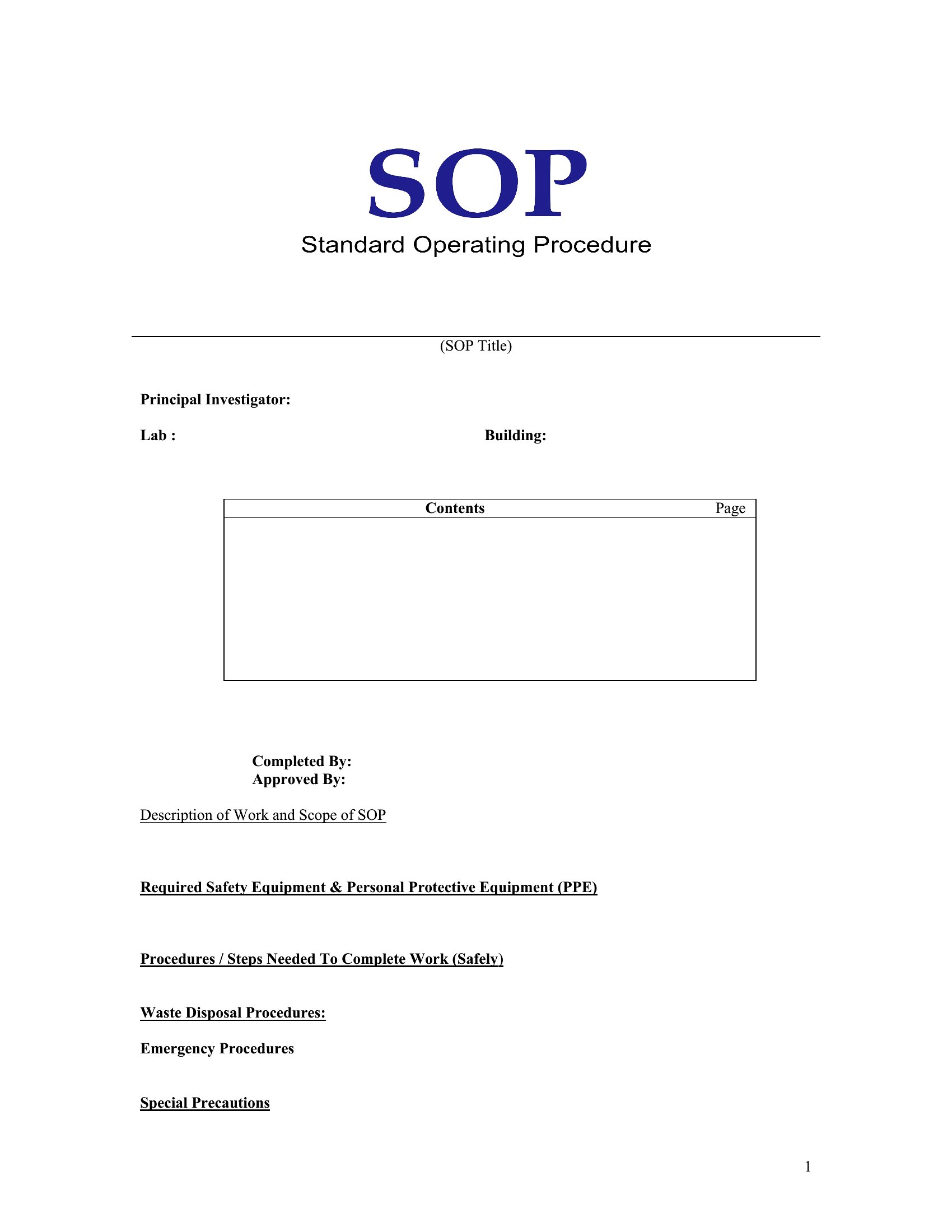
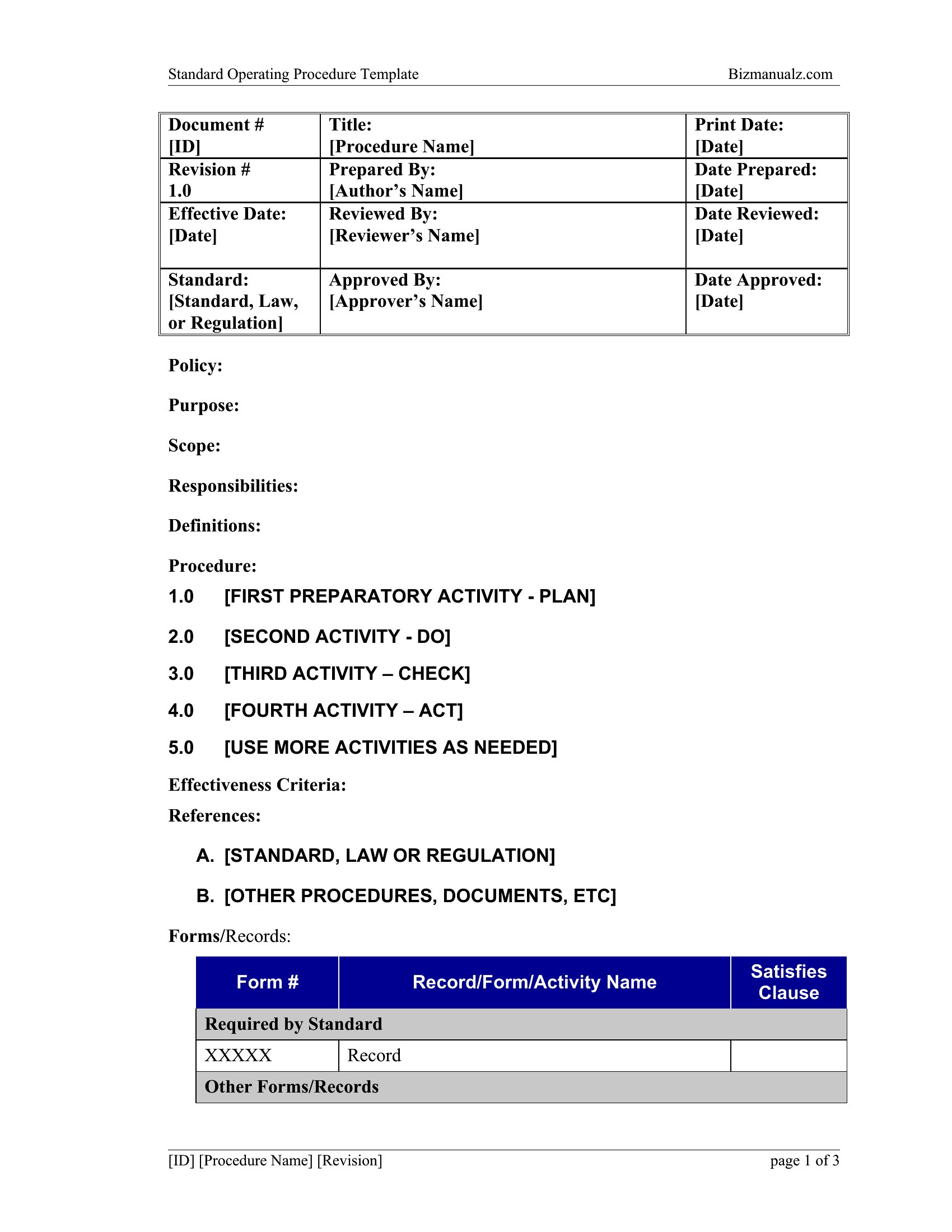
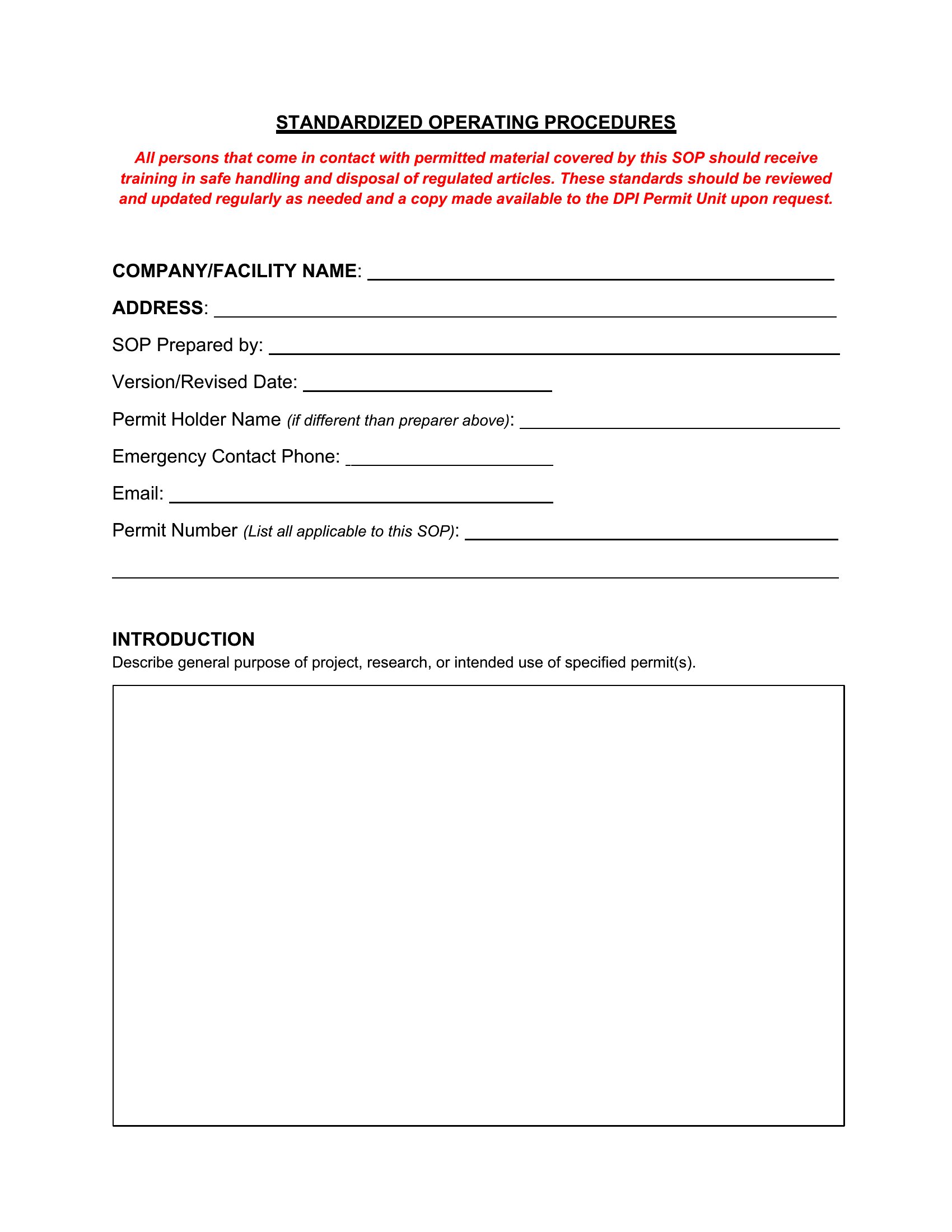
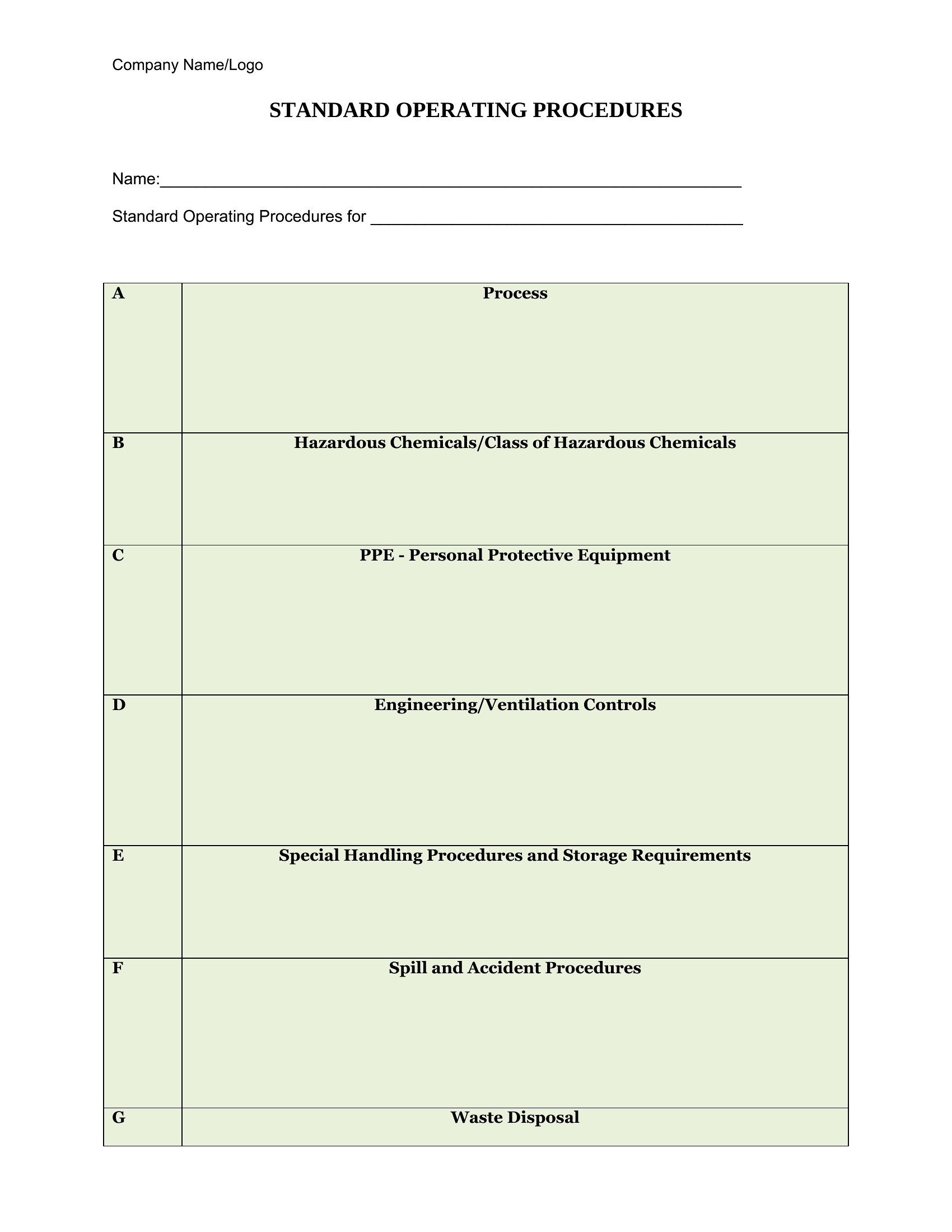
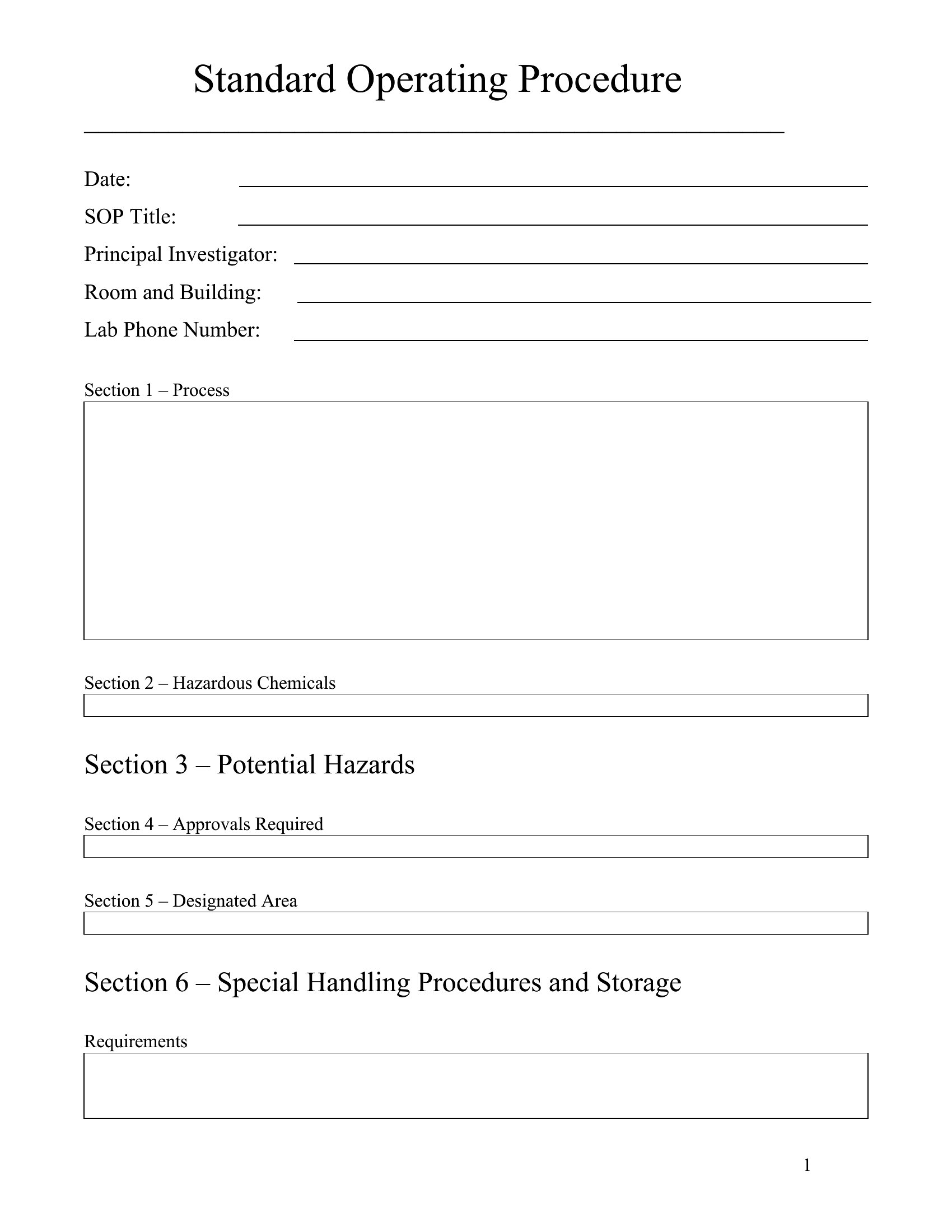
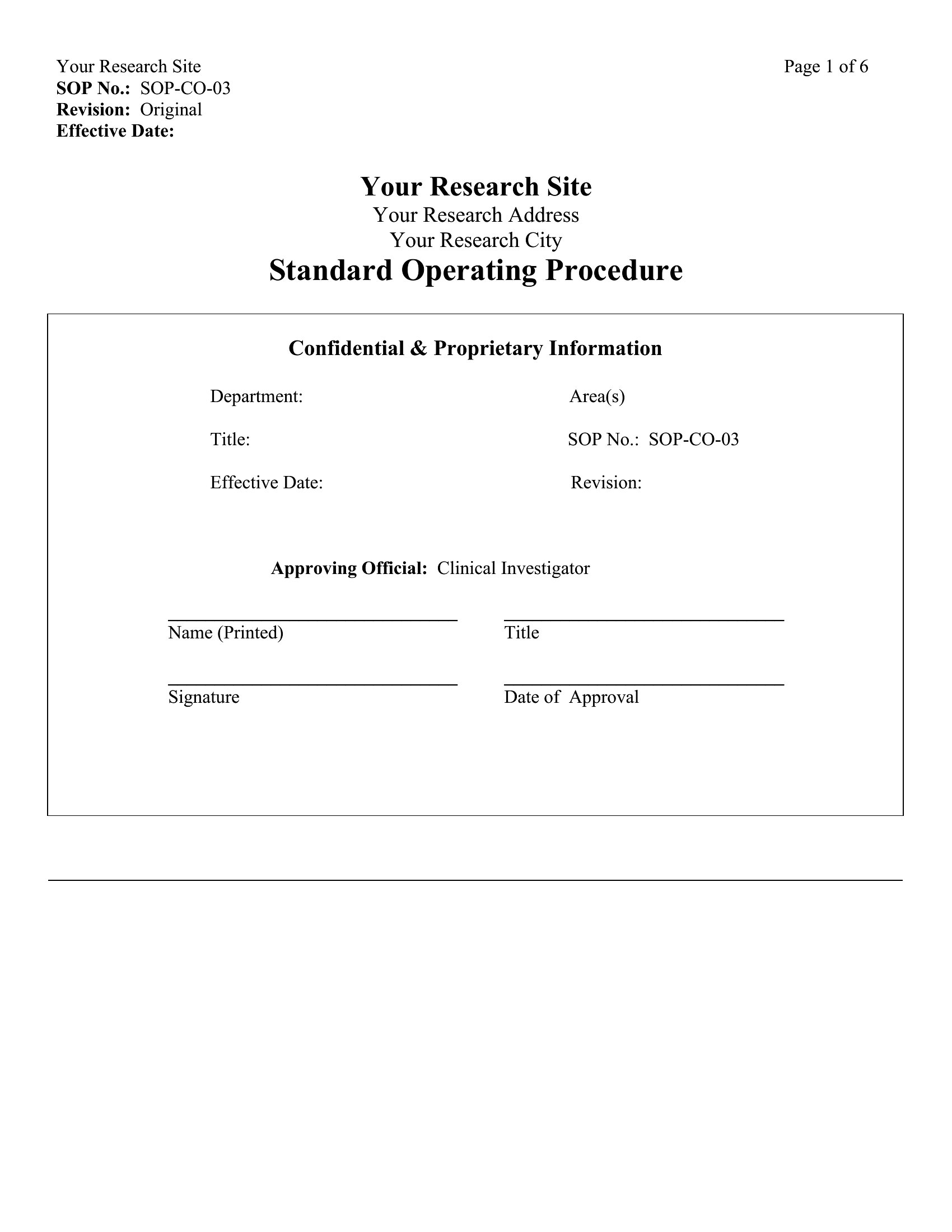
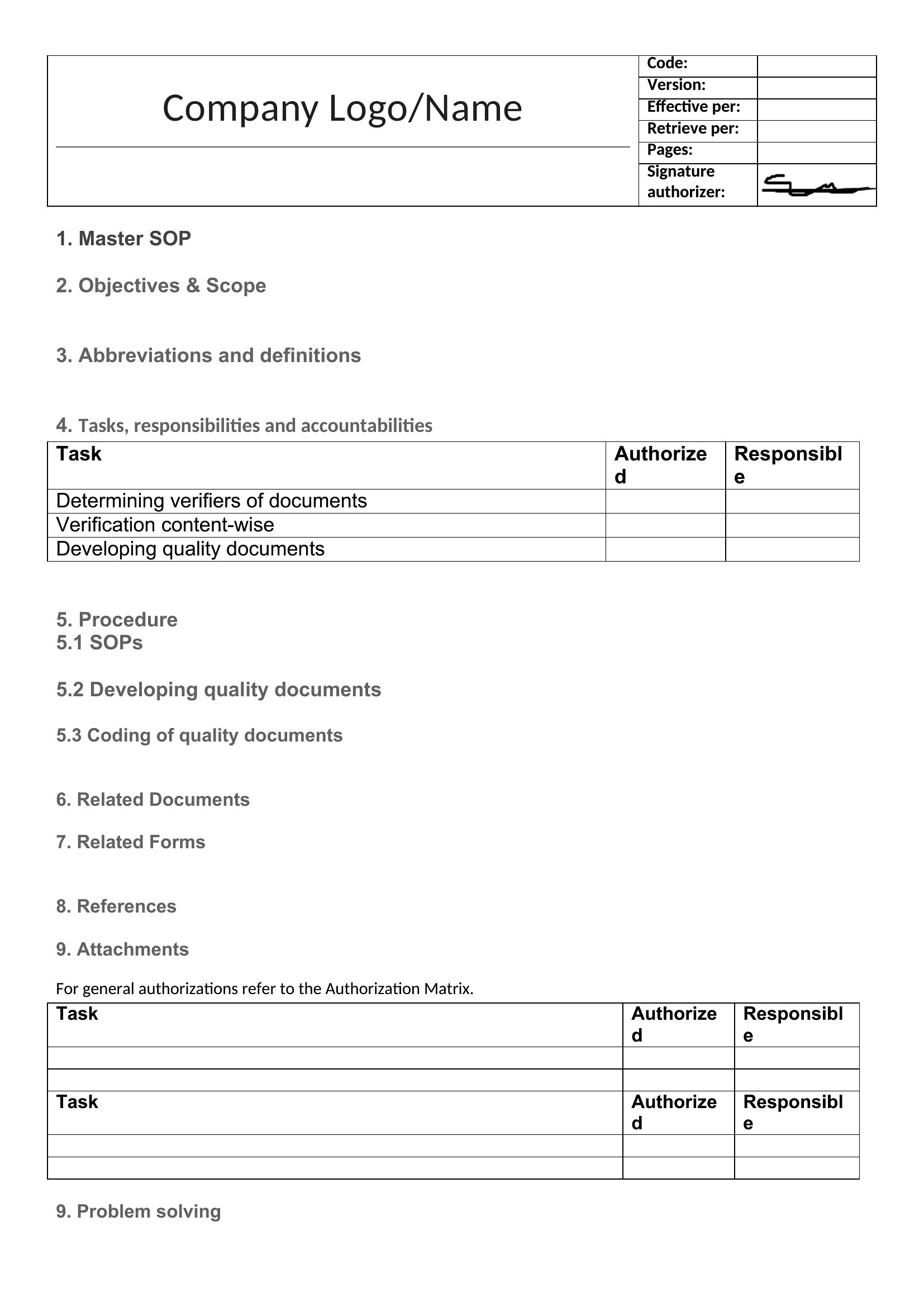
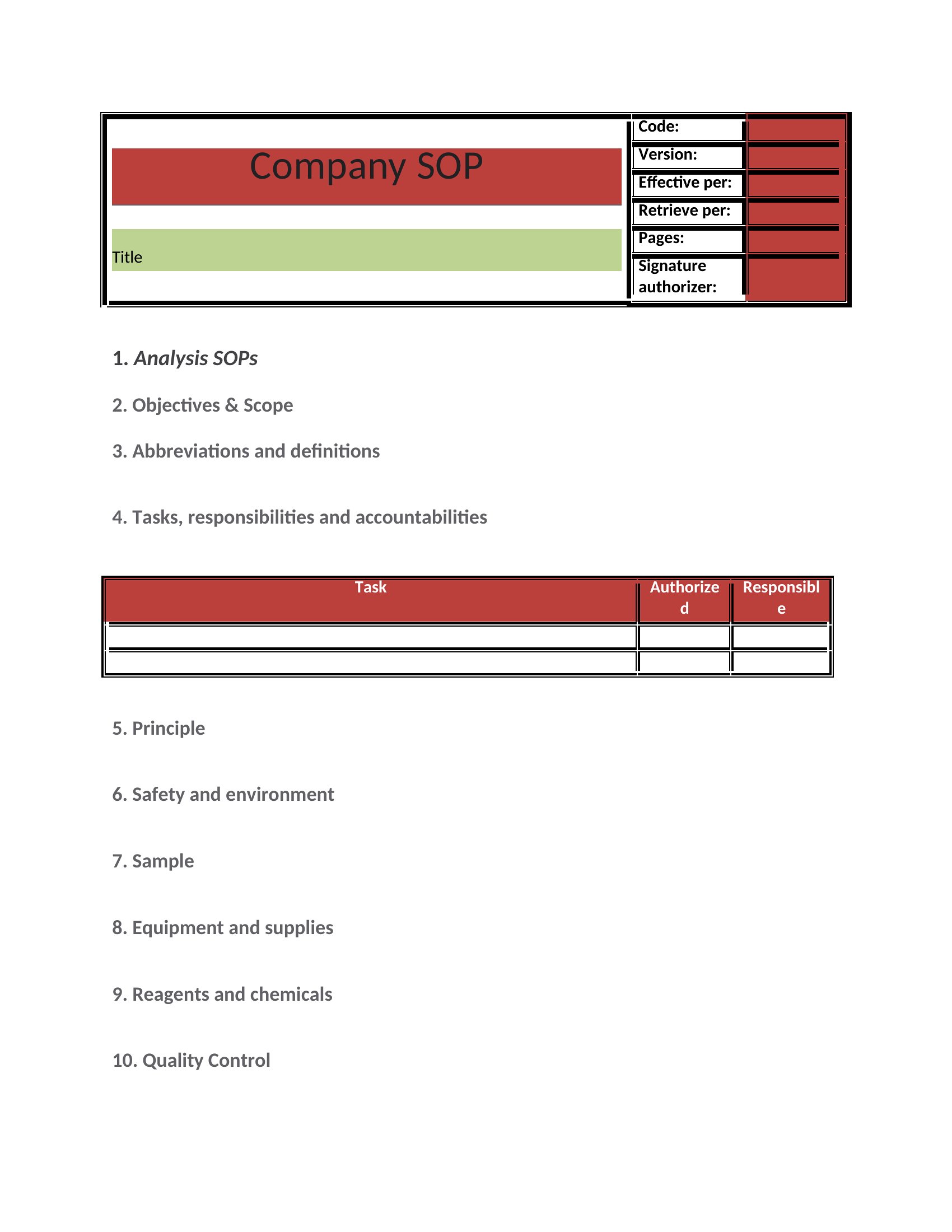
AnalysisA standard operating procedure captures the right way to do a recurring task so it gets done the same way every time, no matter who's on shift. This set of 51 templates gives you a ready structure for purpose, scope, step-by-step instructions, and responsibilities, covering office, manufacturing, and service settings. Managers, quality teams, and small-business owners can document a process once and stop answering the same questions over and over.
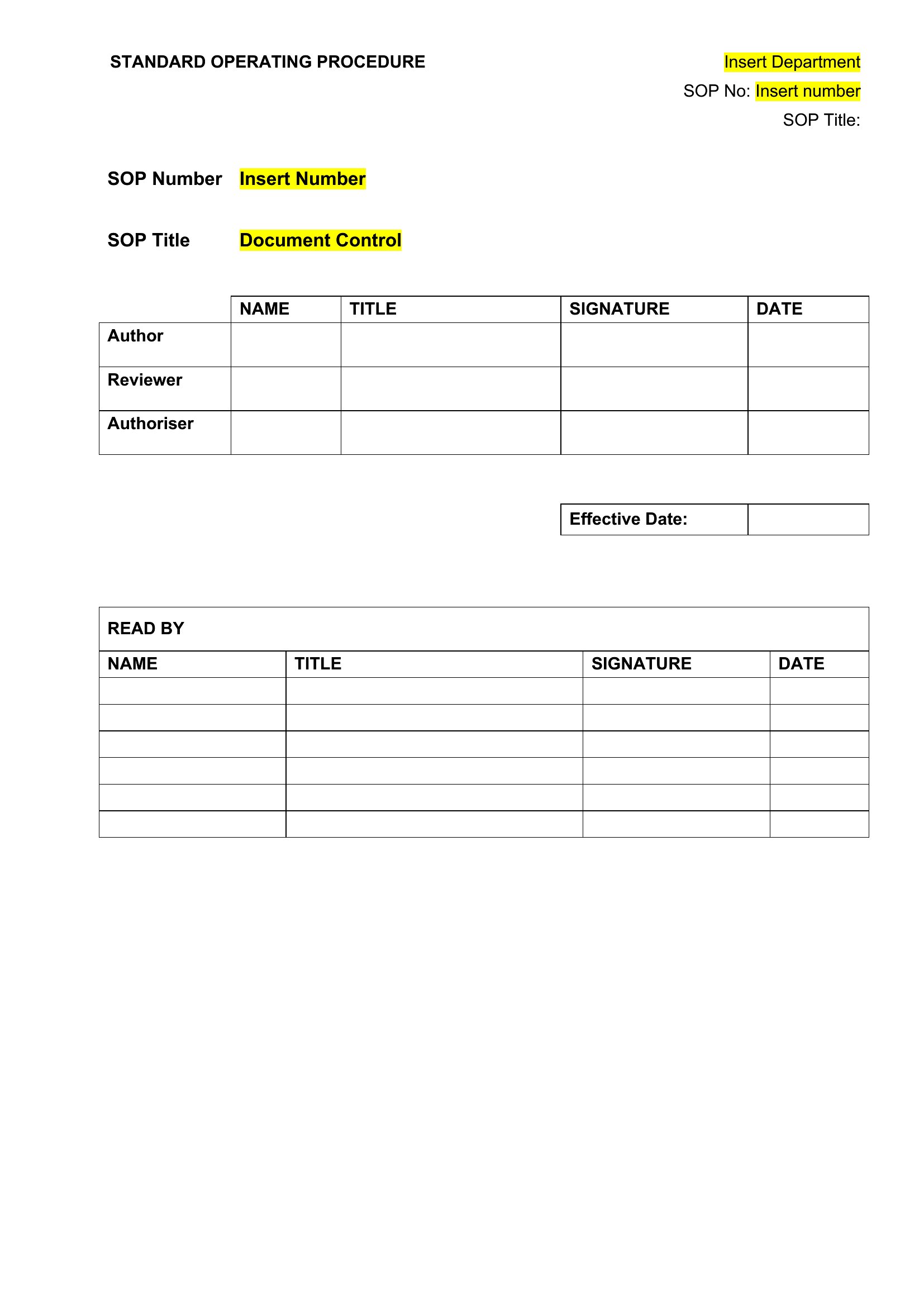
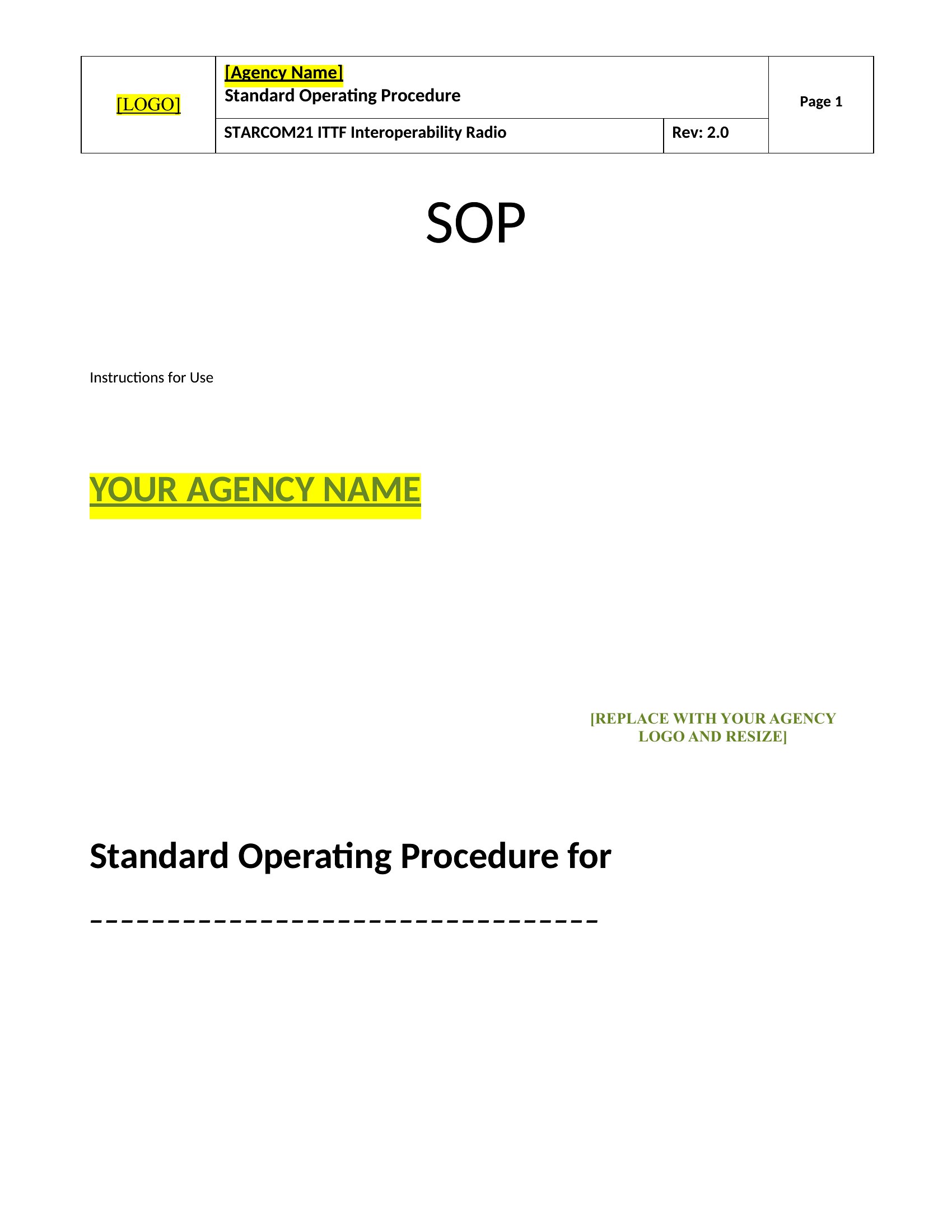
Each template opens in Word, so you can list out steps, add roles, and drop in screenshots or warnings where they help. The formatting stays consistent, which makes a binder of procedures look professional. Pick the layout that fits your operation and turn tribal knowledge into something you can actually hand off.
When to use this SOPs template
- A small manufacturing team needs to ensure consistent quality control for new hires during assembly line training, reducing defects by documenting each step clearly.
- A healthcare clinic’s compliance officer must create repeatable protocols for patient intake forms to meet HIPAA standards while allowing flexibility for different staff members.
- A retail manager wants to standardize the weekly inventory audit process across three stores, ensuring accuracy and accountability without reinventing the process each time.
- A freelance consultant managing multiple client projects uses SOPs to outline deliverable timelines, client communication steps, and invoicing procedures for each type of engagement.
Which format should I download?
This collection uses Word as the only format because it balances ease of editing with professional structure—ideal for teams needing to customize procedures while maintaining consistency. Word’s familiar interface lets managers quickly adapt templates to their workflows, add visuals like flowcharts, or collaborate in real-time. Choose Word if you prioritize flexibility over rigid design, as it supports comments, track changes, and easy sharing for reviews. Avoid other formats here; they lack the collaborative editing features critical for refining SOPs with stakeholders.
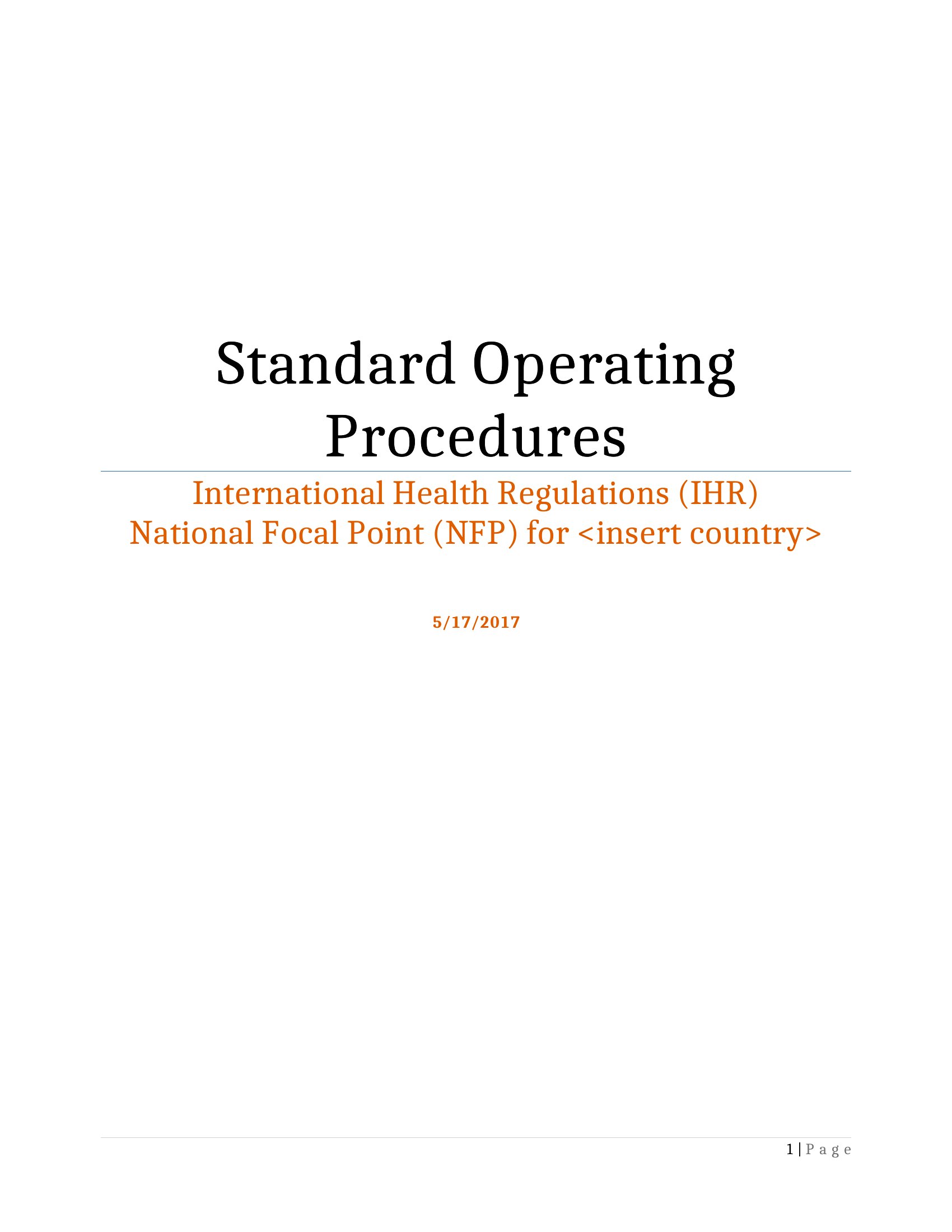
How to use this SOPs template
How do I tailor these SOPs to a highly regulated industry like pharma or aviation?
Start with the template’s core sections (purpose, scope, steps) and layer in industry-specific checklists or compliance references. For example, add a ‘validation log’ section for pharma or ‘risk assessment’ for aviation. Consult your organization’s existing compliance manuals to align language with internal policies, but avoid substituting these templates for formal regulatory guidance. Always involve a subject-matter expert to review before implementation.
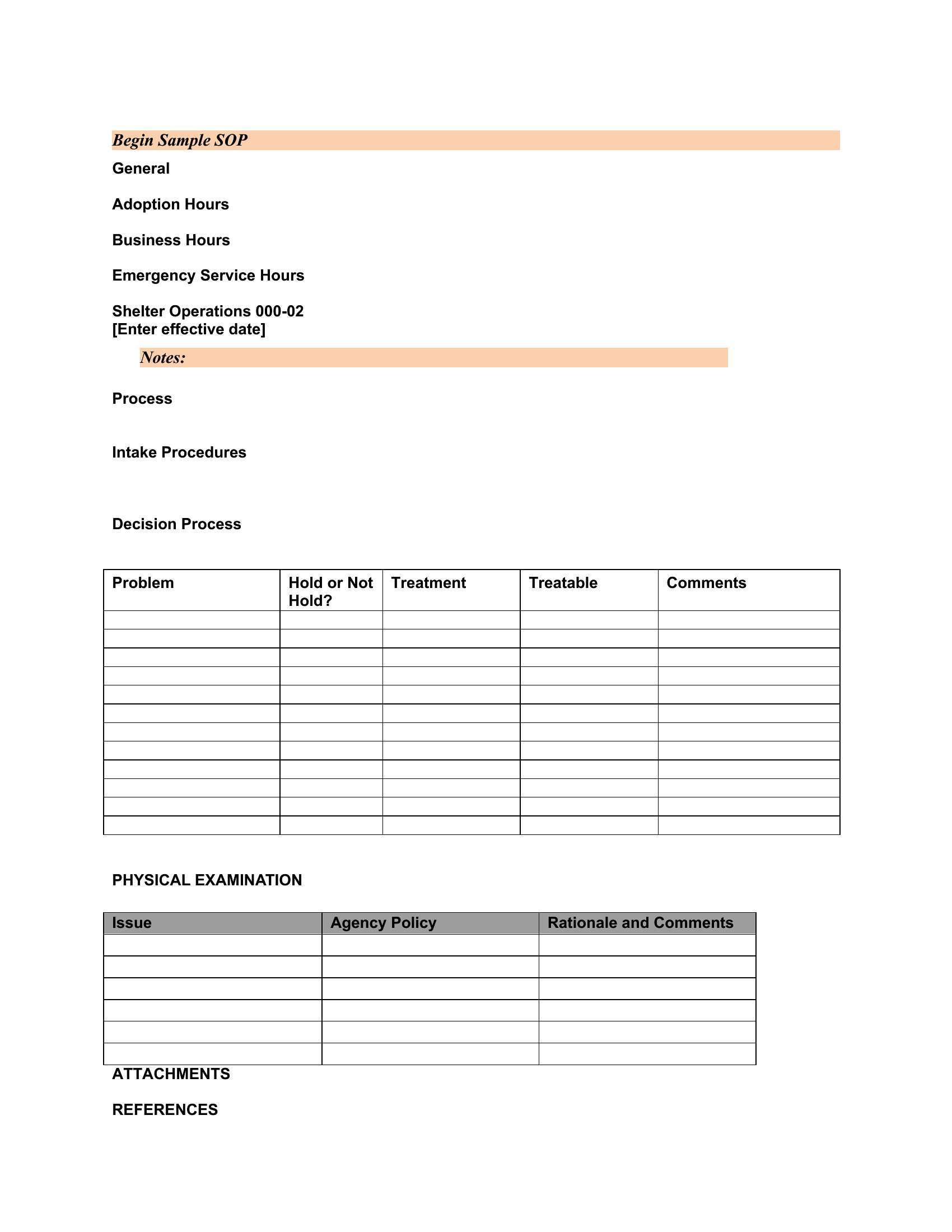
Can I use these templates to train employees who don’t read well?
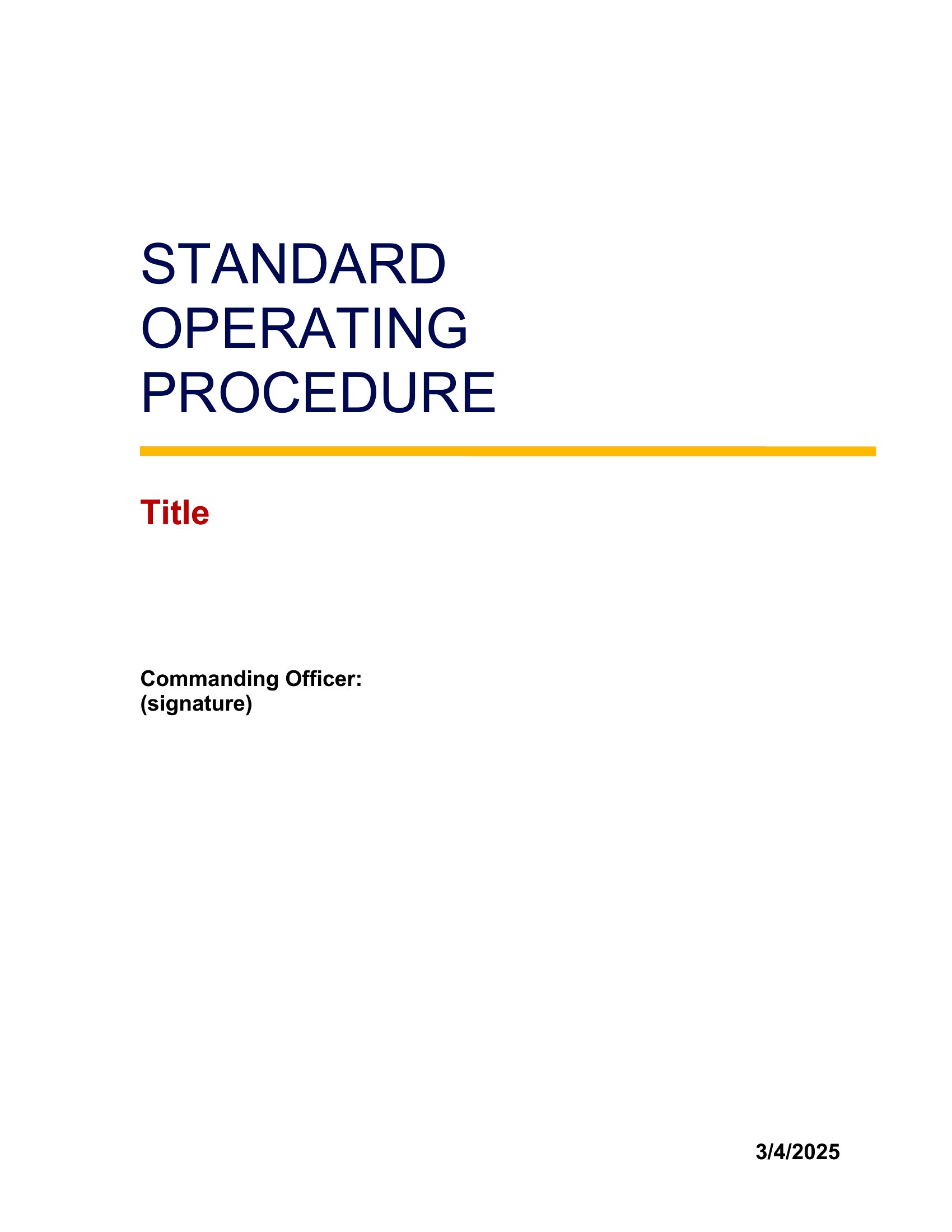
Yes, pair the Word template with visual aids like screenshots, icons, or simple diagrams embedded in the steps. Break procedures into smaller, numbered actions with bullet points. For hands-on roles, add a ‘quick-reference’ version with just key steps and photos. Highlight critical safety notes in a distinct color. Consider recording a short video walkthrough of the process and linking it in the template’s notes section for additional support.
What’s the best way to keep these SOPs updated when processes change?
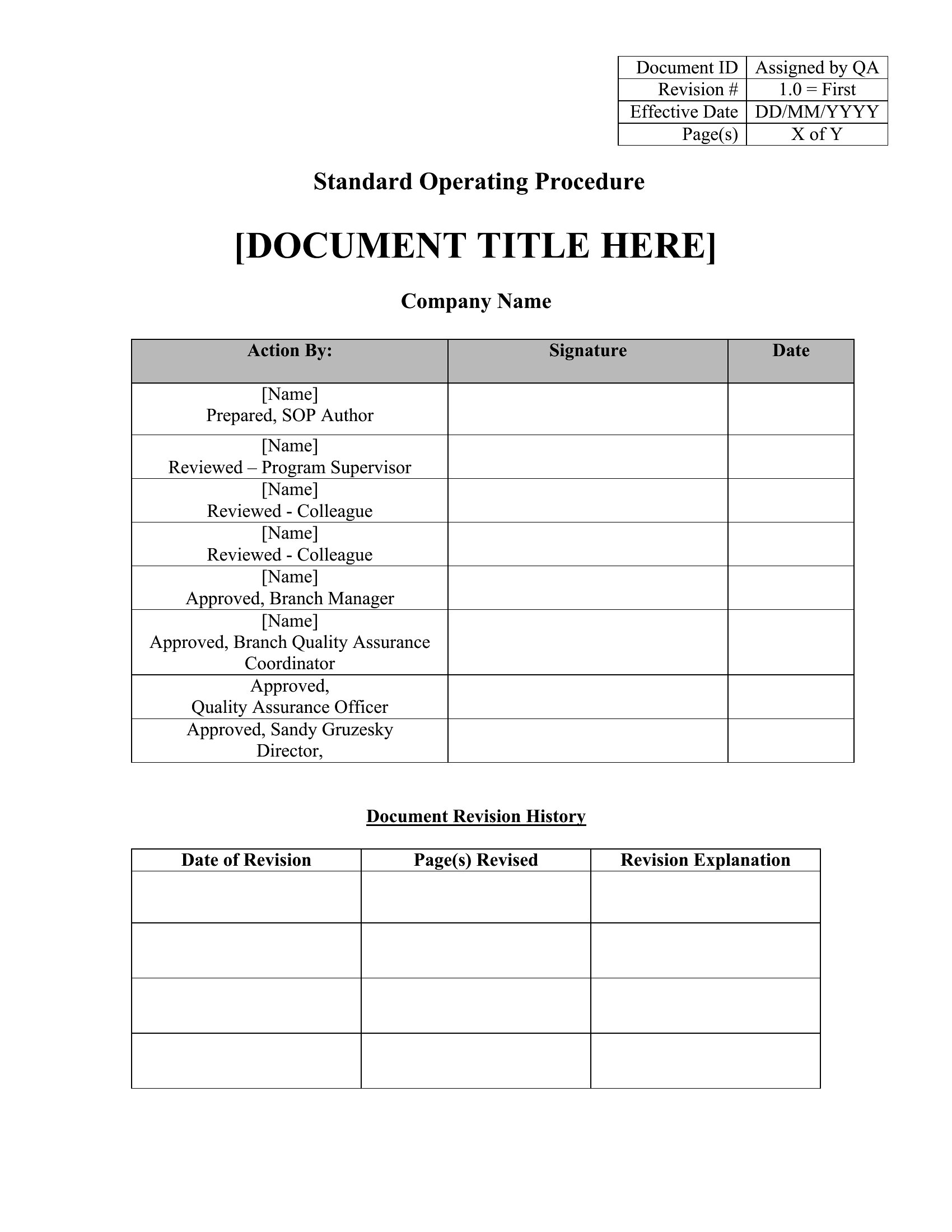
Assign a ‘process owner’ for each SOP who reviews it annually or after major changes. Use Word’s ‘Compare’ tool to track revisions when updating, and include a ‘Revision History’ section at the end of the document. Schedule a quarterly team meeting to audit all SOPs for relevance. For fast-moving teams, set up a shared folder where updates are stored with version numbers (e.g., ‘SOP_v2.1.docx’) to avoid confusion.
Comments
Join the conversation
Sign in to share your thoughts and leave a comment on this resource.